
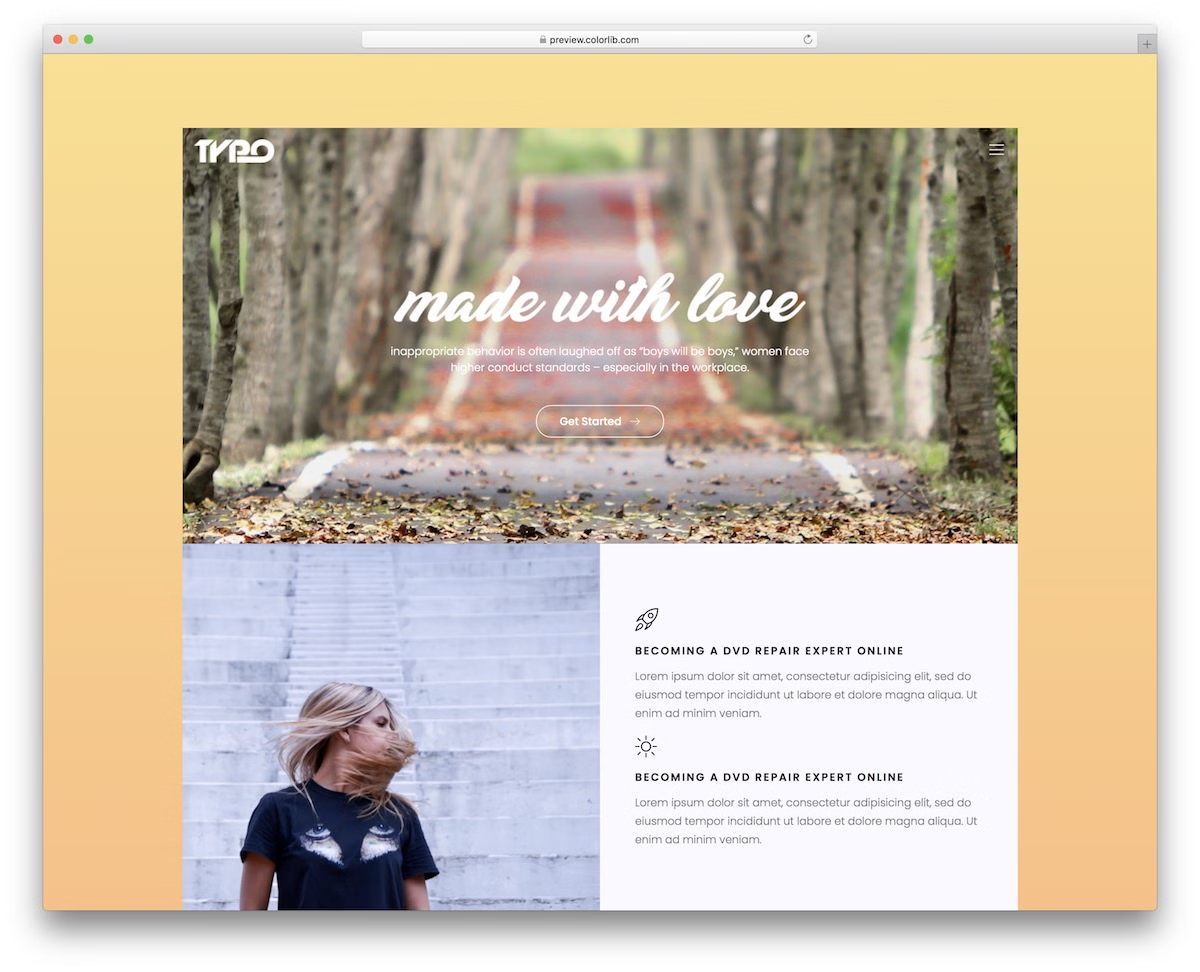
60 Best Free Responsive Website Templates 2026
These best free responsive website templates have all the technical and design aspects sorted out. Your page will follow all the latest trends and regulations of the modern web.
Recently, Google shared an interesting statistic at one of its recent events: more than 50% of internet traffic comes from mobile devices. People instantly turn to their phones when they need to know or see something.
Free tool by Colorlib · Form Workbench
Add a custom contact form to your template
Arrange fields side by side, check the phone preview and export HTML, React / Next.js, Vue or WordPress.
Completely free · No signup · Reopen saved forms
Install on your own site and connect an endpoint to receive enquiries.
As mobile devices become increasingly popular, Google has quietly incorporated your site’s mobile performance into its ranking factors. Some templates support AMP, also known as Google’s Accelerated Mobile Page, which performs faster on mobile devices.
AMP is an emerging technology; there is still much to be developed. It is Google, so the developments are rapid and are gaining momentum. However, AMP is a scaled-down version of HTML5 and CSS, so your site’s full potential is restricted.
When you choose mobile-responsive website templates, you get a responsive site and improved performance. If you are a beginner or on a tight budget, you can opt for the free responsive website templates. The best free responsive website templates are those that automatically adapt to any screen size.
Table of contents — all 60 responsive templates
- Divi (WordPress)
- Jevelin (WordPress)
- LaunchPad
- BuildCraft
- FinanceFlow
- FaithCommunity
- ShieldGuard
- LegalEdge
- LogiTrans
- WorkHub
- HopeFoundation
- Alex Rivera
- Glint
- Sona
- Appli
- EcoHosting
- Tough
- Shutter
- Dento
- Balay
- Animal Shelter
- Digilab
- Space
- Shionhouse
- Raptor
- Agrica
- Delicious
- Mypodcast
- Zacson
- Photosen
- DJoz
- Consulto
- Tasteit
- Podcast
- Jonson
- Notary
- Acupuncture
- Eventz
- Brber
- Unfold
- Zogin
- Gutim
- Doyoga
- Seos
- Buson
- Aznews
- FoodeiBlog
- Amin
- JustLaw
- Charifit
- Medi
- Lifeleck
- Europa
- Loans2go
- Dogger
- Activitar
- Cassi
- Nitro
- Edumark
- Booke
1. Divi (WordPress)
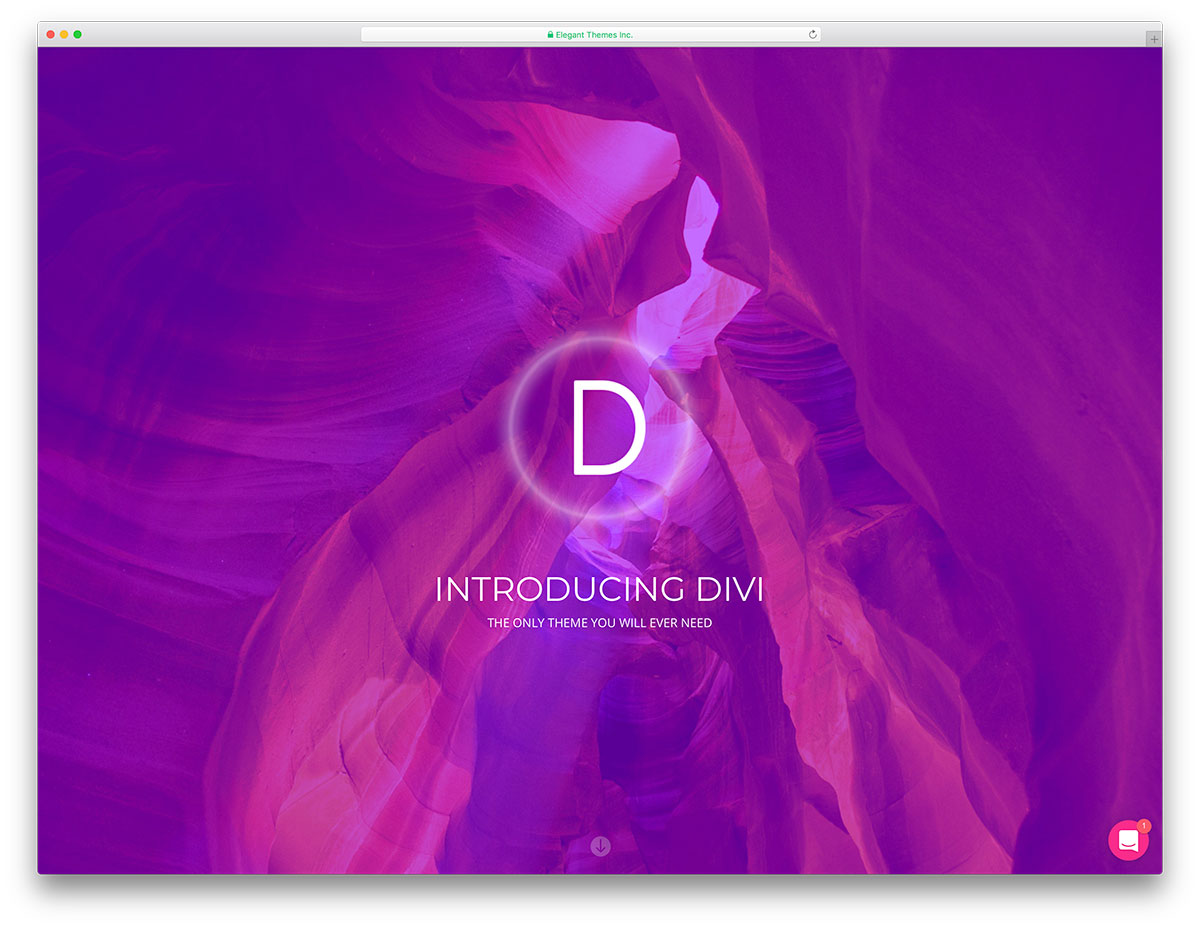
PremiumWordPress · Best for: any niche without a fixed demo
Divi is a visual page builder first and a theme second, so the responsive layout is assembled rather than inherited from a demo. The bundle ships more than one hundred predefined website packs you can import and publish as they are, then edit any section on the live page. Browse real sites built with it before committing a project.
2. Jevelin (WordPress)

PremiumWordPress · Best for: agencies reusing one license
Jevelin bundles over thirty ready-made demos, so a fitness site and a corporate site come out of the same license. Extras include more than forty custom shortcodes, Slider Revolution, WooCommerce, Contact Form 7, a mega menu and one-click demo install, plus video tutorials and documentation when the drag-and-drop editing runs ahead of you.
Best Free Responsive Website Templates
3. LaunchPad
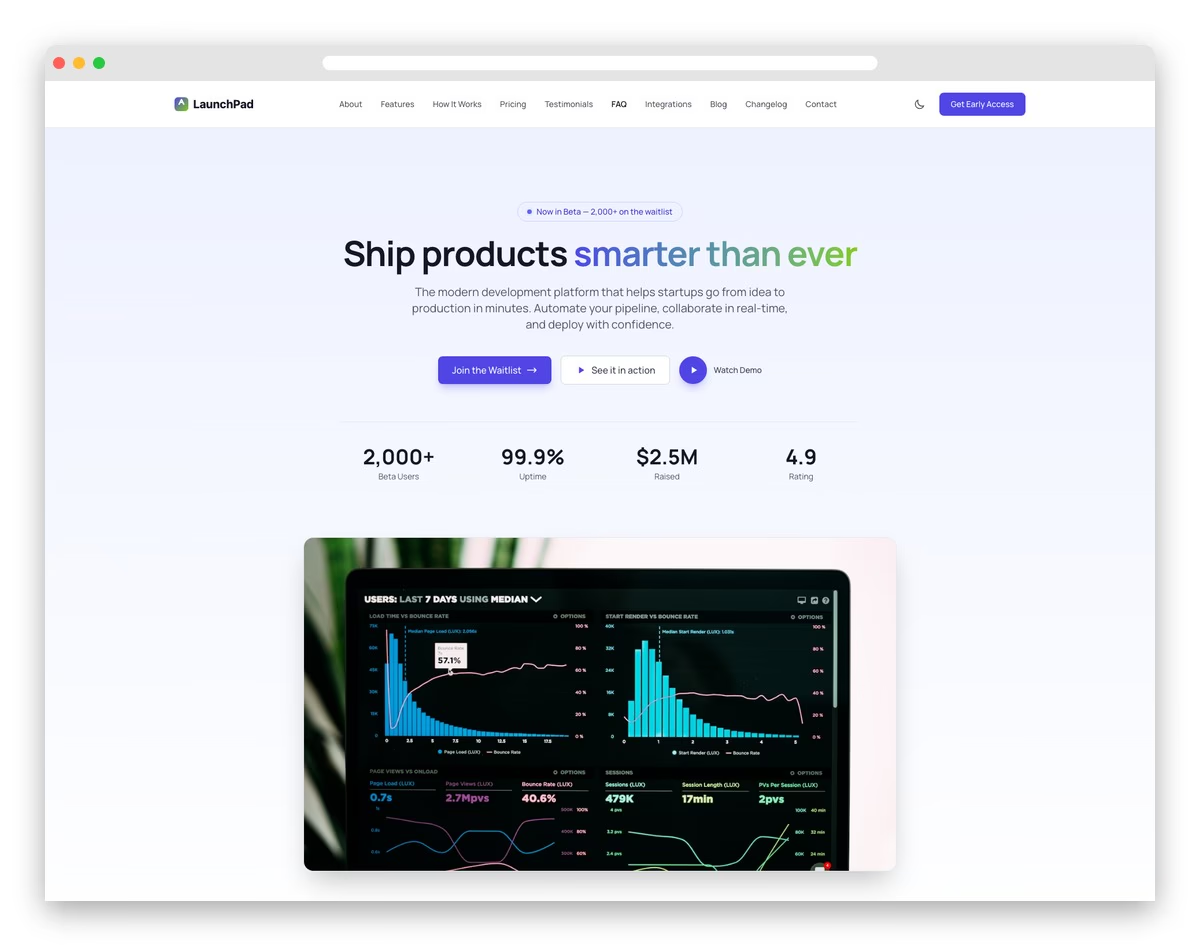
FreeAstroTailwindDark Mode · Best for: startup and MVP launch pages
LaunchPad covers the window between a pitch deck and a shipped product, pairing a demo section with investor-ready traction metrics. Copy, team members and feature blocks live in YAML and Markdown files, so a pivot means editing text instead of markup. A blog with search and filtering, a persistent dark-mode toggle and waitlist capture are built in.
- Startup hero with product mockup
- Feature showcase with animated icons
- Tiered pricing with toggle switch
- Investor and partner logos section
- Team profiles with social links
- Early access email capture form
4. BuildCraft
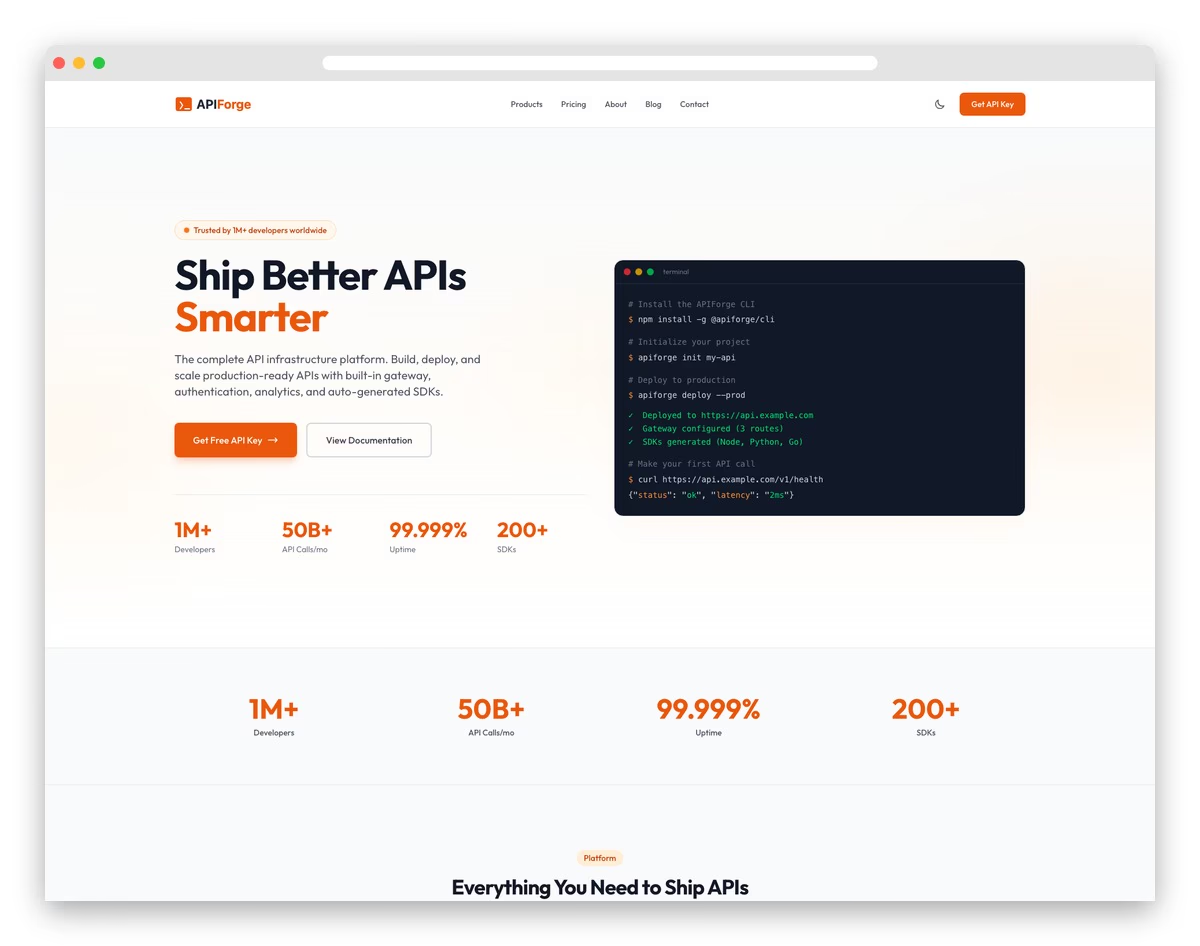
FreeAstroTailwindDark Mode · Best for: contractors and construction firms
BuildCraft answers the two questions construction clients ask before they call: what have you built, and are you licensed. Full-bleed project photography, timelines and scope descriptions carry the portfolio, while safety certifications and insurance documentation sit beside a short quote form. Projects and job-site posts are edited as YAML and Markdown.
- Project portfolio with category filters
- Construction service detail pages
- Team and equipment showcase
- Project timeline and progress display
- Safety certifications and badges
- Free estimate request form
5. FinanceFlow
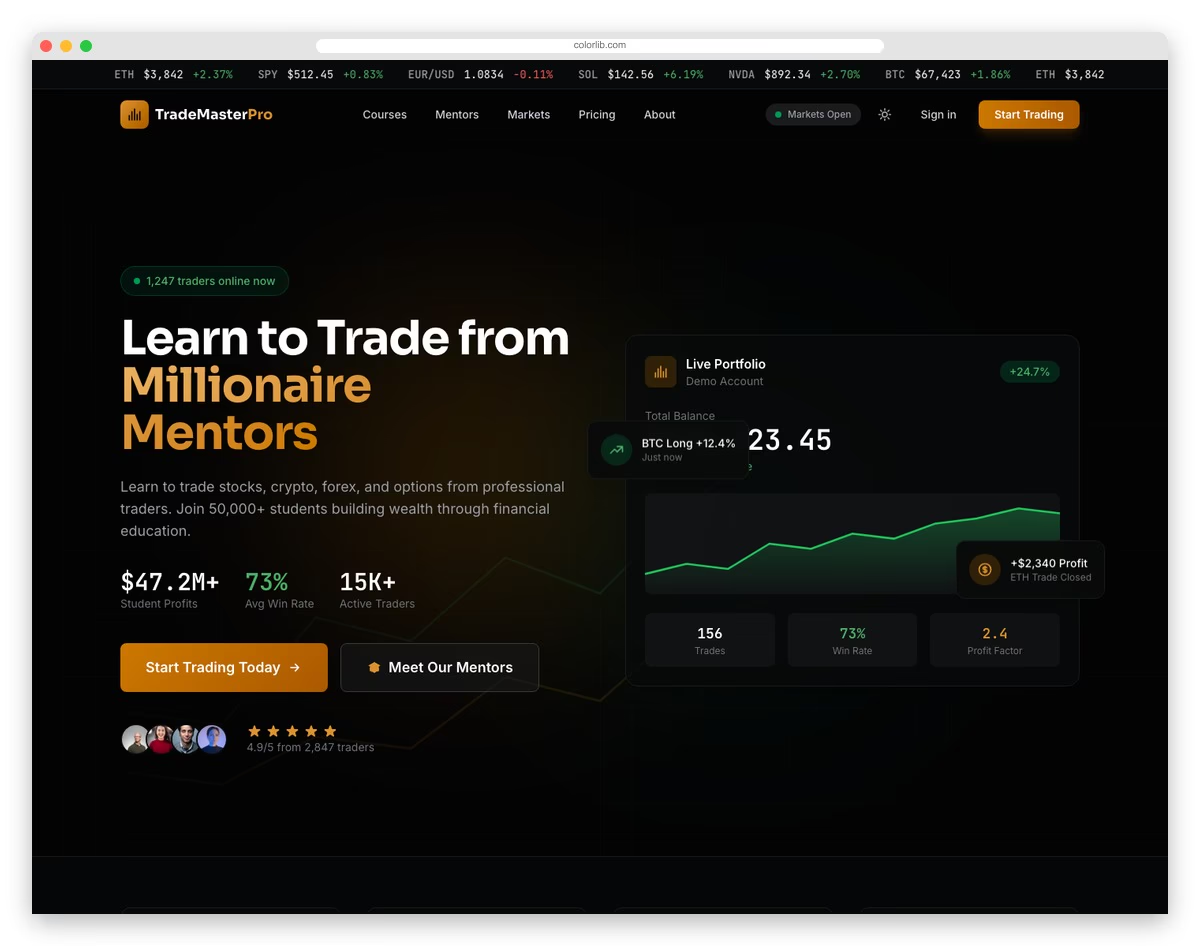
FreeAstroTailwind · Best for: fintech and digital banking
FinanceFlow sells the product by showing it, dropping dashboard previews, transaction lists and card-management screens into the marketing page itself. Loan and mortgage calculators give visitors something to do before signing up, and security and compliance badges handle the trust question that finance sites live or die on.
- Financial service comparison cards
- Investment calculator interface
- Security and compliance badges
- Market data and statistics display
- Client portfolio success stories
- Financial advisory blog section
6. FaithCommunity
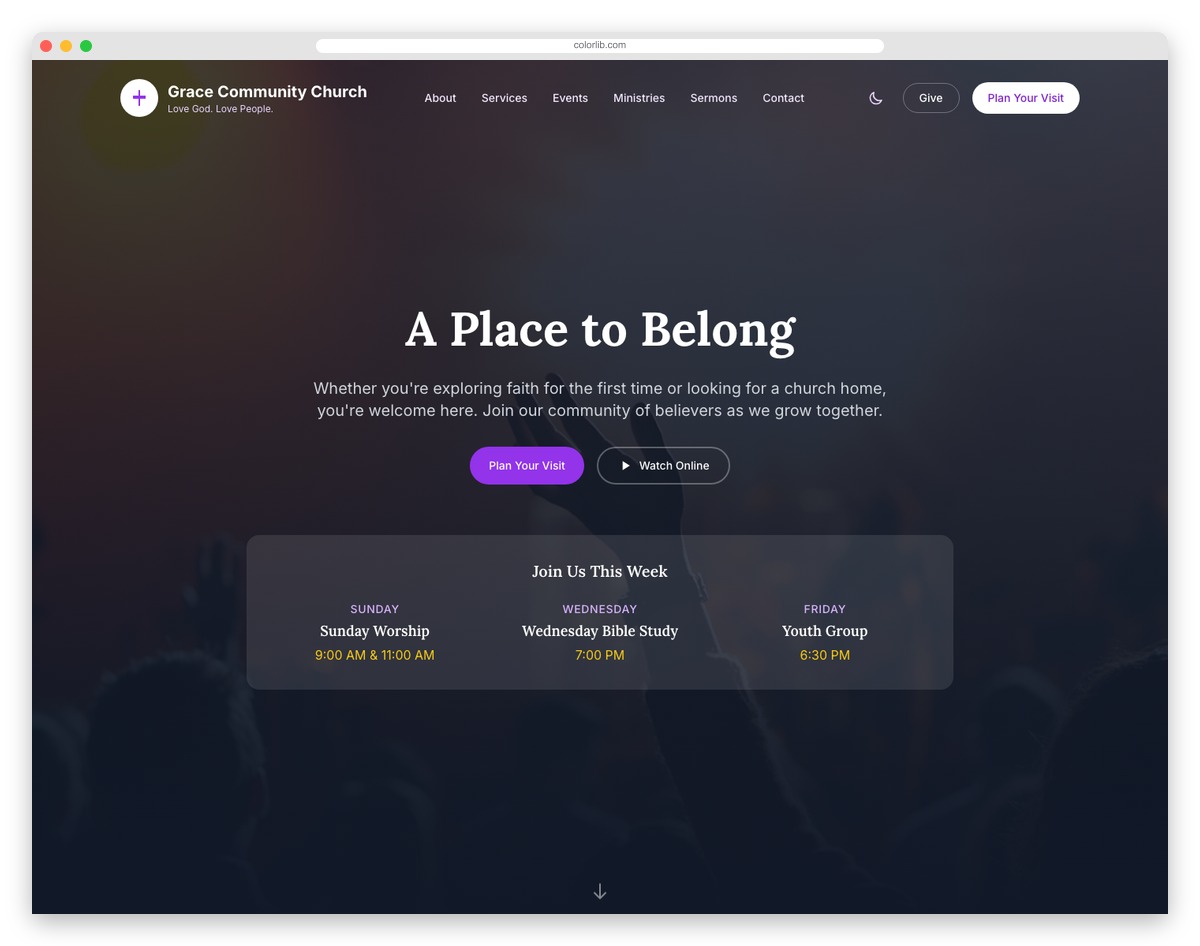
FreeAstroTailwindDark Mode · Best for: churches and ministries
FaithCommunity is written for the newcomer who checks the website before ever walking in, leading with service times, location and sermon samples. An event calendar with registration keeps midweek activity visible, ministry and volunteer signups route people into groups, and an online giving section handles tithing.
- Sermon archive with audio/video integration
- Event calendar with countdown timers
- Pastoral team profiles with biography pages
- Donation and tithing call-to-action sections
- Community blog with categorized posts
- Dark mode support with accessible design
Free tool by Colorlib · Form Workbench
Make the contact form fit your chosen template
Customize a form in the browser, test it and download code you can reopen later.
Completely free · No signup · Reopen saved forms
Install on your own site and connect an endpoint to receive enquiries.
7. ShieldGuard
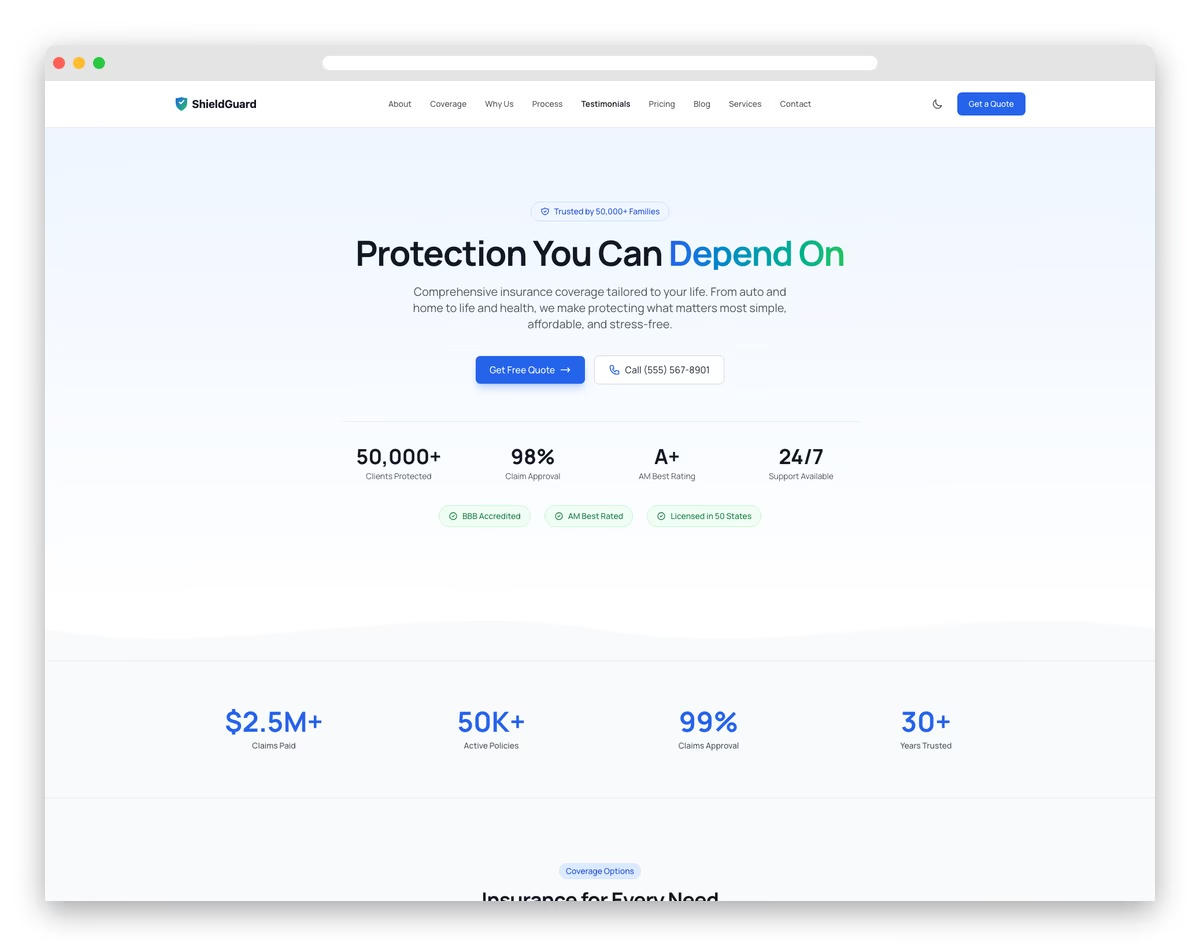
FreeAstroTailwindDark Mode · Best for: insurance agencies and brokers
ShieldGuard puts coverage in plain language, with comparison tables that let a family weigh policies without decoding industry jargon. A claims-process timeline shows what happens after a loss, agent profiles supply the human side, and quote forms capture the lead. Coverage plans and FAQ content are edited as YAML.
- Insurance policy comparison tables
- Coverage calculator with interactive inputs
- Claims process timeline visualization
- Agent profiles with contact forms
- Trust badges and industry certifications
- FAQ accordion for common insurance questions
8. LegalEdge

FreeAstroTailwindDark Mode · Best for: law firms and solo attorneys
LegalEdge argues with numbers: case-result statistics and success rates sit next to bar admissions and practice-area depth. The free consultation form is the single conversion point, and the dark mode option suits the late-night researcher comparing attorneys at midnight.
- Practice area showcase with details
- Attorney profiles with credentials
- Free consultation request form
- Case results and success stories
- Client testimonials section
- Legal insights and news blog
9. LogiTrans
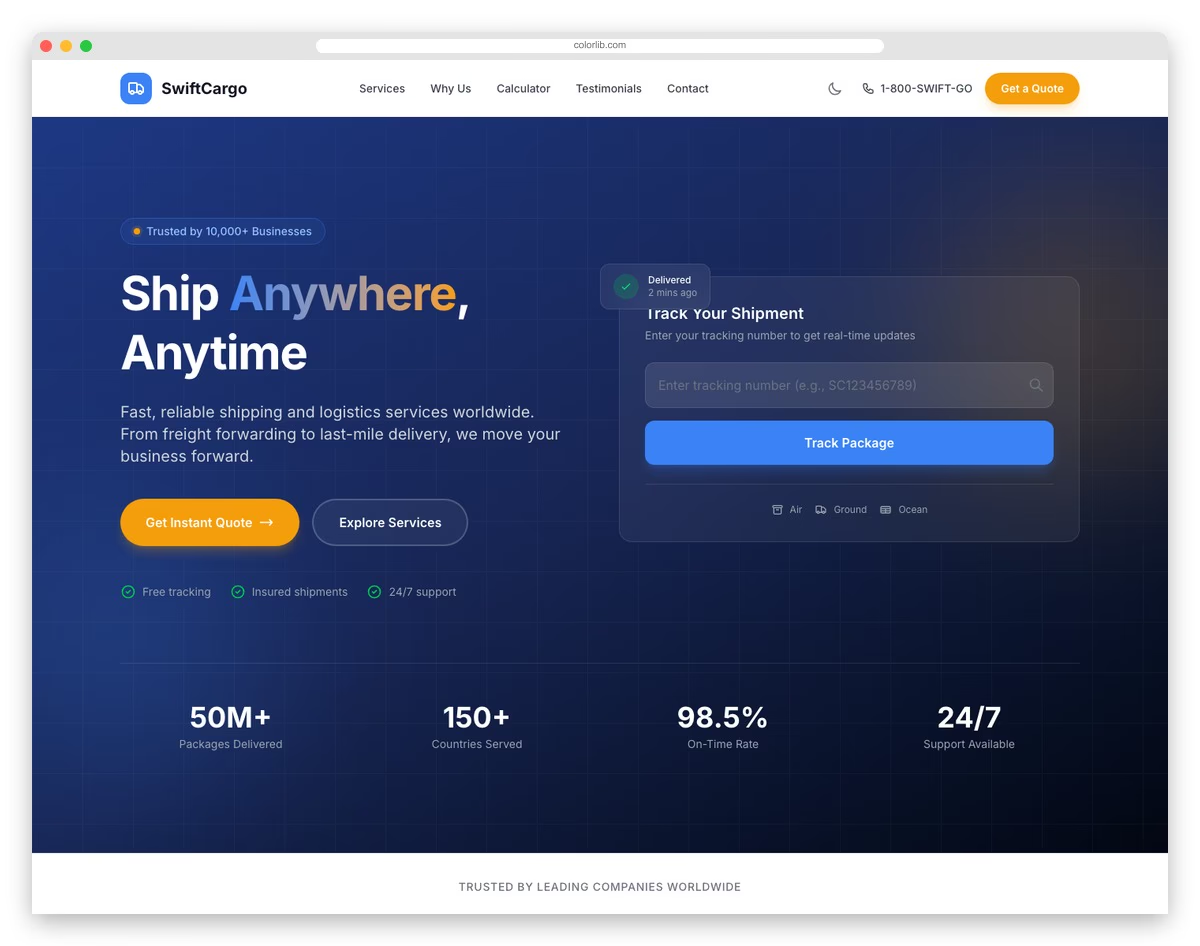
FreeAstroTailwind · Best for: freight and supply chain firms
LogiTrans answers procurement questions above the fold: coverage area, transit time and where the shipment is right now. A tracking form with order lookup, a service coverage map, an instant quote calculator and a fleet showcase give logistics buyers the operational proof they screen vendors on.
- Shipment tracking interface
- Service route and coverage maps
- Fleet and vehicle showcase
- Quote request form with details
- Warehouse and facility information
- Industry-specific blog section
10. WorkHub
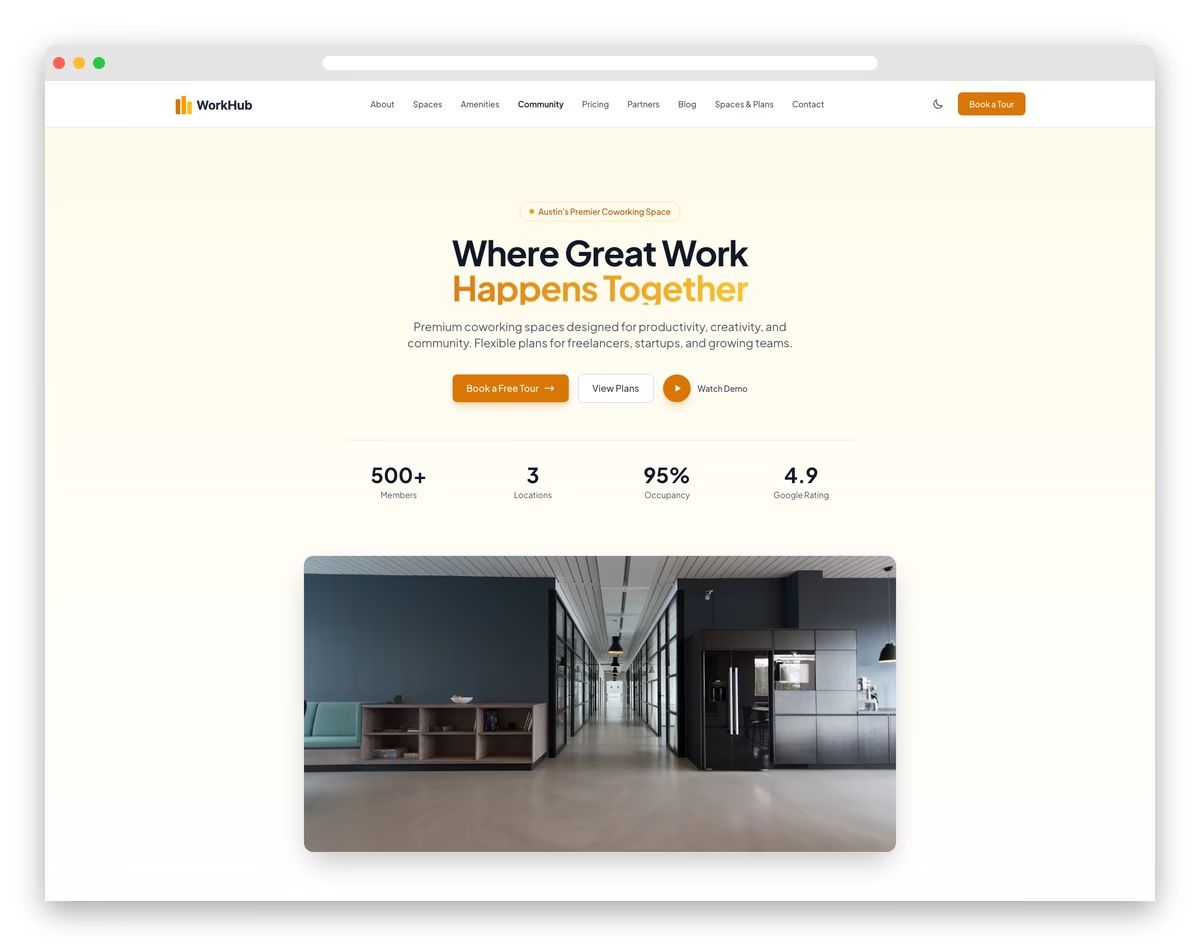
FreeAstroTailwindDark Mode · Best for: coworking and flexible offices
WorkHub sells the three things people compare before touring a desk: the space, the amenities and the price. Virtual tours cover the first, an amenity grid the second, and side-by-side membership tiers the third. Community event listings and member testimonials argue the networking case, all managed in YAML.
- Workspace plan comparison with pricing
- Amenity and facility showcase
- Virtual tour and photo gallery
- Meeting room booking interface
- Community events calendar
- Member testimonials and reviews
11. HopeFoundation
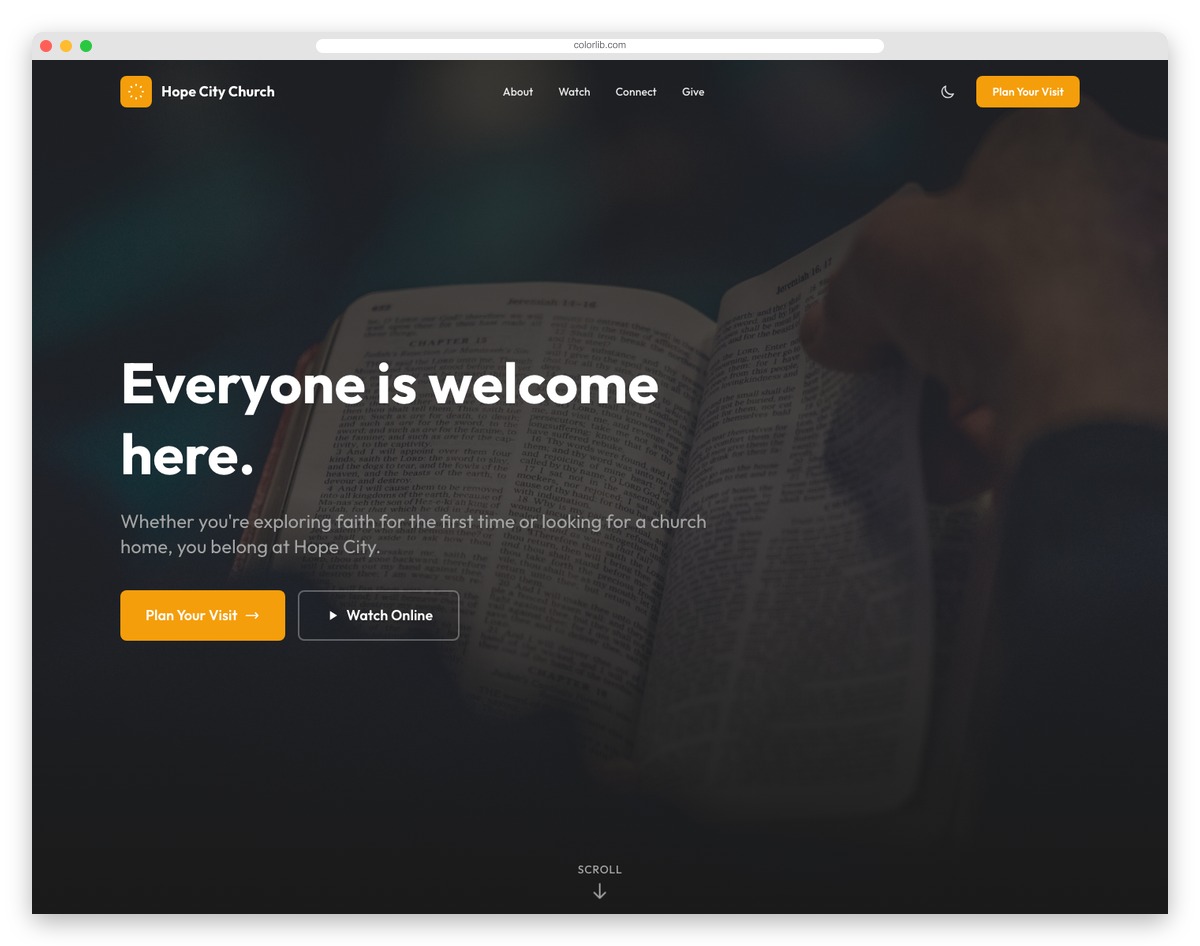
FreeAstroTailwind · Best for: charities and foundations
HopeFoundation leads with beneficiary stories and measurable outcomes, and only then makes the donation ask. Campaign progress trackers with goal amounts create urgency, the donation form offers suggested amounts, and transparency and annual-report sections answer what major donors want to know before giving.
- Cause highlight cards with impact info
- Donation encouragement sections
- Impact stories and success metrics
- Volunteer opportunities listing
- Annual report and transparency info
- Community engagement blog
12. Alex Rivera
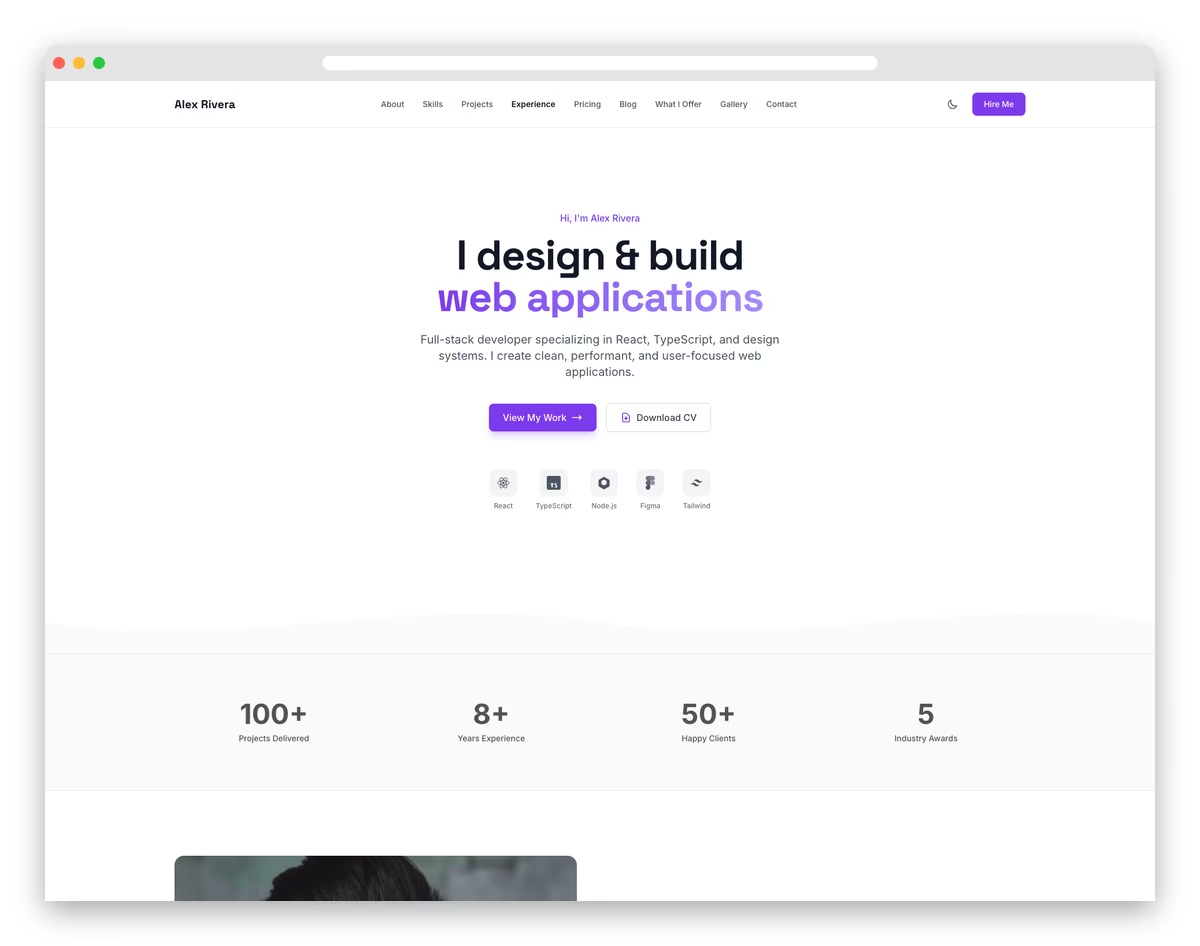
FreeAstroTailwindDark Mode · Best for: freelance designers and developers
Alex Rivera keeps the layout deliberately plain so the work carries the page: a filterable project grid that opens into full case studies. A skills matrix speaks to hiring managers, and the contact form is framed as a service inquiry rather than a mailto link. New projects and case studies go in as Markdown.
- Project portfolio with case studies
- Skills and expertise visualization
- Professional bio and about section
- Client testimonials slider
- Contact form with service inquiry
- Blog for industry insights
13. Glint
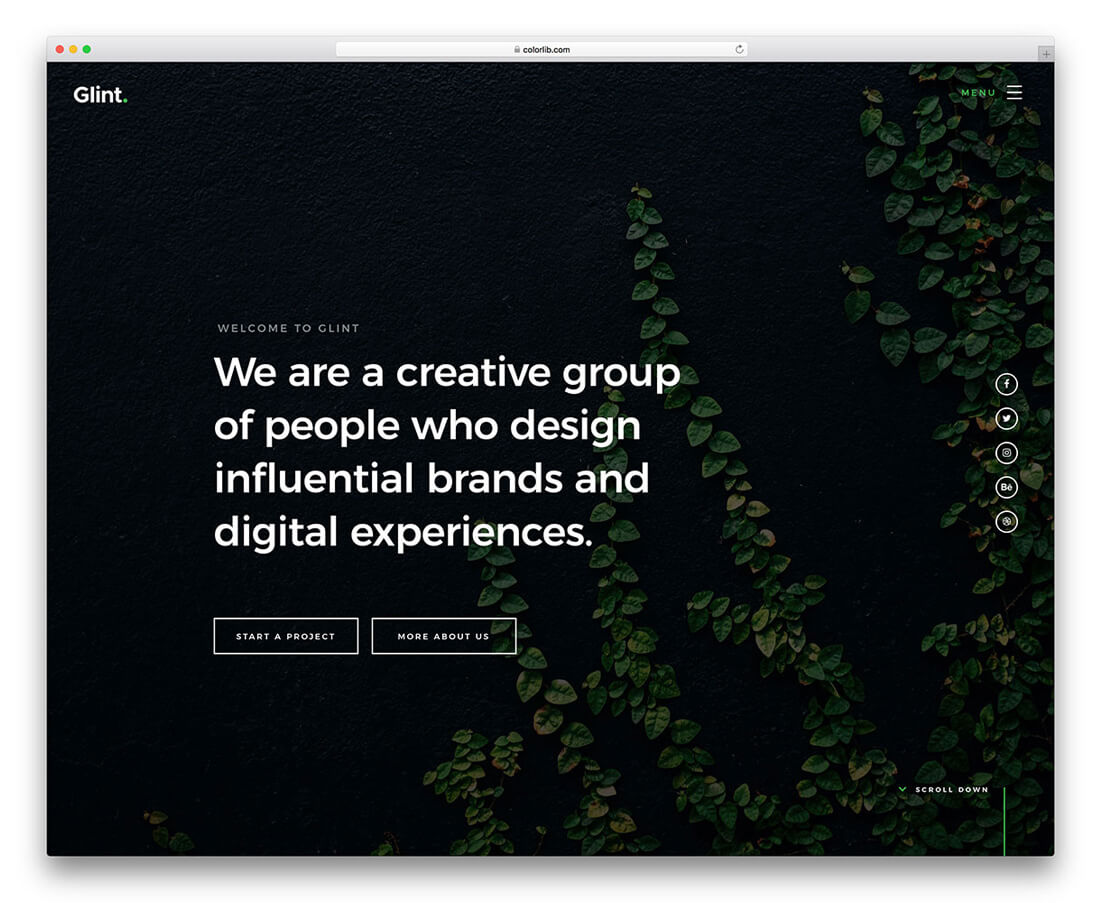
FreeHTML · Best for: creative agencies and freelancers
Glint alternates light and dark bands down a single page, using solid green as the one accent that reads in both. The one-pager runs on hamburger navigation and covers parallax scrolling, animated statistics, a grid gallery and a working contact form. It is plain HTML and CSS with no CMS or admin dashboard behind it.
14. Sona
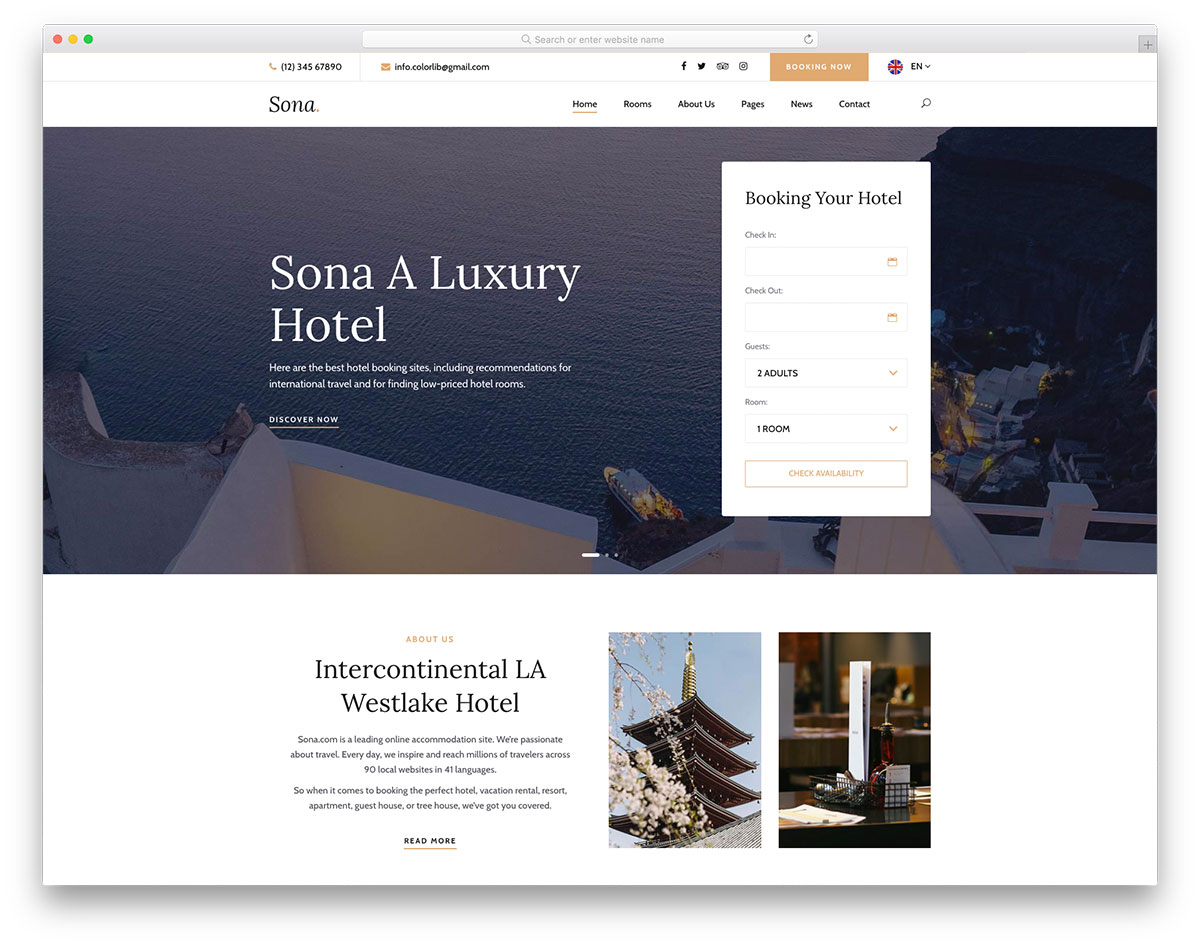
FreeHTML · Best for: hotels and small accommodation
Sona is organised around occupancy: a rooms page, a booking-ready form and a slider that sells the property before the rate does. Inner layouts, a blog for deals and local guides, a working contact form and Google Maps round it out. The layout is retina-ready and rebrands without structural work.
15. Appli
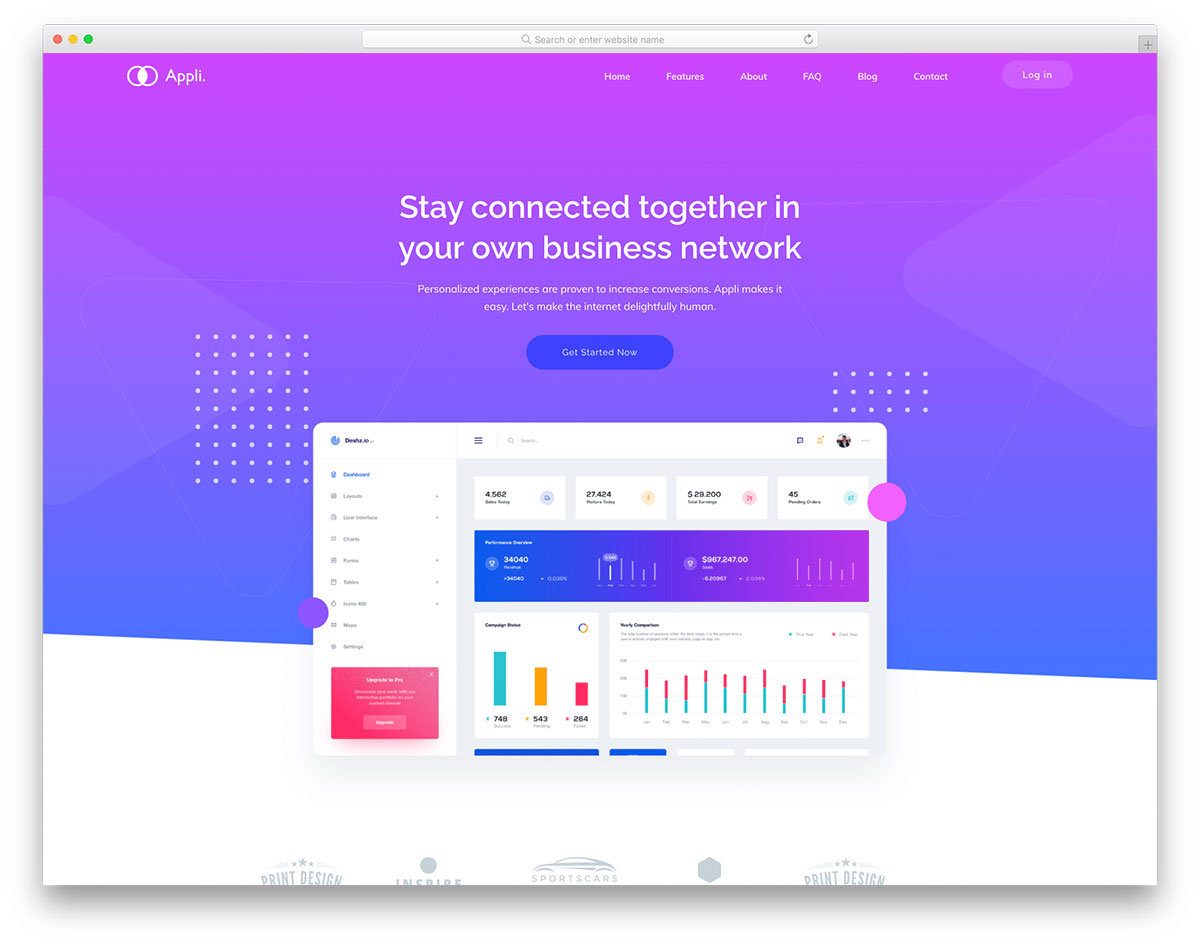
FreeHTMLBootstrap · Best for: mobile app landing pages
Appli paces an app pitch down one page: a text slider, brand logo strip, hover effects and repeated calls to action leading to the download. A sticky menu keeps the install button within reach on the scroll and a back-to-top button shortens the return trip. It works as shipped or takes your branding.
16. EcoHosting
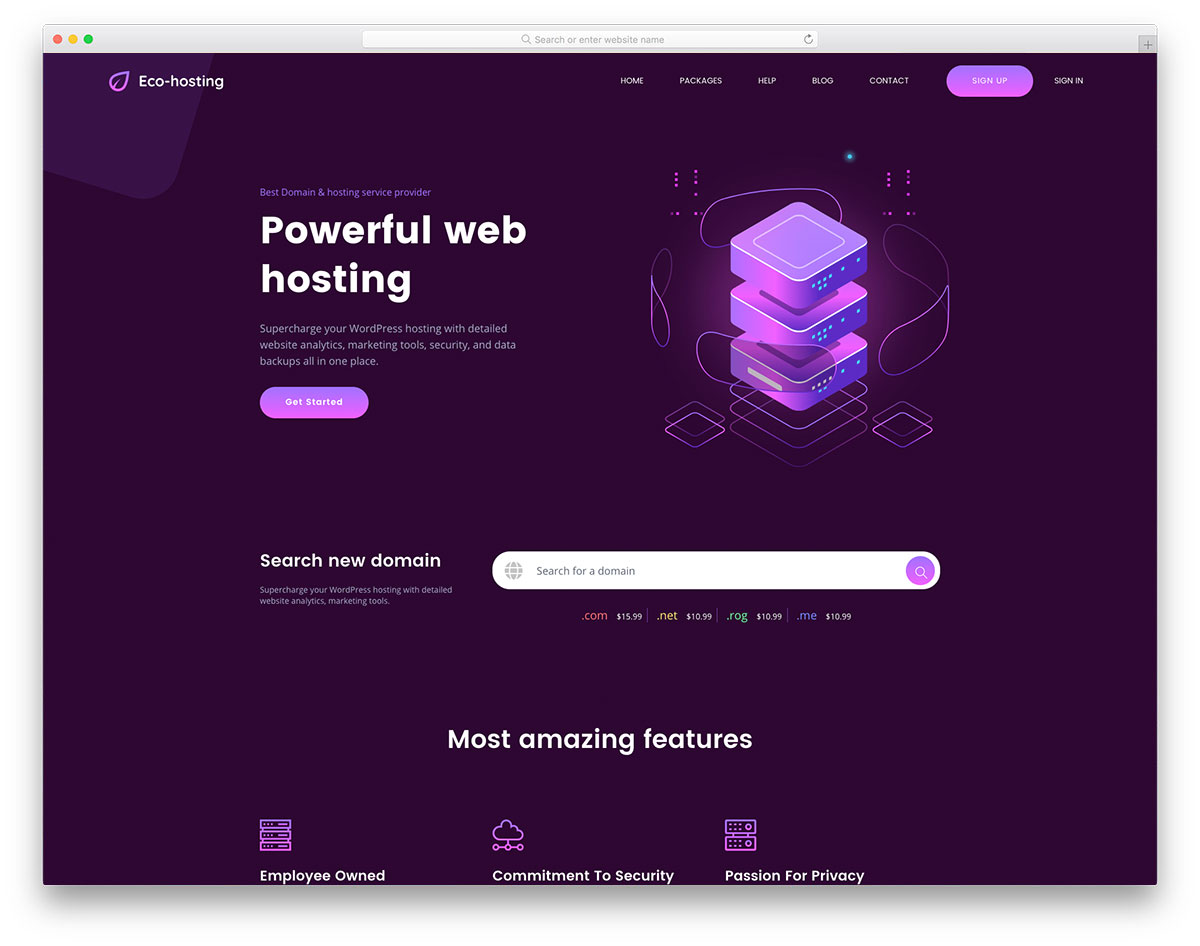
FreeHTML · Best for: hosting and domain resellers
EcoHosting dresses a hosting business in dark purple and puts pricing tables and an FAQ section exactly where the objections happen. Several inner layouts ship alongside the front page, plus a preloader, floating header, back-to-top button, testimonials, blog and a working contact form. It is retina-ready and cross-browser tested.
17. Tough
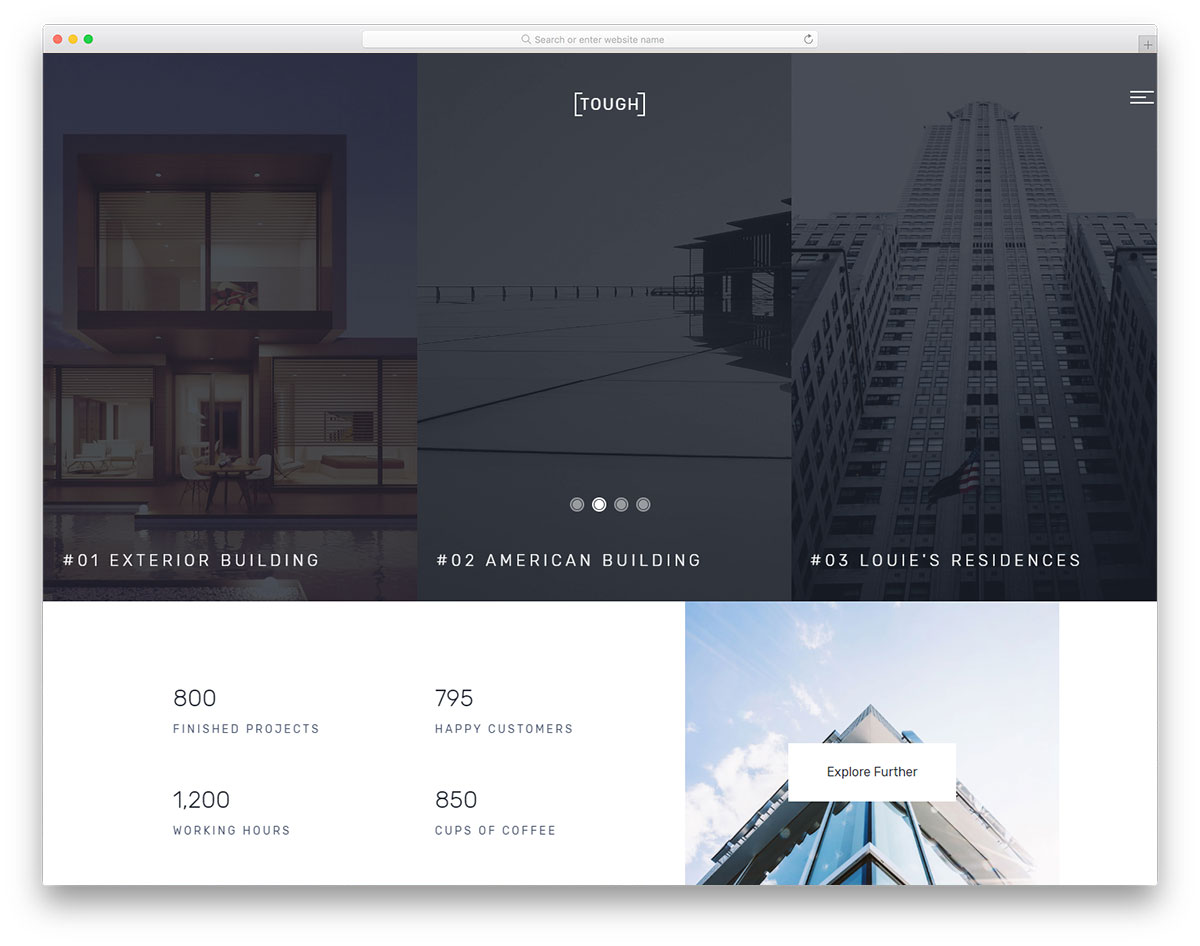
FreeHTMLBootstrap · Best for: interior design and architecture studios
Tough builds an interior-design portfolio around motion: carousels, on-scroll content loading and hover effects that reveal project detail as you go. A testimonials slider and pricing plans handle the sales side. It is built on Bootstrap, so the grid behaviour is standard and easy to extend.
18. Shutter
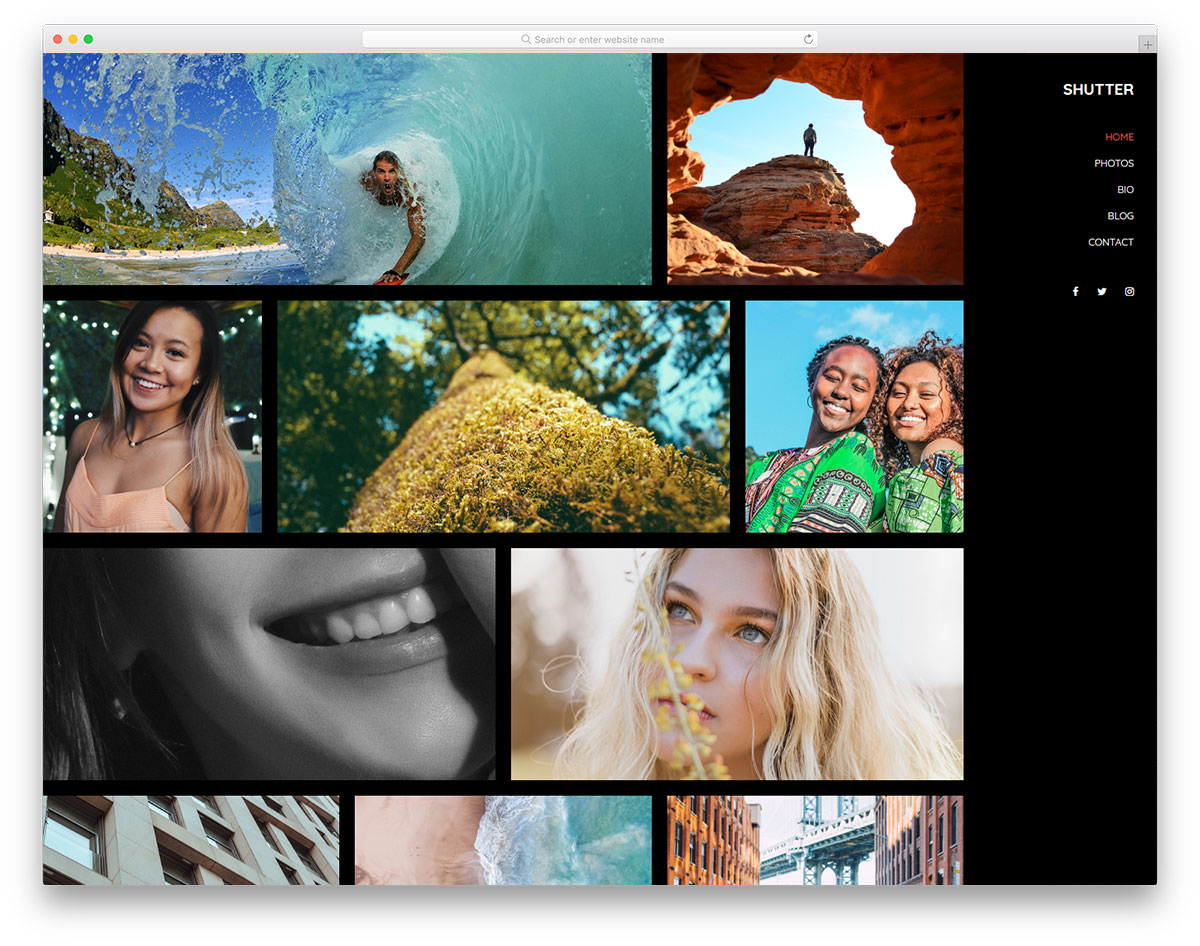
FreeHTMLBootstrapDark Mode · Best for: photography portfolios
Shutter’s dark layout is the point: images sit on near-black and load in as you scroll, with nothing competing for attention. Beyond the home page it includes bio, photos, blog and contact sections, all built on Bootstrap. It suits hobby and professional photographers alike, since the gallery does the arguing.
19. Dento
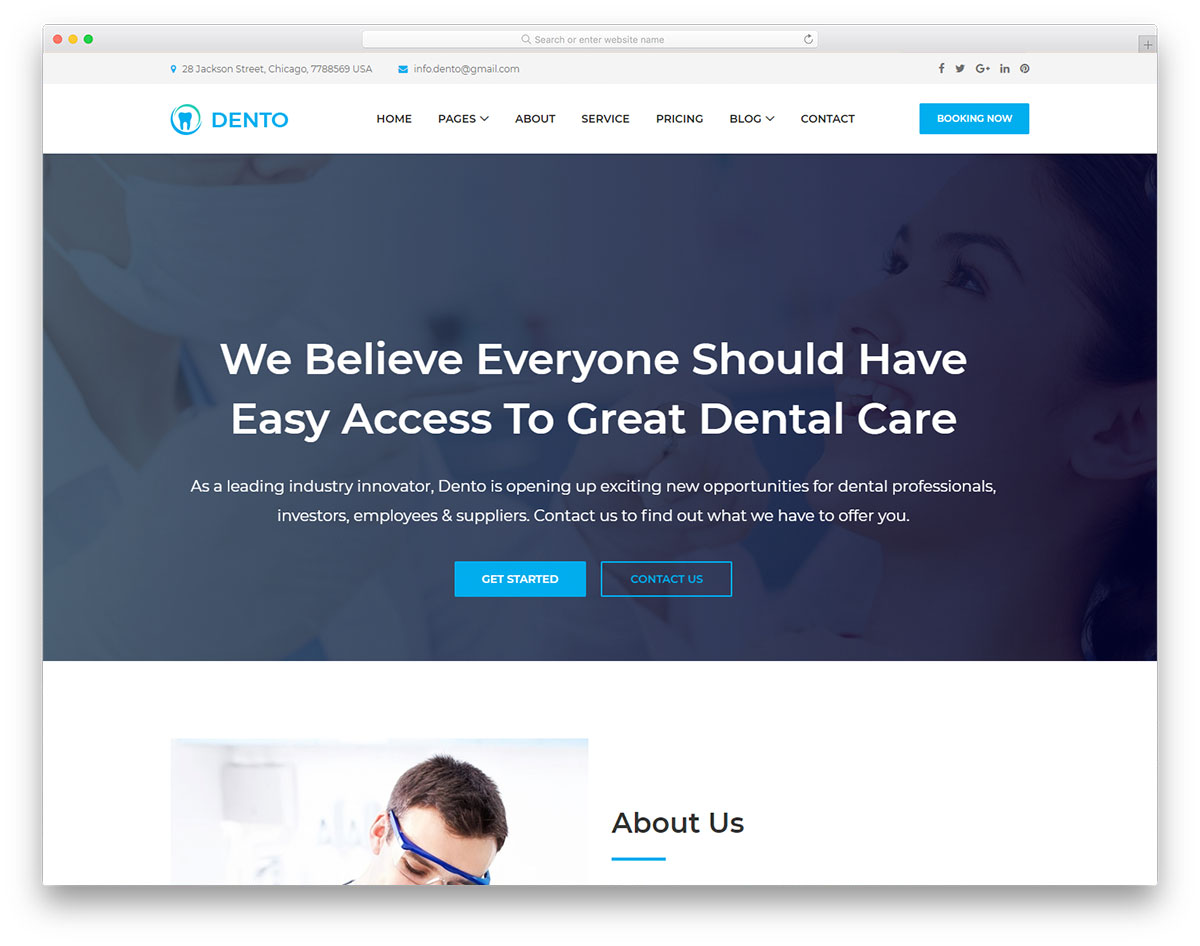
FreeHTMLBootstrap · Best for: dental clinics and practices
Dento was rebuilt from the ground up with jQuery removed, refined typography and a softer palette than the original. A full-width slider opens, then services and prices, then a blog for patient education. The Bootstrap base keeps it mobile-ready, so patients can compare treatments from a phone.
20. Balay
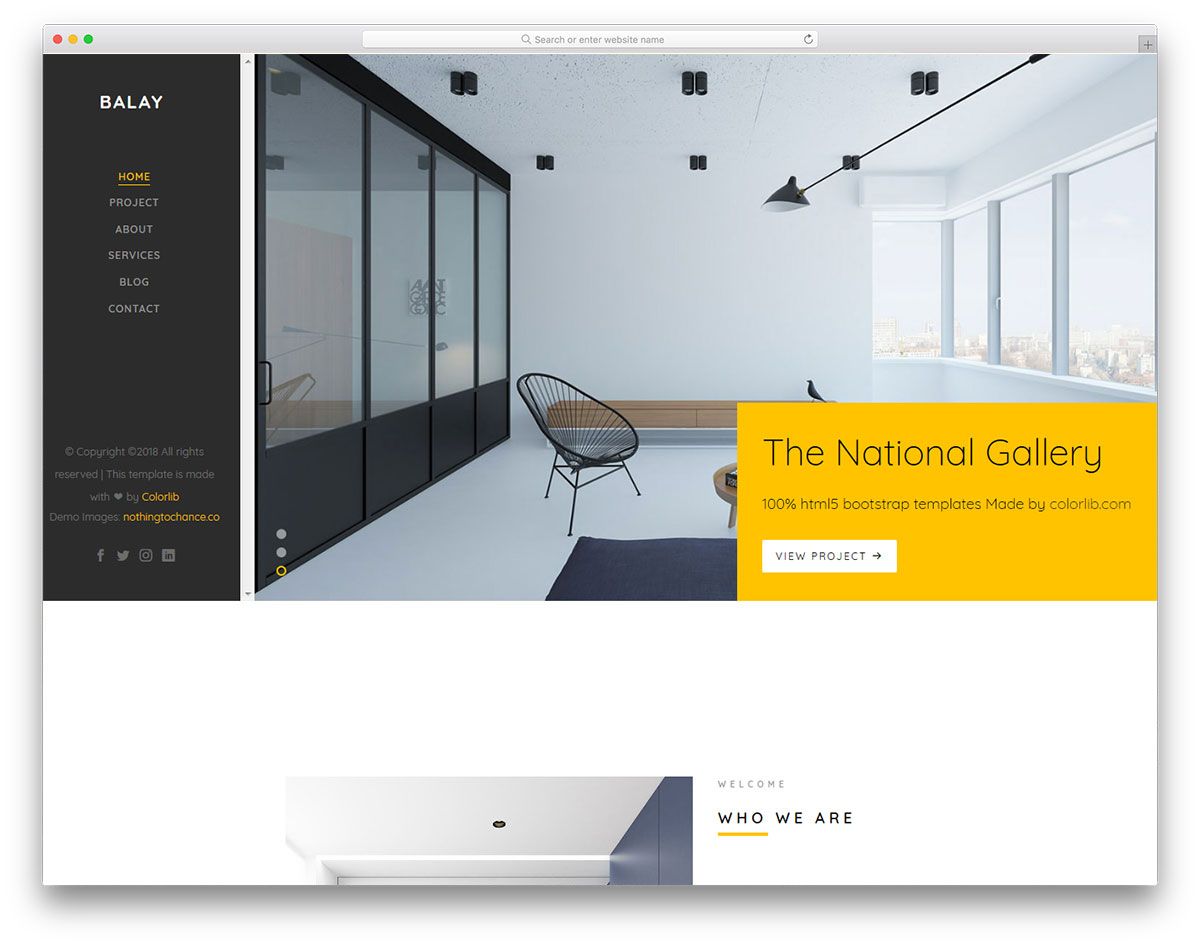
FreeHTMLBootstrap · Best for: remodelling and design-build agencies
Balay runs a left sidebar for navigation instead of a top bar, which leaves the full width of the page for project photography. The product page doubles as a portfolio for finished builds, with on-scroll content loading, animated statistics, a blog and a contact page with Google Maps. It is built on Bootstrap.
21. Animal Shelter
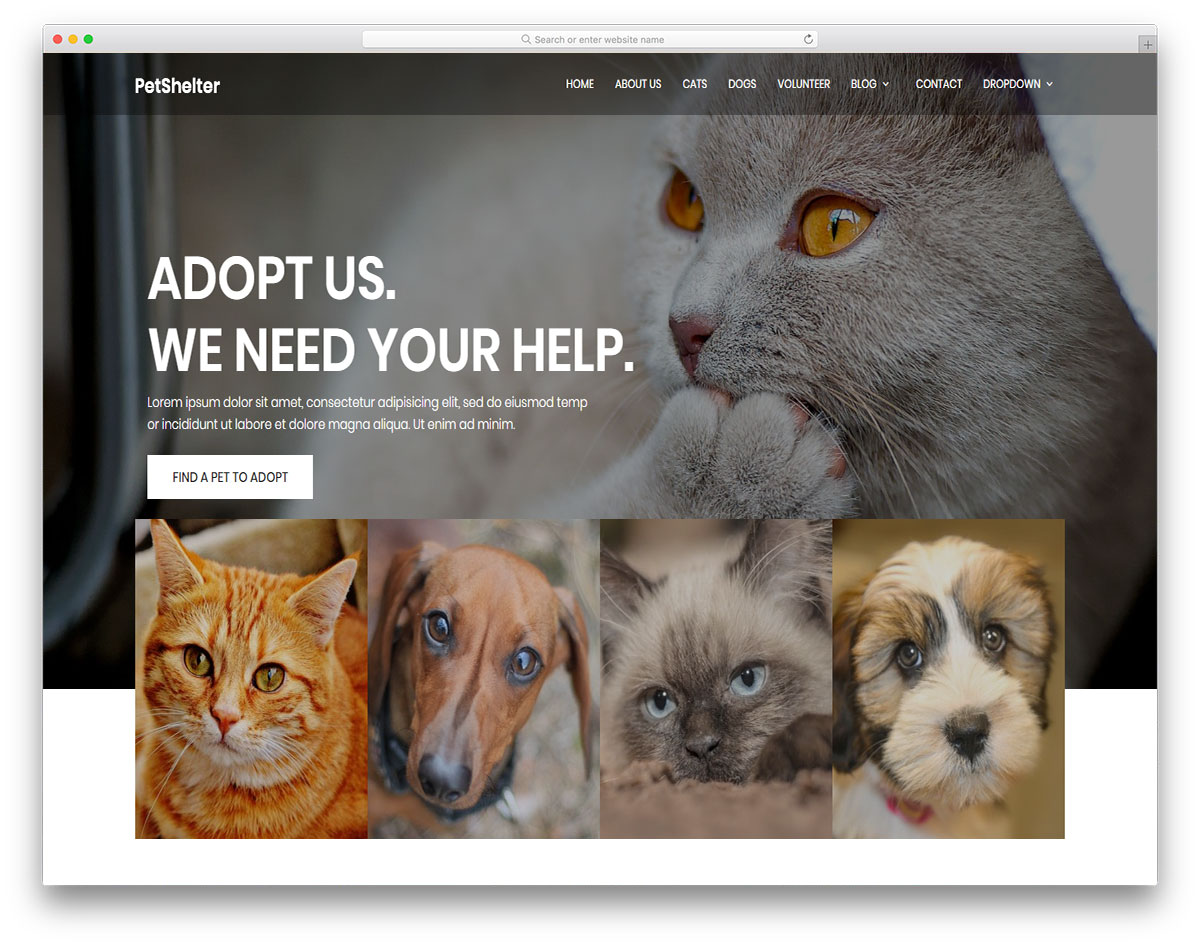
FreeHTML · Best for: animal shelters and rescues
Animal Shelter splits the two audiences a rescue needs, adopters and volunteers, into pages of their own. A transparent menu over a full-screen banner opens it, with a multi-level drop-down, video support, a testimonials slider, a blog and Google Maps. Most of the work is swapping in your own animals and copy.
22. Digilab
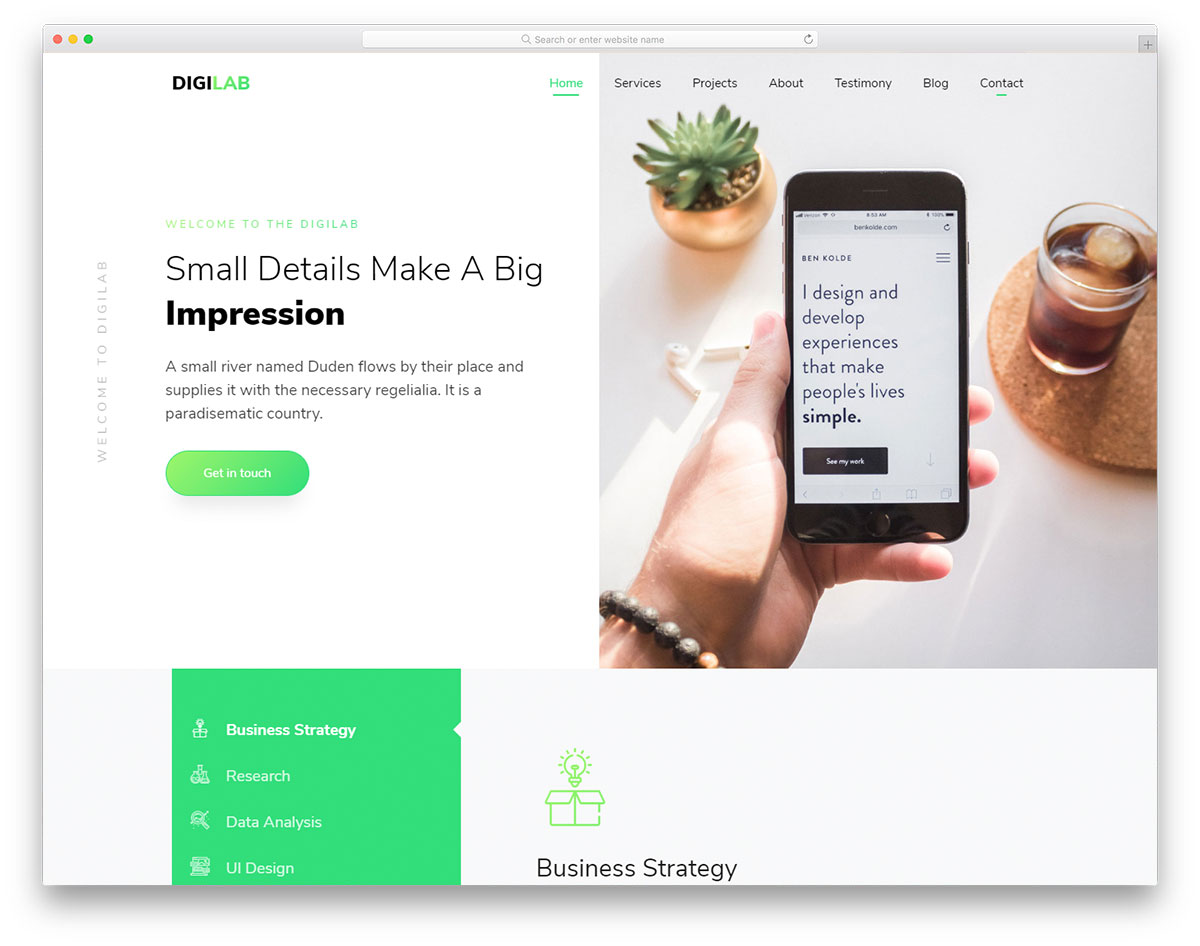
FreeHTMLBootstrap · Best for: one-page agency sites
Digilab opens on a split-screen slider that can carry two services at once, then tells the rest of the agency story on a single scroll. Scrolling animations, a testimonials slider, Google Maps and a working contact form come with it, plus a blog. Freelancers can use it unchanged.
23. Space
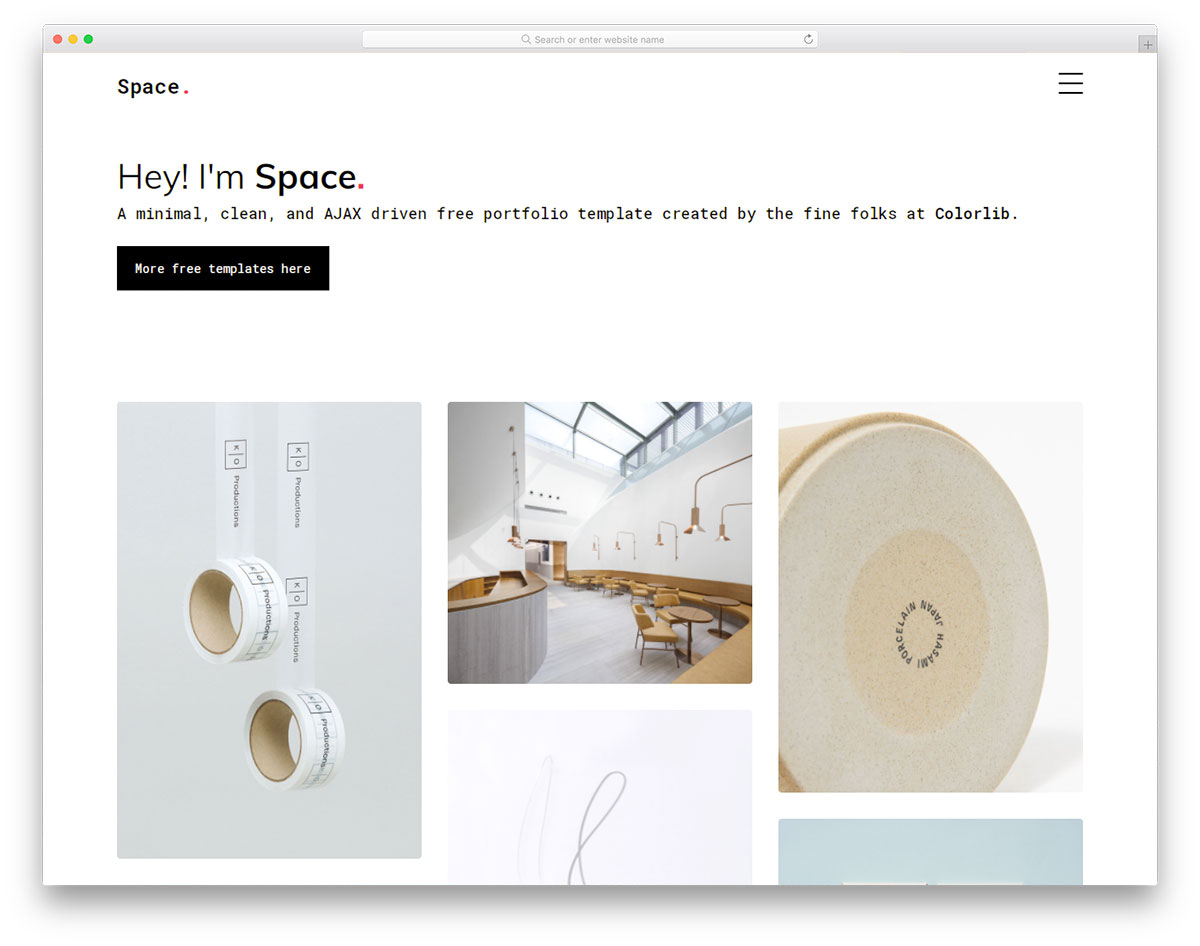
FreeHTML · Best for: single-page portfolios and resumes
Space loads its sections over Ajax behind a sidebar menu, so the portfolio behaves more like an app than a scrolling document. Animated skillbars, references and a working contact form fill out the layout, and the template has since been rebuilt from scratch. Leaving the defaults alone is a legitimate option here.
24. Shionhouse
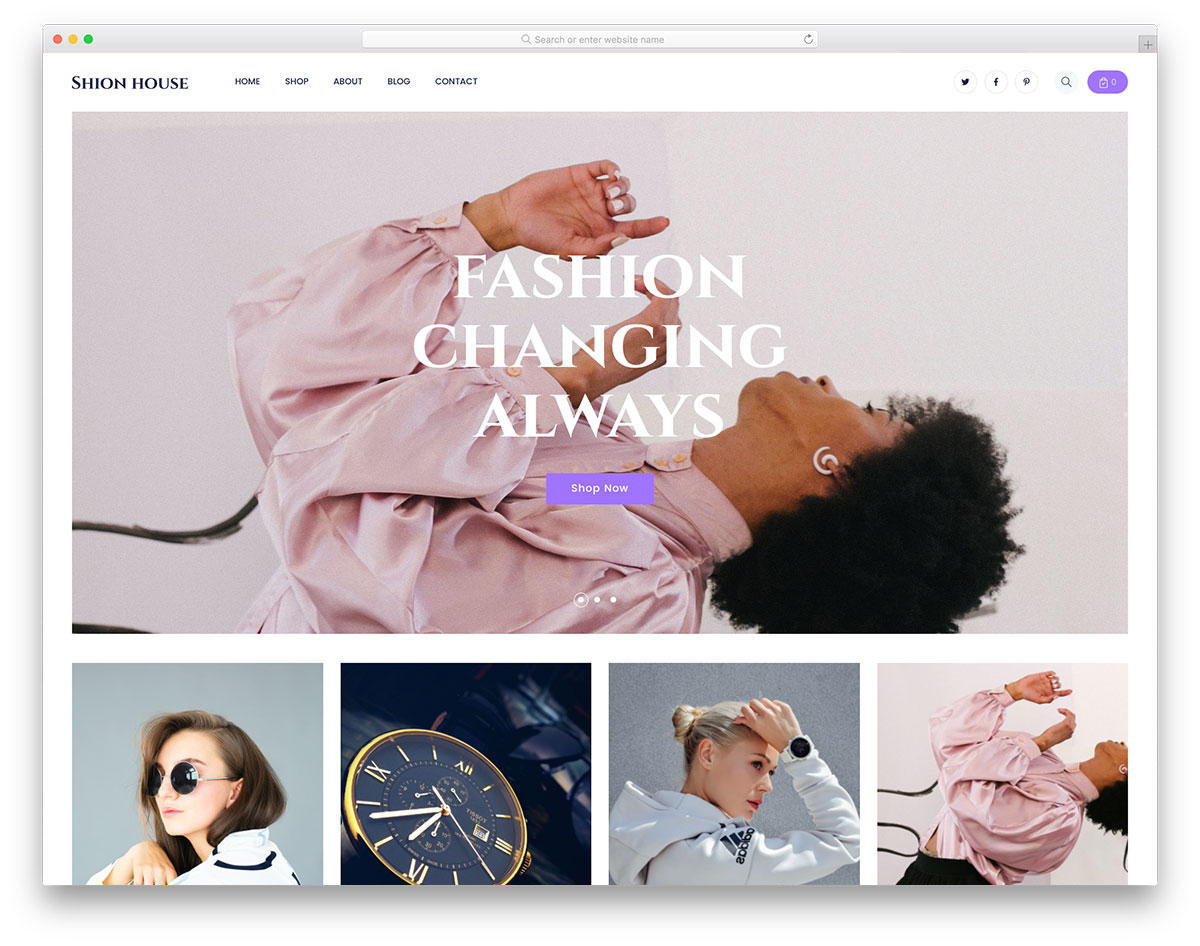
FreeHTML · Best for: clothing and fashion storefronts
Shionhouse is a clothing-store front end: a large slideshow for the season, product-facing sections and a sticky menu that keeps navigation in reach. Blog layouts, scrolling animations, social buttons, a back-to-top button, Google Maps and a contact form are included. Checkout needs a commerce platform behind it.
25. Raptor
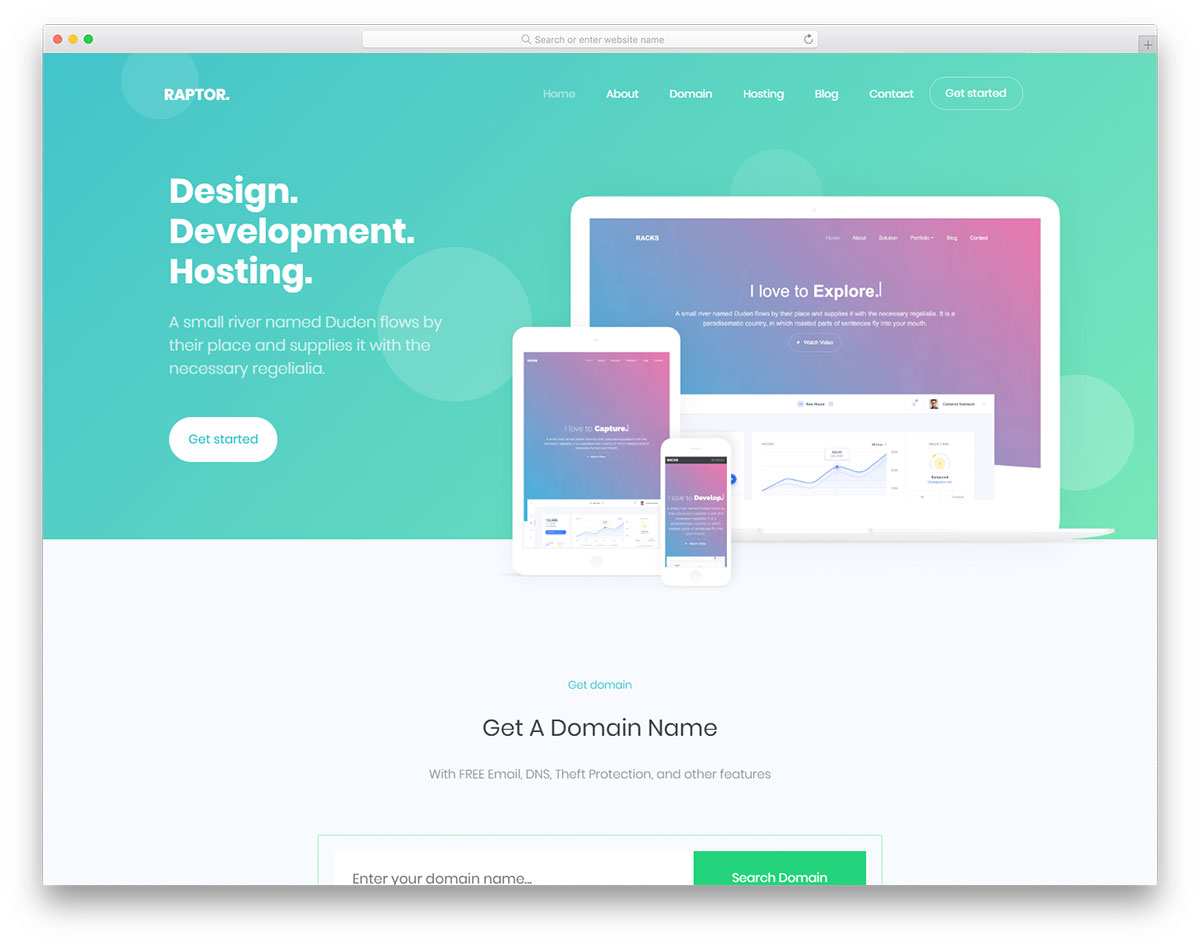
FreeHTMLBootstrap · Best for: web hosting and app launches
Raptor pairs a screenshot slider with pricing plans, which is the order a hosting or app buyer wants them in. Animated statistics, reviews and floating navigation fill the home page, and blog and contact pages with a working form and Google Maps are already built. It is released under an MIT license.
26. Agrica
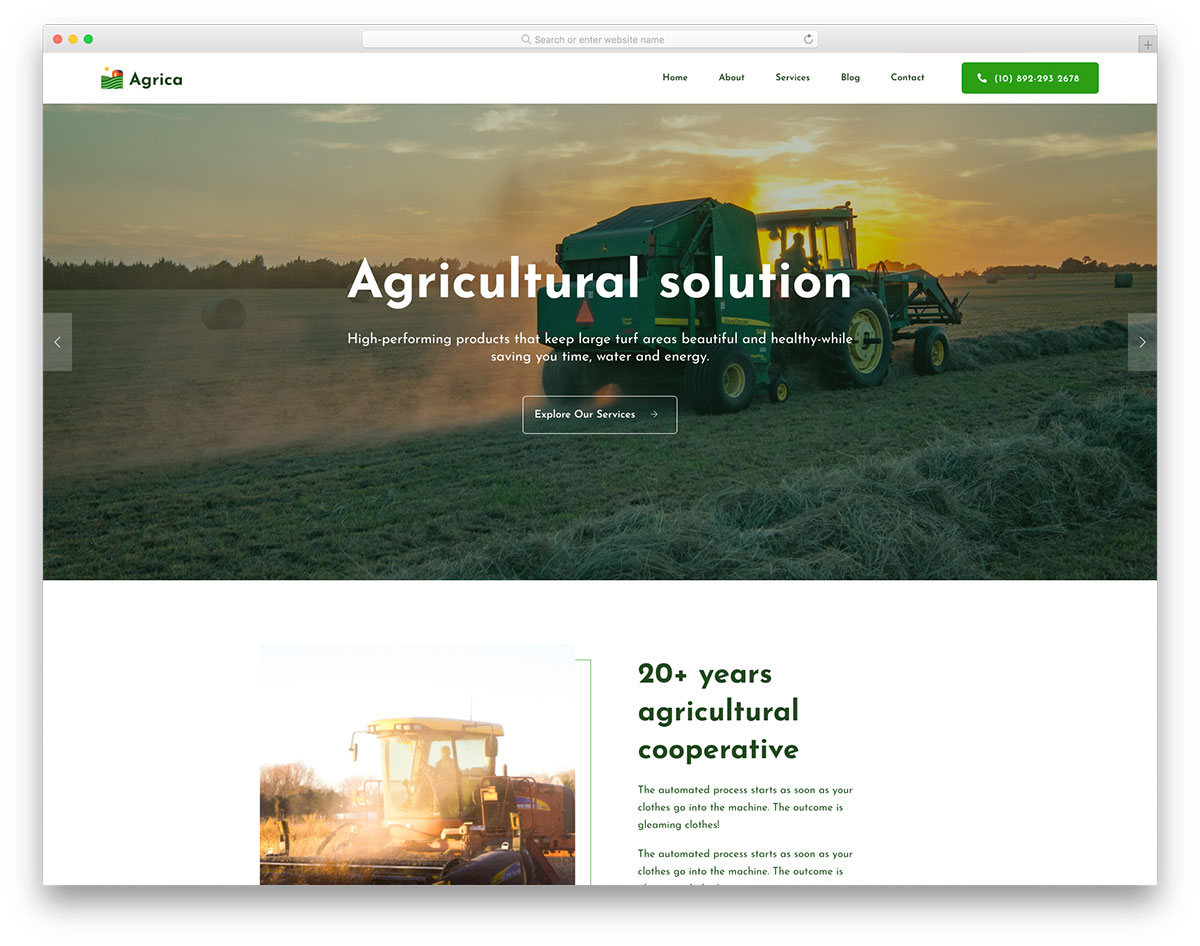
FreeHTML · Best for: farms and agribusiness
Agrica gives the whole first screen to a slider with headline text and one call to action, which is where an agribusiness wins or loses a visitor. Below it sit animated statistics, sticky navigation, video support, service sections, a blog and a working contact form. It is retina-friendly and cross-browser compatible.
27. Delicious
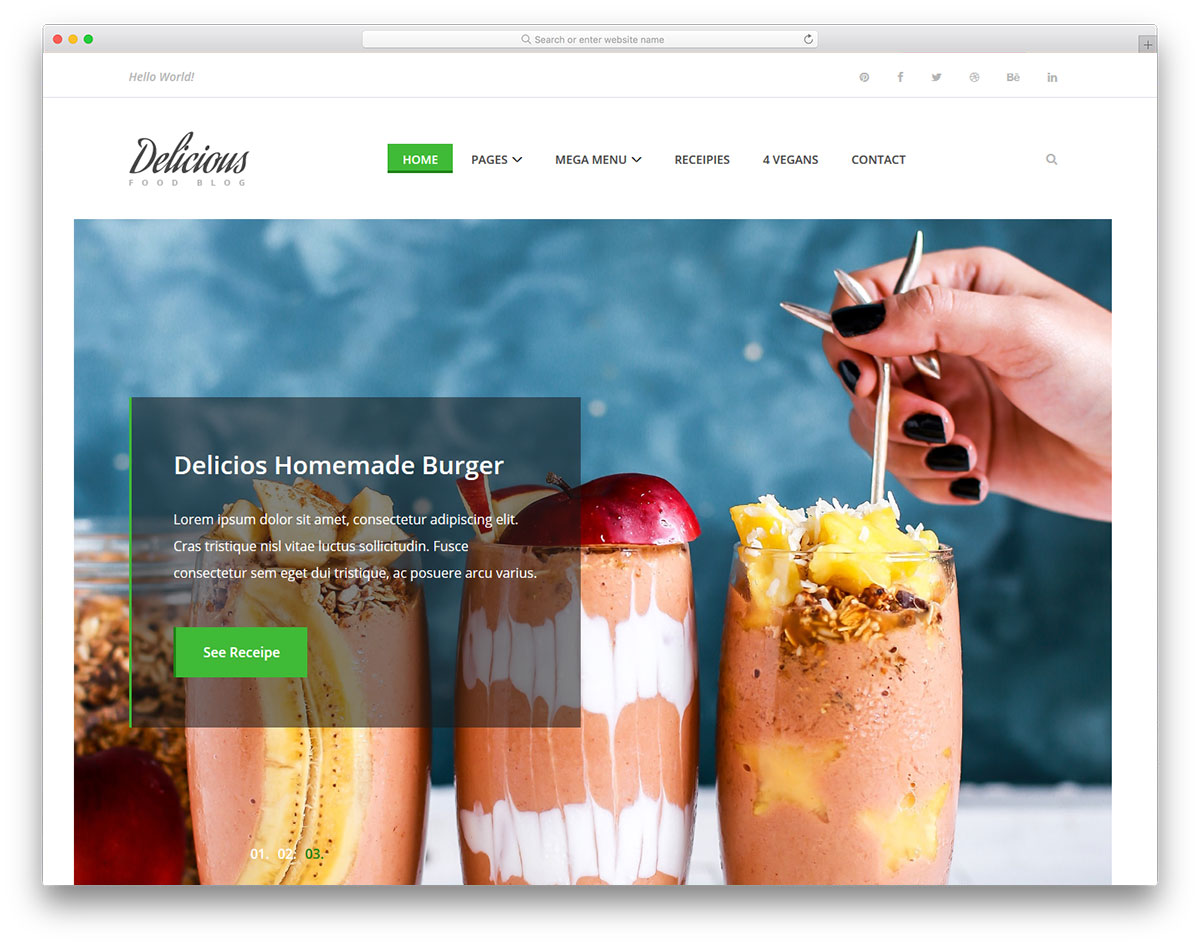
FreeHTML · Best for: recipe and cooking blogs
Delicious is built around the recipe post itself, with a mega menu that can carry course, cuisine and diet categories without collapsing. A repeating slideshow opens the page, a newsletter widget and a full-width Instagram feed handle audience building, and a contact page with Google Maps is already wired up.
28. Mypodcast
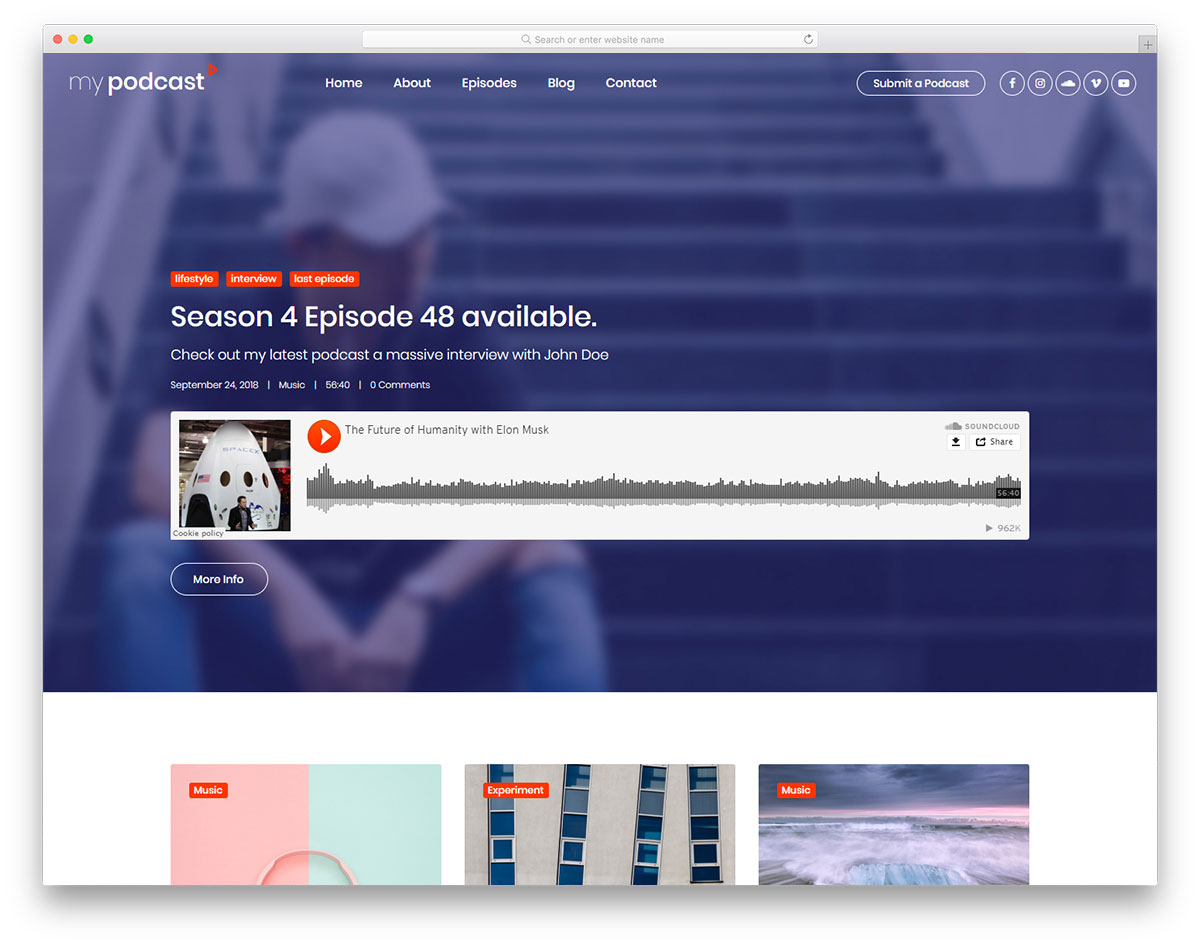
FreeHTMLBootstrap · Best for: podcast show sites
Mypodcast ships its own player but also takes embeds from third-party platforms, which matters if your episodes already live on a host. A floating transparent menu, video support, social buttons, inner page layouts and a working contact form complete it. The Bootstrap base keeps it steady across browsers and retina screens.
29. Zacson
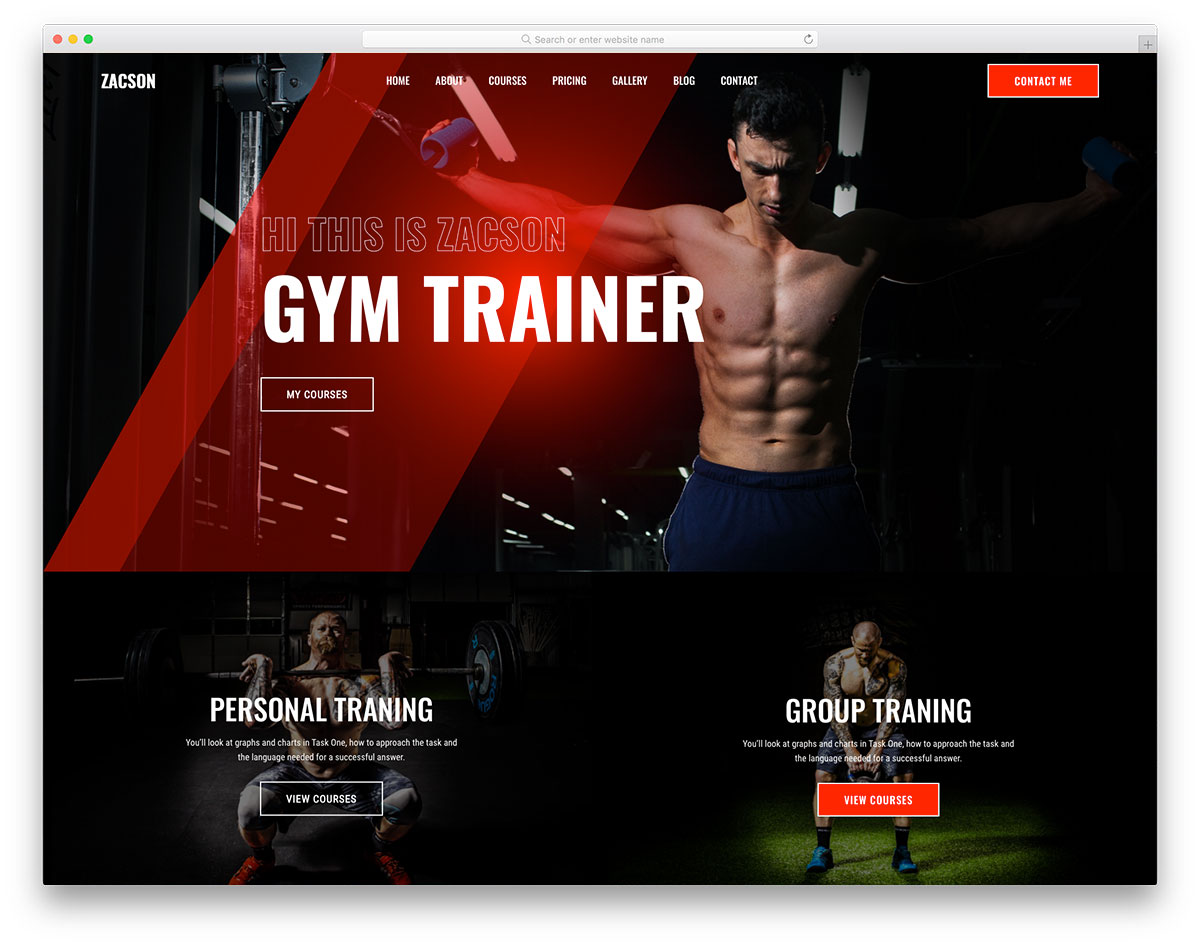
FreeHTML · Best for: personal trainers and coaches
Zacson is set up to sell services rather than describe them, with pricing plans, courses and repeated calls to action carrying the page. A gallery, video support, sticky menu, social icons and a back-to-top button fill the rest. The layout is mobile-ready, cross-browser compatible and retina-friendly, and it holds up unchanged.
30. Photosen
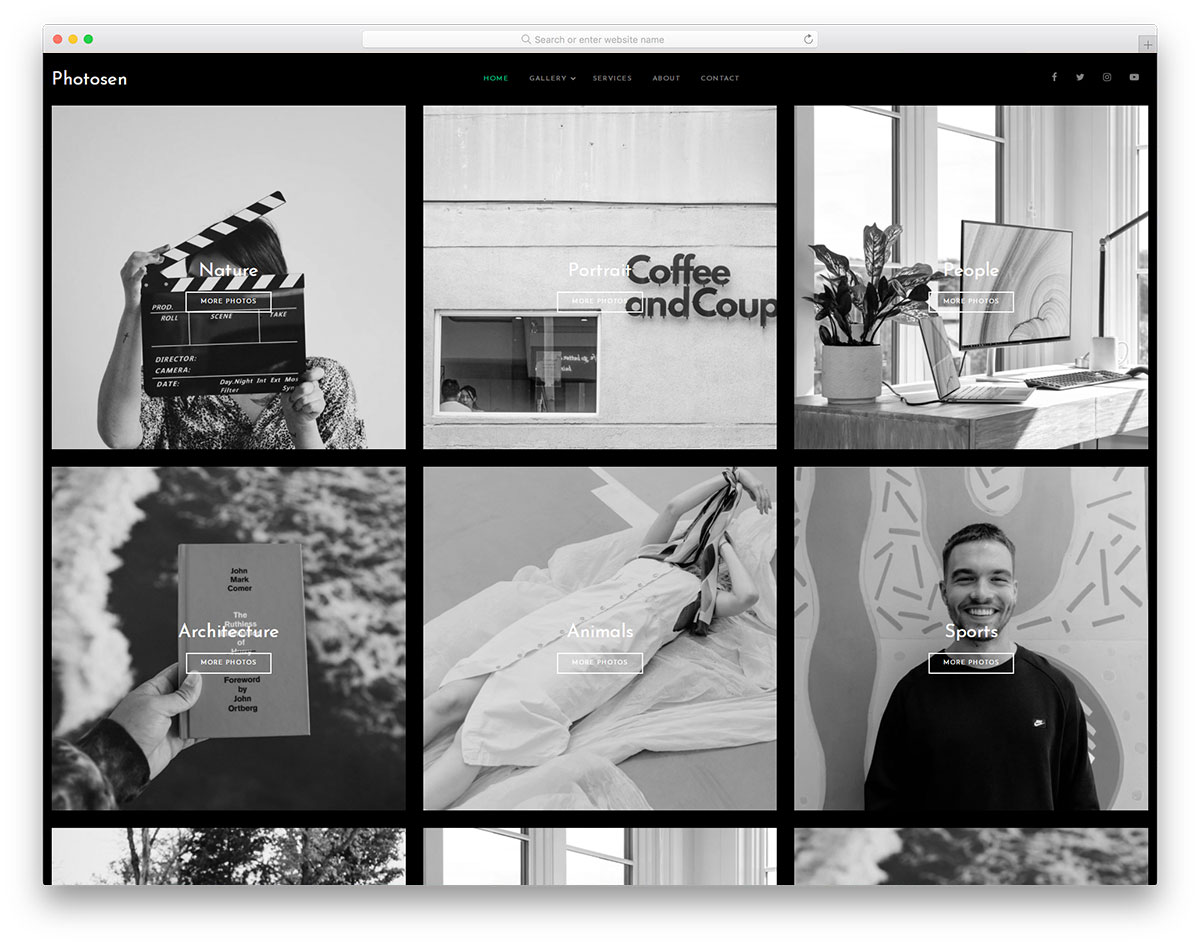
FreeHTMLBootstrapDark Mode · Best for: dark photography portfolios
Photosen puts the portfolio on the home page against a dark background, so the work loads before any about section does. A multi-level drop-down menu, social icons and a working contact form handle the rest. It has since had a performance rebuild, and the Bootstrap structure keeps it approachable for beginners.
31. DJoz
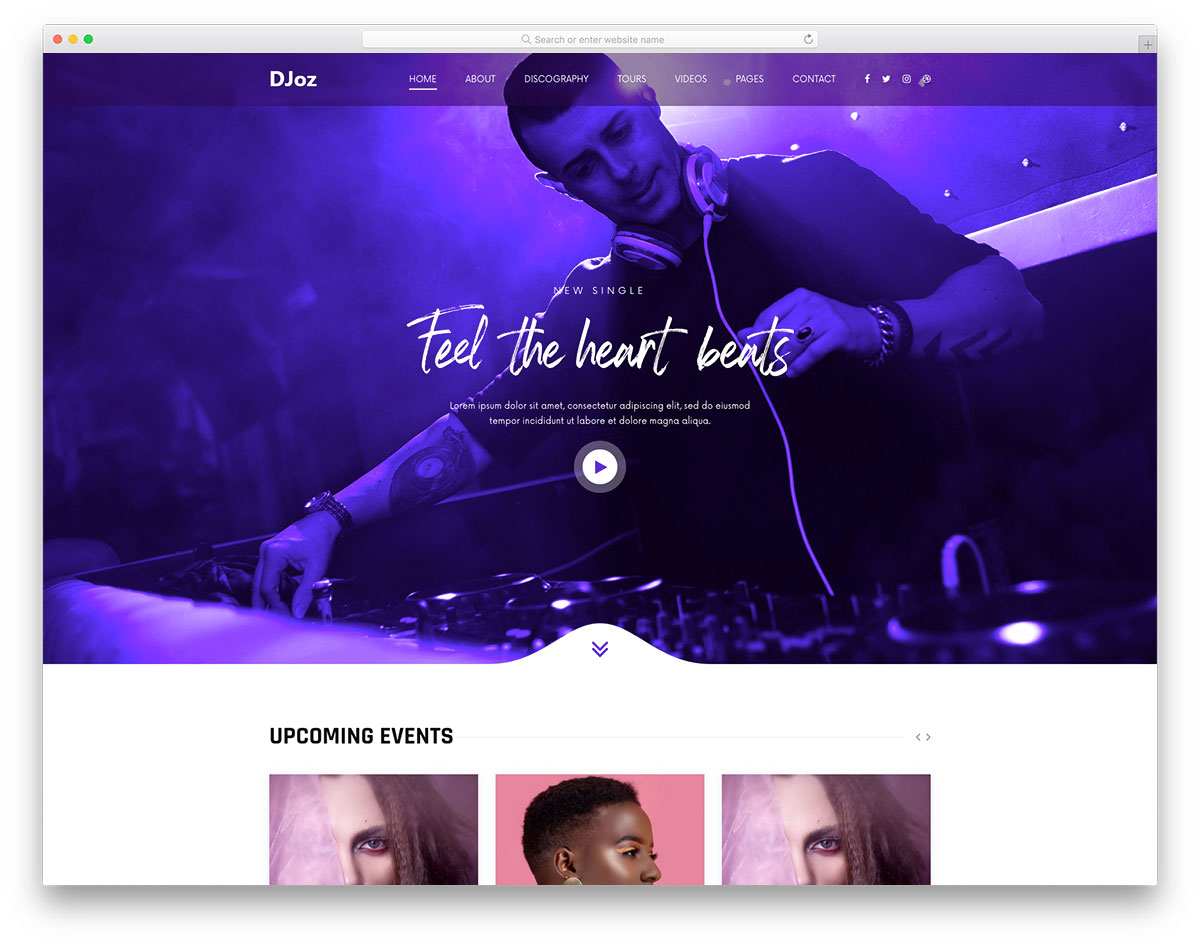
FreeHTMLBootstrap · Best for: DJs, producers and bands
DJoz carries the parts a music page actually needs: a player, video support and a countdown timer pointed at the next gig or release. Skillbars, a playlist, transparent header, social icons, Google Maps and a working contact form come with it. It reads as a DJ site by default but adapts to bands.
32. Consulto
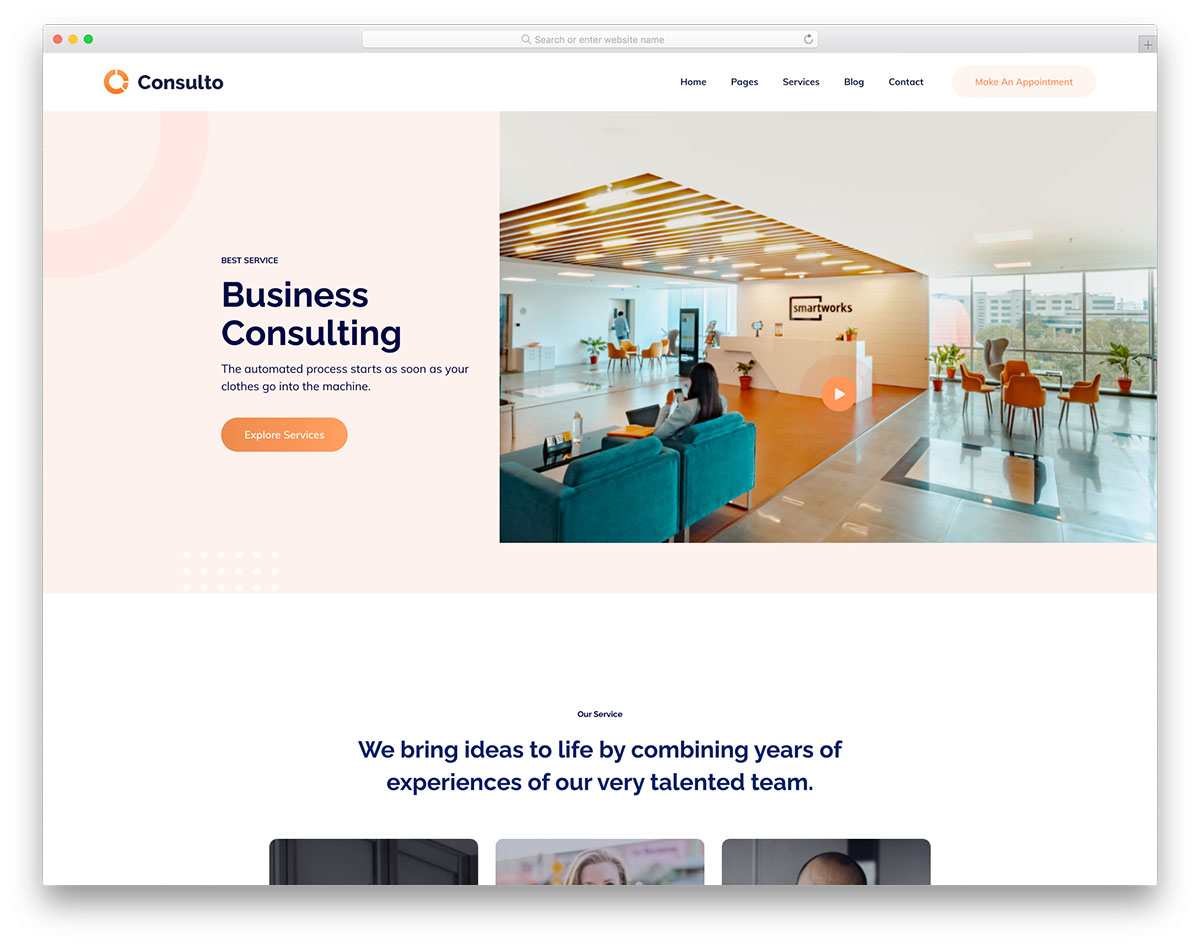
FreeHTML · Best for: consulting and advisory firms
Consulto stays deliberately generic, so business, financial or technical consulting all fit the same layout without a redesign. Video support, a testimonials slider, drop-down menu, social icons and a back-to-top button are included, plus blog pages. It is free to use and reuse for as long as the copyright credit stays in the footer.
33. Tasteit
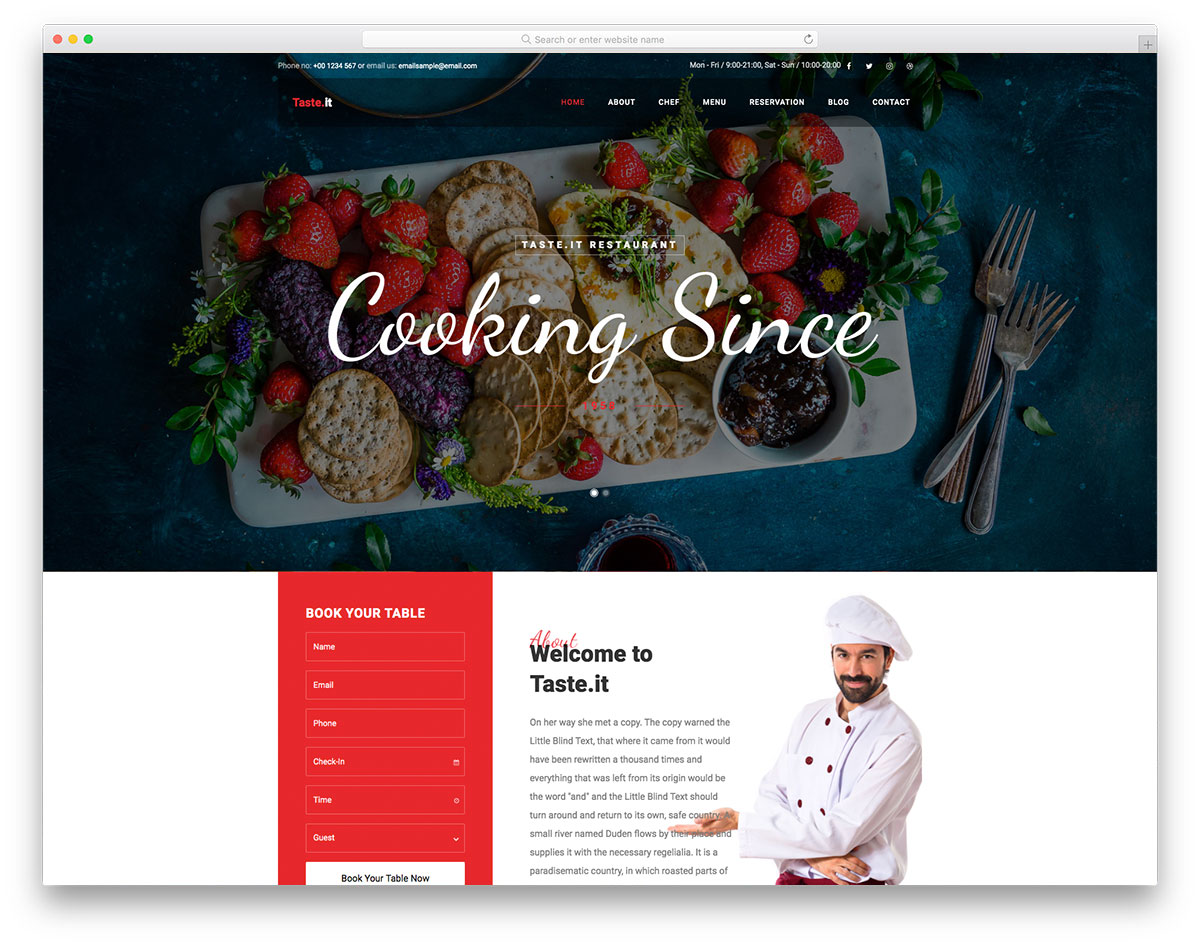
FreeHTML · Best for: restaurants, catering and delivery
Tasteit puts a food menu and a reservation form in the template, which is what separates a restaurant site from a generic business page. A full-screen slider opens, testimonials and social icons follow, and Google Maps plus a contact form close it. Sticky navigation keeps the reservation link visible while diners read.
34. Podcast
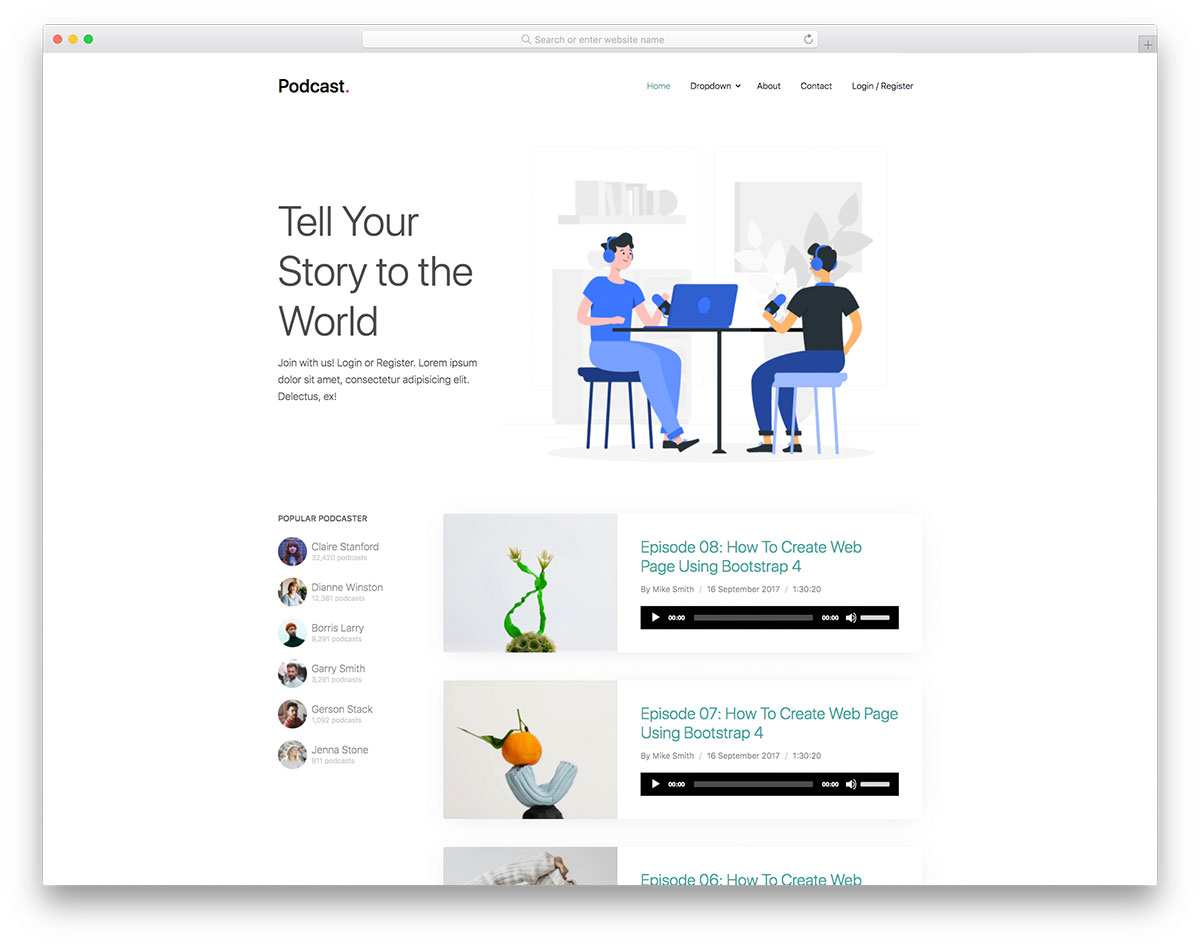
FreeHTMLBootstrap · Best for: podcasters comfortable with code
Podcast leans on on-scroll content loading and a parallax effect to make an episode archive feel like something other than a list. A drop-down menu and a working contact form come with it, and the code is tidy enough for beginners. Being plain HTML, turning it into a live site means doing the wiring yourself.
35. Jonson
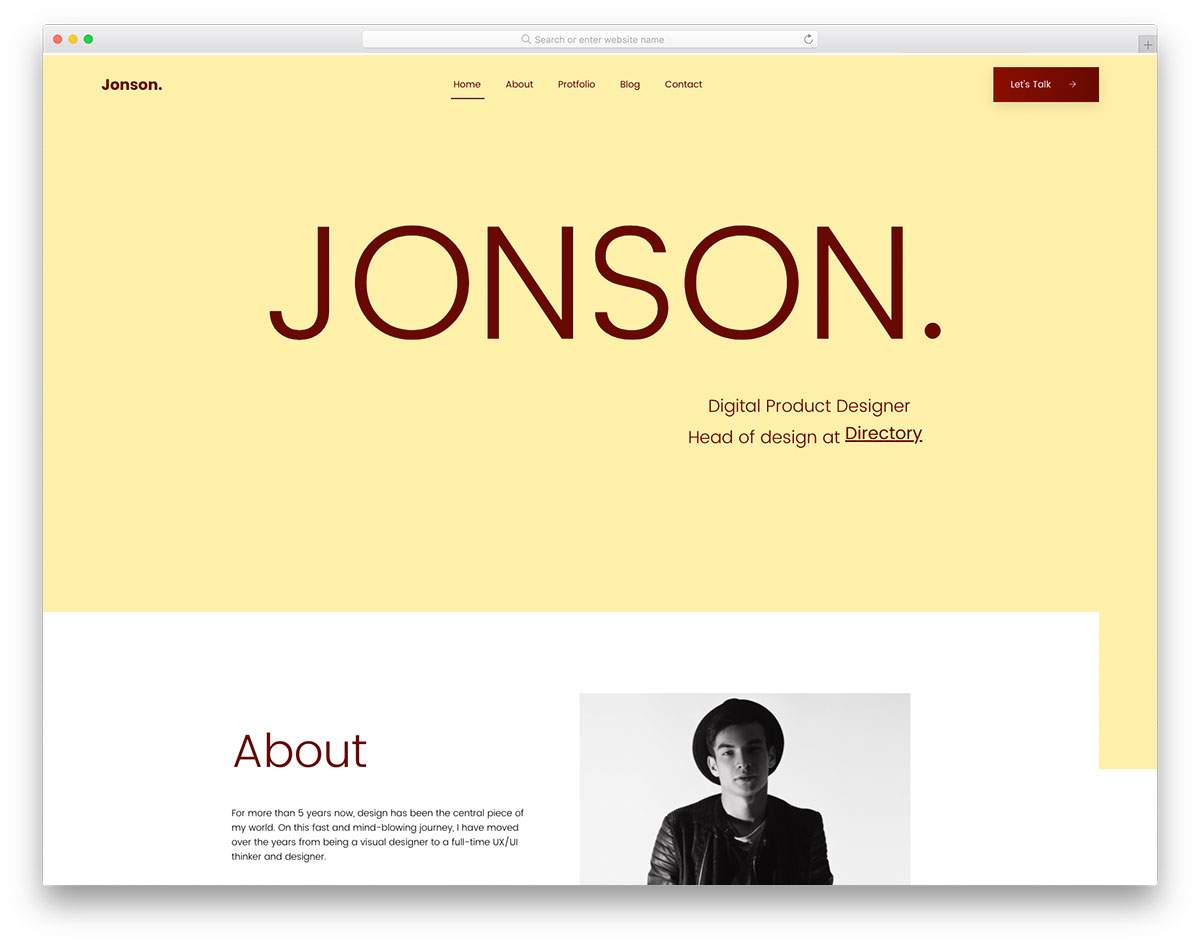
FreeHTML · Best for: personal resume and profile sites
Jonson reads as an online resume rather than an agency page, combining a portfolio section with text animation and a personal profile. Sticky navigation, a gallery, calls to action, social icons and a contact form are included, and a blog section can be switched on. It fits freelancers pitching clients directly.
36. Notary
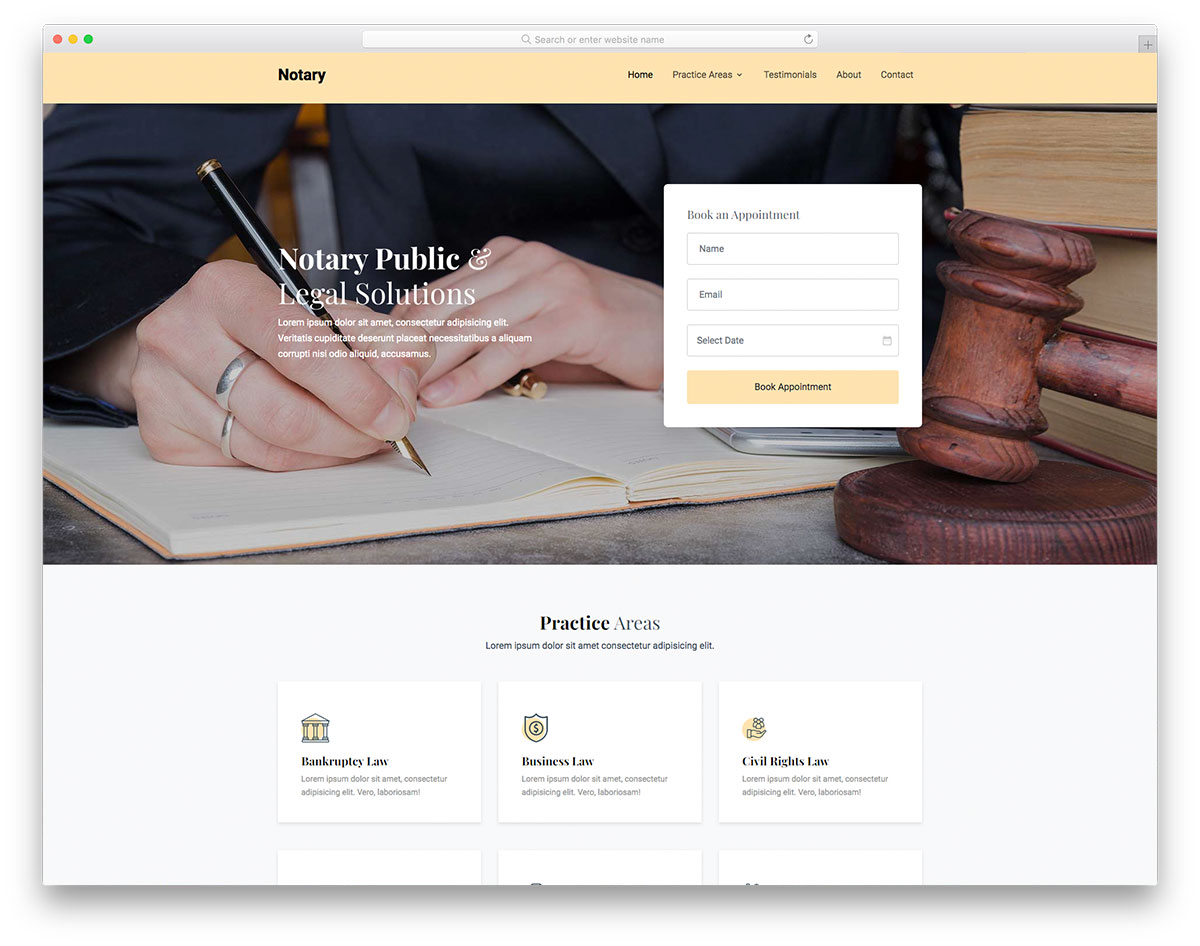
FreeHTML · Best for: notaries and small legal practices
Notary keeps the design plain on purpose, so practice areas, testimonials and the about page carry the credibility instead of decoration. A working contact form is already built, the code is organised for beginners and experts alike, and the layout is retina-compatible. See these notary website examples for the template in use.
37. Acupuncture
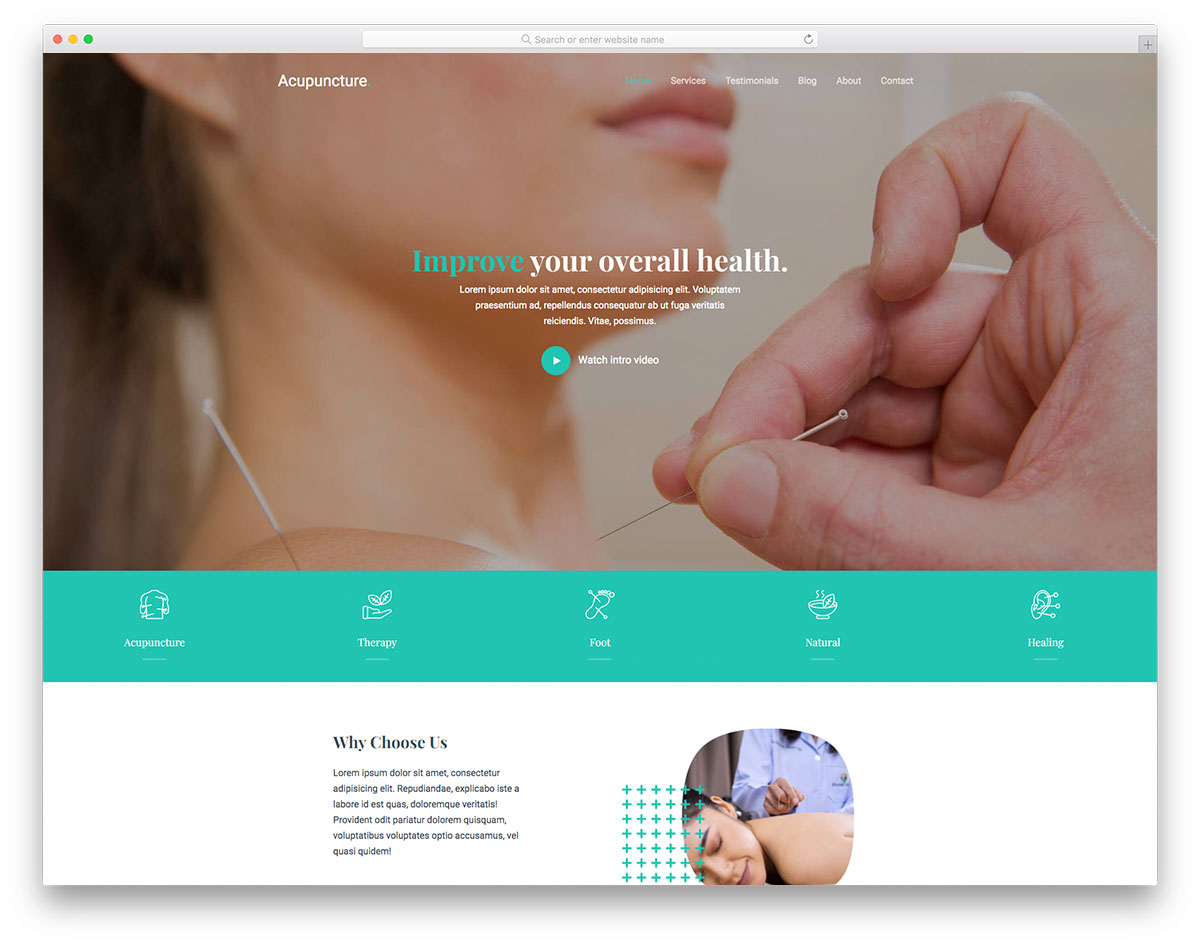
FreeHTML · Best for: acupuncture and wellness clinics
Acupuncture keeps its structure lightweight, which matters for a clinic page opened on a phone by someone searching for a nearby practitioner. A full-screen banner opens it, with video support, testimonials for trust, blog pages and a contact section with a working form. It works out of the box or takes customisation.
38. Eventz
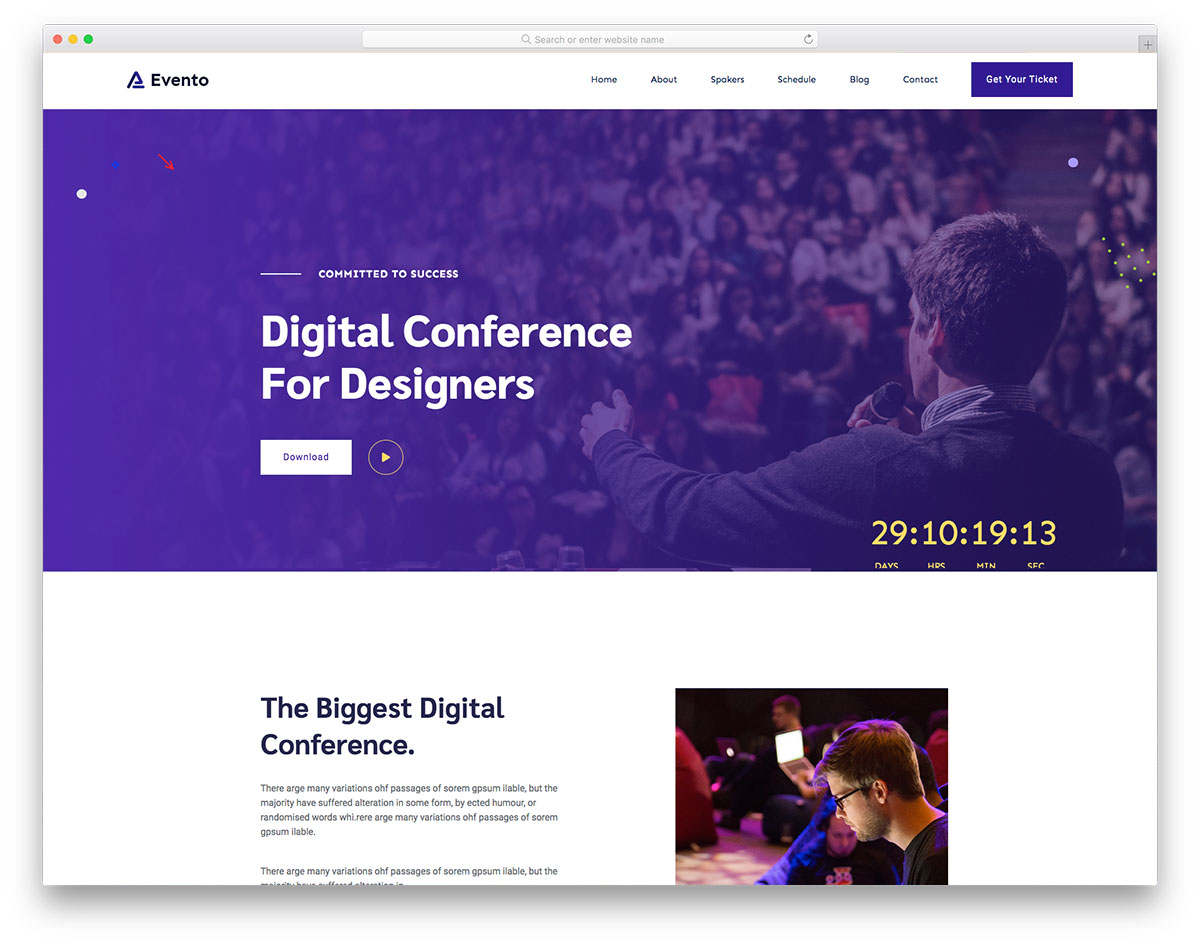
FreeHTML · Best for: conferences and digital events
Eventz is timed around a date: a countdown timer, an event schedule and pricing packages for tickets or passes. Home and internal pages ship together with a slider, video support, sticky header and calls to action, and Google Maps pins the venue. The fluid layout matters when attendees check schedules on a phone.
39. Brber
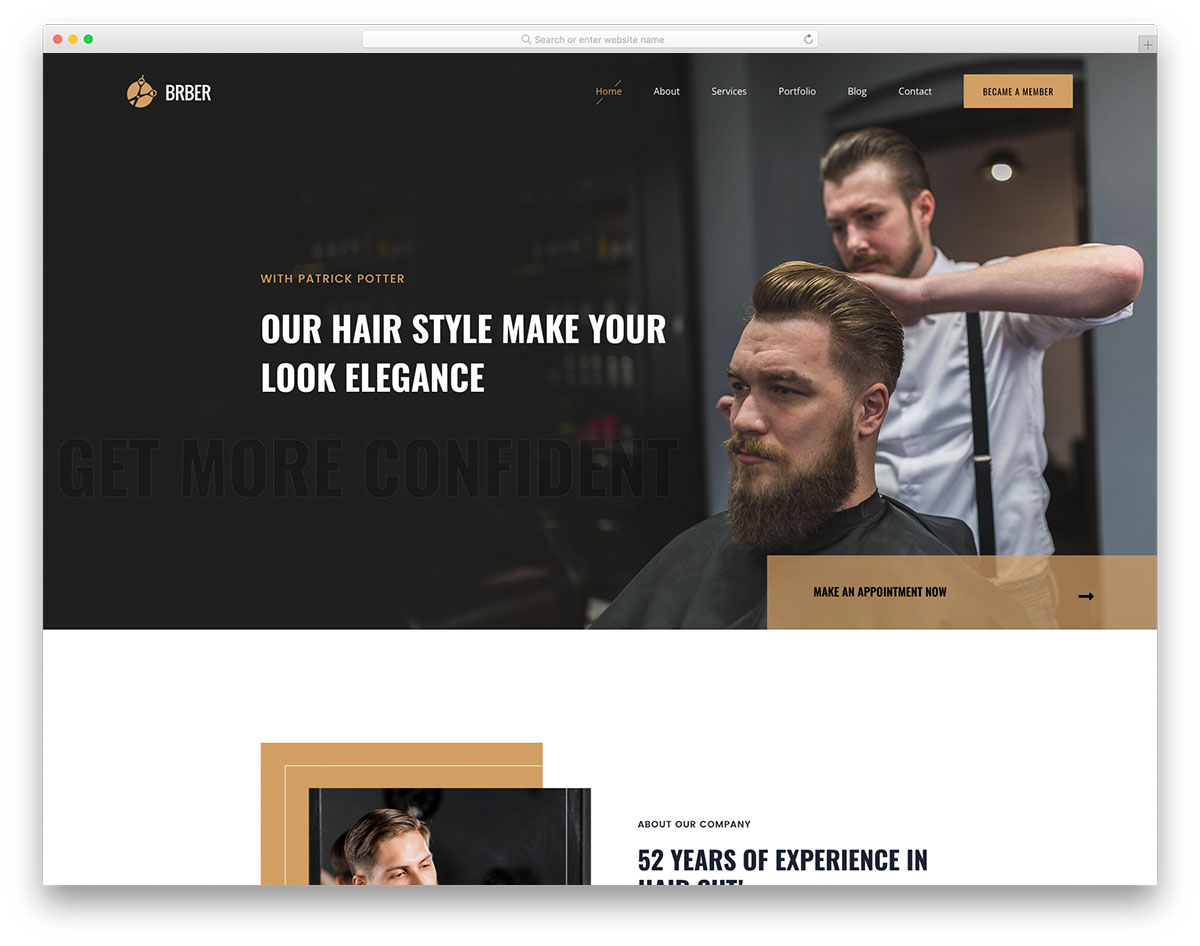
FreeHTMLBootstrap · Best for: barbershops and salons
Brber puts pricing and a gallery next to each other, which is how a barbershop actually gets chosen. A text slider, sticky menu, hover effects, back-to-top button, testimonials slider and a blog fill the rest, and the contact page has a working form and Google Maps. It is built on Bootstrap.
40. Unfold
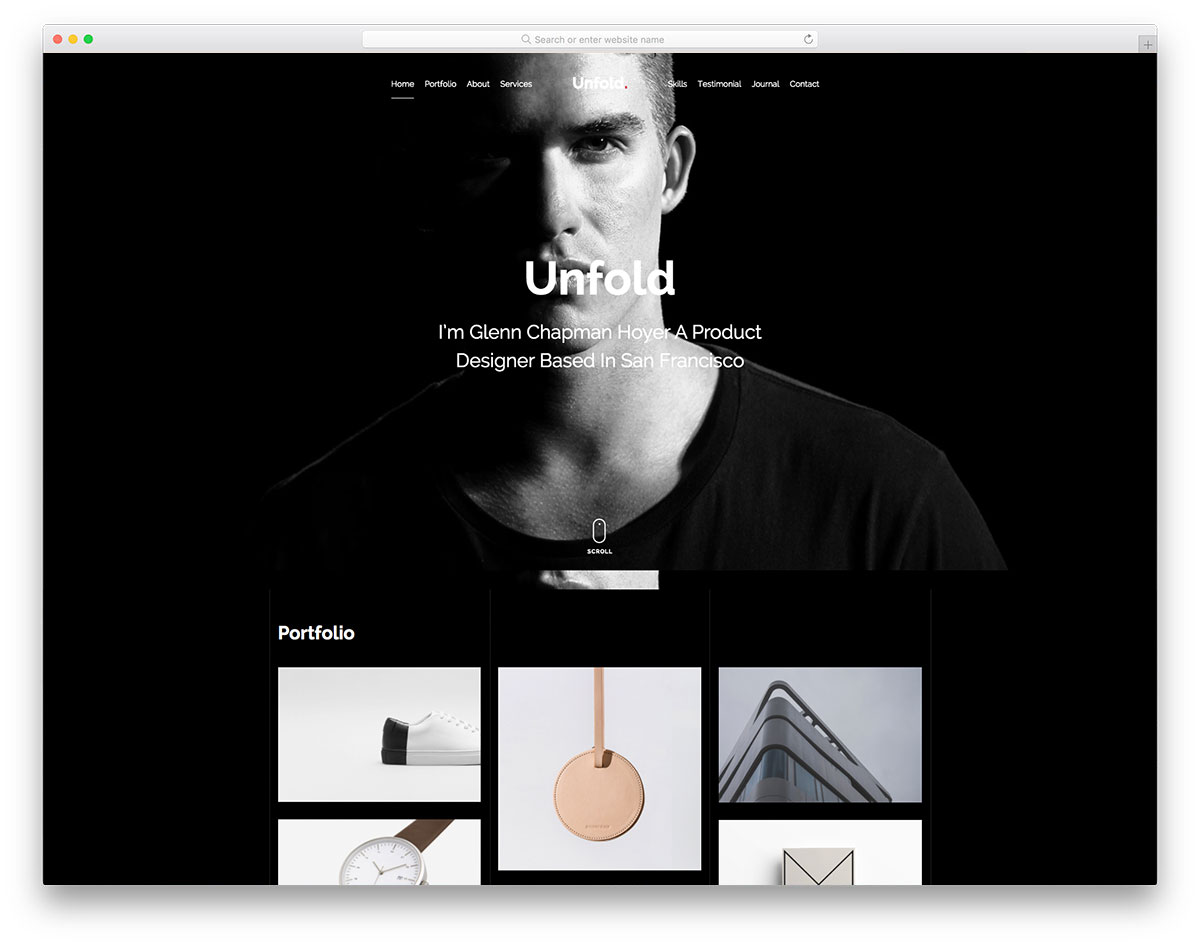
FreeHTMLDark Mode · Best for: dark one-page creative portfolios
Unfold now ships a dark and light theme toggle, so the dark aesthetic is a default rather than a commitment. The one-page layout runs full-screen parallax banners, a scroll-down button, an overlay project showcase, scrolling animations, testimonials, a footer reveal and a blog. Everything a visitor needs arrives within a few scrolls.
41. Zogin
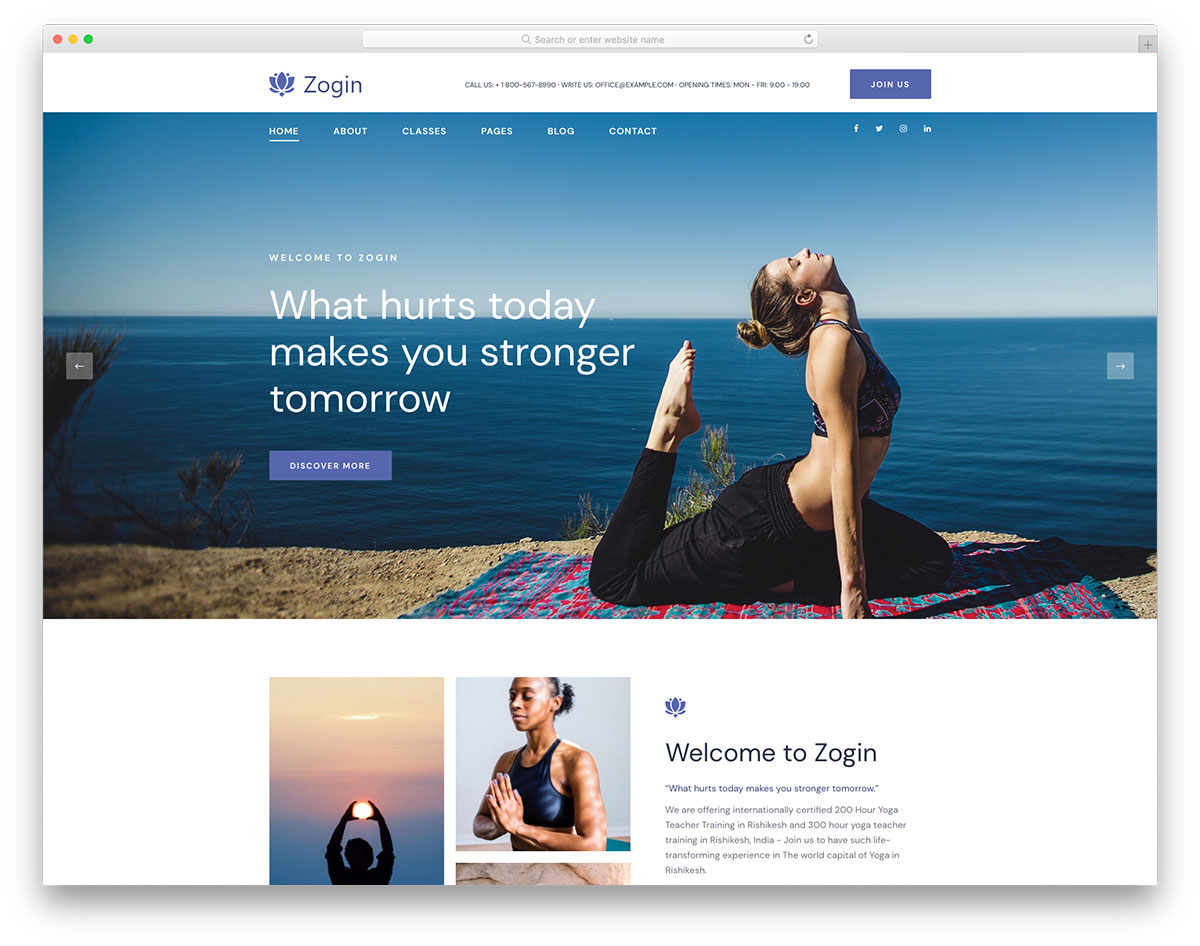
FreeHTMLBootstrap · Best for: yoga instructors and studios
Zogin builds around the appointment form, which is the single action a yoga studio site has to get right. A text slider, gallery, testimonials, social icons, Google Maps and a blog complete it. It is a Bootstrap-based HTML template, so publishing it takes some coding, though the file structure is beginner-approachable.
42. Gutim
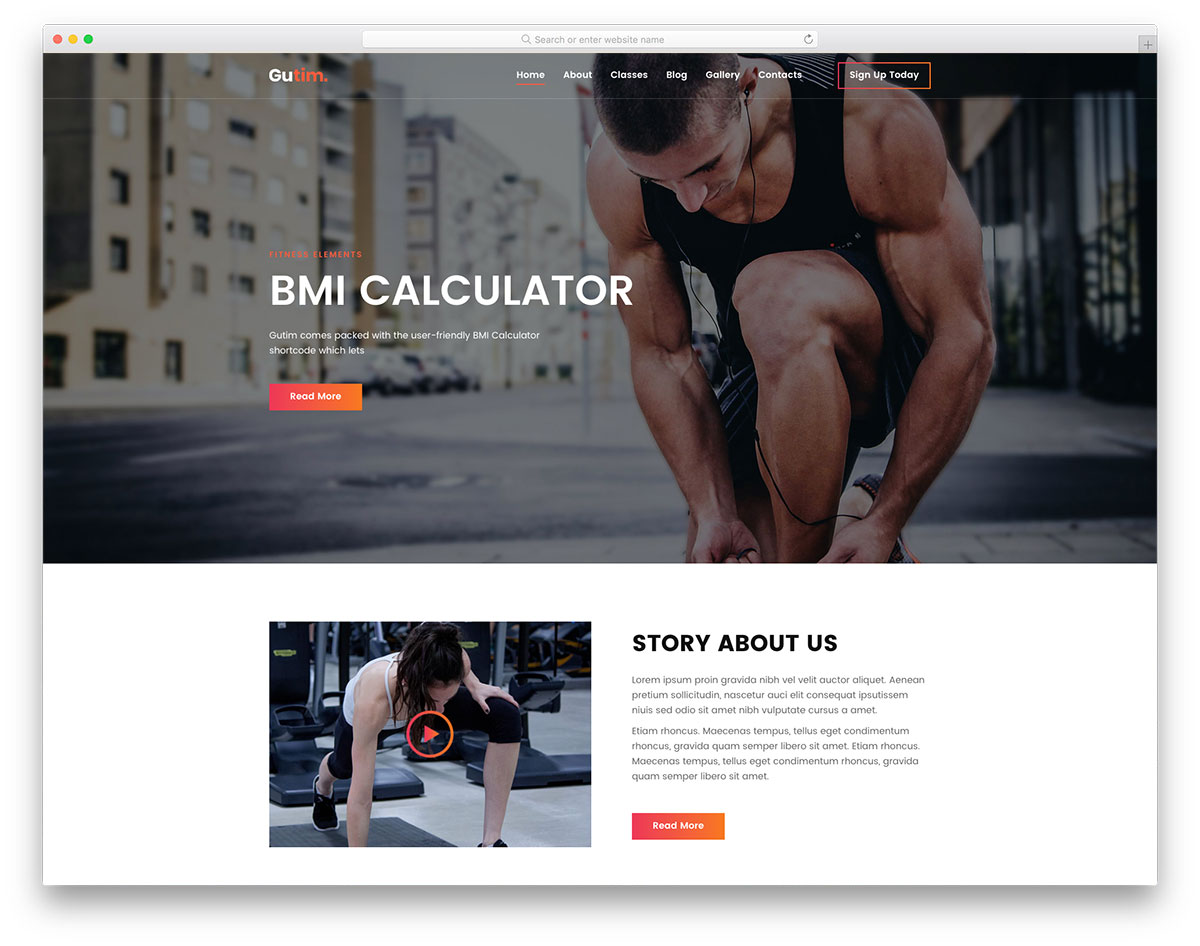
FreeHTML · Best for: gyms and personal trainers
Gutim pairs a registration form with pricing tables, so a gym can move a visitor from the full-width banner to a signup without a detour. Calls to action, hover effects and a blog fill out the rest. It is compact rather than sprawling, which makes it quick to strip back to the pages a single-location gym needs.
43. Doyoga
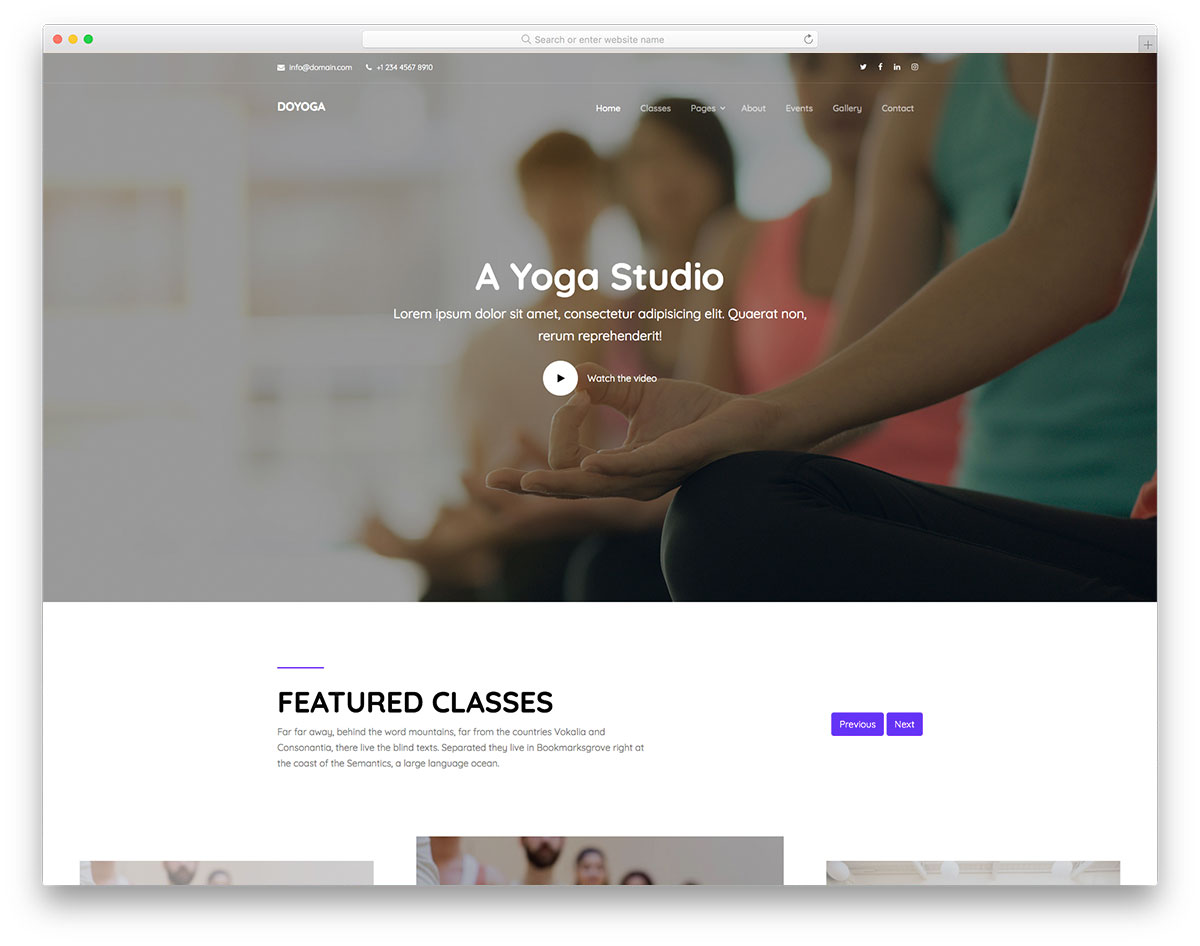
FreeHTMLBootstrap · Best for: one-page yoga studio sites
Doyoga fits a whole studio onto one page: class schedules, an events section and a filterable gallery stacked under a full-screen banner. Video support, a multi-level drop-down, sticky navigation, social buttons and a working contact form are included. It is Bootstrap-based, so the layout adapts without you writing media queries.
44. Seos
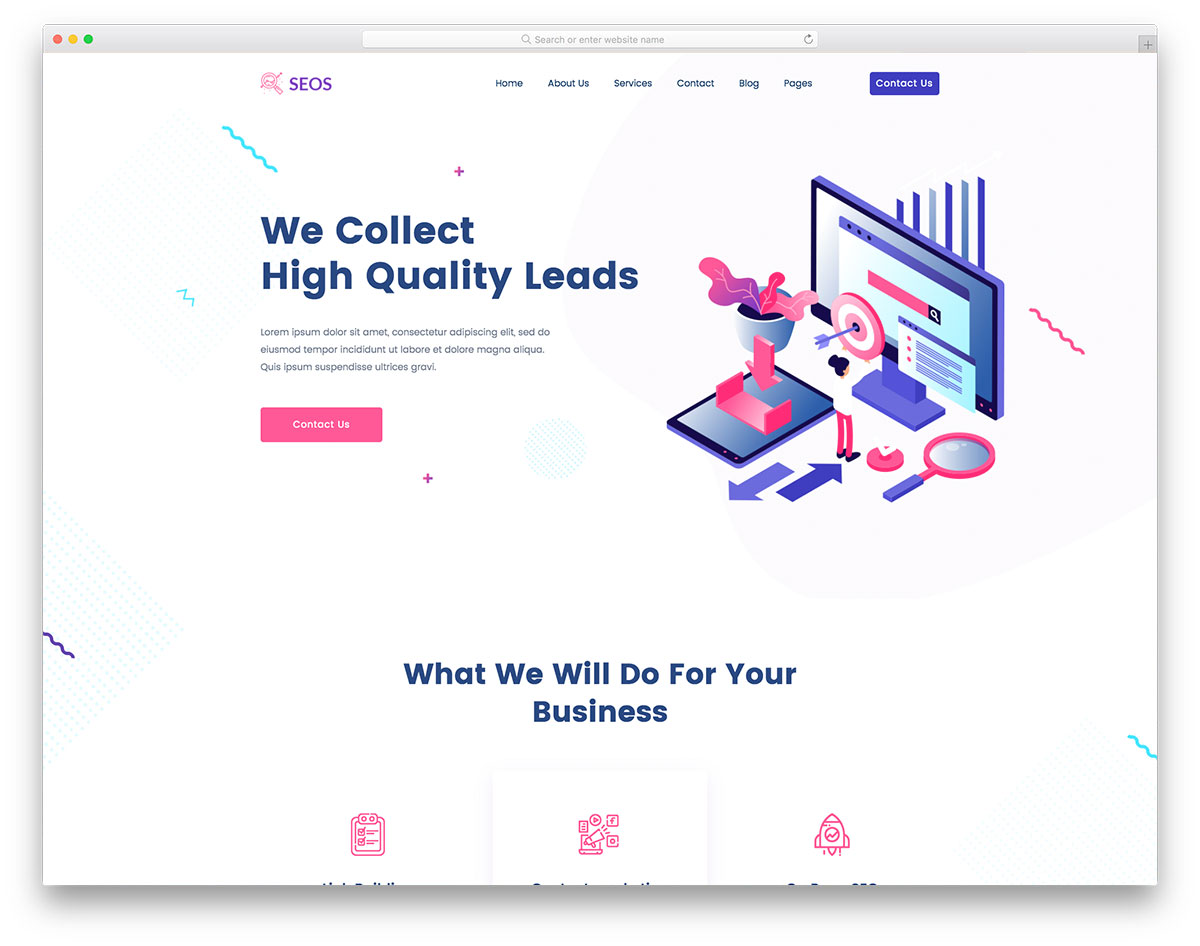
FreeHTML · Best for: SEO and marketing agencies
Seos is written for an SEO firm, but nothing in the layout is SEO-specific, so it retargets to any marketing service. Pricing plans, a testimonials slider, calls to action, sticky navigation and a back-to-top button carry the sales path, with social buttons and a blog for the agency’s own content marketing.
45. Buson
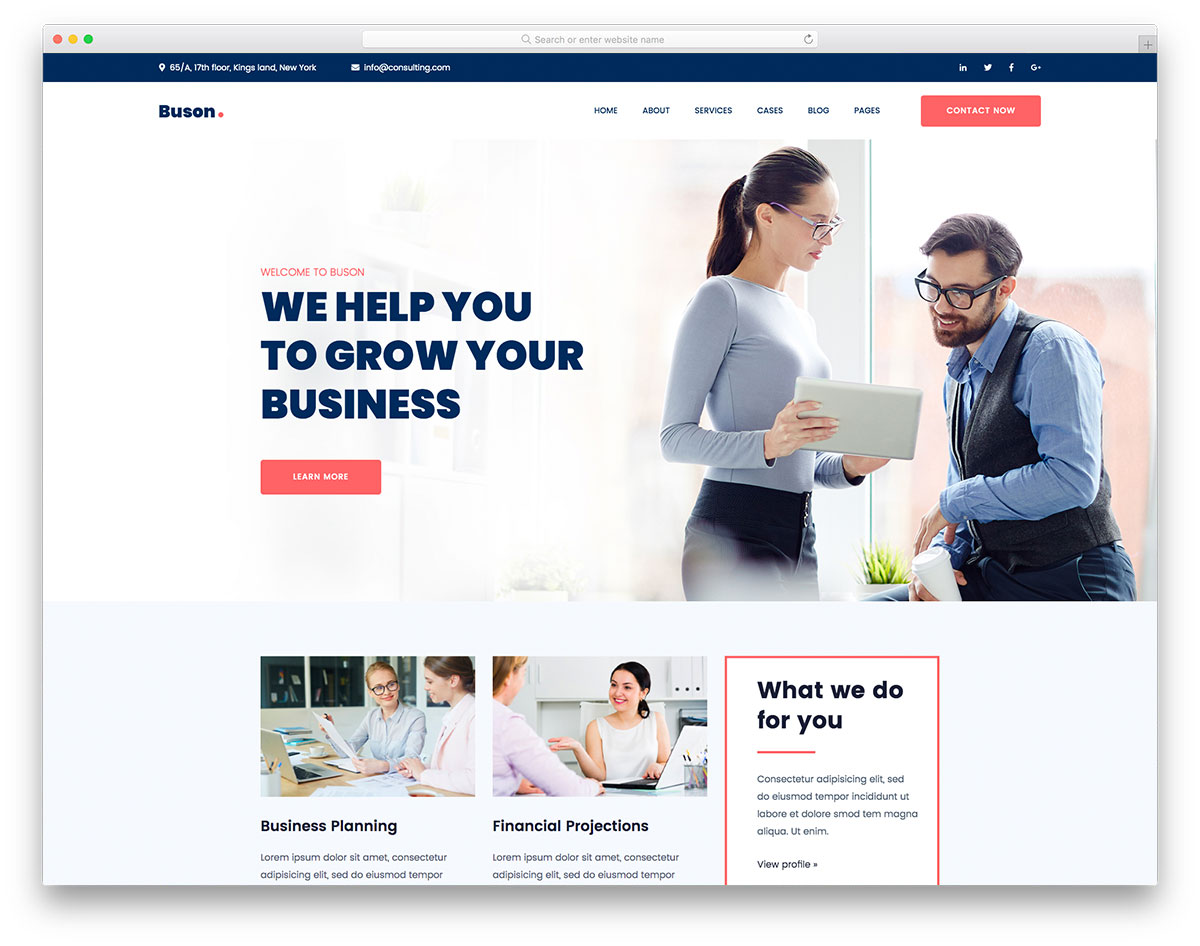
FreeHTML · Best for: consulting and professional services
Buson is a generalist by design, so consulting, finance, marketing or branding all fit the same layout without restructuring. A slider, calls to action, sticky navigation, drop-down menu, back-to-top button and Google Maps ship with it, plus a blog section for attracting clients through content.
46. Aznews
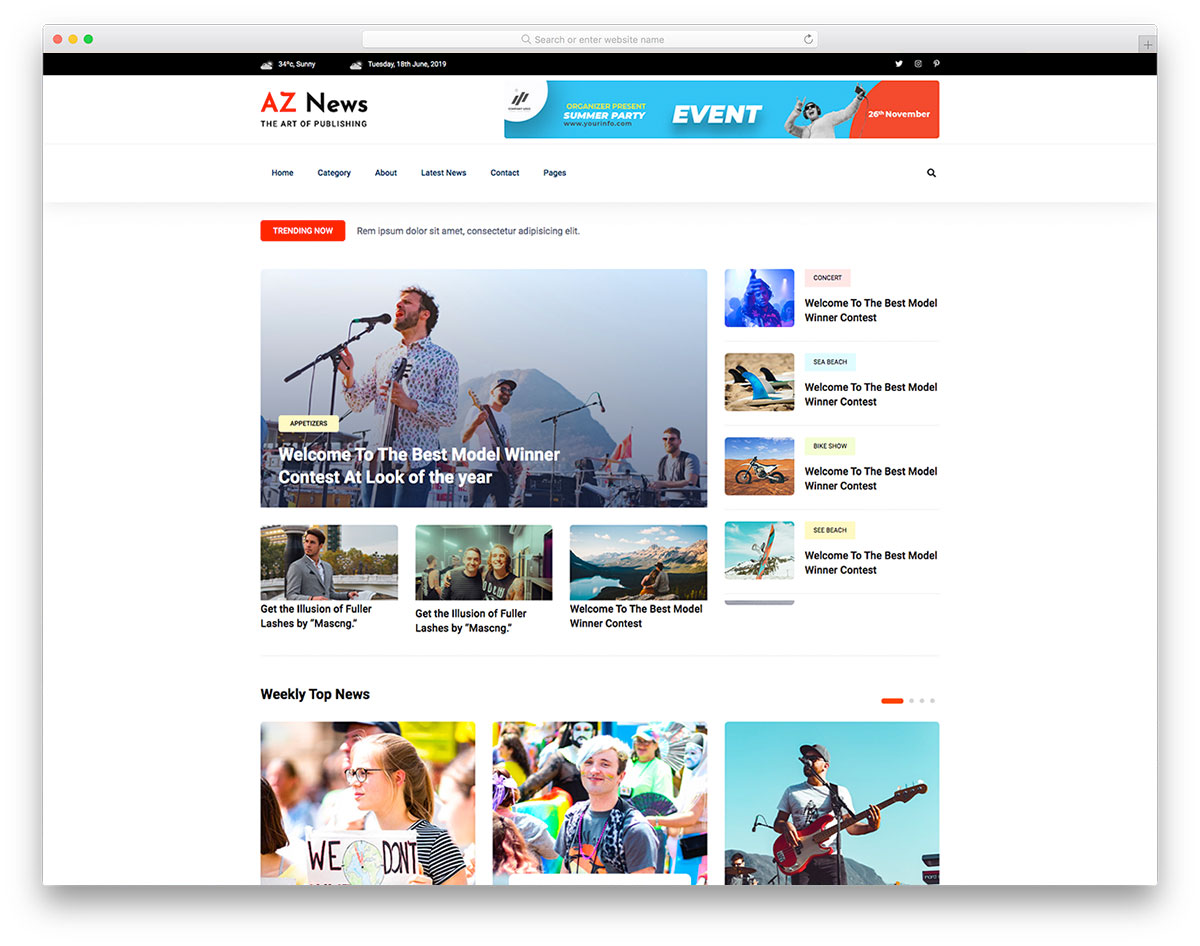
FreeHTML · Best for: news portals and online magazines
Aznews handles the thing most business templates cannot: volume. Pagination, carousels and multiple inner layouts keep a growing archive navigable, with a sticky menu, video support, back-to-top button, Google Maps and a working contact form. It suits niche and general news alike, and it is a plain HTML template.
47. FoodeiBlog
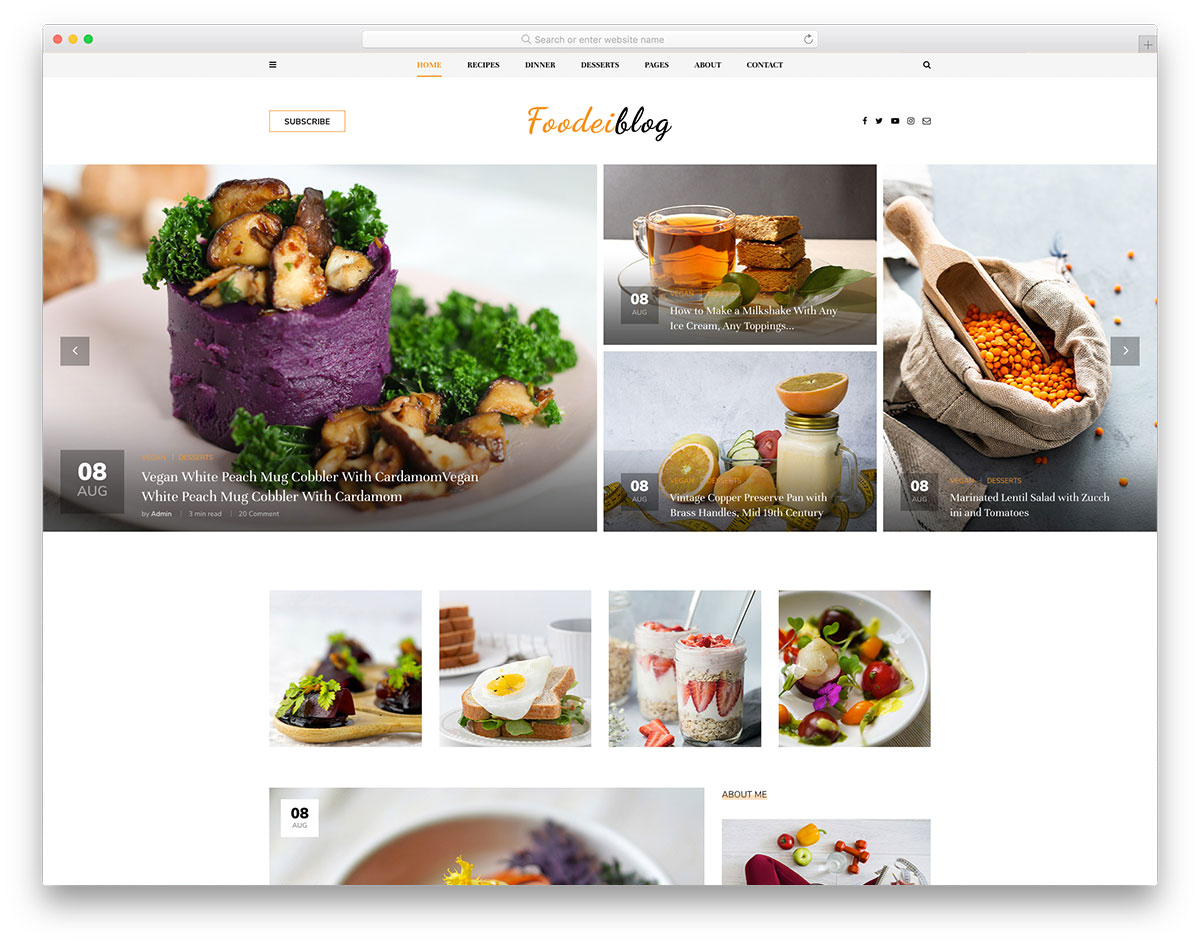
FreeHTML · Best for: food blogs and restaurant reviews
FoodeiBlog is a food blog rather than a restaurant site, which makes it equally usable for publishing recipes and for reviewing places you have eaten. Index and internal post layouts, slideshow action, a drop-down menu, social buttons, Google Maps and a functional contact section are included. The layout stays clean so photography leads.
48. Amin
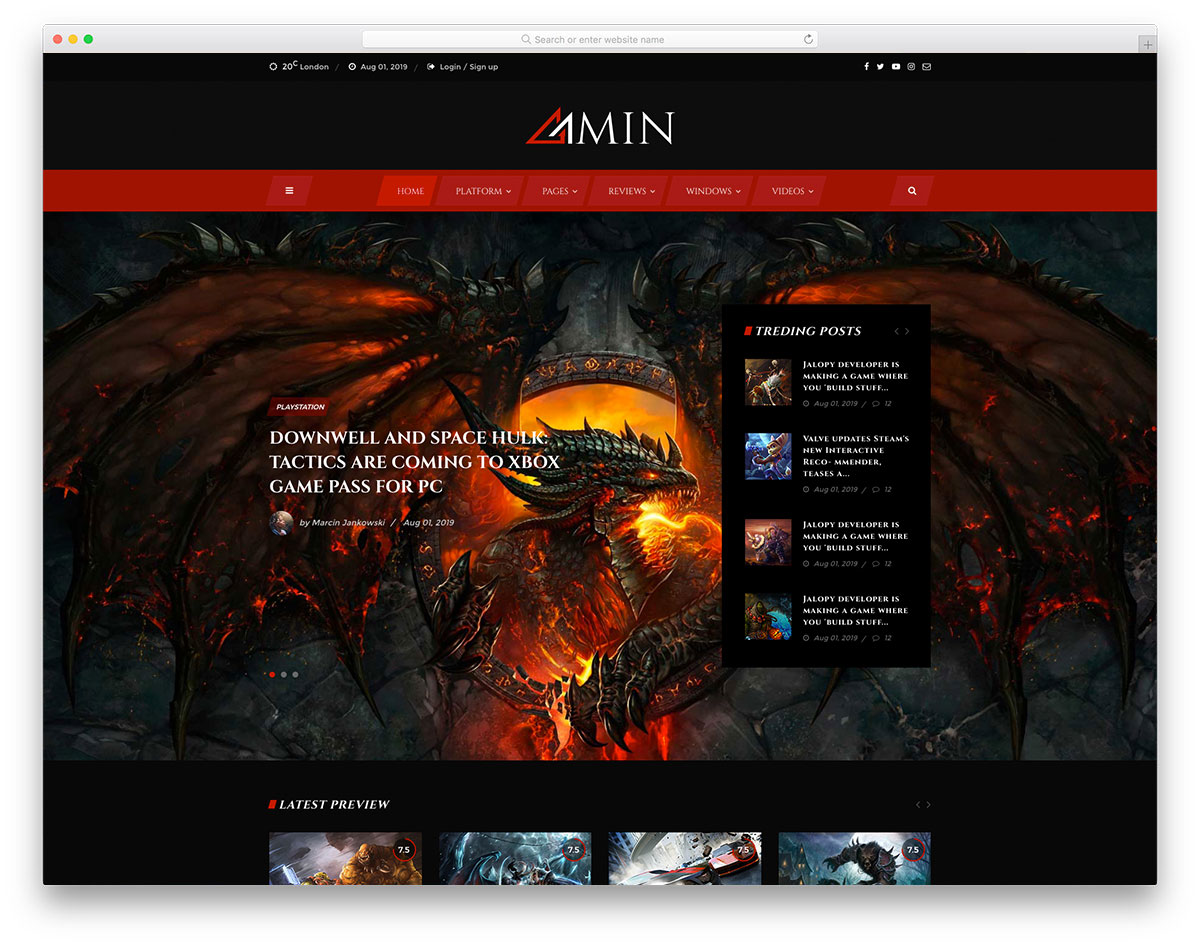
FreeHTMLBootstrapDark Mode · Best for: gaming magazines and review sites
Amin runs dark and bold, the register a gaming audience expects, and offers several navigation styles rather than one. A drop-down menu, top bar, social icons, sliders and a working contact form fill it out. Built on Bootstrap, it holds on phones and tablets as well as desktops, and covers magazines and review sites equally.
49. JustLaw
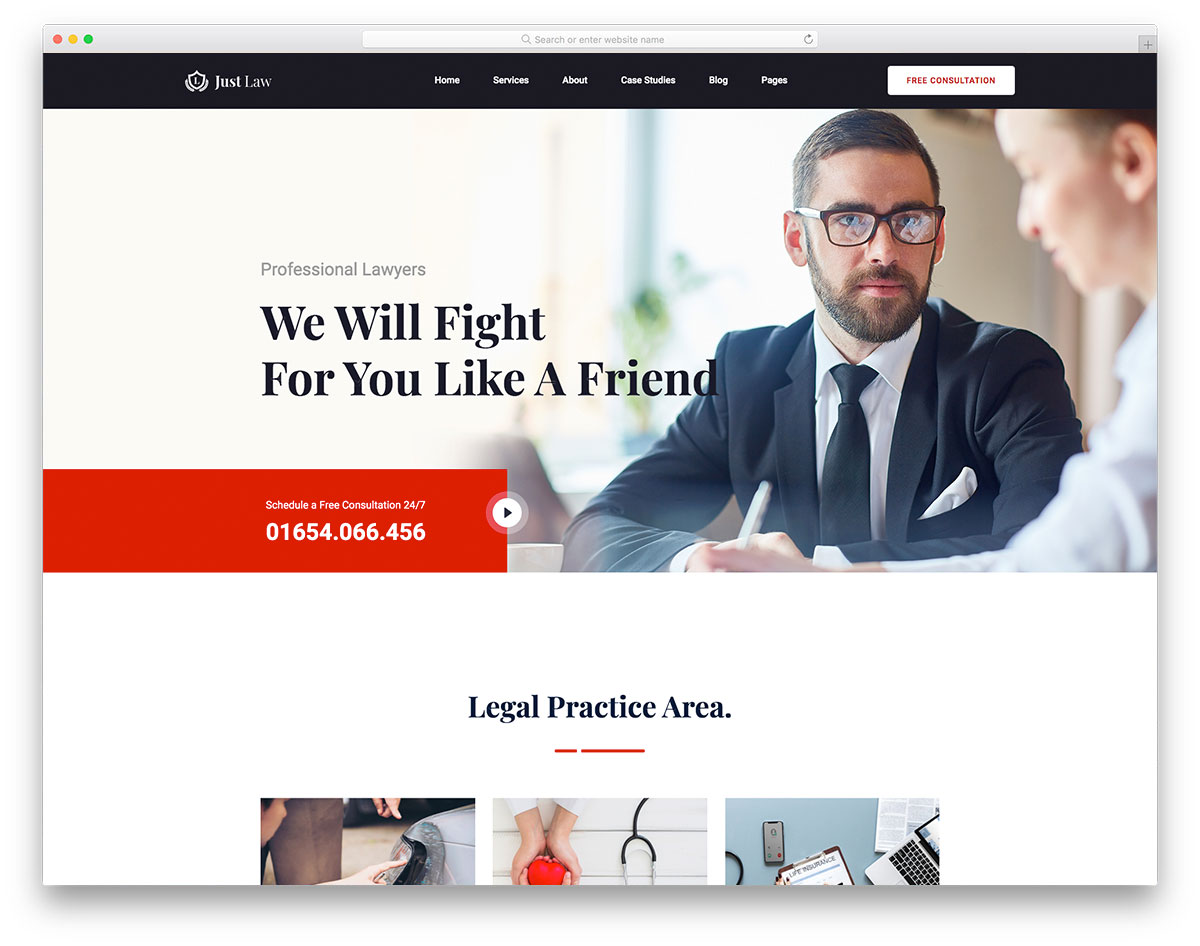
FreeHTMLBootstrap · Best for: law firms and legal advisors
JustLaw treats the consultation form as the conversion point, and keeps services and case studies free of decoration around it. Animated statistics, sticky navigation, testimonials, social icons and a full contact page ship with it. It is built on Bootstrap and retina-compatible, so credentials read sharply on any screen.
50. Charifit
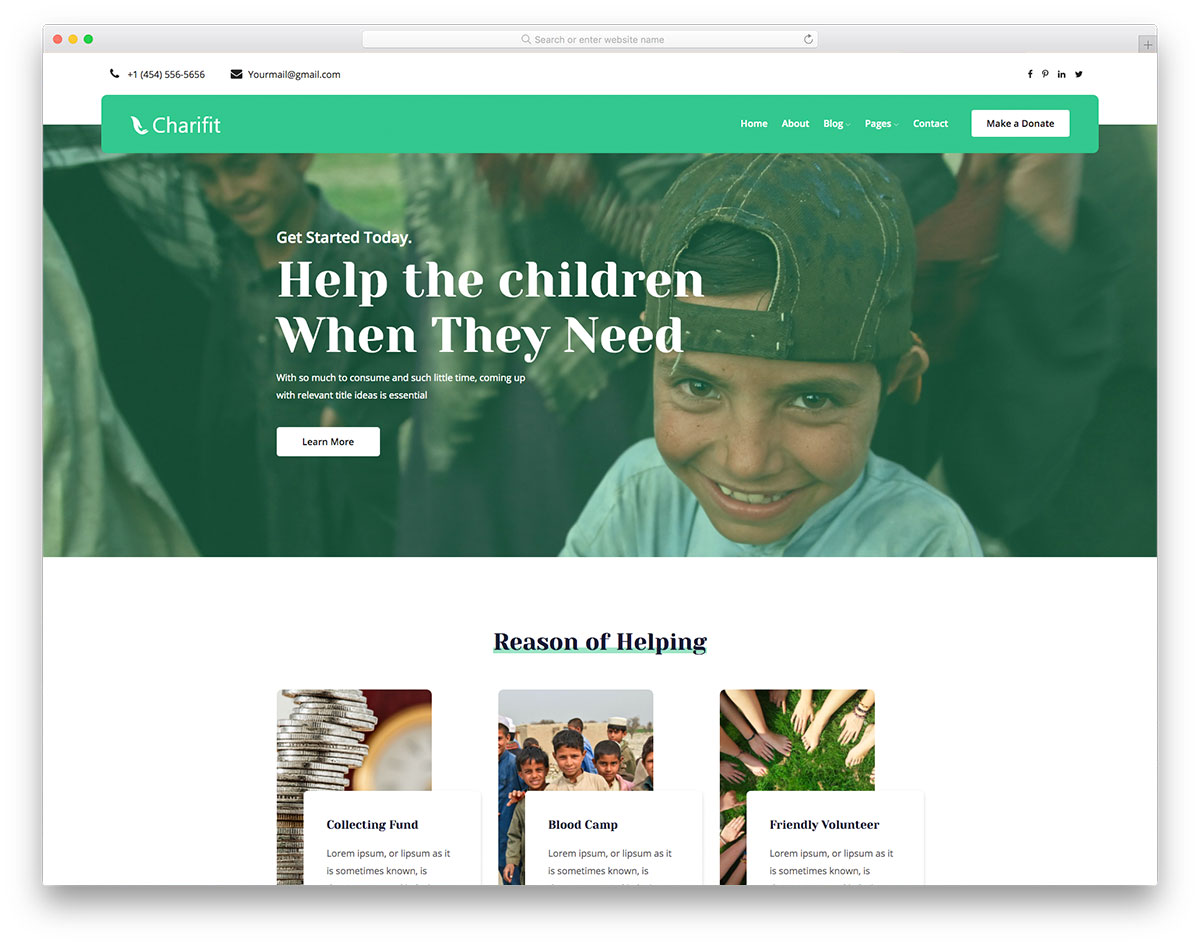
FreeHTML · Best for: charities and fundraising campaigns
Charifit puts a donation form in the template rather than leaving you to bolt one on later. Animated statistics carry the impact numbers, and a drop-down menu, sticky navigation, calls to action and social icons handle the rest. It fits registered charities, non-profits and one-off fundraisers equally well.
51. Medi
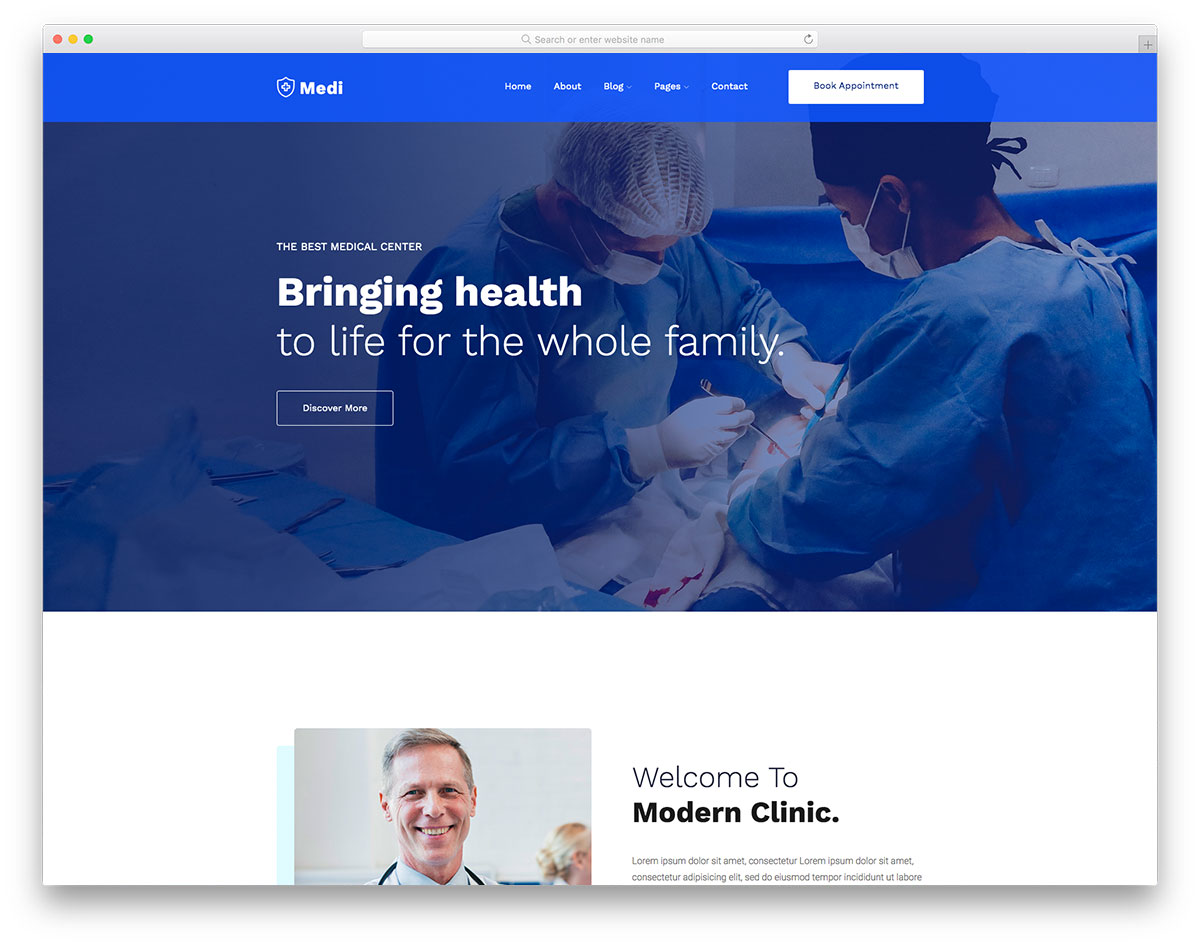
FreeHTML · Best for: clinics, doctors and hospitals
Medi is organised around the online appointment form, with services, a blog and Google Maps supporting it. A slider, calls to action, sticky menu and hover effects finish the layout, and the tidy structure makes rebranding straightforward. It is a plain HTML template, so it needs coding work to become a live site.
52. Lifeleck
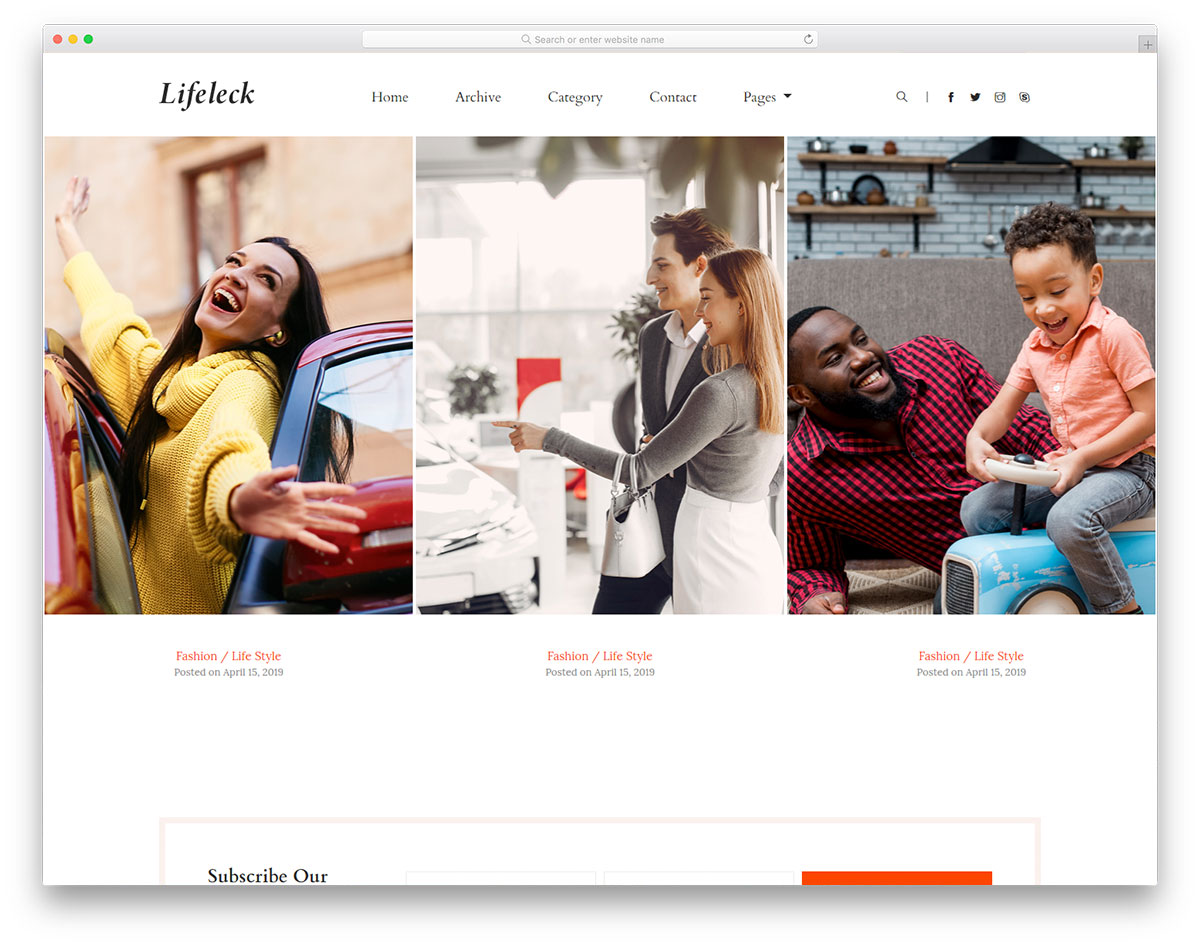
FreeHTMLBootstrap · Best for: lifestyle and personal blogs
Lifeleck keeps the chrome minimal so long-form posts and photography lead, and it retargets to niches well beyond lifestyle. A newsletter subscription form and an Instagram-ready feed handle audience growth, alongside a sticky navbar, drop-down menu and social icons. It is built on Bootstrap and works on retina screens.
53. Europa

FreeHTMLBootstrap · Best for: hotels, resorts and spas
Europa arrives with the inner pages an accommodation site needs already written: rooms, services and about, not just a home page. It is based on the Bootstrap Framework and adds a blog, Google Maps and a working contact form. Rooms get a presentation layout, so rates are not the first thing a guest meets.
54. Loans2go
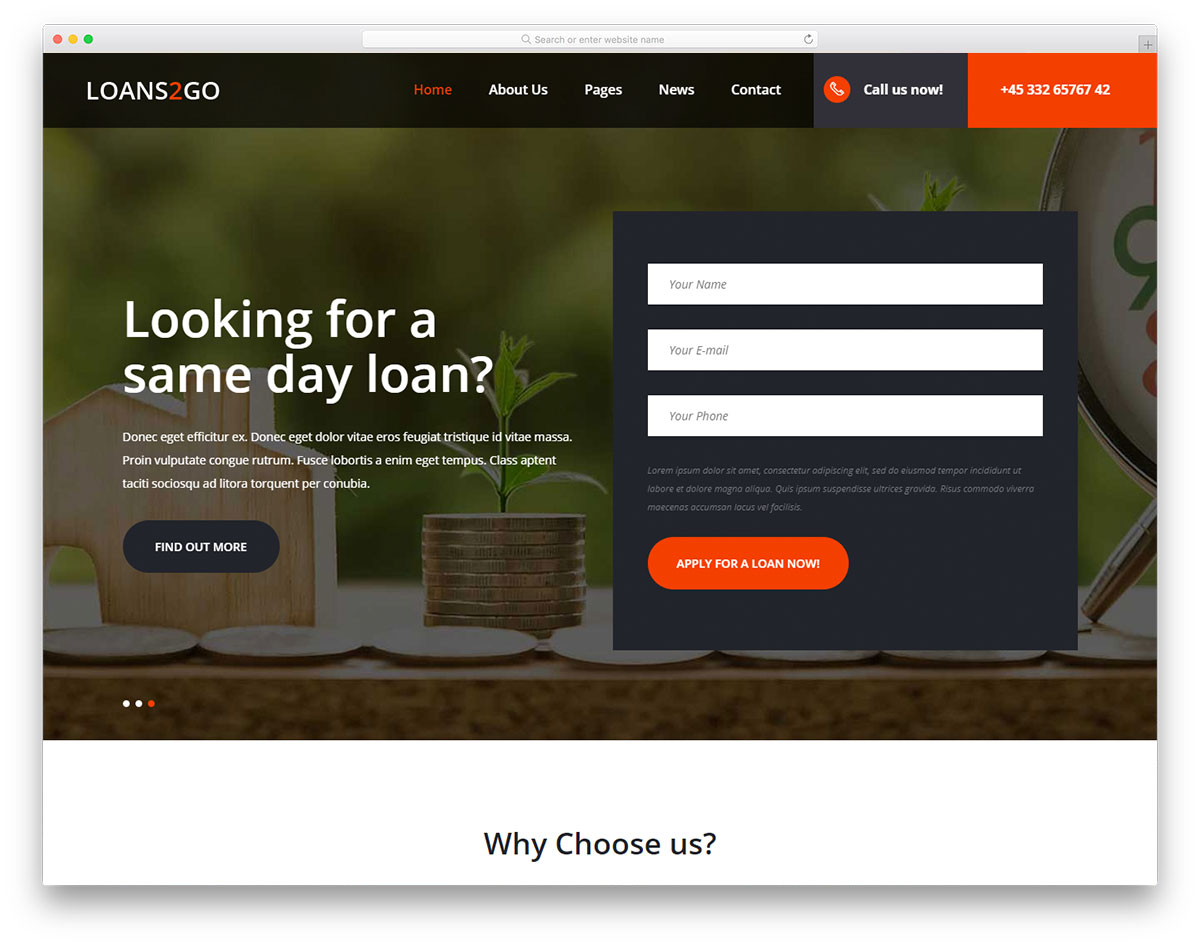
FreeHTMLBootstrap · Best for: lenders and loan landing pages
Loans2go works as a campaign landing page as much as a full site, which suits a lender promoting one product at a time. The Bootstrap Framework structure keeps the application flow steady across phones and desktops. A full-width slider, several forms, drop-down menus, a news section and Google Maps are included.
55. Dogger
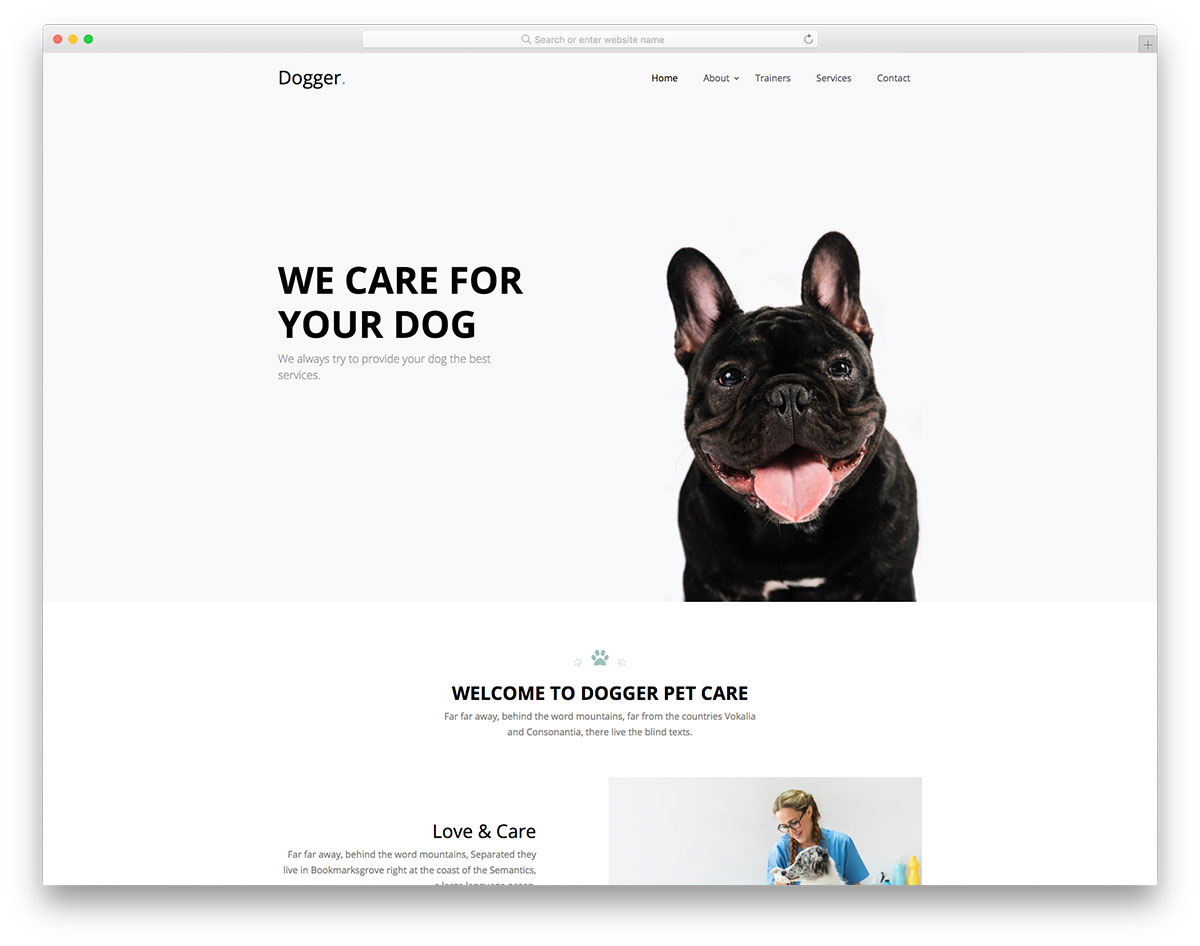
FreeHTML · Best for: dog care, training and grooming
Dogger is structured as a one-page site, so a dog-care business can present services, pricing and contact in a single scroll. A full-screen banner opens it, then on-scroll content loading, pricing plans, hover effects and a testimonials slider. A blog section, working contact form and social icons are also part of the bundle.
56. Activitar
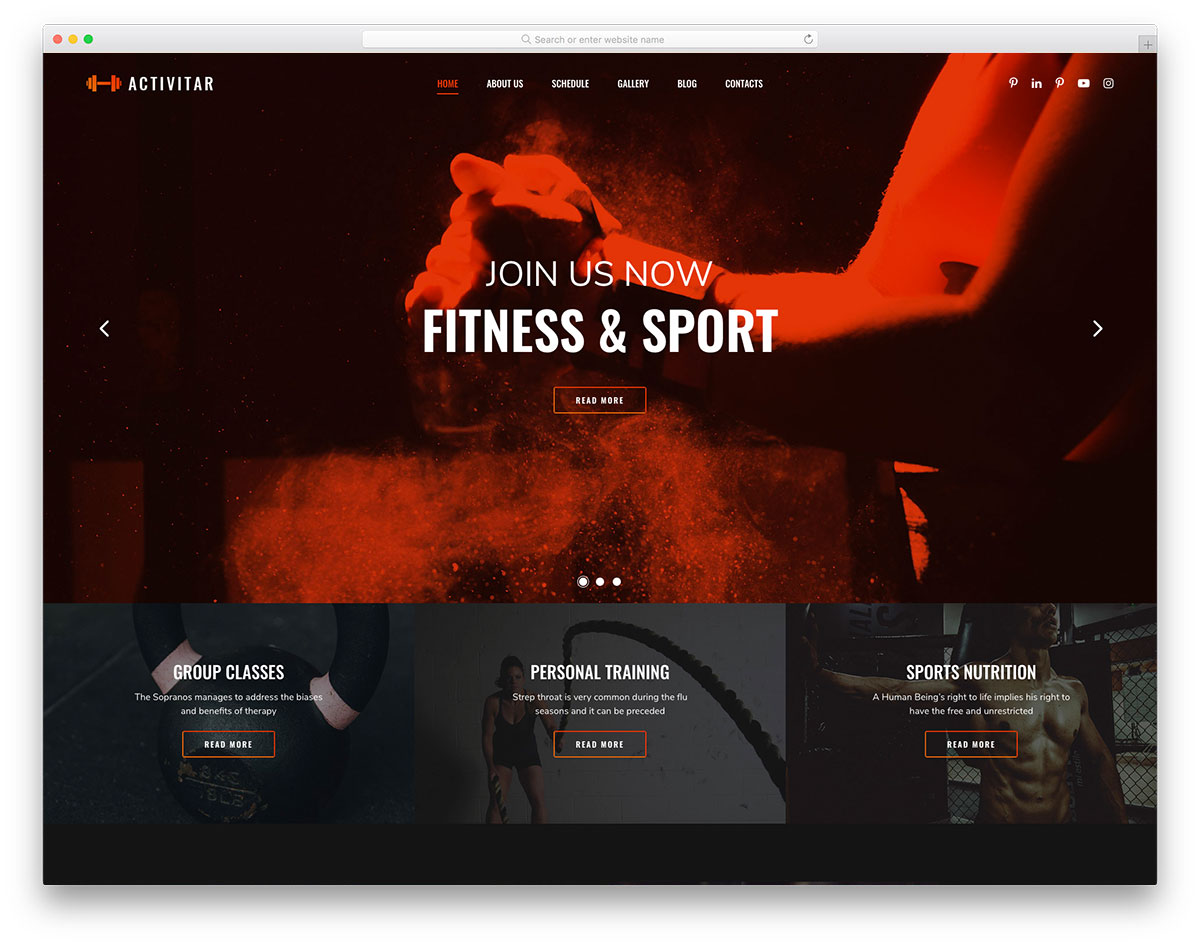
FreeHTMLDark Mode · Best for: gyms and fitness clubs
Activitar runs a dark, high-contrast design and includes a class timetable, the section most fitness templates leave out. A large slider opens the page, with pricing plans, a drop-down menu, Google Maps, a working contact form and blog pages behind it. The default look is usable unchanged or takes your branding.
57. Cassi
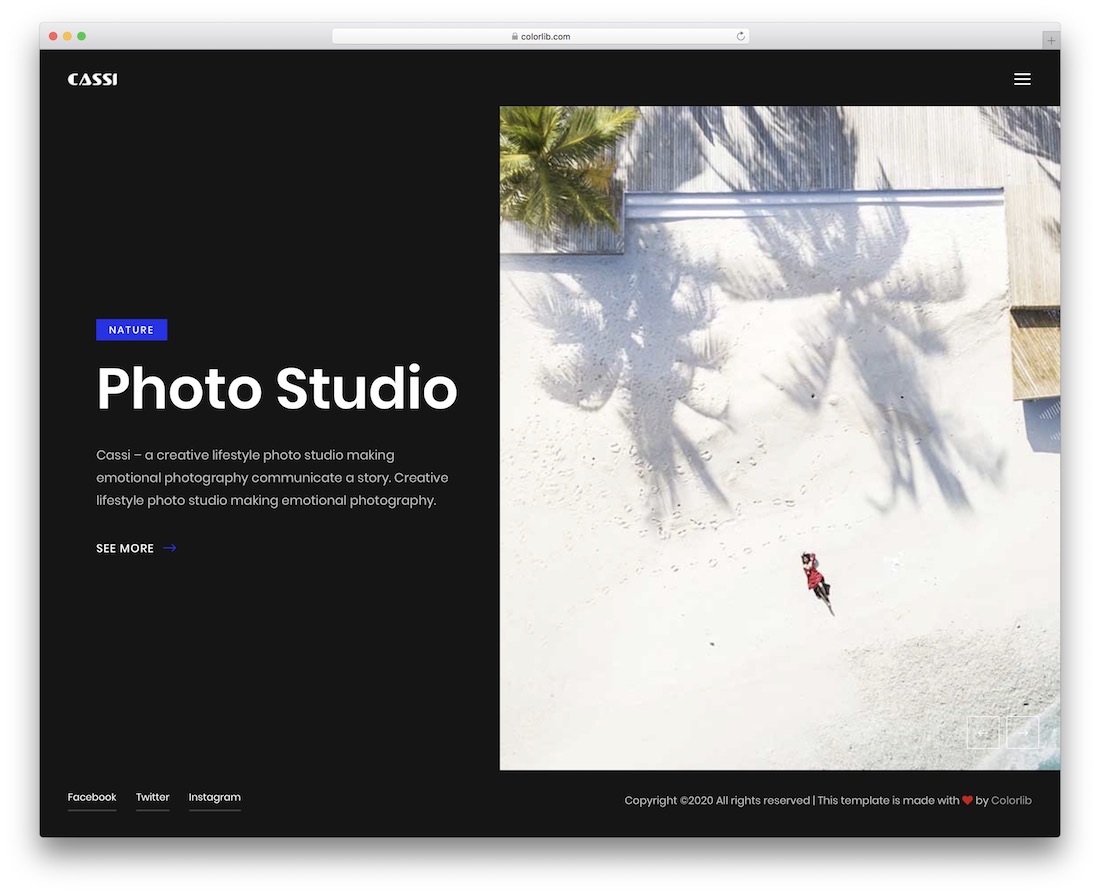
FreeHTMLDark Mode · Best for: photographers and photo studios
Cassi opens on a split-screen slideshow, letting two images share the first screen instead of one hero shot. The dark treatment keeps attention on the work, and several inner pages cover gallery, story and blog, with social icons and a functional contact form. It is retina-ready and cross-browser compatible.
58. Nitro
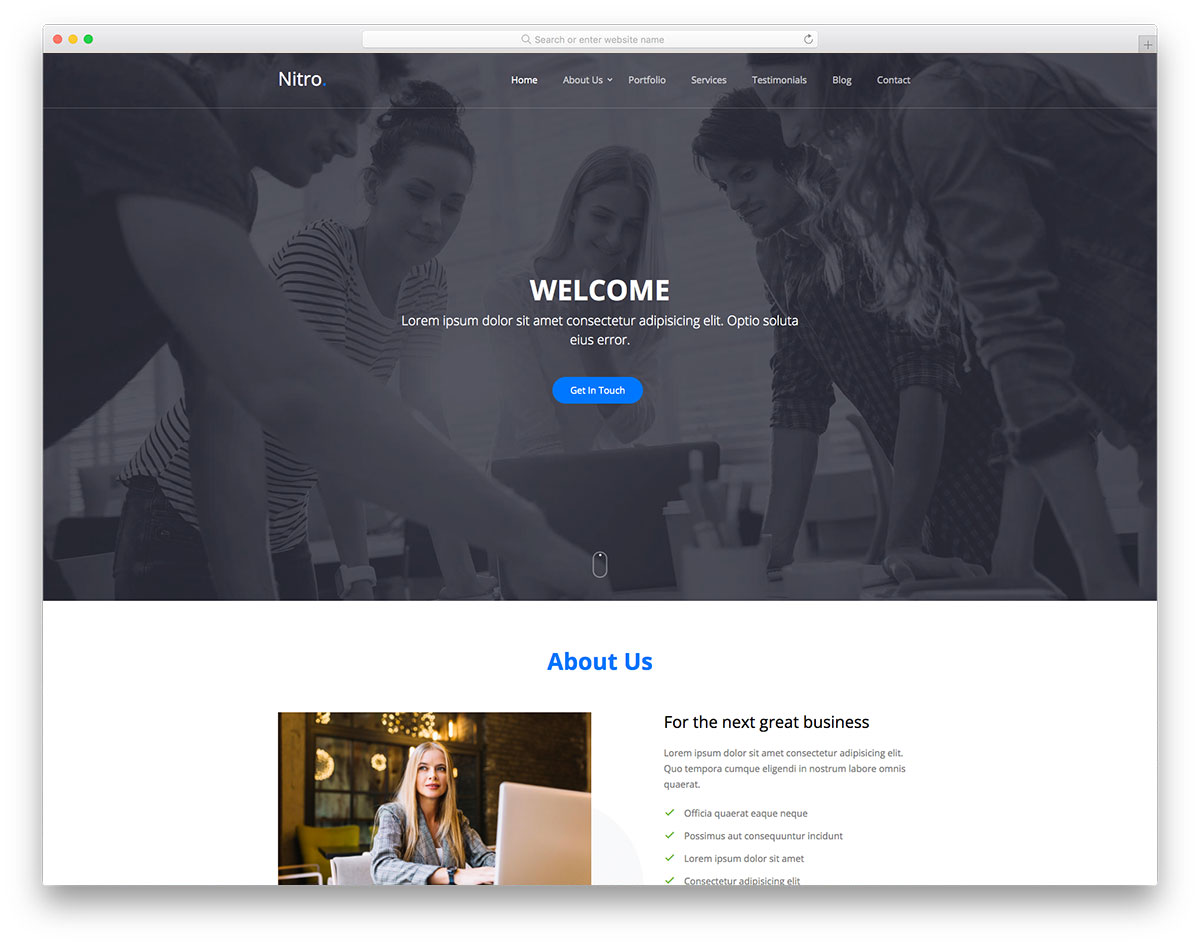
FreeHTML · Best for: agency and freelance portfolios
Nitro puts a filterable portfolio on a single page, so an agency can show categories of work without splitting them across URLs. Large banners, calls to action, sticky navigation, on-scroll content loading, a testimonials slider, pricing tables and a contact form complete the online portfolio. It is plain HTML and needs coding to go live.
59. Edumark

FreeHTMLBootstrap · Best for: online courses and schools
Edumark’s filterable courses portfolio is the part that matters: a school with a dozen programmes can sort them without building extra pages. A full-screen banner, calls to action, drop-down menu, sticky navigation, testimonials, newsletter form, blog pages and a contact section with Google Maps come with it. Built on Bootstrap.
60. Booke
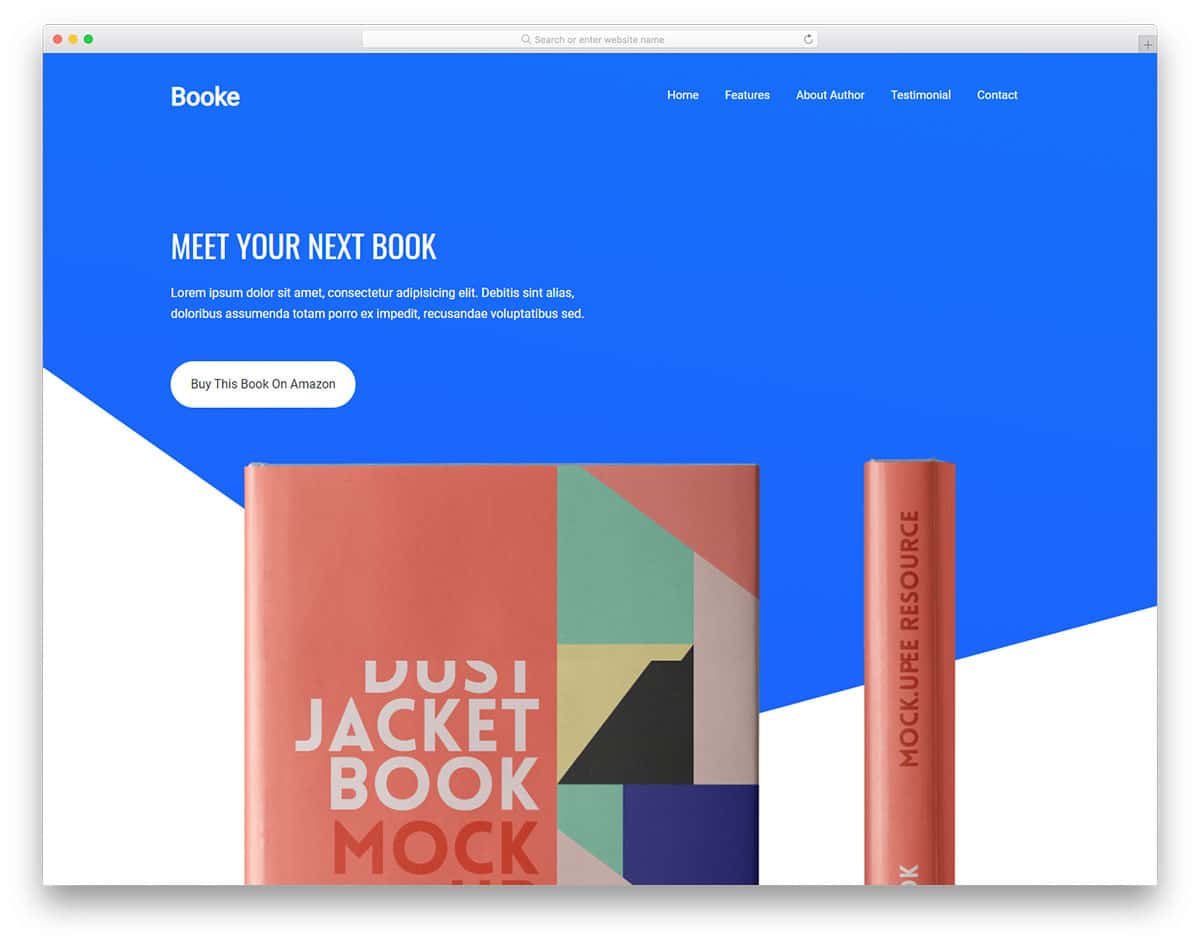
FreeHTMLBootstrap · Best for: book launches and author pages
Booke is a launch page for a single title, with calls to action you can point straight at a store listing or third-party retailer. An image slider showcases an upcoming release, and an about-the-author section, testimonials, hover effects and a sticky header support it. A contact page and social buttons are included.
What’s Your Favorite Free Responsive Website Template?
These are the best free responsive website templates. Certain niche categories are also listed here to provide you with a more comprehensive idea. However, all these templates feature a professional design, allowing you to use them for multiple purposes. What’s your favorite mobile-responsive website template? Let us know in the comment section below.

Related Posts




Comments (0)