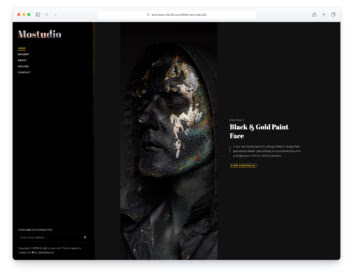
Photosen
Template Details
Author: Colorlib
Updated: October 2026 · v3.0.3
Credits: Images from Unsplash
Description
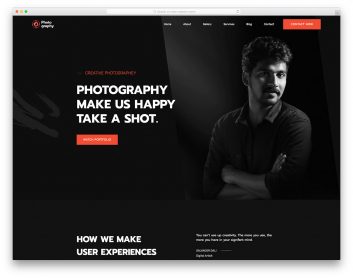
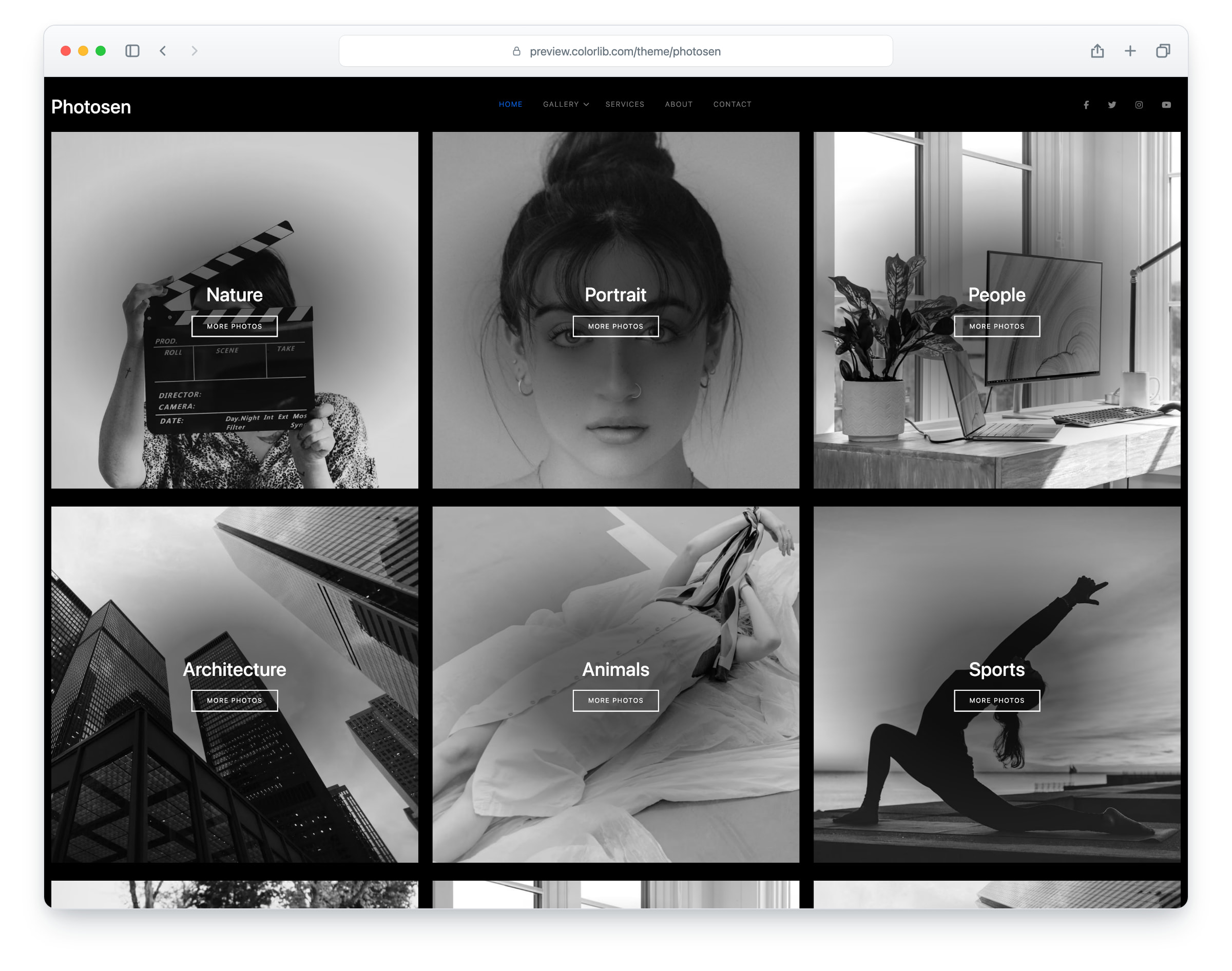
If you want something unique, Photosen is a dark portfolio website template that puts any photographer’s work first. Whether you are just starting with your project or an established photographer, Photosen works in both instances. It works out of the box, and you can also adjust it to your needs. Photosen’s structure is beginner-friendly, ensuring everyone gets the most out of it.
Photosen is a Bootstrap 5 template that adapts to different screens. It has five pages (home, gallery, about, services and contact), and the home page portfolio, gallery lightbox, multi-level drop-down menu, social media icons and working contact form are just a few of Photosen’s specialties. Your website will also work on all modern devices and web browsers. Create a strong impression with Photosen and start building your online presence.
What’s new in 3.0
- Bootstrap 5.3.8 compiled from Sass: 2.0 shipped an older Bootstrap 5.3 build and no Sass source, so the theme’s Sass was rebuilt from its stylesheet, and the Bootstrap 4 classes left in the markup now use their Bootstrap 5 names. Build with npm run build (Dart Sass and esbuild).
- PhotoSwipe 5 replaces GLightbox (zoom, arrows, keyboard, swipe and captions), a small scroll-reveal module replaces AOS, and the mobile menu is an accessible panel that keeps focus inside and closes with Esc. Bootstrap’s JavaScript no longer loads, since nothing needs it.
- Lighter pages: the five pages together went from 9.2 MB and 98 requests to about 2.4 MB and 43 requests. Photos are AVIF with the JPG as the fallback, with real dimensions and lazy loading below the fold, and a 4.8 MB icon font is gone.
- No third-party requests: an unused Google Fonts link is removed, icomoon and Flaticon are replaced by SVG icons and a 1.2 KB social-logo subset, and Colorlib’s Google Analytics ID is replaced by a commented-out GA4 snippet.
- A working contact form through includes/send-email.php, with validation, in-page messages and protection against mail-header injection. Before, the form had no handler.
- Accessibility: a skip link, one h1 per page, names on icon-only links, drop-down menus that work from the keyboard, a visible focus ring and WCAG AA text contrast on the service cards.
- Fixed: the menu button was black on the black header on four of the five pages, so phones and tablets had no visible menu; the About page team names were invisible and its heading said “My Services”; the contact form rows touched and the message box was one line high; and a leftover script caused an error on every page.
Pricing Photosen
Single
$19
- Premium support
- Template updates
- For 1 year
- Access all templates
Membership
$129
- Premium support
- Template updates
- For 1 year
- For 1 year
Lifetime
$349
- Premium support
- Template updates
- For life
- For life
Featured in: 60 Best Free Responsive Website Templates 2026 · 30 Free HTML & Bootstrap Gallery Templates 2026
Similar Photography Templates View all 48 photography templates →