
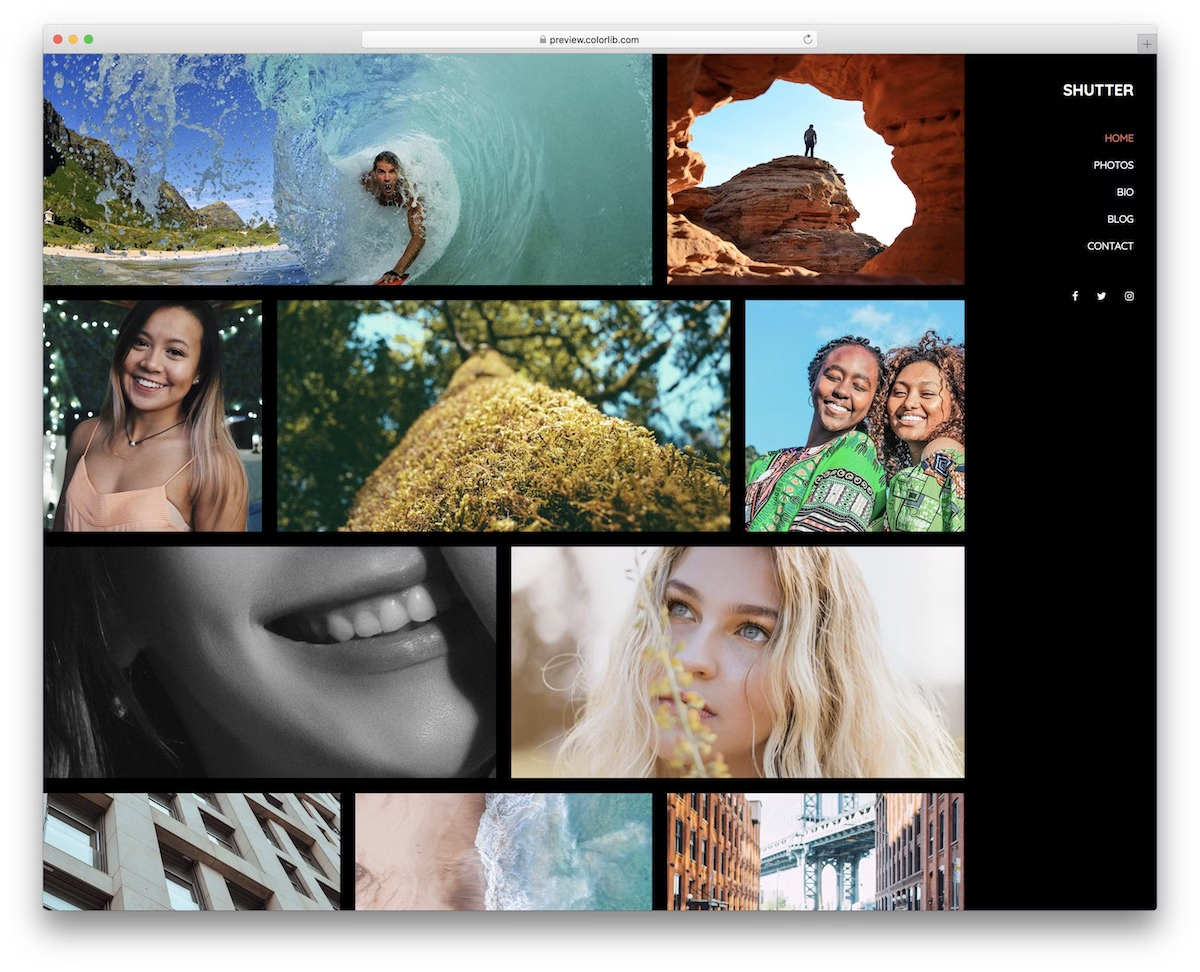
30 Free HTML & Bootstrap Gallery Templates 2026
We bring you a collection of versatile free gallery templates. Several are built on Bootstrap and are badged that way; the rest use their own grid systems and lightbox scripts, so they slot into any project without pulling in a framework. These work especially well for any creative individual or agency.
We offer a web design for photographers or those looking to create an online portfolio website.
With any of these tools, you will enjoy creating an interactive and modern-looking gallery website. Two of the most common gallery styles are the grid and masonry styles.
Friendly reminder: Skip straight to free HTML templates.
Moreover, if you are a developer who likes to find inspiration and tweak the design to your custom needs, these free Bootstrap gallery templates can help you start your project in no time.
While most site canvases on the list below are HTML (coding knowledge is necessary), we included a few WordPress alternatives. With a WordPress theme, you do not need any experience whatsoever. It operates with a visual editing process that both beginners and professionals can take to their full advantage.
Instead of focusing on third-party platforms and social media, and lacking a solid online presence, take things to the extreme now. With a ready-to-use template or theme, you can make an immediate difference.
Table of contents — all 30 templates
Divi (WordPress)

Premium WordPress · Best for: gallery modules without touching markup
The grid, column count and lightbox are builder settings here, not markup you edit. Divi ships over 100 predefined layouts and its visual page builder handles the rest, so adding a gallery to an existing page needs no coding.
Jevelin (WordPress)
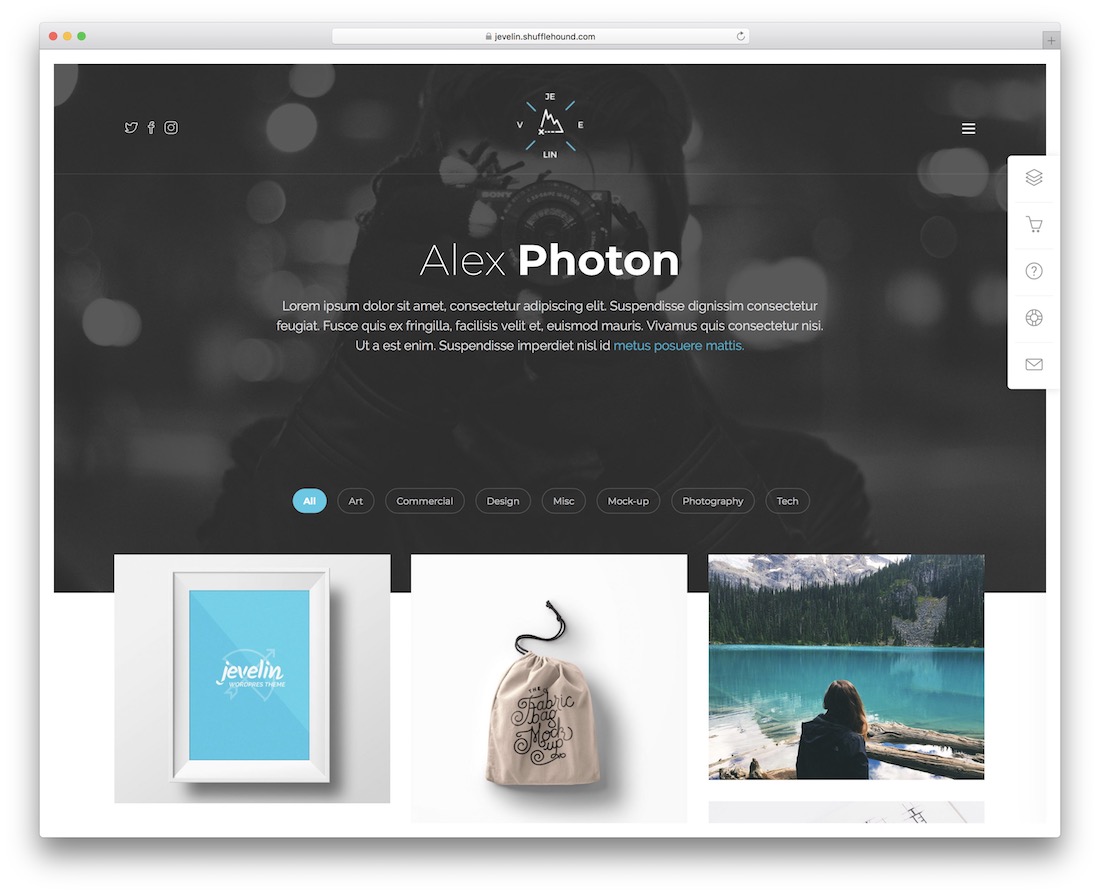
Premium WordPress · Best for: one-click demo gallery layouts
Thirty-plus demos install with a single click, so you lift a finished gallery layout rather than assemble one. Once imported, the theme’s customization controls let you restyle the grid and swap imagery without opening template files.
Dopi (WordPress)

Premium WordPress · Best for: Elementor-built gallery sections
Gallery sections are Elementor widgets, so rearranging a grid is drag-and-drop. Dopi’s bundled designs cover agencies, architects, designers, freelancers and law firms, and adapting one needs no coding or design background.
Best free Bootstrap gallery templates
Pentax

Free Bootstrap · Best for: category-filtered portfolio grids
Isotope filtering arrives wired to four named categories: weddings, motion, portrait and fashion. The portfolio grid runs on col-md-6 and col-lg-4 spans, and Waypoints plus CounterUp drive the animated stats block beneath it.
Thumber

Free Bootstrap · Best for: thumbnail-synced slideshow galleries
Two linked Swiper instances — a full-size stage and a synced thumbnail strip — replace the usual static grid. Images are applied as CSS backgrounds and open in Fancybox on click, with AOS handling the scroll reveals.
Shutter
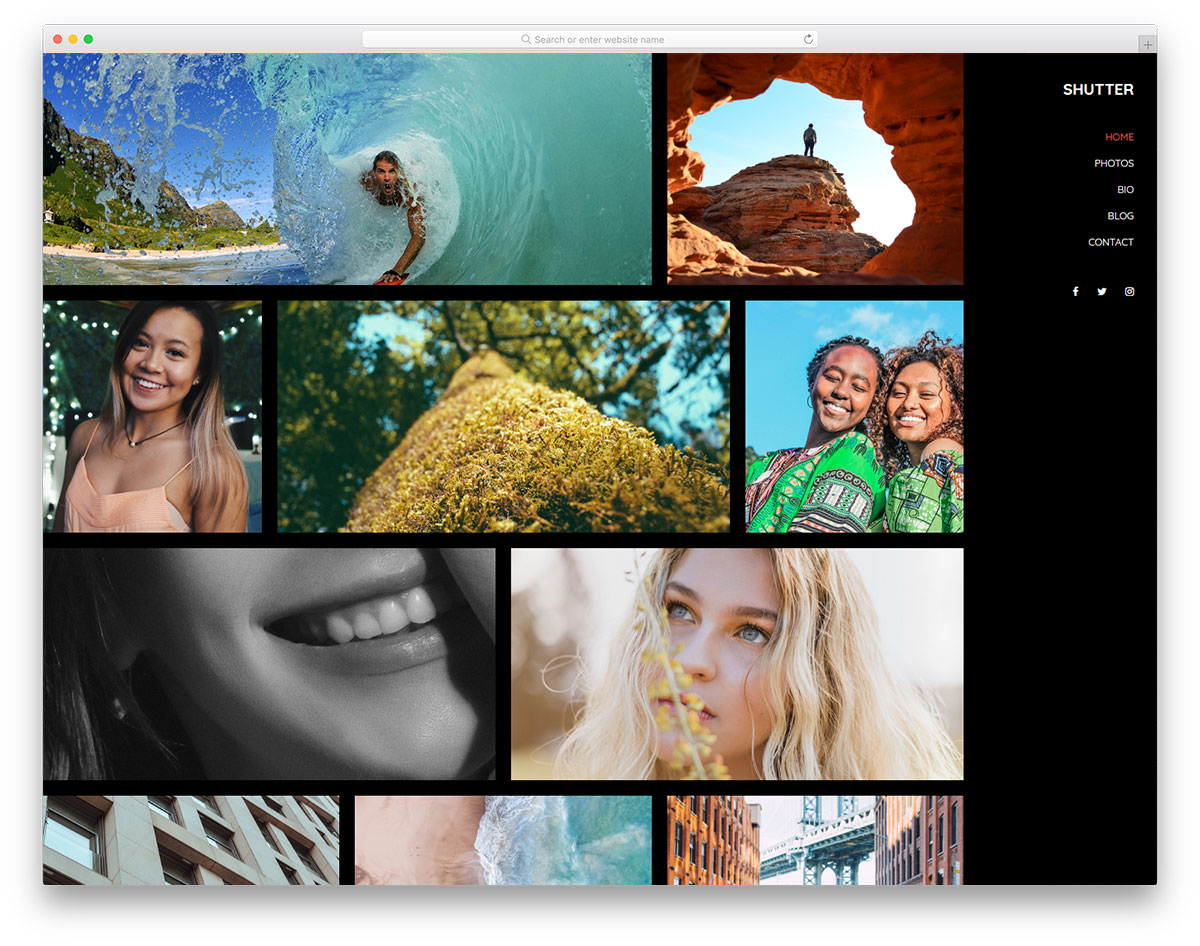
Free Bootstrap Dark Mode · Best for: dark full-width photo walls
A dark, edge-to-edge photo wall assembled from plain Bootstrap columns with no lightbox plugin at all. The container-fluid grid mixes col-lg-3, col-lg-4 and col-lg-6 tiles so image widths vary, and AOS is the only extra script.
Alime
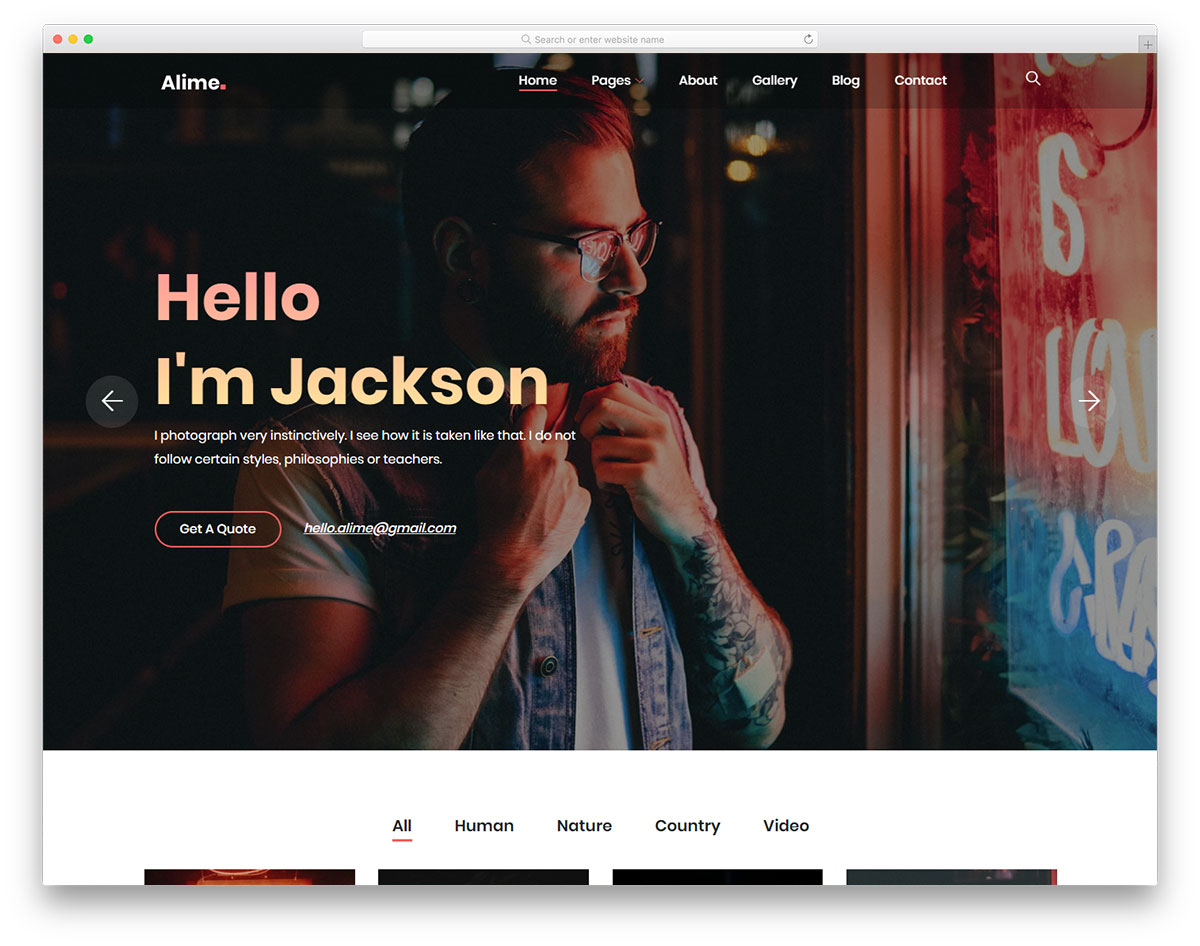
Free Bootstrap · Best for: four-up filtered gallery blocks
A four-across gallery grid — col-12 col-sm-6 col-lg-3 — with a filter bar for human, nature, country and video. Tiles carry fadeInUp animation classes, and the plugin code is pre-bundled into one file alongside Bootstrap.
Space
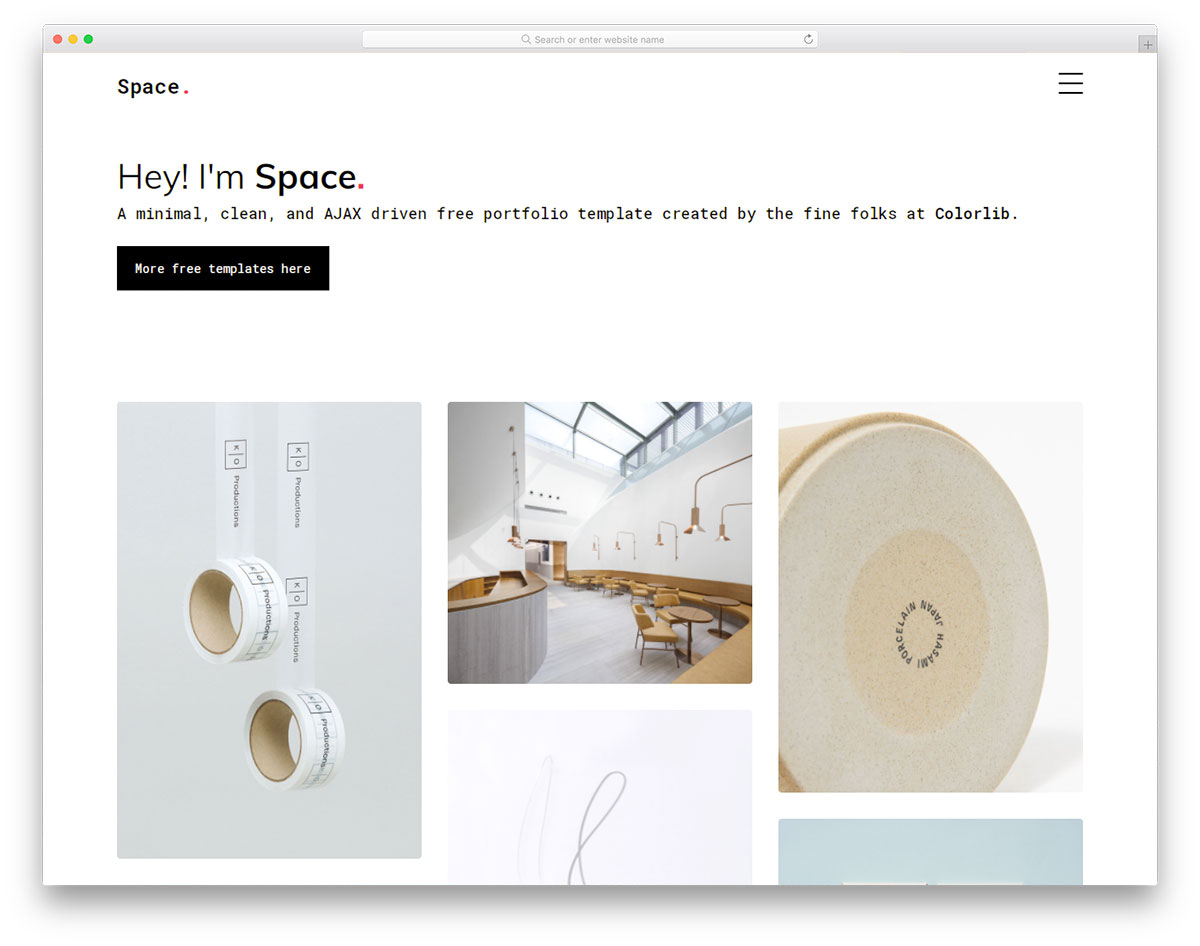
Free Bootstrap · Best for: ajax-loaded portfolio grids
Portfolio tiles pull their detail view in over Ajax instead of navigating to a new page. Items sit on a col-sm-6 col-lg-4 grid with reveal animations, and three portfolio-single pages plus an elements page ship alongside the index.
Photosen
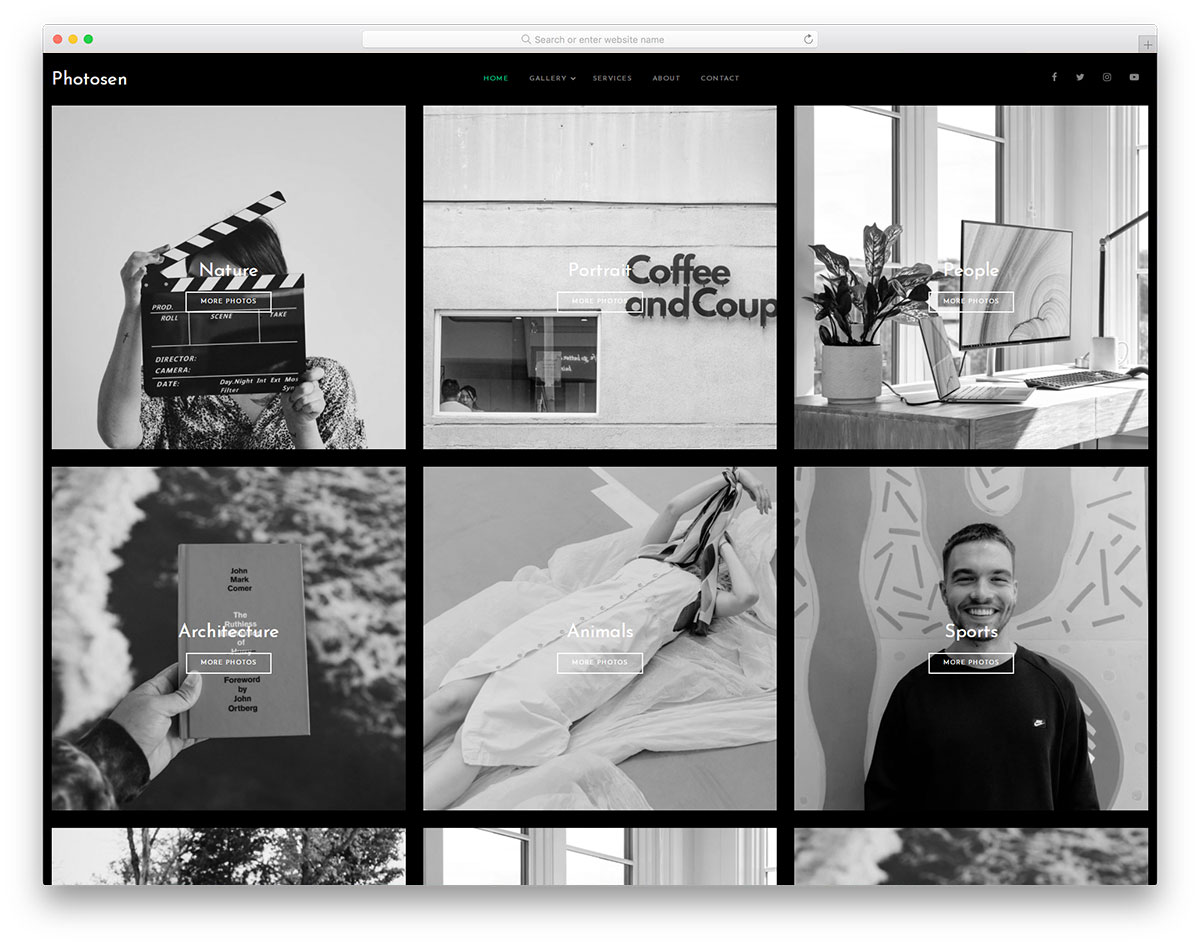
Free Bootstrap Dark Mode · Best for: dark three-column photo grids
A dark three-column grid that runs on Bootstrap 5’s bundle and AOS alone. There is no lightbox or filtering script to configure, which makes the gallery block quick to lift straight into an existing dark-themed site.
Sun
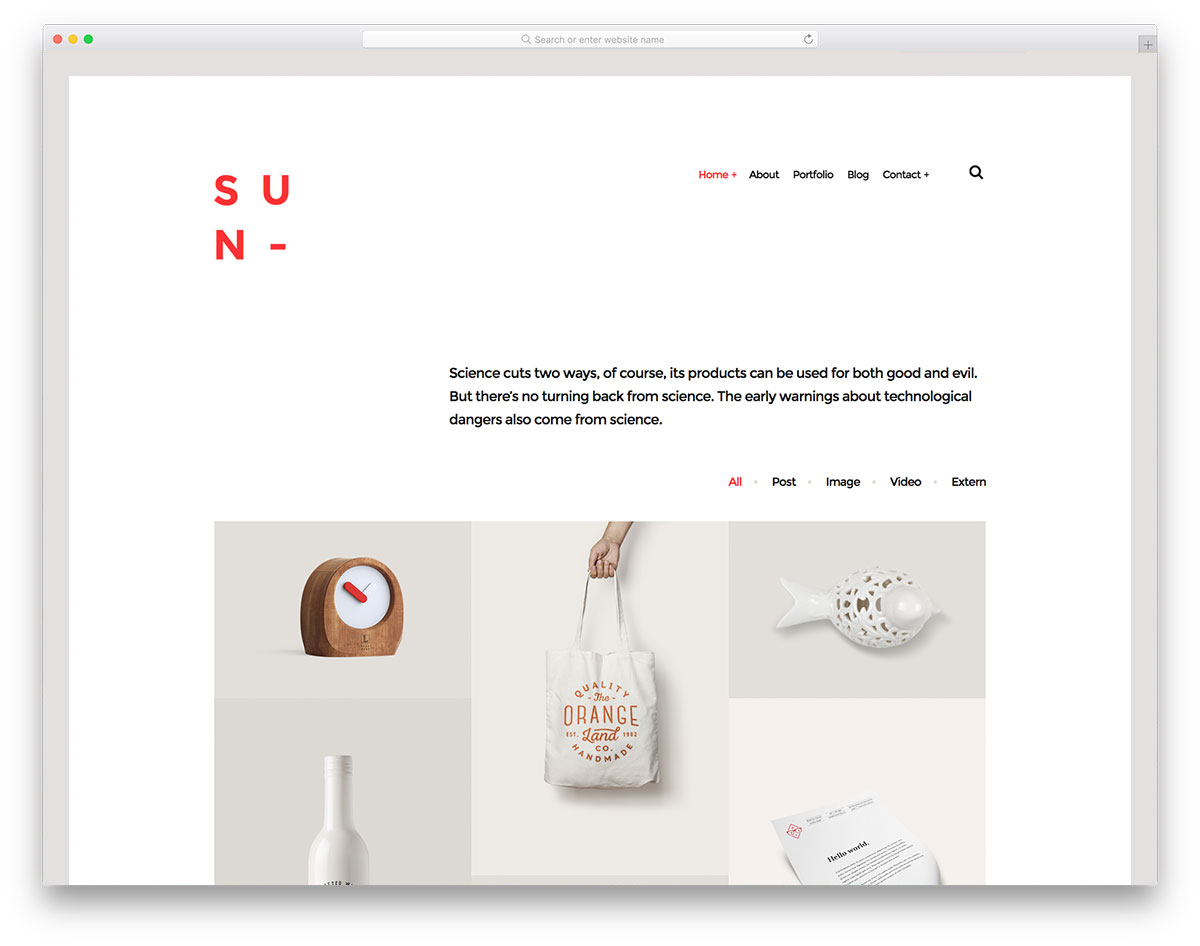
Free HTML · Best for: mixed-media filtered galleries
The filter sorts by media type — post, image, video and external link — rather than by subject. Isotope lays items out in thirds and prettyPhoto handles the overlay, so video and image entries open in the same lightbox.
Photography
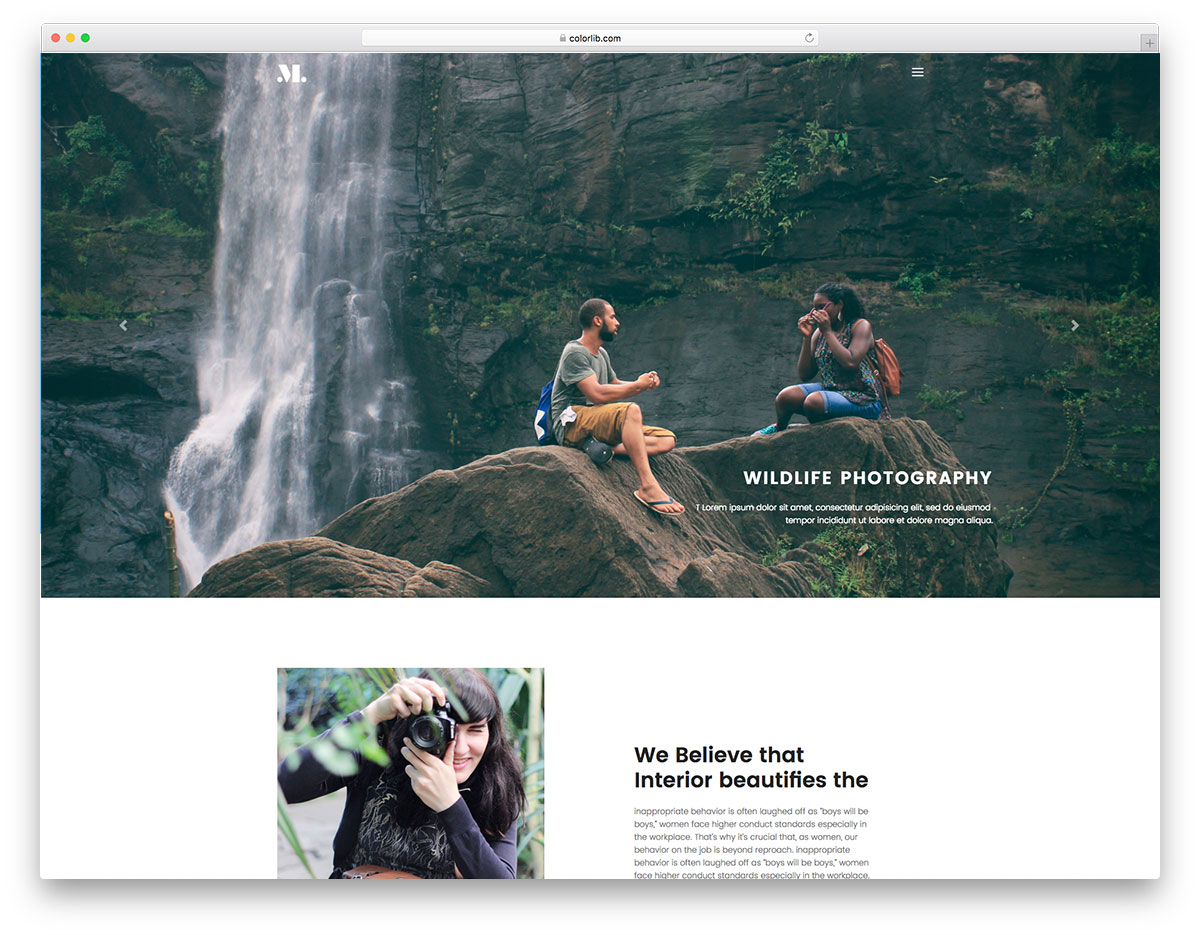
Free Bootstrap · Best for: full-screen slideshow intros
A full-screen slideshow header sits above a gallery section that alternates col-lg-4 tiles with full-width rows. SimpleLightbox provides the overlay, and Owl Carousel, a parallax script and a sticky-navigation plugin come bundled with it.
Photon
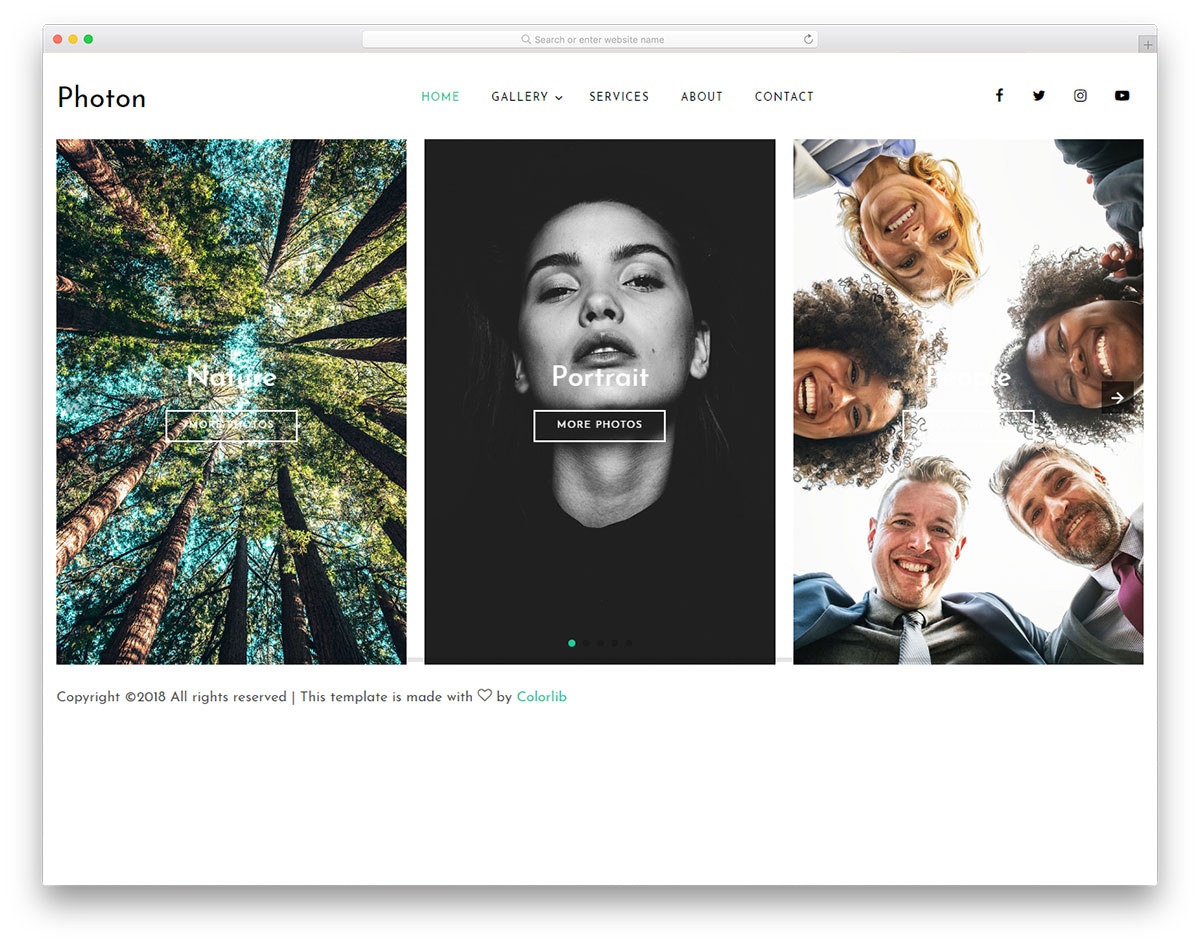
Free Bootstrap · Best for: lightGallery-powered image grids
lightGallery does the overlay work, which brings thumbnails, zoom and keyboard navigation without extra code. Swiper drives the sliders and AOS the scroll reveals, so the gallery leans on three named libraries you can update independently.
Louie
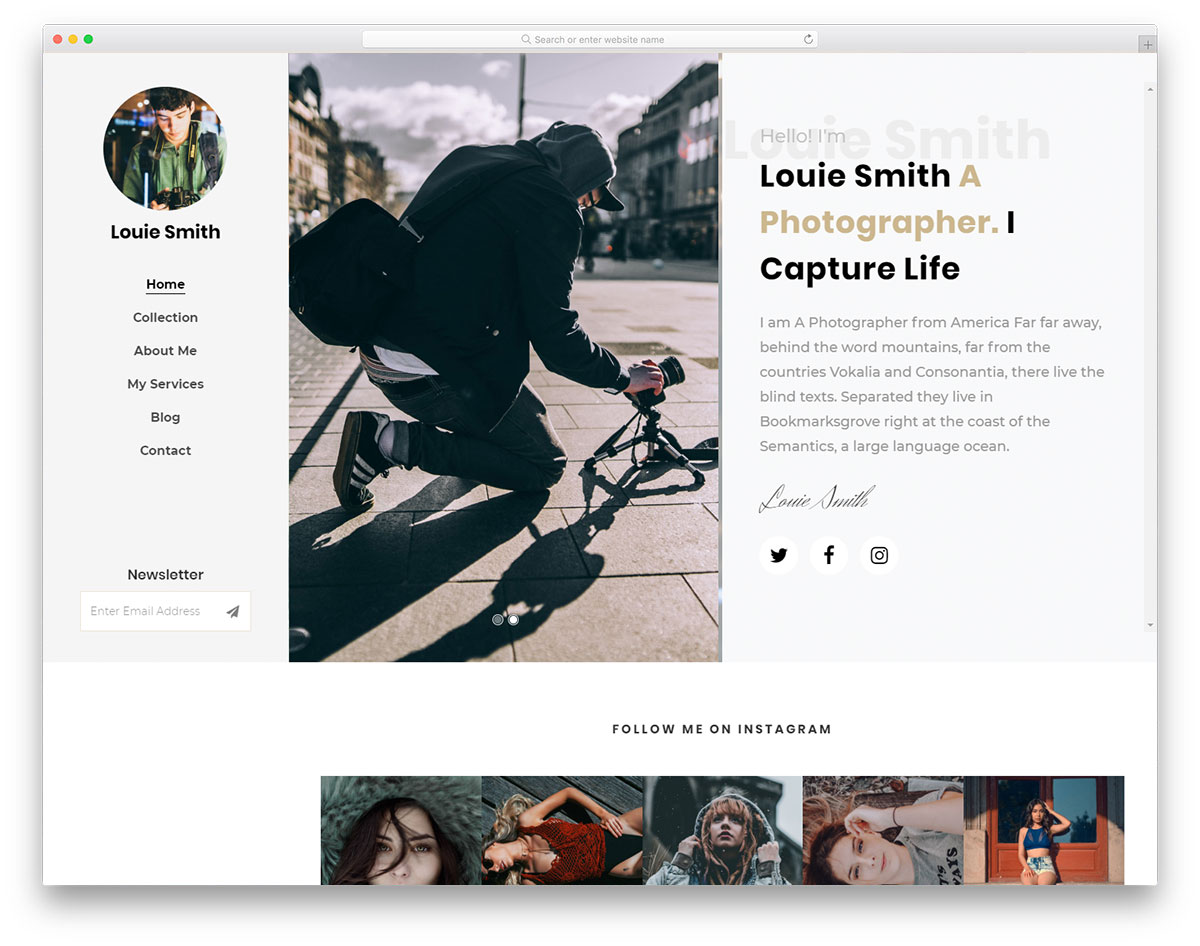
Free Bootstrap · Best for: sidebar-navigation photo layouts
Sticky sidebar navigation frees the entire right-hand column for images. Photos are CSS background tiles wired to Magnific Popup through an image-popup class, alongside Scrollax parallax, a split-screen Owl Carousel, social icons and a newsletter block.
PhotoGallery
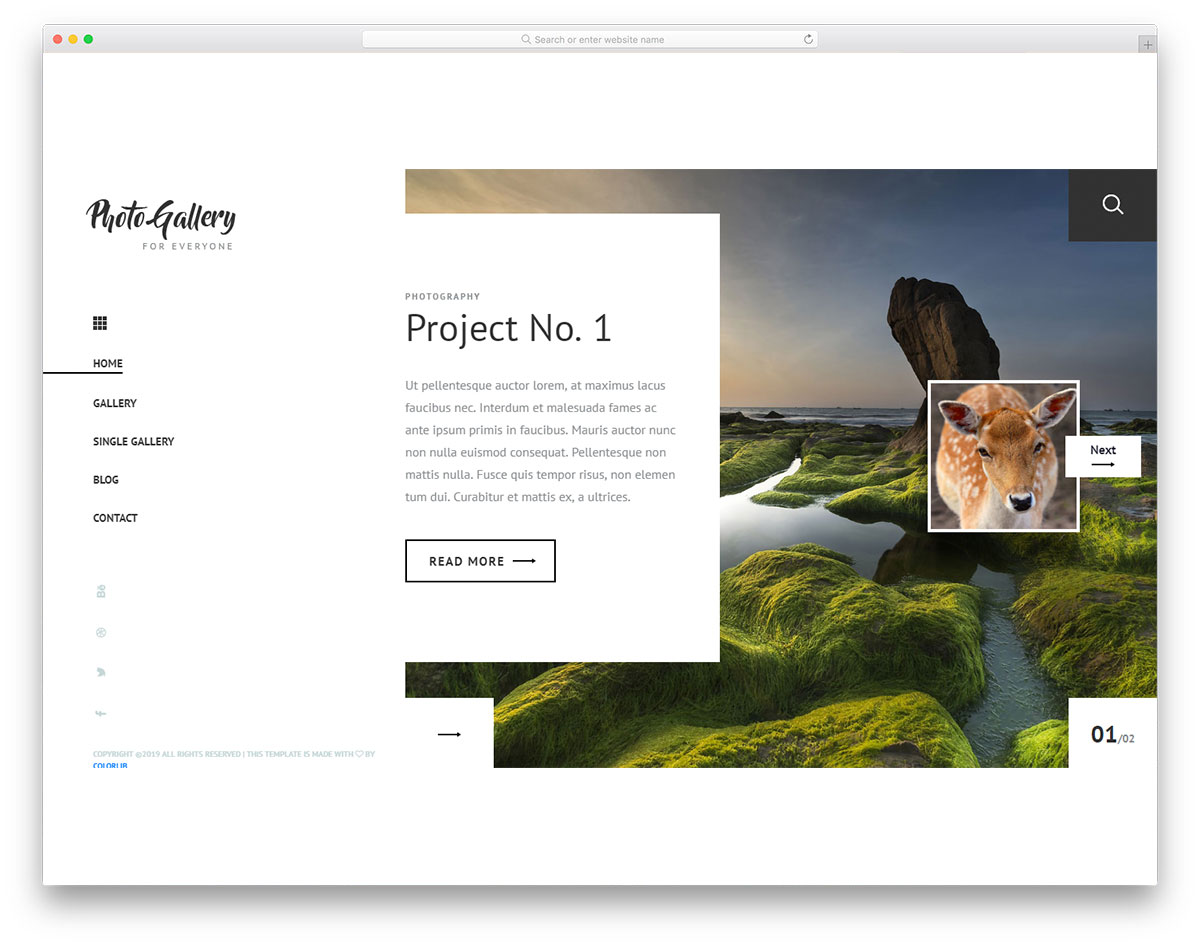
Free Bootstrap · Best for: isotope grids that reflow correctly
Isotope ships with imagesLoaded, so the grid only re-lays itself once the photos have finished downloading. A circle-progress plugin, a nicescroll custom scrollbar and Owl Carousel complete the bundle.
Capture
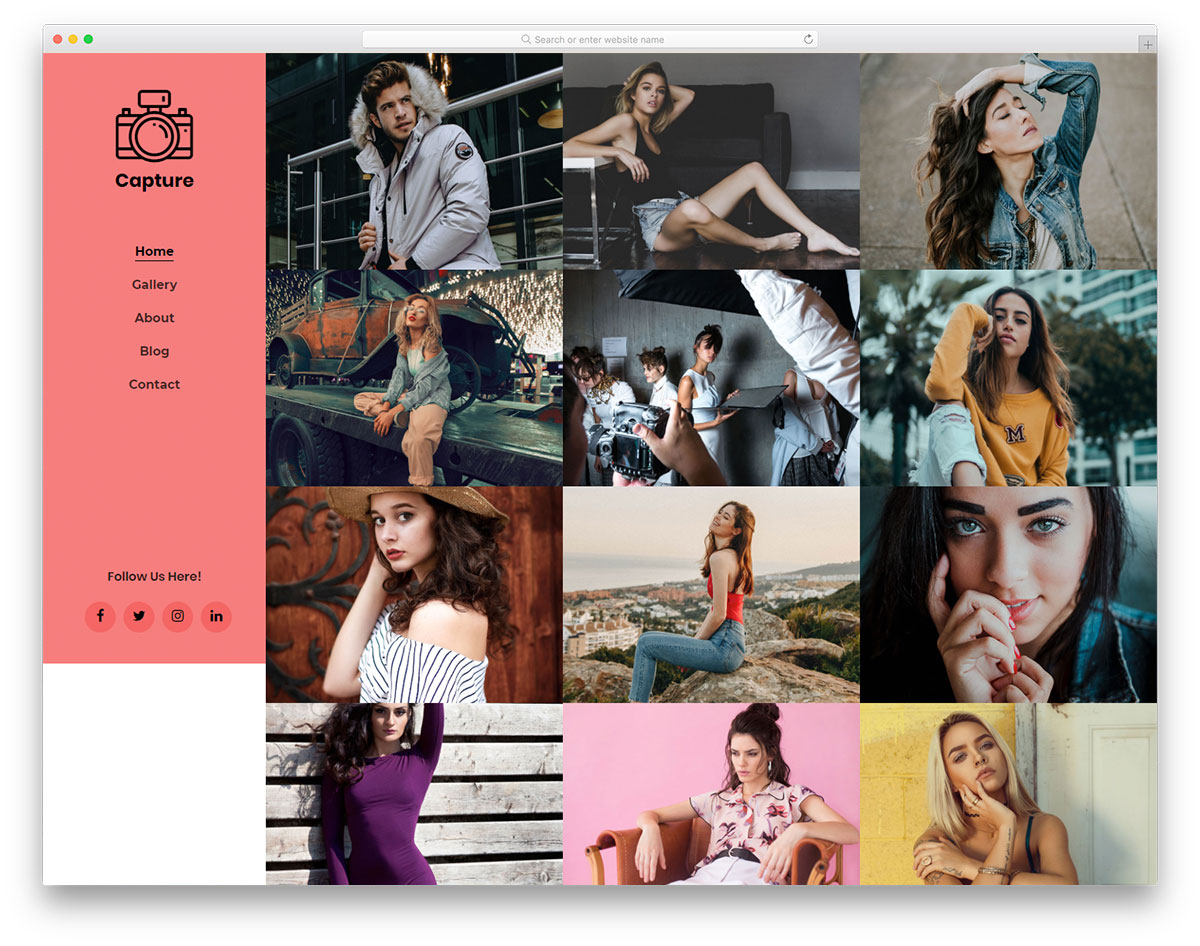
Free Bootstrap · Best for: uniform three-column grids
Twelve equal col-md-4 tiles, each an image-popup anchor handed straight to Magnific Popup. Photos are set as CSS backgrounds rather than img tags, and a separate gallery page carries whatever does not fit the homepage grid.
Riddle

Free Bootstrap · Best for: mixed-width filtered portfolios
MixItUp filtering over a deliberately uneven grid, where some tiles span col-lg-6 and others col-lg-4. Four categories arrive pre-wired — web design, digital design, 3D rendering and brand identity — and Magnific Popup opens the enlarged view.
Halo
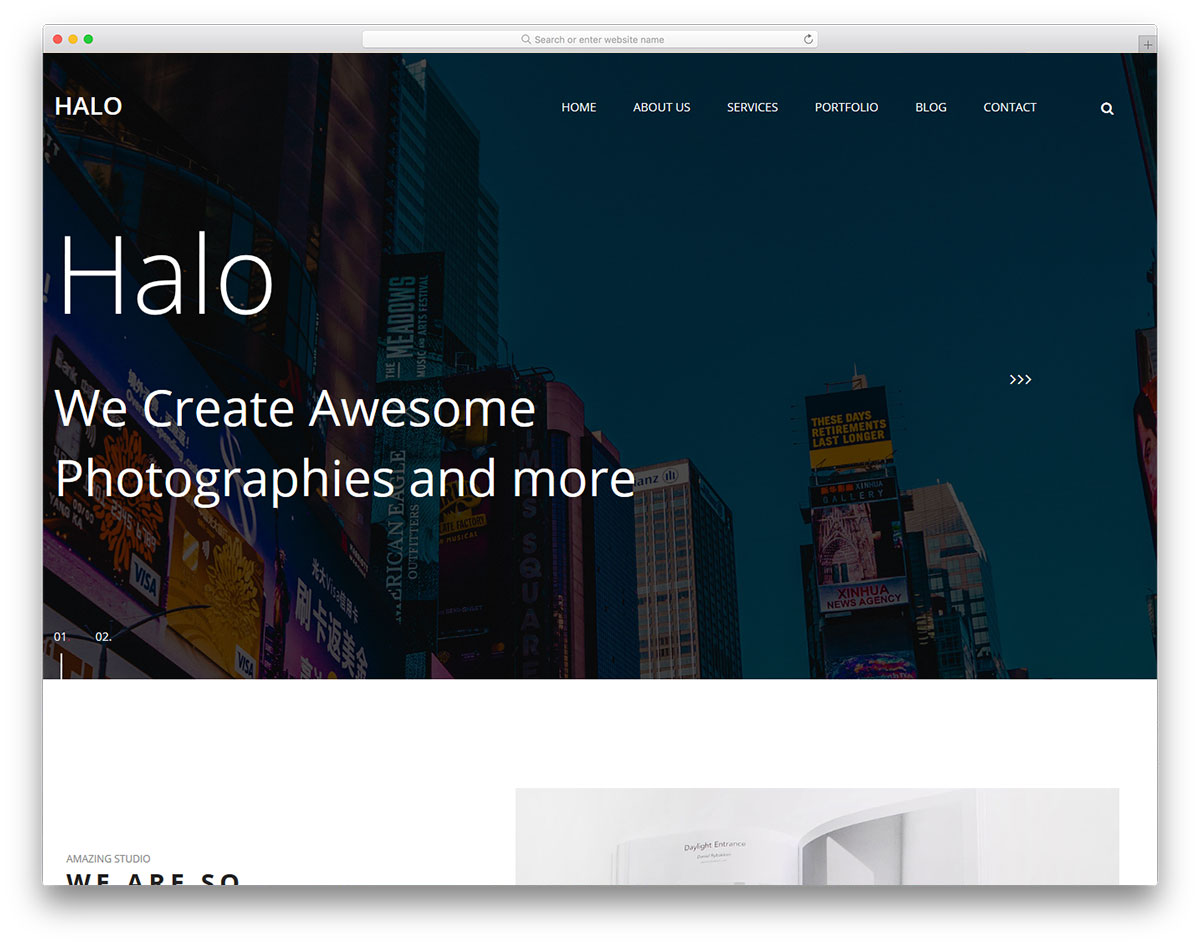
Free Bootstrap · Best for: mosaic-style portfolio blocks
Tiles carry width modifiers such as sm-wide and md-w-100 instead of one uniform column span, producing a mosaic. Images are applied through a set-bg data attribute, so swapping a photo is a one-line edit, and MixItUp is bundled for filtering.
Transcend

Free HTML · Best for: masonry walls with PhotoSwipe
A masonry brick wall paired with PhotoSwipe, which gives pinch-zoom and swipe navigation on phones. A full-screen banner and parallax sections frame it, and no Bootstrap grid classes are involved, so it drops into a custom layout just as easily.
Strategy

Free Bootstrap · Best for: overlapping portfolio layouts
Portfolio items overlap the section above them rather than sitting in a flat row. The grid alternates col-lg-6 and col-lg-4 spans, and Owl Carousel plus AOS are the only libraries loaded beyond Bootstrap itself.
Stellar

Free HTML · Best for: four-across grids without Bootstrap
Runs on its own block-1-4 grid classes rather than Bootstrap columns, stepping down at tablet and mobile breakpoints. PhotoSwipe handles the lightbox and Slick the carousels, so the gallery can sit inside a site that already has a grid system.
Bato
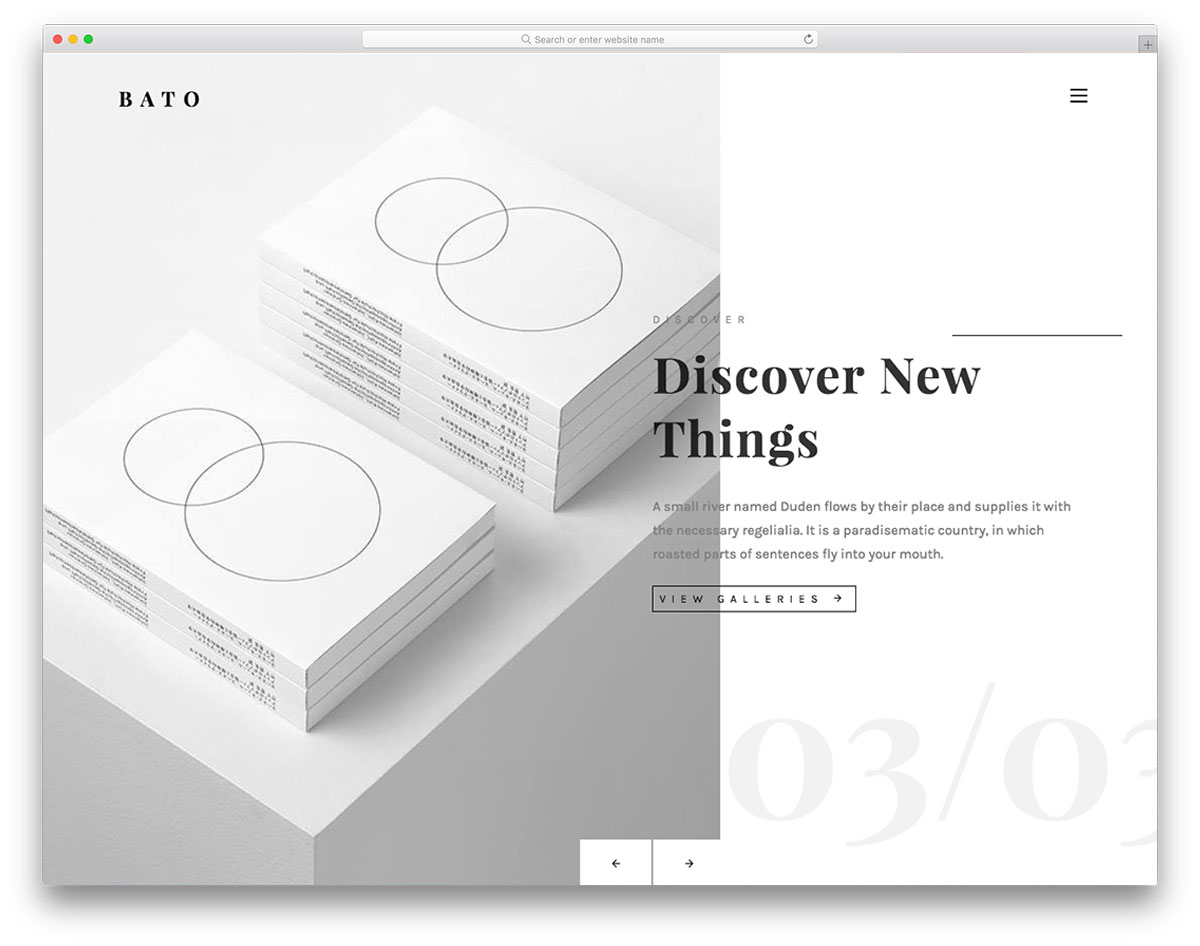
Free Bootstrap · Best for: full-width gallery strips
The gallery is a full-width strip of image-popup-link anchors rather than a column grid. Magnific Popup opens them as one group, images arrive as CSS backgrounds, and Owl Carousel covers the header and testimonial sliders.
Pemodule

Free Bootstrap · Best for: boxed-width square photo grids
A boxed-width layout where gallery squares keep an even col-md-6 rhythm and hover reveals each photo’s details. Magnific Popup supplies the overlay and a parallax script drives the section backgrounds.
Droppler
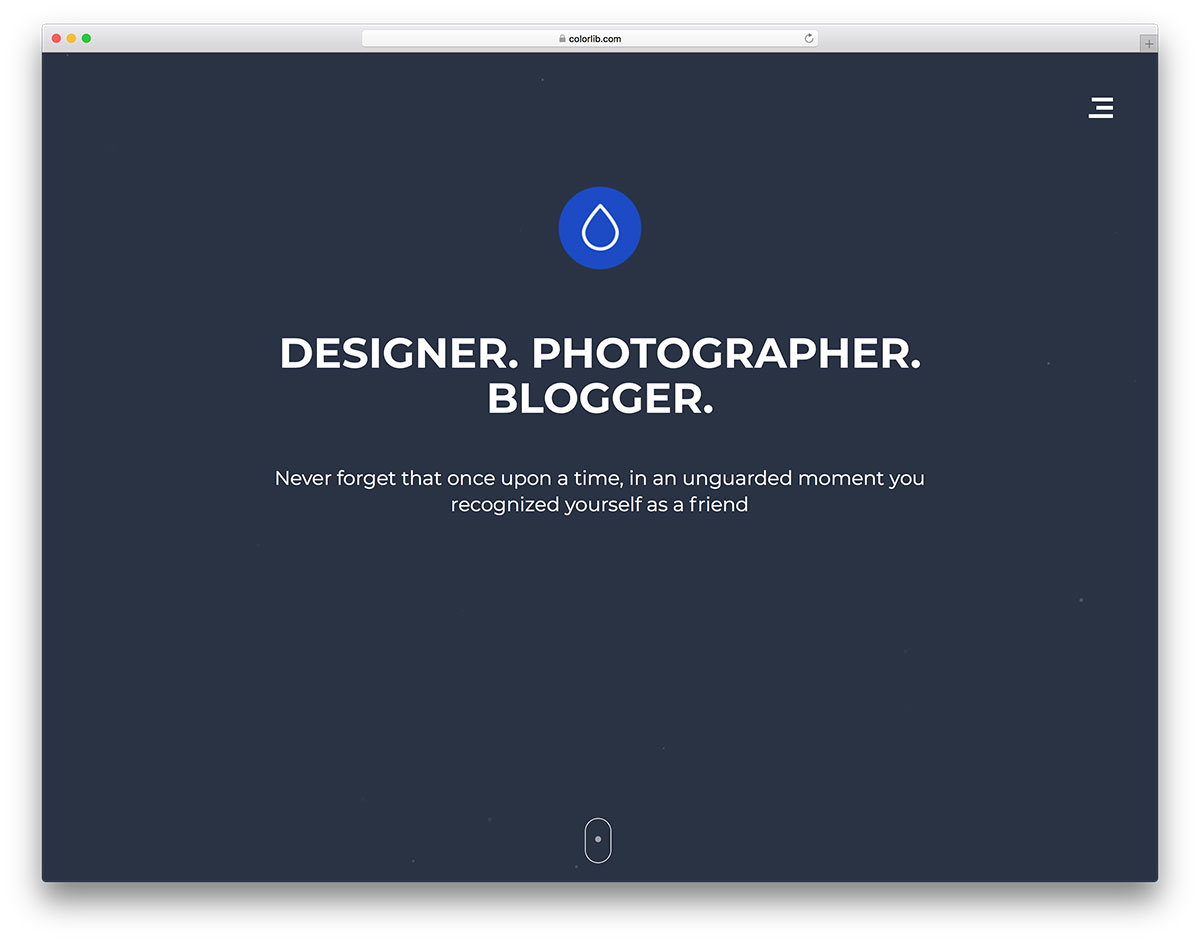
Free HTML · Best for: album-style full-page galleries
A full-page, album-style layout that gives project text as much weight as the imagery. Isotope and prettyPhoto do the sorting and overlay work in this photography website template, and a particles script animates the header background.
Yaseen
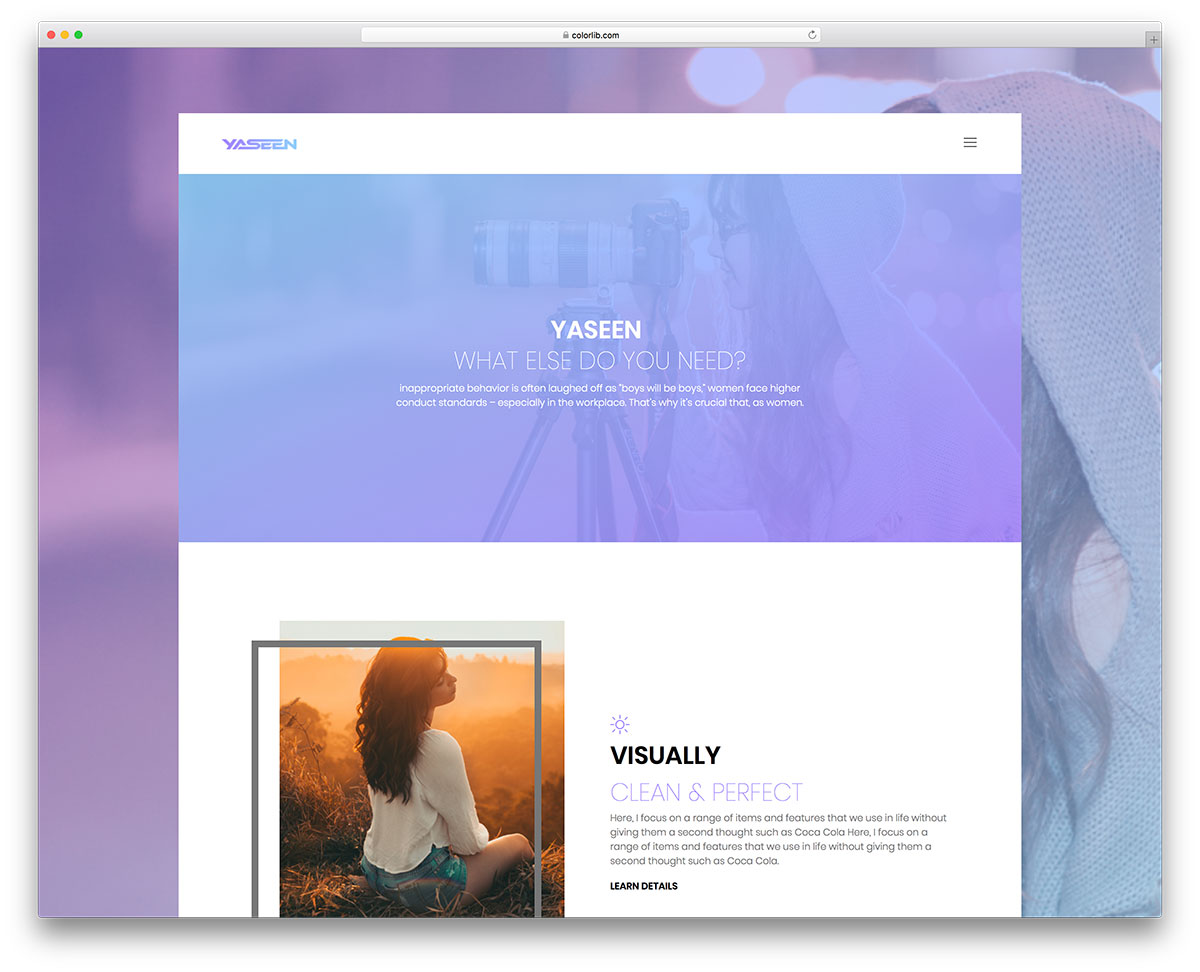
Free Bootstrap · Best for: captioned gallery cells with CTAs
Every gallery cell reserves space beneath the image for a caption and a call-to-action button. Built as an interactive website template on a col-md-6 col-lg-4 grid, it uses gradient overlays and Magnific Popup for enlargements.
GoCrepe
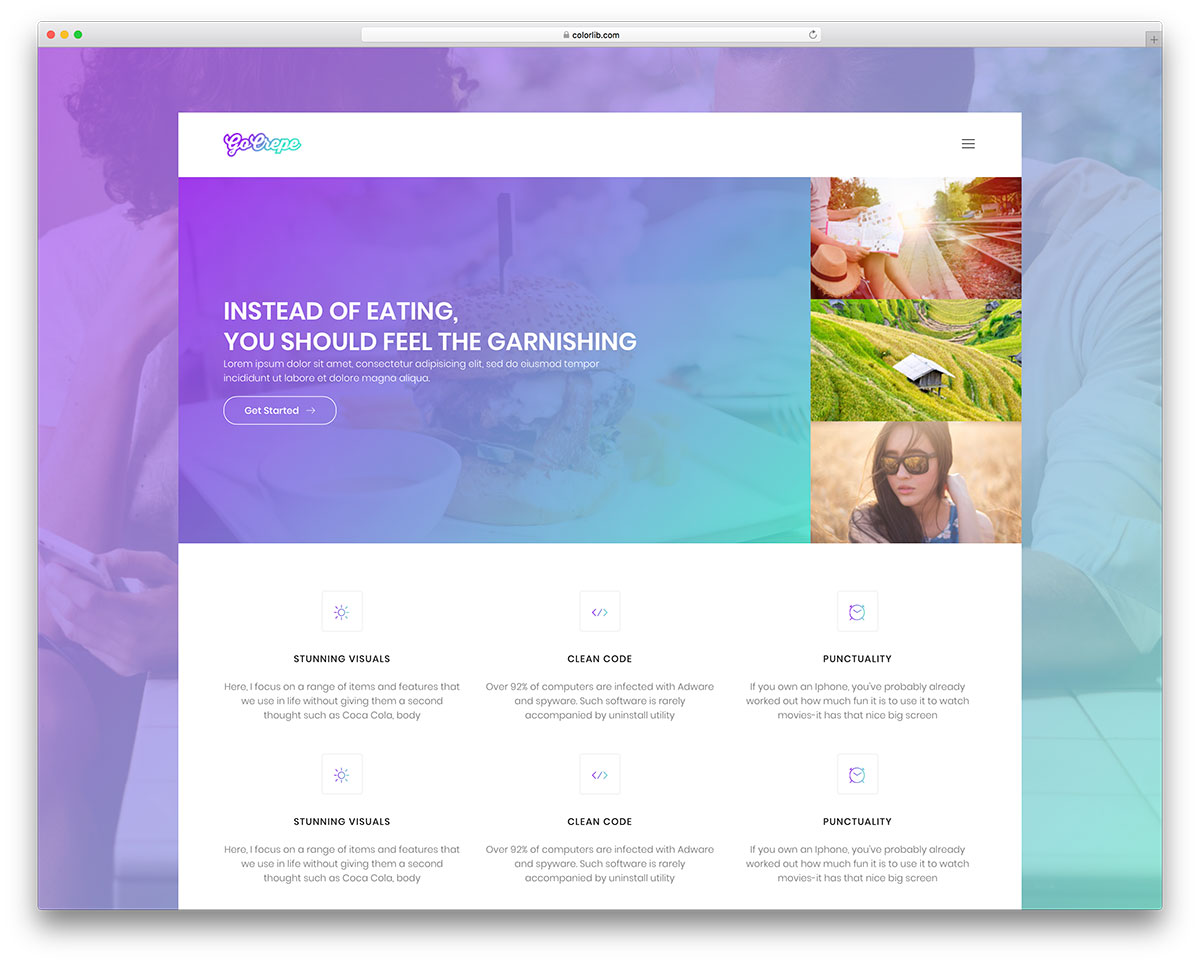
Free Bootstrap · Best for: image-heavy pages with text overlays
A light gradient overlay sits on every background image, which keeps overlaid text legible on busy photos. The col-md-4 gallery grid suits restaurants and photography websites alike, with Magnific Popup and Owl Carousel doing the interactive work.
Glint

Free HTML · Best for: masonry portfolio walls
A masonry wall that lets portrait and landscape shots keep their own heights instead of cropping to a square. Each tile carries a caption and category label, the demo runs 26 images, and there is no Bootstrap dependency to pull in.
Po-Portfolio

Free Bootstrap · Best for: gutterless four-up image walls
A gutterless four-across wall — col-12 col-md-6 col-lg-3 with the padding removed — so images butt straight against each other. Only Bootstrap’s CSS is loaded, meaning the hover effects are pure CSS and there is no lightbox script to configure.
Personal

Free Bootstrap · Best for: filtered grids for mixed creative work
Isotope filtering split by output type — vector, raster, UI/UX and printing — over a three-up col-sm-4 grid. Tiles use an img-pop-up class hooked to Magnific Popup, and this portfolio website template drops the navigation bar entirely.
Cocoon
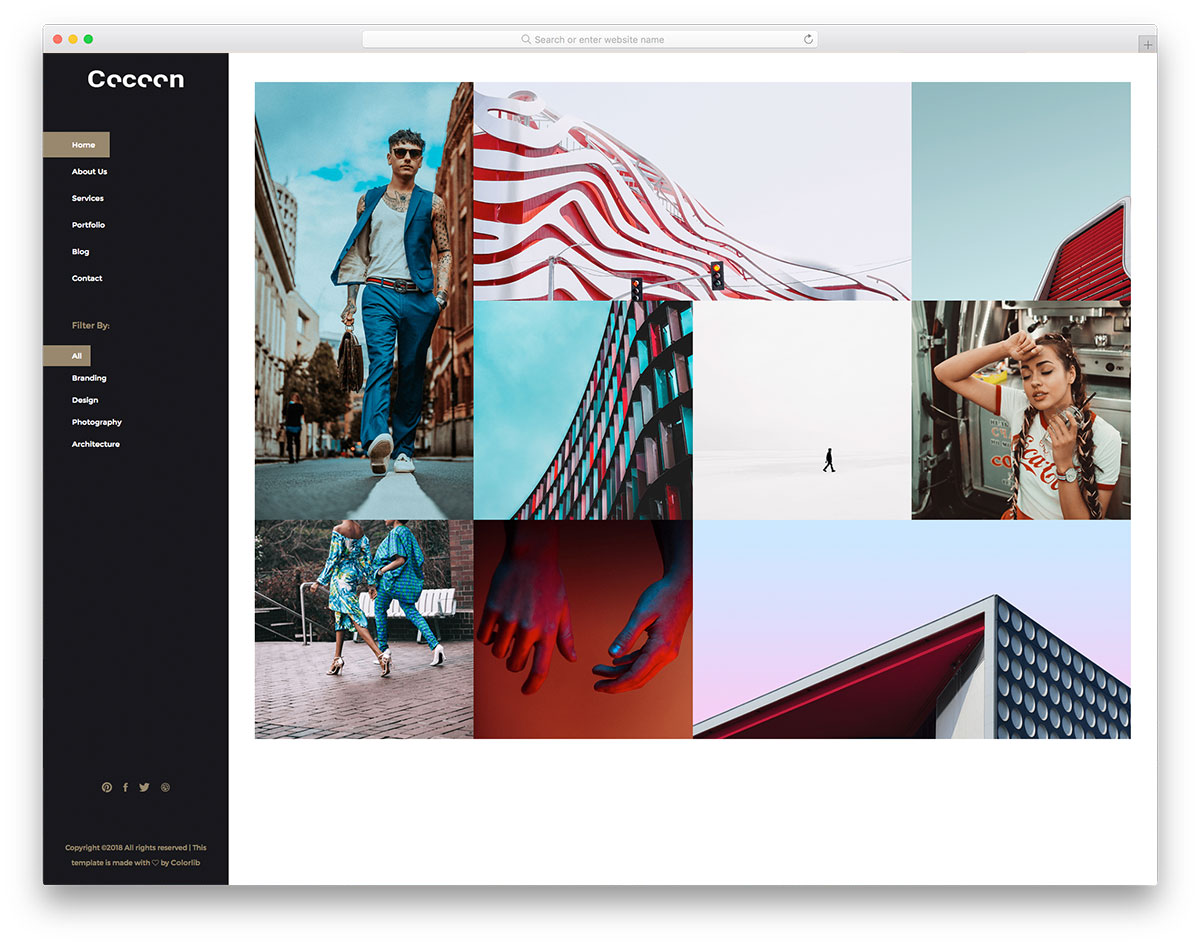
Free Bootstrap · Best for: one-page agency galleries
An Isotope grid set to no-gutters, so the four-across tiles read as one continuous block. Filters cover branding, design, photography and architecture, hovering a tile slides a card over it, and Magnific Popup opens the full image.
Yummy
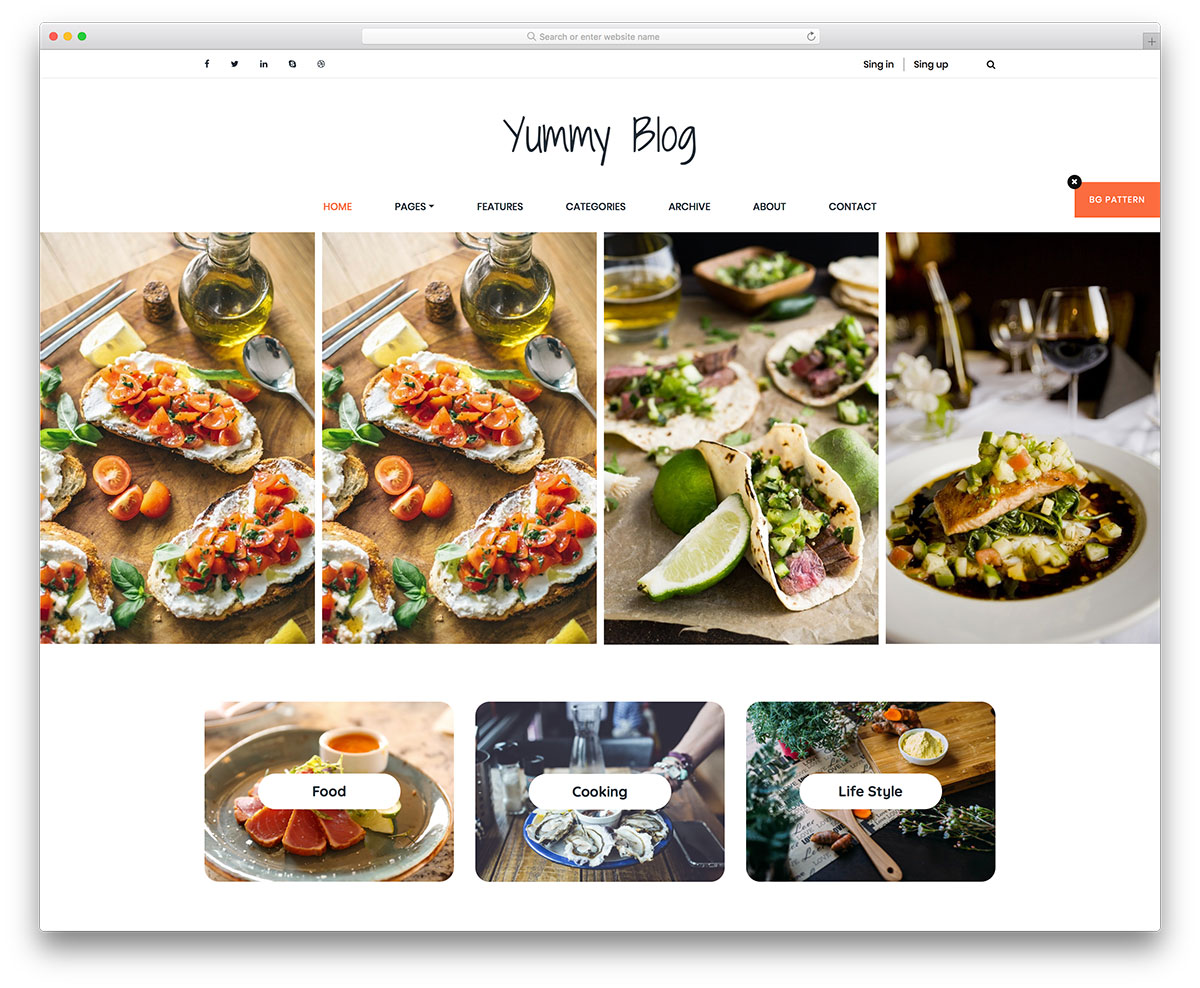
Free Bootstrap · Best for: tag-filtered image cards
The MixItUp filter is built around food tags, which is straightforward to relabel for any tag-based gallery. Cards run on a col-sm-4 and col-lg-6 mix, Slick powers the sliders, and the full-width layout leaves each photo plenty of room.
Create the best gallery website
These are some of the best free Bootstrap gallery templates available for your website. Remember, if you need even more similar templates that are easy to use and allow for the implementation of a gallery, be sure to take a look at the best Bootstrap website template.
HTML website templates are ideal for showcasing your work, but opting for a WordPress theme is preferable if you require more functionality. If you are new to the web world and wondering how to select a theme for your site and how to set it up, check out our website setup guide.
Another alternative is to combine WordPress as a CMS with these gallery WordPress plugins to achieve results using a simple user interface.
Frequently Asked Questions
How do these galleries handle image loading performance?
The better entries lazy-load images and use CSS grid rather than JavaScript masonry. Serve properly sized images (srcset) and modern formats (WebP/AVIF) — the markup accepts them without changes.
Can I add a lightbox to any of these galleries?
Yes — GLightbox or baguetteBox drop onto plain anchor-wrapped images with one script tag and one init call. Several entries ship with a lightbox prewired.
Are these galleries filterable by category?
The entries with Isotope or vanilla filter scripts are — look for the filter-button rows in the demos. Static grids can add filtering with a small data-attribute script.
Do these work inside an existing Bootstrap site?
Yes, that’s the point of the collection — they use standard Bootstrap grid classes, so you can paste a gallery section into any Bootstrap page and inherit your site’s theme variables.

Related Posts






These are some nice templates! Thanks for the heads up. I’ve used Foundation in the past, but haven’t really played with their themes. Do you have any insight on working with Bootstrap themes vs Foundation themes?
Both are great frameworks and you won’t go wrong by choosing either of them. Bootstrap is more commonly used and there are far more tools, templates and tutorials built around it meaning it will be easier to use. However, you can get the same results with both as long as you know what you are doing.