

52 Best Photo Gallery Website Templates 2026
Having little or no website-building skills must not prevent you from pursuing your creative dream. Creating a professional-looking online gallery with ready-made photo gallery website templates won’t be an issue.
Photographers and web designers continually seek ways to showcase their creativity. An online gallery that highlights your best work is the fastest way to win clients.
Most website layouts in this collection feature a clean and minimalist design, ensuring that your photography or web design portfolio won’t distract your audience.
These web templates are also easy to use and customize, as they come supplied with a drag-and-drop editor. You must mix and match specific website elements to create the final look that fits your needs.
Most layouts offer users numerous additional features in addition to drag-and-drop functionality. Special add-ons and widgets can enhance the initial functionality and create a comprehensive web resource tailored to your business needs.
Pre-made photo gallery web layouts come SEO-ready and have all the necessary features for search engine optimization. So, you can do some basic SEO before launching your website.
What Are the Benefits Of Using Photo Gallery Website Templates?
So, why should you invest in layouts for photo gallery websites? Here are a few reasons to think over:
- Ease of use: Anyone can customize ready-made website templates without needing to touch a line of code. Thanks to the drag and drop functionality, you don’t have to be a programmer to use these templates.
- Saving time and money: Instead of paying for the services of a web design studio, you can purchase a template that comes with everything you need to build your website. It will take mere hours before your website goes live.
- 100% Responsive Design: This is crucial for attracting clients through mobile search.
The best photo gallery website templates and WordPress themes
Table of contents — all 52 templates
- Elena Voss
- Atelier
- Talva by Squarespace
- Nevins by Squarespace
- Divi (WordPress)
- Jevelin (WordPress)
- Mooseoom (WordPress)
- Ashade (WordPress)
- Ruya (WordPress)
- Wavo (WordPress)
- Kano (WordPress)
- Zephyr
- Oristi
- Gravitas
- Bright Shoot
- Flare
- Defrozo
- Photonio
- Photos
- Fotonix
- Nil Jameson
- Photo Portfolio
- Photo Moments
- Photo Company
- Focus
- Blazing
- INSTANT
- Blink
- FLASH
- DAZZLE
- Focus
- PHOTOLAND
- Photosio
- Sam Johnson
- Natalie Barnes
- FRESH STUDIO
- Glance Studio
- Shoot
- Impressive
- Eva Savits
- Mark Johnsonh
- Ivana Wong
- Eva Anderson Photo Portfolio
- Gloria MANN
- Marco Bruno Photo Portfolio
- Photoart
- Brailie
- Photo Studio
- ExtraFast
- Flashing (WordPress)
- Davis
- Corallo Studio
Elena Voss
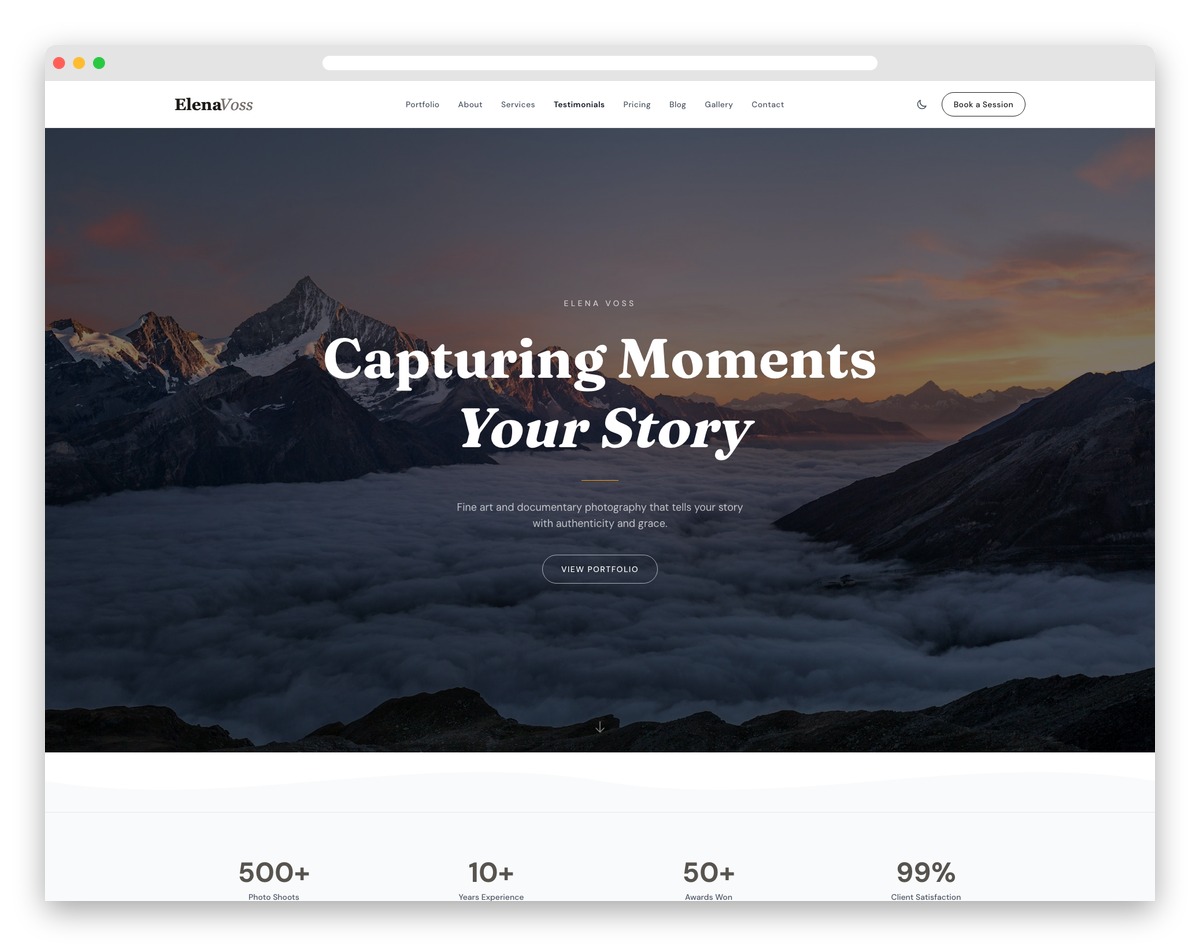
Free Astro Tailwind · Best for: photographers selling sessions from a portfolio
A masonry gallery with category filters and lightbox zoom, wrapped in deliberately minimal chrome. Session pricing and a booking inquiry form live on the same site, so browsers can convert without leaving, and the about section pairs your story with gear notes. Built with Astro and Tailwind CSS.
Atelier
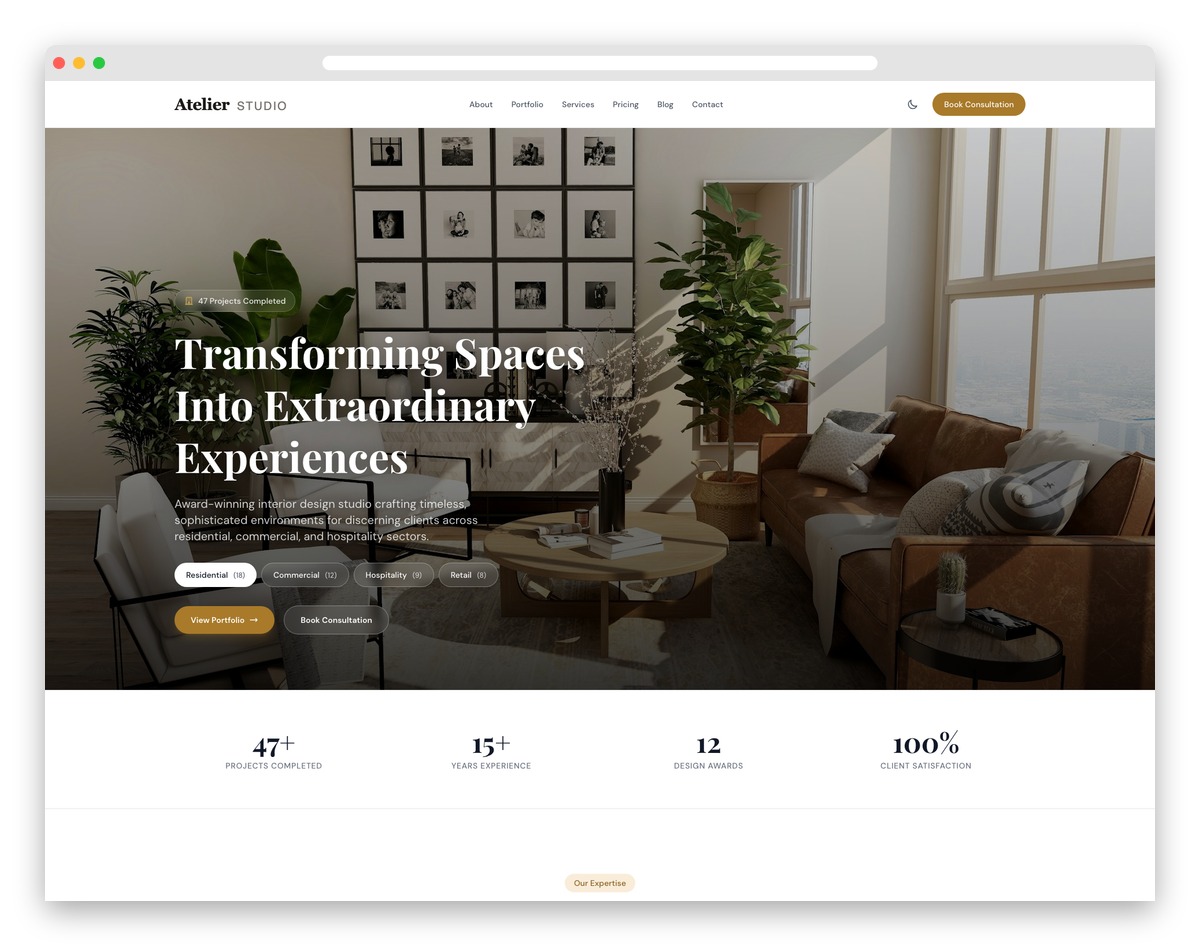
Free Astro Tailwind · Best for: interior design and architecture studios
The hero crossfades between Residential, Commercial and Hospitality imagery as you switch category tabs. Below it, a filterable masonry portfolio, a design process timeline and a style visualizer let clients explore your range, while awards and press mentions carry the credibility.
Talva by Squarespace
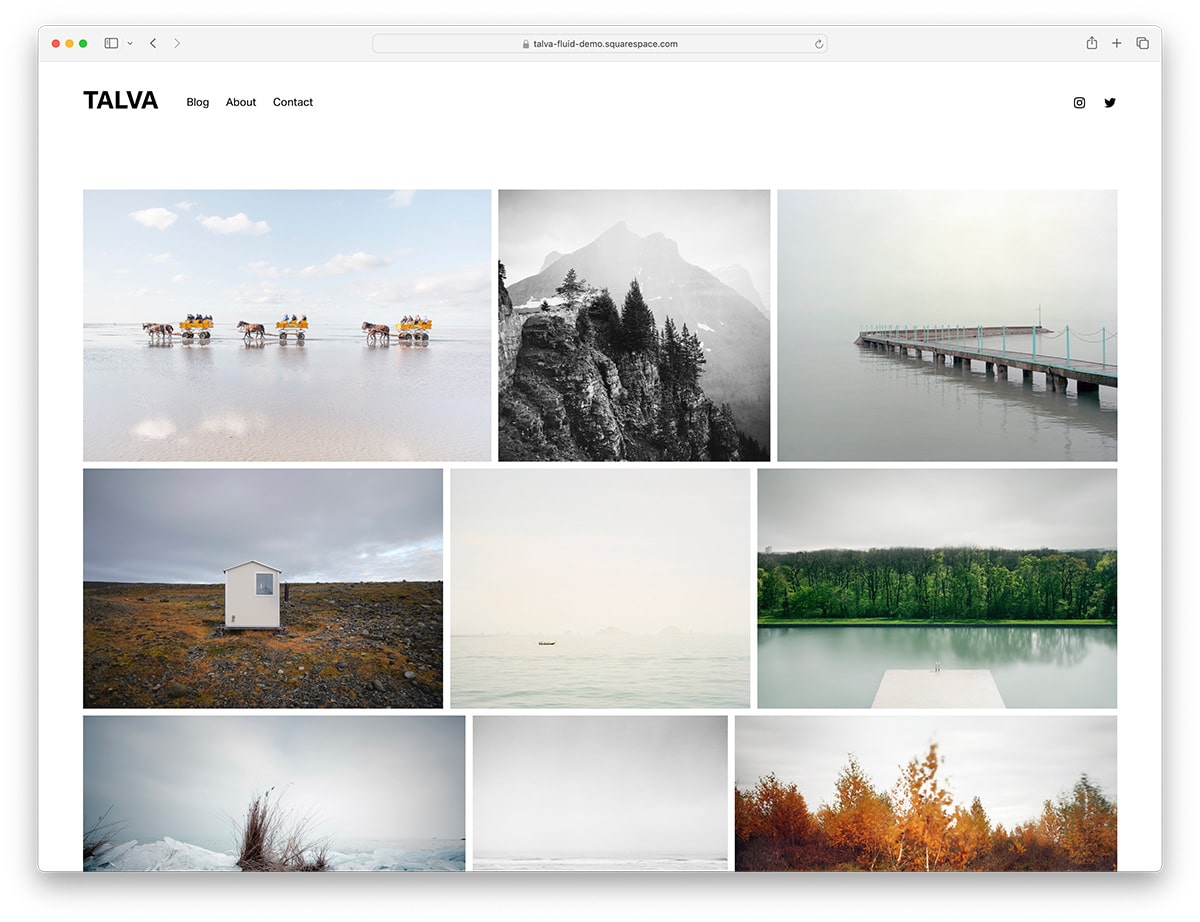
Squarespace · Best for: minimalist Squarespace portfolios
Squarespace’s own minimal template, organised around white space rather than a dense grid. Galleries are assembled from Squarespace gallery blocks and edited in the drag-and-drop Fluid Engine, so layout changes are visual rather than coded, and hosting and updates come with the plan.
Nevins by Squarespace
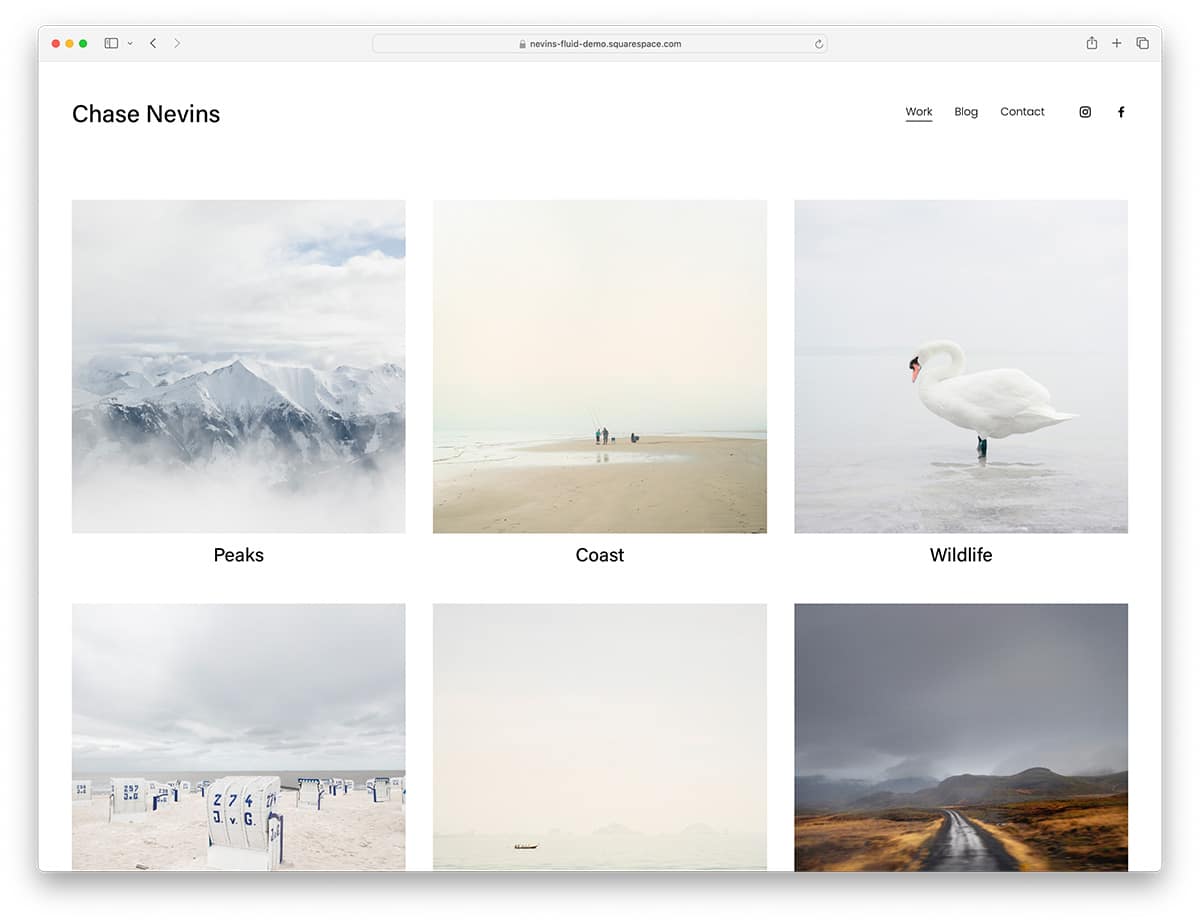
Squarespace · Best for: full-bleed image-led portfolios
Full-bleed galleries take over the viewport, so a single frame fills the screen instead of sitting inside a column. Navigation stays sparse, collections are easy to browse, and social media links are built in. Worth comparing against other Squarespace photographer websites first.
Divi (WordPress)

Premium WordPress · Best for: photographers who want a visual page builder
Over one hundred complete page packs mean the gallery, about and contact pages are already designed. Divi builds every layout visually, animations and effects included, and the sample content can be imported wholesale so a portfolio goes live quickly.
Jevelin (WordPress)
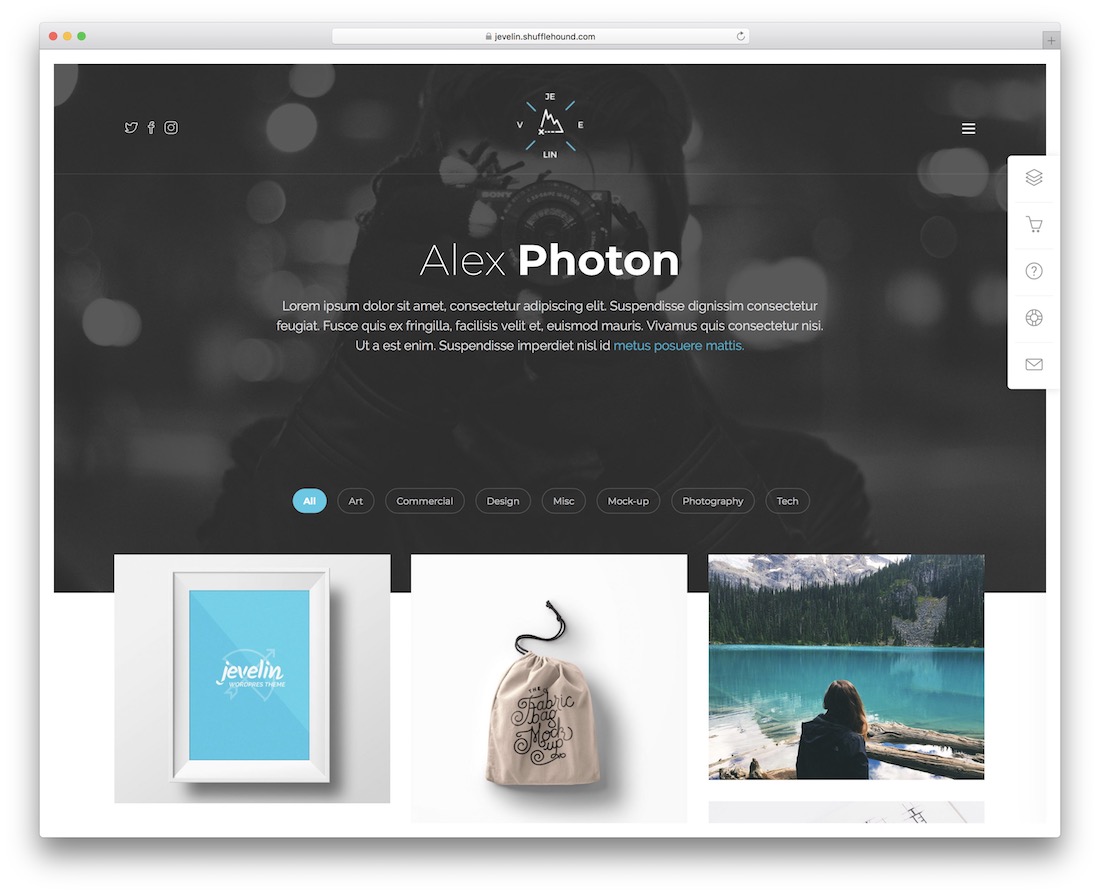
Premium WordPress · Best for: mixing home and inner page layouts
Several home and inner page layouts are designed to be mixed and matched rather than used as one fixed demo. WPBakery handles customization without code, so Jevelin’s gallery pages can be recombined for a solo portfolio or a studio site.
Mooseoom (WordPress)
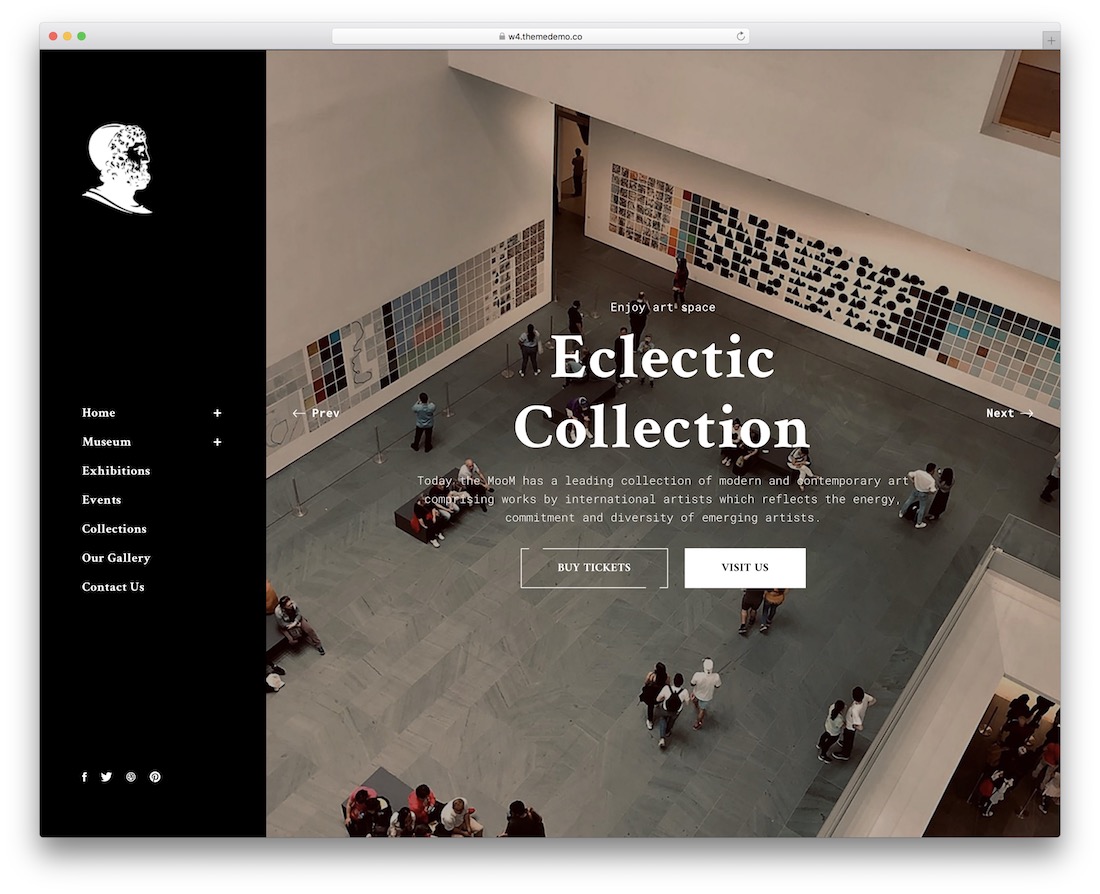
Premium WordPress · Best for: museums, art galleries and exhibitions
Aimed at museums, galleries and exhibitions rather than individual photographers. On-scroll content loading keeps long image sets from stalling the first paint, and the theme adds blog sections, pricing tables and SEO options on top of its home and inner pages.
Ashade (WordPress)
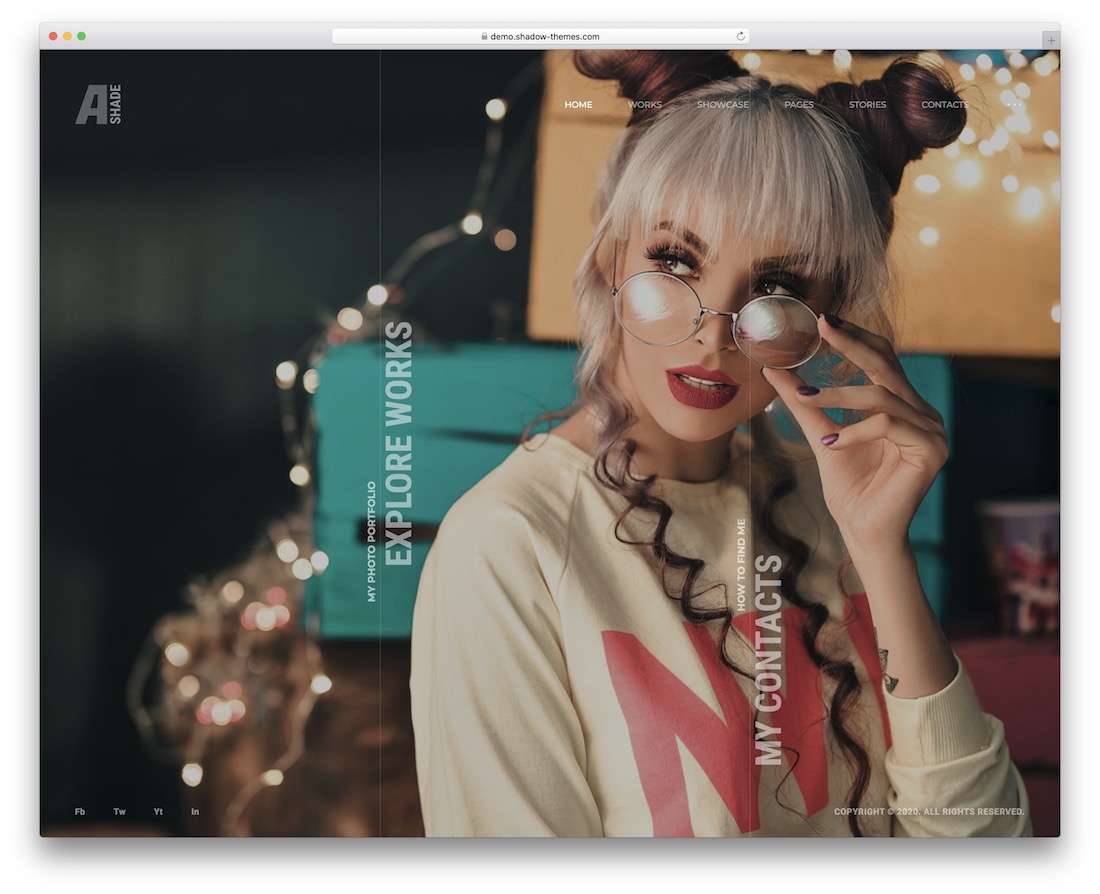
Premium WordPress Dark Mode · Best for: dark-themed photography studios
A dark mode that lets high-contrast prints sit against near-black surroundings. Ashade bundles Elementor widgets, WooCommerce if you sell prints, and protected content for private client galleries, plus page transitions and animations — none of which need code.
Ruya (WordPress)
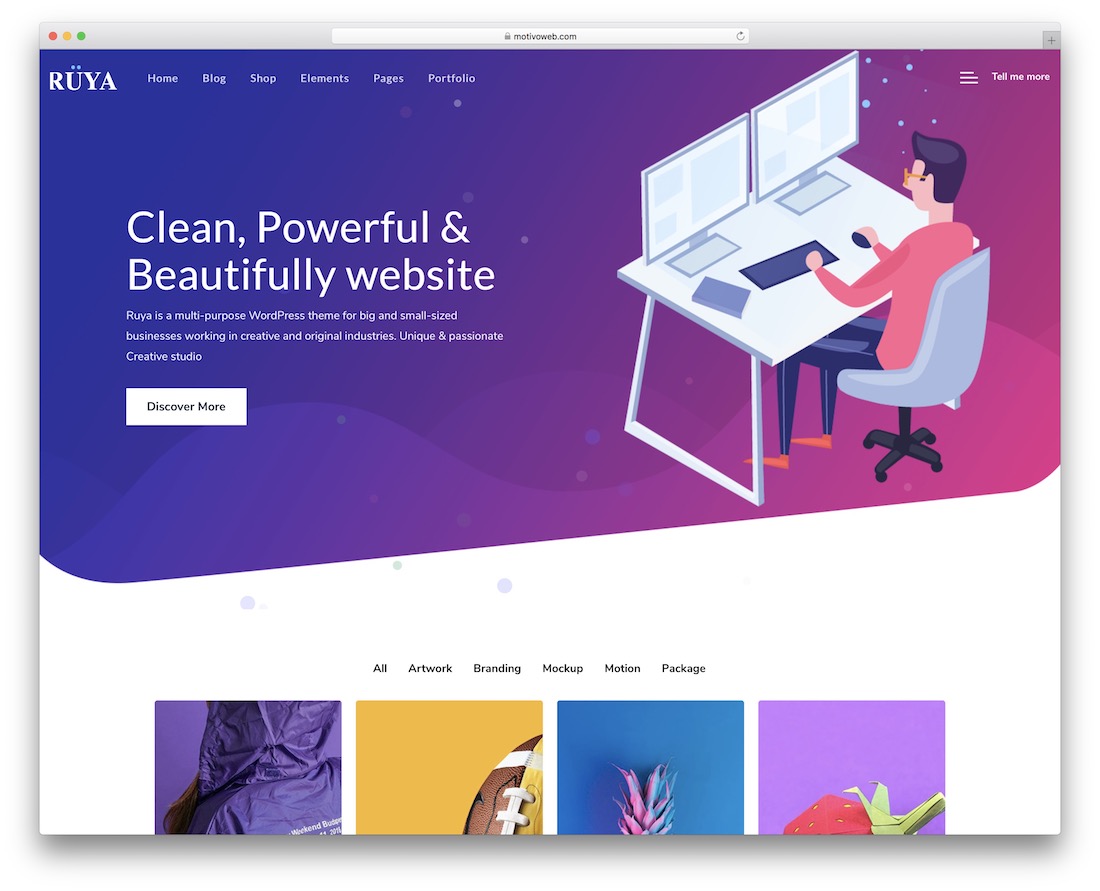
Premium WordPress · Best for: quick starts from prebuilt demos
A large set of predefined demos does the design work, so the site is chosen rather than assembled. Ruya bundles the plugins and extensions it depends on, and no coding or design knowledge is expected, which suits working professionals more than tinkerers.
Wavo (WordPress)

Premium WordPress · Best for: one-page or multi-page agency portfolios
Supports both one-page and multi-page builds, so a single-scroll portfolio and a full agency site come out of the same theme. Elementor drives the edits, the predefined sample layouts install quickly, and everything stays adjustable afterwards.
Kano (WordPress)
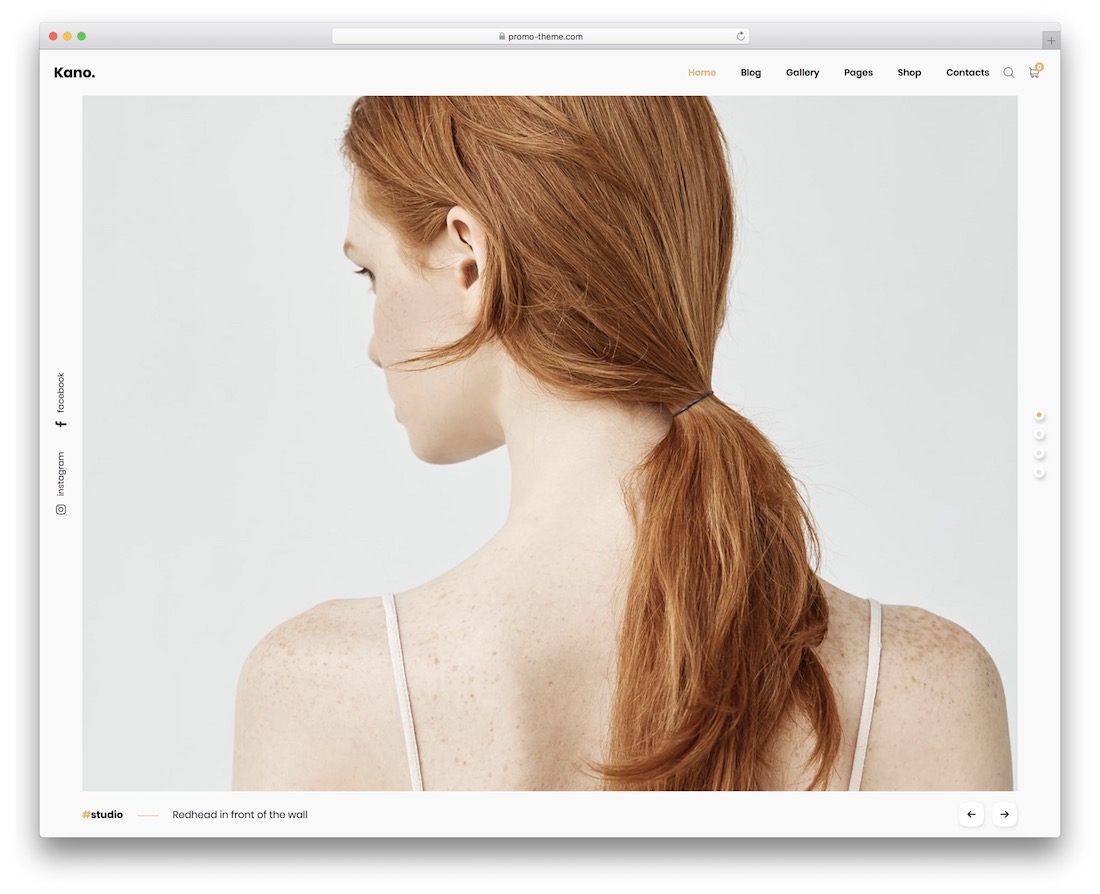
Premium WordPress · Best for: minimal portfolios that still need a shop
Minimal by design, yet it still ships an e-commerce section alongside several photo gallery layouts. RTL support and a coming-soon page are included, WPBakery handles editing, and Kano works with most gallery WordPress plugins if you need more.
Zephyr

Premium · Best for: blogger and studio galleries with mixed media
Three gallery scripts — slider, grid and carousel — ship in one template, so different collections can be presented differently. A light scheme with magenta and turquoise accents, plus video integration, an audio player, multi-language support and ready-made blog, gallery, about and contact pages.
Oristi
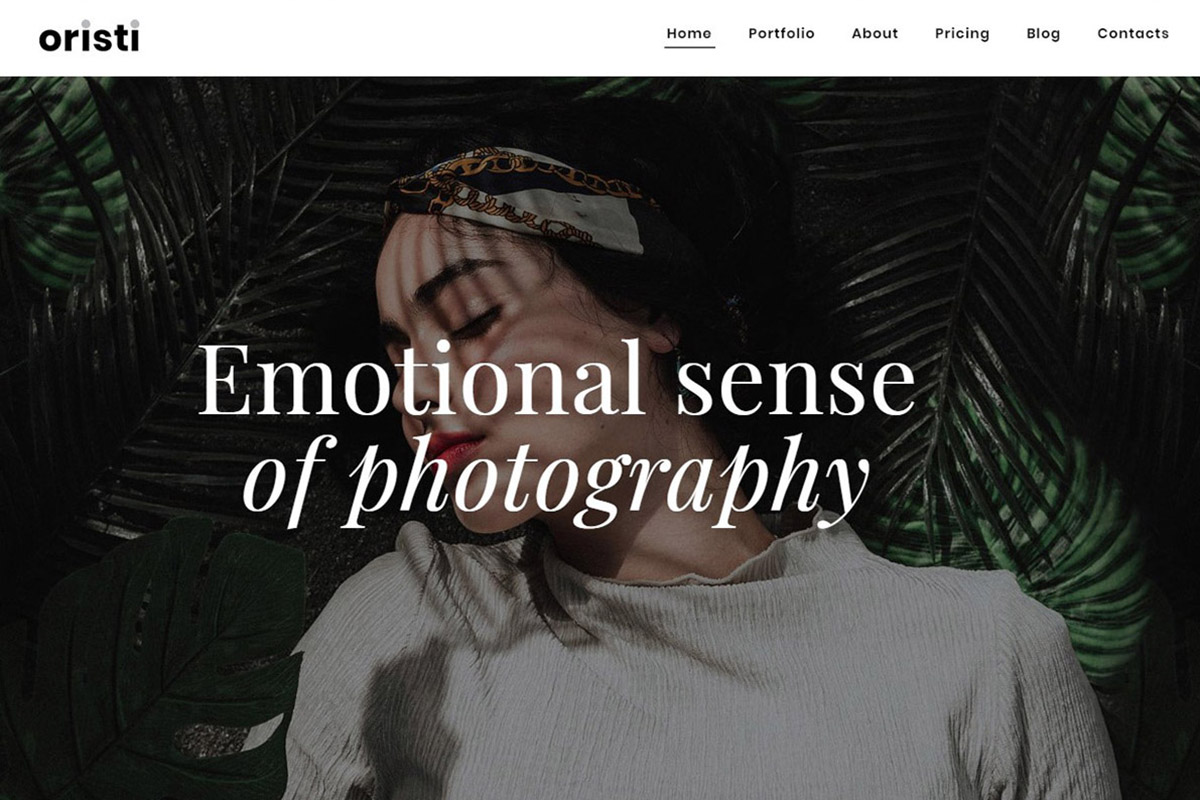
Premium · Best for: travel and beauty bloggers with photo portfolios
Blog functionality carries as much weight as the gallery, which suits photographers who write as well as shoot. This portfolio website template ships pre-made pages plus video, audio player and photo gallery widgets for embedding multimedia.
Gravitas
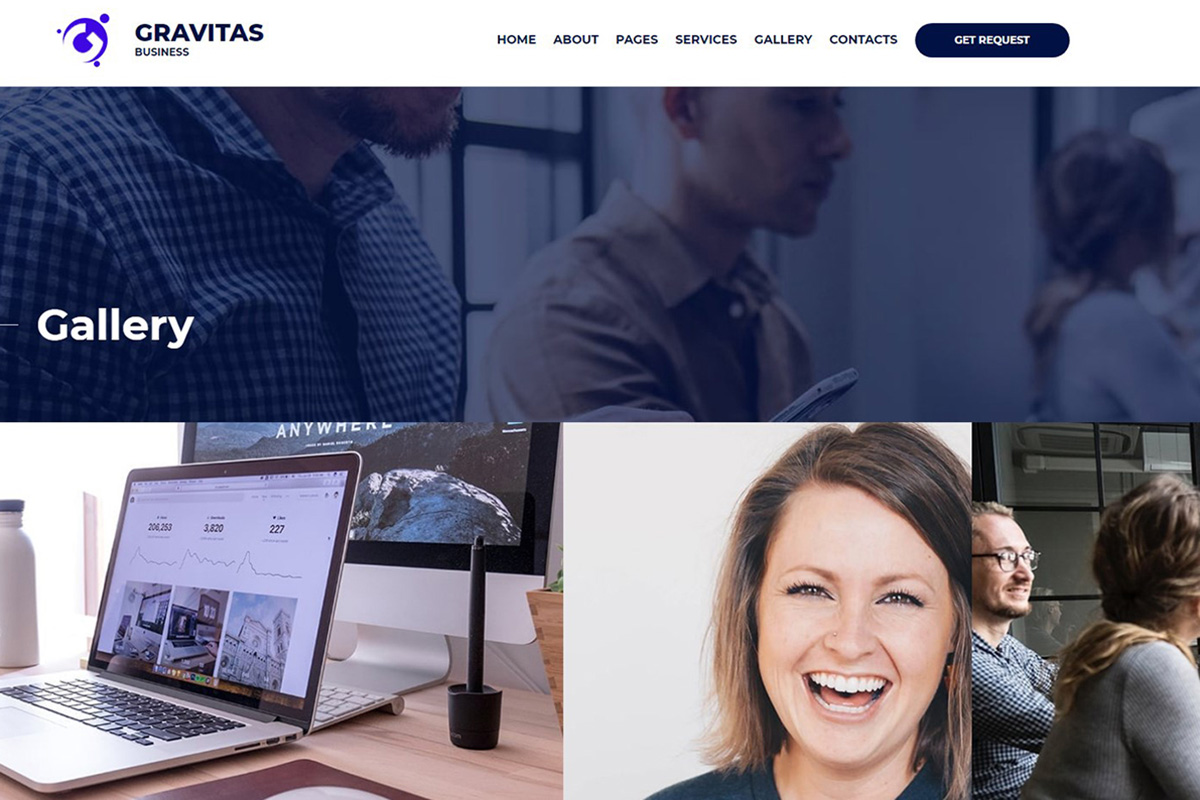
Premium · Best for: photography studios run as a business
A business template first, with the cover image on top and the photo gallery directly beneath it. That order suits a studio that also needs service, team and contact pages rather than a pure portfolio, and the visual builder plus admin panel handle every edit without code.
Bright Shoot
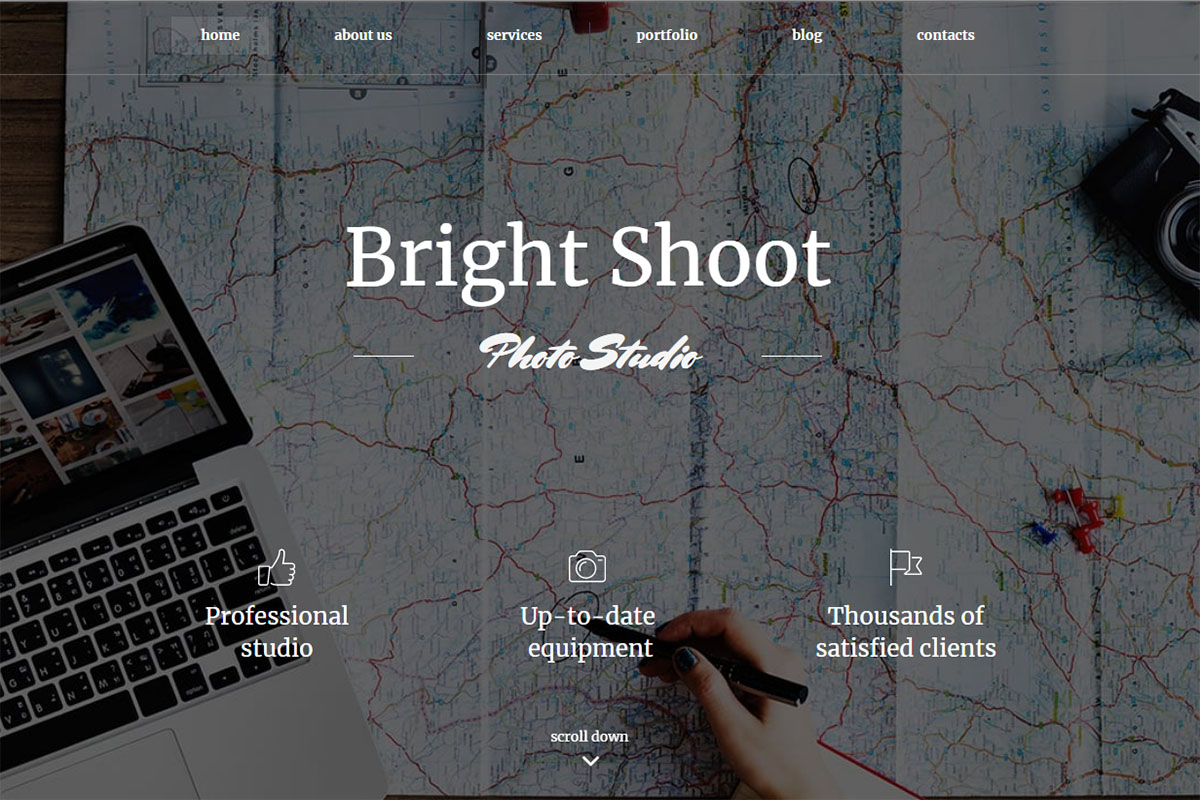
Premium · Best for: travel bloggers presenting shoot stories
Structured around travel storytelling: a cover photo first, then room to explain the story behind each set. A dark header resolves into a light body, slider, grid and carousel galleries are all available, and multi-language support reaches readers abroad. A free 14-day trial is offered.
Flare
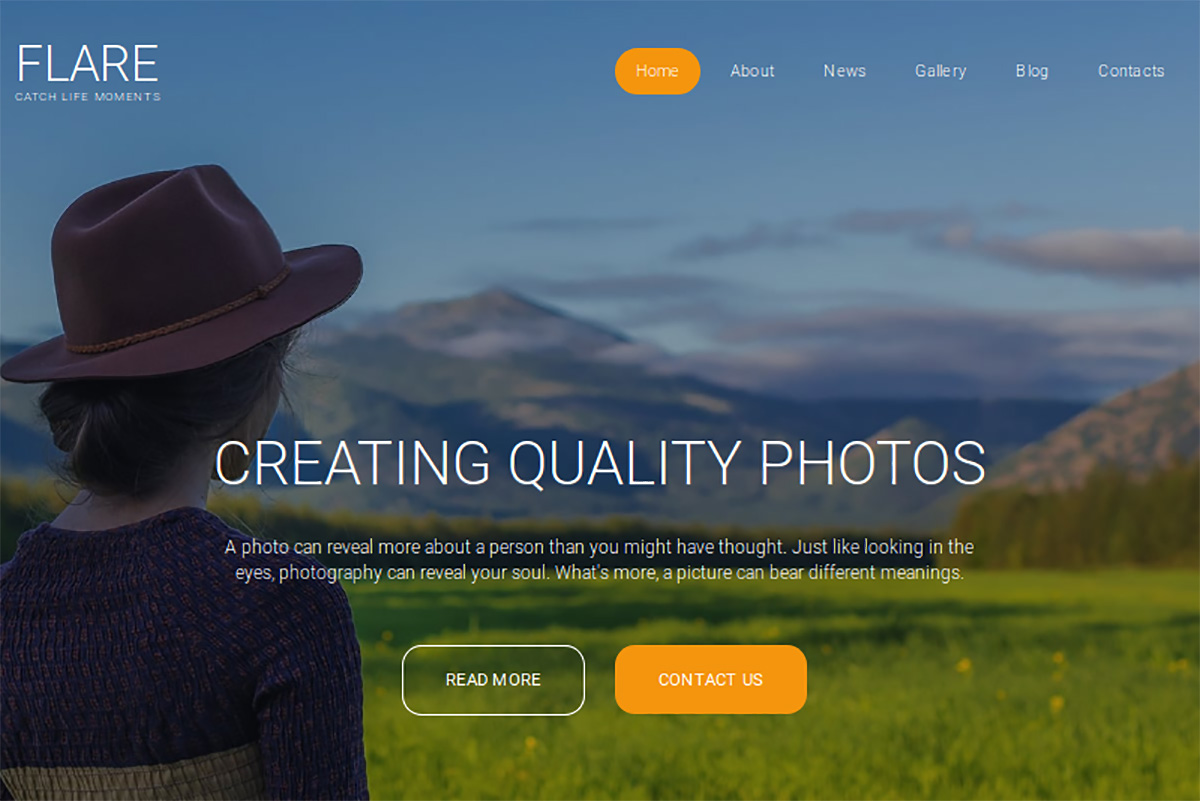
Premium · Best for: photo studios that publish audio or video
The media stack is the differentiator — audio player, video integration, SoundCloud embedding and a media library file manager. A large cover photo opens the layout, design presets and popups are configurable, and Google Analytics and Webmaster Tools hook in from the admin panel.
Defrozo
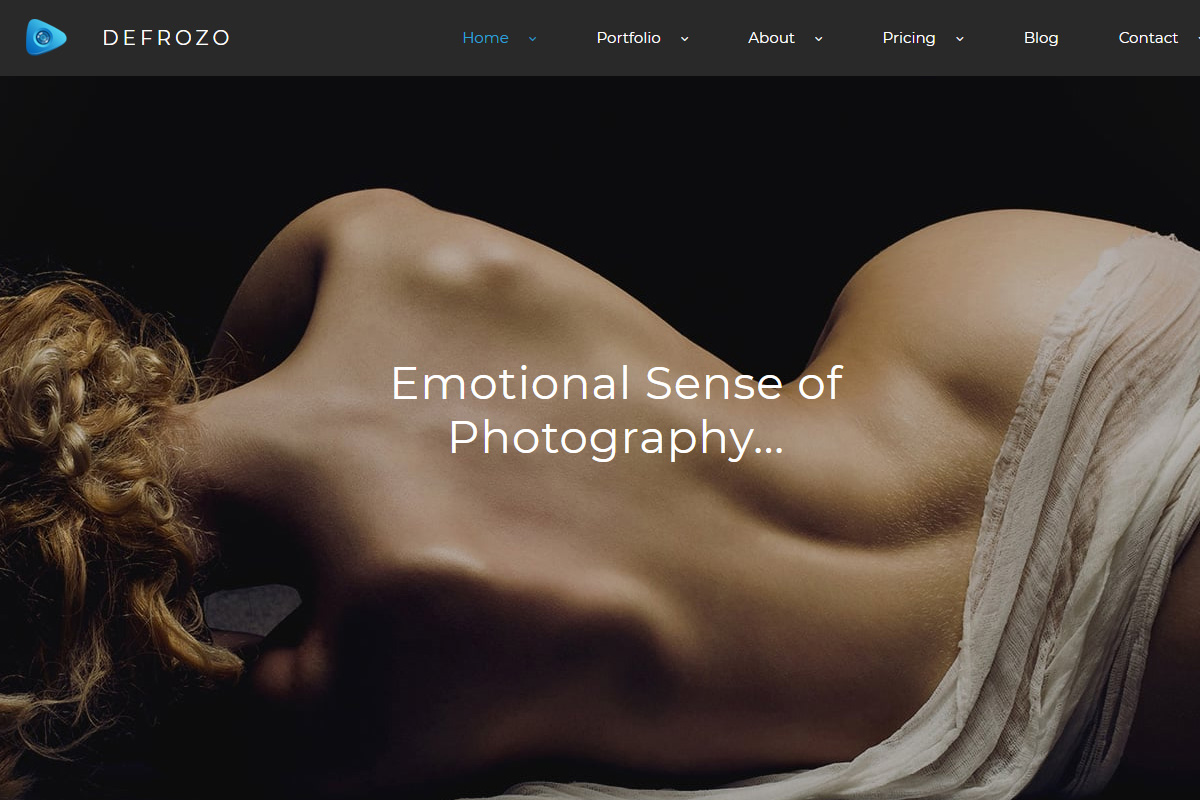
Premium · Best for: photographers running several mini-sites
Four pre-made page templates, each of which can stand alone as a separate web resource. This photography portfolio theme adds under-construction and password-protected pages, a blog, and Mailchimp, media and social widgets, with Unsplash search built into the editor.
Photonio
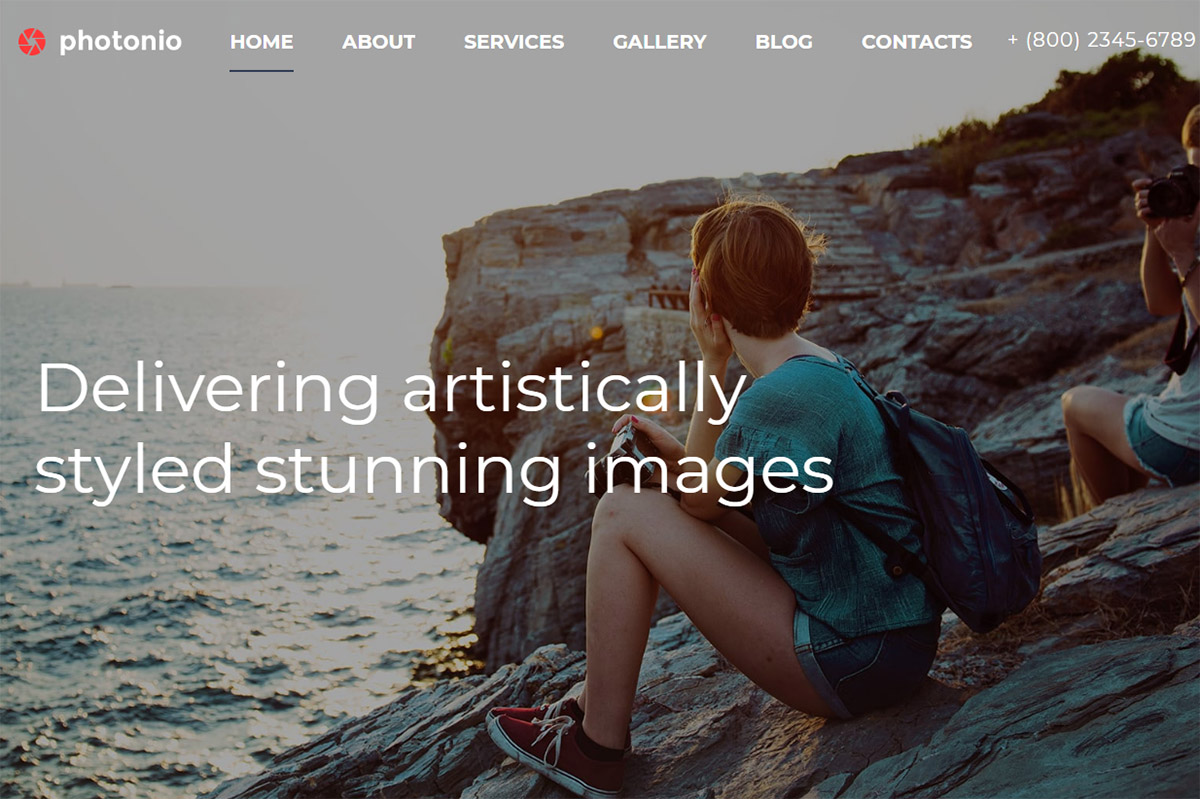
Premium · Best for: photographers who blog regularly
A blog-first take on the photo portfolio, on the argument that a regularly updated site beats a static one. The gallery blog structure is built entirely in the MotoCMS editor, so publishing new sets needs no code and keeps the site fresh for search.
Photos
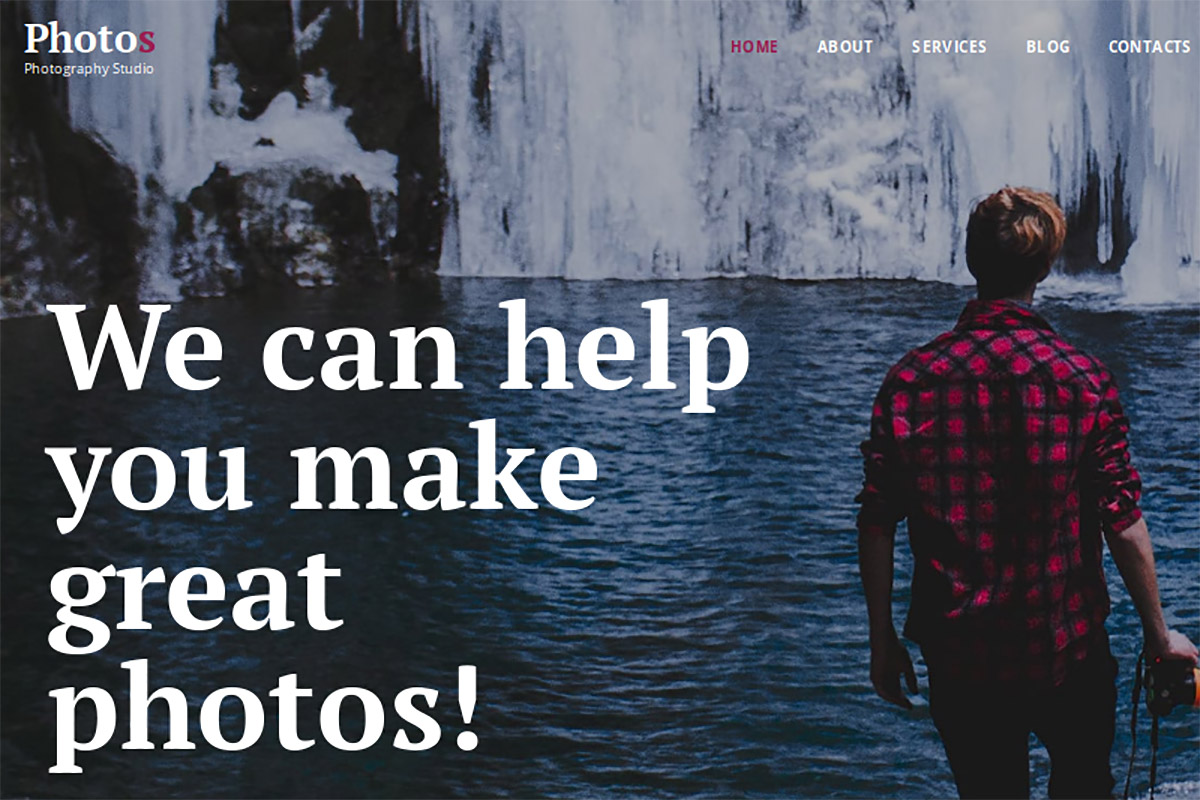
Premium · Best for: studios with a physical location
A large cover photo paired with a deliberately quiet top menu that stays out of the way above the fold. The contact area is prominent and can embed the Google Maps API for a studio address, with Social Options, Analytics and Search Console wired through the admin panel.
Fotonix
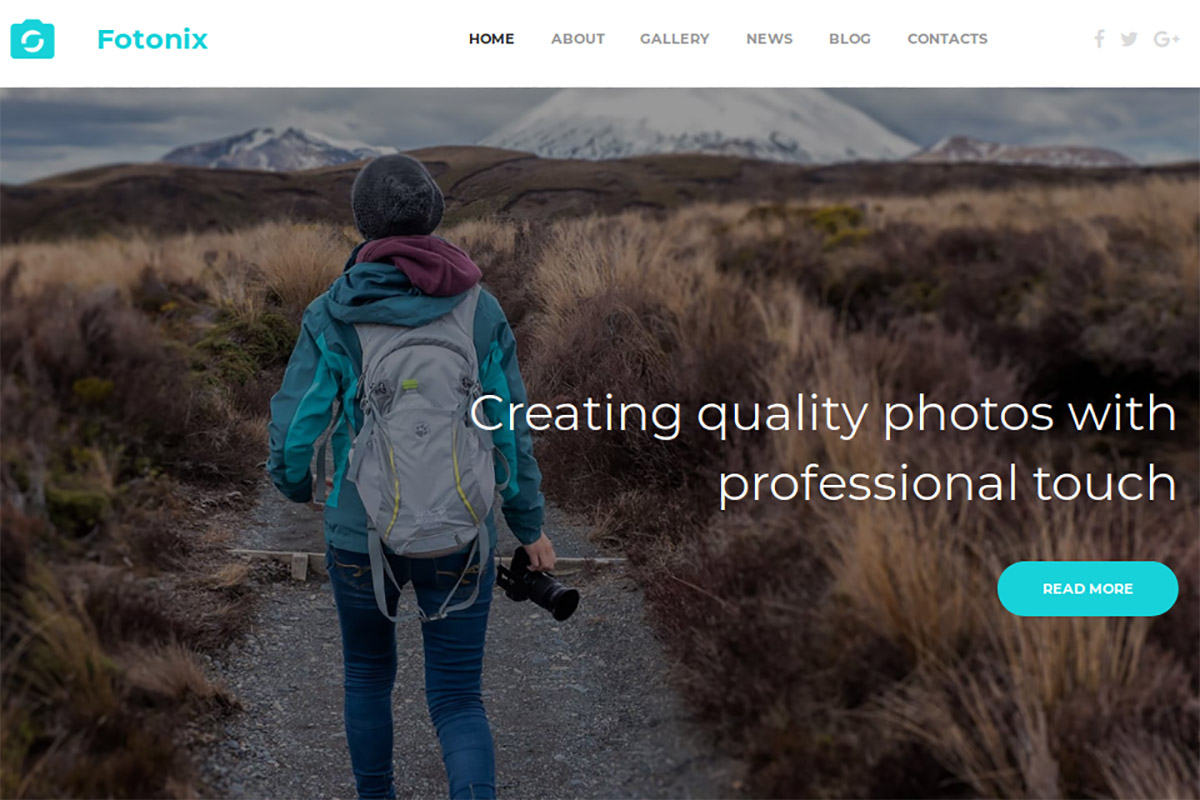
Premium · Best for: professional photographers wanting a bolder palette
White and turquoise rather than the usual monochrome, which reads as a brand choice instead of a neutral canvas. Grid, slider and carousel gallery types are all included, blog functionality covers project updates, and a free 14-day trial lets you edit before buying.
Nil Jameson
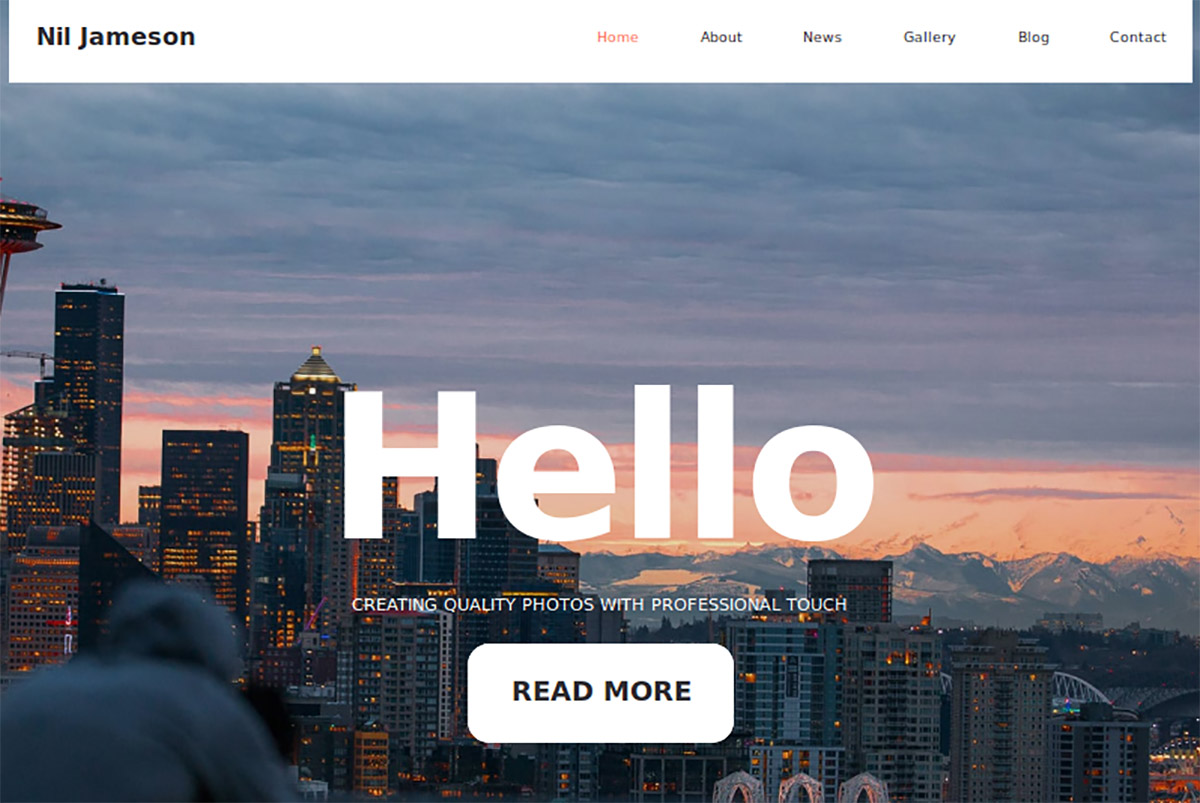
Premium · Best for: wedding, travel and sports photographers
The layout strips distractions so nothing competes with the frames themselves. The home page combines a large slider, a grid gallery and parallax blocks, galleries can run as slider, grid or carousel, and design presets plus SEO tools come with the builder.
Photo Portfolio
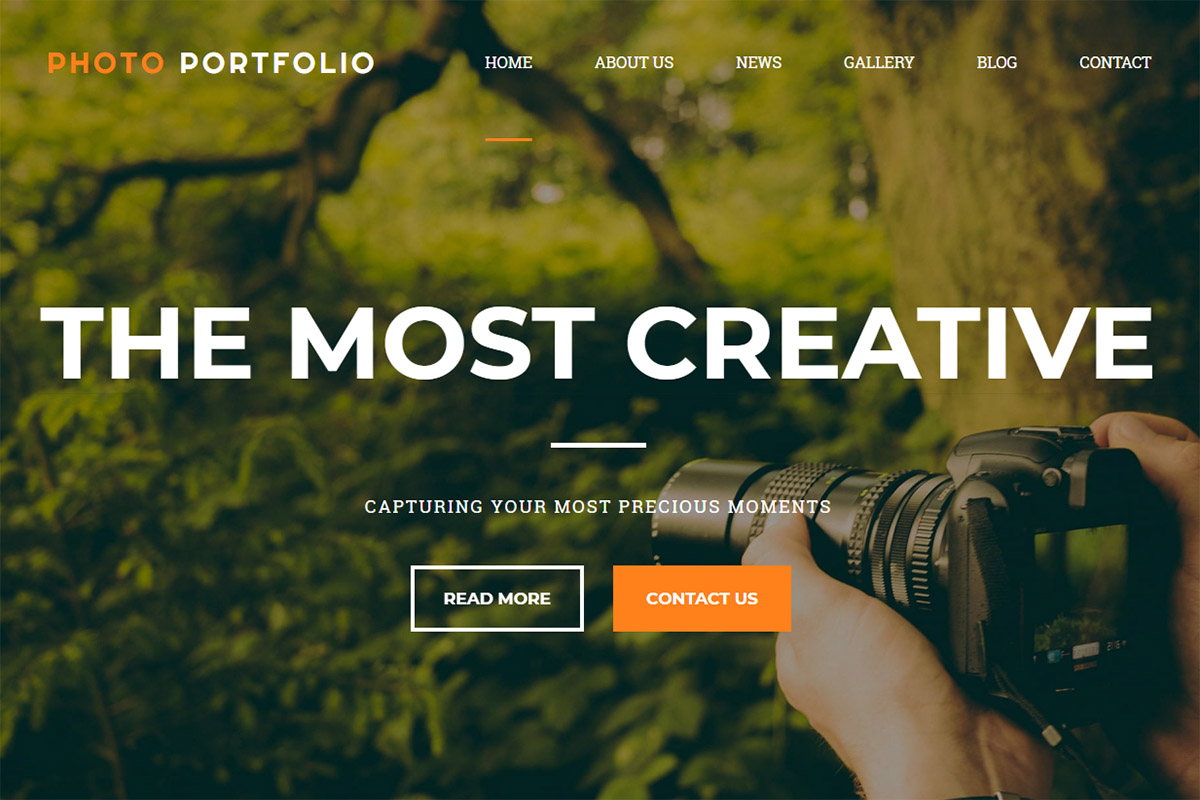
Premium · Best for: landscape photographers and exterior designers
Aimed squarely at landscape and exterior work, where wide frames need room to breathe. Sections are mixed and matched to fit the shape of a body of work, the pages arrive ready-made and responsive, and a free 14-day trial covers the evaluation.
Photo Moments
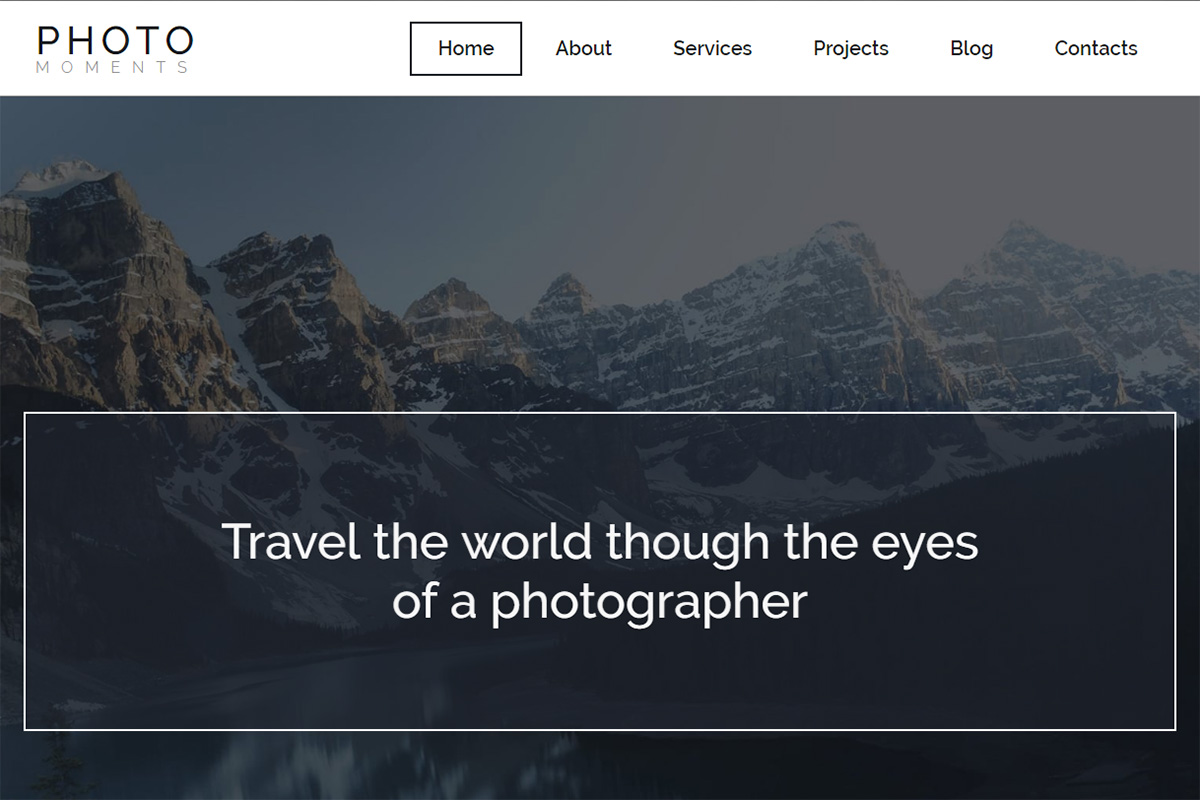
Premium · Best for: black-and-white travel blogs
A classic black and white scheme behind a prominent cover photo, built on a flexible grid layout. Animation effects, design presets and parallax are standard, while audio, video, contact and subscription forms plus social options fill out the blog side.
Photo Company
Premium · Best for: travel blogs with a dark identity
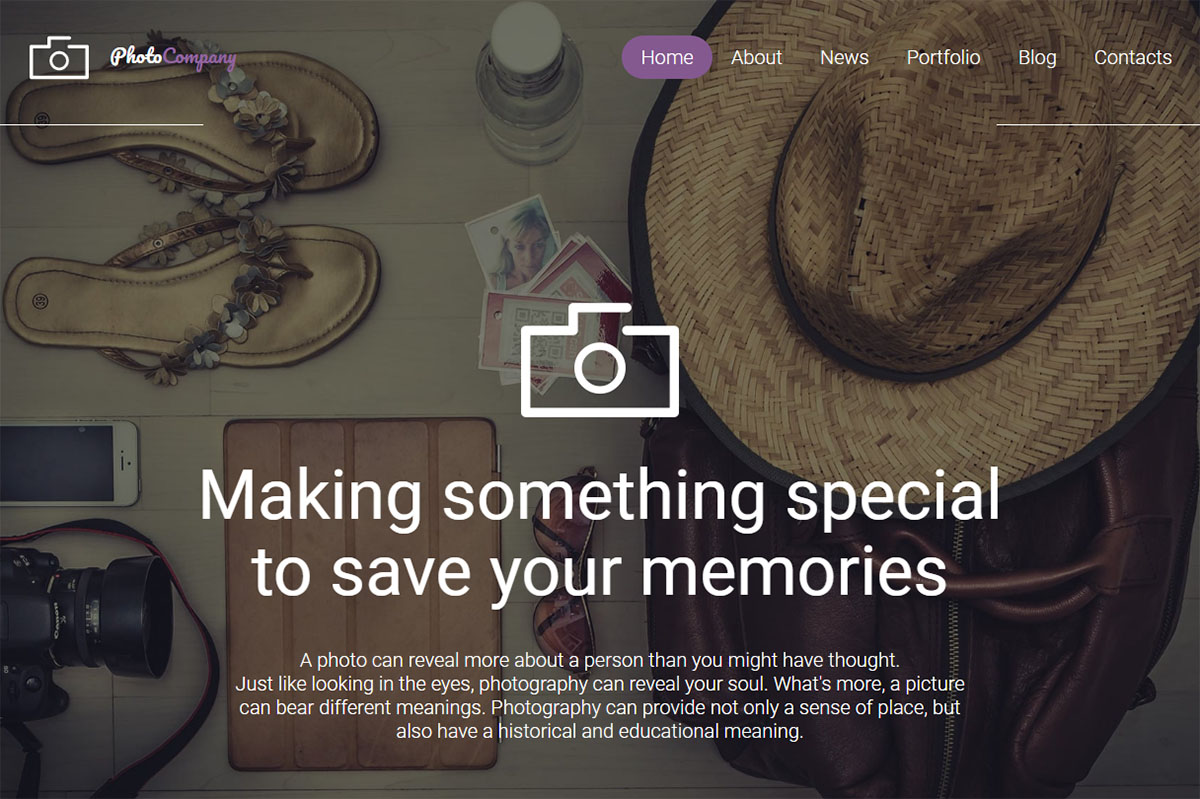
A dark base with purple sections, an unusual palette for photography and a strong contrast for bright imagery. The home page stacks uniquely designed blocks with popups and a contact form, gallery style switches between grid, slider and carousel, and the colour picker handles restyling.
Focus
Premium · Best for: photographers wanting a light, concise layout
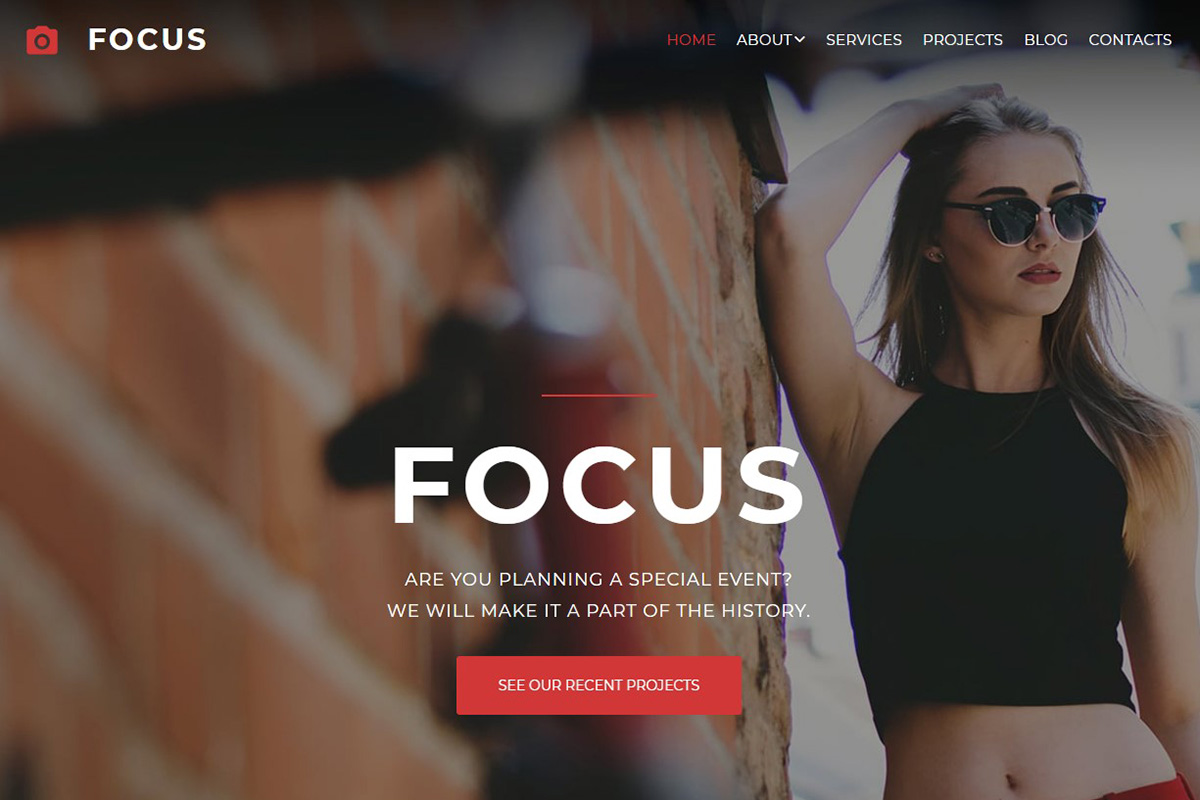
Vibrant red accents against white, kept balanced rather than busy. Beyond the slider, grid and carousel gallery scripts it adds video and audio integration, a media library file manager and SoundCloud, plus ready-made blog, services and projects pages with forms and a Google Map.
Blazing
Premium · Best for: photographers and creative writers sharing a site
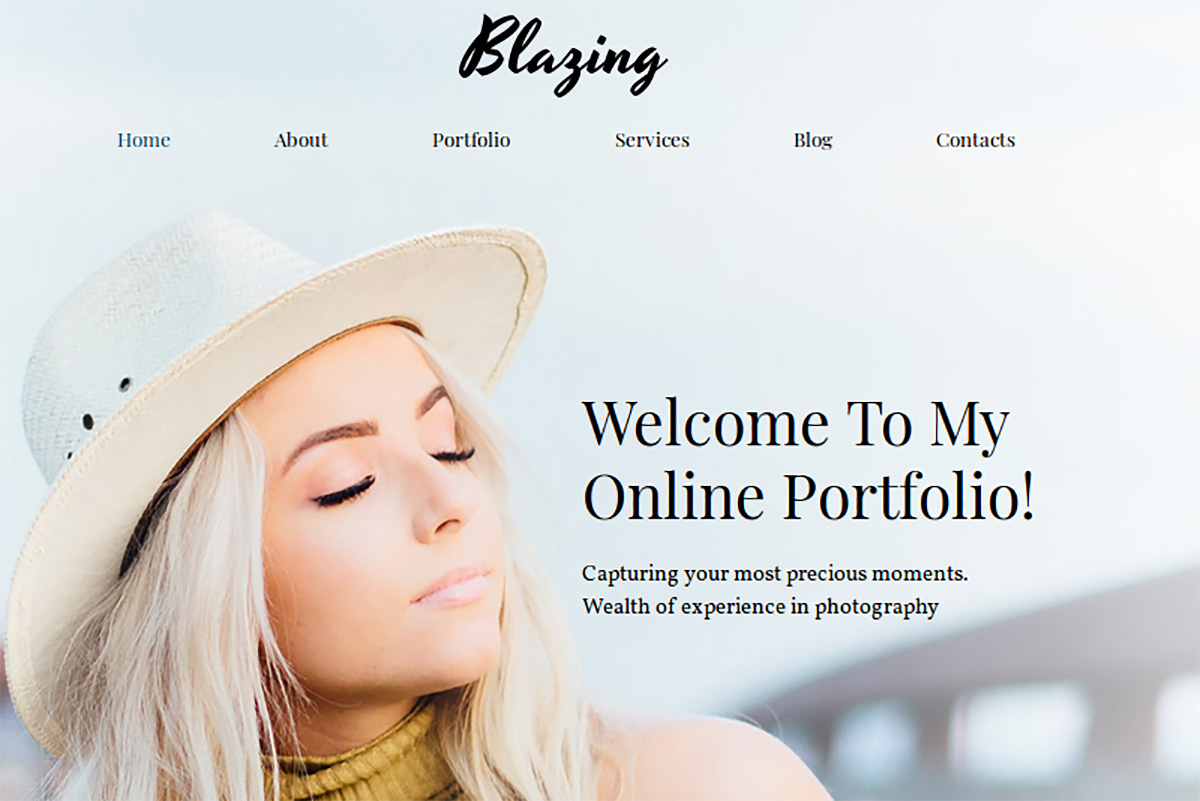
Lightweight and bright, arranged so the photo portfolio takes the largest share of attention. A colour picker, widgets and Google Fonts cover restyling, media content embeds directly, and the way images are displayed in the gallery can be varied section by section.
INSTANT
Premium Dark Mode · Best for: photo studios presenting products and services
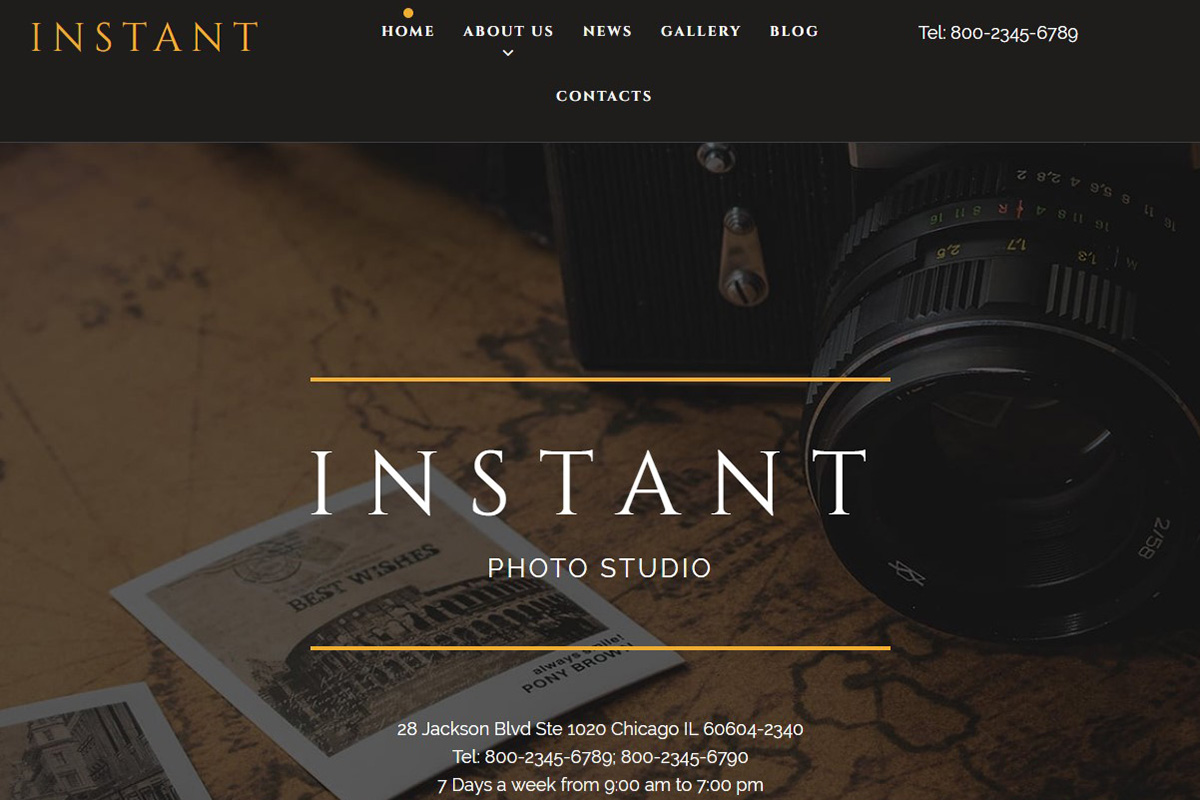
A dark scheme with white and yellow accents that reads more corporate than most photography layouts. Sections are mixed and matched to find the right structure, and the standard MotoCMS feature set is supplemented with extras aimed at presenting services rather than just images.
Blink
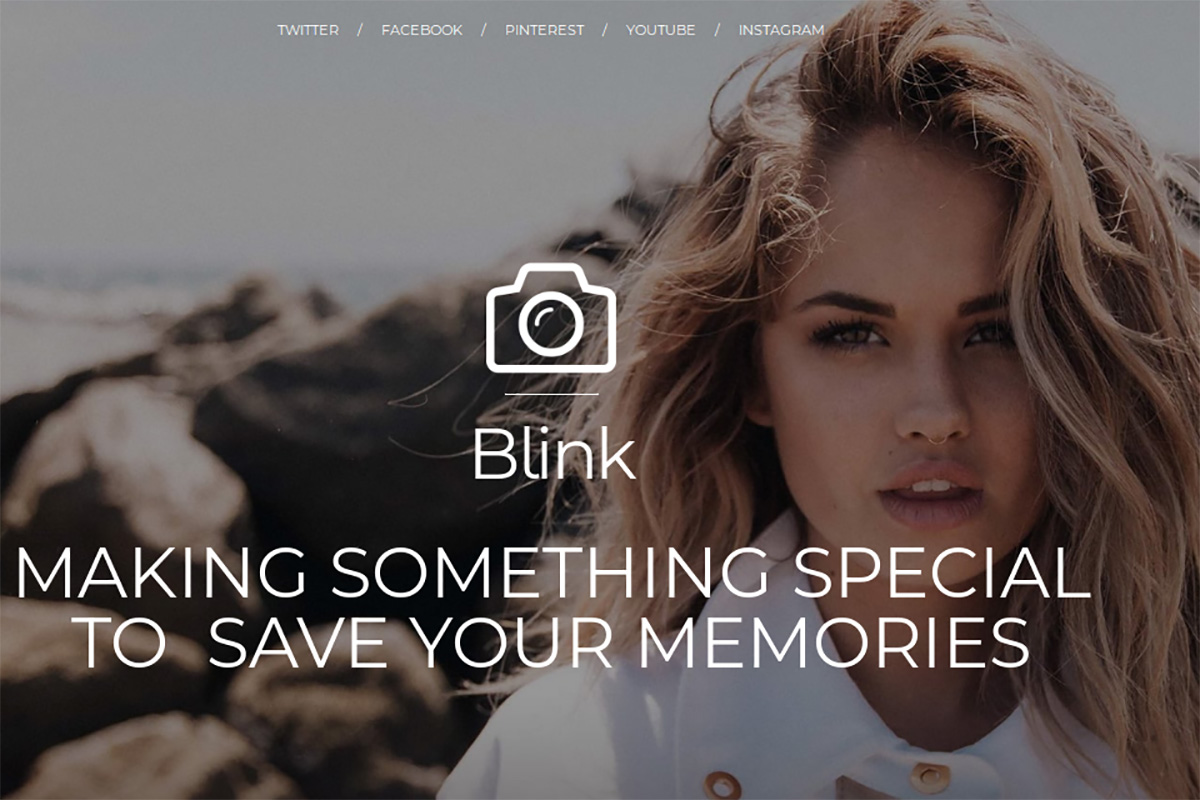
Premium · Best for: photo blogs and one-page portfolios
Clicking any image opens a full-width lightbox, and every page block pairs a picture with its description. Colourful background images, animation and a subscription popup complete a layout that works as a photography portfolio, a travel blog or a basic one-page site.
FLASH
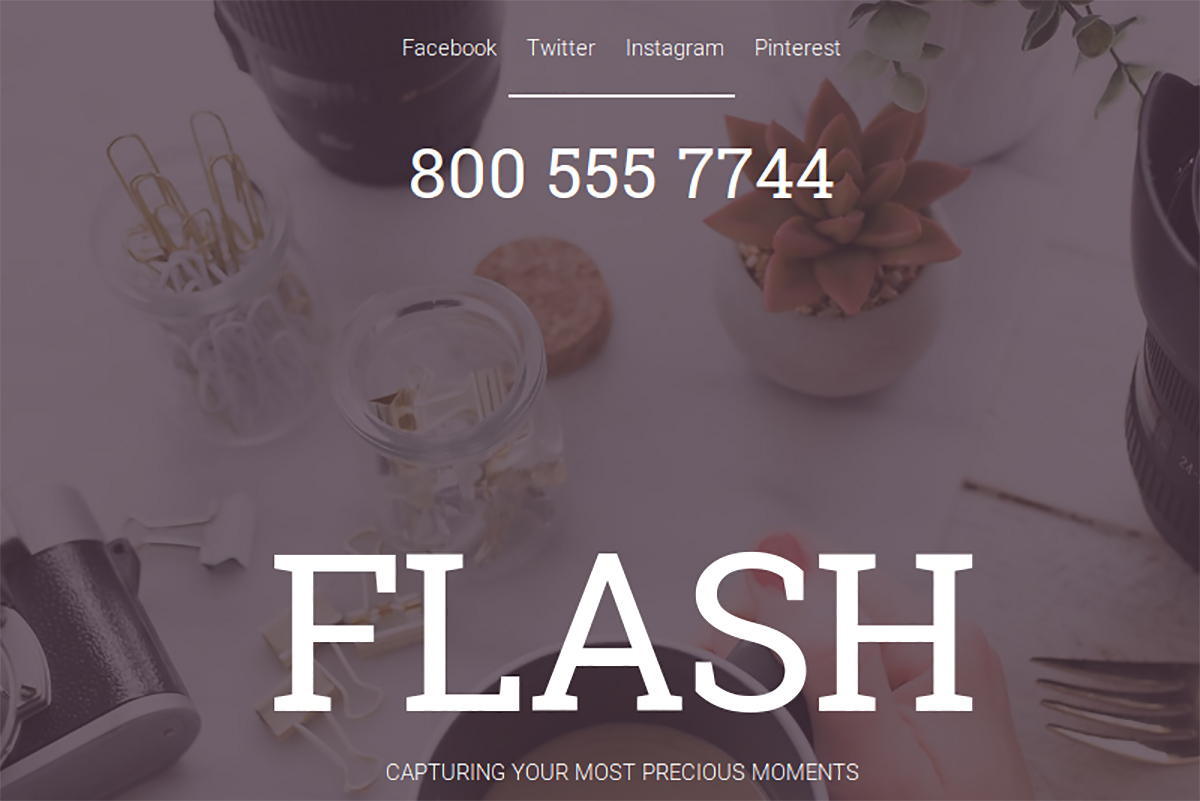
Premium · Best for: models and creatives with a minimal portfolio
A minimalist portfolio where the cover photo carries a call to action and a social media block. The menu bar sits directly beneath and stays easy to navigate, which fits amateur and professional photographers, models, web designers and other creatives.
DAZZLE
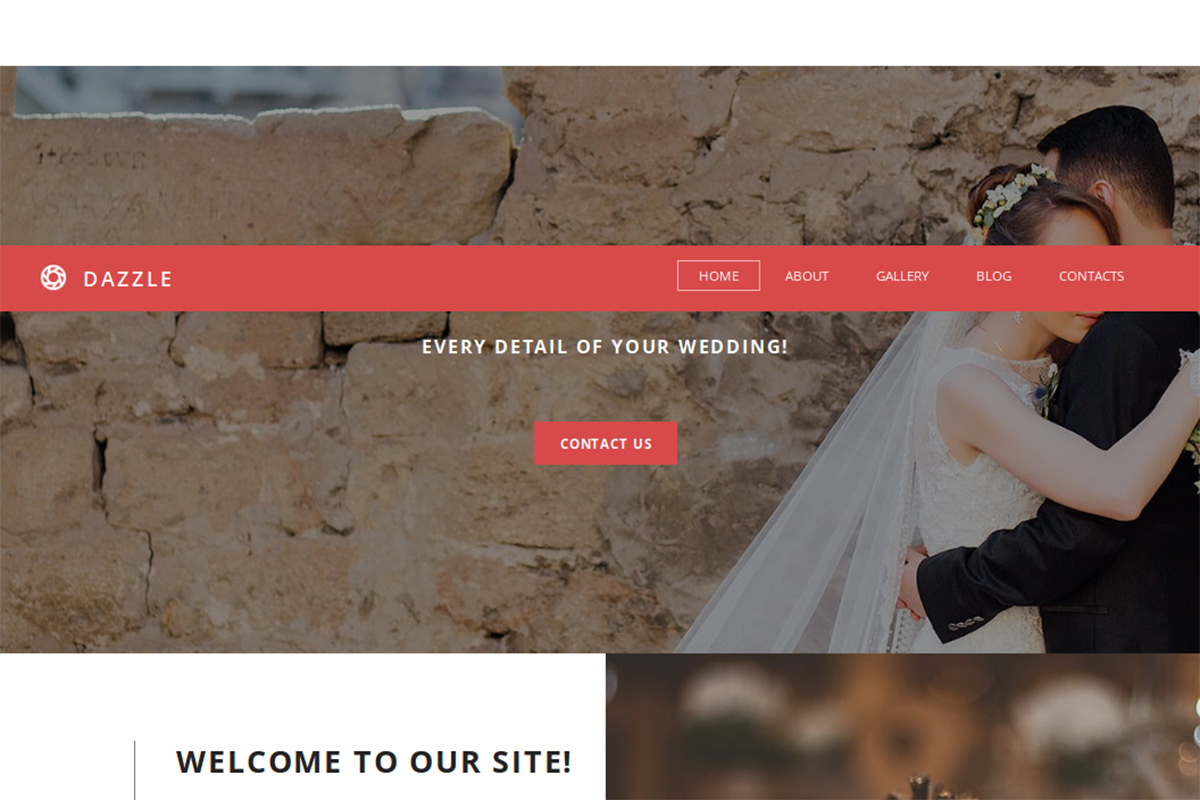
Premium · Best for: wedding galleries for couples and photographers
A tile layout for wedding sets, built for couples sharing an event as much as for the photographer shooting it. White, black and red make up the scheme, galleries run as grid, carousel or slider, and Disqus, social buttons and the Google Maps API can mark the date and venue.
Focus
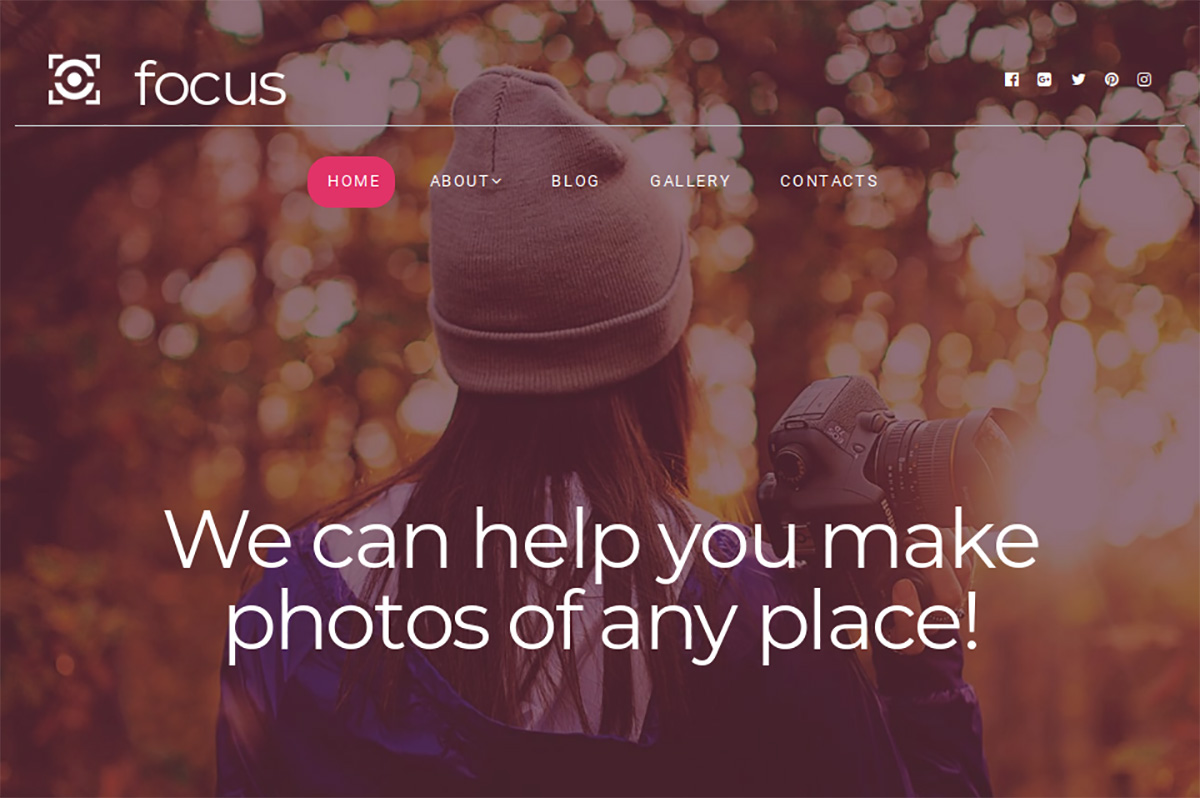
Premium · Best for: agencies and studios wanting a warm palette
Autumn tones and a considered use of negative space, aimed at drawing the eye to specific sections rather than spreading attention evenly. It fits personal and business projects alike, and an installer tool uploads and sets the template up on your own server.
PHOTOLAND
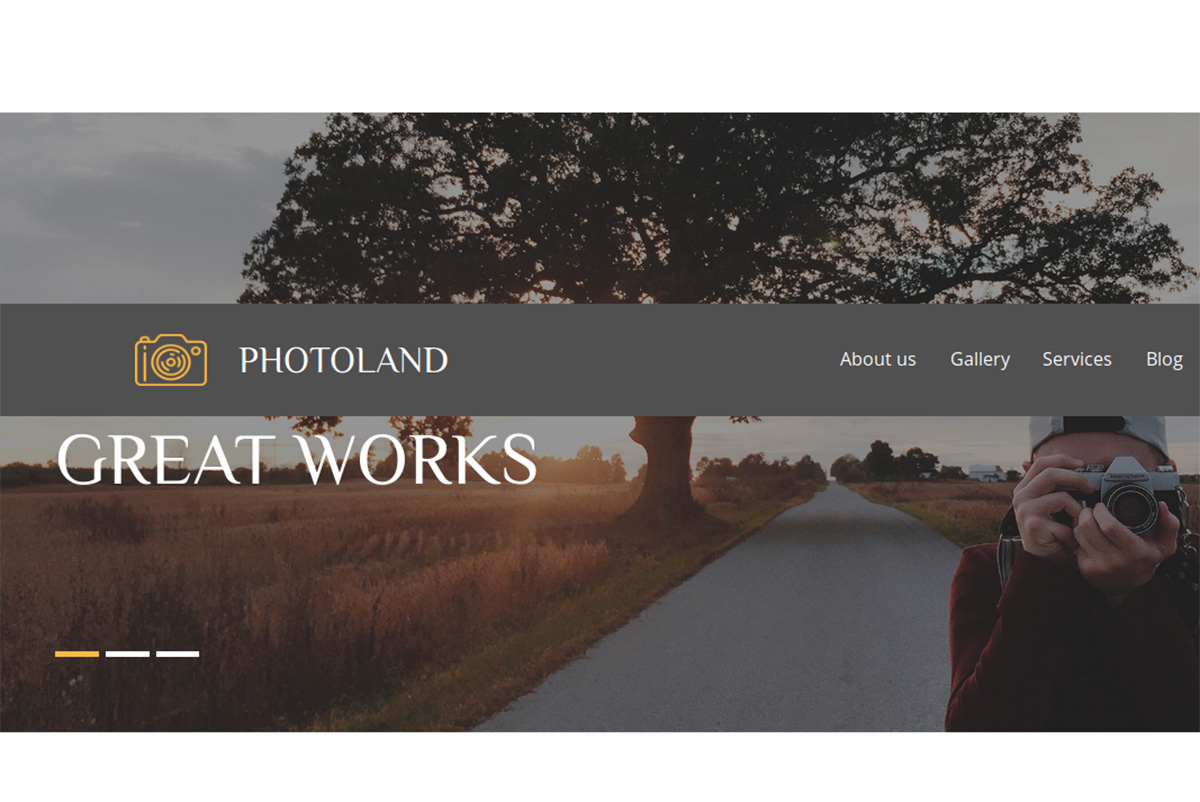
Premium · Best for: wedding photographers using a timeline
Wedding work is organised as a timeline rather than a grid, which suits day-of coverage. Light and dark tones are combined with scrolling animation, parallax, Google Maps integration and design presets, and an endless image carousel or video background can headline the home page.
Photosio
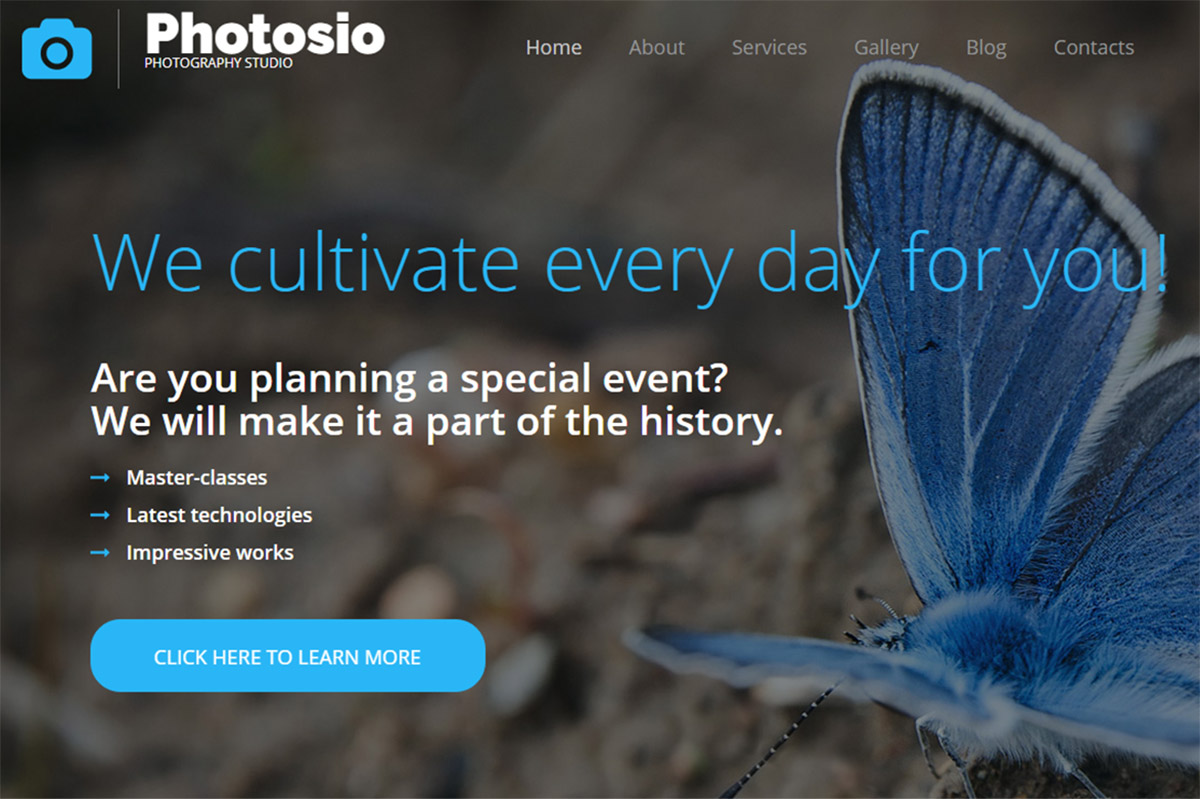
Premium · Best for: nature, portrait, travel and wedding photographers
A full-width banner opens the home page and can be swapped for a slider or a video background in a few clicks. Several gallery layouts are packed in, the main menu fixes to the top once you scroll past the slider, and a two-week trial covers evaluation.
Sam Johnson
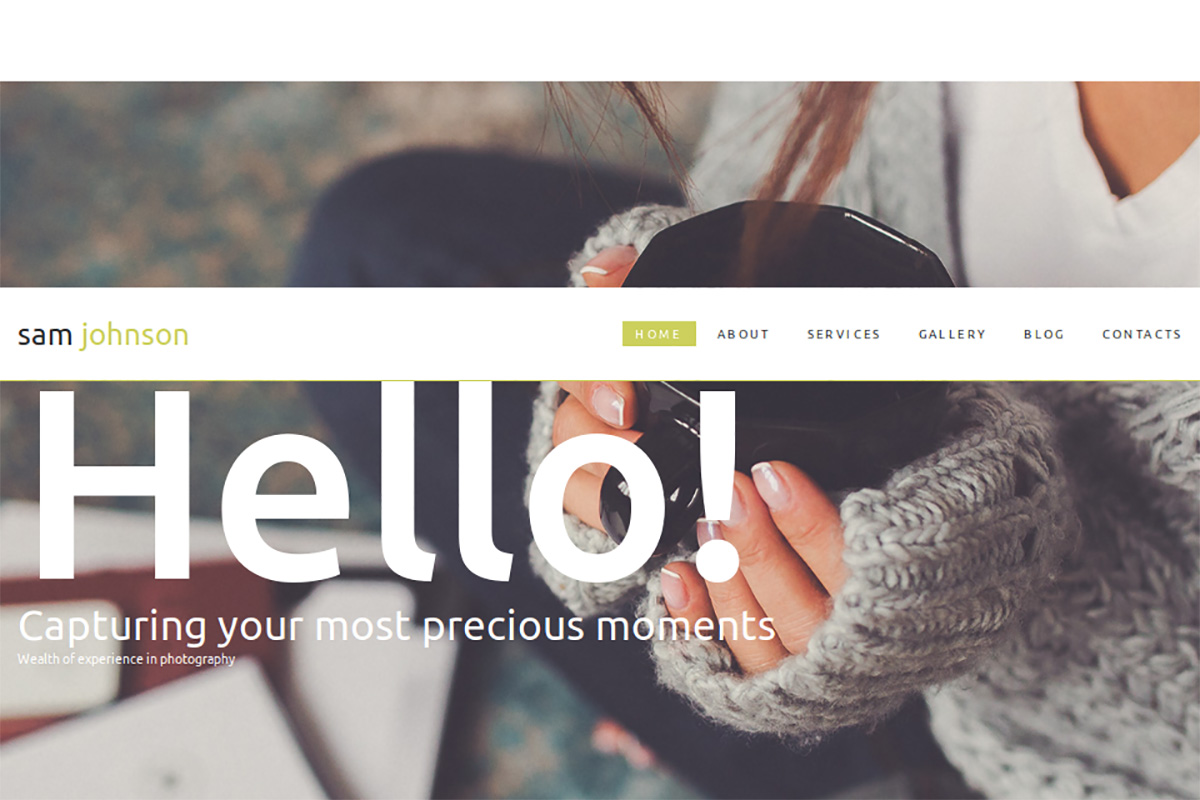
Premium · Best for: photo bloggers building a personal brand
Built around blogging as the engine, with about and services sections supporting the feed rather than the other way round. Several galleries, a parallax effect, 40+ animation effects and audio and video integration give each post a different presentation option.
Natalie Barnes
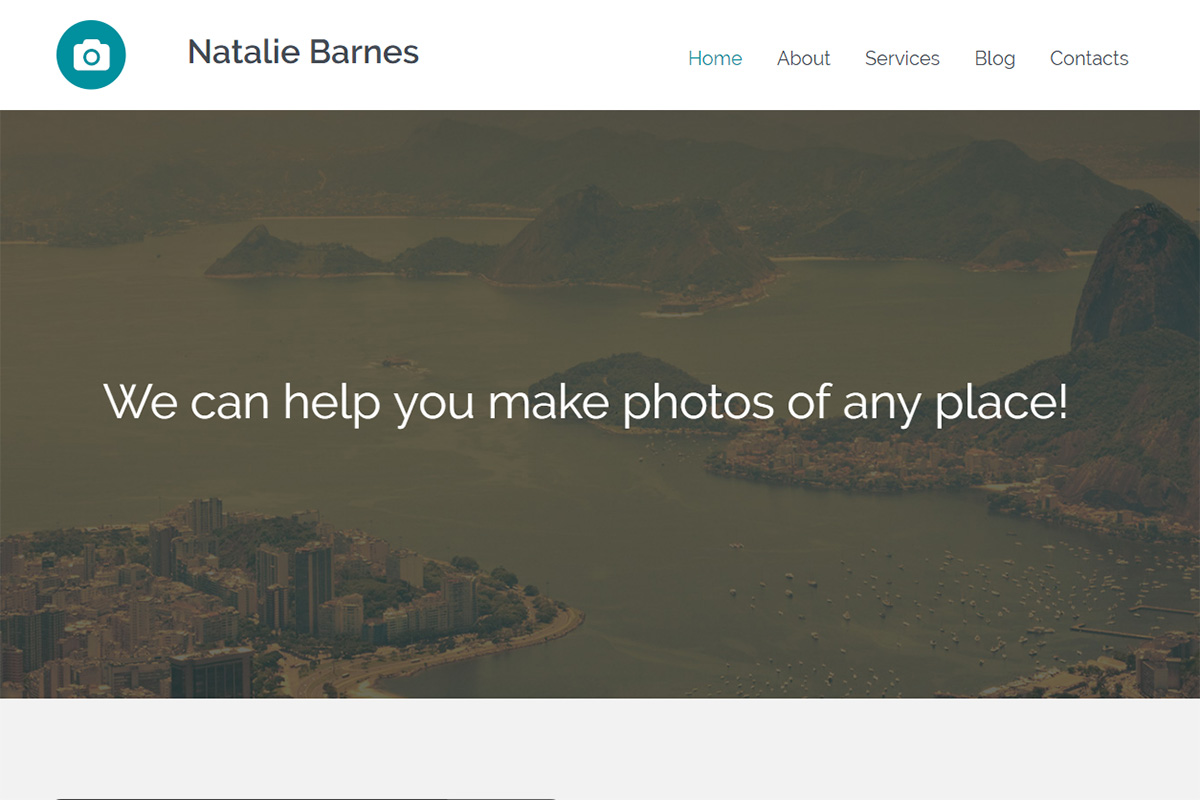
Premium · Best for: bloggers and small businesses sharing one layout
Parallax and animation add depth to what is otherwise a straightforward gallery page. A range of colour options and widgets ship with it, slider and audio player widgets embed media, and a free 14-day trial lets you decide before committing.
FRESH STUDIO
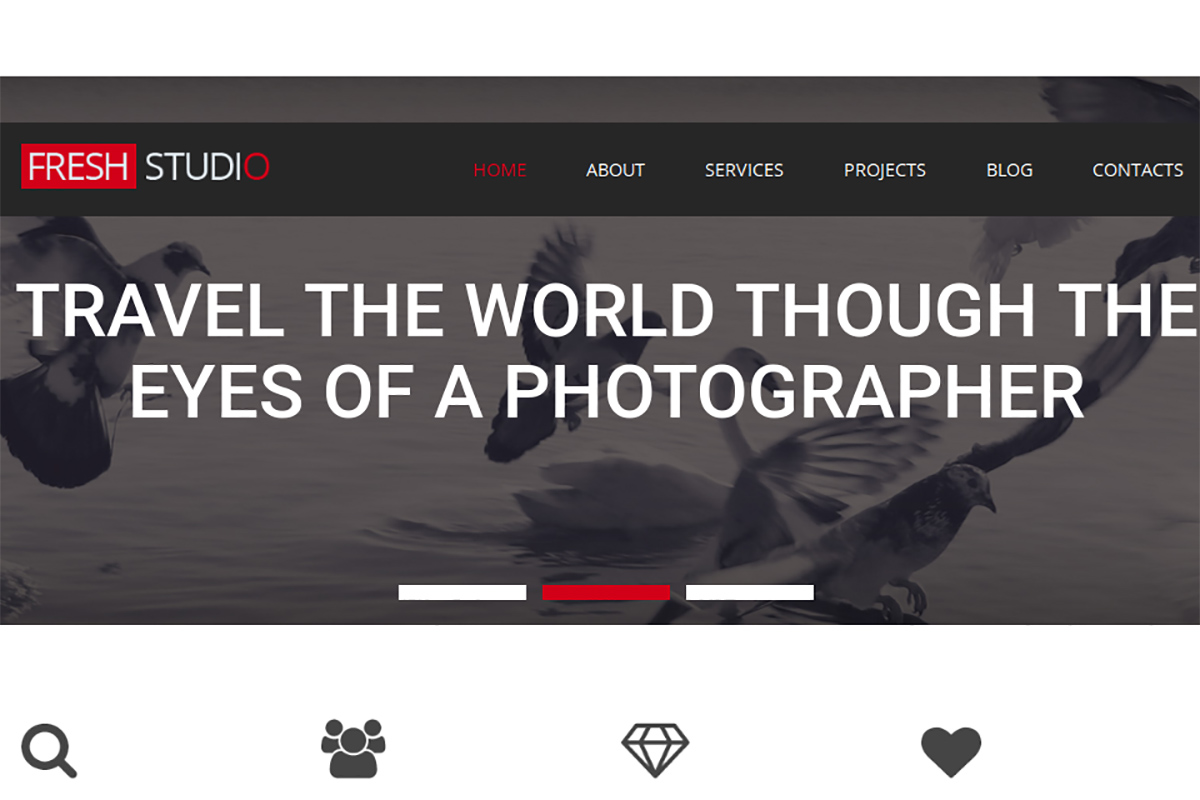
Premium · Best for: photo studios with a bold cover image
A large red, black and white cover photo sets the tone, and nothing surplus is included. Home page sections are mixed and matched to build the layout, while the parallax effect and audio and video widgets add movement to an otherwise static portfolio.
Glance Studio
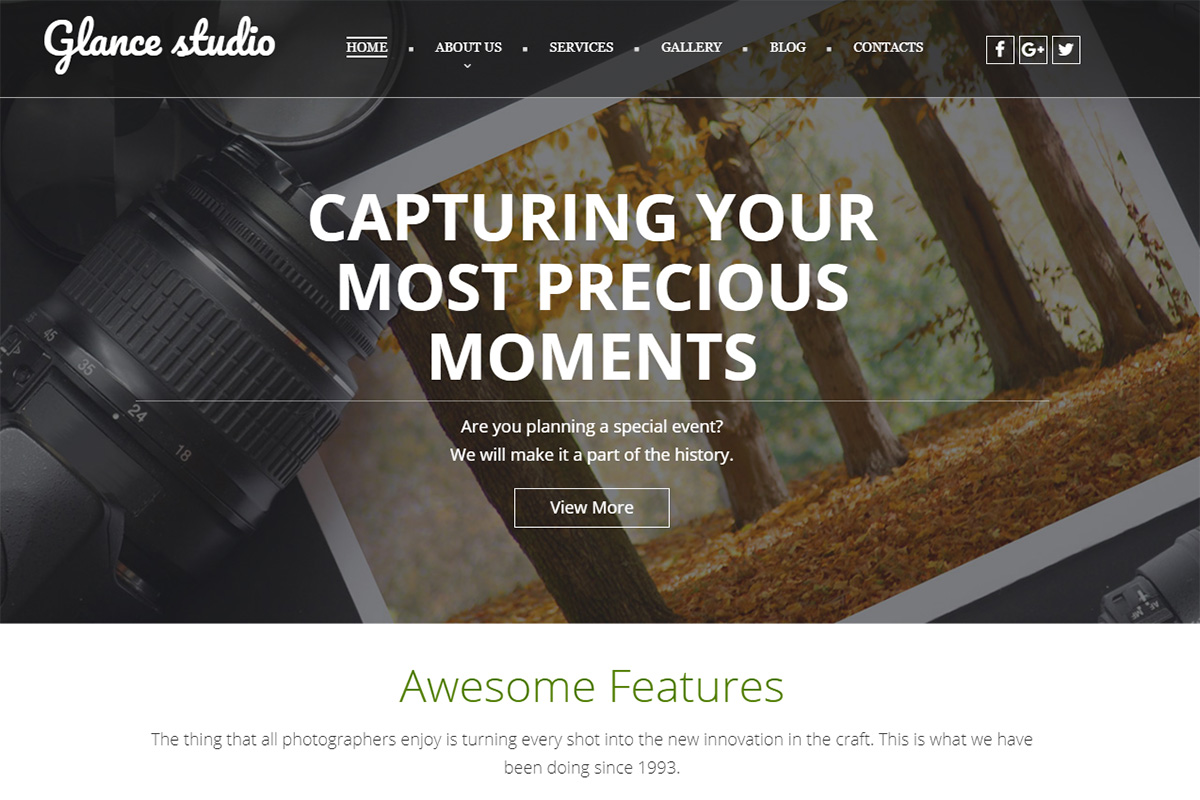
Premium Dark Mode · Best for: photo studios with a darker presentation
Dark by default, with a colour picker for the scheme and a preset builder for reworking every preset. A pack of widgets covers the functionality, and the blog feature keeps clients updated on recent shoots and events.
Shoot
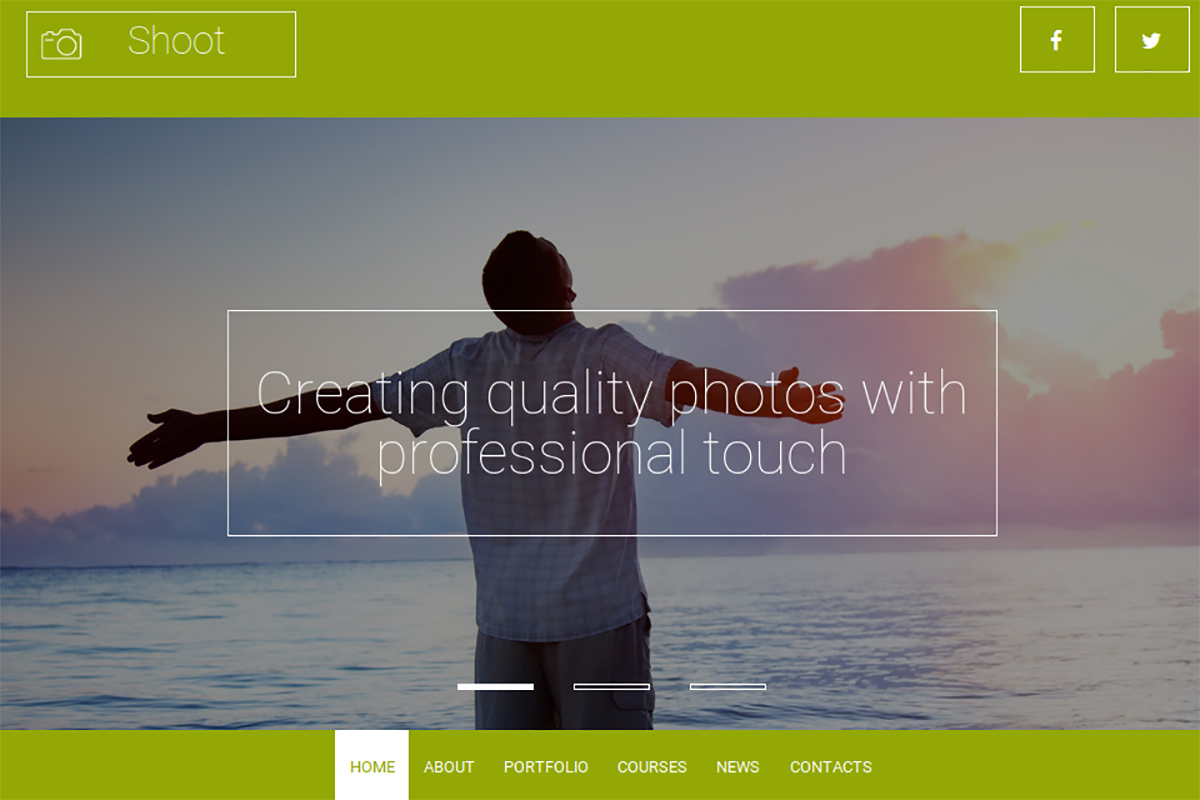
Premium · Best for: photographers pitching for client work
Positioned as a replacement for the job interview — the site does the pitching for you. Audio and video integration, the media library file manager and translation into other languages are included, and social options connect your profiles without disturbing the navigation.
Impressive
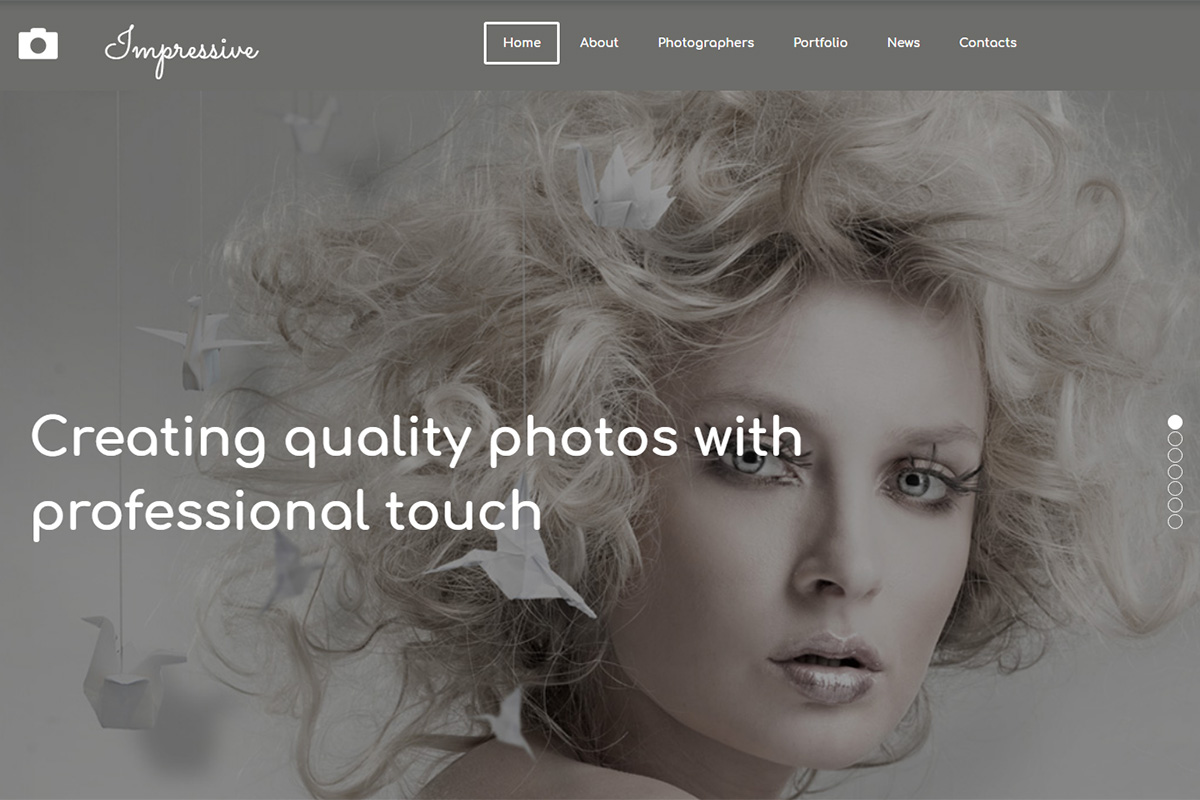
Premium · Best for: model portfolios and agency books
Grey and white throughout, so a model book gets all its colour from the images. Several gallery options, a presets builder and a pack of widgets cover the customization, and it works equally for photographers or designers presenting a body of work.
Eva Savits
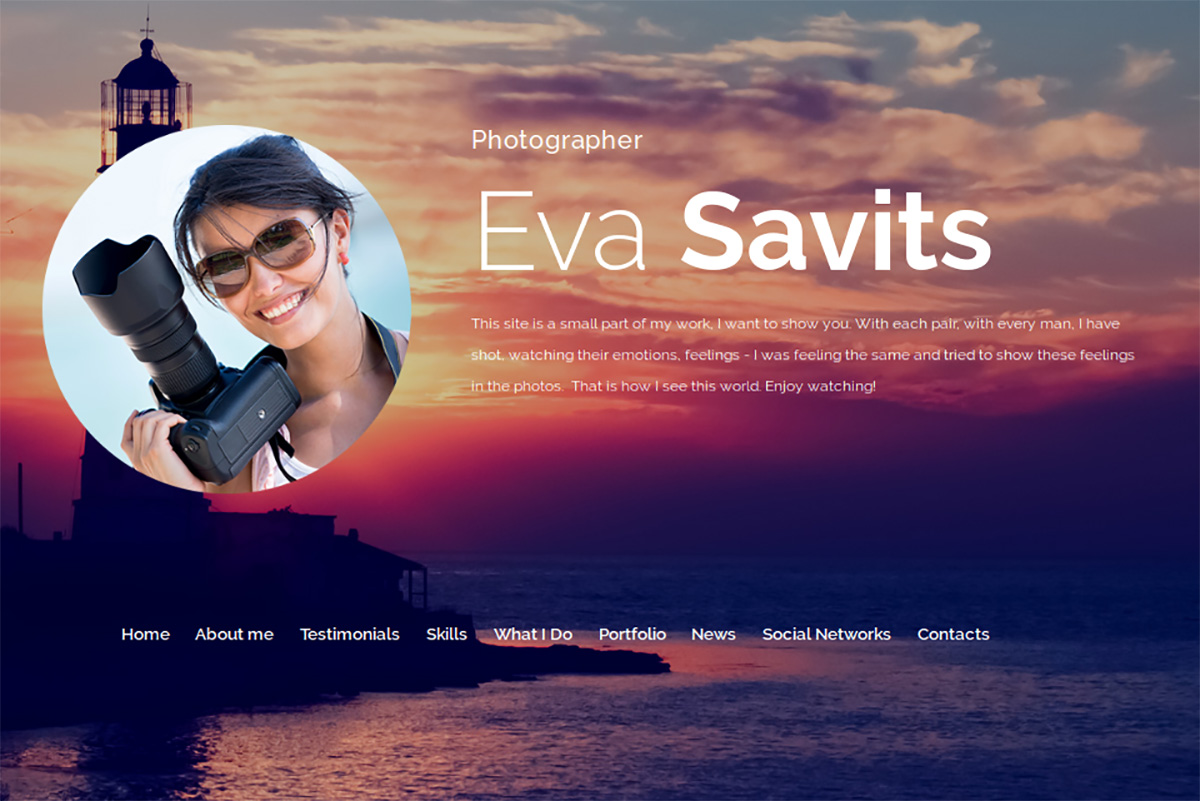
Premium · Best for: creatives who want SEO handled out of the box
Galleries, media players and slideshow presentations cover most ways of showing visual work. Colour options and widgets handle the styling, while advanced SEO options, analytics and tracking, a blog with comments and subscription forms are integrated across the template.
Mark Johnsonh
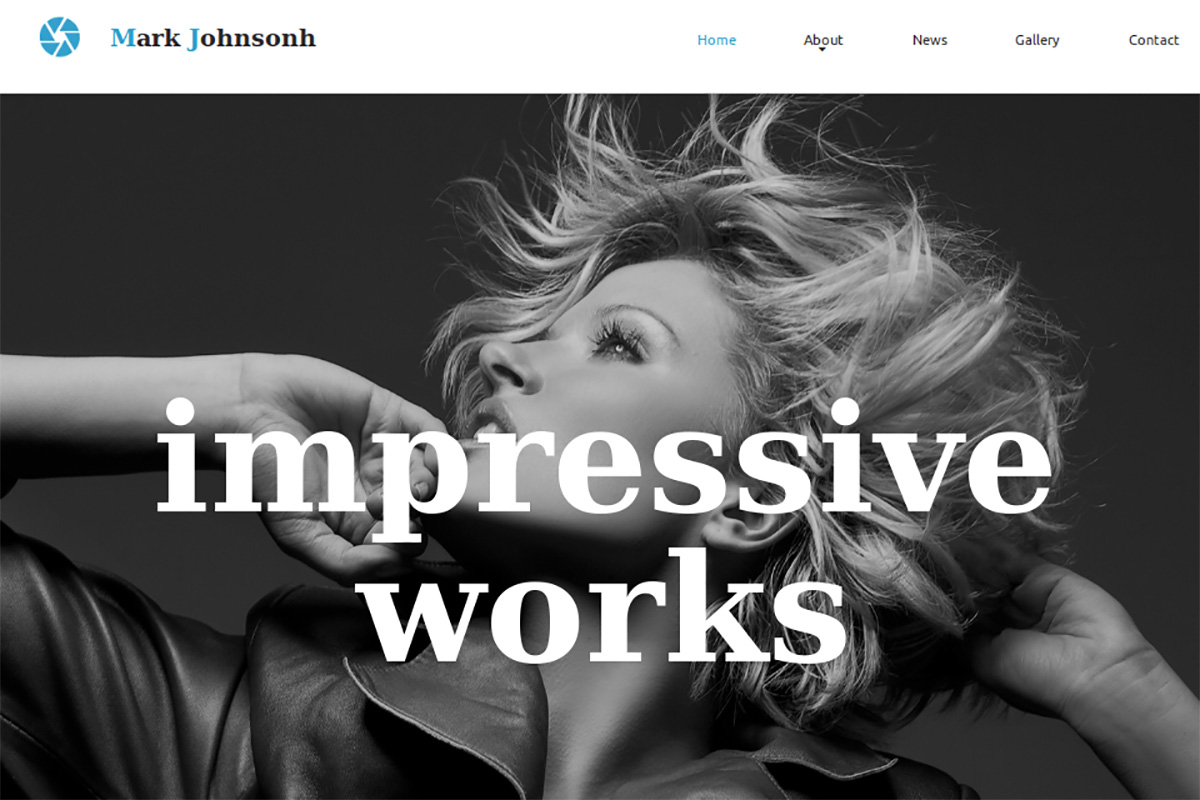
Premium · Best for: photographers who also need a resume page
A portfolio and resume template in one, so credentials sit alongside the work. A prominent cover photo opens the layout, sections are mixed and matched, and the colour picker, Google Web Fonts and drag-and-drop widgets handle the rest.
Ivana Wong
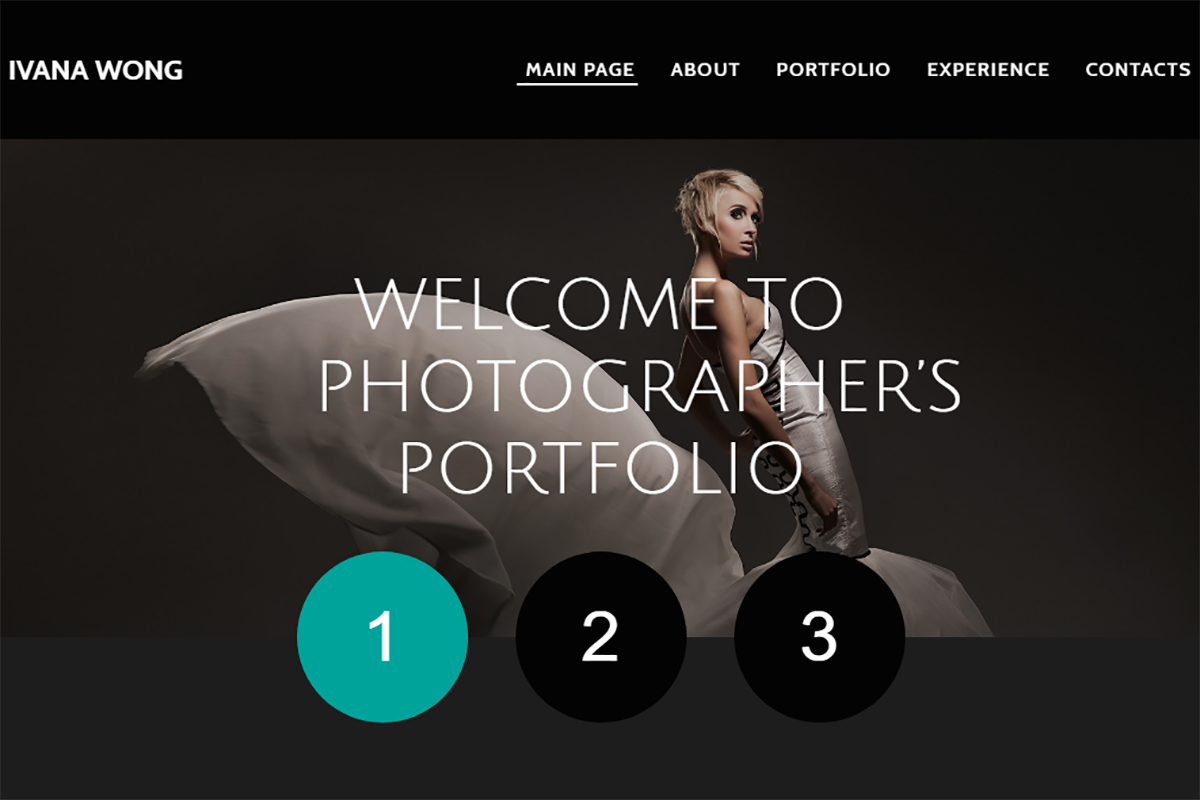
Premium · Best for: photographers, videographers and actors
The gallery and media player set suits video makers, producers, directors and actors as much as photographers. Ready-made page layouts mean minor tweaks produce a full site, popups, tabs and accordions structure the detail, and translation covers local versions.
Eva Anderson Photo Portfolio
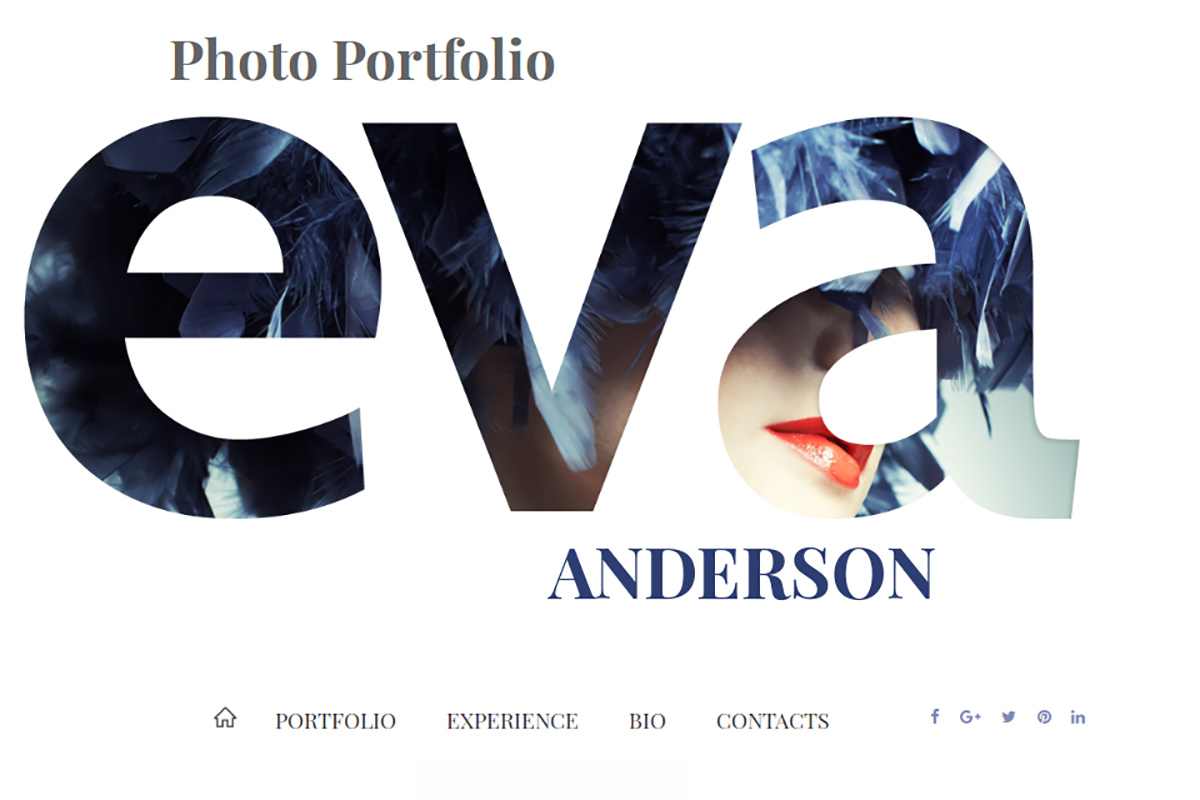
Premium · Best for: aspiring models and photographers
Structured as a self-presentation: work experience, portfolio, short bio and contacts in sequence. Unique galleries, media players, slideshow presentations and social post integration cover the display side, and the pages are fully responsive and search-friendly.
Gloria MANN
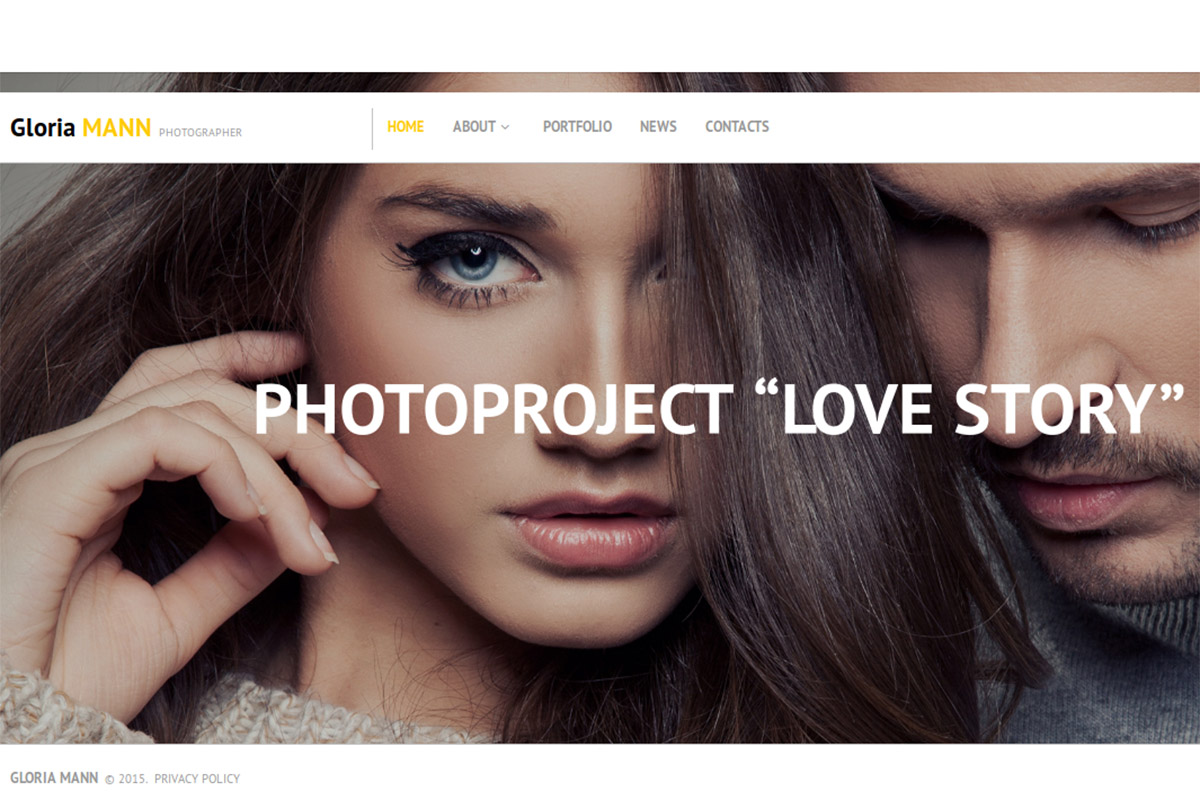
Premium · Best for: minimalist photo studio sites
Extremely minimalist, with pre-made pages for your field of work, the full portfolio and contact details. Several galleries, media players and slideshow presentations are still on hand, and contact and subscription forms plus a blog with comments handle enquiries.
Marco Bruno Photo Portfolio
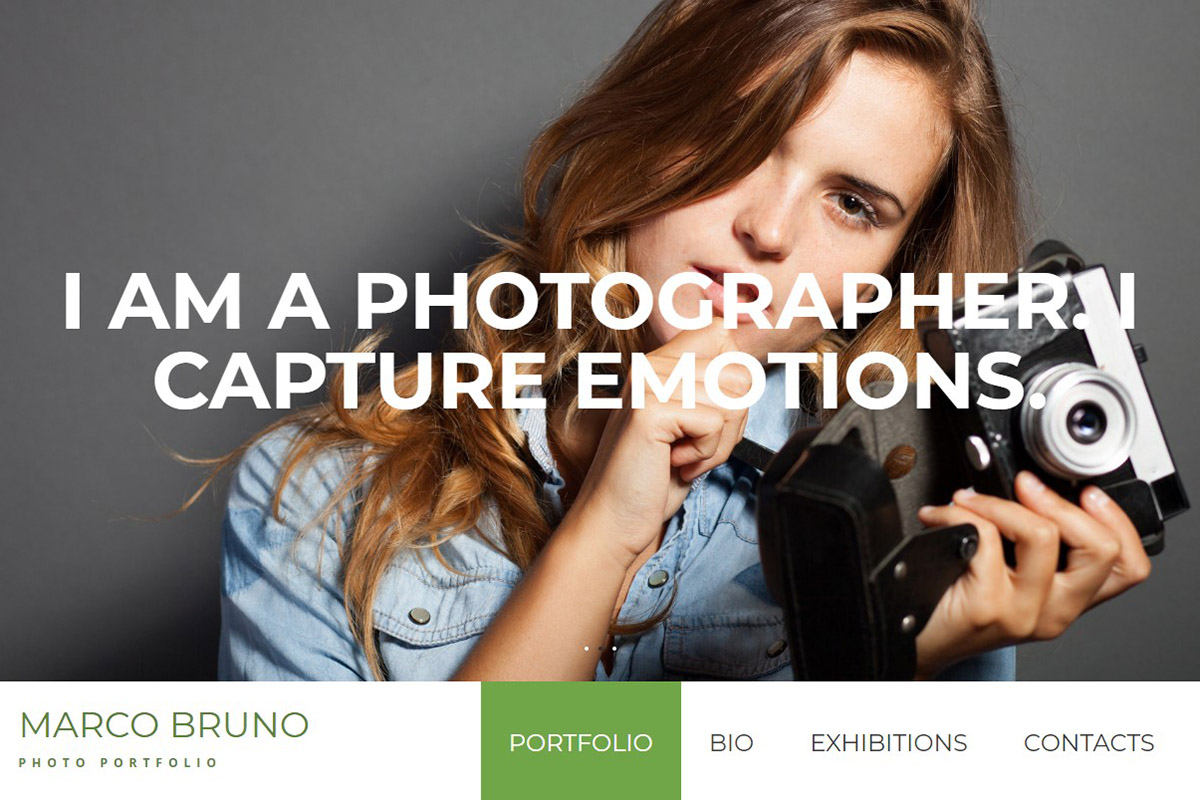
Premium · Best for: photographers leading with a header slider
A header image slider opens the site, so the first interaction is browsing rather than reading. Portfolio, Bio, Exhibitions and Contacts sections follow, which fits exhibiting photographers and artists, and extra modules and widgets extend the layout.
Photoart
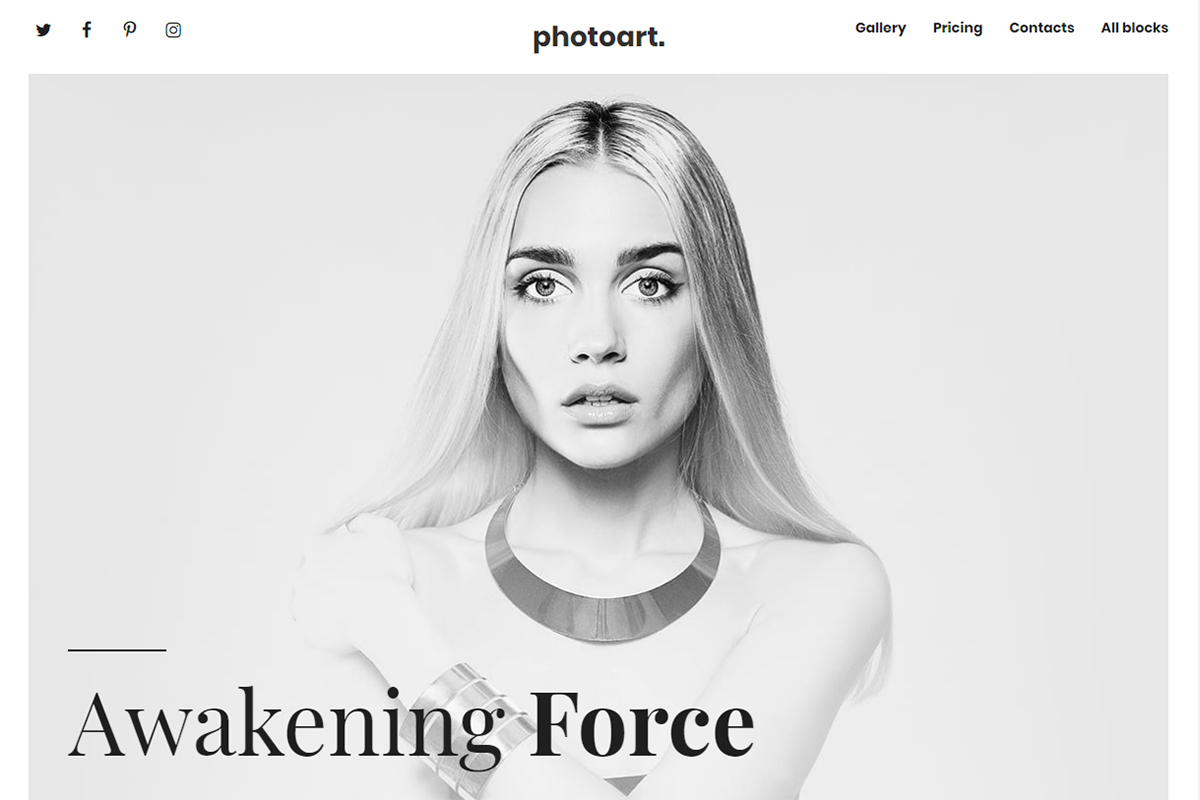
Premium · Best for: single-page photography pitches
A landing page rather than a full site, built to present services and capture enquiries in one scroll. White, black and grey keep the design out of the way, ready-made blocks slot in your information, and a full video presentation can be embedded.
Brailie
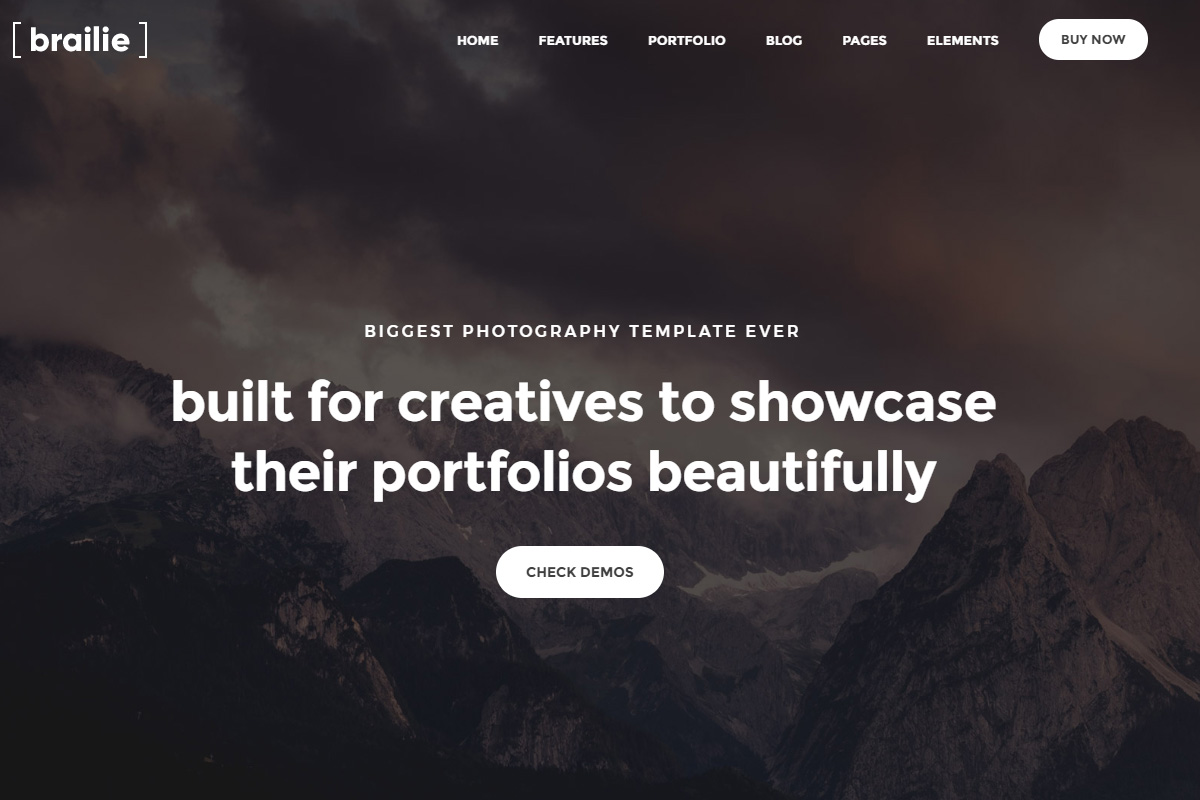
Premium HTML · Best for: studios choosing from a large demo library
Over 50 demos, 200+ page layouts and 300+ elements make this a library rather than a single design. Four premium plugins are bundled — Slider Revolution, Vanilla Contact Form, Cube Portfolio and a Slim icon set — plus 18 header styles and blog, portfolio and shop layouts.
Photo Studio
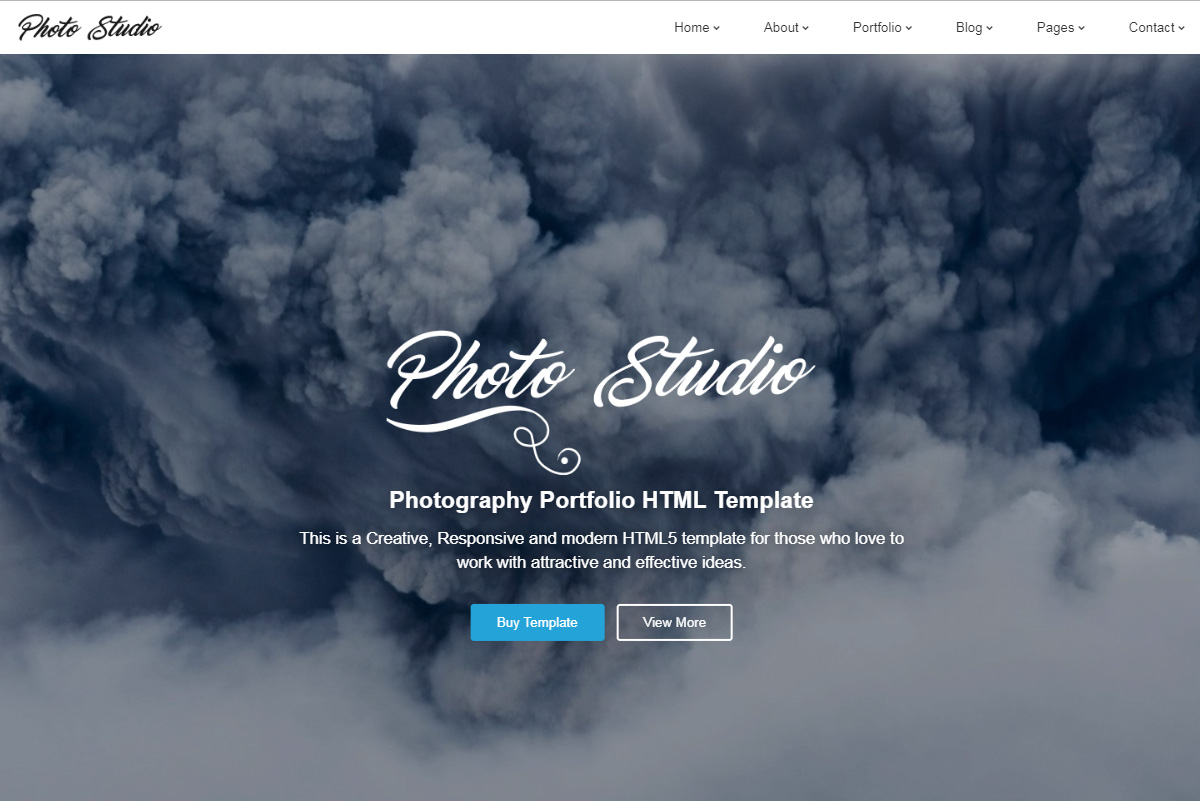
Premium HTML · Best for: studios with many albums to organise
Seven home pages, 18 albums and 7 galleries, so a large body of work can be split by client or project. Background video, image sliders, blog functionality and the Google Maps API are included, every image ships in the download package, and support runs 24/7.
ExtraFast
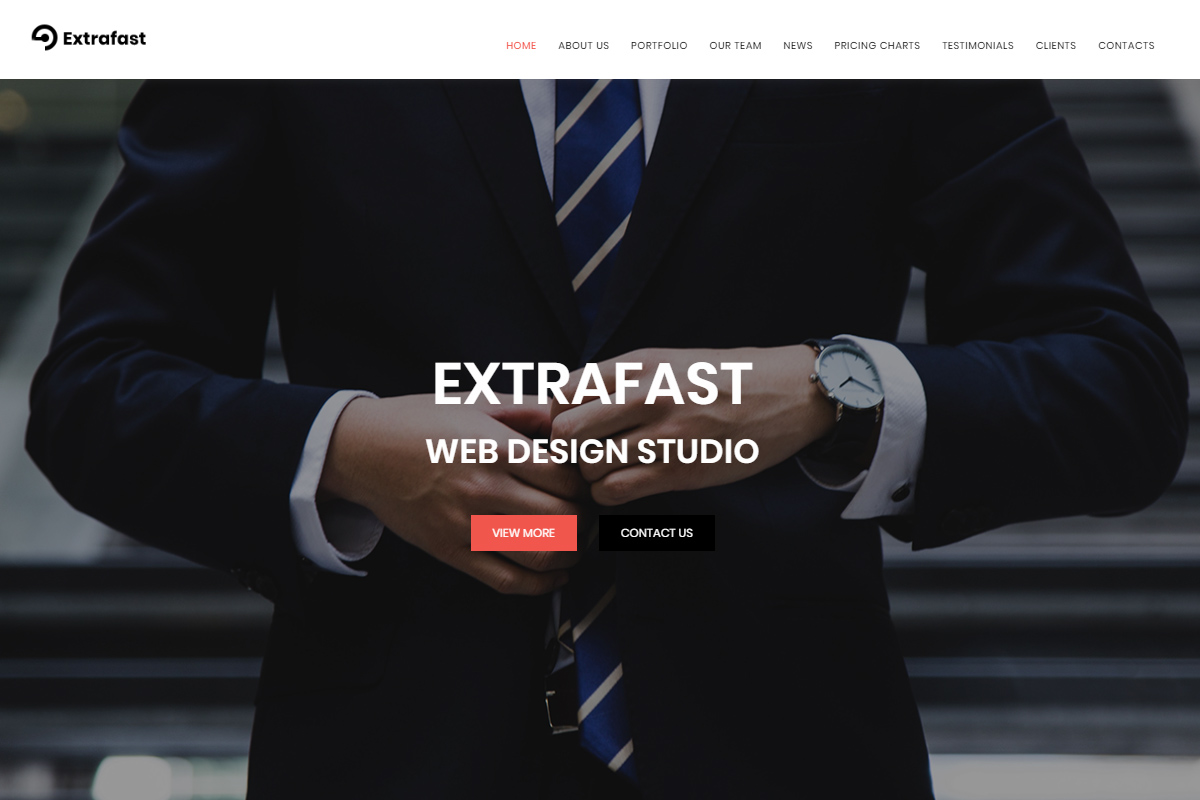
Premium HTML · Best for: design studios needing a single landing page
A landing page for a web design studio rather than a photography portfolio, worth a look mainly for its UI kit. High-quality stock images come as a bonus, and a stick-to-top menu, Google Web Fonts, Google Maps and a contact form cover the essentials.
Flashing (WordPress)
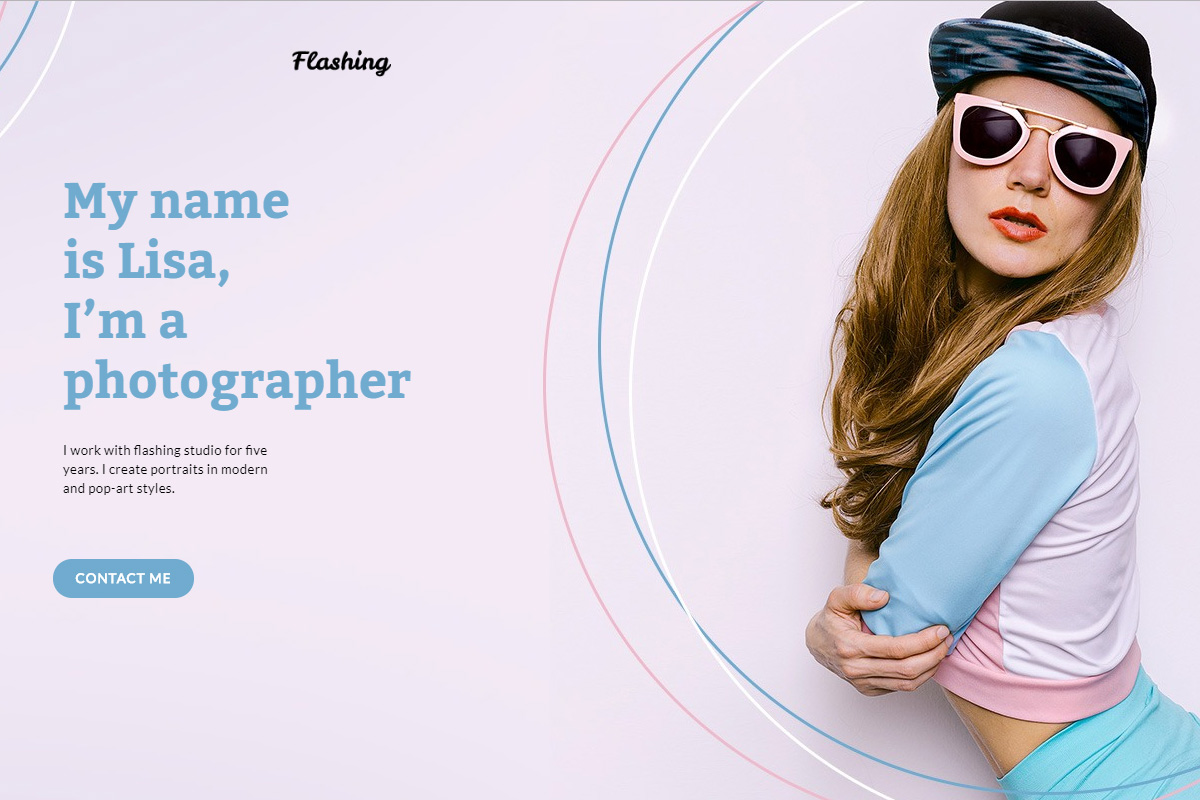
Premium WordPress · Best for: photographers taking session bookings
The Booked Appointment plugin is bundled, so session booking happens inside the site rather than over email. This portfolio WordPress theme uses Elementor for editing, adds JetElements, and ships ready-made page templates in several colour options.
Davis
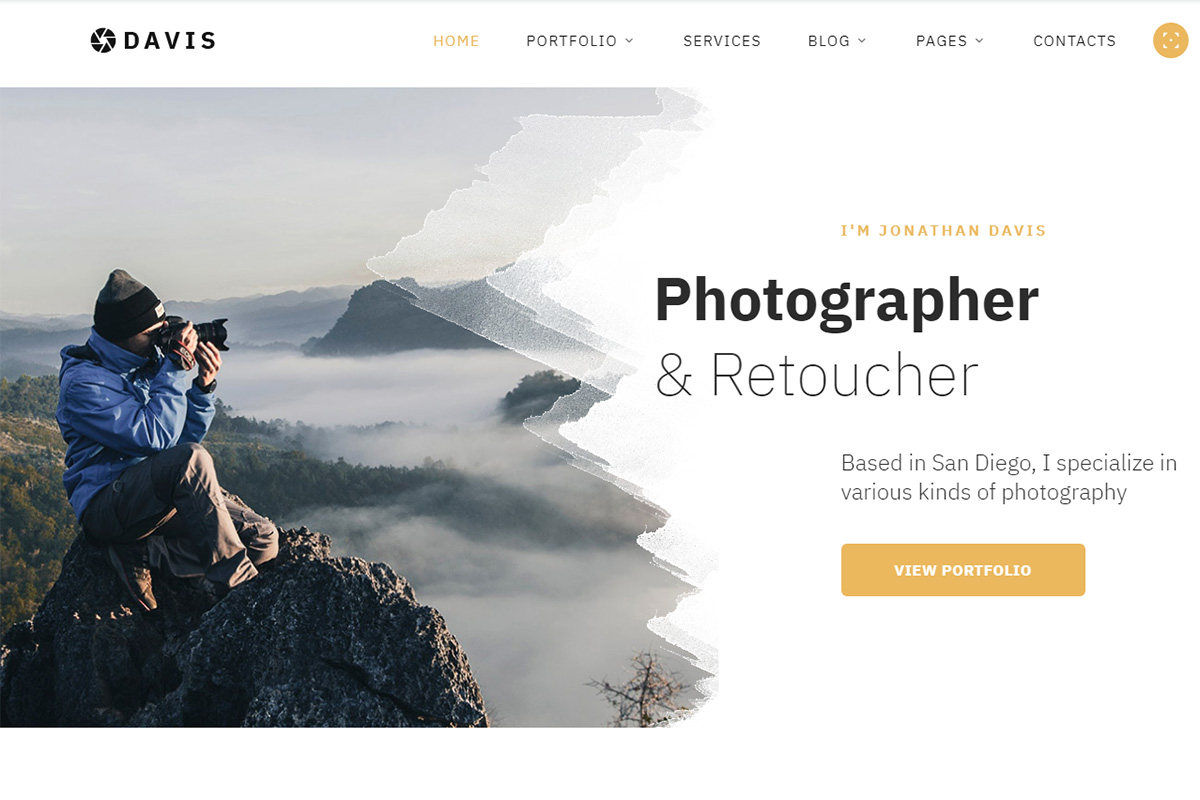
Premium HTML · Best for: photographers comparing gallery scripts
Five gallery scripts ship together — accordion, carousel, gallery, Isotope and grid — so presentation can change per project. Built on HTML5 and CSS3 with a range of page designs, UI blocks, a MegaFooter, several forms and multiple colour options.
Corallo Studio

Premium HTML · Best for: photographers wanting a classic multipage site
A classic, sparsely configured multipage HTML5 layout that keeps out of the way of the photographs. It uses a minimum of primary colours so the colour comes from the images and headings, various widgets are included, and the interface adapts across devices and browsers.
Frequently Asked Questions
Which gallery layout shows photography best?
Masonry and full-bleed grids suit mixed aspect ratios; uniform grids suit consistent series work. Pick by how you shoot — the entries here are split roughly evenly between the two.
How do I keep a photo-heavy site fast?
Export at display size, serve WebP/AVIF with srcset, lazy-load below the fold, and keep the first screen to a handful of images. The templates’ markup supports all of this without modification.
Can clients proof or download photos through these templates?
Not natively — these are presentation layouts. For proofing and delivery, pair your site with a service like Pixieset or Pic-Time and link client galleries from the template’s menu.
Should I watermark images in my gallery?
For portfolio display, light or no watermarking presents better; theft risk is mostly about full-resolution files, so simply don’t upload print-size originals.

Related Posts


Comments (0)