Po-Portfolio
Template Details
Author: Colorlib
Updated: October 2026 · v3.0.1
Credits: Images from Unsplash
Description
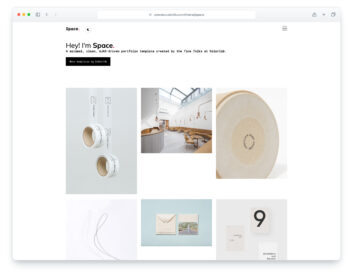
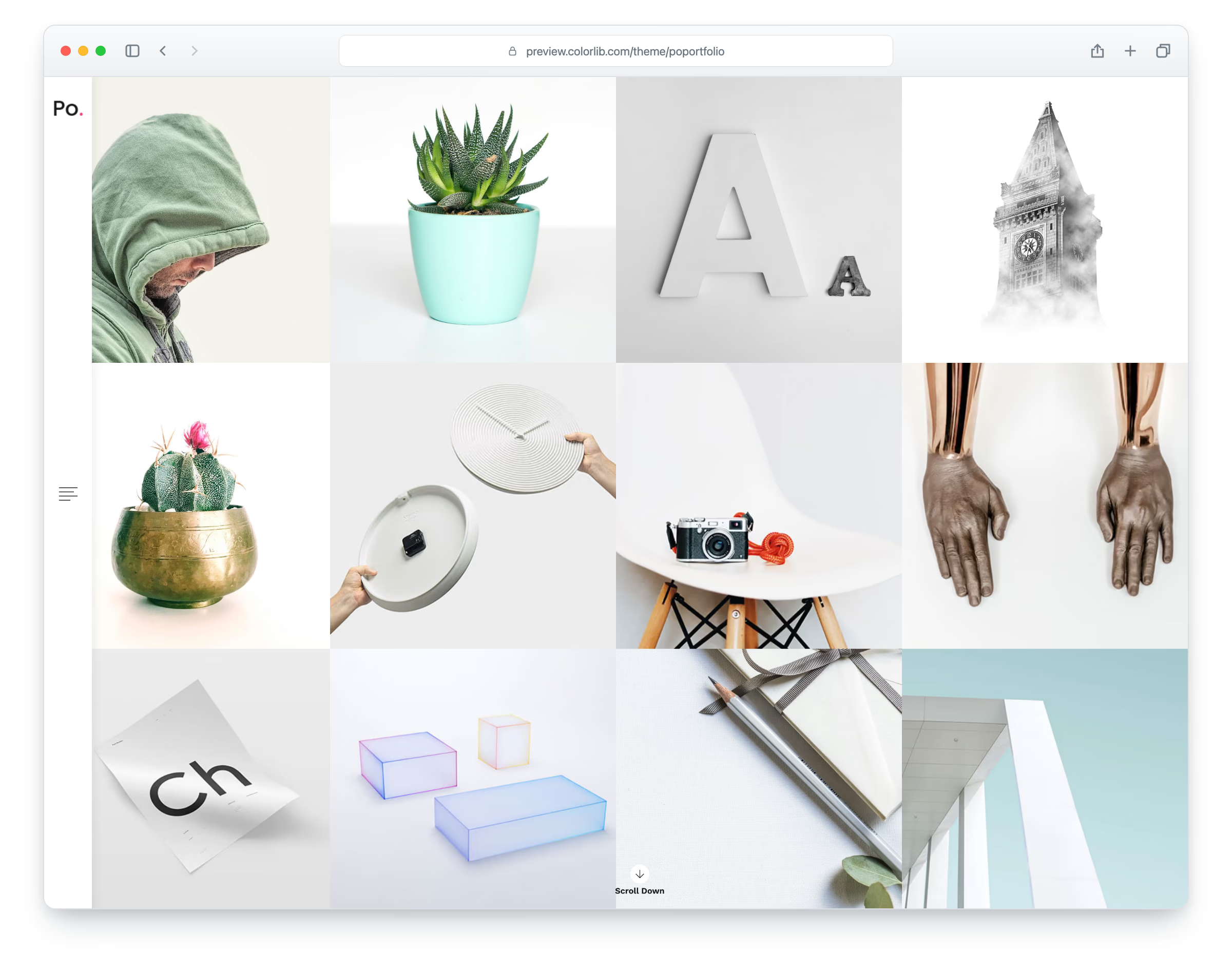
Po-Portfolio is a minimal portfolio website template for designers, photographers and small studios, built on Bootstrap 5. The home page is a full-width grid of square project photos that show their title on hover, next to a slim side bar with the logo and a menu that slides out. The layout is responsive and works in all popular web browsers. It comes with eight pages: home, portfolio, single project, blog, a regular blog post, a single blog post, about and contact.
The single project page has the project photo, description, date, category, tags, share links and previous/next navigation. The blog list shows two-column cards with a photo, title, author and date, and the single post adds share links, threaded comments and a comment form. The about page introduces the studio with a photo, a short bio, services and selected work, and the contact page has a contact form next to the studio’s details.
What’s new in 3.0
- Bootstrap 5.3.8 (the earlier release used Bootstrap 4 and jQuery), compiled from Sass with the original Bootstrap 4 proportions, and plain JavaScript with no jQuery. npm run build (Dart Sass and esbuild) builds the minified CSS and JavaScript.
- Sharper photos: six project and blog photos are re-cut at up to 2338 px from their original sources (the earlier release used 460 px squares), and every photo has an AVIF version with the original as the fallback, real dimensions and lazy loading below the first screen. The six original pages together went from 3.6 MB to 3.0 MB.
- No third-party requests: Poppins and Work Sans are self-hosted, Lucide SVG icons and a small social-logo subset replace Font Awesome 4 and the PNG interface icons (the Twitter bird is now the X logo), and a Google Analytics 4 snippet stays commented out until you add your own ID.
- New about and contact pages in the same design. Working contact and comment forms: named fields with visible labels, validation and in-page sending, success and error messages, posting to an included PHP mail script with a spam trap.
- Accessibility: a skip link, one main heading per page, a menu button that screen readers announce and Escape closes, project titles that also appear on keyboard focus, visible focus rings and WCAG AA contrast (darker greys and a deeper pink for small text and buttons).
- Every page has its own title, description, social sharing tags and structured data; the menu marks the current page, and project and post titles link to their single pages.
Pricing Po-Portfolio
Single
$19
- Premium support
- Template updates
- For 1 year
- Access all templates
Membership
$129
- Premium support
- Template updates
- For 1 year
- For 1 year
Lifetime
$349
- Premium support
- Template updates
- For life
- For life
Featured in: 30 Free HTML & Bootstrap Gallery Templates 2026
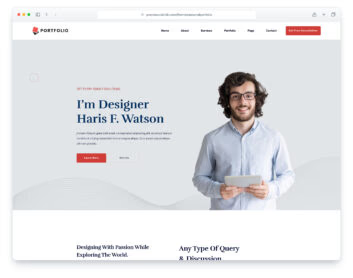
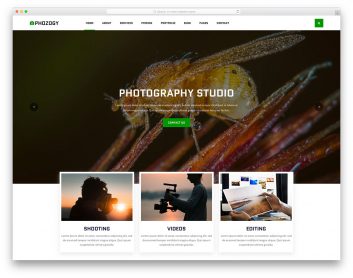
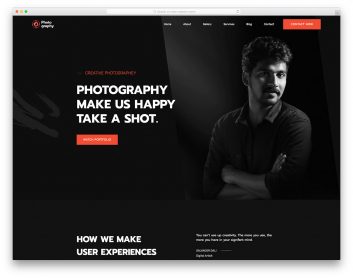
Similar Portfolio Templates View all 91 portfolio templates →