

Image Gallery Sliders: 13 Best jQuery & Modern JS Options
13 Best Image Gallery & Slider Libraries in 2026
Image galleries and sliders remain essential UI components for portfolios, e-commerce, blogs, and landing pages. The landscape has shifted decisively toward lightweight, touch-first, vanilla JavaScript libraries. jQuery-based options like Slick and Owl Carousel still run on millions of sites but are no longer the right choice for new projects.
This guide covers the best options in 2026, organized with modern libraries first and legacy jQuery solutions in a separate section for teams maintaining existing codebases. For design trends driving gallery choices, check our web design statistics report, and browse our free Bootstrap gallery templates for ready-made implementations.
Library Comparison Table
| Library | Type | Size (gzipped) | Touch | Lazy Load | Responsive | jQuery |
|---|---|---|---|---|---|---|
| Swiper | Slider / Carousel | ~44 KB full bundle (modular) | Yes | Yes | Yes | No |
| Splide | Slider / Carousel | ~12 KB | Yes | Yes | Yes | No |
| GLightbox | Lightbox | ~15 KB | Yes | No | Yes | No |
| Fancybox 6 | Lightbox | ~37 KB (incl. Carousel) | Yes | Yes | Yes | No |
| lightGallery | Lightbox + Gallery | ~13 KB (core) | Yes | Yes | Yes | No |
| PhotoSwipe | Lightbox | ~16 KB | Yes | Yes | Yes | No |
| Flickity | Slider / Carousel | ~12 KB | Yes | Yes | Yes | Optional |
| Slick | Slider / Carousel | ~10 KB + jQuery | Yes | Yes | Yes | Yes (required) |
| baguetteBox.js | Lightbox | ~3.5 KB | Yes | No | Yes | No |
| Viewer.js | Image Viewer | ~15 KB | Yes | No | Yes | Optional |
| Simple Lightbox | Lightbox | ~10 KB | Yes | No | Yes | Optional |
| Magnific Popup | Lightbox | ~7 KB + jQuery | Yes | Yes | Yes | Yes (required) |
| Owl Carousel 2 | Slider / Carousel | ~11 KB + jQuery | Yes | Yes | Yes | Yes (required) |
Modern Libraries (Recommended for New Projects)
1. Swiper
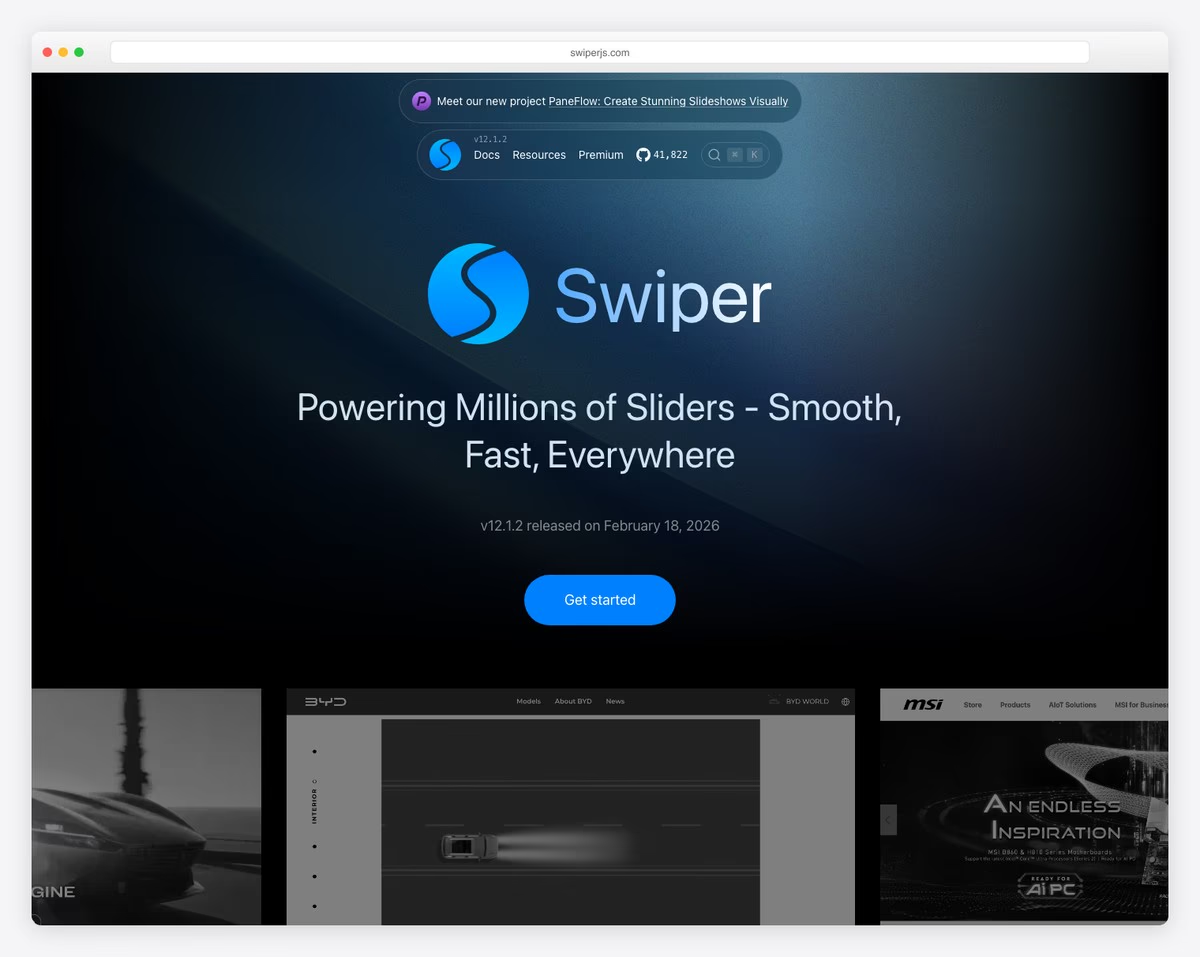
Swiper is the most feature-rich slider/carousel library available. It supports virtually every slider pattern: horizontal and vertical slides, free-form scrolling, coverflow effect, 3D cube, cards, creative custom effects, parallax, virtual slides for performance, and thumbs gallery navigation. Swiper is framework-agnostic and ships an official Web Component (Swiper Element) plus React and Vue components.
Swiper is modular — you import only the modules you use (Navigation, Pagination, Autoplay, etc.), keeping the bundle lean. Swiper 14 (2026) rewrote the codebase in TypeScript with zero runtime dependencies and no API changes from v12. The full bundle is ~44 KB gzipped, while a basic slider with navigation and pagination is much smaller. Touch handling is exceptional, with native-feeling swipe physics that match mobile OS behavior.
Swiper is the recommended replacement for both Slick and Owl Carousel. Its API covers every use case those jQuery plugins handled, with better performance and no jQuery dependency.
2. Splide
Splide is the lightweight alternative to Swiper. At about 13 KB gzipped with no dependencies, it provides responsive sliders, carousels, thumbnails, autoplay, and loop functionality. The API is clean and well-documented, with TypeScript definitions included.
Where Splide differentiates itself is accessibility. It is one of the few slider libraries that follows the W3C carousel ARIA pattern out of the box, with proper role, aria-label, aria-live, and keyboard navigation. If accessibility compliance is a priority, Splide is the clear choice. It also offers extensions for video slides, URL hash navigation, and auto-scroll. Note that Splide 4.1 has had no new release since 2022; it is stable and widely used, but development is quiet.
3. GLightbox
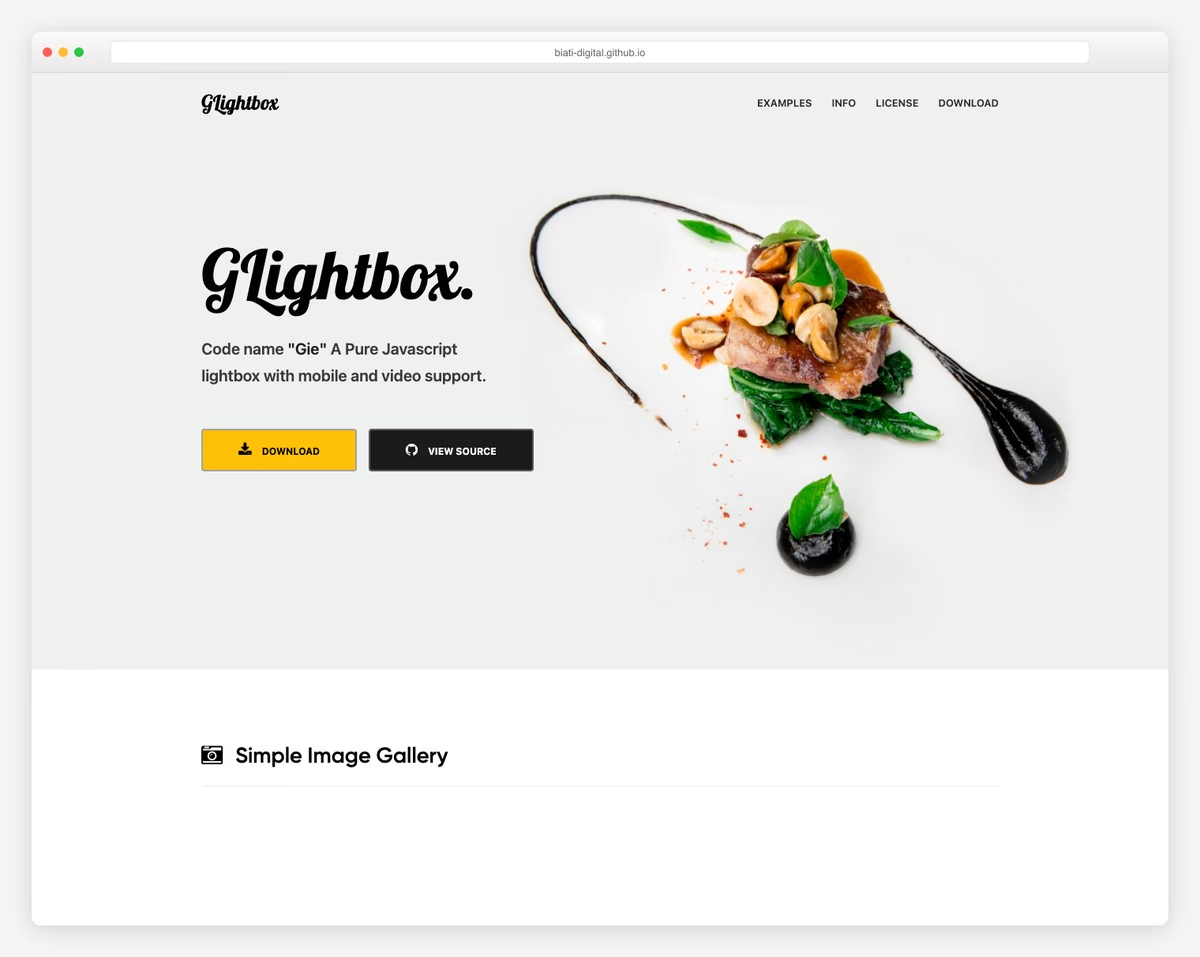
GLightbox is a modern, lightweight lightbox library that supports images, videos (YouTube, Vimeo, local), iframes, and inline HTML content. At about 15 KB gzipped, it provides smooth CSS-based transitions, touch/swipe gestures, keyboard navigation, and a clean, minimal UI.
GLightbox’s standout feature is its video handling — YouTube and Vimeo videos play directly in the lightbox with autoplay, and the library handles API loading automatically. For portfolios and media galleries that mix images and videos, GLightbox provides the most seamless experience.
4. Fancybox 6
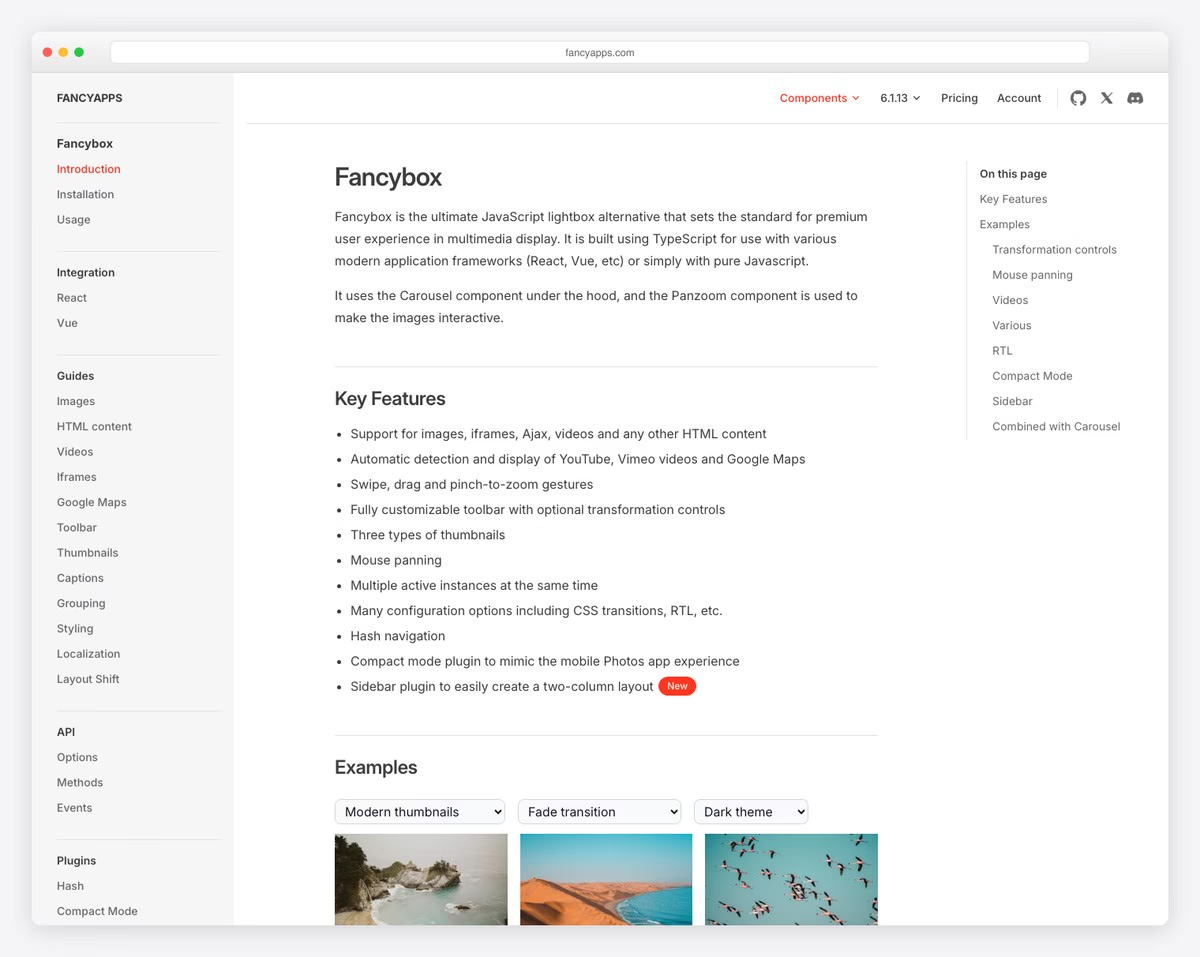
Fancybox 6 is the current generation of the classic jQuery Fancybox, rewritten in vanilla JavaScript with no dependencies. It handles images, videos, iframes, inline content, HTML5 video, and maps. The UI includes thumbnails toolbar, slideshow mode, zoom, download button, and fullscreen — all configurable.
Fancybox excels at e-commerce product galleries. Its zoom feature lets users inspect product details, the thumbnail strip provides quick navigation across product images, and the responsive design adapts seamlessly between desktop hover-zoom and mobile pinch-zoom. The Carousel component can also function as an inline slider, making Fancybox a two-in-one lightbox and carousel solution. It is not free for production use: Fancyapps lets you try it in development and staging, then requires a paid license (from €29 one-time for a single site).
5. LightGallery

lightGallery combines a lightbox viewer with gallery management. Its plugin system adds capabilities: thumbnail gallery, zoom, fullscreen, video support, social sharing, comments, and rotation. The core is about 13 KB gzipped, and you add plugins as needed. Version 2 is pure vanilla JS with official React, Vue, and Angular wrappers; the jQuery build belongs to the legacy 1.x line.
lightGallery’s unique features include animated thumbnails (thumbnails animate into position on open), a medium-zoom effect (click to zoom to actual size, drag to pan), and inline gallery mode (display gallery in-page rather than as an overlay). The license is GPLv3 for open source projects; commercial and closed-source use requires a paid license (from $48 lifetime).
6. PhotoSwipe
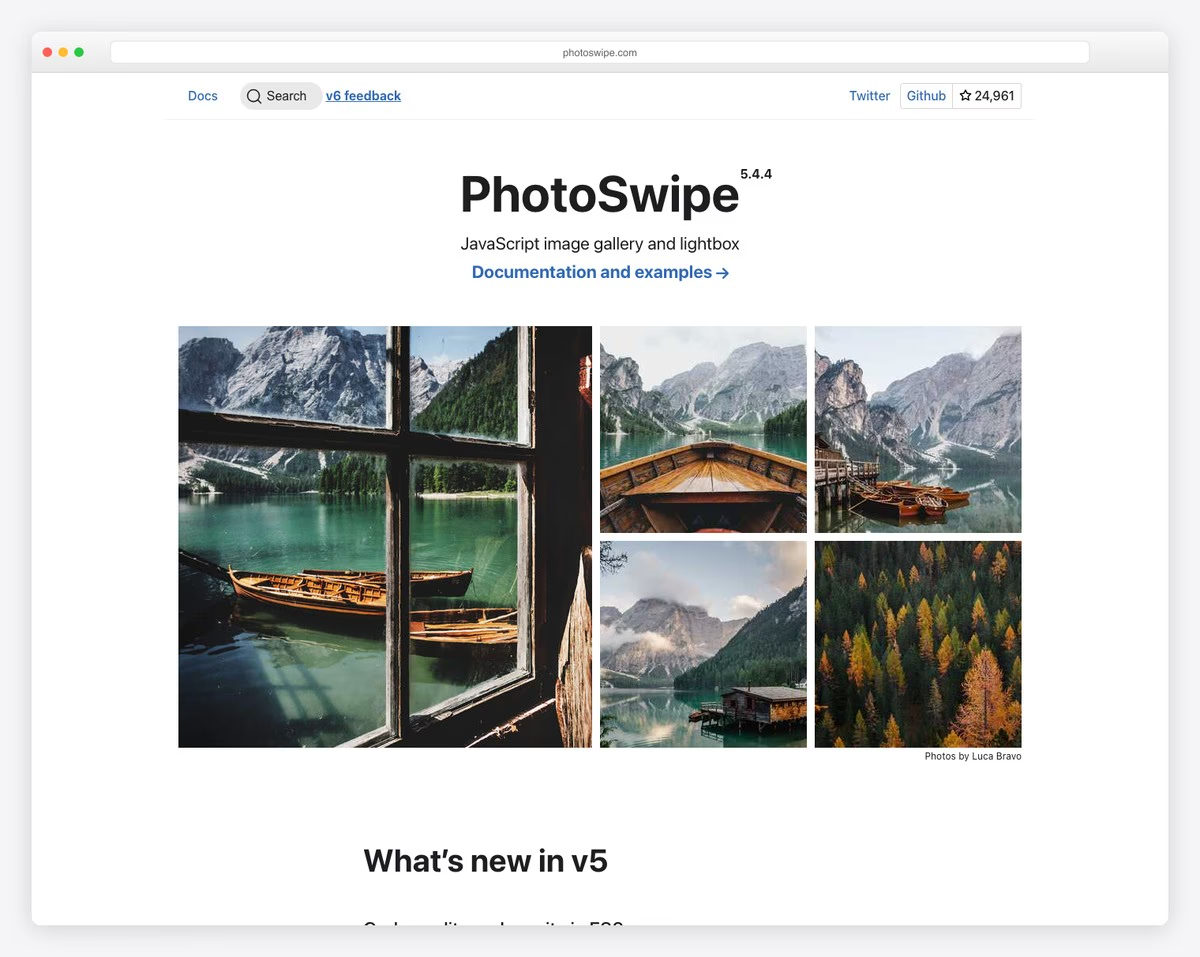
PhotoSwipe focuses on one thing: displaying images with the best possible mobile experience. It uses CSS transforms for GPU-accelerated panning and zooming, resulting in 60fps performance even on older mobile devices. The zoom gesture feels native — double-tap to zoom, pinch to scale, drag to pan, flick to advance.
Version 5 was a complete rewrite — small (about 16 KB gzipped), tree-shakeable, and with a new, cleaner API. PhotoSwipe requires you to provide image dimensions upfront (width/height attributes or data attributes), which enables its smooth opening animation where the thumbnail transforms into the full-size image. This pre-sizing requirement is extra setup but results in the best visual transitions of any lightbox.
7. Flickity
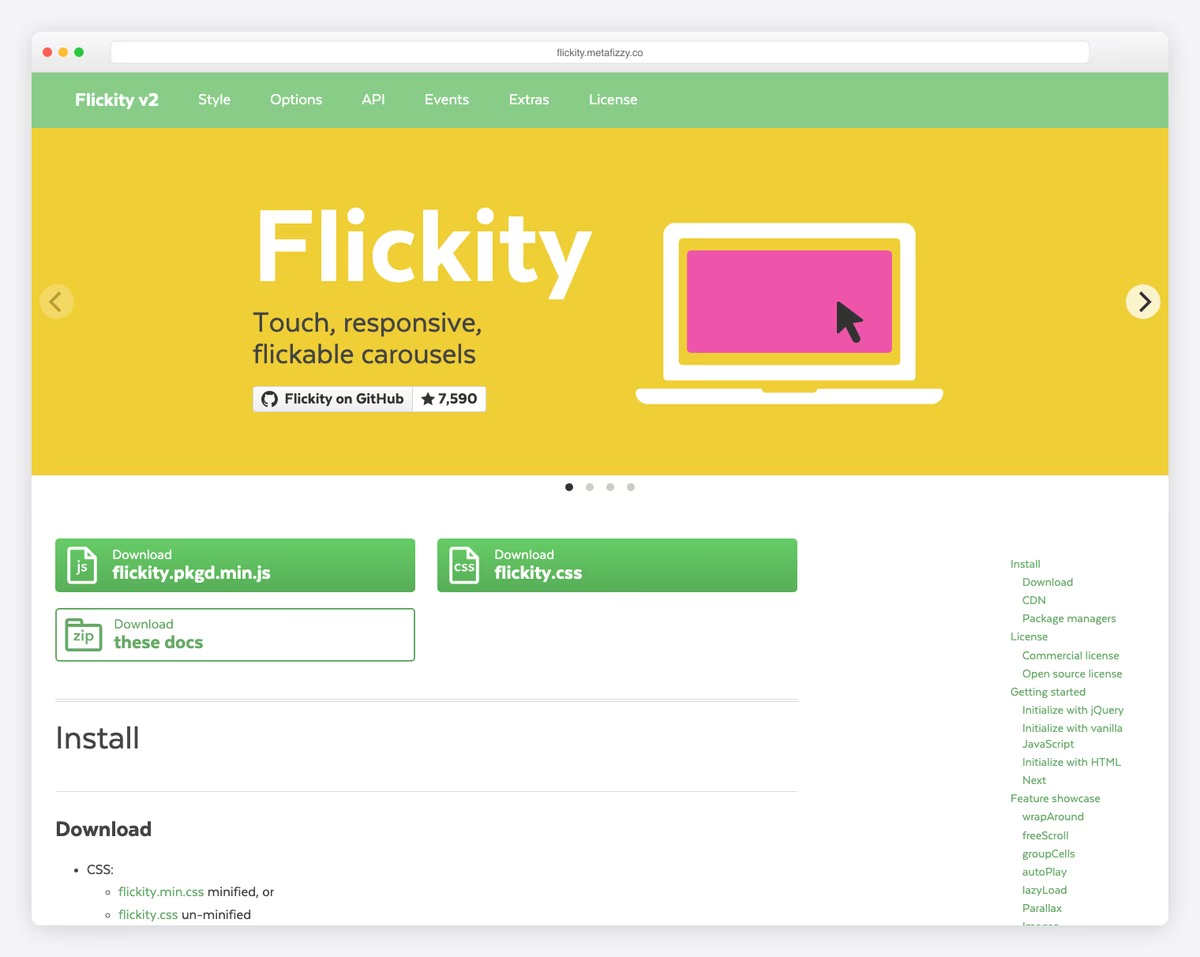
Flickity by Metafizzy prioritizes natural touch physics. Its slider feels like flicking through physical cards — momentum scrolling, rubber-band snap-back, and smooth settle animations. Flickity supports free scrolling (no snap points), grouped cells, different-width slides, parallax effects, and lazy loading.
At about 12 KB gzipped with no dependencies (jQuery is optional), Flickity is lighter than Swiper but less feature-rich. It does not have built-in effects like coverflow or cube, and its API is simpler. For straightforward carousels where touch feel matters most — testimonial sliders, card carousels, image galleries — Flickity’s physics engine is unmatched. Note: Flickity uses a GPLv3 license, so closed-source commercial sites need a paid commercial license, and its last release (v3) dates from 2022.
baguetteBox.js & Simple Lightbox
These two libraries occupy the ultra-lightweight tier — roughly 4 KB and 10 KB gzipped, zero dependencies, and focused entirely on image lightboxes with swipe support.
| Feature | baguetteBox.js | Simple Lightbox |
|---|---|---|
| Size | 3.5 KB | ~10 KB |
| Dependencies | None | None (or jQuery optional) |
| Video support | No | No |
| CSS animations | Yes (multiple) | Yes |
| Keyboard nav | Yes | Yes |
| Captions | Yes (from alt or title) | Yes |
| API | Minimal (show, destroy) | Minimal (open, close, next, prev) |
Choose either when you need a no-frills image lightbox and every kilobyte counts. baguetteBox.js has slightly better documentation and more GitHub stars. Simple Lightbox offers a jQuery wrapper for legacy projects.
8. Viewer.js
Viewer.js is not a lightbox or slider — it is an image viewer with tools. It provides zoom in/out, rotation, flip horizontal/vertical, reset, actual size, and play/pause slideshow. The toolbar UI resembles a simplified image editor. This makes Viewer.js ideal for document viewing, medical imaging, product inspection, and any context where users need to manipulate the image view.
At about 15 KB gzipped, Viewer.js works both inline (embedded in page) and as a modal overlay. It supports keyboard shortcuts, touch gestures, and mouse wheel zoom. Works standalone, or as a jQuery plugin through the separate jquery-viewer wrapper.
Legacy Libraries (jQuery Required)
The following libraries require jQuery and are no longer recommended for new projects. They are included because millions of existing sites use them, and understanding the modern alternatives helps plan migrations.
| Legacy Library | Modern Replacement | Migration Complexity | Key Difference |
|---|---|---|---|
| Slick Carousel | Swiper or Splide | Moderate (different markup) | Swiper needs .swiper-wrapper structure |
| Owl Carousel 2 | Swiper or Splide | Moderate | Similar API concepts, different class names |
| Magnific Popup | GLightbox or Fancybox 6 | Low (similar init pattern) | GLightbox uses CSS transitions, simpler API |
9. Slick Carousel
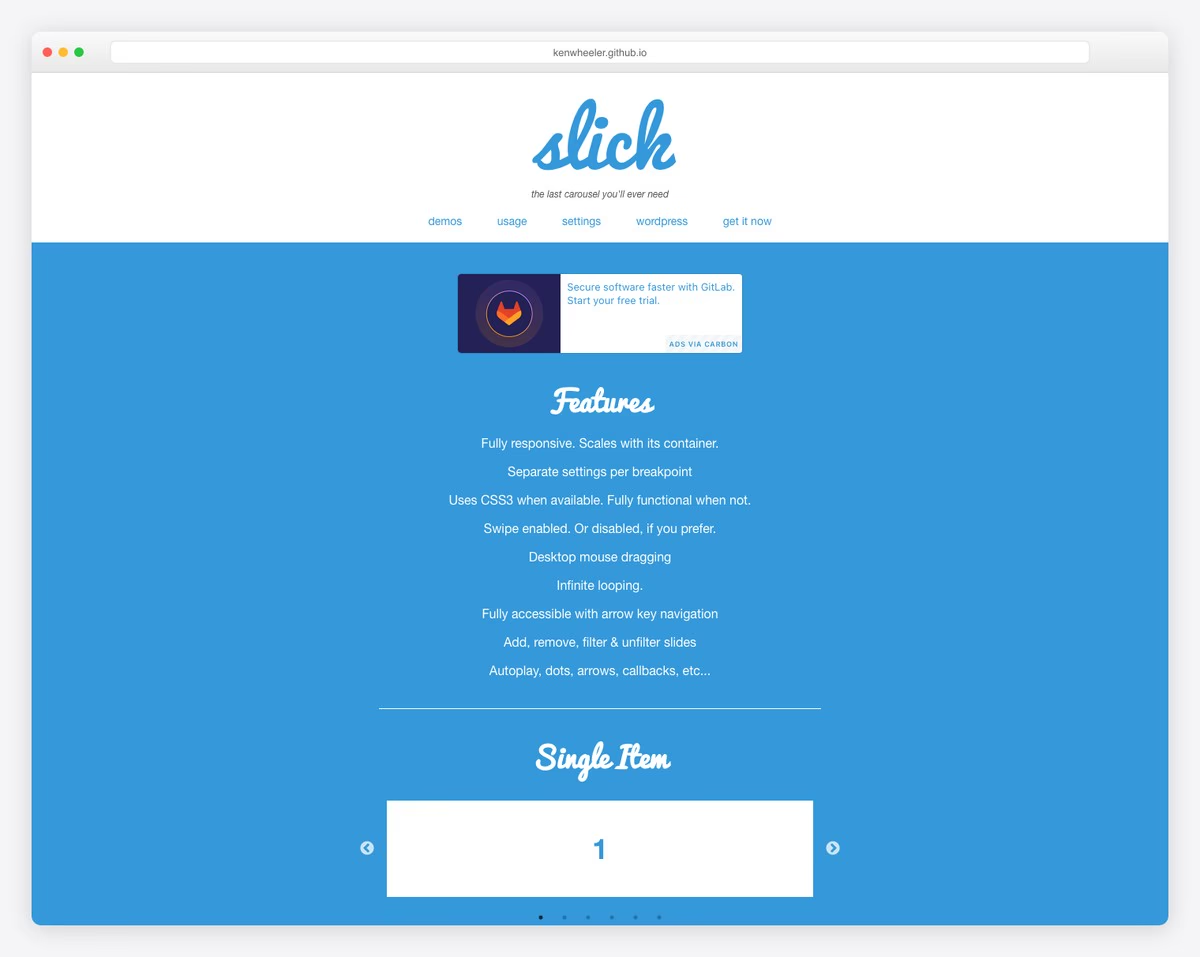
Slick was the most popular jQuery carousel plugin, with responsive breakpoints, variable-width slides, center mode, autoplay, and vertical sliding. After years without a release, Slick 2.0 arrived in September 2026 with jQuery 4 compatibility, focus-handling and ARIA fixes, and cleaned-up CSS. It still requires jQuery, though, so the main reasons to migrate remain: the jQuery dependency (about 87 KB minified) and heavier generated markup than modern sliders.
10. Owl Carousel 2
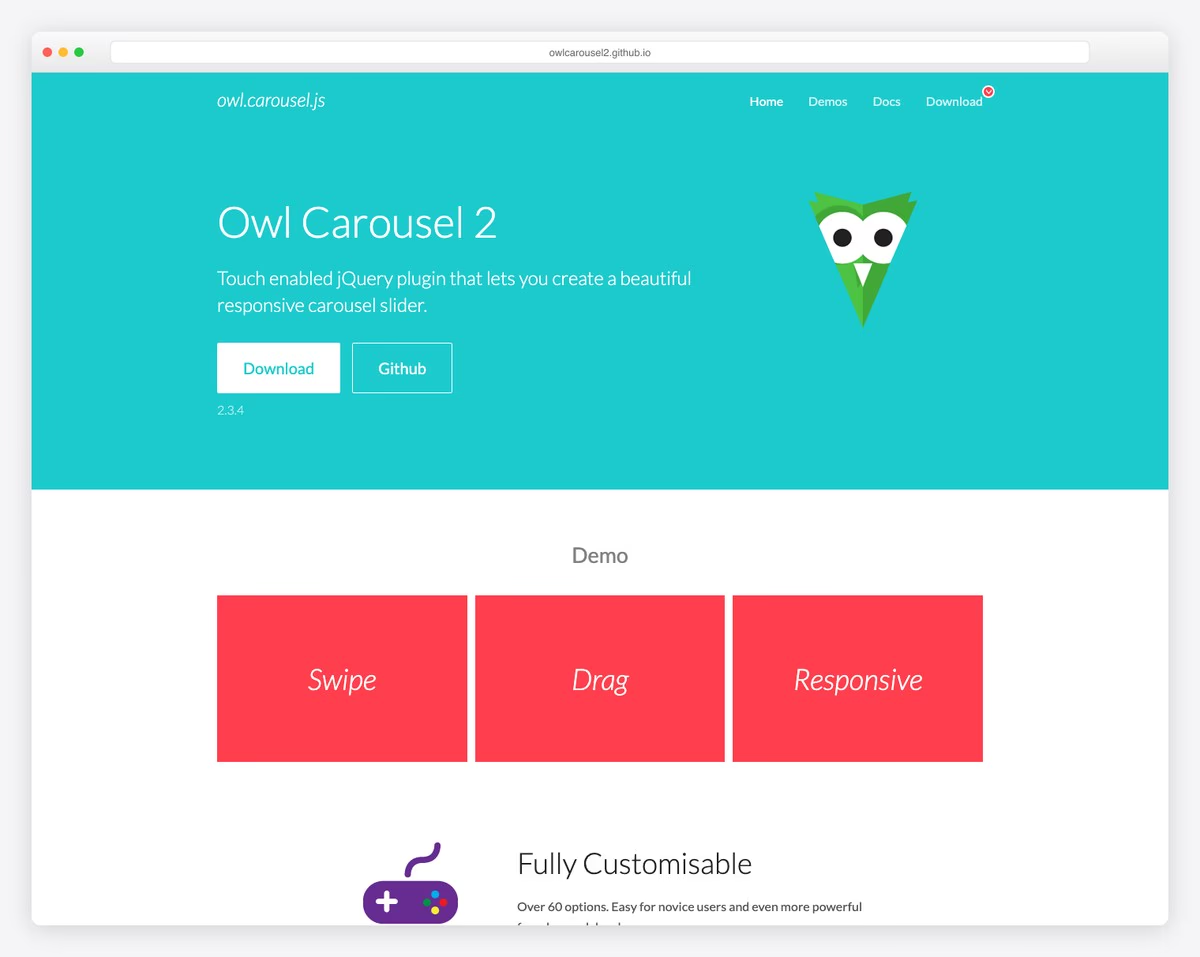
Owl Carousel 2 provided responsive breakpoints, autoplay, lazy loading, and drag/touch support. Unlike Slick, it is unmaintained: the last release was 2.3.4 in 2018, and the repository README itself tells users to switch to another slider. It also requires jQuery. Its responsive configuration syntax (responsive: { 0: { items: 1 }, 768: { items: 3 } }) was influential — Swiper and Splide use similar patterns.
11. Magnific Popup
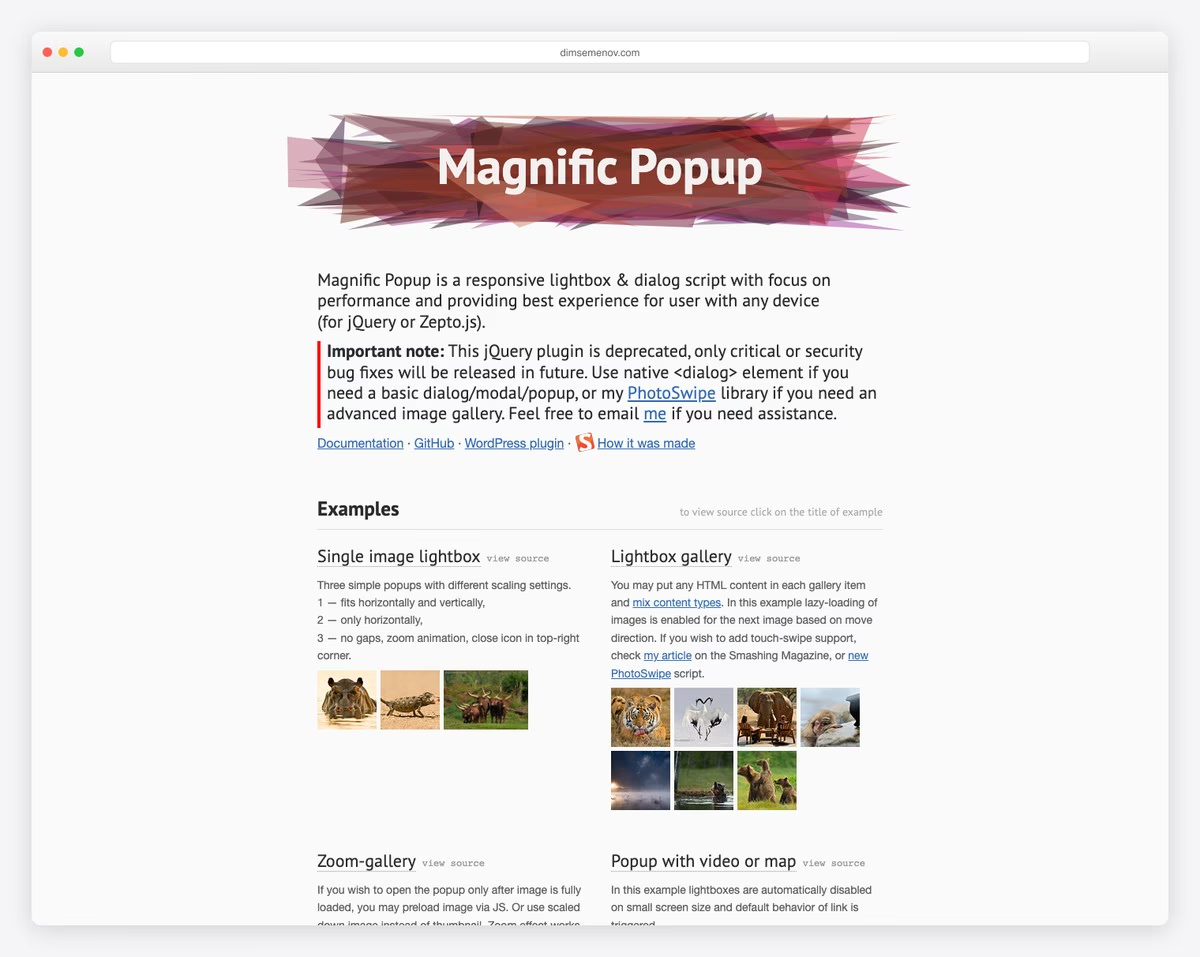
Magnific Popup was the go-to jQuery lightbox for Bootstrap projects. It handled images, inline content, AJAX content, iframes, and video embeds with a responsive design and clean API. After a long gap, version 1.2.0 (2024) replaced functions deprecated in jQuery 3.7 and turned off HTML in titles by default to close an XSS risk. It remains functional, but GLightbox provides equivalent features without jQuery at a similar weight.
How to Choose
| Need | Best Choice | Why |
|---|---|---|
| Feature-rich slider/carousel | Swiper | Most effects, best ecosystem, framework support |
| Lightweight accessible slider | Splide | ~13 KB, ARIA compliant, clean API |
| Image + video lightbox | GLightbox | ~15 KB, best video handling |
| E-commerce product gallery | Fancybox 6 | Zoom, thumbnails, responsive (paid license) |
| Photography portfolio | PhotoSwipe | Best mobile zoom/pan, smooth transitions |
| Gallery with editing tools | Viewer.js | Rotate, flip, zoom toolbar |
| Minimal lightbox, tiny bundle | baguetteBox.js | 3.5 KB, zero dependencies |
| Touch-physics carousel | Flickity | Best swipe feel and momentum |
| Replacing Slick/Owl | Swiper | Covers all Slick/Owl features natively |
For most projects in 2026, the combination of Swiper (for sliders/carousels) and GLightbox (for lightboxes) covers every gallery need at a combined weight of roughly 60 KB gzipped for the full bundles (less with Swiper modules) and zero jQuery dependency.

Related Posts





Comments (0)