
36 Best Free Bootstrap Blog Templates 2026
A versatile list of free Bootstrap blog templates for any blog category, from simple food, fashion, and lifestyle blogs to technology and corporate blogs.
A blog is still a website with its own elements and features that create the kind of web design we are most satisfied with. The last decade on the web has proved that blogging is a sustainable method of expressing oneself and consuming content.
Getting started with your blog has also become somewhat of a leisurely experience. A good domain name and a reliable hosting company are all we need to get our WordPress-based blogging enterprise up and running; otherwise, we may resort to alternatives like Blogger and Tumblr, among others.
Whether a creative is looking to attract new clients or a business that realizes the importance of a blog to generate more leads, blogging has something to offer to all types of web users, even those who have never written an intentional paragraph before.
Much like a portfolio website, we can use our blogs to advertise our talents, express our ideas, and connect with an audience that reaches far beyond our expectations.
1. Why choose Bootstrap blog templates?
Building your blogging site from scratch will require a little effort, especially in the design department. Choosing the right template for your blogging site can be tedious only because there are so many choices.
While building a personal blog style that reflects versatile thinking is easy, we also want to ensure that our readers are happy with our choices. Colors, font choices, and alternations, navigation menu placements, and social media integration are the features one will want to pay attention to the most. However, it’s essential to infuse personality into every design.
Table of contents — all 35 templates
The following free Bootstrap blog templates we are about to explore have all been carefully selected with the latest web design events in mind, as well as to provide a simple templating system where you can easily make and alter any kind of elements that perhaps you feel are obsolete to your vision of a good-looking blog.
Whether to launch a standalone blog site or incorporate any of the following templates in your existing websites, these designs will provide an easy-to-consume content experience that you will realize is so important to a successful blogging path.
Explore 2.5 Million Digital Assets, including 1,300+ Bootstrap Blog Templates
2M+ items from the world’s largest marketplace for Bootstrap Templates, Themes & Design Assets. Whether that’s what you need or just after a few Stock Photos, all of it can be found here at Envato Market.
Best all-around WordPress blog themes
2. Divi
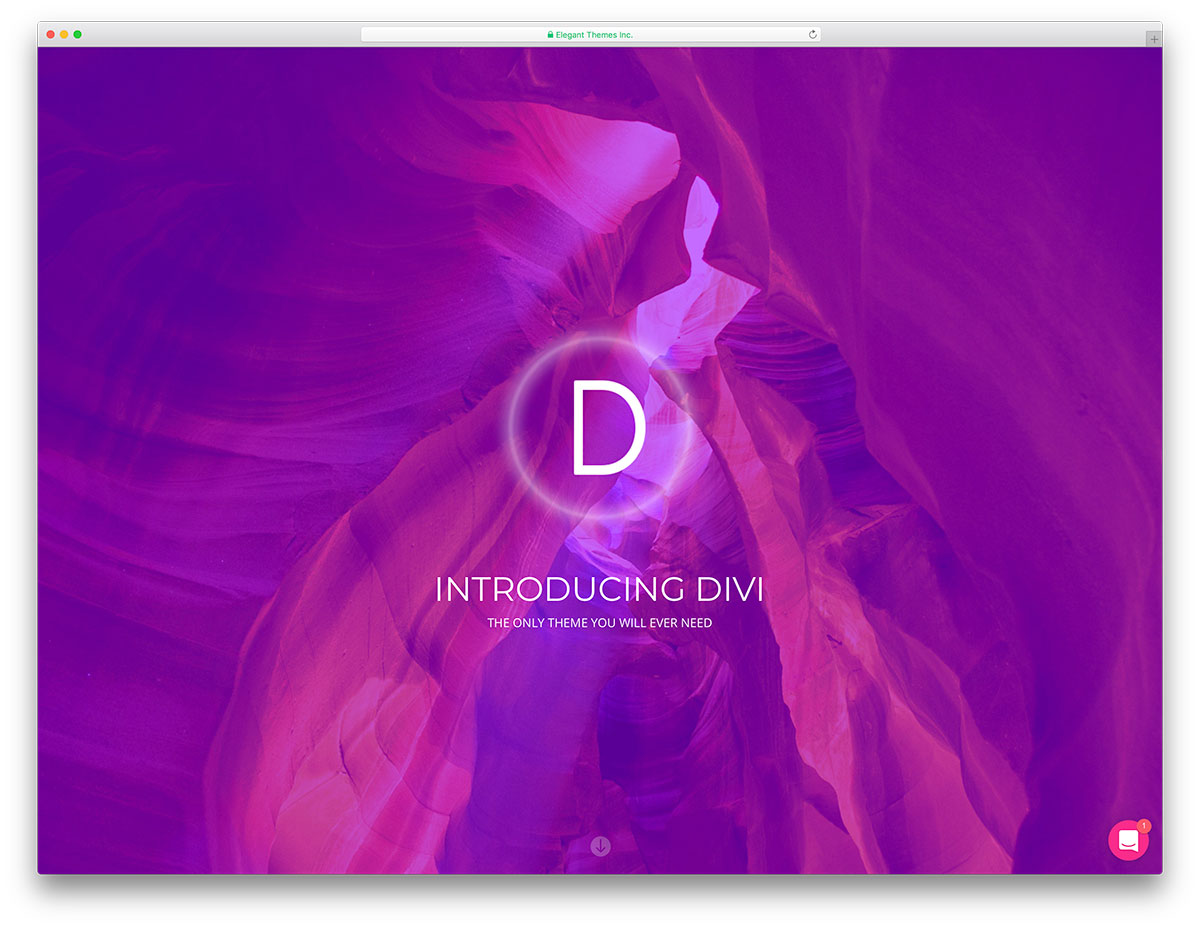
Premium WordPress · Best for: bloggers who want visual page building
The blog layout gets drawn on a canvas rather than picked from a theme’s presets. Divi’s builder lets a non-coder rearrange post grids, headers and sidebars visually, which matters most once a blog outgrows a stock layout. It is a paid WordPress product, and monetisation extensions can be added later when traffic justifies them.
3. Jevelin
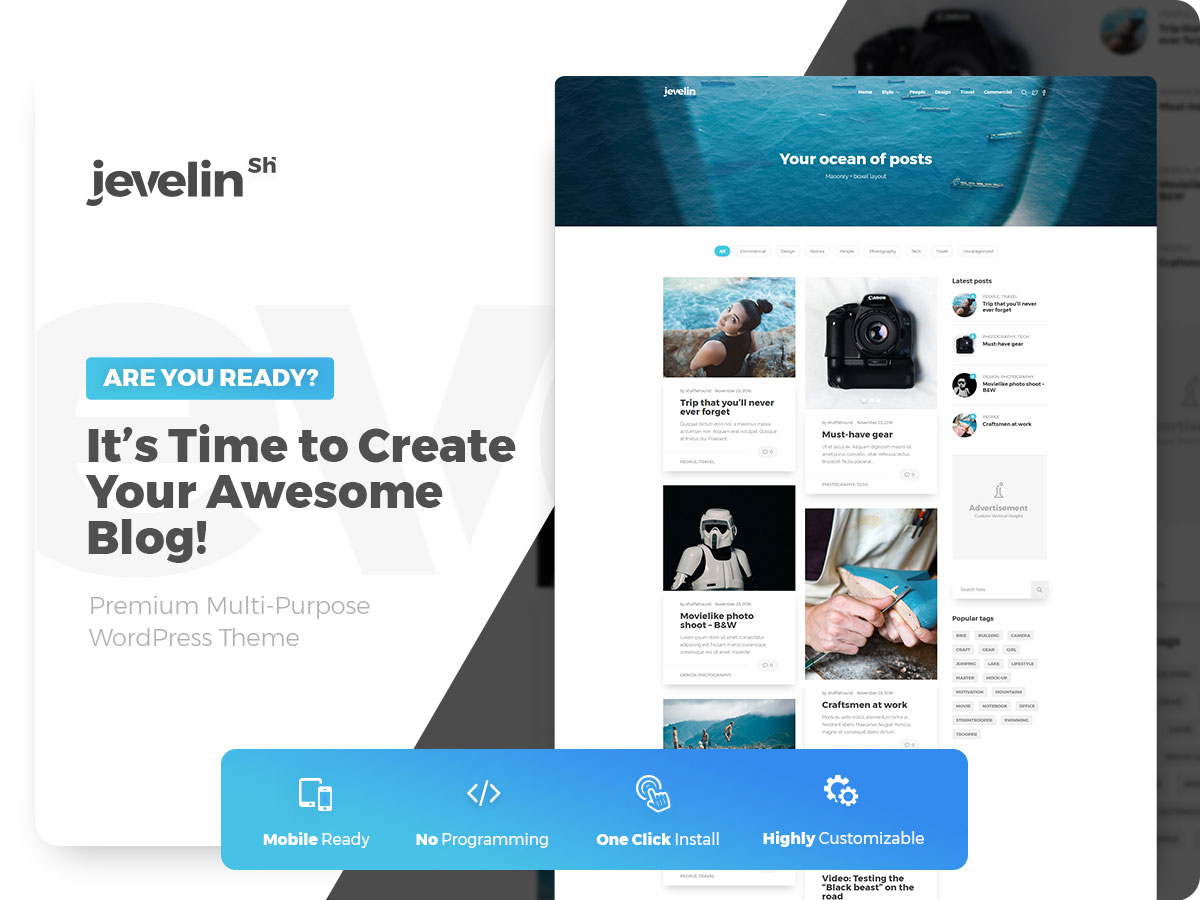
Premium WordPress · Best for: multi-purpose sites with a blog attached
Predefined blog layouts arrive ready to publish, so the demo import is often the finished design. The bundle adds Slider Revolution, Contact Form 7, forty custom shortcodes and a mega menu, with WPBakery handling drag-and-drop edits. One-click installation sets up the whole demo, which suits a site where the blog is one section among several.
Best free WordPress blog themes
4. Shapely
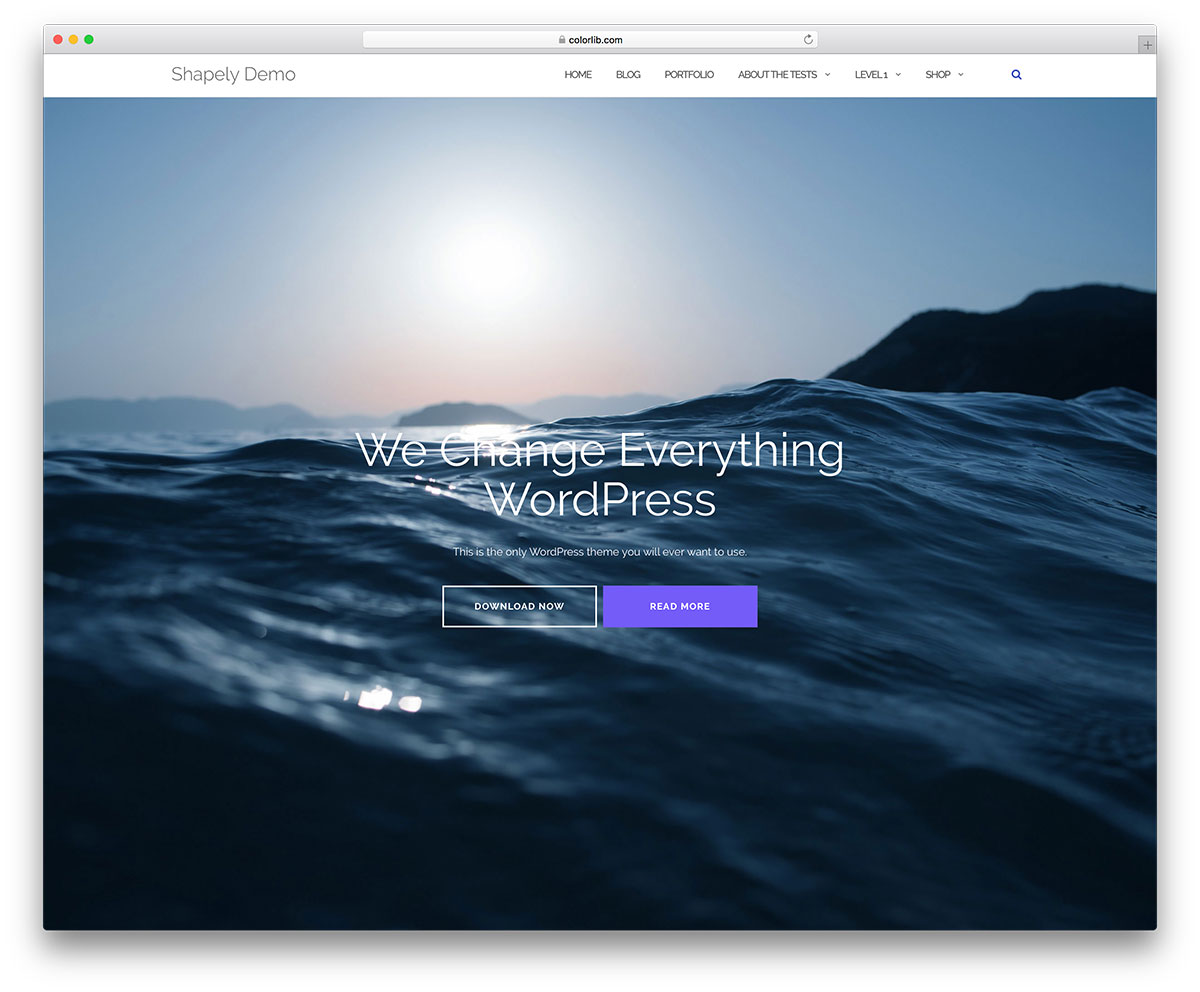
Free WordPress · Best for: a blog bolted onto a business or portfolio site
The only free WordPress theme in this list, and it is built one-page first. Homepage widgets cover portfolio, testimonials, parallax sections and calls to action, with the blog as one part of that rather than the whole site. It supports WooCommerce, Jetpack, Gravity Forms, Contact Form 7 and Yoast, so plugins do the heavy lifting.
Best free Bootstrap blog templates
5. Miniblog
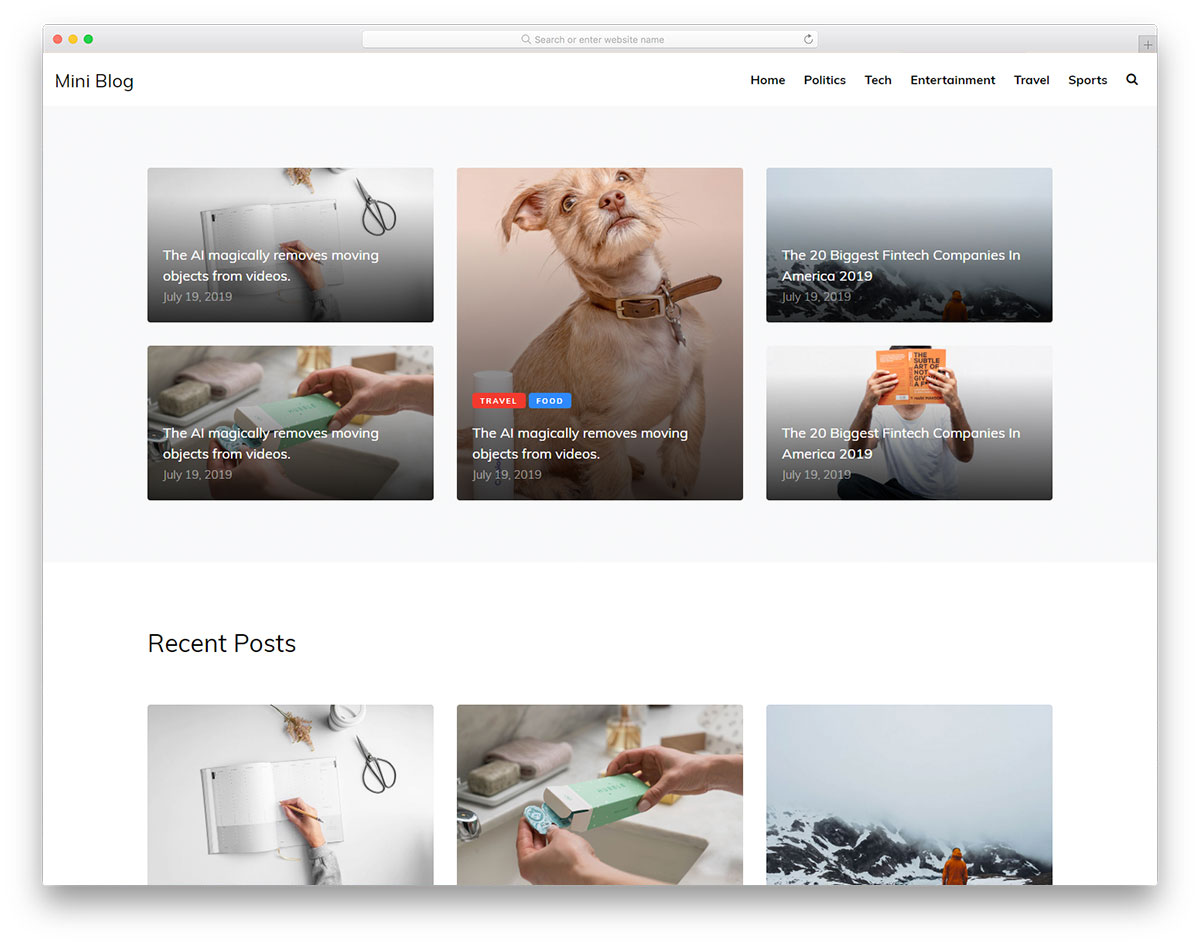
Free HTML · Best for: single-author niche blogs
A classic post list with a widget-rich sidebar, and little else. Single-post pages, a newsletter signup and social icons are included, and the build stays deliberately lightweight. Note there is no CMS behind it: this is a static HTML template, so posts are added by editing files or by wiring it to a backend yourself.
6. Meranda
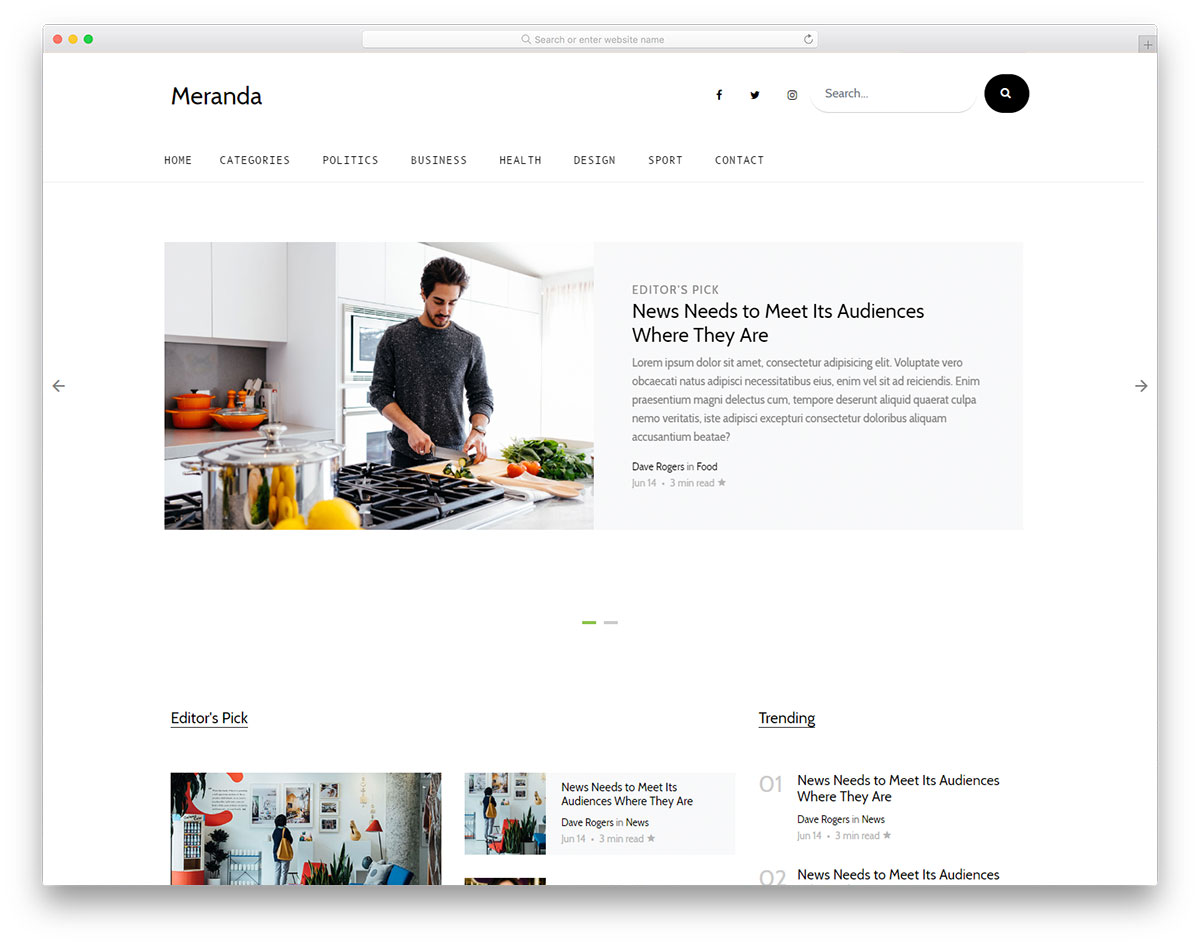
Free HTML · Best for: minimal magazines that lead with images
A magazine structure stripped back until the images do the sorting. A slider, sticky menu, newsletter subscription widget, social icons and a working contact form come with it, and nothing else competes for attention. It suits a publication with strong photography and few standing sections.
7. Andrea
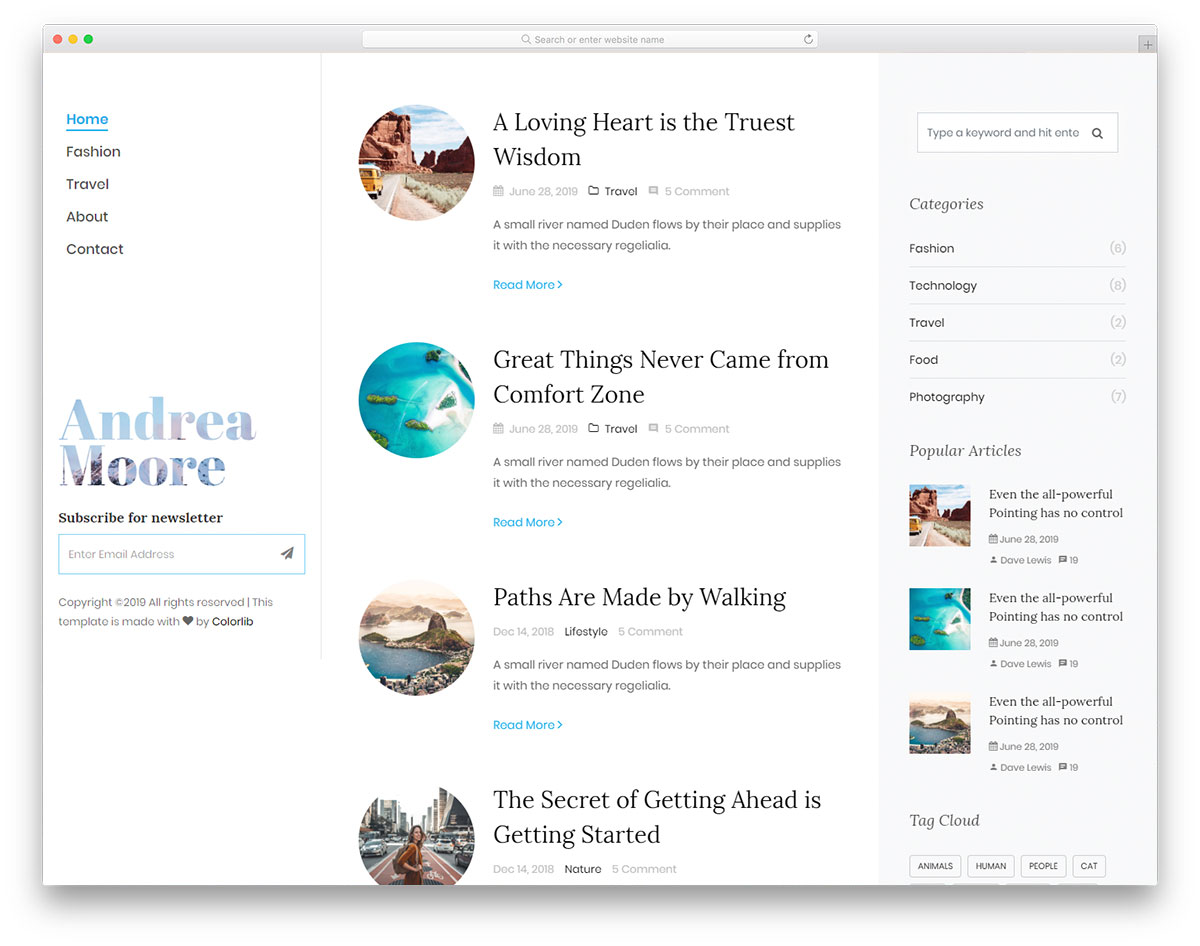
Free HTML · Best for: long archives readers browse continuously
A sticky sidebar menu stays put while posts load on scroll. That pairing keeps navigation reachable no matter how deep a reader gets into the archive, and pagination is there for anyone who prefers it. About and contact pages ship complete, the contact page including a form and a Google map.
8. Readit Blog
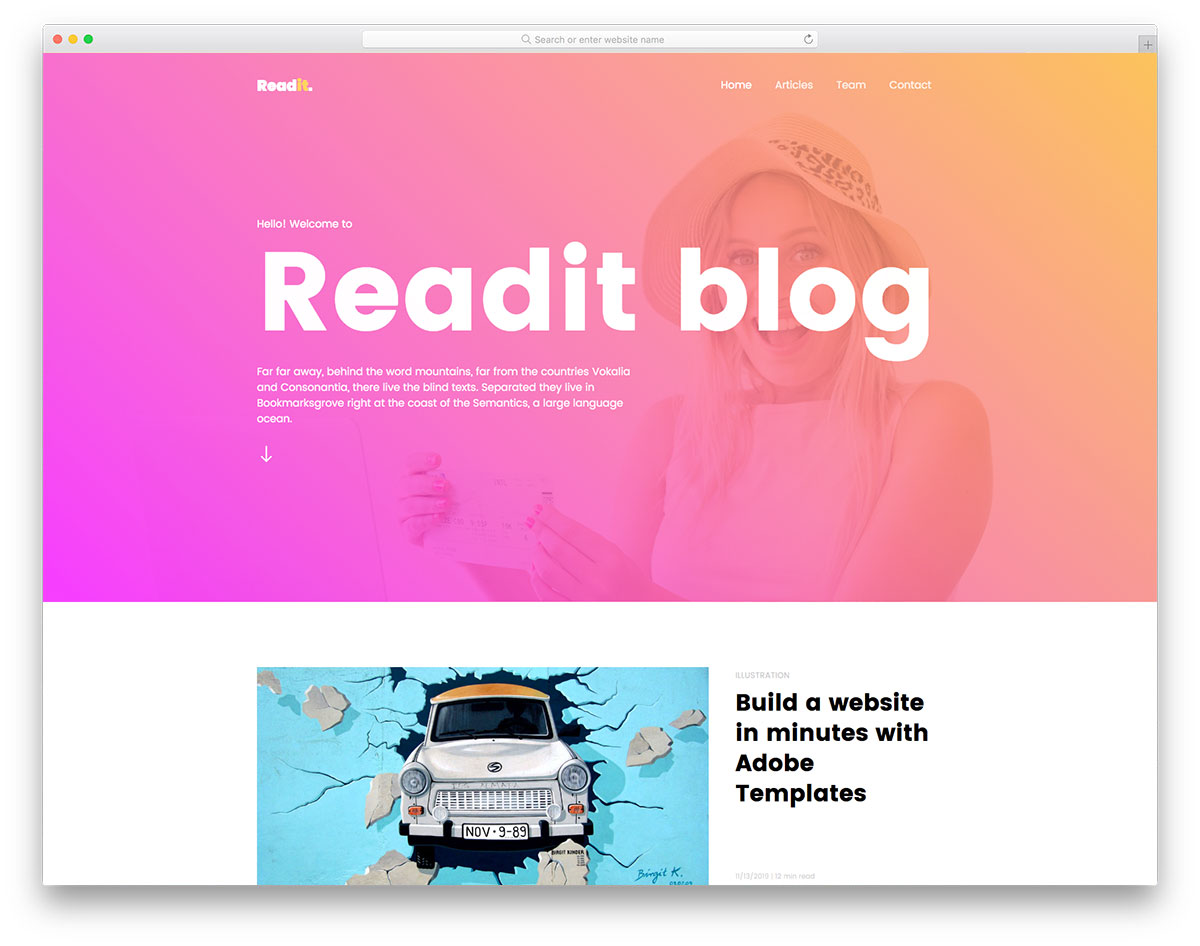
Free HTML · Best for: bold, banner-led personal blogs
A full-screen parallax banner above the fold, with the post list starting below it. Sticky header, scroll animation, gradient styling and social icons come as standard, plus finished about and contact pages. One licensing detail worth noting: the CC BY 3.0 terms here require the footer credit to stay in place.
9. Ionize
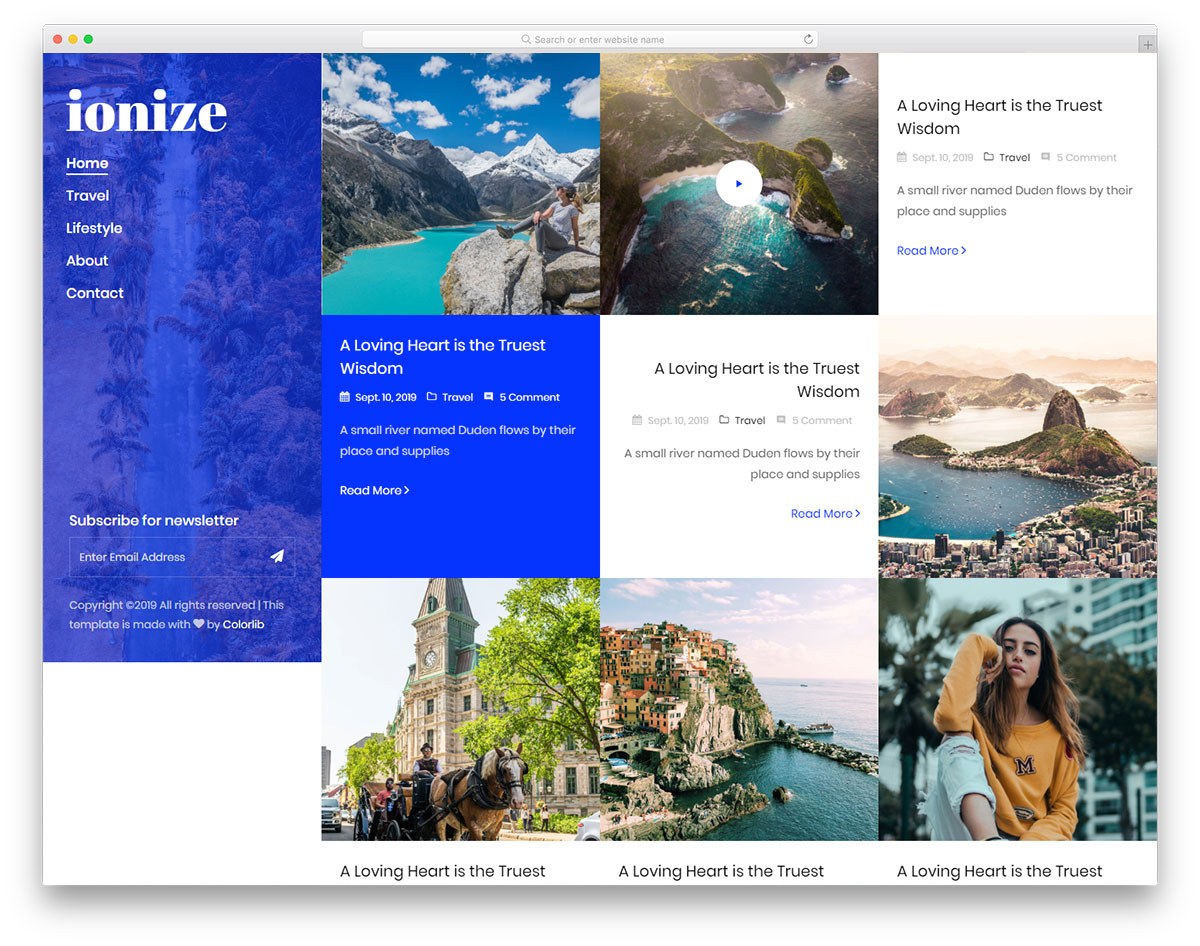
Free HTML · Best for: fashion blogs mixing video and photo posts
Video posts are supported alongside the usual image ones, which is uncommon in a free blog template. Sticky sidebar navigation, carousels, hover effects and content that loads on scroll handle browsing, while a newsletter form and a contact page with a map cover the rest. The design is retina-ready throughout.
10. Eden
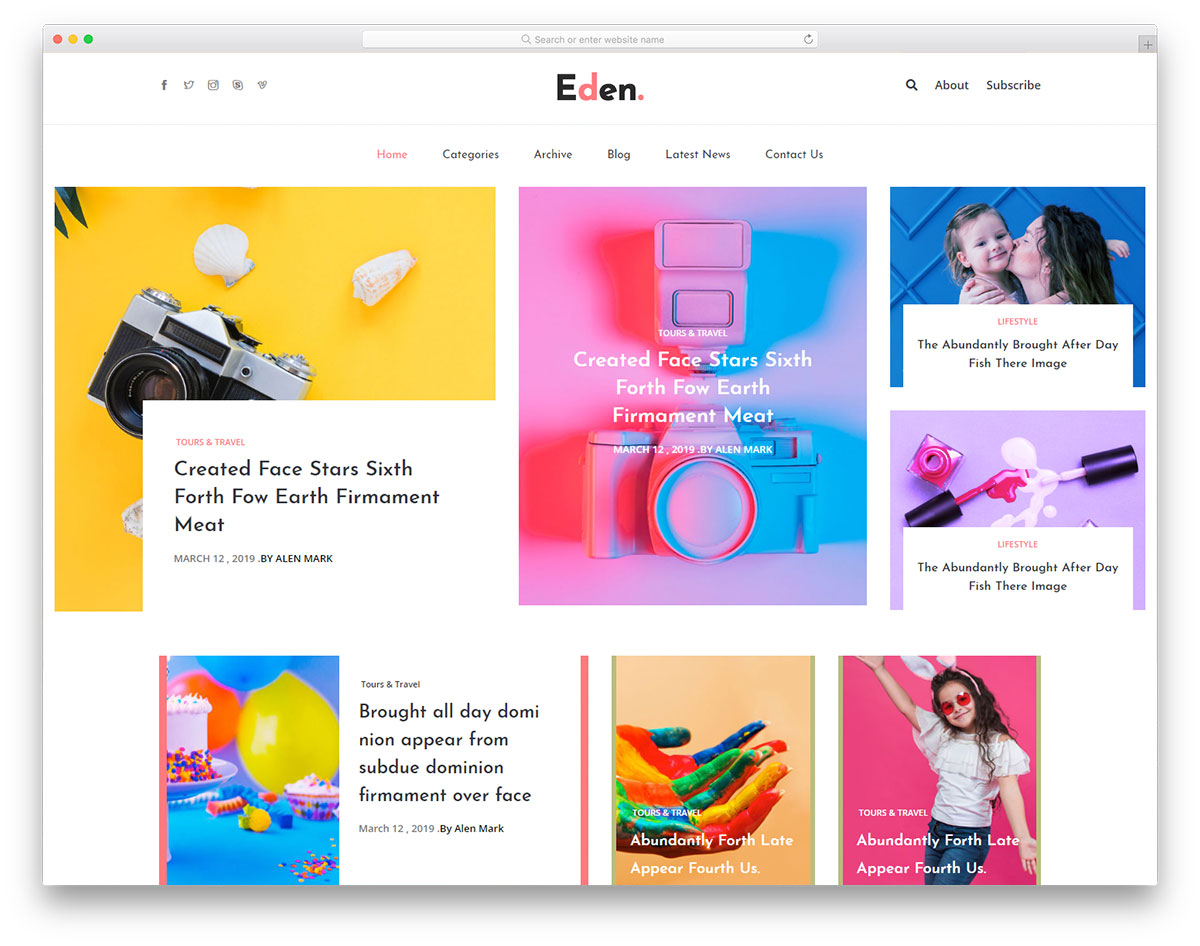
Free HTML · Best for: niche or general online magazines
Minimal styling laid over a magazine structure, with the internal page layouts already drawn. Home and inner templates, a sticky menu, social buttons and a functional contact form make up the set, so the main job left is dropping in content. It suits an editor who wants magazine sections without magazine clutter.
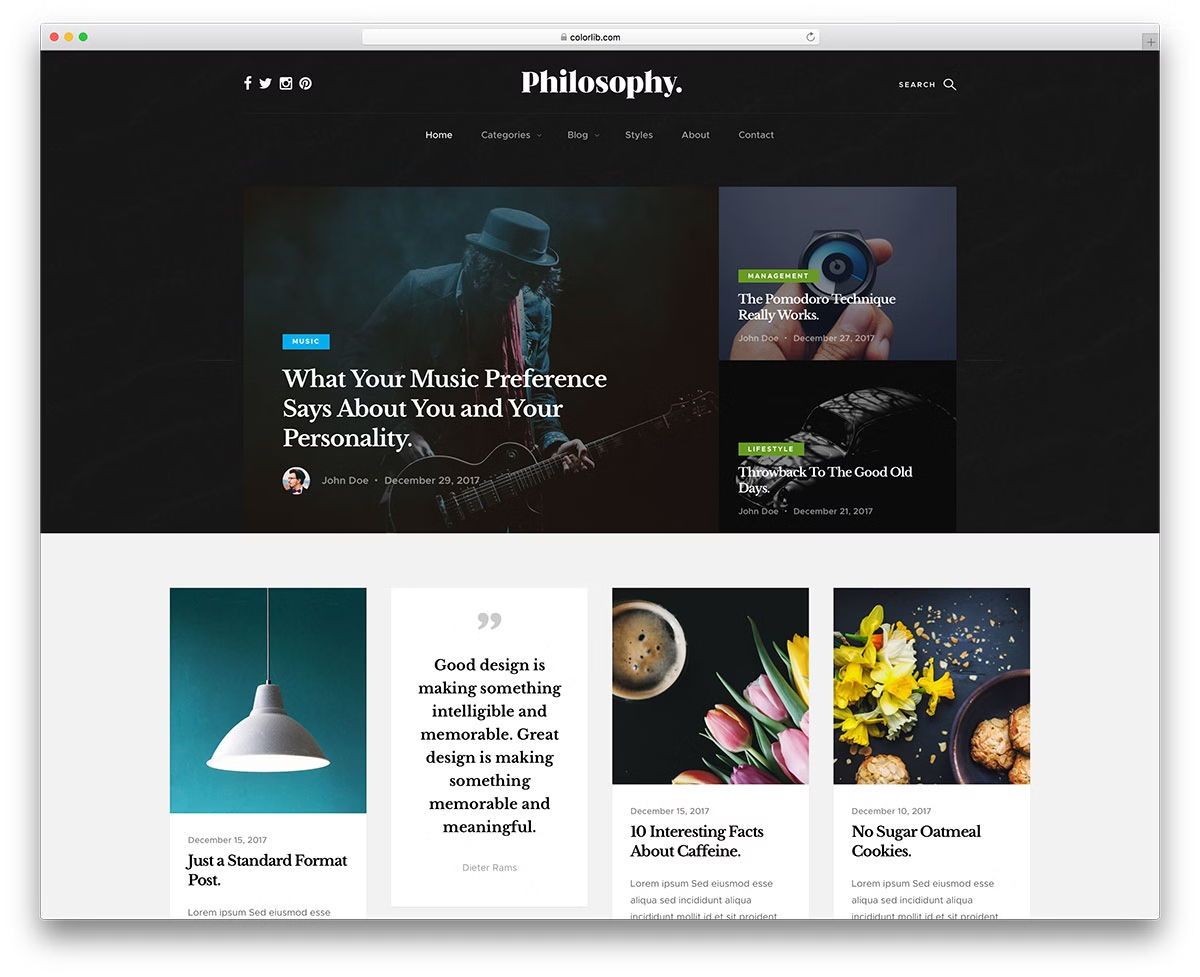
11. Philosophy

Free HTML · Best for: grid-first blogs built on current tooling
The one template here rebuilt for modern standards rather than left as it was. Version 2.0 drops jQuery for vanilla JavaScript, moves to Bootstrap 5.3.8, converts its images to AVIF and adds structured data plus WCAG-aligned skip links. The layout itself is a flat-design grid with an open footer for about text and social widgets, and it carries an MIT licence.
12. Wordsmith
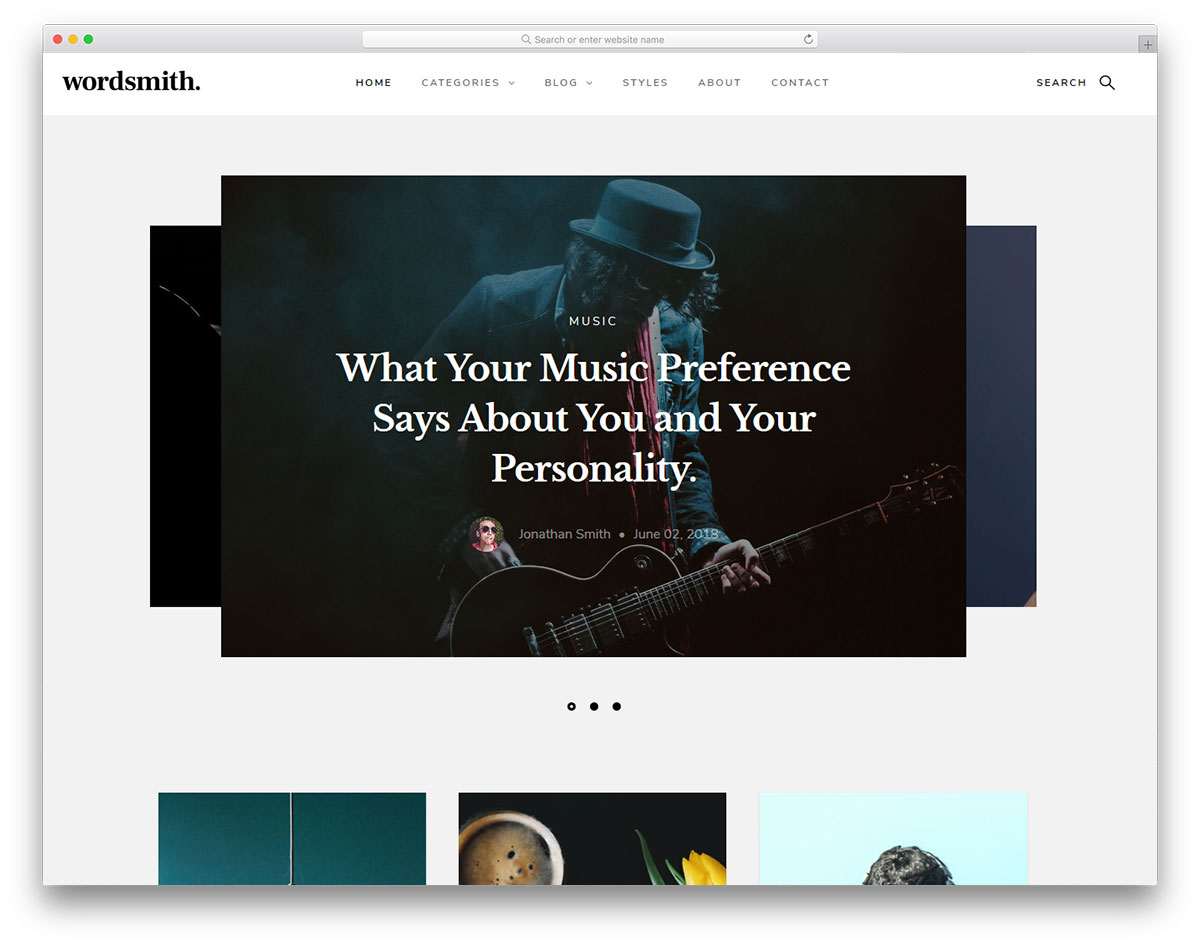
Free HTML · Best for: blogs publishing audio and video posts
Audio and video post formats are handled natively rather than bolted on. The homepage slider can be pointed at either the latest or the most-read posts, content loads on scroll, and about and contact pages are already built. It suits a writer whose output is not purely text: podcast episodes, interviews, embedded video.
13. Bounty
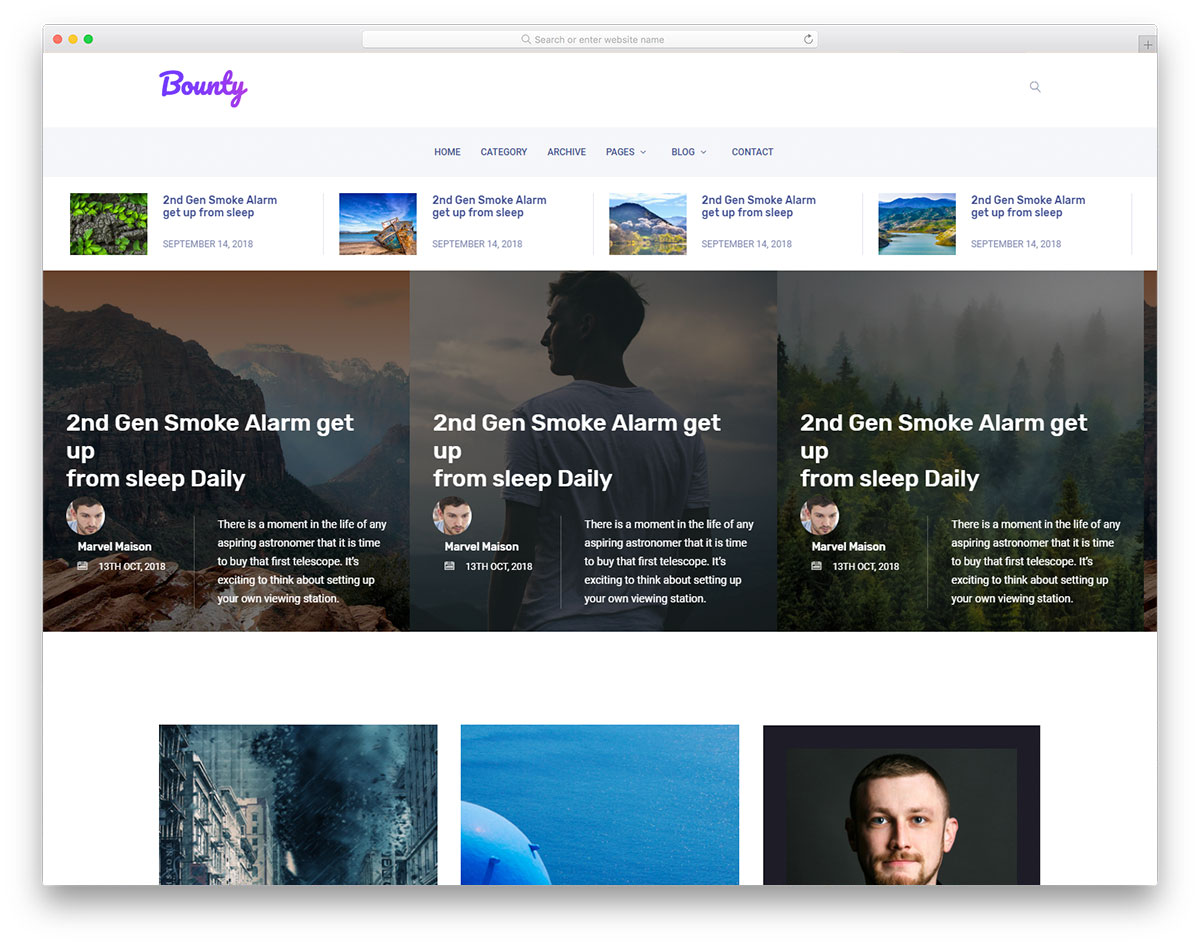
Free HTML · Best for: blogs growing into a magazine
A widget-rich sidebar plus a built-in Instagram feed makes this a magazine layout at heart. A carousel slider heads the page, sticky navigation follows the reader down, and hover effects handle the post grid. The template is documented, which matters when a small team rather than one person maintains it.
14. Wordify
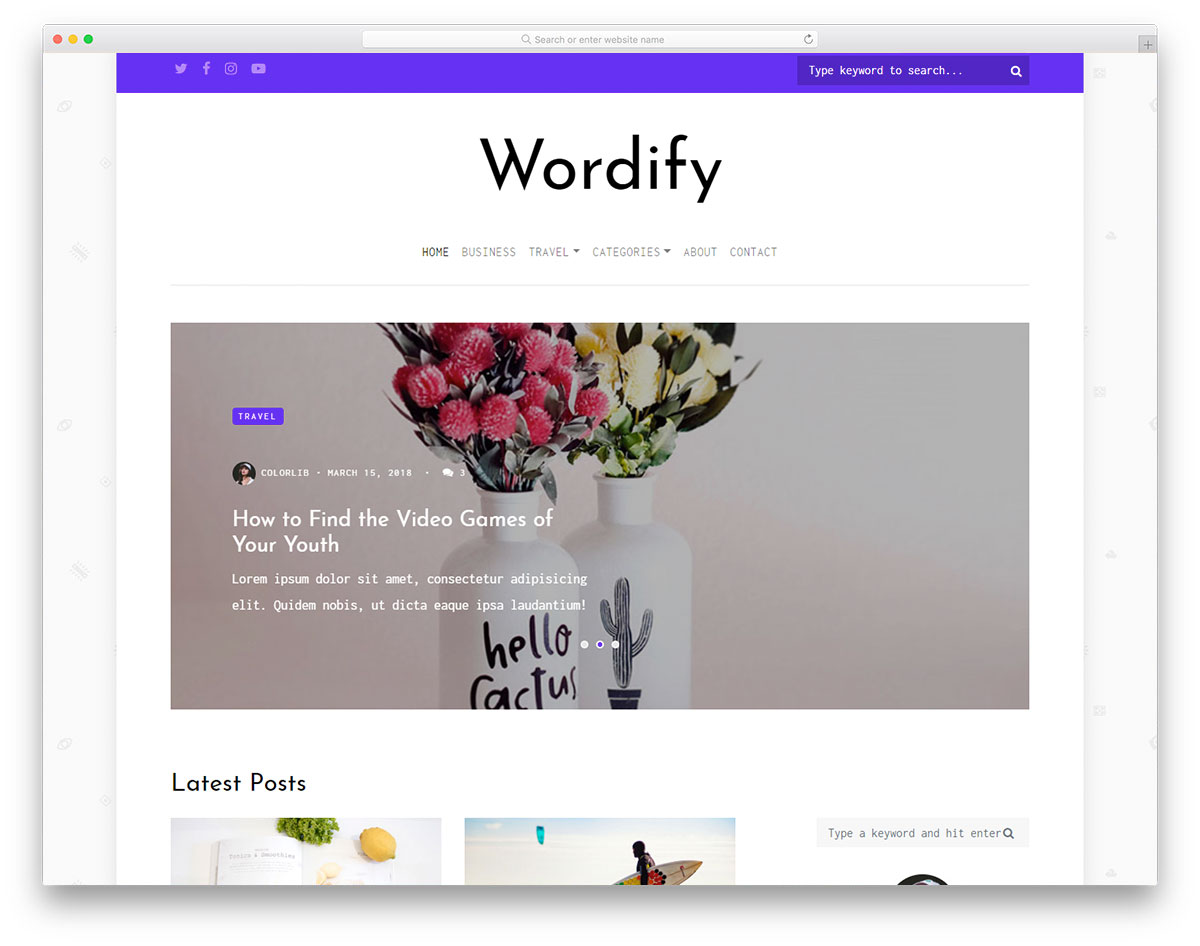
Free HTML · Best for: journalists, authors and editors
A framed slider with a widget-heavy sidebar and footer, putting the byline ahead of the brand. Content loads on scroll, a drop-down menu handles sections, and a full contact page with a working form is included. It is aimed at people whose site is a portfolio of writing rather than a publication.
15. Explore
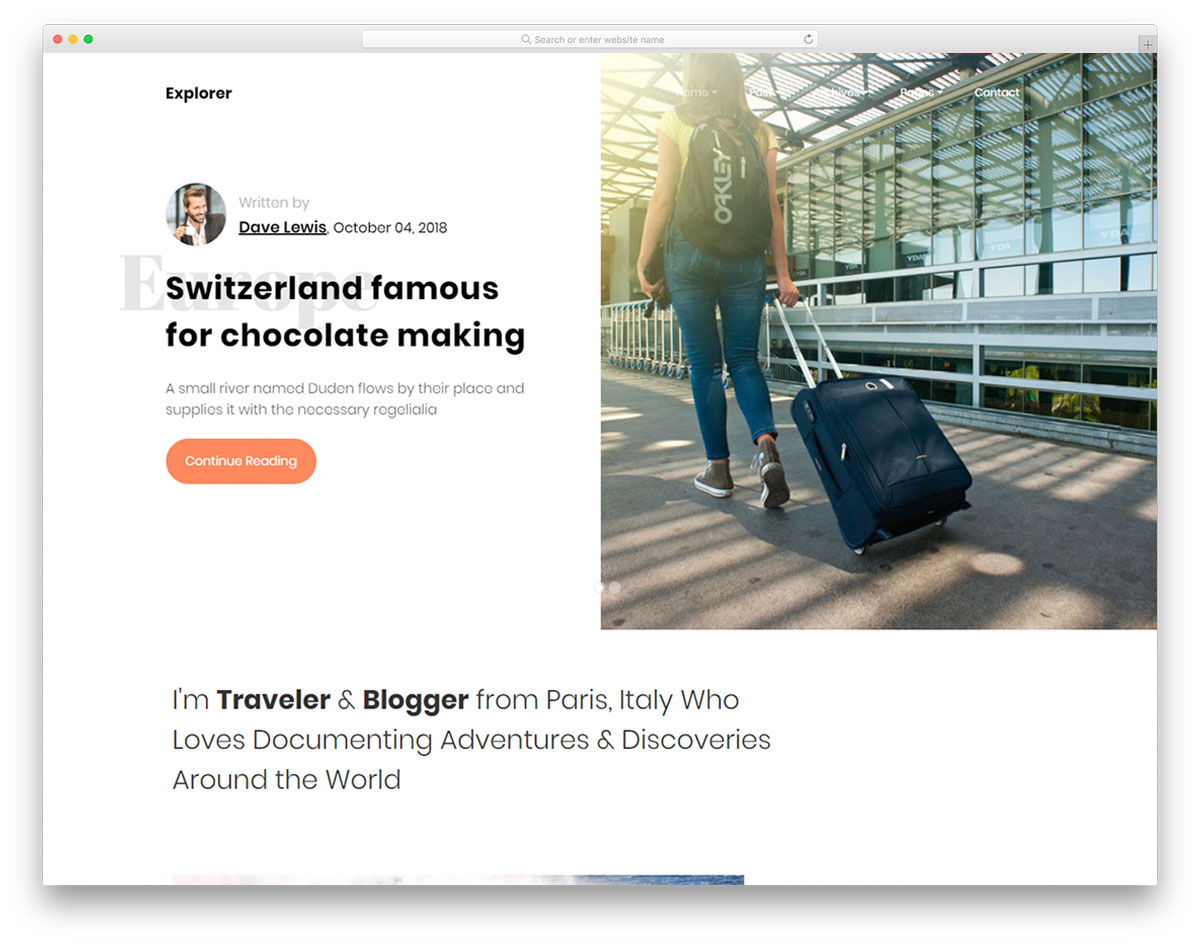
Free HTML · Best for: travel blogs built around photography
The homepage opens on a split-screen slideshow with its own call-to-action button. Below it, posts load on scroll against a parallax backdrop, and a newsletter widget plus social buttons handle list building. A working contact form is included, and the build is tuned for speed so large trip photos do not stall the page.
16. Opium
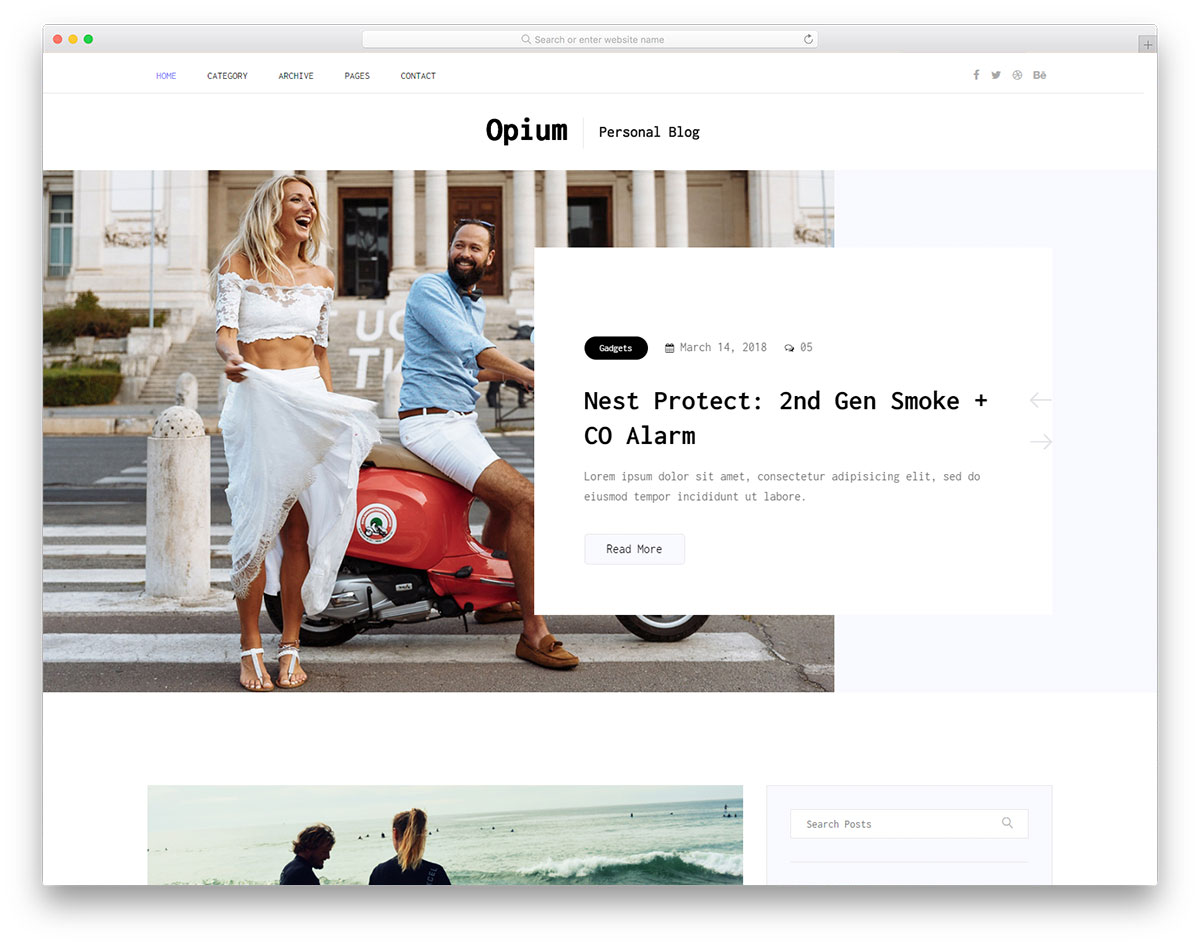
Free HTML · Best for: personal blogs that lean on social proof
An Instagram feed and a newsletter form are built into the page, not left as plugins to hunt down. The banner carries a posts slider, and both the sidebar and footer are widget-rich, so a single-author blog can fill the layout without inventing extra sections. Niche fit is broad: lifestyle, fashion, food, travel or DIY.
17. Newsbit

Free HTML · Best for: crypto and finance news sites
A boxed layout with a top bar, which is the convention news readers expect for tickers and alerts. The homepage is section-heavy and the single-post page is fully built out, with a drop-down menu, newsletter widget, working contact form and social icons. If a CMS is the requirement instead, compare it against these cryptocurrency WordPress themes.
18. Callie
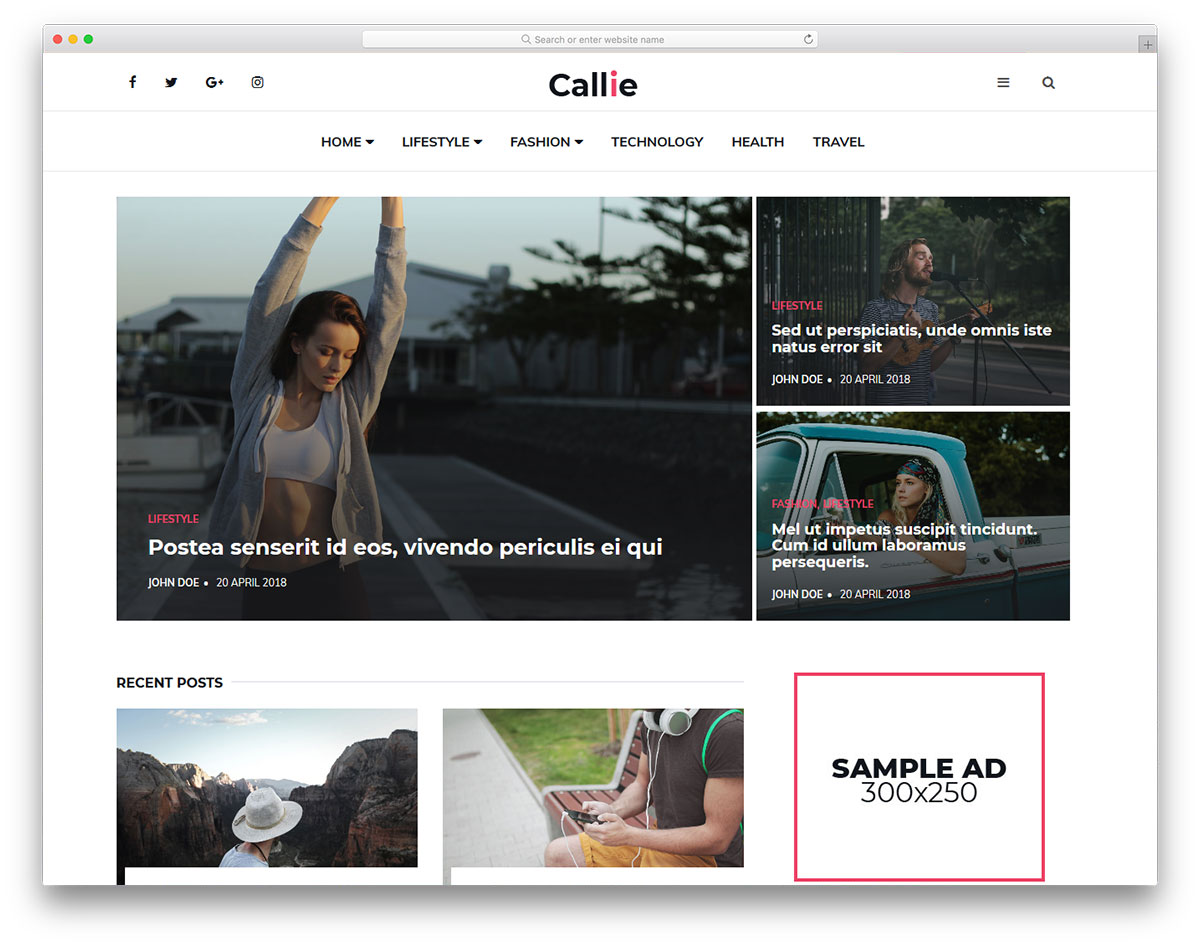
Free HTML · Best for: magazines planning to run ads
Ad spots are part of the layout rather than something to retrofit later. A mega menu organises sections for a wide archive, a sidebar overlay keeps navigation out of the reading column, and the footer is widget-rich. Contact and newsletter forms round it out, which makes it a sensible pick for a site expecting to monetise.
19. Quitelight
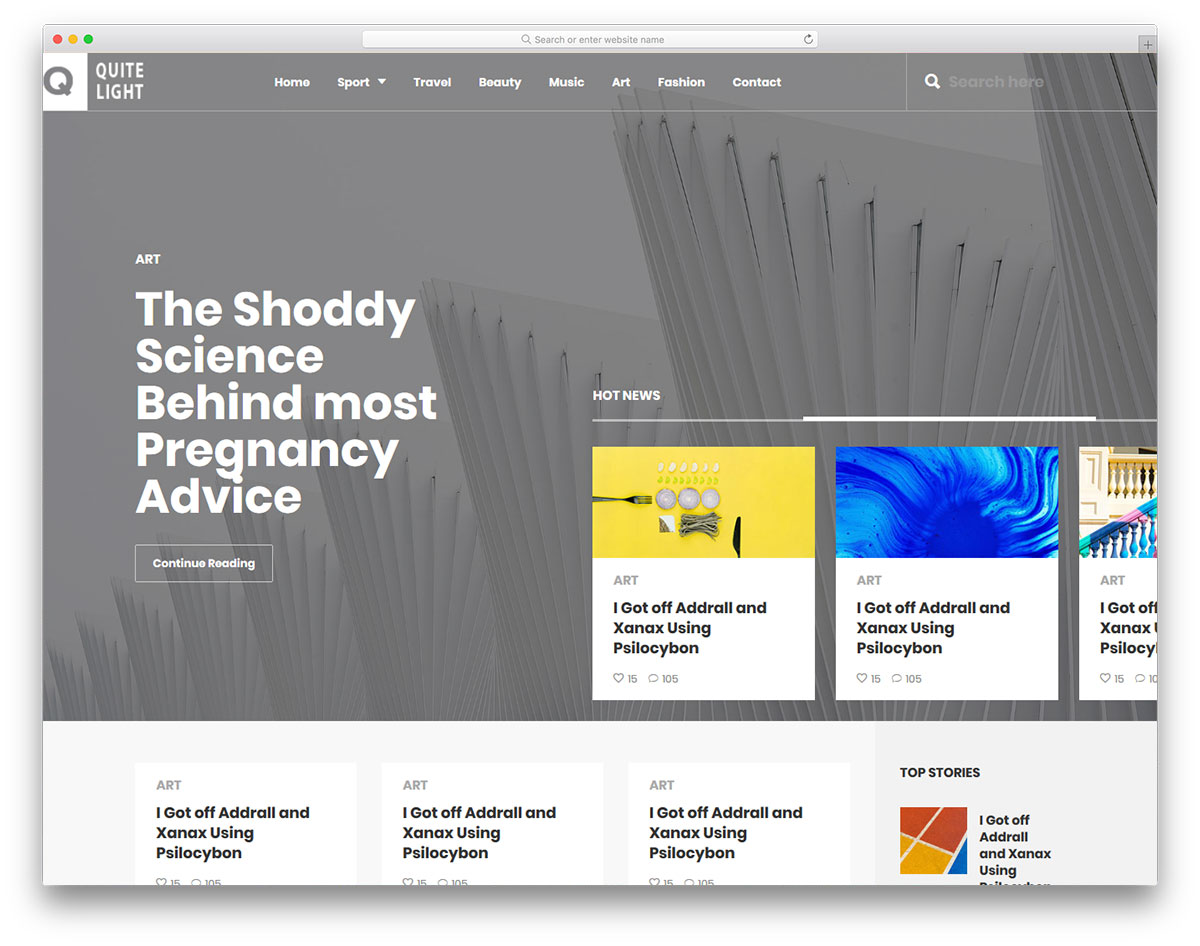
Free HTML · Best for: general news pages that need a clean frame
A banner carousel across the top and a straightforward drop-down menu below it. The rest is standard magazine furniture: social links and a newsletter subscription widget. There is less on offer here than in the larger kits, which is exactly the appeal when a news page only needs structure.
20. Libro
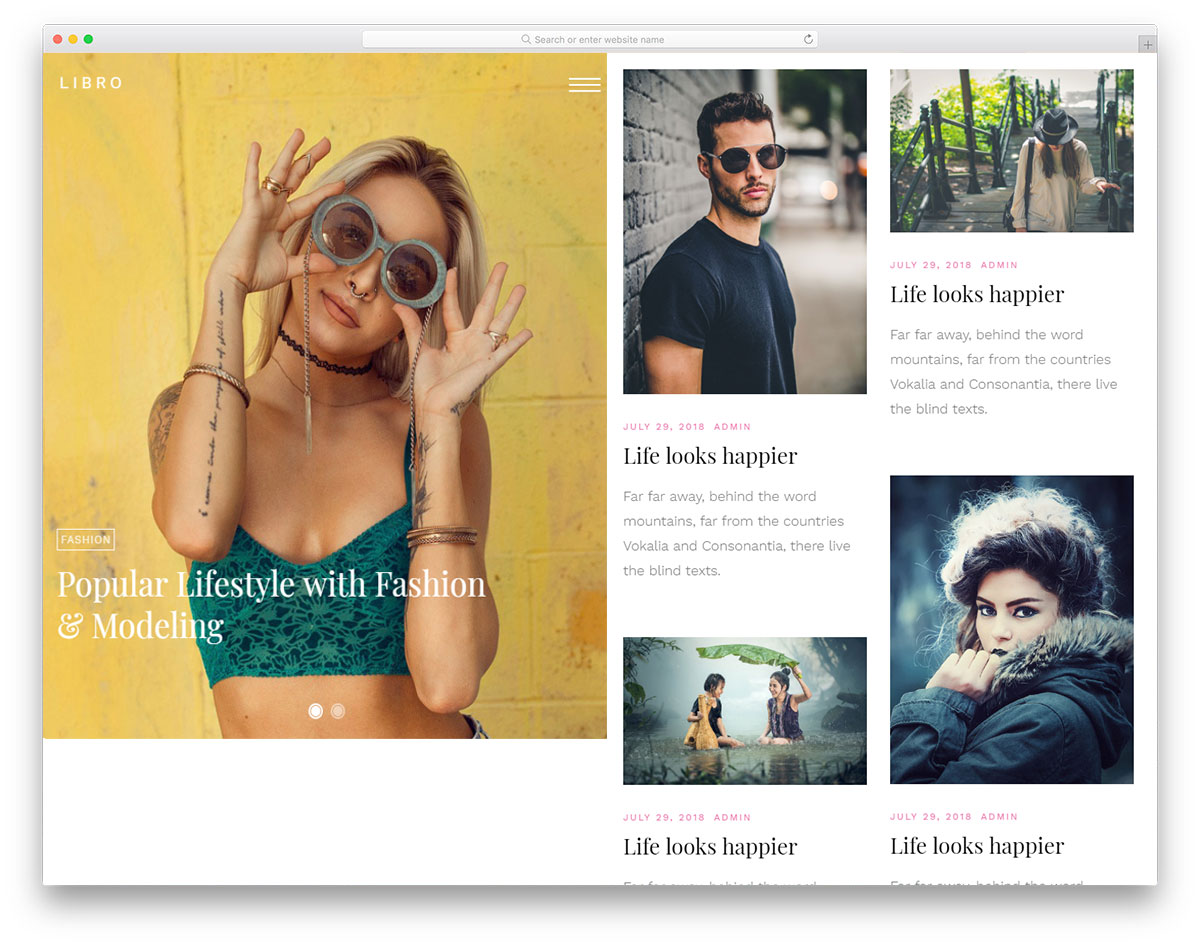
Free HTML · Best for: image-led blogs with short archives
A split-screen homepage where one half is a sticky slider and the other scrolls through posts. Because the slider never leaves the viewport, the featured image stays visible while a reader works down the list. Hover effects, a menu overlay, comments and a contact page with a form and map complete it.
21. Foodblog
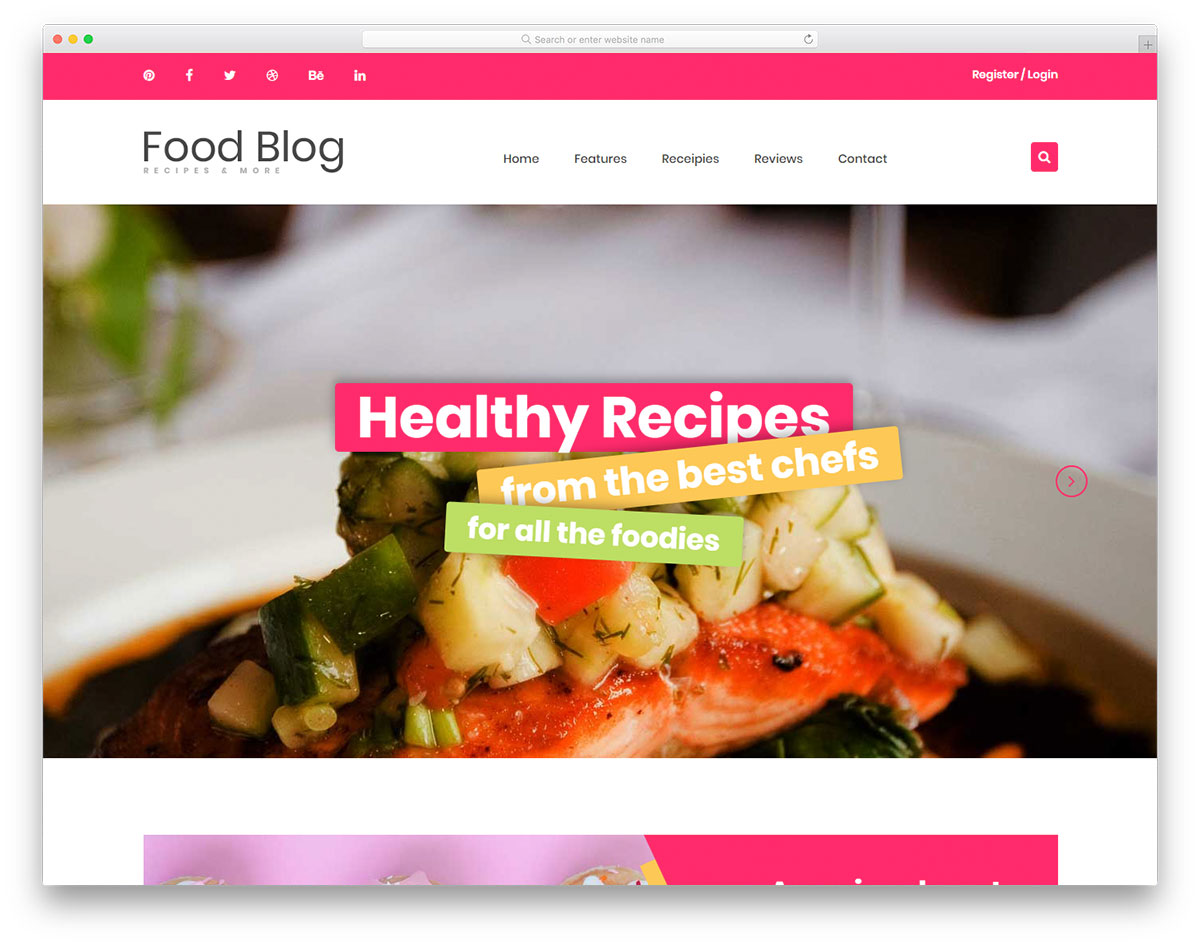
Free HTML · Best for: recipe blogs and restaurant sites
It ships with a dedicated recipes page that has its own search field. That is the piece most general blog templates lack, and it is what separates a recipe archive from a chronological post list. A full-width slider heads the homepage and the contact section includes a working form.
22. WebMag
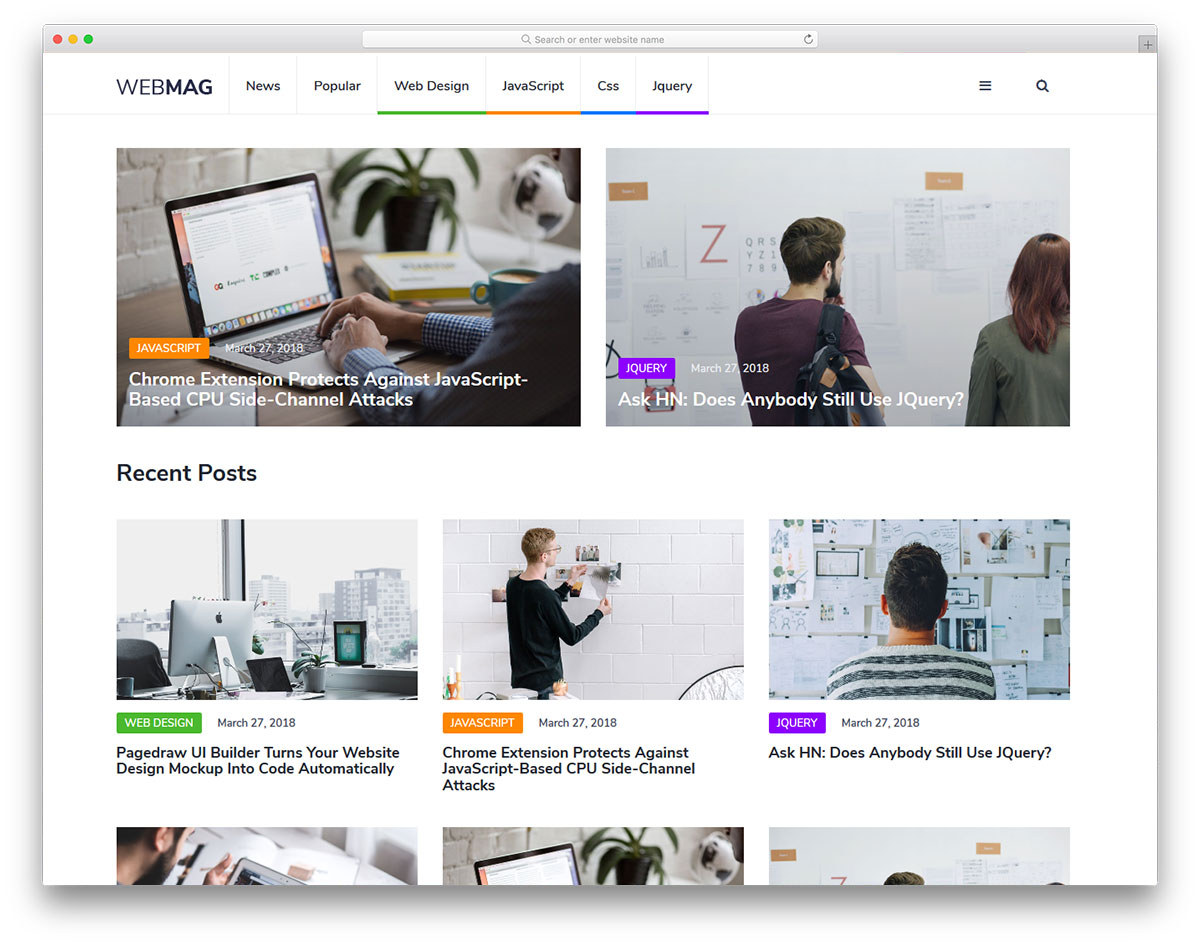
Free HTML · Best for: tech magazines running display ads
Ad placements are integrated into the layout, and version 2.0 was rebuilt on Bootstrap 5.3 with vanilla JavaScript and AVIF images. Social icons follow the reader inside a post and the navigation reappears only on scroll up, keeping the reading column clear. An SCSS source tree makes restyling straightforward.
23. Fantom
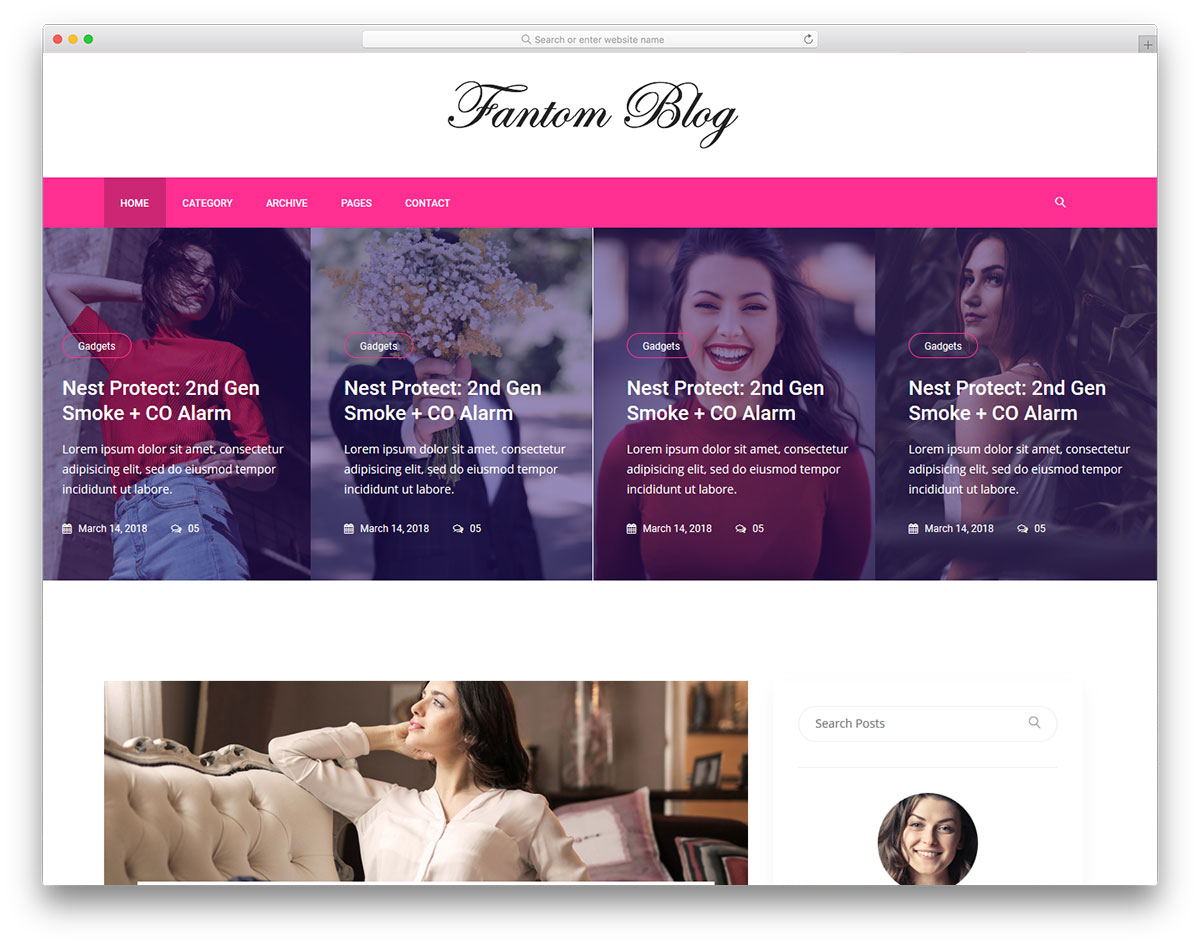
Free HTML · Best for: multi-niche blogs monetising early
Ad placements are predefined, so slot sizes are settled before the first campaign arrives. A full-width carousel opens the page, the sidebar and footer are widget-rich, and an Instagram feed, comments, Google Maps and a working contact form are all included. Useful while a blog’s niche is still moving.
24. Avision
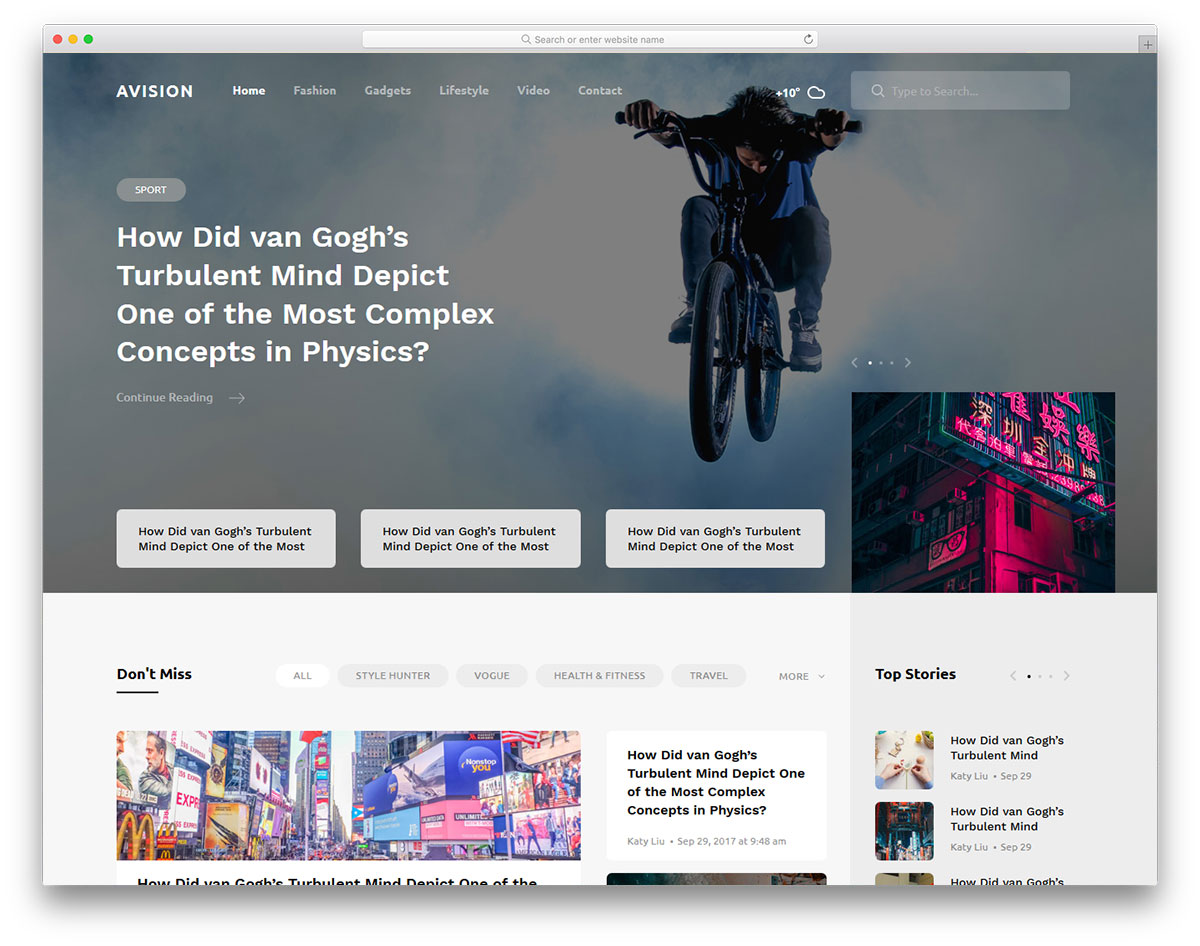
Free HTML · Best for: niche magazines and general news
A transparent sticky navbar sits over a full-screen slider, so the masthead never covers the lead image. Video posts are supported alongside standard ones, and both the sidebar and footer are feature-rich. A newsletter subscription form and a basic working contact form are included.
25. Balita
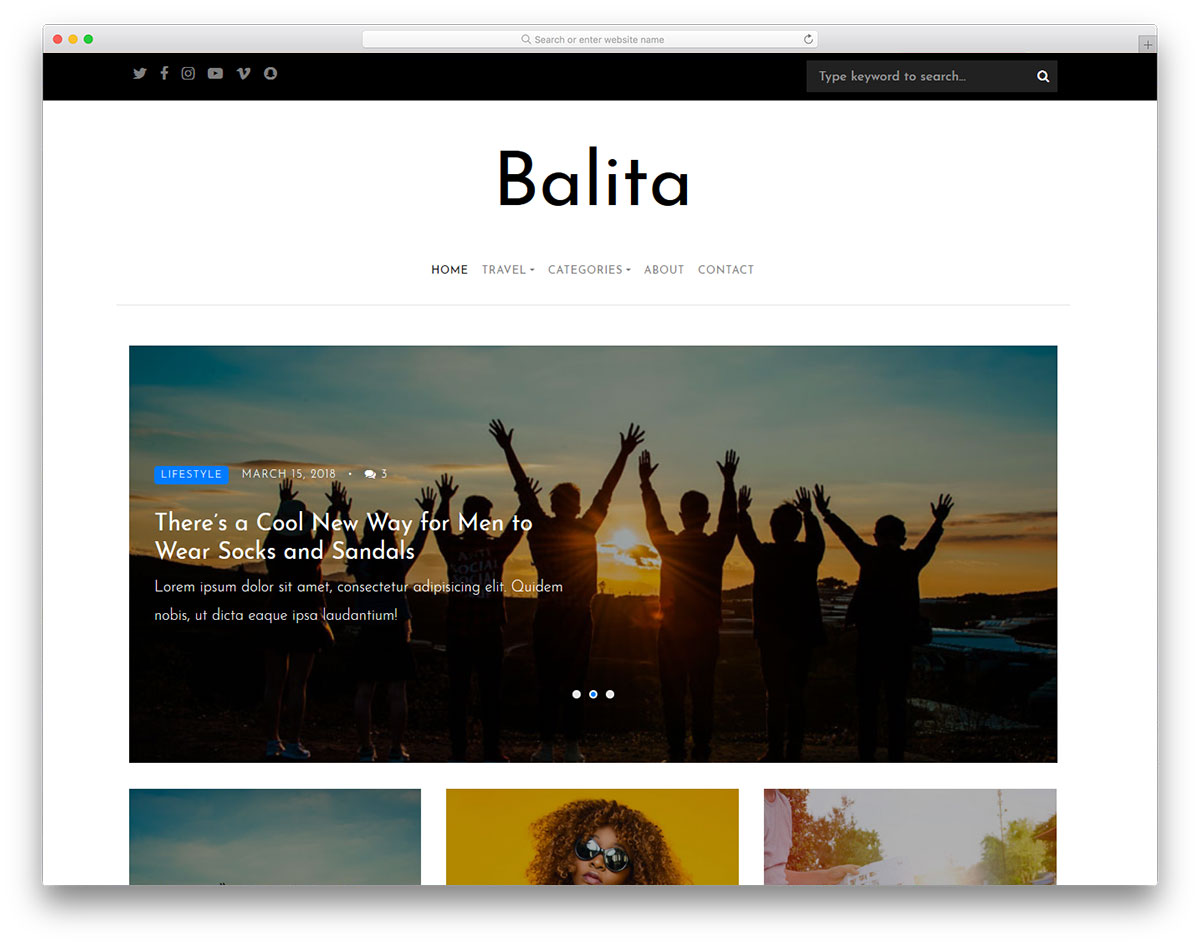
Free HTML · Best for: straightforward blog-and-magazine sites
A plain header, a slideshow, and posts that load as you scroll — no more than that. The sidebar carries the standard widget set and the footer links out to sections and social accounts. It is the pick when the design should stay out of the way of a mixed-category archive.
26. Stuff
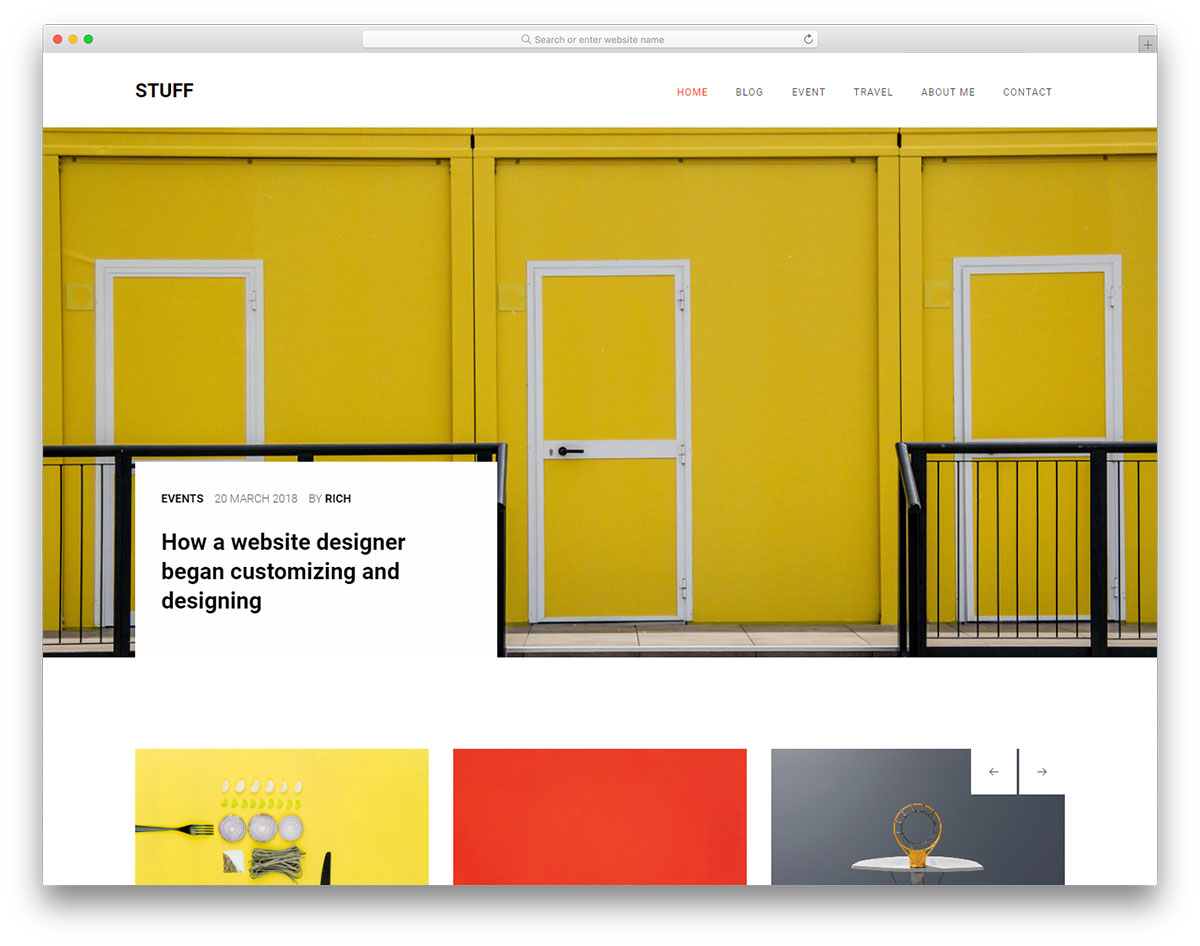
Free HTML · Best for: writers who want four pages, not forty
The set is deliberately small: a blog homepage, an about page, one sample post and a contact form page. Source styles are written in LESS, so a developer restyles from variables instead of overriding compiled CSS. Video support, sliders, an Instagram feed and a widget-rich footer are also part of the bundle.
27. World
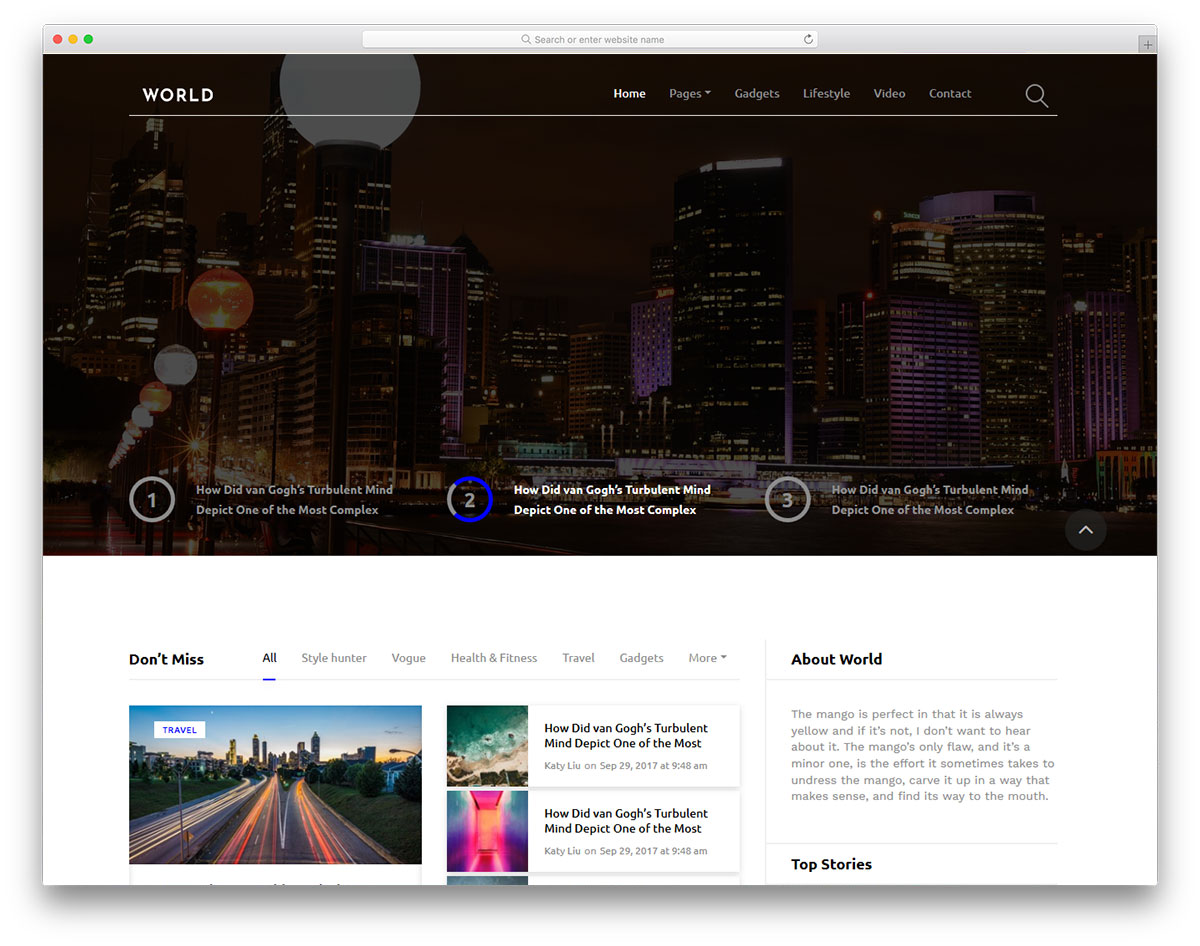
Free HTML · Best for: magazines with heavy comment activity
The comment box sits immediately after the post text rather than below a stack of related widgets. Post pages give a featured image slot and a fixed content column, and the archive loads infinitely. Sliders, several inner pages, a search bar and a footer newsletter box round it out; social sharing buttons are the one obvious omission.
28. Original
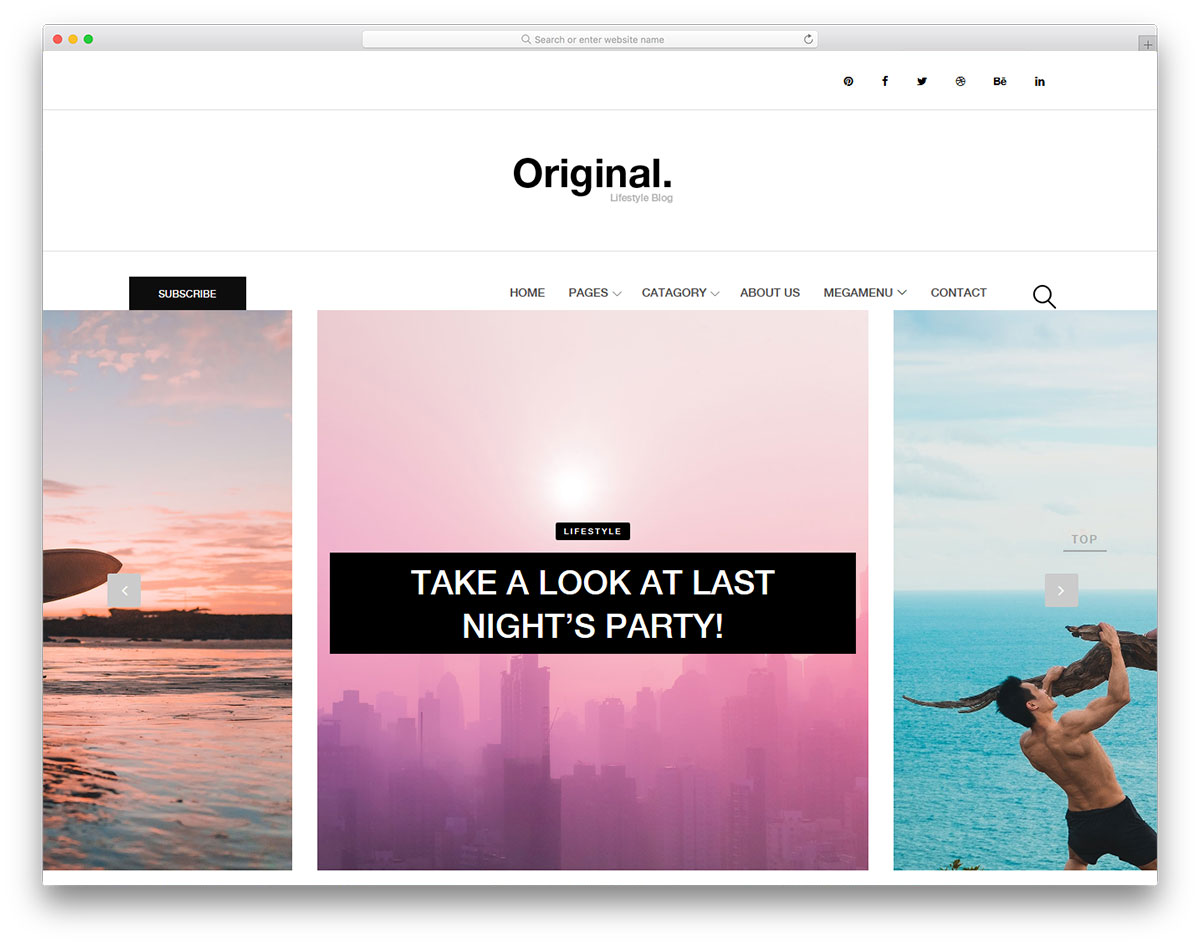
Free HTML · Best for: image-heavy blogs using a masonry grid
The homepage is a full grid rather than a list, the layout most people associate with Pinterest. A carousel slider, multi-level drop-down menu, newsletter popup and Instagram feed fill in around it. Colours are kept light, which stops a dense wall of thumbnails from becoming tiring to read.
29. Droppler
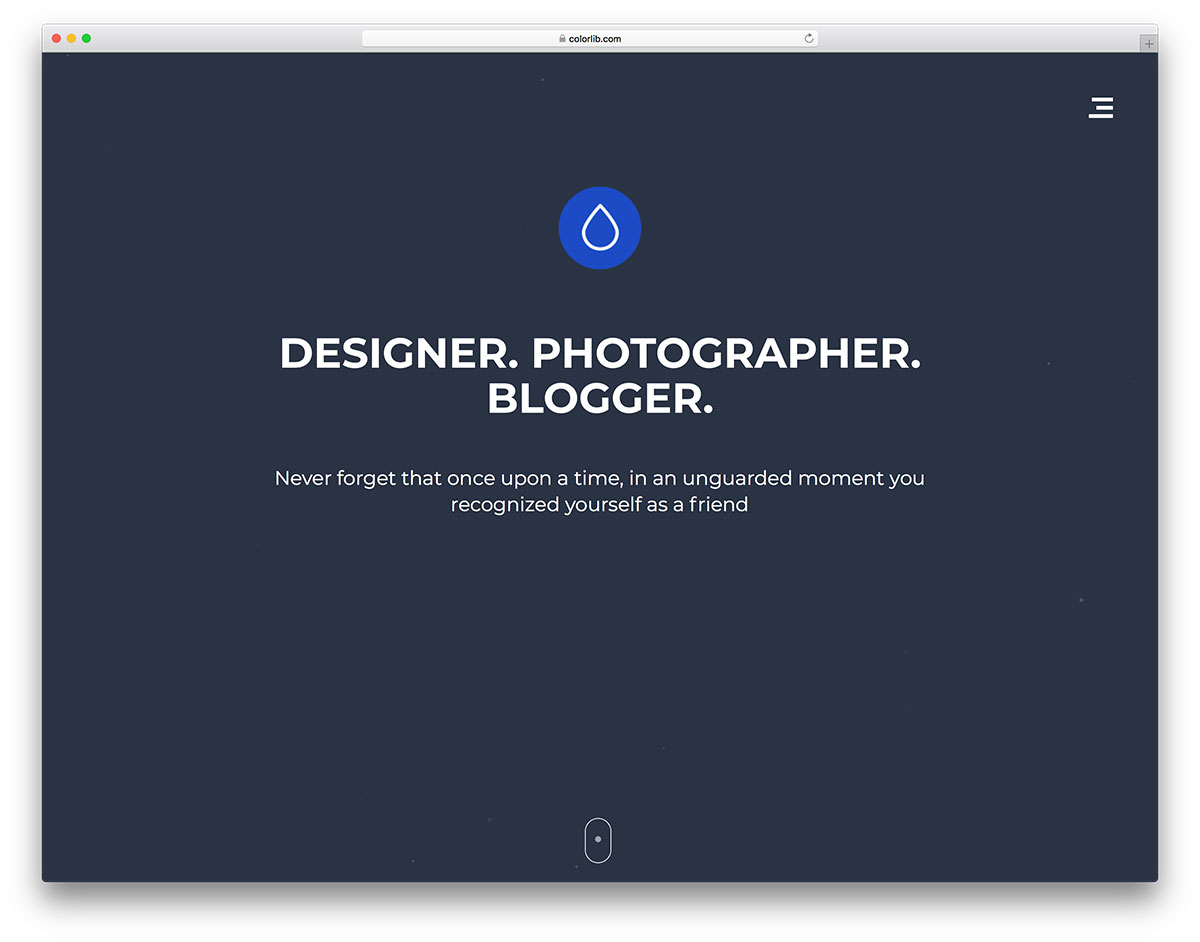
Free HTML · Best for: photographers and creative portfolios
A full-screen photography layout, so images are never boxed into a narrow content column. The slider highlights trending work, and sidebar widgets handle email capture plus a feed of recent social posts. Best suited to photographers, artists and designers whose posts are mostly visual.
30. Juli
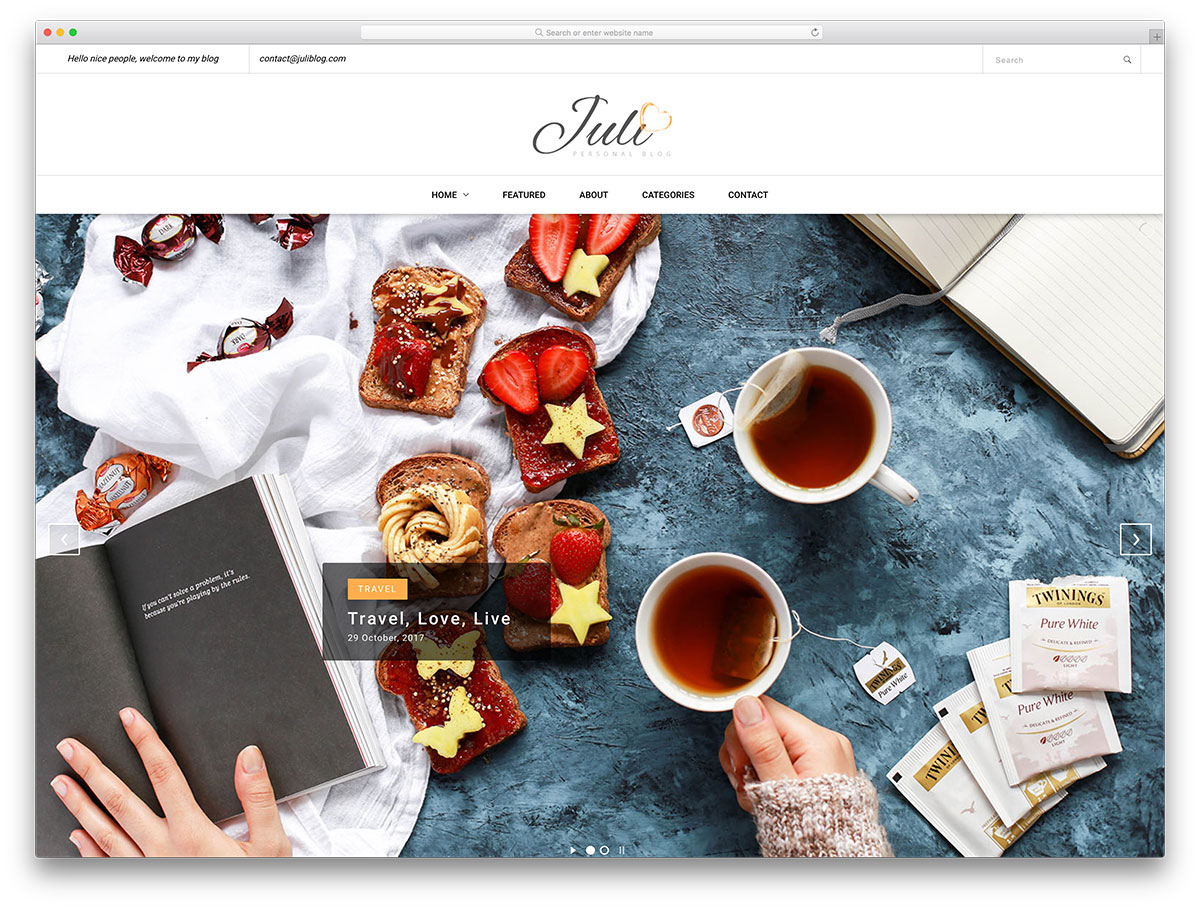
Free HTML · Best for: first-time bloggers editing their own code
Two sliders: a large featured image at the top and a compact one down in the footer. The footer slider is useful for surfacing older posts that a chronological list buries. The codebase is written to be beginner-friendly and the grid stays minimal, so edits rarely cascade into layout problems.
31. Sasha
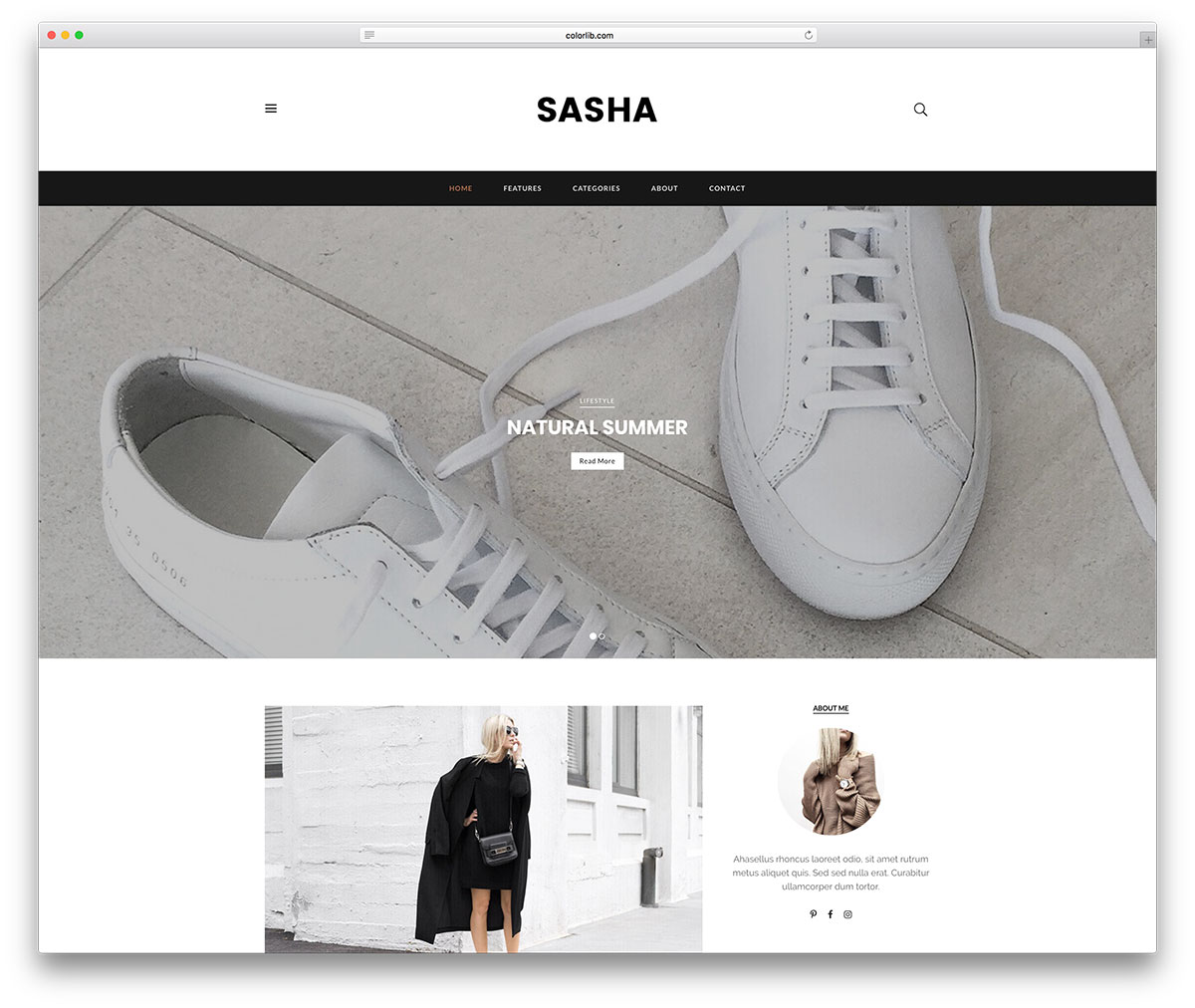
Free HTML · Best for: comparing layouts before committing to one
Five homepage layouts and two header variations ship in the same download. Post listings follow a title, image and content pattern, background patterns break up the reading flow, and a related-posts widget pushes readers deeper. All post types are supported, with about and contact pages included.
32. Blanca
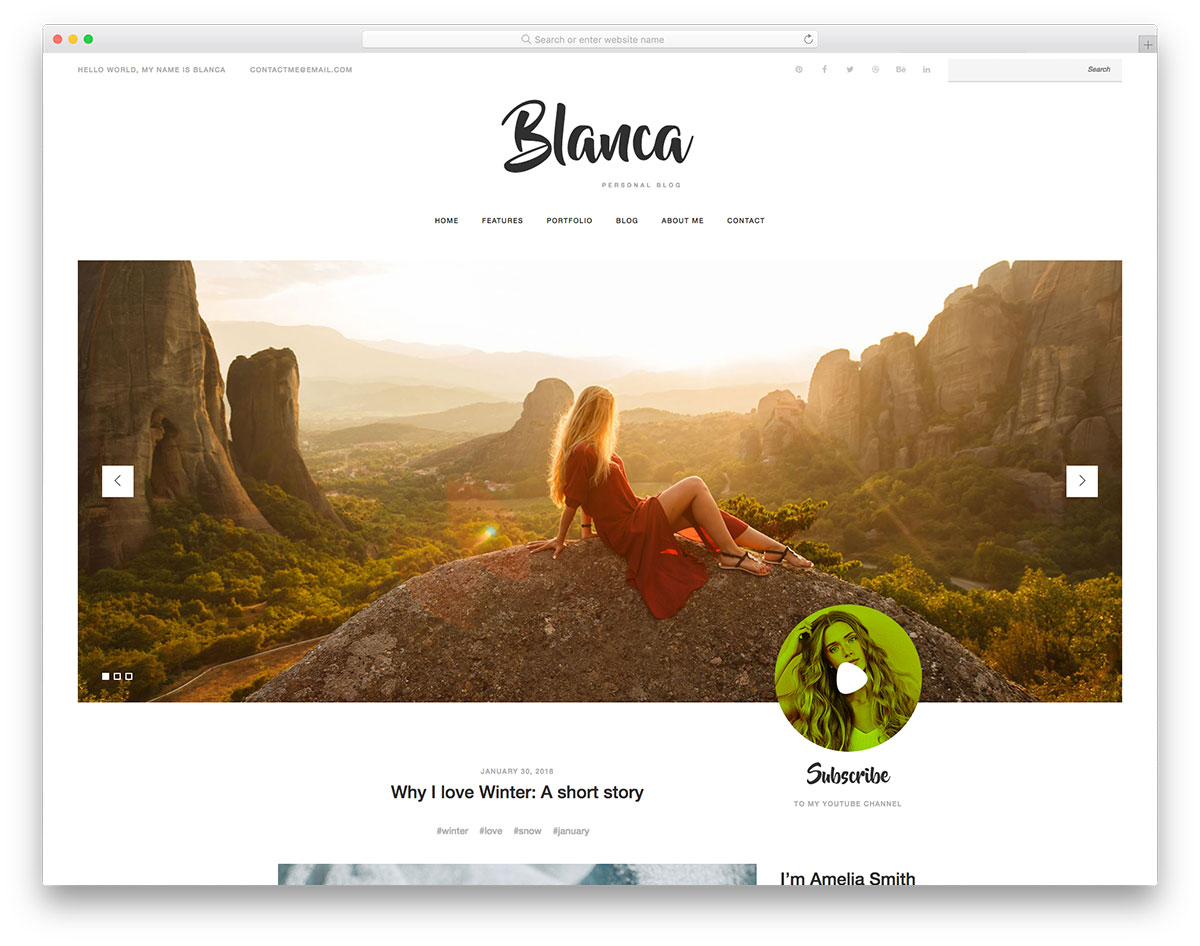
Free HTML · Best for: personal blogs with a portfolio section
It pairs a blog with an About Me page and a portfolio, which is a personal-site structure rather than a publishing one. A slideshow carries imagery or work samples, and the commenting widget is integrated into every post page. The font and colour choices are strong, so expect to adjust them for a different tone.
33. Blogger
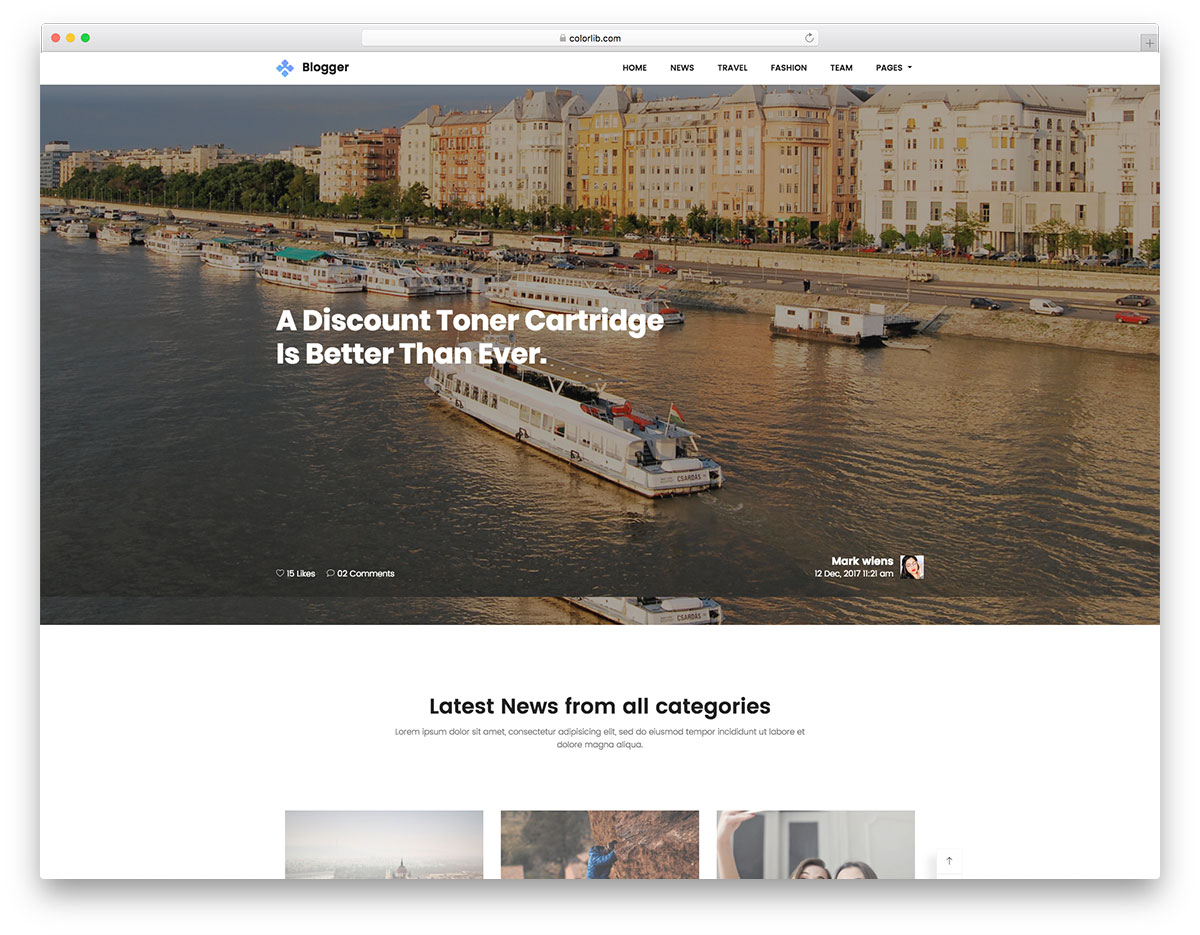
Free HTML · Best for: technology and news blogs
A grid homepage over a parallax banner, drawn specifically for technology coverage. A latest-posts slider, author details block and newsletter subscription box handle the front page, while post pages carry a related-content widget to keep readers moving. It suits a site reporting news rather than publishing long personal essays.
34. Yummy
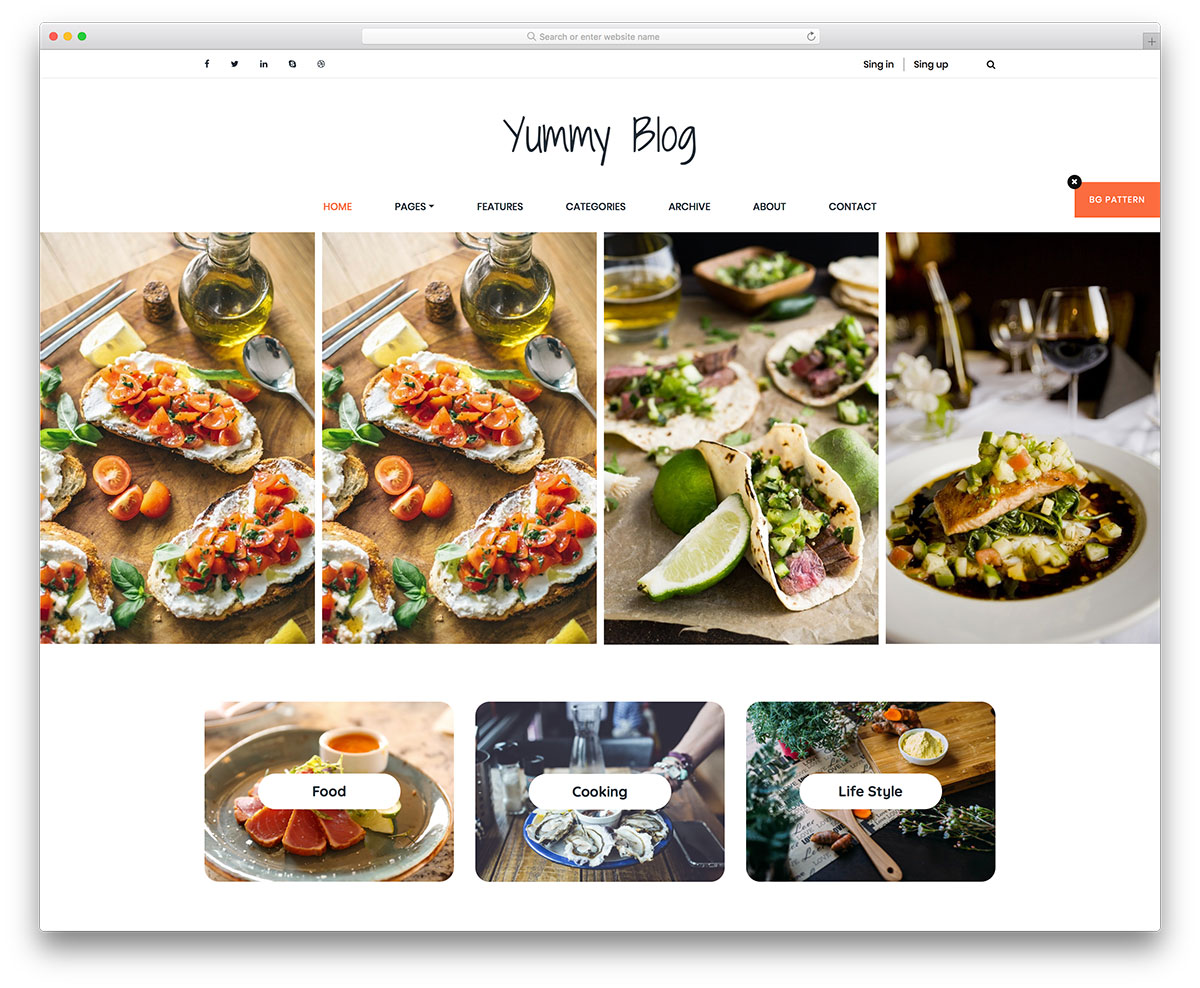
Free HTML · Best for: food blogs with an active Instagram
The Instagram feed slider is styled to match the main slider, so the page does not read as two widgets stitched together. A full-width hero slider tops the homepage and social icons are already placed. It was drawn for food, but the layout carries over to lifestyle and fashion without changes.
35. Suppablog
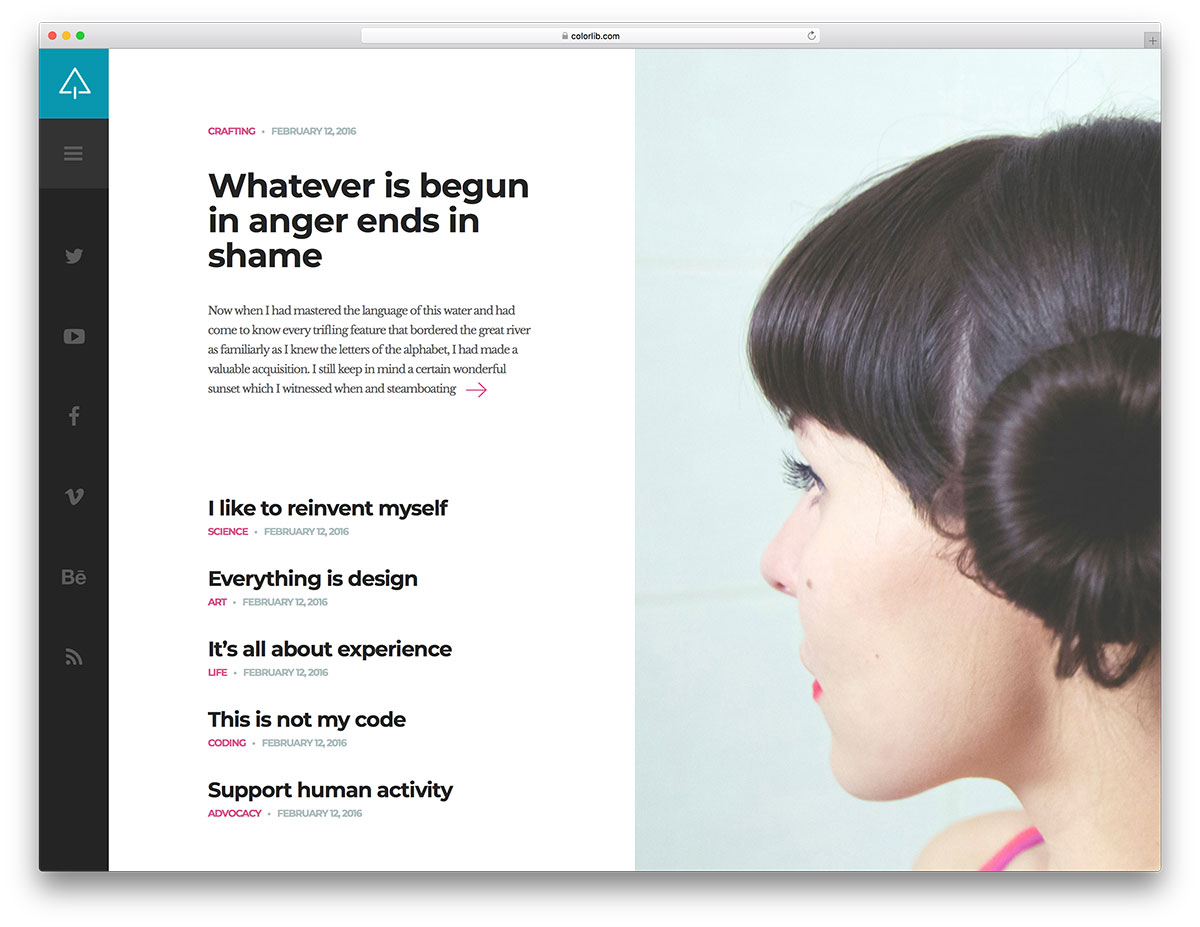
Free HTML · Best for: minimal blogs that want one strong hook
Hovering a post blurs everything else on the page, isolating the one being considered. The layout splits into a large image on one side and the post list on the other, with social icons on the right edge opening an off-canvas menu. Few blogs make that choice, which is rather the point.
36. Bona
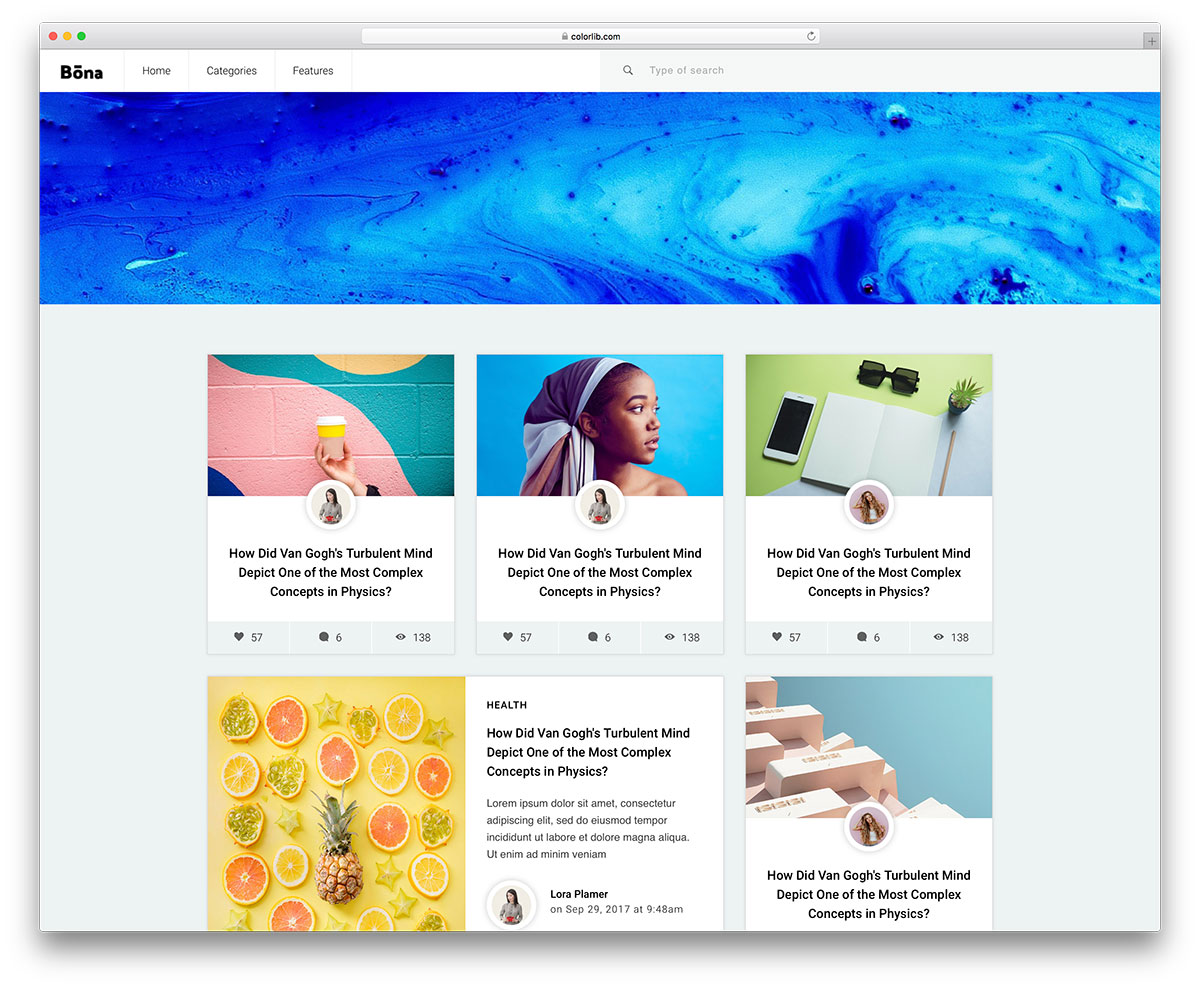
Free HTML · Best for: publishers testing what readers click
Posts can run with a large featured image, a small one, or none at all, and the three mix freely in the same feed. A load-more button replaces pagination, and each post can display heart, comment and view counts. Several page and post layouts ship together, with a subscription box in the footer.
Frequently Asked Questions
Are these blog templates free for commercial use?
The free entries are, under permissive licenses. A few premium picks are labeled — the entry descriptions state license and what paid tiers add.
How do I add a CMS behind a static Bootstrap blog template?
Pair the markup with a static site generator (Eleventy, Hugo, Astro) so posts are markdown files, or port sections into a WordPress theme. For hand-edited HTML, each new post is a copied page — fine for low volume.
What layout converts best for a blog?
A clear list page (title, excerpt, date), readable single-post typography around 65–75 characters per line, and a newsletter signup in a consistent spot. The entries here cover all three patterns.
Can I monetize with ads on these layouts?
Yes — the grid layouts accommodate standard ad units in sidebar and in-feed slots. Keep one ad per screen-height; layout shift from late-loading ads hurts Core Web Vitals more than the ads earn.

Related Posts

Comments (0)