Cassi
Template Details
Author: Colorlib
Updated: October 2026 · v3.0.1
Credits: Images from Unsplash
Description
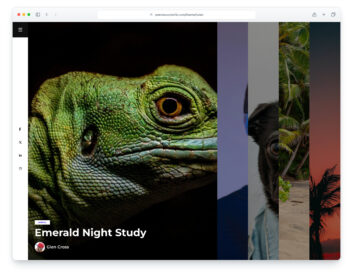
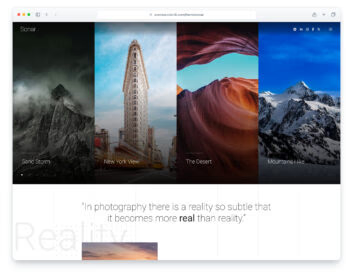
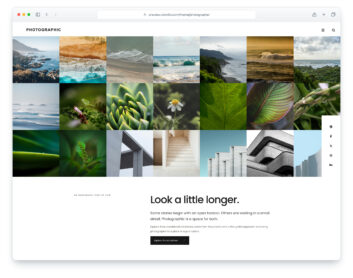
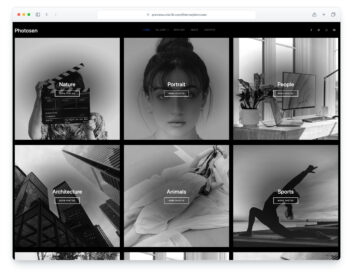
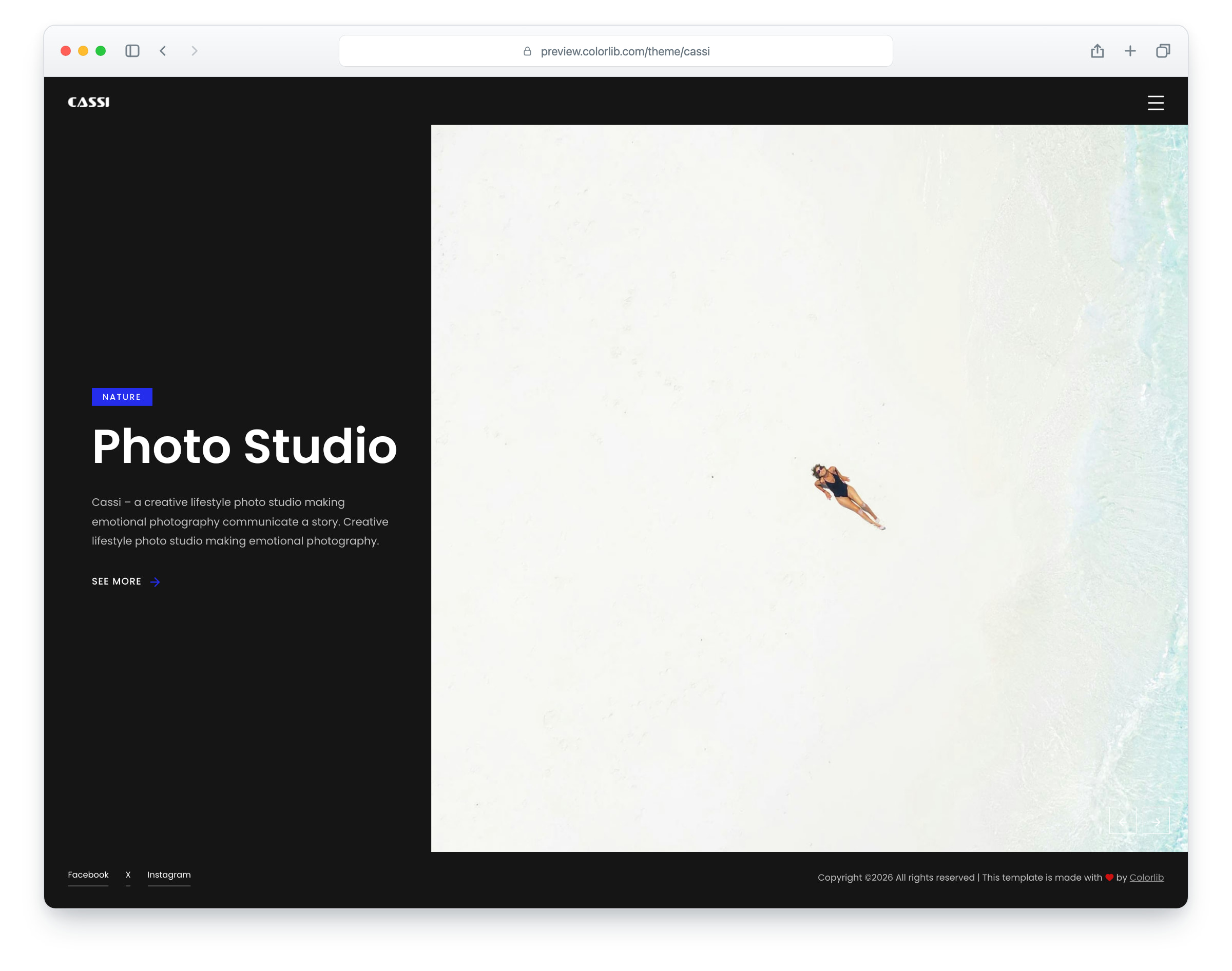
Cassi is a photo studio and photographer portfolio template with a dark layout and a blue accent, built on Bootstrap 5. It suits photo studios, photographers and small creative teams. The layout is responsive and mobile-ready. There are six pages: home, gallery, blog, blog post, about and contact.
The home page is a split-screen hero slider: a heading and short intro on the left, a large photo on the right, filling the window between the header and the footer. The gallery page shows sixteen photos in a masonry grid that open in a lightbox, the blog page has a featured post banner over a grid of post cards, and the blog post page has a photo gallery, tags, share links, related posts and a comment form. The about page tells the studio’s story and introduces a team of six, and the contact page has the studio details and a working contact form over a full-width photo. A full-screen menu opens from every page.
What’s new in 3.0
- Bootstrap 5.3.8 (the earlier release used Bootstrap 4.4.1 and jQuery), compiled from Sass with the Bootstrap 4 proportions the design was drawn with, and plain JavaScript with no jQuery. Swiper 14 replaces Owl Carousel on the hero slider, PhotoSwipe 5 opens the gallery photos, and a small built-in layout replaces the masonry plugin. npm run build (Dart Sass and esbuild) compiles one minified stylesheet and one script.
- Lighter pages: the seven pages went from 5.7 MB and 160 requests to 3.6 MB and 102 requests in total. Every photo has an AVIF version with the JPEG as the fallback, real dimensions and lazy loading below the first screen, and the hero slides and banners are sharp on large and high-density screens.
- No third-party requests: Poppins and Roboto are self-hosted, the icon fonts are replaced by Lucide SVG icons and a small social-logo subset, and a Google Analytics 4 snippet stays commented out until you add your own ID.
- Working forms: the contact form and the blog comment form send through php/send-email.php with visible labels, validation, a spam trap and an in-page message. Before, they had no action and no field names.
- Accessibility: a skip link and a main landmark on every page, one h1 per page, a keyboard-friendly menu that keeps focus inside while open and closes with Esc, names on icon links, visible focus rings, reduced-motion support and WCAG AA text contrast.
- Fixed: the team and share icons now draw, the demo team, address and contact details are fictional, and each page has its own title, description and social sharing tags.
Pricing Cassi
Single
$19
- Premium support
- Template updates
- For 1 year
- Access all templates
Membership
$129
- Premium support
- Template updates
- For 1 year
- For 1 year
Lifetime
$349
- Premium support
- Template updates
- For life
- For life
Featured in: 60 Best Free Responsive Website Templates 2026
Similar Photography Templates View all 48 photography templates →