
20 Best Free Bootstrap Menu Examples 2026
After reviewing many different navigation examples, we created our free Bootstrap menu templates, which are suitable for any website, blog, or online store.
Instead of visiting multiple resources to find free menu templates, our collection of 20 covers EVERYTHING.
Save time with these modern and high-performing examples now.
Every template is very PREMIUM-LIKE.
And the code is beginner-friendly. (Everyone easily gets the most out of these!)
Also, we regularly check all our free snippets. Ensuring they are up-to-date and following the latest trends.
Introduce a menu and take your project’s navigation to the next level.
Best Free Bootstrap Menu Templates
Website Menu V01
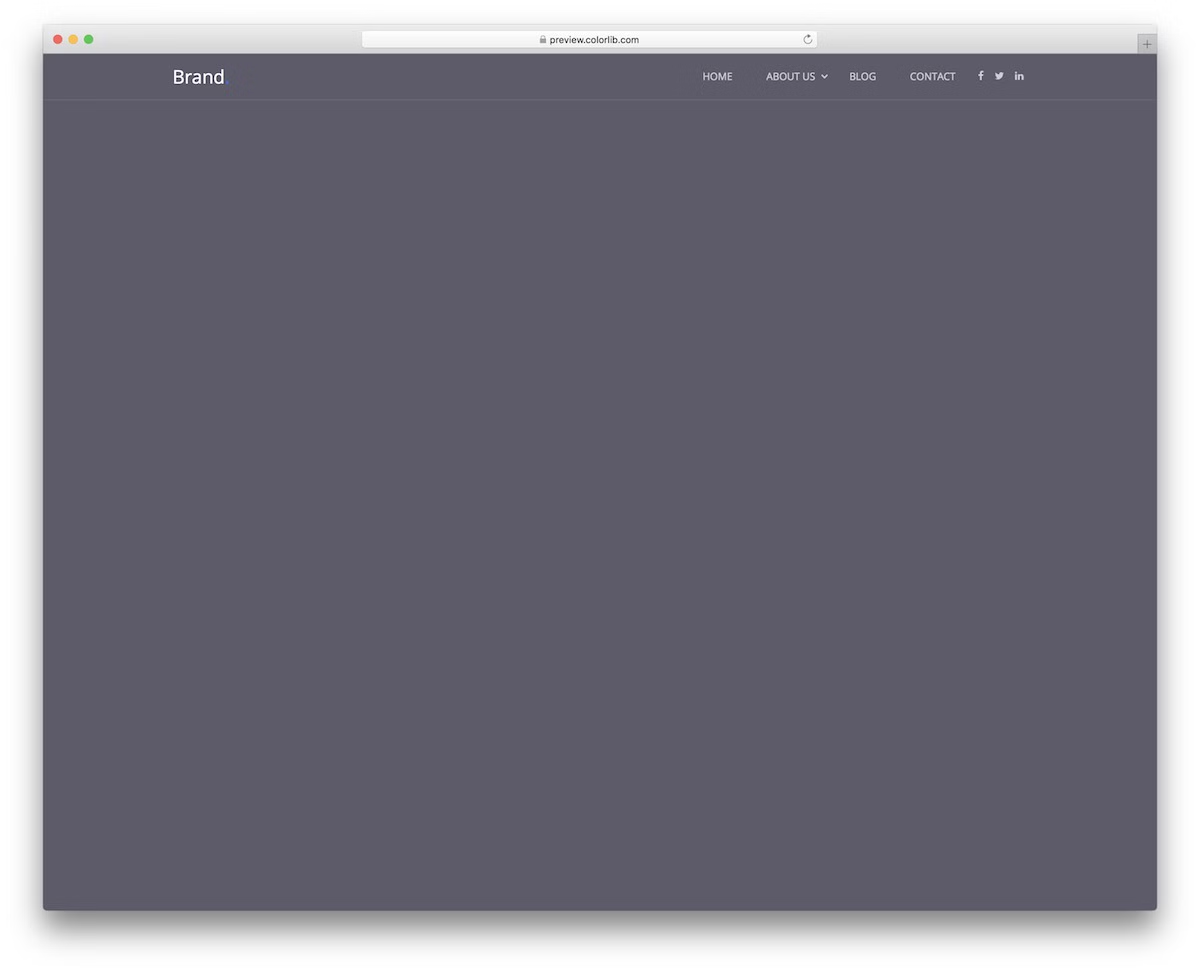
Adding a menu to your website is necessary; you should not think otherwise. But to make it happen, you can benefit from our easy-to-use and quick-to-integrate alternatives collection.
Website Menu V01 is an excellent solution for keeping things minimal and always accessible, thanks to its sticky feature.
Moreover, the template also rocks a multi-level drop-down menu, social media icons and a logo section on the left.
Due to the Bootstrap nature, it indeed ADAPTS to mobile devices and transforms into a slide-in menu.
More info / Download DemoWebsite Menu V02
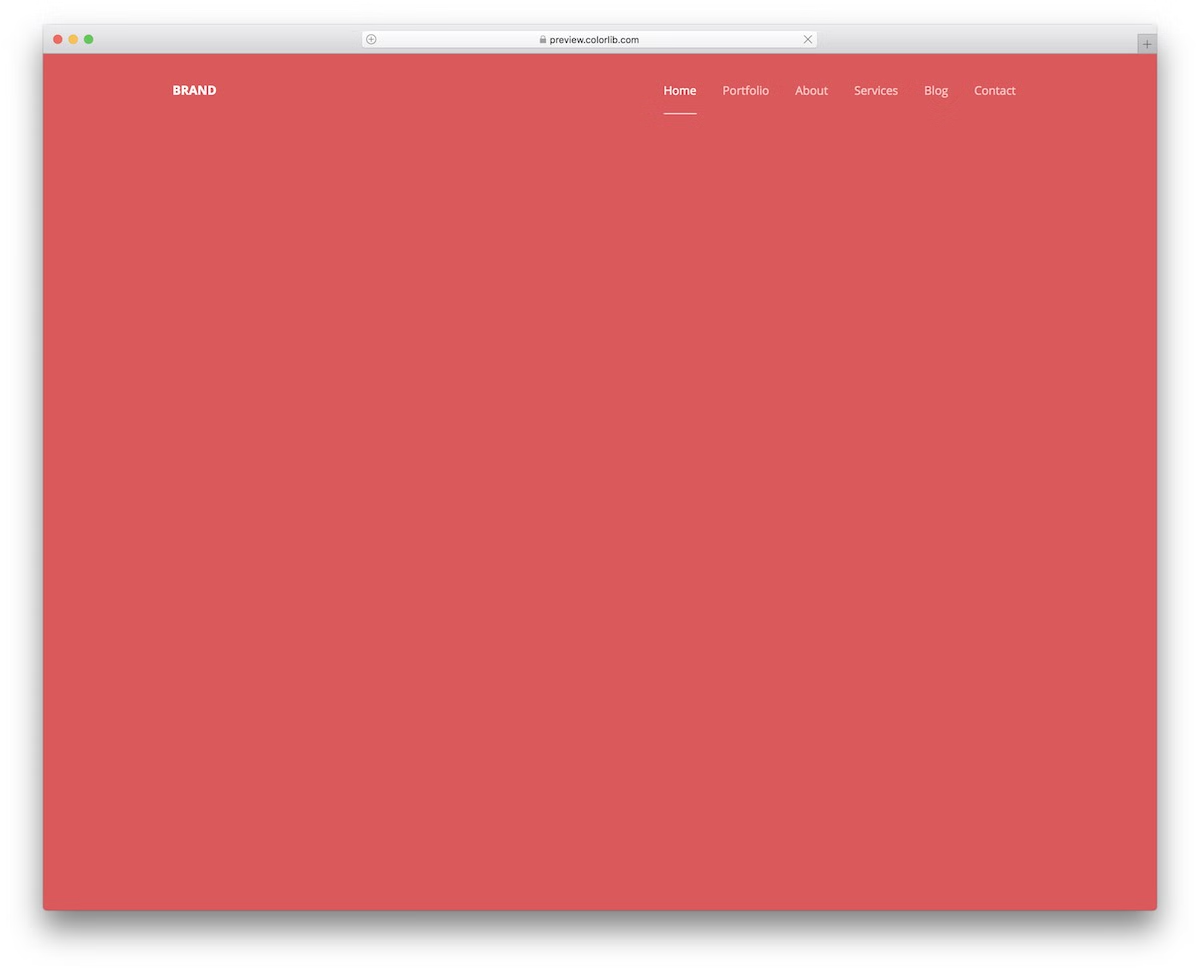
When it comes to a website menu, you need to make it visible, but that does not necessarily mean you need to make it stand out too much. Website Menu V02 is a fantastic solution for everyone who likes simplicity.
It displays different sections distraction-free, with a hover effect that highlights the text and adds an underline.
Furthermore, the navigation bar is FIXED to the top, so the user needs to scroll back if they want to visit different segments of your page.
More info / Download DemoWebsite Menu V03

Boost user navigation by offering them to quickly access your internal pages and categories with Website Menu V03. The Bootstrap menu template adheres to the latest web trends, ensuring optimal performance across various devices and platforms.
The menu also features a convenient drop-down, so you don’t need to create it from scratch.
Another special feature of this template is the blue button for the selected menu section, which also appears when hovered over before being clicked.
Lastly, it features a transparent background.
More info / Download DemoWebsite Menu V04
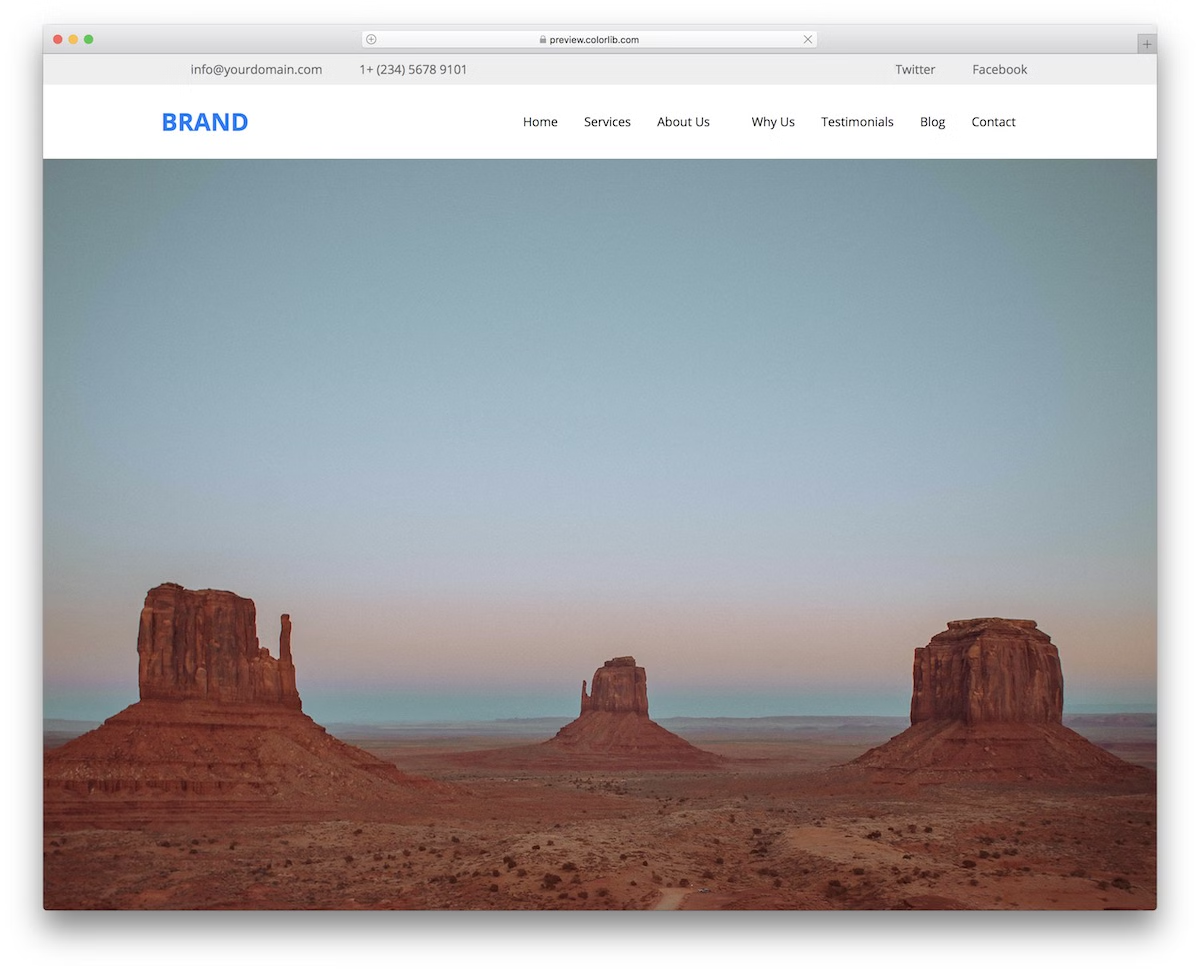
This more advanced menu template helps you create a full-blown website header for your project.
No matter what type of website you plan to launch, even a blog, this snippet will easily cater to it. You can make great things happen even by utilizing it as is.
Some features include the top bar, social media buttons, a multi-level drop-down menu, and stickiness.
The latter allows your users to jump from section to section without the need to scroll back to the top.
More info / Download DemoWebsite Menu V05
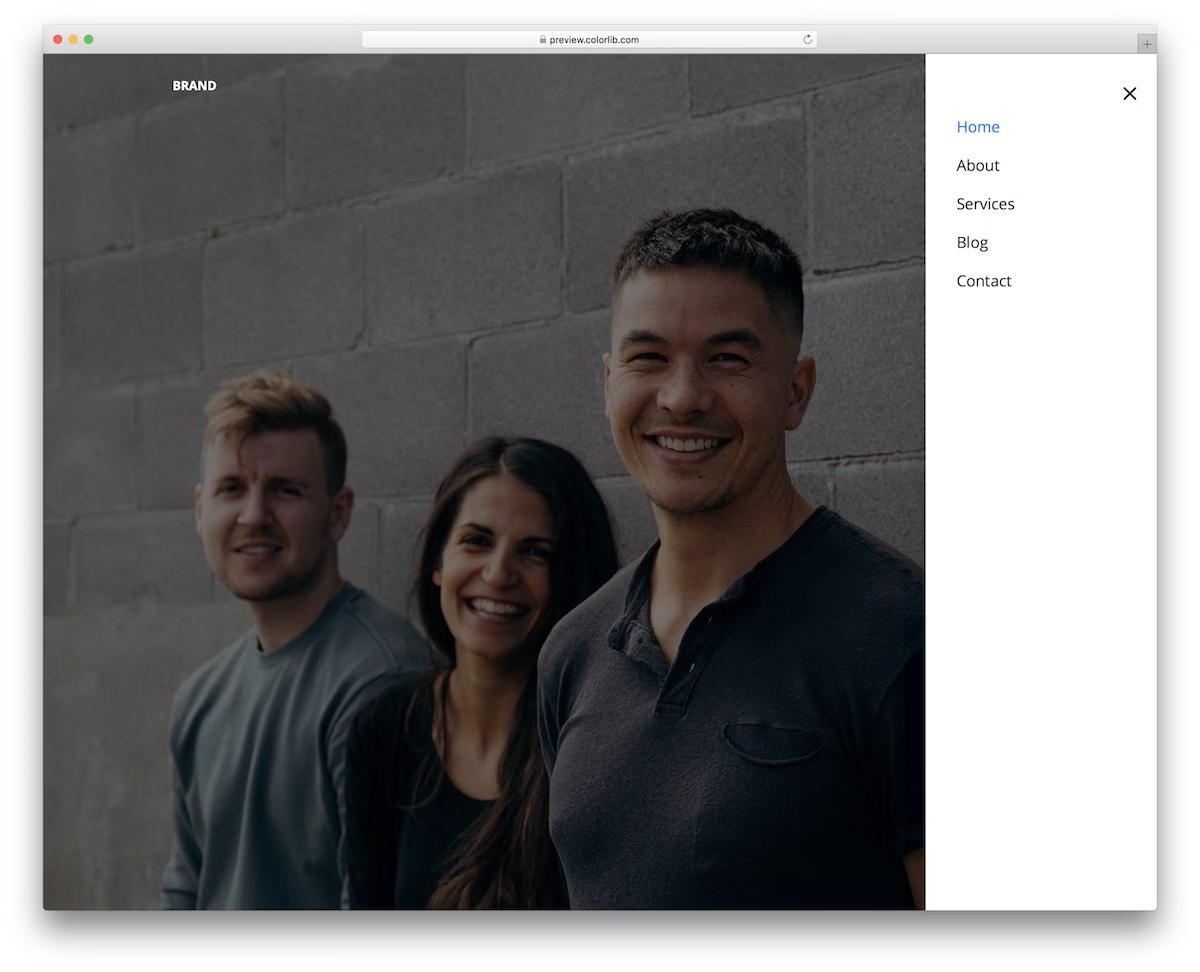
The Website Menu V05 appears as vertical sidebar navigation, maintaining the same style on both mobile and desktop.
The Bootstrap menu template only features a menu symbol, making it the ideal choice if you want to keep things as minimal as possible.
Thanks to its well-structured and user-friendly code, working with Website Menu V05 will be a breeze.
But first, you head to the LIVE demo preview, where you can see the free Bootstrap template in full effect.
More info / Download DemoWebsite Menu V06
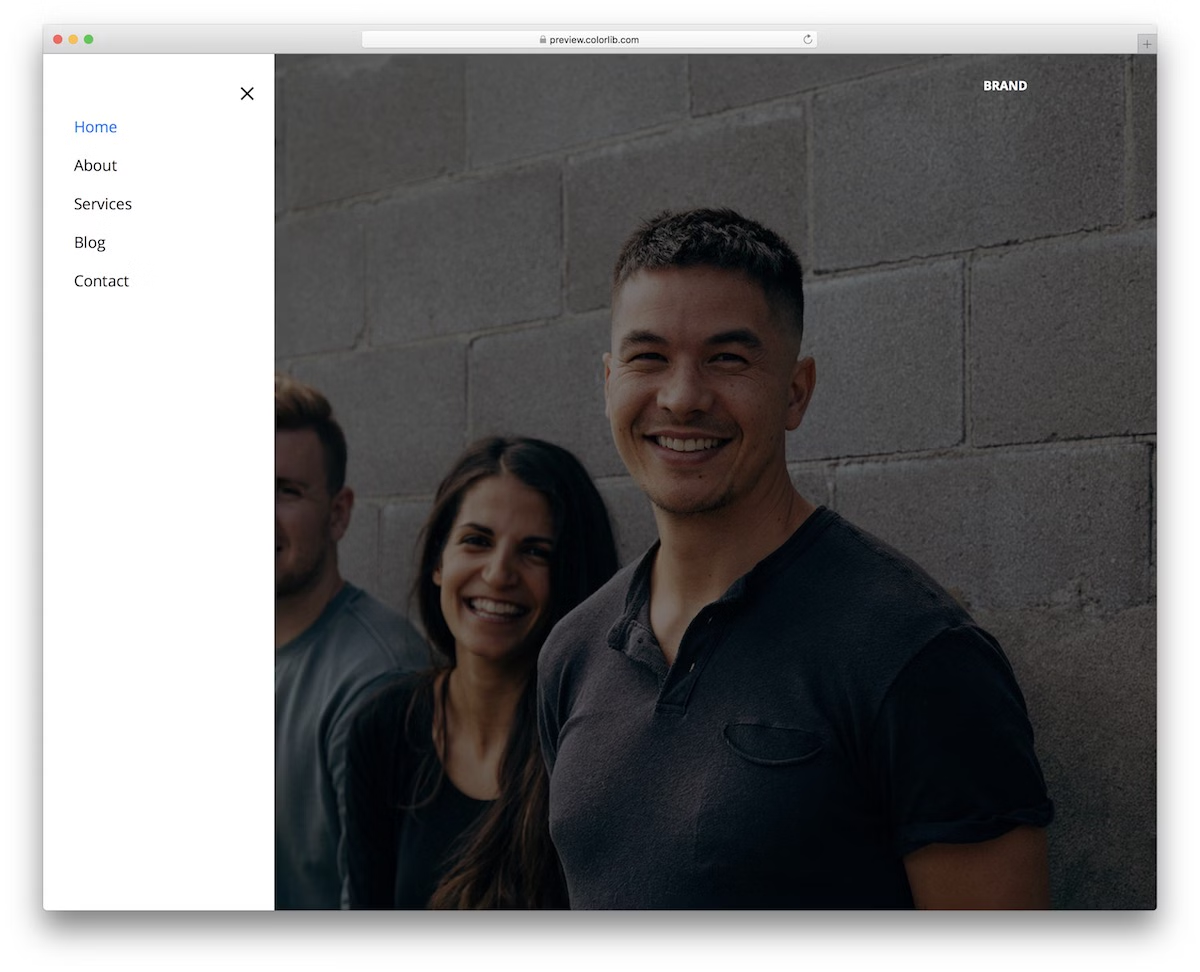
Instead of rocking slide-in sidebar navigation on the right, you can add it to the left. Website Menu V06 is a terrific tool to move you forward immediately.
Since it has a very basic look, the menu works with different website themes effectively out of the box.
The template utilizes only the latest technologies, ensuring exceptional performance across various devices.
See the live demo, take action, download it and make an IMMEDIATE difference.
More info / Download DemoWebsite Menu V07
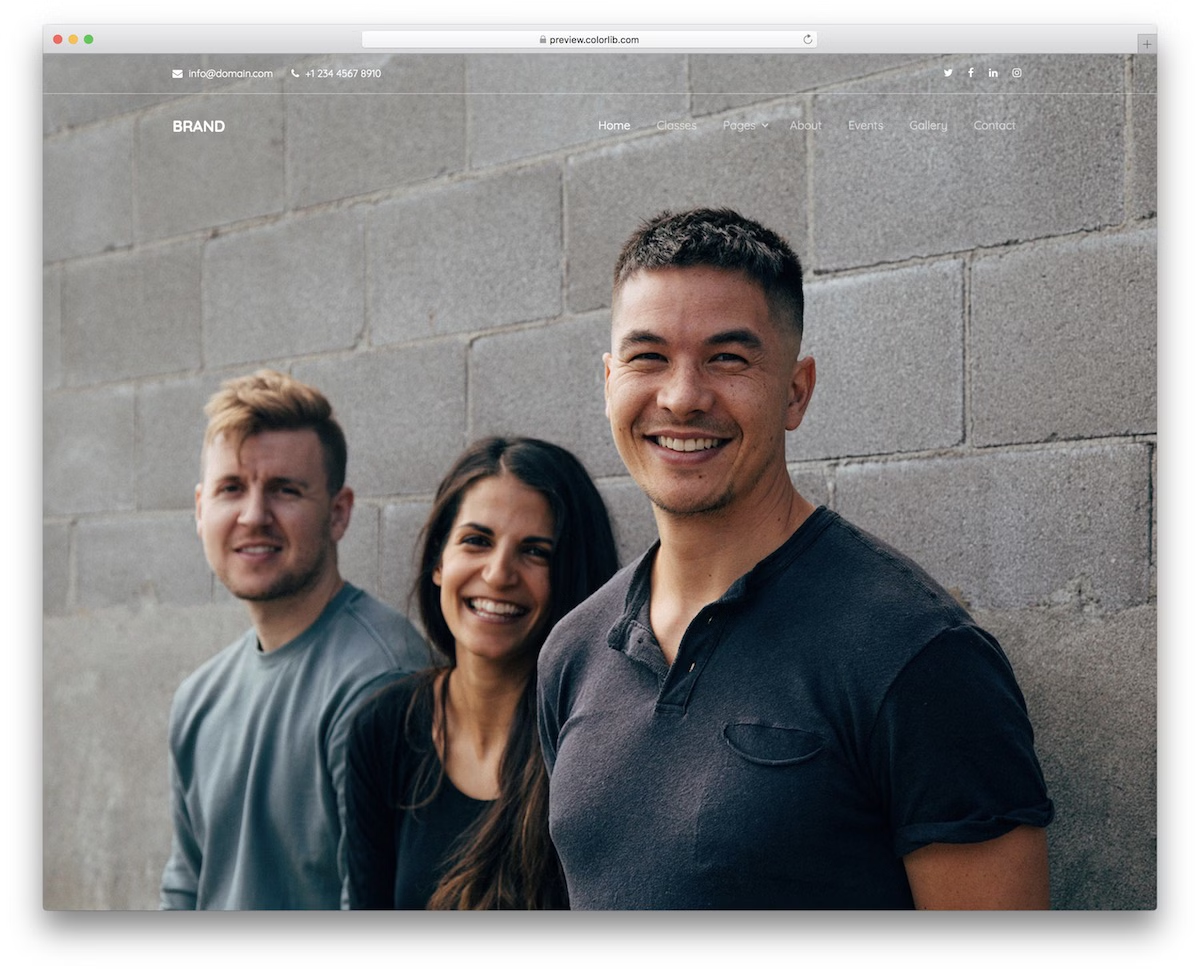
For everyone searching for a transparent menu template, Website Menu V07 is the ideal solution.
This Bootstrap menu features a main navigation bar and an integrated top bar, which includes additional contact details and social media icons.
There’s more.
It also contains a drop-down for adding multiple sections/categories and a 100% mobile-friendly layout.
This one works great with a full-screen image background or a solid color background, as it does not interrupt it too much.
More info / Download DemoWebsite Menu V08
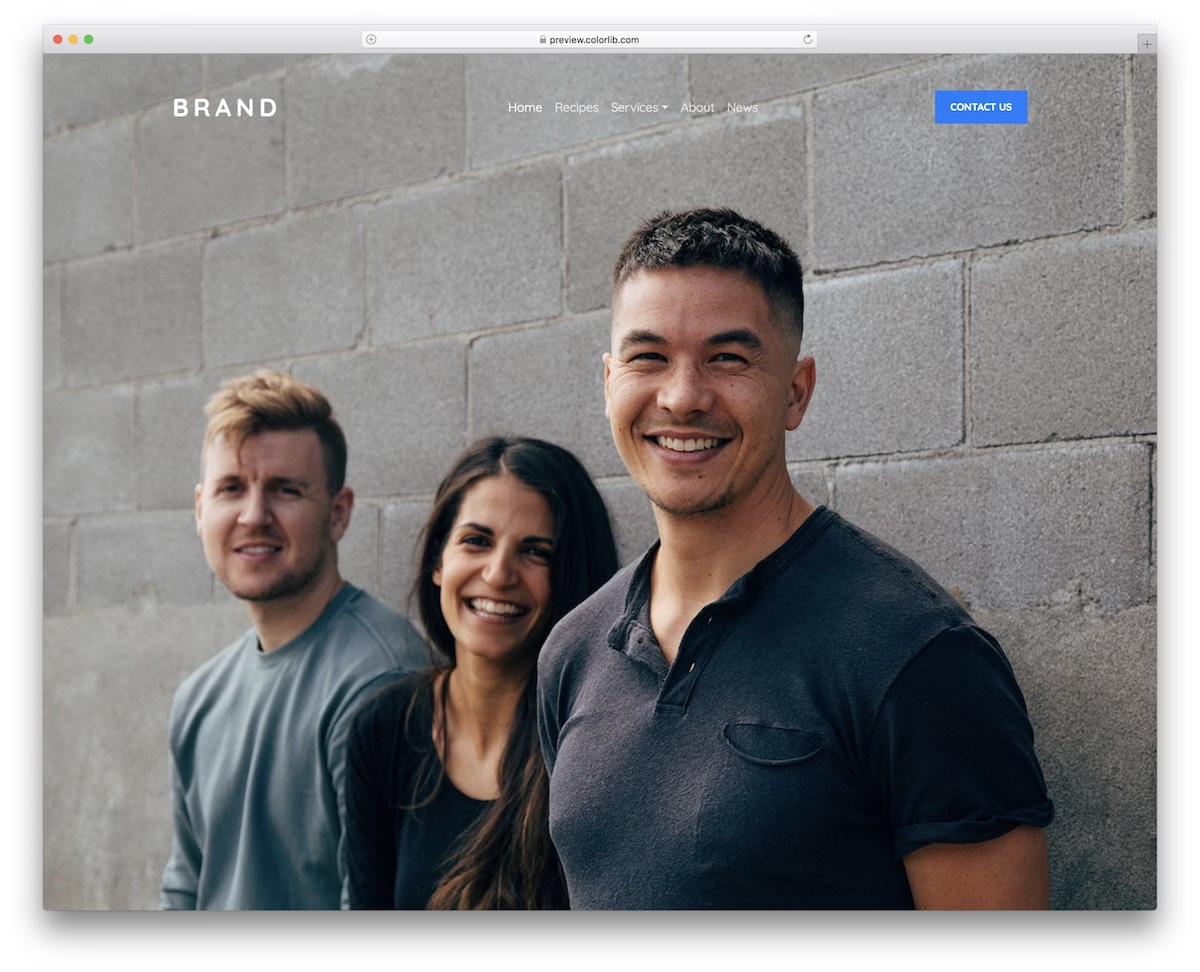
More transparent menu templates are coming your way. Website Menu V08 is significantly simpler than its predecessor, but its unique feature is the CTA (call-to-action) button.
You can use it to guide your users to the contact page, as it comes by default, or go entirely against the grain.
You can add different links for pages and categories, activate the drop-down and append a font logo on the right.
It moves away from the transparent desktop version, featuring a black background on mobile.
More info / Download DemoWebsite Menu V09
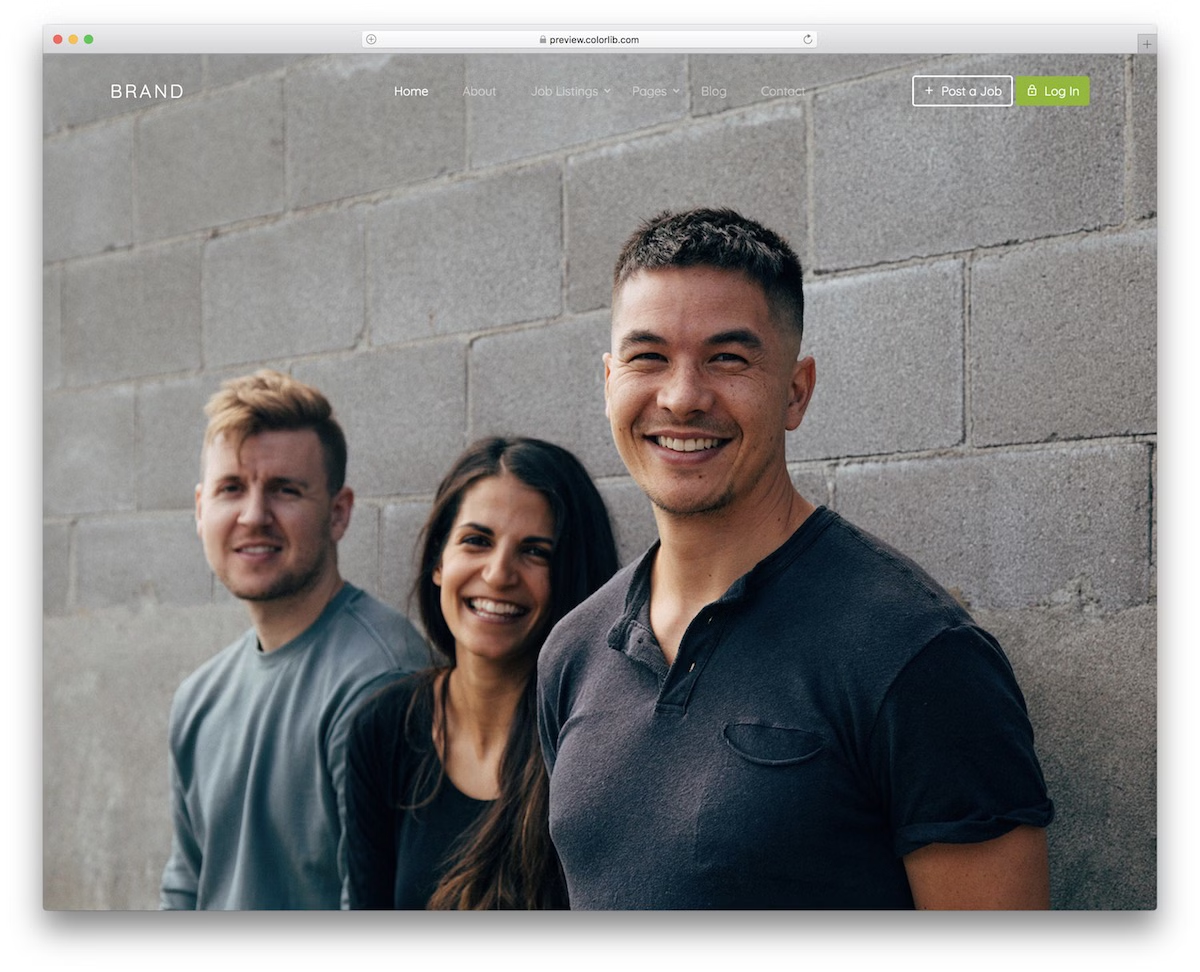
Website Menu V09 is an excellent navbar template based on Bootstrap, featuring various elements while remaining minimalist. In addition to the main menu section, it also features two call-to-action buttons.
By default, this menu template is excellent for job boards and freelancer marketplaces, but you can also use it for something else.
Configuring Website Menu V09 will be easy and quick so you can tailor it to your needs comfortably.
Even when embedding it on your website, you will experience no struggle.
More info / Download DemoWebsite Menu V10
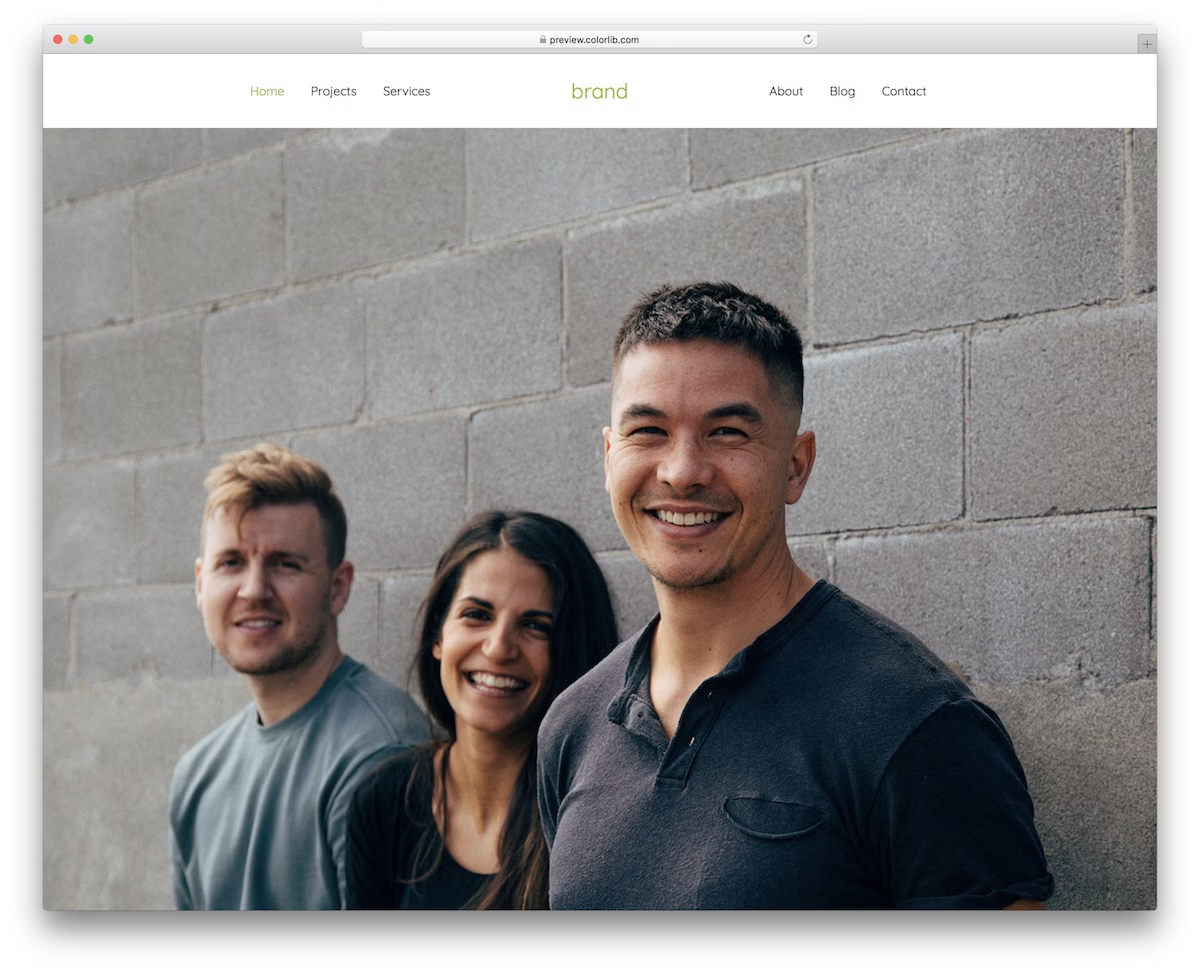
Website Menu V10 is the one solution you should not miss to make the header section of your website or blog bold and impactful.
Whether viewing it on mobile or desktop, it does a very good job of navigating the user throughout your website.
Website Menu V10 features a solid-colored background, a font logo in the middle, and page section links on the left and right.
As that is possible, you should not hold back if you want to brand it according to your regulations.
More info / Download DemoWebsite Menu V11
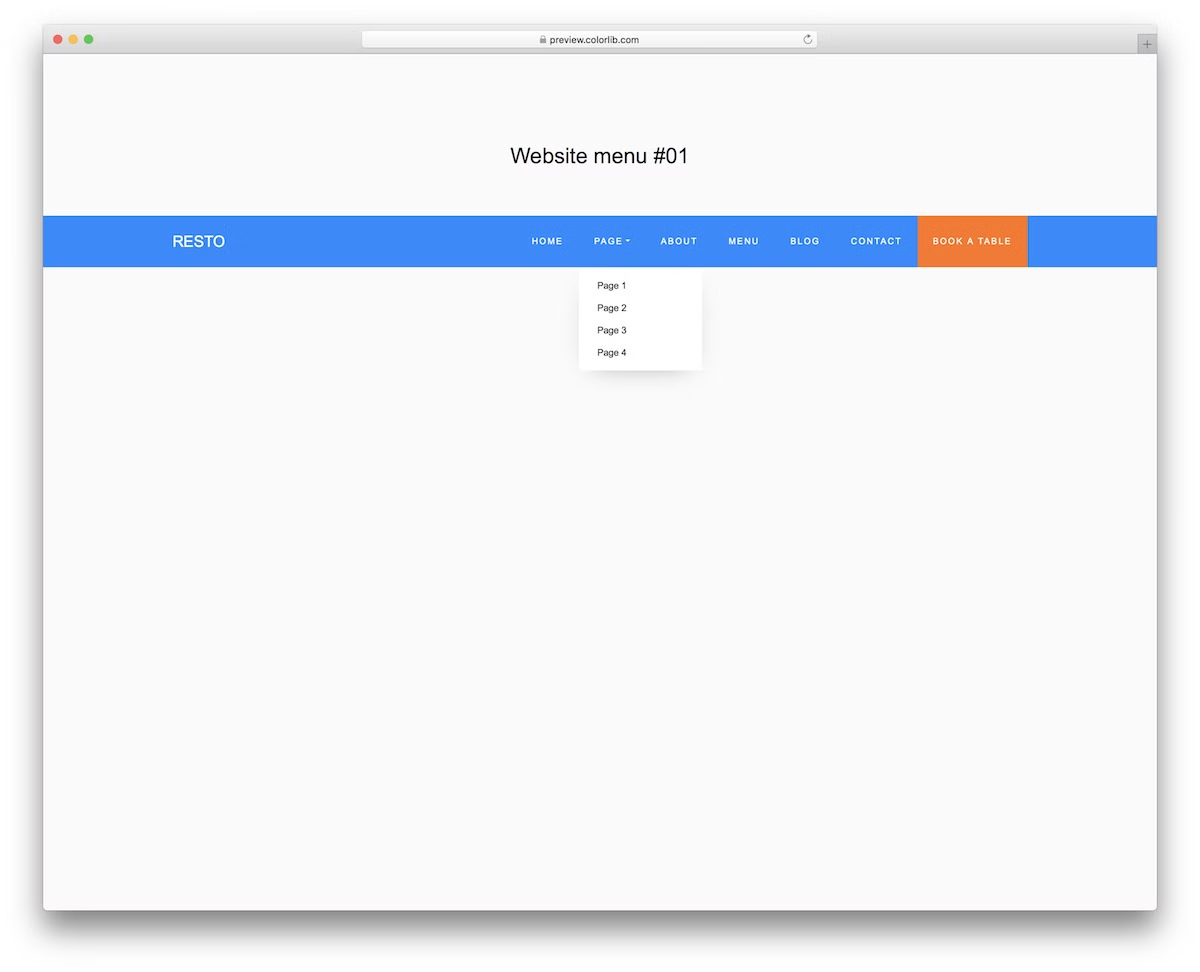
This free Bootstrap website menu template will help add a neat navigation bar to your project. Its default blue and orange colorway on desktop changes to black and orange on mobile.
However, if you don’t feel like using it out of the box, you can comfortably change the color skin and match it with your branding.
It features a traditional HORIZONTAL layout when viewed on a desktop, but it turns into a hamburger-style menu on smaller screen sizes.
There’s also a drop-down element that you can benefit from.
More info / Download DemoWebsite Menu V12
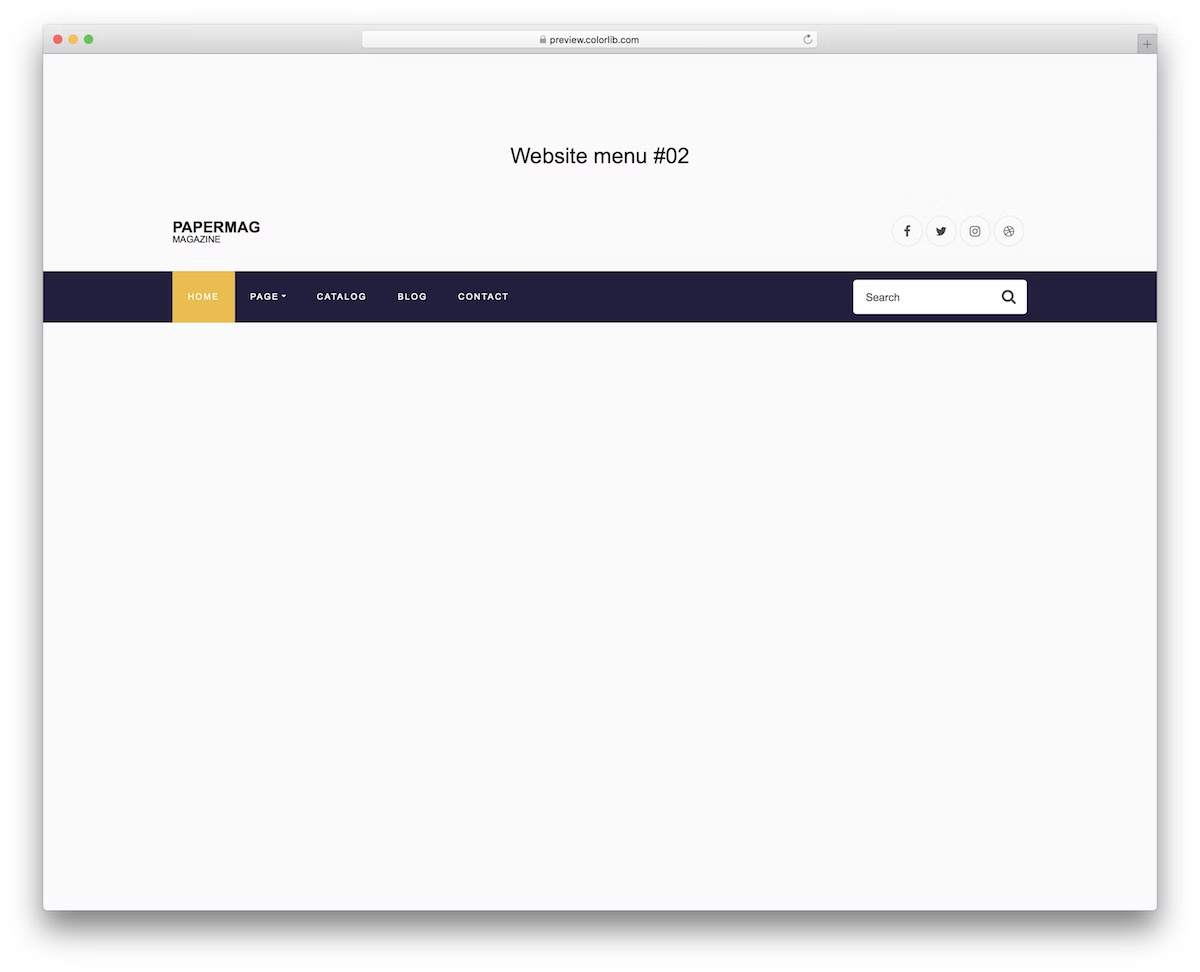
Instead of just featuring navigation in the menu bar, this template enhances its practicality with a search bar. Still, that’s a SMALL segment of all the goodies you get.
Website Menu V12 features a drop-down menu, a hover effect (with animation), and social media icons, among other features.
Although this design has a lot going on, it still smoothly adapts to mobile devices.
However, it sticks to a more simple look with a black colorway.
More info / Download DemoWebsite Menu V13
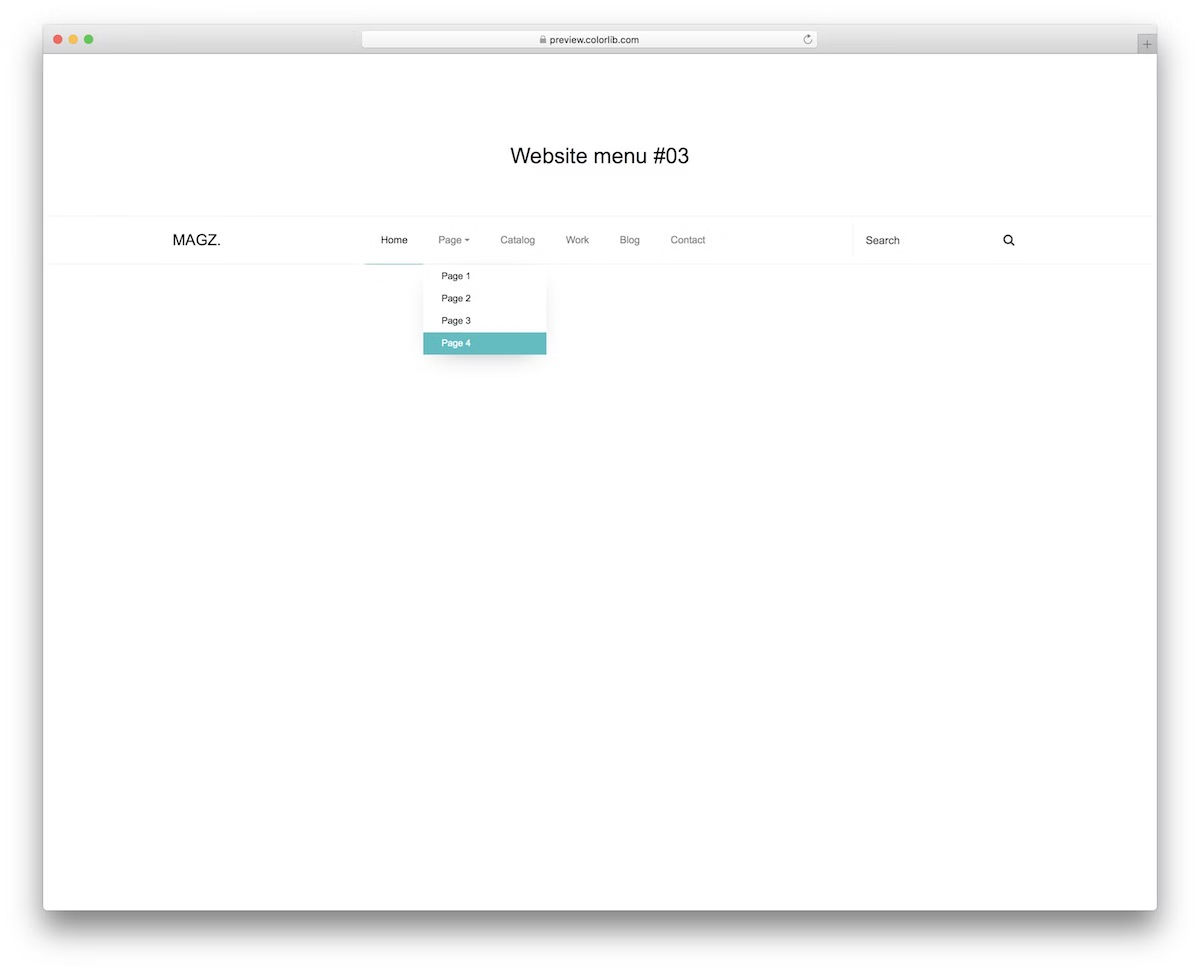
When deciding on a design, always go with the minimalist version whenever you are in doubt. The same applies when choosing a website menu.
Website Menu V13 is an excellent alternative for everyone who enjoys simplicity yet wants to remain navbar practicality.
It is a Bootstrap tool, utilizing the latest technologies to ensure excellent performance and ease of use.
Website Menu V13 features a dropdown, a text logo on the left and a search form on the right.
That’s it!
More info / Download DemoWebsite Menu V14
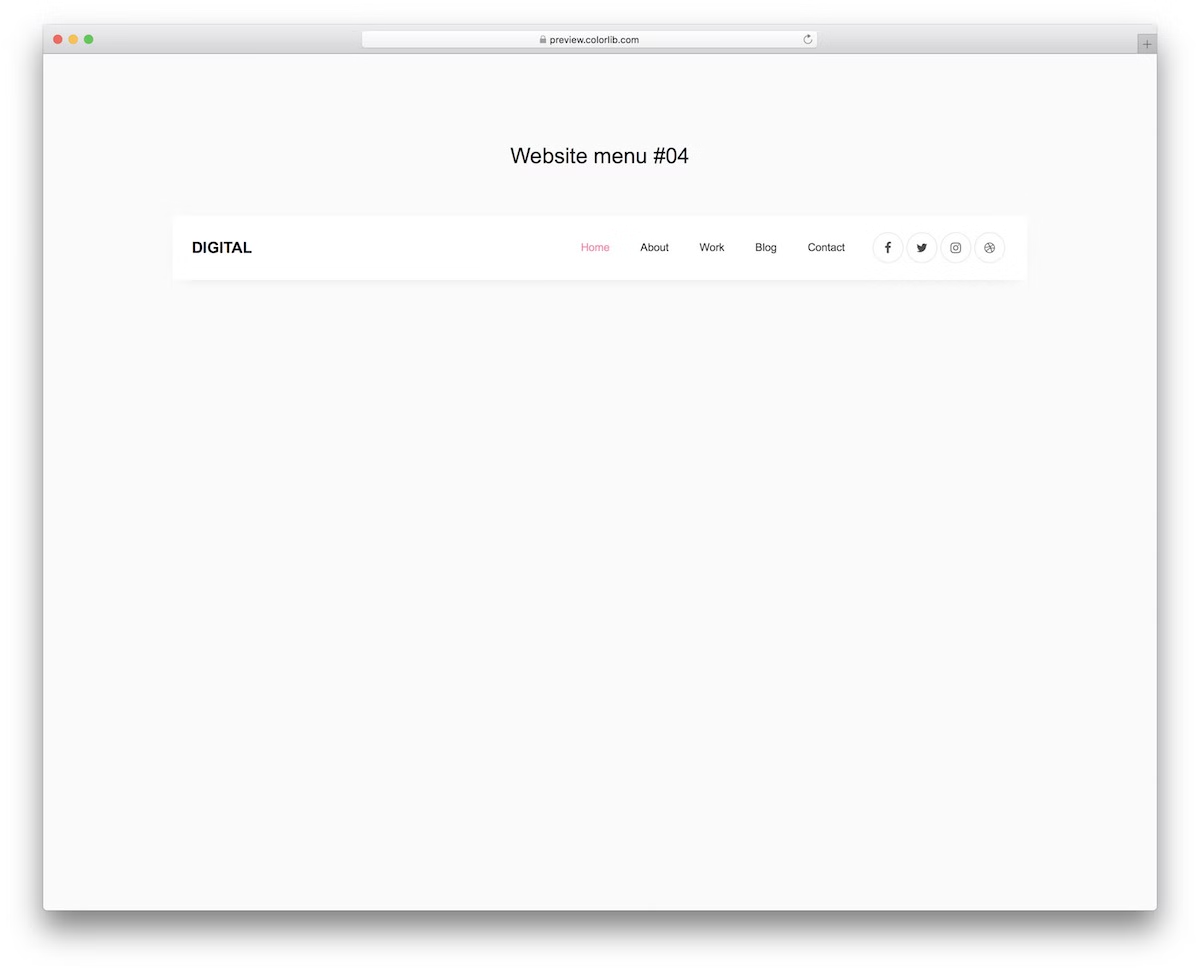
Website Menu V14 is slightly different from other Bootstrap menus in this list. It features a boxy look that is light on the desktop but turns dark on mobile devices.
With that in mind, yes you don’t need to work on the responsiveness, as it sorts it out by default.
Website Menu V14’s design is also elegant and tidy, which helps it adapt to different branding as-is.
You can also make it happen if you want to change colors and fonts.
More info / Download DemoWebsite Menu V15

Website Menu V15 is a responsive menu template with a boxed design and a shopping cart icon. With that in mind, it aims primarily at eCommerce websites by default, but that’s not something you need to adhere to if you like the look.
In short, use Website Menu V15 for whatever you find suitable, even if you need to make slight adjustments.
What’s special about the cart icon is the drop-down menu that appears once you hover over it with the cursor or click on it.
More info / Download DemoWebsite Menu V16
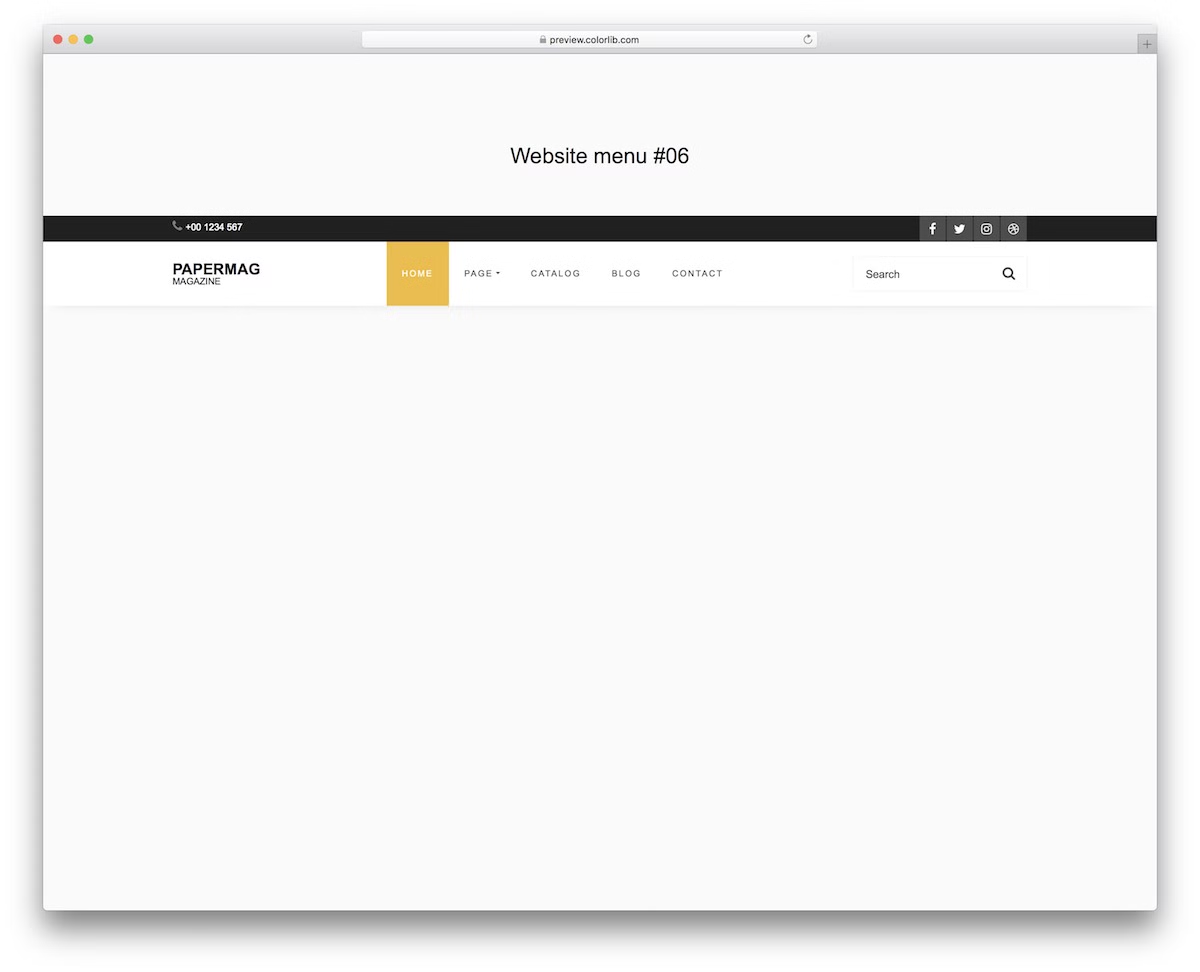
Website Menu V16 is an excellent template featuring a navbar and a top bar, which together create a comprehensive header for your website. It also includes a search bar and social media icons, so you don’t need to create them yourself.
Since it is a Bootstrap widget, the operation is superb across different screen sizes of mobile and desktop devices.
Also, if you want to use a drop-down for ADDITIONAL pages and categories, Website Menu V16 takes care of that.
More info / Download DemoWebsite Menu V17
With a well-thought-out menu section or header on your website, you can instantly boost user experience.
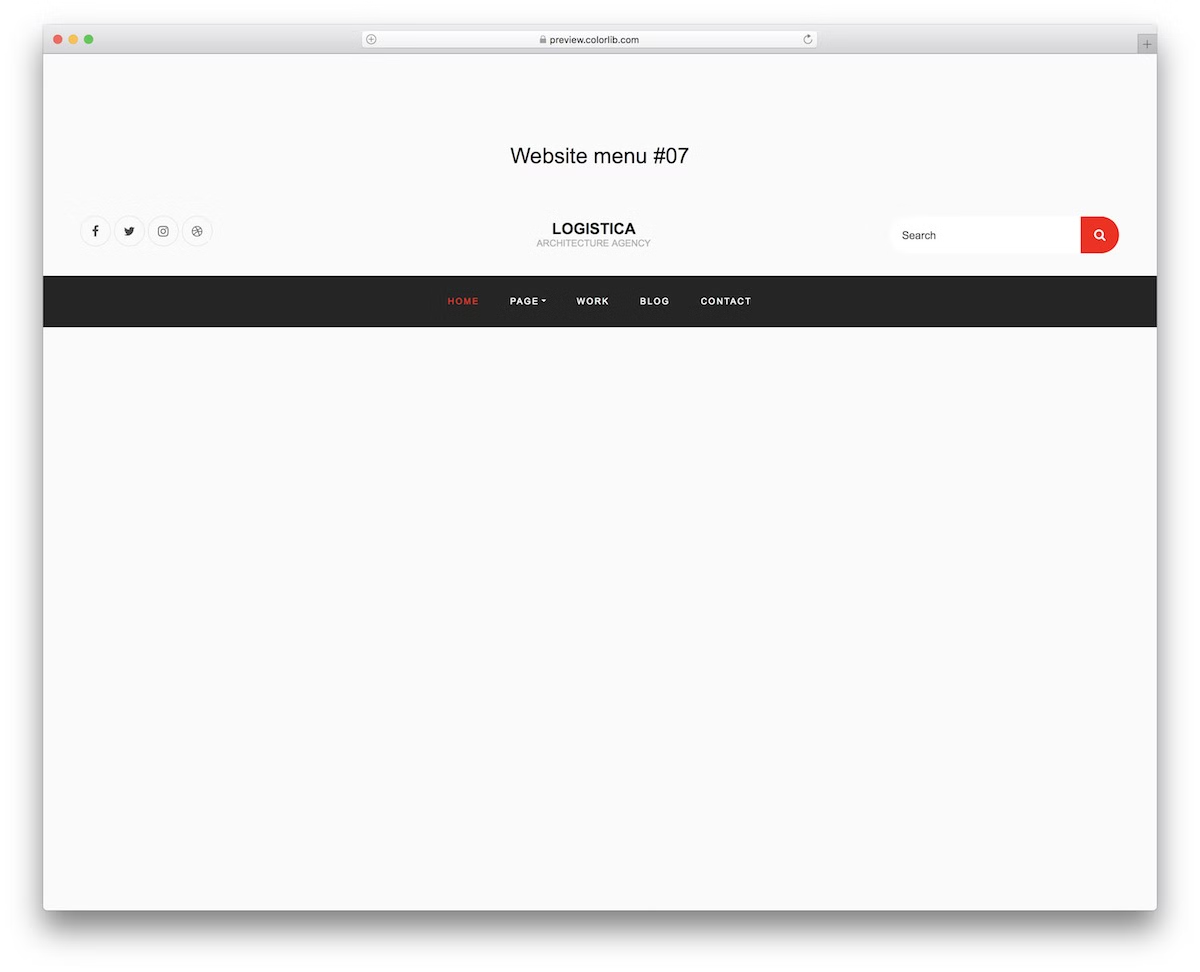
Website Menu V17 is well aware of that, with great design and multiple features to activate and take to your maximum advantage.
The layout is minimal, mixing light and dark look VERY WELL. Moreover, it features social icons, a search form and a drop-down. Of course, it also features a central section dedicated to your logo.
Even if you have primarily mobile users, they will enjoy this format.
More info / Download DemoWebsite Menu V18
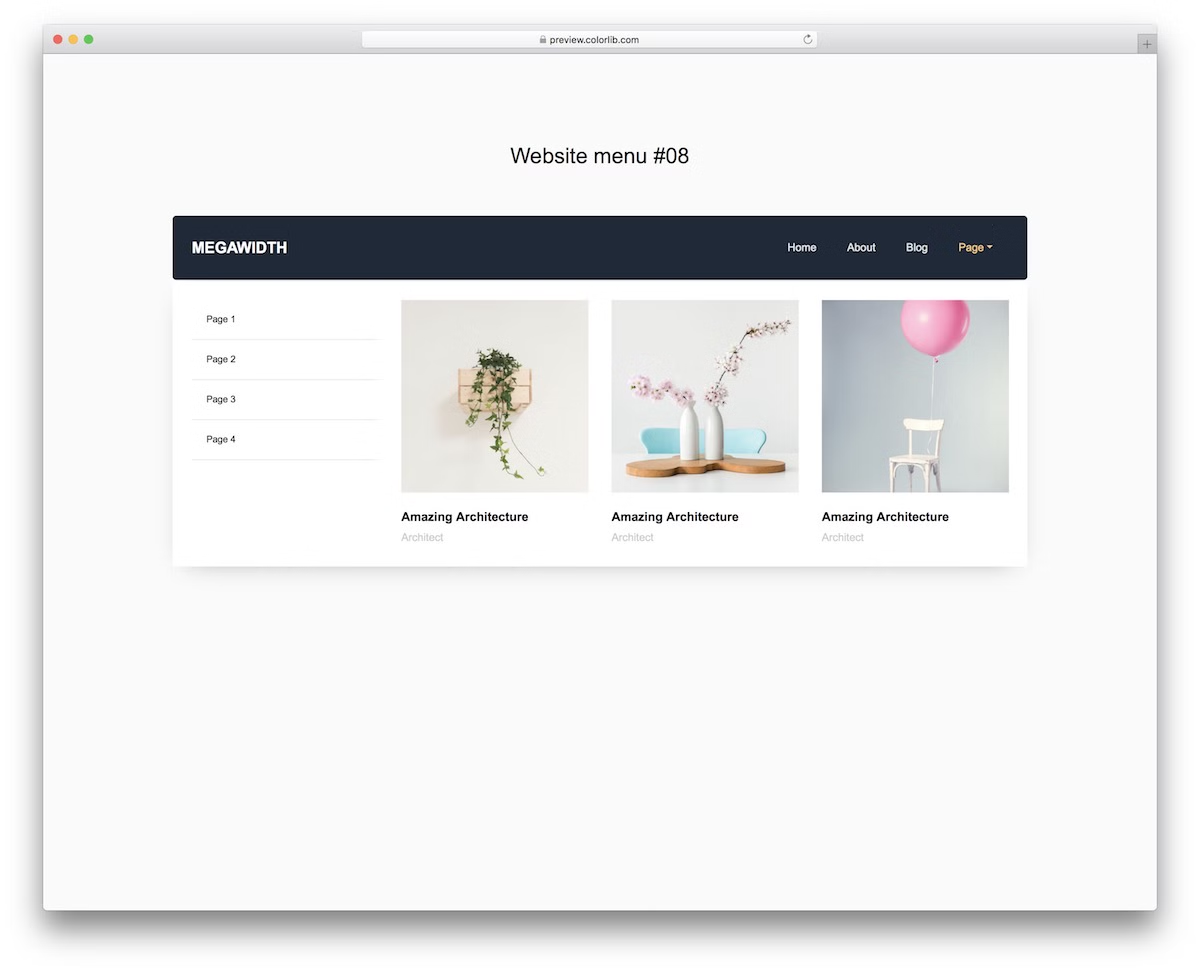
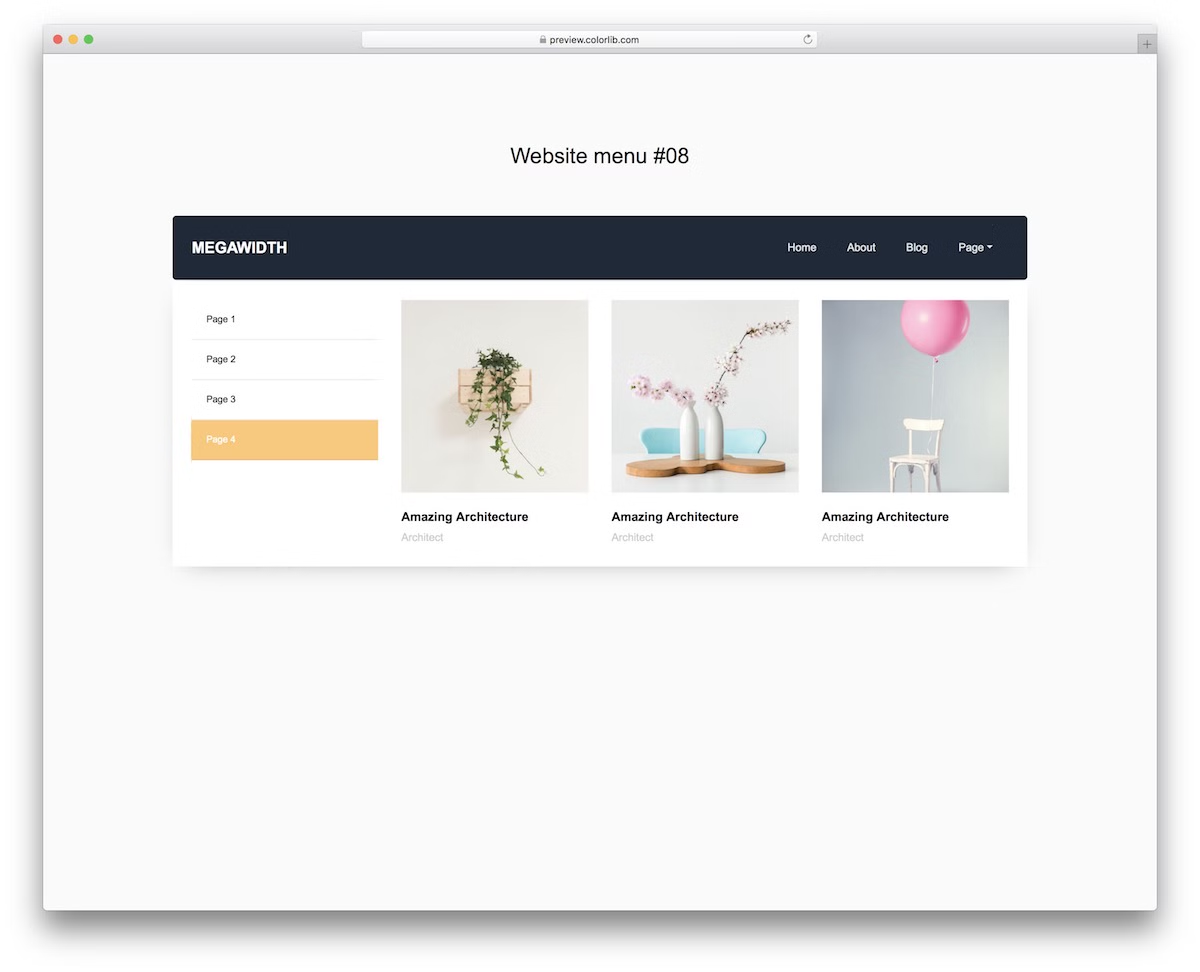
If you need more text content and would like to include images, a mega menu is the right option.
Website Menu V18 is the solution you should choose, as it ensures the neat distribution of text and images in the navigation section.
Along with the main drop-down section on the left, there are also images on the right (hover over the “page” with chevron and see it yourself). Keep in mind that images disappear on mobile.
More info / Download DemoWebsite Menu V19
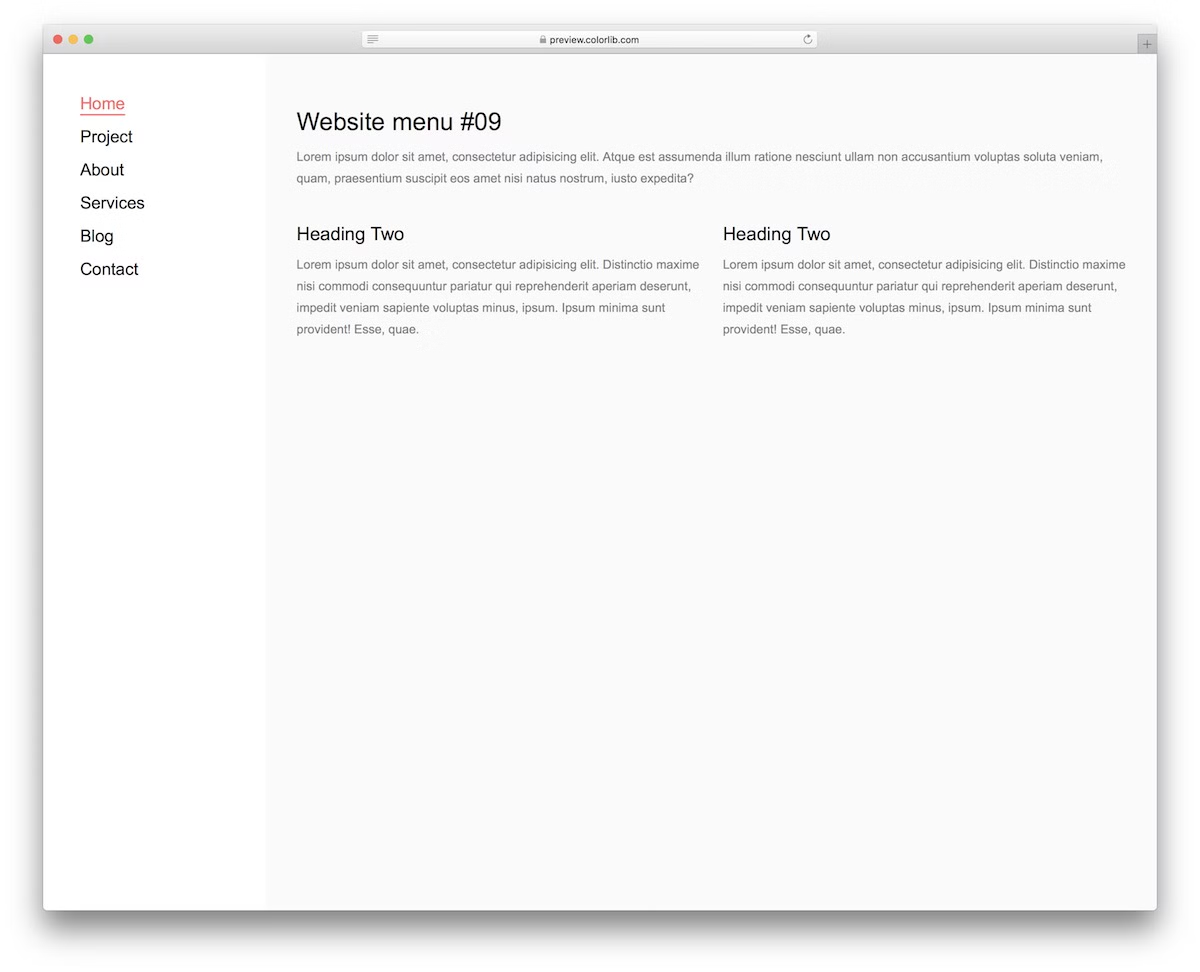
You can always go against the grain with the traditional top navigation bar position and go with a sidebar alternative. To make it happen on your website or blog, Website Menu V19 is the way to go.
The look is pretty straightforward, ensuring an appealing presentation and distraction-free experience.
The template transforms into an OFF-CANVAS menu that emerges from the left regarding mobile use.
If you dig it simple but want to rock something else, Website Menu V19 is perfect.
More info / Download DemoWebsite Menu V20

Website Menu V20 is a full-screen menu overlay template with a dark design and a cool animation that activates when you open or close it.
It is a tool that may appeal more toward creative websites. However, you can use it regardless of your niche and industry.
Due to the Bootstrap foundation, Website Menu V20 readjusts to mobile devices beautifully, remaining its full-screen nature and terrific performance intact.
If you are ready for something NOT TOO COMMON, you are ready for Website Menu V20.
More info / Download DemoThis article described the best free Bootstrap menu examples for modern websites. Did you find a great menu example from this list that you can use on your website? Let me know in the comments section! I hope you found the menu templates mentioned in this post useful.
Running a WordPress website and want to improve your main navigation. Here are the best WordPress navigation menu plugins

Related Posts

Comments (0)