
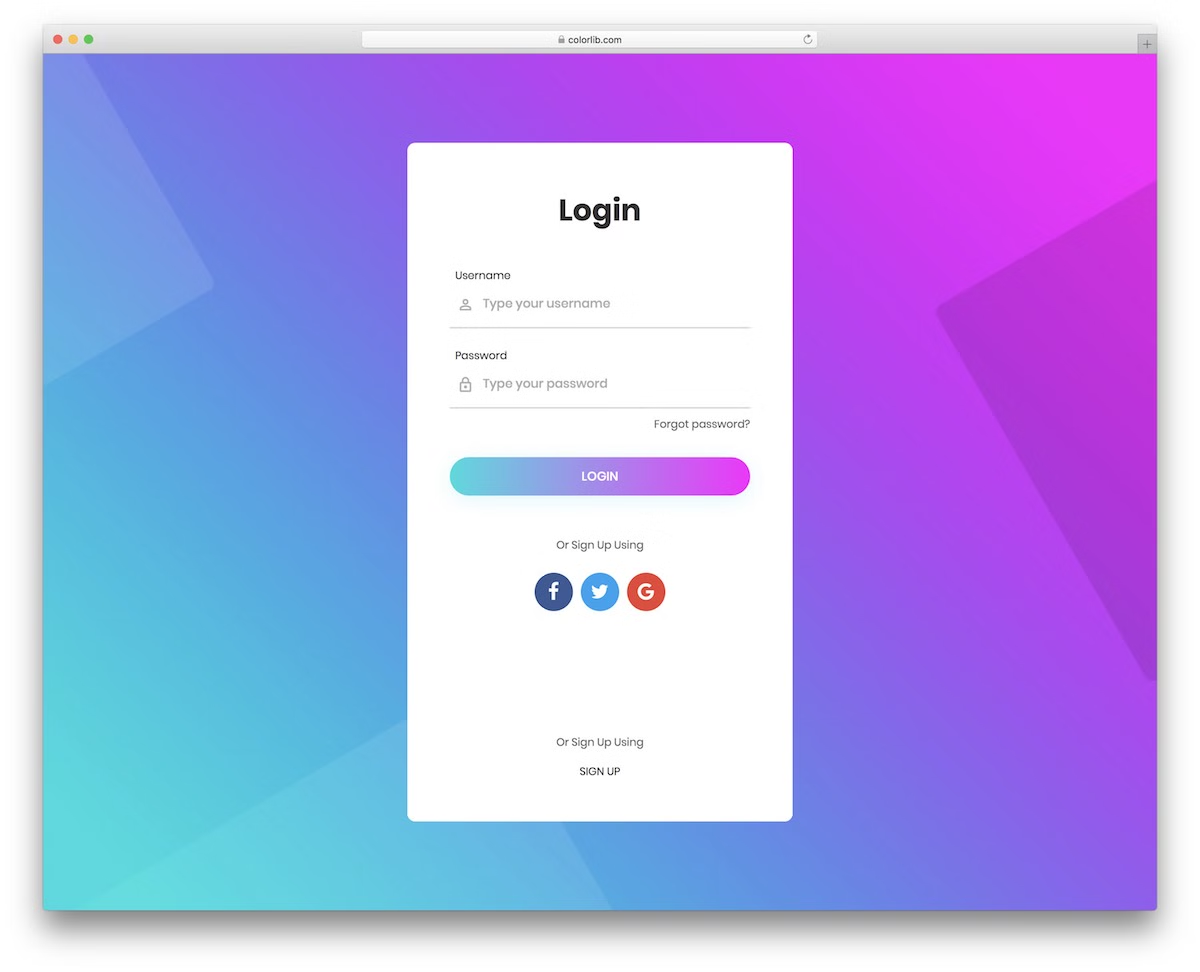
74 Free Login Page Templates: HTML & CSS Login Forms 2026
These free login page templates cover simple HTML and CSS login forms, login and registration screens, and interface designs for password recovery, verification and single sign-on.
Choose from 74 entries: Relay Auth, ten recent Colorlib login pages, 61 earlier Colorlib forms, a uiCookies pack and a WordPress login customizer. Bundles count as one entry, so the number of individual screens is higher.
Free tool by Colorlib · Form Workbench
Need a contact form alongside your login?
Build a matching enquiry form visually, test its states and export it for HTML, React / Next.js, Vue or WordPress.
Completely free · No signup · Reopen saved forms
For contact and enquiry forms. Does not create authentication, handle passwords or sign users in.
These are interface templates. A success message in a demo does not mean an account was created or an email was sent. Connect your own backend or authentication provider before using a form for real sign-ins. For a coordinated flow, start with Relay Auth; for one screen, use the chooser below.
License and dependencies: check the license included with your selected download. Relay Auth uses CC BY 3.0 with attribution, and the recent Colorlib pages use plain HTML, CSS and vanilla JavaScript. The Creative Login Form example uses jQuery; the uiCookies pack and WordPress plugin have their own licenses and setup requirements.
Which login template should you choose?
| What you need | Recommended template |
|---|---|
| A matching set of login, registration and recovery screens | Relay Auth Eight connected screens and a setup guide |
| Login and registration on one page | Login Page V10 A compact tabbed card |
| A one-time code entry screen | Login Page V06 Six digit inputs and resend feedback |
| A classic standalone sign-in form | Login Form 1 Email, password and a gradient layout |
| A WordPress login-page redesign | Login Customizer A WordPress plugin rather than an HTML template |
Prefer browsing by technology or use case? Explore the login form template archive and registration form templates. The setup tutorial below explains how the downloadable files fit together.
2.5 Million Digital Assets, including 2026’s Best WordPress Templates
2M+ items from the world’s largest HTML5 Templates, Themes & Design Assets marketplace. Whether you need a complete solution or just a few Stock Photos, you can find them here at Envato Market.
New for 2026: Free Colorlib Login Page Templates
Start with the Relay Auth multi-page starter, or choose one of the ten single-page designs below. The demos show interface behavior; passkey, magic-link and SSO controls need a real authentication integration.
Relay Auth: Login, registration and password recovery screens
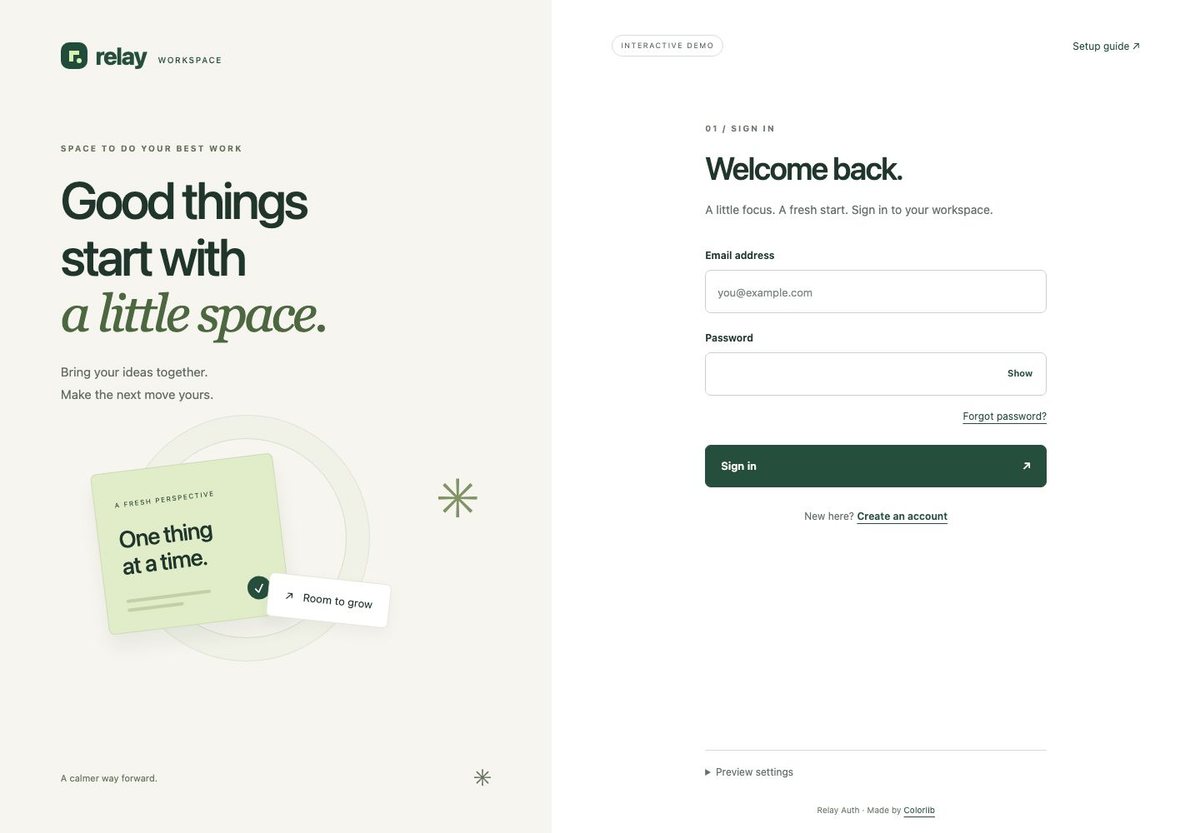
Best for: an app or member portal that needs a consistent authentication interface across several pages. Relay Auth includes eight connected screens: sign-in, registration, recovery request, check-email confirmation, password reset, verification code, expired link and a welcome confirmation.
The download uses plain HTML, CSS and JavaScript, with no package installation or build step. It includes password visibility controls, loading and error states, and a setup.html guide. Serve it over local HTTP to load its JavaScript modules; the setup guide provides the command and file map.
The included adapter simulates responses so you can explore the flow. It does not create accounts, send recovery emails, verify real codes or protect the welcome page. Replace that adapter with your authentication service before launch.
More info / Download DemoLogin Page V01: Split-screen login with a full-height photo and testimonial
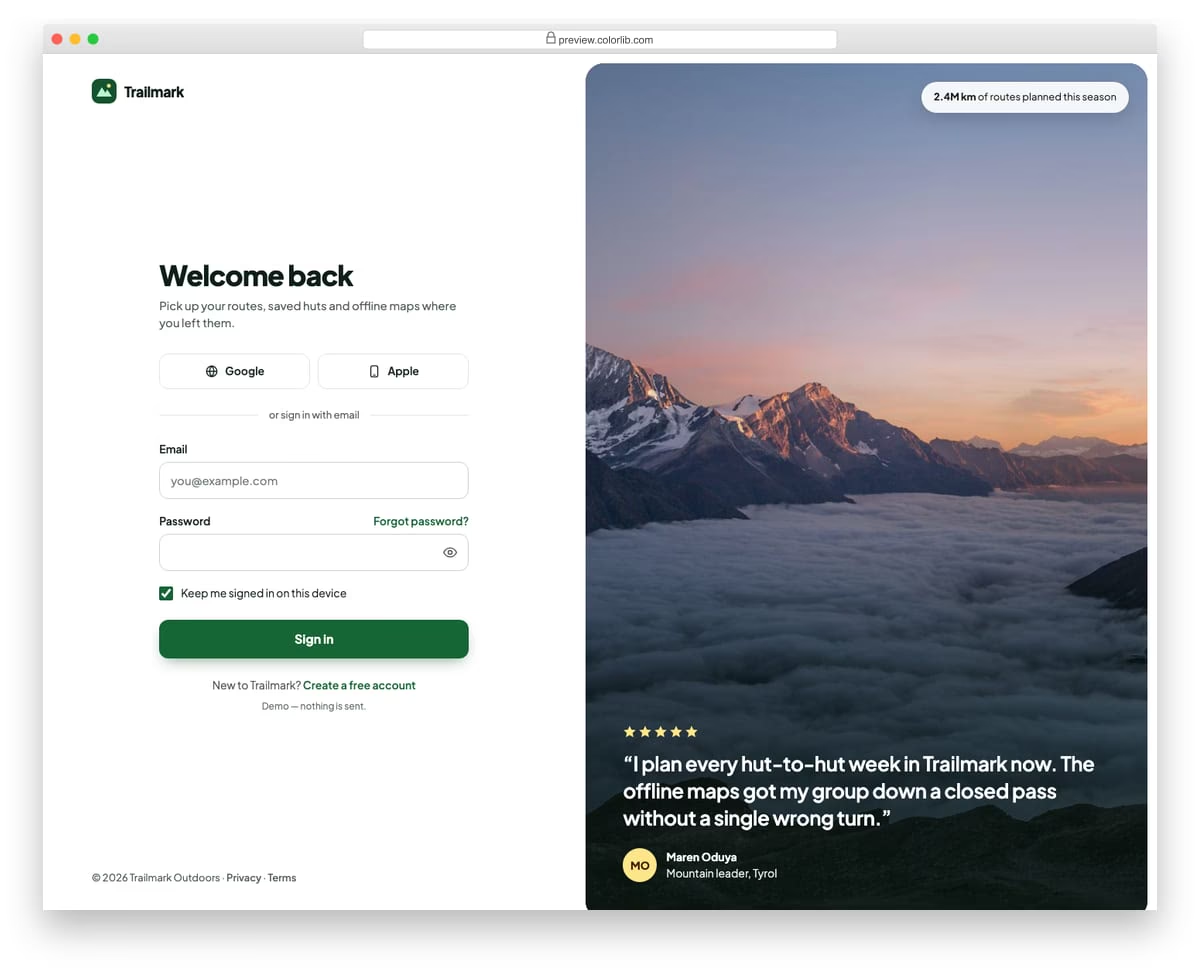
A full-page sign-in for a made-up hiking route planner, with the form on the left and a tall mountain photo on the right. The photo carries a customer quote and a small stat pill, and collapses to a short banner above the form on phones. The form has two social buttons, email and password with a show/hide toggle, and a keep-me-signed-in option.
Best for: SaaS and consumer app sign-in pages that want a brand photo beside the form. Plain HTML and CSS with a few lines of vanilla JavaScript, a 377 KB download. No Bootstrap or jQuery dependency is required by this download; check its styles when integrating it into an existing project.
More info / Download DemoLogin Page V02: Minimal centred login card with passkey and magic-link options
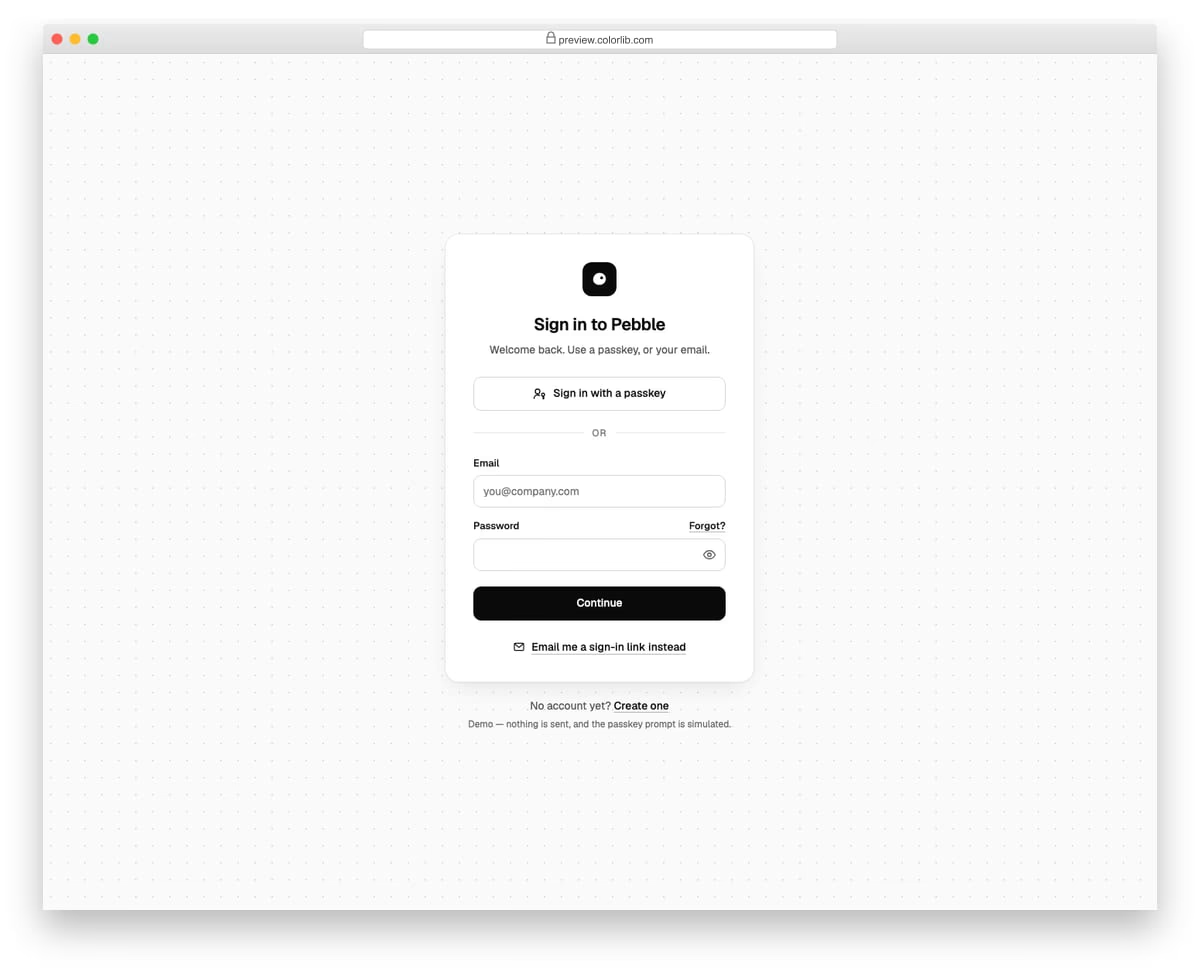
A small, monochrome sign-in card for a made-up notes app, centred on a dotted background. It offers a passkey button first, then email and password, and a link that switches the form into magic-link mode. In link mode the password field is removed and the button shows a simulated confirmation. Sending a real sign-in email requires an authentication provider or backend.
Best for: modern SaaS and productivity apps moving towards passwordless sign-in. Plain HTML and CSS with a few lines of vanilla JavaScript, a 189 KB download. No Bootstrap or jQuery dependency is required by this download; check its styles when integrating it into an existing project.
More info / Download DemoLogin Page V03: Dark SaaS login with an animated gradient border and SSO buttons
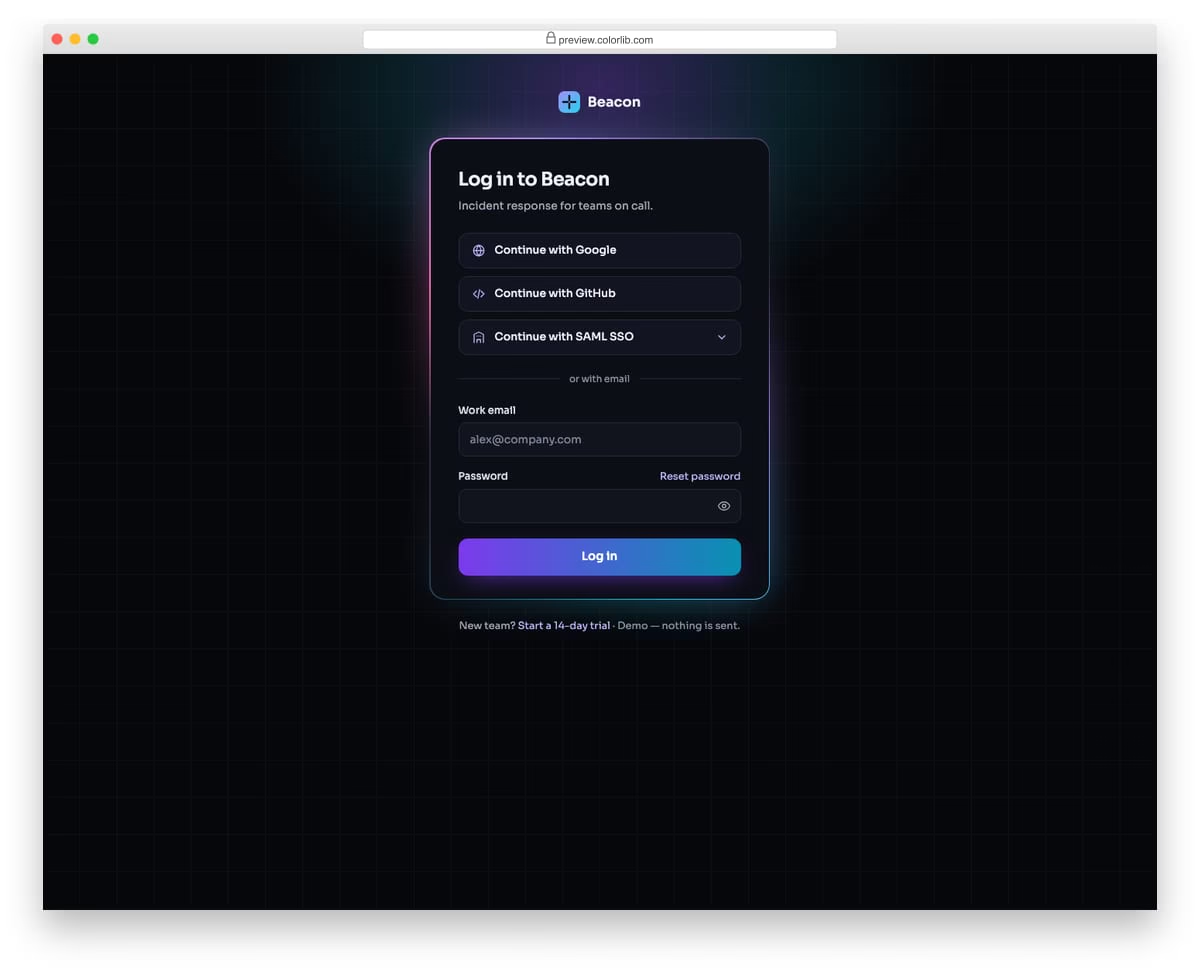
A dark sign-in page for a made-up incident response tool, with a slowly rotating violet-to-cyan border around the card on a faint grid. It stacks Google, GitHub and SAML single sign-on buttons above a work email and password form. The SAML button opens a company-domain field in place, as a disclosure.
Best for: developer tools, B2B SaaS and dashboards with a dark brand. Plain HTML and CSS with a few lines of vanilla JavaScript, a 156 KB download. No Bootstrap or jQuery dependency is required by this download; check its styles when integrating it into an existing project.
More info / Download DemoLogin Page V04: Glassmorphism login card over a vivid photo
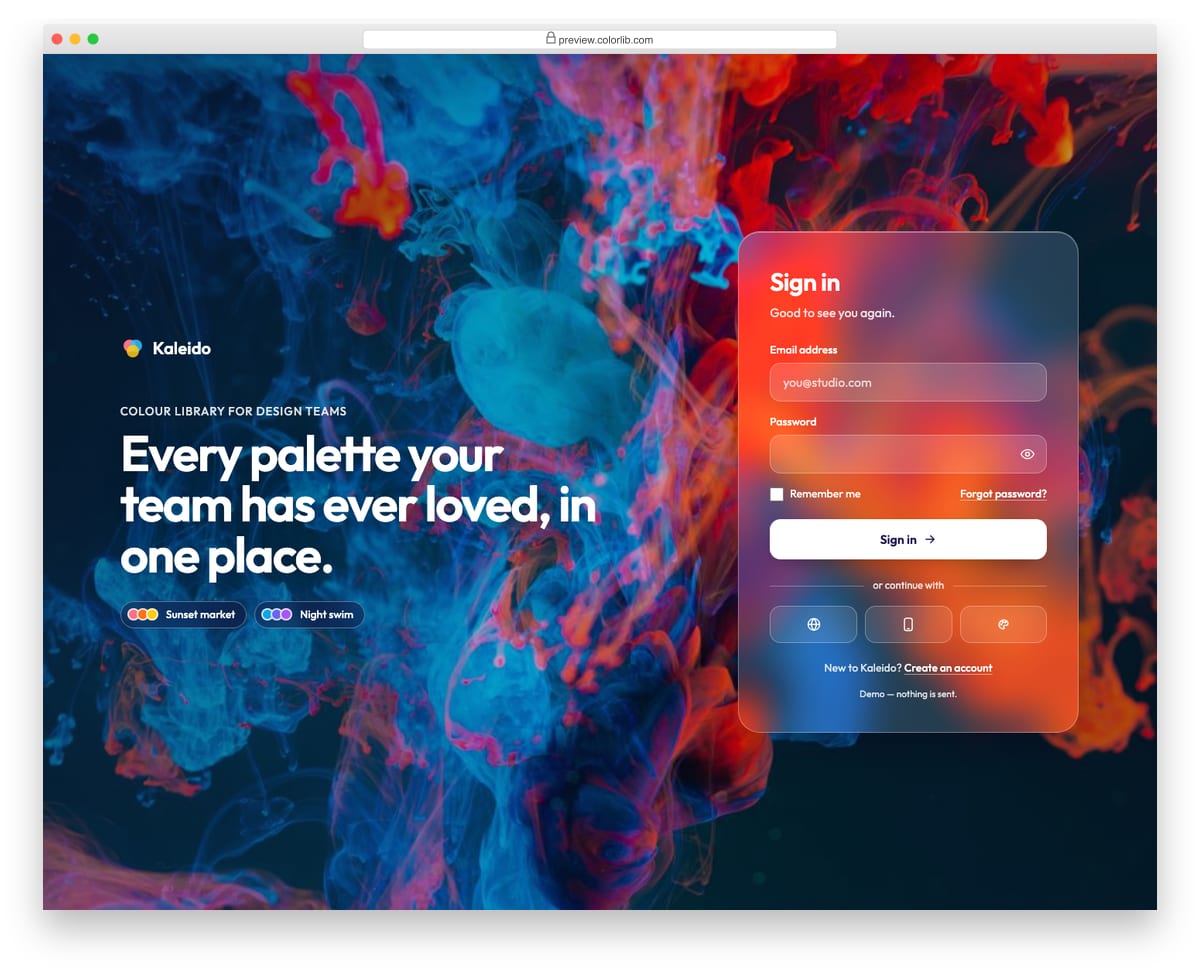
A frosted-glass sign-in card for a made-up colour library app, floating over a bright paint-swirl photo with a short brand message beside it. The glass uses backdrop-filter with a solid purple card as the fallback, and also when the visitor asks for reduced transparency. The form has email, password with a show/hide toggle, remember me and three icon-only social buttons.
Best for: creative tools, portfolios and consumer apps with a bold visual brand. Plain HTML and CSS with a few lines of vanilla JavaScript, a 323 KB download. No Bootstrap or jQuery dependency is required by this download; check its styles when integrating it into an existing project.
More info / Download DemoLogin Page V05: Two-step login: email first, then password, with a Not you? way back
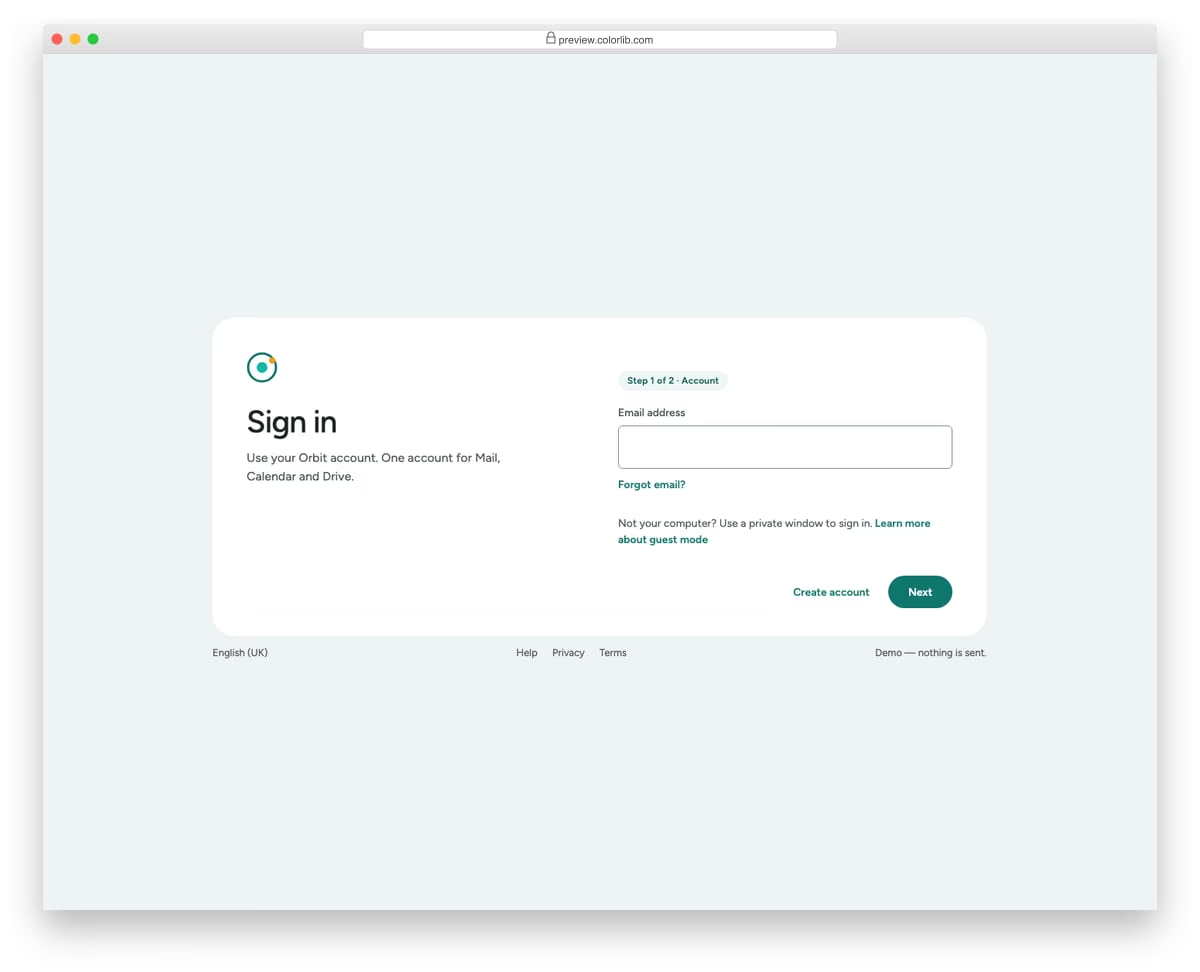
An account-provider style sign-in for a made-up suite of mail, calendar and drive apps. The first step asks only for the email, then a short loading bar leads to the password step, which shows the account as a chip with a Not you? button. The wide card puts the heading on the left and the fields on the right, and stacks on phones.
Best for: apps with one account across several products, and identity-first sign-in flows. Plain HTML and CSS with a few lines of vanilla JavaScript, a 128 KB download. No Bootstrap or jQuery dependency is required by this download; check its styles when integrating it into an existing project.
More info / Download DemoFree tool by Colorlib · Form Workbench
Add an enquiry form to your account pages
Customize a form in the browser, test it and download code you can reopen later.
Completely free · No signup · Reopen saved forms
For contact and enquiry forms. Does not create authentication, handle passwords or sign users in.
Login Page V06: One-time code verification screen with six digit boxes
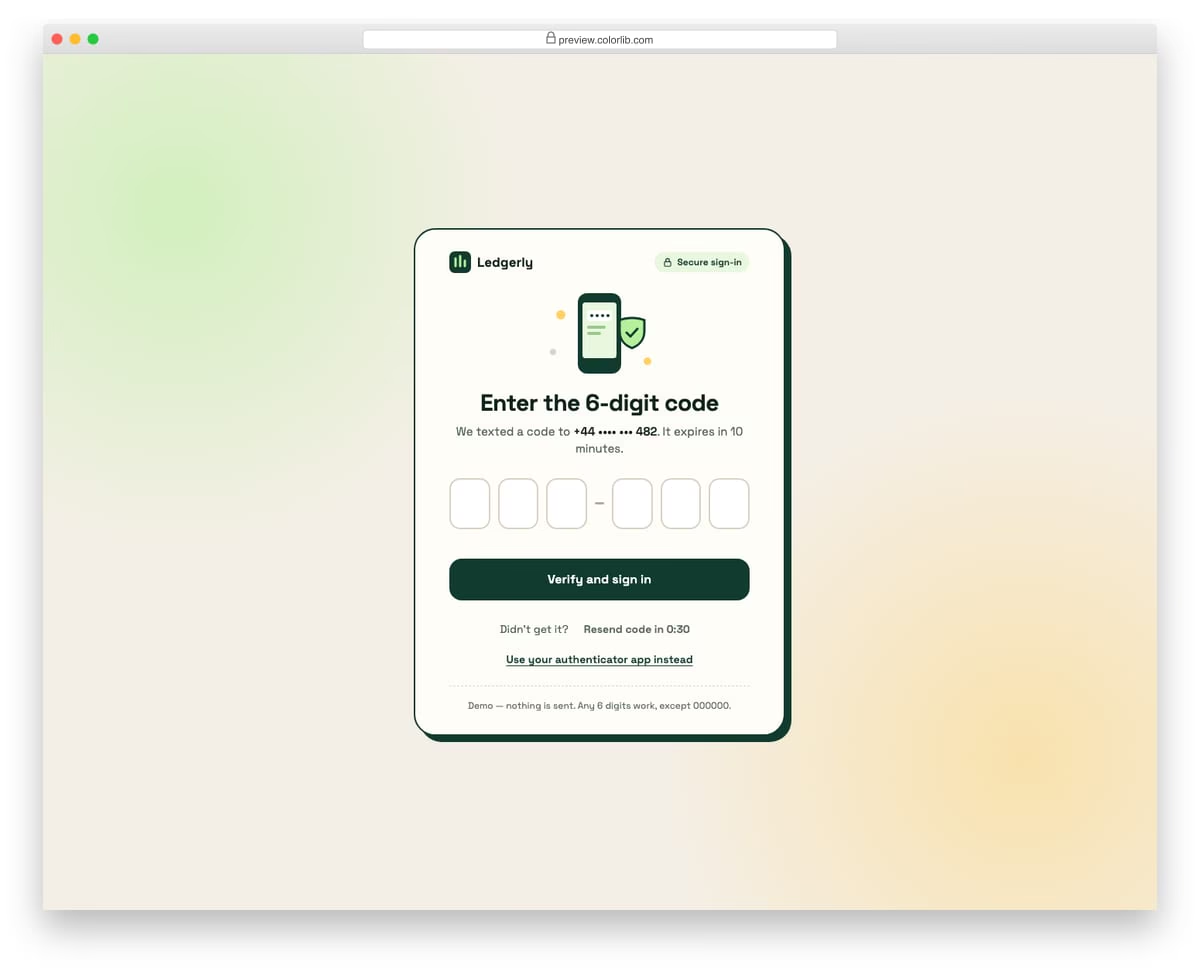
A two-factor verification screen for a made-up banking app, with six separate digit boxes, a small phone-and-shield illustration and a chunky outlined card. Typing advances to the next box, Backspace steps back, arrow keys move, and pasting a whole code fills every box and triggers the demo response. Real code verification must happen through your authentication service. A resend button counts down from 30 seconds before it can be used again.
Best for: two-factor sign-in, phone verification and passwordless login steps. Plain HTML and CSS with a few lines of vanilla JavaScript, a 171 KB download. No Bootstrap or jQuery dependency is required by this download; check its styles when integrating it into an existing project.
More info / Download DemoLogin Page V07: Mobile-app style login in a phone-sized frame with a demo Face ID button
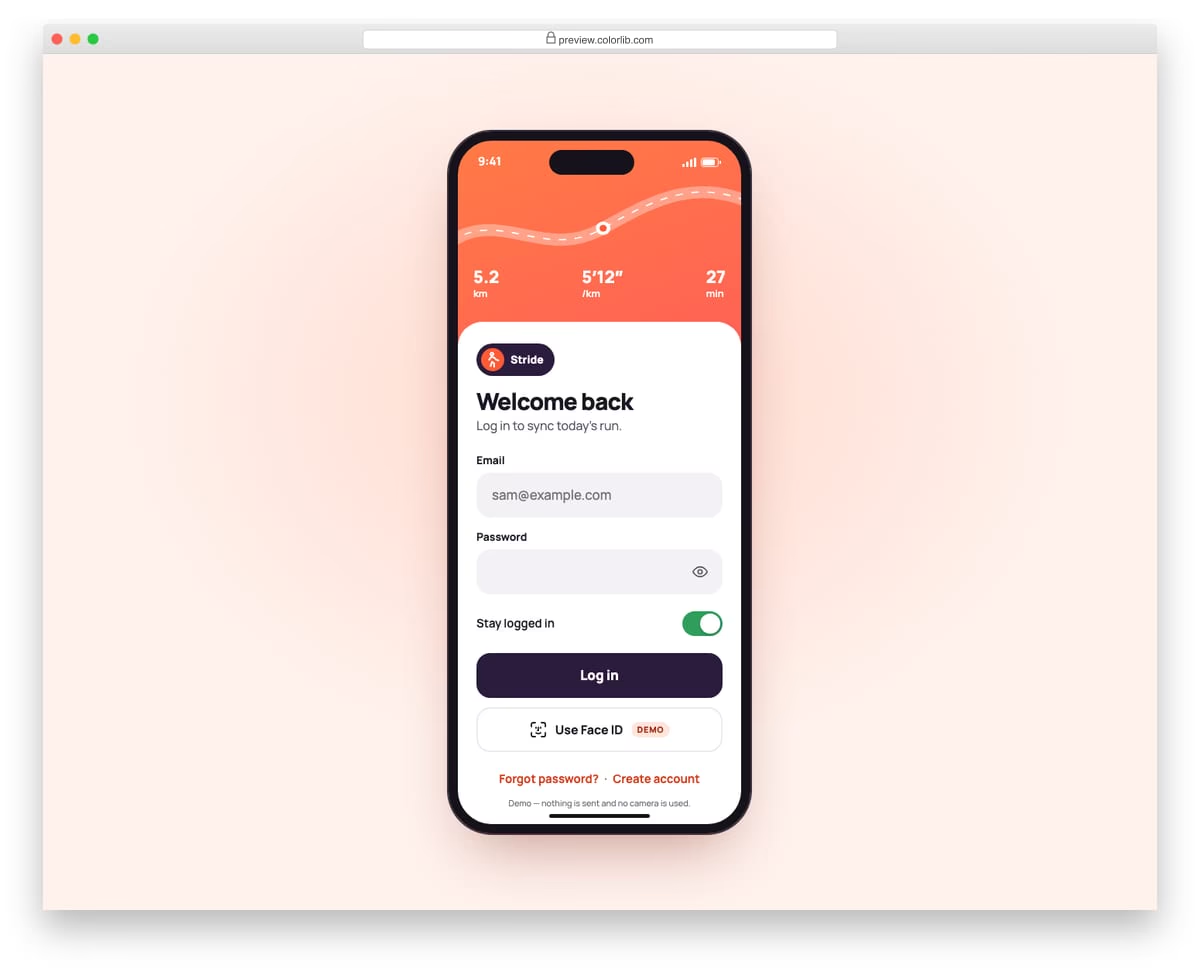
A native-app style sign-in for a made-up running app, shown inside a phone frame on desktop and full screen on real phones. A coral header with a route line and run stats sits above a white bottom sheet with large 58 px fields, a stay-logged-in switch and big buttons. The Use Face ID button is clearly marked as a demo and only plays a short simulated scan.
Best for: mobile web apps, PWAs and app-store landing pages that preview the app's login. Plain HTML and CSS with a few lines of vanilla JavaScript, a 205 KB download. No Bootstrap or jQuery dependency is required by this download; check its styles when integrating it into an existing project.
More info / Download DemoLogin Page V08: Illustrated, friendly login with a Caps Lock warning
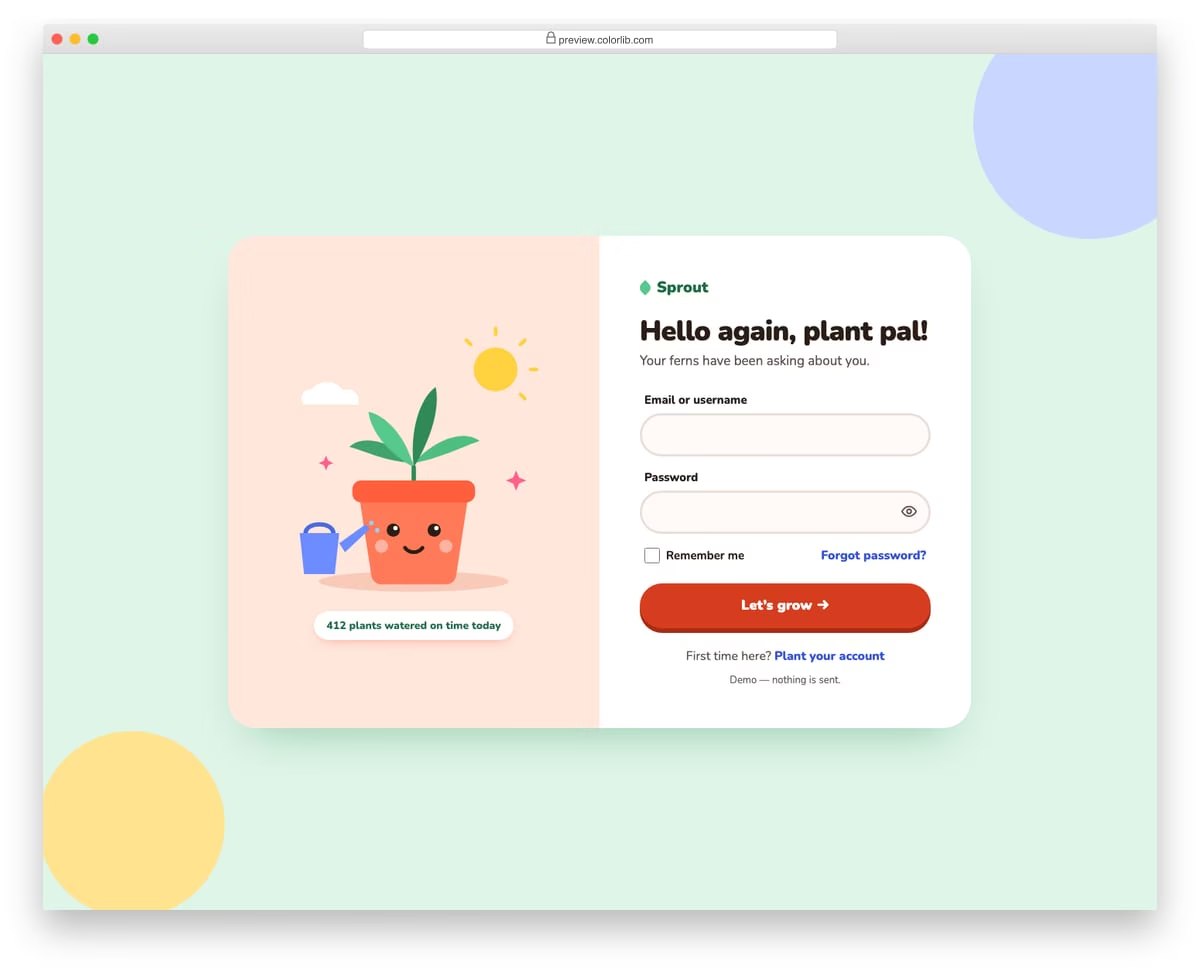
A cheerful sign-in for a made-up plant-care app, with a hand-drawn SVG plant pot on a peach panel beside the form. The pot's face shuts its eyes while you type a hidden password and opens them when you show it. A yellow speech-bubble warning appears under the password when Caps Lock is on.
Best for: consumer apps, kids and hobby communities, and brands with a playful voice. Plain HTML and CSS with a few lines of vanilla JavaScript, a 375 KB download. No Bootstrap or jQuery dependency is required by this download; check its styles when integrating it into an existing project.
More info / Download DemoLogin Page V09: Enterprise admin console login with workspace URL, region and status link
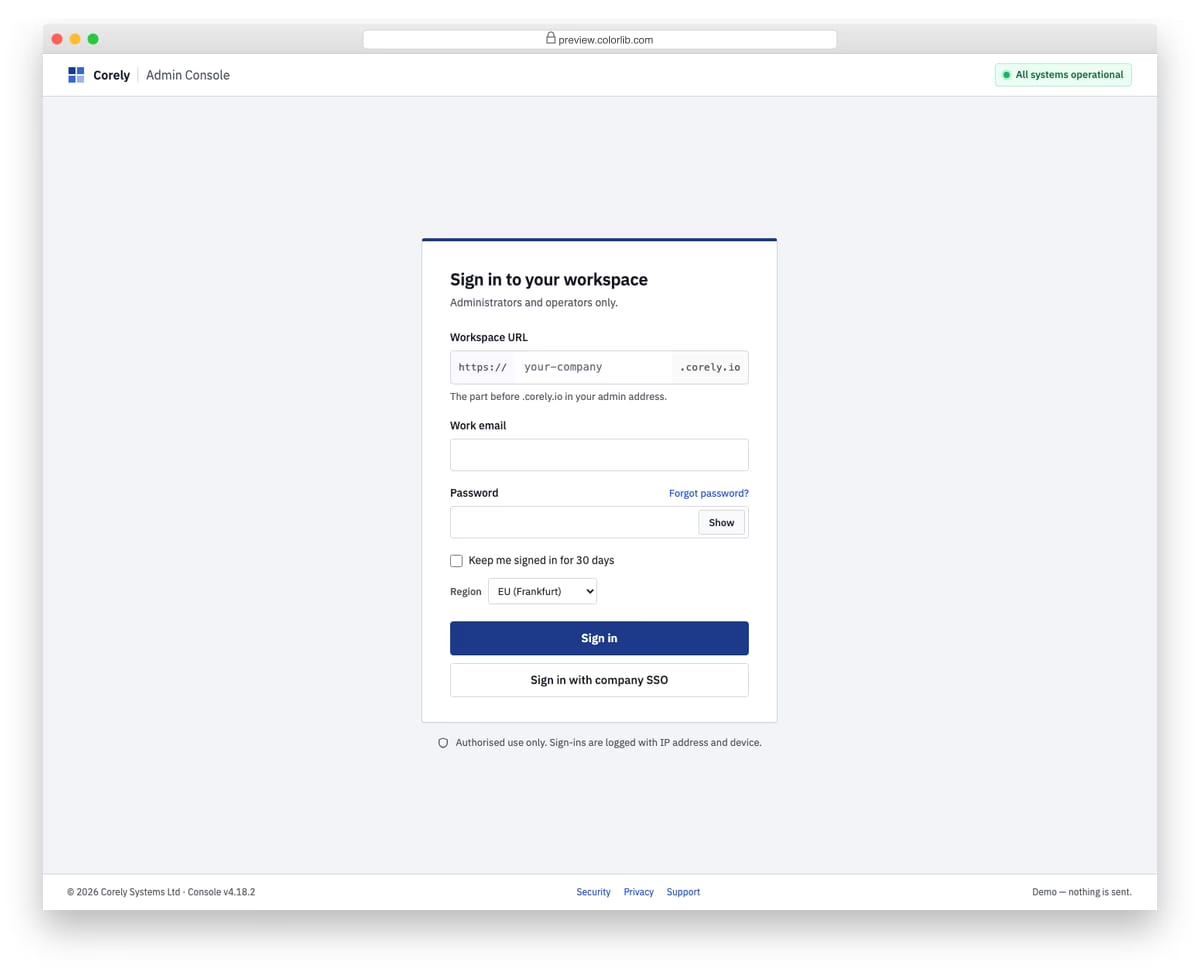
A strict, square-cornered sign-in for a made-up admin console, with a header bar that links to the status page and a footer with version and legal links. The form asks for a workspace URL with https:// and .corely.io affixes, a work email and a password, plus keep-me-signed-in and a data region picker. A company SSO button, an authorised-use notice and a session summary on success complete the enterprise feel.
Best for: B2B admin panels, internal tools and multi-tenant SaaS consoles. Plain HTML and CSS with a few lines of vanilla JavaScript, a 203 KB download. No Bootstrap or jQuery dependency is required by this download; check its styles when integrating it into an existing project.
More info / Download DemoLogin Page V10: Log in and create-account switcher on one card
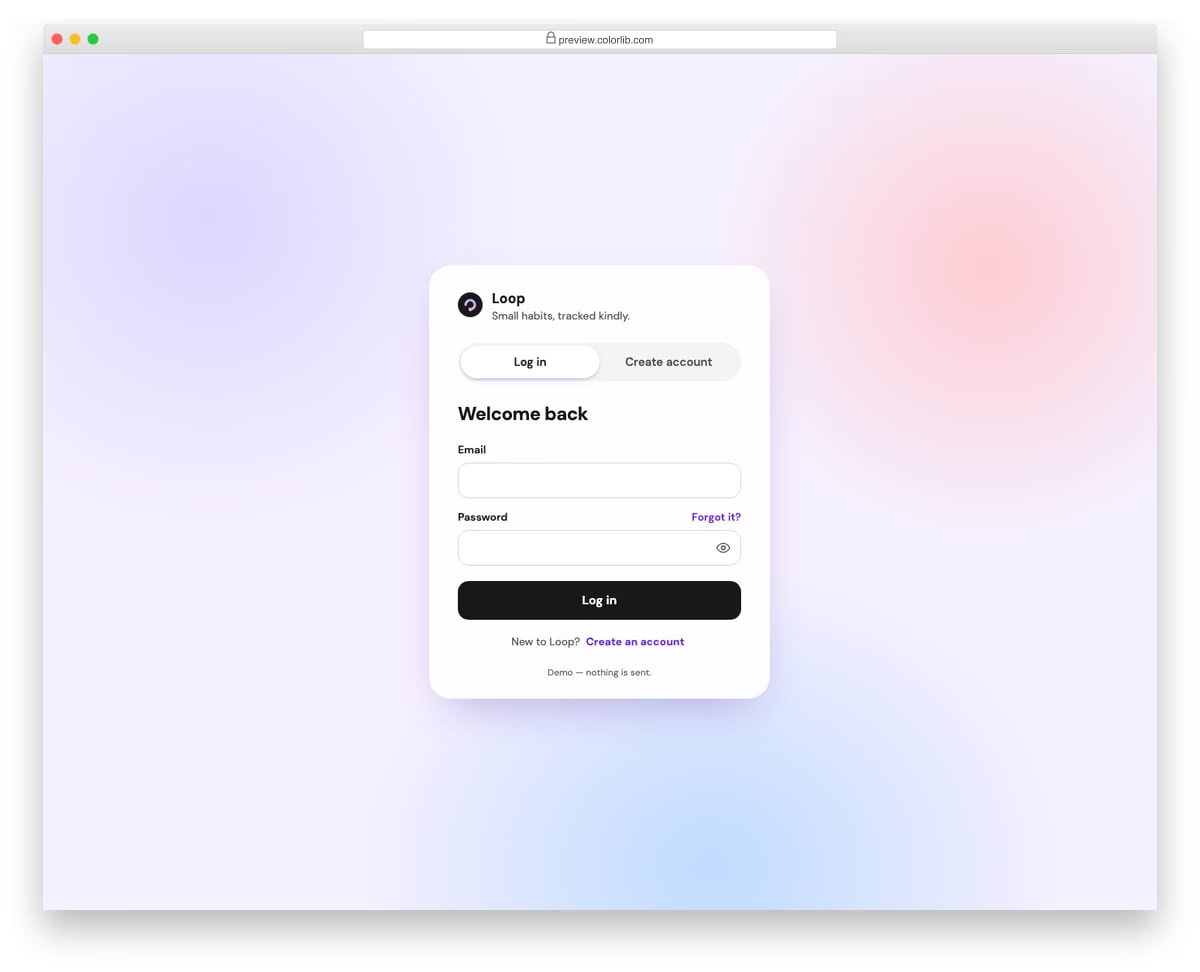
A single card for a made-up habit tracker that holds both the log-in and the sign-up form, switched by a segmented control with a sliding thumb. The control is a proper tablist with arrow keys, Home and End, and each panel slides in from the side it was chosen from. Links under each form jump to the other tab and put focus in its first field.
Best for: apps that want sign-in and sign-up on one page, modals and onboarding screens. Plain HTML and CSS with a few lines of vanilla JavaScript, a 377 KB download. No Bootstrap or jQuery dependency is required by this download; check its styles when integrating it into an existing project.
More info / Download DemoBest Free HTML5 And CSS3 Login Forms & Templates
WordPress Login Customizer
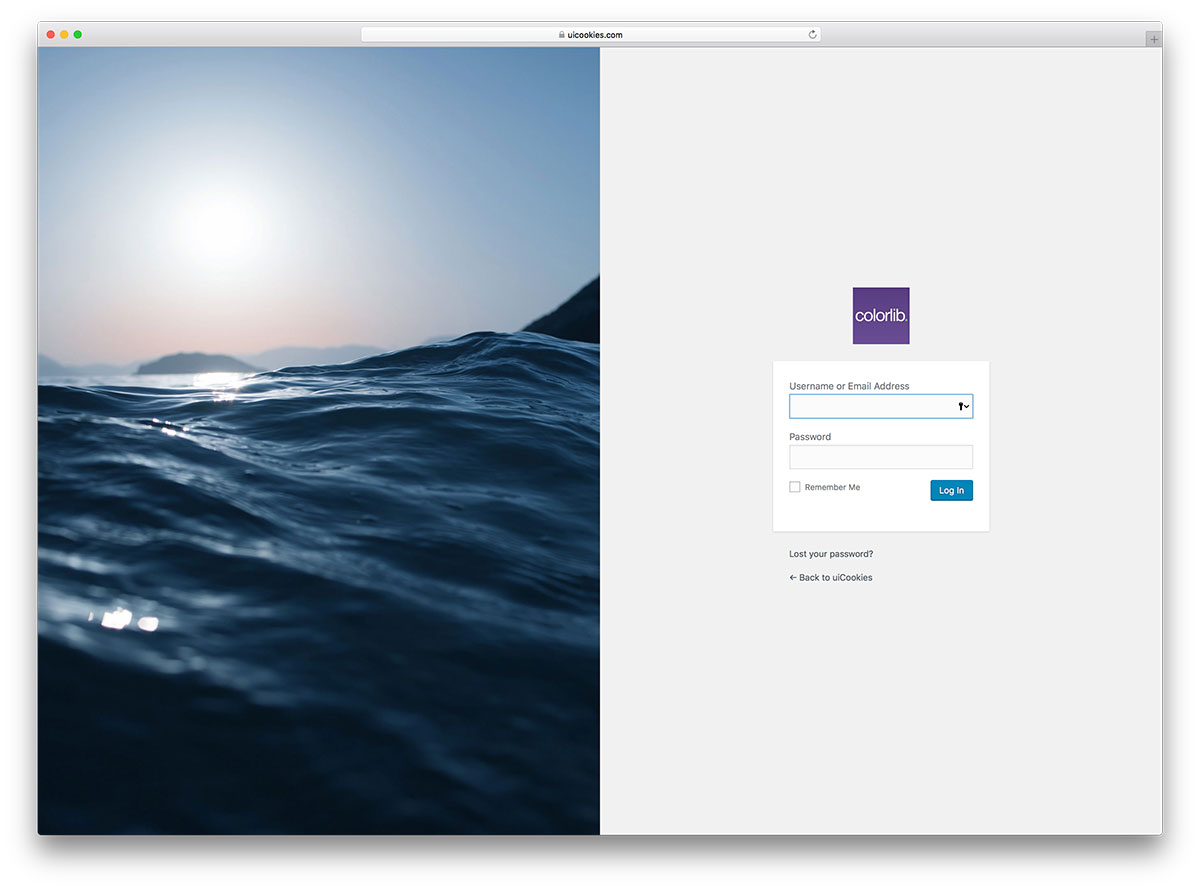
The rest of the list includes HTML/CSS-powered login forms, but you can see WordPress’s best login customizer plugin. It has several defined templates that you can further tweak to match your website’s design.
Thanks to this plugin, you can finally eliminate the boring WordPress wp-admin page and create a unique experience for yourself and your users.
DownloadThe rest of this section is our own work: the uiCookies pack of 22 login and authentication screens, then 61 login forms designed and developed by the Colorlib team.
uiCookies Login Forms (22 templates)
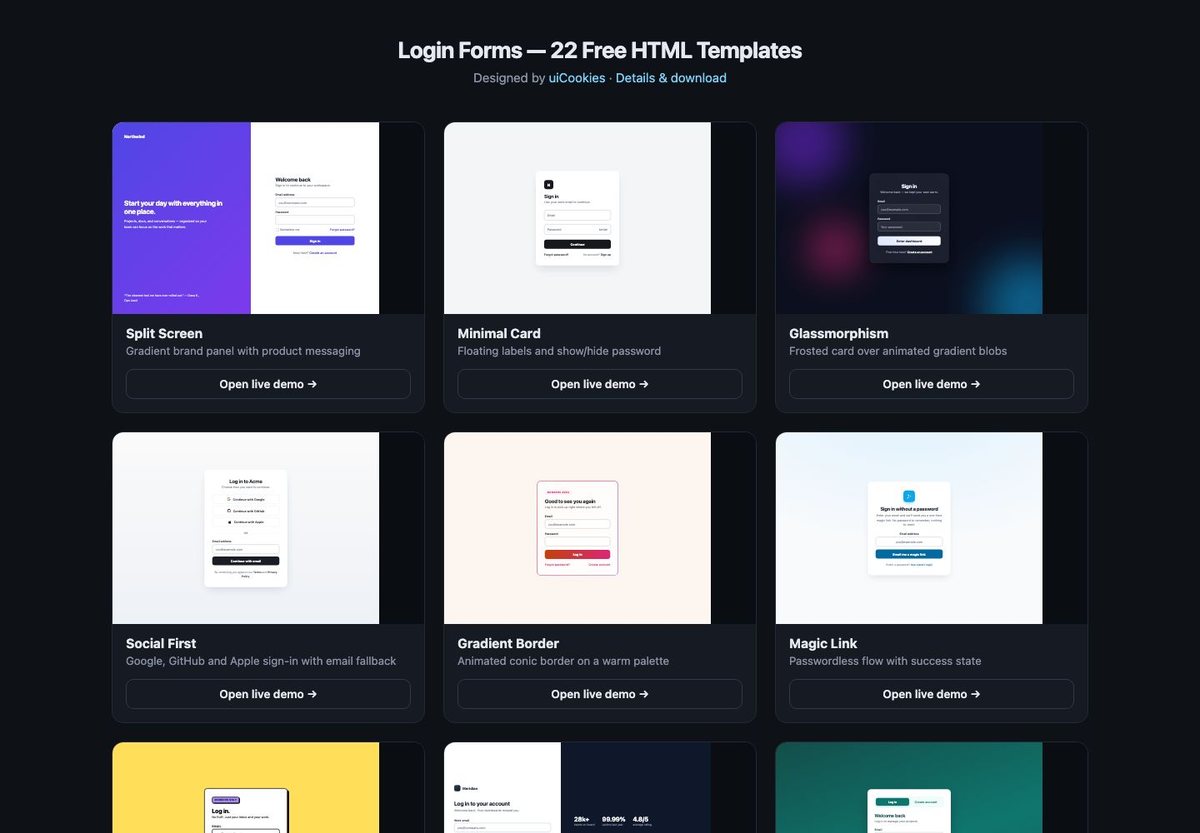
The uiCookies pack now includes 22 screens. Alongside ten login designs, it covers code entry, two-factor prompts, passkey and SSO interfaces, recovery, error states and alternative layouts. Each default design is a self-contained HTML file with inline CSS and any JavaScript it needs.
Choose this pack when you want individual screens to adapt rather than one connected multi-page journey. Read the uiCookies download page for its license and available code variants; the demos do not provide an authentication backend.
More info / Download DemoLogin Form 1 by Colorlib

Simple, creative, and vibrant login form with a gradient background. The hover tilt on the image and the field validation are a few lines of plain JavaScript, and the download is only 242 KB.
But feel free to get creative with it if you like. You can easily fine-tune and customize it according to your main objective—brand it, if you will.
Download Preview WordPress versionCreative Login Form Design
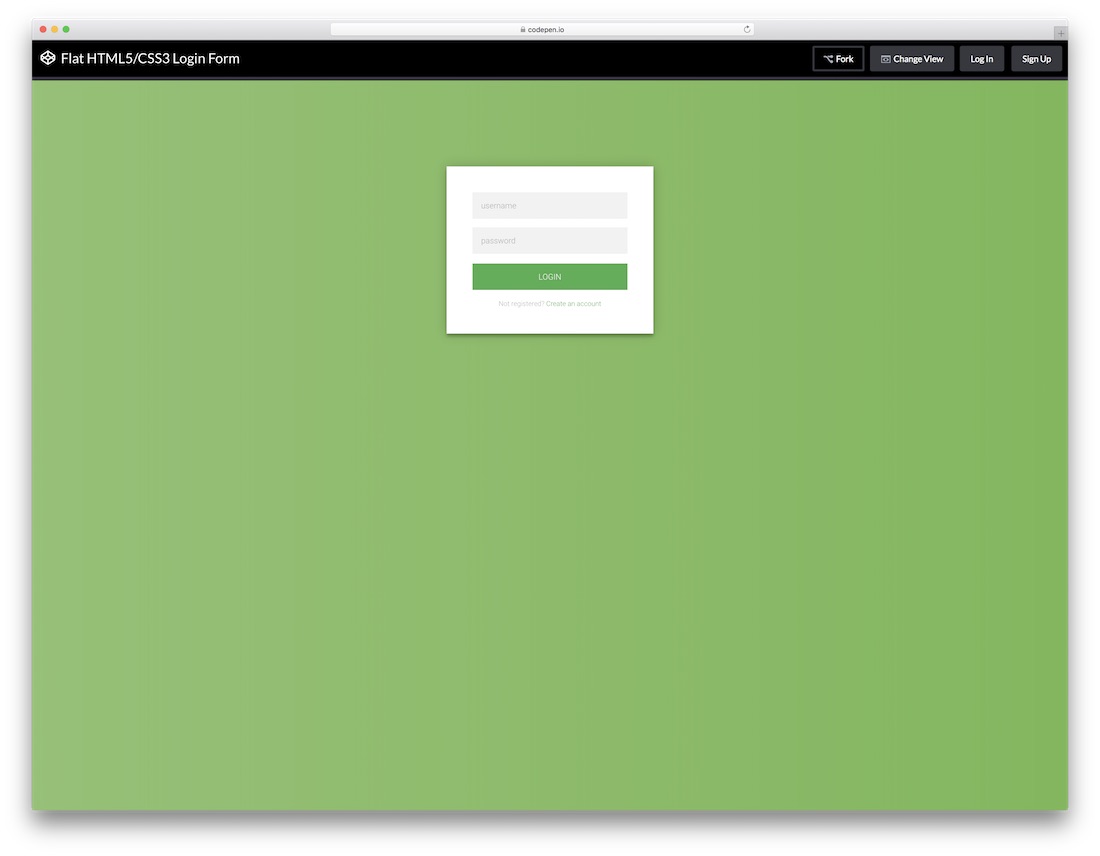
A compact login and registration example with HTML, CSS and a jQuery form-switching interaction. Choose it if you want to inspect and adapt the source example; it is separate from the dependency-free downloads elsewhere in this collection.
The details page links to the editable CodePen example. Check its dependencies and license before incorporating the code.
View details / Code WordPress versionGlassmorphism Login Form
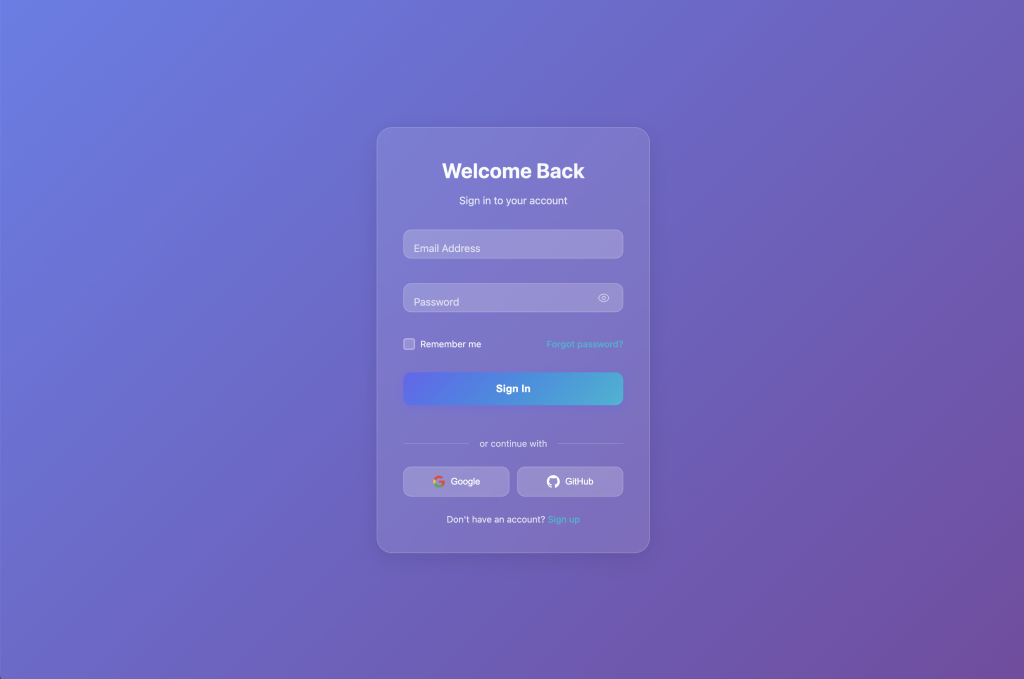
Modern frosted glass effect with backdrop blur and gradient backgrounds. Perfect for contemporary web applications.
Features floating labels, password toggle, and smooth animations with a purple-to-cyan gradient background.
Download Code Live PreviewNeon Minimalist Login Form

Dark theme with vibrant neon green accents and animated background effects. Ideal for tech-focused brands.
Includes floating orbs with parallax mouse movement and cyberpunk-inspired aesthetics.
Download Code Live PreviewGradient Wave Login Form
Dynamic gradient animations with wave effects and fluid motion. Modern and eye-catching design.
Features animated wave patterns and smooth color transitions creating a vibrant user experience.
Download Code Live PreviewNeumorphism Login Form

Soft, tactile design with subtle shadows and highlights creating a three-dimensional appearance.
Implements the popular neumorphic design trend with realistic depth and smooth interactions.
Download Code Live PreviewCorporate Professional Login Form
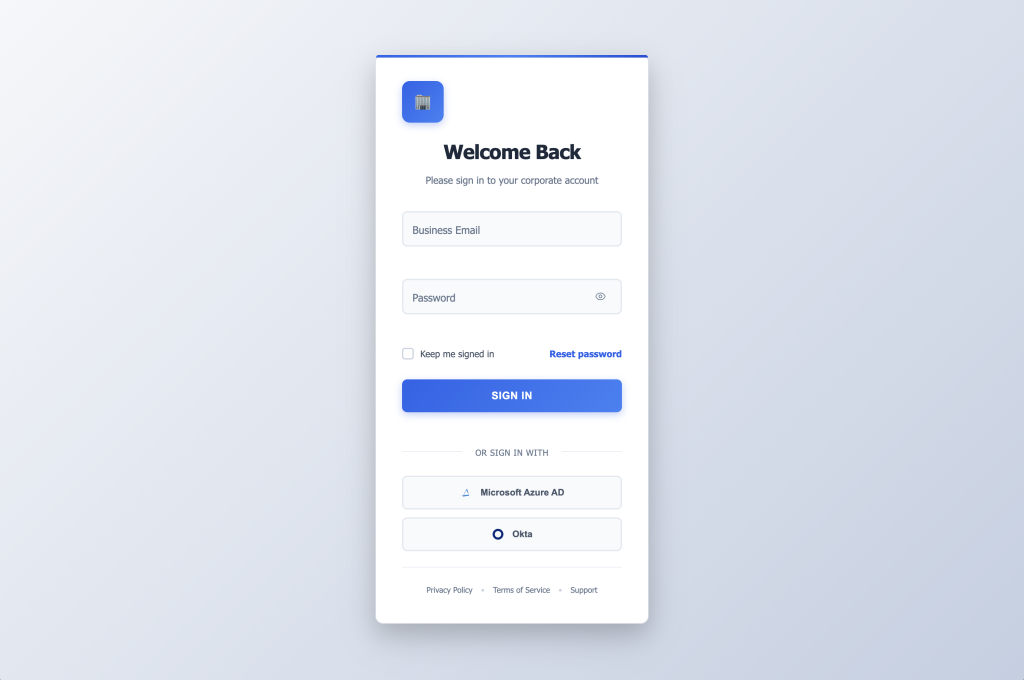
Enterprise-grade form with SSO integration options and enhanced security features.
Clean, professional design suitable for business applications with Azure AD and Okta integration buttons.
Download Code Live PreviewMaterial Design Login Form

Google’s Material Design principles with elevation, motion, and ripple effects.
Implements Material UI guidelines with proper shadows, transitions, and interactive feedback.
Download Code Live PreviewBasic Login Form

Simple, functional login form without fancy effects. Perfect starting point for customization.
Clean and minimal design with all essential features, including validation and responsive layout.
Download Code Live PreviewMinimal Clean Login Form

Ultra-clean minimal design using system fonts and focused on pure functionality.
Reduces visual clutter to essential elements with perfect typography and spacing.
Download Code Live PreviewCreative Portal Login Form
Artistic form with floating shapes, interactive animations, and celebration effects.
Features animated geometric shapes and confetti celebration on successful login.
Download Code Live PreviewEco Wellness Login Form

Nature-inspired design with organic shapes, mindful interactions, and wellness aesthetics.
Incorporates biophilic design elements with leaf motifs and calming green color scheme.
Download Code Live PreviewAI Assistant Login Form
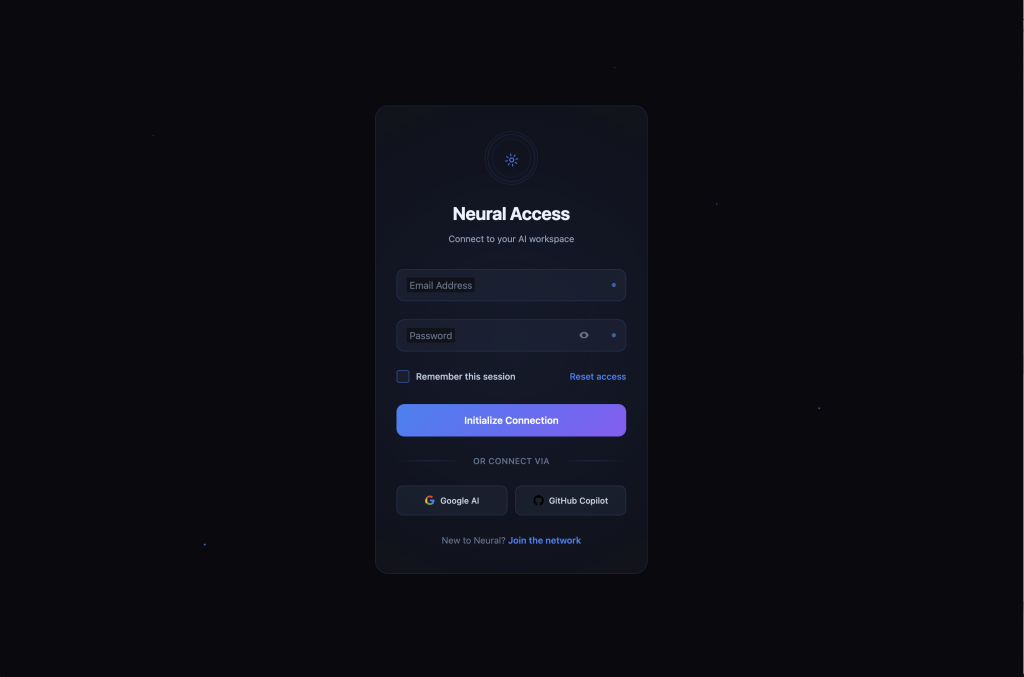
Neural network-inspired design with AI-enhanced interactions and smart field indicators.
Features circuit board patterns and futuristic elements perfect for AI/ML applications.
Download Code Live PreviewNeon Cyber Login Form

Cyberpunk gaming aesthetic with terminal interface, matrix effects, and neon colors.
Includes glitch effects, typing animations, and retro-futuristic terminal styling.
Download Code Live PreviewSoft Minimalism Login Form

Warm minimalism with organic shapes, gentle interactions, and comforting earth tones.
Features floating blob backgrounds and smooth curves creating a welcoming atmosphere.
Download Code Live PreviewRetro Future Login Form
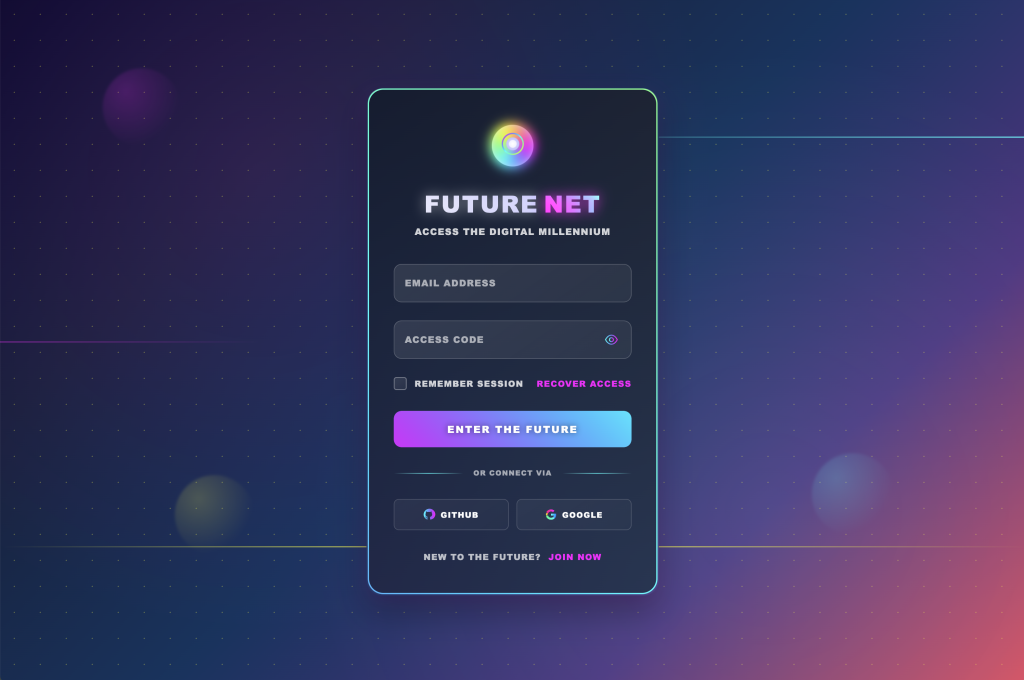
Y2K revival with chrome effects, holographic elements, and nostalgic cyber aesthetics.
Combines retro-futuristic design with modern functionality and smooth animations.
Download Code Live PreviewMinimal Music Login Form

Spotify-inspired clean design with minimal code and maximum visual impact.
Perfect for music streaming services with dark theme and vibrant accent colors.
Download Code Live PreviewTravel Booking Login Form
Travel industry themed design with floating labels and professional blue color scheme.
Clean and trustworthy design perfect for travel booking platforms and tourism websites.
Download Code Live PreviewClean Banking Login Form

Fintech-inspired professional design with security indicators and indigo theming.
Emphasizes trust and security with clean lines and professional appearance.
Download Code Live PreviewModern SaaS Login Form
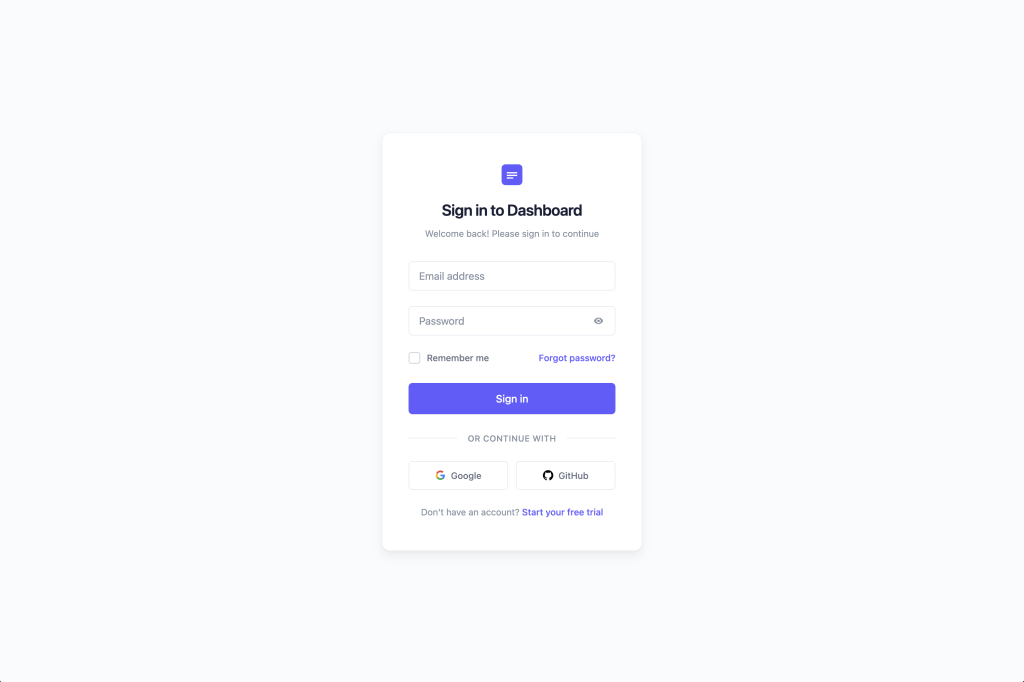
Stripe-inspired minimal design with floating labels and purple accent colors.
Clean and modern aesthetic perfect for SaaS applications and startups.
Download Code Live PreviewElegant Portfolio Login Form

Dribbble-inspired creative design with gradient animations and glass morphism effects.
Perfect for creative professionals and portfolio websites with artistic flair.
Download Code Live PreviewBrutalist Login Form

Bold, raw aesthetic with minimal animations and refined simplicity.
Features stark contrasts and geometric shapes following brutalist design principles.
Download Code Live PreviewLogin Form 2 by Colorlib
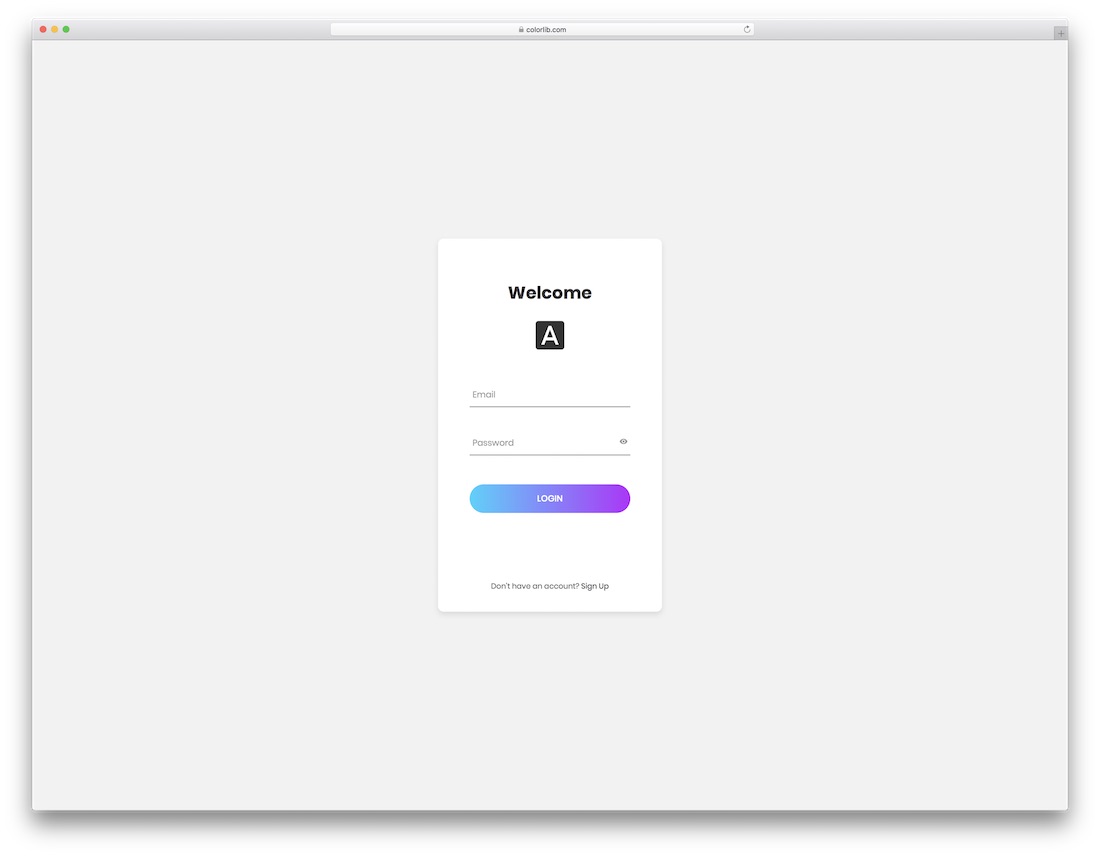
A minimal and sophisticated login form by Colorlib with a gradient button, animation, and logo. Use it, alter it and make it a lovely addition to your nifty webspace.
Sometimes, you only need creativity to enhance the experience and elevate it to the next level.
The result of this login form will be exceptional.
Download Preview WordPress versionLogin Form 3 by Colorlib
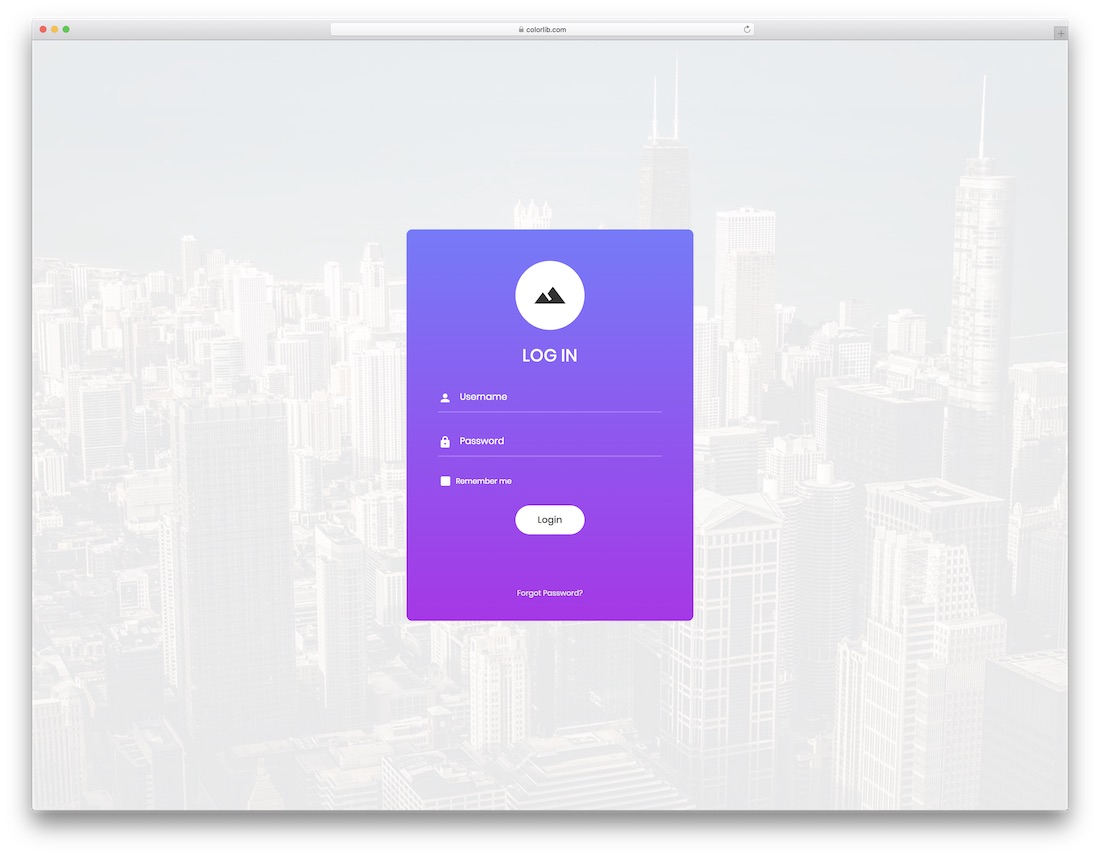
A gorgeous login page featuring a background image with a shadow and a gradient form box, complete with a login button hover effect.
Your imagination is the only limitation, so expand your view and use Login Form 3 to its full potential.
If you are looking for something different, this is the perfect alternative—and it is free!
Download Preview WordPress versionLogin Form 4 by Colorlib
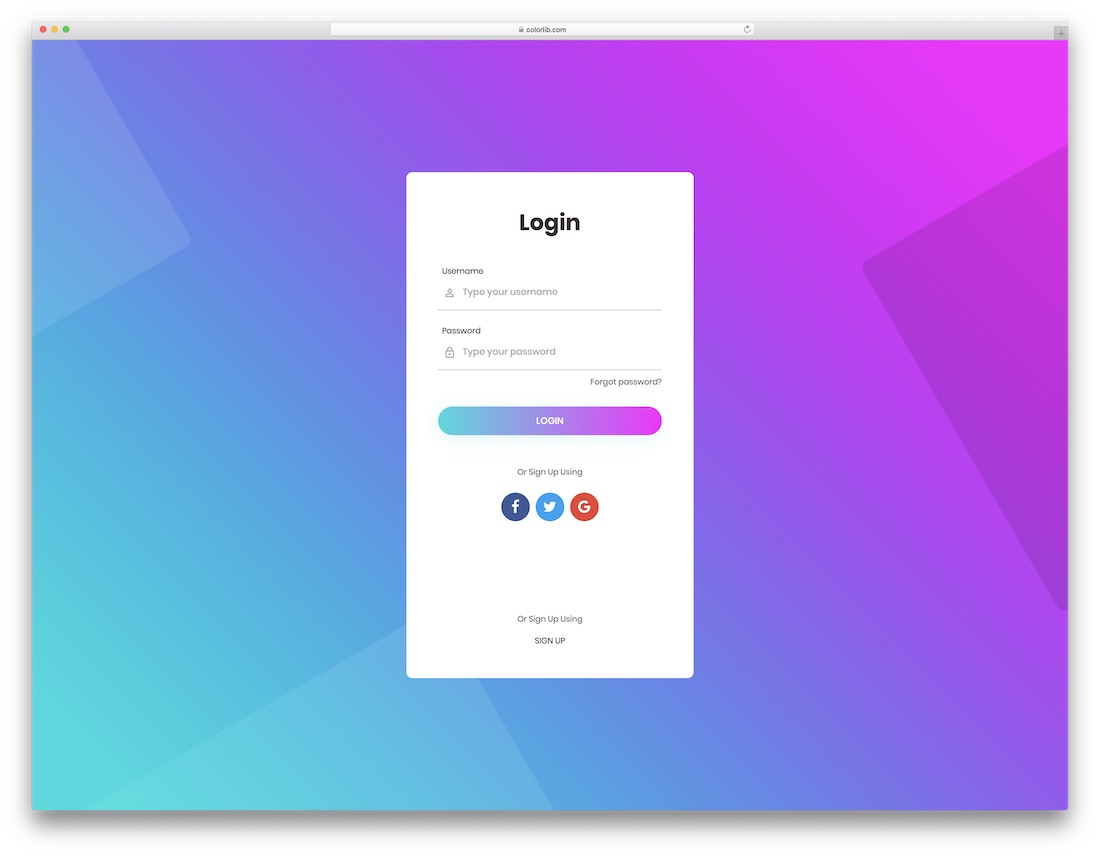
Creativity knows no limits, and neither does Login Form 4. Here it is, at your disposal, ready and set for you to download it and use it well.
Do not worry about responsiveness; the tool runs smoothly on all handheld devices.
You can also activate the social media buttons and link them to your thriving social accounts.
Download Preview WordPress versionLogin Form 5 by Colorlib
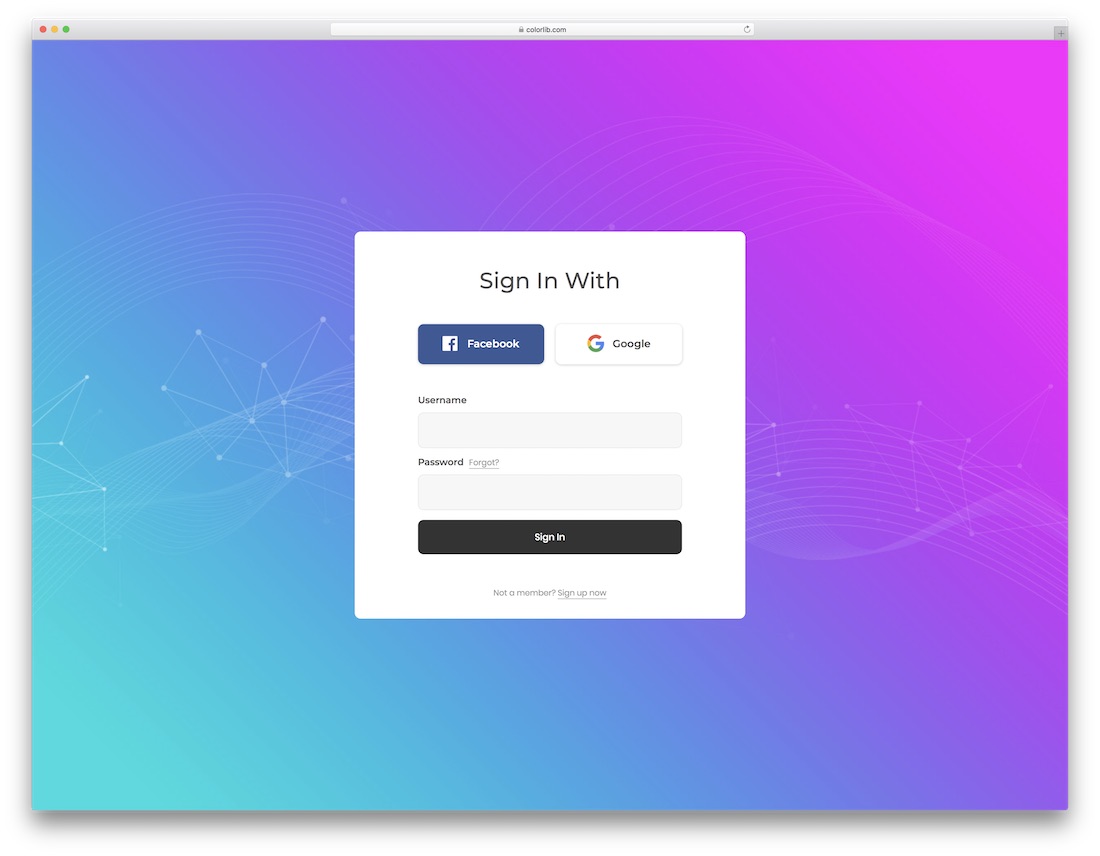
It’s a gorgeous, clean, modern form with an option to log in with Facebook or Google. All buttons feature a captivating hover effect that enhances the overall experience.
A sophisticated, professional, and engaging login form costs you nothing, yet the outcome will be very premium-like.
Make it yours, customize it if necessary, or stick with the out-of-the-box version.
Download Preview WordPress versionLogin Form 6 by Colorlib
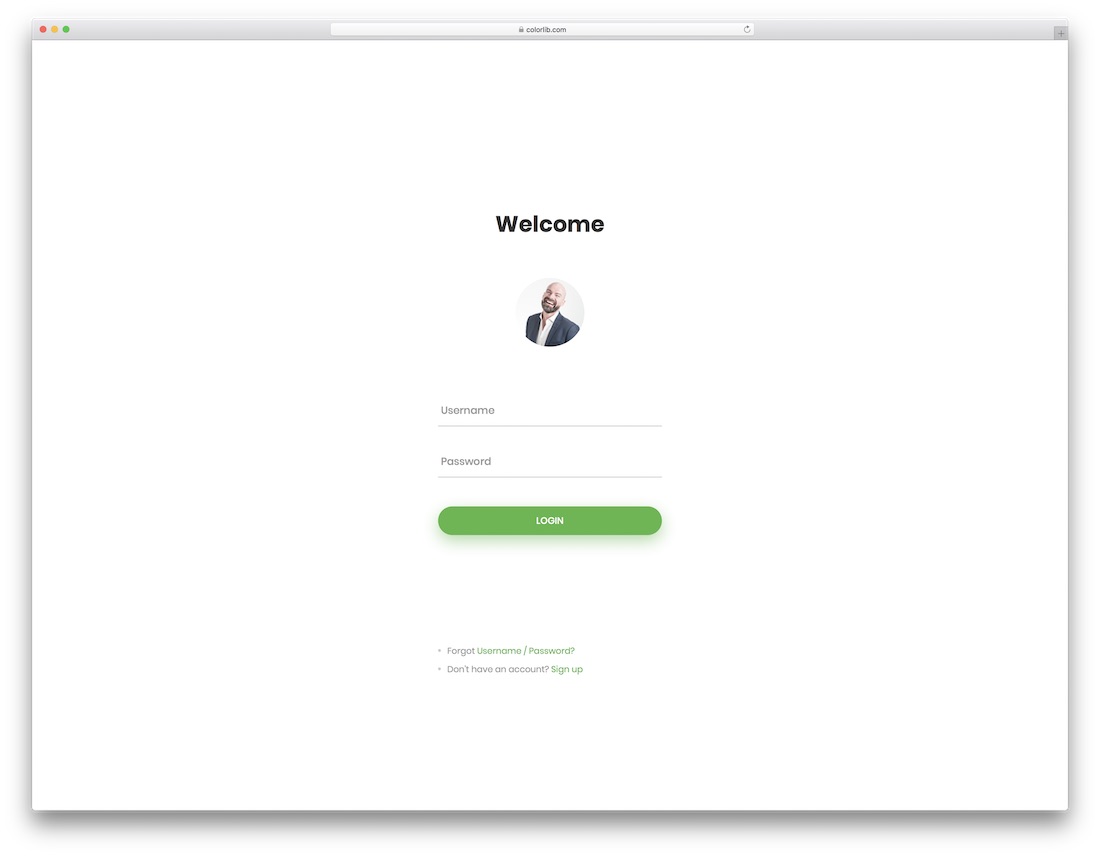
A login form should be no different if your page is already neat. Here is one that will easily meet your expectations if MINIMALISM is your cup of tea.
Login Form 6 is as clean as possible, yet still incorporates a touch of creativity that keeps engagement at an all-time high. And now, you can use it for your login form, serving your users in all its gorgeousness.
Download Preview WordPress versionLogin Form 7 by Colorlib
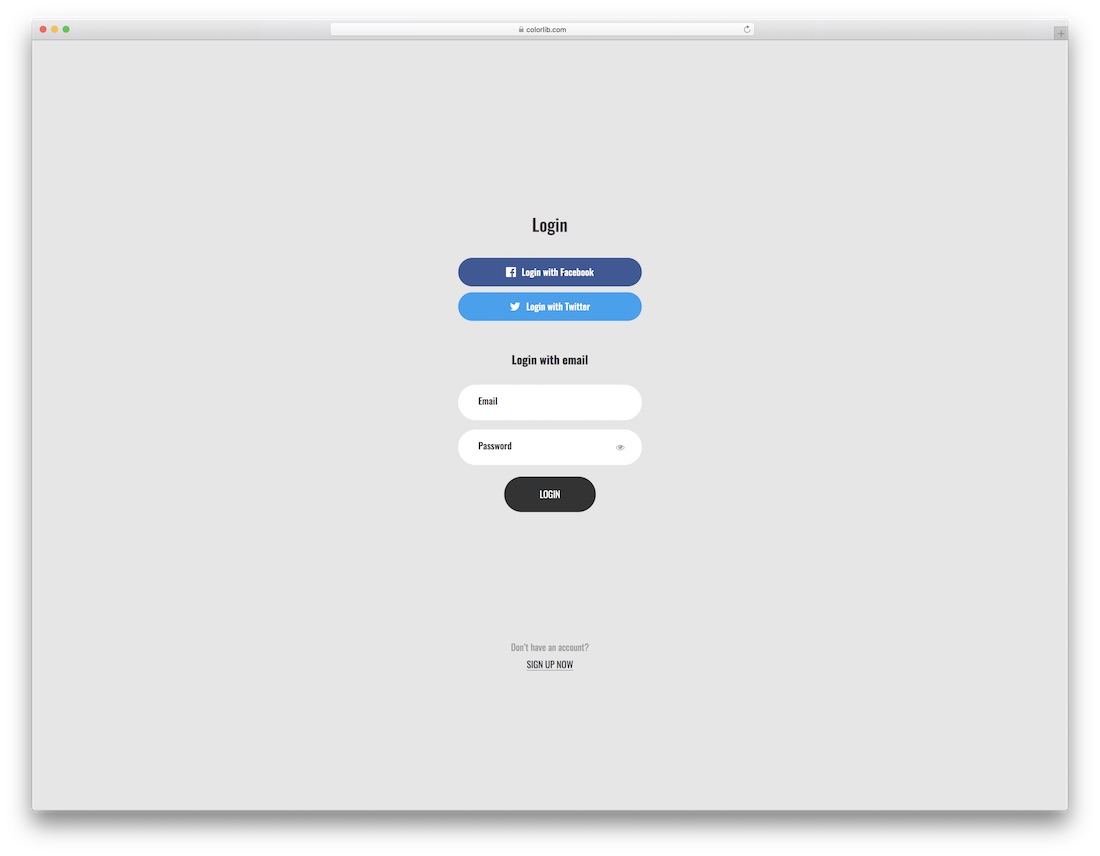
A form with a three-way option of logging into the account.
If they prefer to log in via Facebook, Twitter, or email, you should feature this option on your page. If they do not already have an account, you can link it to your sign-up page.
We offer many options to make it as convenient as possible for your users.
Download Preview WordPress versionLogin Form 8 by Colorlib
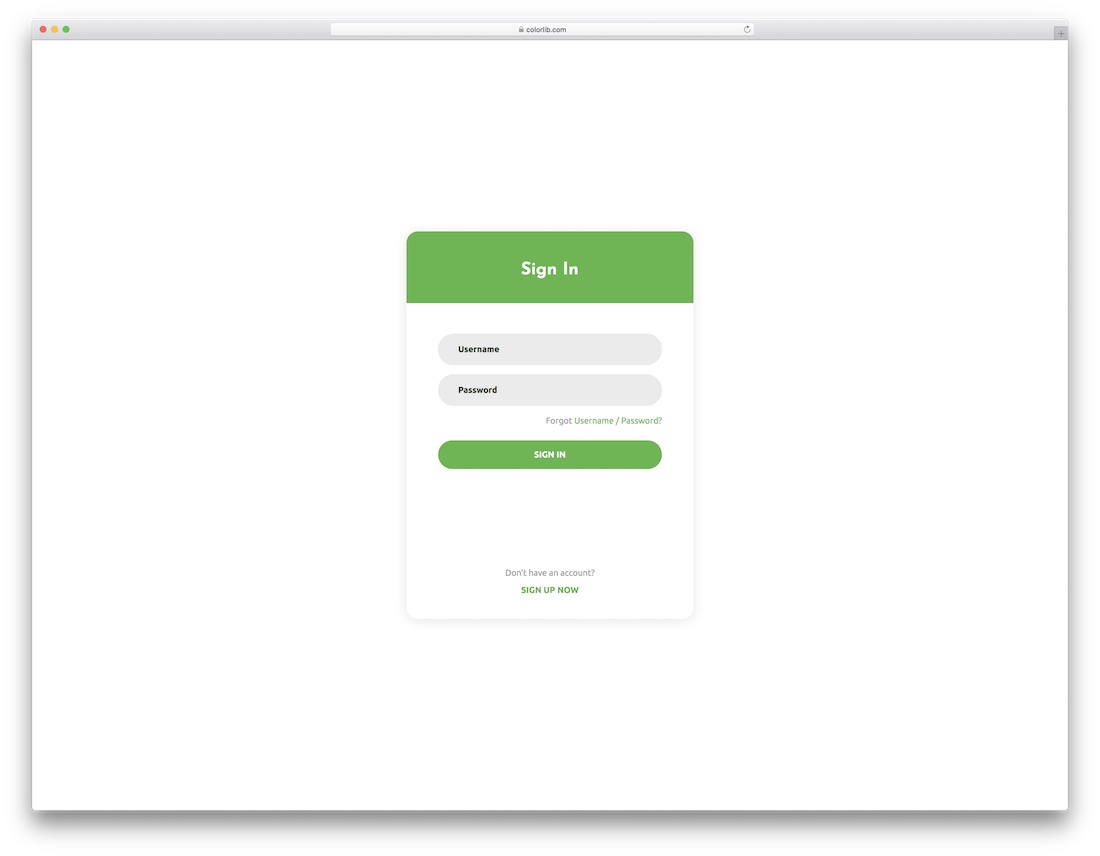
Another contemporary, trendy, and enticing login form feature is rounded corners. This one especially appeals to mobile users due to its popular rounded corners style.
You can change the colors and make the form practice your branding regulations to the last detail.
Download Preview WordPress versionLogin Form 9 by Colorlib
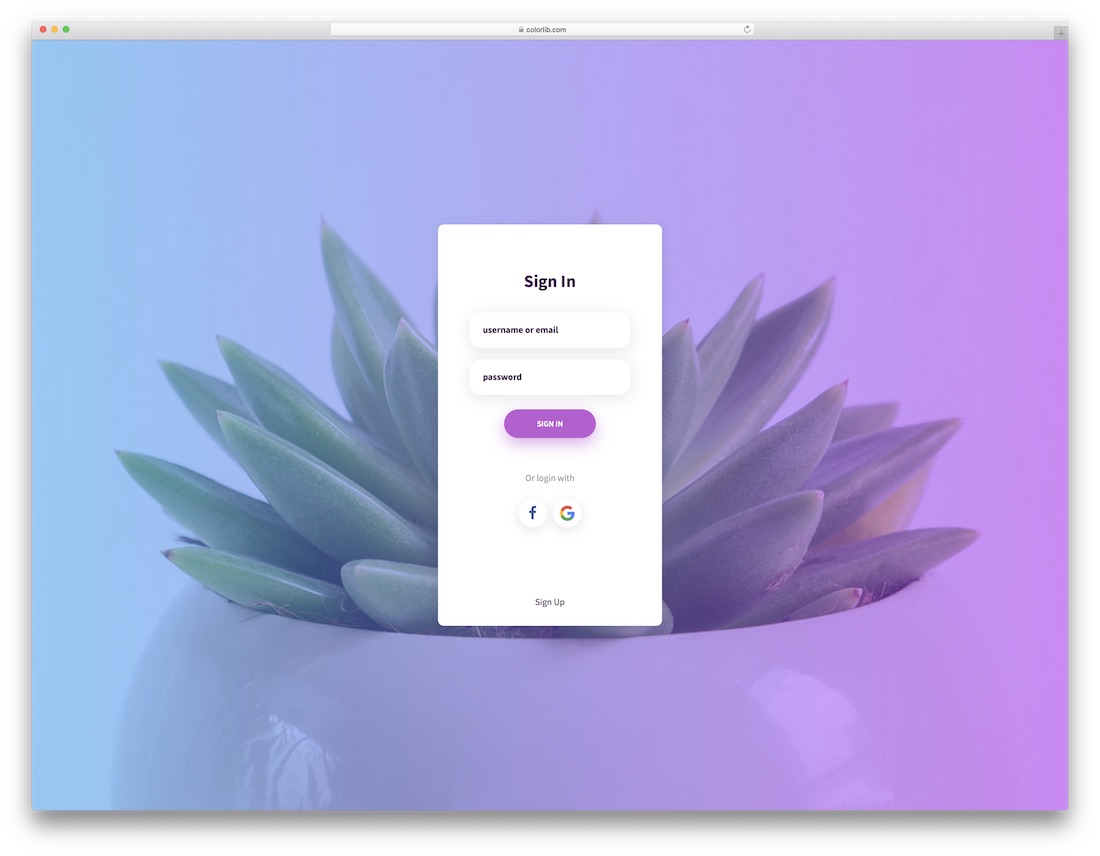
Consider this login form page to avoid the white or solid-color background.
It supports a full image background, a gradient overlay, and the option to log in with Facebook or Google.
In short, the design is visually appealing and offers an option to suit your creative flow.
Download Preview WordPress versionLogin Form 10 by Colorlib
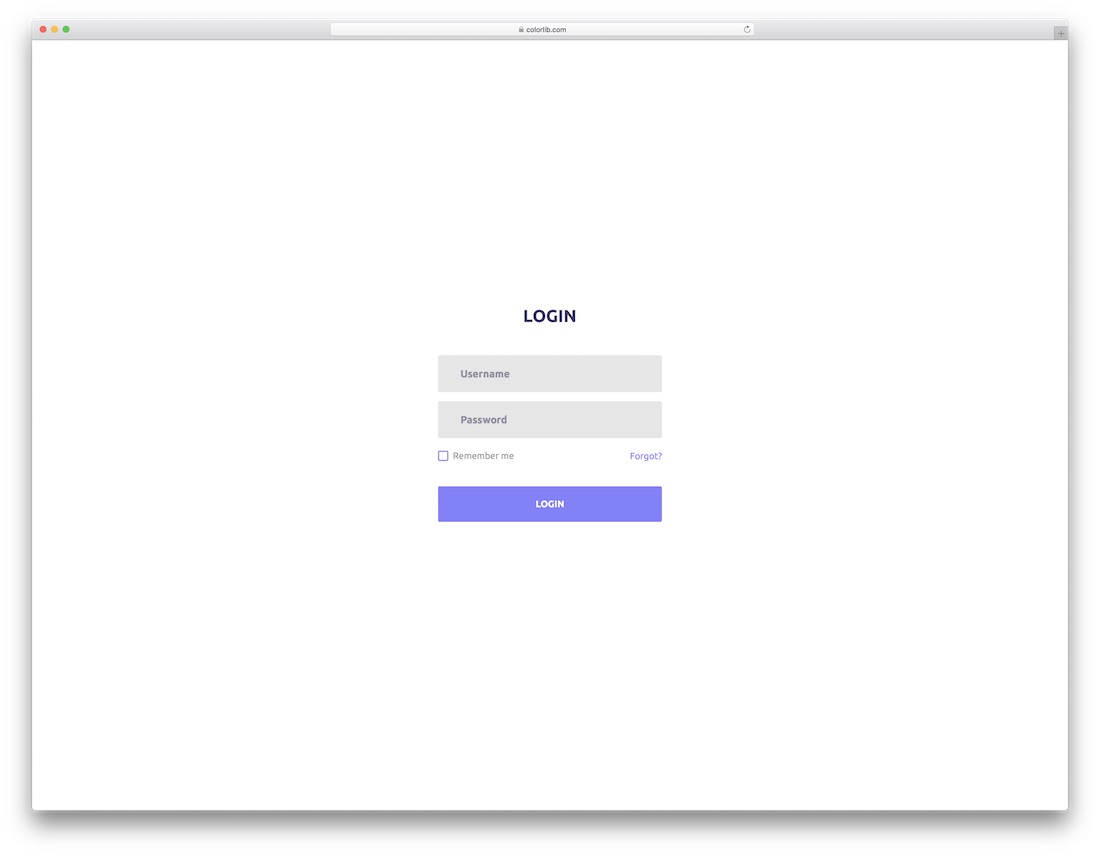
Login Form 10 is somewhat opposite to the previous one. It almost couldn’t be more minimalist while still having this up-to-the-minute feel.
You’d better not miss this one for minimalists, as it integrates seamlessly into your website or application.
Download Preview WordPress versionLogin Form 11 by Colorlib
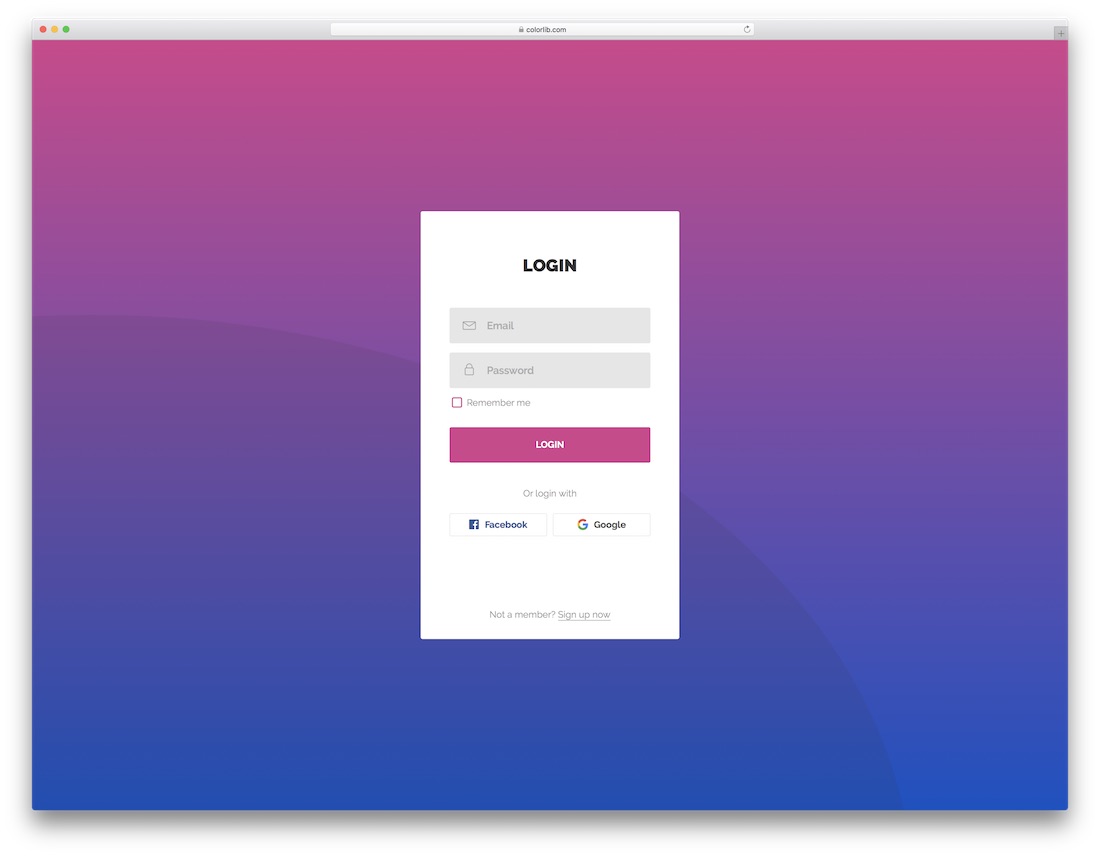
With our collection of the best HTML5 and CSS3 login forms, you save yourself time and effort (money, too). Instead of building one from scratch, here is another killer ready-to-use template for you to employ.
Though it does not cost you a dime, you can expect the end product to be very professional and sophisticated.
Download Preview WordPress versionLogin Form 12 by Colorlib
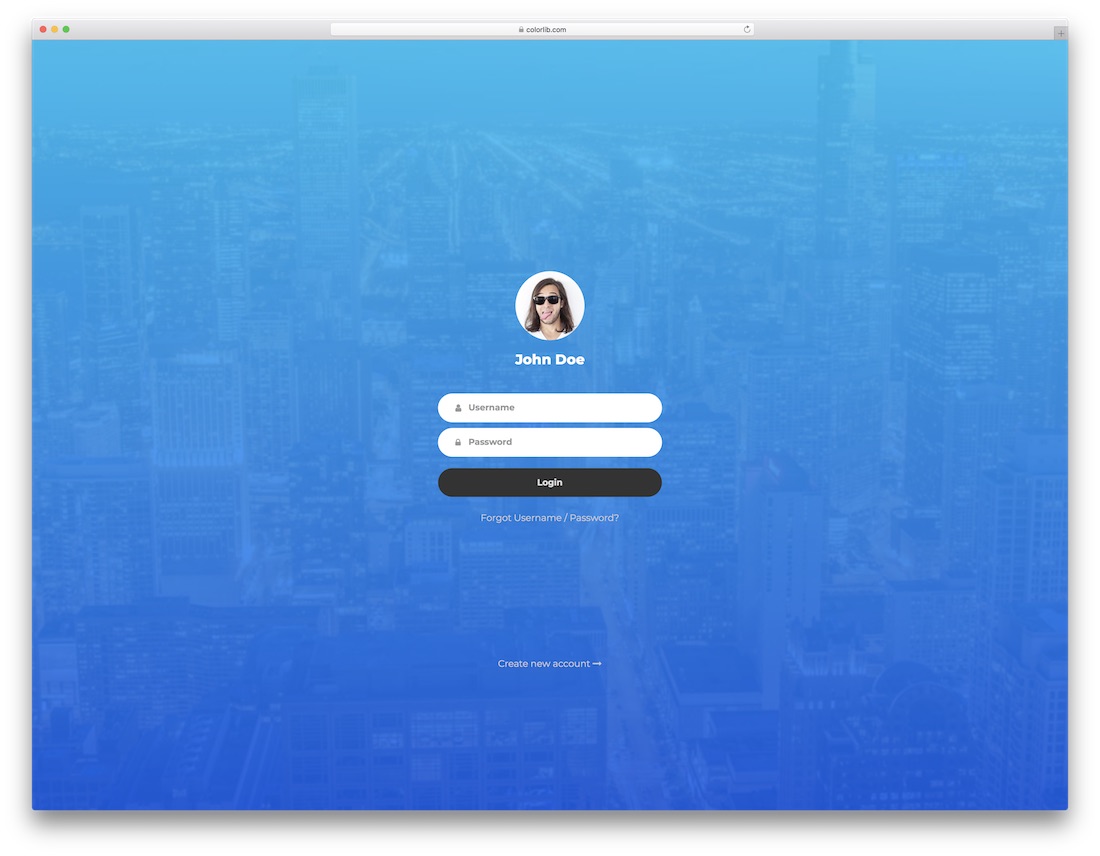
Image background with a blue shadow overlay, name, image and the MUST-HAVE form; that’s what’s up with Login Form 12.
A cool hover effect on the login button lets you link it with your registration form for all new users. The layout is also super responsive, making working on mobile devices a dream.
Download Preview WordPress versionLogin Form 13 by Colorlib
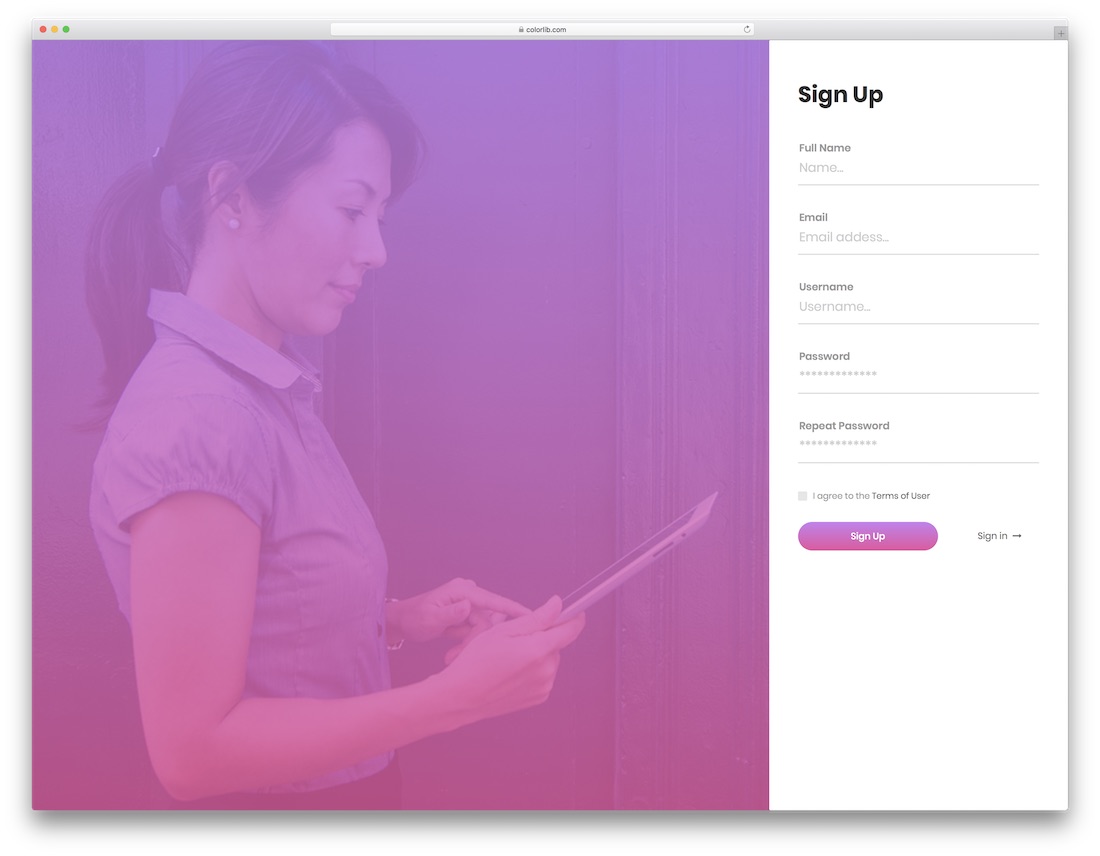
There is a split-screen sign-up form, where two-thirds are dedicated to an image and one-third to the form. It is a free tool that you can start using immediately.
Just download the layout and go full tilt with it. With an image and a gradient overlay, you can capture everyone’s ATTENTION, making them fill out the form even more quickly.
Download Preview WordPress versionLogin Form 14 by Colorlib
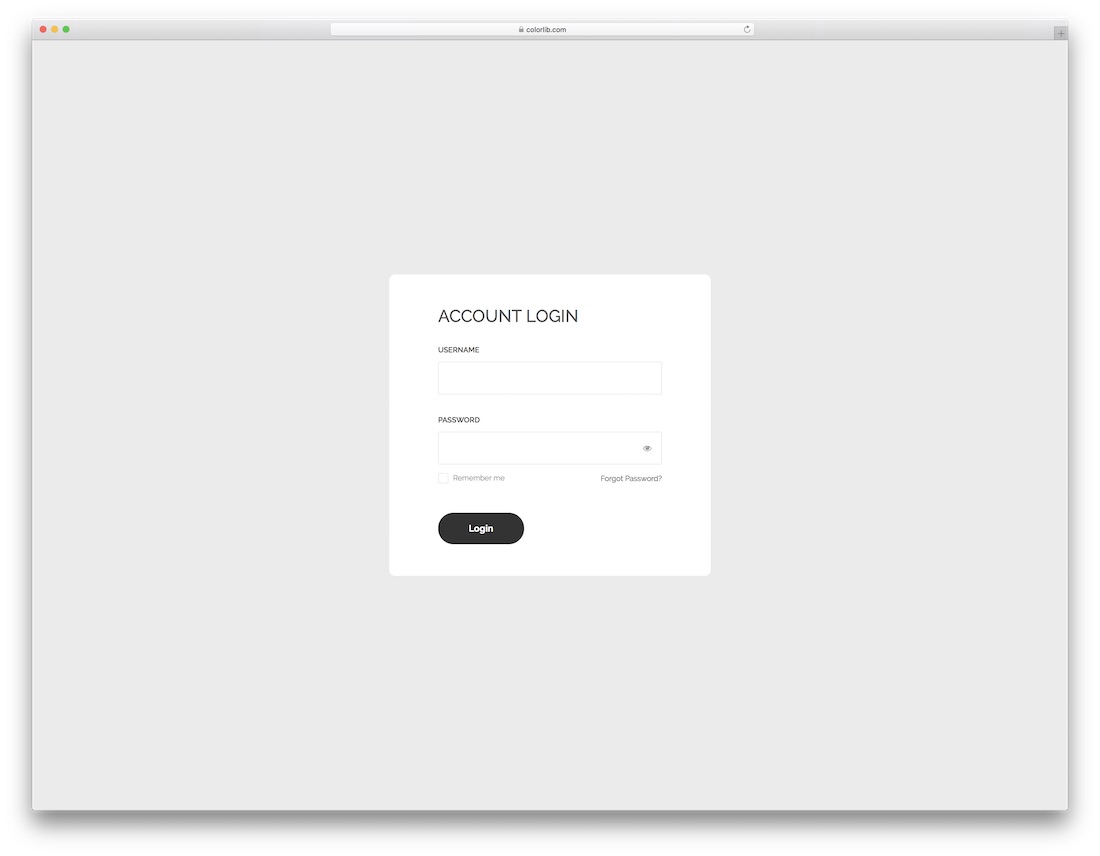
This collection has a mix of simplistic, slightly more complex, and advanced login forms. In short, there is something for everyone, and Login Form 14 is more minimalistic.
But why even complicate with a login form, right? To each their own.
Witness the seamless integration that requires a swift realization.
Download Preview WordPress versionLogin Form 15 by Colorlib
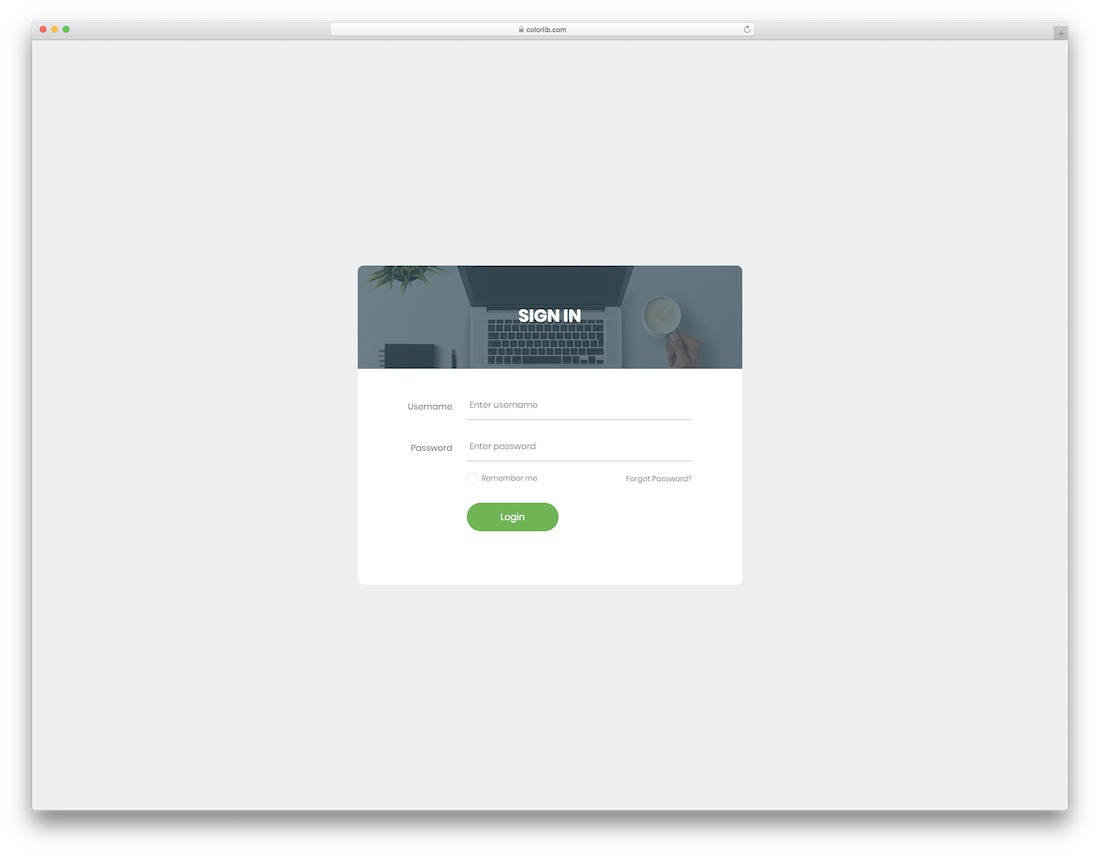
While keeping things to the bare minimum, one COOL addition to the Login Form 15 is the image banner just above the form.
With this little feature, you can make the experience slightly MORE engaging. You can add any image you want or even go with your logo, both options work well.
Download Preview WordPress versionLogin Form 16 by Colorlib
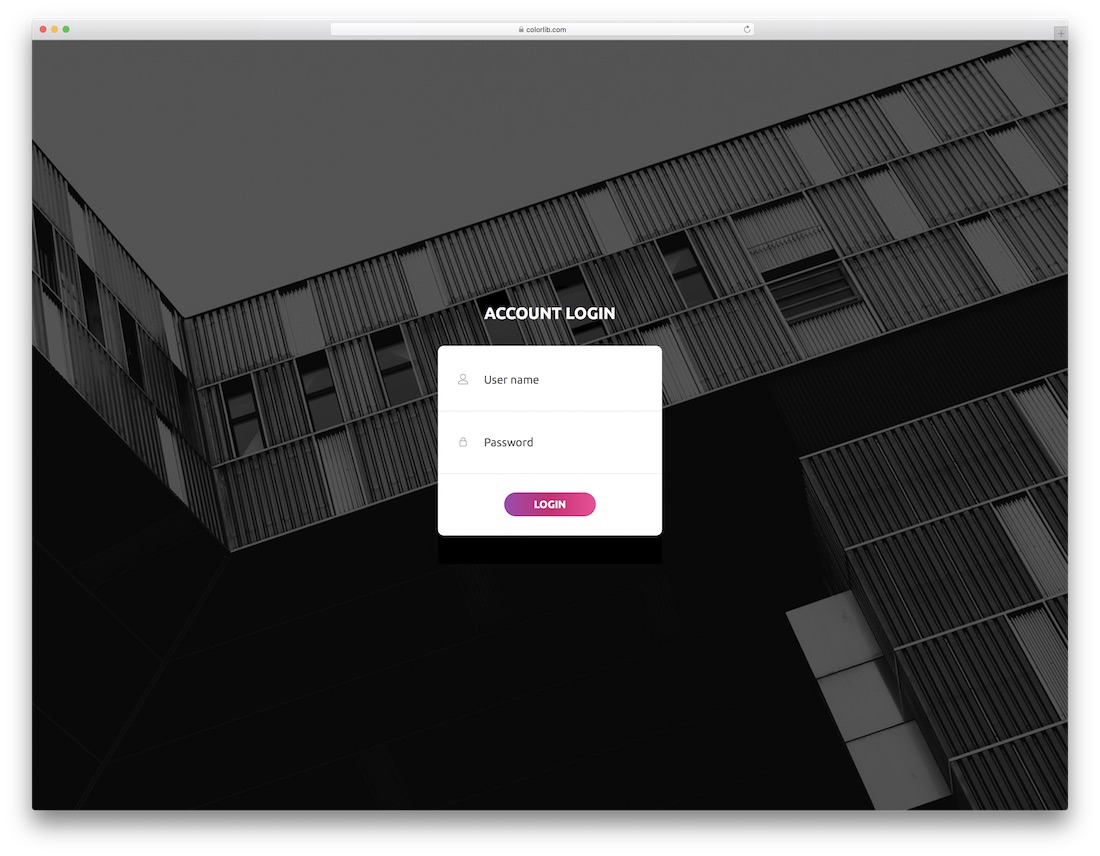
This is a login form with a full-screen image on top, a form containing username and password fields, and a gradient button with a hover effect.
Simple yet still very impactful and attention-grabbing. If you are creative, consider displaying one of your outstanding works in the background of your login form.
Download Preview WordPress versionLogin Form 17 by Colorlib
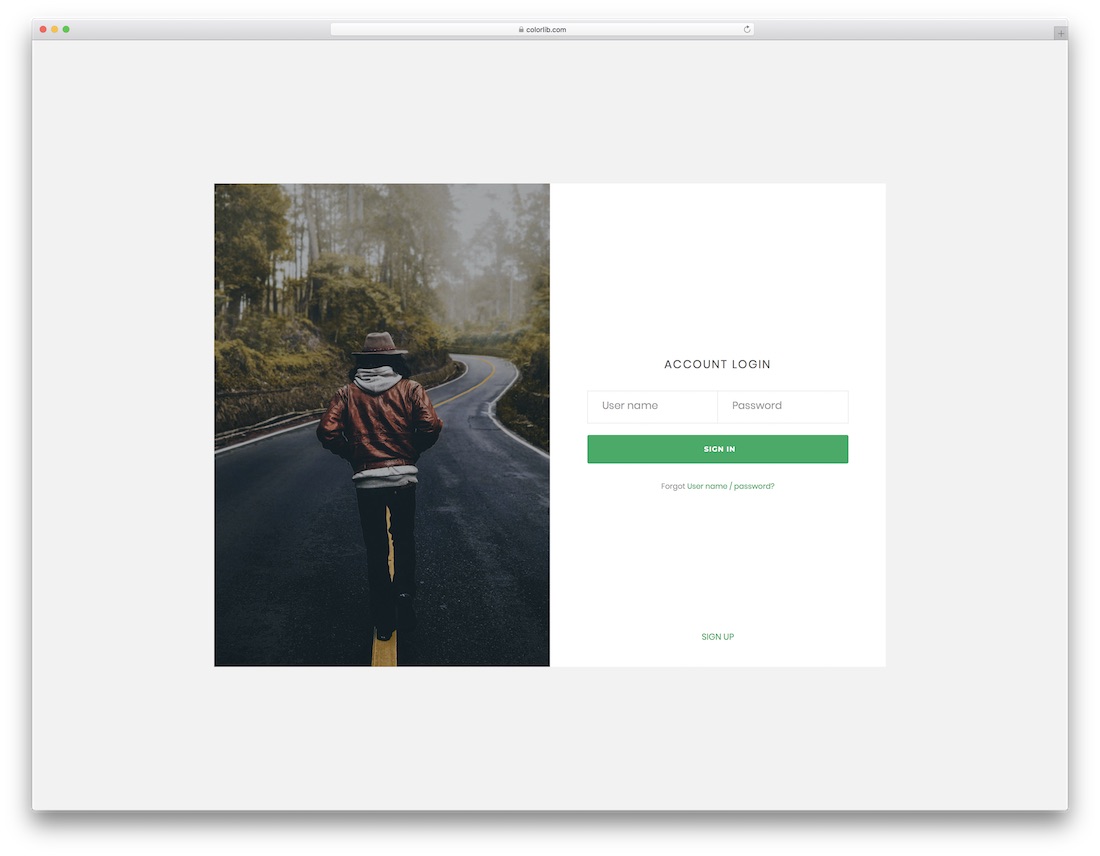
This framed login form template is the best fit for making it appear more personal. It has an image side and a form side, but it keeps things to a minimum while ensuring professionalism.
You can enrich the form with any image you would like to share with your audience, whether of yourself or your work.
Download Preview WordPress versionLogin Form 18 by Colorlib
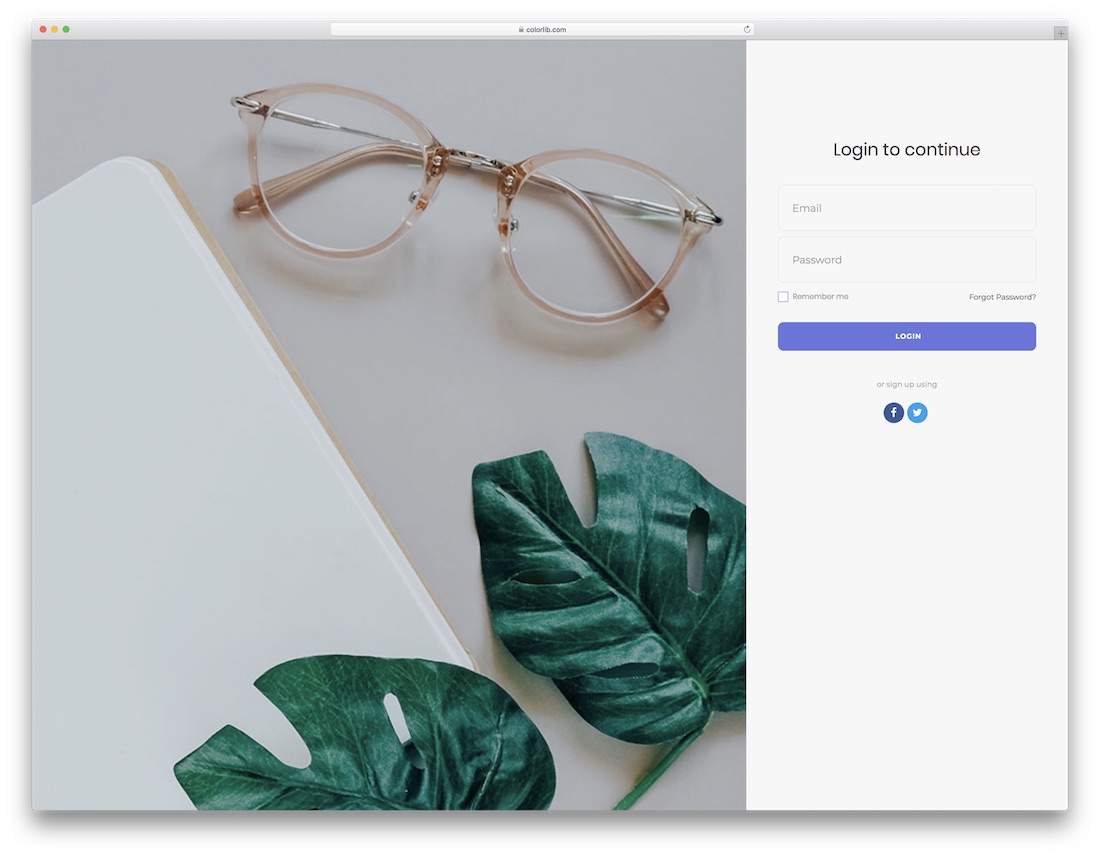
If you like to differentiate yourself and keep things original, consider using Login Form 18. While some enjoy basic login pages, others want additional features that enhance the layout.
And if adding a picture is what you are after, this one is for you. It also includes social icons and offers FULL flexibility.
Download Preview WordPress versionLogin Form 19 by Colorlib

Vibrant, energetic, and attention-grabbing, that is what this next login form, based on HTML5 and CSS3, is all about. It is also completely responsive, mobile-ready, and compatible with all major web browsers.
Make it simple yet stand out. That’s what you can expect from Login Form 19.
Download Preview WordPress versionLogin Form 20 by Colorlib
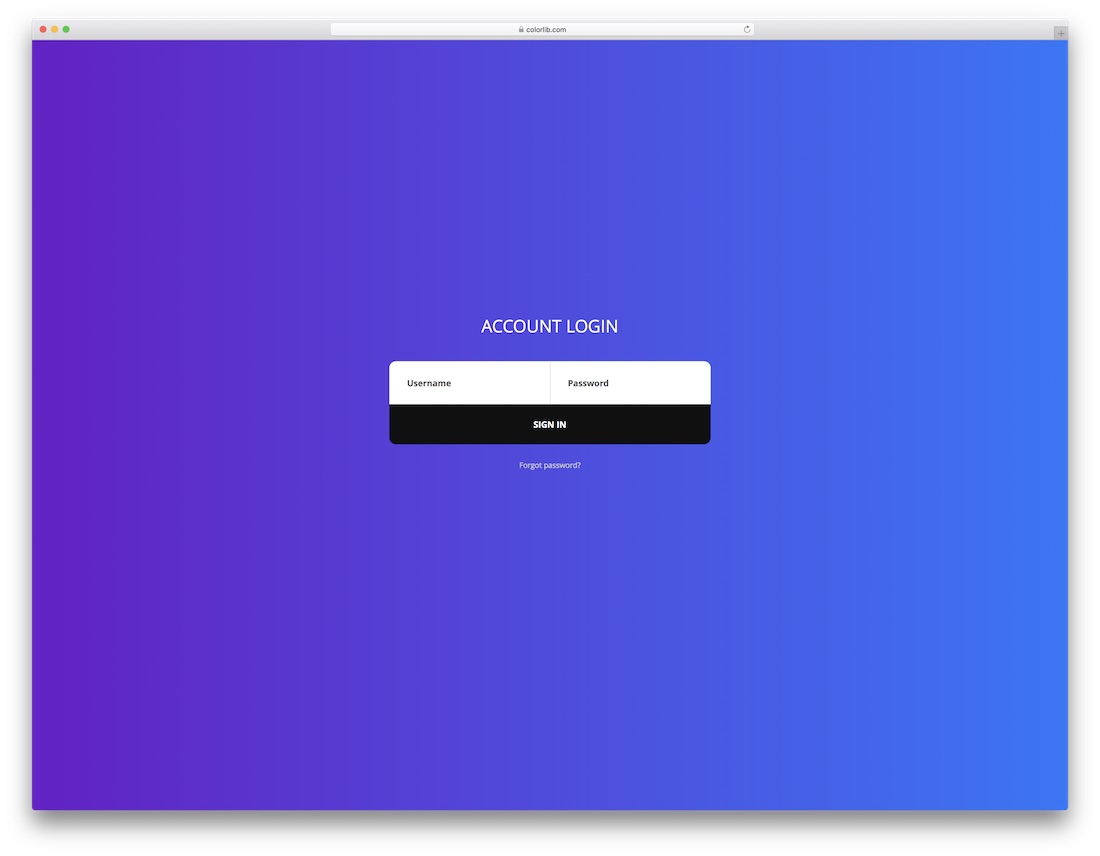
A gradient background, a black sign-in button with a hover effect, username and password fields, custom text, and a “Forgot password?” section—yep, that’s all part of Login Form 20.
Sounds overwhelming, but in reality, far from it. To add a login page that pops up, you know where to find it.
Download Preview WordPress versionLogin Form V01
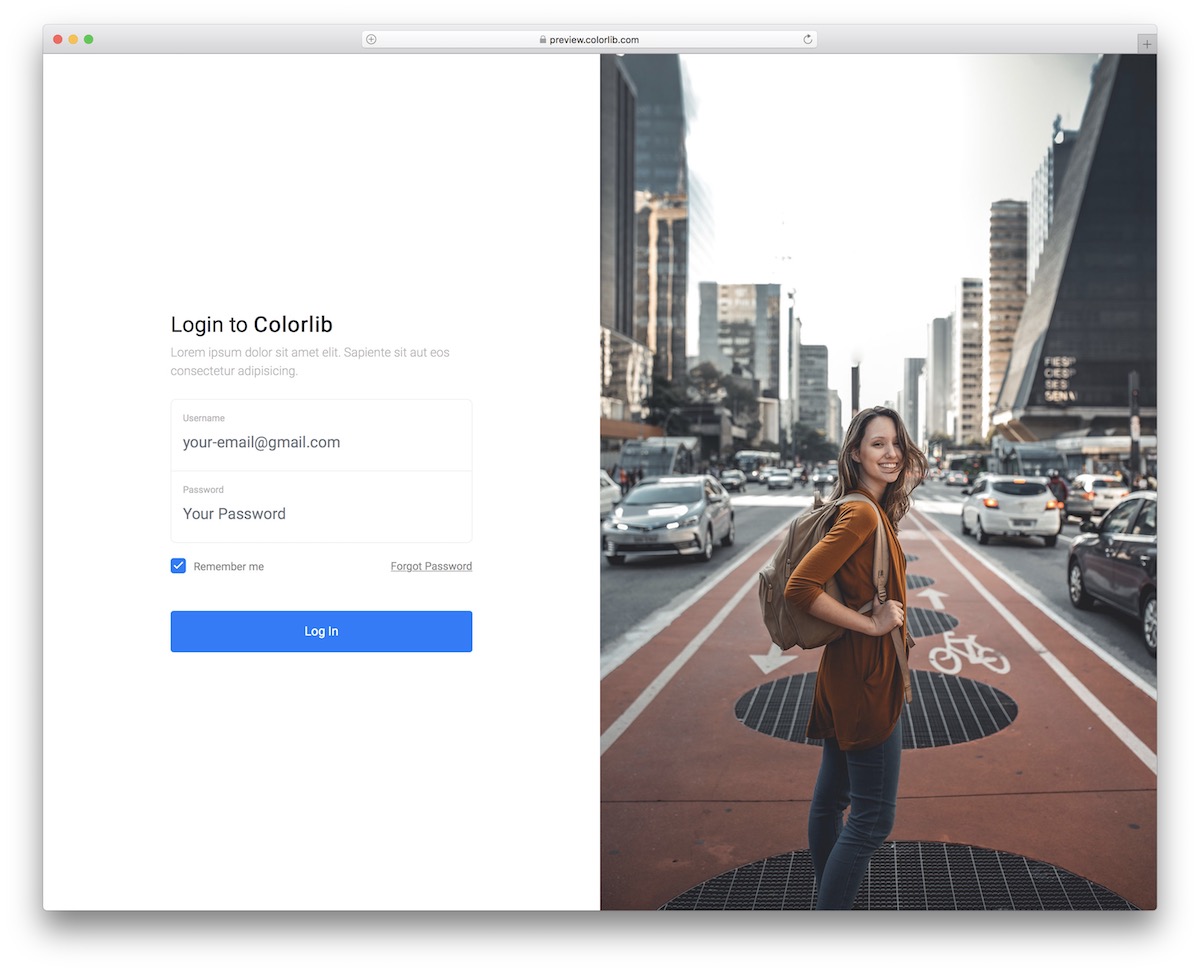
Instead of just rocking the login form, spice it up with an image to boost engagement. Login Form V01 makes this quick and easy.
It’s an easy-to-use template with a split-layout design that you can now edit and improve according to your liking. You also don’t need to sort out the “forgot password” link and a checkbox for “remember me.”
They’re INCLUDED.
Download Preview WordPress versionLogin Form V02
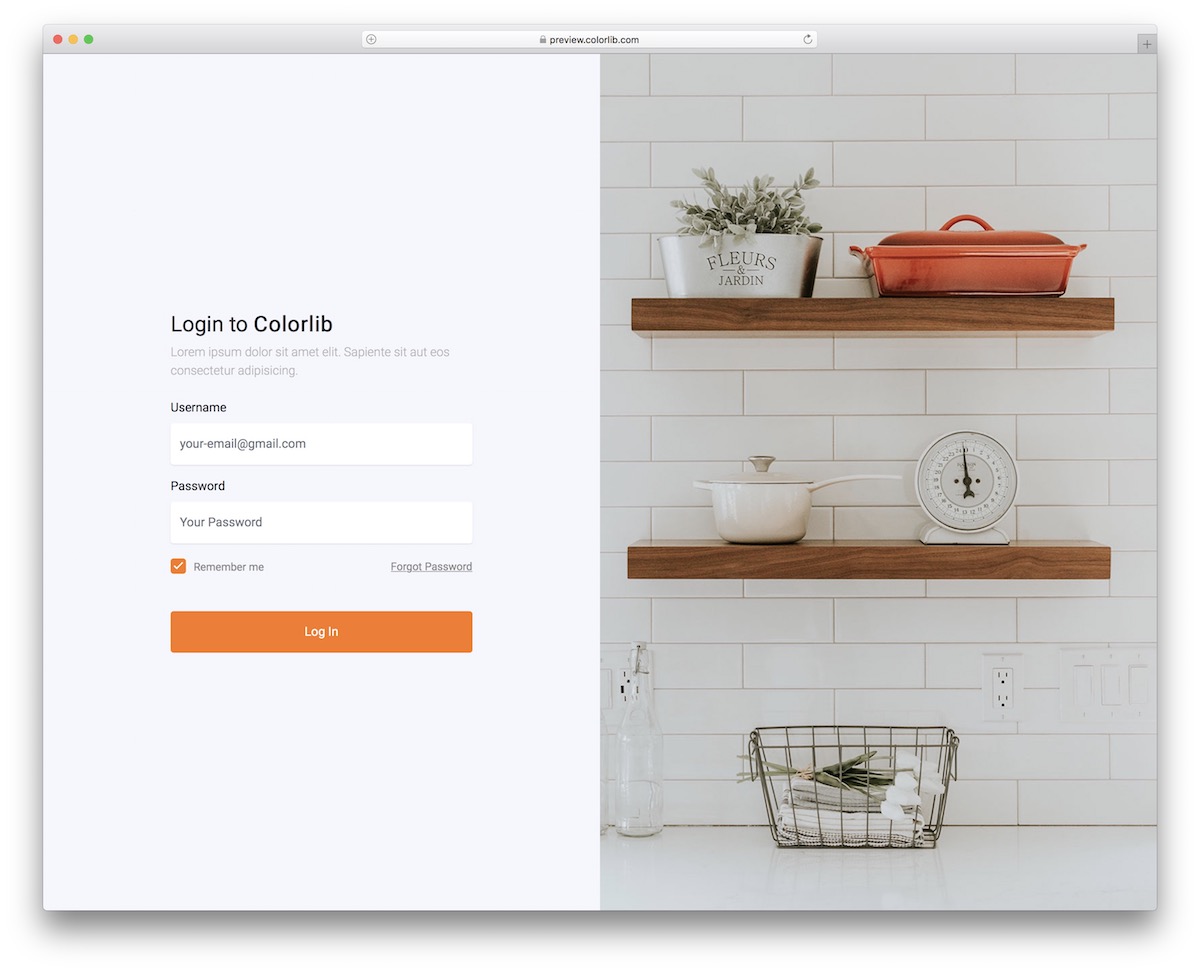
Okay, let’s clarify: if you don’t like blue but prefer orange, you don’t need to customize the previous template. Do yourself a favor and go with Login Form V02.
It still rocks the split-screen design, which works especially on mobile, but the image is placed on top for a better user experience.
Download Preview WordPress versionLogin Form V03
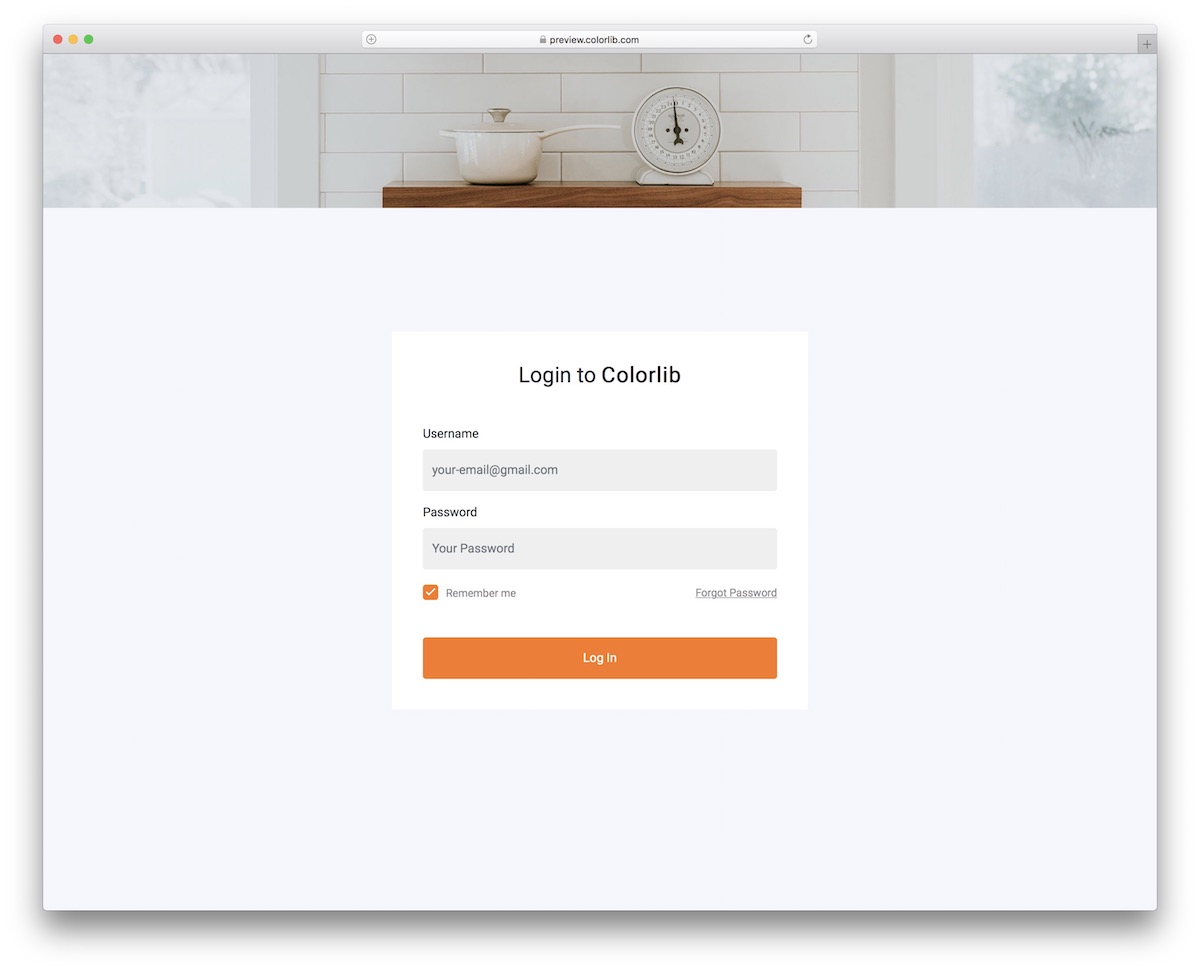
Login Form V03 is a free HTML login form that features a banner or image in the header area. The form is straightforward, without any unnecessary details.
You can now opt for the out-of-the-box version, or you can change the color and brand the free snippet accordingly.
Download Preview WordPress versionLogin Form V04
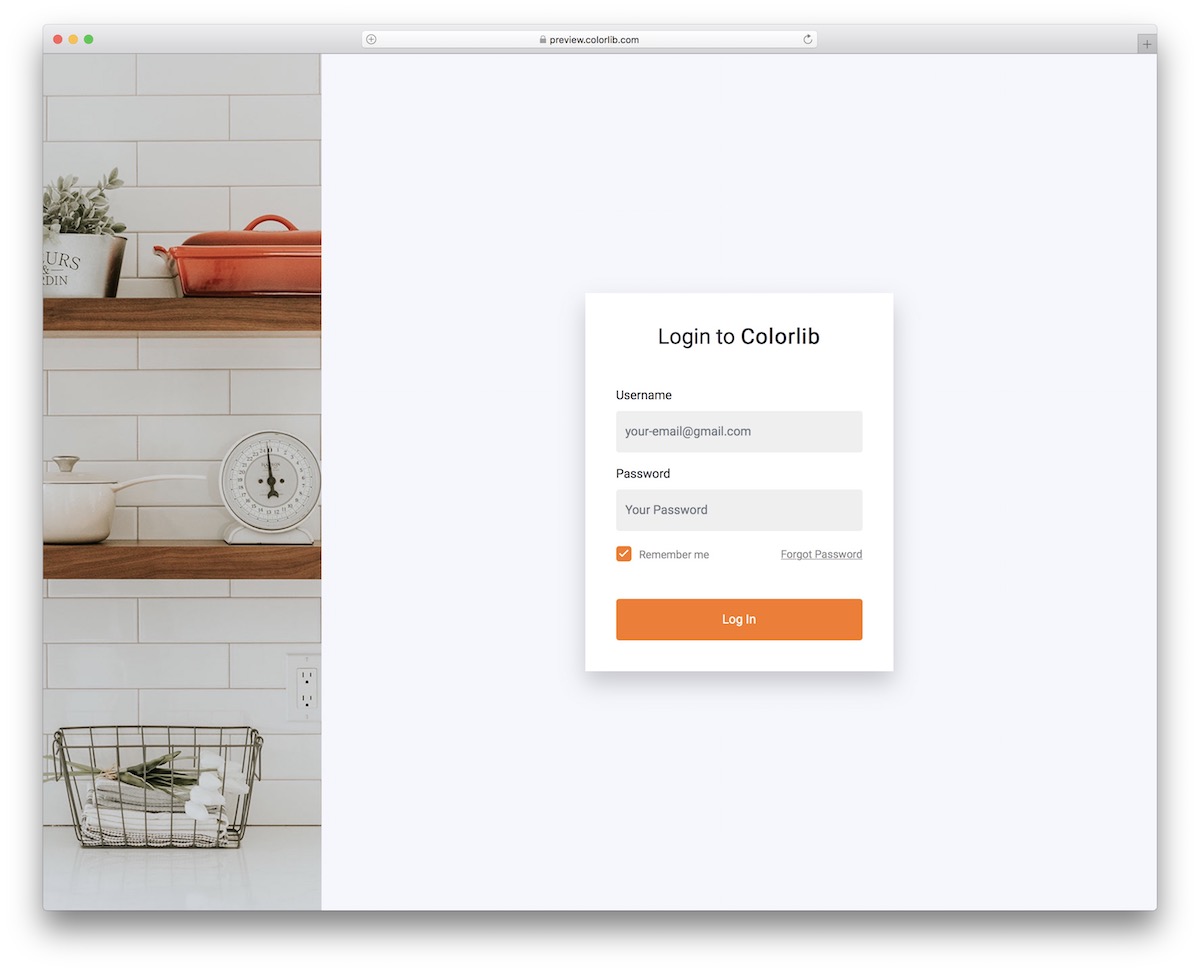
Like the above version, Login Form V04 has the same theme, but the image is on the left. However, for usability, the image jumps to the top on mobile, while the form remains as is.
Don’t build a login page from scratch; use Login Form V04 or another template from this list.
Download Preview WordPress versionLogin Form V05
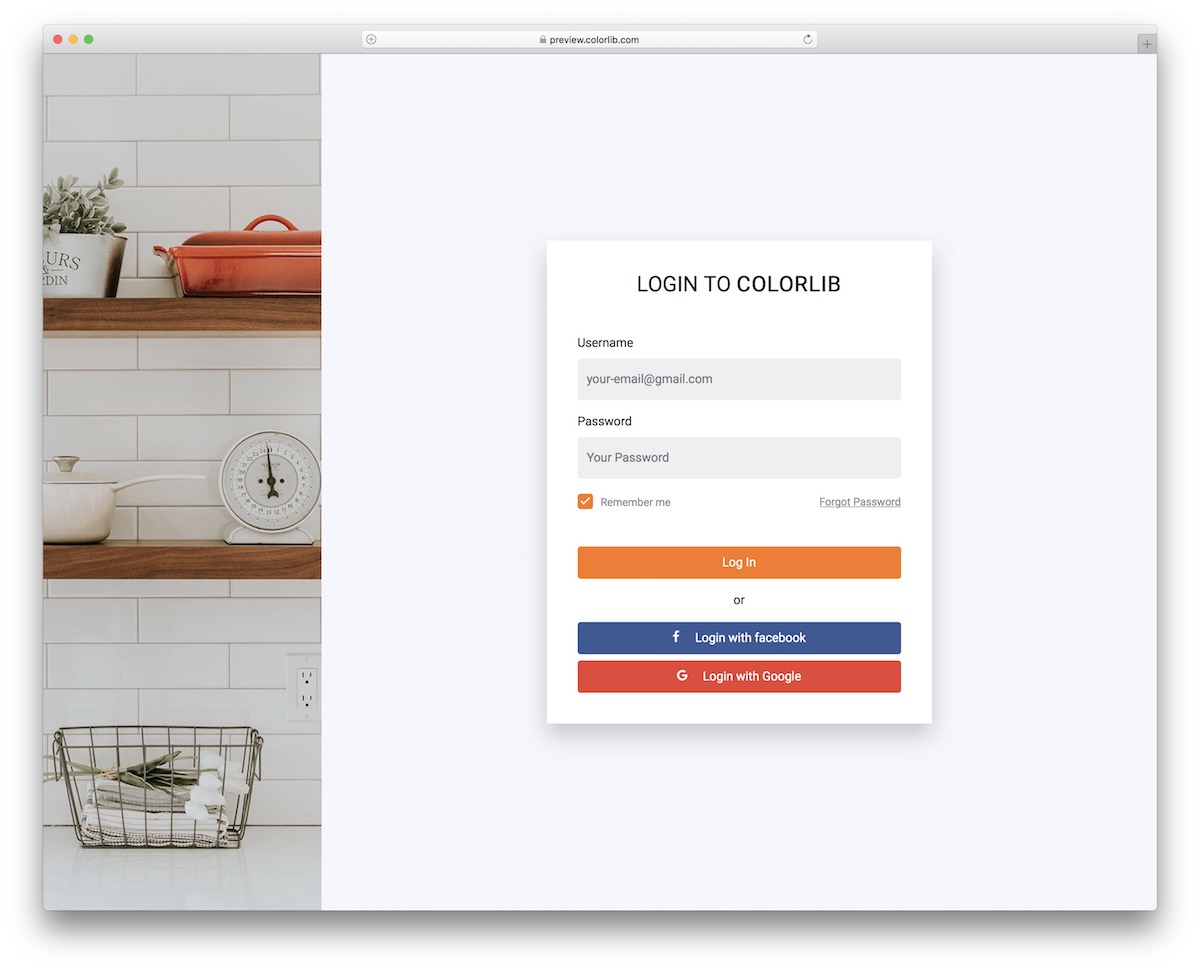
While Login Form V05 and Login Form V04 are very similar design-wise, the social login buttons differentiate them. Whether logging into websites, applications or forms, offering as many options as possible is always cool.
Social login can be much quicker than the traditional username/password alternative.
Download Preview WordPress versionLogin Form V06
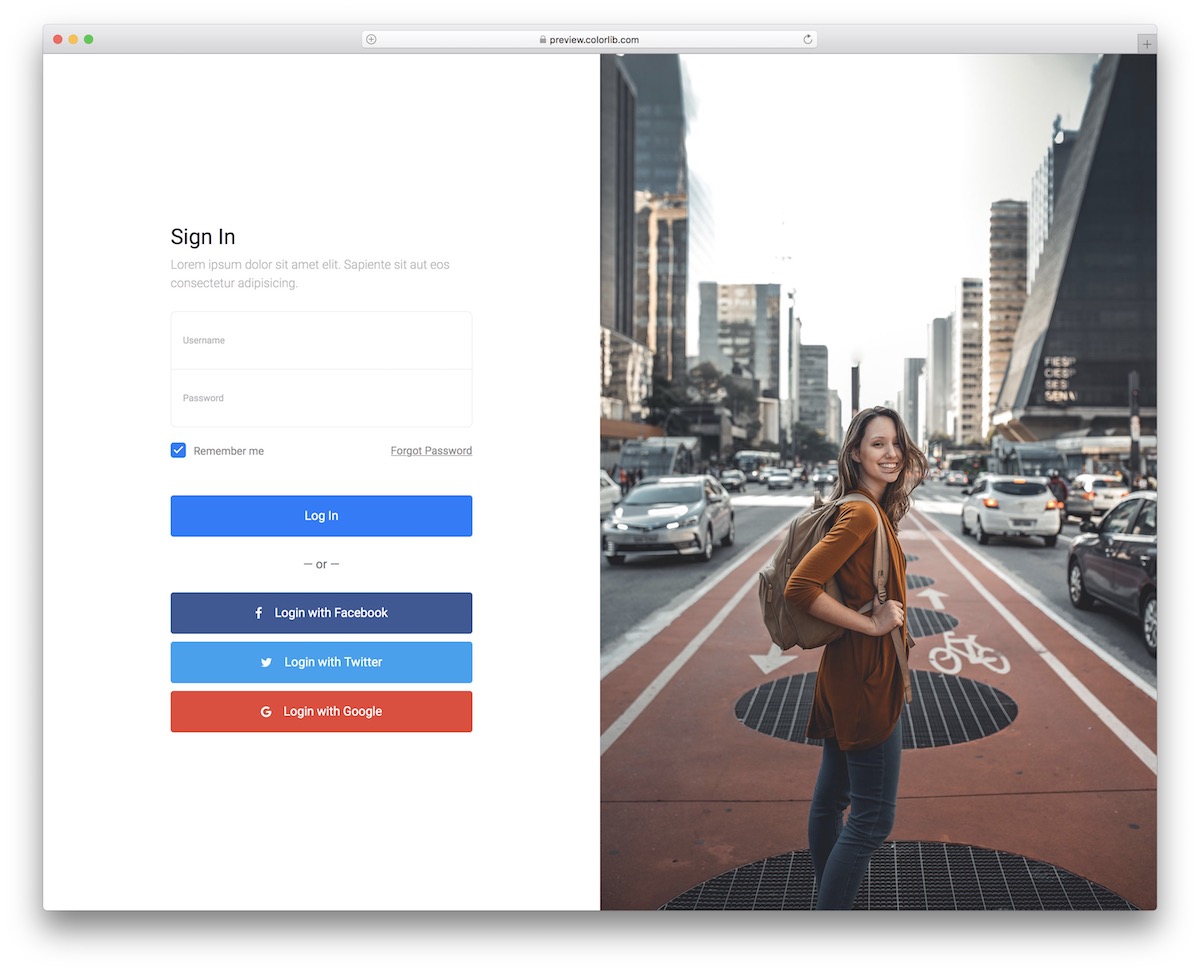
Login Form V06 is a beautiful free HTML login form with a split-layout template with image and form sections. You can always take a more creative approach rather than extreme simplicity.
Whatever you like more.
Along with the standard login form, Login Form V06 includes social login buttons for Facebook, Twitter and Google.
Download Preview WordPress versionLogin Form V07
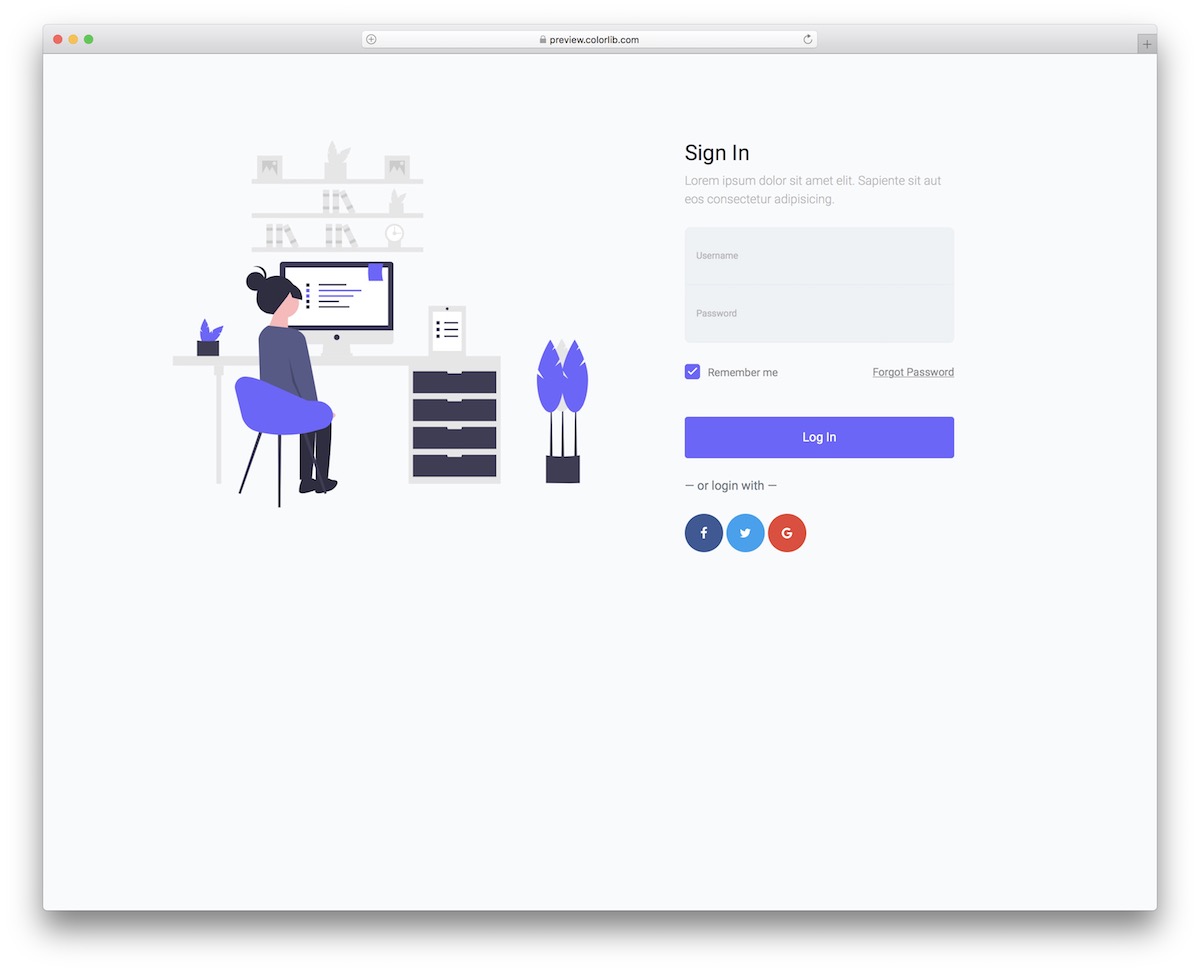
Login Form V07 is a very creative login/sign-in form template that can work GREAT for applications, forums and similar. The tool offers users two ways to access their account/profile: username and password or social media profile.
Like other options from this list, Login Form V07 has user-friendly code that everyone can practice.
Newbies and professionals, YOU’RE WELCOME.
Download Preview WordPress versionLogin Form V08
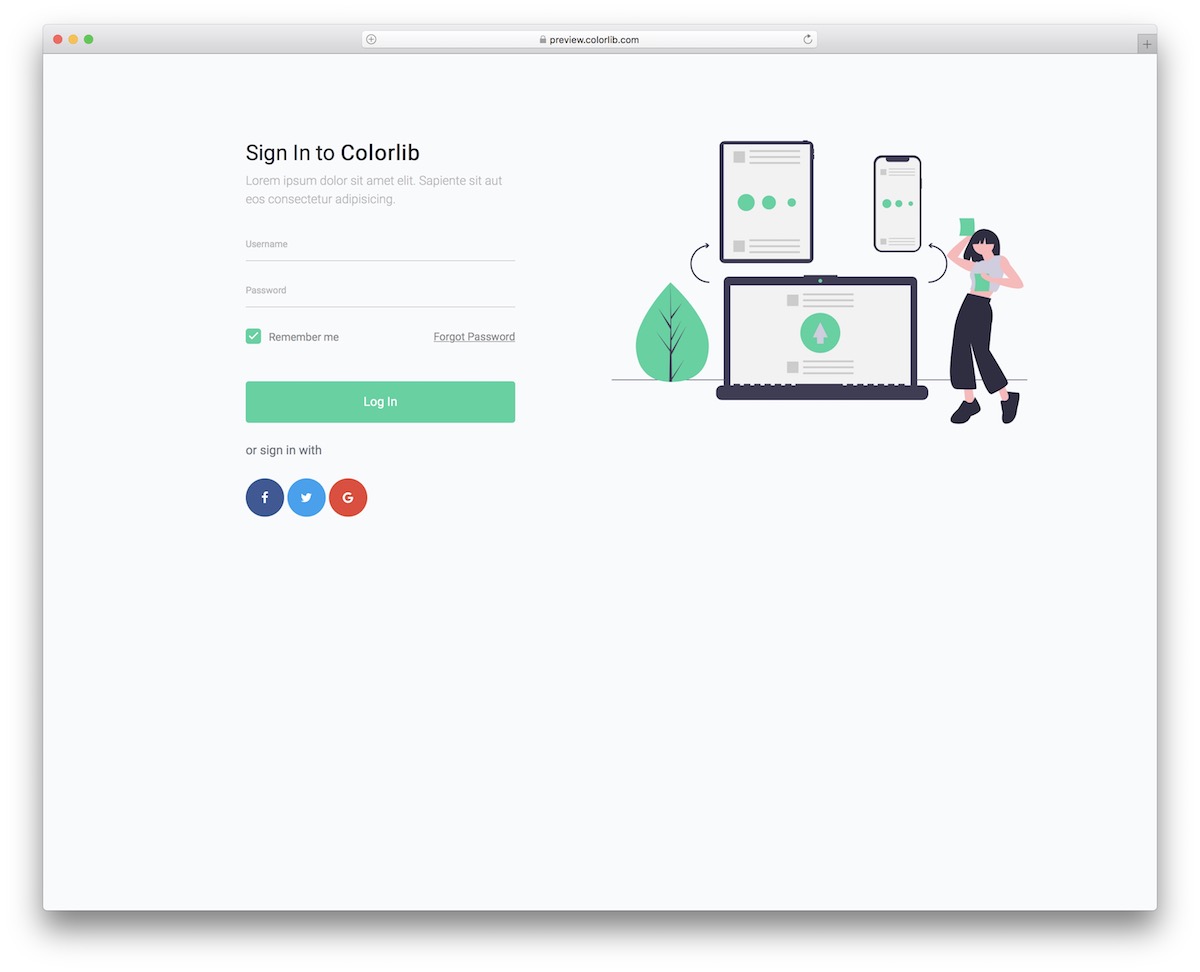
It is safe to say that Login Form V07 and V08 share many similarities. Both sport a modern, app-like design with a layout that smoothly resizes to smaller screens (smartphones and tablets).
Additionally, both options feature a traditional login form and a social login alternative. Of course, this is an HTML template, so you need to work on the back-end to make it functional.
Download Preview WordPress versionLogin Form V09
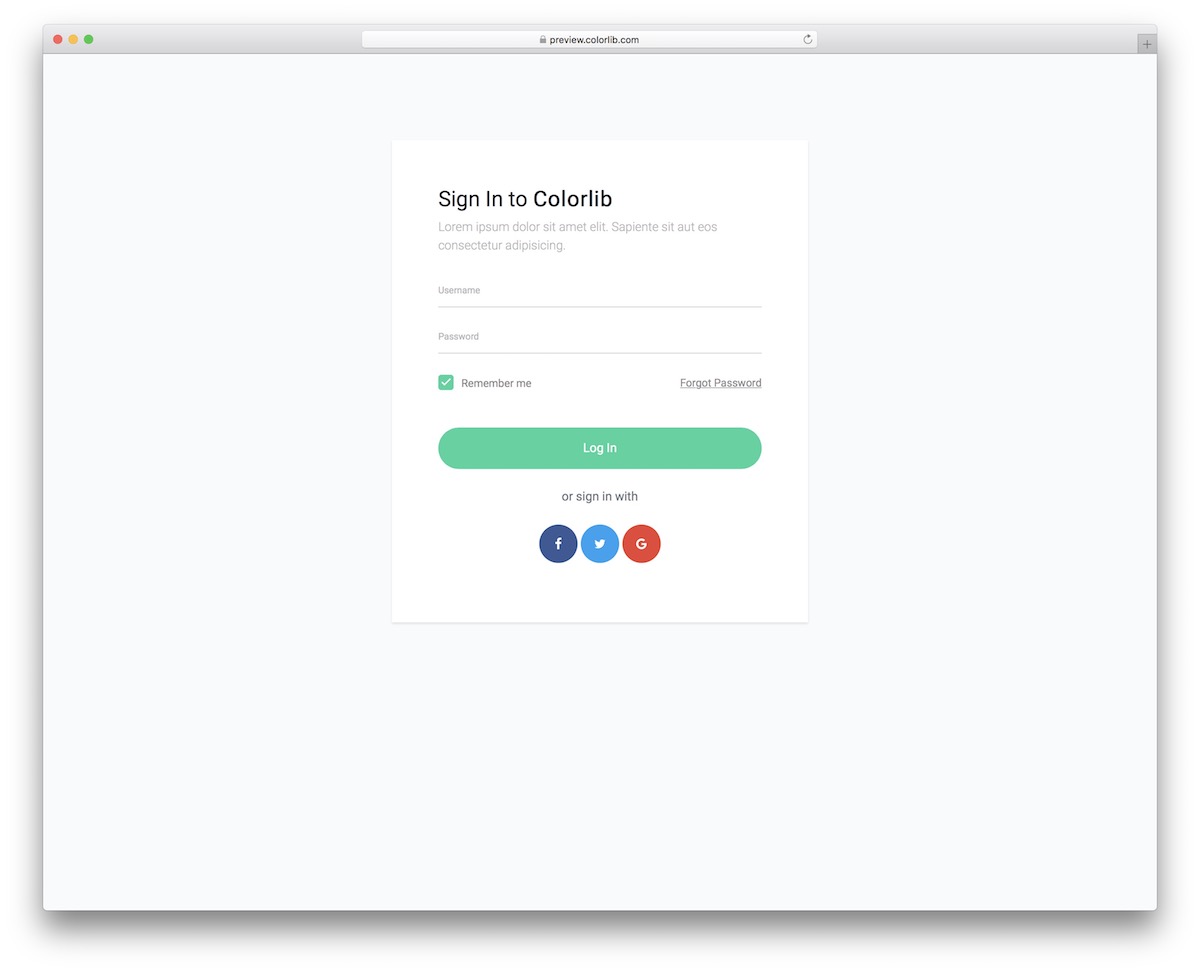
The login or sign-in page/widget often lacks features. I mean, why should it? The user simply wants to access their account as quickly as possible.
That’s something that Login Form V09 does very well. Import it into your website or application without having to start from scratch.
Download Preview WordPress versionLogin Form V10
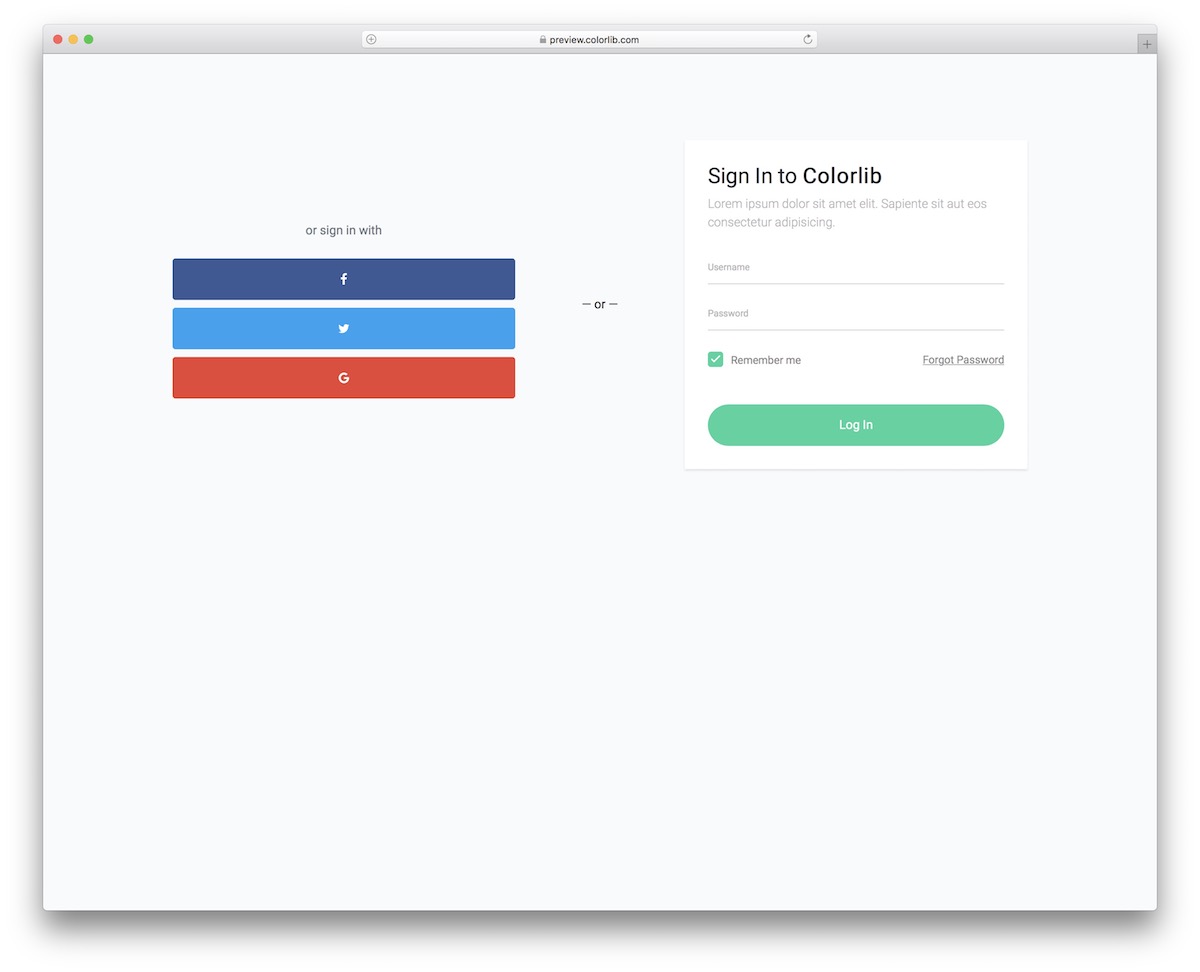
Login Form V10 makes it very convenient for users, offering two ways to log in: via Facebook, Twitter, Google, or email and password.
The user can tick the “remember me” checkbox or hit the “forget password” link. It’s all there; you just need to code it into your project.
Download Preview WordPress versionLogin Form V11
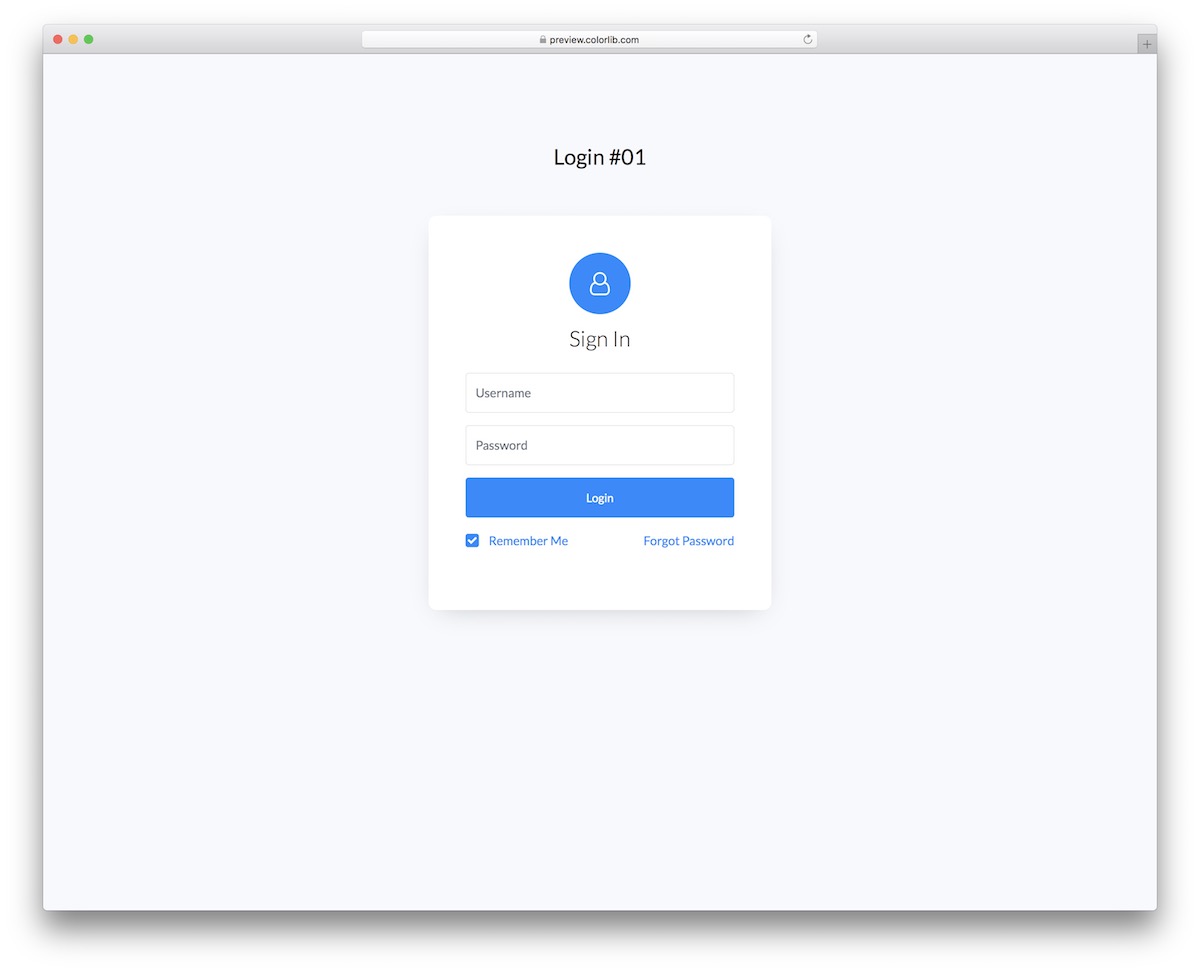
Super simple and super minimal are the two characteristics of Login Form V11. It is a plain HTML and CSS sign-in form, with no JavaScript at all, that you can use on a single page or embed in a different section of your website or application.
We ensure the code is well-organized and USER-FRIENDLY so you can quickly get its gist.
Download Preview WordPress versionLogin Form V12
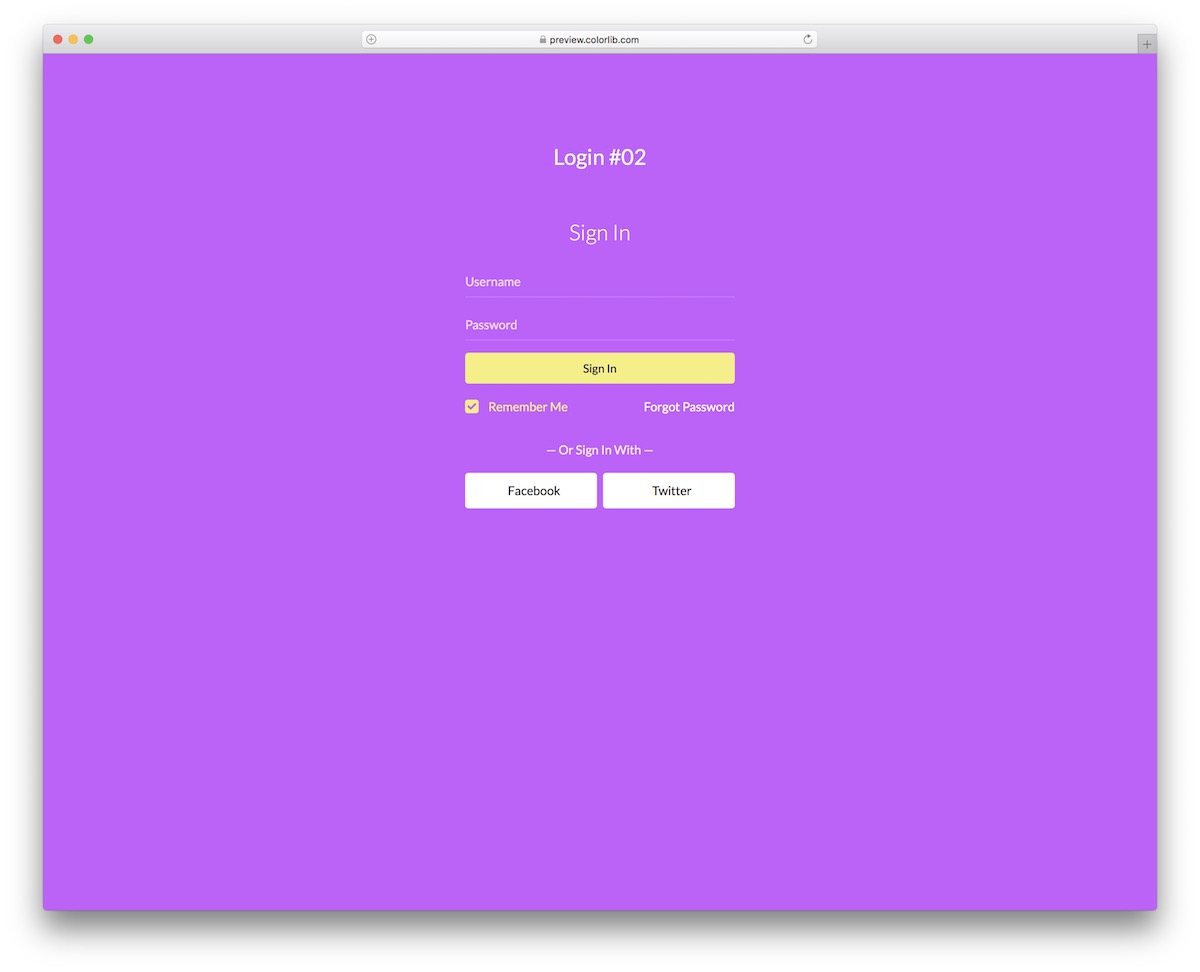
Login Form V12 is PINK. But, there is an option to go against the grain and update it with a different color. This is also a free HTML login form, allowing you to implement it immediately.
Additionally, the transparent design operates seamlessly across various devices and includes social login buttons for Facebook and Twitter.
Download Preview WordPress versionLogin Form V13
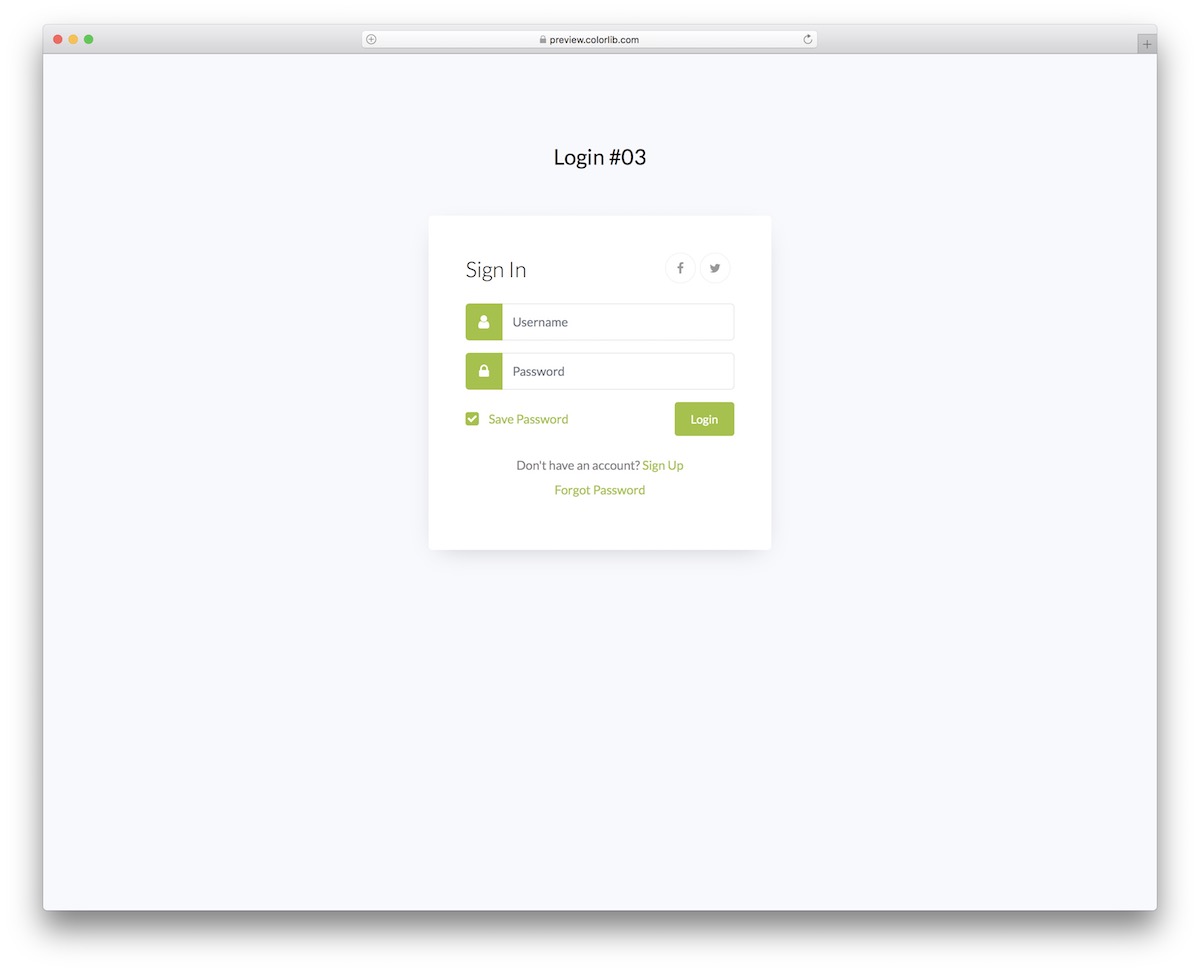
With Login Form V13, you get a simple login widget that adapts to different web and app branding regulations. You will probably want to change only the color, keeping the rest as is.
Why complicate things even more if Login Form V13 runs SUPER smoothly by default? We all know the answer.
Download Preview WordPress versionLogin Form V14
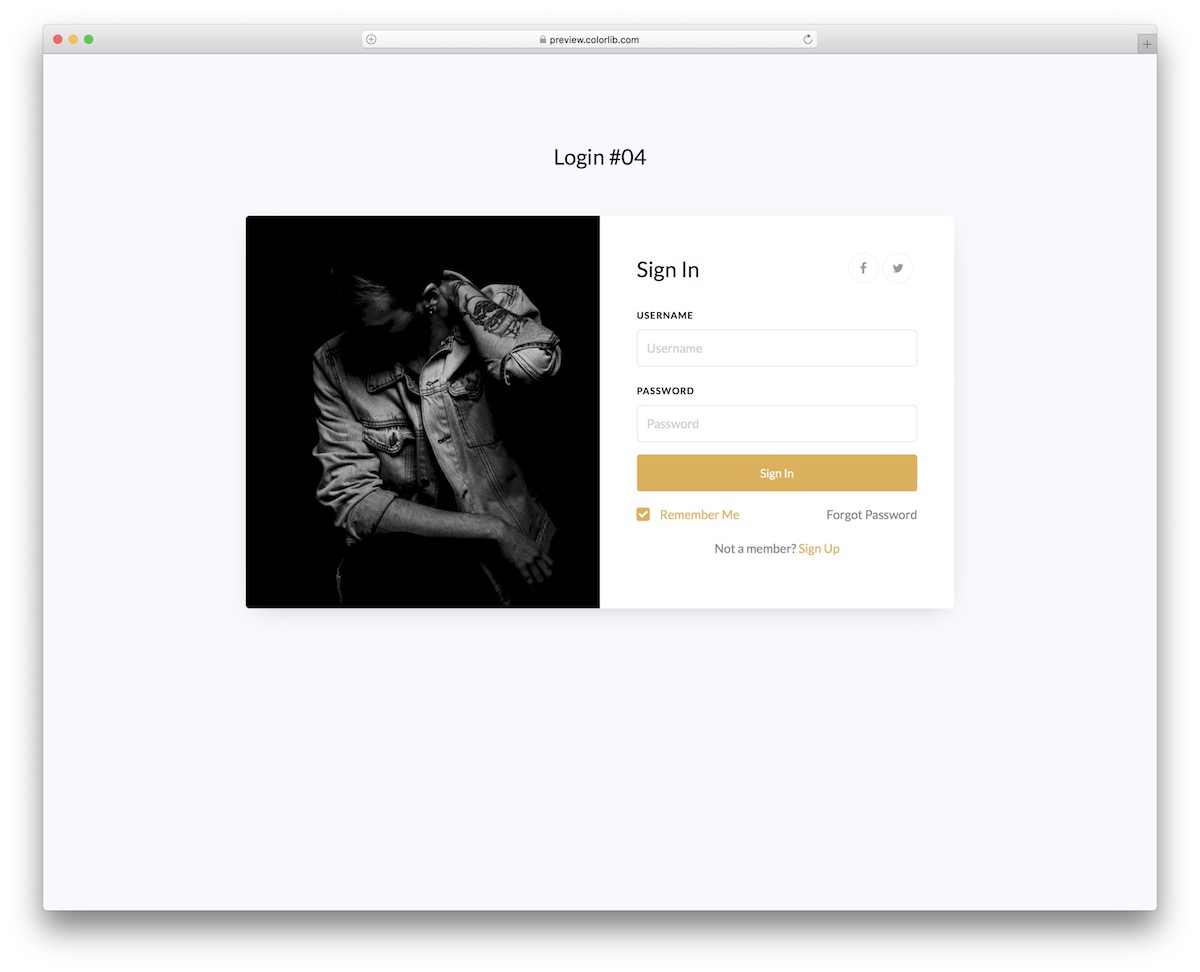
Login Form V14 is a beautiful widget for login or sign-in forms. Thanks to the integrated image, you can always opt for this free template to add a bit of spice.
Moreover, Login Form V14 includes Facebook and Twitter icons, a “remember me” checkbox, and a link to sign up for anyone who’s not yet a member.
Download Preview WordPress versionLogin Form V15
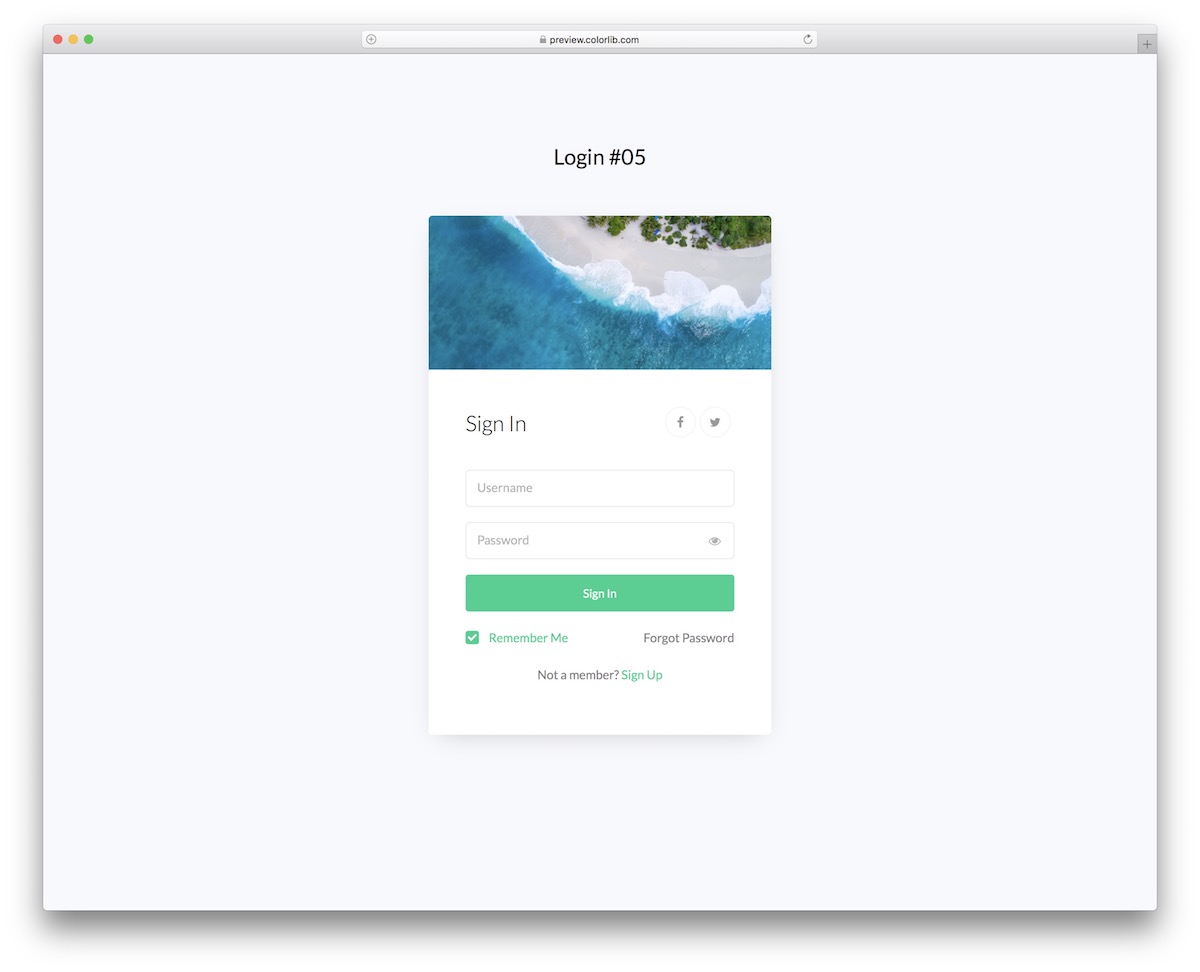
When you decide to use Login Form V15, you can use it on a solid background or a custom image. However, the latter option won’t work well, as the free login template already includes an image banner.
What’s cool is that the design doesn’t change whether you view it on mobile, thanks to the vertical split-screen design.
Download Preview WordPress versionLogin Form V16
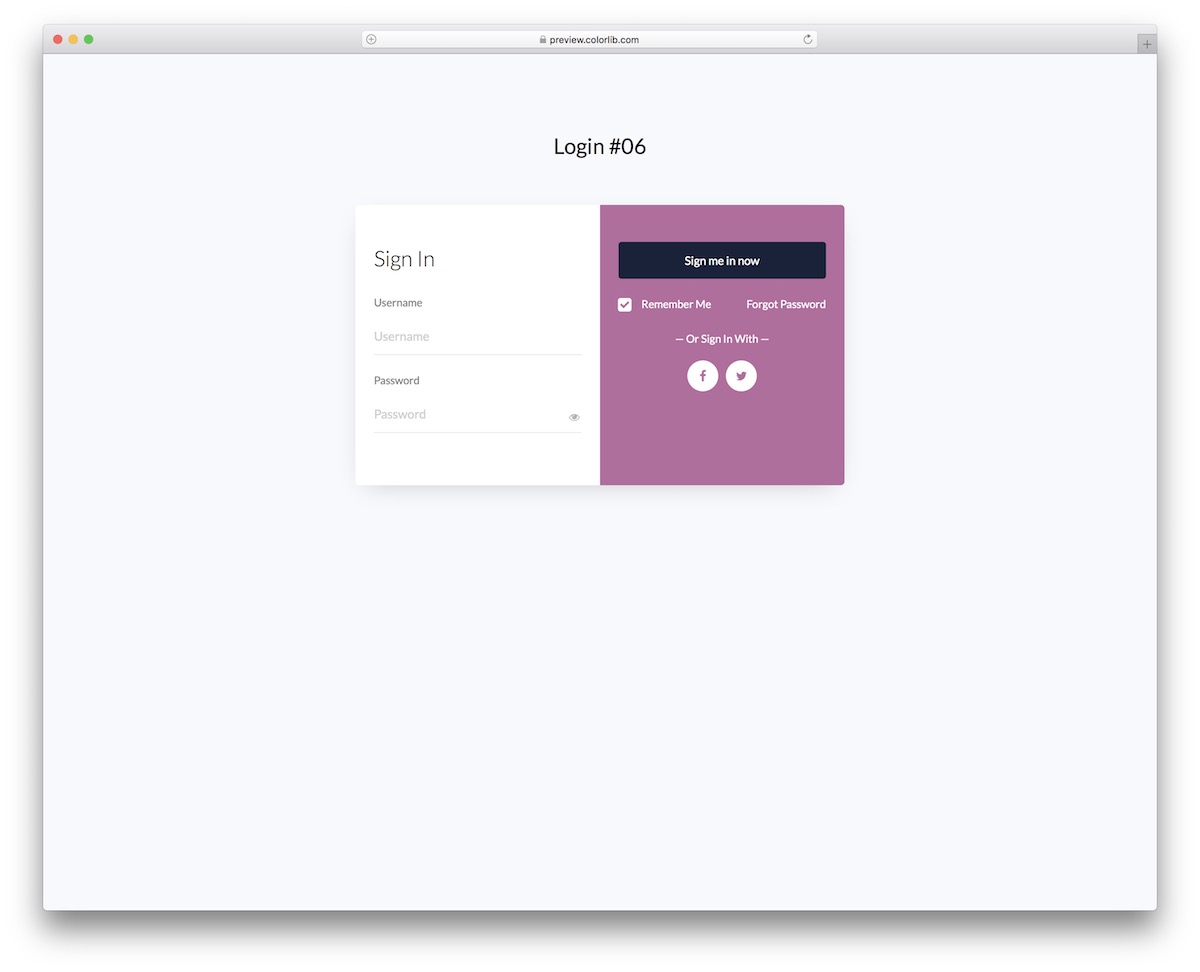
The autocomplete it sports is great and highly practical for Login Form V16. The form displays the username and password as soon as you click the field. But this is the setup you need to have unlocked in your browser.
You can also offer your members the option to sign in using either a Facebook or a Twitter account.
Download Preview WordPress versionLogin Form V17
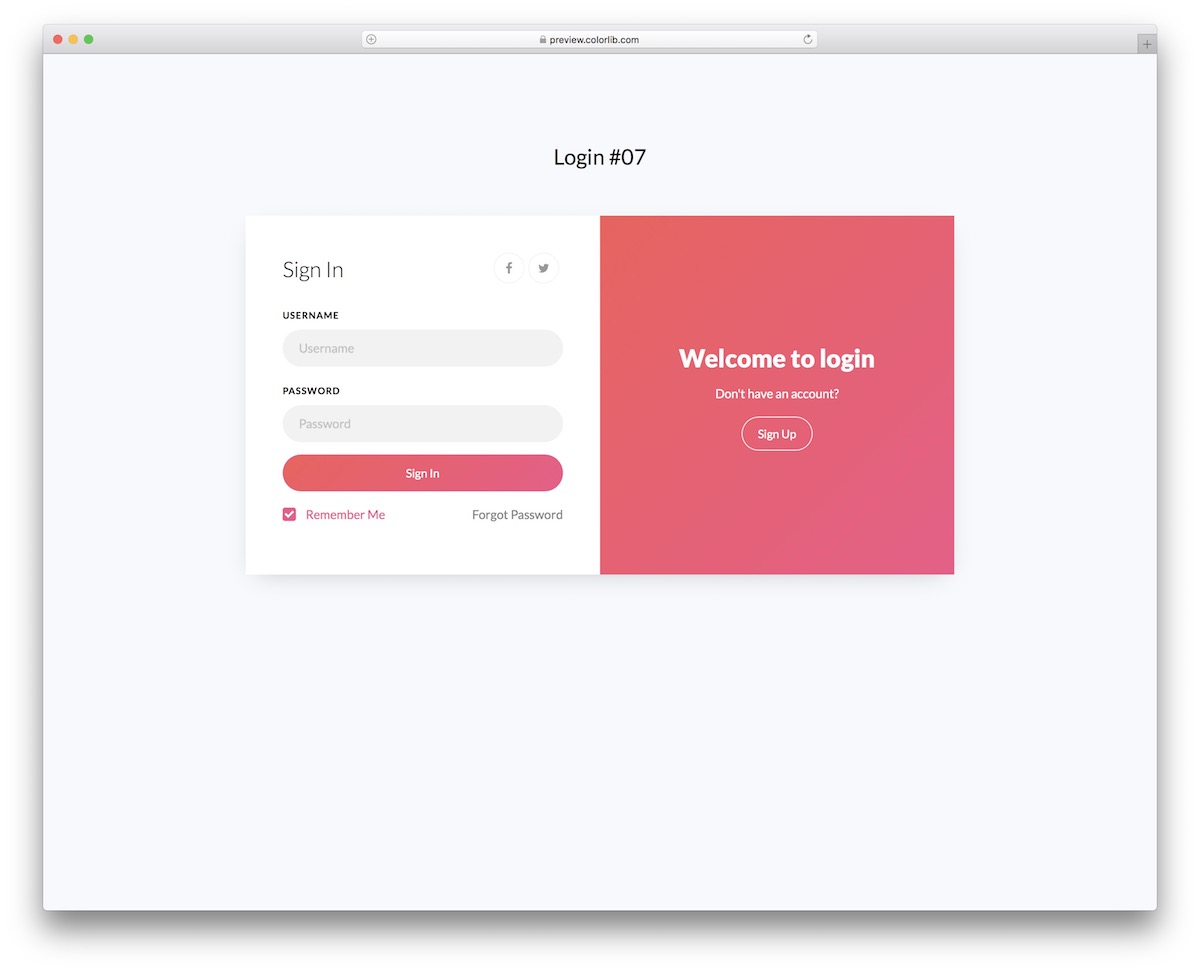
If you are considering using color but don’t like the feel of a solid color, a gradient effect is your best bet. Go with Login Form V17, configure it if necessary and you are ready to roll.
Working with Login Form V17 will be easy, as you don’t need an advanced coder to integrate it into your application.
Download Preview WordPress versionLogin Form V18
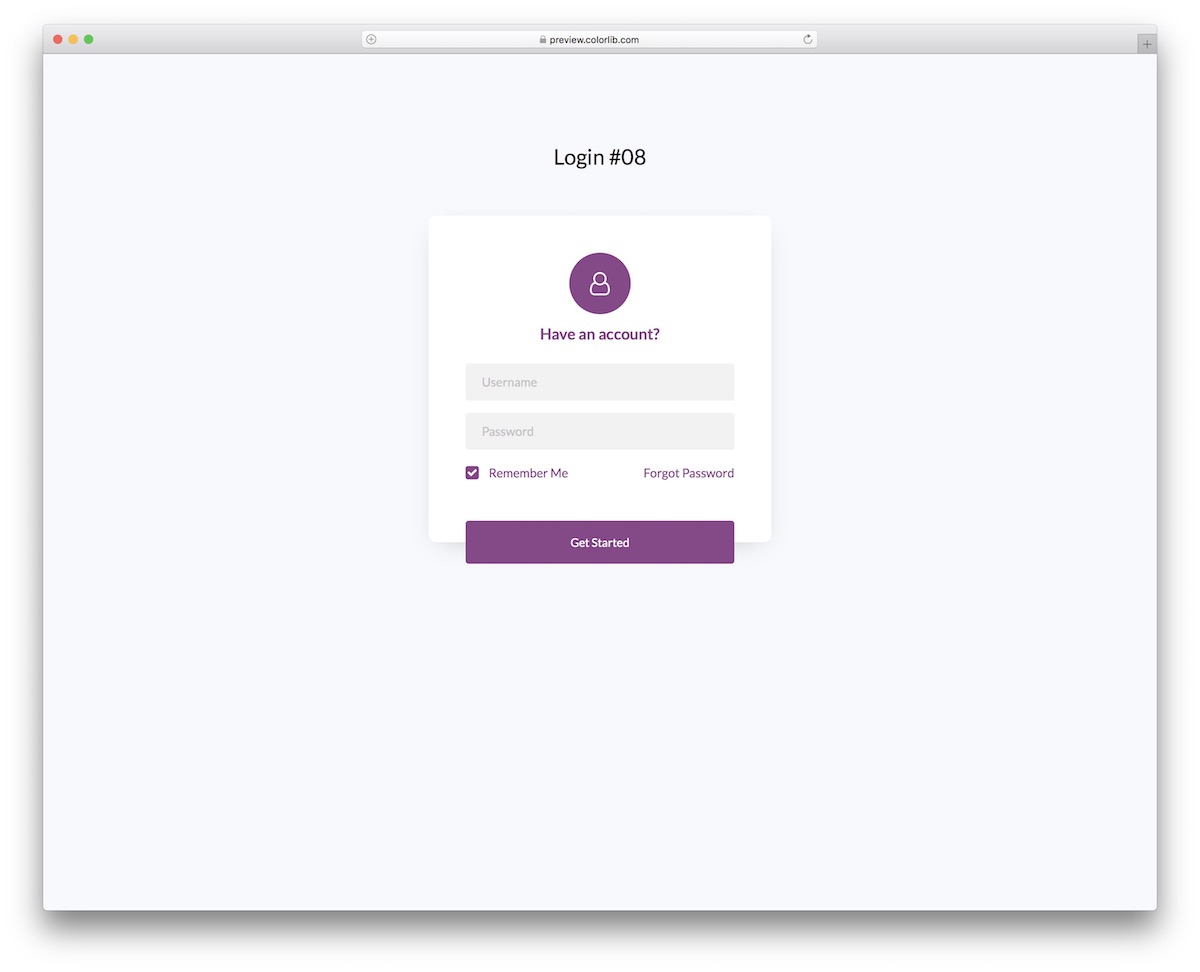
It’s all about the details with Login Form V18. This is an excellent, versatile, and highly adaptable free login form in plain HTML and CSS. It needs no JavaScript for its layout. Check for stylesheet conflicts when adding it to an existing project.
It’s a quick username-and-password-style form with autocomplete, “forgot password” and a checkbox for “remember me.” Also, the consistency of the design is intact on smartphones, tablets and desktops.
Download Preview WordPress versionLogin Form V19
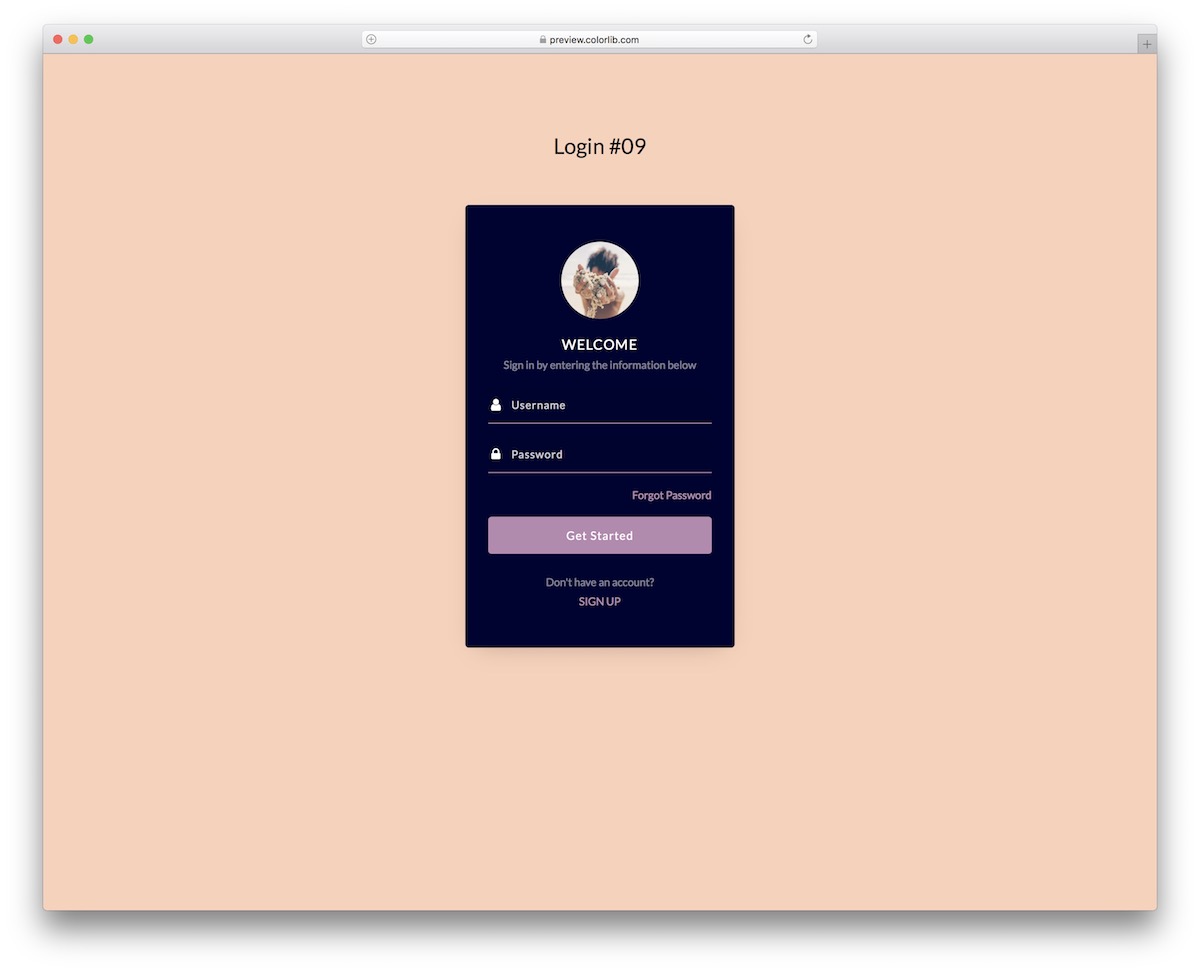
Display a user avatar on the login form to make your application more personalized. Login Form V19 can help you achieve this quickly.
Its vertical layout requires minimal reshaping to work seamlessly on different screen sizes.
Download Preview WordPress versionLogin Form V20

While some HTML login forms work better on solid backgrounds, some are meant for image backgrounds. This is WHAT’S up with Login Form V20.
The form is transparent and has rounded fields, making it mobile-first overall, and its show-password toggle works without jQuery. For those tired of typing in their username and password, there’s also an option to activate Facebook and Twitter logins.
Download Preview WordPress versionIf you would rather build a login form yourself, the tutorial below walks through a basic one step by step.
How to set up an HTML login form from a template
This walkthrough uses Basic Login Form from the 20-design Colorlib bundle. Keep the extracted folder structure: the form loads a shared JavaScript helper as well as its own CSS and script. You do not need to create blank files or paste a separate script.
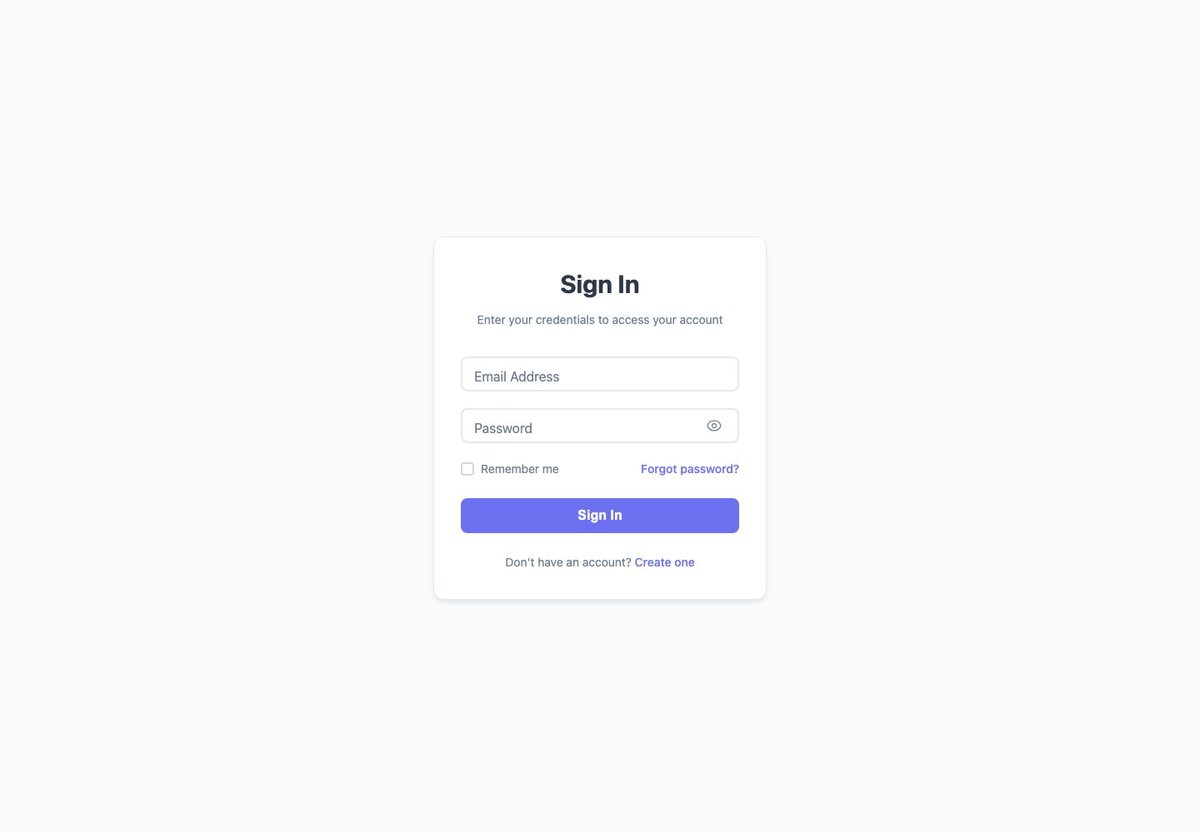
Step 1: Download and extract the bundle
Download the Colorlib login forms ZIP and extract it. Open the login-forms directory in your code editor. Keep its forms and shared directories together.
Step 2: Locate the HTML, CSS and JavaScript
The Basic design is in forms/basic/. Its index.html loads style.css, script.js and ../../shared/js/form-utils.js. Moving only the HTML file will break these relative paths. Other designs in the same bundle have their own folders.
Step 3: Preview and customize the HTML
Open forms/basic/index.html in your browser to preview it, then edit that file in a code editor. Update the heading, labels, account links and brand copy. Keep each label connected to its input and preserve useful autocomplete attributes. Use made-up details when trying the demonstration form.
Step 4: Adjust the design
Edit forms/basic/style.css to change the colors, spacing and card appearance. Check the result at a narrow phone width as well as on desktop. Make sure long labels, visible error messages and the password toggle still fit after your changes.
Step 5: Replace the simulated login
The Basic form extends the shared helper in shared/js/form-utils.js, which includes a simulateLogin method. That method shows demo feedback; it does not check a real account. Connect submission to your authentication service and test success, rejected credentials, network errors and recovery before launch. A browser-side success message does not protect another page.
Need matching registration and recovery pages? Relay Auth includes those screens and a dedicated adapter guide. Its JavaScript modules require a local HTTP server; follow the included setup.html instructions.
What makes a good login page
Make the form easy to complete. Keep labels visible, allow password pasting, and use appropriate autocomplete attributes such as username and current-password. Browser support and saved credentials determine what is filled automatically.
Make failure understandable. Provide readable field messages, a visible recovery route and feedback while a request is loading. Check keyboard navigation, focus visibility and the layout with errors showing. Use your authentication provider’s guidance for the actual server responses.
Match the interface to your service. Show a passkey, social-login, magic-link or SSO option only when your integration supports it. A template button and a simulated confirmation do not implement the underlying sign-in method.
Test the whole journey on a phone. Check sign-in, registration, recovery, verification and expired-link states. Keep controls usable with the on-screen keyboard visible and test the colors and focus states again after restyling.
Frequently asked questions
Are these login page templates free for commercial use?
The collection includes free downloads and source examples. Check the license shipped with your chosen template and retain any required attribution. Relay Auth uses CC BY 3.0. The uiCookies pack, Creative Login Form source example and WordPress plugin have their own license information.
Do I need Bootstrap or jQuery?
Relay Auth and the ten recent Colorlib login pages use plain HTML, CSS and vanilla JavaScript. Creative Login Form uses jQuery, and Login Customizer requires WordPress. Check your chosen download’s files; an HTML template does not automatically inherit the styling of an existing Bootstrap project.
Will a template log people in or send recovery emails on its own?
No. These HTML templates provide the interface. Demo success messages, verification codes and social, passkey or SSO controls are simulated. Connect a backend or authentication provider for real accounts, sessions, verification and email delivery. The WordPress plugin styles an existing WordPress login.
How do I make a login page in HTML from a template?
Download and extract the package, preserve its asset paths, and edit its HTML and CSS. The walkthrough above uses the Basic design in the Colorlib bundle and identifies its shared script dependency. Preview the interface, then replace simulated submission with your authentication integration.
Which template includes login, registration and password recovery?
Relay Auth includes eight connected interface screens and a setup guide. Choose Login Page V10 for login and registration on a single card, or the uiCookies pack when you want separate screen designs to adapt. None of these HTML downloads supplies an authentication backend.
For matching forms elsewhere on your site, browse our Bootstrap form templates and contact form templates.

Related Posts


Wow, this is awesome!
… how exactly do I get them to display and function on a WordPress site?
Hey,
These are plain HTML/CSS login forms, so you can’t use them directly on your WordPress website. They don’t have any functionality of their own; they are made for inspiration or for developers to take the code and port it to web apps and CMSs such as WordPress.
If you just want a nicer WordPress login page, the WordPress Login Customizer listed above is a much simpler route.