
Showing 1–48 of 48 templates
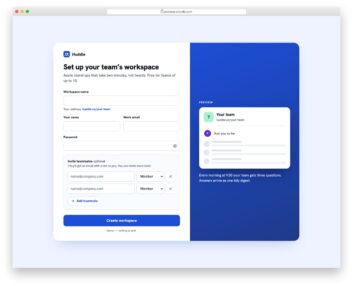
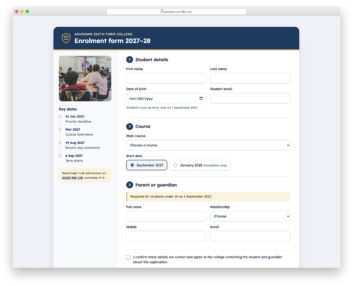
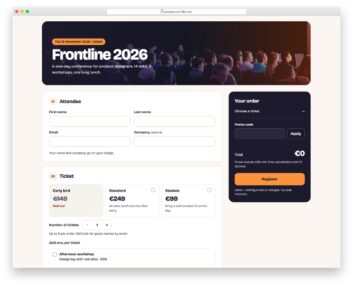
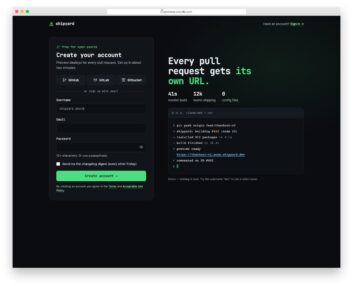
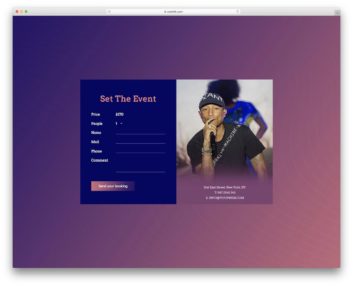
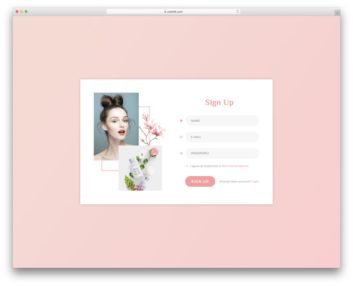
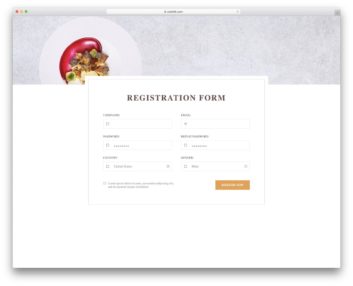
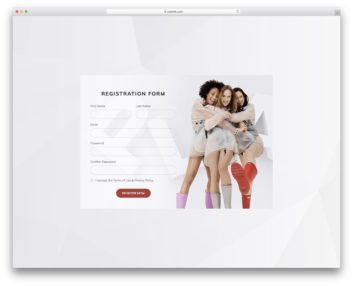
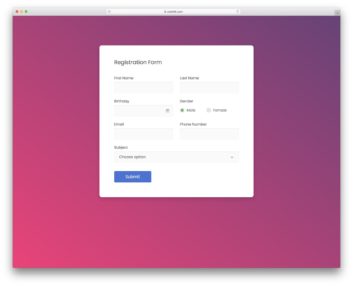

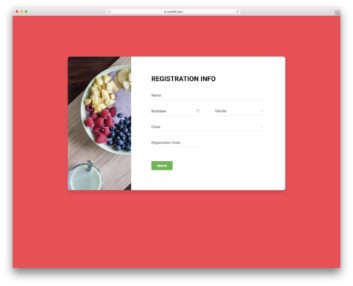
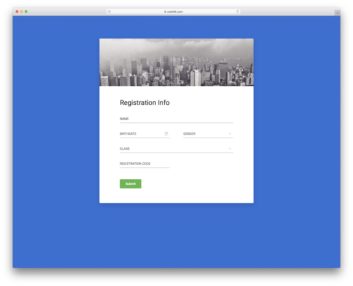
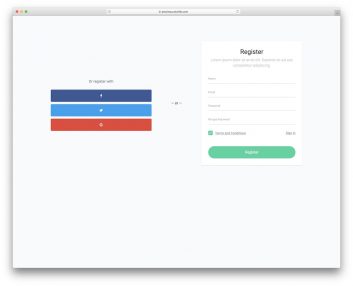
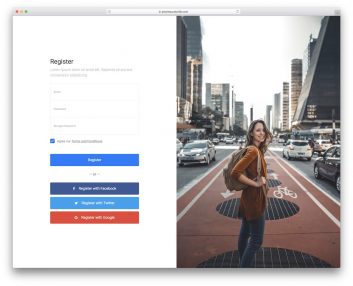
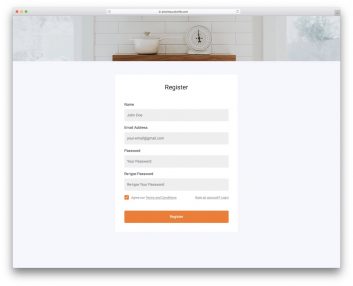
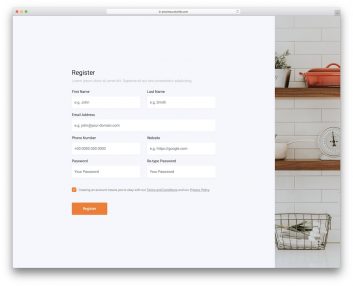
Choose a registration form for your sign-up flow
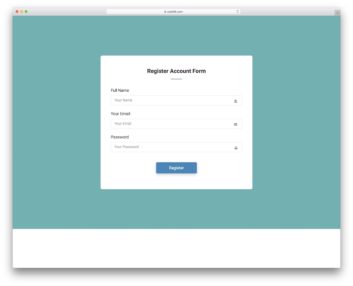
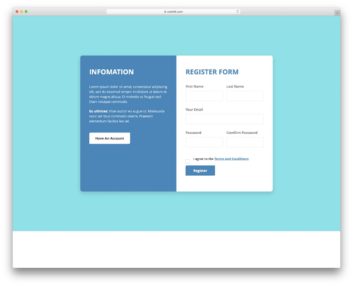
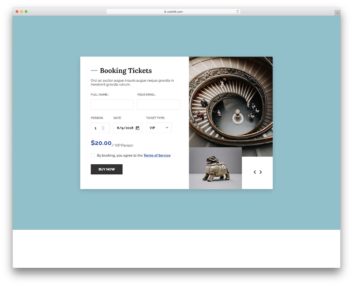
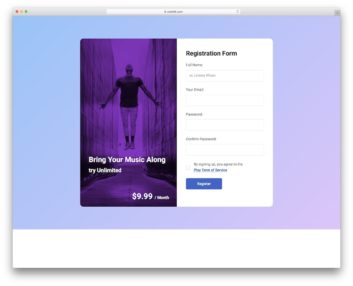
Start with the information you need to create an account. A short sign-up form works differently from an onboarding wizard or a community profile. These examples make those differences easier to compare.
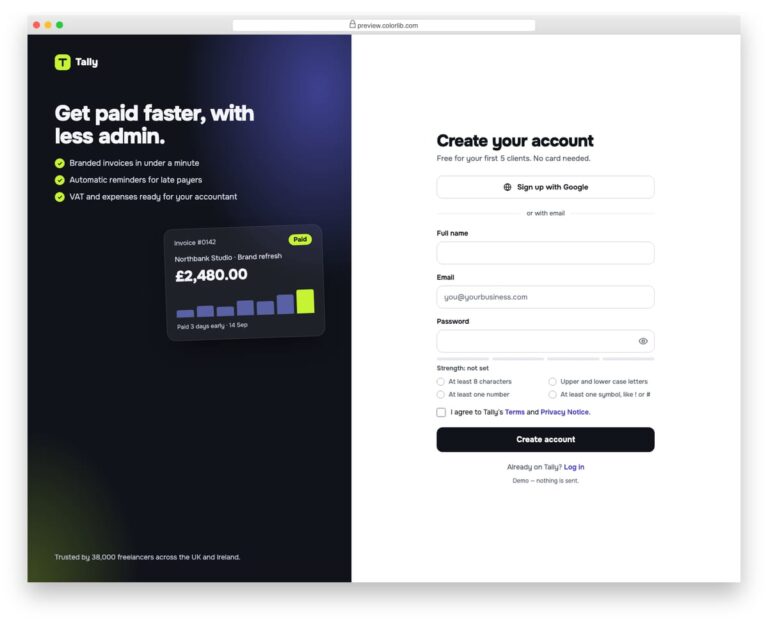
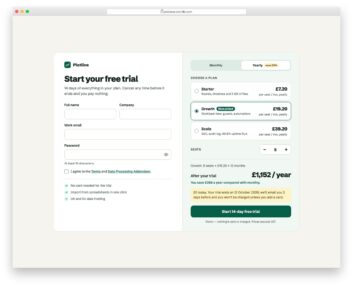
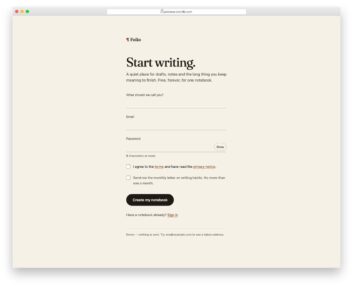
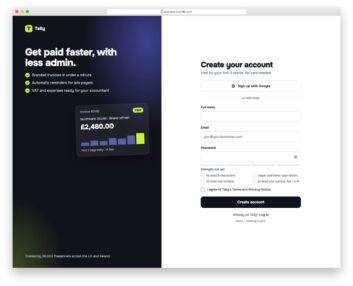
Registration Page V01
Choose it for: a single account-creation screen with visible password guidance.
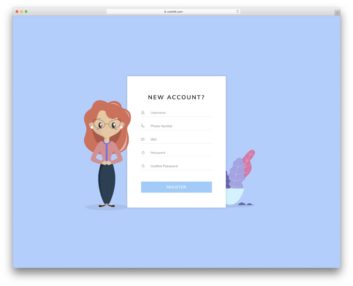
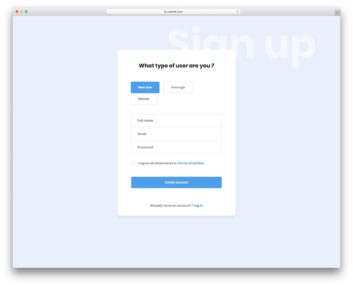
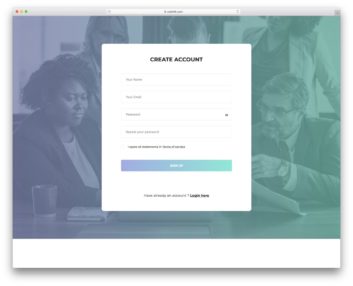
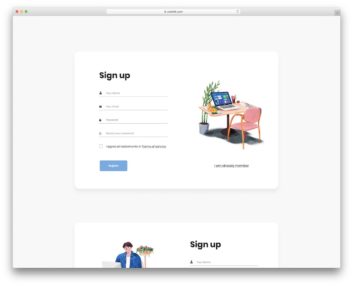
Registration Page V01 combines name, email and password fields with a password checklist, visibility control and terms checkbox. Its split layout pairs the form with a product illustration.
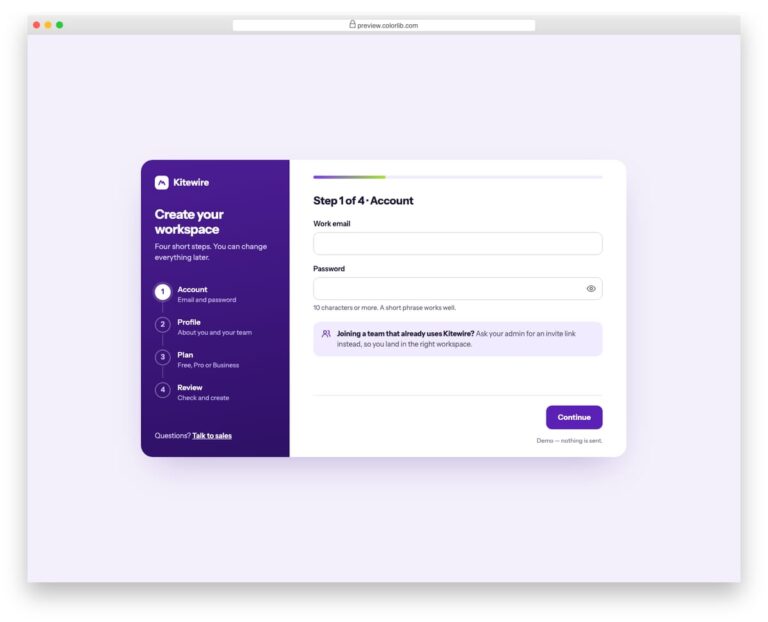
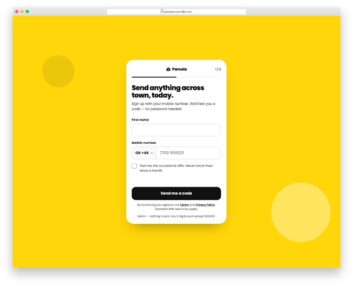
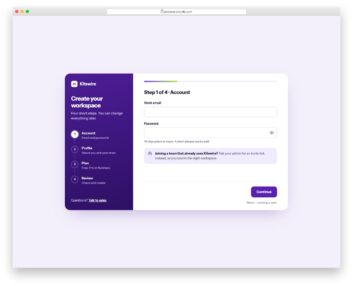
Registration Page V02
Choose it for: a longer sign-up flow divided into manageable steps.
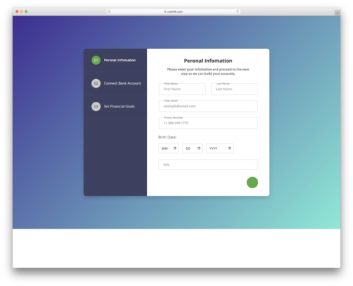
Registration Page V02 separates account details, profile information, plan selection and review. Compare its progress indicator and back/continue controls when your onboarding needs more than one screen.
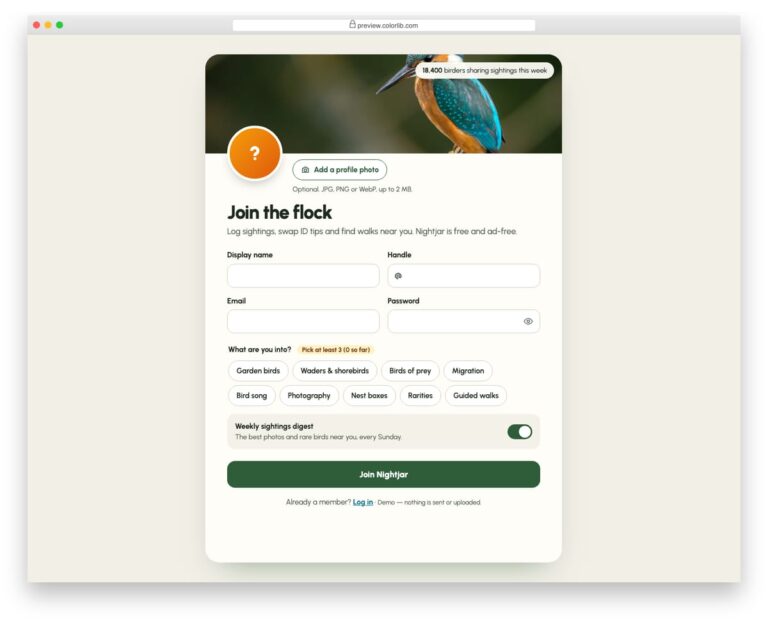
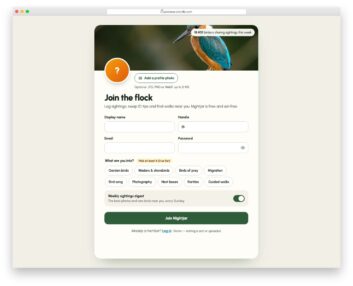
Registration Page V08
Choose it for: a community sign-up that includes a personal profile.
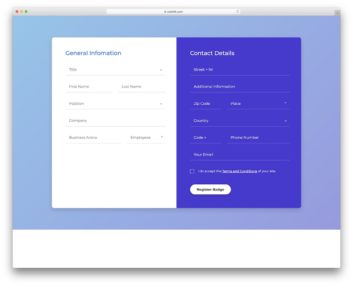
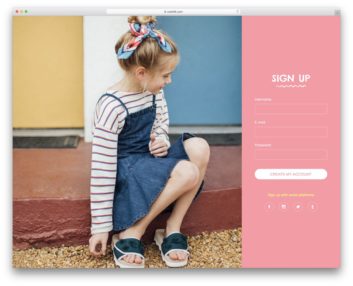
Registration Page V08 adds a local profile-photo preview, display name, handle and interest choices. A digest switch lets users choose whether to receive updates; connect that preference to your own system.
Keep account creation and profile setup distinct
Ask for the details needed at the current step. A community may need interests during onboarding, while a simple account may only need credentials. If you use several steps, make the current step clear and let users return to edit their answers. Pair the chosen design with a matching login form for returning users.
Check the files before using them with Bootstrap
The three featured demos load standalone styles and JavaScript rather than Bootstrap. A demo path containing “bootstrap” does not identify a bundled framework version. Test the downloaded form inside your page, including labels, focus styles and small-screen layout, before relying on compatibility.
Turn the interface into a working registration flow
The demos illustrate inputs, validation and confirmation states. They do not establish a working account system. Connect your authentication service or backend, replace placeholder links and test server responses for rejected details and existing accounts. Profile previews and selected interests also need a storage workflow if you want to save them. For visitors who only need to send a message, use a contact form instead of asking them to register.
