

30 Best Bootstrap Form Templates 2026
This post can be useful for searching for high-quality Bootstrap form templates. This informative article lists stunning free Bootstrap form templates that you can easily integrate into your website.
Web forms collect data on a website. As a website owner, you can use web forms to collect information from your site visitors.
Typically, a form includes text fields and a submit button. However, there can be other types of input fields and text fields. For example, a form may contain radio buttons, checkboxes, drop-down lists, and other elements.
Forms can be of various types, such as login, registration, contact, etc. A login form allows your website users to sign in using their login credentials, such as a username/email address/mobile number, and a password. On the other hand, a registration form will allow your site visitors to create an account on your website. A contact form allows your site visitors to easily contact you.
A login form typically consists of two text fields: the username/email address/mobile number and the password.
A registration form generally has more than two text fields. In the registration form, you can request various pieces of information, such as name, email address, address, mobile number, and photo. However, asking for too many things in the first step is not a good practice. It will annoy your users, and they will likely leave your site if the registration form contains too many fields.
A contact form typically includes text fields for name, email address, subject, message, budget, and the services required, among others. Some contact forms have just an email field and a message field.
Many great Bootstrap form templates are on the list, but we decided to save the best for last. That form is viewed by over 10 million users and used on numerous websites worldwide.
Best Free Bootstrap Form Templates
Colorlib Reg Form v1
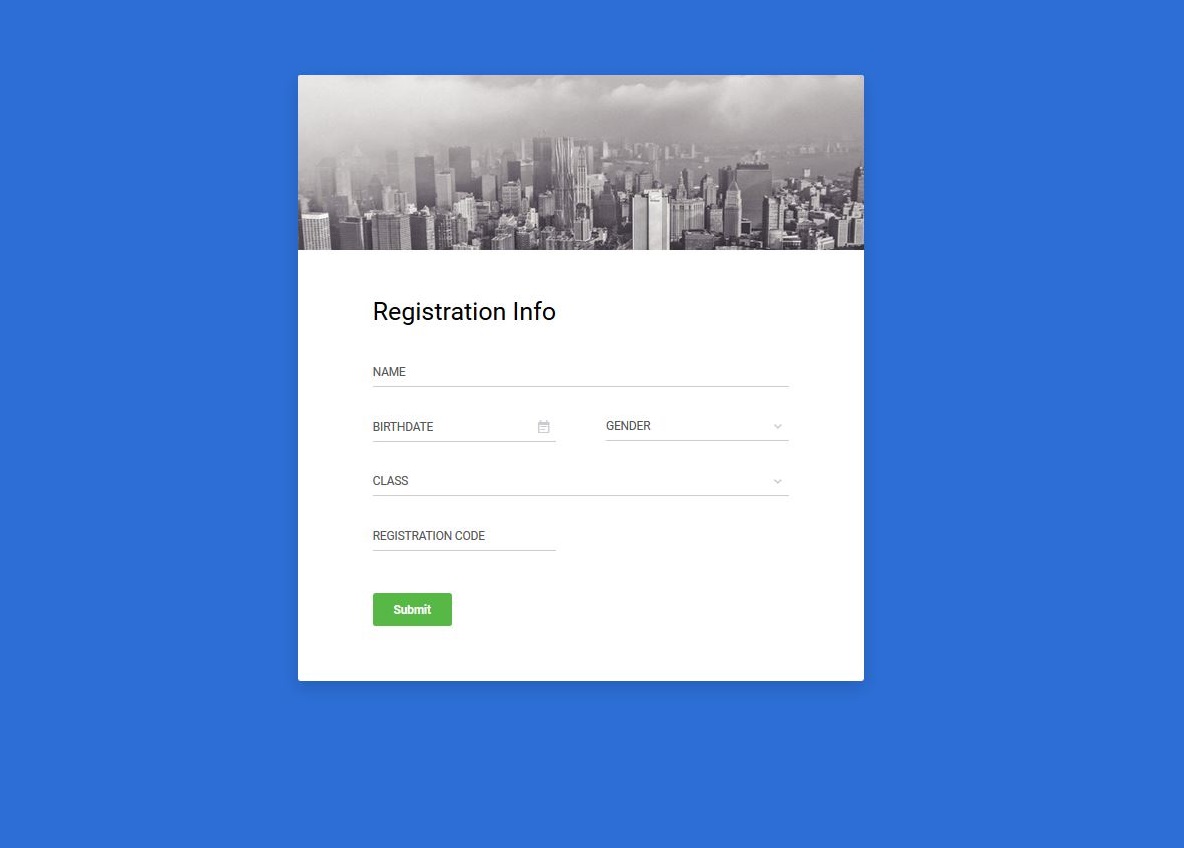
This is a great Bootstrap registration form made by Colorlib. This is a free template like all other templates mentioned in this post. You can download it for free, modify it, and integrate it into your website. This form has a nice blue background. On top of the form, there’s a beautiful picture of buildings. This kind of image will enhance the beauty of your website.
The form’ Registration info’ has an appropriate title and 5 text fields. Depending on your website type, you may require more or fewer text fields, as well as different types of text fields. For instance, you may need a text or email field for the budget. As this form is fully customizable, you can change the text fields. Add or remove fields as needed.
Colorlib Reg Form v2
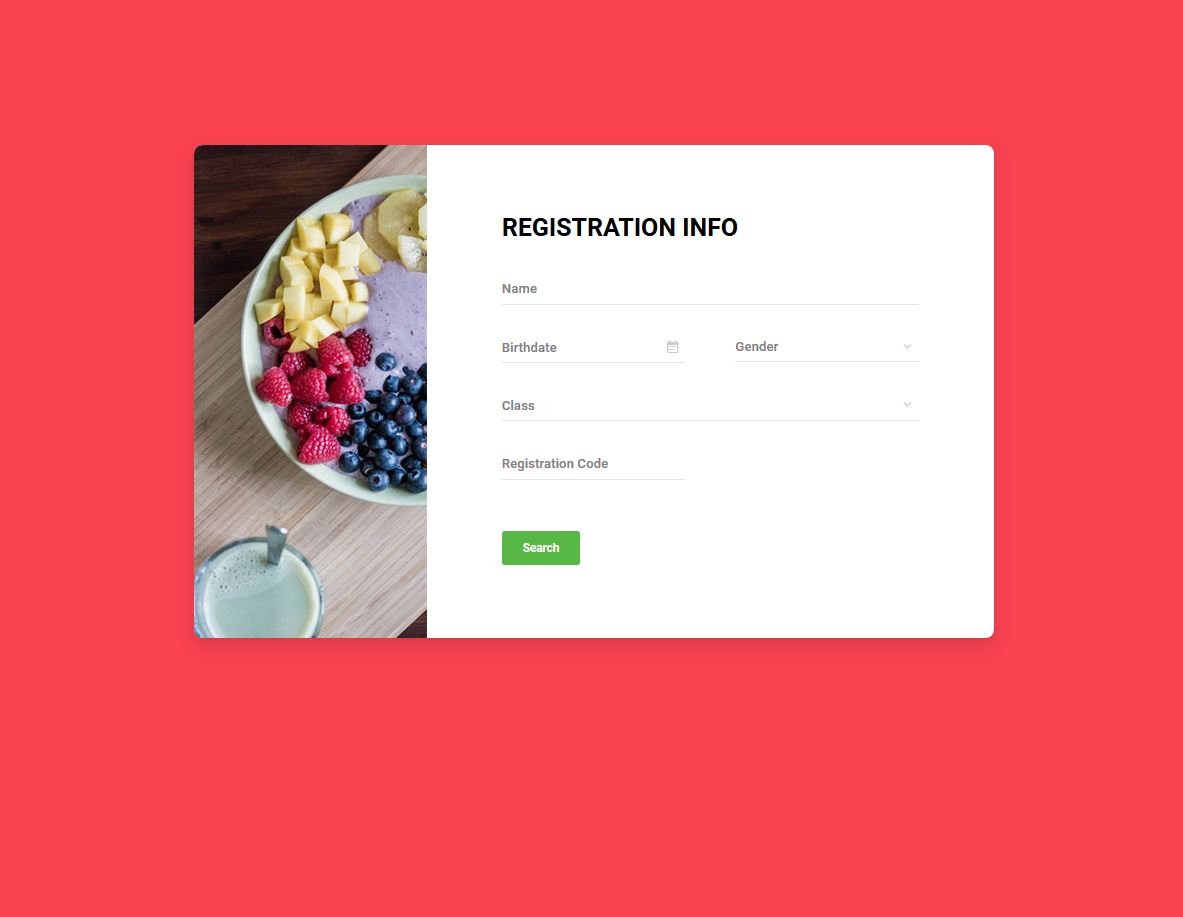
This is another great registration form developed by Colorlib. It has a nice, red background. On the left side of the form, there’s a beautiful picture of fruits, which enhances the webpage’s appearance.
This form also has a suitable title, ‘registration info’. If you want, you can change it to some other text. For example, change it to ‘Sign Up’ or ‘Create an account’. As this is a fully customizable form, changing things is very easy.
This registration form consists of five input fields: two text fields, one date picker, and two drop-down lists. Each input field has a proper placeholder text.
This form looks modern because the text fields have thin lines instead of rectangular boxes.
If you like this form, you can download it by clicking the ‘Download’ button below.
Colorlib Reg Form v3
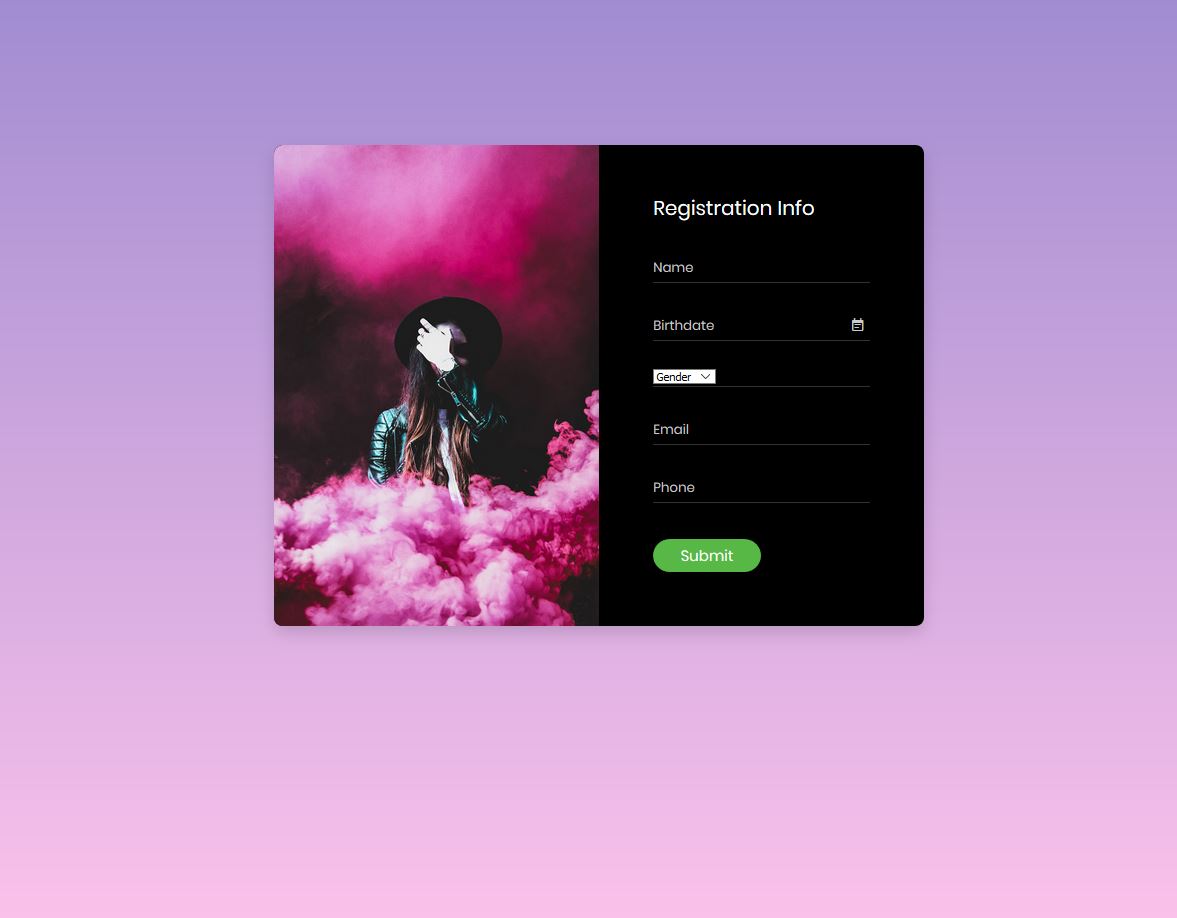
Colorlib Reg Form v3 is a stylish Bootstrap registration form. On the form’s left side is a picture of a woman. The background color used for the text and input fields is black, so the text in this form appears bright. This registration form includes input fields for name, birth date, gender, email address, and phone number. Below the text fields, there’s a nice green submit button with white text.
This form contains various types of input fields. Not all the input fields are text fields. For example, there is a drop-down list in addition to the text fields. The user can select an option from the drop-down list and the selected option will appear in the input field.
The submit button looks great because the corners are round and the color combination is amazing.
To view this form closely, click the ‘Preview’ button below for a preview.
Colorlib Reg Form v4
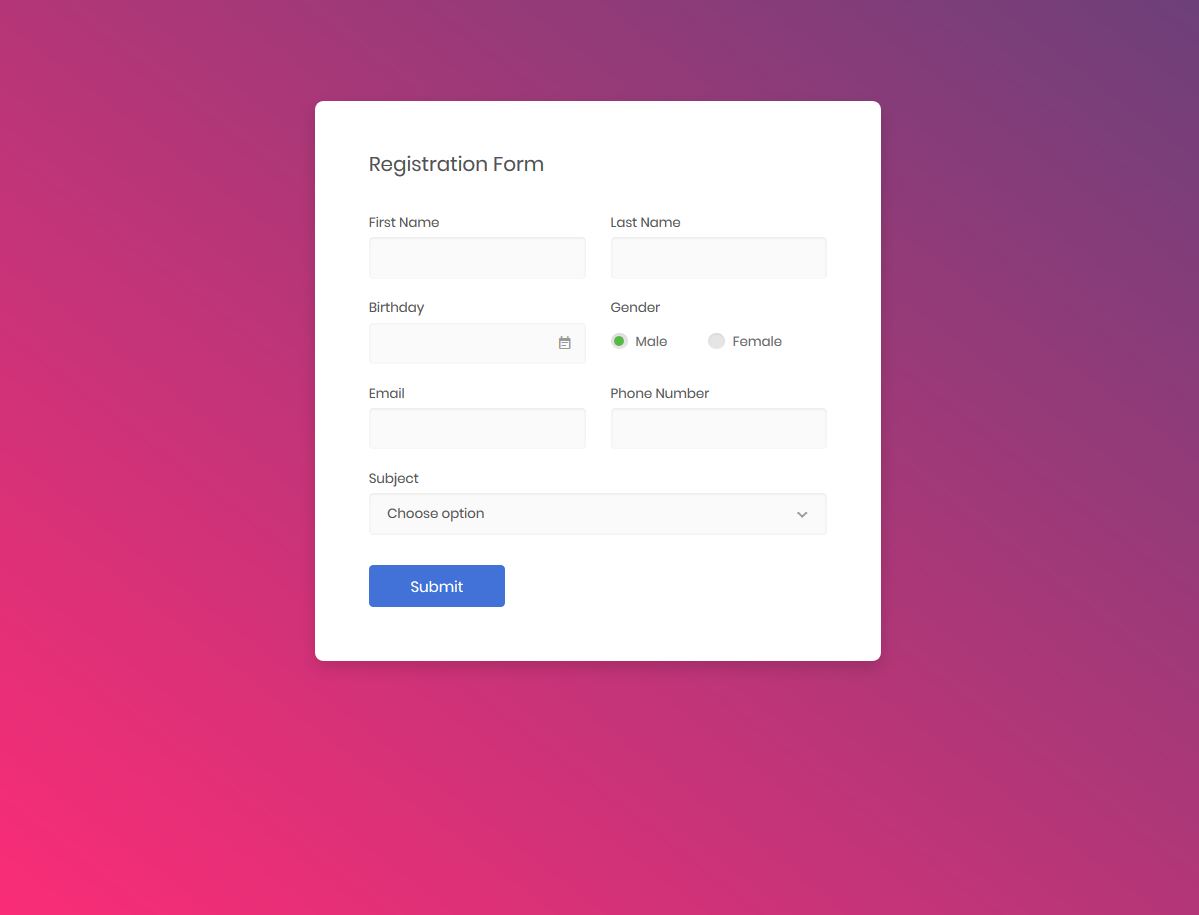
Colorlib Reg Form v4 is a cool, free Bootstrap form template. The choice of colors makes this form look cool. The form’s title is ‘Registration Form’, which should be changed to something more suitable. You can replace it with ‘Register now, ”Sign Up,’ or ‘Create an account.’ This form title is just a sample text. You need to change it to a more meaningful title.
The input fields have proper captions. There are input fields for first name, last name, birthday, gender, email address, phone number, and subject. Some are text fields, while others are different kinds of input fields. For example, the birthday field is not a text field; it displays a date picker. The gender field has radio buttons. The subject field provides a drop-down list, allowing the user to select a subject from the list.
Colorlib Reg Form v5
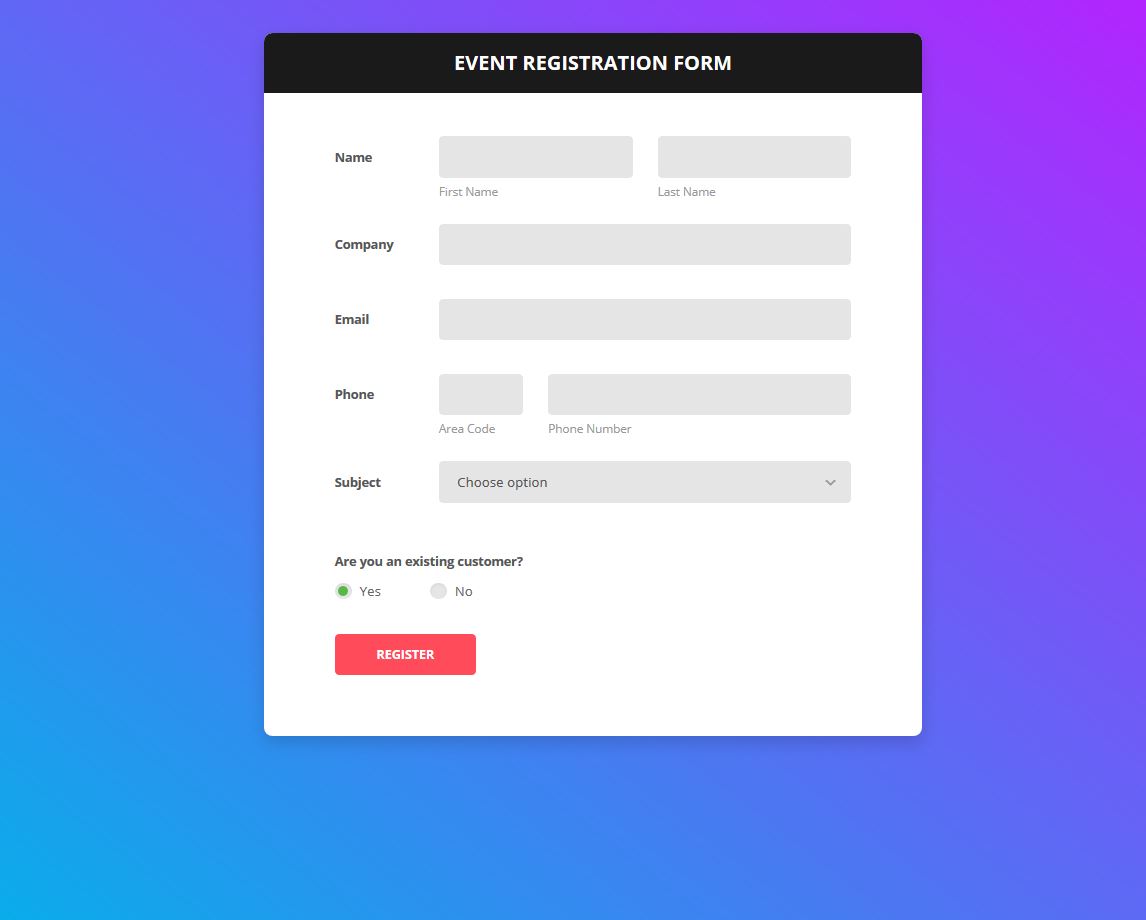
Colorlib Reg Form v5 is a standard, high-quality, free Bootstrap registration form. This is a fully customizable form template made by Colorlib. As you can see, the title of the form is ‘event registration form’. As the title suggests, this form is designed for event registration.
This form includes appropriate input fields for name, company name, email, phone, subject, and more. There are two text fields for the name field: the first name and the last name. The phone field also has two text fields: the area code and the phone number. The subject field features a drop-down list that allows users to select a subject from a list of available subjects.
If you use this form, edit the subjects in the drop-down list.
Colorlib Reg Form v6
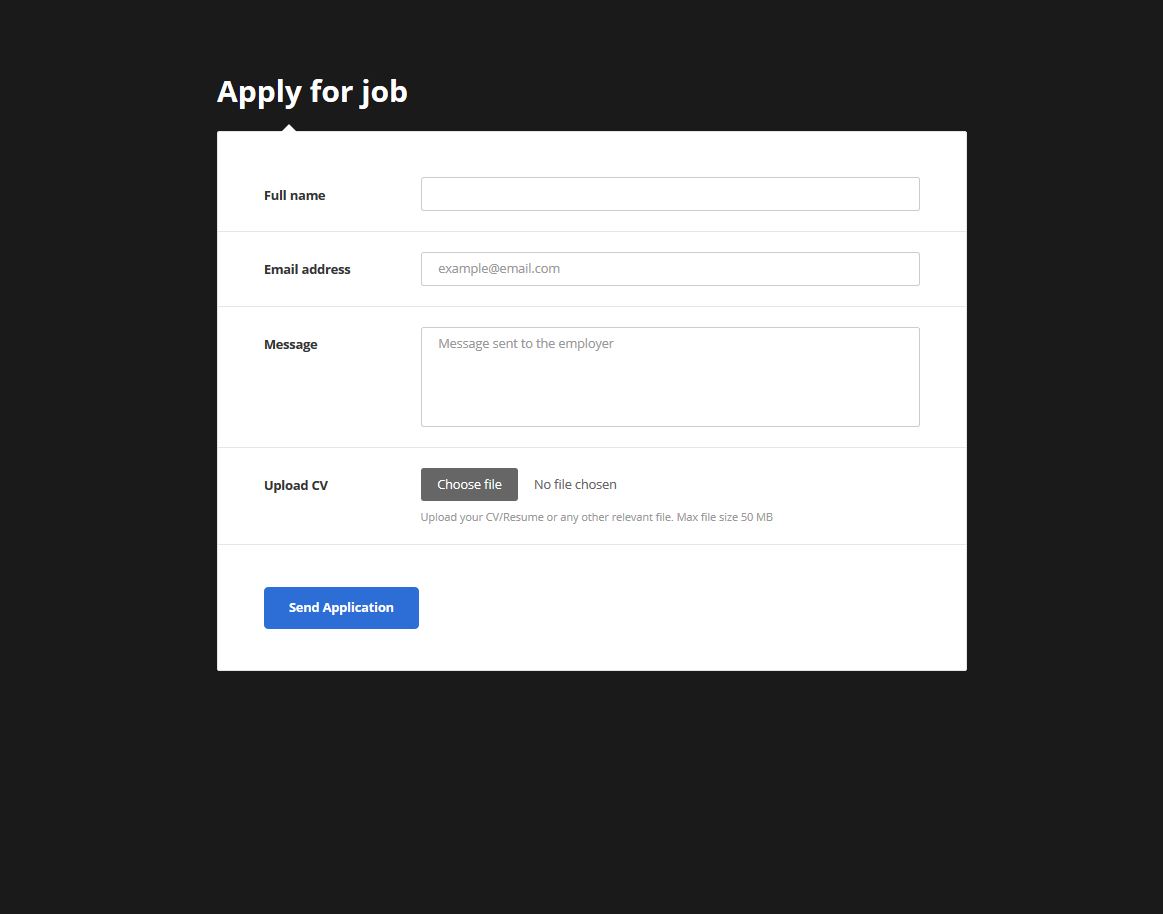
This is a great Colorlib registration form that you can use to receive job applications. So, using this form, people can apply for jobs. This application form looks very standard and professional.
This form has just 4 input fields: full name, email address, message, and a CV. The applicant can upload a CV. The input fields have proper captions and placeholder texts. You can change the placeholder texts if you require different placeholder texts.
In the Name field, the applicant must enter their full name. Then, they have to enter their email address in the email field. Next, the applicant can enter a message to send to the employer in the message field. Finally, the applicant must upload a CV from their computer.
The ‘Send Application’ button looks fantastic because of its blue background and white text.
Login Form v1 by Colorlib

Login Form v1 by Colorlib is an awesome, free, fully customizable Bootstrap login form template. The left side of the form has a cool picture of a laptop. The form title is ‘Member Login,’ which indicates that this is the member login section. In other words, members can sign in from this section.
This beautiful login form has two text fields and a nice, green login button. The text fields and the login button have round corners. Due to the rounded corners, the form looks great. The text fields have proper placeholder texts and small icons, making the form very user-friendly because these elements clearly indicate the purpose of each field.
Below the login button is a ‘forgot username/password’ link, and there’s a signup link at the bottom of the form. The overall quality of the form is great.
Login Form v2 by Colorlib
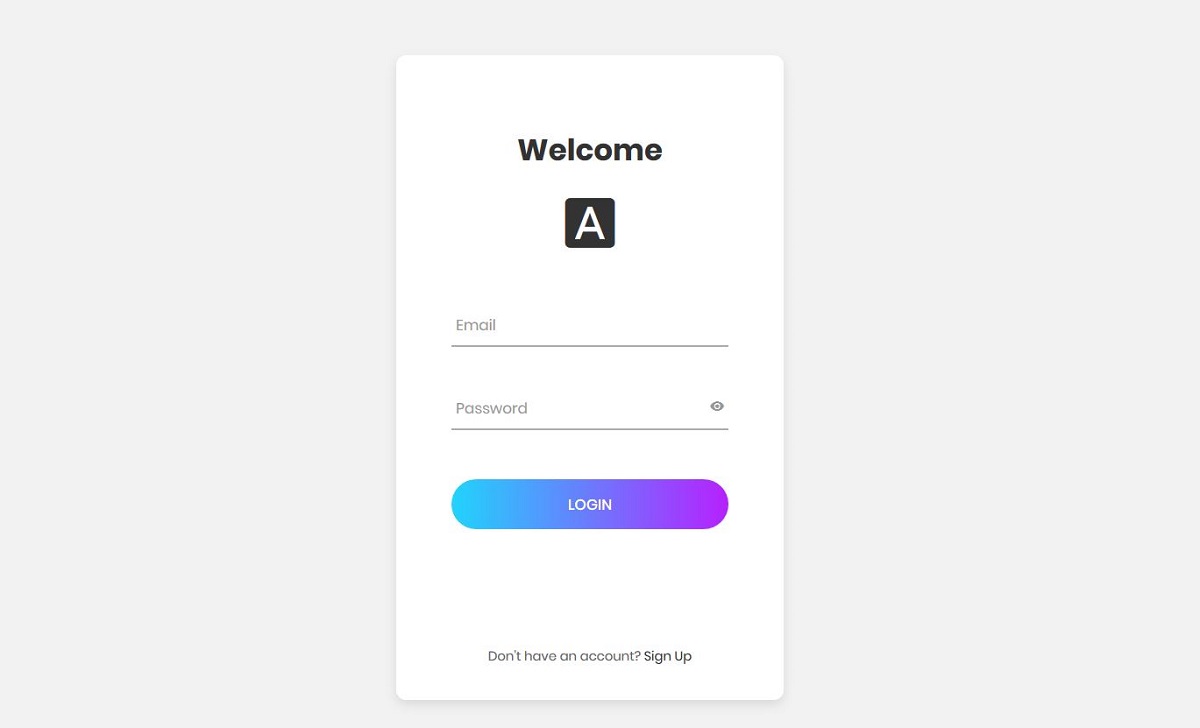
Login Form v2 is a modern Bootstrap login form made by Colorlib. This form looks and feels modern because the text fields are unique. They are different from traditional text fields. They have thin lines instead of rectangular boxes, and their color changes when you click on them. The form also appears modern due to the login button. Multiple colors have been used in the button, and it’s as wide as the text fields.
When you type in this field, password fields appear. There’s a little eye icon on the right side of the password field; clicking it allows you to hide/show the password. By default, the password entered in the password field is hidden. However, if you need to view the actual password, click the eye icon located on the right side of the field.
Login Form v3 by Colorlib
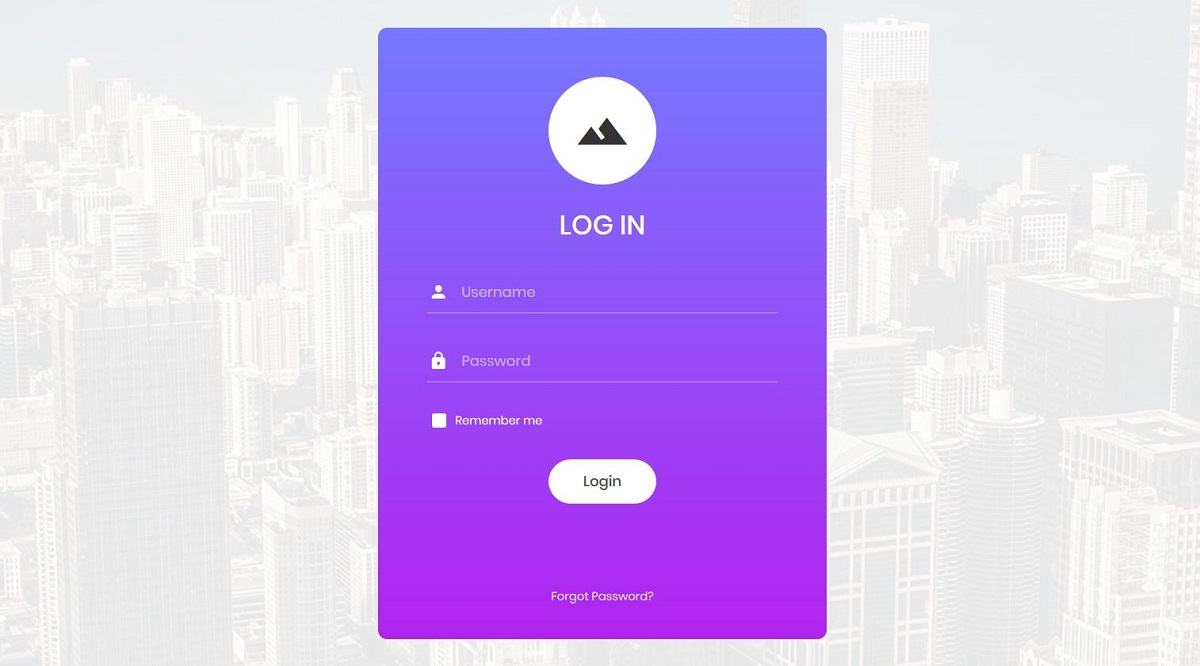
Login Form v3, made by Colorlib, is a free Bootstrap login form template that you can easily integrate into your website. This template has a background picture. Above the form title, a sample logo is displayed, which you can replace with your company logo. The text fields are modern—they only have bottom borders. The text fields also have small icons and proper placeholder texts.
There’s also a ‘Remember Me’ option below the text fields. Moreover, the login button features rounded corners.
This is a simple login form, so it doesn’t have many options. Although you can add more features, keeping the form simple is important. If you need a few other things such as a signup link, you can add them, but a simple form is best.
Login Form 4 by Colorlib
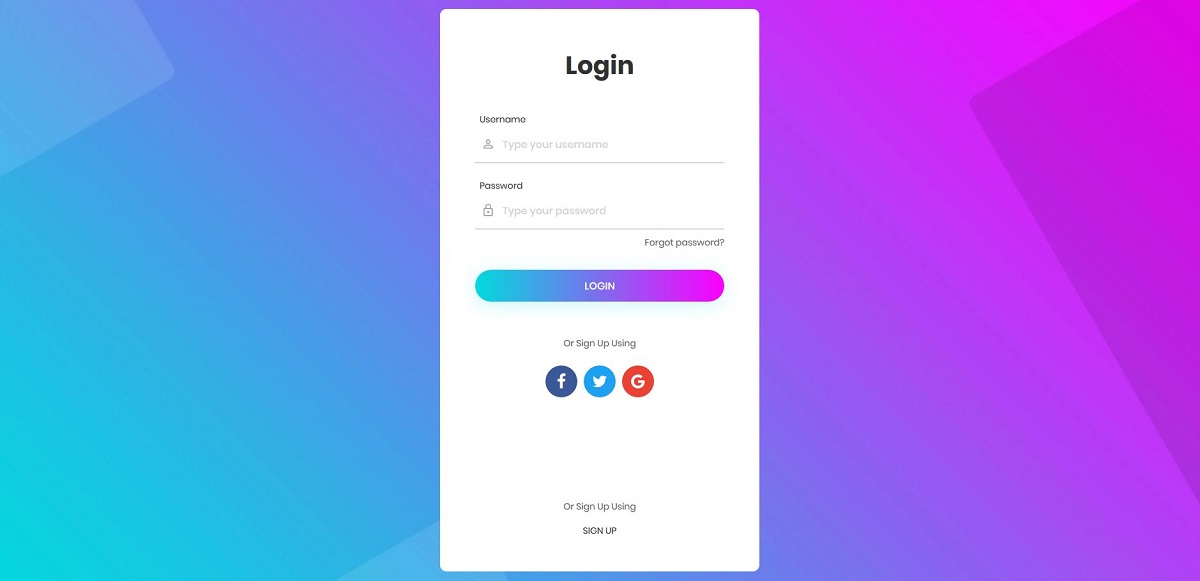
Login Form 4 is one of the best forms made by Colorlib. This free Bootstrap login form template can be integrated into any website. It has a nice background with a ‘Login’ form title. Proper captions, placeholder texts, and icons have been used for the text fields. The placeholder texts are grey.
There are two text fields: the username and password fields. If your users want to log in with an email address, you must change the caption and the placeholder text for this field.
Below the password field, there’s a ‘Forgot Password’ link so the user can reset their password. Below the login button, you will find social icons. These icons are placed here to allow your site visitors to sign up using social media sites such as Facebook and Twitter.
Login Form 5 by Colorlib
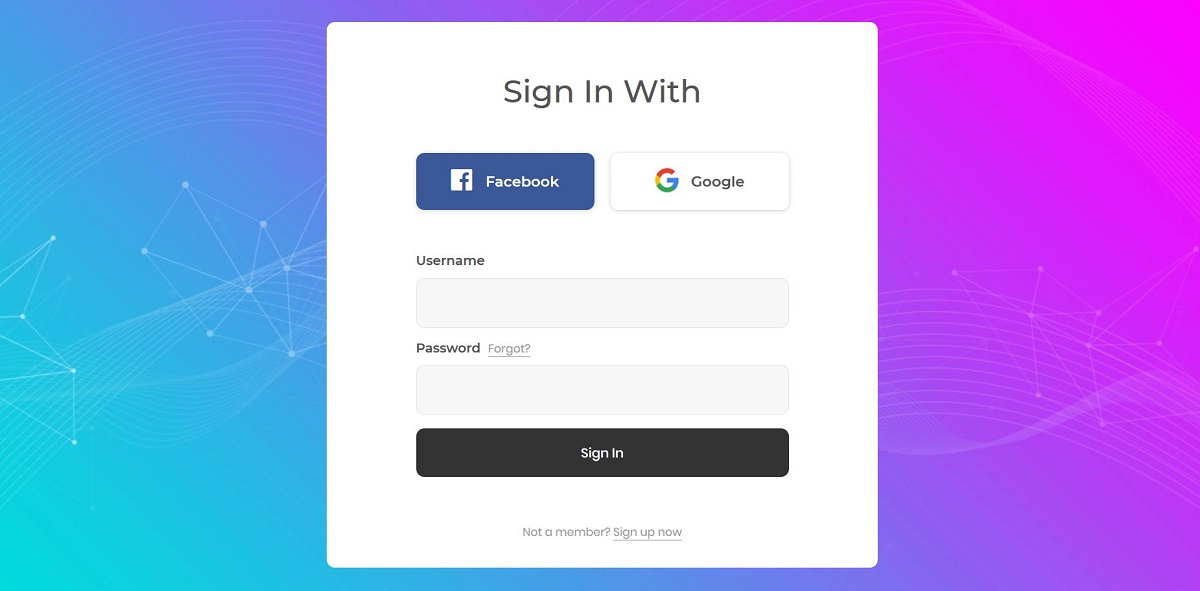
Login Form 5 is a fantastic login form template made by Colorlib. This free Bootstrap form template is fully customizable, allowing you to modify it according to your needs.
This form template looks simple, calm, and powerful. Social icons are displayed on the form, allowing users to sign in with them. And below, there are text fields and a login button. If users have an account with your site, they can log in with their username and password.
Please note that this is a sample login form. The user won’t log in to your website from this login page because it is not fully functional. You first have to add it to your site, and then write some extra code to make it work.
The color combination in this template is already brilliant, but you can change it if you prefer.
Login Form 6 by Colorlib
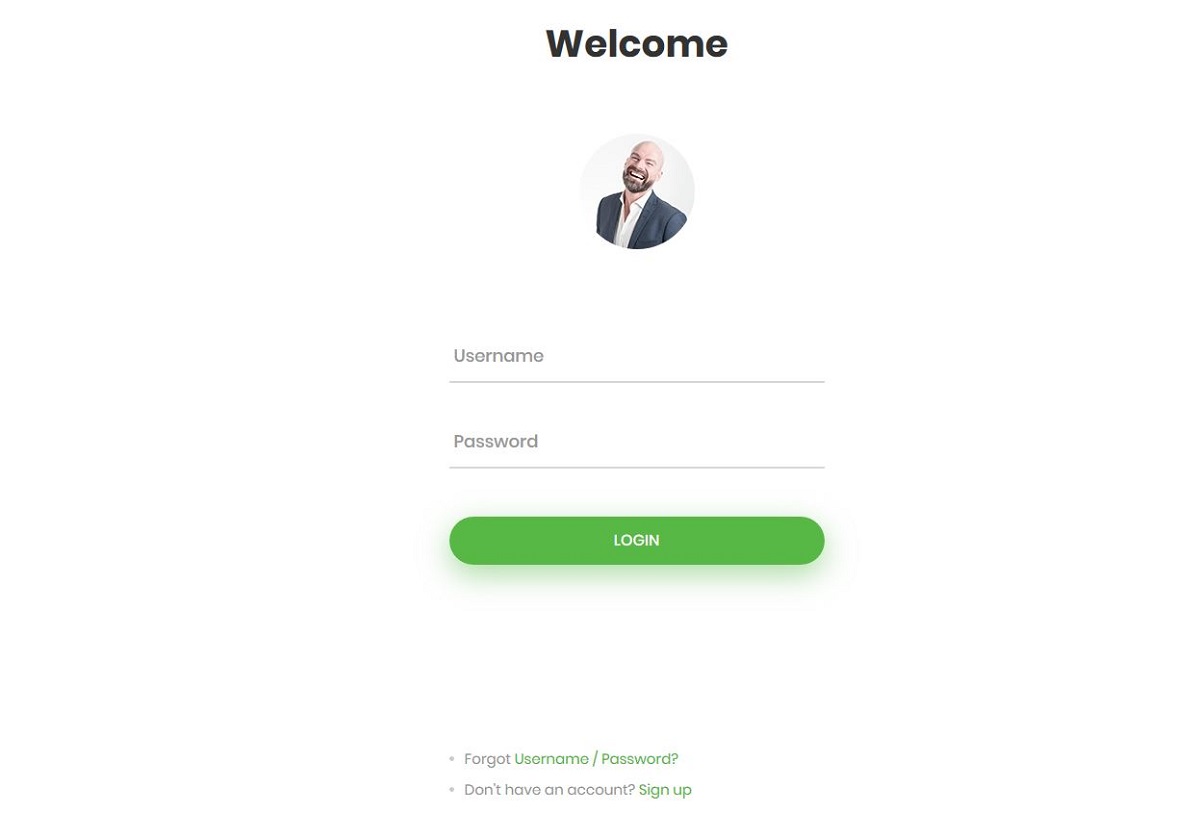
Login Form 6 is also another great work done by Colorlib. This form has a white background. The form title is ‘Welcome’; a small image of a smiling person is just below it. You can remove this image if it’s inappropriate for your website. You may also change the photo or replace it with your company logo.
The username and password fields are modern text fields with thin, grey lines, without the top, left, and right borders. When you click on a text field, the thin line becomes green.
This form appeals to the eye, especially because of the green color used in this template. The green login button also looks great, with round corners and a wide button that matches the width of the text fields.
At the bottom of the form are the ‘forgot username/password’ and signup links in green.
Contact Form 1 by Colorlib

Contact Form 1 is another free Bootstrap form template made by Colorlib. This is one of the coolest form templates we’ve developed yet. The form has a cool background. On the left side, you can see a nifty message icon.
The form title, ‘Get in touch,’ is perfect for a trusty contact form. This contact form has 4 text fields. The user must enter their name, email address, subject, and message in the text fields. These fields have proper placeholder texts, so the user can easily understand what to enter. The message field is larger than the other text fields.
The text fields and the ‘Send Email’ button have round corners. An arrow symbol appears just to the right of the caption.
Colorlib Booking Form V1
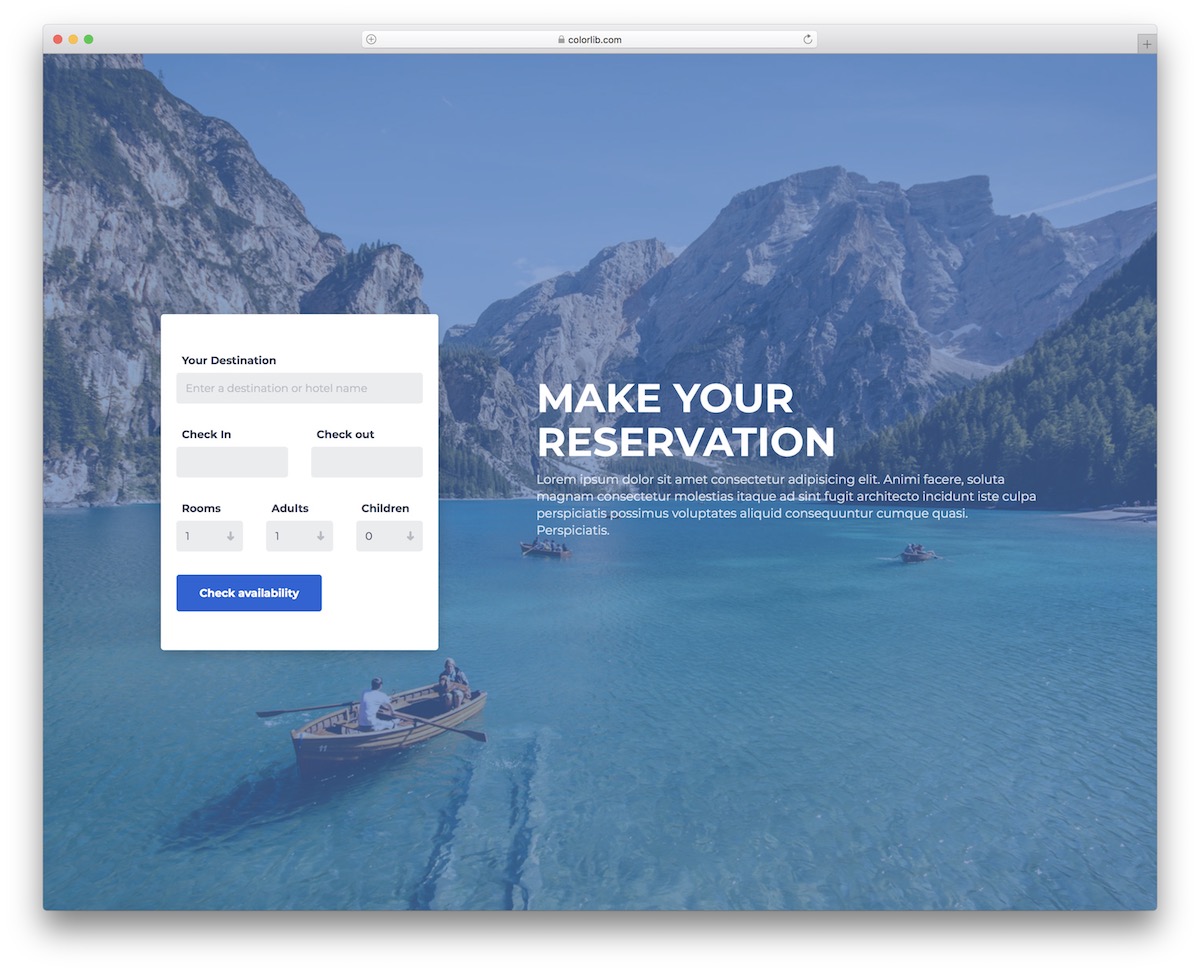
Colorlib Booking Form V1 is an engaging modern form for online bookings. It’s ideal for the tourism industry, especially when used out of the box.
But that’s not necessary, as you can perform modifications easily. Why? The free template’s code structure is beginner-friendly, so everyone can get the gist without sweating.
Colorlib Booking Form V4
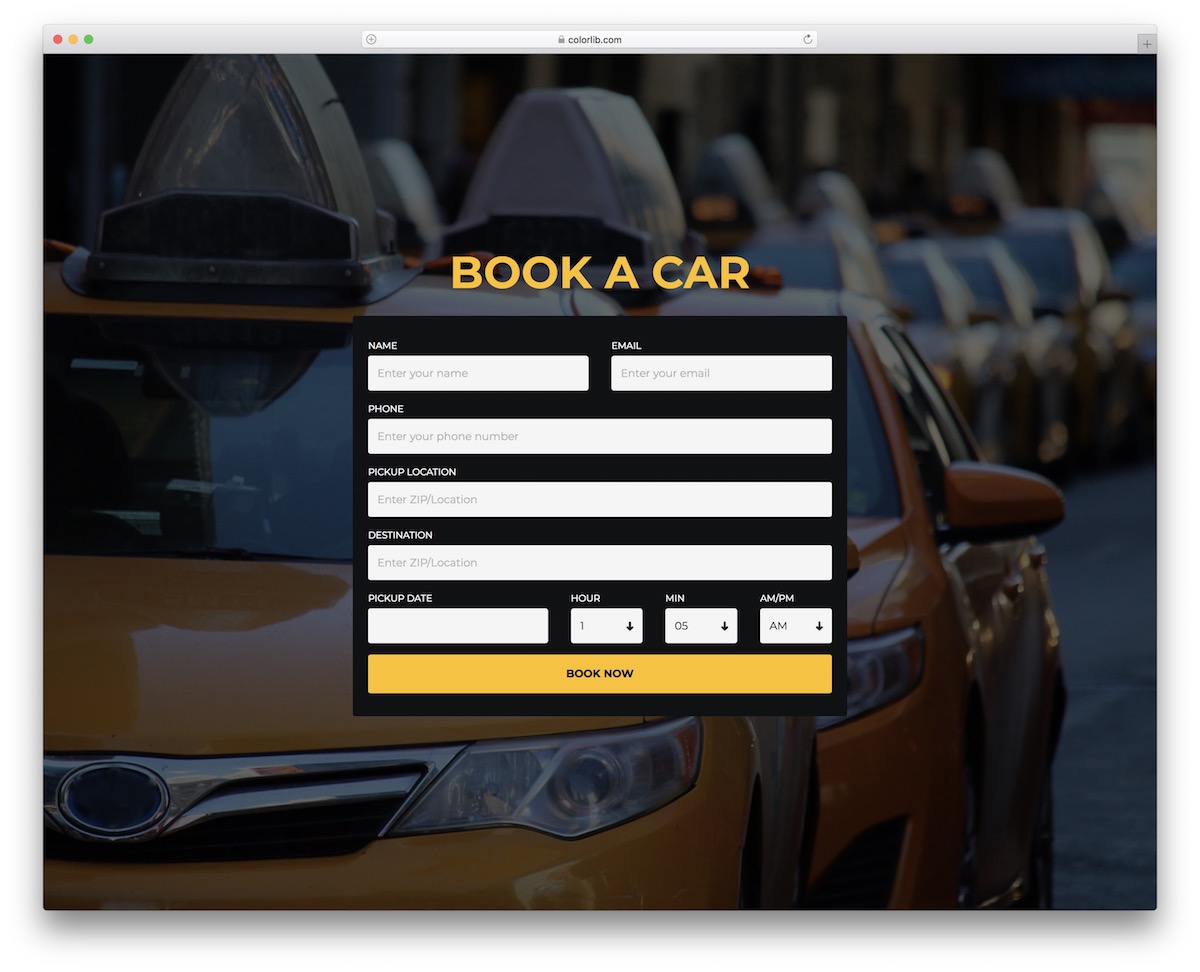
There are apps for this, that, everything… and booking cars online is popular, too, these days. That’s what Colorlib Booking Form V4 specializes in: car rentals and even taxi firms.
The form includes multiple predefined fields, a date picker, and multiple dropdowns for time selection. Desktop and mobile users will enjoy filling out the Colorlib Booking Form V4.
Colorlib Booking Form V7
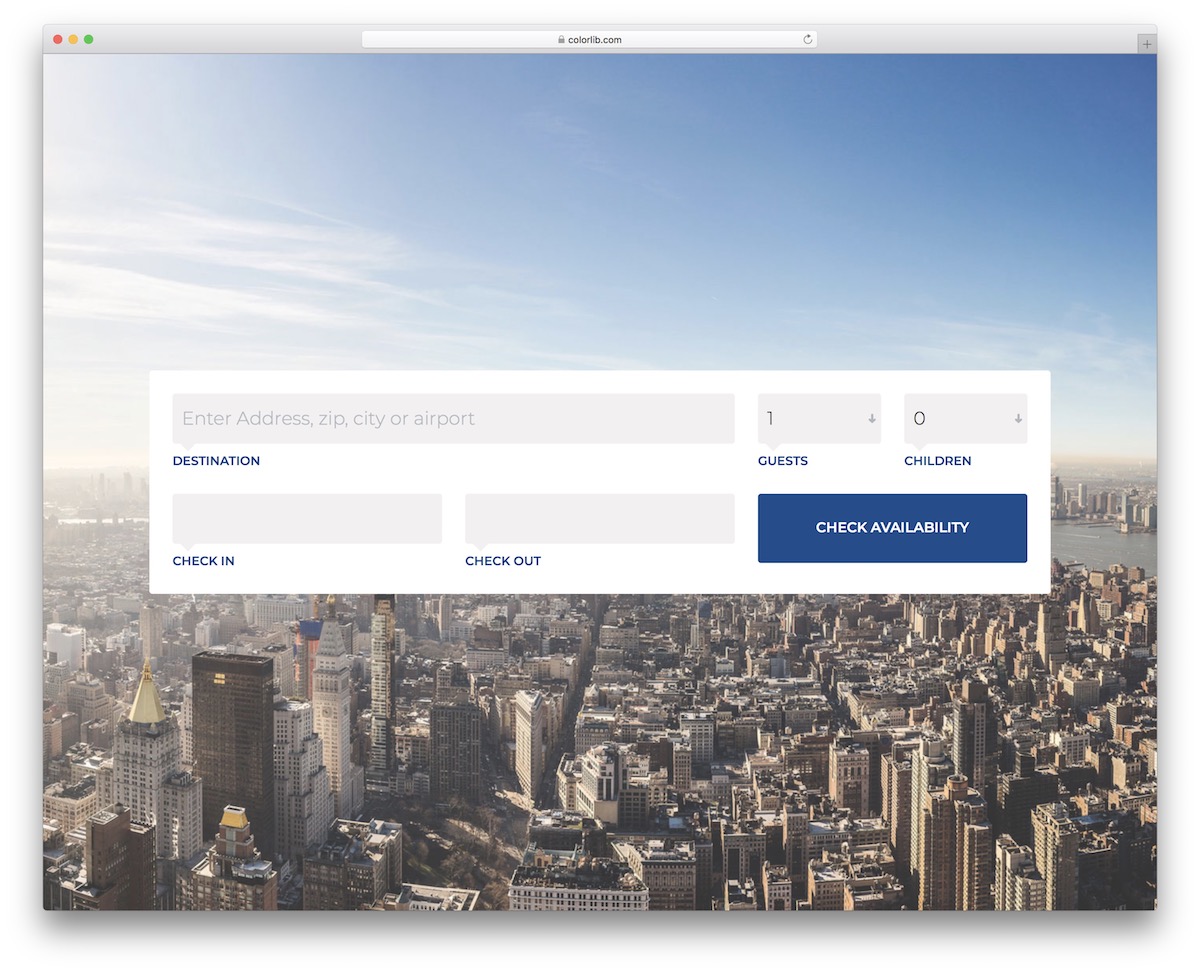
Colorlib Booking Form V7 sorts out any type of availability check. By default, it can be used by airlines, but it can also be applied to other purposes.
Thanks to the convenient design and easy-to-ed code, there are many options. It’s also based on Bootstrap, ensuring optimal performance across various screen sizes.
Colorlib Booking Form V5
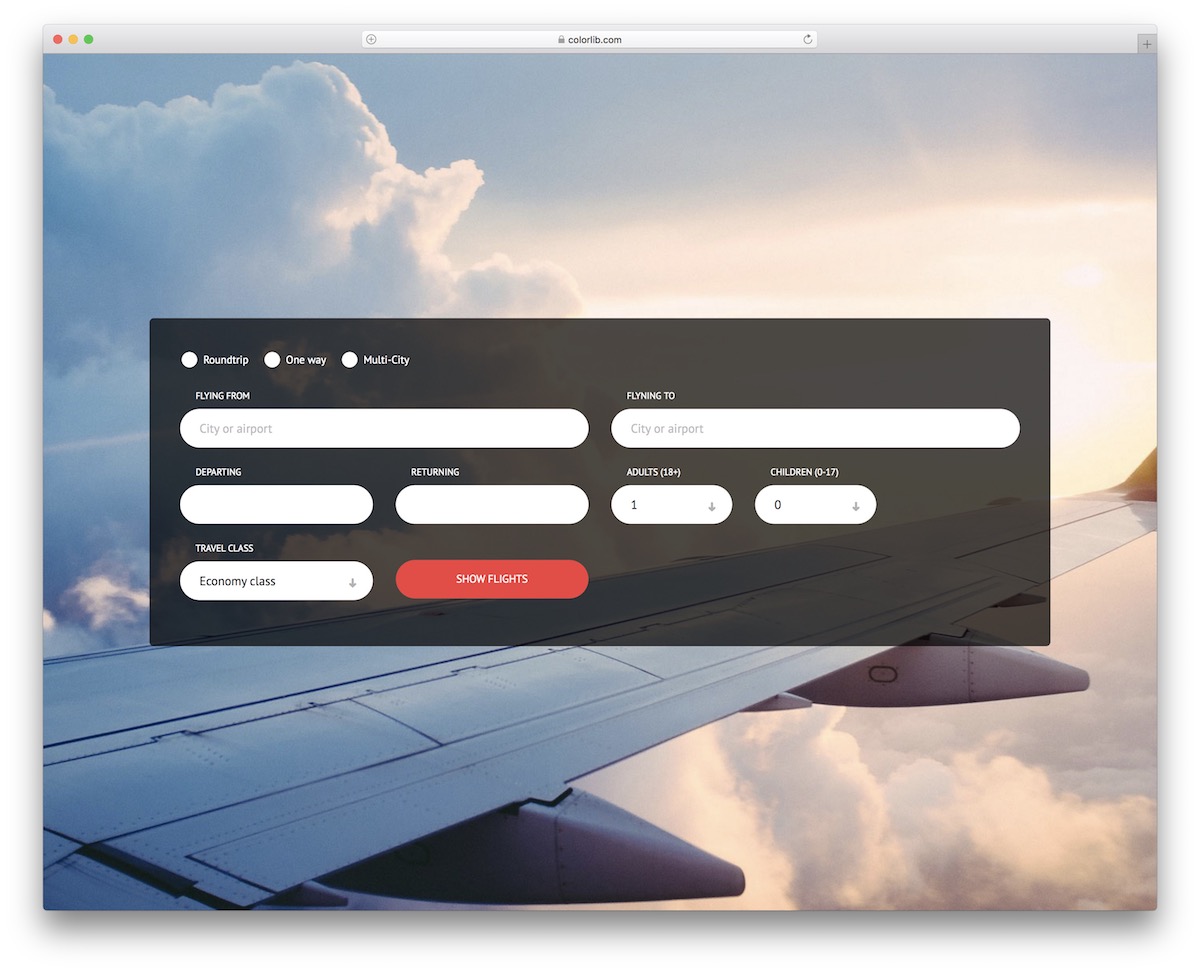
Colorlib Booking Form V5 adds fields if the previous booking form was more basic. It’s an excellent example of how a flight booking form should look online.
You can activate different types of trips, “from” and “to” destination, date pickers, and a travel class drop-down.
Colorlib Booking Form V17
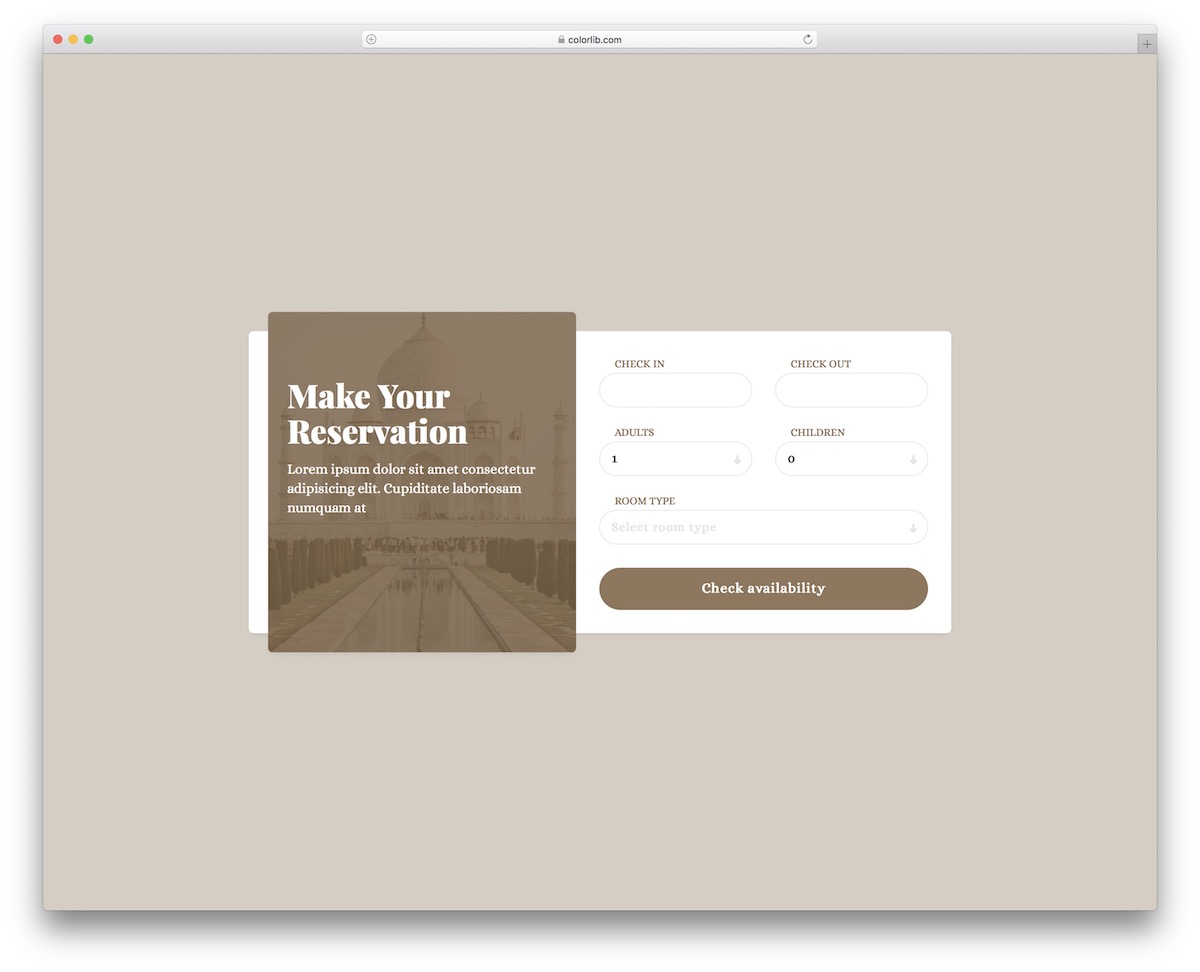
Booking rooms online is much simpler with the right form. Colorlib Booking Form V17 is here to make an immediate difference for your accommodation business.
By default, it contains all the necessary sections and even spices things up with an image, title, and text section. Make your site visitors want to book a room and enjoy your stunning location.
Colorlib Wizard 1
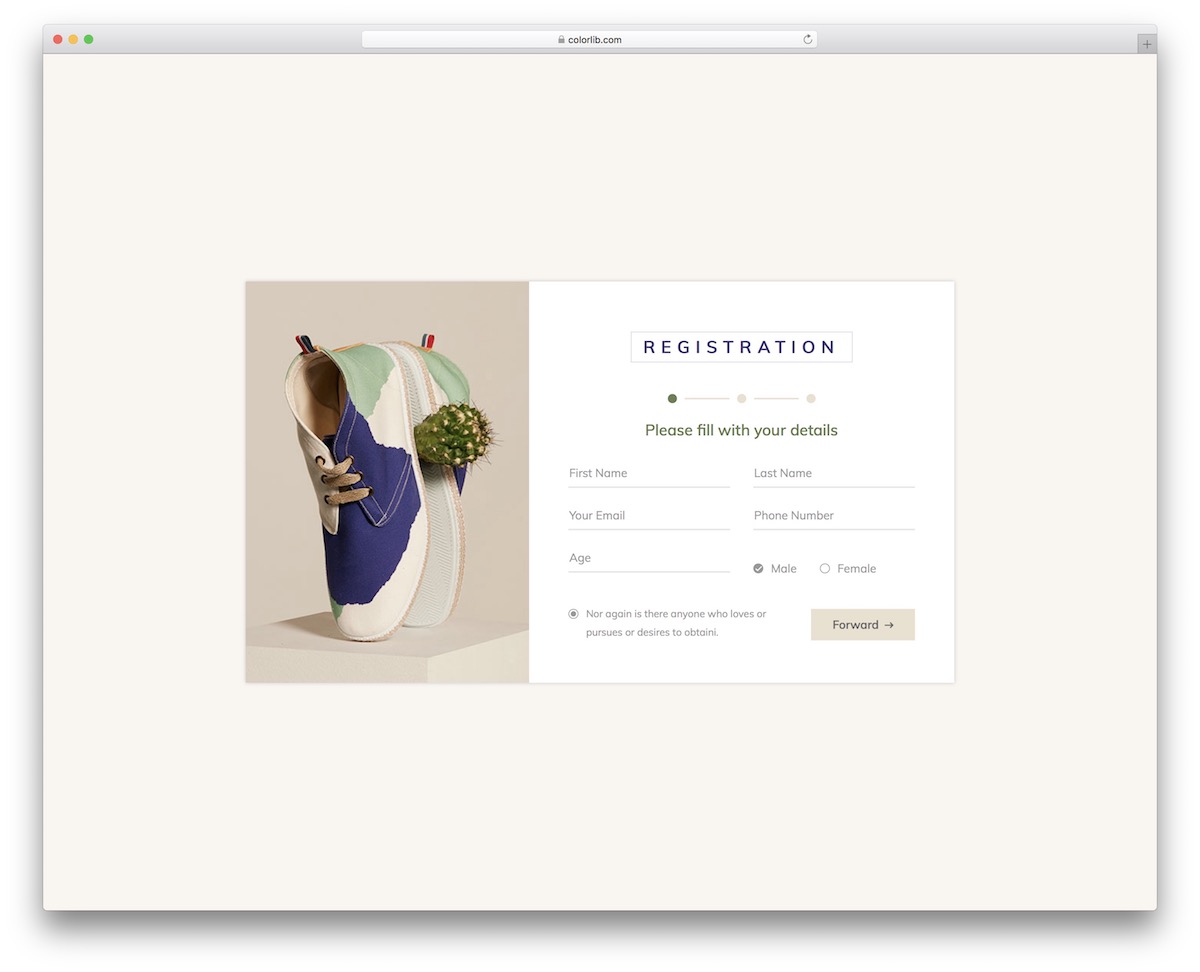
I also want to share a few free multi-step forms with you, AKA wizards. For instance, Colorlib Wizard 1 is a perfect tool for registrations.
It guides users through three steps to create a new account on your platform. It supports autocomplete, making the whole experience even more pleasant and fast.
Colorlib Wizard 6
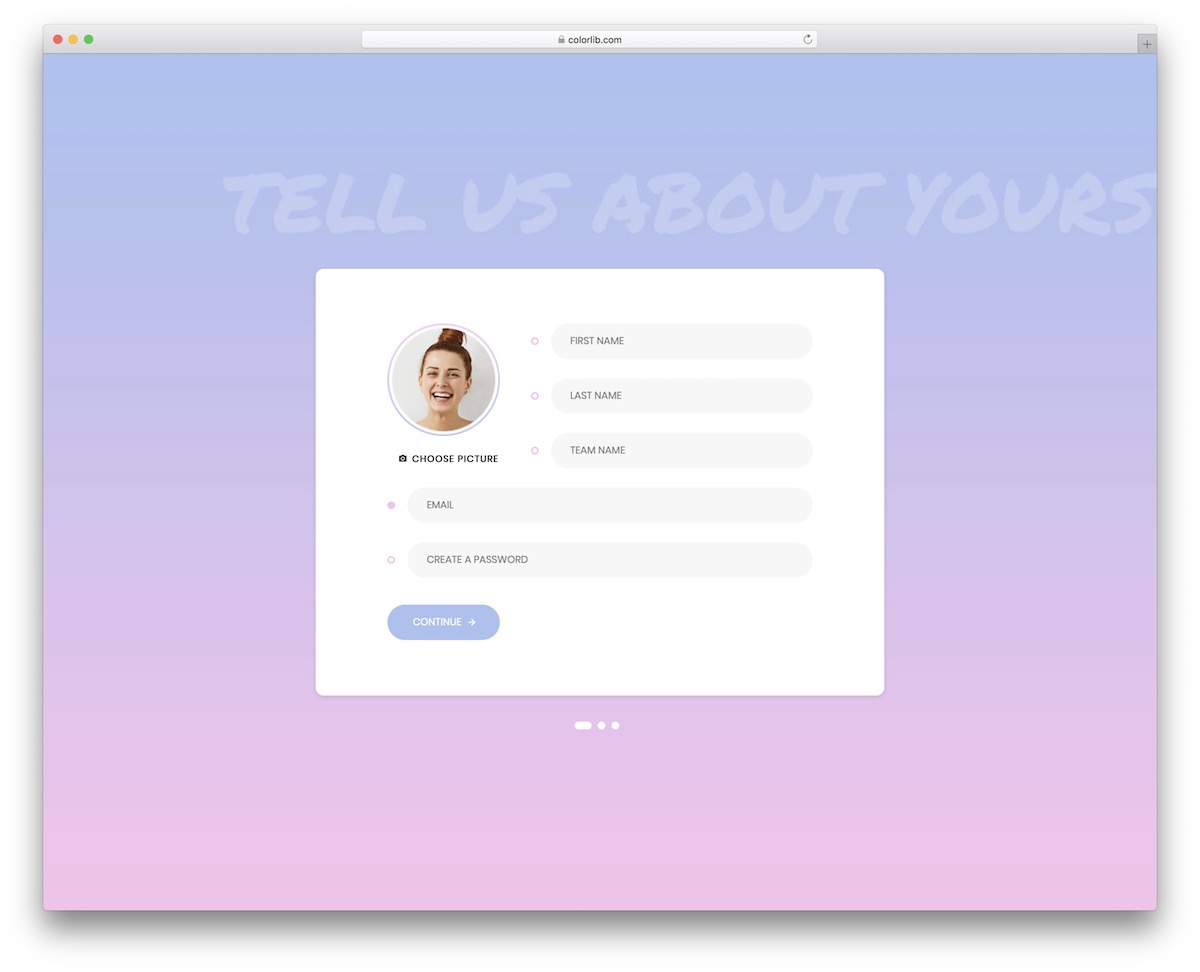
Colorlib Wizard 6 is a fun way to create an account that ideally fits social platforms, as well as freelancer marketplaces. But really, you are welcome to modify it and use it for something else.
While the wizard’s background is gradient on the desktop, it’s plain on mobile. You can test it first with the live demo preview and then proceed from there.
Colorlib Wizard 10
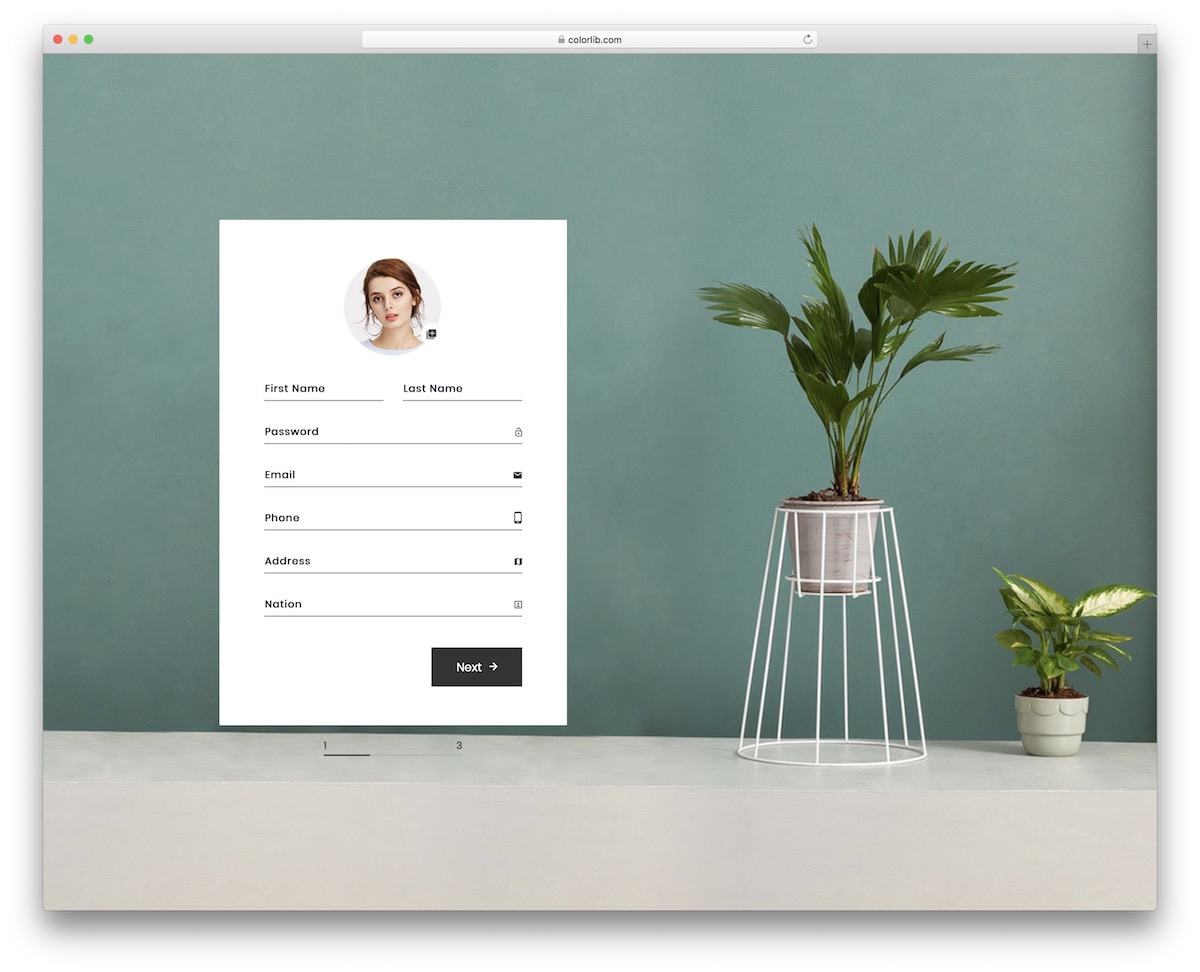
If you want to add a registration form with payment details to your eCommerce platforms, don’t miss Colorlib Wizard 10. It has a clean and modern design and a three-step process for creating an account.
Colorlib Wizard 10 features autocomplete, gender, and language drop-down selection and date picker for DOB (date of birth).
Colorlib Wizard 15
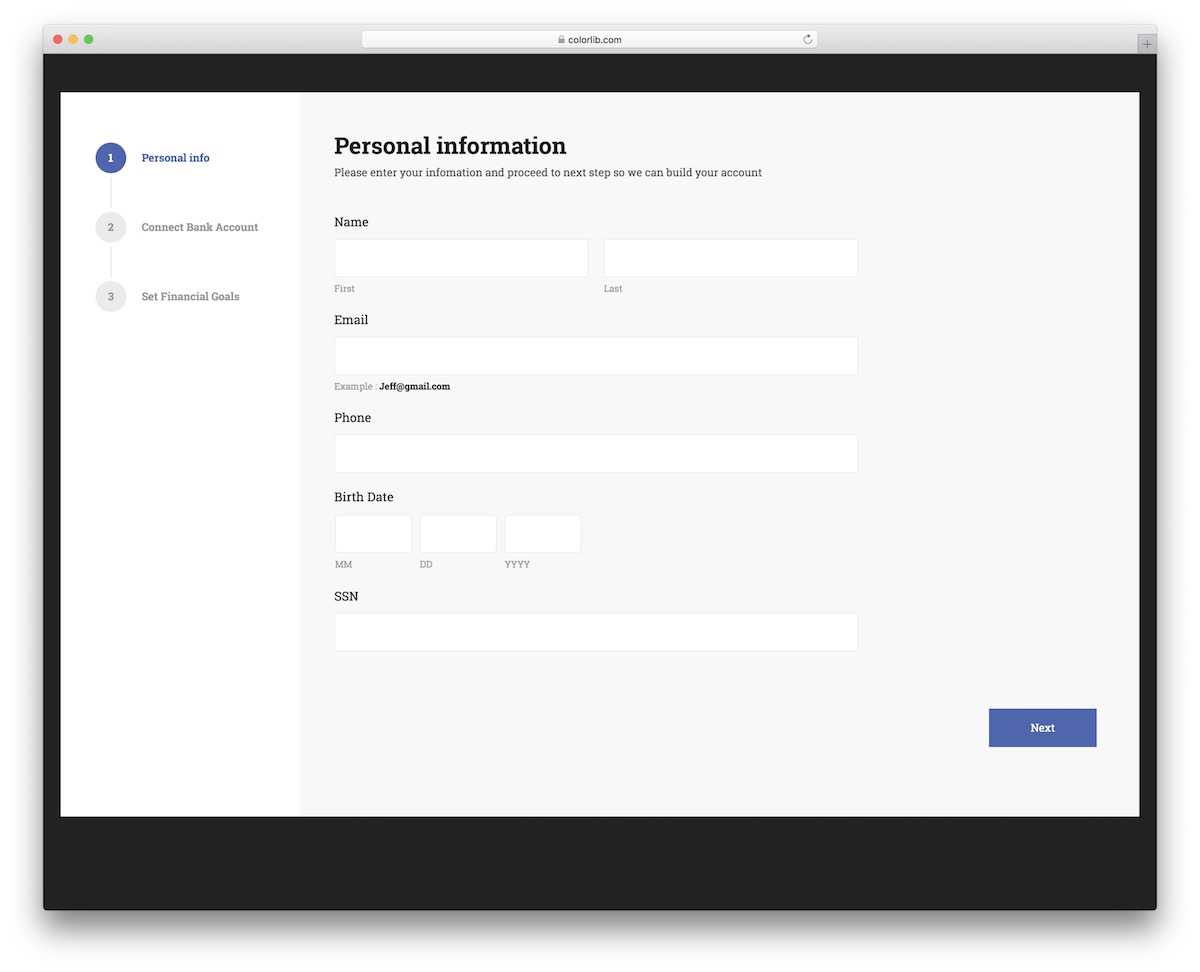
This versatile Bootstrap form template is suitable for various businesses and agencies within the financial industry. The user completes multiple steps, providing personal information, bank information, and financial goals.
Luckily, you don’t need to work on responsiveness—Colorlib Wizard 15 is mobile-ready by default. Now, it’s your turn to make the template work for you.
Colorlib Wizard 21
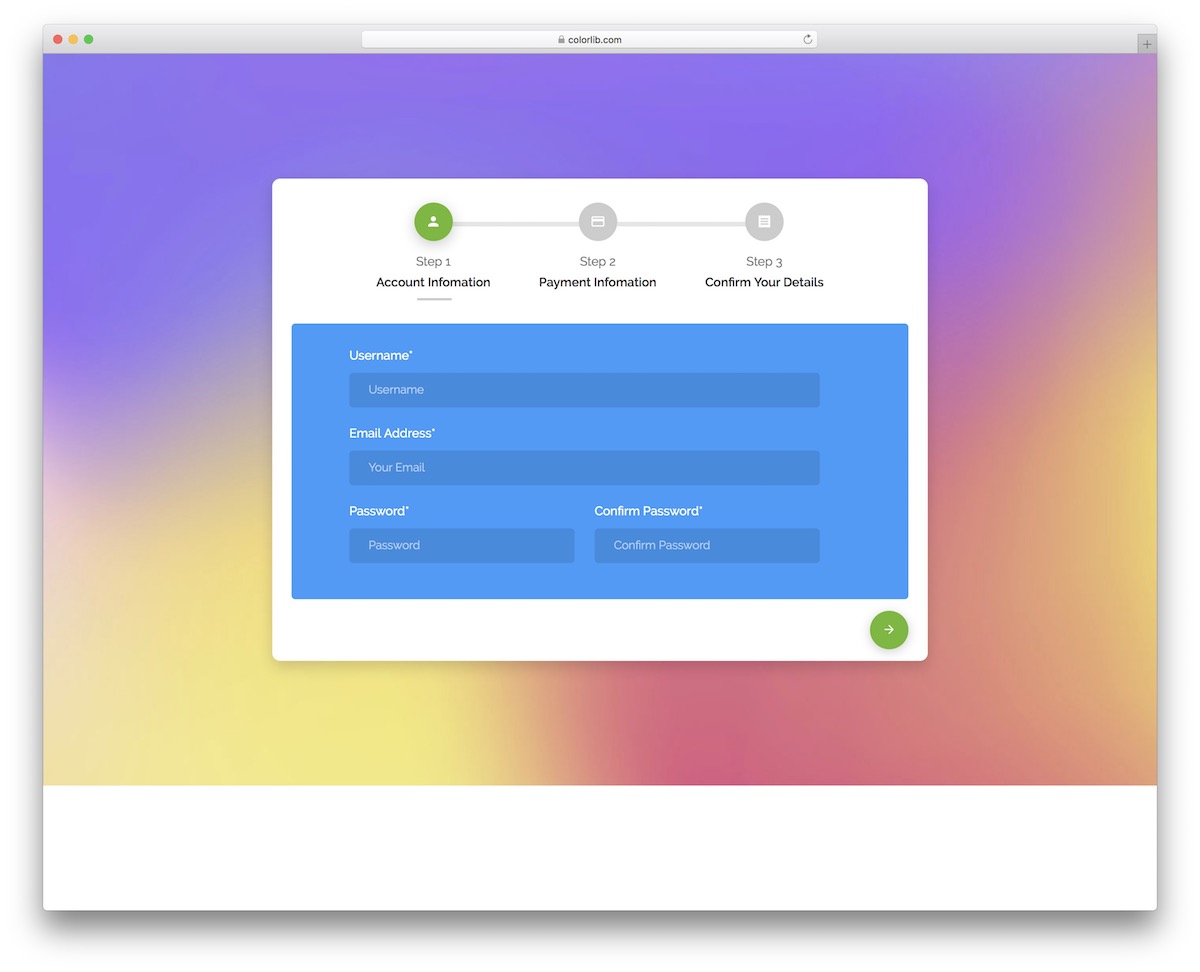
A wizard with predefined account and payment information fields for quick integration. You can add Colorlib Wizard 21 to your website or application as-is, but you can also further fine-tune it (if necessary).
The layout is fluid, using the Bootstrap Framework as a base. Everyone will have a great experience using Colorlib Wizard 21 on desktop or mobile devices.
Colorlib Wizard 26
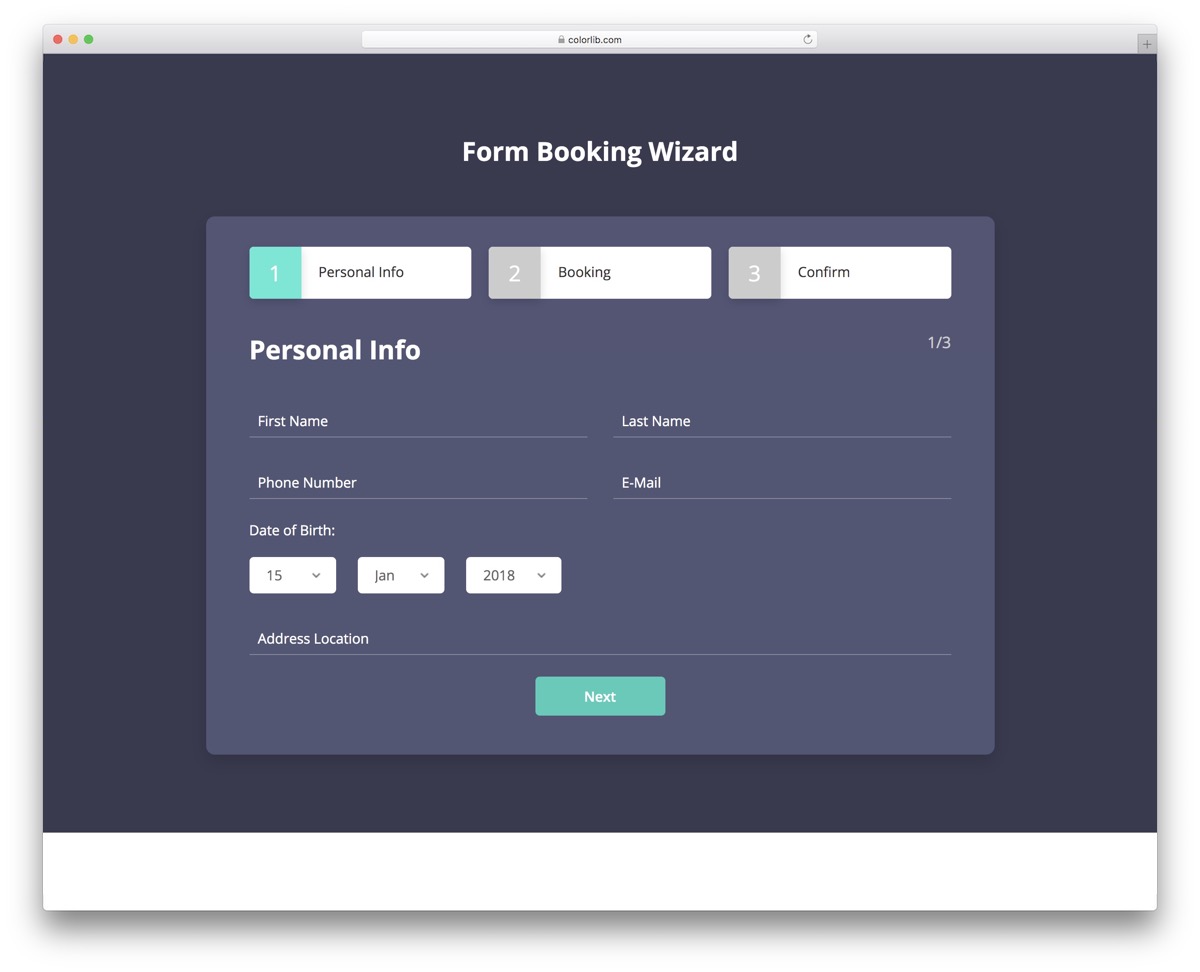
An advanced form booking wizard helps you sort things out on your website without starting from scratch. You will only need to undergo a few refinements, such as branding and text adjustments.
Making the changes will be a pleasant experience even for the utter beginner. Additionally, Colorlib Wizard 26 features well-structured and organized code, making it familiar to everyone.
Colorlib Wizard 30
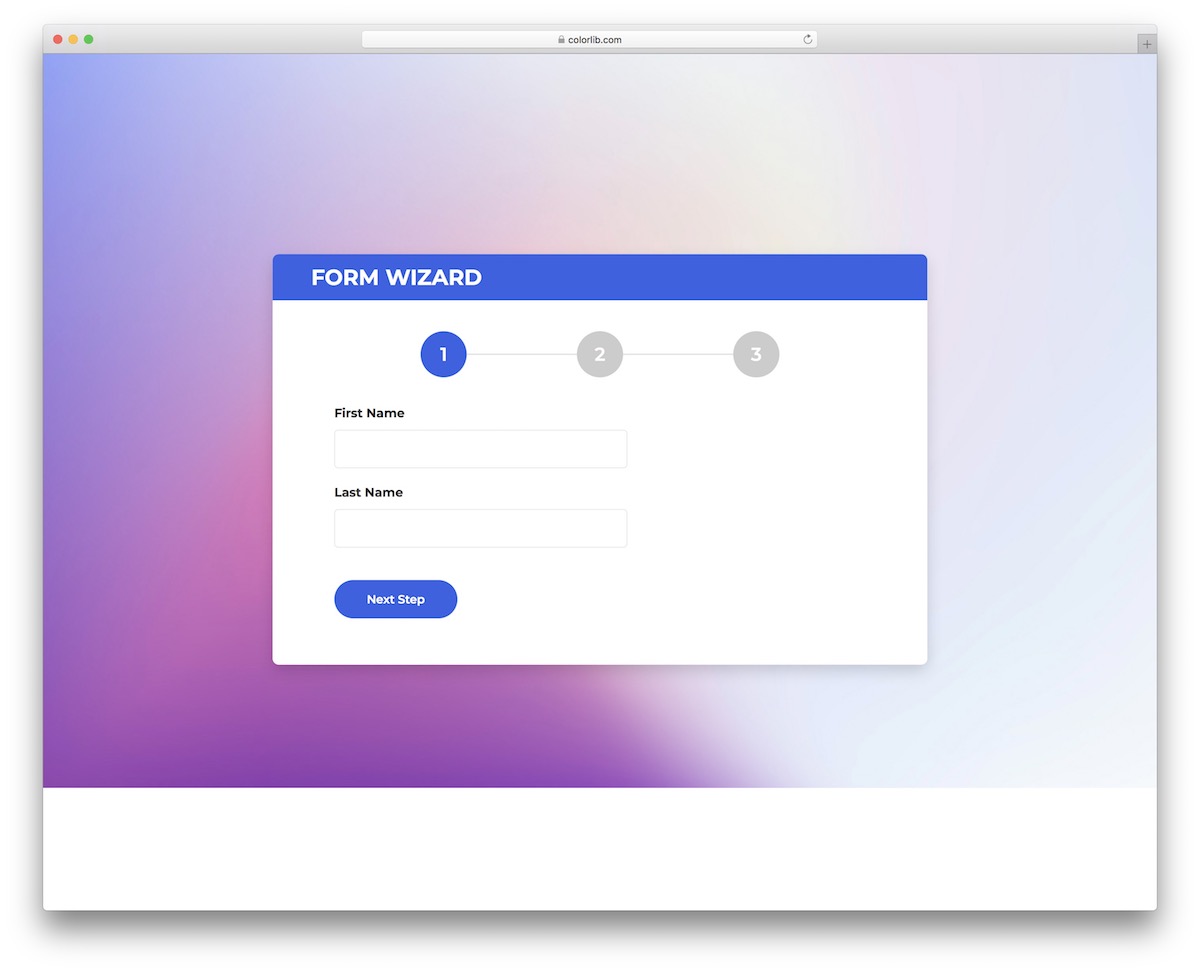
Colorlib Wizard 30 is one of our most basic free-form wizards based on Bootstrap. You get three sections for name, email/password, and subject/comment.
That’s it.
You can use the number above or the “next step” button to move between each section/tab. The performance is also great across different devices and platforms, even when using the default background.
Contact Form 2 by Colorlib
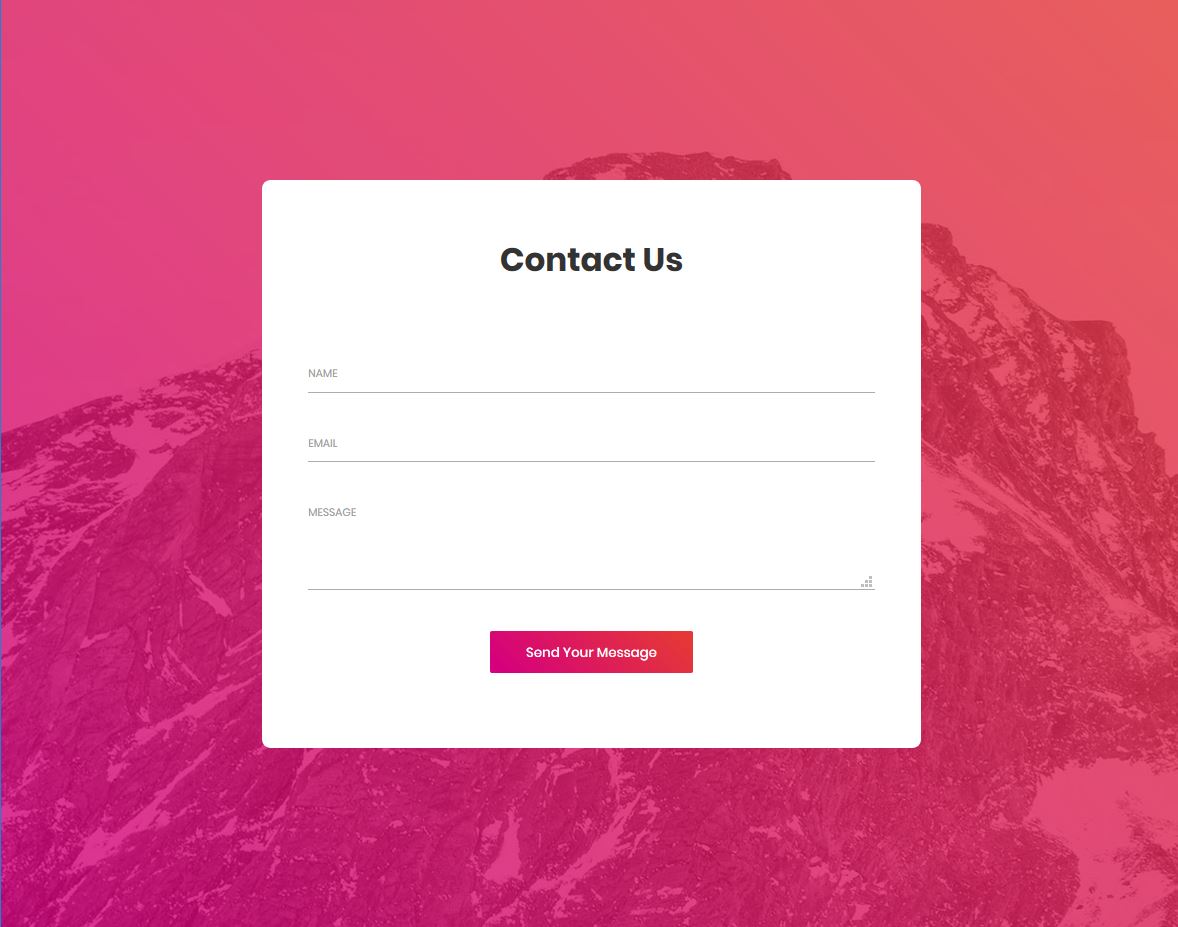
If you’re looking for a great contact form for your website, this template is for you. It’s an amazing free, fully customizable Bootstrap contact form template by Colorlib. A cool background picture makes the form visually appealing.
This form template provides you with three text fields with just thin lines. Upon clicking the text boxes, the color of the thin lines changes.
Data validation has been implemented in this form. All the fields are mandatory, so the user must enter appropriate values to send a message through this contact form. If you leave the fields empty or enter invalid values, error messages will be shown in red upon clicking the ‘Send Your Message’ button.
If the user needs a larger message field, they can make the form larger by dragging the bottom-right corner of the message field.
Contact Form 3 by Colorlib
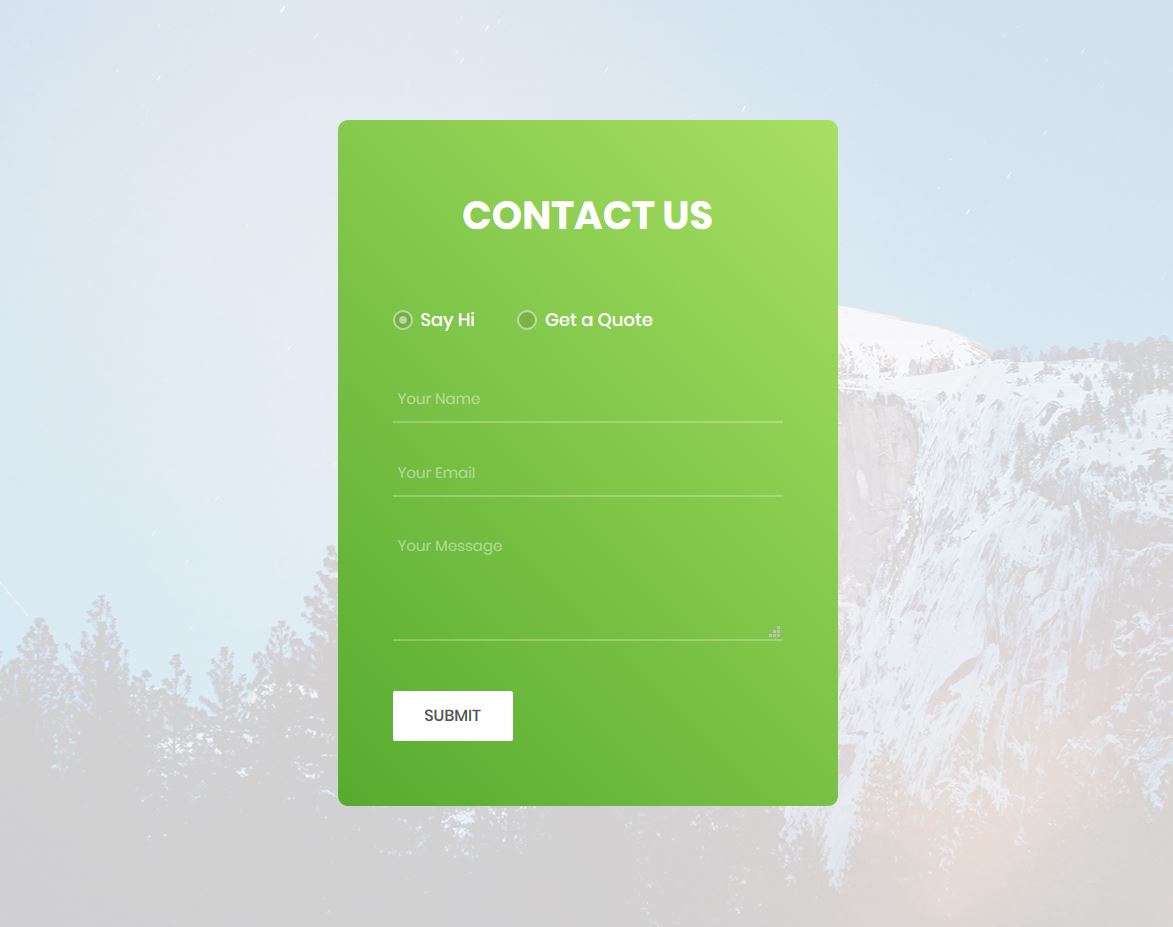
Contact Form 3 is one of the finest form templates produced by Colorlib. This form template provides two contact forms: one for simply saying ‘hi’ and the other for requesting a quote. So if the user wants to say ‘hi’ or has some general message, they can use the first contact form. And if they’re going to get a quote, they can use the second one.
The first form contains only three text fields. The user can enter their name, email, and message. On the other hand, the second form has 5 input fields, of which only three are text fields while the others are drop-down lists.
The drop-down lists contain some items. If you plan to use this template, ensure that you modify the lists accordingly. The submit button is cool. Upon mouse hover, its background color changes from white to green.
Contact Form 4 by Colorlib
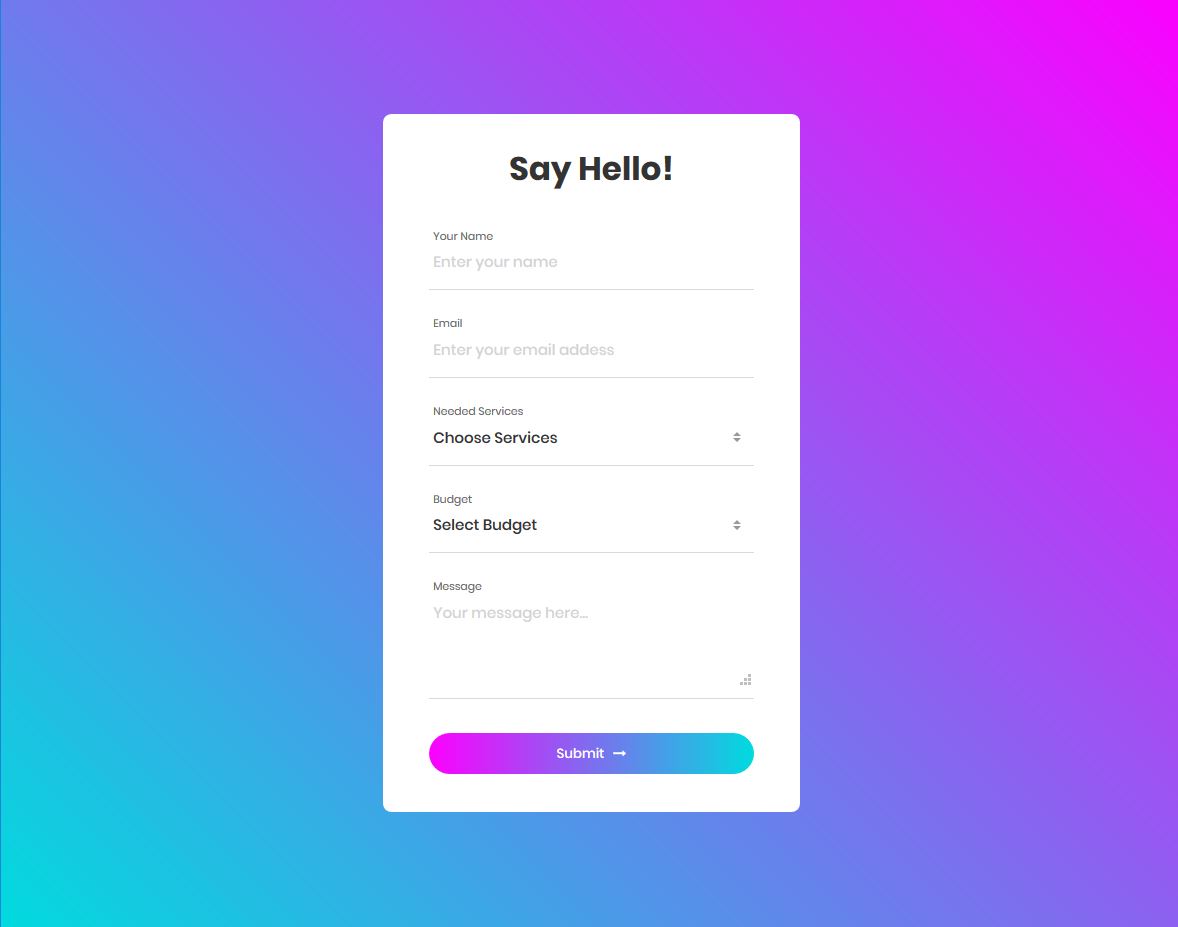
Contact Form 4 made by Colorlib is an amazing Bootstrap form template. It’s a free template. You can use it on your website at no cost. And it’s customizable at the same time. You can make necessary adjustments in the form to ensure it resembles your site and matches your site’s design.
Using this form, your site visitors can not only send a message but also let you know about the services they are interested in and provide an idea of their budget. When you understand what your potential customers want and their budget, it becomes easier for you to communicate with them. You will be able to communicate effectively with your potential buyers.
You can consider using it on your website if you’re searching for a great contact form.
Contact Form 5 by Colorlib
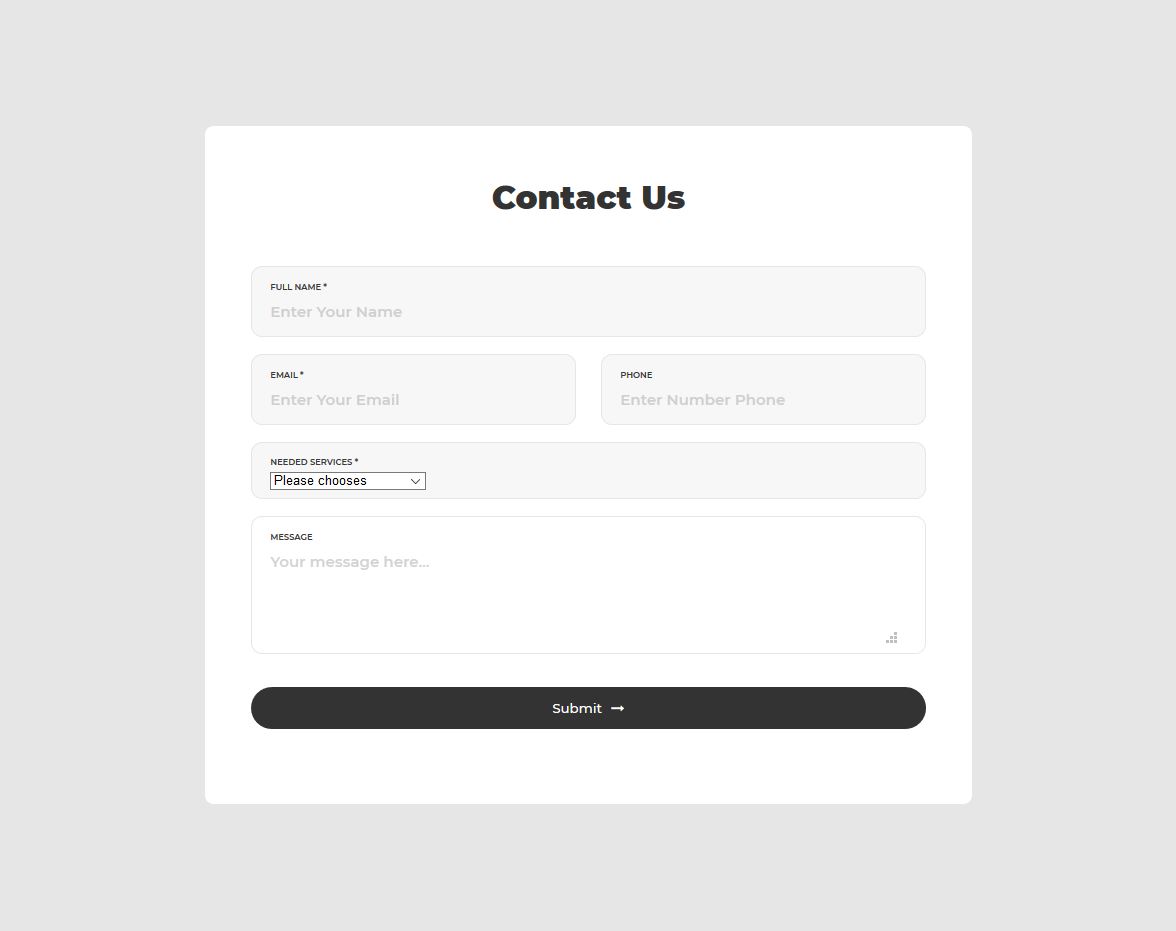
Contact Form 6 by Colorlib is a very nice, free Bootstrap contact form template that can be used on any website. If you plan to have a contact form on your website, you can use it because it is simple, powerful, and has all the necessary features.
Using this contact form will save you time, as you don’t need to create a form from scratch. However, you may have to spend some time tweaking the form. Using a contact form will also bring great business benefits.
This form has all the necessary input fields. But if you need more fields, you can always add more as this is a fully customizable form template. You can also remove some fields if you don’t require all of these text fields.
Flat HTML5/CSS3 Login Form by Aigars SilkaIns
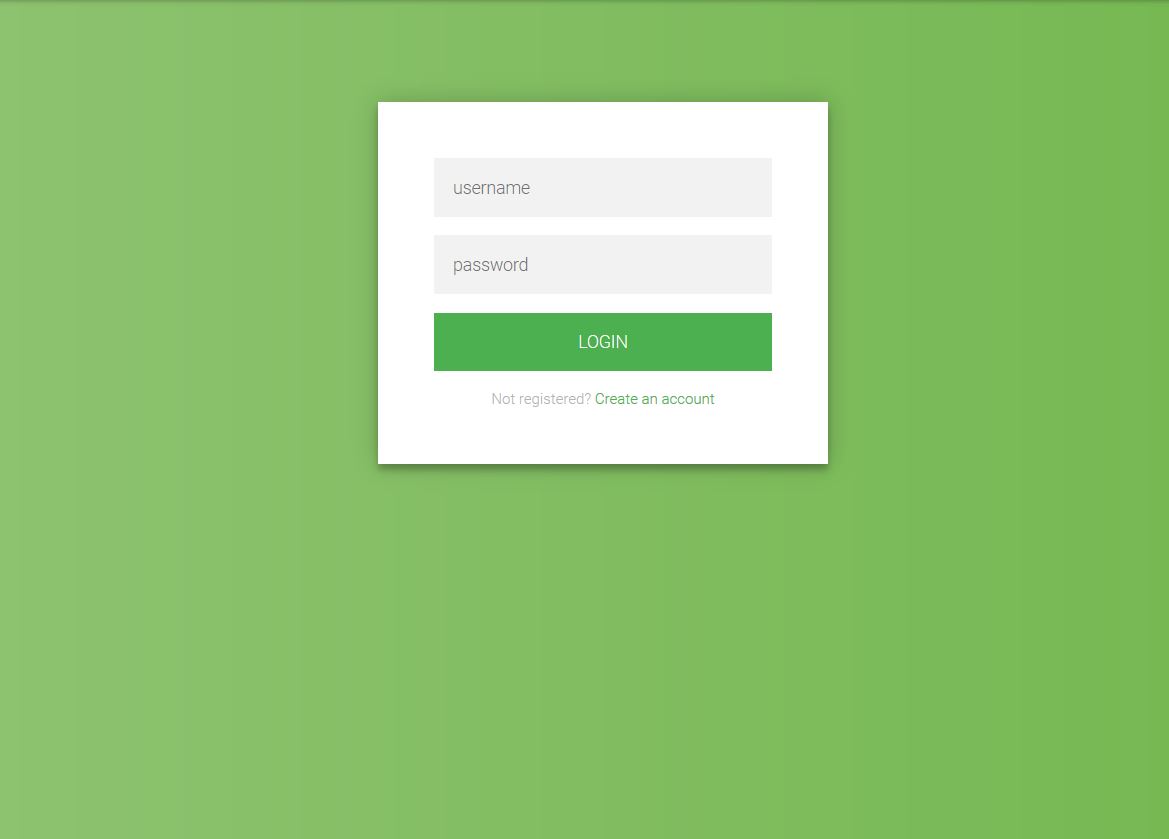
This is a fantastic, free Bootstrap login form made by Aigars SilkaIns, founder of Colorlib. Flat design has been used in this form. This is a flat login form beautifully designed with Bootstrap. The flat login button and the text fields look simply amazing! The code of this template is very simple. So if you know the basics of web development, you can easily modify the code and enhance the design per your preferences.
This open-source form template does not have many elements. It has two text fields, a login button, and a signup link, so it’s a very simple yet powerful form. Keep in mind that simple forms are more effective. Using a simple form like this will bring great business benefits.
Although simple forms are powerful, you must remember that you should not eliminate the essential elements while simplifying a form.
Final thoughts
This blog post lists the best free Bootstrap form templates. It discusses various form templates, including login, registration, and contact forms. All of these forms are of great quality.
If you want to view a comprehensive list of login forms, you can visit this page on Colorlib. Check out this informative blog post for a comprehensive list of login forms and their descriptions. For a superb list of login forms, see this post.
If you’re looking for an extraordinary registration form for your website, consider these forms and select a suitable template.
For a long list of contact forms, refer to this page on Colorlib. Refer to this post for a comprehensive list of contact forms, along with their descriptions.

Related Posts

Comments (0)