

32 Best Bootstrap Pagination Templates & Examples 2026
Good Bootstrap pagination tells visitors where they are in a long list and gets them to the next page in one click or tap. This collection has 32 pagination examples and design ideas: 10 pagination components we designed in 2026, followed by 22 curated designs from CodePen and our older snippet library.
The Colorlib set covers the patterns sites actually need: classic numbered links, a pill pager with an ellipsis window, a minimal “Page 3 of 12” pager, jump-to-page, a Load more button, data table controls, carousel dots, a dark theme, a range slider for huge archives and infinite scroll with a Load more fallback. Each is a free download with a live demo, written in plain HTML, CSS and vanilla JavaScript with no Bootstrap or jQuery required, and it looks the same on its own or inside a Bootstrap 4, 5 or 6 project.
The curated picks lean creative, with gooey blobs, two Pac-Man pagers and a yeti hand, alongside plain responsive bars and a paginated table. Many are older CodePen experiments, so test them in your own layout before you ship. After the list you’ll find tips for choosing a pagination pattern and answers to common questions.
Free Colorlib Bootstrap Pagination Snippets
We designed these 10 pagination components in 2026. Each works: pages, load-more buttons and scrubbers really change the content, with correct aria-current and disabled states. Each is a free download with a live demo.
Pagination V01: Classic numbered pagination with Previous and Next links
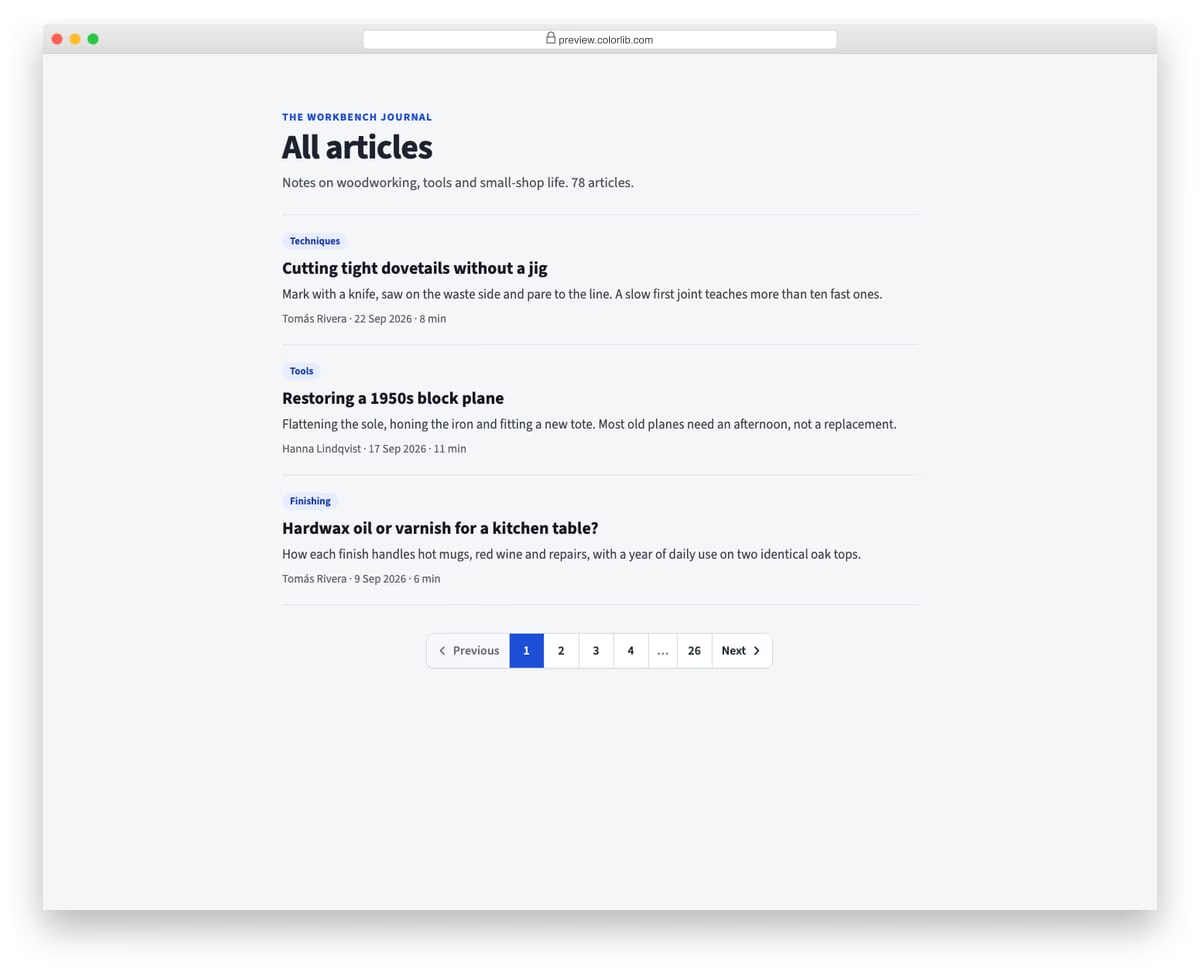
A joined, bordered pagination bar under a blog archive, with Previous and Next labels, numbered page links and an ellipsis before the last page. It is built from plain links for server-rendered pages, with the current page marked by aria-current and Previous disabled on the first page. On phones the labels shrink to arrows and one page number is dropped.
Best for: blog archives, search results and any server-rendered list. Plain HTML and CSS, no JavaScript, a 267 KB download, and it works on its own or inside a Bootstrap 4, 5 or 6 project.
Pagination V02: Rounded pill pagination with an ellipsis window for long ranges
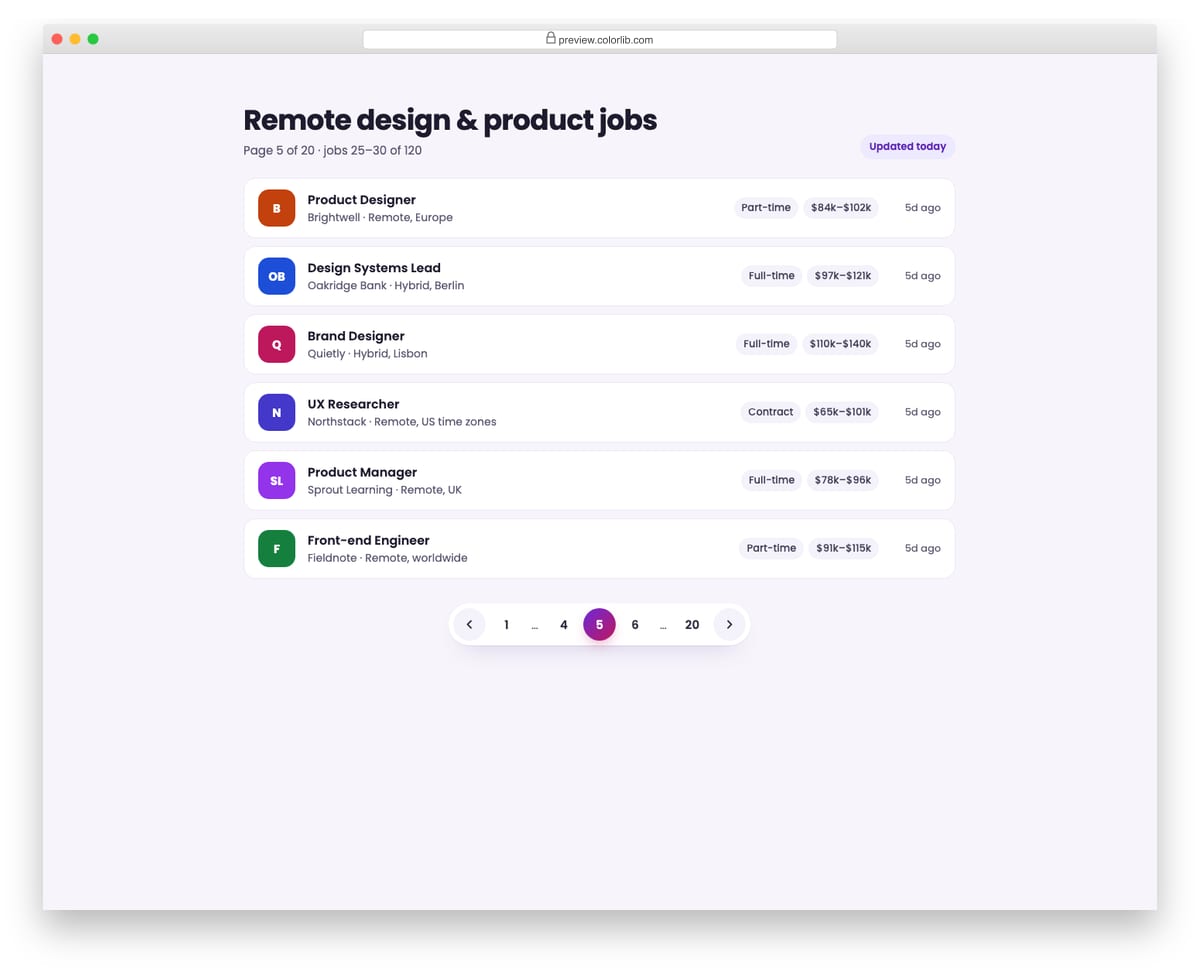
A pill-shaped pager for a job board with 120 listings across 20 pages. The script always shows the first and last page, the pages either side of the current one, and an ellipsis for the gaps, such as 1 … 4 5 6 … 20. Clicking a page re-renders the job list and announces the new range in a status line.
Best for: job boards, search results and product catalogues with many pages. Plain HTML and CSS with a few lines of vanilla JavaScript, a 61 KB download, and it works on its own or inside a Bootstrap 4, 5 or 6 project.
Pagination V03: Minimal text pagination: Previous, Page 3 of 12, Next
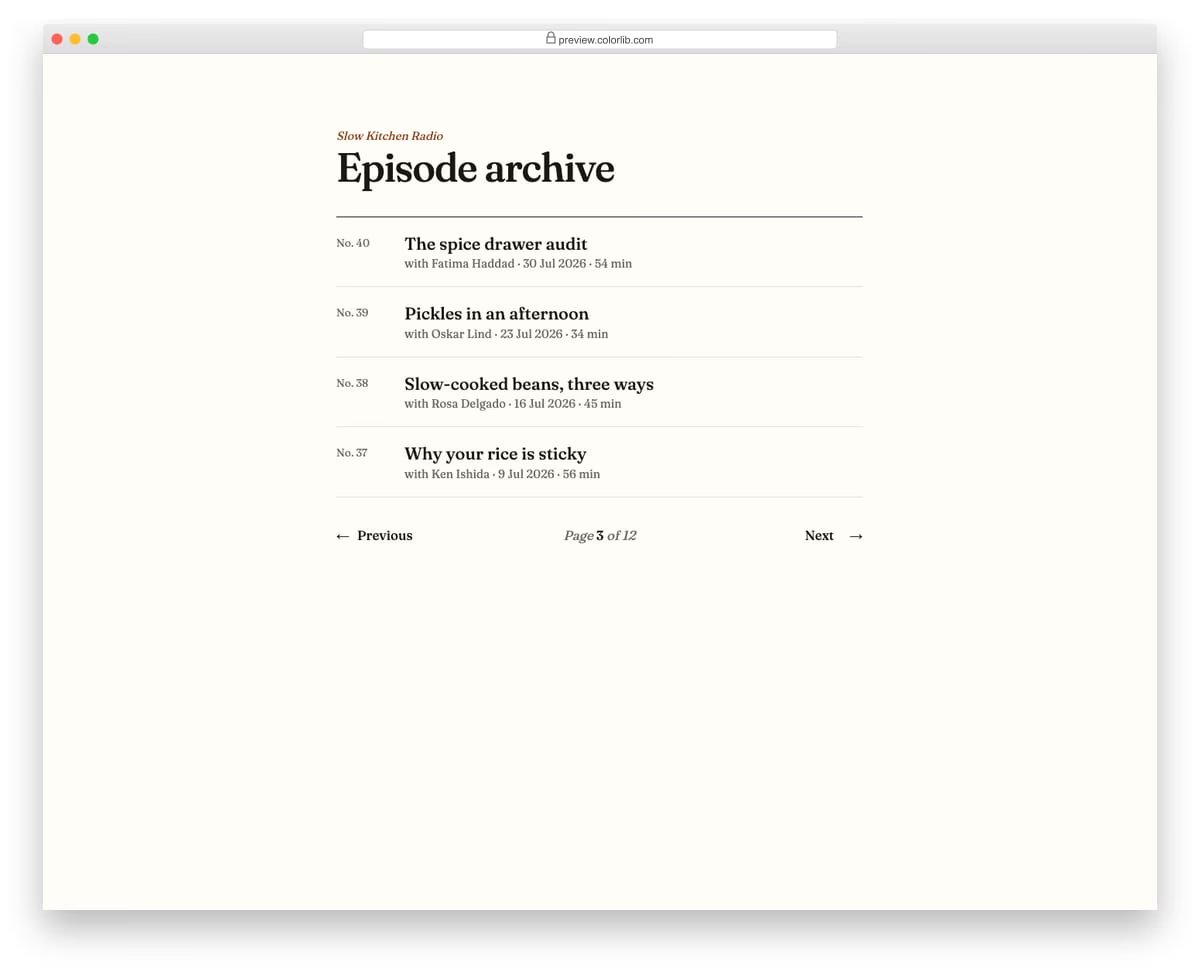
A quiet, text-only pager for a podcast episode archive, with Previous on the left, the page position in the middle and Next on the right. Each click swaps the four episodes shown and updates the position, which is a polite live region. Previous and Next are disabled at the ends, and focus moves to the other button when one becomes disabled.
Best for: editorial sites, podcast and newsletter archives, minimal blogs. Plain HTML and CSS with a few lines of vanilla JavaScript, a 380 KB download, and it works on its own or inside a Bootstrap 4, 5 or 6 project.
Pagination V04: Compact "Page [input] of 42" pager with jump-to-page validation
![Pagination V04: compact "page [input] of 42" pager with jump-to-page validation](https://colorlib.com/wp/wp-content/uploads/sites/2/pagination-04.jpg)
A floating toolbar for a 42-page document viewer with first, previous, next and last buttons around a small "Page [7] of 42" field. Typing a page number and pressing Enter or Go jumps straight to it, while empty, non-numeric or out-of-range values show an error that is announced and linked to the field. Arrow Up and Down in the field step through the pages.
Best for: PDF and document viewers, long reports, image archives and admin tables. Plain HTML and CSS with a few lines of vanilla JavaScript, a 532 KB download, and it works on its own or inside a Bootstrap 4, 5 or 6 project.
Pagination V05: Load more button that appends items and announces the count
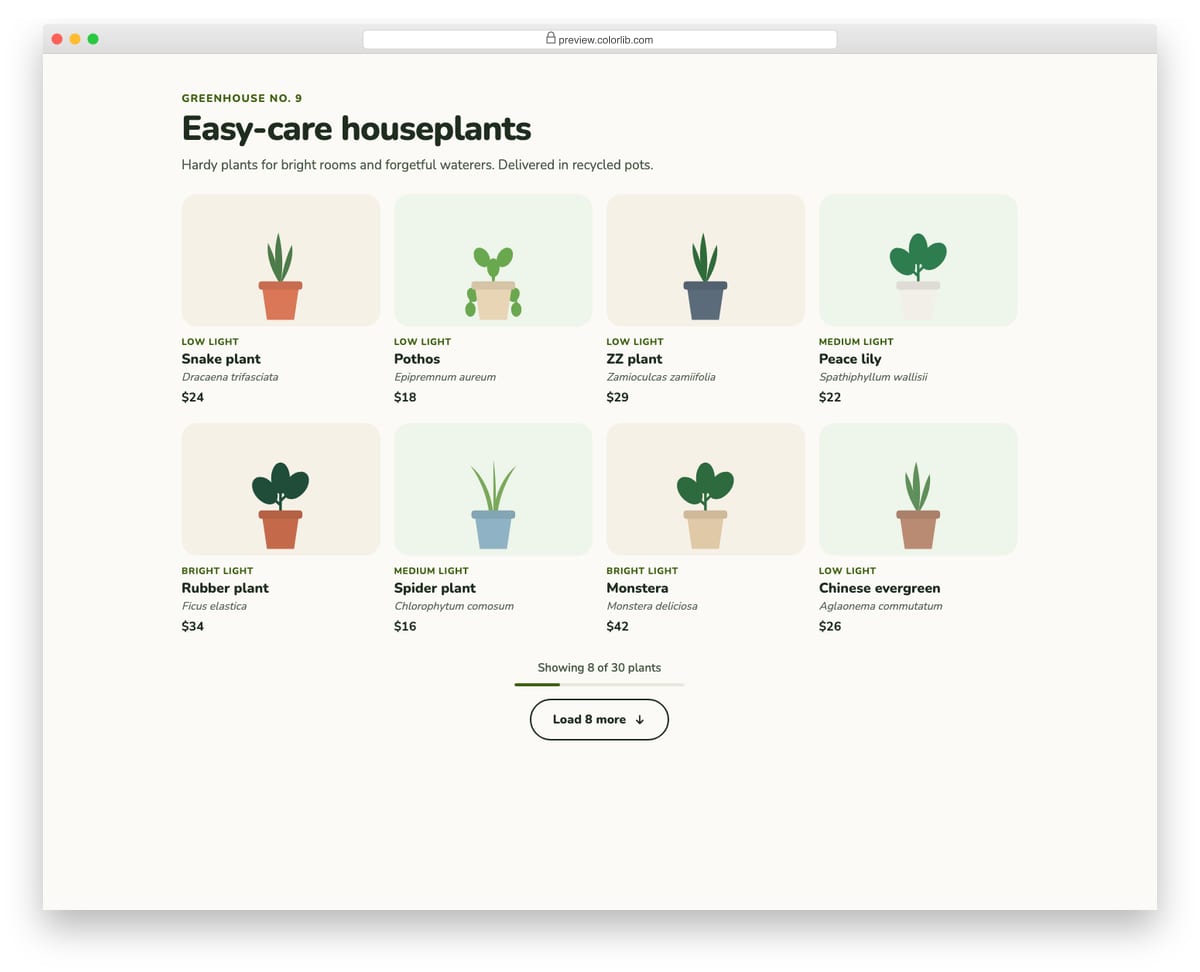
A plant shop grid that starts with eight products and adds eight more each time the Load more button is pressed. A status line reads "Showing 16 of 30 plants" for screen readers, a thin meter shows progress, and focus moves to the first new product. When everything is shown the button is disabled and says so.
Best for: product grids, galleries, blog indexes and search results. Plain HTML and CSS with a few lines of vanilla JavaScript, a 301 KB download, and it works on its own or inside a Bootstrap 4, 5 or 6 project.
Pagination V06: Data table pagination with rows per page, range text and first/last buttons
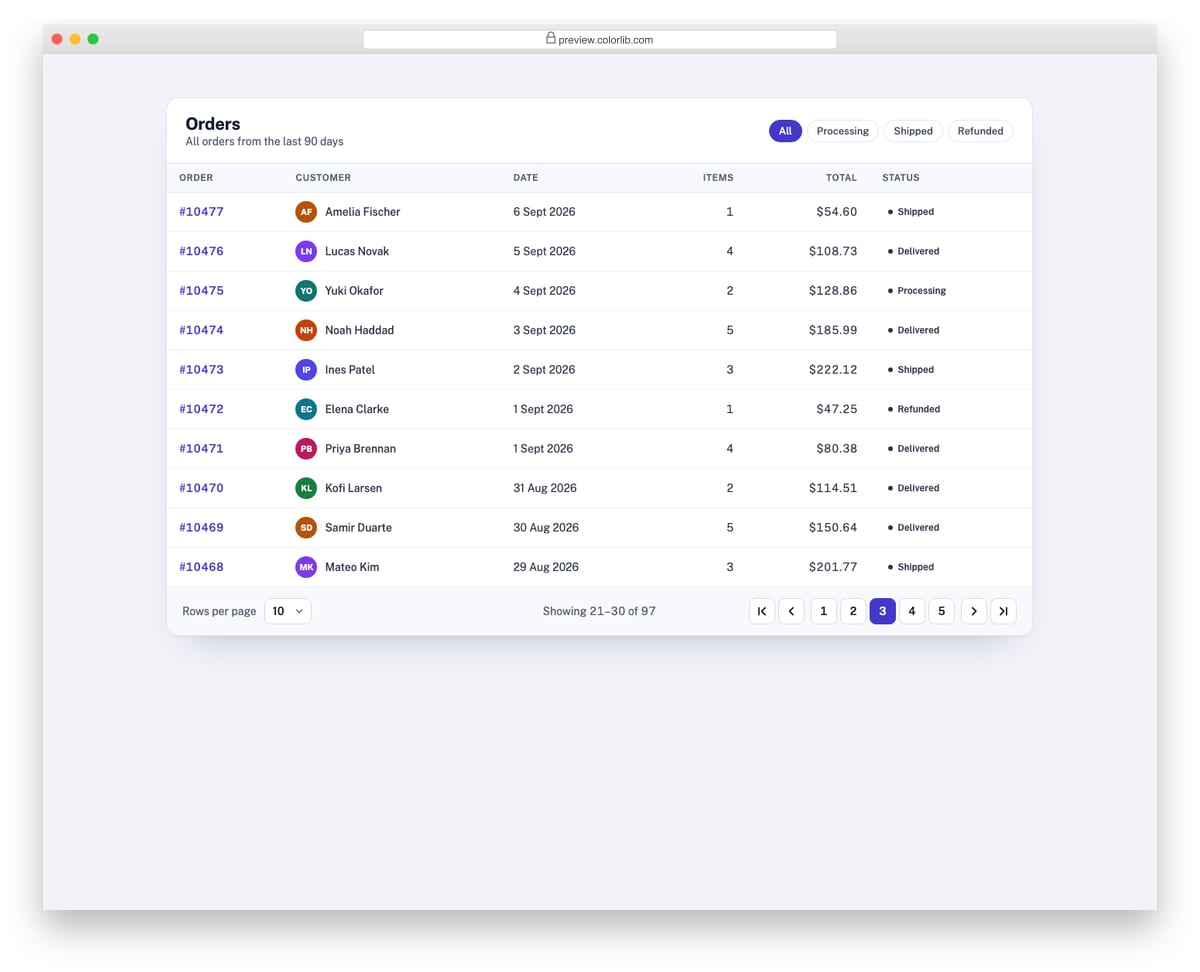
A table footer for an orders list of 97 rows, with a rows-per-page select, a "Showing 21–30 of 97" range and first, previous, numbered, next and last buttons. Changing the page size keeps the first visible row on screen, and the range line is a live region. The table body is rendered from a data array, so every control really changes what is shown.
Best for: admin dashboards, CRM and e-commerce back offices, reporting tables. Plain HTML and CSS with a few lines of vanilla JavaScript, a 185 KB download, and it works on its own or inside a Bootstrap 4, 5 or 6 project.
Pagination V07: Dot pagination for a card carousel
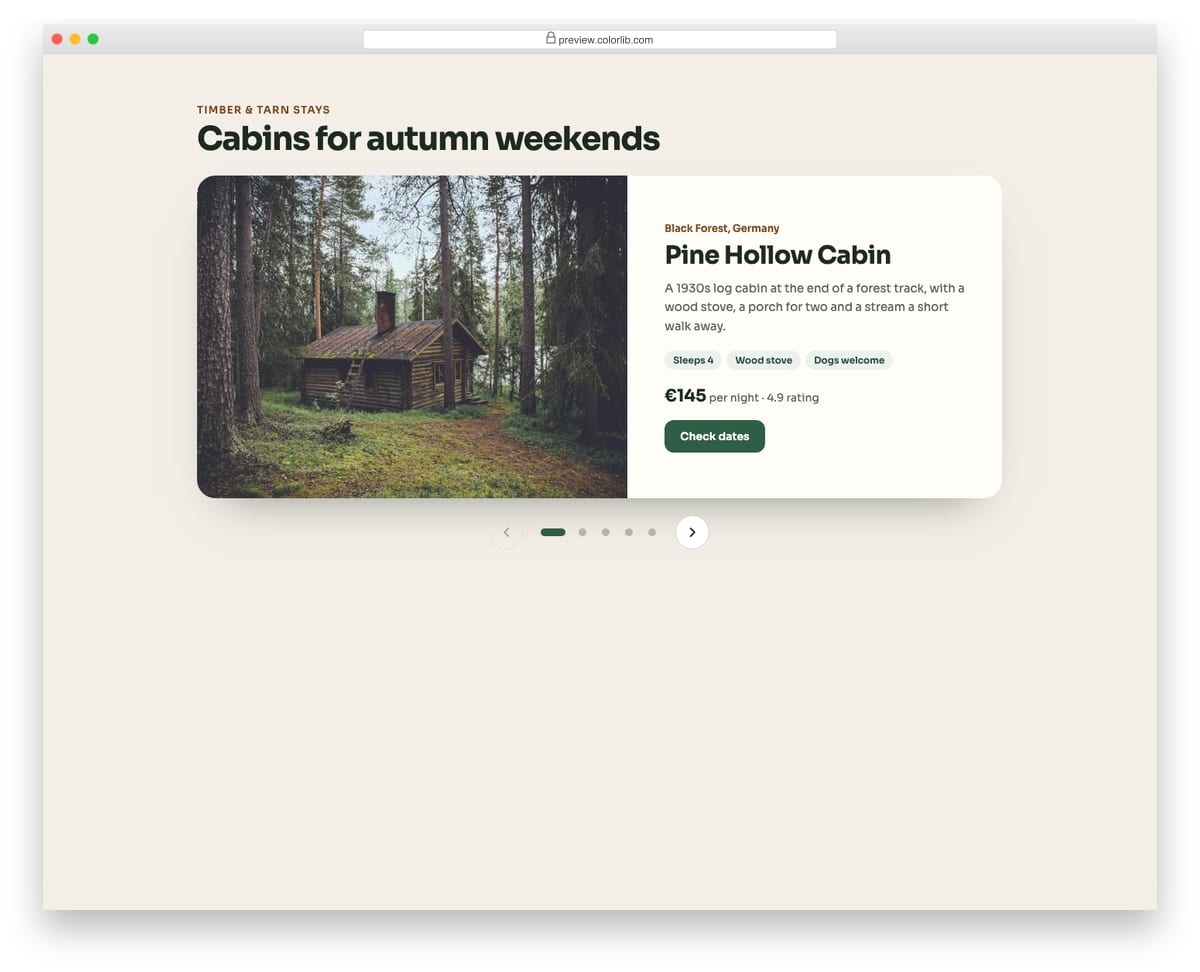
A holiday cabin carousel with one large card per slide and a row of dots under it, flanked by previous and next buttons. Each dot is a real button named after its cabin, the active one is marked with aria-current and stretches into a pill, and hidden slides are made inert. Arrow keys move between dots and a swipe changes slide on touch screens.
Best for: featured listings, testimonials, product highlights and onboarding slides. Plain HTML and CSS with a few lines of vanilla JavaScript, a 473 KB download, and it works on its own or inside a Bootstrap 4, 5 or 6 project.
Pagination V08: Dark theme pagination with a glowing active page
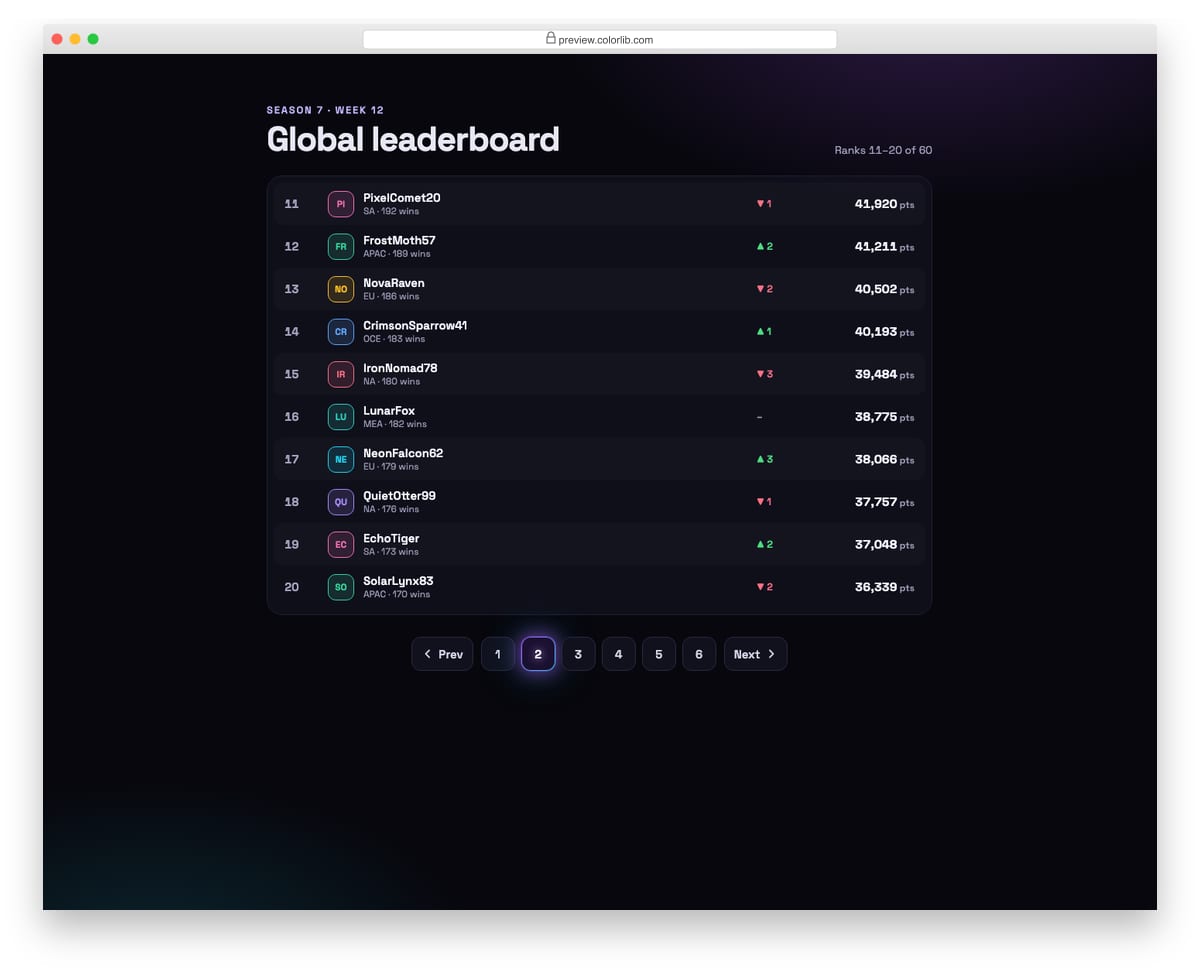
A dark gaming leaderboard of 60 players, ten per page, with square page buttons and a current page that glows through a violet-to-cyan gradient border. Clicking a page or Prev and Next swaps the ranks shown and updates the range line. The glow pulses gently and stops when reduced motion is requested.
Best for: gaming sites, dark dashboards, crypto and music apps. Plain HTML and CSS with a few lines of vanilla JavaScript, a 170 KB download, and it works on its own or inside a Bootstrap 4, 5 or 6 project.
Pagination V09: Large-number pagination with a range slider to scrub pages
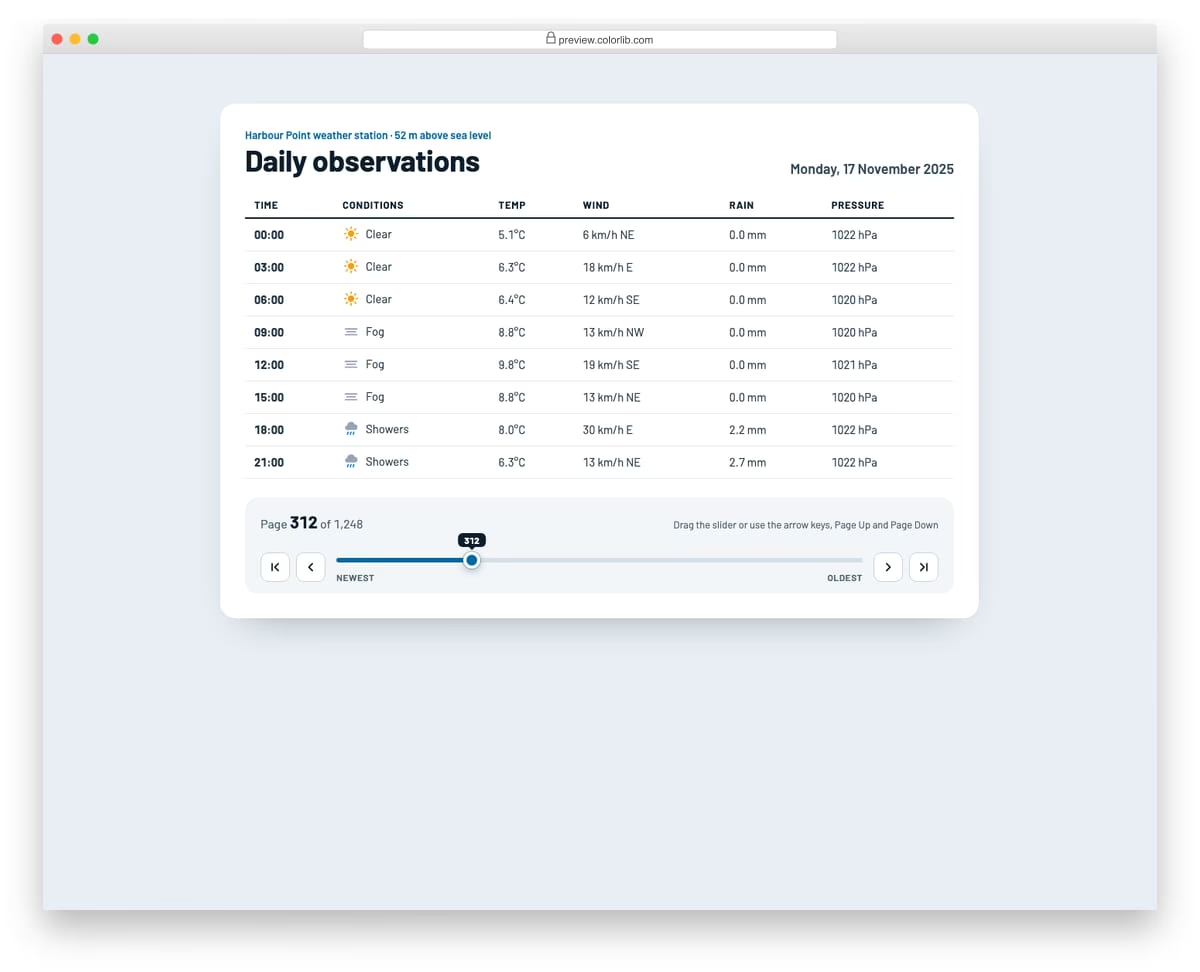
A weather station log with 1,248 daily pages, where a range slider lets you scrub through the whole archive and see each day as you drag. A bubble follows the thumb with the page number, first, previous, next and last buttons handle fine steps, and the slider reports the page and date through aria-valuetext. The readings table is generated for each page, so every position shows real content.
Best for: archives, logs, photo timelines and any list with hundreds of pages. Plain HTML and CSS with a few lines of vanilla JavaScript, a 109 KB download, and it works on its own or inside a Bootstrap 4, 5 or 6 project.
Pagination V10: Infinite-scroll feed with an IntersectionObserver sentinel and a Load more fallback
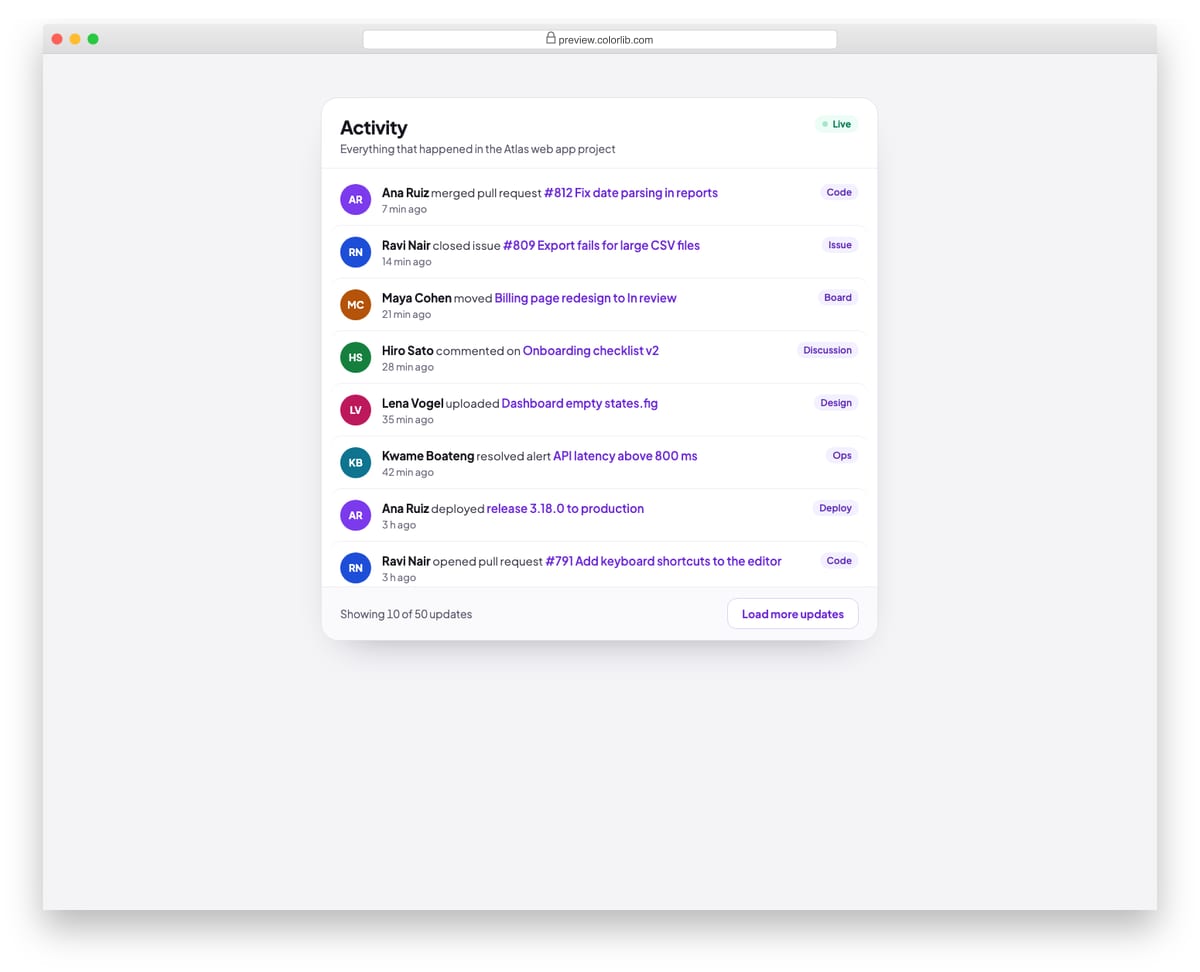
A project activity feed that loads ten more updates whenever you scroll near the end, using an IntersectionObserver on a sentinel element inside the scrolling panel. A Load more button under the feed does the same job for keyboard and screen reader users and moves focus to the first new update. The feed follows the ARIA feed pattern and a status line announces how many updates are shown.
Best for: activity feeds, notifications, social timelines and chat history. Plain HTML and CSS with a few lines of vanilla JavaScript, a 200 KB download, and it works on its own or inside a Bootstrap 4, 5 or 6 project.
Best Bootstrap Pagination Styles
Bootstrap Buttons V18
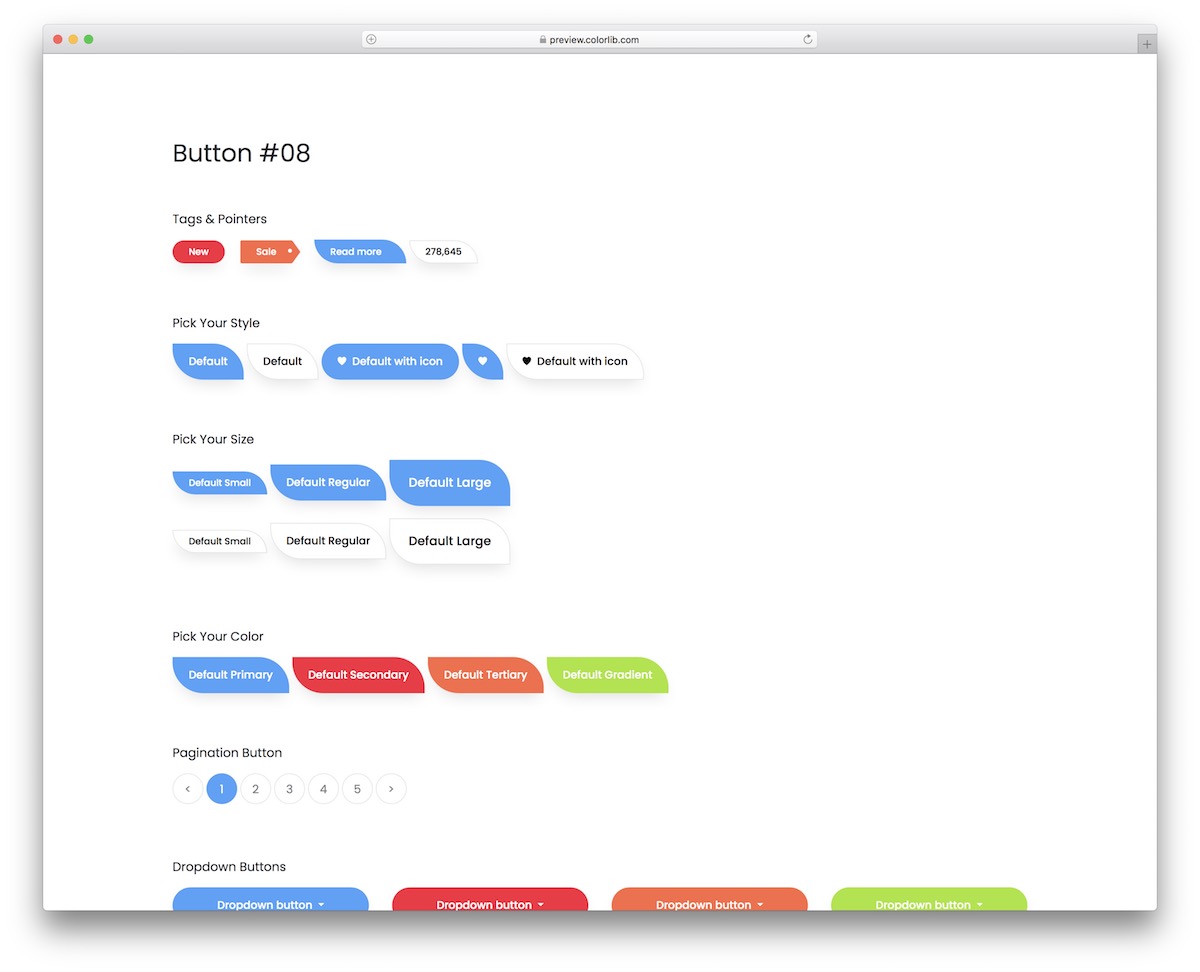
This is a bundle of different buttons you can use with your web application. Of course, there’s also modern pagination with rounded buttons that you can use to your advantage.
This entire set is available free of charge, so that’s a bonus, even if you download it just for the pagination.
However, you will likely want to activate other snippets as well, because why not, if you already have them all?
Angular Bootstrap Pagination
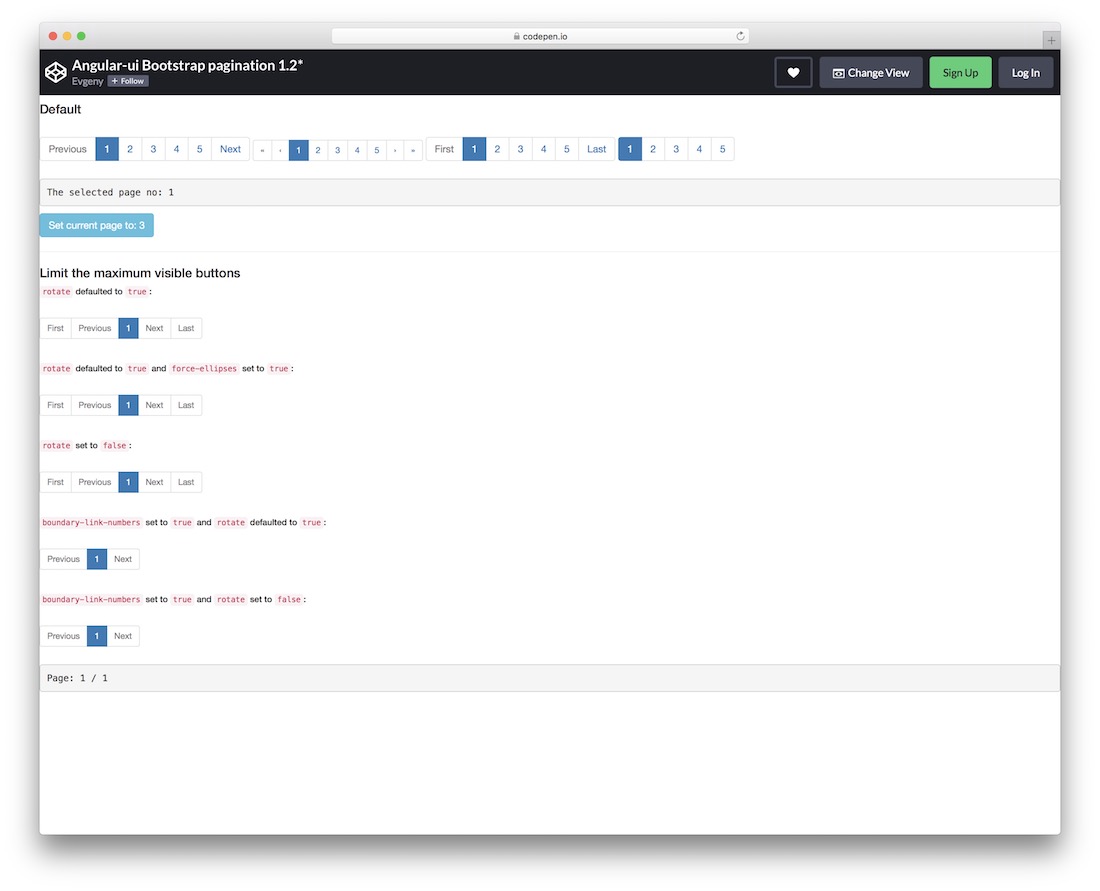
Instead of a single style of Bootstrap pagination, this set offers four slight variations.
They are pretty similar at a glance, but each has something different, offering you more variations to find the best one out of the box.
Three have back-and-forth buttons, but the last one is without, keeping things minimal.
You can also set limitations and perform other customization tweaks to help create the exact pagination you are after.
jQuery Pagination Plugin
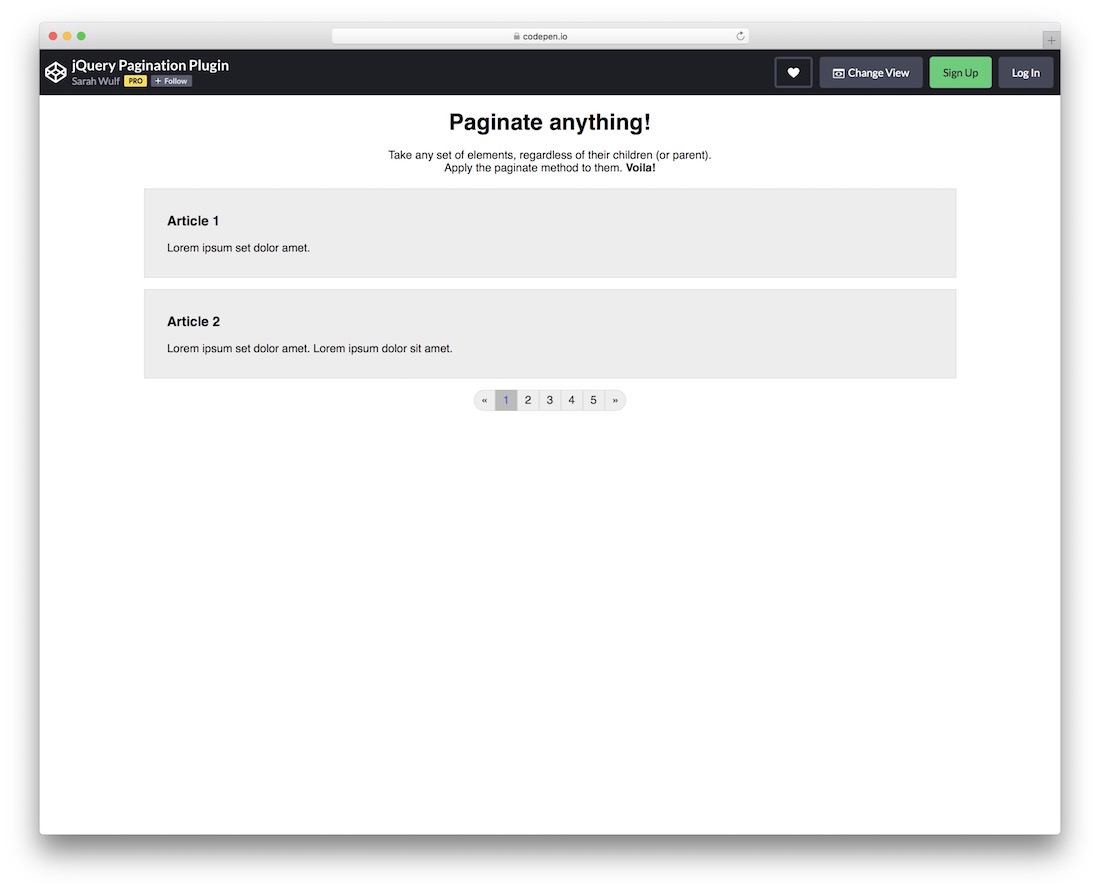
This cool snippet unlocks the option to help you paginate different elements, whether they are parent or not.
If you want to create pagination for very long articles or other content on your website, this tool will do you well.
Since it’s part of CodePen, you know that you can edit and modify it directly on the platform before you integrate it into your project.
The layout also features a 100% mobile-friendly structure for fluid performance on various screen sizes.
Gooey Pagination
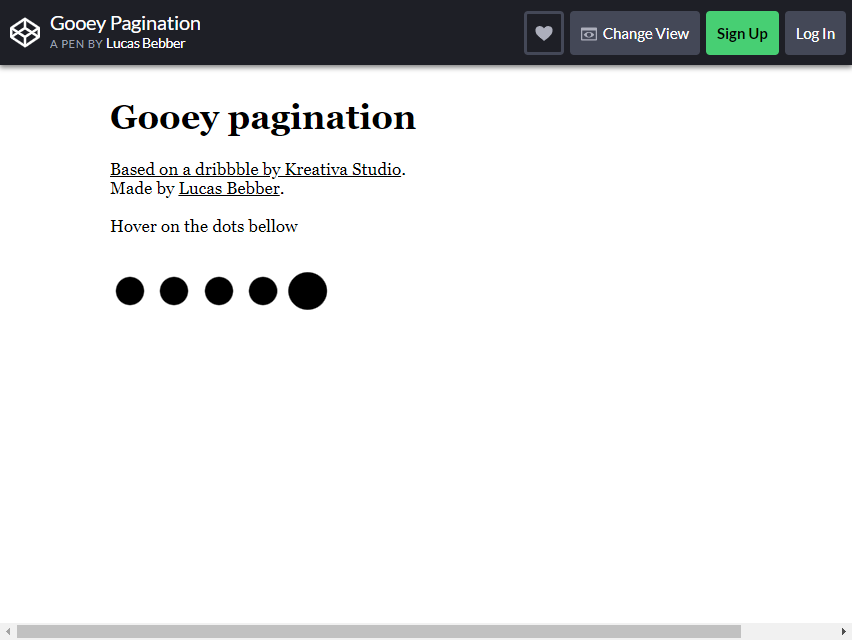
Let’s start with the simpler yet beautifully made designs. If sequencing numbers is not a priority for your web page, then this is the design youare looking for.
The Gooey Pagination is a slime-like, droplet-style design. It is hard to identify the page since it is not sequenced accordingly, but you can add a page number if you wish.
As you hover over the black dots below the text, a neat “gooey” animation effect appears, mimicking the movements of a slime ball. This beautiful animation effect will captivate curious minds as they interact with the Bootstrap pagination.
If your website is geared toward kids’ games, you can change the colors of the dark blobs to make them more colorful. This will give the kids a friendly experience and fun while playing with it.
The concept is still in demo and unfinished, but you can refine it by adding and changing a few codes.
Pagination By Robert
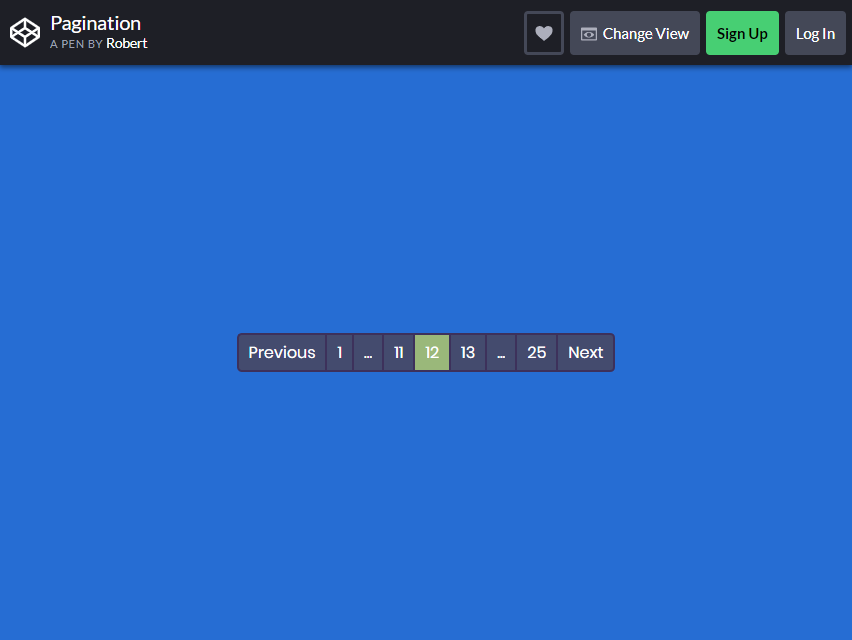
This pagination design has a more straightforward look. As seen in the demo, this template works well with any solid fill background.
This is a great fit for blogging websites that need a pagination design. Enhance your pagination’s appearance by using this design as inspiration.
You can customize and personalize this template to match your website’s theme. You can do so if you want to adjust the page count, whether higher or lower.
The colored highlights will also aid your visitors in knowing which page they are on, so they won’t get lost browsing through your content.
12 pagination Ideas
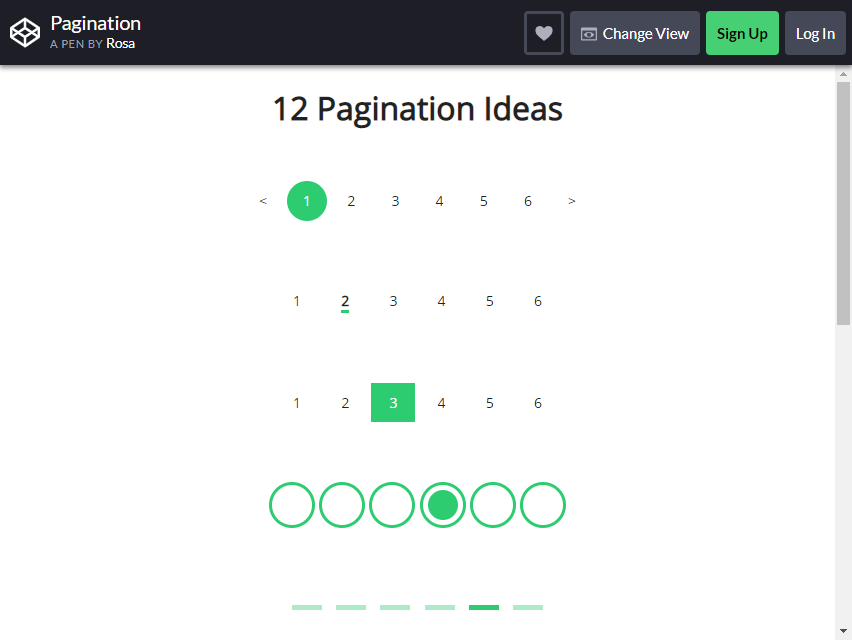
This is a unique bootstrap pagination created by one of the creative coders on Codepen. This one is up for consideration to try out from the thousands of designs you can find online.
This snippet gives you two pagination designs to choose from. One has numerical fonts to help users identify a certain page in sequence.
Another is designed using geometric shapes. But you can still use both. With the 12 given designs, you can create many combinations with them.
Feel free to CUSTOMIZE it and change some elements to fit your preferences.
Pagination By Vineeth.TR
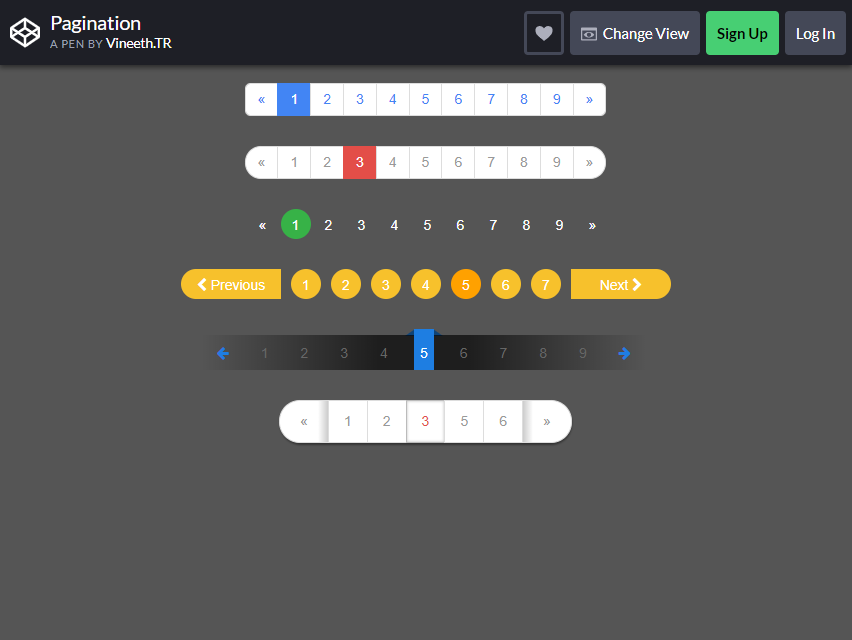
Codepen has provided a set of pagination designs for your use. With this template, you have a group of designs to choose from.
Six pagination designs are also animated and were made through the Bootstrap script. The designs flourish with natural colors and stunning graphics. It also employs symmetrical and visually appealing shapes that are pleasing to the eye.
There are NO hover effects implemented on the designs, though. However, that doesn’t exclude it from being so unique and functional for use. It is a simple and elegant layout you can try out for your website.
Pacman Pagination
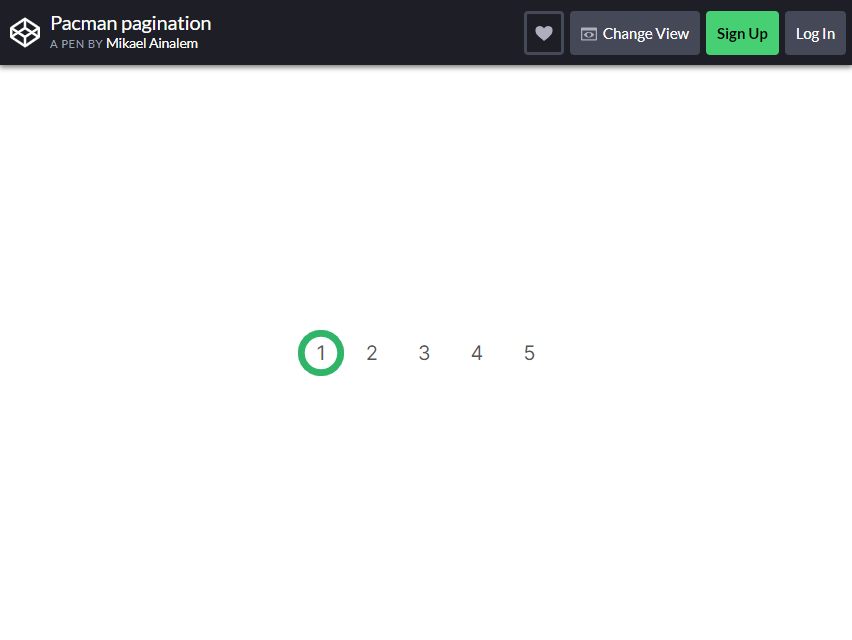
Are you a fan of video games? Is your website focused on reviewing games and creating blogs about retro games, or is it just a gaming website? Here is a Bootstrap pagination design suited for that niche if that is a yes.
The Pacman Pagination design is an interesting and eye-catching animated design. The page where your user is staying will be highlighted with a Pac-Man figure.
When your users move from one page to another, the figure starts to EAT the number towards the next page. The code works flawlessly, and you can use it directly to your website.
If you want to change a few elements of this design, you can CUSTOMIZE it to suit the Pacman theme or to align it with your website’s theme. This is a versatile and suitable design for any website.
Yeti Hand Pagination
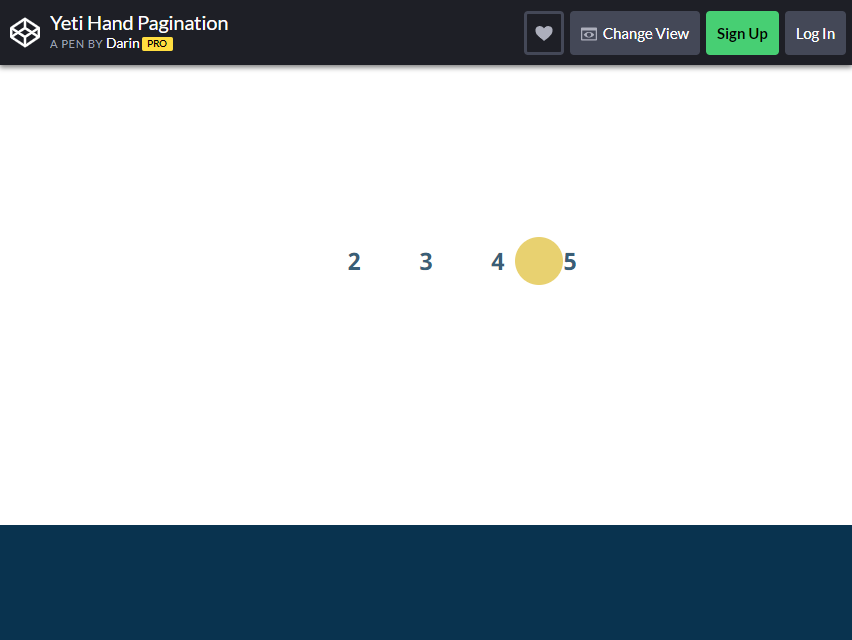
Nothing shouts uniqueness and rarity more than a famous mythical creature’s hand. Why use this design for your pagination? Why not?! It’s unusual and super creative.
The Yeti Hand pagination design has a Yeti character’s hand to move through the sequenced numbers. The hand MOVES THE MARKER to highlight your users’ page.
If you want to use this experimental design on your website, you will need to modify some of the code to ensure it is fully compatible and functional for your website. This design is great for websites that were meant for kids.
It is fully customizable and you can change all of the colors. Pick a solid fill background to make the hand pop out.
Infinite Pagination
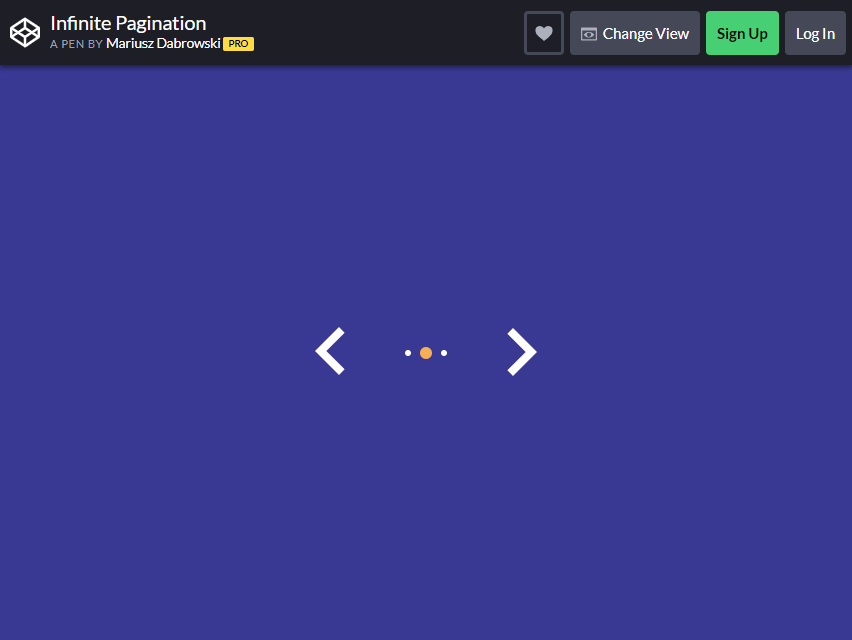
This pagination design is ideal for websites with extensive content to share with their readers. The Infinite Pagination layout is a simple and wonderful way to scroll through pages.
It may not be immediately clear. The only design implemented for this is just dots, with nothing more. Yes, plain white dots and a solid fill background. The default look makes the site appear as if it is continuously scrolling and endless. Giving that “INFINITE” effect.
When readers or users reach the end, the bootstrap pagination will scroll back to the start, creating an infinite loop effect. The code works flawlessly without any issues.
It is ready for your website and you can customize some colors to suit your theme.
Pagination By Kasper Mikiewicz
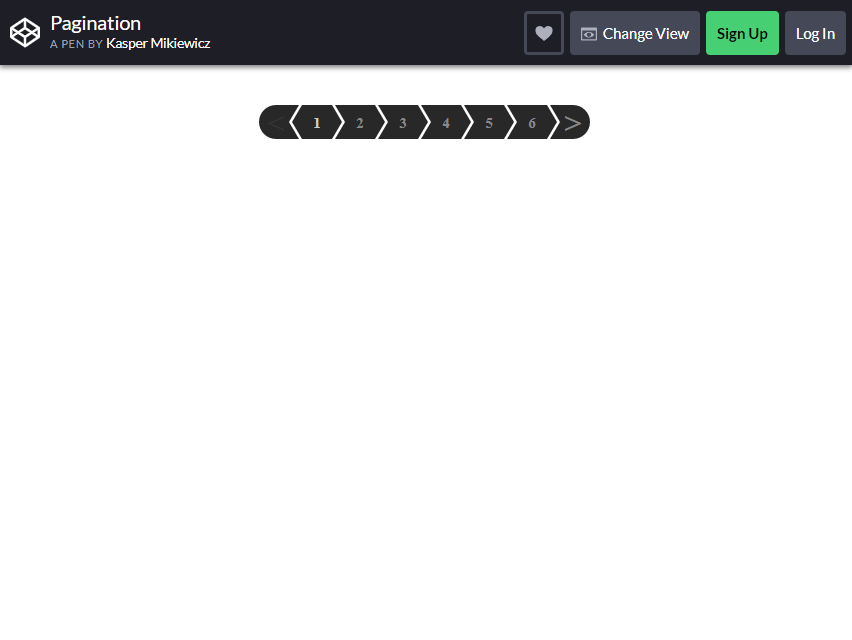
This is the way websites can achieve a more modern look and style. The use of modular shapes and geometric figures can make any theme look professional and contemporary.
With this template, you can achieve a simple and functional design that helps your users navigate your website’s content.
It is fully customizable, and you can change the background and other elements to fit your website’s theme.
WebDesignerDepot Pagination
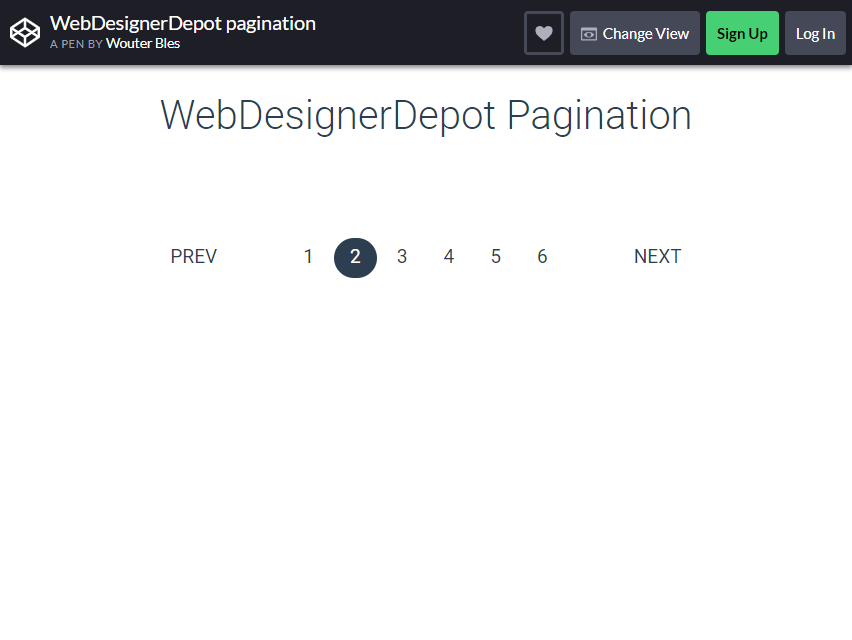
Perhaps you are looking for a website with a more professional appearance than the previous creative ones. This bootstrap pagination design has a more business and professional look. Business websites often have a minimalist and simple look.
This will prevent unwanted attention from other elements from diverting your users’ attention, allowing them to focus more on the content. The design also makes it seem that your website is legitimate and serious in the business it handles.
Pagination One
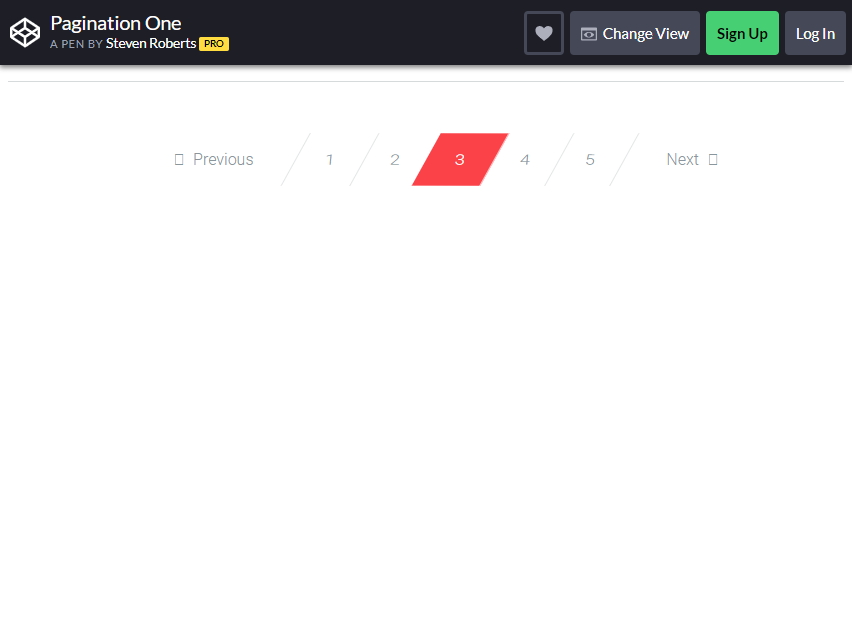
Is a modern look too bland? Here! Try out a sleeker and more futuristic look. The Bootstrap Pagination One design looks badass with its geometrical shapes and the color choice.
It is a material design and style for the concept of the template. It used simple lines and a cool hover effect for the pagination bar.
If you want to make some changes, you can add or change the code within the provided template. But it is recommended that you leave the colors as they are. Nothing says power more than crimson red!
Pagination & Layout With Clipped Background
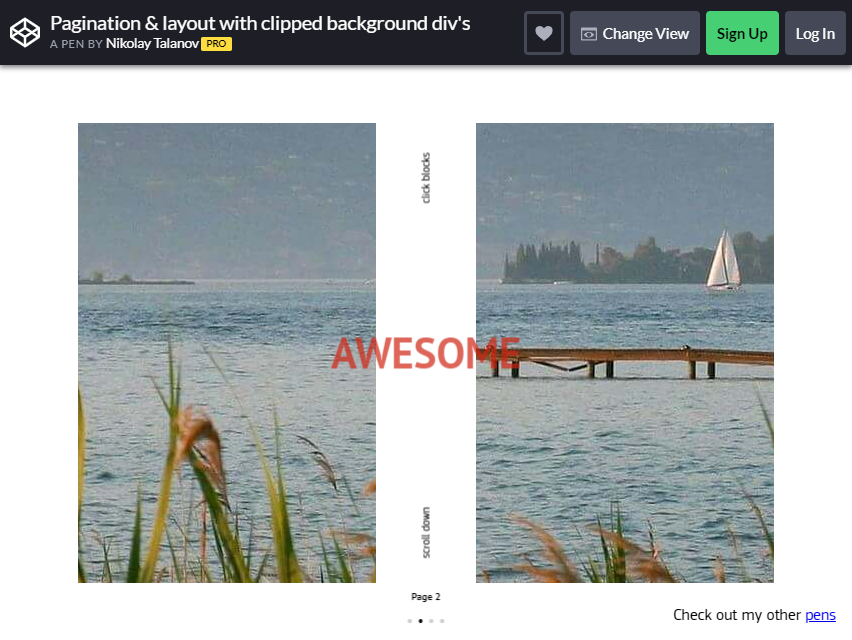
Is your website filled with numerous presentation slides? This pagination is designed to help you organize and arrange your slideshows accordingly. It helps make the web page and slides look more presentable and pleasing.
The template features a parallel scrolling effect on the slider, enhancing user engagement and interaction.
There are two ways to use this slider’s function: You can scroll it with gestures to switch among slides or use the pagination bat located at the bottom.
Responsive Magic Line Pagination
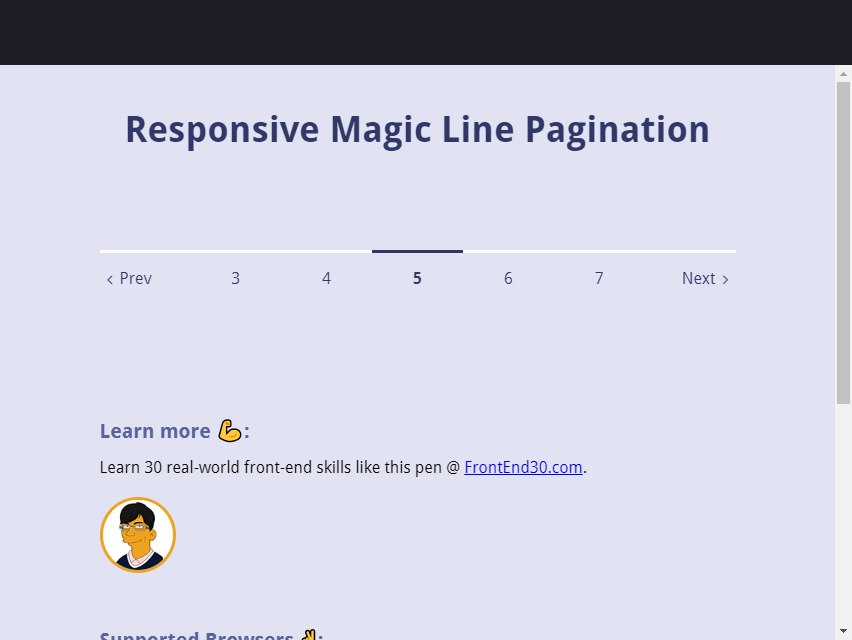
This bootstrap pagination design is meant for a MORE professional looking website. The concept is based on how people perceive a web design as “attractive” to them.
The design uses a scroll bar line, similar to the previous ones. It resembles the previous scrollbars, but this one glides horizontally. The design function is that a line is placed at the top of the page, which tells a user that they are on that indicated page.
The line hovers above the page number that the user is on. The wonderful coding done makes the scrolling feature of the horizontal line to run smoothly without any issues.
It is ideal for websites that want to provide a more visually appealing experience for their users.
Materialize Responsive Table With pagination
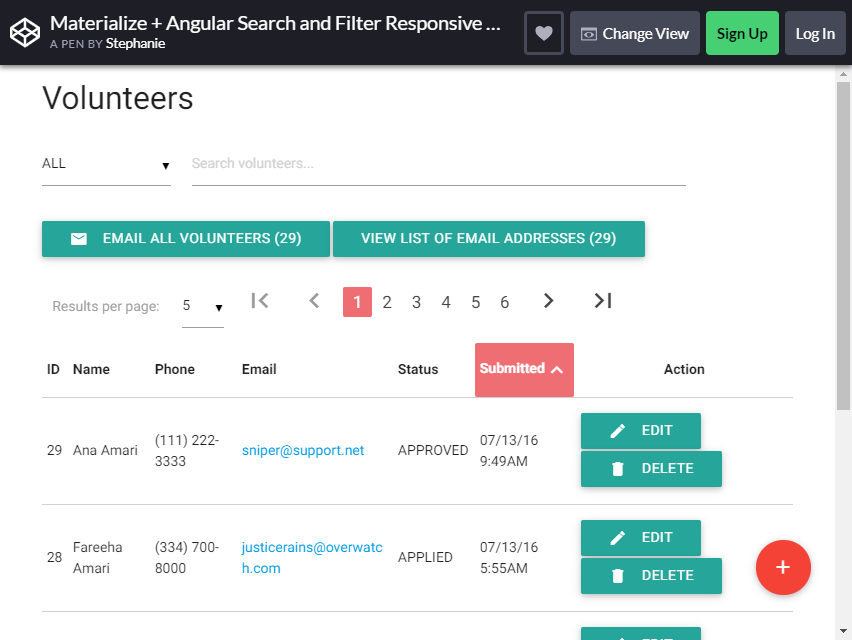
We all know that organizing our mail can be a tough task WITHOUT the help of an indicator telling us what page we are at.
This Materialize Responsive Table is a fully functional element and a design you can use to sort out user accounts.
This template provides a responsive table that can display numerous content and information. The beautiful colors and designs make this table a “must-have” for every website.
Give your users THE POWER to sort their mails, accounts or notifications with this feature. The Bootstrap pagination added can also help them organize their data accordingly.
Along with the pagination, you will also get a search bar with a filter option all in one element. Since this design incorporates many features, the code is somewhat more advanced.
But you only have to change a few things such as adding a background picture, changing some text and tuning the colors up to make it stand out.
Tooltip Pagination
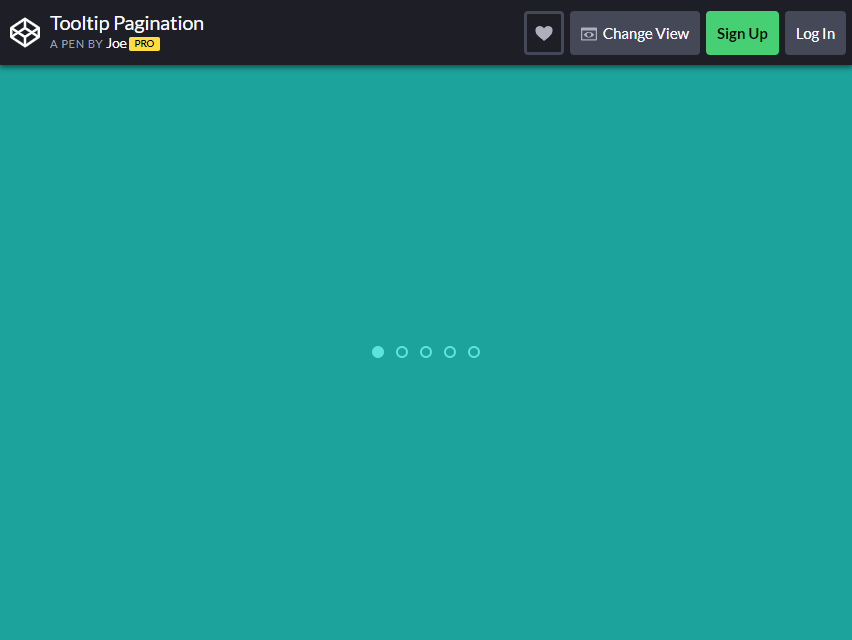
The Tooltip Pagination boasts its simplicity in design and its minimalism by using dots instead of plain text. Given its simple design, you can easily use it on any part of your website and it will fit like a glove.
The design is made for websites that features tutorials and tips for new users. It can be embedded in a sub-menu that gives first-hand tips. The design was made for websites with only a FEW pages in it.
Pure CSS3 Responsive Pagination
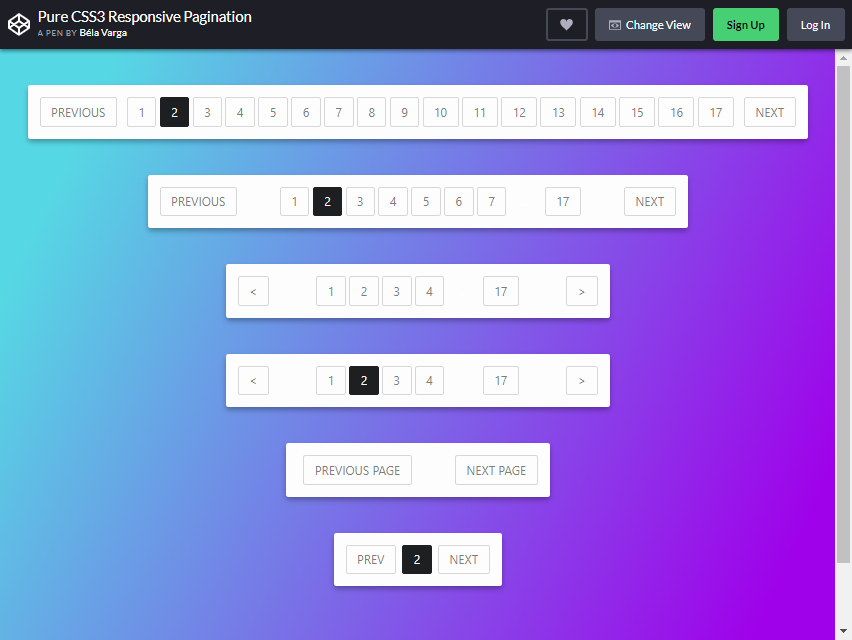
This is another set of Bootstrap pagination elements. The template features six types of pagination styles to choose from. The design of each type is similar; the only difference is the page range that it can accommodate.
The number of pages you can add to a bar type is limited. If you decide to go with this design, try selecting the length of the bar that you think will accommodate the number of web pages on your website.
The design features light, clean line strokes and widths that convey a professional appearance. This comes with QUICK animation effects highlighting the page number when a user hovers over it.
It can be used in any website theme and style, given its simplicity.
Pagination Hover Animation
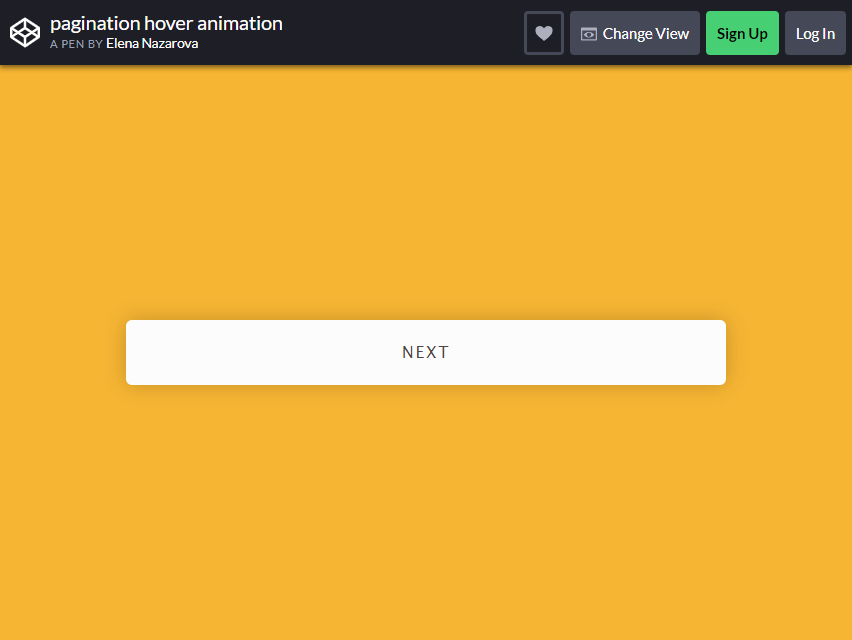
This is one of the best and most creative pagination designs available. Given its unique layout and functionality, this coding will be very complex. But you can use it straight away and applies to any web design.
As you’ve noticed in the previous layout, this one doesn’t use much space. The page numbers are HIDDEN within the slim bar with the text “Next”. As a user hovers over it, a left and right arrow appears.
Clicking the arrows will reveal the page numbers, which will be indicated with a thin line below it. This is the perfect pagination if you’re trying to manage the space left on your website.
The design is marvelous and the functionality is impeccable.
Pac-Man CSS Pagination
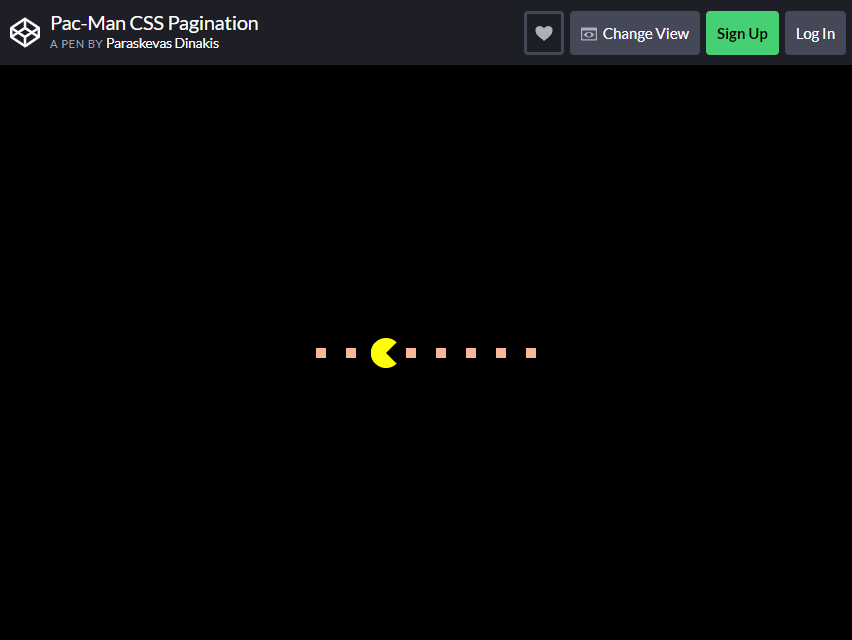
Remember that previous Pacman-themed design we discussed earlier? Want the real deal? Here is another Pacman-style bootstrap pagination design that perfectly captures the Pacman theme!
The classic RETRO video game had wowed and amused gamers for ages. Bring back this legendary game and give your users a nostalgic experience, making them remember the fun and enjoyment they had when playing it.
This is best suited for sites that feature activities for kids or gaming websites. Pacman (or the highlighter) starts chewing his way through when a user hovers over a node.
When the node is clicked, Pacman eats it and moves towards that location, which is quite impressive, isn’t it?
Responsive Pagination
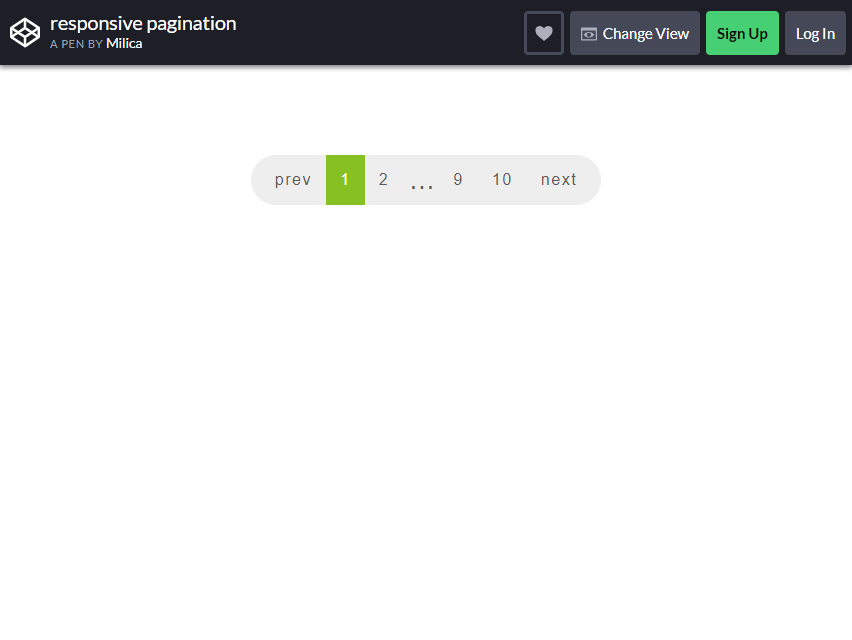
After reviewing many designs, let’s settle back to the basics. The Responsive pagination design is simple and clean, giving it an immediate professional appearance.
This basic pagination design can be used on any website without any problems. If you have a colorful, modern-looking website with a minimalist theme, this is the design you are looking for.
Roundie Pagination
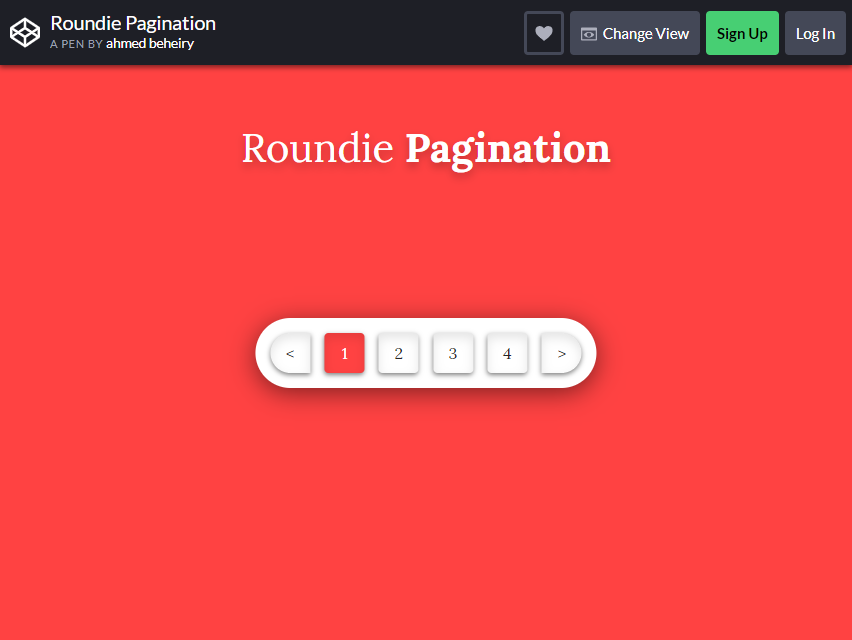
Similar to the previous one, the Roundie Pagination features the same simple and elegant design. The only difference is that, this one is bolder and flashier with its given color scheme and design.
The bar has some depth, making it pop out from the background. The choice of colors as well made the design look its best.
How to choose a pagination design
Use real links when pages have their own URLs. A blog archive or search results page should paginate with ordinary links, so each page can be bookmarked, opened in a new tab and crawled. Pagination V01 is built that way, with rel="next" on the Next link and no JavaScript at all.
Mark the current page and the ends properly. Color alone doesn’t tell a screen reader user where they are. Put aria-current="page" on the current page and disable Previous on page one and Next on the last page. Pagination V01 drops the href and adds aria-disabled on the disabled link.
Keep long ranges short. Twenty page numbers in a row wrap badly on a phone. Show the first and last page, the neighbors of the current one and an ellipsis for the gaps, as Pagination V02 does (1 … 4 5 6 … 20). For hundreds or thousands of pages, add a jump-to-page field like Pagination V04 or a range slider like Pagination V09.
Plan for small screens. Page links need to be big enough to tap without hitting the neighbor. On phones, Pagination V01 shrinks Previous and Next to arrows and drops one page number, while keeping the text for screen readers.
Give Load more and infinite scroll a way out. An endless feed can hide the footer and strand keyboard users. Pagination V10 pairs its IntersectionObserver with an always-available Load more button, and Pagination V05 announces “Showing 16 of 30” and moves focus to the first new item after each load.
Frequently asked questions
Do these pagination examples need Bootstrap or jQuery?
The 10 Colorlib pagination snippets don’t. They are plain HTML, CSS and vanilla JavaScript (Pagination V01 has no JavaScript) and look the same on their own or inside a Bootstrap 4, 5 or 6 project. The curated examples vary: as the names suggest, the jQuery Pagination Plugin relies on jQuery and Angular Bootstrap Pagination on Angular, so check each pen’s settings before you copy it.
Can I use these pagination templates in commercial projects?
Yes, within each item’s license. The Colorlib snippets are free under CC BY 3.0: use them in personal and commercial projects and keep the credit link. The curated CodePen items carry their own licenses, so check the original before you ship.
How do I customize Bootstrap pagination?
In Bootstrap 5.3, override the component’s CSS variables, such as --bs-pagination-color, --bs-pagination-active-bg and --bs-pagination-border-radius, and use .pagination-lg or .pagination-sm for size and justify-content-center to center it. The Colorlib snippets carry their own styles, so change colors and sizes in the snippet’s CSS.
Should I use pagination, Load more or infinite scroll?
Use numbered pagination when people need to return to a specific page or jump ahead, as in archives, search results and data tables. Use Load more for browsing grids such as products or photos. Keep infinite scroll for feeds where position doesn’t matter, and always pair it with a button fallback so the footer and keyboard users aren’t cut off.
Final thoughts
Start with Pagination V01 for a blog or archive, Pagination V02 or V06 for app lists and data tables, and Pagination V05 when a Load more button suits the page better than numbers. For the navigation that shows where a page sits in your site’s hierarchy, see our Bootstrap breadcrumb examples.

Related Posts


Comments (0)