
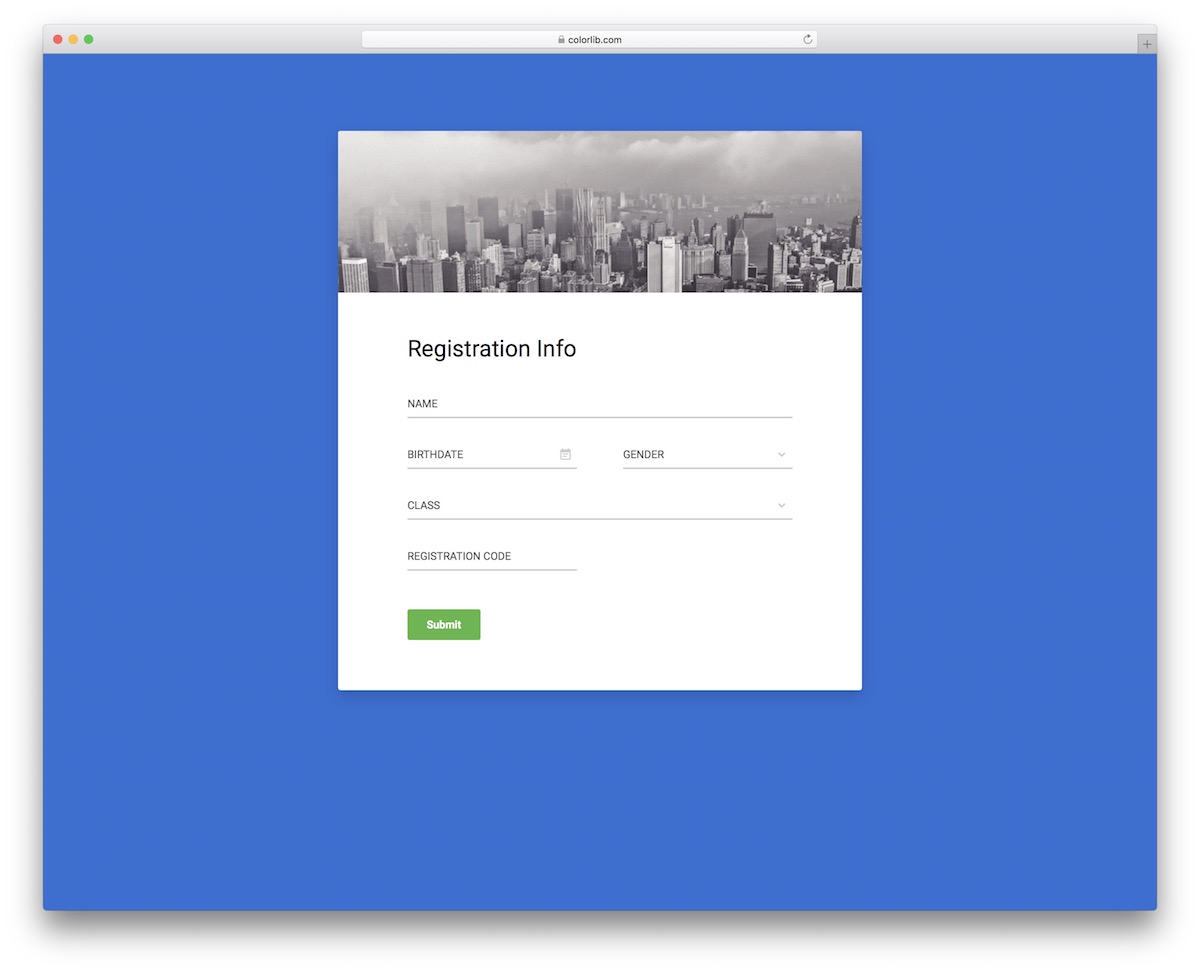
29 Best Bootstrap Form Validation (Examples) 2026
If you want to make your users’ lives easier, just as we do, we’ve created many Bootstrap form validation examples that can be used with any application or website.
When working on different form templates, we typically ensure that validation functionality is implemented. (You can change this if you want.)
It’s a truly helpful feature for forms!
Speaking of which, with the variety of different designs, you can use these examples for:
- Contact forms
- Registration forms
- Account creation forms
- Booking forms
- Application forms
- Login forms
You will have everything you NEED for a successful form validation inclusion at the end of the list.
Enjoy.
If you are new to Colorlib, I would like to let you know that we have several hundred ready-made Bootstrap 5 templates. They all come with built-in form validation, but some examples are below.
Best Bootstrap Form Validation Examples
Gentelella Alela!
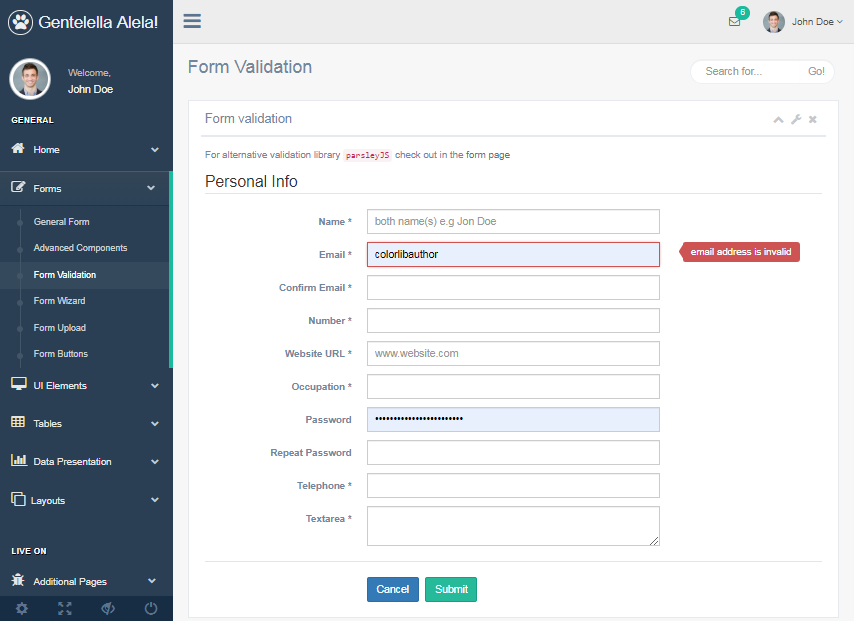
What makes you prefer this validator plugin over others? It offers automatic form validation configured using HTML5 standard attributes.
It is also exciting to use because it can provide a discreet user experience. This is also since nobody likes such a naggy form.
Several features that you would want to discover include the following: configurable via standard HTML5 and data-API attributes, a patient that informs user of errors, submit is disabled until then that the form is already valid and all needed fields are complete, customizable error messages, custom validator functions, and validation of the input field by way of AJAX.
More info / Download DemoContact Form V15
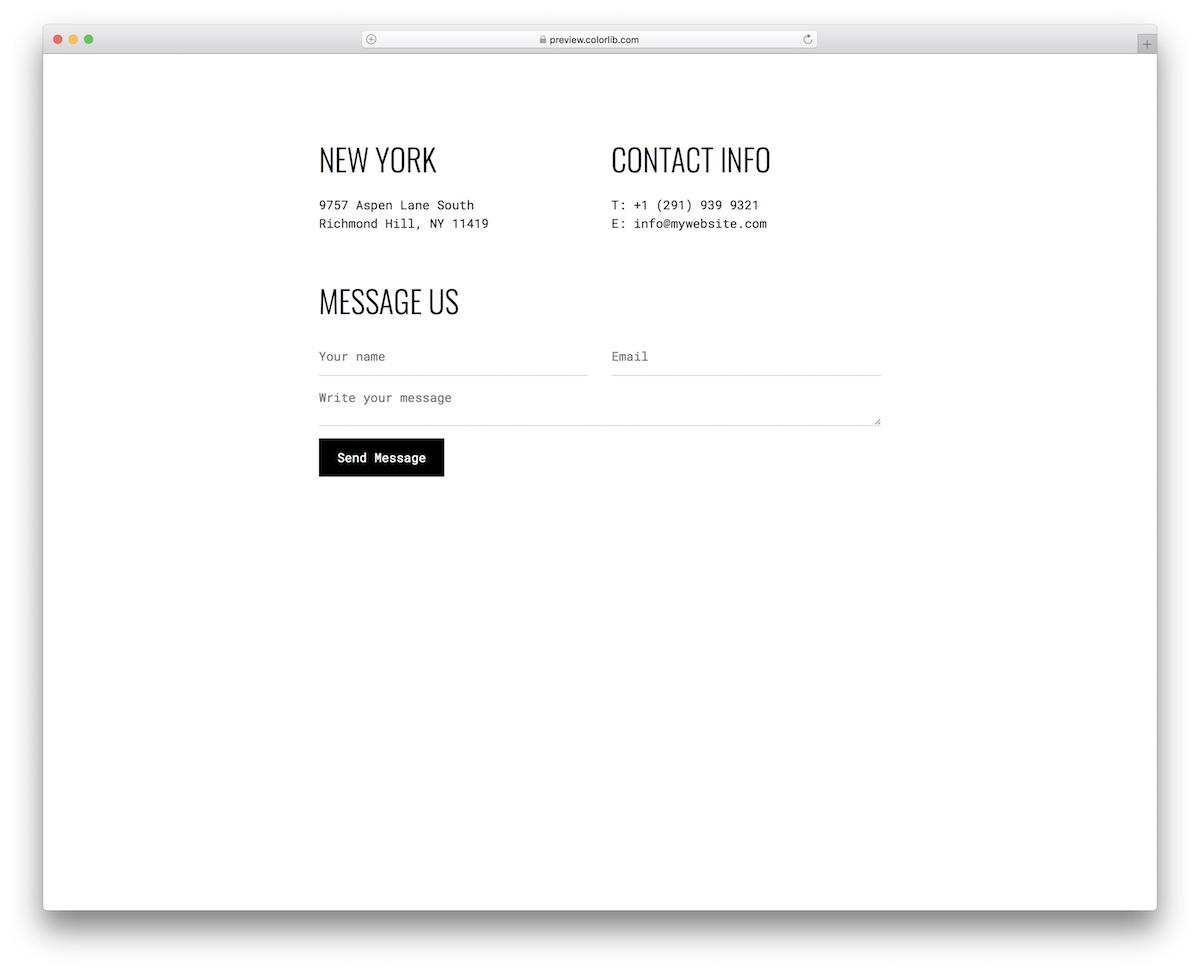
This is a super minimalist, creative contact form with validation that easily adapts to various websites, blogs, and even online stores.
The template also features additional company details on top, which you can configure at will along with the form section.
The snippet adapts seamlessly to both mobile and desktop devices, ensuring an excellent mobile experience.
More info / Download DemoContact Form V14
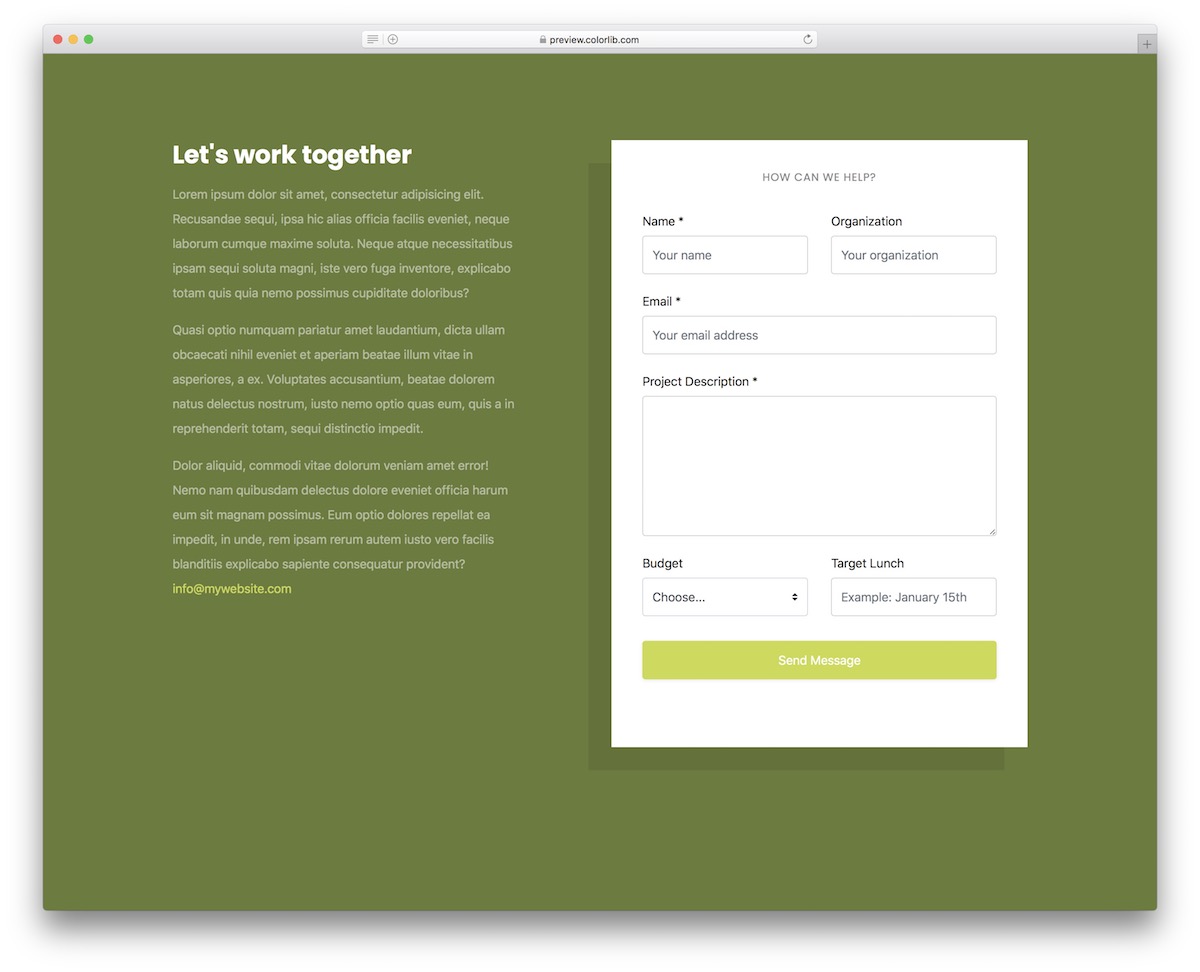
Contact Form V14 is a business Bootstrap contact form with validation that works seamlessly for various services.
Whether in the marketing space or elsewhere, this is the neat site canvas that will help you make an immediate difference.
The template consists of two sections; one for the compelling text and one for the form. There is also a dropdown that you can use for budget selection or for other purposes.
More info / Download DemoContact Form V13

Contact Form V13 is a Bootstrap form validation for quick integration into your web application. The modern and vibrant design ensures a PLEASANT experience, whether filling out the missing info on mobile or desktop.
The template features a gradient effect background color, a 100% mobile-compatible structure, and user-friendly code.
And if it works for you, you are in luck, as you saved yourself plenty of time.
More info / Download DemoContact Form V12

You can now feature an inquiry form with validation on your website without breaking a single sweat. Let’s face it: Even if you are a beginner at web development, activating Contact Form V12 will still be a breeze.
Take the minimalist design to your advantage and create a contact section that everyone will blast using.
There’s also a part where you can WRITE MORE about your business, how you can help your clients and additional business contact/location information.
More info / Download DemoContact Form V11
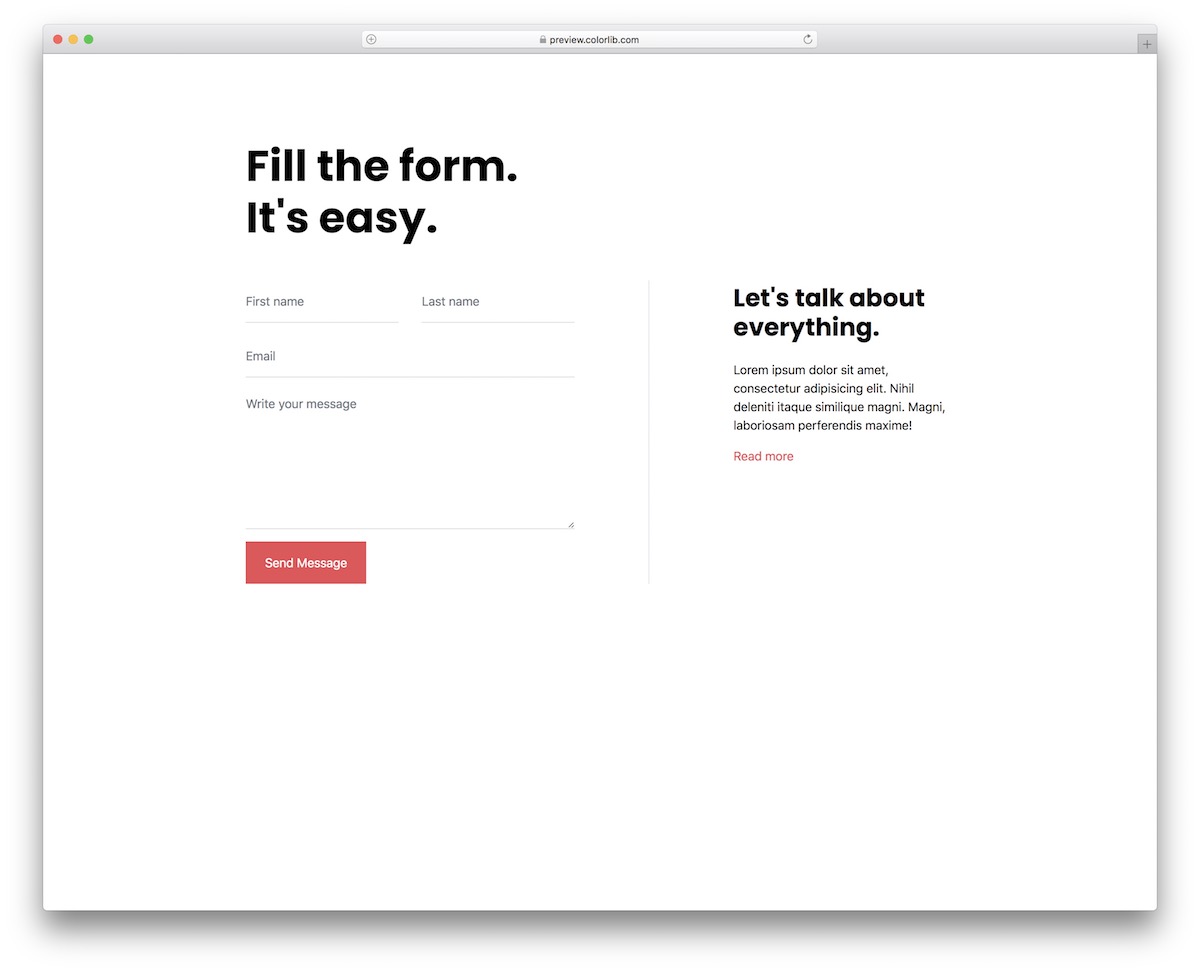
With this broad collection of different Bootstrap form validation templates, you can find the one that resonates with you best swiftly.
If simplicity works best for you, Contact Form V11 is one of the ideal alternatives.
Ensure that you provide your users and potential clients with an opportunity to contact you, allowing them to ask any questions they may have.
This way, you can further interact with them BEFORE making the deal happen.
More info / Download DemoContact Form V10
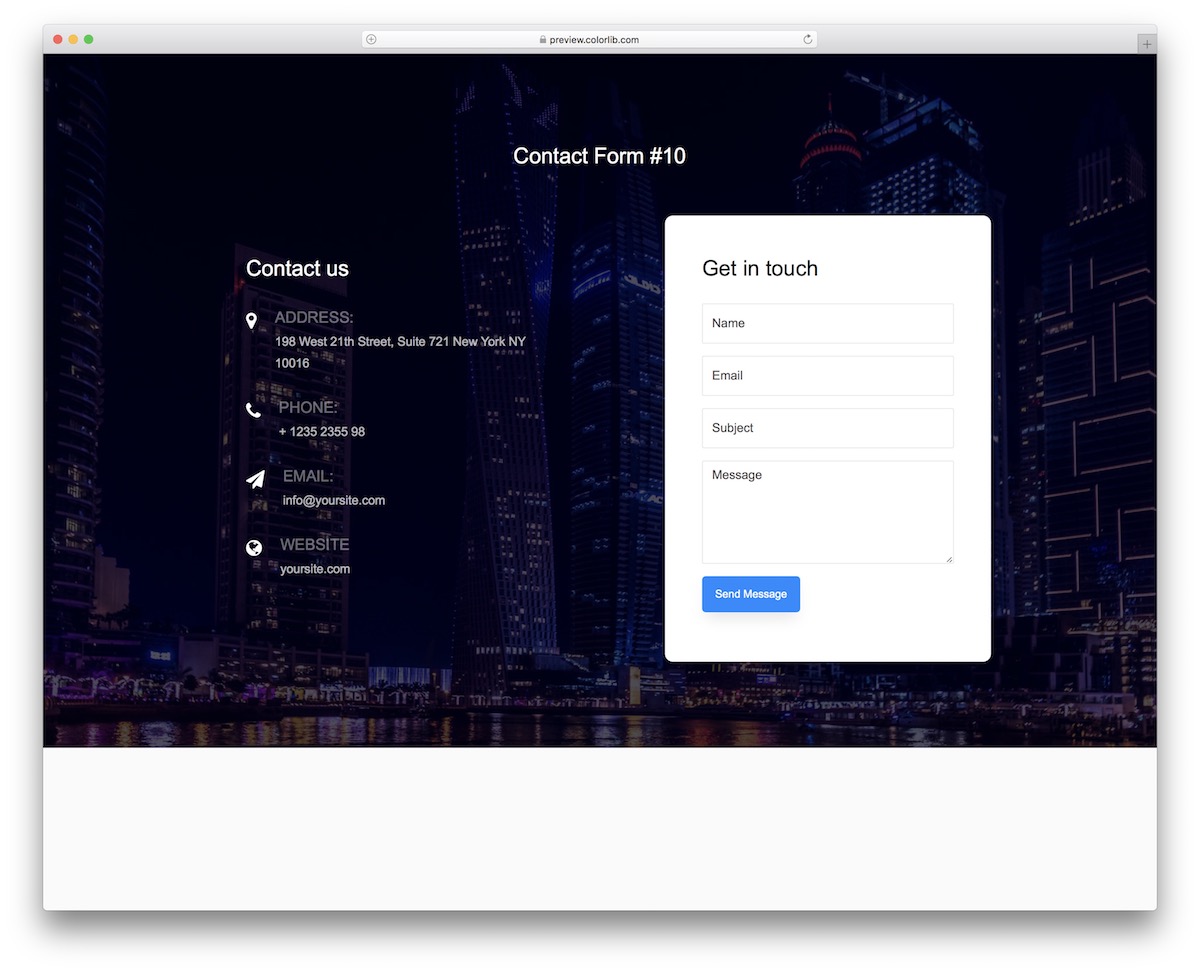
With a Bootstrap form validation widget, you don’t need to worry about technical details like responsiveness and screen adaptability; it runs smoothly by default.
Contact Form V10 is another superb example of a template with a full-screen image background.
The form has four sections/fields: name, email, subject, and message. You can also provide additional contact information, such as a direct email address, phone number, and physical address.
More info / Download DemoContact Form V20
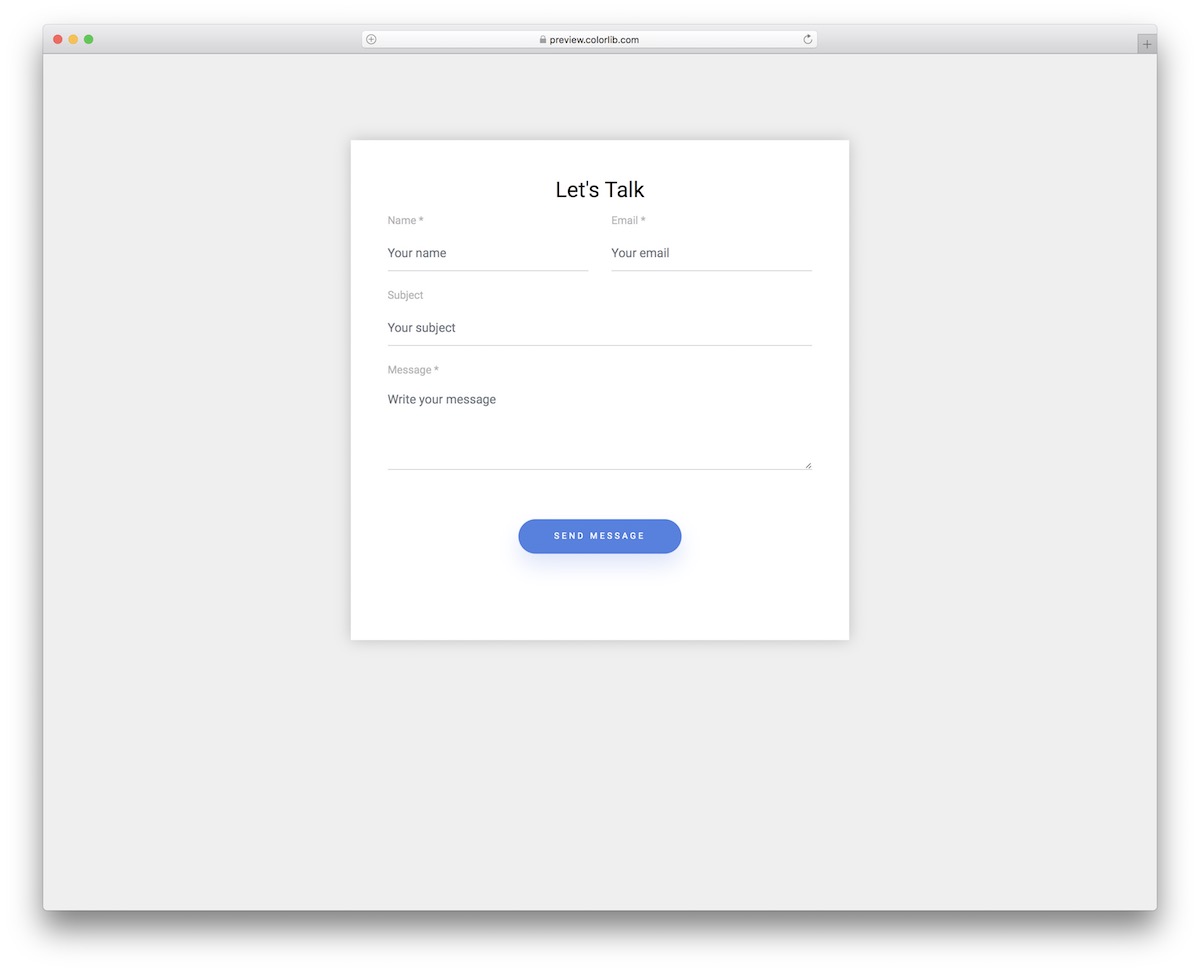
With this straightforward contact form template with validation, you can treat yourself to almost instant embed into your website.
The widget adapts to various themes and application styles due to its basic design.
However, if necessary, there’s always an option to perform customizations and improvements.
Furthermore, the format remains in great shape on both desktop and mobile, with fields stacking one on top of the other on smaller screens.
More info / Download DemoContact Form V19
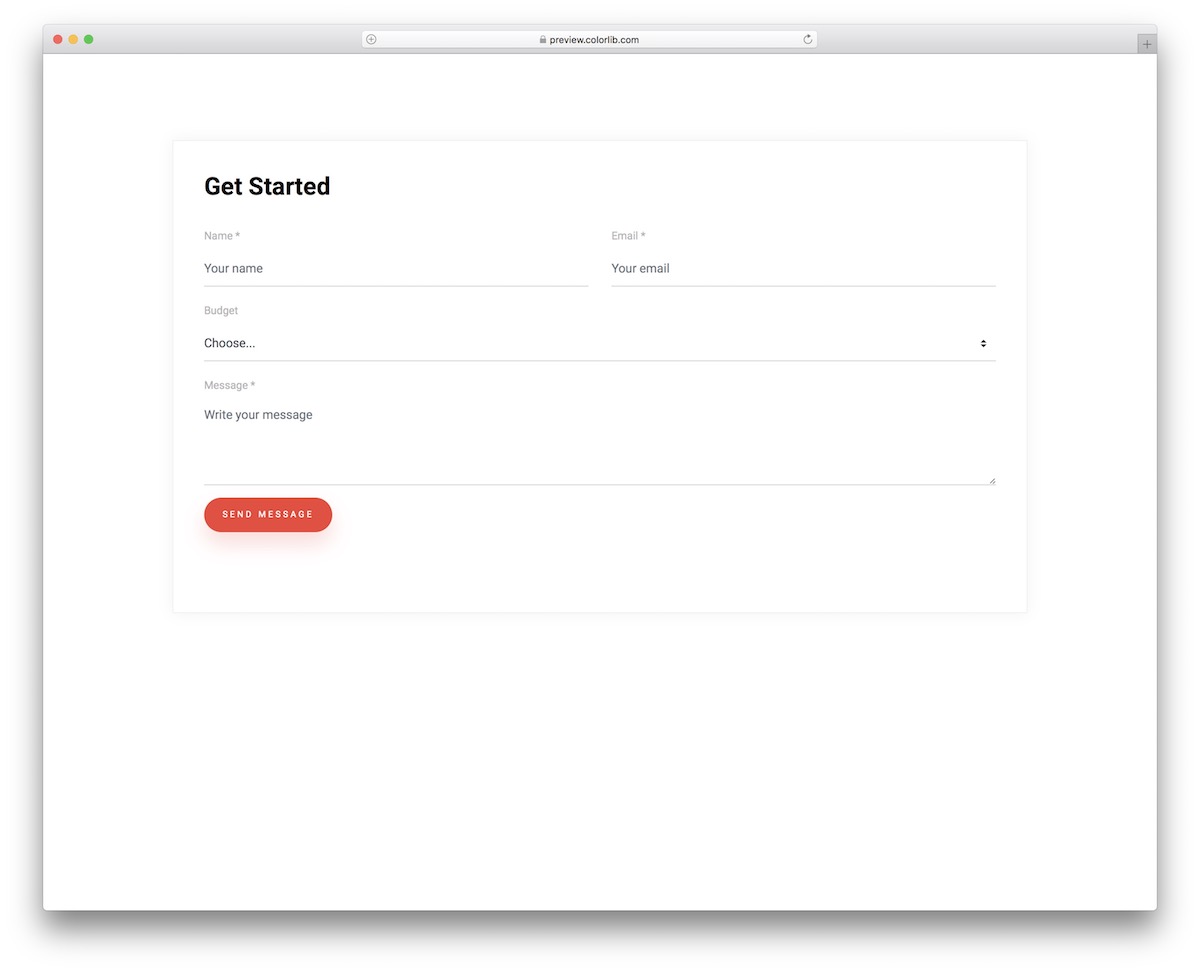
Contact Form V19 is an extensive, flexible, and comprehensive Bootstrap form validation with a drop-down budget selector. However, if you’d like to use the drop-down for a different purpose, alter it accordingly.
The “send” button also features a cool click effect that changes its color and removes the shade, making it stand out more. In short, everyone will know when they click it.
More info / Download DemoContact Form V18
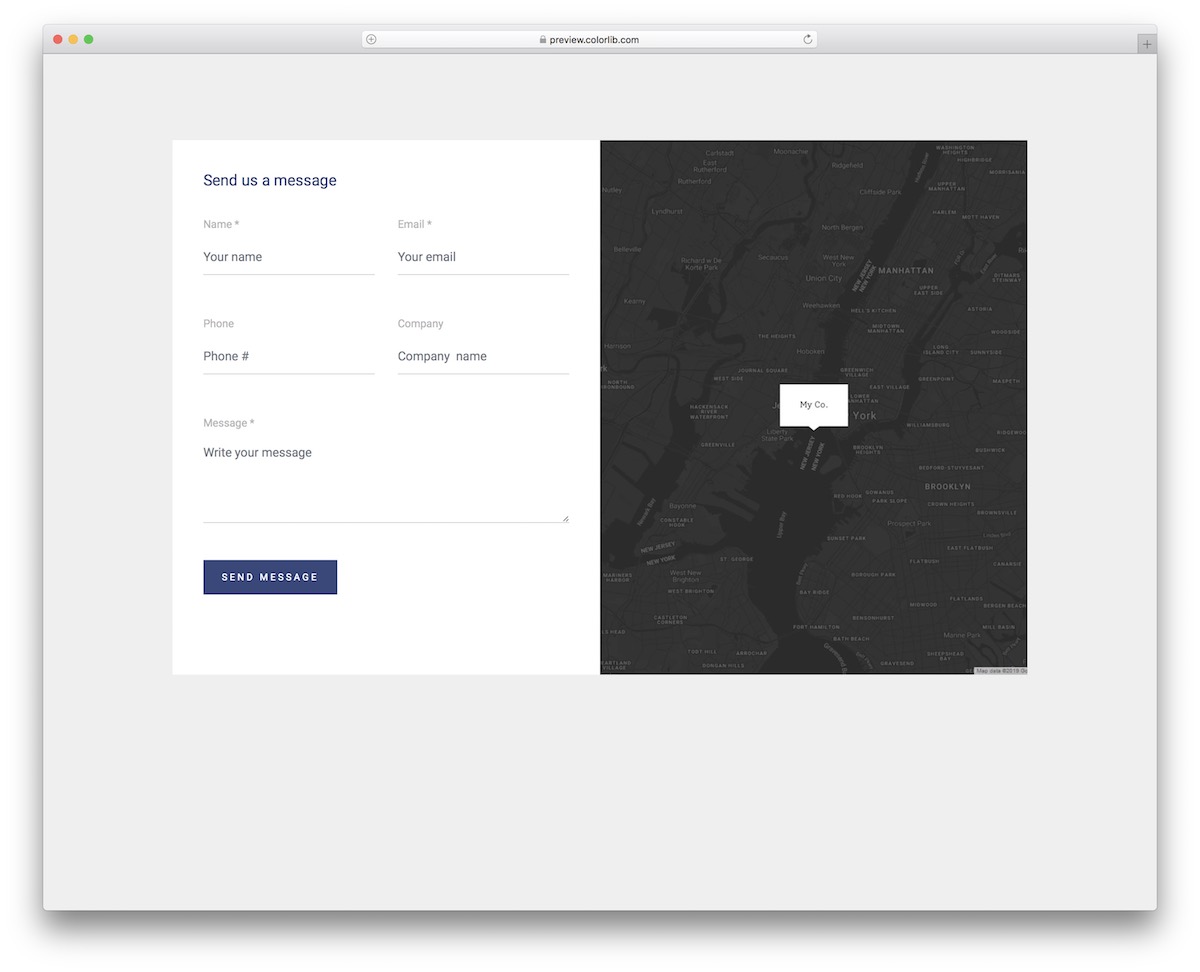
Many choose the form and map integration for a contact page or a section. If this is something that INTERESTS you, Contact Form V18 is a fantastic free widget that will do the trick.
The template features a split-screen design with a form on the left and a map on the right. The form appears first when viewed on mobile, followed by the map.
Note it works with Google Maps integration.
More info / Download DemoContact Form V17
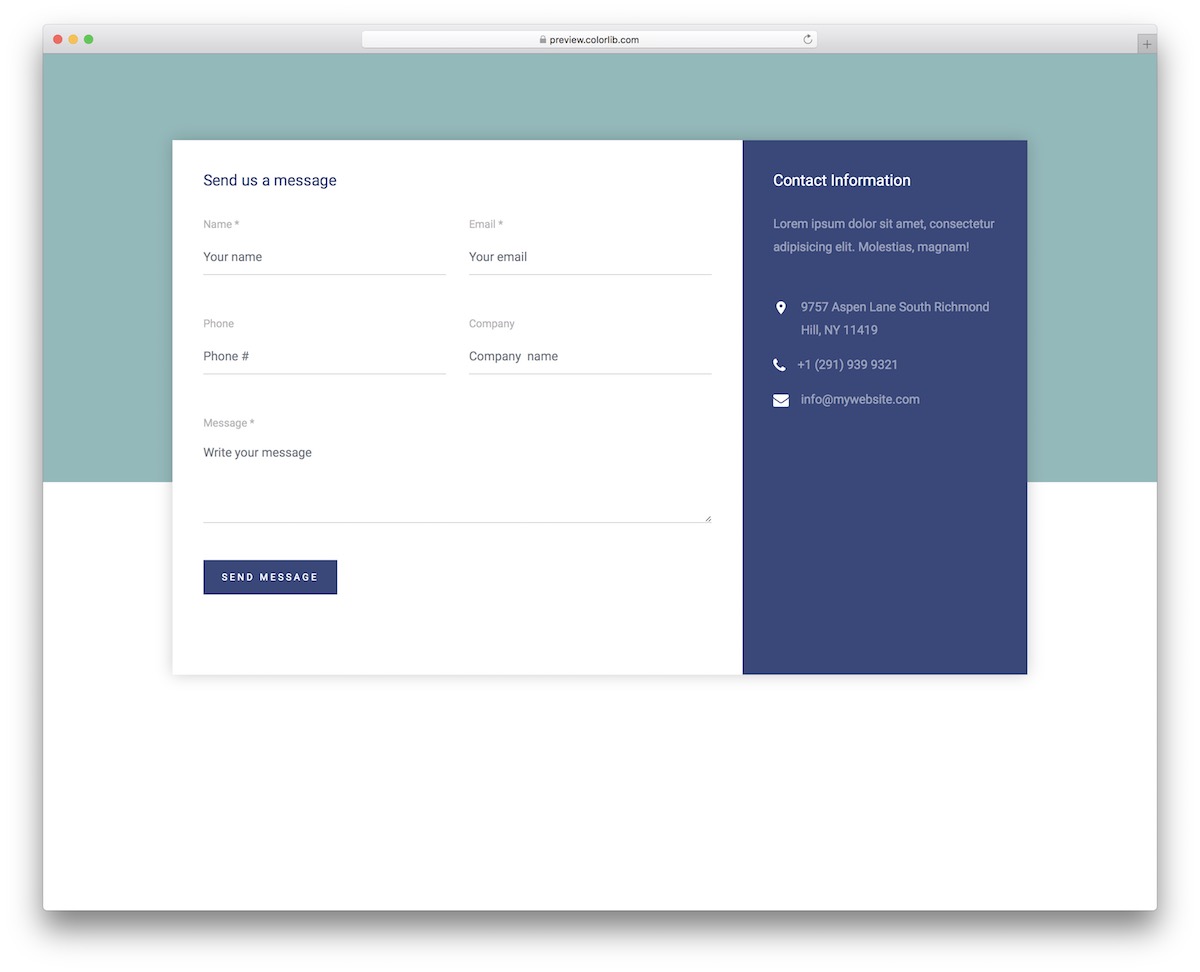
A full-blown contact form with validation and company details is up regarding Contact Form V17. The convenient structure and design promise excellent inclusion in your application.
What’s cool is that you can alter the existing appearance and fine-tune it to your precise branding requirements. However, for this, you may only need to change the color scheme and consider it done.
Along with the main form fields, this one also features a section for the phone number.
More info / Download DemoContact Form V16
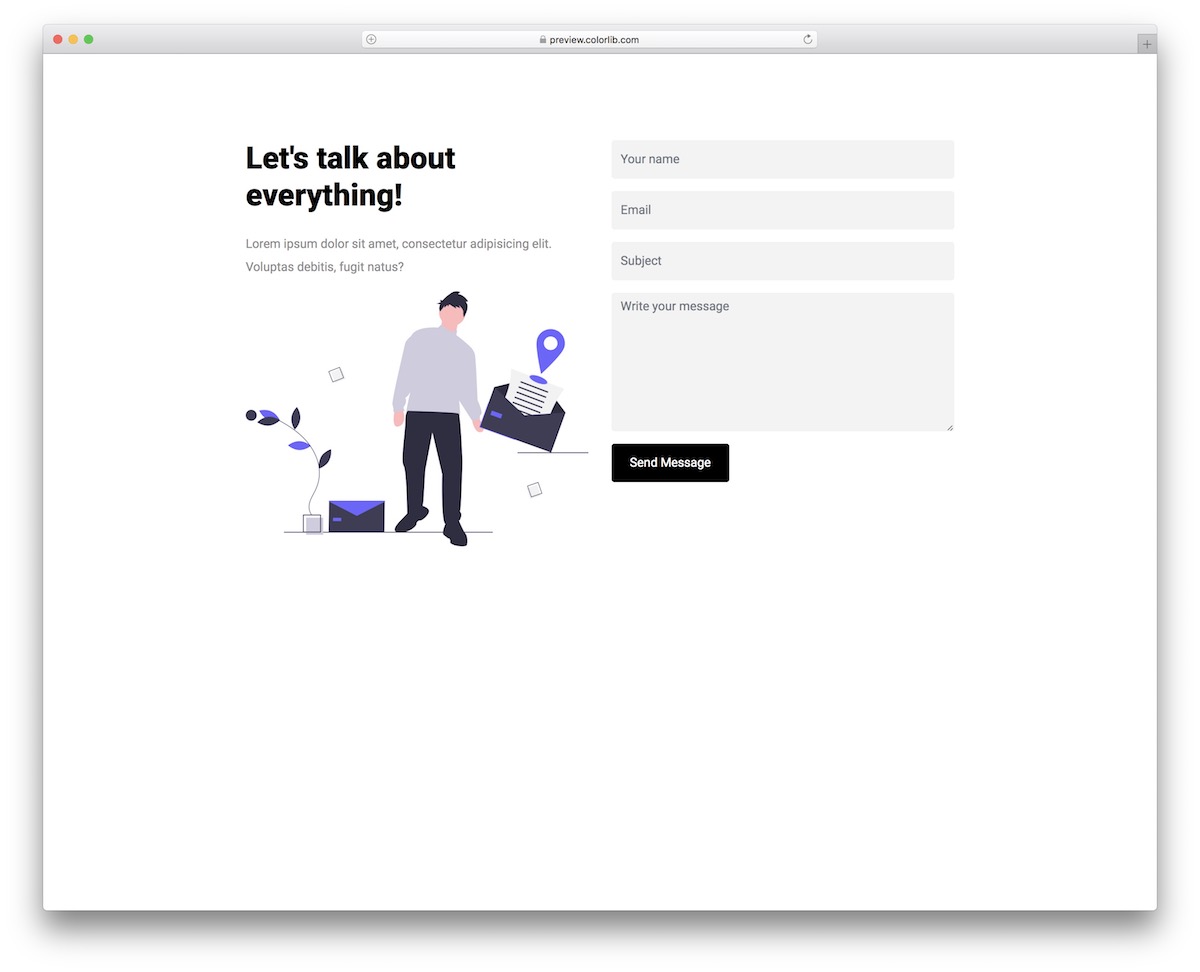
Creative businesses, agencies, and freelancers can utilize Contact Form V16 to enhance their online presence.
It’s a Bootstrap form validation example that, by default, follows all the latest trends and directions of the modern web.
This ensures excellent performance and a beautiful design that seamlessly adapts to both smaller and larger screens.
There are also title and text integrated into the widget to IMPROVE and match to your business.
More info / Download DemoColorlib Reg Form V36
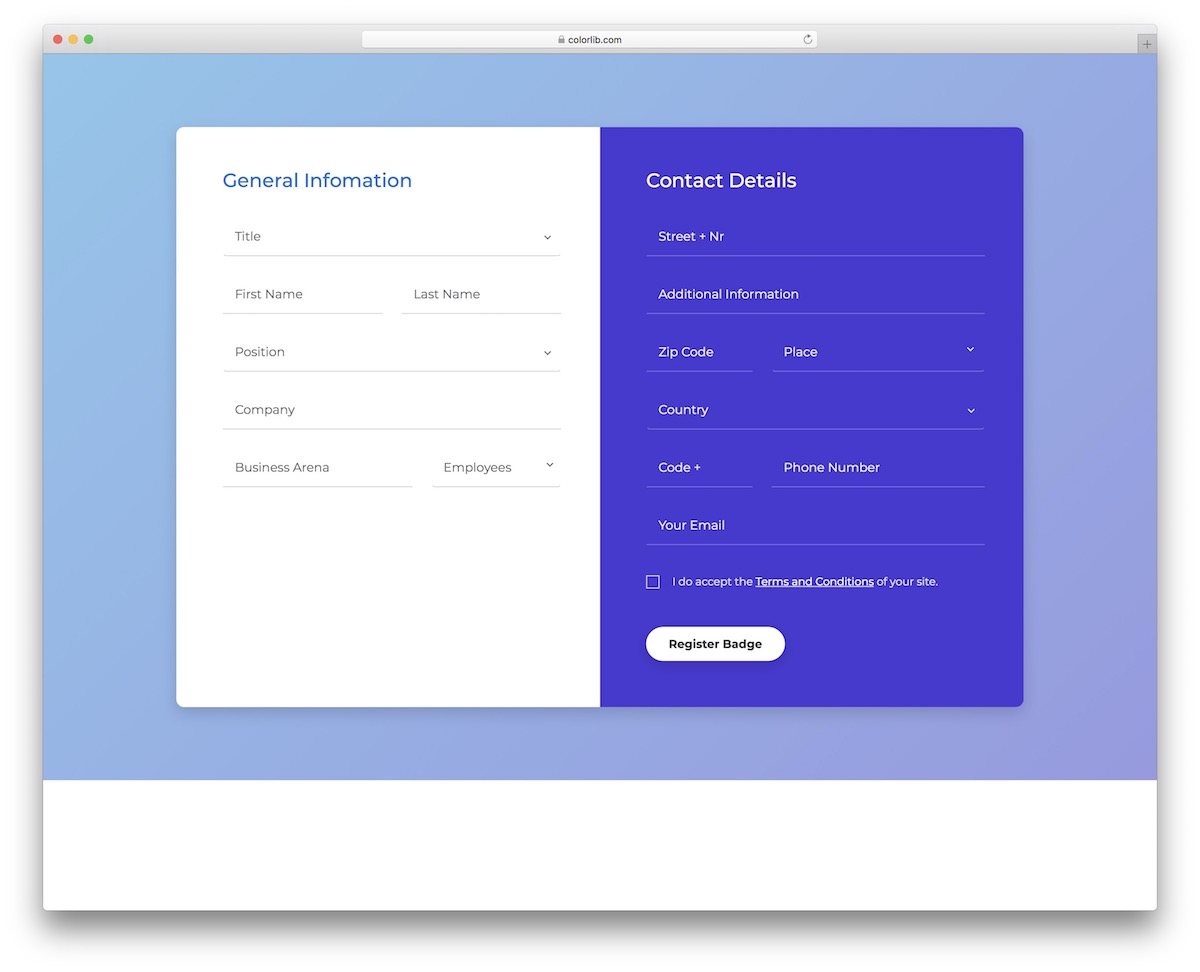
Forms with validation are available for various purposes, including contact, registration, login, and more. Here are a few alternatives to our registration form.
Colorlib Reg Form V36 is a more extensive alternative with different fields for general information and contact details.
Drop-downs and a checkbox are integrated into the widget, allowing you to use them as you see fit.
More info / Download DemoColorlib Reg Form V33
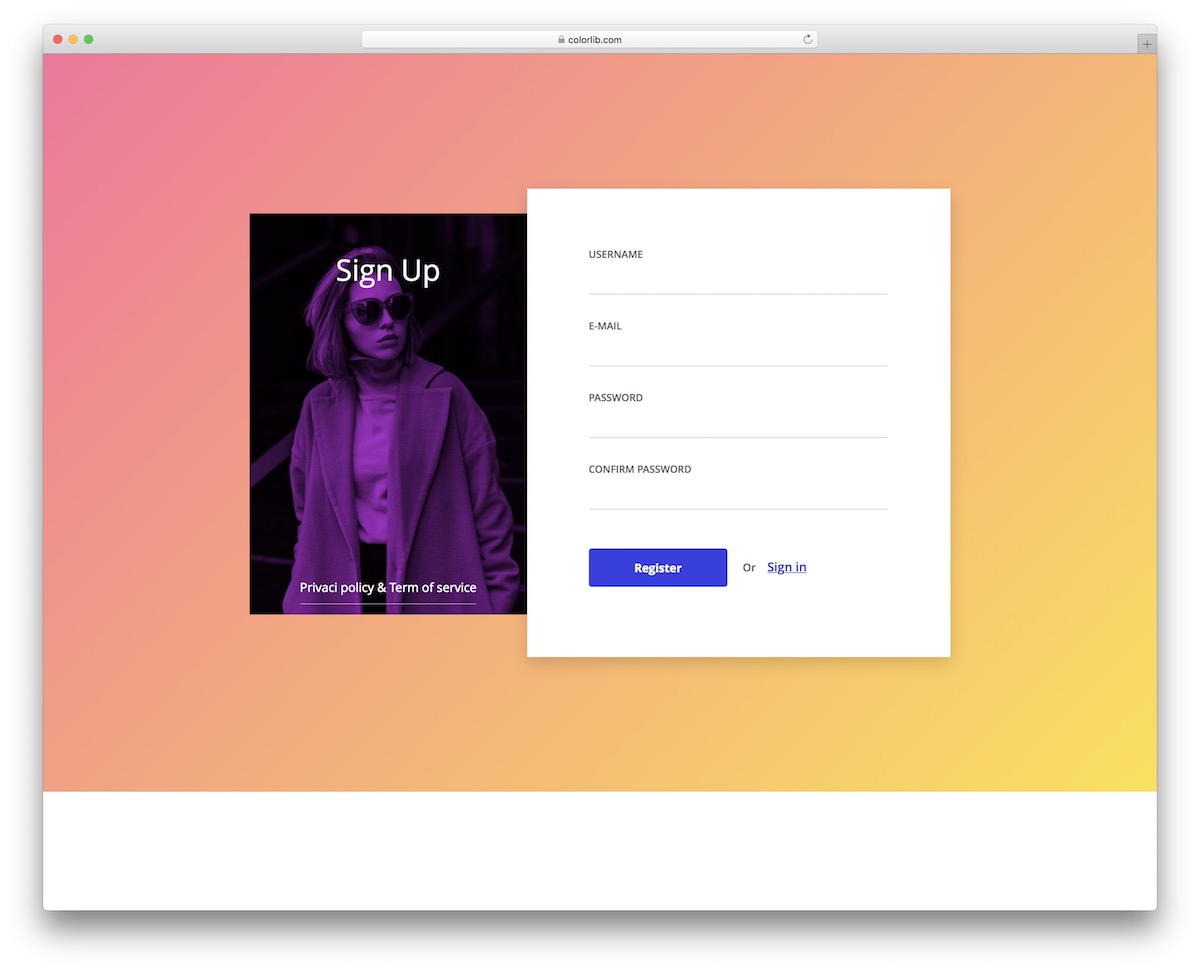
Registration and sign-up forms are similar; they can be simple or complex.
Colorlib Reg Form V33 is a more basic variation with a password confirmation field and an image.
You can also link it to your sign-up form and privacy policy (or another relevant document). An X sign appears for missing information, which turns into a green checkmark once it is completed.
More info / Download DemoColorlib Reg Form V30

For your soon-to-be members, add Colorlib Reg Form V30 to your web application. They can use it to create an account quickly.
Name, last name, email, password and password confirmation are the four areas with this Bootstrap from validation.
An additional CTA button can take existing users to the log-in page. You can also share EXTRA information and offer a checkbox that they need to tick to agree to your terms.
More info / Download DemoColorlib Reg Form V16
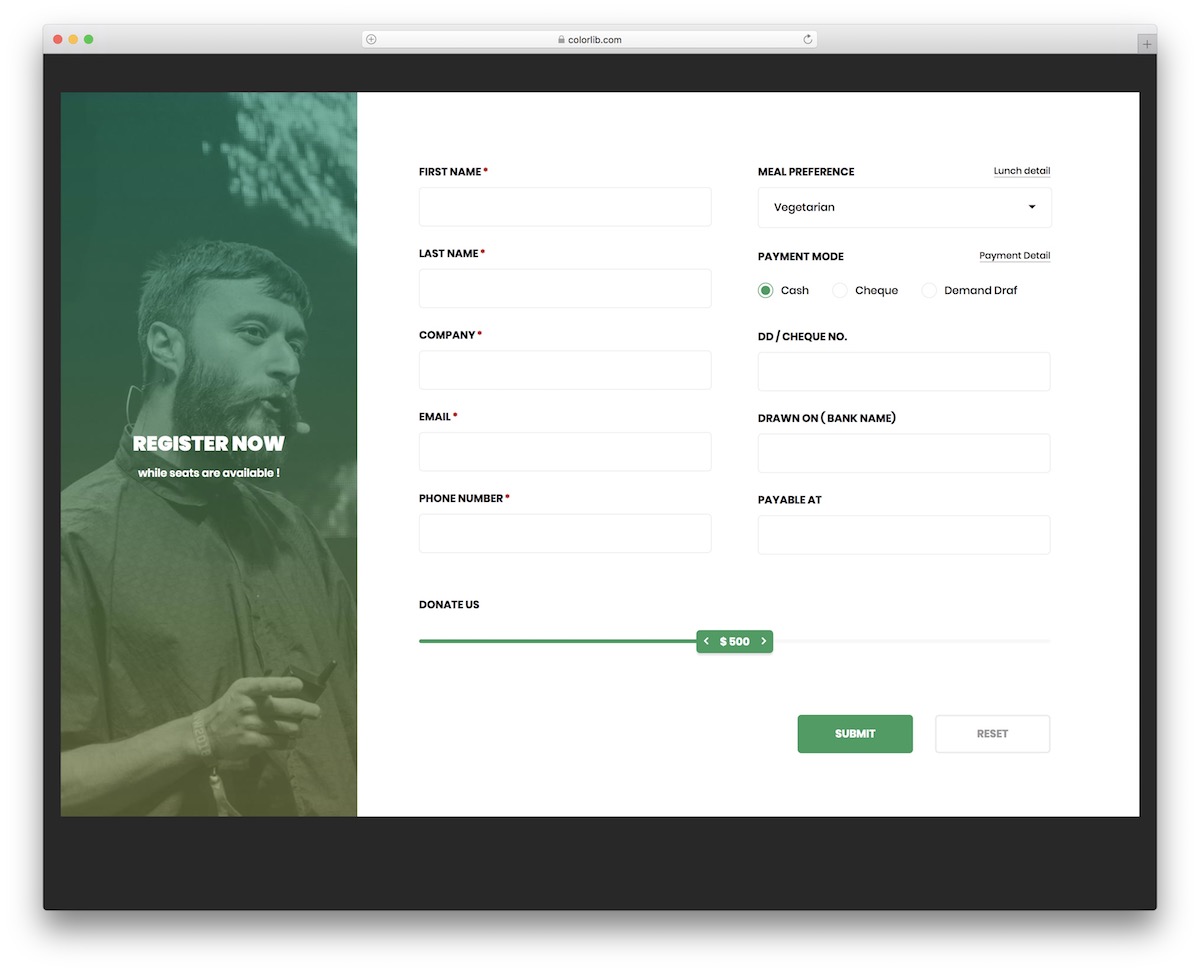
Colorlib Reg Form V16 is an exclusive Bootstrap form with validation, ideal for conference and event registration.
You can gather Many information about your attendees with various predefined fields.
For instance, Colorlib Reg Form V16 features a meal preference drop-down, payment mode, company name, and donation selector, among other options.
With a simple reset button, the user can clear the form with a single click and start again.
More info / Download DemoColorlib Reg Form V15
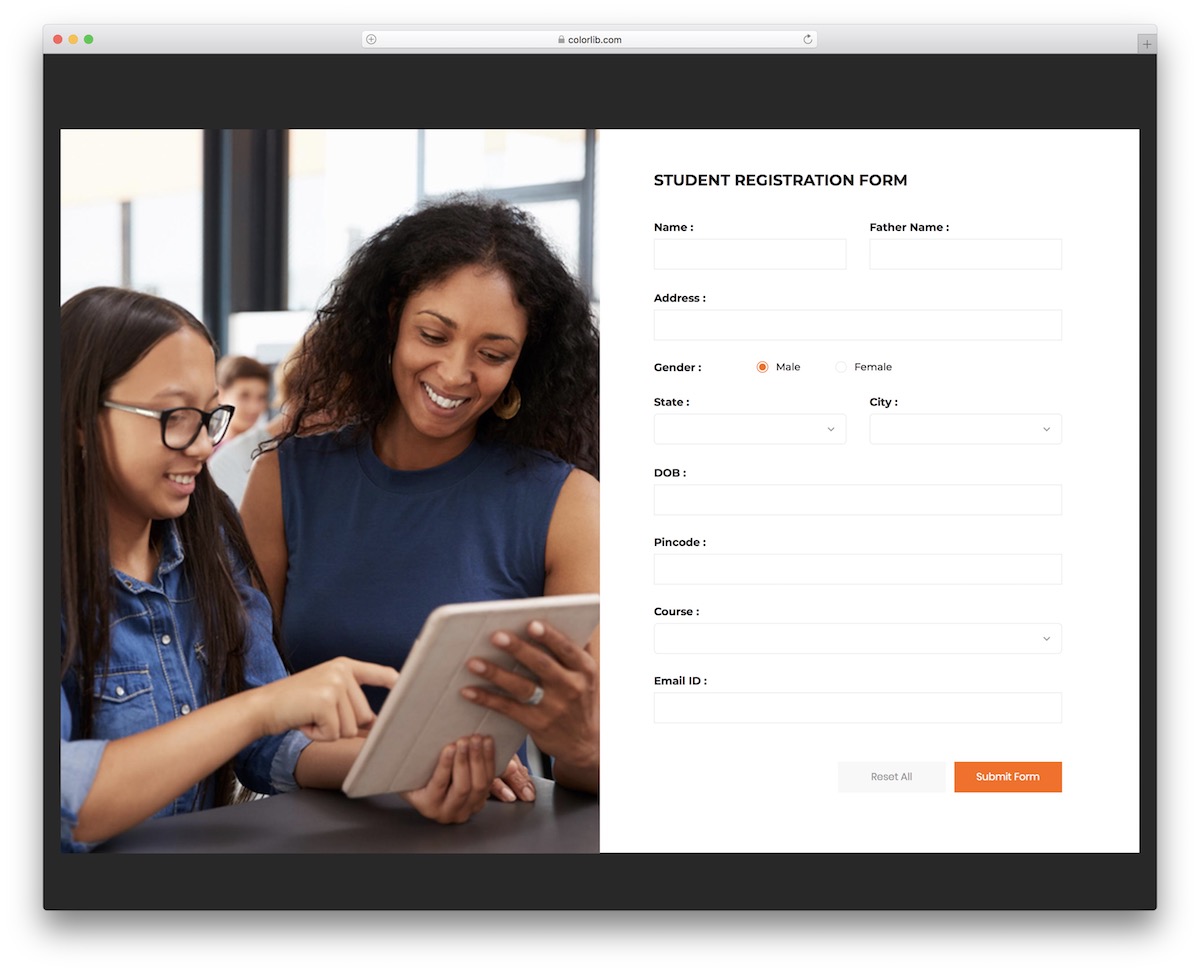
You no longer have to build a student registration form from scratch. Go with Colorlib Reg Form V15. This tool rocks everything necessary to save time and even comes with an image.
The split-screen layout transitions from horizontal on desktops to vertical on mobile devices, maintaining the same exceptional performance and user experience.
If you want to edit any ready-to-use fields, feel free to do so, as there’s no need to stick exclusively to the default configurations.
More info / Download DemoColorlib Reg Form V14
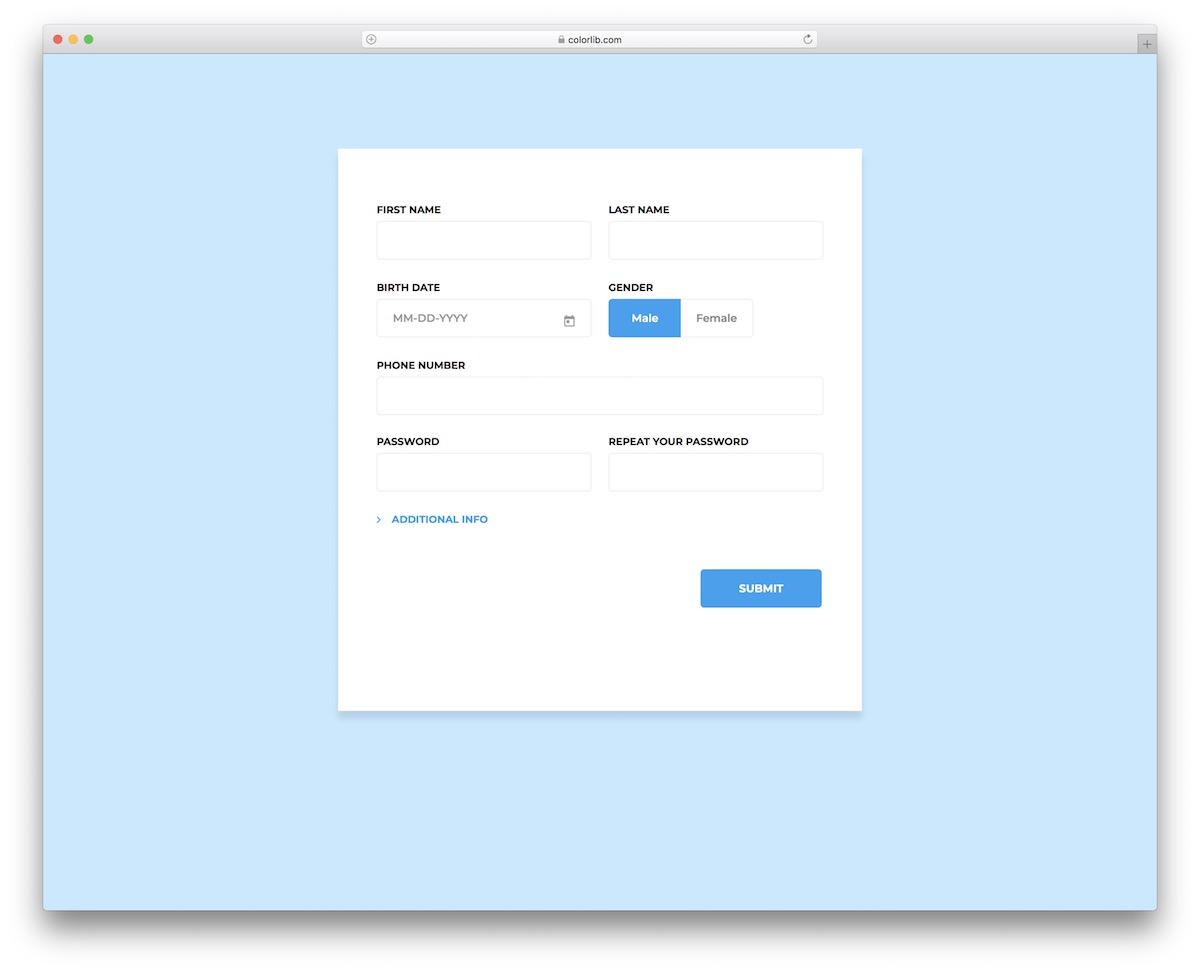
Colorlib Reg Form V14 provides a comprehensive customer registration process that includes additional information.
Along with the main section, this Bootstrap form validation also contains several extra fields that open when you hit the “additional info” button.
This widget’s practical features include drop-downs, gender selection, password confirmation, and a date picker, which you can now create with a single click.
You can also test its SUPERB performance first and go from there.
More info / Download DemoColorlib Reg Form V13
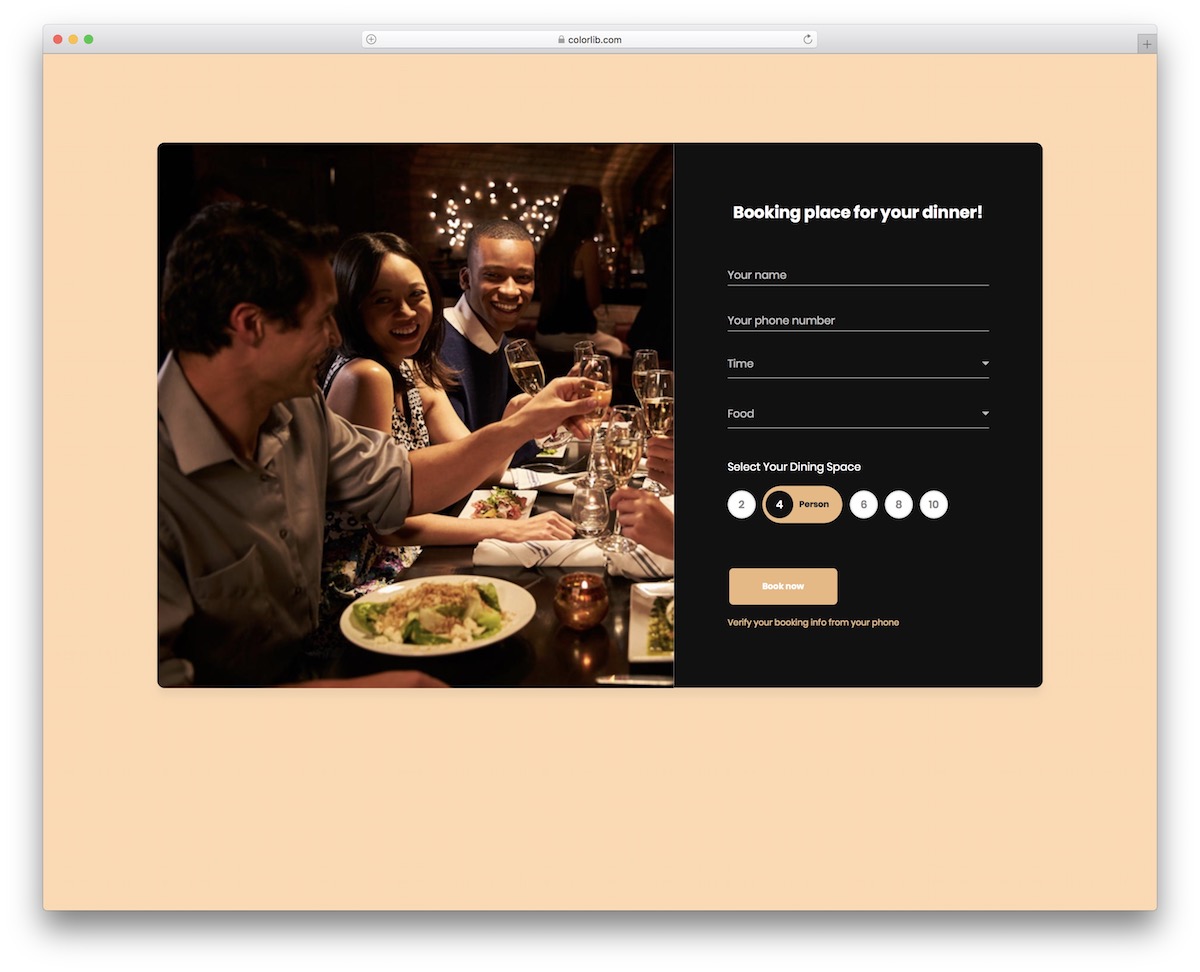
Colorlib Reg Form V13 is a wonderful free widget that you can use for food event registration or even online table booking. The beautiful DARK DESIGN creates a pleasant atmosphere that everyone will enjoy.
The layout is also 100% fluid, ensuring smooth operation across all popular devices.
The snippet allows you to select the time, type of food, number of persons, and more. The image also adds a nice touch, so use it strategically to capture everyone’s attention.
More info / Download DemoColorlib Reg Form V12
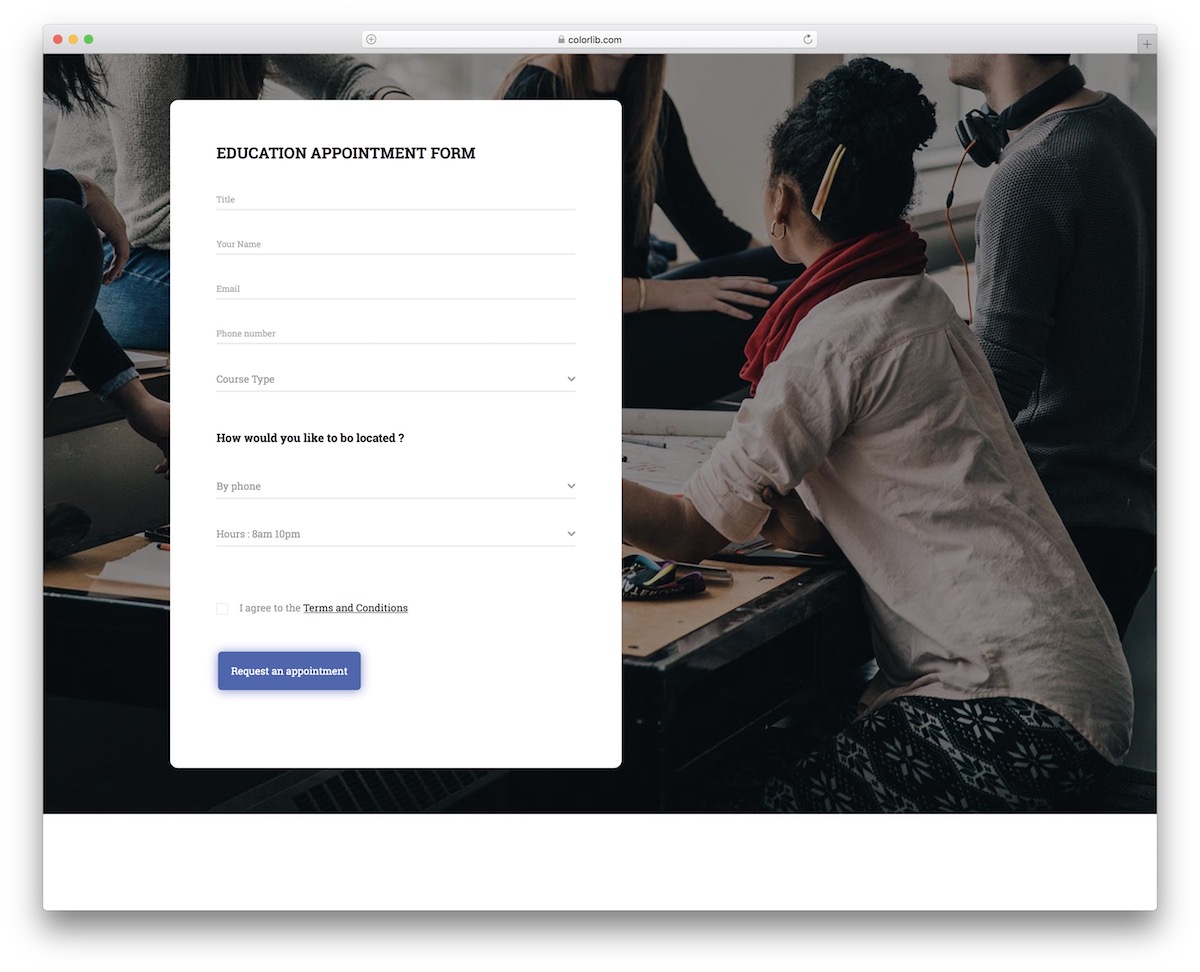
If you plan to launch an online education platform, offer in-person classes, or welcome new students with Colorlib Reg Form V12.
This education appointment Bootstrap form validation is here to help you create an online appointment registration more convenient for your users.
You can let the potential student pick their course, how they would like to be contacted and when. It’s EASY to work with, even if you want to tweak and improve it.
More info / Download DemoColorlib Reg Form V10
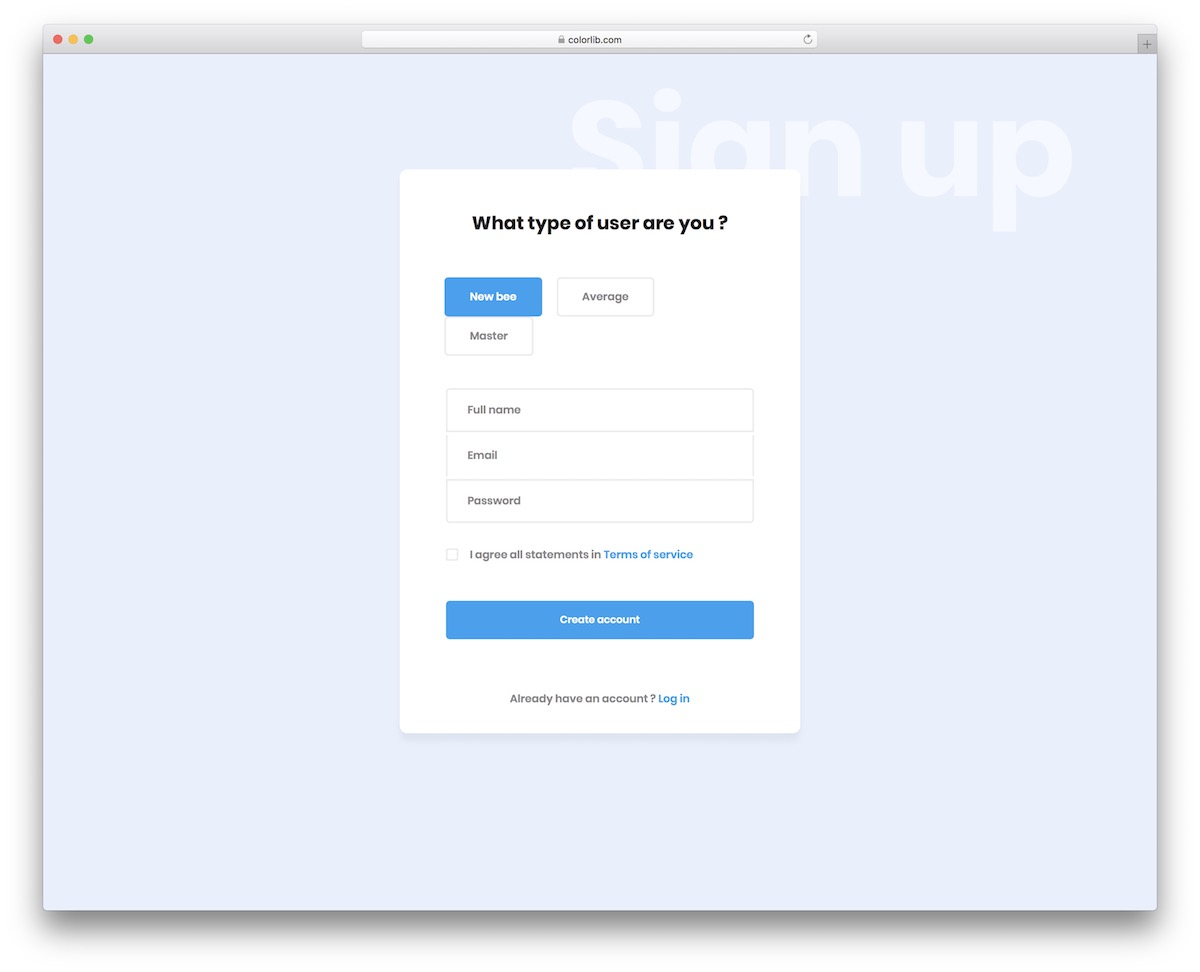
When downloading Colorlib Reg Form V10, you will find a user registration form validation based on Bootstrap. This widget is free and ready to use right from the start.
What’s cool about the snippet is that you can also ask a question, which helps you get to know your user better.
You can stick to the default settings, but you are welcome to make EDITS and design the final variation according to your needs and regulations.
More info / Download DemoSignup Form 13 by Colorlib
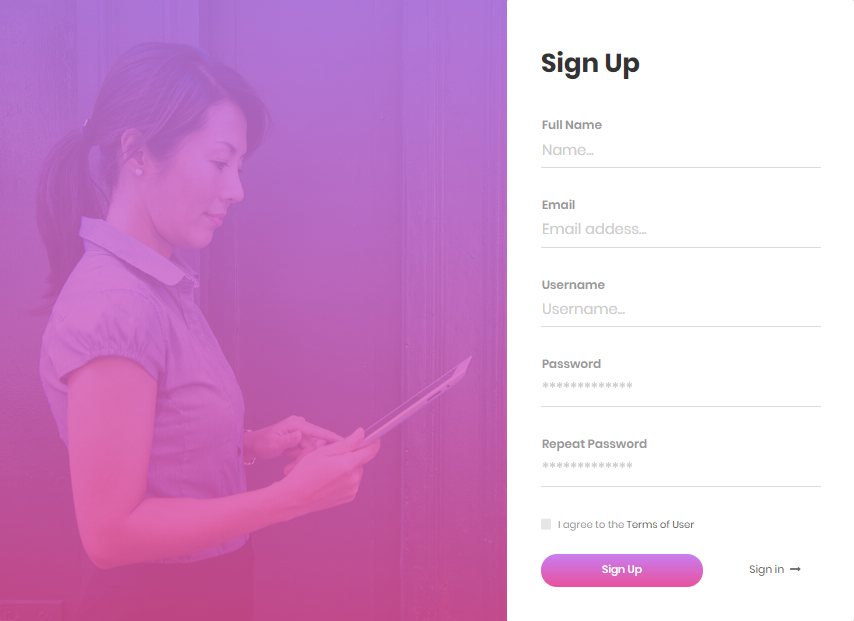
This is a Form Validation is a very aesthetic sign-up form that provides purple gradient and white as its theme.
Additionally, you can upload your image to serve as the background, ensuring that this sign-up form aligns with your branding.
The information needed to complete this form is the usual: full name, email, username, password, and the tick box to agree to the Terms and Conditions.
More info / Download DemoColorlib Reg Form v1
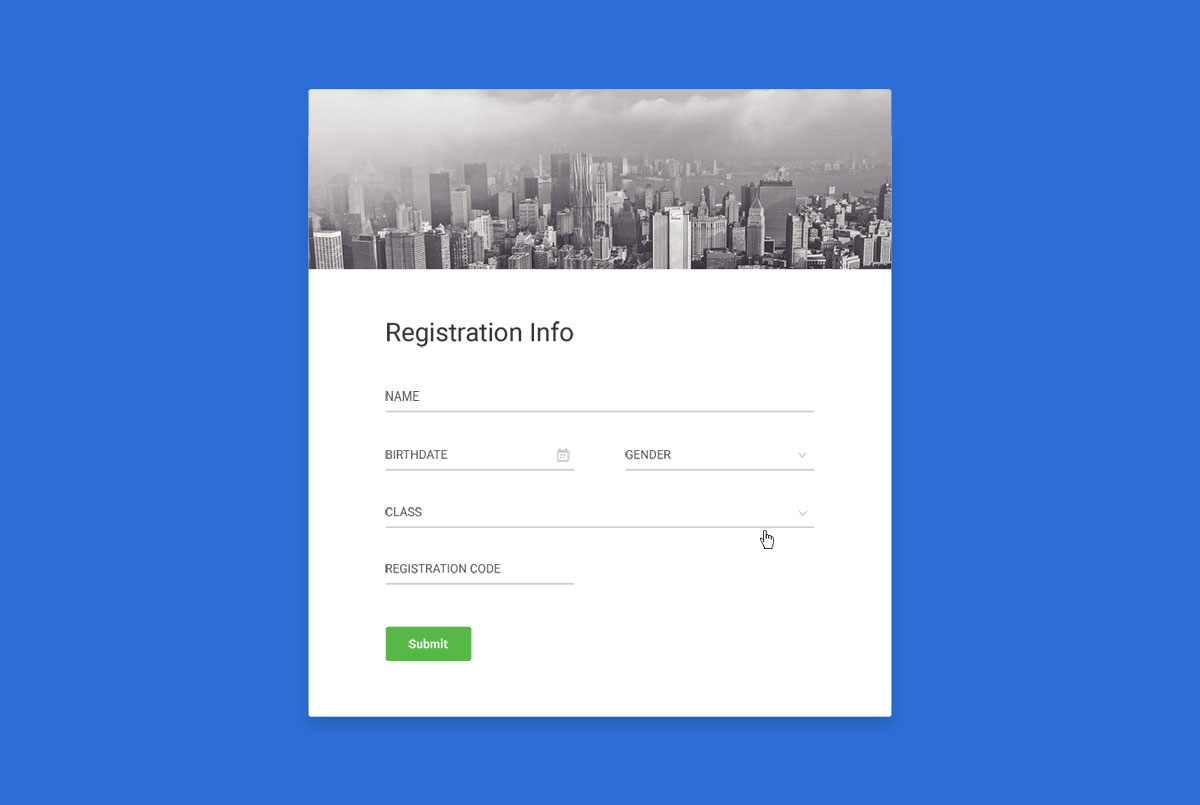
Colorlib Reg Form v1 is a simple and easy-to-use form validation library for Bootstrap and Bootstrap 4. But, this does not depend on jQuery. Its supported versions include the v2: Bootstrap 4 and v1: Bootstrap.
When you want to use it, include the bootstrap-validate.js script. Next, set up the validation for the input elements. Of course, you want a name that is no more than thirty characters long.
The tests are located right under _tests_/in the testing directory. After installing all the dependencies, you can now run the yarn test or the npm run test to spin up the Jest-powered tests.
More info / Download DemoContact Form 7 by Colorlib
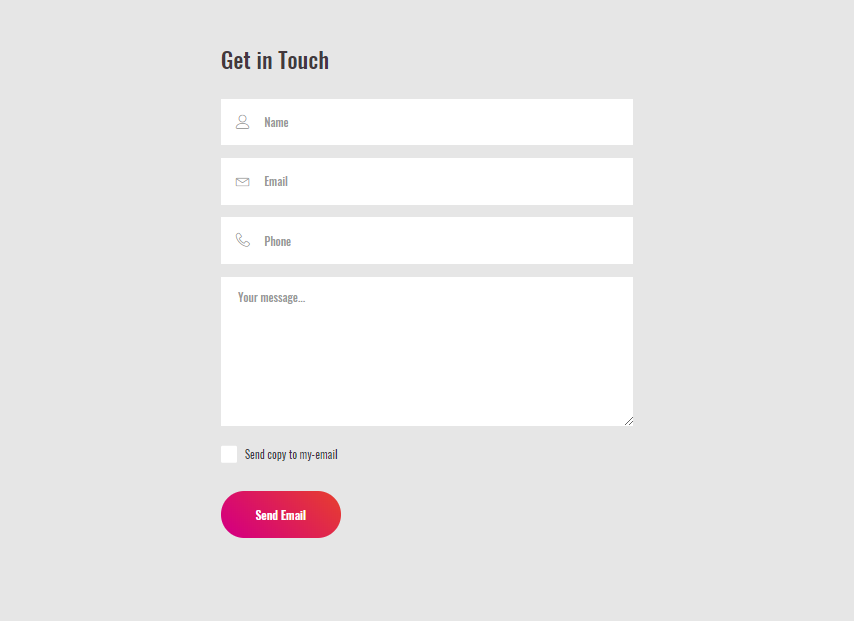
Contact Form 7 is a free HTML contact form template that will suit you well if you prefer minimalist form validation.
The format is direct and to the point, with no diversions or embellishments. They arrive on the page and utilize the dynamic form, which is essentially it. Isn’t that what a contact page ought to be about?
As the site’s proprietor, you can customize Contact Form 7 to suit your page ideally. It may just be an adjustment in the shade of the background.
More info / Download DemoBooking Form 7 by Colorlib
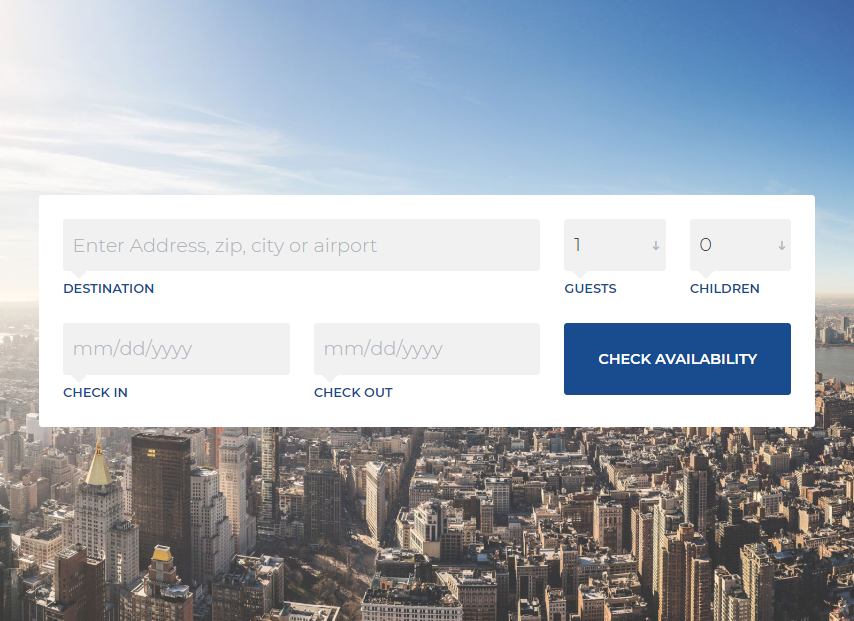
Chic, modern, compatible with any device, streamlined, and outwardly engaging are some of the qualities of the free reservation form templates you’ll find on this list.
We generally make a point to convey the best tools that save you both time and money. Creating a booking form from scratch without outside help isn’t required. You can now download one for nothing and take it to further your potential benefit.
Create a form on your site for potential visitors to check the available dates, allowing them to plan their outing route in advance.
Also, if a form now has a date picker coordinated, that is far and away superior!
More info / Download DemoWordPress Login Customizer
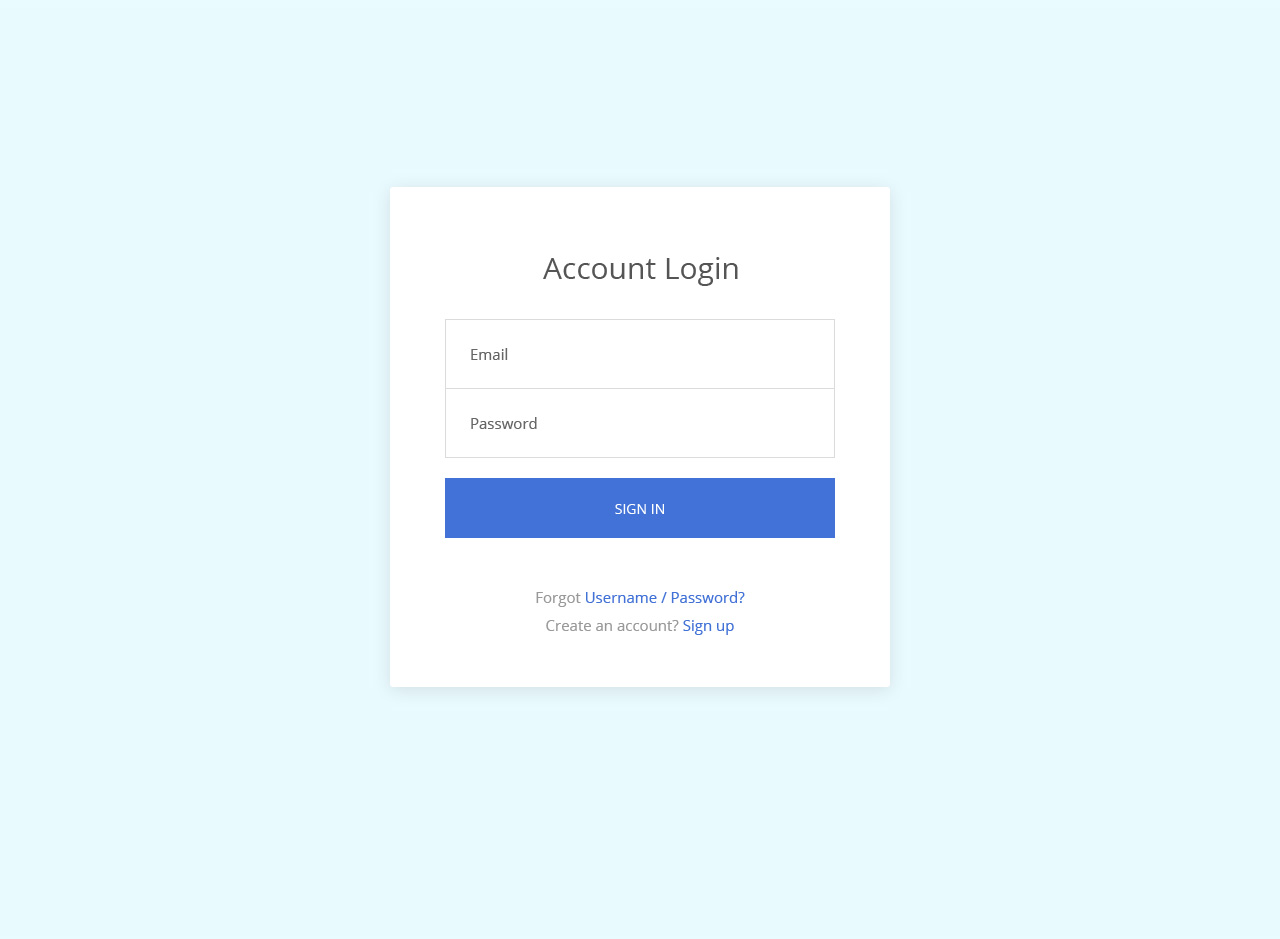
This is a WordPress plugin that provides automatic form validation, which can also be configured. This is by employing HTML5 standard attributes.
This is also designed to offer a discreet user experience.
It is also because no one likes a naggy form. This feature is configurable by using standard HTML5 and data-API attributes. The submission is disabled until then, when the form is already valid.
Error messages and VALIDATOR functions are also customized. AJAX also enables the validation of input fields.
More info / Download DemoCreative Signup Form
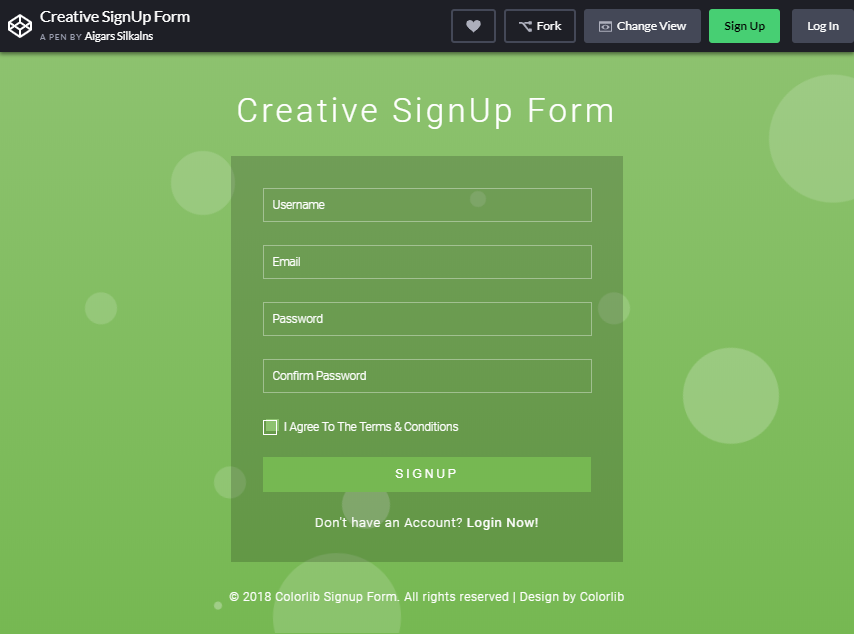
This bootstrap form validation is an intelligent layout with a beautiful foundation. The straightforward form utilizes a dull shade to differentiate itself from the brilliant background.
Quiet-relieving foundation movements provide clients with a wonderful experience. With this enrollment form format, you will receive a username and email address, create a password, and confirm your password choice.
You also have the option to include a checkbox for terms and conditions. At the footer, you have the option to direct clients to the login page if they are part of your site.
It is a mobile-responsive enrollment form, so it will be simple for you to integrate this form into your mobile-responsive website layout.
More info / Download DemoColorlib Reg Form v7
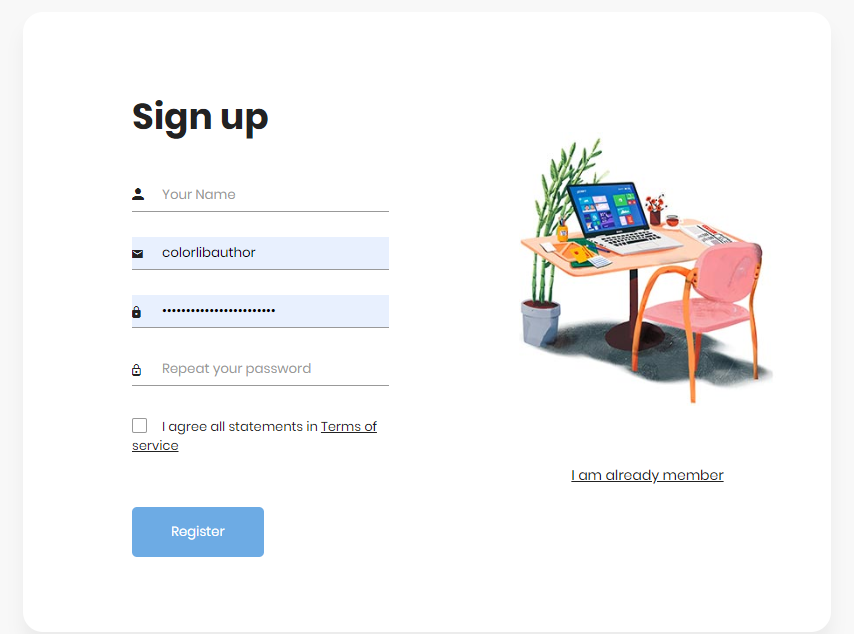
This is introduced as a React Bootstrap component set for React drip form. When you start, you must use the React Bootstrap and the React Dip Form.
Although it may be complicated to use, it’s beneficial that horizontal and inline layouts are supported.
More info / Download DemoSignup Form 8 by Colorlib
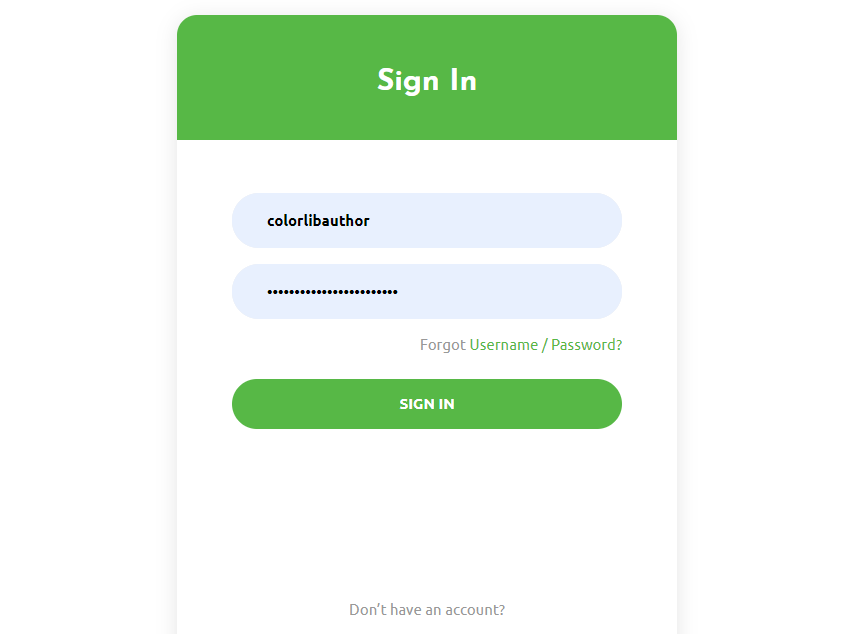
Bootstrap form validation should not be muddled. Indeed, the easier and cleaner it is the better. You can make your own modifications and present liveliness and other embellishments if that is a piece of your marking.
If you are in a rush, you should not waste much time on the sign-in page.
Just pick from our broad rundown of free templates and get it dealt with in a bit of breeze.
When you like a blend of green and white, you have a magnificent format ready for your site.
More info / Download Demo
Related Posts



Comments (0)