
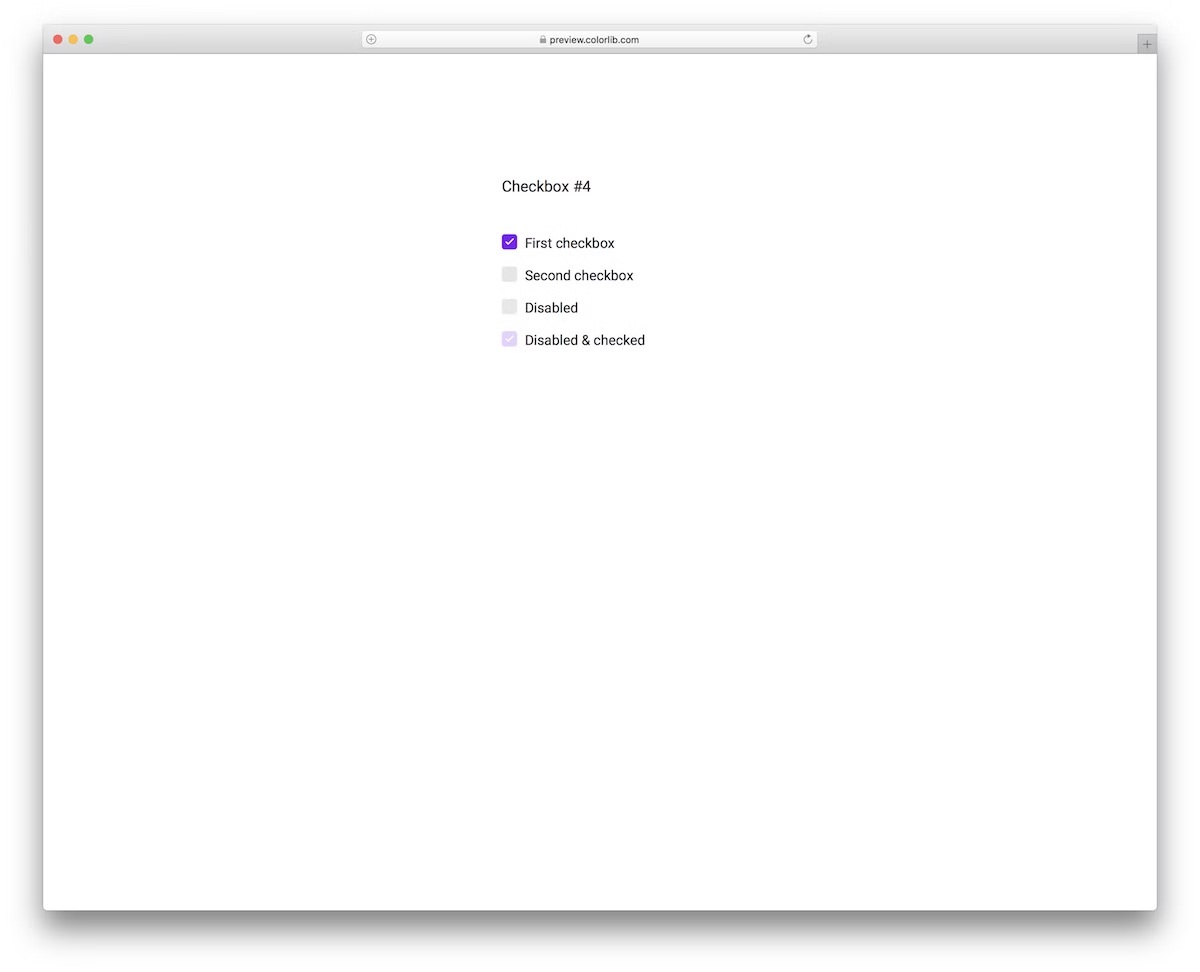
25 Bootstrap Checkbox & Toggle Switch Examples 2026
These 25 Bootstrap checkbox and toggle switch examples range from colorful checkbox sets and animated checkmarks to on/off switches, a day/night toggle, a to-do list and emoji checkboxes. Five 2026 components at the end use checkboxes for real work: topic tiles, shop filters, an availability grid, feature feedback and app settings.
All 25 are free Colorlib downloads with live demos. Checkbox V01 to V10 are pure HTML and CSS with no JavaScript at all, while V11 to V20 and the 2026 components add a few lines of vanilla JavaScript. None loads jQuery or Bootstrap files, each looks the same on its own or inside a Bootstrap 4, 5 or 6 project, and all are free for personal and commercial use under CC BY 3.0 as long as you keep the credit link.
If you need a complete site rather than a single control, browse our Bootstrap 5 templates.
Best Bootstrap Checkbox Widgets & Examples
Checkbox V01
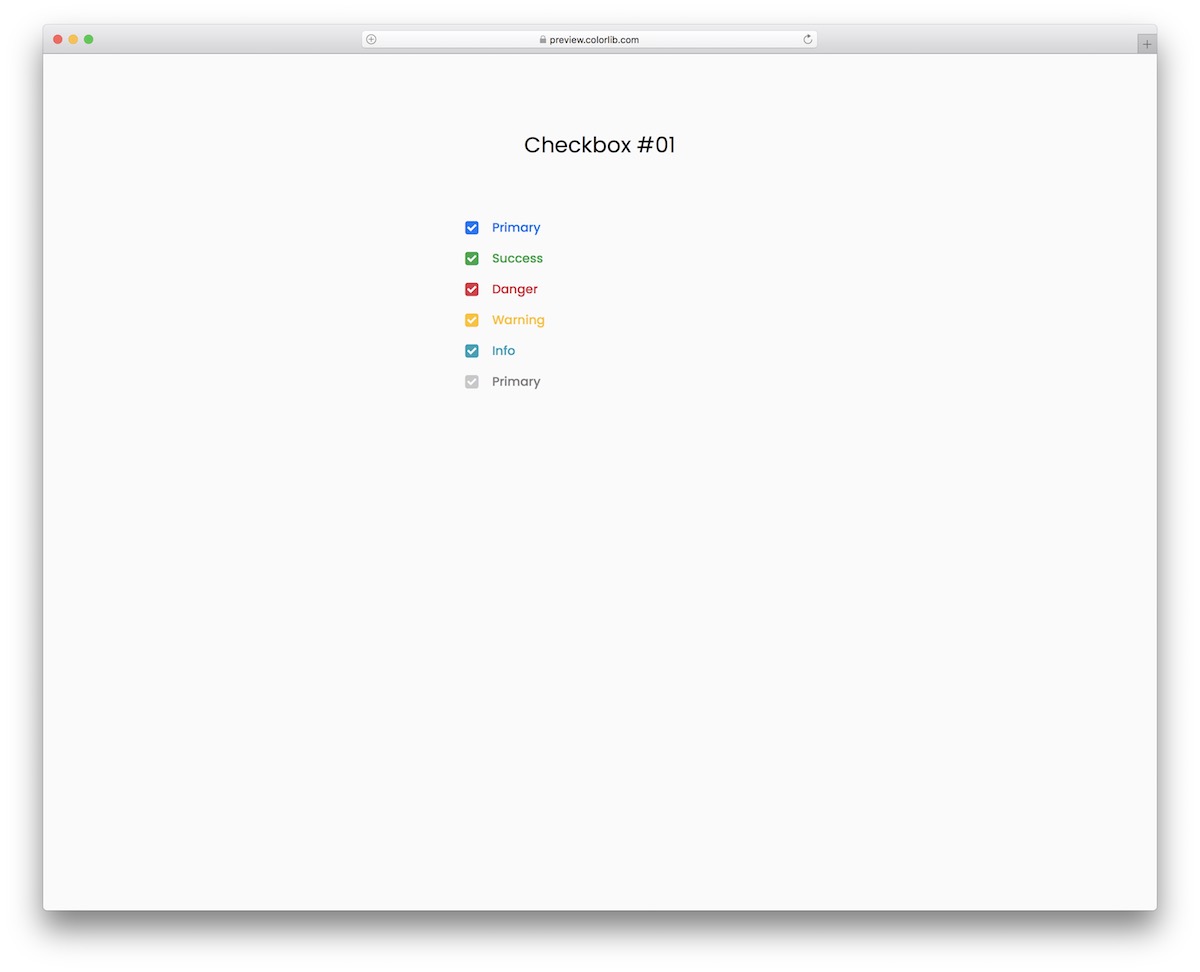
A collection of beautiful and colorful checkboxes works for almost anything and everything your heart desires.
They come in blue, green, red, yellow, turquoise, and gray, ensuring complete compatibility with mobile devices.
The user can select all of them, just one or a mixture; it’s up to you to define how many are necessary.
Checkbox V02
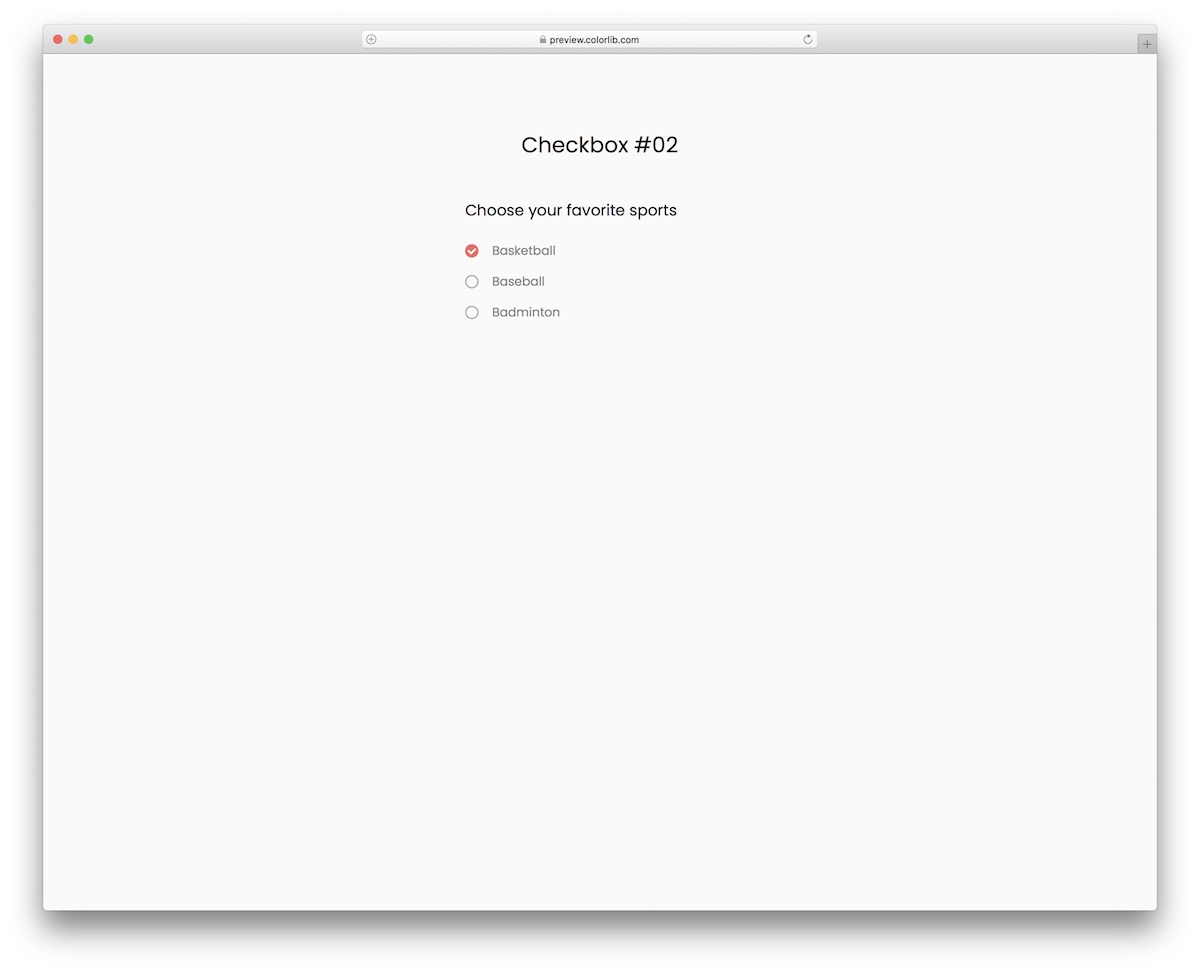
This checkbox snippet lets the user select their favorite sport(s), and it does so in pure CSS, with no JavaScript at all.
Before we continue, you can also use the template for something else, as there’s no need to limit it to the three sports exclusively.
While the design is quite clean and minimal, it has one specialty: the checkboxes feature a neat animation that enhances the user experience.
Checkbox V03
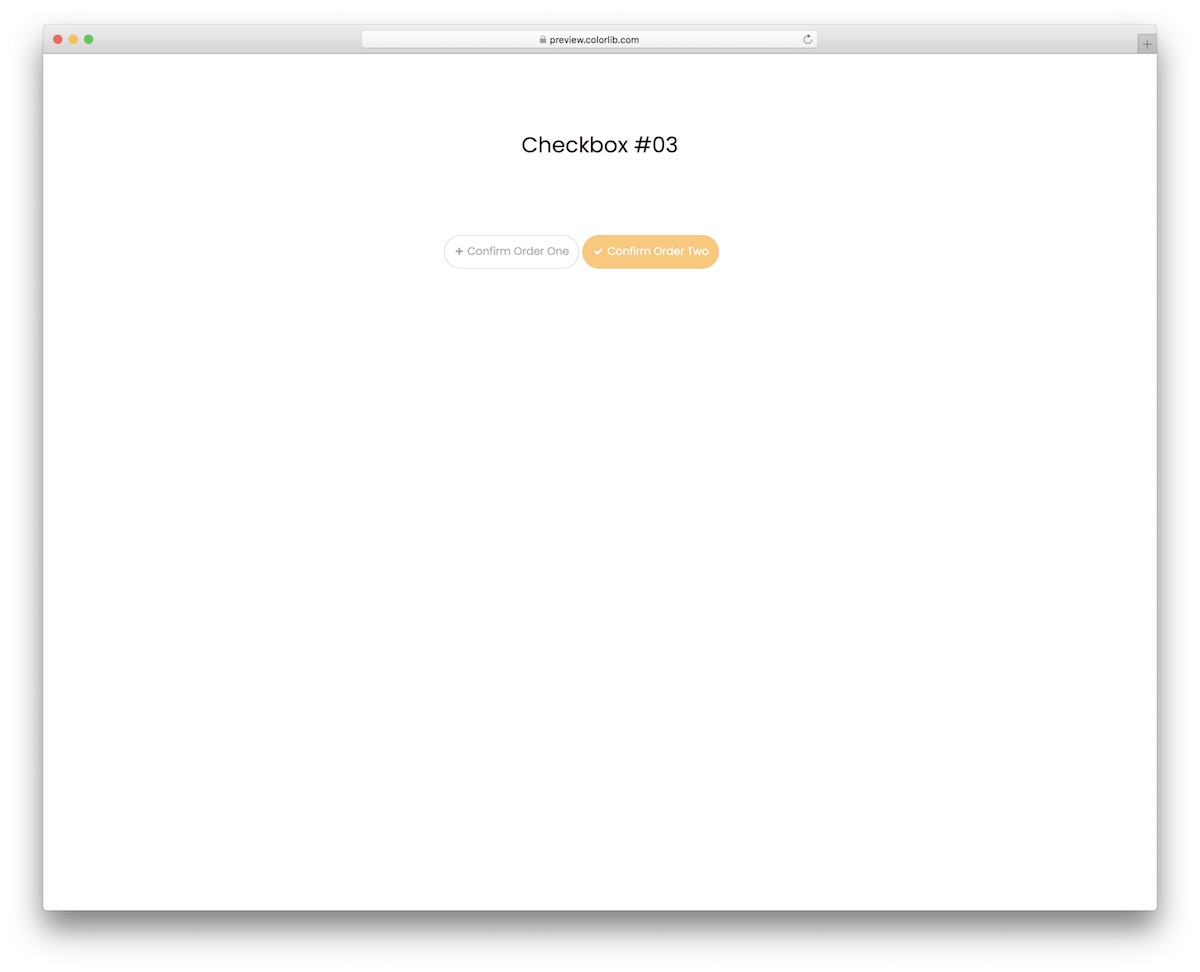
It is a modern, easy-to-use, and free order confirmation that includes animation, making it more engaging and visually appealing.
Each button also turns yellow once you select it. And you can select both.
You can do that if you want to make any customizations and improvements.
In other words, you can either use the out-of-the-box version or further configure the snippet.
Checkbox V04
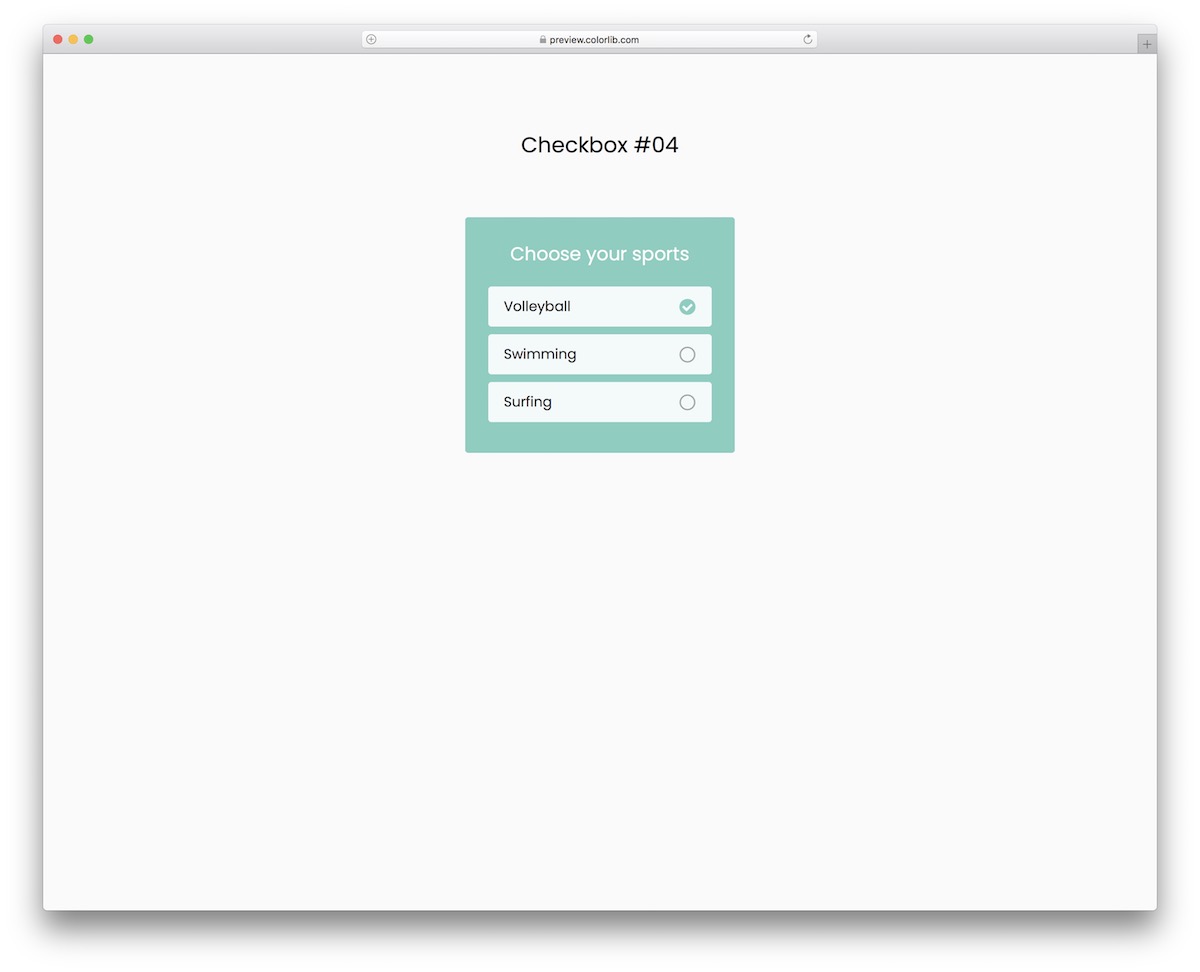
This free checkbox widget is responsive and works smoothly across screen sizes, with or without Bootstrap on the page. Its framed design ensures it pops up beautifully, so the user does not miss it.
Moreover, it also features multi-selection, allowing you to opt for just one item, two, or all three.
Finally, a simple checkmark appears upon selection.
Checkbox V05
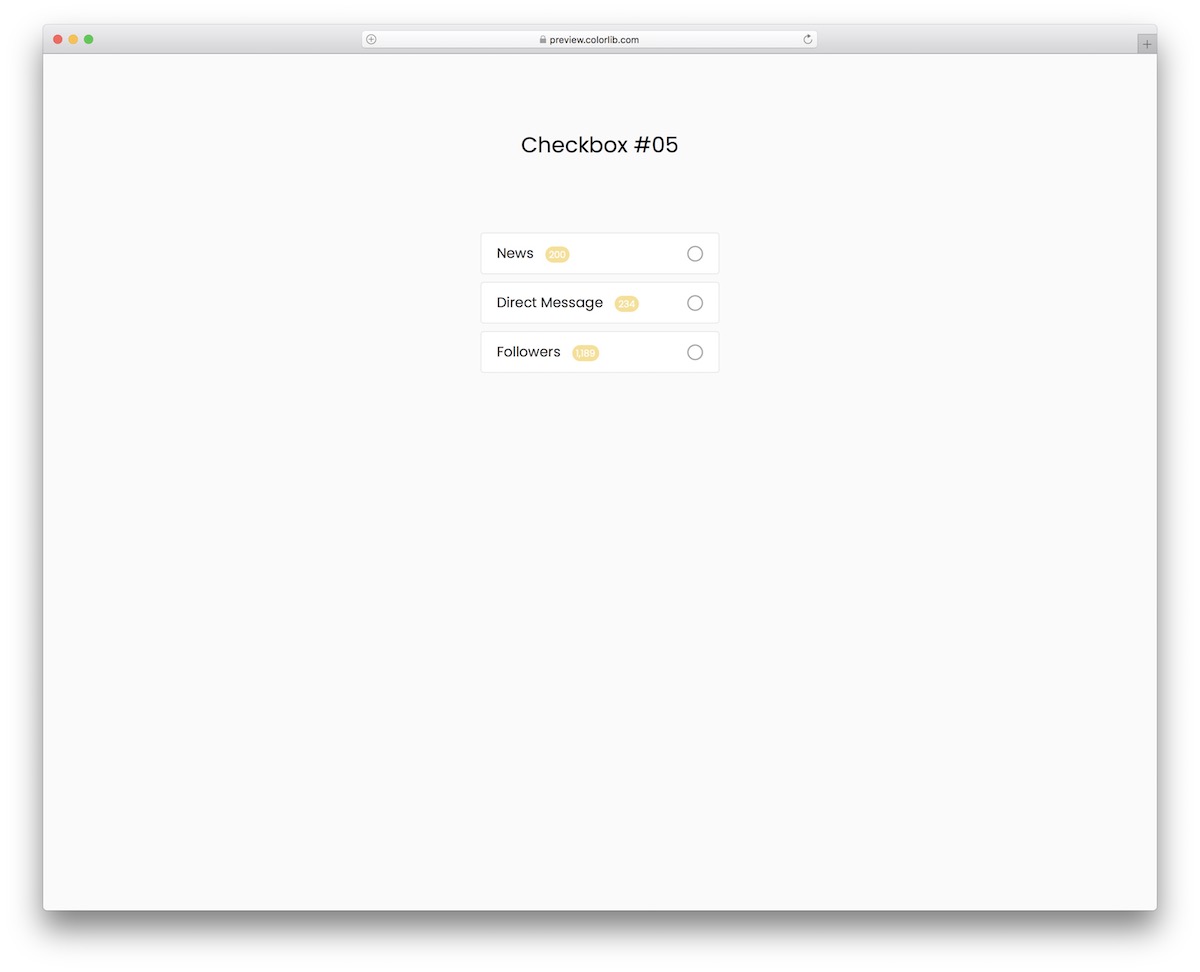
When adding checkboxes to your application, don’t start from scratch; any of these drops into a plain HTML page or a Bootstrap project.
These come in multiple variations and designs, with and without animations, so there’s something for everyone.
This particular one is fancier, with a purple highlight and animated checkmark.
Checkbox V06
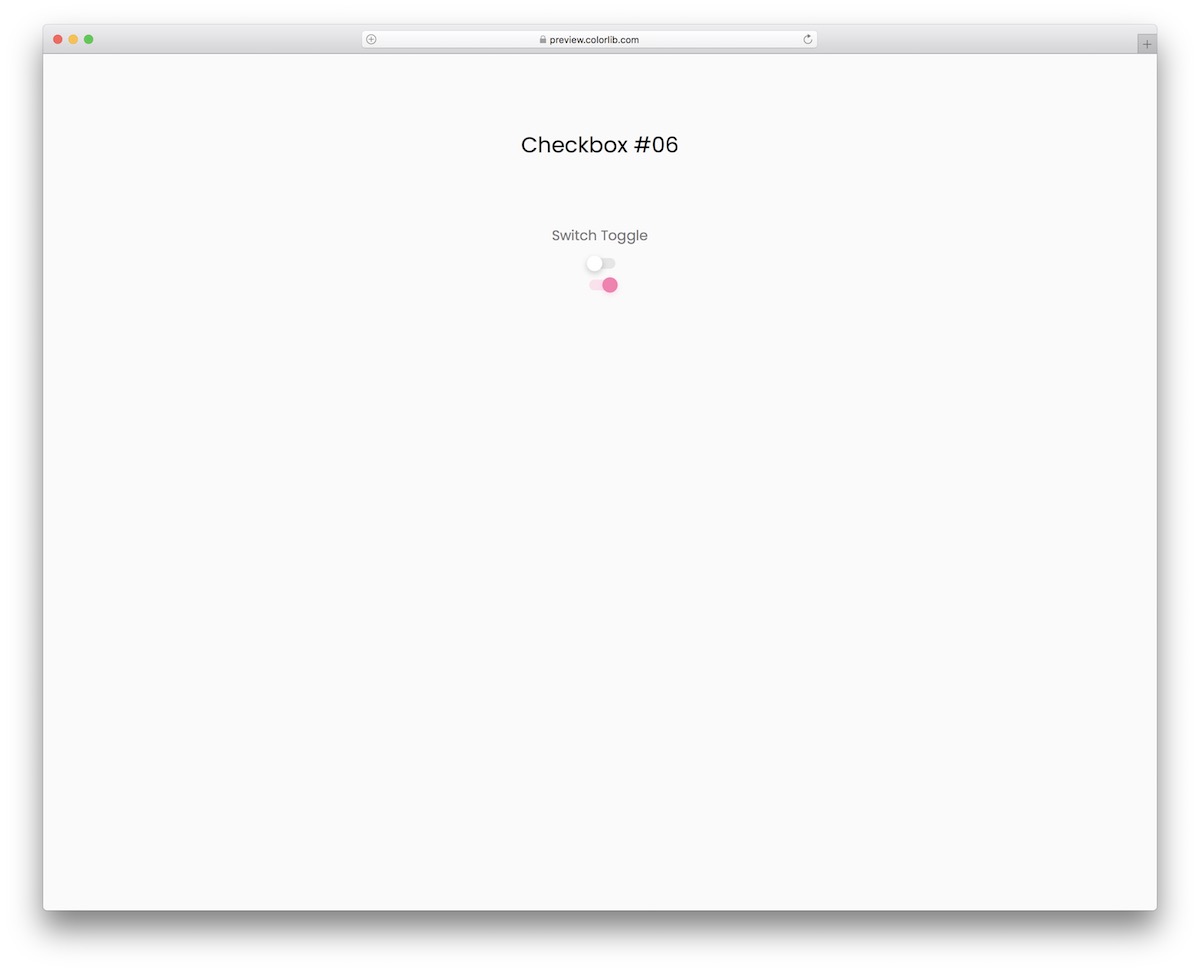
This free toggle switch snippet is great for a range of different purposes. You can use it as a checkbox or to switch on or off different application settings and configurations.
It turns pink with a nice little animation when the switch is on. Moreover, if you’d like to change anything (such as the color), you can do so without hesitation.
Checkbox V07
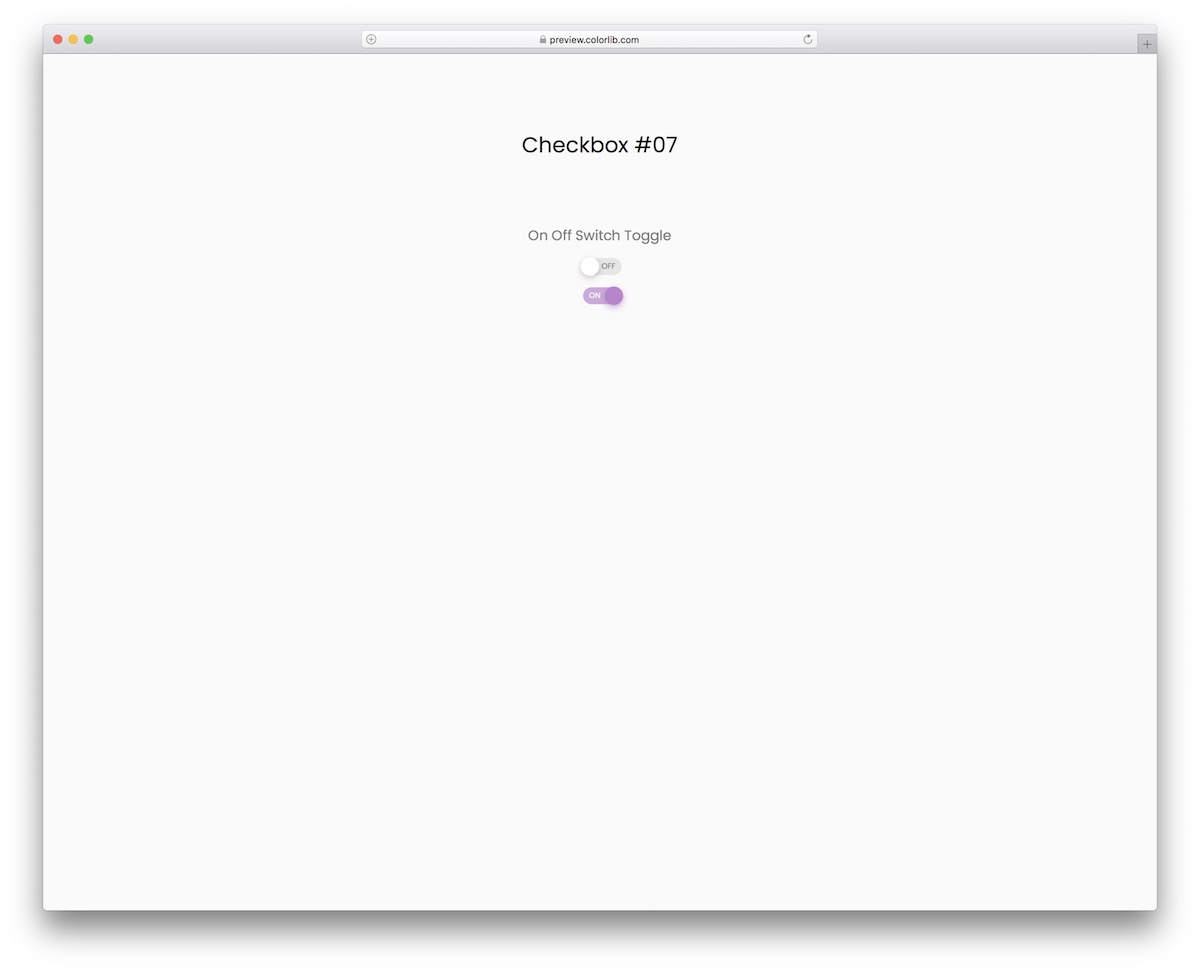
This is a similar toggle switch to the one above, just that this one has text in the switch. Like V06, it is plain HTML and CSS with no JavaScript.
It is pretty straightforward. It goes ON or OFF, depending on whether you select or deselect the control. When you pick it, it turns on with an animation and color change.
Embedding it into your application will also be quick due to the widget’s amazing core structure.
Checkbox V08
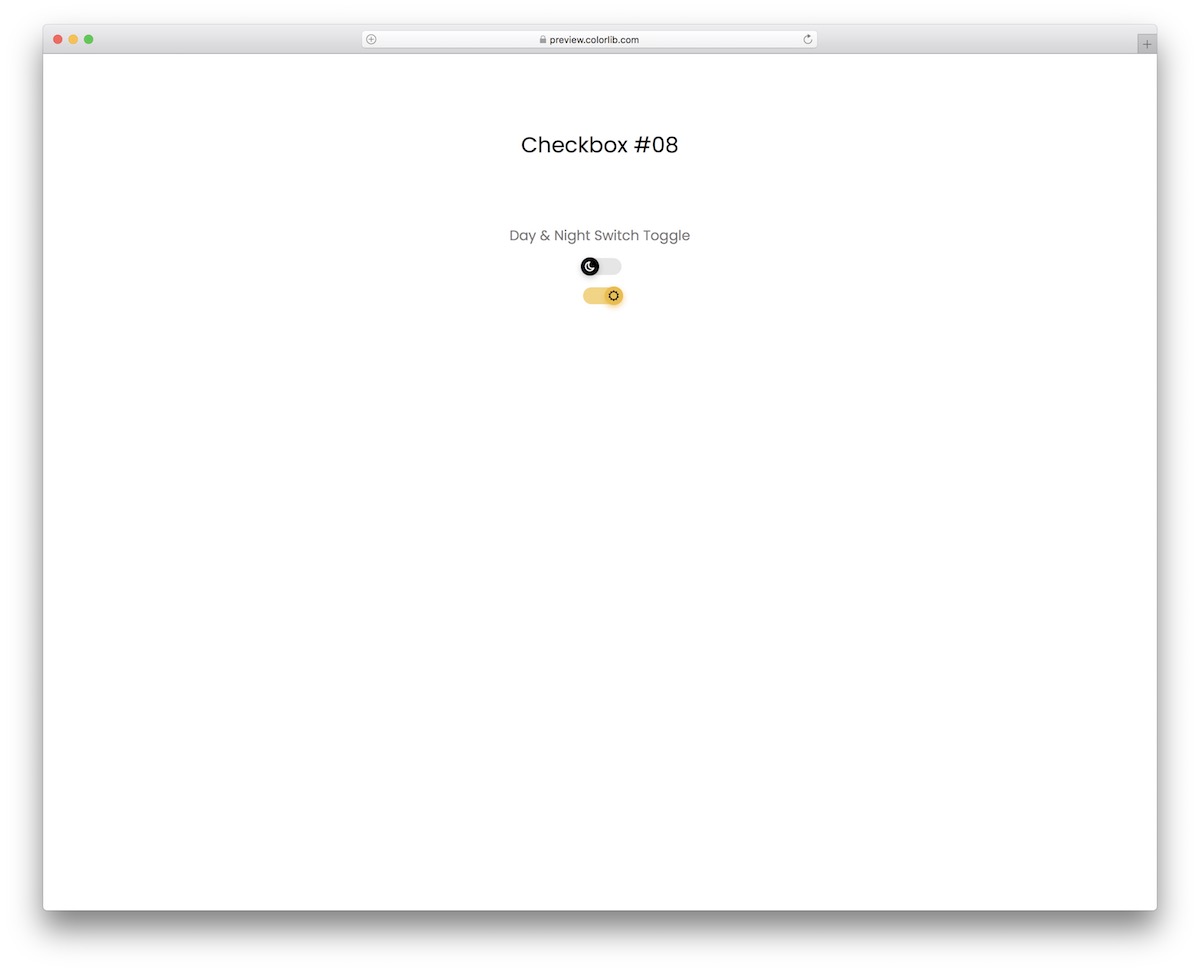
You need this toggle switch when adding a feature to your website or application that allows the user to choose between night and day mode.
You get two toggles, both with moon and sun icons and a color change (from gray (night mode) to yellow (day mode).
Its responsive nature ensures smooth operation on mobile and desktop devices.
Checkbox V09
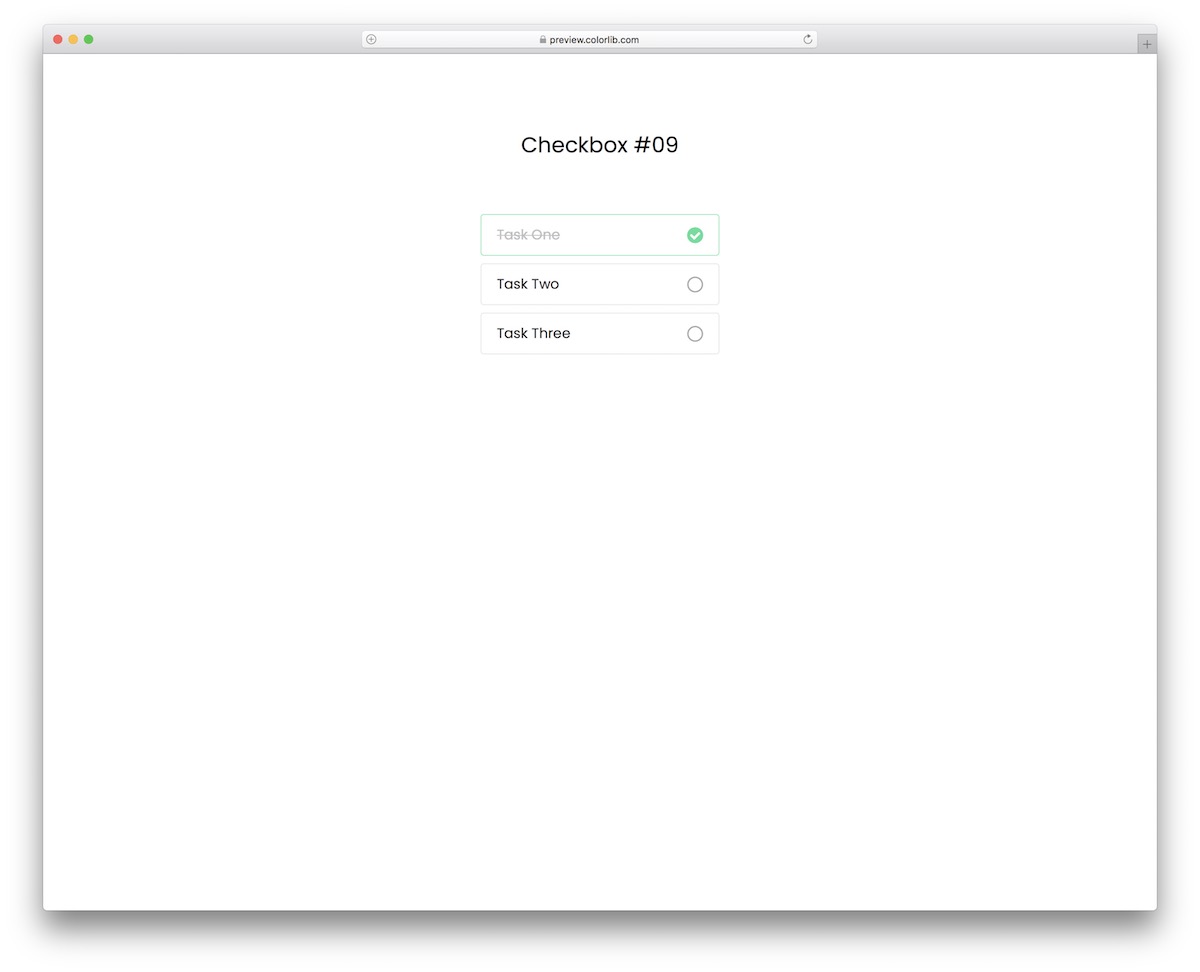
If you track your to-do list and cross off the tasks that are done, you will likely accomplish a lot more in a day than you would without.
The free to-do checkbox template features a minimalist design. It has a border for each task, a checkmark, and a strikethrough for selected items.
The text also goes from black to gray when selected.
Checkbox V10
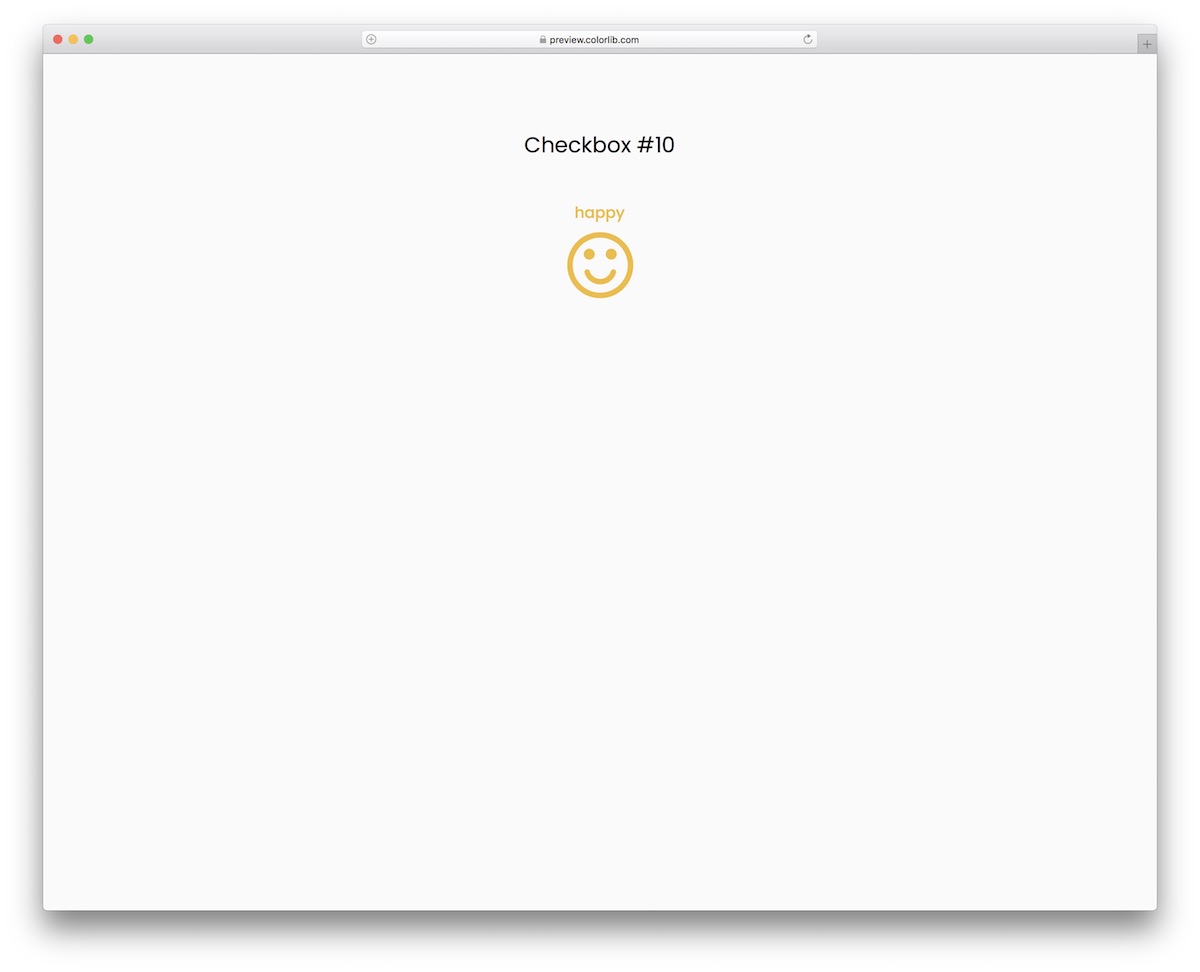
If you are looking for something different in this collection of Bootstrap checkbox templates, you should not miss it.
As you can see from the screenshot, it is a free emoji checkbox snippet featuring happy and sad faces.
What you will use is entirely up to you. It’s important to know that you should not feel any limitations.
Checkbox V11
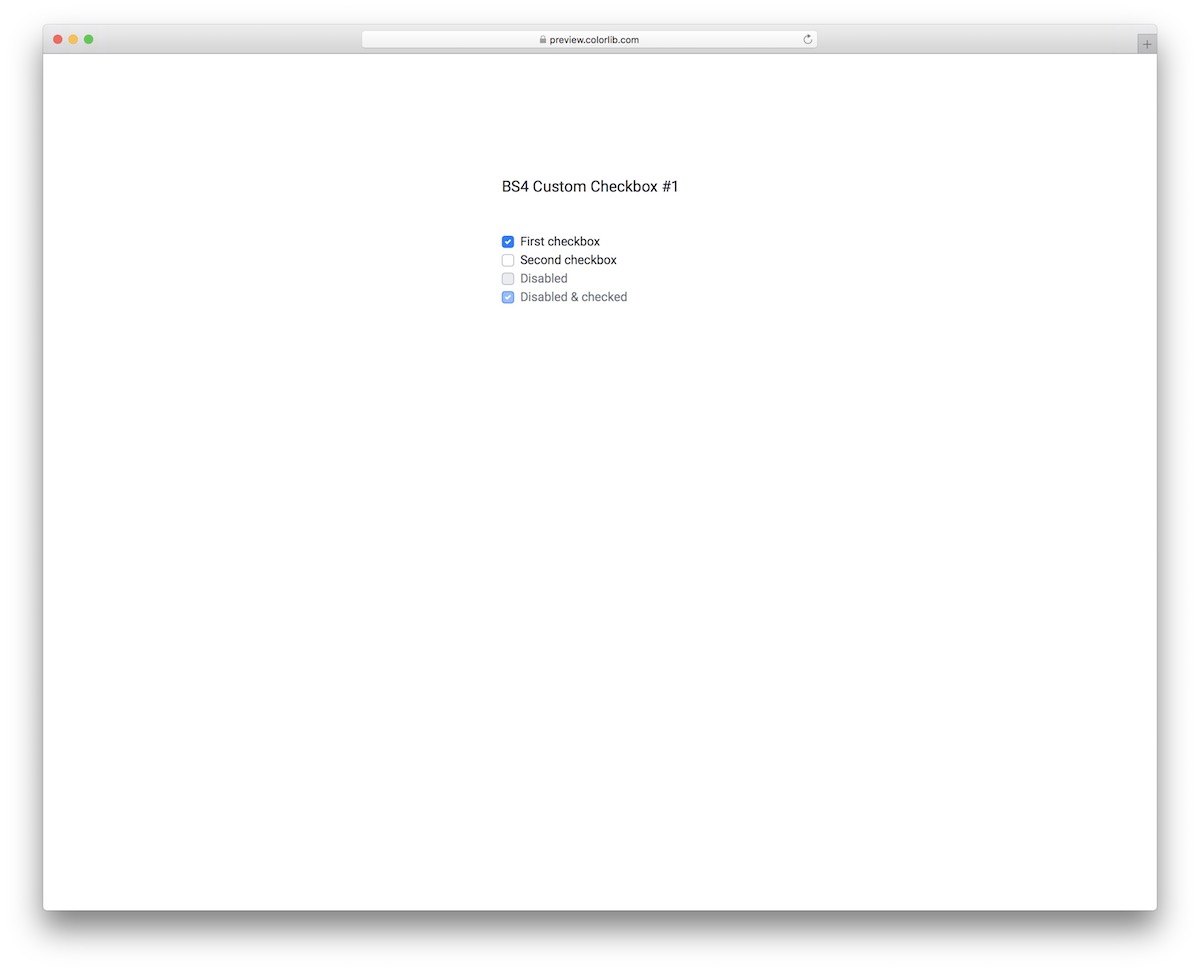
This custom checkbox snippet gives you full control over how you want to use the checkmarks, and it still looks right inside a Bootstrap 4, 5 or 6 project. For instance, you can disable some, mark some as disabled and checked, etc.
Additionally, the tool supports multi-selection for your convenience. Customize the text, alter it accordingly and go from there. The rebuilt download is 245 KB, down from 2.3 MB.
Checkbox V12
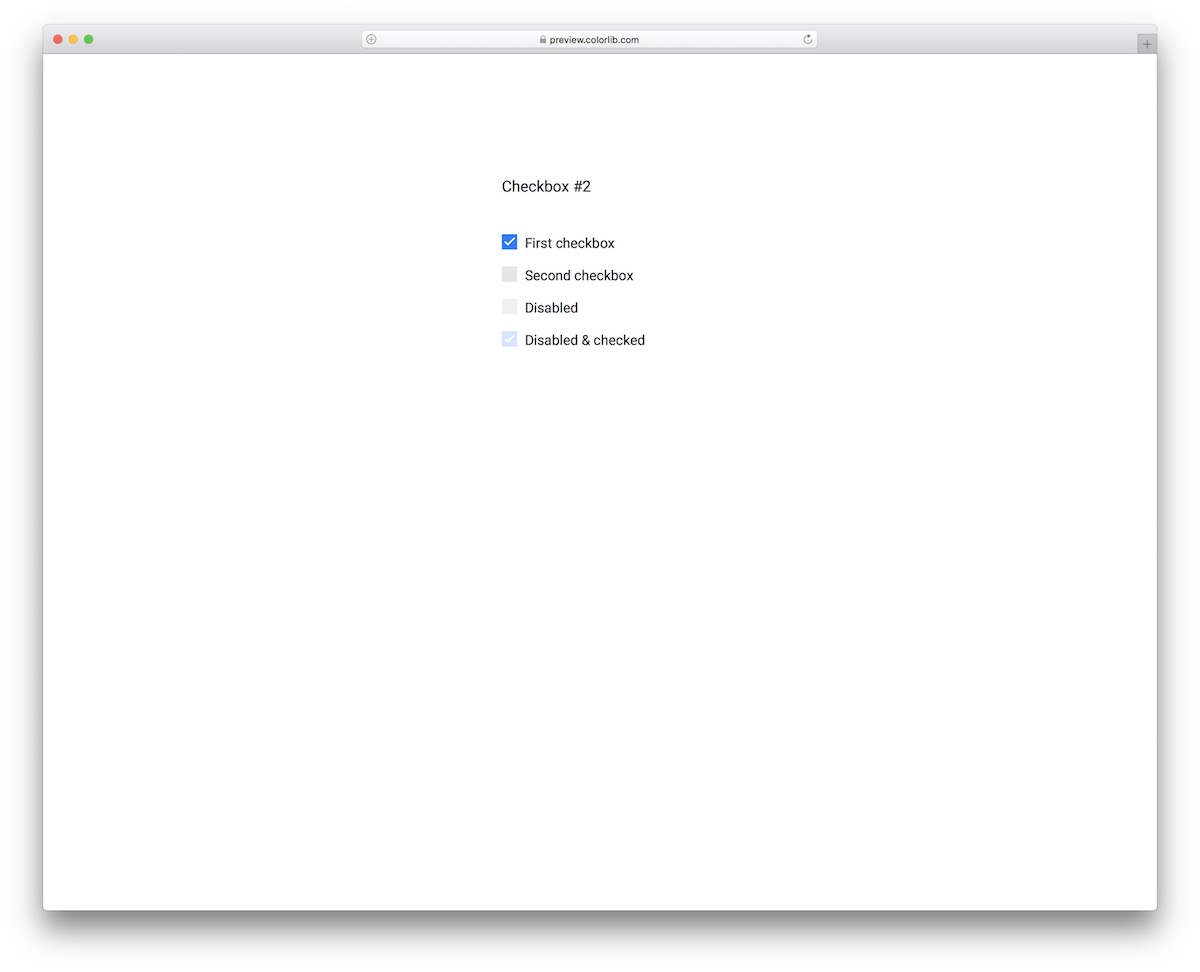
This free snippet is similar to Checkbox V11, except that the design is different, appearing bolder. Additionally, this one features square alternatives instead of round checkboxes.
What’s cool, both checkboxes are free of charge, meaning you can test them first and select the winner second.
Responsiveness comes from its own stylesheet, and the few lines of vanilla JavaScript it uses need no jQuery or Bootstrap.
Checkbox V13

From square to round checkboxes, we have them all and then some. This one is the latter, boasting a minimalist design and seamlessly integrating with various apps and websites.
Checkbox V13 features a hover effect and offers to mark checkboxes with disabled or disabled and checked simultaneously.
It also supports multi-select, so your users can tick one or several options.
Checkbox V14
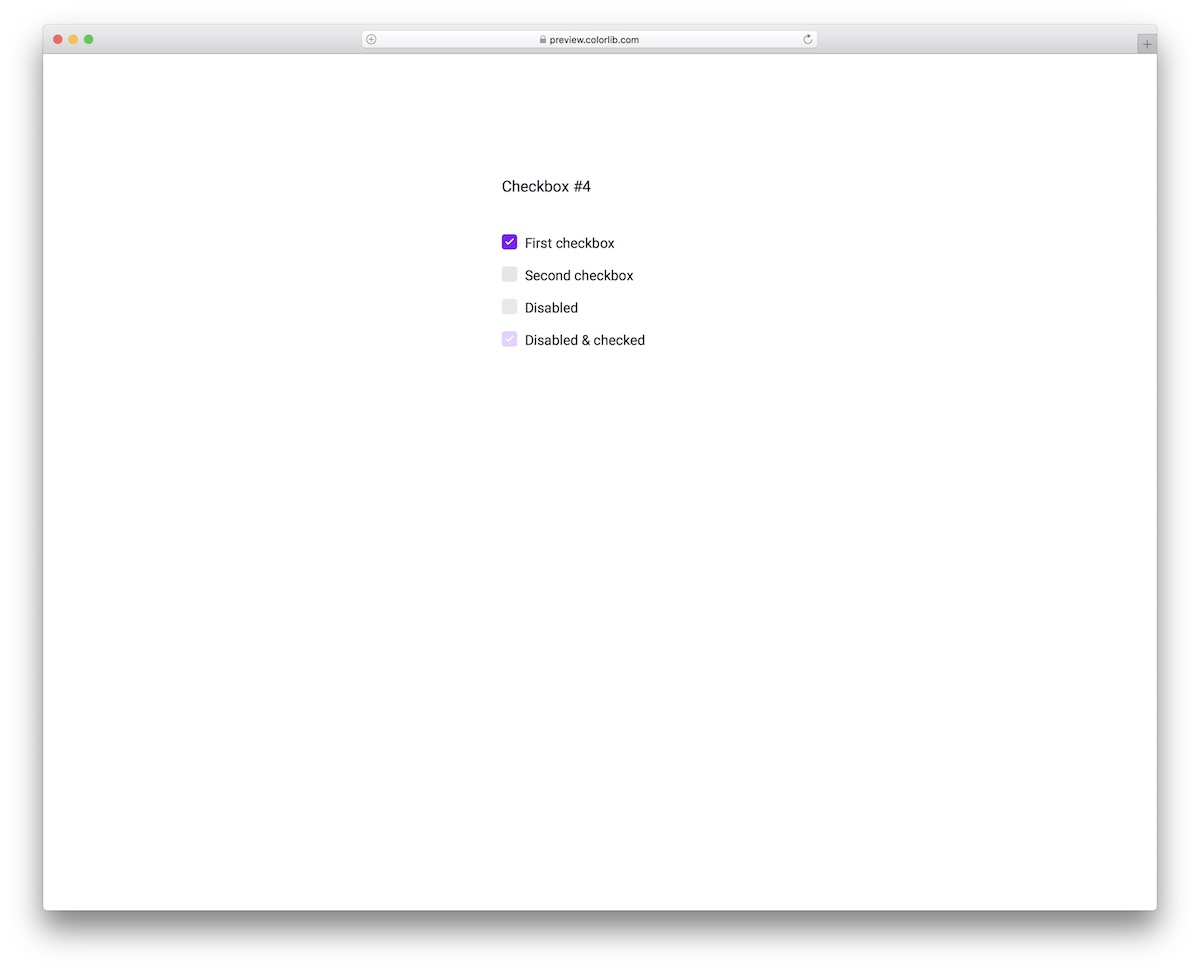
A convenient, easy-to-use, highly adaptive checkbox list for different applications, projects, and websites, with or without Bootstrap.
If you stick to the default settings, youwill achieve a beautiful purple tone that appeals to the eye.
Moreover, the checkboxes are square with rounded edges and feature a hover effect when unselected.
Checkbox V15
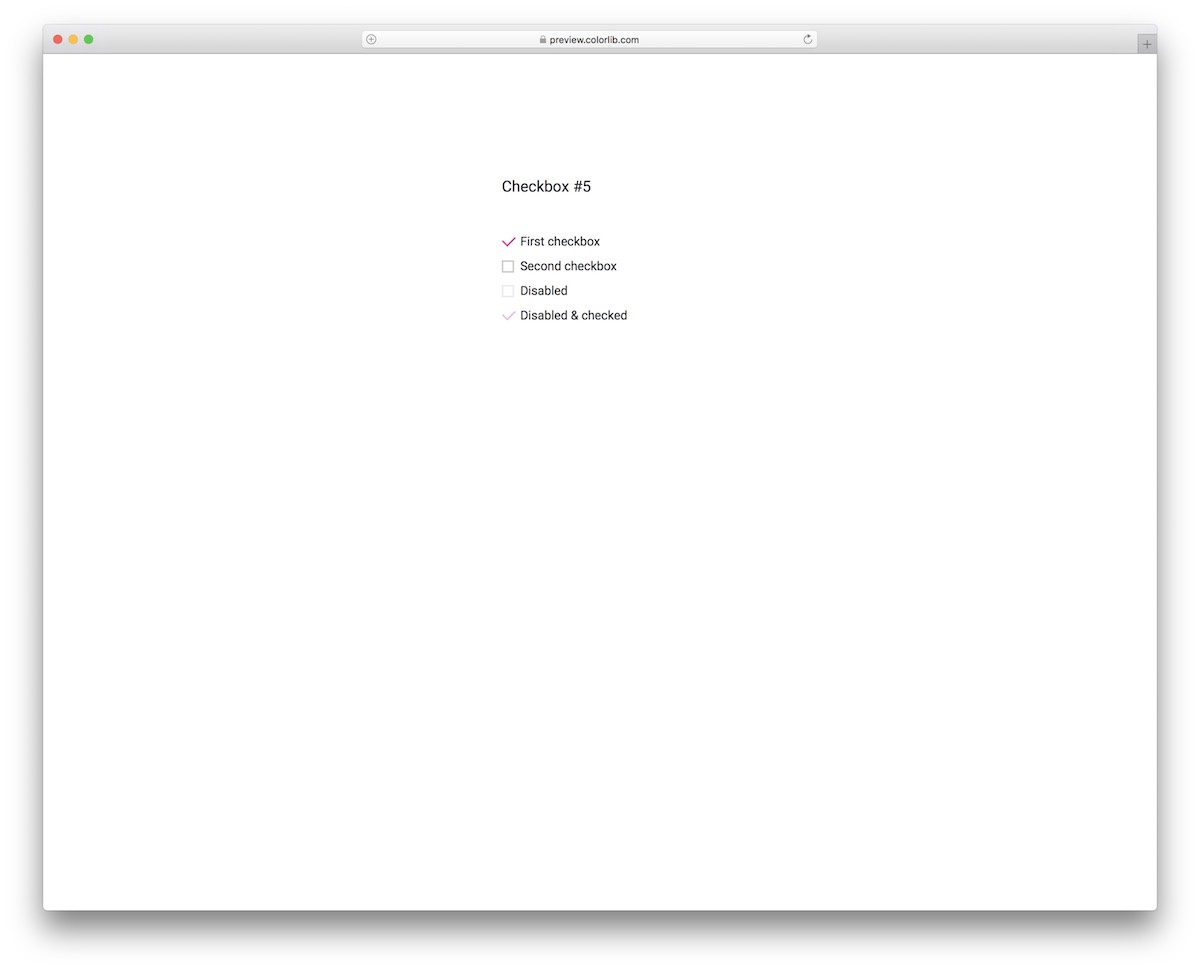
There’s always a way of conveniently mixing simplicity with special effects, and this checkbox proves it right.
This widget’s unique feature is how the checkbox turns into a tick on selection and vice versa. Additionally, it features the ability to disable checkboxes or make them appear as if they are checked but disabled.
Checkbox V16

Checkbox V16 is the perfect free snippet for those who prefer a more minimalist look. The checkboxes are simplistic, with a hover effect and rounded edges. The disabled and checked options are also available to activate or skip.
You can also A-test it on a mobile device, to witness how smoothly it performs before hitting the download button.
Checkbox V17
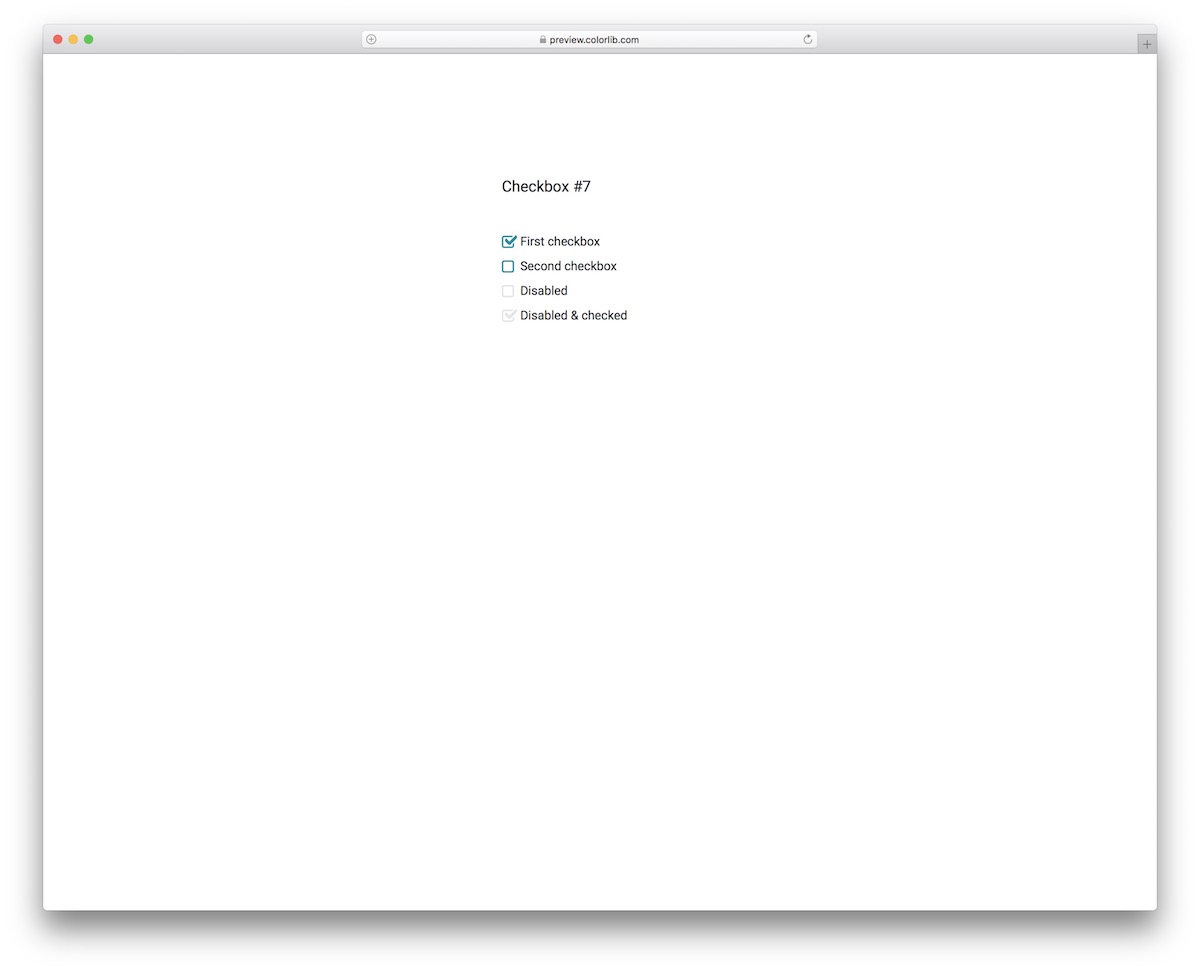
This checkbox animation template is ideal for those who prefer simplicity with a touch of creativity. Instead of working on it from the ground up, you can enjoy smooth execution with a quick embed into your project.
While you are welcome to use the default configurations color-wise, you can also make modifications to match your branding directions.
Checkbox V18
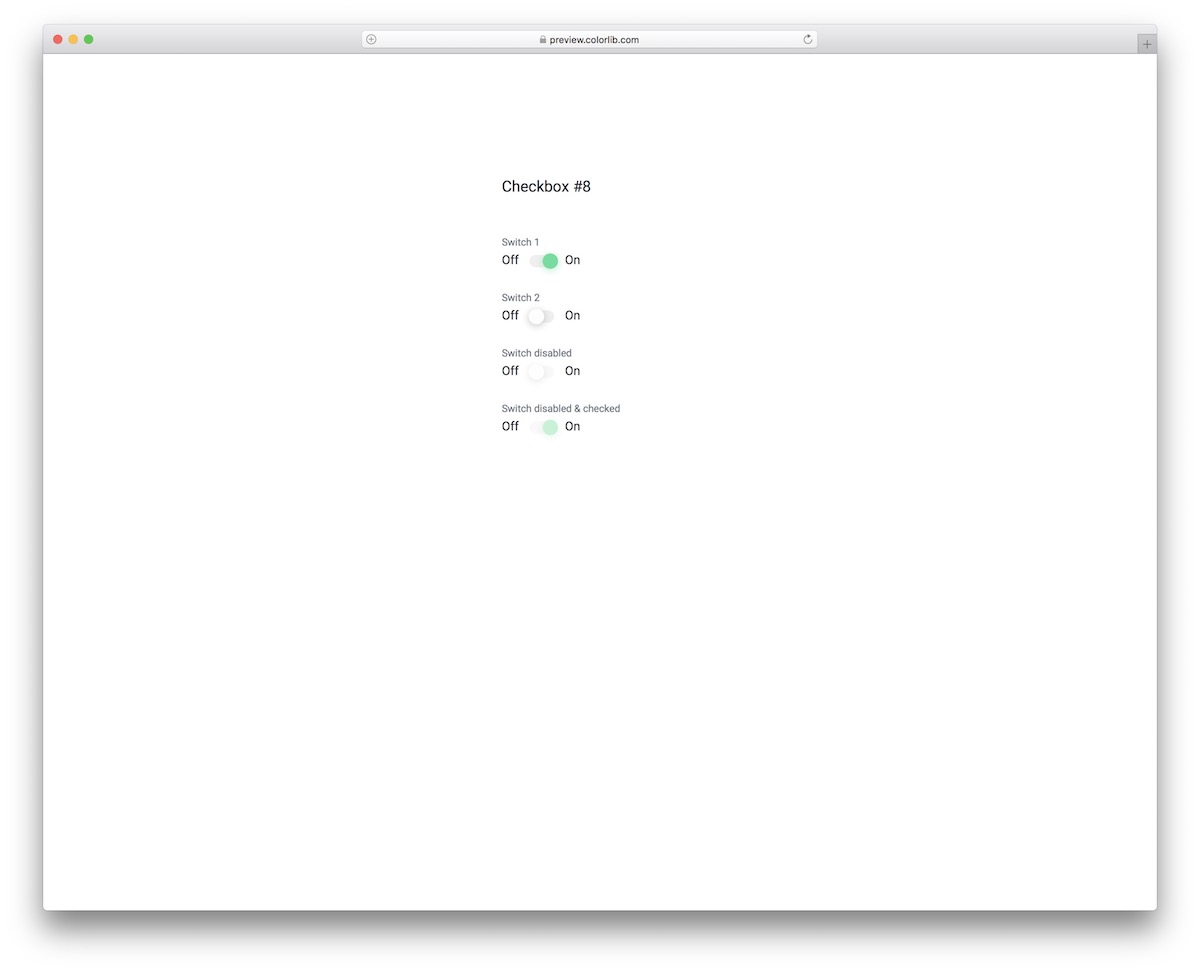
With these toggle buttons, you can enhance the user experience by providing a convenient way to switch things on or off.
From going off to on or the converse, the toggle changes the color smoothly, from white to green.
Like previous templates, this one also has an option to disable the switch or mark it as checked but disable its functionality.
Checkbox V19
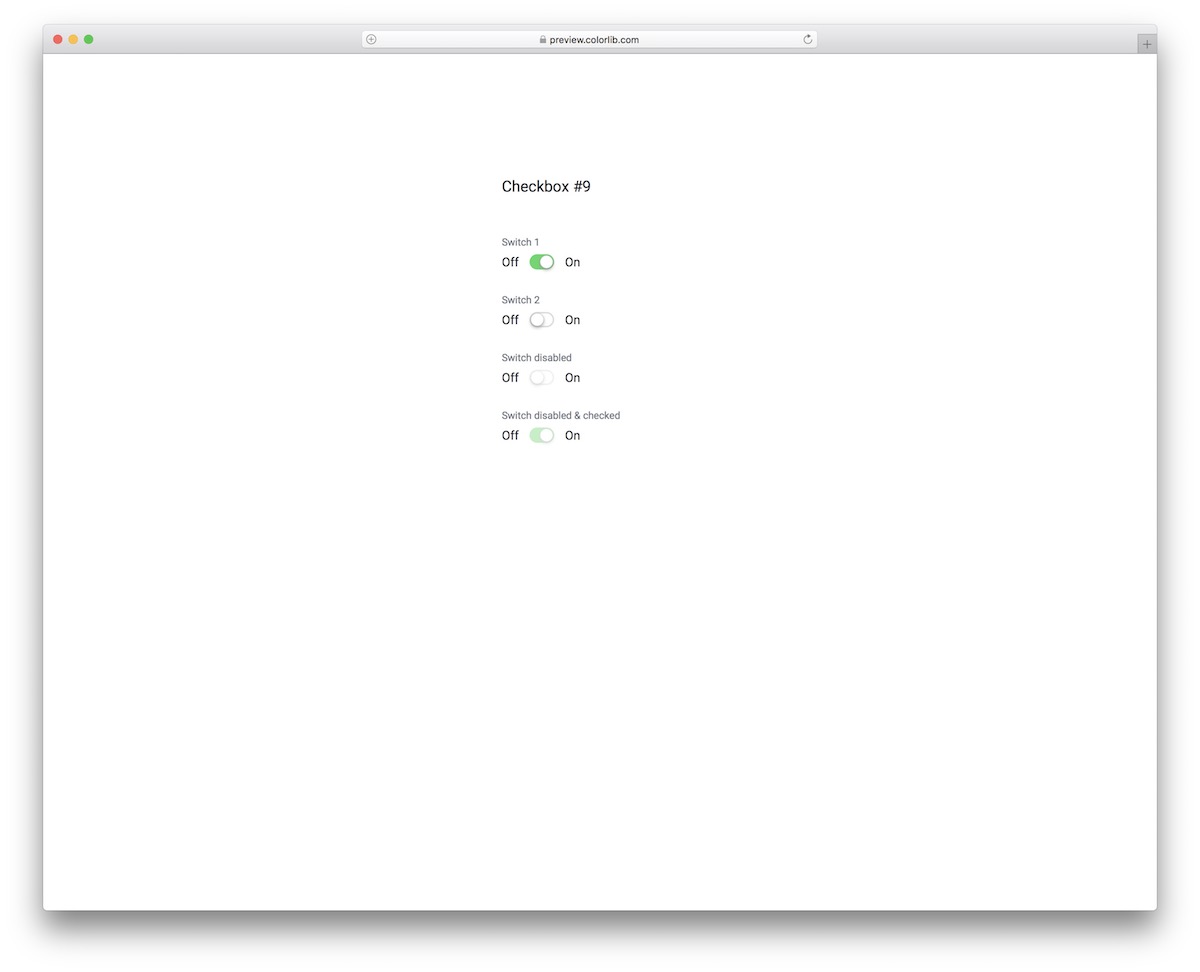
At first glance, these two are almost identical, but their performance is not. Each toggle button features a nifty little animation when it goes from off to on – it also changes the color from light to green.
Even the disabled seem alive when you click on them, but they don’t switch.
Checkbox V20

Here is another variation of an on/off switch toggle template, built from HTML, CSS and a few lines of vanilla JavaScript.
With its neat functionality when switching from on to off or vice versa, the free snippet keeps things basic but has a unique effect.
The user can play with the active ones, but cannot change the disabled or the checked and disabled ones.
More 2026 checkbox and toggle snippets from Colorlib
Checkboxes and switches inside real components from our 2026 snippets: topic tiles, filter groups, an availability grid, feature checkboxes and settings toggles.
Newsletter Form V03: Subscribe card with topic preference tiles
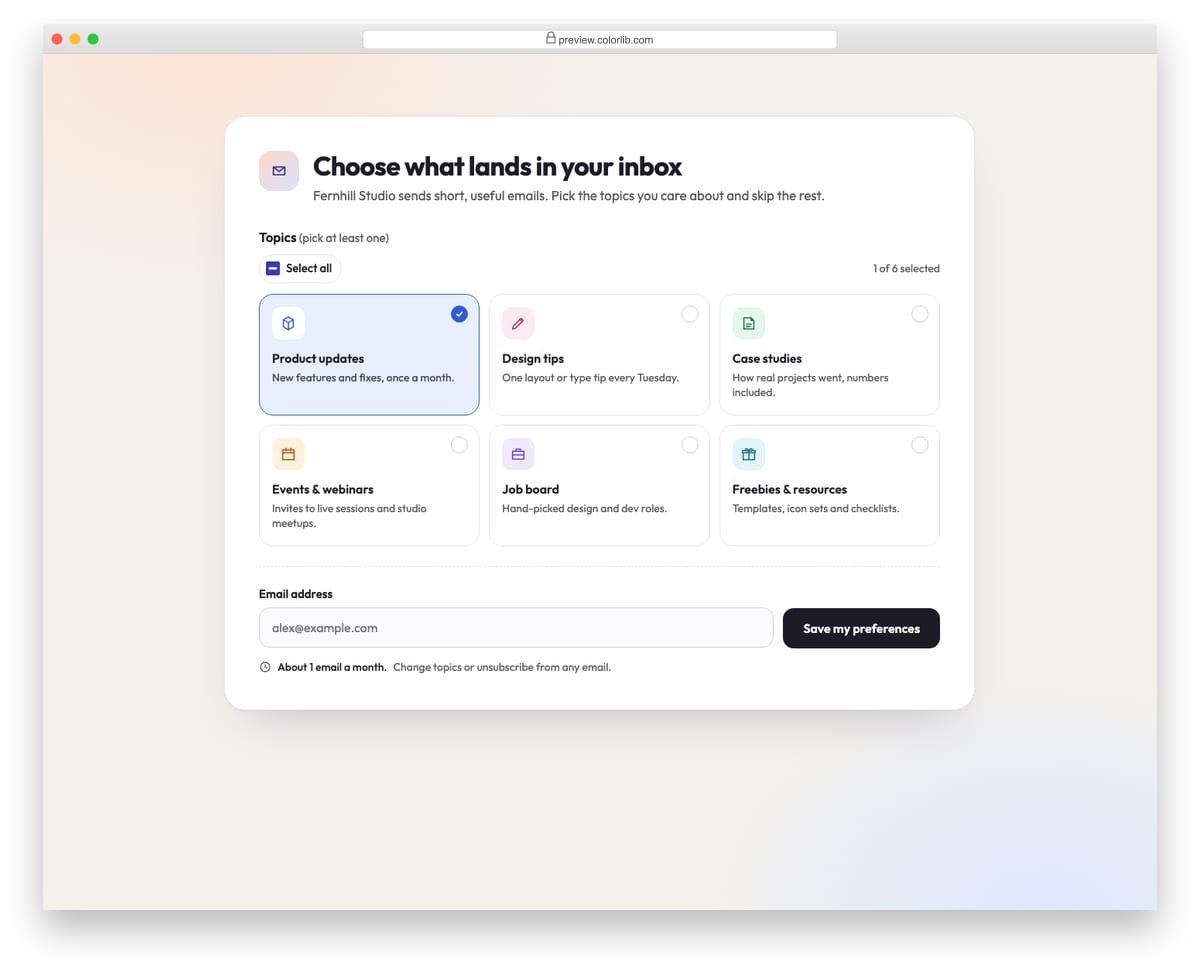
A light subscription card where readers pick which emails they want from six topic tiles, each a real checkbox with an icon, title and short description. A Select all toggle, a live selected count and an estimated emails-per-month hint update as topics change. At least one topic and a valid email are required, and the success state lists the chosen topics.
Best for: email preference centres and newsletter sign-up pages. Plain HTML and CSS with a few lines of vanilla JavaScript, a 194 KB download, and it works on its own or inside a Bootstrap 4, 5 or 6 project.
Offcanvas V04: E-commerce filter panel with checkbox groups and a price range
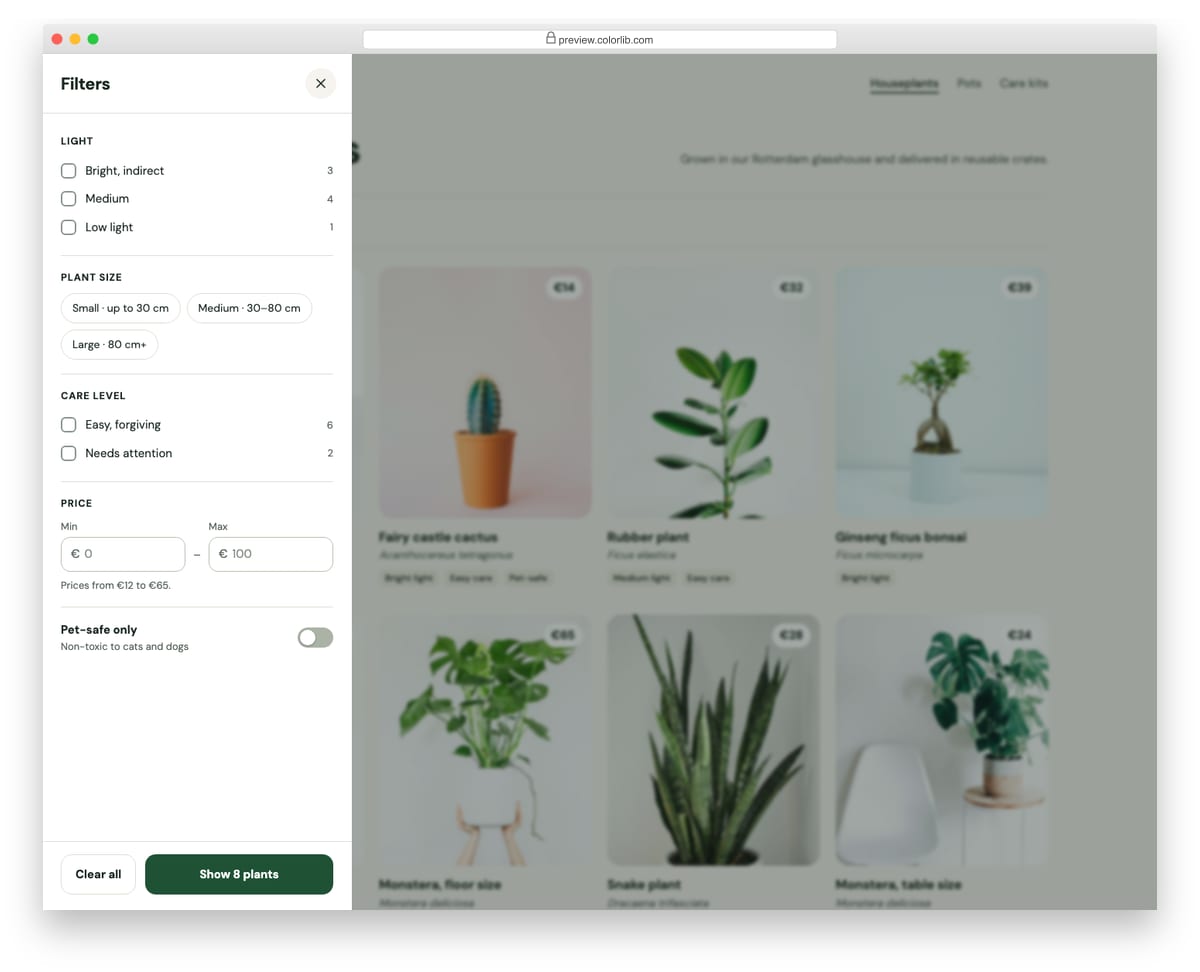
A filter drawer for a plant shop's category page. It has checkbox groups for light and care level, size chips, minimum and maximum price inputs and a pet-safe switch, and the apply button previews how many products match before you commit. Applying filters the product grid, updates the results count and adds removable filter chips to the page.
Best for: shop category pages and product listings on mobile and desktop. Plain HTML and CSS with a few lines of vanilla JavaScript, a 483 KB download, and it works on its own or inside a Bootstrap 4, 5 or 6 project.
Job Application Form V08: Volunteer application with a days by morning/afternoon availability grid
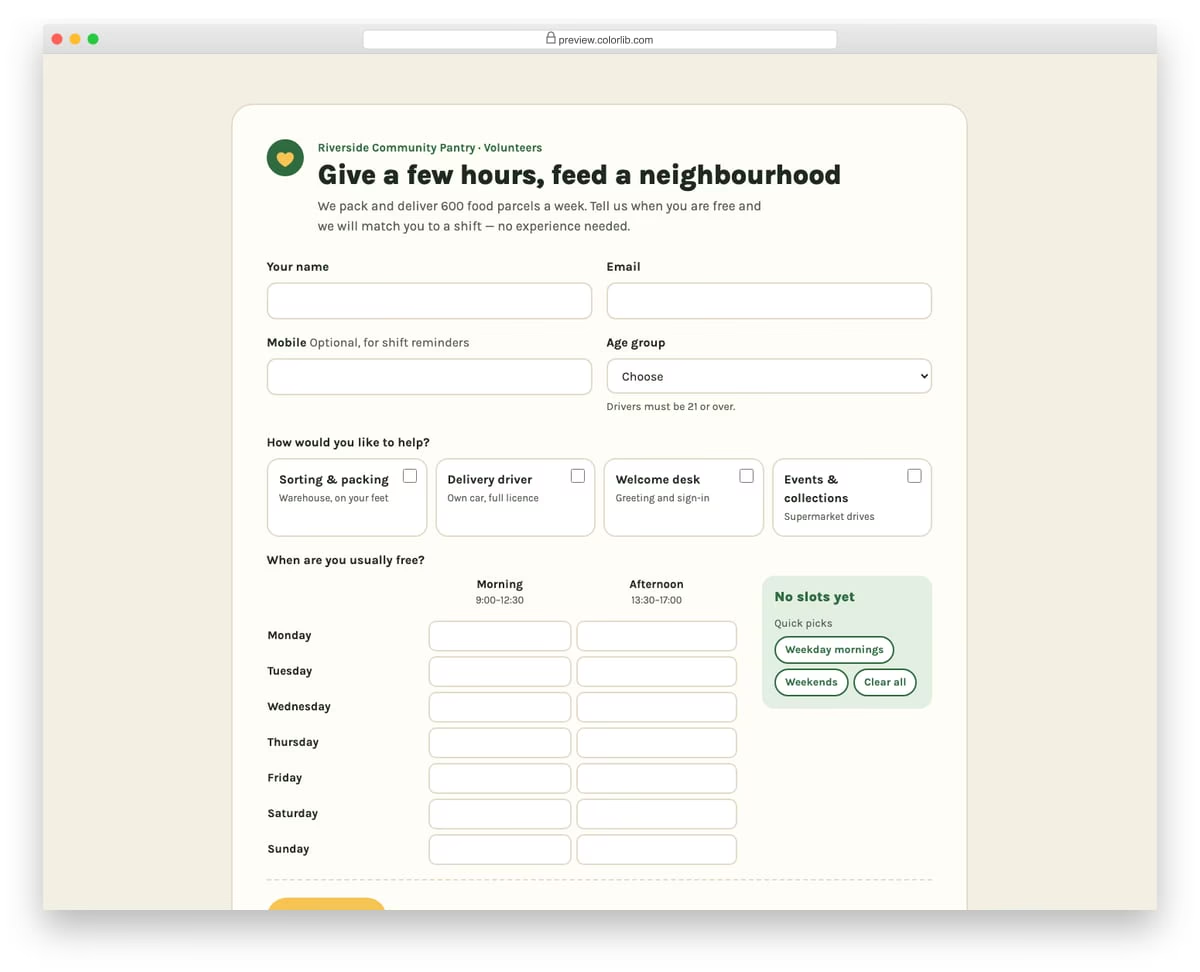
A warm volunteer sign-up form for a made-up community food pantry. After contact details and an age group, volunteers pick the roles they would like as checkbox cards and tick free slots in a weekly grid of days by morning and afternoon. Quick-pick buttons fill weekday mornings or weekends, and a tally shows the number of slots and hours offered.
Best for: charities, community groups, events and shift-based volunteer programmes. Plain HTML and CSS with a few lines of vanilla JavaScript, a 188 KB download, and it works on its own or inside a Bootstrap 4, 5 or 6 project.
Survey Form V04: Product feedback form with emoji reaction scale, feature checkboxes and screenshot upload
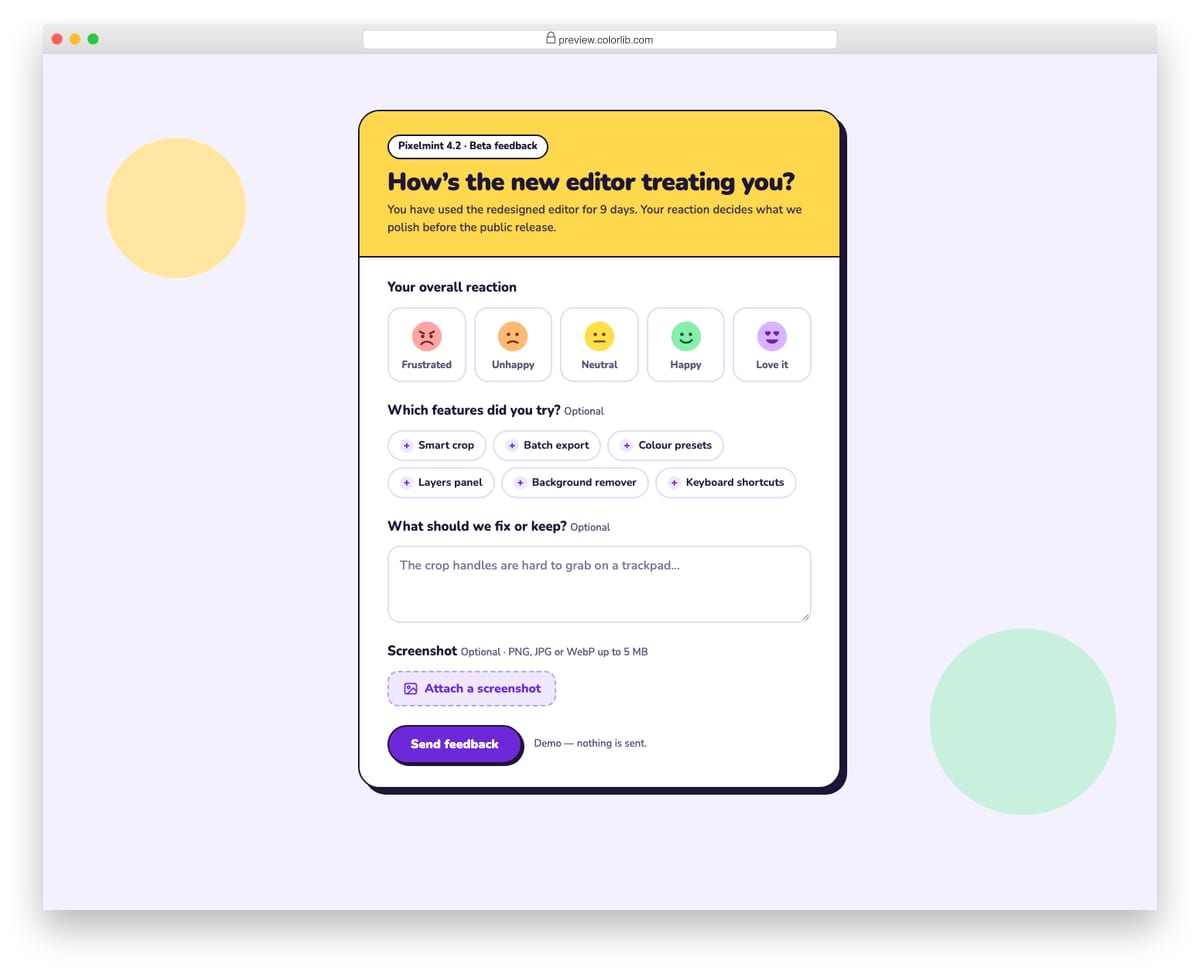
A playful beta-feedback form for a made-up photo editor, with a bold yellow header and hard offset shadow. It asks for an overall reaction on a five-face emoji scale, which features were tried as toggle chips, free-text notes and an optional screenshot. The screenshot is checked for type and size and shown as a thumbnail with a Remove button.
Best for: beta programmes, in-app product feedback and feature launch surveys. Plain HTML and CSS with a few lines of vanilla JavaScript, a 375 KB download, and it works on its own or inside a Bootstrap 4, 5 or 6 project.
Offcanvas V05: App settings panel with toggles and a working light/dark theme picker
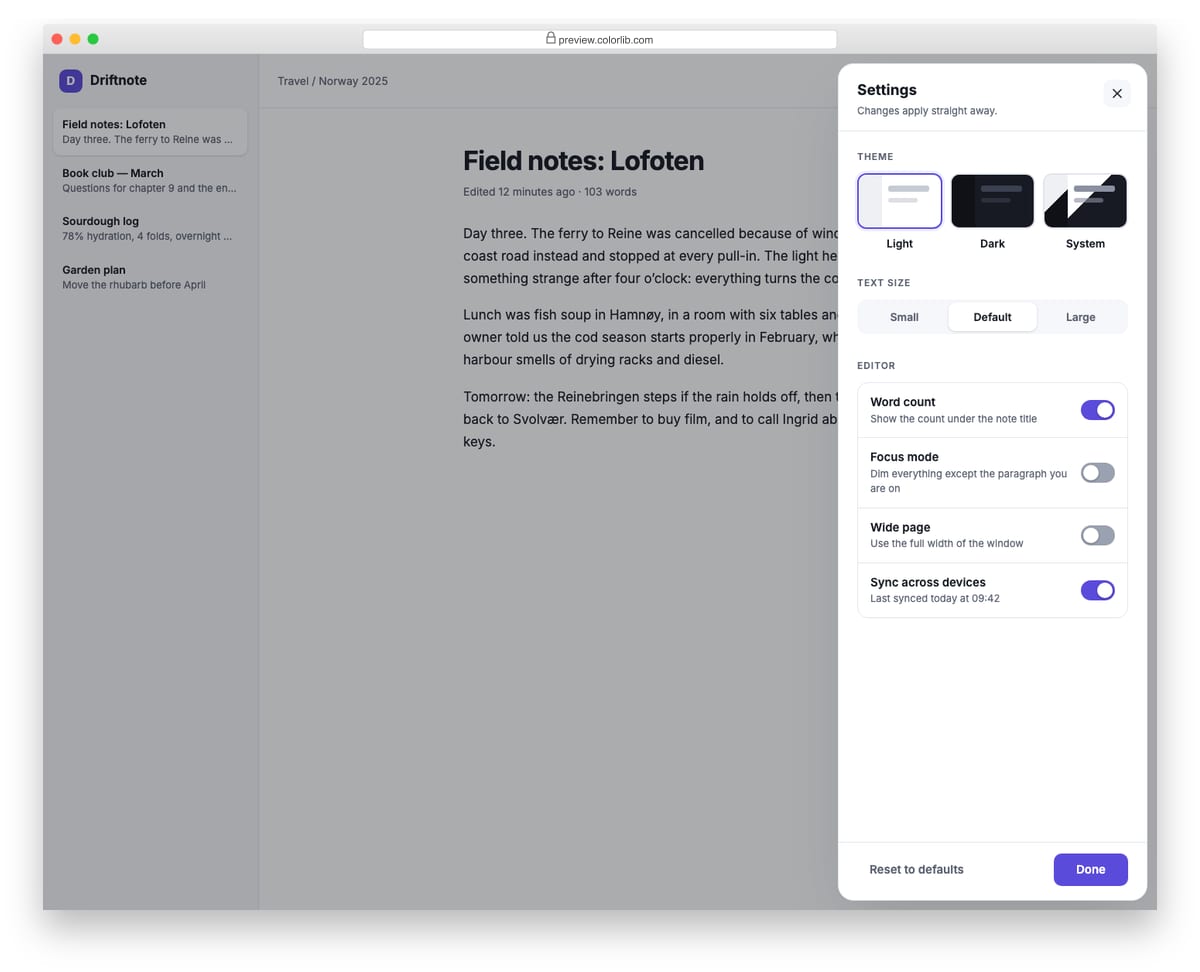
A floating settings panel for a note-taking app that slides in from the right. The theme picker switches the whole demo between light, dark and system themes, the text size control resizes the note, and the switches show or hide the word count, dim paragraphs in focus mode and widen the page. Every change is announced in a status line and can be reset to defaults.
Best for: web app preferences, dashboards and editor settings. Plain HTML and CSS with a few lines of vanilla JavaScript, a 534 KB download, and it works on its own or inside a Bootstrap 4, 5 or 6 project.
How to choose a checkbox or toggle switch
Keep a real input underneath. A styled checkbox should still be an <input type="checkbox"> that is restyled, not a div with a click handler, so it submits a value, works from the keyboard and is announced by screen readers. The topic tiles in Newsletter Form V03 are a good model: each tile is a real checkbox under the card design.
Pick a checkbox or a switch on purpose. Use a checkbox for choices that take effect when the form is sent and a switch for settings that apply at once, like the toggles in Offcanvas V05, which change the demo as you flip them. Add role="switch" to a switch so screen readers announce it as on or off.
Make the whole label clickable. Link the label to its input so tapping the text ticks the box, and keep the tap area around 44px high on phones. Card-style options, like the role cards in Job Application Form V08, give you a large target for free.
Don’t rely on color alone. Checkbox V06 turns pink and V18 turns green when switched on. A switch also moves its knob, but a checkbox that only changes color needs a checkmark as well, so the state is clear to color-blind users.
Plan the in-between states. Checkbox V11, V13, V15, V16, V18 and V20 include disabled and checked-but-disabled options, so you can show choices that are not available. A “Select all” control, like the one in Newsletter Form V03, reads best when it shows a partly-ticked state for partial selections; set checkbox.indeterminate = true in JavaScript.
Frequently asked questions
How do I make a custom checkbox in Bootstrap 5?
Bootstrap 5 styles native checkboxes with .form-check, .form-check-input and .form-check-label, and turns them into switches with .form-switch. To change the checked color, override background-color and border-color on .form-check-input:checked. For animated checkmarks or icon toggles, use one of the snippets above instead.
Do these checkbox snippets need Bootstrap or jQuery?
No. They are plain HTML and CSS, some with a few lines of vanilla JavaScript, so they work on any page and keep their design inside a Bootstrap 4, 5 or 6 project.
Can I use them in commercial projects?
Yes. Colorlib snippets are free for personal and commercial use under CC BY 3.0; just keep the credit link.
Will a styled checkbox still submit with the form?
Yes, as long as the input underneath has a name and value. An unticked checkbox sends nothing at all, so your server code should treat a missing field as “off”.
Final thoughts
Start with Checkbox V01 for a colorful set, Checkbox V09 for a to-do list and Checkbox V18 for a clean on/off switch. To see checkboxes inside complete forms, browse our Bootstrap form templates.

Related Posts

Comments (0)