20 Best Bootstrap Checkbox Examples 2026
There were many occasions when we needed to create a Bootstrap checkbox for different projects we worked on.
Thus, we were left with many reusable templates. Instead of keeping them for ourselves, we decided to add some more and GIVE THEM ALL AWAY.
For. Free.
By the end of this extensive collection, you’ll have exactly what you came here for in the first place.
Download one or as many as you want and easily embed a checkbox into your application.
Note: If you’d like to tweak our free snippets, feel free to do so.
I would like to remind you that we have over 300 Bootstrap 5 templates available to you. They all come with Bootstrap checkbox templates built in, in addition to thousands of other features.
Best Bootstrap Checkbox Widgets & Examples
Checkbox V01

A collection of beautiful and colorful checkboxes works for almost anything and everything your heart desires.
They come in blue, green, red, yellow, turquoise, and gray, ensuring complete compatibility with mobile devices.
The user can select all of them, just one or a mixture; it’s up to you to define how many are necessary.
More info / Download DemoCheckbox V02

This Bootstrap checkbox snippet will enable the user to select their favorite sport(s).
Before we continue, you can also use the template for something else, as there’s no need to limit it to the three sports exclusively.
While the design is quite clean and minimal, it has one specialty: the checkboxes feature a neat animation that enhances the user experience.
More info / Download DemoCheckbox V03
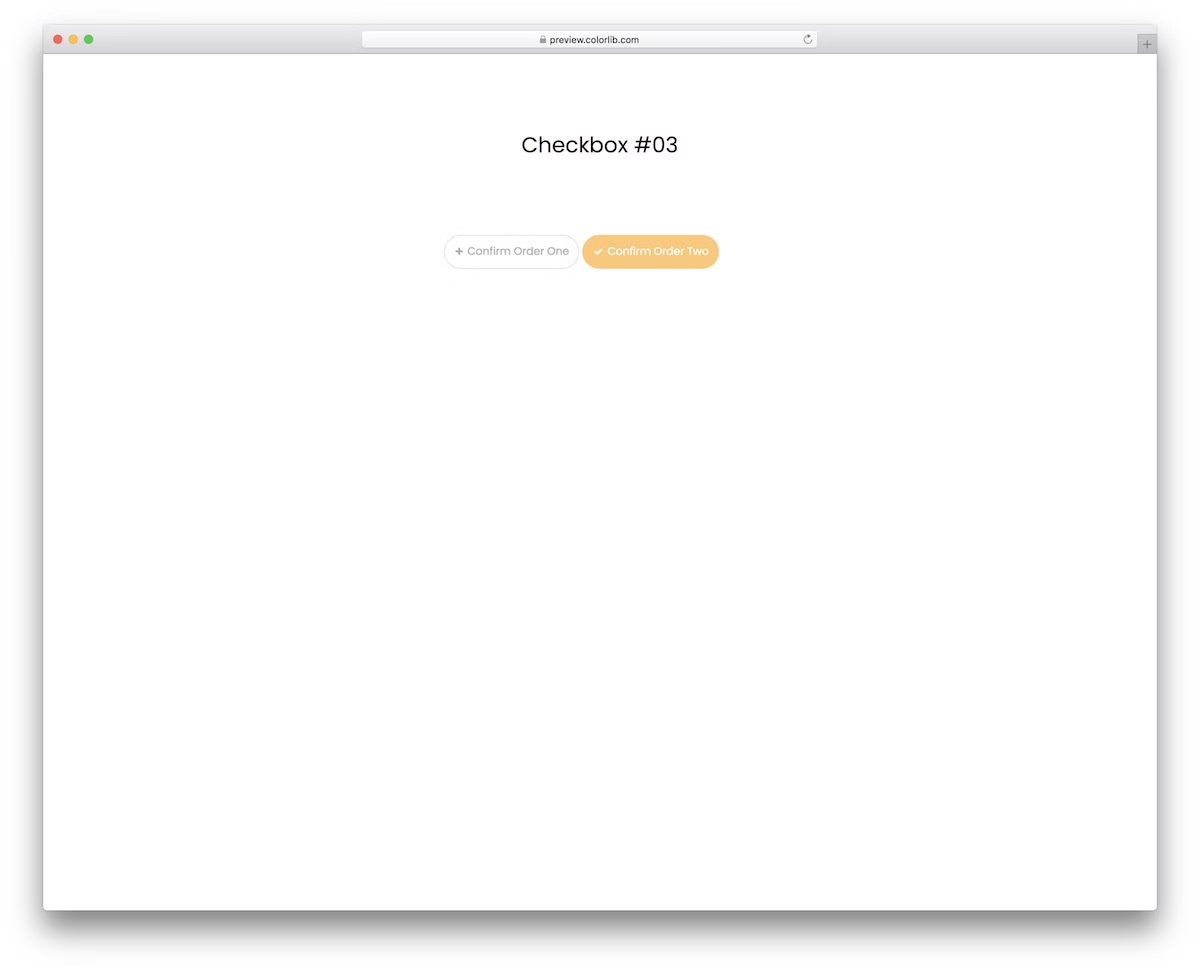
It is a modern, easy-to-use, and free order confirmation that includes animation, making it more engaging and visually appealing.
Each button also turns yellow once you select it. And you can select both.
You can do that if you want to make any customizations and improvements.
In other words, you can either use the out-of-the-box version or further configure the snippet.
More info / Download DemoCheckbox V04
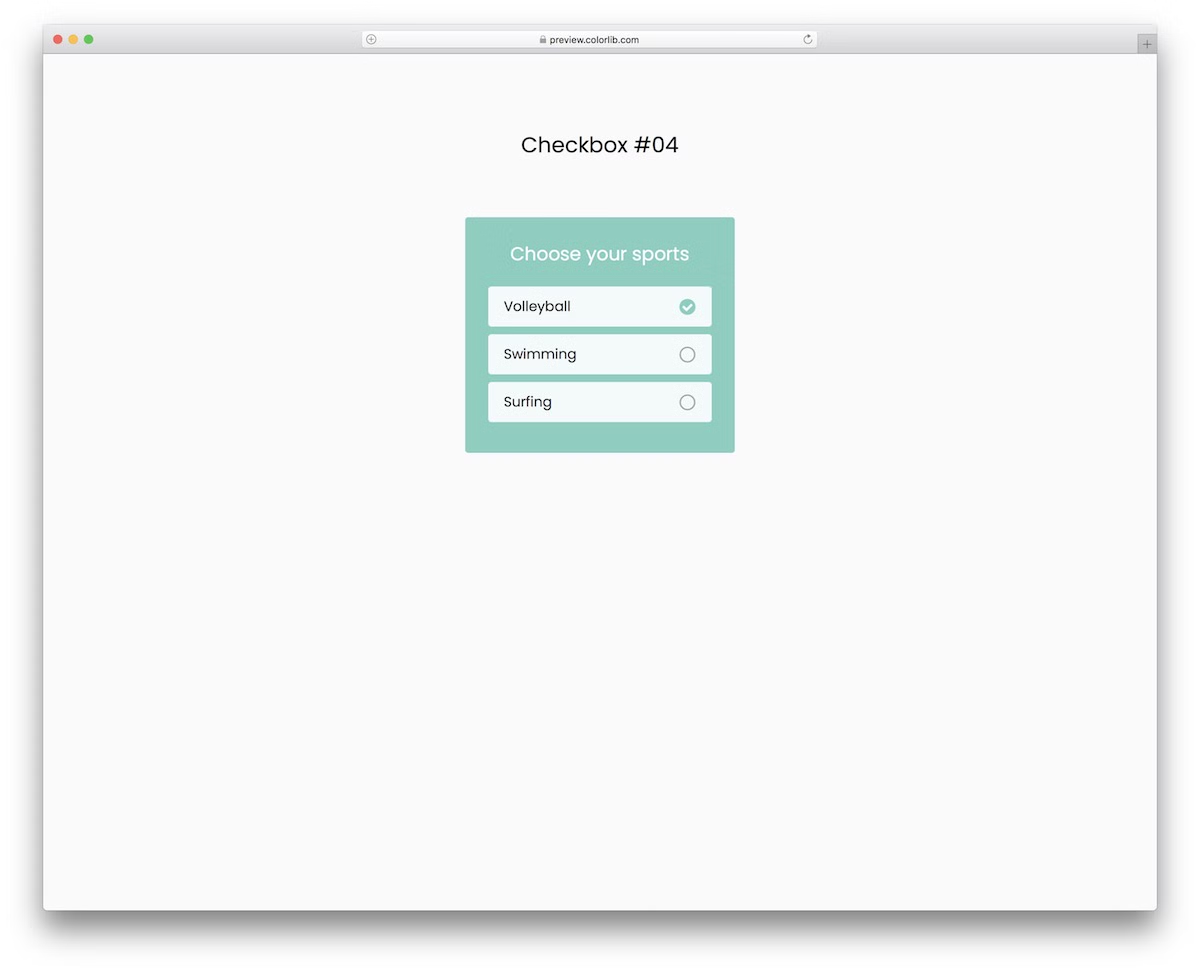
This free Bootstrap checkbox widget is responsive and functions smoothly across various screen sizes. Its framed design ensures it pops up beautifully, so the user does not miss it.
Moreover, it also features multi-selection, allowing you to opt for just one item, two, or all three.
Finally, a SIMPLE checkmark appears upon selection.
More info / Download DemoCheckbox V05

When adding checkboxes to your application, don’t start from scratch; you can use any of our Bootstrap solutions.
These come in multiple variations and designs, with and without animations, so there’s something for everyone.
This particular one is fancier, with a purple highlight and animated checkmark.
More info / Download DemoCheckbox V06
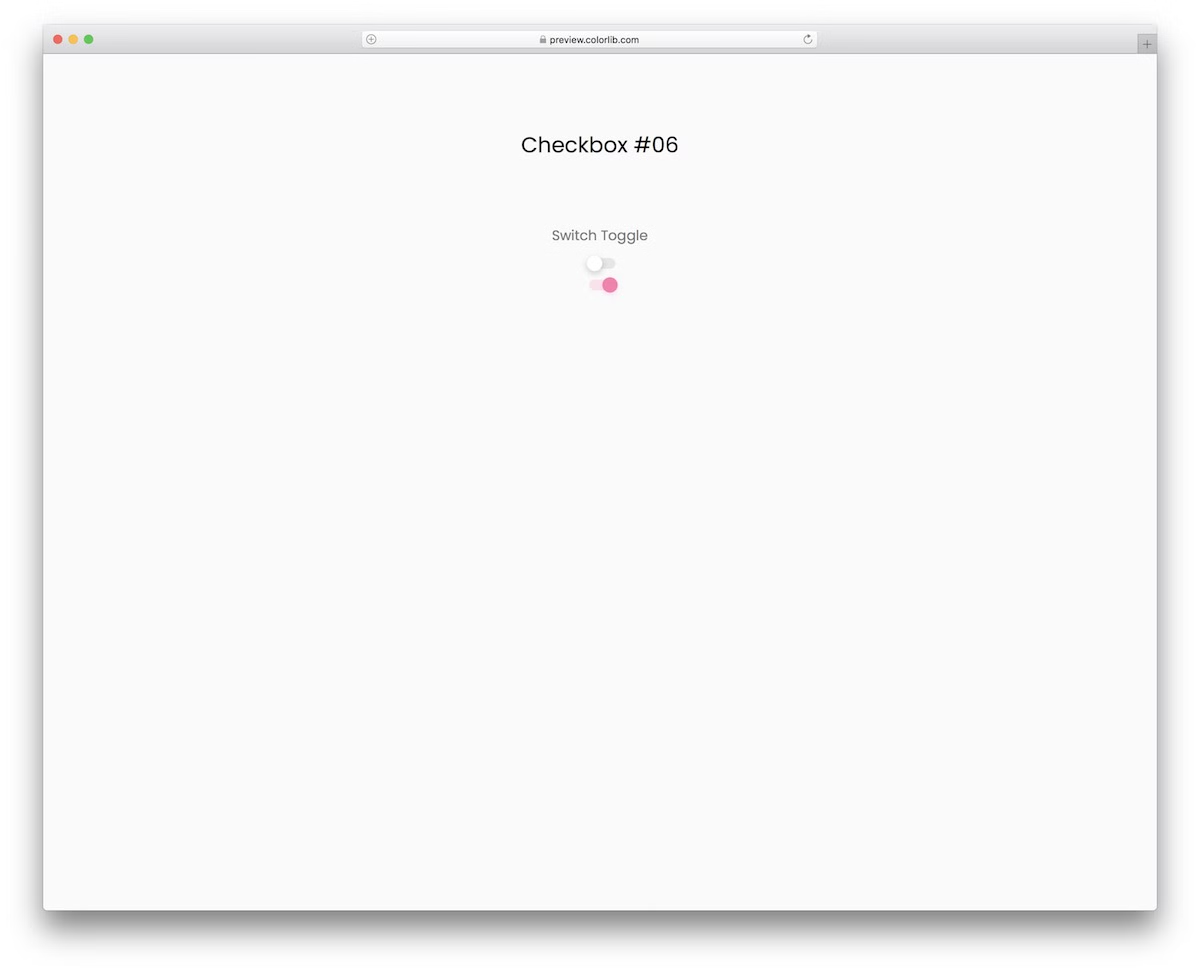
This free toggle switch snippet is great for a range of different purposes. You can use it as a checkbox or to switch on or off different application settings and configurations.
It turns pink with a nice little animation when the switch is on. Moreover, if you’d like to change anything (such as the color), you can do so without hesitation.
More info / Download DemoCheckbox V07
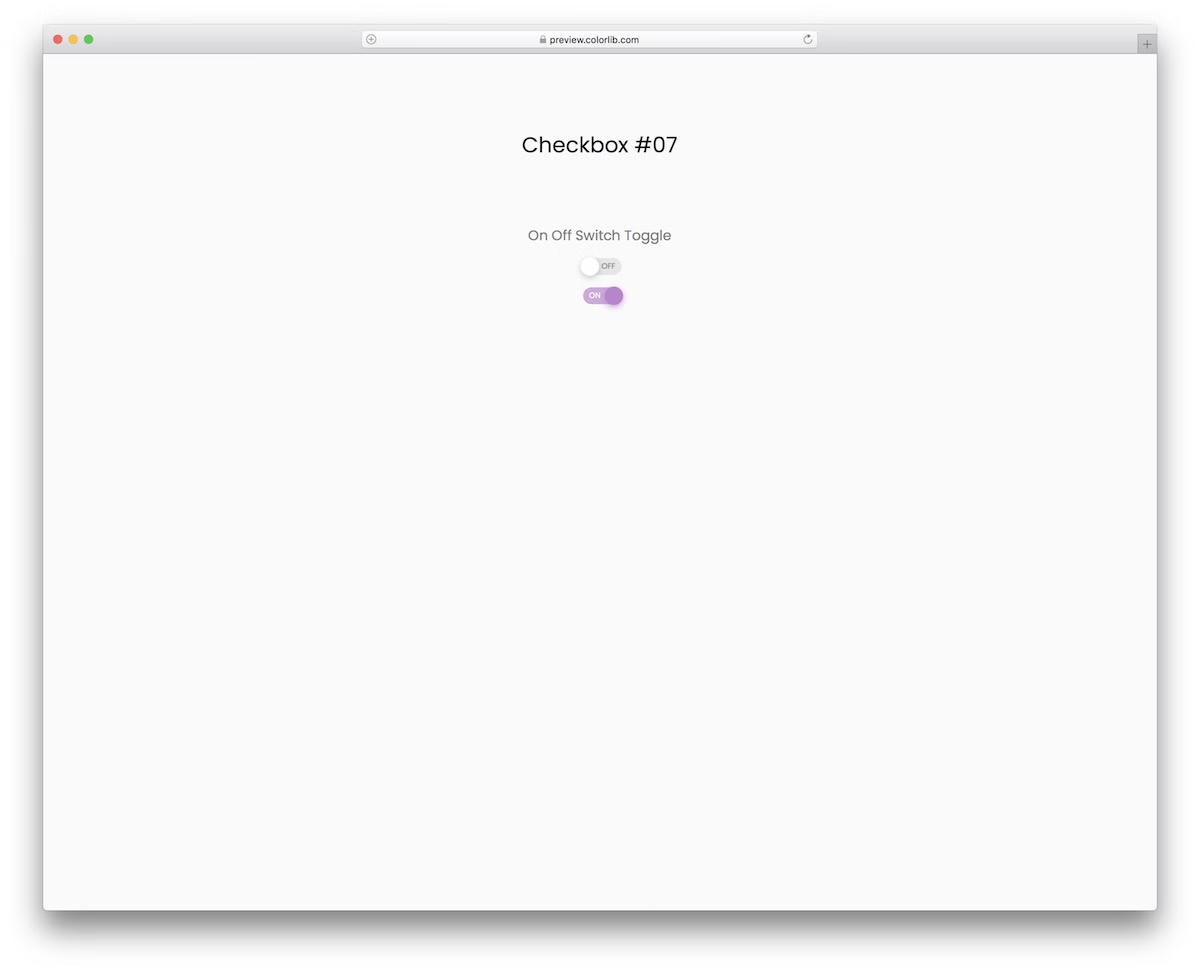
This is a similar toggle switch snippet based on Bootstrap to the above, just that this one has text in the switch.
It is pretty straightforward. It goes ON or OFF, depending on whether you select or deselect the control. When you pick it, it turns on with an animation and color change.
Embedding it into your application will also be quick due to the widget’s amazing core structure.
More info / Download DemoCheckbox V08
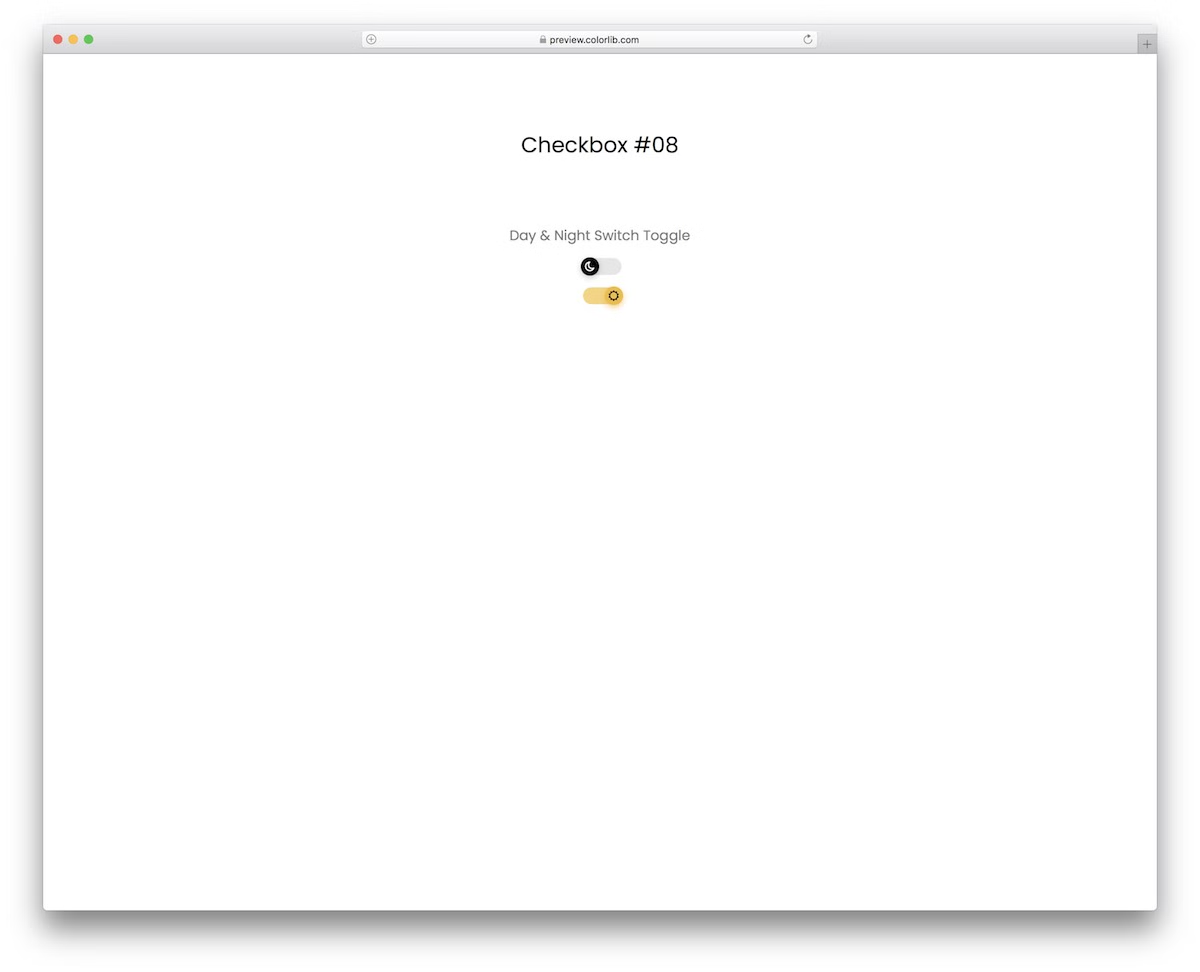
You need this toggle switch when adding a feature to your website or application that allows the user to choose between night and day mode.
You get two toggles, both with moon and sun icons and a color change (from gray (night mode) to yellow (day mode).
Its responsive nature ensures FLAWLESS operation on mobile and desktop devices.
More info / Download DemoCheckbox V09
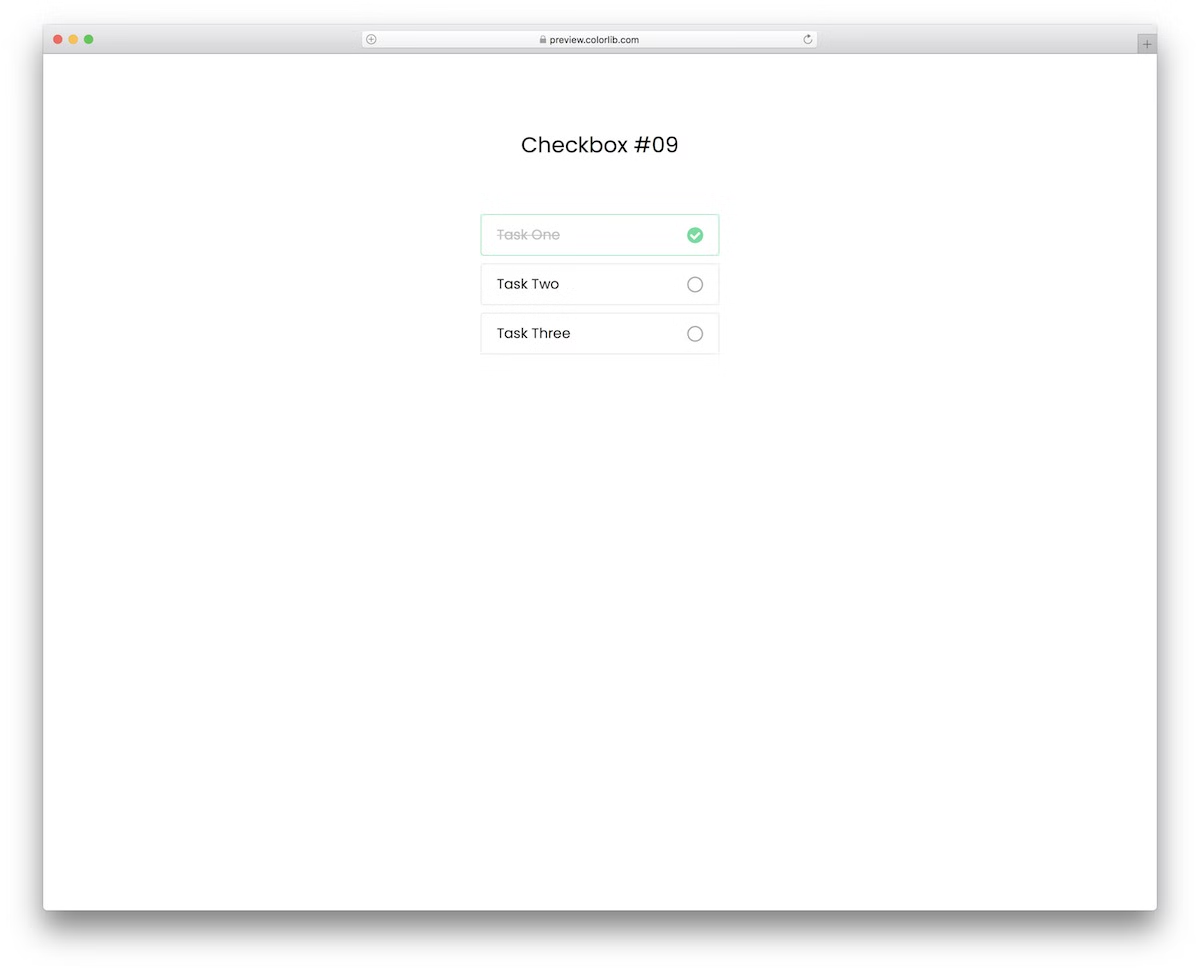
If you track your to-do list and cross off the tasks that are done, you will likely accomplish a lot more in a day than you would without.
The free to-do checkbox template features a minimalist design. It has a border for each task, a checkmark, and a strikethrough for selected items.
The text also goes from black to gray when selected.
More info / Download DemoCheckbox V10

If you are looking for something different in this collection of Bootstrap checkbox templates, you should not miss it.
As you can see from the screenshot, it is a free emoji checkbox snippet featuring happy and sad faces.
What you will use is entirely up to you. It’s important to know that you should not feel any limitations.
More info / Download DemoCheckbox V11

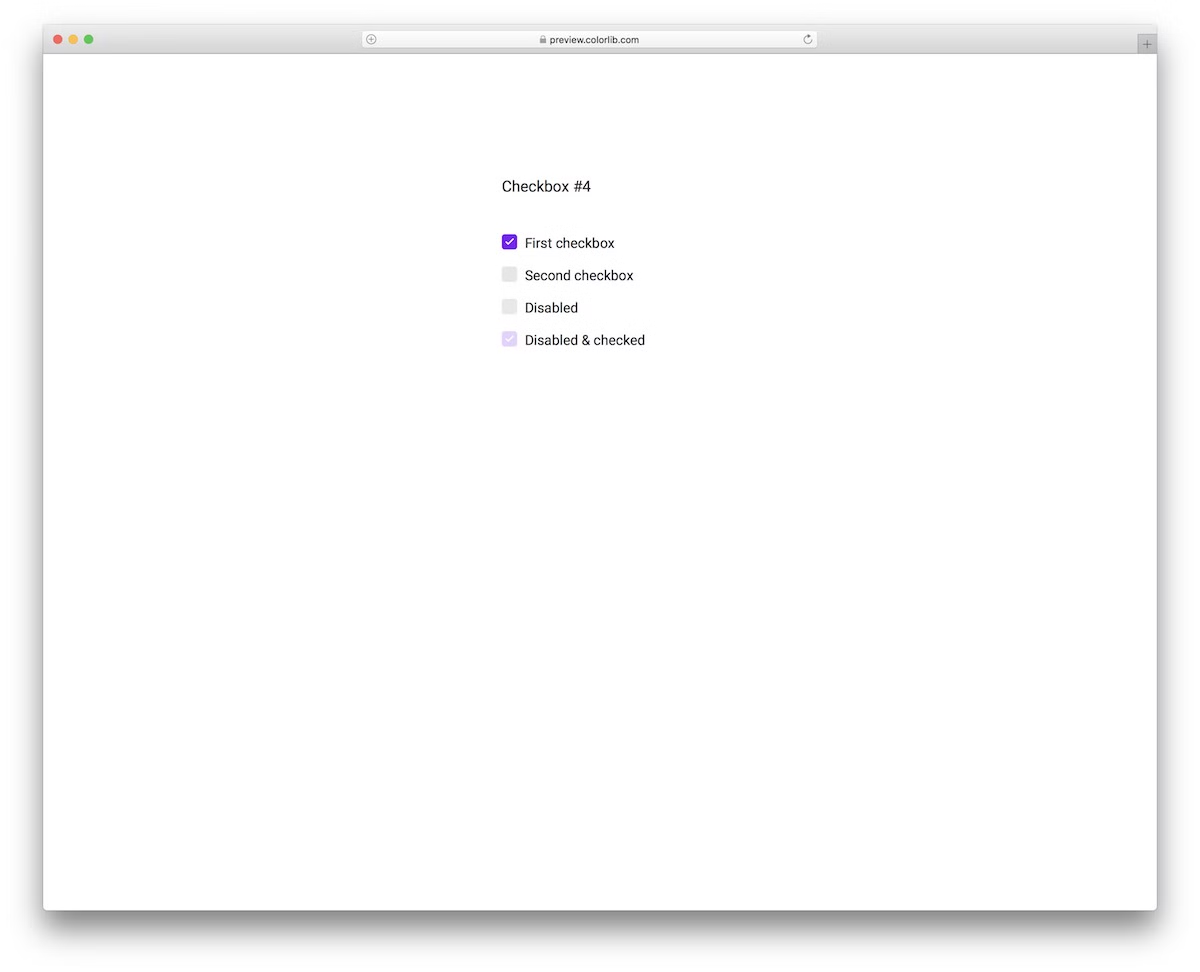
This Bootstrap 4 custom checkbox snippet gives you full control over how you want to use the checkmarks. For instance, you can disable some, mark some as disabled and checked, etc.
Additionally, the tool supports multi-selection for your convenience. Customize the text, alter it accordingly and go from there.
More info / Download DemoCheckbox V12

This free snippet is similar to Checkbox V11, except that the design is different, appearing bolder. Additionally, this one features square alternatives instead of round checkboxes.
What’s cool, both Bootstrap checkboxes are free of charge, meaning you can test them first and select the winner second.
There’s also no need to worry about responsiveness due to the Bootstrap foundation.
More info / Download DemoCheckbox V13

From square to round checkboxes, we have them all and then some. This one is the latter, boasting a minimalist design and seamlessly integrating with various apps and websites.
Checkbox V13 features a hover effect and offers to mark checkboxes with disabled or disabled and checked simultaneously.
It also supports multi-select, so your users can tick ONE or SEVERAL options.
More info / Download DemoCheckbox V14

A convenient, easy-to-use, highly adaptive checkbox list based on Bootstrap for different applications, projects, and websites.
If you stick to the default settings, youwill achieve a beautiful purple tone that appeals to the eye.
Moreover, the checkboxes are square with rounded edges and feature a hover effect when unselected.
More info / Download DemoCheckbox V15

There’s always a way of conveniently mixing simplicity with special effects, and this Bootstrap checkbox proves it right.
This widget’s unique feature is how the checkbox turns into a tick on selection and vice versa. Additionally, it features the ability to disable checkboxes or make them appear as if they are checked but disabled.
More info / Download DemoCheckbox V16
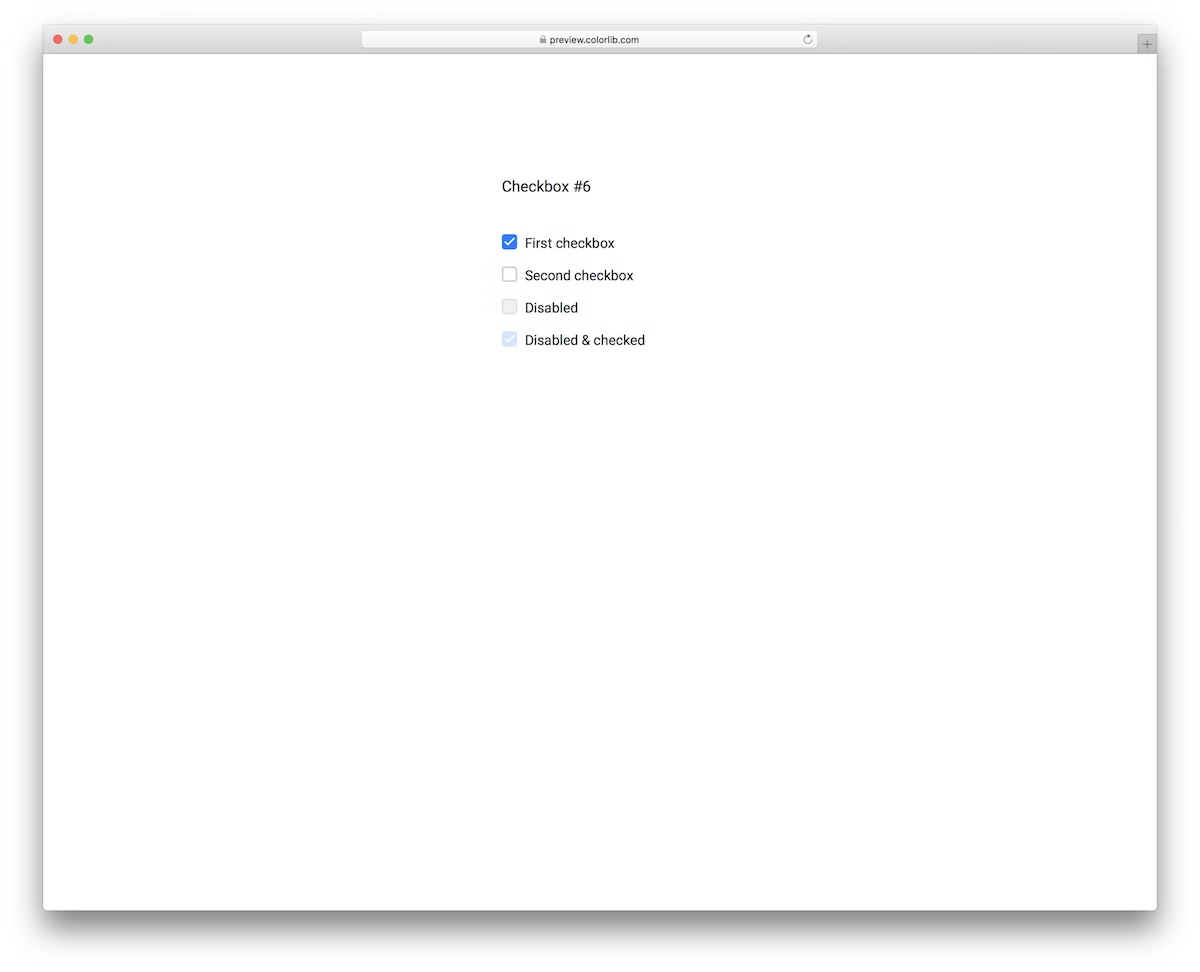
Checkbox V16 is the perfect free snippet for those who prefer a more minimalist look. The checkboxes are simplistic, with a hover effect and rounded edges. The disabled and checked options are also available to activate or skip.
You can also A-test it on a mobile device, to witness how SMOOTHLY it performs before hitting the download button.
More info / Download DemoCheckbox V17
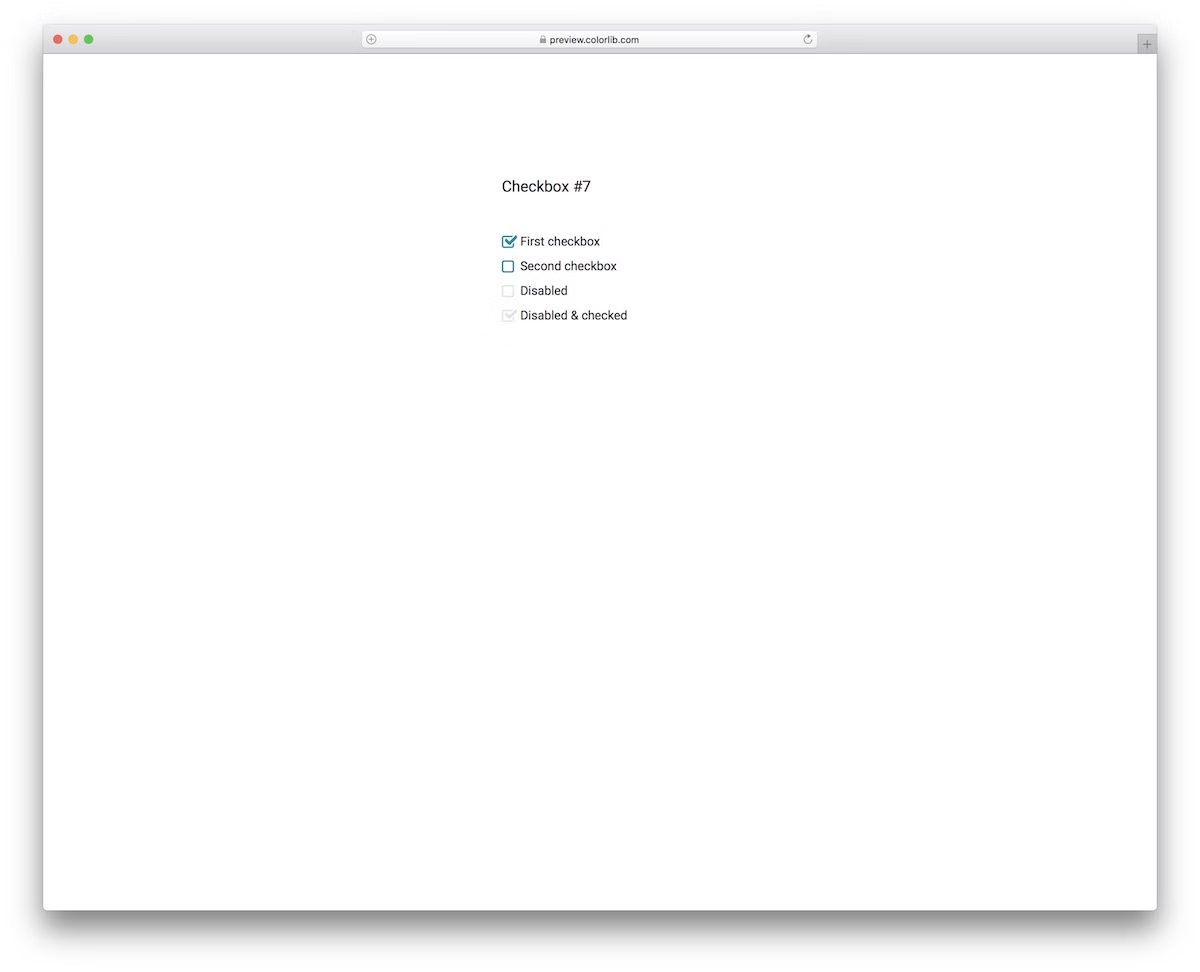
This checkbox animation template is ideal for those who prefer simplicity with a touch of creativity. Instead of working on it from the ground up, you can enjoy smooth execution with a quick embed into your project.
While you are welcome to use the default configurations color-wise, you can also make modifications to match your branding directions.
More info / Download DemoCheckbox V18

With these toggle buttons, you can enhance the user experience by providing a convenient way to switch things on or off.
From going off to on or the converse, the toggle changes the color smoothly, from white to green.
Like previous templates, this one also has an option to disable the switch or mark it as checked but disable its functionality.
More info / Download DemoCheckbox V19

At first glance, these two are almost identical, but their performance is not. Each toggle button features a nifty little ANIMATION when it goes from off to on – it also changes the color from light to green.
Even the disabled seem alive when you click on them, but they don’t switch.
More info / Download DemoCheckbox V20
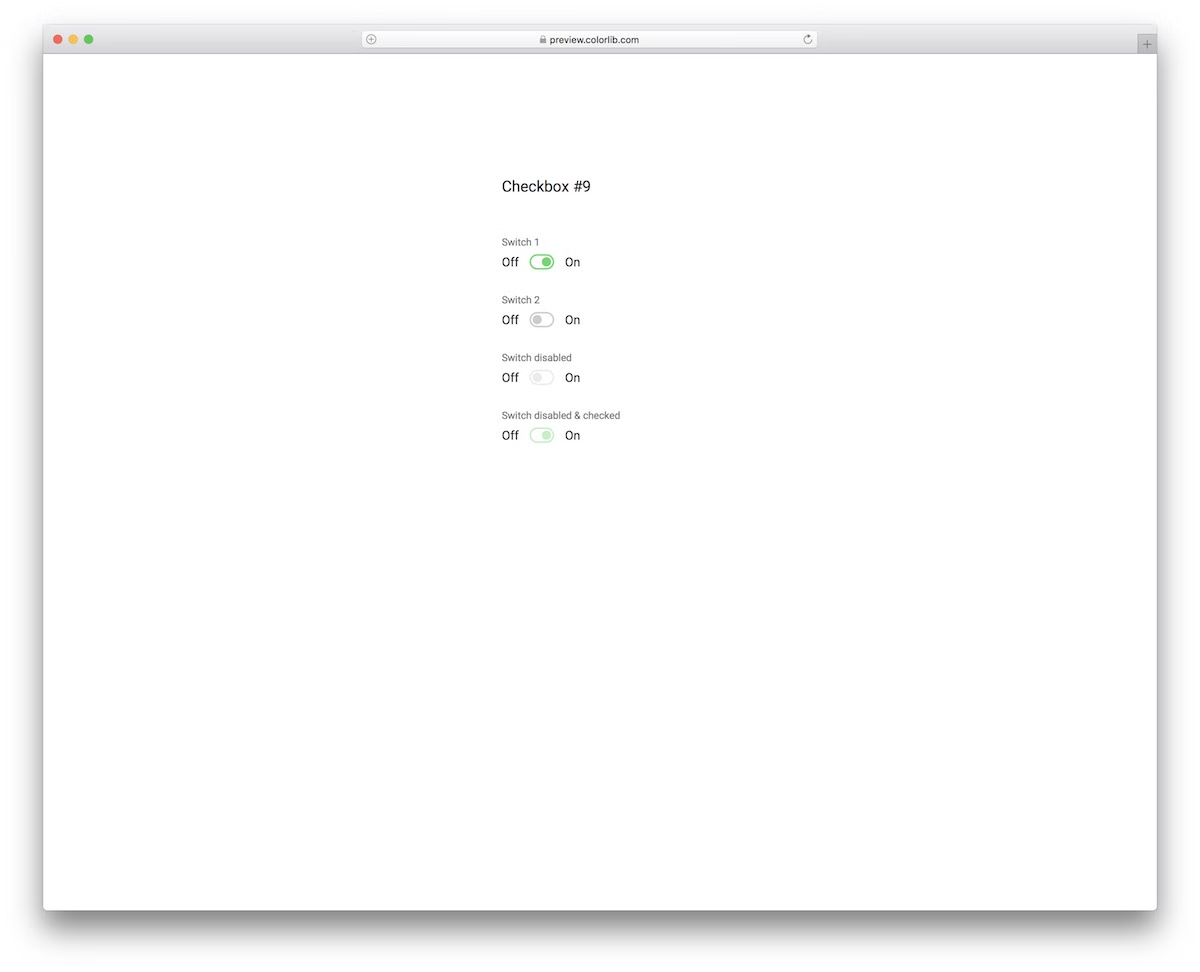
Here is another superb variation of an on/off switch toggle template based on the Bootstrap Framework.
With its neat functionality when switching from on to off or vice versa, the free snippet keeps things basic but has a unique effect.
The user can play with the active ones, but cannot change the disabled or the checked and disabled ones.
More info / Download Demo
Related Posts

Hi, how are you? How van i add this style to each post in my wordpress site? I need it to list ingredients in a recipe
I liked this list: https://codepen.io/1tavanom/pen/JNGejy
Thanks!