
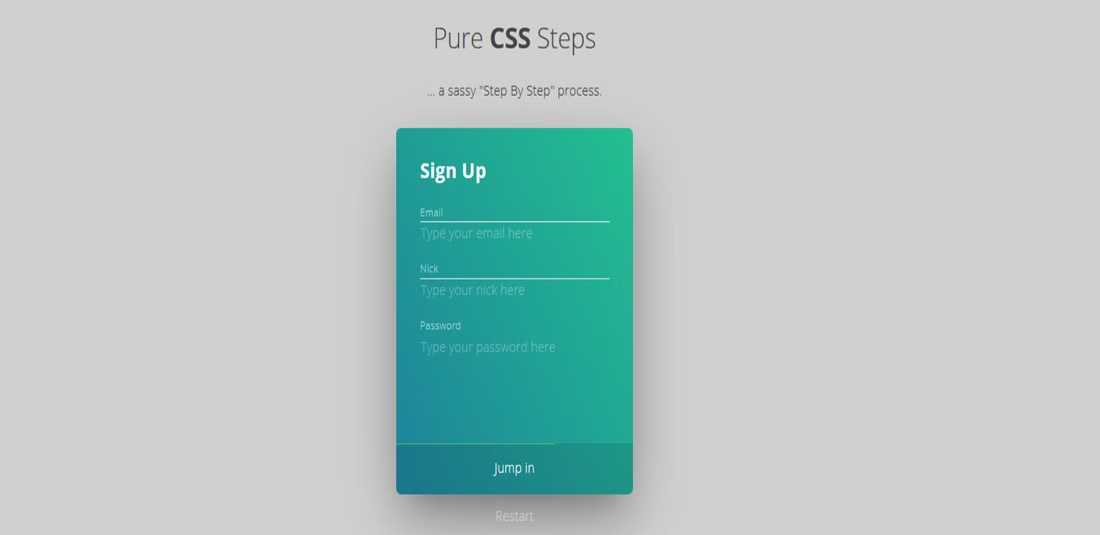
36 Free Bootstrap Wizards & Multi-Step Form Templates 2026
These free Bootstrap wizards and multi-step form templates split long forms into short steps for sign-ups, hotel and table bookings, course registration, job applications, checkouts and reviews.
The list now has 36 items. We rebuilt the 30 Colorlib wizards as dependency-free HTML, CSS and a few lines of vanilla JavaScript, so the steps work without a plugin, and several now use the browser’s own validation and date pickers. Six newer multi-step snippets at the end add a checkout, a survey with a review page, a job application, a step progress bar, a checkout breadcrumb and a one-question-at-a-time survey.
Each is a free download with a live demo and looks the same on its own or inside a Bootstrap 4, 5 or 6 project. Tips on building a wizard people finish, and answers to common questions, follow the list.
Best Free Multi-Step Bootstrap Wizard Templates
Colorlib Wizard 1
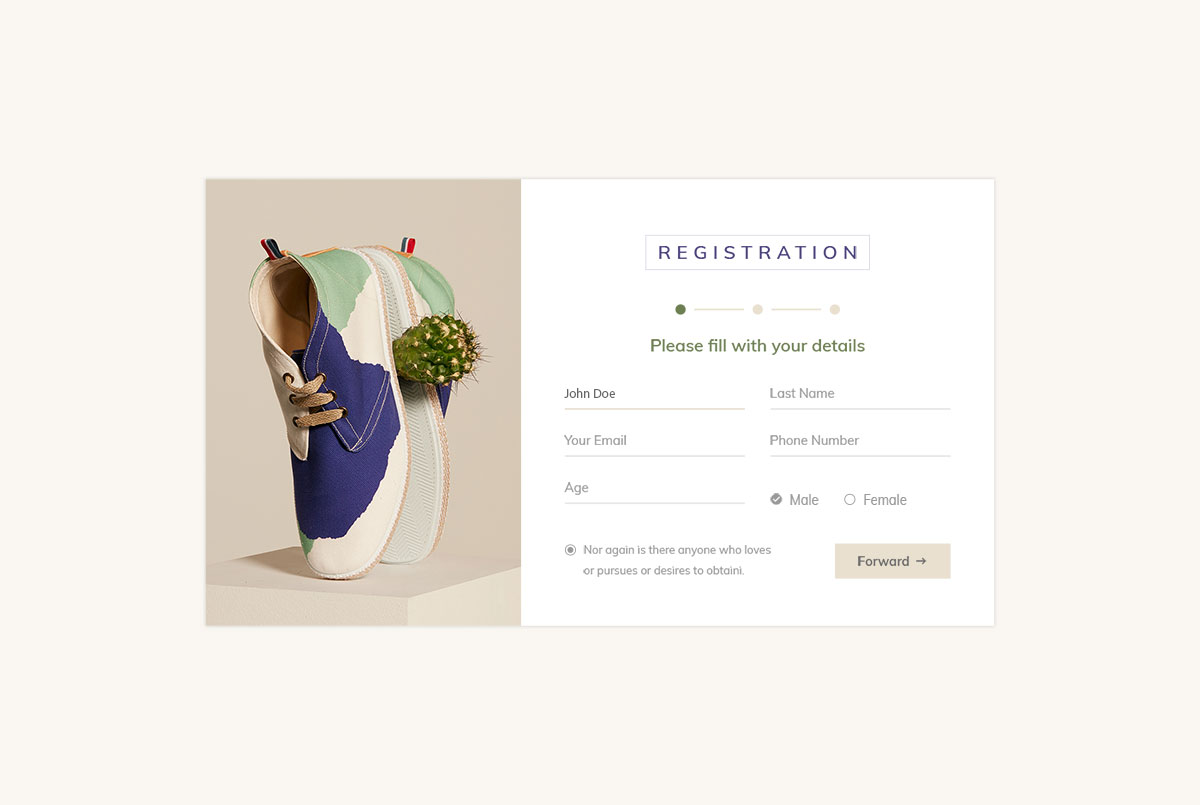
This is a stunning and free Bootstrap wizard that you can use for various purposes. Out of the box, it might be ideal for an online shoe store, but you can quickly alter it and utilize it for something entirely different.
A fantastic registration form takes the user through a three-step process to complete the registration. The transitions are executed SMOOTHLY, almost gently.
It also comes with a country picker, which works without a plugin, and an additional checkbox that you can use to encourage users to sign up, for example, for your newsletter.
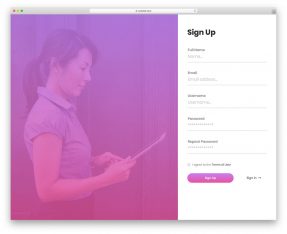
Add a visually appealing picture on the left side to make the process more pleasant.
Colorlib Wizard 2
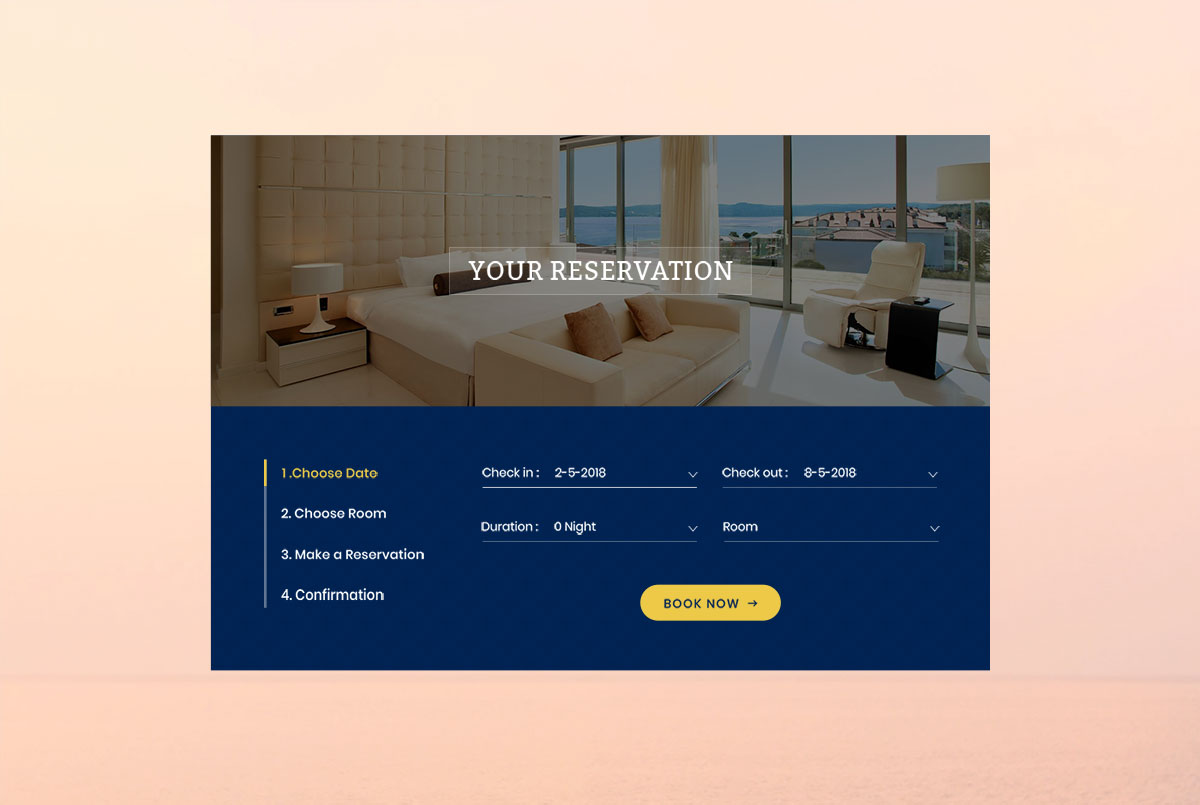
When building a hotel website for a client, it’s essential to include a booking/reservation form to help them stay organized.
On the other hand, a potential client can quickly book a room for their next vacation or business trip with a reservation form.
Instead of building your one, this free Bootstrap wizard will trick you. To complete the reservation, there are four steps.
First, they choose the date. The date fields use the browser’s own date picker, so phones get their native calendar. Second, they select the room. Third, they make a reservation. Last, they confirm. The form is also accompanied by an IMAGE SECTION above with text overlay.
Colorlib Wizard 3

Sometimes, a registration form comes as a pop-up, sometimes as a small section on a website, and sometimes as a full-screen page. This one is very enticing and sparks interest.
More than half of the space is dedicated to a picture that you can use for various purposes. You can even create a banner that delivers more information about the special event, show, or gig your host is hosting.
However, as far as the form goes, it ALREADY provides the main data about the event, plus all the required sections for you to register.
It also comes with social media links to increase their potential to connect with you.
Colorlib Wizard 4

Our next free Bootstrap wizard is ideal for schools, universities, and colleges. It can also be used with your online course programs. Indeed, it is a course registration form with a modern, sophisticated, and mobile-inspired look.
To make it appear even COOLER, you can add an image of a student who is always excited about learning new things.
The form includes all the necessary fields, such as the instructor’s username, college/department, term, and the student’s other personal information.
The progress bar at the bottom will always keep you informed, so you know exactly where you are with filling out the form. The gradient color links it all together beautifully.
Colorlib Wizard 5
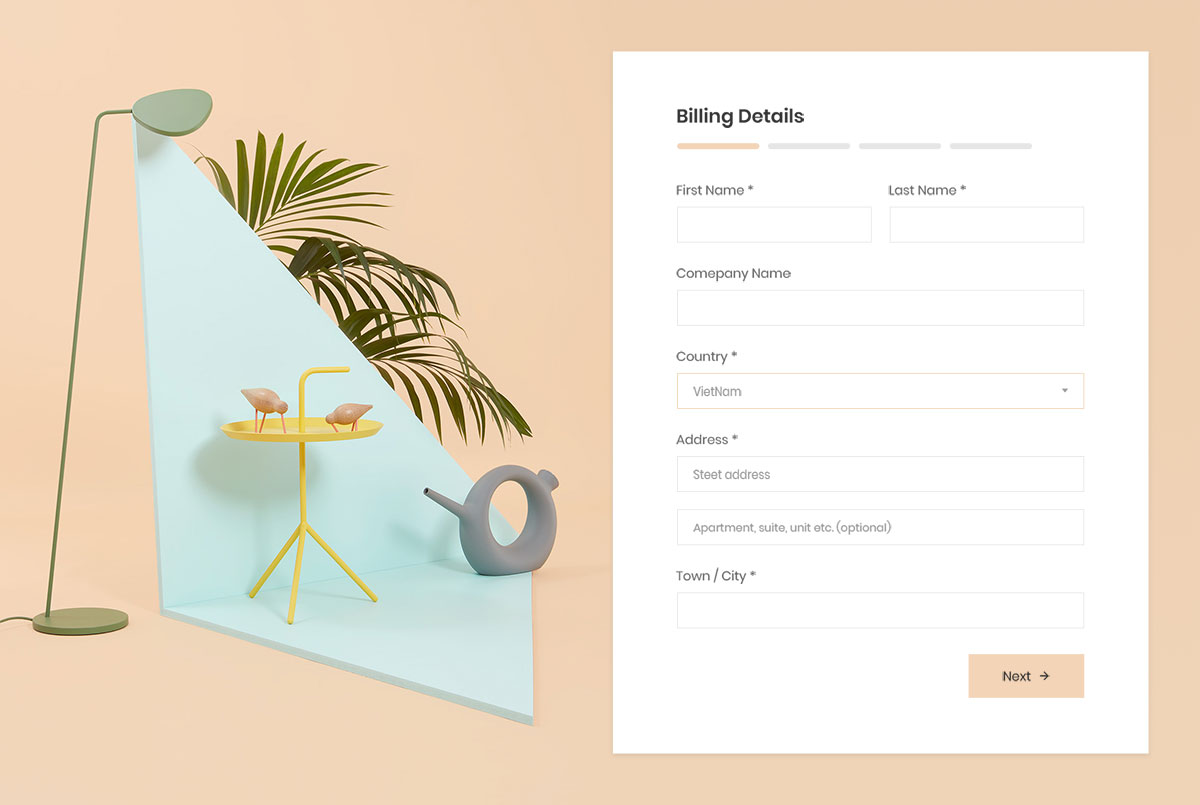
If you are a furniture store or offer particular industry services, you should consider this free Bootstrap wizard billing form.
When you have it here, there is no need to build one yourself; it is ready and set for you to utilize it. And it costs you nothing, so there is no reason to wait and pick another one!
Lovely scenery is accompanied by the MINIMALISTIC form that comes in four steps. They will have a smooth experience providing the details you require to complete the order.
Moreover, if the client purchases for the first time, a checkbox prompts them to create an account instead of ordering as a guest.
Colorlib Wizard 6
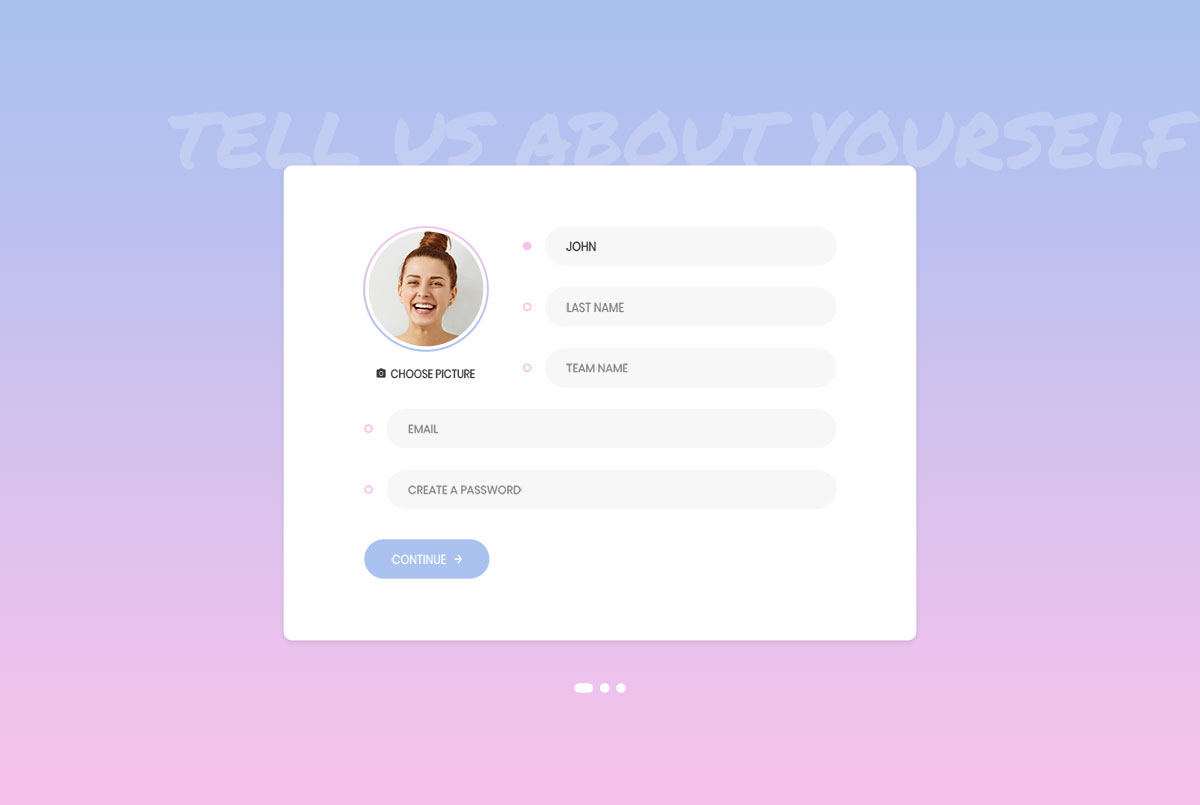
Contemporary looking, mobile-friendly and light (a 173 KB download, down from 2.2 MB), get your registration form sorted out with this neat free Bootstrap wizard.
Avoid building once from scratch and have the design ready immediately. Edit it according to your needs and branding regulations and have an active version ready sooner rather than later.
Colorlib Wizard 6 is packed with goodies that will surely IMPRESS you and make you download it immediately.
The tool even features a picture upload option, allowing users to upload their avatars directly from their computers.
Colorlib Wizard 7
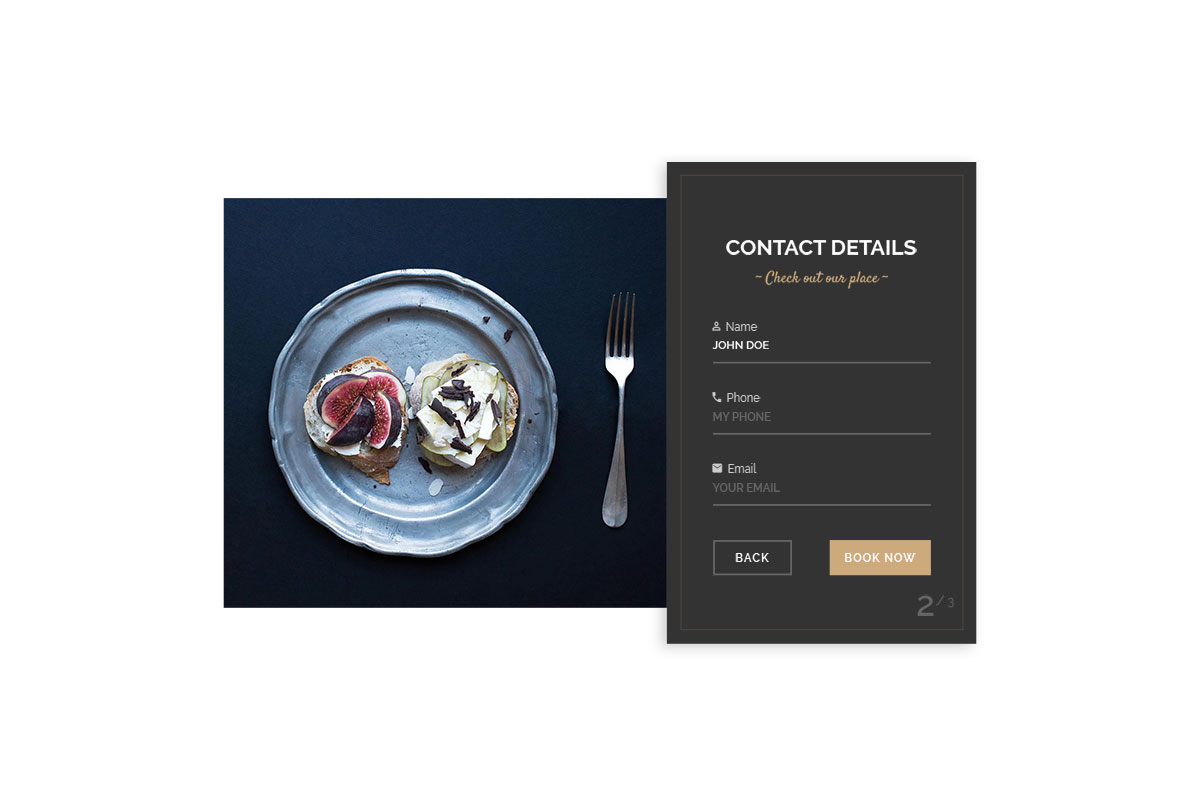
Restaurant owners and other folks in the food business, get a booking form wizard that is very appealing to the eye. It includes both an image and a three-step form.
You can use the image to water their mouths, while the latter eases the process of making a reservation and ensures safety rather than regret later.
Choose the number of people you bring and benefit from the form’s integrated date and time pickers. Provide basic contact information on the second step, and the third is confirmation.
You can use a DIFFERENT image of your dishes on each step to make them want to visit you ASAP.
With a table ready and set, the unforgettable experience begins.
Colorlib Wizard 8
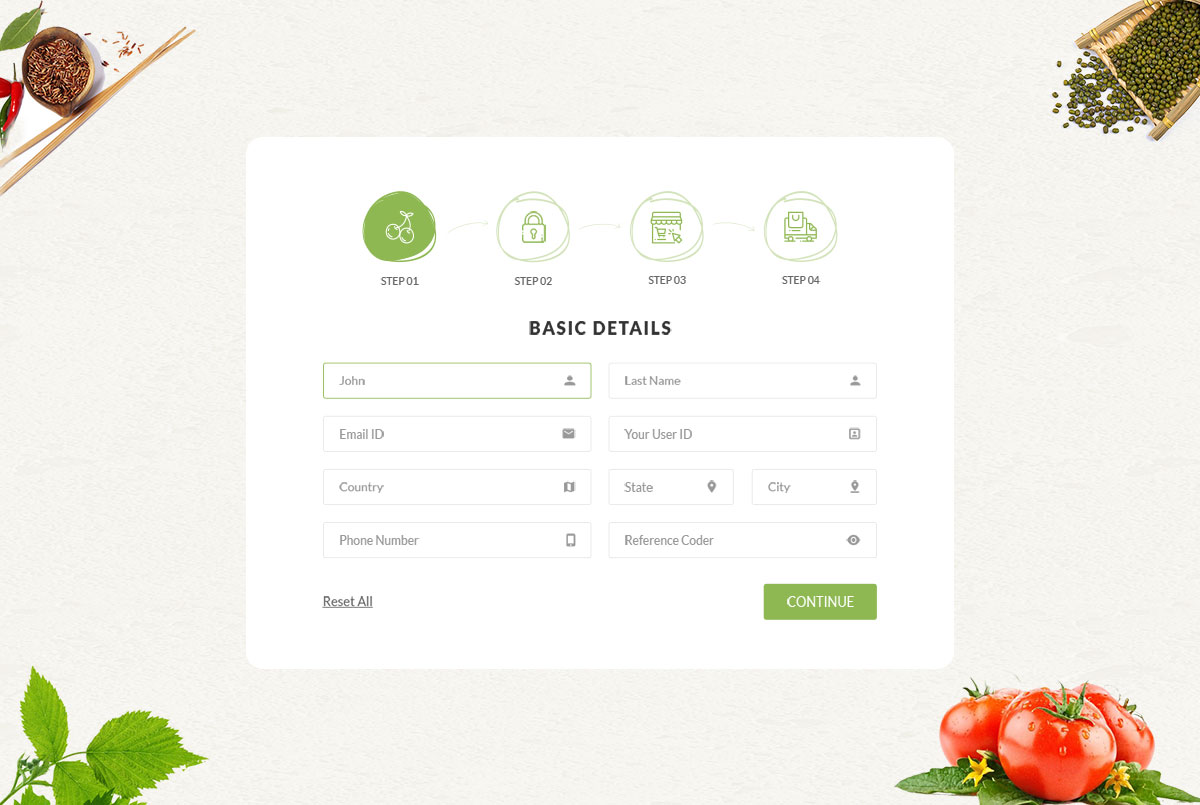
As a food store owner, MAKE SURE your registration, checkout, and every page section align with your branding and theme.
For the registration form and new account creation, here is a fine, elegant, stylish free Bootstrap wizard that covers everything and then some. Even the show-password toggle works without jQuery.
The template, which includes the necessary details and password creation/change for the cart and cart totals, will greatly benefit you.
Of course, you can further alter it and make adjustments as needed. There is no need to adhere to the default settings if they do not precisely align with your regulations.
Colorlib Wizard 9
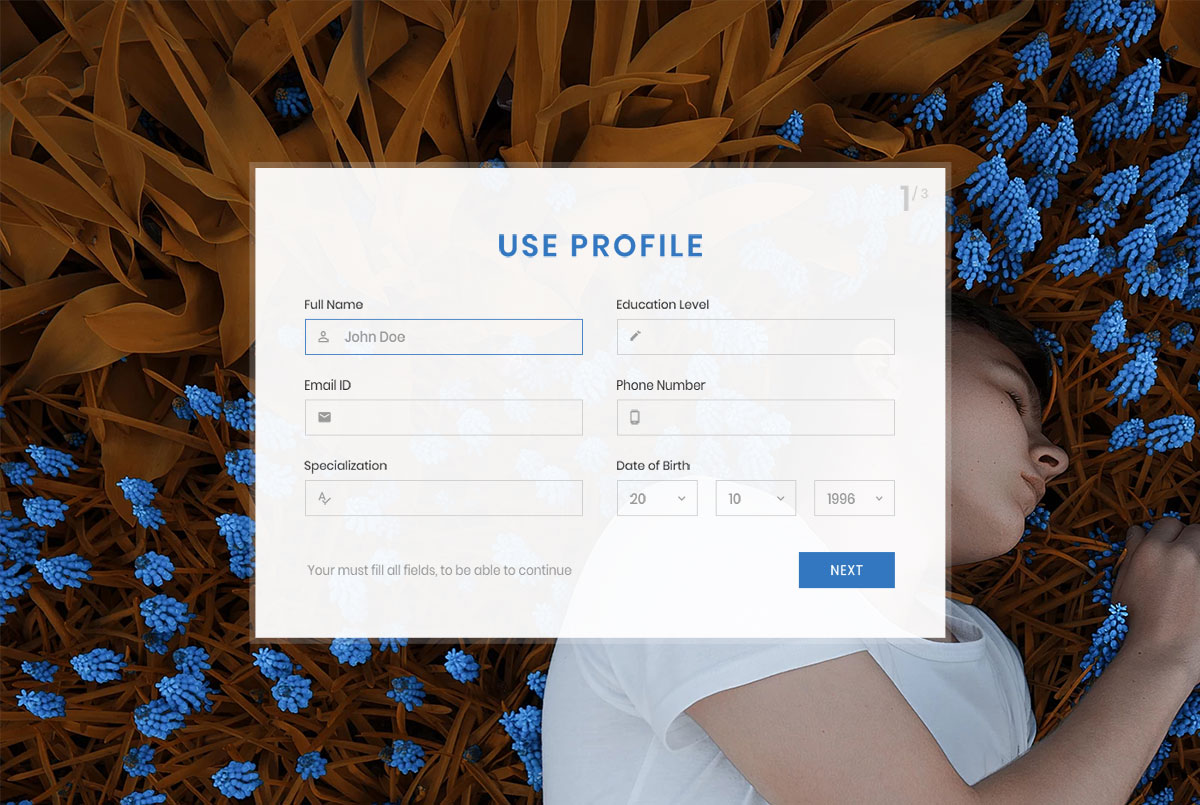
If you build a community of loyal members and followers, get them to join your platform in style. We have a free Bootstrap wizard that you should surely not miss to create a beautiful user profile creation process.
After all, it does not cost you a dime, so there is no real reason not to download it. If not with the current project, you may want to consider using it with your next one.
Always have a collection of tools on hand, so you always keep your workflow at the highest degree. This particular wizard features an image background and a clean, minimalist form.
Colorlib Wizard 10
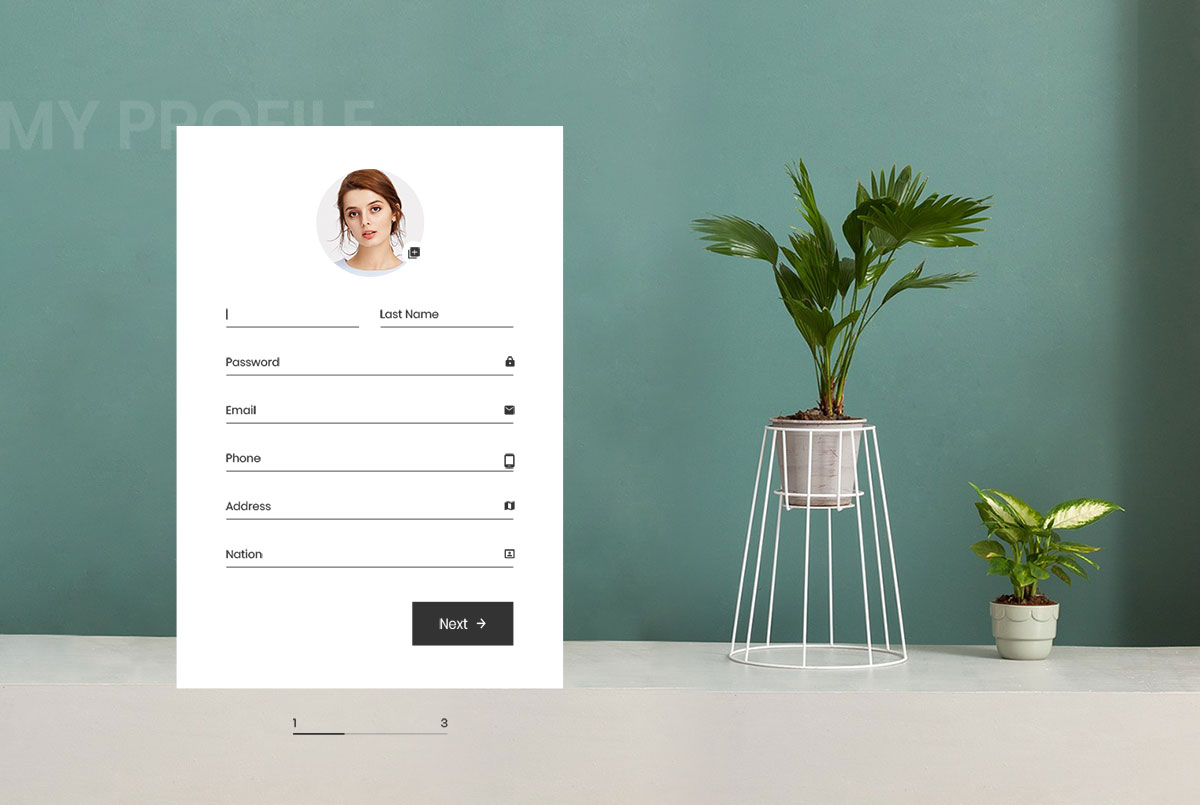
Offer your users and customers the opportunity to create a profile on your website where they can track and manage all their orders and other things. This form will trick them into providing their personal and payment information.
Get it now by downloading it for free and using it immediately. See the difference immediately after filling it with your signature style and company branding, making it stand out from a mile away.
If you are serious about your business, you will want all segments acclimatized to your style and tone.
Colorlib Wizard 11
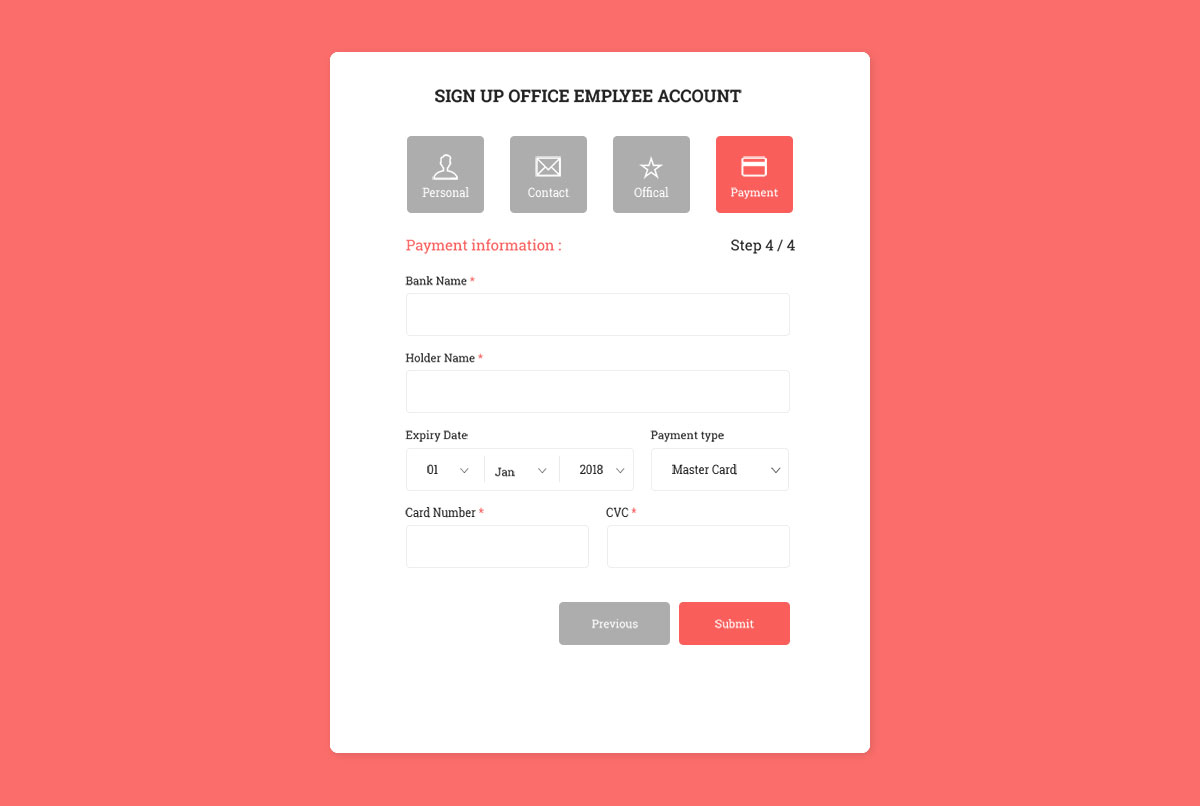
When creating a portal for job seekers, freelancers, and others willing to get employment online, here is a form that helps create user accounts. It includes all the mandatory components for a comprehensive employee account.
From personal information and contacts to official details and payment, it is ready to be added to your website and have your registration procedure fully sorted out.
In addition, the form is responsive and works in all modern web browsers. Its drop-downs are real select menus, so their values are sent with the form, and the steps work without a plugin.
Colorlib Wizard 12
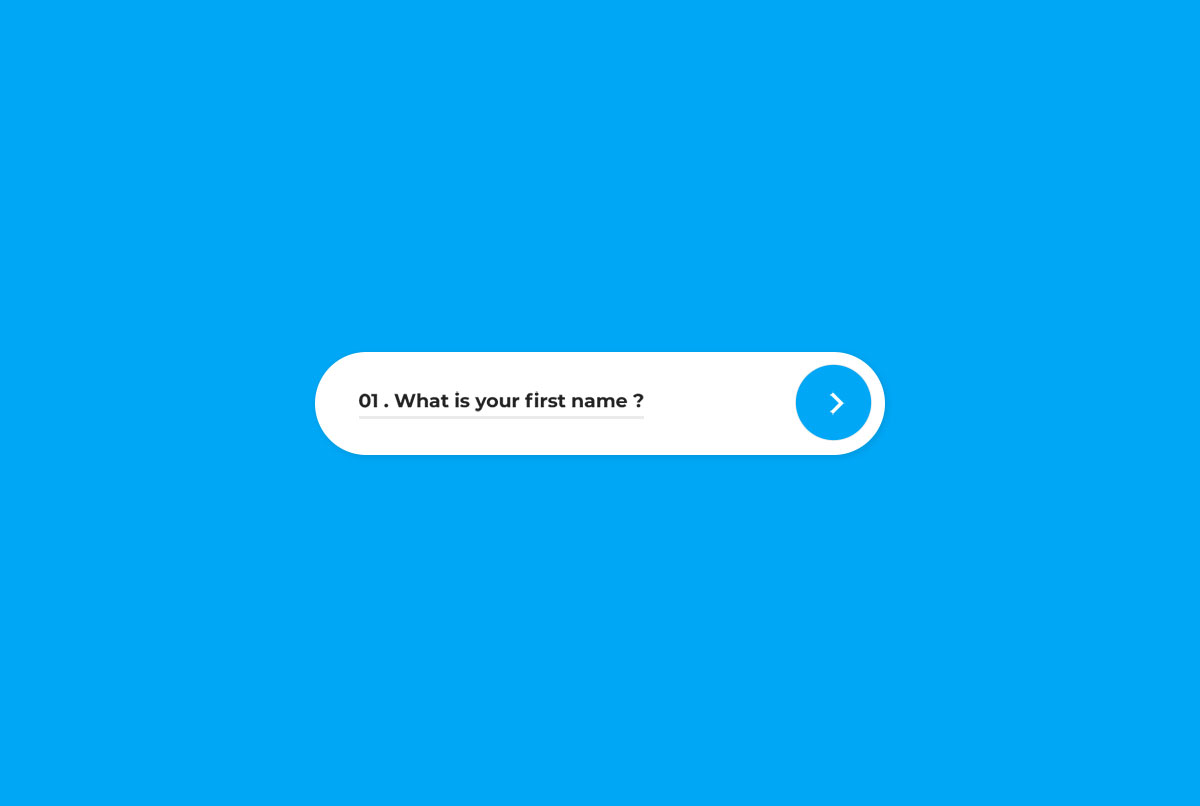
To simplify registration as much as possible while keeping it MODERN and INNOVATIVE – fun, too! – this is the free Bootstrap wizard that you should look into.
There is very little going on, which is what differentiates it from the other tools on this list. Even if it almost feels like you would be using your mobile device when filling out the information on a desktop.
Each section consists of just one field, even when repeating the password, which is super convenient. Validation uses the browser’s built-in checks, shown in the design’s own style. But do experience it yourself first and see how cool it is.
Colorlib Wizard 13
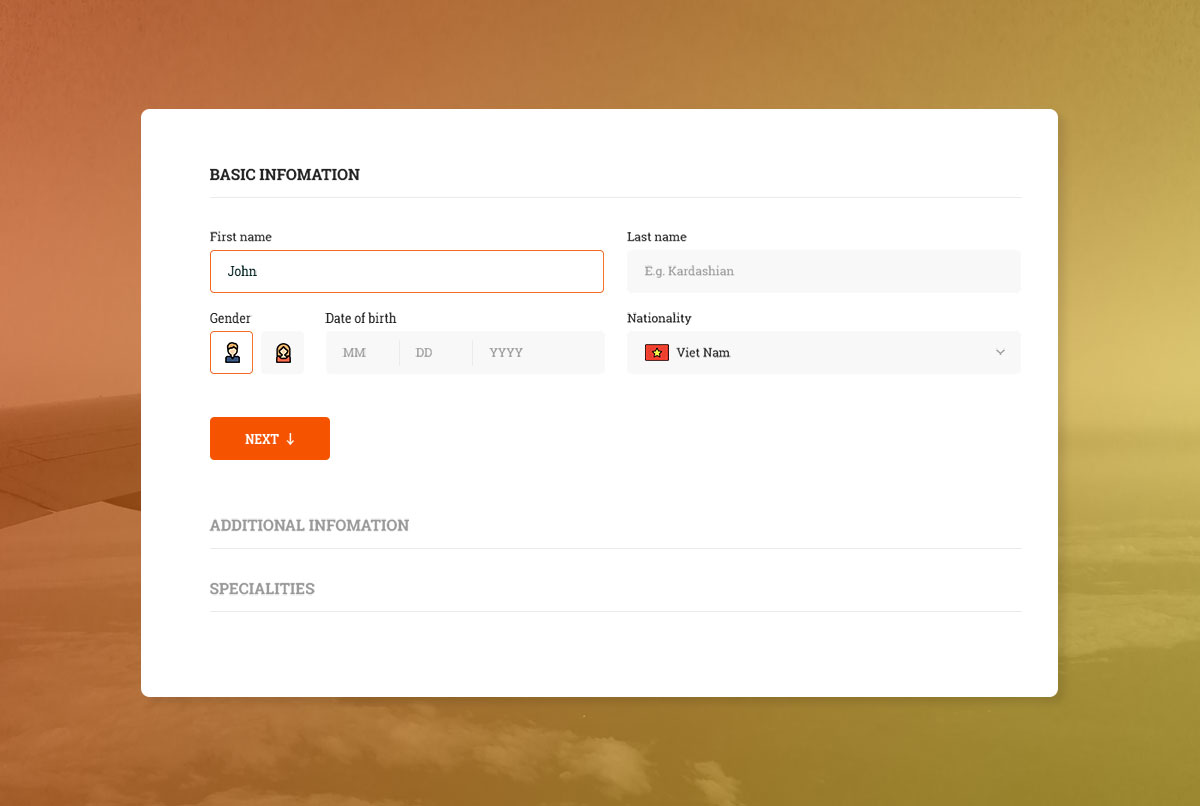
As a growing company, you may start seeking new people to join your team and expand even further. If that is your situation, have people enter a particular position using this nifty form and keep things organized.
As a busy businessman or businesswoman, organization and focus are key to running your firm seamlessly and not constantly feel overwhelmed with tasks and information.
Thanks to free Bootstrap wizards, you can AUTOMATE one part of your business and receive applications in an orderly fashion.
However, if you dig this particular wizard but your intentions with it are different, feel free to modify it to suit your requirements.
Colorlib Wizard 14
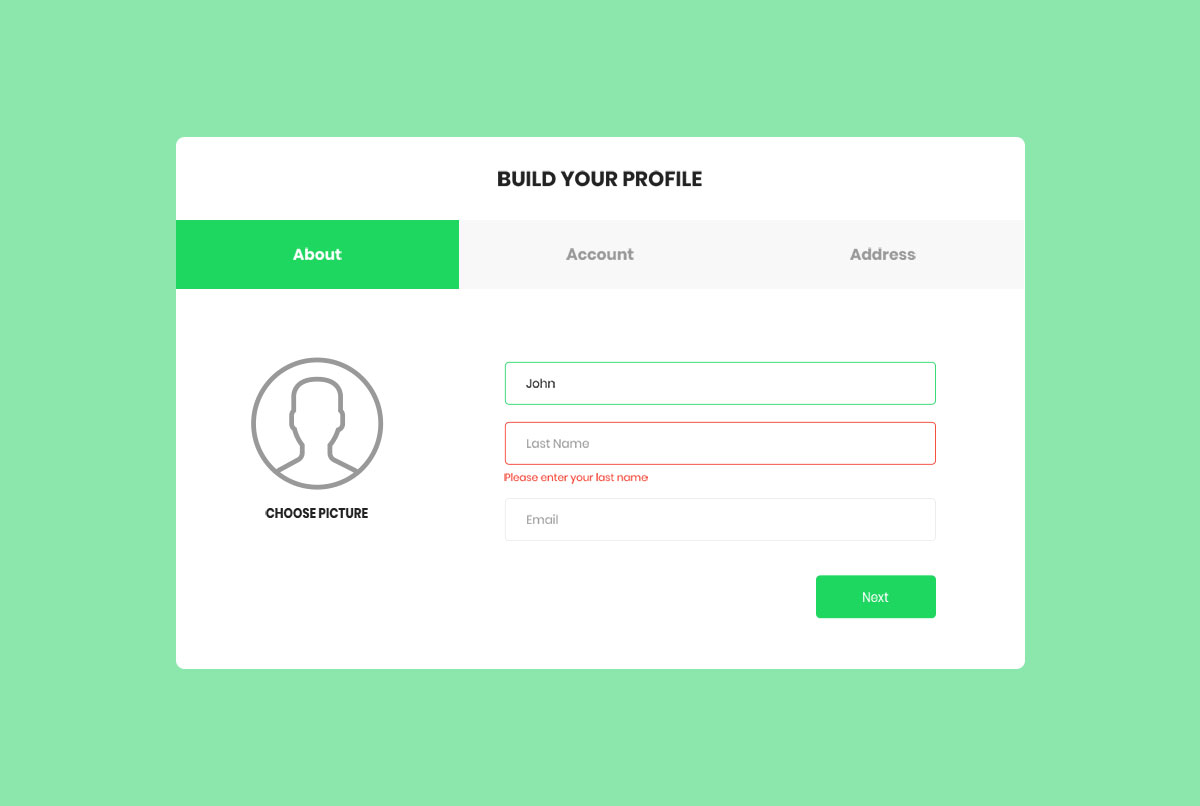
These free Bootstrap wizards could suit any website you already run or are passionately working on. Even if you work with a client, these will be very helpful.
A VIVID and up-to-the-minute form for profile building is ready and set for you to employ.
This wizard would be a perfect fit for a freelancing platform, where designers, developers, coders, graphic artists and other professionals can sign up to offer their services.
It even ALLOWS the user to select a profile picture from their computer. It is simple to use, but its effect on your web platform can be highly rewarding.
Colorlib Wizard 15
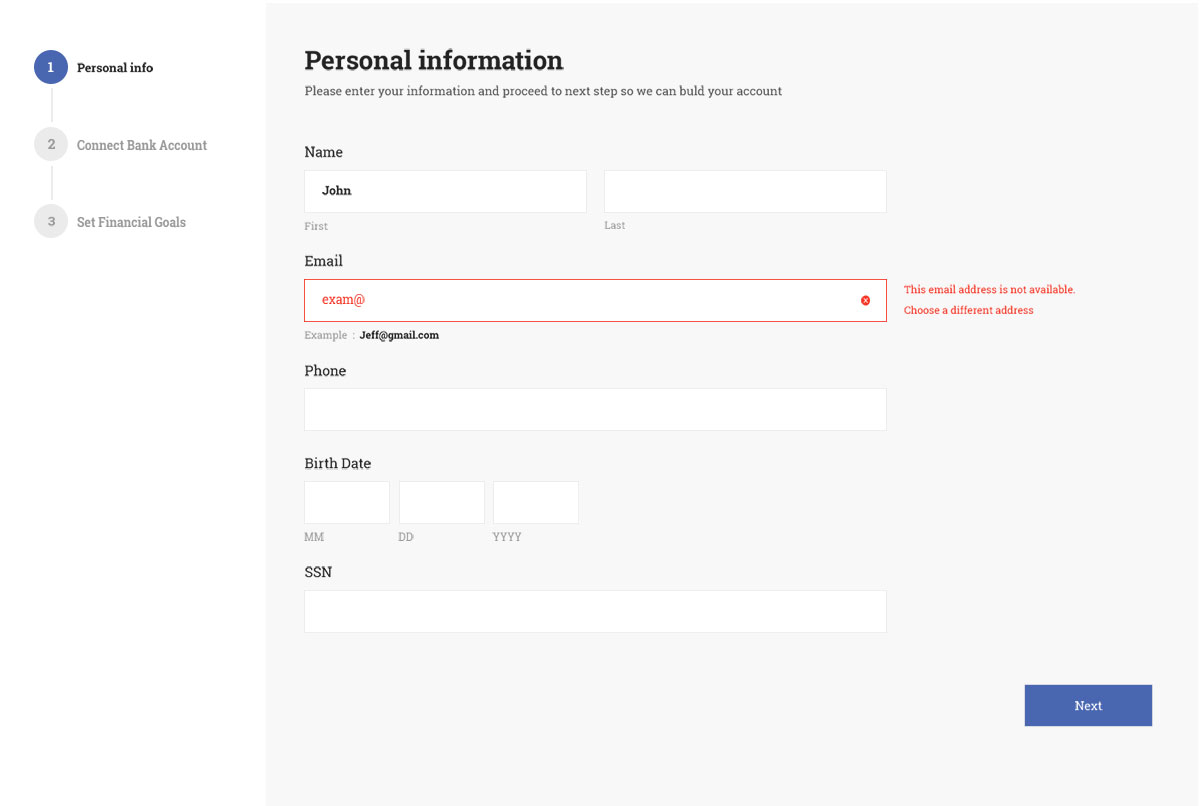
For bankings and other financial projects you are bringing into being to get people to join and benefit from, here is a dedicated free Bootstrap wizard to use.
No need to look elsewhere, this one has it all executed in a modern, sophisticated and cutting-edge way. Benefit from it greatly and save yourself time and effort.
There is no need to build a registration form from the ground up anymore when you have all these free templates ready and set for you to download and get started.
Do it your style and even enhance it with your branding touches.
Colorlib Wizard 16
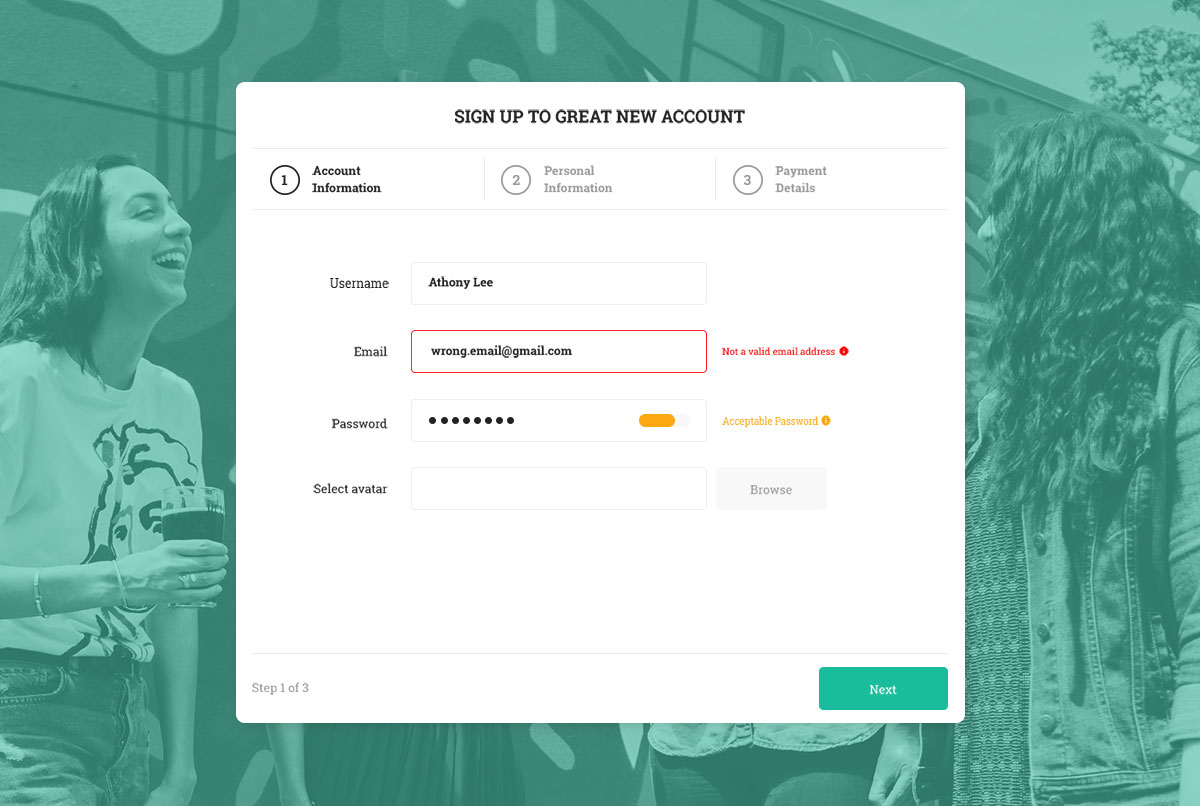
Whether you run an online store, a members area website or any other portal where users can create an account and take to their advantage all these perks you have for them a contact form is a necessity.
We have all the necessary tools to help you execute the registration process effortlessly.
If you pick the one you see above, you get a tool that allows you to add a background image, offer them the option to select their avatar, and fill out their account, personal, and payment details in three simple steps.
It is comfortable and safe to use this free Bootstrap wizard, whether on a handheld device or a desktop.
Colorlib Wizard 17
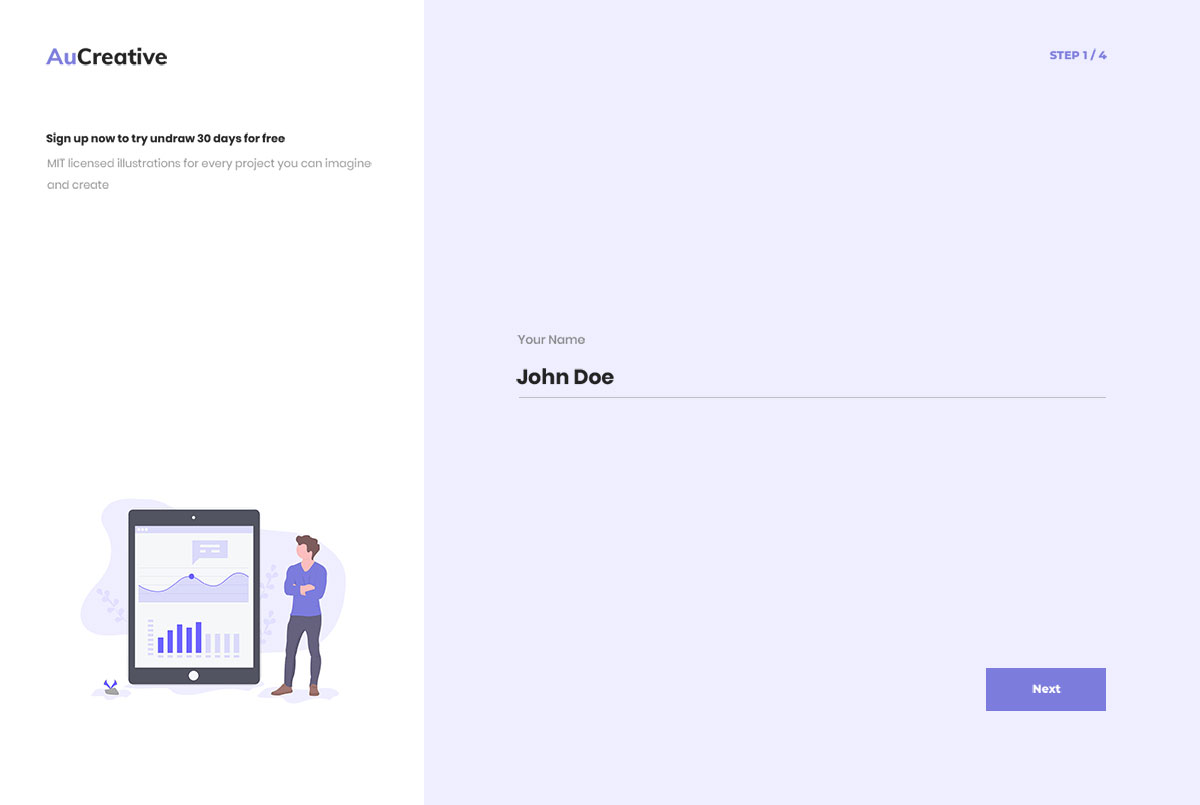
If you run a service-based business and offer your new users a free trial upon signing up, this form is perfect. It has a simple four-step process with a “submitted” pop-up at the end for proof.
It features a split-screen layout, where one-third of the screen is reserved for an image/banner and two-thirds for entering personal information.
All users need to enter their details, including name, email, and password (plus confirm the password), and they are then ready to start benefiting from your offering.
Keeping things simple helps you generate more leads and enhances your potential to enjoy steady growth.
Colorlib Wizard 18
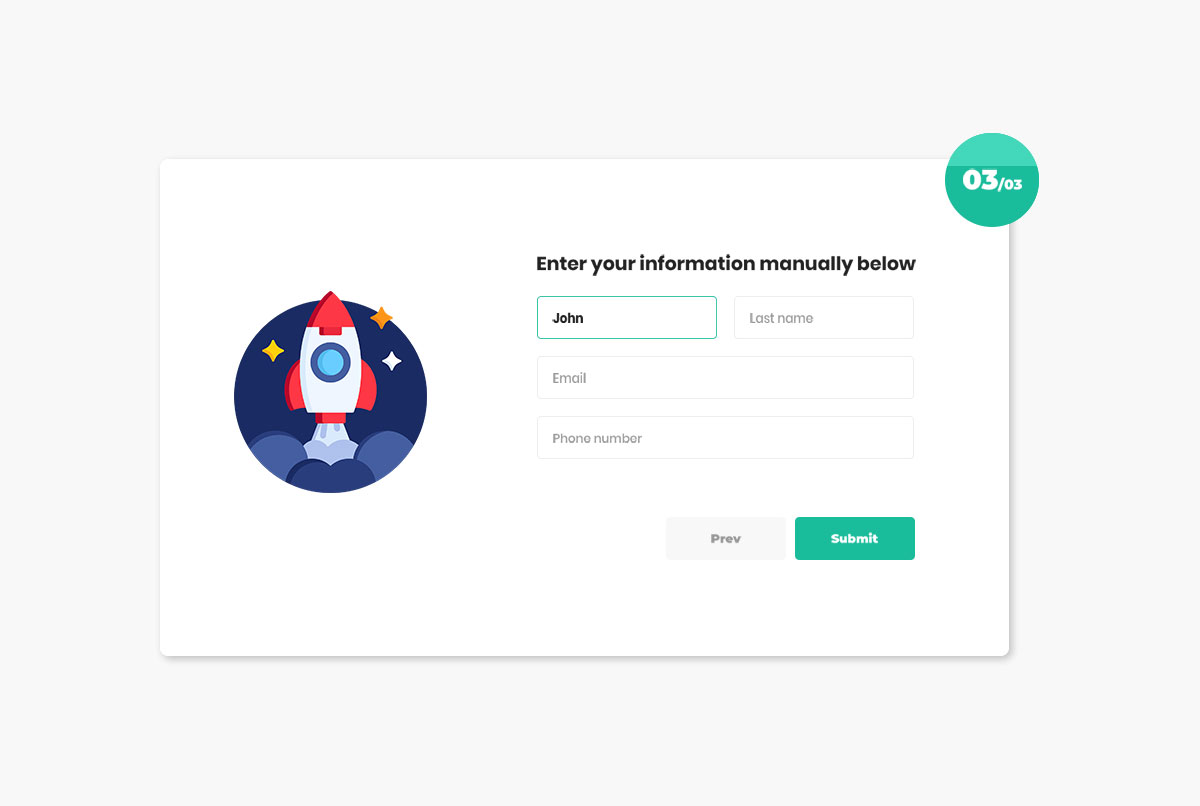
We offer a variety of free Bootstrap wizards for various purposes. Primarily, these are used for various forms, but you can also utilize them for reviews.
If the latter is what you are searching for, here is a spectacular template to add to your site when you want to know more about your customers’ satisfaction.
It would be best for customers to review your services, but you can also MODIFY it for other objectives. The layout includes a star rating system, a review section, and a form to fill out personal information.
Colorlib Wizard 19
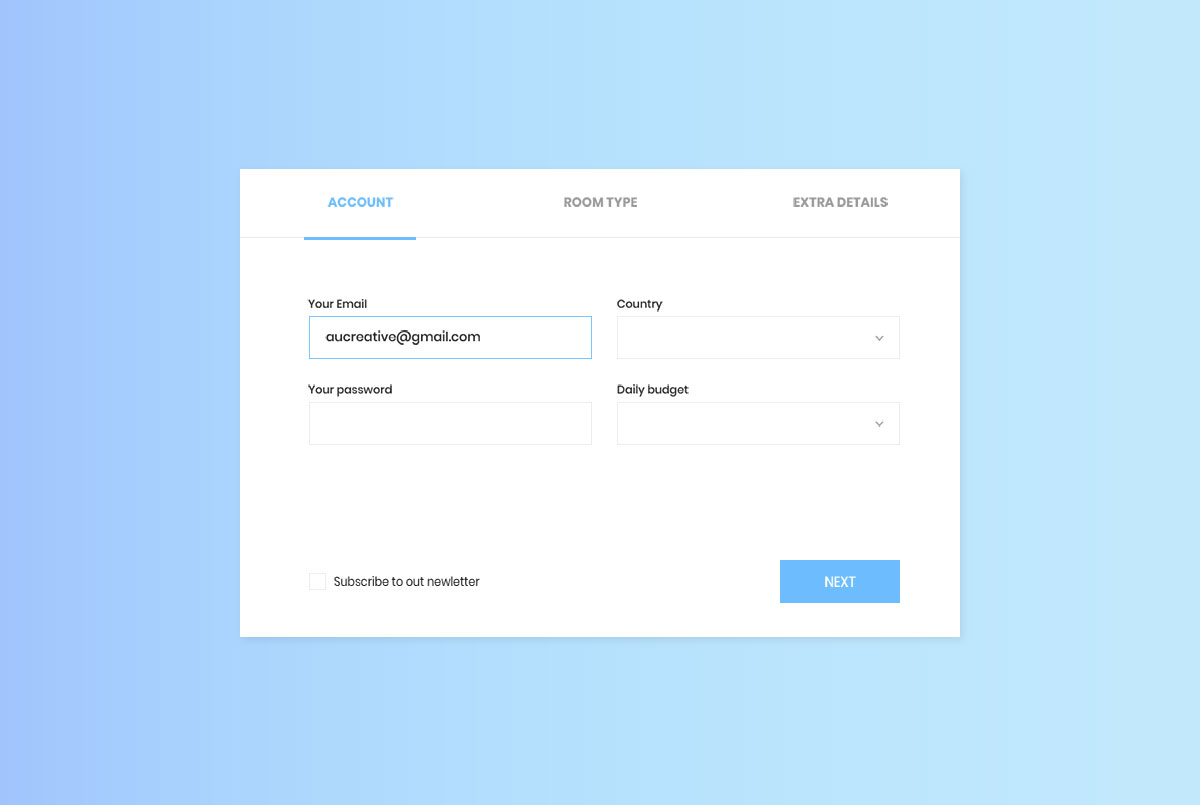
No matter what accommodation business you run, first things first, have a website. If you do not have one, go ahead and build it. You do not know how much money you are leaving on the table.
Second, add a booking system to your visually appealing page. This will eliminate the need for sticky notes and allow you to fully organize all your customers.
With this gradient color style form featuring a simplistic design, they will quickly complete the booking process and provide any additional details and requirements for you, the owner, to consider.
Colorlib Wizard 20
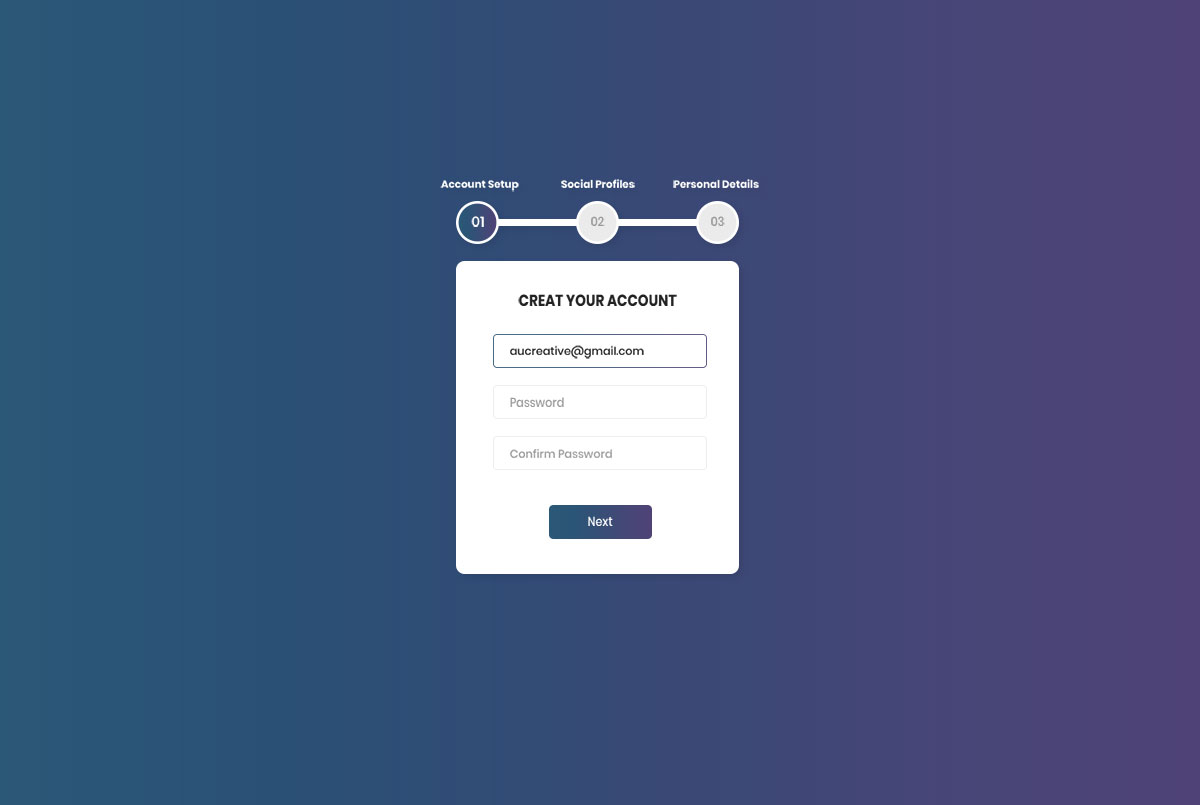
Creating accounts can sometimes be daunting. If that’s the case, the potential user might reconsider and leave your page early. With that in mind, make sure registration is quick and effortless.
You can achieve that with any free Bootstrap wizards in this collection, so ensure you take full advantage of them.
Get people to join your new application with a straightforward and intuitive form process. Doesn’t it give a very mobile-inspired vibe?
Of course, it does, and for that reason, it also beautifully displays on mobile devices. The whole download is just 31 KB.
Colorlib Wizard 21
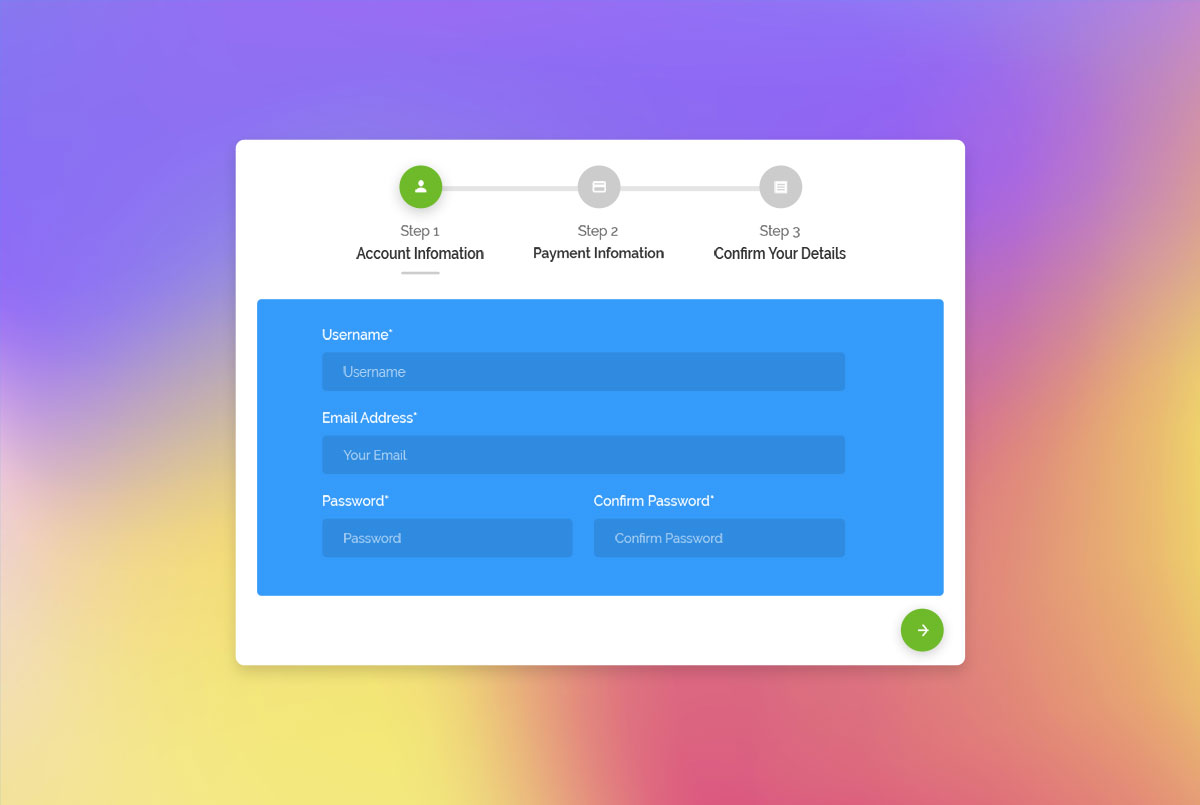
When selling services, you must have an active form for your clients to fill out their account and payment information. That’s easy when you have the right components free of charge.
We offer free Bootstrap wizards for you to employ and use in your applications.
Along with the account and payment information sections, this provides an additional step for the client to check and confirm their details.
A vibrant form awaits all those who download it, offering a chance to save time and energy.
Colorlib Wizard 22
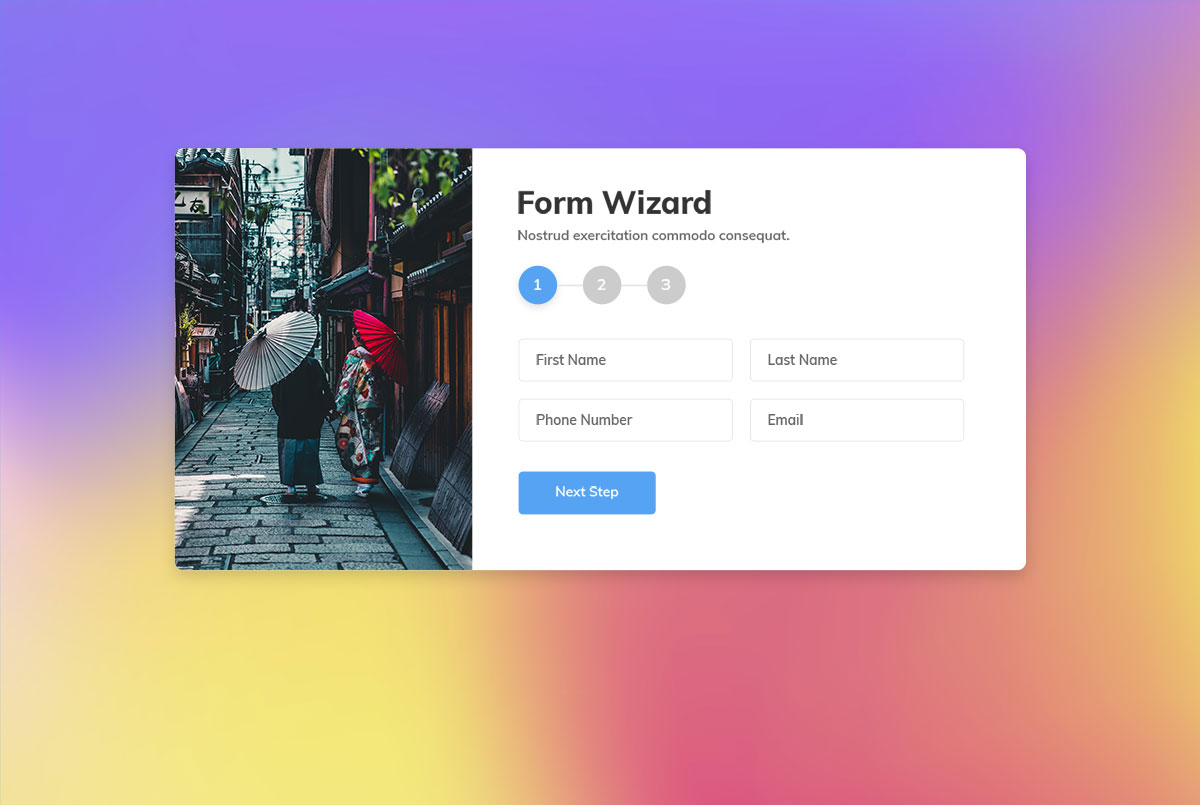
Get a simple and free multi-step form wizard with gradient color skin that is also mobile-friendly. The form section is divided into two sections: one for an image and the other for client information.
However, on mobile, only the form section appears, and the image part disappears. Moreover, the form includes location, date, and time pickers, allowing you to use it for various purposes, such as events, meetups, and restaurants.
Use your IMAGINATION and approach it with an open mind.
Do not hold back; a new specter of possibilities will unlock before you.
Colorlib Wizard 23
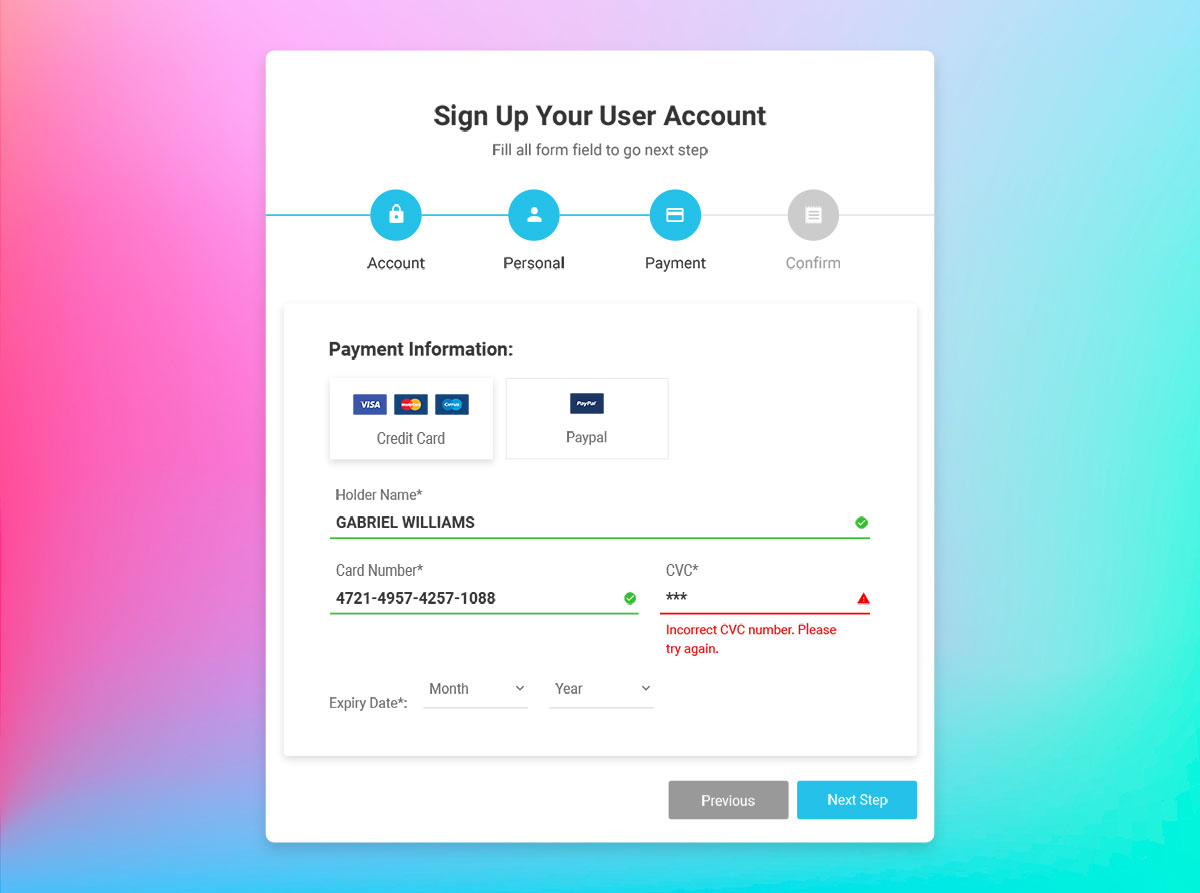
Offering customers the opportunity to create their accounts on your website rewards both parties.
They can always check their purchases and stay up to date with the process, while the owner has their information that they can use for marketing purposes.
If they purchased once, they will buy again (and again). To create such a form, you must download this free Bootstrap wizard, which already has a lot done.
It is a simple form with gradient colors that connects your customers with the SMOOTHLY and SECURELY platform. A date of birth picker quickens things up.
Colorlib Wizard 24
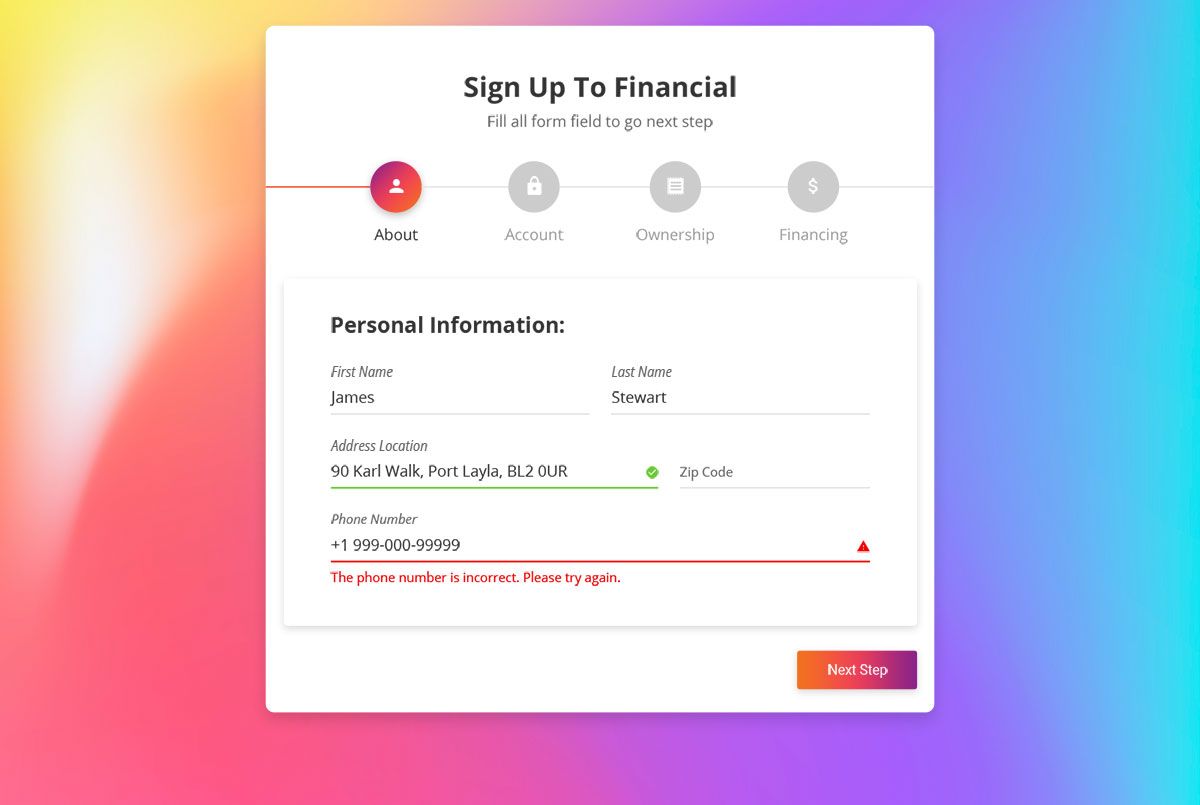
If there are finances you are dealing with and your business resolves financial problems, here is a form perfect for your business website. Add it to your page and get them on board without hassle.
After providing all the required information and arranging their financing, you will have a better understanding of them. One of your advisers can then follow up with them and individually create a plan tailored to your client’s needs.
With a simple form, you can craft a personalized experience for your users and make them a priority.
Colorlib Wizard 25
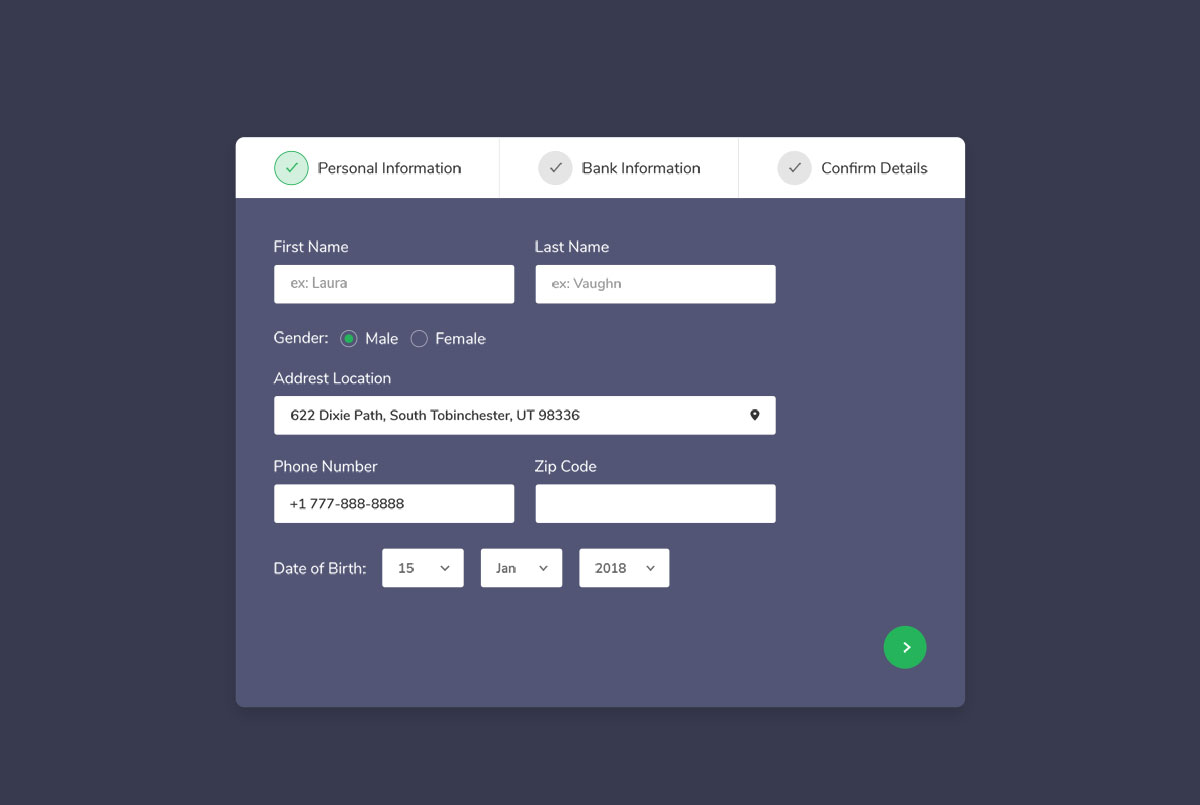
Although changing colors is possible, this free Bootstrap wizard might fit perfectly out of the box if you run a page with a dark layout.
Of course, there is no need to use it as-is. Instead, feel free to alter it to suit your branding needs perfectly. It is a modern and personal form with bank/payment information, featuring an appealing design and elegant transitions between sections.
There are only two parts that a client needs to fill out. Confirm the details on step three, and that is it. You can now feature and showcase this impressive form wizard on your page.
Colorlib Wizard 26
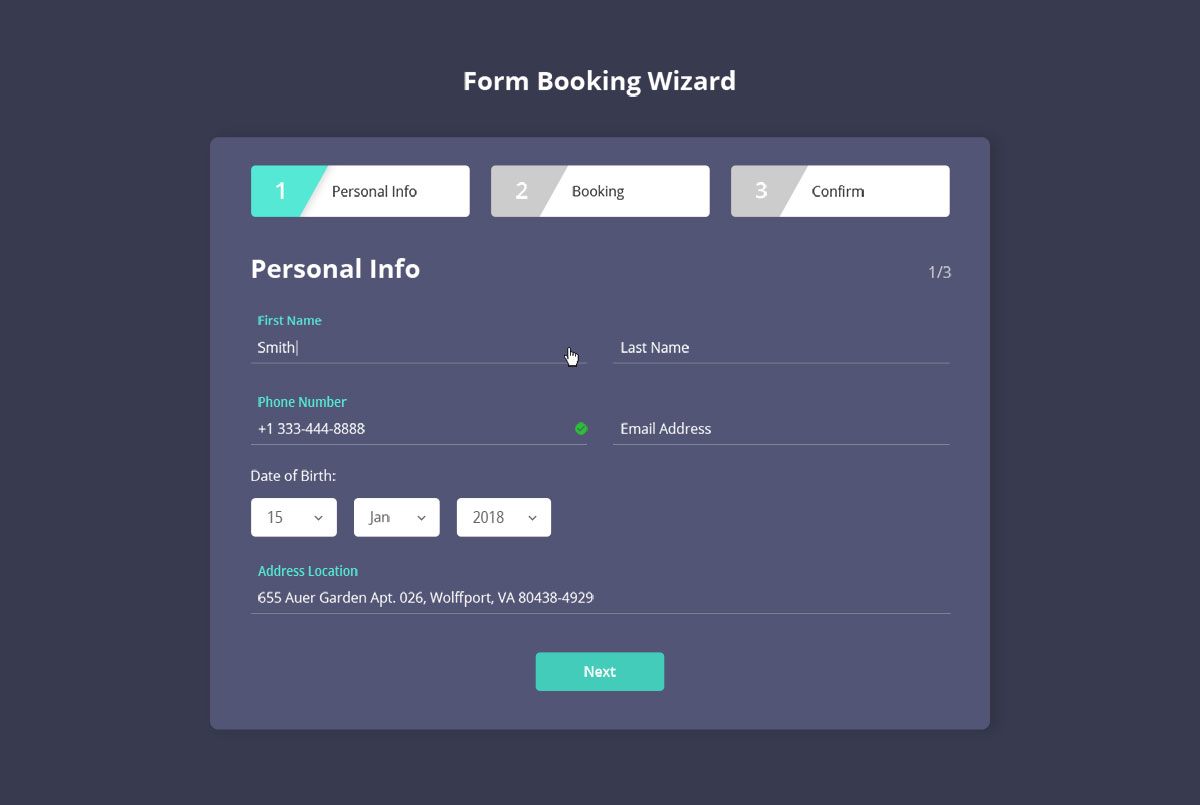
Similar to the previous form wizard, this next one focuses on hotels, resorts, and other accommodation businesses.
In short, it is a form booking wizard with all the personal information and booking things that get them to secure their desired room effortlessly.
On top of that, its dark layout expresses elegance and sophistication, as well as the professionalism of your business and services. Thanks to your software, you can now have all your bookings in perfect order and avoid any inconvenience.
With modern technology, you can automate various aspects of your business, allowing you to truly focus on what matters.
Colorlib Wizard 27
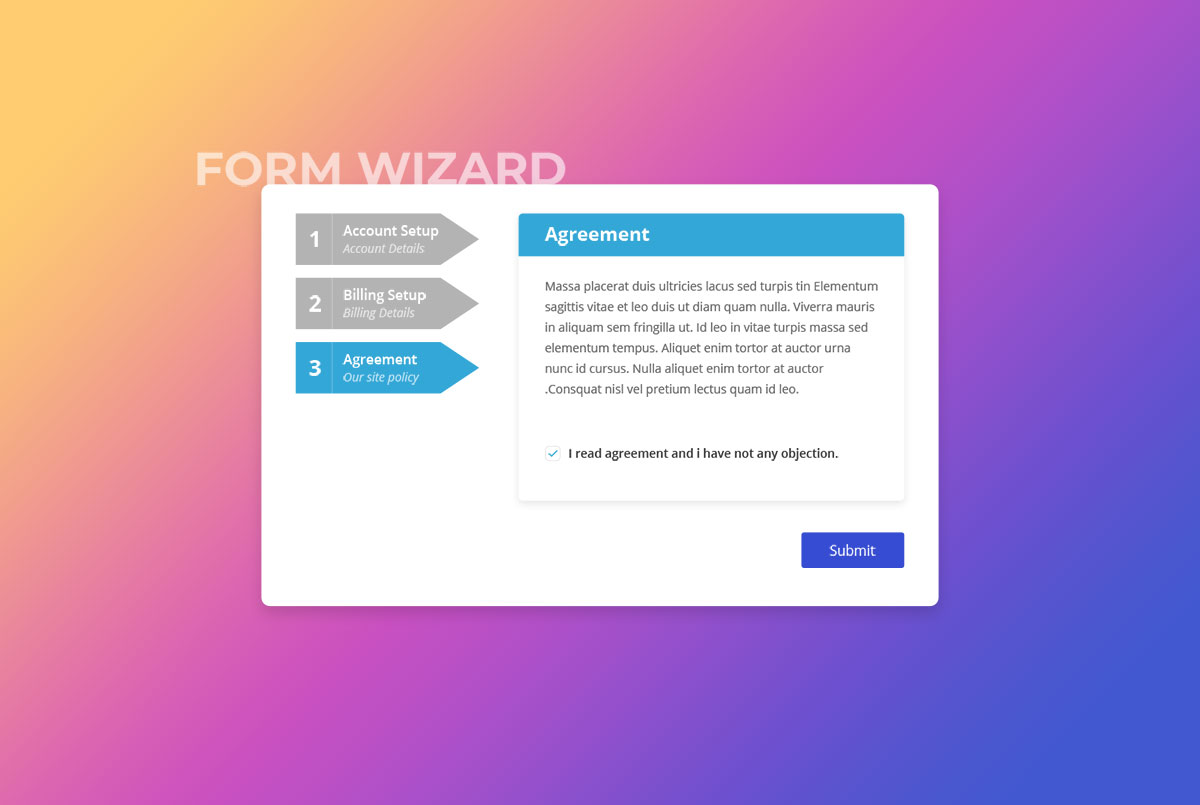
Setting up an account and filling out billing information can be clear and simple. Just use the free Bootstrap wizard we provide, and the rest will be history.
You don’t have to start from scratch while maintaining your professional-level performance. Download the tool now and add it to your website to help users complete their purchases in the blink of an eye.
What’s cool is that this particular form spices up the experience with its lively gradient color palette.
Colorlib Wizard 28
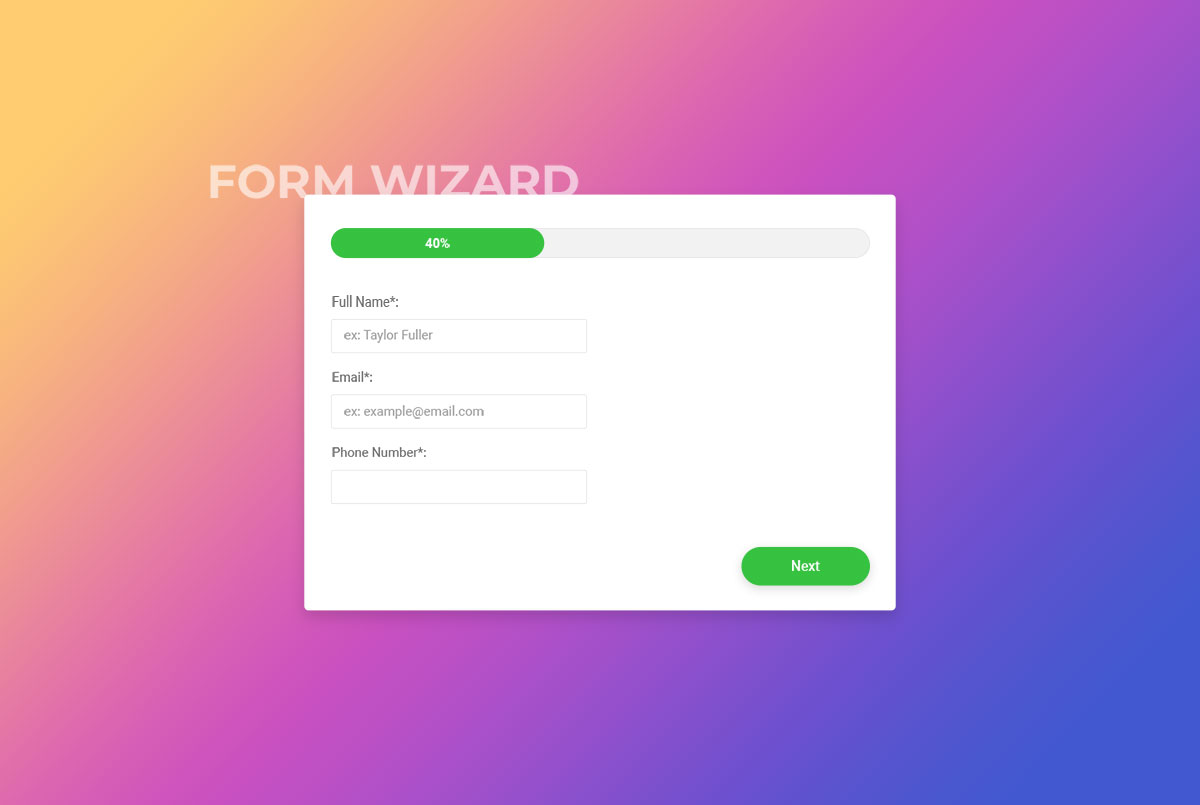
Regardless of the type of website you plan to build or if you are already pushing one successfully, adding a form wizard and getting users to sign up might be wise.
You can take your page to new heights even if you are just a blogger, but have decided to offer premium content only to registered users.
Moreover, keep their information on file if they are selling goods and services by encouraging them to create an account.
Get your hands on an energetic, free Bootstrap wizard with a percentage progress bar, so they know how close they are to completion. The steps work without a plugin.
Colorlib Wizard 29
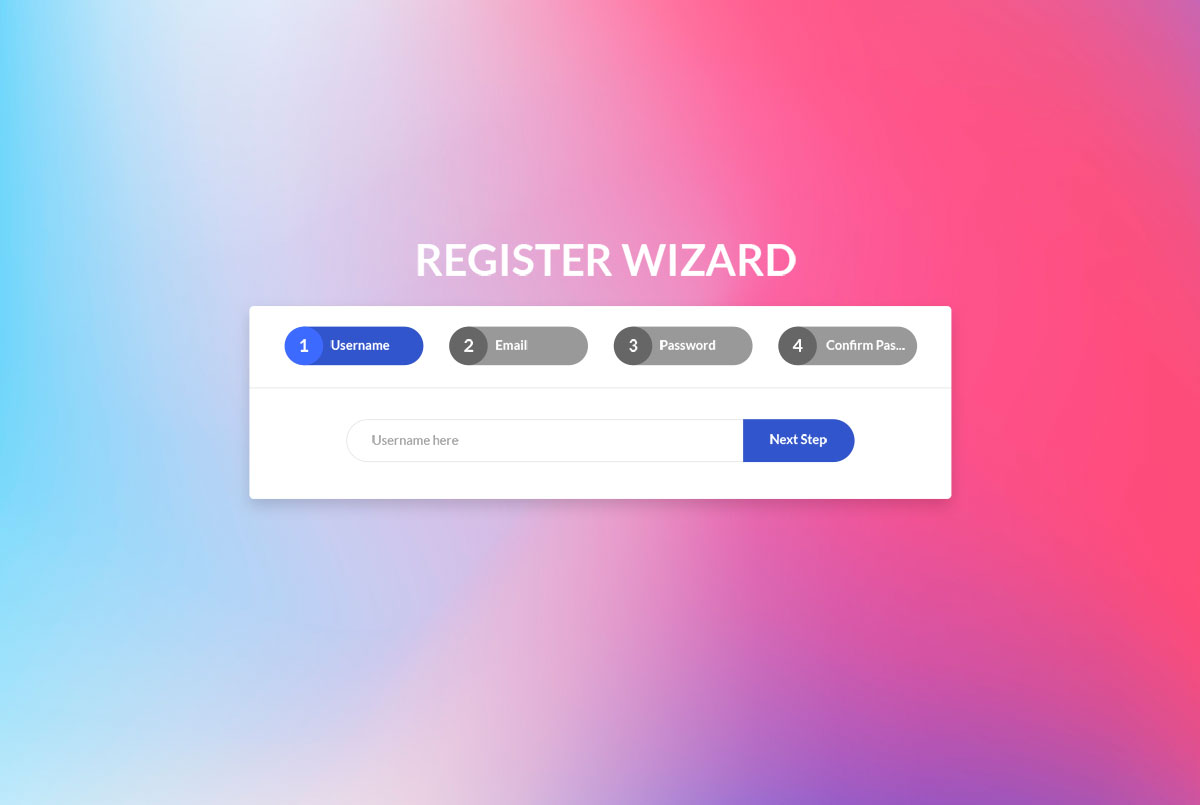
Get a free registration wizard and save money, time, and energy. How cool is that? It checks each field with the browser’s built-in validation, so you can quickly finish building your page and have it ready for launch sooner rather than later.
Who knows, maybe this was the last missing piece of the puzzle. Stick it to your page, alter it if needed and start seeing new registrations happen regularly.
Encourage them to join your free platform and start a community of loyal followers and users like champions. This way, you can also collect their emails, which you can use for upcoming marketing campaigns.
Colorlib Wizard 30
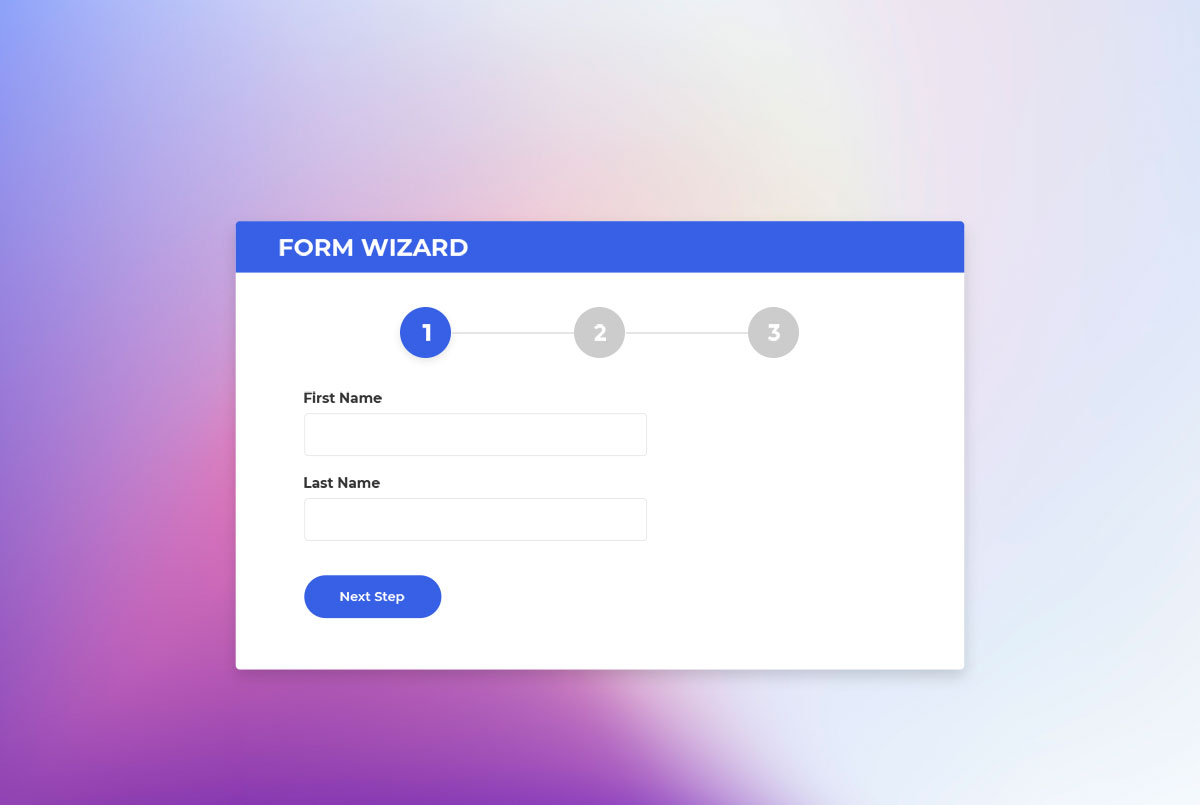
Simplicity is the winning element you should always consider to succeed online. Even with multi-step forms, keep each step short and ask only for what you need.
Of course, you need to ensure that all flows smoothly regardless of what device and web browser they use.
On the technical side, every wizard in this list is plain HTML, CSS and a few lines of vanilla JavaScript, with no jQuery, no Bootstrap JavaScript and no wizard plugin. This one is a 391 KB download.
Pick the one you dig, make it your own, and see the magic happen
More 2026 multi-step snippets from Colorlib
Multi-step flows from our 2026 snippets: a checkout, a survey with a review page, a job application, a step progress bar, a checkout breadcrumb and a one-question-at-a-time survey.
Shopping Cart V06: Multi-step checkout: Cart, Shipping, Payment, Confirmation
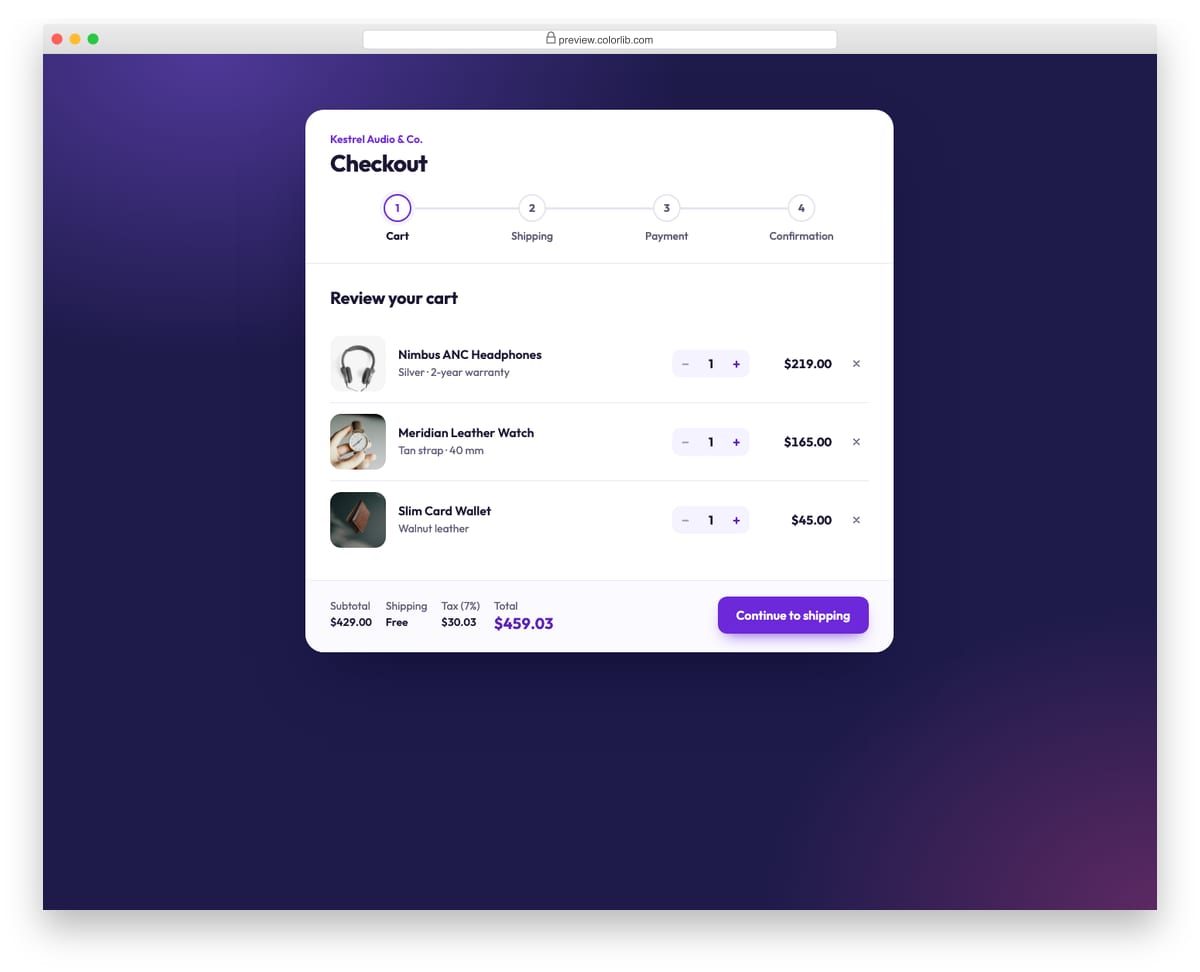
A four-step checkout in one card with a connected step indicator, Back and Continue buttons and a running total in the footer. Each step is checked with the browser's native constraint validation before moving on, and invalid fields are marked and focused. The cart step has working quantity steppers and remove buttons, the shipping step's delivery speed changes the total, and the last step shows an order confirmation built from the entered details.
Best for: guided checkouts and booking flows. Plain HTML and CSS with a few lines of vanilla JavaScript, a 234 KB download, and it works on its own or inside a Bootstrap 4, 5 or 6 project.
Survey Form V03: Multi-page survey with progress bar, back/next and a review page
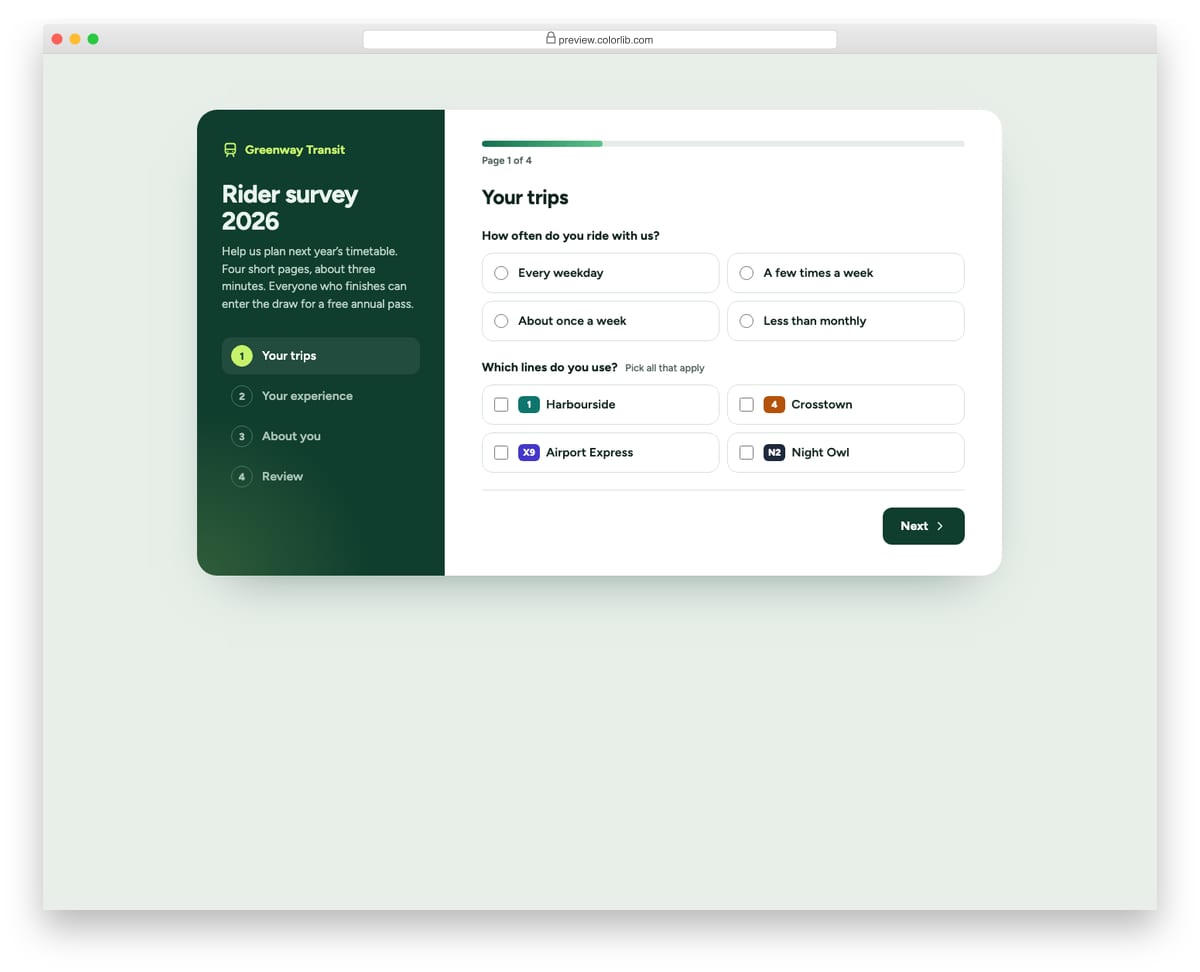
A four-page rider survey for a made-up transit operator, with a step list in a dark side panel and a progress bar above the questions. Each page is checked before moving on, answers are kept when going back, and the last page lists every answer with an Edit button that jumps to it. On phones the side panel stacks on top and the steps become a compact row.
Best for: research surveys, onboarding questionnaires and any long form split into pages. Plain HTML and CSS with a few lines of vanilla JavaScript, a 161 KB download, and it works on its own or inside a Bootstrap 4, 5 or 6 project.
Job Application Form V03: Multi-step application: Details, Experience, Questions, Review, with progress
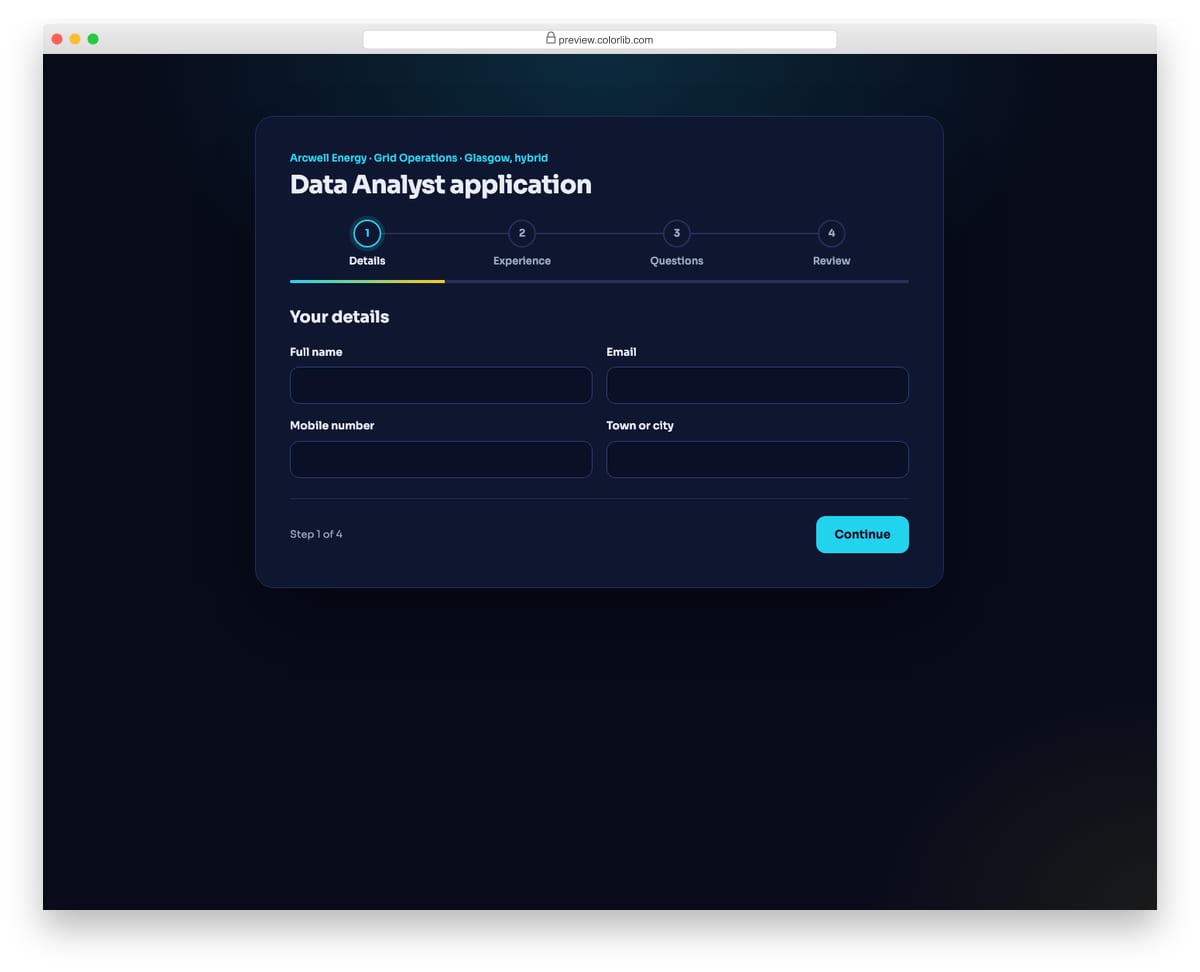
A dark, four-step application for a made-up energy company's data analyst role. A numbered stepper with connecting lines and a gradient progress bar show where the applicant is, and each step is validated before moving on. The review step groups every answer by step with an Edit button that jumps straight back.
Best for: longer applications, graduate schemes and roles with screening questions. Plain HTML and CSS with a few lines of vanilla JavaScript, a 158 KB download, and it works on its own or inside a Bootstrap 4, 5 or 6 project.
Progress Bar V03: Checkout step progress with completed, current and upcoming states
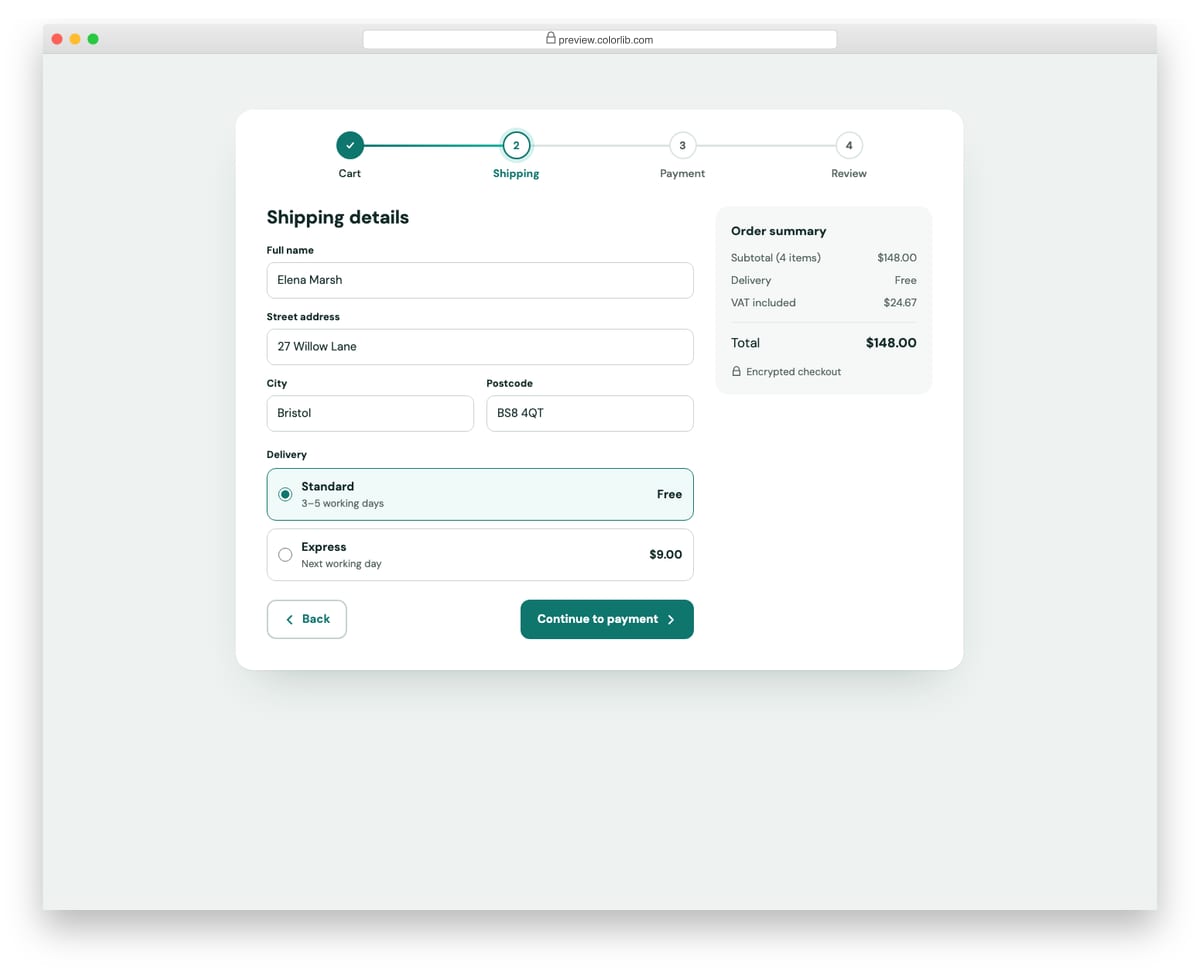
A four-step checkout (Cart, Shipping, Payment, Review) with numbered step dots joined by a progress line, a form panel for each step and an order summary. Back and Next buttons move between steps, update the step states and move focus to the new step heading. It works as the top of any multi-step form or checkout flow.
Best for: e-commerce checkouts and multi-step forms. Plain HTML and CSS with a few lines of vanilla JavaScript, a 284 KB download, and it works on its own or inside a Bootstrap 4, 5 or 6 project.
Breadcrumb V08: Checkout step breadcrumb that doubles as navigation
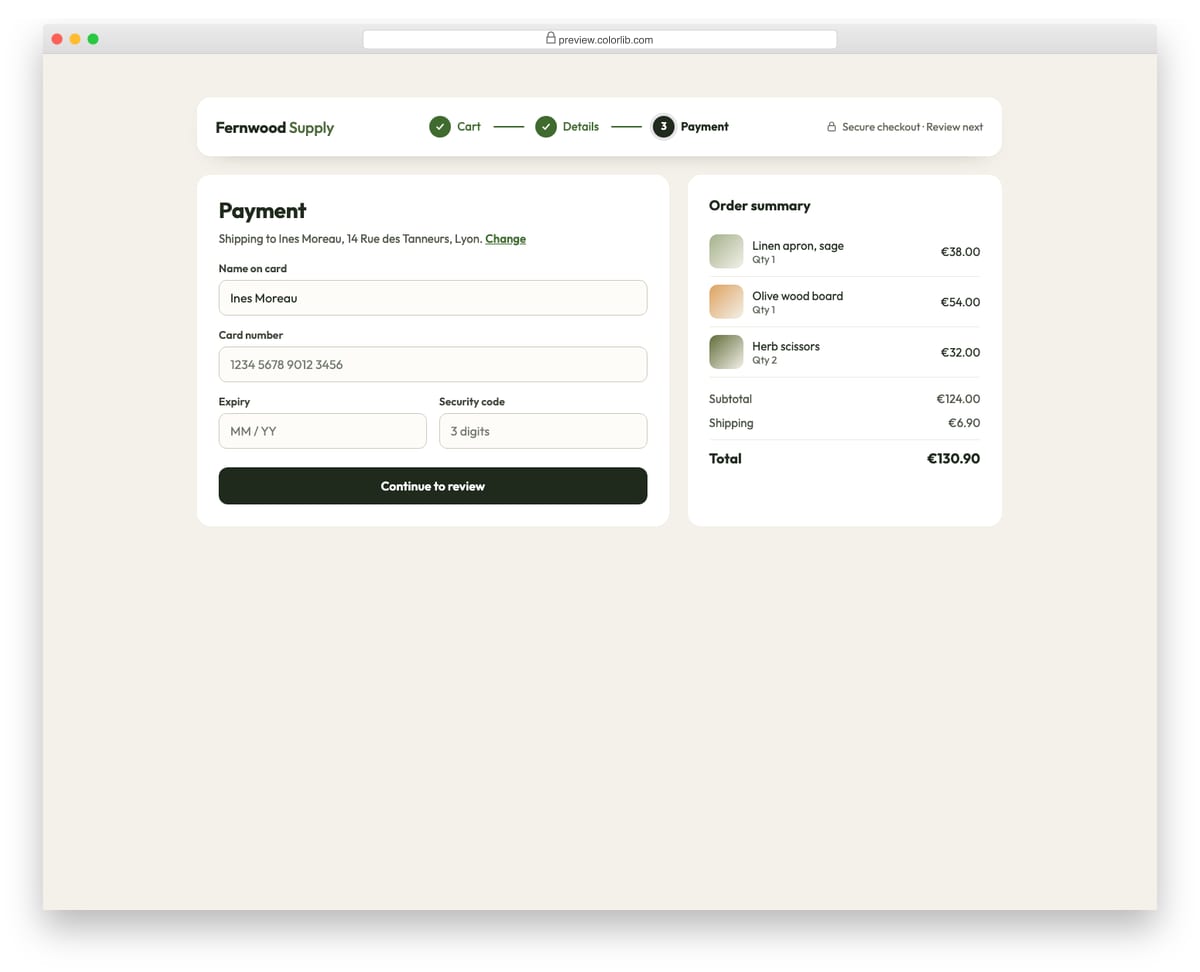
A step trail for a shop checkout: Cart, Details and Payment. Completed steps are real links with a check mark so shoppers can go back, and the current step is marked with aria-current and a numbered badge. It sits in the checkout header above a payment form and order summary.
Best for: checkout flows, sign-up wizards and multi-step forms. Plain HTML and CSS, no JavaScript, a 190 KB download, and it works on its own or inside a Bootstrap 4, 5 or 6 project.
Survey Form V08: Conversational one-question-at-a-time survey with keyboard shortcuts
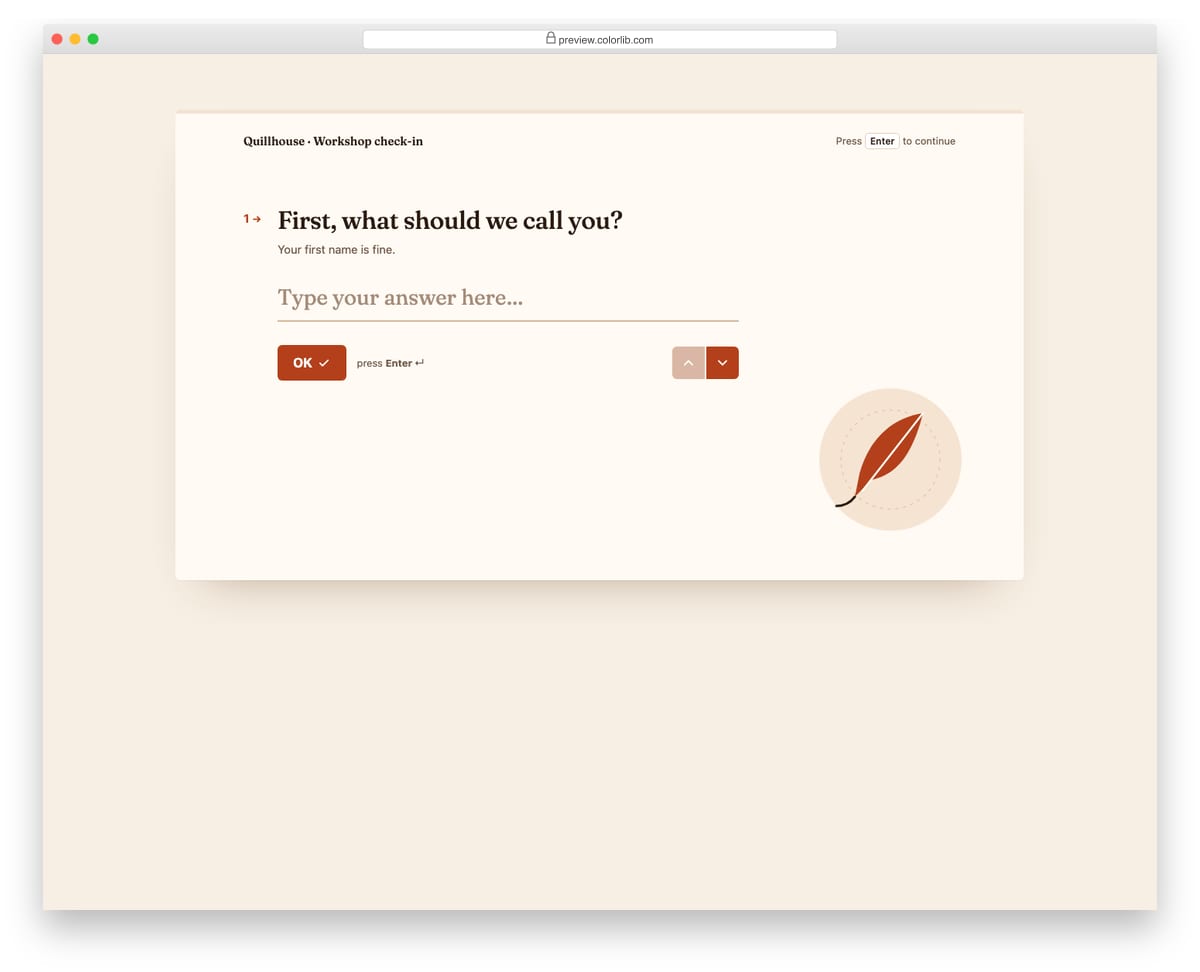
A Typeform-style check-in for a made-up writing workshop that shows one question at a time in large serif type. Enter moves on, letter keys pick lettered choices, number keys pick a 1 to 5 rating, and Shift+Enter adds a new line in the last answer. A thin progress bar and up/down arrows track and move between questions.
Best for: onboarding questionnaires, lead qualification and friendly short surveys. Plain HTML and CSS with a few lines of vanilla JavaScript, a 382 KB download, and it works on its own or inside a Bootstrap 4, 5 or 6 project.
How to build a multi-step form people finish
Show where people are. A step indicator or progress bar answers the question of how much is left. Colorlib Wizard 4 and Wizard 28 show a progress bar, and Progress Bar V03 and Shopping Cart V06 mark the current step with aria-current so screen readers announce it too.
Validate each step before moving on. Catch errors while the fields are still on screen, not on the last page. Wizard 11 won’t let people continue until the required fields are filled, Wizards 11, 12, 14, 15, 16, 21 and 29 use the browser’s built-in checks, and Shopping Cart V06 moves focus to the first invalid field.
Move focus when the step changes. When a new step appears, keyboard and screen reader users should start at its heading rather than at the bottom of the old step. Progress Bar V03, Survey Form V03 and Shopping Cart V06 all do this.
End with a review step and keep answers on the way back. Let people check their answers and jump back to fix one without losing anything. Survey Form V03 keeps answers when going back and lists every answer with an Edit button, as does Job Application Form V03, and Wizards 21, 25 and 26 end on a confirmation step.
Use native inputs where they help. Wizards 2, 4, 9 and 10 use the browser’s own date picker, so phones get their native calendar, and Wizards 11, 13 and 19 use real select menus, so their values are sent with the form.
Frequently asked questions
Does Bootstrap 5 have a built-in wizard or stepper?
No. Bootstrap has no wizard or stepper component, so most Bootstrap wizards either use a jQuery plugin or combine tabs, a progress bar and some JavaScript. The wizards in this list need neither Bootstrap nor jQuery: the steps run on a few lines of vanilla JavaScript, and they look the same inside a Bootstrap 4, 5 or 6 project.
Do these forms send the data anywhere?
No, they are front-end templates. Point the form at your own backend or a form service, and validate again on the server, because browser checks can be bypassed.
How do I change the look?
Each Colorlib download is a folder with index.html, css/style.css, js/snippet.js, the images and self-hosted fonts, with no CDN calls. Change colors and fonts in style.css and swap the photos in the images folder. The class names are namespaced, so if your page loads Bootstrap, load style.css after it.
Can I use them in commercial projects?
Yes. Colorlib snippets are free under CC BY 3.0 for personal and commercial projects, as long as you keep the credit link.
For a quick sign-up, start with Colorlib Wizard 20 (a 31 KB download) or Wizard 12; for bookings, Wizard 2 or Wizard 26; for a checkout, Shopping Cart V06. If your form fits on one page, see our Bootstrap form templates and survey form templates.
Browse the other Built with a platform website examples (21 more collections), or see website examples for every industry.

Related Posts



Is it possible to return to a step once past it? Is that built into the themes?
Yes, all templates have this functionality, as this is basic for all multi-step Bootstrap forms.