
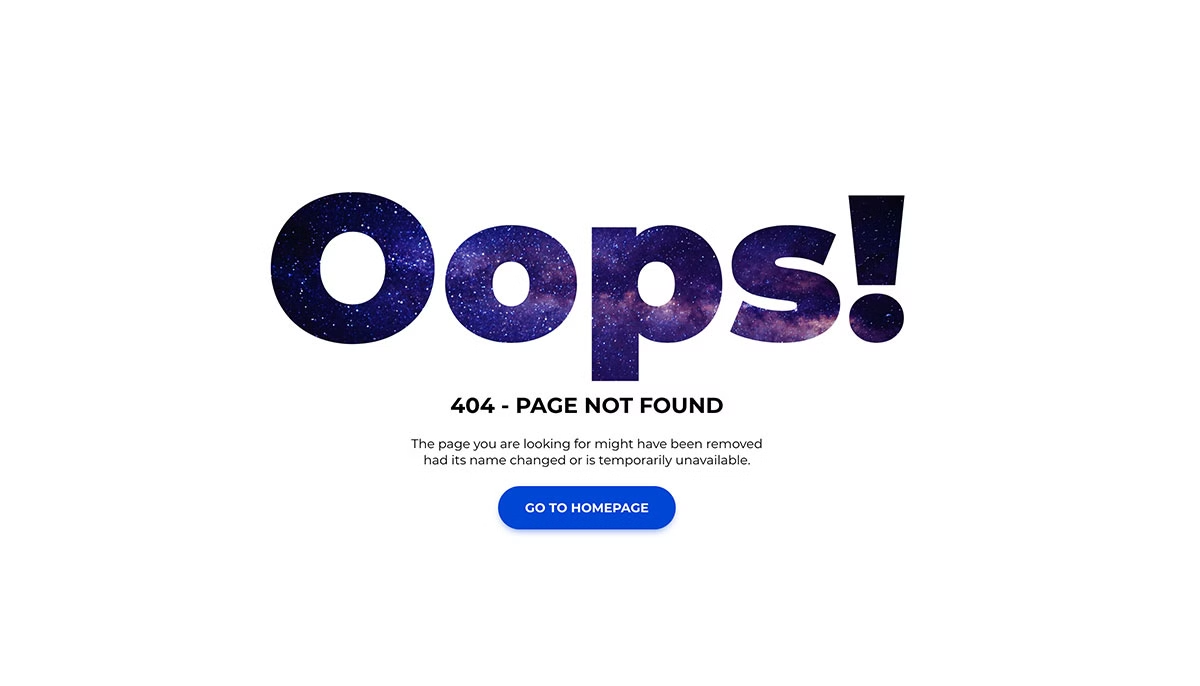
32 Best Free 404 & Error Page Templates 2026
Free 404 error page templates give lost visitors a way back into your site instead of a dead end. This collection has 32 of them, and many premium website templates skip this page, so it is worth having one ready.
Ten error pages we built in 2026 now open the list. Alongside new 404 designs with a live page search, a working terminal prompt and a product search for shops, they cover the other errors a site shows: a 500 page with automatic retry, a 403 access-denied page with a request-access form, a maintenance page with a local-time return estimate and an offline page. Below them are 20 earlier Colorlib 404 pages, a uiCookies set of eight error pages and a free WordPress plugin.
The Colorlib pages are free downloads with live demos. The twenty older ones are plain HTML and CSS with no JavaScript at all; the 2026 pages add a few lines of vanilla JavaScript where they need it, and two of them use none. None loads jQuery or Bootstrap files, and each works on its own or inside a Bootstrap 4, 5 or 6 project.
Before the list, here is what makes a good 404 page.
After the user lands on an error page, you must decide what to do. You can also directly show them suggestions closely related to their search term.
You may have seen this approach on many news websites, and some news and magazine templates even offer this option by default. You can also provide a search box or a button to take the user back to their previous page or your homepage.
These and many other features are great ways to retain your visitors. If a user lands on an error page, you do not want them to leave your site entirely.
You can also stay creative with your 404 pages. Some use interactive animations, while others use interesting text messages, videos, and more.
Error Page V01 shows the search approach with a filter over popular pages, and Error Page V02 and V05 point visitors to popular pages and recent articles.
New for 2026: Free Colorlib 404 and Error Page Templates
Ten error pages we designed and built in 2026, from a searchable 404 and a developer terminal to a 500 page with automatic retry, a 403 request-access form, a maintenance page, a playful 404 game and an offline page. Each is a free download with a live demo.
Error Page V01: Big typographic 404 with a search that filters popular pages
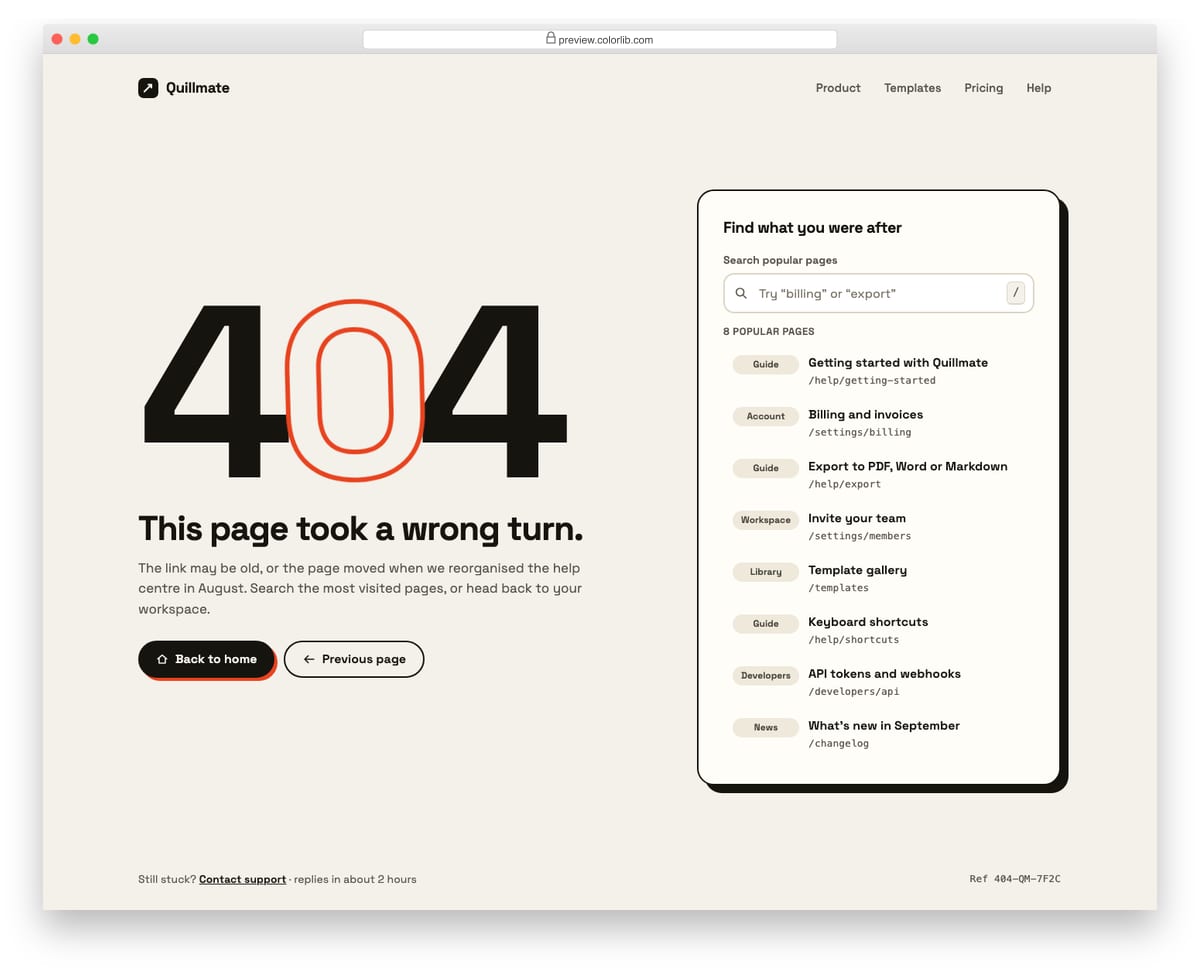
A full-page 404 for a software product, led by an oversized 404 whose middle zero is drawn as an outline. Next to it, a search box filters a short list of the most visited pages as you type, highlights the matching words and shows an empty state with a link to the full help centre. Home and previous-page buttons give two clear ways back.
Best for: SaaS apps, documentation sites and help centres. Plain HTML and CSS with a few lines of vanilla JavaScript, a 171 KB download, and it works on its own or inside a Bootstrap 4, 5 or 6 project.
Error Page V02: Illustrated lost-astronaut 404 with a gently animated SVG scene
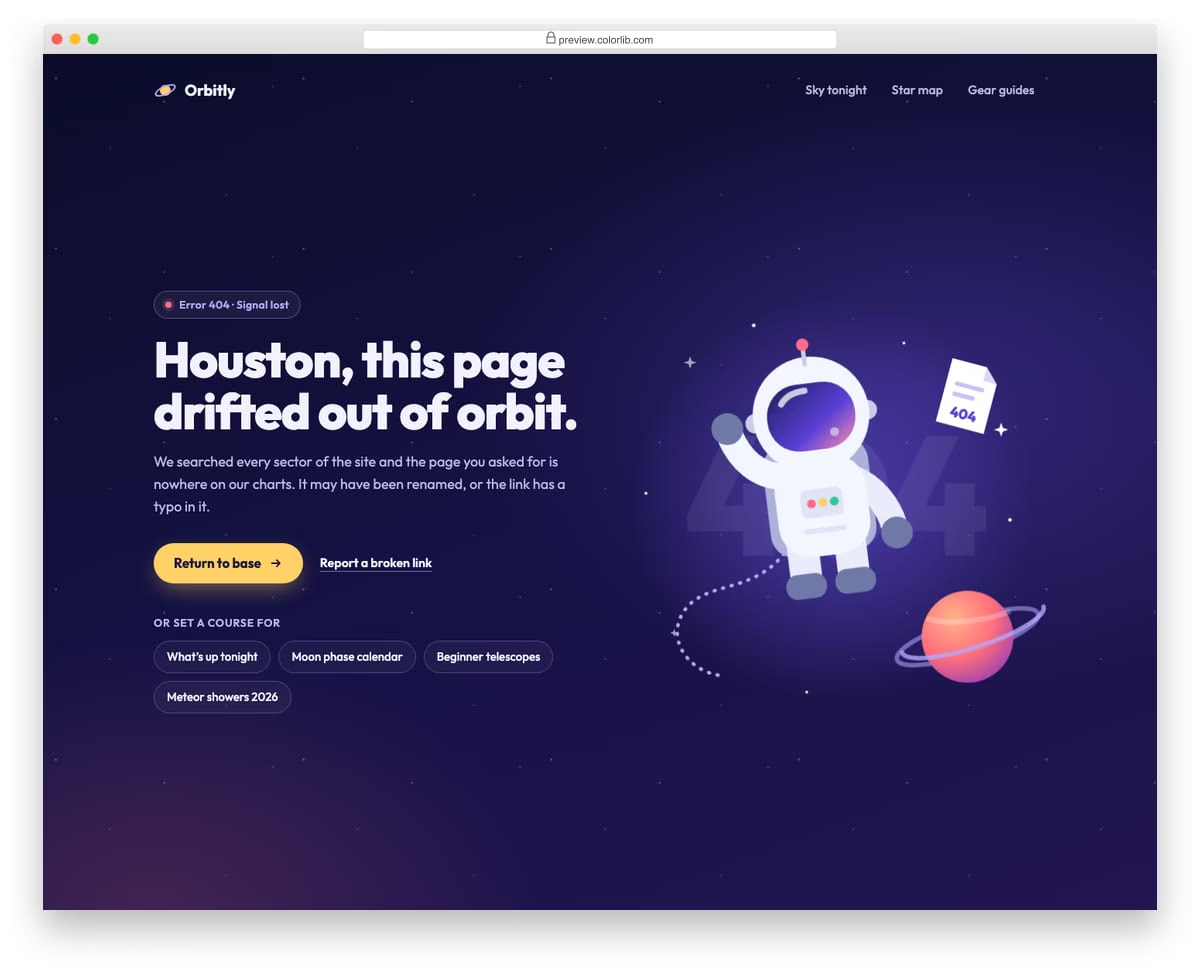
A dark, illustrated 404 page for a stargazing website, with an astronaut, a ringed planet and the missing page drawn as one inline SVG. The astronaut floats, the page drifts away and stars twinkle, and all of it stops for visitors who prefer reduced motion. On the left are the headline, a return-home button, a broken-link report link and chips for popular pages.
Best for: consumer apps, hobby sites and brands with a playful tone. Plain HTML and CSS, no JavaScript, a 238 KB download, and it works on its own or inside a Bootstrap 4, 5 or 6 project.
Error Page V03: Developer 404 styled as a terminal with a working command prompt
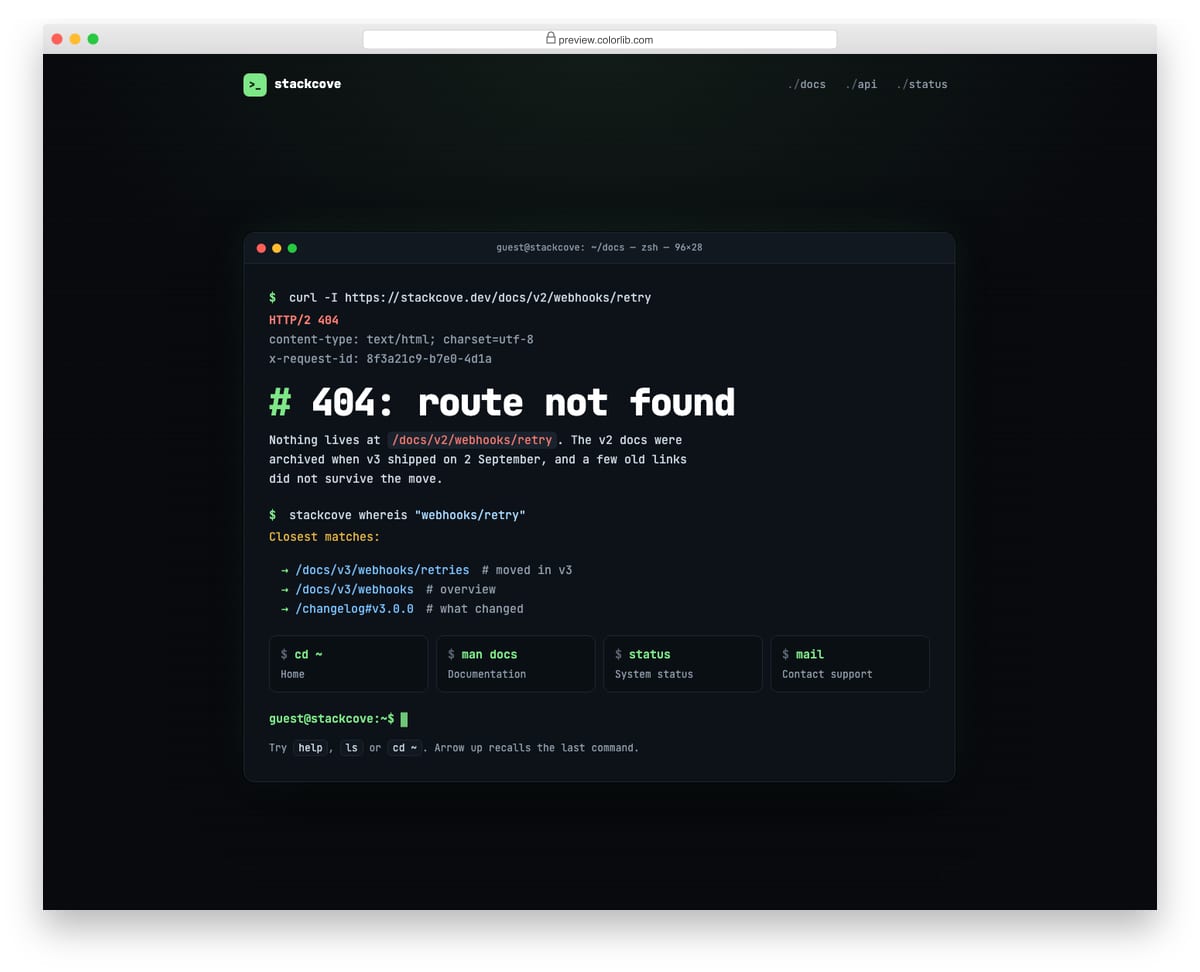
A dark 404 page for a developer platform, laid out as a terminal session: a curl request that returns 404, the closest matching routes and four helpful links styled as commands. At the bottom is a real prompt with a blinking block cursor that understands help, ls, cd, status, whoami, date and clear, with command history on the arrow keys. Output is written to a role="log" region so screen readers hear it.
Best for: developer tools, API platforms and documentation sites. Plain HTML and CSS with a few lines of vanilla JavaScript, a 178 KB download, and it works on its own or inside a Bootstrap 4, 5 or 6 project.
Error Page V04: Online shop 404 with product search and "You might like" cards
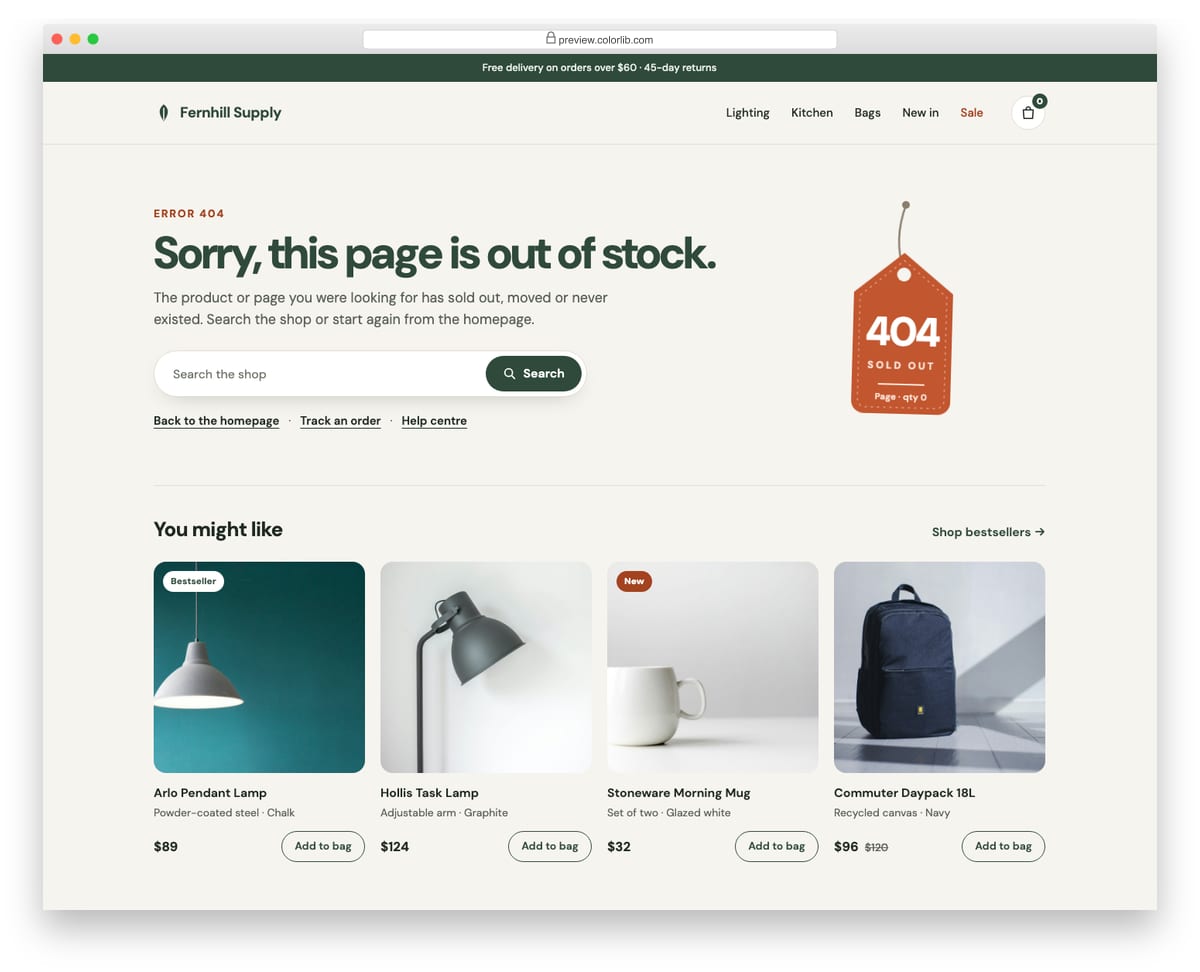
A 404 page for a home-goods shop that keeps the store header, promo strip and bag in place, so the visitor never feels they left the shop. A swinging "sold out" price tag carries the 404, next to a product search and links to the homepage, order tracking and help. Below, four product cards with photos, prices and working Add to bag buttons update the bag count.
Best for: e-commerce stores, product catalogues and marketplaces. Plain HTML and CSS with a few lines of vanilla JavaScript, a 479 KB download, and it works on its own or inside a Bootstrap 4, 5 or 6 project.
Error Page V05: Minimal editorial 404 for a magazine, with recent articles
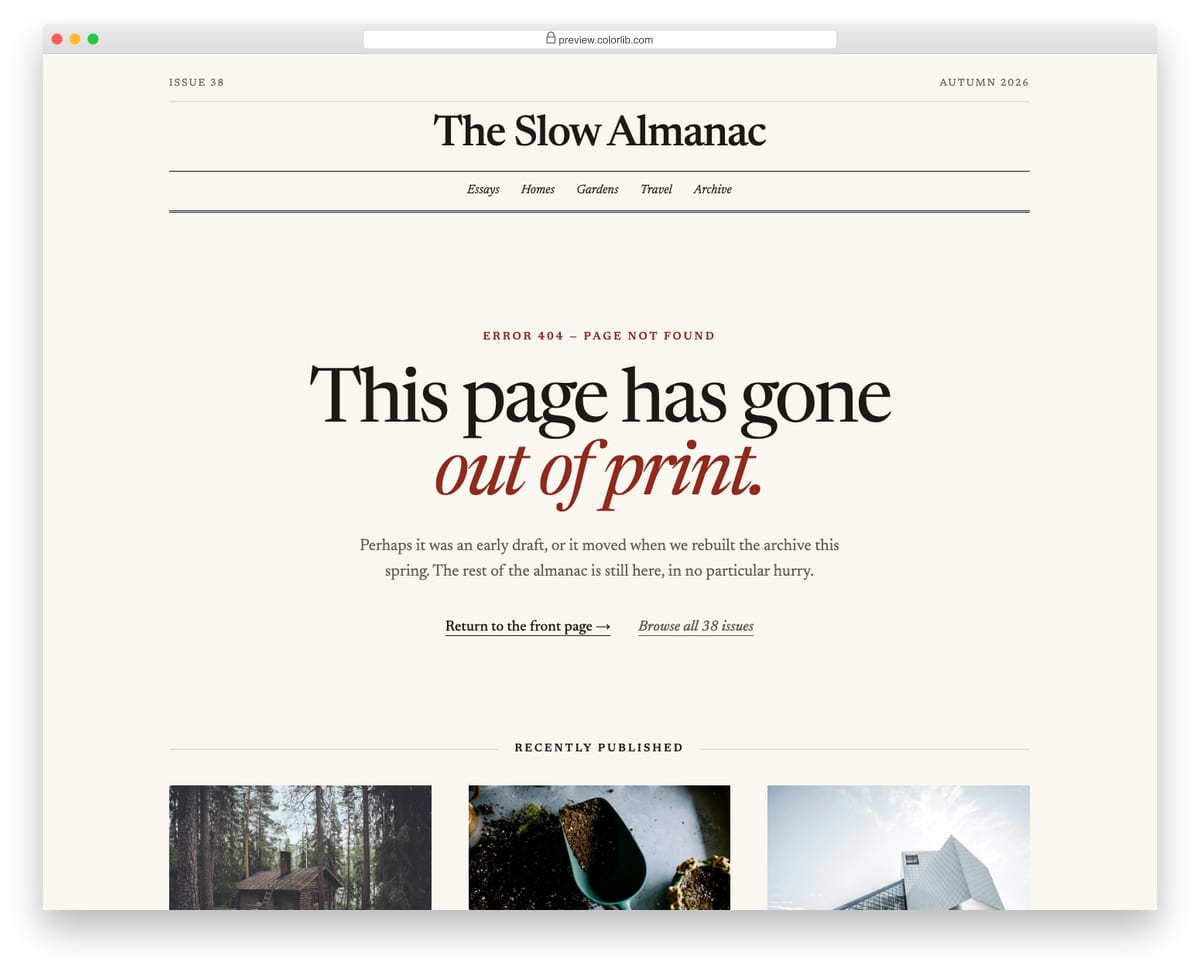
A quiet 404 page for an online magazine, set in a single serif with a classic masthead, double-ruled section navigation and plenty of whitespace. The notice says the page has gone out of print and offers a link back to the front page and one to the archive. Three recently published stories follow, each with a photo, section label, headline, standfirst and byline.
Best for: magazines, blogs, newsletters and publishing sites. Plain HTML and CSS, no JavaScript, a 1.4 MB download, and it works on its own or inside a Bootstrap 4, 5 or 6 project.
Error Page V06: 500 server error with a backoff retry button and system status panel
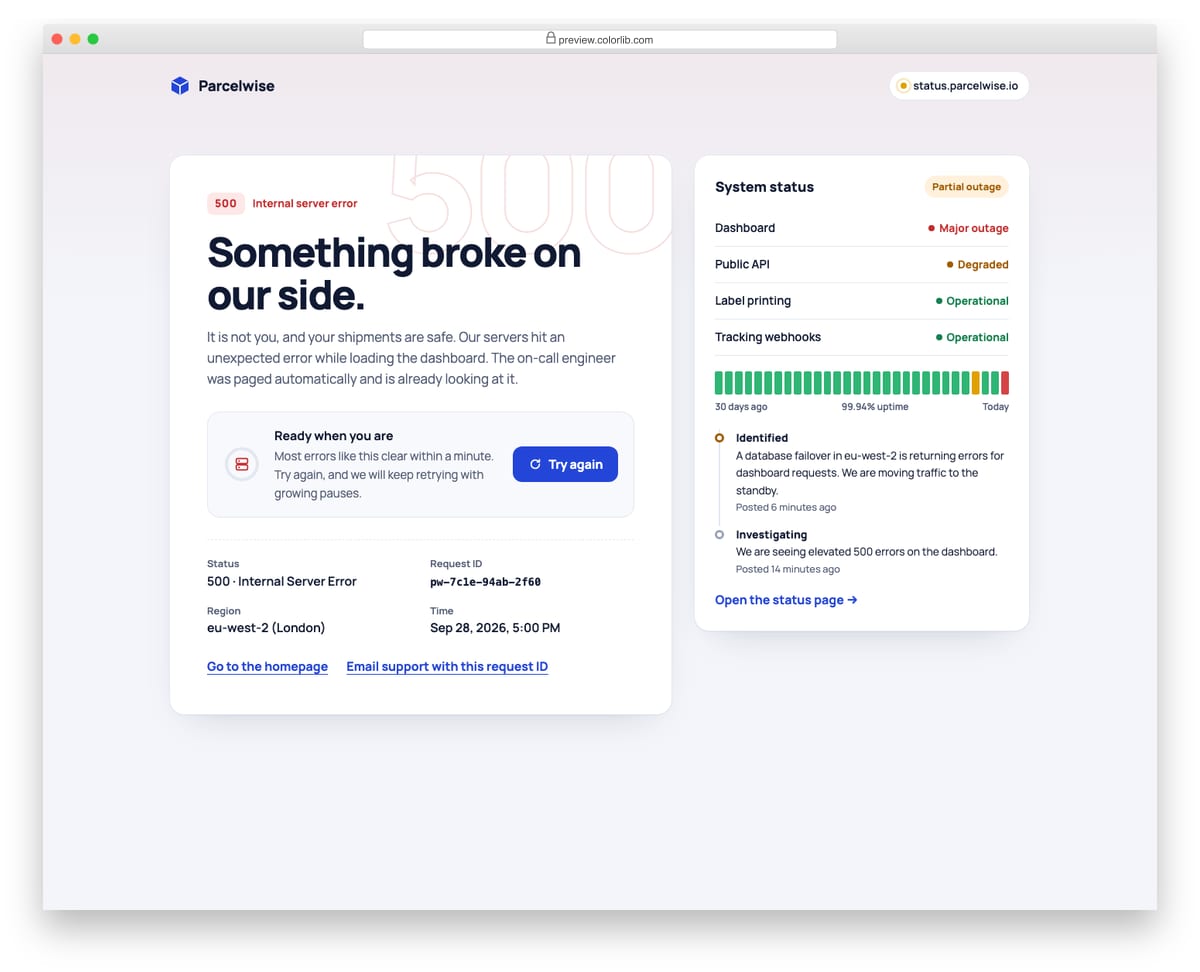
A 500 error page for a logistics dashboard that explains the problem in plain words and shows the request ID, region and local time for support. The Try again button checks the server and, when it is still down, waits 5, 10, 20 and then 40 seconds between automatic retries, with a countdown ring, Retry now and Stop retrying. Beside it, a status panel lists affected components, a 30-day uptime strip and the latest incident updates, with a link to the full status page.
Best for: SaaS dashboards, web apps and APIs with a public status page. Plain HTML and CSS with a few lines of vanilla JavaScript, a 205 KB download, and it works on its own or inside a Bootstrap 4, 5 or 6 project.
Error Page V07: 403 access denied with a request-access form
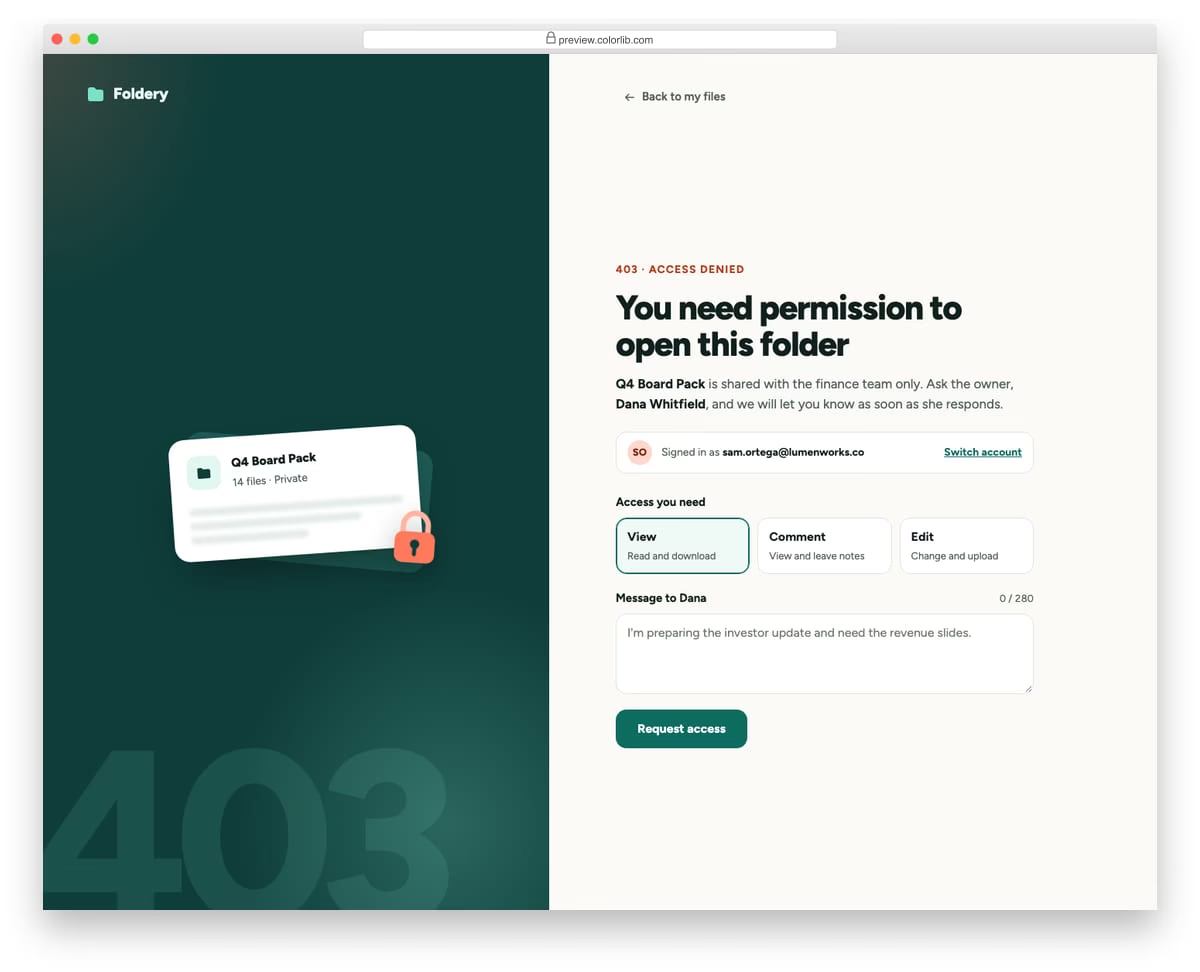
A split-screen 403 page for a file-sharing app: a dark illustrated panel with a locked folder on one side, and on the other an explanation of who owns the folder and which account you are signed in with. A short form lets the visitor choose the access level they need and write a note to the owner, validated with the browser's own constraint checks. After sending, a confirmation replaces the form and a link leads back to the visitor's files.
Best for: document tools, intranets, dashboards and any app with shared permissions. Plain HTML and CSS with a few lines of vanilla JavaScript, a 158 KB download, and it works on its own or inside a Bootstrap 4, 5 or 6 project.
Error Page V08: Maintenance mode page with a local-time ETA and progress timeline
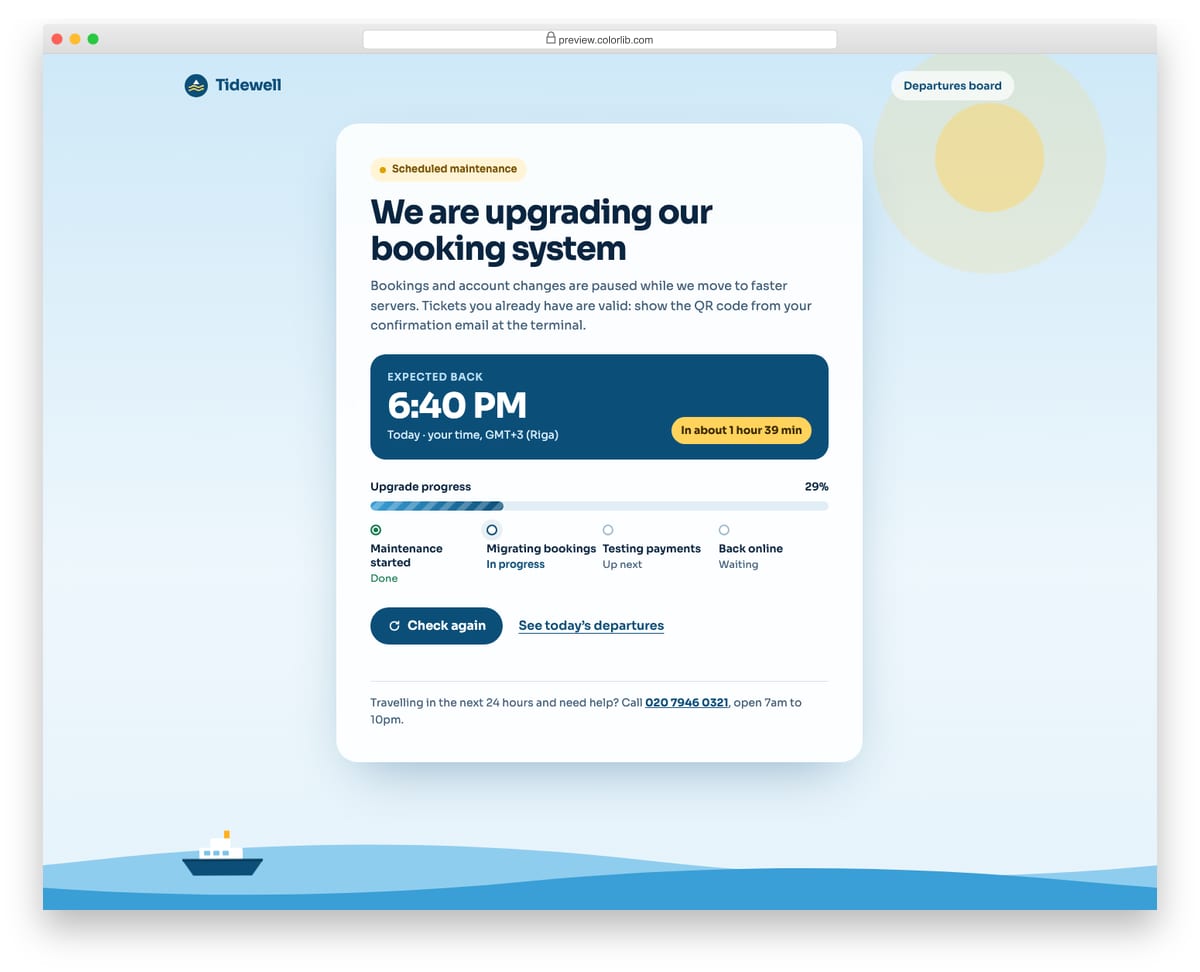
A scheduled-maintenance page for a ferry booking site, with a calm sky-and-sea illustration and a single card of information. The expected return time comes from a data attribute and is shown in the visitor's own time zone with Intl, together with the day, zone name and a friendly time-remaining label. A striped progress bar and a four-step timeline follow the elapsed time, and a Check again button reports the result in a status region.
Best for: booking systems, online shops and SaaS apps during planned downtime. Plain HTML and CSS with a few lines of vanilla JavaScript, a 156 KB download, and it works on its own or inside a Bootstrap 4, 5 or 6 project.
Error Page V09: Playful 404 with googly eyes and a find-the-page game
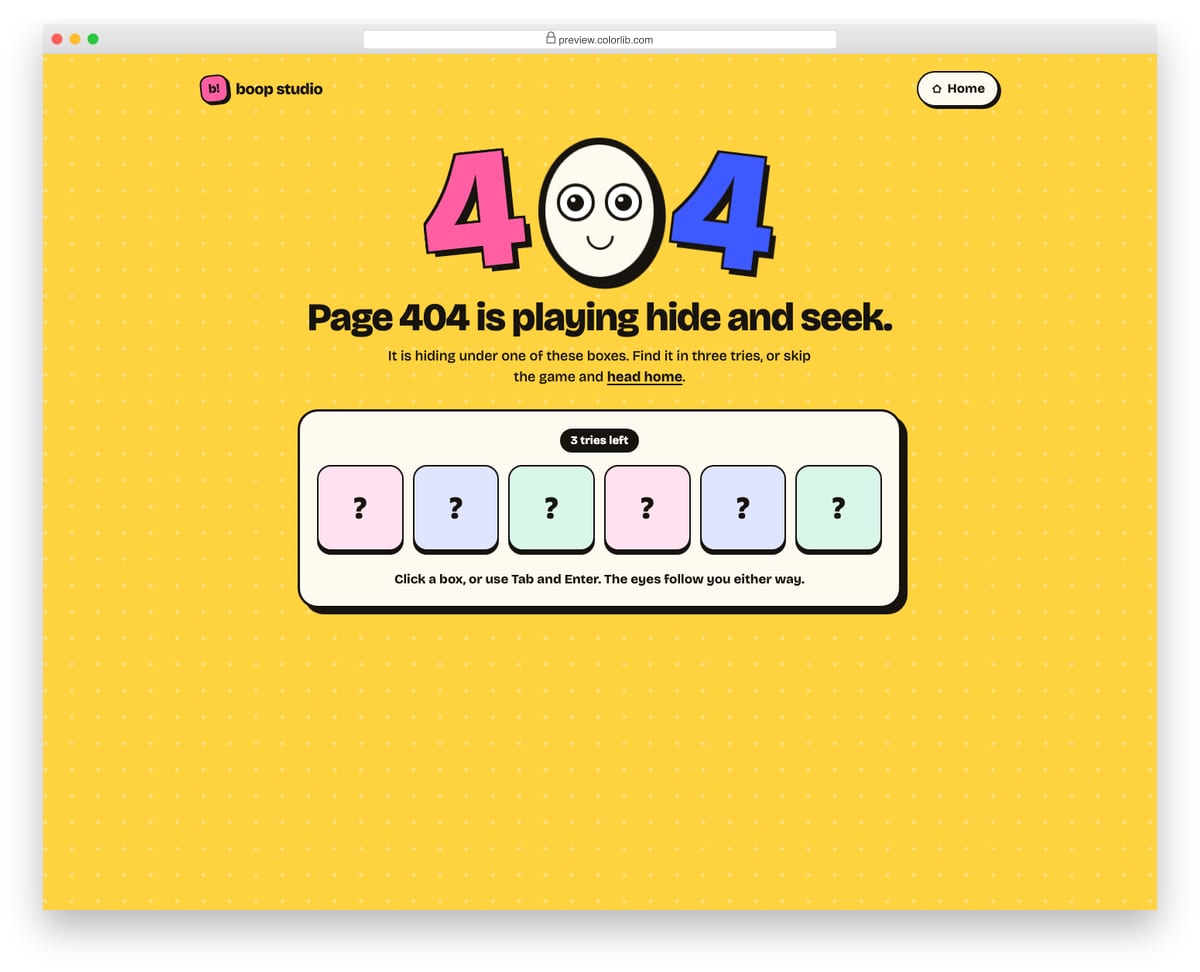
A bright, playful 404 page where the zero is a face whose googly eyes follow the pointer and, for keyboard users, whatever has focus. Below it is a small game: the page is hiding under one of six boxes and the visitor has three tries to find it, with every guess announced in a status line. Win or lose, a Take me home button appears, and Play again reshuffles the boxes.
Best for: creative studios, consumer apps and brands with a sense of humour. Plain HTML and CSS with a few lines of vanilla JavaScript, a 325 KB download, and it works on its own or inside a Bootstrap 4, 5 or 6 project.
Error Page V10: Offline page with a live online/offline indicator and retry
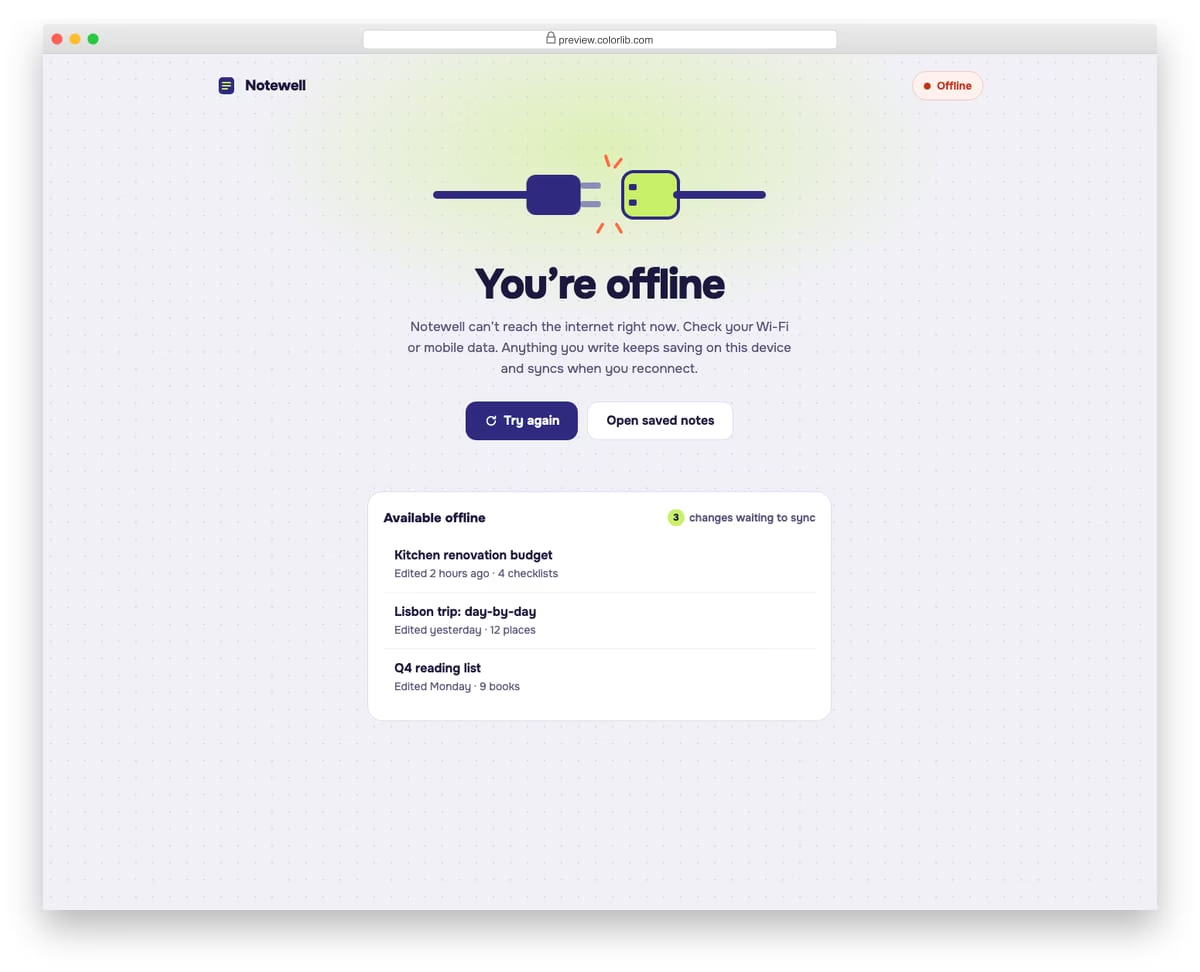
A connection-lost page for a note-taking web app, meant to be served as a service worker's offline fallback. A status pill in the header follows navigator.onLine and the online and offline events, and the heading, copy and unplugged-cable illustration switch to a reconnected state when the network comes back. It also lists notes that are available offline and how many changes are waiting to sync.
Best for: progressive web apps, dashboards and any app with offline support. Plain HTML and CSS with a few lines of vanilla JavaScript, a 313 KB download, and it works on its own or inside a Bootstrap 4, 5 or 6 project.
Best Free 404 Error Page Templates
Table of contents — all 22 templates
- uiCookies Error Page Templates (8 templates)
- Colorlib 404 Customizer (WordPress plugin)
- Colorlib 404 v1
- Colorlib 404 v2
- Colorlib 404 v3
- Colorlib 404 v4
- Colorlib 404 v5
- Colorlib 404 v6
- Colorlib 404 v7
- Colorlib 404 v8
- Colorlib 404 v9
- Colorlib 404 v10
- Colorlib 404 v11
- Colorlib 404 v12
- Colorlib 404 v13
- Colorlib 404 v14
- Colorlib 404 v15
- Colorlib 404 v16
- Colorlib 404 v17
- Colorlib 404 v18
- Colorlib 404 v19
- Colorlib 404 v20
Colorlib 404 Customizer (WordPress plugin)
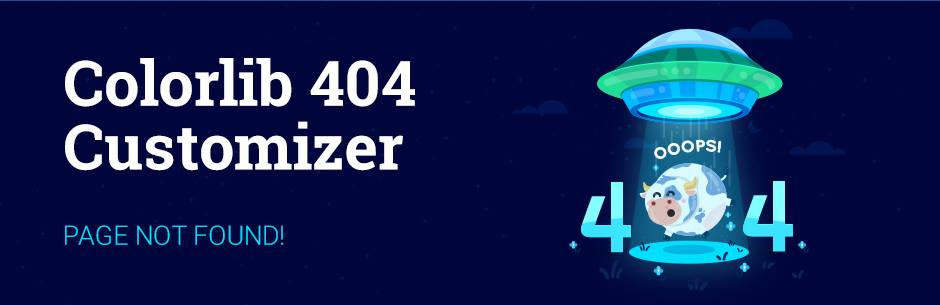
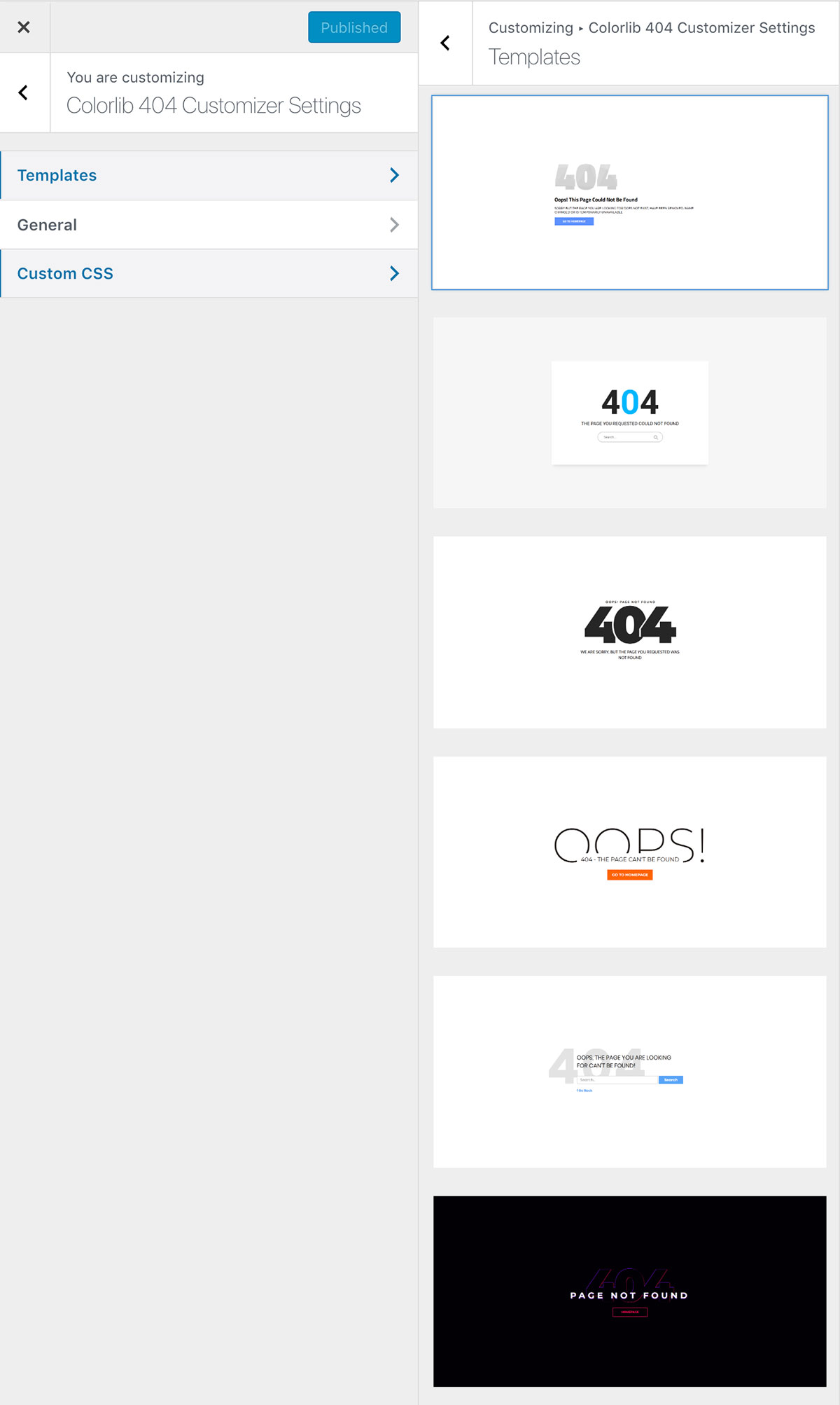
FreeWordPress · Best for: styling 404s inside WordPress
The only entry here that needs no file editing — it replaces the theme’s 404 output from the WordPress customizer. Pick a template, then set the message, colours, and background in the live preview and the change applies site-wide. Free from the WordPress plugin directory, which also means updates arrive through the normal plugin screen.
More info / DownloaduiCookies Error Page Templates (8 templates)

Eight error pages that cover more ground than the usual 404 alone: there are 500 and 503 maintenance screens alongside minimal, glitch, neobrutalist and search-assisted 404 designs.
An error page has to work when the rest of the site does not, which is why each one here is a single self-contained file with the CSS inline and no external requests at all. Free download from our uiCookies library.
Colorlib 404 v1
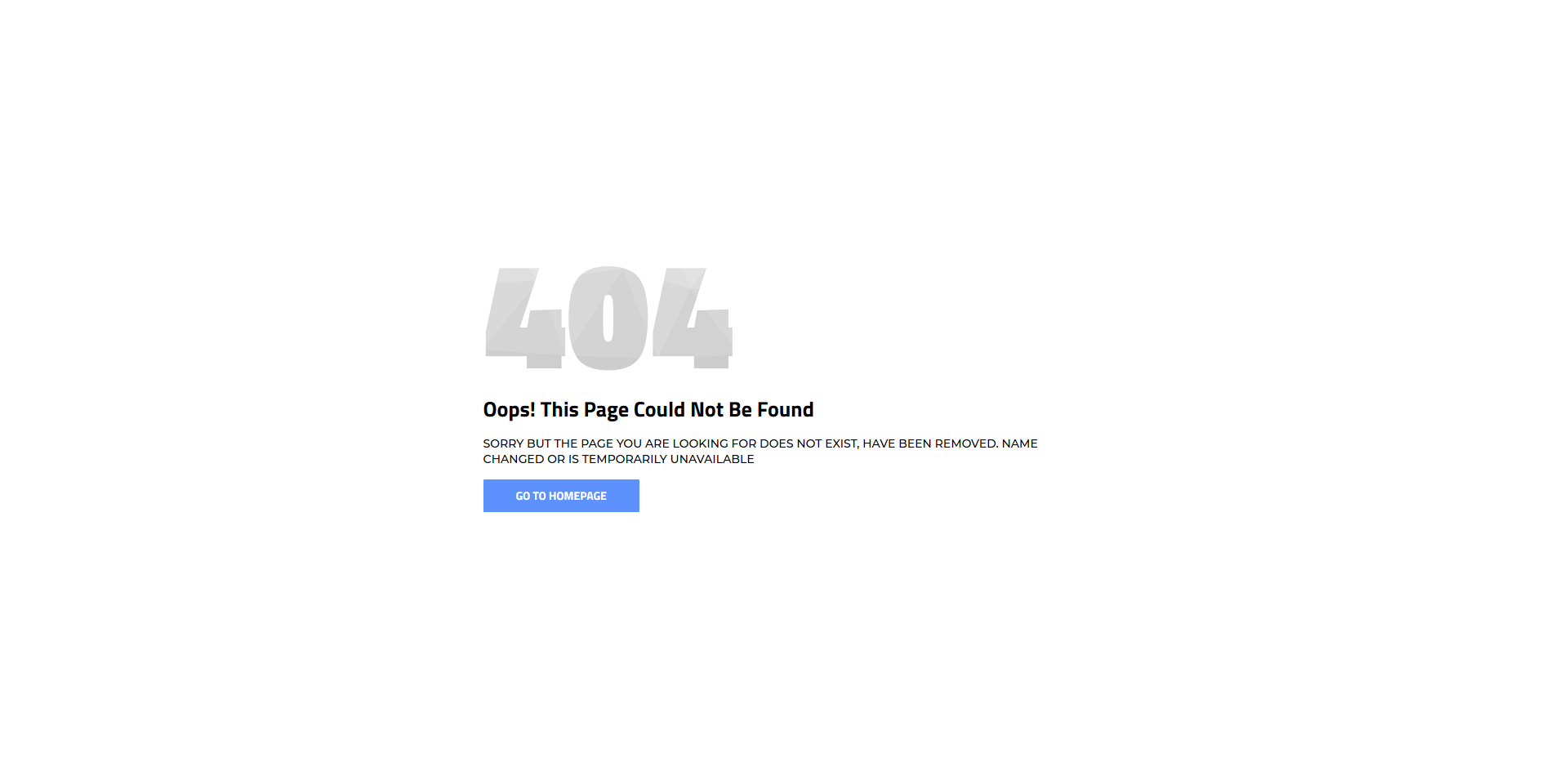
FreeHTML · Best for: a plain, single-action error page
One action and no distractions: a headline, a sentence of explanation, and a single Go To Homepage button. The 404 sits on a patterned background graphic over a blue field, set in Montserrat and Titillium Web. Plain HTML and CSS — drop the folder in, point the button at your homepage, and it is live. Free to download.
Colorlib 404 v2
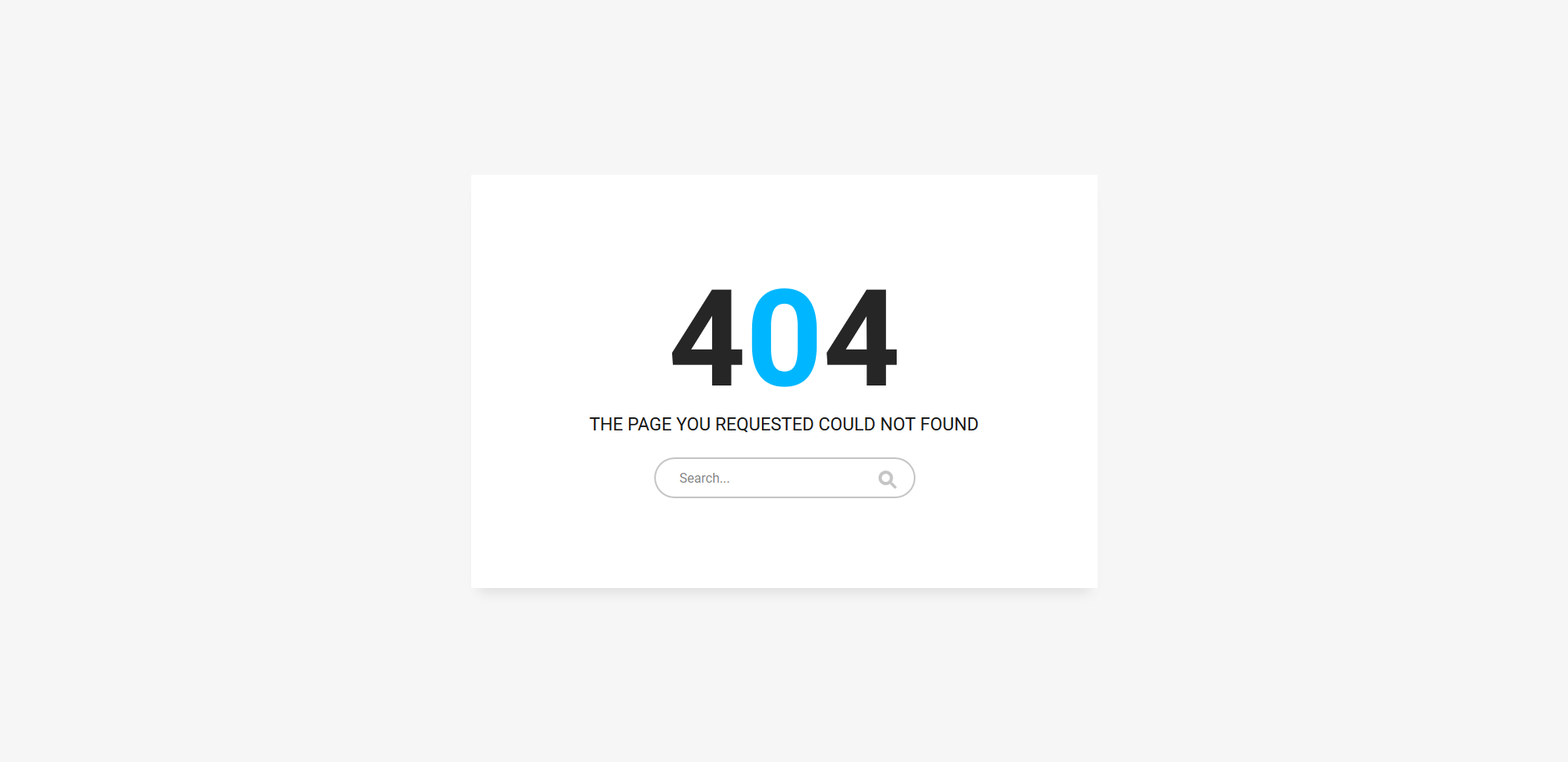
FreeHTML · Best for: sites where search rescues the visit
A search field is the only control on the page, so the visitor types a new query instead of being pushed back to the homepage. A light card on a grey field with a cyan accent and Roboto type. Wiring the form to your own site search is the whole setup, and it is free to download.
Colorlib 404 v3
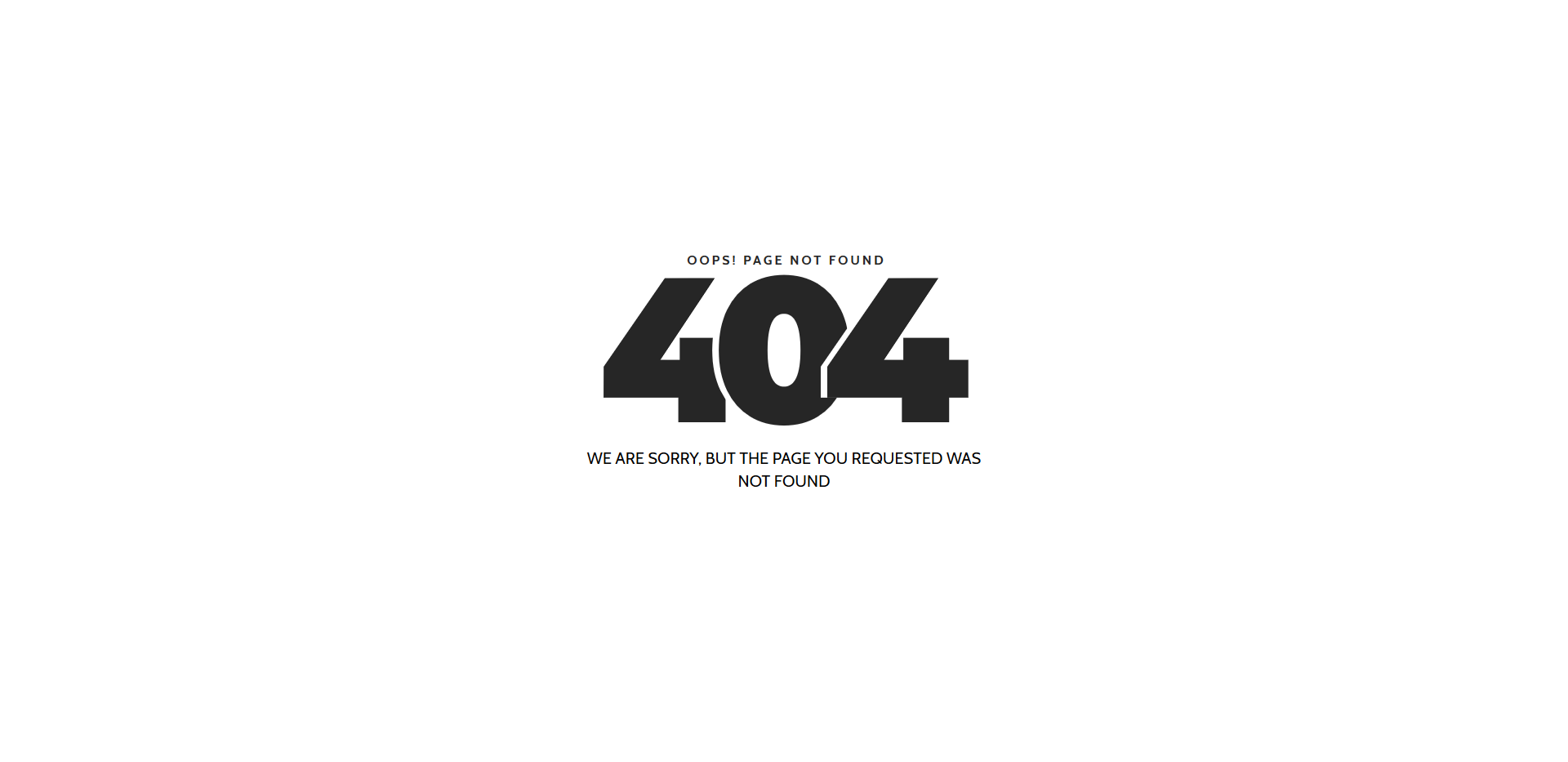
FreeHTML · Best for: minimal sites with header navigation
Type and nothing else — no button, no search field, just the apology on a white field. That suits sites where the header navigation is already on screen, so the error page does not need its own escape route. Cabin and Montserrat, plain HTML and CSS, free to download.
Colorlib 404 v4
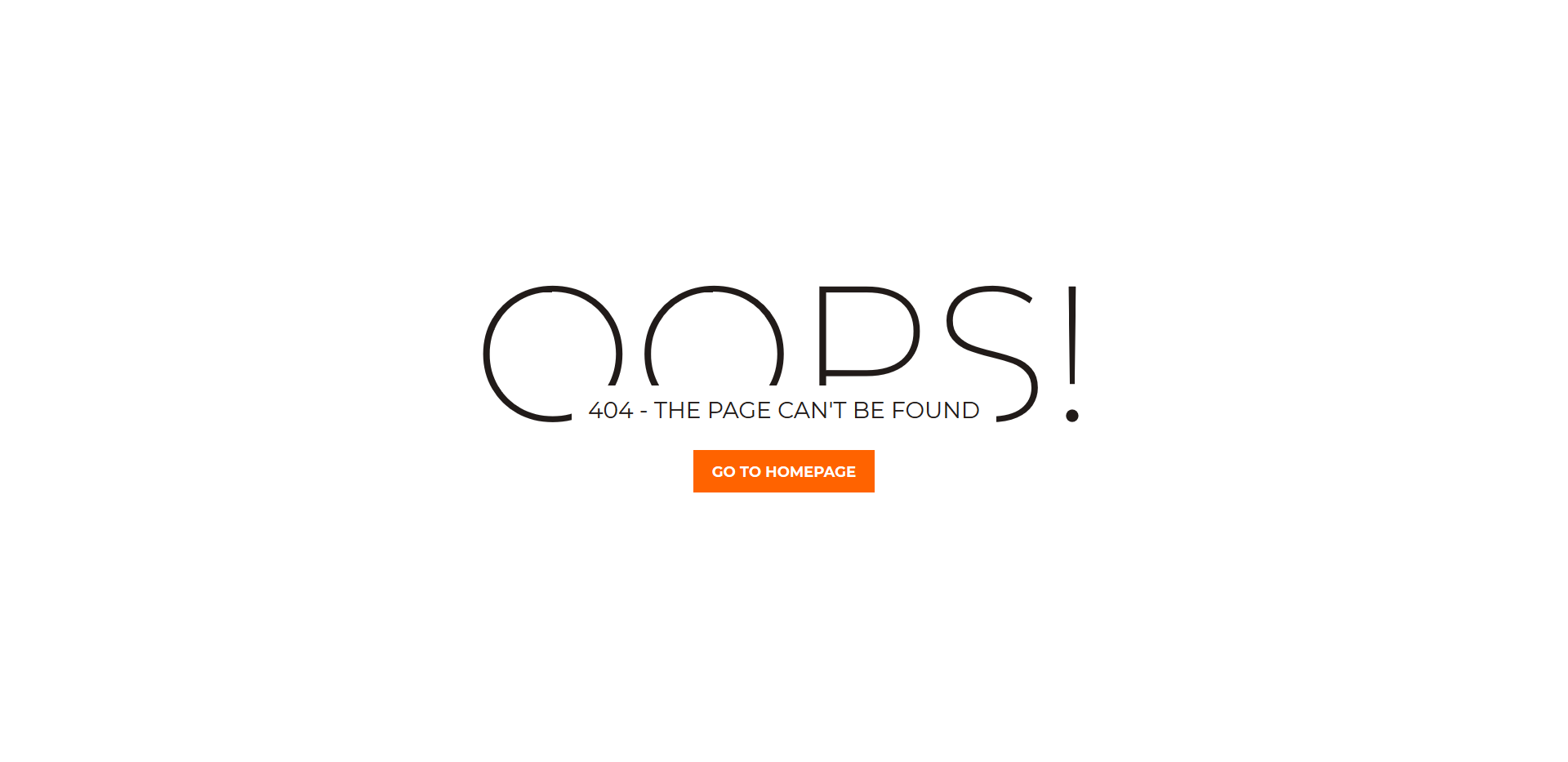
FreeHTMLDark Mode · Best for: dark sites with a warm accent
A near-black field with one orange call-to-action, set in Montserrat’s lightest weights. A single Go To Homepage link is the only route out, which keeps it honest for brands already running a dark palette. Customise the text and the accent colour, link the button to your first page, and publish. Free to download.
Colorlib 404 v5
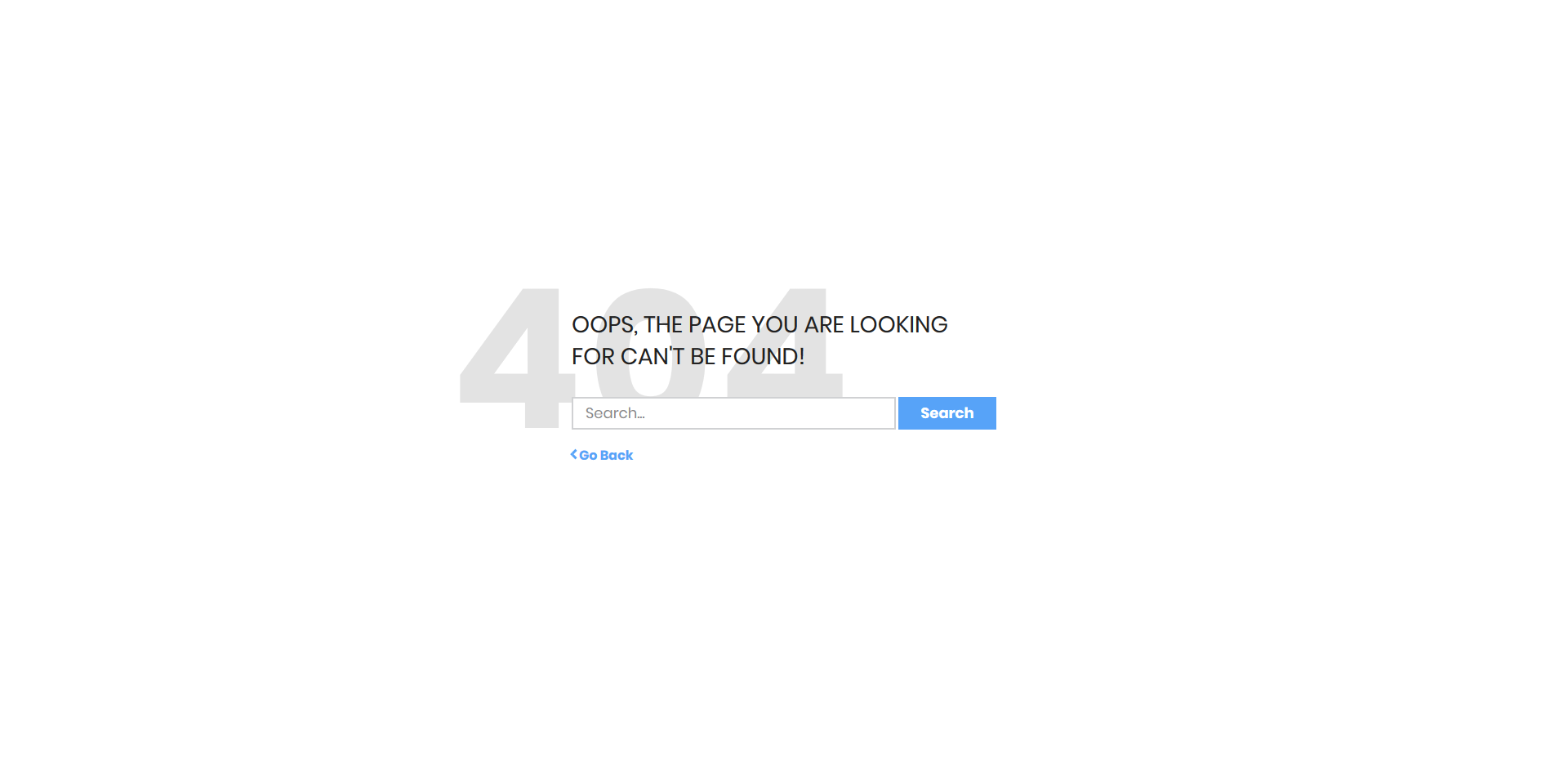
FreeHTML · Best for: offering search and a way back
Two exits rather than one — a search field and a Go Back link, so the visitor takes whichever is quicker. Blue on white in Poppins, light enough to sit under most brand palettes. Free to download at 31 KB, and the only real setup is pointing the form at your search endpoint and adjusting the wording.
Colorlib 404 v6
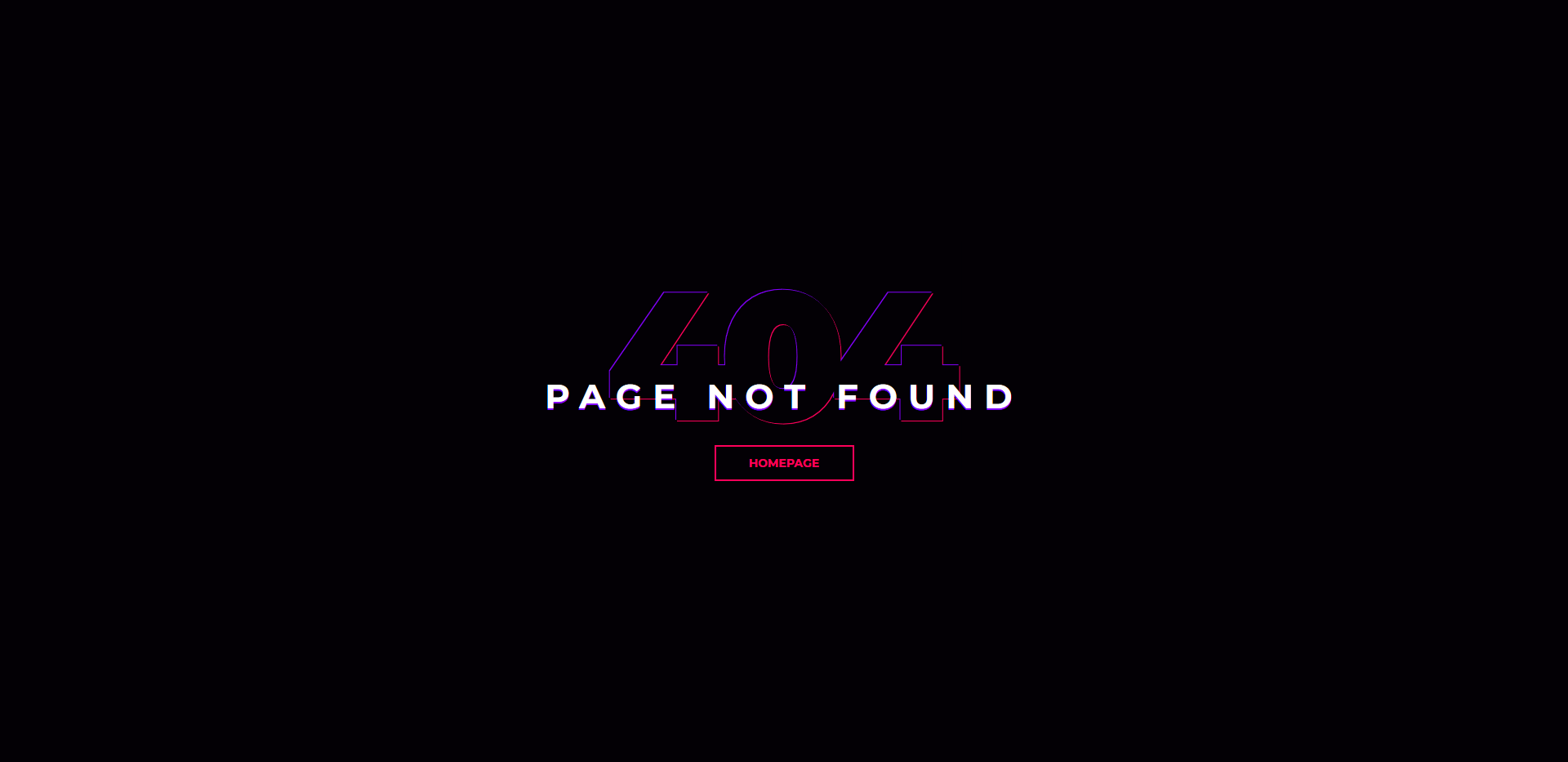
FreeHTMLDark Mode · Best for: dark sites wanting a neon accent
The shortest message in the set — three words and one Homepage link on a near-black field. Purple and pink accents in heavy Montserrat give it a neon edge that suits music, gaming, and nightlife sites. By default the button goes home, but it can point anywhere. Free to download.
Colorlib 404 v7
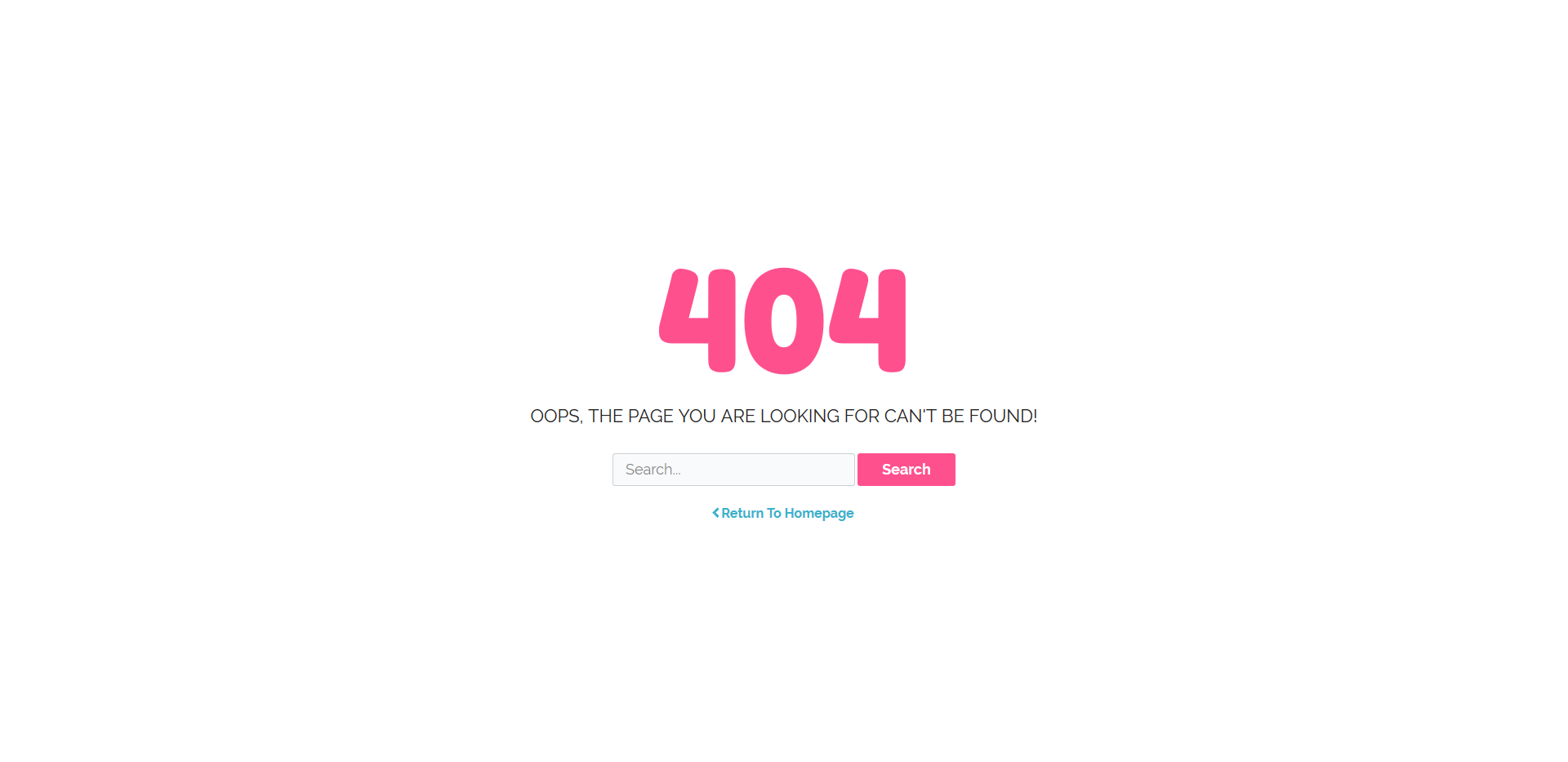
FreeHTML · Best for: friendly consumer-facing sites
Rounded Fredoka One display type over Raleway, with both a search field and a Return To Homepage link. Pink and teal accents on off-white read as friendly rather than corporate, which fits consumer and lifestyle sites. Connect the search form to your own endpoint and it is ready. Free to download.
Colorlib 404 v8
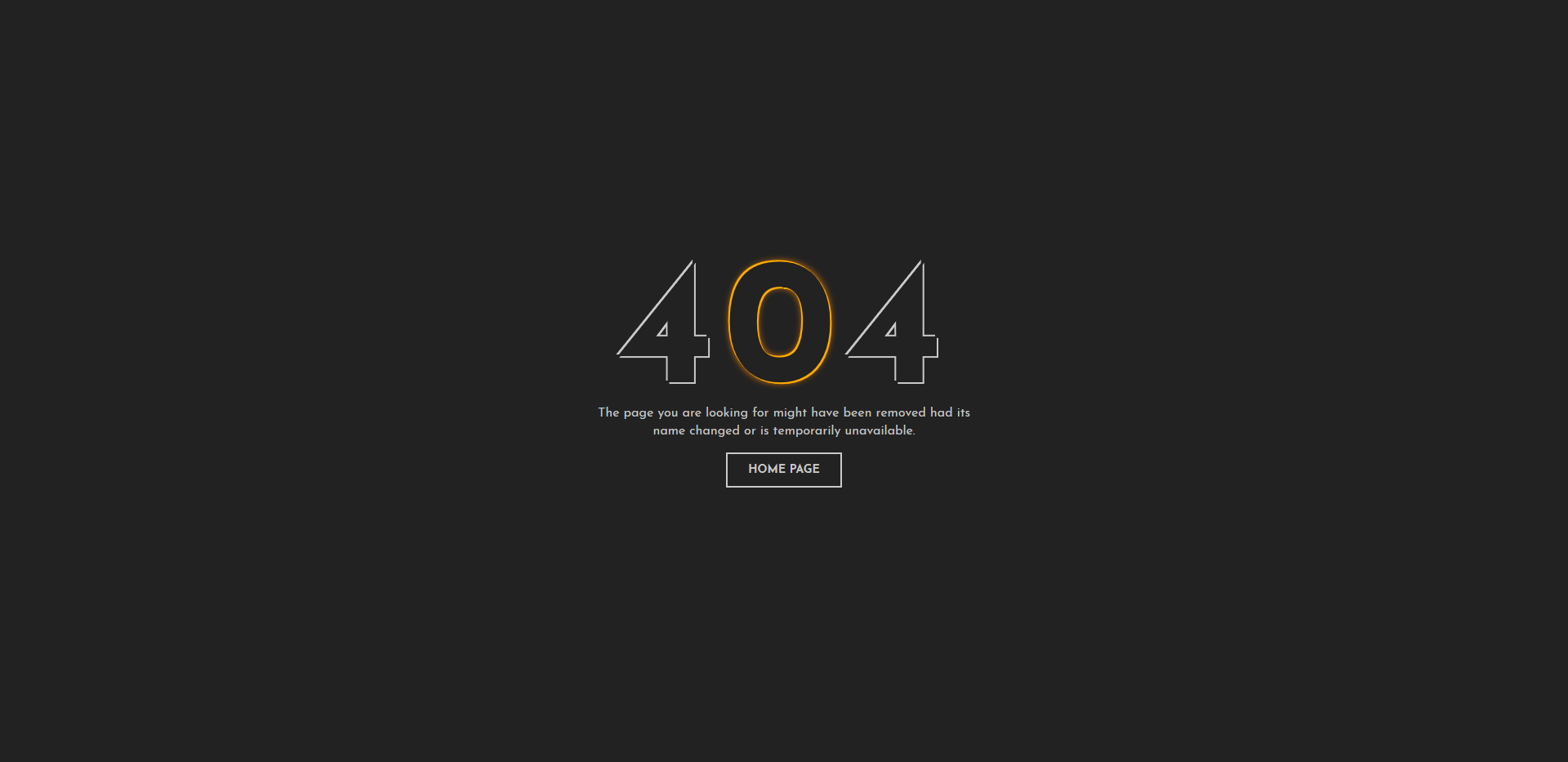
FreeHTMLDark Mode · Best for: dark sites in an editorial register
Amber digits on a charcoal field in Josefin Sans — the most editorial-looking of the dark variants. A short explanation and one home page link, nothing more. Change the wording, make the link active, and it matches a dark site without further work. Free to download.
Colorlib 404 v9
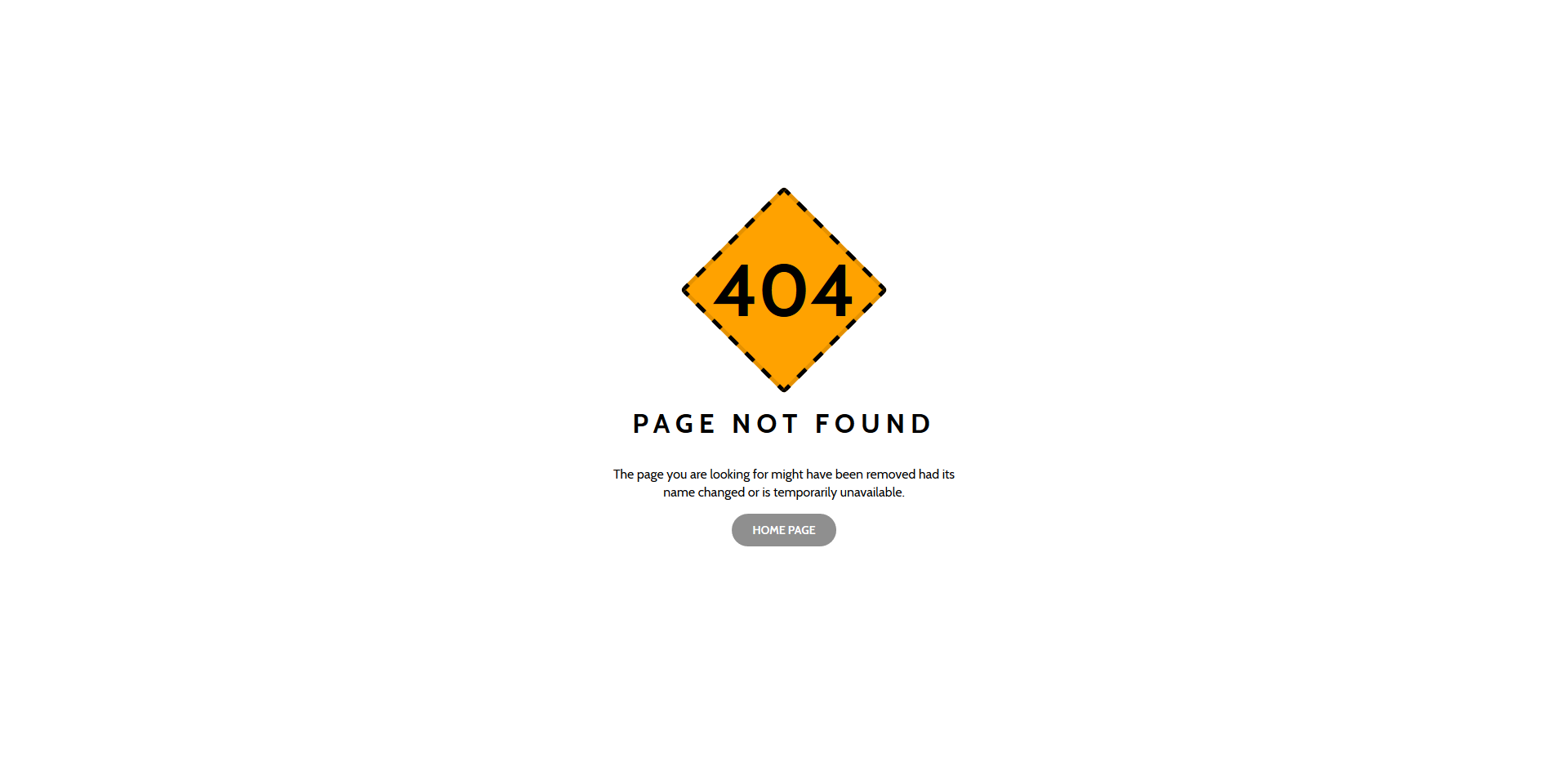
FreeHTML · Best for: neutral corporate error pages
A layered grey panel with an orange 404, neutral enough to sit under most corporate palettes. One home page link and the standard note that the page may have moved or been removed. Cabin throughout, plain HTML and CSS, and free to download — no attribution changes needed beyond your own branding.
Colorlib 404 v10
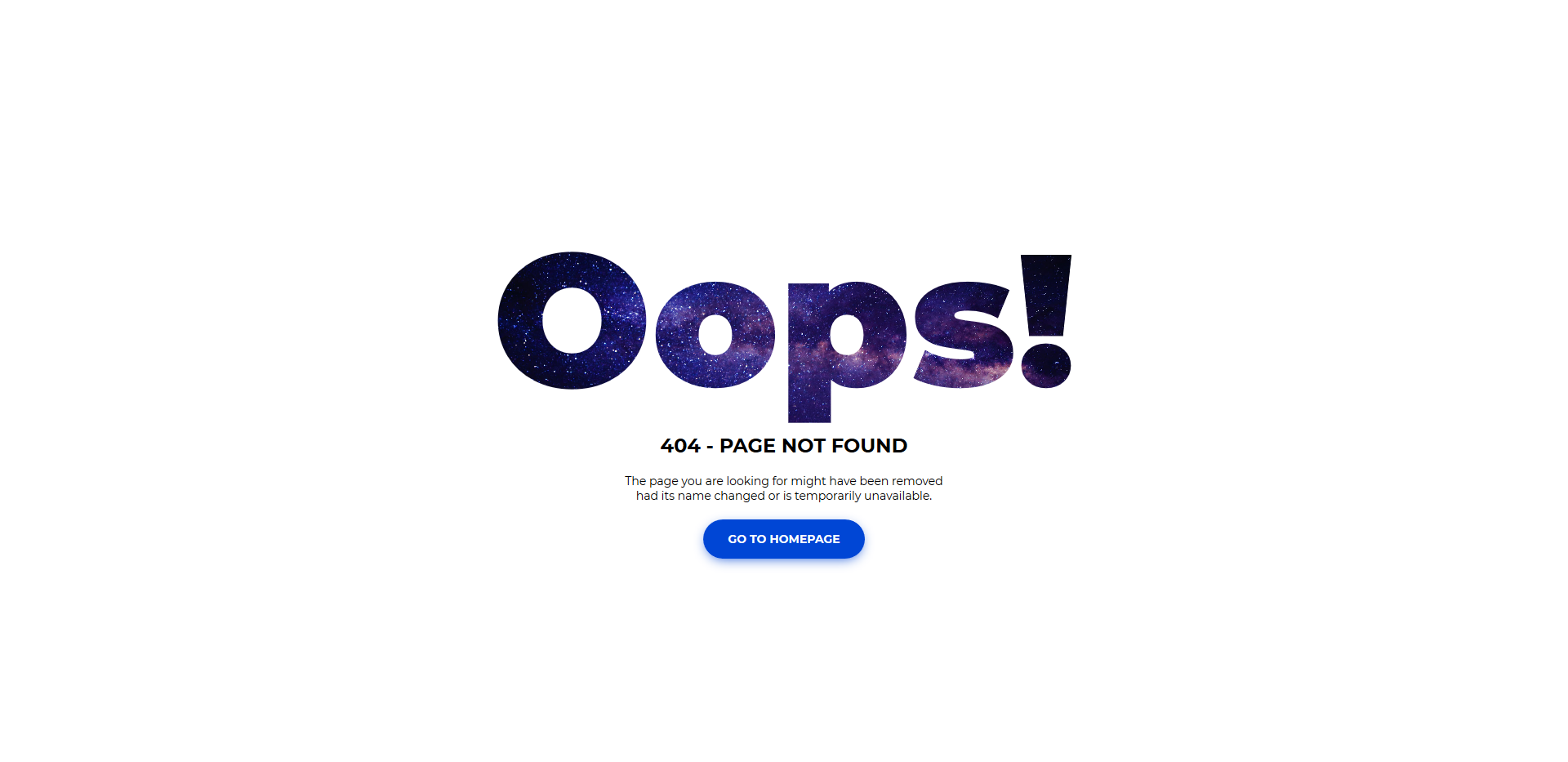
FreeHTML · Best for: photo-backed error pages
A full-bleed photo background under a deep blue wash, rather than a flat colour field. Swap the supplied image for one of your own and the page inherits your brand immediately. One Go To Homepage button, Montserrat type, plain HTML and CSS. Free to download.
Colorlib 404 v11
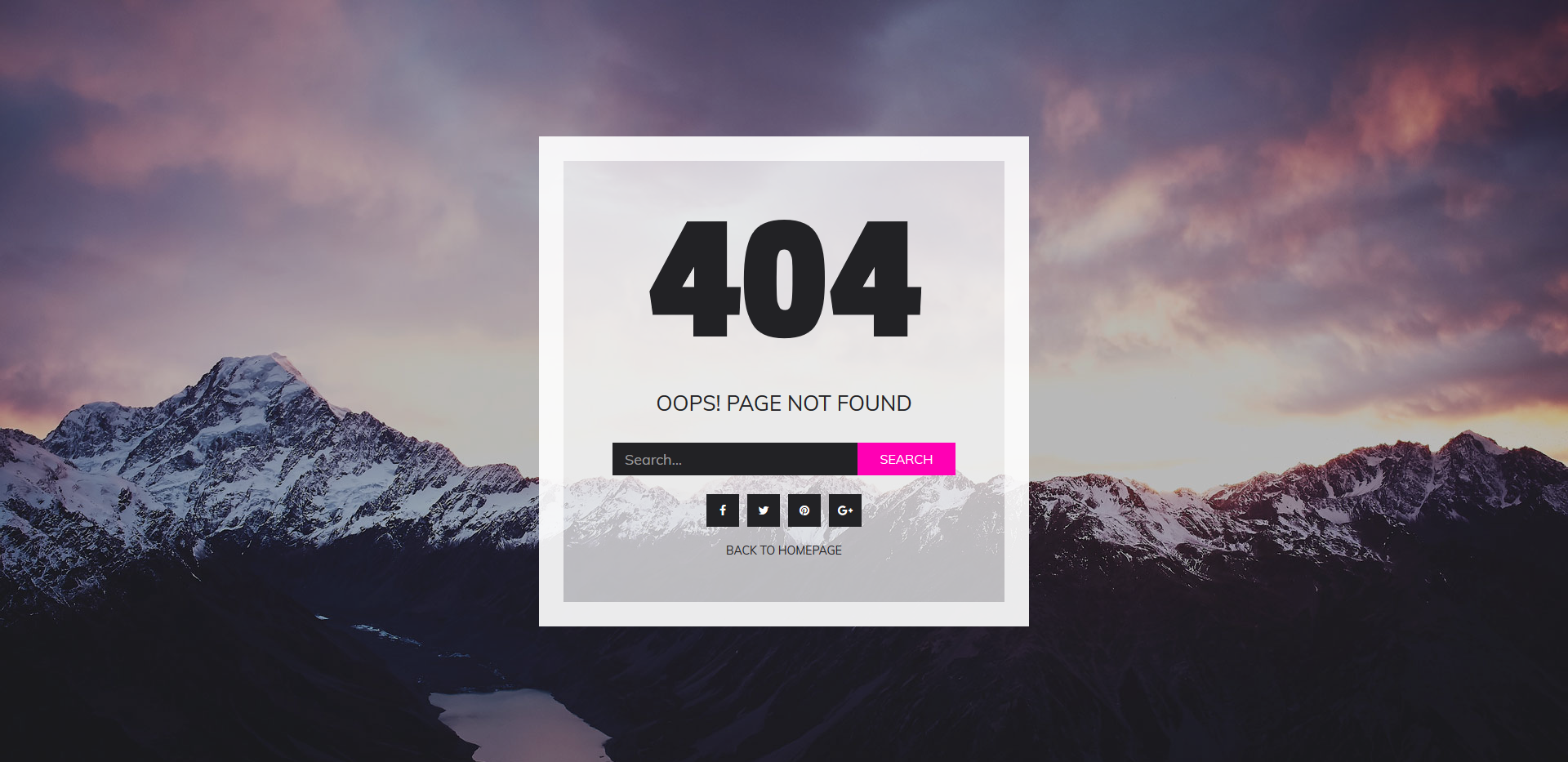
FreeHTML · Best for: photographers and image-led sites
The most equipped page in the set: image background, search field, social icons, and a Back To Homepage button in one layout. A magenta accent carries the controls. Replacing the background image is effectively the whole customisation. Free to download.
Colorlib 404 v12
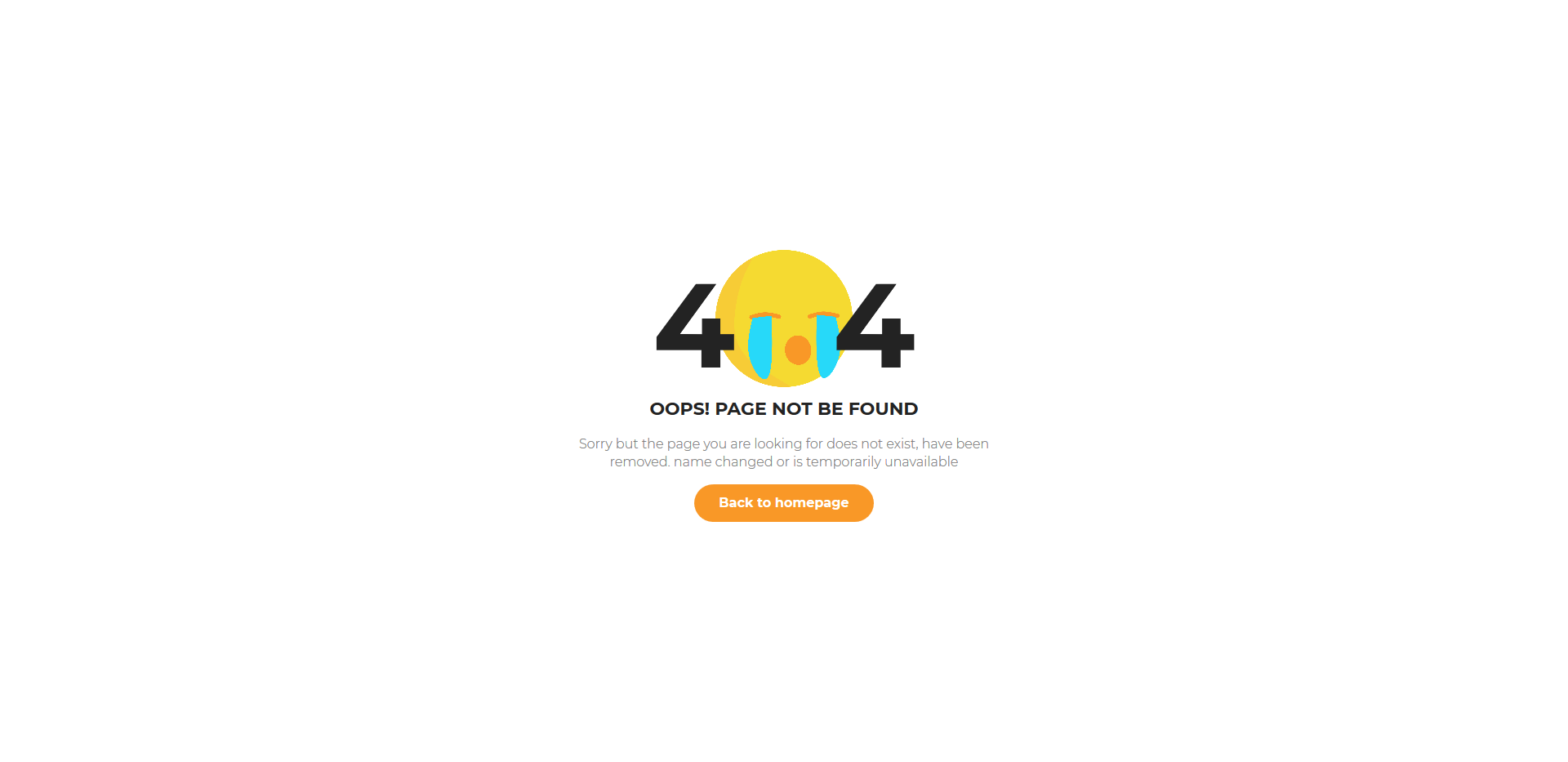
FreeHTML · Best for: informal brands that can joke
An emoji graphic sits where the middle zero belongs, so the 404 itself becomes the illustration. Orange accent on light grey in Montserrat, with a short apology and a Back to homepage button. Swap the PNG for your own mascot if you have one. Free to download.
Colorlib 404 v13
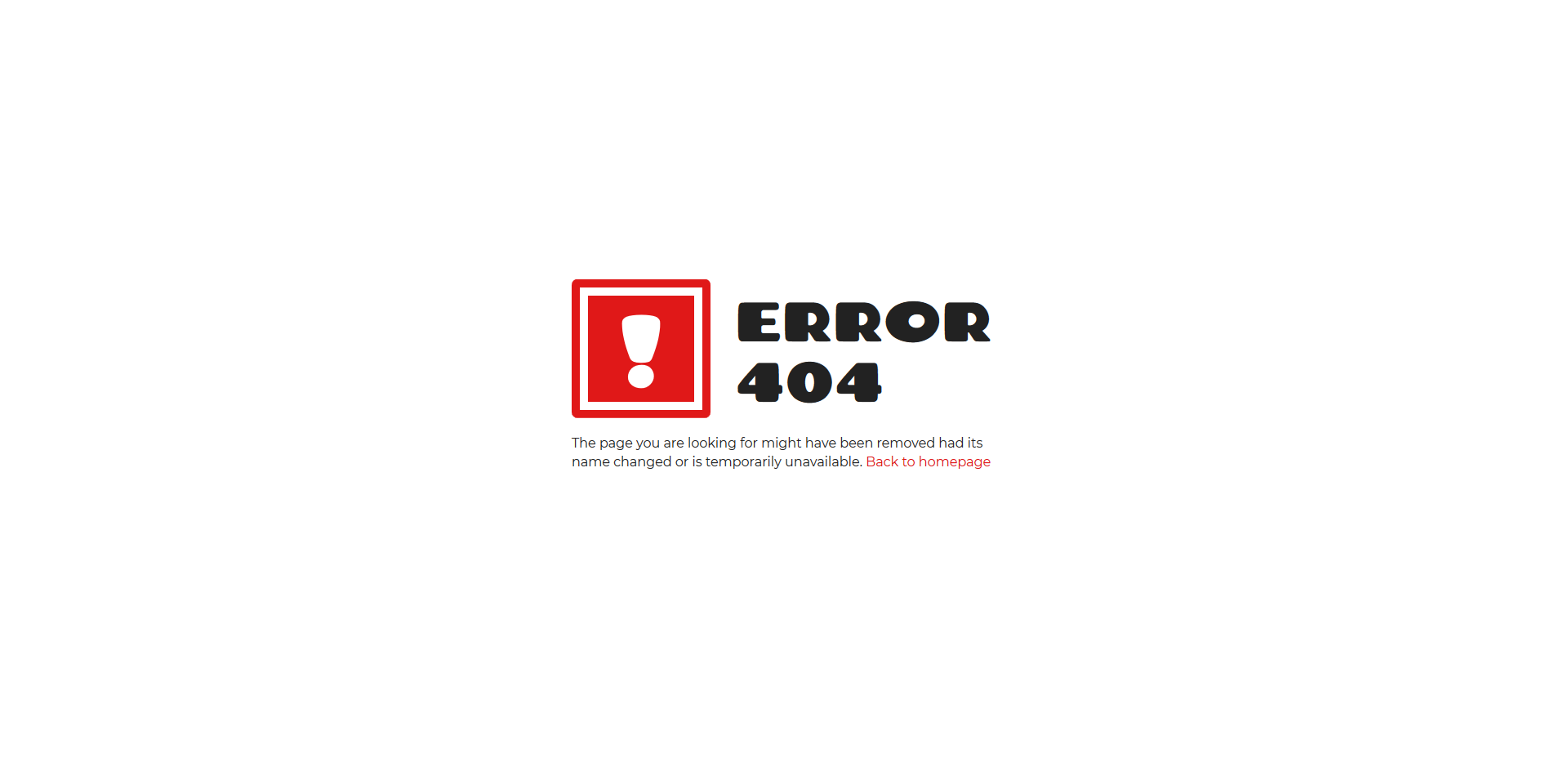
FreeHTML · Best for: a loud, high-contrast error page
A red exclamation mark does the job an illustration usually does, which means no image files to host or swap. Chango display type over Montserrat body copy, one Back to homepage button, and the standard explanation. Plain HTML and CSS, free to download.
Colorlib 404 v14
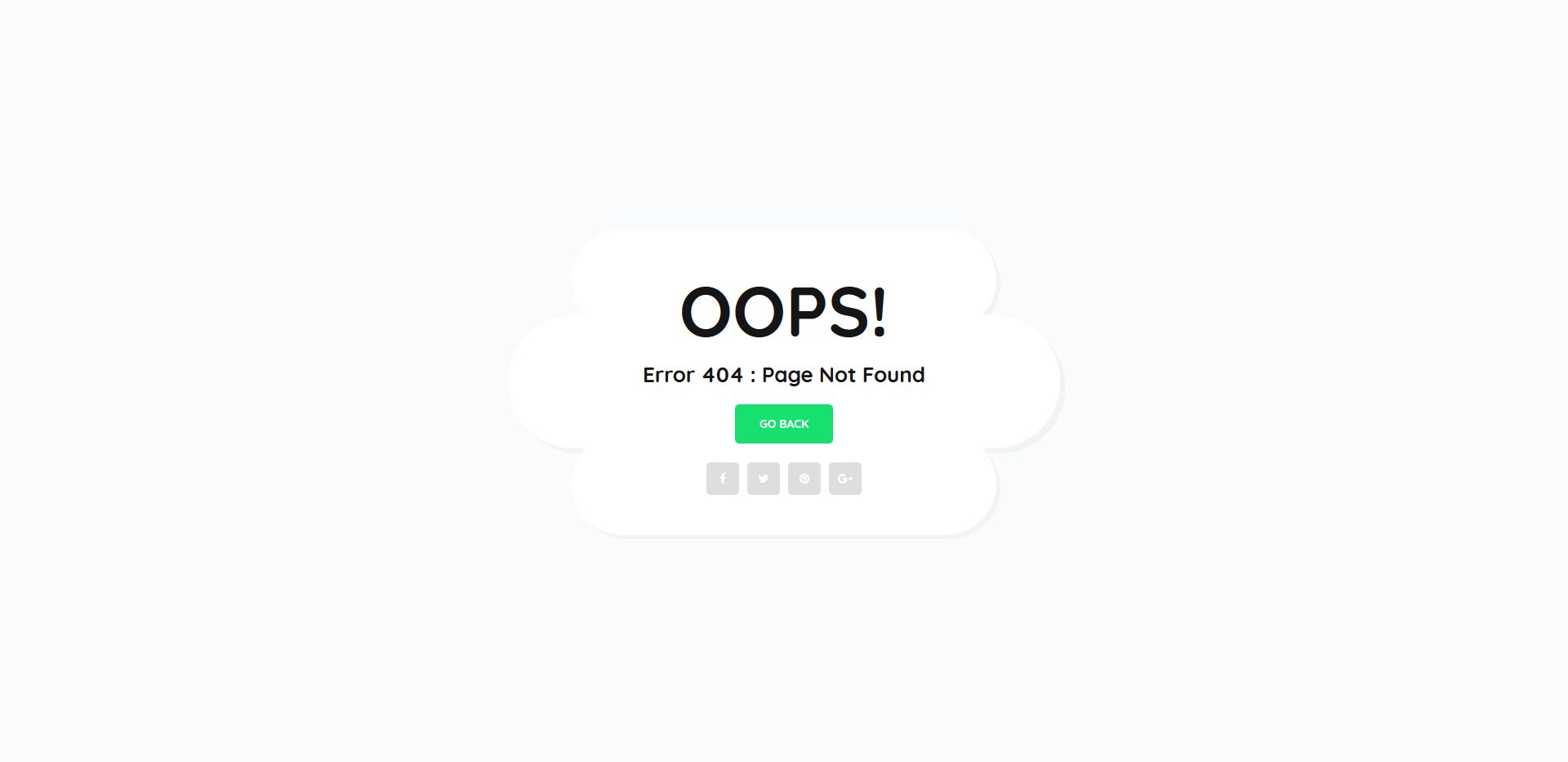
FreeHTML · Best for: routing visitors to social profiles
Alongside the go back link it carries a row of social icons, so a dead URL can still send someone to your profiles. Green accent on near-white in Quicksand keeps the tone light rather than apologetic. The whole download is 35 KB, and it is free.
Colorlib 404 v15
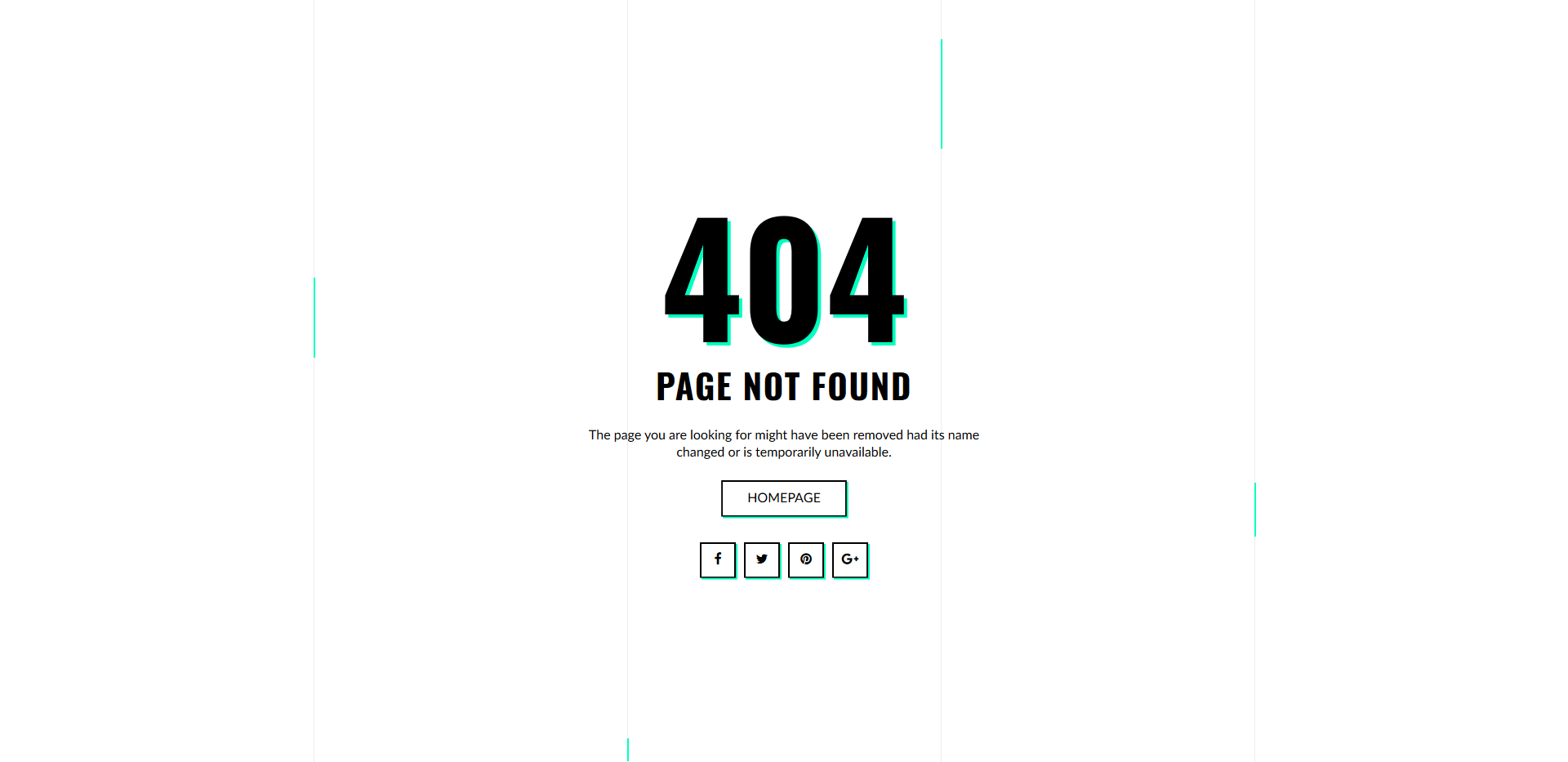
FreeHTML · Best for: an animated, high-contrast 404
The only page here with a CSS keyframe animation — the 404 drops into place on load instead of rendering flat. Mint green against black in Oswald and Lato, with a homepage button and social icons beneath. Edit the message to say why the page is missing. Free to download.
Colorlib 404 v16
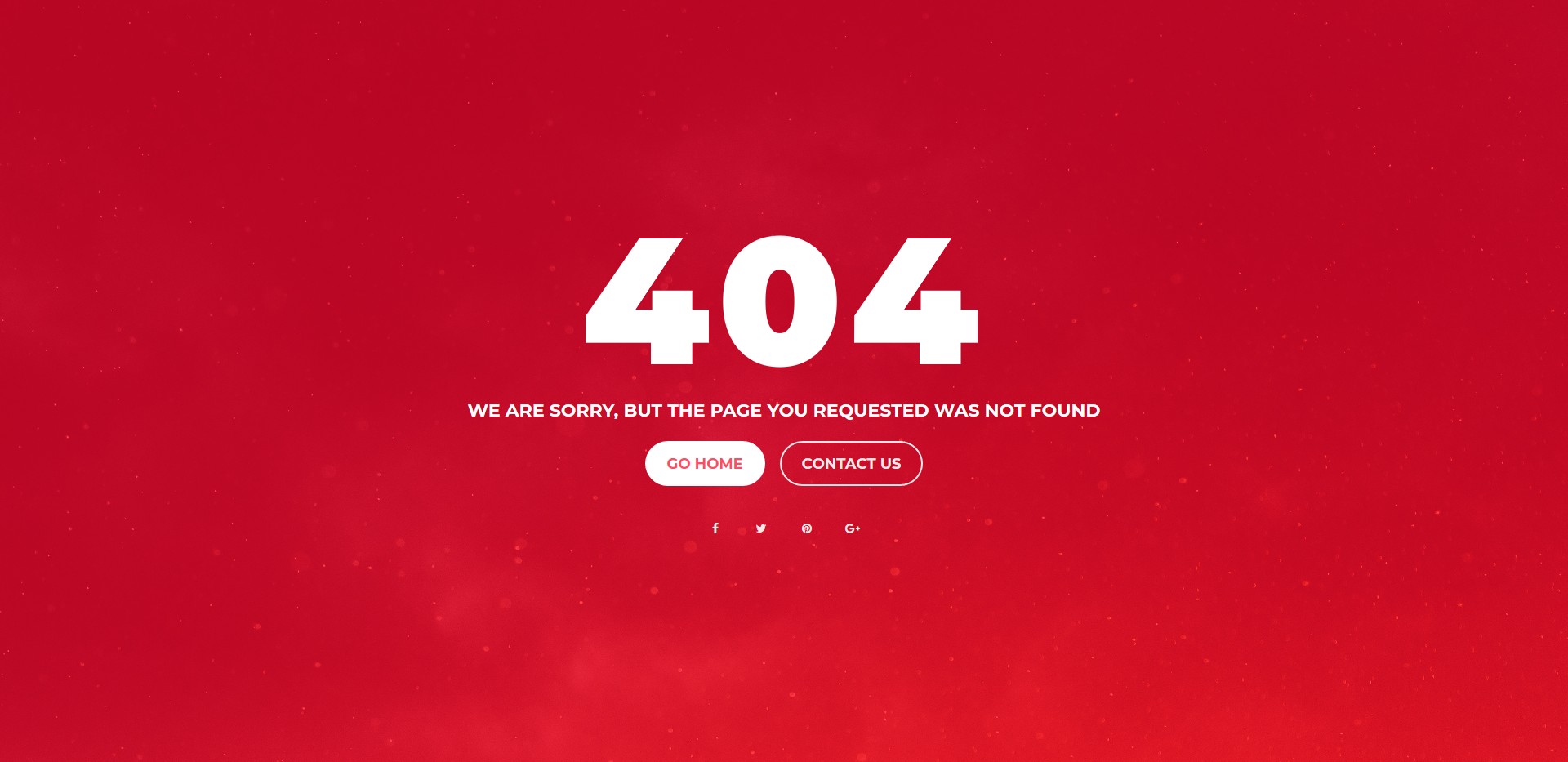
FreeHTML · Best for: sites that want a support route
Two buttons instead of one — Go Home and Contact us — so a visitor who hit a broken link can report it. A photo background under a red wash in Montserrat, with social icons below. The image, the overlay colour, and both button targets are all editable, and it is free to download.
Colorlib 404 v17
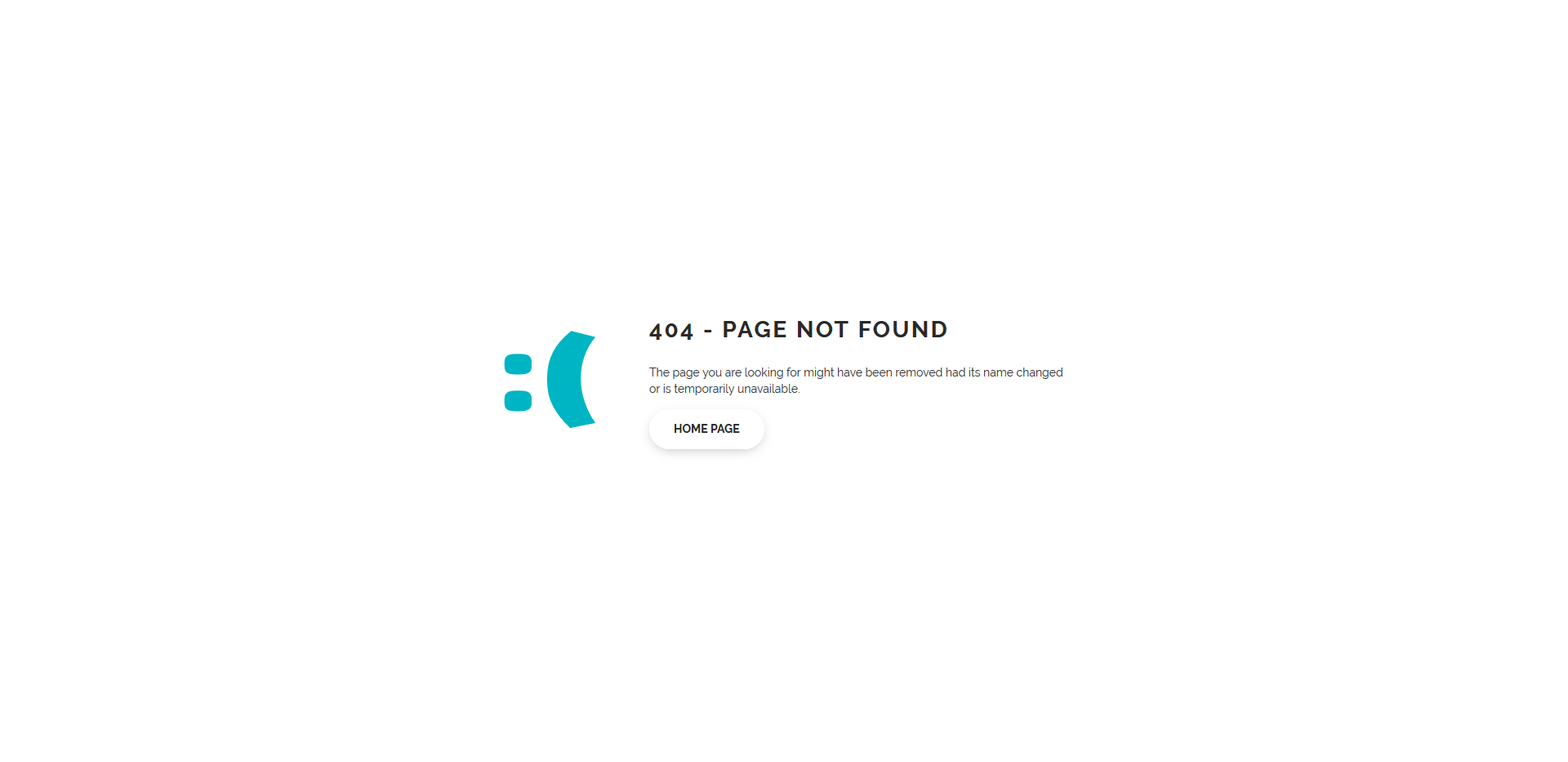
FreeHTML · Best for: a quick drop-in with no assets
A text emoticon stands in for an illustration, so there are no image files to host at all. Teal on white in Raleway, one home page link, and the standard explanation. Usable exactly as shipped, or restyled in a handful of CSS declarations. Free to download.
Colorlib 404 v18
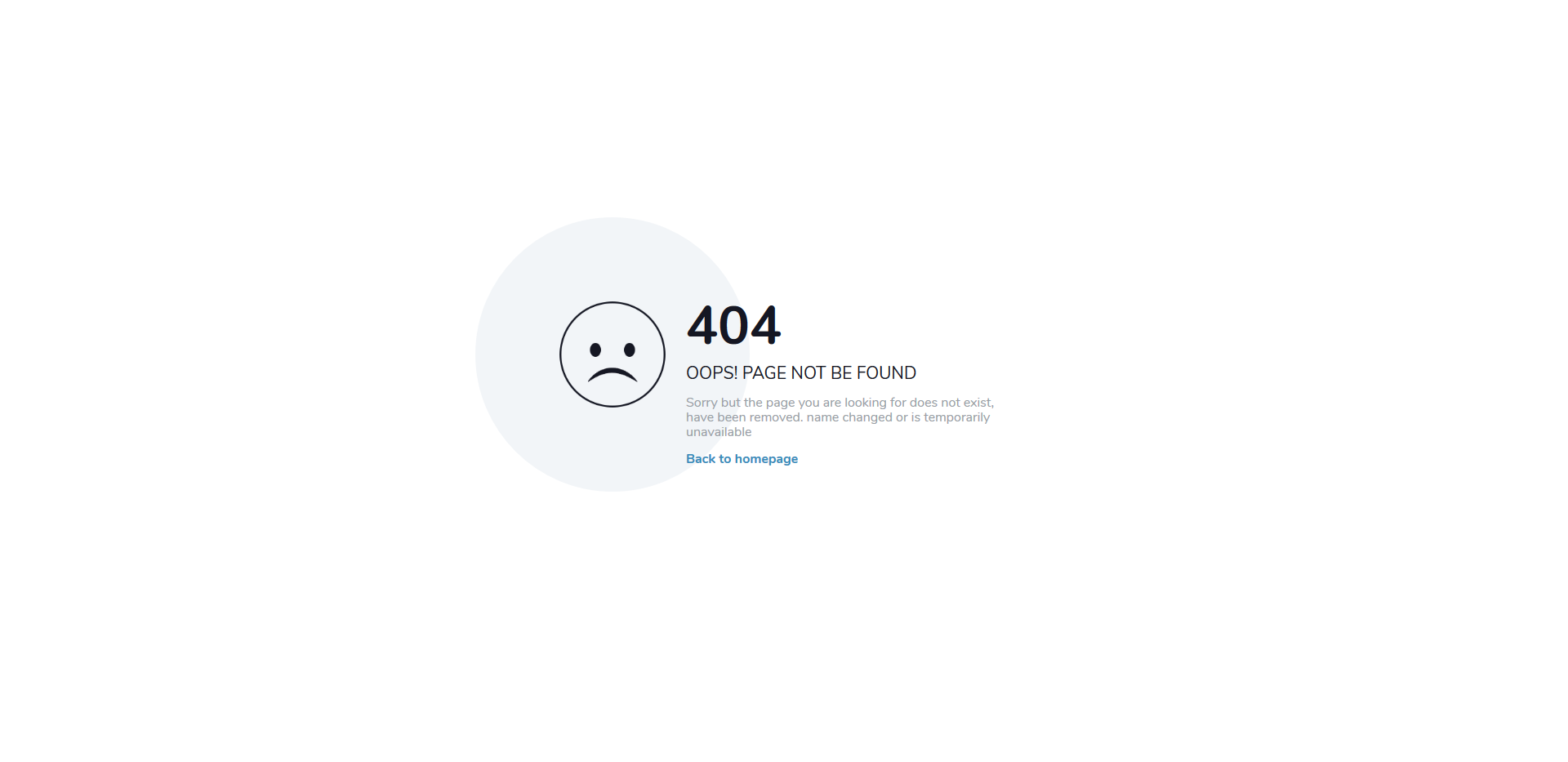
FreeHTML · Best for: a soft, apologetic tone
A sad-face graphic above the 404, with Nunito’s rounded letterforms keeping the tone apologetic rather than blunt. A pale grey-blue field, one Back to homepage button, and a short explanation of what went wrong. Quick to set up and free to download.
Colorlib 404 v19
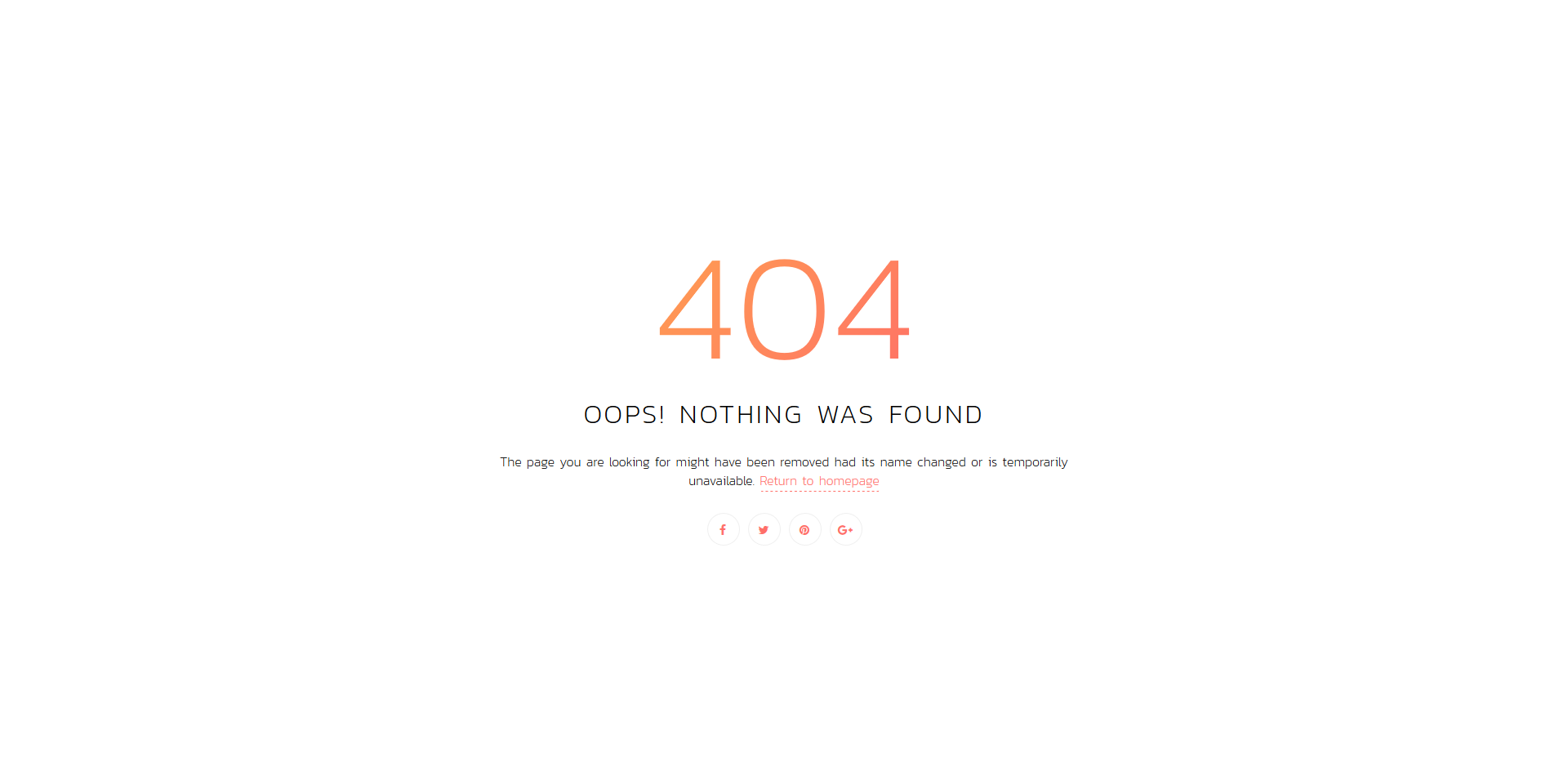
FreeHTML · Best for: warm, gradient-led branding
A coral-to-orange gradient background rather than a flat fill, which is rare in this set. Kanit’s thin condensed weights carry the 404, with a Return to homepage button and social icons beneath. The gradient is a single CSS declaration, so re-colouring it takes one edit. Free to download, and it drops into a Bootstrap site without clashing.
Colorlib 404 v20
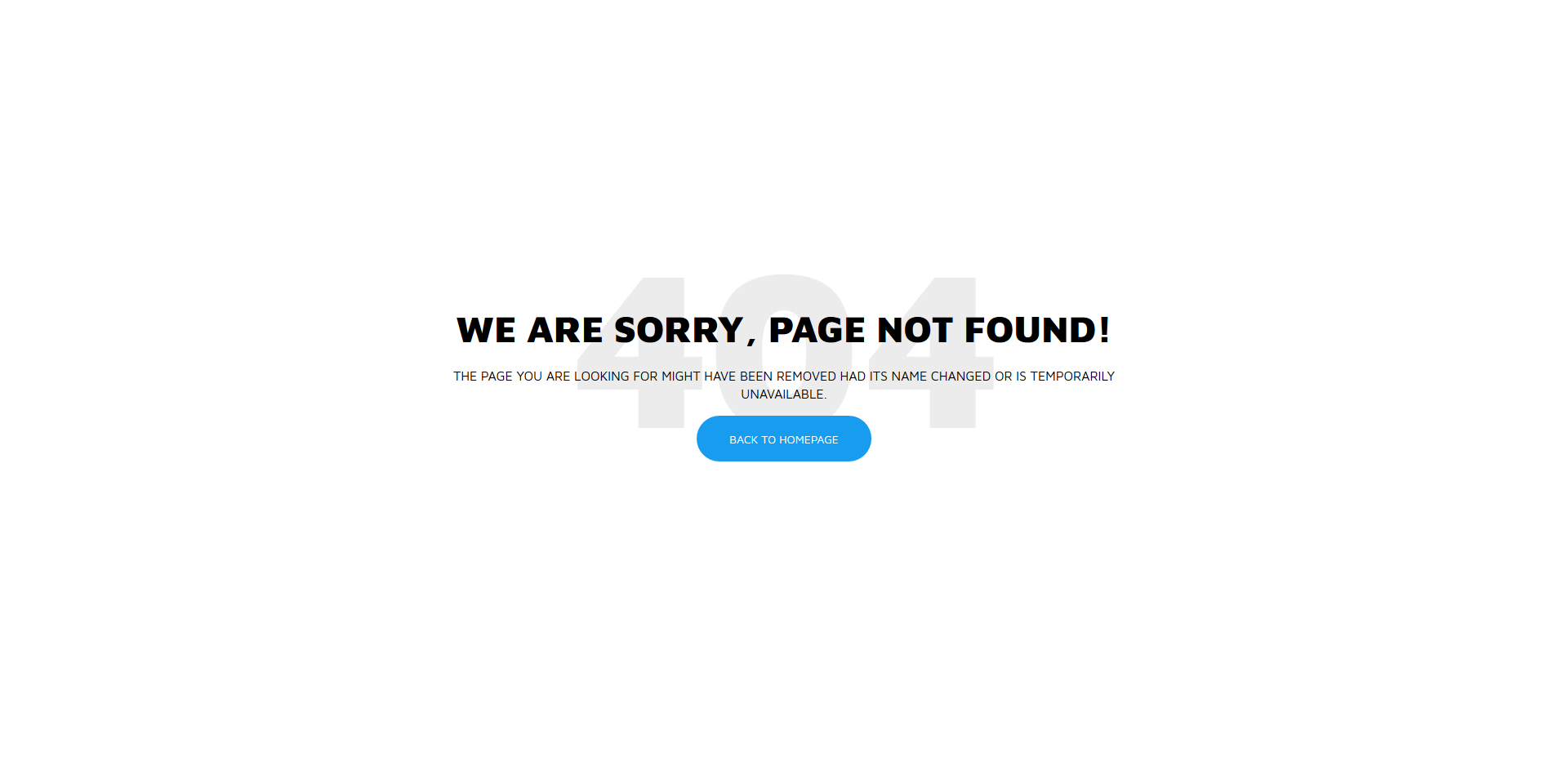
FreeHTML · Best for: replacing a default server 404
A straightforward blue-on-white layout that reads as a deliberate page rather than a server default. Maven Pro throughout, with a short explanation and one Back To Homepage button — repoint it at your blog or a category hub if that suits your site better. Free to download.
Build Your 404 Error Page
These are some of the best free 404 error page templates for your HTML website templates. The Colorlib pages have no framework to load, so they sit just as well on a static site as inside a Bootstrap 4, 5 or 6 project. You still need to fit one to your site: swap in your logo, links and colors, save it as your error page and point your server at it, as shown below. The same goes for the other error pages: serve the 500 page with a 500 status, the 403 page with 403 and the maintenance page with 503.
Copy-Paste 404 Page (Ready to Use)
Need a 404 page right now, without downloading anything? This self-contained snippet is a complete, responsive error page — save it as 404.html, adjust the colors, done:
<!DOCTYPE html>
<html lang="en">
<head>
<meta charset="utf-8">
<meta name="viewport" content="width=device-width, initial-scale=1">
<title>Page not found</title>
<style>
  body{margin:0;min-height:100vh;display:flex;align-items:center;justify-content:center;
       font-family:system-ui,sans-serif;background:#0f172a;color:#e2e8f0;text-align:center}
  .box{padding:32px}
  h1{font-size:96px;margin:0;letter-spacing:4px;color:#38bdf8}
  p{font-size:18px;color:#94a3b8;margin:12px 0 28px}
  a{display:inline-block;padding:12px 28px;border-radius:8px;background:#38bdf8;
    color:#0f172a;text-decoration:none;font-weight:700}
  a:hover{background:#7dd3fc}
</style>
</head>
<body>
  <div class="box">
    <h1>404</h1>
    <p>The page you are looking for does not exist or has moved.</p>
    <a href="/">Back to homepage</a>
  </div>
</body>
</html>
Then tell your server to use it — and to send a real 404 status code:
# Apache (.htaccess)
ErrorDocument 404 /404.html

# nginx (server block)
error_page 404 /404.html;
WordPress themes handle this automatically through 404.php. Whatever you use, verify the page returns HTTP 404 (not 200) — soft-404s waste crawl budget and can get your error page indexed.
Frequently Asked Questions
How do I make my server actually show a custom 404 page?
On Apache, add ErrorDocument 404 /404.html to .htaccess; on nginx, set error_page 404 /404.html; in the server block. WordPress themes use 404.php automatically.
Should a 404 page return a 404 status code?
Yes — always. Serving error pages with a 200 status creates soft-404s that waste crawl budget and can get indexed. The snippets and templates here are markup only; the status comes from your server config.
What should a good 404 page contain?
A plain statement that the page doesn’t exist, a link home, and ideally search or popular-content links. Humor is fine; dead ends are not — never leave a visitor without a next step.
Do custom 404 pages help SEO?
Indirectly — they cut abandonment by routing lost visitors onward, and correct 404 status codes keep crawlers from indexing junk. Fixing the broken links that cause the 404s matters more.

Related Posts

Comments (0)