
25 Free Bootstrap Sidebar Templates and Examples 2026
This list of free Bootstrap sidebar templates and examples now has 25 entries: ten Bootstrap Sidebar navigation layouts, ten Colorlib Sidebar widgets for profiles, carts, contact forms and newsletters, and five sidebars from our 2026 snippets.
All of them are free Colorlib downloads with live demos. All 25 are dependency-free HTML, CSS and a little vanilla JavaScript, so they work on their own or inside Bootstrap 4, 5 and 6 projects with no jQuery or Bootstrap files to load. Colorlib Sidebar V01 to V10 were rebuilt without jQuery in September 2026.
Use a sidebar for navigation menus, but also for user profiles, contact forms, newsletter sign-ups or a shopping cart. The 2026 additions add a docs sidebar that pushes the page aside, a collapsible dashboard icon rail and a settings sidebar with real forms.
Free Bootstrap Sidebar Templates and Examples
1. Bootstrap Sidebar by Colorlib V1
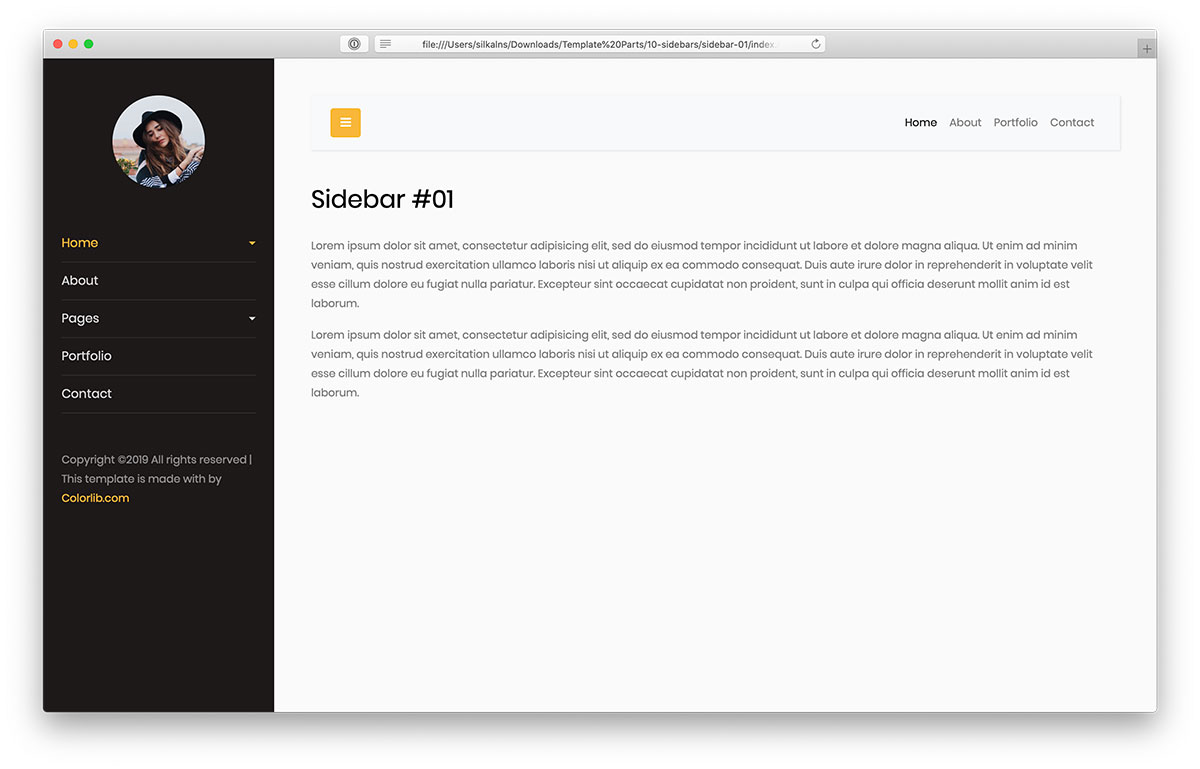
We present alternatives for a free, creative, straightforward Bootstrap sidebar that you can practice immediately. The first version appears pretty simplistic yet still ensures originality.
If you want to improve your website’s navigability, you can do it without building it yourself.
The layout is 100% flexible and responsive, working seamlessly on all devices. Moreover, it also features a drop-down menu and an option to hide it (off-canvas). Both run on a few lines of vanilla JavaScript, so no jQuery or Bootstrap scripts are needed.
Last but not least, you can add additional information and an avatar. Enrich your website with a solid sidebar and make an immediate difference.
2. Bootstrap Sidebar by Colorlib V2
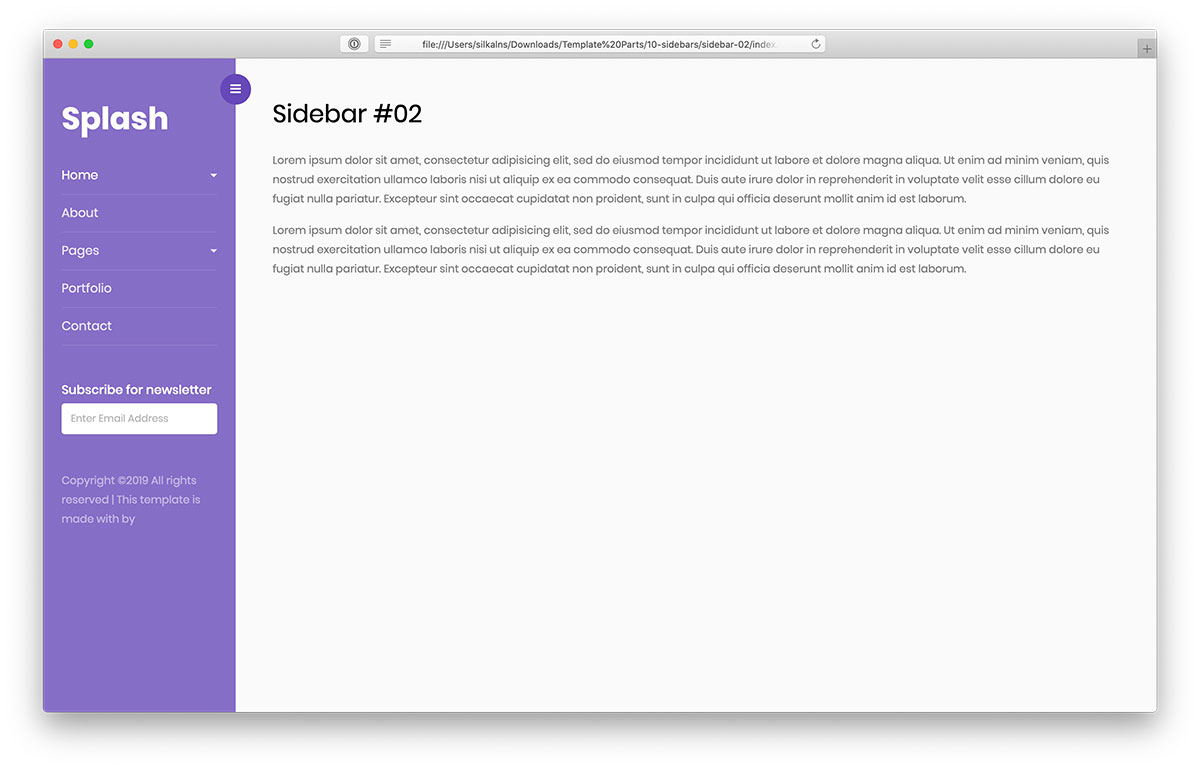
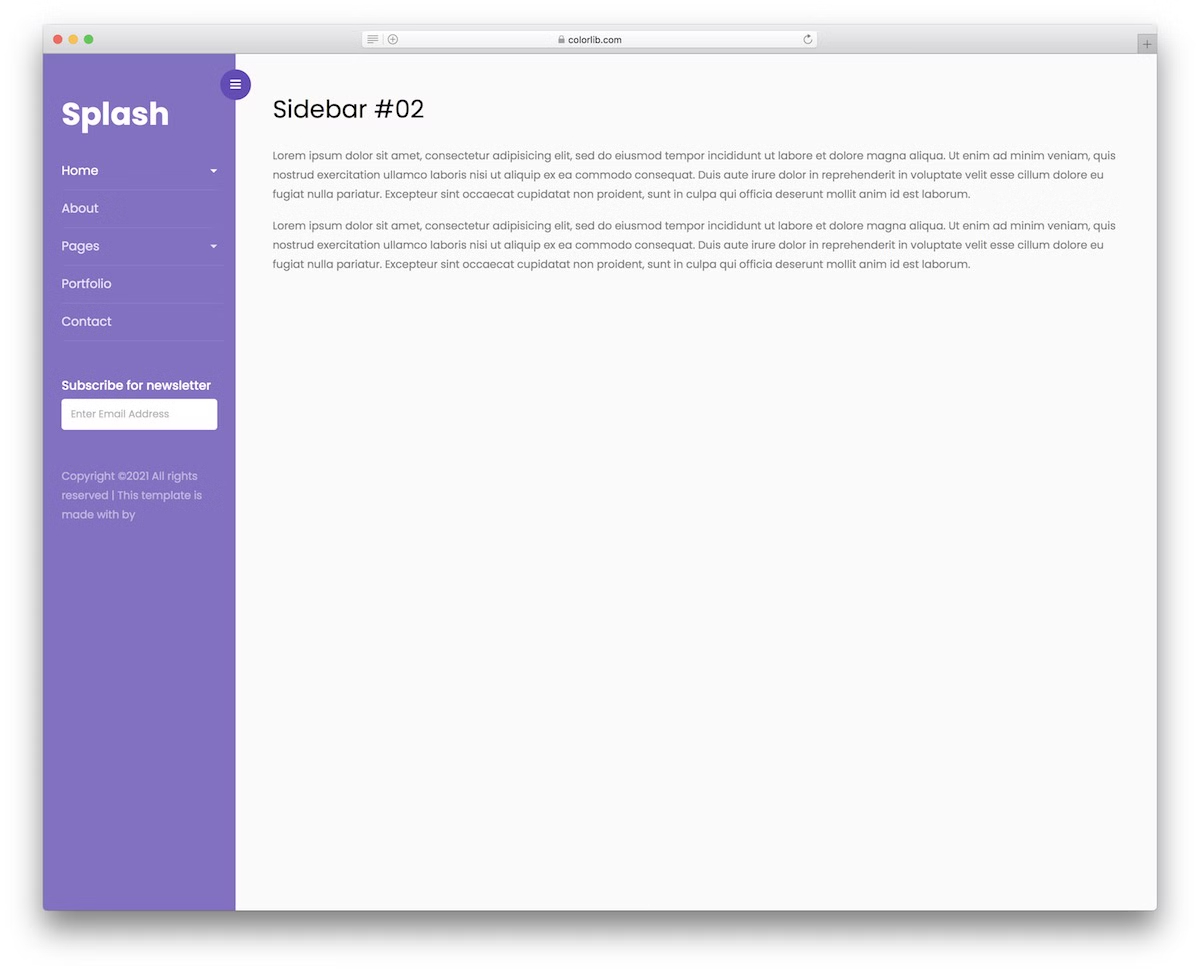
Instead of a dull sidebar, you can spice things up with Bootstrap Sidebar by Colorlib V2. The second version’s vibrant purple will LEVEL UP your online presence.
However, if you want to tweak it, you can do that. Similar to all the other sidebar samples on this list, this one is mobile-friendly.
You can test it out by heading over to the live preview page.
Along with the drop-down menu, the Bootstrap Sidebar by Colorlib V2 also includes extra space for text, copyright, and a newsletter subscription form.
It comes with no hidden charges and is readily available for you to make the most of it. Level up your online presence with a nifty addition of a fascinating sidebar.
3. Sidebar by Colorlib V3
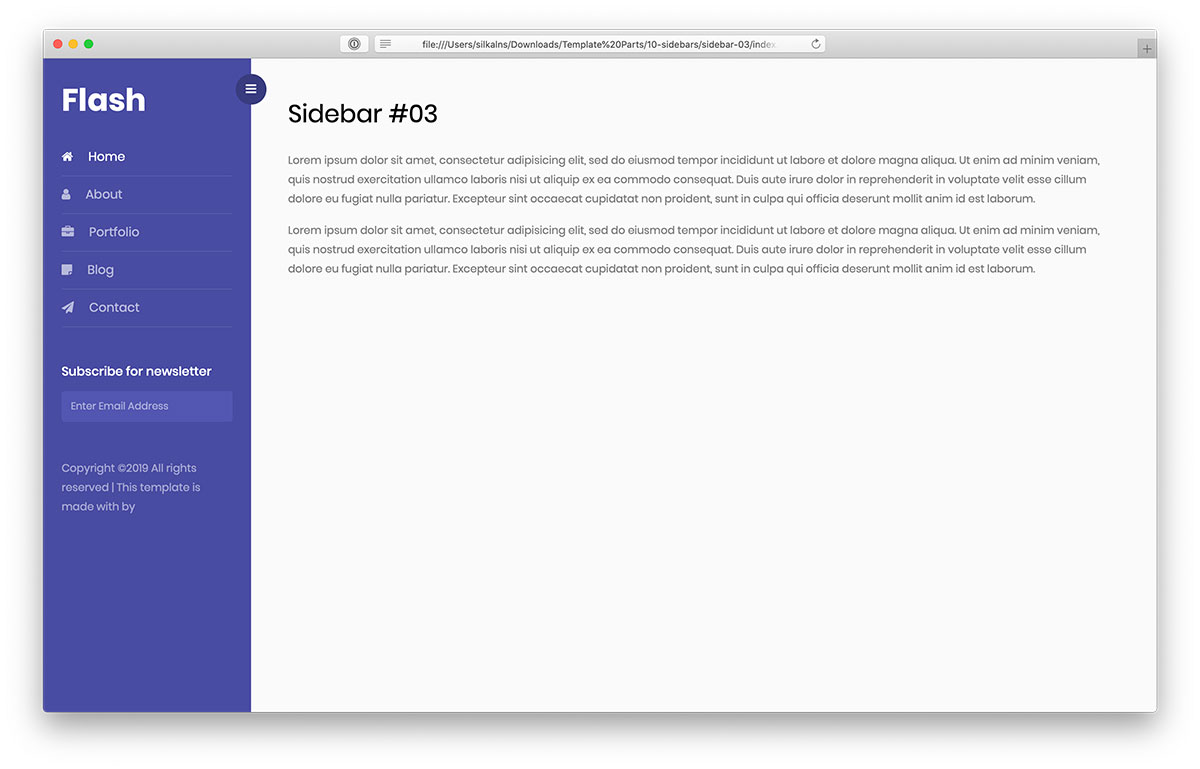
Creativity and modernity are the two main characteristics of this next Bootstrap sidebar layout. To make it your own, simply download it and start using it.
You can immediately benefit from its perks and introduce it to your website. And if you fancy the look, by all means, use it EXACTLY as it comes out of the box.
Of course, you can refine it and make it follow your branding directions.
Moreover, the tool is an off-canvas sidebar that appears or disappears with a button click, handled by a few lines of vanilla JavaScript rather than jQuery. Use the design to create a dope sidebar navigation with a convenient newsletter subscription form.
4. Sidebar by Colorlib V4
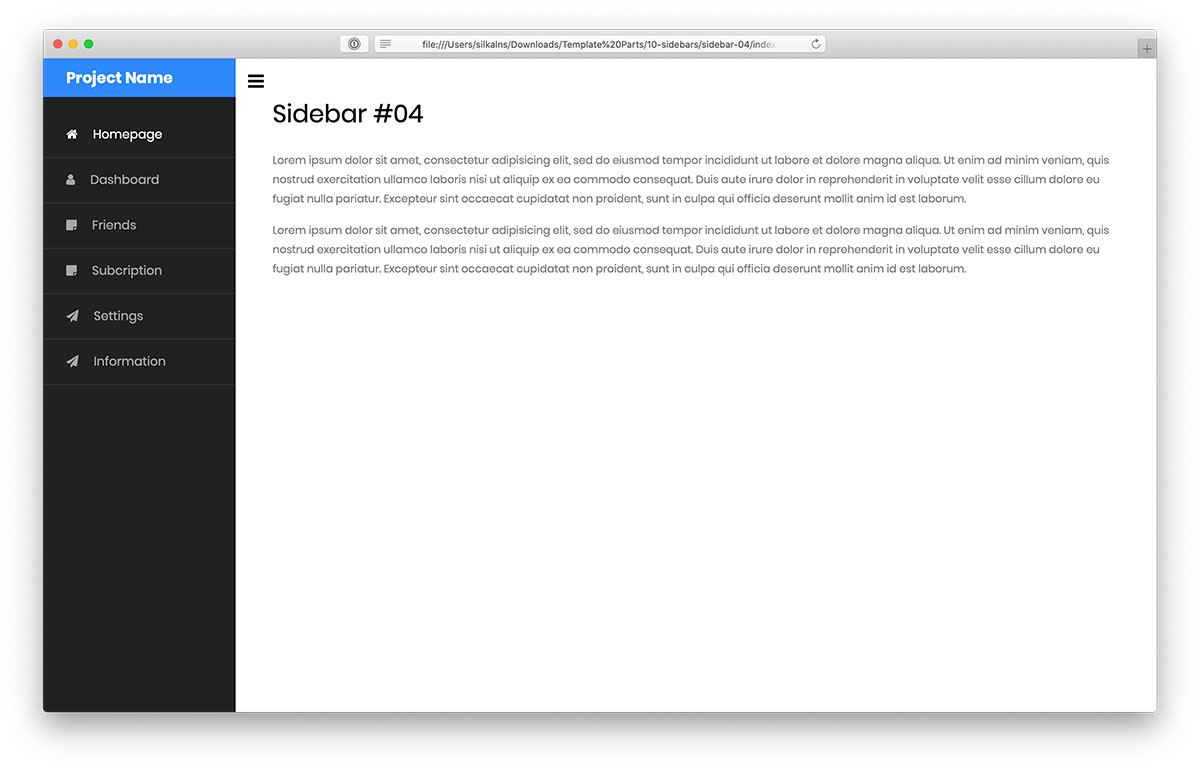
Here is the fourth version of our Bootstrap sidebar, which has a beautiful dark look. Instead of following the traditional navigation position, add it to a sidebar.
Additionally, this layout fully supports the off-canvas structure, which provides a great experience for browsing your site’s content.
The sidebar is also entirely compatible with mobile devices, too.
Instead of doing the work from square one, make it happen with a predefined design that SAVES you additional time and energy.
5. Sidebar by Colorlib V5
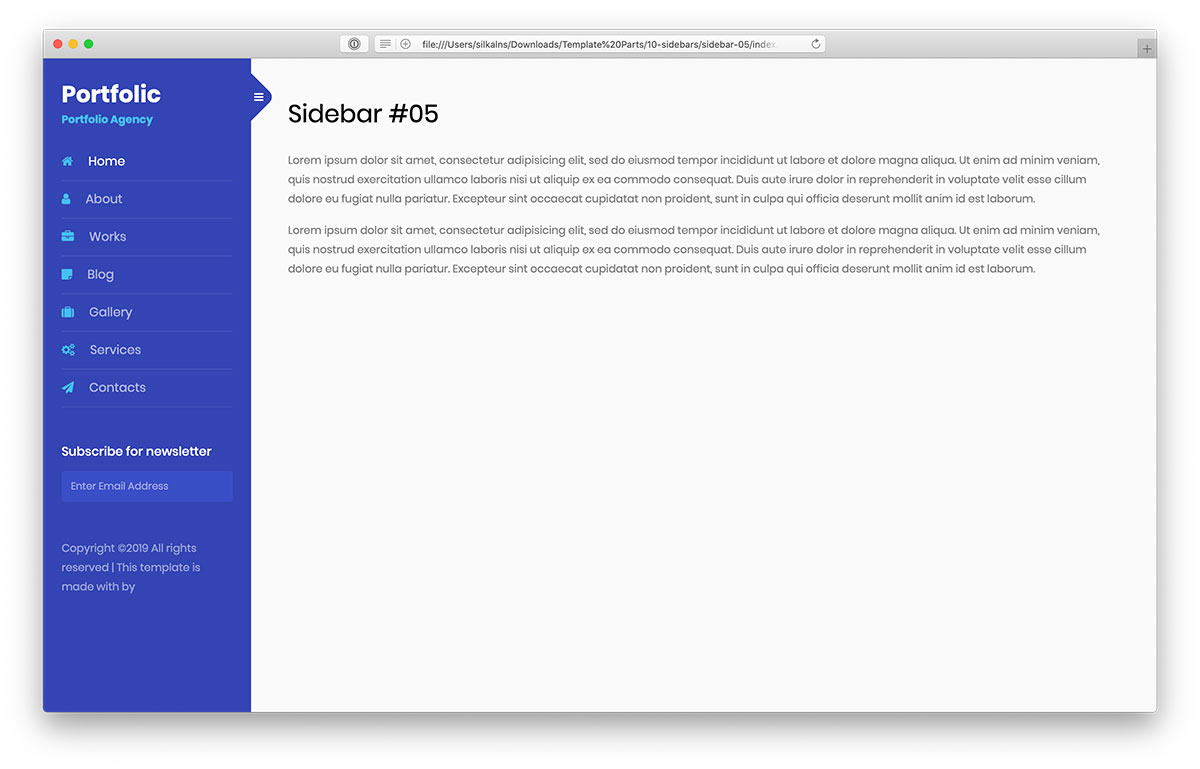
In this collection of the most promising free Bootstrap sidebars, you will find the right one that suits your web application. And if the one you like needs additional customization tweaks, feel free to make them.
After all, if you keep the copyright intact, you can precisely tailor the layout to your needs.
The Bootstrap sidebar by Colorlib V5 rocks a lovely and impactful appearance that calls for a beautiful addition to your existing website. It is easy to use, lightweight (a 104 KB download), and in harmony with smartphones, tablets, and desktops.
Move things in the right direction with practical sidebar navigation, including a newsletter subscription form.
6. Sidebar by Colorlib V6
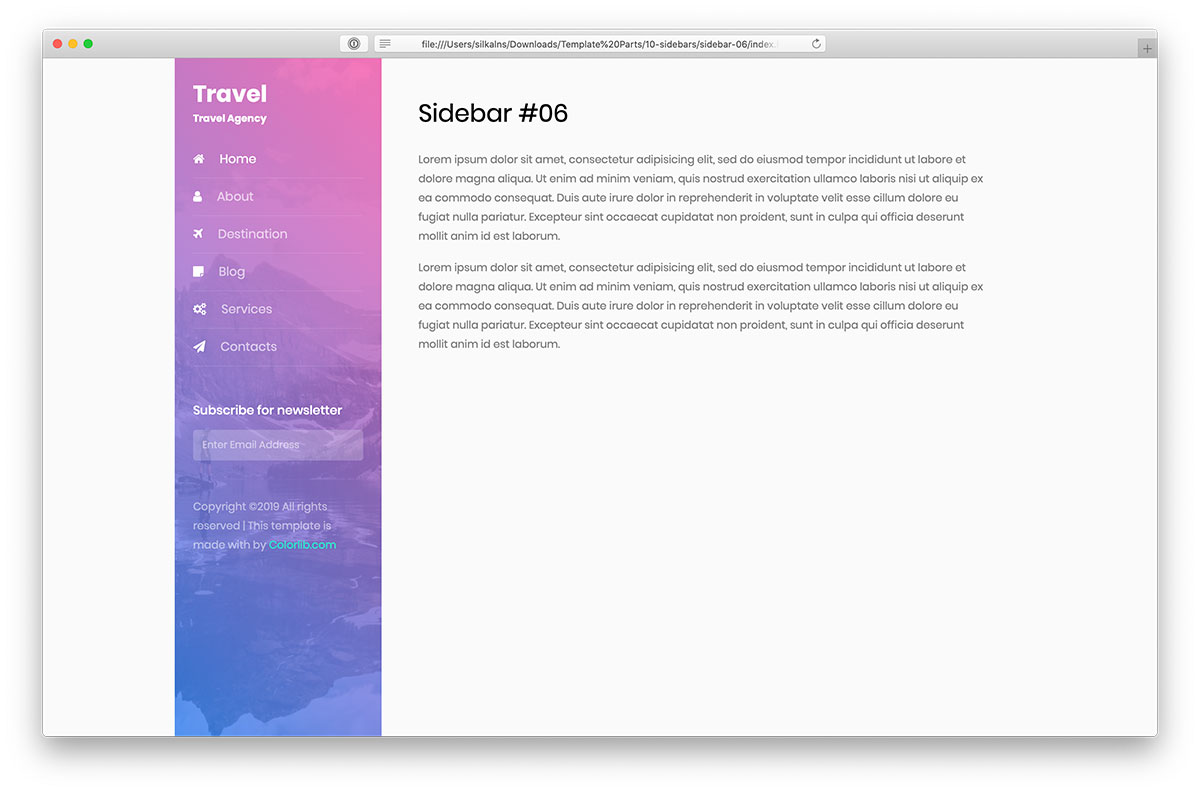
While most Bootstrap sidebars are solid-colored, the Colorlib V6 alternative is for those who need something DIFFERENT. It features a gradient effect with a background image that instantly levels up your online presence.
If that interests you, by all means, pick it up now and add it to your website.
This sidebar design is ideal for a travel agency out of the box. However, you can employ it for different purposes, too. After all, you can easily modify and tailor it to your needs.
7. Sidebar by Colorlib V7
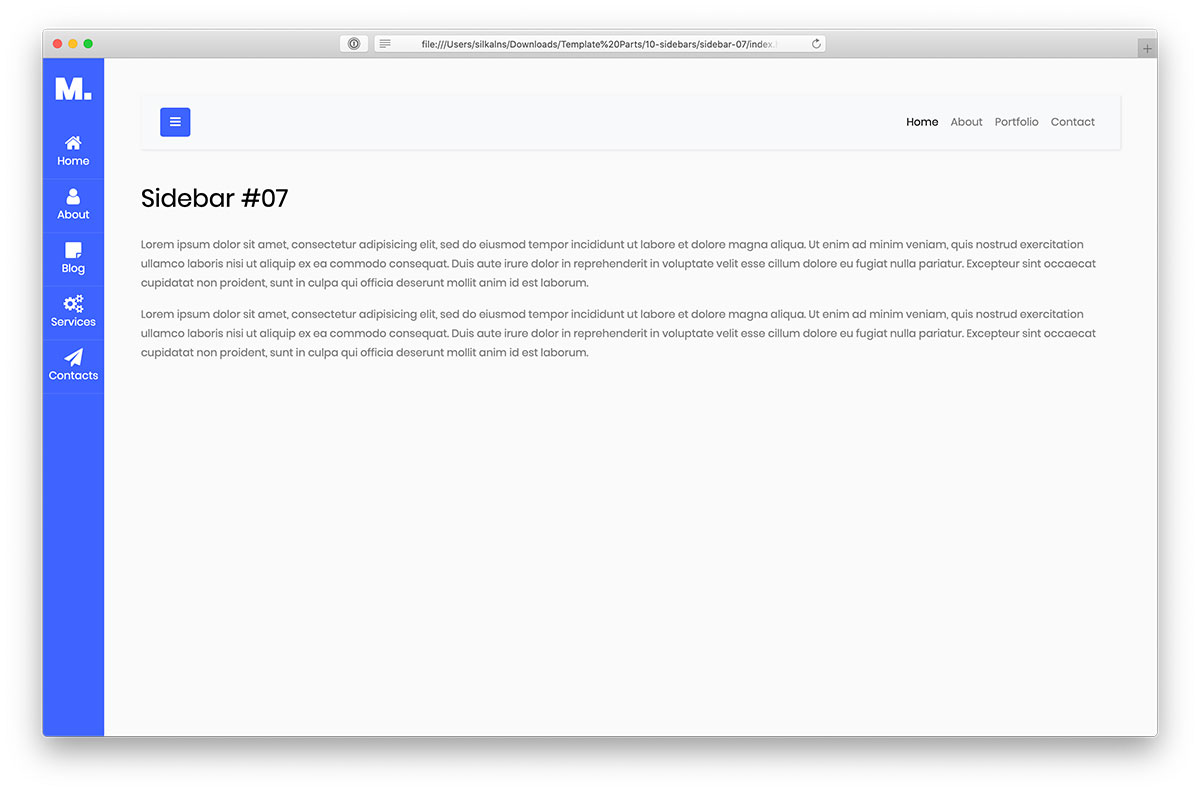
A very modern, clean, and attractive-looking Bootstrap sidebar was put together with love by the Colorlib team. It works great on mobile and desktop devices and needs no Bootstrap files: the collapsible sections open and close without Bootstrap’s JavaScript.
Moreover, it is a perfect alternative for adding an off-canvas sidebar to your website. If you like this sidebar’s contemporary touch, you can use it on your website or application.
In JUST A CLICK, the tool can be yours, and you can already start putting it into play. Keep your online presence of the highest degree and make a difference.
8. Sidebar by Colorlib V8
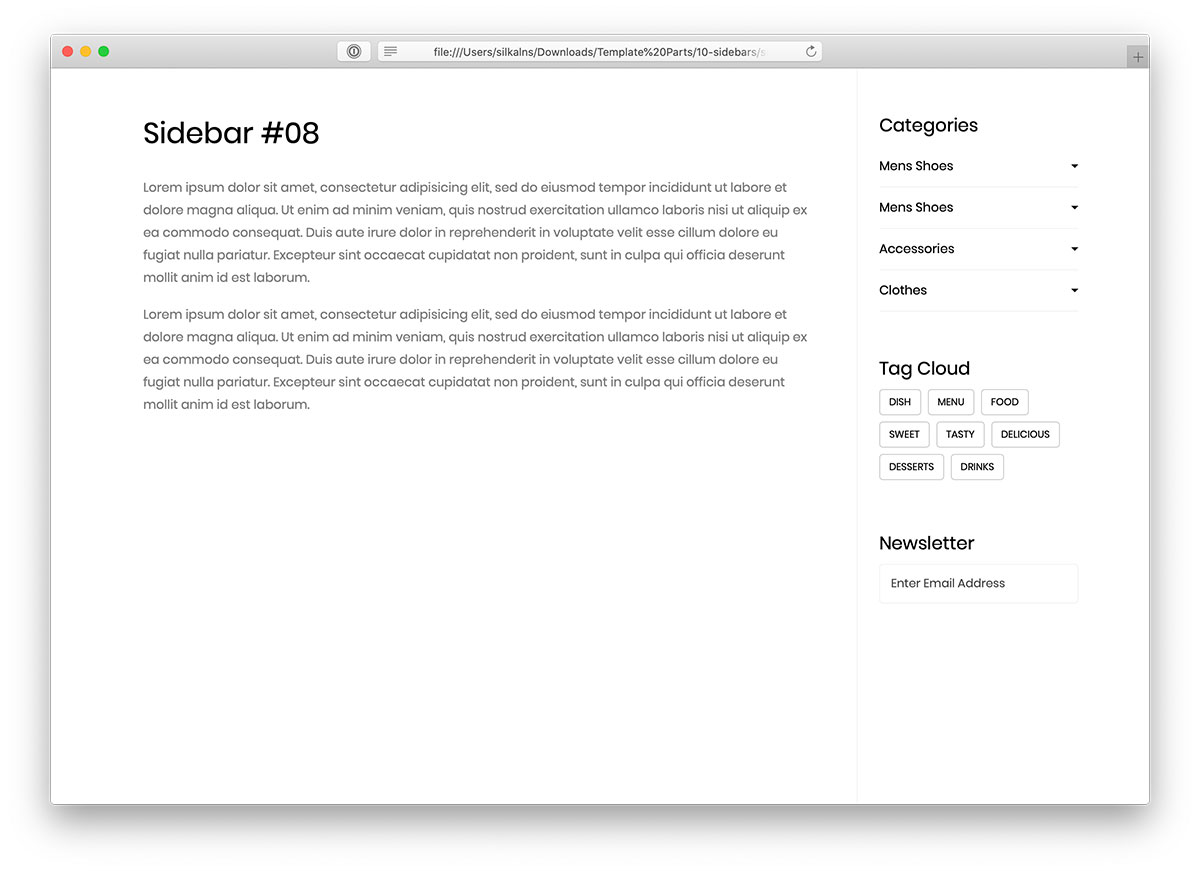
For everyone who likes minimalism and cleanness, check the Colorlib V8 sidebar. It is plain HTML and CSS with a few lines of vanilla JavaScript, so it runs on its own or drops into a Bootstrap 4, 5 or 6 project without changing its look.
The sidebar sports a drop-down menu that offers great navigation throughout your website’s content.
Out of the box, it is an IDEAL solution for an eCommerce website, yet you can use it for pretty much any online project that you operate or plan to start.
There is also a tag cloud and newsletter subscription form. Perform refining touches and start with the right foot forward.
9. Sidebar by Colorlib V9
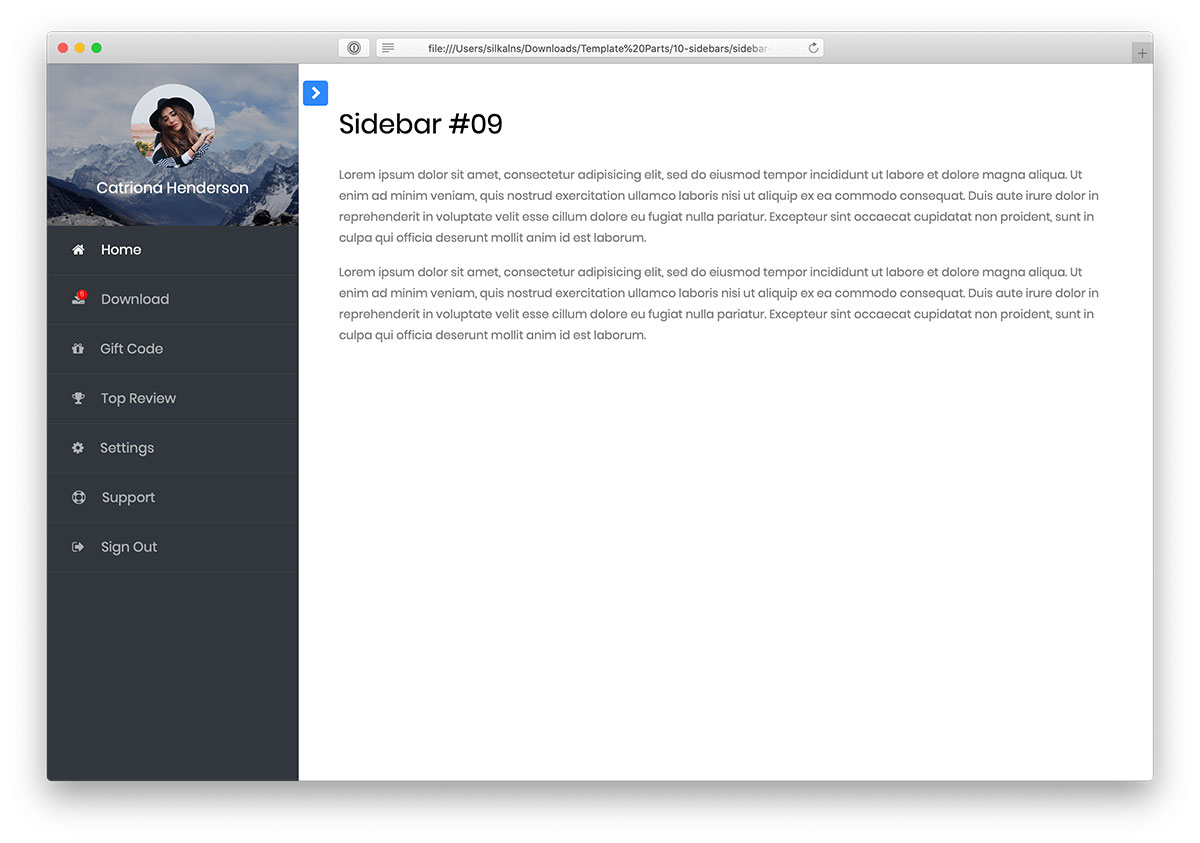
A beautiful, dark, and impactful Bootstrap sidebar will spark everyone’s curiosity. It is our creation, which we call the Colorlib V9 sidebar. Why complicate where you do not have to, right?
Due to its outstanding flexibility, the tool can be utilized for different aims and intentions. Although it operates very well, you can improve it with customization tweaks.
The sidebar is ideal for a profile page in a website’s members’ area, but that is not the rule you should follow.
Think outside the box, and you unlock many possibilities like that.
10. Sidebar by Colorlib V10
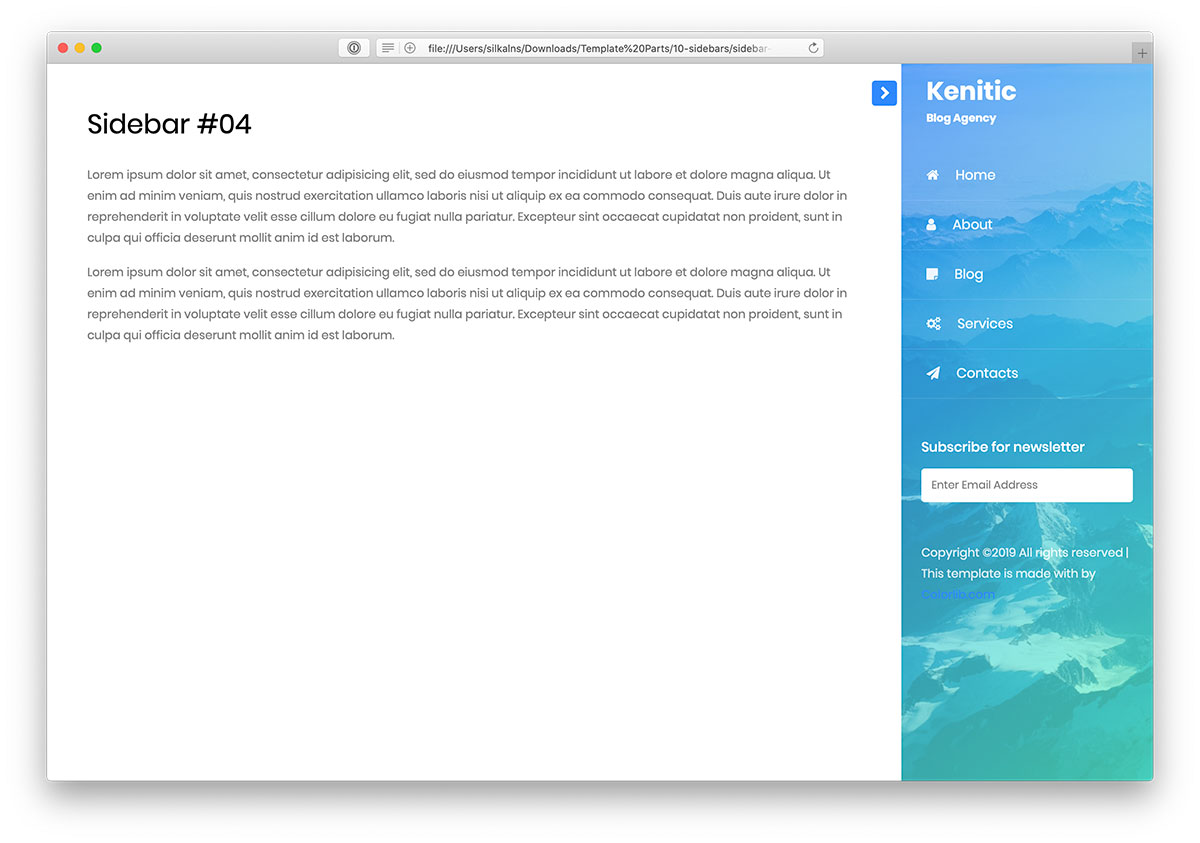
While some prefer a left-side position for a sidebar, others like it on the right side of a website. If the latter is your tea, you better not miss checking out Bootstrap Sidebar by Colorlib V10.
However, this is not just an everyday sidebar design, as it features a nifty gradient effect and an image as its background. On top of that, it comes with a newsletter subscription form that you can activate, too.
Many options for a FRESH and KILLER addition to your website.
Get involved now and enjoy the sidebar without opening your wallet. It looks the same on its own or dropped into a Bootstrap 4, 5 or 6 project.
11. Colorlib Sidebar V01
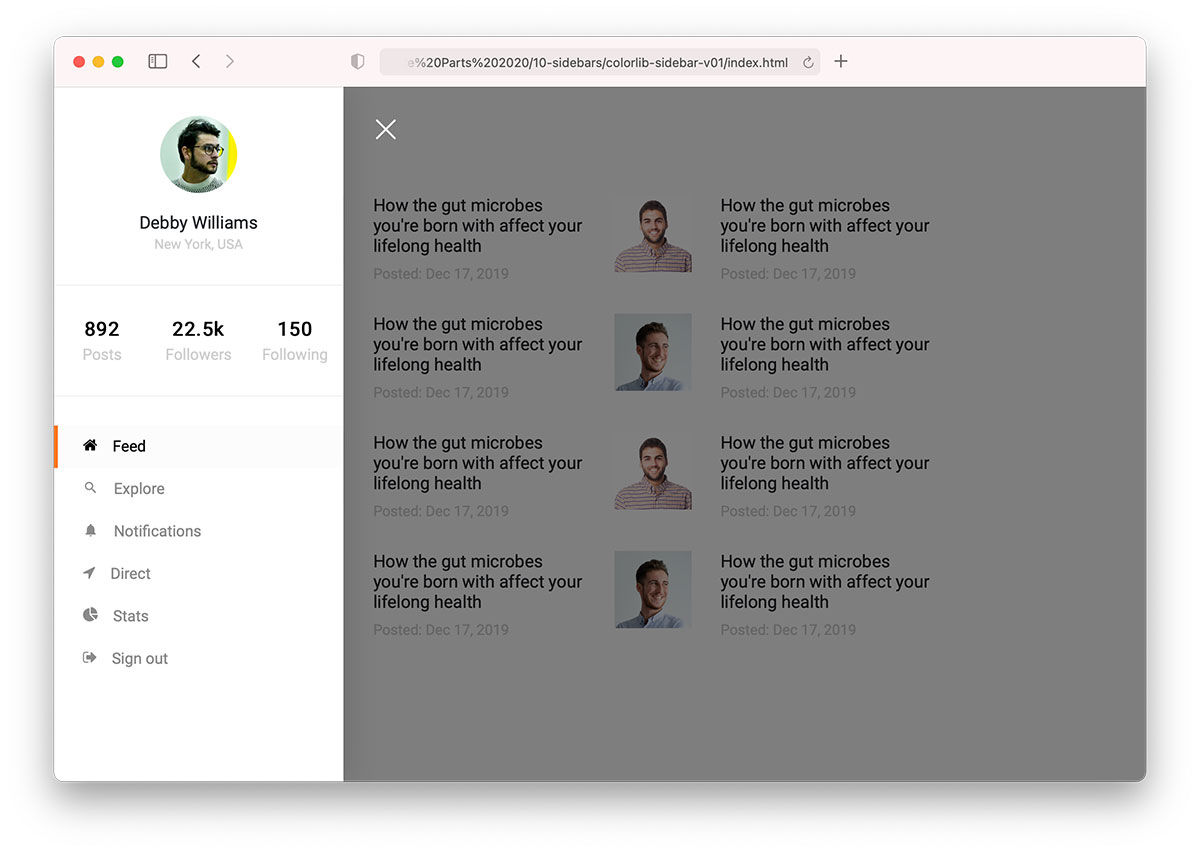
Colorlib Sidebar V01 is our free template, ideal for social media networks or forums. The tool smoothly appears from the left side, featuring multiple sections that provide users with excellent navigability over their profile options.
First comes an avatar with the name and location. Second are the number of posts, followers and how many users the person follows.
And the last are additional links to different sections, such as feed, stats, notifications, etc.
Remember that you don’t need to use Colorlib Sidebar V01 out of the box. There’s always an option to alter it to your needs.
12. Colorlib Sidebar V02
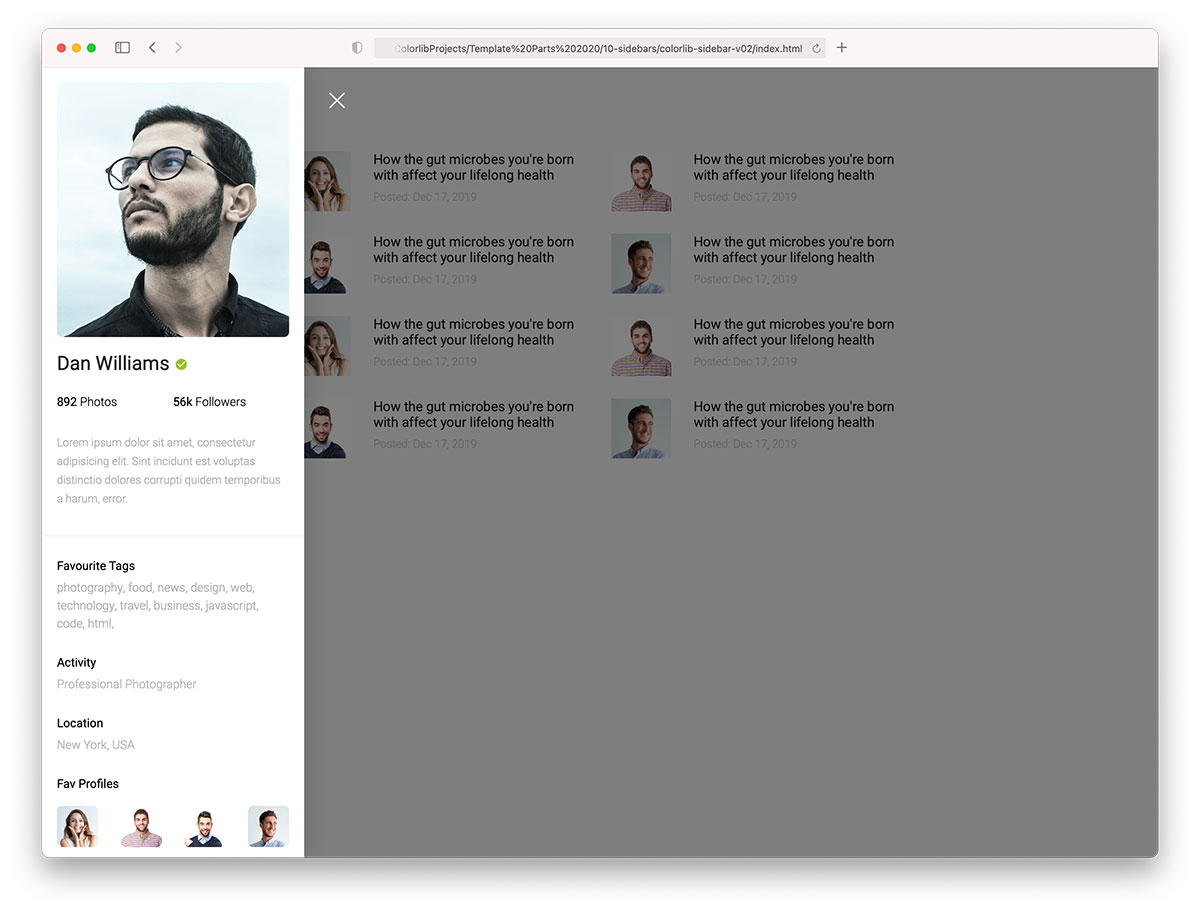
Colorlib Sidebar V02 is another great user profile sidebar that is more minimal than Colorlib Sidebar V01.
The free Bootstrap sidebar has a larger profile image, a checkmark for approved profiles, the number of photos, and followers.
Moreover, the layout STAYS 100% intact whether viewed on mobile or desktop.
13. Colorlib Sidebar V03
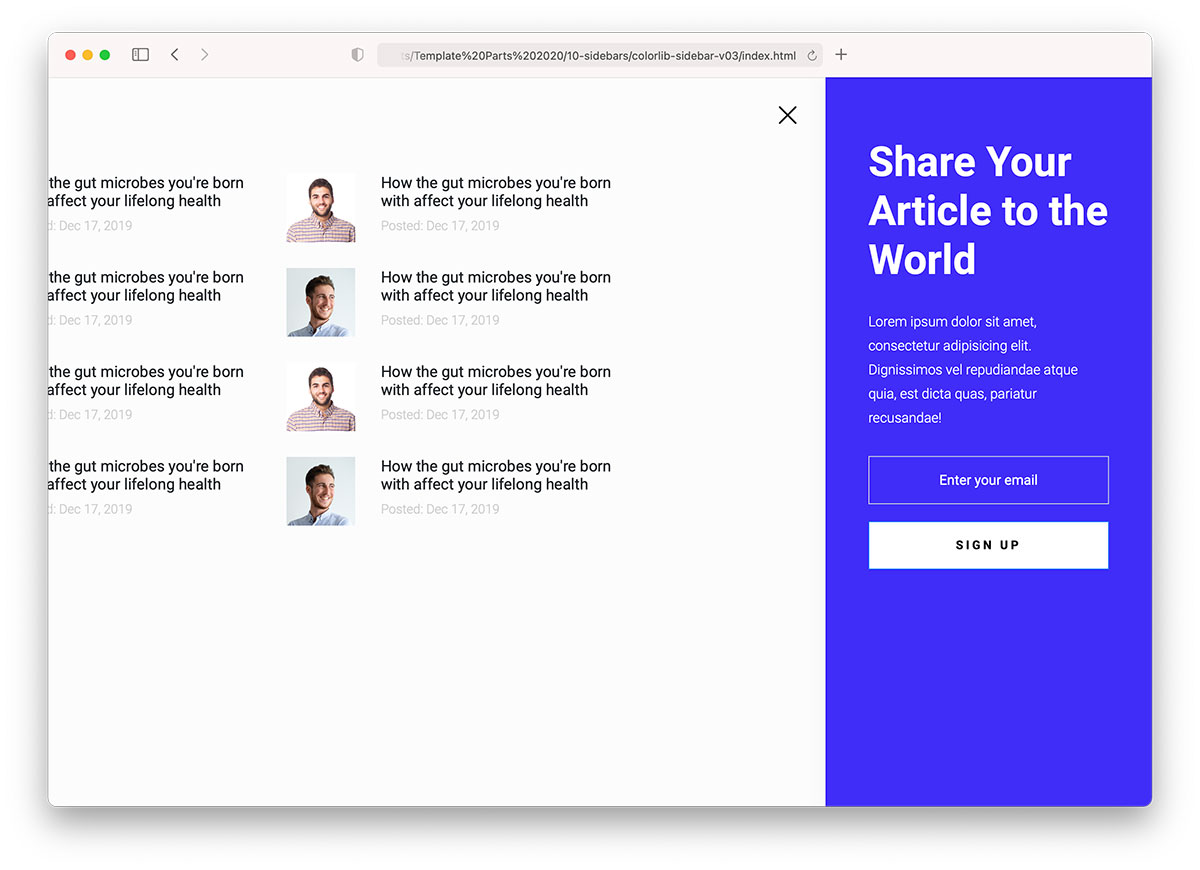
If you are hunting for a Bootstrap sidebar that acts as a newsletter subscription, you’d better not miss Colorlib Sidebar V03. It’s an off-canvas sidebar that guarantees a pleasant experience.
By default, it has an impactful blue background, which you can configure to fit your branding regulations.
Title and text can convince users to enter their email and hit the “sign up” button. Use them STRATEGICALLY.
14. Colorlib Sidebar V04
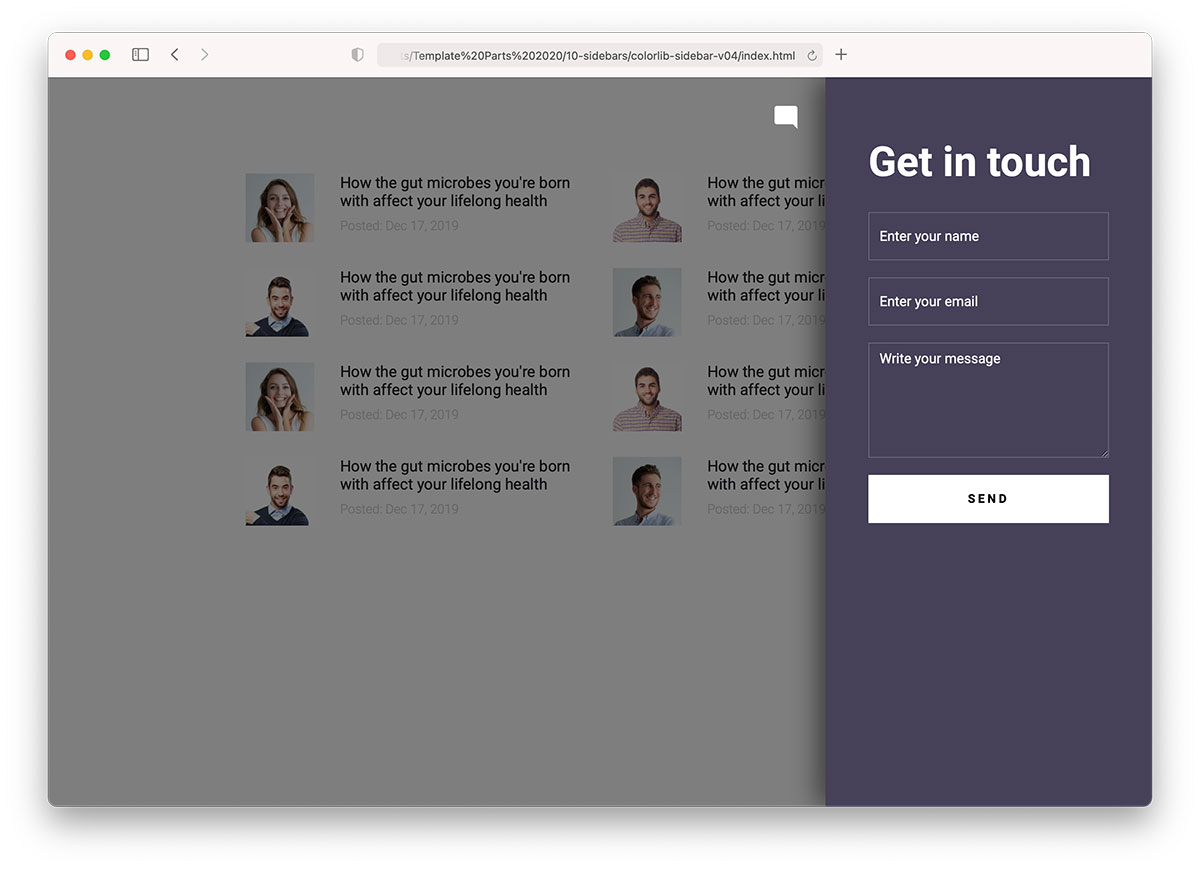
There are multiple ways of adding a contact form to your website, a Bootstrap sidebar being one of them. Colorlib Sidebar V04 is a perfect example, featuring a chat icon that opens the sidebar contact form and dims the rest of the website.
The contact form is standard, with name and email fields and a text area. You can modify the “get in touch” text if you want – you may have better things.
15. Colorlib Sidebar V05
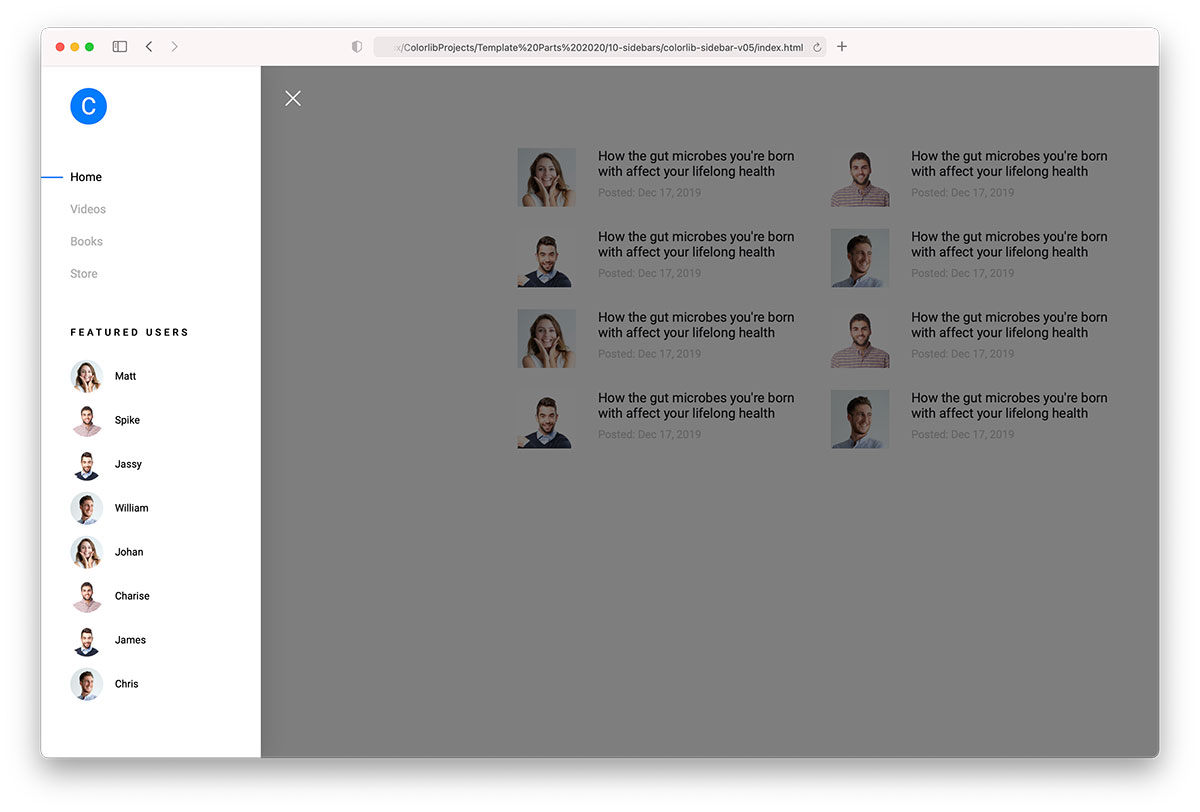
Colorlib Sidebar V05 is a fantastic free snippet that helps you add a menu and featured users in the sidebar. Membership areas, forums, and blogs can import this sidebar to your web applications.
Skip building it FROM SCRATCH.
Since the sidebar doesn’t come wide, the performance across different devices will be phenomenal.
You can A-test it first by accessing the live demo preview and going from there.
16. Colorlib Sidebar V06
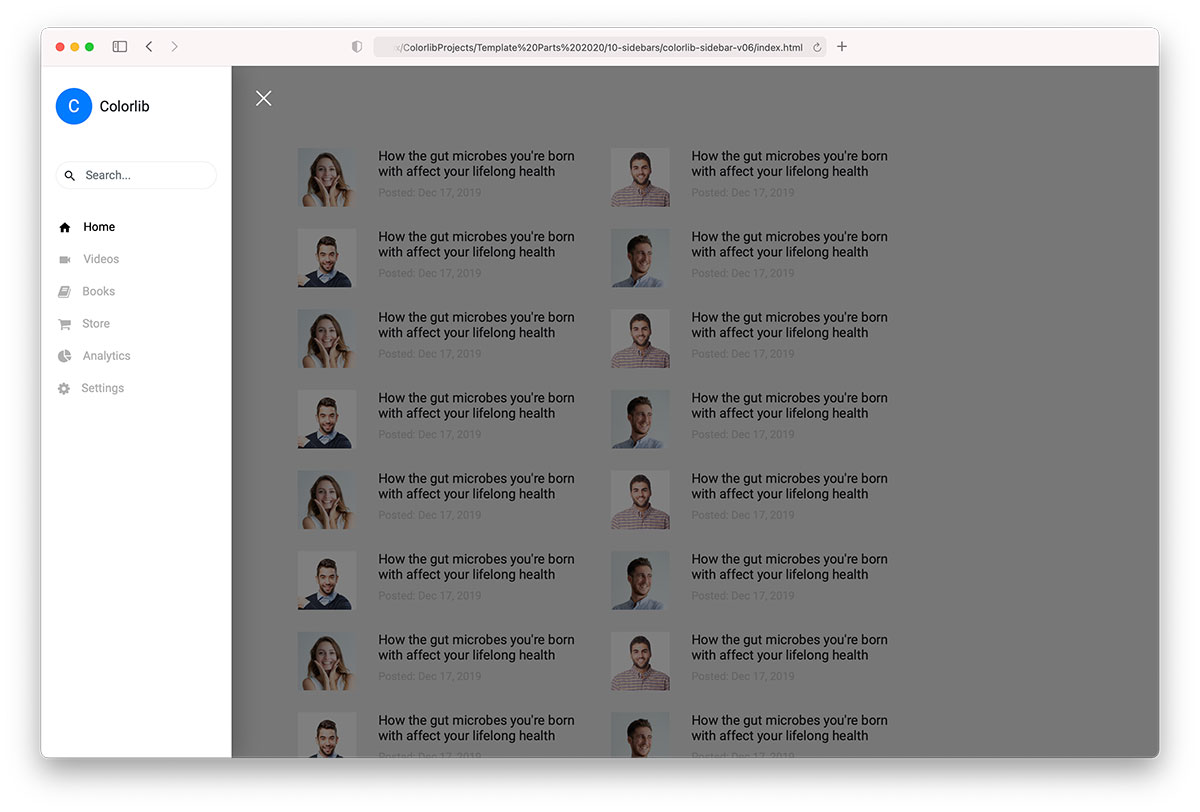
You can use Colorlib Sidebar V06 in different ways. How? The code is organized, so you can quickly alter the sidebar menu, user profile, and the like.
This free Bootstrap sidebar also includes a search bar with links with icons and a hover effect. Don’t neglect the power of a search bar, as it can boost your website’s UX.
17. Colorlib Sidebar V07
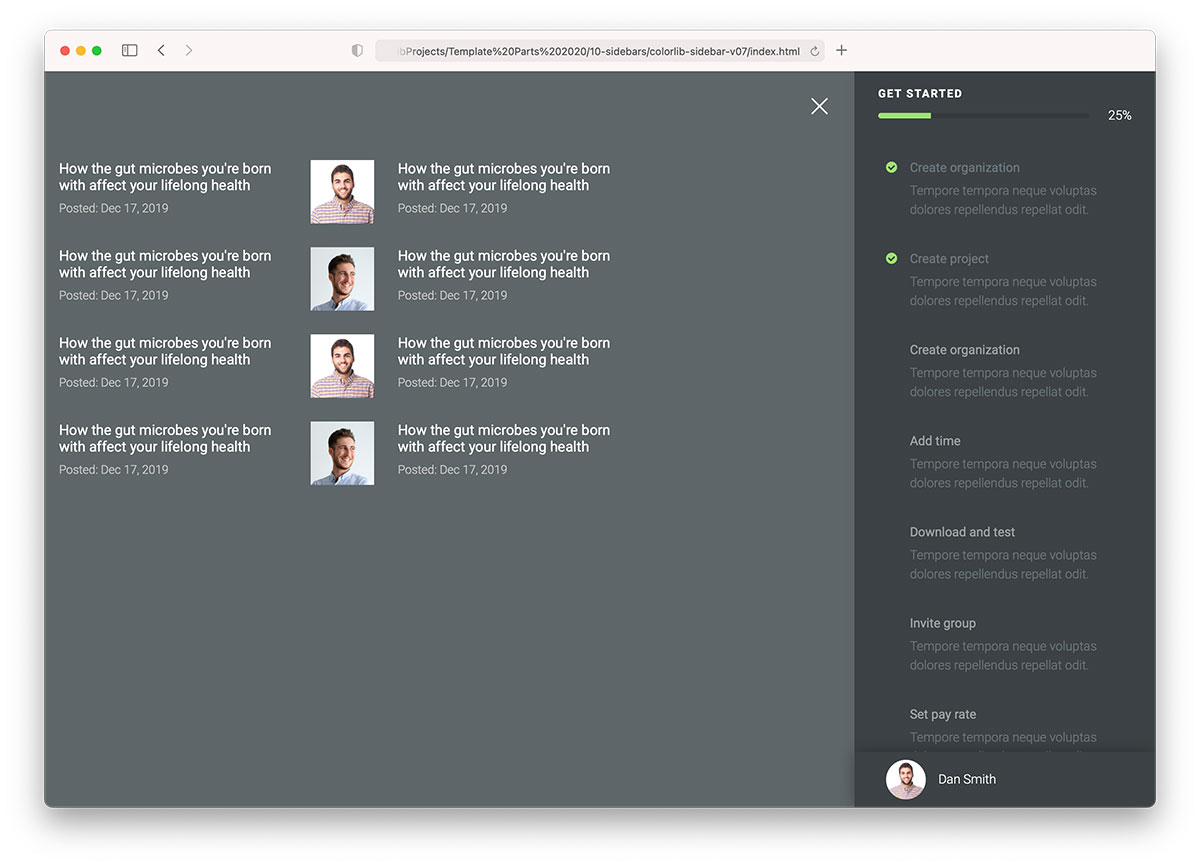
Colorlib Sidebar V07 differs slightly from the other Bootstrap sidebars we have here. It comes with a progress bar for creating a user account.
This advanced sidebar template also features a dark design and an off-canvas layout. Additionally, it rocks a green checkmark for completed steps and a hover effect.
You will ALSO find an avatar and name at the bottom.
18. Colorlib Sidebar V08
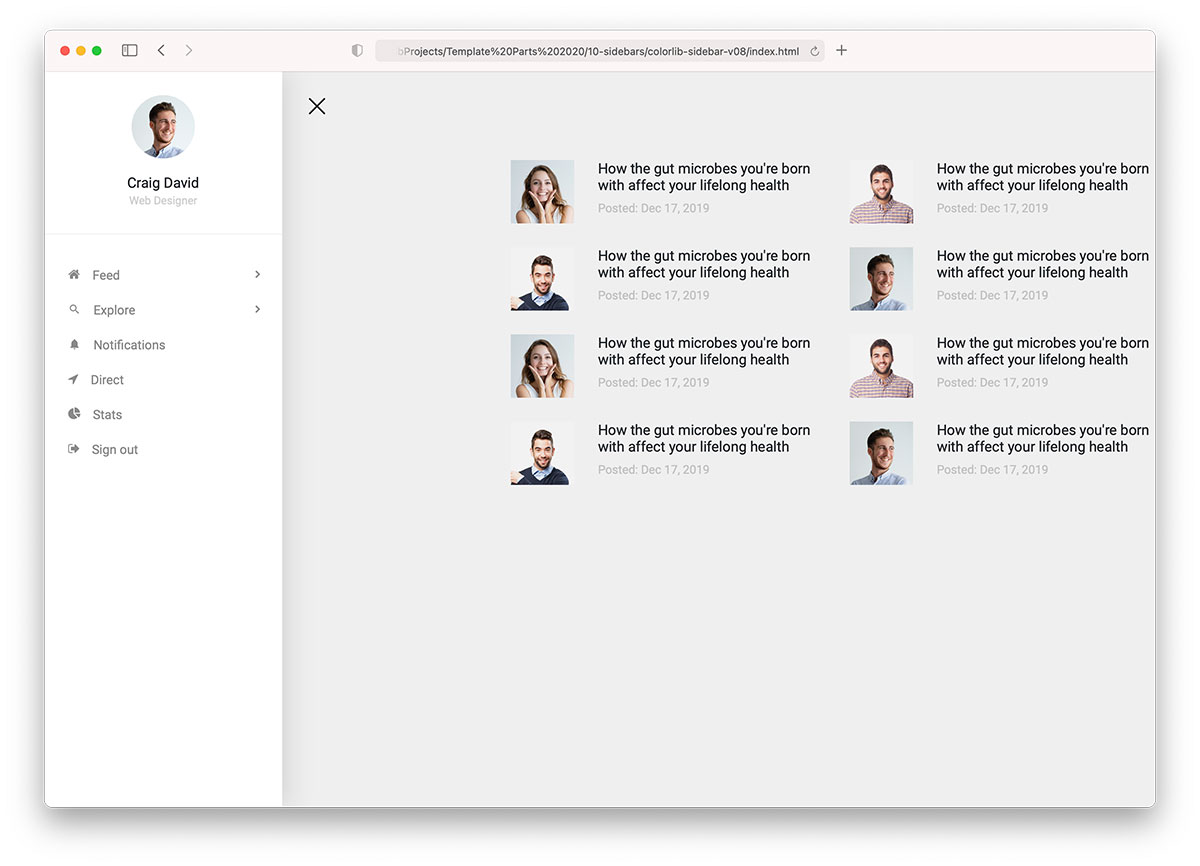
We’ve already featured a similar Bootstrap sidebar above (Colorlib Sidebar V01), but a FEATURE slightly differentiates the two.
It’s a significant change for some, as this is the sidebar they’ve been looking for.
While Colorlib Sidebar V08 comes with a dropdown, it does not feature the number of posts, followers and following.
Moreover, it’s completely harmonious with smartphones, tablets, and desktops.
19. Colorlib Sidebar V09
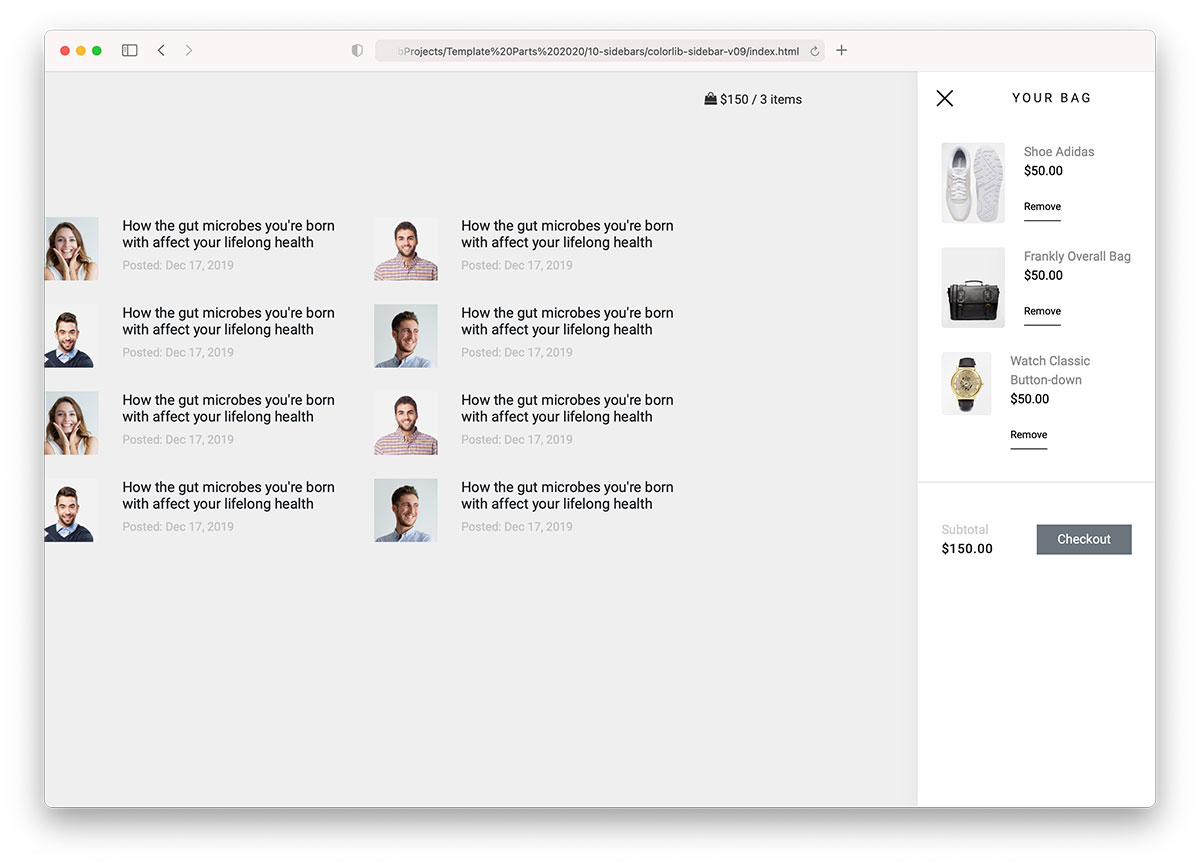
To make the online shopping experience as smooth and distraction-free as possible, Colorlib Sidebar V09 is great for displaying a shopping cart in a sidebar.
While it only appears with the total price and number of items, an off-canvas sidebar reveals goodies in detail once you click on it.
You can also link it to the checkout page, allowing the user to proceed immediately with shipping and payment details.
You can even activate the “remove” option, which needs no further explanation.
20. Colorlib Sidebar V10
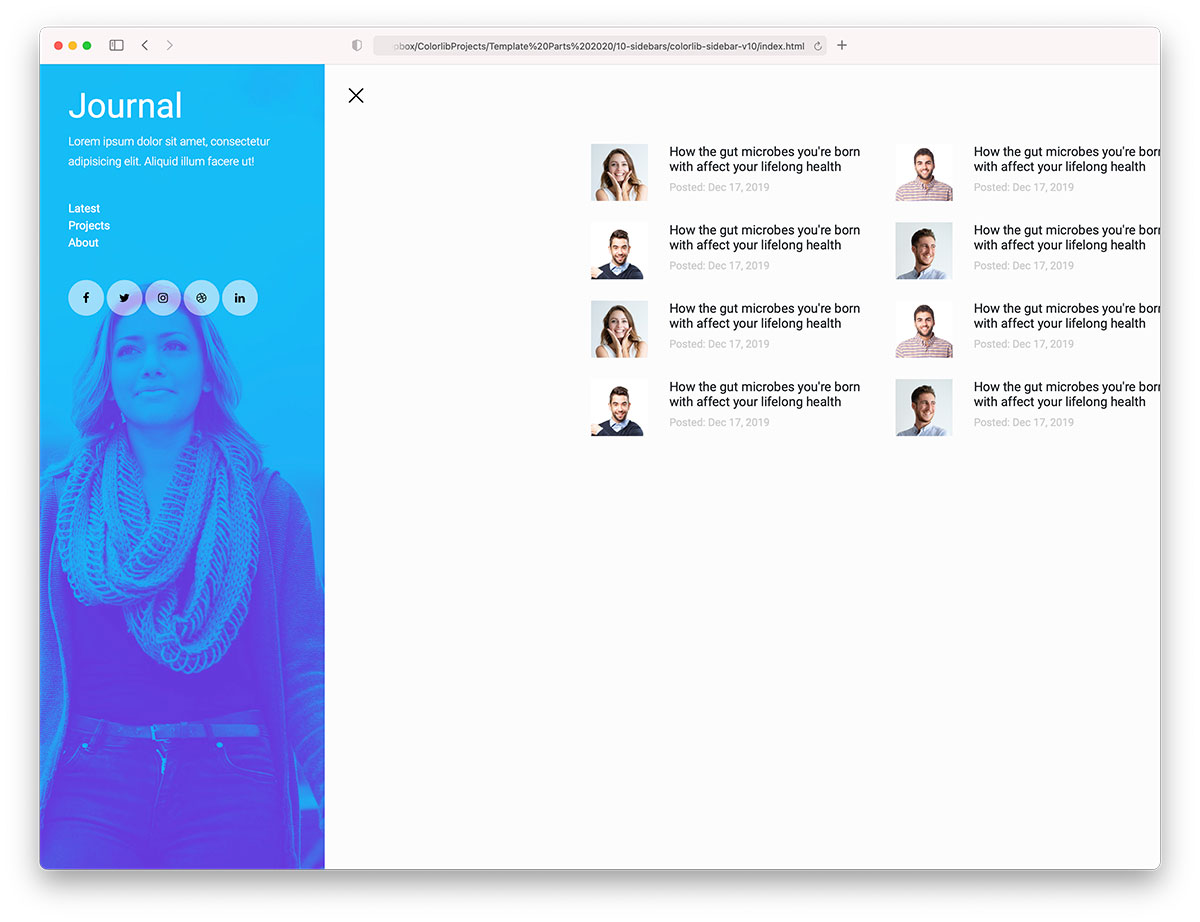
Colorlib Sidebar V10 is a modern and creative sidebar solution for online journals and blogs. It comes with a text logo/title, text, menu, and social media icons that activate on HOVER.
But the image background that this Bootstrap sidebar rocks makes it stand out the most.
Colorlib Sidebar V10 also features an off-canvas design, which “moves” the entire website to the side instead of overlaying it.
More 2026 sidebar snippets from Colorlib
Newer sidebars from our 2026 snippet library: a push-content docs sidebar, a collapsible icon rail, a mobile navigation drawer, a vertical settings sidebar and a blog sidebar widget.
Offcanvas V07: Push-content documentation sidebar (non-modal)
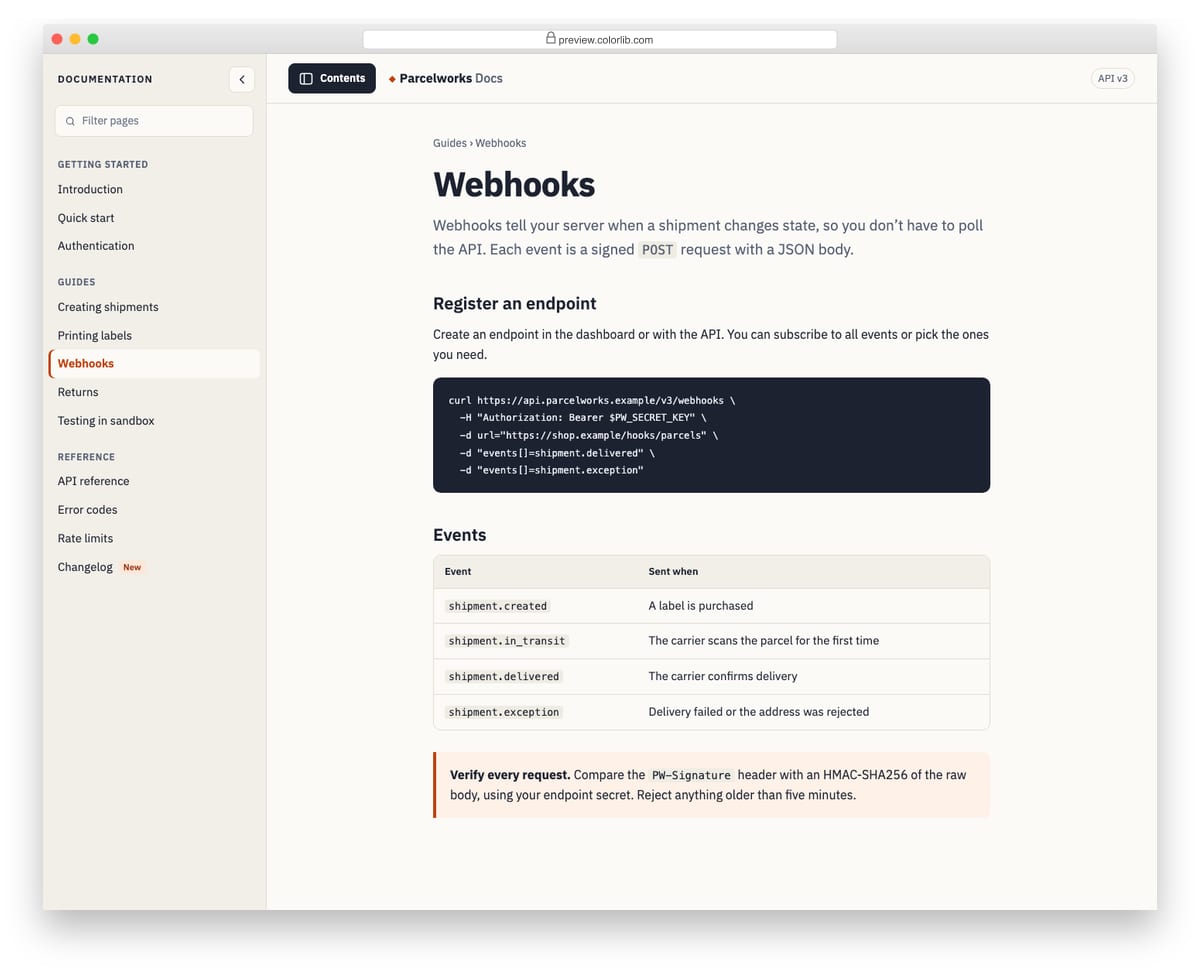
A contents sidebar for a documentation site that pushes the page aside instead of covering it. On wide screens the article reflows next to the sidebar; on phones the page slides over and a tap on it closes the sidebar. It is a non-modal disclosure, so the page stays usable, but it is labelled, closes with Esc and has a filter box for the page list.
Best for: documentation, knowledge bases and long-form guides. Plain HTML and CSS with a few lines of vanilla JavaScript, a 267 KB download, and it works on its own or inside a Bootstrap 4, 5 or 6 project.
Offcanvas V10: Collapsible icon rail that expands into a labelled dashboard sidebar
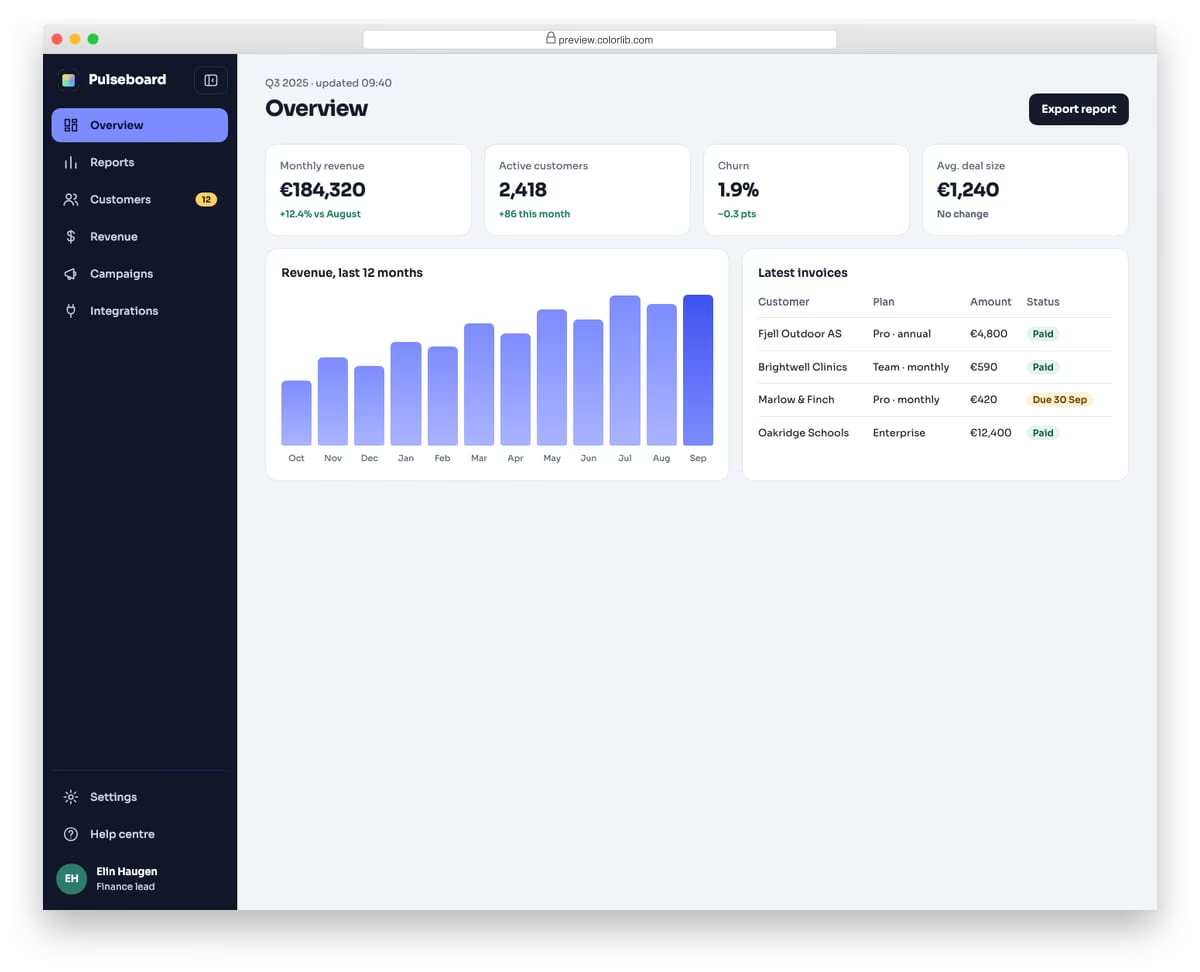
A dark icon rail for an analytics dashboard that expands into a full sidebar with labels, a badge and the signed-in user. When collapsed, each icon shows its label as a tooltip on hover and keyboard focus, and the label stays available to screen readers. The chosen state is saved in localStorage, guarded with try/catch, and on phones the expanded sidebar floats over the page instead of squeezing it.
Best for: admin dashboards, analytics tools and web apps with many sections. Plain HTML and CSS with a few lines of vanilla JavaScript, a 156 KB download, and it works on its own or inside a Bootstrap 4, 5 or 6 project.
Offcanvas V01: Left navigation drawer for a mobile site with nested sections
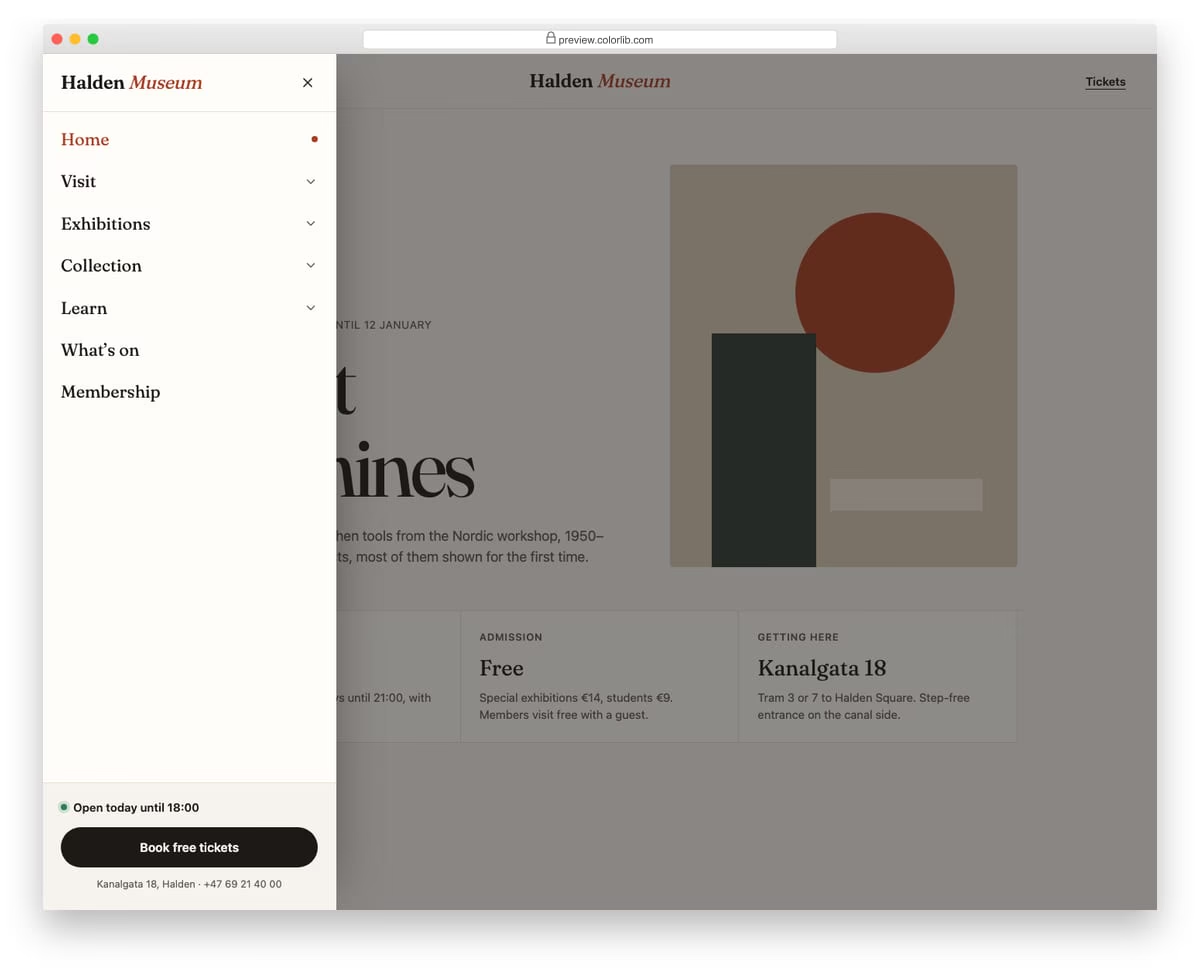
A slide-in menu from the left for a museum website, opened from a Menu button in the header. Top-level sections expand into sub-links with native details and summary elements, and only one section stays open at a time. The footer of the drawer holds today's opening hours and a ticket button.
Best for: mobile navigation for content-heavy sites such as museums, universities and councils. Plain HTML and CSS with a few lines of vanilla JavaScript, a 257 KB download, and it works on its own or inside a Bootstrap 4, 5 or 6 project.
Tabs V03: Vertical account settings tabs with real forms
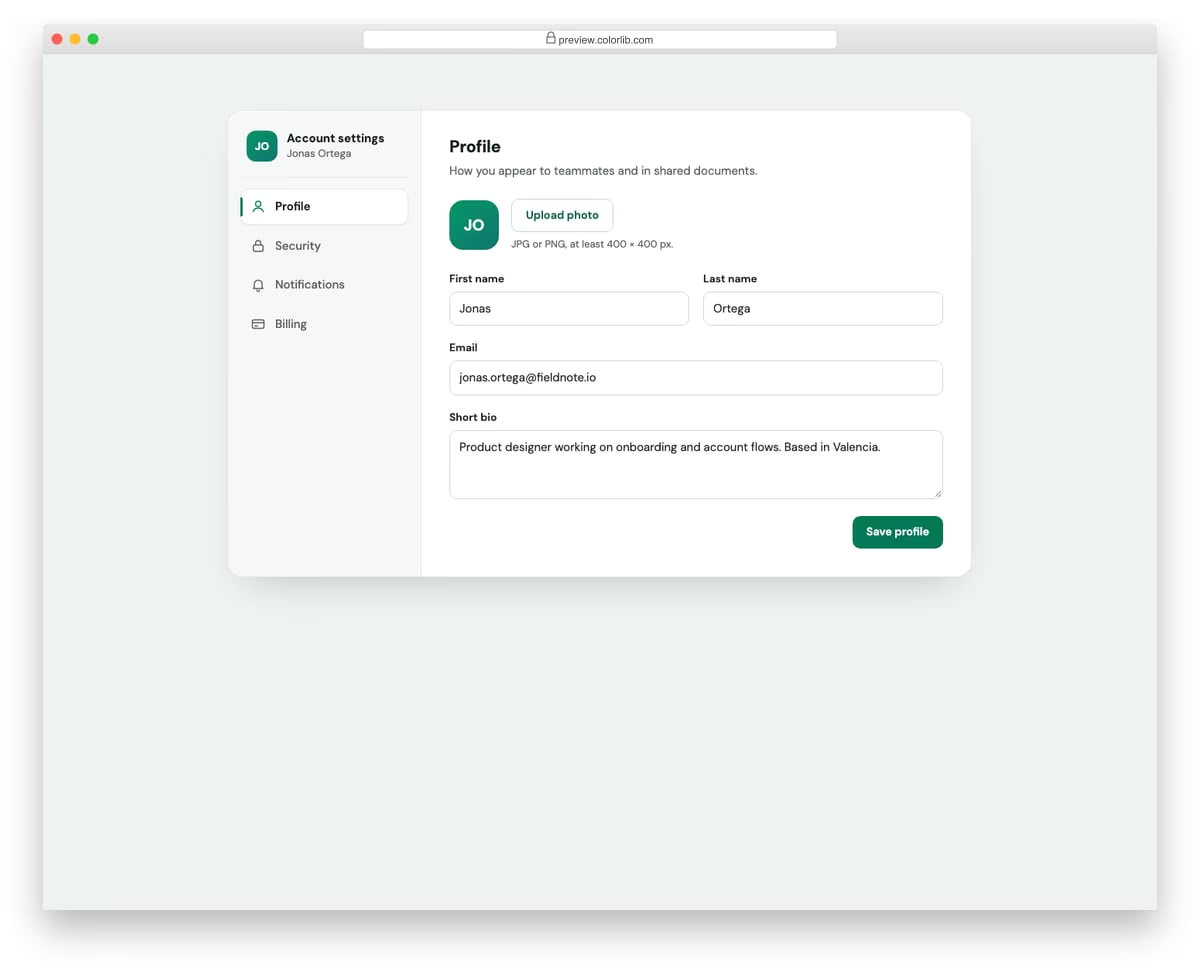
A vertical tab sidebar for account settings with Profile, Security, Notifications and Billing sections. Every panel holds a working form with labelled inputs, a switch, radio and checkbox groups or a country select. On phones the sidebar turns into a horizontal, swipeable strip of pill tabs.
Best for: user account, profile and preferences pages. Plain HTML and CSS with a few lines of vanilla JavaScript, a 376 KB download, and it works on its own or inside a Bootstrap 4, 5 or 6 project.
Newsletter Form V07: Blog sidebar newsletter widget with reader count and avatar stack
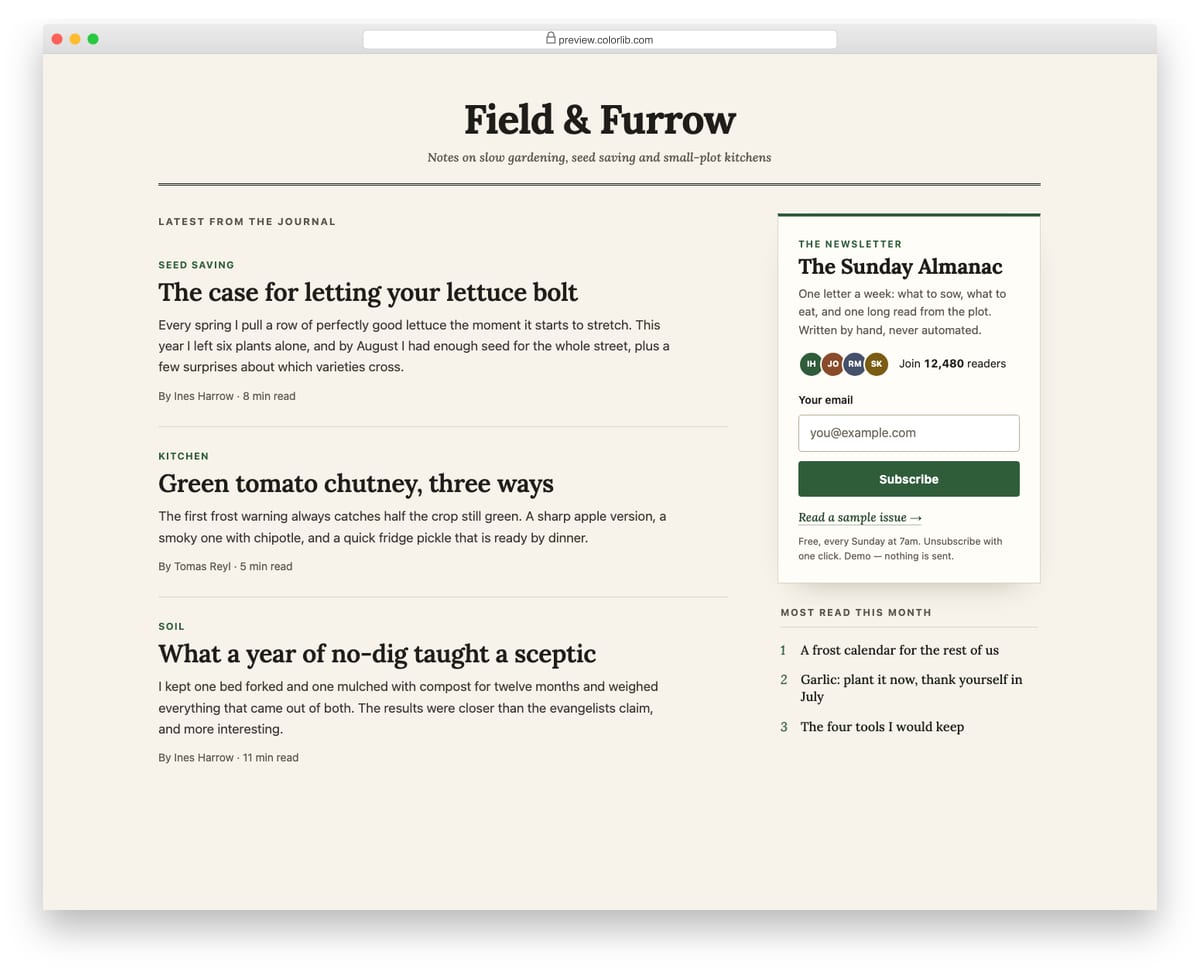
A newsletter signup widget placed in the sidebar of an editorial blog layout, next to a column of article teasers. The widget shows the newsletter name, a short pitch, a subscriber count with an overlapping stack of initial avatars, an email field, a link to a sample issue and small print. Subscribing shows a confirmation inside the widget and adds one to the reader count; on phones the sidebar drops below the articles.
Best for: blogs, magazines and personal journals. Plain HTML and CSS with a few lines of vanilla JavaScript, a 215 KB download, and it works on its own or inside a Bootstrap 4, 5 or 6 project.
How to choose a Bootstrap sidebar
Overlay or push? An overlay sidebar covers the page and suits short tasks, like the cart in Colorlib Sidebar V09 or the contact form in V04, which dims the page behind it. A push sidebar moves the page aside so both stay usable: Colorlib Sidebar V10 and Offcanvas V07 work this way, which suits documentation read next to the menu.
Plan the phone layout. A fixed sidebar has to go somewhere on a small screen. Offcanvas V10 floats over the page instead of squeezing it, Tabs V03 turns into a swipeable strip of pill tabs, and Newsletter Form V07 drops below the articles.
Label icon-only sidebars. A collapsed icon rail is a guessing game without labels. Offcanvas V10 shows each label as a tooltip on hover and keyboard focus and keeps it available to screen readers.
Handle Esc and focus. When a sidebar closes, focus should go back to the button that opened it. Offcanvas V07 closes with Esc and returns focus to its toggle.
Remember the visitor’s choice. If someone collapses the sidebar, keep it collapsed on the next page. Offcanvas V10 saves that state in localStorage.
Frequently asked questions
What is a sidebar on a website?
A sidebar is a column beside the main content, usually on the left or right, that holds navigation or supporting content such as a profile, filters, a cart or a newsletter form. On phones it usually becomes an off-canvas panel that slides in from the side or moves below the content.
Do these sidebars need Bootstrap or jQuery?
None of the 25 needs either: they use their own CSS and a few lines of vanilla JavaScript, and they keep their look inside Bootstrap 4, 5 or 6.
Can I use them in an ASP.NET, Django or WordPress project?
Yes. They are static HTML, CSS and JavaScript, so you can paste the markup into a layout view or theme template and include the CSS and script files. No server-side code is required.
Can I use them in commercial projects?
Yes. They are free under CC BY 3.0: use them in personal and commercial projects and keep the credit link.
Final thoughts
Start with Bootstrap Sidebar V1 for a classic collapsible navigation sidebar, Offcanvas V10 for a dashboard, or Offcanvas V07 for documentation. For panels that slide over the page, see our Bootstrap offcanvas examples; for top navigation, our Bootstrap navbar examples and website menu templates.

Related Posts



Hey,
Thank you for including my sidebar in your article! The Codepen’s author you mention (Bootstrap sidebar by Truong Tran) is not the original author, it’s just a copy/paste into Codepen 😇 Could you so kind and link to the original article and demos? I would really appreciate it. ✌✌
Cheers,
Ondrej
excellent work! thank you
One question, when page load menu is open, let me know if I menu can start collapsed
regards,
Martin
Great examples but on many the sidebar is too wide for older mobile phones and you’re unable to close them because you either can’t click outside the sidebar or there is not X close button showing.