
23 Best Bootstrap Tables (Organize Data) 2026
We offer a vast selection of high-quality, carefully crafted free Bootstrap table templates for your website or app.
After studying hundreds of free alternatives available on the market, we created our tables.
We have years of experience and testing and have developed many practical styles. We wanted to cover as many different projects as possible.
Choosing the right table for the right data can be a challenging and time-consuming process.
NOT. ANYMORE.
You can keep things 100% organized, regardless of the type of data you want to display.
Note: Our free table templates are also responsive and lightweight. (Read: always a great performance.)
Best Free Bootstrap Table Templates
1. Fixed Column Table
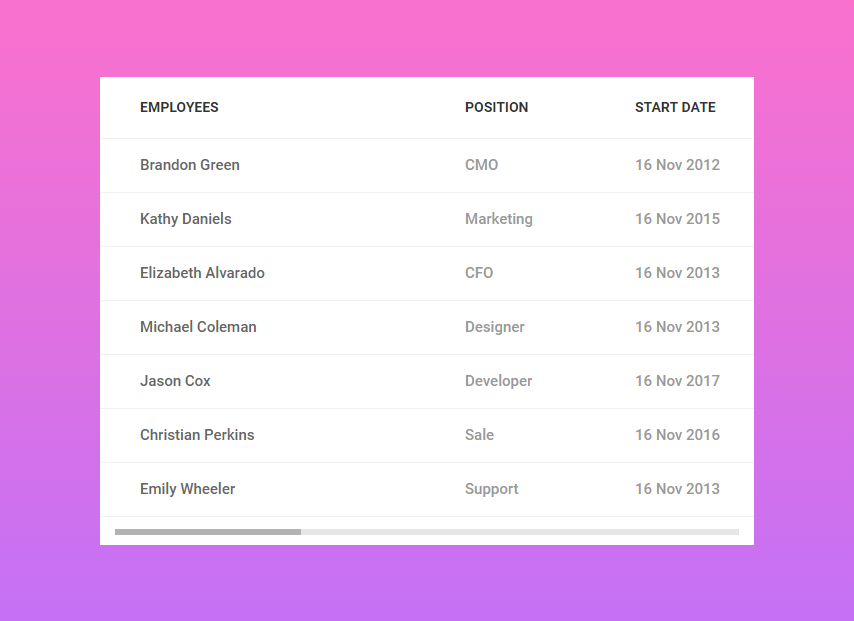
It can be difficult to show all the data and statistics in a single table. You must allow your users to scroll through to see the complete table.
This table layout provides that option, allowing the users to go out of the box. This table includes a fixed main column, and the other related fields can be scrolled HORIZONTALLY.
The layout provided the necessary amount of space in the column to add more content without disrupting the table’s look.
It is also customizable to incorporate more natural colors and even make it responsive. You can add more rows if needed, as the layout is designed to accommodate them.
More info / Download Demo2. Fixed Header Table
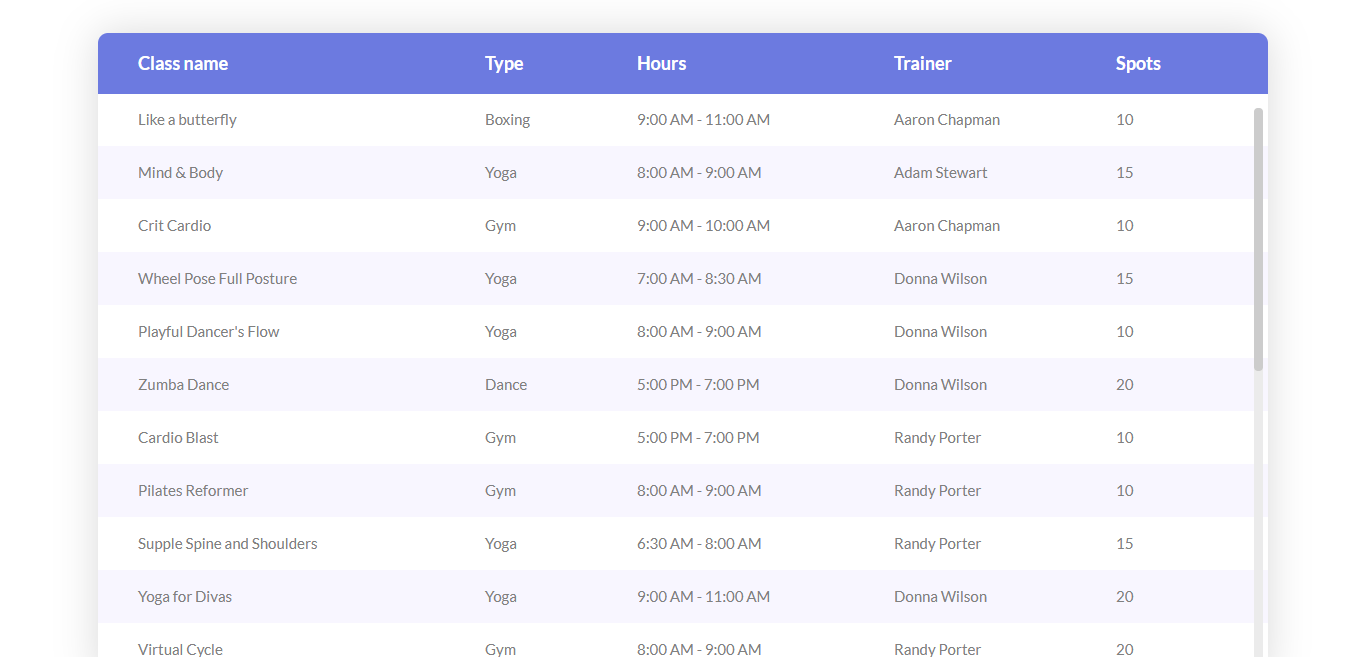
This table design offers more than just a cool appearance. This layout offers a wide variety of color and style options, making it unique.
The design employed rounded corners to add depth and a sense of feel to the overall look. It also has a fixed header and gives your users the vertical scrolling option.
One of the most appealing variants of this design is the dark-themed, enough to satisfy black color-themed webpages.
The table variants do not contain a column border; you can use the space for longer contents. The columns will adjust themselves so the appearance of the whole table won’t be ruined.
More info / Download Demo3. Table with Vertical & Horizontal Highlight
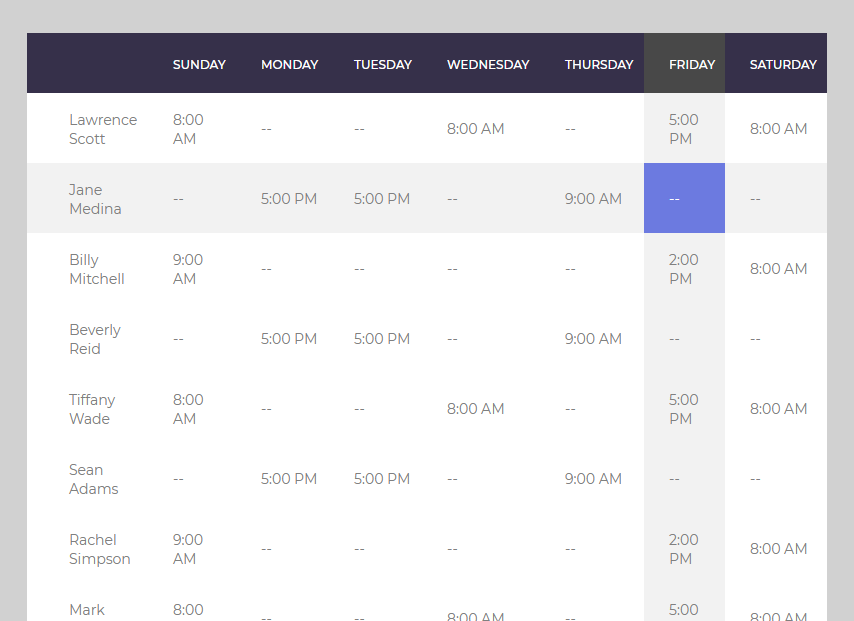
When you have a lot of data to present, pinpointing a specific value can always be challenging. This table template will surely ease the stress of finding a certain value.
This layout offers a solution that leverages the features of its interface design. This layout HIGHLIGHTS both the column and the row on which the mouse cursor is hovering, so your users can easily check the value they are looking for.
This highlighting feature saves a lot of time, not to mention the pain of looking for and finding something. This package has over six table variants, each with its own design.
You will get a more modern-looking table design, topped off with a gradient background for an overall look.
More info / Download Demo4. Table V01
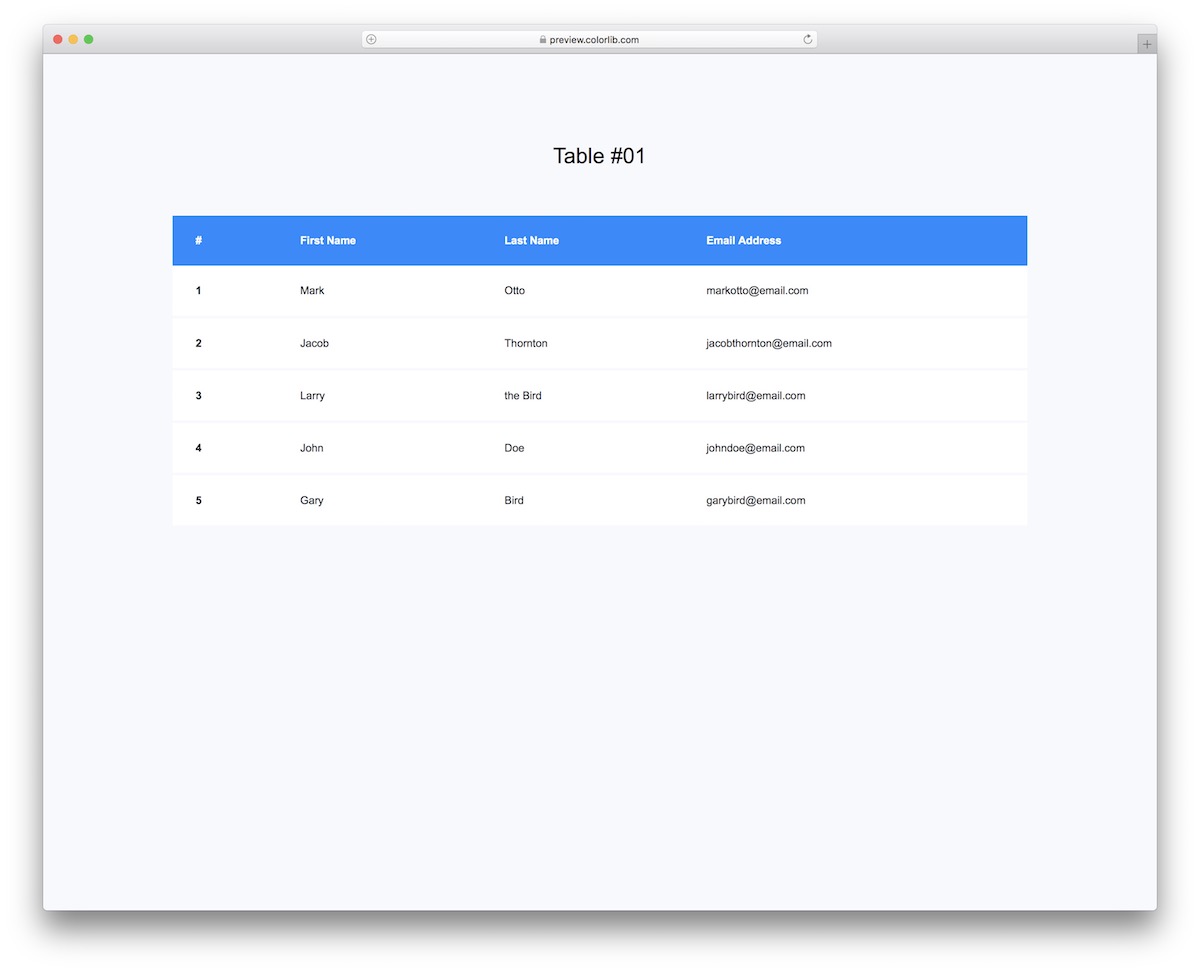
Let’s start with one of our basic table templates. If you need to build a table just to keep users and emails organized, this is the perfect design for that.
However, you can also use it for other purposes, as it is easy to improve.
Since it’s a Bootstrap widget, you know its layout flawlessly adapts to different screen sizes.
More info / Download Demo5. Table V02
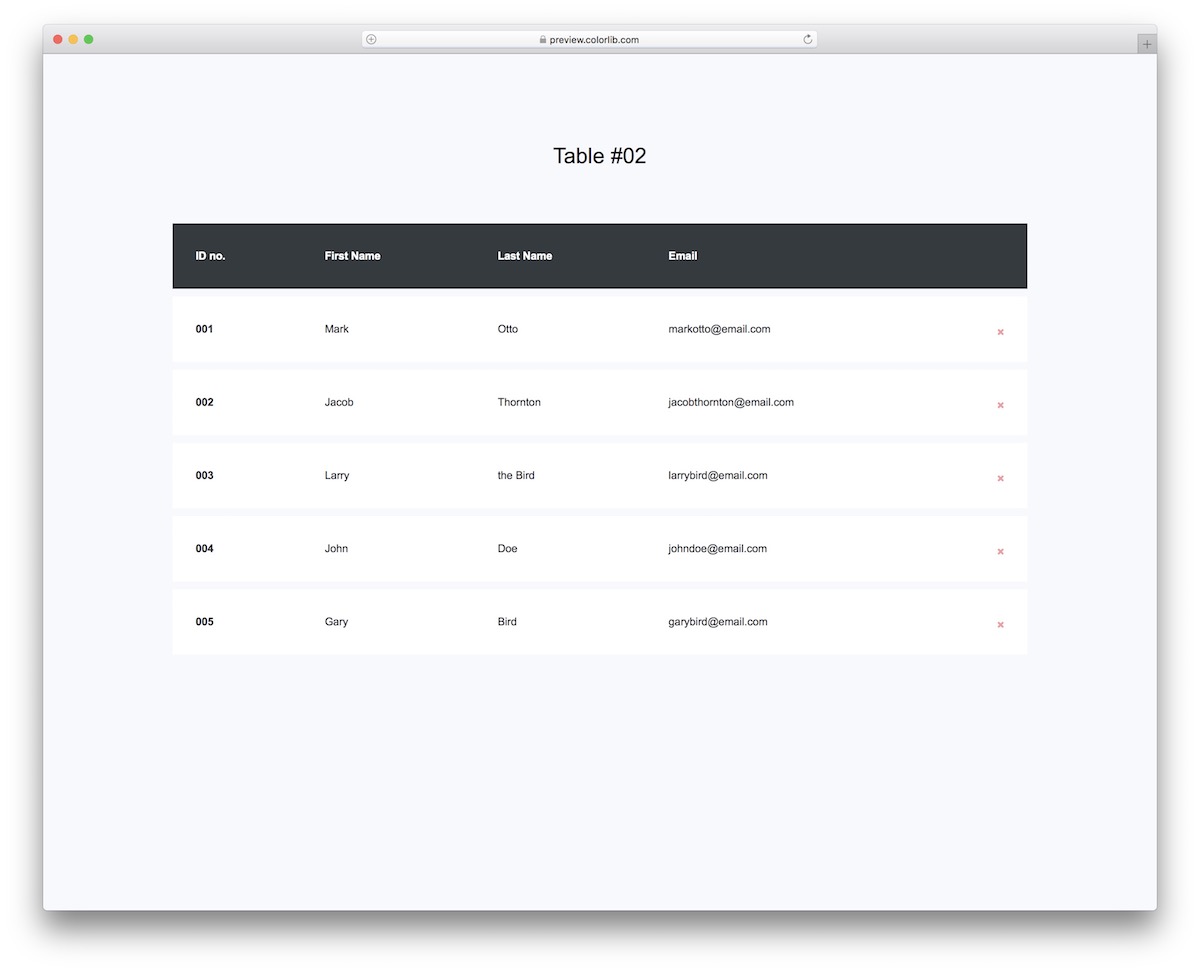
Even though Table V02 seems similar to the one above at first glance, it’s not just that the color is different.
Each row is a separate element that you can erase with a simple click on the X sign.
There are four columns: ID number, first and last name, and email. Remember that you cannot bring it back once you delete a row.
More info / Download Demo6. Bootstrap Table V03
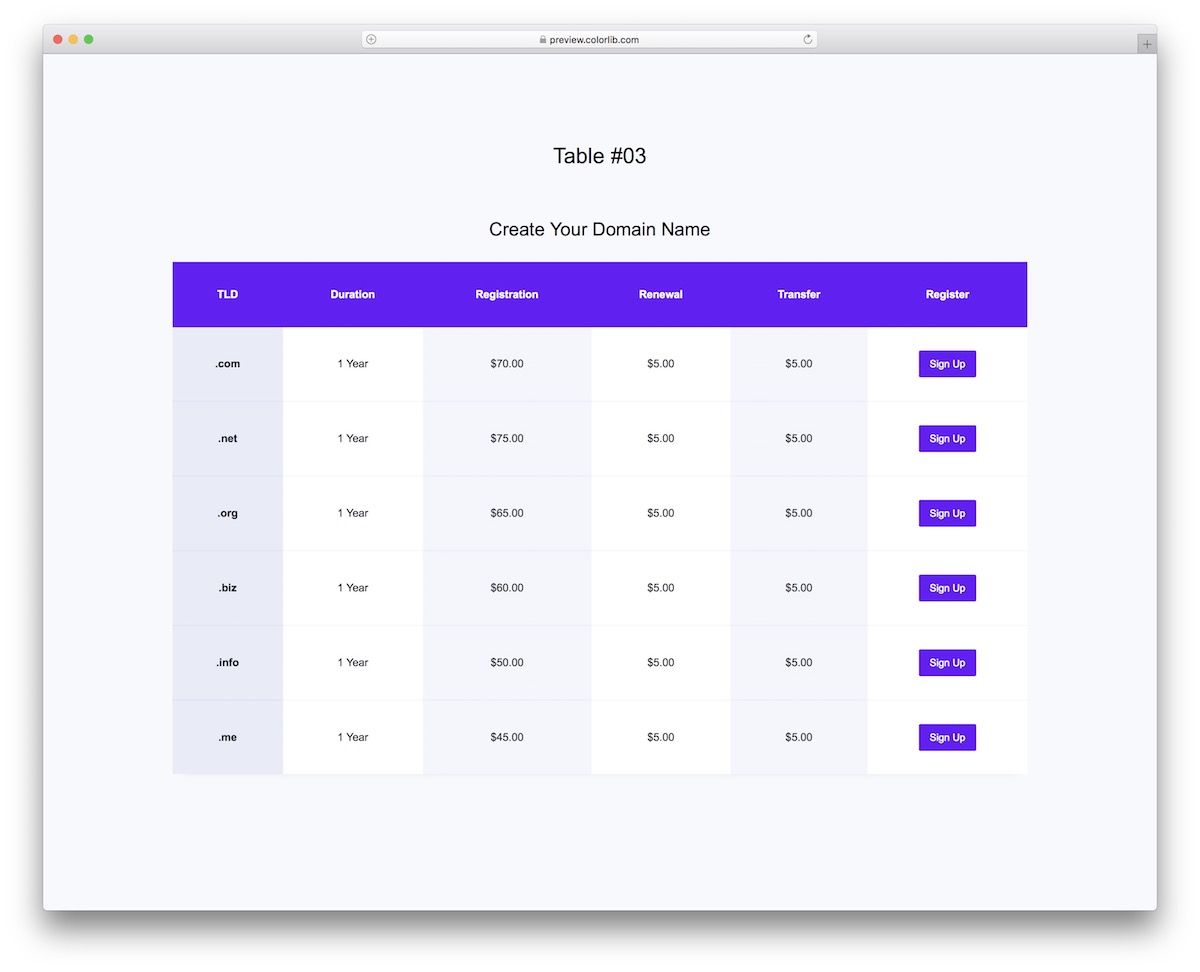
When building a hosting and domain registrar website, you should consider adding a table of content with pricing for different domain options.
Luckily, you don’t need to build it from scratch – pick Table V03 instead.
This Bootstrap table has multiple columns and a call-to-action (CTA) button. The latter can be used to direct users to take action, such as registering a domain or signing up for a plan.
More info / Download Demo7. Table V04
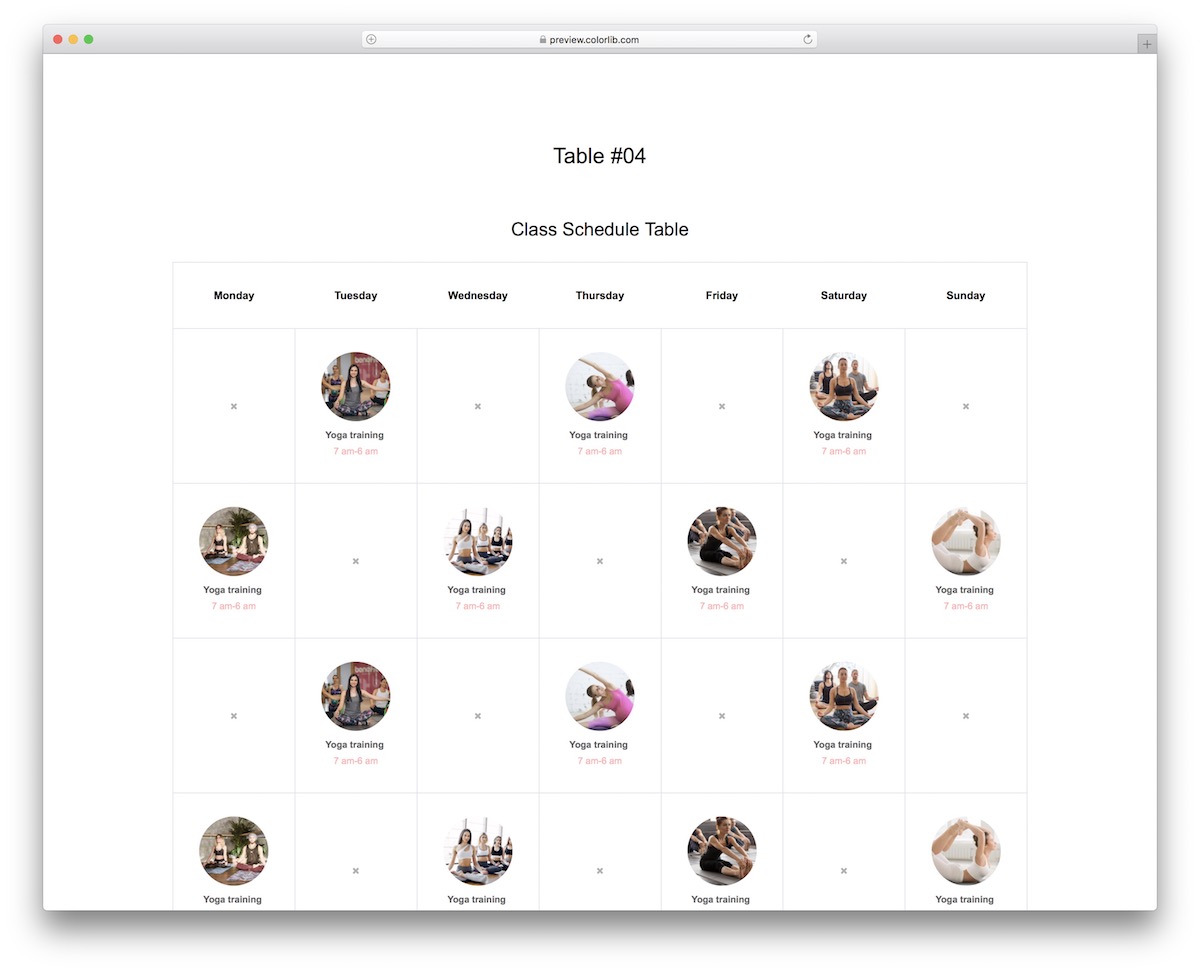
Gyms, fitness centers, yoga studios, personal trainers—you name it—can all benefit from Table V04. It is a modern, clean, and easy-to-use CLASS schedule table based on the Bootstrap Framework.
Table V04 features a grid of 35 elements, allowing you to showcase all your classes. The active grid includes a rounded image/thumbnail, the class name, and the time.
You can then connect it with a booking form so they can register straight from your website.
More info / Download Demo8. Table V05
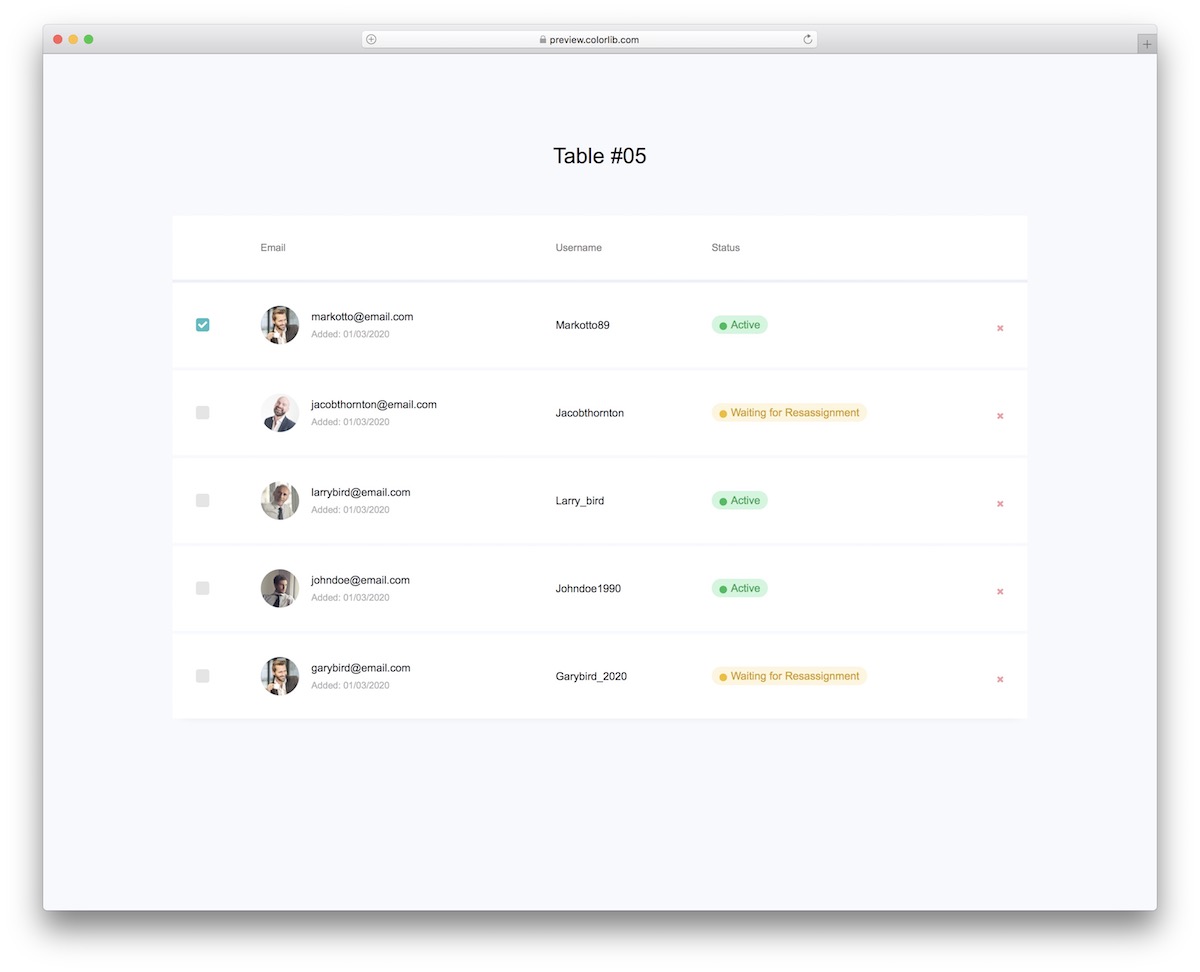
When building an application where you plan to have a lot of users or even team members, Table V05 is great to check who is active, who needs an assignment, or other actions.
Each row includes a checkbox, avatar, email, date added, username, status, and an option to delete it.
The table offers a great overview with its MINIMALISTIC design.
More info / Download Demo9. Table V06
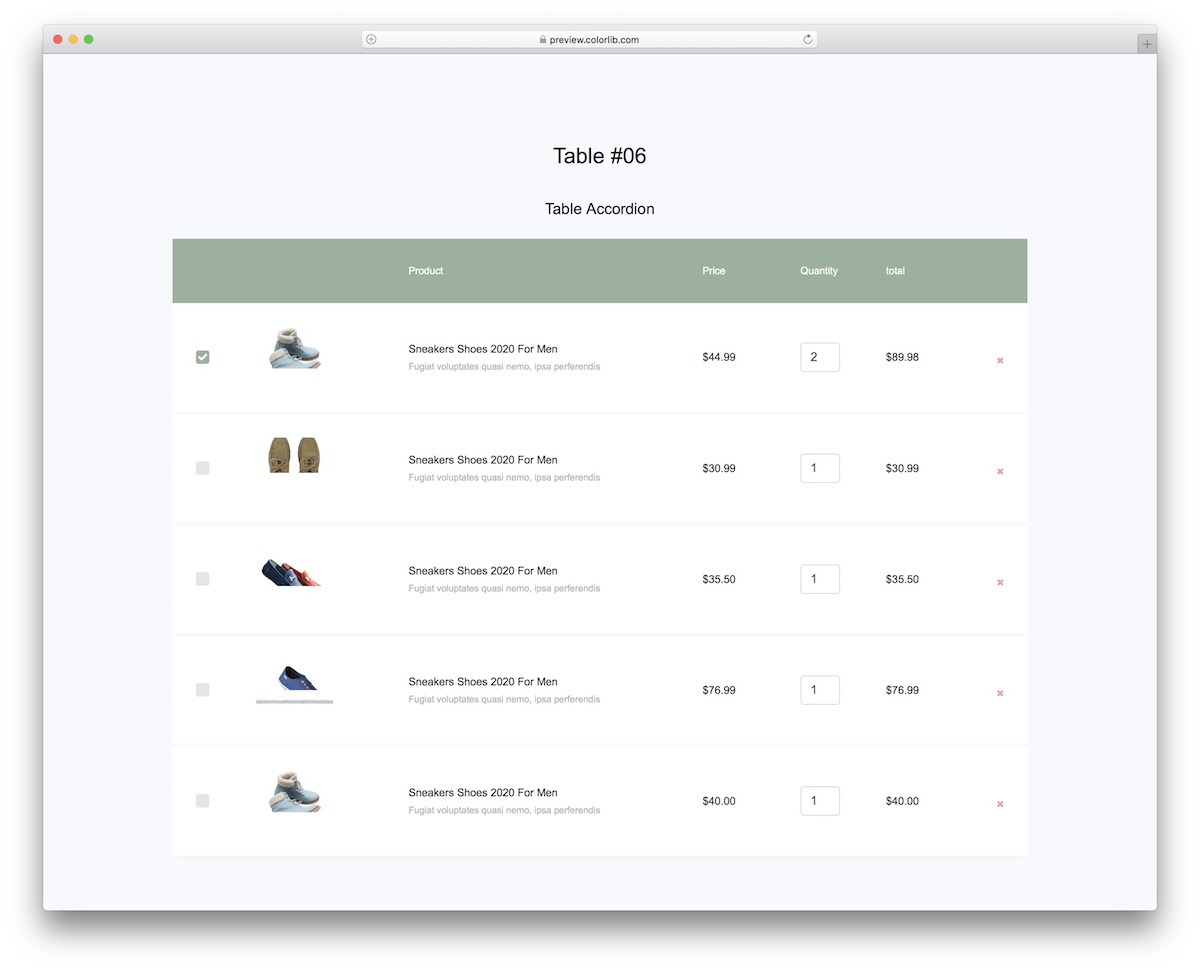
When running an online store, a shopping cart is a must. And if you are in the process of building an eCommerce website, use Table V06, so you don’t need to create a shopping cart from scratch.
This Bootstrap table has all the goodies to ensure a great user experience. Customers can tick different items, set quantities and even erase them from the shopping cart.
They can do all this on smartphones, tablets, and desktops.
More info / Download Demo10. Table V07
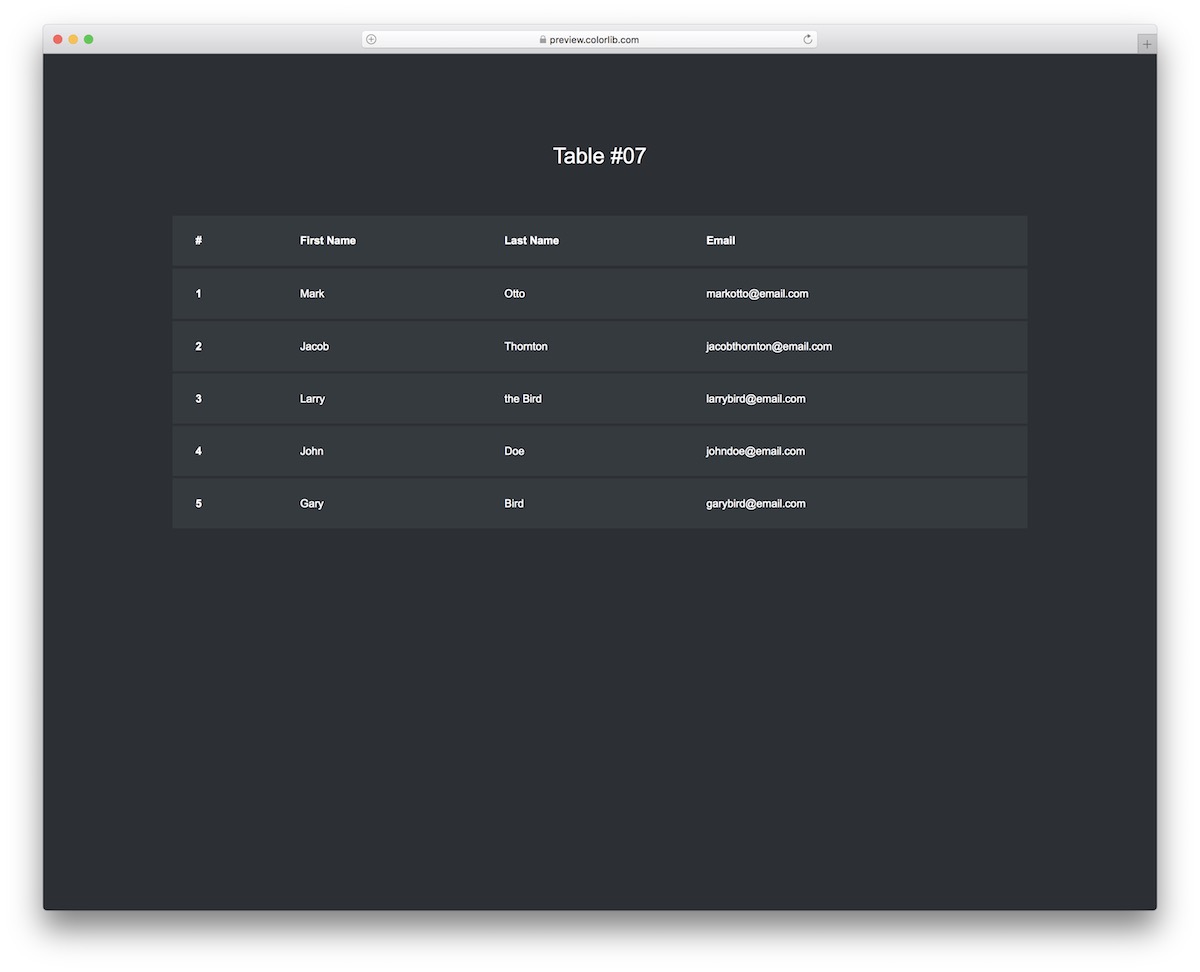
Here you go, if you like our first Bootstrap table template but would prefer a dark alternative. Table V07 is exactly what you need, no more no less.
Its minimalist design and multiple columns for different information do the trick.
You wouldn’t want to change the design, but you can alter the text to fit your needs accordingly.
More info / Download Demo11. Table V08
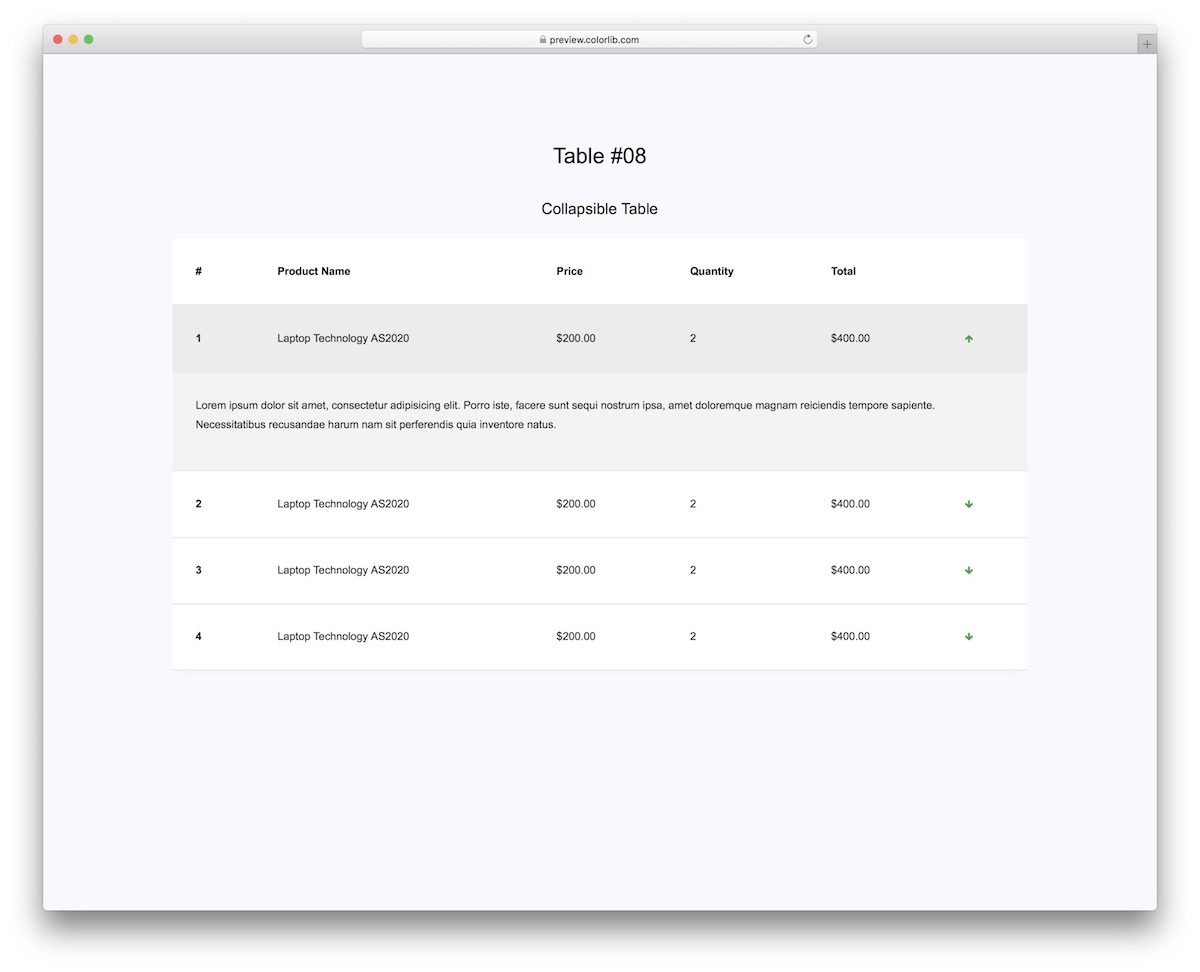
When you think it does not exist, it does! A Bootstrap table with accordion.
Table V08 will benefit you greatly if you want to add additional information but execute it conveniently.
Instead of featuring all this additional information and detail, which would overwhelm the user, Table V08 contains a simple down arrow that reveals the extra facts on command.
More info / Download Demo12. Table V09
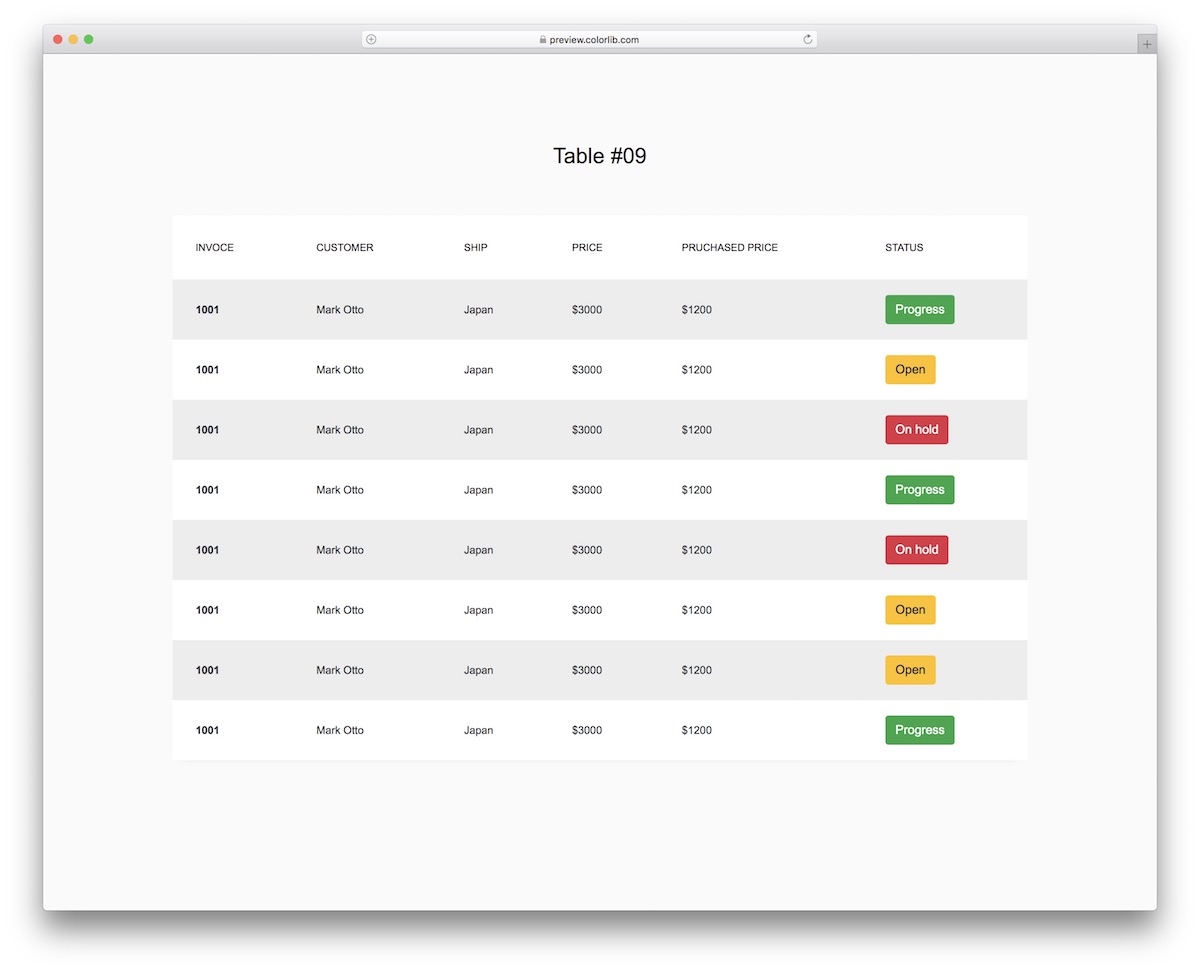
What’s special about Table V09 is the status column with three different buttons: progress, open, and on hold.
While you can use it by default for payments, you don’t NEED to stick to this configuration.
With gray and white row backgrounds for better visibility, each button is also clickable so you can append it to different actions.
More info / Download Demo13. Table V10
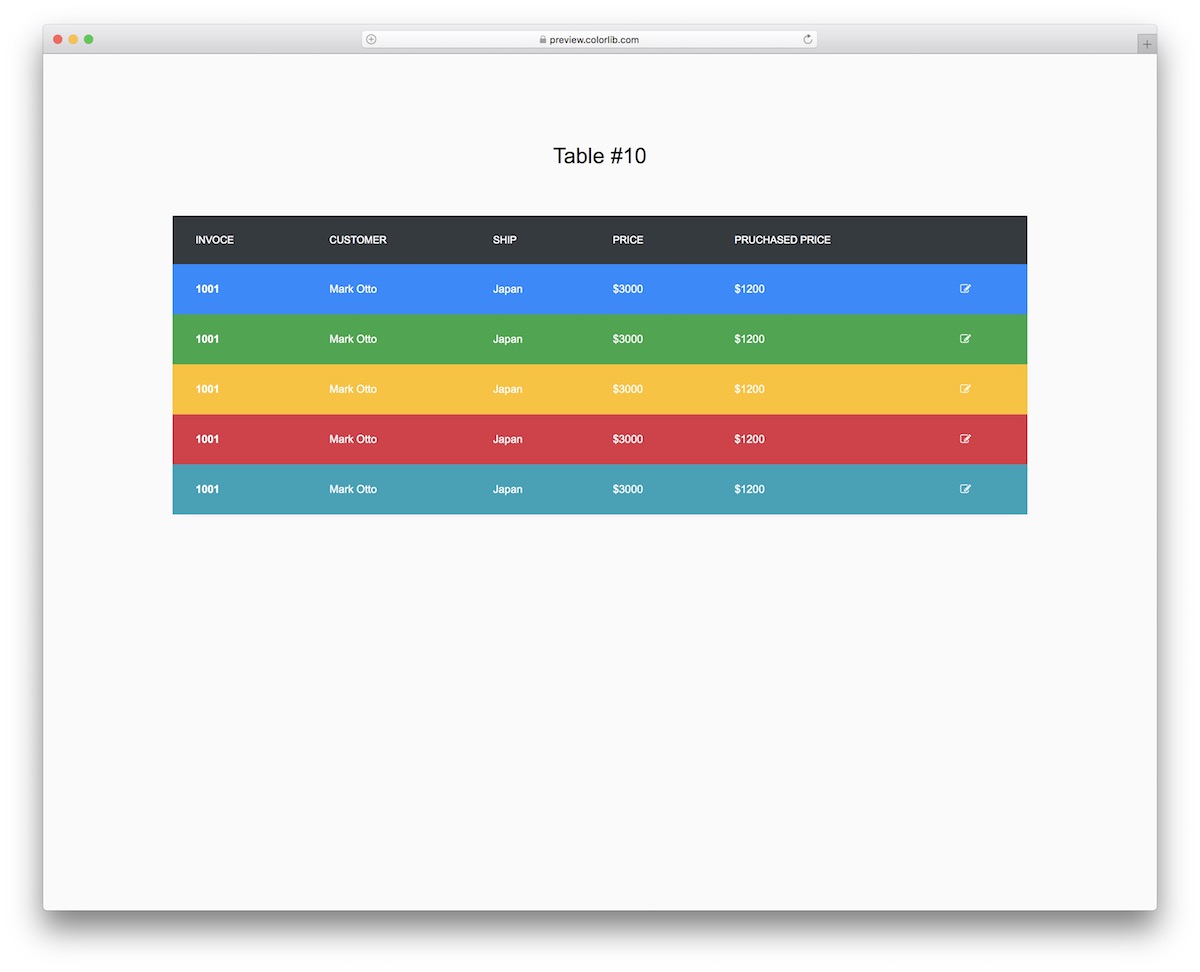
There’s nothing to say other than Table V10 is the best colorful Bootstrap table. That’s it!
Table V10 is great for invoicing, but you can also introduce your creative touch and use it for something else.
Like any other MODERN table template on this list, this one perfectly matches different devices and features user-friendly code.
More info / Download Demo14. Table V11
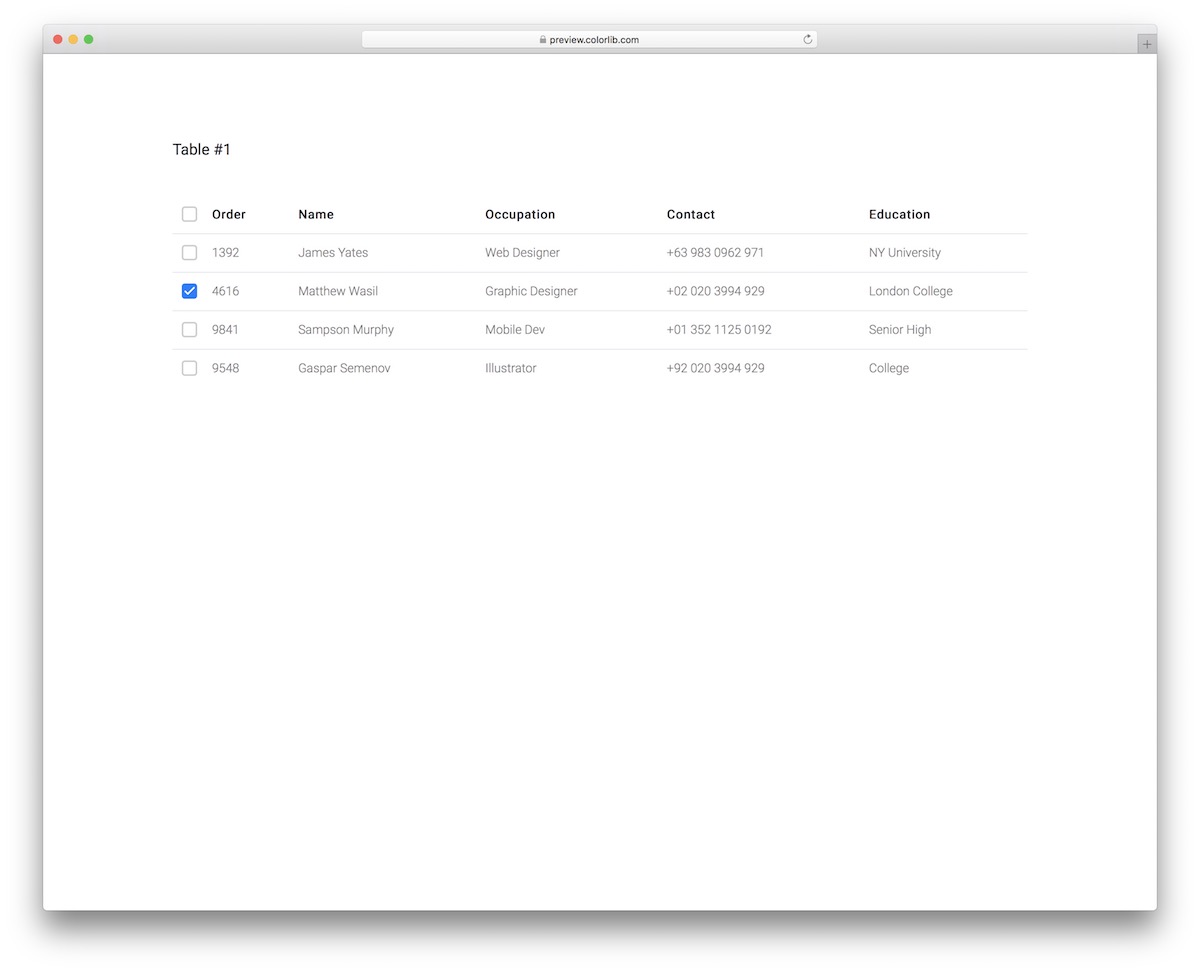
Keep your orders organized with Table V11. A super neat and minimal-looking Bootstrap table with a checkbox option for individual rows or “check all.”
The table has different orders, names, occupations, contacts, and education columns. You can opt for the table as-is, or you can make configurations.
If anything, you will probably only want to change the text, as the design works with different applications out of the box.
More info / Download Demo15. Table V12
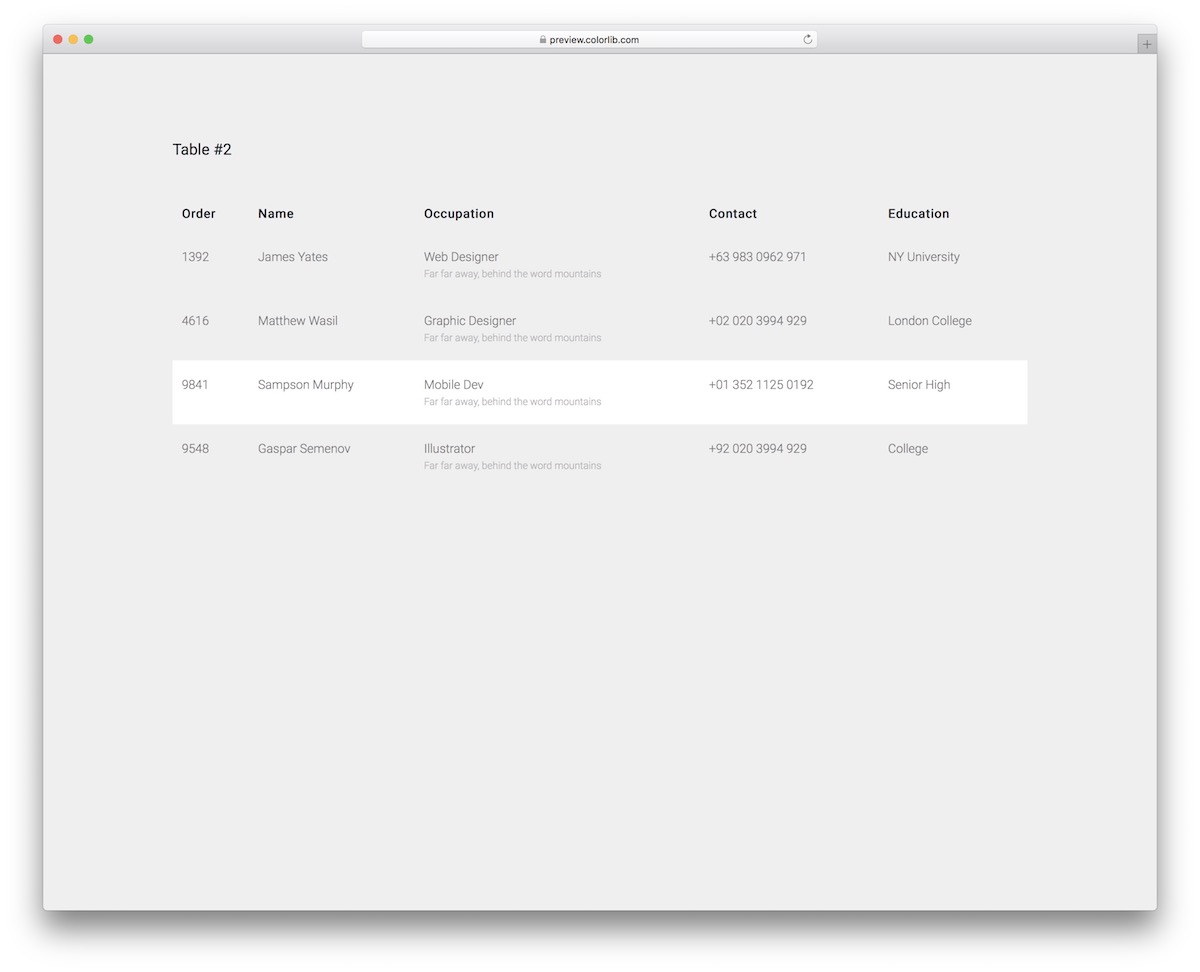
Table V12 is a transparent table template with a hover effect that will appeal to everyone who DIGS minimal.
Thanks to the user- and newbie-friendly code, you can quickly integrate it into your application.
More info / Download Demo16. Table V13
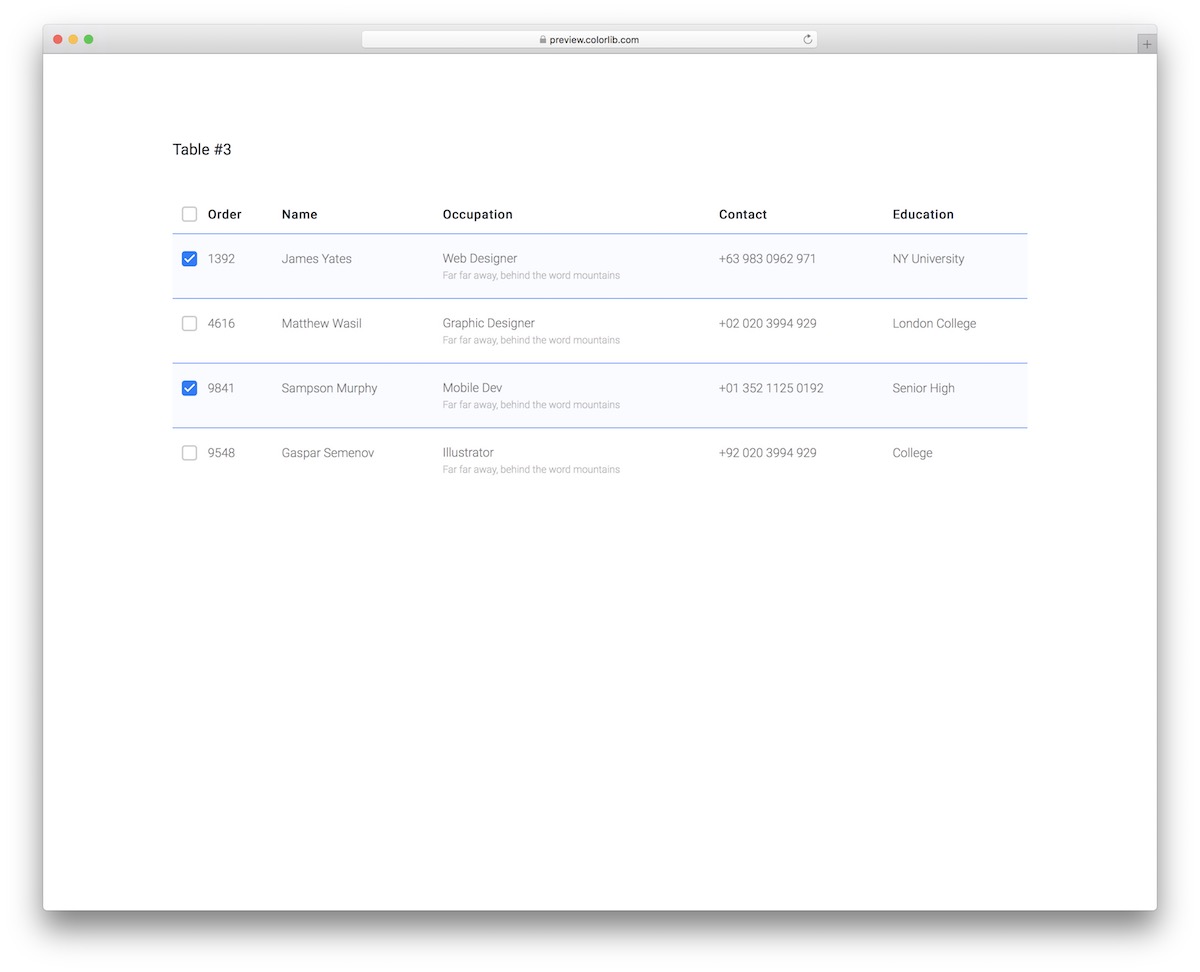
Table V13 effectively combines minimal design with practicality. At first look, it seems like a bland Bootstrap table, but it sports an excellent hover effect and a checkbox that keeps the row highlighted and ticked.
The user can manually select or deselect each row, or choose the checkbox at the top to select all.
More info / Download Demo17. Table V14
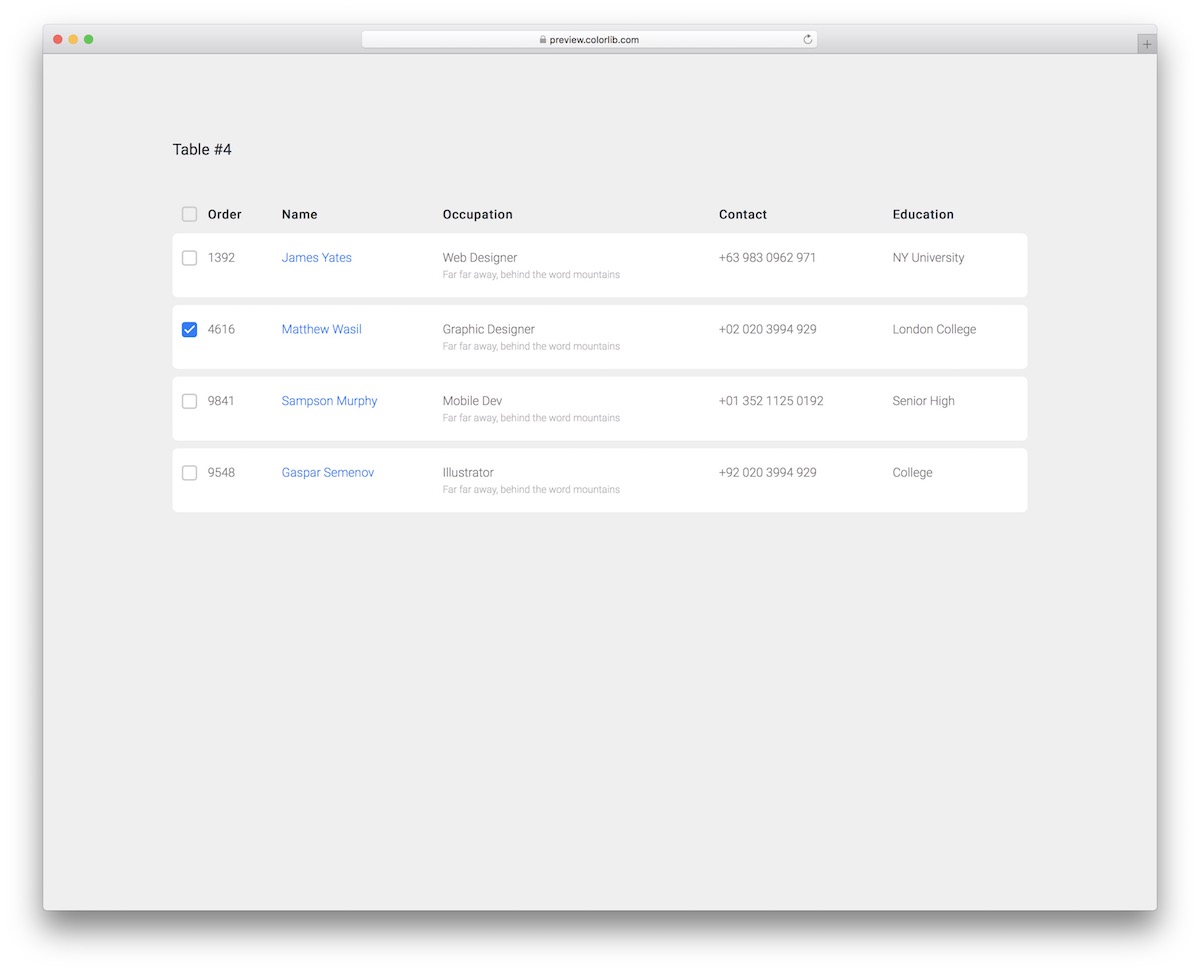
As you may have noticed by now, some of our Bootstrap tables vary slightly in design only. We only make sure that you find the right one out of the box without the need to make any—or as little as possible—changes to it.
Table V14 is another example with more spacing between each row for better readability.
Additionally, each name is displayed in blue and includes an option to add a link—for instance, you can connect it to the user’s profile.
More info / Download Demo18. Table V15
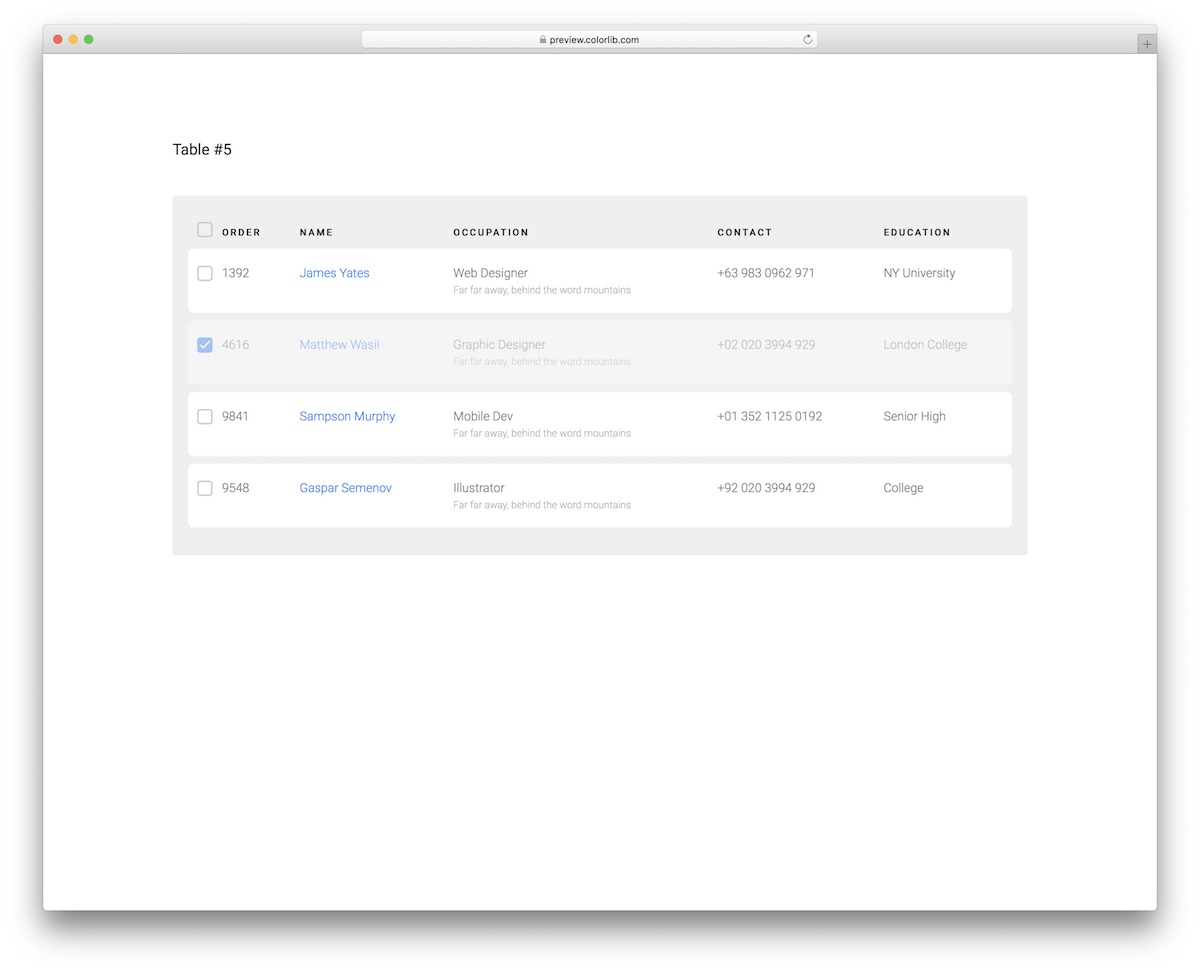
Table V15 is similar to Table V14, with a few additional features. First, it includes the effect of a jumbotron with a gray background that will stand out beautifully from the rest of your content.
Moreover, Table V15 also allows for the selection or deselection of rows. Once you tick it, the row remains “clicked,” turning grayish or, if a layer of fog covers it.
More info / Download Demo19. Bootstrap Table V16
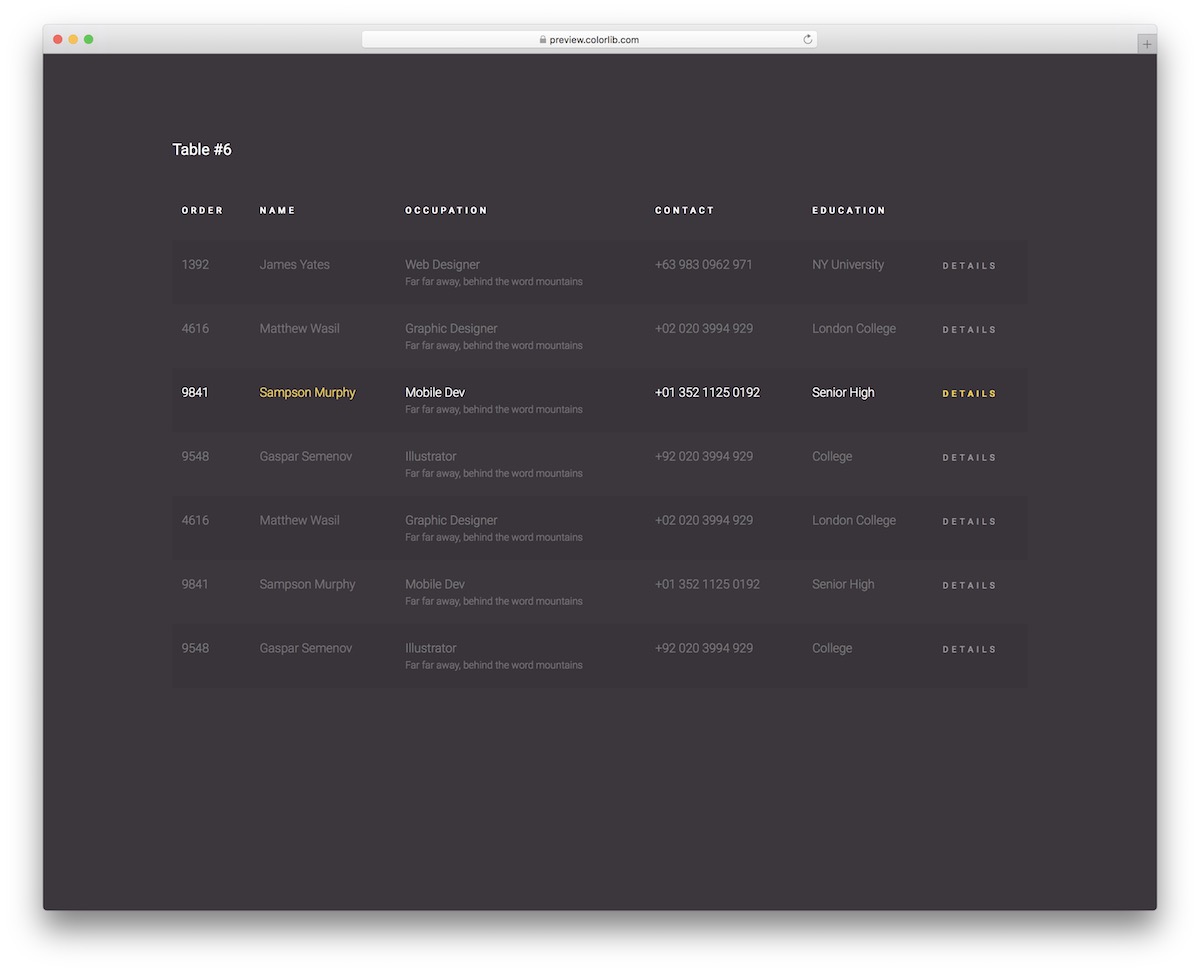
If dark is your go-to design, you will enjoy Table V16 to the fullest. It does not necessarily mean using it exactly as-is (black background), but this is how it comes by default—and it works well!
You will also notice slight differentiation between rows, a pretty neat detail.
However, what truly makes it stand out is the hover effect that highlights the row with the white and yellow tones of the text.
More info / Download Demo20. Table V17
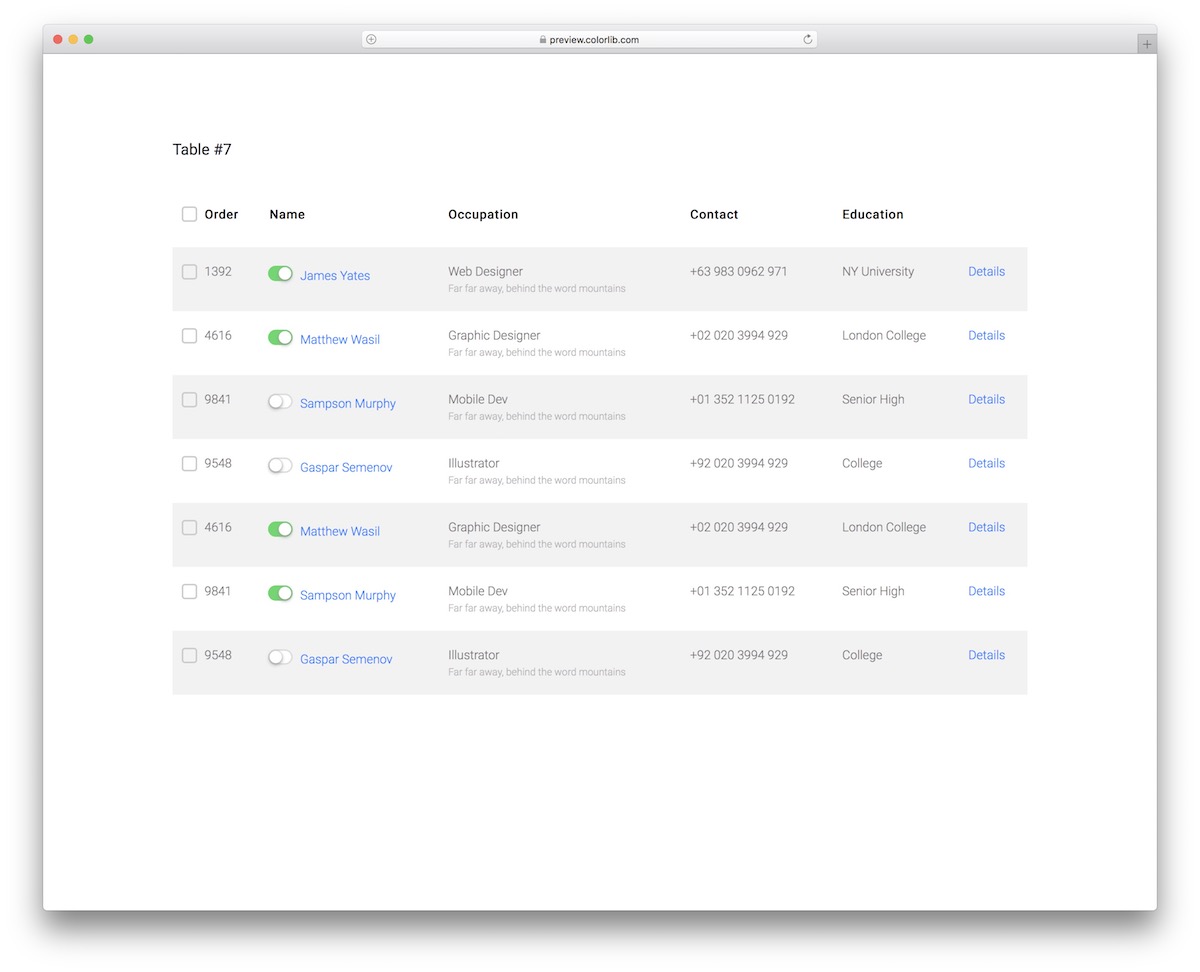
While I already featured a few Bootstrap tables with checkboxes, CSS Table V17 takes things one step further.
It also comes with cool toggles or switches that can be used to make a user active or inactive.
That’s just an EXAMPLE.
Additionally, the name and details on the far right are clickable, allowing you to add links to information, profile, and more.
More info / Download Demo21. Bootstrap Table V18
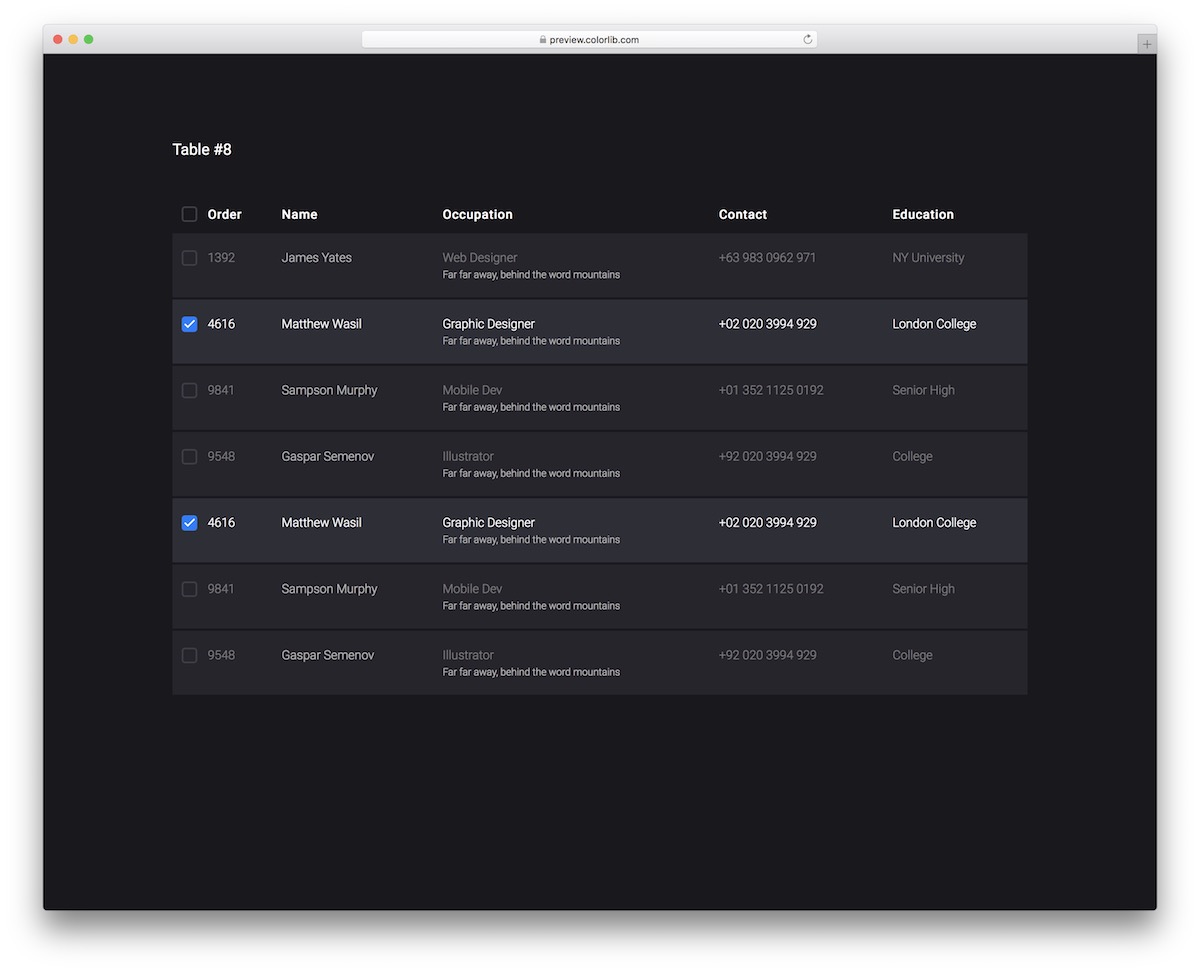
Something about dark web design appeals to me immensely. And you?
Instead of only focusing on light Bootstrap tables, we also included some dark alternatives, and Table V18 is one of them.
This is a responsive layout with a HOVER EFFECT to highlight the row and checkboxes. You can also add some information in the occupation column for quick reference.
More info / Download Demo22. Table V19
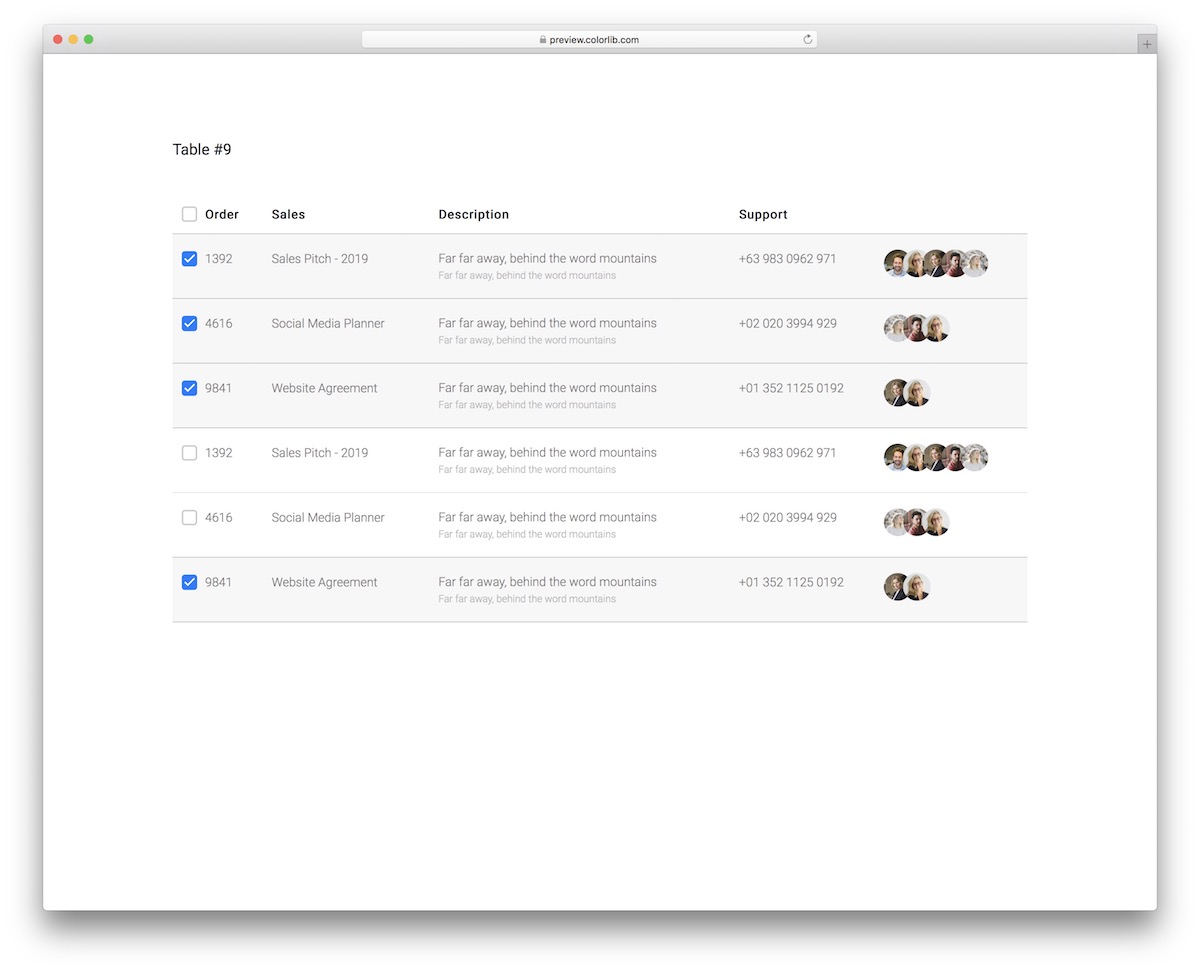
Display sales, additional information, contact details, and customer support avatars with Table V19.
The template features a responsive structure that enables both beginners and professionals to maximize its benefits.
The organized code ensures a comfortable EXPERIENCE embedding the Bootstrap table into your application.
More info / Download Demo23. Table V20
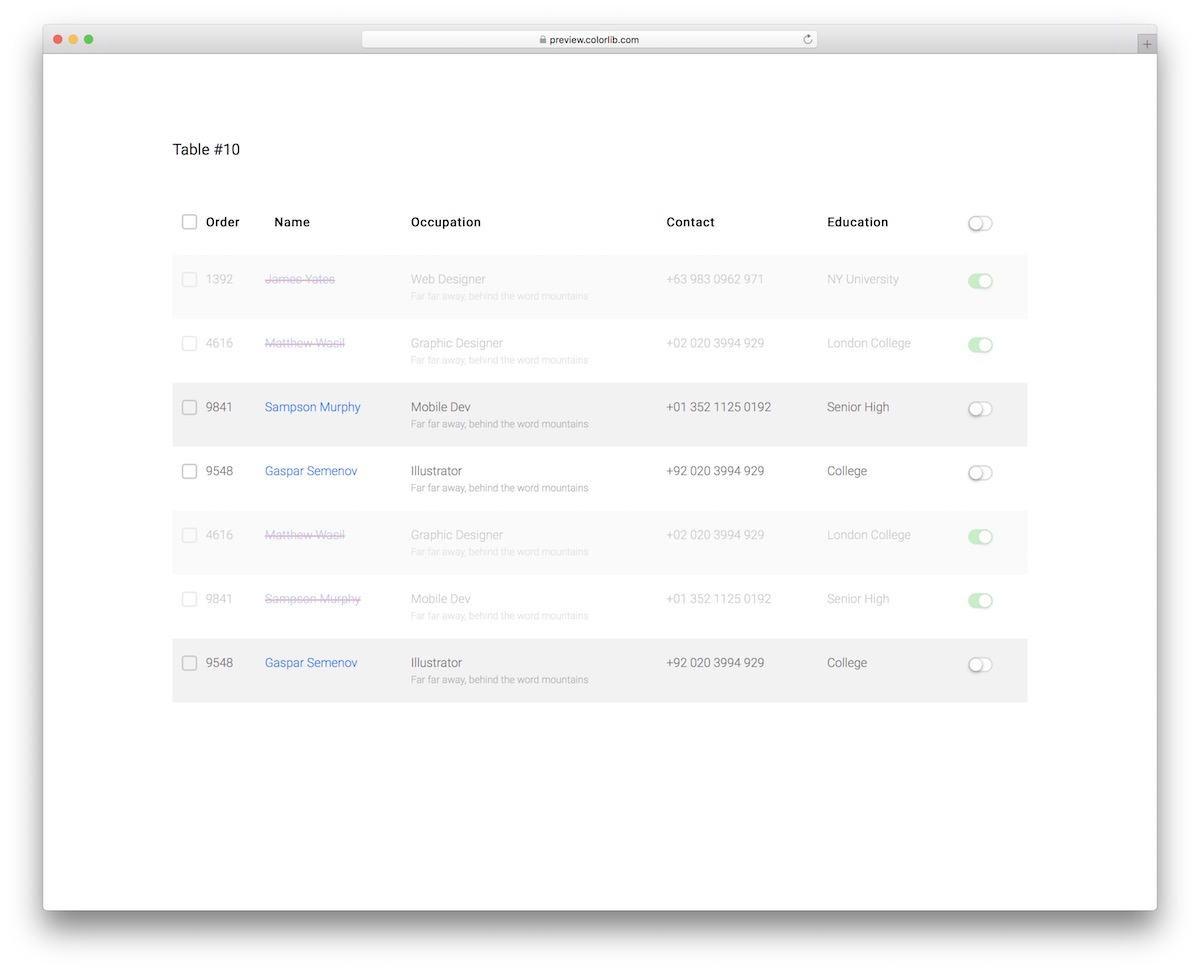
Here’s the last one from our Bootstrap tables for the convenient distribution of order details.
With all the ready-made columns, checkboxes, and toggles, Table V20 is a powerful alternative to help you sort things out quickly.
The free snippet utilizes only the latest technologies and follows modern web trends for a seamless user experience.
More info / Download Demo
Related Posts


Comments (0)