
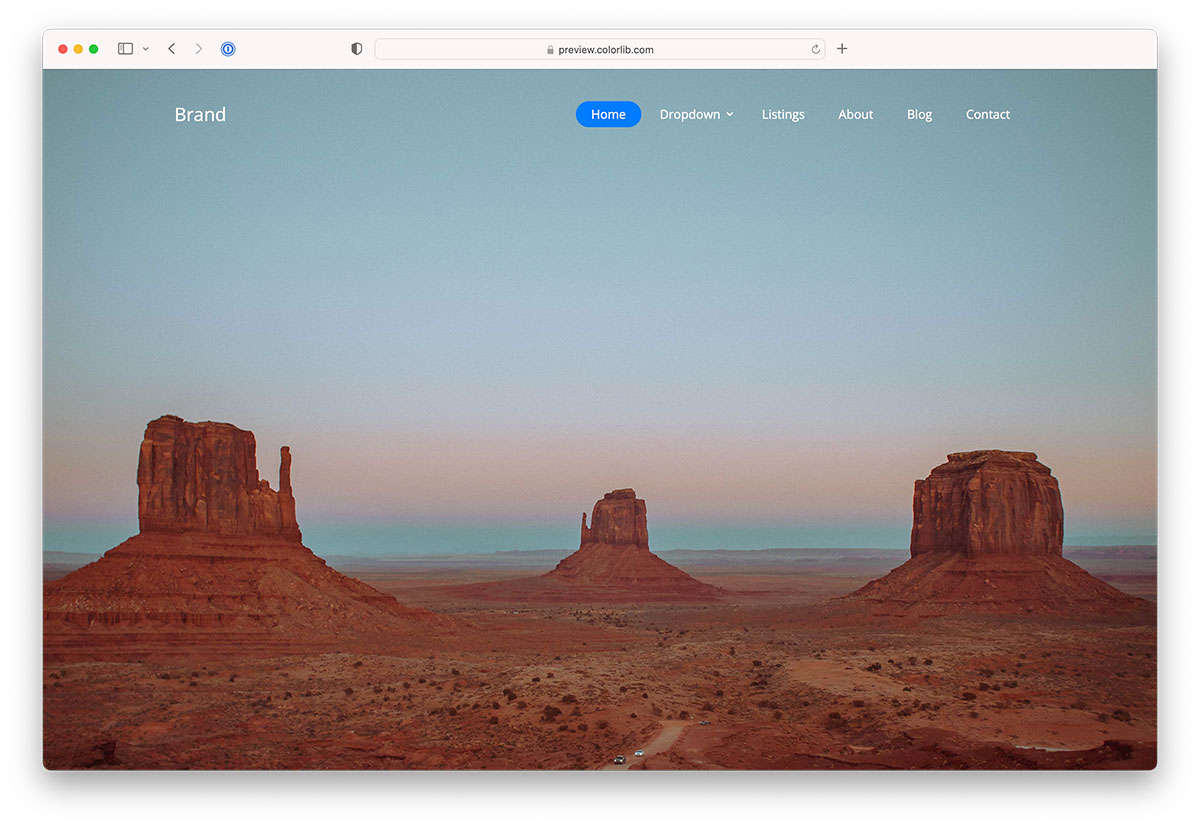
21 Best Website Menu Templates For Creative Sites (Bootstrap) 2026
After studying numerous free website menu templates based on Bootstrap, we developed our own versions.
Why? If it’s not 100% trustworthy, we don’t share it.
We rolled up our sleeves, went behind the code, and here we are now.
We ensured that we created various website menu examples.
Minimal, transparent, sidebar, off-canvas, you get every possible page navigation you want.
The FUN does not end here.
Every template has a user-friendly code. This makes it ideal for beginners and allows for quick customizations.
Take your website navigability TO THE NEXT LEVEL.
Yes, you will!
Our Top Website Menu Template Picks
uiCookies Menu Templates (8 templates)
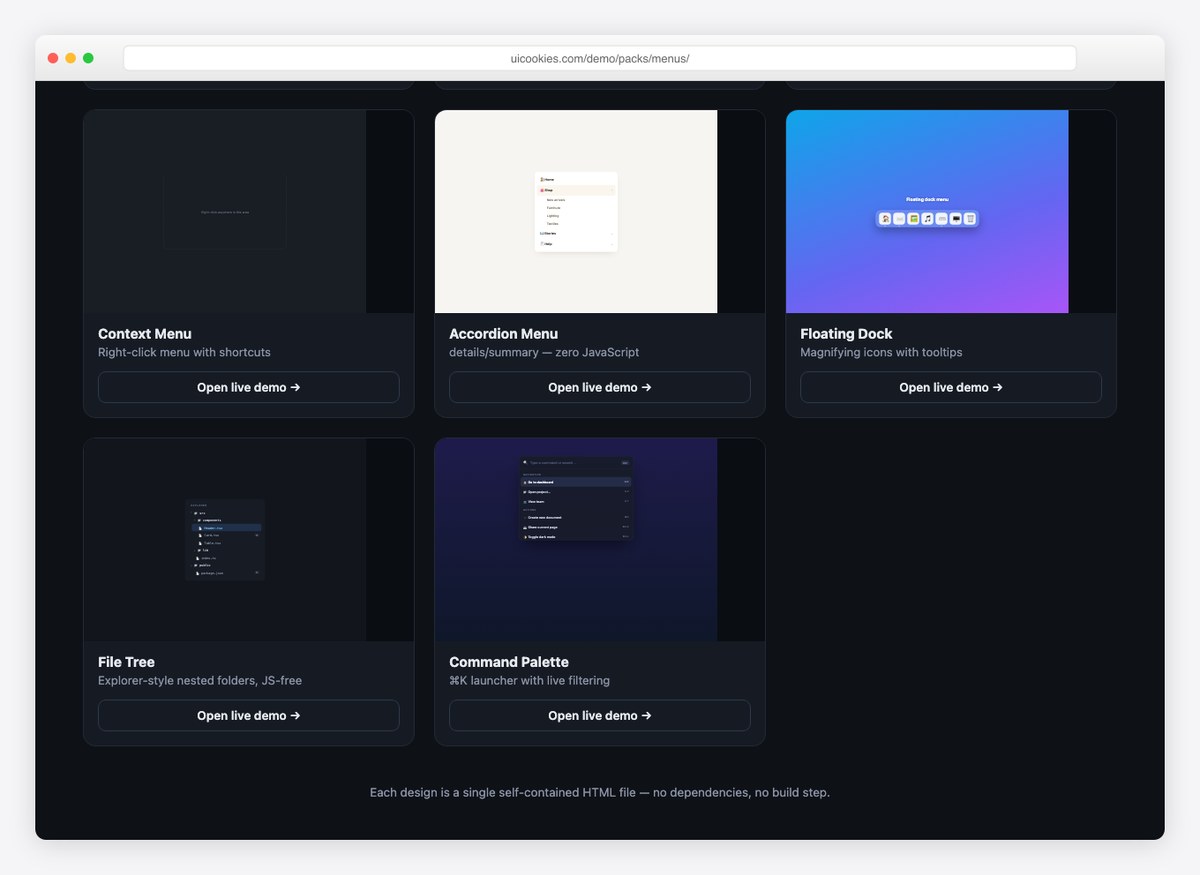
Eight navigation patterns that go past the standard navbar: an account dropdown, an admin sidebar, a mobile bottom bar, a right-click context menu, an accordion menu, a floating dock, a file tree and a command palette.
Several of them work with no JavaScript at all, and the rest use a few lines of vanilla JS rather than a plugin. Free download from our own uiCookies library, each design in its own self-contained file.
Website Menu V03
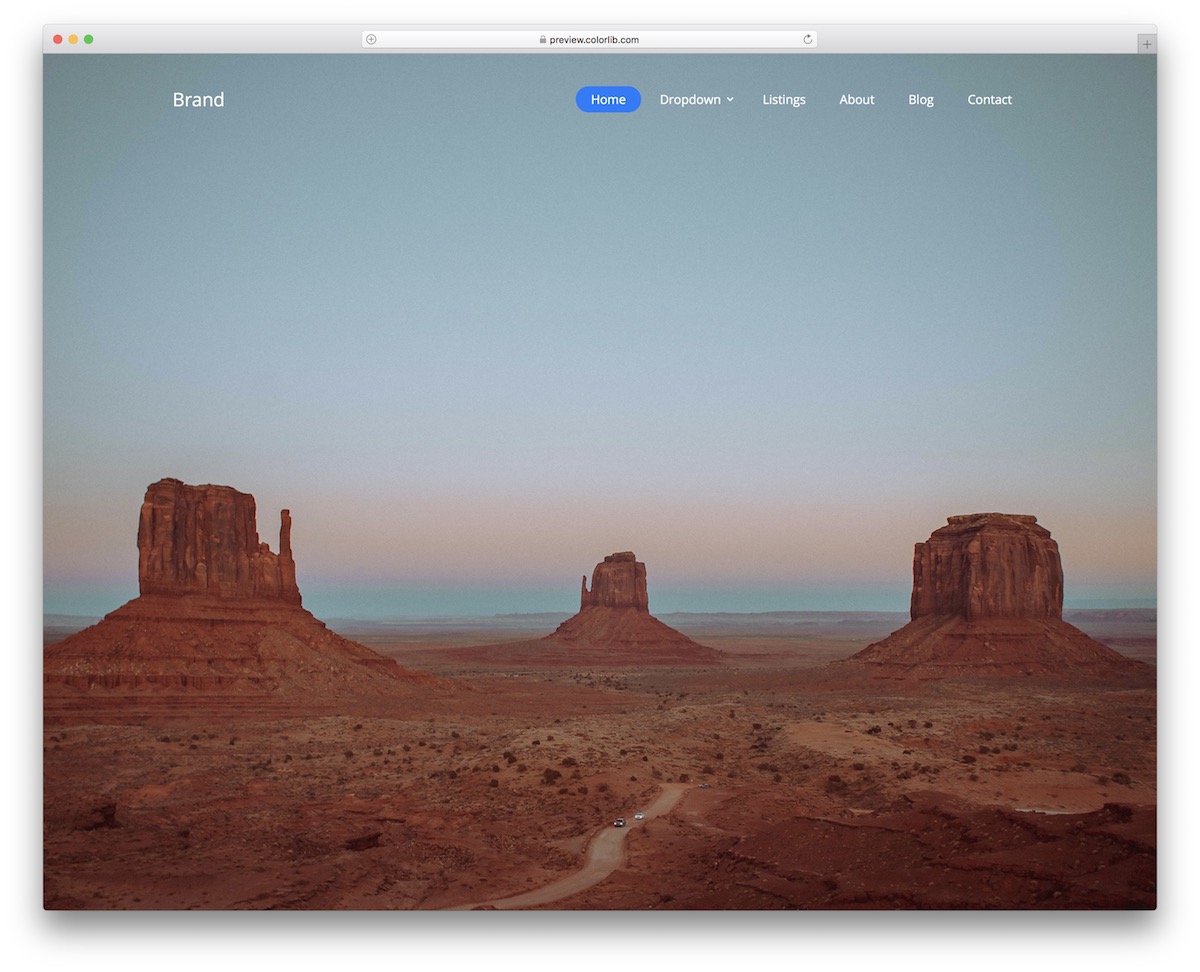
Website Menu V03 is a modern free snippet for creating a clean and minimal navigation bar. If you like to stick to SIMPLICITY, you’d better not miss taking a peek at this tool.
This solution works great if you add an image or even a video as a background above the fold.
It will not distract from the content, yet still offer great navigability.
Moreover, Website Menu V03 is a static menu template with a cool blue button that appears when clicked. It also includes a multi-level drop-down menu that works well for users with many pages and categories. It’s responsive, too.
Website Menu V05
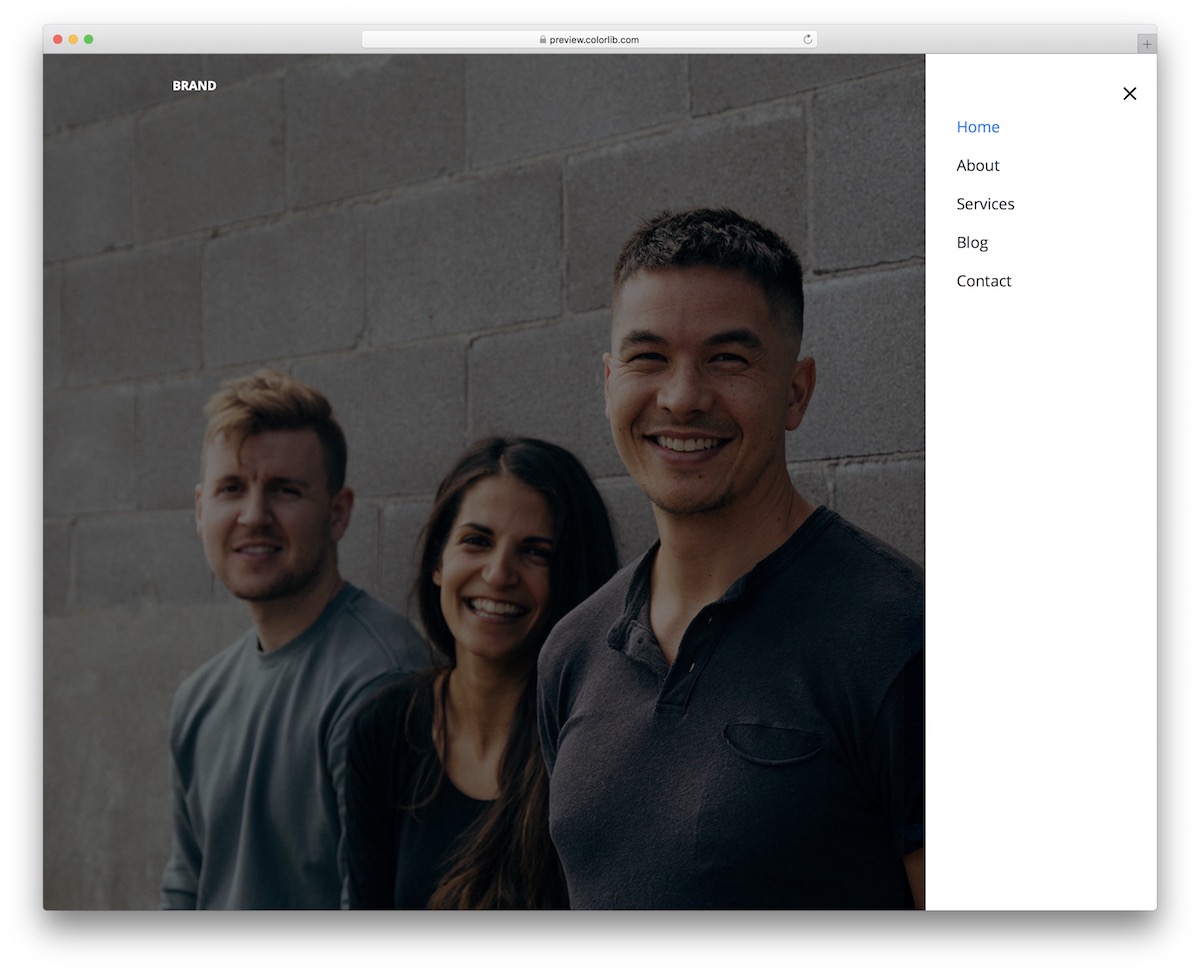
However, if you want to maintain ultimate cleanliness in your website’s header area, Website Menu V05 is your best option.
While there’s not much at first glance, the menu icon reveals a sidebar hamburger menu on click. Website Menu V05 maintains the same style on both small and large screens, adapting perfectly to mobile devices.
We also ensured that the code structure is both user- and beginner-friendly.
HURRAY.
Everyone can now easily embed this free menu template into their web app.
But first, peek at the live demo preview and go from there.
Website Menu V07
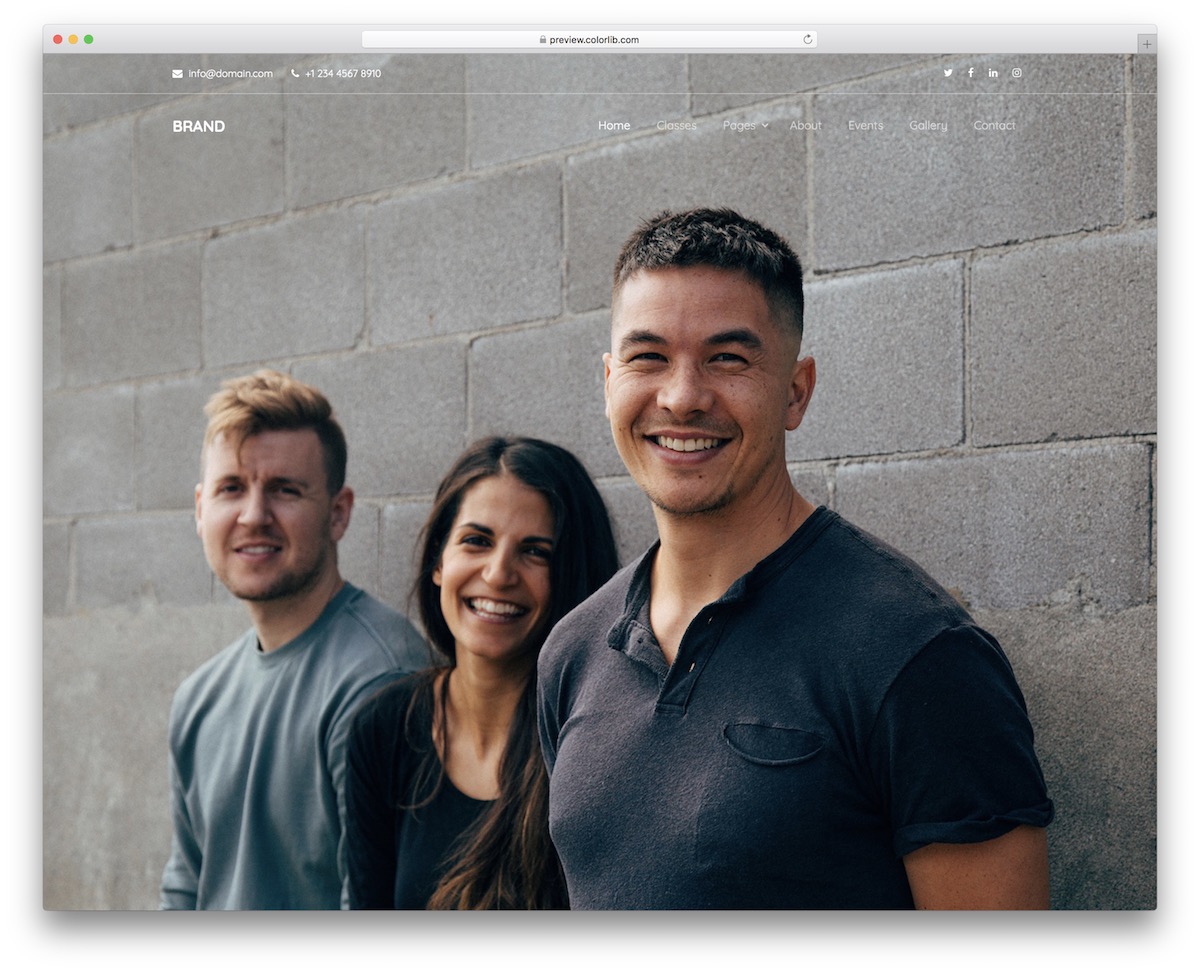
While a header can make your website visually appealing, that’s not the case with Website Menu V07. Thanks to the transparent design, you can feature some content in it, but it won’t stand out as much as solid headers.
Your cup of tea?
That’s GREAT.
Website Menu V07 is ready to employ it out-of-the-box or even style it further.
There’s also a top bar for additional contact info and social media icons along with the main navbar.
Website Menu V12
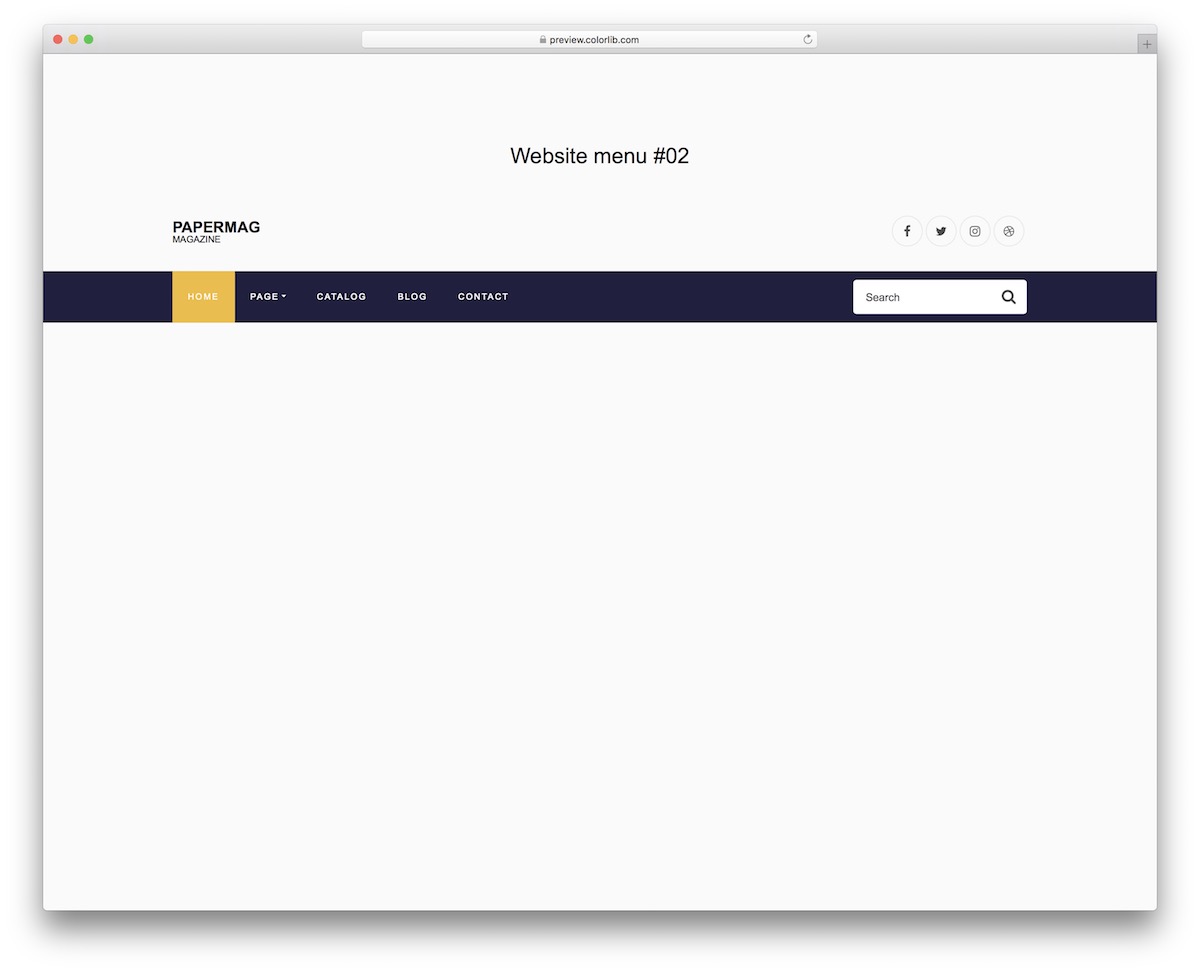
Website Menu V12 is a free navigation template that mixes simplicity with boldness. The top section only features logo and social icons and a light/transparent background.
On the other hand, the navigation bar is a solid color with a highlighted section of a different color—very dynamic, if you will.
Two additional notable features of Website Menu V12 are the integrated drop-down menu and search form. If the user does not directly find what they are looking for in the menu, they can always type it in the search.
Website Menu V12 also performs flawlessly on mobile devices, but the design changes slightly. It is now more user-friendly.
Website Menu V14
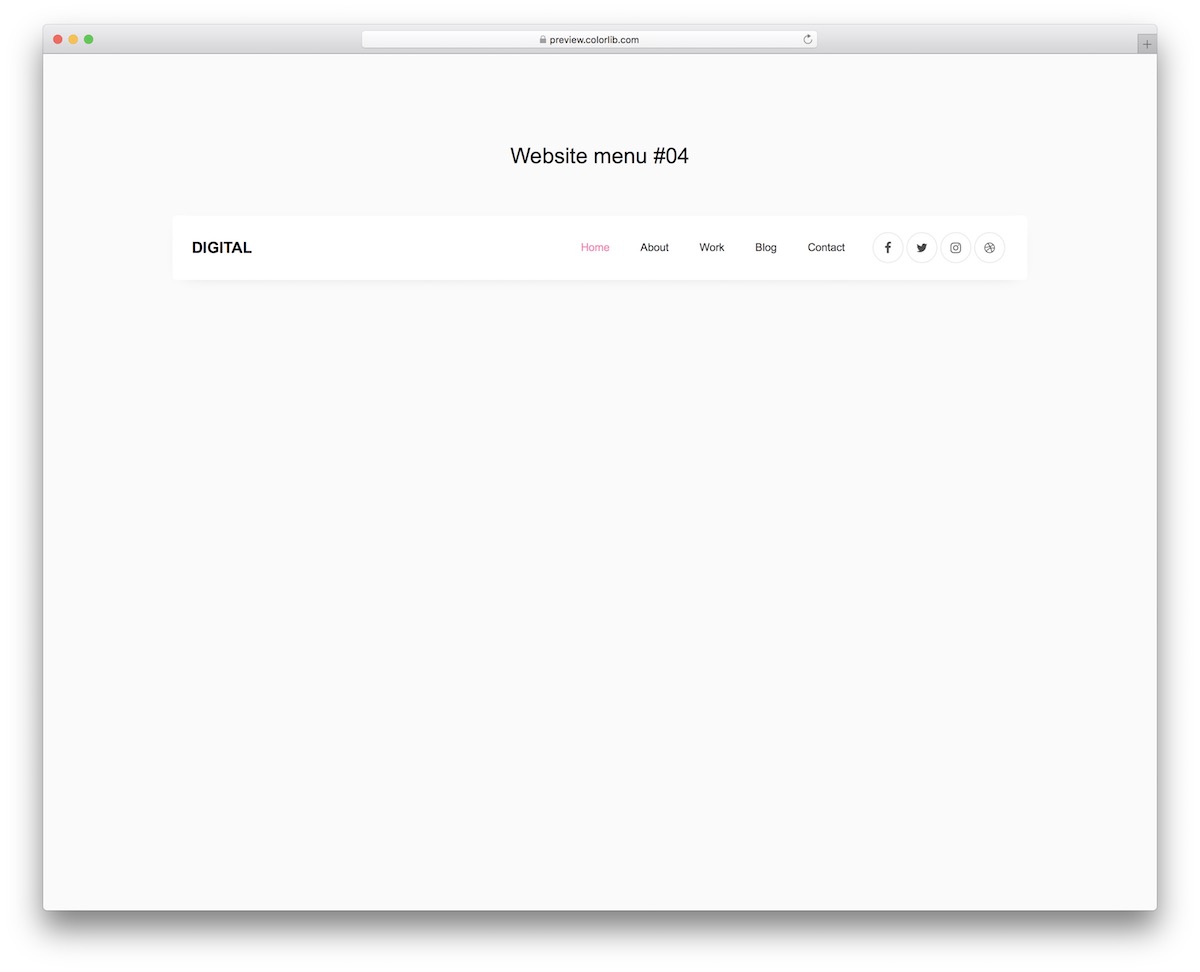
Website Menu V14 is somewhat basic with a boxy design that makes it stand out. There’s always a way to stick to simplicity but with a TOUCH of creativity.
Keep in mind that once you start investigating Website Menu V14 further, you will notice the design changes on mobile or vice versa: it will be light on desktop and dark on mobile.
That’s not it.
While the logo and social icons are still mobile, the navigation appears like a hamburger menu. The pink-ish detail makes it even more appealing.
Still, if you’d like to make any edits, go ahead.
Website Menu V18
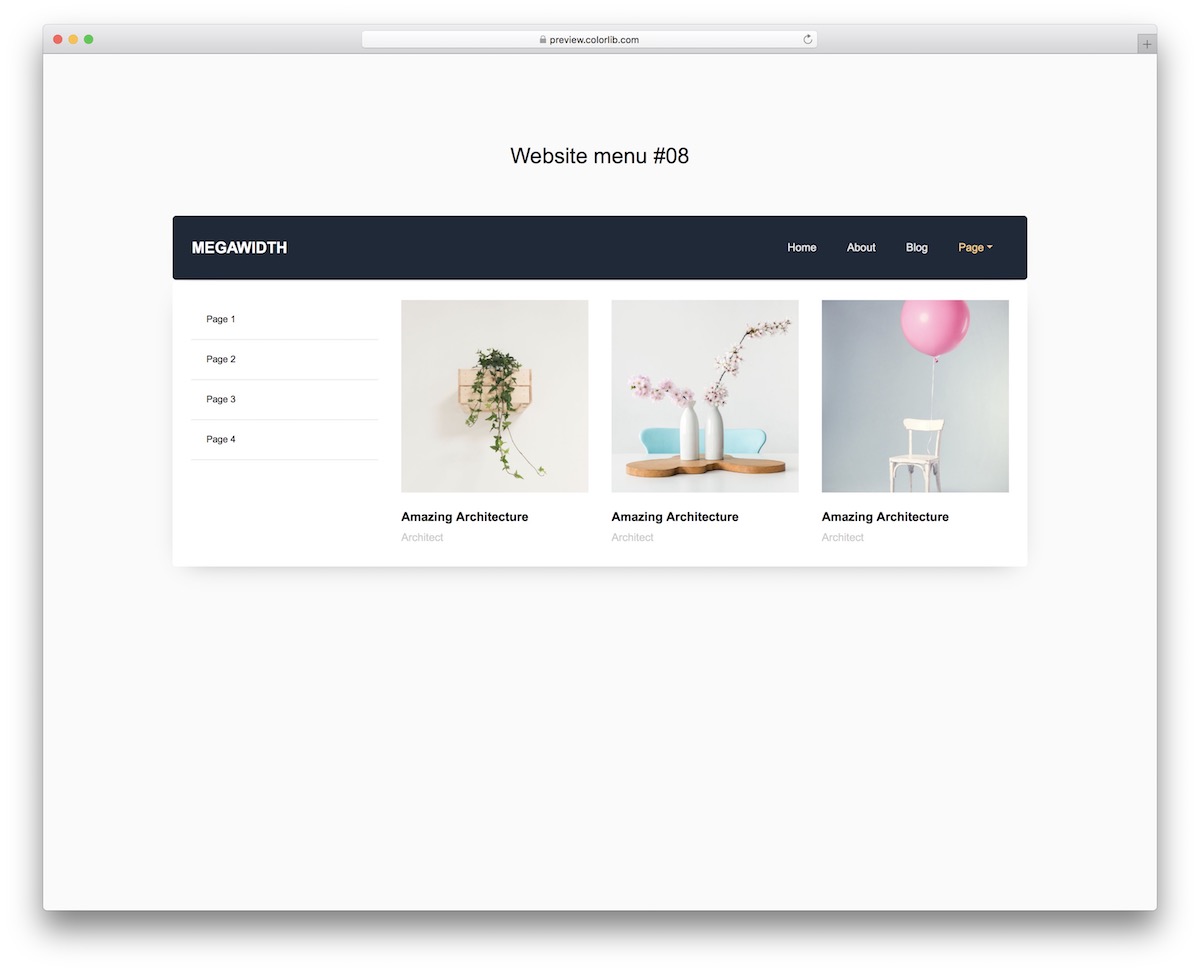
Website Menu V18 does not look like much but everything changes when you click it. At least when you click the element with a chevron, the MEGA MENU opens.
Website Menu V18 is perfect for anyone interested in adding more material to the menu than just text. This free website menu template also supports image content.
Note: as images and text may distract the user too much on mobile, we only added the text part of Website Menu V18.
But just like any other template in this collection, you can first test it on different devices by visiting the item’s live preview.
Website Menu V19
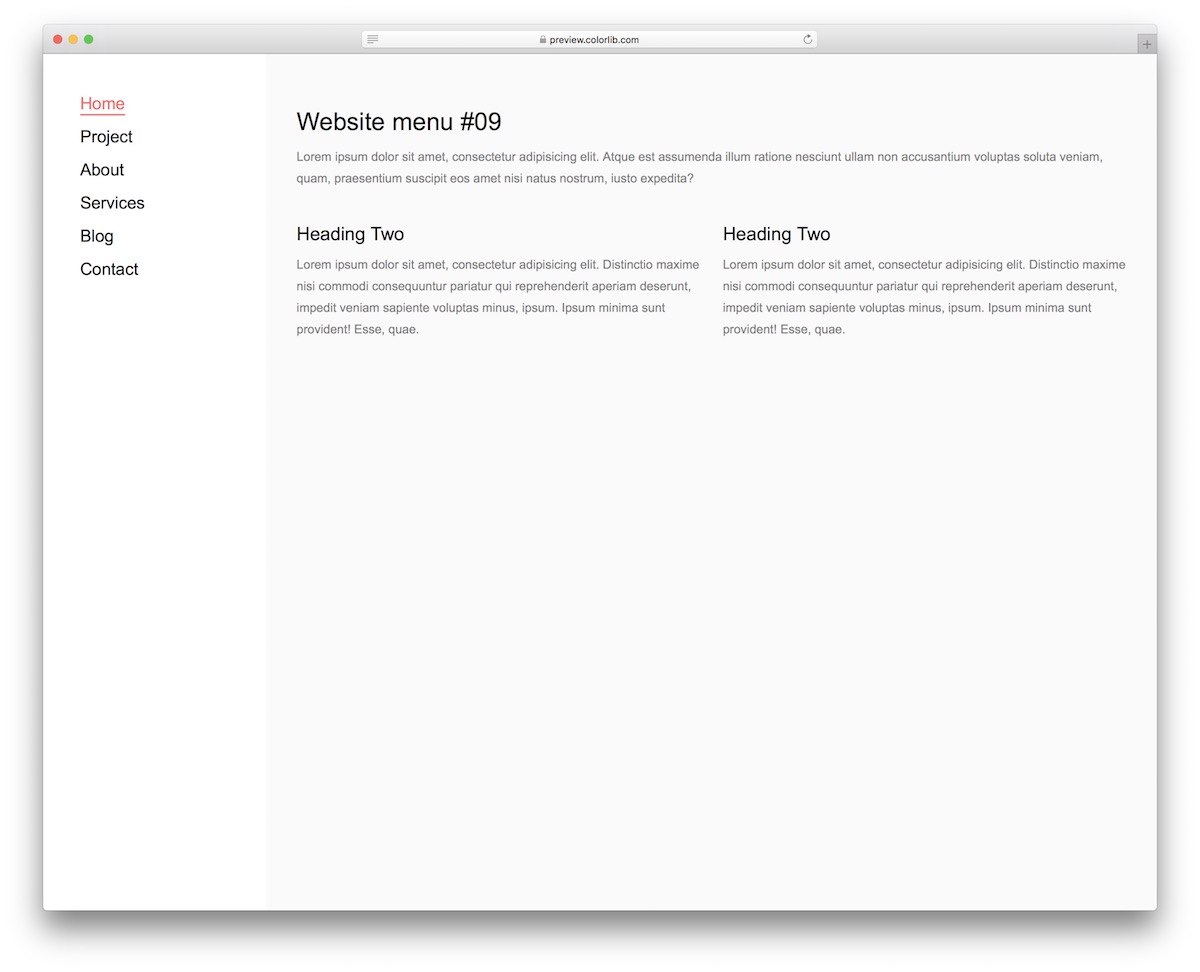
Who’s down to add a SIDEBAR MENU to their website or blog? If you are a fan, youwill experience swift inclusion with Website Menu V19.
It features a light design with a highlight effect that adds color and underlines to the text. It’s a clever way of showing what page of your website your user is on.
Your content may be so compelling they are completely immersed in it, forgetting what’s happening around them.
Website Menu V19 is also perfectly compatible with smartphones and tablets. However, viewing it on smaller devices transforms into an off-canvas menu for PRACTICALITY purposes.
Website Menu V20
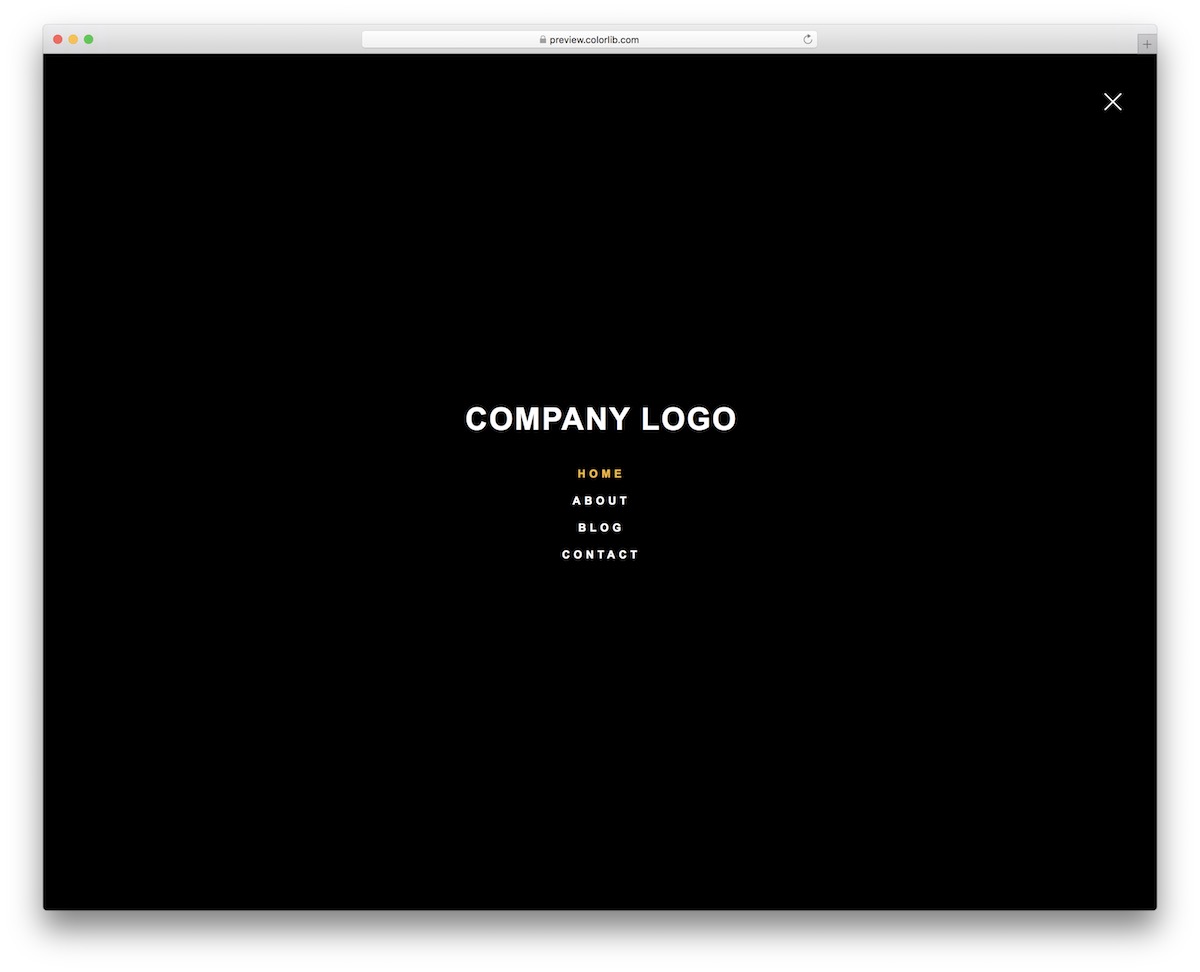
This is our BEST-OF picks’ last free website menu template – my favorite. Website Menu V20 is a full-screen menu or a menu overlay as some call it.
It only sports a menu icon, but it displays the entire menu overlaying the content you view. No other navigation in this collection places the menu as boldly as this one.
The Website Menu V20 maintains the same style, whether viewed on a mobile device or desktop. Additionally, it appears dark in the default configuration, but you can adjust this if necessary.
Bonus Free Website Menu Templates
Besides our top choices, here are some more free menu alternatives. Keep in mind, in some instances – these are just slight variations of the above.
Website Menu V01
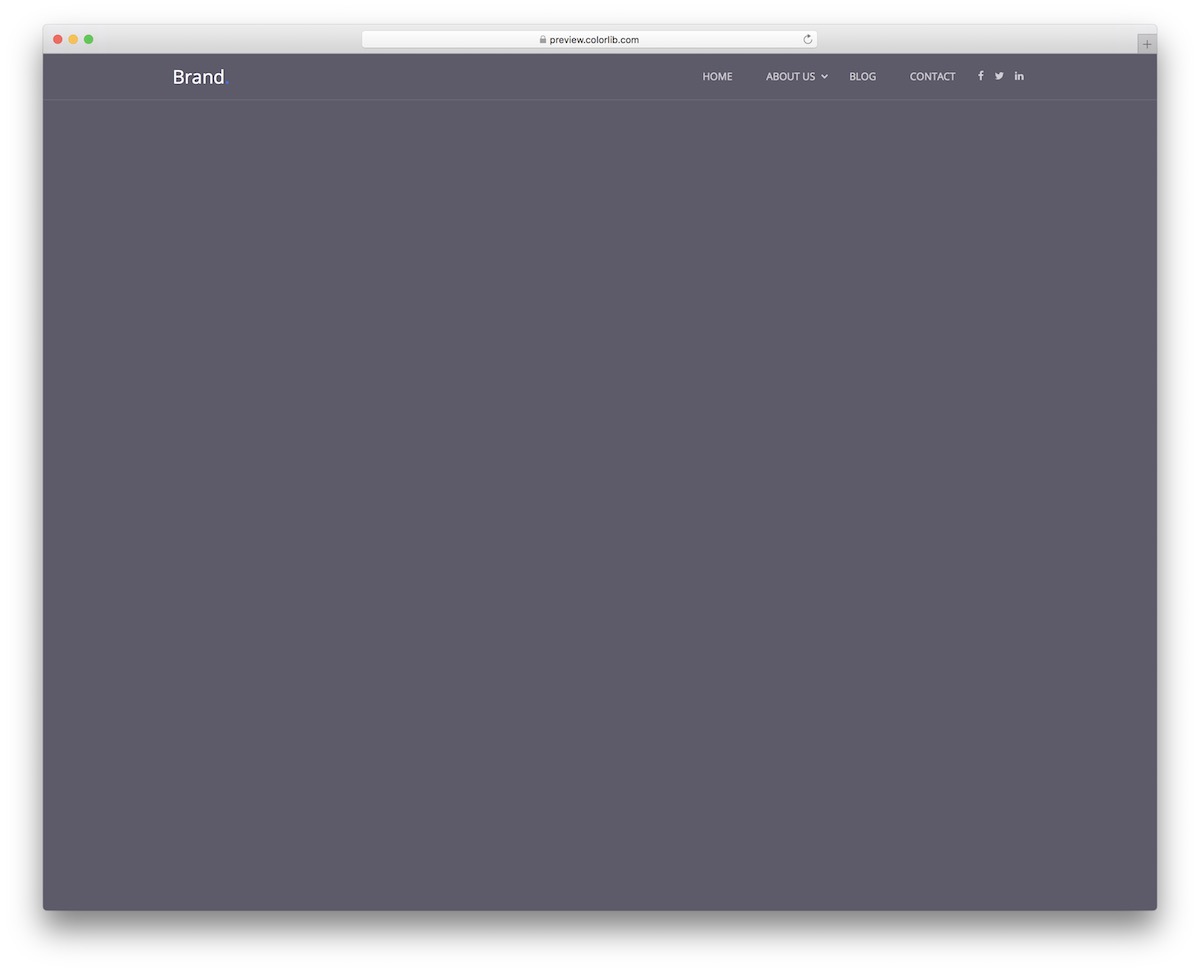
Now let’s kick things off with Website Menu V01. It’s a free snippet for those who prefer a minimalist approach. It also features a logo section, social media buttons and a drop-down in two layers.
Does it fit mobile?
OF COURSE, it does!
But that’s something you can pre-test yourself.
Website Menu V02
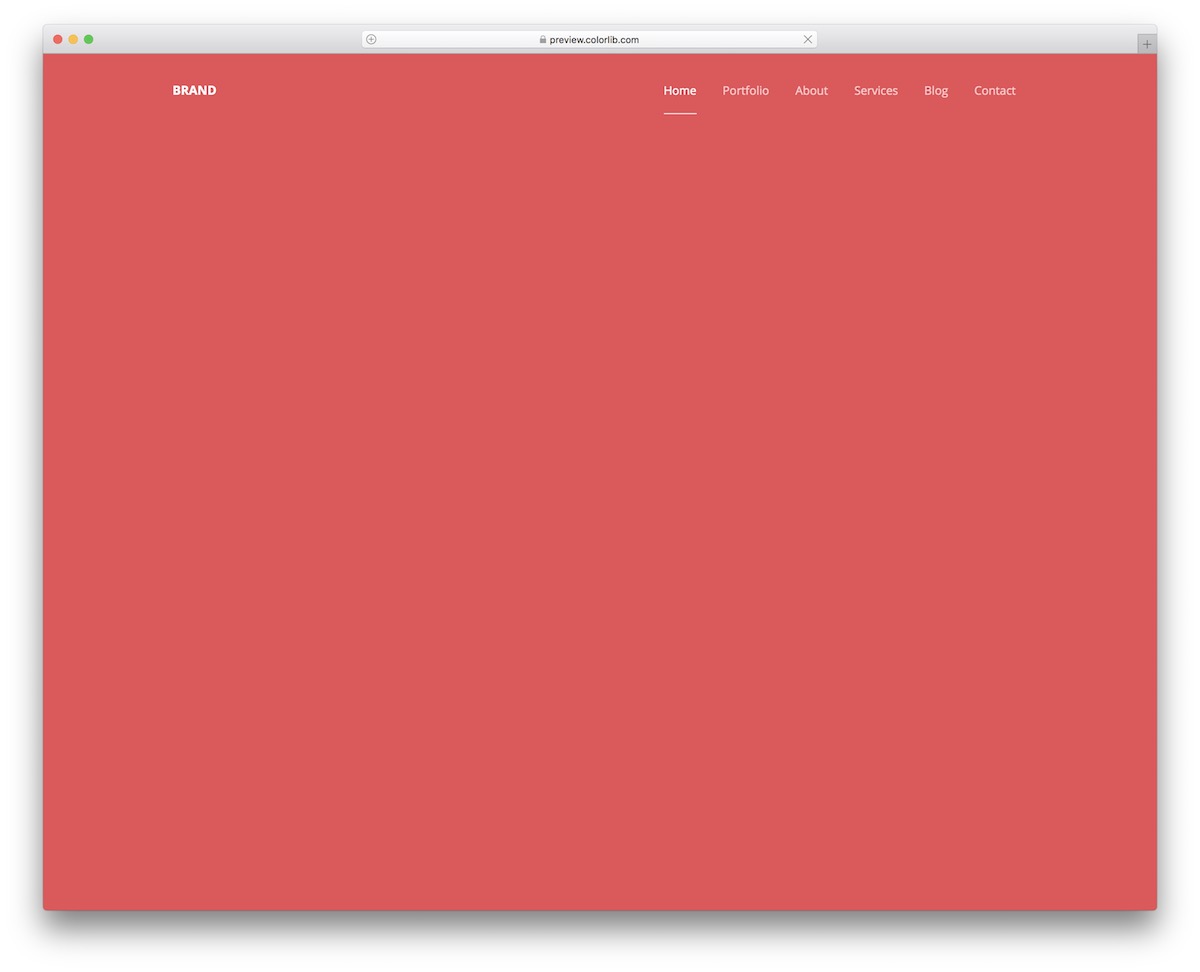
Website Menu V02 is even more simple than the one above. This one will work well for you if you don’t have many pages or categories.
It also ensures that it retains a similar minimalist style on mobile. But it slides in from the right side as a hamburger menu.
Website Menu V04
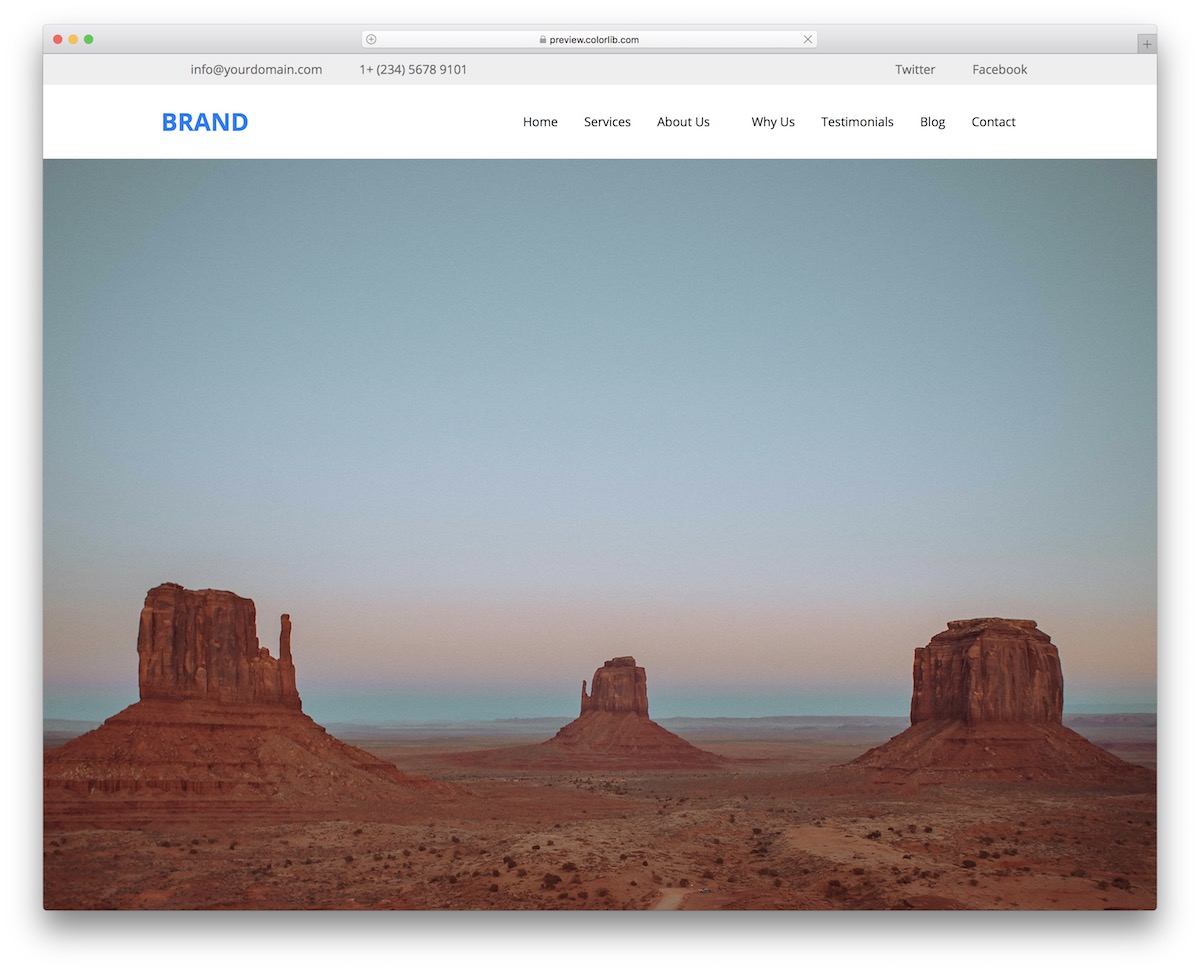
Website Menu V04 is like a FULL-BLOWN header that acts as sticky navigation. If you are new to this, the navigation bar sticks to the top of the screen when scrolling.
Always accessible.
Besides the main menu area, there’s also a top bar. You can use this section to add additional contact details, such as email and telephone numbers. Website Menu V04 also has a space for social icons.
Website Menu V06
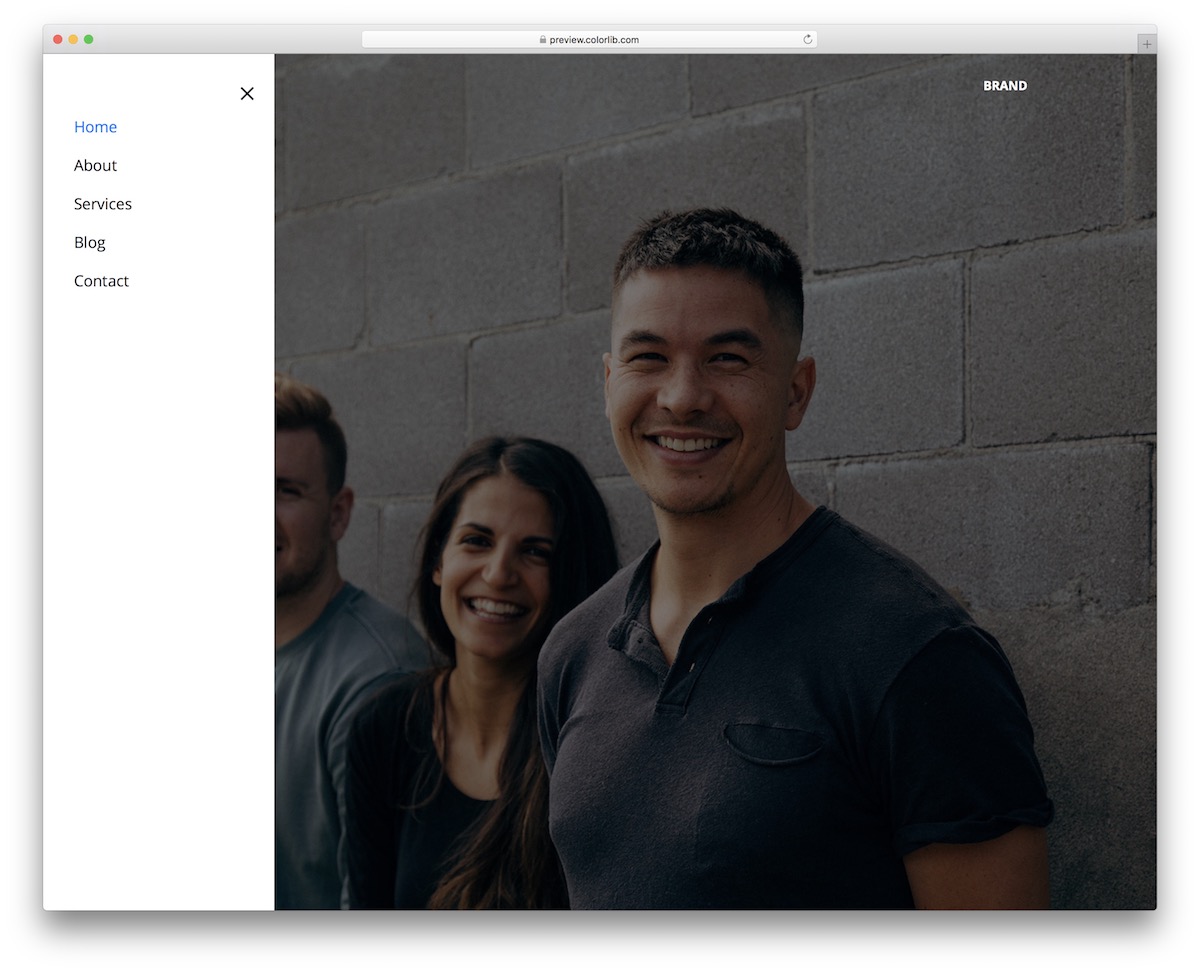
I have already added a menu, such as Website Menu V06 above, but this feature still leaves the positioning open.
If the right version is a NO-GO for you, this is the alternative that you can grab with a single click.
Just as simple as it sounds.
Website Menu V08
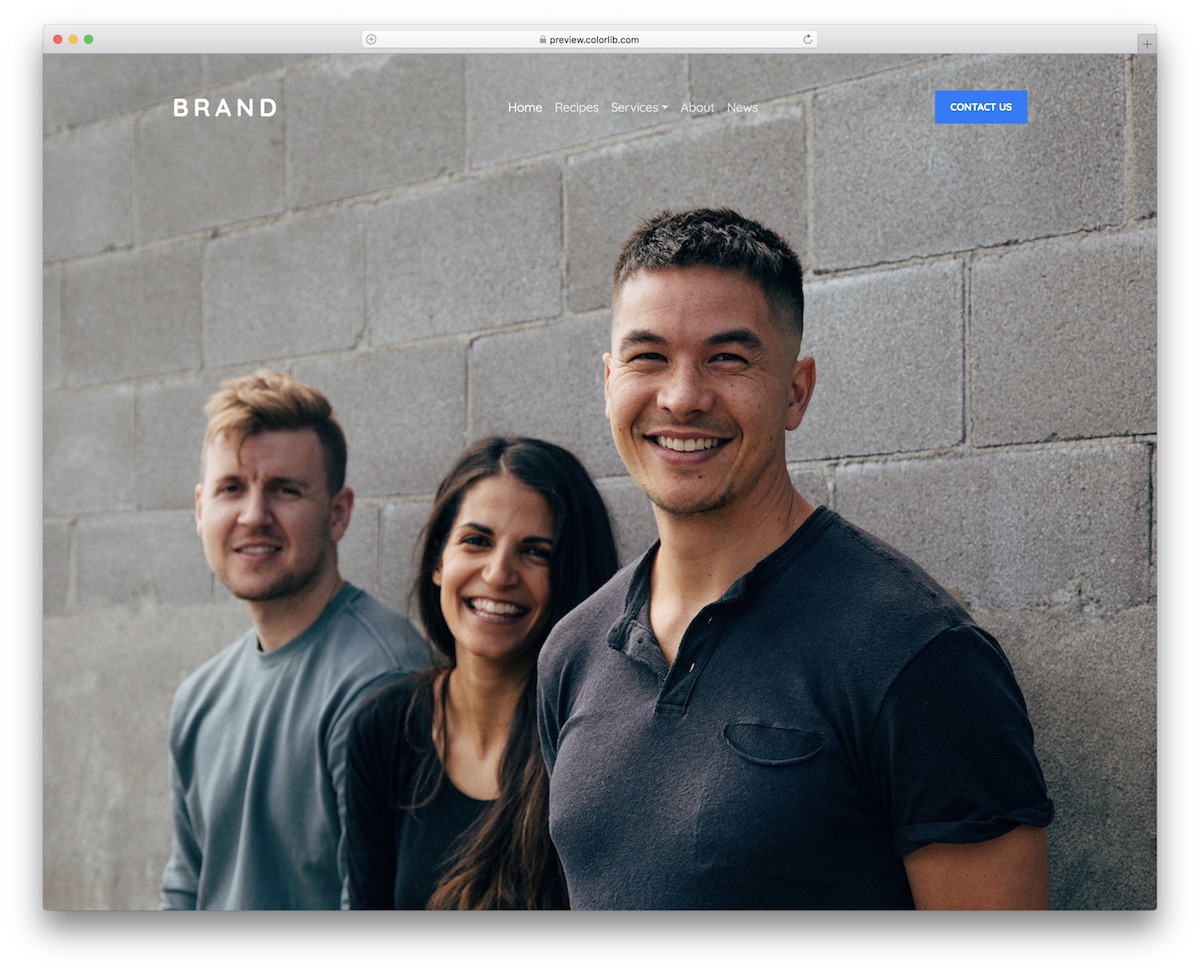
There are never enough free website menu template variations, RIGHT?
Website Menu V08 is another excellent snippet that will get you started without requiring a complete overhaul. This one features very little, aside from text, a drop-down, and a CTA button.
But for some, this is MORE THAN ENOUGH.
Website Menu V09
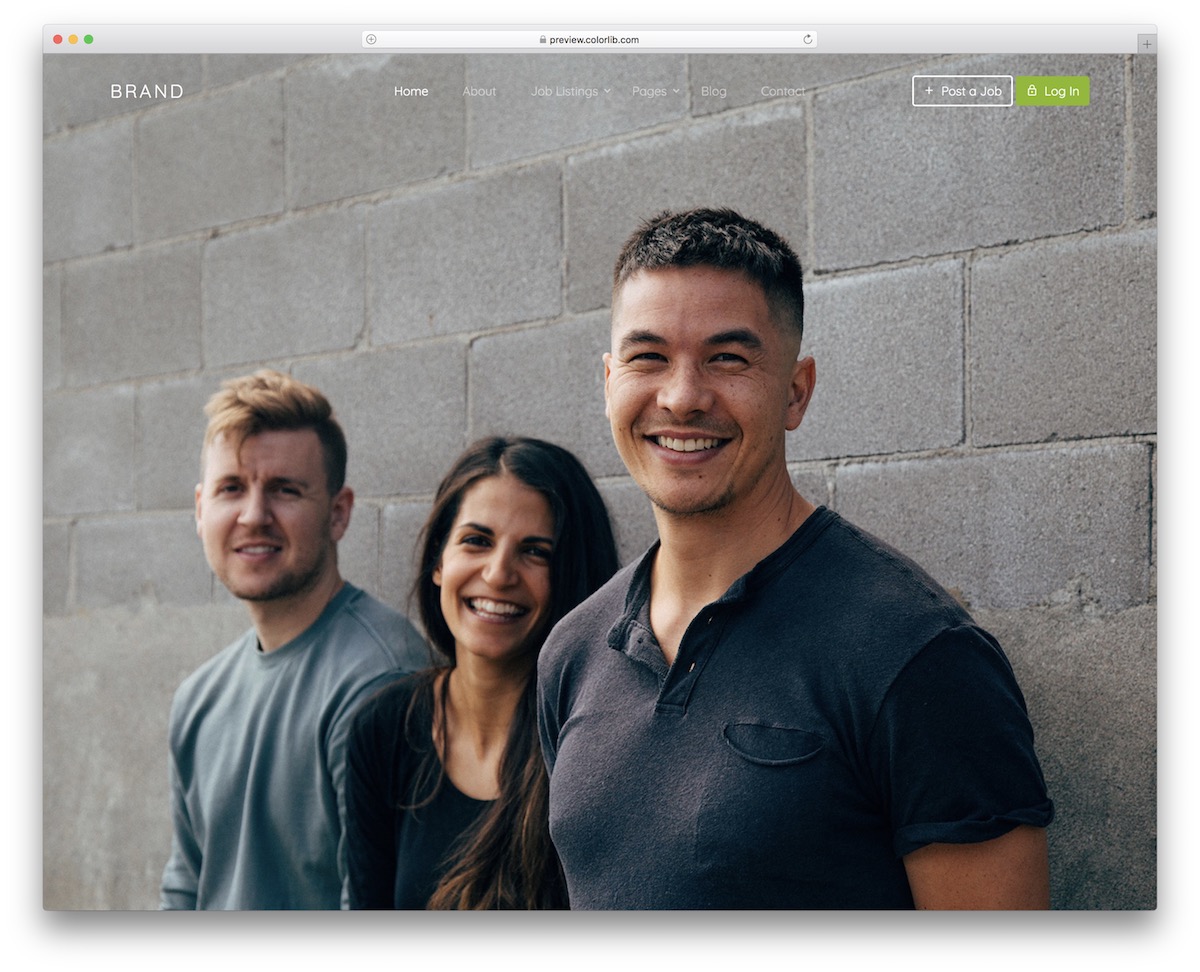
The predecessor was a more general website menu template, while Website Menu V09 focuses on job boards by default. It even comes with specially predefined sections for you to activate.
But for all the daring ones out there, feel free to modify Website Menu V09 to your liking.
Website Menu V10
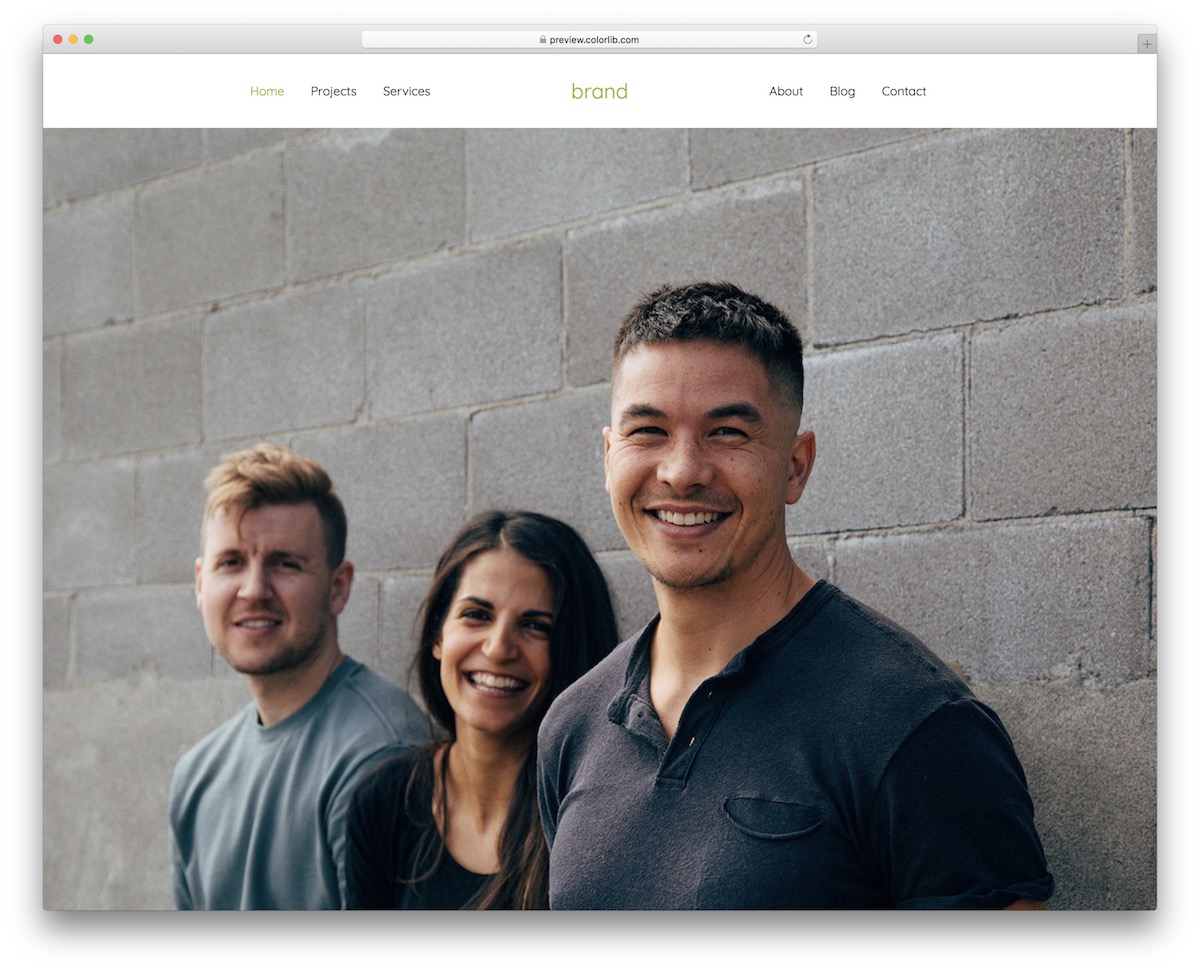
Website Menu V10 features a solid navigation bar with a centered logo and three menu items on each side. However, the design changes completely on mobile, sliding in from the right (hamburger menu).
Website Menu V11
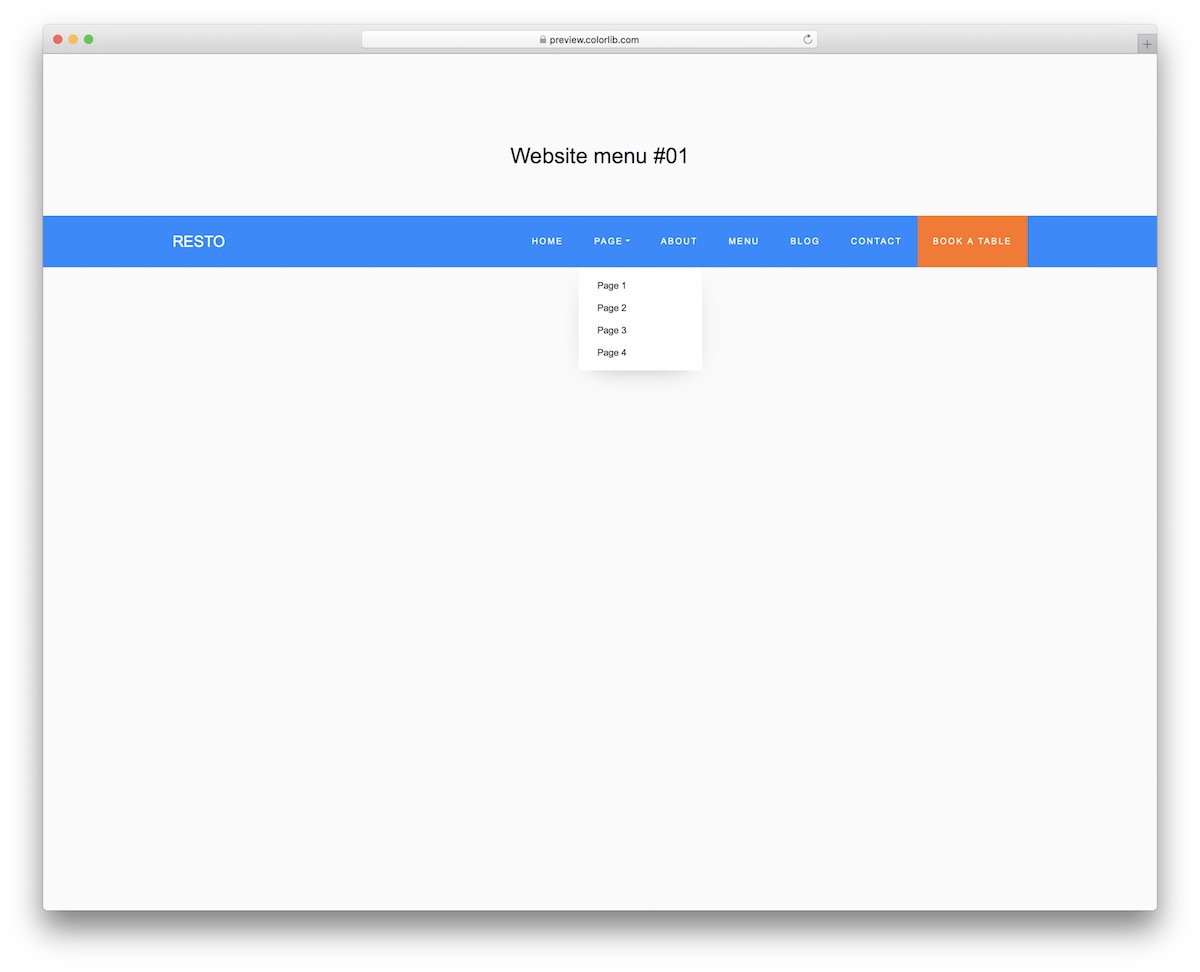
Here’s a FUN one that can work for restaurants or something entirely different. In other words, by performing a few tweaks to Website Menu V11, you can easily apply it to a different business, as it only requires text alteration.
BUT.
You can also play with different color combinations or stick to the blue/orange scheme.
Website Menu V13
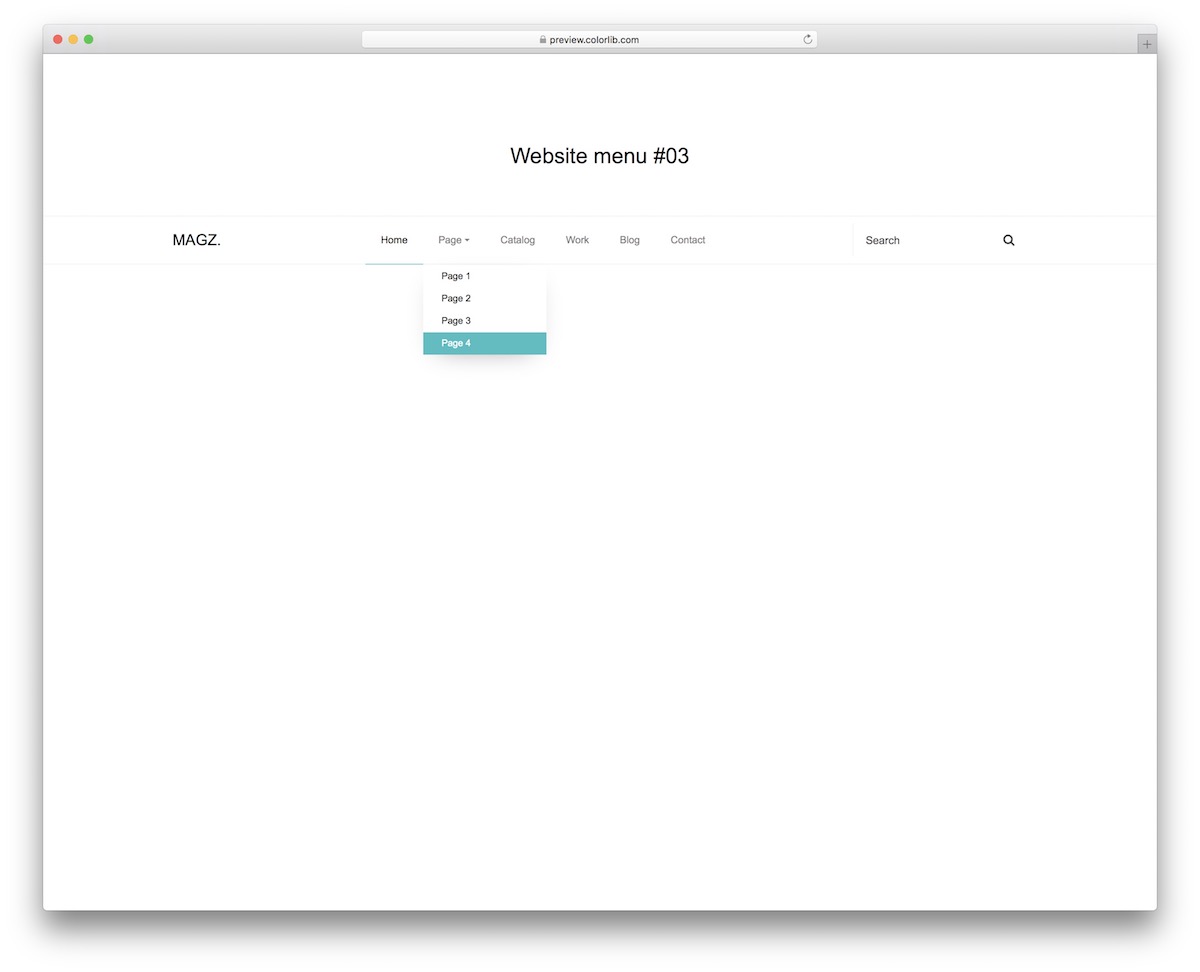
Website Menu V13 is a GREAT example of blending minimalist design with practicality.
This free website menu template easily works for business websites, blogs and other projects you work on.
The light design changes to DARK on mobile, so you know. You also get a search bar and a drop-down.
Website Menu V15
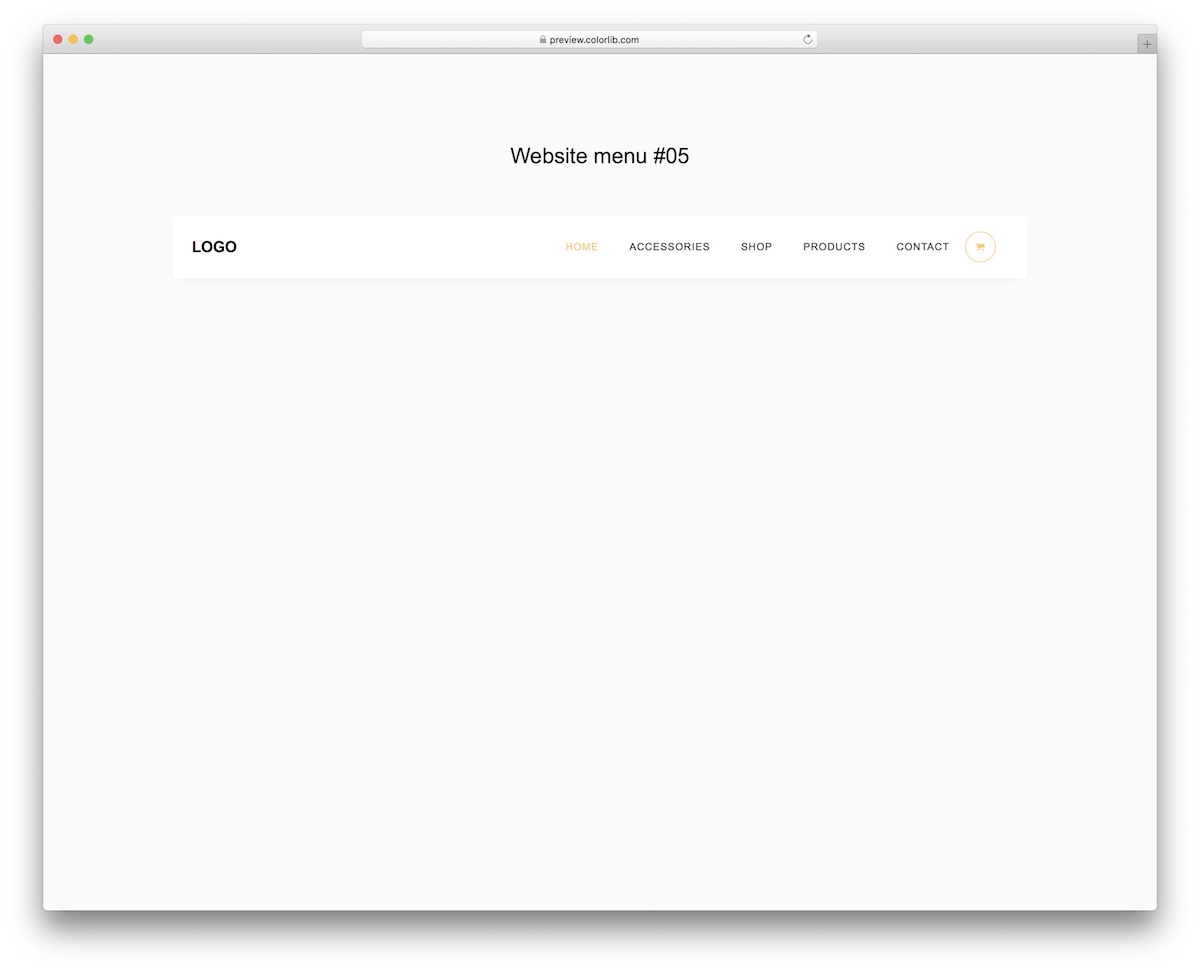
Do you plan to build an online store? You don’t need to do everything from scratch, as you can import Website Menu V15 and arrange its navigation.
The main specialty of the free template is the cart icon, which features a drop-down on hover for various actions.
Website Menu V16
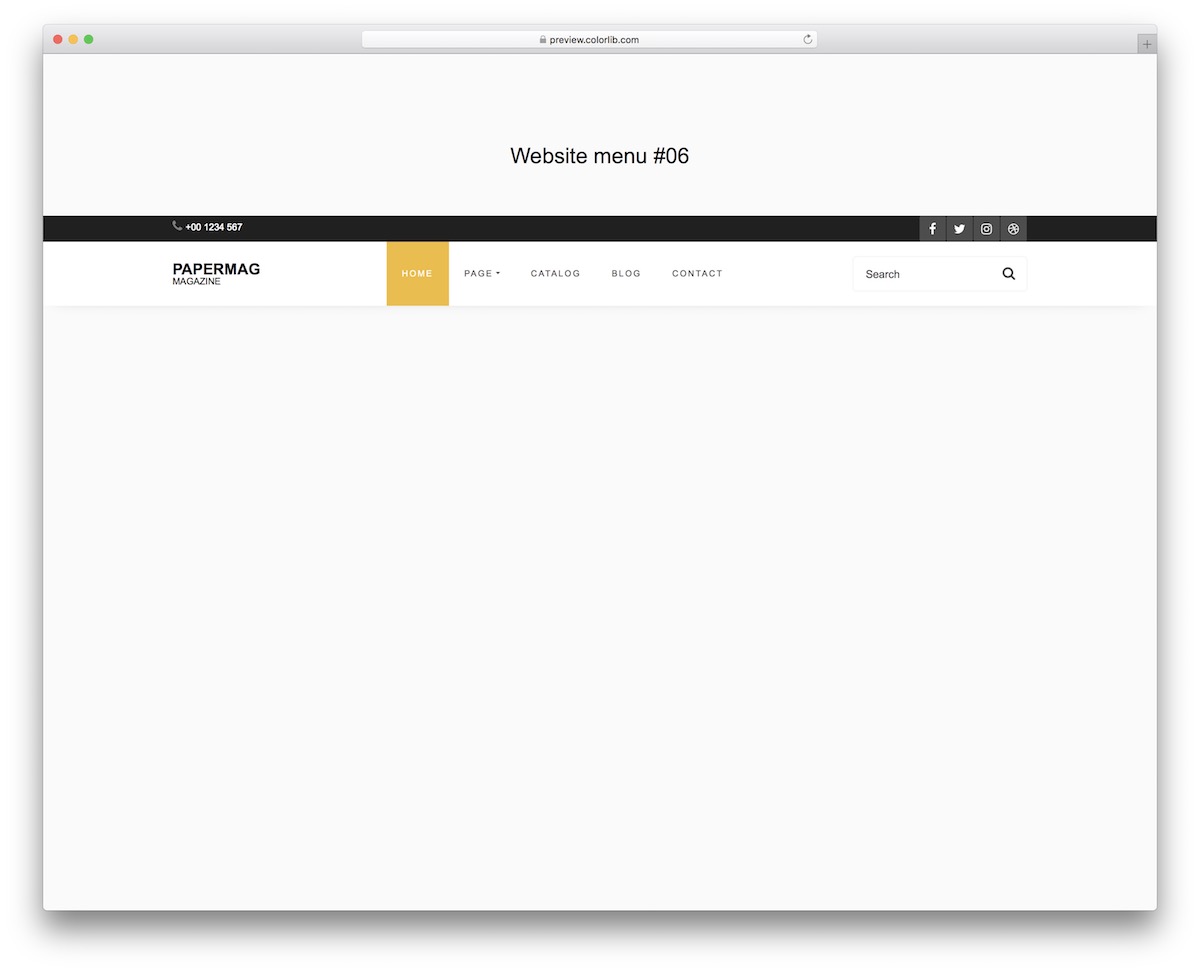
Website Menu V16 is for those who want more sections and elements in a free website menu template. It features a top bar, social buttons, a drop-down menu, and a search form.
Even though there’s quite some stuff going on, Website Menu V16 does it with STYLE.
Website Menu V17
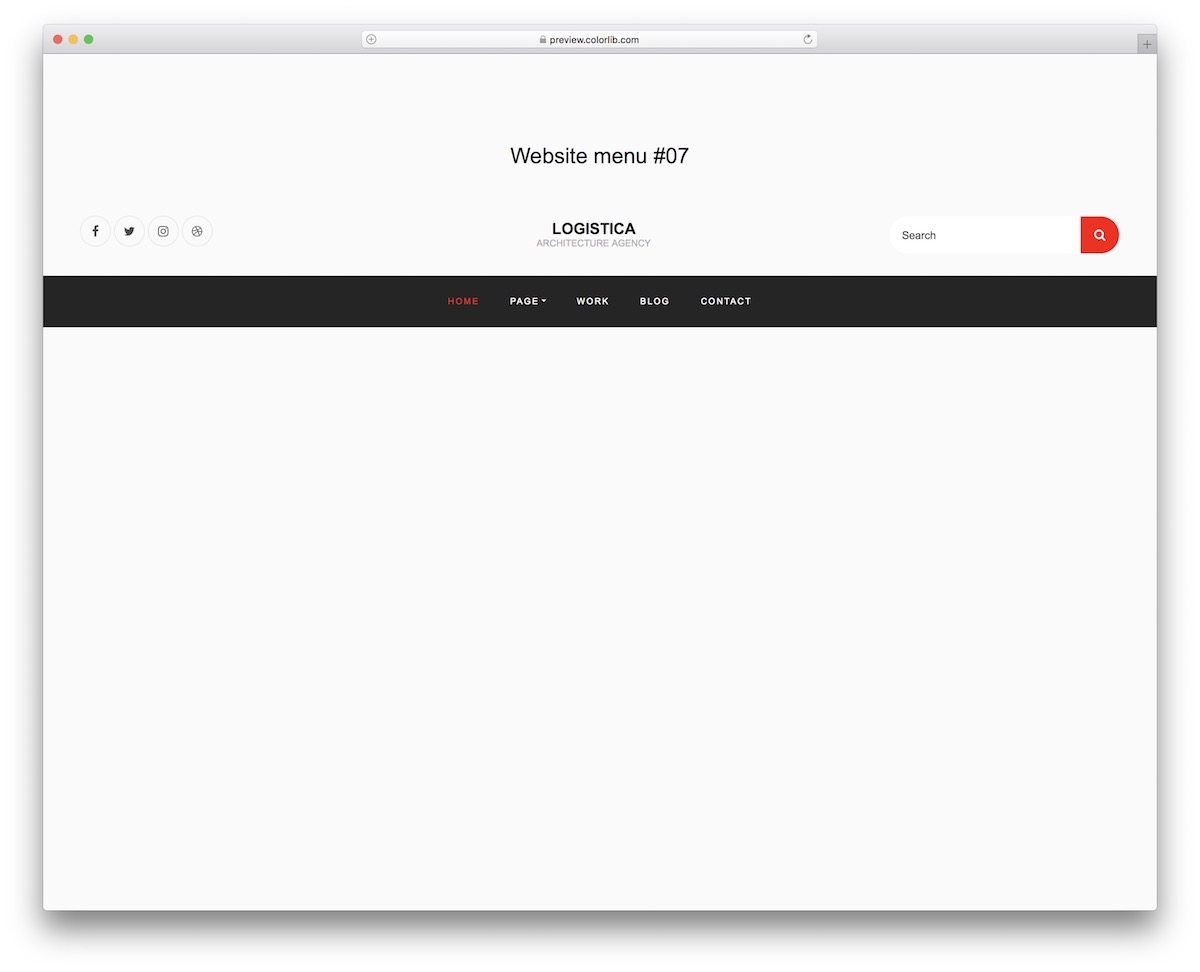
Website Menu V17 is the final of our free website menu templates available now. It’s a fantastic and stand-out alternative that will immediately move you forward.
Website Menu V17 has a nice and dynamic feel, whether viewed on a desktop computer or a smartphone. It has all the necessary JAZZ, so you won’t have to code it from scratch.

Related Posts


Hi,
Thank you for the templates. How do I use them with a wordpress site? I’m especially interested in Circular Navigation.
Thanks and have a great day!
yours sincerely,
Nikhil Bhavsar