
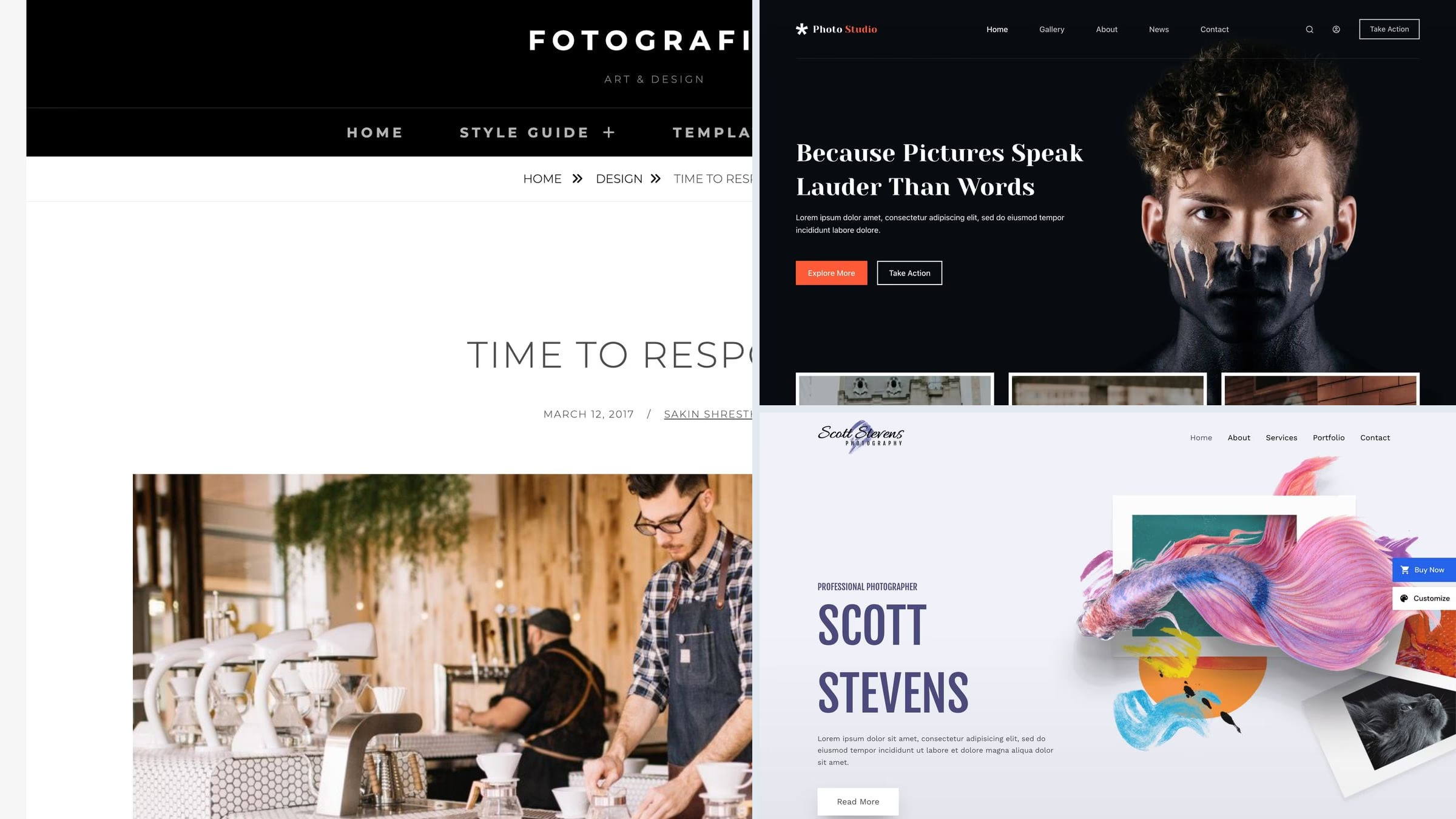
18 Best Free Photography WordPress Themes for Photographers 2026
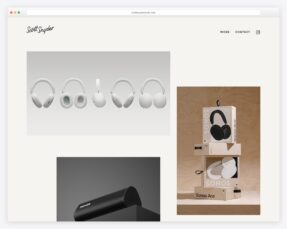
For a photography website, our first free Colorlib pick is Unapp — Photographer starter: selected work, commissions and native photo editing. This guide covers 18 free themes and 5 paid alternatives, with live demos and clear notes about what each option provides.
Photography is the one niche where the theme’s own weight matters least and your images matter most. A theme that measures beautifully in a lab test will still crawl if you upload forty-megapixel JPEGs straight from the camera. So the speed table below is a starting point, not a verdict, and the advice section is where the real gains are.
Related roundups: gallery themes for a pure image grid, wedding themes if you shoot weddings, and portfolio themes for creative work more broadly.
Quick picks
- Colorlib free pick: Unapp — Selected work, commissions and native photo editing
- Best niche free theme: Fotografie — designed for photographers, and the vendor’s own demo proves it
- Colorlib pick: Shapely — a fullscreen image hero and full-width sections, no builder needed
- Best block theme: The Photograph — built for photographers and edited entirely in the site editor
- Best starter site: Astra — the free Photographer starter imports a finished portfolio
- Best dark studio look: Blocksy — the Photo Studio starter, edited entirely in blocks
- Best for a photographer who also films: Inspiro Lite — its hero takes video as well as stills, and 60,000 sites run it
- Best paid theme: Photography — client proofing, password galleries and print sales built in
Top picks at a glance
Table of contents — all 23 themes
Quick comparison: top photography picks
| Theme | Price | Best for | Standout | Updated |
|---|---|---|---|---|
| Unapp | Free | Photographers and image-led portfolios | Selected work, commissions and native photo editing | — |
| Fotografie | Free / Pro | A photographer’s whole site | Purpose-built, with a real vendor demo | Jun 2026 |
| Shapely | Free | One-page image-led sites | Fullscreen hero, no builder | Sep 2026 |
| Astra | Free / Pro | Importing a finished portfolio | Free Photographer starter, very light | Sep 2026 |
| OceanWP | Free / Pro | A portfolio you keep extending | Free photography demo, 500K users | Sep 2026 |
| Blocksy | Free / Pro | Block editor builds | Photo Studio starter with a gallery | Sep 2026 |
| Inspiro Lite | Free / PRO | Stills and motion together | Fullscreen hero takes video too | Aug 2026 |
| Photography | Paid, $69 | Working professionals | Client proofing and password galleries | Jun 2026 |
We tested it: free photography theme speed
How we tested: we installed each free theme on the same clean WordPress site with identical content and no extra plugins, then measured the homepage with Google Lighthouse on mobile. Because the content is the same everywhere, what you see below is the theme itself, before a single photograph of yours is added. Treat it as your starting budget rather than your final score. Two of the smaller themes below are not in the table, because the lab could not complete a clean run for them and we would rather show nothing than a number we do not trust.
| Theme | Page weight | Requests | Lighthouse | LCP |
|---|---|---|---|---|
| Neve | 299 KB | 15 | 99/100 | 2.1s |
| Kadence | 328 KB | 17 | 96/100 | 2.5s |
| Blocksy | 330 KB | 13 | 95/100 | 2.6s |
| Astra | 425 KB | 14 | 92/100 | 3.2s |
| Zakra | 451 KB | 17 | 91/100 | 3.1s |
| Sydney | 499 KB | 14 | 91/100 | 3s |
| Inspiro | 547 KB | 21 | 78/100 | 3.8s |
| Fotografie | 656 KB | 23 | 75/100 | 4.4s |
| Bold Photography | 735 KB | 21 | 75/100 | 4.6s |
| OceanWP | 802 KB | 29 | 72/100 | 5.3s |
| Shapely | 895 KB | 34 | 69/100 | 5.6s |
| Illdy | 1086 KB | 38 | 65/100 | 6.8s |
| Phlox | 2290 KB | 27 | 57/100 | 13.6s |
| Perfect Portfolio | 2348 KB | 32 | 55/100 | 13.5s |
Our free Colorlib picks
We develop and maintain these free themes at Colorlib. Download them directly from us and explore their live demos below. These editions use Colorlib updates; WordPress.org install counts and ratings do not apply. Any speed table on this page covers the themes already measured in that test.
1. Unapp — Photographer starter
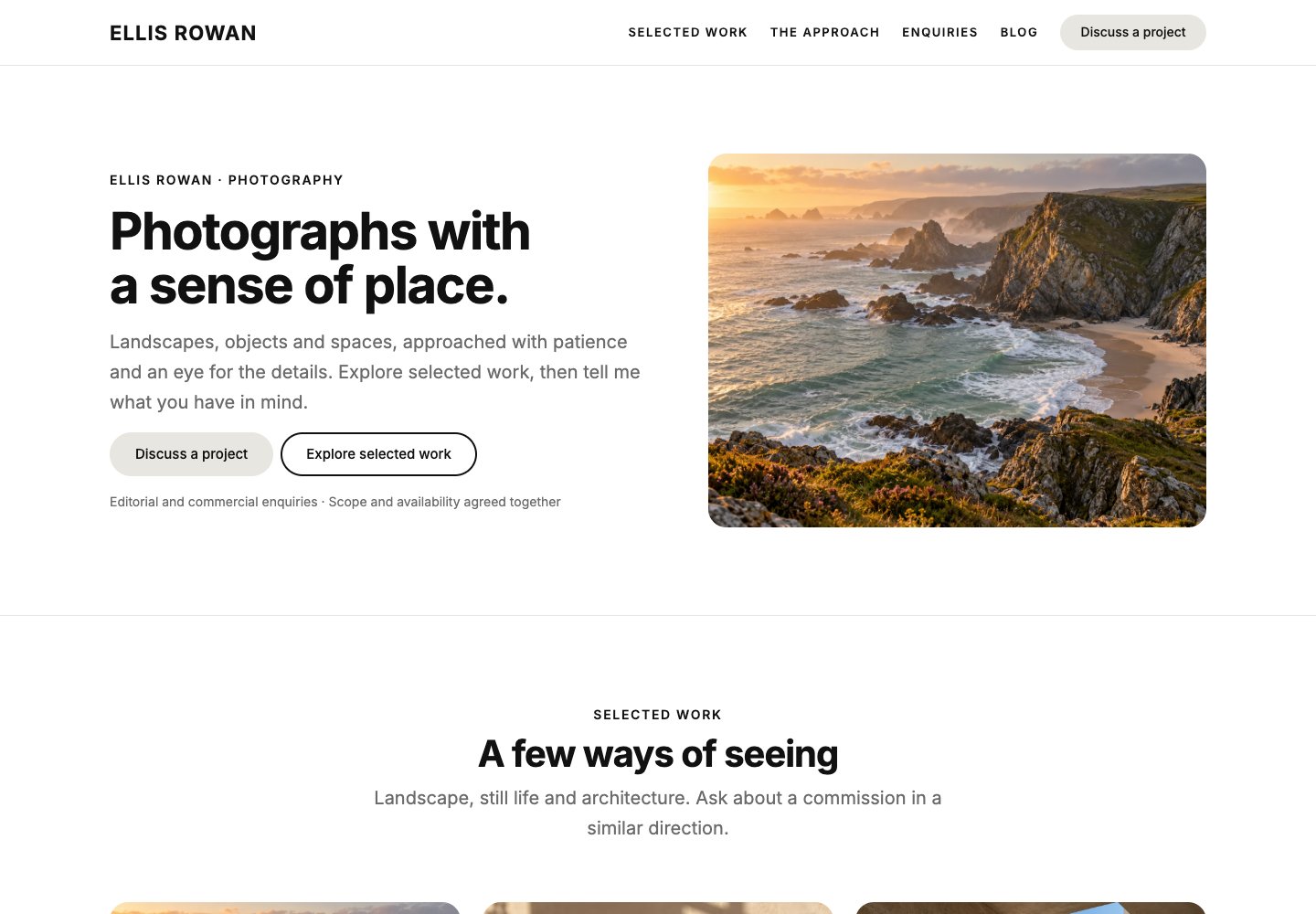
Why we like it: Selected work, commissions and native photo editing.
The free Photographer starter gives Unapp an image-led portfolio, selected work, an approach page and an enquiry path. Choose a one-page site or supporting pages, then replace the illustrative images through the guided content pass. Your own name, details and main action appear in a private preview before the starter is applied.
✅ Pros: Selected work, commissions and native photo editing. ⚠️ Cons: Client proofing, watermarks and paid print delivery need separate tools.
Free themes built for photographers
These were designed for photography rather than adapted to it, so galleries, fullscreen layouts and portfolio grids are part of the theme rather than something you assemble. There were more of them a few years ago: several once-recommended names now have demos that no longer load, which is a fair warning about how well they are being looked after.
2. Fotografie
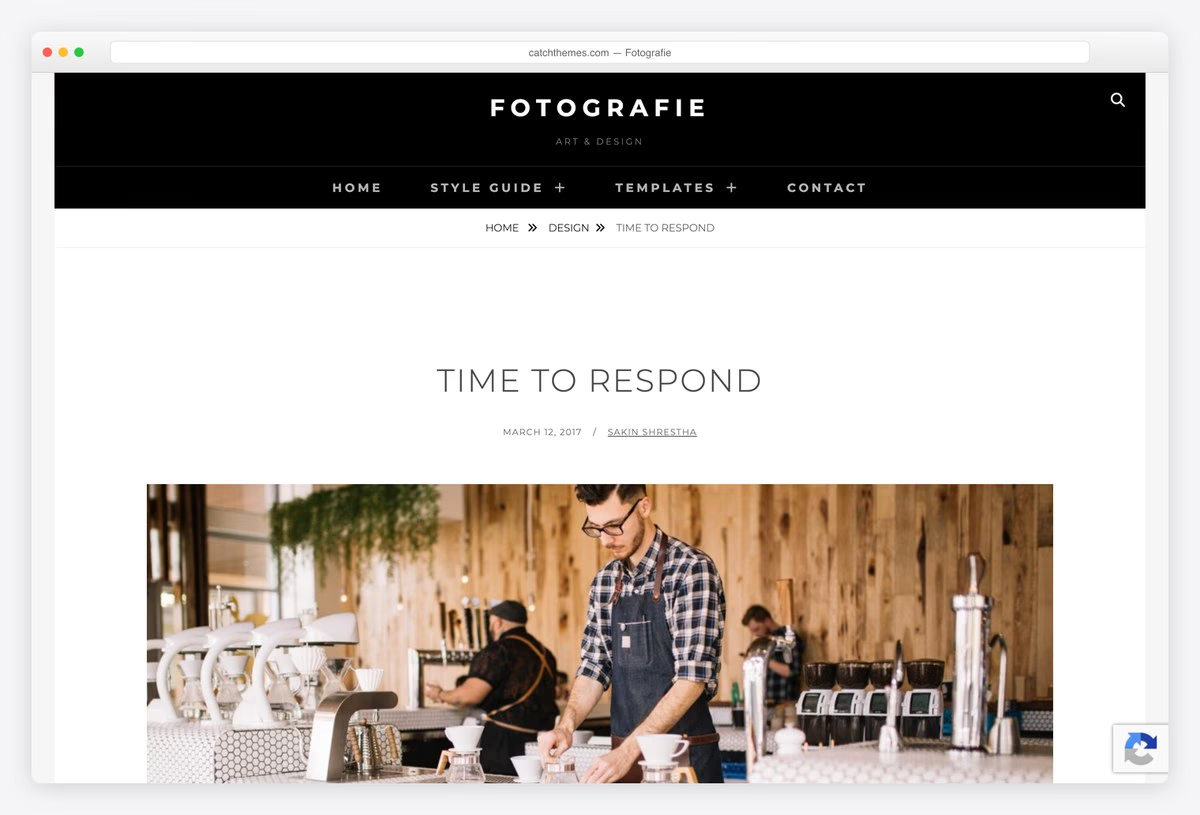
Why we like it: The rare free theme designed for photographers from the start, and it ranks at the top of this search for good reason.
Fotografie treats galleries and portfolios as first-class content rather than a widget bolted onto a blog, so the layouts you need already exist. Catch Themes has kept it updated for years, and its vendor demo shows a working photographer’s site rather than a feature list.
✅ Pros: purpose-built for photography, actively maintained, strong rating ⚠️ Cons: a smaller user base than the frameworks, and the best layouts are Pro
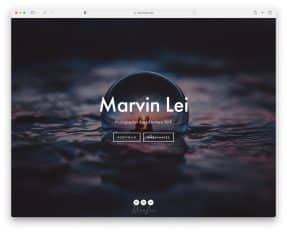
3. Inspiro Lite
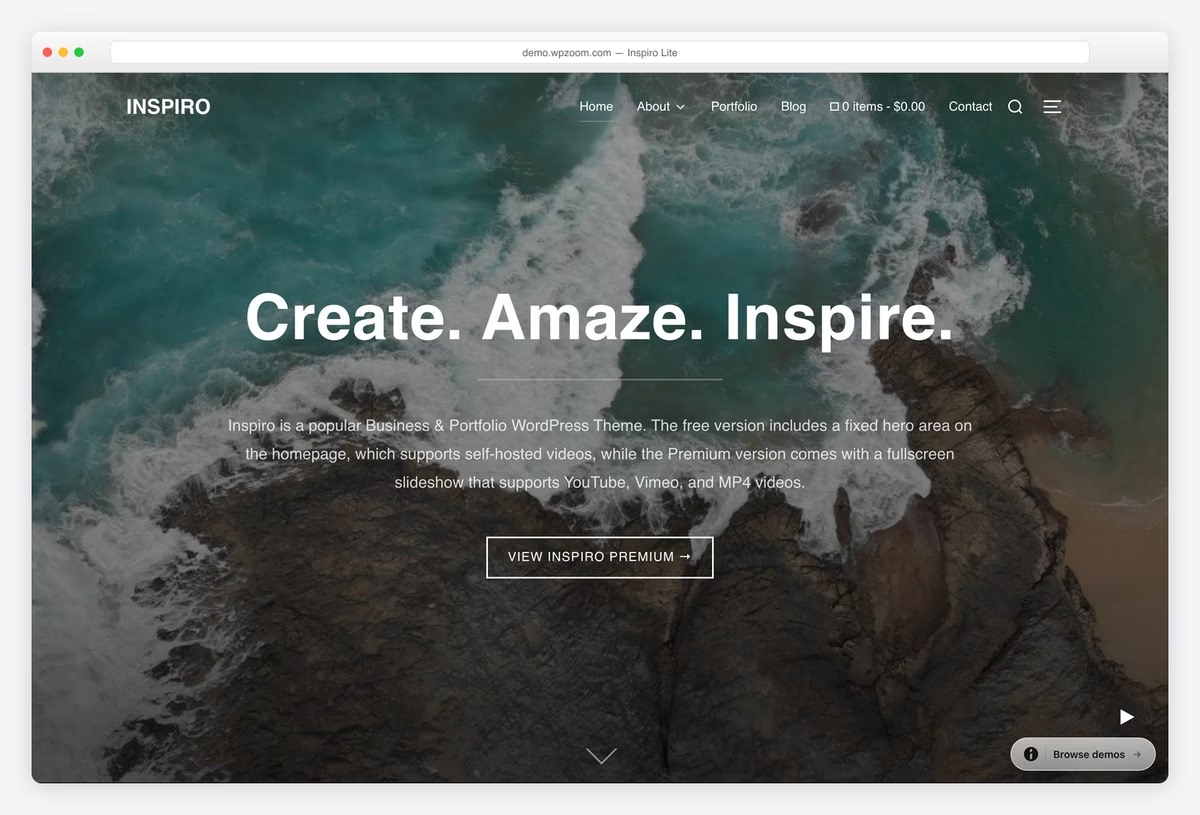
Why we like it: The largest user base of any dedicated photography theme here, and its hero takes video as well as stills.
Inspiro Lite opens on a full-window hero that accepts a photograph or a video, which suits photographers who also deliver film. Sixty thousand sites run it, making it the most proven option in this section by a wide margin.
✅ Pros: much the largest user base here, hero takes stills or video, well rated ⚠️ Cons: the portfolio templates and hover effects are PRO
4. The Photograph
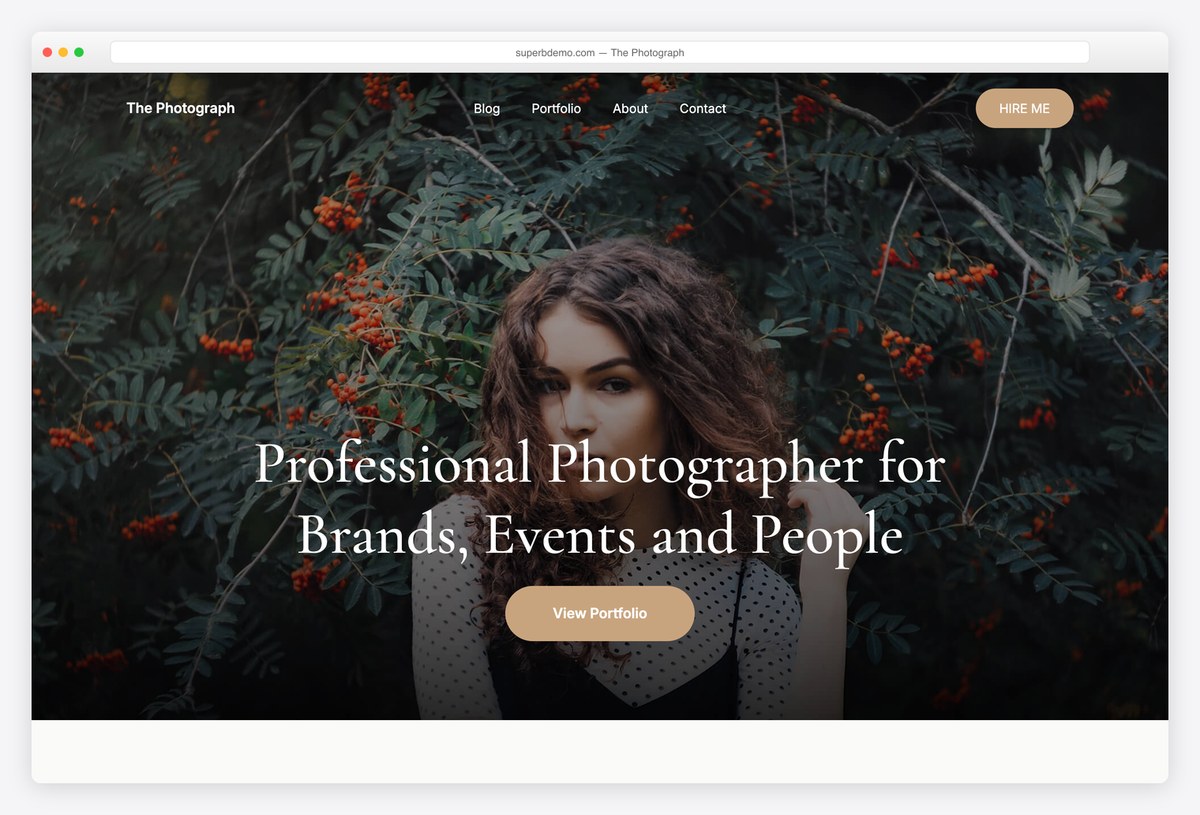
Why we like it: A block theme built for photographers, which is rarer in this category than it should be.
The Photograph is edited entirely in the site editor, so the header, footer and gallery layouts are all blocks you rearrange without a builder or a customizer. It is new and unrated, so treat it as promising rather than proven.
✅ Pros: genuine block theme, restrained typography, purpose-built for photography ⚠️ Cons: no ratings at all yet, and a small user base
5. Bold Photography
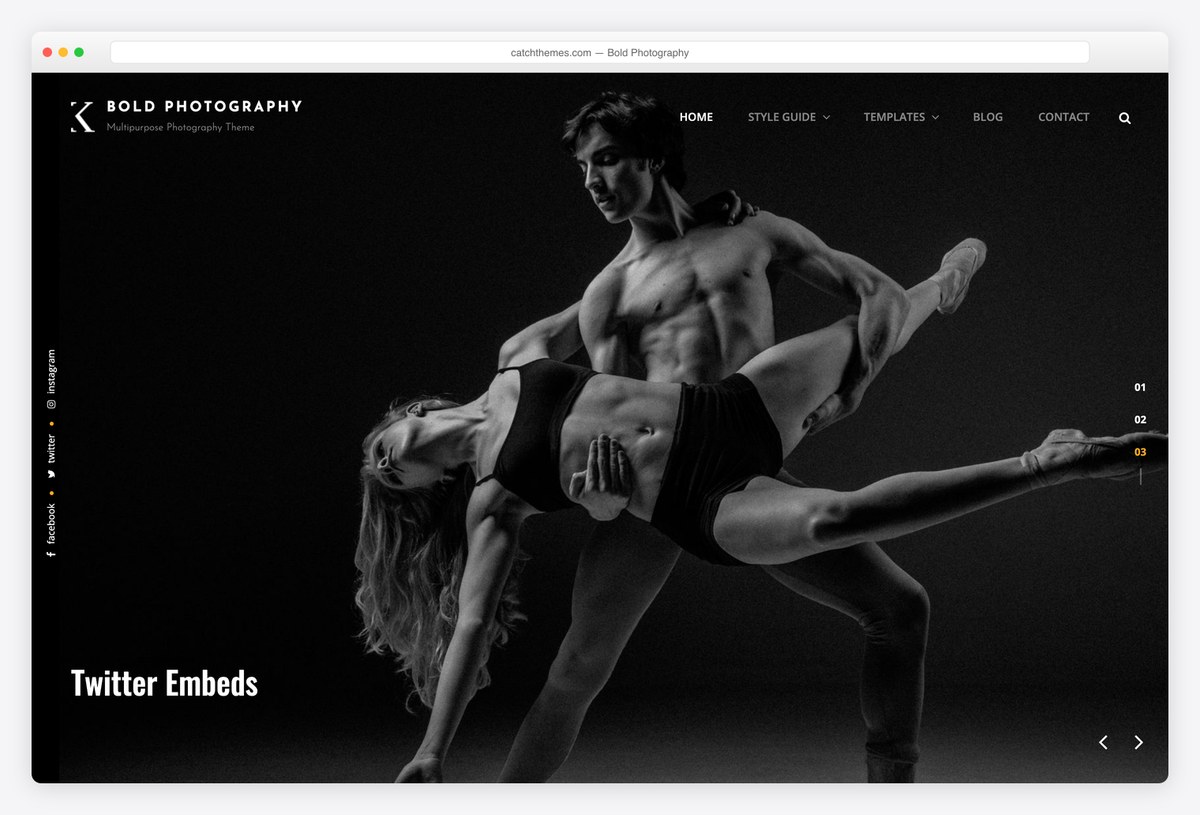
Why we like it: Sizes its images larger than anything else here, which is the whole point if your work rewards a close look.
Bold Photography gives each image the room the name promises, with generous spacing and minimal furniture around it. It appears on more competitor shortlists than its install count suggests, which is usually a sign the design does the talking.
✅ Pros: large image presentation, strong rating, appears on most shortlists ⚠️ Cons: a thousand installs, and heavy pages if you do not compress properly
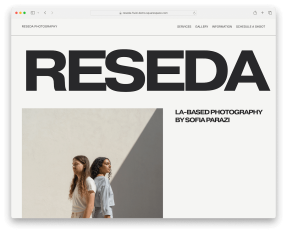
6. Perfect Portfolio
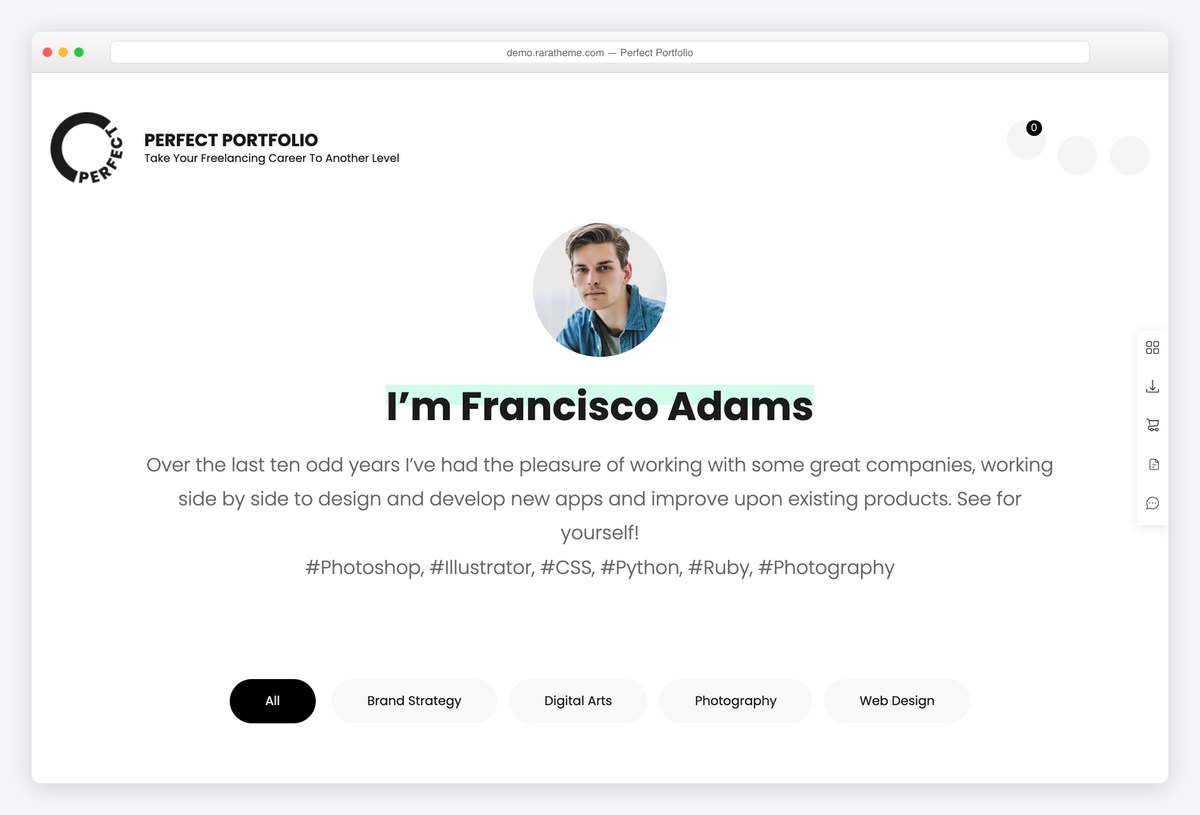
Why we like it: Built for freelancers, so the portfolio sits beside services and testimonials rather than standing alone.
Perfect Portfolio assumes you are trying to win work: a grid of projects, what you offer, what clients said, and a way to get in touch. For a photographer whose site has to sell as well as show, that structure saves adding three plugins.
✅ Pros: portfolio plus services and testimonials, excellent rating, from a shop that maintains its free themes ⚠️ Cons: a thousand installs, and less striking than the image-led themes above
7. Photo Perfect
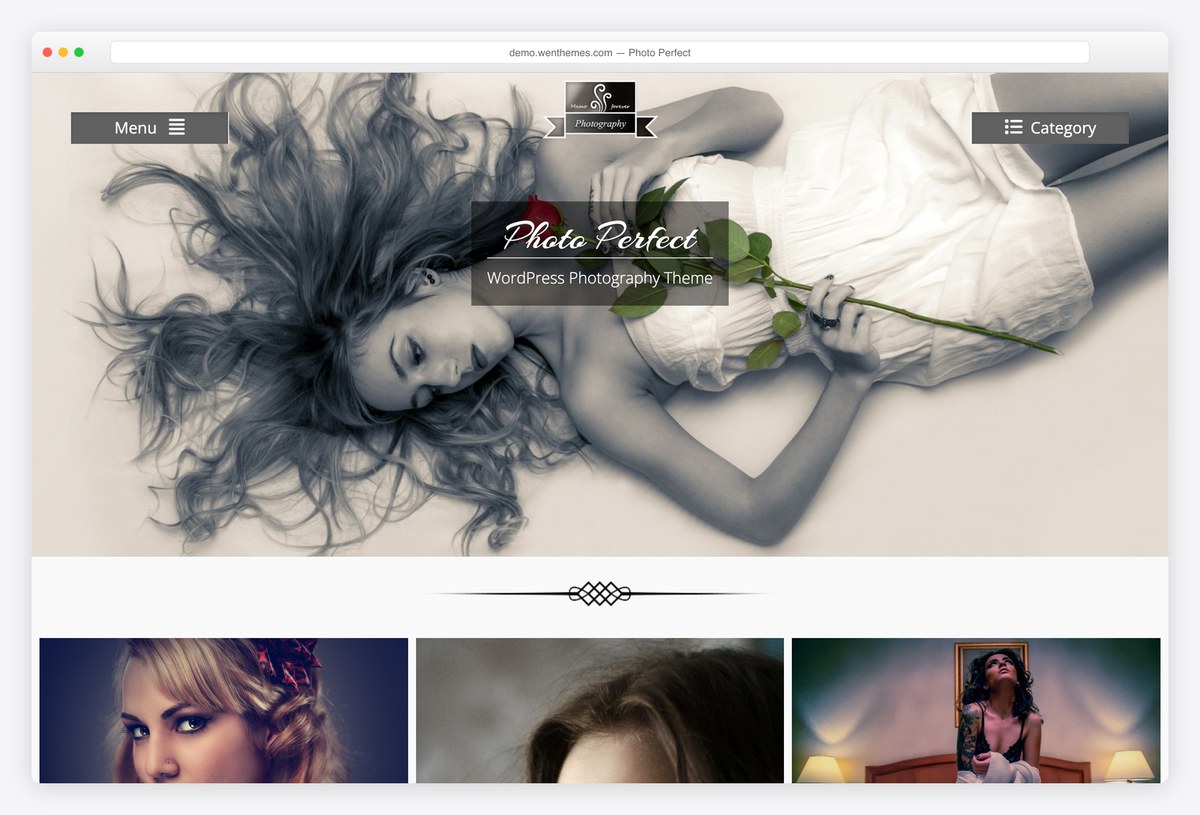
Why we like it: A clean portfolio grid with almost no styling of its own, which makes it easy to bend to your own look.
Photo Perfect does one thing: a tidy grid of work with a simple header above it. There is little personality to argue with, so if you intend to restyle rather than accept a vendor’s taste, it is a reasonable base. It goes longer between updates than the Catch themes.
✅ Pros: clean neutral grid, easy to restyle, excellent rating ⚠️ Cons: only ten ratings, and updated less often than the rest of this section
8. Polite
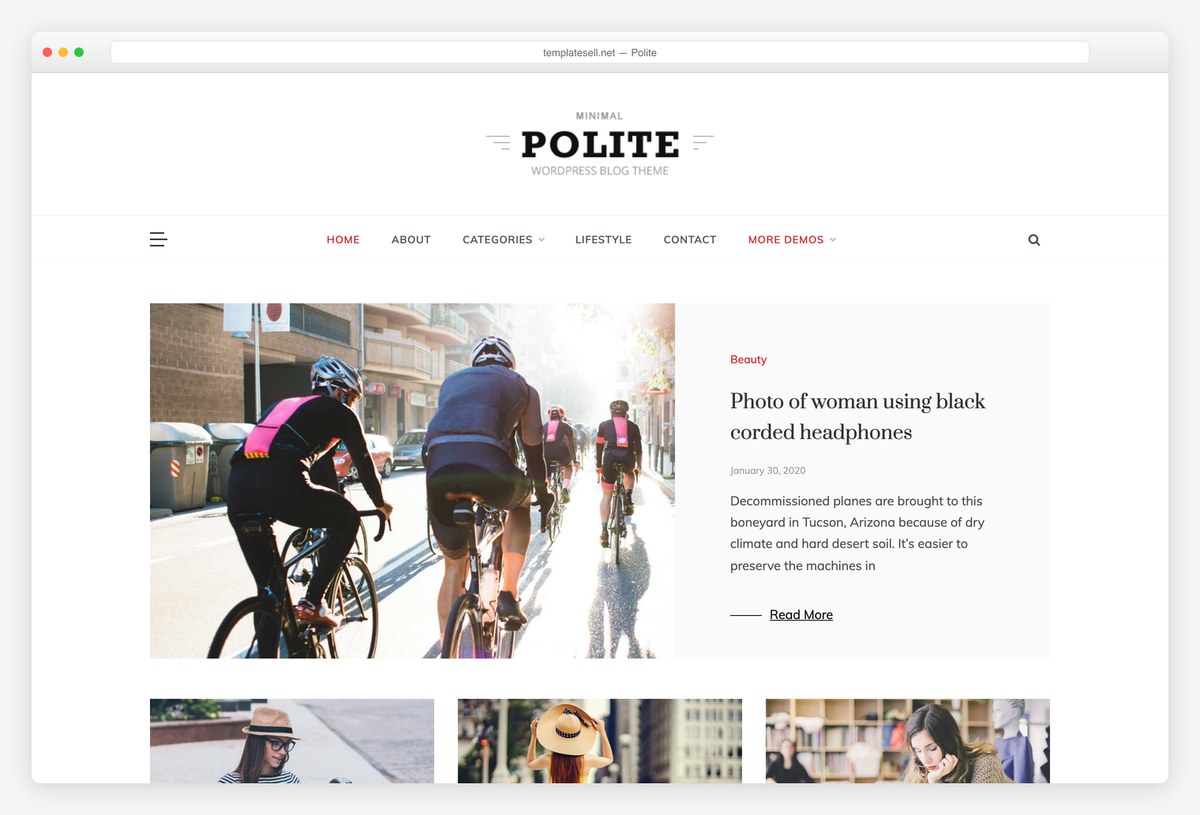
Why we like it: A masonry blog layout, for photographers who publish sets regularly rather than curating a fixed portfolio.
Polite is a blog first, which suits a photographer posting shoots as they happen instead of maintaining a portfolio. The masonry feed handles mixed image shapes, and it is updated more often than most themes this size.
✅ Pros: masonry feed, frequently updated, decent rating for its size ⚠️ Cons: a small user base, and no portfolio or gallery post type
Looking for a pure image grid rather than a photographer’s site? Our gallery theme roundup covers that, and the full free collection covers everything else.
Free themes with a photography starter site
General-purpose frameworks that import a finished photographer’s site. They are the fastest options here and the easiest to take somewhere else later, at the cost of the gallery features the themes above build in.
9. Astra
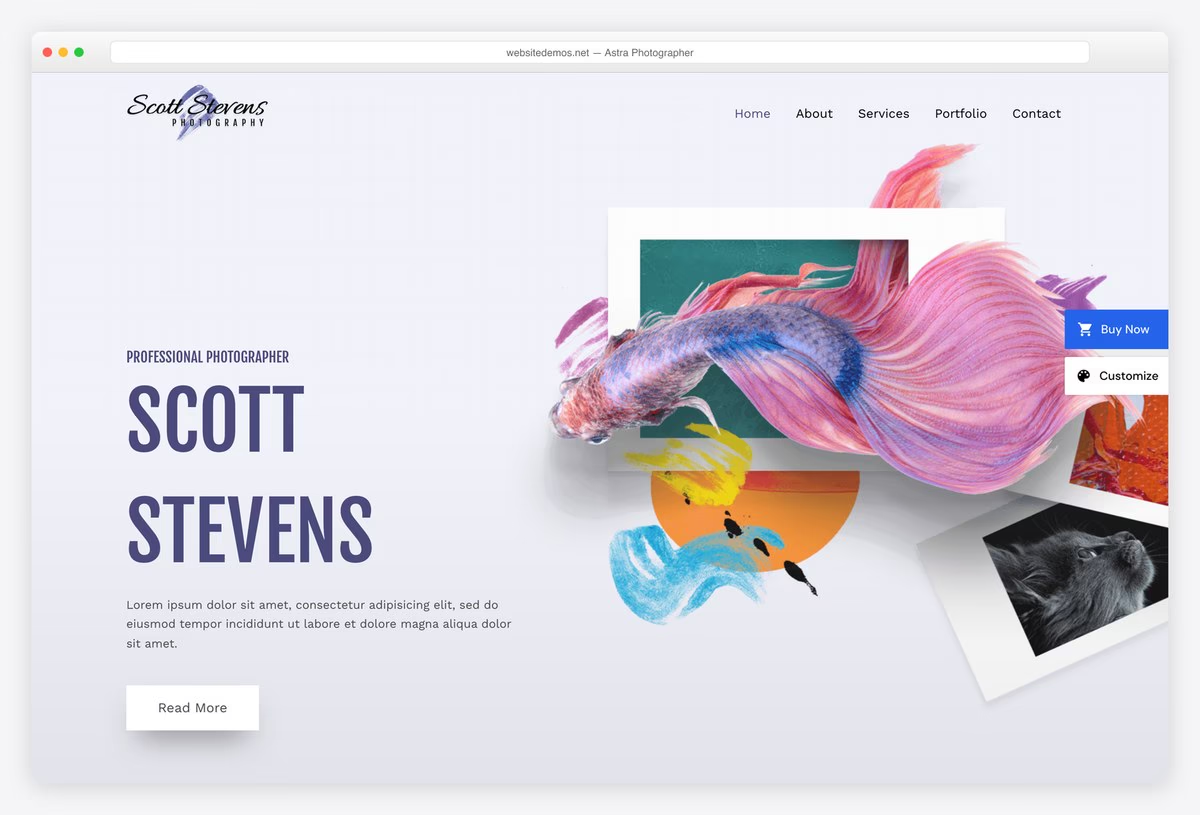
Why we like it: The Photographer starter is free and imports a complete site, on the lightest big framework there is.
Astra’s Photographer starter gives you a portfolio, an about page and a contact form already arranged, so the only work left is replacing the stock images with yours. A second starter, Portfolio Photographer, offers a grid-led alternative.
✅ Pros: two free photography starters, extremely light, huge community ⚠️ Cons: no gallery features of its own beyond the starters
10. Blocksy
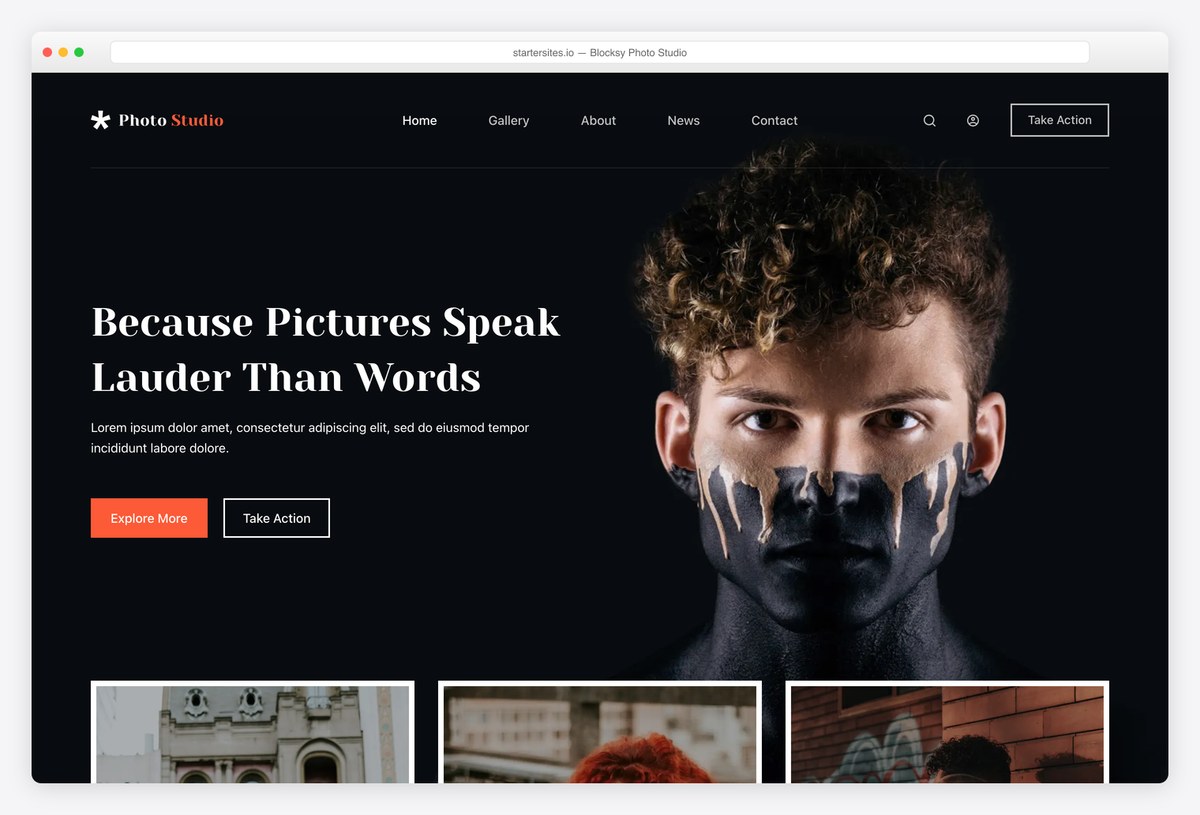
Why we like it: The Photo Studio starter is free, dark, and organised by subject, and Blocksy is the fastest theme in our test.
Photo Studio arrives with a gallery, categories such as urban and portrait, and a popular-work section, all editable in the block editor rather than a builder plugin. Blocksy also holds a perfect rating across several hundred reviews.
✅ Pros: free studio starter, fastest here, the best rated framework ⚠️ Cons: the starter ships with placeholder copy you will replace wholesale
11. OceanWP
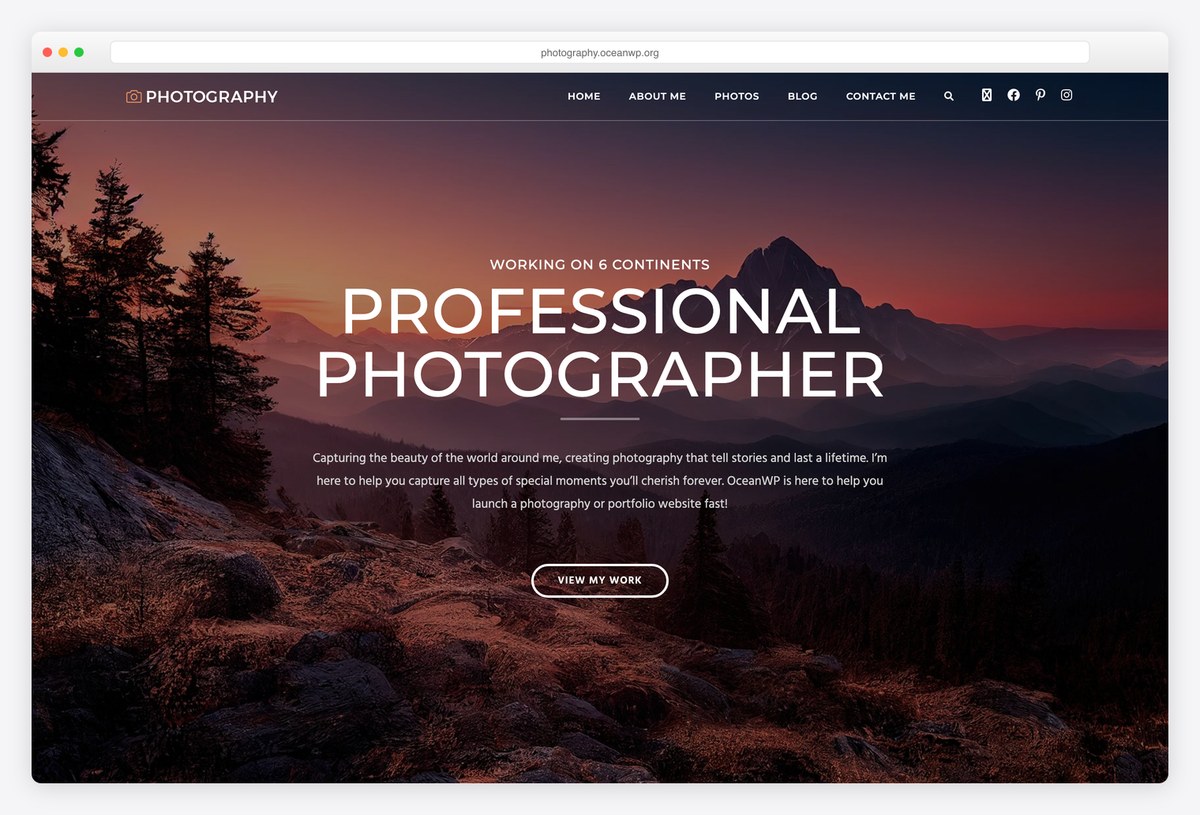
Why we like it: A free photography portfolio demo on a theme with half a million users and nearly six thousand reviews.
OceanWP’s photography demo is a straightforward portfolio built for Elementor, and the reason to pick it over a niche theme is longevity: this is one of the most widely used and most reviewed themes on WordPress, so it is not going anywhere.
✅ Pros: free photography demo, enormous user base, extends easily ⚠️ Cons: much of its power sits in separate extensions, and it runs heavier than the leanest frameworks
12. Sydney
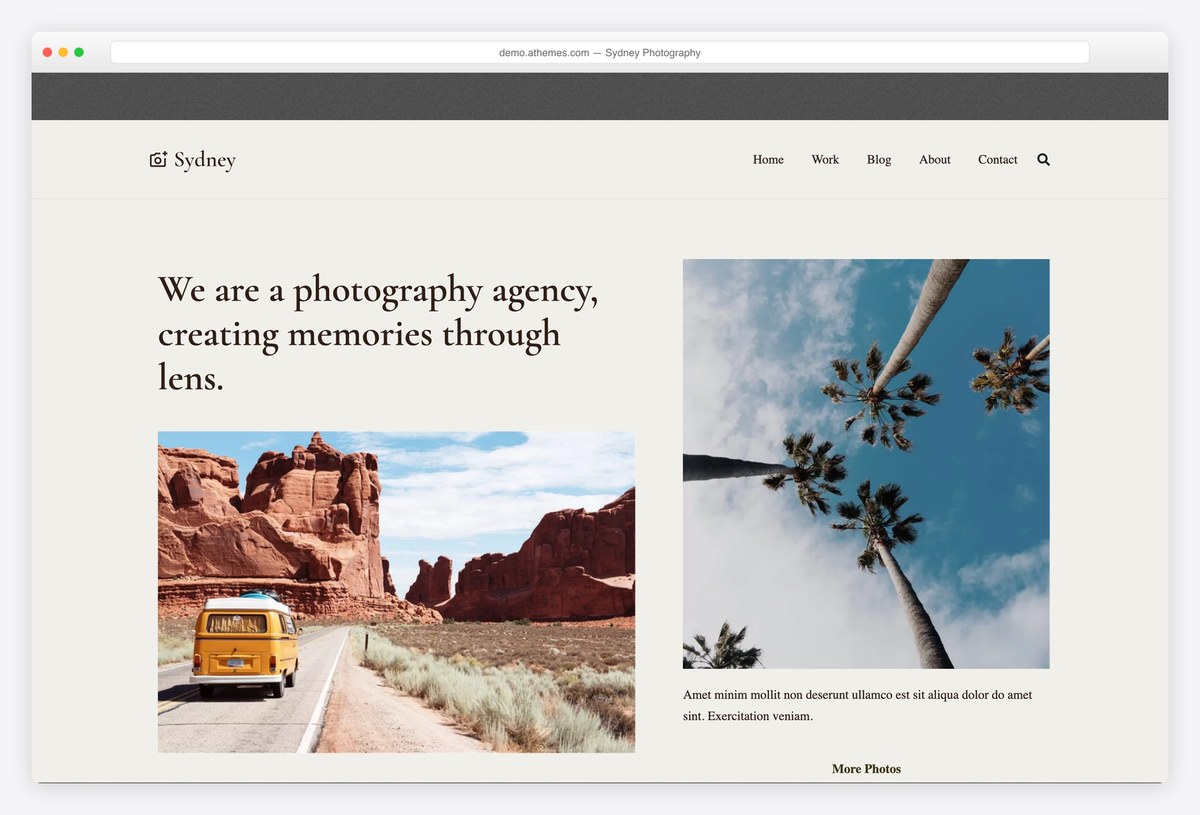
Why we like it: Homepage sections supplied as blocks, so you can build a portfolio page without a builder plugin.
Sydney’s Photography starter gives you a gallery-led homepage, and the block sections underneath let you rearrange it without learning a builder. It is one of the better-rated free themes on WordPress across nearly eight hundred reviews.
✅ Pros: strong free block sections, very well rated, large user base ⚠️ Cons: several of the richer starters need Sydney Pro
13. Zakra
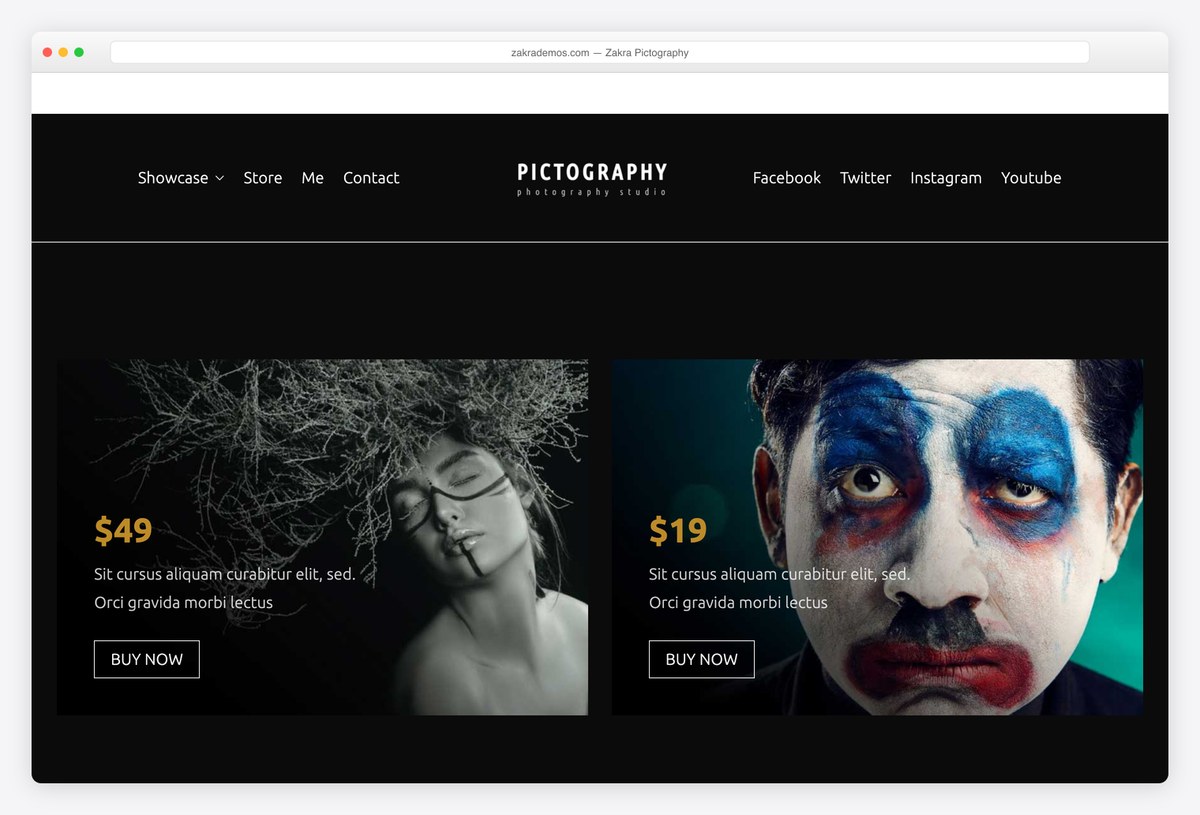
Why we like it: Free header and footer builders, so you can strip the site back to almost nothing around your images.
Zakra’s Pictography starter is a solid photography homepage, but the reason to choose it is the free header builder: photographers usually want less chrome, not more, and this lets you remove it without code or an upgrade.
✅ Pros: free header and footer builders, photography starter included, very well rated ⚠️ Cons: the deeper starter library sits behind Zakra Pro
14. Neve
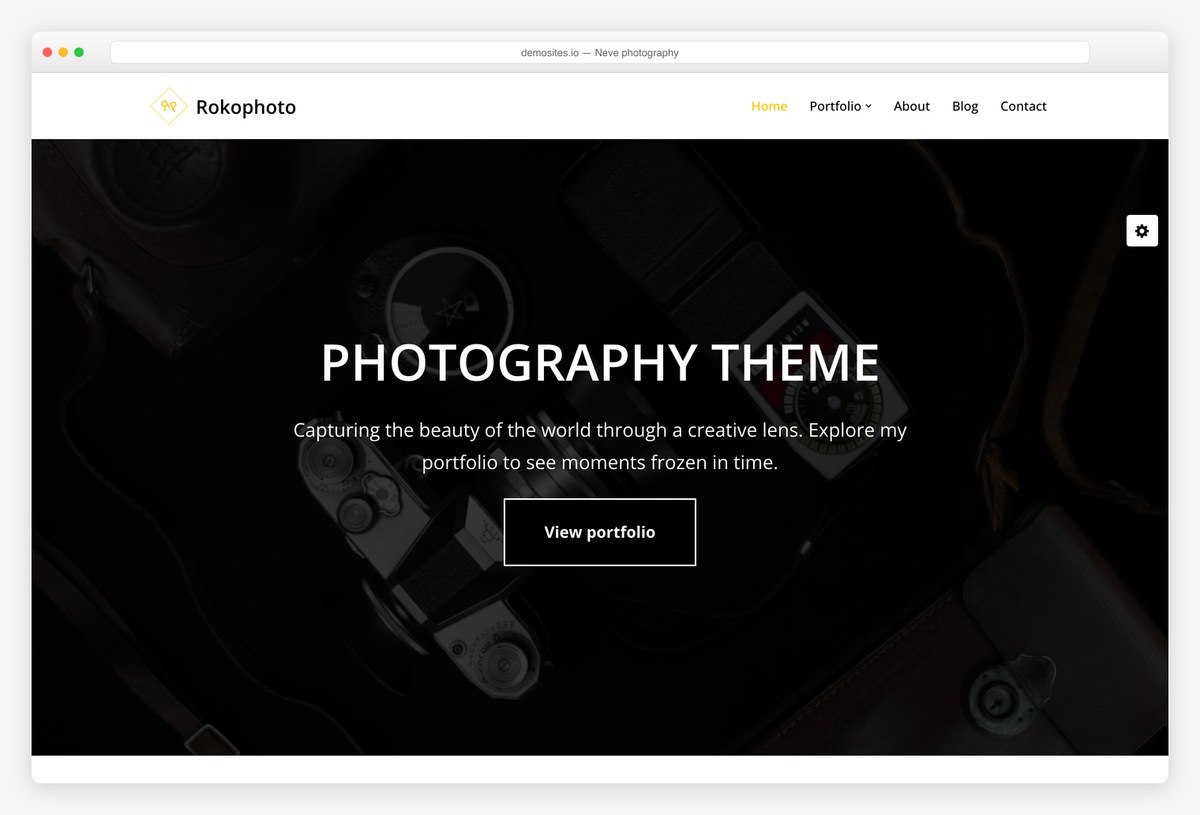
Why we like it: A free photography starter on one of the lightest themes available, which is the right trade for image-heavy pages.
Neve’s photography starter is restrained by design, which is what you want when the pictures are doing the work. The theme underneath is among the fastest we measured, so your images get more of the page budget.
✅ Pros: free photography starter, very light, works with any builder ⚠️ Cons: much of the wider template library is Pro
15. Phlox
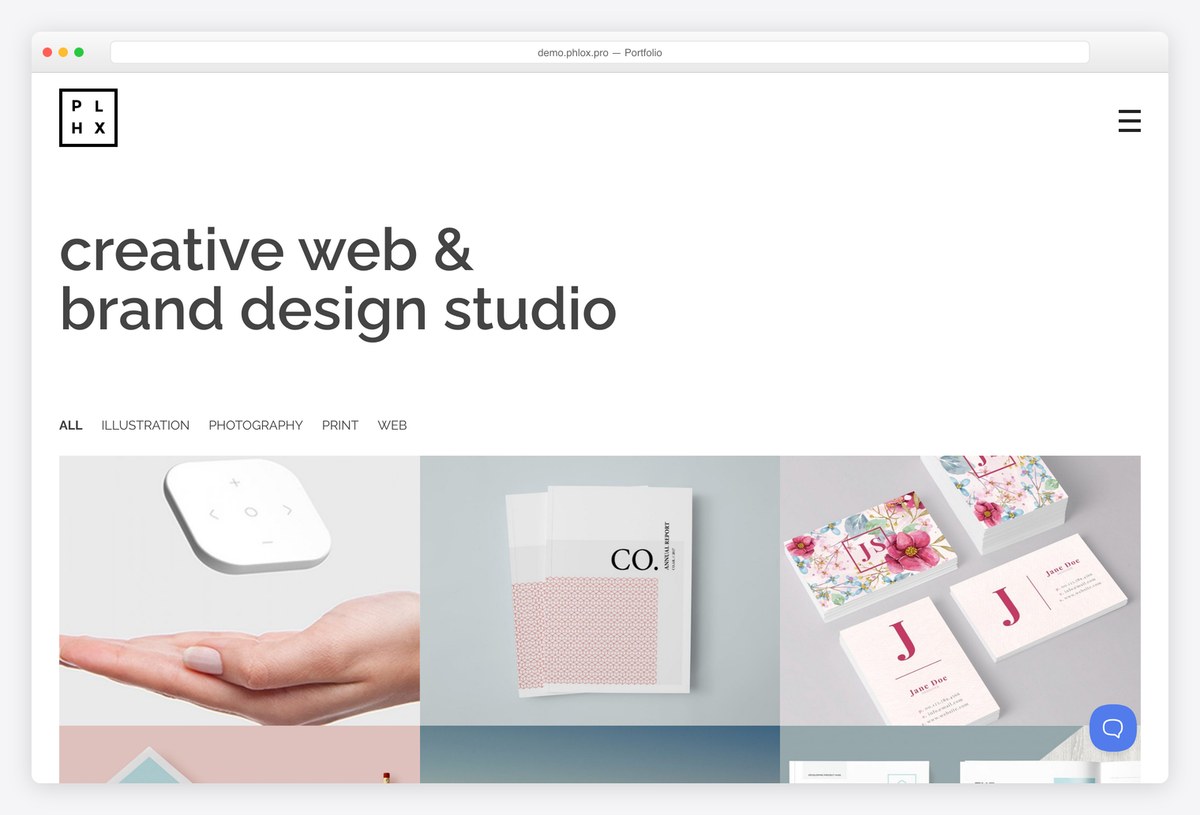
Why we like it: A finished portfolio demo for Elementor users, from a theme built around it rather than merely compatible with it.
Phlox imports a complete portfolio site with a filterable grid and project pages, all editable in Elementor. The demo shown is a design studio rather than a photographer, but the grid is the part you would keep either way.
✅ Pros: free photography demo, deep Elementor integration, strong review record ⚠️ Cons: tied to Elementor, and heavier for it
16. Kadence
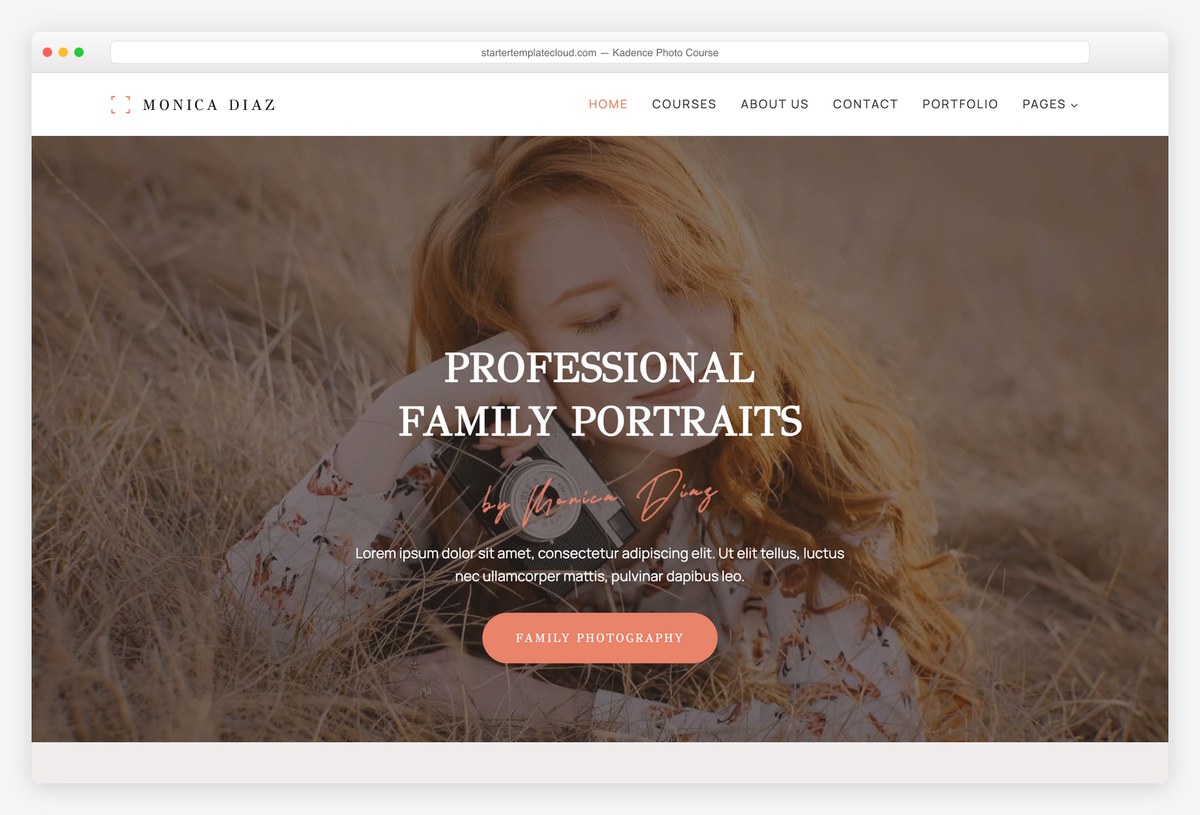
Why we like it: Free header and footer builders, and a Photo Course starter for photographers who sell teaching as well as pictures.
Plenty of photographers earn as much from workshops as from shoots, and Kadence’s Photo Course starter is built for that side of the business. The free header builder then lets you keep a booking link visible on every page.
✅ Pros: free header and footer builders, a teaching-focused starter, fast ⚠️ Cons: no pure gallery starter, and check which templates your plan includes
One-page themes for an image-led site
A photographer with a body of work and a contact form does not need a site with sections. These put everything on one scrolling page, led by a full-width image.
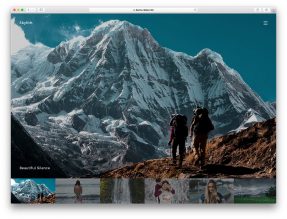
17. Shapely
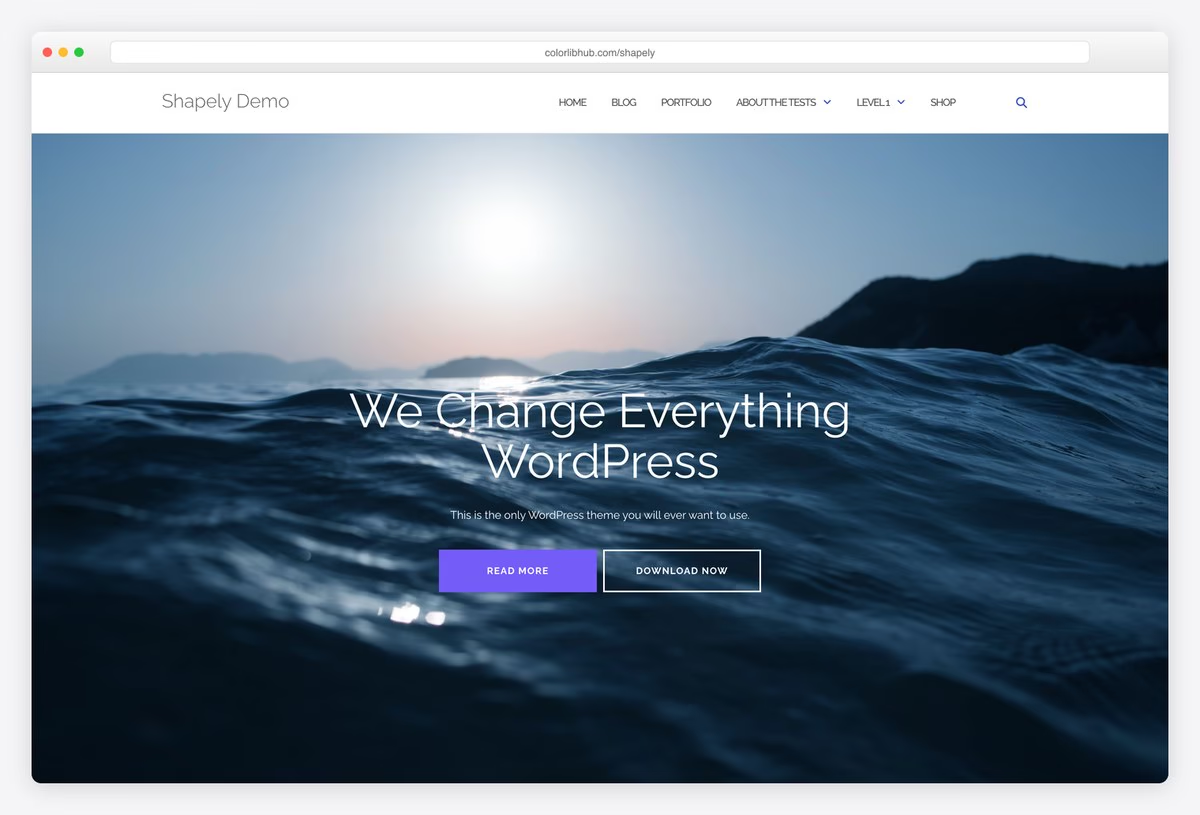
Why we like it: A fullscreen image hero and full-width sections, configured from the customizer with no builder at all.
Shapely opens on a full-width photograph and continues in wide bands, which is the arrangement most photographers want and most themes complicate. It is our most downloaded theme and still ships releases, including a recent accessibility pass.
✅ Pros: fullscreen image presentation, no builder needed, maintained by us ⚠️ Cons: heavier than the modern frameworks, and no gallery post type
18. Illdy
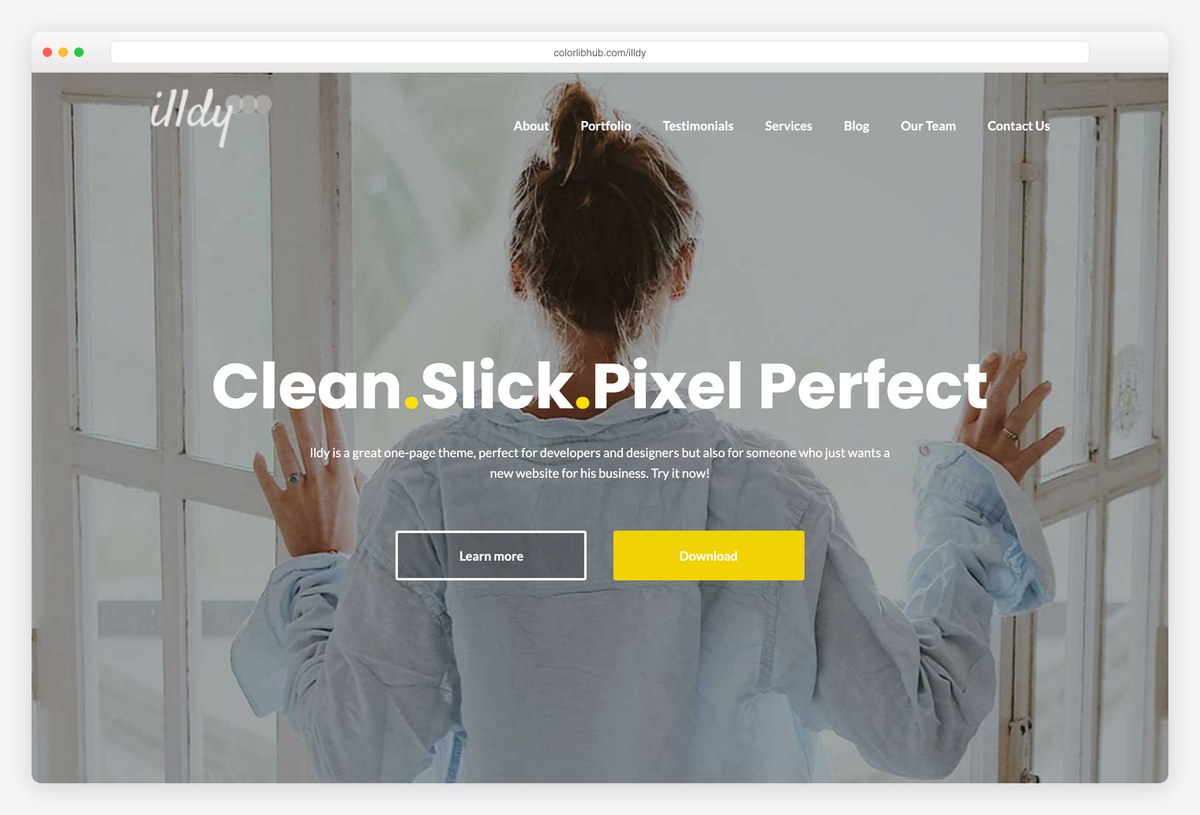
Why we like it: A portfolio grid, a team section and a contact form on one scrolling page, with nothing to import.
Illdy is the smaller of our two: one page covering who you are, a grid of work and how to reach you, all set up from the customizer. For a photographer who wants a card rather than a website, it is the least work here.
✅ Pros: complete one-page structure, free portfolio grid, maintained by us ⚠️ Cons: the heaviest theme in our test, and a dated look next to the frameworks
Paid photography WordPress themes worth the money
The paid tier buys you the business end of photography: password-protected client galleries, proofing so clients can mark selects, and print sales through WooCommerce. Those are the things no free theme on this page does. Sales figures and ratings come from each theme’s marketplace page.
19. Photography
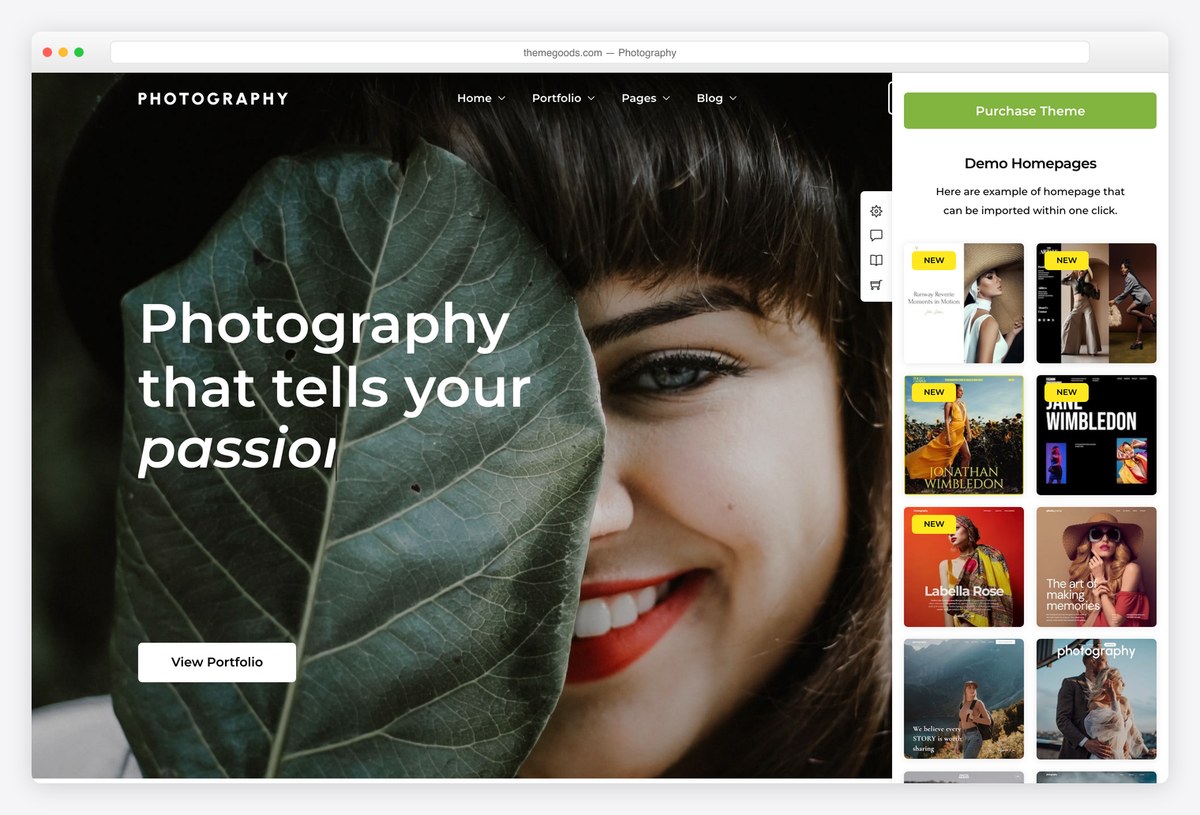
Why we like it: Password-protected client galleries and proofing, which is the line between a portfolio and a business.
ThemeGoods’ Photography is the category’s best seller, and what you pay for is the client side: assigned galleries behind a login, proofing so clients can mark their selects, and WooCommerce for selling the results. Twenty-four importable demos cover both light and dark.
✅ Pros: client logins and proofing, print sales, the largest sales record in the category ⚠️ Cons: a big theme to learn, and its image protection is a courtesy rather than security
20. Inspiro PRO
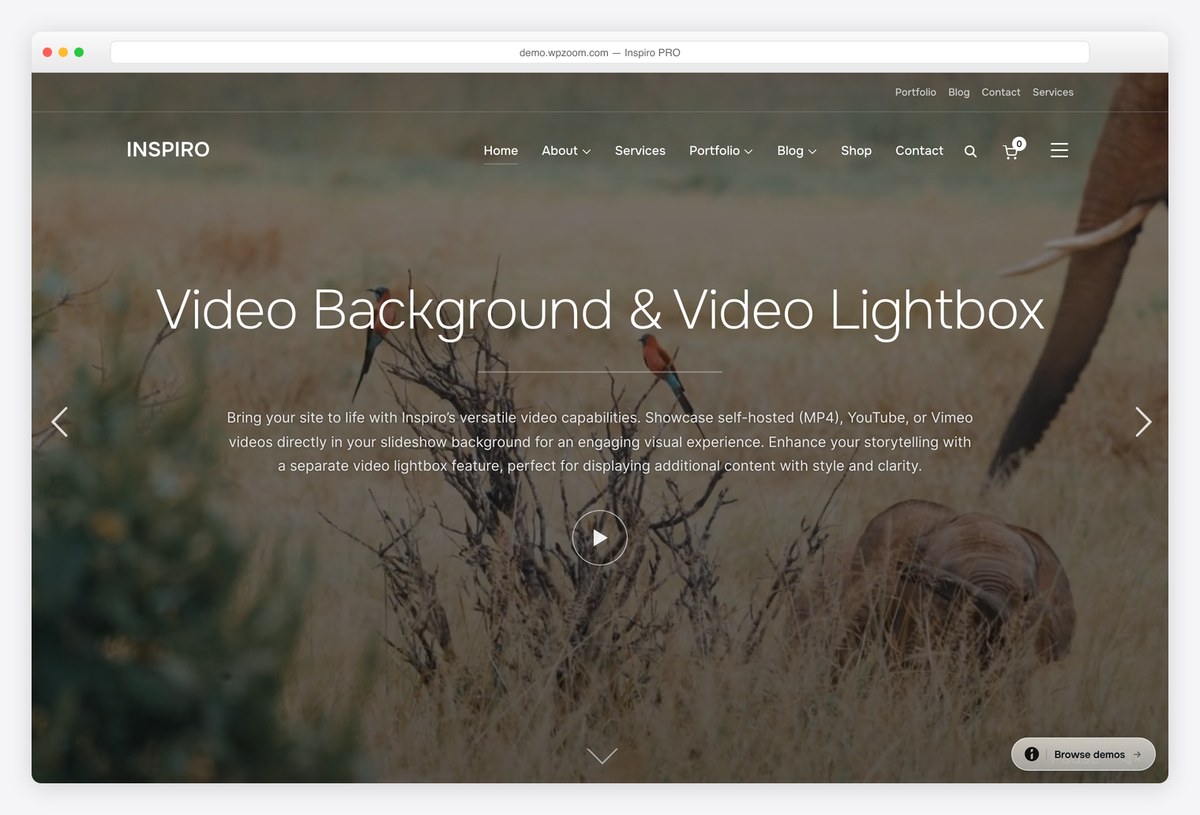
Why we like it: The paid half of Inspiro, adding portfolio templates and grids whose thumbnails come alive on hover.
If Inspiro Lite already suits you, this is the cheapest sensible upgrade on the page: portfolio templates built for visual work, a fullscreen slideshow, and a lightbox that does justice to full-resolution images. Nothing to migrate, since it is the same theme.
✅ Pros: no migration from the free version, proper lightbox, portfolio templates ⚠️ Cons: no client proofing or print sales, so it stays a portfolio rather than a shop
21. Divi + Photographer layout pack
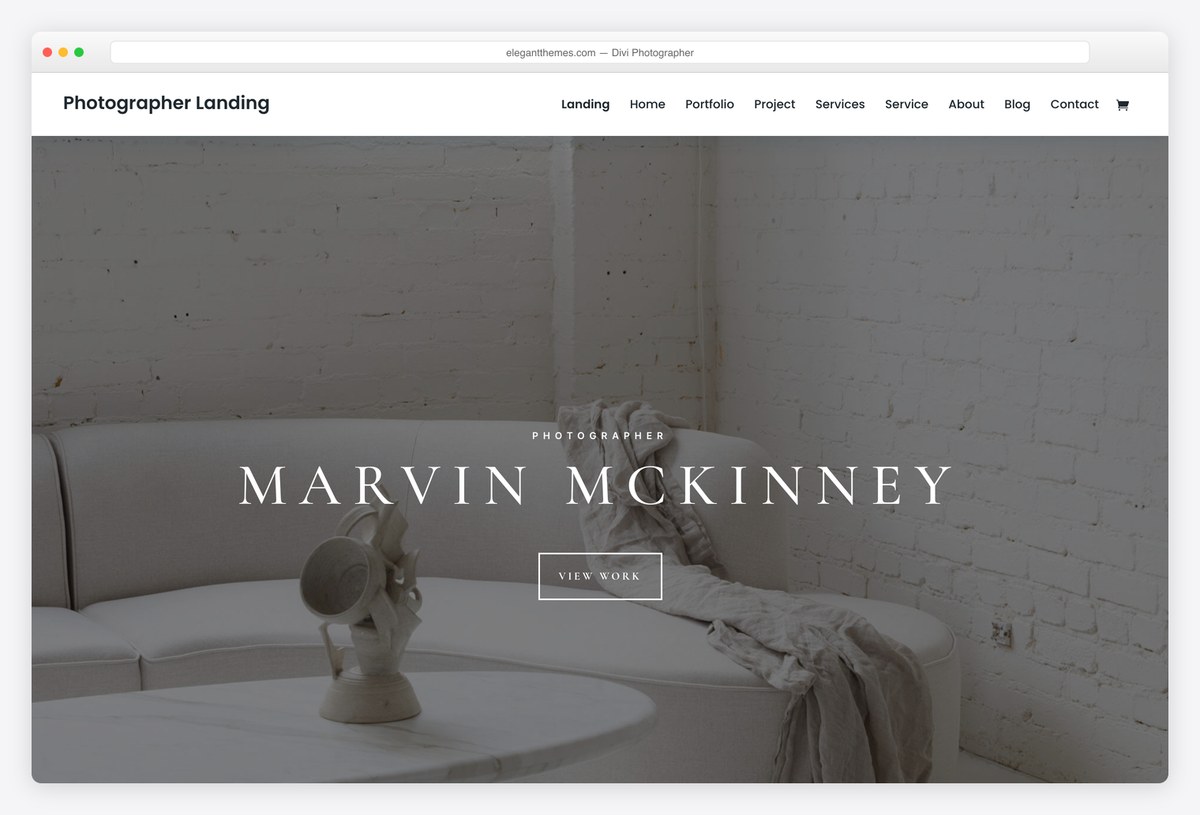
Why we like it: The Photographer pack comes free with Divi and gives you finished pages you edit by clicking.
For a photographer who wants each series presented differently, a visual builder beats a fixed theme. Divi’s photographer pack supplies the starting pages, its gallery and lightbox modules do the rest, and the licence covers every site you build.
✅ Pros: full visual control, unlimited sites, free layout packs ⚠️ Cons: adds page weight to pages that are already image-heavy
22. Kalium
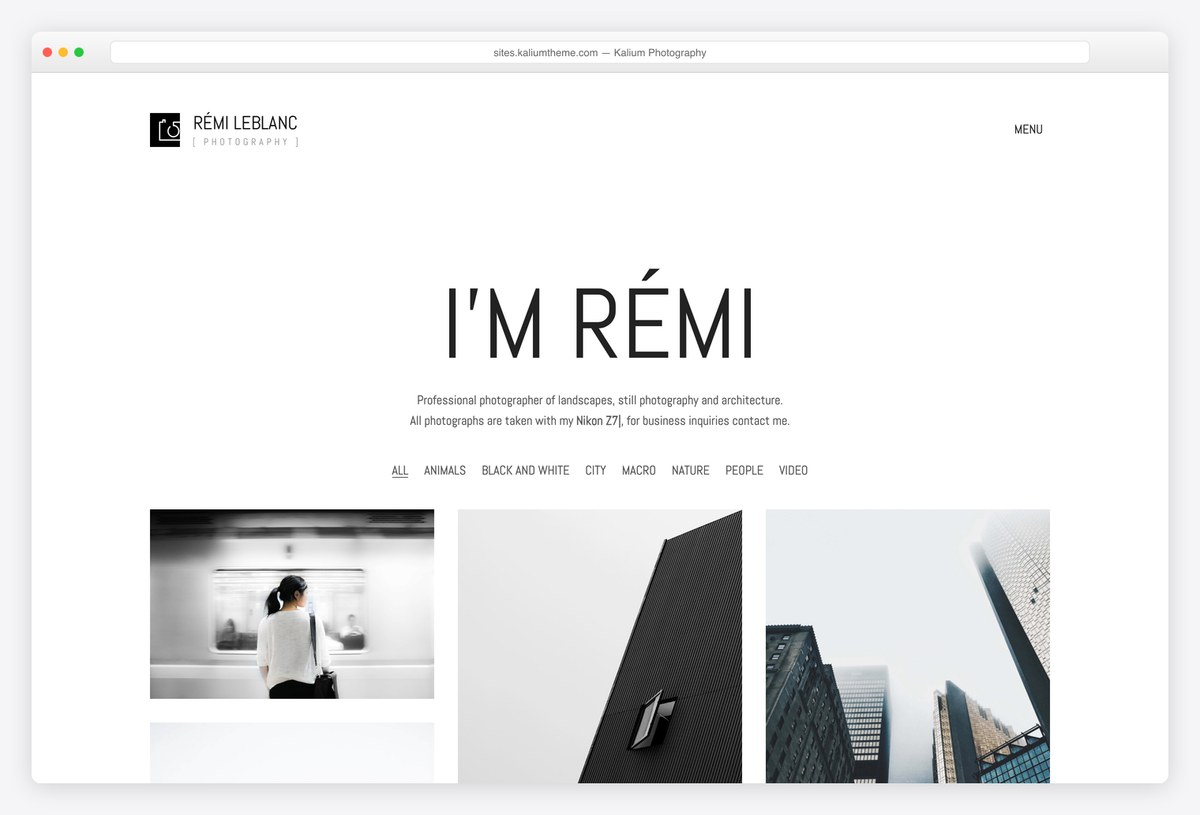
Why we like it: Forty-seven thousand sales, and a photography starter that treats galleries as the product.
Kalium is the theme creative professionals buy when the portfolio has to win work. Its photography starter handles galleries, project pages and image transitions properly, and WooCommerce is built in if you sell prints.
✅ Pros: enormous sales record, strong gallery and project layouts, print sales built in ⚠️ Cons: the most expensive option here, and far more theme than a simple portfolio needs
23. Oshine
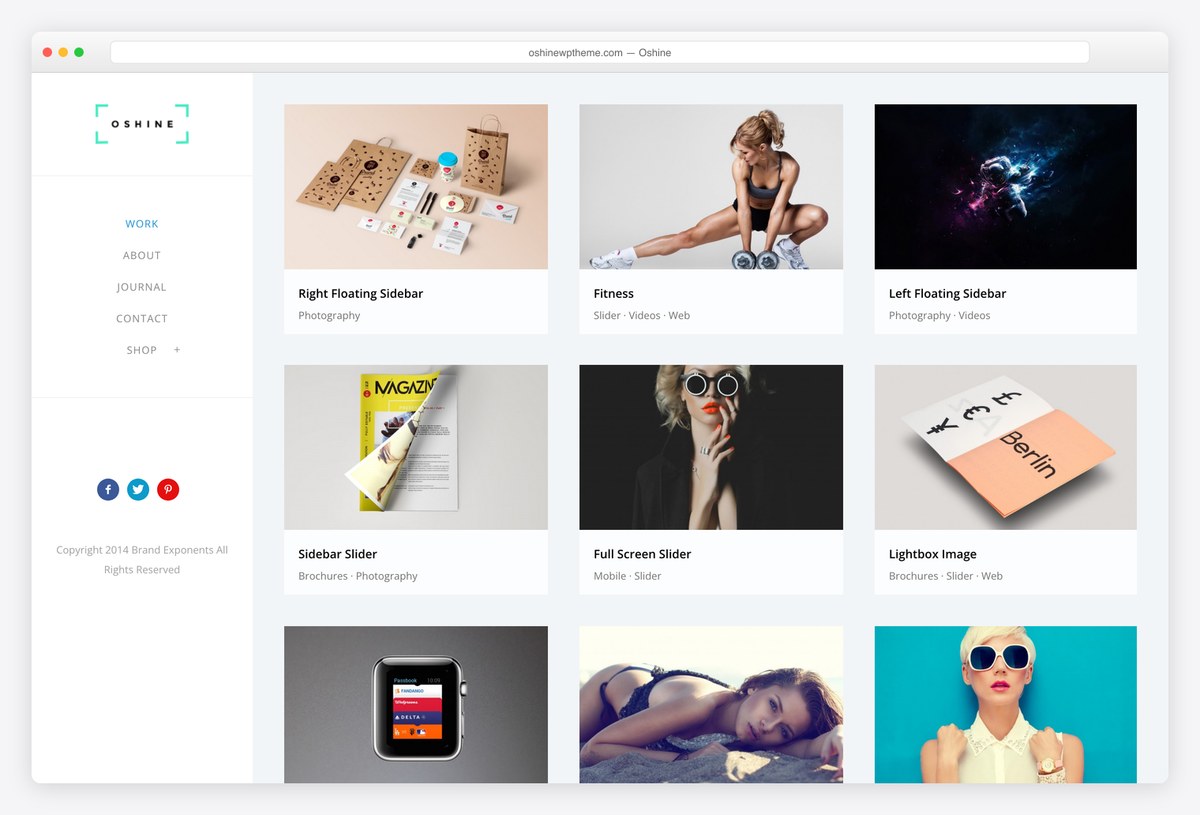
Why we like it: Dozens of importable portfolio designs, so different series can be presented differently.
Oshine’s strength is variety: a wedding set, a documentary series and a commercial portfolio each get a layout that suits them rather than one grid recoloured. For a photographer with distinct bodies of work, that matters more than any single design.
✅ Pros: a very large library of gallery designs, strong image handling, long-established vendor ⚠️ Cons: the breadth takes time to work through, and we could not verify its current price to quote it
What to look for in a photography WordPress theme
- Your images matter far more than the theme. Export at the size the page actually displays, convert to WebP or AVIF, and let WordPress serve responsive sizes. A light theme carrying unoptimised photographs will still lose to a heavier theme carrying compressed ones.
- Decide which gallery you need before you choose. Masonry suits mixed orientations, a fixed grid suits a consistent body of work, and fullscreen suits a handful of images that each deserve the screen. Themes are usually good at one of the three.
- Client proofing is a paid feature, and a real one. Password-protected galleries where clients mark their selects is the thing that turns a portfolio into a working tool. No free theme here does it; Photography does.
- Right-click protection is not protection. It stops a casual save and nothing else, since the image still downloads to the browser. If theft matters to you, watermark visibly and upload at display resolution rather than relying on a script.
- Check the lightbox on a phone. This is where photography themes most often fall down: pinch-zoom that fights the swipe gesture, or a close button under the notch. Open the demo on your own phone before committing.
- Think about selling early. Print sales mean WooCommerce, and retrofitting a shop into a portfolio theme is more work than starting with one that expects it.
- Watch the first image’s weight. A fullscreen hero is almost always your largest contentful paint. One well-compressed image there is worth more than every other speed tweak on this page.
Frequently Asked Questions
What is the best free WordPress theme for photographers?
Fotografie, because it was designed for photographers rather than adapted for them, and Catch Themes still maintains it. If you would rather import a finished site, Astra’s Photographer starter does that in a click, and our own Shapely is the simplest route to a fullscreen image-led one-pager.
Can a free theme look professional enough for a photography business?
Yes, and the limiting factor is almost always the photography and the copy rather than the theme. What free themes genuinely lack is the client side: password-protected galleries, proofing and print sales. If you need those, that is the moment to pay.
How do I show high-resolution images without slowing my site down?
Export at roughly twice the displayed width and no more, convert to WebP or AVIF, and let WordPress generate responsive sizes. Add a caching plugin and, if you have a large archive, a content delivery network. Those four steps matter more than which theme you pick.
Can I sell prints from a free photography theme?
You can, by adding WooCommerce, and every theme on this list will run it. What you will not get for free is proofing or client galleries. If selling is the point of the site, a paid theme built for it will save you weeks.
How do I stop people stealing my photographs?
You largely cannot, and any theme advertising right-click protection is overselling it: the image is already in the visitor’s browser. Watermark visibly if it matters, upload at display resolution rather than full size, and register your copyright.
Which gallery layout should I use?
Masonry if your work mixes portrait and landscape, since it avoids awkward gaps. A fixed grid if your images share a shape and you want order. Fullscreen if you have a dozen strong pieces rather than hundreds. Pick the layout first, then the theme that does it well.
Is WordPress a good choice for photographers?
It is, mainly because you own the site and can move it. The hosted alternatives are simpler on day one and more limiting later, particularly around selling prints and client delivery. The trade is that you handle updates and backups yourself.
Do these themes work on mobile?
All of them are responsive, but test the lightbox specifically. That is where photography themes most often disappoint: pinch-zoom fighting swipe, or controls under a phone’s notch. Open each demo on your own phone before deciding.
Which one should you use?
For most photographers, install Fotografie and spend the time you saved editing your images properly. If you would rather start from a finished site, import Astra’s Photographer starter; if you want the page led by one strong image, use our own Shapely. Pay for the Photography theme when clients need logins and proofing, because that is the one thing no free theme on this page will do for you.

Related Posts

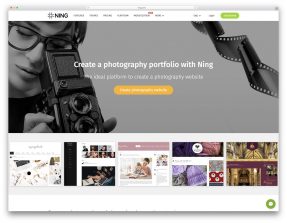
that’s great, but what if i want a photography portfolio website, not a blog.
You have two options. You can use a theme built to showcase photos rather than a blog, such as Perfect Portfolio from this list, or add portfolio functionality with a plugin. For more options, have a look at this theme collection.
Hey…thx for the info..but can u tell me using these themes will i be able to let my users or guest uppload photos or posts?
Im thinking of building a website where one can upload photos..then ill also conduct weekly contests and a regular blog of weekly posts mainly on photography..can u help please
Suji,
WordPress themes have very little to do with registration and user-submitted content. WordPress core already handles that, and themes don’t change it. User registration is disabled by default, but enabling it is a single checkbox under Settings > General > “Anyone can register”. From there, people can register and post content based on the user role you set on that same page under “New User Default Role”.