
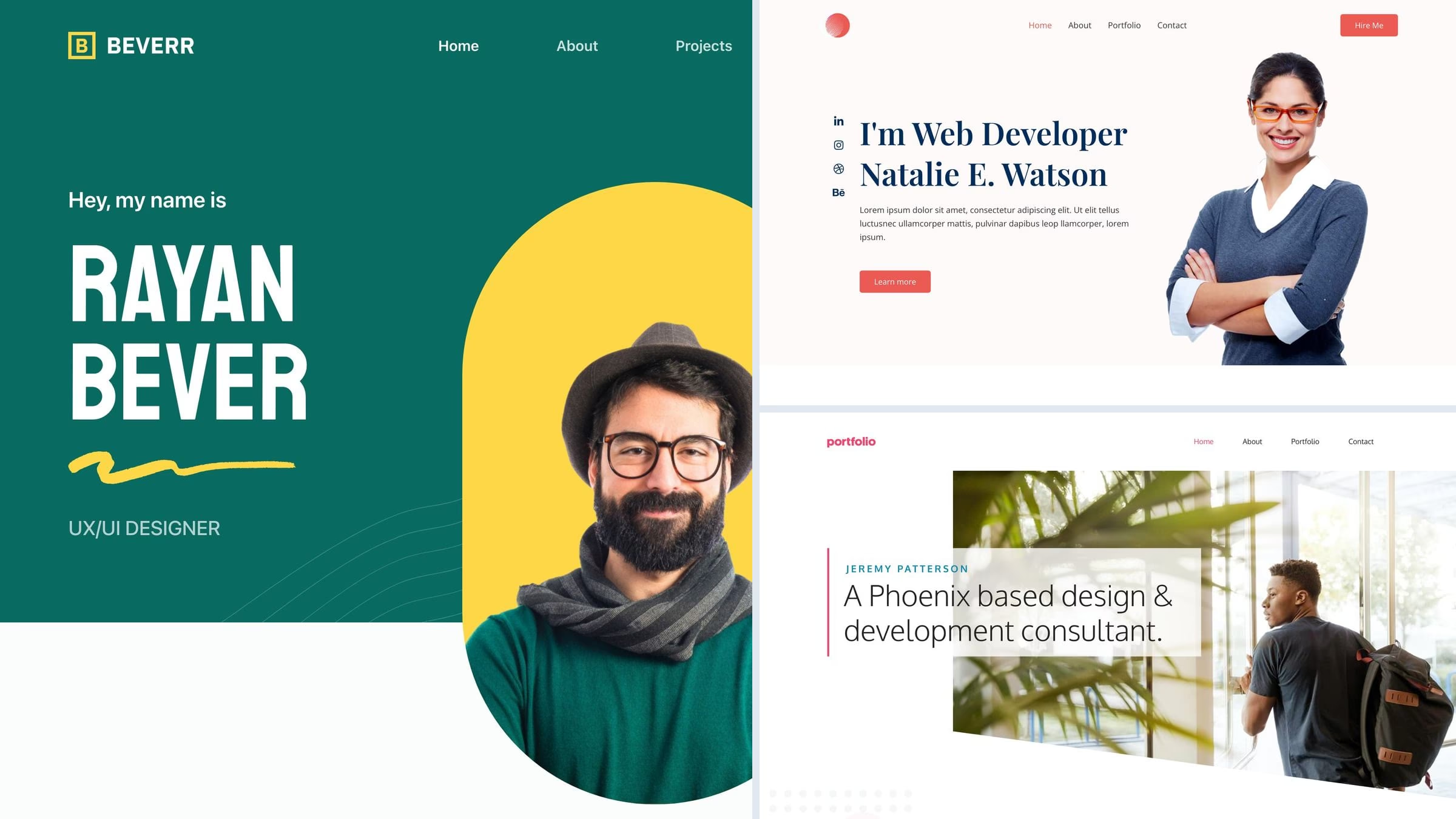
14 Best Free Personal WordPress Themes for Portfolios & CVs 2026
For a personal website or independent service business, our first free Colorlib pick is Unapp — Portfolio starter: project pages, services and guided setup. This guide covers 14 free themes and 4 paid alternatives, with live demos and clear notes about what each option provides.
A personal site is the easiest kind to over-build. It needs to say who you are, show a few things you have made, and give someone a way to reach you — and most of the themes that fail at this fail by offering too much rather than too little. The list is ordered accordingly: one-page sites first for people who want a presence, then portfolio-led themes for people with work to show. If what you actually want is a place to write regularly, our <a href=”https://colorlib.com/wp/best-personal-blog-wordpress-themes/”>personal blog theme roundup</a> is the better page.
Related roundups: personal blog themes if writing is the point, and portfolio themes if the work is.
Quick picks
- Colorlib free pick: Unapp — Project pages, services and guided setup
- Colorlib free pick: Daren — Story layouts populated by real posts
- Colorlib free pick: Philosophy — Masonry posts and a choice of classic or block editing
- Colorlib pick: Illdy — a one-page personal site with an about-first layout
- Most popular starter: Astra — Personal Portfolio imports a finished site
- Best for freelancers: Blocksy — Beverr is built around selling a service
- Best block theme: Raft — full site editing, nothing else to learn
- Fastest in our test: GeneratePress — the lightest theme we measured, with a portfolio demo
- Best paid portfolio: Kalium — 47,000 sales and the portfolio layouts to match
Top picks at a glance
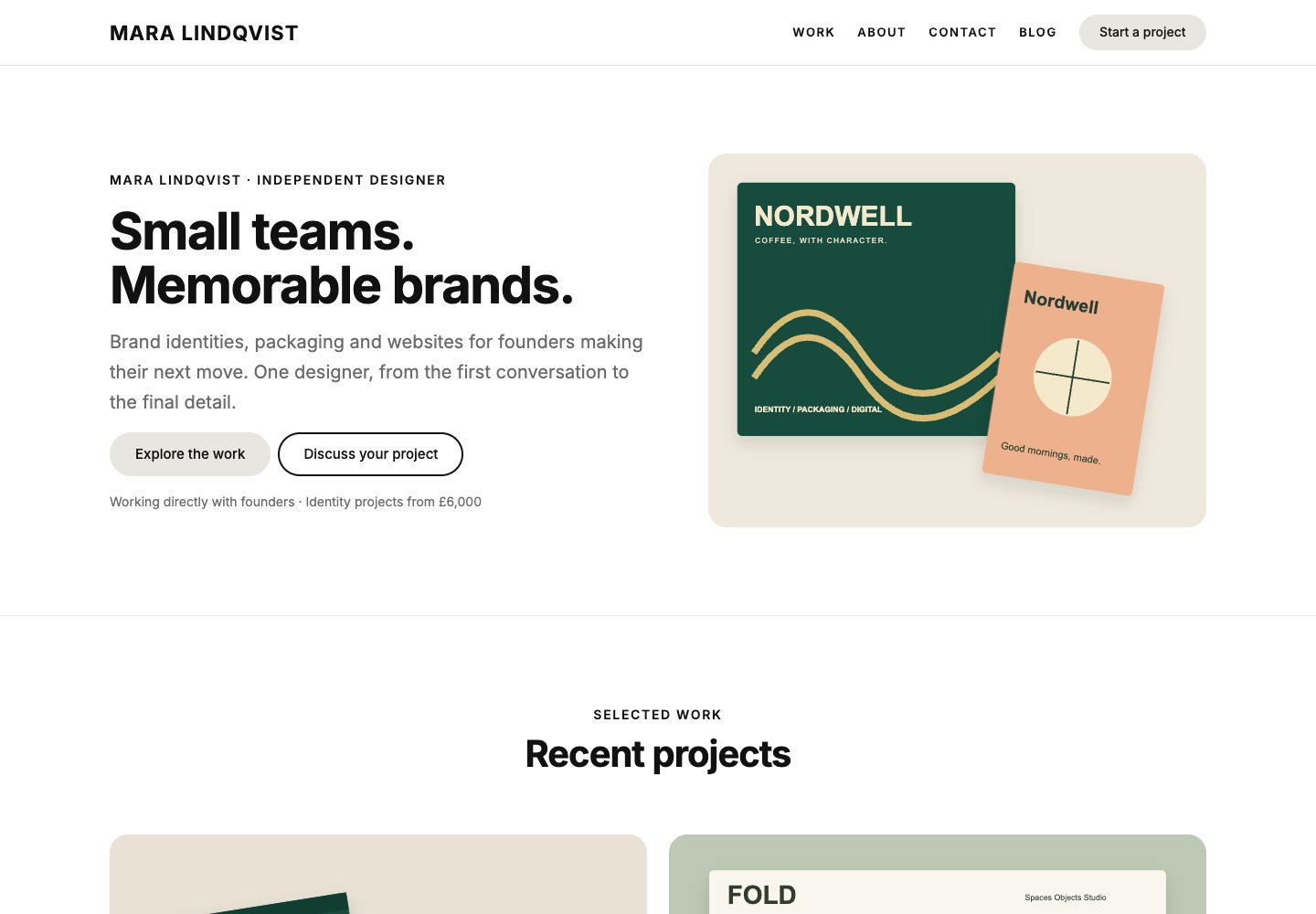 UnappFree from Colorlib · Project pages, services and guided setup
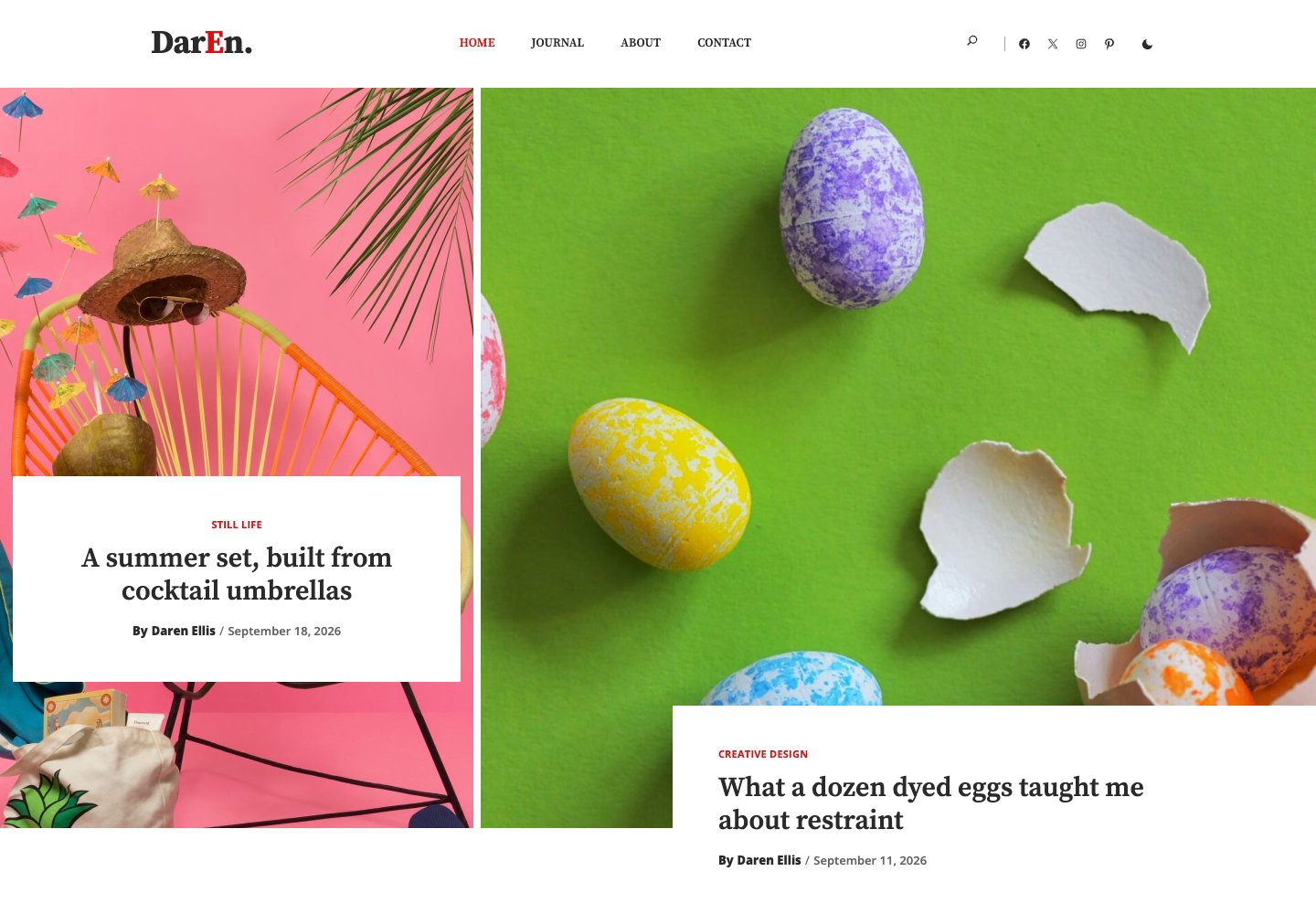 DarenFree from Colorlib · Story layouts populated by real posts
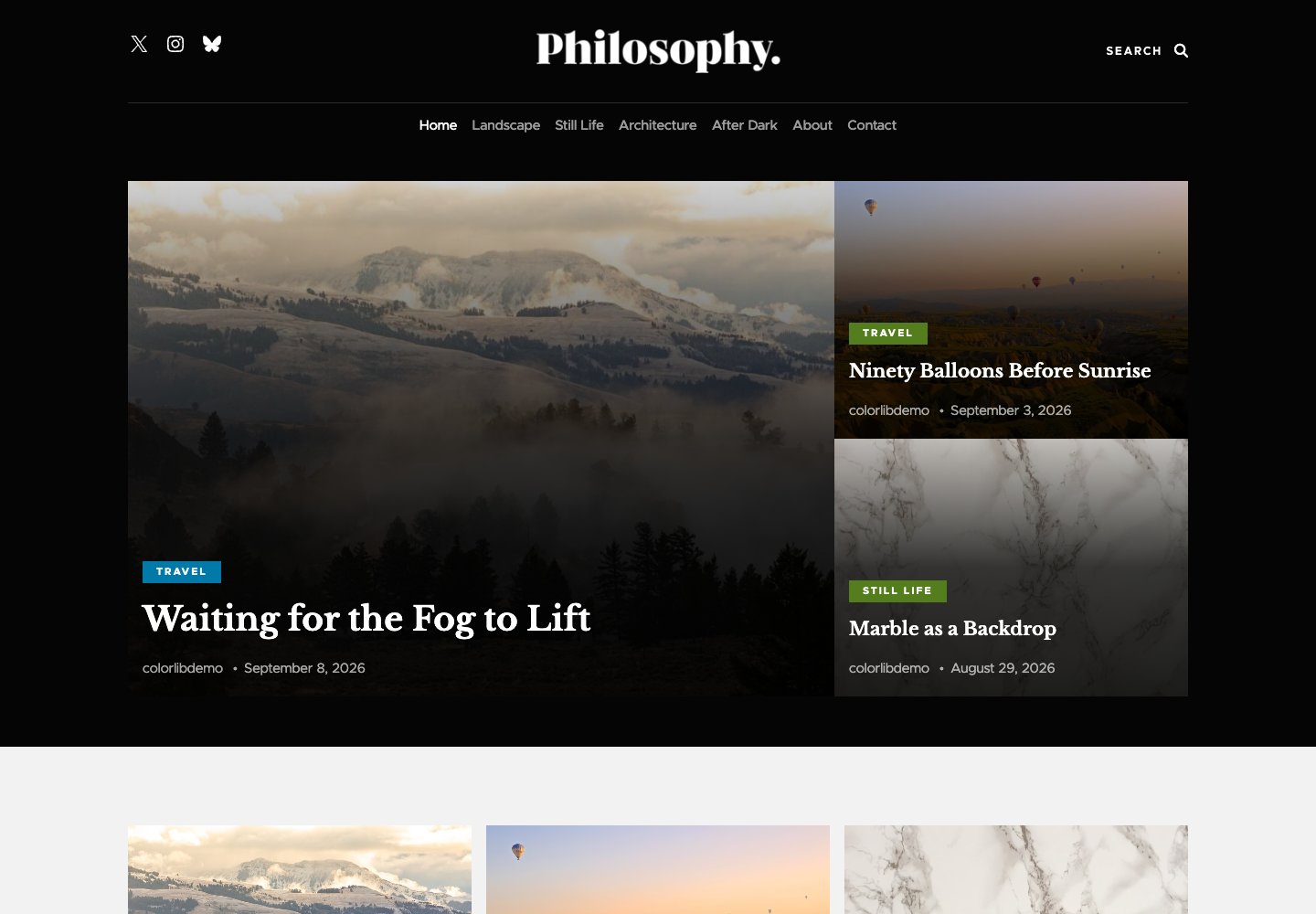 PhilosophyFree from Colorlib · Masonry posts and a choice of classic or block editing
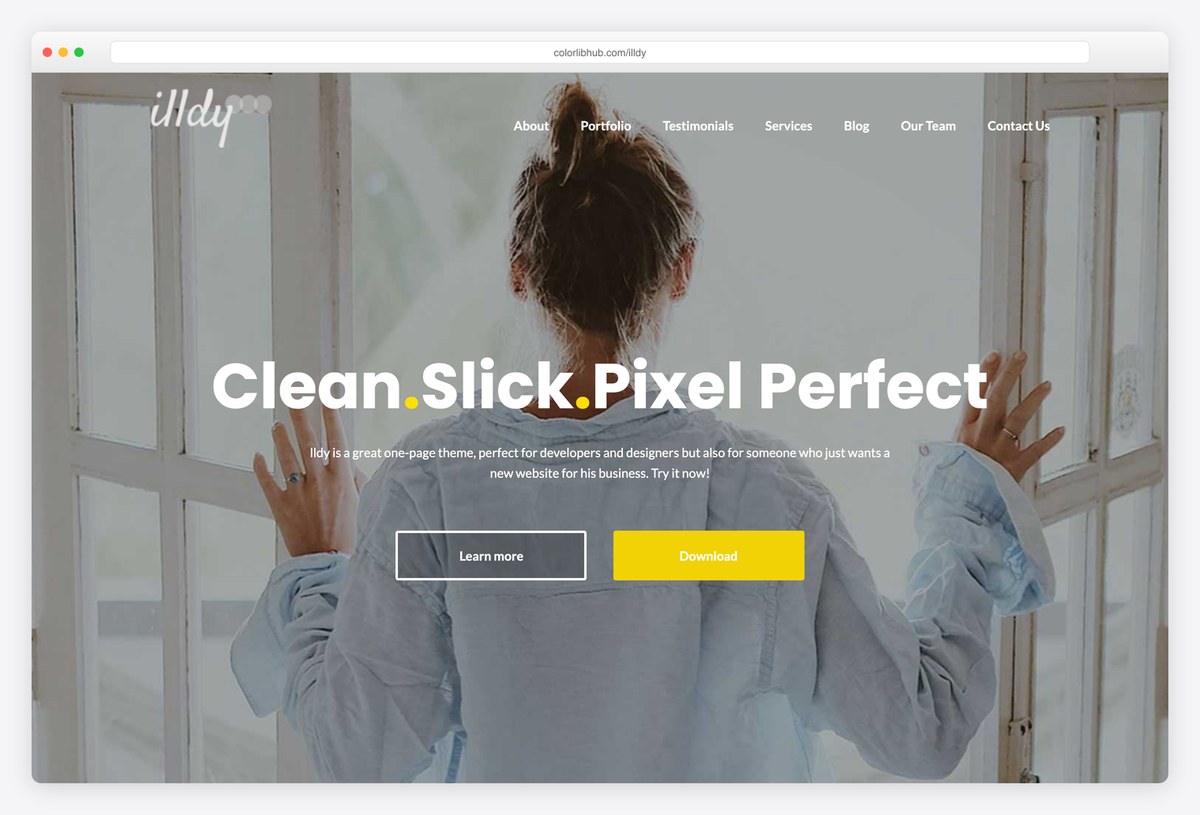 IlldyOne-page personal site
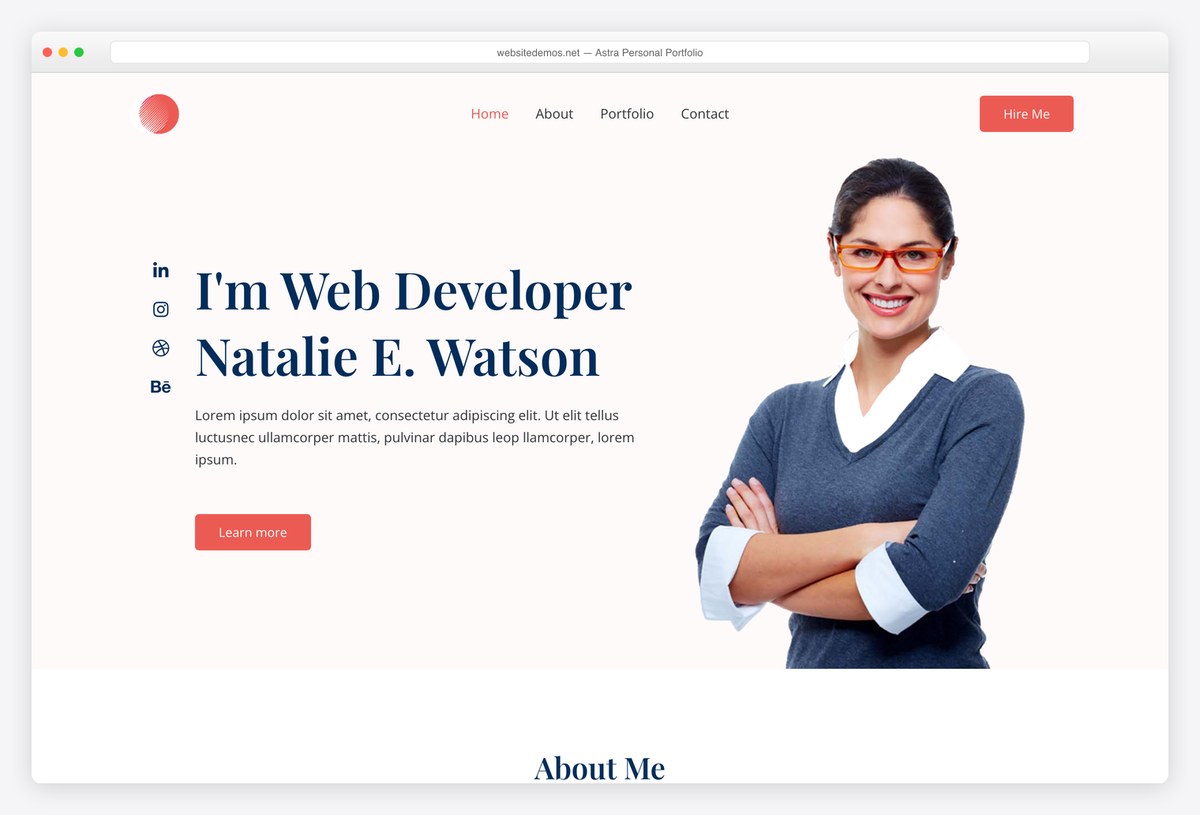 AstraPersonal Portfolio starter
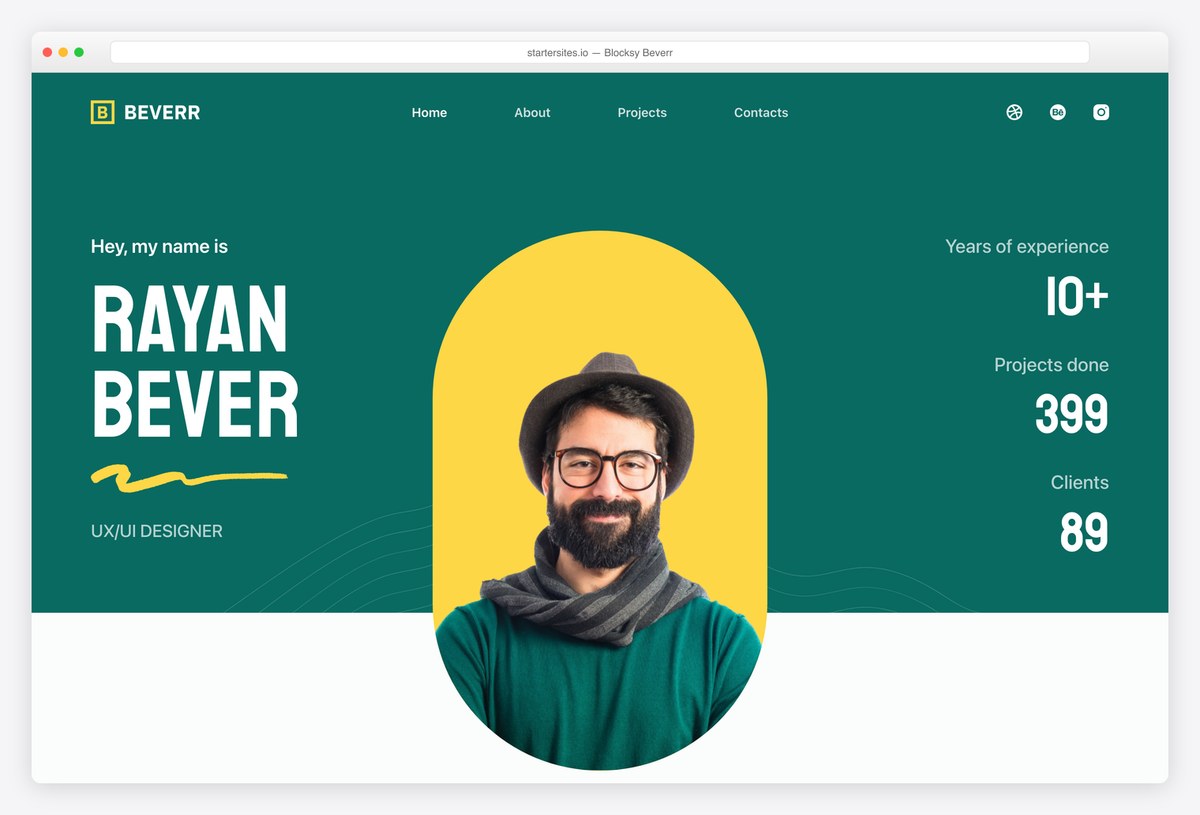 BlocksyBeverr freelancer starter
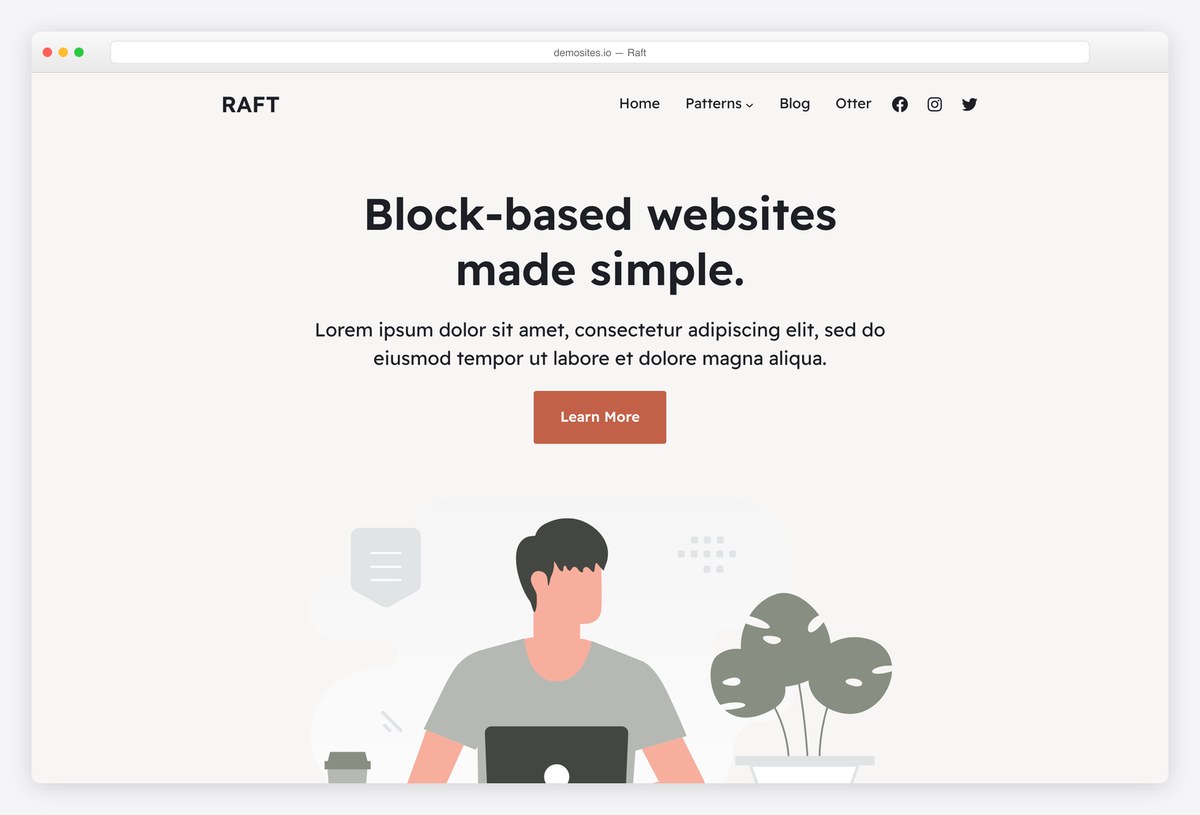 RaftBlock-based personal site
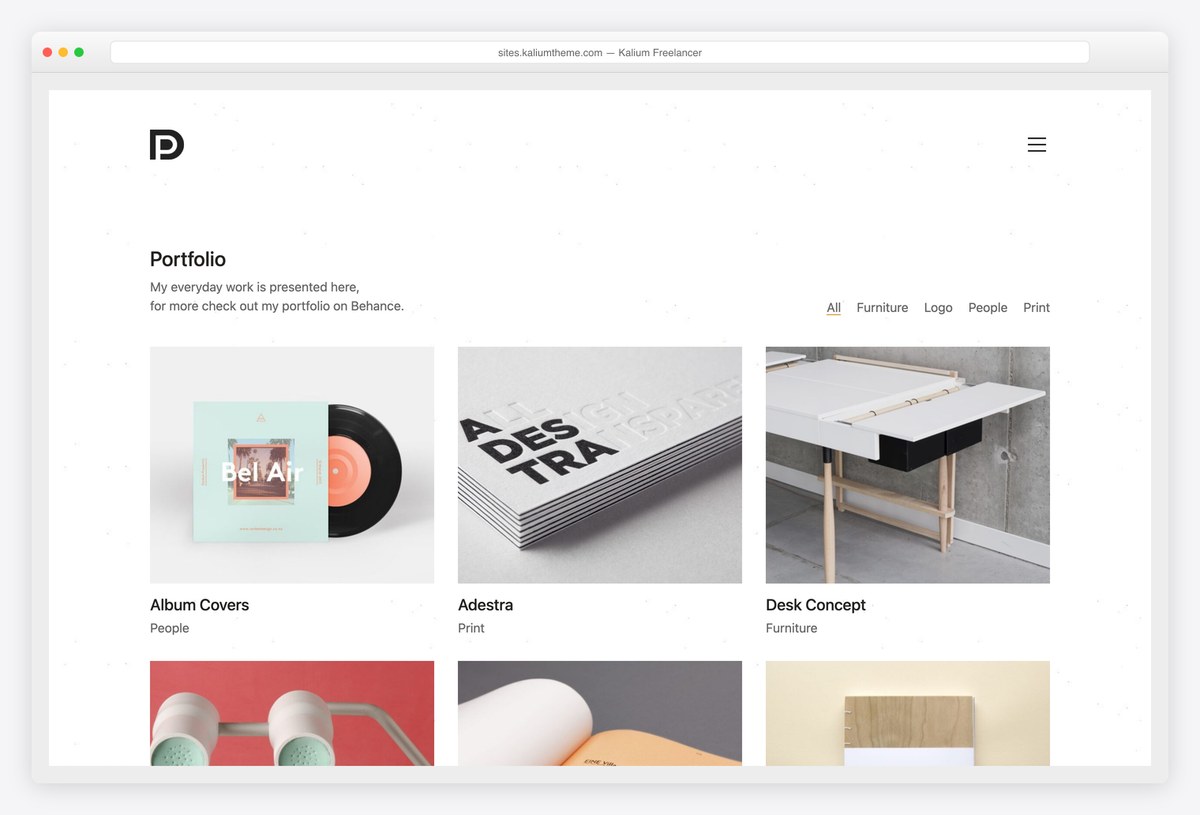 KaliumBest-selling portfolio theme
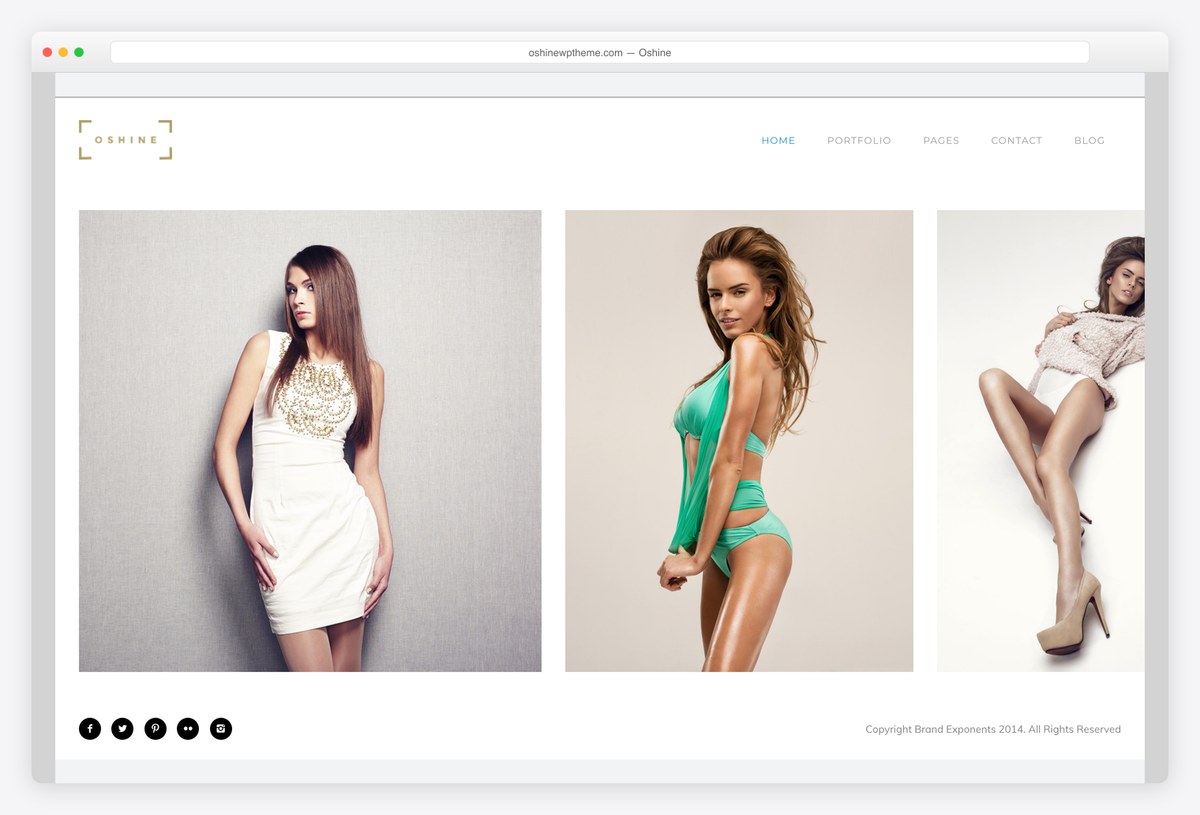 OshineCreative portfolio layouts
Table of contents — all 18 themes
Quick comparison: the free personal themes
| Theme | Price | Best for | Standout | Updated |
|---|---|---|---|---|
| Unapp | Free | Freelancers and independent professionals | Project pages, services and guided setup | — |
| Daren | Free | An image-led personal blog or magazine | Story layouts populated by real posts | — |
| Philosophy | Free | A masonry blog with native editing | Masonry posts and a choice of classic or block editing | — |
| Illdy | Free | A one-page personal site | About, portfolio and contact in one scroll | Aug 2026 |
| Astra | Free / Pro | Getting online today | Personal Portfolio starter | Sep 2026 |
| Blocksy | Free / Pro | Freelancers selling services | Beverr starter, service-led | Sep 2026 |
| Raft | Free / Pro | Editing everything in blocks | Full site editing throughout | Sep 2026 |
| GeneratePress | Free / Premium | The fastest possible site | Lightest theme in our test | Dec 2025 |
| Perfect Portfolio | Free / Pro | A freelancer’s portfolio | Purpose-built, 4.9 rating | Mar 2026 |
We tested it: free personal theme speed
How we tested: we installed each free theme on the same clean WordPress site with identical content and no extra plugins, then measured the homepage with Google Lighthouse on mobile. A personal site is often the first thing a prospective client or employer opens on their phone, and it is a very short visit — a theme that starts light is doing most of the work of making a good impression.
| Theme | Page weight | Requests | Lighthouse | LCP |
|---|---|---|---|---|
| GeneratePress | 277 KB | 14 | 99/100 | 1.8s |
| Neve | 299 KB | 15 | 99/100 | 2.1s |
| Blocksy | 330 KB | 13 | 95/100 | 2.6s |
| Astra | 425 KB | 14 | 92/100 | 3.2s |
| Zakra | 451 KB | 17 | 91/100 | 3.1s |
| Raft | 511 KB | 17 | 87/100 | 3.3s |
| Lovecraft | 750 KB | 25 | 76/100 | 5s |
| Activello | 762 KB | 25 | 77/100 | 4.4s |
| OceanWP | 802 KB | 29 | 72/100 | 5.3s |
| Illdy | 1086 KB | 38 | 65/100 | 6.8s |
| Perfect Portfolio | 2348 KB | 32 | 55/100 | 13.5s |
Our free Colorlib picks
We develop and maintain these free themes at Colorlib. Download them directly from us and explore their live demos below. These editions use Colorlib updates; WordPress.org install counts and ratings do not apply. Any speed table on this page covers the themes already measured in that test.
1. Unapp — Portfolio starter
Why we like it: Project pages, services and guided setup.
Unapp offers a free Portfolio starter for independent creatives and a Coach & Consultant starter for service-led personal sites. Start with one page or supporting pages for work, approach and enquiries. Real service-card fields carry your offer into the page, and the setup preview shows your name, details and main action before building.
✅ Pros: Project pages, services and guided setup. ⚠️ Cons: Advanced project filtering, client proofing and private client areas require separate tools.
2. Daren — Block edition
Why we like it: Story layouts populated by real posts.
Daren is our free block theme for a personal journal or design-led magazine. Tall and wide photographs, alternating story layouts and category cards draw from the posts you publish. The block edition includes contact and newsletter forms, eight palettes and visitor dark mode, with templates editable in the Site Editor.
✅ Pros: Story layouts populated by real posts. ⚠️ Cons: Supply your own featured images and categories; it is a publishing theme rather than a business starter library.
3. Philosophy — Block and classic editions
Why we like it: Masonry posts and a choice of classic or block editing.
Philosophy is our free masonry blog theme, available in classic and block editions. The block edition puts templates, the header and footer in the Site Editor while keeping the image-led post grid. It renders a usable grid before its small layout script enhances the columns, with self-hosted fonts and style variations.
✅ Pros: Masonry posts and a choice of classic or block editing. ⚠️ Cons: Classic and block editions are separate themes; their settings do not transfer automatically.
Free one-page themes for a personal site
If you want a presence rather than a project — who you are, a few things you have done, and a way to reach you — a single scrolling page is the whole job and the fastest thing to maintain.
4. Illdy
Why we like it: An about-first one-page layout with portfolio, testimonials and contact sections already in order.
Illdy is built from exactly the blocks a personal site needs and stops there: a hero with your name, an about section, a portfolio grid, testimonials and a contact form, in one scroll. That restraint is the point — there is nothing here to get lost configuring.
✅ Pros: the right structure for a personal site, portfolio and contact sections included, maintained by us ⚠️ Cons: the lowest rating here, an older design language, and heavier than the modern frameworks
5. Astra
Why we like it: The Personal Portfolio starter imports a finished site, on the most installed theme on WordPress.
If the goal is simply to exist online properly by this evening, this is the shortest path: import the starter, replace the name and the projects, done. And because it is Astra, the same site can become a business or a shop later without starting again.
✅ Pros: a finished personal site in one import, by far the largest community, light ⚠️ Cons: the starters need the Starter Templates plugin, and the deeper design controls are in Astra Pro
6. Blocksy
Why we like it: Beverr is built around selling what you do, not just describing it — services, proof and a hire-me path.
Most personal starters are a biography with a contact form at the bottom. Beverr is structured like a freelancer’s pitch, which is what you want if the site exists to win work. Blocksy also holds a perfect rating across several hundred reviews and is among the fastest here.
✅ Pros: a service-led freelancer starter, among the fastest measured, the best rated framework ⚠️ Cons: the starter ships with placeholder copy to replace, and it is more site than a simple profile needs
Free portfolio-led themes
For people with work to show. These put projects, case studies or images ahead of biography, which is the right order when the work is the argument.
7. Perfect Portfolio
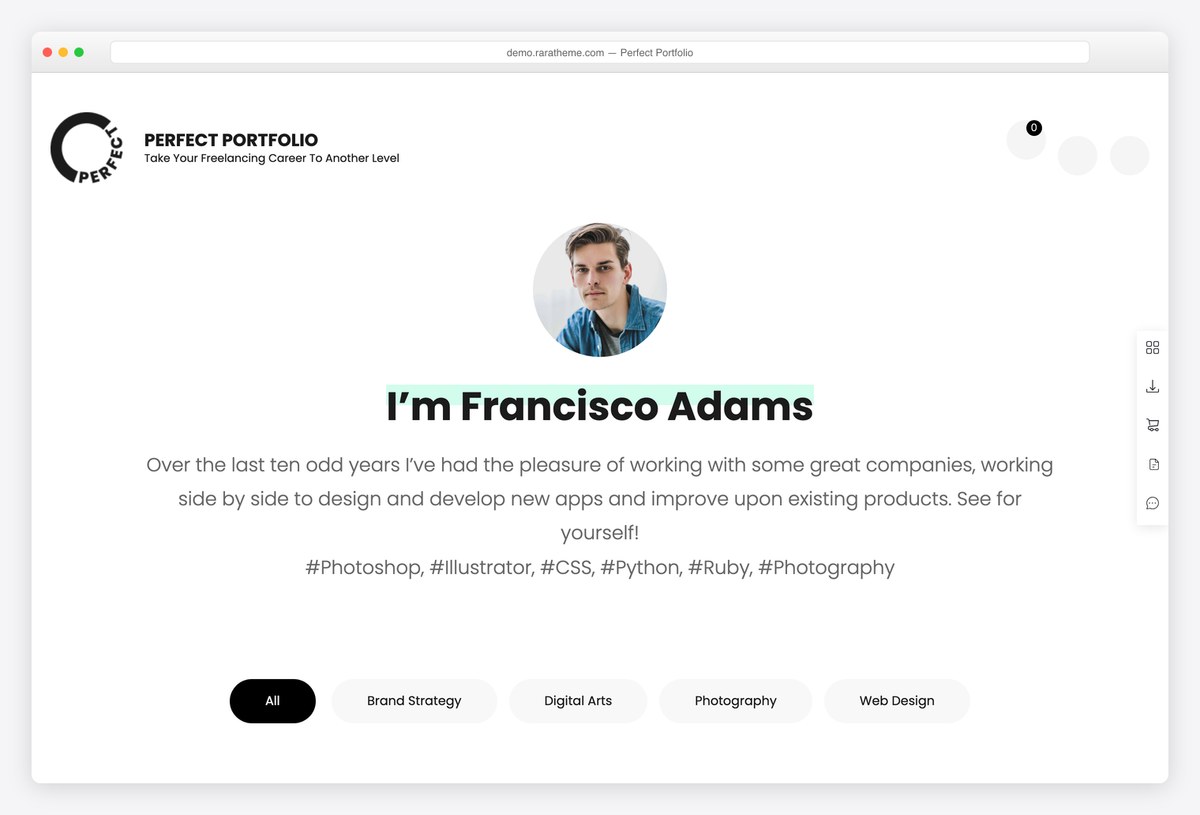
Why we like it: A 4.9 rating across 28 reviews, on a theme written for freelancers rather than adapted for them.
RaraTheme’s Perfect Portfolio treats the project as the unit of content: a grid of work, individual project pages, and the services and contact routes a freelancer needs around them. For a portfolio site specifically it needs less rearranging than any framework here, though it is also the heaviest theme on this page, so check our speed table before you commit.
✅ Pros: purpose-built for portfolios, excellent rating, project pages included ⚠️ Cons: a small install base, little use if you are not showing work, and by a wide margin the heaviest theme in our test — pair it with compressed images and caching
8. GeneratePress
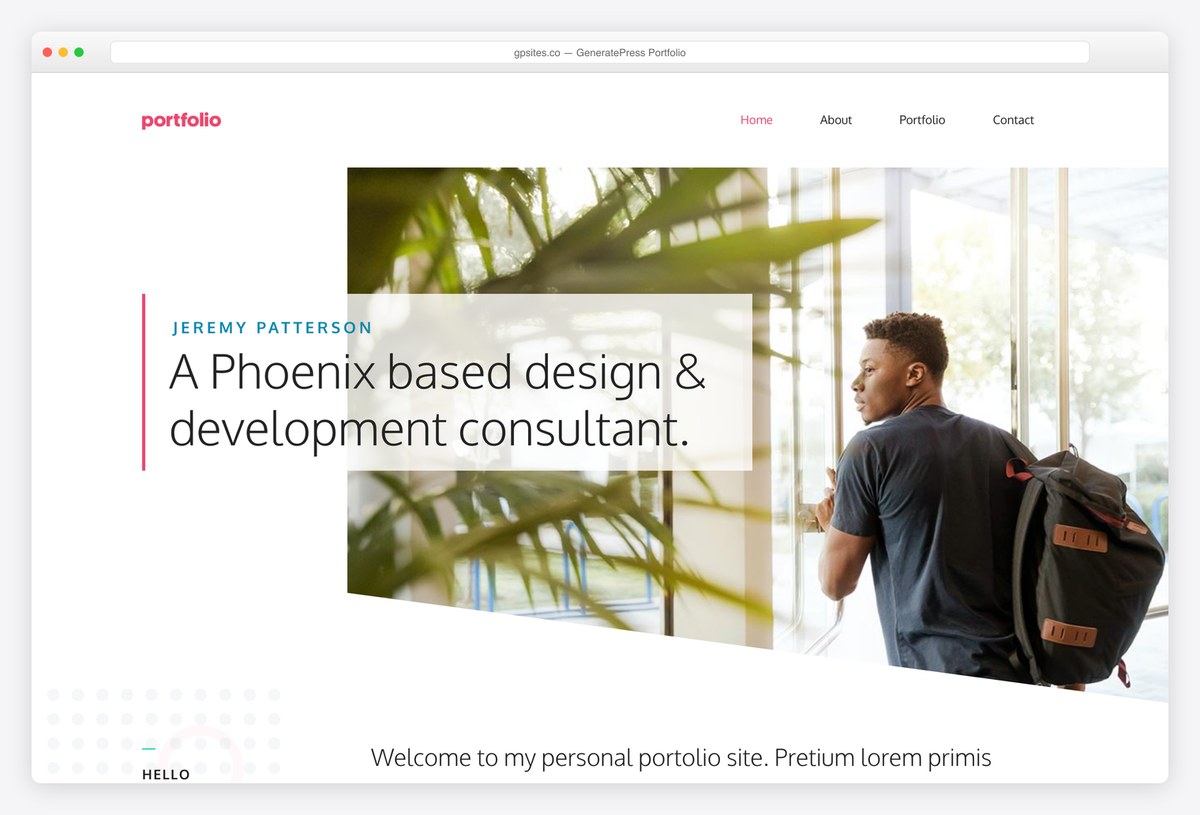
Why we like it: The lightest theme we measured, which on a site someone opens once for thirty seconds is most of the impression.
GeneratePress adds almost nothing to the page, so your work loads immediately and nothing gets in front of it. Its Portfolio demo is a clean grid with project pages, and the theme holds a perfect rating across 1,400 reviews.
✅ Pros: fastest in our test, immaculate code, perfect rating ⚠️ Cons: the site library needs GP Premium, and the free theme is plain until you style it
9. Zakra
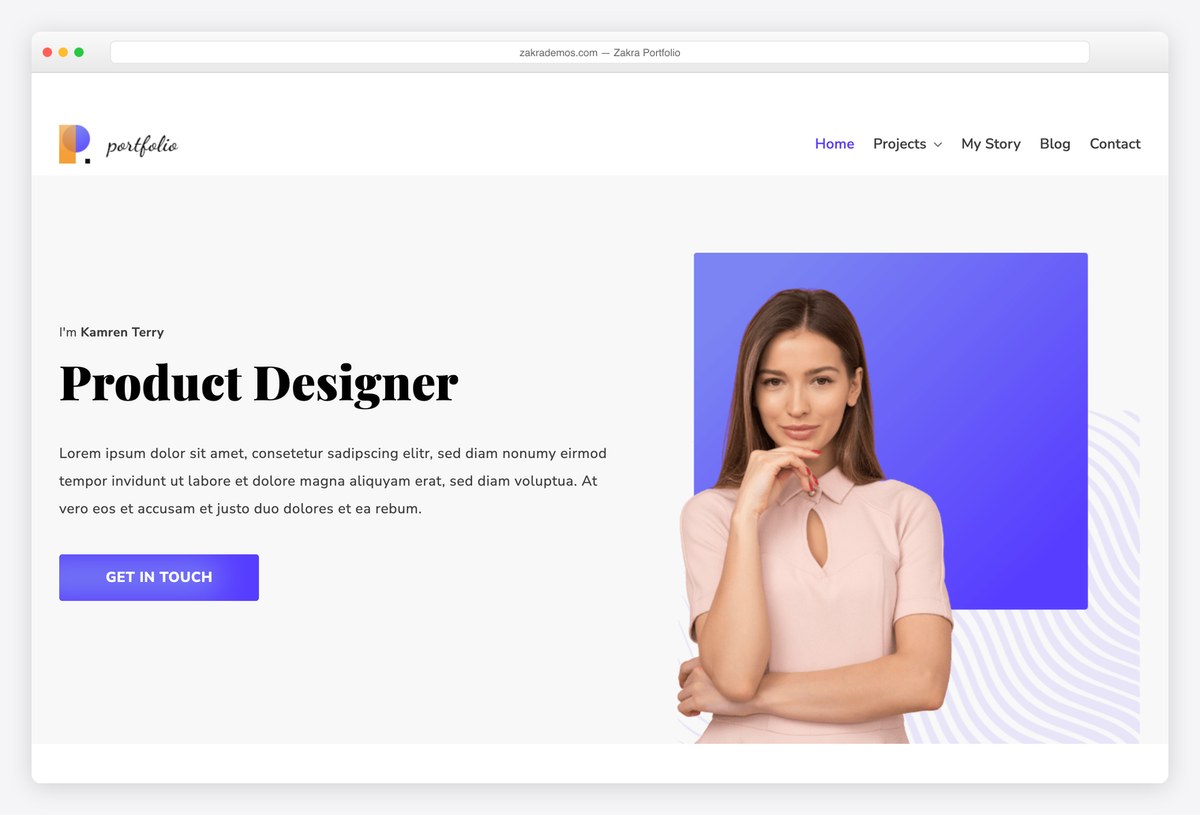
Why we like it: 599 reviews at 4.9, and free header and footer builders so the site looks like yours rather than the template’s.
Zakra’s Portfolio starter is aimed at creative professionals, and the free header builder is what lifts it above the other starter-based options: you can rebuild the top of the site around your name and a single call to action without paying for anything.
✅ Pros: free header and footer builders, very well rated, light ⚠️ Cons: the wider starter library sits behind Zakra Pro
10. OceanWP
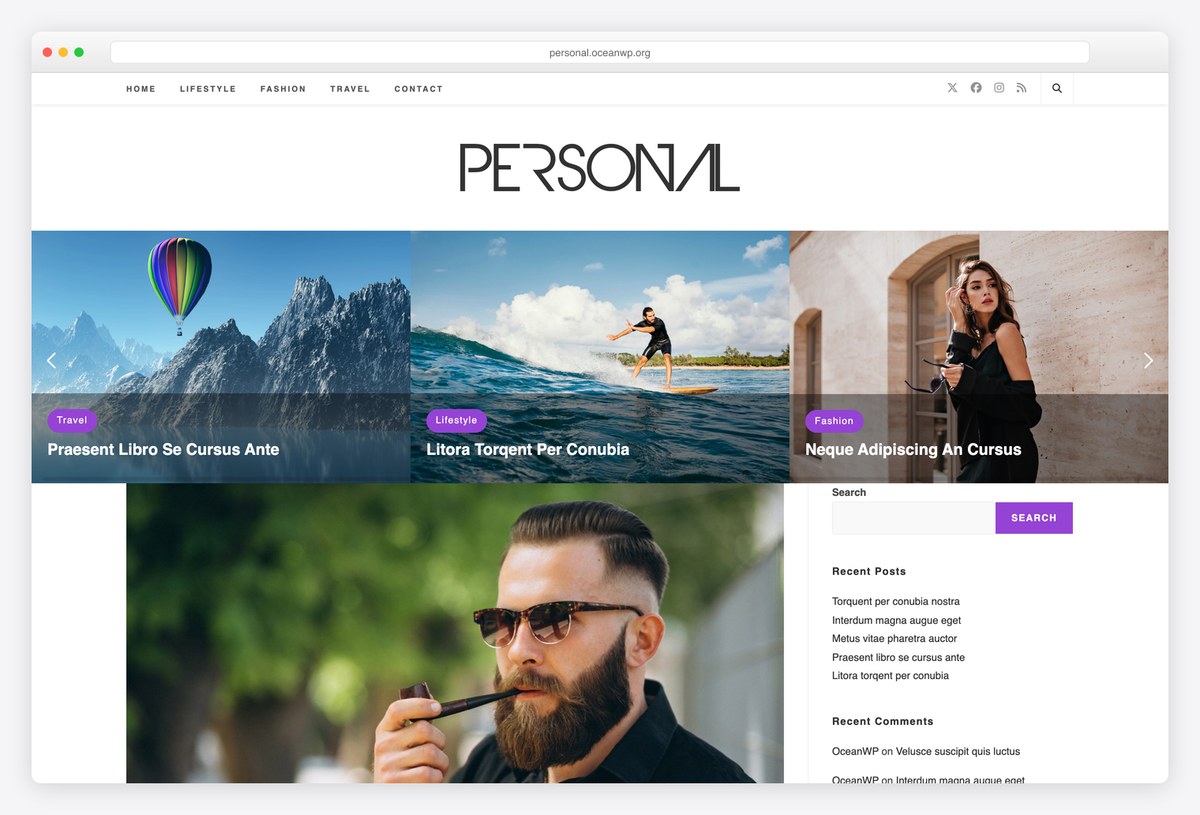
Why we like it: Both a Personal demo and a Portfolio one, on a theme with nearly six thousand reviews.
OceanWP gives you two starting points rather than one, and the largest extension library of anything here — so a personal site that later needs a shop, a course or a booking form does not need a new theme. With half a million installs it is the safest long-term choice.
✅ Pros: two relevant free demos, enormous user base, extends easily ⚠️ Cons: the useful extras sit in paid extensions, and it runs heavier than the leanest frameworks
Writing regularly rather than building a profile? Our personal blog theme roundup is the better fit, and the full free collection covers everything else.
Free themes for a personal site that is mostly writing
Somewhere between a personal site and a blog. These are minimal, typographic themes that hold an about page and a stream of posts without much else in the way.
11. Raft
Why we like it: A full-site-editing theme, so the header, footer and templates are all edited the same way as a page.
If you are new to WordPress, Raft removes a whole category of confusion: there is no customizer with different rules, no builder to install, just blocks everywhere. For a personal site you will edit occasionally and never remember how, that consistency is worth a lot.
✅ Pros: one editing system for the whole site, no page builder needed, strong rating ⚠️ Cons: full site editing is still maturing, and its demo is a general block layout rather than a personal site
12. Neve
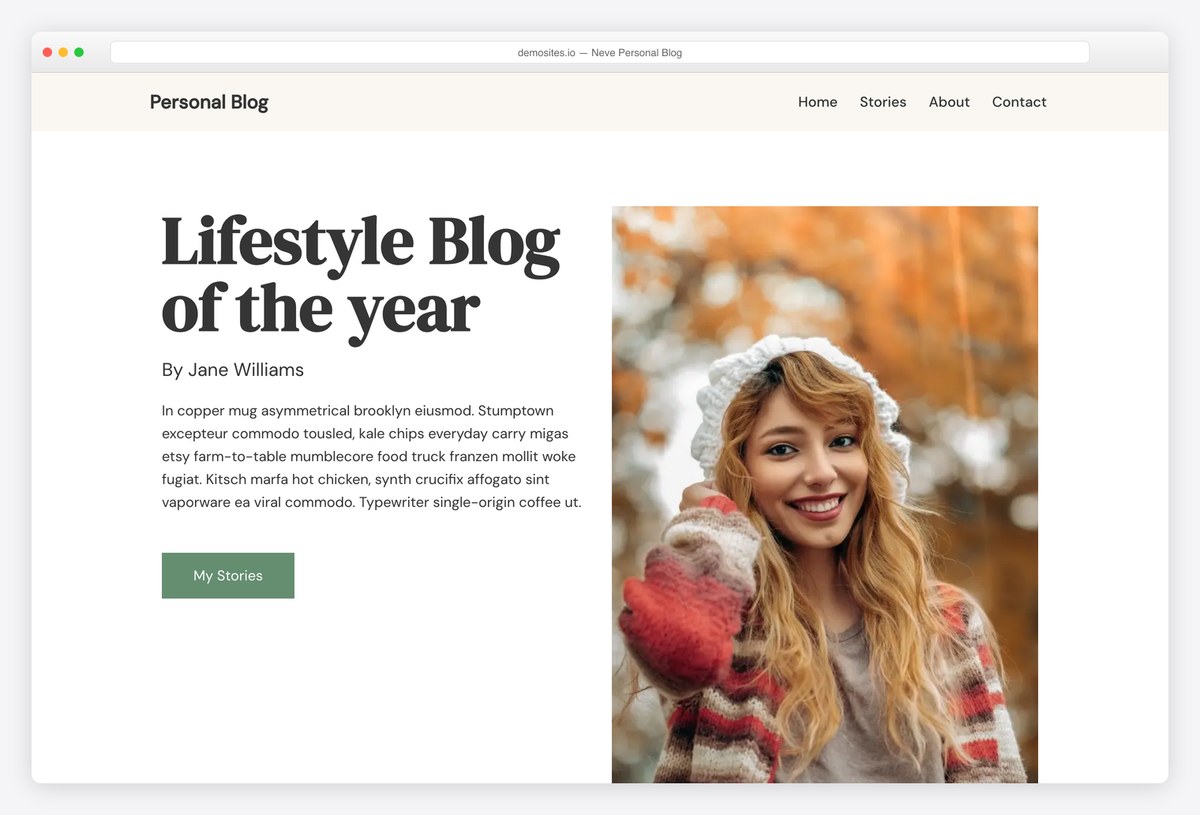
Why we like it: Free Personal Blog and Resume templates, on one of the lightest themes available.
Neve covers both halves of the middle ground: a Resume template if the site is essentially an online CV, and a Personal Blog one if you write. Both import finished, and the theme is light enough that the pages load before anyone loses interest.
✅ Pros: two relevant free templates, very light, works with any builder ⚠️ Cons: much of the wider template library is Pro, and the styling is deliberately plain
13. Lovecraft
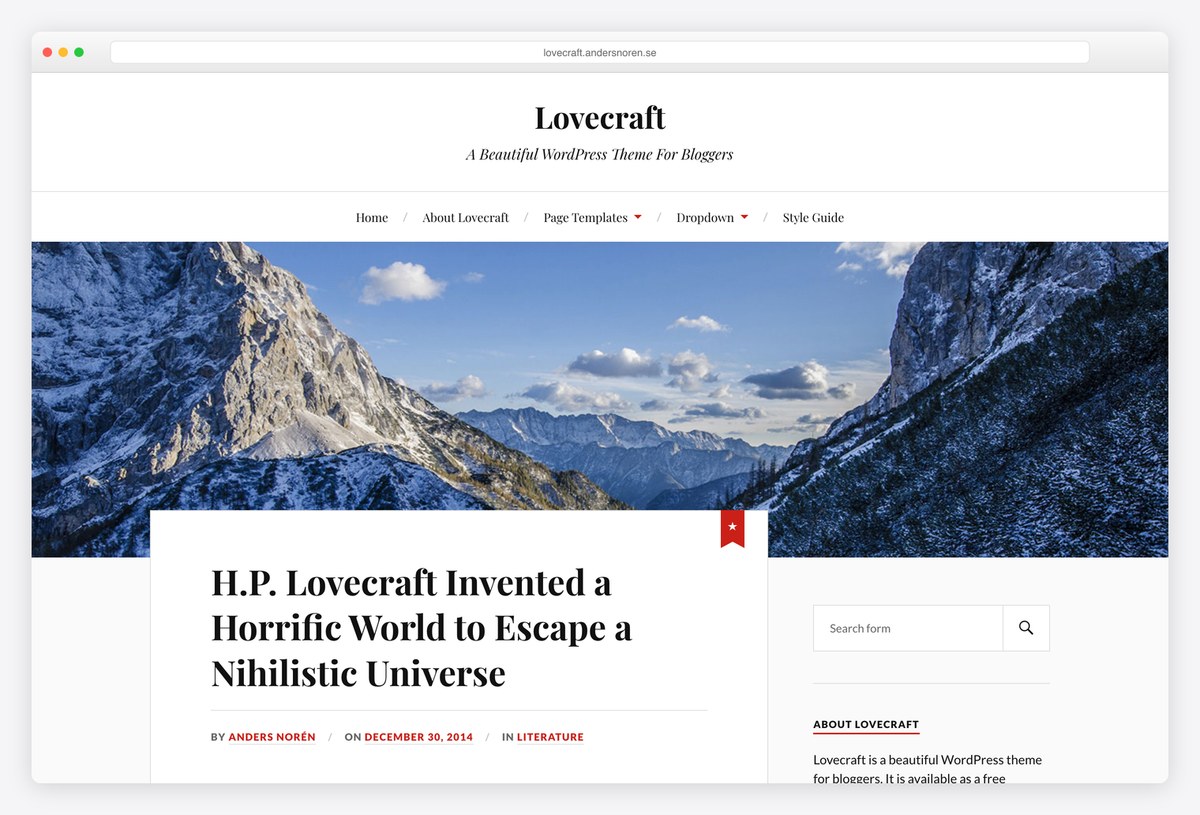
Why we like it: A perfect rating and a two-column layout that has aged better than almost anything else on WordPress.org.
Anders Norén’s Lovecraft is a writer’s theme: large type, a single column of text, and a sidebar that stays out of it. There is nothing to configure and nothing to switch off, which is exactly why people who write keep choosing it.
✅ Pros: beautiful typography, perfect rating, nothing to configure ⚠️ Cons: no portfolio or project layouts, and its demo host returns an odd status code to automated visitors
14. Activello
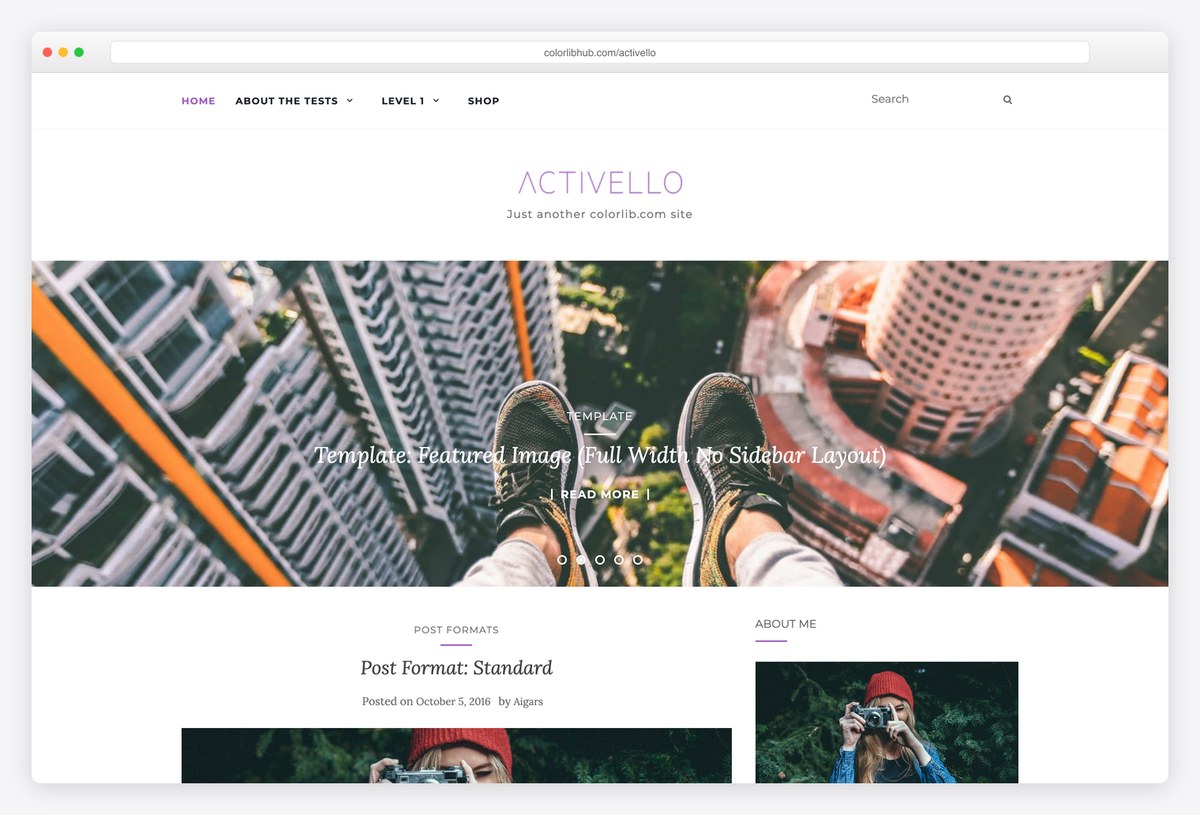
Why we like it: A 4.9 rating on a clean Bootstrap blog layout with a full-width slider for whatever you want seen first.
Activello suits the personal site that is mostly posts but wants a front page that leads with something: the slider takes your best work or latest writing, and the layout below is a straightforward, readable feed. Its demo shows the theme’s own sample content rather than a personal site.
✅ Pros: excellent rating, a genuine featured slider, maintained by us ⚠️ Cons: no portfolio layouts, no personal demo of its own, and Bootstrap-era rather than block-first
Paid personal & portfolio WordPress themes
The case for paying on a personal site is narrower than in most categories — nobody is losing sales because their about page is plain. Where it does pay is portfolio presentation: paid themes handle project pages, case-study layouts and image galleries far better than any free starter. The four below all have working vendor demos we opened. ThemeForest now blocks automated checks entirely, so any sales figure comes from our earlier marketplace research rather than a check made today.
15. Kalium
Why we like it: Forty-seven thousand sales, and the portfolio and case-study layouts that explain them.
Kalium is the theme creative professionals buy when the portfolio is the pitch. Project pages, case studies, image treatments and the transitions between them are all handled properly, which is the one part of a personal site free themes genuinely do worse.
✅ Pros: enormous sales record, the best portfolio layouts here, actively developed ⚠️ Cons: the most expensive option, and far more theme than a simple profile needs
16. Oshine
Why we like it: Dozens of importable portfolio designs, which matters when your work does not look like everyone else’s.
Oshine’s strength is variety: a photographer, an illustrator and a studio each get a layout that suits their work rather than one grid recoloured. If you have a lot of projects and want them presented distinctly, it does that better than a single-design theme.
✅ Pros: a very large library of portfolio designs, strong image handling, long-established ⚠️ Cons: the breadth takes time to work through, and we could not verify its current price to quote it
17. Soledad
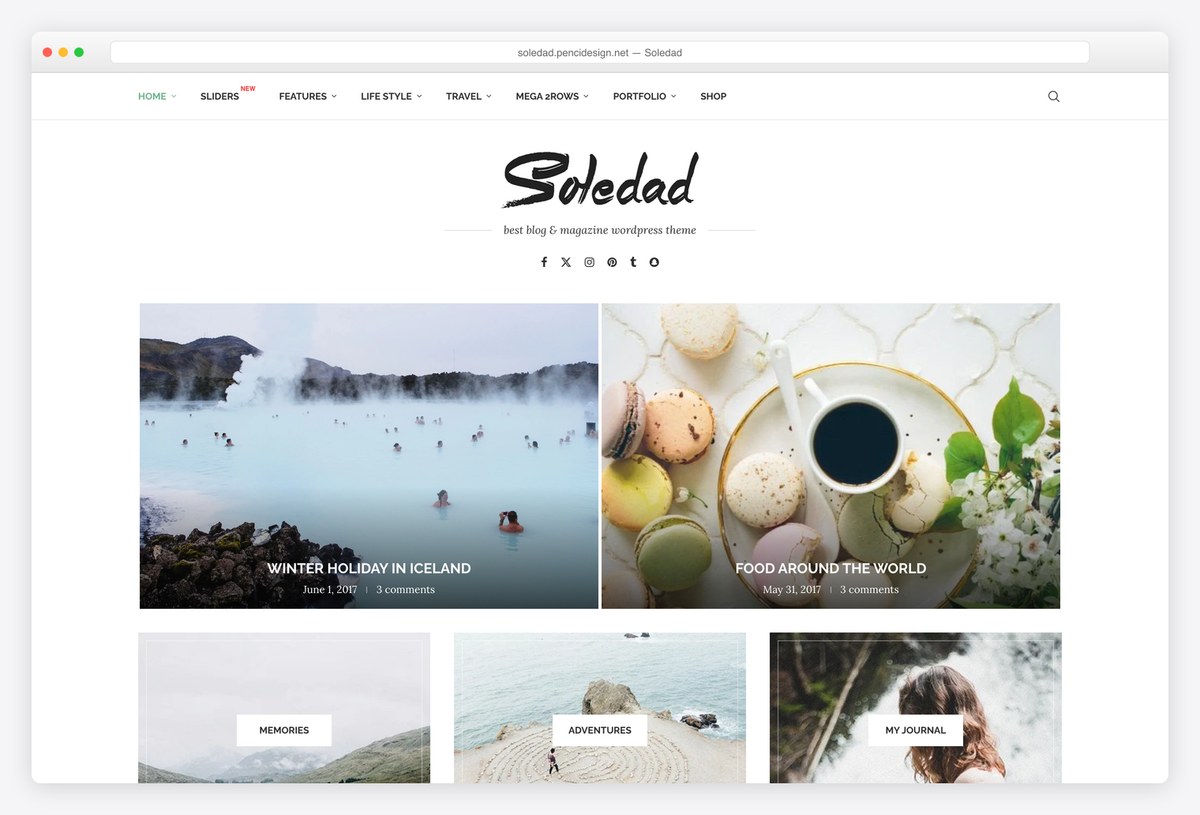
Why we like it: One of the best-selling WordPress themes ever made, and the one to take if your personal site is really a publication.
If the writing is the substance and the profile is the frame, Soledad handles that far better than a portfolio theme would: post layouts, typography and archive designs in enormous variety. Our personal blog roundup covers this territory in more depth.
✅ Pros: exceptional sales record, endless layout variety, well maintained ⚠️ Cons: overkill for a simple profile, and the number of options is genuinely daunting
18. Divi + Web Freelancer layout pack
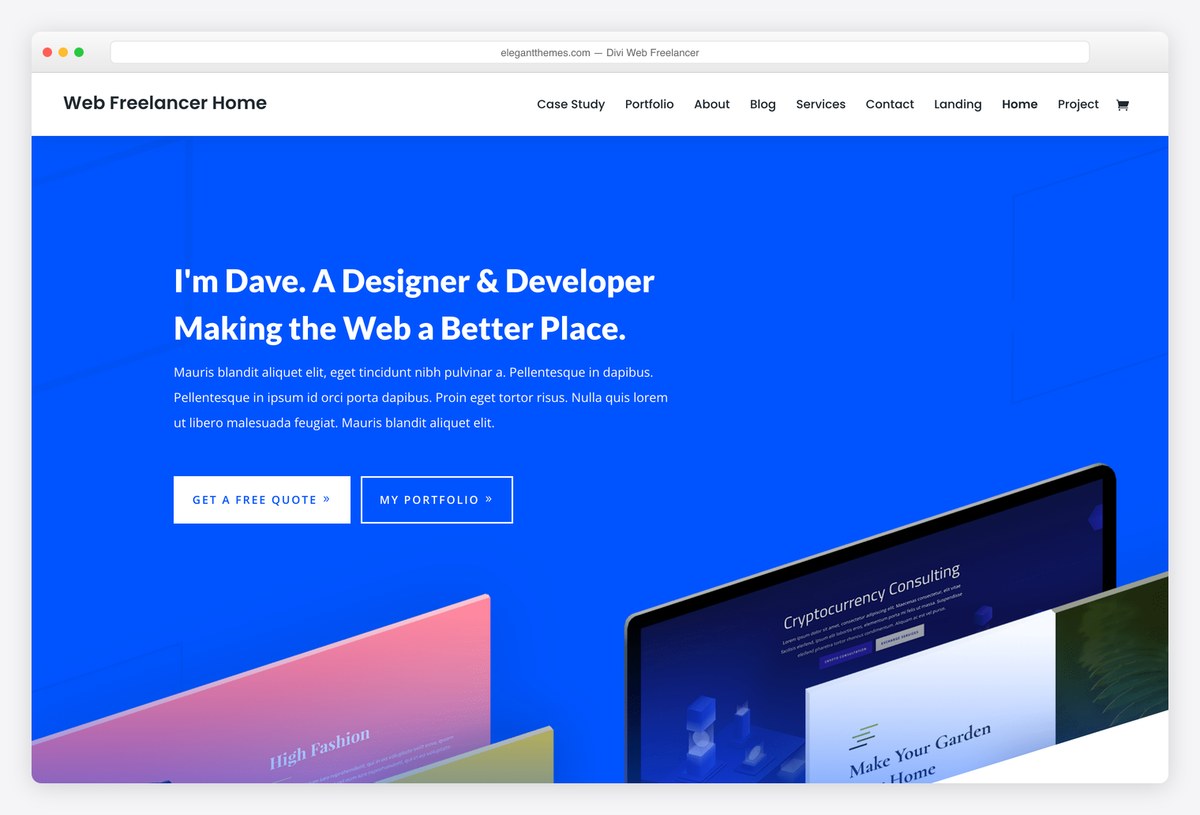
Why we like it: Free Web Freelancer, Blogger and Resume layout packs, on a licence that covers every site you build.
A personal site is the one project where you are the client, and Divi is the tool for people who will not be satisfied with a template. Three relevant free packs give you a starting point, and everything moves visually from there.
✅ Pros: three relevant free layout packs, complete design control, unlimited sites ⚠️ Cons: adds page weight, and leaving Divi means rebuilding your layouts
What to look for in a personal WordPress theme
- Decide what the site is for before you choose. A presence, a portfolio, a CV, or somewhere to write — these want different structures, and the most common mistake is picking a portfolio theme for a site with no portfolio.
- An about-first layout beats a hero slider. People arriving at a personal site want to know who you are within a few seconds. A large photograph of a landscape with your name over it delays that; a short, clear introduction does not.
- Make the contact route obvious and durable. A form plus one or two links is enough, and put an email address somewhere that survives your theme changing. The point of the site is that someone can reach you.
- Minimal is not laziness on a personal site. Restrained, typographic themes look considered and age well, which is why Lovecraft still has a perfect rating years on. Elaborate themes date quickly and take longer to maintain.
- Check it will still suit you in two years. Personal sites change purpose — a profile becomes a portfolio, a portfolio becomes a business. Frameworks like Astra, Blocksy and Neve let that happen without a rebuild; a dedicated CV theme does not.
- Speed is disproportionately visible here. A personal site gets short visits, often on a phone, often from someone deciding about you. Our table shows what each theme costs before you add anything.
- Free is genuinely enough for most personal sites. Nothing on this page is worse for being free. Pay when the portfolio itself needs presenting properly — case studies, project pages, image treatment — which is where the paid themes actually earn it.
Frequently Asked Questions
What is the best free personal WordPress theme?
Astra with its Personal Portfolio starter for most people, because it imports a finished site and the theme will still suit you if the site changes purpose. Illdy if you want a single scrolling page that is mostly about you, and Blocksy’s Beverr starter if you are a freelancer trying to win work.
What is the difference between a personal site and a personal blog?
A personal site is a profile — who you are, what you have done, how to reach you — and it changes rarely. A personal blog is a stream of writing that changes constantly and needs archive, category and reading layouts. If you mainly intend to write, our personal blog roundup is the better page for you.
Can I add a portfolio or a CV to any of these?
Yes. Illdy and Perfect Portfolio have portfolio sections built in, and Neve has a Resume template. On any other theme, a portfolio plugin or a simple page of projects does the job — a CV in particular is usually just a well-structured page.
Are free WordPress themes safe to use?
Themes on WordPress.org are reviewed before listing and updated through the dashboard, which makes them about as safe as software gets. The real risk is abandonment rather than malice, so check the last update date — everything on this page has been updated within the last year.
Do I need to pay for a personal website theme?
For most personal sites, no — the free options here cover a profile, a portfolio and a CV perfectly well. Paying makes sense when the portfolio is your livelihood and needs proper case-study presentation, which is where Kalium and Oshine earn their price.
Why do minimal themes work so well for personal sites?
Because the content is short and the visit is brief. With little to organise, decoration becomes the main thing a visitor notices, and decoration dates. A restrained, typographic theme puts the attention on your name, your work and your words, and still looks deliberate in three years.
Should I use a page builder?
Not necessarily. Raft is full site editing, so blocks handle everything. Blocksy, Neve and Astra work with blocks or a builder. A builder is worth it only if you want layouts the theme does not offer; for a personal site, that is rarer than people expect.
Can I turn a personal site into a business site later?
Easily, if you start on a framework. Astra, Blocksy, Neve, OceanWP and GeneratePress are all general-purpose themes that happen to have a personal starter, so adding services, a shop or a booking system later is a change of content rather than a rebuild.
Which one should you use?
For most people, install Astra and import the Personal Portfolio starter — it is the fastest route to a site that looks considered, on a theme that will still suit you when the site changes purpose. Take Illdy if you want one page that is mostly about you, Blocksy’s Beverr if you are freelancing and the site has to win work, and Perfect Portfolio if the projects are the whole point. If you write more than you show, Lovecraft is still one of the best-looking free themes on WordPress.org. And pay only when the portfolio itself needs proper presentation, which is the one thing the free options here genuinely do less well.

Related Posts


Comments (0)