
One blog theme, two ways to build it.
Philosophy is a free masonry blog theme for WordPress, and it comes in two editions of the same design. The classic theme keeps the Customizer. The block theme puts every template, the header and the footer in the Site Editor. Same masonry grid, same typography, same featured area — you pick which editor you want to work in, and you can change your mind later.
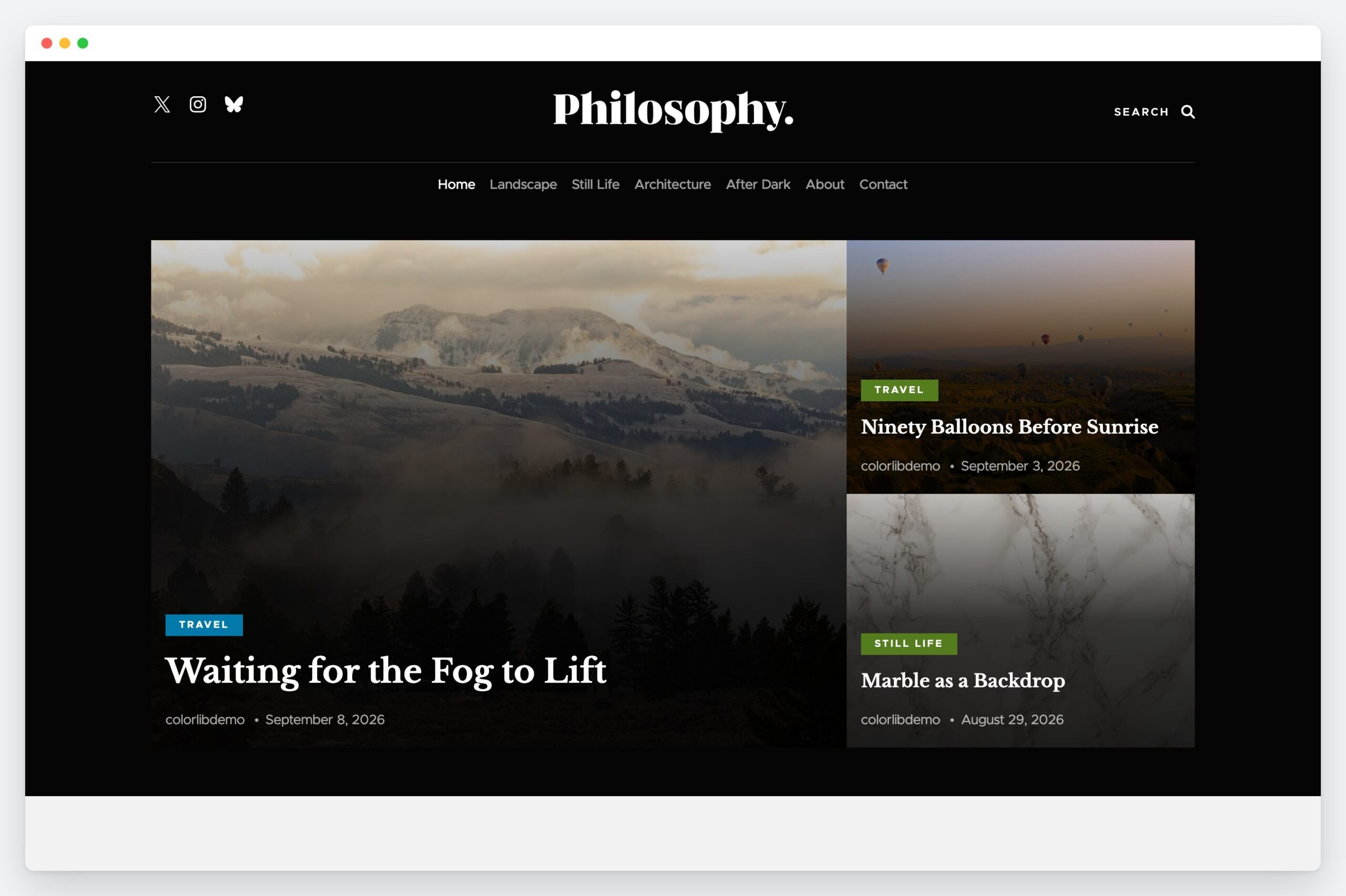
Two editions, one design
They are separate themes, installed side by side, so moving across is a switch and moving back is another. Neither can see the other’s settings, which is exactly what makes the decision reversible.
A masonry grid that survives a blocked script
Posts are laid out in columns of uneven height, so a short post does not leave a gap under a tall one. The grid is rendered by the server first and rebalanced by about three kilobytes of JavaScript; with scripts blocked it falls back to an ordinary grid rather than to nothing. No jQuery, in either edition.
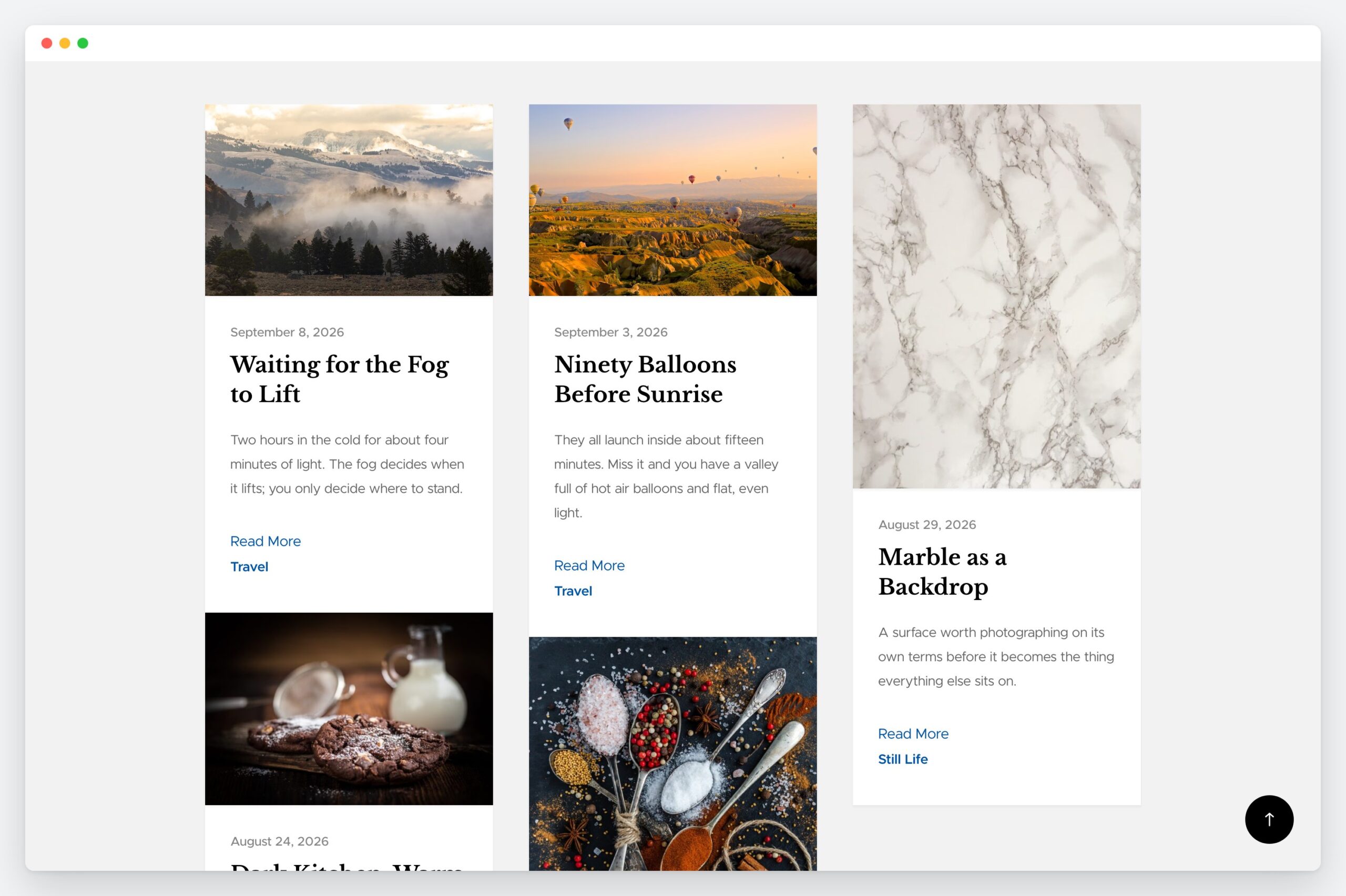
Three looks, one click
The block edition ships three style variations. Each one re-tunes the whole palette rather than inverting it, and every text colour in every variation meets WCAG AA — measured, not assumed.
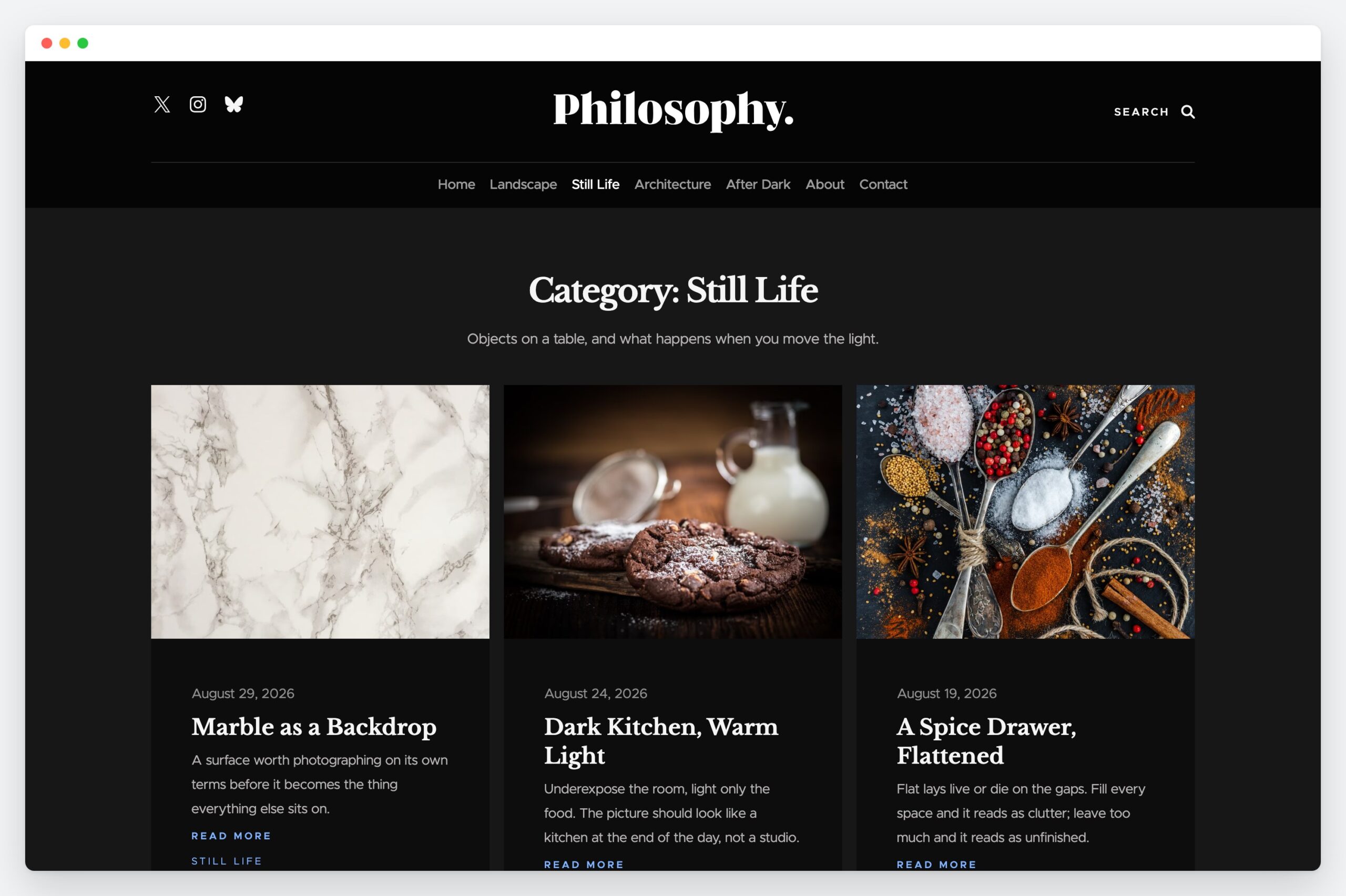
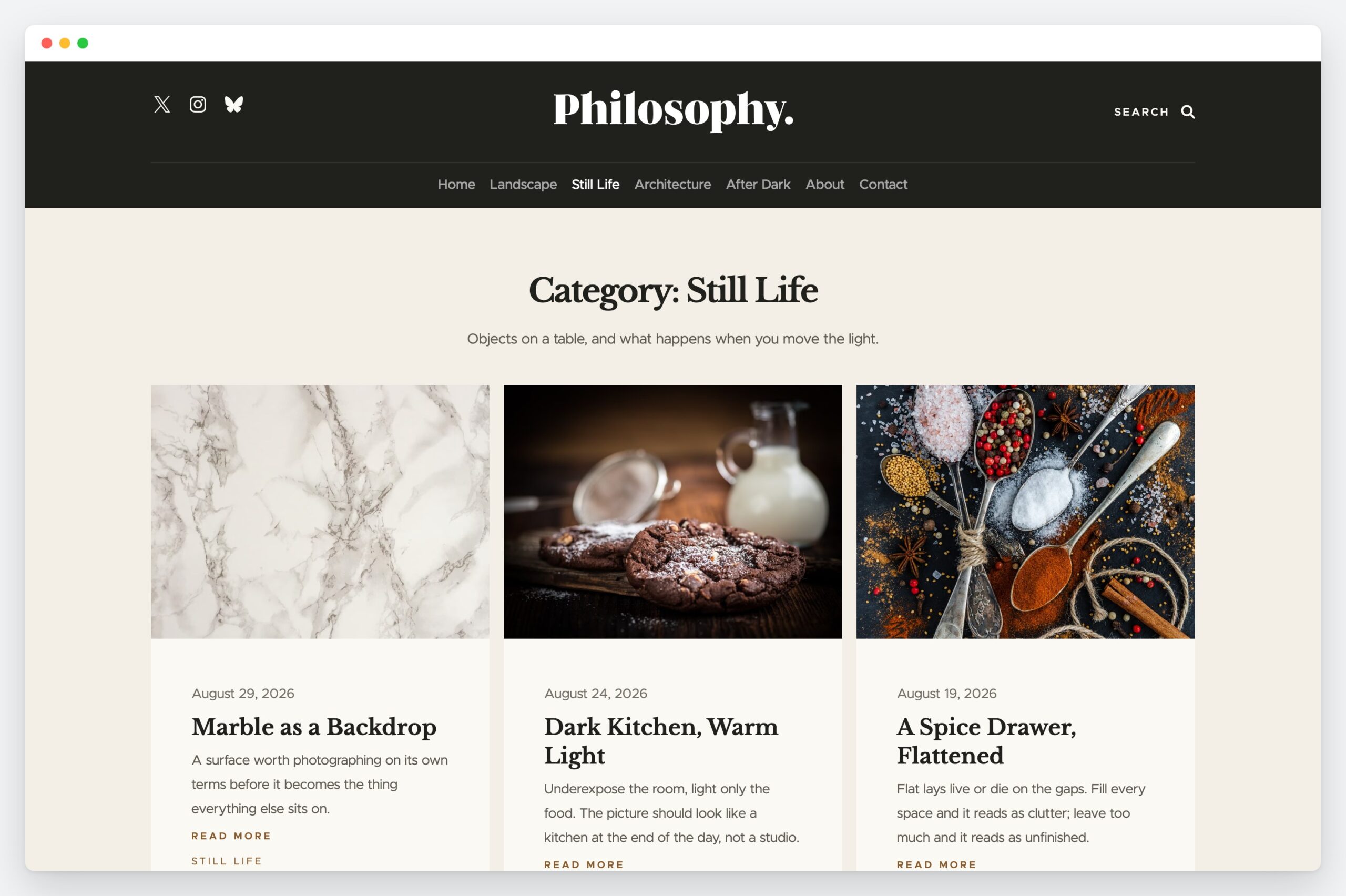
Built for reading
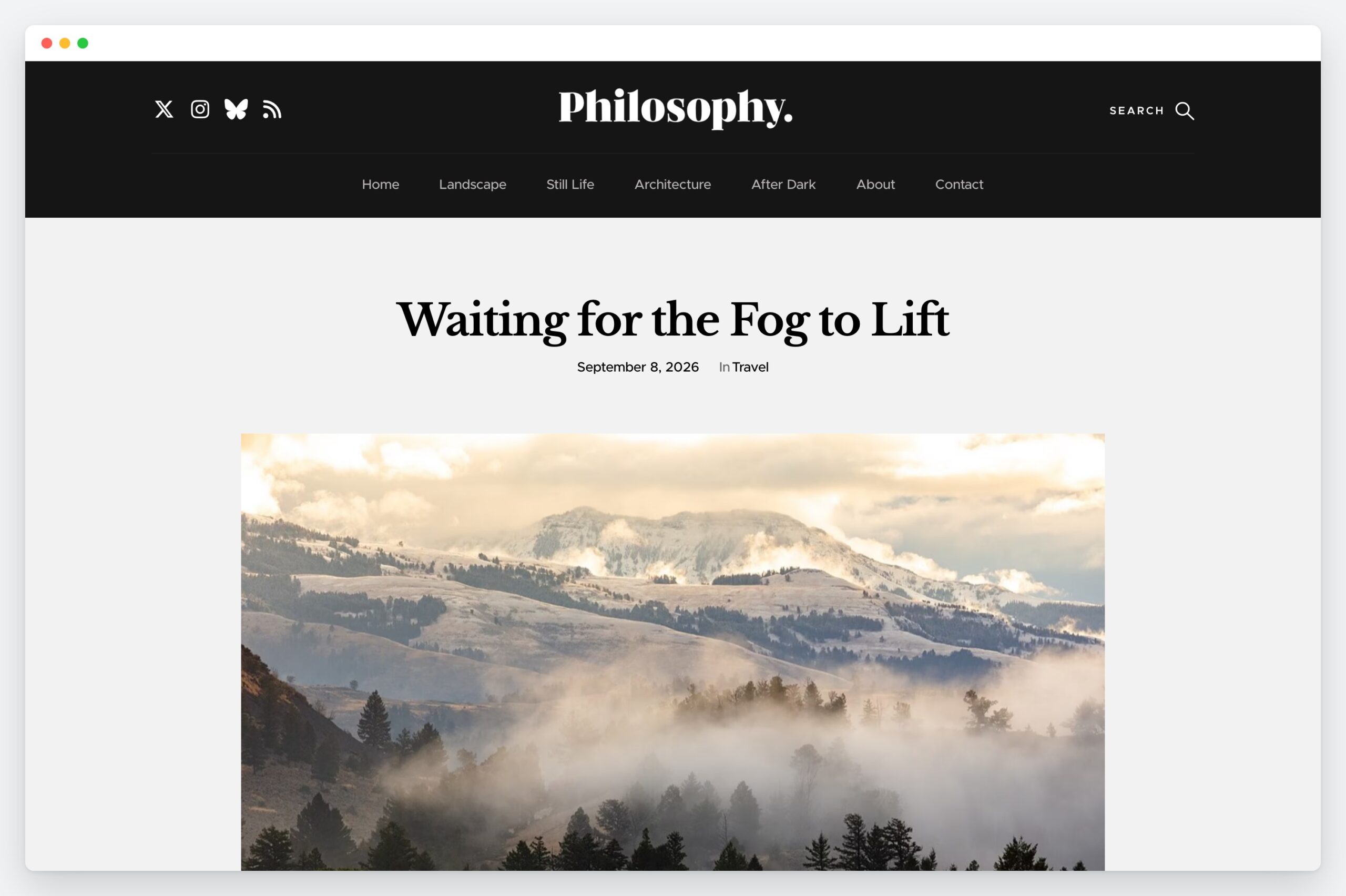
Libre Baskerville for the headings and Metropolis for the reading, both served from your own server. A single measured column, a real author block, tags, previous and next, and threaded comments with labelled fields.
What else is in it
Questions
If you already run Philosophy, stay on the classic theme — updating is safe and nothing moves. If you are starting fresh and want to edit the header, footer and templates visually, take the block edition. The design is the same either way.
Your settings are kept, including the ones stored by the old framework the theme used to bundle. The About and Contact info blocks move into their pages as ordinary content the first time an administrator loads the admin, so they can be edited like the rest of the page.
Yes. They are separate themes with separate directories, so they sit side by side. Only one is active at a time, and switching back restores the other’s settings untouched.
No — WordPress hides the Customizer for block themes, because everything it did now lives in one editor. Colours and type are under Appearance → Editor → Styles; the header, footer and templates are under Templates.
No. The classic edition can use Contact Form 7 on its Contact page template if you want a form, and renders whatever shortcode you give it otherwise. Nothing else is required.
Yes. GPL v2 or later, no attribution required, no licence key and no seat limit.
Nothing. Both editions are free and licensed GPL v2 or later — the same licence as WordPress itself.
Download Philosophy
Free, GPL v2 or later. The classic theme needs WordPress 6.0 or newer; the block theme needs 6.6 or newer. Both need PHP 7.4 or newer.