
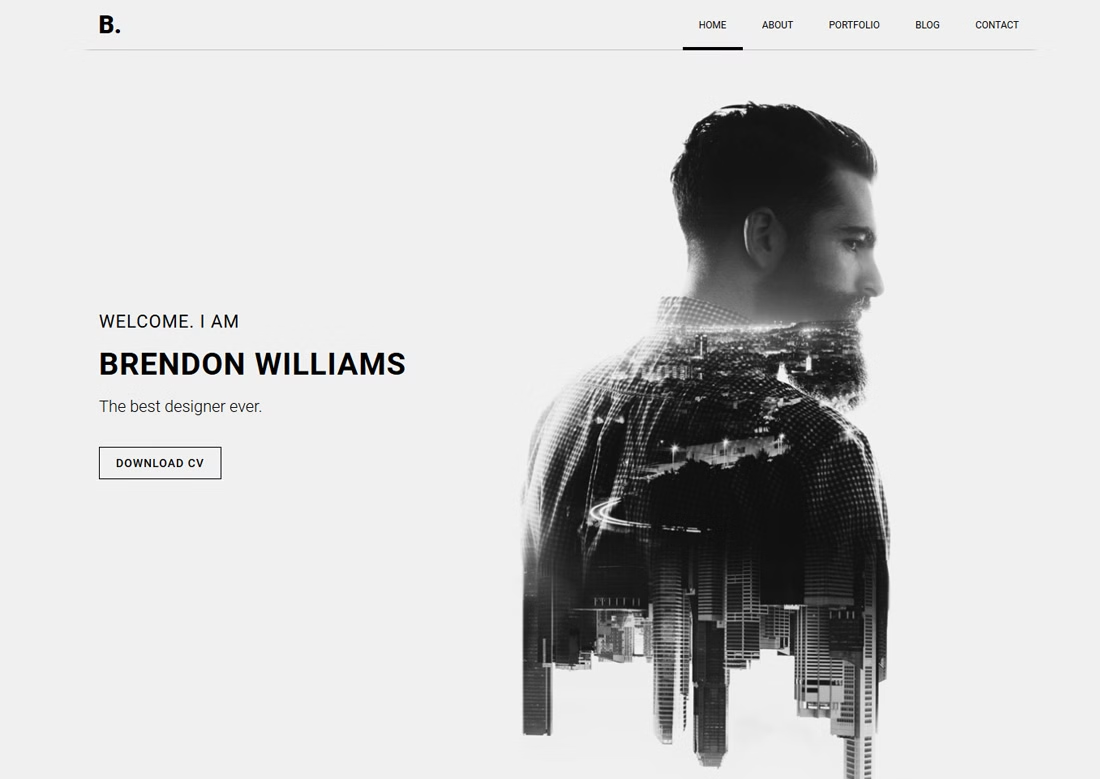
18 Best Bootstrap Personal Website Templates 2026
A personal website template has one job: make someone decide you are worth contacting, usually in under a minute. That means the work, a clear line on what you do, and a way to reach you — in that order. The templates below are grouped by how they handle it.
The first eight are WordPress themes, which suit you if the site will keep growing a blog or a client area. The rest are static Bootstrap templates: faster, cheaper to host, and edited by opening an HTML file. Both produce the same result for a single-person site, so pick on how you prefer to work. Creative professionals showing visual work may want the image-led options further down.
Only one entry here is free. If that is the constraint, the free CSS website templates list is built entirely from templates you can download and use with attribution.
All but one of these are paid products — Alex Rivera is the single free download. Explore the personal website template collection to stay within your budget.
Table of contents — all 18 bootstrap personal website templates
- Divi
- Jevelin
- Myour
- Wavo
- Bolby
- Amike
- Leven
- Lemars
- Alex Rivera
- Elvish
- Solonick
- Runaway
- Ryan vCard
- Profession
- Singer
- Hendrix
- AboutMe
- Kvest
Also on this page: The best personal WordPress themes · Which One Impressed You · Frequently Asked Questions
The best personal WordPress themes
1. Divi
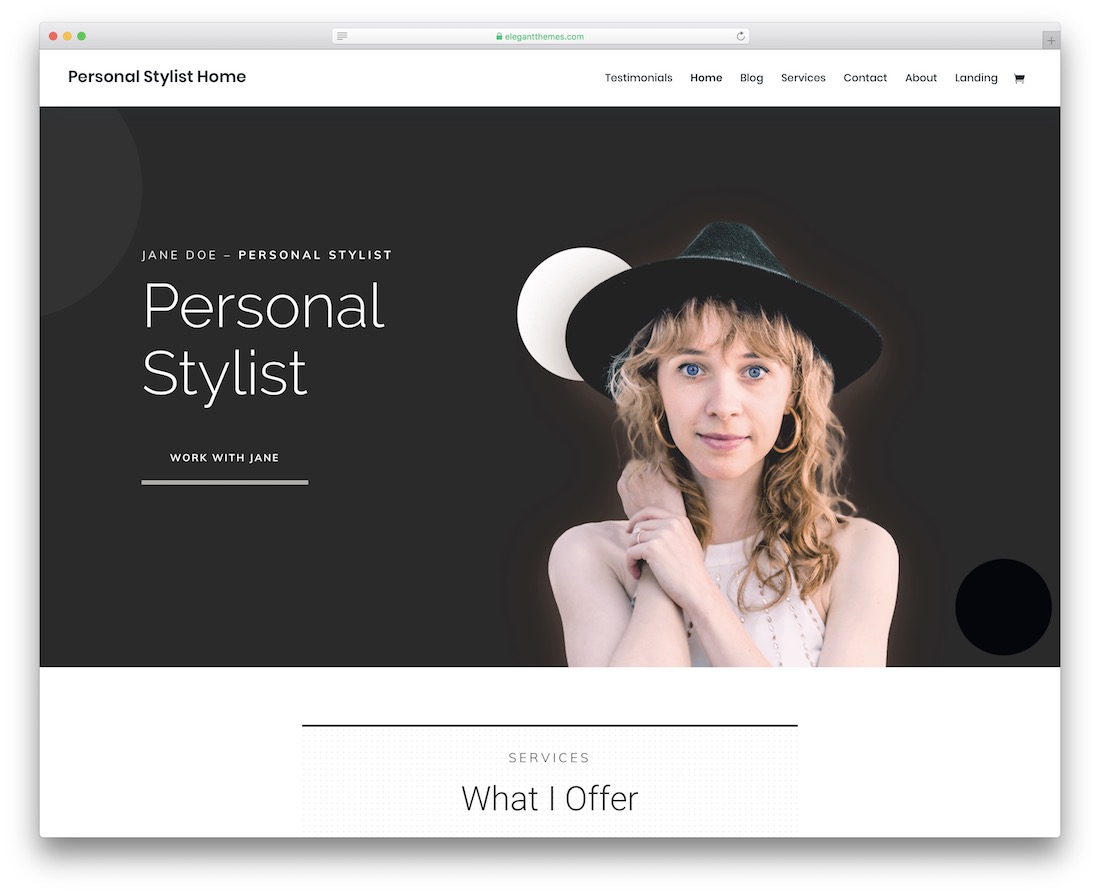
PremiumWordPress · Best for: designing visually without code
Divi’s draw is scale: over 800 predefined layouts ship with it, so a personal site is usually a case of picking one and editing text. All editing happens on the live page through its builder rather than in a settings panel. It is a general-purpose theme, so the personal-site layouts are a subset of a much larger library.
2. Jevelin
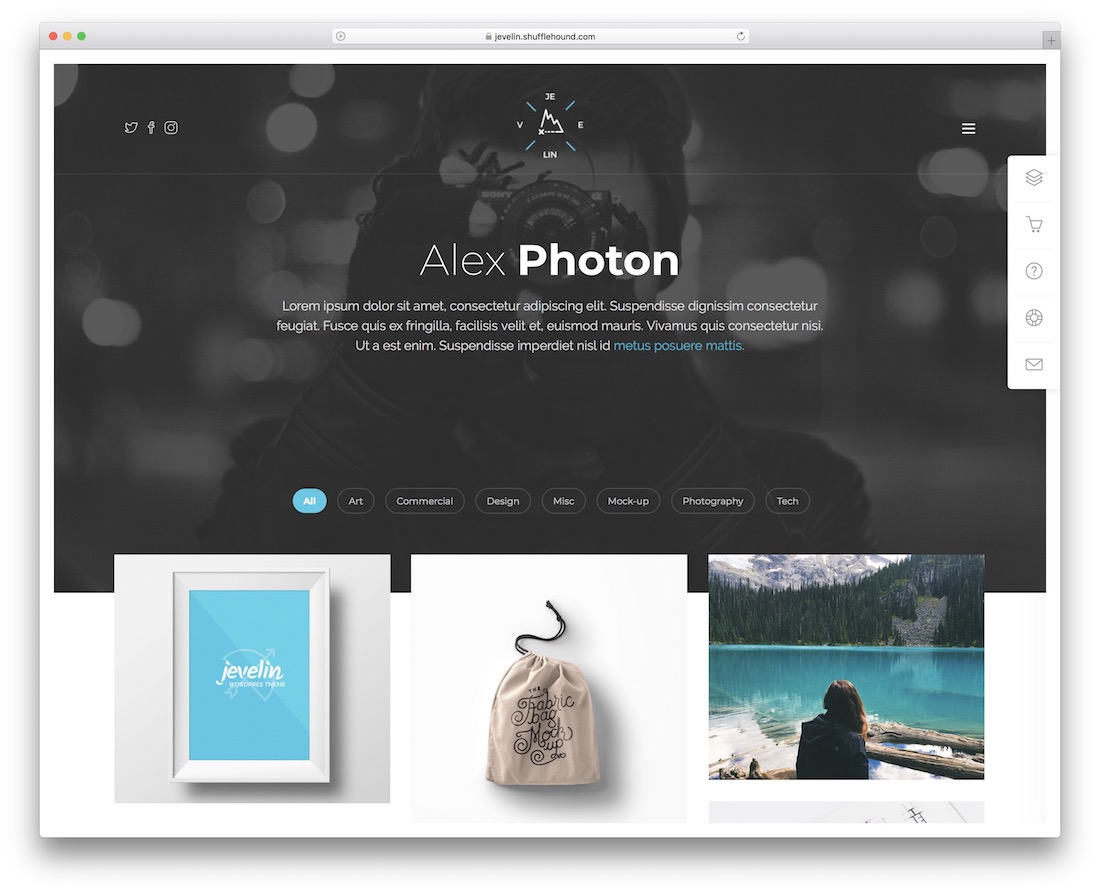
PremiumWordPress · Best for: a portfolio and blog in one theme
Jevelin covers both a portfolio and a personal blog without needing a second theme, which matters if you are not sure yet which the site will become. Editing runs through WPBakery’s drag-and-drop builder, so the demo content can be reshaped without touching code. It is multipurpose rather than portfolio-specific.
3. Myour
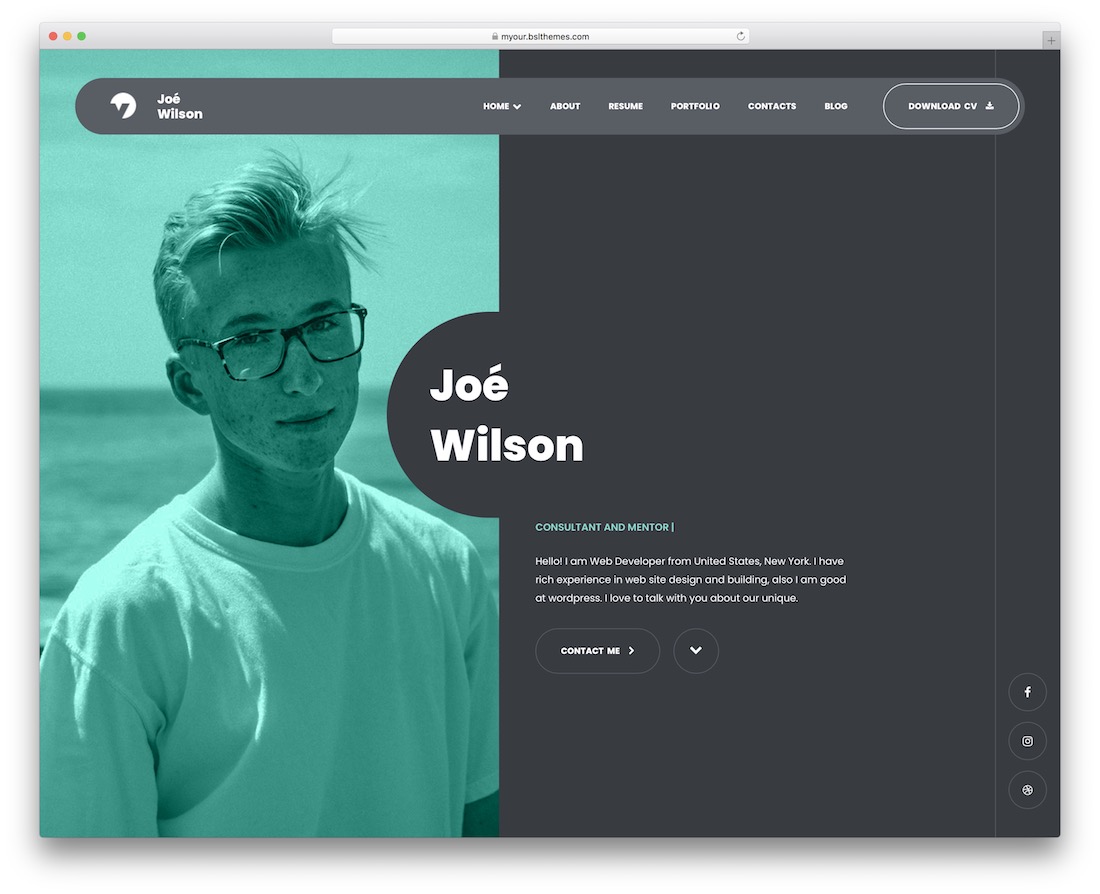
PremiumWordPress · Best for: choosing between one-page and multi-page
Myour ships both one-page and multi-page layouts, so you can start with a single scrolling profile and expand into separate project pages later without changing theme. The component library is broad enough that most sections you would want already exist as a block.
4. Wavo

PremiumWordPress · Best for: creatives who want plenty of components
Wavo is aimed at creative professionals and leans on Elementor, shipping around fifty shortcodes for the section types a portfolio needs. It is optimised for speed and search, which matters more than it sounds for a personal site that mostly gets found by name.
5. Bolby
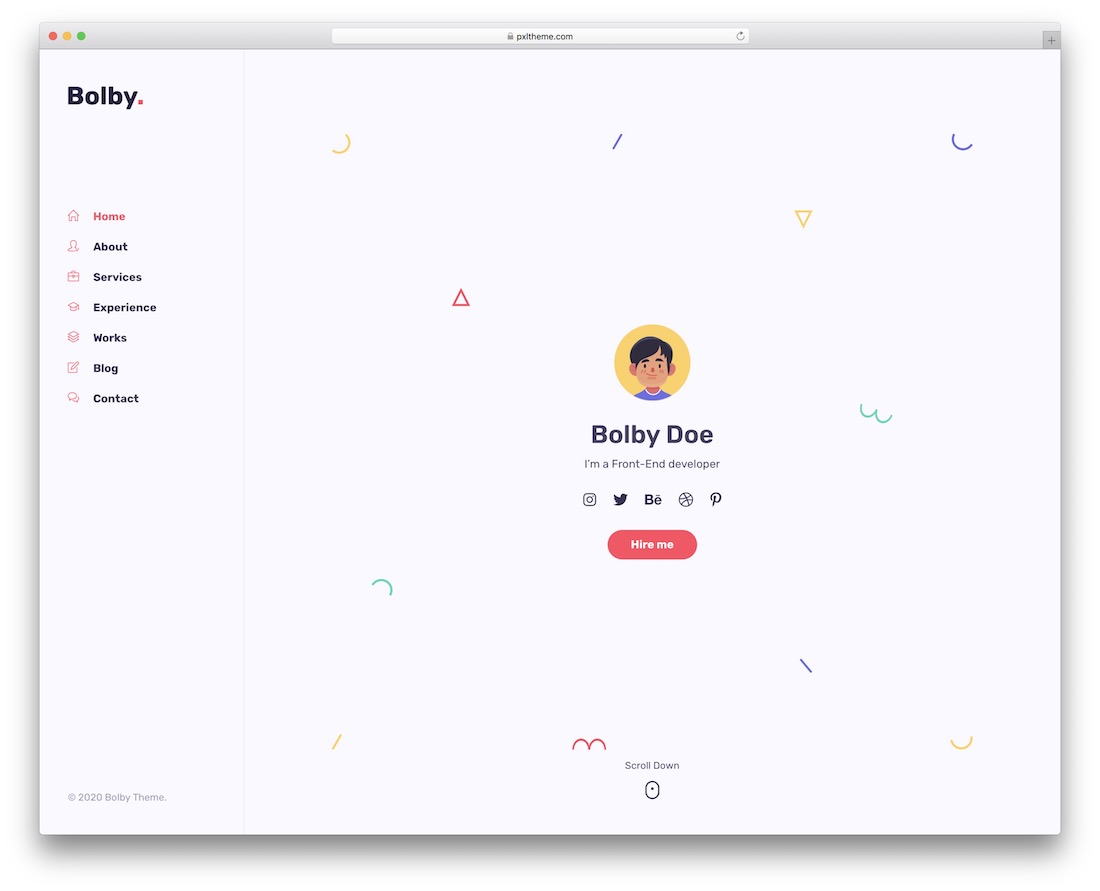
PremiumWordPressDark Mode · Best for: a clean profile in light or dark
Bolby is deliberately restrained — clean and detailed rather than elaborate — and ships both light and dark styles, so the same content works on either. It is structured around skills, services and talents, which fits a freelancer pitching capability more than an artist showing images.
6. Amike
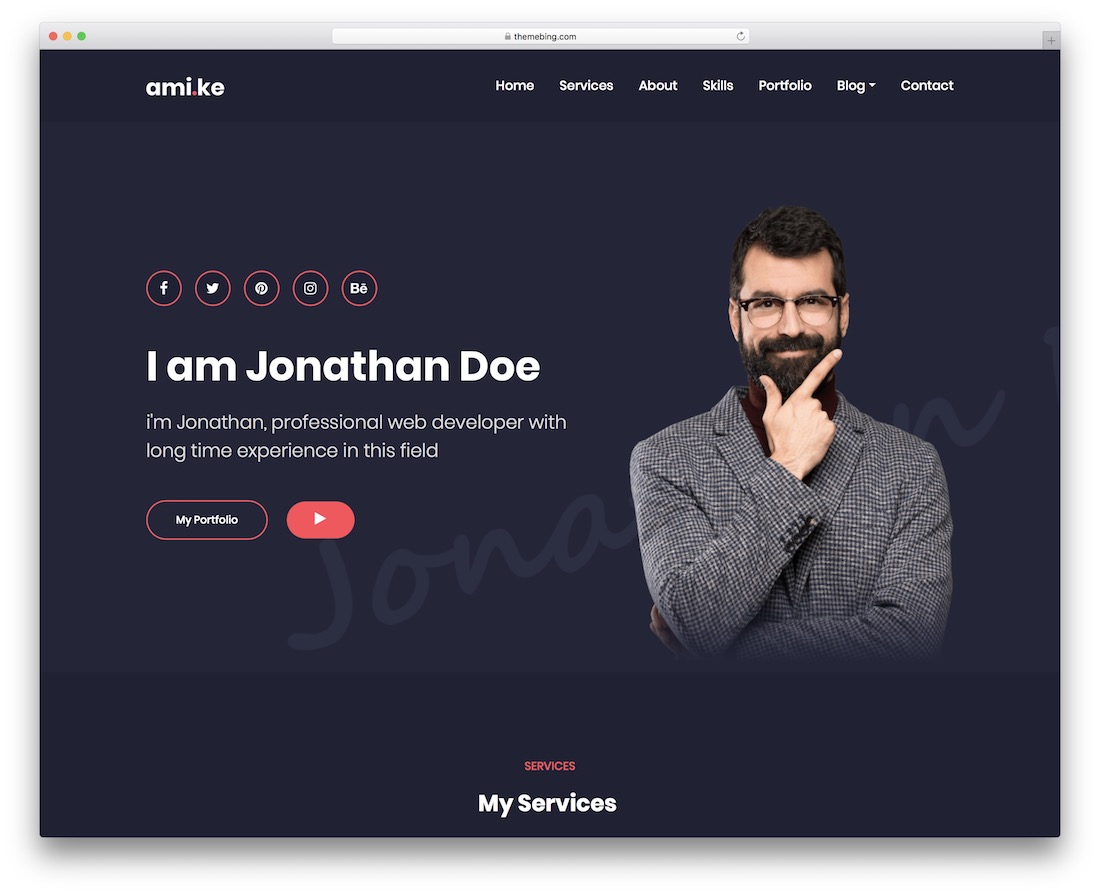
PremiumWordPress · Best for: combining a blog, work and portfolio
Amike covers blogging, work history and portfolio in one theme with several layouts to choose between. Elementor handles the editing. It is a good middle option if your site needs to serve two purposes at once rather than being purely a portfolio.
7. Leven
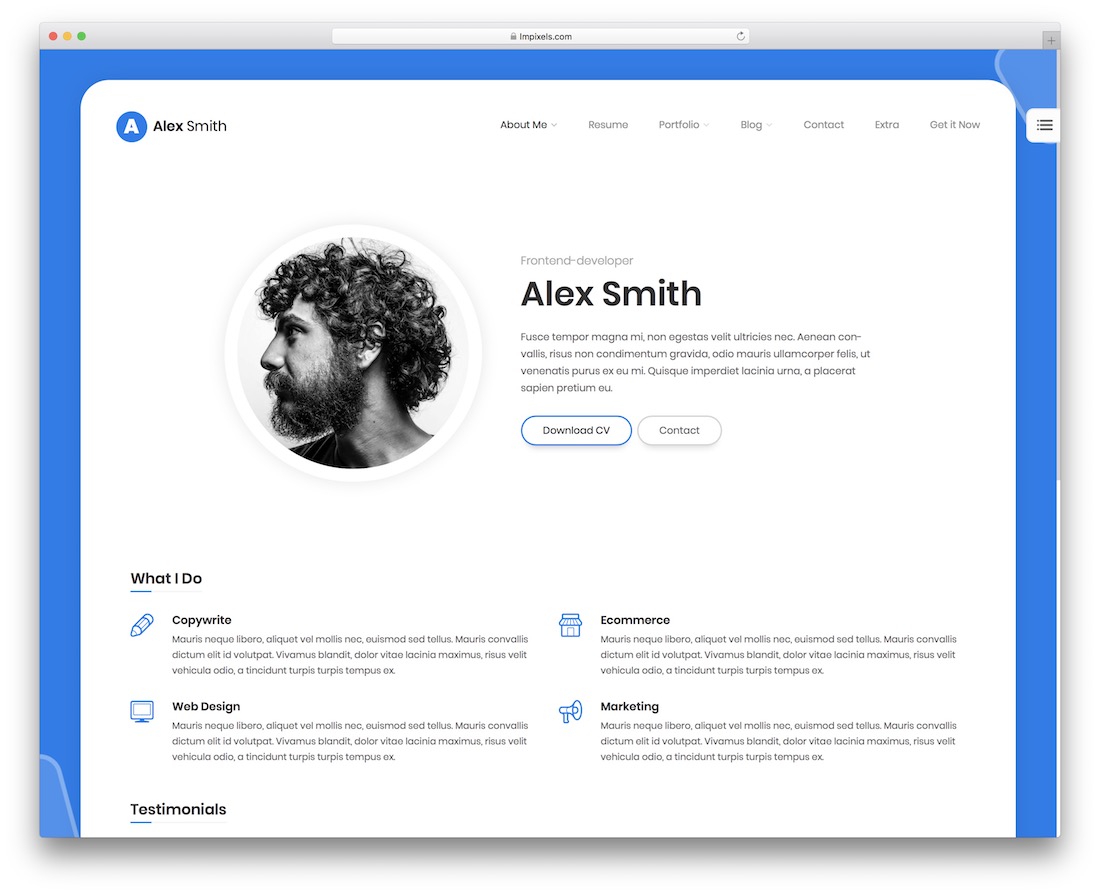
PremiumWordPress · Best for: picking from several home layouts
Leven gives you six home page layouts and 37 shortcodes, which is enough to change the site’s character without custom work. Editing is drag-and-drop: you choose the content blocks and assemble the page structure from them.
8. Lemars
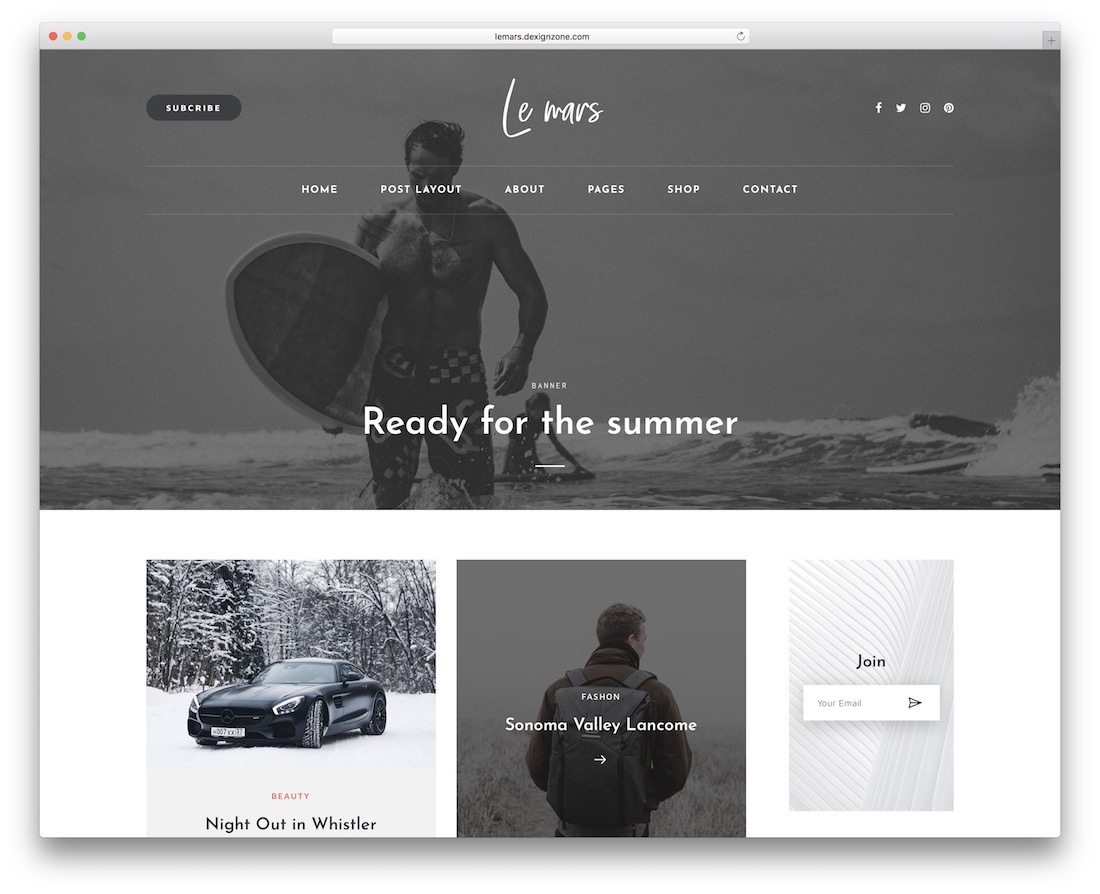
PremiumWordPress · Best for: a personal blog first, portfolio second
Lemars is built around writing rather than showing work, which makes it the pick if your personal site is mainly a blog. Five samples are included along with ready-made content blocks, and the design can be modified without coding knowledge.
Best Bootstrap personal website templates
9. Alex Rivera
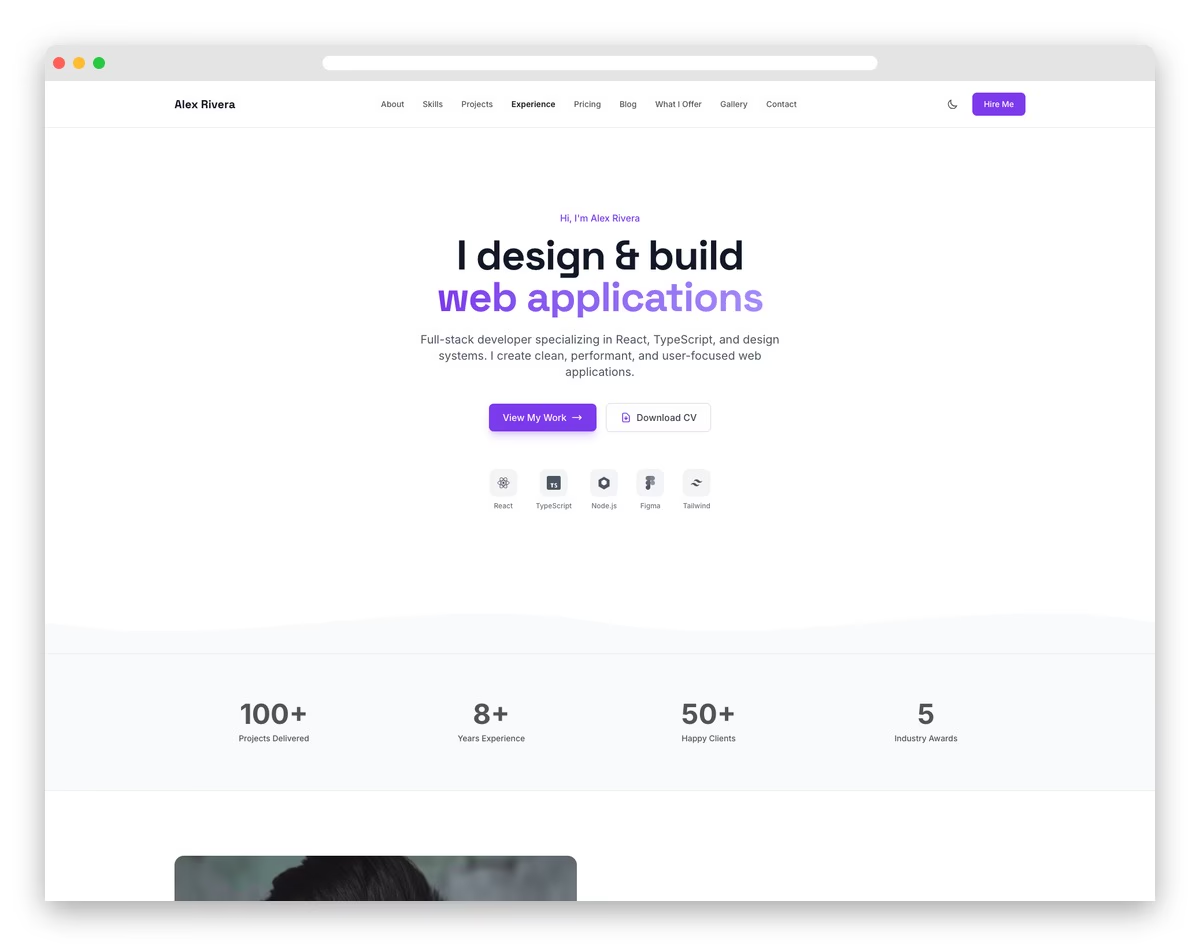
FreeHTML · Best for: freelancers pitching to hiring managers
The only free template on this list, and the one built most deliberately for winning work: a filterable project grid, case studies with context, and a skills matrix aimed at hiring managers rather than peers. An experience timeline and testimonials complete the pitch, and the layout stays out of the way of the work itself.
10. Elvish
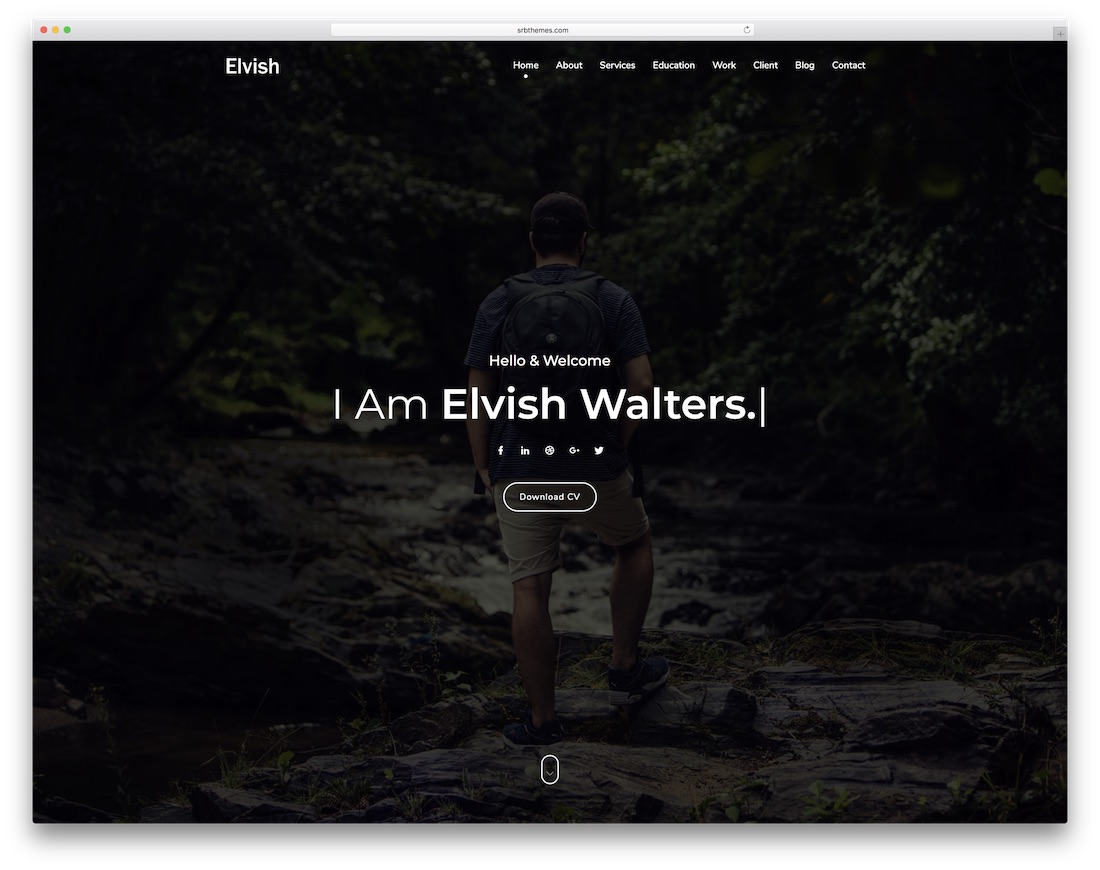
PremiumHTMLBootstrap · Best for: one template across three stacks
Elvish is unusual in shipping HTML, Next.js and Vue 3 versions of the same design, so the template survives a change of stack. It is built on Bootstrap 5.3 with 17 homepage variations and a blog, and the single-page layout suits professionals whose pitch is short.
11. Solonick
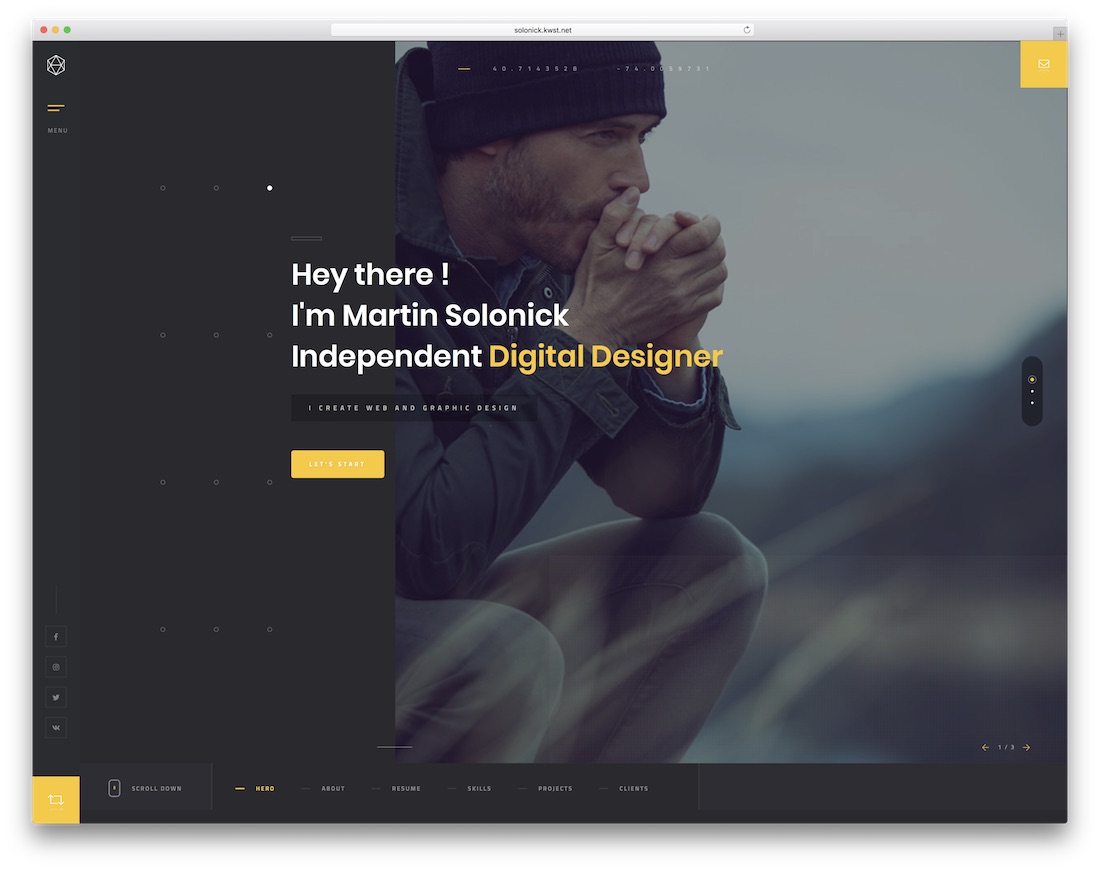
PremiumHTMLBootstrap · Best for: deep portfolio structure
Solonick is the most portfolio-heavy option here: eight index pages, eight portfolio pages and nine single-portfolio layouts, with parallax effects throughout. That depth is worth paying for only if you have enough work to fill it — for three or four projects it is more structure than you need.
12. Runaway
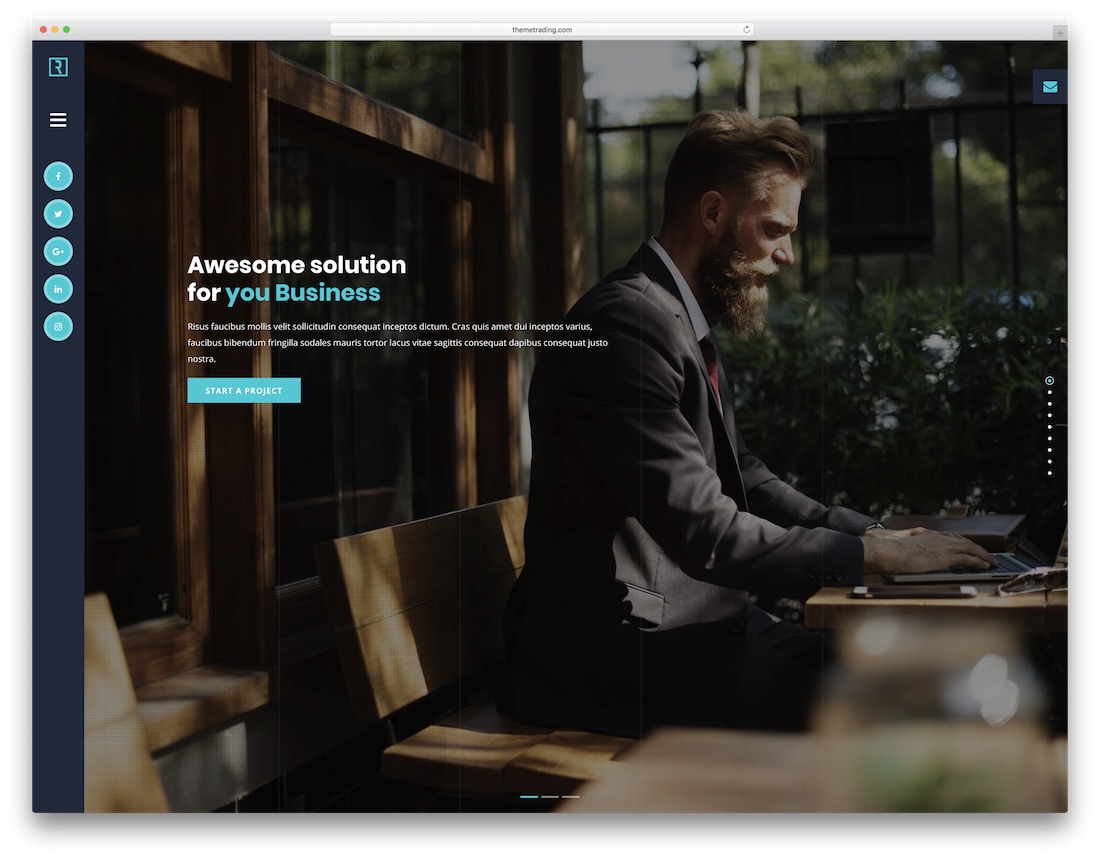
PremiumHTMLBootstrap · Best for: getting online quickly
Runaway is designed to be launched rather than designed: pick a demo, add your files, adjust the widgets. Blog posts and the usual inner pages are included, so nothing needs building from scratch. Reasonable choice when the goal is a live site this week.
13. Ryan vCard
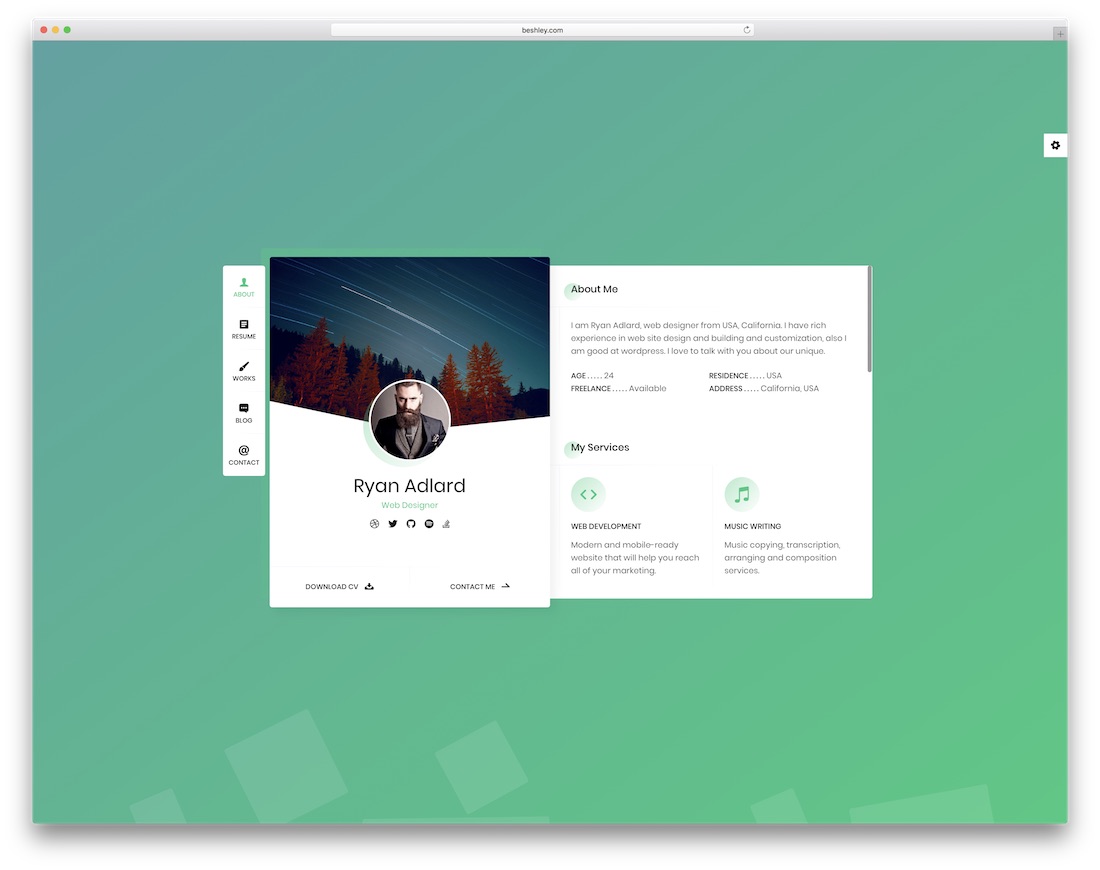
PremiumHTMLBootstrap · Best for: an online CV or resume
Ryan is a resume, CV and vCard template rather than a portfolio, which makes it the better shape if you are job-hunting instead of taking clients. Six colour skins and four filterable portfolio types are included, and it is tuned for fast loading on retina displays.
14. Profession
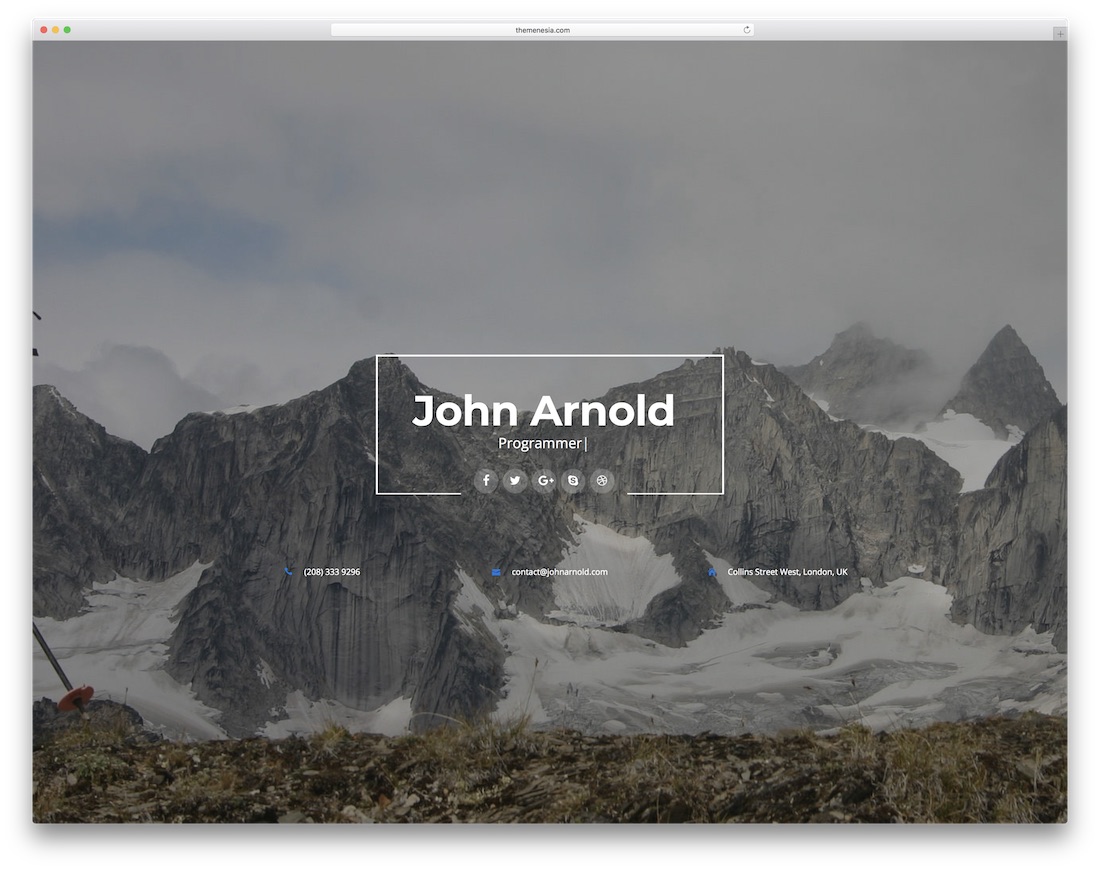
PremiumHTMLBootstrap · Best for: matching a demo to your field
Profession ships twelve demos spanning different niches, so the starting point is closer to your field than a generic template would be. Seven colour schemes, gradient backgrounds and parallax effects are included for adjusting the look without editing CSS.
15. Singer
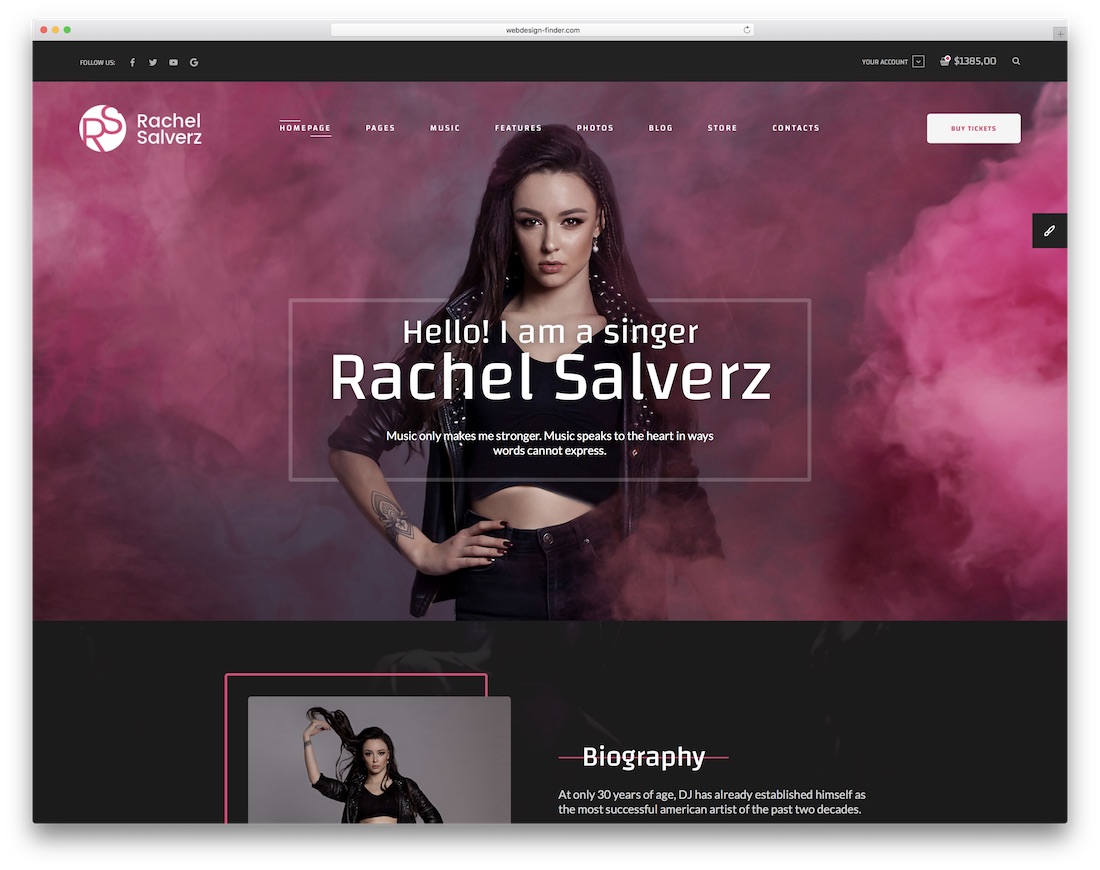
PremiumHTMLBootstrap · Best for: musicians selling merchandise
Singer is aimed at musicians and entertainers, and its distinguishing feature is commerce: a shop section for merchandise alongside a blog for content marketing. The bundle runs to over a hundred HTML pages, so the structure is there whether you need a full site or a single landing page.
16. Hendrix
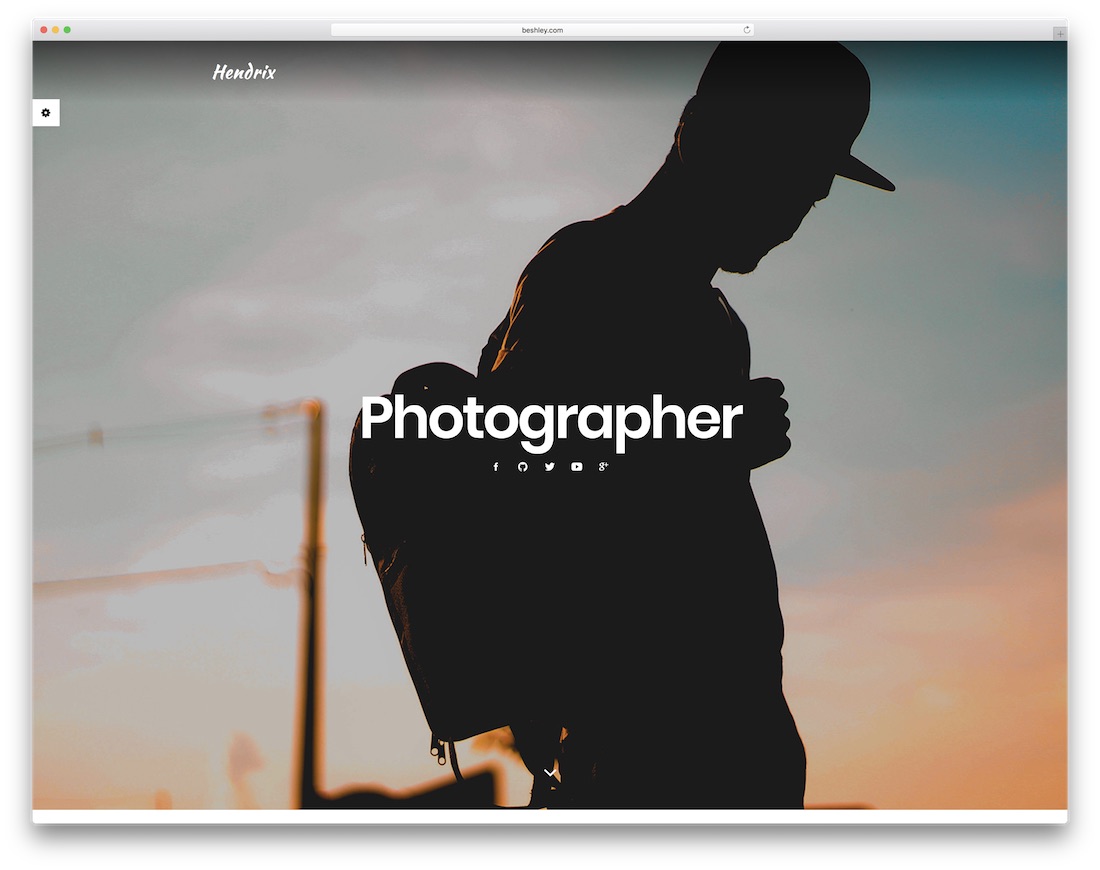
PremiumHTMLBootstrap · Best for: freelancers and developers
Hendrix targets digital nomads, coders and designers, and is fully customisable so it can carry your own branding rather than the demo’s. It is responsive and retina-ready with support across major browsers, which is table stakes but worth confirming for an older template.
17. AboutMe
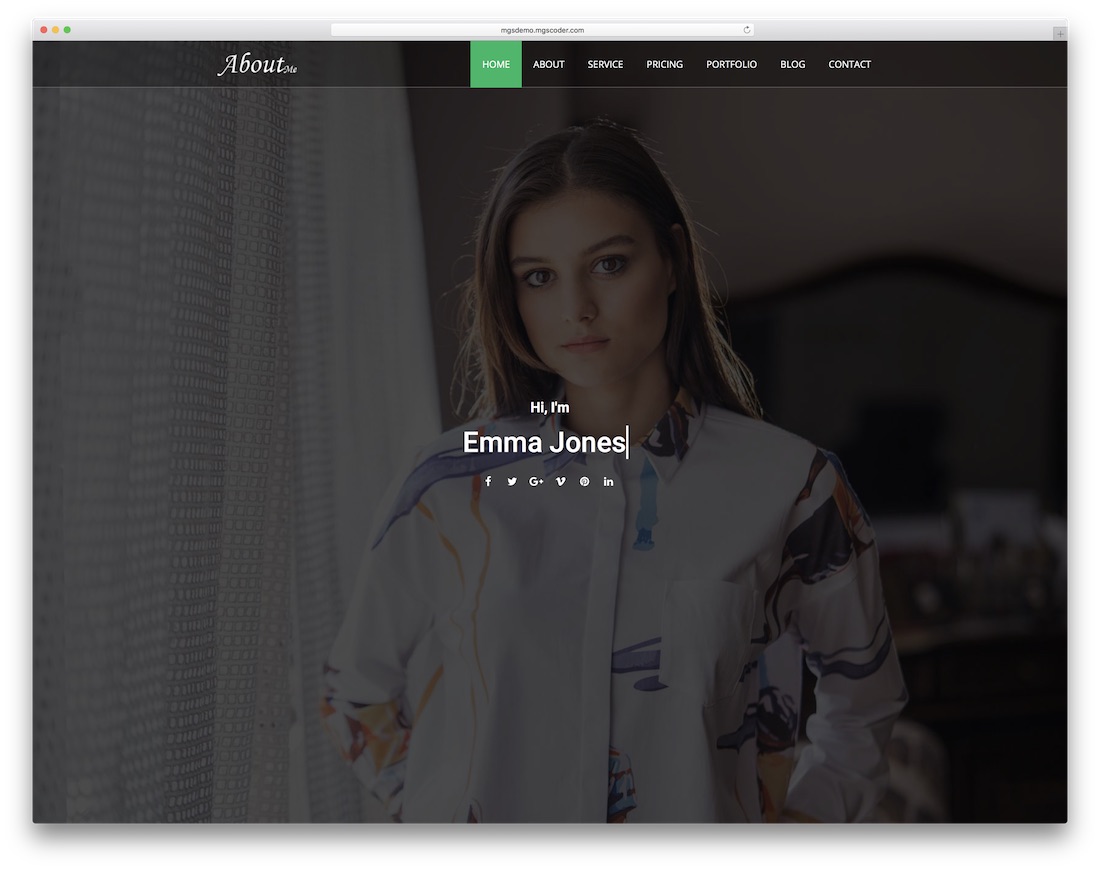
PremiumHTMLBootstrap · Best for: a straightforward professional profile
AboutMe is a portfolio template with a deliberately plain structure, and its selling point is clean code that is easy to edit directly. If you intend to hand-modify the HTML rather than work through a builder, that matters more than demo count.
18. Kvest
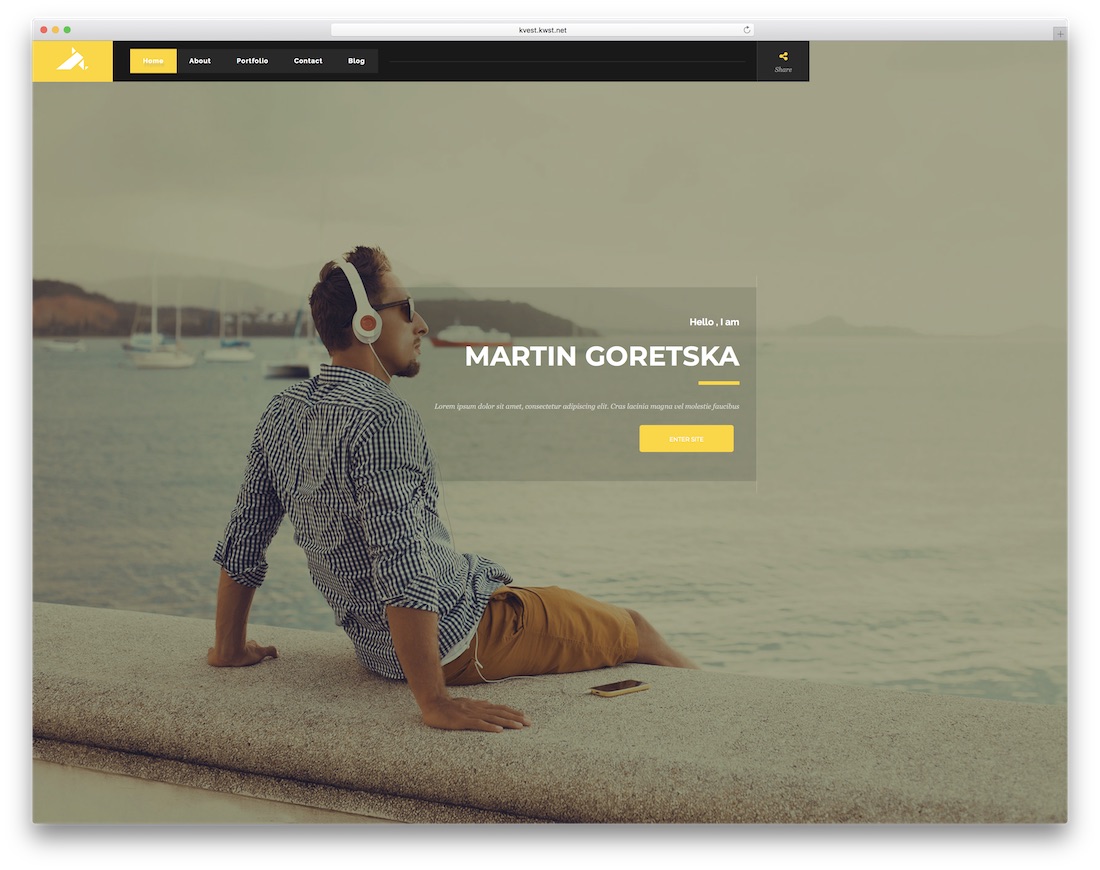
PremiumHTMLBootstrap · Best for: personal branding with an intro page
Kvest is six variations on one design, differing mainly in the intro page — so the choice is about how visitors are greeted rather than how the site works. It is multi-page, with the portfolio on its own URL in boxed or full-width form, and the animation is kept simple.
Which One Impressed You
What is your favorite Bootstrap personal website template? These are some of the best Bootstrap personal website templates available for your website. All the templates mentioned here are premium templates, so you can receive support from the template authors if you need assistance. Share your thoughts in the comment section below.
Furthermore, you can check our portfolio website templates created by our team.
Frequently Asked Questions
Is Bootstrap still a sensible choice for a personal site?
Yes. A personal site is mostly a grid, a nav and a form — exactly what Bootstrap’s components already cover, so you write very little CSS. The trade-off is that Bootstrap sites tend to look alike unless you change the typography and spacing, which is where most of the templates here spend their effort.
One-page or multi-page?
One page if your pitch is short and the work speaks for itself; multi-page once you have case studies worth their own URL. Multi-page also gives you more to rank with, since each project page can target its own search. Several templates here ship both layouts, so the decision is reversible.
Do I need WordPress, or is static HTML enough?
Static HTML is enough for a portfolio you update a few times a year, and it is faster and cheaper to host. Choose WordPress if you will publish regularly, or if editing a post in a browser is the difference between the site staying current and going stale.
What should a personal site actually include?
A one-line statement of what you do and for whom, three to six pieces of work with context on your role, some form of proof such as testimonials or named clients, and a contact method that is not just a form. A CV or resume page is worth adding if you are job-hunting rather than freelancing.
Can I use these to replace a LinkedIn profile?
They complement it rather than replace it. A personal site is where you control the framing and show work in full; LinkedIn is where recruiters search. The practical approach is to keep both and link them, which most of these templates support through social icons in the header or footer.

Related Posts


Comments (0)