
10 Best Virtual Assistant Website Templates 2026
A virtual assistant site has to do three things: say what you take off a client’s plate, show that other people trust you with it, and make booking a call easy. Everything below is judged on those three, not on how many demos it ships with.
One thing to be clear about up front: every template on this page is a paid WordPress theme, typically $30-70 on ThemeForest. If you would rather start without a licence fee, the Bootstrap portfolio templates cover the same ground in free HTML, and several are built for exactly this kind of one-person service business.
WordPress is the usual choice here because a VA site grows: you add a booking plugin, then an intake form, then a blog. All of the themes below run a page builder, so those additions do not need a developer.
Table of contents — all 10 virtual assistant website templates
Also on this page: Powerful WordPress Themes for Virtual Assistants · Frequently Asked Questions
Powerful WordPress Themes for Virtual Assistants
Check out these themes if you want your website to be dynamic, easy to build, and easy to customize.
1. Divi
PremiumWordPress · Best for: VAs who want to design visually
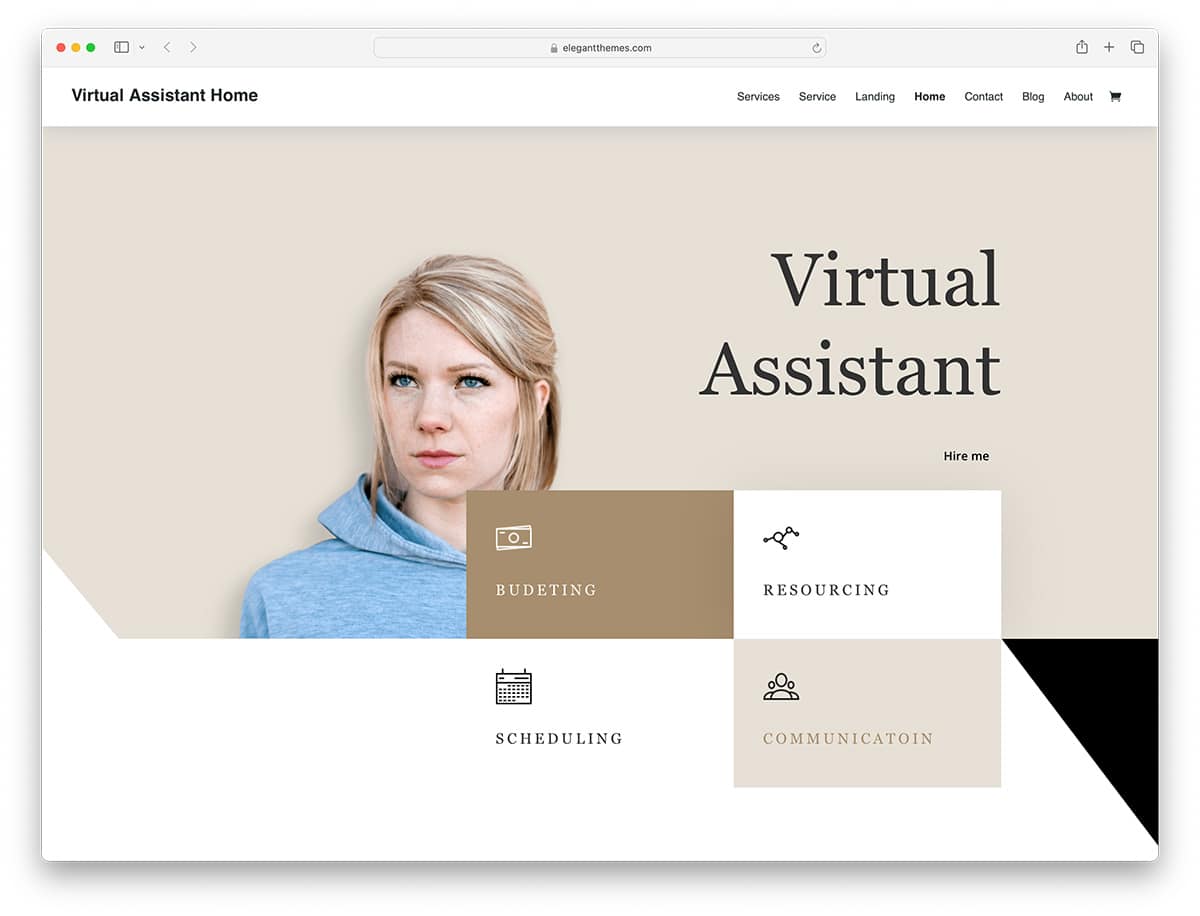
Divi is a page builder first and a theme second, which is the point: you edit the live page rather than a settings panel. Its prebuilt sections cover the VA essentials — about, services, testimonials and a contact form — so the build is rearranging blocks rather than starting from a blank canvas. Colour schemes and fonts are unrestricted.
2. Ekko
PremiumWordPress · Best for: trying several looks before committing
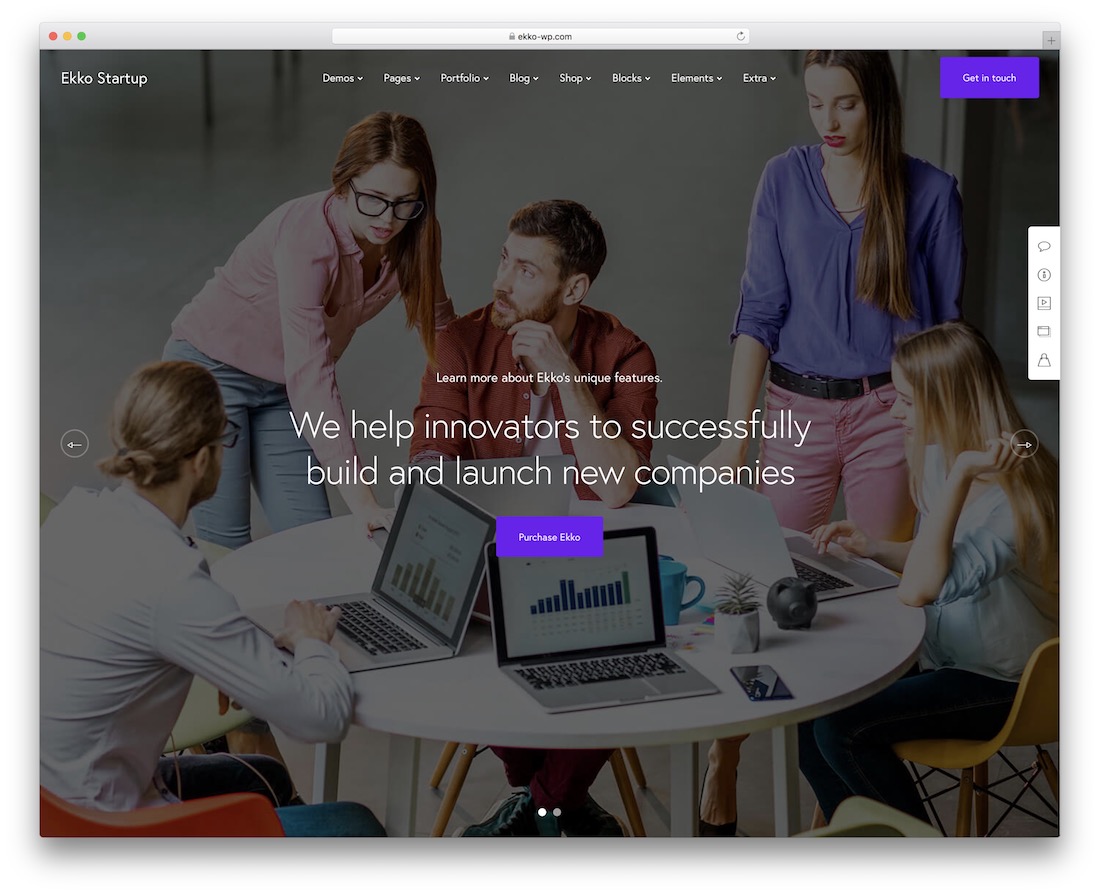
Ekko ships over 50 full website demos and hundreds of template blocks, which makes it the option for anyone who does not yet know what their site should look like. Import a demo, keep the sections that fit the service you sell, and drop the rest. Worth noting it is a general multipurpose theme, not a VA-specific one.
3. Webify
PremiumWordPress · Best for: assembling pages from prebuilt blocks
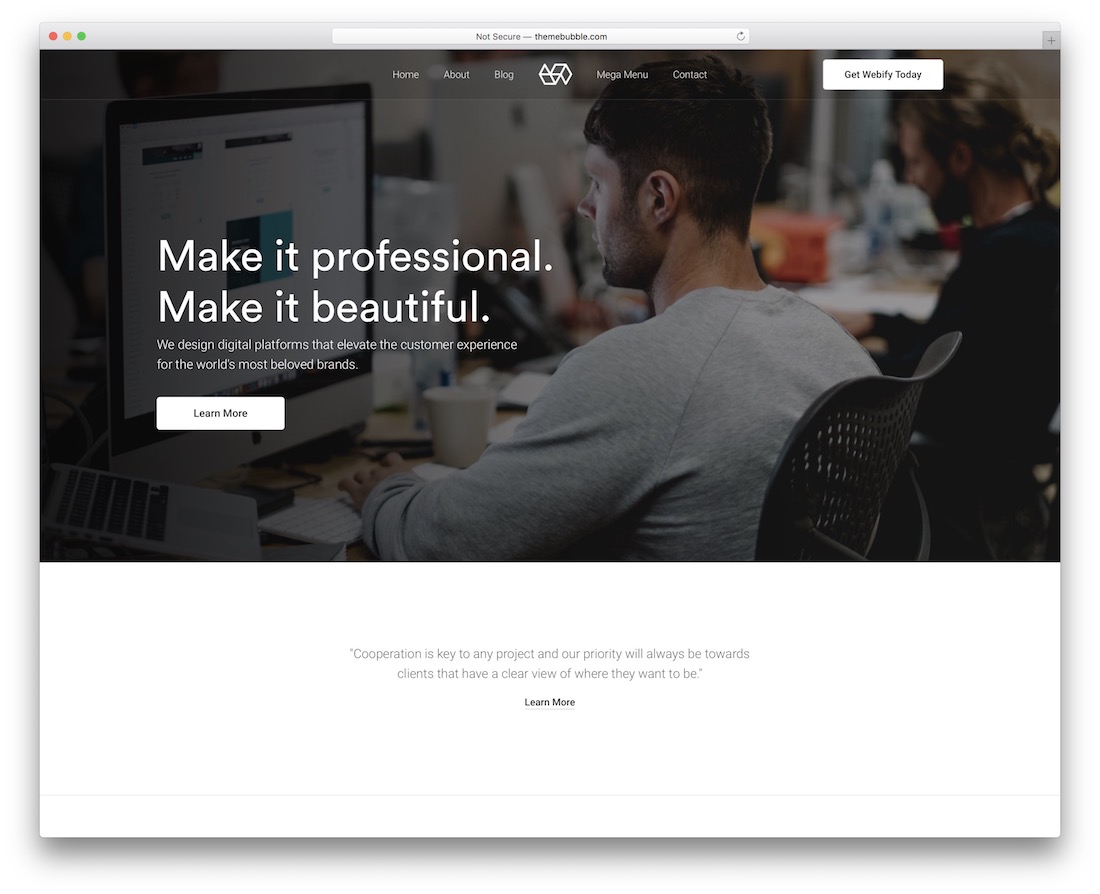
Webify leans on a modular system: headers, footers, blocks and inner pages are all interchangeable, and the sample content is editable by drag and drop. That suits a VA who wants a services page built from existing parts rather than designed from scratch. Many of the samples work unmodified straight after import.
4. Boldlab
PremiumWordPress · Best for: agency-style VA branding
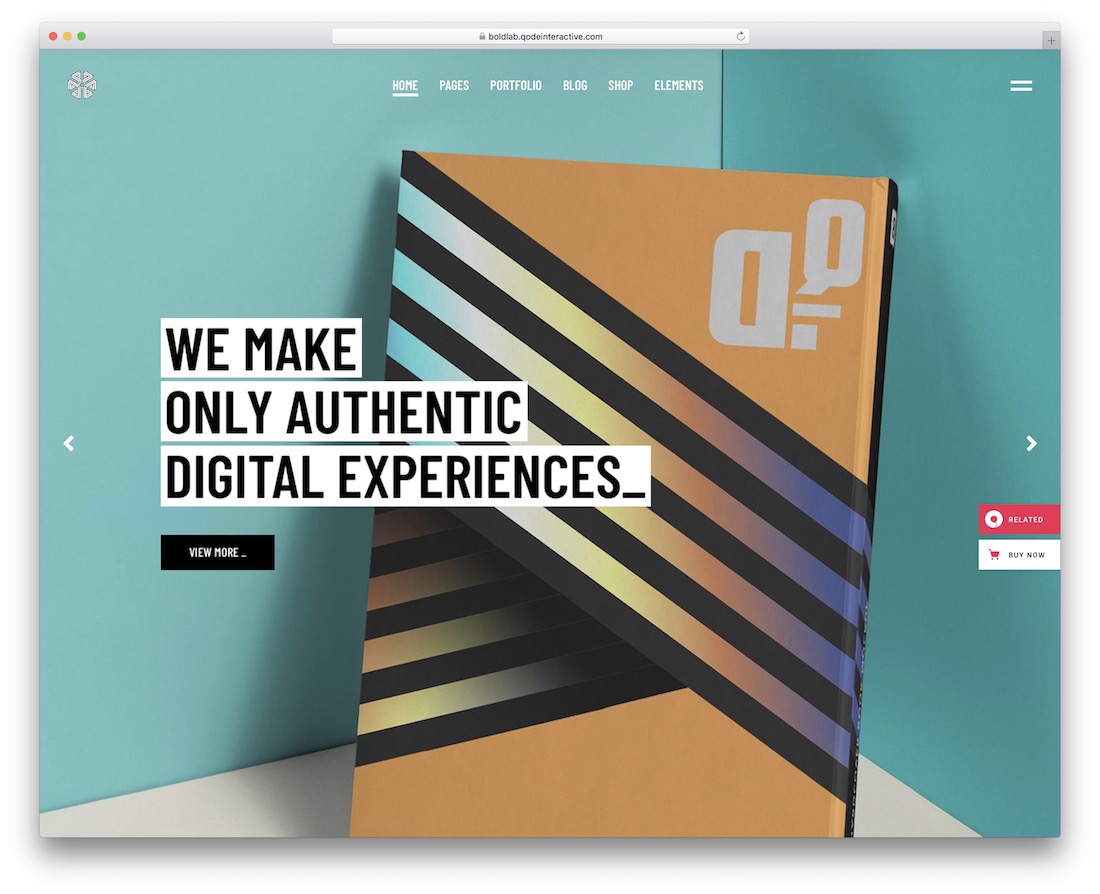
Boldlab is an agency theme, so it assumes you are selling a service rather than displaying a portfolio — useful if you position yourself as a small operation rather than a freelancer. It runs WPBakery and Slider Revolution, and the demo is designed to be used as-is if you do not want to customise.
5. Vework
PremiumWordPress · Best for: a compact site with published packages
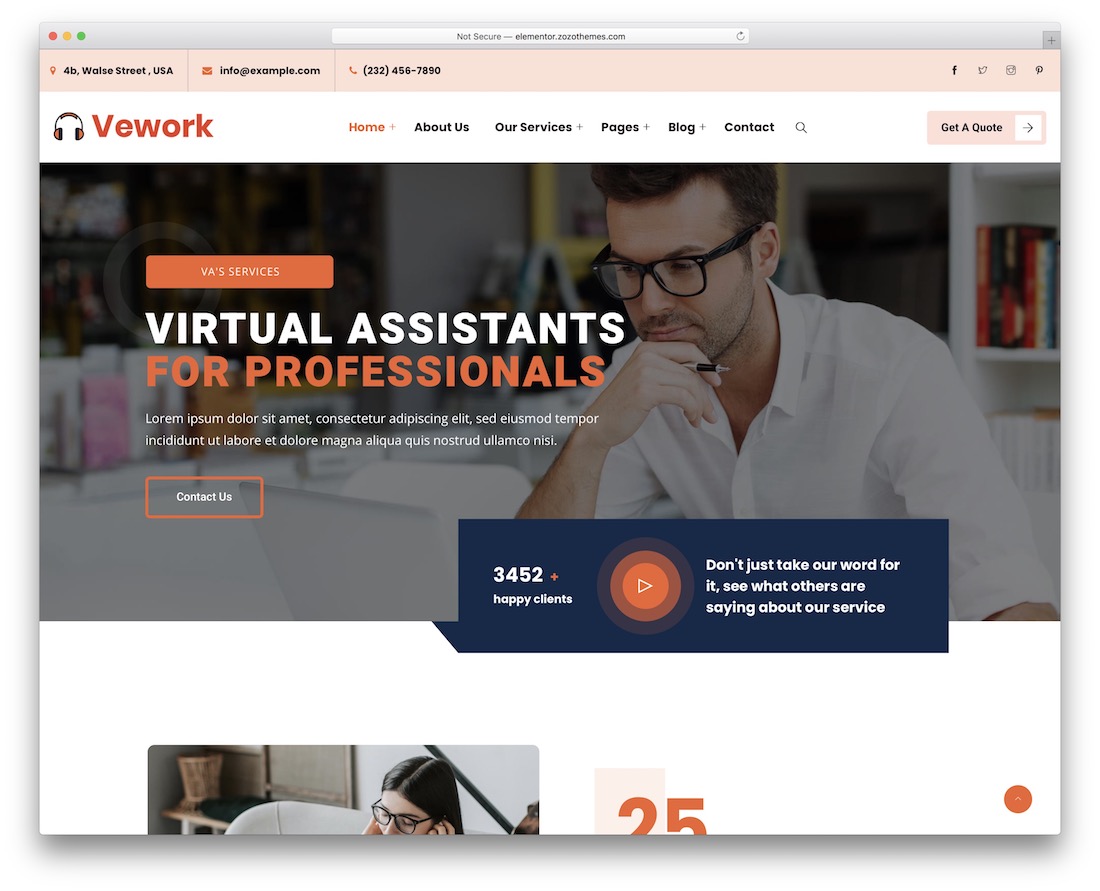
Vework includes pricing tables and testimonial sections out of the box, which are the two things a VA site converts on and most multipurpose themes leave you to build. Four home designs plus a one-page layout cover both a full site and a single scrolling profile. Elementor handles the editing, and RTL is supported.
6. Skape
PremiumWordPress · Best for: picking a style from several demos
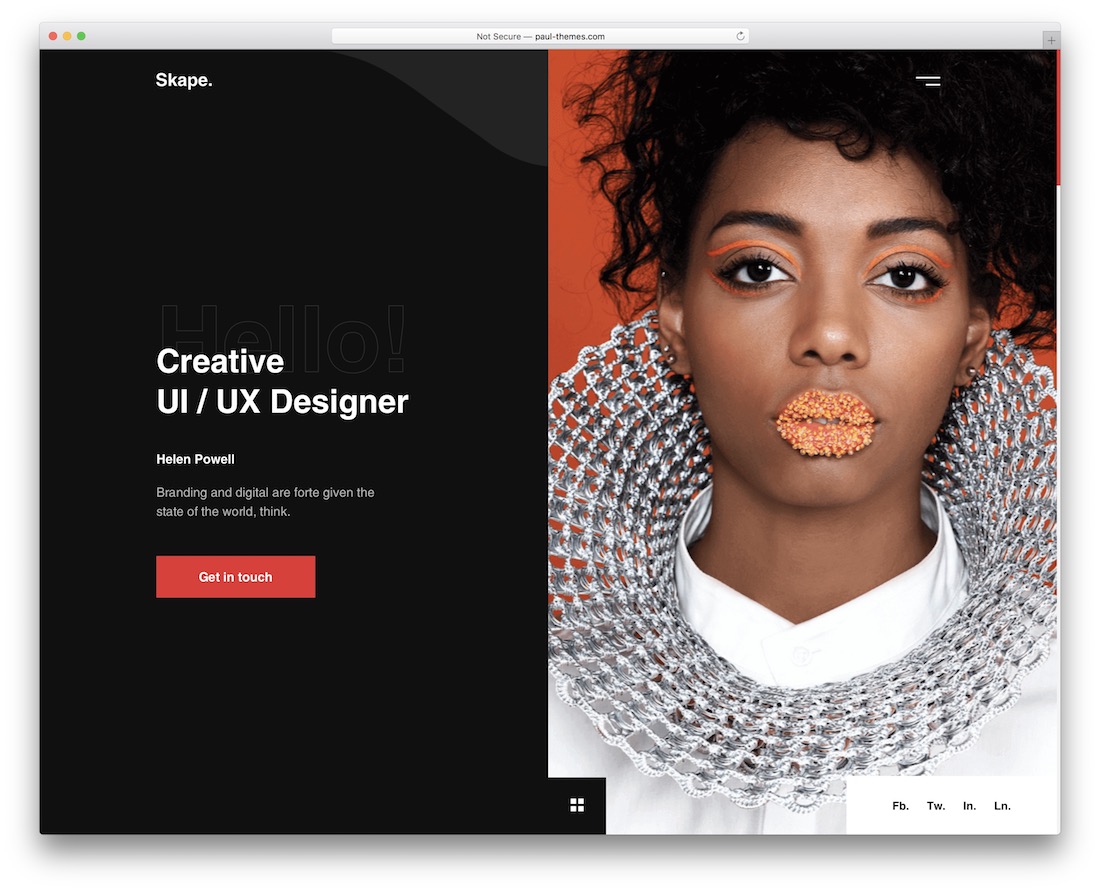
Skape targets agencies and freelancers, and its several demos let you match a style to how you present yourself rather than accept one look. Everything is editable, and a blog section is included if you plan to publish — worth having, since content marketing is how most VAs get found without paid ads.
7. Miller
PremiumWordPress · Best for: admin-services positioning
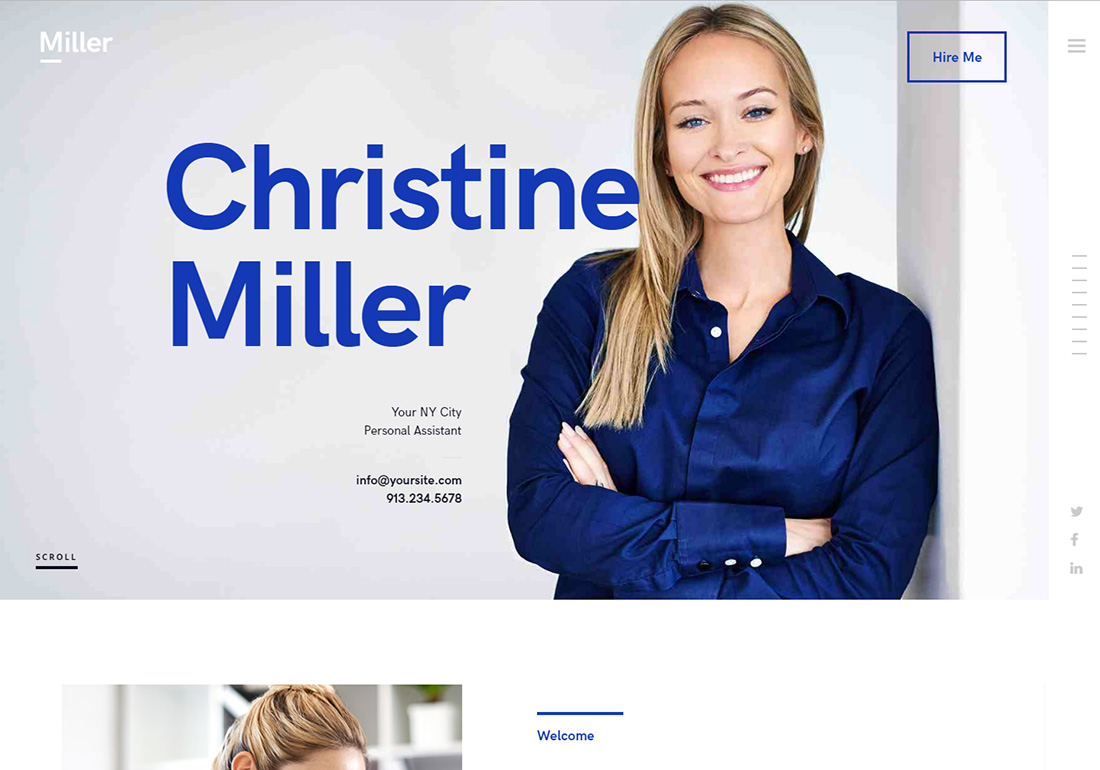
Miller is one of the few themes here written specifically for personal assistants and administrative services rather than adapted from a general agency layout. The demo language already matches what a VA sells, so there is less rewriting. It ships shortcodes for the common service-page sections and is compatible with the WPBakery page builder.
8. A. Williams
PremiumWordPress · Best for: choosing between boxed and sidebar layouts
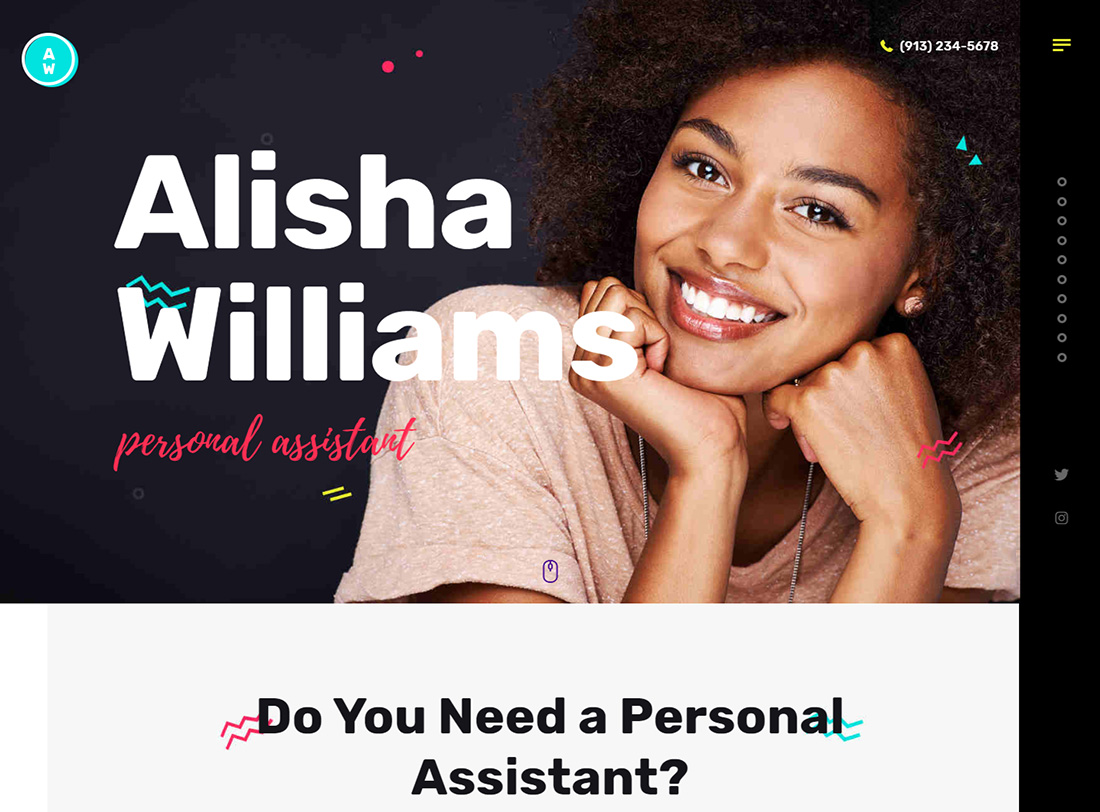
A. Williams is another purpose-built personal assistant theme, and its distinguishing feature is layout choice: three homepage variants covering boxed, top menu and sidebar navigation. A sidebar layout suits VAs with a long service list, since it keeps every offering one click away rather than buried in a dropdown.
9. Brooklyn
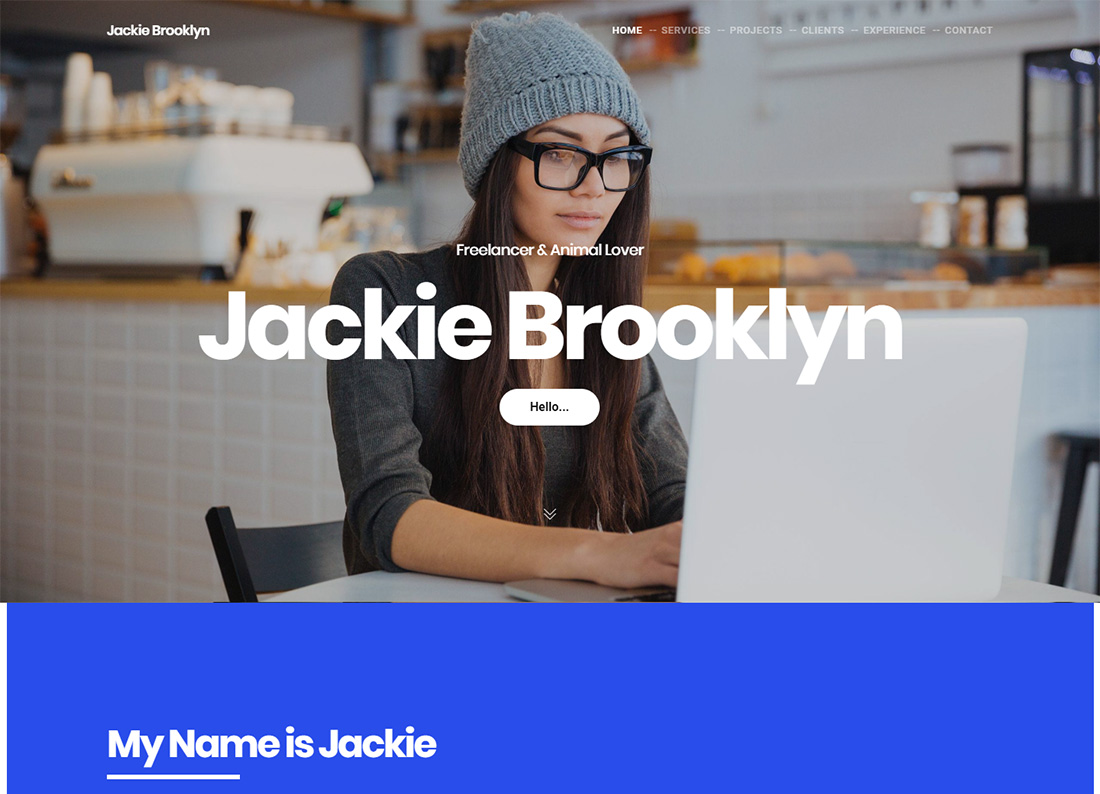
PremiumWordPress · Best for: one-click demo installs
Brooklyn offers over 43 prebuilt demos installable in one click, which is the fastest route from purchase to a live site on this list. It is a multipurpose theme covering business and personal needs rather than a VA-specific one, so expect to rewrite demo copy — but the structural work is done before you start editing.
10. RSCard
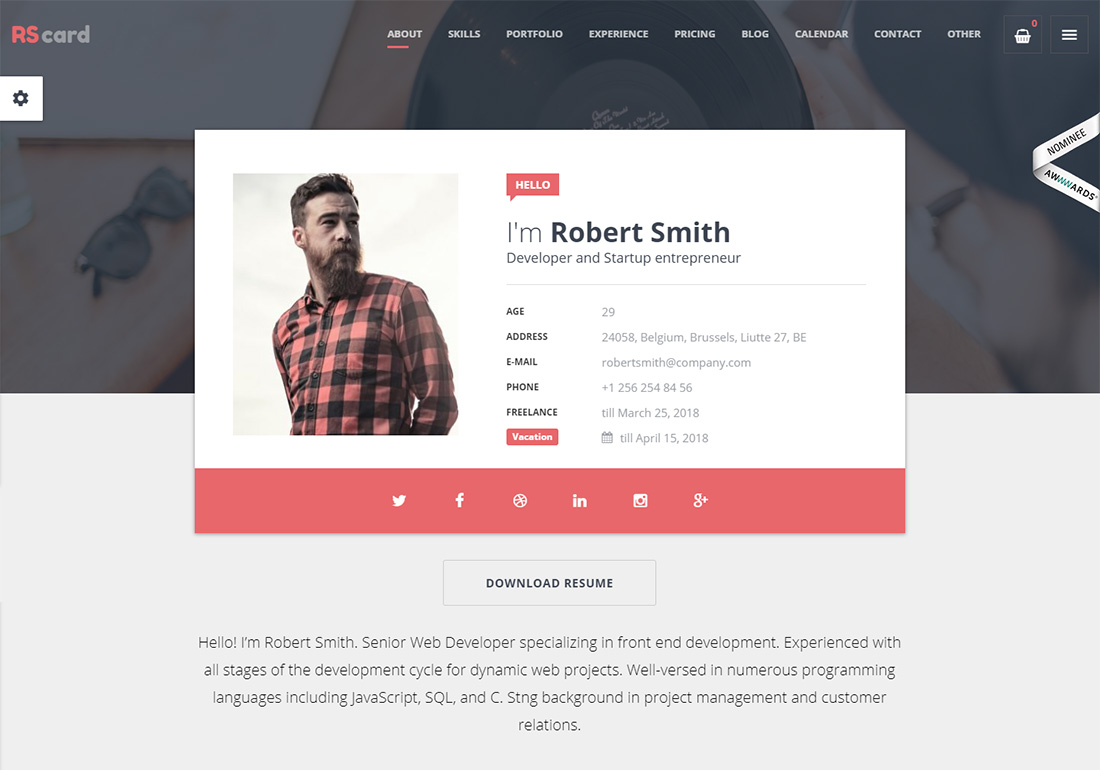
PremiumWordPress · Best for: resume-style VA profiles
RSCard is a resume, CV and vCard theme, so it is built around one named person rather than a company — the right shape for a solo VA trading on their own reputation. Five ready-made demos are included, along with a filterable portfolio and a calendar availability widget for showing when you can take work.
Frequently Asked Questions
Do I need WordPress for a virtual assistant website?
No, but it helps once the site has to do more than describe your services. A static HTML template is fine for a one-page profile with a contact form. WordPress earns its keep when you add scheduling, intake forms, invoicing or a blog, because those exist as plugins rather than custom work.
What pages does a VA website actually need?
Four: a home page that states your specialism in one line, a services page with packages, a proof page (testimonials or case studies), and a contact or booking page. Anything else is optional. Most themes here ship all four as prebuilt layouts, so the work is editing rather than building.
Should I list my prices?
Listing packages filters out enquiries that were never going to convert, which matters when you are the only person answering them. Several templates here include pricing tables for this reason. If your work is genuinely scoped per client, publish a starting rate rather than nothing at all.
How do I add a booking calendar?
Use a scheduling plugin rather than a theme feature, so the booking survives a theme change. On WordPress, Amelia and Simply Schedule Appointments both embed into any page builder. Templates that advertise built-in booking usually bundle one of these plugins anyway.
Are these templates good for a VA agency rather than a solo VA?
Boldlab, Skape and Brooklyn are built as agency themes and carry team pages, multi-service layouts and case-study sections. The resume-style options like RSCard are the opposite: they are built around one named person and do not scale to a team.

Related Posts

Comments (0)