
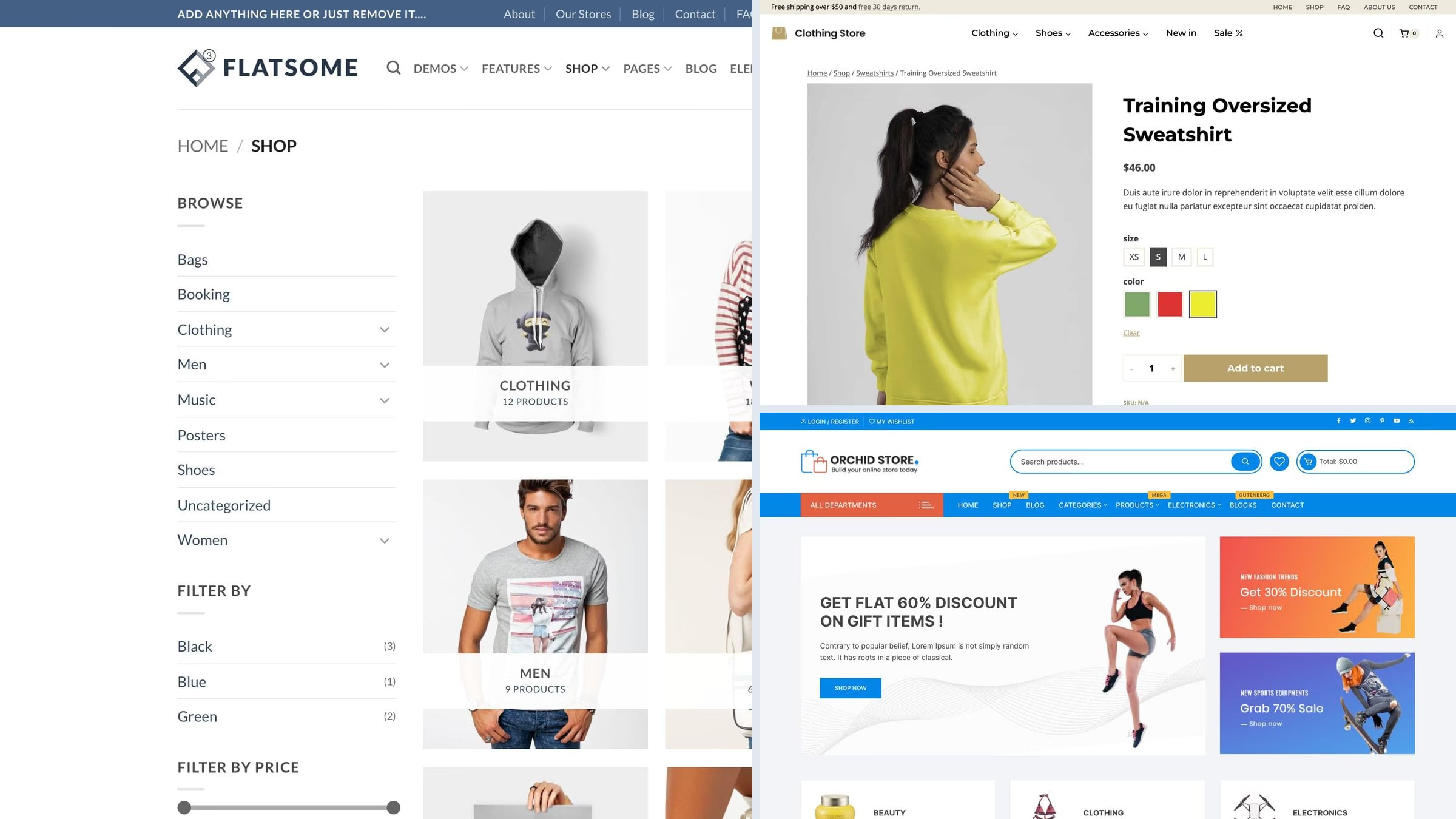
23 Best Free eCommerce WordPress Themes for WooCommerce 2026
For a WooCommerce store, our first free Colorlib pick is Tyche: six shop starters and ten palettes. This guide covers 23 free themes and 5 paid alternatives, with live demos and clear notes about what each option provides.
Two things decide an online shop, and neither is the homepage. The first is the product page, where variation swatches, a gallery that works on a phone and a visible add-to-cart do the selling. The second is speed, because every second of load time costs conversions. The table below measures each theme on identical content so you can see what you start with before a single product is added.
Related roundups: WooCommerce-specific themes for a deeper look at the shop side, and fashion themes if you are selling clothing.
Quick picks
- Colorlib free pick: Tyche — Six shop starters and ten palettes
- Colorlib free pick: Unapp — Free Shop starter and WooCommerce templates
- Most popular free: Astra — a million sites and the lightest big framework there is
- Best free Woo-specific: Botiga — built for WooCommerce from the start, not adapted to it
- Best free store starter: Blocksy — the Homi starter imports a working furniture shop
- Best for a big catalogue: Top Store — the free theme that demos a full department store
- Fastest in our test: GeneratePress — the lightest theme we measured, with a shop demo
- Colorlib pick: Shapely — a one-page shop front with WooCommerce underneath
- Best-selling paid theme: Flatsome — 269,828 sales, and still the default answer for a serious store
Top picks at a glance
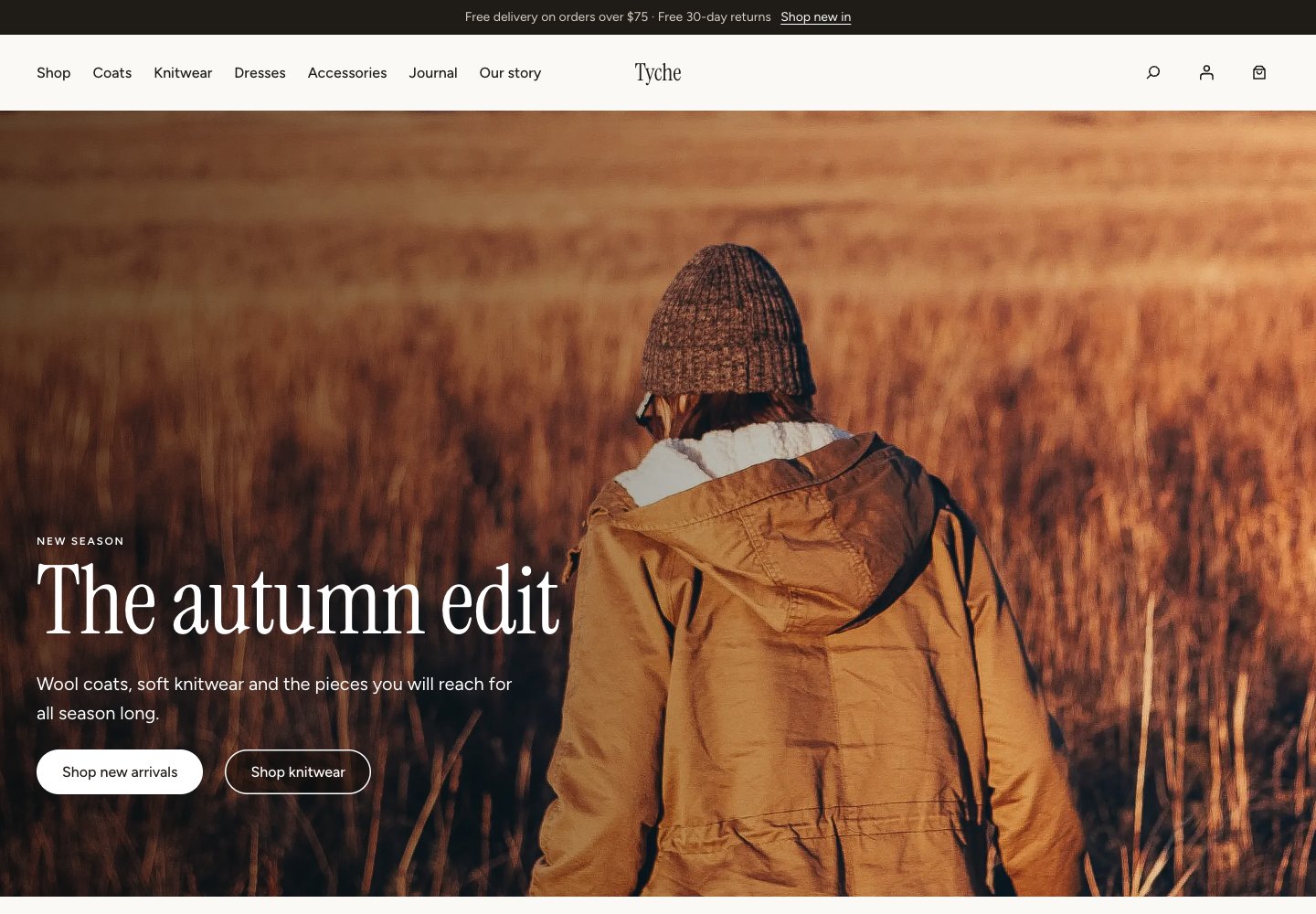 TycheFree from Colorlib · Six shop starters and ten palettes
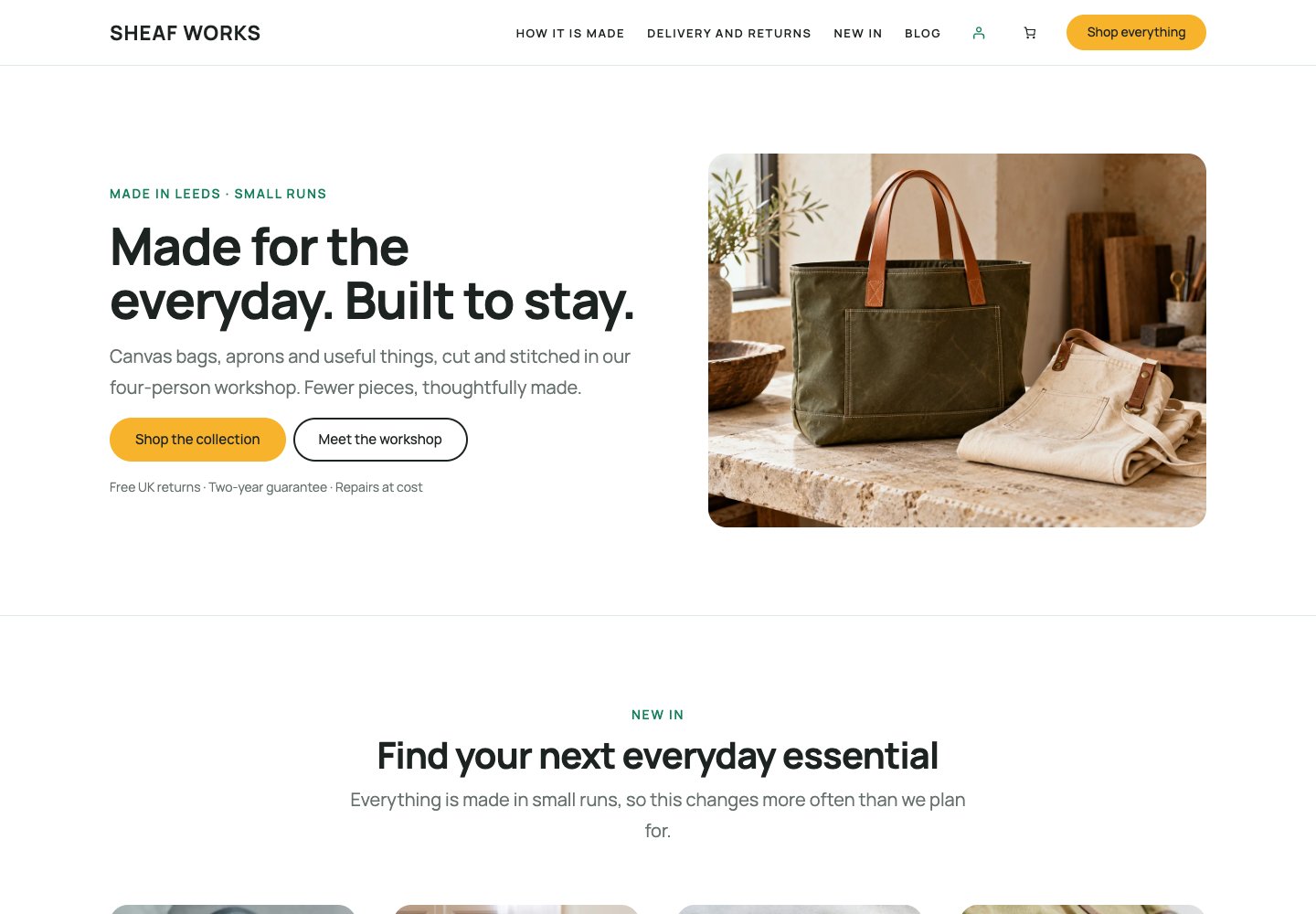 UnappFree from Colorlib · Free Shop starter and WooCommerce templates
 AstraFree eCommerce starter
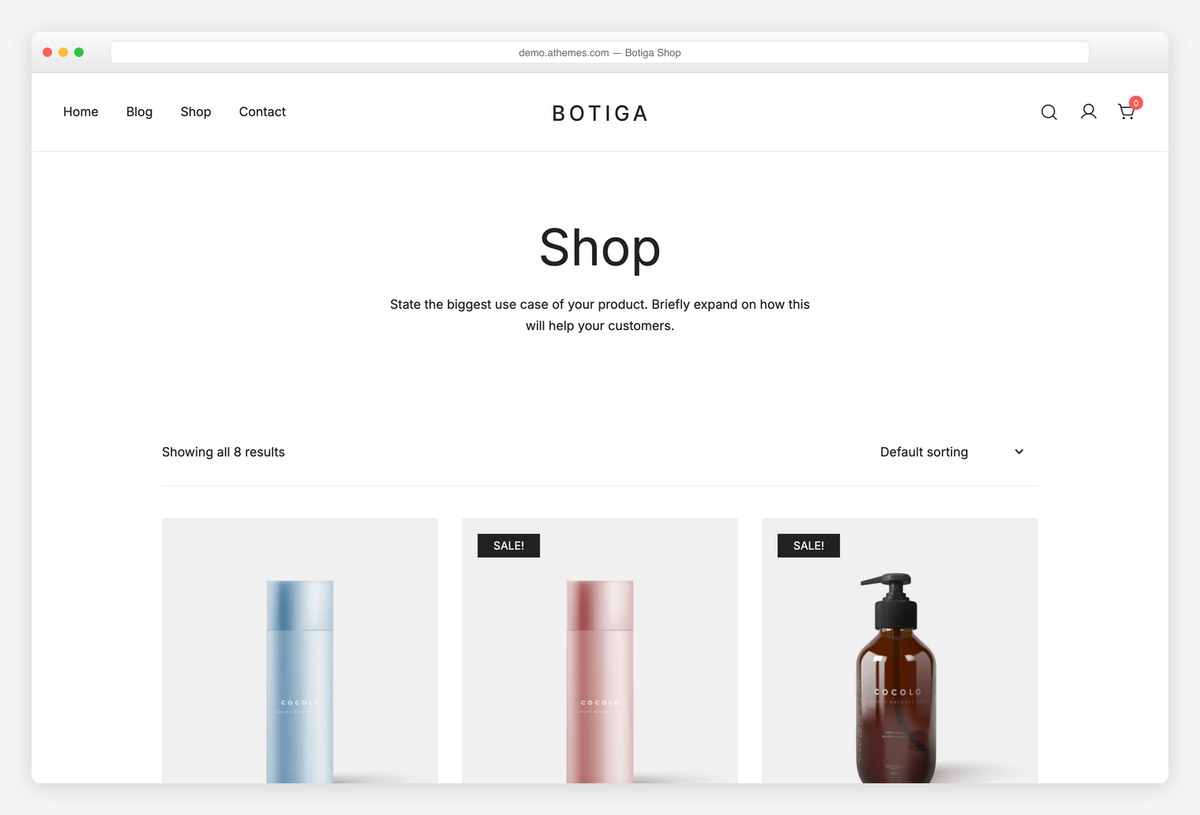 BotigaWooCommerce-first design
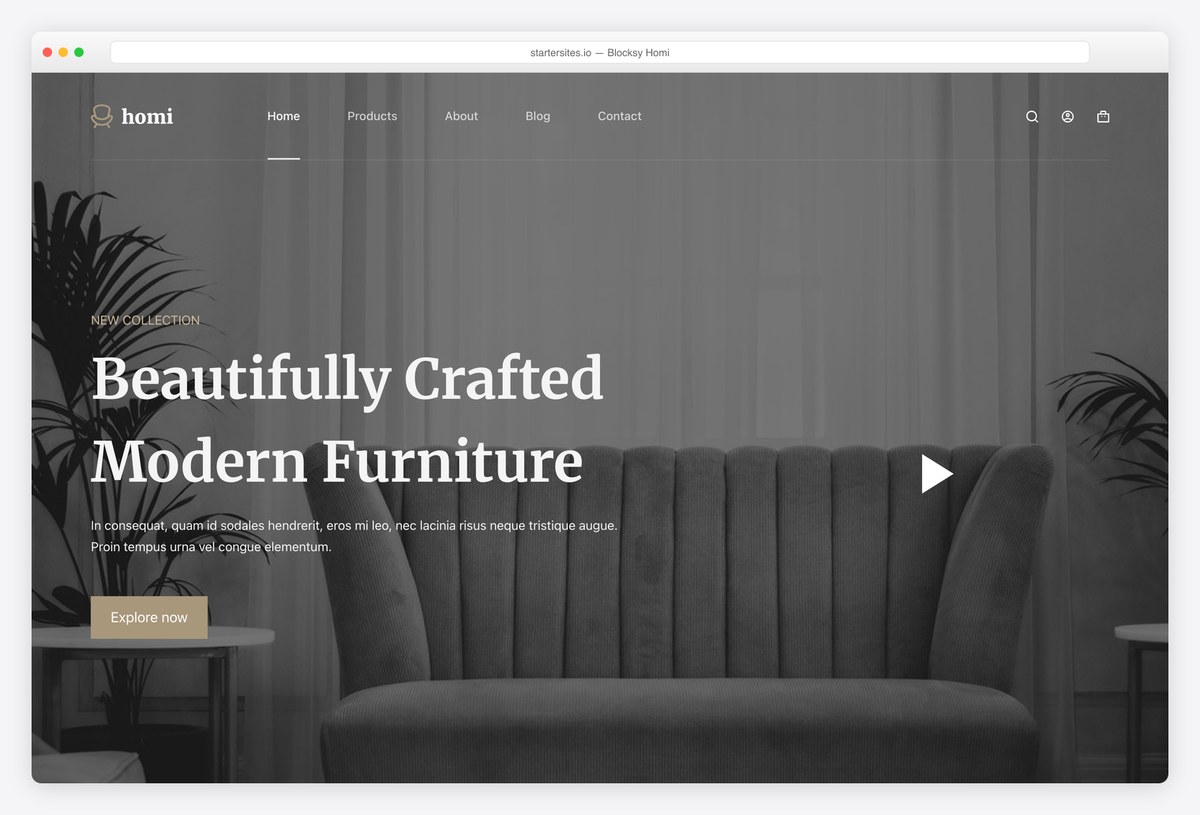 BlocksyFree Homi shop starter
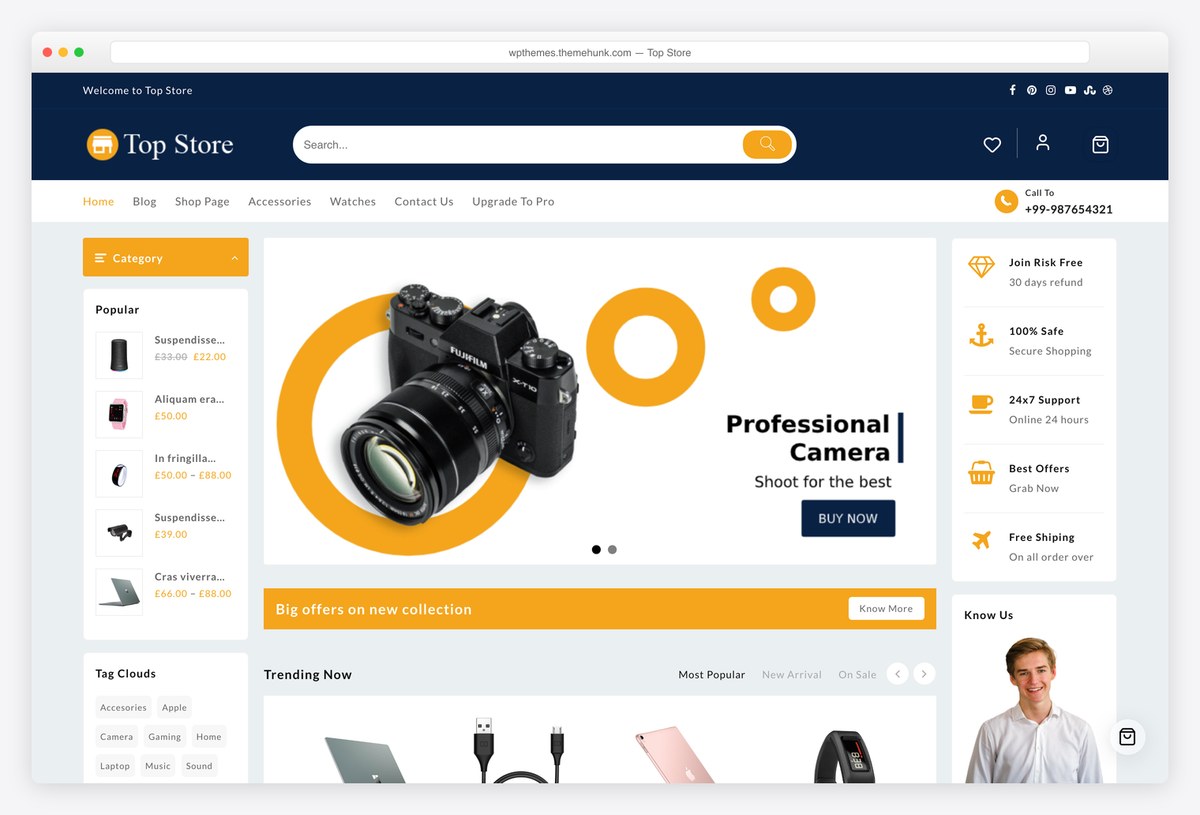 Top StoreFull department store
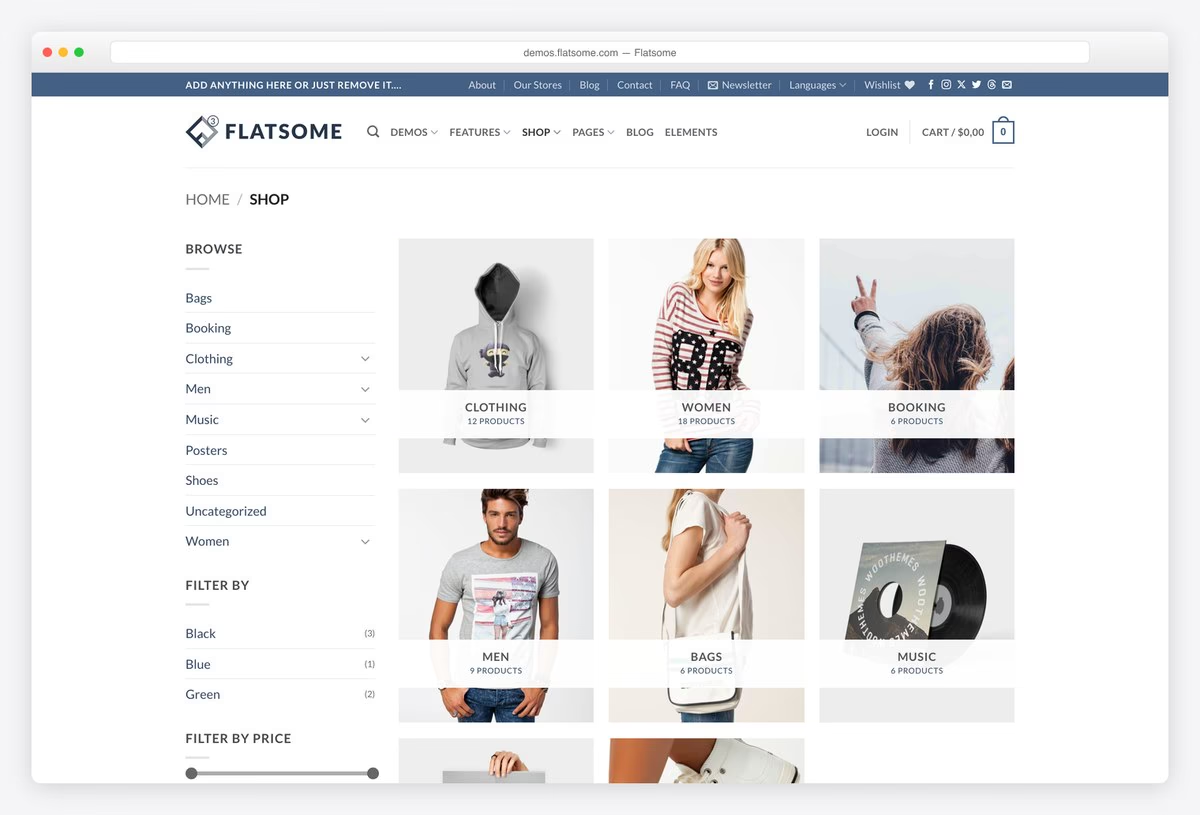 FlatsomeBest-selling Woo theme
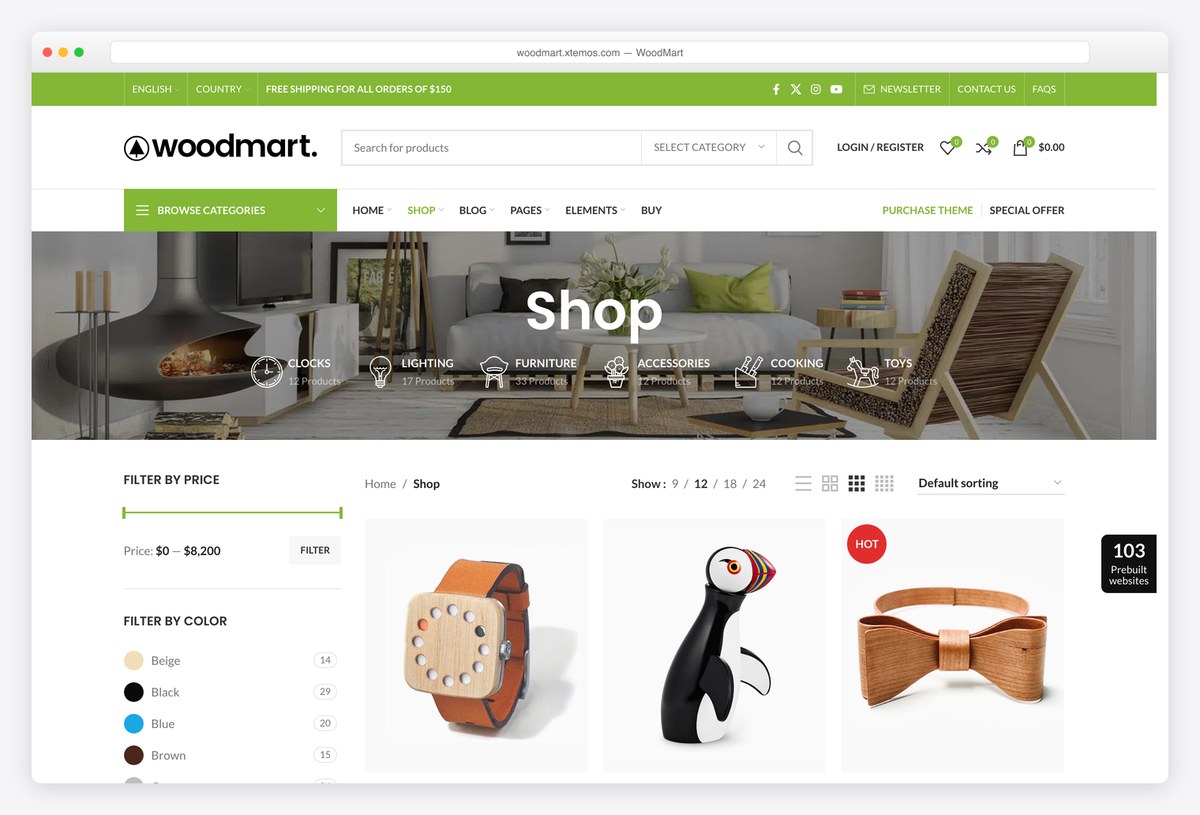 WoodMart25+ shop features built in
Table of contents — all 28 themes
Quick comparison: top eCommerce picks
| Theme | Price | Best for | Standout | Updated |
|---|---|---|---|---|
| Tyche | Free | A store edited with native WooCommerce blocks | Six shop starters and ten palettes | — |
| Unapp | Free | A small store with a matching brochure site | Free Shop starter and WooCommerce templates | — |
| Astra | Free / Pro | A shop that will keep growing | Free store starter, huge community | Sep 2026 |
| Botiga | Free / Pro | Product pages that convert | Designed around WooCommerce | Aug 2026 |
| Blocksy | Free / Pro | A finished store today | Free Homi shop starter | Sep 2026 |
| GeneratePress | Free / Premium | The fastest possible store | Lightest theme in our test | Dec 2025 |
| Top Store | Free / Pro | A wide catalogue | Demos a full department store | Jul 2026 |
| Flatsome | Paid, $59 | A serious store | 269,828 sales, own page builder | Aug 2026 |
| WoodMart | Paid, $69 | Replacing a stack of plugins | Wishlist, swatches and more built in | Jul 2026 |
We tested it: free eCommerce theme speed
How we tested: we installed each free theme on the same clean WordPress site with identical content and no extra plugins, then measured the homepage with Google Lighthouse on mobile. Because the content is the same everywhere, what you see below is the theme itself, before WooCommerce and your products are added. On a shop this matters more than anywhere else: load time and conversion move together, and WooCommerce will add weight on top of whatever you start with.
| Theme | Page weight | Requests | Lighthouse | LCP |
|---|---|---|---|---|
| GeneratePress | 277 KB | 14 | 99/100 | 1.8s |
| Neve | 299 KB | 15 | 99/100 | 2.1s |
| Kadence | 328 KB | 17 | 96/100 | 2.5s |
| Blocksy | 330 KB | 13 | 95/100 | 2.6s |
| Astra | 425 KB | 14 | 92/100 | 3.2s |
| Zakra | 451 KB | 17 | 91/100 | 3.1s |
| Sydney | 499 KB | 14 | 91/100 | 3s |
| Futurio Storefront | 513 KB | 21 | 84/100 | 3.8s |
| Online Shop | 601 KB | 29 | 85/100 | 3.8s |
| Enwoo | 602 KB | 24 | 79/100 | 4.5s |
| Hestia | 672 KB | 23 | 79/100 | 4.2s |
| Botiga | 677 KB | 19 | 75/100 | 4.5s |
| ShoppingCart | 770 KB | 27 | 69/100 | 5.3s |
| eStore | 800 KB | 28 | 71/100 | 5s |
| OceanWP | 802 KB | 29 | 72/100 | 5.3s |
| Shapely | 895 KB | 34 | 69/100 | 5.6s |
| Orchid Store | 934 KB | 22 | 68/100 | 5.9s |
| Top Store | 993 KB | 35 | 64/100 | 6.6s |
| Total | 1098 KB | 36 | 57/100 | 7s |
| Open Shop | 1131 KB | 34 | 61/100 | 7.5s |
| Woostify | 1247 KB | 22 | 66/100 | 5.6s |
Our free Colorlib picks
We develop and maintain these free themes at Colorlib. Download them directly from us and explore their live demos below. These editions use Colorlib updates; WordPress.org install counts and ratings do not apply. Any speed table on this page covers the themes already measured in that test.
1. Tyche — Current block edition
Why we like it: Six shop starters and ten palettes.
Tyche's current block edition is our free WooCommerce theme with six shop starters, ten palettes and seven typography pairings. Store, product, cart and checkout layouts use WordPress's Site Editor and WooCommerce blocks. It is a complete store design rather than a brochure homepage with a shop link added.
✅ Pros: Six shop starters and ten palettes. ⚠️ Cons: Requires WordPress 7.0 or newer and WooCommerce. Check the migration guide before switching an older Tyche site.
2. Unapp — Shop starter
Why we like it: Free Shop starter and WooCommerce templates.
Unapp has a free Shop starter with a storefront introduction, product sections and supporting information. Its WooCommerce templates cover the shop, product, cart and checkout, while native WordPress blocks keep the rest of the site editable without a page builder. The finishing workspace guides content review and image replacement.
✅ Pros: Free Shop starter and WooCommerce templates. ⚠️ Cons: WooCommerce must be active before applying Shop; configure payments, shipping and taxes in WooCommerce.
Free themes built for WooCommerce
These were designed around selling rather than adapted to it, so product pages, carts and checkouts are the point rather than an afterthought. If the shop is the site, start here.
3. Botiga
Why we like it: The only free theme here built for WooCommerce from the start, and it shows on the product page.
Botiga treats product galleries, variation handling and cart behaviour as the design problem rather than something inherited from the theme’s blog layout. For a shop, that is worth more than a prettier homepage, and it appeared on every competitor list we checked.
✅ Pros: genuine WooCommerce design, several store starters, excellent rating ⚠️ Cons: little use if you are not selling, and a smaller user base than the frameworks
4. Woostify
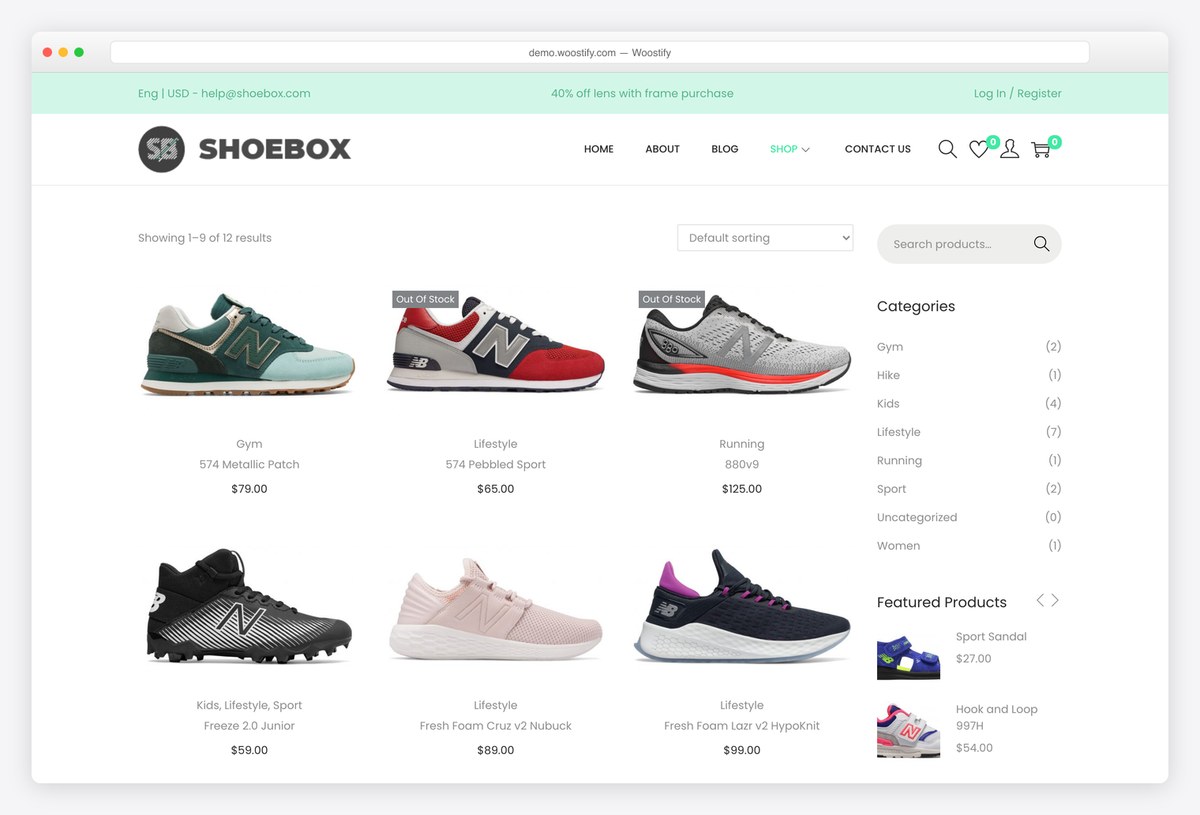
Why we like it: A WooCommerce theme with forty thousand shops behind it and a 4.9 rating across 126 reviews.
Woostify is sold on keeping a store fast as the catalogue grows, which is the thing that quietly costs shops money. Our test measures the homepage before WooCommerce is installed, and there it came out heaviest of the free themes here, so treat the speed claim as being about the shop pages rather than the starting point. The demo online is the Pro build.
✅ Pros: large user base, excellent rating, shop-focused feature set ⚠️ Cons: the heaviest free theme in our test, and the vendor only demos the Pro edition
5. Orchid Store
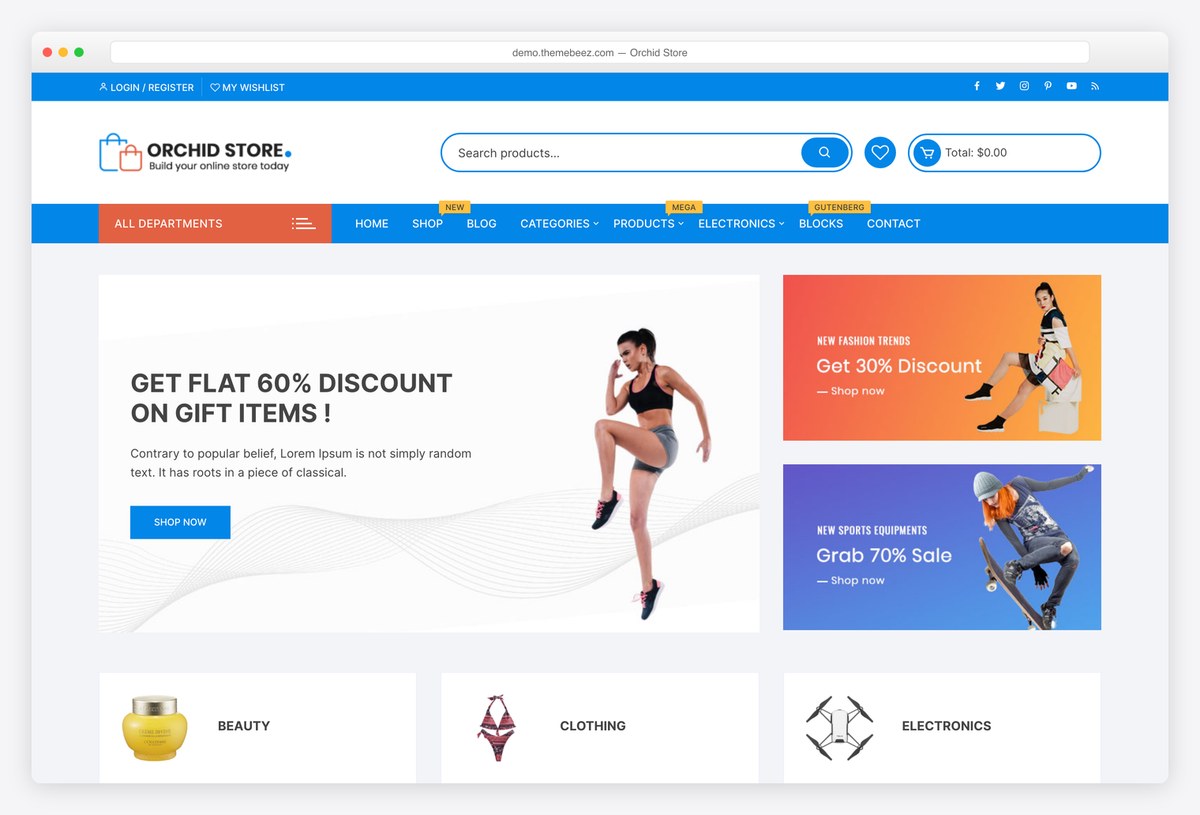
Why we like it: A perfect rating across seventeen reviews, on a theme that does shop layouts and little else.
Orchid Store is deliberately narrow: a product grid, filters, a cart and a checkout, without a page builder’s worth of options to work through. For a shop that wants to be a shop, that focus is the appeal, though it is not one of the lighter themes here.
✅ Pros: flawless rating, tightly focused on shop layouts, quick to configure ⚠️ Cons: few ratings, no starter sites, and it sits near the heavy end of our table
6. eStore
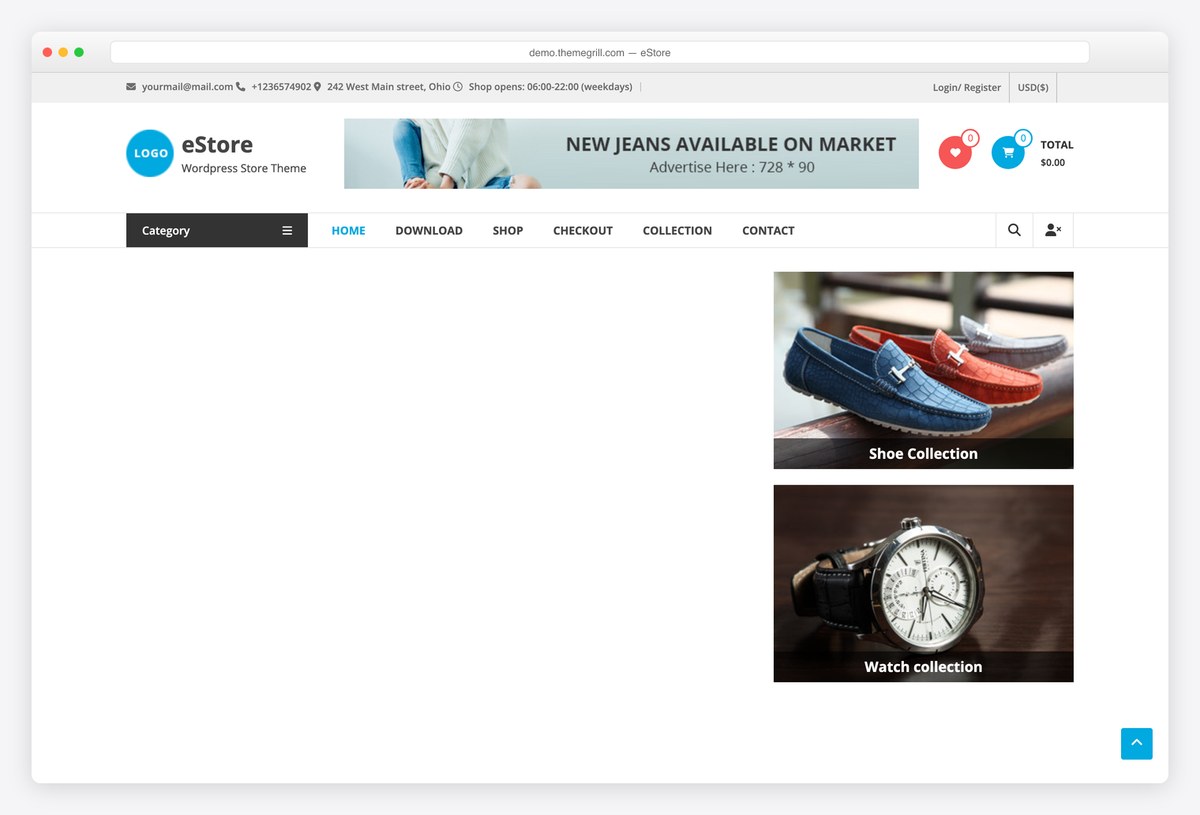
Why we like it: 114 ratings on a two-thousand-install theme, which is an unusually engaged user base for its size.
eStore builds the homepage from promotional sections: featured products, category tiles, offers and a slider, which suits a shop that runs campaigns rather than a plain catalogue. ThemeGrill has maintained it for years.
✅ Pros: promotional homepage sections, well reviewed for its size, long-standing maintainer ⚠️ Cons: a small install base, and a conventional look out of the box
7. Online Shop
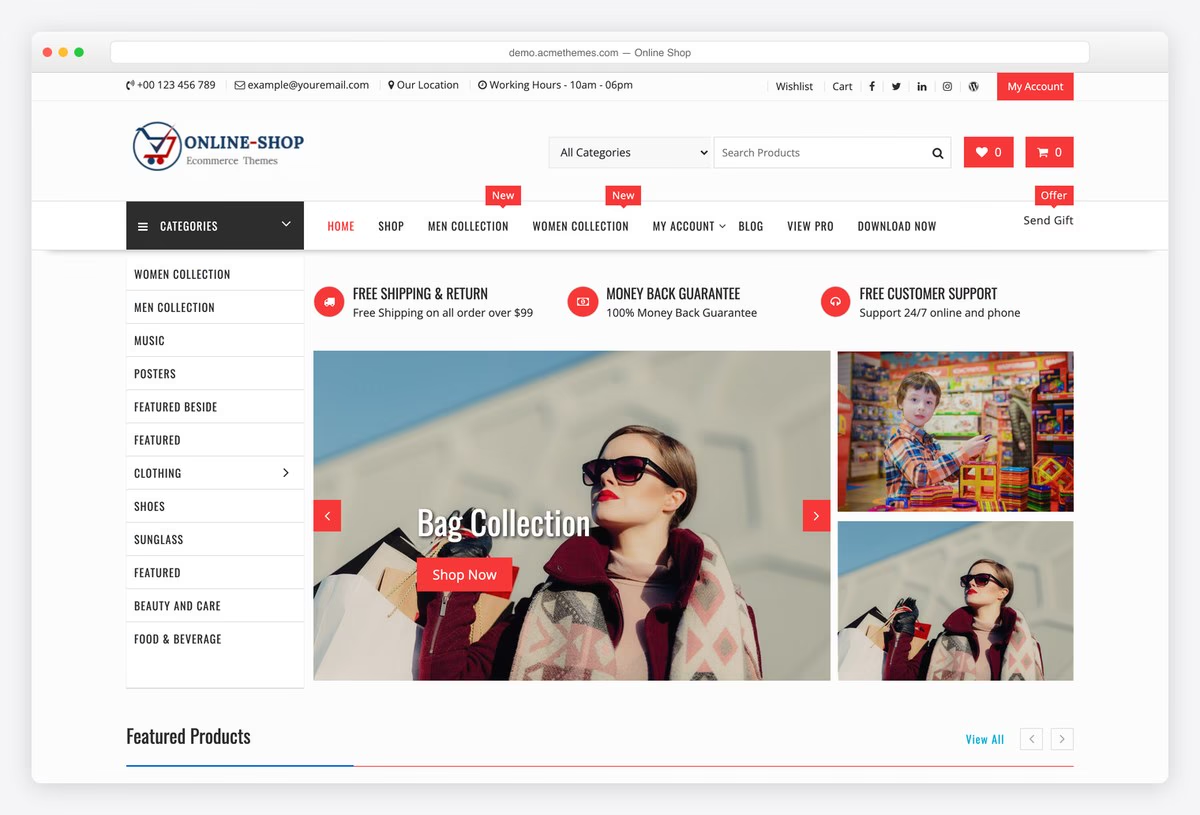
Why we like it: 151 reviews at 4.9 on a two-thousand-install theme, which is an unusually devoted user base for its size.
AcmeThemes built Online Shop around the parts of a store people actually use: a product grid with categories, promotional strips for shipping and returns, and a shop archive that handles a real catalogue. The free demo runs 58 products, so you can see it under load rather than with a token six.
✅ Pros: outstanding rating for its size, a demo with a real catalogue, straightforward to set up ⚠️ Cons: a small install base, and the styling is functional rather than distinctive
8. Futurio Storefront
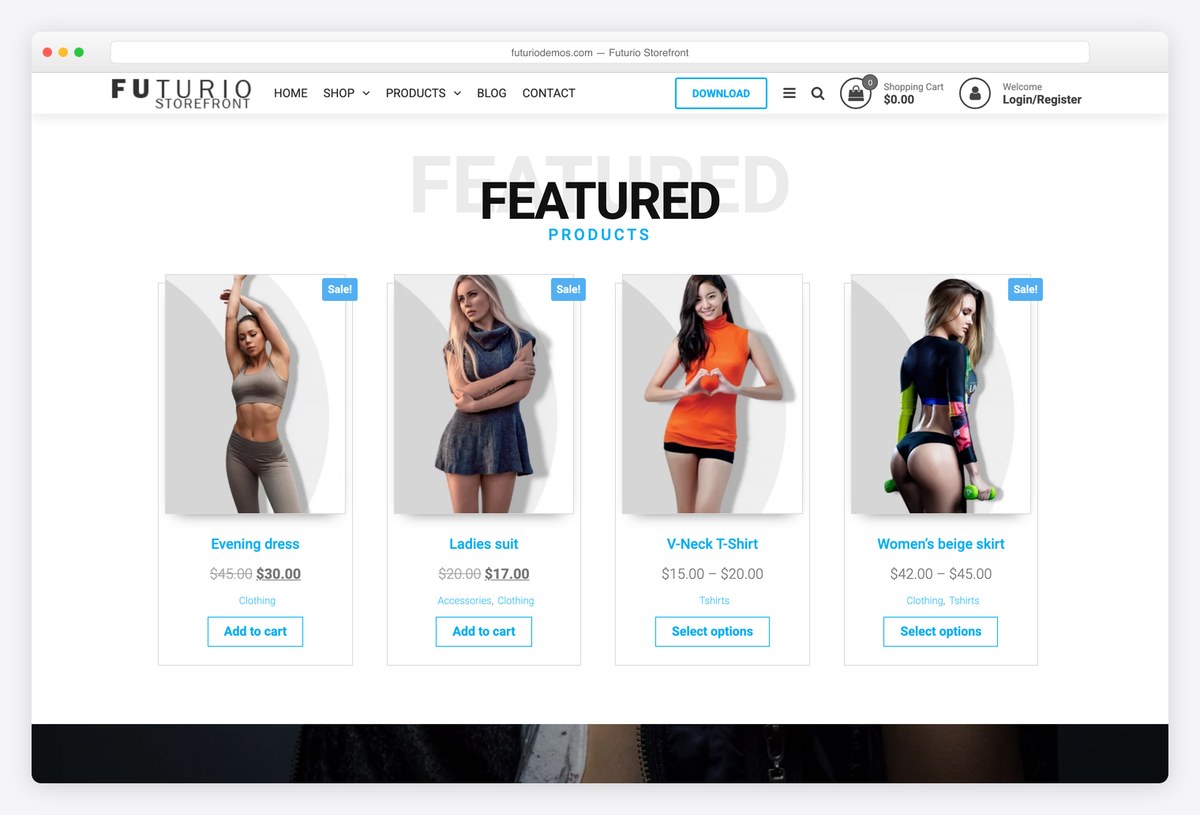
Why we like it: Ten thousand shops on a theme that does nothing but WooCommerce, with no blog or business layouts in the way.
Futurio Storefront is a store and only a store, which keeps both the theme and the options page small. The free demo shows sale badges, a product grid and a working cart, and its install count is high for a theme with no reviews yet.
✅ Pros: purpose-built for WooCommerce, large install base, free demo of the free edition ⚠️ Cons: no ratings yet, and it has gone longer between releases than most themes here
Want a deeper look at the shop side specifically? Our WooCommerce theme roundup goes further into product pages and checkout, and the full free collection covers everything else.
Free themes for a large catalogue
A theme that looks good with eight products can fall apart with eight hundred. Every theme in this group demos a full store with real categories, mega menus and pagination, so you can see how the grid behaves when it is loaded. Note the trade-off in our speed table: the themes that ship a department store out of the box are the heaviest here, because all those sliders, tiles and menus have to load.
9. Top Store
Why we like it: The demo runs a full electronics department store, which is the hardest thing for a free theme to do well.
Most free shop themes show a boutique with eight products. Top Store’s demo carries categories for audio, cameras, computers, appliances, smartphones, video games and watches, with a mega menu to hold them. If your catalogue is wide rather than deep, this is the free theme built for it.
✅ Pros: handles a wide catalogue, mega menu in the free theme, category-led homepage ⚠️ Cons: the design is busy, a small shop will look empty in it, and all that furniture costs page weight
10. Open Shop
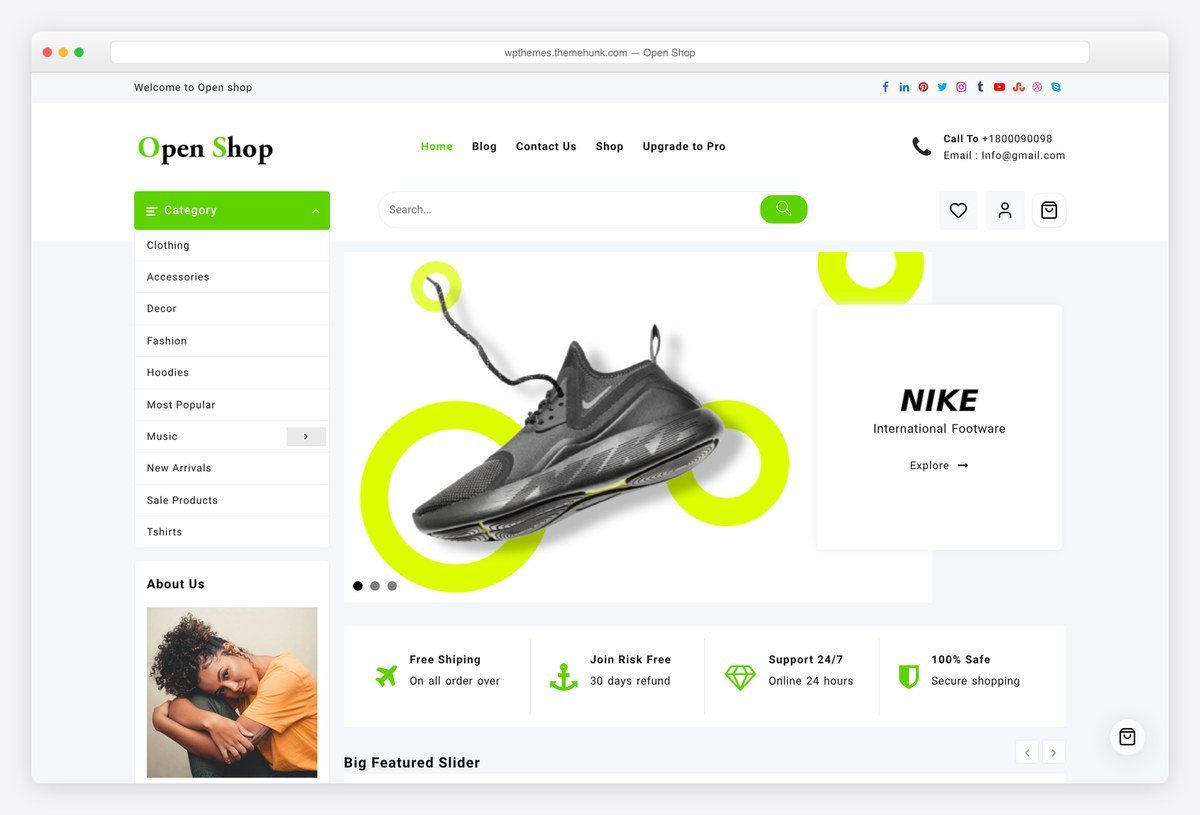
Why we like it: A clean fashion storefront with category tiles and trust messaging built into the homepage.
Open Shop leads with wide category images rather than a product dump, then follows with free-shipping, refund and support strips that shoppers look for before buying. It is the more restrained of ThemeHunk’s two free shop themes and the better fit for clothing.
✅ Pros: attractive category-led homepage, strong rating, trust messaging included ⚠️ Cons: few ratings, narrower than a general-purpose shop theme, and among the heaviest here
11. ShoppingCart
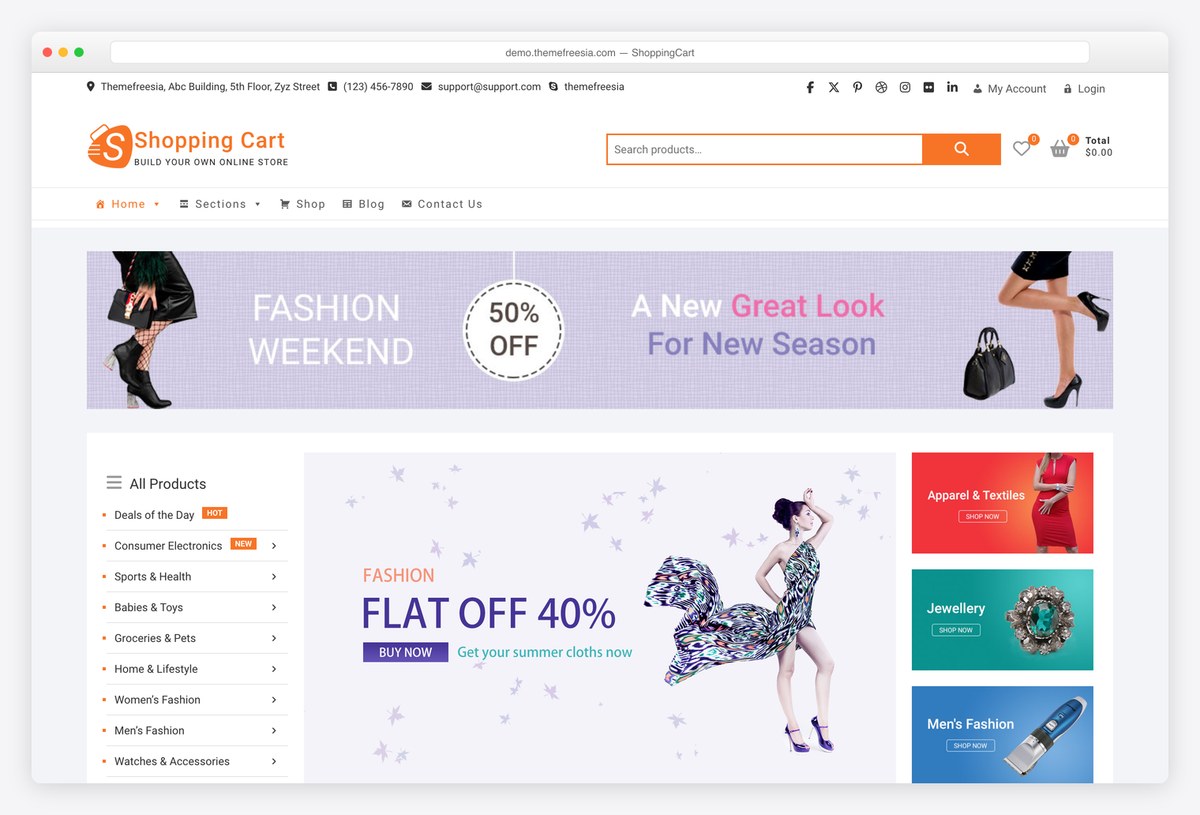
Why we like it: A homepage built from category banners, so sports, shoes and watches each get their own doorway.
ThemeFreesia’s ShoppingCart divides the front page into promotional bands per department, each with its own offer line, which suits a shop whose ranges do not belong on one grid. The demo carries a substantial catalogue behind it.
✅ Pros: department-led homepage, well rated, generous free feature set ⚠️ Cons: a dated look next to the newer frameworks, and its host challenges automated visitors
12. Enwoo
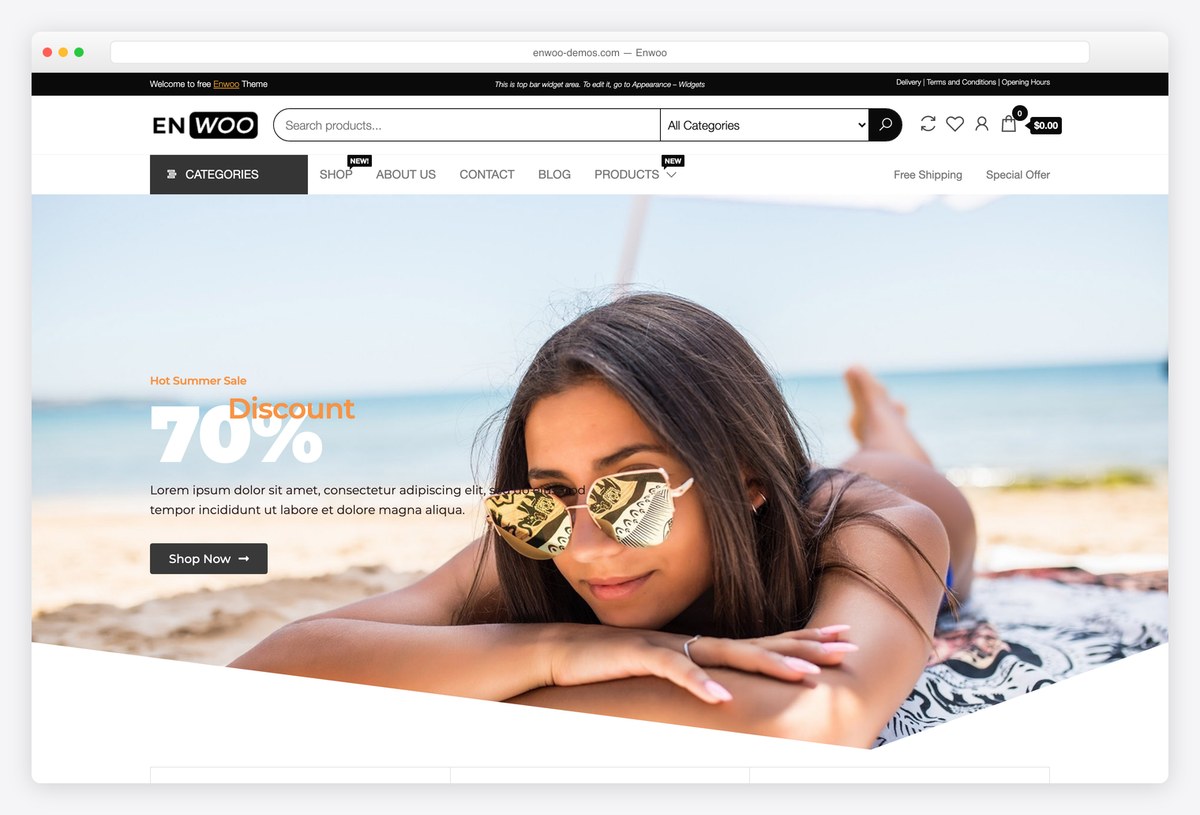
Why we like it: Two demos labelled as the free edition, both running a full catalogue rather than a handful of props.
EnvoThemes ships Enwoo with two importable free demos, and the second carries over a hundred priced products, which is a fair test of how a grid behaves when it is full. The theme itself is plain, which makes it easy to take somewhere else.
✅ Pros: two demos of the free edition, plain enough to restyle, real catalogues in both ⚠️ Cons: few ratings, placeholder widget text left in the demos, and no design opinion of its own
Free frameworks with a store starter
General-purpose themes that import a finished shop. They are the fastest options here and the easiest to take in another direction later, which matters because shops change shape more often than blogs do.
13. Astra
Why we like it: The most installed theme on WordPress, the lightest big framework, and a free eCommerce starter that imports finished.
Astra is the safest long-term base for a shop: it adds almost nothing to page weight, works with every builder, and its Generic eCommerce starter gives you a working store to edit rather than a blank page. If you are unsure, this is the low-risk answer.
✅ Pros: free store starter, light for its feature set, by far the largest community ⚠️ Cons: the deeper WooCommerce controls are in Astra Pro
14. Blocksy
Why we like it: The Homi starter imports a working furniture shop, complete with categories, featured products and a cart.
Homi is a shop rather than a shop-shaped homepage: product categories with counts, featured products, delivery and warranty messaging, and a functioning cart. Blocksy is also among the four lightest themes in our test and holds a perfect rating across several hundred reviews.
✅ Pros: free working shop starter, among the fastest measured, the best rated framework ⚠️ Cons: the starter ships with placeholder copy and stock products to replace
15. GeneratePress
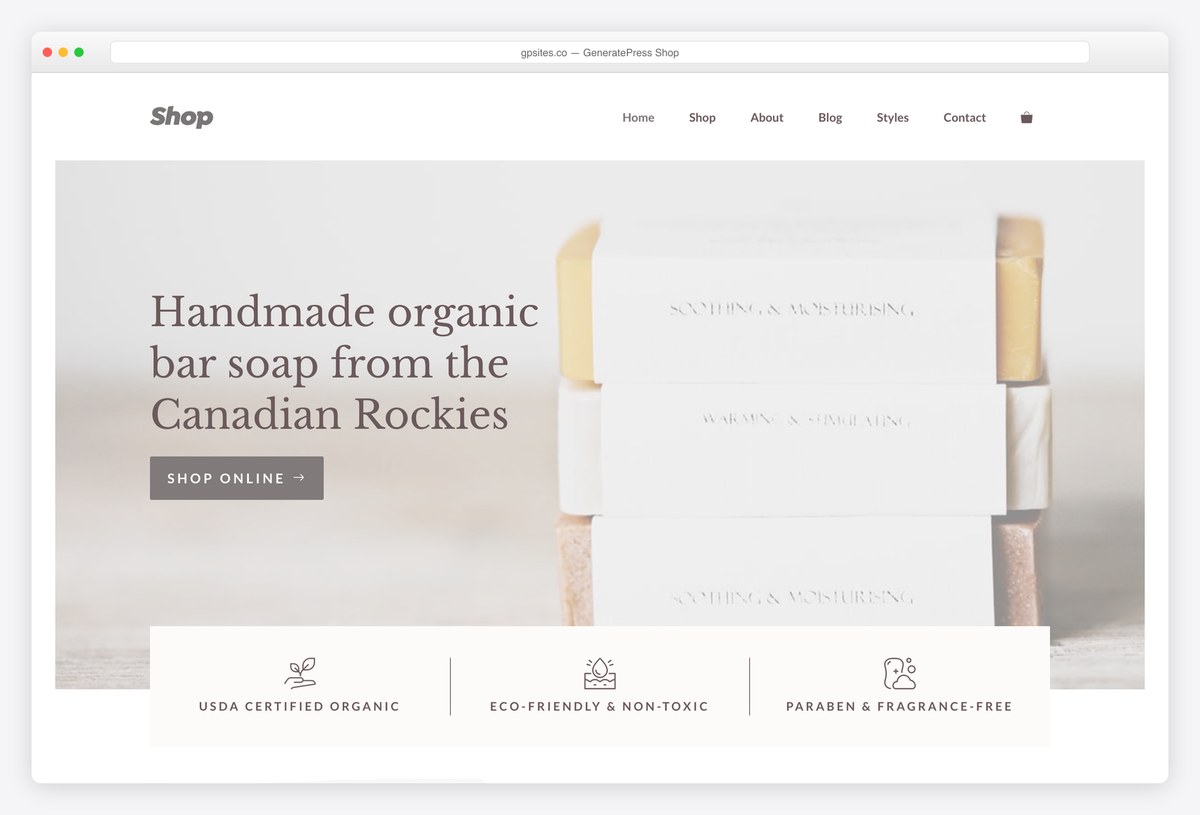
Why we like it: The lightest theme we measured anywhere, which on a shop is money rather than vanity.
GeneratePress contains almost nothing you did not ask for, so WooCommerce’s own weight is most of what the browser downloads. Its Shop demo shows the theme handling a store cleanly, and nothing here will load faster on a phone.
✅ Pros: fastest in our test, immaculate code, perfect rating ⚠️ Cons: the site library needs GP Premium, and the free theme is visually plain
16. Kadence
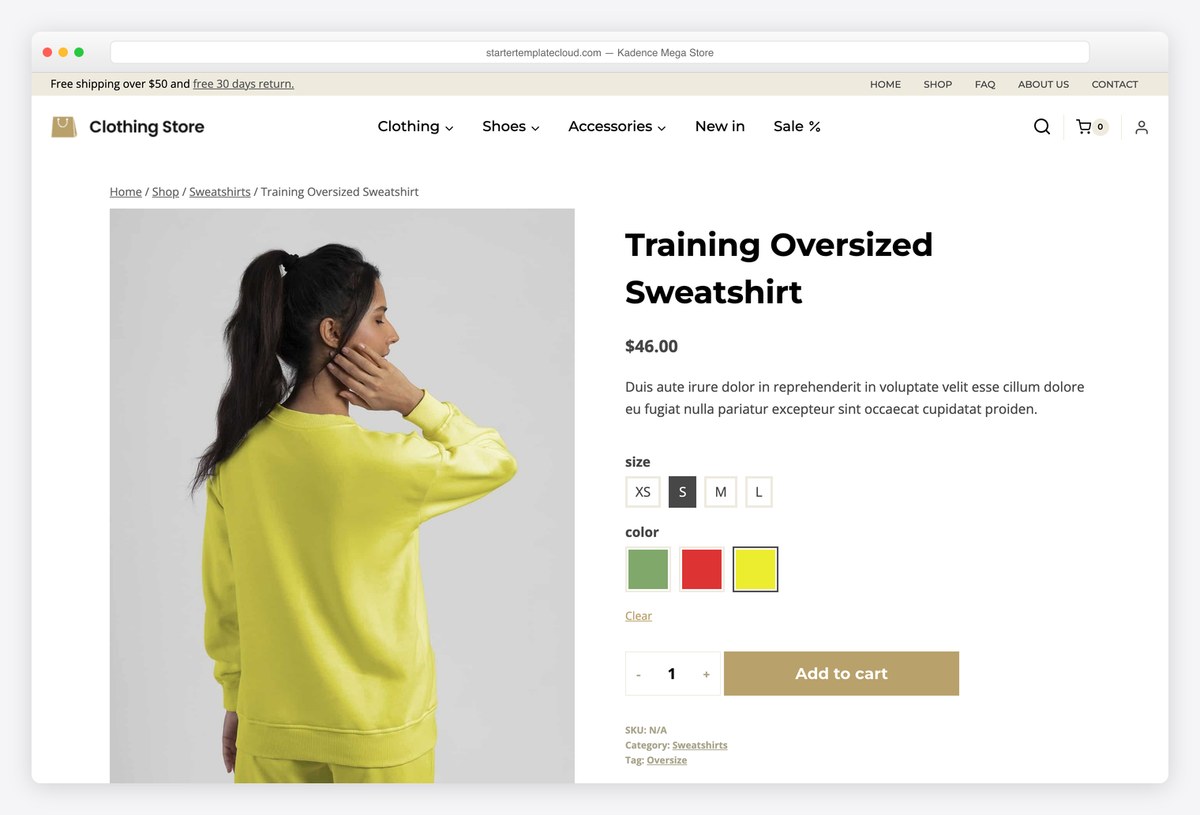
Why we like it: Free header and footer builders, which is how a shop keeps search, account and cart visible everywhere.
A store’s header carries more than a blog’s: search, categories, account and cart. Kadence gives you drag-and-drop header building in the free theme to arrange all of it, and its Mega Store starter shows a full catalogue using it.
✅ Pros: free header and footer builders, store starter, fast ⚠️ Cons: check which starter templates your plan includes, and its block library is another system to learn
17. Neve
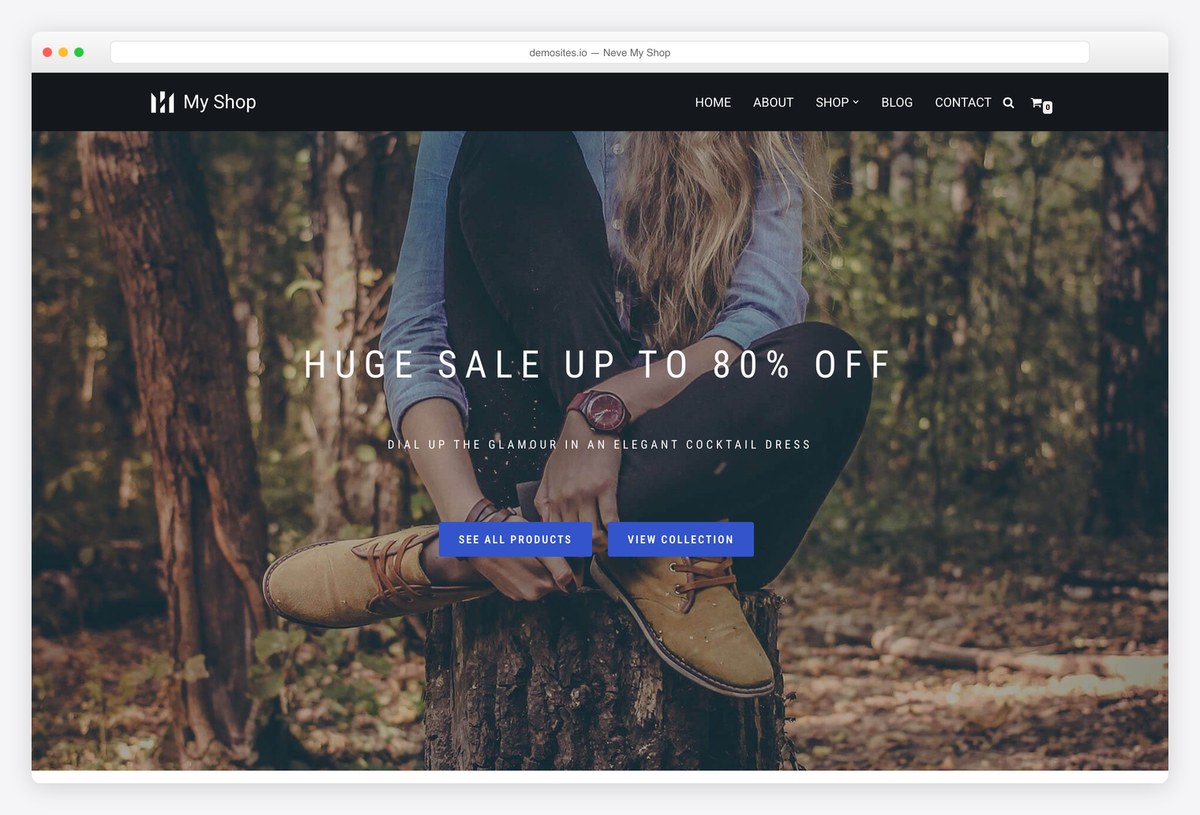
Why we like it: A free shop starter on one of the lightest themes available, which matters when most shopping happens on a phone.
Neve’s My Shop starter gives you a small store already arranged, on a theme built to load quickly. For a boutique catalogue rather than a warehouse, that combination is hard to beat at this price.
✅ Pros: free shop starter, very light, works with any builder ⚠️ Cons: much of the wider template library is Pro
18. OceanWP
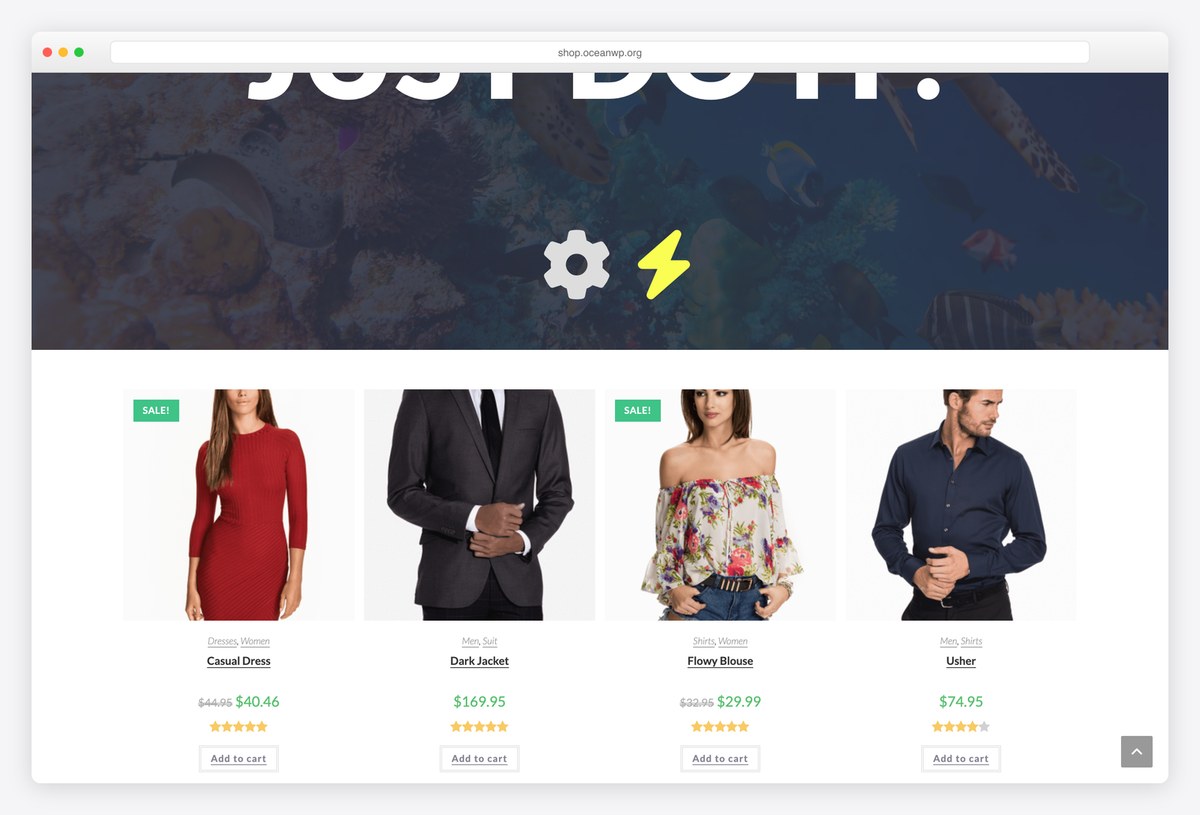
Why we like it: A free shop demo on one of the most used and most reviewed themes on WordPress.
OceanWP has long been a default choice for WooCommerce, with a free shop demo and a large library of extensions covering the parts the base theme leaves out. Half a million sites and nearly six thousand reviews mean it will still be here as your shop grows.
✅ Pros: free shop demo, enormous user base, extends easily ⚠️ Cons: the useful shop features sit in paid extensions, and it runs heavier than the leanest frameworks
19. Zakra
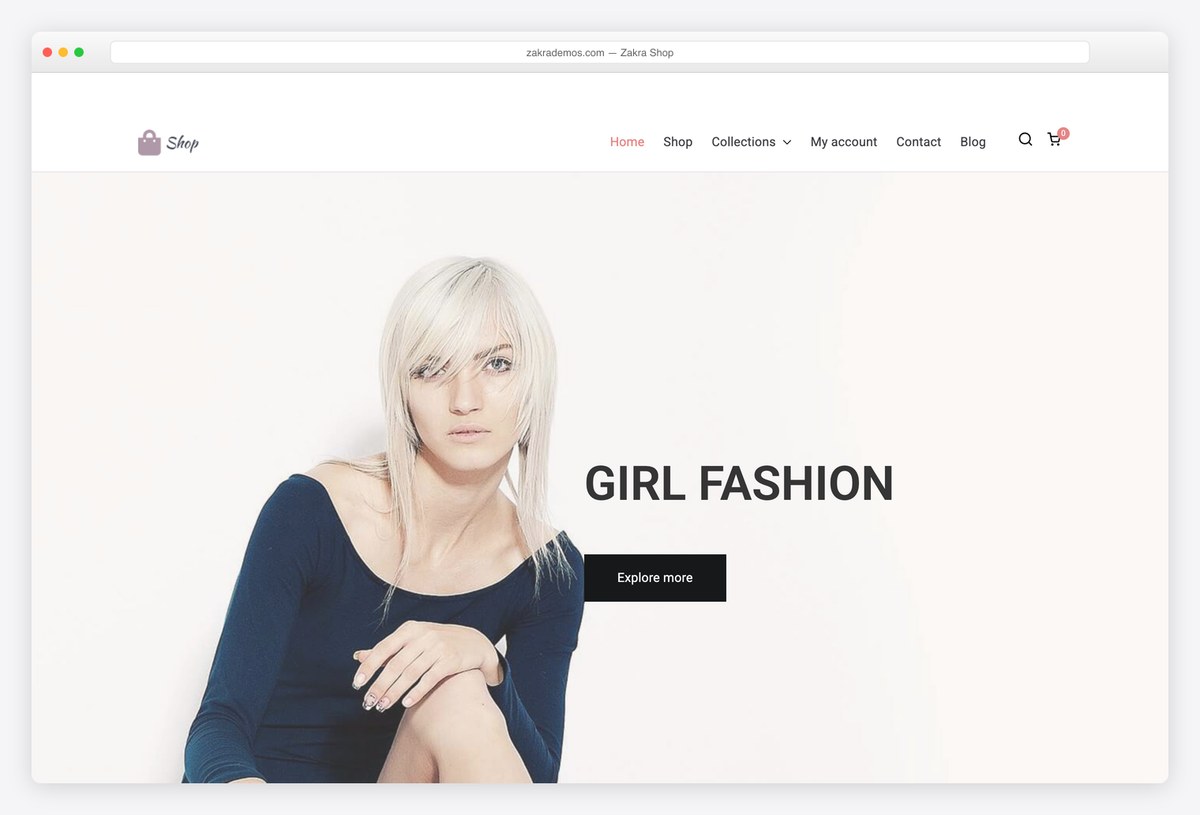
Why we like it: Free header and footer builders, so the cart and search go where your customers actually look.
Zakra’s Shop starter is a reasonable beginning, but the reason to pick it is what happens next: the free header builder lets you rebuild the top of the store around search and cart without code or an upgrade.
✅ Pros: free header and footer builders, shop starter included, very well rated ⚠️ Cons: the deeper starter library sits behind Zakra Pro
20. Hestia
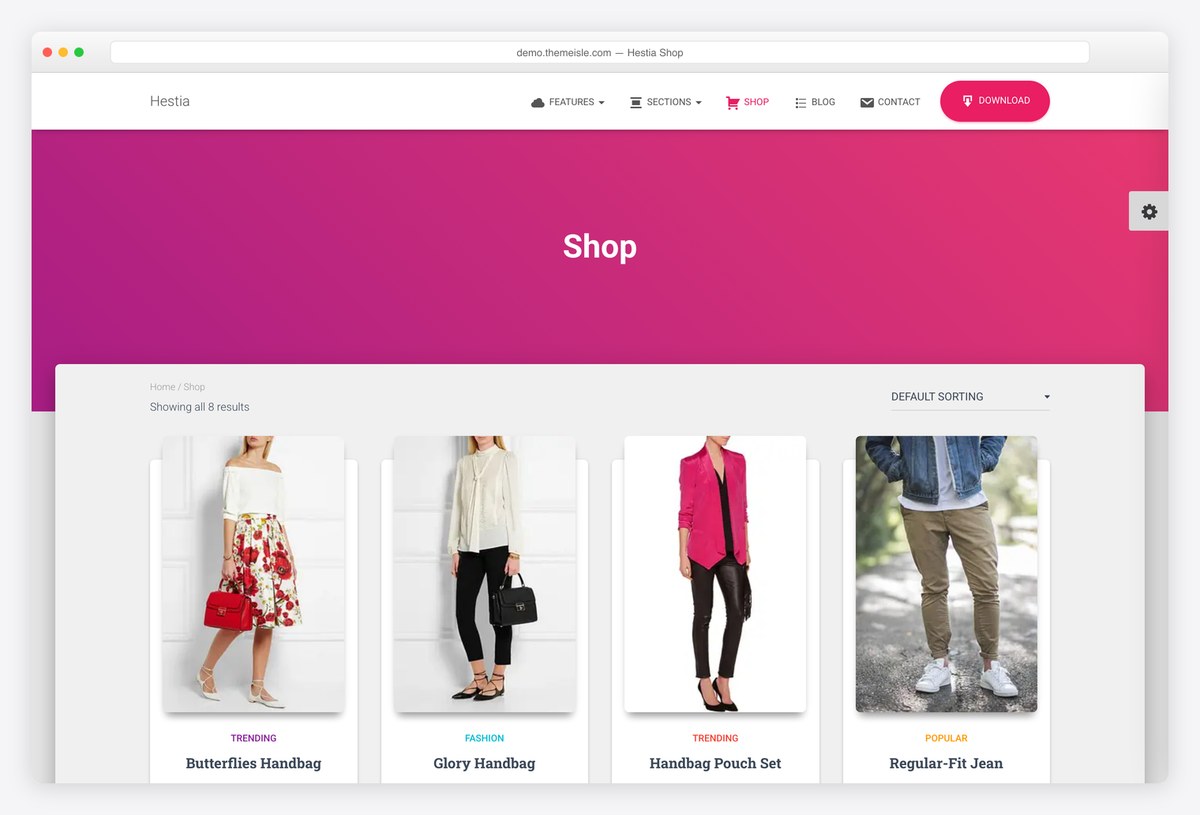
Why we like it: A complete one-page business site with WooCommerce support, configured from the customizer with no import.
Hestia suits the case where the shop is part of the business rather than the whole of it: services, team and testimonials on one page, with a store behind it. Everything is set up directly, so there is no import step to go wrong.
✅ Pros: complete one-page structure, WooCommerce ready, constantly updated ⚠️ Cons: no shop-specific layouts, and the material design styling is distinctive
21. Sydney
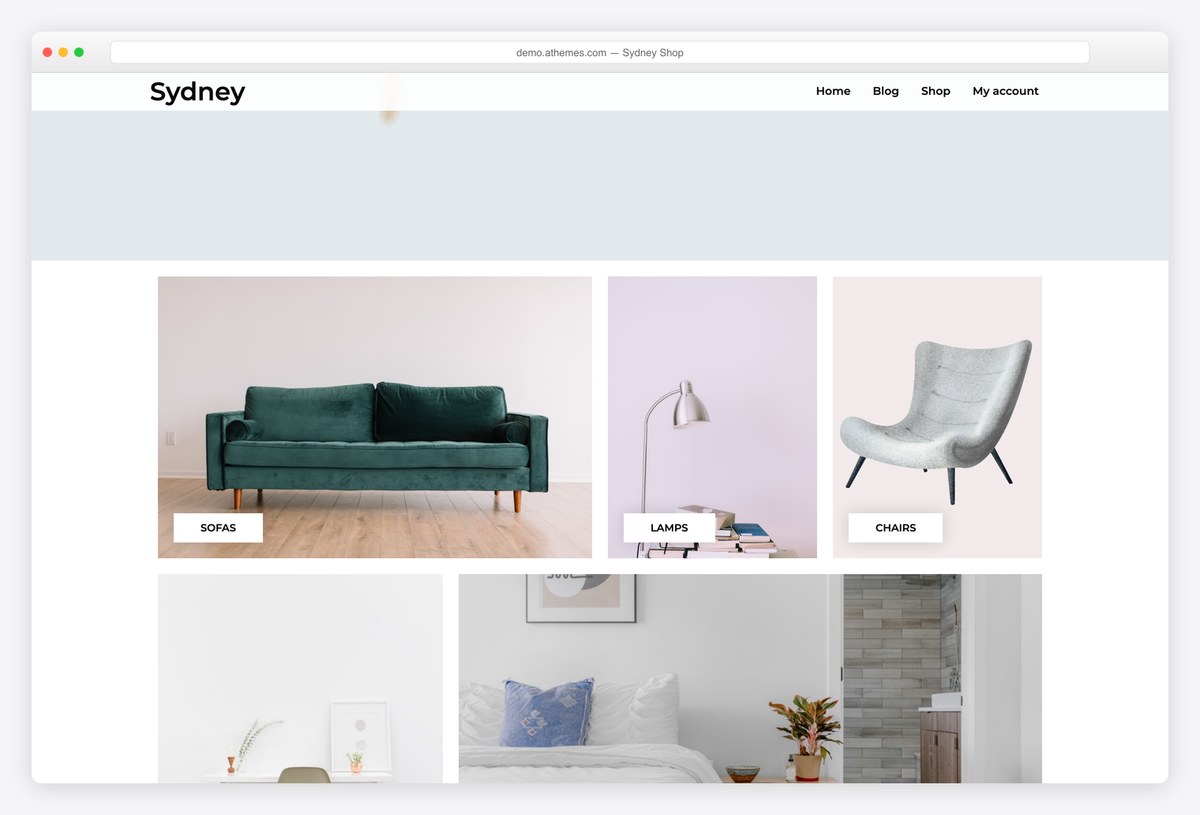
Why we like it: 794 reviews at 4.9, and a shop demo that runs the free theme rather than the Pro build.
Sydney has been a default free business theme for years, and aThemes maintains a separate shop demo for it. We checked which build powers that demo and it loads the free theme, not Sydney Pro, so the layouts you see are the ones you get.
✅ Pros: one of the best-reviewed free themes anywhere, verified free shop demo, and light in our test ⚠️ Cons: the shop is bolted onto a business theme rather than the point of it
22. Total
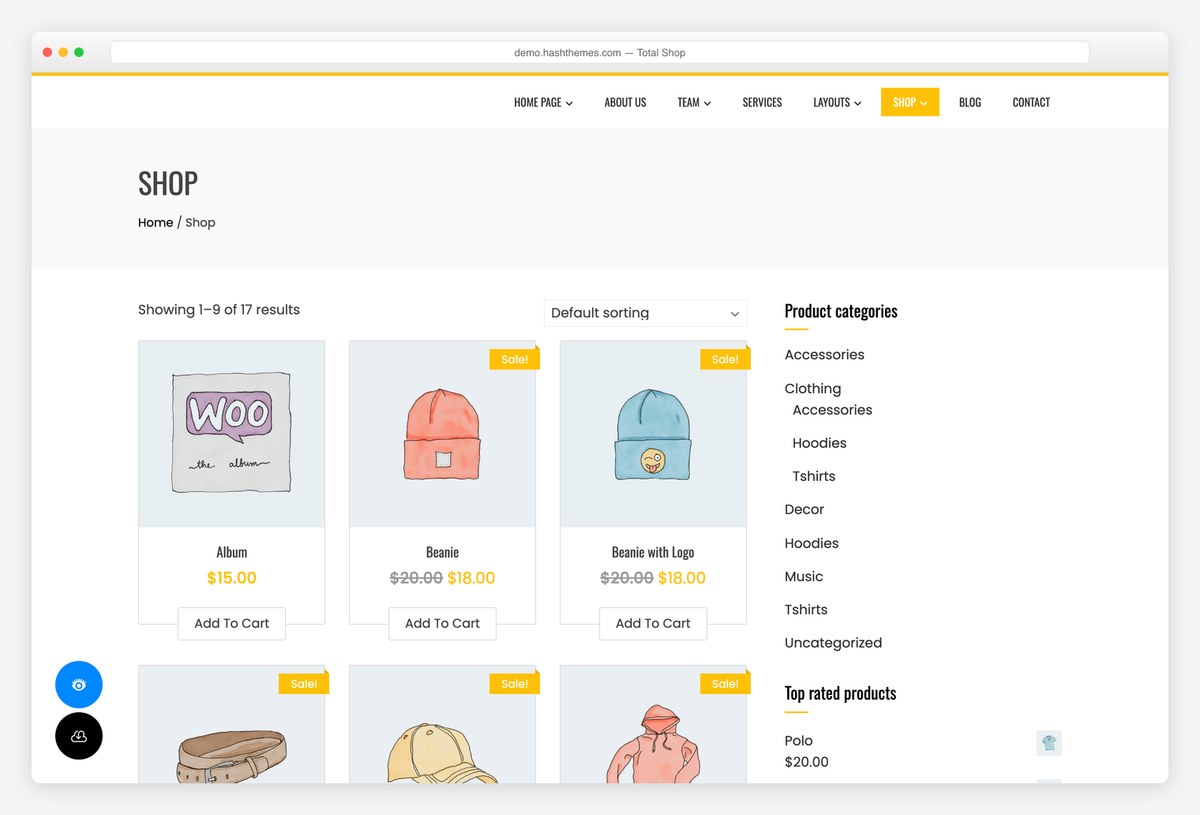
Why we like it: One of the few free themes whose demo shows the shop archive itself, sorting and all, rather than a homepage.
HashThemes demos Total at its shop page rather than its front page, so you can judge the product grid, the sorting dropdown and the result counts, which is where shoppers actually spend their time. Seventeen products across the archive is enough to see how it paginates.
✅ Pros: the demo shows the page that matters, well rated, importable starter sites ⚠️ Cons: a general-purpose theme rather than a shop specialist, and it scored lowest of the 21 in our speed test
One-page themes for a small shop
When you sell a handful of products rather than a catalogue, a single scrolling page with a cart attached is less to build and less to maintain.
23. Shapely
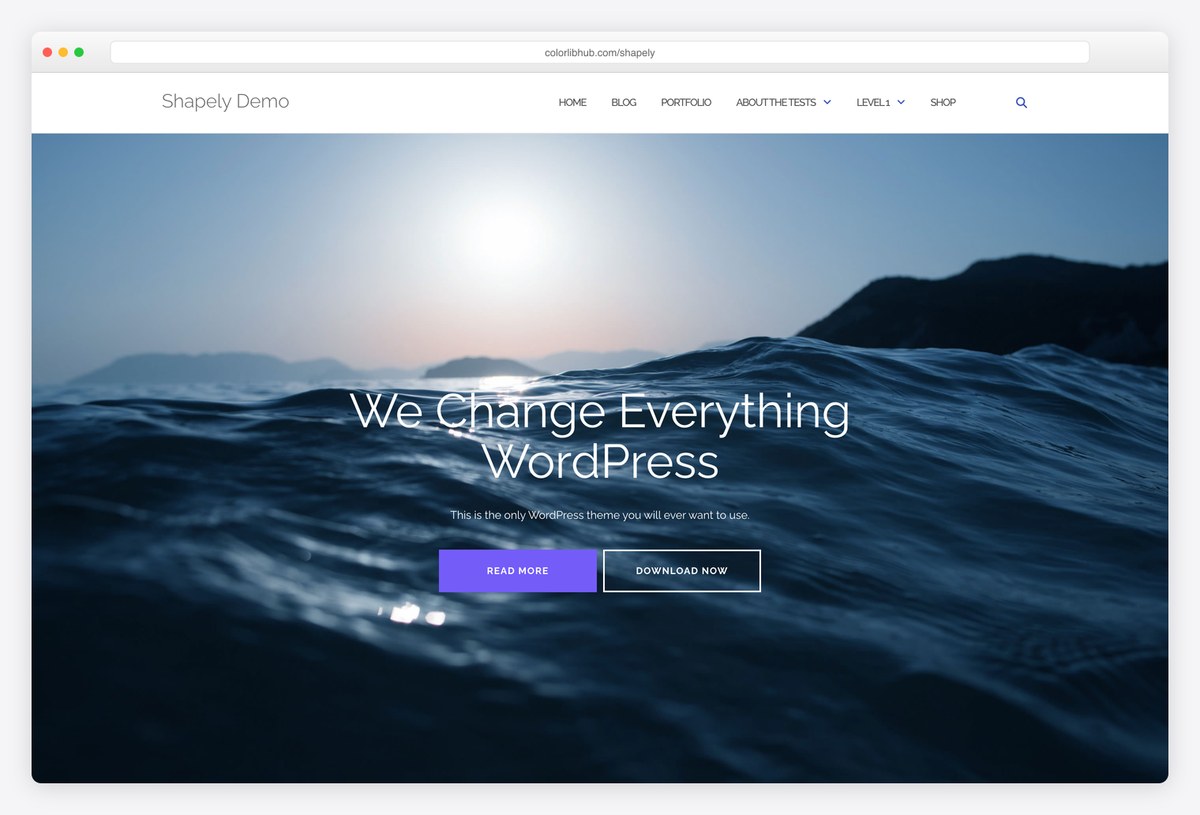
Why we like it: Full-width image sections with WooCommerce underneath, which is enough shop for a small range presented well.
Shapely builds a page from wide image bands and supports WooCommerce, so a small label can present a range as a lookbook and sell from the same page. It is our most downloaded theme and still ships releases, including a recent accessibility pass.
✅ Pros: strong visual presentation, WooCommerce ready, maintained by us ⚠️ Cons: no product filtering or shop layouts, and heavier than the modern frameworks
Paid eCommerce WordPress themes worth the money
This is the one category where paying is easy to justify. A paid WooCommerce theme replaces a stack of plugins you would otherwise buy separately, wishlists, swatches, quick view, abandoned cart, live search, and it does so with code written to work together. Every theme below has been checked against its marketplace page and has a working shop demo you can open.
24. Flatsome
Why we like it: Nearly 270,000 sales makes it the most used paid WooCommerce theme there is, and the one your developer already knows.
Flatsome ships its own drag-and-drop builder tuned for shops, so product pages, category layouts and landing pages are all editable without a separate plugin. At this scale the practical advantages compound: documentation, tutorials and developers familiar with it are everywhere.
✅ Pros: unmatched sales record, shop-tuned page builder, lifetime updates ⚠️ Cons: its own builder locks your layouts in, and it is a large system to learn
25. WoodMart
Why we like it: Wishlist, swatches, quick view, abandoned cart and dynamic discounts are built in, so you buy one thing instead of six.
WoodMart’s pitch is consolidation: features most shops assemble from separate plugins ship as part of the theme, written to work together. Add a hundred importable store designs and a 4.91 rating across 3,700 reviews, and it is the strongest all-round paid option here.
✅ Pros: replaces several paid plugins, highest rating of the big sellers, 100+ prebuilt stores ⚠️ Cons: features tied to the theme leave with it, and there is a lot to configure
26. Porto
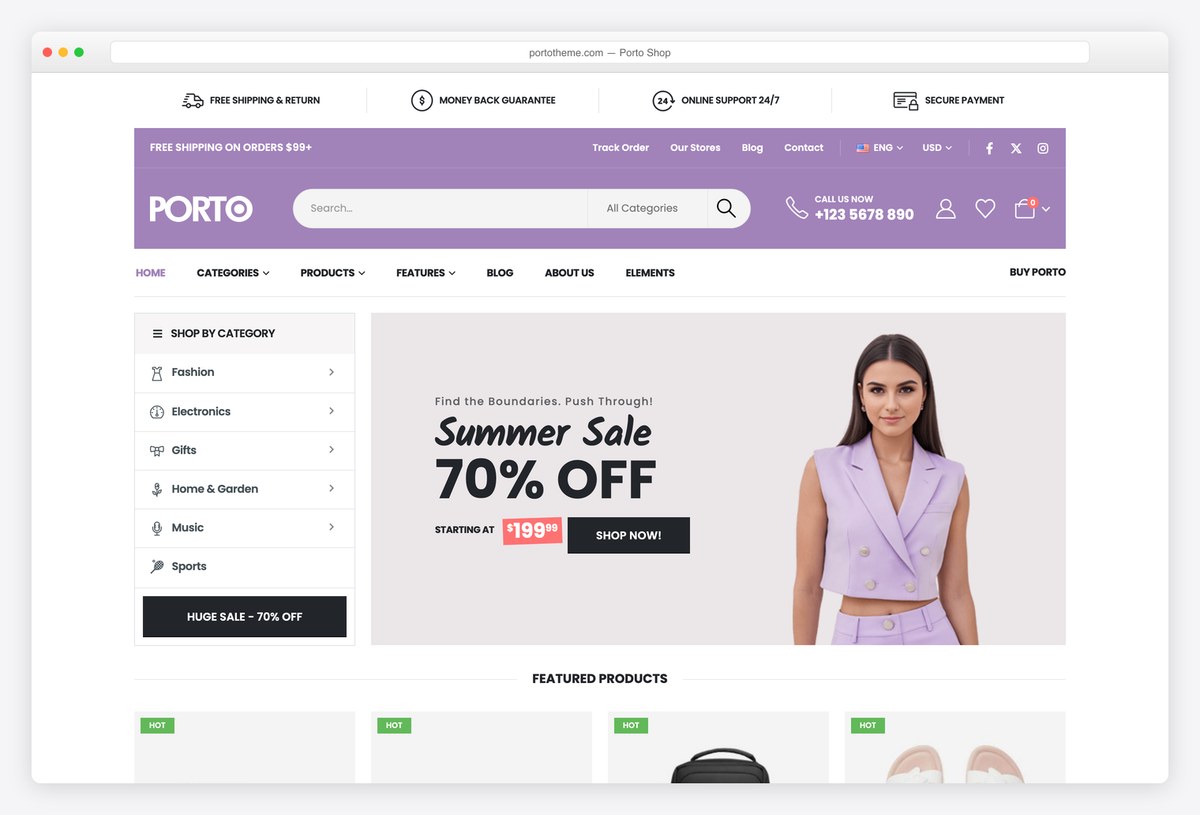
Why we like it: The highest rated of the hundred-thousand-sale themes, and the one that markets itself on Lighthouse scores.
Porto pairs more than fifty importable shop designs with genuine attention to performance, which is unusual at this size: big multipurpose themes usually trade speed for features. Updated within days of the latest WooCommerce release, every release.
✅ Pros: best rated of the giants, many shop demos, performance-conscious ⚠️ Cons: multipurpose breadth means options you will never use
27. XStore
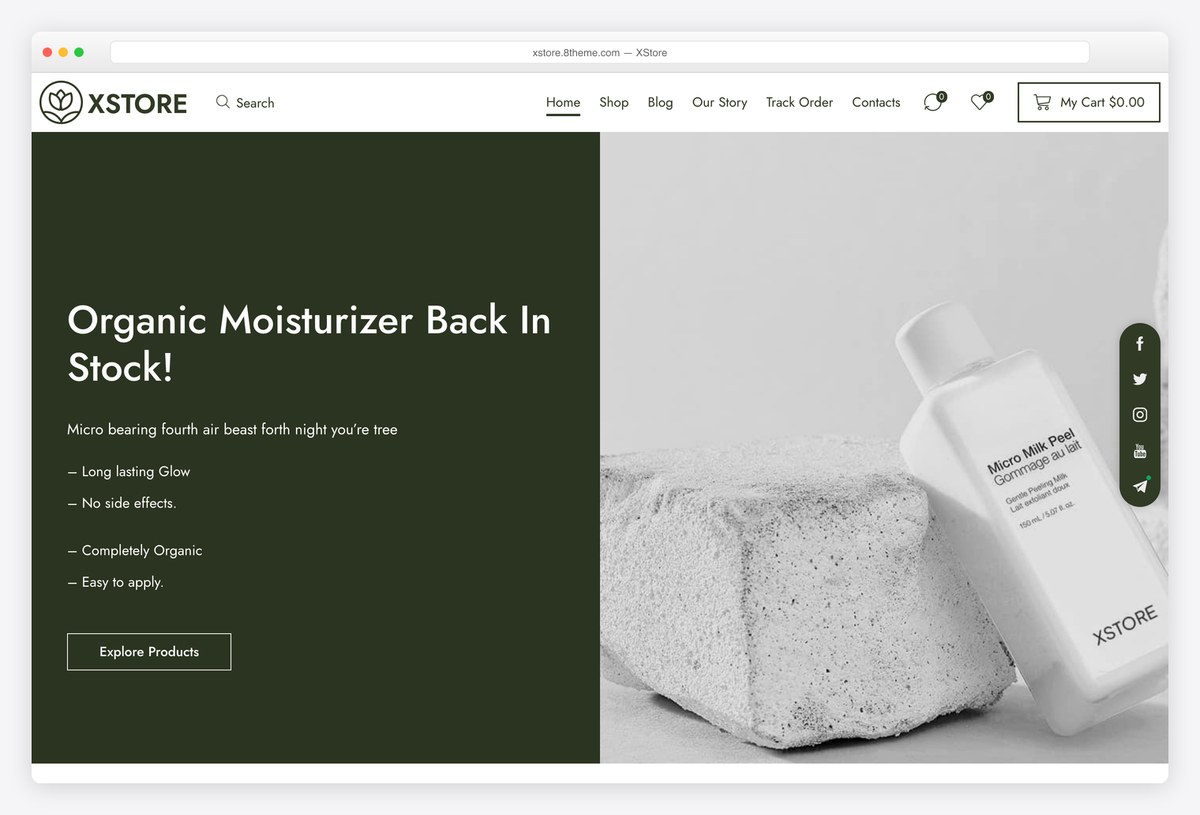
Why we like it: More than 140 importable stores, so there is usually one close to what you are selling already.
XStore’s advantage is coverage: beauty, grocery, furniture, fashion and dozens more, each a complete store rather than a colour variation. It bundles premium plugins that would otherwise be bought separately, and it is updated constantly.
✅ Pros: the largest demo library here, bundled premium plugins, frequent updates ⚠️ Cons: the sheer number of demos makes choosing harder, not easier
28. Divi + Online Store layout pack
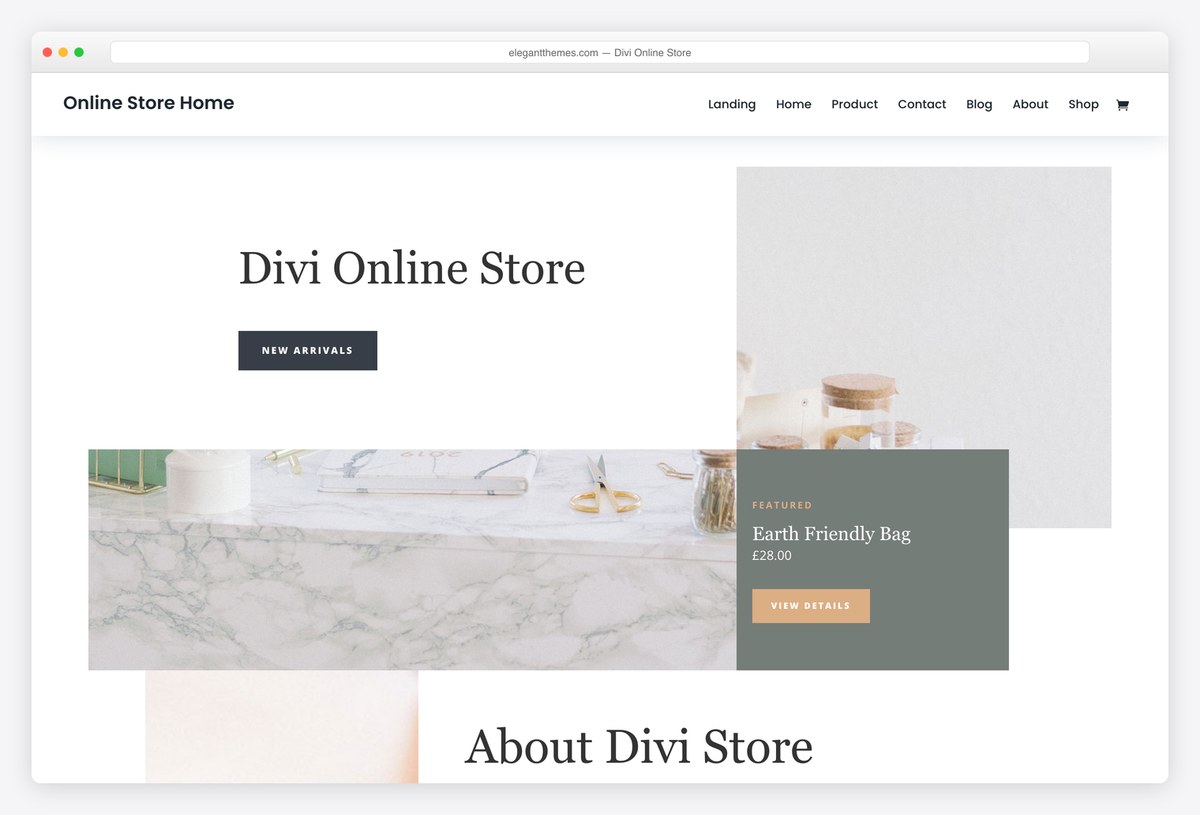
Why we like it: WooCommerce modules you place anywhere, plus free store layout packs, on a licence that covers every site you build.
Divi turns product pages into something you design rather than configure, with WooCommerce modules for galleries, prices, ratings and add-to-cart that can go anywhere in a layout. For an agency running several shops, the unlimited licence is the argument.
✅ Pros: full visual control of product pages, unlimited sites, free store packs ⚠️ Cons: adds page weight on top of WooCommerce, and leaving Divi means rebuilding
What to look for in an eCommerce WordPress theme
- Judge the product page, not the homepage. That is where the sale happens. Look for variation swatches rather than dropdowns, a gallery that works with a thumb, a price and add-to-cart visible without scrolling, and stock and delivery information near the button.
- Speed is revenue here, not vanity. WooCommerce adds weight on top of whatever the theme costs you, so start light. Our table measures each theme before WooCommerce is installed, which is the fairest way to compare the starting point.
- Count the plugins a paid theme replaces. Wishlist, quick view, swatches, live search and abandoned cart bought separately can exceed the price of a theme that includes them. That is the honest case for paying in this category.
- Features built into a theme leave with the theme. The flip side of the point above: a wishlist that lives in your theme disappears when you switch. Anything you would hate to lose, keep in a plugin.
- Check the cart and checkout on a phone. Most shopping traffic is mobile and most theme demos are designed on a desktop. Add something to the cart in the demo and go through to checkout before you decide.
- WooCommerce itself is free, and so is its official theme. Storefront, by the WooCommerce team, has 90,000 installs and remains a solid, boring, dependable base. It is not listed above only because WooCommerce no longer hosts a public demo of it that we could show you.
- Plan for growth in products, not visitors. A theme that feels quick with twelve products can crawl with two thousand. If you expect a real catalogue, favour the themes that talk about performance rather than the ones that talk about looks.
Frequently Asked Questions
Is WooCommerce itself free?
Yes. The WooCommerce plugin is free and open source, and it will run on every theme on this page. What costs money is hosting, a domain, payment processing fees, and any extensions you add for things like subscriptions or bookings.
Does WooCommerce provide a free theme?
It does: Storefront, built by the WooCommerce team, with around 90,000 active installs. It is deliberately plain and dependable, which suits a shop that will be styled by a child theme. We have not listed it above because WooCommerce no longer hosts a public demo we could open and show you.
What is the best free eCommerce WordPress theme?
Astra if you want the safest long-term base, since it is the lightest big framework and has a free store starter. Botiga if the product page matters most, because it was designed around WooCommerce rather than adapted to it. Blocksy’s Homi starter if you want a working shop imported today.
Do I need a paid theme to run a shop?
No, but this is the category where paying is easiest to justify. A paid theme like WoodMart bundles wishlist, swatches, quick view and abandoned cart, which bought as separate plugins would cost more than the theme. Start free, and pay when you can name the plugins you would be replacing.
How do I keep a WooCommerce store fast?
Start with a light theme, then handle the things that actually slow shops down: uncompressed product images, too many plugins, and cart fragments running on every page. Add caching that understands WooCommerce, and test a category page rather than the homepage.
Can I sell digital products or subscriptions?
Yes. WooCommerce handles downloads out of the box, and subscriptions through a paid extension. Neither depends on the theme, so choose your theme for the shop front and treat selling mechanics as a plugin decision.
Will my products survive a theme change?
Products, orders and customers live in WooCommerce, not the theme, so they stay put. What you lose is layout, plus any feature the theme provided itself such as a built-in wishlist. That is the practical argument for keeping important features in plugins.
How many products can WordPress handle?
Far more than most shops need, given decent hosting. Trouble usually starts with the database queries behind filtered category pages rather than the product count itself. If you are planning thousands of products, budget for proper hosting rather than a different theme.
Which one should you use?
For most new shops, install Astra and import its eCommerce starter, or Blocksy’s Homi if you would rather have a furnished store on day one. If the product page is where you will spend your time, Botiga is the better free base. Pay for WoodMart when you can list the plugins it replaces, or Flatsome if you want the theme most developers already know. And whichever you choose, spend an hour on your product images before you spend another on the homepage.

Related Posts



Hi there,
Do any of these themes allow different units of measure for the products.. ie. ‘each’ or ‘per roll’ or ‘per m2’, etc?
Thanks in advance.
Alan,
These themes are based on WooCommerce, which is by far the most flexible eCommerce platform for WordPress. These units aren’t available by default, but you can add them with additional plugins and WooCommerce extensions, no coding required.
Hello Aigars!
I’d like an option where I can combine a blog and eventually ecommerce. Do either of the options here fit that need?
If not, can you point me the direction of (free) selection that do?
Thanks!
Hello Kenyatta,
WordPress started as a blogging platform and has grown into a fully functional CMS, but its roots haven’t changed: every WordPress theme can have a blog page. eCommerce comes from plugins, in this case WooCommerce. So all these themes work as blog or static websites by default, and you can expand their functionality by installing WooCommerce. Not every theme works well with WooCommerce, which is why we selected the best ones listed above.
Feel free to ask if you have any questions about WordPress themes or WooCommerce.
There’re many powerful option right now… but it made me confused whenever I download them sometimes the looks of my website totally different with the demos. Anything wrong? Sorry I’m still new in WordPress
Themes are all about design, not content. Theme demos have their own content, while your website has either no content yet or different content, so a freshly activated theme won’t look the same as the demo. Some of the themes listed above come with demo content that you can import as a starting point, but you will have to replace it with your own content before your website goes live.
Hi ,
I am starting a business to sell the courses online. I donot need LMS, just selling the course like any other product.
I have 2 Main Category and Sub Category under each Category and Each Sub category will have multiple courses. ANd the course types will be Online self learning and class room trainings and Price will be based on the country
Ex:
Technical Training (Main) -> Java (Sub cat) -> Java Basic (course name)
Technical Training -> Java -> Java Advanced
Technical Training -> Web TEch -> HTML
Can you please suggest which of the above free theme can I use?
Thanks
Hema
Hema,
All these eCommerce themes are powered by WooCommerce, so I recommend first checking whether WooCommerce as a platform is what you are looking for. It handles categories, different pricing options and much more, and none of these features depend on the theme. Once you have verified that WooCommerce fits your needs, you can choose any of these themes. WooCommerce will do the heavy lifting, not the theme. Premium themes sometimes add extra functionality on top of WooCommerce, but free themes usually don’t.
Hi,
I plan to have a website promoting natural health products for women, senior or pets.
When some one purchase an item from my website, the payment link will go to the supplier to dropship the product to the customer.
Would like to know your recommendation for the right theme for the website.
Tommy,
WooCommerce can be used for drop shipping as well as affiliate products. All these themes work with these options by default therefore you can choose the one that you like the most.