
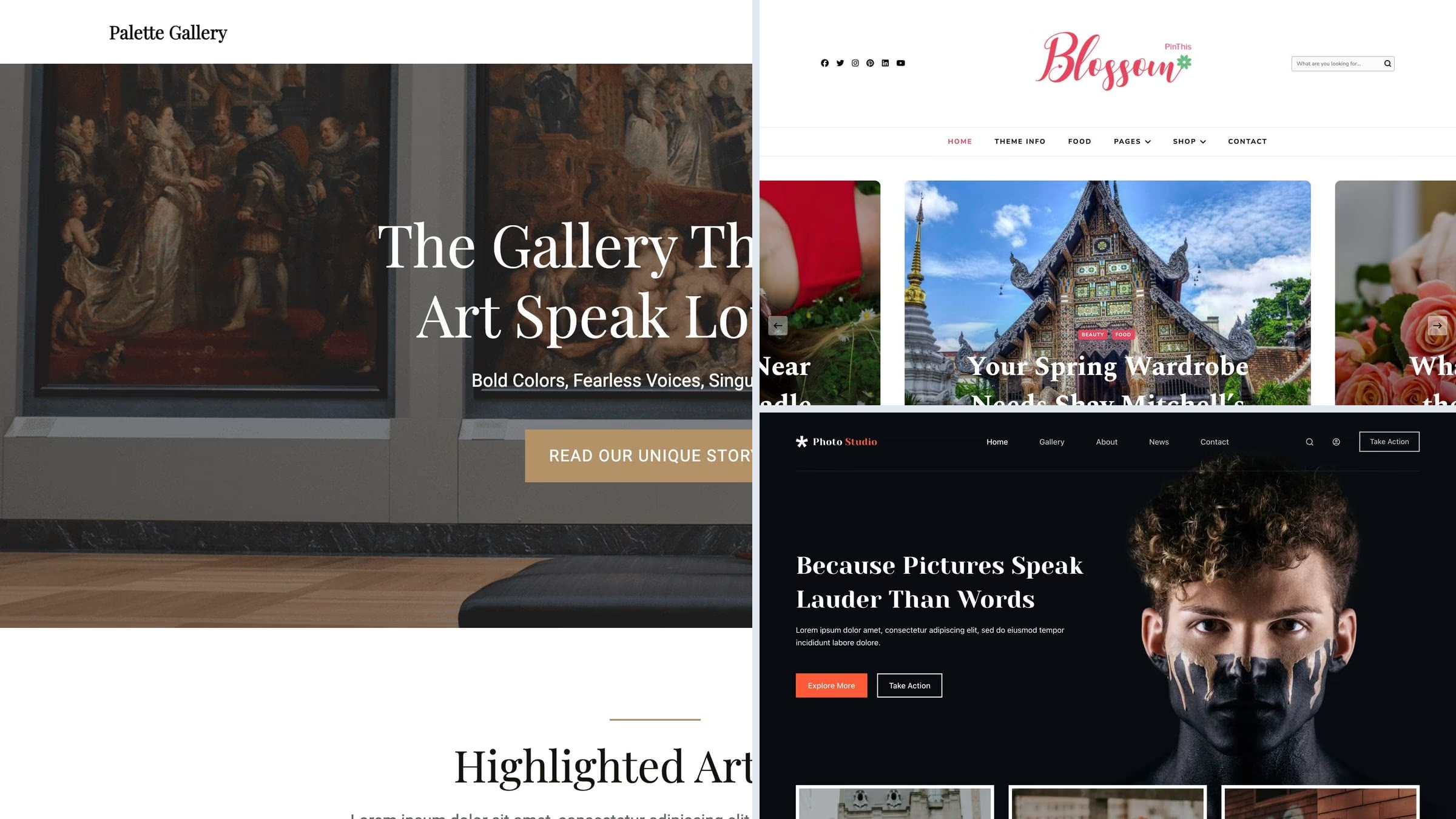
16 Best Free Gallery WordPress Themes for Photo & Portfolio Galleries 2026
For an image-led gallery, our first free Colorlib pick is Unapp — Photographer starter: selected work, commissions and native photo editing. This guide covers 16 free themes and 3 paid alternatives, with live demos and clear notes about what each option provides.
Before you choose, settle one question: do you need a gallery theme or a gallery plugin? A theme decides how your images sit on the page. A plugin such as Modula, Envira or NextGEN decides how a gallery behaves, with albums, filtering, watermarks and proofing. Most sites that think they need the first actually need the second, and the two work together fine.
Related roundups: photography themes for a photographer’s whole site, art gallery and museum themes for a venue, and portfolio themes for creative work more broadly.
Quick picks
- Colorlib free pick: Unapp — Selected work, commissions and native photo editing
- Best free gallery theme: Palette Gallery — built for galleries first, and ranked second on WordPress.org for this search
- Best masonry board: Blossom PinThis — a Pinterest-style board for browsing a whole collection at once
- Colorlib pick: Shapely — full-width image sections and a portfolio widget, no builder
- Best block theme: The Photograph — gallery pages assembled in the site editor
- Best starter site: Blocksy — the free Photo Studio starter has a gallery page ready
- Best paid theme: Photography — 24 gallery layouts plus client proofing and print sales
Top picks at a glance
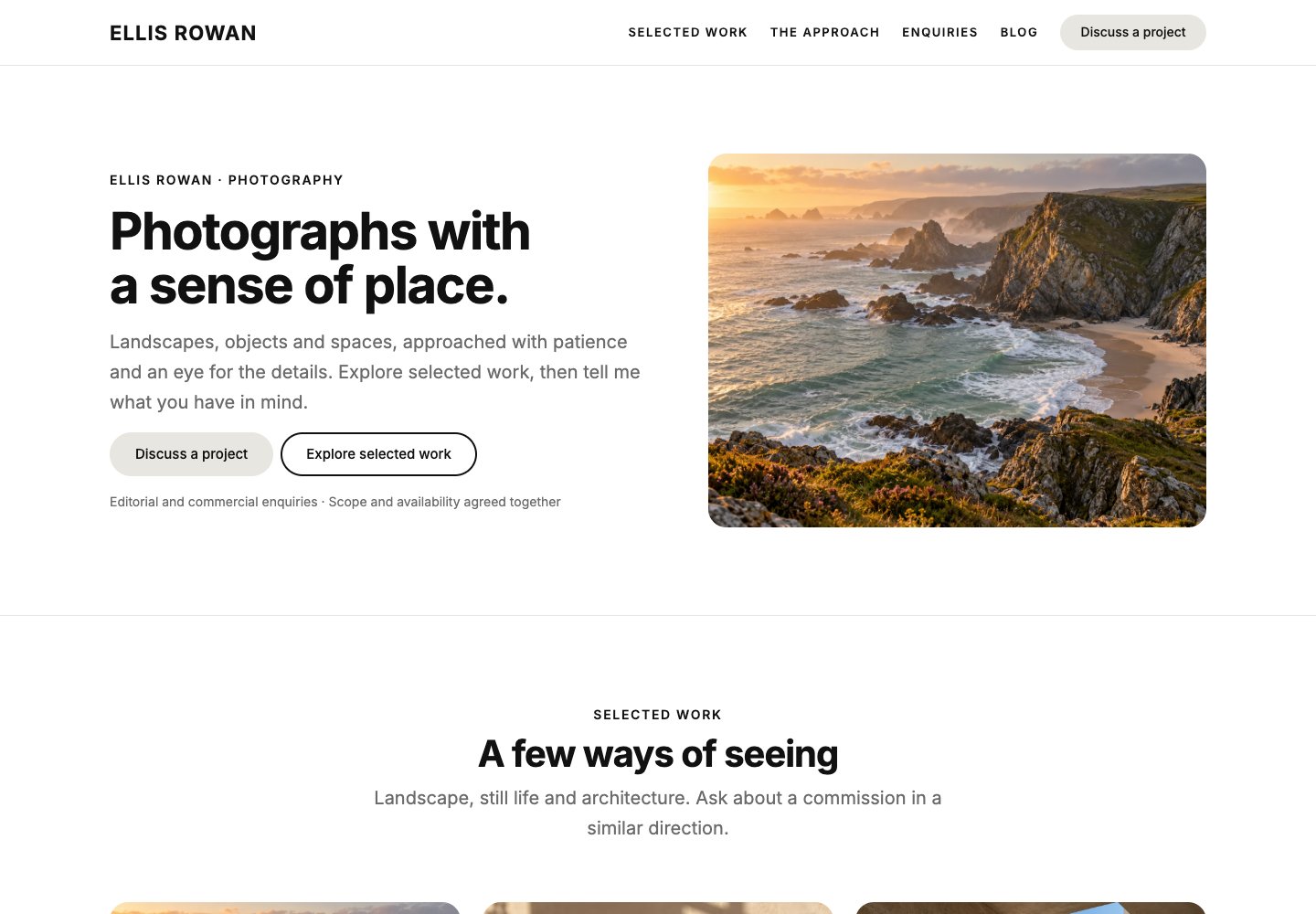 UnappFree from Colorlib · Selected work, commissions and native photo editing
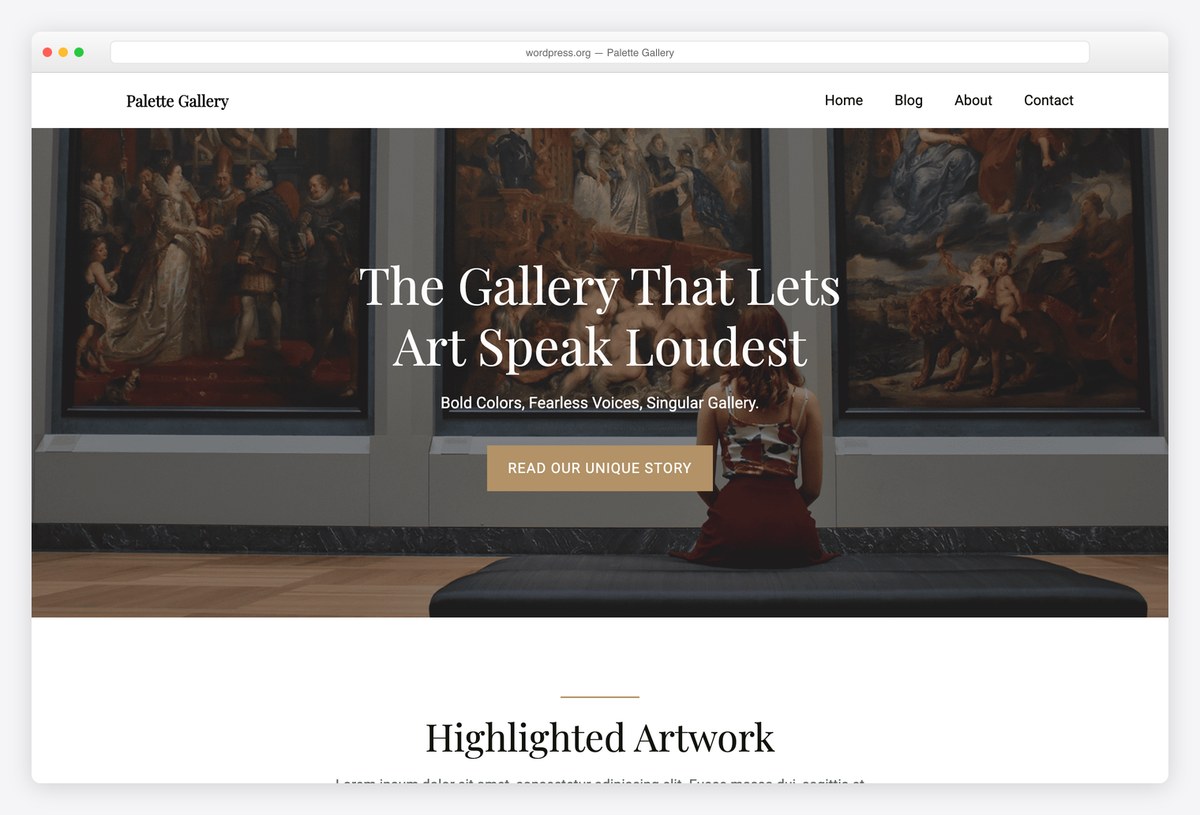 Palette GalleryGallery-first free theme
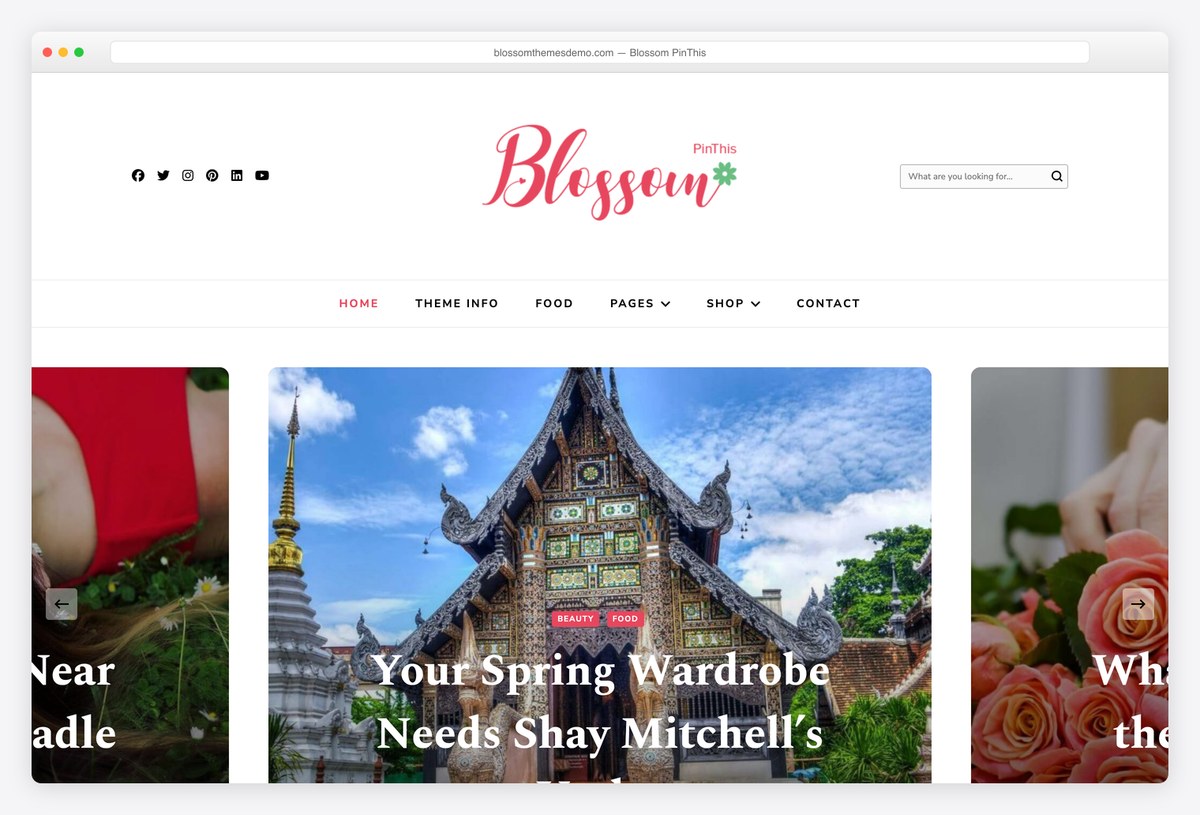 Blossom PinThisPinterest-style board
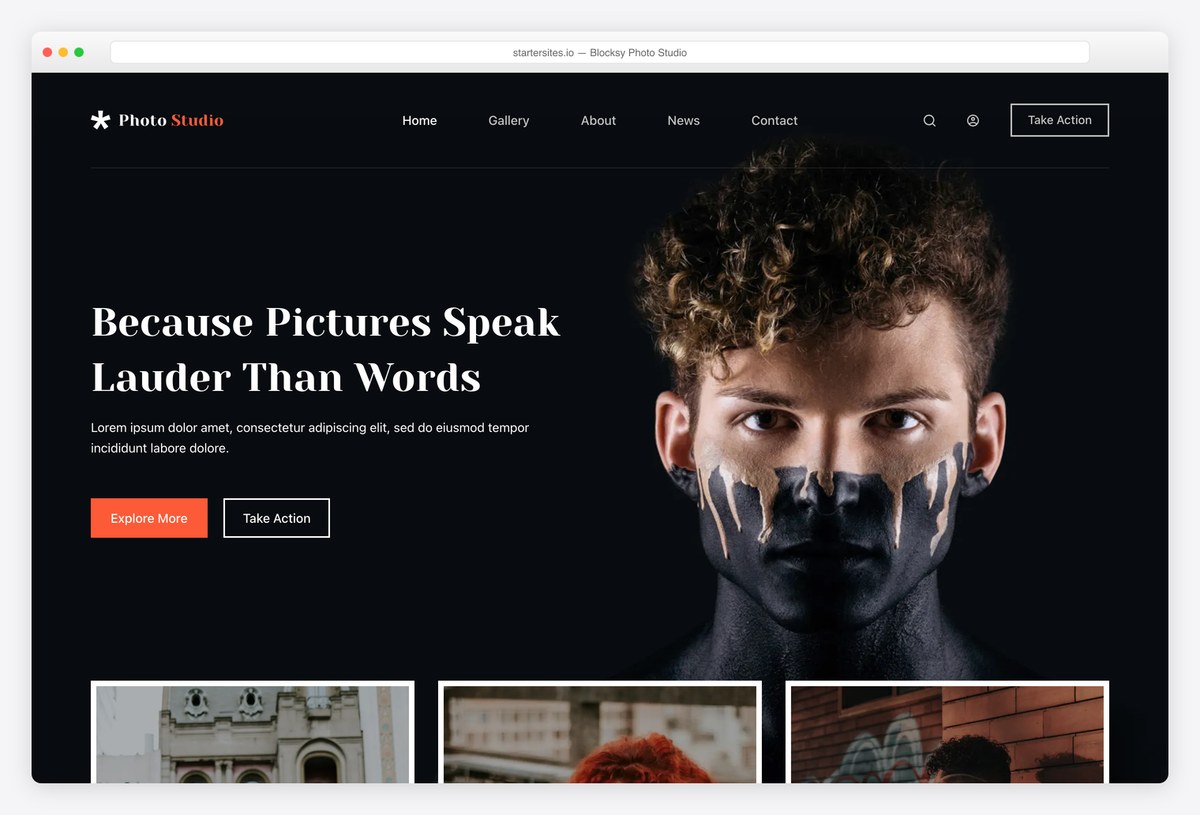 BlocksyFree Photo Studio starter
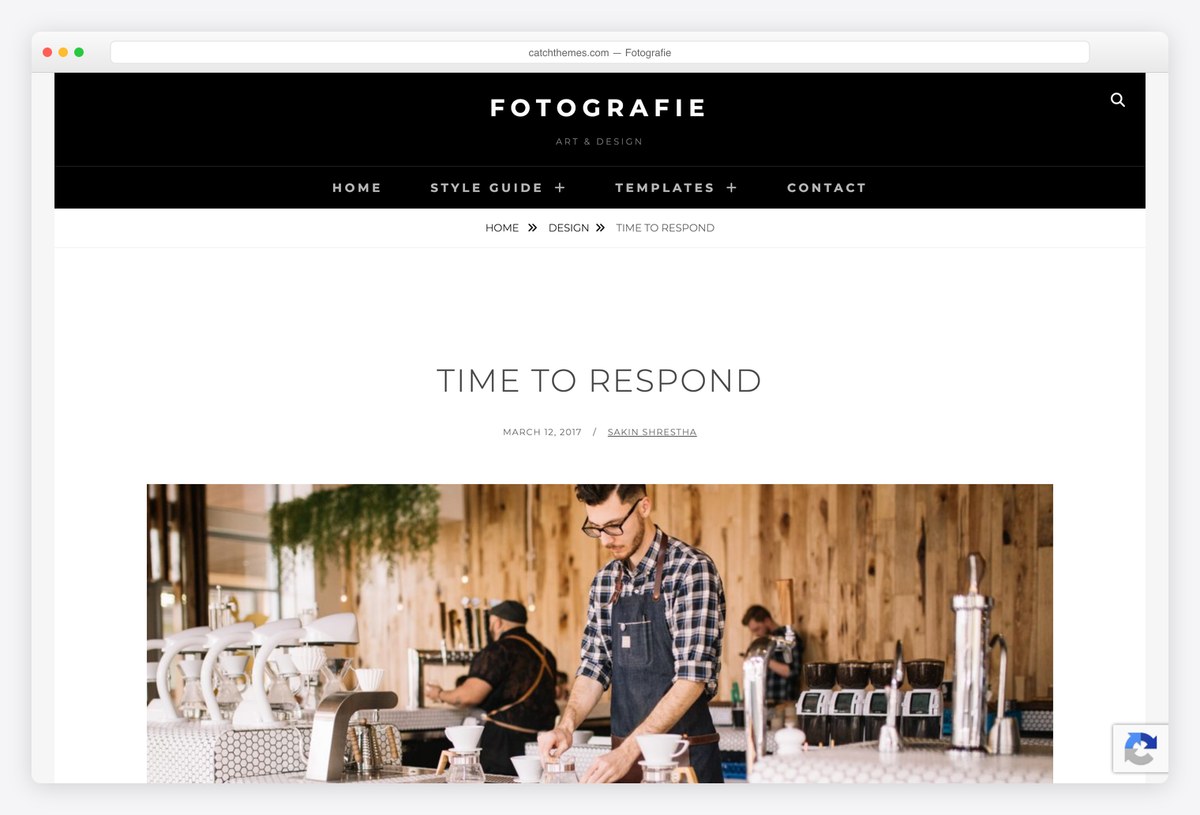 FotografiePurpose-built for photographers
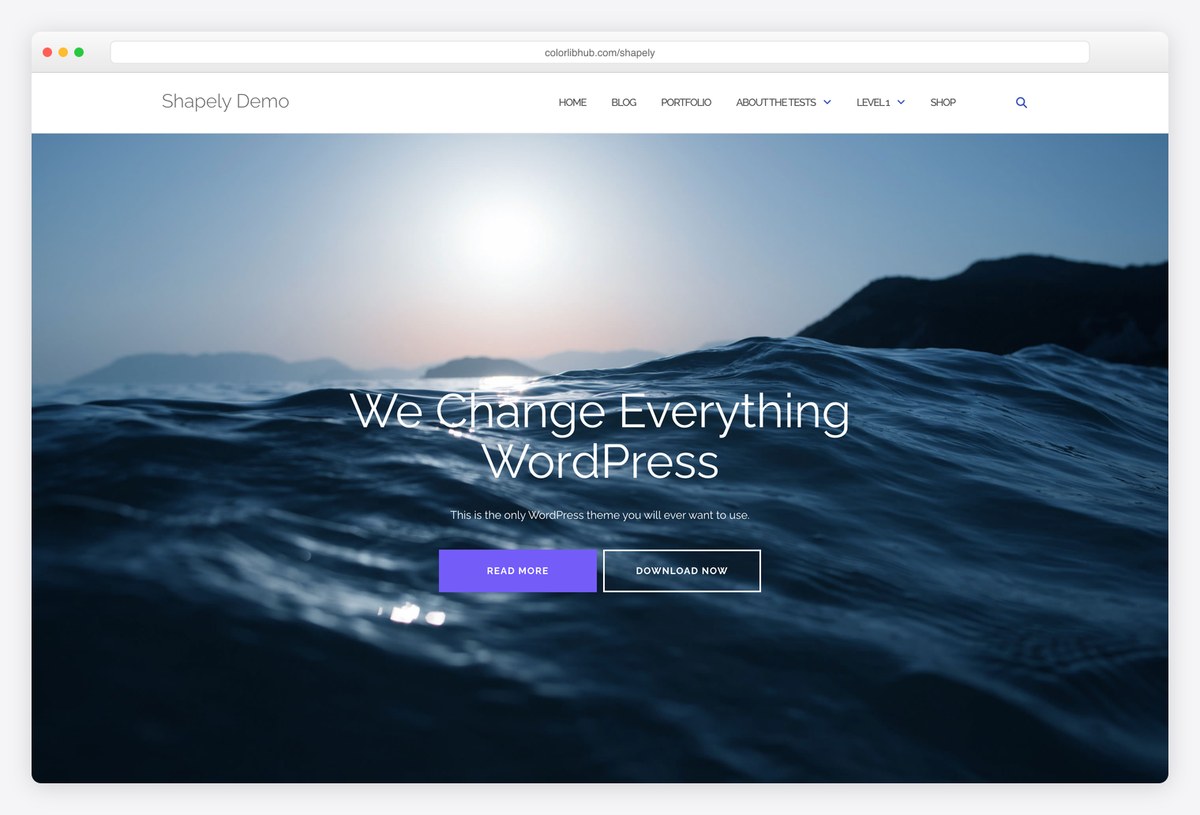 ShapelyFull-width image sections
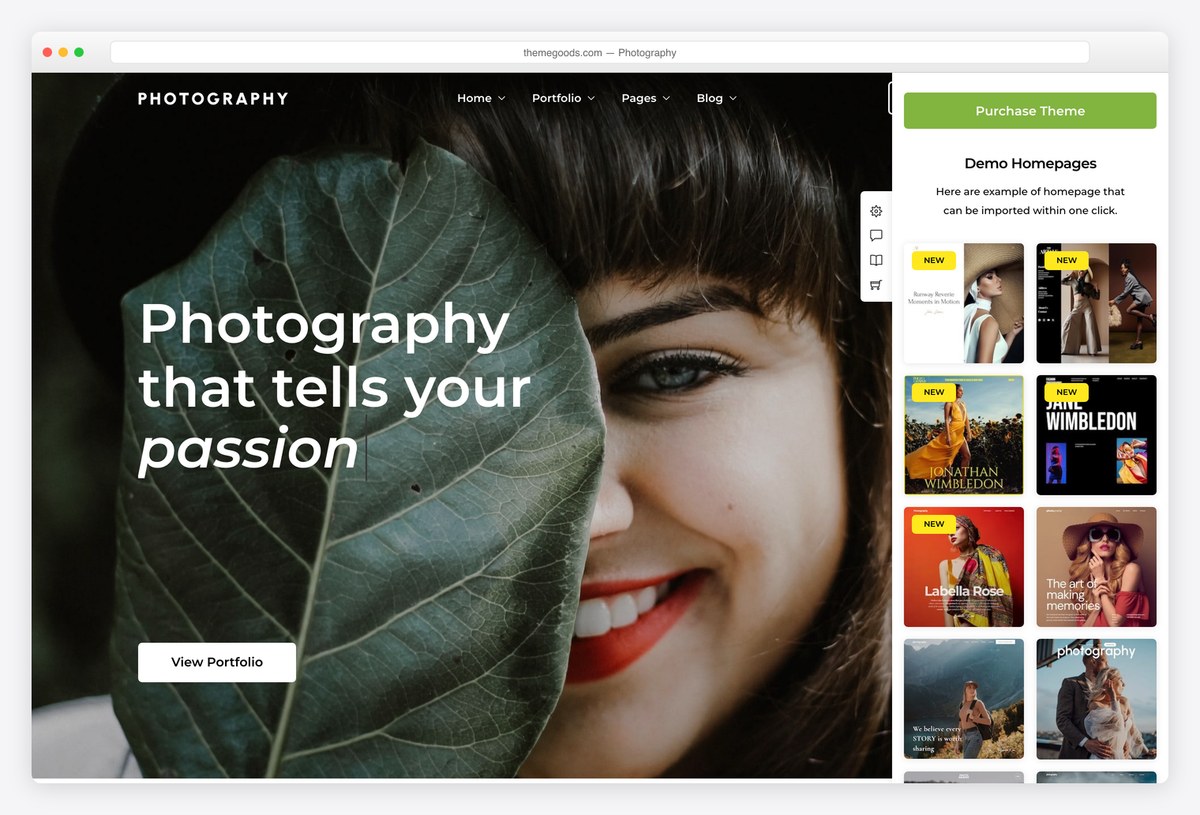 Photography24 gallery layouts, proofing
Table of contents — all 19 themes
Quick comparison: top gallery picks
| Theme | Price | Best for | Standout | Updated |
|---|---|---|---|---|
| Unapp | Free | Photographers and image-led portfolios | Selected work, commissions and native photo editing | — |
| Palette Gallery | Free | A gallery as the whole site | Built around galleries, not adapted | Jan 2026 |
| Blossom PinThis | Free / Pro | Browsing a whole collection | Pinterest-style masonry board | Nov 2025 |
| The Photograph | Free | A minimal image site | Block theme, very restrained | May 2026 |
| Blocksy | Free / Pro | A finished gallery site | Free Photo Studio starter | Sep 2026 |
| Shapely | Free | One page of big images | Full-width sections, no builder | Sep 2026 |
| Photography | Paid, $69 | Selling and proofing | 24 gallery layouts, client logins | Jun 2026 |
We tested it: free gallery theme speed
How we tested: we installed each free theme on the same clean WordPress site with identical content and no extra plugins, then measured the homepage with Google Lighthouse on mobile. Because the content is the same everywhere, what you see below is the theme itself, before a single image of yours is added. On a gallery site that is only your starting budget, and the number of thumbnails you put above the fold will move it more than the theme does.
| Theme | Page weight | Requests | Lighthouse | LCP |
|---|---|---|---|---|
| Neve | 299 KB | 15 | 99/100 | 2.1s |
| Blocksy | 330 KB | 13 | 95/100 | 2.6s |
| Astra | 425 KB | 14 | 92/100 | 3.2s |
| Zakra | 451 KB | 17 | 91/100 | 3.1s |
| Sydney | 499 KB | 14 | 91/100 | 3s |
| Inspiro | 547 KB | 21 | 78/100 | 3.8s |
| Fotografie | 656 KB | 23 | 75/100 | 4.4s |
| Bold Photography | 735 KB | 21 | 75/100 | 4.6s |
| Shapely | 895 KB | 34 | 69/100 | 5.6s |
| Illdy | 1086 KB | 38 | 65/100 | 6.8s |
| Palette Gallery | 1120 KB | 18 | 63/100 | 6.5s |
| Elegant Pink | 2345 KB | 29 | 56/100 | 13.5s |
| Perfect Portfolio | 2348 KB | 32 | 55/100 | 13.5s |
| Blossom PinThis | 2401 KB | 31 | 55/100 | 14.1s |
Our free Colorlib picks
We develop and maintain these free themes at Colorlib. Download them directly from us and explore their live demos below. These editions use Colorlib updates; WordPress.org install counts and ratings do not apply. Any speed table on this page covers the themes already measured in that test.
1. Unapp — Photographer starter
Why we like it: Selected work, commissions and native photo editing.
The free Photographer starter gives Unapp an image-led portfolio, selected work, an approach page and an enquiry path. Choose a one-page site or supporting pages, then replace the illustrative images through the guided content pass. Your own name, details and main action appear in a private preview before the starter is applied.
✅ Pros: Selected work, commissions and native photo editing. ⚠️ Cons: Client proofing, watermarks and paid print delivery need separate tools.
Free themes built around a gallery
These treat the gallery as the site rather than as a page inside it. There are fewer of them than you would expect: several themes with gallery in the name turned out to demo a business page or WordPress test content, and those are not on this list.
2. Palette Gallery
Why we like it: Ranked second on WordPress.org for this search, and the only free theme here designed around galleries rather than adapted to them.
Palette Gallery assumes the images are the site. It is a block theme, so the gallery layouts are patterns you rearrange in the site editor rather than options buried in a customizer. It is small and unrated, so treat it as promising rather than proven.
✅ Pros: genuinely gallery-first, block-based, ranks well on WordPress.org itself ⚠️ Cons: no ratings at all yet, and few installs to learn from
3. Blossom PinThis
Why we like it: A Pinterest-style board, which is the right shape when visitors arrive to scan dozens of images at once.
Blossom PinThis drops the usual page structure for a pinboard of images, so a visitor takes in a whole collection in one screen. If your traffic comes from Pinterest in the first place, matching that behaviour is the obvious move.
✅ Pros: true pinboard layout, handles mixed image shapes, perfect rating so far ⚠️ Cons: two ratings, a small user base, and it buries any writing
4. Elegant Pink
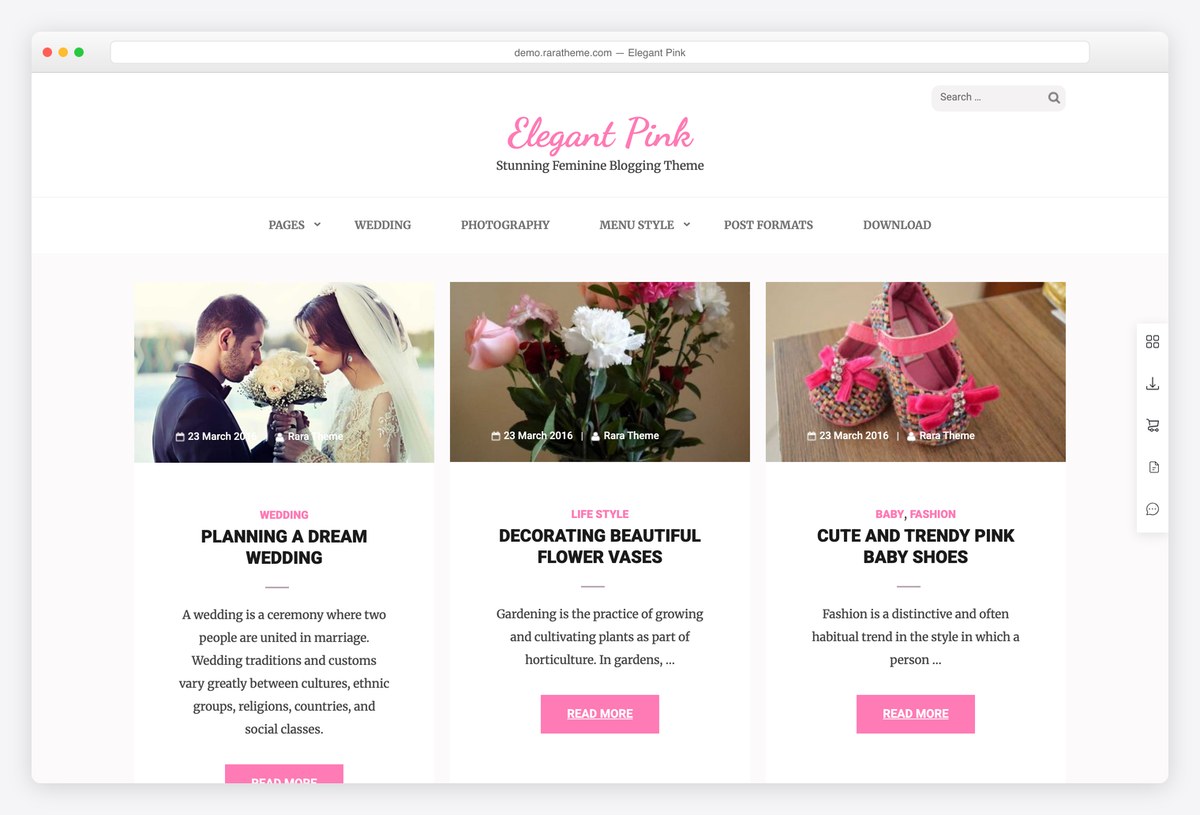
Why we like it: A masonry feed with a committed visual style, which saves design work if the look suits your images.
Elegant Pink pairs a masonry grid with typography and colour that have already been decided for you. That is a drawback if you want neutrality and a real saving if the style fits, and Rara Themes keeps it updated.
✅ Pros: masonry feed, a finished look out of the box, actively maintained ⚠️ Cons: a style you cannot easily neutralise, and a small install base
Free portfolio themes with strong galleries
Portfolio themes that happen to handle images unusually well. Choose one of these if the gallery sits inside a wider site with an about page, services and contact details.
5. Fotografie
Why we like it: The most established free theme here that was designed for image work from the start.
Fotografie treats galleries and portfolios as first-class content rather than a widget bolted onto a blog, and it comes with the rest of a photographer’s site around them. Catch Themes has kept it updated for years.
✅ Pros: purpose-built for image work, strong rating, actively maintained ⚠️ Cons: a smaller user base than the frameworks, and the best layouts are Pro
6. The Photograph
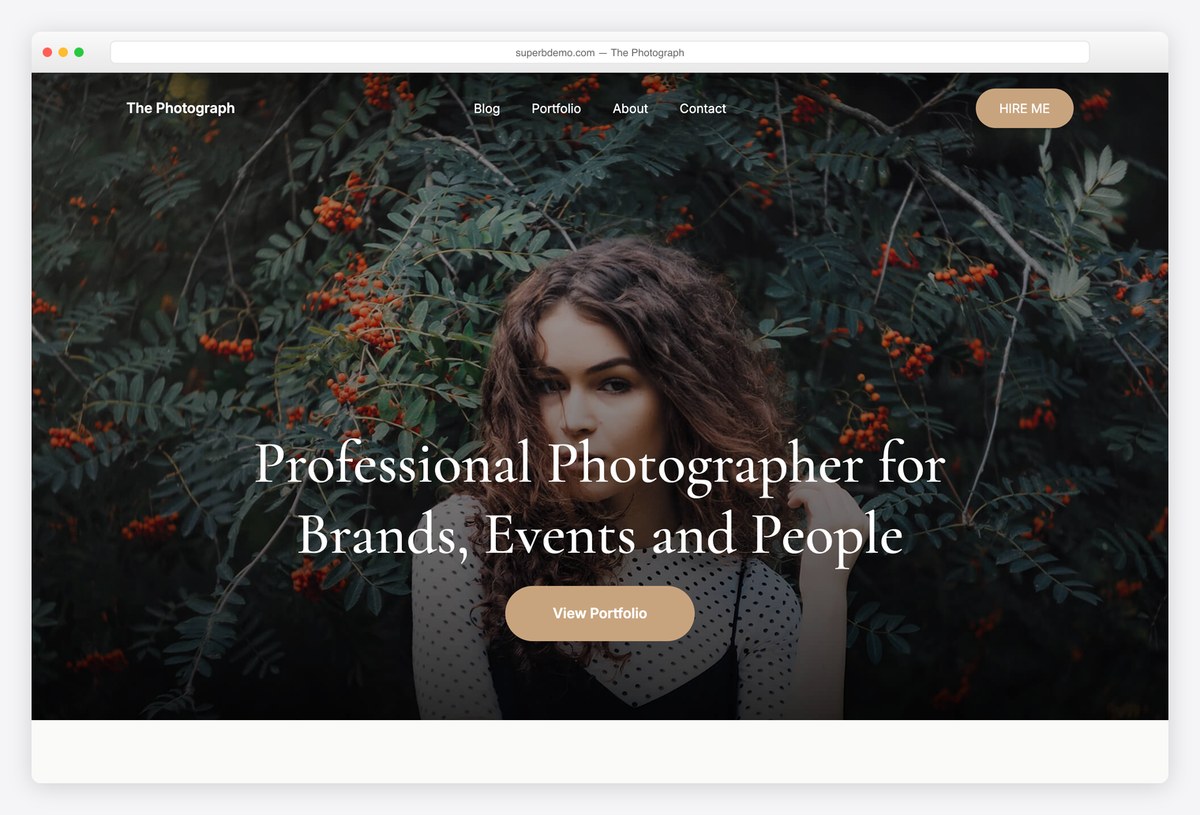
Why we like it: A block theme built for photographs, with restrained typography that keeps attention on the images.
The Photograph is edited entirely in the site editor, so headers, footers and gallery layouts are all blocks. It takes the opposite approach to the busier gallery themes: almost nothing on the page except the work. It is new and unrated.
✅ Pros: genuine block theme, very restrained design, purpose-built ⚠️ Cons: no ratings yet, and a small user base
7. Perfect Portfolio
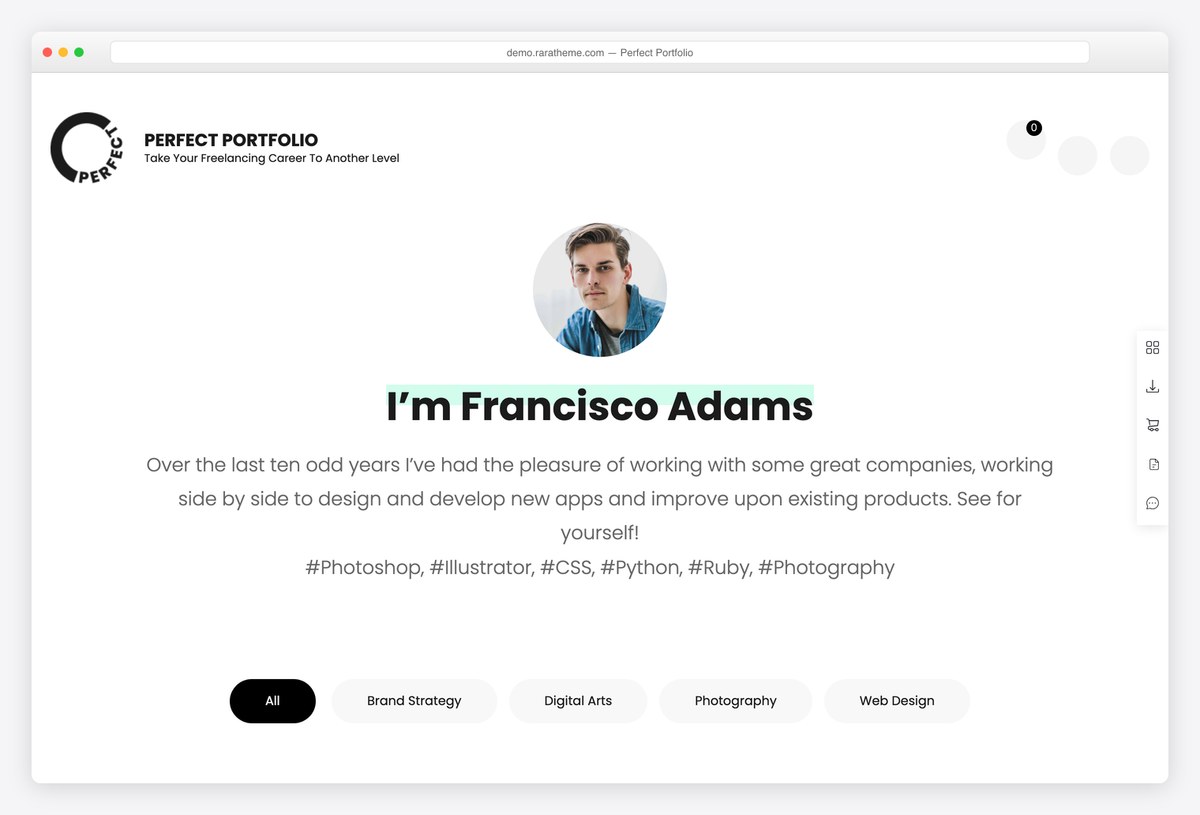
Why we like it: A filterable portfolio grid with services and testimonials around it, for a gallery that is really a pitch.
Perfect Portfolio assumes you are trying to get hired: the grid filters by category, and the page continues into what you offer and what clients said. For freelancers whose gallery is a sales tool, that structure saves adding three plugins.
✅ Pros: filterable grid, services and testimonials included, excellent rating ⚠️ Cons: a thousand installs, and less striking than the image-led themes
8. Bold Photography
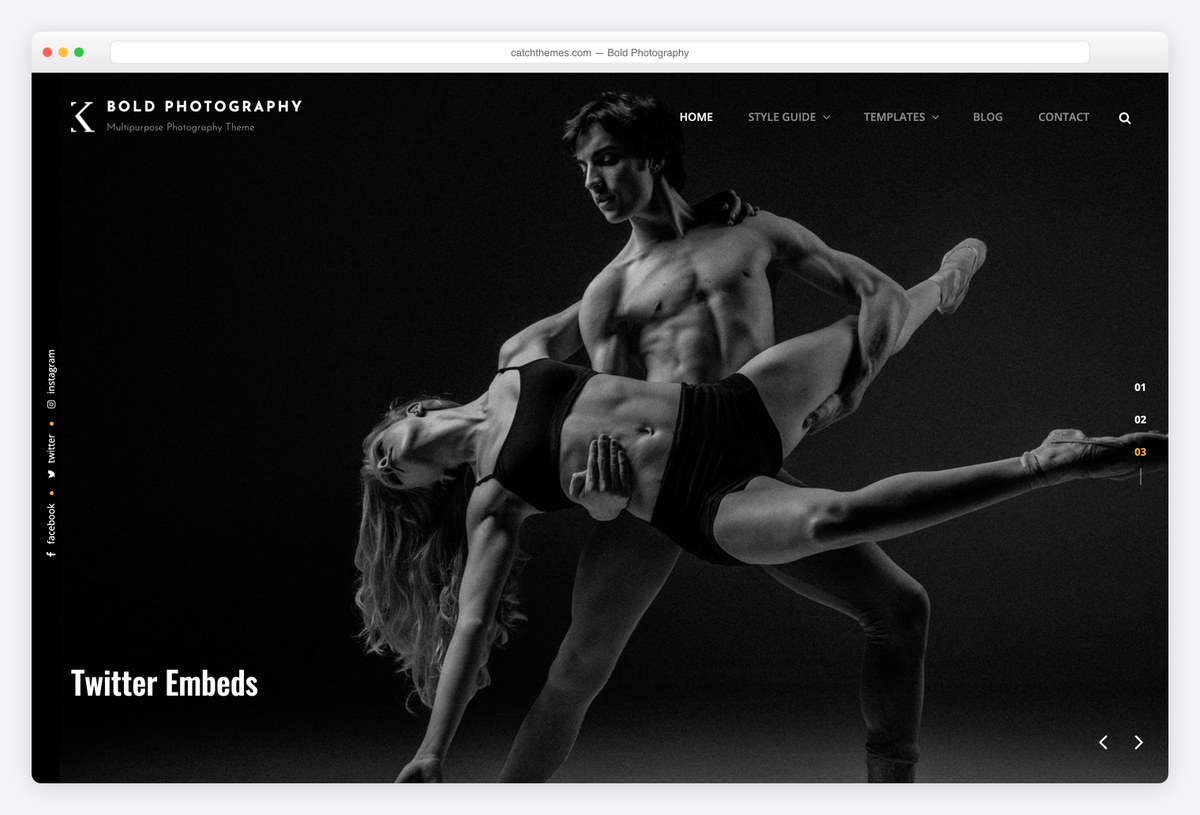
Why we like it: Sizes its images larger than anything else here, which is the point if detail matters in your work.
Bold Photography gives each image the room the name promises, with generous spacing and minimal furniture. It appears on more competitor shortlists than its install count suggests, which usually means the design is doing the talking.
✅ Pros: large image presentation, strong rating, on most shortlists ⚠️ Cons: a thousand installs, and heavy pages if you do not compress properly
9. Inspiro Lite
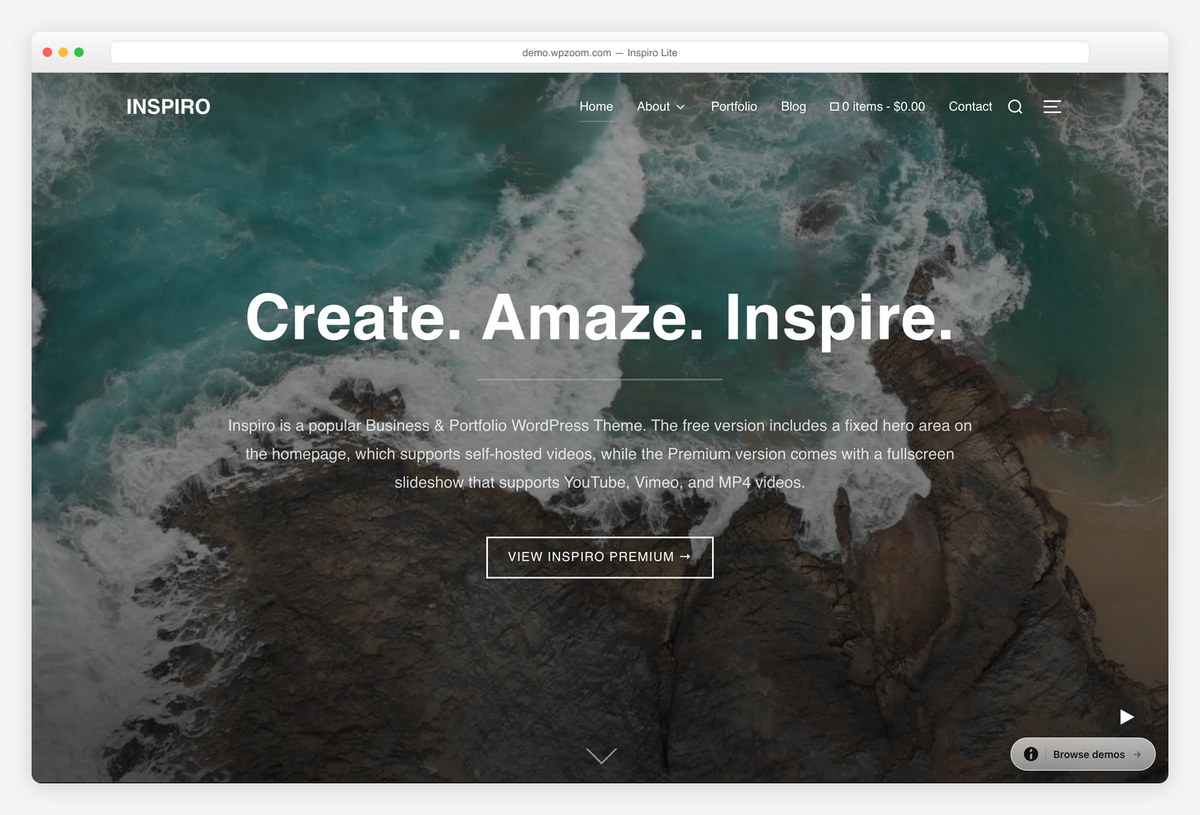
Why we like it: Much the largest user base here, and a fullscreen hero that takes a photograph or a video.
Inspiro Lite opens on a full-window image and continues into a portfolio grid, which is the arrangement most galleries want. Sixty thousand sites run it, making it far the most proven option on this page.
✅ Pros: largest user base by a wide margin, fullscreen hero, well rated ⚠️ Cons: the richer portfolio templates and hover effects are PRO
Running an actual gallery or museum rather than showing your own work? Our art gallery theme roundup covers exhibitions, opening hours and ticketing, which is a different job entirely.
Frameworks with a free gallery starter
General-purpose themes that import a finished gallery site. They are the fastest options here and the easiest to take somewhere else later, at the cost of the gallery features the themes above build in.
10. Blocksy
Why we like it: The Photo Studio starter is free, arrives with a gallery page, and Blocksy is the fastest theme in our test.
Photo Studio imports a complete studio site organised by subject, gallery page included, and everything is editable in the block editor rather than a builder plugin. Blocksy also holds a perfect rating across several hundred reviews.
✅ Pros: free gallery starter, fastest here, the best rated framework ⚠️ Cons: the starter ships with placeholder copy you will replace wholesale
11. Astra
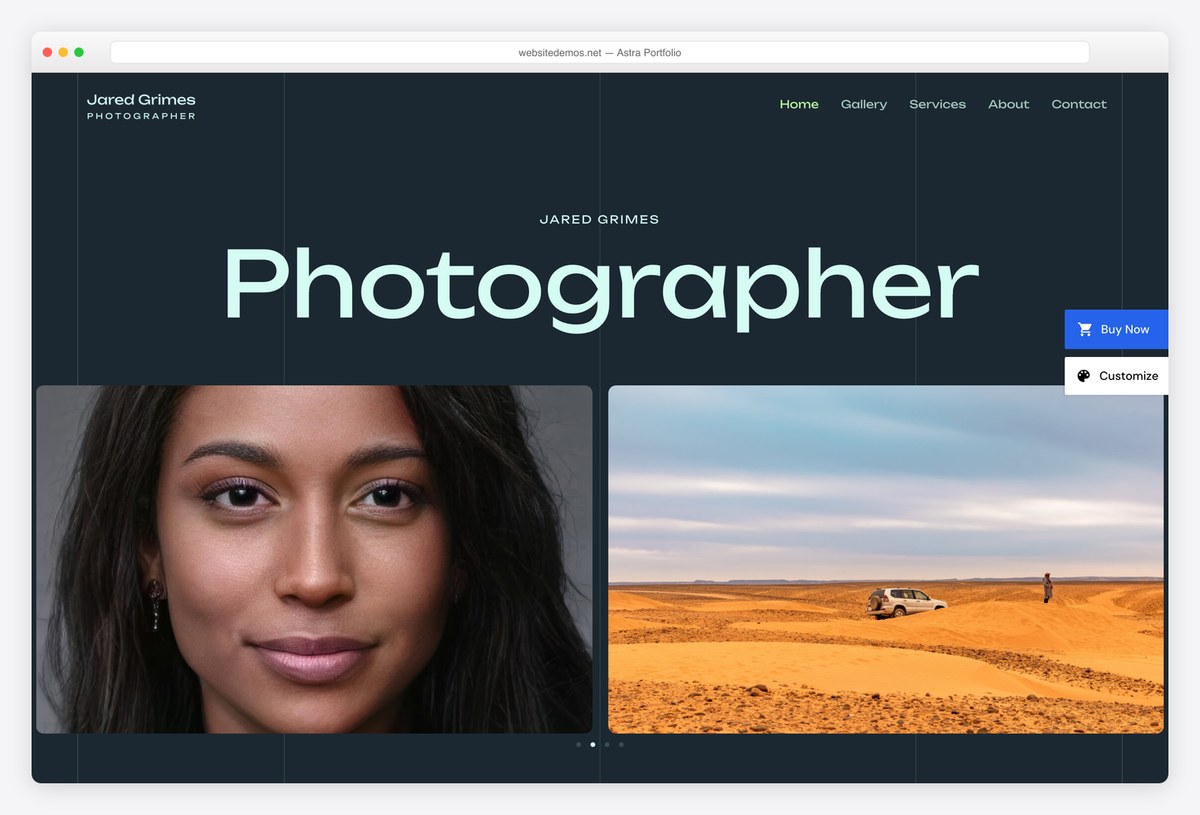
Why we like it: Free portfolio starters on the lightest big framework there is, which matters on pages full of thumbnails.
Astra’s Portfolio Photographer and Visual Artist starters both import a finished grid-led site, and the theme underneath adds almost nothing to the page weight. For a gallery that will grow, it is the safest long-term base here.
✅ Pros: free portfolio starters, extremely light, huge community ⚠️ Cons: no gallery features of its own beyond the starters
12. Sydney
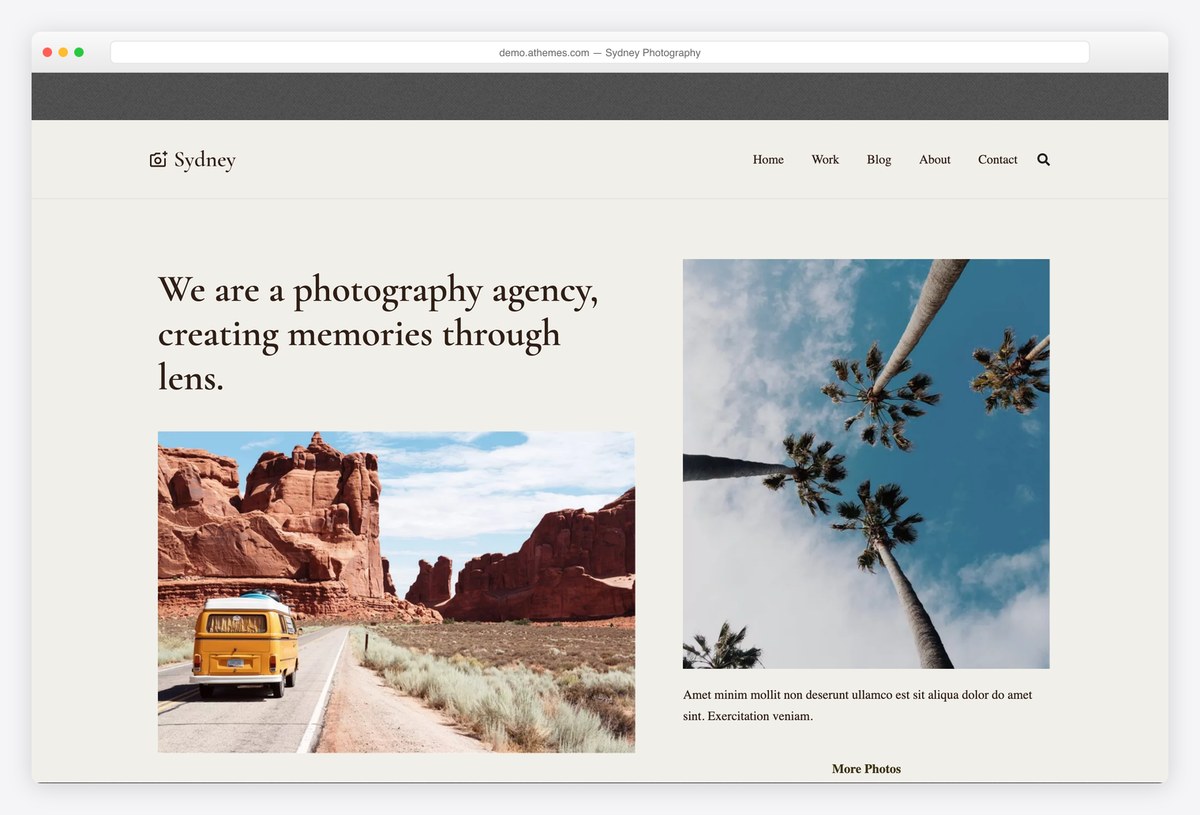
Why we like it: Homepage sections supplied as blocks, so a gallery page comes together without a builder plugin.
Sydney’s Photography starter gives you a gallery-led homepage, and the block sections underneath let you rearrange it yourself. It is one of the better-rated free themes on WordPress across nearly eight hundred reviews.
✅ Pros: strong free block sections, very well rated, large user base ⚠️ Cons: several of the richer starters need Sydney Pro
13. Zakra
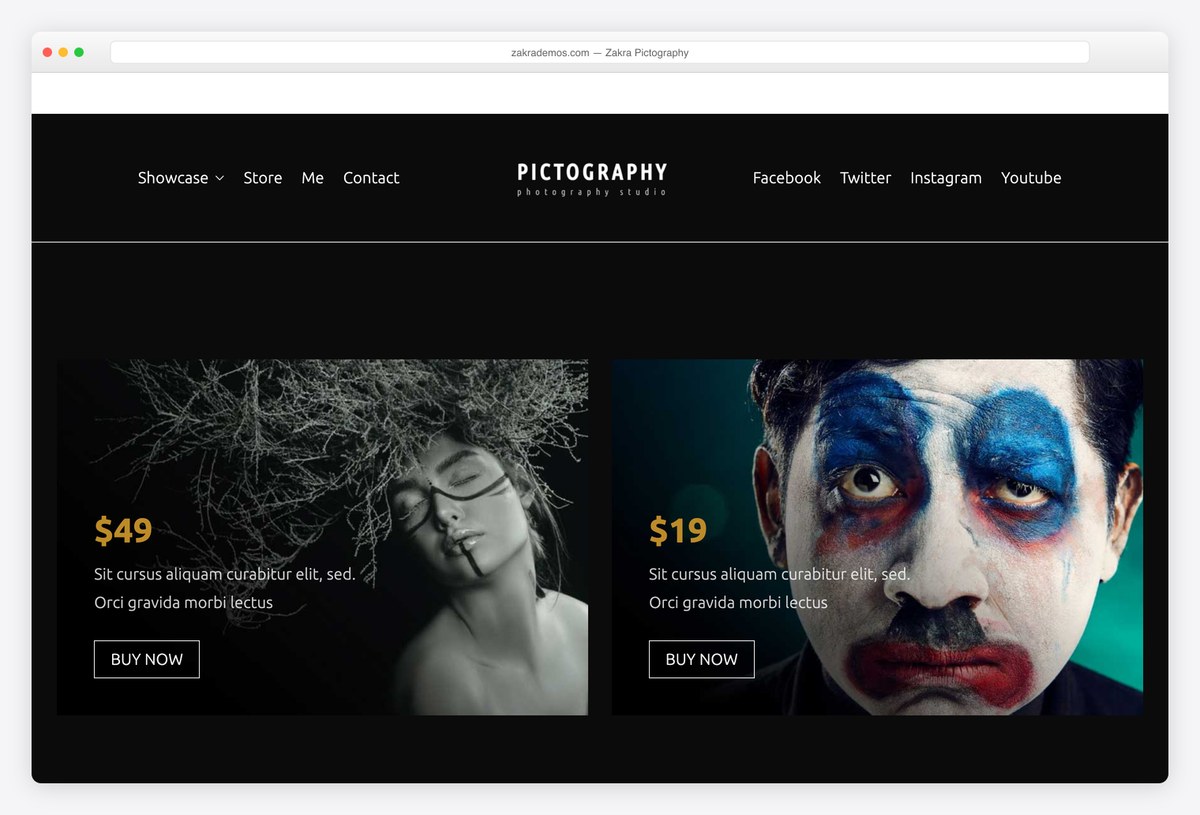
Why we like it: Free header and footer builders, so you can remove everything competing with the gallery.
Zakra’s Pictography starter is a solid image-led homepage, but the reason to choose it is what comes next: galleries usually want less chrome, and the free header builder lets you take it away without code or an upgrade.
✅ Pros: free header and footer builders, image-led starter, very well rated ⚠️ Cons: the deeper starter library sits behind Zakra Pro
14. Neve
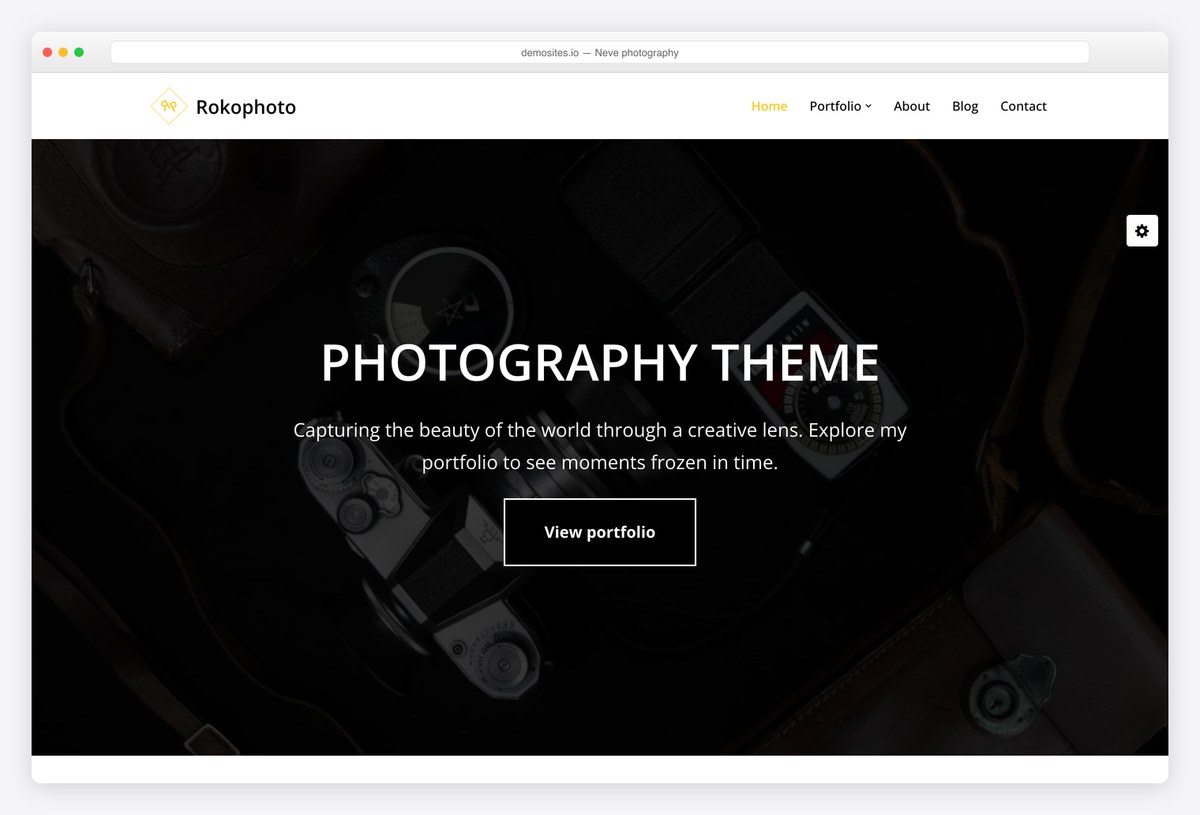
Why we like it: A free image-led starter on one of the lightest themes available, which is the right trade for thumbnail-heavy pages.
Neve’s photography starter is deliberately restrained, which is what you want when the images are doing the work. The theme underneath is among the fastest we measured, so more of the page budget goes to your pictures.
✅ Pros: free image-led starter, very light, works with any builder ⚠️ Cons: much of the wider template library is Pro
One-page themes for a single collection
When the whole site is one body of work and a way to get in touch, a single scrolling page led by full-width images does the job with less to configure.
15. Shapely
Why we like it: Full-width image sections and a portfolio widget, configured from the customizer with no builder at all.
Shapely builds a page from wide image bands with a portfolio grid among them, which is the simplest way to put a collection online without learning a builder. It is our most downloaded theme and still ships releases, including a recent accessibility pass.
✅ Pros: full-width image presentation, portfolio widget, maintained by us ⚠️ Cons: heavier than the modern frameworks, and no lightbox of its own
16. Illdy
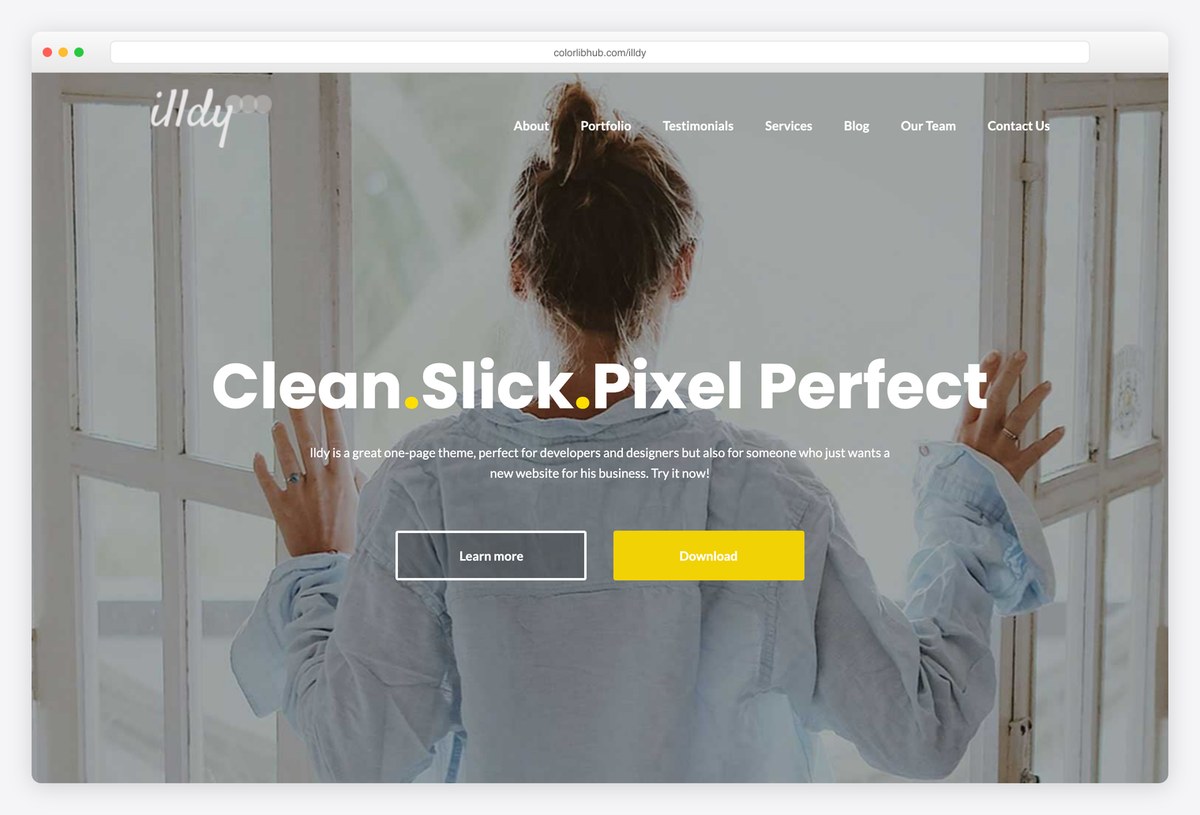
Why we like it: A portfolio grid, an about section and a contact form on one scrolling page, with nothing to import.
Illdy is the smaller of our two: a grid of work, who you are and how to reach you, all set up from the customizer. For someone who wants a card rather than a website, it is the least work here.
✅ Pros: complete one-page structure, free portfolio grid, maintained by us ⚠️ Cons: the heaviest theme in our test, and a dated look next to the frameworks
Paid gallery WordPress themes worth the money
The paid tier buys two things a free theme will not give you: a large choice of gallery layouts in one licence, and the client side, meaning password-protected galleries, proofing and print sales. Sales figures and ratings come from each theme’s marketplace page.
17. Photography
Why we like it: Fullscreen, parallax, masonry and flow gallery layouts in one licence, plus the client side no free theme offers.
ThemeGoods’ Photography is the category’s best seller, and for a gallery site the draw is choice: several distinct gallery styles rather than one. On top of that sit password-protected client galleries, proofing so clients can mark selects, and WooCommerce for selling prints.
✅ Pros: many gallery layouts, client logins and proofing, largest sales record in the category ⚠️ Cons: a big theme to learn, and its image protection is a courtesy rather than security
18. Inspiro PRO
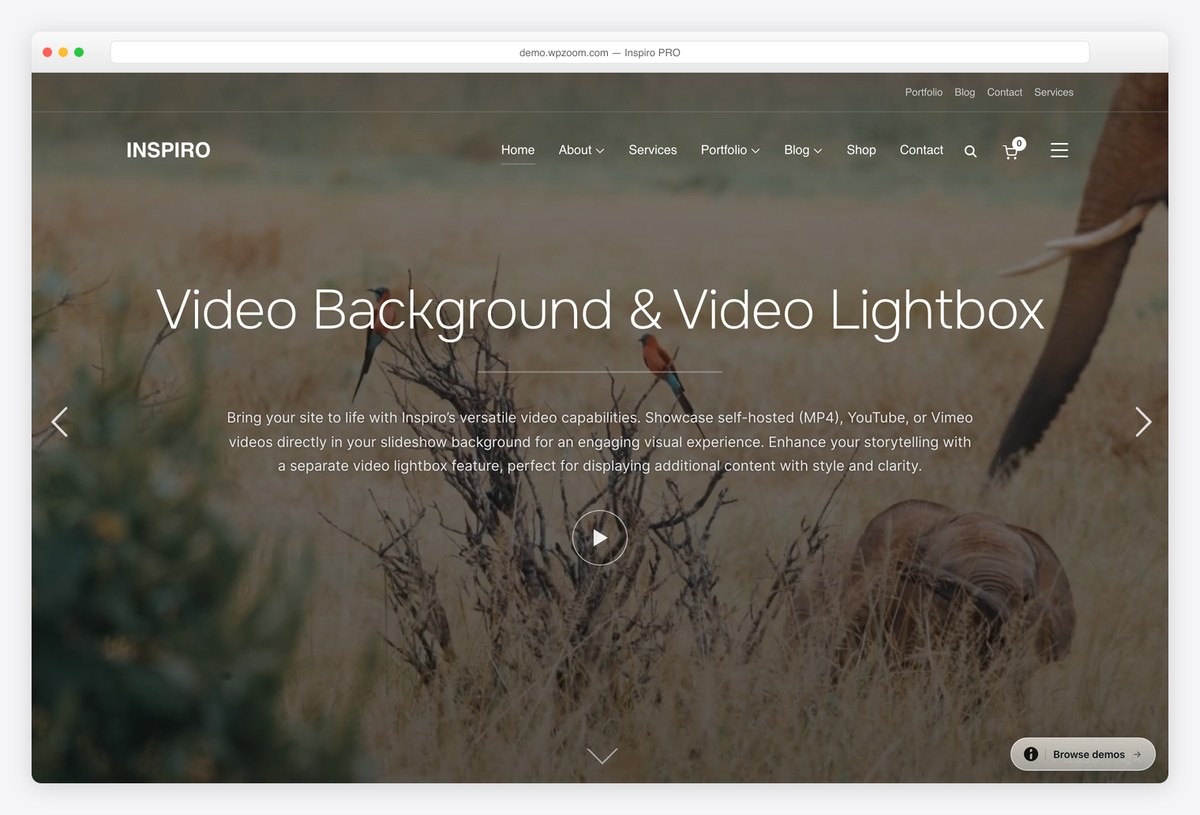
Why we like it: Adds portfolio templates, a proper lightbox and grids whose thumbnails come alive on hover.
If Inspiro Lite already suits you, this is the cheapest sensible upgrade here: gallery templates built for visual work, a fullscreen slideshow and a lightbox that does justice to full-resolution images. Nothing to migrate, since it is the same theme.
✅ Pros: no migration from the free version, proper lightbox, hover-play grids ⚠️ Cons: no client proofing or print sales, so it stays a showcase rather than a shop
19. Divi + Photo Gallery layout pack
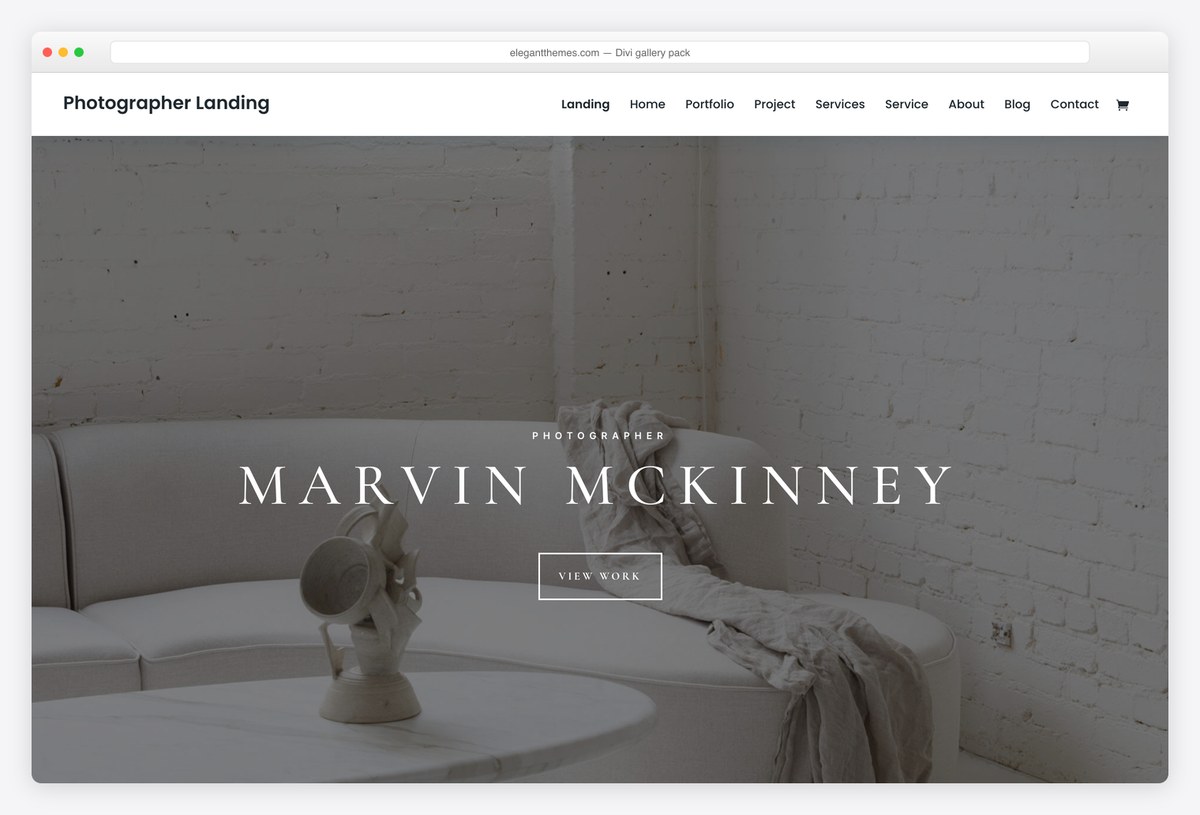
Why we like it: Gallery and Slider modules you drop anywhere, plus free layout packs to start from.
Divi treats a gallery as a block you place in a layout, with its own lightbox and column settings, so each collection can be presented differently. The licence covers every site you build, which suits anyone looking after several artists or studios.
✅ Pros: galleries anywhere on any page, visual editing, unlimited sites ⚠️ Cons: adds page weight to pages that are already image-heavy
Gallery theme or gallery plugin? What to look for
- Work out which problem you have first. A theme decides how images sit on the page. A plugin such as Modula, Envira or NextGEN decides how a gallery behaves: albums, filtering, watermarks, proofing, selling. Most people asking for a gallery theme actually want a plugin, and the two work together fine.
- Masonry, grid or fullscreen. Masonry suits mixed orientations because it never leaves gaps. A fixed grid suits a consistent body of work. Fullscreen suits a handful of images that each deserve the screen. Themes are usually good at one of the three, so pick the layout before the theme.
- Check the lightbox on a phone. This is where gallery themes most often fall down: pinch-zoom fighting the swipe gesture, or a close button under the notch. Open the demo on your own phone before committing.
- Thumbnails above the fold set your speed. Twenty thumbnails in the first screen is twenty requests before anything else loads. Lazy loading helps, but so does simply showing fewer, larger images to begin with.
- The block editor’s Gallery block is better than it used to be. If your needs are modest, it handles columns, cropping and a lightbox natively, with no plugin and no theme lock-in. Try it before installing anything.
- Selling artwork means WooCommerce. Prints, originals and commissions all need a shop, and retrofitting one into a gallery theme is harder than starting with a theme that expects it.
- Right-click protection is not protection. It stops a casual save and nothing else, since the image is already in the visitor’s browser. Watermark visibly if it matters, and upload at display resolution rather than full size.
Frequently Asked Questions
Do I need a gallery theme or a gallery plugin?
Usually a plugin. The theme controls how images sit on the page; a plugin such as Modula, Envira or NextGEN controls how galleries behave, including albums, filtering, watermarks and selling. Pick a theme you like the look of, then add the plugin that does what you need.
What is the best free gallery WordPress theme?
Palette Gallery if the gallery is essentially the whole site, since it is the only free theme here designed around galleries rather than adapted to them. Blossom PinThis is the better pick for a Pinterest-style board, and Blocksy’s Photo Studio starter if you want a finished site imported in a click.
Can I get a masonry grid on a free theme?
Yes. Blossom PinThis and Elegant Pink both do masonry natively, and any theme can with a gallery plugin. Masonry is the right choice when your images mix portrait and landscape, because it avoids the gaps a fixed grid leaves.
Do these themes include a lightbox?
Most do, and the block editor’s own Gallery block adds one regardless. Test it on a phone rather than a desktop, because that is where lightboxes disappoint: pinch-zoom fighting swipe, or controls hidden under the notch.
How do I keep an image-heavy gallery fast?
Export at the width the page displays and no more, convert to WebP or AVIF, and let WordPress serve responsive sizes. Then reduce how many thumbnails load above the fold. Those three things matter far more than which theme you chose.
Can I sell prints or artwork from a gallery theme?
You can, by adding WooCommerce, and every theme here will run it. What free themes will not give you is client proofing or password-protected delivery galleries, which is the main reason to pay for something like the Photography theme.
What is the difference between a gallery theme and a portfolio theme?
A gallery theme is built for volume: many images, browsed quickly. A portfolio theme is built for selection: fewer pieces, each with a project page and a story. If you are trying to get hired, you probably want a portfolio; if you are showing a collection, a gallery.
Can I run an art gallery or museum site on a free theme?
You can, but exhibitions, opening hours and ticketing are a different job from showing images, and the themes built for venues handle them properly. Our art gallery roundup covers that case specifically.
Which one should you use?
If the gallery is the site, install Palette Gallery and add a gallery plugin for albums and filtering. For a board people browse rather than read, Blossom PinThis is the closer fit. If the gallery is one part of a wider site, Fotografie gives you the rest of it too, and for a single collection on one page our own Shapely is the least work here. Pay for the Photography theme only when clients need logins and proofing.

Related Posts



Comments (0)