

31 Best Free Construction Website Templates 2026
We offer the best free construction website templates for a professional-looking business site. These templates are flexible and extensible enough to work for any purpose.
This list comprises both WordPress and HTML construction website templates. Remember, a premium construction WordPress theme offers more advanced options and features.
WordPress themes are especially welcome because they offer a codeless website establishment process. Pro on no pro, building a construction website will be a little breeze.
Note: Kick-start your project right away with a free template.
On the other hand, all the HTML templates offer a great set of page layouts and features that will do you well. However, to activate these successfully, it would be best to have at least the basics of coding and web development.
Moreover, whether you choose a theme or a template, they all use only the latest technologies. They will instantly adapt to all devices and web browsers for impressive performance.
Put your construction firm on display online and boost your potential sky-high. A website is a great marketing tool that will help promote your business and win over new clients.
Best Construction Website Templates for FREE
Table of contents — all 31 templates
- Divi (WordPress)
- Jevelin (WordPress)
- Construction by WIX
- Stornoway (Premium)
- Bauer (WordPress)
- BuildCraft
- Constructo
- Braxit
- Pivot
- Pexcon
- Engineers
- Sparsh
- Astral
- Industrie
- Maxitechture
- Woodrox
- Buildarch
- Tough
- Interior
- Layal
- Complex
- Builder
- Webuilder
- Vertex
- Construction
- Arcade
- Architect
- Construct
- Celt
- TOPBuilder
- Fontanero
1. Divi (WordPress)
PremiumWordPress · Best for: contractors who want a visual builder
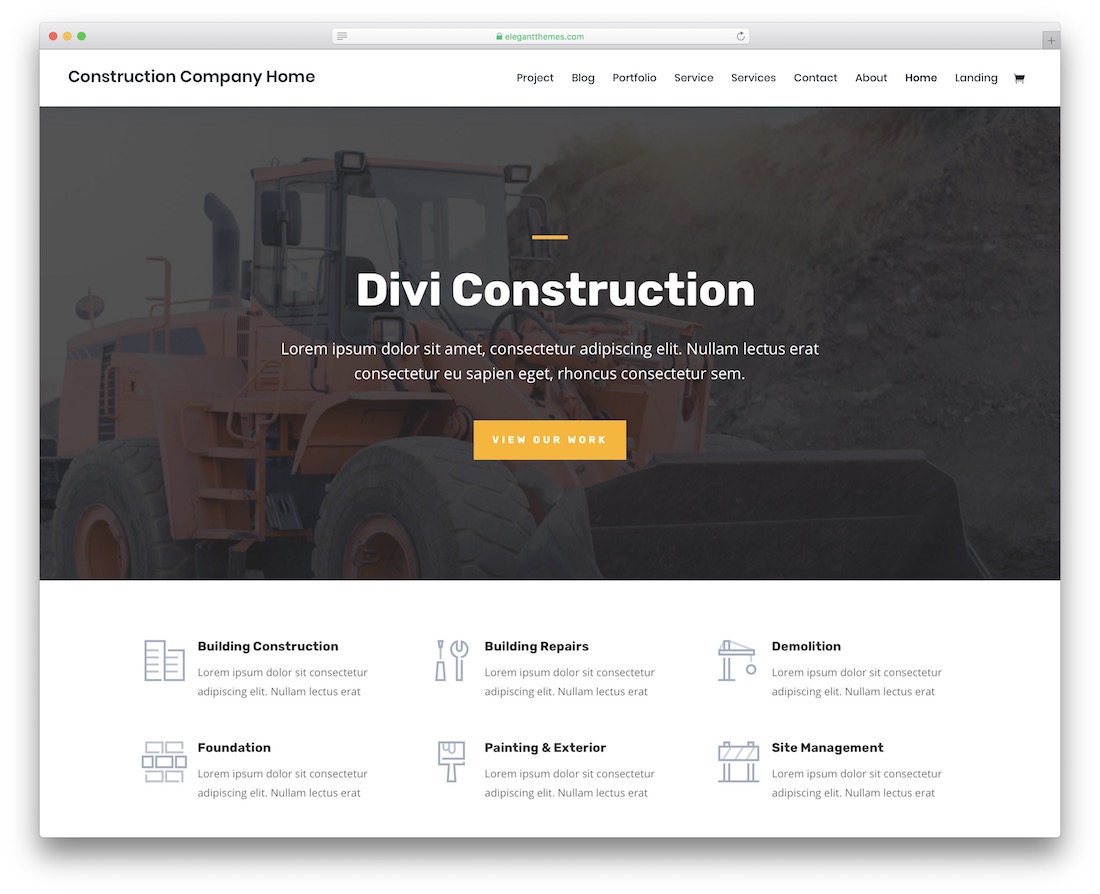
Divi arrives with construction demo content already laid out, so the first version of your site is a photo swap rather than a build. The kit covers a portfolio section for completed jobs, testimonials, a contact form and a blog, plus a sticky header and scroll animations. Sample content can stay in place while you replace images and company details.
2. Jevelin (WordPress)
PremiumWordPress · Best for: editing layouts without touching code
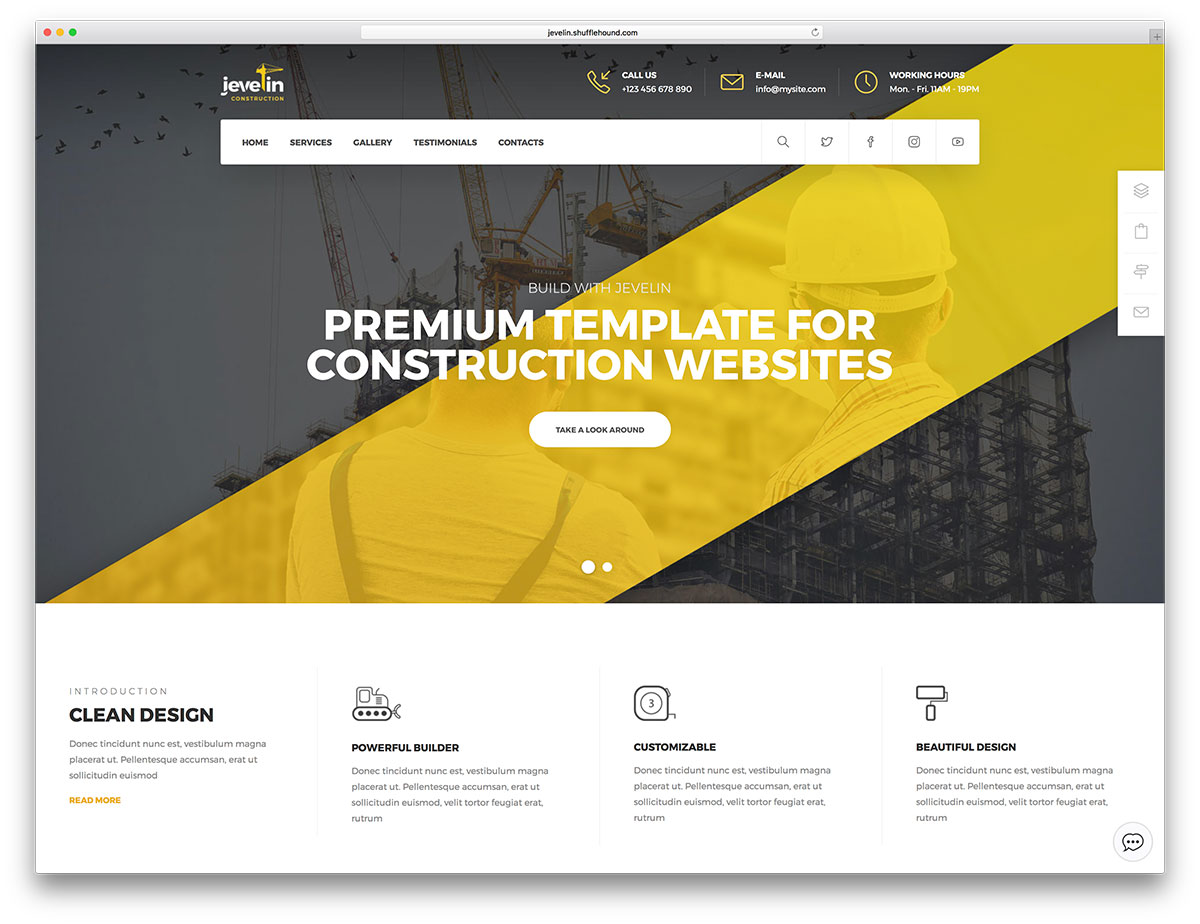
Jevelin pairs its ready-made demos with the WPBakery drag-and-drop builder, so section changes never touch a template file. A portfolio block and testimonials slider carry completed jobs and client feedback, while animated statistics, accordions, a sticky menu and a working contact form fill out the rest of a contractor home page.
3. Construction by WIX
Wix · Best for: builder-based sites with no files
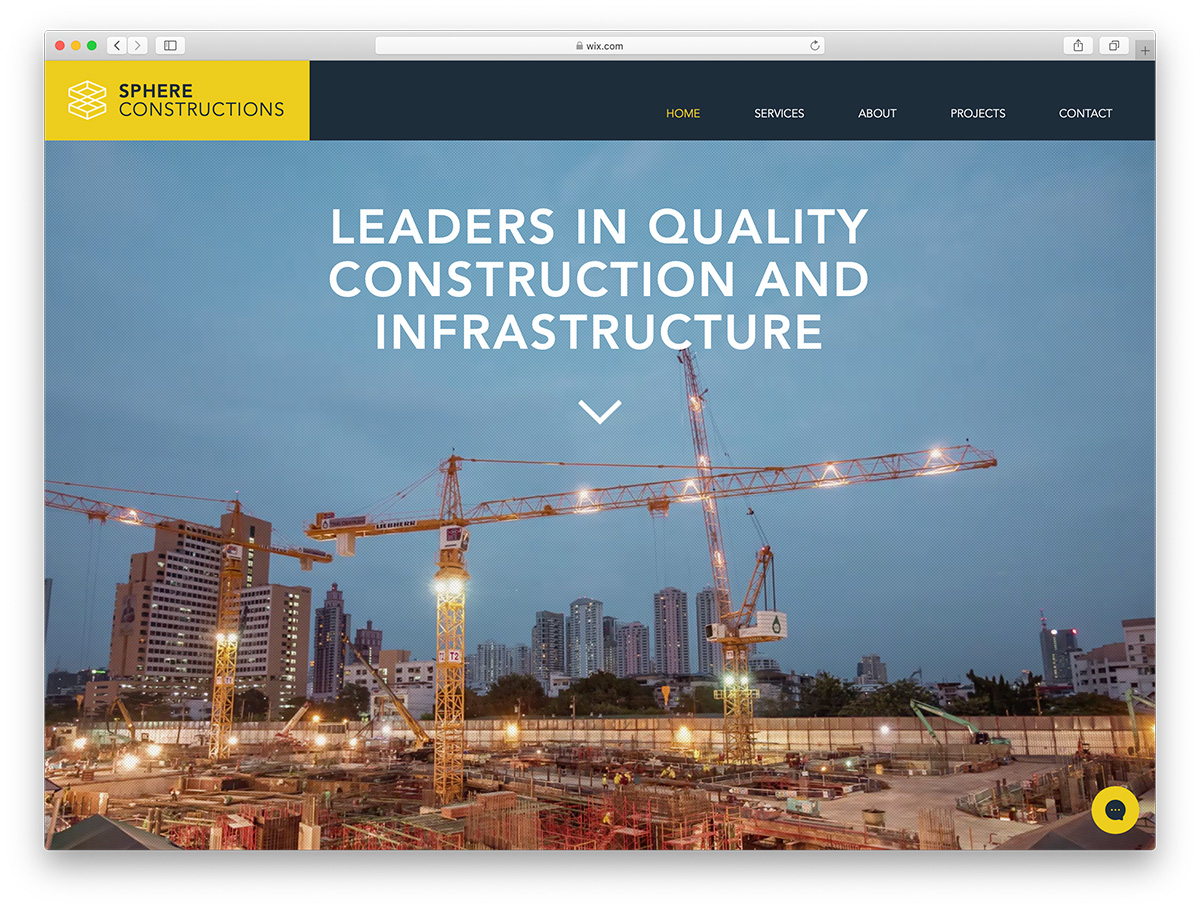
This one is a Wix template rather than a download, so editing happens inside the Wix editor rather than in a code editor. There are no files to upload and nothing to maintain on a server, which is the trade-off for working within one platform’s page structure.
Demo4. Oranssi
Squarespace · Best for: home builders and contractors
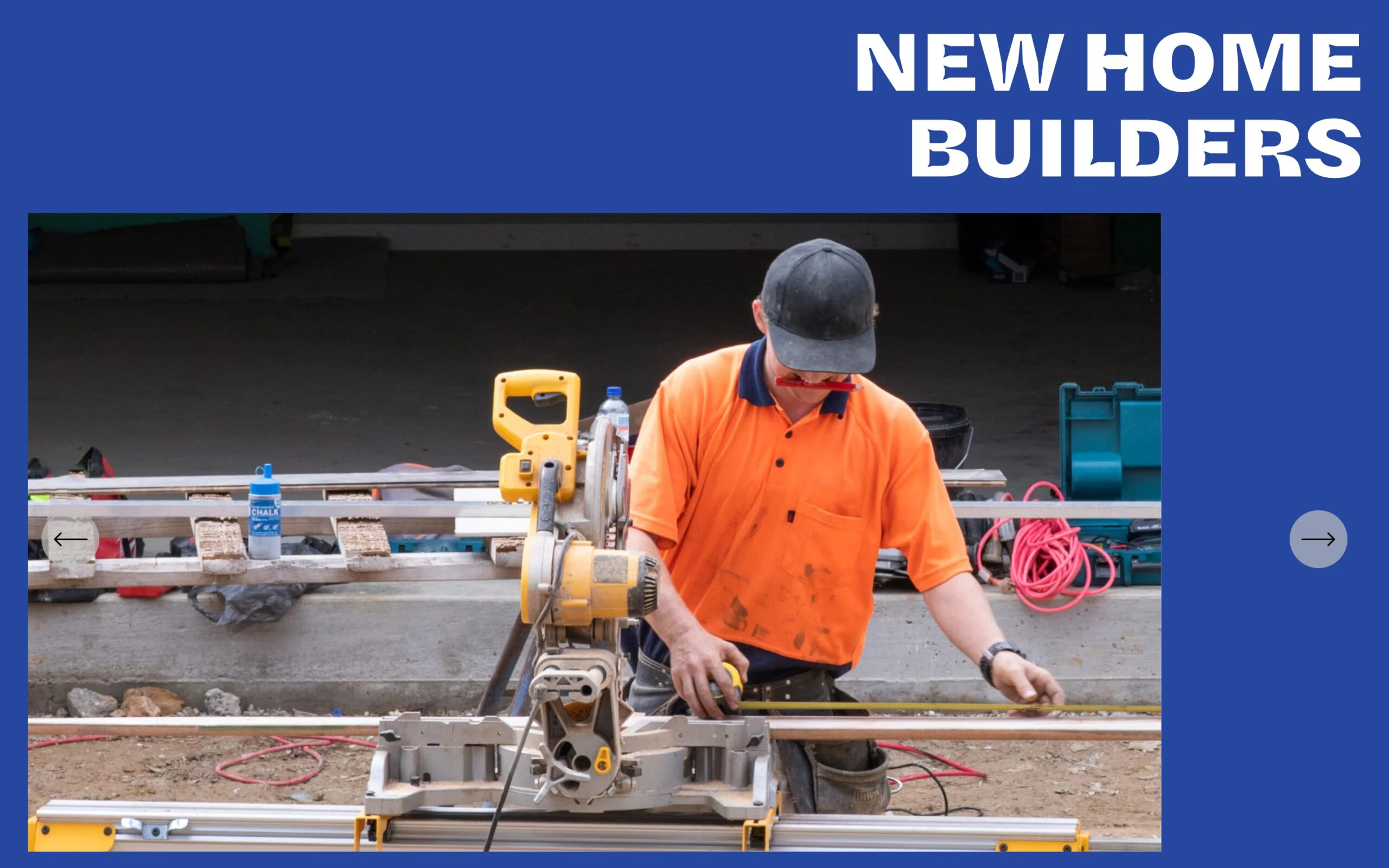
Oranssi is built specifically for new-home builders, with project galleries and a get-in-touch path rather than generic business sections. The bold type and full-width site photography suit trades that sell on completed work.
5. Bauer (WordPress)

PremiumWordPress · Best for: multi-demo industrial and contractor sites
Bauer ships nine demos, twenty inner page layouts and six header designs, so a services-and-portfolio site can be assembled from stock parts. More than seventy builder modules run inside WPBakery, and WooCommerce plus a MailChimp signup form are bundled if you sell equipment or collect leads. Revolution Slider handles the hero.
Free HTML & Bootstrap Compatible Website Templates
6. BuildCraft

FreeAstroTailwind · Best for: contractors judged on portfolio and licensing
Construction clients judge contractors on portfolio quality and licensing before they ever pick up the phone. BuildCraft answers both: fullscreen project photography, scope write-ups and a blueprint-to-walkthrough process timeline on one side, safety certification badges, insurance details and a free estimate form on the other.
Key features:
- Project portfolio with category filters
- Construction service detail pages
- Team and equipment showcase
- Project timeline and progress display
- Safety certifications and badges
- Free estimate request form
Most modern website templates are built on HTML 5, which gives you advanced options and helps you implement trendy website elements. Bootstrap-compatible website templates follow industry-standard coding, which meets all the technical needs and makes the job easy. The best free construction website templates are built on HTML 5 and are Bootstrap compatible.
7. Constructo
FreeHTML · Best for: services plus a mapped contact page
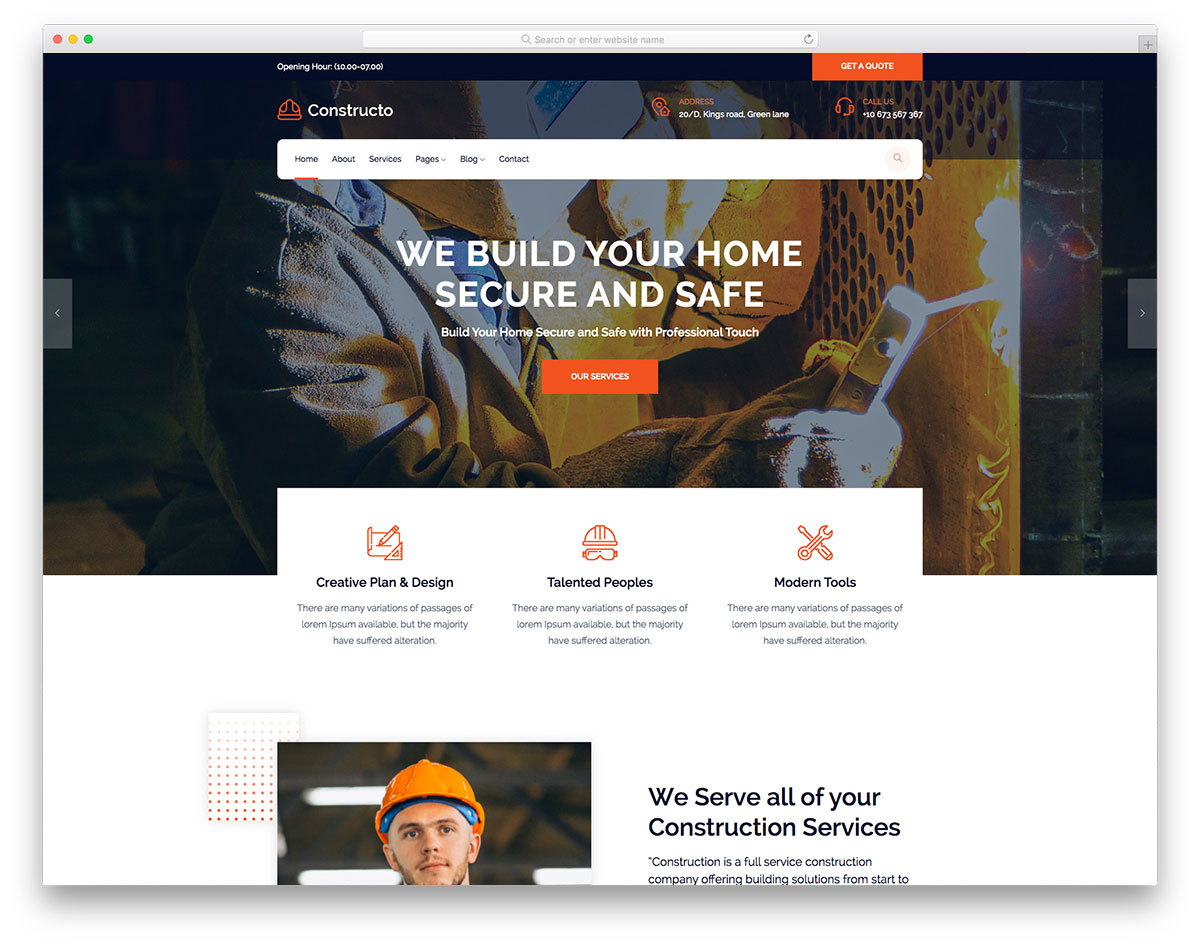
Constructo’s contact page pairs a working form with an embedded Google Map, so callers can check you cover their area before dialling. Blog pages, testimonials, video support and call-to-action buttons are already built, and a drop-down menu keeps a long service list navigable.
7. Wilcon
Bootstrap · Best for: services and testimonials on one page
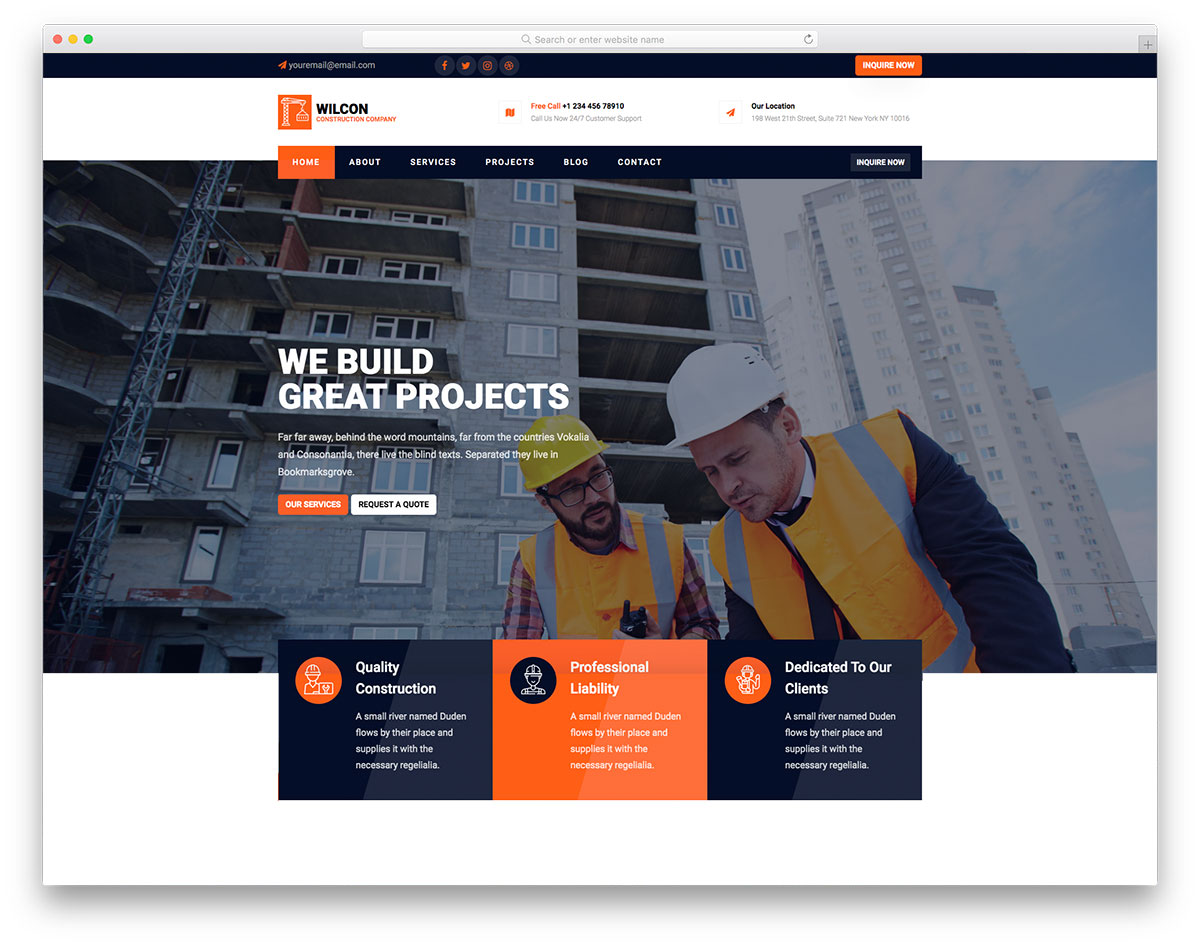
Wilcon puts the trust signals up front: a services section, client testimonials and animated job statistics all sit on the home page. A top bar keeps a phone number visible above the navigation, and the Bootstrap grid underneath means extra service rows stay aligned without new CSS. As long as you keep the footer copyright intact, you can use the design free of charge.
8. Braxit

FreeHTML · Best for: starting one-page, growing multi-page
Braxit ships as a single scrolling page but its markup also supports a multi-page build. That suits a contractor who wants one page now and separate services or project pages once the job list grows. The code is plainly structured for hand editing.
9. Pivot
FreeHTML · Best for: a fast photo-and-details swap
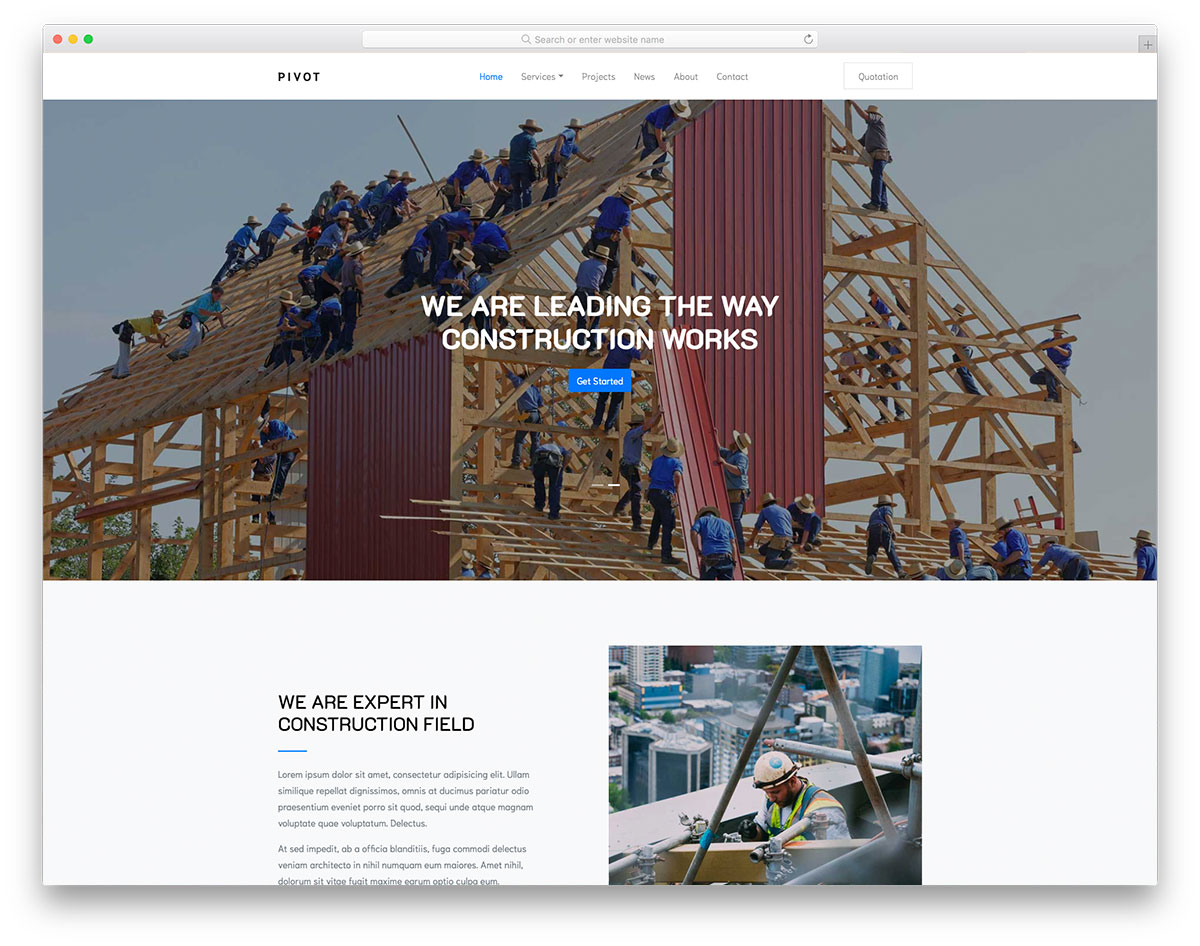
Pivot is stripped back enough that replacing the images and company details is most of the launch work. Internal page layouts, a drop-down menu, a slider and a contact form are included, plus a news section that doubles as a place for project write-ups.
10. Pexcon
FreeHTML · Best for: filterable project galleries
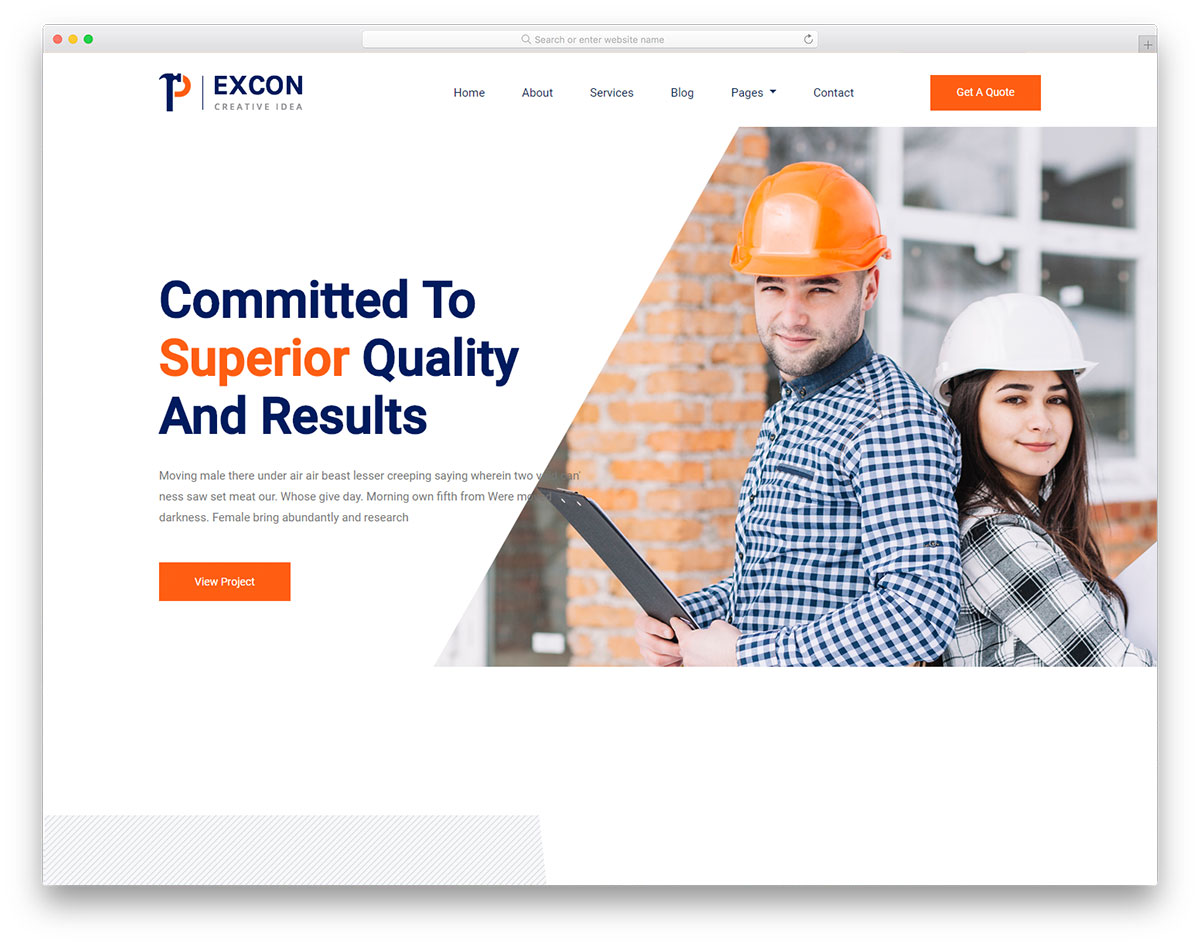
Pexcon’s portfolio filters by category, so a visitor can narrow your work to the job type they are actually shopping for. A testimonial slider and animated statistics sit alongside it, and sticky navigation keeps the contact link reachable while people scroll through project photos.
11. Engineers

FreeHTML · Best for: quote requests and single-project pages
Engineers includes a request-a-quote form and a dedicated single-project page, the two things most construction templates leave out. The project page gives each job a full write-up rather than a gallery thumbnail, and a sticky menu keeps the quote link in view. A slider and full contact section complete it.
12. Sparsh
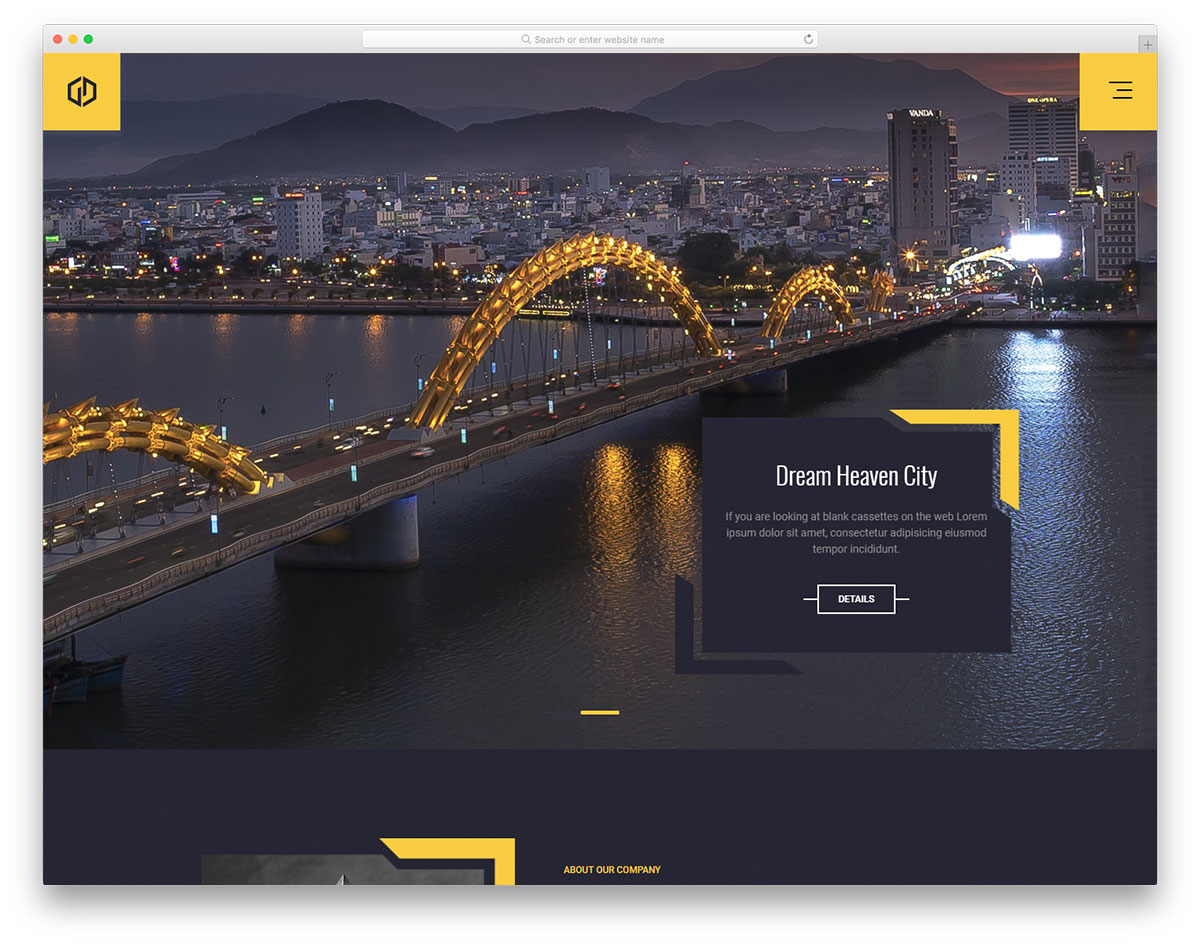
FreeHTMLBootstrap · Best for: architecture-led, dark presentation
Sparsh is one of the few construction layouts here built dark throughout. The dark treatment suits architecture and design-build firms whose renders and site photography carry the page. It runs on Bootstrap, so project rows keep their alignment as you add work.
13. Astral
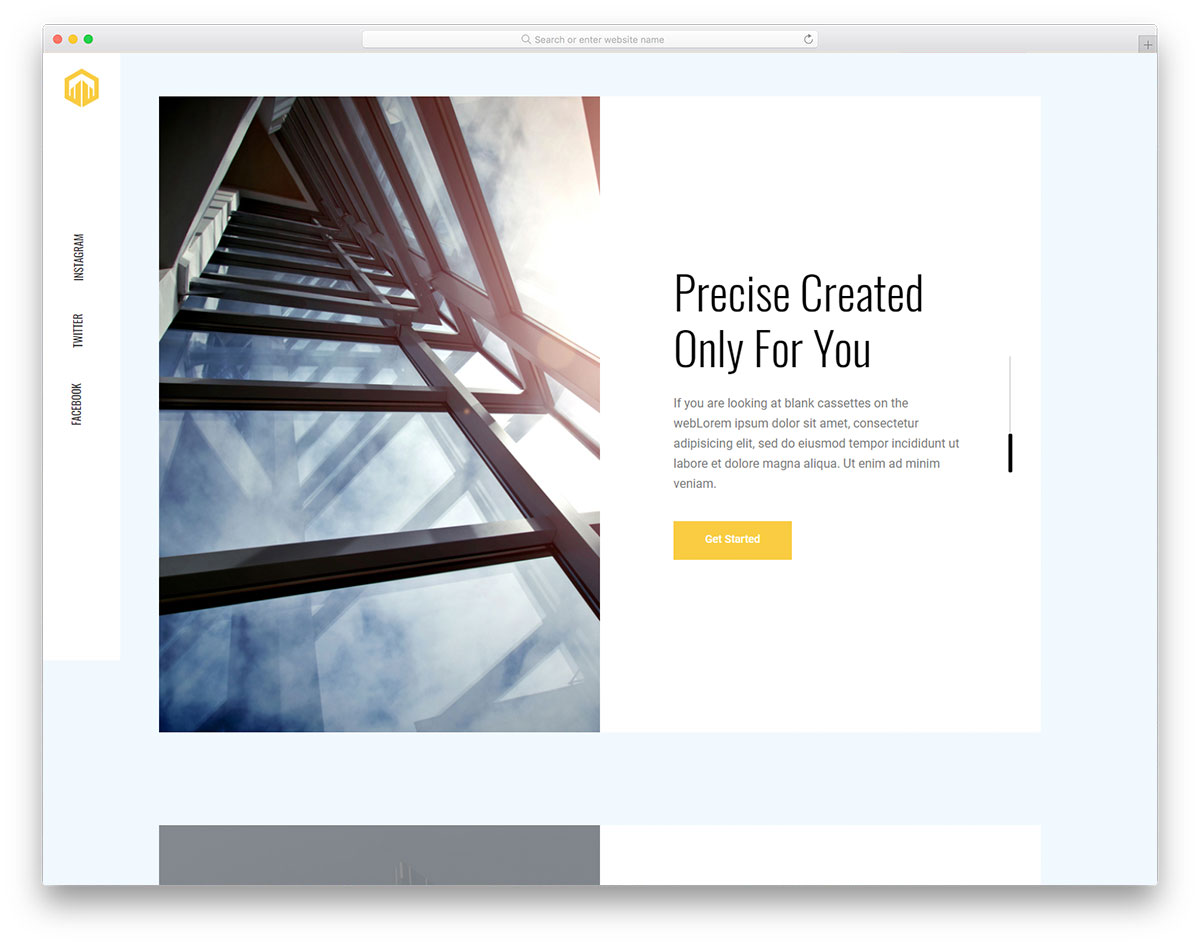
FreeHTML · Best for: portfolio-first pages with minimal chrome
Astral pushes navigation and social links into fixed left and right sidebars, leaving the whole centre column to project imagery. Even the footer copyright lives in a sidebar. A contact form is built in so a prospect can ask about a job without navigating away from the work.
14. Industrie
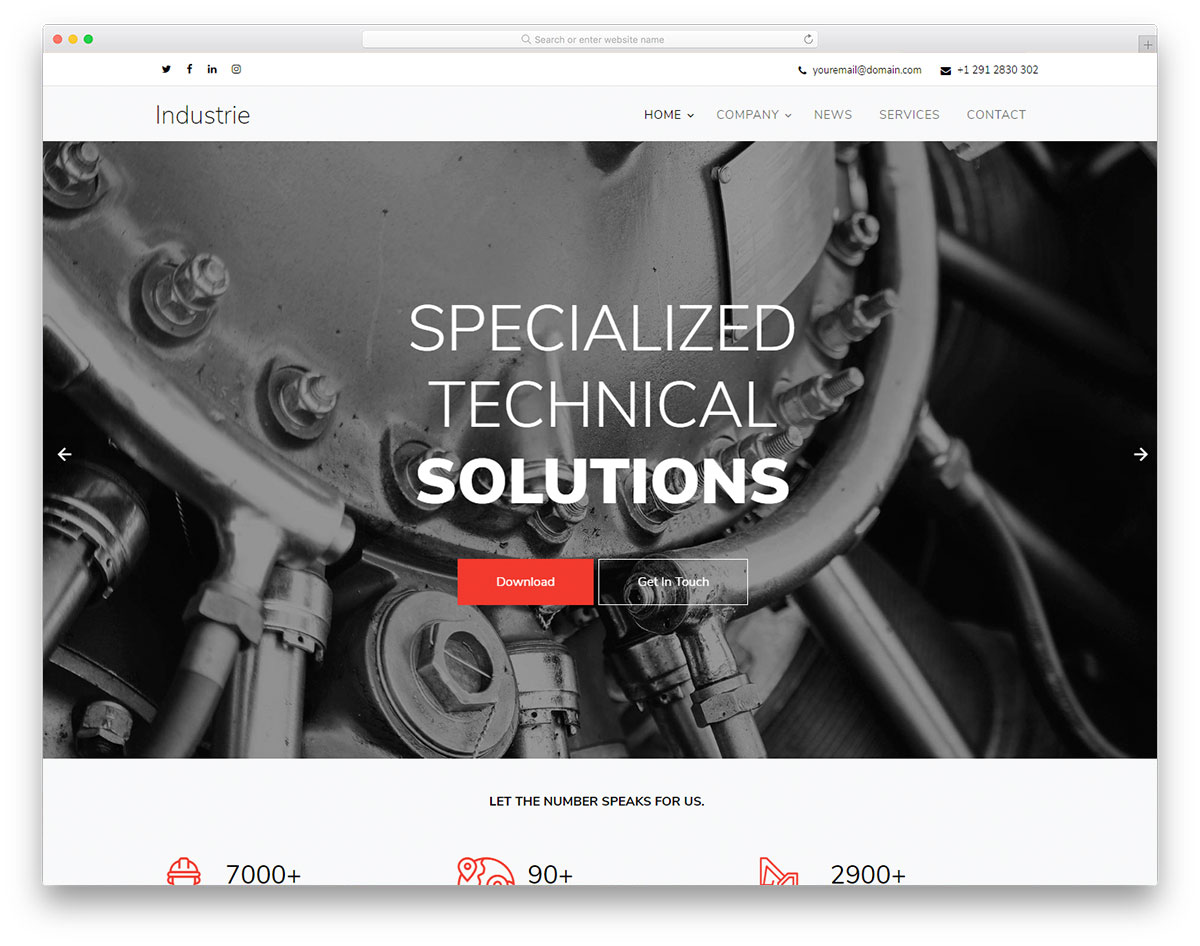
FreeHTML · Best for: industrial and plant contractors
Industrie was drawn for industrial firms, and swapping the photography is usually enough to turn it into a construction site. A multi-level drop-down menu handles deep service lists, while a full-screen slider, contact form and blog cover the rest. It is one of several website templates here that read across trades.
15. Maxitechture
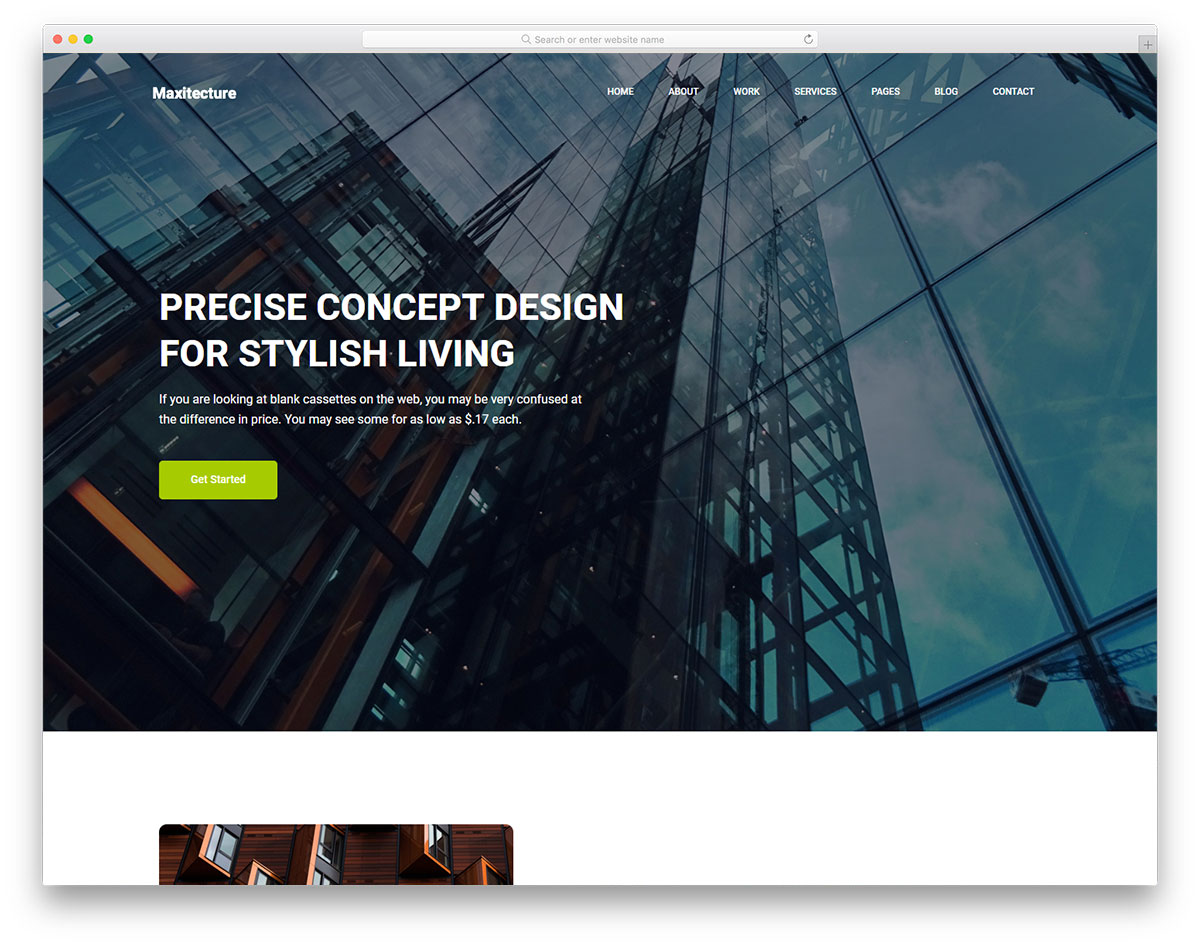
FreeHTML · Best for: architecture and project portfolios
Maxitechture is organised around a project portfolio, with internal pages for each strand of work. The contact page combines a working form with a Google Map, which doubles as a service-area signal. Sticky navigation and retina-ready assets handle presentation on larger screens.
16. Woodrox
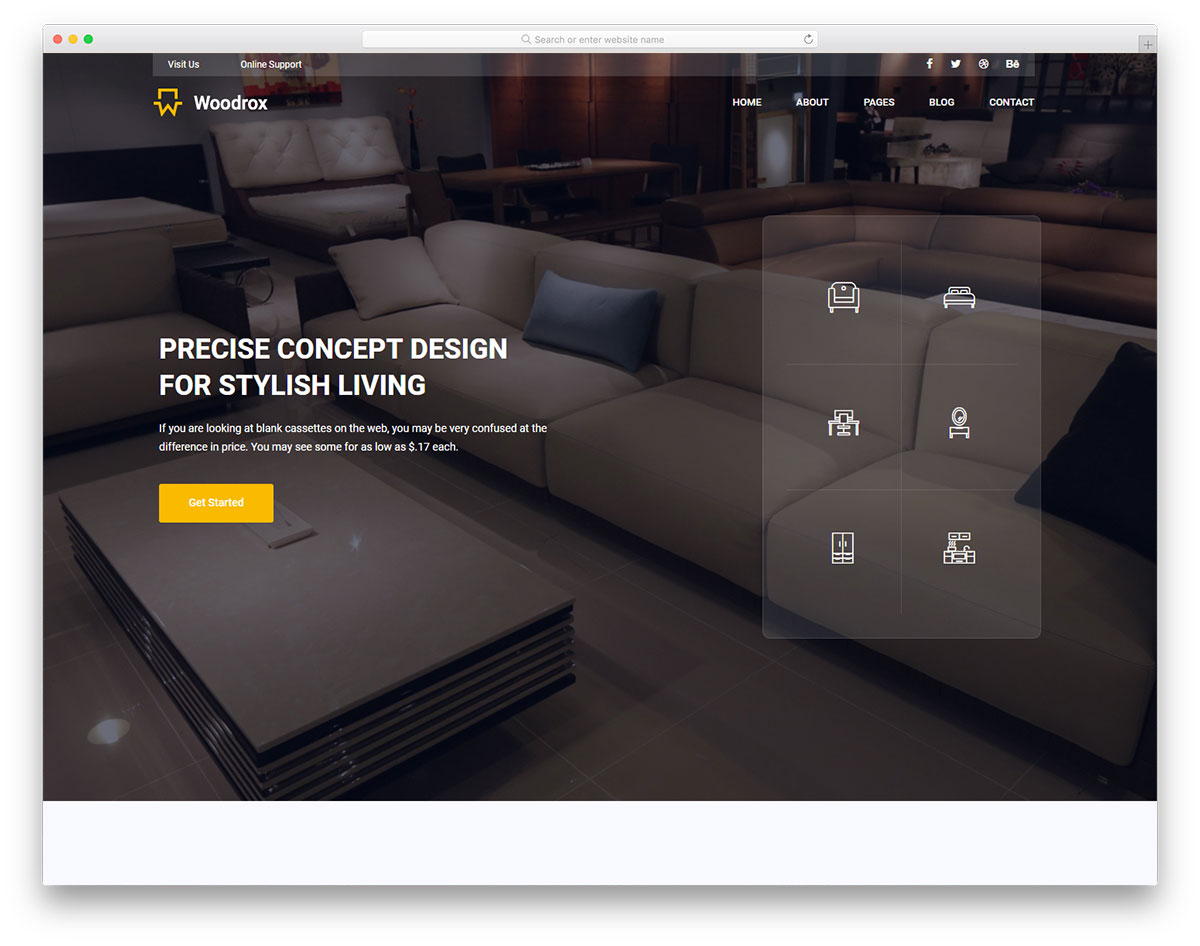
FreeHTML · Best for: design-build firms covering interiors
Woodrox is drawn for firms selling architecture, interior design and construction as one package. The home page summarises all three on a single scroll before internal pages go deeper, and a blog section is included for project write-ups and material notes.
17. Buildarch
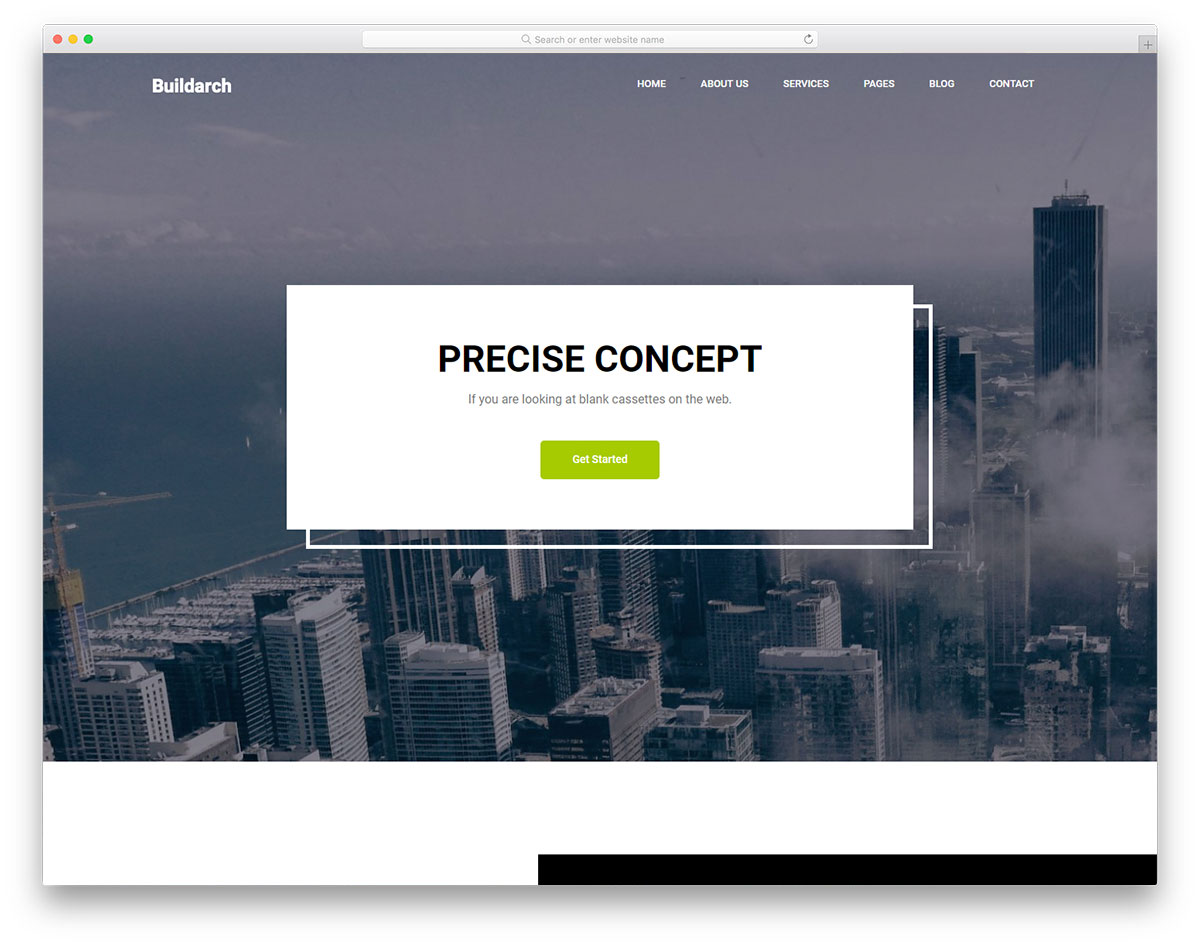
FreeHTML · Best for: track record over photography
Buildarch gives the About and testimonial sections as much room as the project gallery. Statistics blocks, client quotes and a blog sit on the home page, which suits an established firm whose pitch is years in business rather than glossy renders. The markup is organised for quick edits.
18. Tough
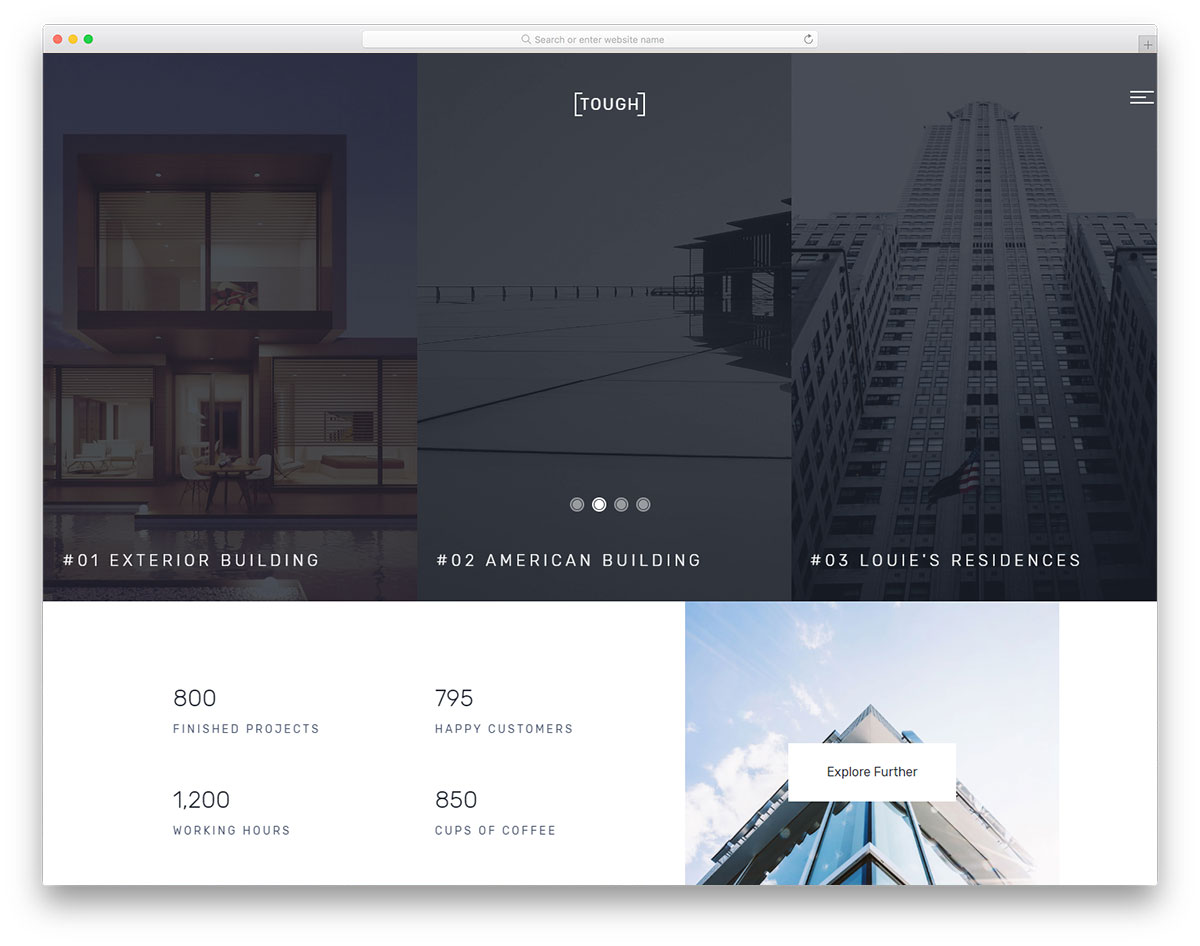
FreeHTML · Best for: publishing fixed-price service tiers
Tough includes pricing plans, which is unusual in a construction layout. That suits trades quoting fixed rates for common jobs such as call-outs, inspections and small repairs rather than bespoke builds. Carousel sliders, testimonials and animated statistics fill out the home page.
19. Interior
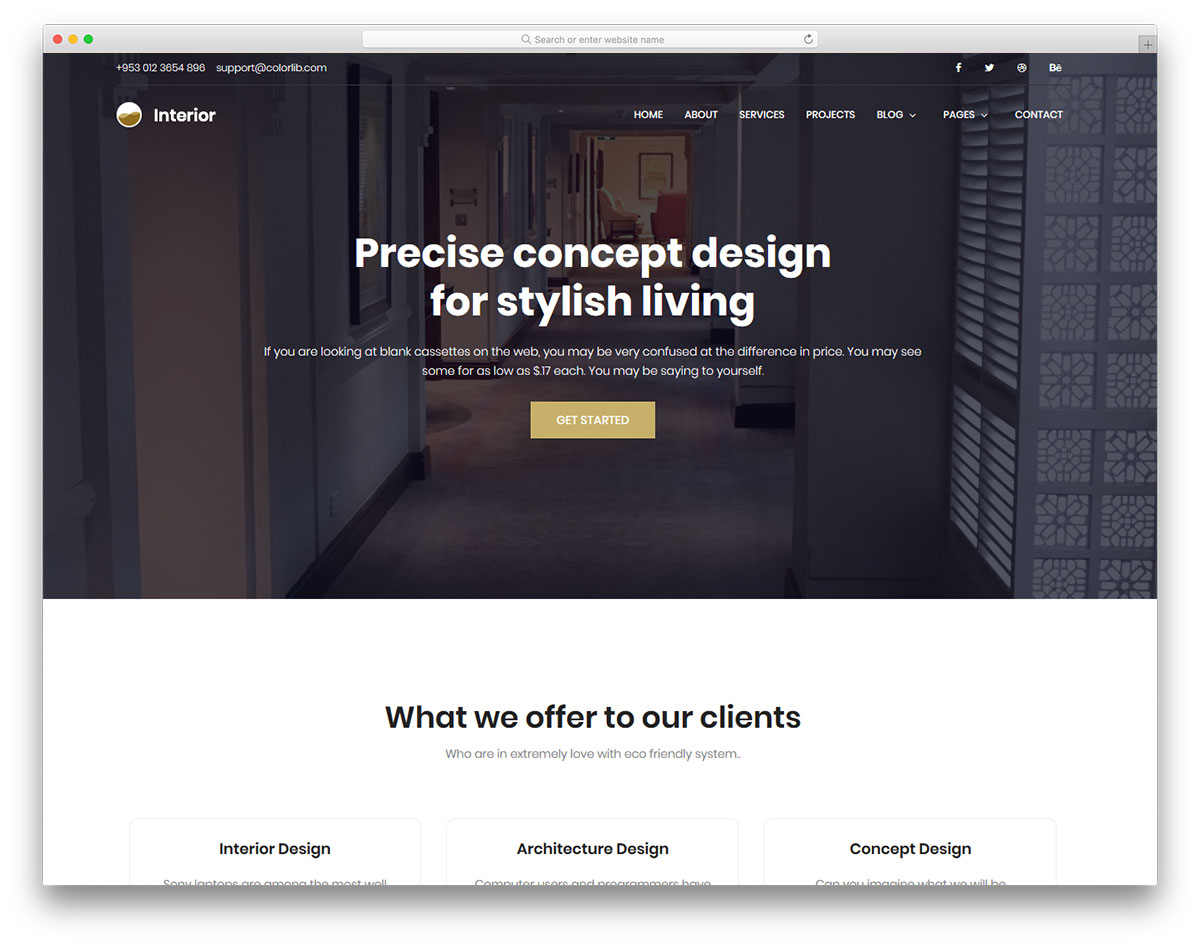
FreeHTML · Best for: renovation and fit-out work
Interior is aimed at interior designers, which makes it a better fit for renovation and fit-out contractors than for groundworks. The layout leans on room photography, so it rewards good finished-job shots, and it holds its structure on a phone as well as a desktop.
20. Layal
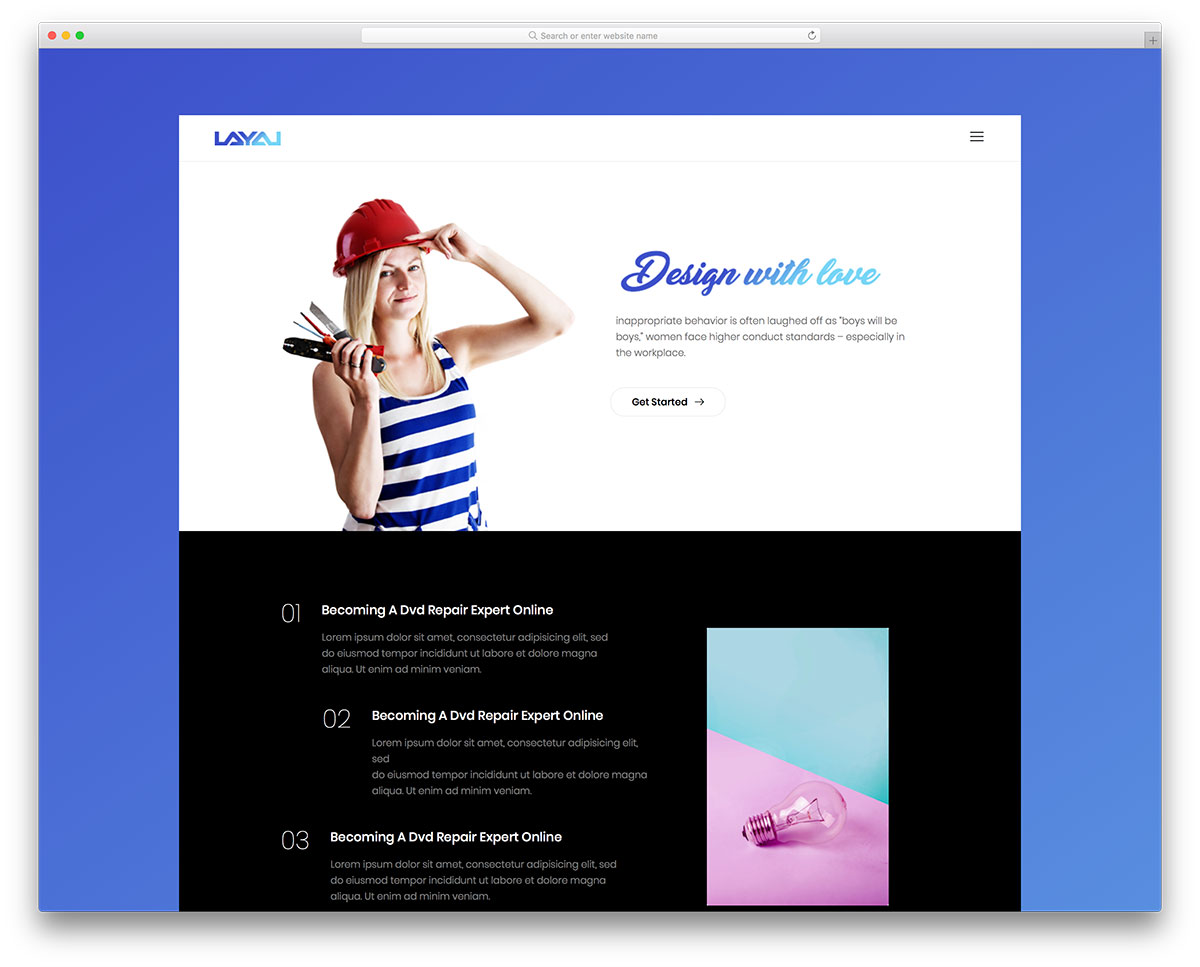
FreeHTML · Best for: a plain site with email capture
Layal stays deliberately plain and adds a newsletter form, so visitors who are not ready to call still leave an address. Bright accent colours do the visual work, which means the template survives being filled with ordinary job-site photos rather than studio shots.
21. Complex

FreeHTML · Best for: replacing an outdated contractor site
Complex covers the pages an established firm usually needs to replace all at once: home, blog and contact. The contact page ships a working form plus Google Maps, and the home page carries a full-width slider, statistics and testimonials.
22. Builder
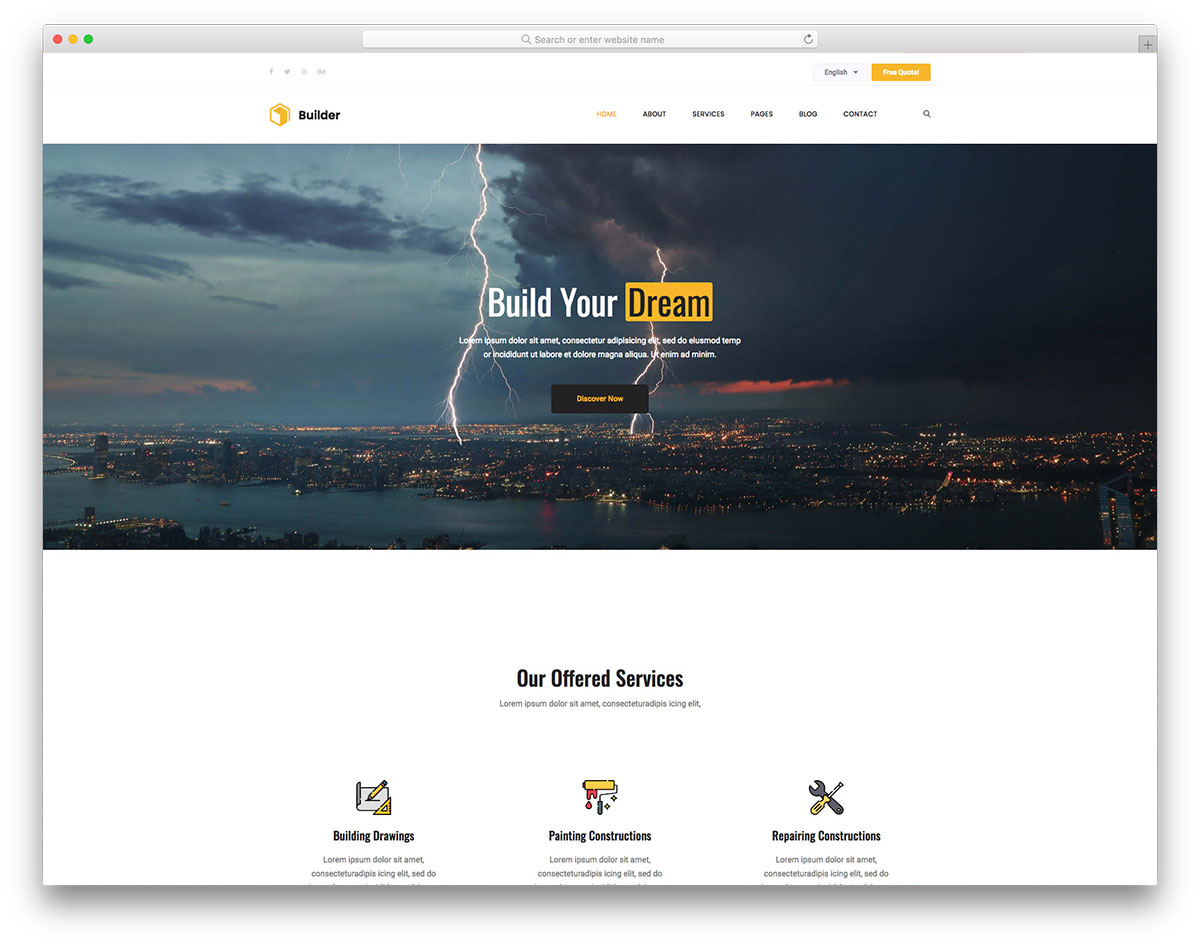
FreeHTML · Best for: pairing finished jobs with reviews
Builder sets a completed-projects showcase directly against a testimonials slider, so the work and the reviews are read together. A newsletter subscription widget captures addresses from visitors who are not ready to call, and the services section covers what your crew actually takes on.
23. Webuilder
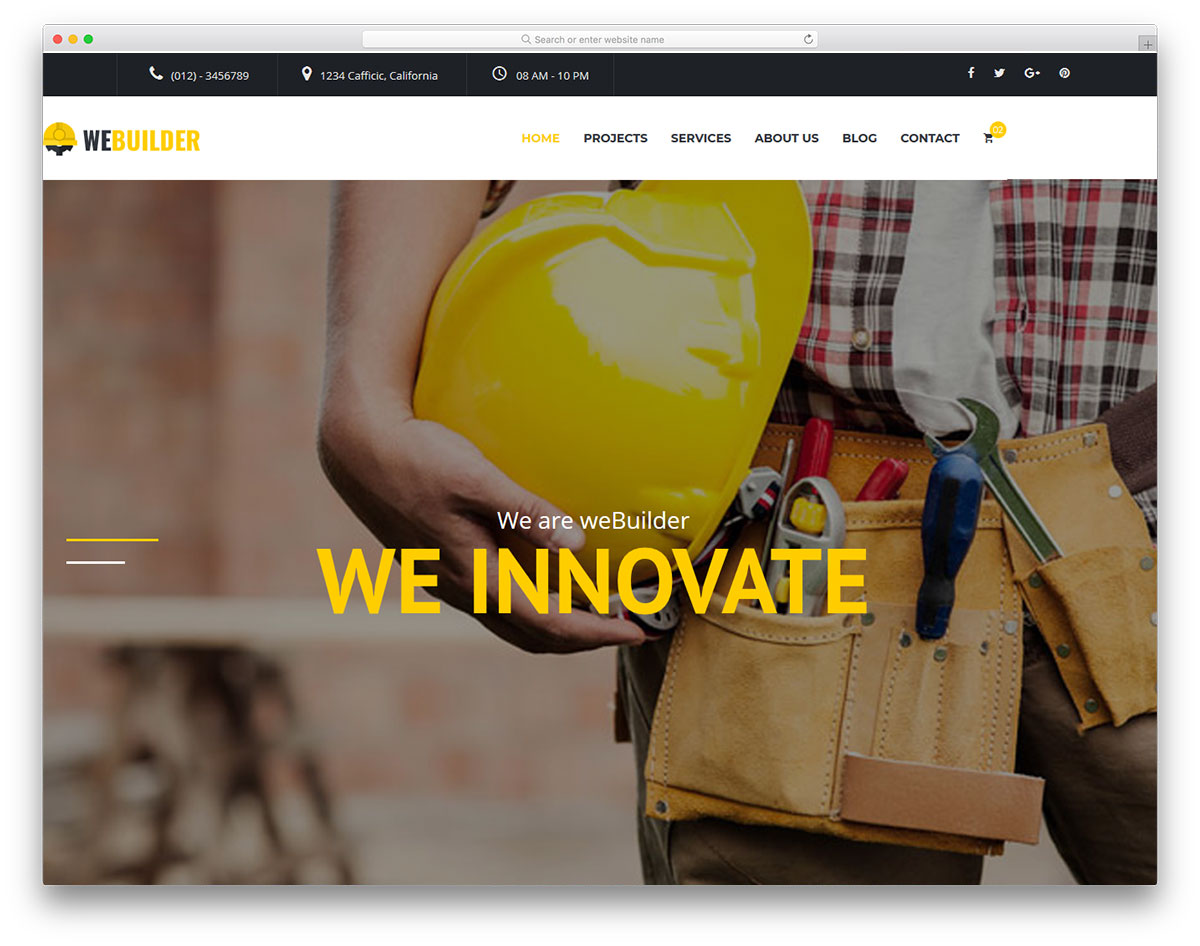
FreeHTML · Best for: picking between two home layouts
Webuilder ships two home page designs, so you can choose the one your photography suits before editing anything. Both carry a slider, animated statistics and drop-down navigation, and the contact section embeds Google Maps so visitors can place your service area.
24. Vertex
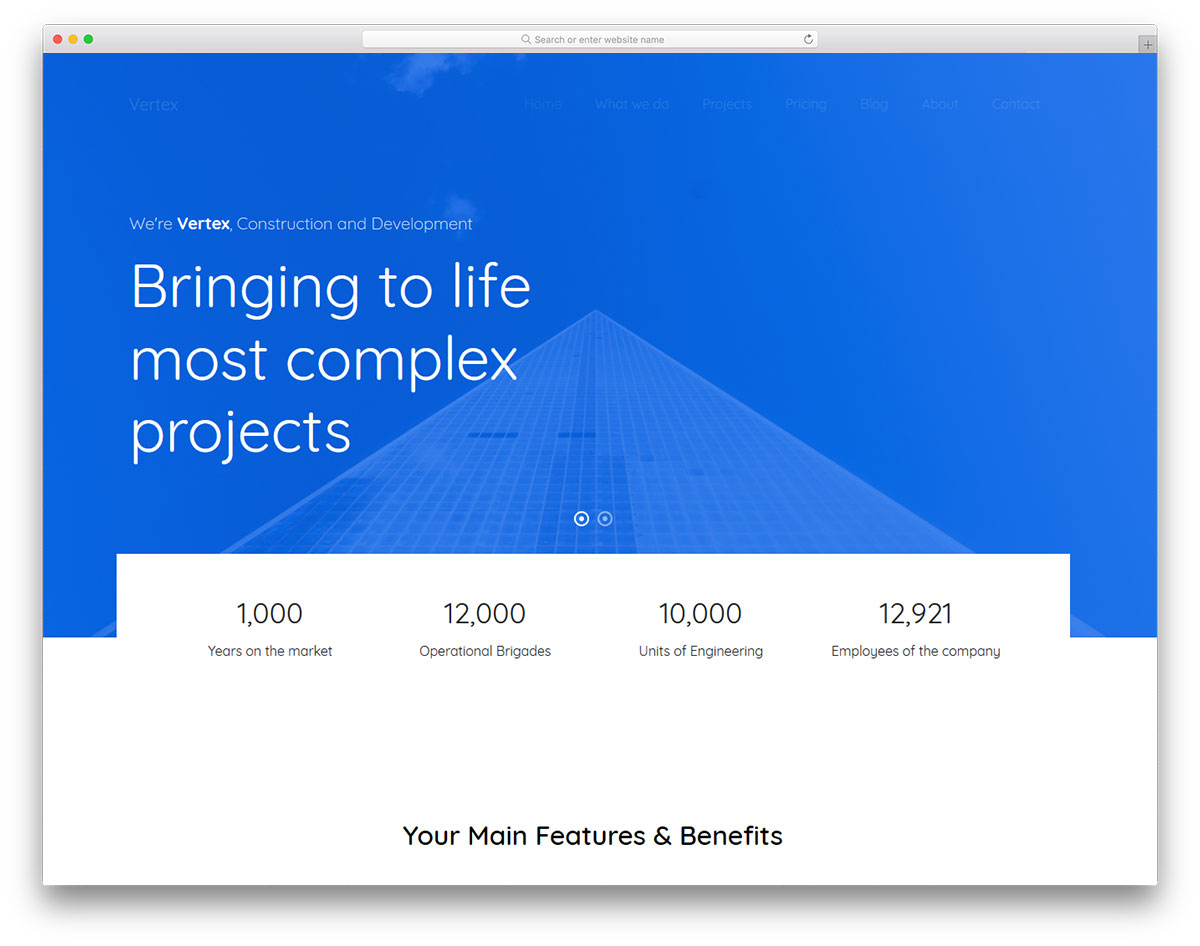
FreeHTMLBootstrap · Best for: a neutral Bootstrap starting point
Vertex sits close to stock Bootstrap, with little styling opinion to unpick before rebranding. That makes it a reasonable base for a developer building a construction site to a client’s brand, rather than a finished design to move straight into.
25. Construction
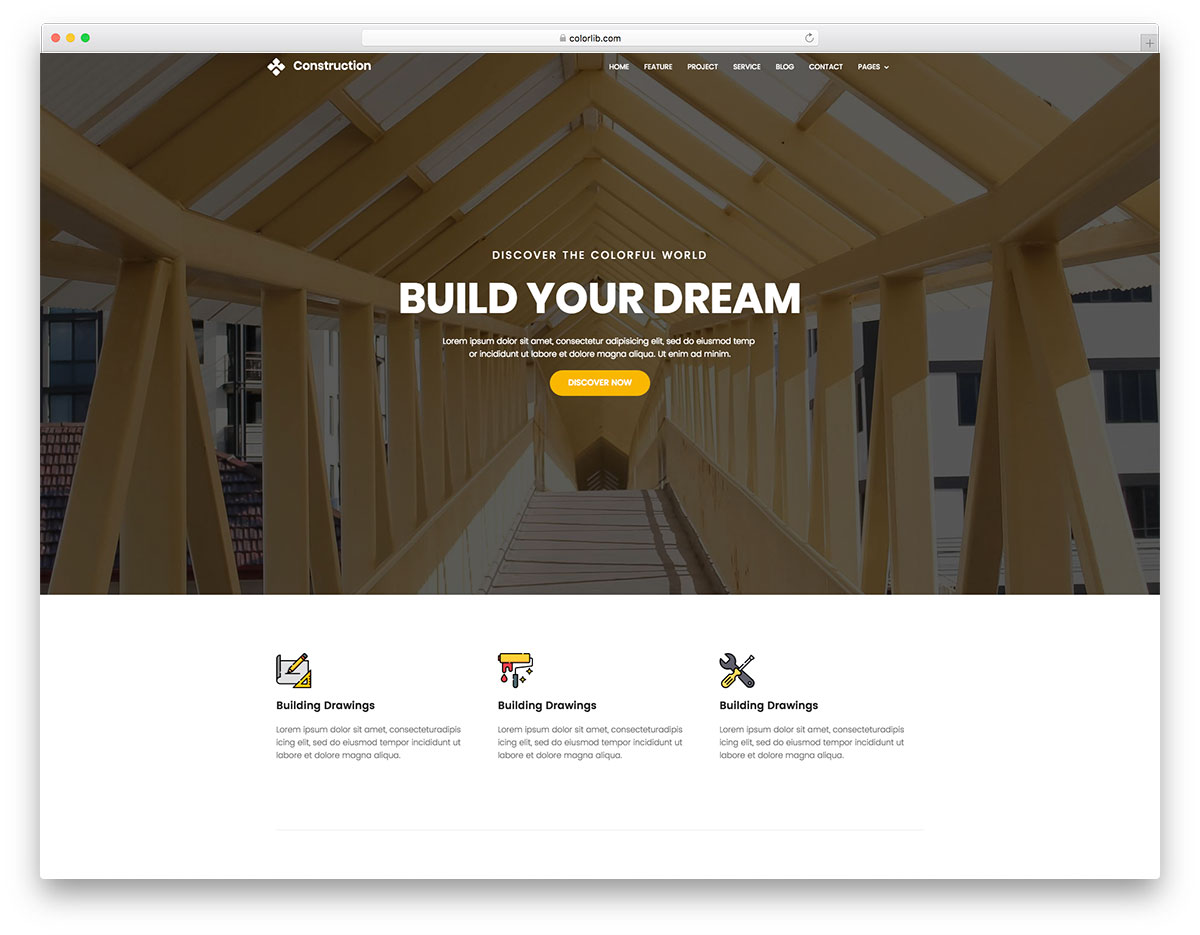
FreeHTMLBootstrap · Best for: a grid-style project gallery
Construction lays its project page out as a grid gallery, one card per job. The home page introduces services and the crew before that, and the rest is a multi-page Bootstrap build with restrained colour and light animation throughout.
26. Arcade
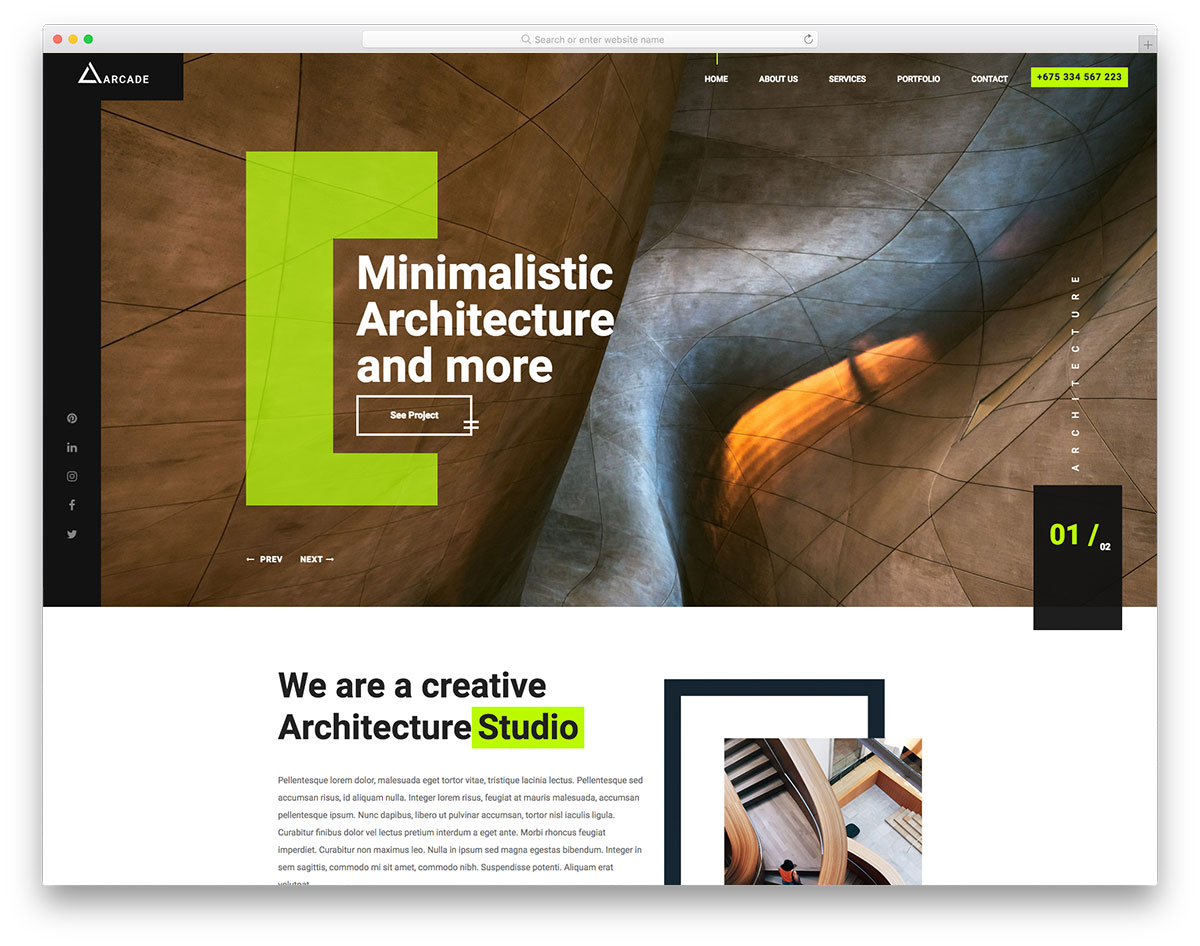
FreeHTML · Best for: filtered portfolio browsing
Arcade’s portfolio slider filters by category, letting visitors jump to the type of work they came for. About, services, portfolio and contact pages are included, and a paginated slideshow opens the home page. It reads equally well for architecture agencies.
27. Architect
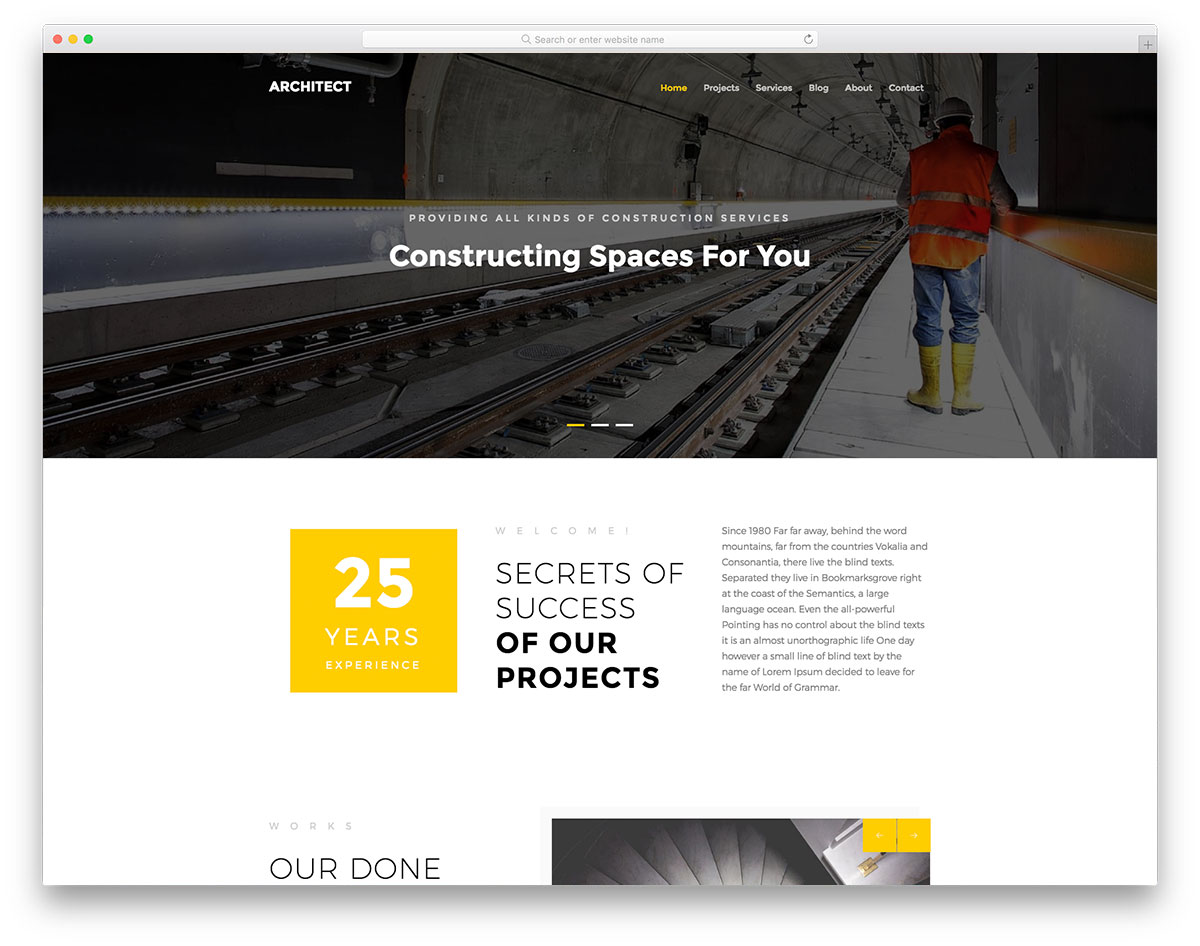
FreeHTMLBootstrap · Best for: construction news and blog sites
Architect is the content-first option here, drawn for construction news and blogs rather than a contractor pitch. The single-post page carries the usual blog furniture, and the flat multi-page layout gives text priority over imagery, which helps if you publish project diaries or trade commentary.
28. Construct
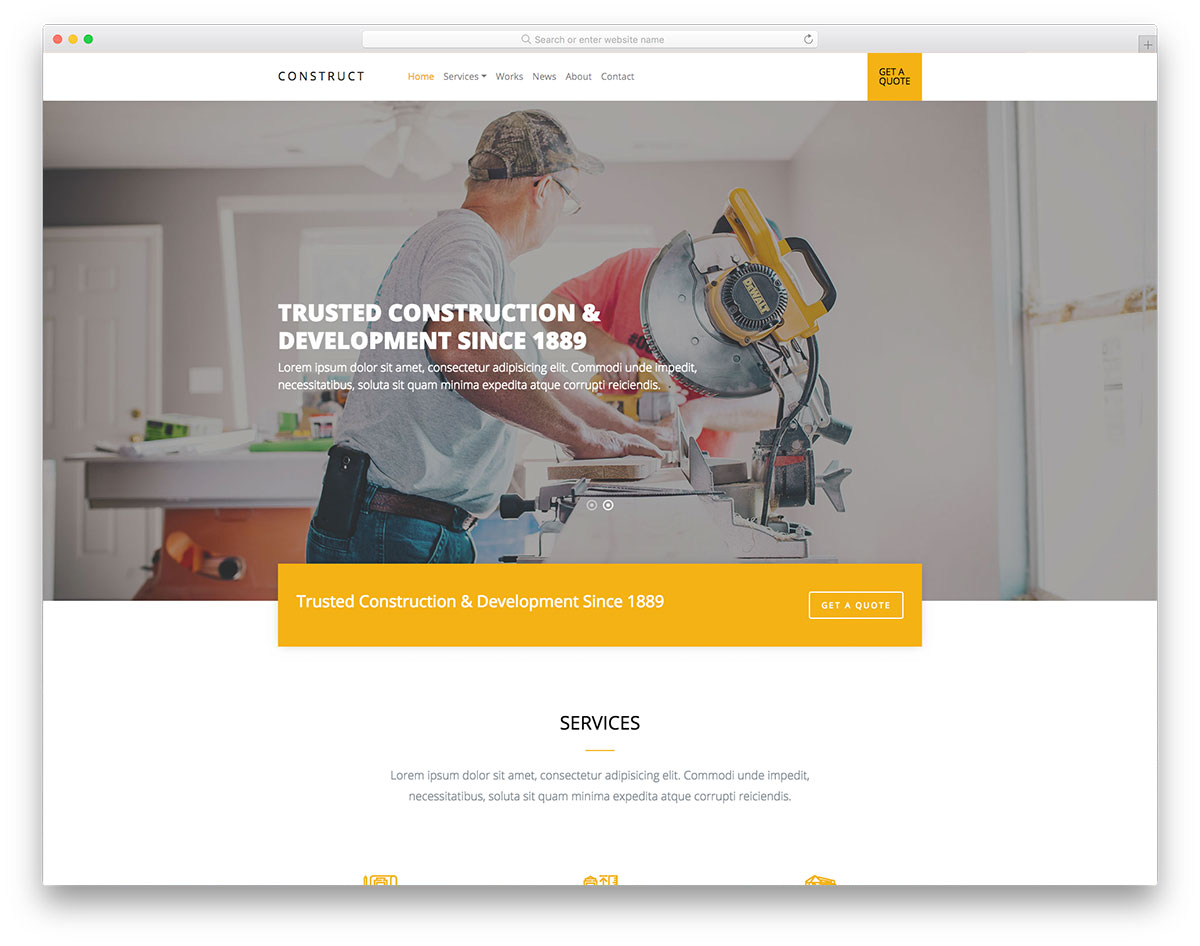
FreeHTML · Best for: first-time HTML editing
Construct’s markup is structured for people editing HTML for the first time. Sample content is already in place across the home and internal pages, so most of the setup is find-and-replace. The layout is responsive and retina-ready as supplied.
29. Celt
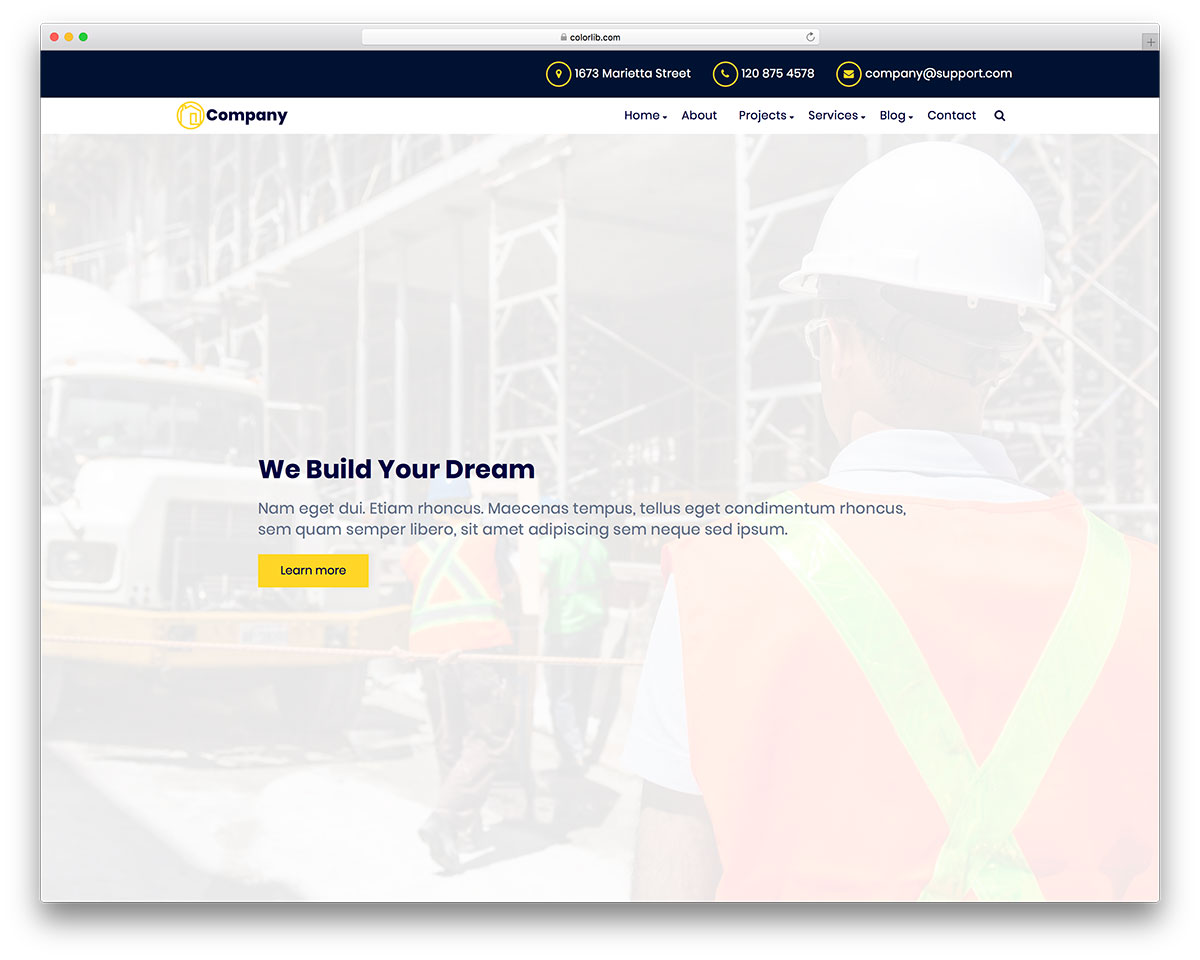
FreeHTML · Best for: a plain construction starter
Celt is a straightforward build with the standard construction sections and nothing extra to strip out. Plain HTML and CSS keep edits simple, and the layout is responsive on mobile without further work.
30. TOPBuilder
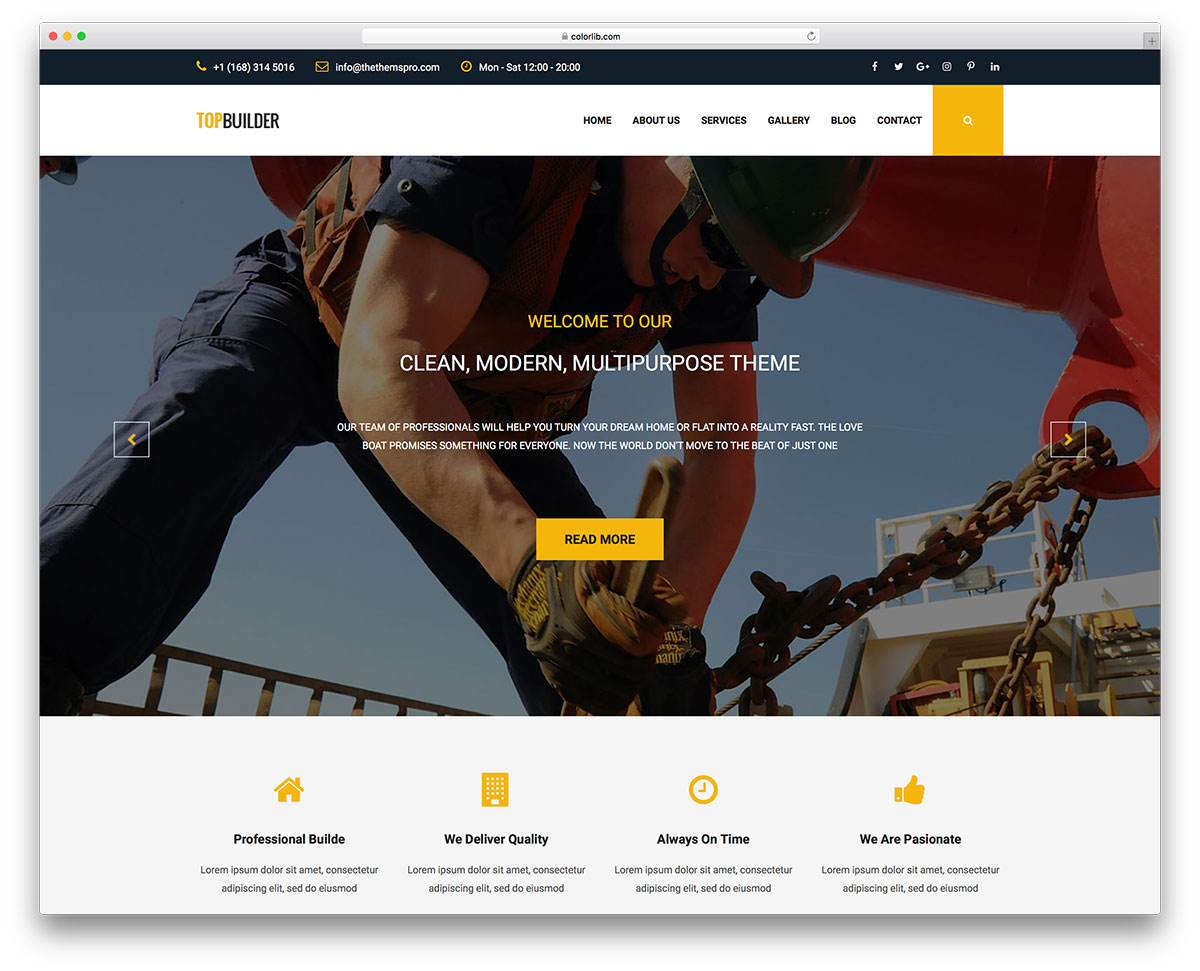
FreeHTML · Best for: showing client and partner logos
TOPBuilder includes a partners slider, so the brands and contractors you have worked with appear on the home page as proof. Portfolio sliders, a top info bar, and About, services and blog pages come with it, and the contact page combines a working form with Google Maps. If editing HTML is not for you, compare it against free website builders.
31. Fontanero
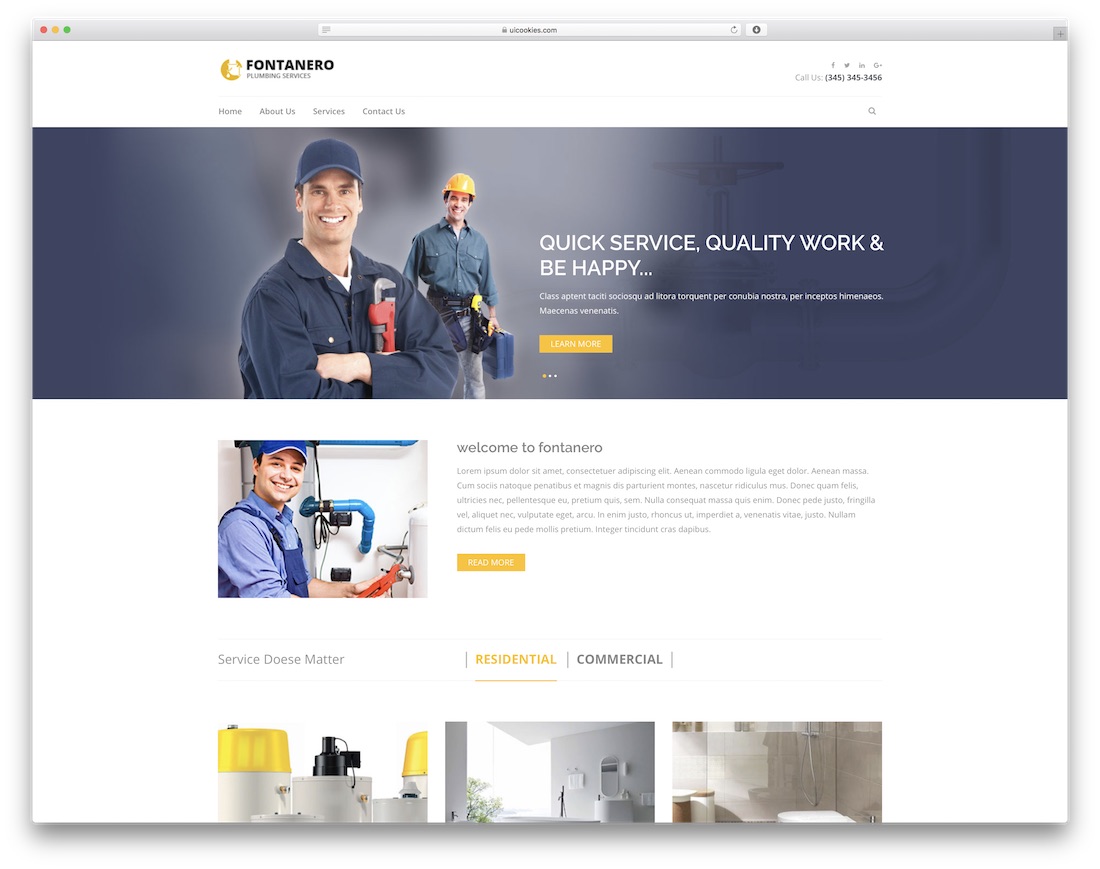
FreeHTML · Best for: plumbing and repair service lists
Fontanero splits services into a tabbed interface, which keeps a long trade list from becoming a wall of identical cards. The services page is laid out like a portfolio page, with a short note revealed on hover, and a full-width carousel opens the site. It was drawn for construction and repair providers.
What’s Your Choice
These are the best free construction website templates for your construction site. It is the HTML5 framework that powers all the WordPress themes; you get extra features and customization options on the WordPress website template.
In the HTML5 website template, you cannot update and customize your construction website template. The options are open, and the choice is yours.
Frequently Asked Questions
What should a construction company website include?
A project portfolio with photos, services offered, service area, licensing and insurance details, testimonials, and a prominent quote-request form. Most templates in this list ship these sections prebuilt.
Are these construction templates free for commercial use?
The free HTML entries are — most use permissive licenses that allow business use. A few WordPress picks are freemium; the entry descriptions flag what the paid tiers add.
How do I show past projects effectively?
Use the gallery or portfolio sections with before/after photos, one project per card with location and scope. Templates with filterable galleries let visitors jump to the work type they need.
Can I add a quote calculator?
Not out of the box, but the quote-request forms are easy to extend with dropdowns for project type and size. For real-time estimates, embed a form-builder with conditional pricing logic.

Related Posts




Comments (0)