
28 Best Free Blogger Templates 2026 (Blogspot Themes)
If you are looking for the best free Blogger templates, this list covers many to build any niche blog.
Blogger (Blogspot) has been running since 1999 and remains the simplest free way to publish — Google hosting, free SSL, custom domains, and zero maintenance. The XML themes below install in minutes from the Blogger dashboard: upload, apply, done. Every pick is responsive, ad-ready, and includes a live demo plus a direct download.
Table of contents — all 28 Blogger templates
Best Free Blogger Templates
1. Pixel
Free · Best for: news and magazine blogs running ads
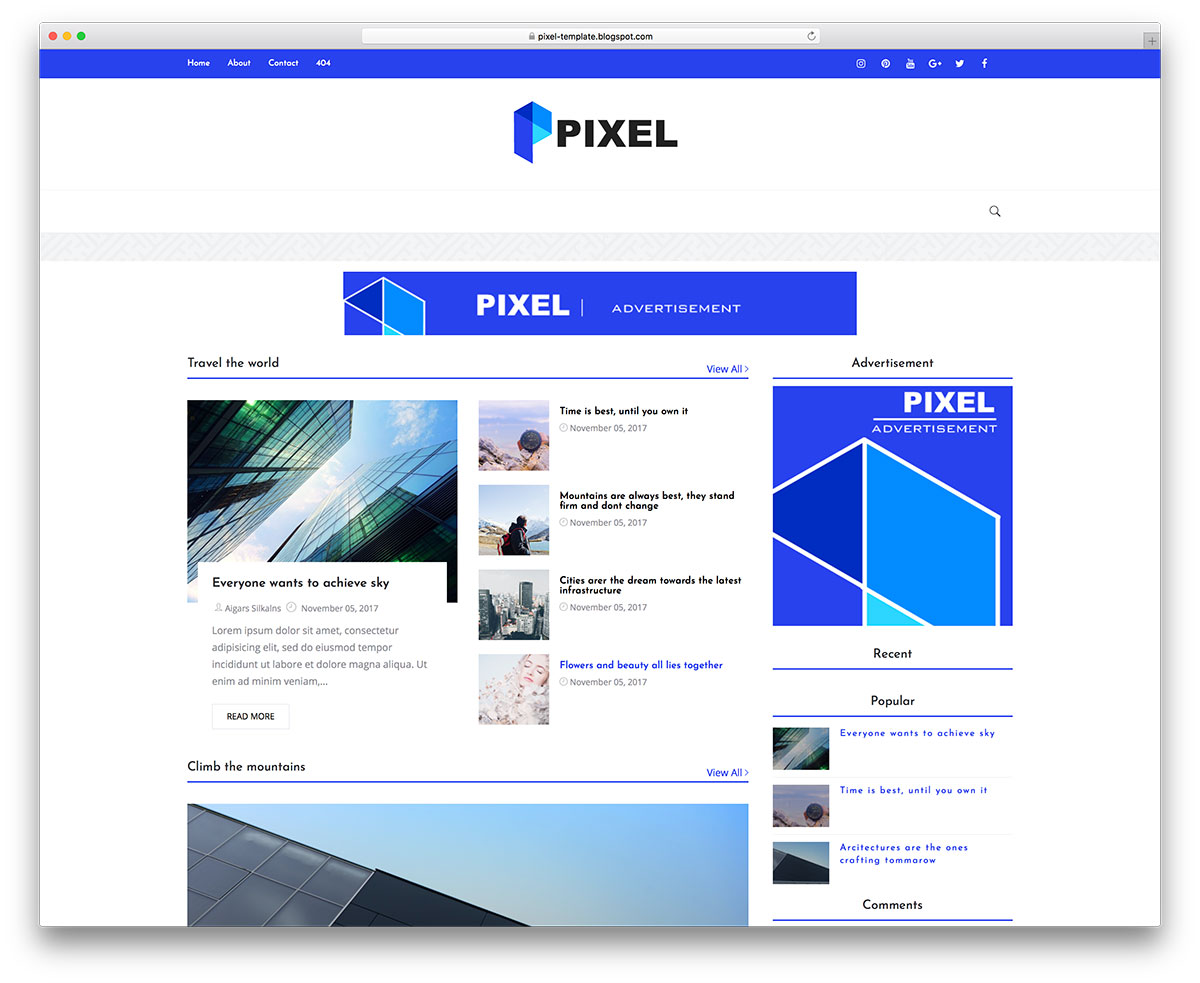
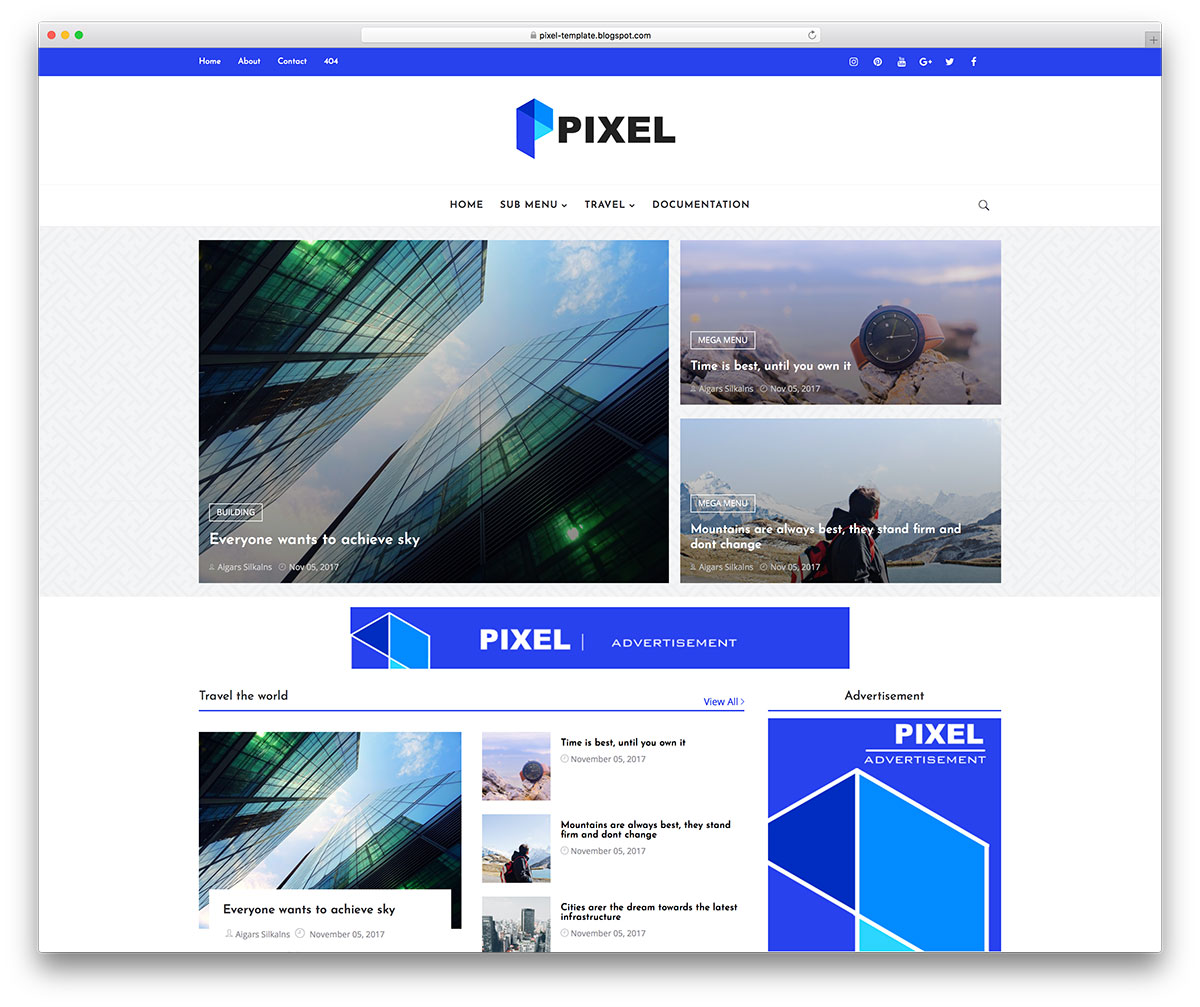
Three dedicated ad areas — a full-width home banner plus slots above and below every post — make Pixel the monetisation pick in this list. The homepage runs on a label-driven featured grid, with multi-level dropdowns, image mega menus and a tabbed sidebar for recent, popular and commented posts. The 2026 rebuild dropped jQuery and Bootstrap for vanilla JavaScript and added lazy images, JSON-LD and link prefetching.
2. Minimal
Free · Best for: lifestyle, fashion and personal journals
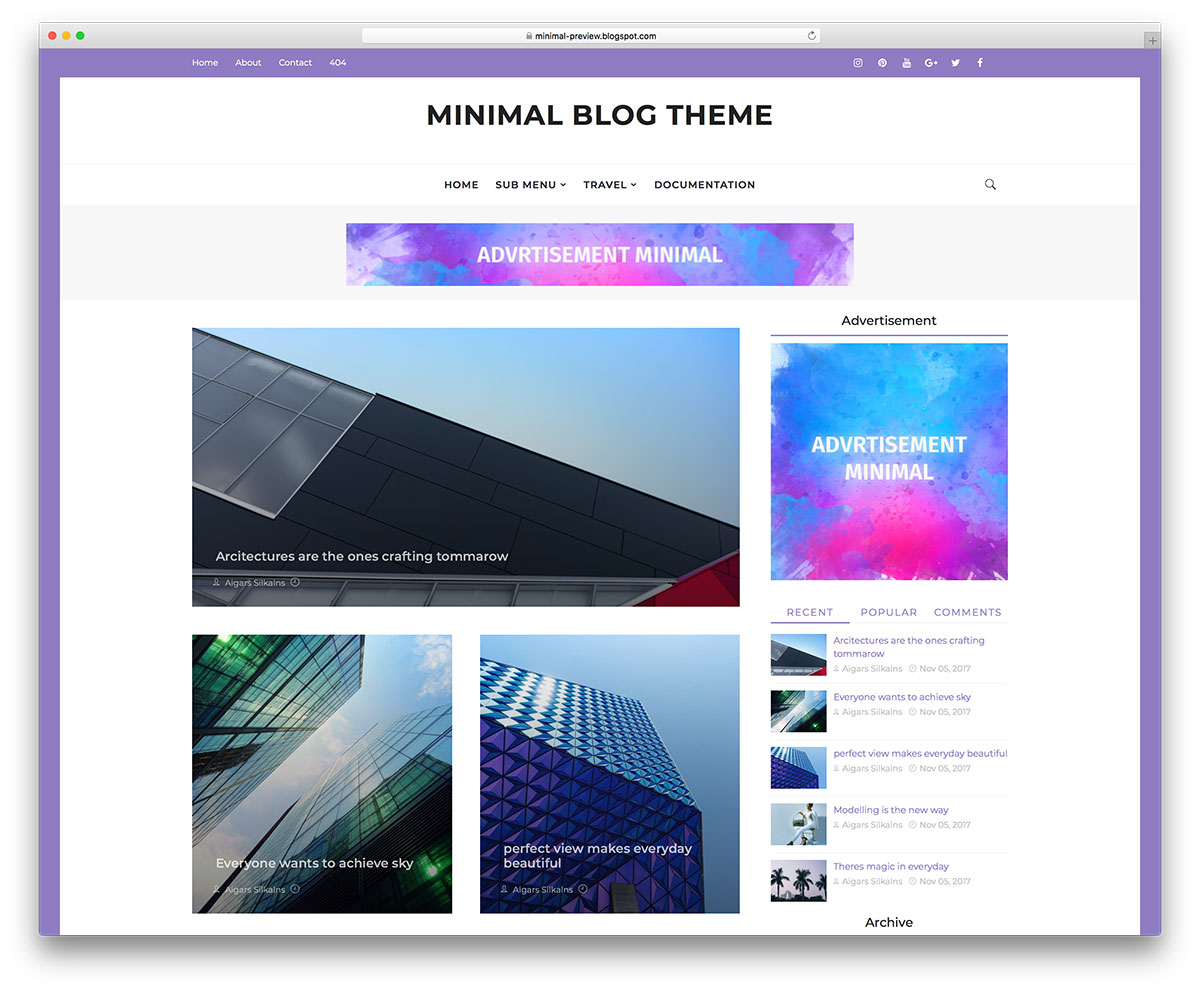
Minimal reads like a paid magazine theme — wide whitespace, Montserrat headings, a restrained palette — while keeping the magazine machinery in reserve. A label-driven featured area, mega menu, tabbed sidebar and gallery widgets switch on when you need them. The 2026 refresh removed every legacy framework and added JSON-LD, Open Graph and Twitter card meta plus accessibility fixes, and it is ad-ready on install.
3. Kaplan
Free · Best for: a newsroom-style front page
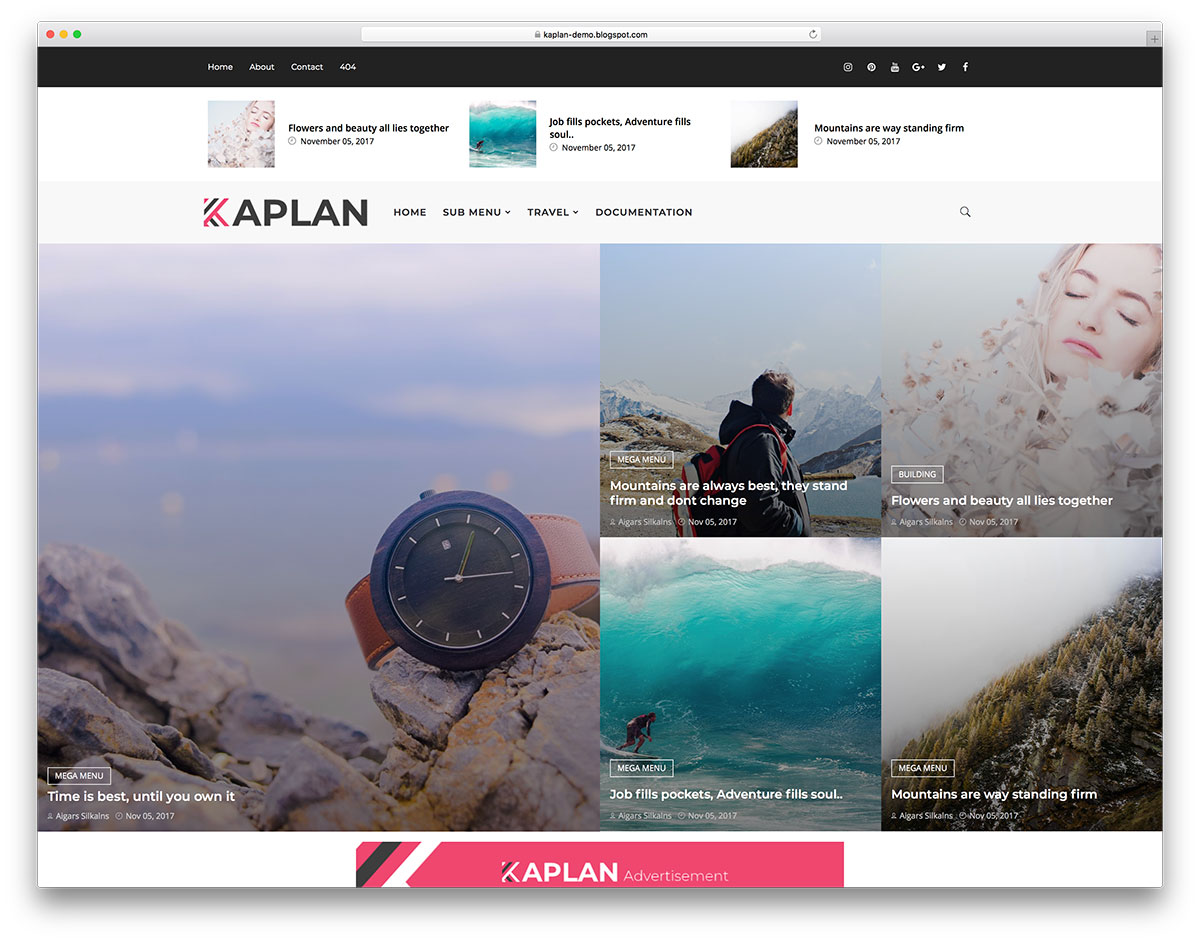
Kaplan has the most distinctive homepage here: a five-post grid pairing a half-width hero with a 2×2 block of story tiles, topped by a carousel whose blurred backdrop follows the active slide. A label-driven mega menu, tabbed sidebar and built-in ad slots finish the front page. The carousel now runs on Swiper, feeds load same-origin, and every page ships structured data.
4. Plasma
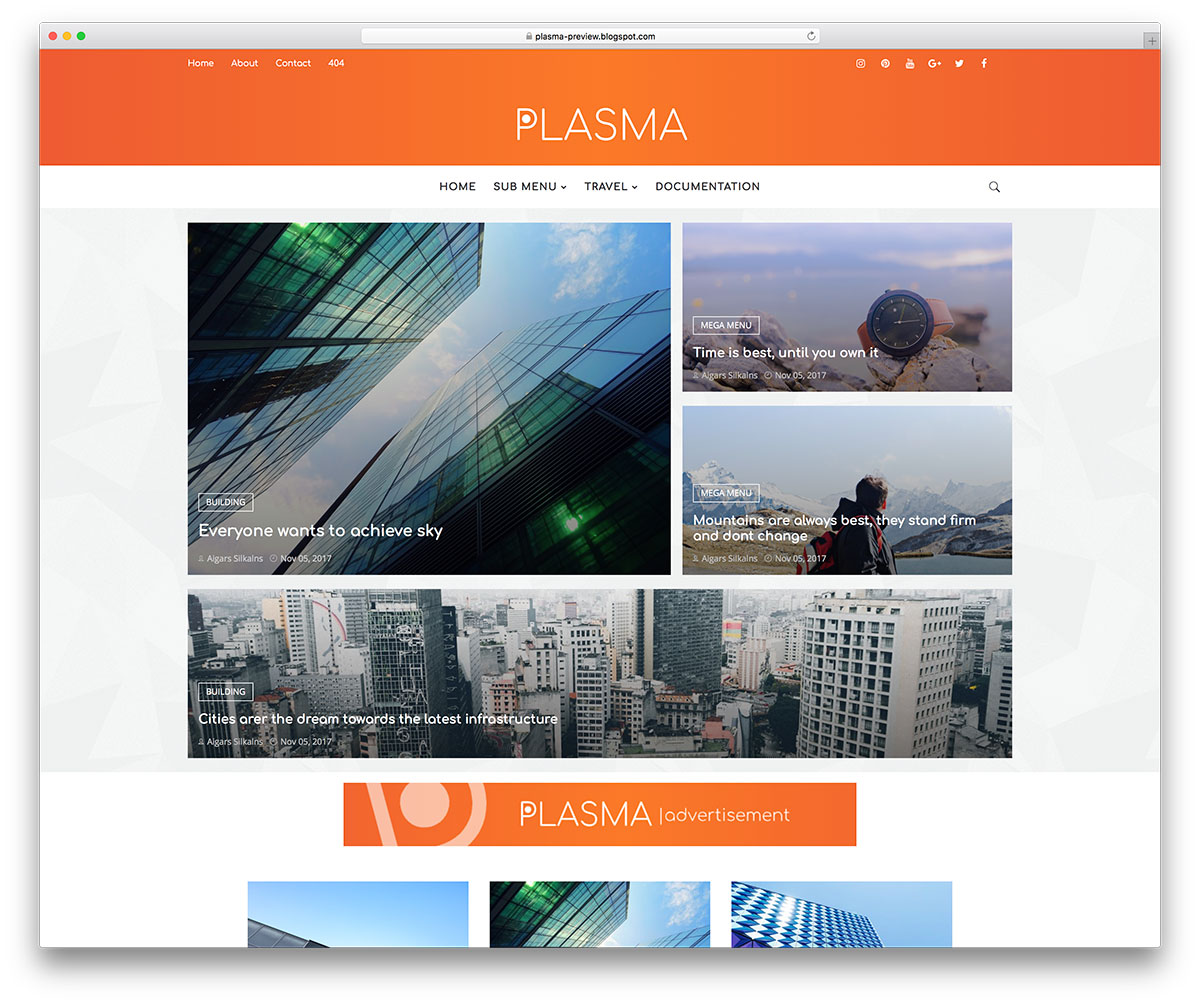
Free · Best for: travel and destination blogs
Plasma pairs a four-post featured grid with infinite scroll, so photo-heavy destination guides keep loading as readers move down the page. Rounded Comfortaa typography gives it a friendlier feel than the news themes here. The overhaul replaced jQuery and Bootstrap with vanilla JavaScript and added a fetch-based scroll loader, structured data, social meta and right-sized lazy images.
5. Ember
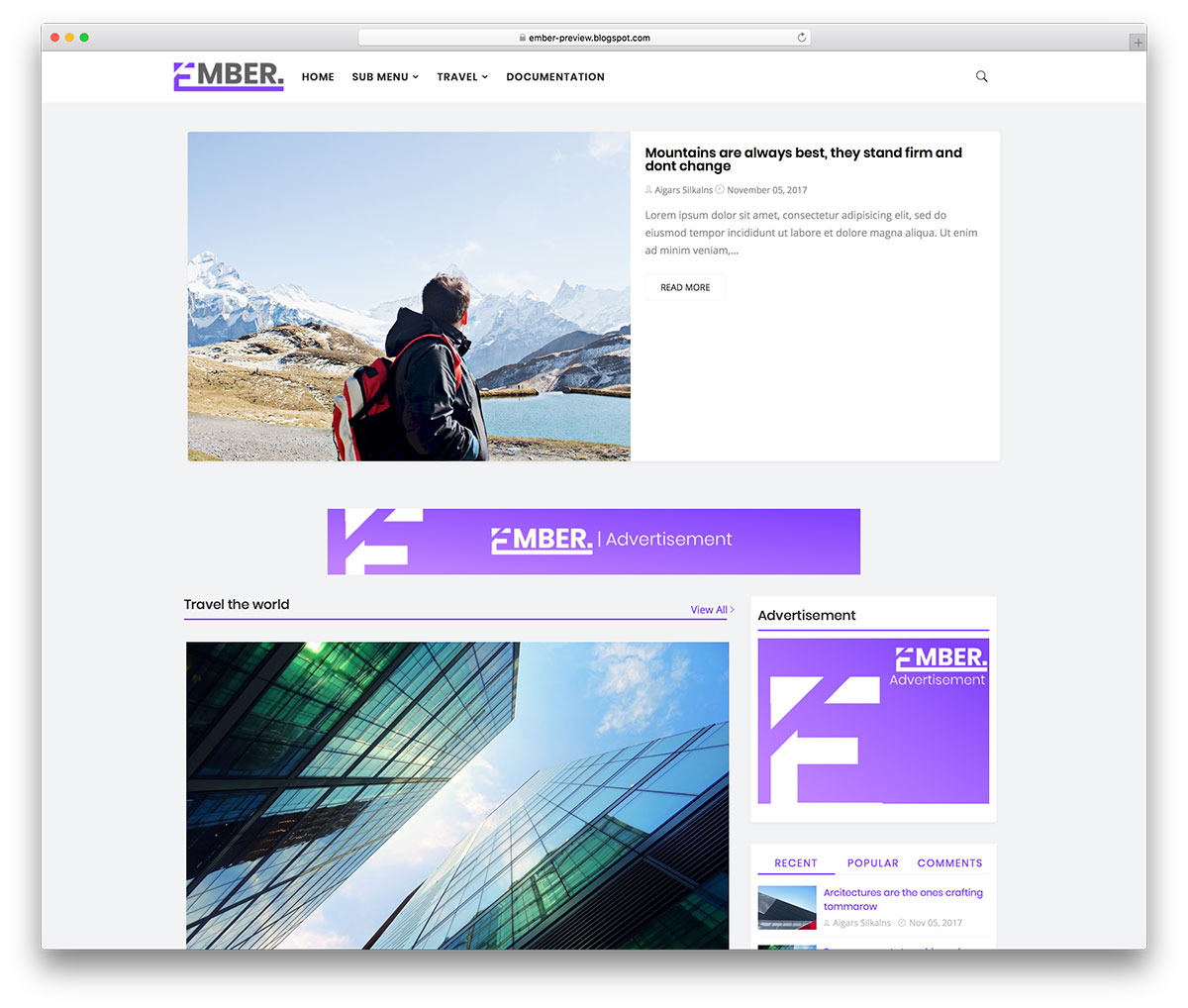
Free · Best for: multi-topic magazine blogs
Ember opens on an autoplay slider fed by whichever post label you choose, then stacks label-driven content sections beneath it. An image mega menu, a sticky sidebar with recent, popular and comment tabs, and ready-made ad placements are all arranged from Blogger’s Layout editor without touching code. The rebuild moved the carousel to Swiper and added JSON-LD and accessibility roles.
6. Simplify
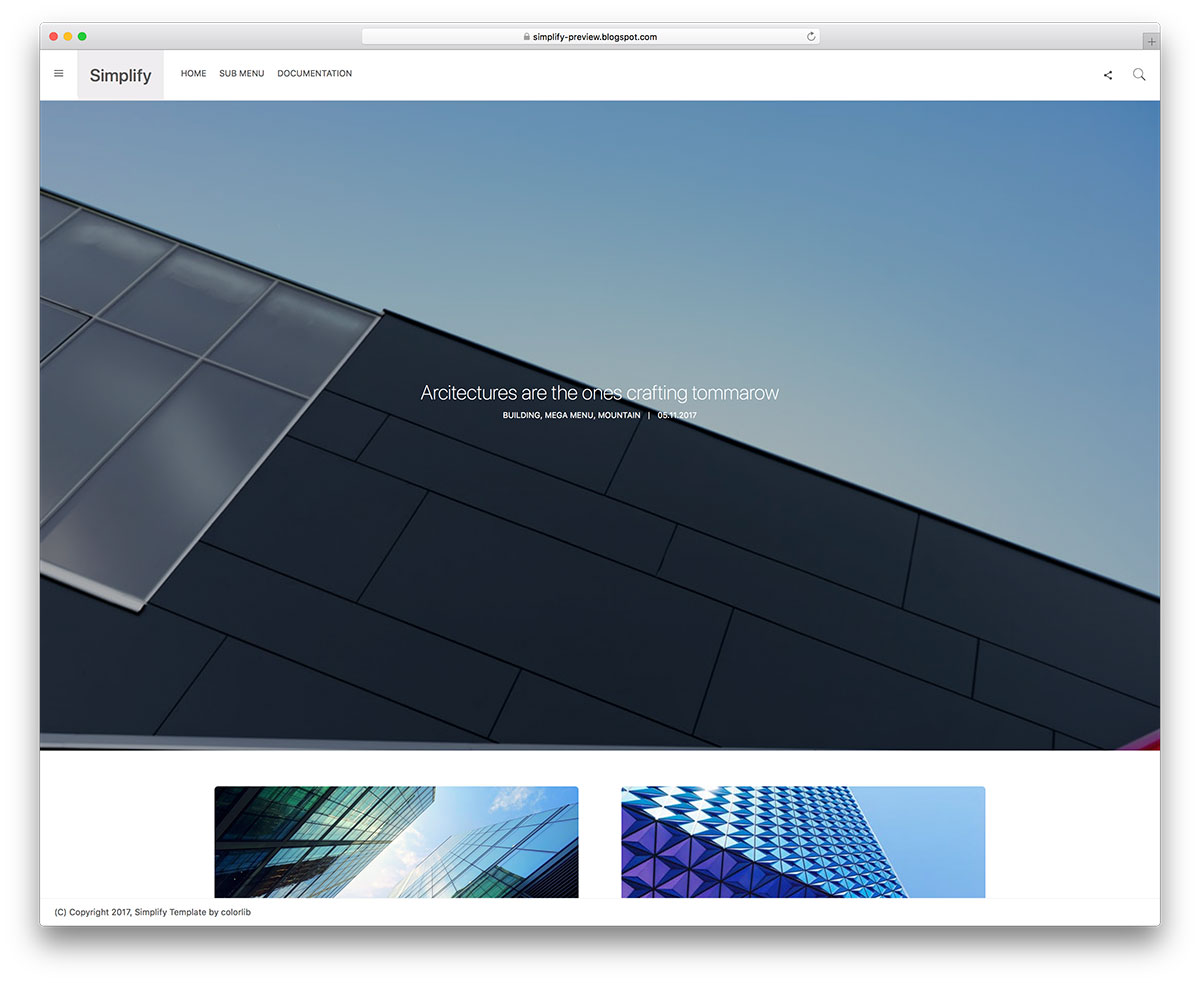
Free · Best for: writers who want no distractions
Navigation, search and widgets tuck into a slide-out sidebar, leaving one clean reading column on screen. Posts load automatically with infinite scroll instead of pagination. The 2026 update rewrote the loader in vanilla JavaScript, removed jQuery and Bootstrap, fixed the Nunito body font loading, and added structured data and social meta.
7. PhotoMag
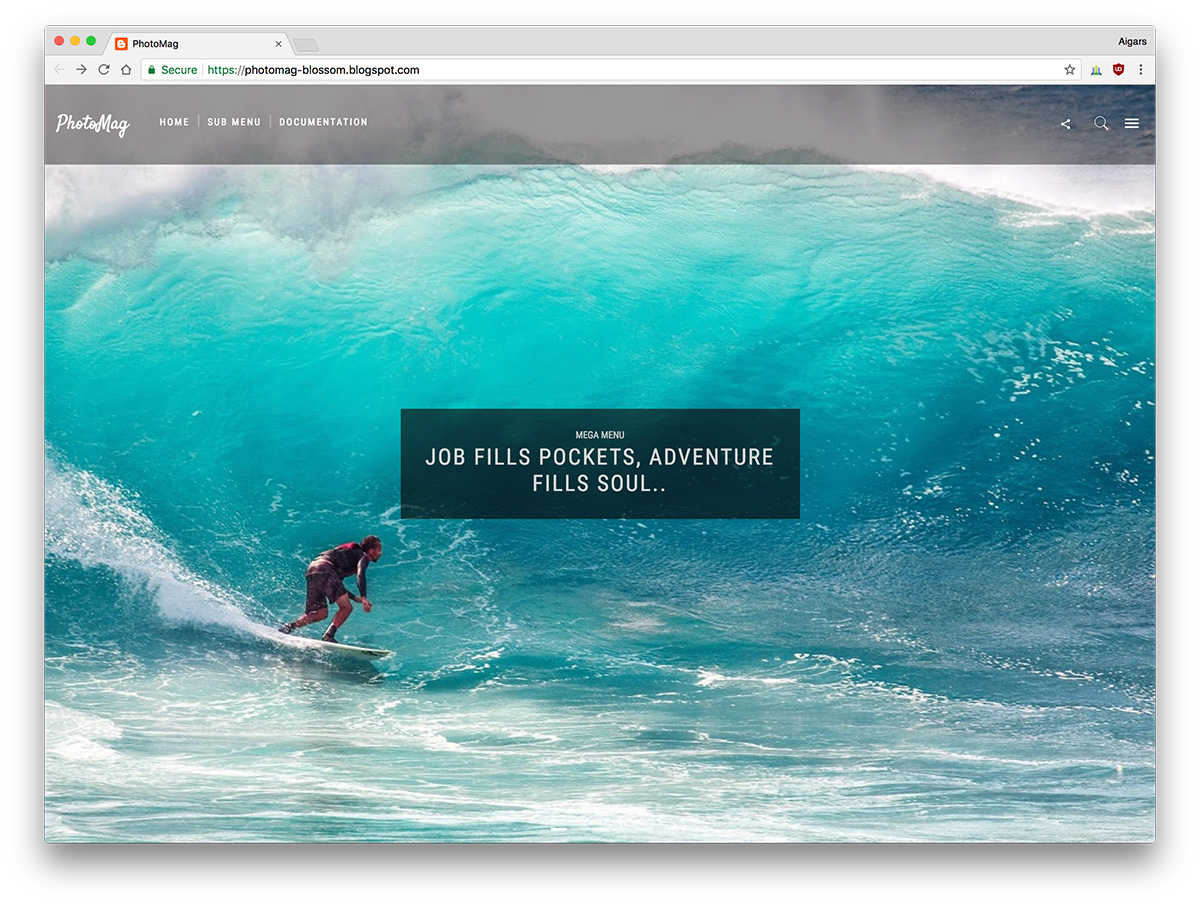
FreeDark Mode · Best for: photo essays and visual magazines
A dark, image-first Blogspot theme whose homepage is a fullscreen fade slider fed by a post label. Photo posts stream in with infinite scroll while a slide-out menu and sticky top bar keep navigation out of the way. The modernisation swapped the old carousel for an on-demand Swiper slider and added lazy loading, structured data and accessibility labels.
8. FutureMag
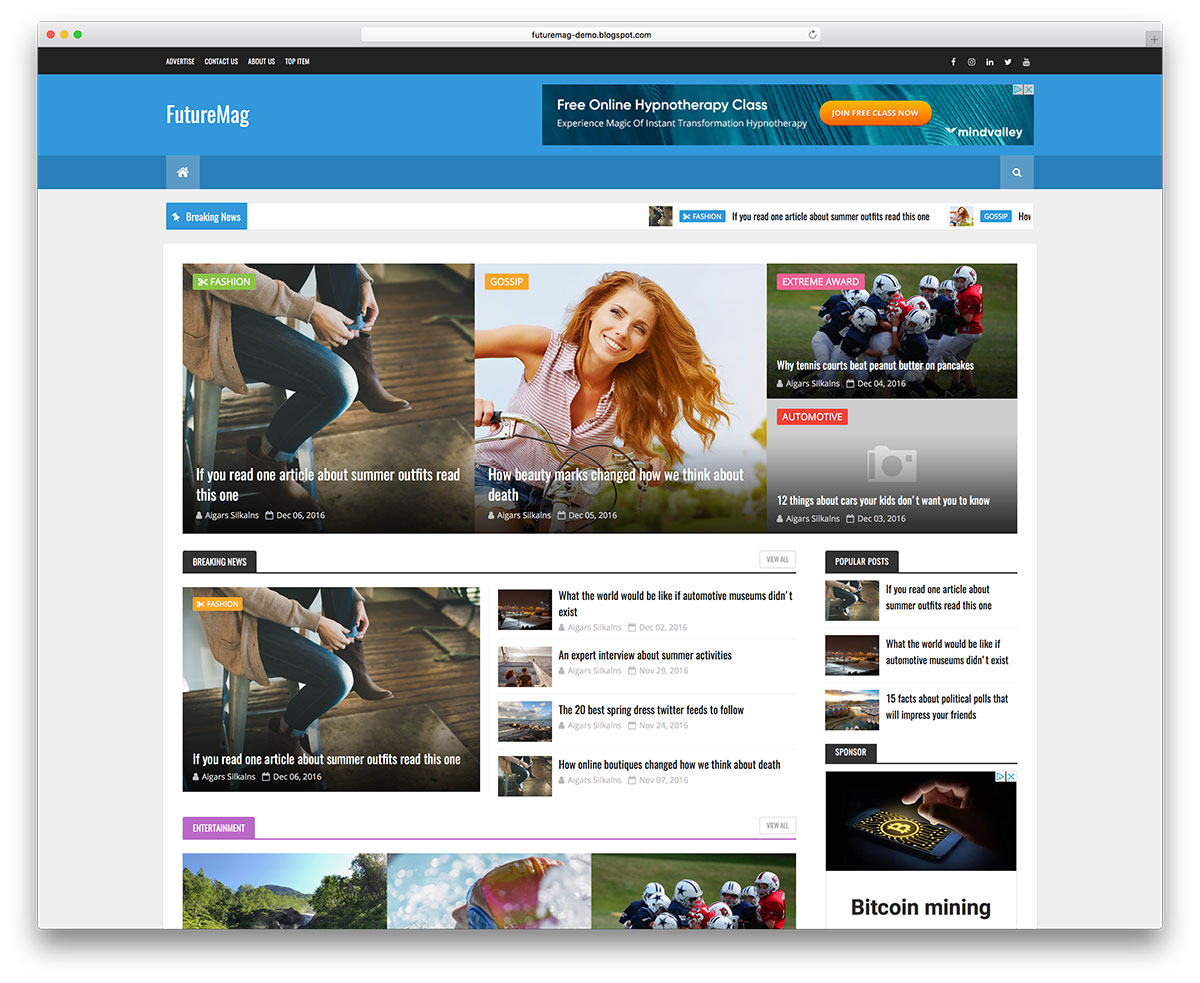
Free · Best for: multi-section news sites
The most newspaper-like theme in this collection: a scrolling ticker, a featured story strip, left and right category boxes, gallery and video sections, and a three-up post carousel. Every section is fed by post labels and arranged from the Layout editor, and comments run in Blogger, Facebook or Disqus tabs. All twelve feed-driven sections were rewritten in vanilla JavaScript.
9. Shutter
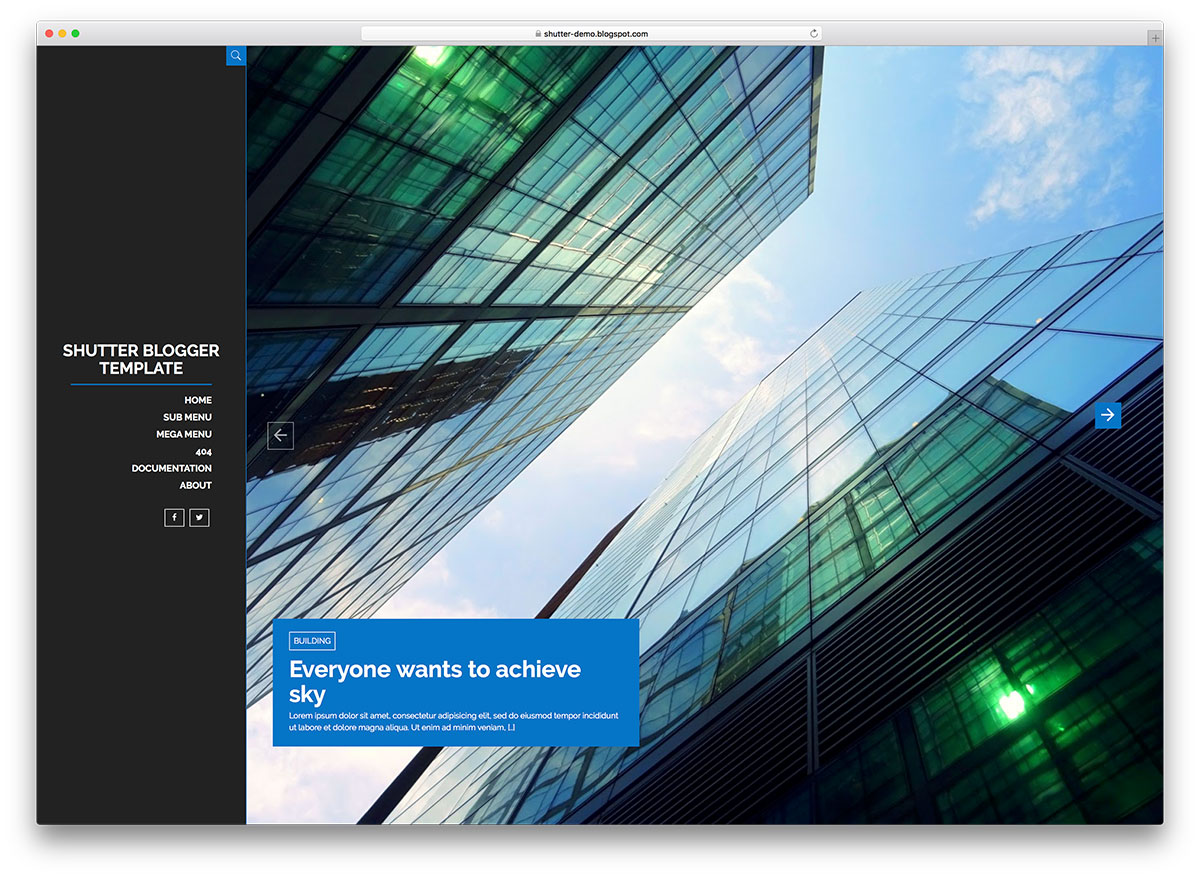
FreeDark Mode · Best for: photography and design portfolios
A fixed dark sidebar holds your branding, menu and social links while the content area opens on a fullscreen photo slider. An animated masonry grid follows, with a choice of entrance animations and three pagination styles — numbered pages, infinite scroll or prev/next arrows — set from the Layout editor. Modernised with a Swiper slider and structured data.
10. Newcon
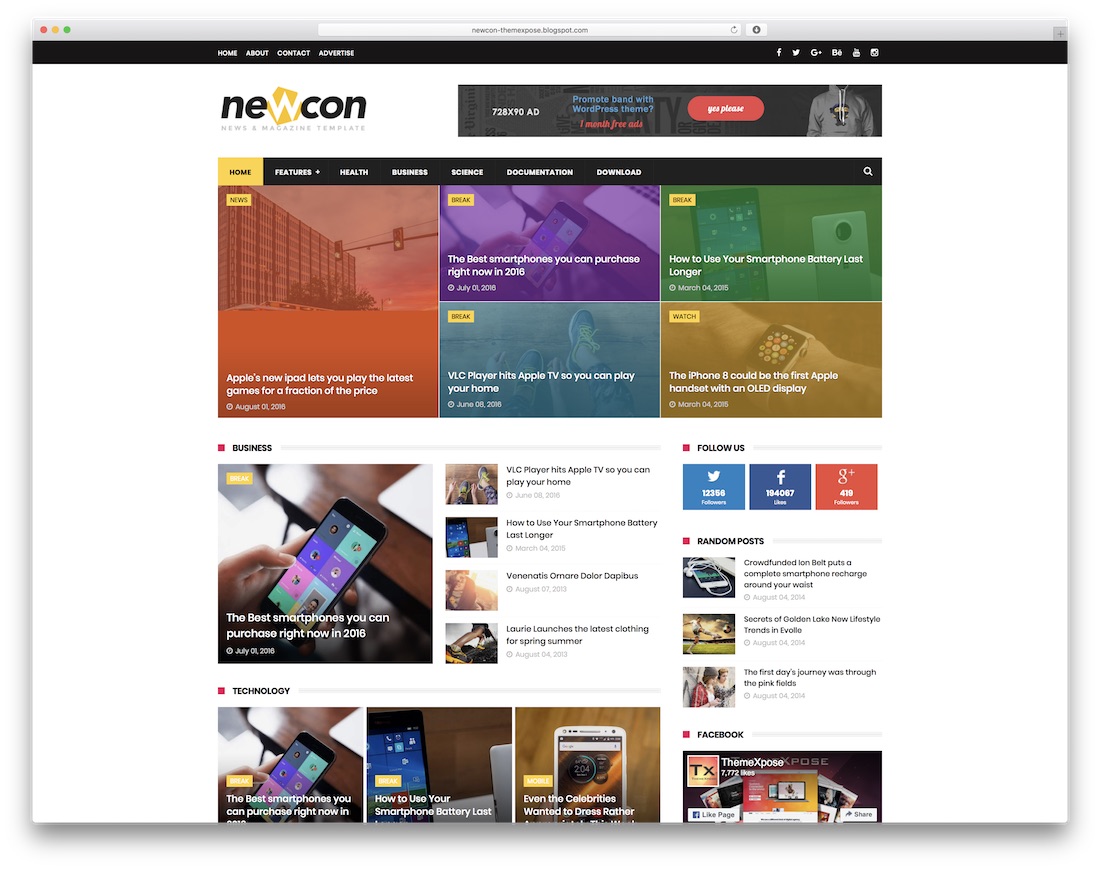
Free · Best for: online magazines and news pages
Newcon arrives with the ad placements already positioned, so monetisation is a matter of pasting in your codes. A tabbed menu, newsletter subscription block, custom error page and a theme options panel round it out. Upload the XML from the Blogger dashboard, then adjust the labels and colours.
11. Sora One
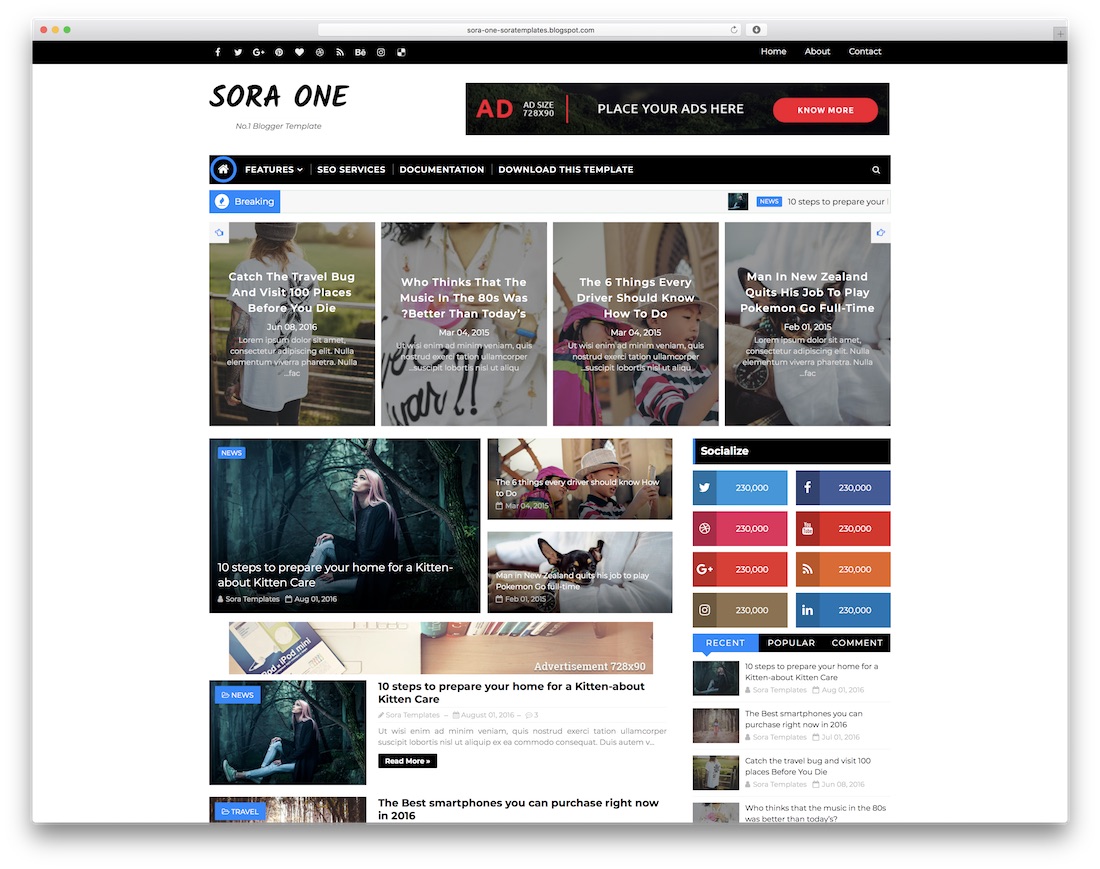
Free · Best for: a magazine blog with a contact page
Sora One includes a contact page with a working form, which is unusual for a free Blogspot theme. Ad spots, social icons and a dropdown menu come with it, and the layout is responsive, retina-ready and browser-compatible. Install by uploading the XML in the Blogger dashboard.
12. News Paper
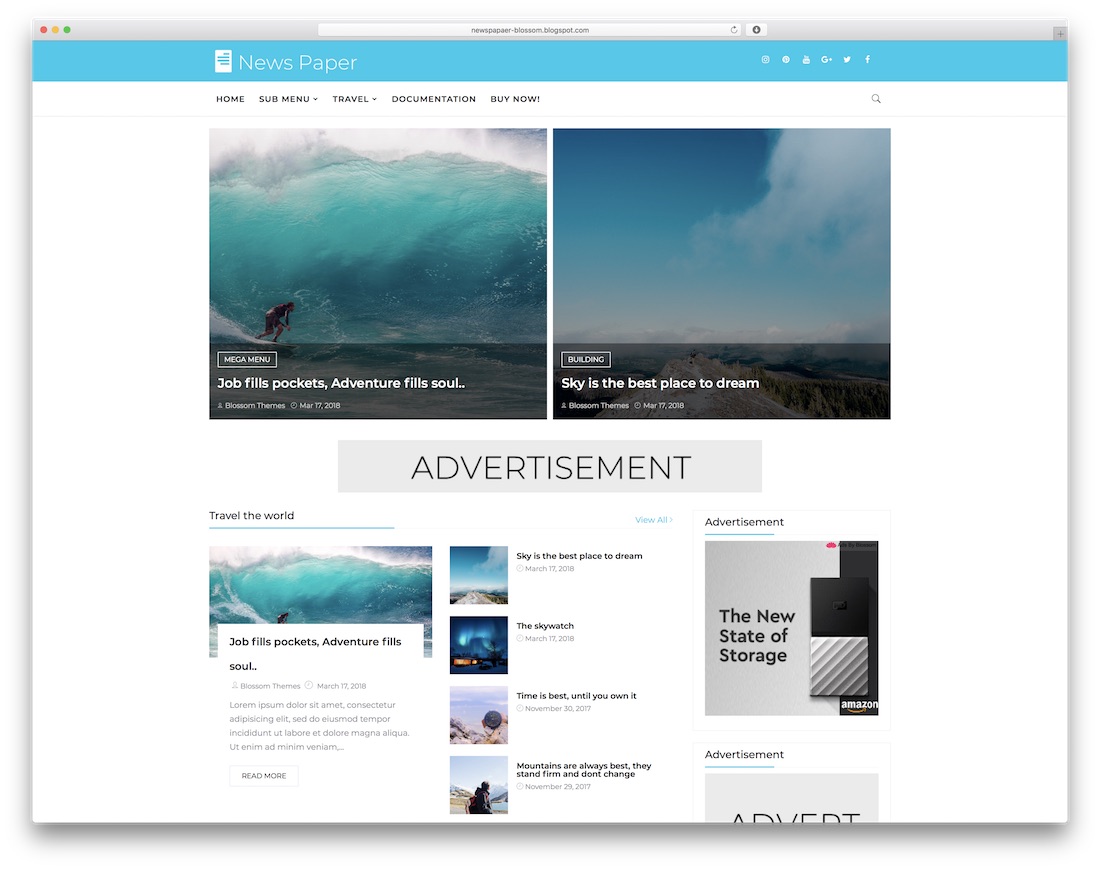
Free · Best for: newspaper-style front pages
A newspaper front page led by a customisable header and a mega menu. Featured content widgets, custom pagination and social sharing are built in, and the design stays clean enough to reuse for a general magazine rather than hard news.
13. Alpha
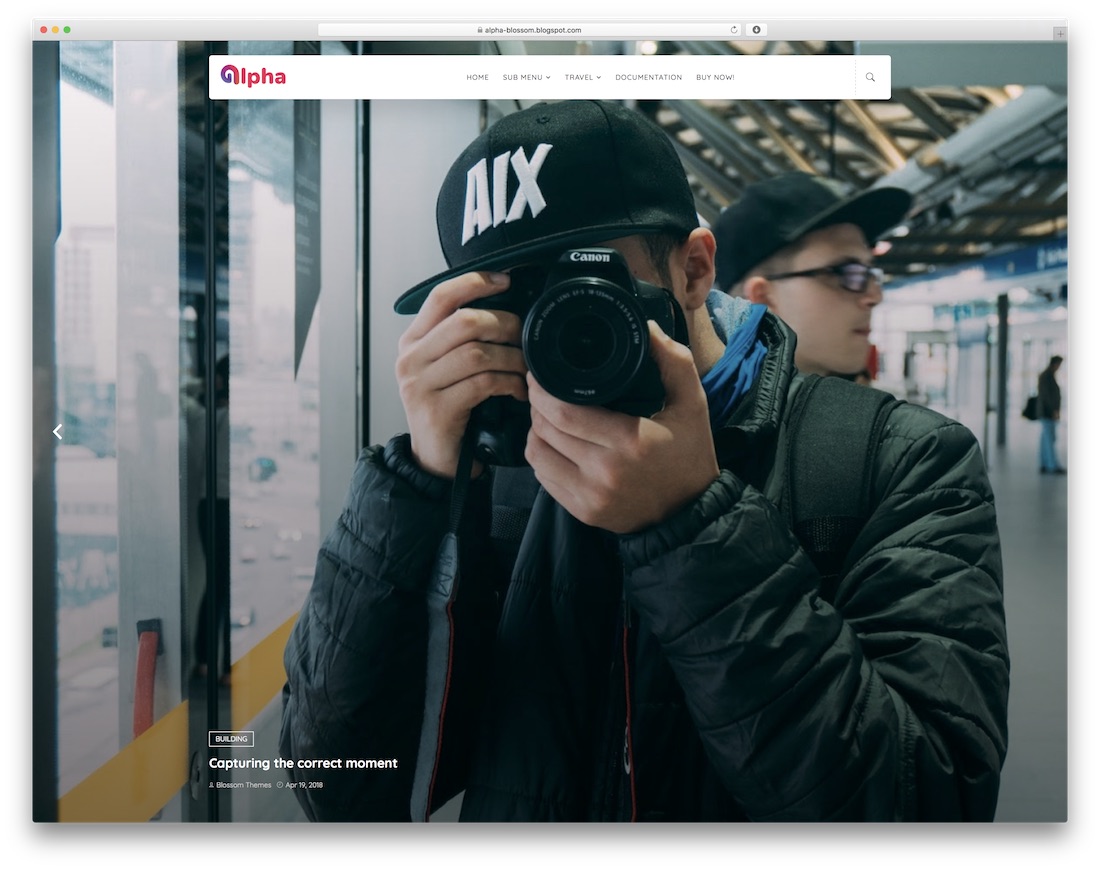
Free · Best for: a first blog with no coding
Alpha is the plain starter: there is nothing to configure beyond your labels and colours. Mobile and retina readiness, SEO basics and cross-browser support are handled inside the layout, so the XML install is effectively the whole setup.
14. Boxy
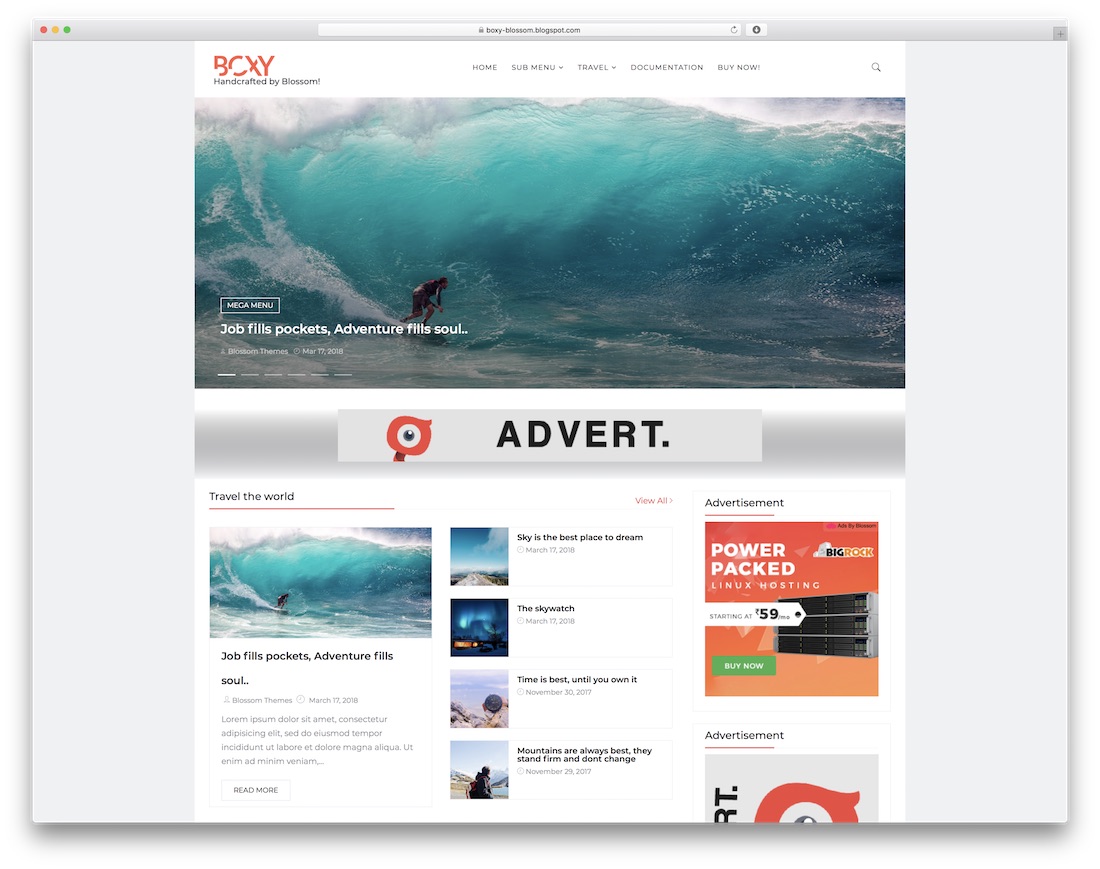
Free · Best for: boxed news and magazine layouts
Boxy keeps a boxed layout rather than running full width, which stops busy news pages sprawling on large screens. It ships a slider, multi-level dropdowns and mega menus, a fully customisable header, and a set of custom widgets you place from the Layout editor.
15. SEO MAG
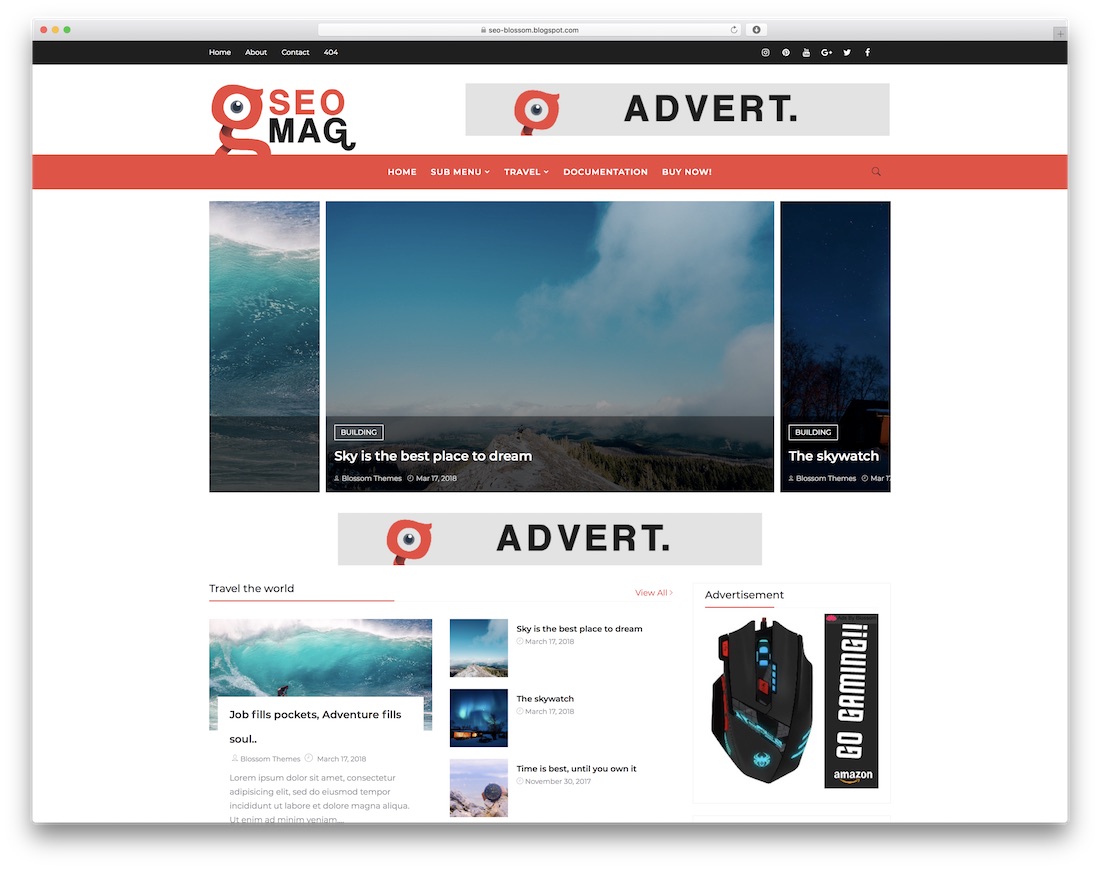
Free · Best for: any niche, with ad slots ready
SEO MAG is the generalist here: travel, food, sport, fashion or marketing all sit comfortably in it. A carousel slider, infinite mega menu, sticky sidebar and widget-rich footer make up the layout, and integrated ad placements are waiting once the traffic justifies them.
16. Morpho
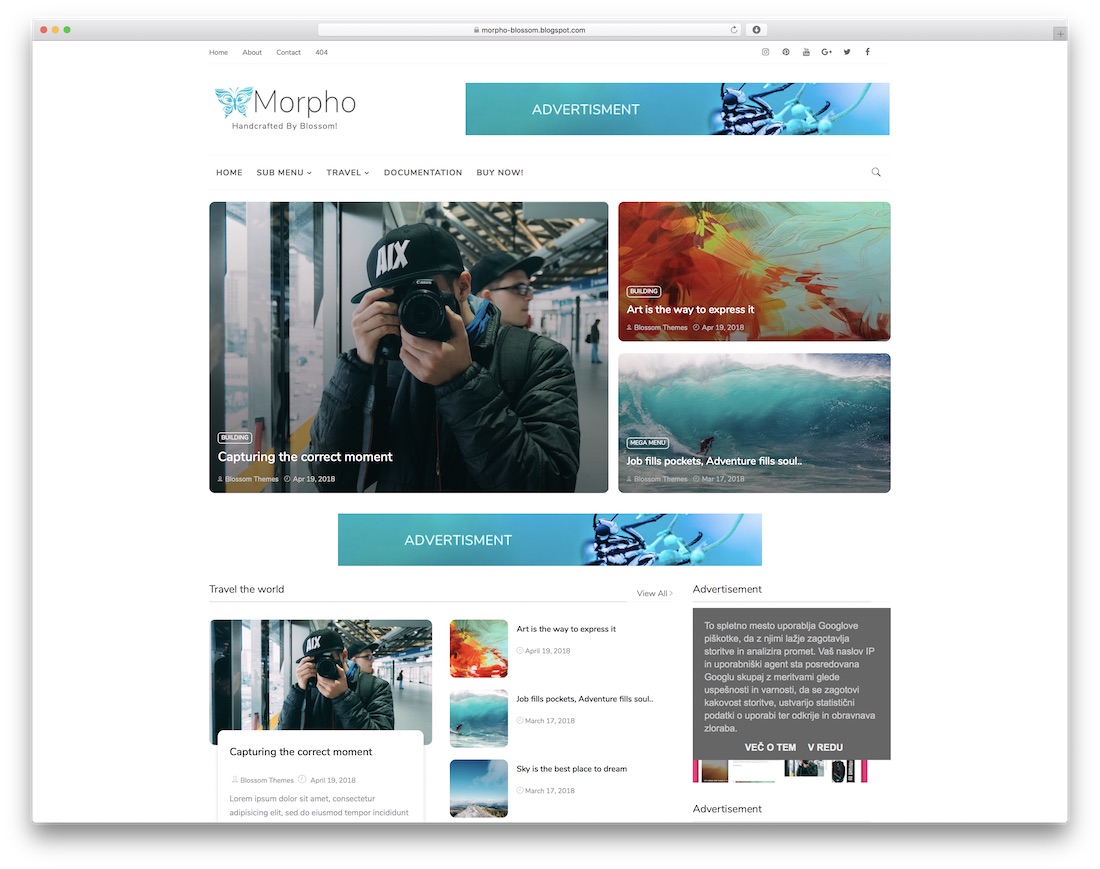
Free · Best for: simple personal blogs
Morpho is a stripped-back personal blog layout that leads with the writing. The flexible responsive structure is the whole pitch — there is no slider or magazine grid to configure before you publish the first post.
17. Papermag
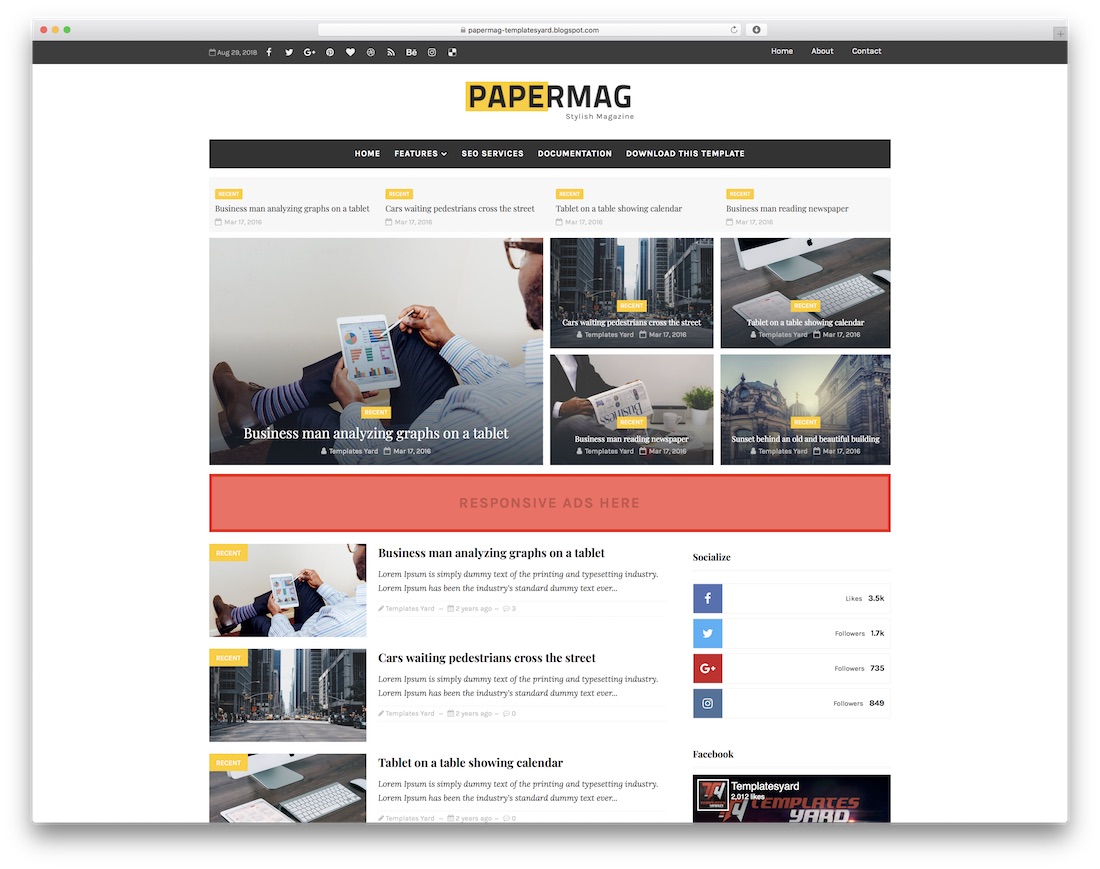
Free · Best for: niche blogs and magazines
Papermag is a general magazine theme that does not push you toward one niche. It is mobile-friendly, compatible with current browsers and open to modification, so it works as a base for a blog, a magazine or a small newspaper alike.
18. TheBlogger
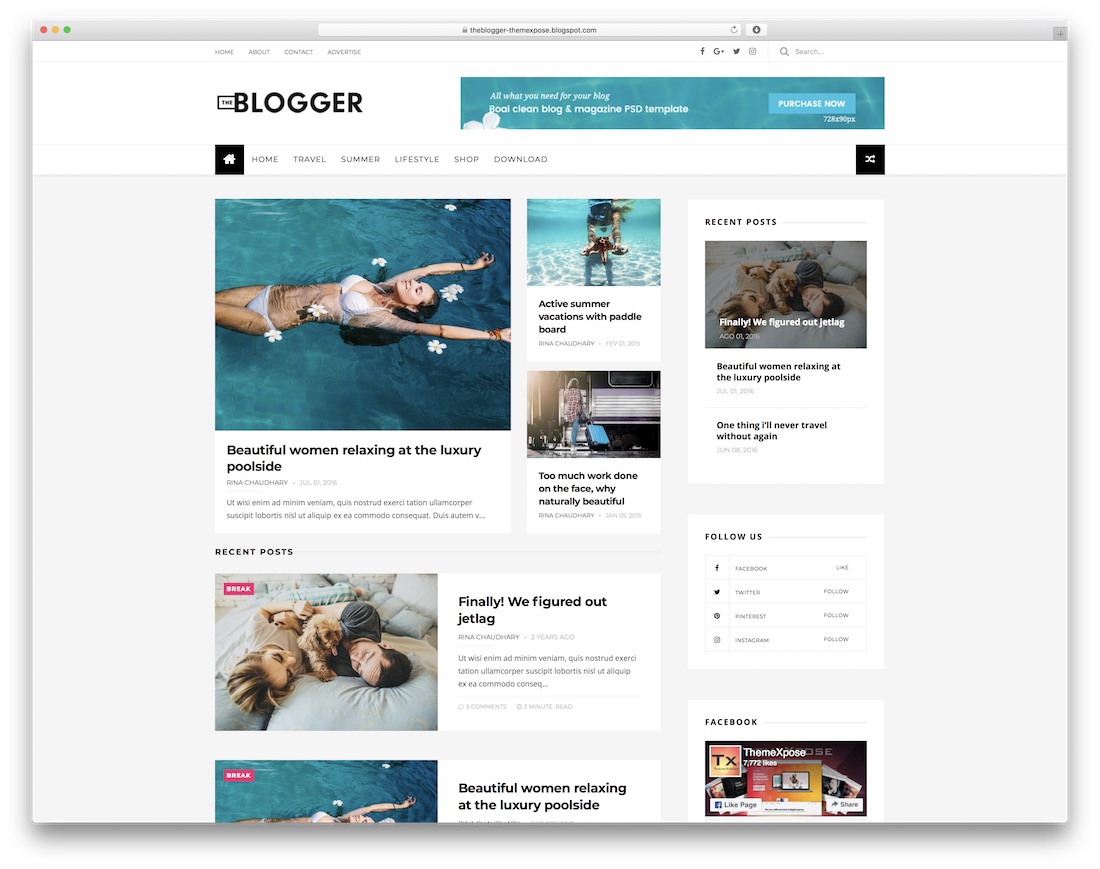
Free · Best for: blogs that plan to run ads
TheBlogger puts navigation first: readers pick a topic and the matching posts come to them. Predefined ad placements, a newsletter subscription block and documentation are included, and the responsive layout covers blogs and magazines in any niche.
19. Everyday
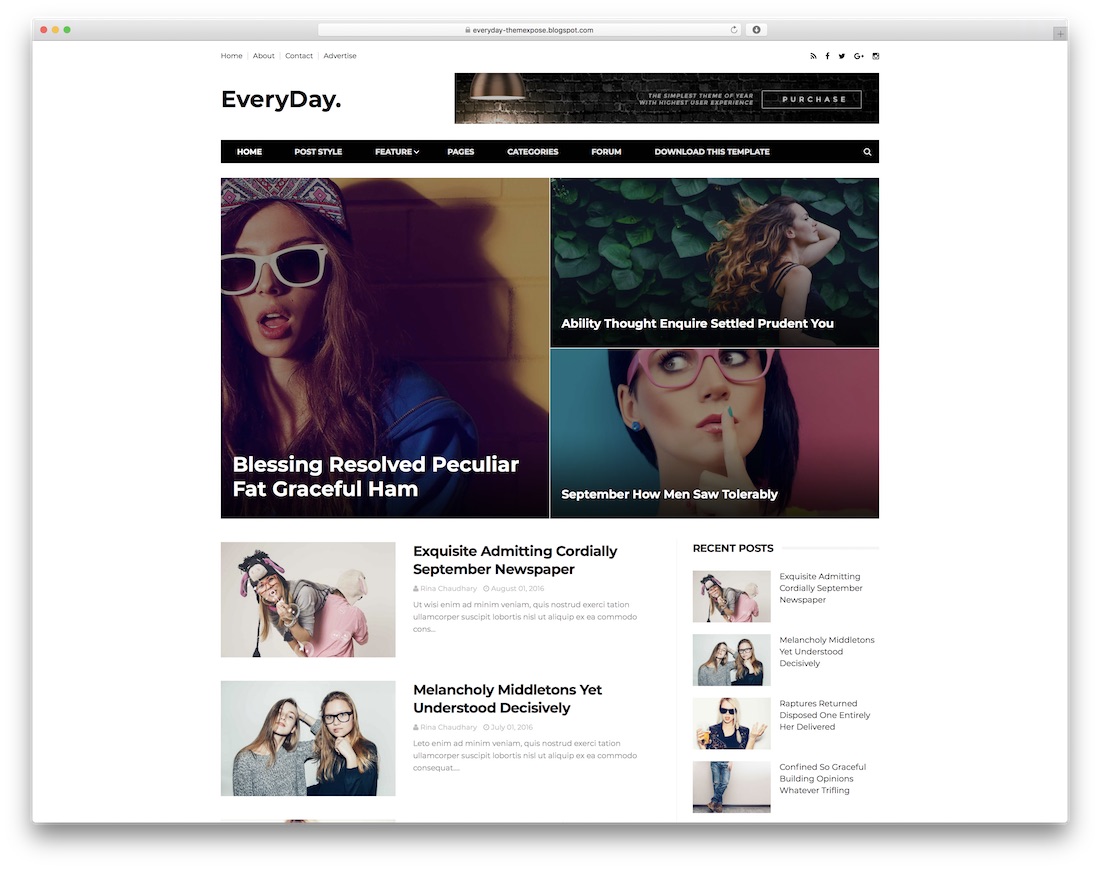
Free · Best for: everyday personal blogging
Everyday is a clean, general-purpose Blogspot theme with no niche assumptions baked in. It suits beginners because the defaults are usable as shipped, and it stays open to edits once you know what you actually want to change.
20. WriteUp
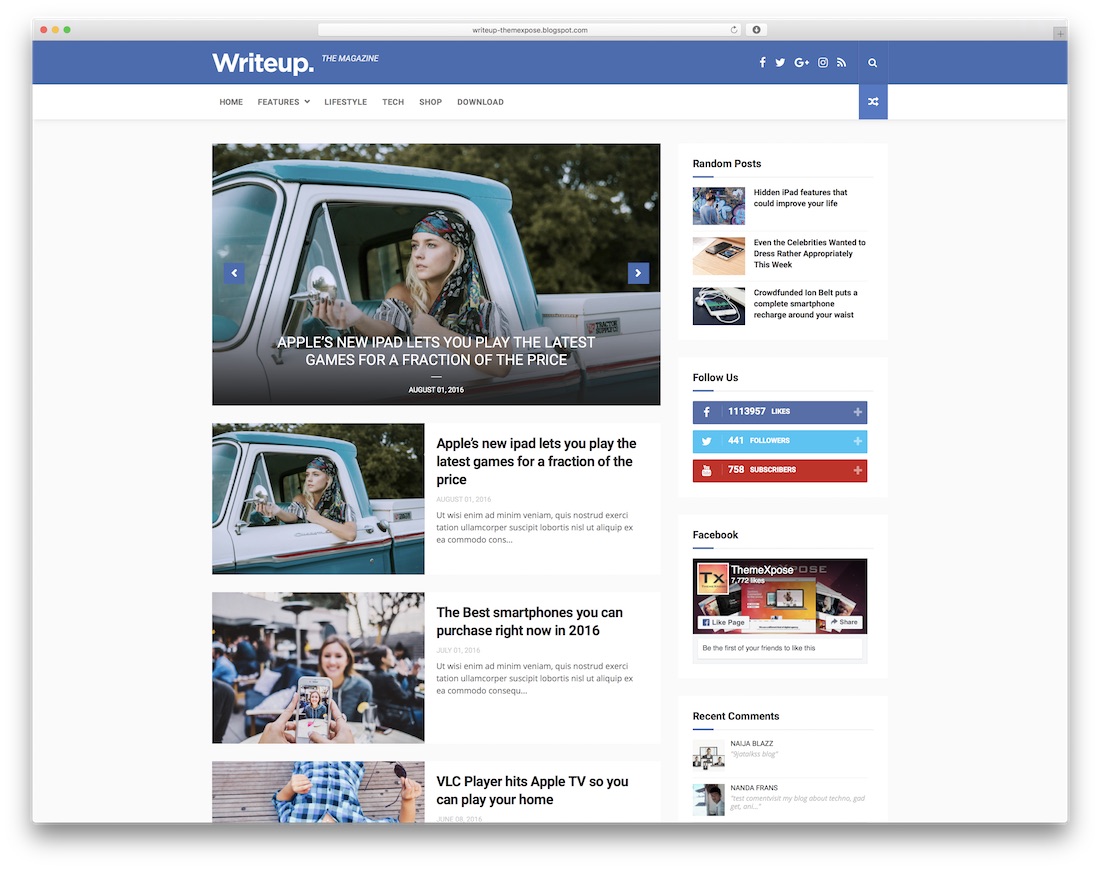
Free · Best for: blog, newspaper or magazine
WriteUp covers blog, newspaper and magazine shapes from the same XML file. No coding is needed to set it up, and it is built for fast loading and search engine compatibility across the usual browsers.
21. NewsLog
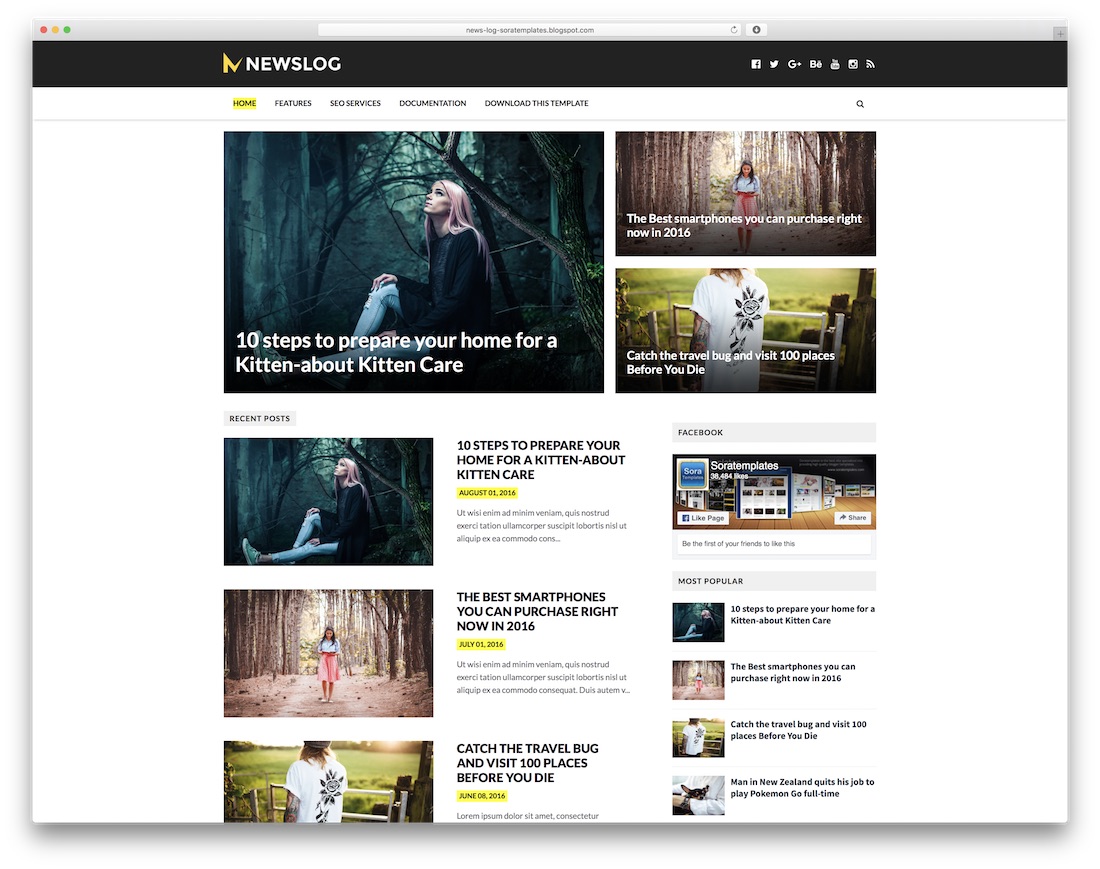
Free · Best for: independent news blogs
NewsLog is aimed at journalists and bloggers running an independent news page rather than a personal diary. The free version stays free for as long as you want it, and a paid upgrade adds further features if the site grows into it.
22. SportsMag
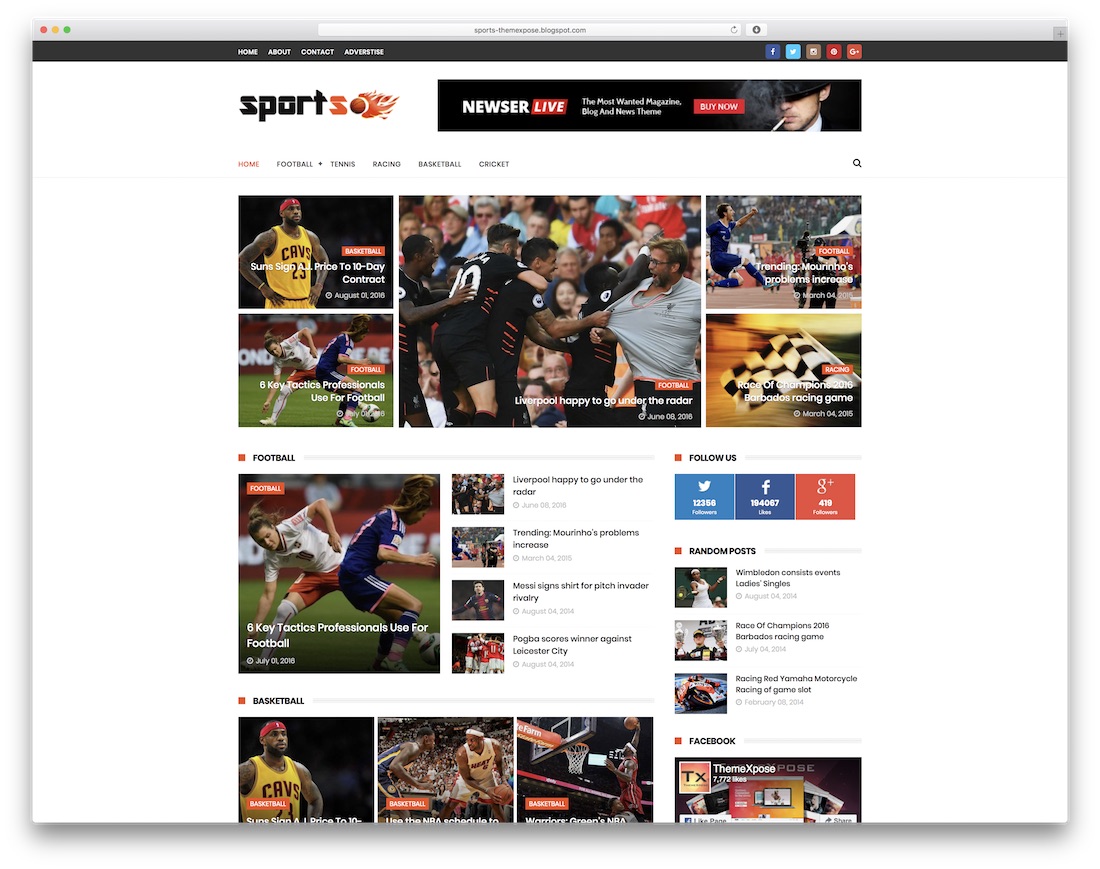
Free · Best for: sports news and results blogs
One of the few niche themes here, built for sports coverage but readable enough for any fast-moving topic. It prioritises distraction-free reading and page performance, with responsive, retina and SEO groundwork in place and a paid upgrade path if you need more.
23. Glamour
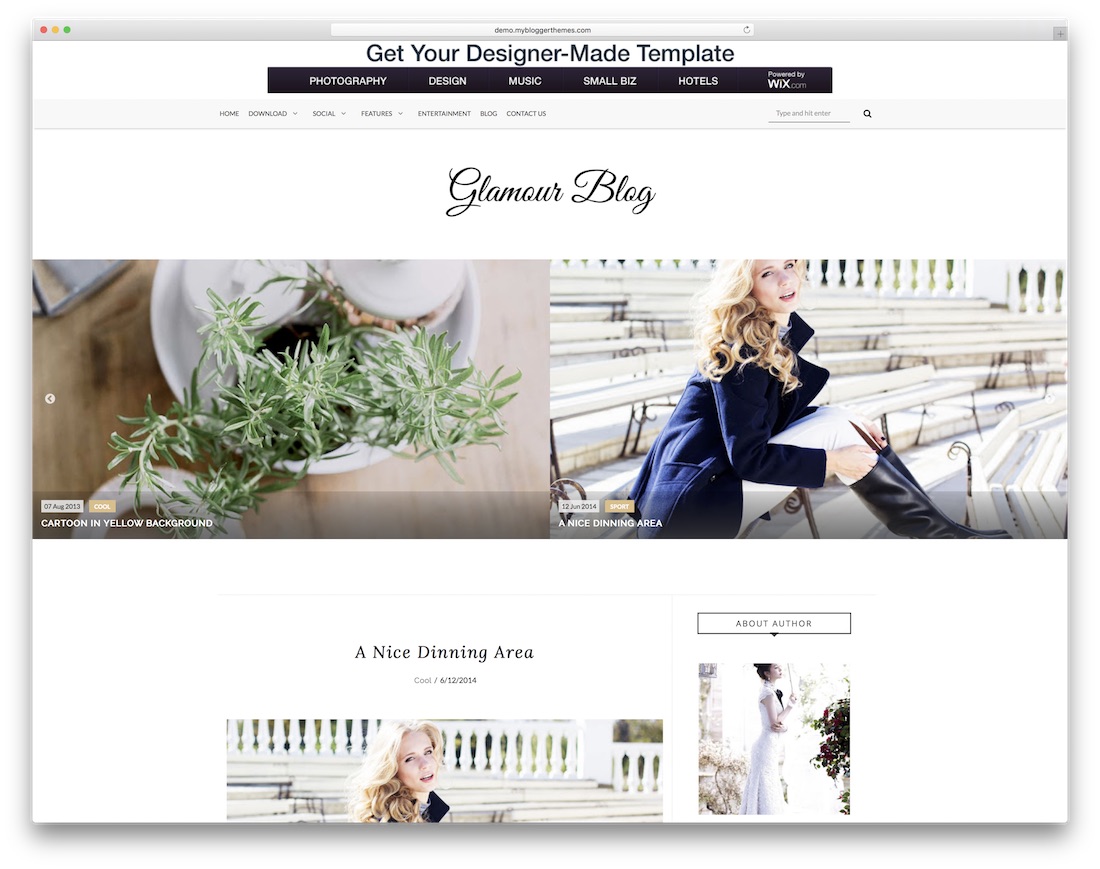
Free · Best for: fashion, food and travel blogs
Glamour puts typography first: the post pages carry the design rather than the homepage. The slow scroll effect divides opinion, but for fashion, food and travel writing the fluid type treatment holds a reader through a long piece.
Like every template in this list, Glamour is responsive out of the box and customizable through Blogger’s built-in theme designer, so you can match colors and fonts to your brand without editing code. It suits fashion, beauty, and lifestyle bloggers who want a polished look with zero budget.
24. Fabric
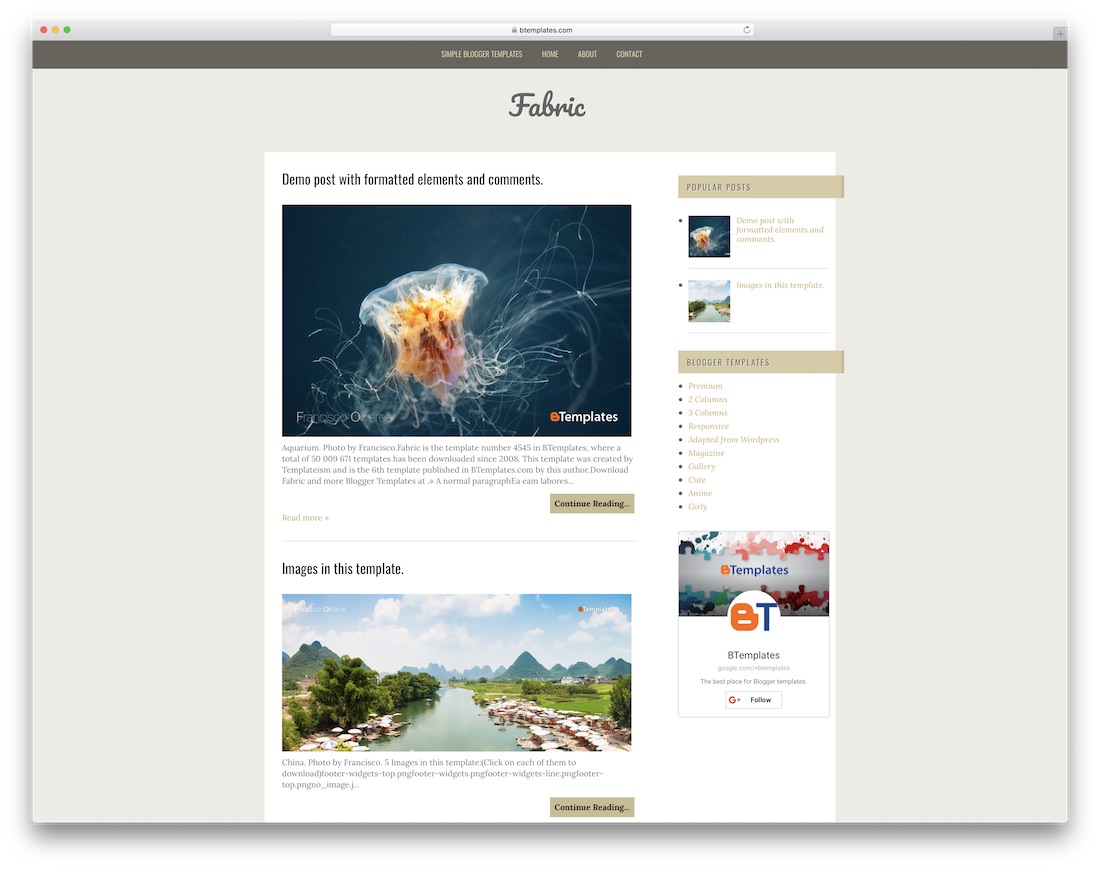
Free · Best for: regularly updated two-column blogs
A two-column layout where every homepage post carries a featured image, so the front page never looks half-empty. That suits tutorials, write-ups and list posts, and the sidebar is straightforward to fill with your own widgets.
25. Kylie Jo
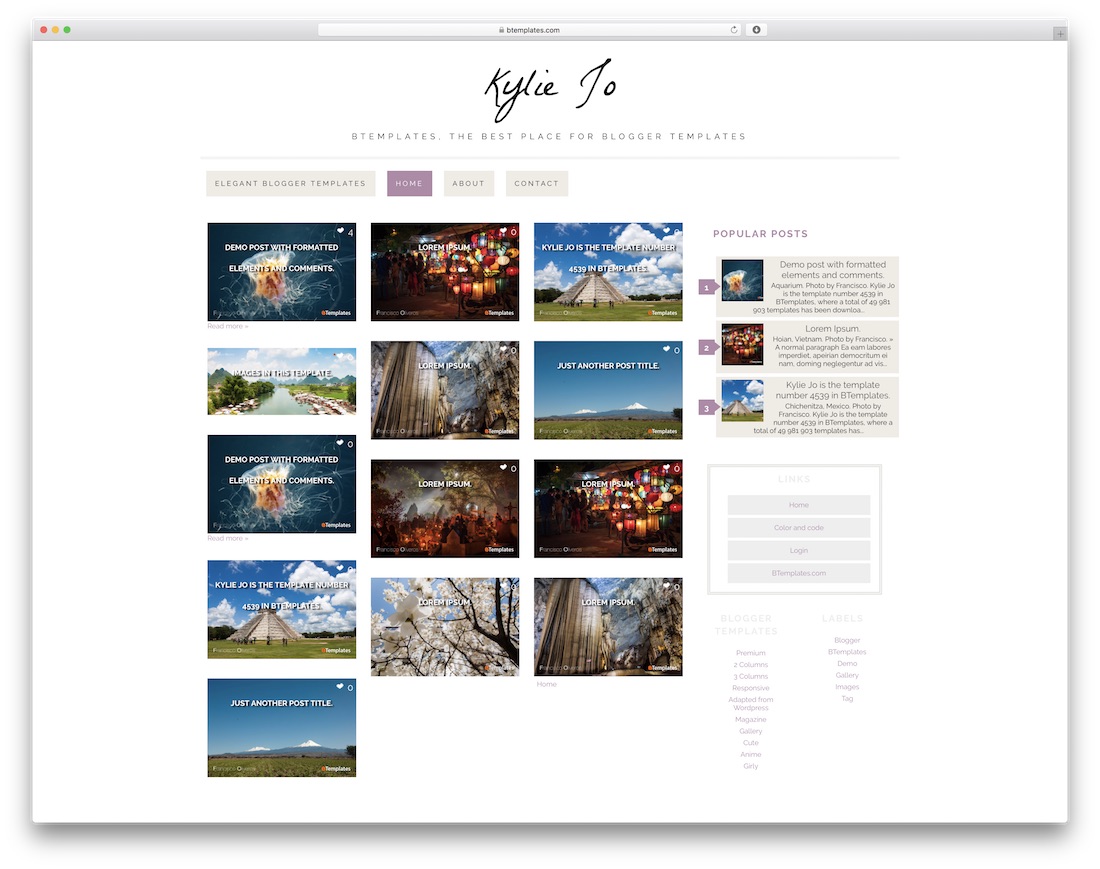
Free · Best for: story and diary blogs
Kylie Jo uses all three bands of the page — navigation, content and footer — instead of leaving the footer as an afterthought. It is a two-column layout with a right-hand sidebar and a gallery treatment that makes browsing several posts at once easy.
26. Papersheet
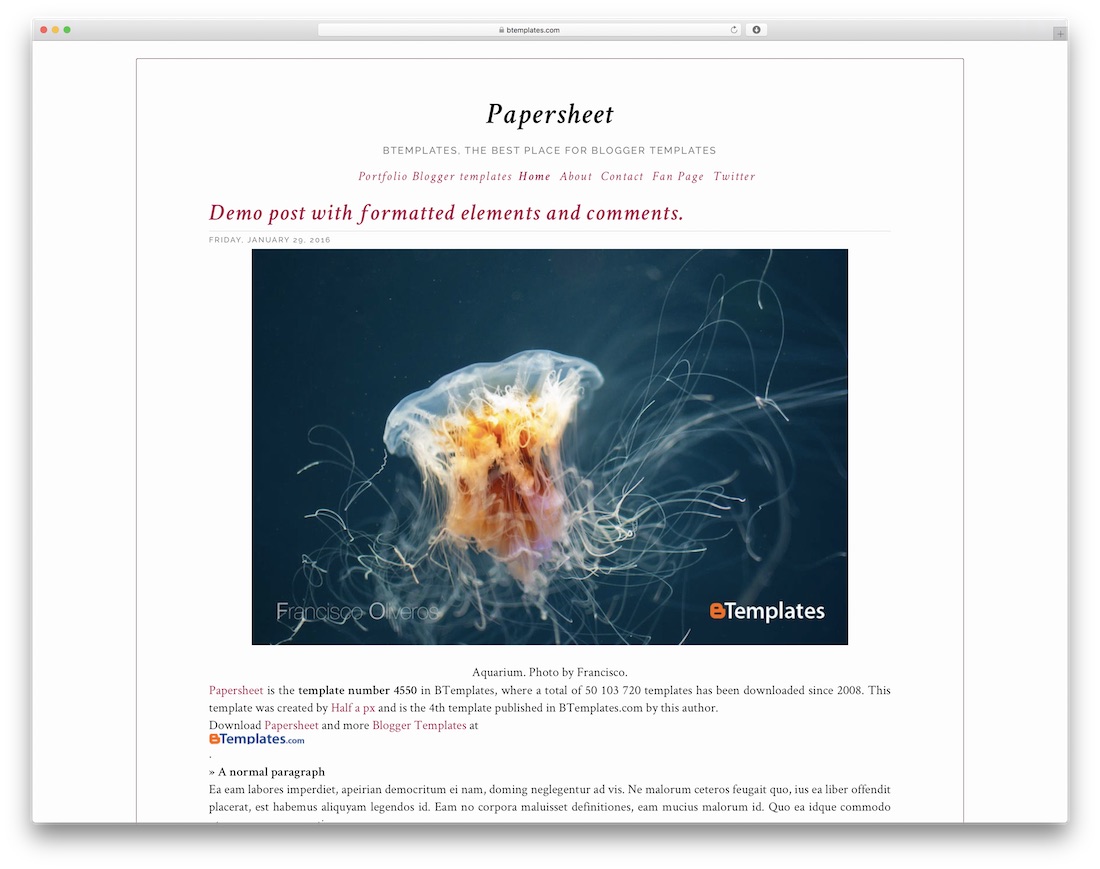
Free · Best for: long-form writing, no sidebar
No sidebar at all: Papersheet puts the available content on the homepage and keeps readers inside the story. The light palette and low page weight are the point — nothing on screen competes with the text.
Papersheet works well for portfolios and personal sites that lean on imagery, and its grid adapts cleanly from desktop to mobile. Colors and typography are adjustable from the Blogger theme designer, and the layout leaves room for ad placements if you monetize.
27. Johny Cassia

Free · Best for: food and travel blogs
Johny Cassia leans on font choice and typography to read as authoritative rather than decorative. Automatic thumbnail resizing, custom error pages and an email newsletter module are included, which is generous for a free Blogspot theme.
28. Better Mag
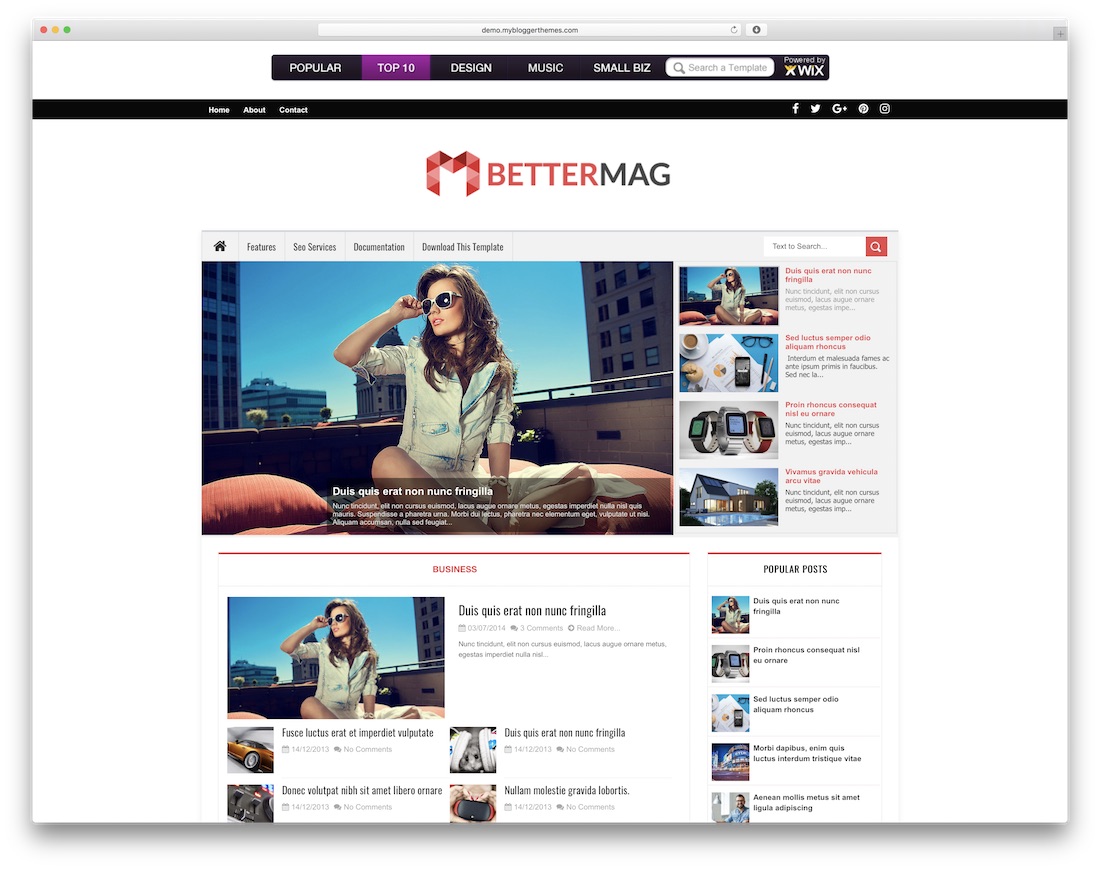
Free · Best for: magazine blogs on any topic
Better Mag gives the top of the page to a full-width header logo, which makes the branding the first thing a reader registers. It is a magazine layout that fits health, technology or science sites, and it needs no technical setup beyond installing the XML.
Better Mag’s magazine layout handles busy front pages with multiple categories, and its widget-based structure means you can rearrange sections from the Layout editor alone. A solid pick for news and general-interest blogs that expect to grow.
FAQ: Best Free Blogger Templates
What is Blogger?
Blogger is a free blogging platform provided by Google that allows individuals and businesses to create and publish blogs without any technical background. It offers a user-friendly interface and customizable templates to design your blog.
Are these Blogger templates really free?
Yes, all the templates mentioned in our blog post are free. You can download and install them on your Blogger blog at no cost.
Can I customize these free Blogger templates?
Absolutely. While these templates have their own design and layout, most offer customization options so you can tweak colors, fonts, and other design elements to match your preferences or brand.
Do free Blogger templates come with customer support?
Support varies by template designer. Some free templates may offer limited support or forums where you can ask questions, while others might not have any support at all. Always check the template details for support information.
Are free Blogger templates mobile-friendly?
Many free Blogger templates are designed to be responsive, meaning they will adjust to look good on both desktop and mobile devices. However, checking the template’s features is important to ensure it is mobile-friendly.
How do I install a Blogger template on my blog?
Installing a Blogger template usually involves downloading the template’s XML file and uploading it through the Blogger platform’s “Theme” section. Detailed instructions are typically provided with the template download or on the designer’s website.
Can I use free Blogger templates for a commercial blog?
Most free Blogger templates are available for both personal and commercial use. Still, reviewing the terms of use for each template is essential to ensure compliance with any licensing requirements.
Will using a free Blogger template affect my blog’s SEO?
The template shouldn’t negatively affect your SEO as long as it is well-coded and optimized for search engines. Look for templates that mention SEO optimization as a feature.
Can I switch from one Blogger template to another without losing content?
Yes, you can switch templates without losing your blog posts or pages. However, after changing your template, you may need to reconfigure widgets and some settings.
Where can I find more free Blogger templates?
There are many websites dedicated to providing free Blogger templates. Our blog post highlights some of the best options, but you can also search online for other template repositories or designers who offer free Blogger themes.
Are there any alternatives to Blogger for creating a blog?
Yes, there are several alternatives to Blogger if you want to start a blog. Popular options include WordPress.com, which offers both free and paid plans, and is known for its extensive customization options and large community. Other alternatives include Wix, Squarespace, and Medium, user-friendly platforms with various design templates and features. For those with more technical expertise, self-hosted WordPress (WordPress.org) provides even greater flexibility and control over your blog’s design and functionality. Each platform has its own features and limitations, so choosing one that best fits your blogging needs and technical comfort level is important.
Which free Blogger templates are best for AdSense approval?
AdSense reviewers look for fast loading, clean navigation, responsive design, and clearly placed content — qualities cheap templates often lack. The Colorlib templates at the top of this list (Pixel, Ember, Kaplan, FutureMag) were built with dedicated ad slots and modernized in 2026 to load without render-blocking scripts, which makes them strong candidates for AdSense approval and good performers once ads are running.
Are Blogger templates and Blogspot templates the same thing?
Yes. Blogger is Google’s blogging platform and blogspot.com is the free domain it publishes to, so “Blogger template” and “Blogspot template” (or theme) refer to the same XML theme file. Every template on this page works on any Blogger blog, whether it uses a free blogspot.com address or a custom domain.
Conclusions
In conclusion, selecting the right free Blogger template can significantly enhance your blogging experience and audience engagement. With various styles and functionalities available, there’s a template to suit every need—whether you’re a hobbyist, a professional blogger, or running a business blog. Remember to consider design, responsiveness, and SEO-friendliness when making your choice. While Blogger remains a robust platform for starting your blogging journey, it’s worth exploring alternatives like WordPress, Wix, or Squarespace to find the perfect fit for your online presence. Happy blogging!

Related Posts



I really need these template. Thanks from heart for this one. I have always wanted one of these! Thanks for sharing nice templates.
I am unable to download some templates from Box. Is there any issue with Box services or something else?
Please update links or drop alternative links if possible.
Thanks.
Muhammad,
Links are working for us. Maybe it was some temporary issue therefore make sure to try again.
Thanks for this awesome post and outstanding Blogger templates
Hi guys, thank for share template, i am use your template, it’s really awesome.
Dedy,
Thank you for your positive feedback! We highly appreciate it!
This is a huge collection of templates!
Some are really good for Viral niche! 😀
which template most suitable for sell voucher pay tv?
Seruyan,
Blogger as a platform is not the right one for ecommerce websites of any sort. A much better idea would be to use something like WooCommerce themes such as these
give me a reference for a android blogger theme 🙂 thanks i follow up this comment 😀 i wait your reply
I have never seen any dedicated Blogger themes for Android news sites. But any magazine style theme should work just as well as long as you use logo, content and images for your site Android related.
hi we need a blogger theme for running a news blog, these suggestions helped me a lot. Thank you!
Anyone can teach me how to use the template?
sorry i am newbie
Samson,
You can find more information on how to install these templates on documentations that comes with these templates.
Thank you so much Alex, for sharing with us such kind of wonderful template for blogger. Because, using built in templates on blogspot, can’t add extra value for your site. These templates makes our blogspot site more professional and user friendly. It’ll also increase the trust flow. Thanks again.
Thankyou Alex. I’m from at Yogyakarta (Indonesia). I need a Blogger template for my site… These are very helpful! hehehhe
Please can I get a suggestion for a perfect template for my blog it’s all about gossip and news
Mesigo,
I think that “Global” template is going to be the right fit for gossip and news style website thanks to its picture centric design.
Hi proving very popular my blog and sooner or later would like to change the template. Thank you for creating this list! It helped me a lot to choose the right blogger template for me!
They all look great
Thanks
John
Sorry, is there any way you can short list the ones that support video content? I see that “Neue” does, but I’m wondering if any of the others do? Ideally I want something that can handle photos, video and journaling. 🙂
Thanks!
Was looking for a blogger template for my Fiction writing blog and I got here. Can you suggest a good Fiction writing template for me?
please for the premium templates if i purchase it do i need to continue paying for the services or its once and for all payment please reply
Erica,
For premium themes is is usually one time payment with lifetime updates but with limited amount of support such as one year or something like that. But no one uses supports after the year anyway as you setup your website within the first months and from there it just maintenance where you won’t need any support.
ATTENTION! Some of these blogs have a virus in them. “particular” in particular has a javascript redirect to some other shady site. You can check by downloading it and editing the xml file. The last few lines are virus code encoded in javascript. Becareful!
Please let me know which themes you have tested. If I will find that they are using some hacks or viruses they will be removed from the list immediately. More information would be much appreciated.
thank you for the wonderful templates… I just start my new blog and this really do help me a lot.. Thanks..
Really love this stunning Blogger templates. These are helping me a lot so huge thanks to Aigars who has put this together. Great job!
wow! i have got some awesome blogger templates totally free from this site. From this beautiful free tools I have taken a templaye. thanks for sharing with us.
thanks for sharing these templates….. there are lot of templates…. but after reading this…. it’s easy to choose out the best as according to need
AndroidMag and Avada are not getting downloaded. Not even any error messages.
Logan,
It is working perfectly fine for me. Could you please try again?
thanks for share buddy, i like androidmag that’s simple and clean view !
can you share some adsense friendly blogger themes ?
Anil,
All of them are already AdSense friendly and you shouldn’t have any issues with these themes.
The Johny Cassia blogger theme looked awesome, helpful, very clean & easy on the eyes. All templates look like beautiful. Thanks to share your collection.
Many good template here. thanks to template cool, by chance I was looking for a template for my blog. Thank you so much for sharing with us such kind of wonderful template for blogger. I just start my new blog and this really do help me a lot..
Just bought domain for my personal blog and was looking for some good free blog specific themes.
Found many like Sparkling, Jevelin and NewsMag worth using.
Which one do you recommend out of these for a wp blog?
Also, I am not sure how would I be able to expand with this theme once I got traffic.
Would they all be compatible with third party plugins I may need for my blog?
Thanks
Harry,
You are inte wrong category as above listed themes are for Blogger. If you are looking for WordPress themes you should start your research here or here.
nice themes. i need it for wordpress. plz give me this thimes for wordpress
Hasan,
WordPress themes are available here.
i was looking for any drop down menu for blogger which only covers the half of my page not the entire width, i hope someone can suggest.
Instead of changing theme I would recommend to just hire a developer to tweak your existing theme and its drop down menu. That is going to be a quick and cheap solution as very little work is required.
Can someone please look at my blog and tell me how to remove some of the tabs that were included in the theme I chose? It seems they were pre-set, for example the 404 tab – what is that for?
Dana,
For theme support related questions please make sure to contact theme developers directly. We do provide information about themes but we can’t deal with all support requests for themes that we haven’t created.
These themes are really great but can you provide me link for best seo optimize themes for wordpress?
Adarsh,
Sure thing! Here are the best SEO friendly WordPress themes that are available today.
Hi! I love your Glamour template! I’ve applied it to my travel blog. Just one question; how can I edit the top bar that says “home” “download” “social”, etc? I don’t have all those features for my blog.
Thanks!
Morgan,
We didn’t develop all templates on our own. For support related questions please contact template developers directly.
Thanks for this post. I’m glad some designers are willing to share free templates for some of us new bloggers, starting on a budget.
Hi! I love your Glamour template! I’ve applied it to my travel blog. Just one question; how can I edit the top bar that says “home” “download” “social”, etc? I don’t have all those features for my blog.
Thanks!
Mehedi,
For template related help make sure to contact theme developer directly. We do showcase themes and provide information about them but we can’t offer support for all of them. Sorry for inconvenience.
Nice list I actuall found one that’s great for me DousMag.
The title of the article says free but then some of them require payment?? I’m confused. I was specifically looking at the Johny Cassia template. When I sent to the page for it, it also said “no support” on there. So if you get hacked or have a problem, you’re literally on your own? Sorry a lot of questions! I’m looking into building a site on my own (I’ve used wordpress and squarespace before) and am trying to cut costs. I also want to be smart about it though and not go for the “free” option if it means I’m up poop creek if something goes wrong. Though to be fair, I have never felt like I’ve gotten much support from the other sites I’ve used. They usually direct you to a FAQ page to try and figure the answer out on your own.
Beth,
Johny Cassia theme as a free version comes with no support. You are on your own with that theme. Support is available only with premium version but that’s how it usually happens with free blogger templates. If you are going to use WordPress it is a whole different story and most free themes have support included. WordPress wins hands down and it is not like you are going to save much using Blogger if anything at all.
Please how can I applied this theme… I have tried but it wasn’t apply. I want to applied tech world to my blog.
Tosin,
These templates comes with documentations included. If you are having difficulties installing I recommend to contact theme developers directly.
THANK YOU!
Took me a while to read through your large list but in the end I think I found some pretty interesting alternatives!
Cheers
Hi there,
Thanks for your nice article on Best Free Blogger Templates. It’s a big collection and users will get the benefit when they go through this article.
Hello sir,
I’m really thankful to this template sir I finally found my liking out of thousand of templates out there, im glad sir that we have similar of taste in designs hope you can make more articles like this. 🙂
I think Androidmag is one of my favorite theme. I tried that theme and never disappointed me.
I tried downloading the themes and installing in wordpress. but all the themes are giving error of missing css style sheets. Could you please help me.
I like notepad, seabreeze, my scrapblog theme.
Surbhi,
These are themes for Blogger platform and they are not going to work for WordPress. WordPress blog themes are available here.
I am not too knowledgeable about web design, but, I am creating a website that will be like a study website for metaphysics as well as a non profit org for bringing communities together and building schools… has there ever been a website that has the categories floating around the home page in a web like fashion where all the categories link back to each other in an abstract way? Some of the sub categories have more than one category they fit into, plus I just think it would be a creative way to make a website! I would buy this web template or pay someone to design it.
need to add some more templetes for gardening blog i am looking for it
Any of above listed ones will get the job done for you. They all are flexible enough to be used for any niche website including gardening.
Hello unan these templates are good but I found some auto builder websites they have better plans & also many free templates available, those websites are good not only templates wisely but also easiness don’t need any developer or designer, there are number of websites are available like webgen.com, wix & weebly , i tried three of them but webgen still the number one, so I suggested to you don’t waste your time & start work now.
Really awesome collection. it may help them who want simple and attractive blogger template for Blogspot.
The title of the article says free but then some of them require payment?? I’m confused. I was specifically looking at the Johny Cassia template. When I sent to the page for it, it also said “no support” on there. So if you get hacked or have a problem, you’re literally on your own? Sorry a lot of questions! I’m looking into building a site on my own (I’ve used wordpress and squarespace before) and am trying to cut costs. I also want to be smart about it though and not go for the “free” option if it means I’m up poop creek if something goes wrong. Though to be fair, I have never felt like I’ve gotten much support from the other sites I’ve used. They usually direct you to a FAQ page to try and figure the answer out on your own.
All templates are beautiful. I was looking for a theme and i found BetterMag is perfact to my music related blog .Colorlib themes are dynamic which provide excellent user experience.
Thank you sir, I hope you can also update for 2018 I’d like to see more new responsive themes. Thank you
Dangem,
You can be sure that we’ll do just that within a month.
Thanks for your nice article on Best Free Blogger Templates. But anyone tells me the link of completely free template?
Thanks
Choose FutureMag which is our top pick as well as it is completely free to use for private and commercial use.
Does FutureMag has any hidden ads?
No. None of our Blogger themes (ones made my Colorlib) has ads in them.
Hi Sir ?
Hello Sir My Domain is based on Gaming, But I don’t have Profacet Template For My Site ?
please Give me Free template for My site.
First of all you are using WordPress but above listed are all templates for Blogger platform.
The best option to find a free WordPress theme for gaming site is by looking here.
I love the FutureMag template – many thanks for supplying it 🙂
However, the search function doesn’t seem to work. I can click on the magnifying glass symbol in 3 different browsers, on 2 a desktop and tablet, but no box to type in appears. Do you know whether there’s a solution and how I might find it?
Many thanks 🙂
Never mind, I discovered a different template where not only did the search function work, but I was able to change the colour scheme more easily too. I would still look into it though 🙂
I would be very interested to know what template you’re using, because I have difficulties tweaking the colors in the future mag template.
Can you tell me, please?
Hi, love the futuremag template! Would I be able to get any help with it? Have no idea how to use html code to fix some stuff..
Thanks.
Joel,
Unfortunately, we offer Blogger templates without any support.
I’m going to change temlete of my website. because my present templete does not shoing menu bar in mobile views. So please help me to choose a very good templete
That’s what this list is for. These are the best templates out there.
The FutureMag template search button doesn’t work and neither do the links for the Main Menu. Disappointed in that, but other than that the theme is great.
Thank you for reporting it. We’ll try to look into this problem.
The Pixel theme looks great. But from what I can tell there is a major bug in the mobile mega menu. When you click on mega menu link you are somehow directed to the pixel.blogspot theme. Instead of the desired link, it should be going to on your on site. Normal links work fine it just seems to be the ones using Label or mega link function. Again these menu links work fine on desktop but on mobile is where I found the issue.
Thanks,
Fred
All templates are seemed attractive and I used most of the templates on my site making and I totally satisfied with it. Good work keeps it up.
Hey nice article. I have written several posts on where to get and how to change blogger templates. This will very helpful to my readers too.
This article is the only resource that your readers need to know as we have covered the best Blogger templates in existence today.
The download of kitsune and Ember is not working i wanted to use one of them for my blog, thanks. Nice templates
I’m sure Kitsune link is working perfectly fine. And you didn’t pay attention that Ember is not yet released and is coming soon.
Is it possible to change the infinite scroll of plasma to a numbered pagination?
Unfortunately, Blogspot is not that flexible to allow both options for one theme. That’s why we always prefer using WordPress which is miles more flexible.
The BrandX template has a trojan code. Don’t download it. And I would request the author of this post to please remove it from this post.
While it looks clean to me and my Antivirus I still decided to remove it. It is better to be safe than sorry.
I’m really very thankful to you because of your awesome list of free Blogger templates. Sir I finally found one which i want out of thousand of templates out there.
Thanks.
Hey, Shutter theme is not finalizing, a message always appears if error: (SyntaxError): Unexpected token <
What do you mean by not finalizing? You just need to copy/paste it in the Blogger platform.
Sir, frankly hats off to you for creating such amazing blogger templates.
I would like to use the first two templates “Pixel” & “Kaplan” for my blogs, they have just awesome looks & features, but there is a big drawback In both of them, perhaps a coding ‘error’. When we move the mouse over an image (even the logo) in these templates it hovers the actual file name of the photo, this also restricts the image title text from appearing in the blog which very is important for image SEO.
I have tested both of them in my blogs & they are super easy to install and customize, Sir as the footer credit says ‘Design by Colorlib’ I have come to you, Please Help me on how turn it off, I really really want to use them, I searched all over the google but nothing replaces these two.
Please Help Me, with best regards from Astro.
“Kitsune” template does not have a pre-coded footer ‘Credit link back’ to your site, is it okay, can I use the template without a credit link back?
A link back to our website is a must, Otherwise licence cost $21. Let me know if you are interested in that.
Yep, I do like to buy two of your templates one is Kaplan and second Kitsuni, but before that please solve the problems as I mentioned earlier & please tell us how to increase the text size of posts in Kitsuni template as it is really really small.
Looking forward to hear from you.
Astro,
Unfortunately, support is available only for premium members.
It is very difficult to find out a good quality blogger template for any newbies. But If any newbies get this post then, this collection should help them to easily choose a perfect one for their blog. (Thanks for nice collection!)
Great collection of templates, but somehow some of my gadgets not moving due to incorrect width I guess, any solution.
I already tried to download Duos Mag template, unfortunately, it did not find. Could you help to find it?
Thanks in advance
It appears that it is no longer available. Therefore, we have removed it from the list. Thank you for reporting it!
I tried Minimal template and it seem good. The only problem is Post Page Advertisement (Top) and Bottom Ads not show my adsense altough i have inserted my adsense code. Please advise…
This is a great list of Blogger template. This post is very helpful for me to finding best blogger template
Well, FutureMag theme looks like a great theme for me also. I’m thinking to pick this theme for my future blog. my blog is niche trends in India.
nice collection. Thanks for sharing this amazing stuff. So many beautiful templates.. Hard for me to choose 😀. once again Thank you for the all the listing.
Such a wonderful collection of blogger theme. Each and every theme are easy to use and customize.
Thanks for sharing this list.
I am planning to make a personal website where I will share my personal activity regularly. I think Everyday template will be perfect for me.
I need blogger template for jobs website.
Blogger is a very limited platform and there is no option to create a decent job board based on it. You might try to create one but it will be so limited that I wouldn’t bother and would use something far more sophisticated for this purpose such as WordPress.
Hi I downloaded sparkling theme but after unzipping I couldn’t upload the .XML file to blogger. It pops up error message ‘We couldn’t parse your theme. .’
Please what do I do?
Sparkling is not a Blogspot theme but a WordPress theme.
The title will not load sometimes in some themes. What’s the problem with it I can find jquery not defined error too.
Hello, these are some really awesome templates. Only one question. Does it integrate perfectly and easily with shopify?
I’m running an e commerce website and i have a blog section, could i use these templates for my blogs ?
Thank you
These aren’t Shopify themes but Blogger (Blogspot) themes. You can use these alongside Shopify. For example use blog.yourdomain.com or otherwise but for the blog you will have a completely different dashboard but both can work on the same domain.
I ask for your blogger template on my blog. Very nice post. Thank you
Can I remove footer credit from the template?
It scan be done but only after purchasing a license. More information on that here: https://colorlib.com/wp/licence/
The Shutter theme, the gadgets have no edit button. You can’t edit the slider gadget, or any of the other gadgets. The shutter theme is broken
Thank you for the list. My personal favorite is Pixel Template: loved the design and overall color combination. Is it ok to share the templates in my website? I will give proper links which will be redirected to Colorlib.
Thank you for your feedback! Please feel free to share our templates.
I’m on the fence about this, while more customization is good, I have a feeling this is a “in-progress” update, it just feels incomplete and half-way there.
We use badge layout for apps on design approvals (visual projects), so the image being displayed is important. Old layout “feels like” it had larger images,
maybe because the images were cropped more loosely so it’s easier to tell which project it was at quick glance. Now the image is cropped closer, making it
harder to scan thru at quick glance. I find myself needing to click into the project more often than usual. Which makes the whole user experience less
efficient.
I have a couple suggestions that might make it work better:
1. Increase the height of the window the cover image is being displayed.
2. Let us to choose which image to be displayed as “cover” (like how Pinterest handles cover images of each board, was hoping for this for a long time)
3. Let us adjust which part of the image to show and how tight or loose the crop is (with a fixed window, let us move the image around and maybe enlarge or
shrink it to control what shows thru the window. Pinterest does a limited form of this, which is very useful in making the cover image relevant)
4. Allow Cover Image to be ordered in different hierarchy (currently every element can be ordered differently except the Cover Image, it seems to be stuck
in the 2nd spot, would like the option to set it on another spot in the layout. This one seems like an easy fix, since you guys allow that for every other
element already)
Thank you so much for your efforts to give us beautiful theme ideas.
I really like colorlib’s website.
When I had to learn WordPress 2.9 version (2010),colorlib was here.I am honored to have met colorlib.
This site has no deceptive information, and no advertisements, it tells beginners the true content. I am very grateful to Colorlib for providing real content.
Thank you,colorlib.
Tommy,
The best feedback I have every received! Thank you so much!
Thanks! Finally i got the best themes for my blogger website after a long time.
Guys I want a tabbed image gallery template. But I can’t find it. When i click the image then zoom in or out. If any templates is hare then please help me.
Most of the templates perform very poorly and are rejected by Google AdSense. What is the solution? Try most of the templates you have
Hello Mohamed,
To get your AdSense account approved it is almost never about the design or your theme but about content and traffic that you receive.
It is difficult if not impossible to get a brand new website with no content to be approved. You need to work on your content and then get first few thousand visitors to prove that you are AdSense worthy.
For any website, content and traffic is first and only then you should start thinking about monetising it.
Very nice collection, I have used many of these templates in my blog. It would have been even better if you had provided some premium templates for free.