
7 Best WordPress Inventory Management Plugins 2026
Let’s look at the best WordPress plugins for inventory management for eCommerce stores.
Online entrepreneurship needs inventory management to organize things in your WooCommerce business. We have good news for you. You don’t have to look anywhere to find the best plugins you can use on your website. This functionality is important to bring you more convenience and efficiency in managing your account. The factors you will love about the following are the simplicity of each plugin’s design. Most of them are lightweight and easy to use. Another thing, you can download them all for free! If you want to experience all of the features and functionalities, you can always go for the upgraded version. Before you decide to choose your plugin websites, read on to see the reviews of each one save you the time and hassle of testing it by yourself. Here are some responsive WordPress Inventory Management Plugins.
Best WordPress Plugins For Inventory Management
1. ATUM Inventory Management for WooCommerce
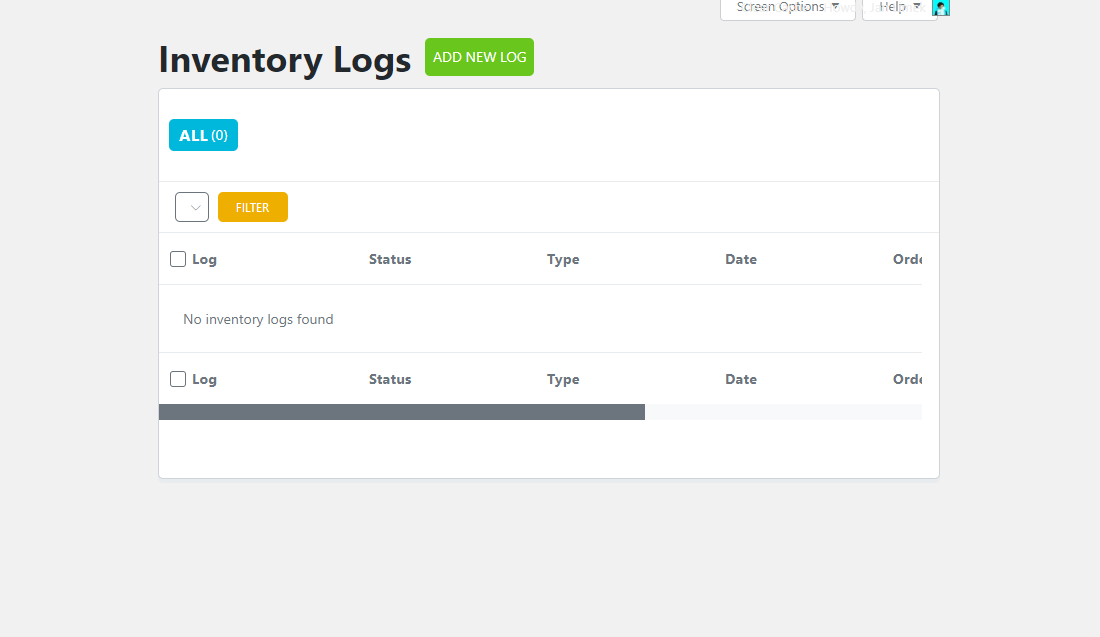
This ATUM should be a must-tool for online shop owners. If you are looking for a 5-star inventory management plugin, you will probably love this one. It comes with advanced functionalities for faster and reliable performances. With this, you will know the statistics or improvements in your sales. It helps you keep track of things and fix some problems if anything goes wrong with your profit.
You can easily manage your WooCommerce stock through your dashboard to edit your inventories, locations, suppliers, and product weight or prices. The entire plugin interface design is entirely made on a WordPress website.
One of its most essential factors is the Stock Control System to see the improvement of stocks every month. More than that, you will easily access the Support, Documentation pages, and even your business statistics. Also, with the inventories available, you’ll know when to devise a re-ordering plan.
This plugin is compatible with any WooCommerce theme.
More info / Download2. Smart Manager for WooCommerce
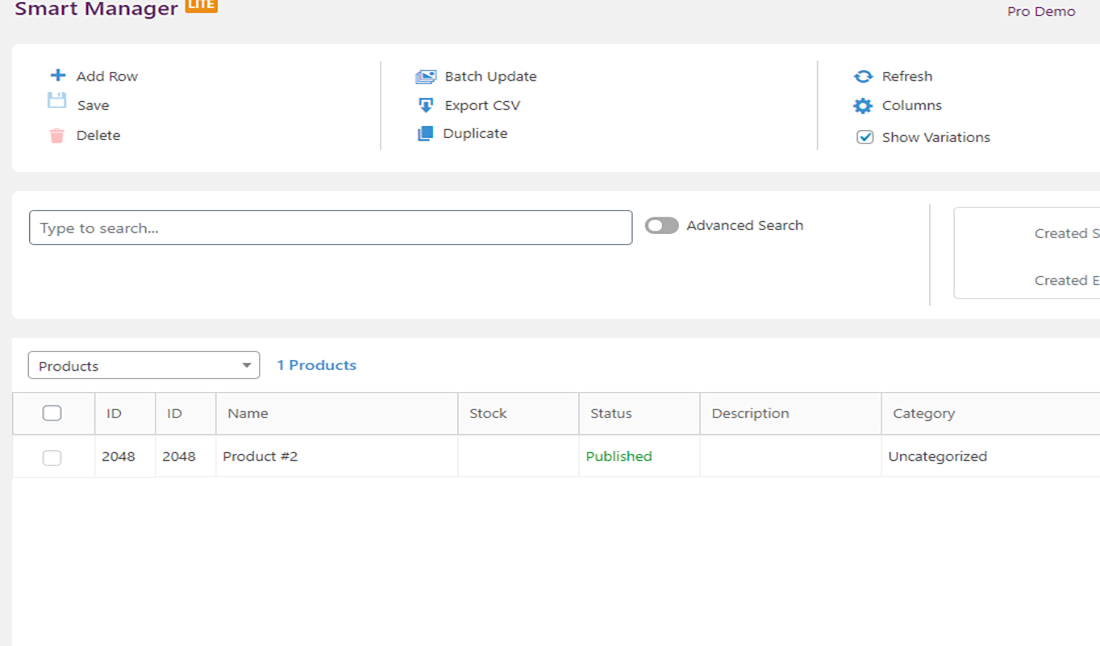
Managing your website’s business is much more comfortable using this plugin we present. It has full features to manage your eCommerce efficiently. You can set up your WooCommerce store directly in your dashboard with the Excel-like spreadsheet, where you can review all the statistics in recent days.
Stocks fluctuate from time to time. It has a significant impact on your business. Thankfully, Smart Manager provides WooCommerce stock management to see the latest update. What’s more, you can do some bulk edit, product update, instant search, inline edit, inventory management, and create blog posts. Almost everything is possible. Whether using the Lite or Premium version, you’ll receive excellent functionalities.
With the free version, you can have a single-screen interface to sort variations, products, blog posts, coupons, and orders. Another thing, you don’t have to go through different pages. All the records of your WooCommerce store appear on a single page.
More info / Download3. PlainInventory – Inventory Management Plugin
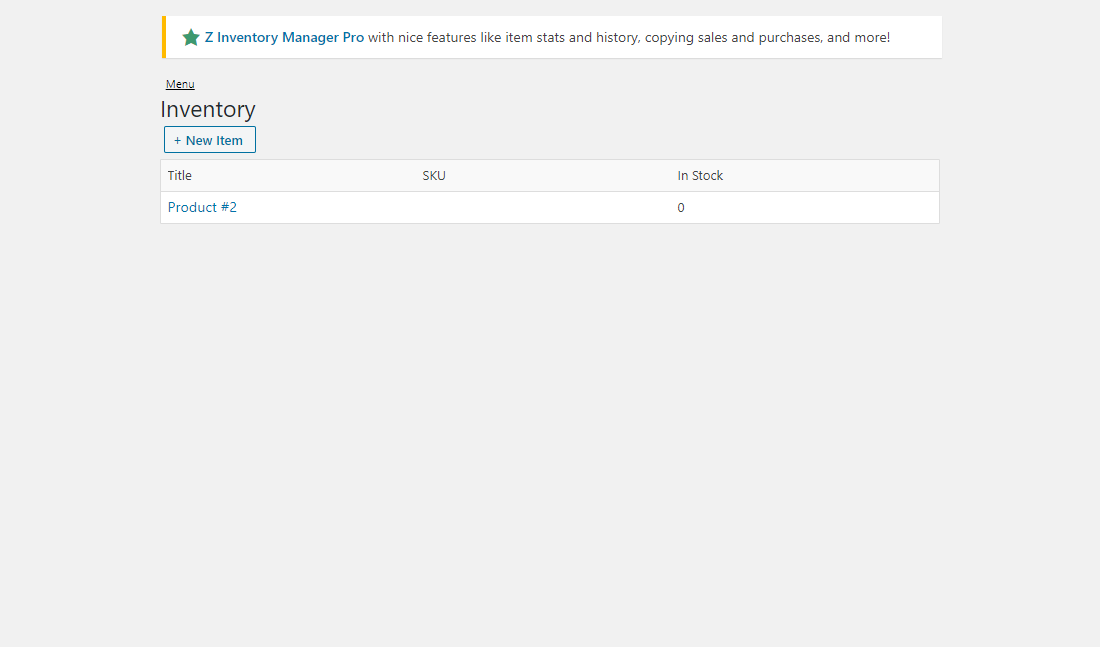
It is now possible for you to ship and track your sales order, then register your shipments instantly. With this, you can use the inventory management section to manage your stocks and inventories. This WordPress inventory management plugin is one of the significant WordPress solutions to organize your business and put your inventory in place.
Since you have some updates about your remaining stocks, you can quickly replenish your products by ordering from your suppliers. Further, you will receive monthly reports about your business’s inventories, sales, and other fundamental concerns. That would bring you better ideas on how to improve your services.
If you want to have the PlainInventory Pro features, you can upgrade to the premium version of this plugin. You can get the Copy Sales and Purchases, including the Inventory Stats and History.
More info / Download4. WP Inventory Manager
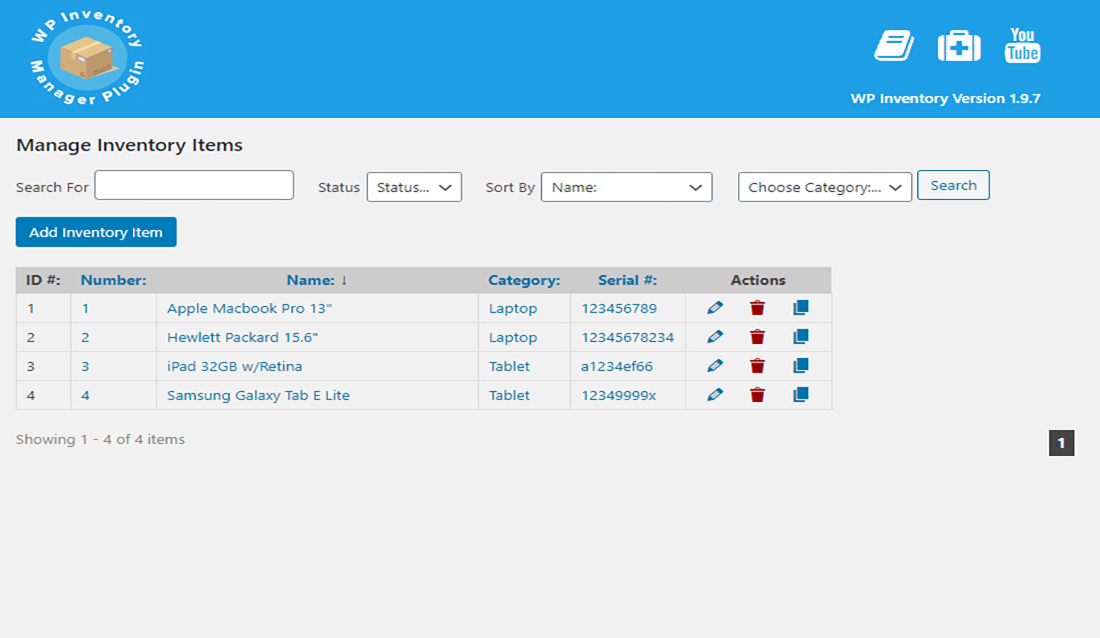
This plugin is perfect for businesses, such as parts dealers, art collectors, and more. It is well-packed with features to help with your online business purposes. You can either go for the free or premium versions. The free ones still give excellent services. On the other hand, the latter has more extensive functionalities you can use. You can also purchase a license to receive support and paid add-ons.
With this WP Inventory Manager, you can use different free add-ons. These are the Per Item Low Quantity Notifications, Advanced Search, Location Manager, Advanced User Control, Bulk Item Manager, Reserve Cart, Ledger, Advanced Inventory Manager, then Import and Export.
The add-on inclusions help make managing your inventories and other online business needs more convenient. It would be easier for you to act if difficulties arise.
More info / Download5. WooCommerce POS Inventory Count
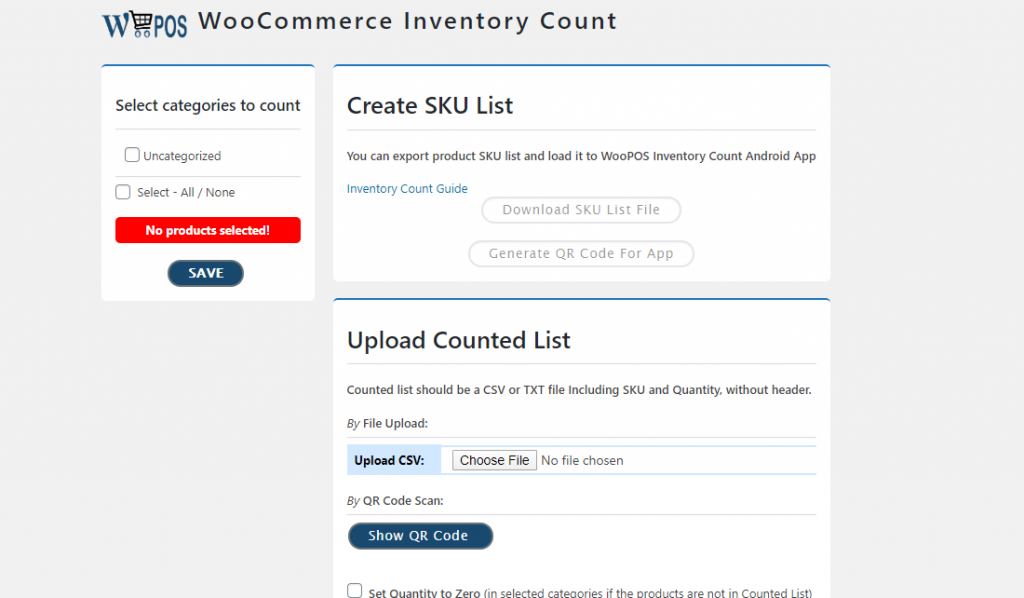
The unique thing about this plugin is that you can scan QR code from your physical products that you can import on your WooCommerce shop. Although it is simple, it has full features you can use in your daily online business. These are the WooCommerce frontend manager, WooCommerce shop manager, WooCommerce stock manager, multi-store, multi-vendor, and more.
I don’t need to cite them all. The complete functionalities will amaze you as soon as you download and activate it. You can always ask for their support if you want to know more about this plugin and how to set it up.
You can follow the guide for more detailed instructions for the inventory count plugin. On the other hand, if you want to use the inventory count with the WooPOS all-in-one Windows app, follow the directions here.
More info / Download6. WooCommerce Schedule Stock Manager
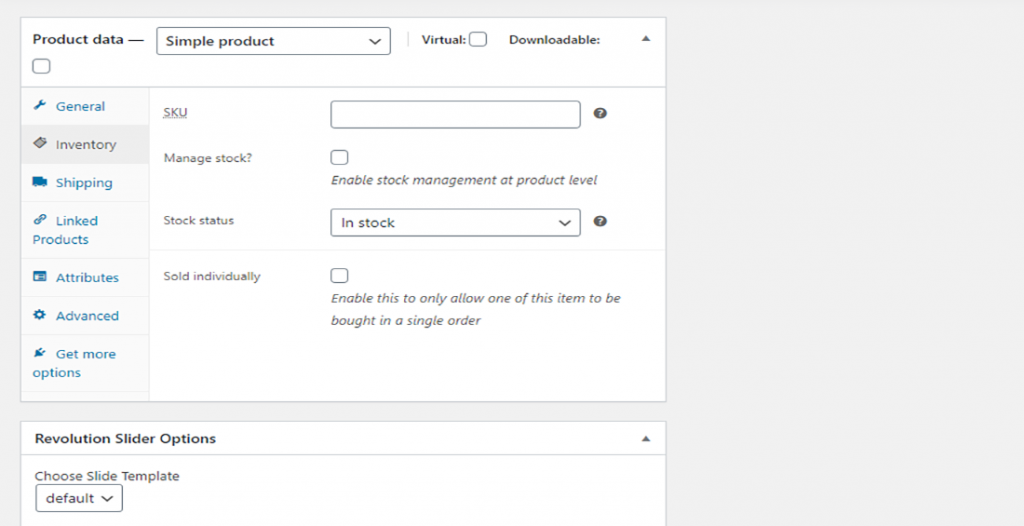
If you think you have regular customers and track your quota every month, having this plugin is the right choice you’ll ever make. First, you can set up your schedule to add your stock quantity, following the regular regimen of restocking your products on your online shop.
You can also manage your stocks, whether a simple or variation product. You can choose from the ‘Twice Monthly,’ ‘Weekly,’ ‘Twice a Day,’ ‘Monthly,’ ‘Hourly,’ and ‘Every Minute.’ The selections also have the Stock Quantity and Different Stock Type. Furthermore, you can set your stock quantity, scheduling your Stock Management.
If you don’t want the automatic scheduling of re-stocking your product, you can always edit the settings into manually enable or disable the Stock Manage Schedules. Don’t forget that your WordPress version should be 3.0.1 or higher.
More info / Download7. WCFM – Frontend Manager for WooCommerce
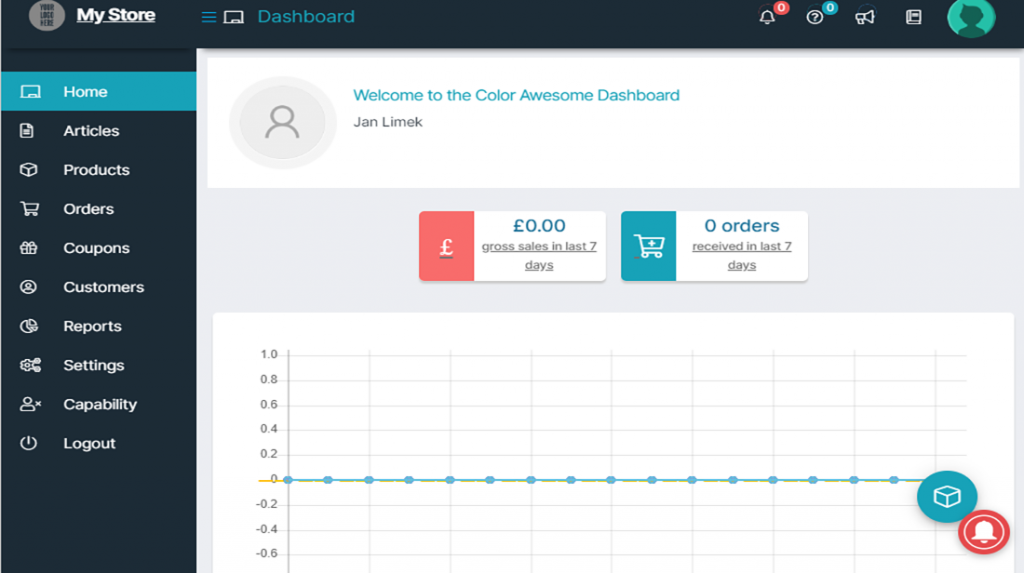
If you want to successfully manage your stores and inventories, this plugin will work best with your goal. It is a front-end dashboard for multi-vendor stores. It is fully compatible with WC Vendors, Dokan Multivendor, WooCommerce Product Vendors, and WooCommerce Multivendor Marketplace. What’s more, it is also exclusively compatible with WooCommerce Booking.
So, what can you expect on the dashboard page, and what are the functionalities available? It has a Quick edit where you can manage your product anywhere in your store. You can also get your low-stock product reports, coupon usage, product, out-of-stock product, sales date, and WC reports.
The dashboard has a menu for creating and editing coupons, viewing and managing them, and many more. The functionalities are limitless. You can always ask for the developer’s support if you need some questions.
More info / DownloadWhat is the best inventory management plugin for WordPress?
We cannot tell which is the best since each has its purpose. If you want a more straightforward plugin for a single goal, you can always go for the Bulk Product Stock Manager for WooCommerce, WooCommerce Schedule Stock Manage, and others. However, if you are searching for a multi-purpose plugin, you may choose the ATUM Inventory Management for WooCommerce or the WCFM – Frontend Manager for WooCommerce.
You can try one of them and see what works best for you. Rest assured, the plugins are working and updated not more than 6 months ago. Aside from that, they have excellent customer support. If anything goes wrong with your installation or set up, you can ask for their help. Enjoy doing your online business, and you will surely strive more!
Download one of these WordPress Inventory Management Plugins today!

Related Posts






Comments (0)