
22 Best Free Bootstrap Search Bar Templates 2026
This list of free Bootstrap search bar templates now has 22 entries: 20 Colorlib Search Form/Bar snippets and two search patterns from our 2026 snippets, a top search drawer with live suggestions and a travel search bar inside a hero section.
All 22 are free downloads with live demos, built as dependency-free HTML, CSS and, where needed, a few lines of vanilla JavaScript. Each works on its own or inside a Bootstrap 4, 5 or 6 project without loading Bootstrap’s files, and nine of the Search Form/Bar snippets need no JavaScript at all.
They range from simple inline bars (V01, V09) and hover or click reveals (V02, V06, V11) to full-screen overlays (V14, V16) and search bars with filters for stores, property and job sites (V05, V07, V19). If you need a larger search section with several fields, such as a hotel, flight or job search hero, see our free CSS3 and HTML5 search form examples.
Best Free Bootstrap Search Bar Templates
Search Form/Bar V01
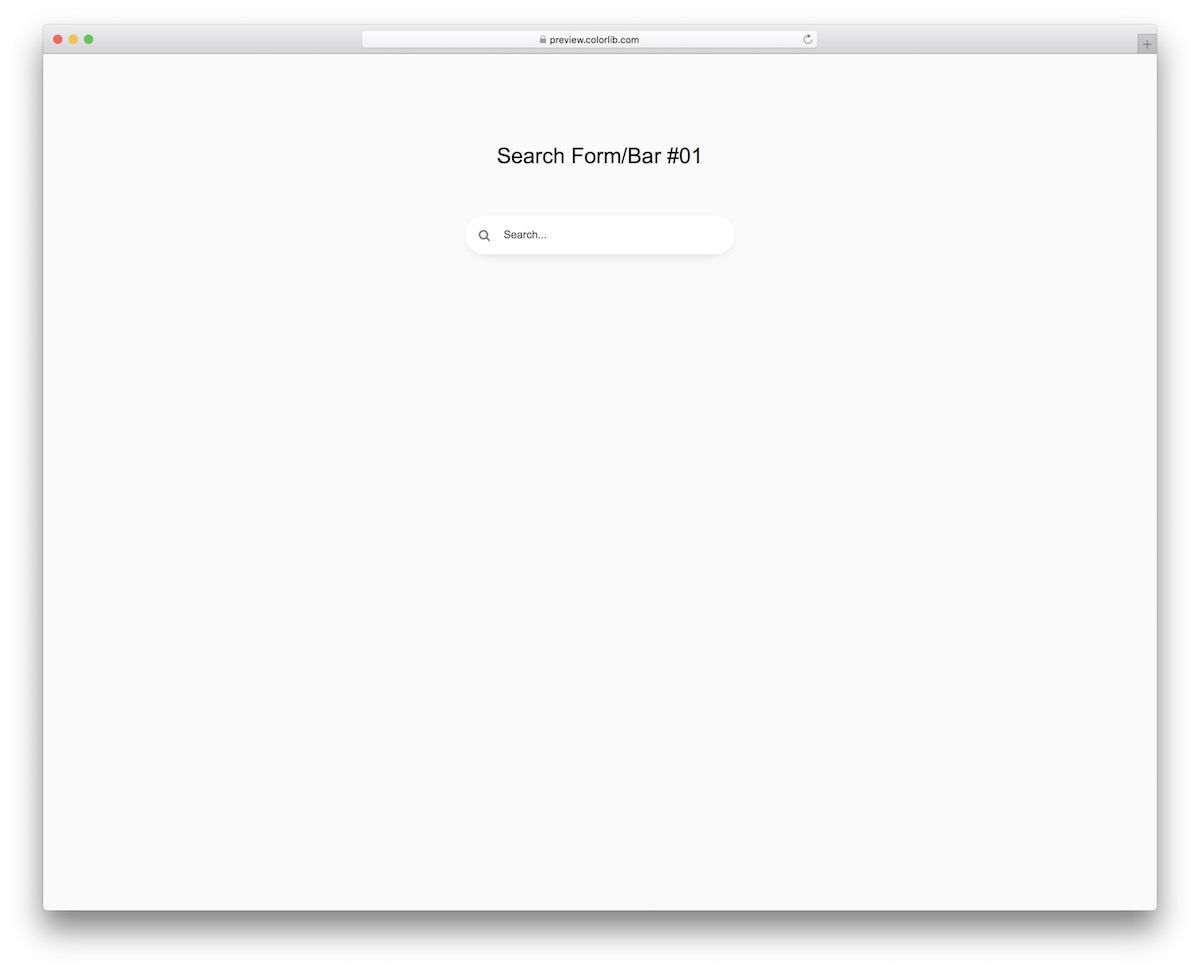
To follow the latest mobile trends, this modern search bar keeps to the essentials. It is easy to use and works on all popular devices.
It is plain HTML and CSS with no JavaScript at all, and the download is 249 KB. Use it on its own or drop it into a Bootstrap 4, 5 or 6 project and it looks the same.
Search Form/Bar V02

If you would like to spice things up, this search bar with animation is the pick. The icon rotates on hover and reveals the search field.
The whole effect is CSS, so there is no script to load.
Search Form/Bar V03
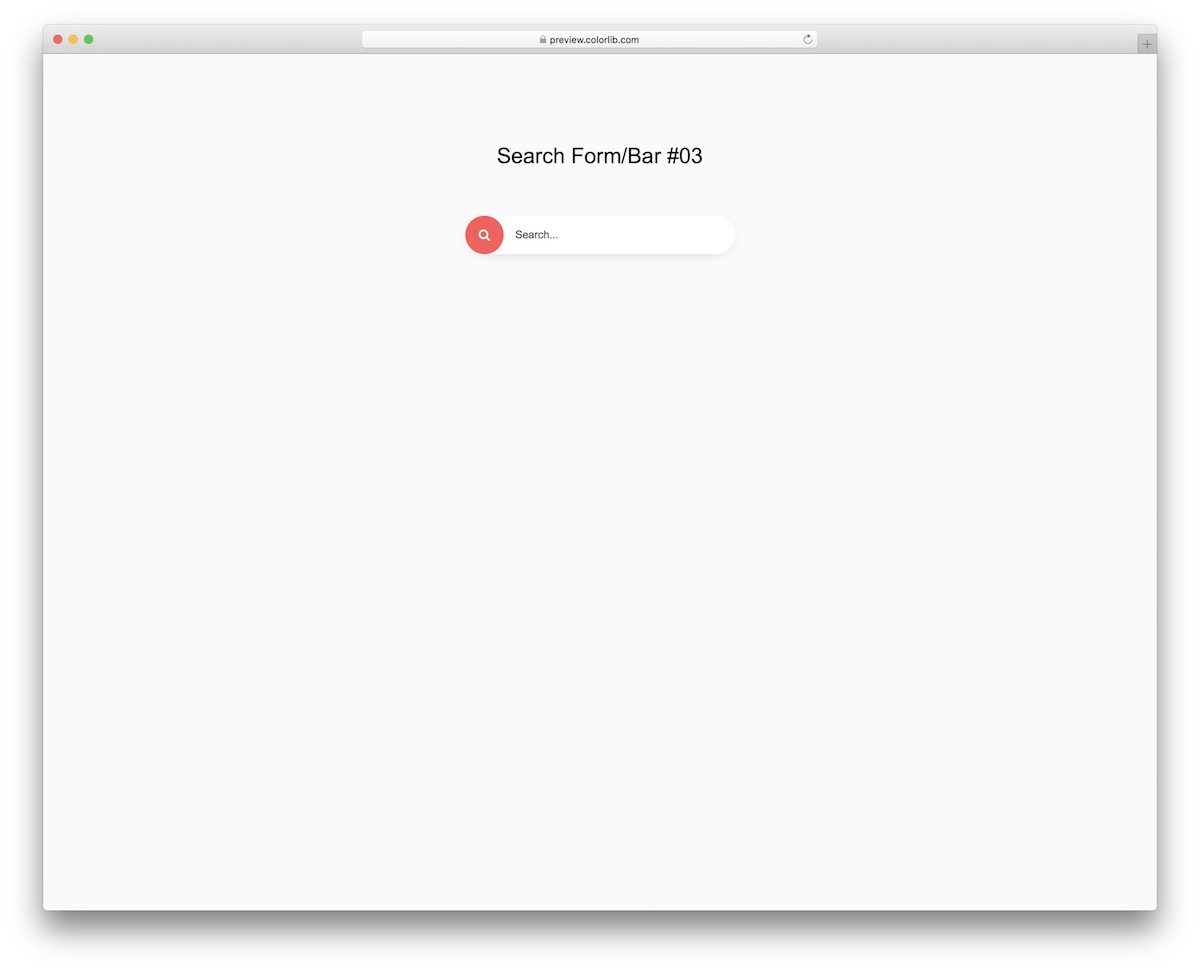
An icon to grab attention and a search field: for many websites, that is all a search bar needs. This one keeps things modern and works for any kind of site.
No Bootstrap files are required, yet it sits comfortably inside a Bootstrap 4, 5 or 6 layout.
Search Form/Bar V04
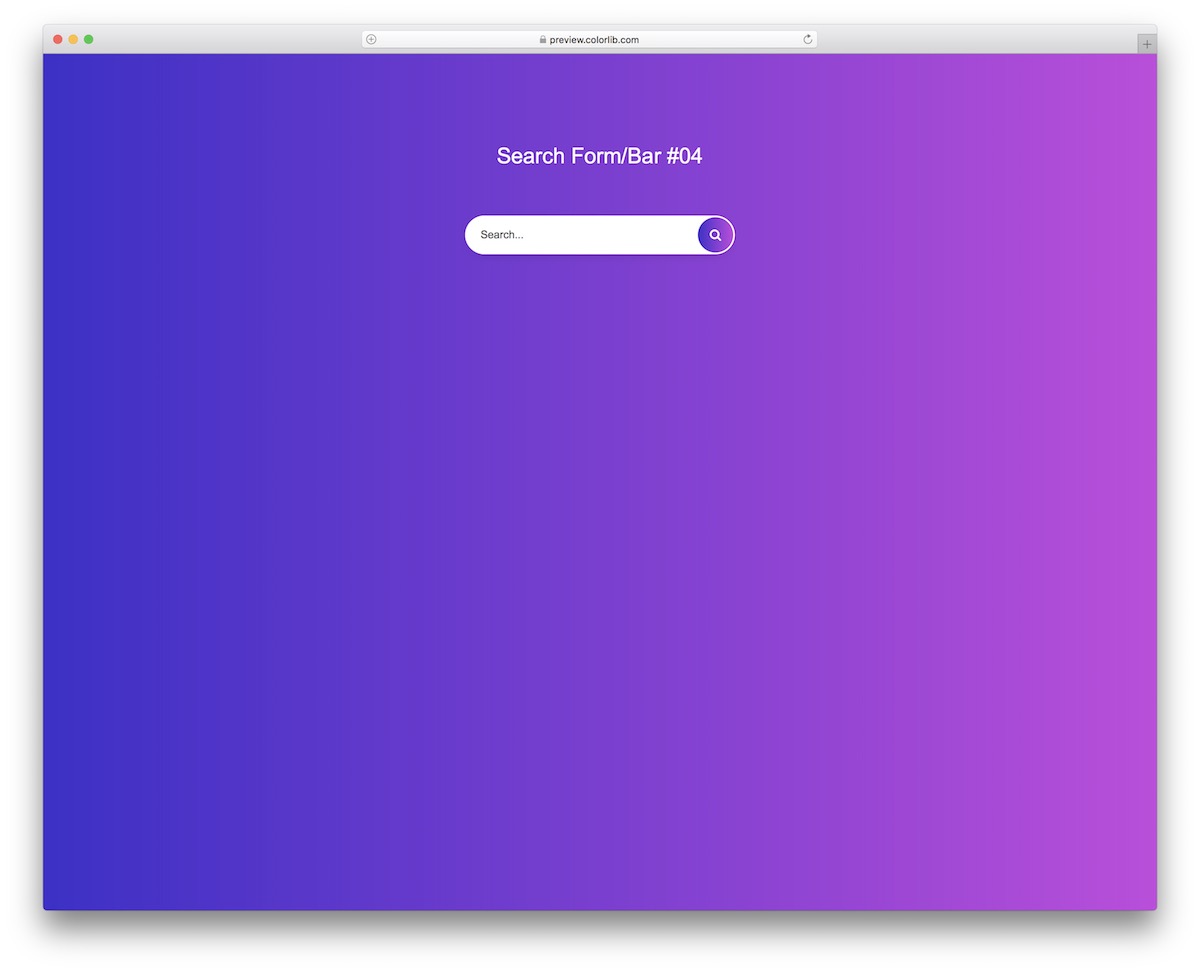
For everyone searching for something different, this fancy search bar does the trick. It features a gradient effect, a search field and a clickable icon.
Like the rest of this set, it needs no JavaScript and no framework. The download is 249 KB.
Search Form/Bar V05
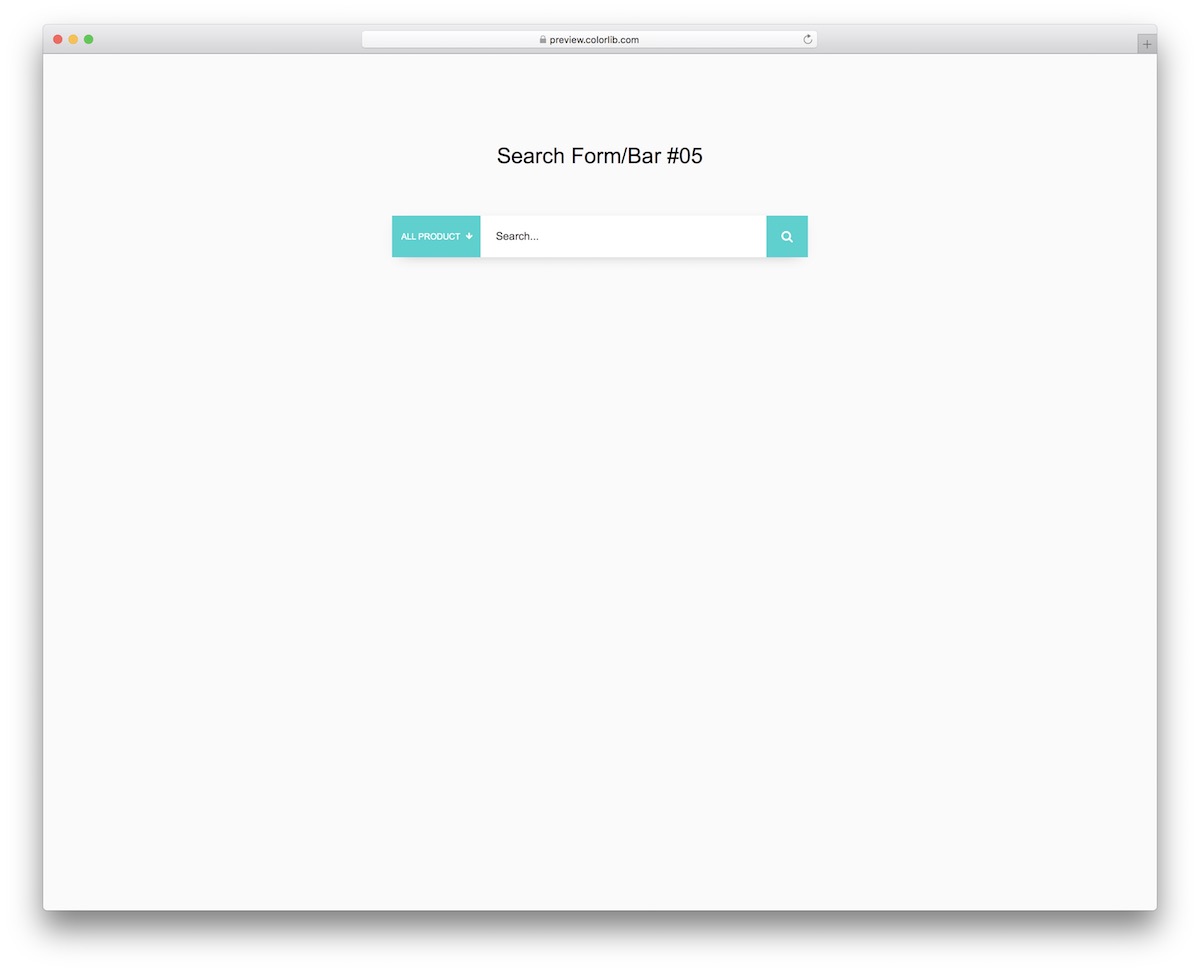
When you run a large eCommerce website, a search panel with filters comes in very handy. Shoppers can search within a particular category or across the entire store.
It is HTML and CSS plus a few lines of vanilla JavaScript, with no jQuery and no select plugin.
Search Form/Bar V06
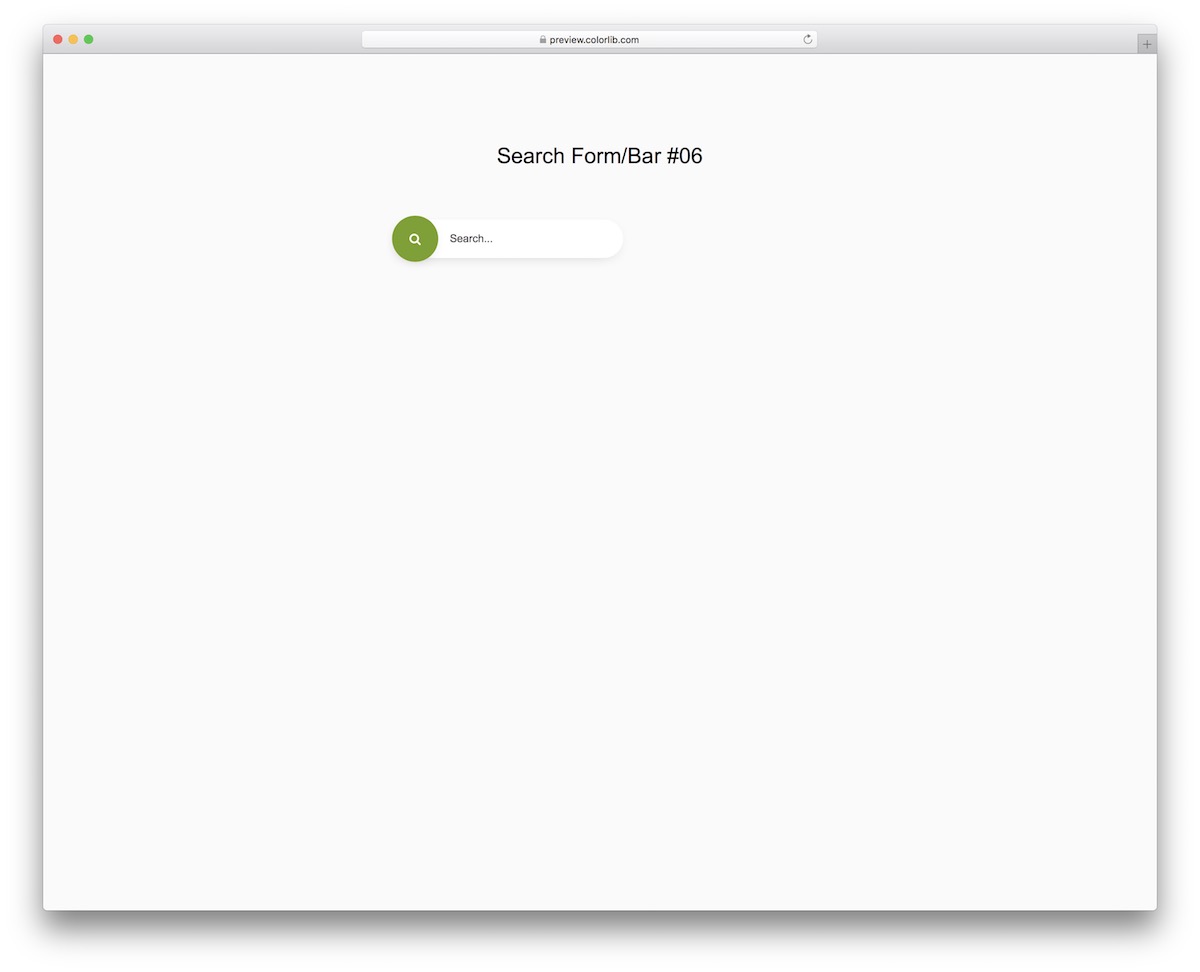
A simple search field animation that reveals the full bar on hover. If you want a minimalist look with a touch of creativity, this snippet is a good fit.
The reveal is pure CSS.
Search Form/Bar V07
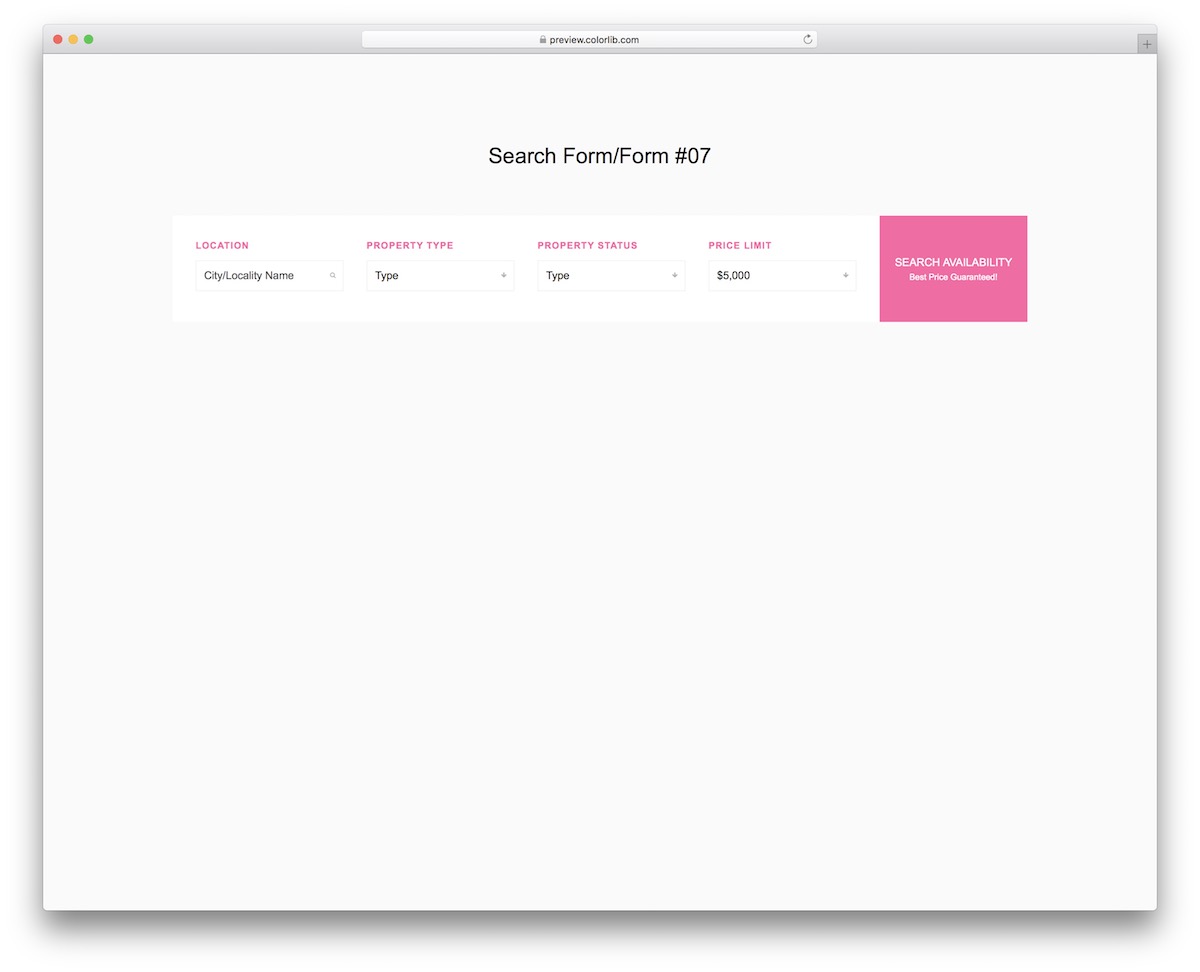
Give visitors a proper way to find their ideal property with this real estate search field template. It brings an advanced search to a listings or agency website.
A few lines of vanilla JavaScript are all it runs, and the download is 251 KB.
Search Form/Bar V08
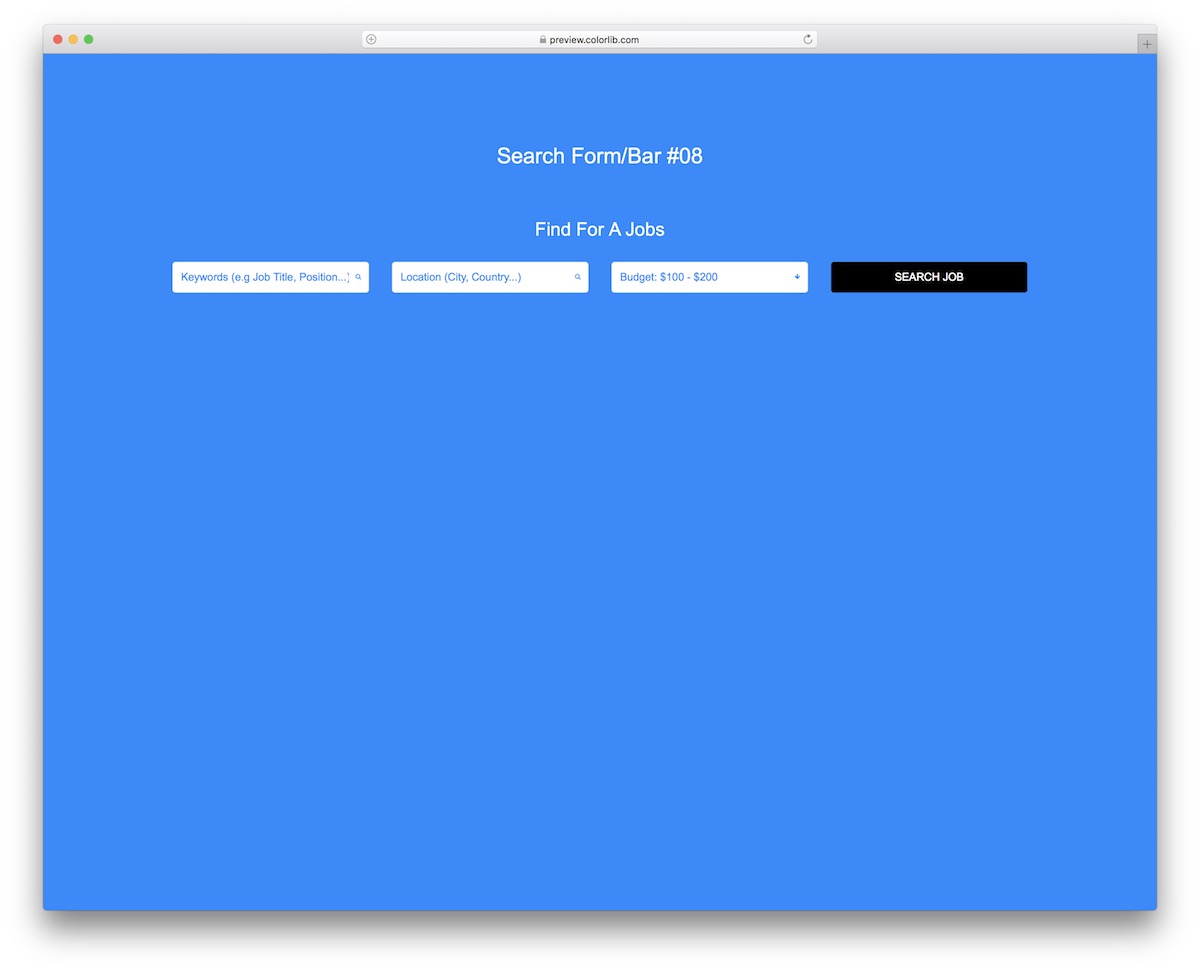
Built for job boards, this job search bar embeds straight into your platform. Its simple structure works with Bootstrap or without it.
There is no jQuery, no plugin and no Bootstrap file to load, only a few lines of vanilla JavaScript.
Search Form/Bar V09

Unsure about the design direction? Keep it clean with this minimal search bar. It is easy to integrate into any project, Bootstrap or not.
Plain HTML and CSS, no JavaScript, 249 KB download.
Search Form/Bar V10
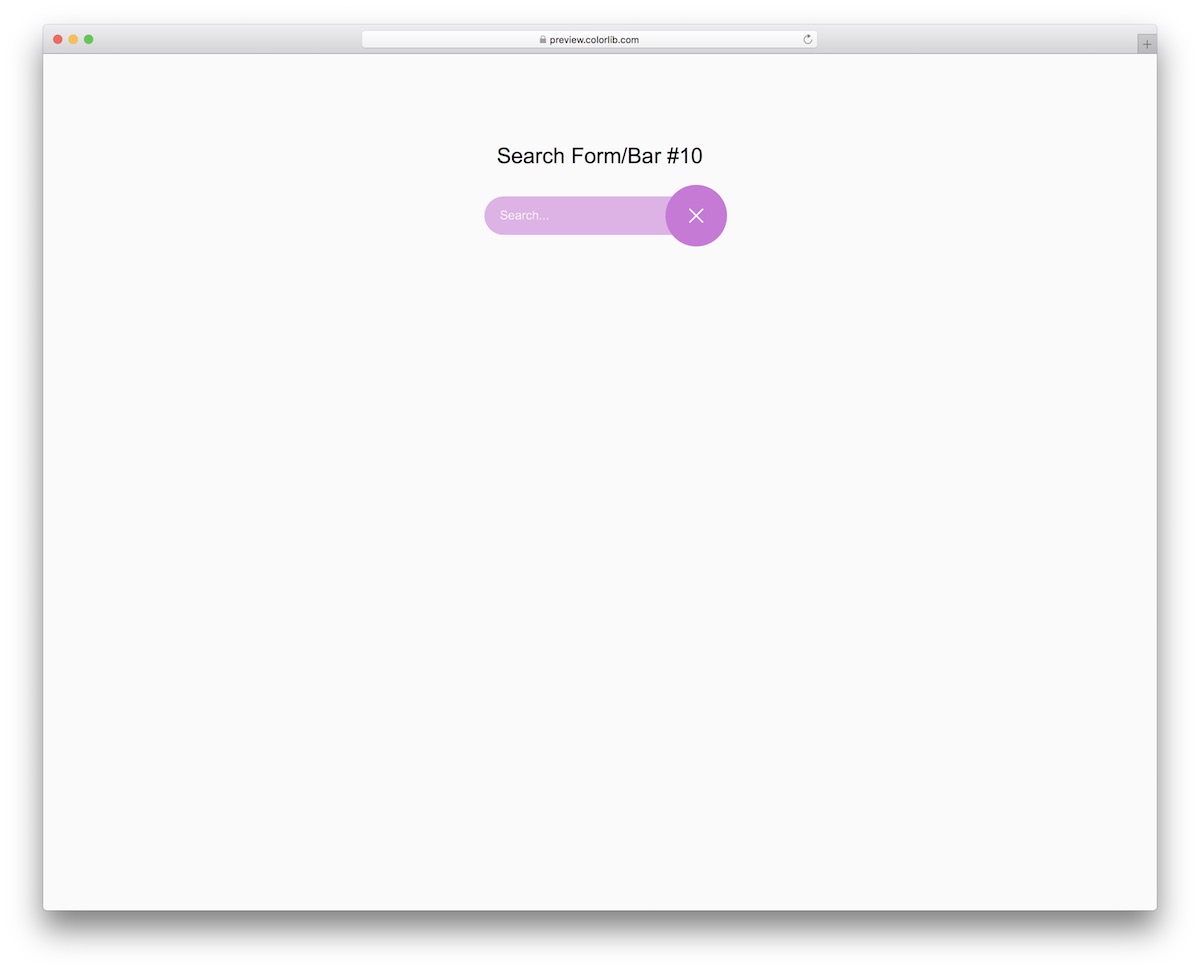
This expandable search bar adds a catchy animation to your website or online project. Open the live demo to see the effect in full.
The animation runs on CSS alone, so there is nothing else to include.
Search Form/Bar V11
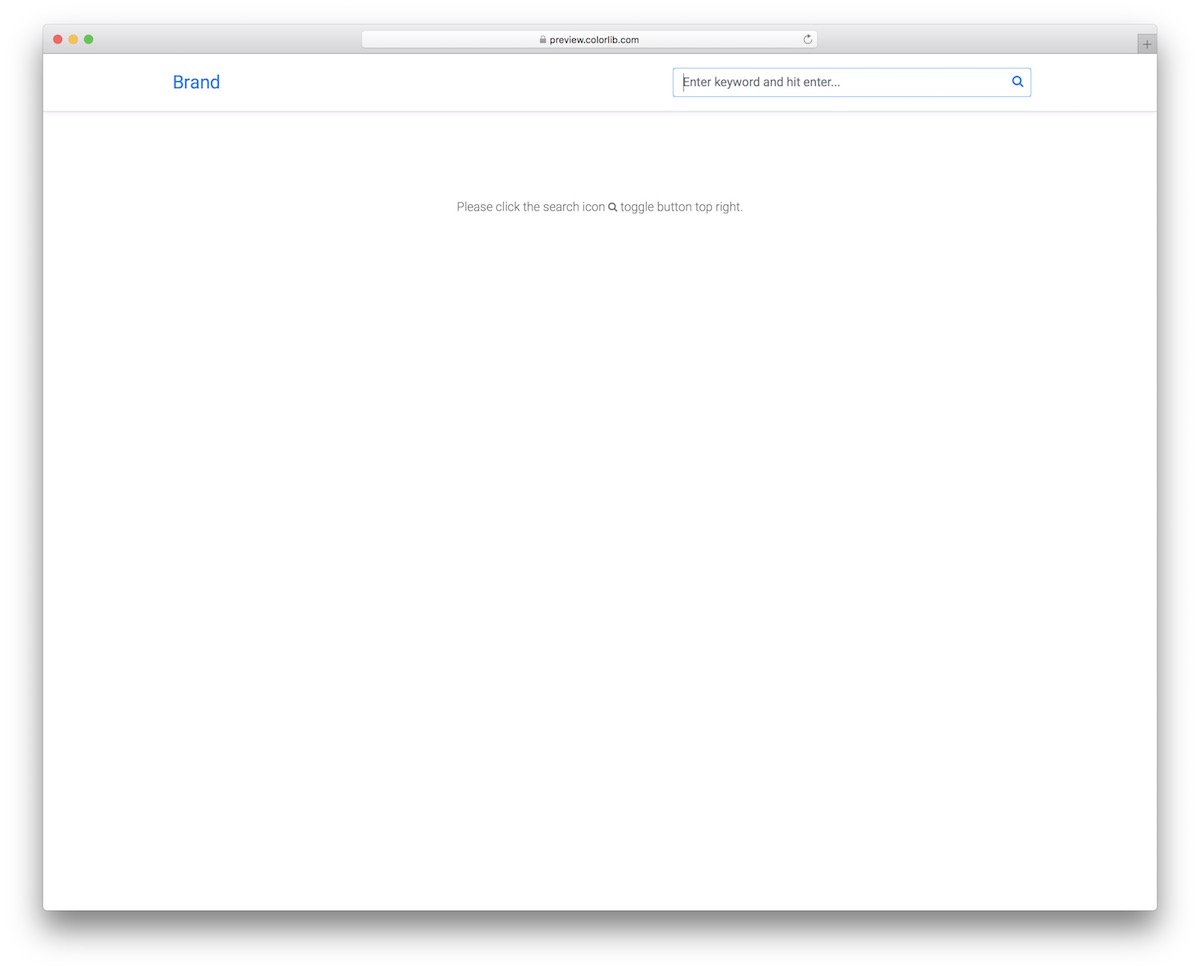
Keep things neat with this search bar reveal. It is especially handy when your navigation bar already holds many links and categories.
The search box opens and closes with a few lines of vanilla JavaScript instead of jQuery.
Search Form/Bar V12
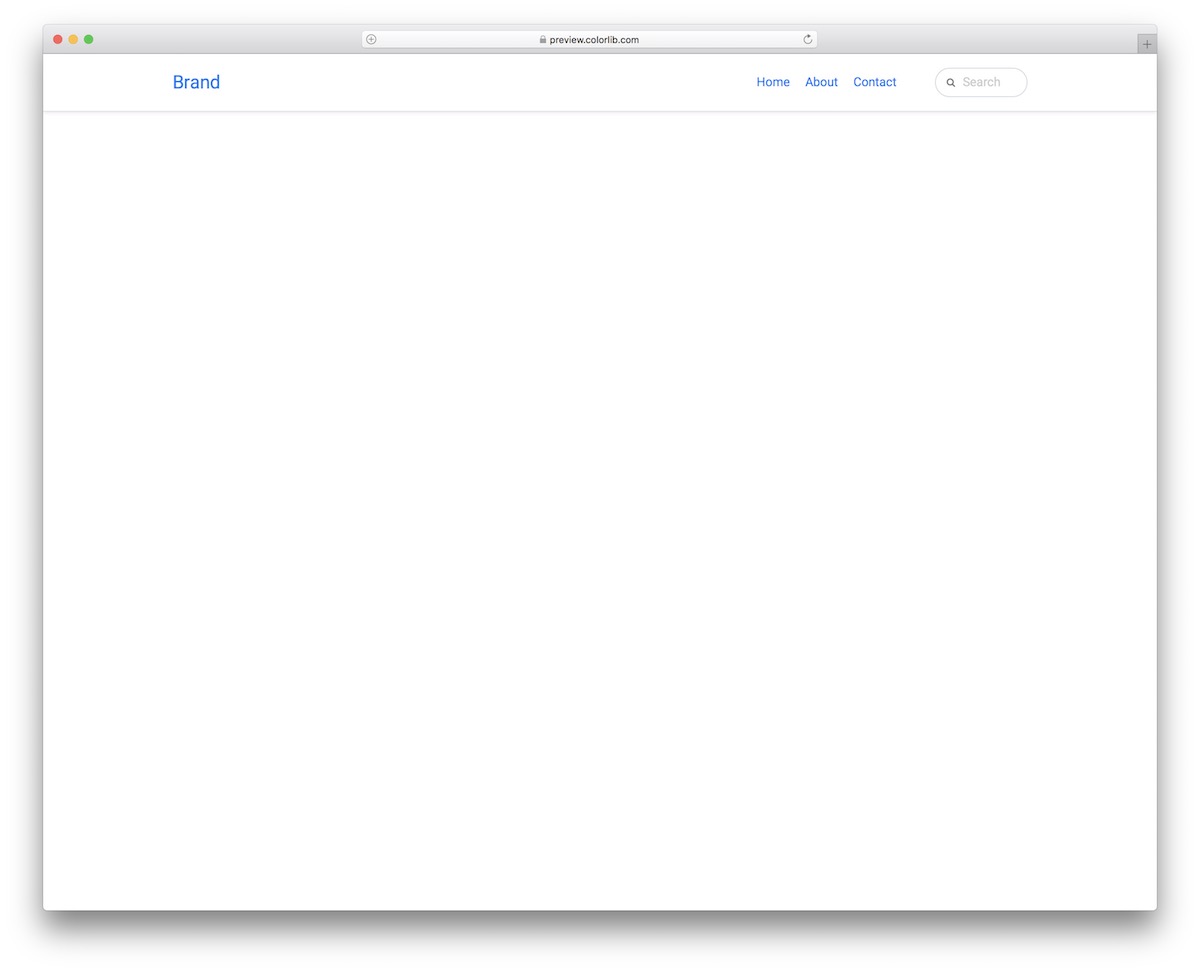
A clean, expandable search form that fits any website, online store or blog. When the user clicks the bar, it expands to give more room for typing the query.
The expansion needs no JavaScript, and the download is 244 KB.
Search Form/Bar V13
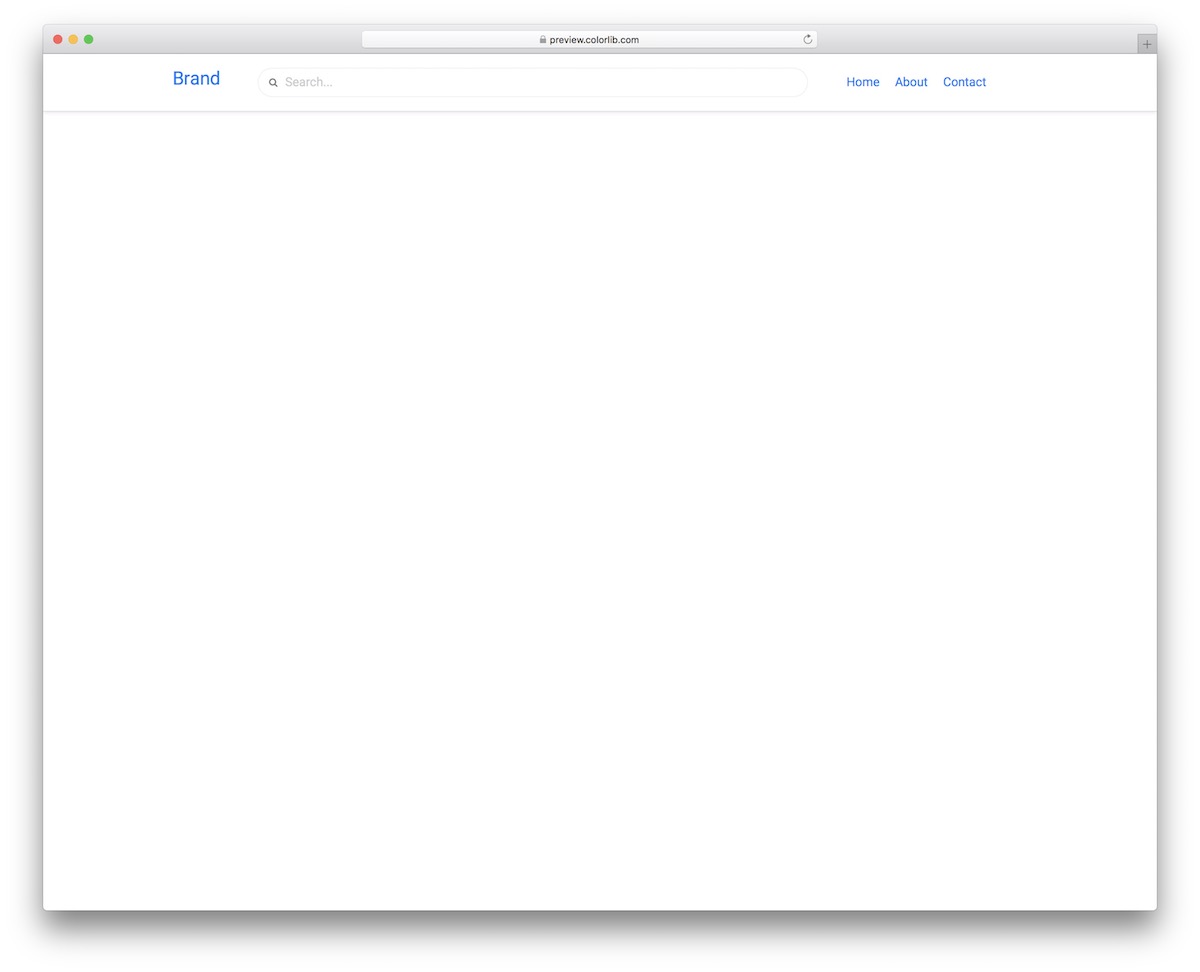
A simple Bootstrap search box with a wide form that handles long and short queries easily. Its fluid layout works smoothly on mobile and desktop devices.
It is plain HTML and CSS, and it looks the same whether you use it on its own or inside a Bootstrap 4, 5 or 6 page.
Search Form/Bar V14
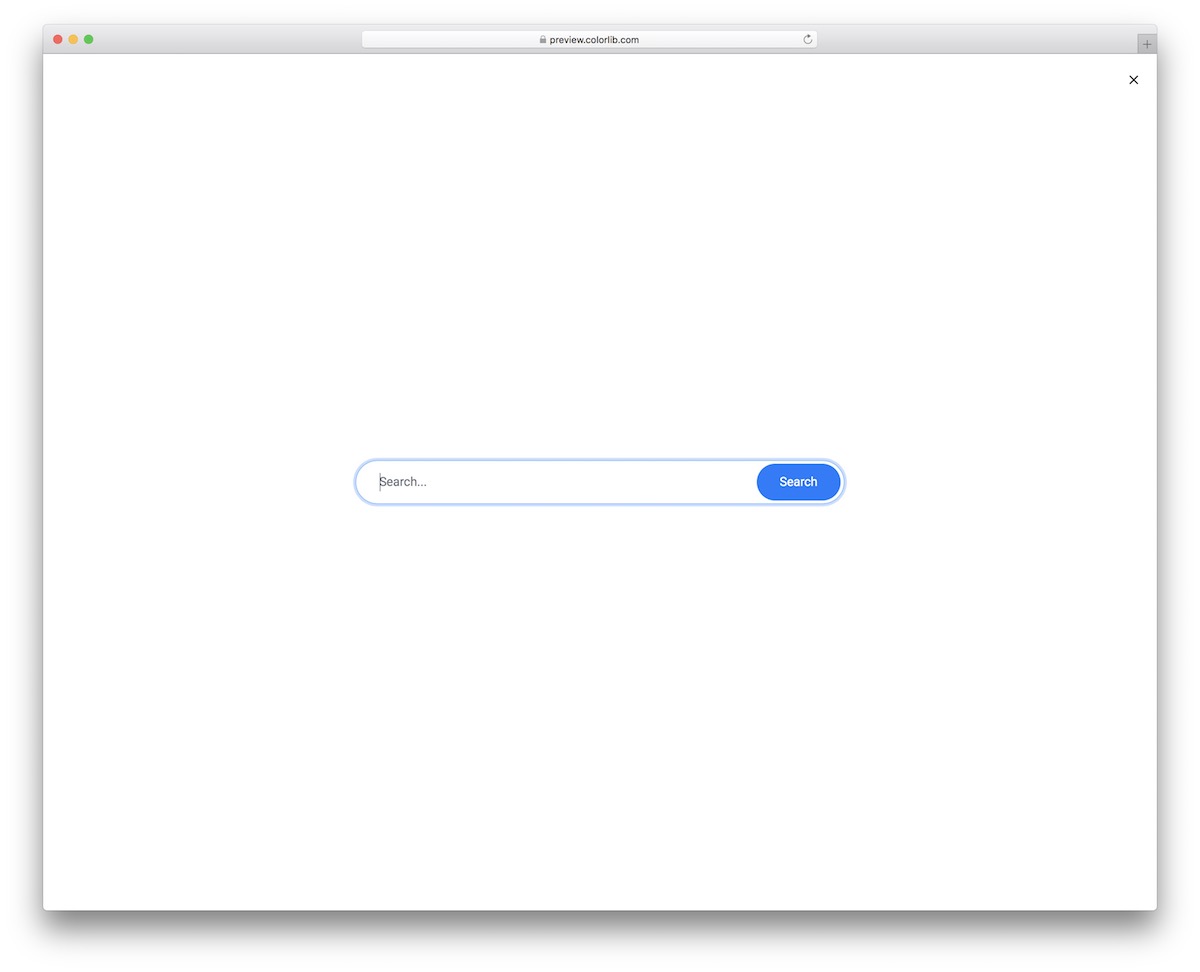
A bold full-screen search that displays the form over the entire screen. It guarantees zero distractions while the user types what they are after.
The overlay opens and closes with a few lines of vanilla JavaScript.
Search Form/Bar V15
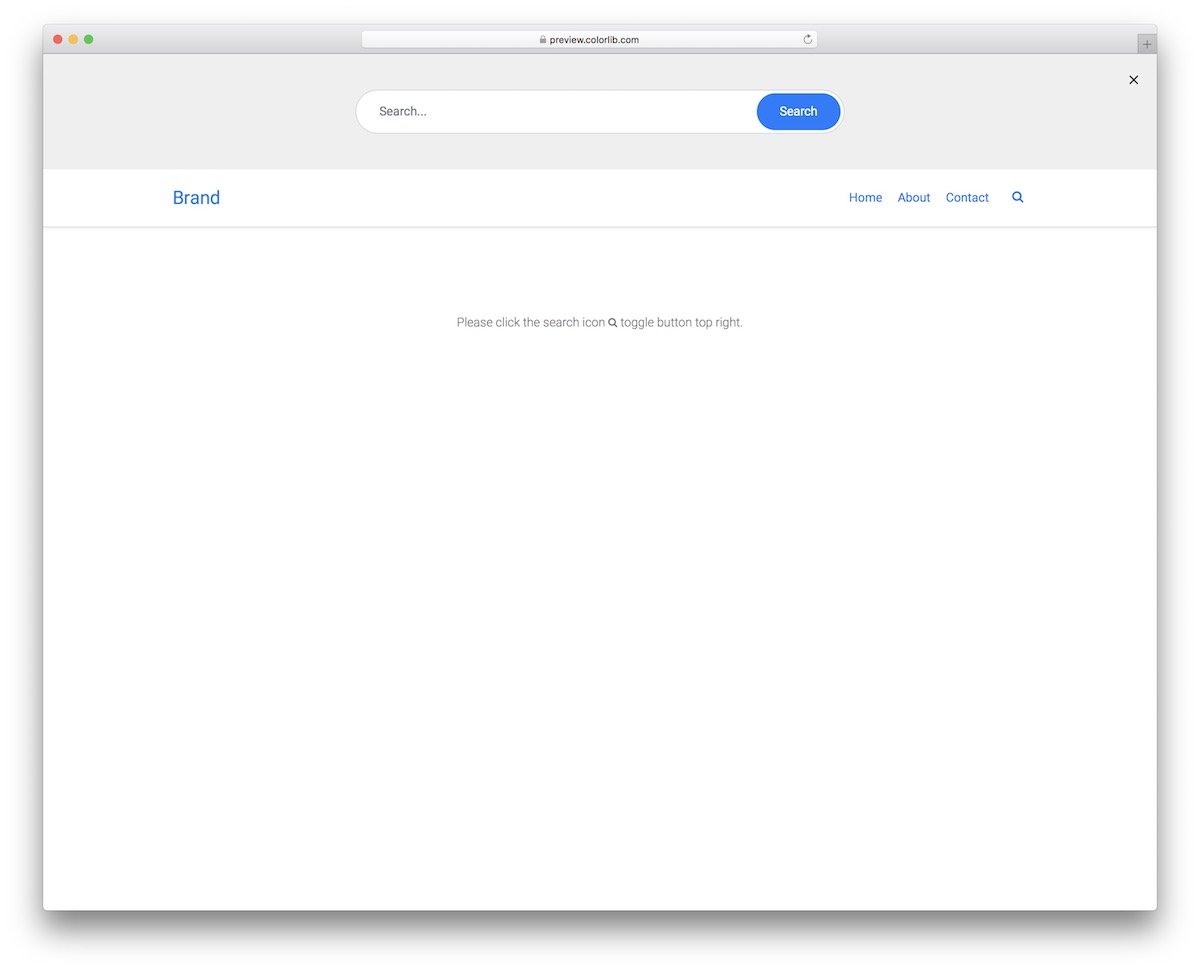
There are many ways to add a search bar to your website, and a header reveal is one of them. This one performs well across popular devices and works inside any Bootstrap site.
No jQuery is needed to open or close the search box. The download is 246 KB.
Search Form/Bar V16

If you like full-screen search forms, this minimal overlay search bar will serve you well. It is easy to use and follows modern web design trends.
Opening and closing the overlay takes a few lines of vanilla JavaScript, with no plugins.
Search Form/Bar V17

A convenient dropdown search form that keeps your application clean and minimal. It displays well on mobile devices and comes with an X to close it.
It is HTML, CSS and a little vanilla JavaScript, and works on its own or in a Bootstrap 4, 5 or 6 project.
Search Form/Bar V18
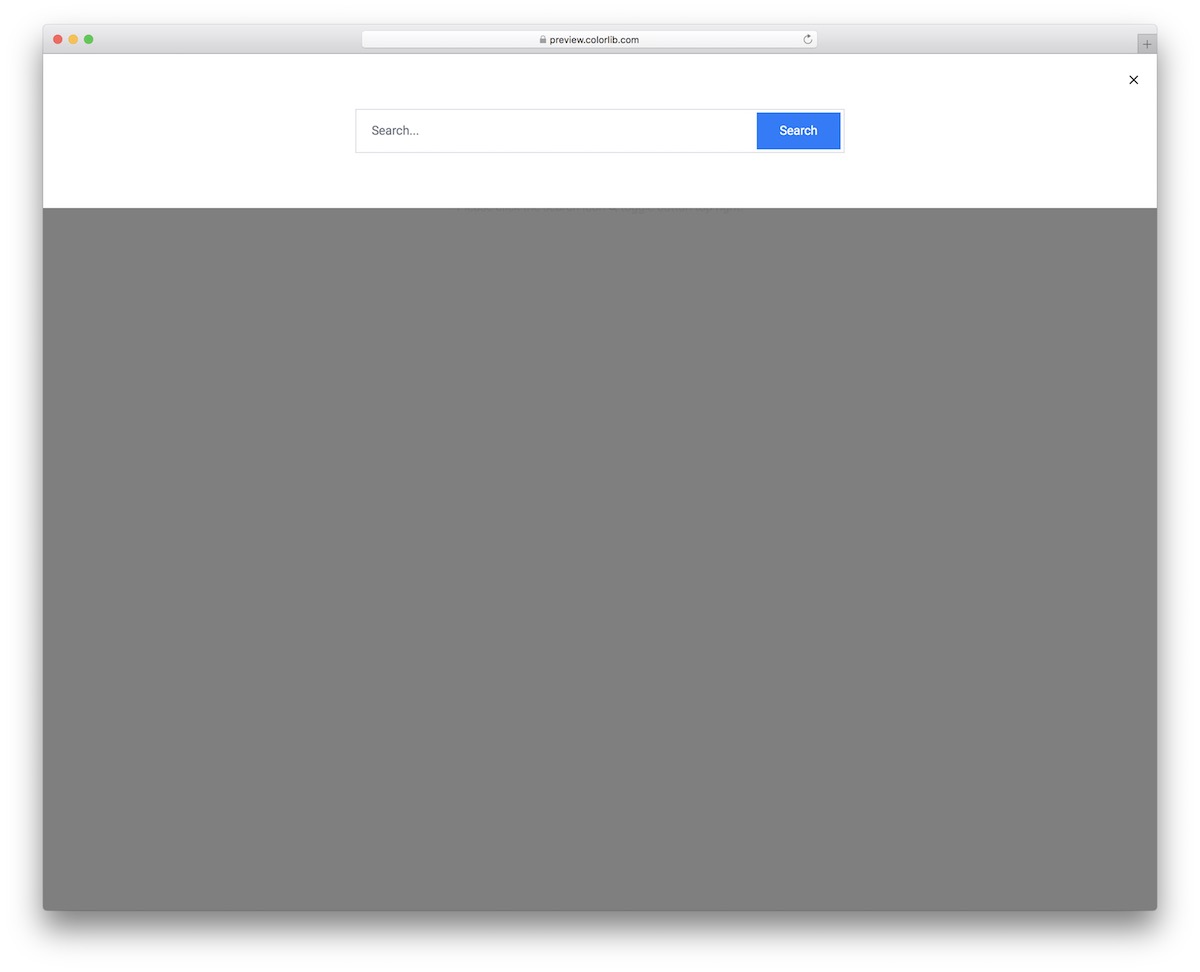
Let users focus on their query with this top overlay search bar. It rolls in from the top and shades the rest of the website, so the search comes first.
The open and close behaviour is a few lines of vanilla JavaScript rather than jQuery.
Search Form/Bar V19
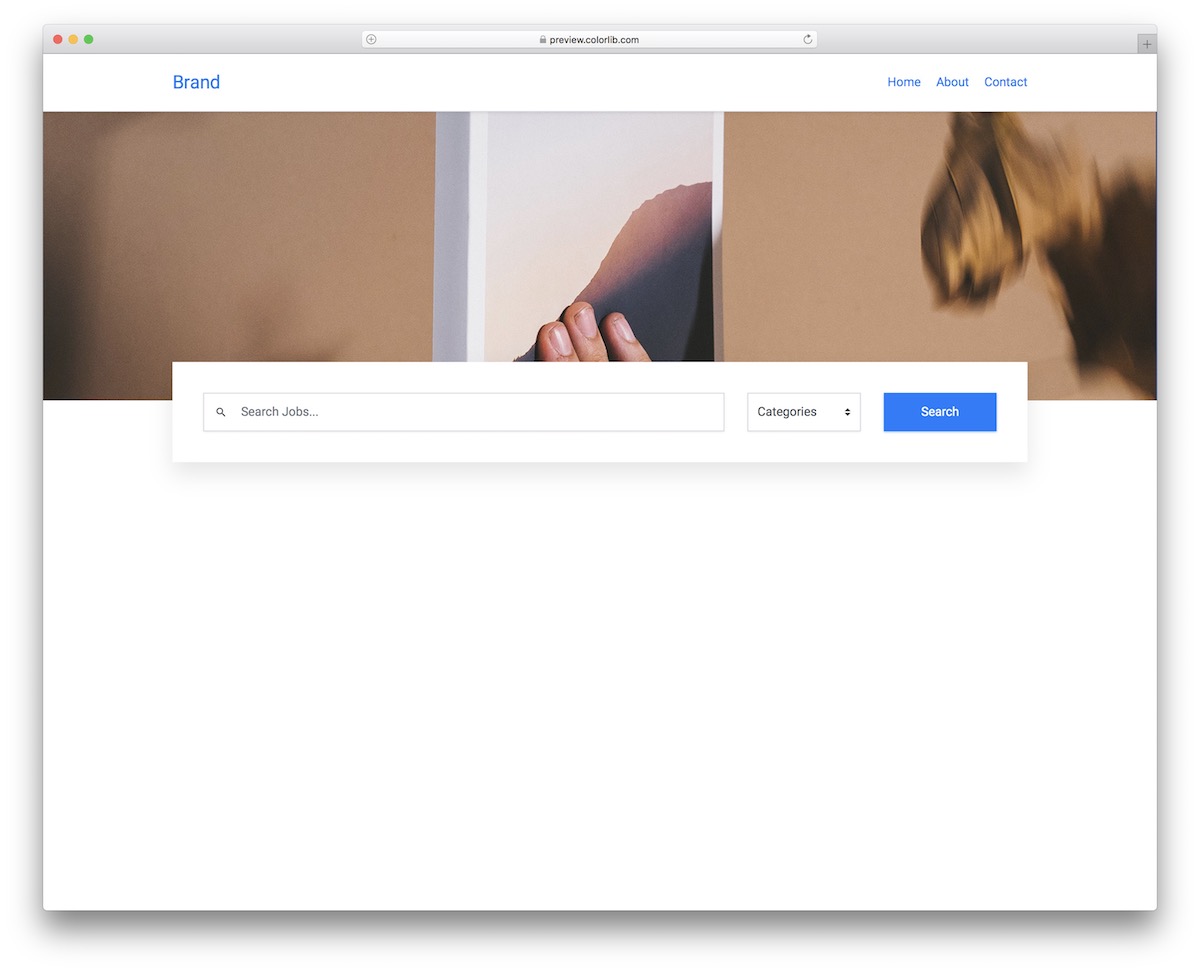
Planning a job board? This job board search form with categories will do the trick, and you can use the same style of categorised search bar for other directories too.
It is HTML and CSS with a little vanilla JavaScript; the download is 641 KB.
Search Form/Bar V20

Instead of a traditional full-page overlay, this header overlay search bar is a neat alternative. When the user clicks the search icon, the form appears over the entire header section.
Plain HTML and CSS plus a few lines of vanilla JavaScript, 246 KB in total.
More 2026 search snippets from Colorlib
Two newer search patterns from our 2026 snippets: a top search drawer with suggestions that filter as you type, and a travel search bar with location, dates and guests.
Offcanvas V09: Top search drawer with recent searches and suggestions that filter as you type
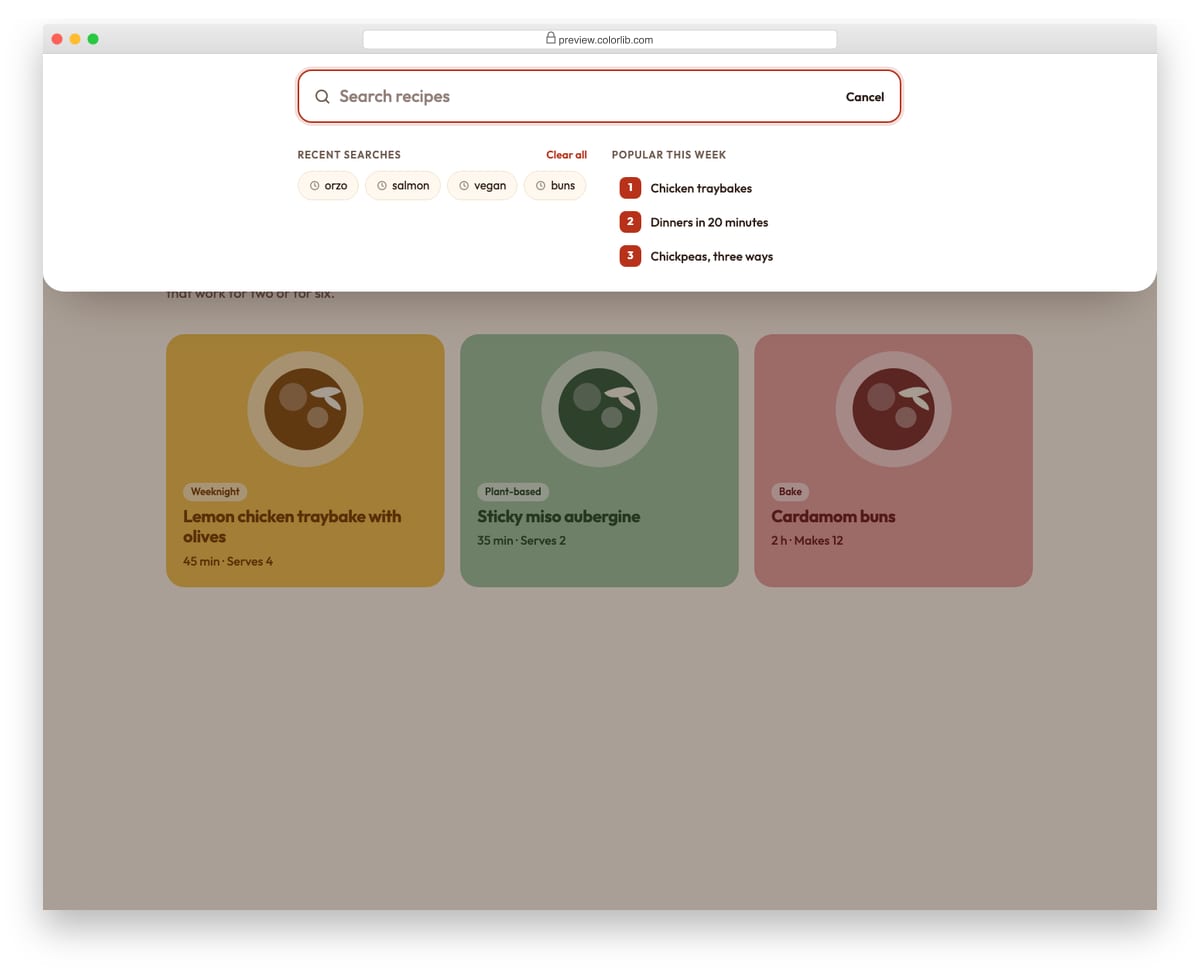
A search panel that slides down from the top of a recipe site, opened from the search button or with the / key. Before you type it shows recent searches and popular topics; as you type it filters the recipe list, highlights the matching words and announces the number of matches. Arrow keys move between the field and the results, and submitted searches are added to the recent list.
Best for: content sites, blogs, shops and documentation with a site search. Plain HTML and CSS with a few lines of vanilla JavaScript, a 195 KB download, and it works on its own or inside a Bootstrap 4, 5 or 6 project.
Hero V12: Split travel hero with a stay search bar overlapping the photo
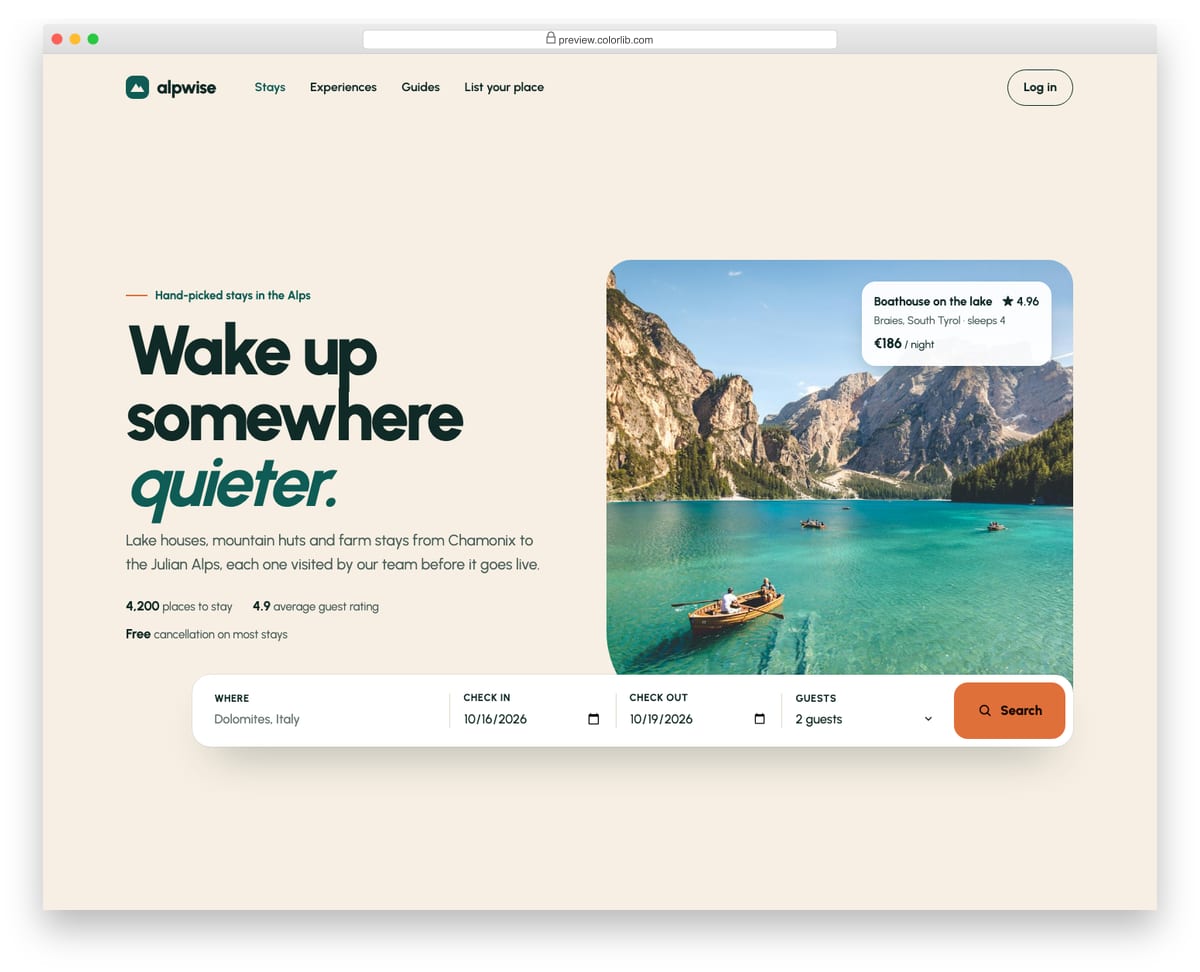
A split hero for a holiday-rental site, with the headline, intro and three proof points on the left and a large alpine lake photo on the right. A white search bar for location, check-in, check-out and guests overlaps the bottom of the photo and uses native text, date and select inputs with visible labels. Script prefills sensible dates, keeps check-out at least one night after check-in, validates with the browser and reports the search in a status region.
Best for: travel, holiday rental, hotel and real estate homepages. Plain HTML and CSS with a few lines of vanilla JavaScript, a 364 KB download, and it works on its own or inside a Bootstrap 4, 5 or 6 project.
How to choose a Bootstrap search bar
Keep search visible if people rely on it. Stores, documentation and large blogs should show the field, as V01 and V13 do. An icon that opens the box (V11, V15) saves room in a crowded navbar but costs an extra click.
Use a real search form. Wrap the field in <form role="search">, use type="search" and give it a label, visible or visually hidden. A placeholder is not a label: it disappears as soon as someone types. Hero V12 shows visible labels on every field.
Make overlays easy to leave. Full-screen and drop-down searches need a clear way out. V17 has an X to close it, and Offcanvas V09 closes with Esc or a click on the backdrop, opens with the / key and lets the arrow keys move through results.
Avoid the iPhone zoom. Safari on iOS zooms the page when a field with text smaller than 16px gets focus. Set the input font size to at least 16px on mobile.
Add filters only when the catalog needs them. A category filter (V05) helps shoppers in a large store; a small blog is better served by a single field.
Frequently asked questions
Do these search bars need Bootstrap or jQuery?
No. They carry their own CSS, and the ones that open, close or filter use a few lines of vanilla JavaScript. Inside a Bootstrap 4, 5 or 6 project they keep their look, so you don’t need to load Bootstrap’s files for them.
How do I connect a search bar to my site’s search?
The templates are front end only. Set the form action to your search results URL and give the input the parameter name your back end expects. On WordPress that means action="/", method="get" and name="s".
Can I put one of these in a Bootstrap 5 navbar?
Yes. Paste the form markup into the navbar and include the snippet’s CSS; its styles don’t rely on Bootstrap classes, so it looks the same there. The header reveals (V11, V15, V20) are designed for that spot.
Can I use them in commercial projects?
Yes. They are free under CC BY 3.0: use them in personal and commercial projects and keep the credit link.
Final thoughts
Start with V01 for a plain bar, V11 or V15 for a search box that opens from the header, V05 for a store, or Offcanvas V09 for a site search with live suggestions. For the navigation around it, see our Bootstrap navbar examples.
Bonus: Why is a search bar important?
The search functionality on a website can make things a lot easier for visitors and save them a significant amount of time. If your website doesn’t have many things to offer, then it’s fine; you don’t require a search form.
However, you need a search feature if your website offers a wide range of content, such as blog posts, themes, products, and profiles.
In this case, having a search form on your website is not only beneficial for the user, but it is also essential. Without one, and if your website offers a huge number of items or products, it may take hours for your website visitors to find what they’re looking for.
They may also happen not to find what they want on your website.
So a search bar helps users by instantly showing them what interests them on your website.
In a nutshell, a search box saves website visitors’ time and energy by enabling effortless site-wide navigation and enhancing the user experience.
A search form is necessary to make your website more user-friendly. However, a search form may not be necessary if you own a minimal, simple site.

Related Posts



Comments (0)