
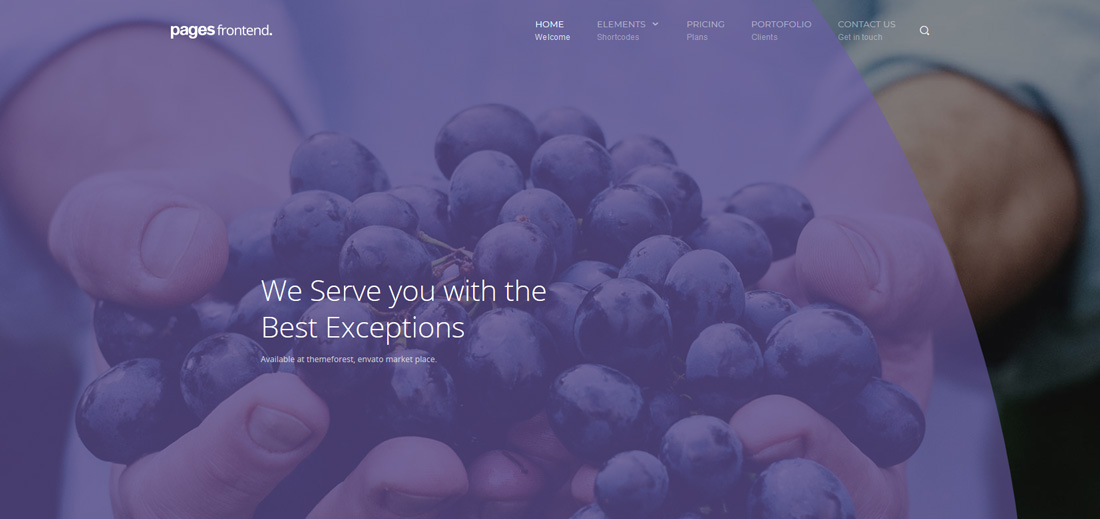
20 Best Interactive Website Templates 2026
With any of these creative interactive website templates, you can engage your visitors and reduce your bounce rate. Raise your potential and increase your chances of winning over more users and clients.
In the data-rich online world, presenting information interactively to users is a major challenge for content creators. The essential factor in a successful website is an appealing, engaging design that performs exceptionally well.
And that’s when these spectacular templates and themes come into play.
Table of contents — all 20 templates
Instant post navigation
- Skip to Interactive WordPress themes
- Skip to Interactive website templates
The modern website has evolved, offering a range of interactive web elements. HTML5 inherits many animation effects in its core feature, so now you can easily make lightweight, interactive animated website templates.
Thanks to the predefined themes and templates, you can start working on your interactive website immediately. Each tool comes with the necessary elements and functions to produce an outcome that helps you stand out from the masses.
Instead of doing the heavy lifting alone, pick the web design that resonates with you best and make an immediate difference.
Best Interactive WordPress Themes
1. Divi

Premium WordPress · Best for: Motion you configure, not inherit
Divi is the least specialised pick here — interaction comes from what you build, not from a fixed demo. More than a hundred complete website demos import as working pages, and every section stays editable in the visual builder, so an effect that proves distracting on mobile is as easy to remove as it was to add.
2. Jevelin

Premium WordPress · Best for: Layered animated hero sliders
Jevelin spends its motion budget on Slider Revolution, which animates the hero in layers rather than moving the whole page. Over twenty demos cover home and internal layouts, and more than forty shortcodes plus the WPBakery builder let you place animated blocks section by section.
3. Concreate

Premium WordPress Dark Mode · Best for: Architecture and interior studio sites
Concreate is aimed at architecture and interior studios, where interaction has to stay out of the way of large project photography. Three homepage versions ship with three header variations and a choice of dark or light mode, plus a drag-and-drop builder, Google Maps, a working contact form, and a video guide to importing the demo data.
4. Uncode
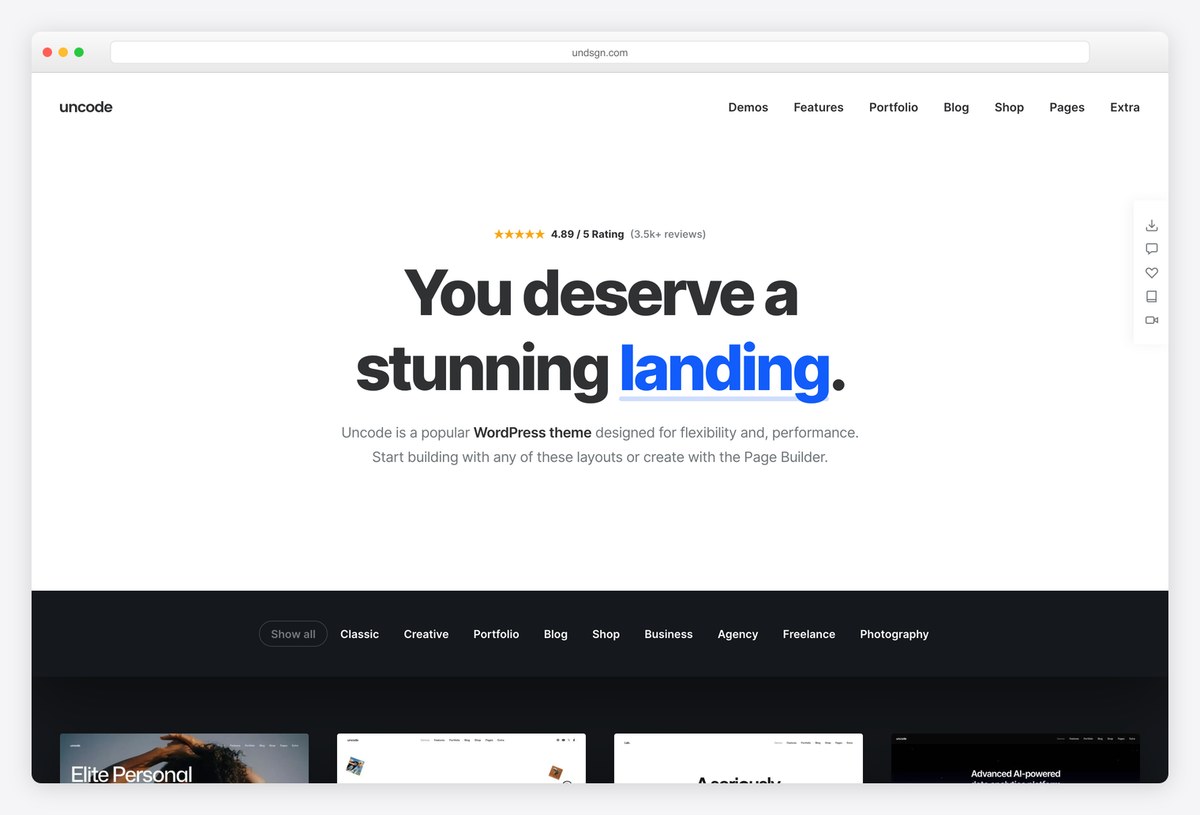
Premium WordPress · Best for: Creative agencies and portfolios that want scroll-driven motion
Uncode is one of the best-selling creative themes on ThemeForest, and its demos lean on GSAP and Lenis smooth scrolling for text reveals, scroll-triggered animation and parallax media. Its own page builder, a large library of importable demos and a separate wireframes plugin full of section templates cover portfolios, agencies, shops and blogs, with WooCommerce built in.
5. Cygni

Premium WordPress Dark Mode · Best for: Scroll-revealed portfolio showcases
Cygni animates on scroll — sections reveal as they enter the viewport instead of moving continuously, which keeps long project pages readable. It is built for an online portfolio, with several project showcase layouts, a dark mode, a blog, and Elementor for editing.
6. Rhye
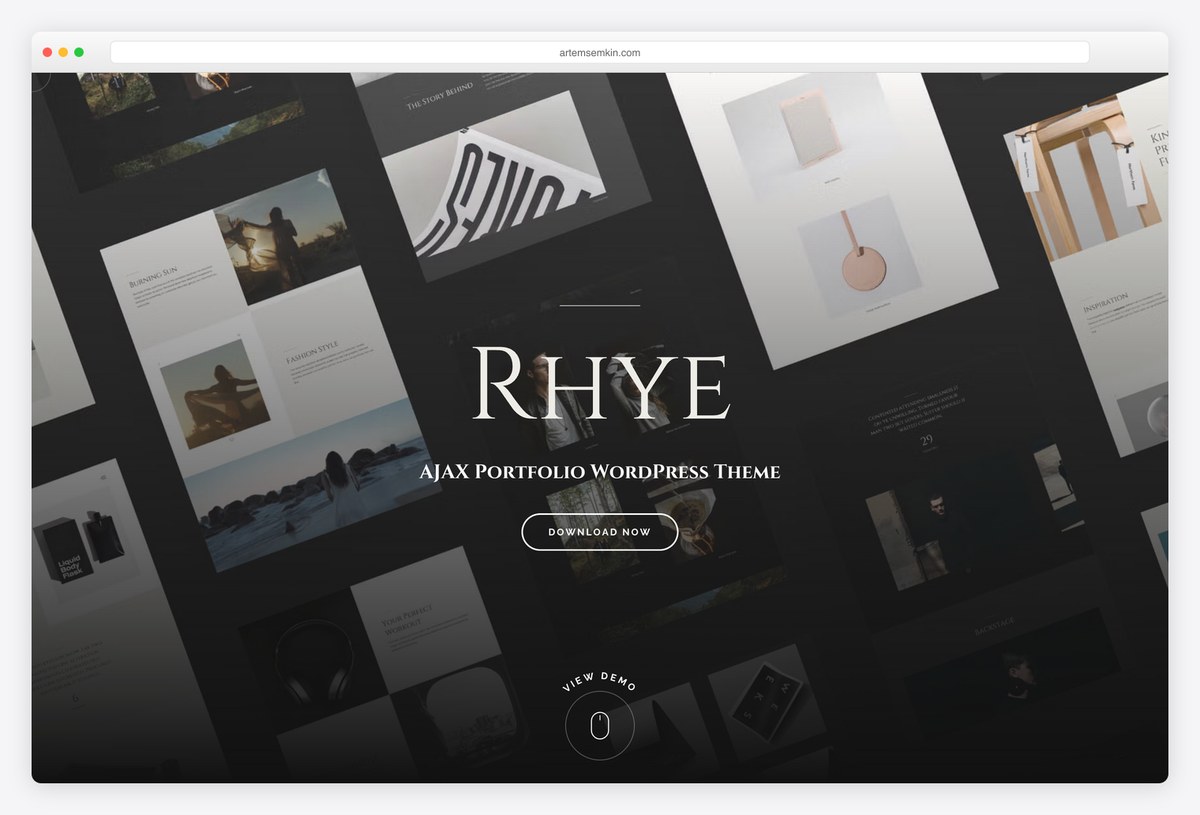
Premium WordPress · Best for: Portfolios with WebGL effects and page transitions
Rhye is an AJAX portfolio theme for designers, photographers and studios: pages change through smooth transitions instead of full reloads, and visitors can move from one project to the next just by scrolling. WebGL and GSAP drive slider distortion effects, parallax backgrounds and on-scroll typography reveals, and every page is edited in Elementor.
7. Talkie

Premium WordPress · Best for: Lead-generation sites with a chatbot
Talkie’s headline interaction is a built-in chatbot, which puts a conversation in front of visitors instead of a contact form. Two home demos ship with parallax sections, sticky navigation, a mega menu, and three footers, and Elementor handles editing — a lead-capture setup more than a showcase.
Best interactive website templates
8. Arolax
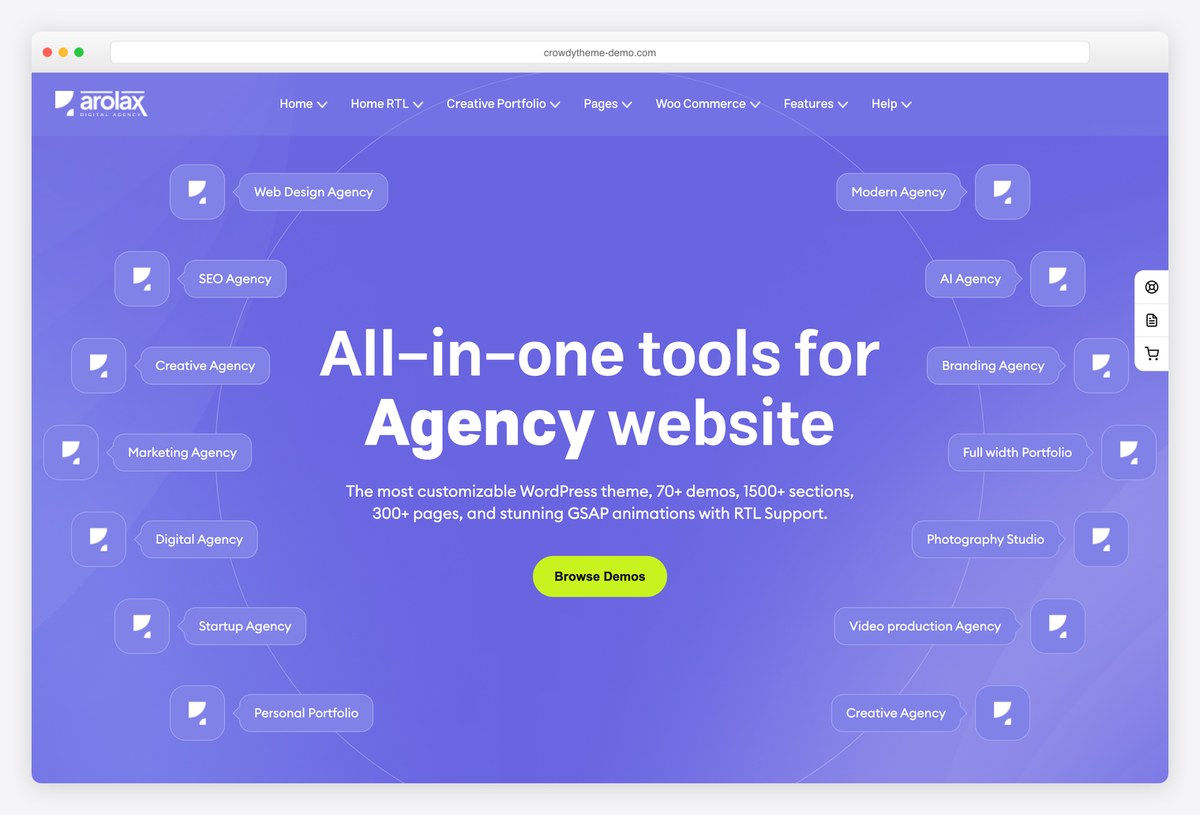
Premium WordPress · Best for: Digital agency sites built around animation
Arolax is an animation-focused theme for digital and creative agencies. Its demos are built on GSAP and ScrollTrigger, so headings, images and cards animate as they scroll into view, and most agency home pages come in light and dark versions. RTL and WooCommerce are supported, which makes it a good fit for agencies that sell services and products.
9. Wavo
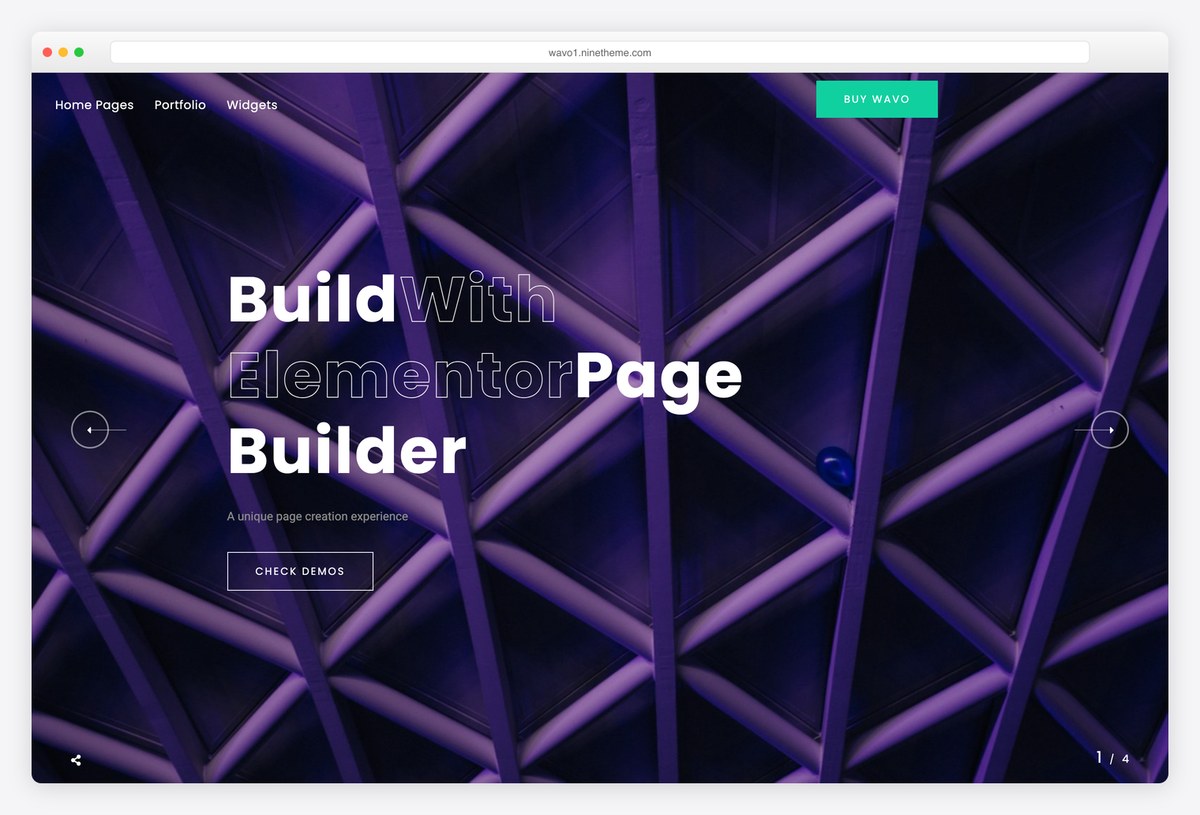
Premium WordPress · Best for: Animated agency and freelancer portfolios
Wavo is an animated portfolio and agency theme built on Elementor. Its demos combine smooth scrolling, parallax backgrounds and full-screen sliders whose outlined headlines fill in as they move, and it offers one-page and multi-page layouts with RTL support. Every block is an Elementor widget, so the motion can be reused across pages without code.
10. Panagea
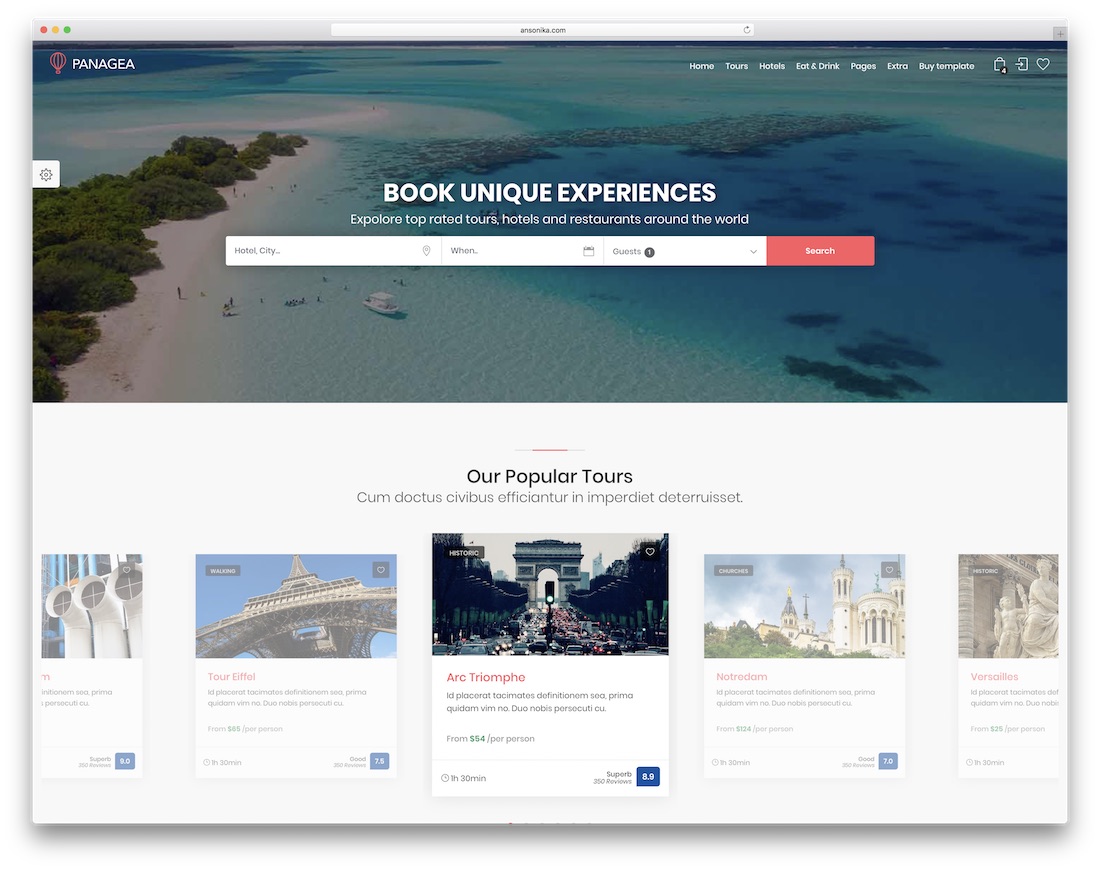
Premium HTML · Best for: Travel listings with booking UI
Panagea’s interaction is functional rather than decorative: a date picker, a registration form with a password-strength meter, and Google Maps with get-directions. It is built as a travel and tours listing page with front pages, inner pages, and a dashboard, plus five colour presets, a sticky sidebar, an Owl carousel, and an Instagram feed.
11. XeOne
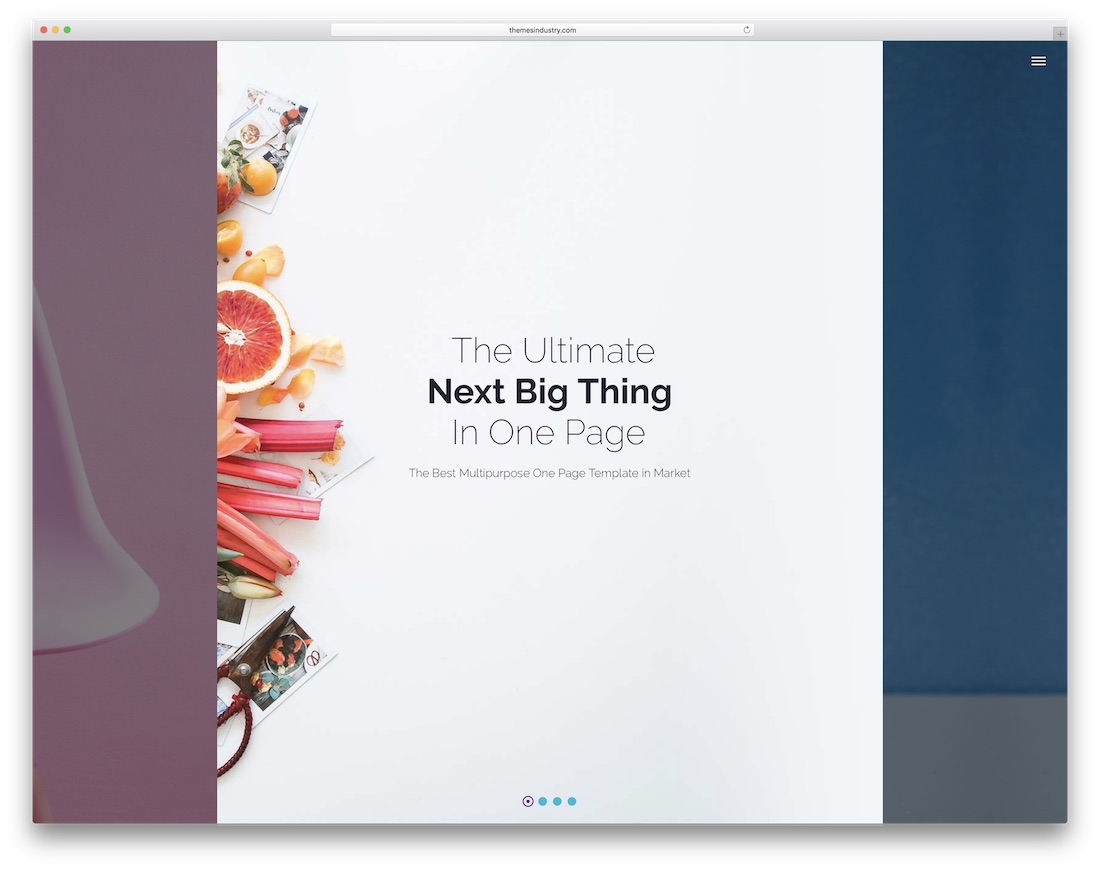
Premium HTML · Best for: One-page parallax business sites
XeOne is a one-page parallax layout — background layers shift against the content as you scroll a single long homepage. Twenty demos and a set of ready-made sections cover startup, creative, and business framings, so the whole pitch fits on one page without inner navigation.
12. Pofo

Premium HTML · Best for: Agencies needing many page variants
Pofo is a volume play: 25 ready-made homepage variations and more than 210 subpages, split between one-page and multi-page structures. Slider Revolution is bundled for the animated hero sections, and the same design exists as a WordPress theme if the project later needs a CMS.
13. Canvas

Premium HTML · Best for: One design system across niches
Canvas shares a single design system across dozens of niche layouts, so interaction behaves the same whichever demo you start from. One-page and multi-page variants both ship, with a large element library, several navigation menu options, and Slider Revolution plus its visual editor included — among them layouts that work as a menu website template.
14. Crafto
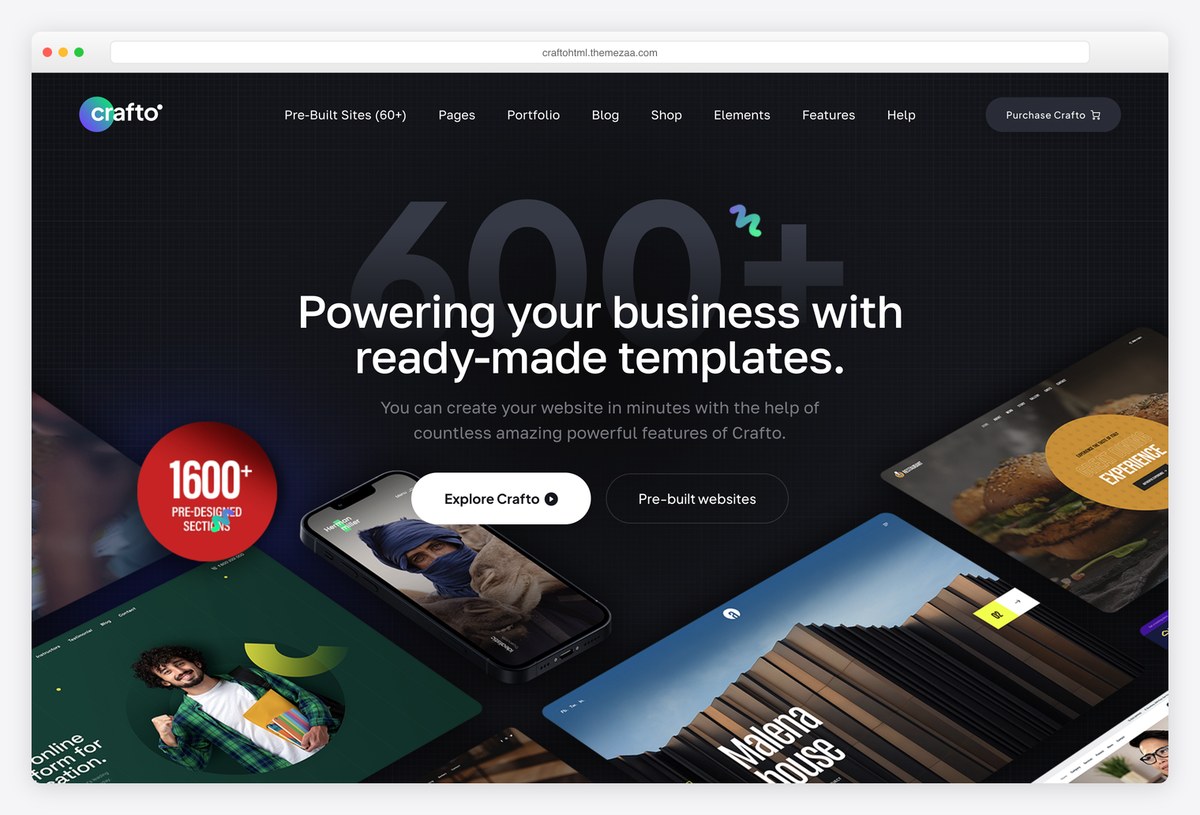
Premium HTML · Best for: Developers who want a large interactive HTML kit
Crafto is a Bootstrap 5 HTML template with SCSS source and a very large set of ready-made websites, pages and sections for corporate, startup, agency, shop and portfolio projects. Its demos use GSAP-driven animation and fixed-background parallax, and Slider Revolution and Mailchimp integration are included for heroes and sign-up forms.
15. Porto
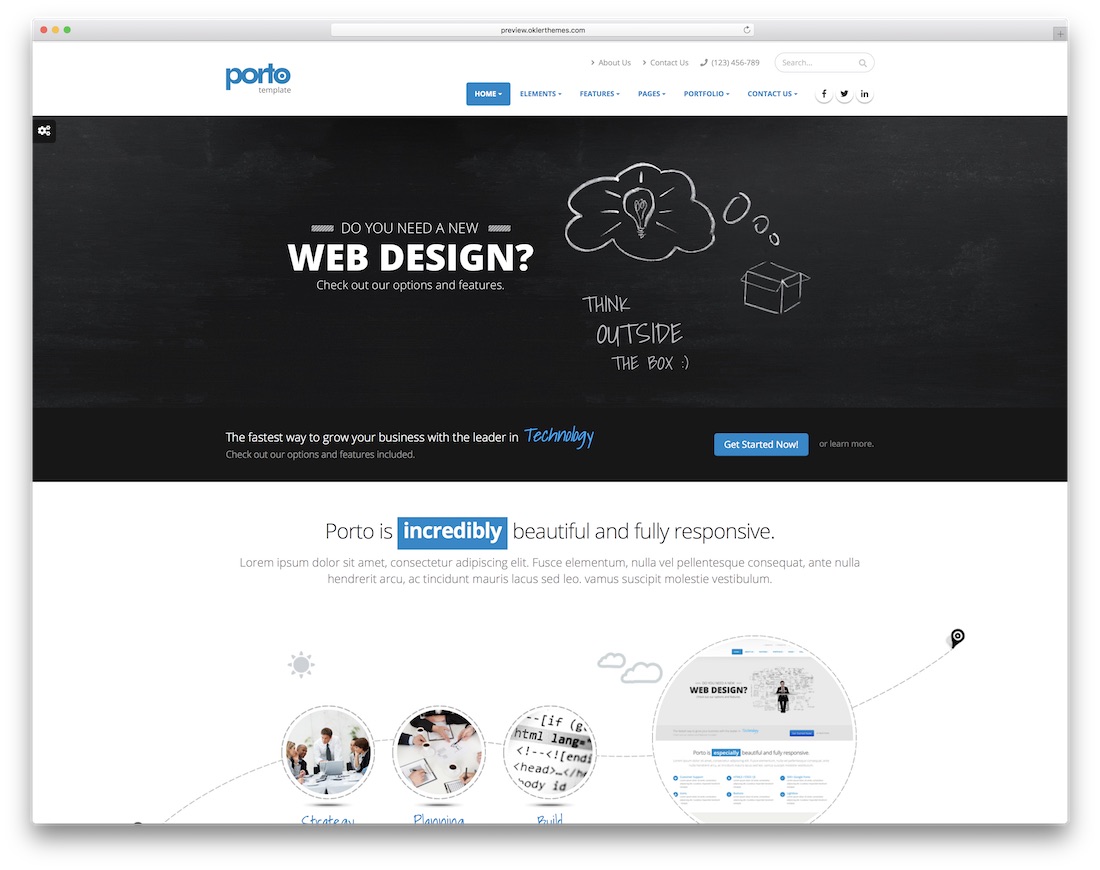
Premium HTML Bootstrap Dark Mode · Best for: Sites that may change platform
Porto is the same design across six platforms — HTML, WordPress, Magento, Drupal, Joomla, and Shopify — which matters if the site later becomes a store. Eighteen homepage variations ship with light and dark skins, more than five hundred icons, and configurable colour, border, and layout styles.
16. Polo
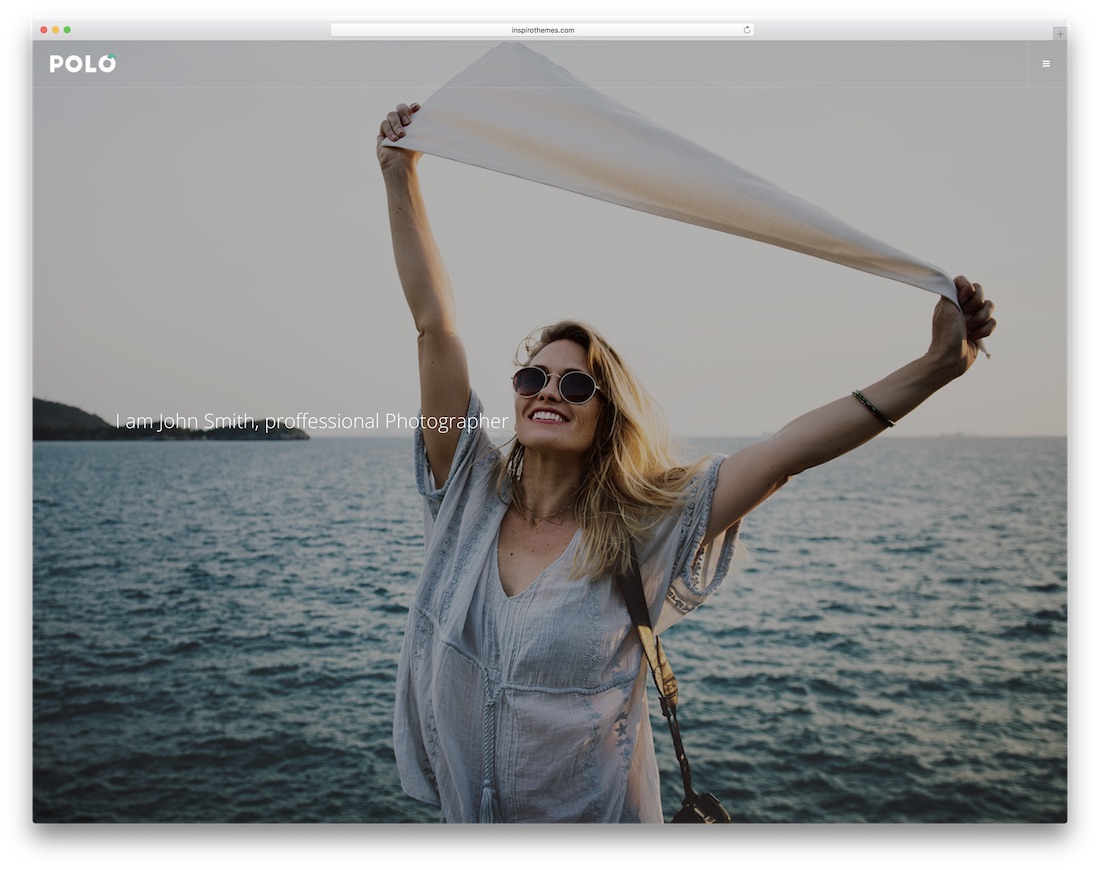
Premium HTML · Best for: Large sites built from shortcodes
Polo’s shortcode system is the point — web elements drop into any page without editing the underlying markup. More than two hundred demo layouts and nineteen header styles cover most niches, and nearly every part of the design is configurable from the same components.
17. BeTheme
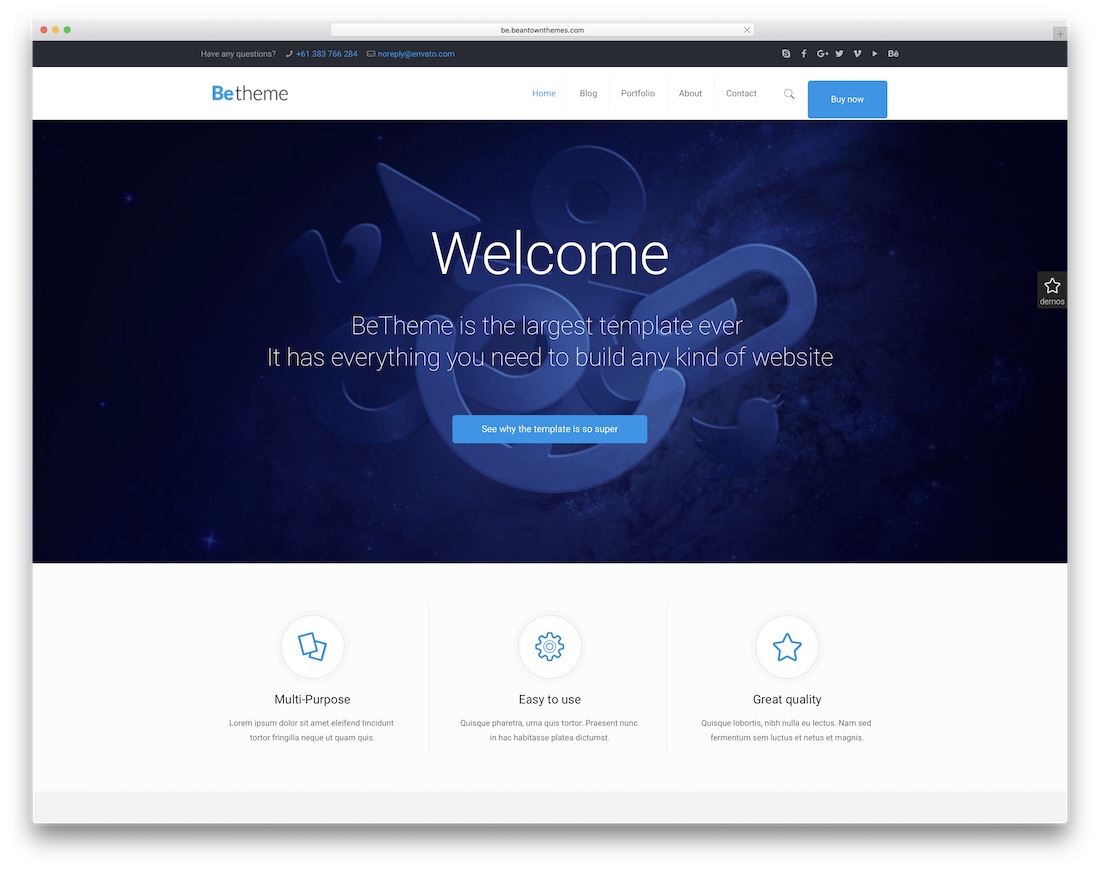
Premium HTML · Best for: Finding a niche-matched layout fast
BeTheme treats scroll effects, animation effects, and interactive maps as standard components, spread across more than 300 prebuilt website variants. That works out to roughly four options per niche, with twenty customisable header styles and a mega menu for sites with deep navigation.
18. Rhythm
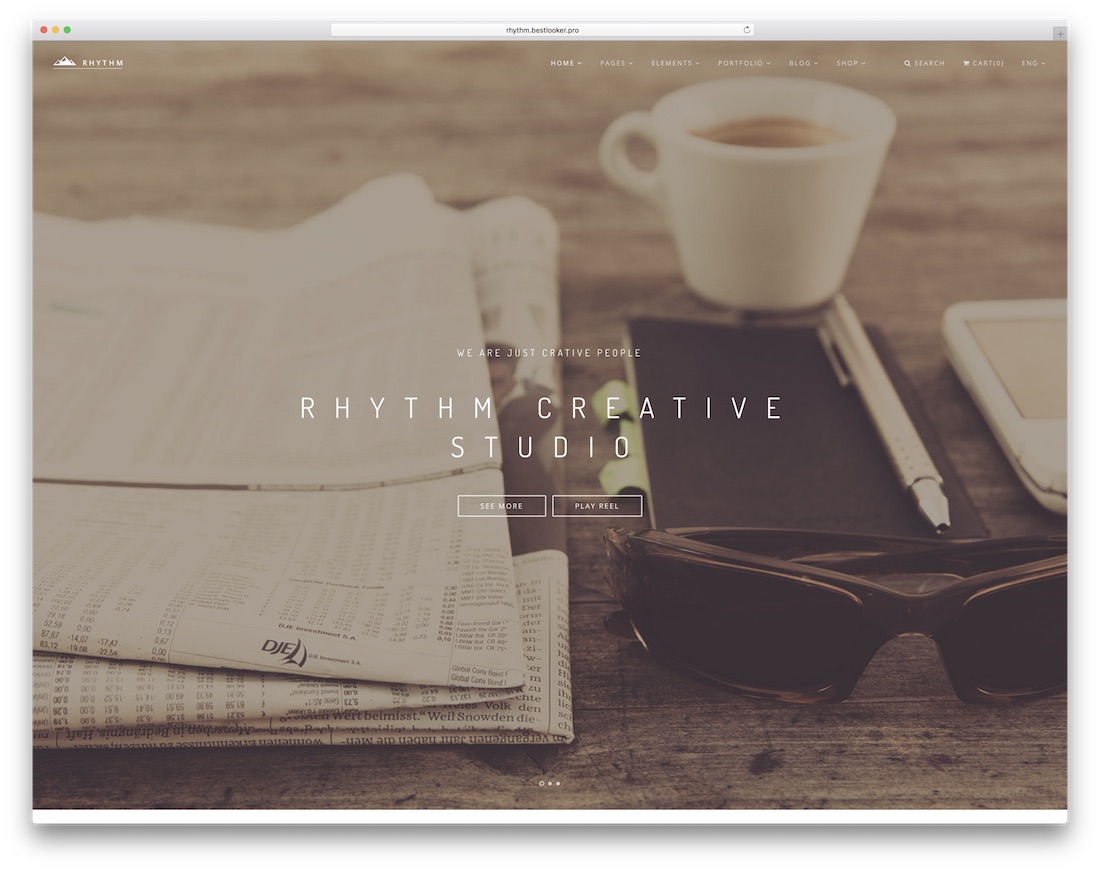
Premium HTML Dark Mode · Best for: Minimal sites with restrained motion
Rhythm earned an honourable mention at Awwwards, and the restraint shows — motion accents the layout instead of driving it. Over fifty demos ship with nine header variations, light and dark skins, separate store and portfolio pages, working contact forms, and Revolution Slider plus Mailchimp integration.
19. Kalium
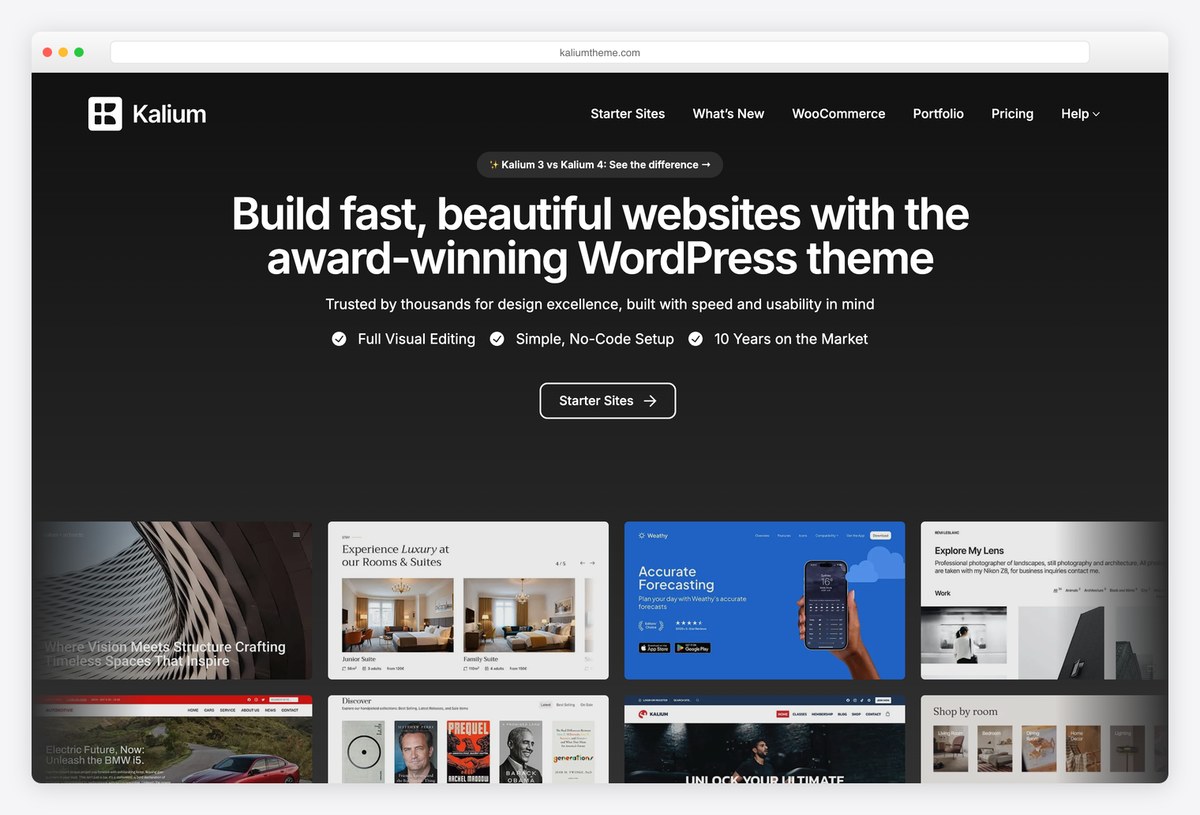
Premium WordPress · Best for: Portfolios that want polish rather than spectacle
Kalium takes a quieter approach to interaction: its makers describe it as built around white space and free of cheap animation, so the motion is limited to refined hovers, sliders and page transitions. Its starter sites cover portfolios, agencies, shops and service businesses, and it is a long-running theme that is still updated for the latest WordPress and WooCommerce.
20. Burst
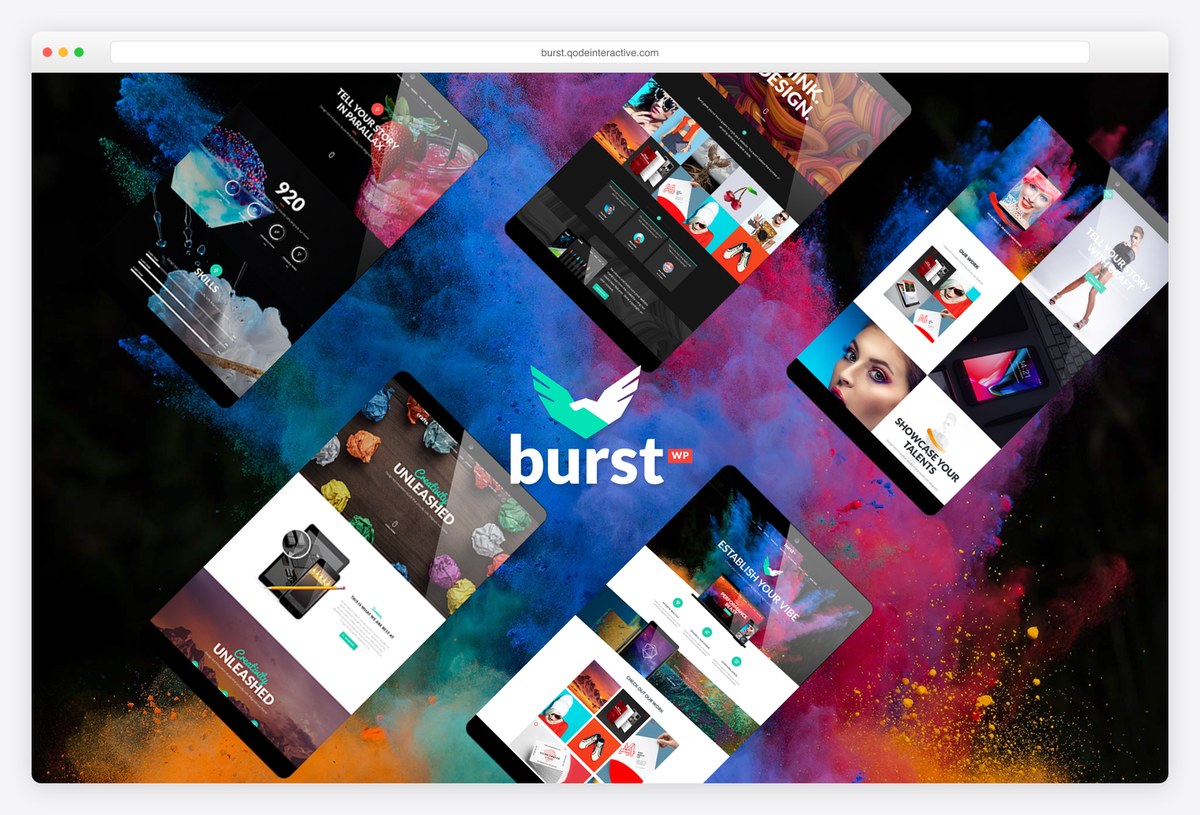
Premium WordPress · Best for: Bold design, video and creative studios
Burst is a bold, colourful theme for design, video and creative agencies. It includes a full-screen image and video slider with parallax, parallax sections, an interactive map, side and full-screen menus and video backgrounds, with WPBakery for building pages and WooCommerce support for selling products.
Frequently Asked Questions
What counts as an interactive website template?
Templates where motion and response are the design — scroll-triggered animation, hover states that reveal content, parallax layers, and micro-interactions — rather than static pages with a slider bolted on.
Do animations hurt SEO or performance?
Heavy JavaScript animation can hurt Core Web Vitals if it blocks rendering. The entries here mostly use CSS transforms and IntersectionObserver triggers, which are cheap; test with your real content.
Can I tone down the animations?
Yes — most effects are class- or attribute-driven (AOS delays, CSS keyframes), so removing an attribute disables the effect. Also respect prefers-reduced-motion; several entries handle it already.
Which template suits an agency showcase?
The full-screen, scroll-story entries — they demo creative capability by existing. For content-heavy sites, choose the entries where interaction accents the layout instead of being the layout.

Related Posts



Comments (0)