
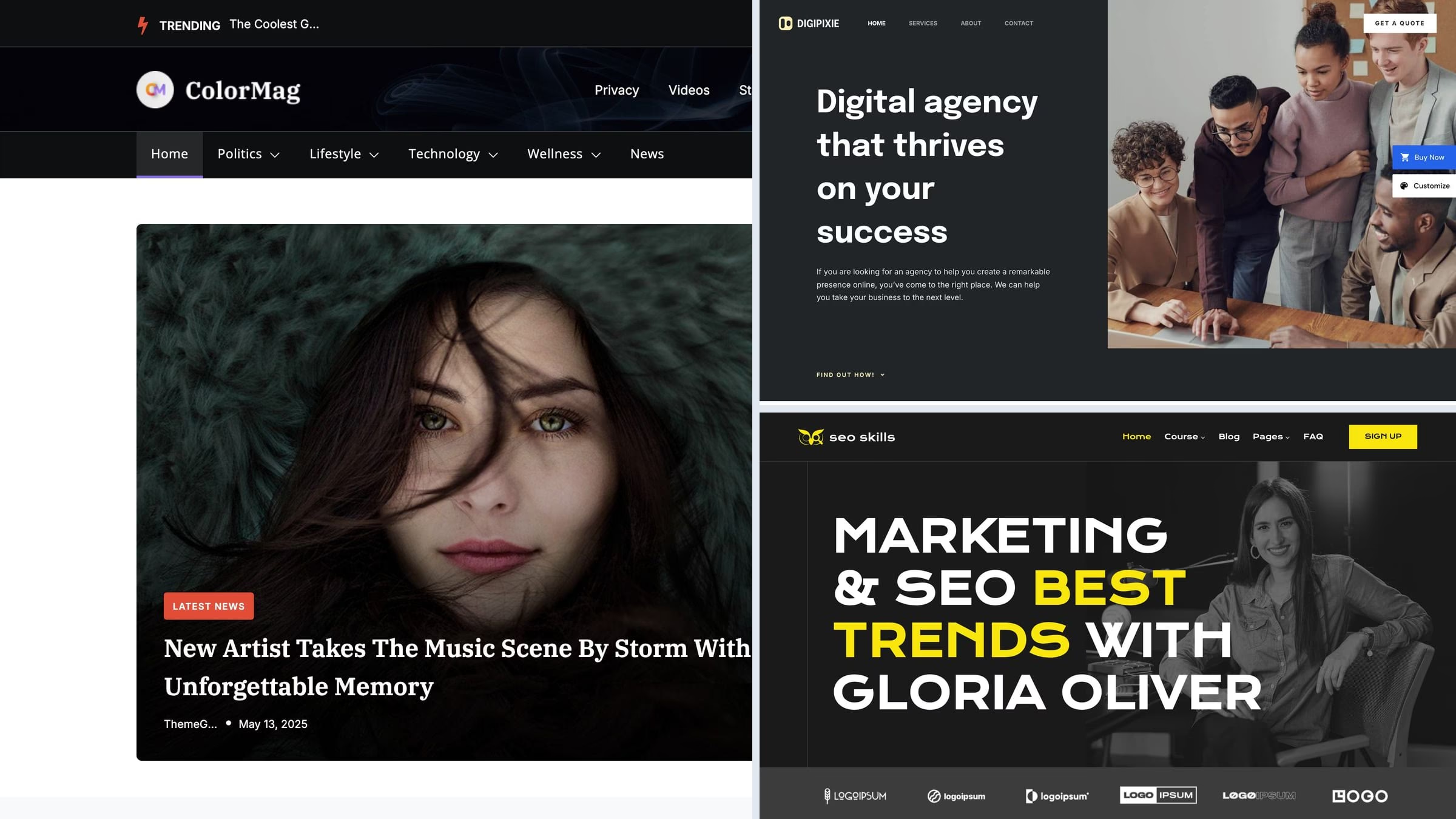
47 Best Free WordPress Themes 2026 (With Live Demos)
For a starter-based website, our first free Colorlib pick is Unapp: 19 free starters and guided setup. This guide covers 47 free themes and 4 paid alternatives, with live demos and clear notes about what each option provides.
The WordPress.org selections were checked against three criteria: updated within the last twelve months, at least a thousand active installs, and a live demo we could open and photograph. The themes in the speed table were also installed on an identical test site to measure their weight, because on a free theme the page weight is the thing most likely to cost you later.
Looking for something specific? Jump to the niche lists for lawyers, photographers, restaurants, charities and more.
Quick picks
- Colorlib free pick: Unapp — 19 free starters and guided setup
- Colorlib free pick: Tyche — Six shop starters and ten palettes
- Colorlib free pick: Academia — Six starters and a searchable course browser
- Most popular: Astra — a million sites, under 50KB, a starter for nearly every niche
- Best block editor theme: Kadence — header and footer builders without a page builder
- Fastest we measured: GeneratePress — 277KB and 99/100 on identical content
- Colorlib pick: Shapely — our own one-page theme, still updated after ten years
- Best for blogs: Sparkling — clean, readable, and the layout stays out of the way
- Best for a store: Botiga — WooCommerce features most themes reserve for paid tiers
Top picks at a glance
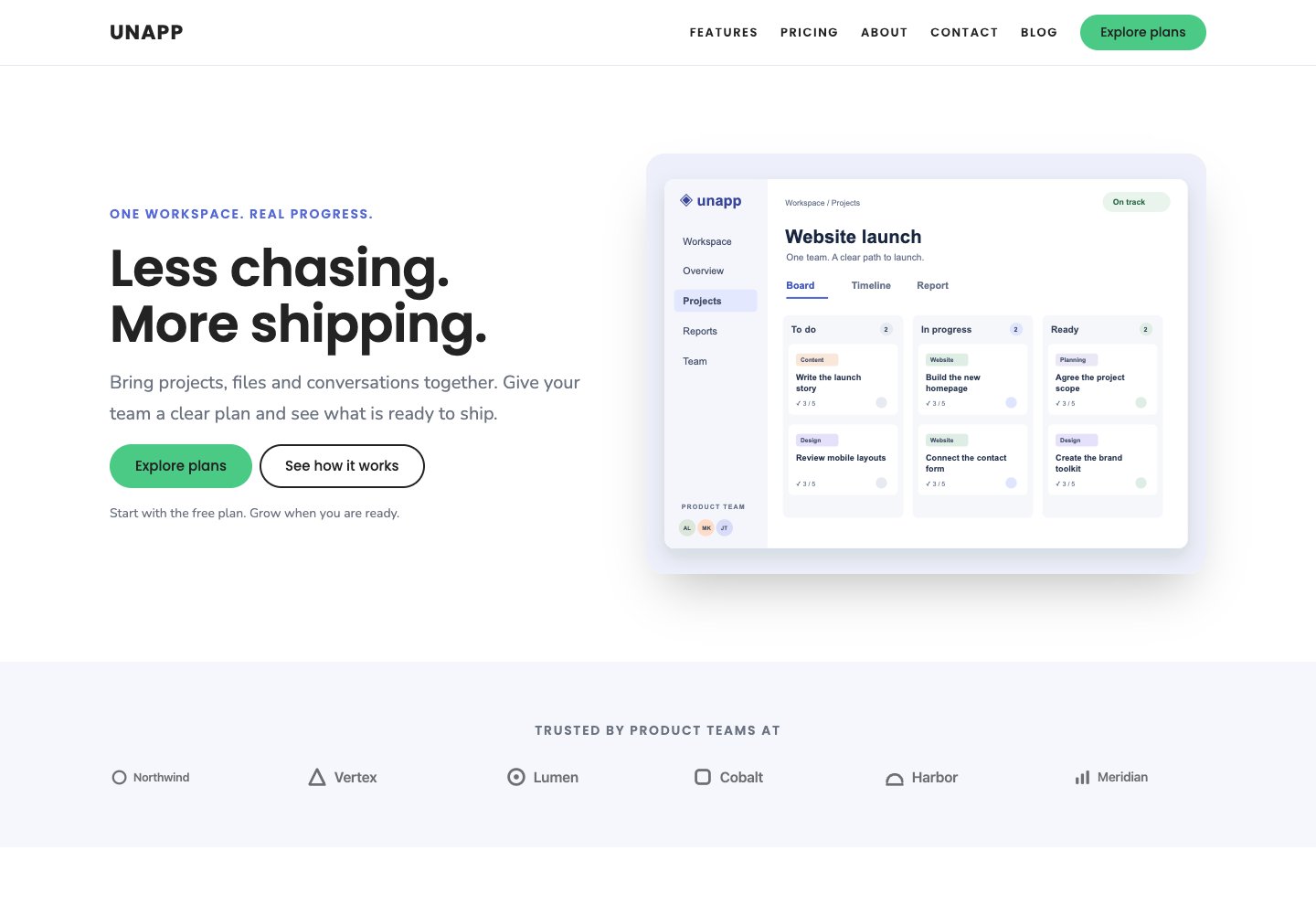 UnappFree from Colorlib · 19 free starters and guided setup
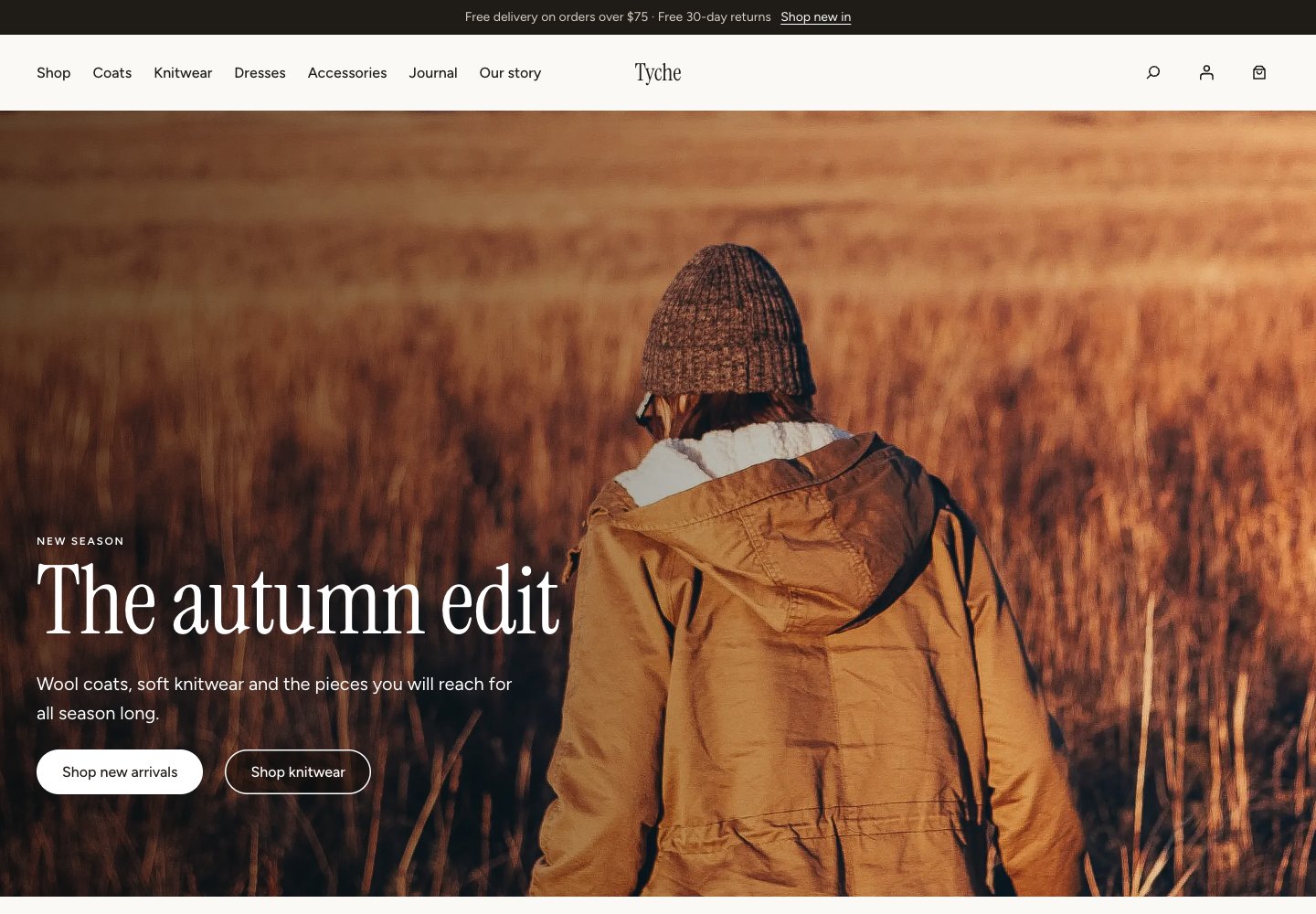 TycheFree from Colorlib · Six shop starters and ten palettes
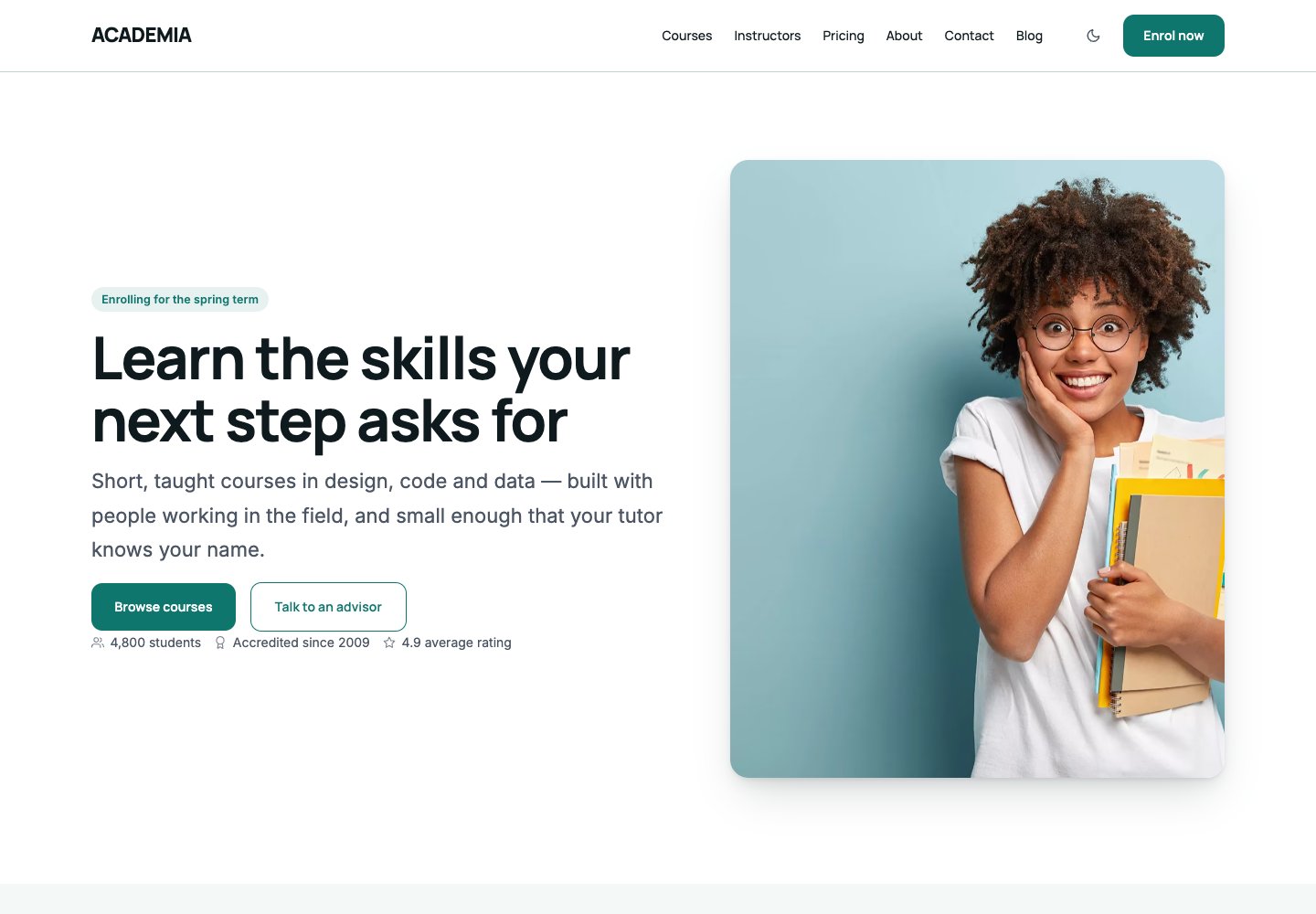 AcademiaFree from Colorlib · Six starters and a searchable course browser
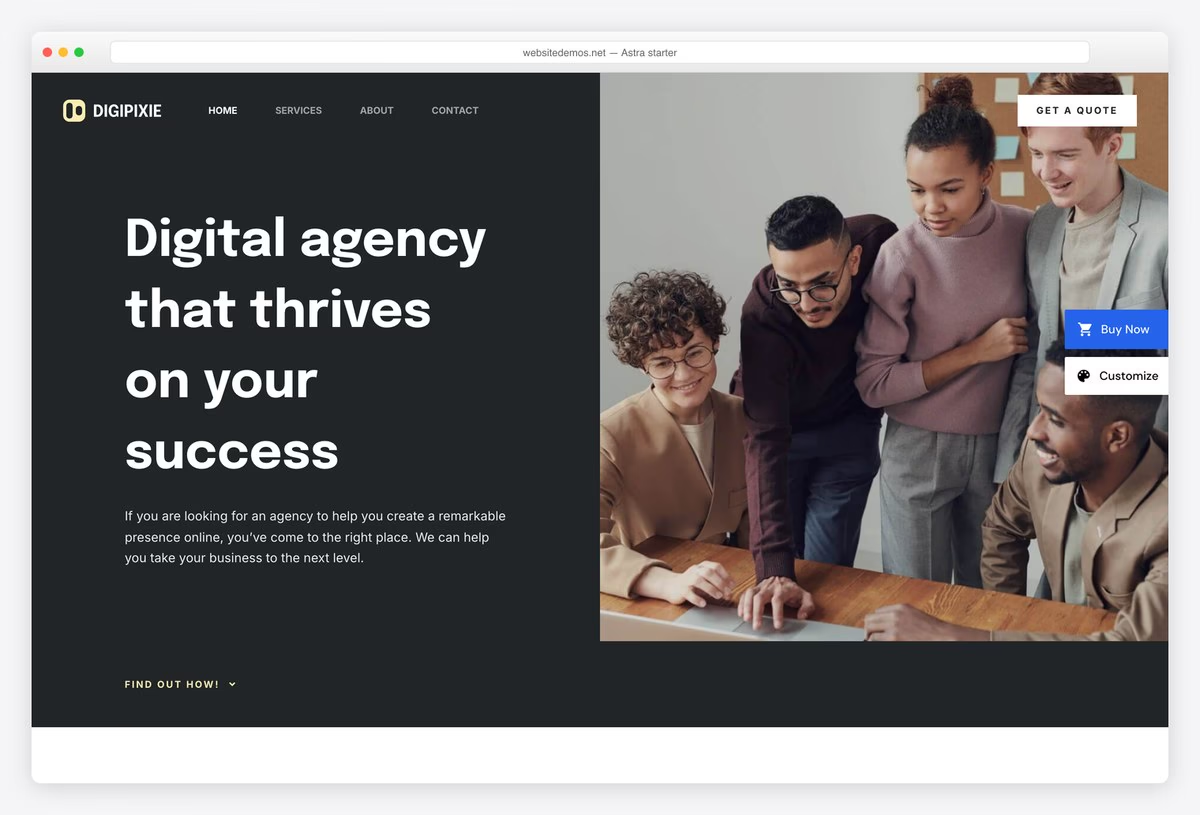 Astra1M installs, starter for every niche
 KadenceBlock-first, header/footer builders
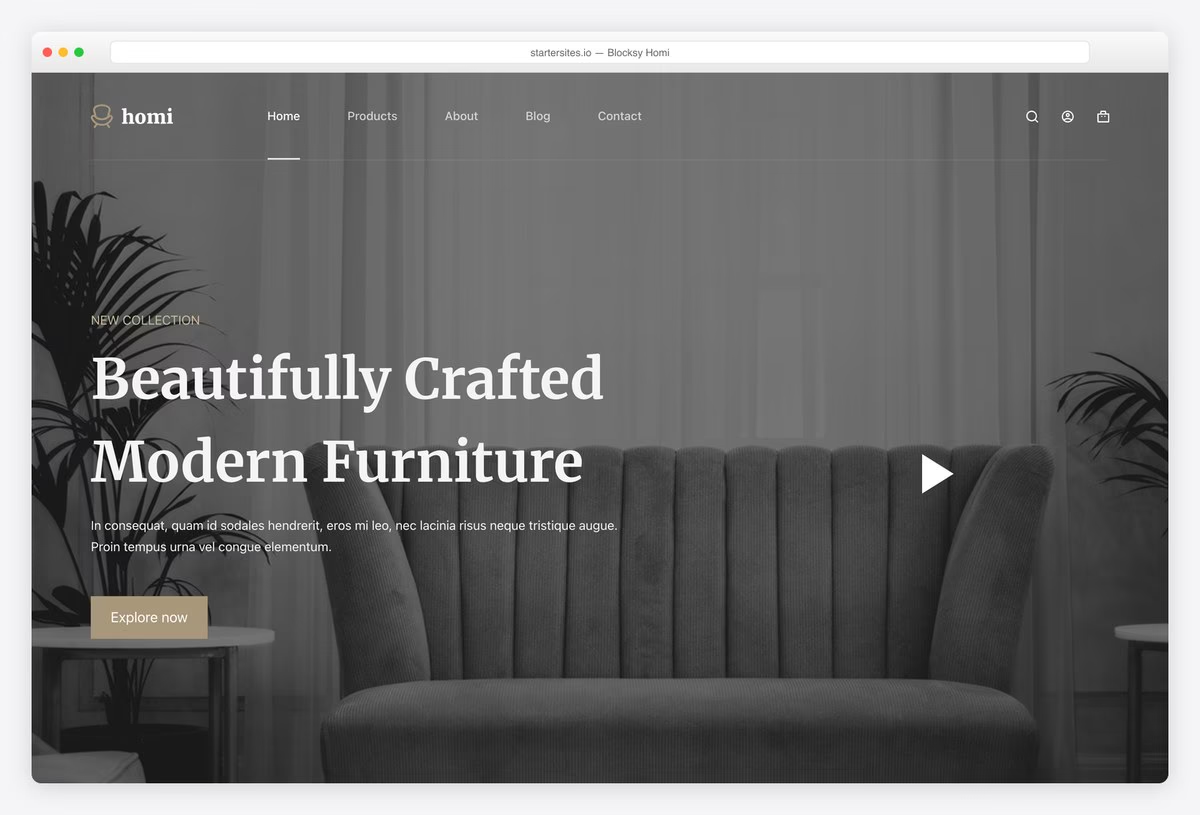 BlocksyHighest rated of the big frameworks
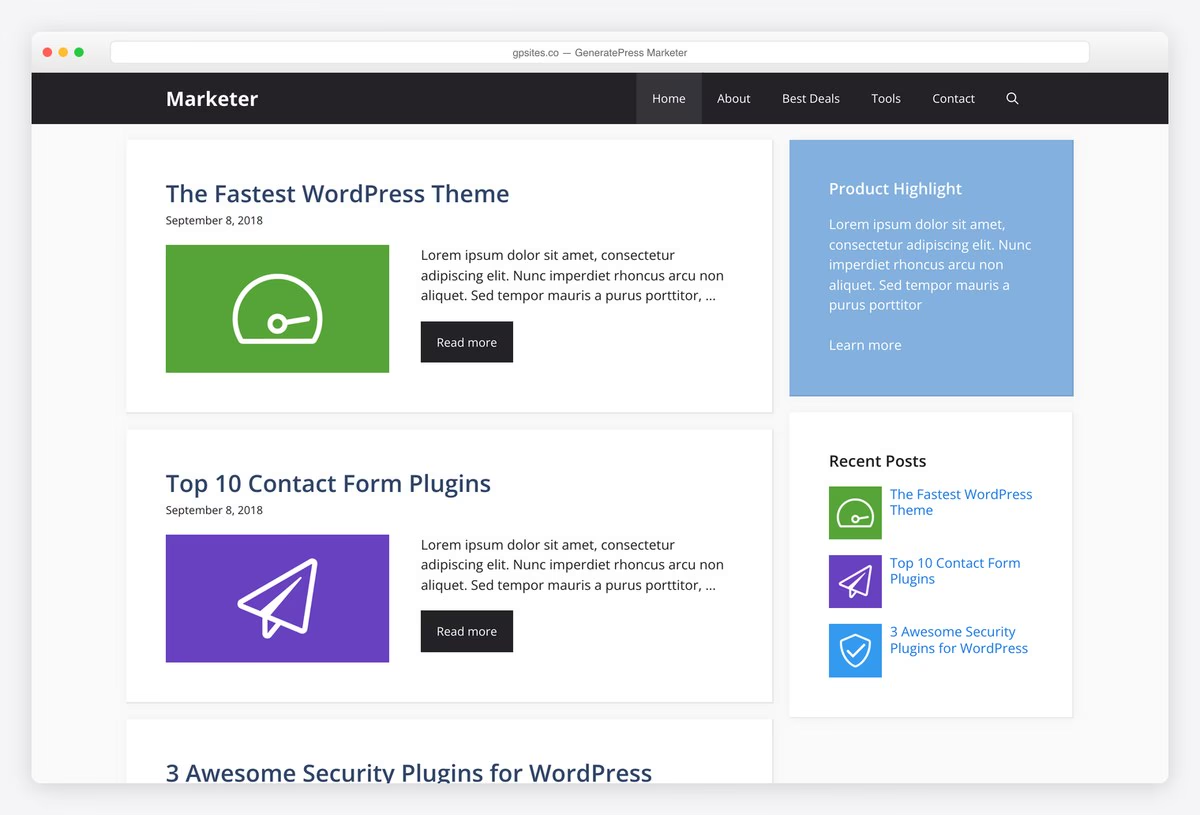 GeneratePressThe fastest theme we measured
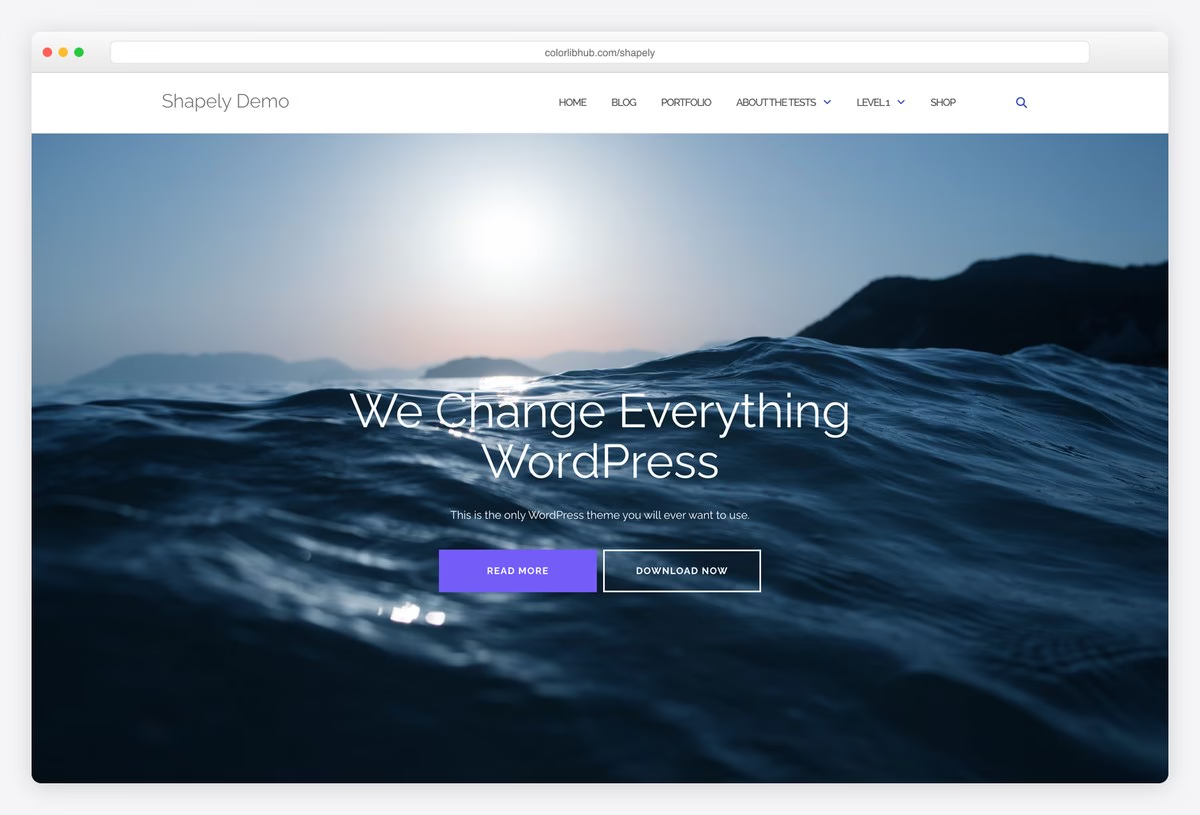 ShapelyColorlib’s one-page theme
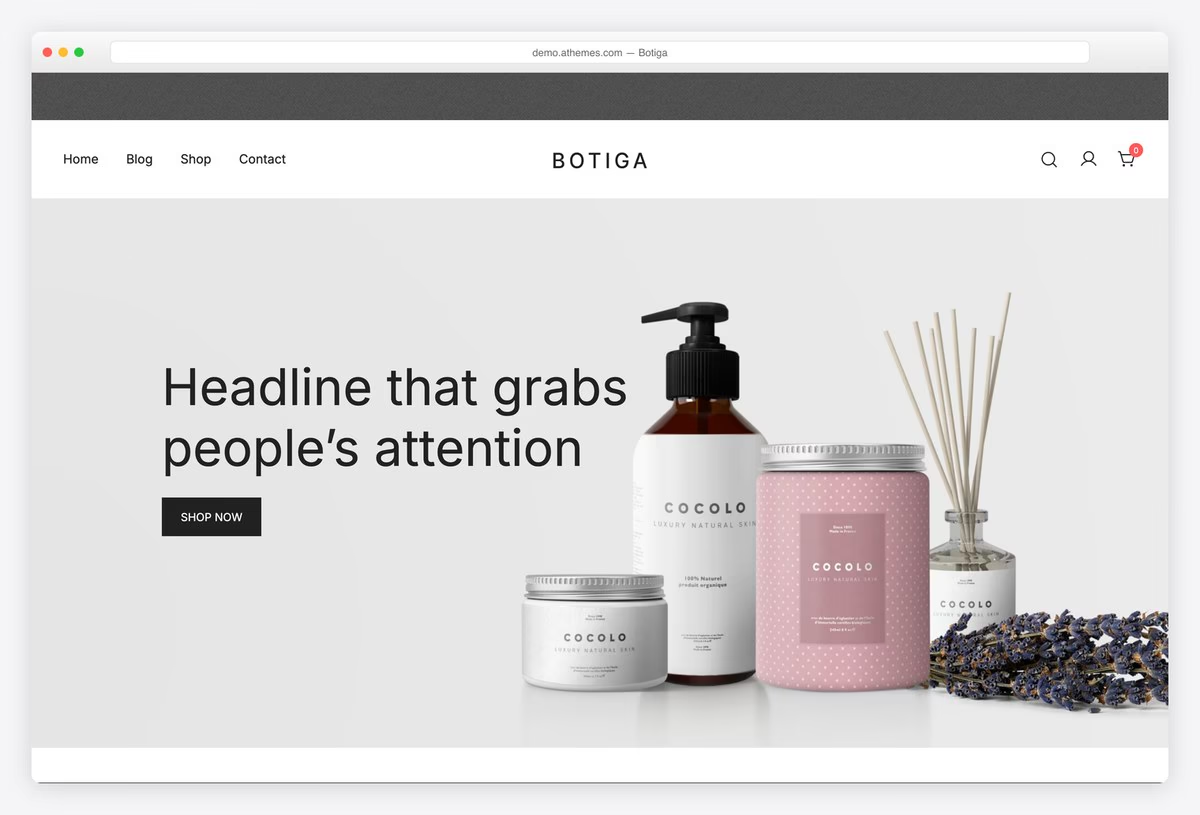 BotigaFree WooCommerce extras
Table of contents — all 51 themes
- Unapp — Block edition
- Tyche — Current block edition
- Academia — Block edition
- Pato — Block edition
- Creative Agency — Block edition
- South — Block edition
- Unioncorp — Block edition
- Dreamrs — Block edition
- Daren — Block edition
- Philosophy — Block and classic editions
- Wemeet — Block edition
- Docmed — Block edition
- Nonprofit — Block edition
- Sunshine — Block edition
- Martine — Block edition
- Montana — Block edition
- Industry — Block edition
- Lagoon — Block edition
- Horseclub — Block edition
- Astra
- Kadence
- Blocksy
- GeneratePress
- Neve
- OceanWP
- Sydney
- Hestia
- Zakra
- Hello Elementor
- Sparkling
- ColorMag
- Newsup
- Lovecraft
- Raft
- News Portal
- Blogus
- Shapely
- Illdy
- Phlox
- Botiga
- Woostify
- Orchid Store
- Activello
- Travelify
- Inspiro Lite
- Perfect Portfolio
- Author
- Divi
- Avada
- Astra Pro
- Blocksy Pro
Quick comparison: our current picks
| Theme | Price | Best for | Standout | Updated |
|---|---|---|---|---|
| Unapp | Free | A starter-based site edited in WordPress | 19 free starters and guided setup | — |
| Tyche | Free | A store edited with native WooCommerce blocks | Six shop starters and ten palettes | — |
| Academia | Free | Schools and course providers | Six starters and a searchable course browser | — |
| Astra | Free / Pro | Almost anything | Under 50KB, 380+ starter sites | Sep 2026 |
| Kadence | Free / Pro | Block editor builds | Header and footer builders in the free version | Jul 2026 |
| Blocksy | Free / Pro | Modern block sites | The highest rating of any big framework | Sep 2026 |
| GeneratePress | Free / Pro | Speed above all | Lightest in our test at 277KB | Dec 2025 |
| Shapely | Free | One-page sites | Full-width parallax sections, built by us | Sep 2026 |
| Botiga | Free / Pro | Small stores | Quick view and sticky cart without paying | Aug 2026 |
Speed comparison: previously tested themes
How we tested: we installed the themes in the speed table on the same clean WordPress site with the same content and no extra plugins, then measured the homepage with Google Lighthouse on mobile. Because the content is identical, the differences below are the theme itself rather than a demo’s photography. Lower is better, and the gap between the top and bottom of this table is roughly five times the page weight.
| Theme | Page weight | Requests | Lighthouse | LCP |
|---|---|---|---|---|
| Hello Elementor | 223 KB | 15 | 100/100 | 1.7s |
| GeneratePress | 277 KB | 14 | 99/100 | 1.8s |
| Neve | 299 KB | 15 | 99/100 | 2.1s |
| Kadence | 328 KB | 17 | 96/100 | 2.5s |
| Blocksy | 330 KB | 13 | 95/100 | 2.6s |
| Travelify | 365 KB | 17 | 94/100 | 2.8s |
| Astra | 425 KB | 14 | 92/100 | 3.2s |
| Zakra | 451 KB | 17 | 91/100 | 3.1s |
| Sydney | 499 KB | 14 | 91/100 | 3s |
| Raft | 511 KB | 17 | 87/100 | 3.3s |
| Inspiro | 547 KB | 21 | 78/100 | 3.8s |
| Author | 645 KB | 24 | 79/100 | 4s |
| Sparkling | 647 KB | 24 | 74/100 | 5s |
| Hestia | 672 KB | 23 | 79/100 | 4.2s |
| Botiga | 677 KB | 19 | 75/100 | 4.5s |
| Lovecraft | 750 KB | 25 | 76/100 | 5s |
| Activello | 762 KB | 25 | 77/100 | 4.4s |
| OceanWP | 802 KB | 29 | 72/100 | 5.3s |
| News Portal | 813 KB | 33 | 68/100 | 5.3s |
| ColorMag | 871 KB | 26 | 67/100 | 5.9s |
| Shapely | 895 KB | 34 | 69/100 | 5.6s |
| Orchid Store | 934 KB | 22 | 68/100 | 5.9s |
| Illdy | 1086 KB | 38 | 65/100 | 6.8s |
| Woostify | 1247 KB | 22 | 66/100 | 5.6s |
| Newsup | 1441 KB | 38 | 62/100 | 8.8s |
| Blogus | 1747 KB | 40 | 56/100 | 10.5s |
| Phlox | 2290 KB | 27 | 57/100 | 13.6s |
| Perfect Portfolio | 2348 KB | 32 | 55/100 | 13.5s |
Our free Colorlib picks
We develop and maintain these free themes at Colorlib. Download them directly from us and explore their live demos below. These editions use Colorlib updates; WordPress.org install counts and ratings do not apply. Any speed table on this page covers the themes already measured in that test.
1. Unapp — Block edition
Best for: A starter-based site edited in WordPress.
Unapp is our free block theme for the Site Editor, with nineteen niche starters and 232 inserter patterns. Choose a one-page or full website, add your business details and preview the result before applying it. The finishing workspace guides native content and image editing, while compatible section swaps and header/footer presets include preview and Undo.
Keep in mind: Shop requires WooCommerce; contact forms use an optional plugin or email links.
2. Tyche — Current block edition
Best for: A store edited with native WooCommerce blocks.
Tyche's current block edition is our free WooCommerce theme with six shop starters, ten palettes and seven typography pairings. Store, product, cart and checkout layouts use WordPress's Site Editor and WooCommerce blocks. It is a complete store design rather than a brochure homepage with a shop link added.
Keep in mind: Requires WordPress 7.0 or newer and WooCommerce. Check the migration guide before switching an older Tyche site.
3. Academia — Block edition
Best for: Schools and course providers.
Academia is our free block theme for schools, academies and course providers. Its six starters include school, university and online-learning layouts. A course browser presents courses from the free companion plugin or supported LMS plugins, with filtering and sorting that also work without JavaScript. Pages, navigation and styles are edited in WordPress's Site Editor.
Keep in mind: The theme presents courses; lessons, enrolment and payments depend on the course plugin or LMS you choose.
4. Pato — Block edition
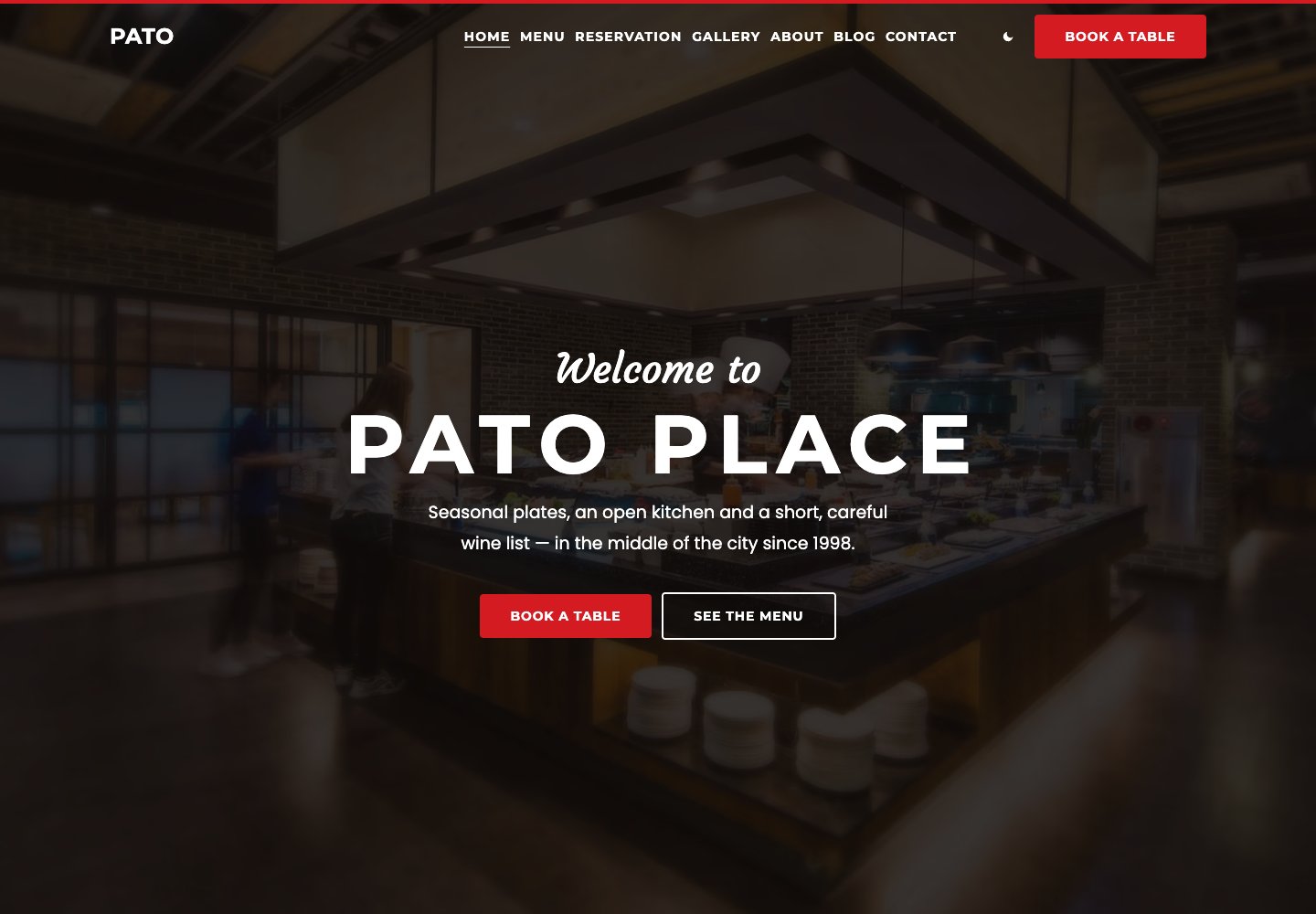
Best for: Restaurants, cafes and bakeries.
Pato is our free restaurant block theme with priced menus, opening hours, galleries and a reservation-request form. Six starters cover a bistro, fine dining, cafe, pizzeria, bar and bakery. Menu items remain ordinary editable blocks, so changing a dish or price does not require a menu-builder plugin.
Keep in mind: Reservation requests are sent for confirmation; the theme is not a table-inventory or payment system.
5. Creative Agency — Block edition
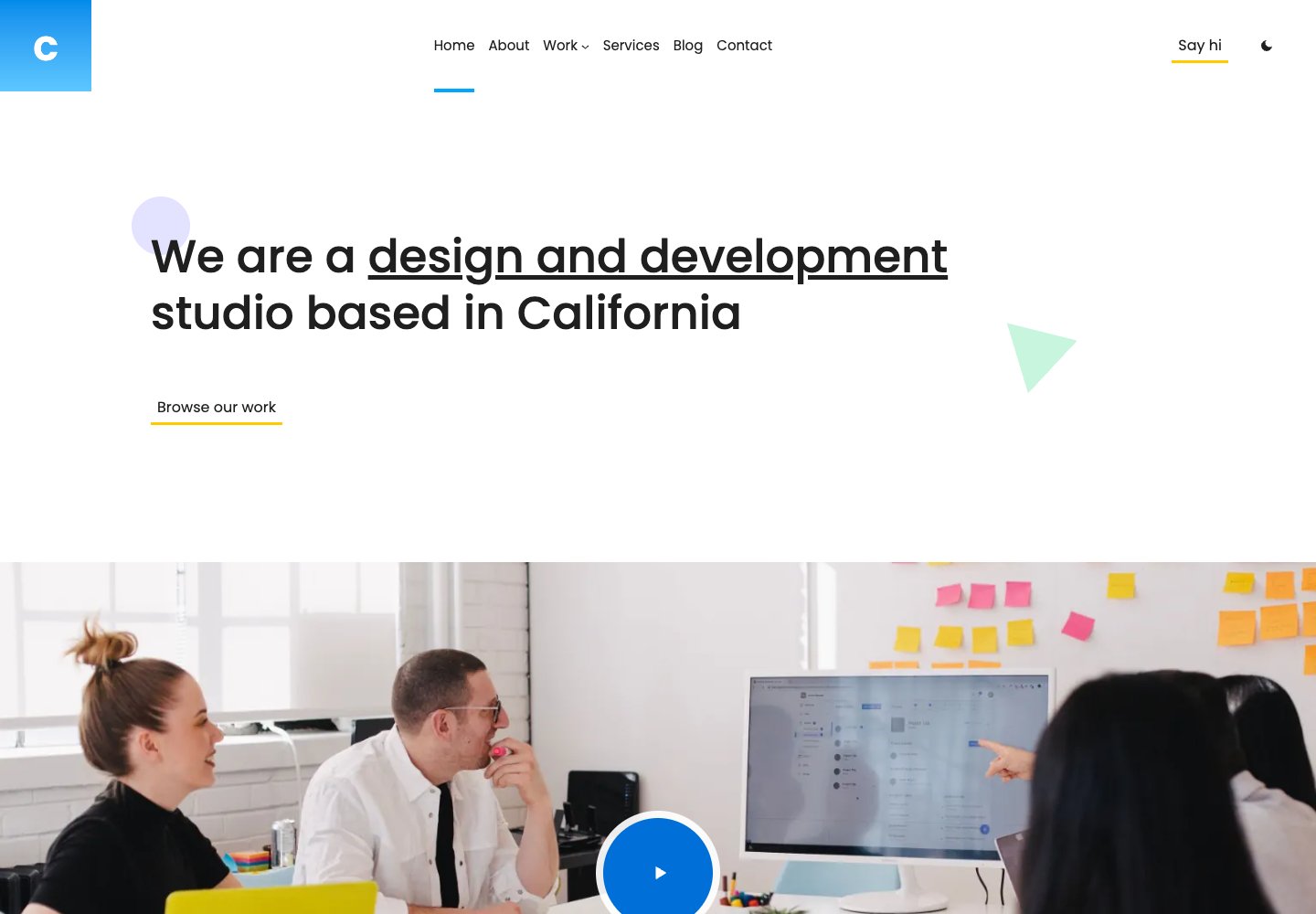
Best for: Design studios, agencies and freelancers.
Creative Agency is our free block theme for studios and independent creatives. A large opening statement leads into staggered projects, services, client logos and studio imagery, with a contact form in the block edition. Projects have room for their own pages, and six palettes and native Site Editor controls let you adapt the presentation.
Keep in mind: The demo content needs your own projects and images; the block and Elementor editions are separate choices.
6. South — Block edition
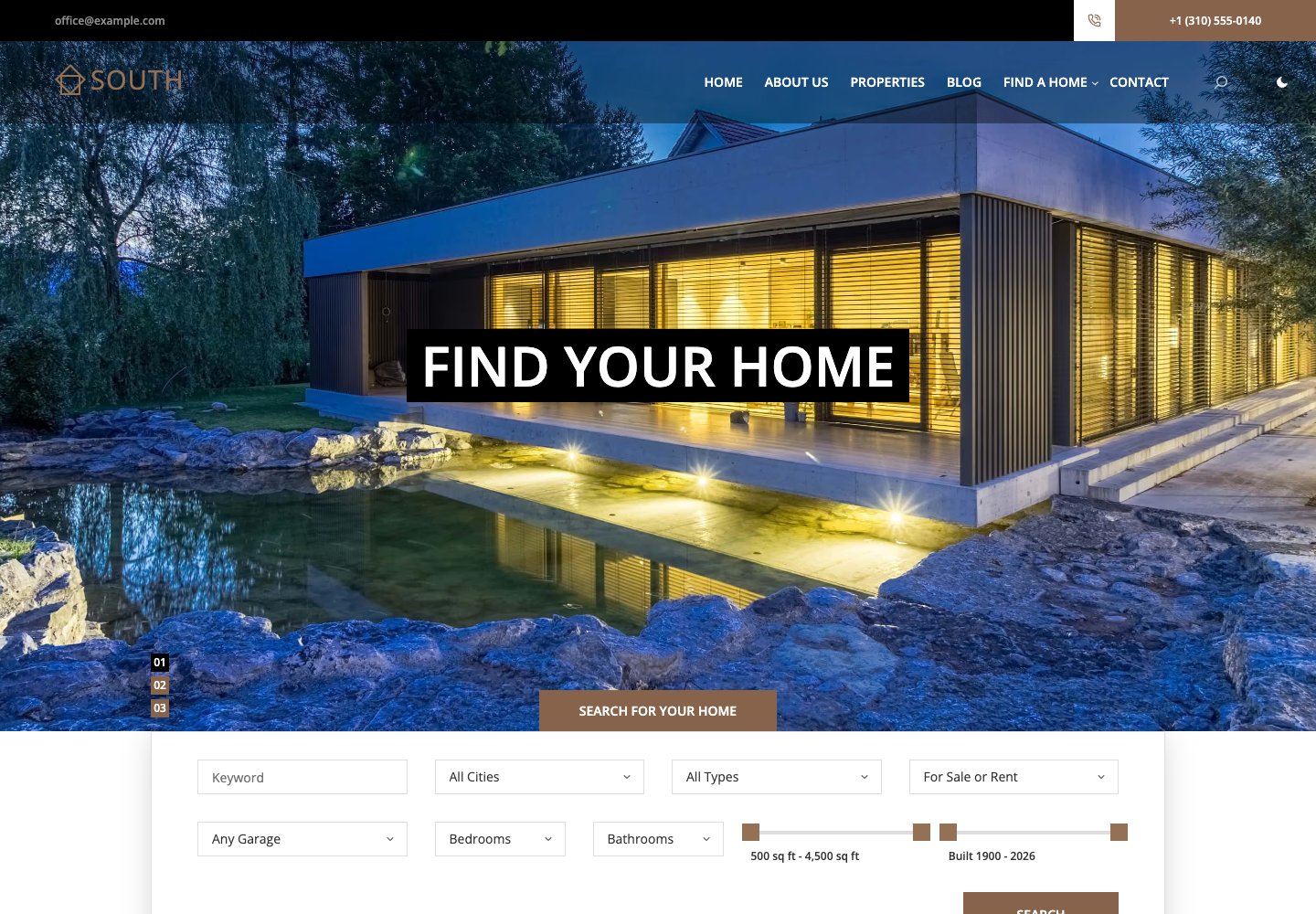
Best for: Estate agents with real property listings.
South is our free real-estate block theme. Its free South Listings companion plugin stores property prices, rooms, areas, addresses, galleries and agents as structured fields, and visitors can filter, sort and page through the results. The theme adds property layouts, agent information, enquiry forms, eight palettes and native editing.
Keep in mind: Use South Listings for the structured search. It does not include a live MLS or IDX feed.
7. Unioncorp — Block edition
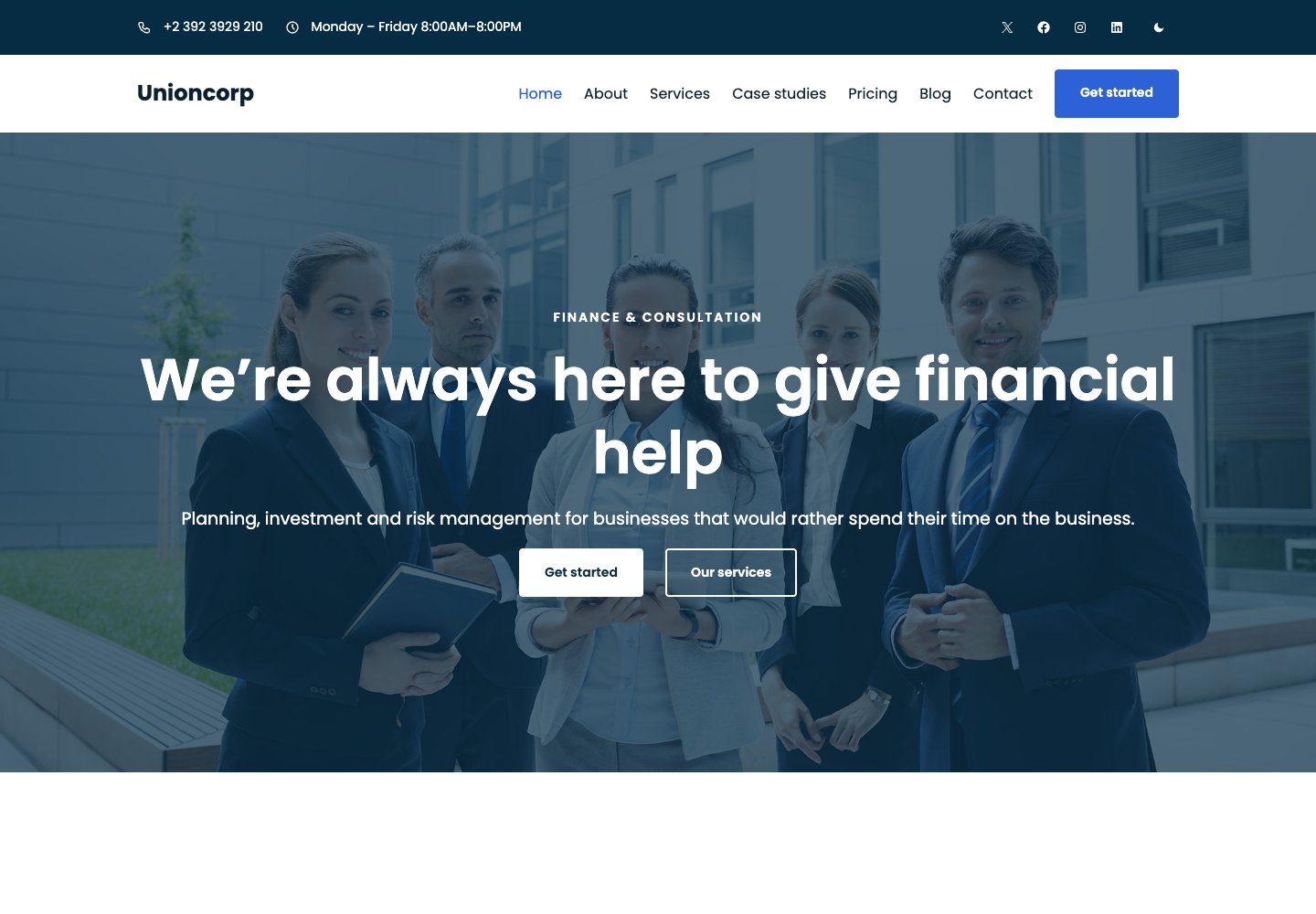
Best for: Consultants and professional-services firms.
Unioncorp is our free block theme for consultancies, financial advisers and service firms. Service cards, case studies, pricing, testimonials and team sections provide a clear route to an enquiry. Its block edition includes an enquiry form, visitor dark mode and eight color palettes, all edited through WordPress's native tools.
Keep in mind: It is a marketing site theme, rather than a client portal, accounting system or financial-data service.
8. Dreamrs — Block edition
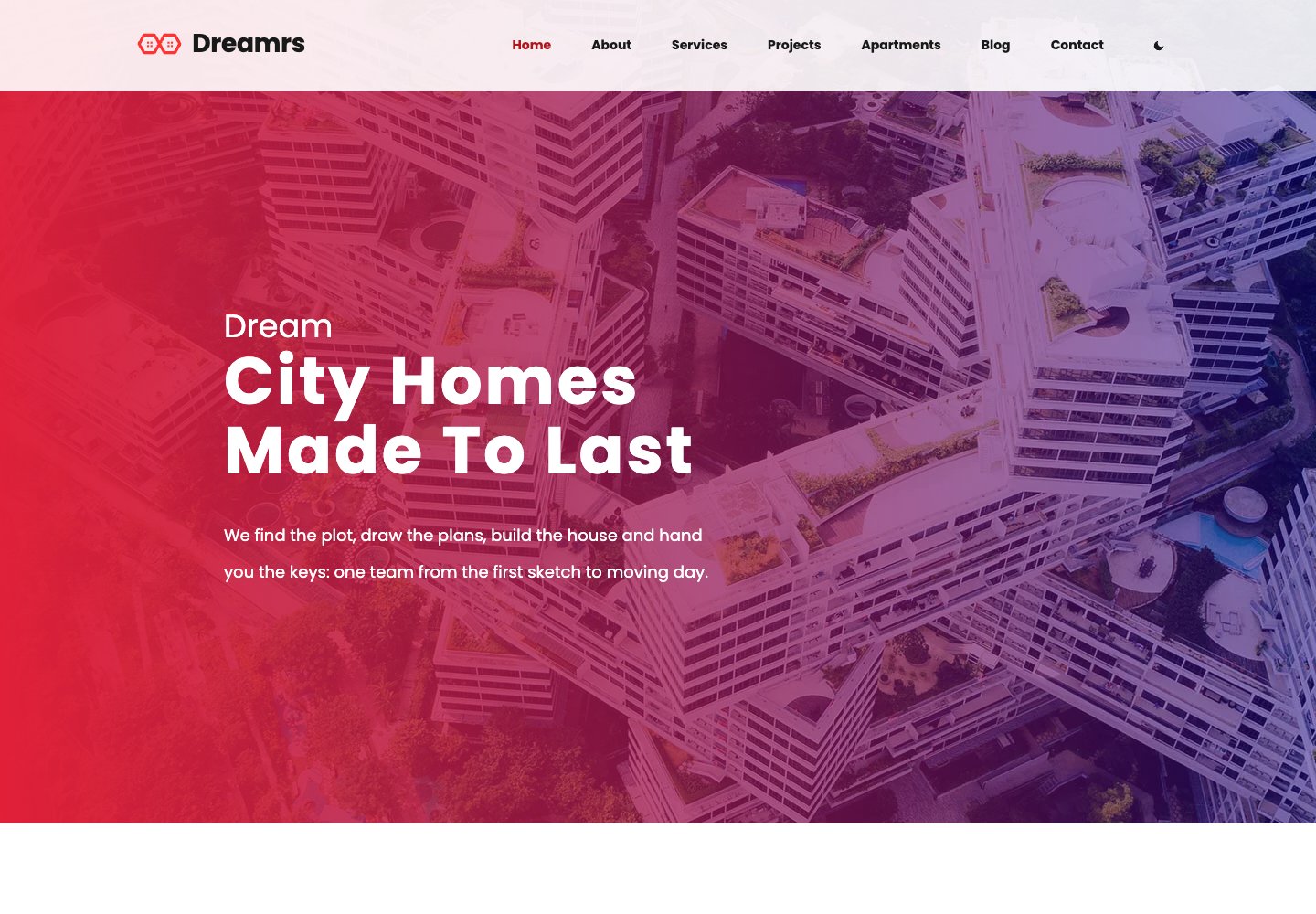
Best for: Property developers and architecture studios.
Dreamrs is our free block theme for architecture studios, developers and estate agencies. It combines a photograph-led introduction with category-filtered projects, property facts, testimonials and a contact path. The block edition includes contact and newsletter forms, eight palettes and native Site Editor templates.
Keep in mind: Its showcase sections are editable content; it does not supply an IDX or MLS feed.
9. Daren — Block edition
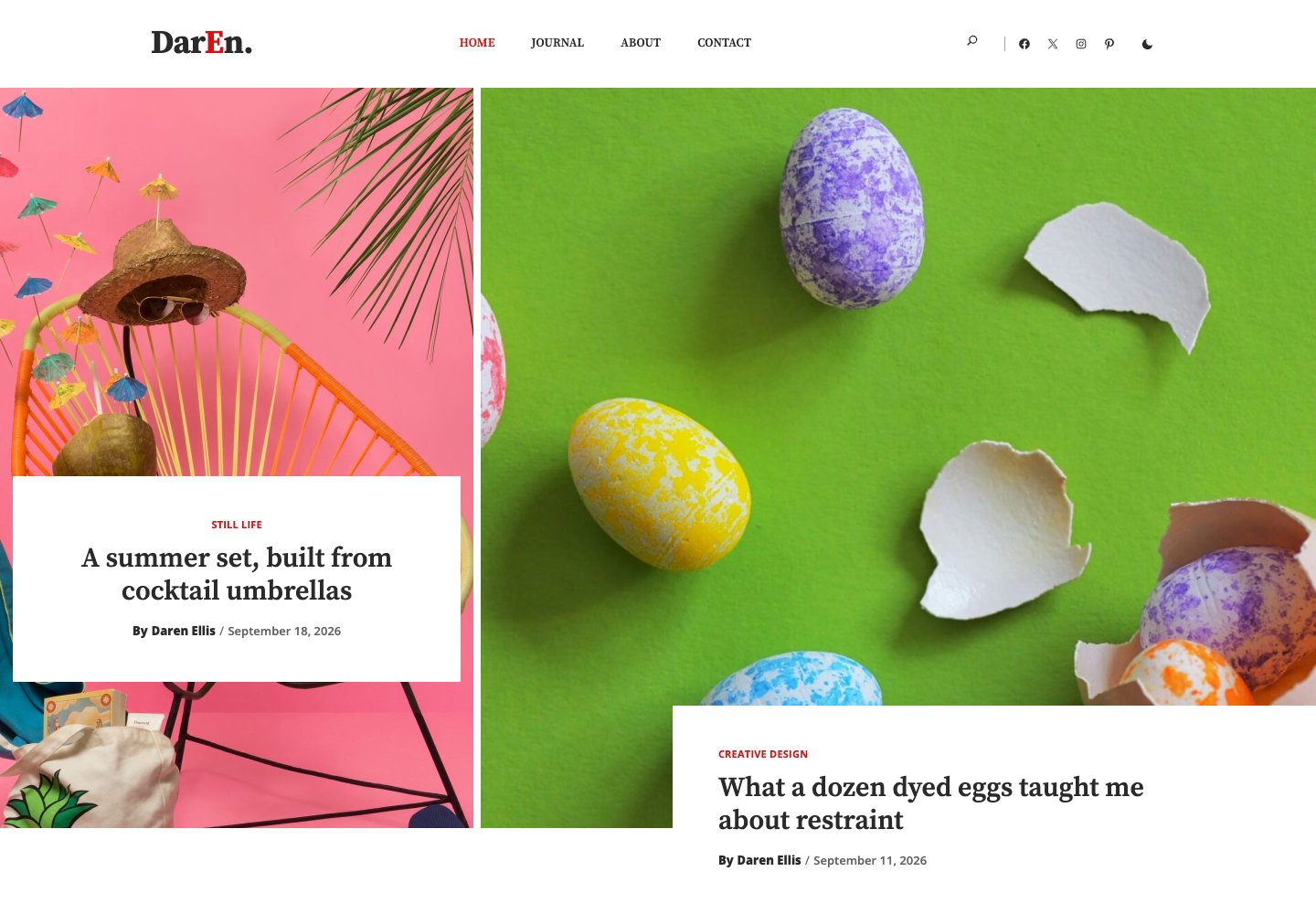
Best for: An image-led personal blog or magazine.
Daren is our free block theme for a personal journal or design-led magazine. Tall and wide photographs, alternating story layouts and category cards draw from the posts you publish. The block edition includes contact and newsletter forms, eight palettes and visitor dark mode, with templates editable in the Site Editor.
Keep in mind: Supply your own featured images and categories; it is a publishing theme rather than a business starter library.
10. Philosophy — Block and classic editions
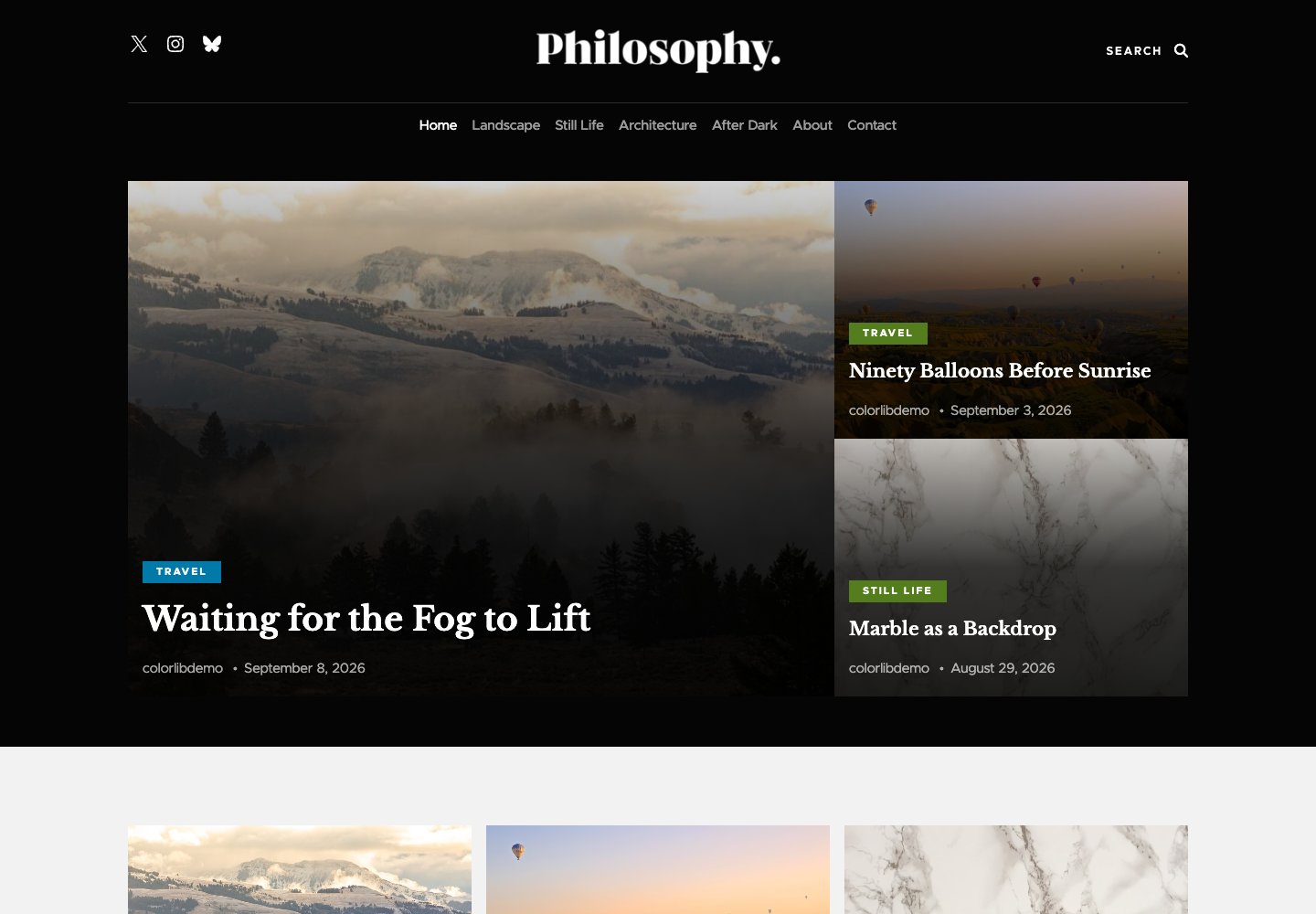
Best for: A masonry blog with native editing.
Philosophy is our free masonry blog theme, available in classic and block editions. The block edition puts templates, the header and footer in the Site Editor while keeping the image-led post grid. It renders a usable grid before its small layout script enhances the columns, with self-hosted fonts and style variations.
Keep in mind: Classic and block editions are separate themes; their settings do not transfer automatically.
11. Wemeet — Block edition
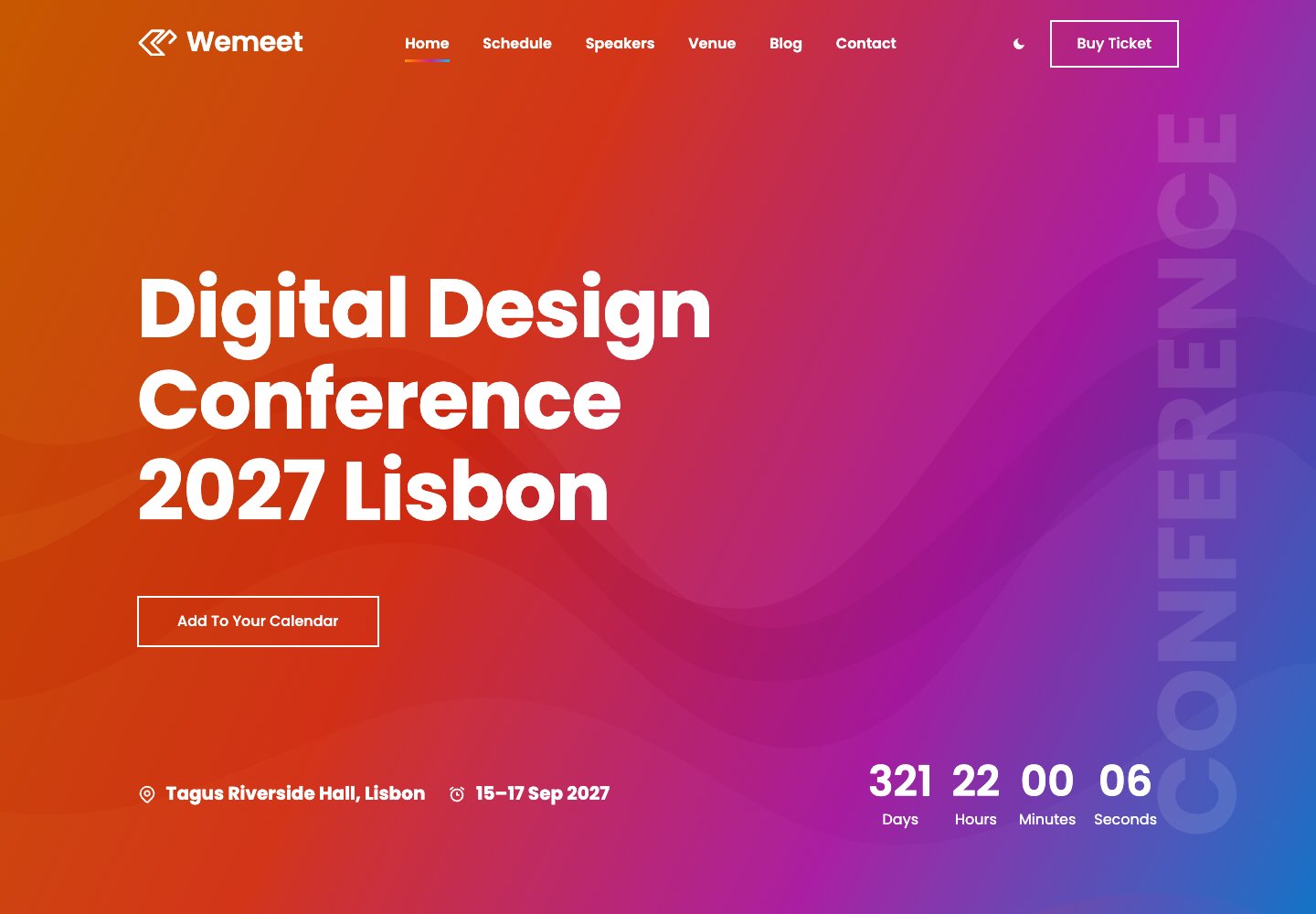
Best for: Conferences, summits and meetups.
Wemeet is our free conference block theme with an event countdown, an Add to your calendar file, speakers, a tabbed multi-day schedule, venue information and ticket cards. The block edition includes ticket-enquiry and contact forms, plus eight palettes and native Site Editor templates.
Keep in mind: Ticket enquiries are not ticket checkout; connect a separate ticketing destination when you want to sell admission.
12. Docmed — Block edition
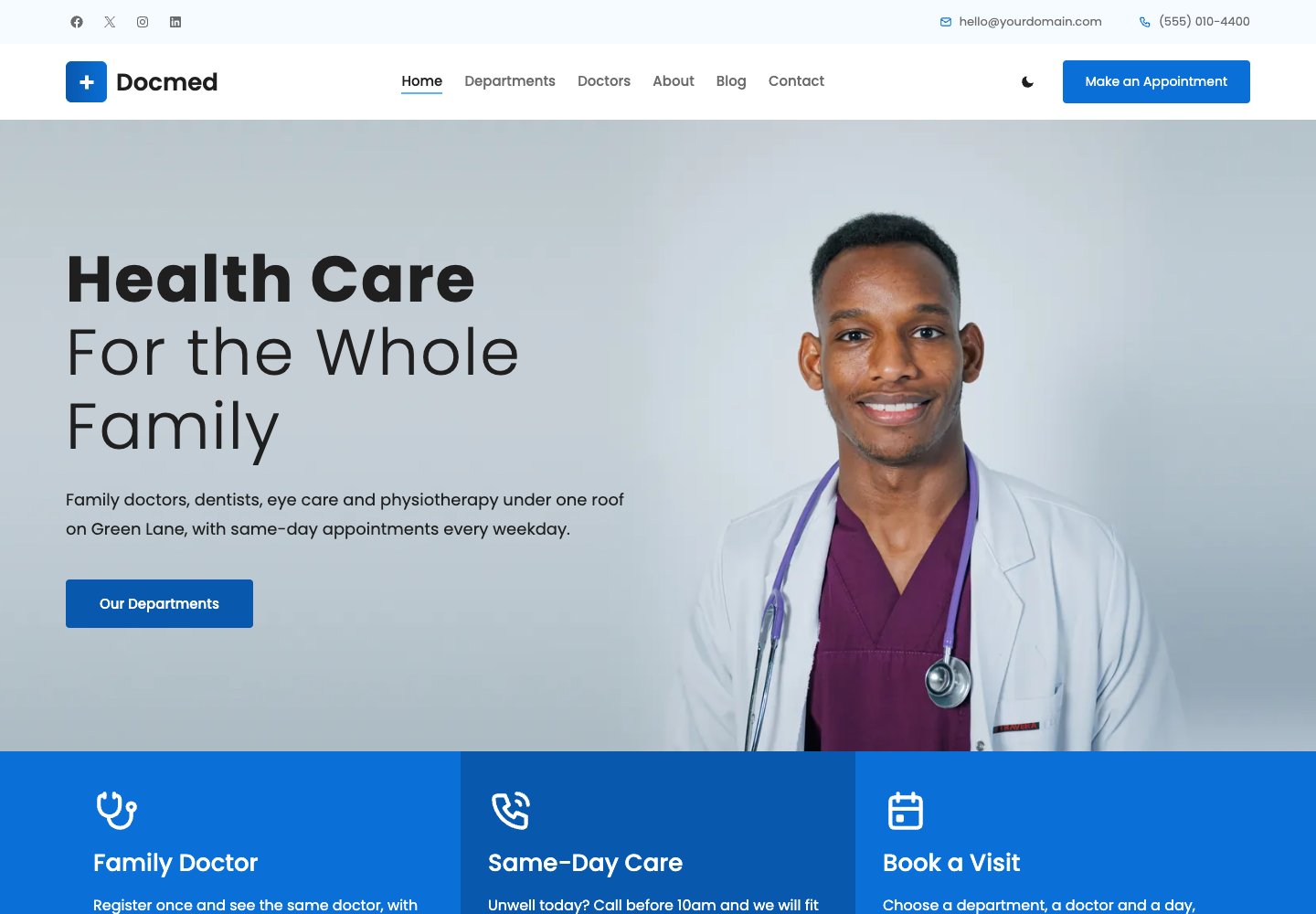
Best for: Clinics and doctors' practices.
Docmed is our free medical block theme for clinics and small practices. Department cards, a doctor carousel, team pages and patient-information sections explain the practice before an appointment request. The block edition's header opens a request form with department, doctor and preferred date/time fields, with native editing and eight palettes.
Keep in mind: Requests need confirmation; the theme does not provide live appointment scheduling or patient records.
13. Nonprofit — Block edition
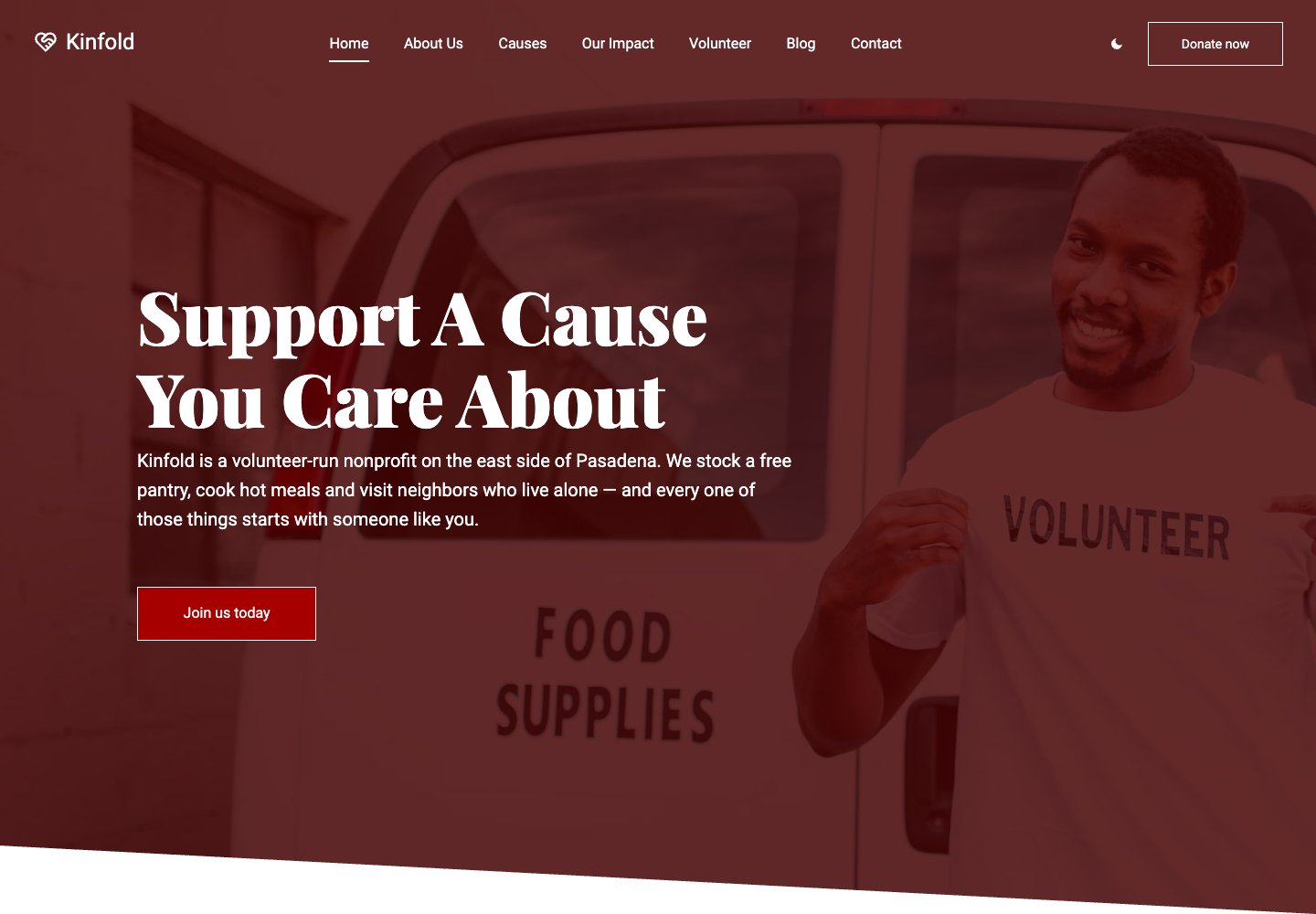
Best for: Charities and community organisations.
Nonprofit is our free charity block theme with causes, progress figures, volunteering and ways to support. Its block edition includes pledge, volunteer, contact and newsletter forms, plus eight palettes and native Site Editor templates. Donate buttons can point to the organisation's actual giving destination.
Keep in mind: Progress figures are entered by the organisation; the theme does not process payments or provide recurring donations.
14. Sunshine — Block edition
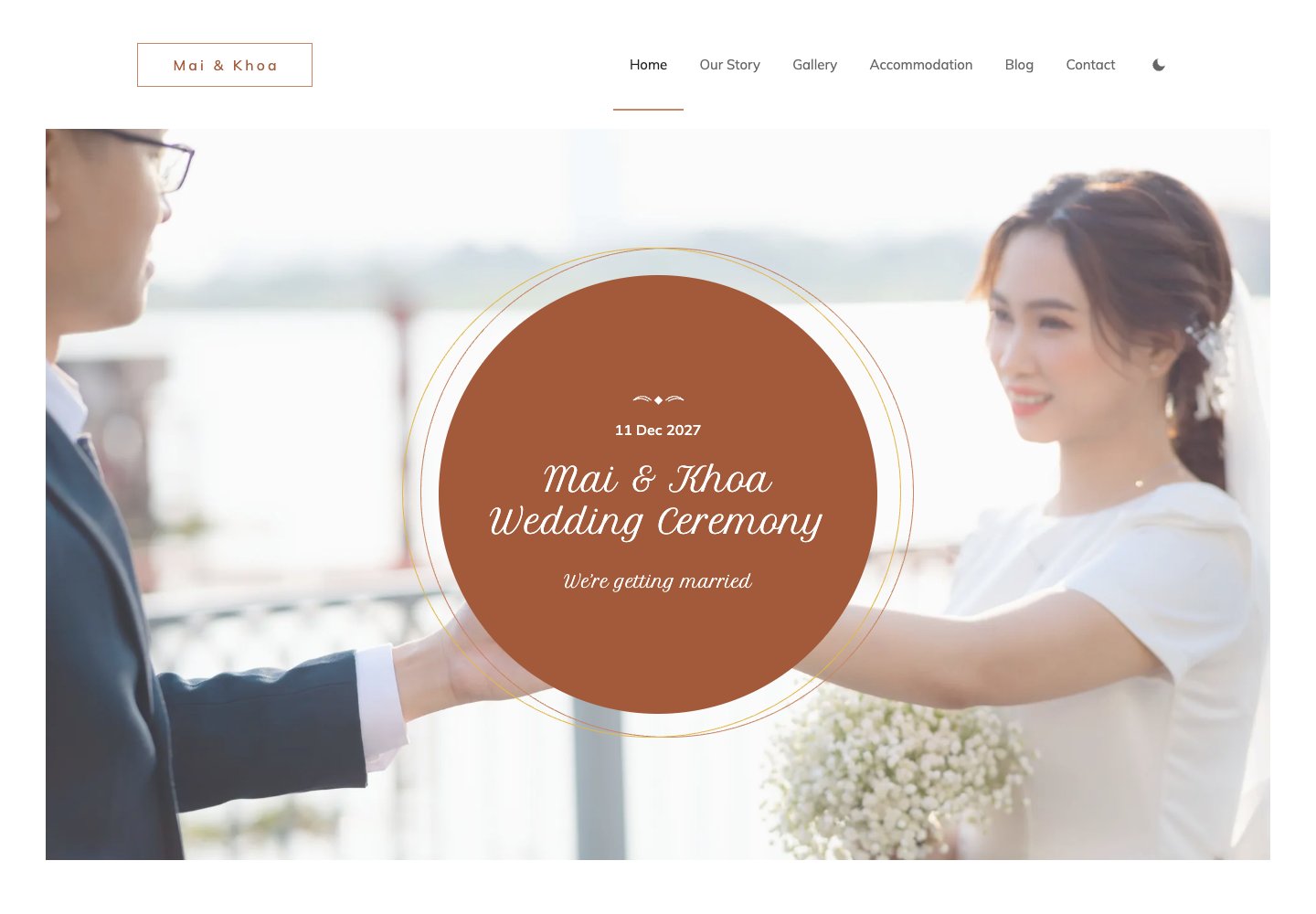
Best for: A couple's wedding website.
Sunshine is our free wedding block theme for a couple's own website. Names, a photograph and the date lead into a countdown, the story, a gallery, the day's timings and accommodation information for guests. The block edition includes RSVP and contact forms, eight palettes and native Site Editor templates.
Keep in mind: It suits a single wedding; it is not an event-planning CRM or a paid ticketing service.
15. Martine — Block edition
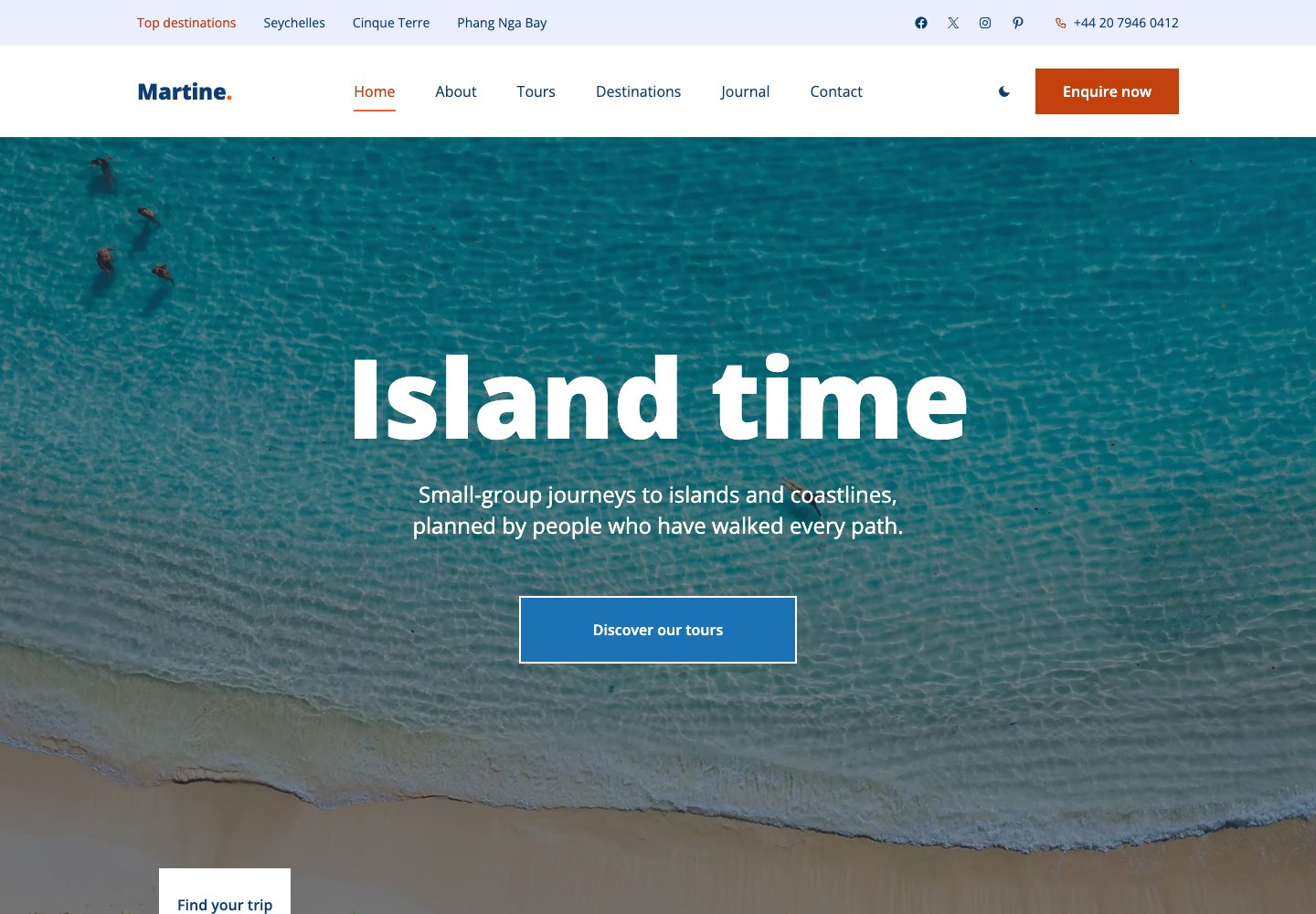
Best for: Travel agencies and tour operators.
Martine is our free travel-agency block theme with destination imagery, tour cards and a day-by-day itinerary page. Tour information includes duration, group size, highlights, departures and a price-from field. The block edition includes tour-enquiry and contact forms, eight palettes and visitor dark mode.
Keep in mind: It is an enquiry-led travel site; live availability, confirmed bookings and payments need another service.
16. Montana — Block edition
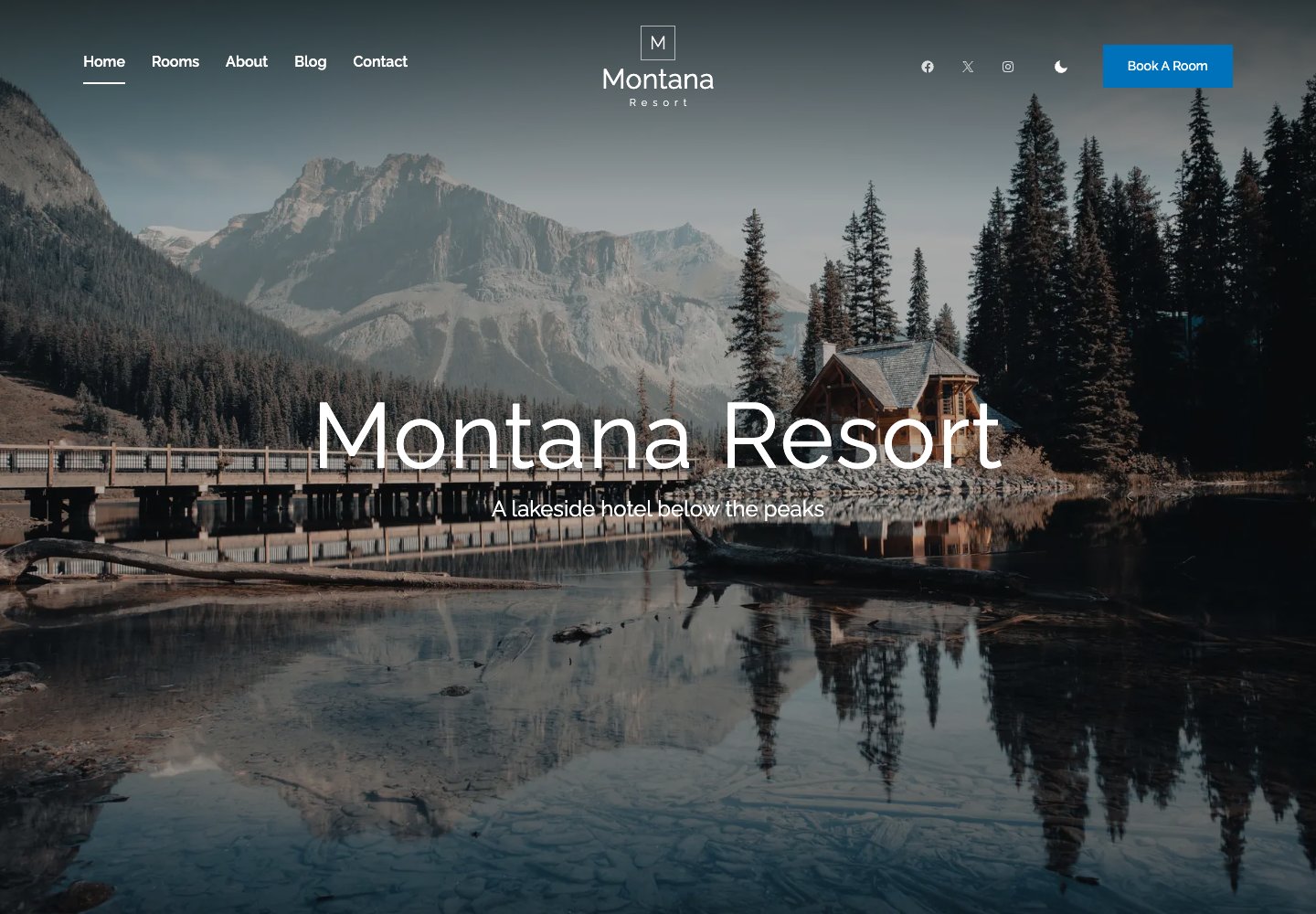
Best for: Hotels, lodges and small resorts.
Montana is our free hospitality block theme for hotels, lodges and mountain resorts. Its room sections show prices and facts, alongside offers, dining information and a photograph-led introduction. The block edition includes a room-request form with arrival and departure dates, eight palettes and visitor dark mode.
Keep in mind: It collects booking requests; live room inventory, confirmed reservations and payments need a separate service.
17. Industry — Block edition
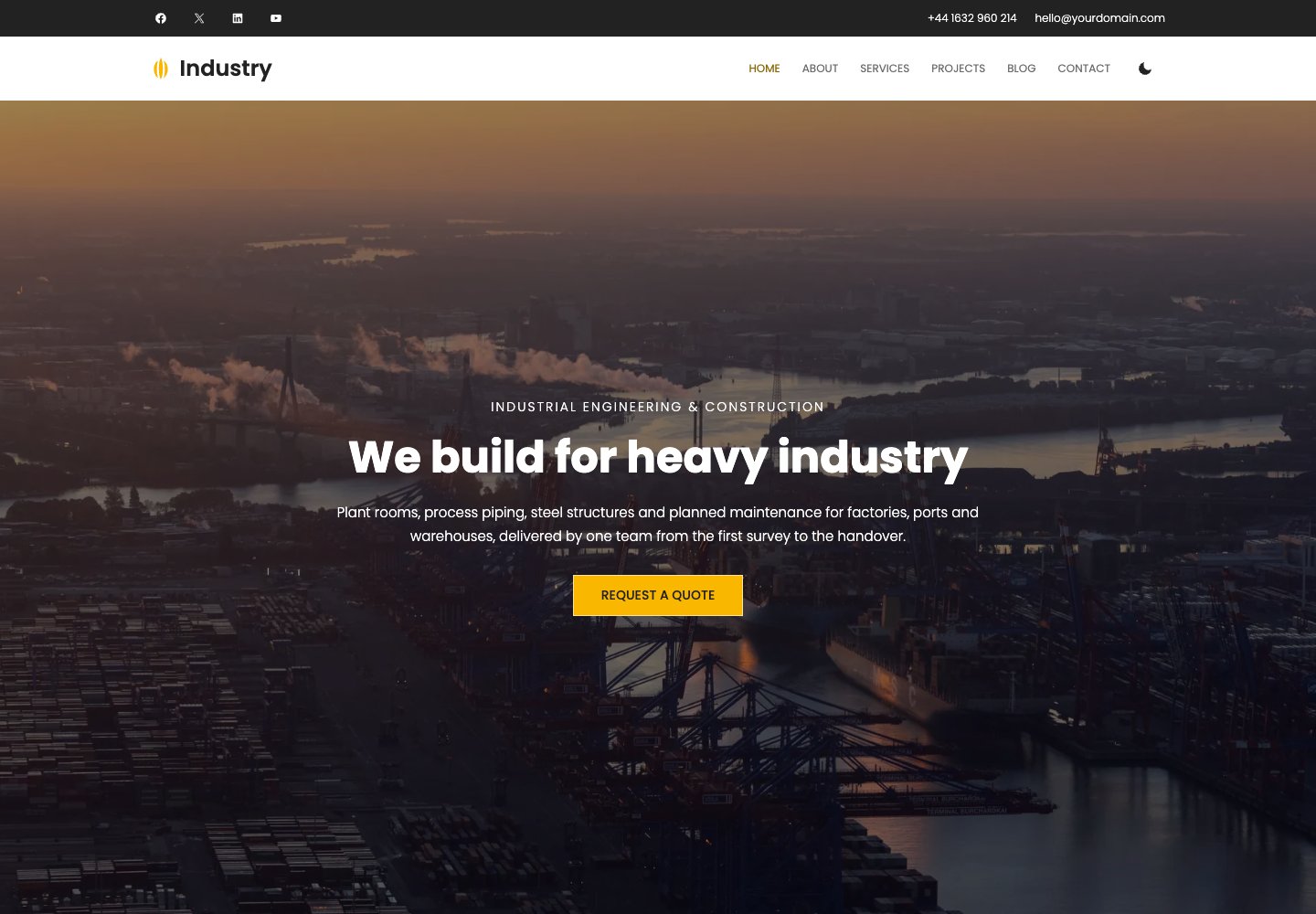
Best for: Manufacturers and engineering contractors.
Industry is our free block theme for manufacturers, engineering contractors and construction firms. Service and sector cards explain the work, project imagery shows it, and the block edition includes a quote-request form. Native templates, eight palettes and dark mode provide the design controls without a page builder.
Keep in mind: It presents services and collects enquiries, rather than managing estimates, work orders or procurement.
18. Lagoon — Block edition
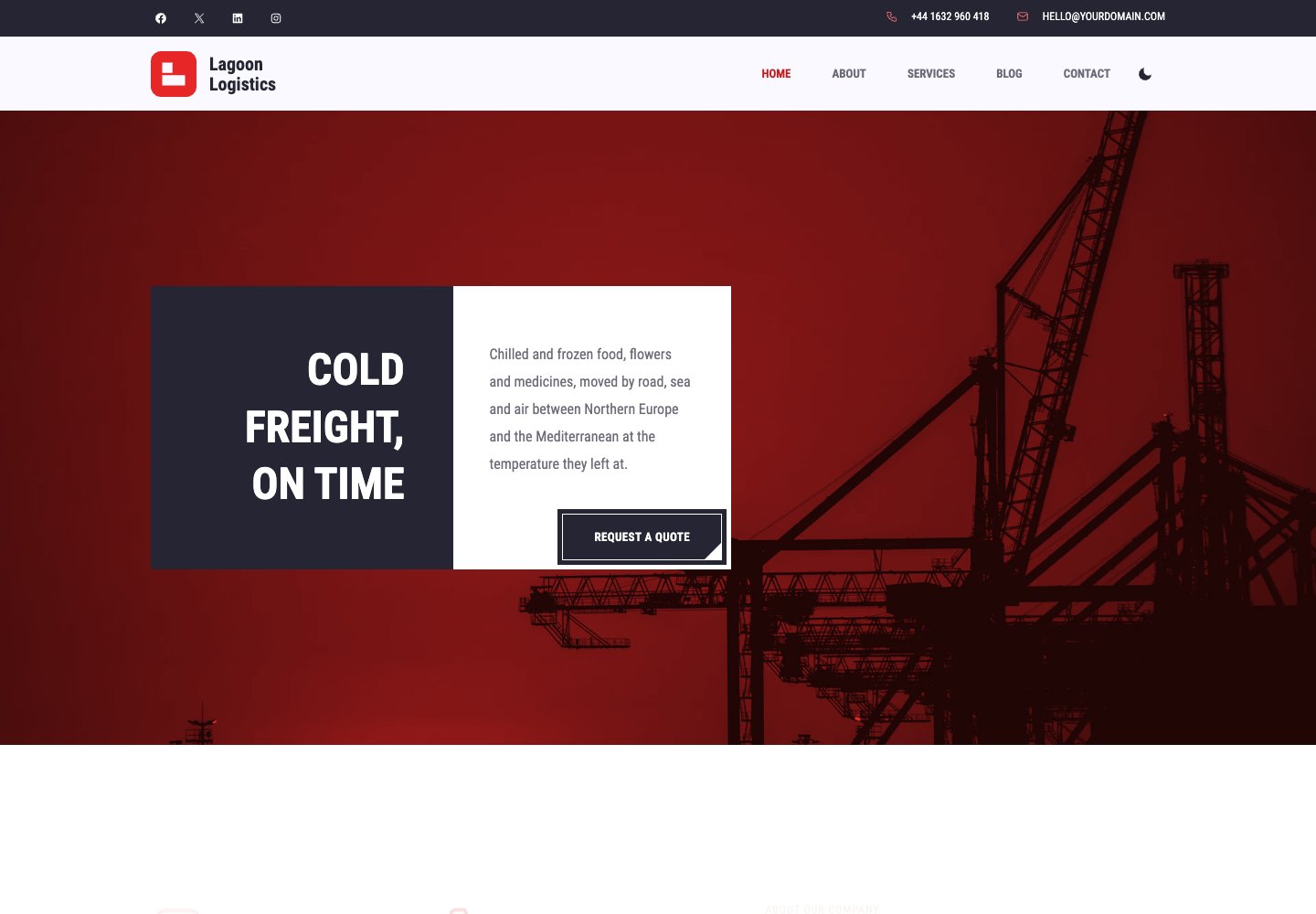
Best for: Freight and logistics companies.
Lagoon is our free block theme for freight forwarders, hauliers and logistics firms. Road, sea and air services lead into a freight-quote request and an ask-about-a-shipment form. The block edition also includes testimonials, a journal, eight palettes and visitor dark mode, with all layouts edited in WordPress.
Keep in mind: Shipment questions go to a person; the theme does not provide live carrier tracking or a freight-pricing API.
19. Horseclub — Block edition
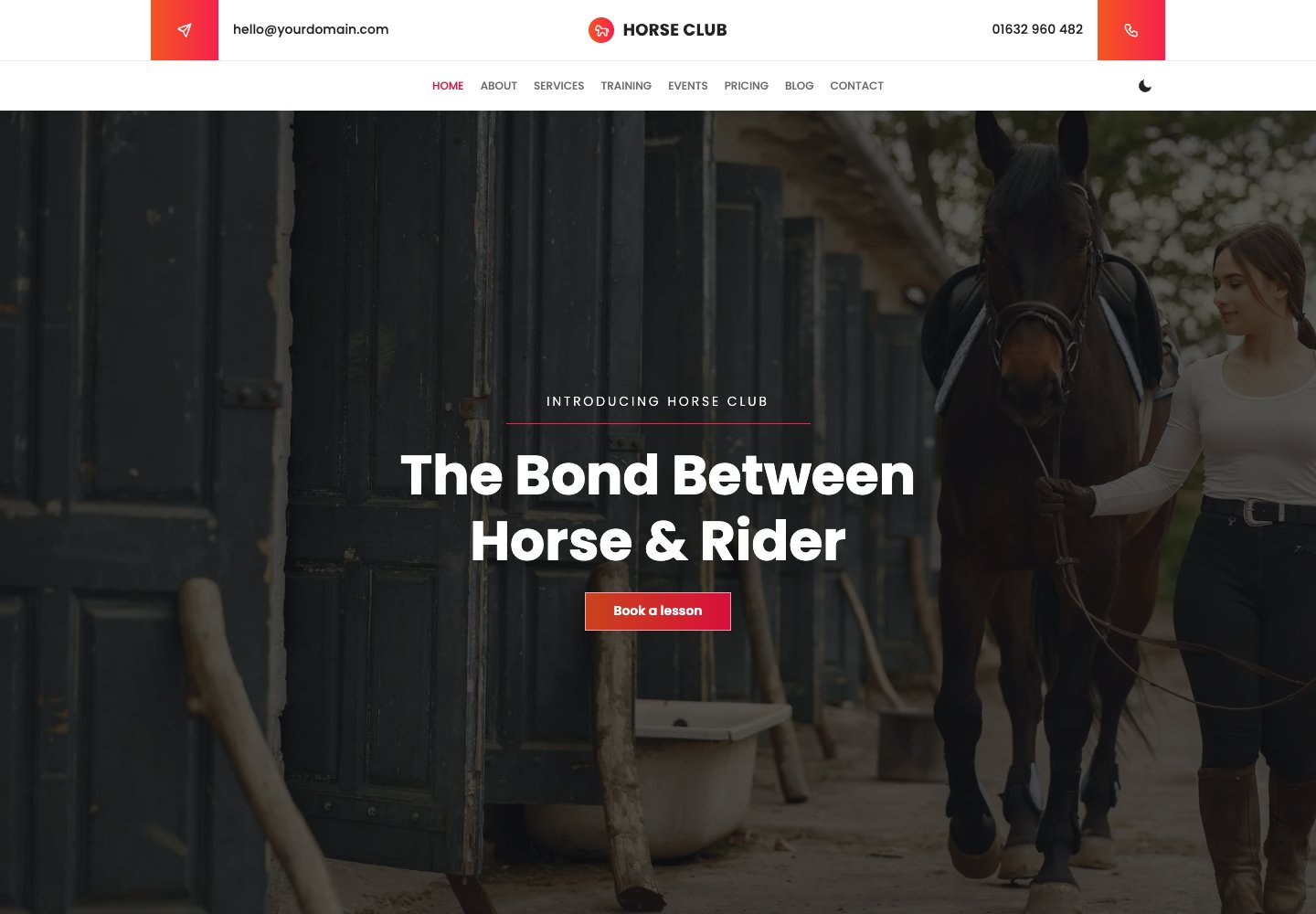
Best for: Riding schools and equestrian clubs.
Horseclub is our free block theme for riding schools, livery yards and equestrian clubs. Training courses, events, membership plans, reviews and a gallery sit alongside a lesson-booking request form. The block edition uses native editing, includes eight palettes and does not need a form plugin for those requests.
Keep in mind: Lesson requests need confirmation; the theme does not manage live instructor or stable availability.
Best free multipurpose WordPress themes
These are the frameworks. Each one ships a library of importable starter sites, so you pick a design close to what you want and edit from there rather than building from an empty page. If you are not sure what you need, start here.
20. Astra
Why we like it: The safest default on this list: whatever you are building, a starter site already exists for it.
Astra is the most installed WordPress theme there is, and it earns that by staying out of the way. The frontend ships under 50KB, it works with every page builder rather than locking you into one, and the starter library covers business, store, portfolio and dozens of trades.
✅ Pros: the largest starter library, works with any builder, very light ⚠️ Cons: the best starter templates need Astra Pro
21. Kadence
Why we like it: Header and footer builders in the free version, which almost every rival charges for.
Kadence is built for people who want to stay in the block editor and never install a page builder. Its drag-and-drop header and footer builders are free, its own block library extends the editor rather than replacing it, and the starter templates import cleanly.
✅ Pros: free header/footer builders, block-native, good starter templates ⚠️ Cons: its block library is another moving part to learn
22. Blocksy
Why we like it: The only big framework holding a perfect rating across several hundred reviews.
Blocksy was written for the block editor from the start, and it shows in how little fighting the editor does. Its free tier is unusually generous, with content blocks, header conditions and a set of starter sites that import in one click.
✅ Pros: the best rated of the frameworks, generous free tier, very current ⚠️ Cons: a smaller community than Astra when you need an answer
23. GeneratePress
Why we like it: The lightest theme in our test at 277KB, and it scored 99 out of 100.
GeneratePress is what people reach for when Core Web Vitals are the priority. There is almost nothing in it you did not ask for, which is exactly the point, and the code quality has kept its rating perfect across well over a thousand reviews.
✅ Pros: fastest in our test, immaculate code, rock solid ⚠️ Cons: plain out of the box, so expect to design it yourself
24. Neve
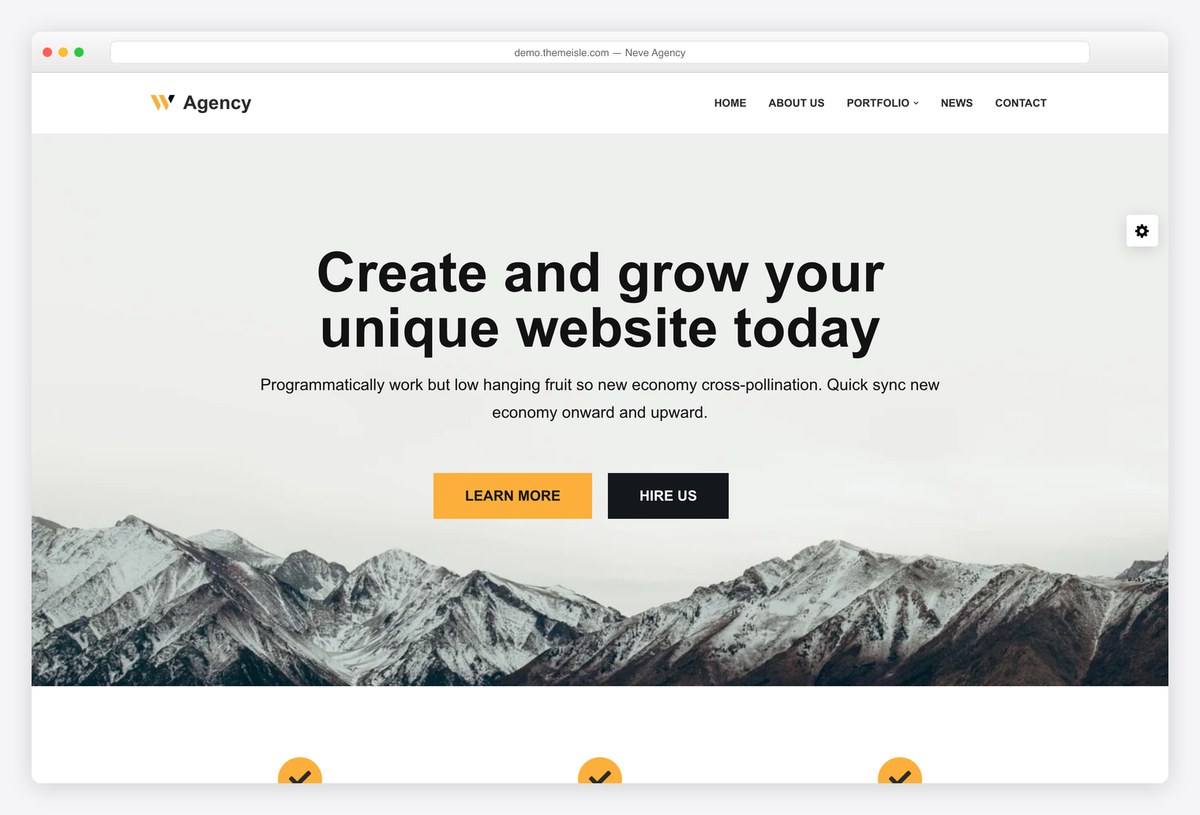
Why we like it: Second lightest here at 299KB, with a starter library that is genuinely free in part.
Neve is mobile-first in a way most themes only claim to be, and our measurement backs it: 299KB and 99 out of 100. ThemeIsle keeps a broad template library behind it, and a useful share of those starters cost nothing.
✅ Pros: extremely light, many free starter sites, builder-agnostic ⚠️ Cons: the more polished templates are Pro
25. OceanWP
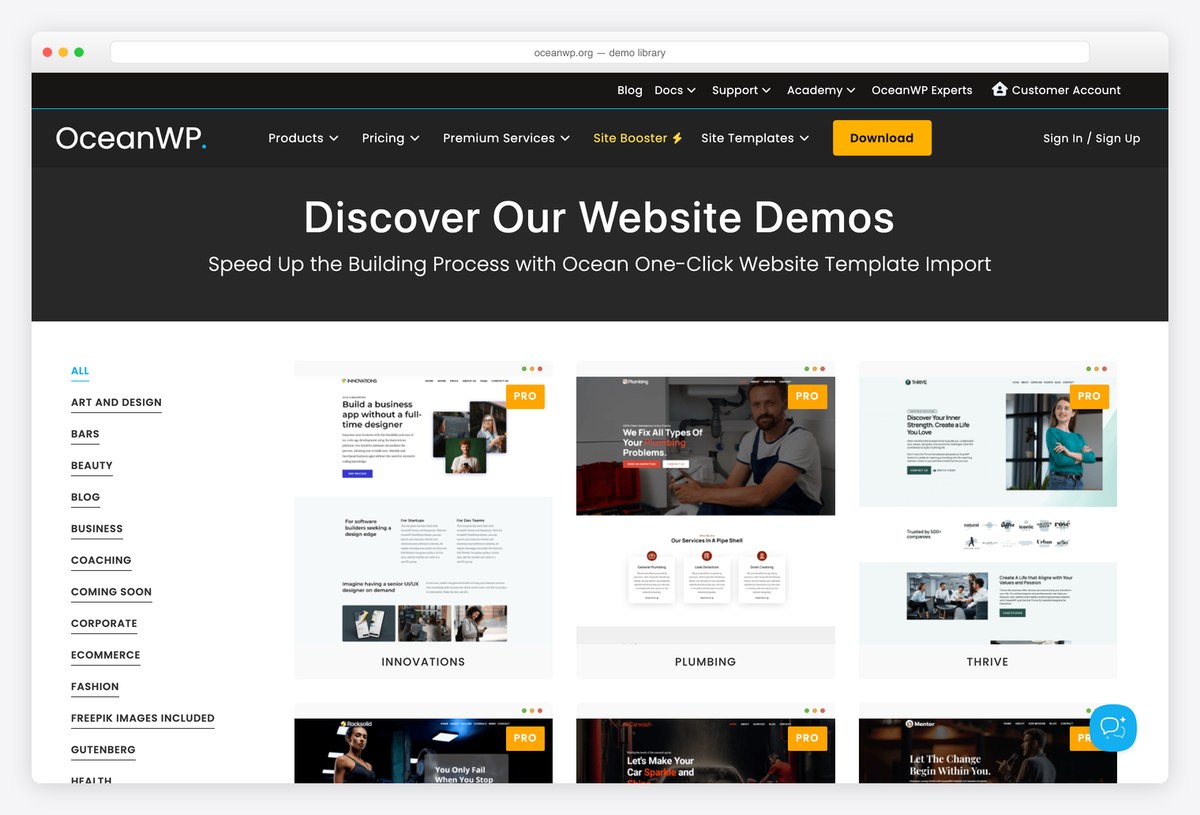
Why we like it: The deepest free demo library of any theme here, and most of it costs nothing.
OceanWP gives away more finished designs than anything else on this list, and its WooCommerce support goes further than most paid themes. The trade-off is architectural: much of the power sits in separate extensions, so the base install does less alone and the page weight climbs.
✅ Pros: huge free demo library, strong store features ⚠️ Cons: leans on extensions, and heavier than the leaner frameworks
26. Sydney
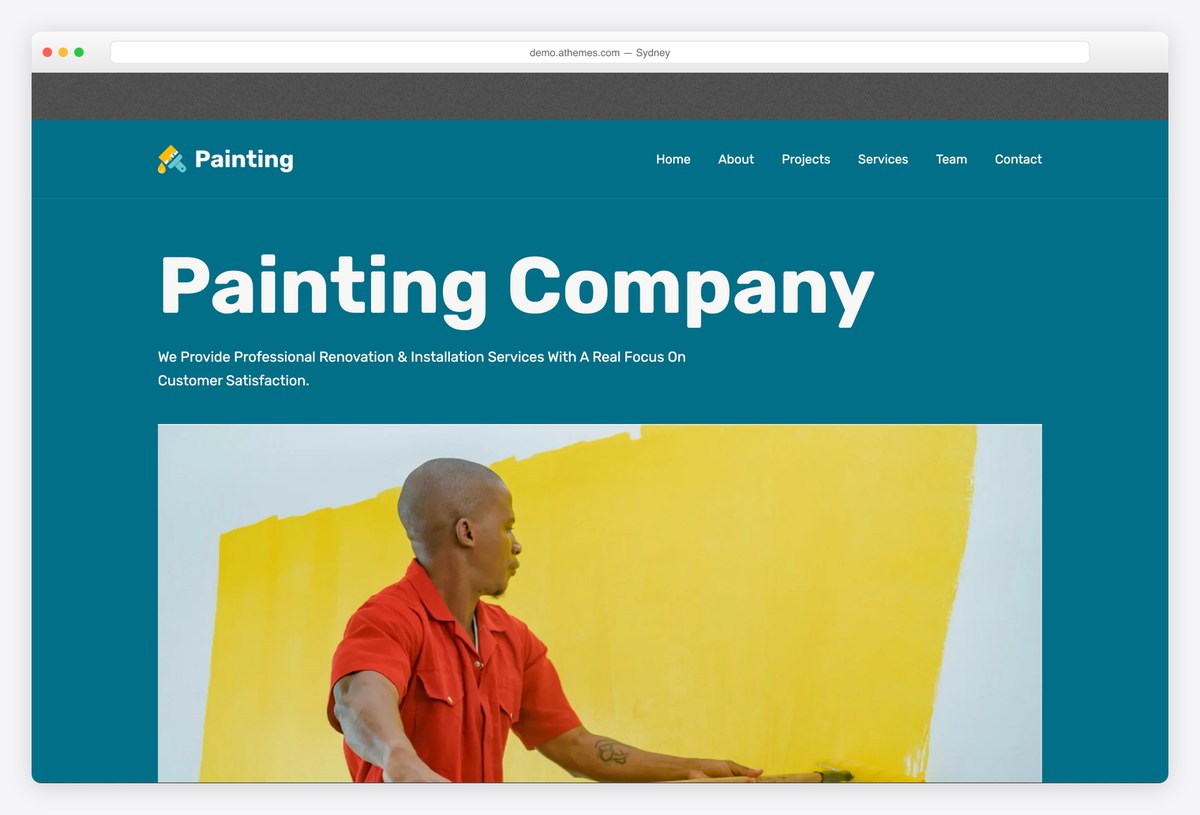
Why we like it: Assemble a homepage from prebuilt block sections, no builder plugin required.
Sydney hands you a set of homepage sections built as blocks, so a services page or a landing page comes together by stacking rather than designing. It is the theme several competing roundups put at number one, and the free tier is substantial.
✅ Pros: excellent free block sections, many starter sites ⚠️ Cons: some niche starters are behind Sydney Pro
27. Hestia
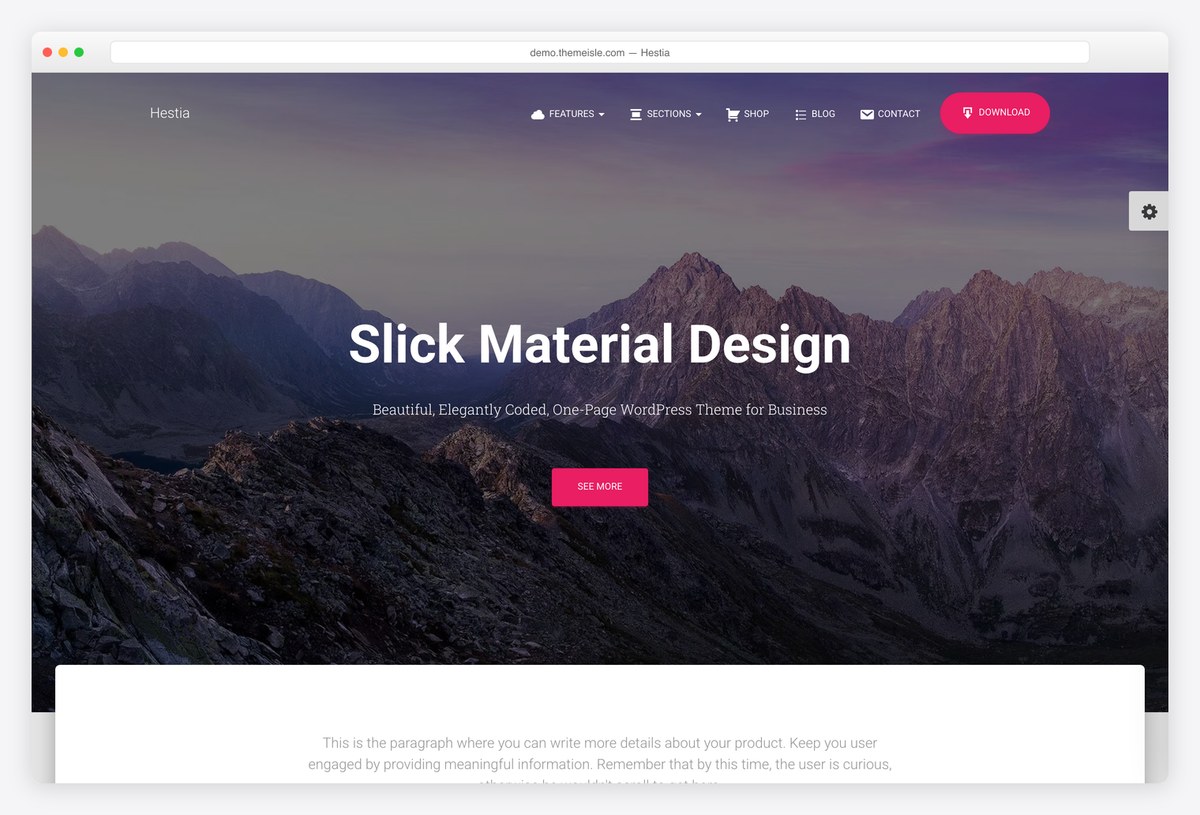
Why we like it: A complete one-page company site out of the box, which few free themes attempt.
Hestia arranges everything on a single scrolling page: services, team, testimonials, pricing and a contact form, all editable from the customizer. For a small company that needs a presence rather than a website, it is the shortest path there.
✅ Pros: genuine one-page structure, updated constantly ⚠️ Cons: the material design look is distinctive and dates faster
28. Zakra
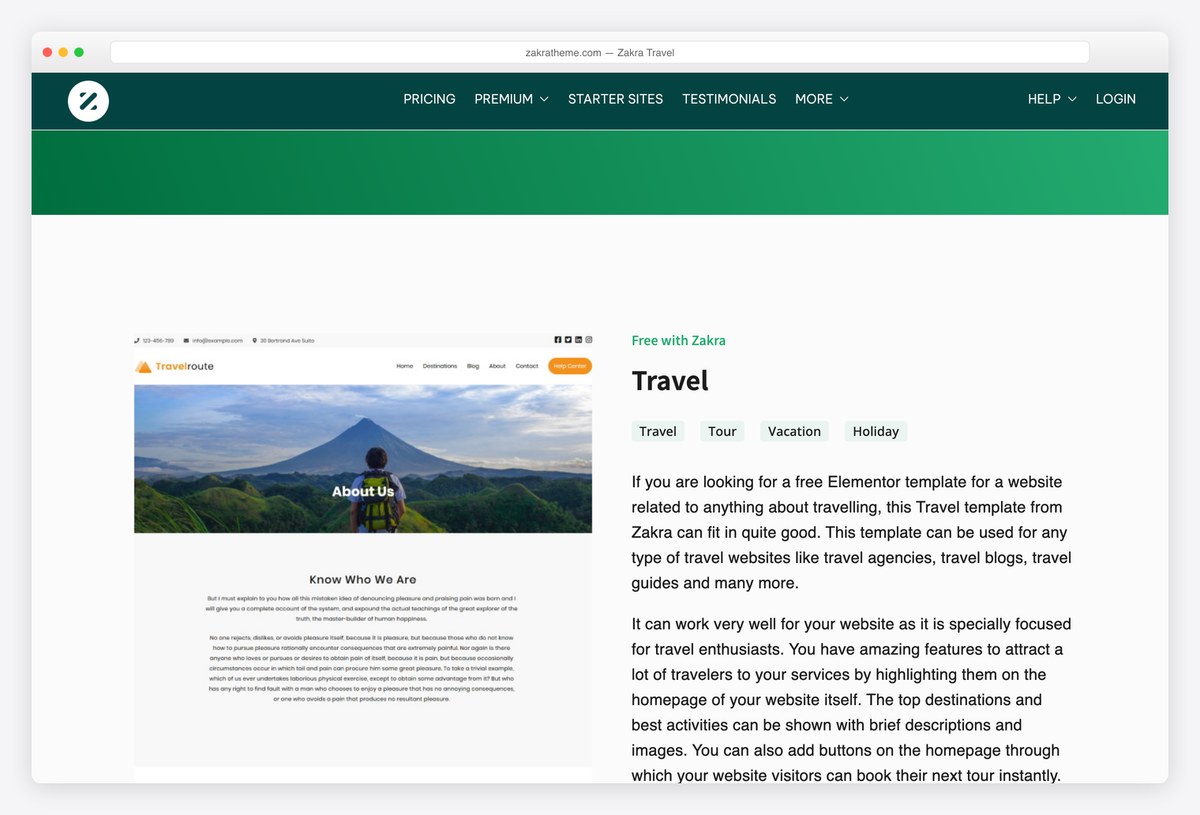
Why we like it: A long list of niche demos, and unusually many of them are free.
Zakra’s pitch is that you should not have to design anything. It ships finished demos for trades, shops, blogs and bands, a good share of them free, and its header and footer builders let you reshape the imported layout afterwards.
✅ Pros: many free niche demos, header and footer builders ⚠️ Cons: the widest part of the library is Pro
29. Hello Elementor
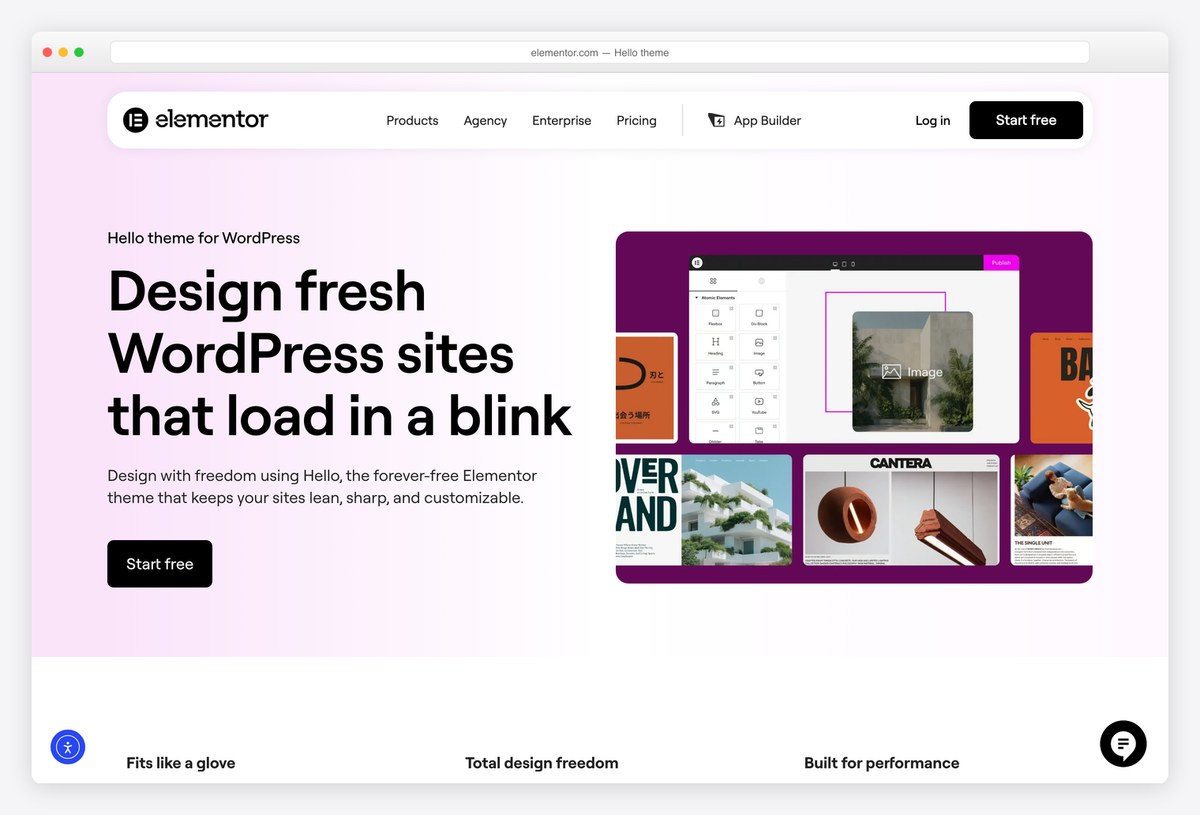
Why we like it: The lightest thing we measured, at 223KB, precisely because it contains almost no design.
Hello Elementor is deliberately empty. It supplies the plumbing and nothing else, on the assumption that Elementor will draw every pixel. That makes it the fastest starting point on this page and completely useless without a builder, which is the whole idea.
✅ Pros: the lightest option here, zero design opinions to fight ⚠️ Cons: requires Elementor, and does nothing on its own
Building for a particular trade or hobby? Our niche roundups cover law firms, clinics, musicians and more, each with the same install counts and speed numbers as this page.
Best free blog and magazine themes
Themes built around reading: post grids, category layouts and typography that holds up over a long article.
30. Sparkling
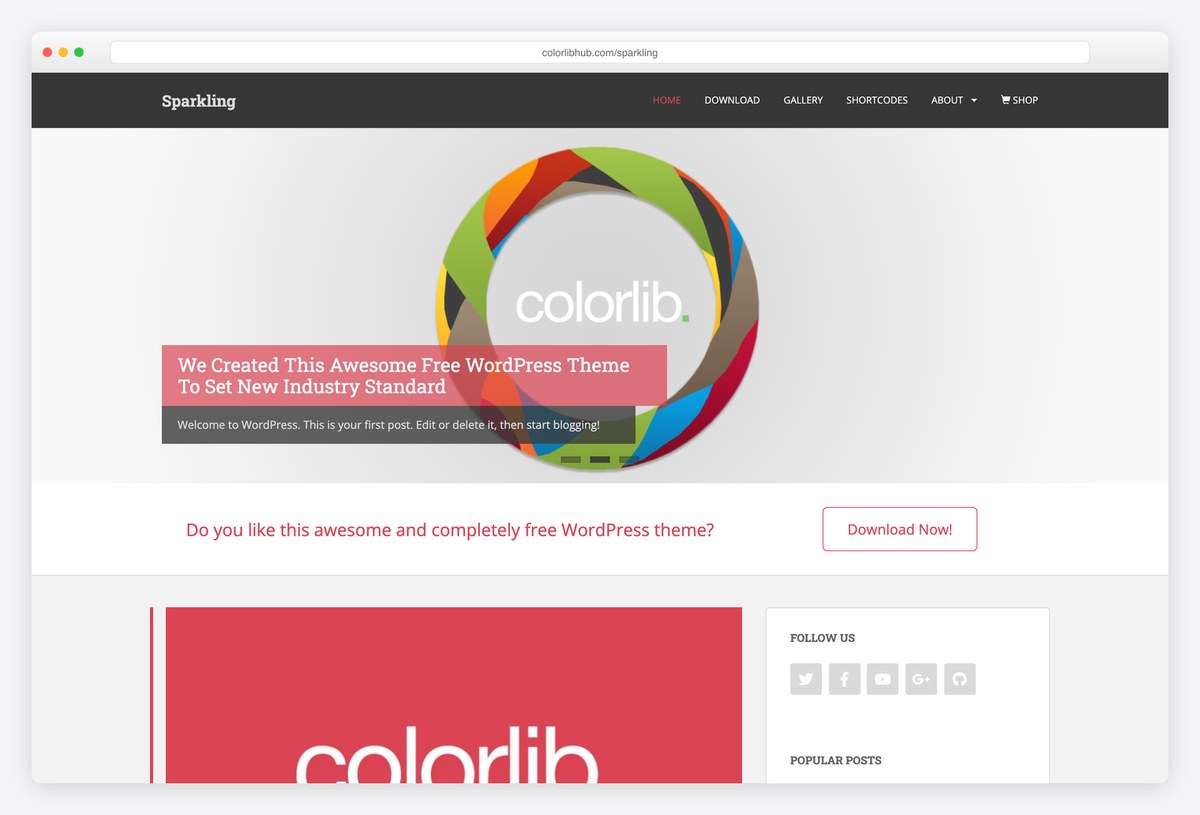
Why we like it: Ten years old, still updated, and still one of the cleanest reading layouts we ship.
Sparkling is our flat, Bootstrap-based blog theme, and its virtue is restraint: a readable column, a featured slider when you want one, and nothing competing with the text. It has been maintained continuously for over a decade, which is rarer among free themes than it should be.
✅ Pros: excellent reading layout, long maintenance record, maintained by us ⚠️ Cons: the flat design is deliberately unfashionable
31. ColorMag
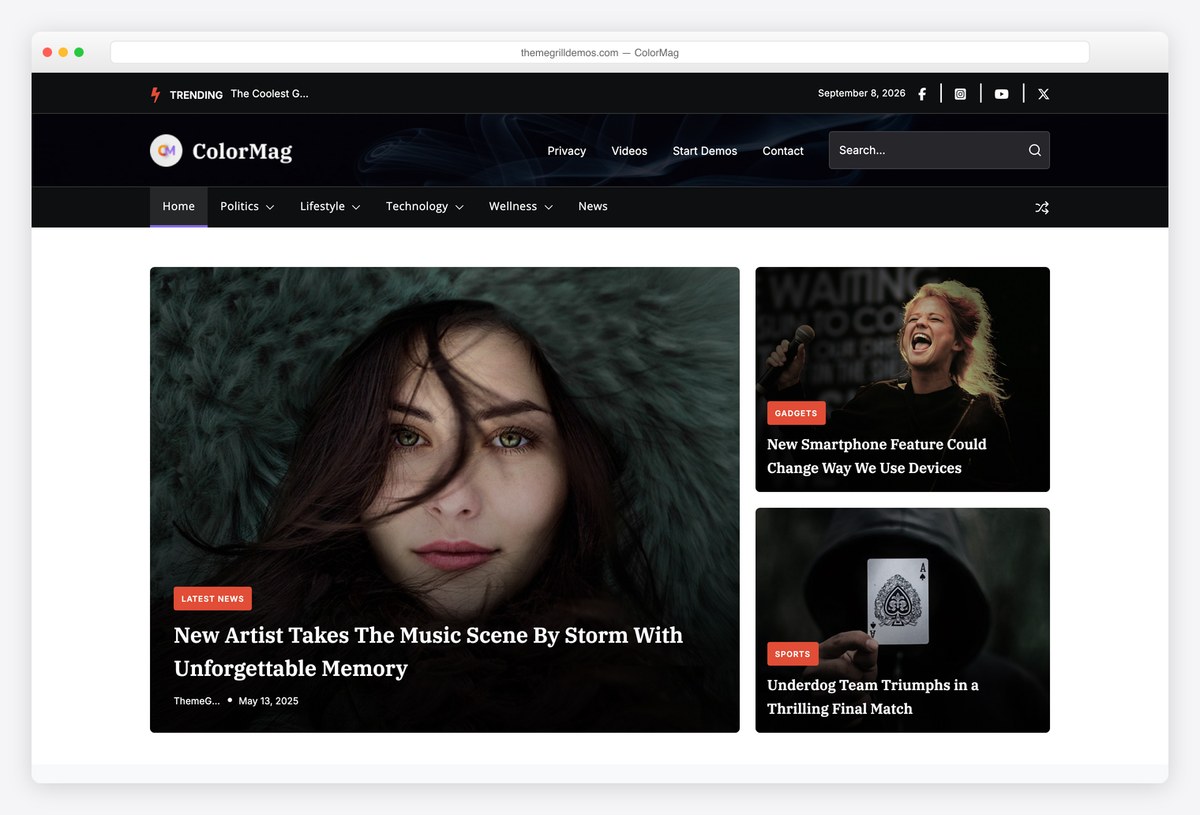
Why we like it: The most installed magazine theme on WordPress.org, and it still ships updates monthly.
ColorMag lays a homepage out the way a news site actually needs: category blocks, a featured slider, and space for advertising that does not look bolted on. It has held the top of the magazine category for years and the review count reflects it.
✅ Pros: purpose-built news layouts, huge review base, ad-friendly ⚠️ Cons: a lot of options to work through on first setup
32. Newsup
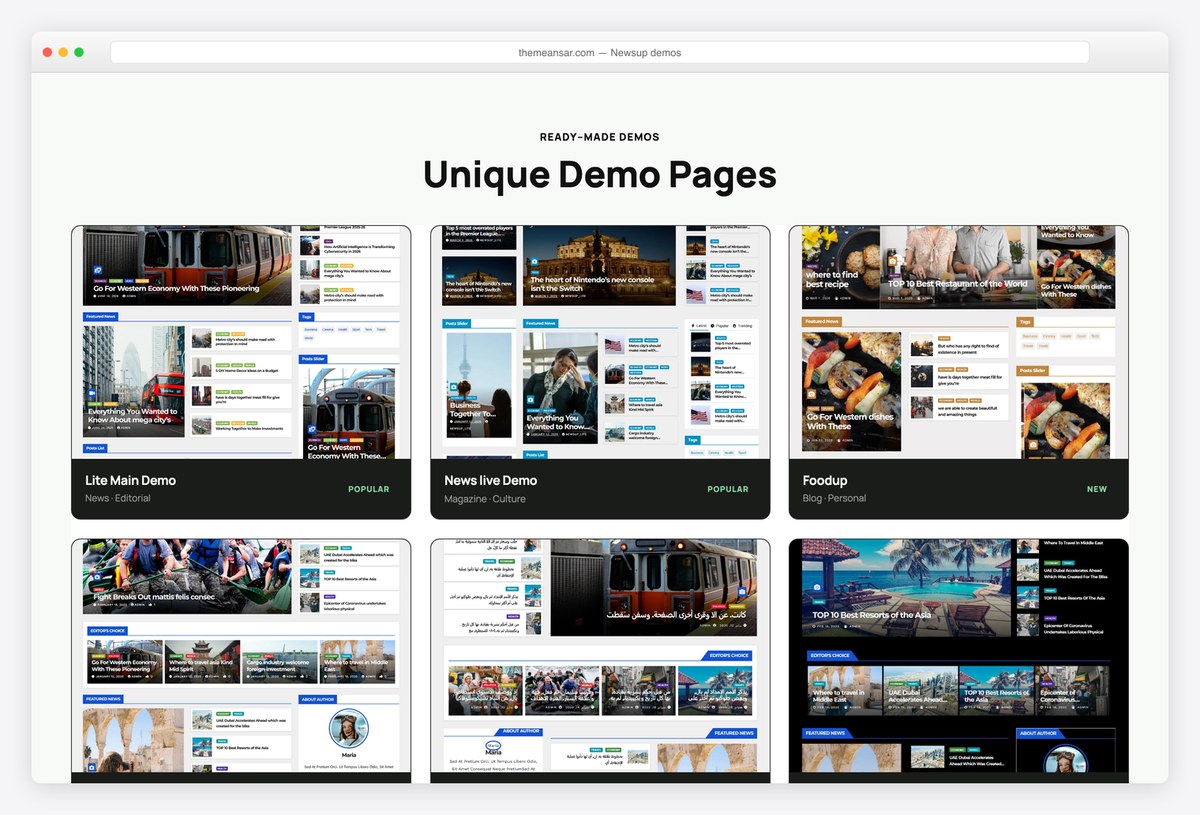
Why we like it: Several distinct news front pages, not one design with the colours changed.
Newsup goes for the dense newspaper look, with ticker, category columns and a front page that can carry a lot of headlines without feeling cramped. Themeansar ships several genuinely different demos rather than recolouring a single layout.
✅ Pros: properly dense news layouts, several free demos ⚠️ Cons: the density needs real editorial volume to look right
33. Lovecraft
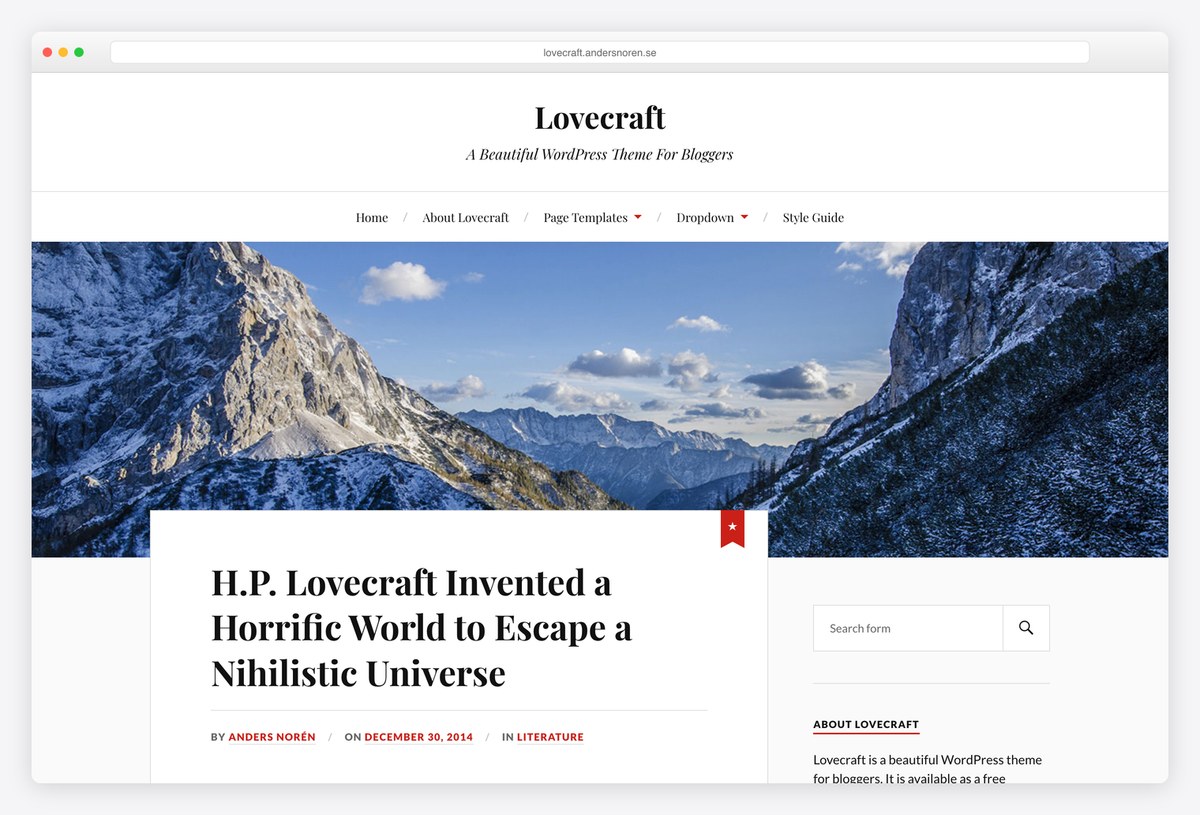
Why we like it: A two-column blog with a genuine point of view, from a designer who has kept it current for a decade.
Lovecraft is what a personal blog looked like before every theme became a framework: two columns, generous type, a coloured accent and nothing else. Anders Norén has maintained it for years, and it remains one of the few free themes with an actual aesthetic.
✅ Pros: distinctive design, tiny, long-maintained ⚠️ Cons: a blog theme only, with no business layouts
34. Raft
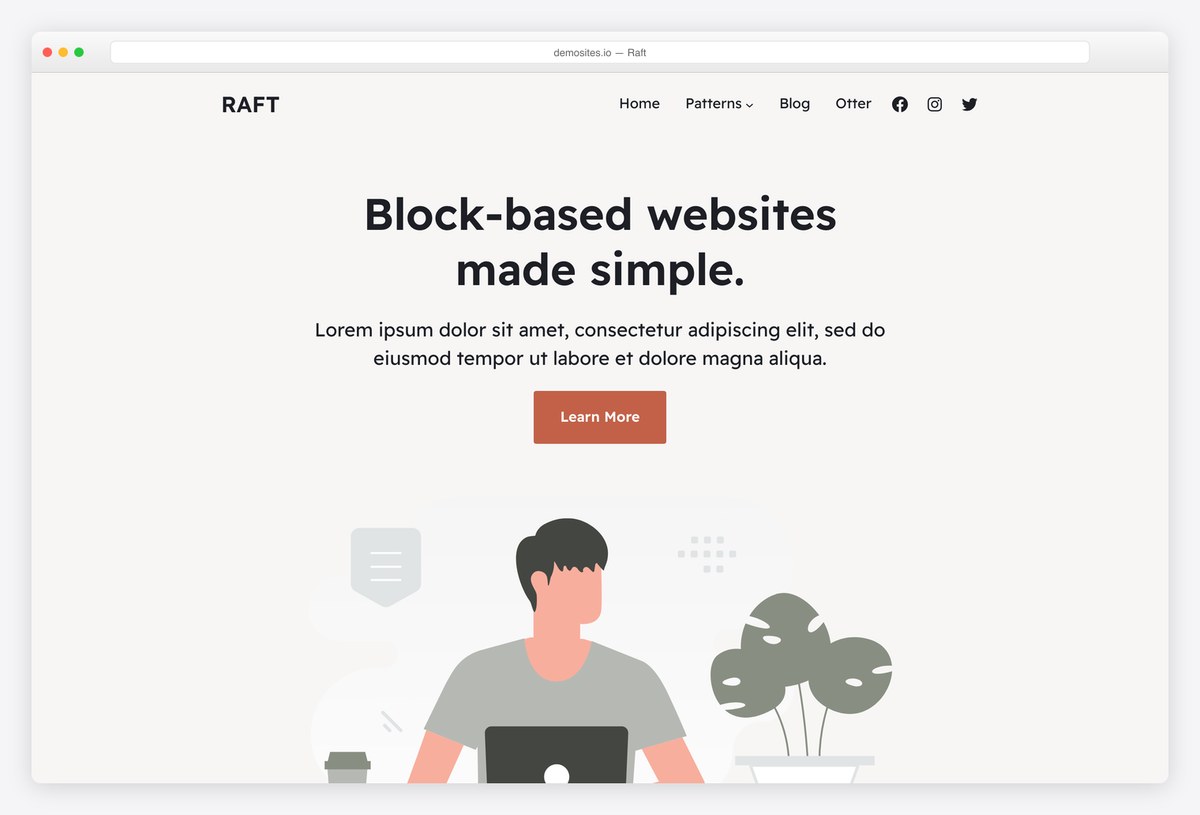
Why we like it: A proper block theme: the header, footer and templates are all edited in the site editor.
Raft is what a modern WordPress blog is supposed to look like from the inside. There is no customizer and no page builder, only the site editor, and the reading layout it ships with needs almost no adjustment before you start writing.
✅ Pros: genuine block theme, clean reading defaults, actively updated ⚠️ Cons: the site editor takes real learning if you have never used it
35. News Portal
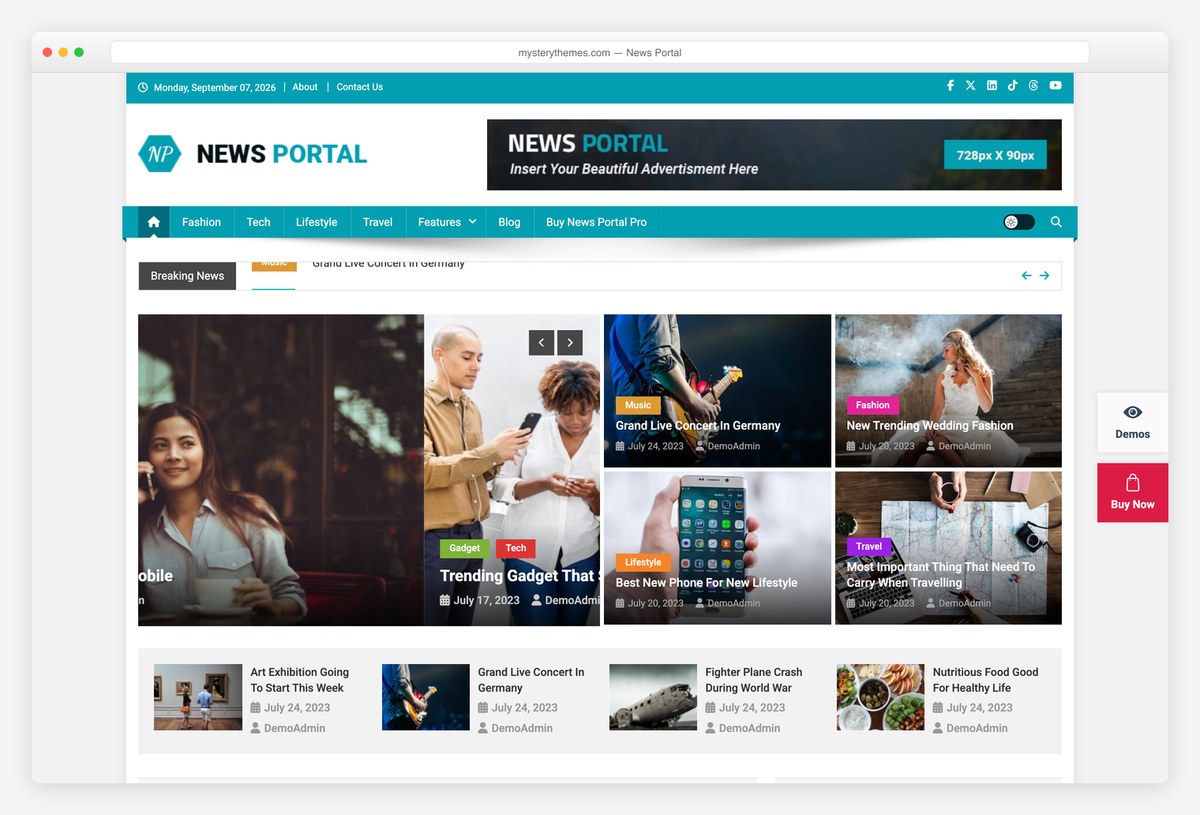
Why we like it: A perfect rating across a hundred and sixty reviews, which almost nothing at this size manages.
News Portal goes for the traditional newspaper front page: dense category columns, a ticker and space for a lot of headlines at once. It is the rare small theme with a flawless review record, and it is updated most months.
✅ Pros: true newspaper density, spotless review record ⚠️ Cons: needs real editorial volume before it looks right
36. Blogus
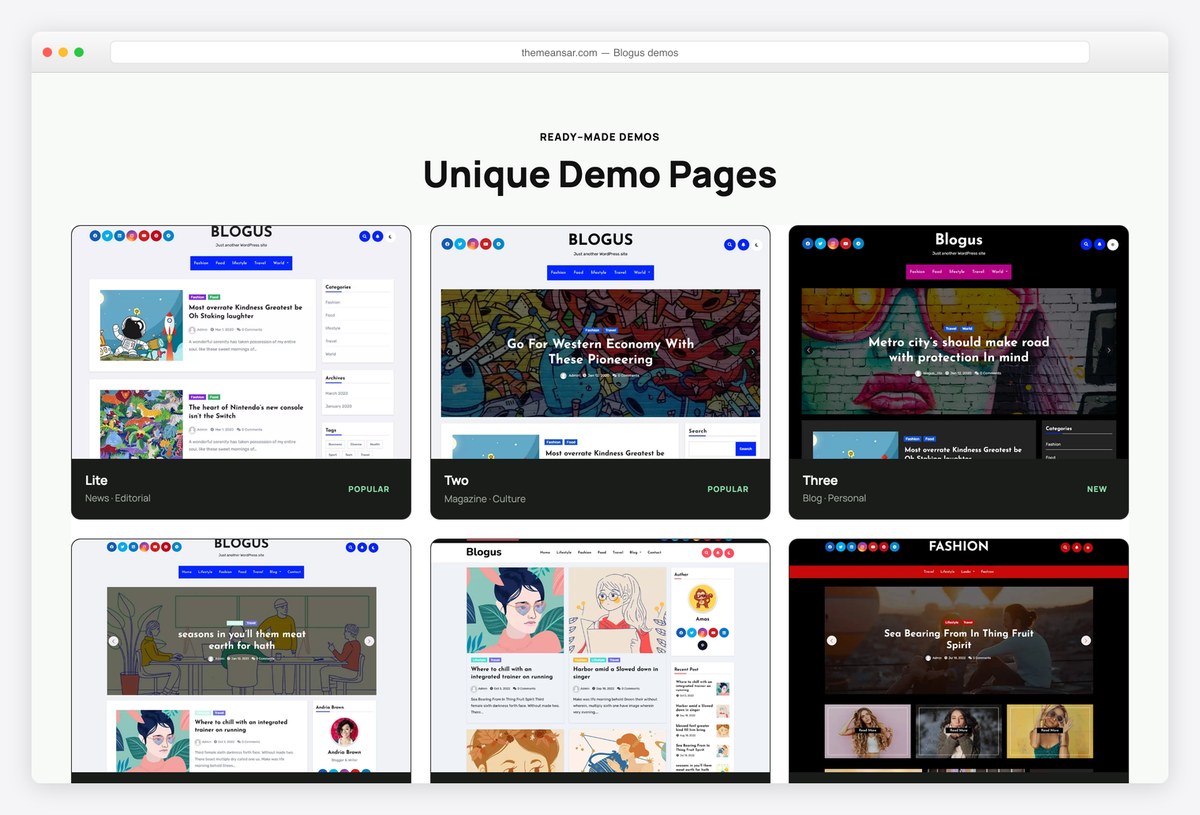
Why we like it: Several genuinely different blog demos, all free to import.
Blogus ships a handful of distinct blog layouts rather than one design in different colours, and every one imports free. For someone who wants a working blog this afternoon and does not want to make design decisions, that is the whole proposition.
✅ Pros: several free demos, quick to set up ⚠️ Cons: fewer ratings than its install count suggests
Best free business and one-page themes
For a company site or a single scrolling page that has to explain a service and collect an enquiry.
37. Shapely
Why we like it: Full-width parallax sections that take a video background, assembled as widgets rather than in a builder.
Shapely builds a long single page out of stackable widget sections, each one full width with a parallax or video background. It is our most downloaded theme and still gets releases, most recently a large accessibility and PHP compatibility pass.
✅ Pros: striking full-width sections, no builder needed, maintained by us ⚠️ Cons: heavier than the modern frameworks, as our table shows
38. Illdy
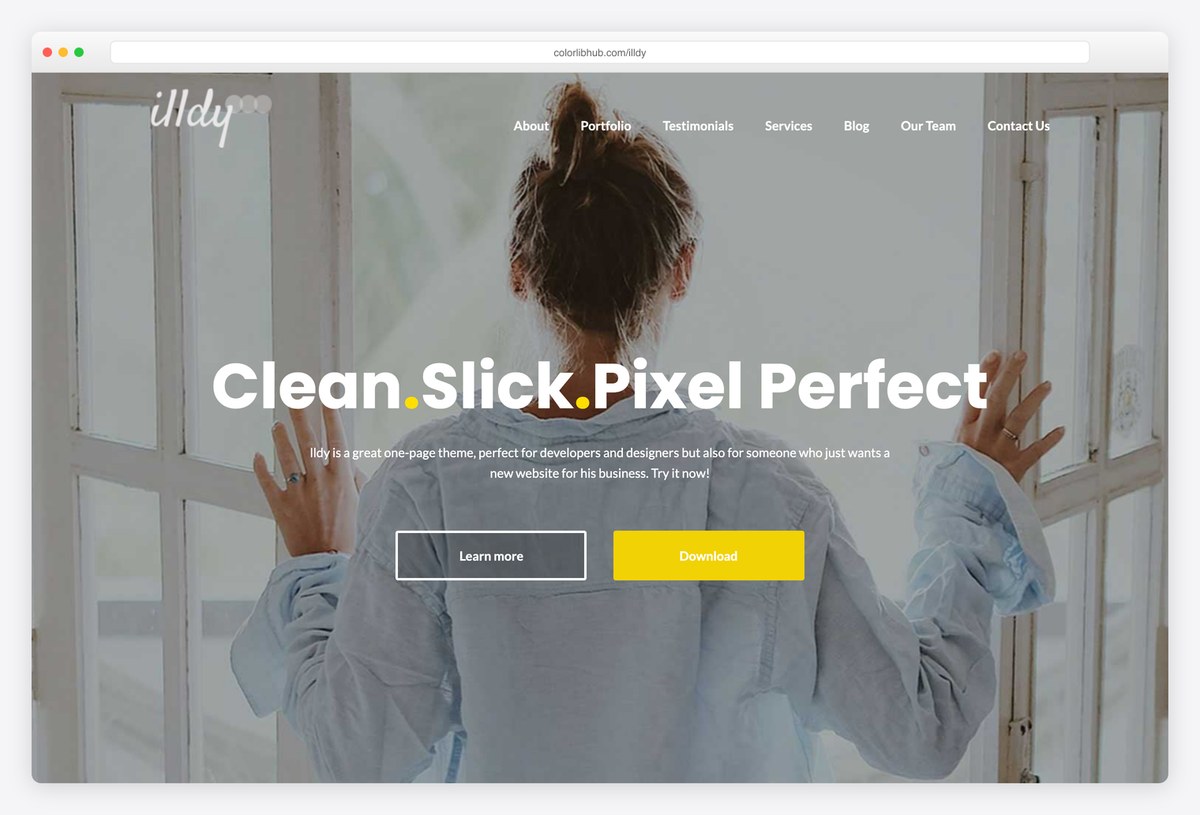
Why we like it: Counters, a portfolio grid and a services block, all free and all editable from the customizer.
Illdy is the more business-shaped of our two one-page themes, with a portfolio grid, statistics counters and a team section already laid out. For a freelancer or a small studio it covers a whole site in one scroll.
✅ Pros: complete one-page business structure, free portfolio section ⚠️ Cons: the heaviest theme in our test, and lower rated than its siblings
39. Phlox
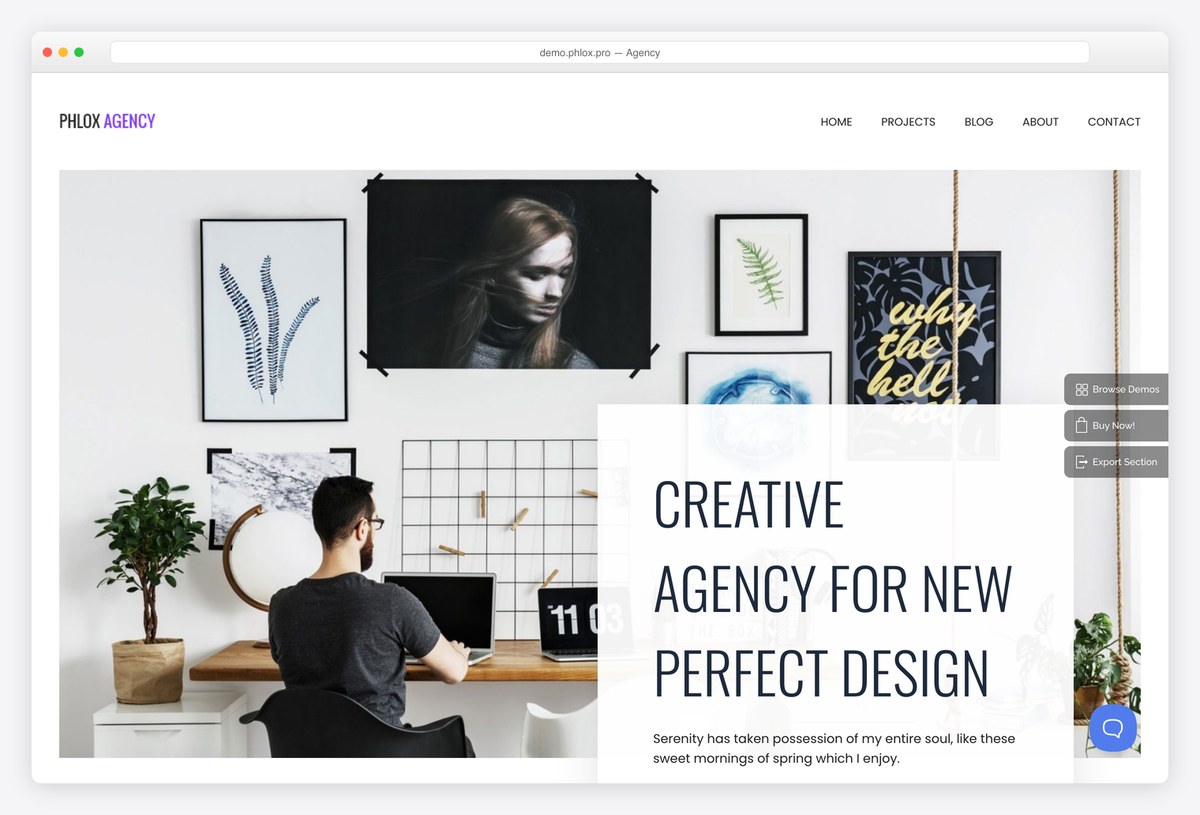
Why we like it: A large library of Elementor demos, free, from a theme that expects you to use them.
Phlox is designed around Elementor rather than tolerating it, and it ships dozens of importable designs for agencies, shops and portfolios. If Elementor is already your tool, it saves the blank-page problem entirely.
✅ Pros: many free Elementor demos, strong review record ⚠️ Cons: tied to Elementor, and heavier for it
Best free WordPress themes for online stores
All three work with WooCommerce, which is itself free. What separates them is how much store behaviour you get before paying: quick view, off-canvas cart, sticky add-to-cart.
40. Botiga
Why we like it: Quick view, off-canvas cart and a sticky add-to-cart bar, none of which you have to pay for.
Botiga was built for WooCommerce from the first line rather than adapted to it, and the free version includes shop behaviour most themes hold back: quick view, an off-canvas cart, product galleries and a sticky add-to-cart bar.
✅ Pros: genuine store features for free, light for a shop theme ⚠️ Cons: a small install base next to the big frameworks
41. Woostify
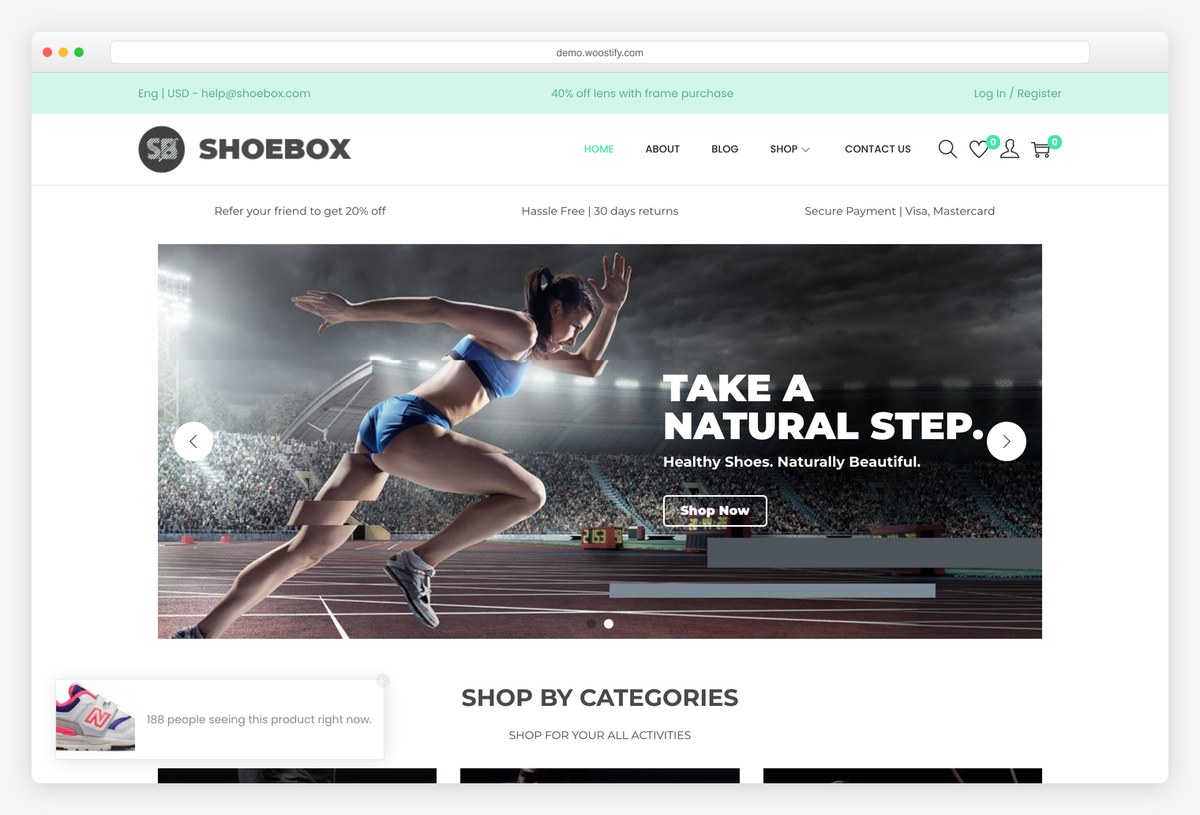
Why we like it: Built specifically to keep a WooCommerce store fast, which most multipurpose themes do not manage.
Woostify does one job: run a WooCommerce shop quickly. It strips out what a store does not need, adds the conversion pieces that matter such as an ajax cart and a distraction-free checkout, and stays out of the way of the products.
✅ Pros: fast for a store theme, focused feature set ⚠️ Cons: little use outside eCommerce
42. Orchid Store
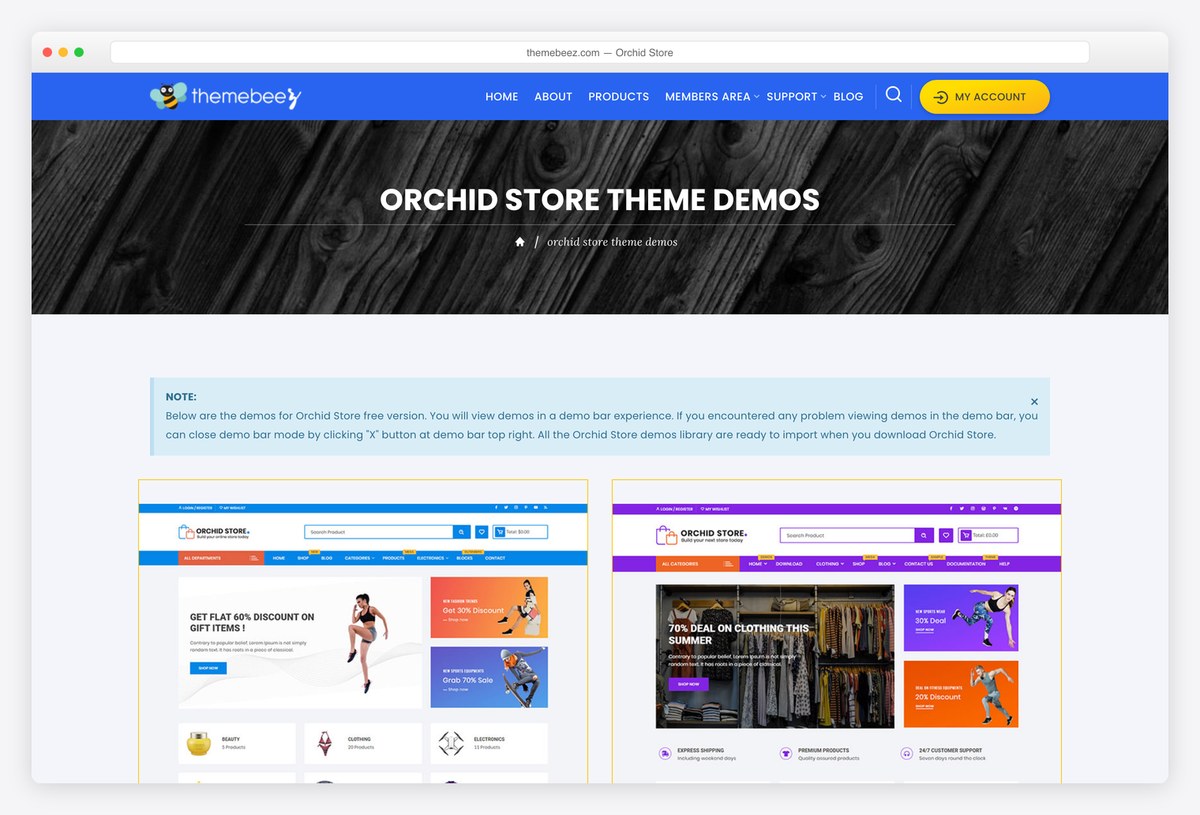
Why we like it: A finished shop layout on import, with the ajax cart and wishlist already wired up.
Orchid Store is the shortest route from a blank WordPress install to something that looks like a shop. The demo imports a complete storefront, the cart updates without page reloads, and there is nothing to configure before adding products.
✅ Pros: complete store on import, perfect rating so far ⚠️ Cons: a small review base, and less flexible than a framework
Best free portfolio and personal themes
Image-led layouts for showing work, and lighter personal sites where the writing matters more than the chrome.
43. Activello
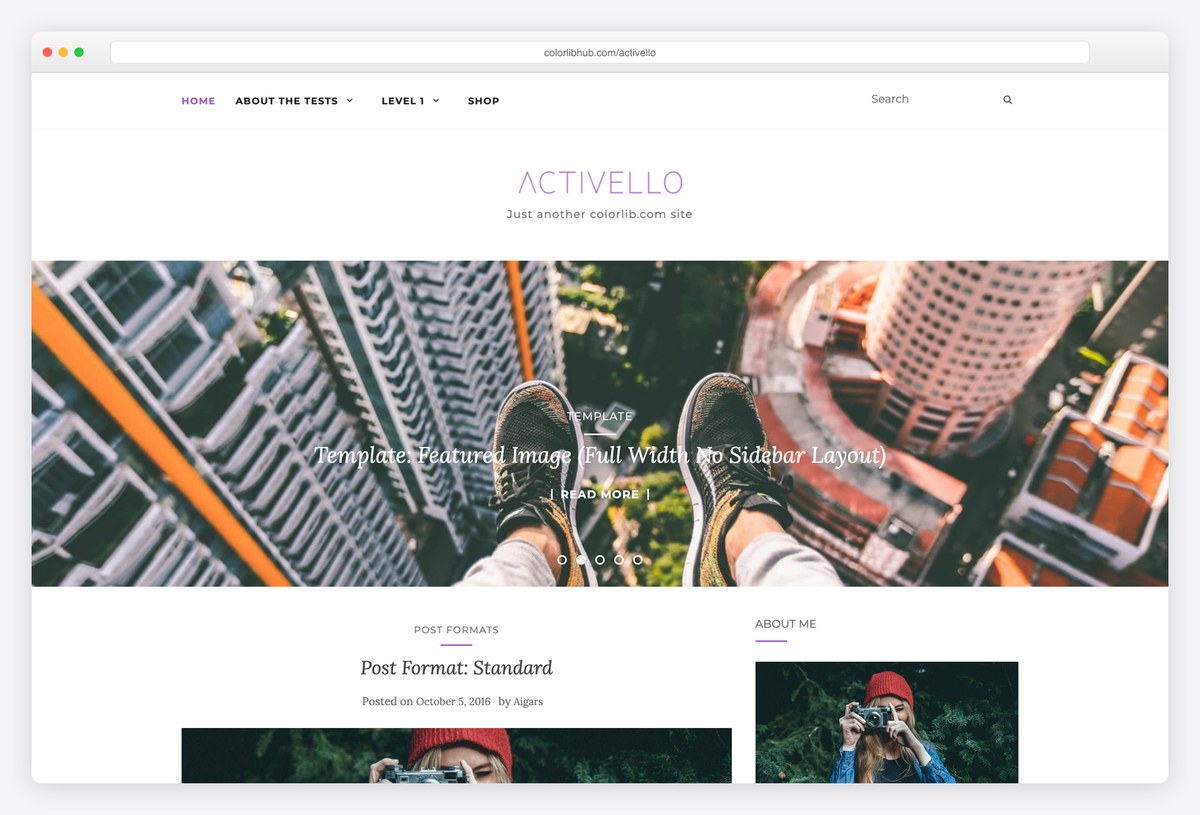
Why we like it: A featured-post slider above a clean blog grid, which is a combination surprisingly few free themes get right.
Activello puts a full-width featured slider over a restrained two-column blog, so recent work leads and the archive stays readable. It is our lightest blog theme and it holds one of the highest ratings in our catalogue.
✅ Pros: featured slider included, very well rated, maintained by us ⚠️ Cons: a blog and portfolio theme, not a business one
44. Travelify
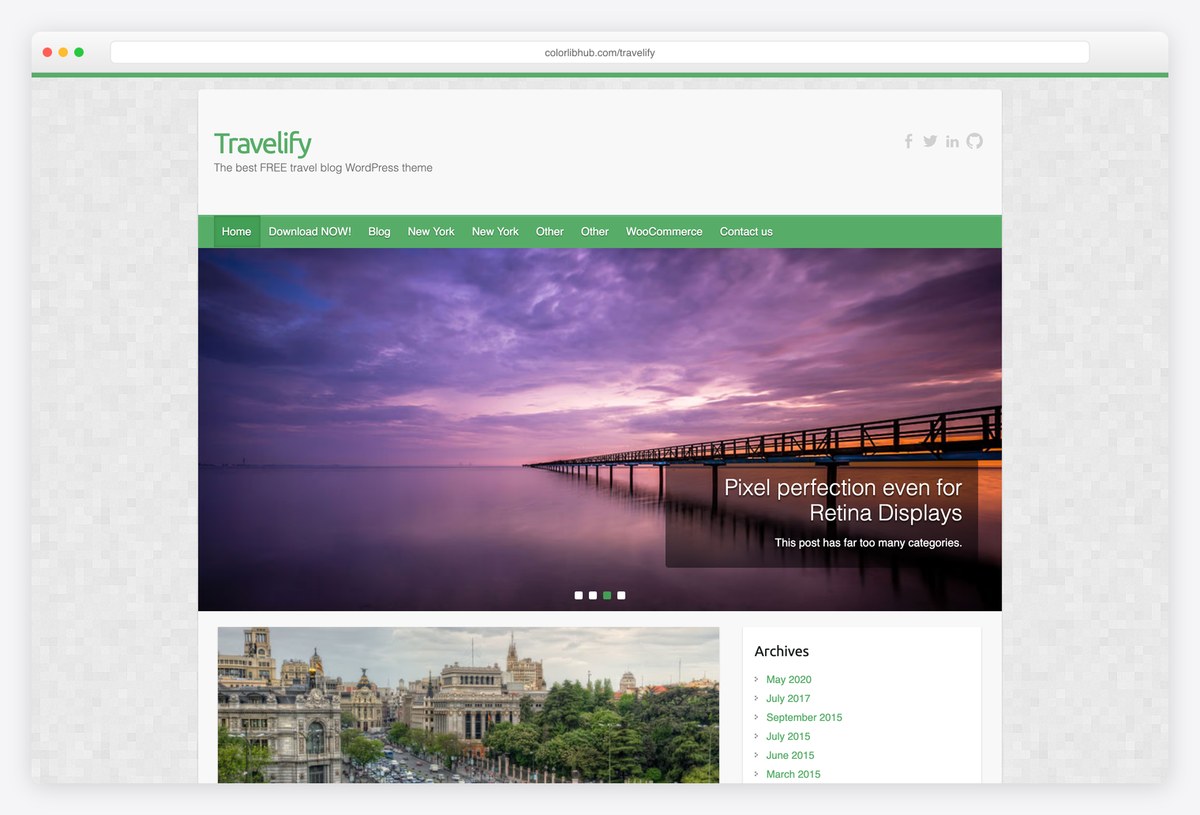
Why we like it: At 365KB it is the lightest of our own themes by some distance, and it is built for photographs.
Travelify is an image-first layout that survived a decade because it does the simple thing well: wide photographs, a readable column beneath, and a featured slider for the best of them. Our test put it among the lighter themes on this whole page.
✅ Pros: light, image-led, very well rated, maintained by us ⚠️ Cons: the design is of its era and will not suit every brand
45. Inspiro Lite
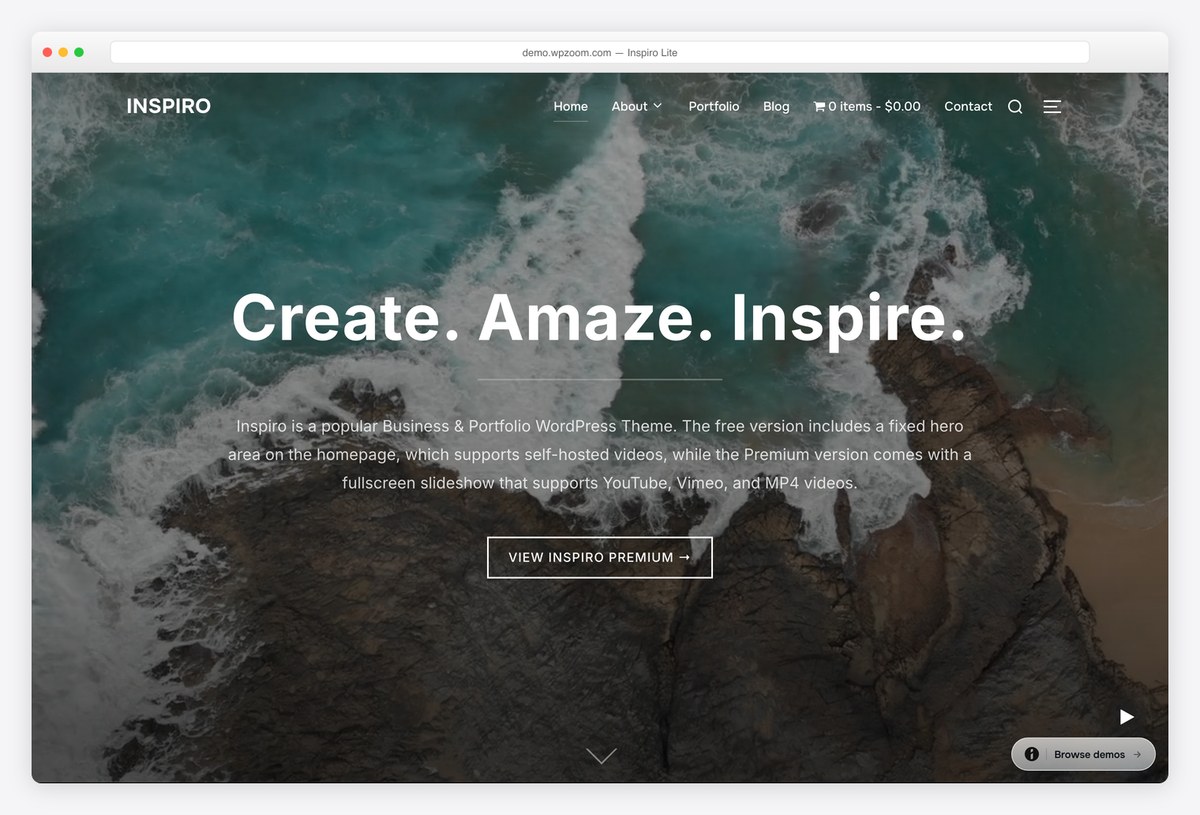
Why we like it: A fullscreen video header that pulls straight from YouTube or Vimeo, in the free build.
Inspiro opens on a fullscreen hero that can play video rather than sit still, which is the fastest way to make a portfolio feel expensive. Beneath it, a straightforward grid handles the actual work.
✅ Pros: video hero for free, strong portfolio grid ⚠️ Cons: the video-portfolio starters are premium
46. Perfect Portfolio
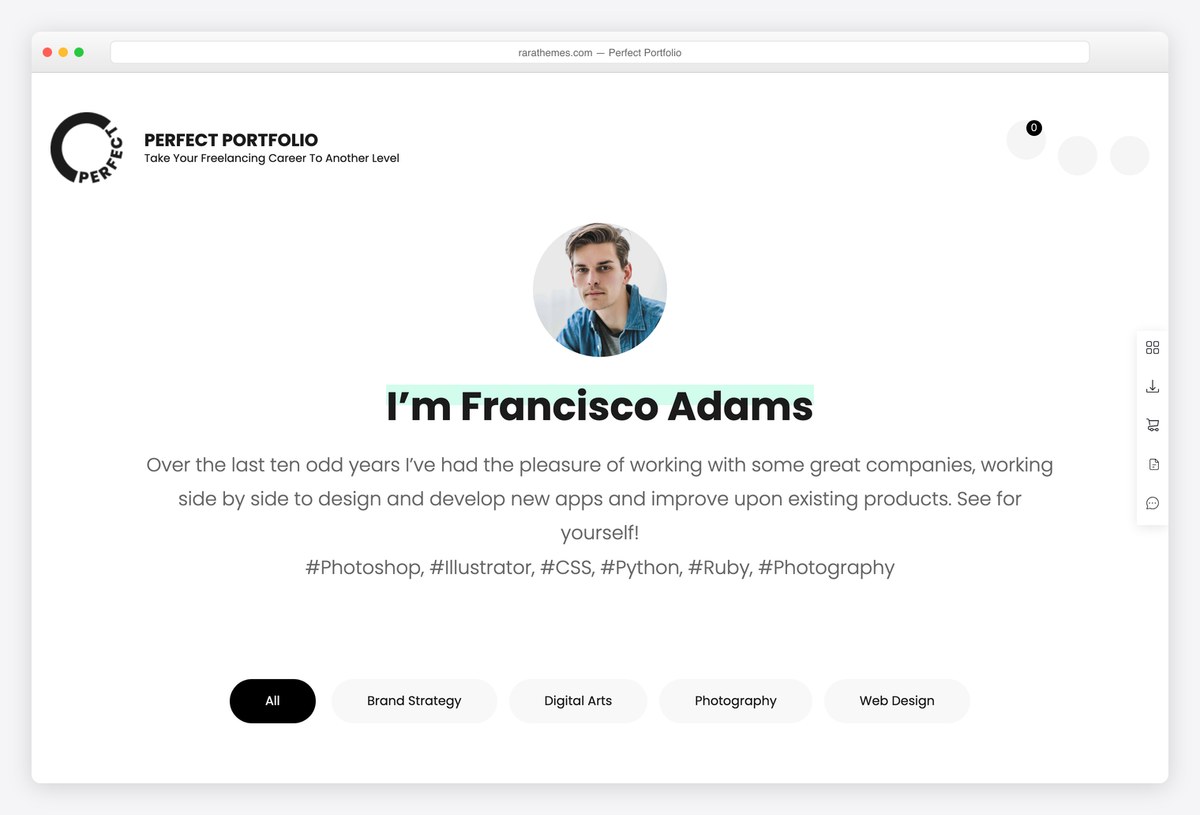
Why we like it: Projects get their own post type and their own pages, instead of being squeezed into blog posts.
Perfect Portfolio treats a project as a first-class thing, with its own layout, filtering and detail page. For a designer or developer whose work needs explaining rather than just showing, that structure matters more than the visual style.
✅ Pros: proper project structure, filtering built in ⚠️ Cons: small install base, and a plainer look than the frameworks
47. Author
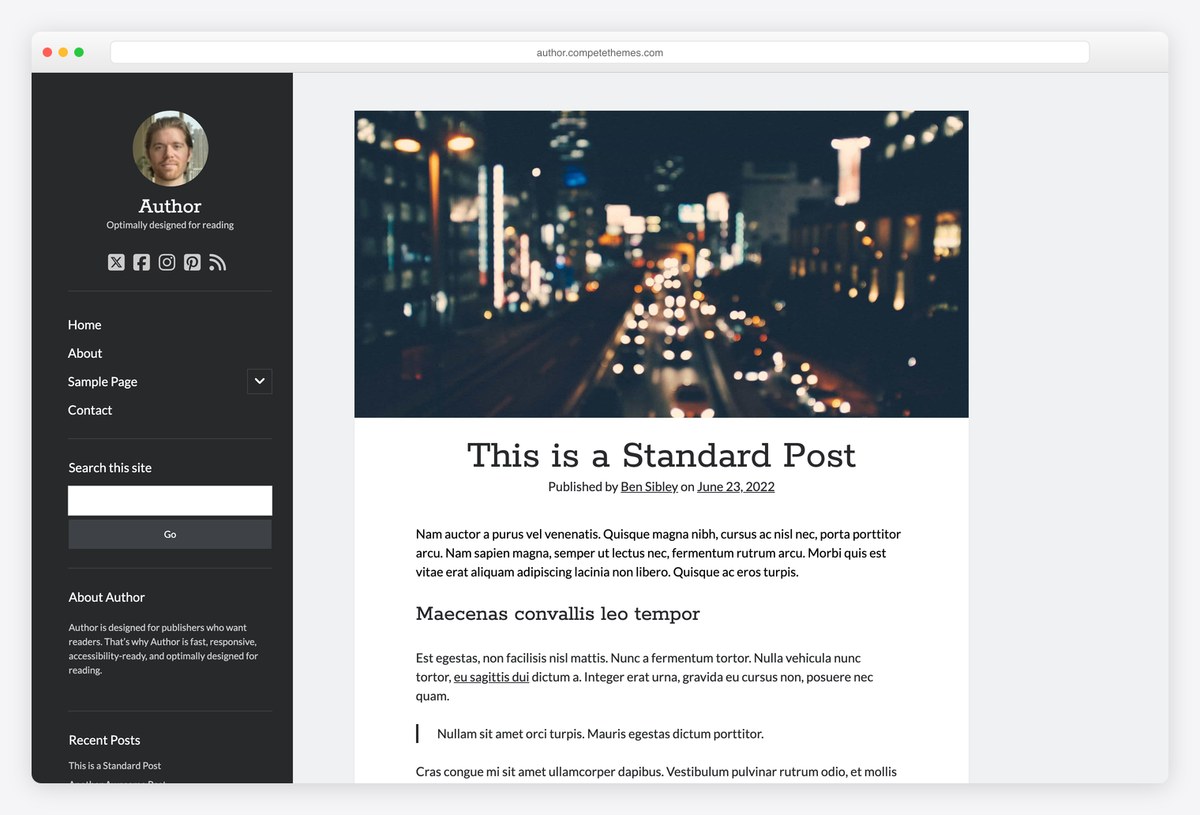
Why we like it: Designed around reading speed rather than around features, and it shows on every page.
Author strips a personal site back to the words: one column, careful typography and no sidebar competing for attention. Compete Themes has maintained it for years, and for a writer it is a better starting point than any framework.
✅ Pros: excellent typography, very light, long maintenance record ⚠️ Cons: deliberately does one thing, so no business layouts
When free is not enough: four paid themes worth the money
You do not need to pay for a WordPress theme. You might still want to, and there are really only two reasons: you want to design every page visually without touching code, or you want a starter library far deeper than the free tier offers. These four cover both.
48. Divi
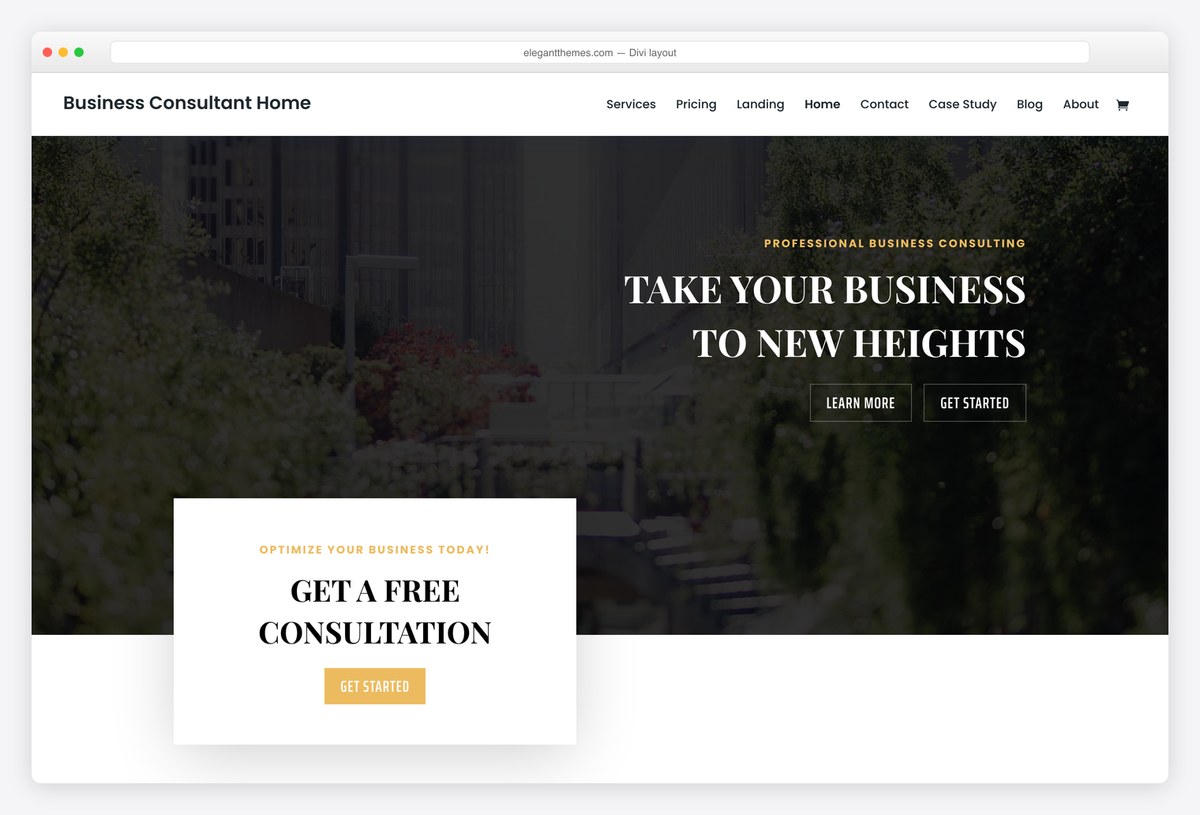
Why we like it: One licence covers every site you will ever build, which no other option here matches.
Divi replaces the theme-plus-builder split with a single visual tool: you edit the live page and see the result immediately. The layout library runs to thousands of designs, and because the licence is per account rather than per site, the second site costs nothing.
✅ Pros: full visual control, unlimited sites, enormous layout library ⚠️ Cons: adds page weight, and its shortcodes make leaving harder
49. Avada
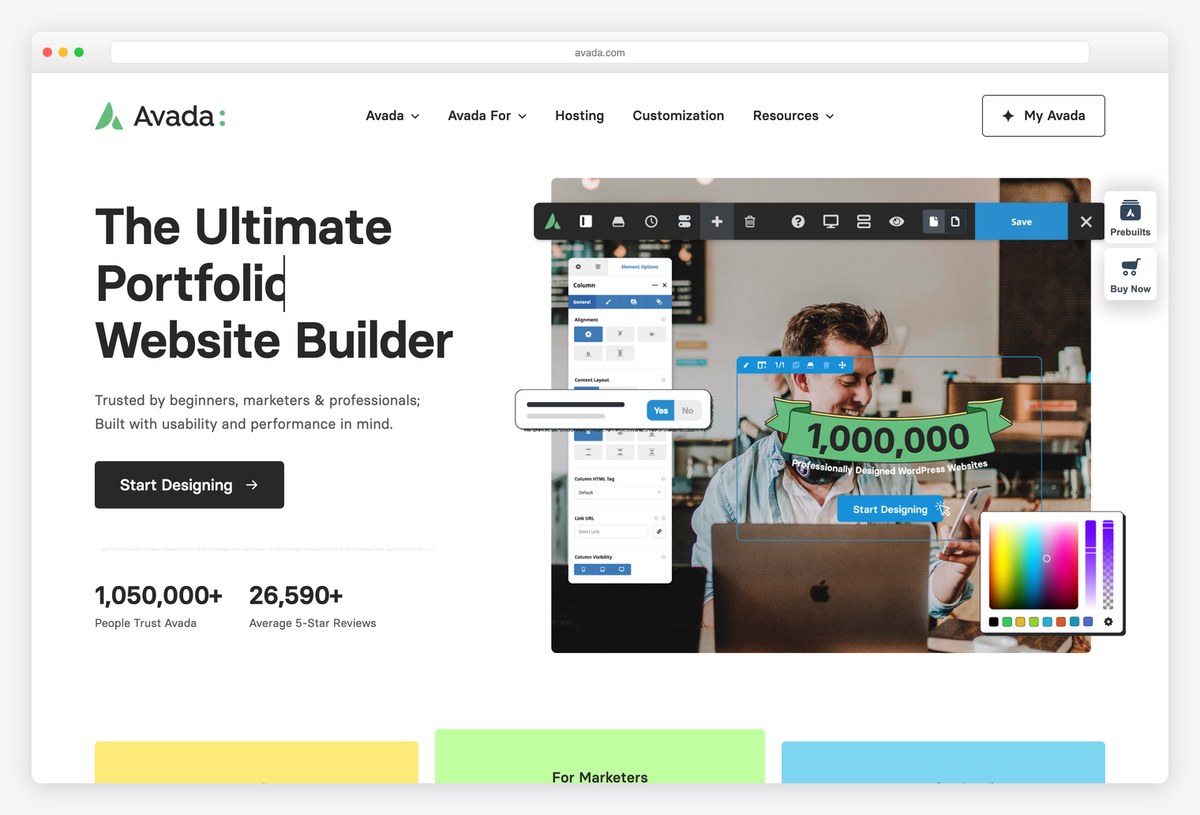
Why we like it: The best-selling WordPress theme ever made, by a wide margin.
Avada has sold more copies than any other WordPress theme, and the reason is coverage: ninety-odd complete websites to import, a builder that handles anything, and a support operation funded by that scale. It is the safe institutional choice.
✅ Pros: vast prebuilt library, long track record, serious support ⚠️ Cons: heavy, and far more theme than most sites need
50. Astra Pro
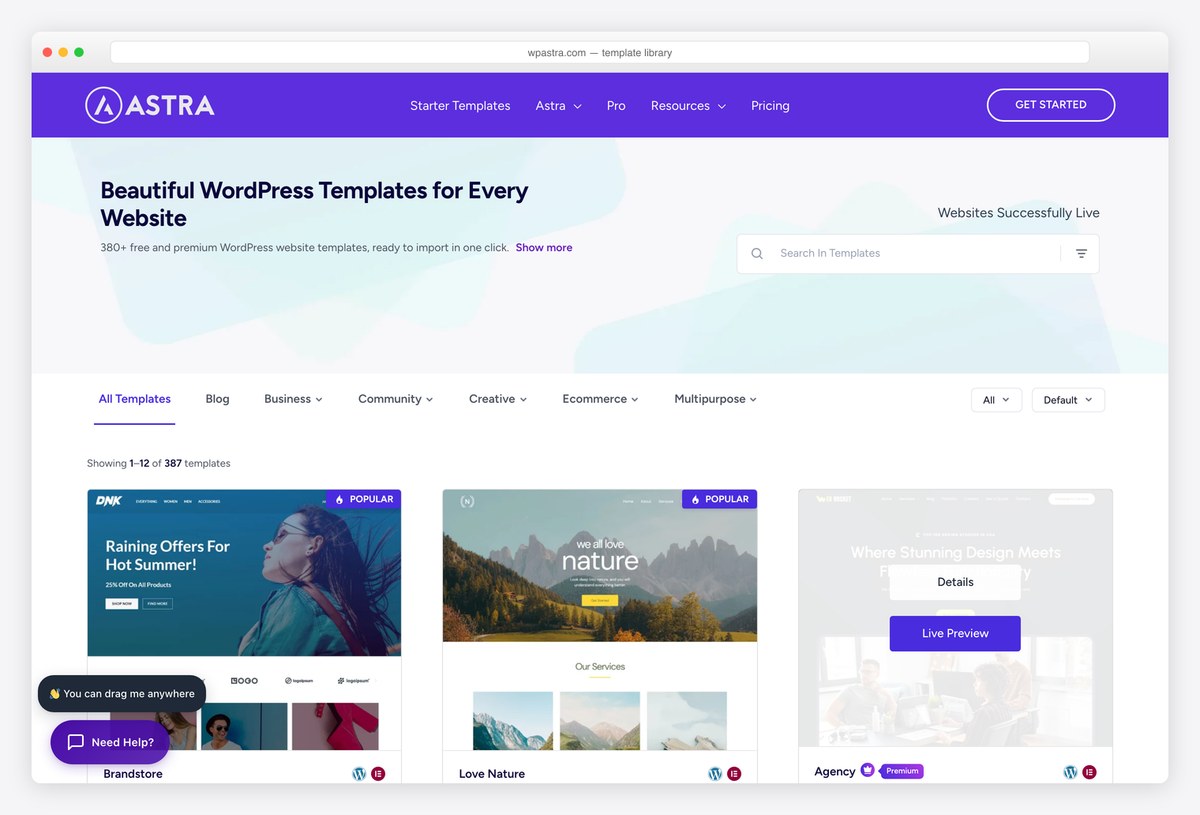
Why we like it: The upgrade path if you already chose Astra: the same theme with the full template library open.
Astra Pro is not a different theme, it is the rest of Astra. It unlocks the complete starter library, a header and footer builder, and the layout controls the free version gates. If the free theme already fits, this is the cheapest way to skip the design work.
✅ Pros: the full starter library, no migration needed from free Astra ⚠️ Cons: annual renewal, and the free tier is enough for many sites
51. Blocksy Pro
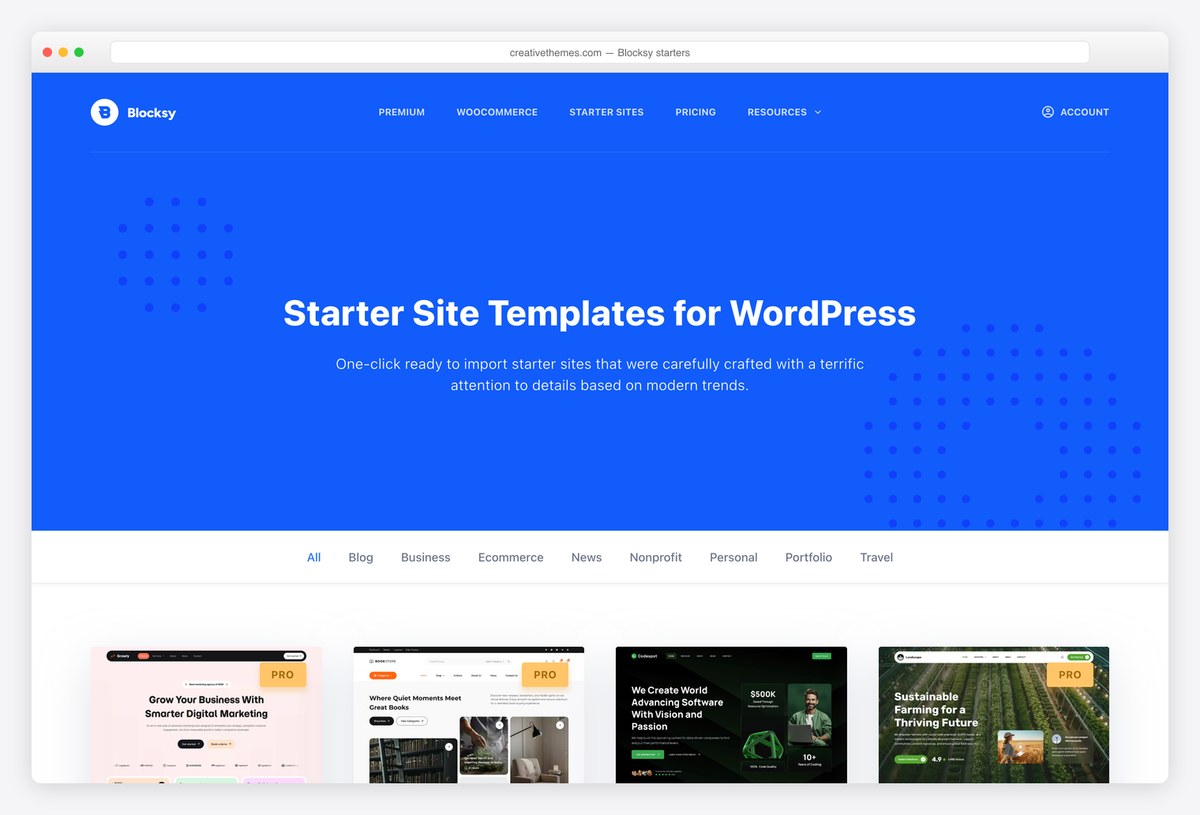
Why we like it: One of the few good frameworks still selling a lifetime licence.
Blocksy Pro adds the pro starter sites, display conditions, a mega menu and the WooCommerce extras to a theme that is already generous for free. The lifetime licence is the differentiator, since almost everyone else moved to annual-only.
✅ Pros: lifetime option, strong free base to build on ⚠️ Cons: a smaller ecosystem than Astra or Divi
Free WordPress themes by niche
Every list below is built the same way as this one: live demos, install counts from the WordPress.org API, and nothing included that has stopped being updated.
How to pick a free WordPress theme
- Check the last update, not the design. A theme that has not shipped in a year is a security problem waiting to happen. Every date on this page comes from the WordPress.org API and is shown on each entry.
- Read the install count as a support signal. A theme on hundreds of thousands of sites has answers on the internet when you get stuck. One on two hundred sites does not.
- Decide about page builders before you choose. A block-first theme and a builder-first theme pull in opposite directions, and switching later means rebuilding pages.
- Weight is the cost you pay forever. The gap between the top and bottom of our table is around five times the page weight, on identical content, before you have added a single photograph.
- Check the starter sites are actually free. Many themes advertise a large template library and then gate the good half behind Pro. Where that is true here, the entry says so.
- Never install a nulled theme. Paid themes distributed free are routinely modified to include backdoors, and the saving is not worth rebuilding a hacked site.
Frequently Asked Questions
What is the best free WordPress theme in 2026?
Astra, for most people. It is the most installed theme by a wide margin, it works with whatever builder you prefer, and it stays under 50KB. If speed is the only thing you care about, GeneratePress measured lighter in our test, and if you want to work entirely in the block editor, Kadence or Blocksy will suit you better.
Are free WordPress themes safe to use?
Yes, if you install them from the WordPress.org directory. Every theme there is reviewed against a security and coding standard before it is published, and updates go through the same process. What is genuinely dangerous is a nulled premium theme from a file-sharing site, which is a common way sites get compromised.
What are the drawbacks of using a free theme?
Mostly support and depth. There is no one obliged to answer your question, the starter template libraries are usually partly gated, and specialised features such as a mega menu or advanced WooCommerce layouts tend to sit in the paid tier. For a straightforward site, none of that will stop you.
What is the fastest free WordPress theme?
In our test, Hello Elementor at 223KB, but it is a blank canvas and does nothing without Elementor. Among themes you can actually use as they come, GeneratePress at 277KB and Neve at 299KB were the lightest, both scoring 99 out of 100 on identical content.
Do free themes work with Elementor and the block editor?
The frameworks here all work with both, but they lean different ways. Hello Elementor and Phlox expect Elementor. Kadence, Blocksy and Twenty Twenty-Five are built around the block editor. Astra, Neve, GeneratePress and OceanWP genuinely sit in the middle and will not fight either choice.
Which free WordPress themes work best with WooCommerce?
Botiga gives you the most shop behaviour without paying, including quick view, an off-canvas cart and a sticky add-to-cart bar. Woostify is built purely for speed on a store. OceanWP goes deepest overall, though much of that depth lives in its extensions rather than the theme.
Can I switch from a free theme to a premium one later?
Yes, and your posts, pages and images are unaffected because they live in the database, not the theme. What does not survive is layout work done with theme-specific features or a builder’s shortcodes, so the more a theme customised your pages, the more rebuilding a switch means.
What is a block theme, and do I need one?
A block theme lets you edit the header, footer and templates in the site editor rather than a customizer, with no page builder involved. Twenty Twenty-Five is the reference example. You do not need one, but it is where WordPress is heading, so a new site is worth starting there if you have no strong reason not to.
So which one should you install?
For most sites, install Astra and import a starter close to what you want. If speed is the point, use GeneratePress. If you want to live in the block editor, use Kadence or Blocksy. If you want a one-page site today, use our own Shapely. And if you are building for a specific trade, start from the niche list above rather than a general framework, because a good starter site saves more time than any feature comparison.

Related Posts




So perfect themes, Thank you very much, I want to ask one question, that I’m using now customizer theme, and I want to change it to one from the above collection, will my contents , posts, links, and other will be lost ? Please advice dear
Jamal,
Your content won’t be lost when you switch from one theme to another. Your posts, pages, links, images, videos and other content will all still be there. The only things that won’t carry over are custom widgets built specifically for your old theme (not the default ones such as Recent Posts, Custom Menu or Text), and you can usually get similar functionality back with plugins.
Your old theme’s settings are saved in the database, so you can always switch back if you don’t like what you see. WordPress also lets you preview a theme before you activate it under Appearance >> Themes >> [choose a theme] >> Live Preview.
Switching is perfectly safe, but I still recommend backing up your website regularly in case something goes wrong.
Let me know if you have any other questions.
Thank you for your reply, I very appreciate your feedback, how can I do backup ? From which function ?
Jamal,
WordPress doesn’t have its own backup solution, but you can back up your site either through your hosting control panel (this depends on your host, but it should be well documented) or with a plugin such as UpdraftPlus. There are plenty of other good options on WordPress.org too.
The best place to keep backups is a third-party service such as Dropbox or Google Drive. Keeping them only on your hosting account isn’t ideal, because if your hosting gets hacked, your backups can go down together with your website. Better safe than sorry.
Let me know if you have any other questions.
Some good themes, thanks for putting this together. Do you know if any of them have support for forms or which would be able to add forms easily? I am thinking along the lines of Online Entries for an event, or membership joining up. What about selling membership or club apparel?
Phil,
Forms are handled by plugins rather than themes, so any theme on this list will work with a free form plugin for event entries or membership sign-ups. For selling memberships or club apparel you’ll want WooCommerce, and store-focused themes such as Botiga or Woostify are a good place to start.
This is a really good selection of themes in my opinion. Do you have any recommendations as to a good SEO-friendly theme? I have used a few themes whereas it is really awkward to use H1 tags for instance. The font displays too large with some themes and you have to do a little customization to make it look right. Any suggestions?
Gary,
SEO is no longer mainly about well-optimized title or heading tags. It’s about website performance, your content and user engagement. If your website is slow, your other SEO efforts won’t help much, and if your content isn’t unique and useful, proper heading tags won’t save it either. Google’s algorithm is much smarter than it used to be and can tell when you are optimizing for search engines rather than for users.
So I’d start with a lightweight, well-coded theme such as GeneratePress or Astra and put your effort into content. If headings display too large, that’s a styling issue you can fix in the theme’s settings without giving up proper H1 tags.
Hi, I have a quick question Im hoping you can help with. If I use any of these themes will I need to recreate their look or is there an option to load the demo? Im basing this on my experience of having bought one from Themeforest whereby I loaded it but it didn’t look like the demo as it was essentially a blank canvas. There was an option, however, to load the demo so that you got the same look as ‘advertised’. Im guessing this also applies here. What Im essentially asking is if I use any of these themes will they look like the demo or will there be an option to load it?
Jose,
It depends on the theme. Some free themes let you import demo content so your site starts out looking like the demo, while others give you a blank canvas and you build the look yourself. Among Colorlib’s themes, Sparkling and Travelify come with demo data. Preparing demo content takes a lot of work, so not every free theme offers it; check each theme’s documentation before you choose.
What is your recommendation for a theme for a new nonprofit? No blog or anything, just about us, contacts, upcoming events, resource pages and the like. Thanks!
Dana,
Any theme listed above can be used for a static website. It doesn’t matter whether the demo shows it as a blog theme or a business theme: static pages and a blog are always both available, and you can simply leave the blog out. My personal favorite is Sparkling and I can recommend it for you as well. For themes dedicated to nonprofits, check this theme collection.
Hi, I’m interested in creating a website for my business that will be available for viewing in two languages. (Basically, it will have two flags in the upper right corner. The default version will be in English but by clicking on the other flag the visitor will switch all the pages to that other language). Can this feature be implemented in any theme or only specific ones? I noticed some themes (Responsive, Hathor, etc.) are “translation ready” but I’m not quite sure if that is what I am talking about here. How difficult is it to set up a website in two languages? Would I need to create (or recreate) the same pages (and all the content) in the two languages or is there a way to do it a bit easier and quicker? Thanks for any input you may have on this subject.
Hi Maciek,
you can insert a translator plugin which will translate the page by clicking on the flag, similarly as in chrome by right clicking and choosing translate the page. Or you can also go for a wpml plugin to translate all your content for multi-language site. This way you need to translate all your content to languages you need. Bit harder and time consuming but worth it.
Hi,
I’d love to get a theme that lets me change the colour of more than just the background. For example, I’d love to change the container colour, and/or the link colour, and/or the menu colour.
Do any of these free themes allow me to do this?
Many thanks in advance!
Sparkling is going to be the right theme for you. It has color pickers for individual elements, so you can change link, menu and other colors, not just the background. You can read more about it here.
Thanks for this list. Do you know of any free ones targeted at bed and breakfast with online booking integrated? Want to practice before investing. Thx
CJ,
Free themes don’t come with built-in online booking, because WordPress.org treats functionality like this as “plugin territory”. Booking is added with a plugin instead, and there are loads of free ones available. I’d also recommend listing your B&B on Airbnb and similar sites. That makes the setup much easier, and they will send plenty of guests your way.
These are not free, they are trial versions, if you want any kind of control of the site, you will have to pay for it…
Torsten,
Not entirely true. Apart from the paid themes we list separately at the end, the themes on this list are not trial versions: you can use them without time limits, including on commercial sites. Some developers offer freemium themes, where a paid version adds extra features, but you are never forced to upgrade. Colorlib’s own themes, such as Shapely, Illdy, Sparkling and Activello, are completely free.
Thanks for such wide selections.
I am trying to build a site for community to discuss, share their experience, react on someone’s blog. Initially I will write few article later on folks in community may start writing too. Can you suggest if there is any theme which I can use, with an option to submit their own article/blog. I am expecting may be 20 – 50 folks may write a blog rest will just view or comment on the blog.
For now i am looking at free theme.
OctMom,
You can use literally any WordPress theme listed above. WordPress itself has the option to enable user registration and user-generated content. You can also set different user roles, so contributors can either publish directly or have their posts approved by you first. That’s basic WordPress functionality, and it works with any theme ever released.
Looks good. But not every theme mentioned here is a light theme. So please warn your visitors that they should not use these themes on free hosting services, otherwise these themes will end up eating your server ram and your website will go down.
I strongly recommend keeping away from free hosting providers. They will fill your content with ads, close your site for no reason, and will charge double the regular hosting price to get back your data and website. If you want to experiment with WordPress I would recommend installing it locally and play around with it instead of using free hosting providers.