
10 Best Job Board WordPress Themes 2026
Today, we would like to present a list of the best job board WordPress themes.
These themes can be used for general job listing websites, niche sites like freelancer job listings, and even job boards for babysitters. They feature front-end submission, location-aware search, resume creators, visual builders, etc.
I have been involved in the recruitment business for 15 years, working for several international recruitment companies.
Yup, I know the ins and outs of the industry.
Large websites like Glassdoor, Indeed, LinkedIn, and Google Jobs take the job portal business.
However, there are many niches where relatively small websites perform well.
The main problem with small players is keeping the website up to date and error-free, and constantly adding new functionality requested by users.
This is where WordPress comes into the game. You can easily set up your job listing page and keep it fresh forever.
Below are the best job board WordPress themes, powerful and 100% customizable.
Best Job Board WordPress Themes
1. Jobify
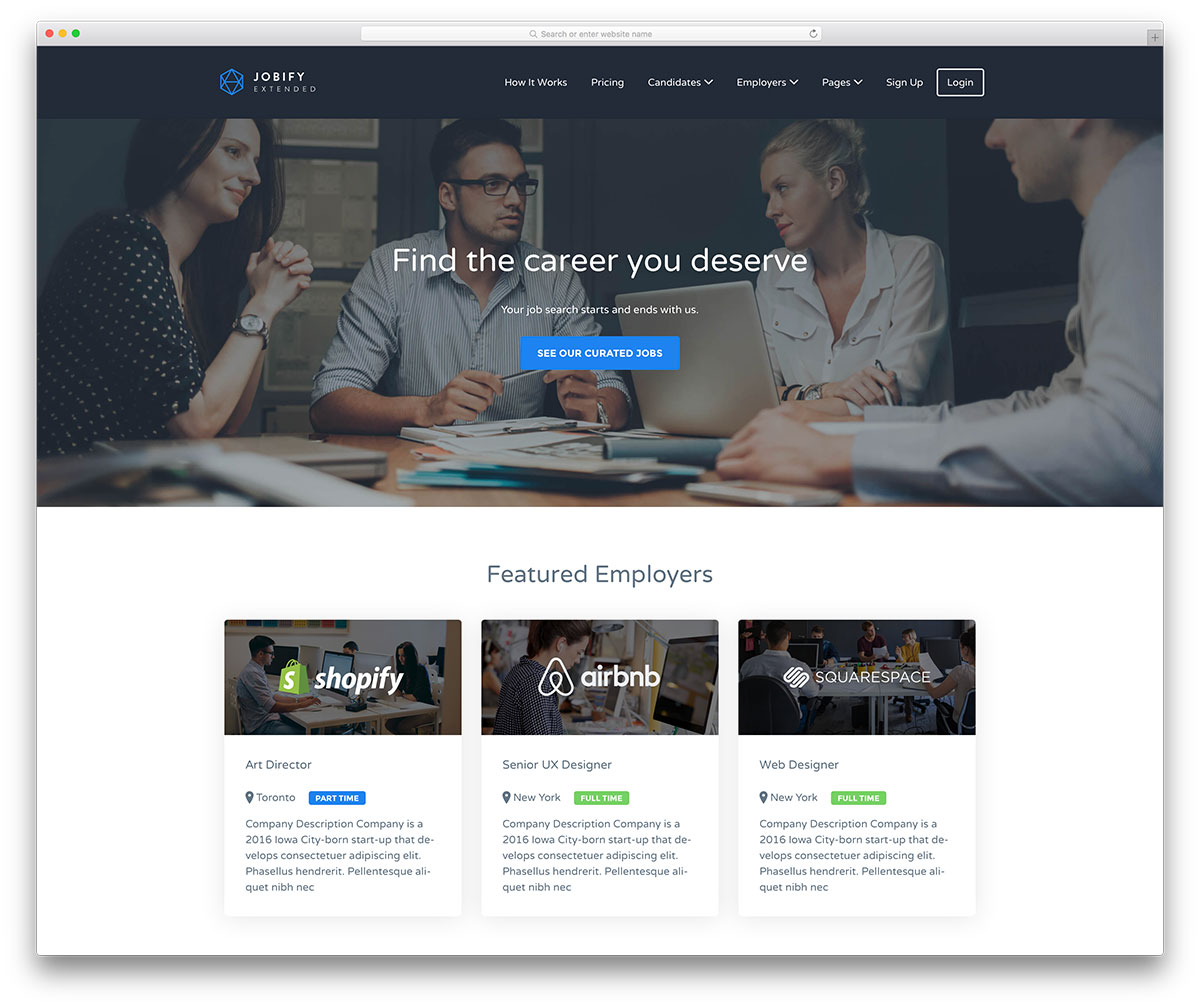
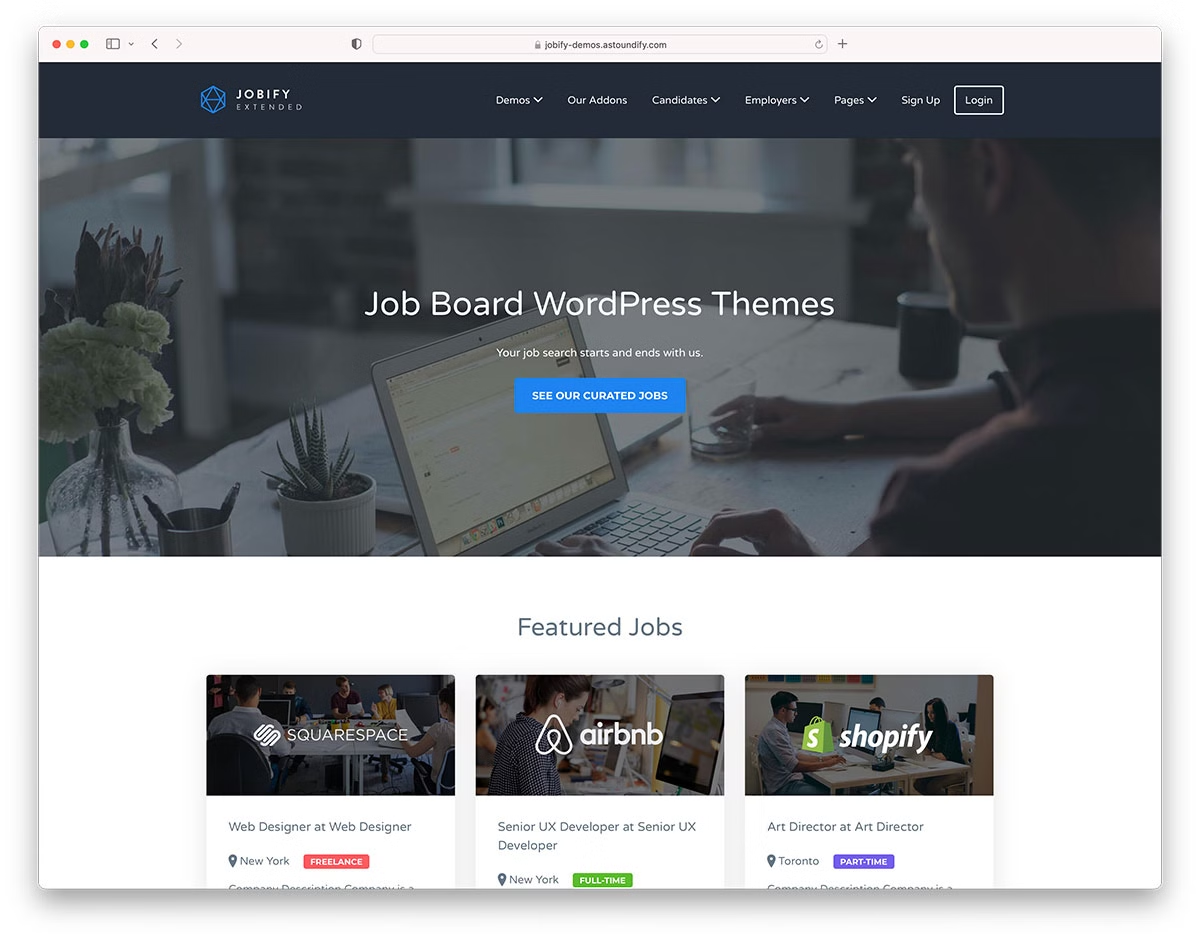
Jobify is a modern, flat design-inspired WordPress theme designed for job boards. It features a 5-minute install method to get your website up and running.
It’s a customizable theme with unlimited color and font variations, plus other options to tweak your website.
This is my favorite theme on this list, and its incredible popularity shows that 15,000 users agree with me.
Price: $69
Get started with Jobify today.
2. Jobseek
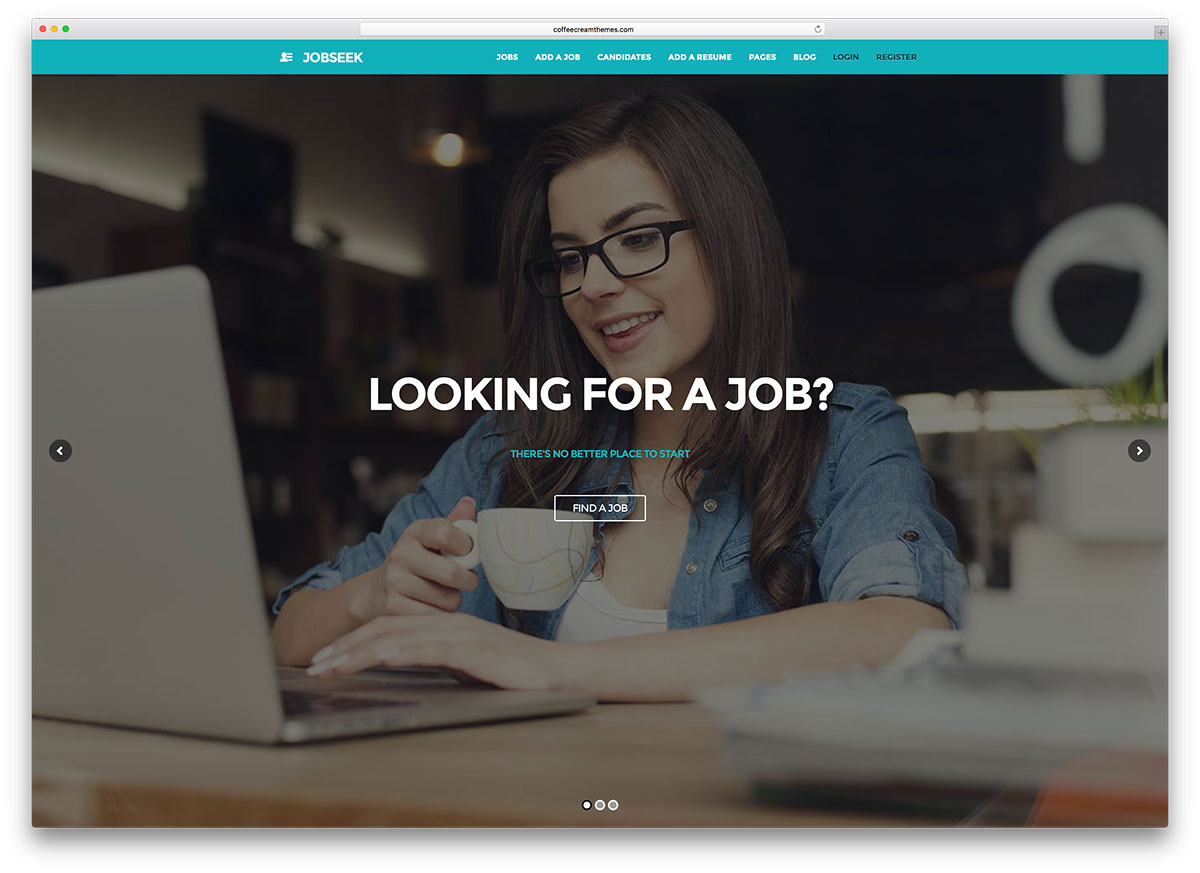
For those who wish to create a professional job board website, Jobseek is an ideal choice. This versatile WordPress theme has a charming design and an intuitive interface.
The Admin UI will showcase jobs in a very organized manner. You will find it easy to work with Jobseek.
Employers may post available jobs on the page’s front-end and display information like location.
It is also possible to preview posts before publishing. The prolific WooCommerce plugin enables the paid listing function. The client will easily set up their website, and there is no need to tamper with the code.
A nifty testimonial management system lets customers review your business and share their opinions about the service.
Price: $39
Get started with Jobseek today.
3. WorkScout
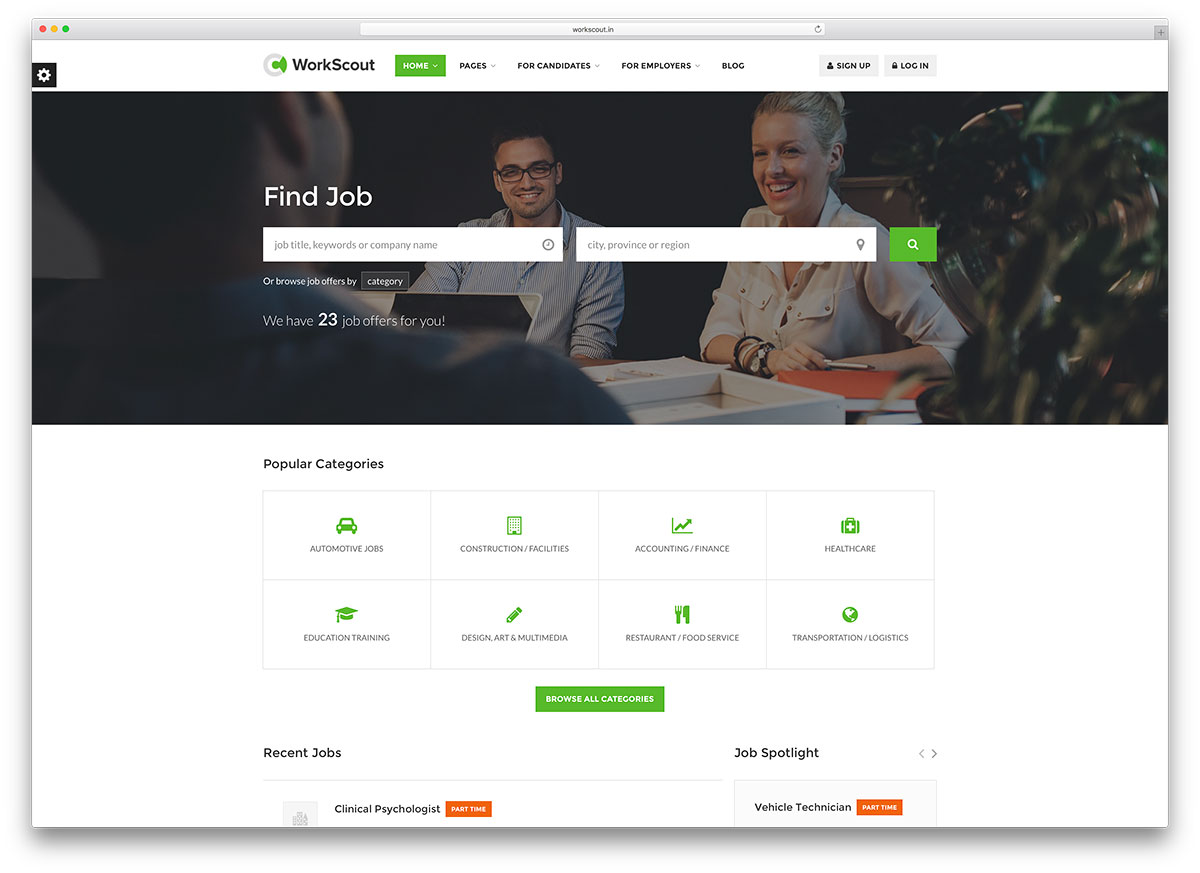
WorkScout is an excellent WordPress theme for job board websites. Its extreme user-friendliness makes it great for any employment agency recruiter.
Thanks to the WPBakery page builder plugin, page construction is intuitive. This amazing tool uses drag-and-drop technology to quickly build a website.
An informative online documentation source is available for novice users. It explains every feature in detail and offers guidance through the setup process.
The Resume Manager tool makes it easier for users to register and upload their resumes.
Site owners can upgrade to using WC Paid Listings. This makes it easier to implement paid listings and turns any website into a fully-formed online job market. WorkScout makes things happen!
Price: $79
Get started with WorkScout today.
4. Recruitment Agency
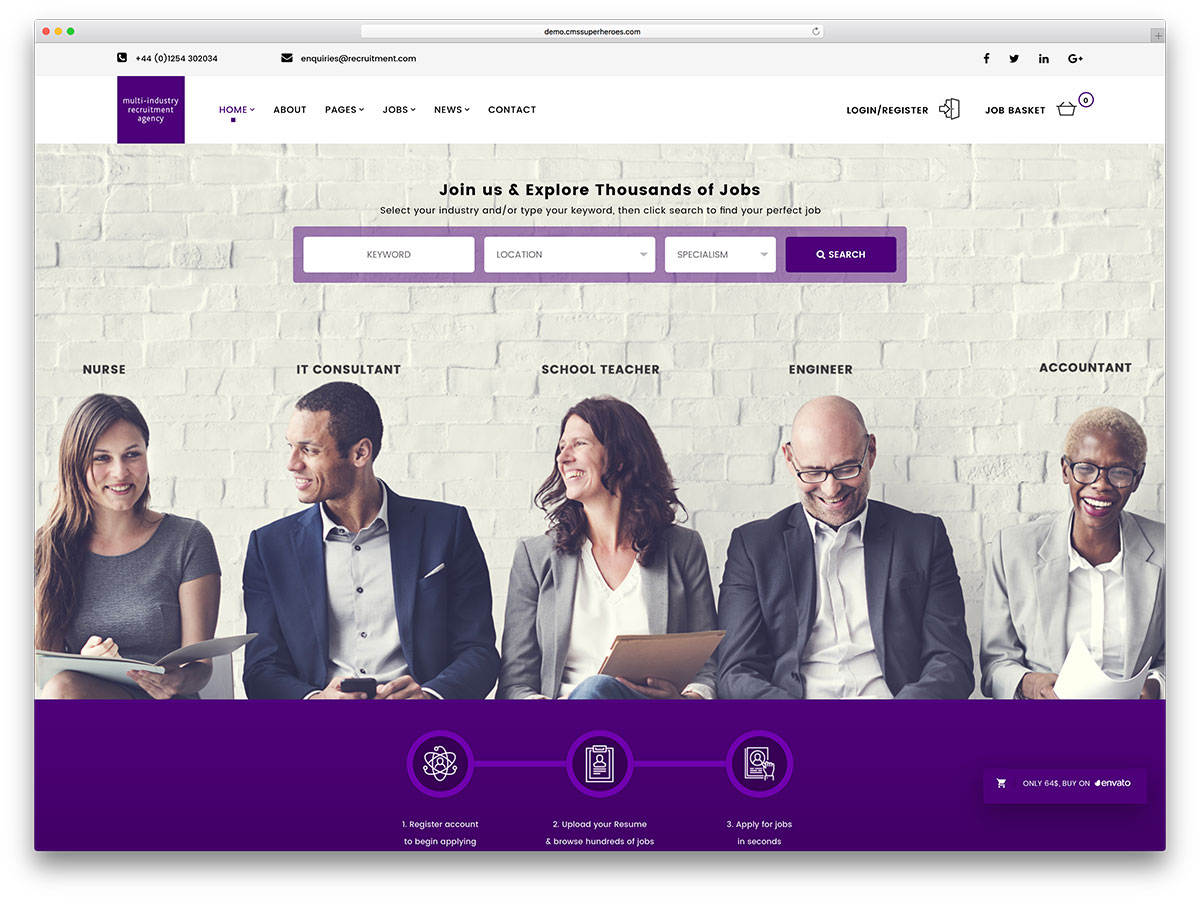
Recruitment Agency is a responsive, fast loading and adaptable WordPress theme built on Bootstrap. It fits businesses and individuals who need their profiles exposed.
It is a congruent mix between a directory and an application system. Recruitment Agency divides pages in listings according to what you look for to hire or apply.
It has unlimited portfolios and blog layouts. Files such as CVs, resumes, and support documents can be uploaded in different formats.
Recruitment Agency is developer-friendly; it doesn’t require coding knowledge to set.
It uses the amazing Essential Grid to arrange sections, maps for job locations, Slider Revolution, and more. With a recruitment agency, there are no limits!
Price: $64
Get started with Recruitment Agency today.
5. Cariera
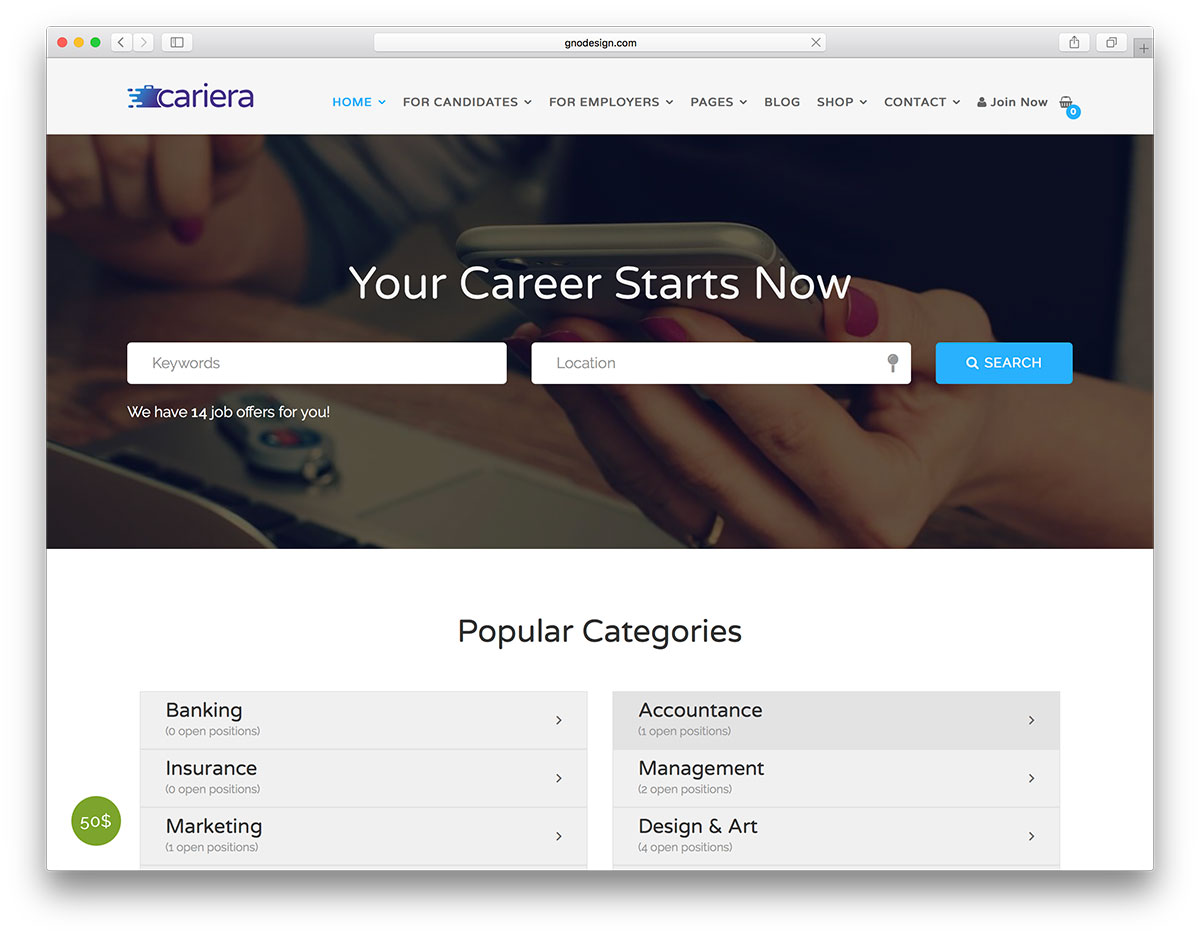
Cariera is an expert on job boards, stats, and listings. Try it out with 12 homepages and a one-click demo import. Cariera is built with tons of premium-quality plugins, including WPBakery Page Builder. (It’s easily customizable!)
Furthermore, Cariera is a theme for almost any work environment scenario. It is compatible with WooCommerce and WPML for purchase and translation aspects, respectively.
Cariera is the perfect place for companies and job aspirants to connect. It offers job search filters and CV submissions, uses Contact Form 7 to build forms, and has a child theme.
Create the best environment for job/employer search with Cariera!
Price: $79
Get started with Cariera today.
6. JobMonster
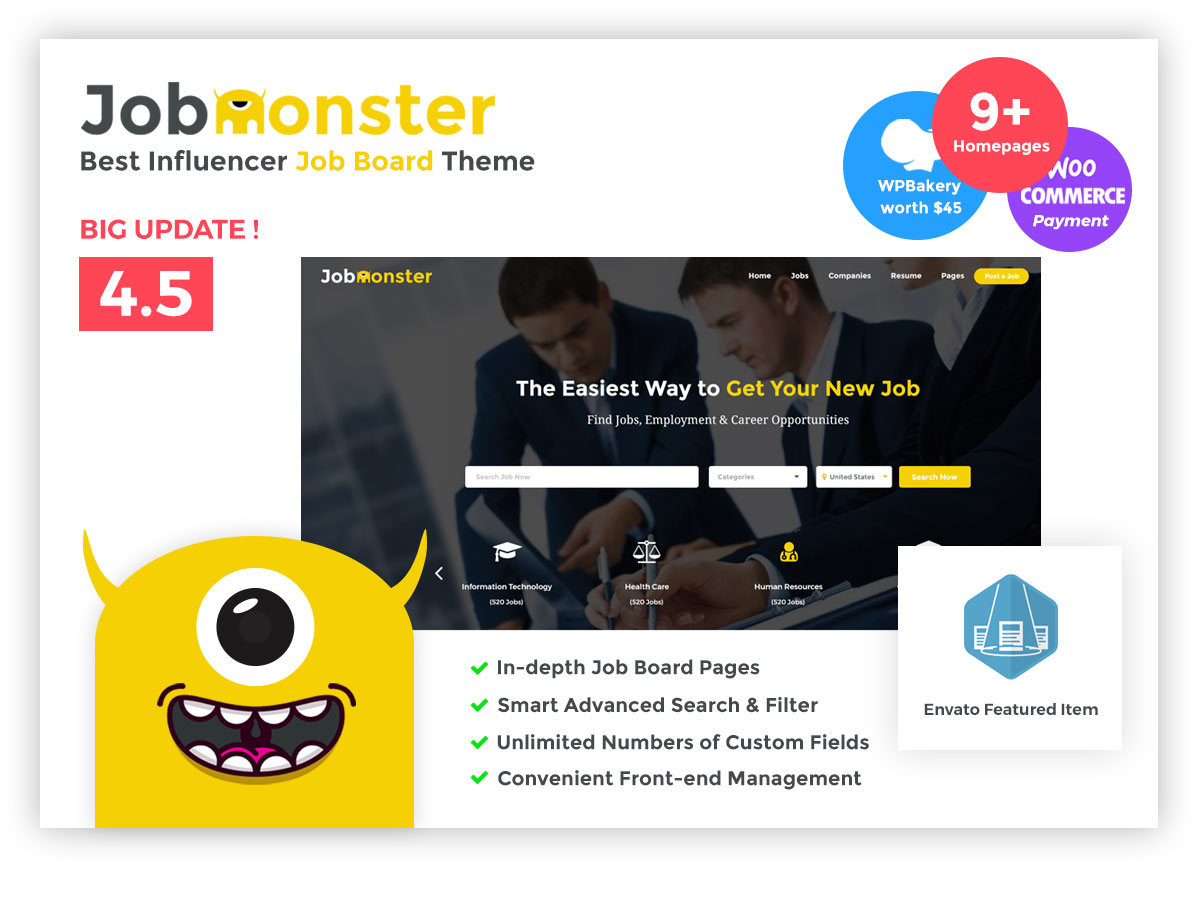
Site administrators can first review every job intended for publishing with JobMonster.
This theme has a beautiful design and can combine practicality and aesthetic appeal.
The informative documentation explains its features in detail. The excellent support team is always available to answer your questions.
Customers can expect full accessibility, with no programming knowledge or third-party support required.
The candidate and the employer can administer everything in the front-end via the versatile dashboard.
JobMonster has 9 homepage variations and a great job search feature. You get everything you need!
Price: $55
Get started with JobMonster today.
7. Nokri
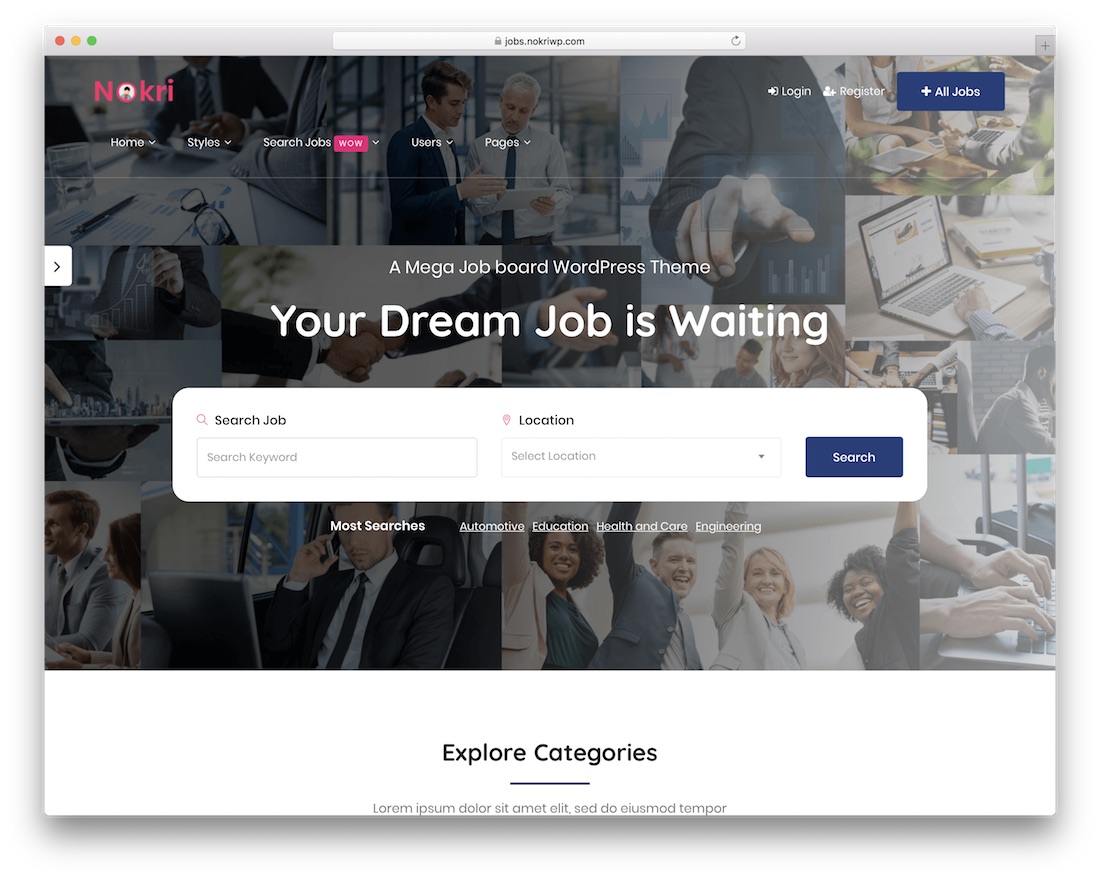
Nokri is one of the best WordPress job board themes currently available. It is responsive, flexible, extendable, easy to use, and in line with the latest trends and regulations.
Start building your cracking job board website with one of Nokri’s pre-designed demos and take advantage of all its benefits.
Fantastic job filters feature, sell different job packages, individual dashboards for individuals and companies, and so many other assets make Nokri one of the top in its category.
Nokri’s additional goodies include account verification, invoice generation, notifications, and job bookmarks. With Nokri, you can make things your way.
Price: $69
8. Workup
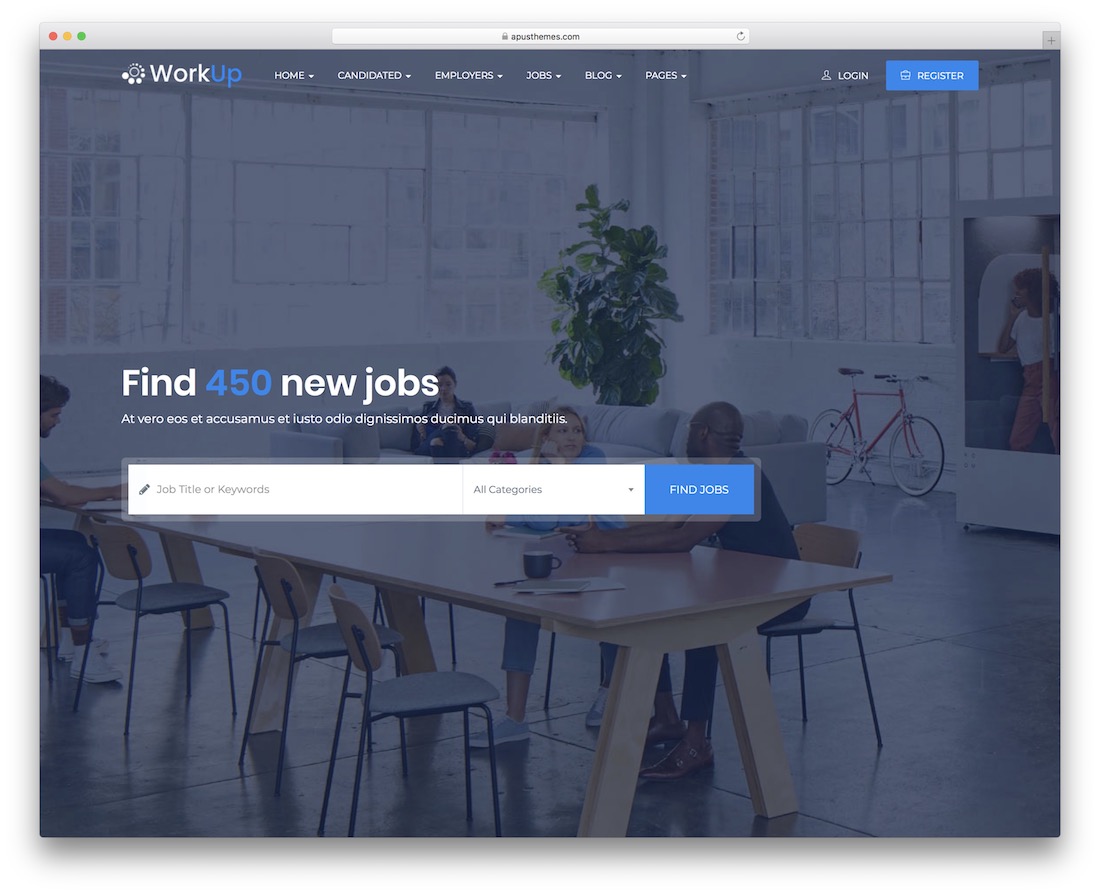
Crafting the ideal job board website need not be a complication.
With Workup, you can avoid starting from square one altogether. (You have 0 coding and design skills.)
Everyone becomes a professional, even building their first website with the Elementor editor.
The package includes featured jobs, CVs and cover letters, job alerts, paid and free listings, and a convenient dashboard for employers and employees.
Shortcodes for quick integration, search engine optimization, smooth page transitions, and an option to apply with Facebook are other treats of Workup.
Price: $59
Get started with Workup today.
9. Workio
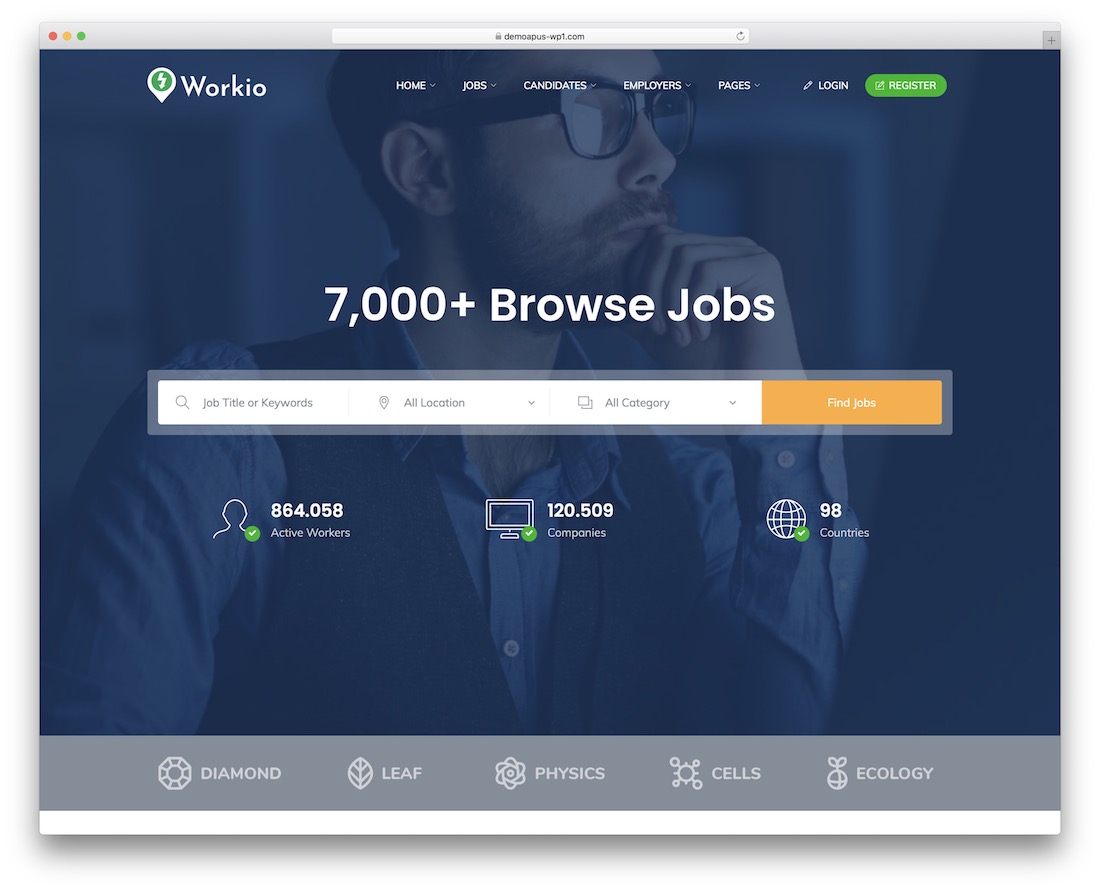
Create a job board successfully with Workio. This WordPress theme has everything you need to get started on something new.
It’s all possible with Workio – whether you want to build something niche or general. It includes various sample layouts and features that are fully adjustable.
Workio’s specialties include Google Maps integration, application tracking, profile builder, social app login, application deadline, and job alerts.
Price: $55
Get started with Workio today.
10. Careerfy
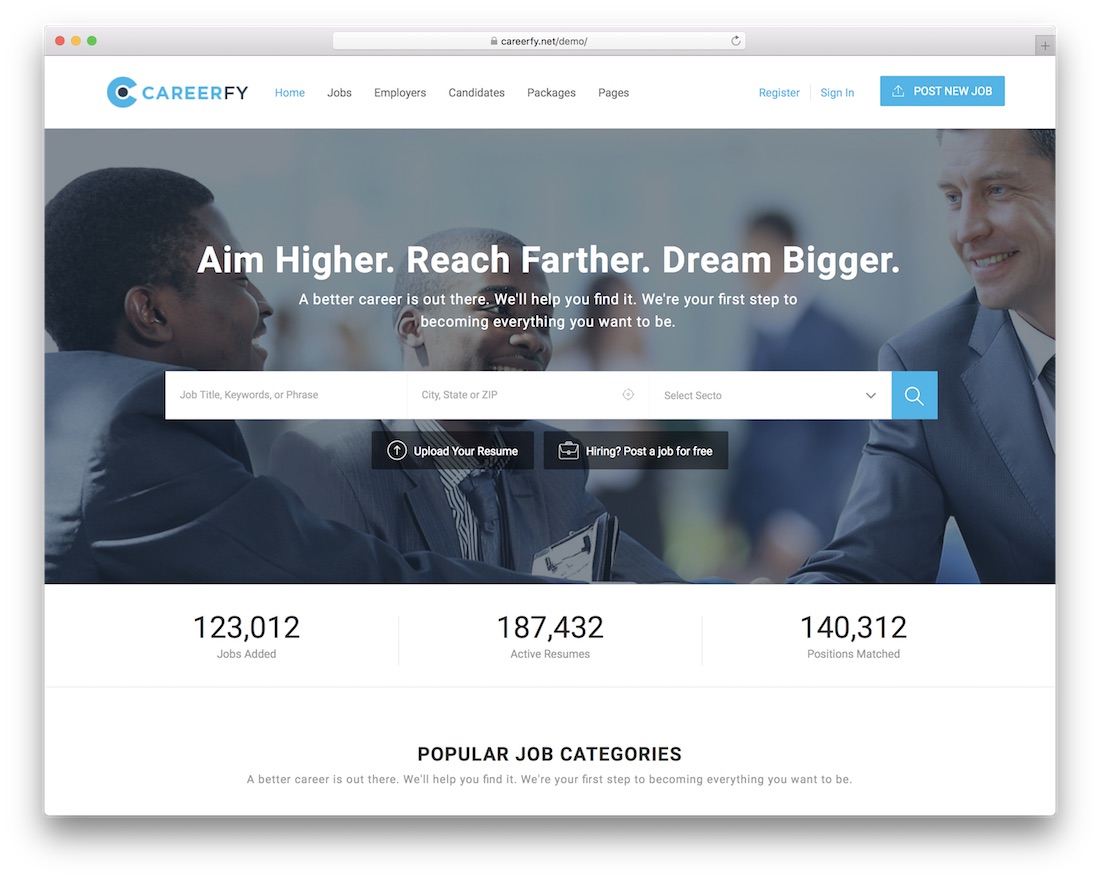
Create your custom job board website with Careerfy and help connect employers with employees.
You get different demos to choose from and all the other pre-made elements that will help you complete the job board-building process quickly and reliably.
When the tools and solutions are at your fingertips, you can do so much for the community and become a valuable online platform.
Fantastic job detail, candidate and employer pages, WooCommerce subscriptions, handy filtering, and application deadlines are some of Careerfy’s countless assets.
Moreover, enjoy job alerts, a geo-location search function, job submission, a resume builder, and third-party job imports. The list of goodies Careerfy has at your disposal is vast.
Price: $89
Get started with Careerfy today.
WordPress Job Board Plugins
1. WP Job Board (Plugin)
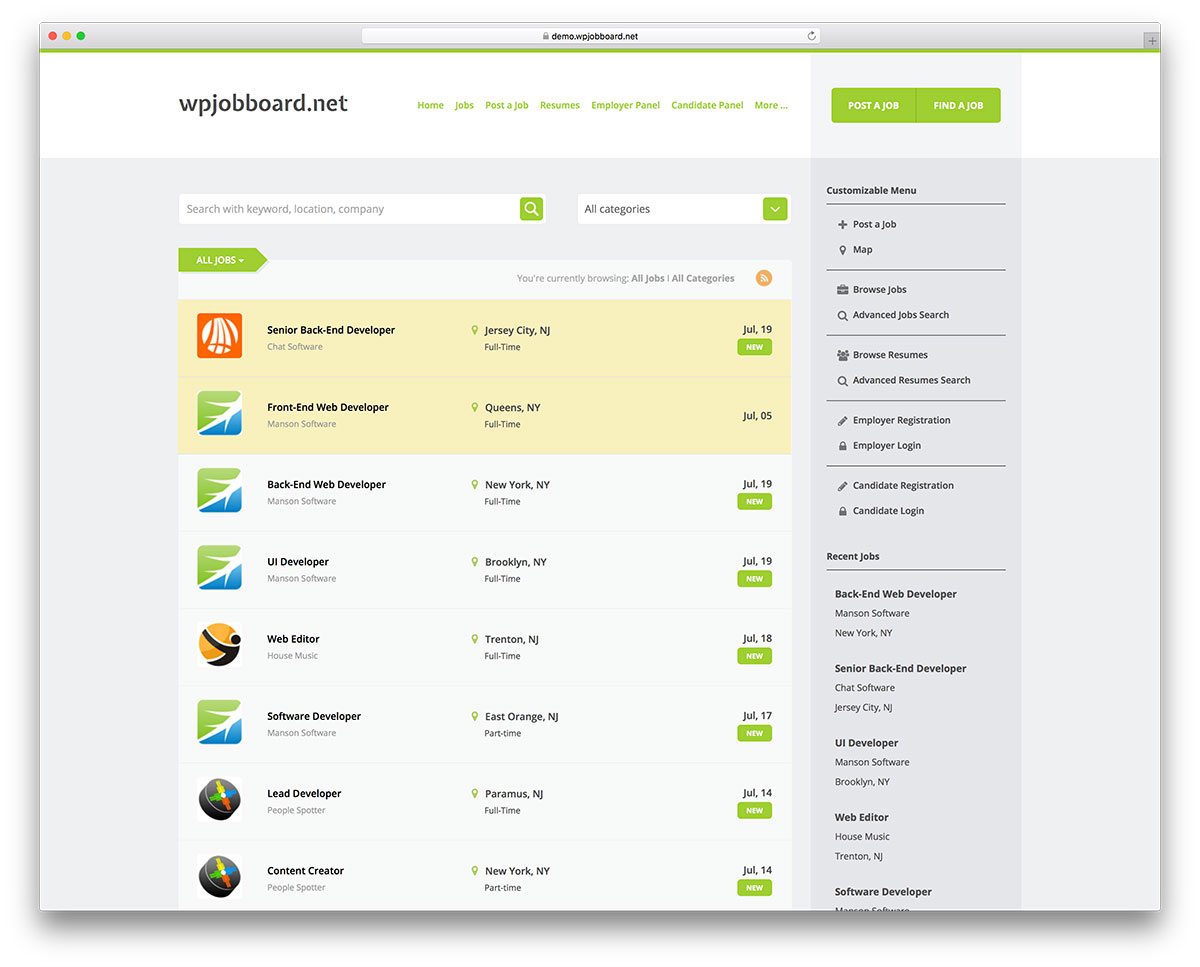
WP Job Board is built with a wide range of capabilities. It is easy to install and can be added to new or established websites.
What’s more, extensive and informative documentation is available, explaining everything you need to know. Also, you may contact the plugin’s support staff via email with a <24 hrs response time.
3 main hurdles stop people from creating job boards, and this plugin has eliminated them: It is low-cost, easy to use, and user-friendly!
Undoubtedly versatile, this plugin proves highly effective. WordPress Job Board plays well with other 3rd-party services such as Stripe and PayPal. A detailed review of this plugin is available here.
Price: $97
Get started with WP Job Board today.
2. Recruitly Addons
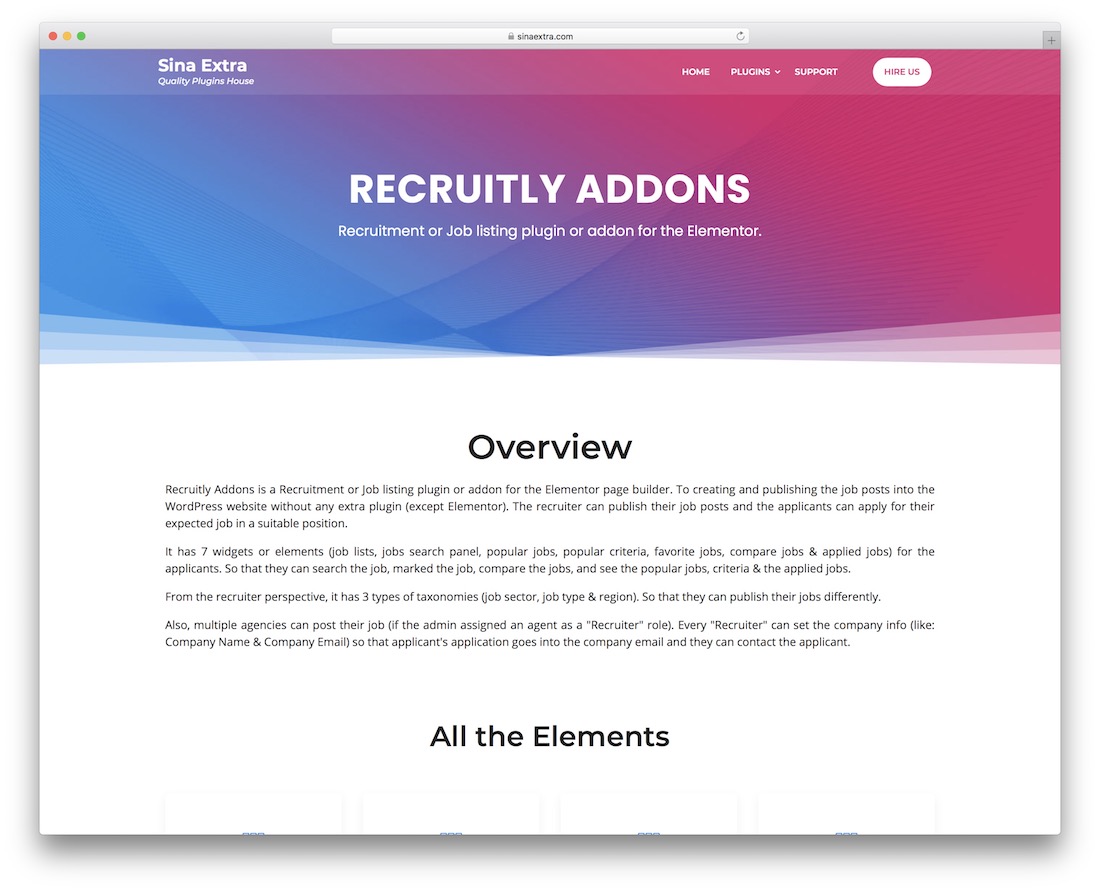
Recruitly Addons is an exclusive collection of tools for recruitment and job listings. This plugin works with the Elementor page builder, so you won’t experience any inconvenience.
You get all sorts of practical specialties that will expand your website with unique new features.
Recruitly Addons offers all this and more, including job lists, search and compare, favorites, recruiters, and a popular jobs display.
You will also never need to touch a single string of code when using Recruitly Addons and all its goodies.
Price: $24
Get started with Recruitly today.
3. WP Job Manager (Plugin)
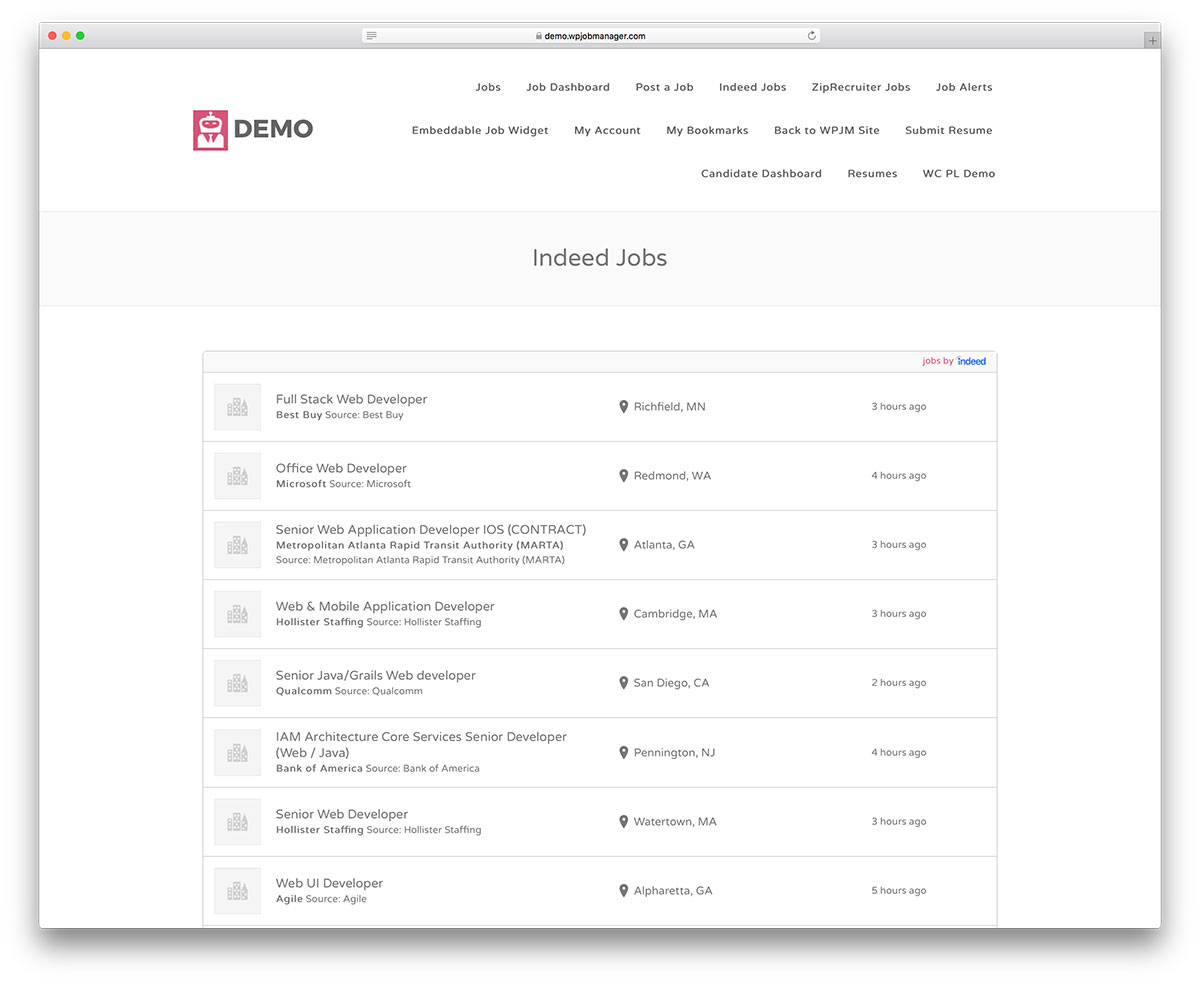
WP Job Manager is a powerful, easy-to-use job board plugin compatible with most WordPress themes.
It is a highly customizable and flexible platform with various payment and listing options.
Numerous add-ons are available to further extend its functionality, such as custom resume pages, different payment integration, paid listings, social login, etc.
Are you looking to create a professional-looking job board? Then WP Job Manager is the right solution!
Price: FREE (Paid add-ons and themes are available)
Get started with WP Job Manager today.
Which job board theme is best for you?
Choosing the right theme is never easy. However, there is one theme that I want to highlight, which is Jobify theme. Over 14,000 website owners use it and is the industry standard for job boards.
Which of these job board WordPress themes do you like best?
Let us know in the comments section below. While there, you can also leave us suggestions for additional functionality to make job board themes perfect.
Need some inspiration? Here are the best job board websites for tech startups for some fresh ideas.

Related Posts




Thanks Aigars very well done.
Please do you know if with any of these themes it is possible to limit the access to the CVs?
I’m quite sure that in Europe you cannot show a CV on a public portal even with the authorisation; so I’m looking for a theme that permits to have a controlled access to the CVs (user/pswd)
Thanks, Francesco
Francesco,
Yes, it is possible to create a CV database, restrict public access to it and set different permission levels for different users. In this collection, Jobify supports this kind of functionality.
It isn’t there by default, though. You will need the Resume Manager add-on for WP Job Manager, the free plugin that powers many of these themes. It is an amazing plugin and I highly recommend it.
Let me know if you have any other questions about WP Job Manager or job board themes in general.
Thanks for your really helpful blog.
I’m considering Jobify to set up a Jobs Board but do not want to allow jobseekers to upload their cv. Can the cv upload functionality be deactivated or what is your advice?
Perhaps one of the other themes would be more appropriate for a ‘jobs only’ jobs board?
I’m not technical but will go as far as I can then get help.
Thanks Marie
Marie,
CV upload functionality is optional and you can choose not to use it.
hi, can you recommend any good job board plugins? I have an existing website and would like to let people post jobs so that our members can see them. Thanks
The WP Job Manager plugin is integrated into several of the themes listed above, and I highly recommend it. It is a free job board plugin that you can extend with paid add-ons, but for a simple job board inside an existing website the free version will be more than enough.
Read more about it and download it here: https://wordpress.org/plugins/wp-job-manager/
Aigar,
I’m looking to create a non-profit college career site that has the following functionality
– Students create a private profile providing their backgrounds (school, grades, etc) and resume
– Employers will post jobs but have the potential to screen for certain candidates based on college and GPA
Which theme is best for creating a members-only site that is flexible in terms of profile development for students and allows employers to do targeted candidate searches based on customized criteria?
Thank you
John,
Thank you for your comment!
Jobify, or any other theme here built on WP Job Manager with its Resume Manager add-on, is the right choice for creating user profiles/resumes and making them searchable for registered users only. You can also leave some basic information about candidates public and let employers request more details if they are interested, or make this option available only to paid subscribers. These themes are really flexible and should get the job done for you.
Please do u have an idea which template can implement paid membership for both job seekers (employees) and employers who wish to post jobs on the site?
Harry,
You can use the WP Job Manager plugin for that, or any theme that supports this plugin, such as Jobseek, JobMonster, Jobify and others.
Hi, very useful insight.
I’m looking to create a simple ‘Recruitment website’ with basic ‘apply now’ (no candidate account creation required), no employer account creation. Just a simply recruitment, company promoting their vacancies.
I also need to be able to modify the look and feel and add corporate branding, Im also a complete WP novice but will have to take this on board, which theme would you recommend ?
Chris,
I would recommend looking at Recruitment Agency from the list above, as it is aimed at recruitment companies posting their own vacancies rather than at open job boards.
I would also suggest looking at Jobify. While it is built as a job board, that doesn’t mean you have to use all of its functionality. Frontend vacancy submission can be disabled, so it can work as a regular company website with vacancies, and you will be the only one with rights to post them.
Which has the easiest customizable fields. I am looking to build a template that would have a lot (at least 20) specific details for both the job posting & the Resumes.
Also are the resume’s kept private unless people are logged in?
Thanks
Sam,
If you choose any of the themes based on the WP Job Manager plugin (Jobify is one of the best examples), you can use the Field Editor extension to create new fields and edit existing ones. With some basic coding knowledge you could add new fields without a plugin, but otherwise Field Editor is your safest bet.
Resumes can be made available to registered users only, or even based on different paid subscription levels. The best solution here again is WP Job Manager plus the Resume Manager add-on.
Let me know if you have any other questions.
Hello Aigars,
I have an existing recruitment website using a wordpress theme. Do you have any idea if using another theme will affect my website rank on search engines?
Thank you.
Mark,
If your content and URLs remain the same, switching themes won’t affect SEO. If you remove content, rewrite existing pages, or remove some sections and introduce new ones, you can lose rankings. Design itself has very little effect on SEO as long as the new theme is fast and well coded. Content, URLs and pages are what matter, and they must stay in place or be improved, never removed.
I’m looking for a theme or plugin that allows you to upload a lot of data i.e. resumes very quickly perhaps in .csv format. Do any of these themes offer this technology?
Sherry,
You can use Jobify theme in combination with WP Job Manager, its Resume Manager add-on and WP All Import. That way you will be able to import everything in bulk such as resumes and jobs.
Hi,
I am looking to setup a job listing website aimed specifically at migrants coming to a country looking for work.
Alot of the jobs that would suit them might be part time / temporary positions rather than full time jobs
Aswell as the job listings the site needs to be able to support multiple languages and I see job engine has WPML ready plugin support.
Do you know what other themes would be able to offer this and might be more suited to my needs than job engine?
Thanks
Ian,
Jobify supports WPML. And WPML is so flexible that it can be used even with themes that don’t support it natively. That’s really the best thing about this plugin.
Great article summary – have a couple of further questions:
1. After registering on the demo sites, each of the demos when authenticated appears to show the wordpress ‘logged in’ user bar at the top. Is this what the PAID version looks like and if so, how can it be hidden as it looks very unprofessional!
2 Do you have any opinion on ‘performance’ for Job Search area – e.g are some better than others and is there performance tuning if the DB gets very large?
Many thanks
Rob,
1. The WordPress toolbar is part of WordPress core and is not controlled by themes. You can turn it off with the “Show Toolbar when viewing site” checkbox in your profile, or disable it globally.
2. Themes have very little effect on performance. Most of it comes from your hosting provider and how WordPress is set up there, so hosting is very important. If you care about performance, avoid cheap shared hosting where your site shares a server with a huge number of other websites. Go with managed WordPress hosting such as WP Engine, Pagely, Kinsta and others.
Very true thanks Aigars.
I have spent a weekend purchasing, setting up and customising Jobseek after evaluating all the above, I was 90% there but missed a few key things out in my pre-purchase evaluation: Candidate Dashboard – which I assumed would have some basic application tracking functionality so that Candidates that create a load of Resumes and apply to the jobs posted with them would be able to track their job status, remove failed applications and so on, but alas I don’t think it has anything.
It’s a shame, as the Theme has nearly everything else except that.
A lesson to those who are thinking about buying themes that use plugins, ensure you do a full evaluation on every single MVP feature or you may find yourself up against a wall…
Hi Aigars
Beside Nokri that has mobile app, which other theme comes with mobile app?
TIA
Will,
That’s the only one but I wouldn’t count on those apps too much. They are not that well maintained and you will have to take care of all the updates and support for the app. Don’t think it is really worth it.
I have tried a few themes from the list and I can say that Careerfy simply because the developers are responsive to customers’ suggestions for improvement.
On the other hand if you want to know what the word “sucks” literally and practically means try Nokri! It’s like buying a car that has no body, chassis, engine, transmission, interior whatsoever but they still call it a car and more importantly they charge you for servicing it or, better said, not servicing it!
Hi there, I wonder if you could help me. I am looking for a Job Board plugin for our WordPress site that allows recurring payments. ie we would like employers to have the option to sign up for a monthly package/membership that can be automatically renewed. Do you know if this is possible with any of the plugins (using add-ons)? Or could it be done with the combination of WooCommerce and use the Paypal recurring payments facility. Thanks in advance. Claire
There aren’t many good job board plugins to start with, and even the ones we can recommend, such as WP Job Manager, rely on WooCommerce for payment processing, as you can see here. So your idea of handling everything with WooCommerce and its subscriptions is a very good option to explore.
I changed from Jobify to Careerfy simply because the former requires extra plugins to function properly while the later can be used as it’s. The only drawback in Careerfy is that it affect the speed of your website and you need to invest in a decent plugin to offset that.
I tried Jobify and paid for all the WP Job Manager add-ons but I had lots of bugs here and there. Then I tried Careerfy and actually bought 3 licences so far as it doesn’t require any additional involvement but I still feel it cannot operate without human intervention every now and then.
I had to publish a phone number and an email address and clearly stated that the phone number and the email are for employers who wish to inquire about our services but jobseekers insist on calling us to tell us they “need a job” and bombarding our email with their resumes. When directing them to the job board they claim it’s hard to use.
I really feel frustrated as these calls and emails are depriving my websites from a sizable traffic.
Any suggestions?
Hey Ali,
I have been running job boards for over a decade and unfortunately there is no way to avoid emails and phone calls from jobseekers if you publish an email or a phone number on your website. Therefore, just don’t do it. Look at the examples of other large job boards like Monster or other that doesn’t even have a contact form, let alone a phone number on their website. Phone number shouldn’t be accessible for majority of the companies as well unless they have an assigned account manager to them and they are very valuable to you.