
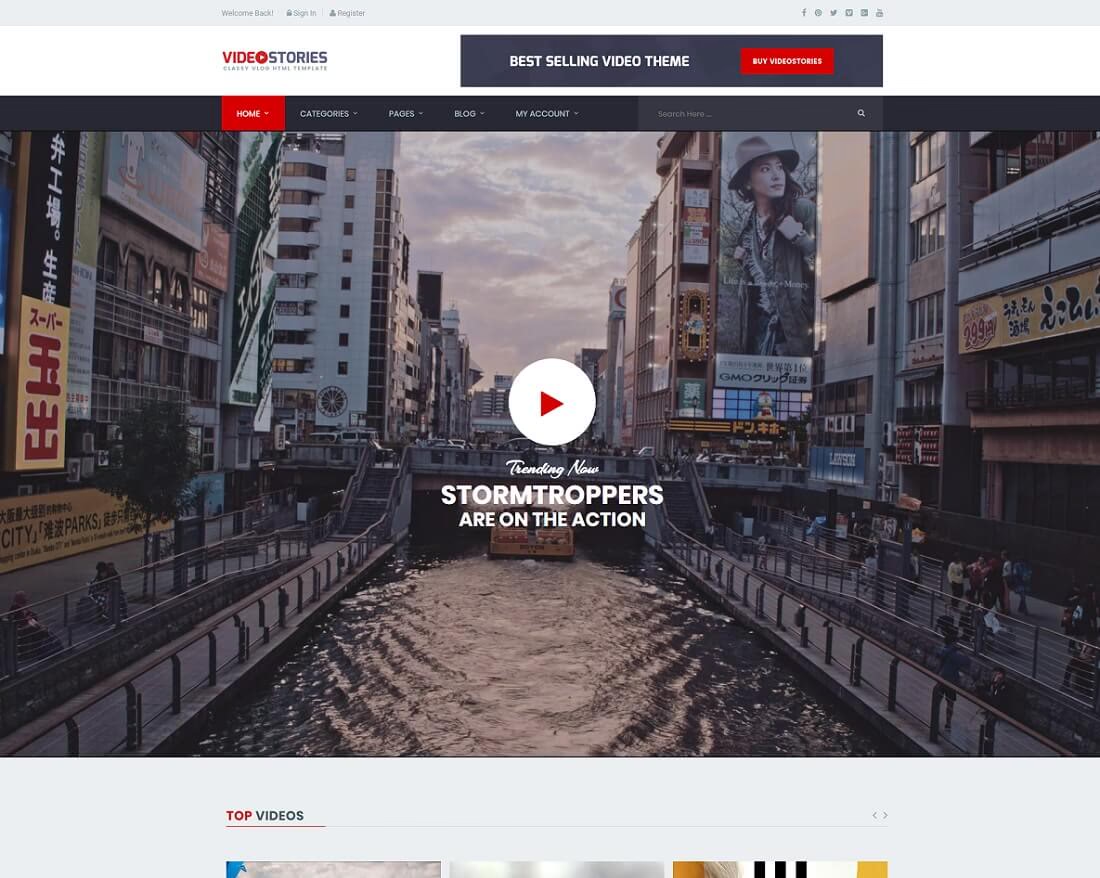
17 Best Video Website Templates 2026
Starting from scratch is no longer necessary, as kicking off with solid video website templates is much more enjoyable. If you’re involved with videos, we have a tool to help you create a website for your outstanding projects.
Whether you are a movie reviewer, director, or vlogger or want to start your YouTube site, the templates we collected below give you many options and unlock a new spectrum of possibilities. A template supports video content, even if you need to build an online presence for your nightclub or restaurant.
Every entry below includes a live demo. You are treated to a mobile-friendly layout, animations, sliders, ratings, lovely hover effects, and a ton more. Select the one your online project requires and create a phenomenal video website. Since all templates offer a fantastic user experience, visitors will happily return for more of your moving picture material.
Table of contents — all 17 templates
However, if you have already picked the CMS and would like a full solution, start with WordPress video themes. Coder or not, everyone can create an enticing video sharing site with those.
Best video WordPress themes
1. Divi
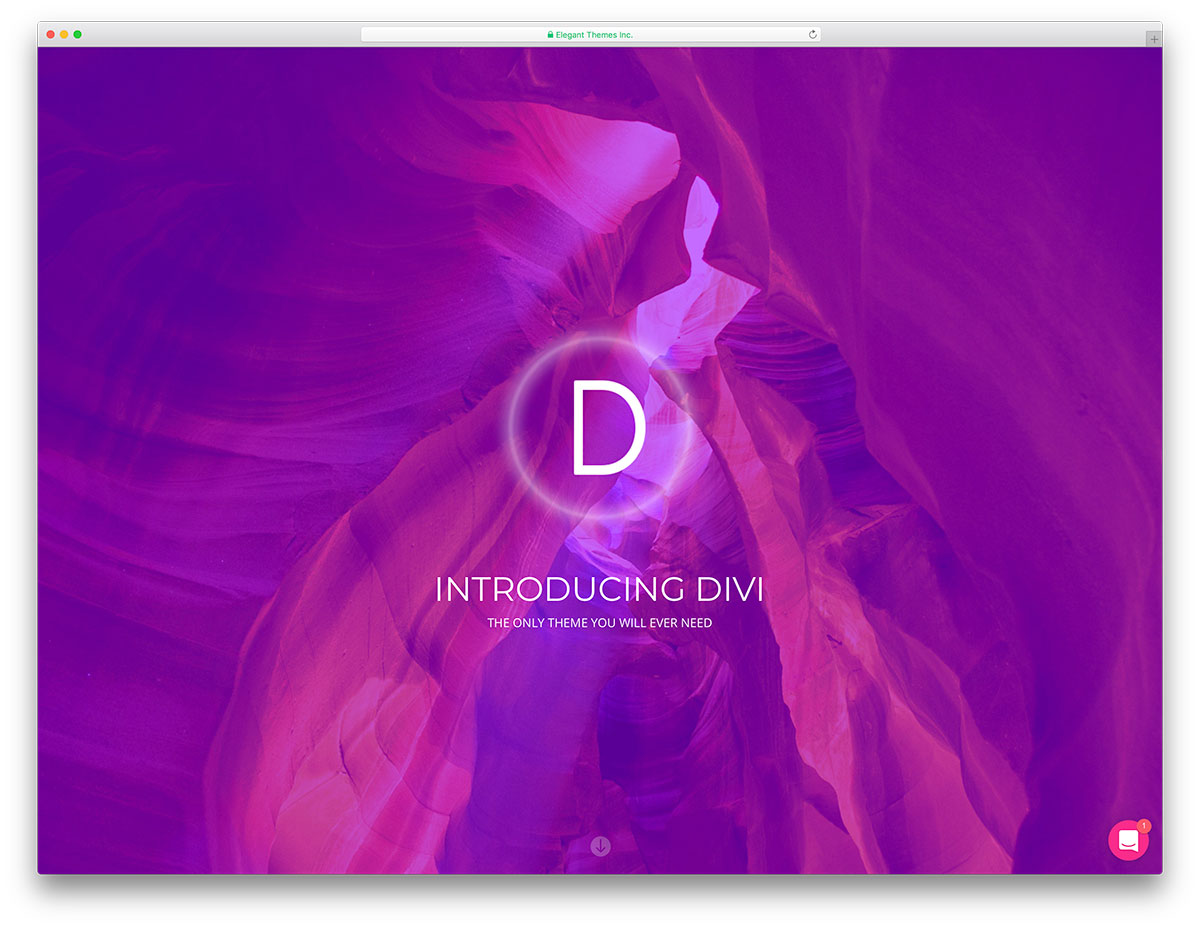
PremiumWordPress · Best for: video sites built without code
Divi’s visual builder edits every element live on the page, no code involved. The package includes over one hundred complete-page demos to start from, and video tutorials cover the builder if this is your first site. Vloggers, bloggers, and businesses all work from the same toolkit.
2. Jevelin
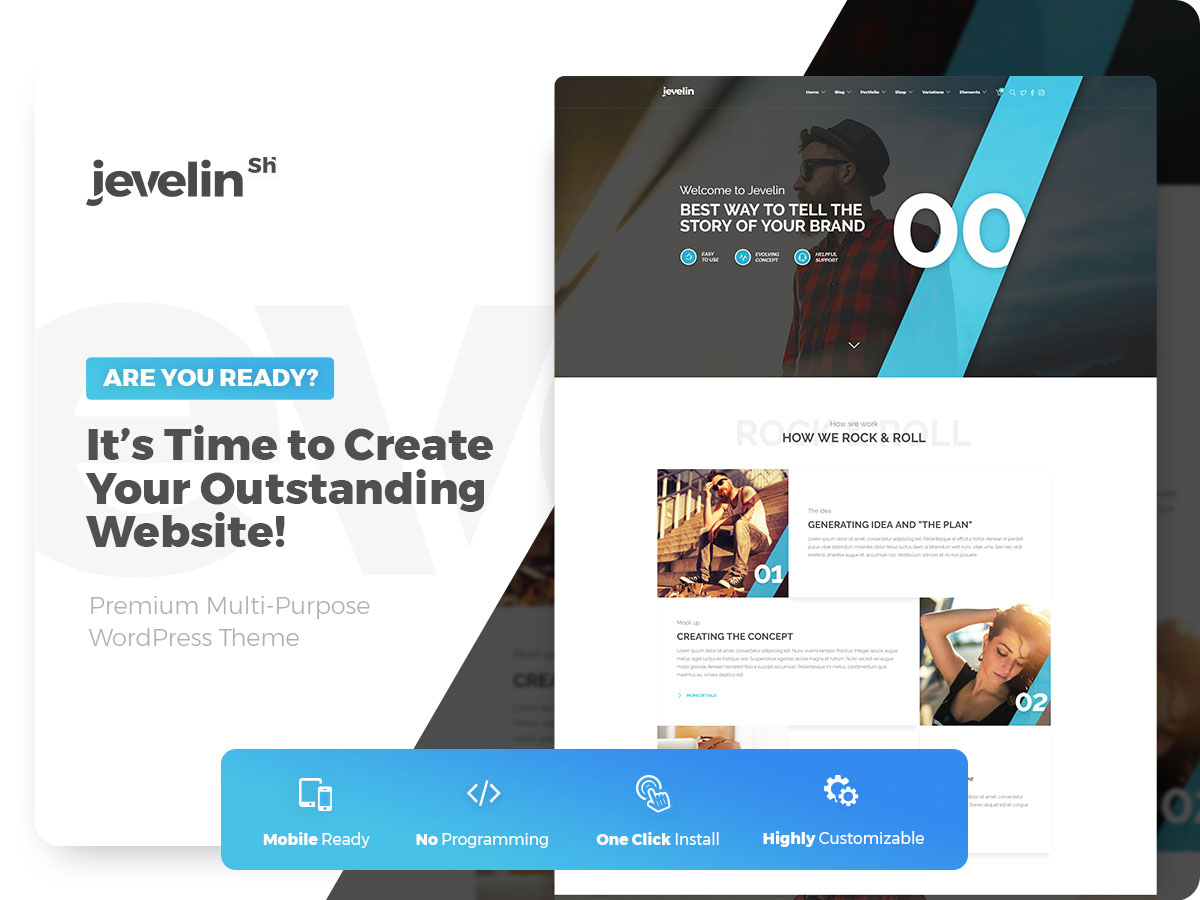
PremiumWordPress · Best for: multi-purpose sites with video sections
Jevelin pairs the WPBakery drag-and-drop builder with predefined demos, so a video-led page comes together visually. Extras include a mega menu, over forty shortcodes, parallax, and six blog layouts — our Jevelin review covers it in depth. The layout is mobile- and retina-friendly across all popular browsers.
3. DroneX
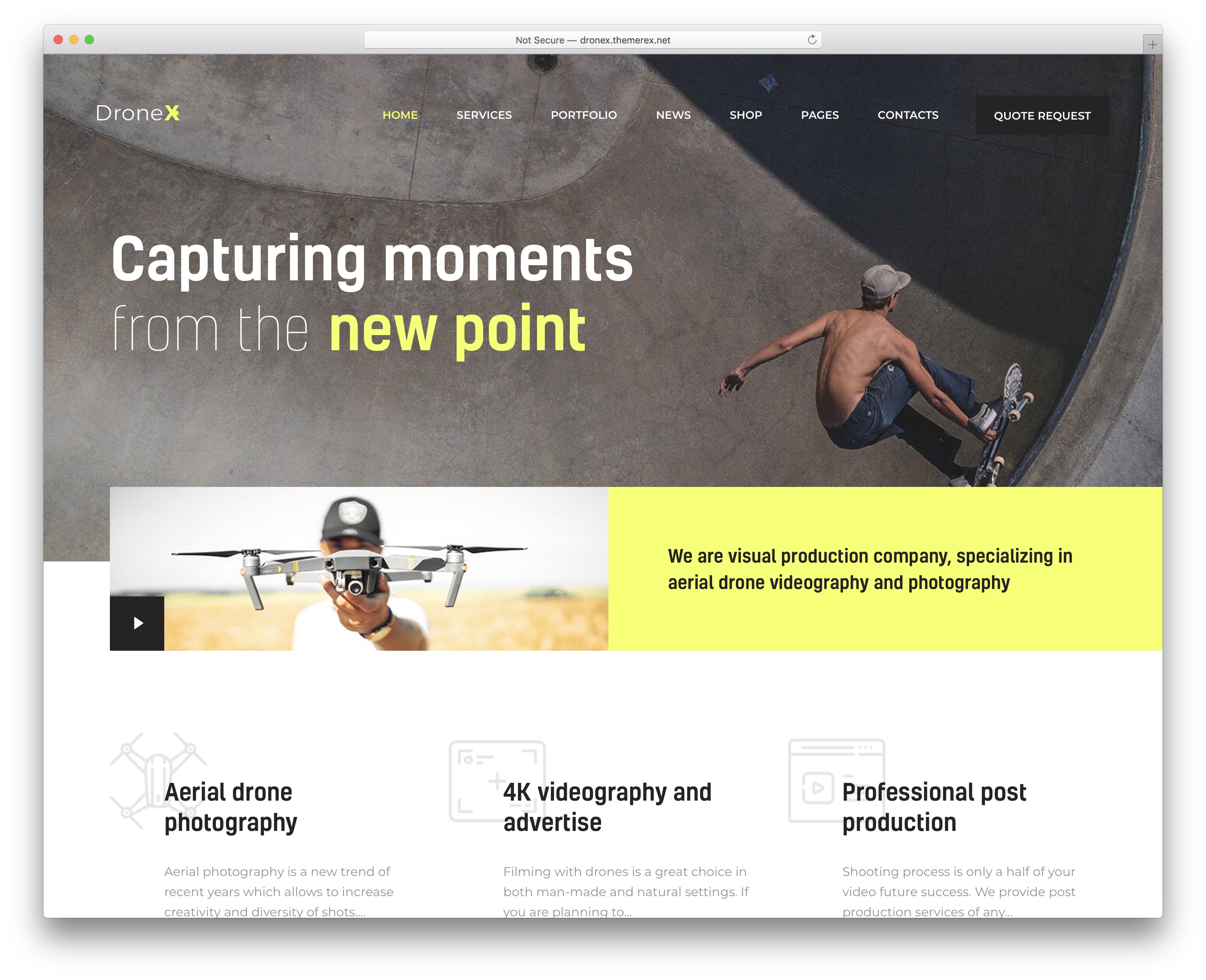
PremiumWordPress · Best for: aerial photography and videography services
DroneX serves one niche — aerial photo and video — with three demos built for it. Elementor handles the customization without code, and the package covers internal pages, blog layouts, GDPR compliance, and support for popular plugins. A clean, professional frame for presenting drone footage.
4. Nastik
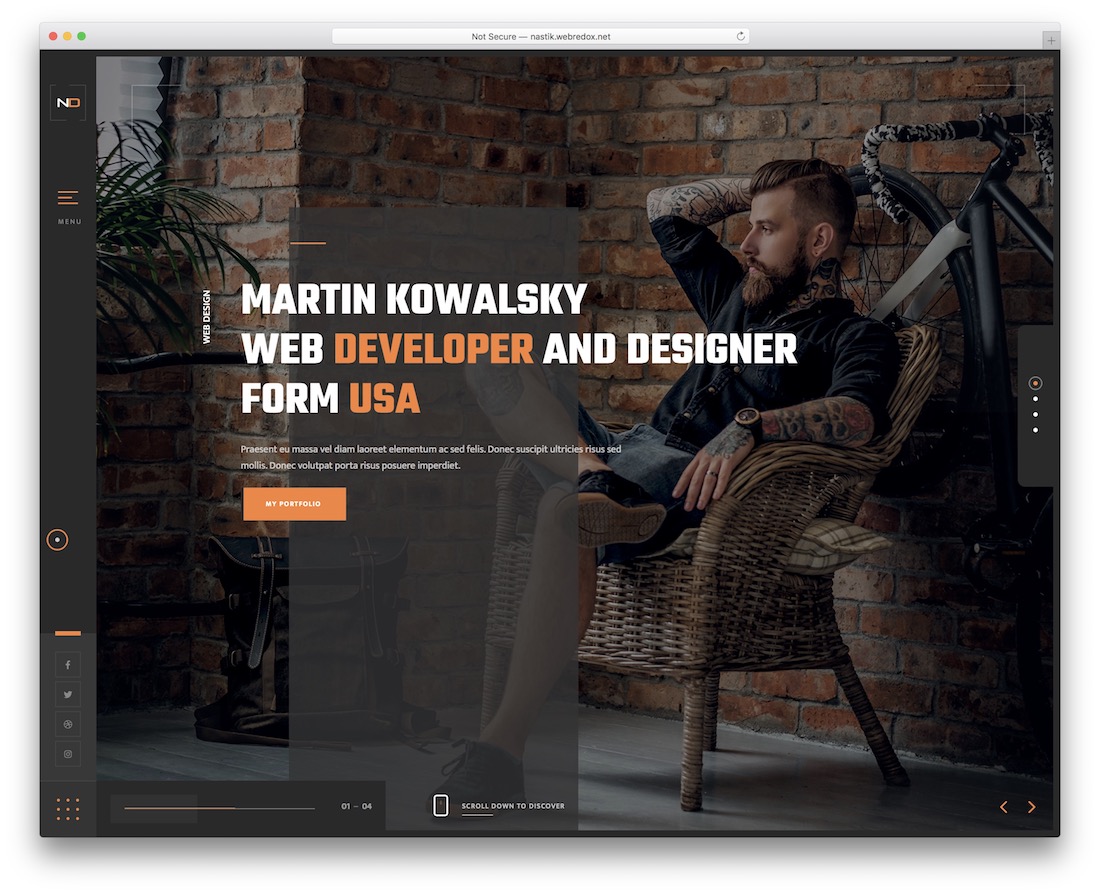
PremiumWordPress · Best for: video portfolios that also sell
Nine home page layouts plus WPBakery drag-and-drop editing make Nastik a fast route to a video portfolio. Revolution Slider drives the showcase sections, WooCommerce adds a store, and a dedicated admin panel manages settings. The theme stays responsive and cross-browser compatible throughout.
5. Pelicula

PremiumWordPress · Best for: filmmakers and film production sites
Pelicula ships thirteen home page demos aimed squarely at filmmakers and film sites. Five header styles, testimonials, social media feeds, and parallax sections round out the kit, with interior layouts to mix and match. The live demo shows the film-focused sections in action.
6. Vidio
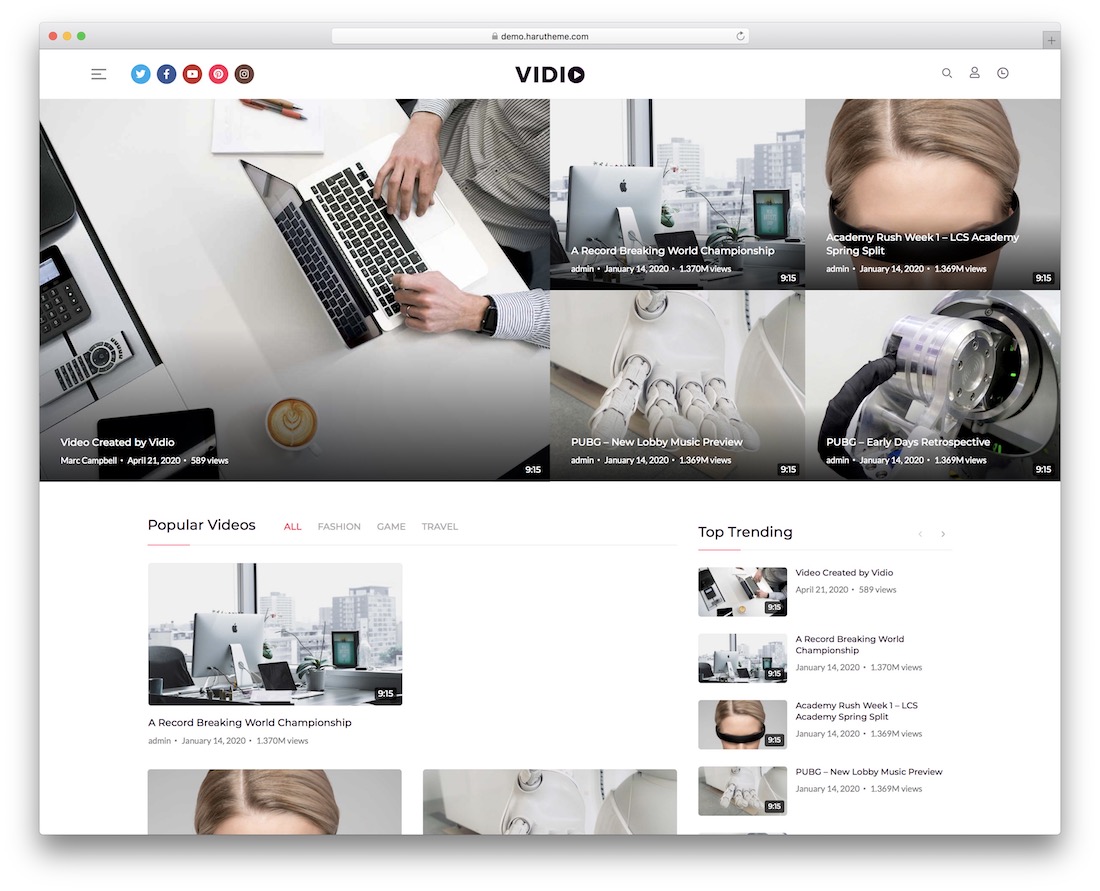
PremiumWordPress · Best for: vloggers and video news portals
Vidio is built specifically for video publishing, pairing BuddyPress community features with its own Haru Vidi video plugin. One-click demo import loads the front and internal layouts with multiple header and footer styles, and WPBakery handles the editing. A sticky header, mega menu, and CSS3 animations are included.
7. Remake
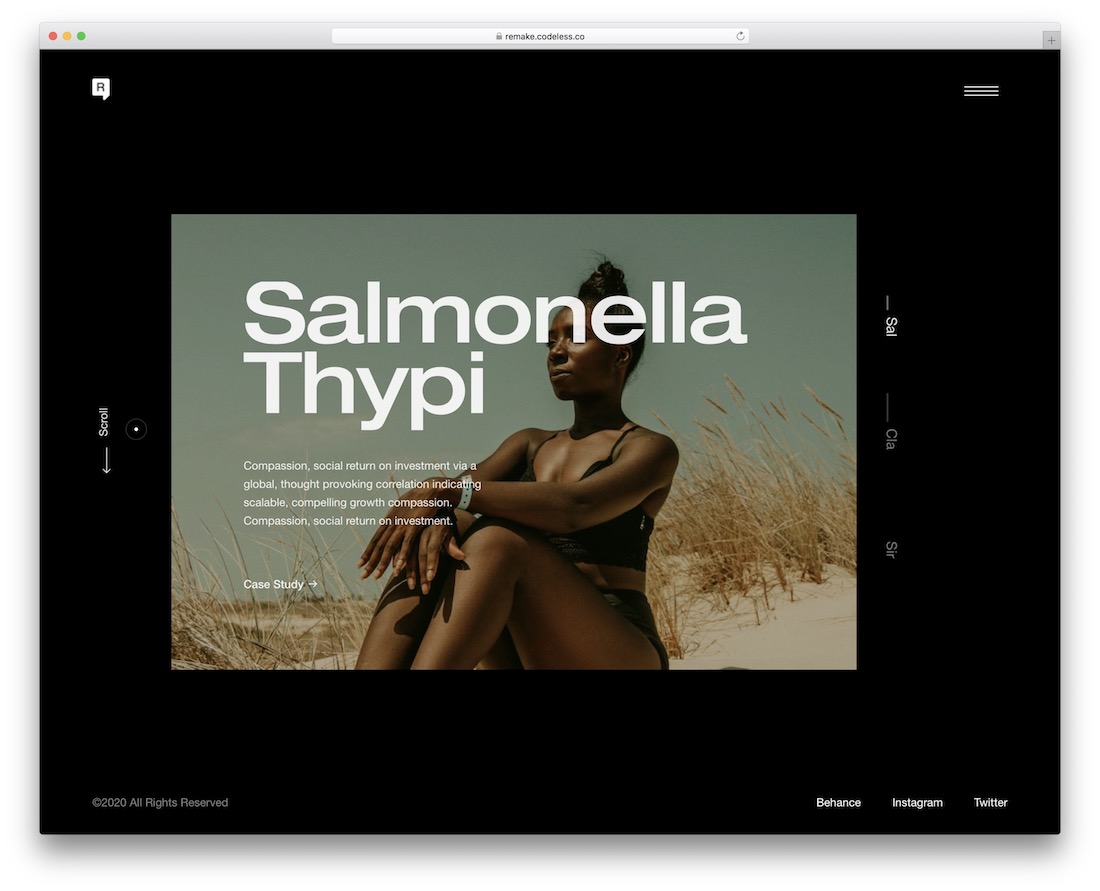
PremiumWordPress · Best for: minimal video and creative portfolios
Remake keeps the design minimal so the video content leads every page. The Elementor builder handles layout changes, Slider Revolution powers slideshows, and WooCommerce plus blog and portfolio layouts are in the box. A fit for work that should speak for itself.
8. Quadron
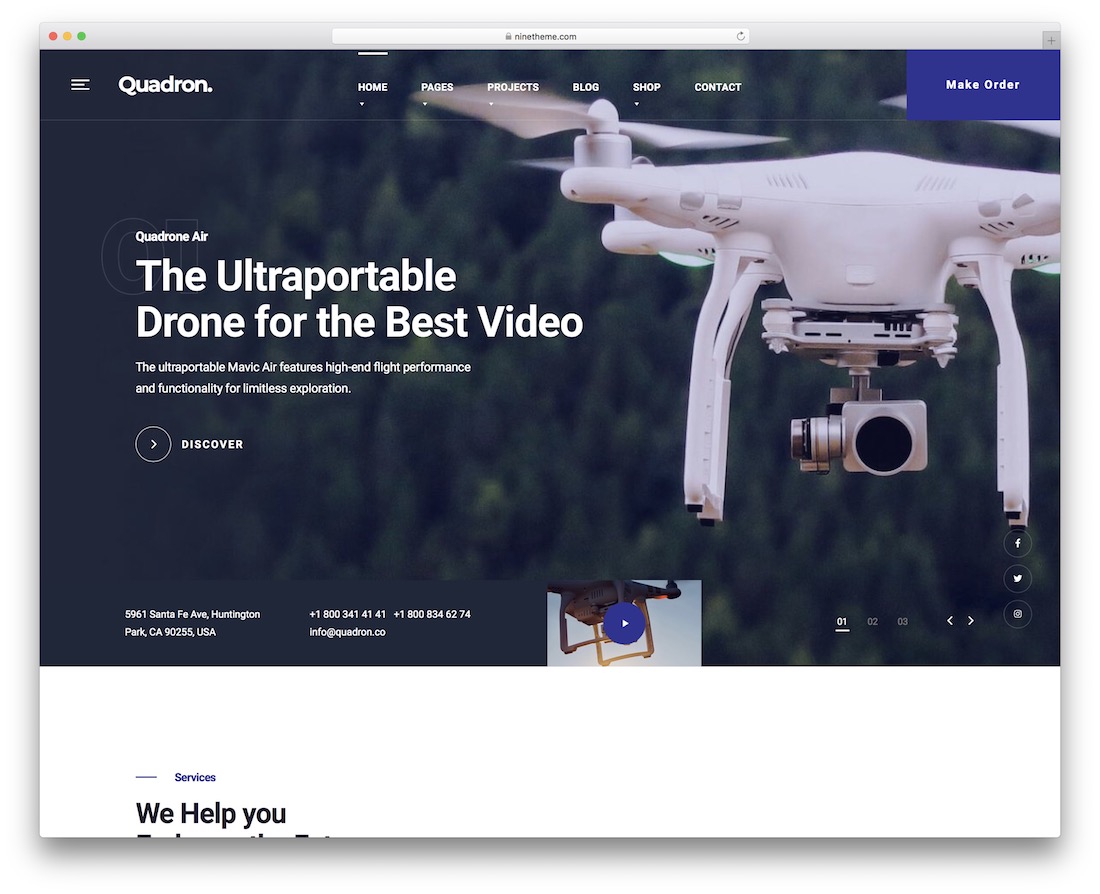
PremiumWordPress · Best for: drone and aerial video companies
Quadron is a dedicated drone theme with predesigned demos for aerial video services. WPBakery, a theme options panel, Revolution Slider, and WooCommerce cover building and selling, while predefined content blocks, parallax effects, and translation support fill in the details. Responsive across modern browsers and devices.
Best video website templates
9. Kotlis
PremiumHTML · Best for: photographer and videographer portfolios
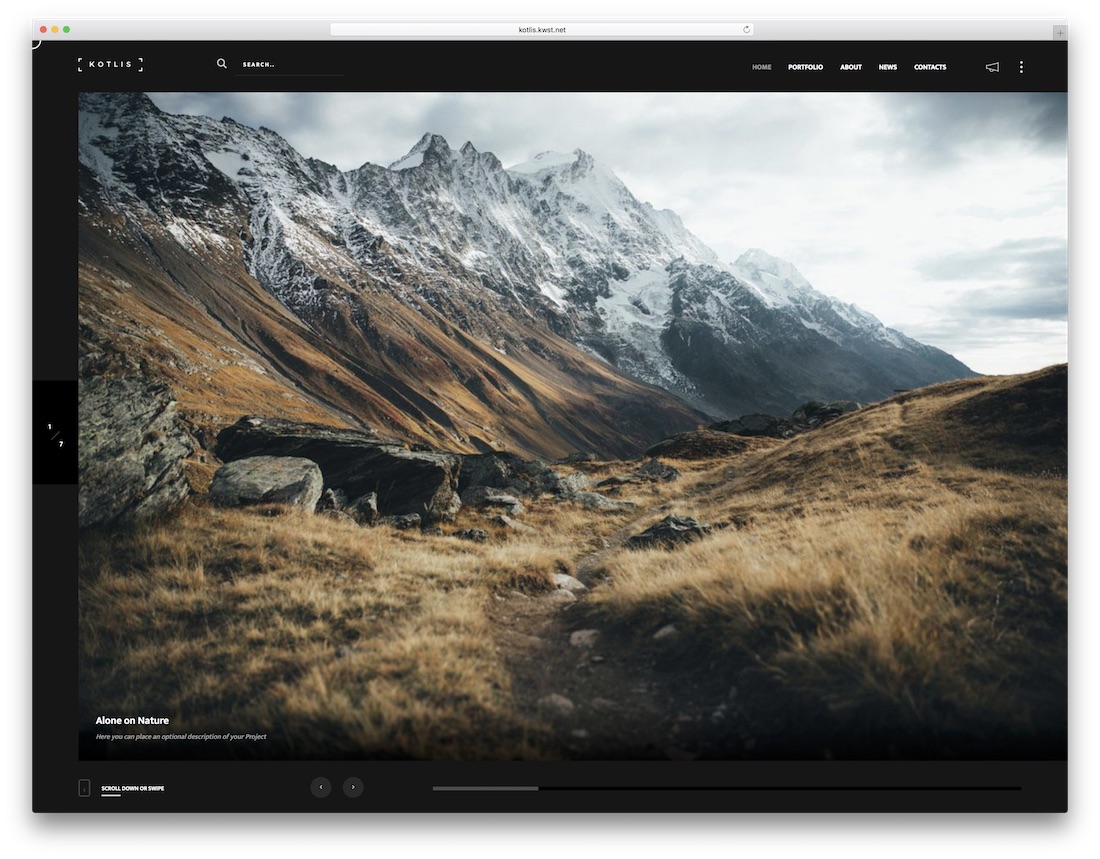
Kotlis offers seven home styles — half slider, multi slideshow, fullscreen image, carousel, and a video version with YouTube and Vimeo background support. Six portfolio page styles, a working contact form, and an Instagram feed cover the showcase essentials. Photographers are the core audience, but the video home fits videographers too.
10. Satelite
PremiumHTML · Best for: Ajax portfolio showcases with motion
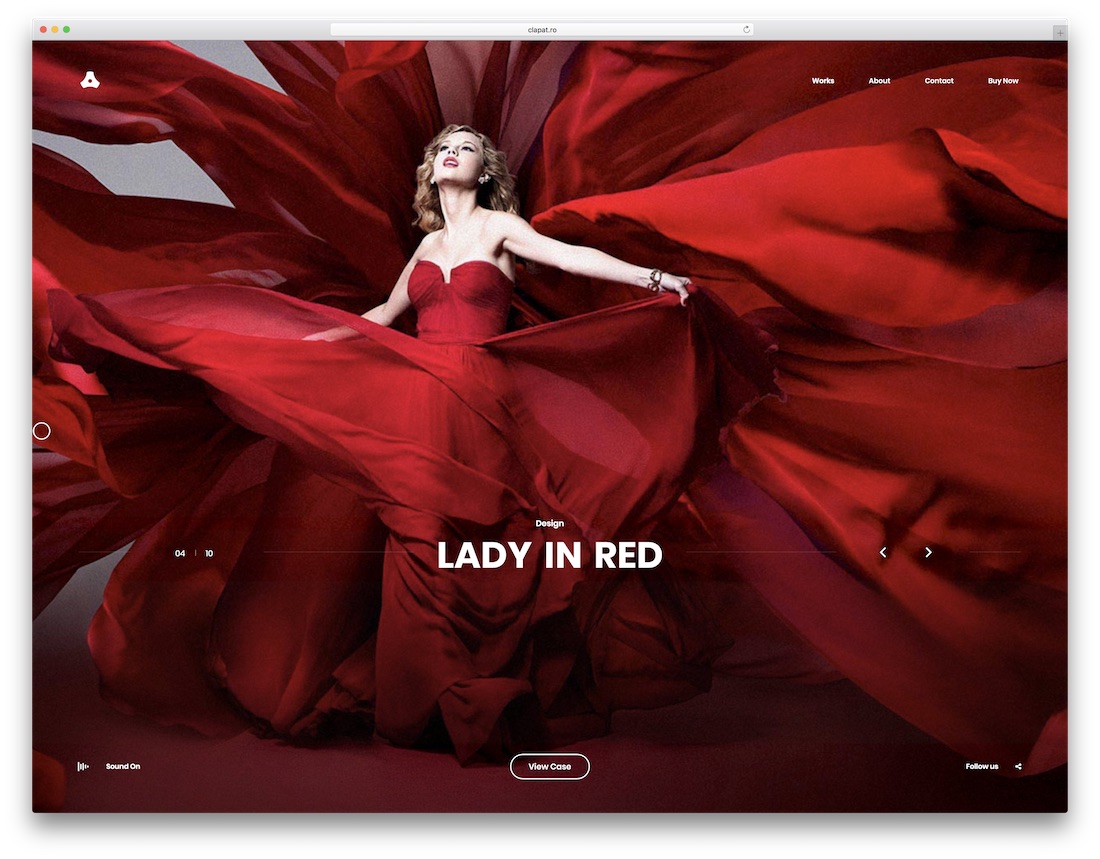
Satelite loads pages over Ajax, so moving between showcase pieces skips full page reloads. Portfolio sliders and grid layouts support video backgrounds, the overlay menu keeps navigation out of the way, and the purchase carries a 14-day money-back guarantee.
11. Verno
PremiumHTML · Best for: agency showreels and motion-heavy showcases
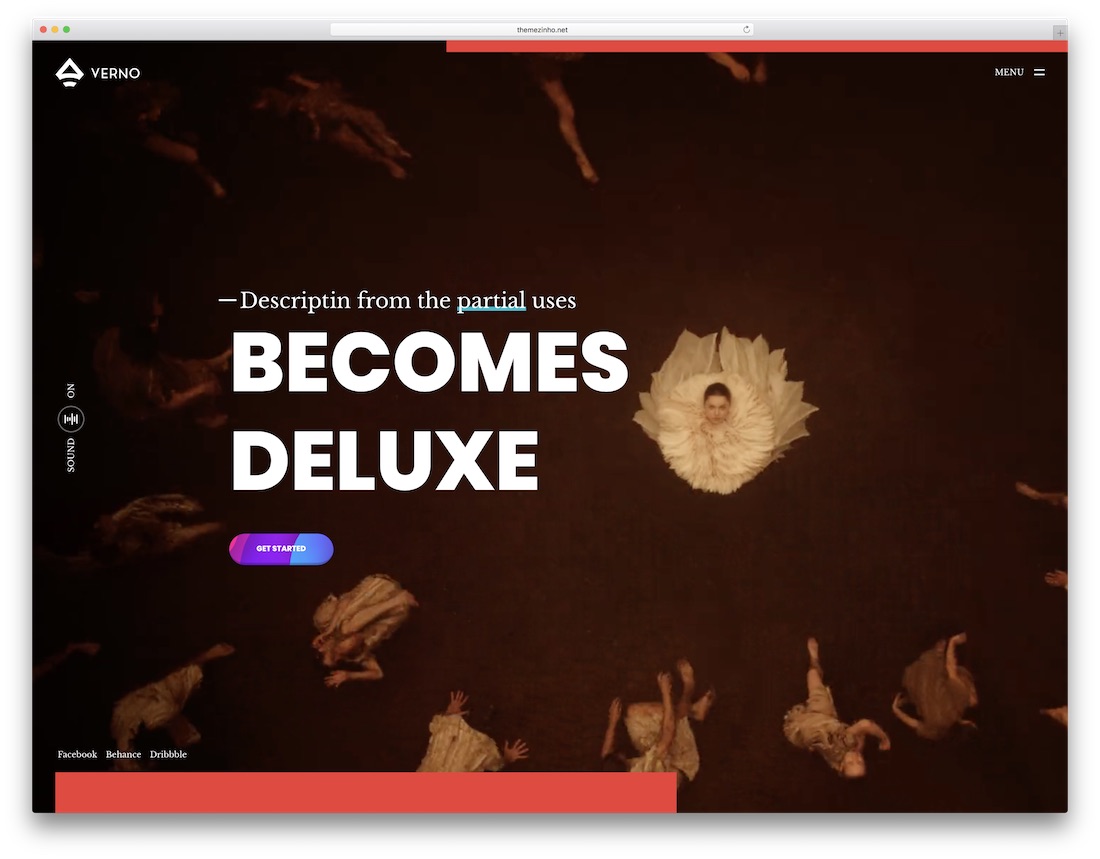
Verno leans on motion: video backgrounds, a masonry showcase grid, and audio effects on links and buttons. An animated preloader and sandwich navigation keep the frame minimal so the work stays in front. Built for agencies and freelancers presenting video pieces to win clients.
Furthermore, we recommend checking these Squarespace video background templates with a drag-and-drop website builder that users love.
12. XeOne
PremiumHTMLBootstrap · Best for: one-page sites with video backgrounds
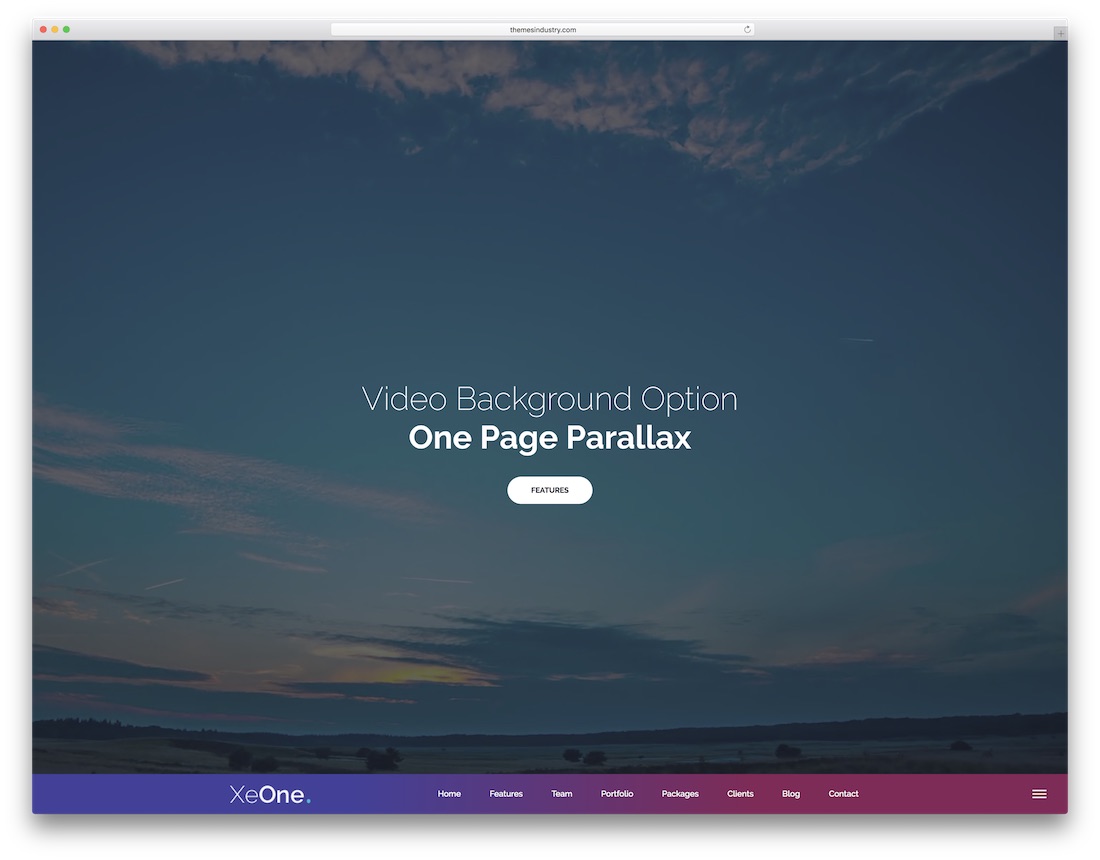
XeOne is a Bootstrap one-pager with more than twenty premade demos, video background sections among them. Parallax scrolling carries the layout, the code is organized and SEO-ready, and the purchase includes free template updates. Retina support rounds out a quick single-page launch.
13. Expro
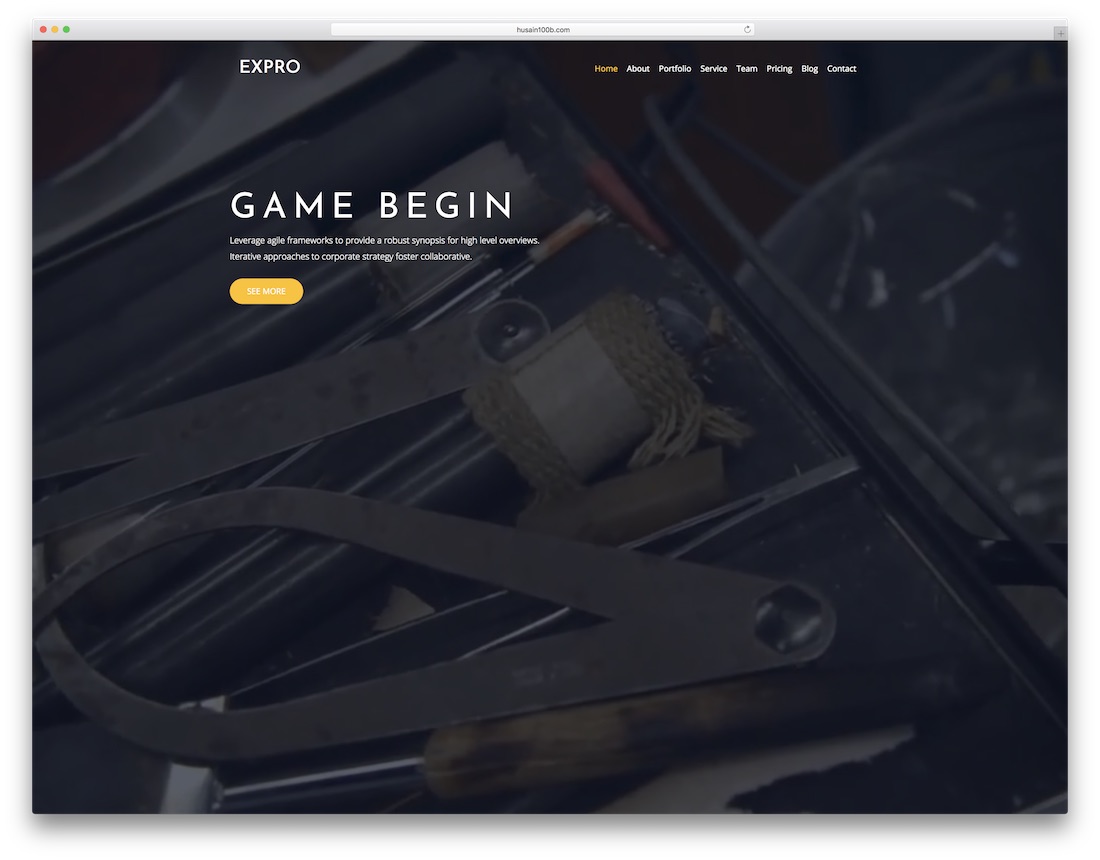
PremiumHTMLBootstrap · Best for: one-page business sites with a video hero
Expro’s video background demo puts a full-screen loop behind a minimal one-page layout. The template is based on the Bootstrap framework, so pages adapt to any device, and a filterable portfolio plus pricing tables cover the sales side.
14. Movify
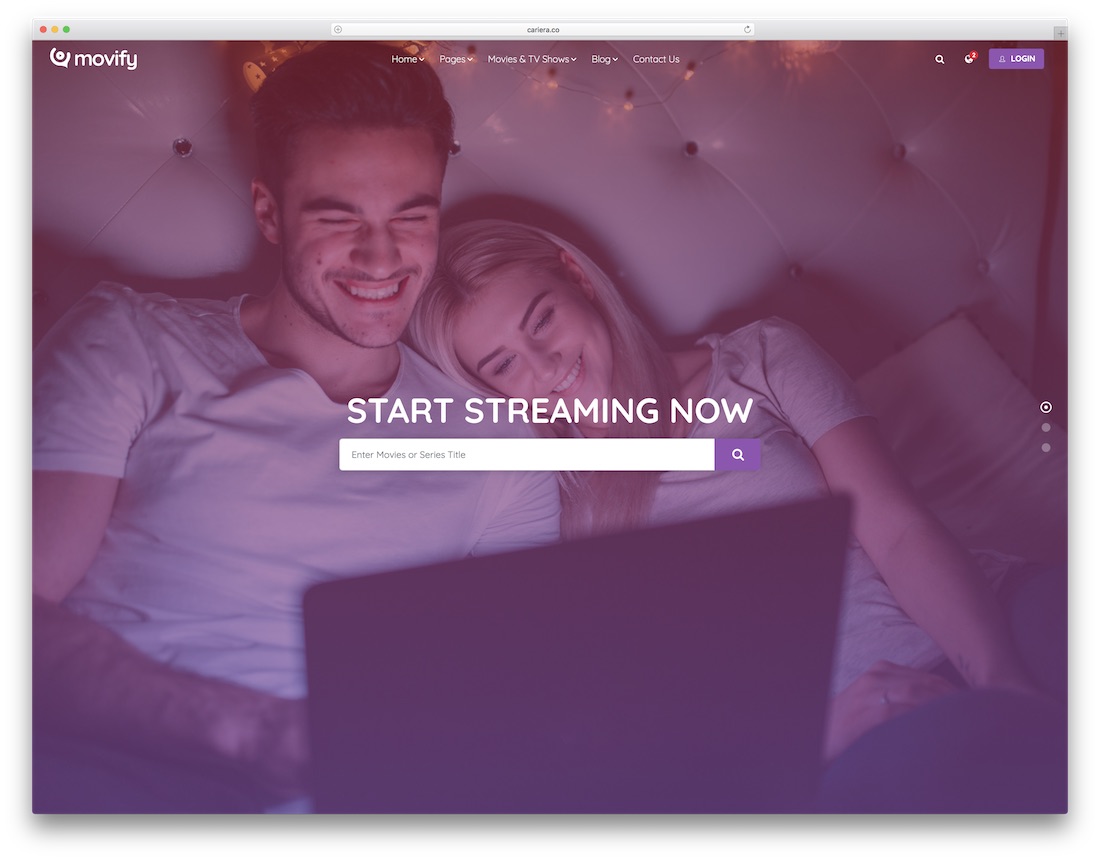
PremiumHTMLBootstrap · Best for: movie, TV, and streaming sites
Movify is cut for cinema — movie and TV-show layouts that work as a directory or a streaming front end. Four demos ship in the package, visitors get search for browsing titles, and Bootstrap keeps every page responsive from phone to desktop.
15. SKRN
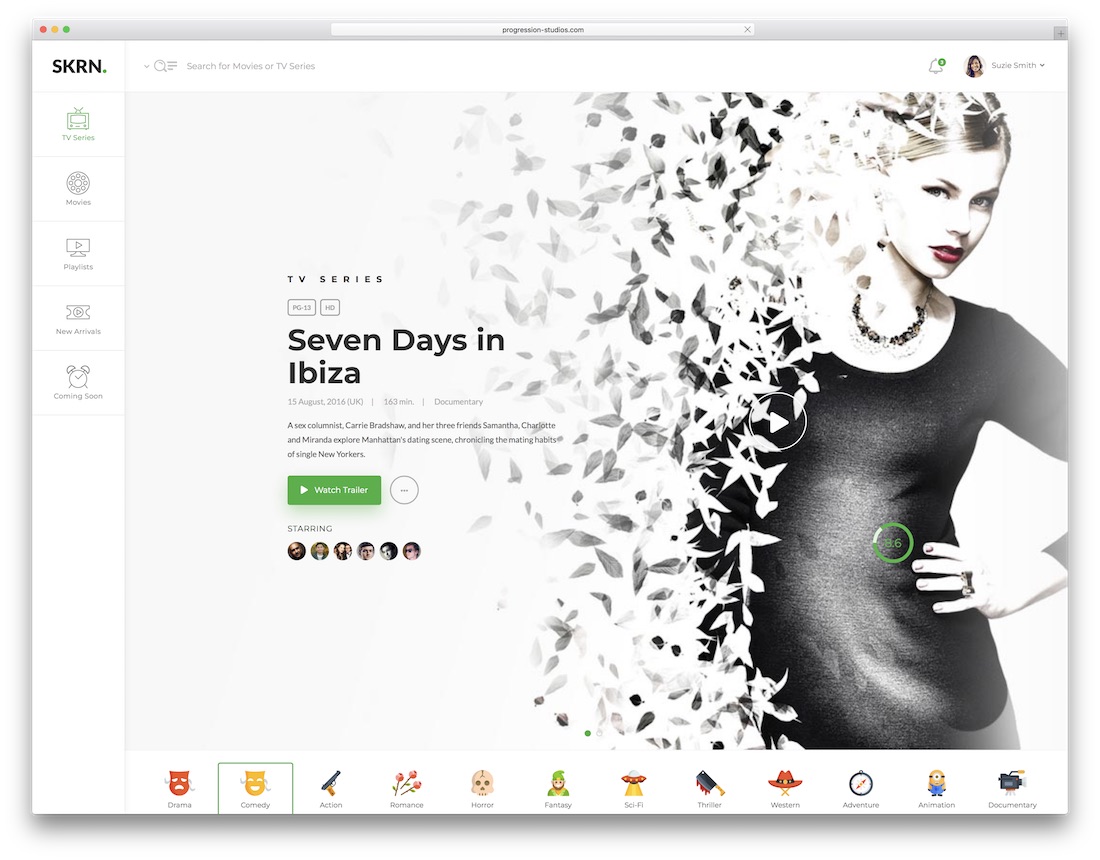
PremiumHTMLBootstrap · Best for: video streaming service front ends
SKRN covers a streaming service end to end: marketing site, landing page, and a user dashboard with profiles and videos. Its video player handles locally hosted files as well as YouTube and Vimeo, the layout is built on Bootstrap, and Photoshop files are included for every section.
16. Webster
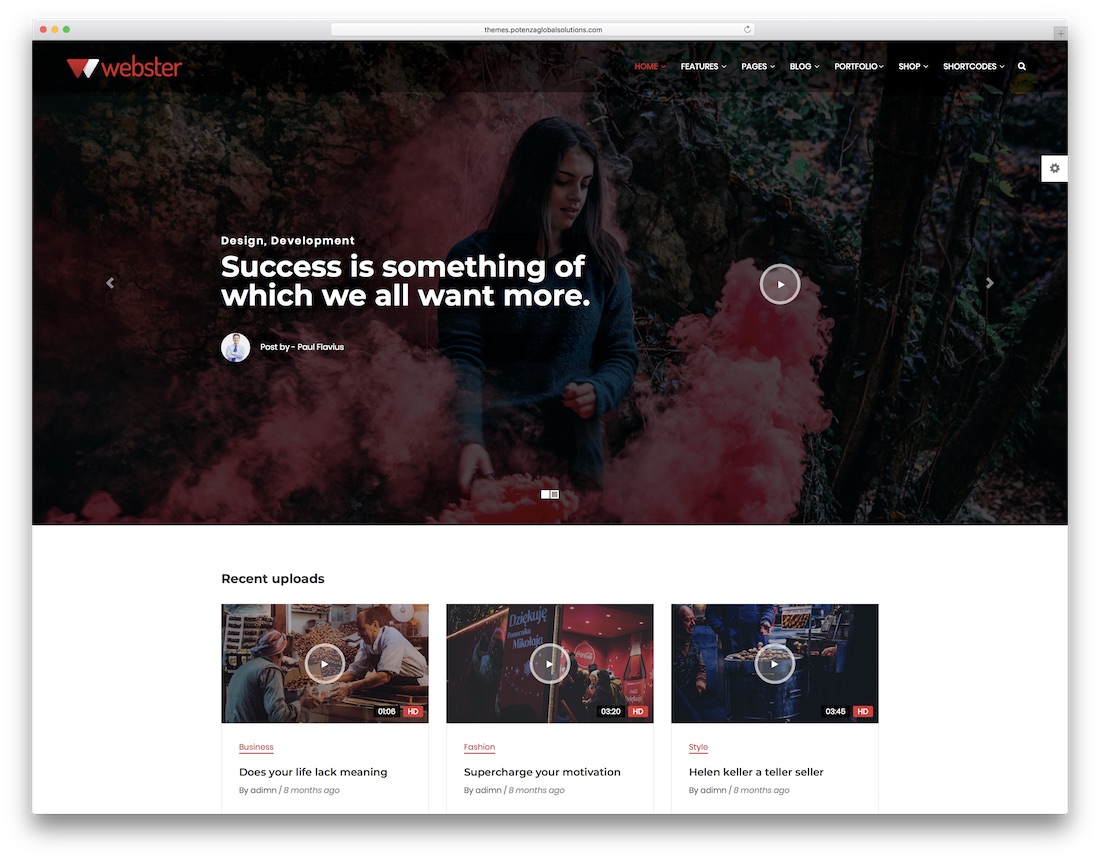
PremiumHTML · Best for: large multi-section video projects
Webster is the volume pick: over 70 demos, more than 540 layouts, and 600+ reusable UI elements. That scale means a video site and any companion sections can be assembled from existing parts, while the code stays concise enough for beginners to follow.
17. Film Studio
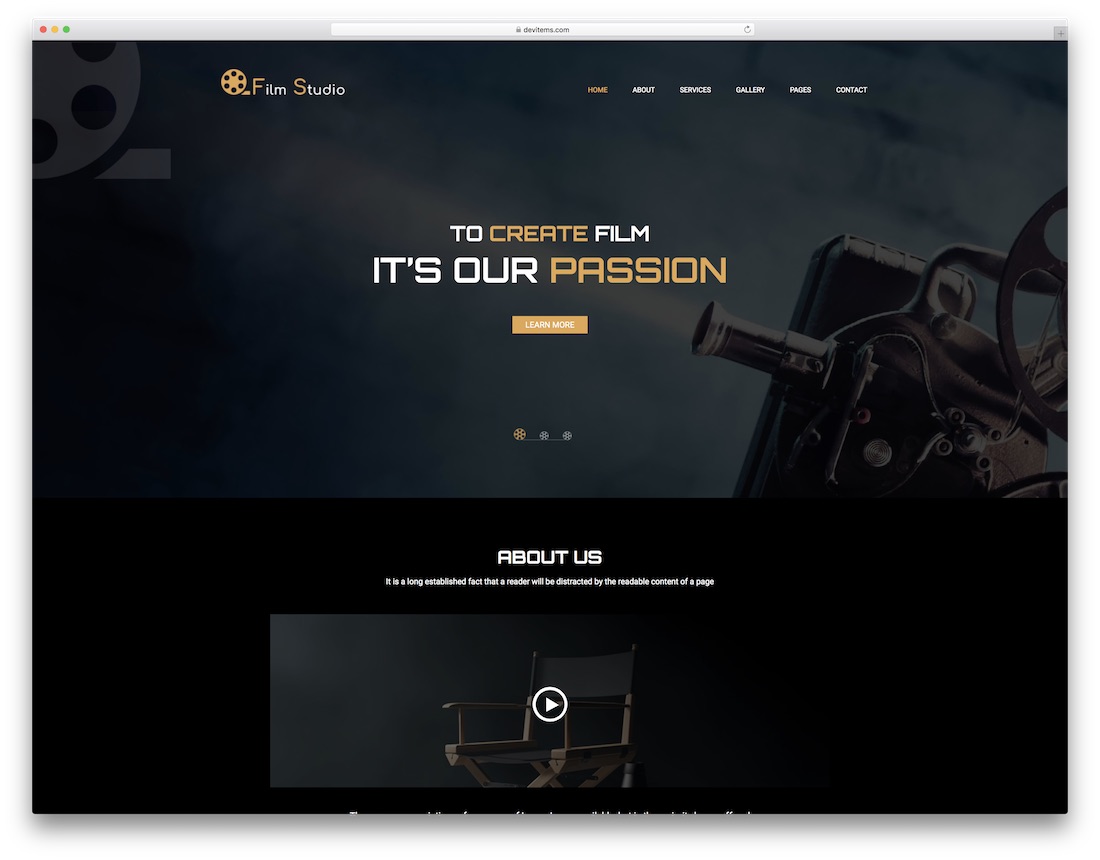
PremiumHTMLDark Mode · Best for: film promotion and production companies
Film Studio ships four homepages in dark and light versions, built to promote a production company or a single release. Nine responsive HTML pages cover about, gallery, services, contact, and 404, and video material plays in a popup for guests.
Frequently Asked Questions
How should I host videos for these templates?
Embed from YouTube or Vimeo for zero bandwidth cost, or use a host like Bunny Stream for branding control. Self-hosting MP4s only makes sense for short clips — the templates accept any embed.
Which template suits a video production agency?
The portfolio-led entries with full-width showreel heroes — they open on motion, which is what agency clients expect. The descriptions flag which entries are showreel-first.
Can I build a subscription video site with these?
The templates handle presentation only. For gated content you need a membership layer — WordPress entries with a membership plugin, or a platform like Uscreen with these layouts as the marketing site.
Do autoplaying video backgrounds hurt performance?
They’re the heaviest thing on any page. Keep background loops short, muted, compressed (a few MB), lazy-load below-the-fold players, and provide a static poster image for mobile.

Related Posts



Comments (0)