

Best File Upload Libraries: jQuery & Modern JavaScript (2026)
Last updated: March 2026
9 Best File Upload Libraries for JavaScript in 2026
File uploads remain one of the most complex frontend features to build from scratch. Between drag-and-drop zones, chunked uploads for large files, image previews, progress bars, resumable transfers, and server validation, a quality upload experience requires substantial engineering. These libraries handle the hard parts so you can focus on your application logic.
This comparison covers both modern vanilla JavaScript libraries and jQuery-era solutions that remain in production across millions of sites. For broader industry context, see our web development statistics roundup.
File Upload Library Comparison
| Library | jQuery Required | Drag & Drop | Chunked Upload | Image Preview | Size (gzipped) |
|---|---|---|---|---|---|
| Dropzone.js | No | Yes | Yes | Yes (thumbnails) | ~14 KB |
| FilePond | No | Yes | Yes | Yes (with plugin) | ~15 KB (core) |
| Uppy | No | Yes | Yes (tus) | Yes | ~45 KB (full) |
| Fine Uploader | No | Yes | Yes | Yes | ~40 KB |
| jQuery File Upload | Yes | Yes | Yes | Yes | ~10 KB + jQuery |
| Plupload | Optional | Yes | Yes | Yes | ~20 KB |
| Resumable.js | No | Yes | Yes | No | ~5 KB |
| tus-js-client | No | No (protocol only) | Yes | No | ~8 KB |
| FilePond Plugins | No | Yes | Yes | Yes (transform, crop, edit) | Varies per plugin |
1. Dropzone.js

Dropzone.js is the most widely used standalone file upload library. It turns any HTML element into a drag-and-drop upload zone with thumbnail previews, progress bars, and multi-file support. The library requires no dependencies, weighs 14 KB gzipped, and works by intercepting the form submit event to upload files via XMLHttpRequest.
Configuration is straightforward: set the upload URL, maximum file size, accepted file types, and optional thumbnail dimensions. Dropzone generates its own UI (drop zone, preview template, progress bars) or can use your custom markup. The event system (addedfile, uploadprogress, success, error) provides hooks for every stage of the upload lifecycle.
| Strength | Weakness |
|---|---|
| Most popular, well-documented | UI styling can feel dated |
| Zero dependencies | Default template needs customization for modern designs |
| Chunked upload support | Limited image editing (no crop/rotate) |
| Works with any backend | No built-in cloud upload (S3, etc.) |
2. FilePond
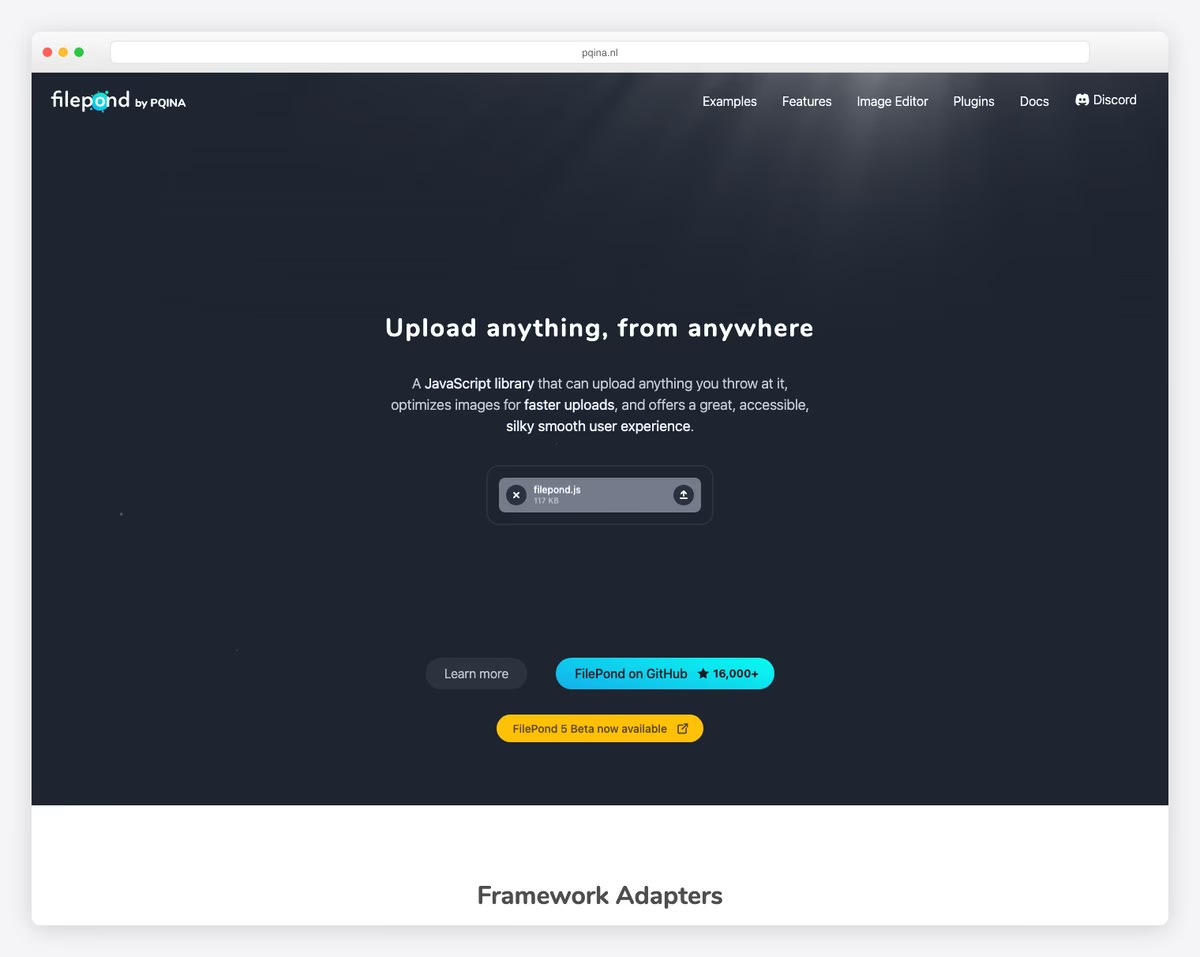
FilePond is the most visually polished upload library available. Its default UI features smooth animations, a compact drop zone that expands as files are added, and an inline progress indicator that feels native. The core library handles file validation and uploading, while a rich plugin ecosystem adds image preview, crop, resize, filter, and editing capabilities.
The plugin architecture is FilePond’s distinguishing feature. Each capability is a separate module you import as needed. The image editing plugins transform FilePond from a simple upload widget into a lightweight image editor: users can crop, rotate, annotate, and filter images before upload, all within the FilePond UI. Framework adapters exist for React, Vue, Svelte, Angular, and jQuery.
| Plugin | Function | Size |
|---|---|---|
| Image Preview | Shows thumbnail of selected image | ~4 KB |
| Image Crop | Define crop ratio before upload | ~2 KB |
| Image Resize | Resize to specific dimensions | ~2 KB |
| Image Transform | Apply crop/resize on client before upload | ~3 KB |
| Image Edit | Integrates external editor (Doka/Pintura) | ~2 KB |
| File Validate Size | Min/max file size validation | ~1 KB |
| File Validate Type | MIME type checking | ~1 KB |
3. Uppy

Uppy, built by the Transloadit team, is the most feature-complete upload library. It supports uploading from local files, remote URLs, Google Drive, Dropbox, Instagram, webcam capture, and screen recording — all through a modular plugin system. The built-in Dashboard UI is a polished, accessible modal with file management, progress tracking, and status reporting.
Uppy’s killer feature is its tus integration. The tus protocol enables truly resumable uploads — if a connection drops mid-upload, Uppy resumes from where it left off rather than restarting. For large file uploads (video, datasets, backups), this is essential. Uppy also supports direct-to-S3 uploads via the AWS S3 plugin, offloading the transfer from your server entirely.
The trade-off is size and complexity. The full Uppy bundle with Dashboard, webcam, and cloud sources exceeds 100 KB. The core library alone is ~45 KB. For simple single-file uploads, Uppy is overkill — Dropzone or FilePond will serve you better with a fraction of the weight.
| Strength | Weakness |
|---|---|
| Cloud source imports (Drive, Dropbox) | Large bundle size for full features |
| tus resumable uploads built in | Complex configuration for advanced setups |
| Beautiful, accessible Dashboard UI | Companion server needed for cloud imports |
| Direct S3 uploads | Overkill for simple upload needs |
4. Fine Uploader

Fine Uploader was one of the first comprehensive JavaScript upload libraries and pioneered features like chunked uploads, automatic retry, and direct-to-S3 uploading. It supports every edge case: paste-to-upload, folder uploads, simultaneous upload limits, and form integration. The library has no dependencies and provides both a UI mode (with default styling) and a core mode (headless, for custom UIs).
Important caveat: Fine Uploader entered maintenance mode in 2018. It still works and handles modern browsers correctly, but there are no new features or active development. For existing projects using Fine Uploader, there is no urgent reason to migrate. For new projects, FilePond or Uppy are better-maintained alternatives with similar capabilities.
5. jQuery File Upload (blueimp)
The blueimp jQuery File Upload plugin has been downloaded over 50 million times and remains one of the most deployed upload solutions on the web. It provides multi-file upload, drag-and-drop, progress bars, chunked uploads, and image previews — all built on jQuery and the jQuery UI widget factory.
For jQuery-based projects that need a reliable upload widget, this remains a solid choice. The server-side examples cover PHP, Node.js, Python, Ruby, Java, and Go. However, the jQuery dependency makes it unsuitable for modern framework projects, and its UI templates require jQuery UI CSS which adds weight. New projects should use Dropzone.js or FilePond instead.
6. Plupload
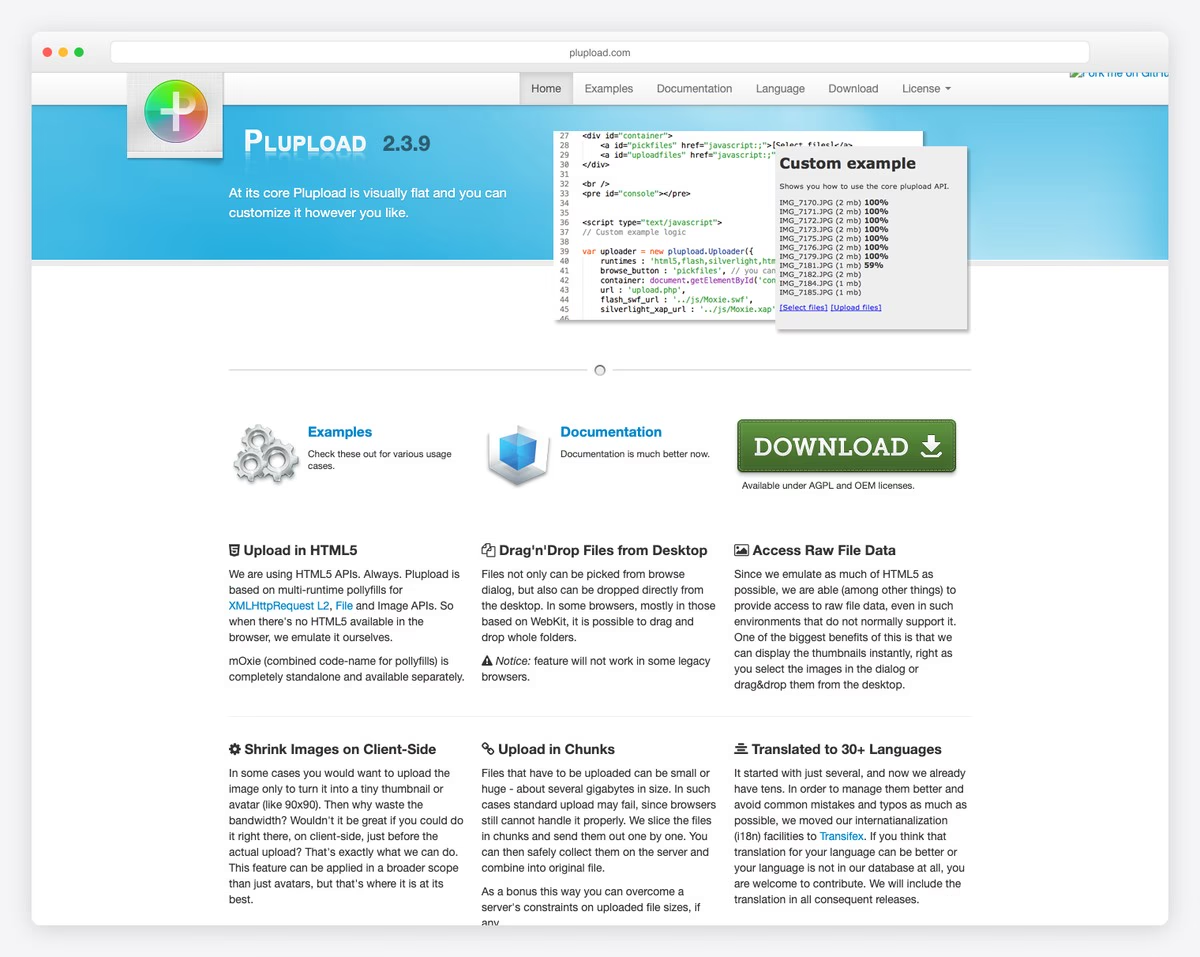
Plupload is the upload engine behind WordPress’s media uploader. It provides a unified API across multiple upload transports (HTML5, Flash fallback, Silverlight fallback) though in 2026, only the HTML5 transport is relevant. Its chunked upload implementation is battle-tested across millions of WordPress installations handling media uploads of every size.
Plupload works with or without jQuery and includes built-in image resizing on the client side before upload — useful for reducing upload size and server processing. The UI widget (Plupload Queue) provides a ready-made upload interface, or you can use the core API to build a custom UI. It remains a reliable choice, especially if your backend is already configured for Plupload’s chunked upload format.
Resumable.js & tus-js-client
These two libraries solve the same problem — resumable file uploads — but take different approaches.
| Feature | Resumable.js | tus-js-client |
|---|---|---|
| Protocol | Custom (chunks via multipart POST) | tus (open protocol) |
| Server implementations | DIY (match chunk format) | 20+ official server libraries |
| Size | ~5 KB | ~8 KB |
| Drag and drop | Built-in | Not included (bring your own UI) |
| UI components | Minimal | None (protocol client only) |
| Ecosystem | Standalone | Used by Uppy, Vimeo, Cloudflare |
Resumable.js splits files into chunks and sends each as a separate POST request. If a chunk fails, only that chunk is retried. The server reassembles chunks by identifier. It includes basic drag-and-drop and file selection, making it the lightest full-featured resumable upload solution at 5 KB.
tus-js-client implements the open tus protocol, which standardizes resumable uploads. The advantage: any tus-compatible server (tusd in Go, tus-node-server, tus-ruby-server, etc.) works automatically. The disadvantage: tus-js-client is purely a protocol client with no UI. Pair it with a UI library (or use Uppy, which includes tus support) for a complete solution.
How to Choose
| Your Situation | Best Library | Why |
|---|---|---|
| Simple drag-and-drop upload | Dropzone.js | Lightweight, zero dependencies, straightforward |
| Beautiful UI with image editing | FilePond | Best visual design, modular plugin system |
| Cloud sources (Drive, Dropbox) | Uppy | Only library with built-in cloud import |
| Large files (100 MB+) | Uppy (tus) or Resumable.js | Resumable uploads prevent restart on failure |
| Direct S3 upload | Uppy or Fine Uploader | Built-in S3 signing and multipart |
| jQuery project | jQuery File Upload | Native jQuery integration |
| WordPress-adjacent | Plupload | Same engine WordPress uses |
| Custom UI, just need protocol | tus-js-client | Smallest footprint, standard protocol |
For most new projects in 2026, FilePond is the best default choice — it strikes the right balance between features, size, and visual polish. If you need cloud source imports or very large file handling, Uppy is worth the extra weight. And if you just need a drop zone with previews and nothing else, Dropzone.js has been reliably doing that for over a decade.

Related Posts






Alex – where did you see that dropzone could do image editing? I am using dropzone and would really like those kinds of features but I don’t see anything like that. I really hope it does. Let me know – appreciate it. Craig
I’m seeking a tutorial for do the edit action too. But I don’t saw nothing anywhere. If someone knows something about it with dropzonejs, let me know please?
thanks for the list. I think closify is beautiful.
this link is very strange – Igloolab, about jQuery HTML5 Uploader plugin, malware..
Alexander,
It appears that Igloolab has been discontinued and now their domain is used for some shady purposes. We have since removed that item from the list.
Thanks for reporting it!
Hello. Thanks for this great overview. I’ve been using CloudWok to support uploads to a google drive for vetting of content prior to posting on a website. Cloudwok is ceasing business in March and I’m looking for a simple solution that would allow me to upload and route the content to a google drive or dropbox account. Can you point me in the direction of any solution that might have that ability? Maybe one of these can do that, but it’s not mentioned. Thanks again!
Mark, did you find any options? I’m trying to replace Cloudwok also.
Steve
I am trying to find a nice new Download System to replace the standard PHP-Fusion 7 Download System to no avail, so I am paying to have a brand new Download/Upload System created as an Infusion. I am out looking for samples of GOOD work for Download systems that can be replicated in my Download System. I am tired of the same, boring Download System that’s hard to modify to get it to do what you want. I want a nice smooth Ajax/JQuery System that allows multiple file uploads at the same time while allowing the Uploader to add Titles/Descriptions and select a Category, etc. Something that can be integrated with the sites current user and files database so we don’t lose content along the way and so members know who uploaded what. I am more than open to idea for code snips to include in my system, feel free to visit and join my site and join or reply to my comment here.