
6 Best Free Social Sharing Widgets for Websites (2026)
6 Best Social Sharing Widgets & Libraries in 2026
Social sharing buttons seem simple, but the implementation choices have real consequences for page performance, user privacy, and GDPR compliance. The traditional approach — loading third-party JavaScript from Facebook, Twitter, and LinkedIn — adds 200-500 KB of scripts, sets tracking cookies, and slows page load. Modern alternatives range from lightweight self-hosted libraries to the browser-native Web Share API.
This guide compares the best options in 2026, with a focus on privacy, performance, and actual functionality. For industry context, see our web design statistics report.
The Privacy Problem with Social Sharing Scripts
Before evaluating specific tools, it is worth understanding what “privacy-friendly” means in this context. Traditional social sharing widgets (ShareThis, AddToAny) work by loading JavaScript from a third-party CDN. That script can set cookies, fire tracking pixels, and report browsing behavior back to the widget provider. ShareThis openly runs a data business on top of its free tools, selling audience segments built from behavior across the sites that use its buttons. AddThis, once the biggest of these widgets, was shut down by Oracle on May 31, 2023, so any leftover AddThis embed code now does nothing and should be removed.
Under GDPR, CCPA, and similar regulations, loading these scripts without user consent is legally questionable. If your site uses a cookie consent banner, social sharing scripts should be blocked until the user consents to tracking cookies — but most implementations load them immediately.
Privacy-friendly alternatives work differently. They construct share URLs using the platform’s native share endpoints (e.g., https://twitter.com/intent/tweet?text=...) without loading any third-party JavaScript. No cookies, no tracking, no external requests until the user clicks a share button.
Third-Party Sharing Services
1. AddToAny
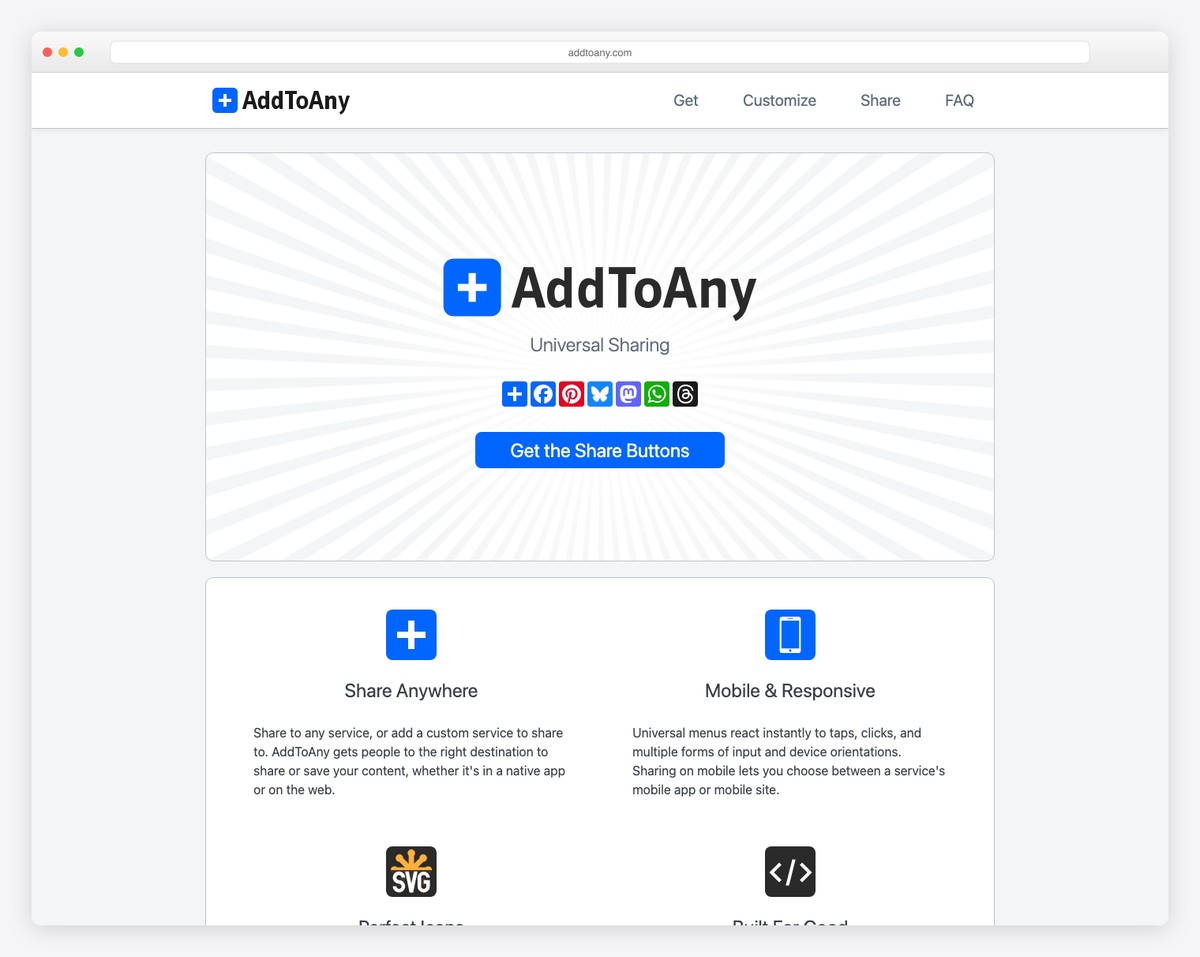
AddToAny is the most widely used free social sharing widget. It provides a floating share bar, inline buttons, and a “share to any” dialog that lists 100+ social networks and messaging apps. The widget auto-detects the page title, URL, and image for share metadata. A WordPress plugin makes integration one-click.
AddToAny is the best option if you want maximum platform coverage with minimal setup. The script loads asynchronously (~50 KB) and does not block page rendering. Share count display is available for some platforms. The privacy trade-off is moderate — AddToAny tracks shares and page views but does not build cross-site user profiles the way data-funded widgets such as ShareThis do.
2. ShareThis
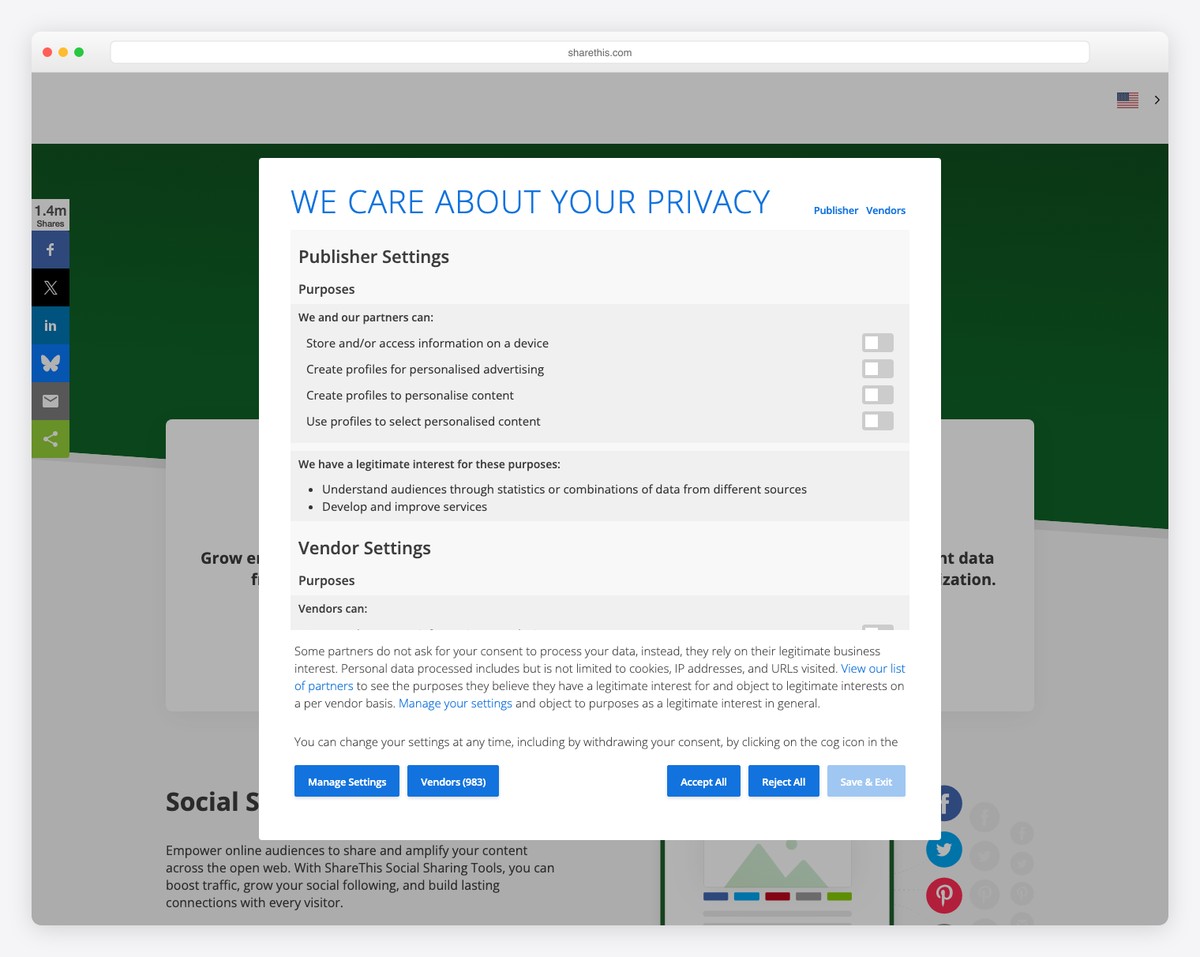
ShareThis provides customizable share buttons with analytics. The dashboard shows which content gets shared most, to which platforms, and share-driven traffic. The buttons are free with no paid tier; ShareThis funds them through its data business, which sells audience and intent data built from activity on sites that run its code. It covers 40+ sharing channels and also offers follow, reaction, and image-share buttons.
ShareThis buttons are visually polished and easy to customize (sticky bars, inline, popup). The script is heavier than AddToAny (~80 KB) and the data collection practices require explicit disclosure in your privacy policy.
Lightweight & Privacy-Friendly Options
3. Sharect
Sharect adds a “share selected text” tooltip that appears when users highlight text on your page — similar to Medium’s highlight-to-tweet feature. At under 3 KB gzipped with no dependencies, it is the lightest interactive sharing widget here. It works in desktop browsers: when a user selects text, a floating tooltip offers Twitter and Facebook share options (you can append custom buttons) pre-populated with the selected text and page URL.
Sharect is privacy-friendly because it loads no external scripts and makes no network requests until the user explicitly clicks a share button. It is ideal for blogs, articles, and long-form content where quote-sharing drives engagement.
4. Simple Sharing Buttons
Simple Sharing Buttons is a CSS-only approach: styled anchor tags that link to each platform’s share URL. No JavaScript whatsoever. The entire implementation is HTML and CSS, making it the most performant and privacy-friendly widget possible. Each button is a link like https://twitter.com/intent/tweet?url={url}&text={title} that opens the platform’s native share dialog.
The trade-off: no share counts, no analytics, no auto-detection of page metadata (you set URL and title manually or with minimal JS). For sites that prioritize performance and privacy above share analytics, this approach is ideal.
CSS-Only Share Buttons (Sash Pattern)
The purest approach: plain HTML anchor tags styled with CSS. No library, no JavaScript, no dependencies. Each social platform has a public share URL that accepts parameters:
| Platform | Share URL Pattern |
|---|---|
| X (Twitter) | https://twitter.com/intent/tweet?url={url}&text={title} |
https://www.facebook.com/sharer/sharer.php?u={url} | |
https://www.linkedin.com/sharing/share-offsite/?url={url} | |
https://pinterest.com/pin/create/button/?url={url}&media={image}&description={title} | |
https://www.reddit.com/submit?url={url}&title={title} | |
mailto:?subject={title}&body={url} |
Style these links as buttons with SVG icons from any icon library. Total overhead: under 500 bytes of CSS, zero JavaScript, zero tracking, full GDPR compliance. This is the recommended approach for performance-focused and privacy-conscious sites.
Web Share API (Native Browser Sharing)
The Web Share API is a browser-native feature that triggers the operating system’s share dialog. On mobile, this opens the native share sheet showing all installed apps (WhatsApp, Telegram, Instagram, email, etc.). On desktop, support is available in Chrome, Edge, and Safari.
The API is simple:
navigator.share({
  title: 'Article Title',
  text: 'Check out this article',
  url: 'https://example.com/article'
});
Zero dependencies, zero file size, zero privacy concerns, and access to every app installed on the user’s device. The limitation: it requires user interaction (cannot be triggered programmatically), requires HTTPS, and desktop support is still incomplete (desktop Firefox only has it behind a flag). The recommended pattern is to use the Web Share API as the primary share method with CSS-only button fallbacks for unsupported browsers.
| Platform | Web Share API Support |
|---|---|
| iOS Safari | Full support (iOS 12.2+) |
| Android Chrome | Full support (Chrome 61+) |
| Android Firefox | Full support (Firefox 79+) |
| Desktop Chrome | Supported (Chrome 89+ on Windows and ChromeOS; all desktop platforms since Chrome 128) |
| Desktop Edge | Supported (Edge 93+) |
| Desktop Safari | Supported (Safari 12.1+) |
| Desktop Firefox | Not supported (behind a preference flag only) |
How to Choose
| Priority | Best Choice | Why |
|---|---|---|
| Maximum platform coverage | AddToAny | 100+ platforms, auto-detection, WordPress plugin |
| Share analytics | ShareThis | Free dashboard with share data and traffic attribution |
| GDPR compliance / privacy | CSS-only buttons or Web Share API | Zero third-party scripts, zero cookies |
| Performance (Core Web Vitals) | CSS-only buttons | Zero JavaScript, zero network requests |
| Mobile-first sharing | Web Share API + fallback | Native share sheet, all installed apps |
| Quote/text sharing | Sharect | Highlight-to-share like Medium |
| Quick setup, decent styling | Simple Sharing Buttons | Generated no-JS buttons in several icon styles |
The Recommendation
For most sites in 2026, the best approach is CSS-only share buttons with the Web Share API as a progressive enhancement. Create styled anchor tags for the 4-6 platforms your audience actually uses (likely X/Twitter, Facebook, LinkedIn, and email). Add a “Share” button that triggers navigator.share() where supported. Total implementation: under 1 KB, zero privacy concerns, excellent Core Web Vitals.
Use AddToAny only if you need 100+ platform support or share counts. If an older site still carries AddThis code, remove it: the service shut down in 2023 and the script no longer loads. And if share analytics matter, consider using UTM parameters on your share URLs instead of a tracking widget — they provide better attribution data in Google Analytics without the privacy overhead.

Related Posts





Comments (0)