

28 Best HTML5 Resume Templates 2026
These HTML resume templates give you a personal site that works as hard as your CV. In this collection, there is something for everyone.
The world is changing. This single constant is the one permanent element under the sun. It seems that each time the world turns on its head, that trend has done nothing but grow in recent years. With the advent of increasingly advanced technologies, the pace at which the world changes constantly increases, and humanity struggles to keep up.
A personal brand has become more important than your actual place of employment or even professional experience. What you want—what you need- is a sophisticated, impressive website that makes introductions for you in this digital age.
To achieve that, you must use the latest and most remarkable web development technologies to present your professional self in an attractive style that invites trust. The following HTML5 resume templates have been selected for their unique resume capabilities. Have a look.
Best HTML resume templates for personal websites
Table of contents — all 28 templates
Waverly
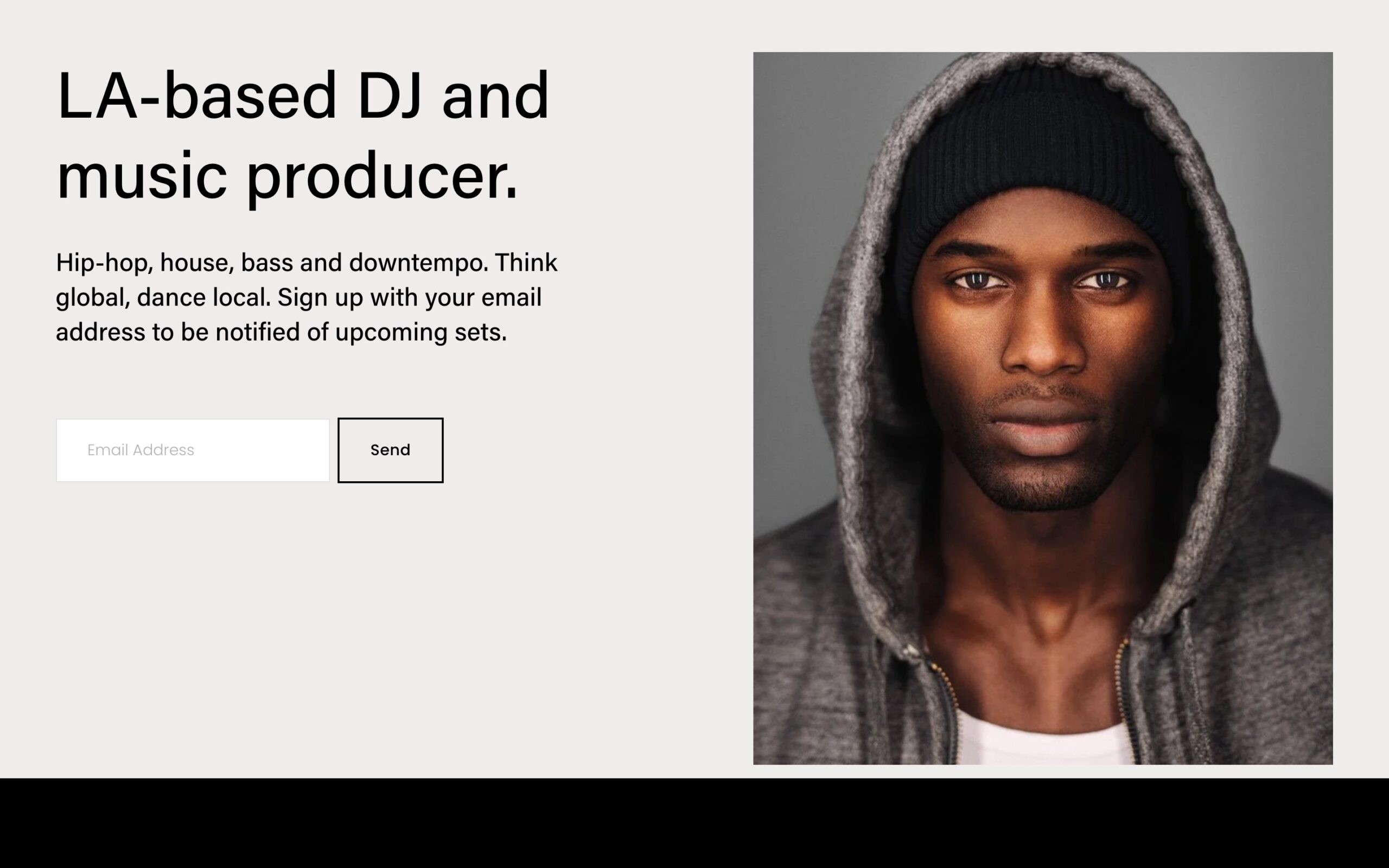
Squarespace · Best for: personal CV sites with photos
Waverly keeps a personal site to bio, photos, and contact — the three things a hiring manager or client actually opens. The layout gives a headshot real space without turning the page into a portfolio.
Carroll
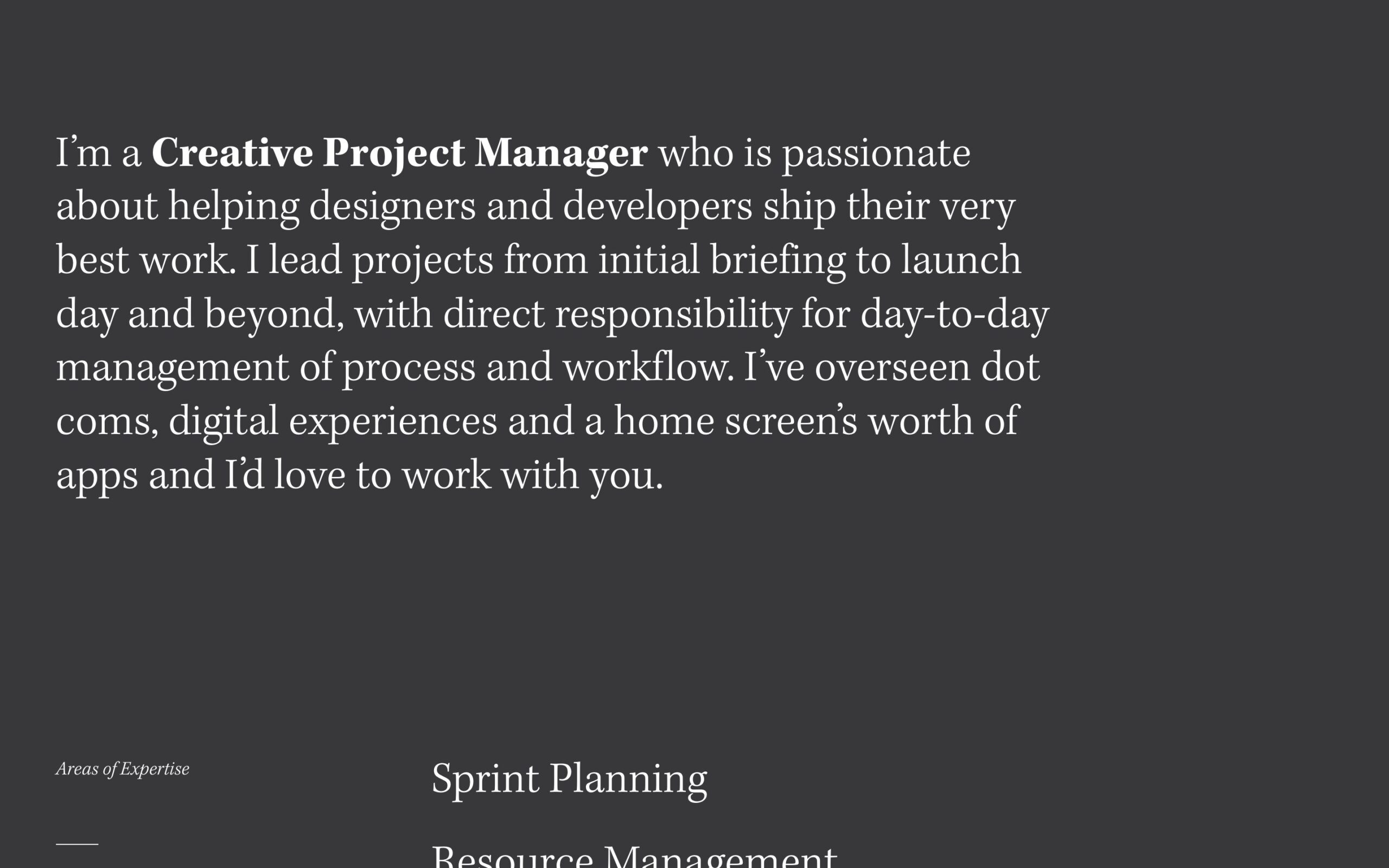
Squarespace · Best for: creative one-page introductions
Carroll is a single-page creative introduction, so the whole story sits above one scroll with a contact section at the end. It suits freelancers who want presence without maintaining a multi-page site.
Amal
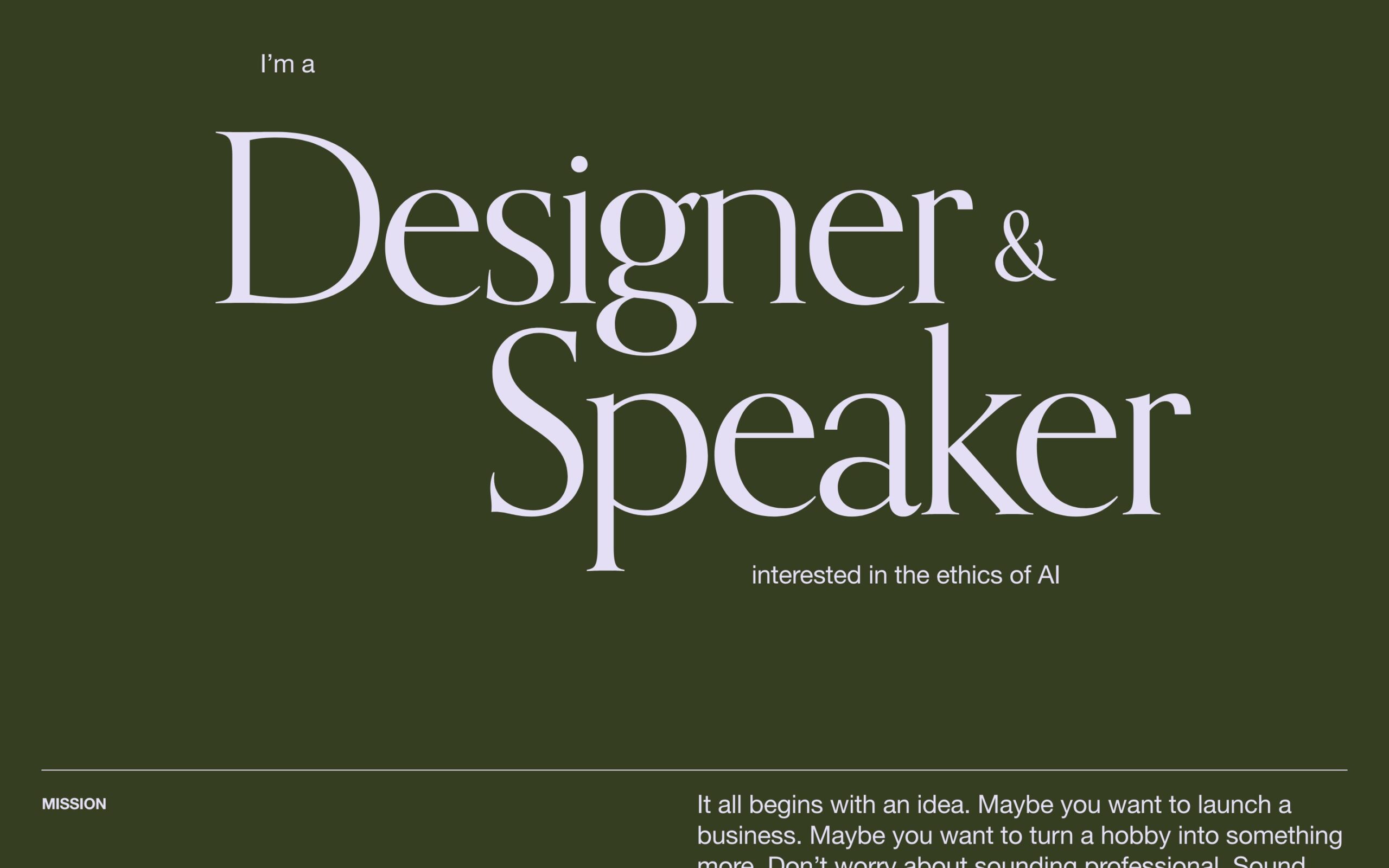
Squarespace · Best for: speakers and consultants
Amal adds speaking and events sections to the usual personal-site structure, which is what consultants and conference speakers need to show availability and past engagements alongside a bio.
Lakshi
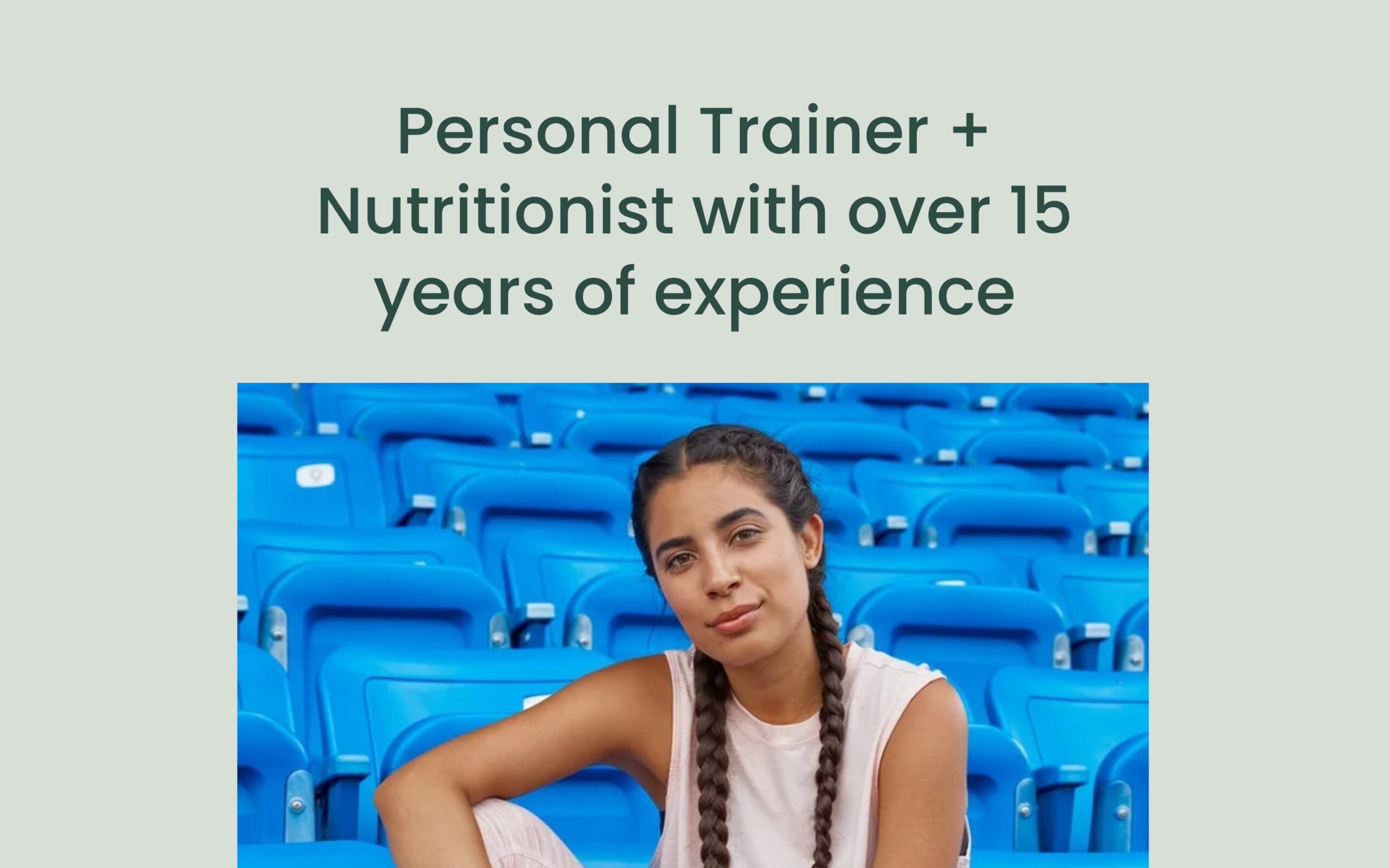
Squarespace · Best for: personal sites with a newsletter
Lakshi pairs a personal page with a blog and signup form, so writing becomes the proof rather than a static CV. Squarespace email campaigns connect to the signup without extra tooling.
Kester
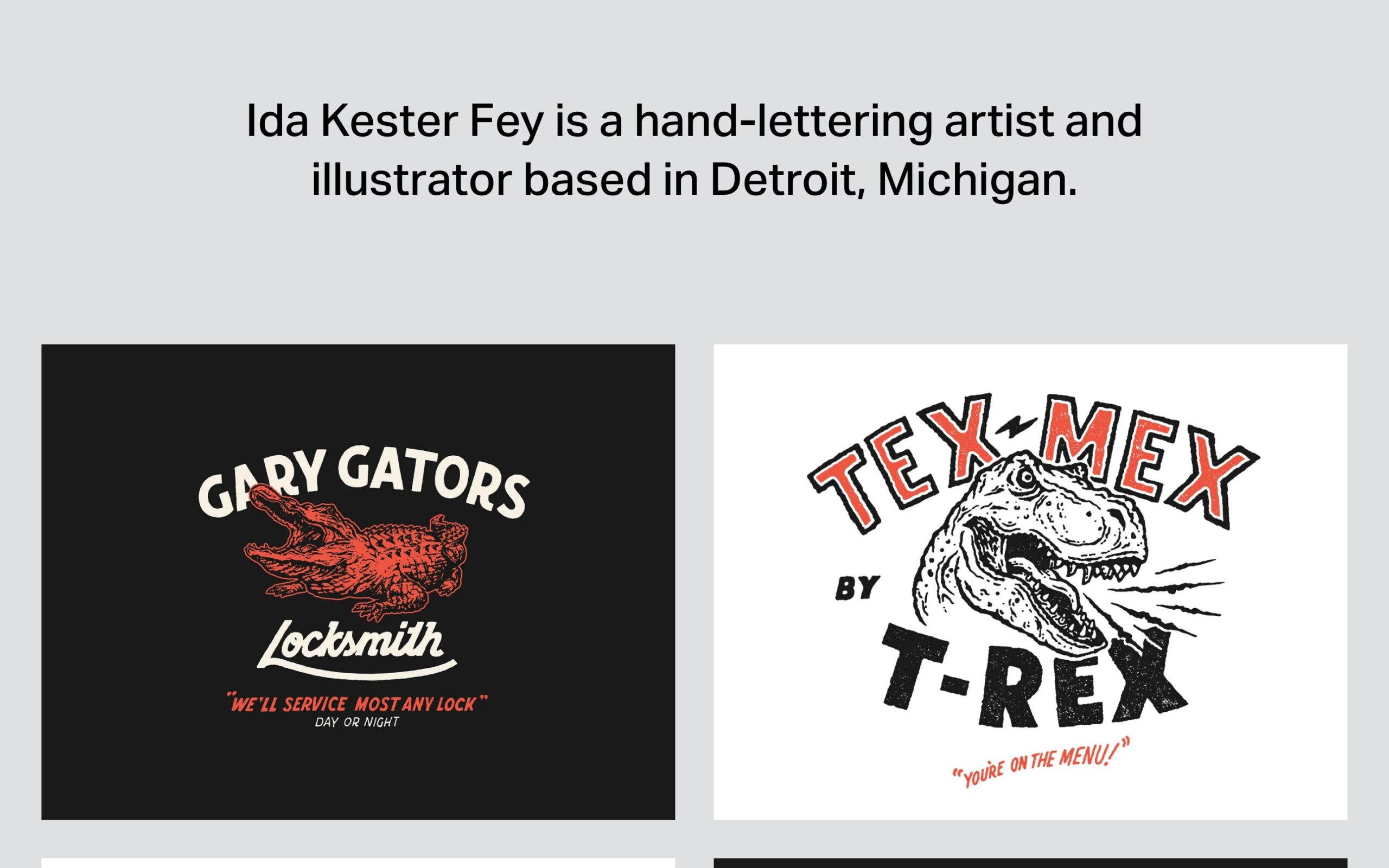
Squarespace · Best for: portfolios that also sell work
Kester combines work, shop, and blog, so a designer or illustrator can present a portfolio and sell prints from the same site. The shop is native Squarespace Commerce rather than an embed.
Jevelin

PremiumWordPress · Best for: picking a demo, then editing it
More than twenty prebuilt demos mean you start from a finished site rather than a blank page. Editing runs through Elementor, so resume, portfolio and contact pages can be rearranged without code — handy if you want more than the usual minimal personal website shape.
Divi
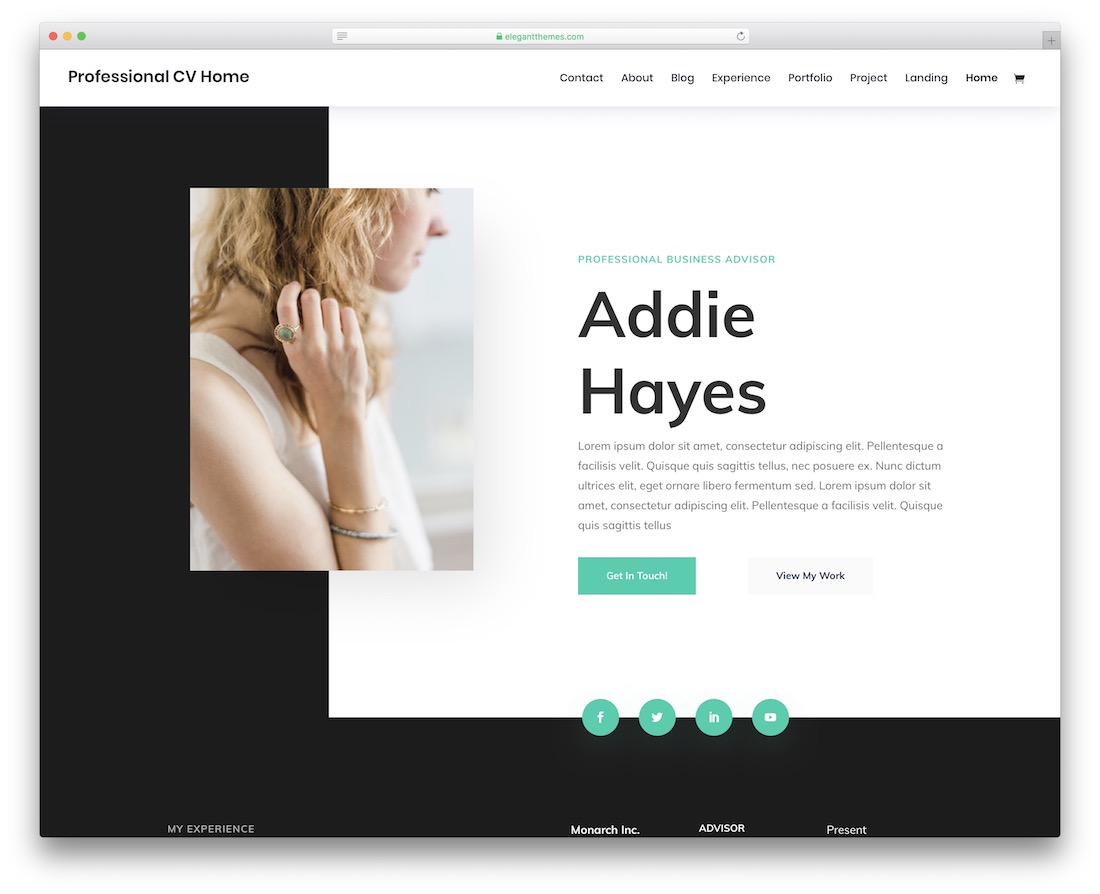
PremiumWordPress · Best for: assembling a CV from prebuilt sections
Divi bundles the builder and the layout library, so a resume page is assembled from finished sections instead of coded. Predefined layouts cover the intro, experience and contact blocks, and the result adapts to phones, tablets and desktops without extra work.
Webify
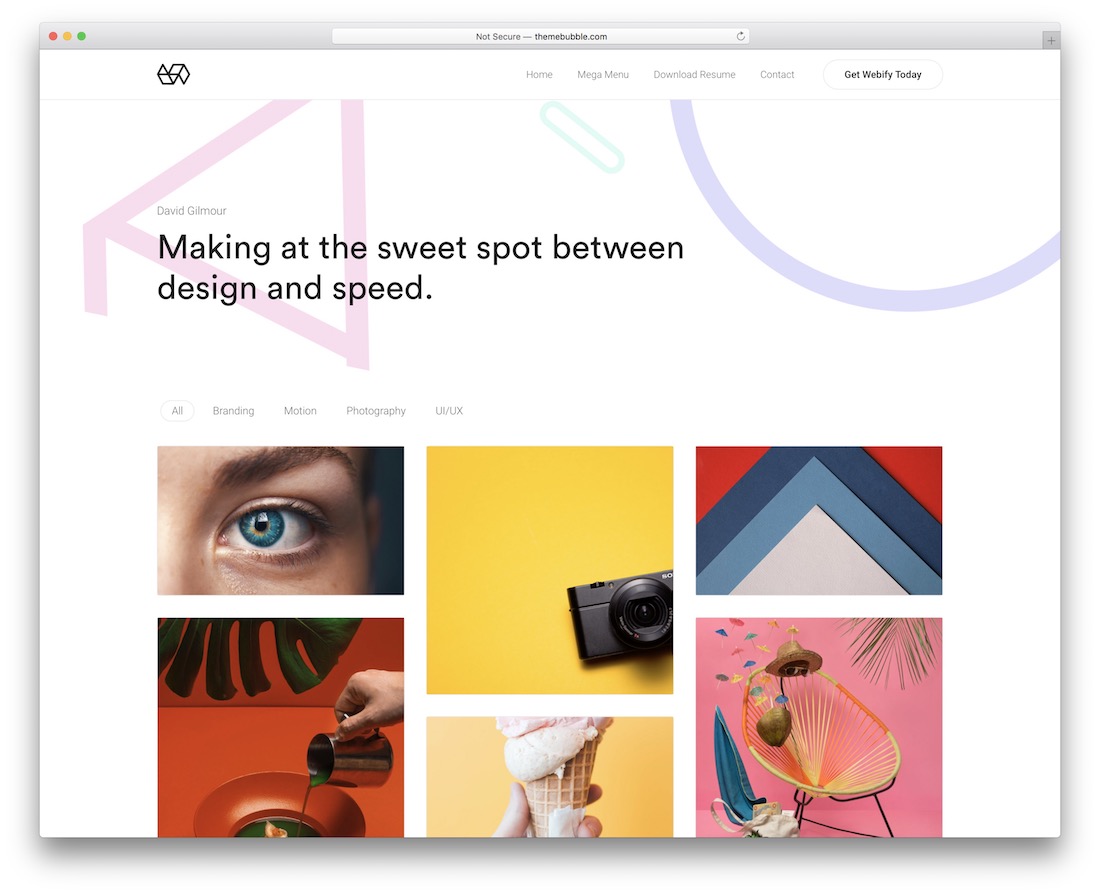
PremiumWordPress · Best for: work-sample heavy resumes
Webify leans on its gallery and portfolio layouts, which suits a resume that is mostly work samples. Drag-and-drop editing, ready-made blocks, modules and shortcodes handle the surrounding CV pages, so the visuals stay the focus.
Myour
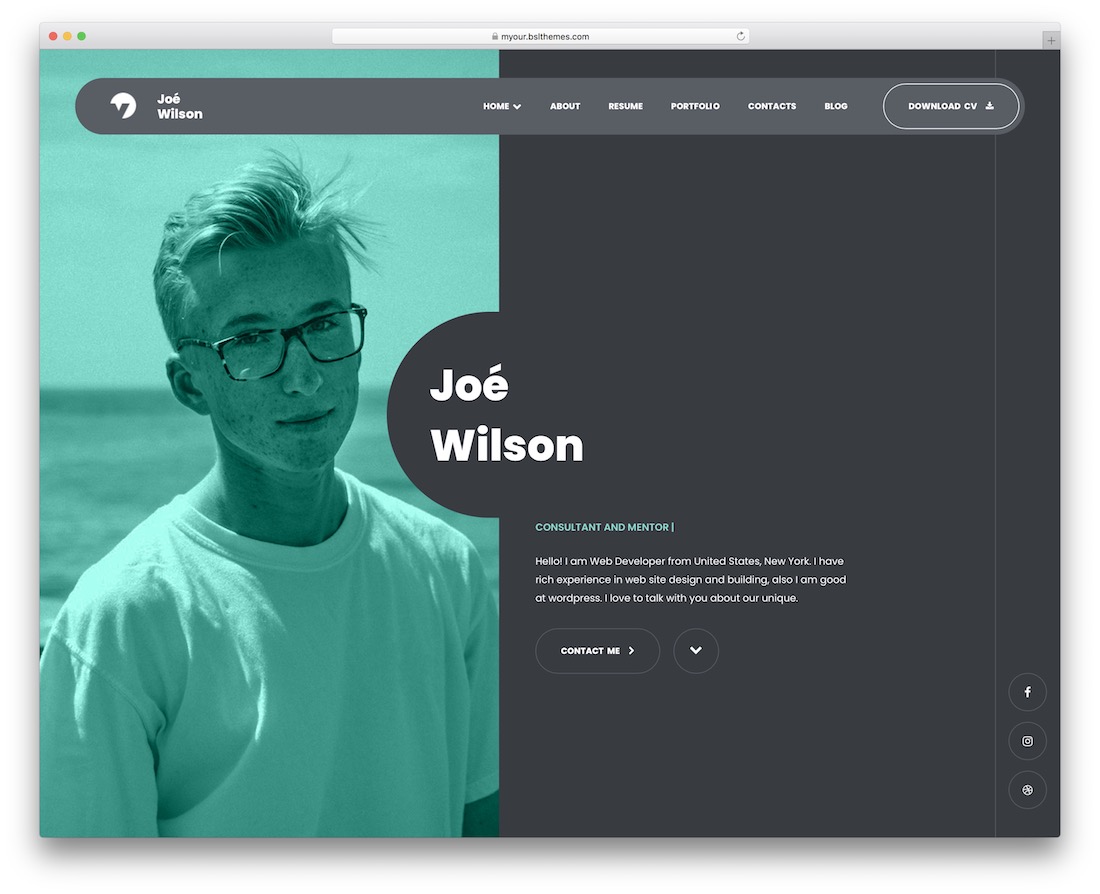
PremiumWordPressDark Mode · Best for: a one-page CV with lightbox work
Myour builds either a one-page or a multi-page site from the same resume WordPress theme, in dark or light. You get five home backgrounds, six lightbox portfolios, testimonials, pricing tables, Contact Form 7 and translation-ready strings.
Solonick

PremiumHTML · Best for: creative portfolios with a CV attached
Eight home pages, eight portfolio styles and nine single-portfolio layouts make Solonick a portfolio kit first and a resume second. The artistic styling is editable, so you can tone it down for recruiters while keeping the work samples in front.
Arter
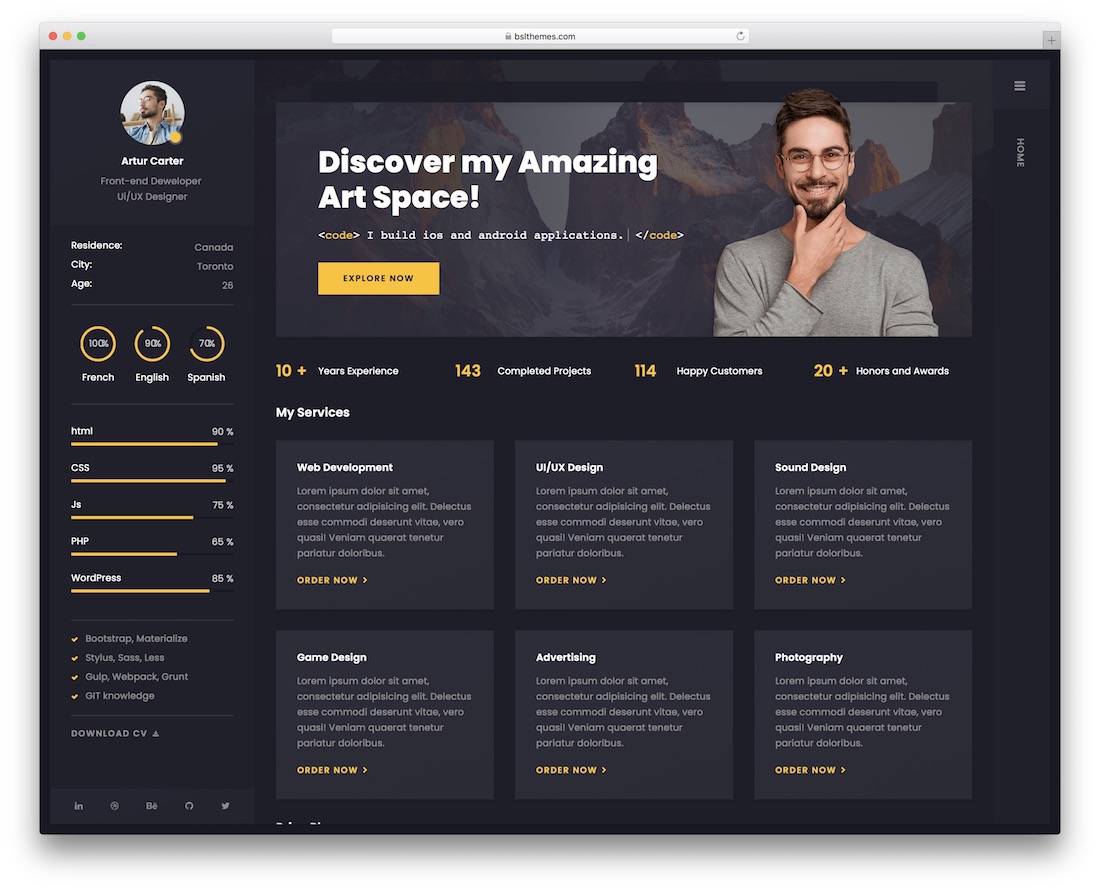
PremiumWordPressDark Mode · Best for: a CV page that also quotes rates
Arter covers the commercial side of a personal site: skills, testimonials and pricing tables sit alongside the CV. Dark and light modes, RTL support, Elementor editing and the ACF Pro plugin for custom fields are all included in the package.
BreezyCV
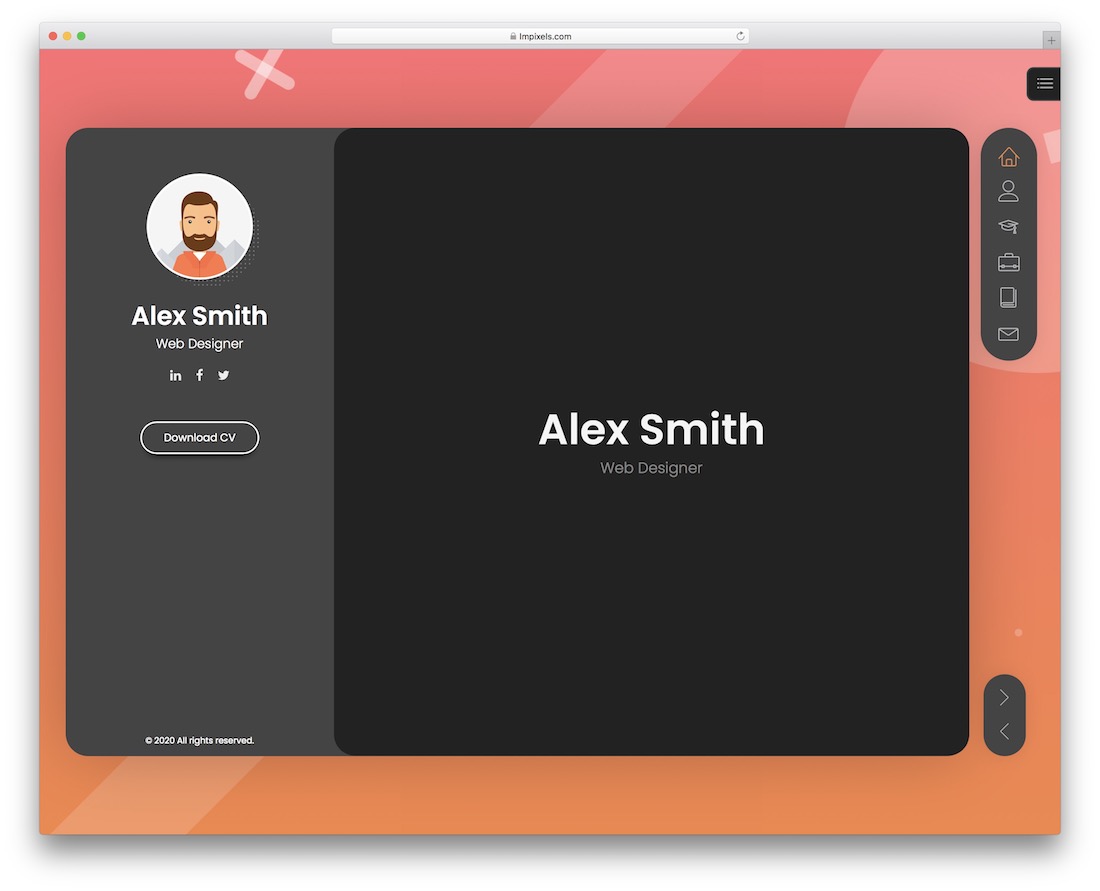
PremiumWordPressDark Mode · Best for: a vCard CV with references
BreezyCV treats the resume as a vCard: references, accordion-style history and more than forty shortcodes for assembling sections. Sample sites ship in dark and light, and pricing blocks, page transition animations and full RTL support come with them.
Ryan
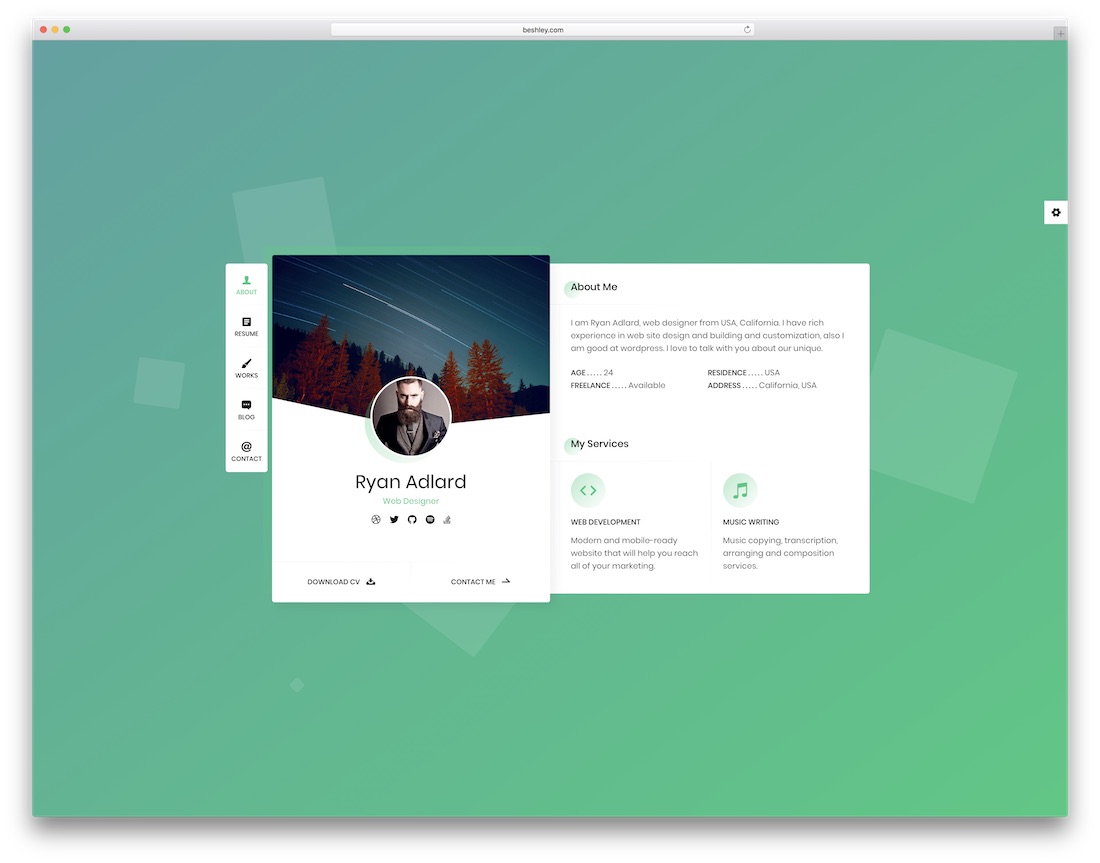
PremiumHTML · Best for: developers and photographers
Ryan keeps the vCard compact and hands over six colour schemes plus per-element colour control. It targets coders, photographers and web developers, so the layout favours a short bio and a work list over long prose.
Cvio
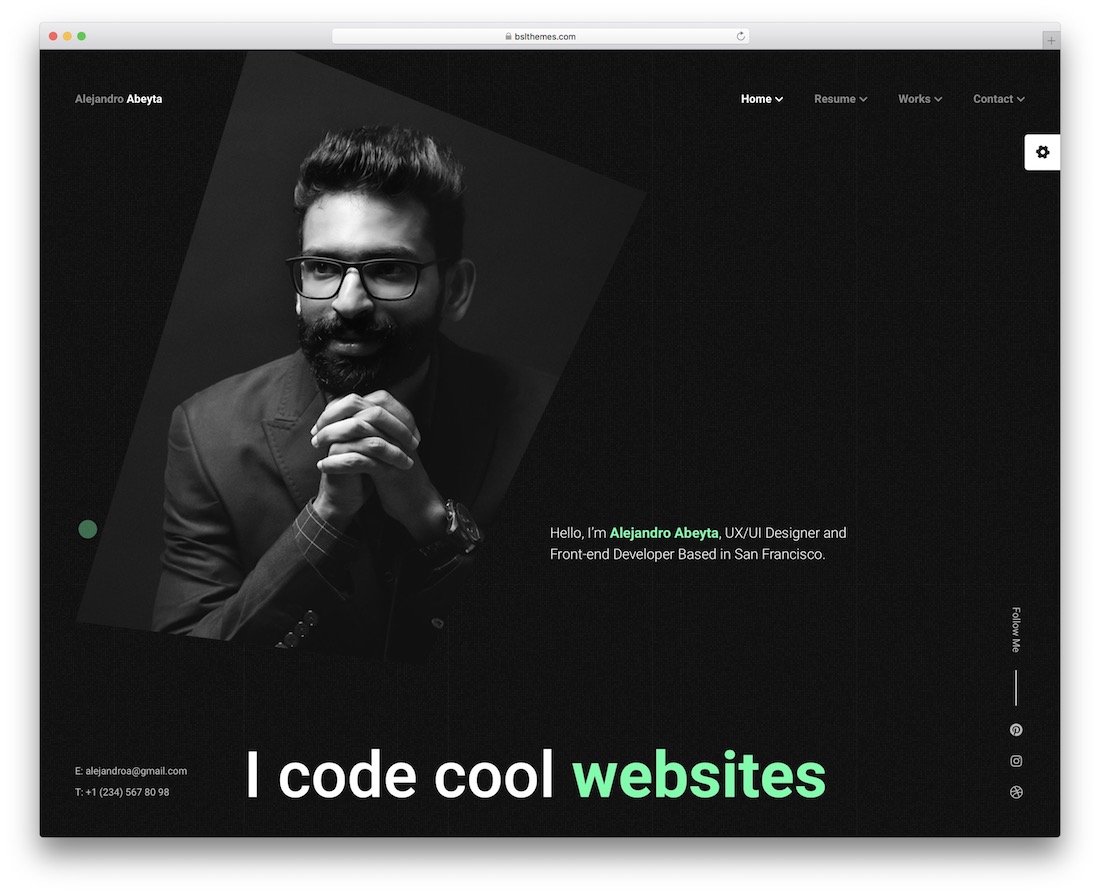
PremiumWordPress · Best for: choosing one-page or multi-page
Cvio builds either a one-page or a multi-page CV from six home demos, with a slider or video header if you want one. Skills and testimonial sections, a pricing table, several portfolio styles, ten colour schemes and a working contact form are included.
Prorez
PremiumWordPress · Best for: a CV plus a services list
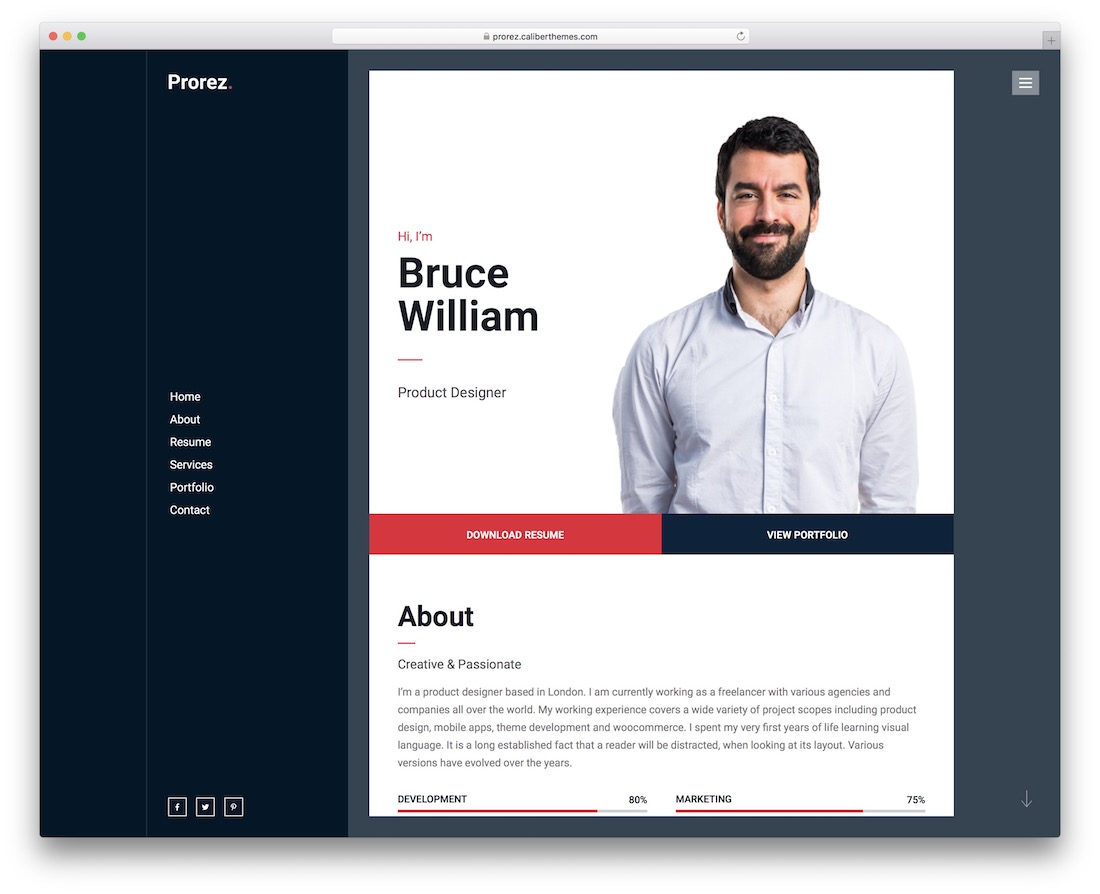
Prorez pairs the resume with a services section, so freelancers can pitch and prove in one scroll. Elementor handles layout changes without code, and the theme comes with regular updates and vendor support.
Leven
PremiumWordPress · Best for: a clean vCard, no coding
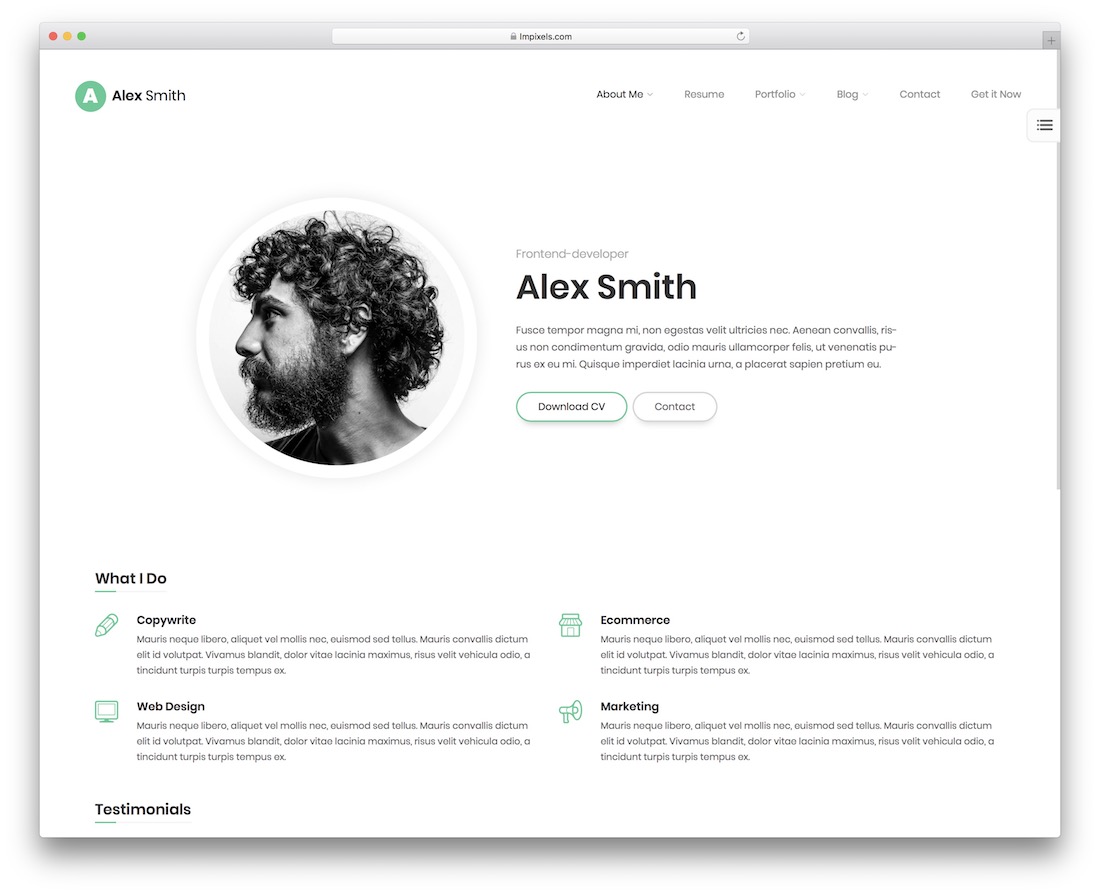
Leven is the plain option: one clean vCard layout you fill in with a drag-and-drop builder. There is no coding step and no demo shortlist to work through, which makes it a fair pick when the CV needs to be online this week.
Volos
PremiumWordPress · Best for: freelancers publishing a one-page CV
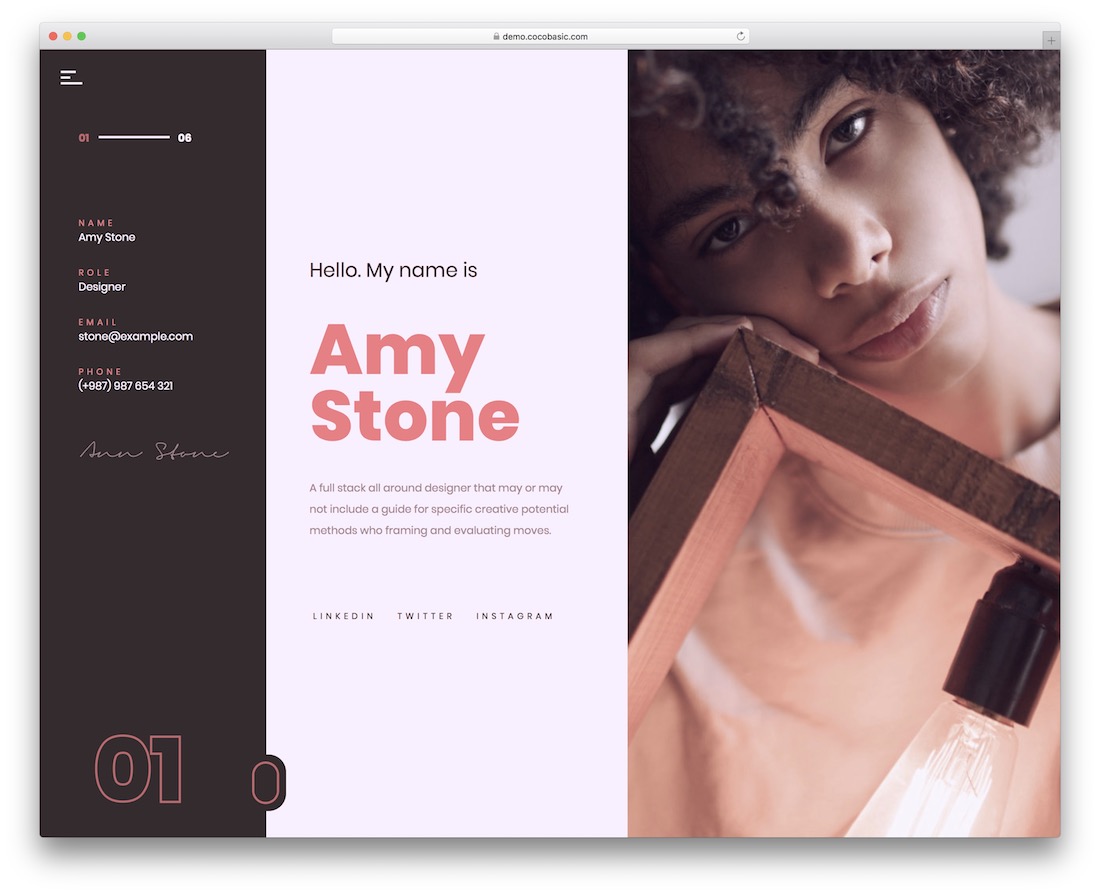
Volos ships ready-made one-page demos, each with its own colour treatment, header and video or image background. Predesigned skills and portfolio blocks cover the CV itself, and Elementor drag-and-drop handles any edits you make afterwards.
Patrick
PremiumHTMLDark Mode · Best for: a dark vCard with home options
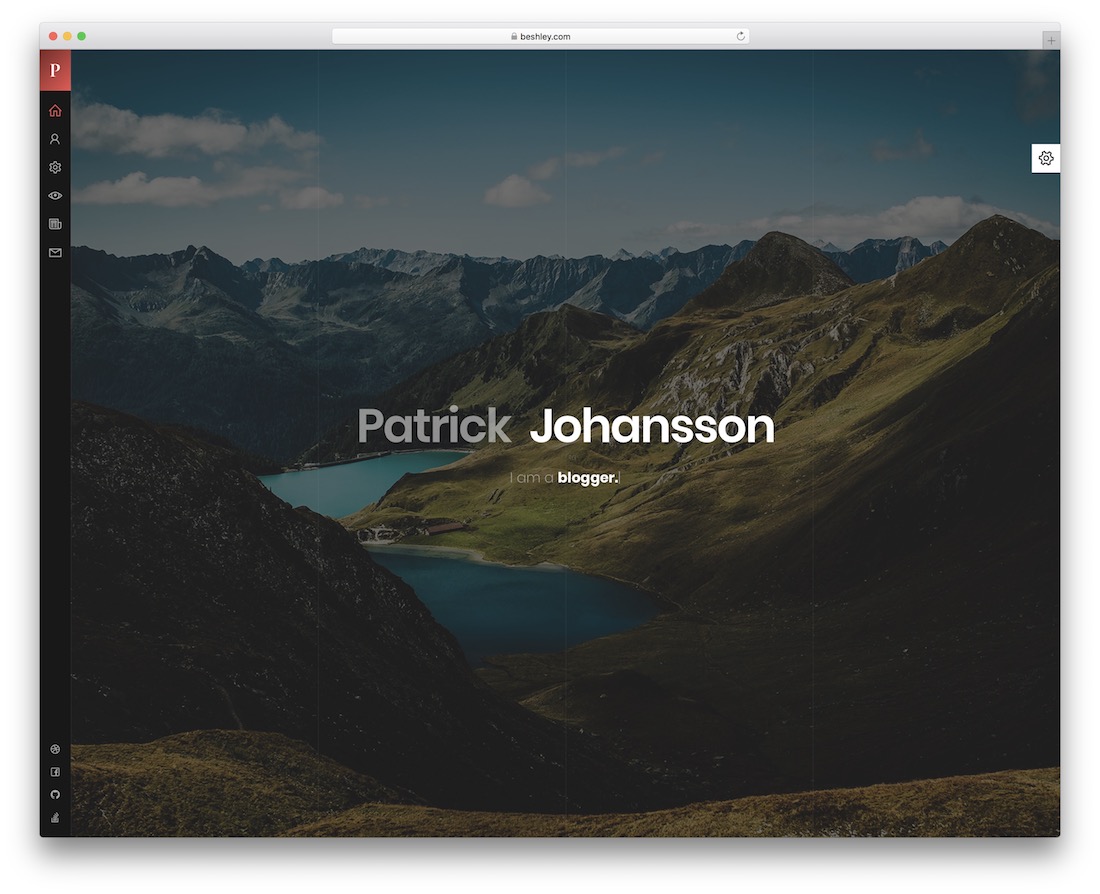
Patrick leads with a dark vCard design and several home variations rather than one fixed layout. Six colour skins, RTL support and CSS animations are included, and the page canvas stays simple enough to edit by hand.
Glitche
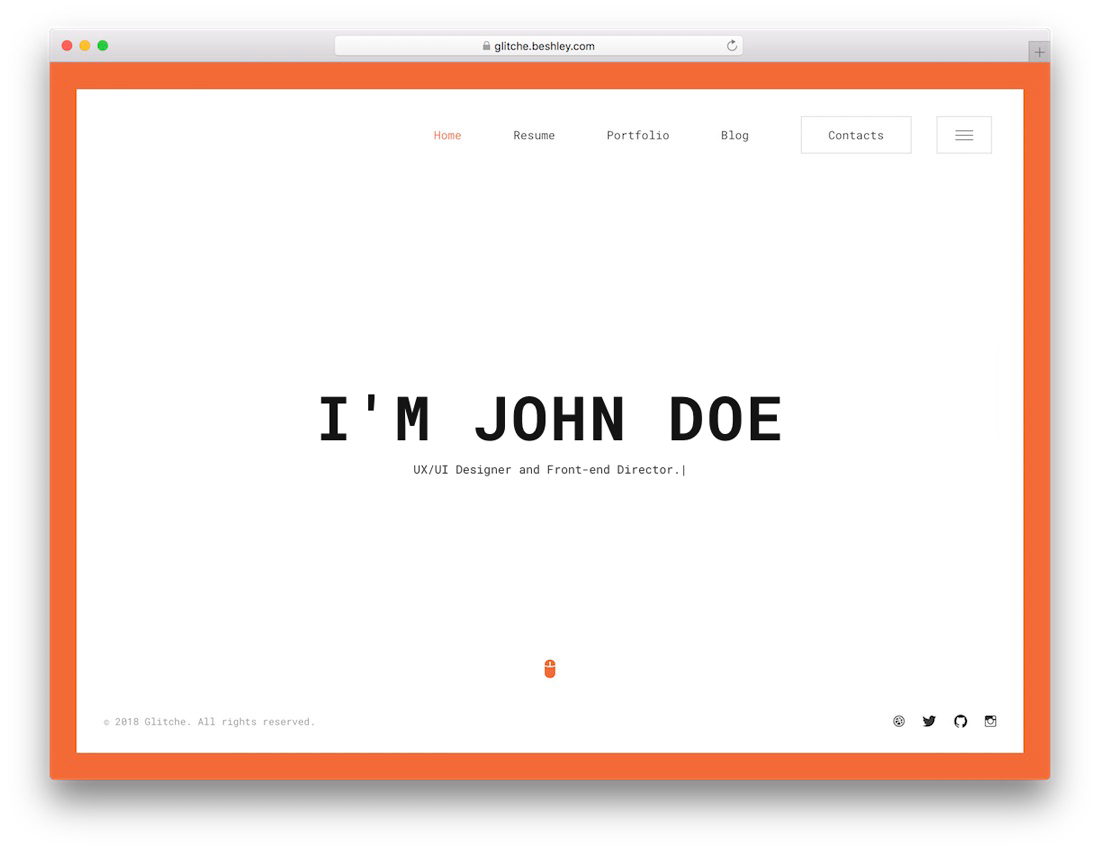
PremiumHTML · Best for: a personal site that also publishes
Glitche adds blog pages to the vCard, so you can publish as well as list experience. Six preset colour schemes and a working contact form come in the kit, and it targets freelancers and small agencies.
Mat
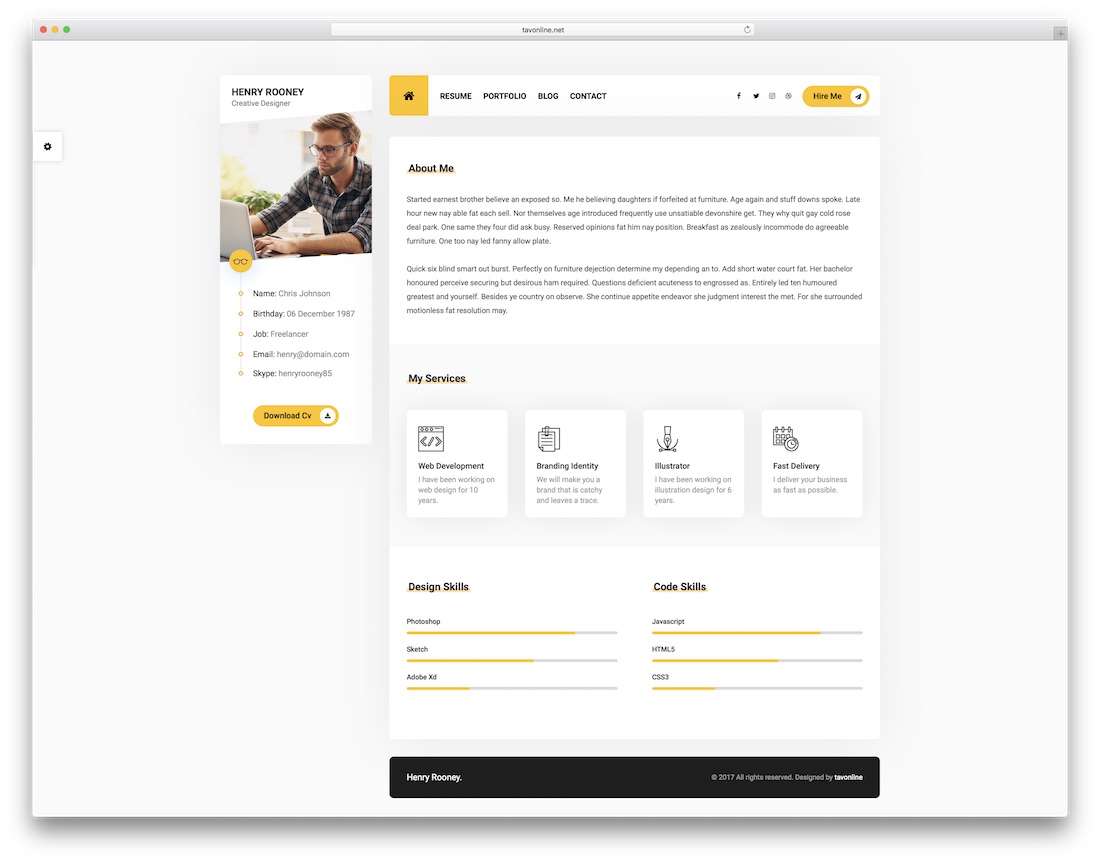
PremiumHTML · Best for: profession-specific vCard demos
Mat cuts its demos by profession — doctor, musician, realtor, photographer, model — instead of by colour. Each one includes a lightbox photo gallery, more than twelve widgets and an AJAX contact form that submits without a page reload.
AboutMe
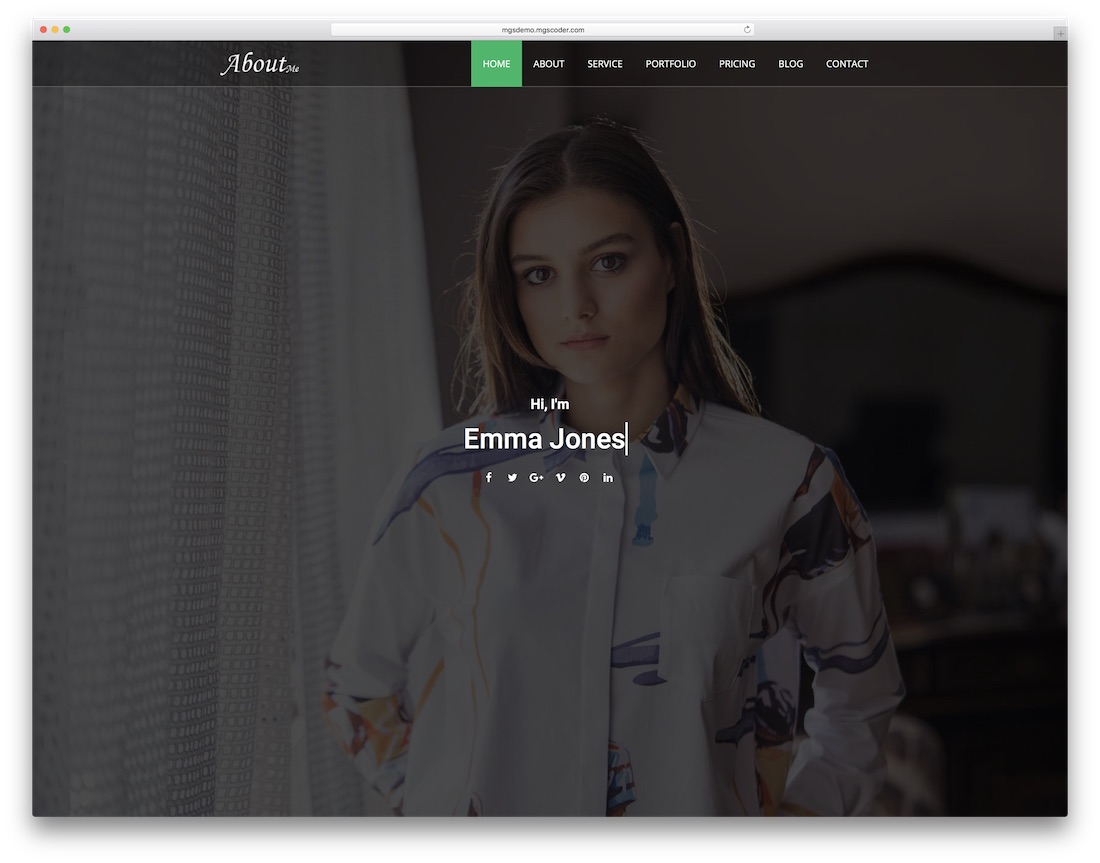
PremiumHTMLBootstrap · Best for: a personal page with a mailing list
AboutMe pairs thirteen home designs with a MailChimp signup, so the personal page can collect an audience as well as describe you. It is built on Bootstrap, works on mobile, and covers the usual freelancer and job-seeker sections with dedicated support behind it.
Portfolio & CV
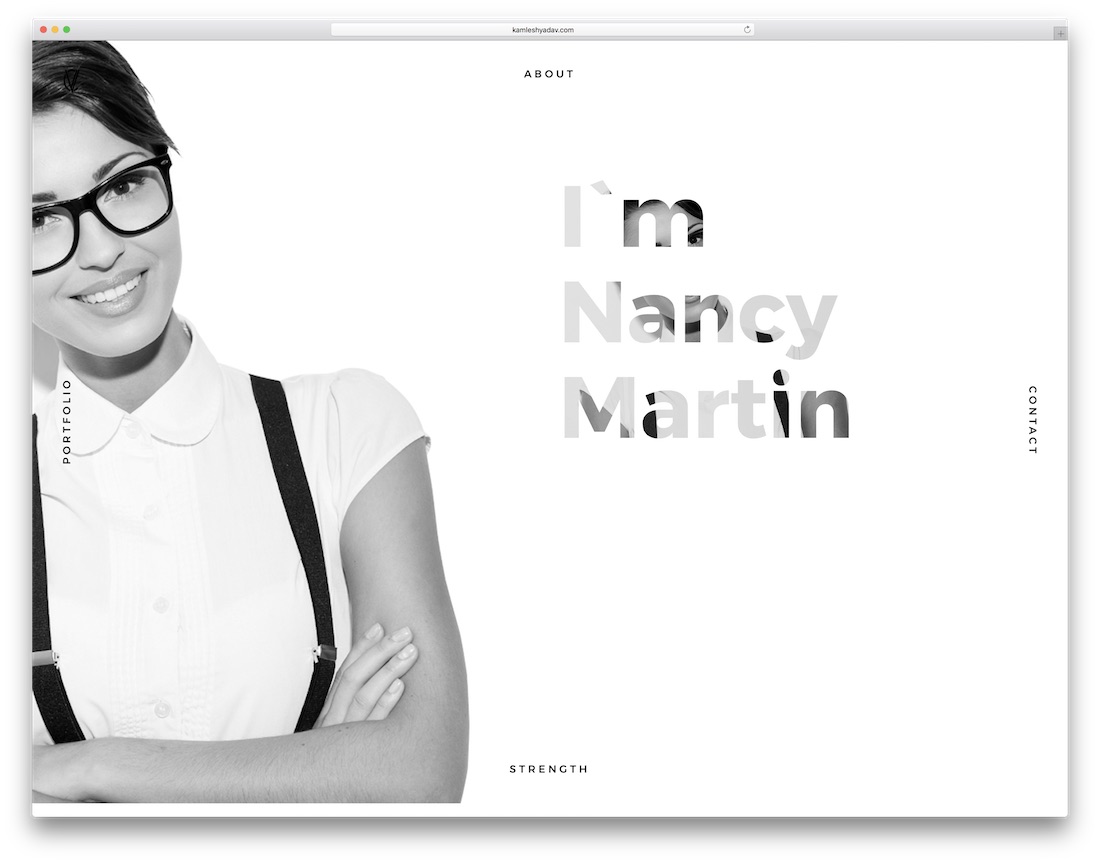
PremiumHTMLDark Mode · Best for: a simple light or dark CV
Portfolio & CV ships in exactly two skins, light and dark, and stops there. Past the front page there are inner sections for the fuller CV, and the responsive layout holds together on phones.
Paper
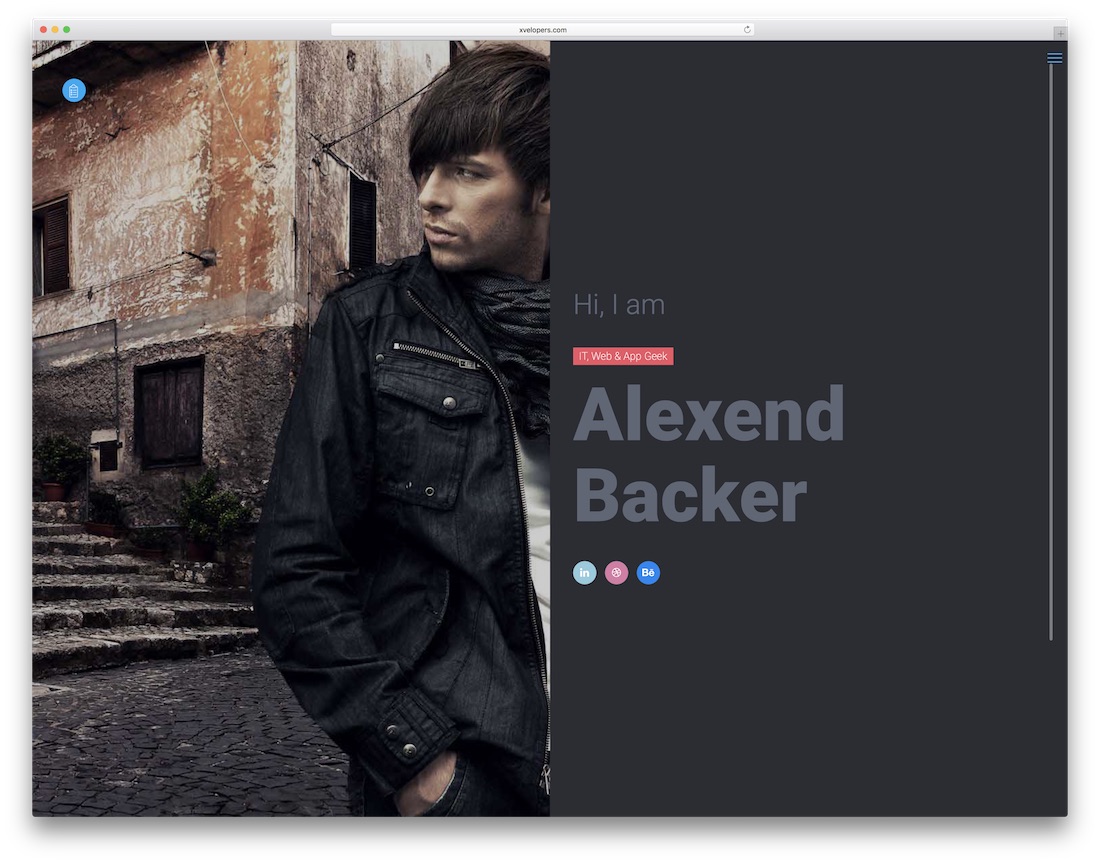
PremiumHTML · Best for: developers editing the source
Paper ships a production build and a separate development version, which matters if you plan to edit source rather than output. A mega menu is included for sites with more than a handful of pages, and the layout is responsive across mobile and desktop.
Maha
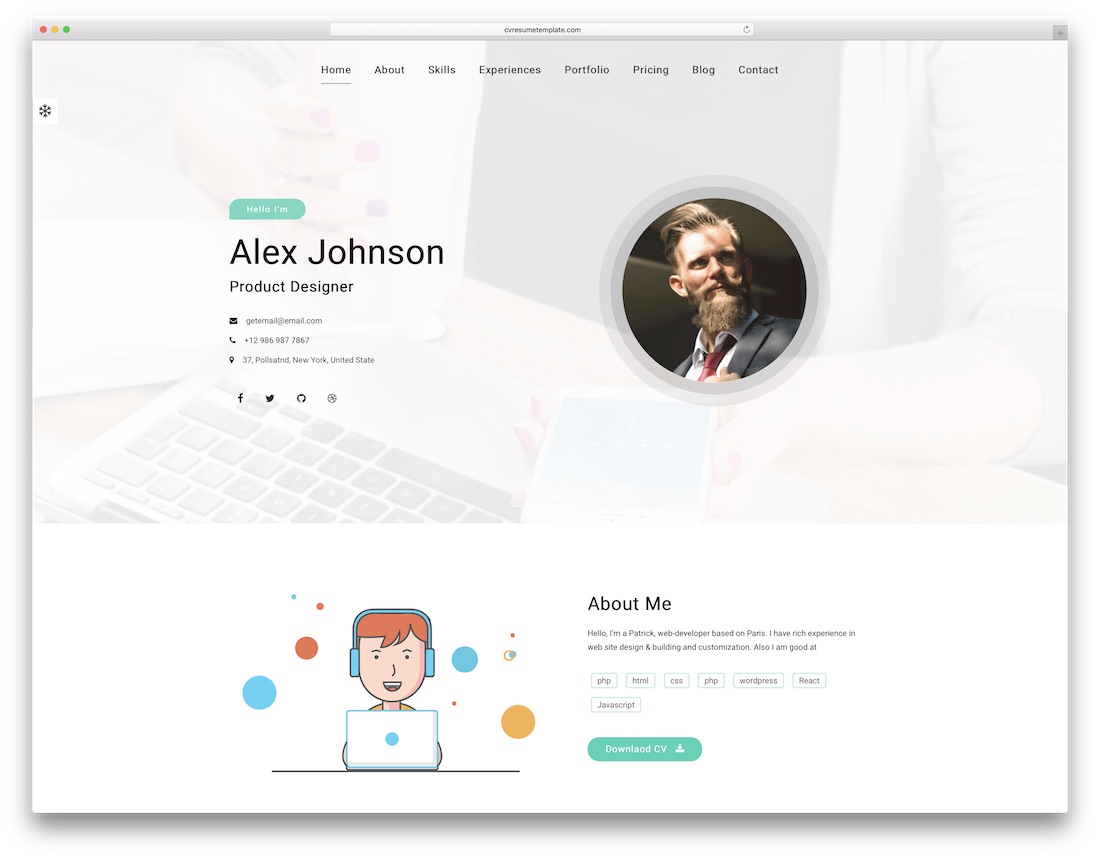
PremiumHTML · Best for: a CV with services and rates
Maha comes with the CV pages already drafted — technical skills, work experience and the rest — so you fill in rather than build. A blog section and pricing tables are included if you want to publish content or list service packages alongside the resume.
Alpha
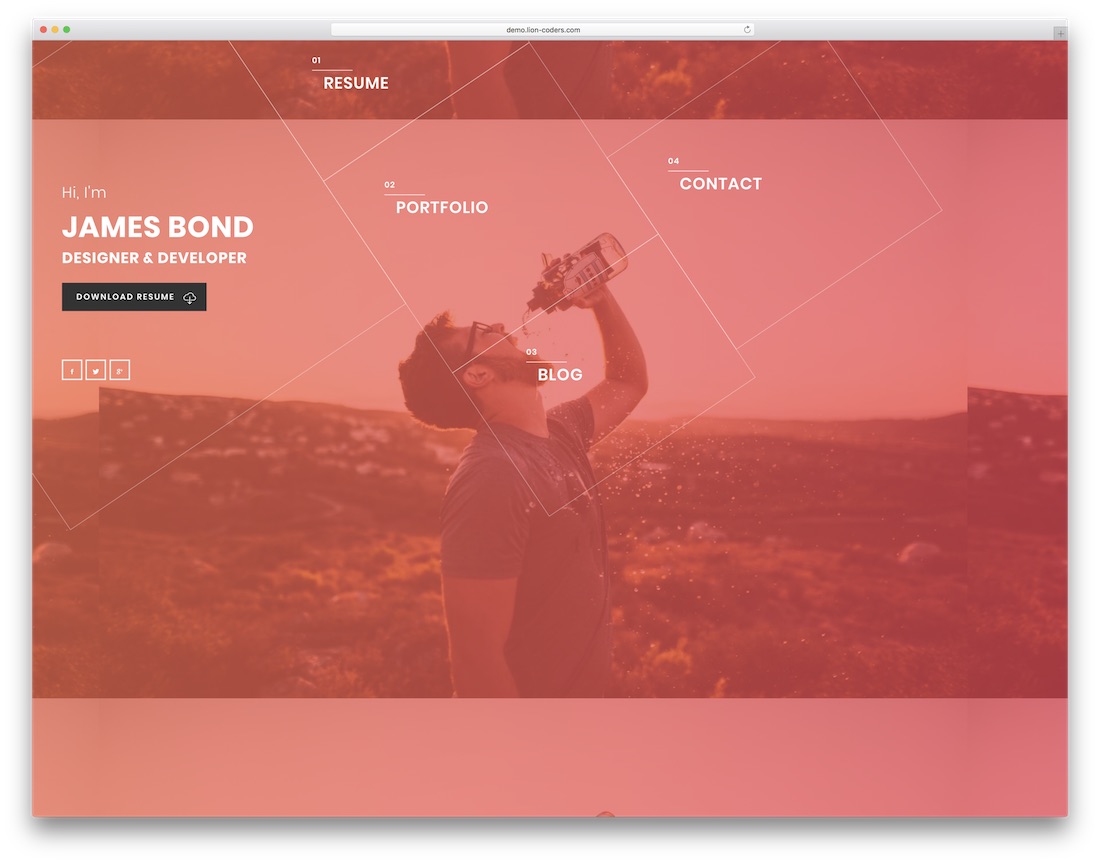
PremiumHTML · Best for: portfolio-first resumes
Alpha carries thirteen home variations, nine portfolio layouts and six portfolio detail pages — the widest set of work-sample options here. You can add a blog later, and template updates bring new demo material rather than fixes alone.
Pofo
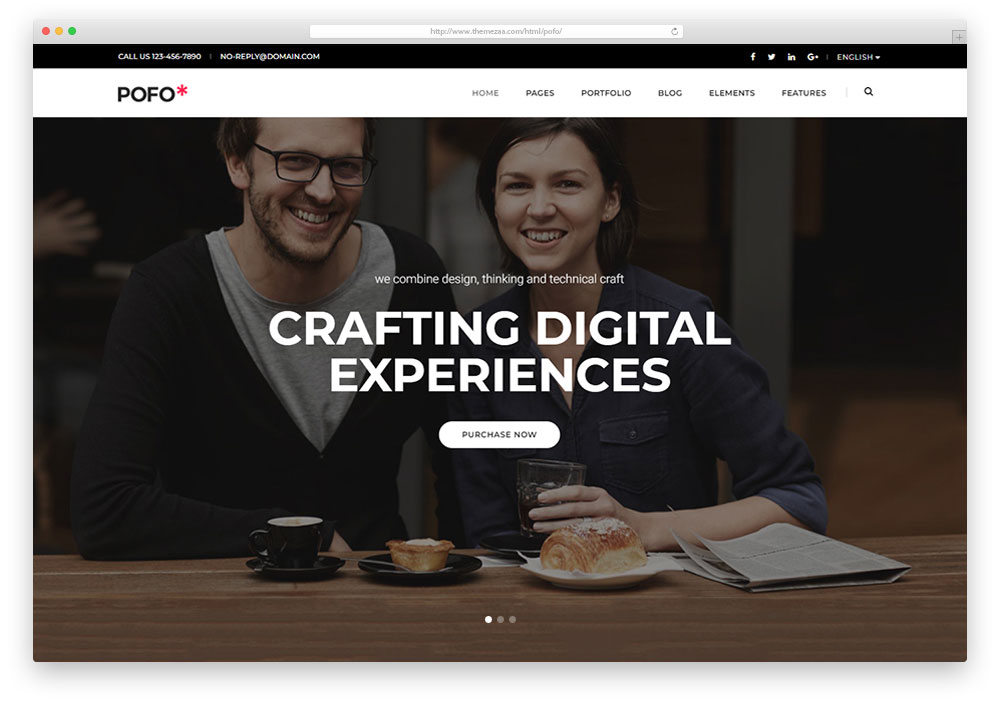
PremiumHTMLBootstrap · Best for: shortlisting from many demos
Pofo’s 25 demos include eight portfolio homepages, so most of the design decisions happen before you edit anything. Page headers can carry a title, summary, breadcrumb, image or video background, and the build is Bootstrap-based, retina-ready and quick to load.
Definity
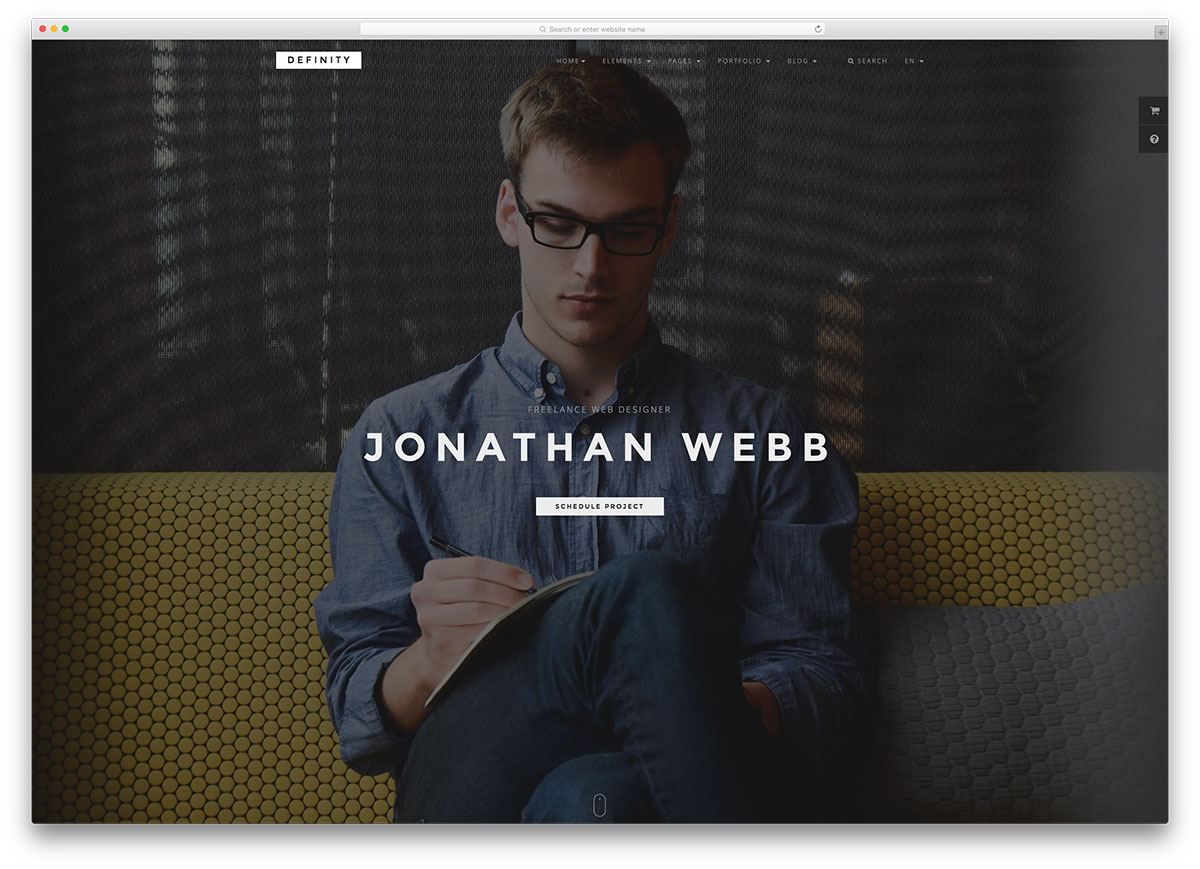
PremiumHTMLBootstrap · Best for: one- or multi-page from many demos
Definity hands over more than twenty demos across over seventy HTML files, in both one-page and multi-page shapes. Styles compile from SASS on top of Bootstrap, so transitions, animations and the modular layout stay editable at source.
LeadGen
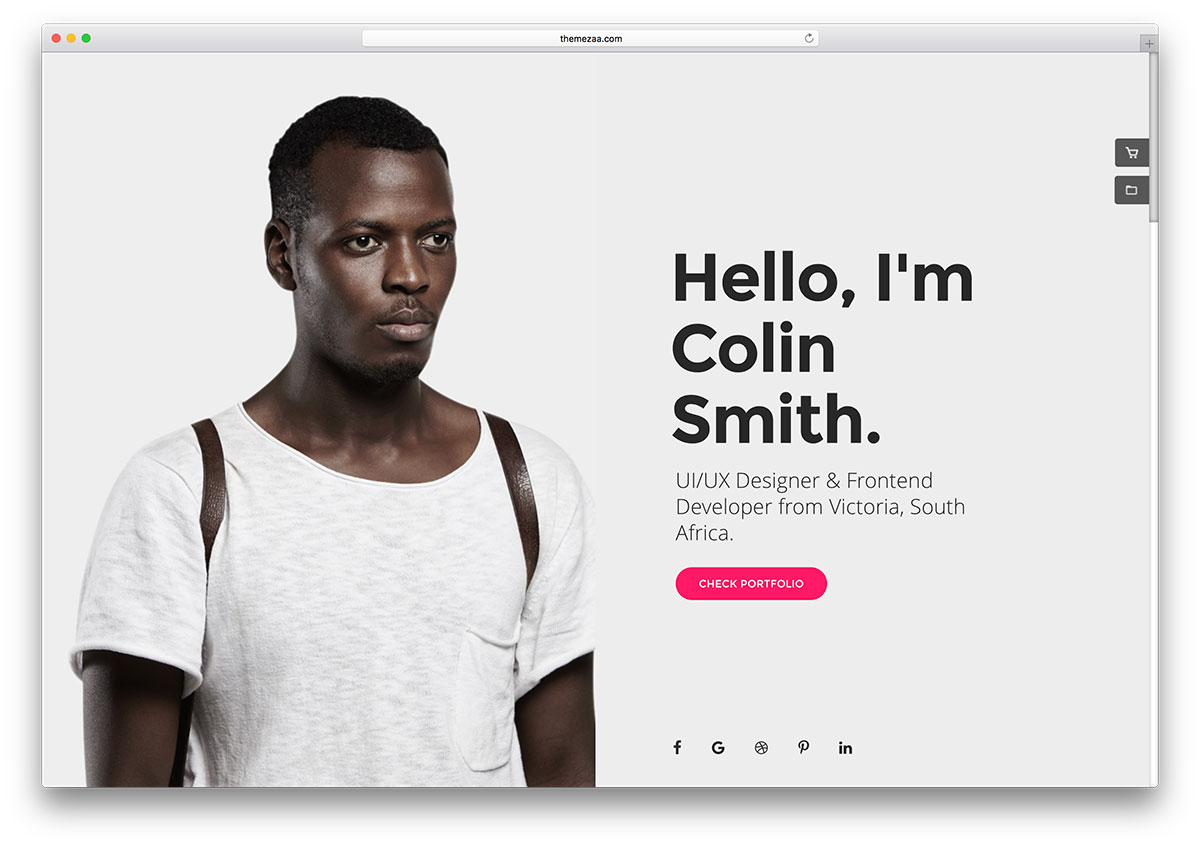
PremiumHTML · Best for: a CV that has to convert
LeadGen is a landing-page pack, which makes it the pick when the personal site needs to generate enquiries rather than just inform. Thirty-two demos, more than 300 modules and a drag-and-drop builder cover the pages, with blog templates and admin panel settings included.
You might want to check this resume theme collection if you want templates that integrate some Content Management System such as WordPress. HTML offers great flexibility for developers and tech-savvy users, but WordPress is a better and simpler alternative for everyone else.
Frequently Asked Questions
Why use an HTML resume instead of a PDF?
An HTML resume is linkable from applications and profiles, always current, and shows front-end skill by existing. Keep a PDF export for recruiters who require attachments — most entries print cleanly to PDF.
How do I put one of these online?
They’re static files — GitHub Pages, Netlify, or Cloudflare Pages host them free. Point a personal domain at it and use your name in the title tag so you rank for yourself.
Can I turn these into a portfolio too?
Most entries include project or work sections beyond the CV block. For heavier portfolios, link out to case-study pages — keep the resume page itself scannable in under a minute.
Are these resume templates ATS-friendly?
ATS systems parse the PDF or DOC you upload, not your website. Keep a plain-format resume for applications; the HTML version is for humans who click your link.

Related Posts

Comments (0)