
21 Best Developer & Software Engineer Portfolios (Examples) 2026
A great developer portfolio shows the work before the biography: a handful of real projects, each explained in a line or two and linked to the live product or its code, with a résumé and a way to get in touch one click away. The front-end developers, full-stack engineers and software engineers below do that in their own ways, from Brittany Chiang’s one-page site with project links to GitHub and a full résumé to student Diogo Correia’s projects, timeline and CV.
They run on everything from Squarespace, Webflow and WordPress to Next.js, Astro and Gatsby, so under each one we note the platform and the detail worth borrowing. For portfolios outside engineering, see our portfolio website examples, web designer portfolios and UX portfolio examples. For neighbouring fields, see our data science portfolio examples and game developer portfolios.
Free tool by Colorlib · Form Workbench
Build the contact form for your portfolio
Match your colors, choose the fields and export HTML, React / Next.js or Vue. Keep an editable backup for your next project.
Completely free · No signup · Reopen saved forms
Install on your own site and connect an endpoint to receive enquiries.
Best Developer Portfolios For Your Inspiration
1. Devon Stank
Built with: Squarespace
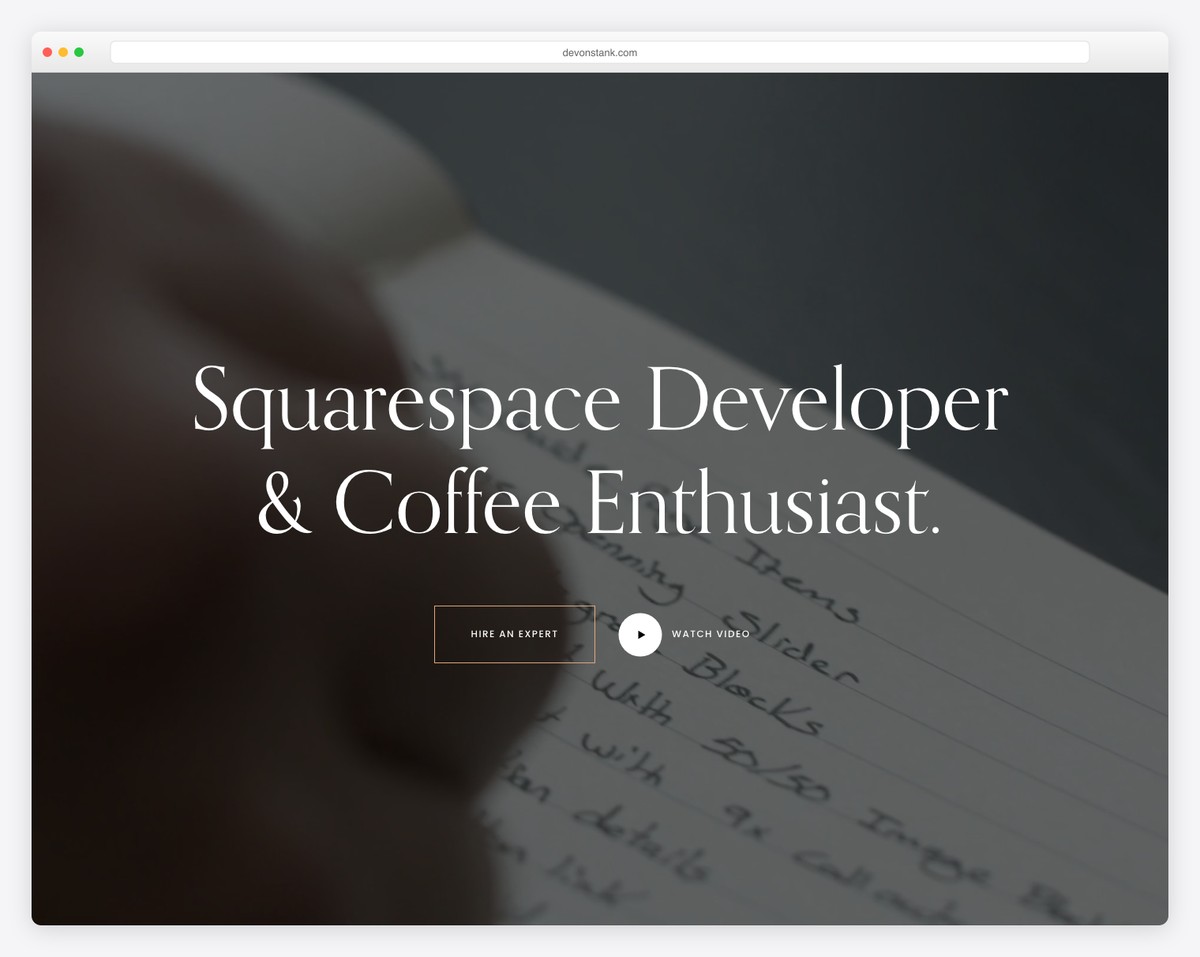
Devon Stank is a stunning page with two features that make it stand out: the hero video background and the dark design.
Moreover, this is also a great minimalist website example that creates a pleasant browsing and reading experience.
Additionally, the More menu links to his résumé, blog and video projects.
What stands out: Use a video background to make your developer portfolio website more engaging.
Check out our dedicated Squarespace website examples collection for more amazing designs.
2. Michael Mannucci
Built with: Next.js
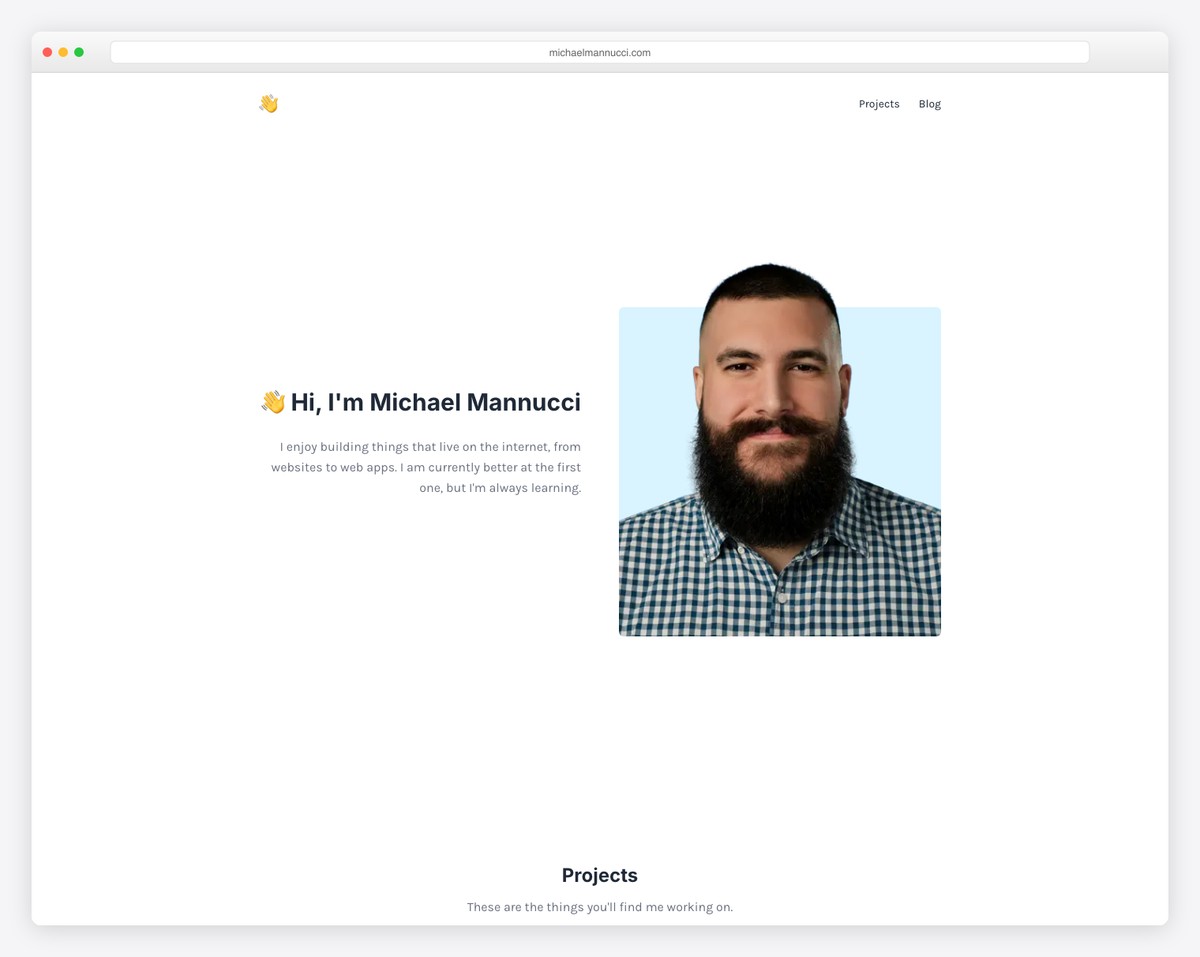
Michael Mannucci’s site is the opposite of Devon’s, using a light, mostly white design. The only similarity the two pages have is the simplistic web design.
The page has a clean header with just two links, Projects and Blog, which jump to sections further down.
Also, Michael Mannucci runs a one-page website structure, so all the details are only a few clicks away (but a floating header would come in very handy).
What stands out: Use a single-page layout to boost user experience.
3. Diogo Correia
Built with: Zola
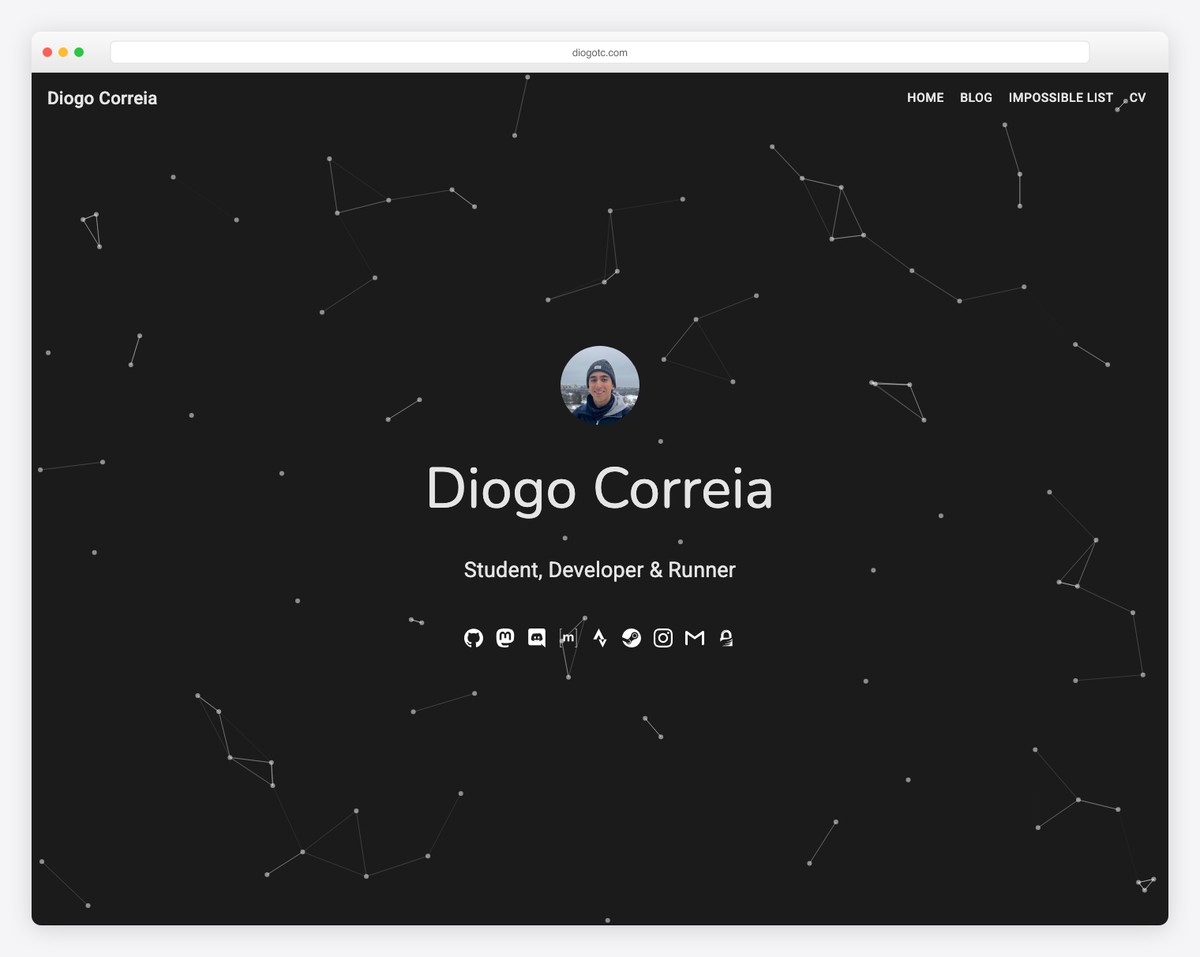
Diogo Correia has an exciting above-the-fold section with a particle effect background that spices things up nicely.
He also uses social media icons and sticky navigation in the hero section, making jumping from section to section much more comfortable.
Moreover, the timeline of work and experience reveals more details about Diogo and his skills.
What stands out: Use a sticky header/menu to navigate the website more easily.
4. Alex Naraghi
Built with: Squarespace
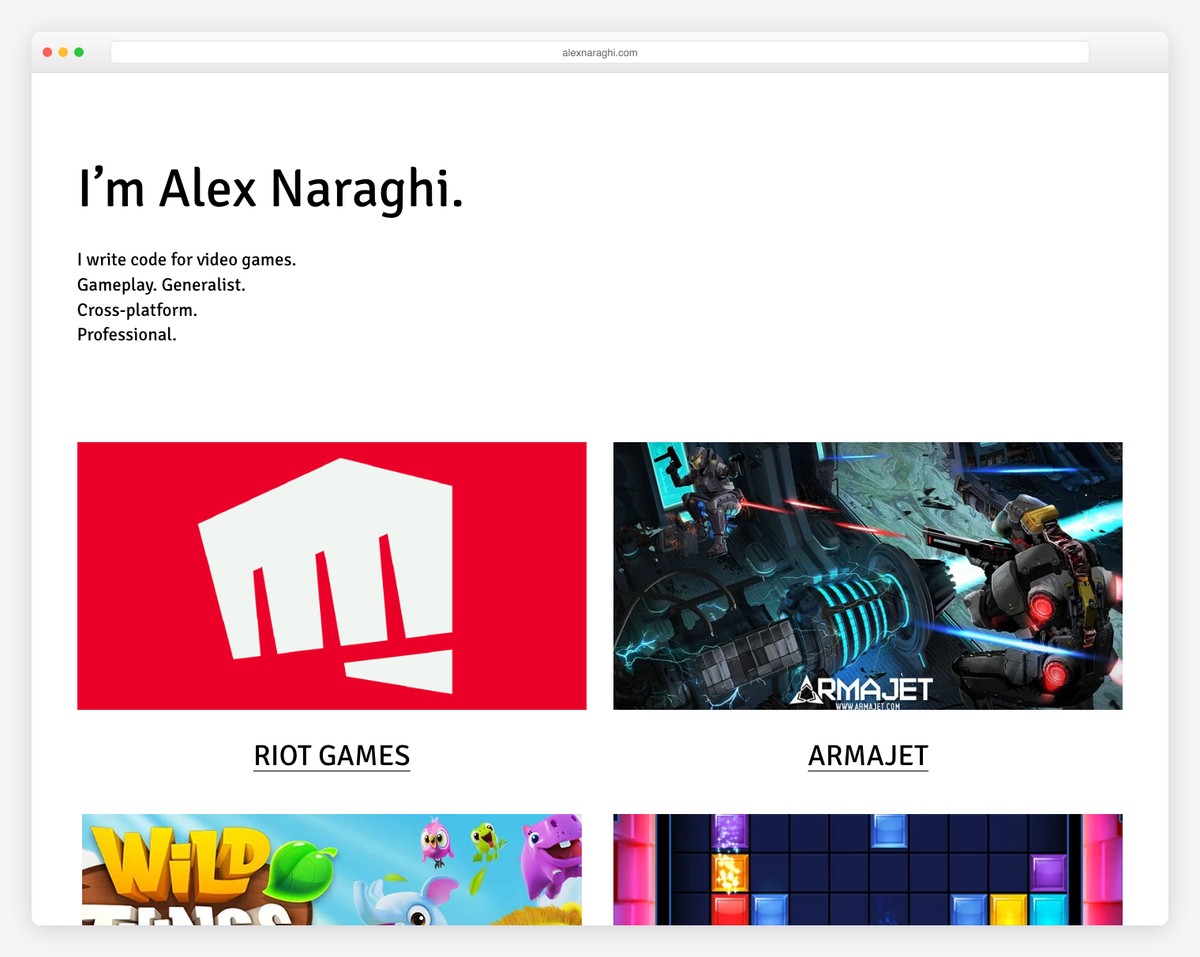
While some developers use images, videos and sliders above the fold, Alex Naraghi decided to keep it minimalist with text on a solid background. It works as a quick introduction, which is the most important thing.
Below the fold are some works and a CTA button to download Alex’s resume. The header and footer are clean, with only the main links and social buttons.
What stands out: There’s no need to complicate; use a text-only hero section.
5. Andrew McCarthy
Built with: Next.js
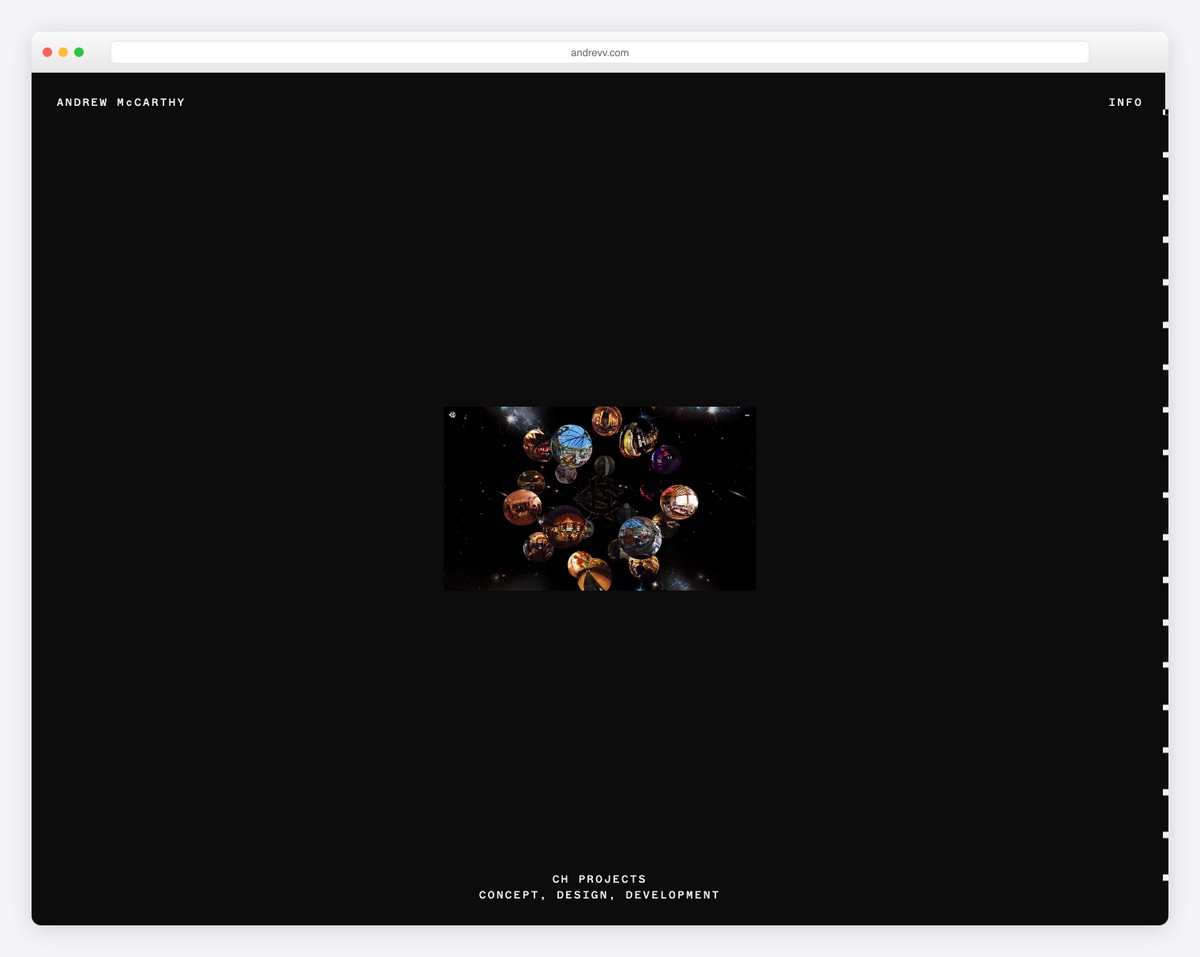
Andrew McCarthy is one of the more original developer portfolio websites we stumbled across. It is one long scroll of project videos over a dark field of tiny symbols that shift in color and shape as you move, and each project’s name and role scramble into place.
The header is basic, just his name and an Info link, and stays in place as you scroll.
What stands out: Create a unique scrolling experience, like Andrew McCarthy!
6. La Playa
Built with: Squarespace
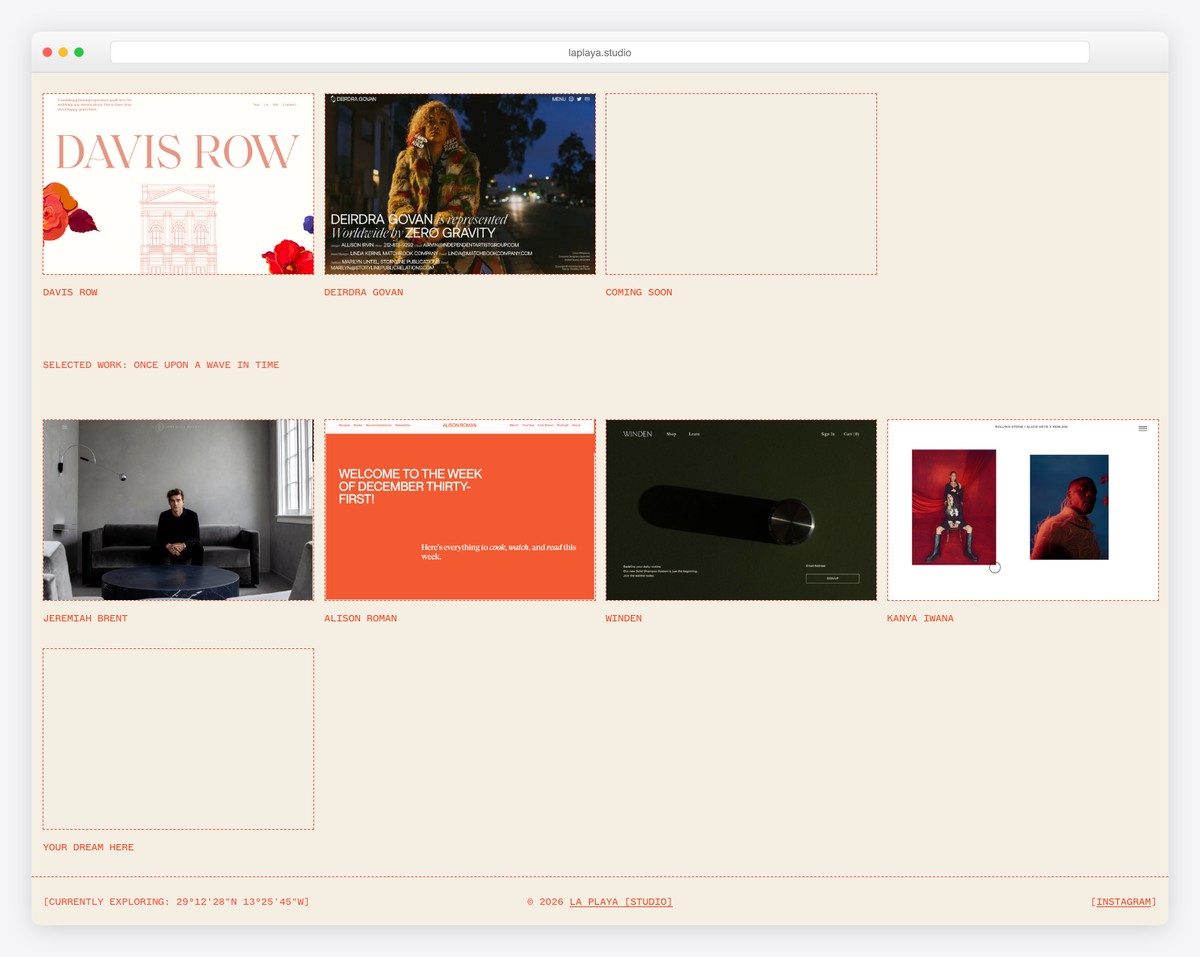
La Playa is a Squarespace design and development studio, and its homepage leads with a grid of client sites, each shown as a framed screenshot under the project name.
The header and the footer are plain, with a greeting and the local time up top and the studio’s current coordinates, in the Canaries, at the bottom.
What stands out: Let screenshots of client sites do the talking before anyone reads a word.
What’s great is that you can create a simpler website using a portfolio template for Squarespace website builder.
Build a developer portfolio that explains your work: Trace Developer includes two complete technical case studies, two working browser demos and their actual source downloads. It also provides a printable résumé and guidance for linking your own repositories and deploying the site.
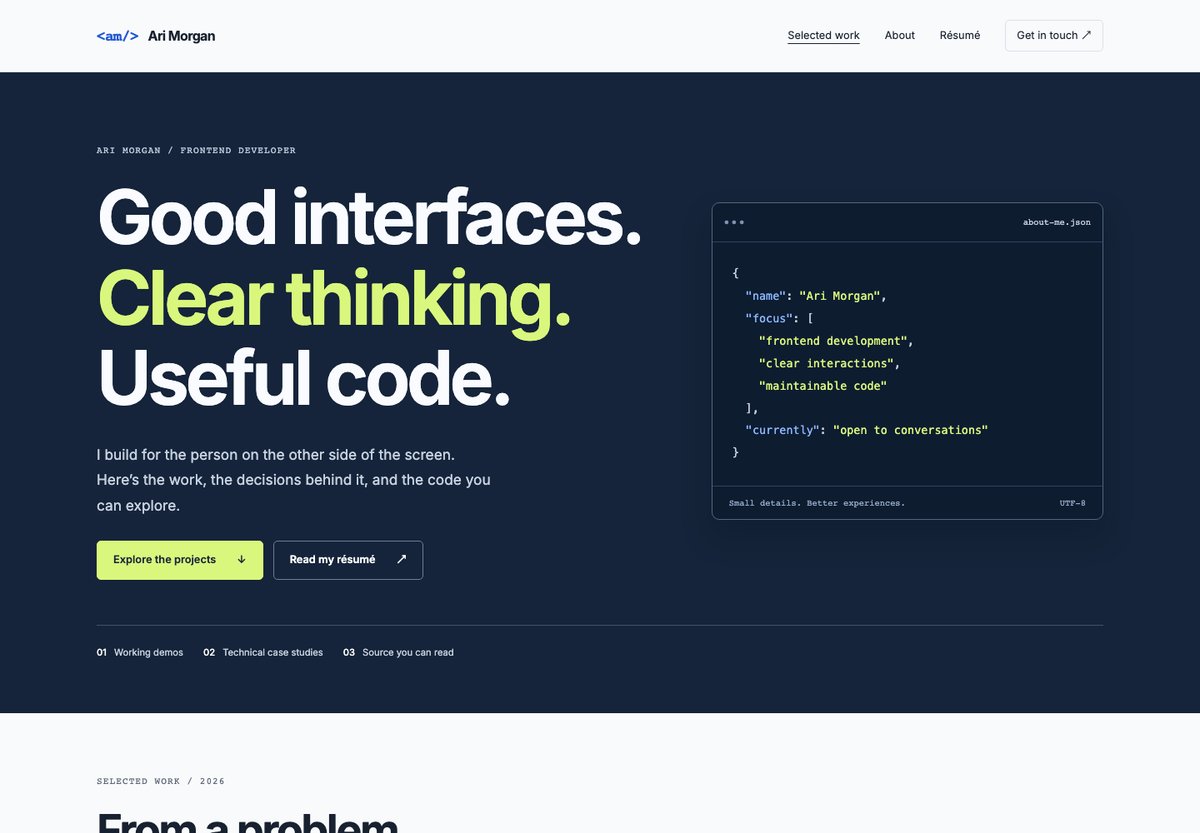
Use each case study to explain the task, your contribution, the alternatives you considered and what the implementation demonstrates. Link to the relevant repository and deployed version of your own project. Report outcomes you can support, and distinguish a prototype from a production service.
This is a static HTML template with Bootstrap 5.3.8, local assets and no build step. Its issue-list and release-log demos have working search and filters using sample records; they do not connect to GitHub or provide a backend. The download includes editable files, source packages and setup instructions.
More info / Download DemoFor a portfolio centered on coursework and internships, Fieldnotes Student is another starting point. Ronaldo and Knuford remain alternatives for broader résumé or freelance-service layouts. Browse the portfolio template archive to compare more designs.
Free tool by Colorlib · Form Workbench
Turn portfolio inspiration into a contact form
Customize a form in the browser, test it and download code you can reopen later.
Completely free · No signup · Reopen saved forms
Install on your own site and connect an endpoint to receive enquiries.
7. Sharlee
Built with: Next.js
Sharlee’s engaging full-screen home page design has an animated background. It uses a day and light switcher and an overlayed hamburger menu with navigation and social media links. The header also has the option to switch languages from French to English (and vice versa).
What stands out: Use a dark/light mode switcher so visitors can choose how they want to view your website.
8. Brittany Chiang
Built with: Next.js
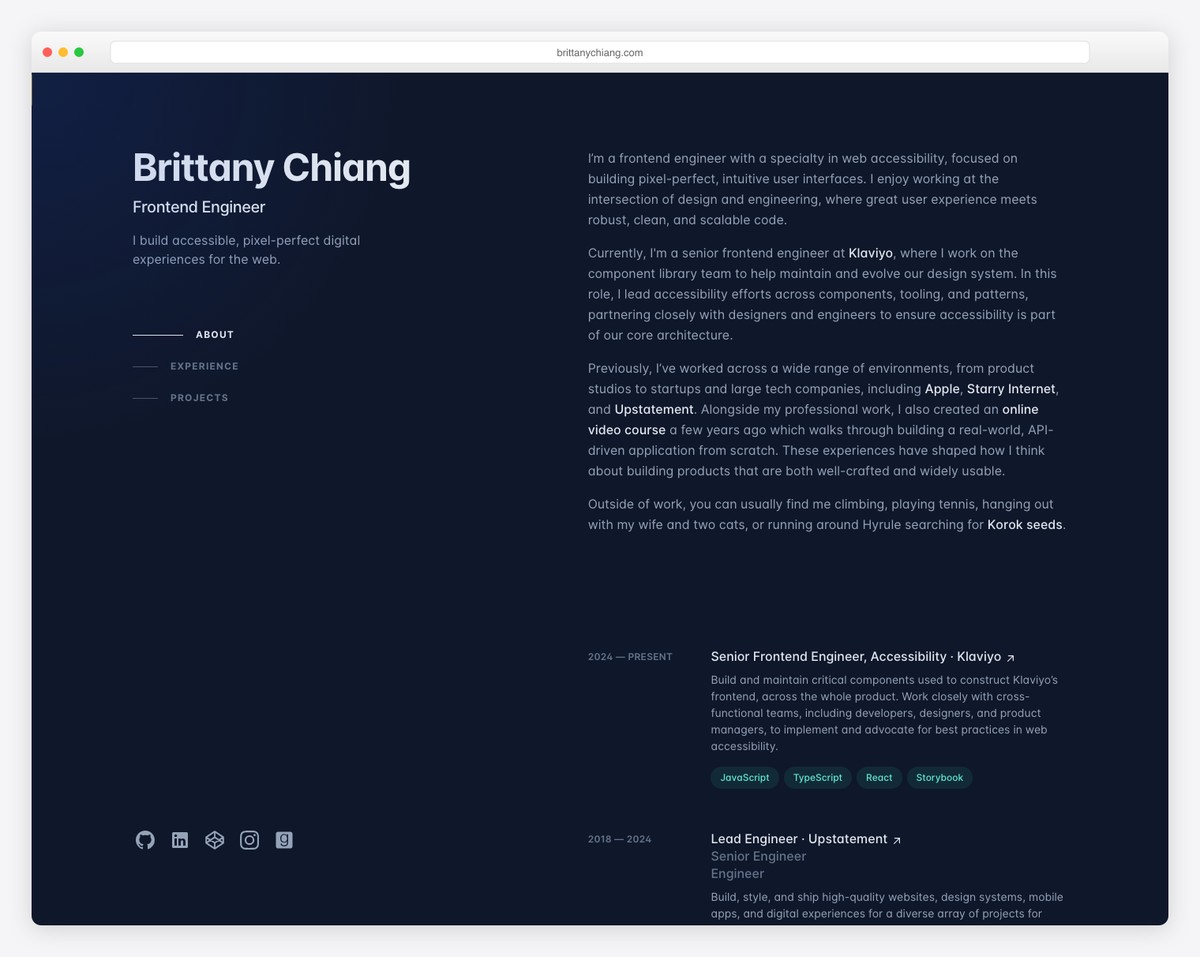
Brittany Chiang has a dark and minimalist responsive web design with her name, title and a one-line intro above the fold.
The left column, with the section links and social icons, stays in place while the about, experience and projects sections scroll on the right.
Moreover, this developer portfolio has a one-page layout, so all the detail is only a few scrolls away.
What stands out: You can stand out from the rest by simply using a dark-ish design
9. Lauren Waller
Built with: Framer
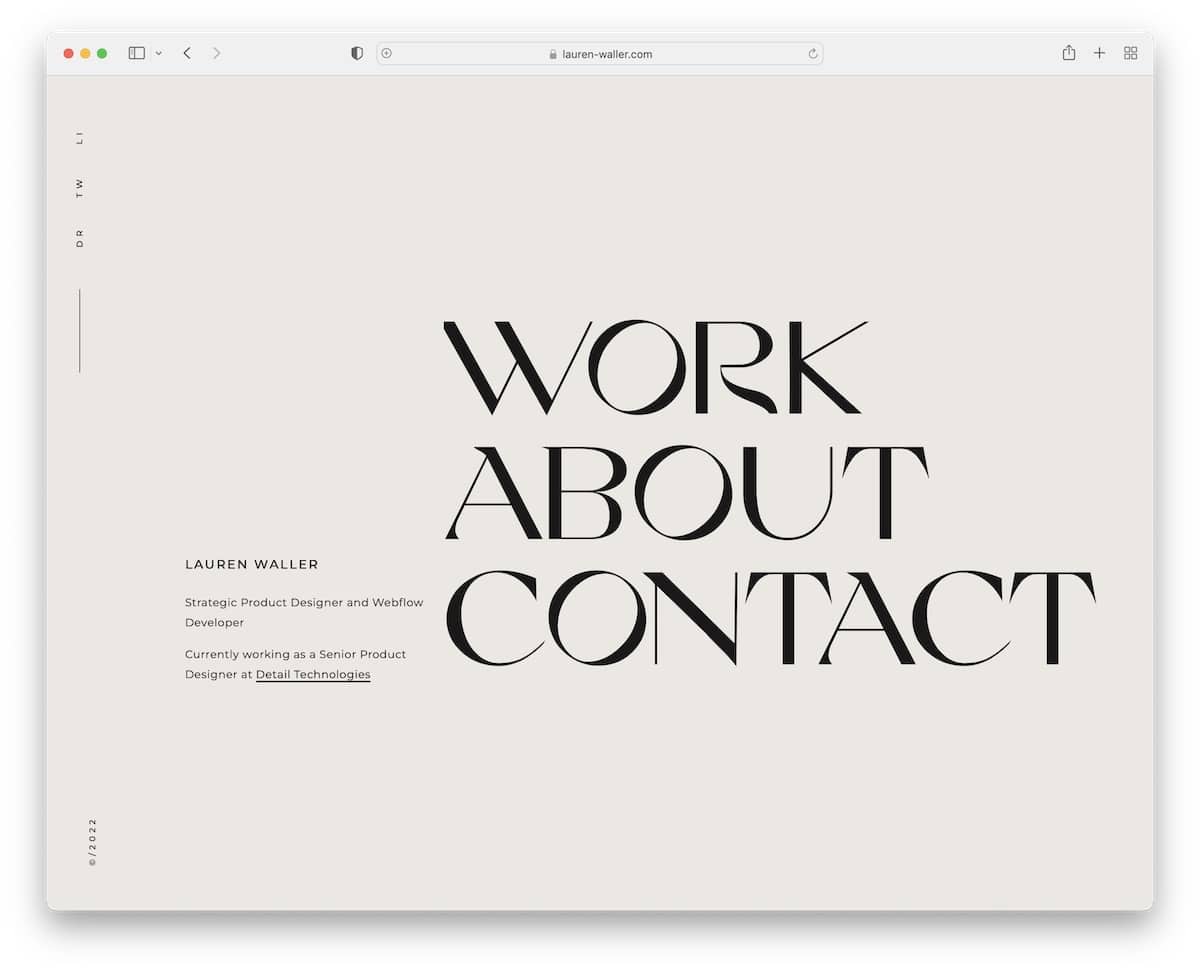
Lauren Waller’s home page is plain and simple, with a short bio and large menu links that respond on hover.
There is no header and footer, keeping the minimalistic level at an all-time high. However, there’s a neat sidebar with links to social media (or home when viewing internal pages).
What stands out: Do you want to keep your developer portfolio page extra clean? Skip the header and footer.
Remember, we also have a full list of the greatest clean websites you need to check out.
10. Adenekan Wonderful
Built with: Next.js
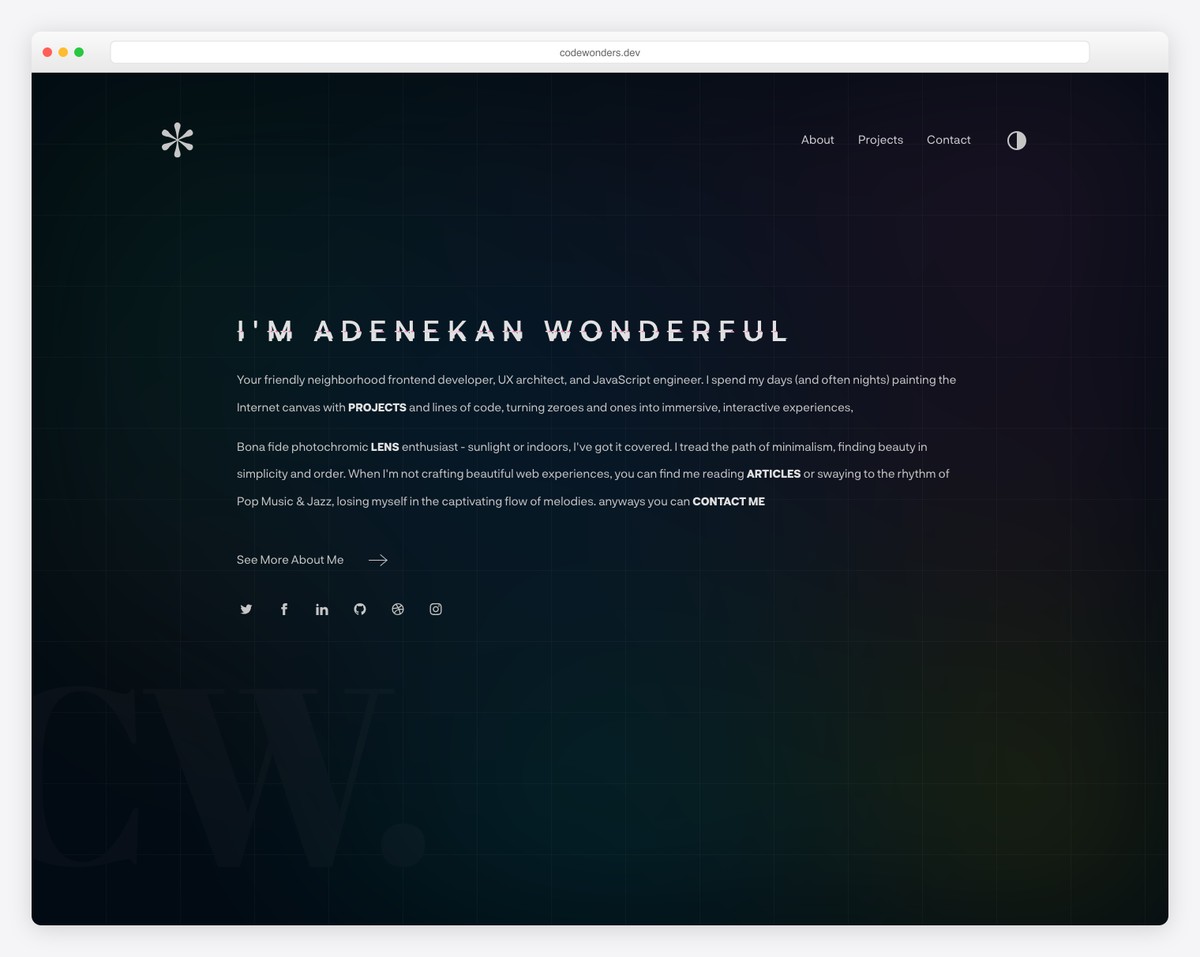
Similar to Lauren’s site, Adenekan Wonderful also has a text-only home page with some detailing to make it more captivating.
The short bio doubles as navigation, with inline links to his projects, articles and contact page, plus a link to the about me page.
What stands out: While pure minimalism works really well for web design, make it more exciting with a simple animation.
11. Tania Rascia
Built with: Gatsby
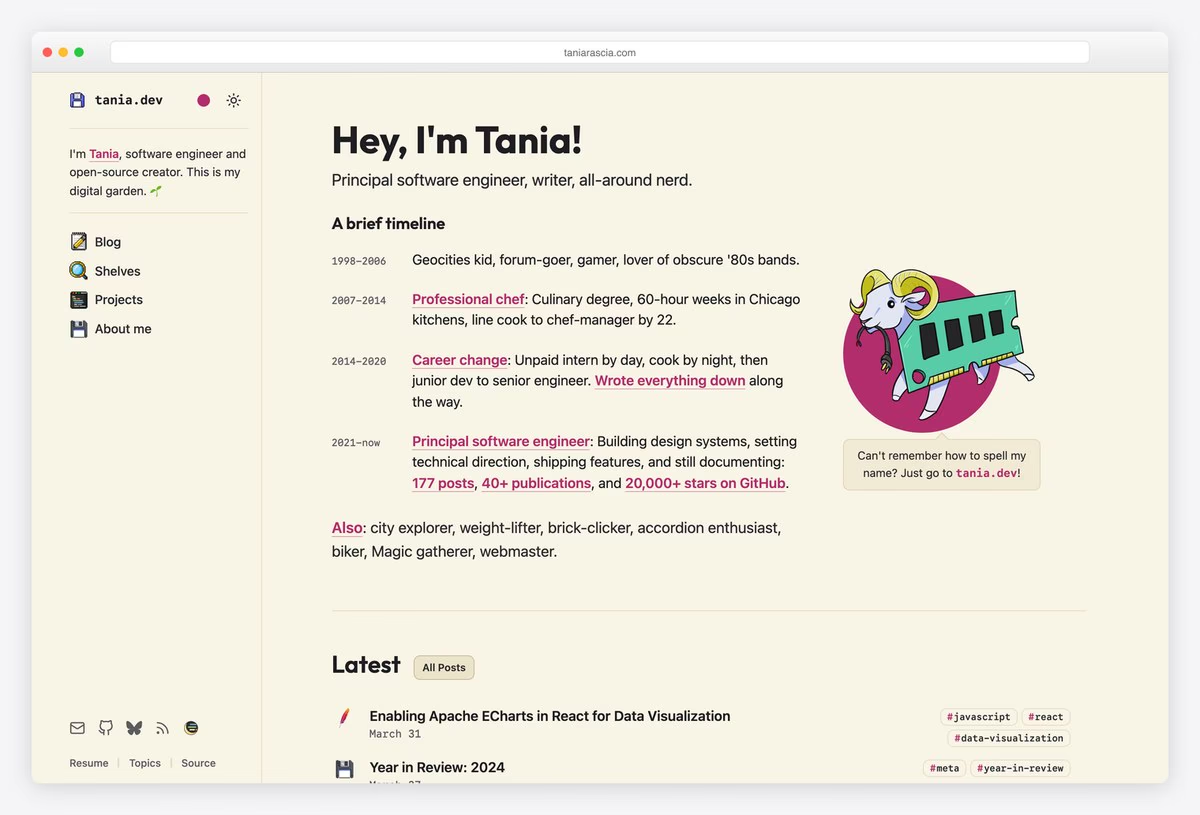
Tania Rascia is a principal software engineer, and her homepage opens with a four-line timeline of her career, from professional chef to junior developer to principal engineer. A sidebar holds the navigation, a color picker and a light/dark theme switch.
The projects page lists open-source work such as the TakeNote notes app, a Chip8 emulator and a Keyboard Accordion, each with a Source link to GitHub and many with a live Demo. Her résumé is its own page, and the code for the site itself is public.
What stands out: Give every project two links: one to try it and one to read the code.
12. Kenneth Jimmy
Built with: Nuxt.js
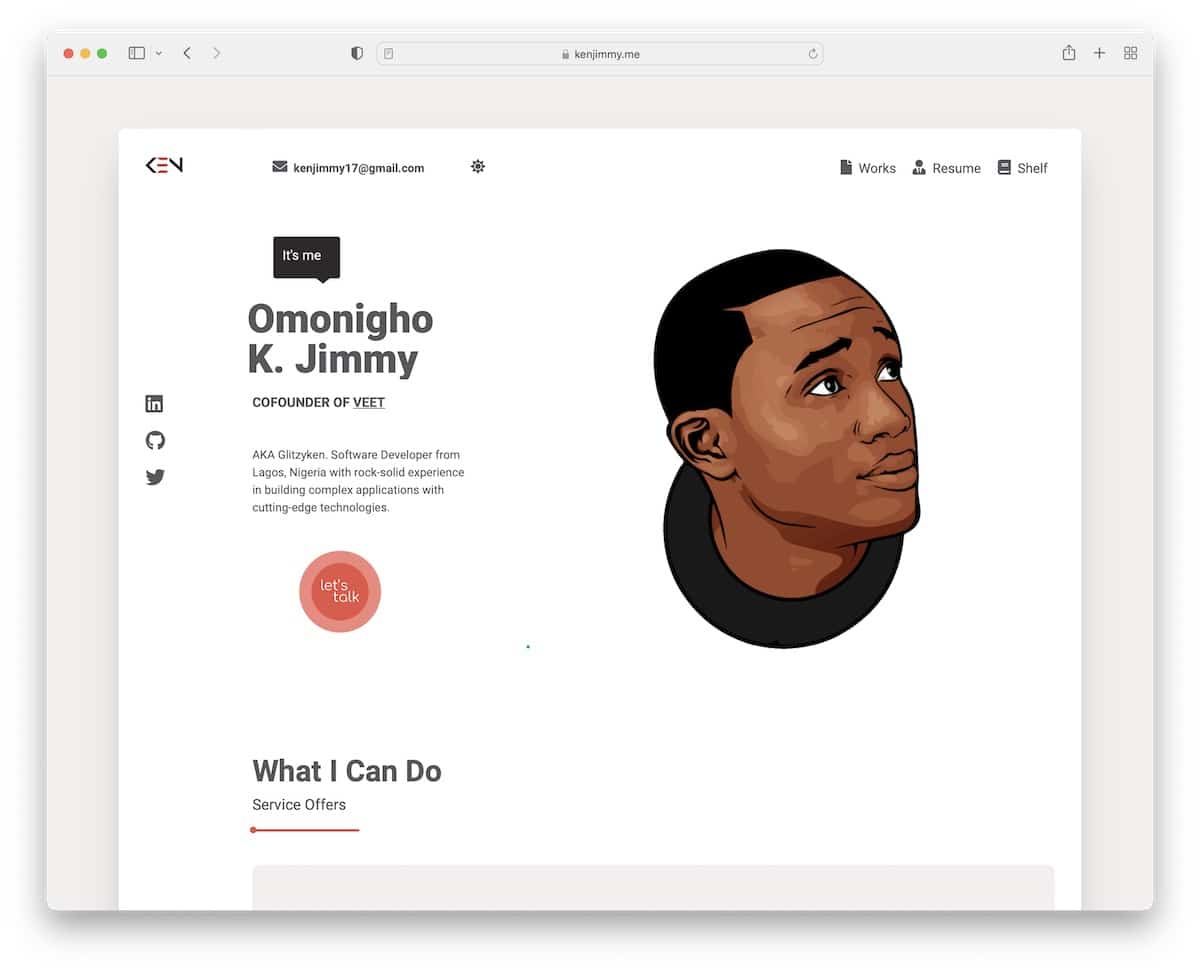
Kenneth Jimmy’s developer portfolio site is framed and boxed, with a unique scrolling experience that you must try to understand. It easily immerses you in the content and familiarizes you with Kenneth’s work.
The header features site navigation, email and a dark/light mode switcher. Kenneth also strategically uses a CTA button above the fold to contact him immediately.
What stands out: Instead of a full-width web layout, use a boxed or framed one.
13. Tamal Sen
Built with: Elementor
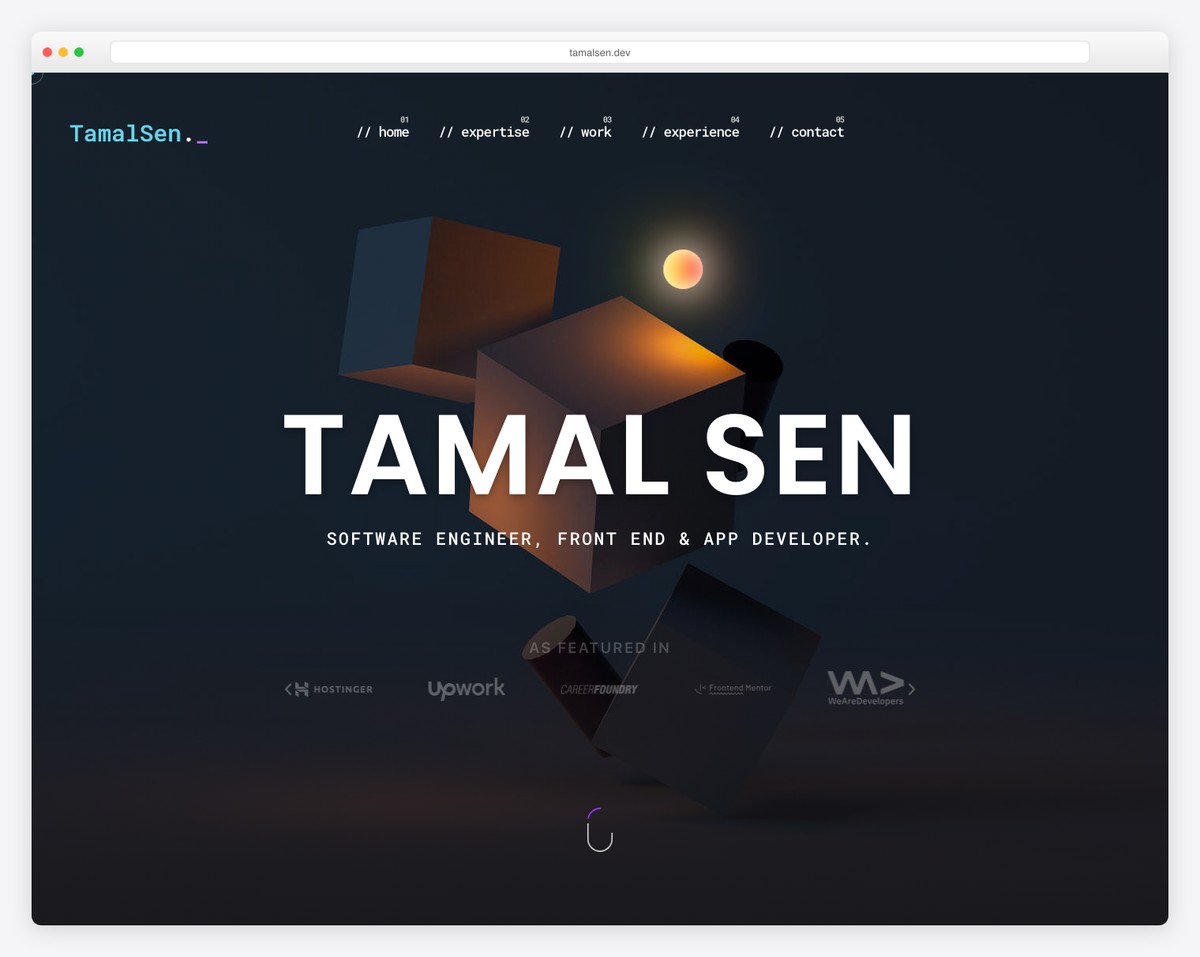
Tamal Sen’s website has a nice “developer’s” touch that blends well with the dark-ish look. At the same time, the colored details elevate the scrolling experience, which would also be amazing without it.
The floating header effortlessly navigates through the single-page layout, while the back-to-top button lets you jump to the top with a single click.
What stands out: Adding a back-to-top button can improve your developer portfolio’s UX.
Do you plan on using WordPress for your personal website? Then check our extensive Elementor review.
14. Arpit Bhayani
Built with: Astro
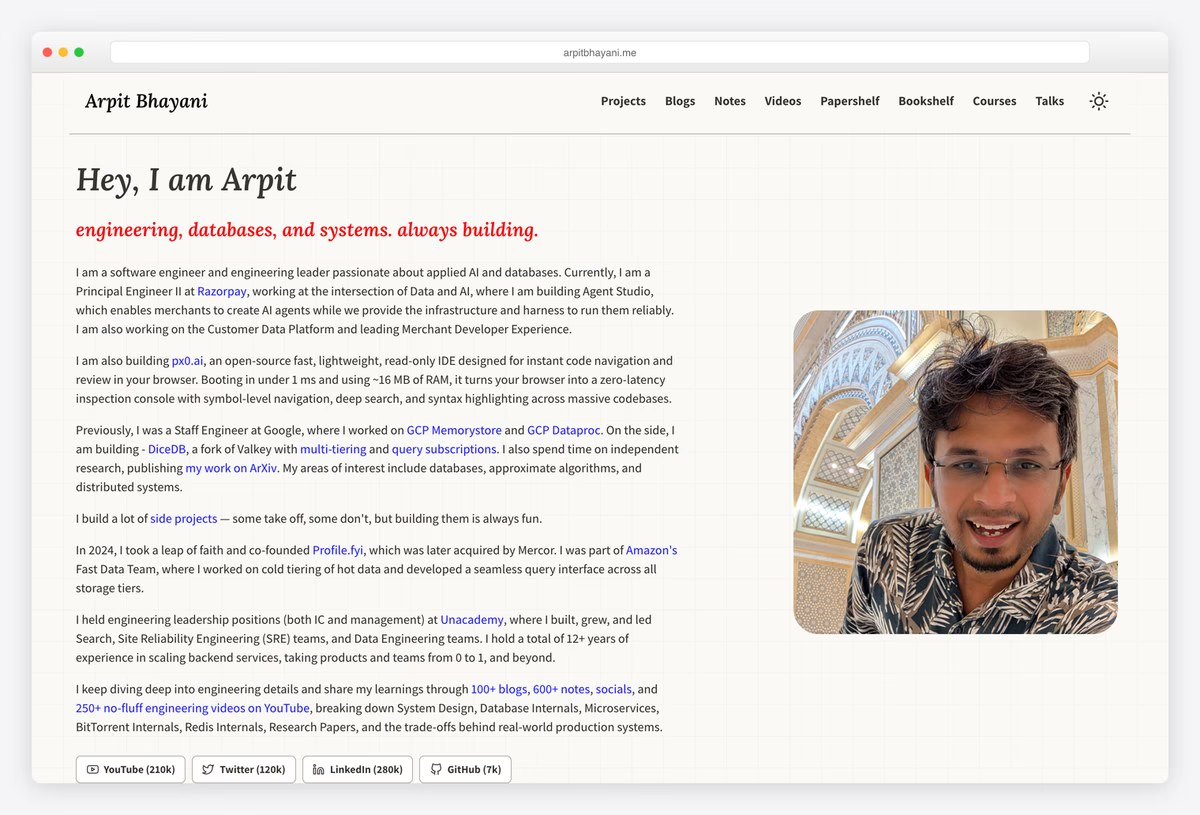
Arpit Bhayani is a backend and database engineer, and his homepage reads like a short career story: principal engineer at Razorpay, before that a staff engineer at Google on GCP Memorystore and Dataproc, plus earlier roles at Amazon and Unacademy.
The projects page lists his open-source work, including the DiceDB key/value engine and the px0 read-only IDE, each with its language, a one-line summary and links to the code and, for several, a live site. Blogs, notes and videos sit in the top navigation.
What stands out: Backend work is hard to screenshot, so link the code and explain each project in one line.
15. Tom Weightman
Built with: Squarespace
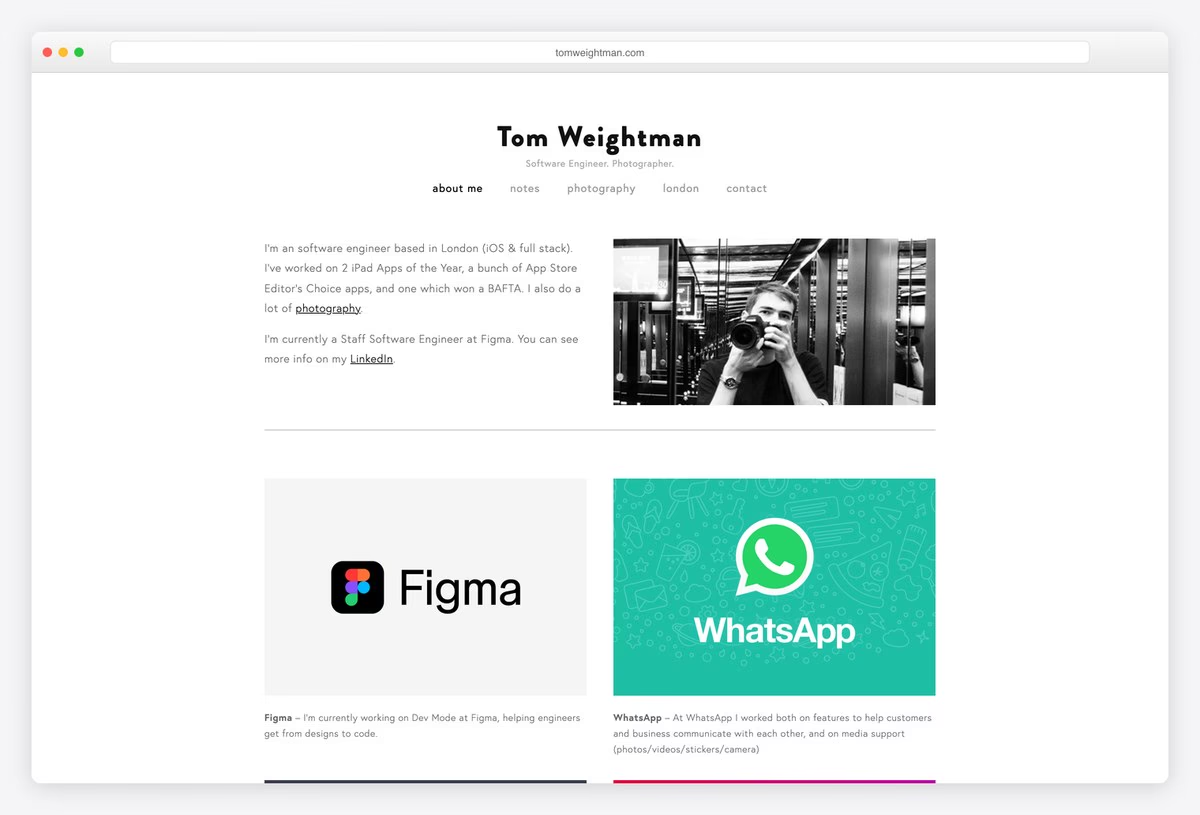
Tom Weightman is an iOS and full-stack software engineer, currently a staff engineer at Figma, and his homepage is one long list of what he has shipped: Figma’s Dev Mode, WhatsApp, Workplace, Instagram for iOS and a run of award-winning iPad apps.
Each project gets a tile and a line on his part in it, and several link to the live product or its App Store page. Press quotes, a skills list and his awards follow.
What stands out: A plain list of shipped products, with your role in each, can carry the whole portfolio.
16. Koysor Abdul
Built with: Webflow
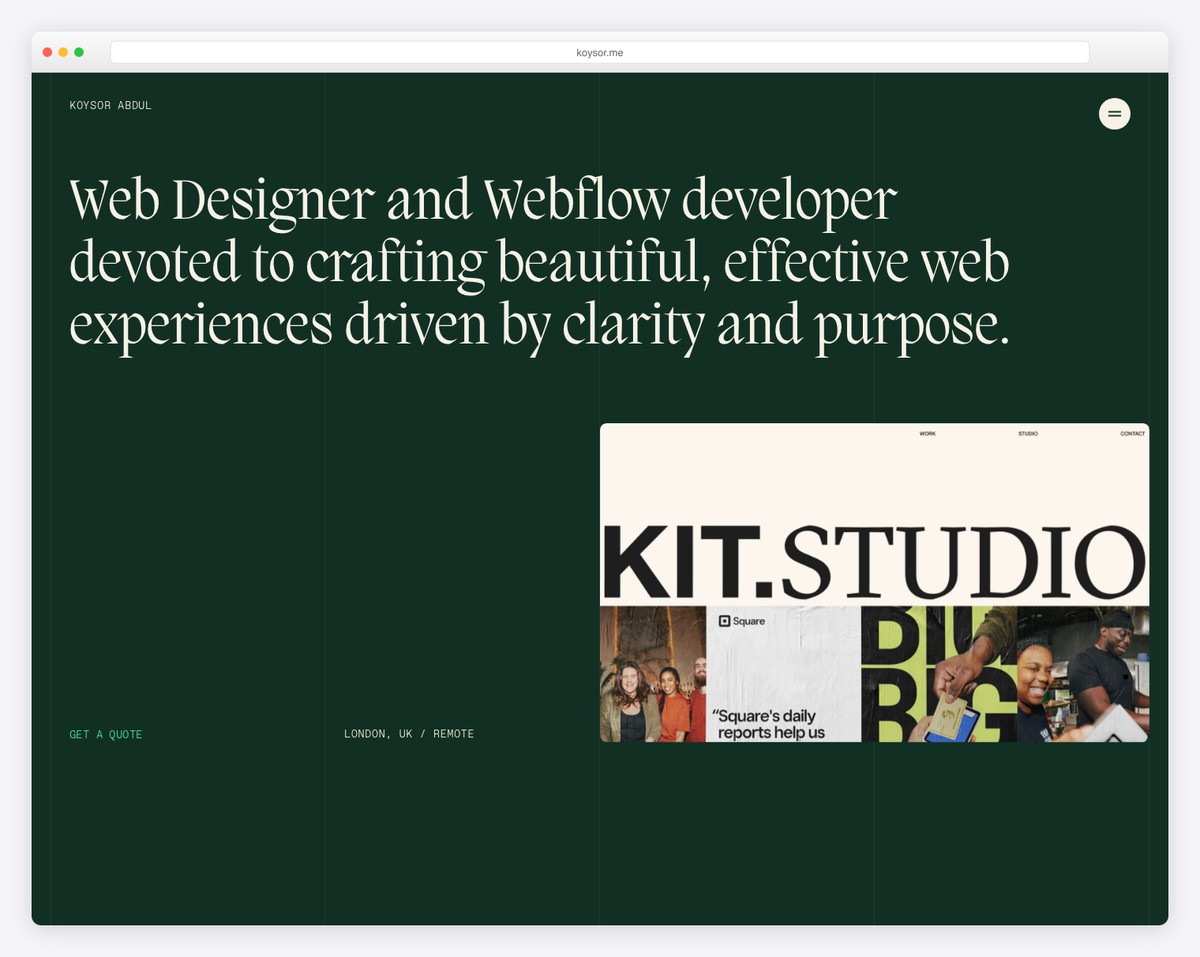
The pleasant scrolling experience makes you hope Koysor Abdul’s website never ends. Okay, it’s also because of the excellent work that he showcases for your viewing pleasure.
This is another terrific developer portfolio website example built with cleanness and great UX in mind.
What stands out: Link your portfolio works to live projects, so potential clients can review them first-hand.
17. Lars Olson
Built with: Webflow
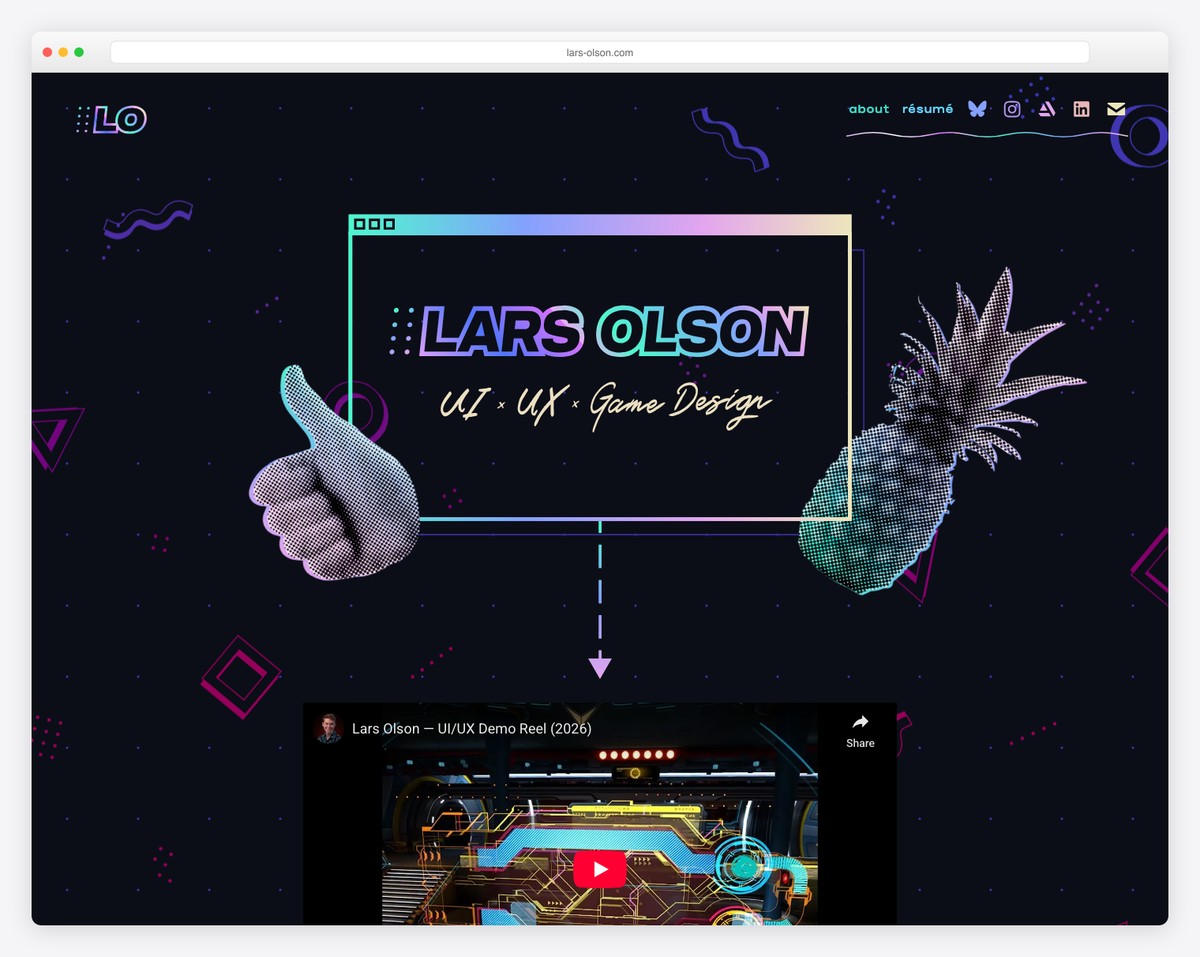
Lars Olson knows how to make a developer’s page entertaining and engaging with a cool selection of catchy details and fun elements. And the unique hover effects activate it some more.
It’s a semi-single-layout website with external links to social media and resume. Moreover, the portfolio opens projects on individual pages where you can find an in-depth presentation.
What stands out: Let your fun and bubbly personality shine through your web design.
18. Niall Mc Dermott
Built with: Webflow
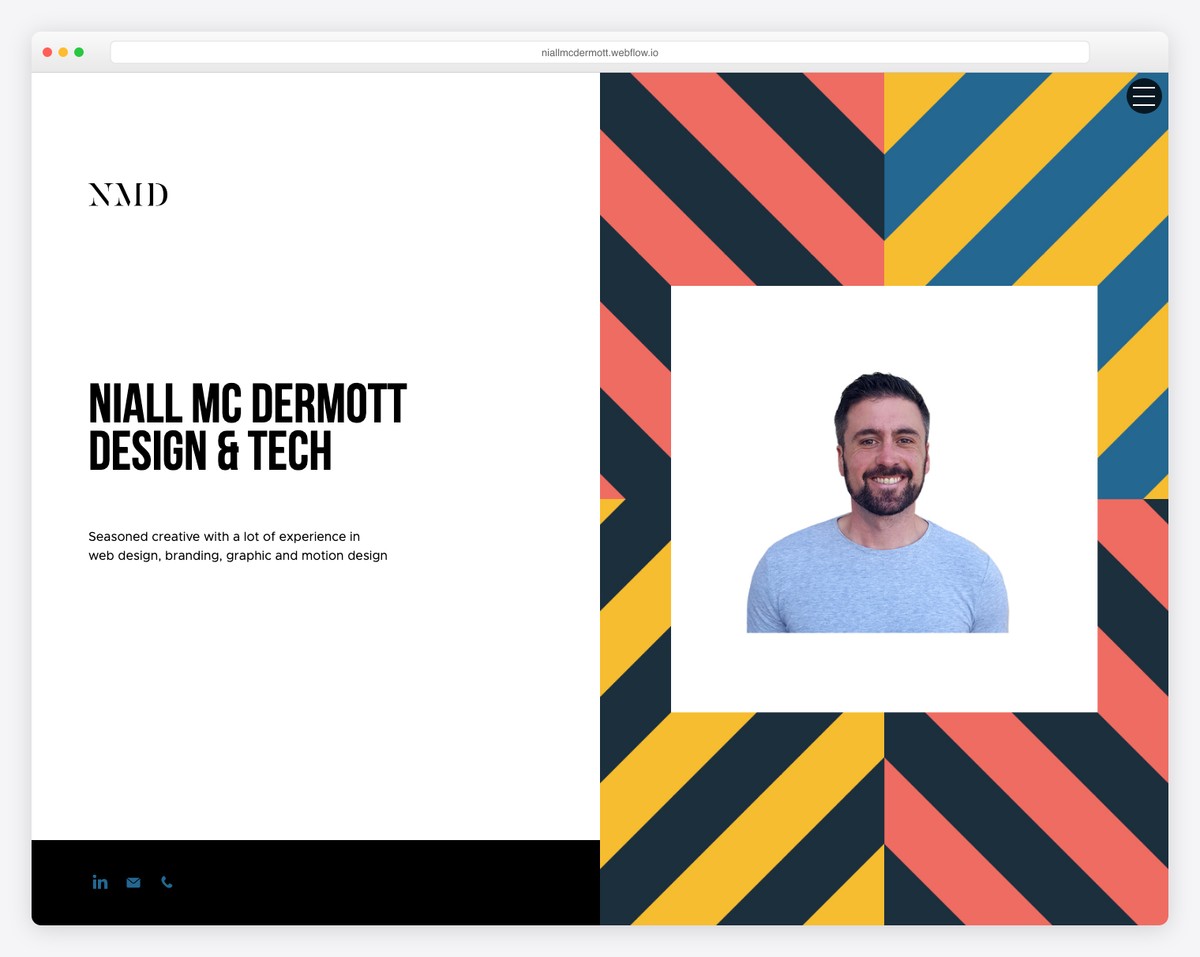
What we like about Niall Mc Dermott’s website is that even though it’s built on Webflow’s free plan, it’s still very next-level-ish.
The special thing about this developer portfolio is the split-screen design, with static left and dynamic right parts. This creates an interesting scrolling experience, but you can also use the hamburger menu to find other details and information about Niall.
What stands out: A free website builder doesn’t always mean half-baked products; sometimes, you cannot use a custom domain name (or the functionality is slightly limited).
19. Leland Jansen
Built with: Squarespace
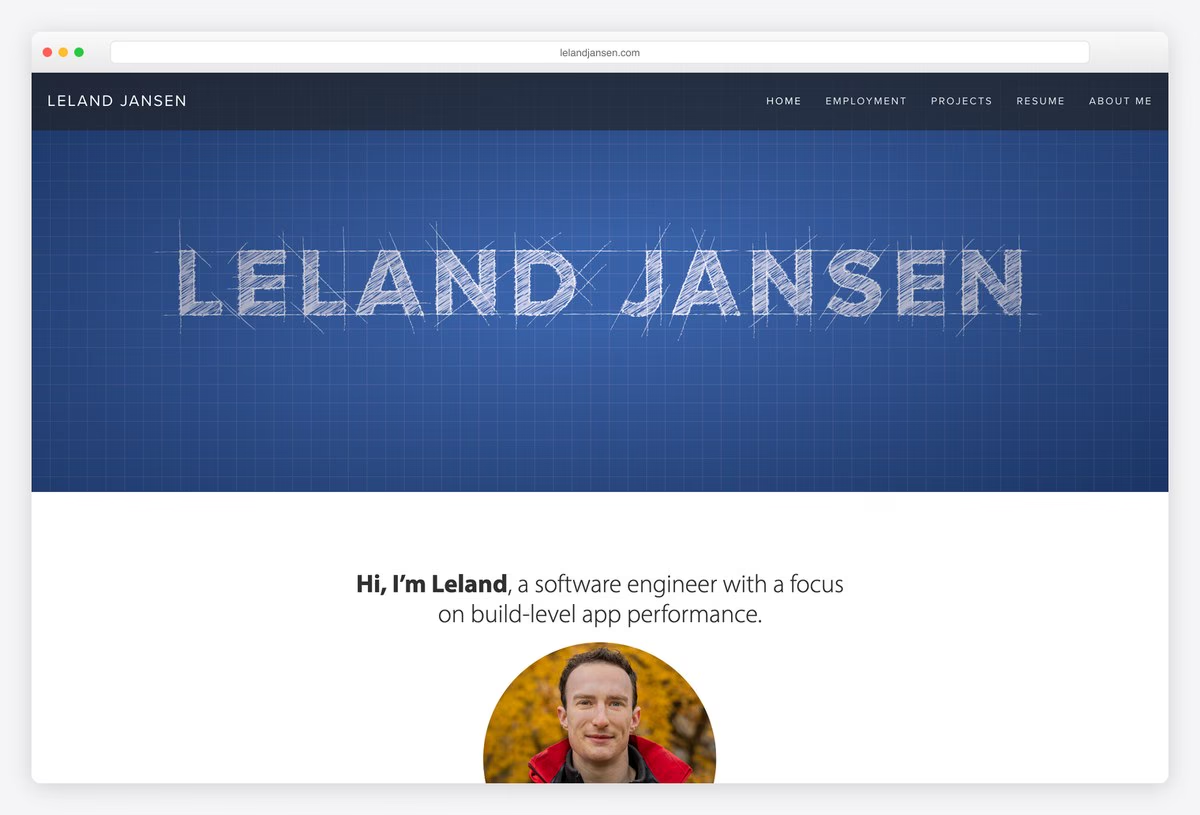
Leland Jansen is a software engineer who works on app performance, and his site opens with his name sketched on a blueprint grid. Below it, Employment lists his roles on the Snapchat and Outlook iOS apps and internships at Apple, Google and Shopify.
The Spoor project page works as a short case study. It explains what the tool does, links to its website and GitHub, says he built it from scratch at Microsoft, and gives the result: Outlook’s boot time fell by 32%.
What stands out: Say which part you built and what changed because of it.
20. Developer Tim Gesemann
Made with: Svelte
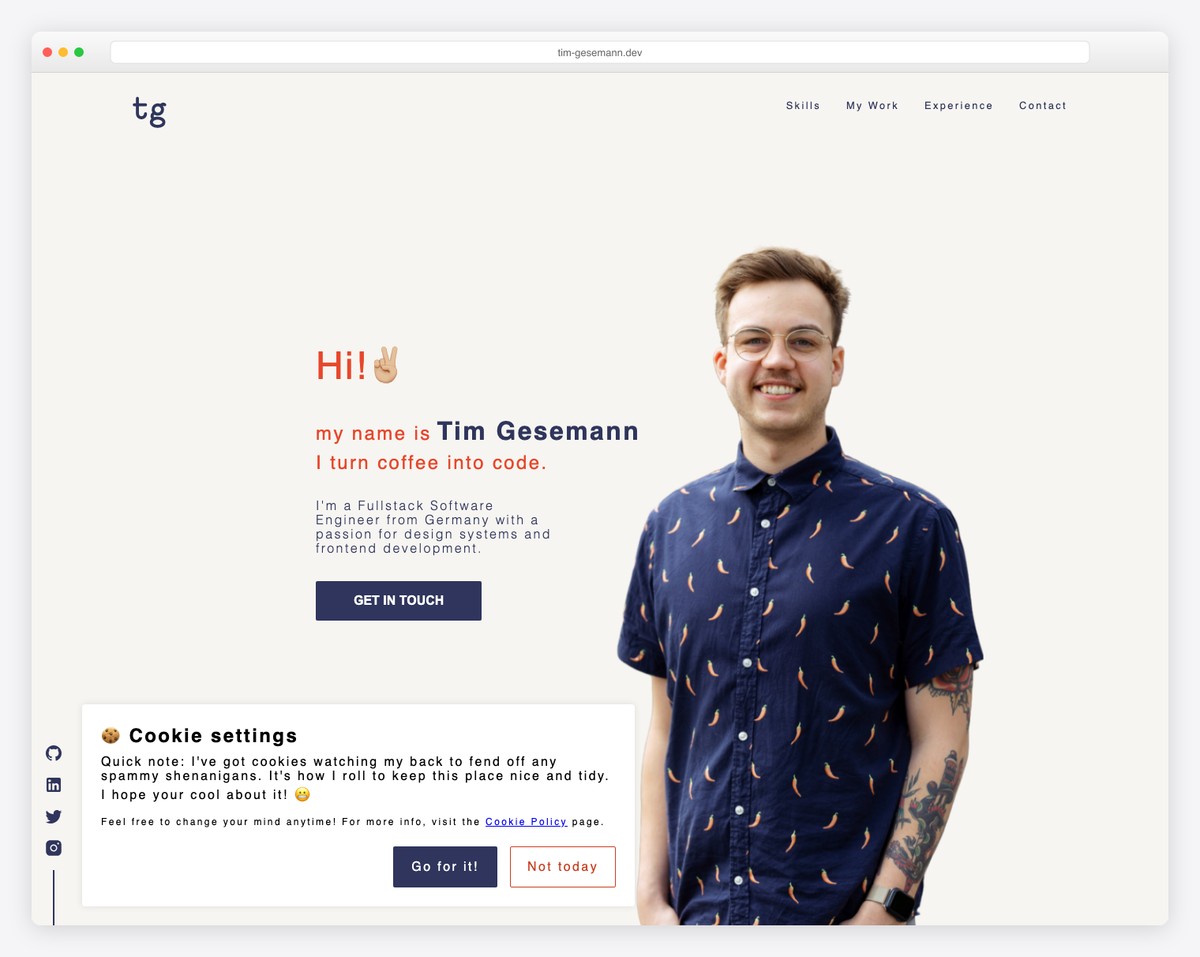
Tim is yet another developer who turns coffee into code. He uses Svelte, a UI builder for web apps, and hosts it on Vercel. These two are the most developer things right now. The portfolio features a clean and minimalistic design with a prominent project section followed by a creative timeline of his work experience. He worked at Volkswagen as a fullstack engineer on its GroupUI design system and is now a design engineer at Adobe.
What stands out: The website offers a mix of creativity and simplicity, making it an excellent example for everyone creating their developer portfolio.
21. Anthony Fu
Built with: Vue
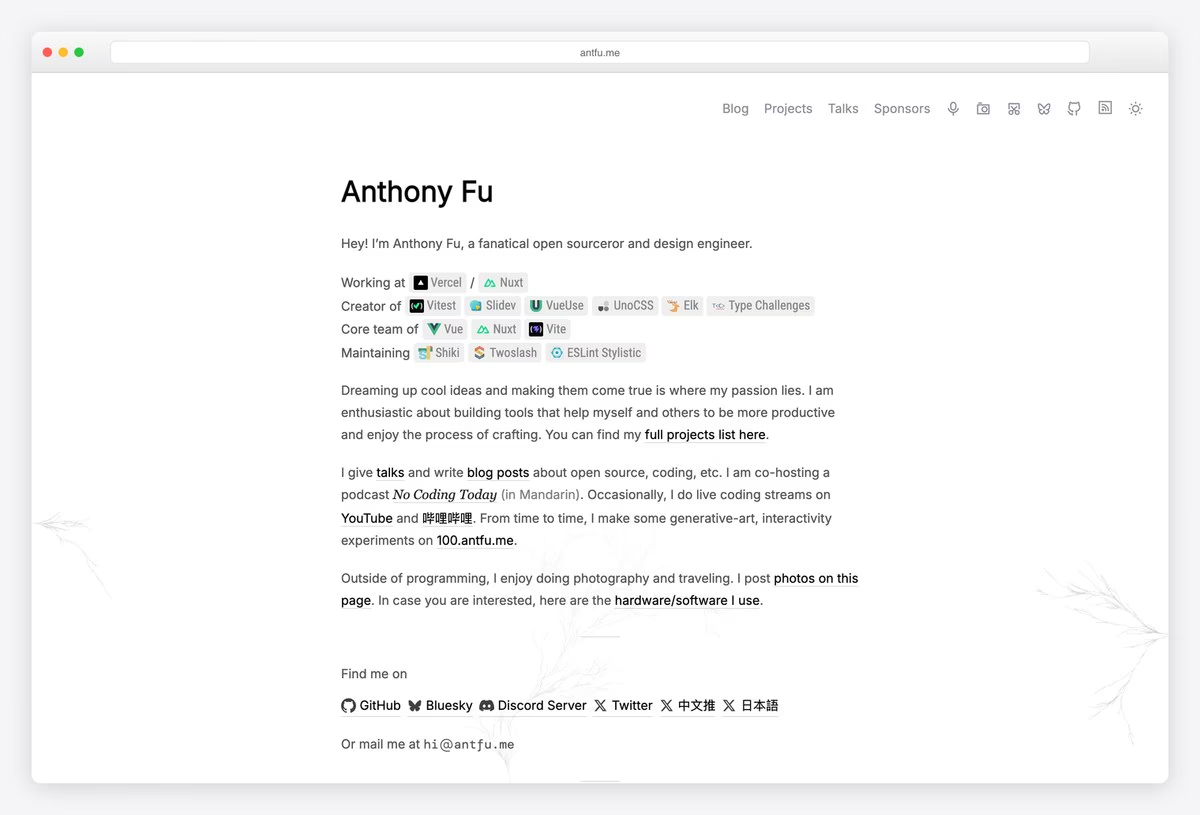
Anthony Fu calls himself an open sourceror and design engineer, and his homepage fits most of his work into four short lines: where he works, the tools he created (Vitest, Slidev, VueUse, UnoCSS), the core teams he is on (Vue, Nuxt, Vite) and what he maintains. Every name links to its repository.
The projects page groups dozens of repositories by ecosystem, from Nuxt and Vite plugins to DevTools, each with a one-line description. Faint generative branches frame the text.
What stands out: If your work is open source, let the repositories be the portfolio.
What Software Engineers Should Put in a Portfolio
Start with projects people can open. Tania Rascia gives every open-source project a Source link to GitHub and, when it runs in a browser, a live Demo. Arpit Bhayani does the same for databases and developer tools that have no interface to screenshot. Code someone can open shows more than a list of skills.
Say what you built, not only what the team shipped. Leland Jansen’s Spoor page says he built the tool from scratch at Microsoft and that the team used it to cut Outlook’s boot time by 32%. Tim Gesemann tags every project with its stack, so the tools are clear at a glance.
Keep a résumé on the site. Brittany Chiang lists her experience on the homepage and links the full résumé, Alex Naraghi offers a PDF download, and student Diogo Correia links a CV next to a timeline that includes his master’s thesis and security competitions.
Make contact one step. Kenneth Jimmy puts his email address in the header, Koysor Abdul has a Get a quote link on the first screen, and Tim Gesemann ends his one-page site with a contact form.
If you would rather start from a design than a blank page, browse our portfolio website templates, the Bootstrap portfolio templates, the free portfolio website builders and our student portfolio examples.
Browse the other Creative & portfolio website examples (27 more collections), or see website examples for every industry.

Related Posts


Comments (0)