
21 Free Bootstrap Carousel & Slider Templates 2026
These 21 free Bootstrap carousel and slider templates cover full-screen hero sliders, testimonial carousels, product sliders and thumbnail galleries, each with a live demo.
All 21 are Colorlib snippets and free downloads. We rebuilt the 20 carousels in plain HTML, CSS and a few lines of vanilla JavaScript, so the old Owl Carousel and jQuery files are gone, and each one keeps its autoplay and swipe. They work on their own or inside Bootstrap 4, 5 and 6 projects. The last entry is a newer 2026 card carousel with keyboard-friendly dot pagination.
Most add arrows, pagination dots or thumbnail previews. Use them for hero sliders, testimonials, product lists, featured posts and image galleries, or browse our website templates if you need a whole site built around a slider.
Best Free Bootstrap Carousel & Slider Templates
Carousel V01

Below is our selection of the twenty best sliders and carousels, featuring the top designs and templates.
Let’s begin with Carousel V01, a full-screen slideshow that creates a beautiful content presentation for any website.
While you can alter the images, you can also experiment with different options, such as keeping the image static and featuring a text slider only.
It works on its own or inside a Bootstrap 4, 5 or 6 project, and gives an excellent experience on mobile and desktop alike. Don’t miss it!
Carousel V02

A carousel is a great way of showcasing different content with boxes. Whether it’s your portfolio or something else, Carousel V02 is here to help you make an immediate difference.
Why struggle with building it yourself if you don’t have to?
Carousel V02 is here, all set and ready for you to PUT INTO ACTION free of charge.
It also features a hover effect and pagination circles, but it automatically rolls the content, so you don’t have to.
Carousel V03

You notice the modern and creative design of this slider-carousel template from the outset. The free snippet is available to everyone, even if you are a BEGINNER in web development and coding.
Thanks to the user-friendly code structure, you’re ready immediately. The sliding is a few lines of plain JavaScript, so there’s no jQuery or Owl Carousel to load.
Moreover, the layout is also compatible with different screen sizes and features pagination, as well as left and right pointers. You can grab the slider and THROW it from carousel slide to slide.
Carousel V04
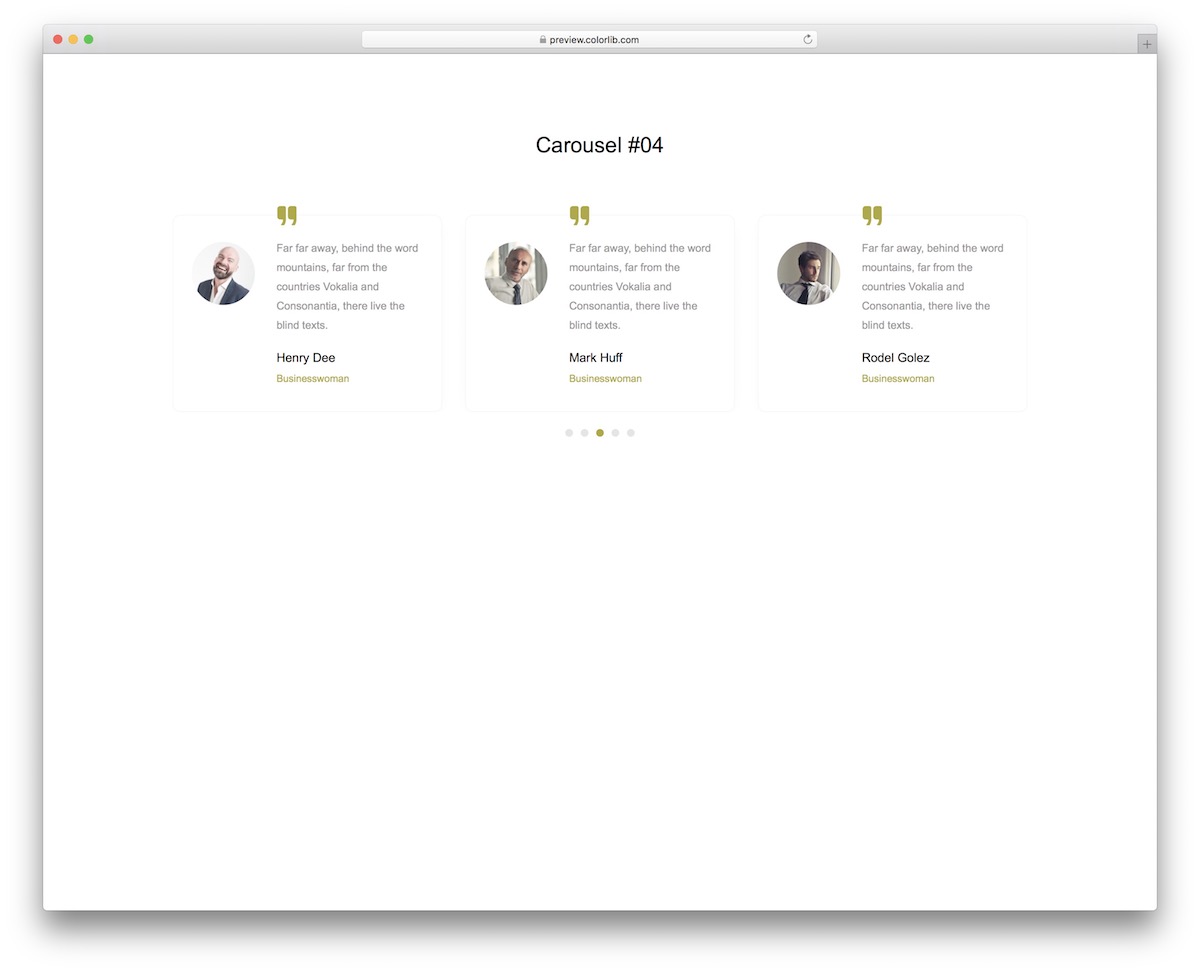
Carousel V04 is an excellent example of a testimonials slider that can be used on all websites.
Businesses, agencies, freelancers, eCommerce, it does not matter – if you can BENEFIT FROM customer/client feedback, introduce it with Carousel V04.
The design is default, clean, and minimal, working with different page themes. You may only want to alter the color choice, but other than that, you are welcome to use Carousel V04 as-is.
Have your users promote your business.
Carousel V05
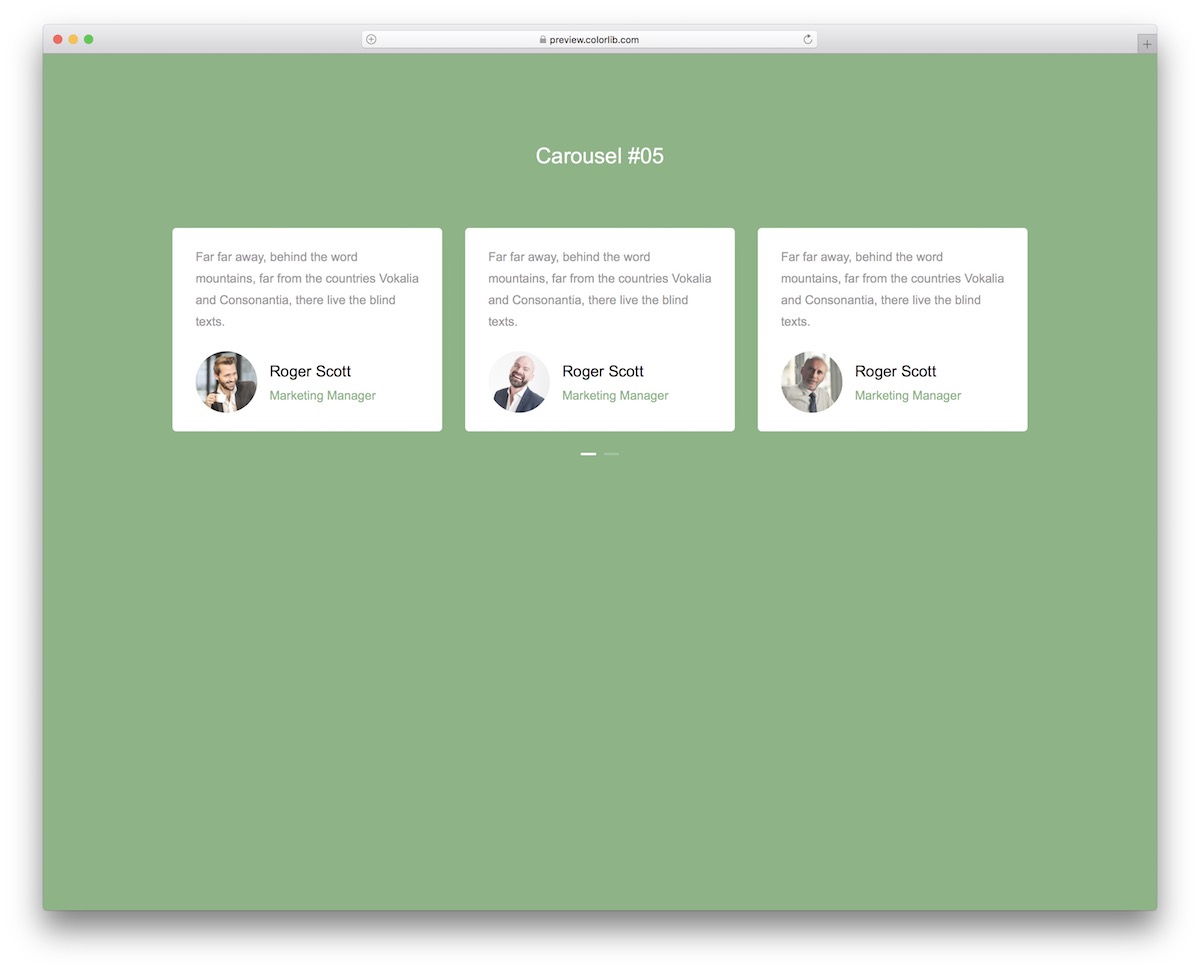
Don’t worry, we still have many more testimonial carousels that you can work with free of charge.
Carousel V05 is a convenient solution that saves you time and energy, as there’s no need to start from scratch. While you or your user can switch between different boxes manually, Carousel V05 also works automatically.
You just need to wait for it.
The structure perfectly aligns with mobile devices, ensuring a great user experience.
Carousel V06

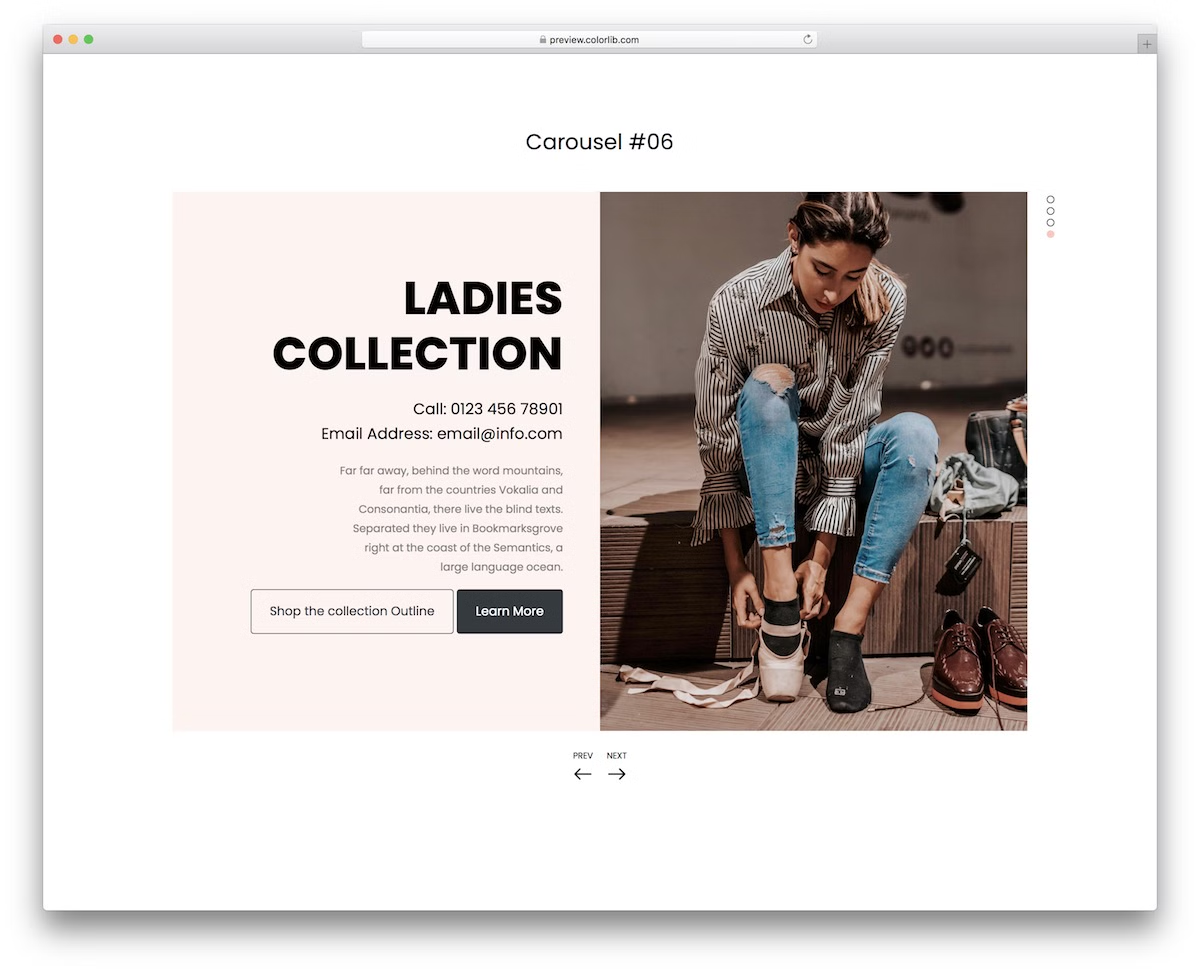
Carousel V06 is a REMARKABLE Bootstrap slider with a beautiful split-screen design. As the default configurations demonstrate, you can use one side for text and the other for images.
You can experiment with many different options and possibilities without holding yourself back. In other words, customize Carousel V06 to suit your needs exclusively before publishing it on your website.
Jumping from slideshow to slideshow is possible manually with left and right pointers, by “grabbing” the slider and “throwing” it to either side you want, or just by letting it do its thing.
Carousel V07

Carousel V07 is a fantastic alternative for creating a featured posts area on your website. Still, this is just one of the examples of how you can use this free snippet.
You can include any custom content in each box you want, add CTA buttons, show the number of comments and who the author is.
Before fully committing, you can check the live demo preview and go from there. That’s it. Now’s your turn to get the ball rolling.
Carousel V08
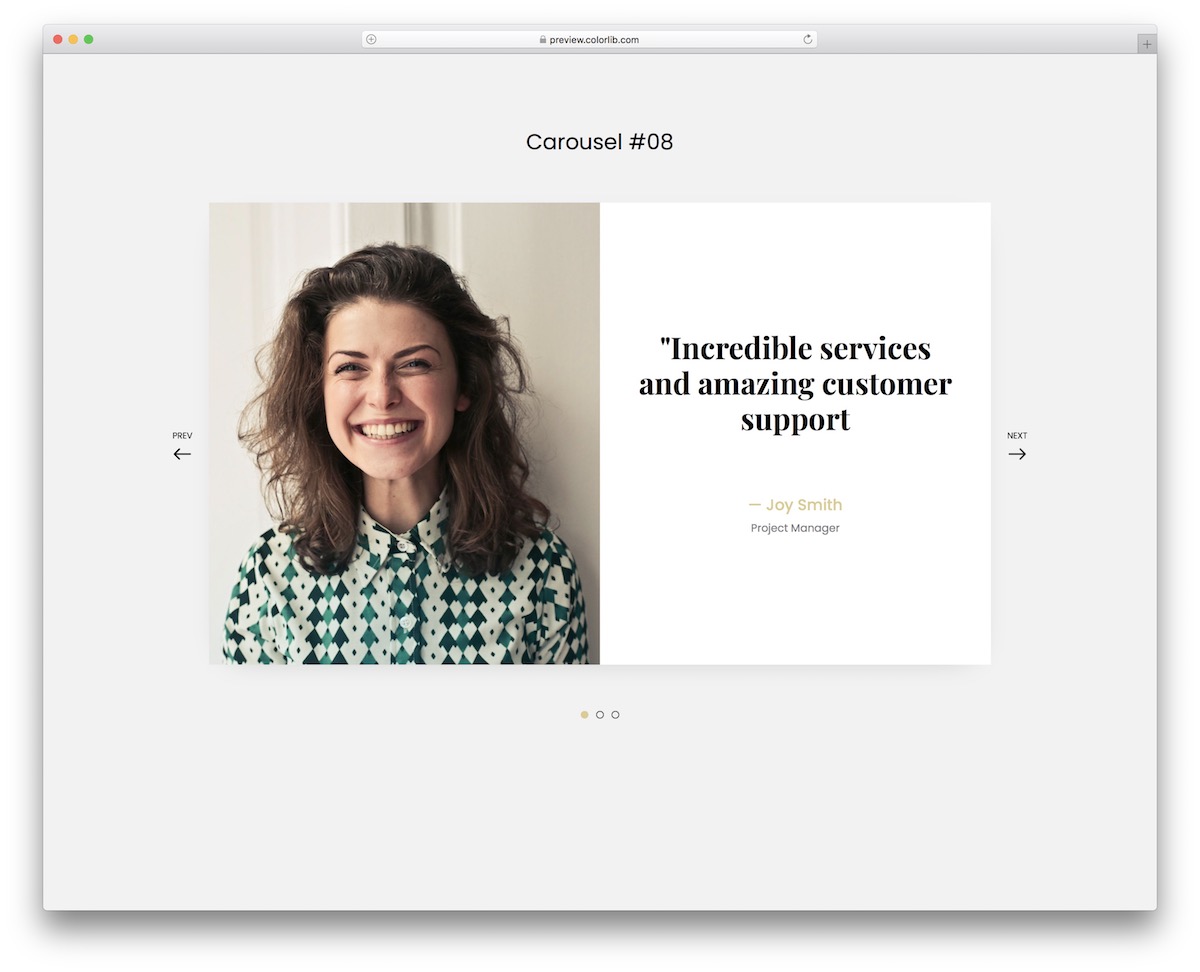
Instead of rocking a BORING testimonials slider, you can spice things up with Carousel V08. This tool is just splendid with its distinct design and cool transition animation.
The image section will make it stand out even more. You can use it to display users and clients or even go entirely against the grain with something else.
There’s always a way to introduce YOUR CREATIVE TOUCH to any of our free widgets, so there’s no need to hold back.
Carousel V09
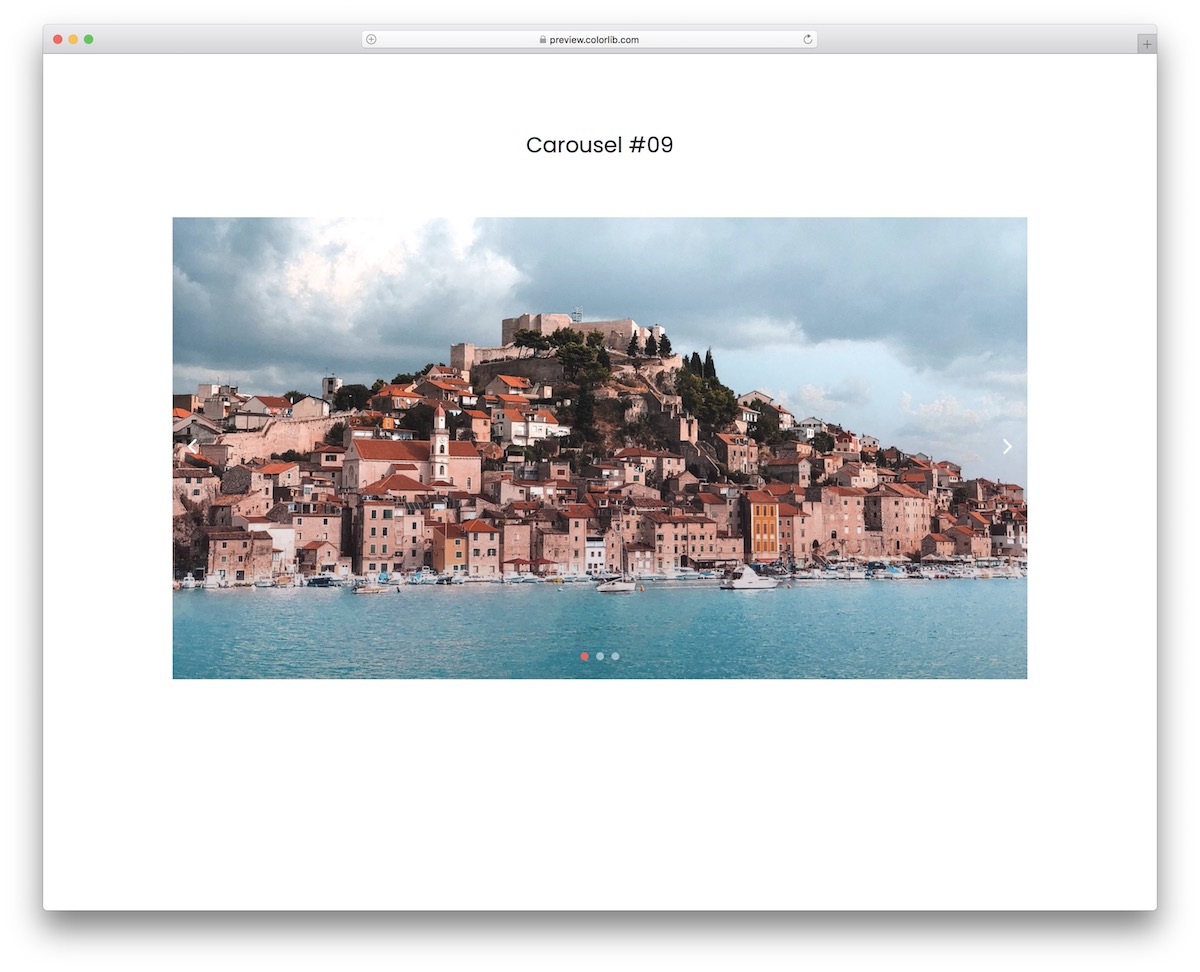
Photographers, travel bloggers, fashionistas, designers, you name it. Carousel V09 is the ideal way to display content with a slider.
It is plain HTML, CSS and a little vanilla JavaScript, so it runs smoothly on mobile, tablet and desktop, with or without Bootstrap on the page.
The pagination below showcases the number of sliders – three in this case – and the pointers allow going forward or backward with a single click.
But you can grab the slider and pull it to the left or the right.
Carousel V10
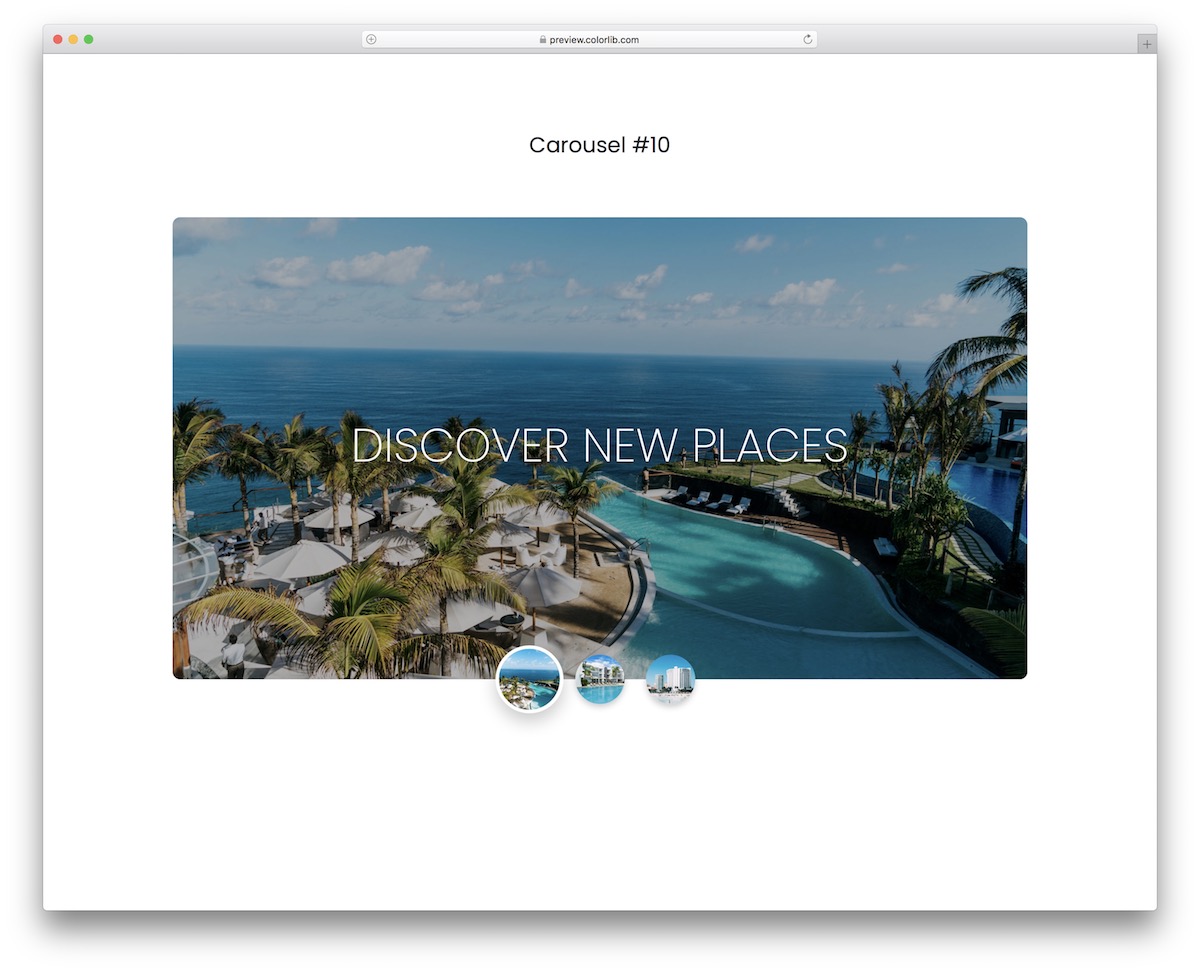
While the Bootstrap slider above keeps things minimal, Carousel V10 is more creative. It has rounded corners and thumbnails, which showcase a preview of each slider.
You can feature text on each slide and a beautiful and compelling image slideshow, making it much more engaging.
This one will instantly capture everyone’s attention, which can significantly boost your website’s UX.
Want to give it a shot? It’s free anyway, so you can make it yours by hitting the download button now.
Carousel V11
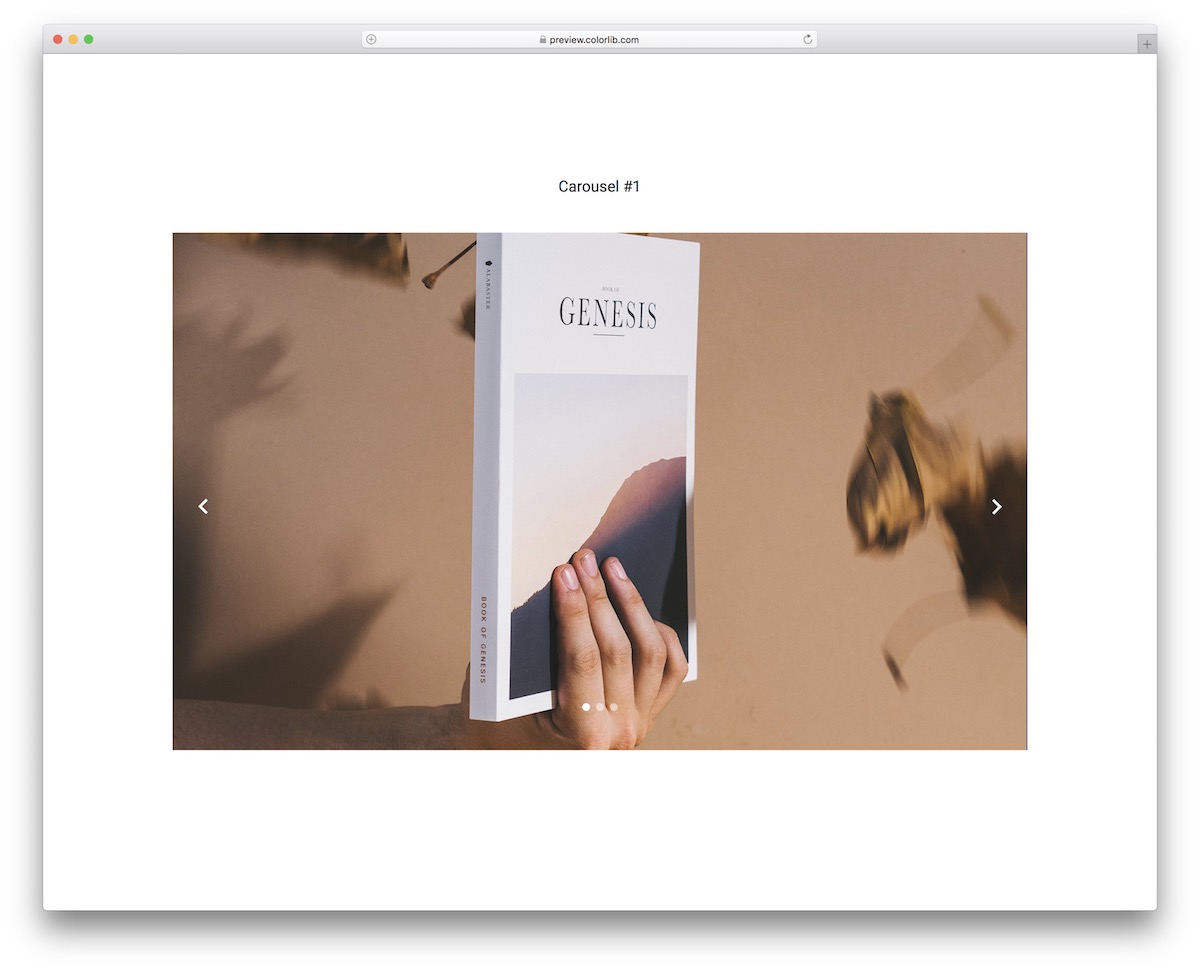
Beautiful, modern, and bold—that’s what Carousel V11 is all about. It’s all you need to create a neat Bootstrap slider for your website.
Instead of starting from scratch, skip the tedious work and opt for THIS free snippet.
You are now all set to present different visual content strikingly and enhance your page’s overall performance.
What’s cool about this one is that you can embed it out of the box, change the images, and you are ready to rock and roll.
Carousel V12
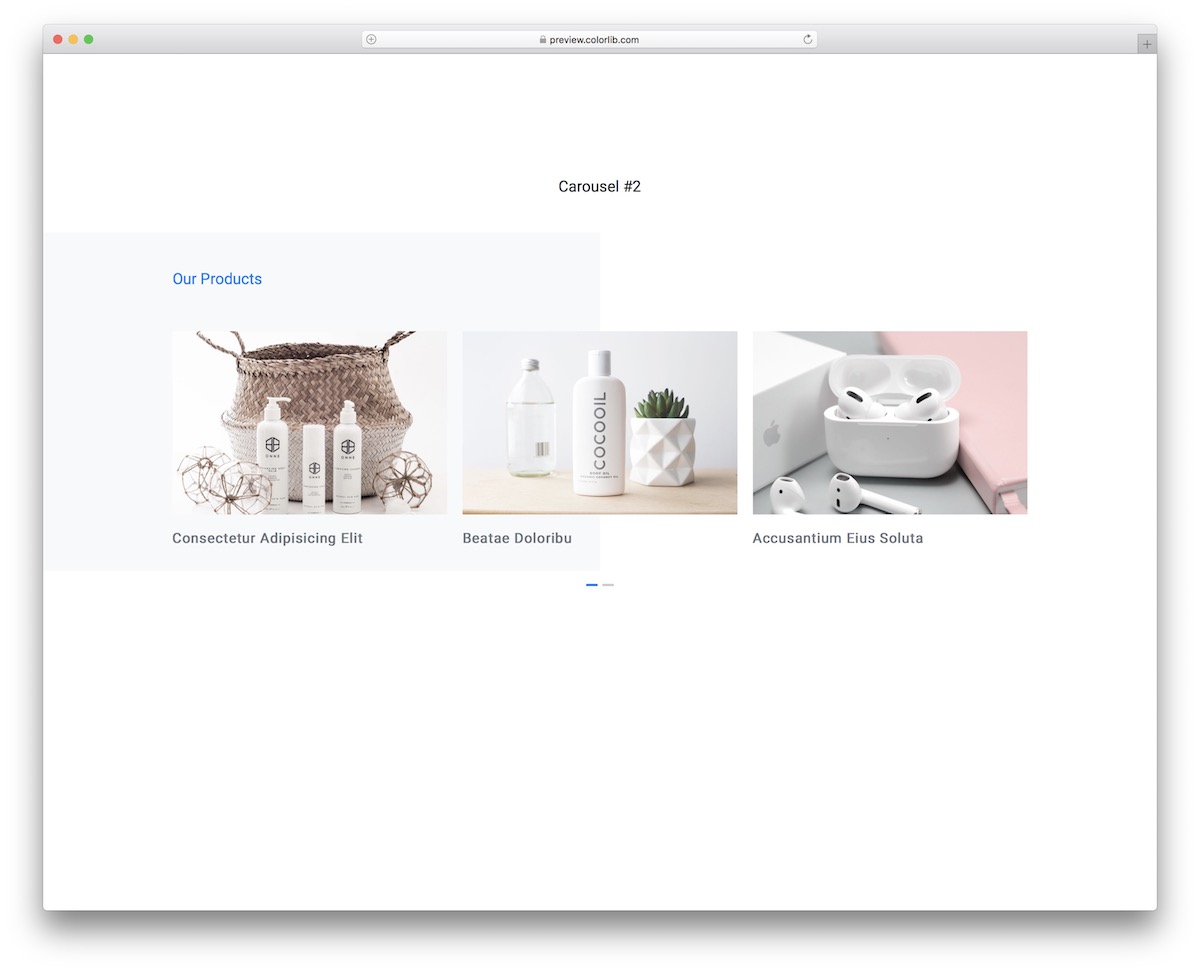
When building an online store, you want to create a product carousel for the home page or another section of your website.
You can utilize this minimalist and distinct design, which does the job well.
One awesome feature of Carousel V12 is the two-tone background, which adds a slight variation. The image and the title are individual elements with an option to add internal links to product pages.
The carousel operates on autopilot, but you can also move it manually. The rebuilt download is 620 KB, down from 2.7 MB.
Carousel V13
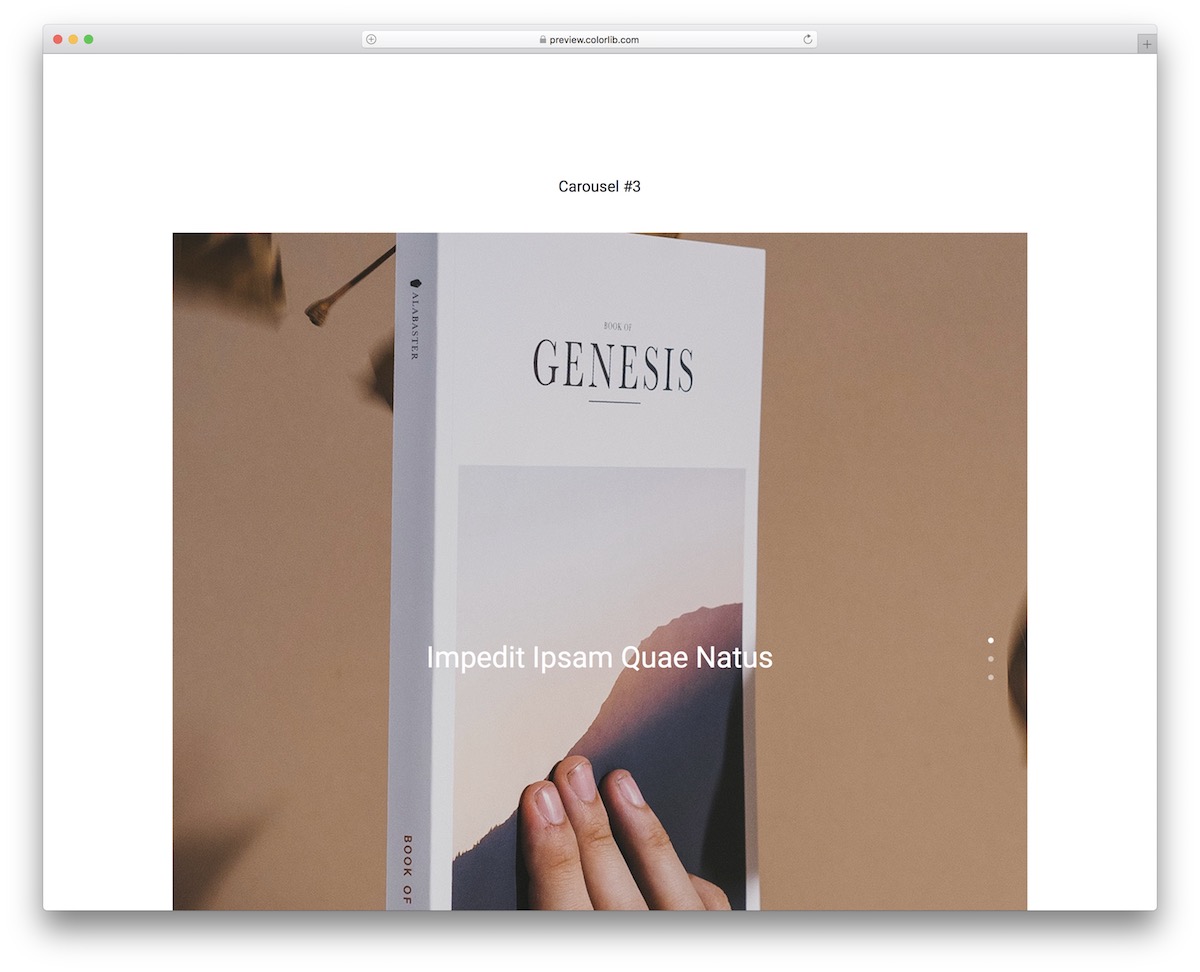
While Bootstrap sliders typically have a horizontal/landscape layout, vertical alternatives also exist. If you are particularly looking for the latter, Carousel V13 is the way to go.
The free snippet works ideally for photographers, designers, and other creative individuals.
Emphasize your photographs with a large, attention-grabbing slideshow that will stand out on mobile and desktop. You can add text/title, leave it out, and feature the image.
The option is yours.
Carousel V14
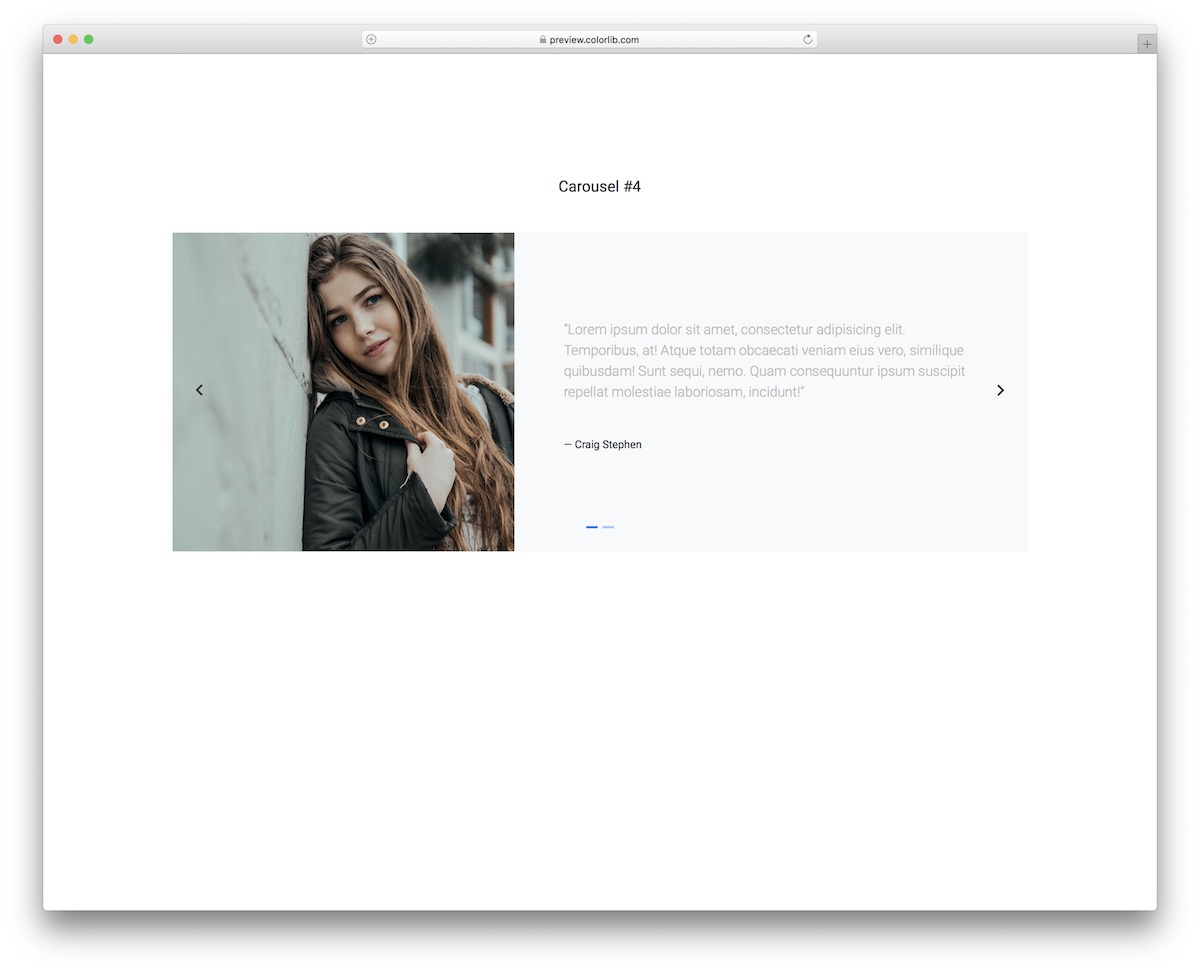
Adding client testimonials/feedback to your website can be very rewarding. Do it the RIGHT WAY with Carousel V14.
It’s a neat solution that will take you little time to integrate, edit if necessary, and share your people’s experience for others to view.
Moreover, some testimonial sliders feature only text, while others conveniently mix text with images.
Carousel V14 falls into the latter category, so you’ll find it here if you need it.
Carousel V15
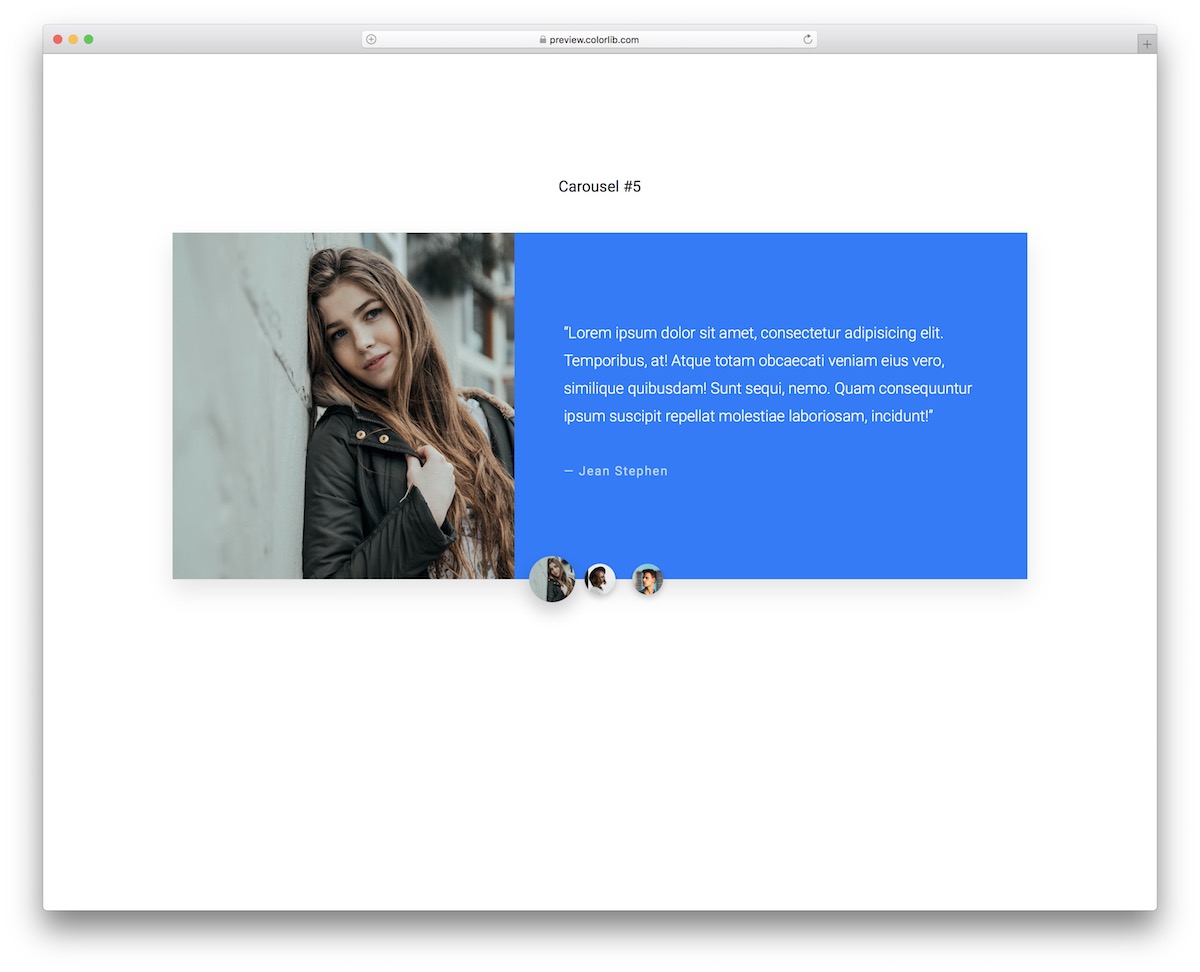
Carousel V15 is like Carousel V14 on steroids. It features a colored background for text and showcases thumbnails, which are also clickable, allowing users to transition from one slideshow to another.
The design is perfectly balanced with mobile devices, so the layout changes slightly. Instead of featuring image and text areas side by side, they are on top of each other on mobile.
The amazing performance will remain intact, allowing everyone to quickly review your users’ feedback, regardless of their device.
Carousel V16
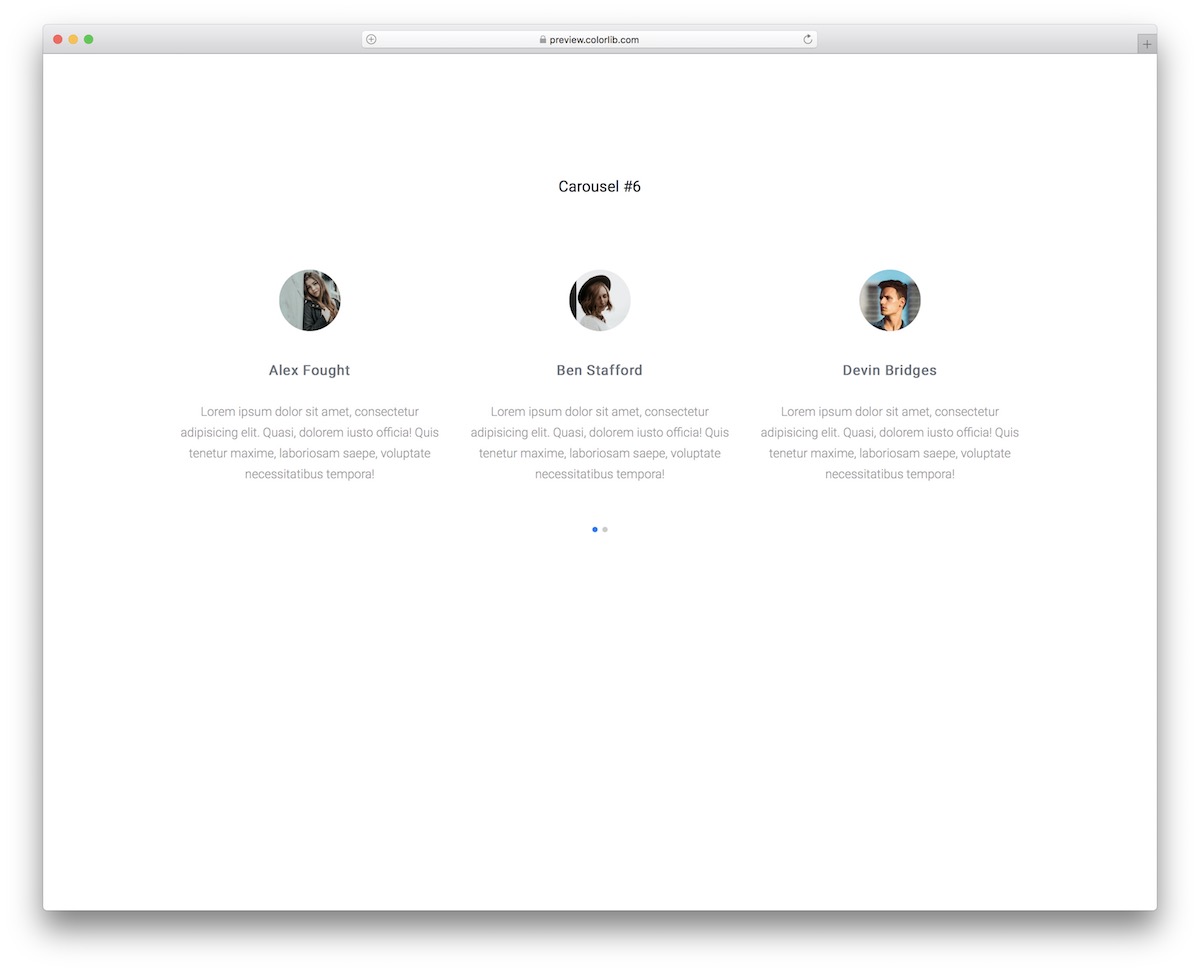
Simplicity wins over anything else – that is a fact. Why complicate with all the fancy stuff if you don’t have to? Instead, select Carousel V16 and incorporate testimonials into your website with ease.
The screenshot above shows that each testimonial features an avatar, name, and text area. Due to its minimalist approach, you can embed it into any website design.
Carousel V16 will adapt comfortably regardless of your branding regulations, and it looks the same whether you drop it into a Bootstrap 4, 5 or 6 project or use it on its own.
Carousel V17
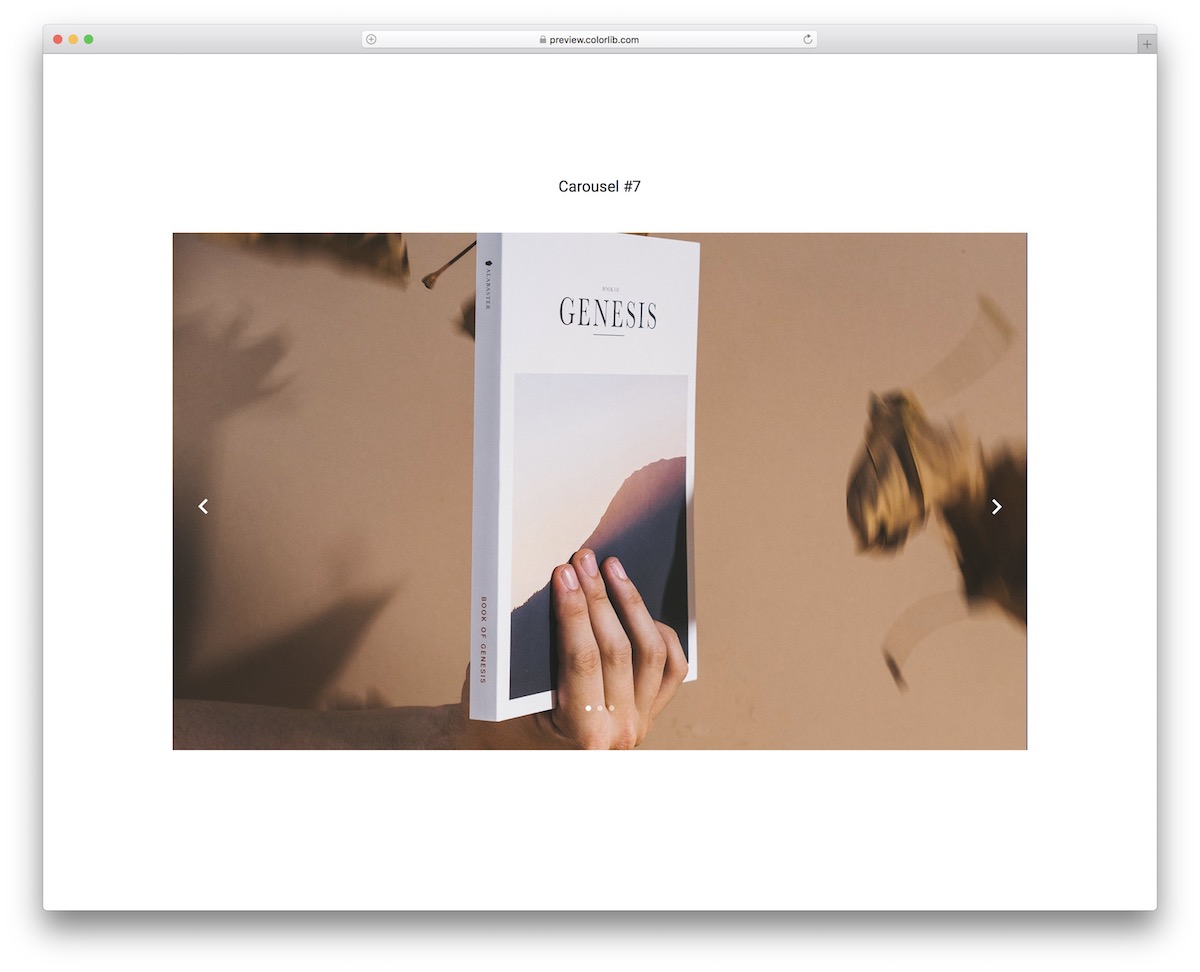
Carousel V17 is a Bootstrap slider that does not follow the classic transition effect. With its unique animation, you can impress your website visitors even more, so waste no time and grab this template now.
Carousel V17 is also very easy to use like our other free widgets, as we always create a USER-FRIENDLY base.
But at the end of the day, it’s free of charge, so you can download it, test it and only then decide if it’s a fit. It sure will be.
Carousel V18
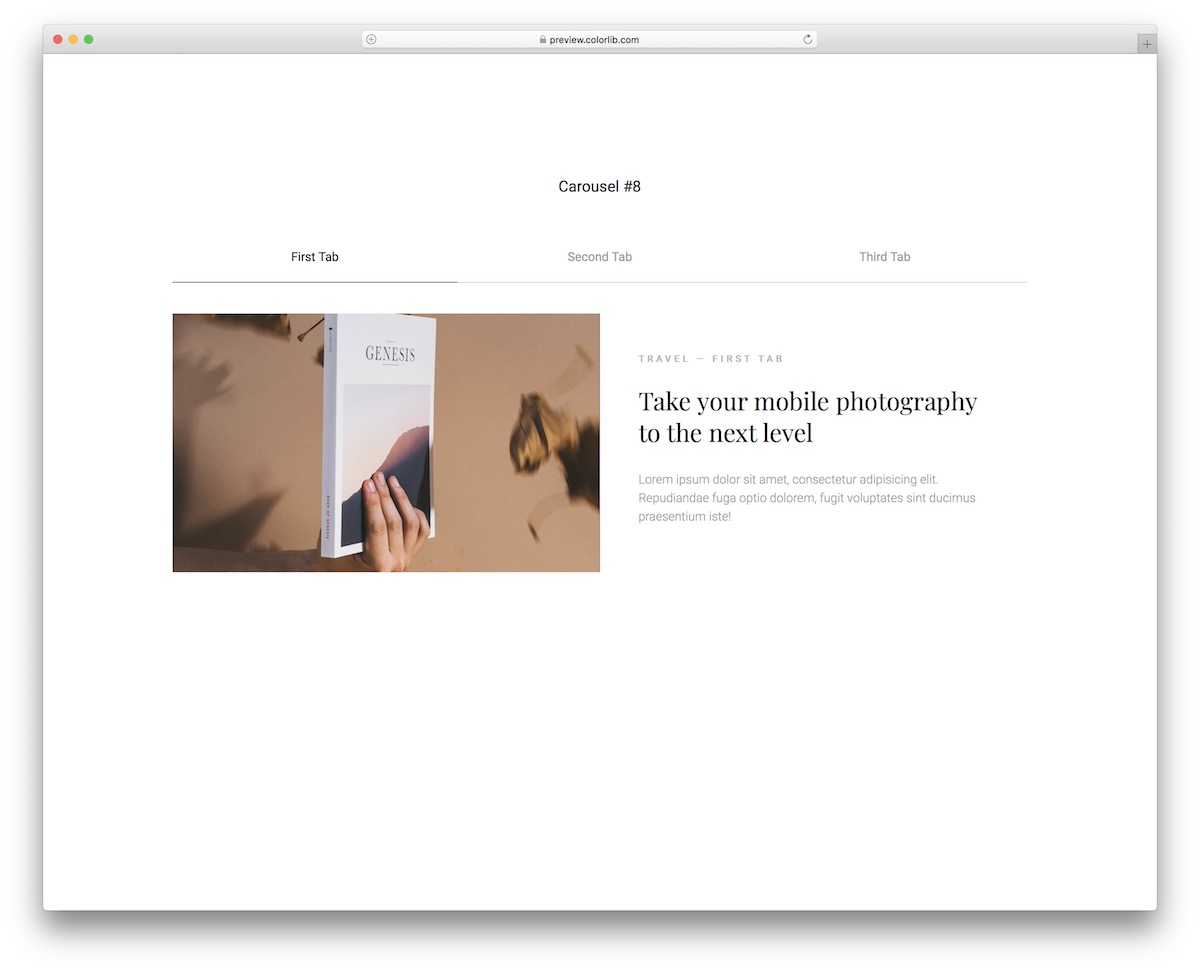
A Bootstrap slider does not always come with navigation/tabs. And that’s what’s special about Carousel V18. Even though very simple at first glance, it still rocks many great features that will do you well.
Along with the top navigation, the split-screen design also has a section for images and texts. The text area supports links by default, allowing you to connect your slideshow with blog posts or pages on your website.
Finally, the great design also appears elegantly on mobile out of the box.
Carousel V19
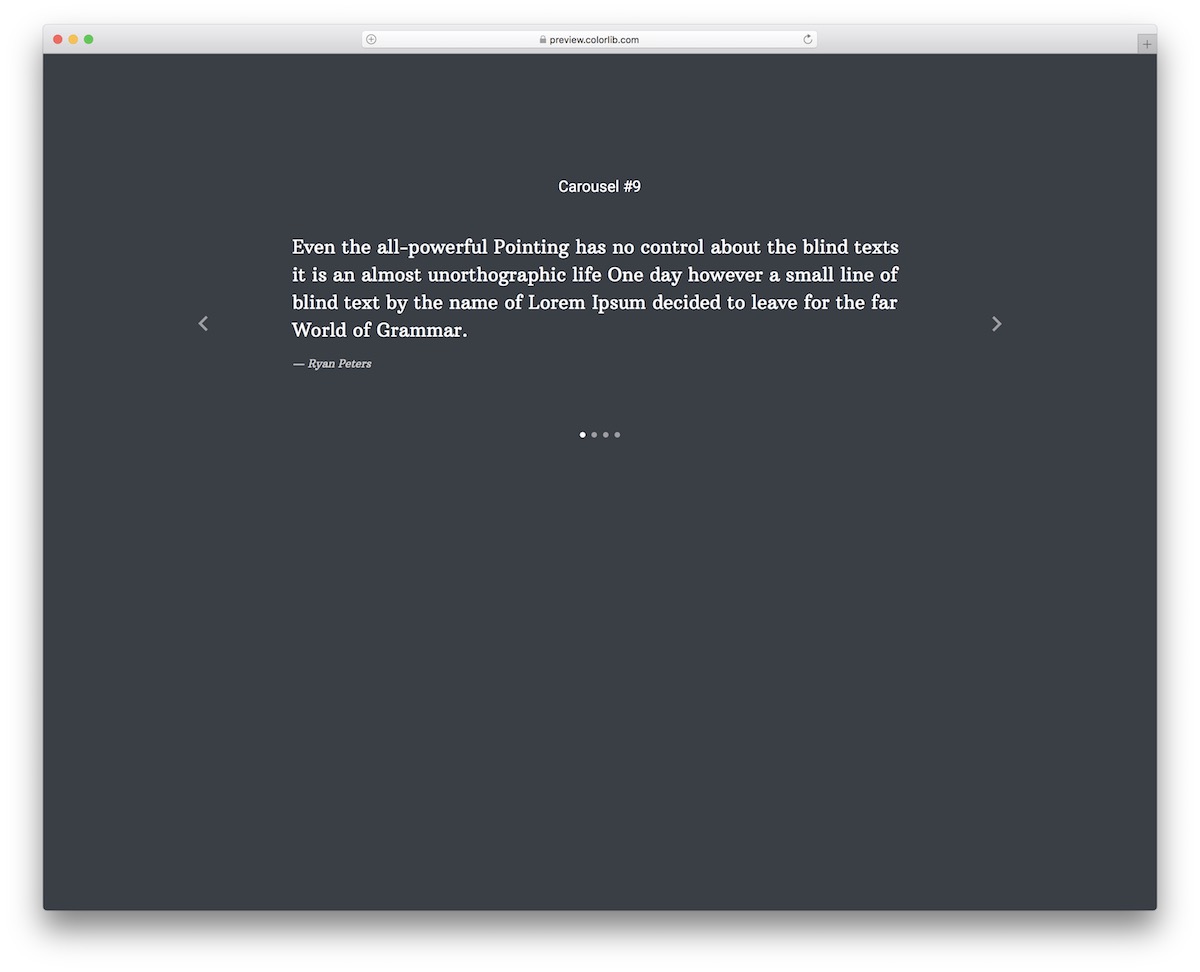
For the true minimalists, that’s when you opt for Carousel V19. It’s a slider for testimonials that features just the text.
Note: you can use it for QUOTES or any other information you’d like to display – no need to stick to testimonials.
Furthermore, if you use Carousel V19 but consider changing the typography, go for it.
There’s also no need to worry about technicalities: Carousel V19 is plain HTML and CSS with a few lines of vanilla JavaScript, and the whole download is just 192 KB.
Carousel V20
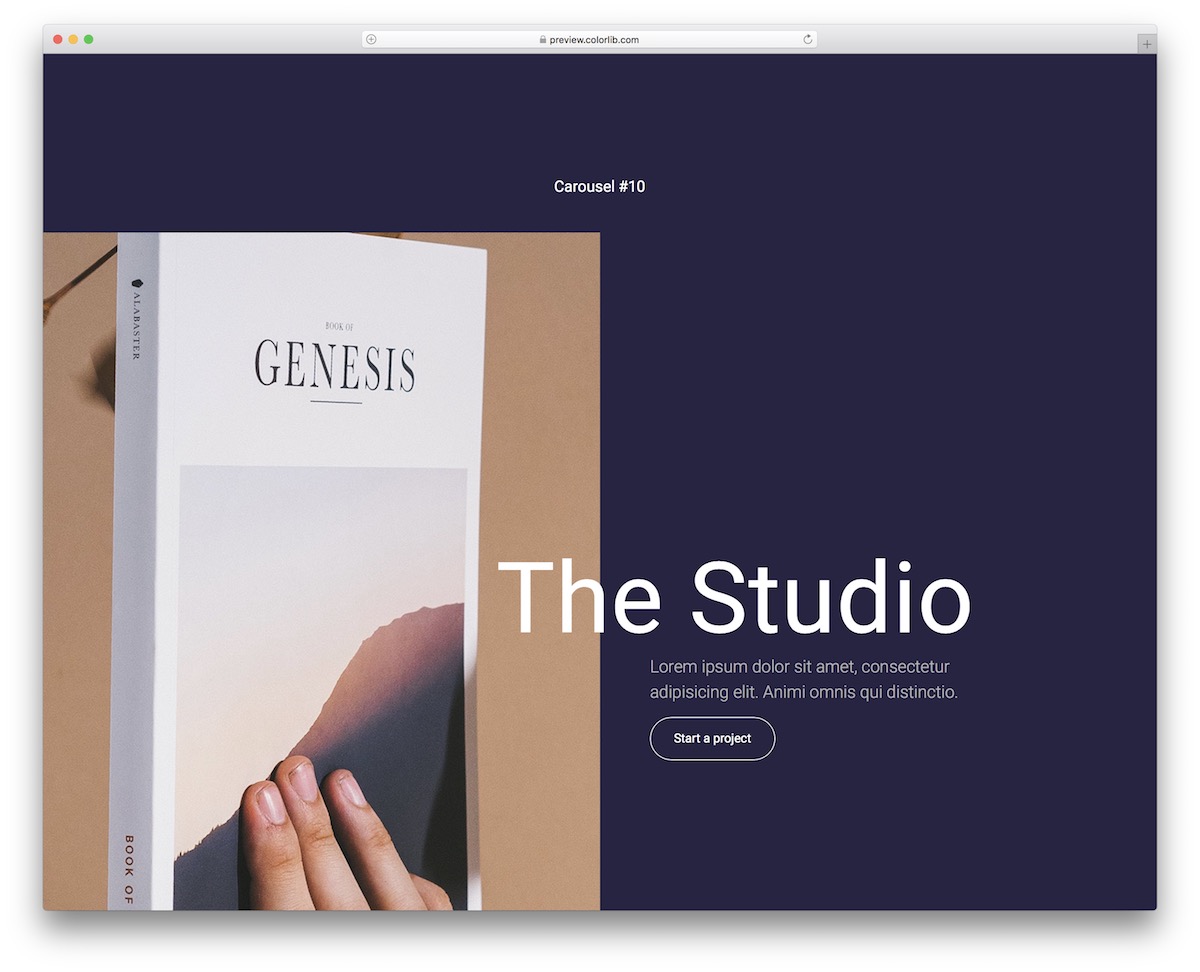
Carousel V20 is the complete opposite of Carousel V19. Not only is the objective COMPLETELY different, but the design is also very creative and attention-grabbing.
This Bootstrap slider has a static right side and a movable left side. But the slideshows don’t change from left to right but go from top to bottom.
This will immediately change how you present images on your website, even blog. There’s also a title and text area with a CTA button.
More 2026 carousel snippets from Colorlib
A card carousel with dot pagination and swipe, from our 2026 snippets.
Pagination V07: Dot pagination for a card carousel
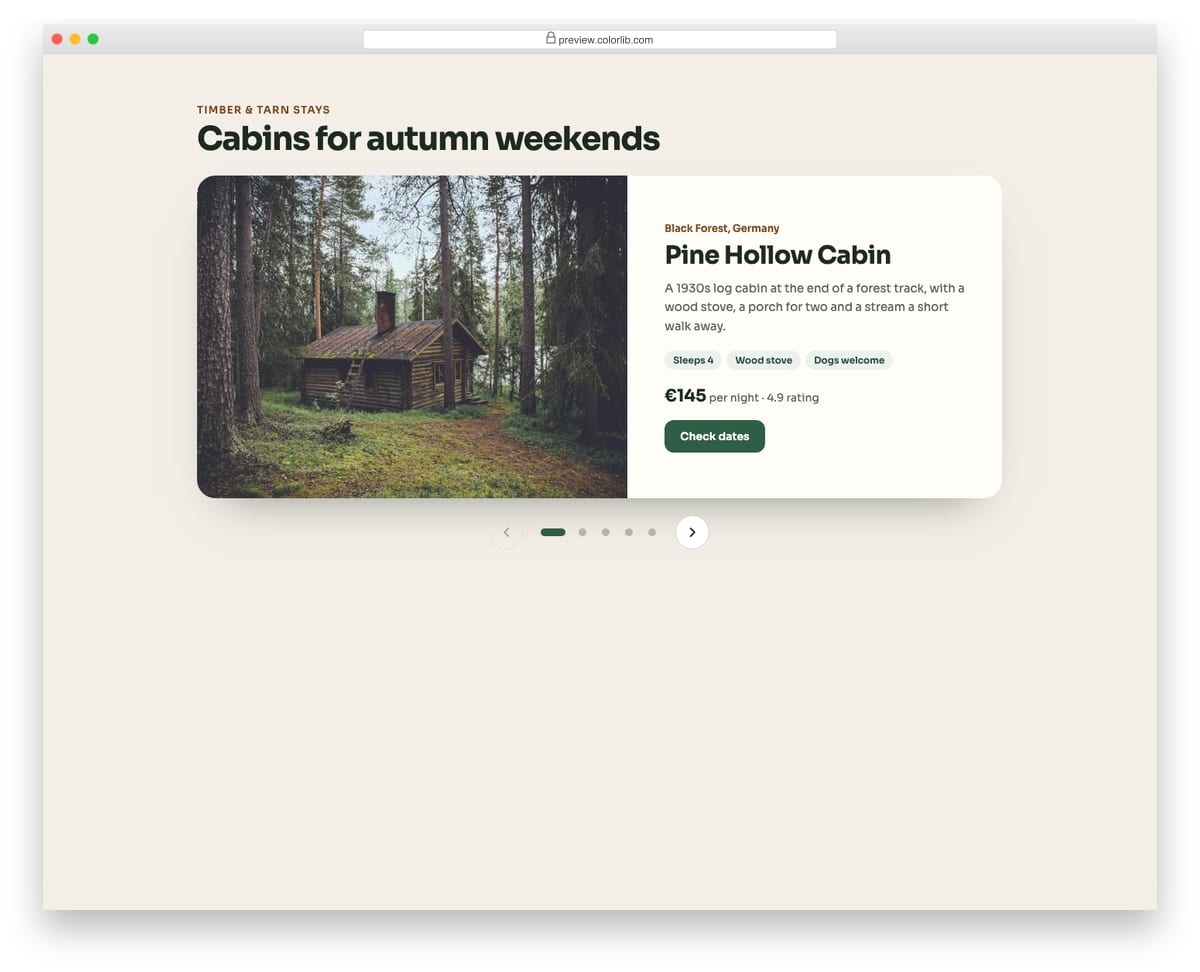
A holiday cabin carousel with one large card per slide and a row of dots under it, flanked by previous and next buttons. Each dot is a real button named after its cabin, the active one is marked with aria-current and stretches into a pill, and hidden slides are made inert. Arrow keys move between dots and a swipe changes slide on touch screens.
Best for: featured listings, testimonials, product highlights and onboarding slides. Plain HTML and CSS with a few lines of vanilla JavaScript, a 473 KB download, and it works on its own or inside a Bootstrap 4, 5 or 6 project.
How to choose a Bootstrap carousel
Give autoplay a pause. Slides that move on their own are hard to read for anyone who needs more time. WCAG asks for a way to pause anything that moves for more than five seconds, so add a pause button or stop autoplay on hover and focus.
Make the controls real buttons. Pagination V07 uses a real button for each dot, named after its slide, marks the current one with aria-current and makes hidden slides inert, so keyboard users never tab into a slide they cannot see.
Don’t hide the main message on slide two. Many visitors never wait for later slides. Put the headline and call to action on the first slide, or keep the image static and slide only the text, which Carousel V01 can be set up to do.
Watch the image weight. A full-screen slider loads several large photos. The rebuilt downloads range from 192 KB for the text-only Carousel V19 to 3.0 MB for Carousel V06, so compress your own photos and give each image a width and height to avoid layout shift.
Frequently asked questions
Do these sliders need jQuery or Owl Carousel?
No. Since the September 2026 rebuild each carousel runs on a few lines of vanilla JavaScript, with the same look, autoplay and swipe, and needs no Bootstrap files. They look the same on their own or inside a Bootstrap 4, 5 or 6 project.
Can I use Bootstrap’s own carousel instead?
Yes, if your page already loads Bootstrap’s JavaScript. Bootstrap’s carousel shows one slide at a time, so the snippets here are useful when you want several cards per slide, thumbnails or a split layout, or when you don’t load Bootstrap at all.
Can I use these carousels in commercial projects?
Yes. Colorlib snippets are free for personal and commercial projects under CC BY 3.0, as long as you keep the credit link.
How do I add slides or change the design?
Each slide is a plain block of HTML, so adding one means copying a block and swapping the image and text. Colours, fonts and spacing live in the stylesheet.
Start with Carousel V01 for a full-screen hero slider, Carousel V04 or V16 for testimonials and Carousel V12 for products. For other ways to lay out content in a grid, see our Bootstrap cards.

Related Posts


Comments (0)