
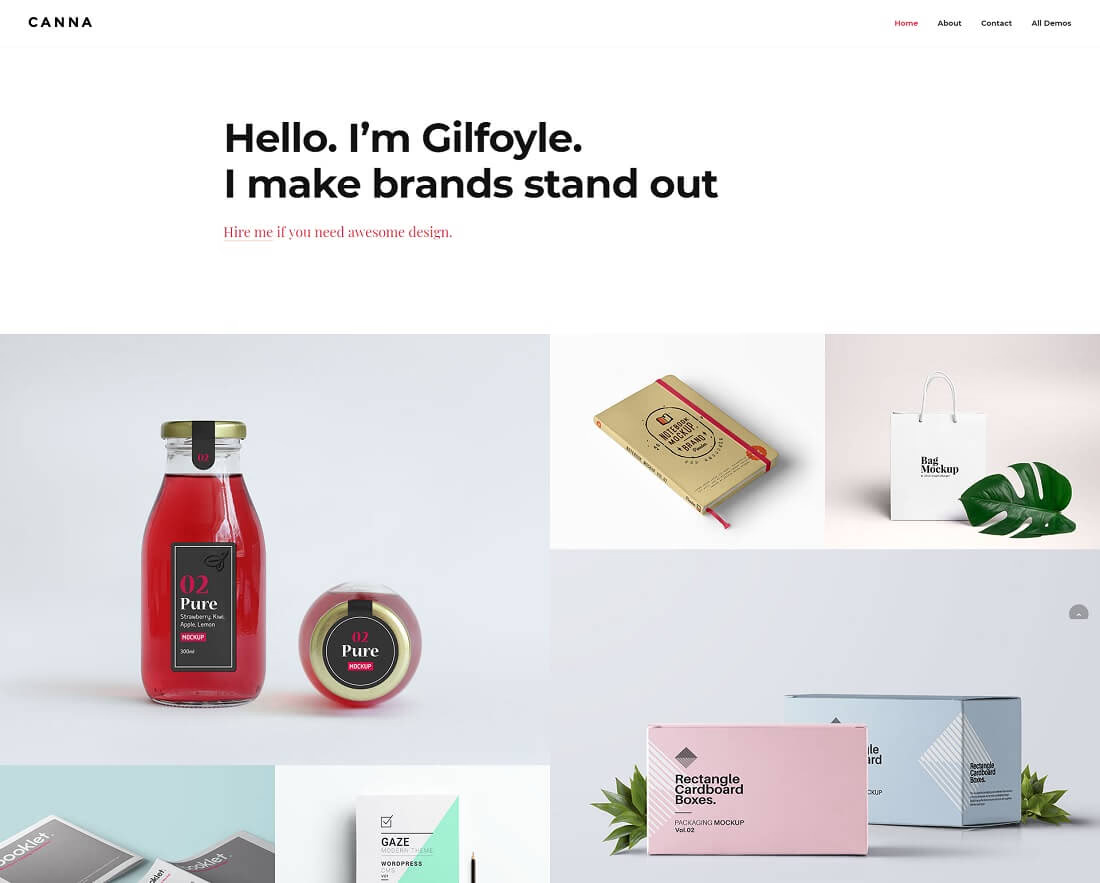
17 Best Freelancer Website Templates 2026
We have compiled the best freelancer website templates for independent creatives looking to enhance their online presence.
Even if you have barely any experience with website development, that should not be a barrier to achieving a top-notch web presence. Little do you know, you are setting the bar high and boosting your freelancing business way above the industry average. Sounds like a solid plan, don’t you think?
By choosing the freelancer website templates route, your workflow stays intact but you can still craft the necessary portfolio page to display your work.
While busy working on projects, you can secretly create a personal website for your freelancing business on the side.
Table of contents — all 17 templates
Along with showcasing your work, past and present projects, tell your story, share your experience and start a blog. Let those interested in working with you become familiar with what you do and who you are. Besides, freelancer website templates are powerful enough to be an excellent fit for agencies and small businesses.
Avoid the tedious process of constantly searching for new clients. It can be a challenge that can cause stress and strain. That’s why more and more freelancers are building portfolio-rich websites with services they offer, testimonials, and pricing lists and begin writing blogs for content marketing.
Follow the modern freelance worker and create your own page with help from freelancer website templates.
Best freelancer WordPress themes
1. Divi
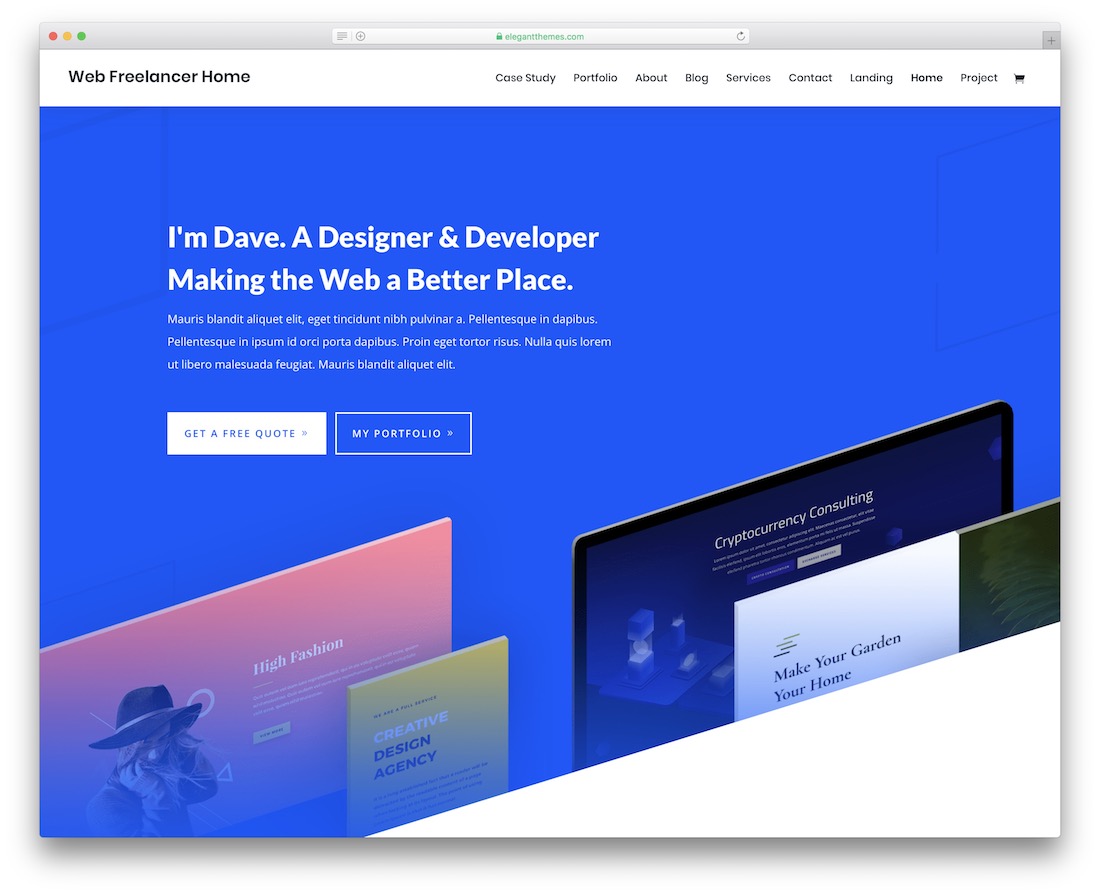
WordPressPremium · Best for: freelancers who want full visual control
Divi’s own drag-and-drop builder turns its predefined freelancer layouts into custom sites without touching code. The multi-concept design ships with the freelancer must-haves predefined, so you start from a working site rather than a blank canvas and reshape any section inline with the builder.
2. Jevelin
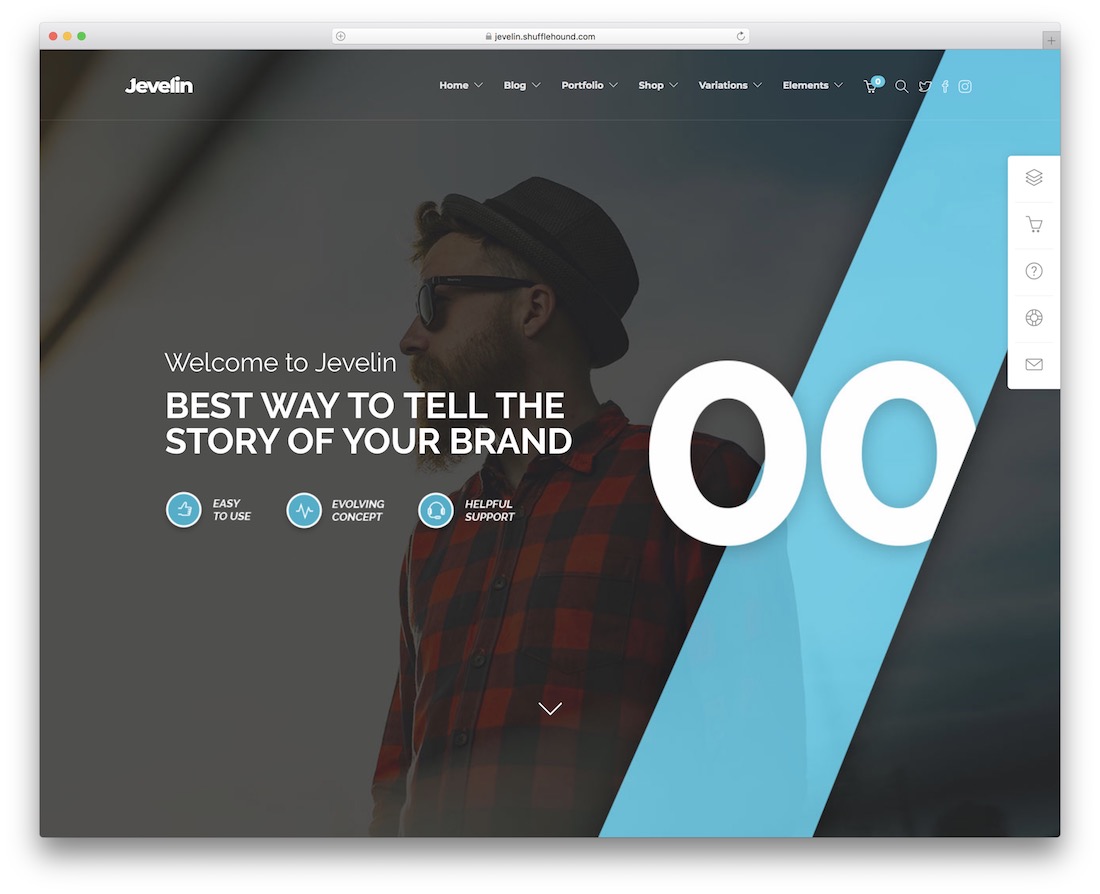
WordPressPremium · Best for: demo-based freelancer sites with WPBakery
Jevelin pairs ready freelancer demos with the WPBakery builder, Revolution Slider, and forty shortcodes. Contact Form 7 handles client inquiries, RTL optimization covers right-to-left languages, and video tutorials walk you through setup — pick a demo, use it as-is, or rework every section in the builder.
3. Bryson
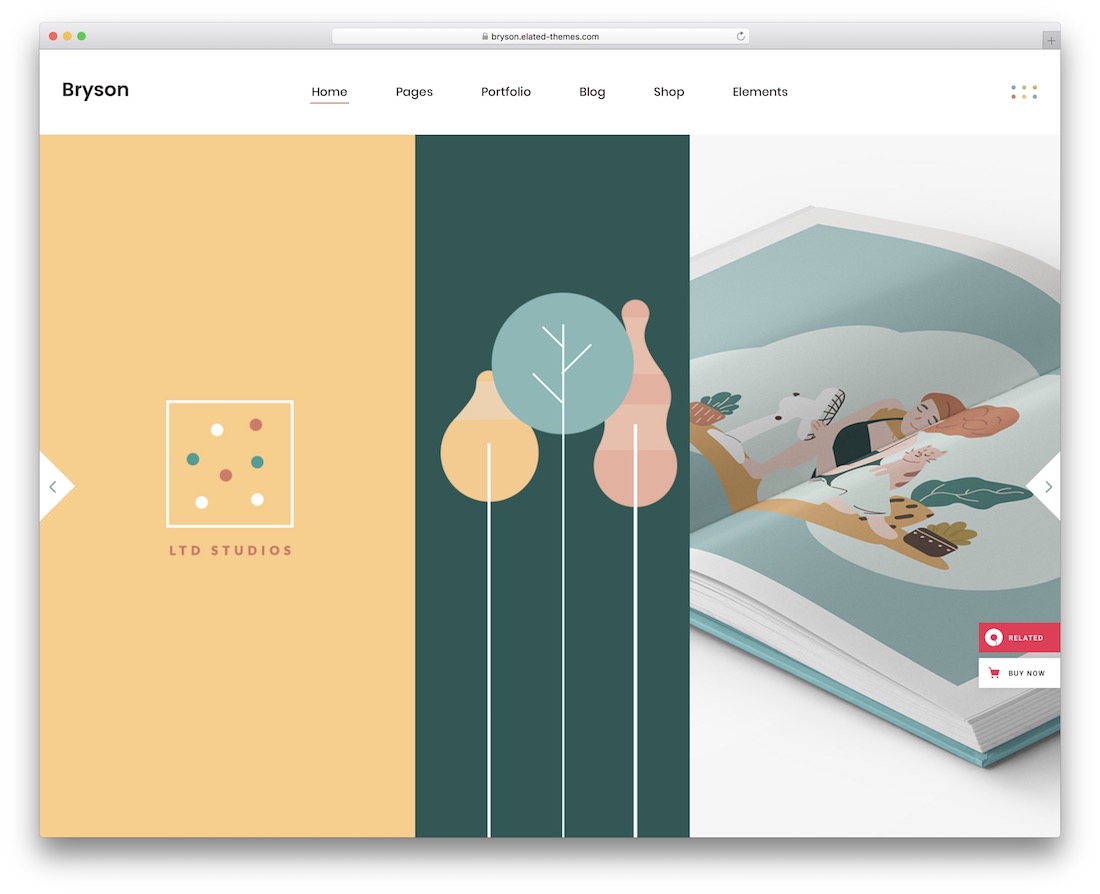
WordPressPremiumDark Mode · Best for: designers and illustrators selling their work
Bryson ships both dark and light modes plus WooCommerce support, so you can sell your designs straight from your portfolio. Its demos lean creative and unconventional, and the WPBakery drag-and-drop builder reworks any of them. Predefined shortcodes, a sticky header, video backgrounds, and social media integration round out the kit.
4. Cvio
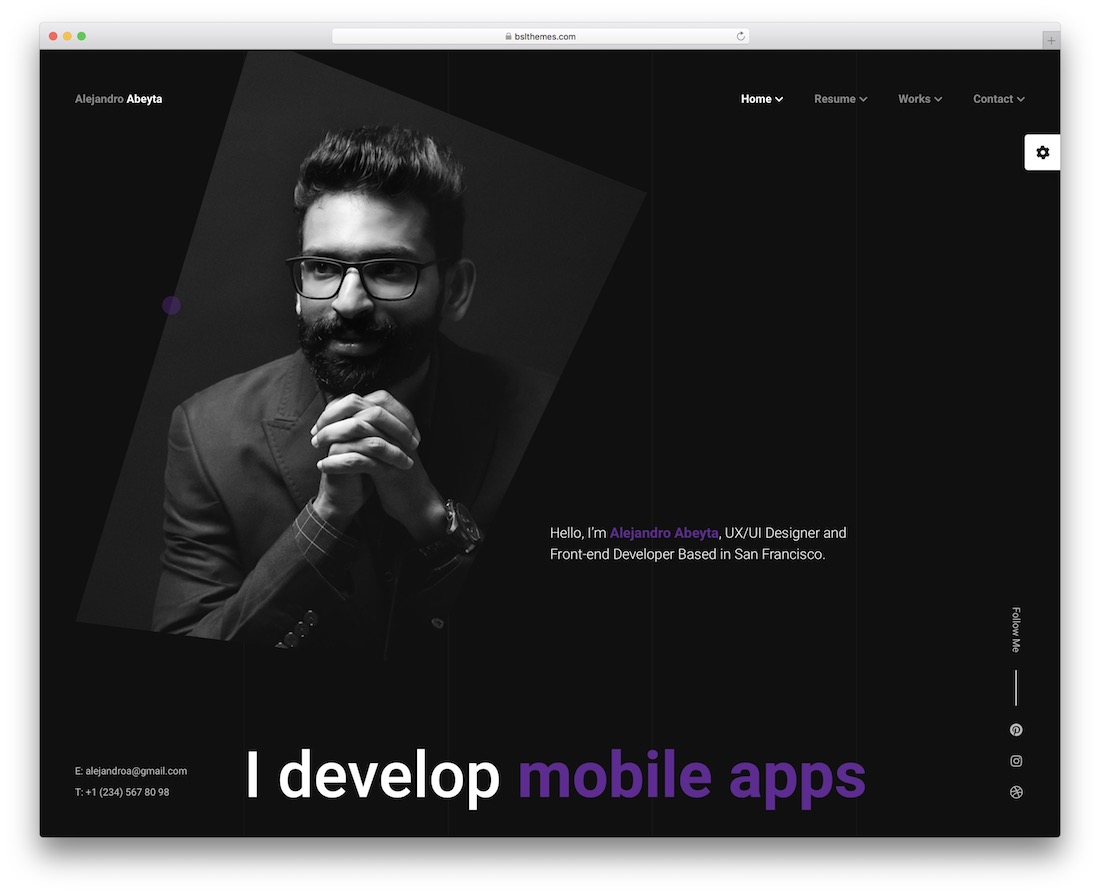
WordPressPremium · Best for: one-page online CV and resume sites
Cvio compresses your whole pitch — work, skills, services — onto a single resume page recruiters can scan without clicking. The ready-to-use layouts are built for fast setup, and the rich dark background keeps the focus on your portfolio pieces.
5. Prorez
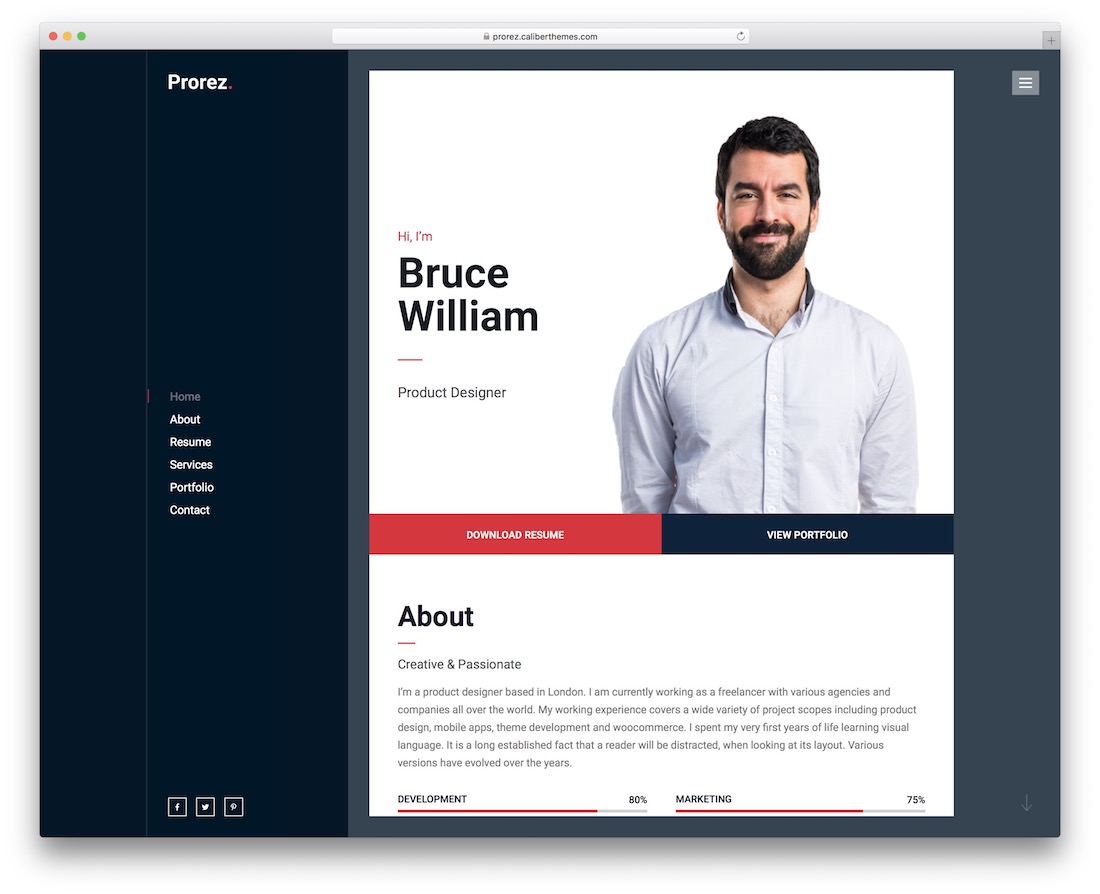
WordPressPremium · Best for: one-page resumes with a built-in portfolio
Prorez fits an entire freelance resume — work samples, services, and skills — into one scrollable page. It displays photography, design, and video work for clients to examine in detail, and the ready-made layouts customize by dragging and dropping elements, so setup is a reorder job rather than a build.
6. Ohio
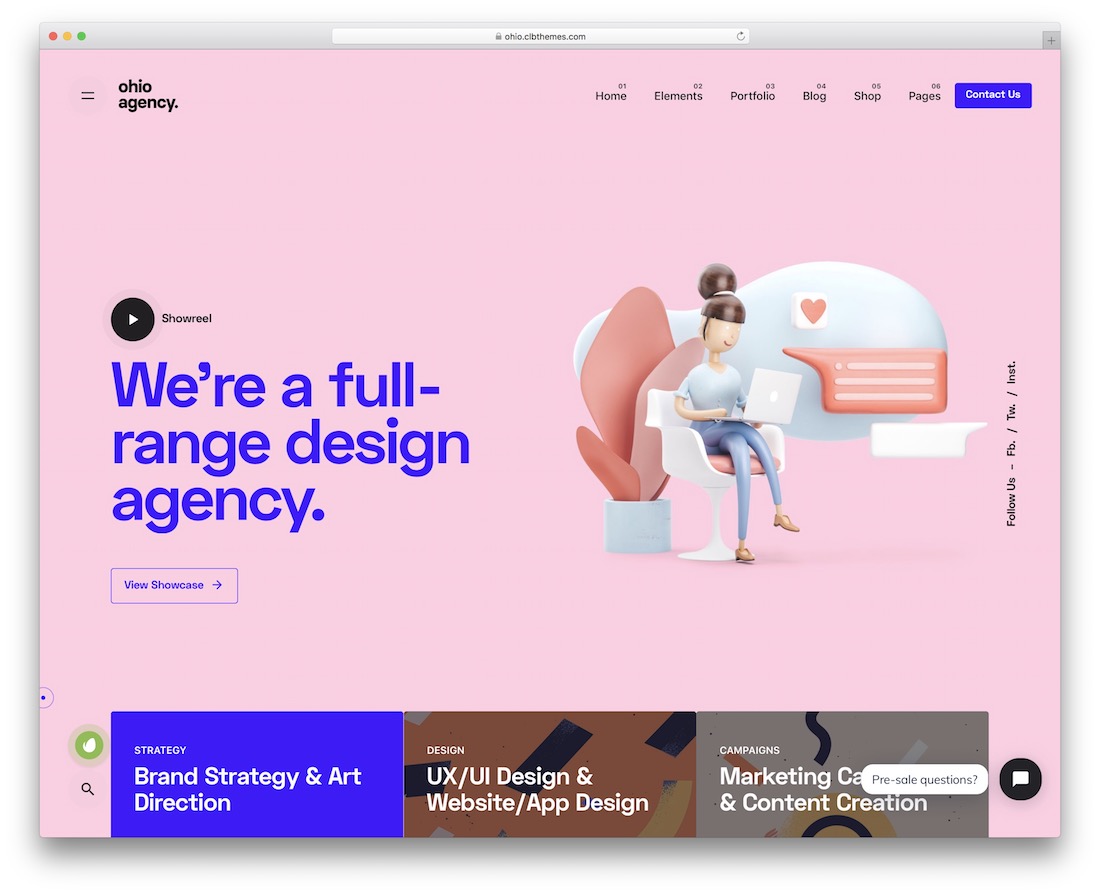
WordPressPremium · Best for: creative portfolios on Elementor or WPBakery
Ohio works with both Elementor and WPBakery, so you pick the page builder instead of the theme picking it for you. Front and internal page layouts come predefined with a clean, creative finish, presenting client work professionally without extra styling passes.
7. Arlo
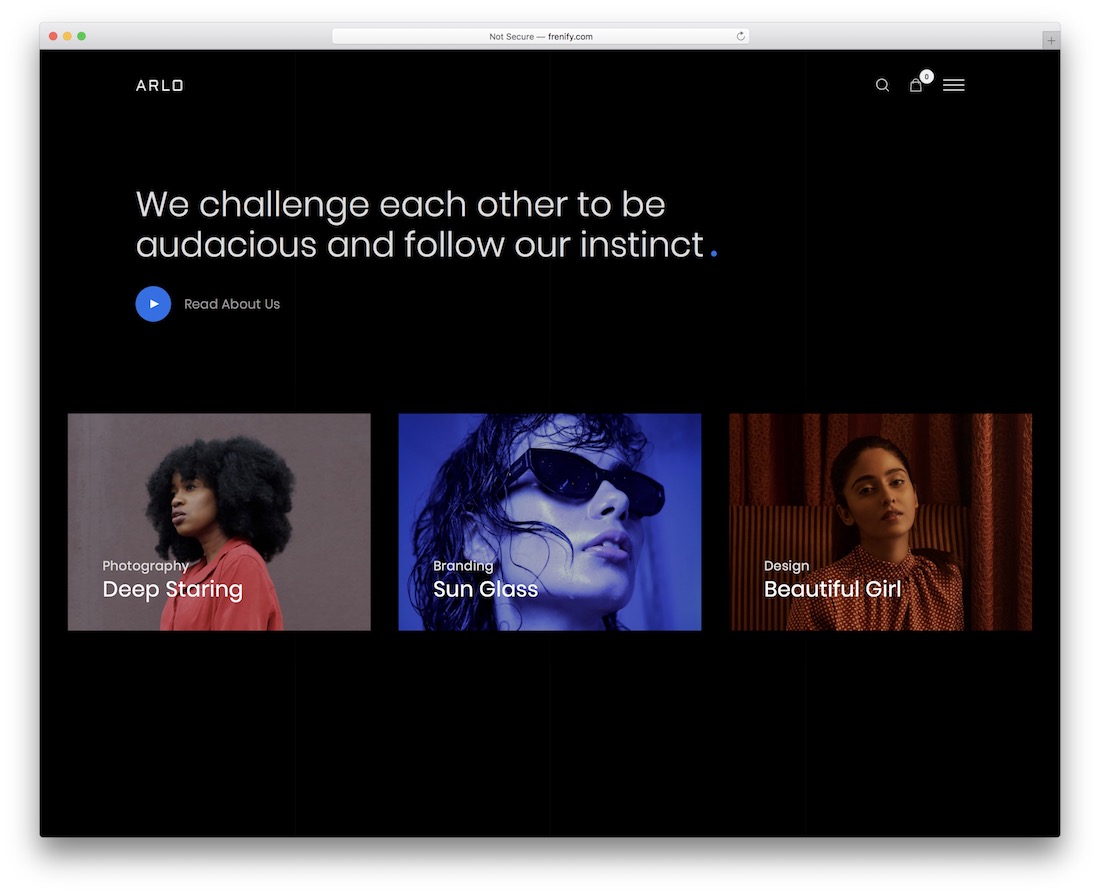
WordPressPremium · Best for: mix-and-match portfolio page assembly
Arlo builds pages by mixing prebuilt layouts, elements, and components rather than starting from a fixed demo. Several navigation options and portfolio layouts, Google Fonts, and a contact form for client inquiries are included, and the well-organized code is there if you want to dig in — though no coding is required.
8. Rouben

WordPressPremiumDark Mode · Best for: minimalist creatives who also sell work
Rouben ships dark and light demos plus five exclusive intro layouts, so the first screen is decided before you install. Different header styles, a pop-up menu, and a blog module run on Elementor, and built-in selling support means the portfolio can double as a storefront.
9. Amike
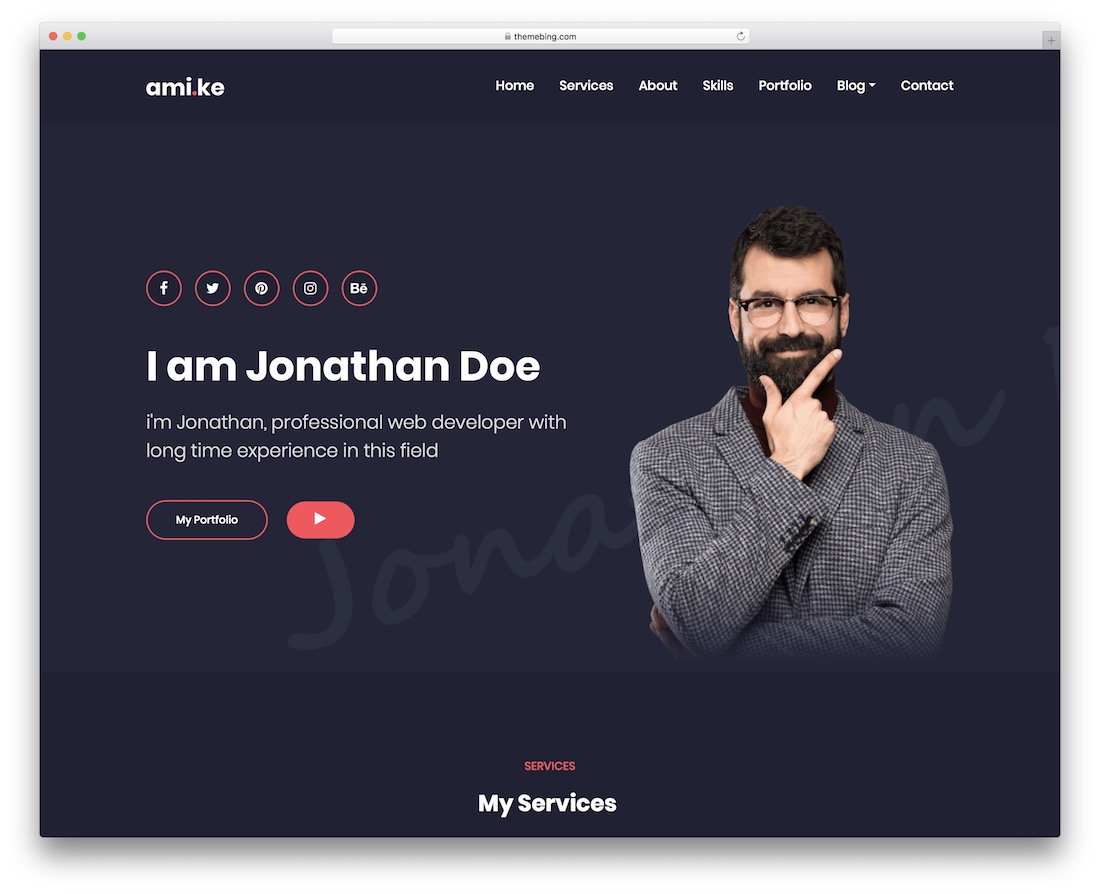
WordPressPremium · Best for: fast Elementor portfolio setup
Amike gets a personal portfolio live in minutes: one-click demo import, then drag-and-drop editing with custom Elementor widgets. Contact Form 7 handles inquiries and demos come in both LTR and RTL versions, covering photographers, designers, marketers, and writers alike.
Best freelancer website templates
Alex Rivera
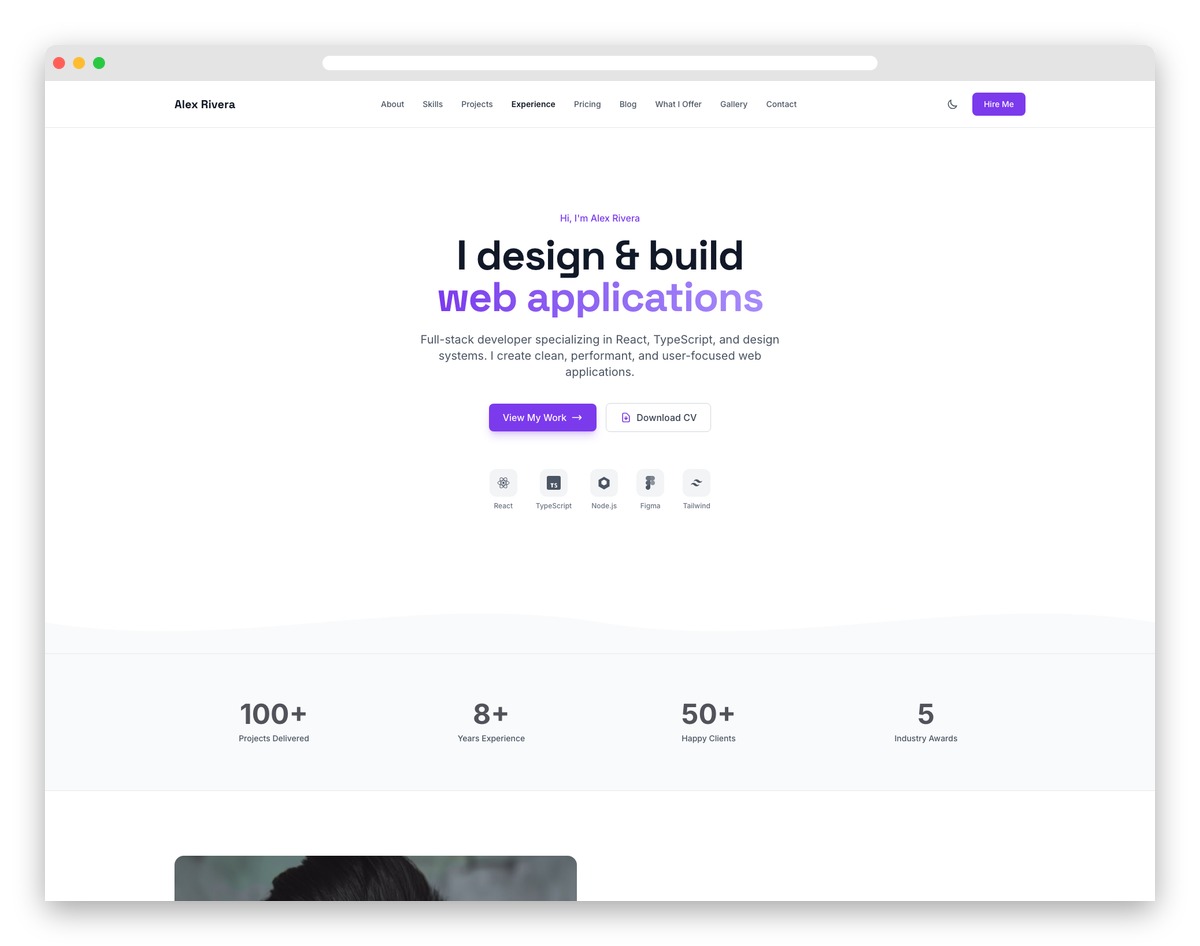
AstroTailwindFreeDark Mode · Best for: freelancers proving skills with case studies
Alex Rivera backs every claim with proof: a filterable project grid, detailed case studies, and visual skill bars hiring managers can scan in minutes. Content lives in YAML and Markdown files — no code edits to update projects — and a dark-mode toggle plus a contact form with project-inquiry fields finish the pitch.
Key features:
- Project portfolio with case studies
- Skills and expertise visualization
- Professional bio and about section
- Client testimonials slider
- Contact form with service inquiry
- Blog for industry insights
10. Brabus
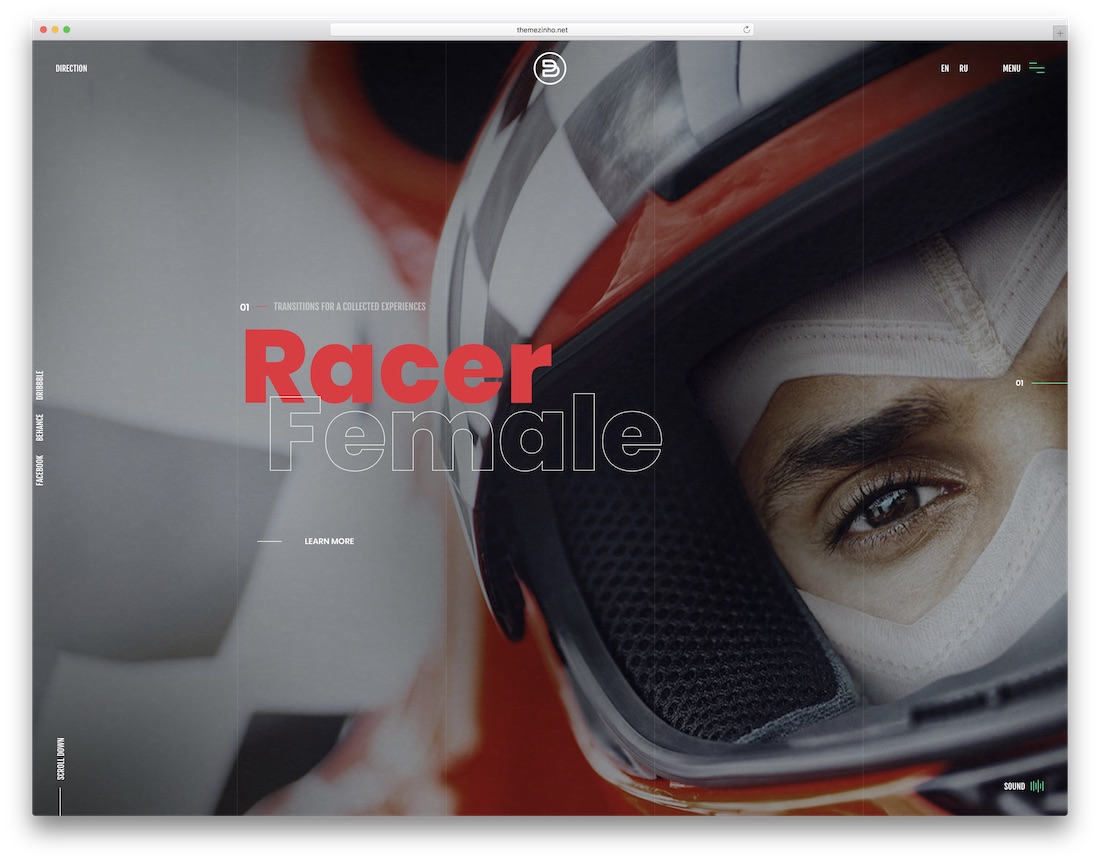
HTMLPremium · Best for: bold agency-style HTML portfolios
Brabus hands you full creative control — colors, fonts, menus, layout styles, and scroll animations are all yours to set. It is a static HTML template with no dashboard or backend, so hosting is simple but content edits happen in the files; if you want a DIY builder instead, see these Squarespace freelancer templates.
11. Verno
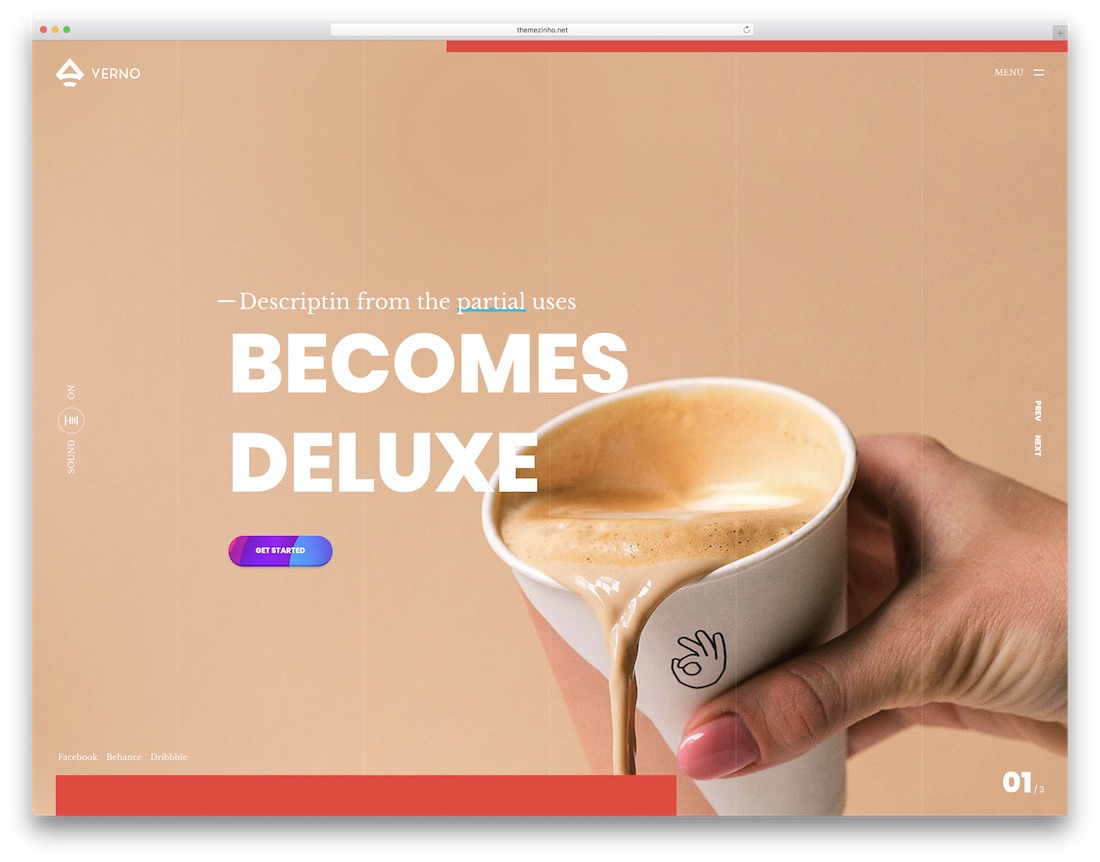
HTMLBootstrapPremium · Best for: creative showcases for freelancers and agencies
Verno’s portfolio grid uses perspective work thumbnails and image fade effects that make a showcase feel dimensional rather than flat. Built on Bootstrap with an Ajax PHP contact form, fullscreen navigation, video backgrounds, an animated preloader, and soft page transitions between views.
12. Kotlis
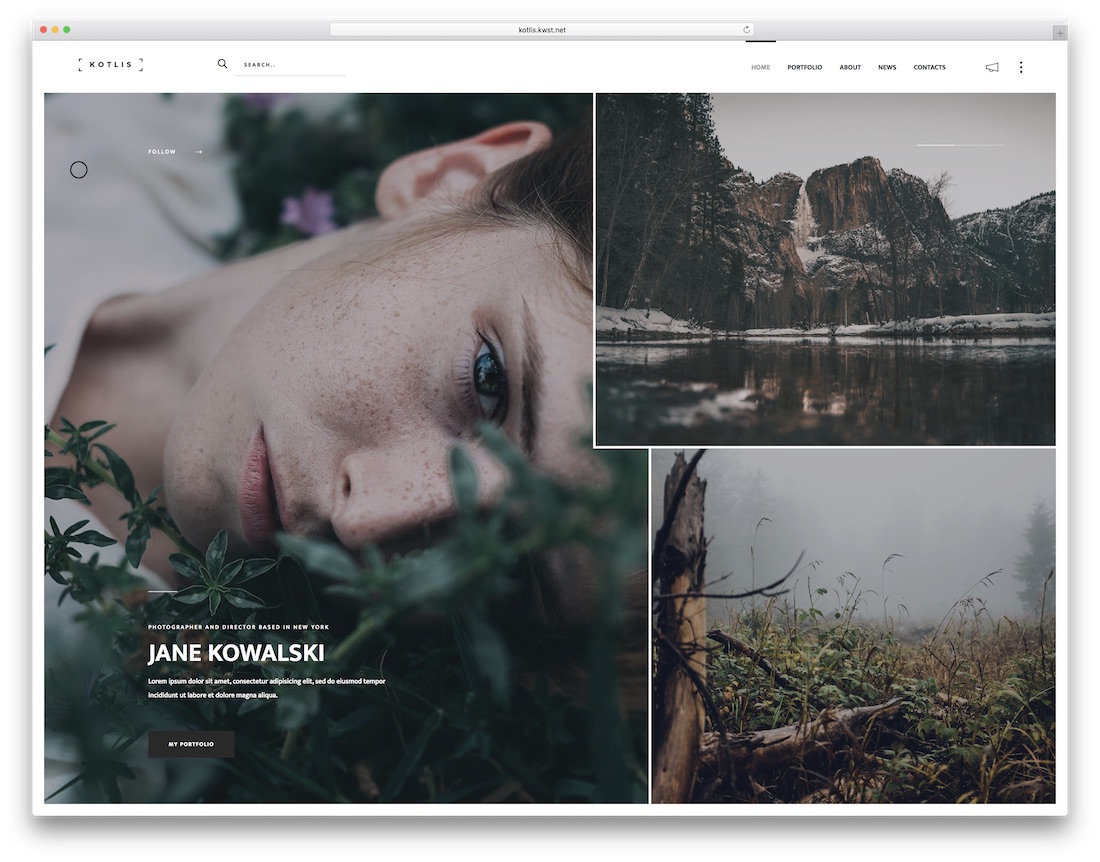
HTMLPremiumDark Mode · Best for: freelance photographers with image-first portfolios
Kotlis is built photography-first: seven home layouts and six portfolio pages designed to let full-screen images carry the message. Dark and light versions ship in the box, along with animations and social feeds for Instagram and Twitter, so the work stays front and center while the site stays connected.
13. Pofo

HTMLPremium · Best for: large multipurpose portfolio builds
Pofo is the volume pick: over 20 home pages and 210 total pages spanning portfolio, blog, and coming-soon layouts. It supports self-hosted, YouTube, and Vimeo video, offers vertical and horizontal menu headers, and is speed- and SEO-optimized with documentation to match the sprawl.
14. Juno
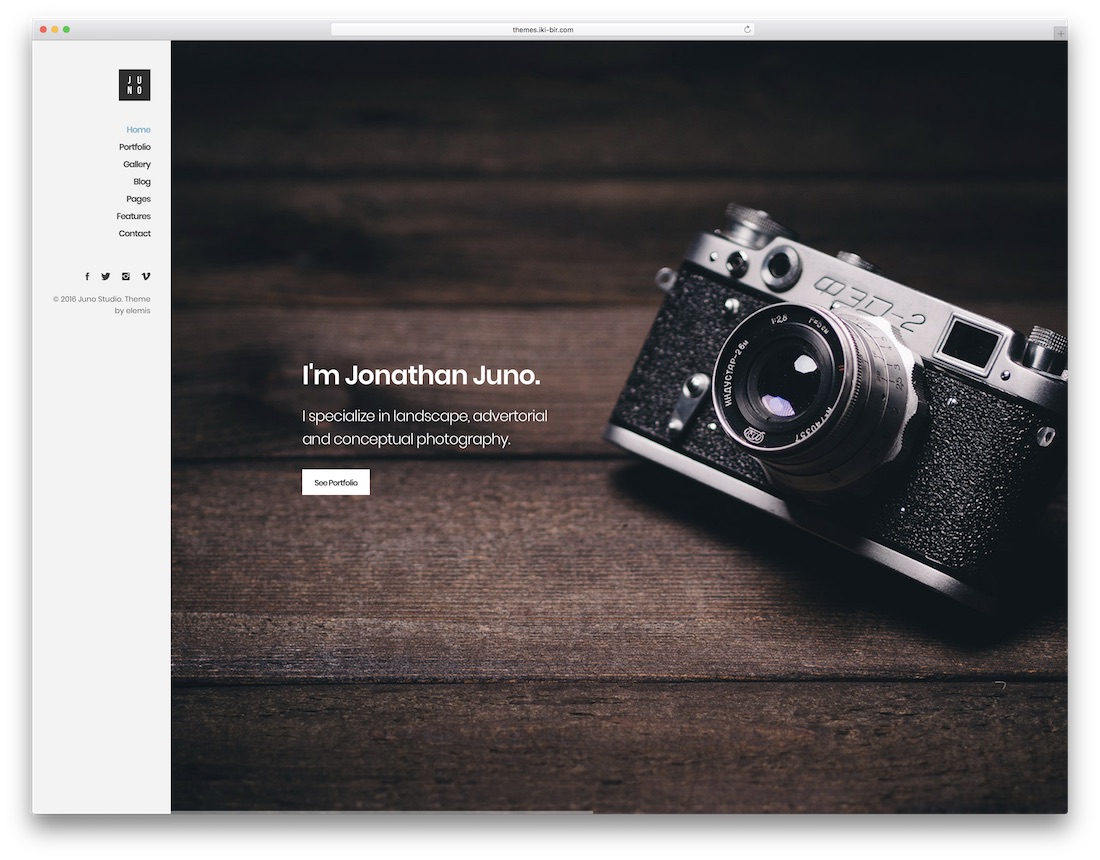
HTMLPremium · Best for: freelance photographers who blog
Juno combines a photography portfolio with a magazine-style blog across twelve demos and eleven color schemes. Most builds need minimal editing — pick the closest demo, swap images, adjust a color scheme — and the clean code keeps deeper customization manageable for a photographer who publishes regularly.
15. Unique
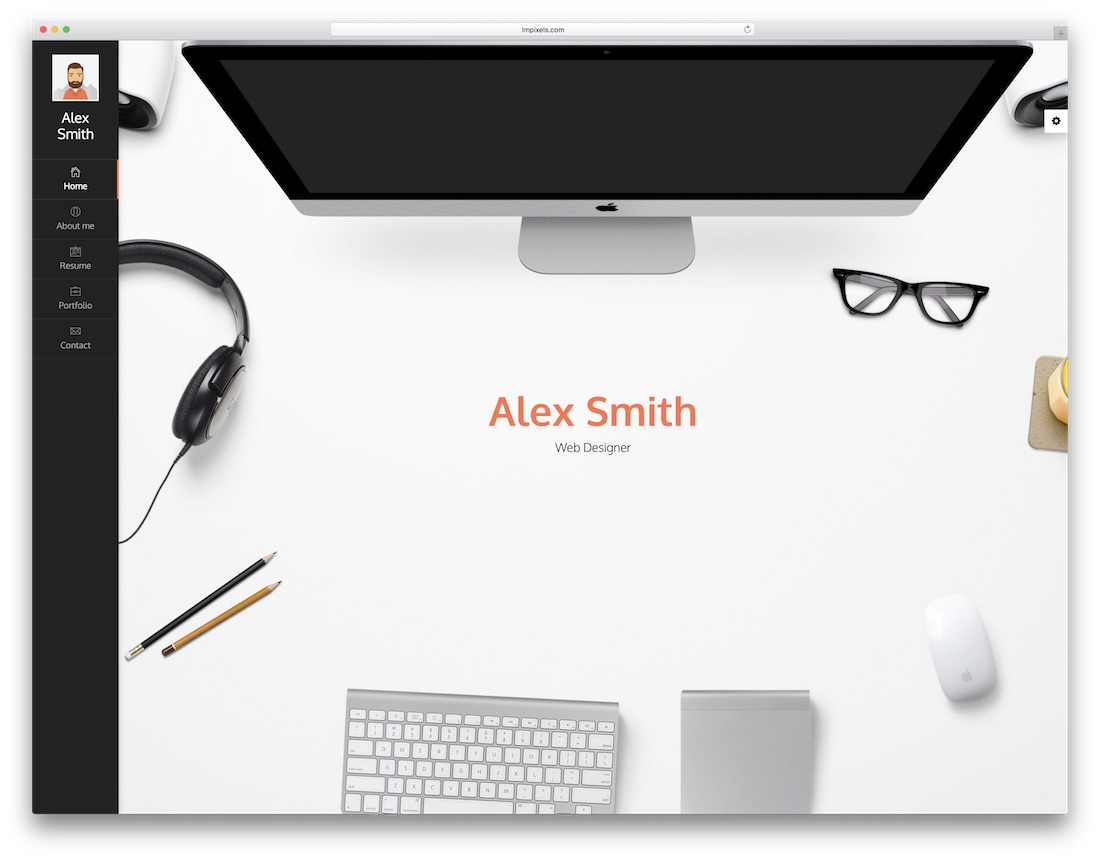
HTMLBootstrapPremiumDark Mode · Best for: vCard-style resume and portfolio sites
Unique moves its navigation top, bottom, or left and ships dark and light layouts with twelve color presets — real structural variety, not recolors. The Bootstrap-based resume website template supports video, image, and audio portfolio pieces and includes an RTL version.
16. Crea;tink
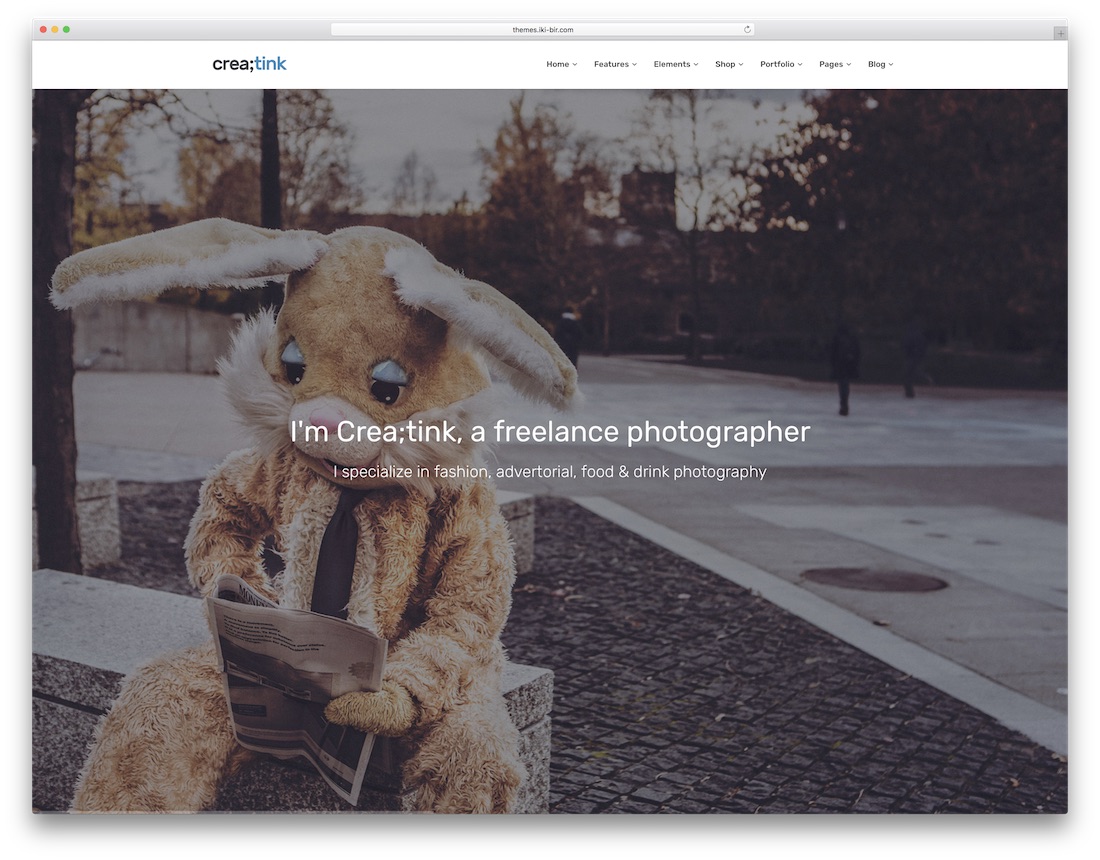
HTMLPremium · Best for: choosing from dozens of ready demos
Crea;tink packs 40+ demos — creative, photography, personal, portfolio — into one multi-concept HTML template. Four premium extras come free: Slider Revolution, a vanilla contact form, the Slim icon set, and flat concept graphics, so any freelancer can design a website as artistic or as basic as the job demands.
Frequently Asked Questions
What converts best on a freelancer website?
A specific headline (who you help, with what), proof (portfolio pieces with outcomes), and one clear contact CTA. Every template here is structured around that spine — resist adding more.
Should freelancers show pricing?
Ranges or starting-at prices filter out mismatched leads and save calls. All these templates include pricing sections; if you price per project, use the section for engagement models instead.
Portfolio or services first?
Lead with whichever your clients buy — designers get hired from portfolios, consultants from service clarity. The entries split both ways and the descriptions note each template’s emphasis.
Do I need a blog on a freelance site?
Only for SEO plays you’ll sustain. Case studies convert better per hour of writing — the portfolio detail layouts in these templates are built for exactly that format.

Related Posts
Comments (0)