

42 Free Under Construction & Coming Soon Templates 2026
Free under construction templates give you a proper holding page while a site is being built or fixed, with a launch date, a signup form and a way to reach you. This list has 42 of them: free coming soon and maintenance pages, plus a Squarespace template and a few premium WordPress themes.
Ten coming soon pages we built in 2026 open the list, with a classic countdown over a photo, flip-style digits, a construction-progress page with a phase checklist, a waitlist with a referral link, a café opening page and a conference save-the-date that adds itself to a calendar. Below them are 23 earlier Colorlib templates, the free Colorlib Coming Soon & Maintenance Mode plugin for WordPress, the Archer template for Squarespace and seven premium WordPress themes.
All 33 Colorlib templates are free downloads with live demos, in plain HTML and CSS with a few lines of vanilla JavaScript only where a page has a countdown, slideshow or form. They load no jQuery or Bootstrap files and work on their own or inside Bootstrap 4, 5 and 6 projects.
Table of contents — all 42 templates
- Coming Soon Page V01
- Coming Soon Page V02
- Coming Soon Page V03
- Coming Soon Page V04
- Coming Soon Page V05
- Coming Soon Page V06
- Coming Soon Page V07
- Coming Soon Page V08
- Coming Soon Page V09
- Coming Soon Page V10
- Archer (Squarespace)
- Colorlib Coming Soon & Maintenance Mode (WordPress plugin)
- Coming Soon Template by Colorlib V01
- Coming Soon Template by Colorlib V02
- Coming Soon Template by Colorlib V03
- Coming Soon Template by Colorlib V04
- Coming Soon Template by Colorlib V05
- Coming Soon Template by Colorlib V06
- Coming Soon Template by Colorlib V07
- Coming Soon Template by Colorlib V08
- Coming Soon Template by Colorlib V09
- Coming Soon Template by Colorlib V10
- Coming Soon Template by Colorlib V11
- Coming Soon Template by Colorlib V12
- Coming Soon Template by Colorlib V13
- Coming Soon Template by Colorlib V14
- Coming Soon Template by Colorlib V15
- Coming Soon Template by Colorlib V16
- Coming Soon Template by Colorlib V17
- Coming Soon Template by Colorlib V18
- Coming Soon Template by Colorlib V19
- Coming Soon Template by Colorlib V20
- Coming Soon Template by Colorlib V21
- Coming Soon Template by Colorlib V22
- Coming Soon Template by Colorlib V23
- Divi
- Jevelin
- Somo
- Berserk
- Holleta
- Ottro
- Facmaster
If you run WordPress, the Colorlib plugin and the themes near the end of the list give you a holding page without editing code. Tips on what a good coming soon page needs follow the list.
New for 2026: Free Colorlib Coming Soon Page Templates
Ten coming soon and under construction pages we designed and built in 2026, with countdowns that always point to a future date, email signups, a waitlist with a queue position, a build-progress checklist and a save-the-date with a calendar download. Each is a free download with a live demo.
Coming Soon Page V01: Classic centred countdown with email signup over a photo
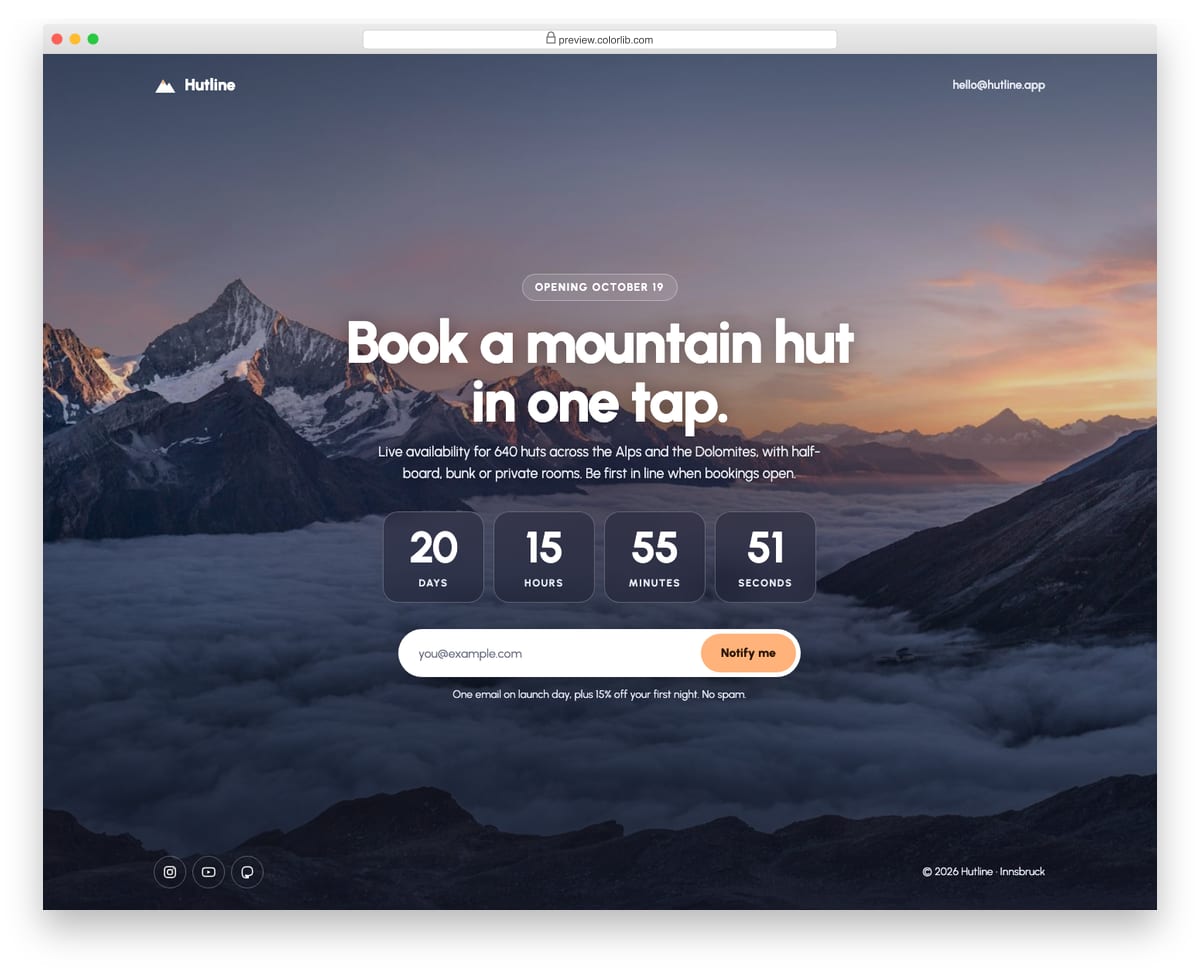
A full-screen coming soon page for a mountain-hut booking app, with a landscape photo, a darkening overlay and everything centred. It shows the launch date, headline, four frosted countdown tiles and a pill-shaped email form with a success message. The countdown targets a date 21 days from today by default, or a fixed date set in a data attribute.
Best for: app and product launches, travel and outdoor brands. Plain HTML and CSS with a few lines of vanilla JavaScript, a 360 KB download, and it works on its own or inside a Bootstrap 4, 5 or 6 project.
Coming Soon Page V02: Split product teaser with photo, launch countdown and feature list
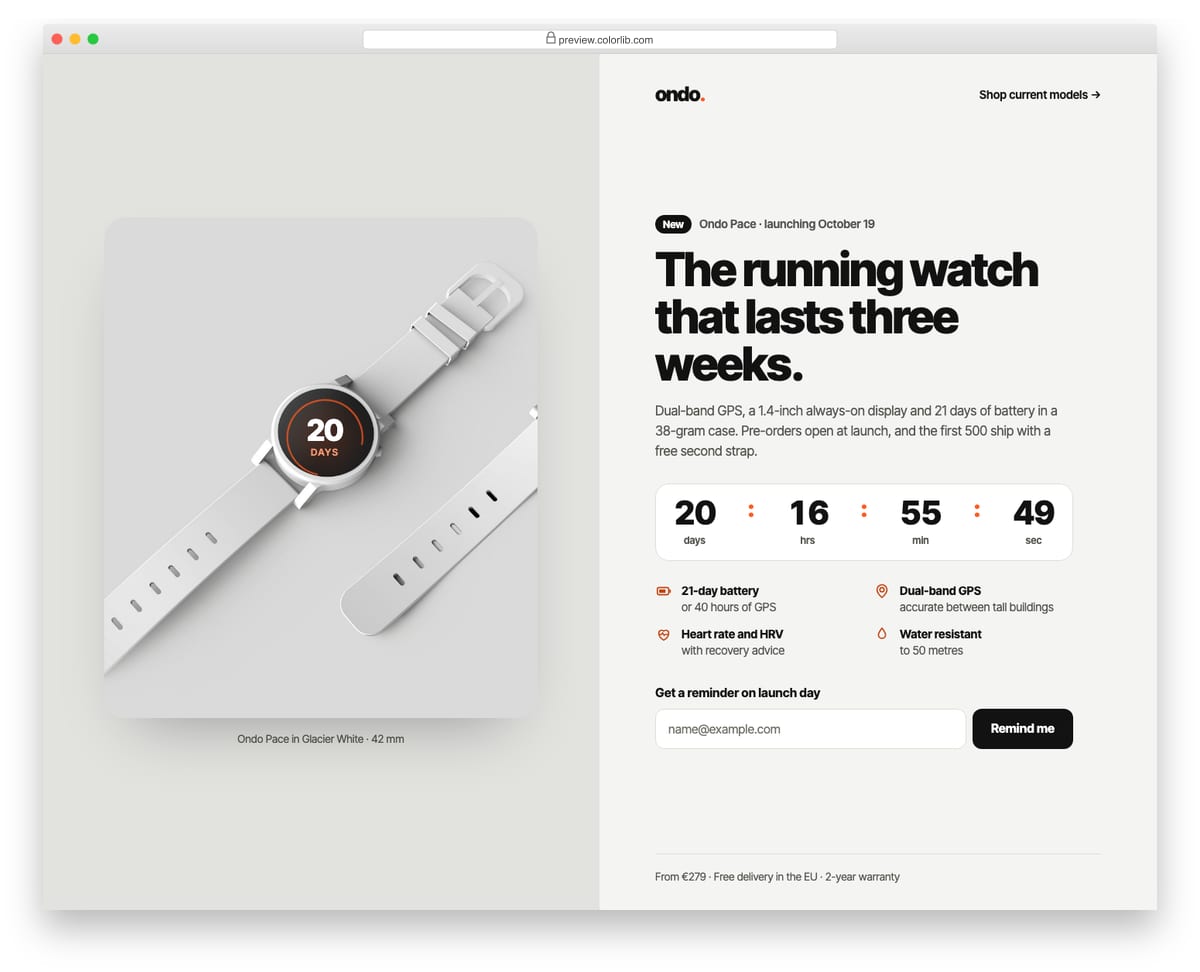
A split-screen launch page for a new sports watch, with the product photo on one side and the pitch on the other. The watch face in the photo shows the days left, and the content side carries the headline, a compact countdown, four feature bullets with icons and a launch-day reminder form. The countdown targets 10:00 local time 21 days from today, or a fixed date from a data attribute.
Best for: hardware, gadget and single-product launches. Plain HTML and CSS with a few lines of vanilla JavaScript, a 703 KB download, and it works on its own or inside a Bootstrap 4, 5 or 6 project.
Coming Soon Page V03: Minimal typographic "Launching soon" with a large animated gradient word
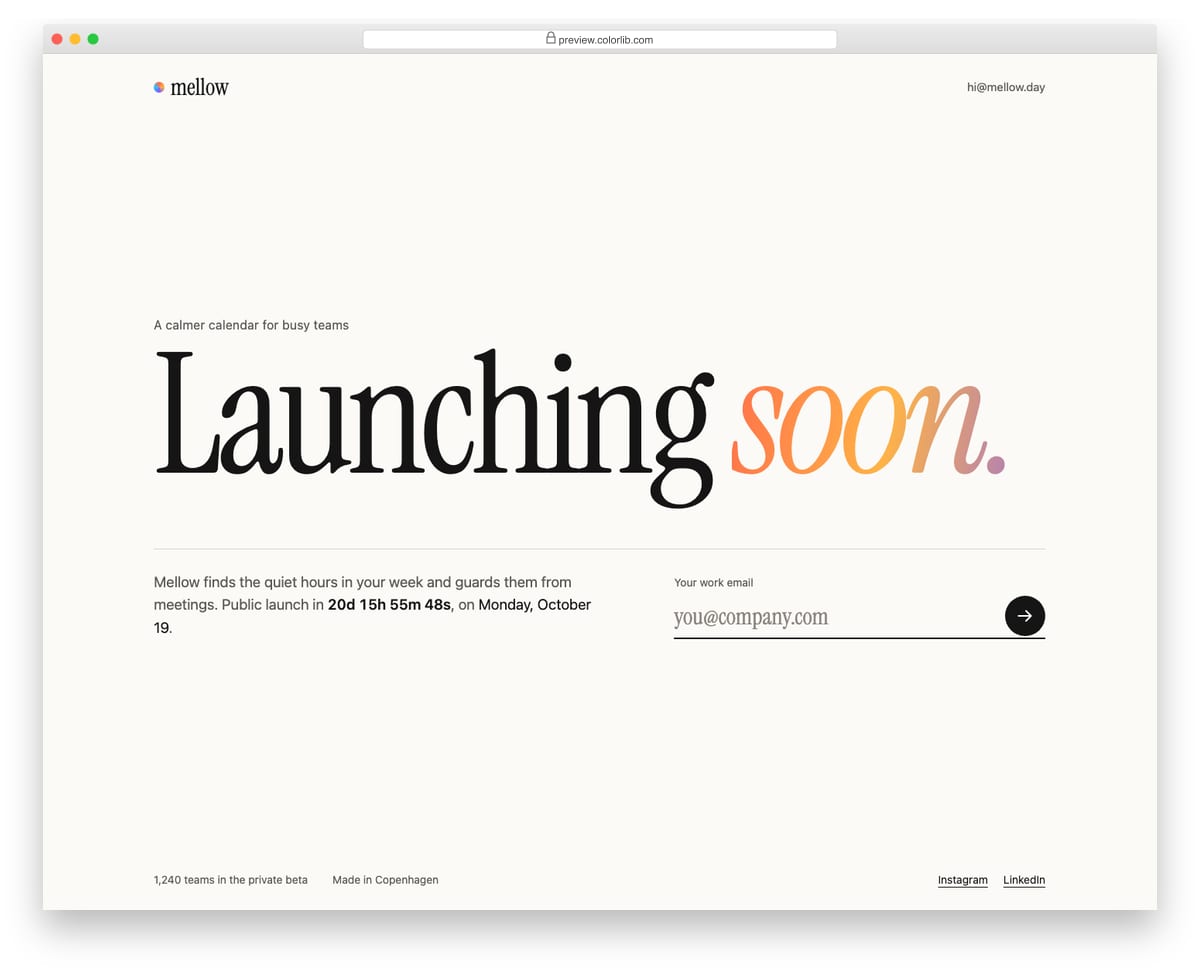
A minimal launch page for a calendar app built almost entirely from type: an oversized serif "Launching soon." whose last word is filled with a slowly shifting gradient. Under a thin rule sit one sentence with an inline countdown and the launch date, and an underlined email field with a round arrow button. The gradient holds still for visitors who prefer reduced motion.
Best for: startups, apps and personal projects that want a quiet, confident teaser. Plain HTML and CSS with a few lines of vanilla JavaScript, a 54 KB download, and it works on its own or inside a Bootstrap 4, 5 or 6 project.
Coming Soon Page V04: Dark launch page with flip-style countdown digits
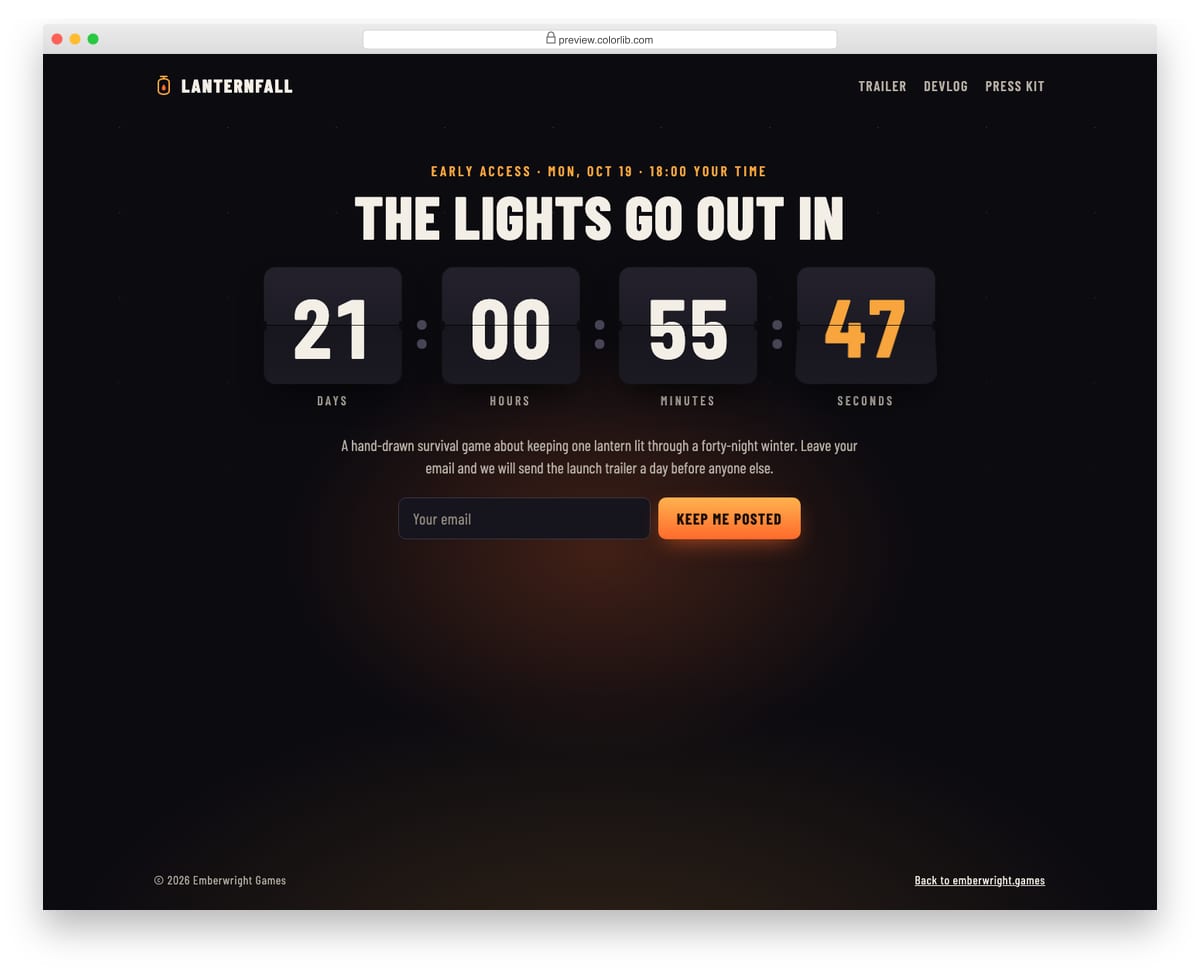
A dark early-access page for an indie game, lit by a warm lantern glow, with a big split-flap countdown in the middle. Each digit card flips down when its value changes, built from four half-cards and two CSS keyframes, with no library. Below the countdown are a short pitch and an email form for the launch trailer, and the flips are replaced by instant changes when reduced motion is preferred.
Best for: game, album, film and product launches that want drama. Plain HTML and CSS with a few lines of vanilla JavaScript, a 128 KB download, and it works on its own or inside a Bootstrap 4, 5 or 6 project.
Coming Soon Page V05: App launch page with a phone mock and a Get notified form
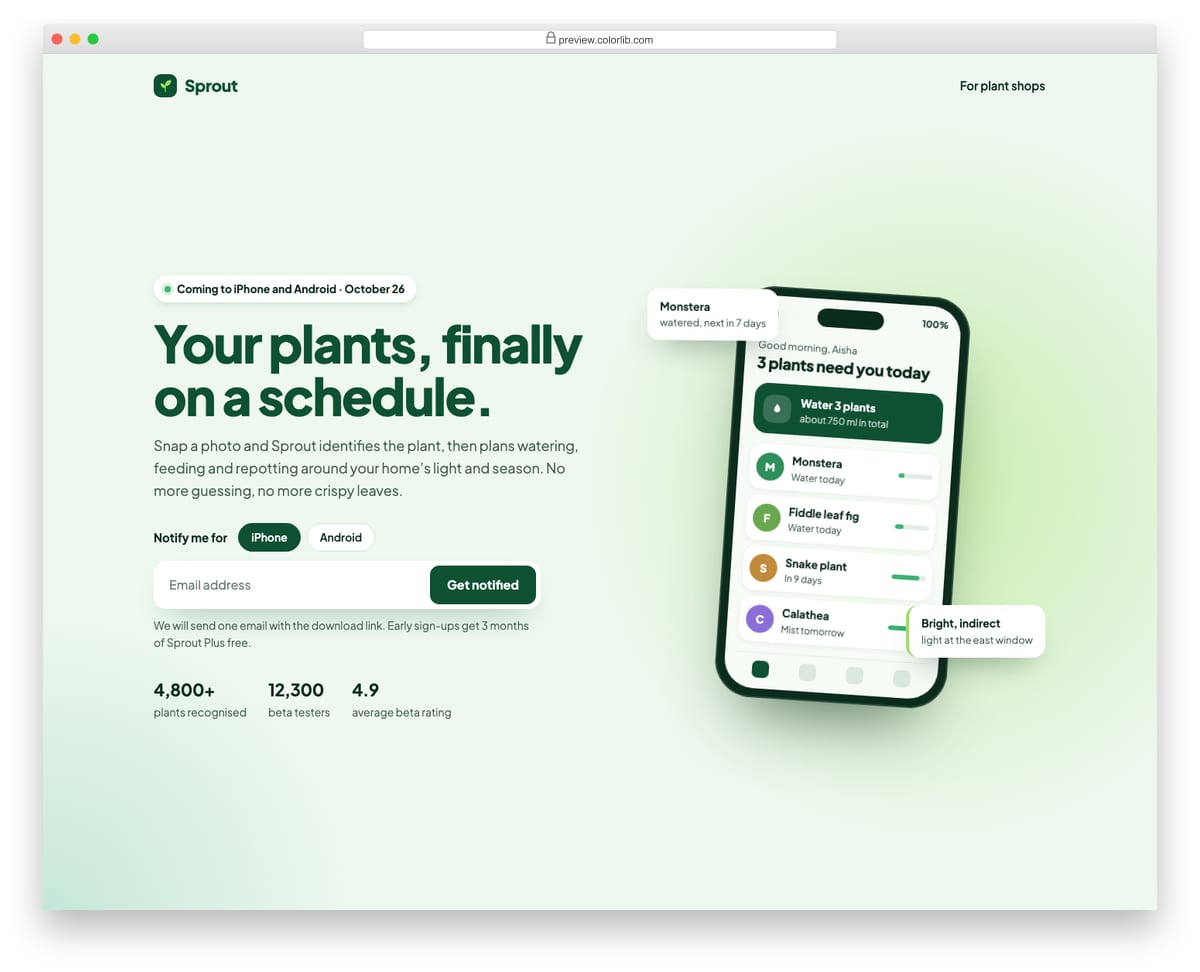
A pre-launch page for a plant-care mobile app, with the pitch on the left and a phone mock drawn in HTML and CSS on the right, showing the app's home screen and two floating notification cards. The Get notified form asks which platform the visitor uses and for an email address, validates it natively and confirms which download link will be sent. The launch date is computed from a data attribute and a row of beta stats sits underneath.
Best for: mobile app launches, beta waitlists and product pre-launch pages. Plain HTML and CSS with a few lines of vanilla JavaScript, a 250 KB download, and it works on its own or inside a Bootstrap 4, 5 or 6 project.
Coming Soon Page V06: Under construction page with a construction-progress bar and phase checklist
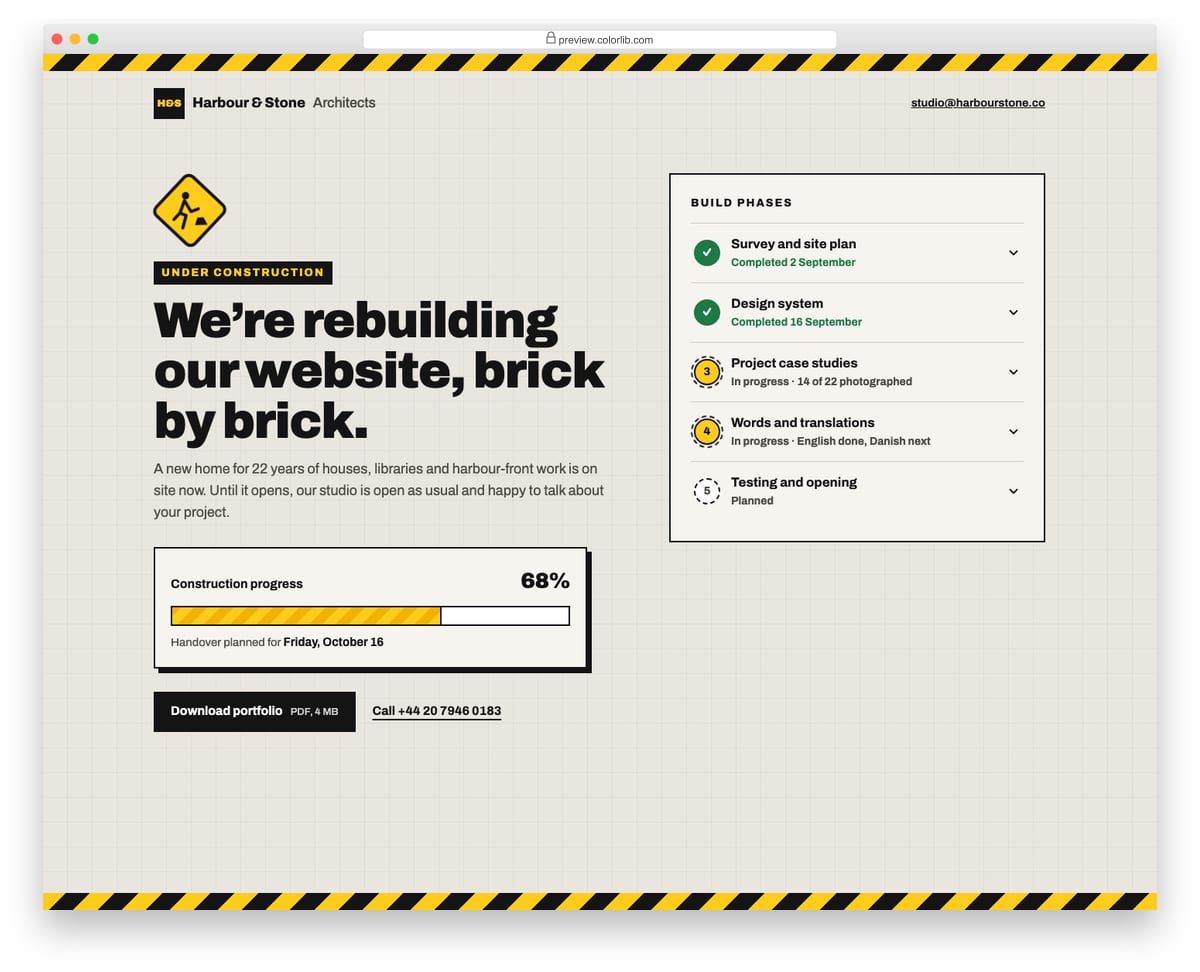
An under construction page for an architecture studio, with hazard-tape borders, a swaying road sign and a blueprint grid behind the content. A striped progress bar shows how much of the new site is built, with the handover date computed from a data attribute. The five build phases are marked done, in progress or planned, and each one opens to show details.
Best for: studios, agencies and small businesses rebuilding their website. Plain HTML and CSS with a few lines of vanilla JavaScript, a 407 KB download, and it works on its own or inside a Bootstrap 4, 5 or 6 project.
Coming Soon Page V07: Café opening soon page with opening date, notify form and a drawn map
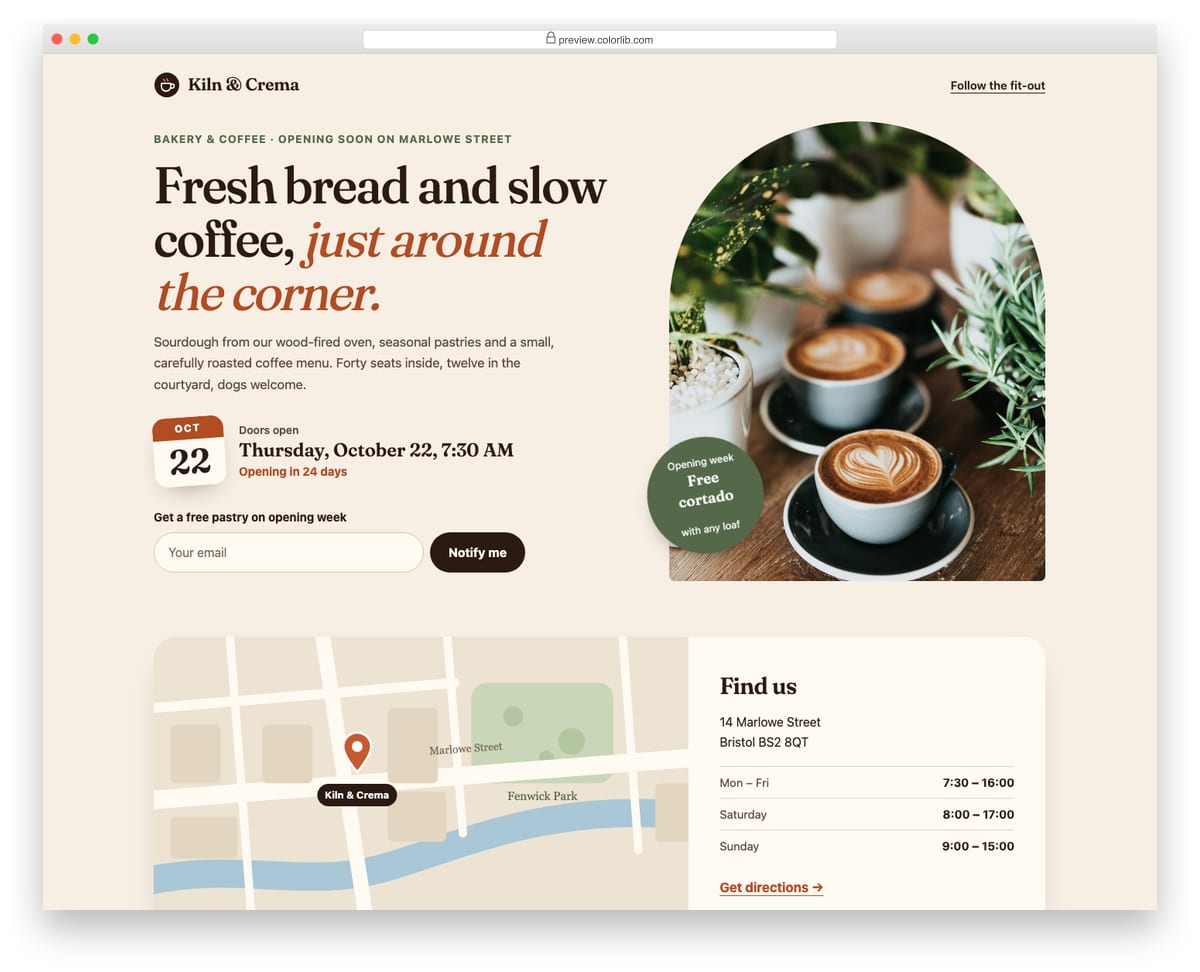
An opening-soon page for a neighbourhood bakery and coffee shop, with an arched photo, a tilted calendar card and a relative "Opening in 24 days" line that updates itself. Visitors can leave an email for an opening-week pastry voucher. Below, a Find us panel pairs a street map drawn in inline SVG, with a bouncing pin, with the address and opening hours, so no external map service is needed.
Best for: cafés, restaurants, shops and other local businesses about to open. Plain HTML and CSS with a few lines of vanilla JavaScript, a 641 KB download, and it works on its own or inside a Bootstrap 4, 5 or 6 project.
Coming Soon Page V08: Waitlist page with queue position after signup and a referral link
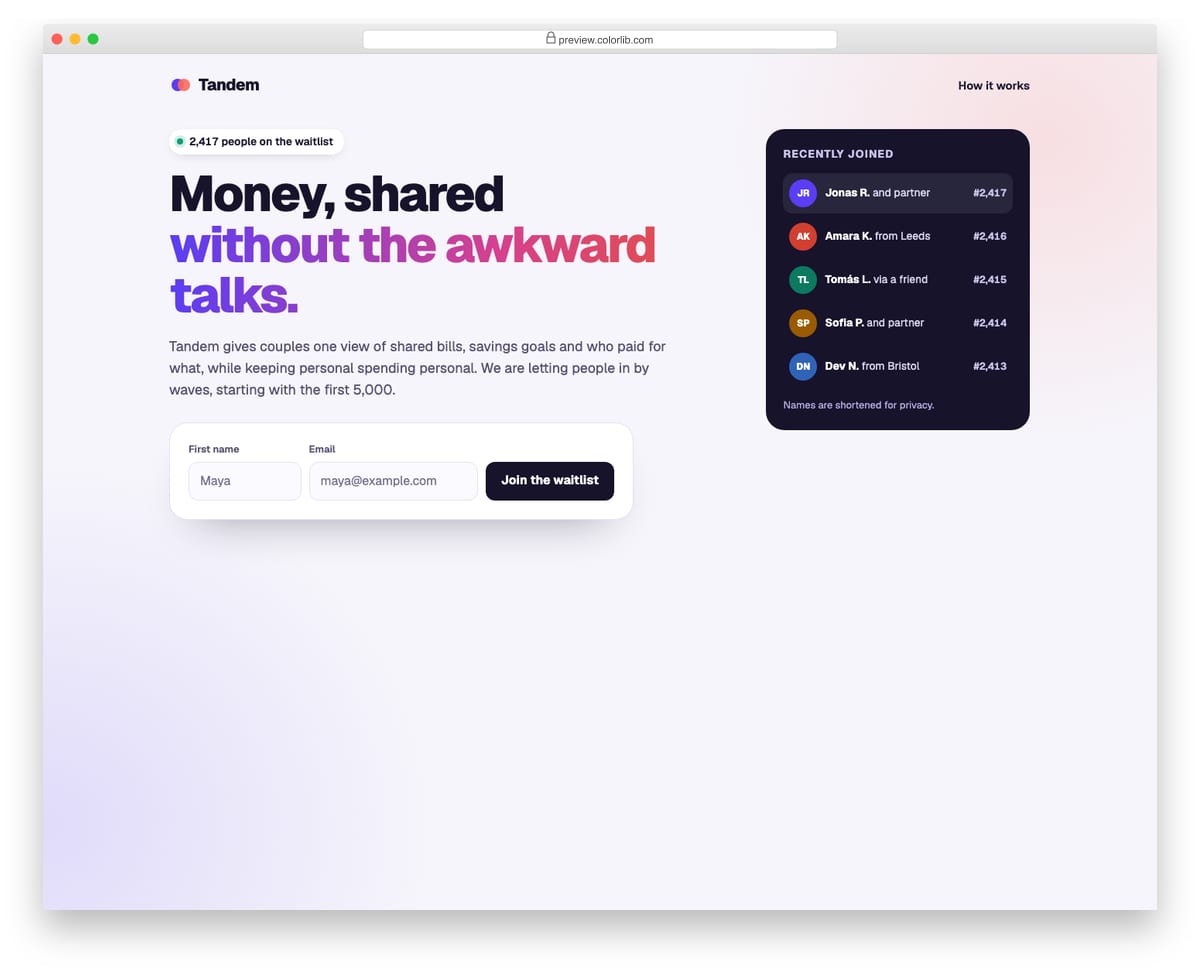
A pre-launch waitlist for a couples' budgeting app, with the pitch and a short name-and-email form beside a feed of people who recently joined. After signing up, the visitor sees their place in line count up, how far it is from the first invite wave, and a personal referral link with a Copy button plus email and text-message share links. The position is simulated from a data attribute, ready to be replaced by a real API response.
Best for: product waitlists, beta sign-ups and invite-only launches. Plain HTML and CSS with a few lines of vanilla JavaScript, a 235 KB download, and it works on its own or inside a Bootstrap 4, 5 or 6 project.
Coming Soon Page V09: Conference save-the-date with countdown and add-to-calendar (.ics download)
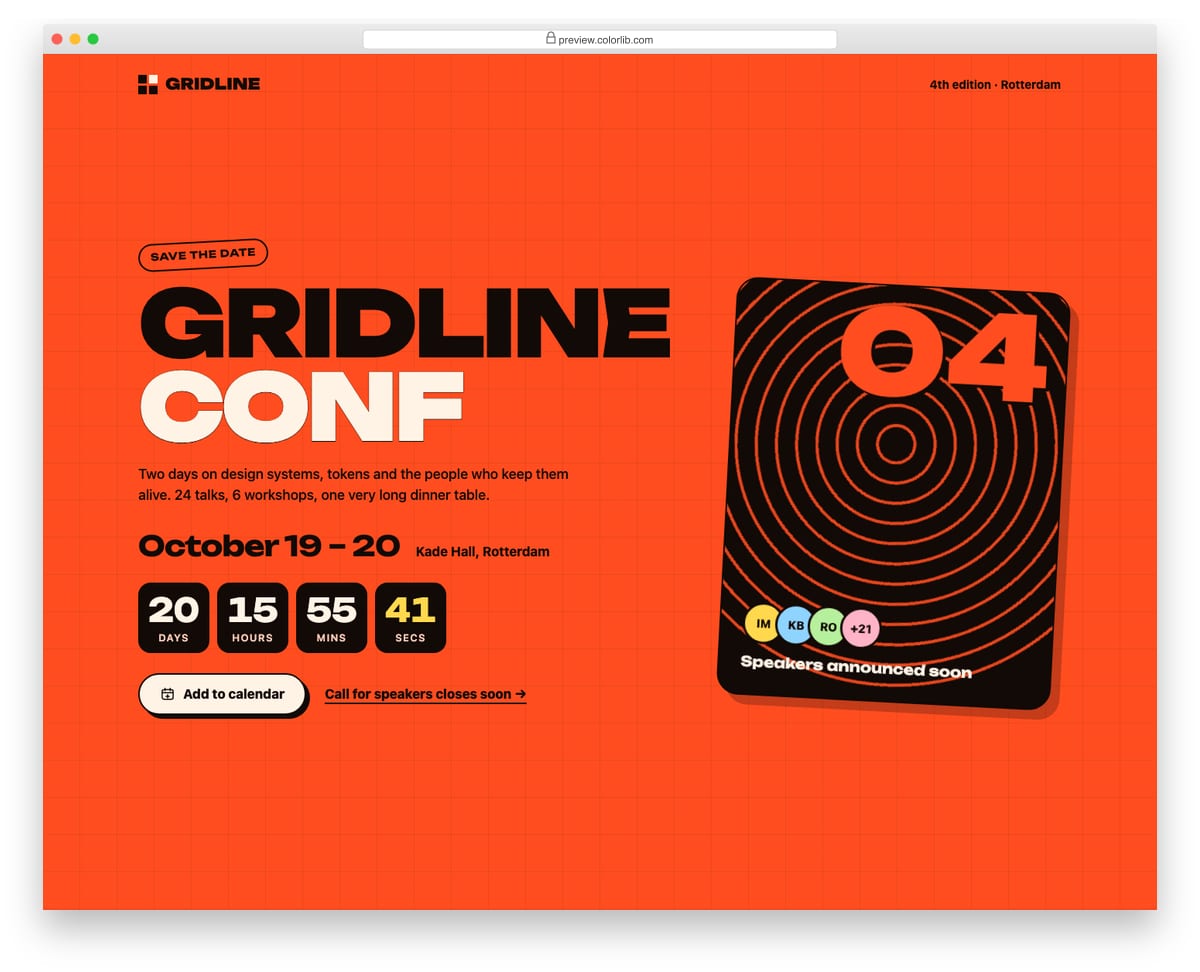
A loud, poster-style save-the-date page for a design systems conference, with oversized display type, the event dates and venue, and a four-box countdown to the opening keynote. The Add to calendar button builds a standards-compliant .ics file in the browser, with location, description and a reminder the day before, and downloads it. A tilted poster card with rotating rings and speaker avatars completes the layout.
Best for: conferences, meetups, festivals and launch events. Plain HTML and CSS with a few lines of vanilla JavaScript, a 493 KB download, and it works on its own or inside a Bootstrap 4, 5 or 6 project.
Coming Soon Page V10: Illustrated, playful coming soon page with an SVG scene and social links
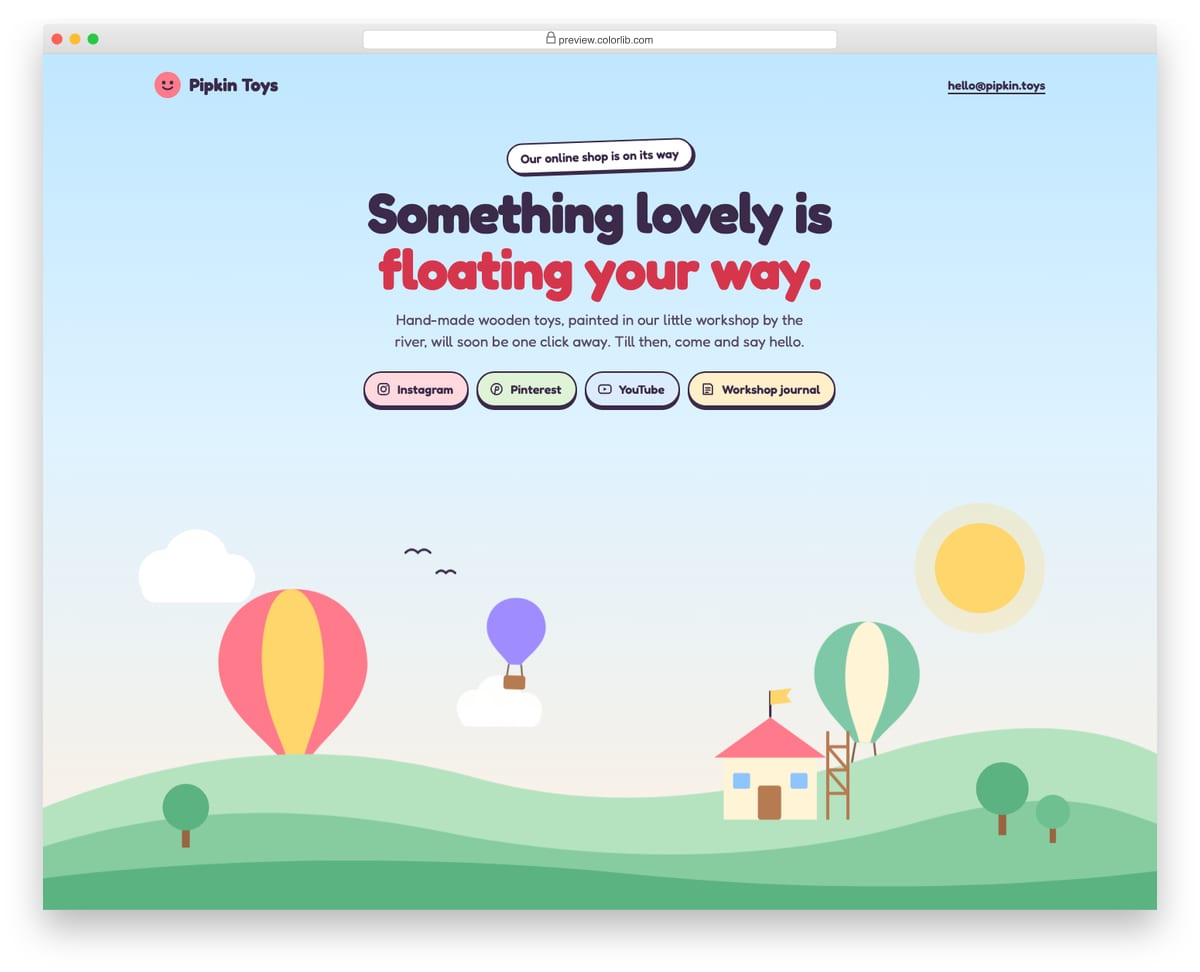
A cheerful coming soon page for a small wooden-toy shop, with a pastel sky, drifting clouds, three hot-air balloons and a toy shop being built on the hills, all drawn in one inline SVG. Above the scene sit the headline, a short note and chunky social-link pills, with the shop's email in the header. It needs no JavaScript, and every animation stops for visitors who prefer reduced motion.
Best for: kids' brands, craft shops, bakeries and friendly local businesses. Plain HTML and CSS, no JavaScript, a 142 KB download, and it works on its own or inside a Bootstrap 4, 5 or 6 project.
More Coming Soon and Under Construction Templates
Archer
Squarespace · Best for: coming-soon pages that collect signups
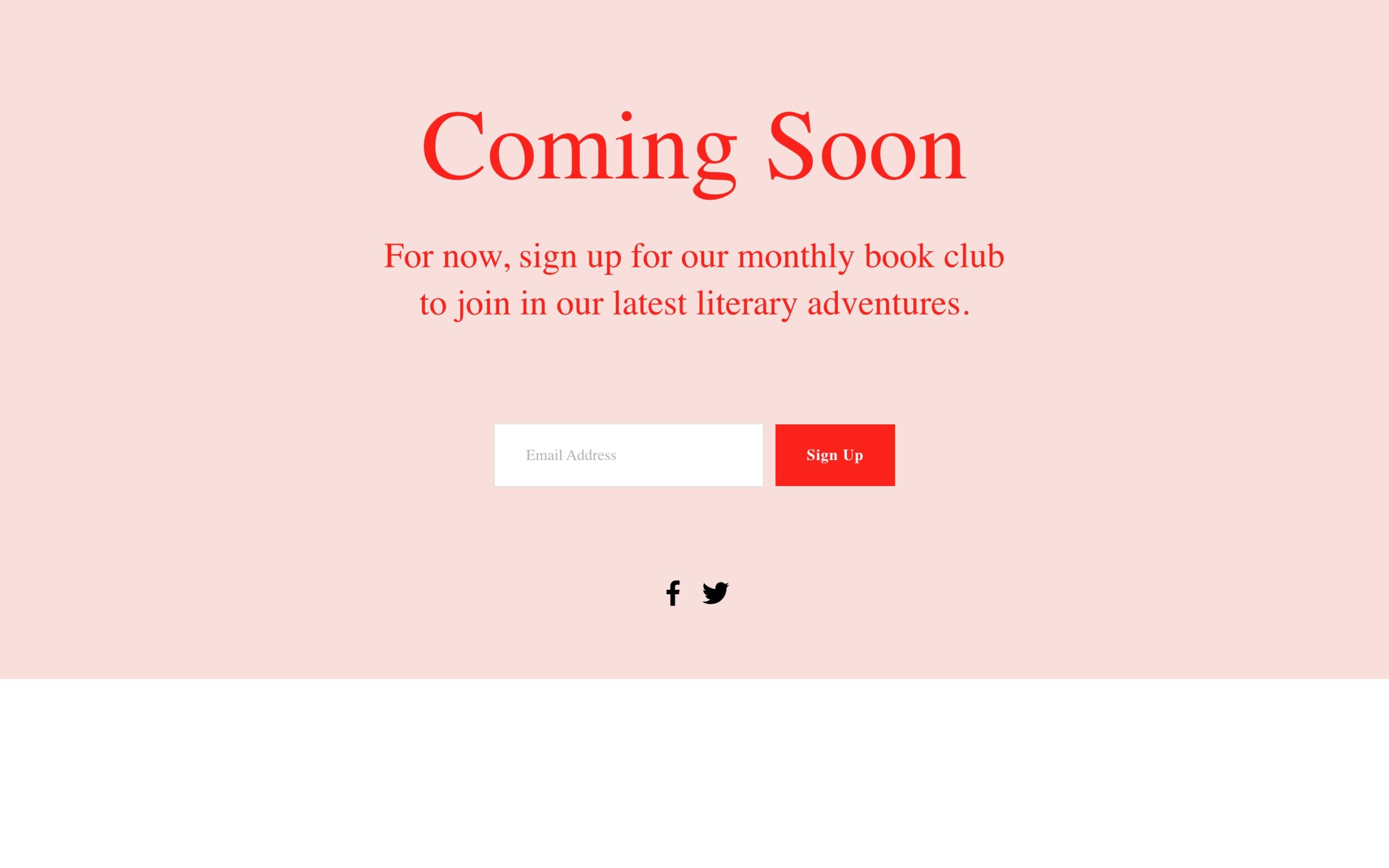
Archer is an actual coming-soon template: a holding page with a signup form so visitors can be notified at launch. Squarespace hosts and serves it, which means no maintenance-mode plugin or server configuration.
Colorlib Coming Soon & Maintenance Mode (WordPress plugin)
Free WordPress · Best for: switching a live WordPress site to maintenance mode
The only entry here that flips an existing WordPress site into maintenance mode without touching a template file.
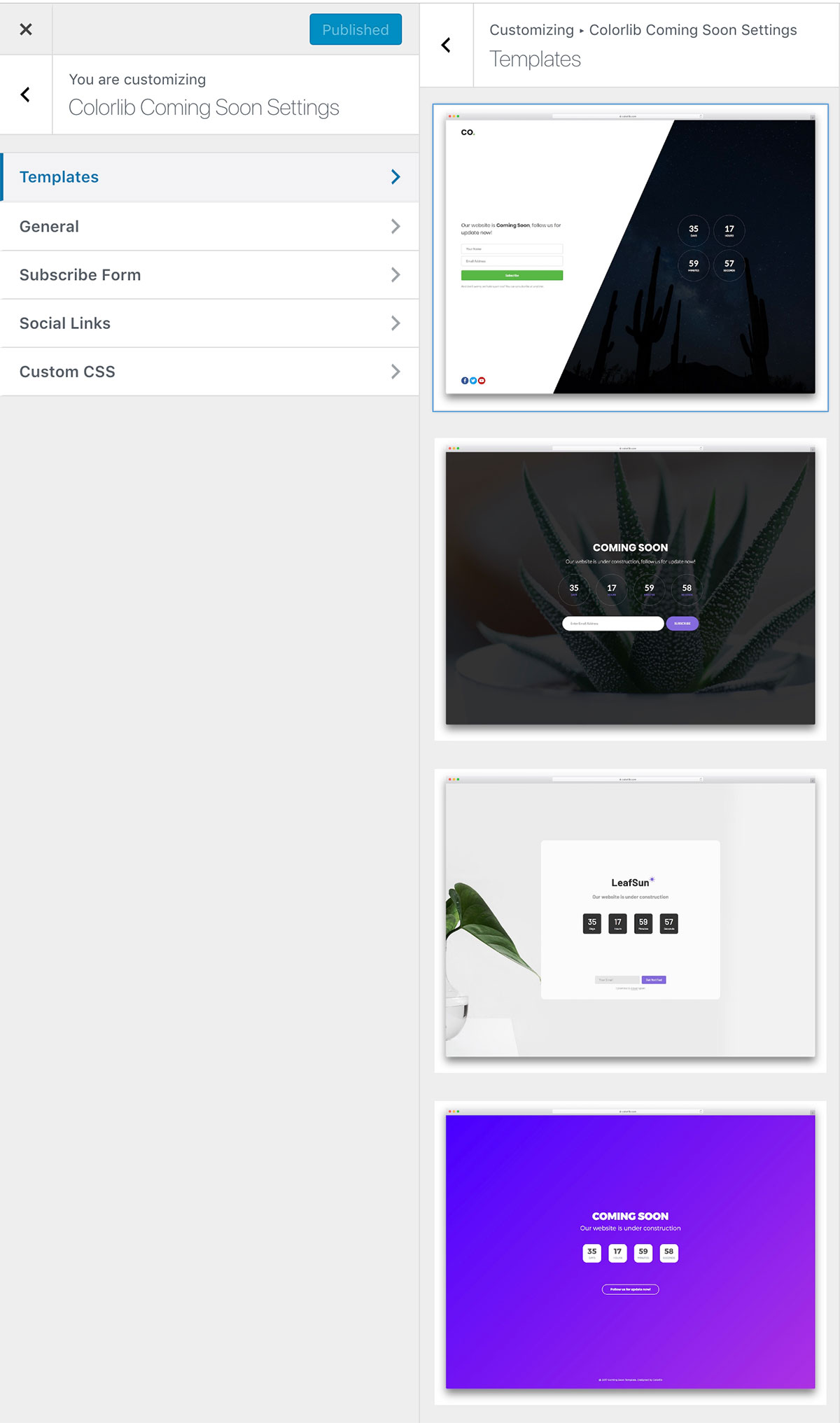
It ships 15 designs styled through the Live Customizer, plus a countdown timer, MailChimp lead capture, social icons and a custom CSS box.
More info / DownloadComing Soon Template by Colorlib V01
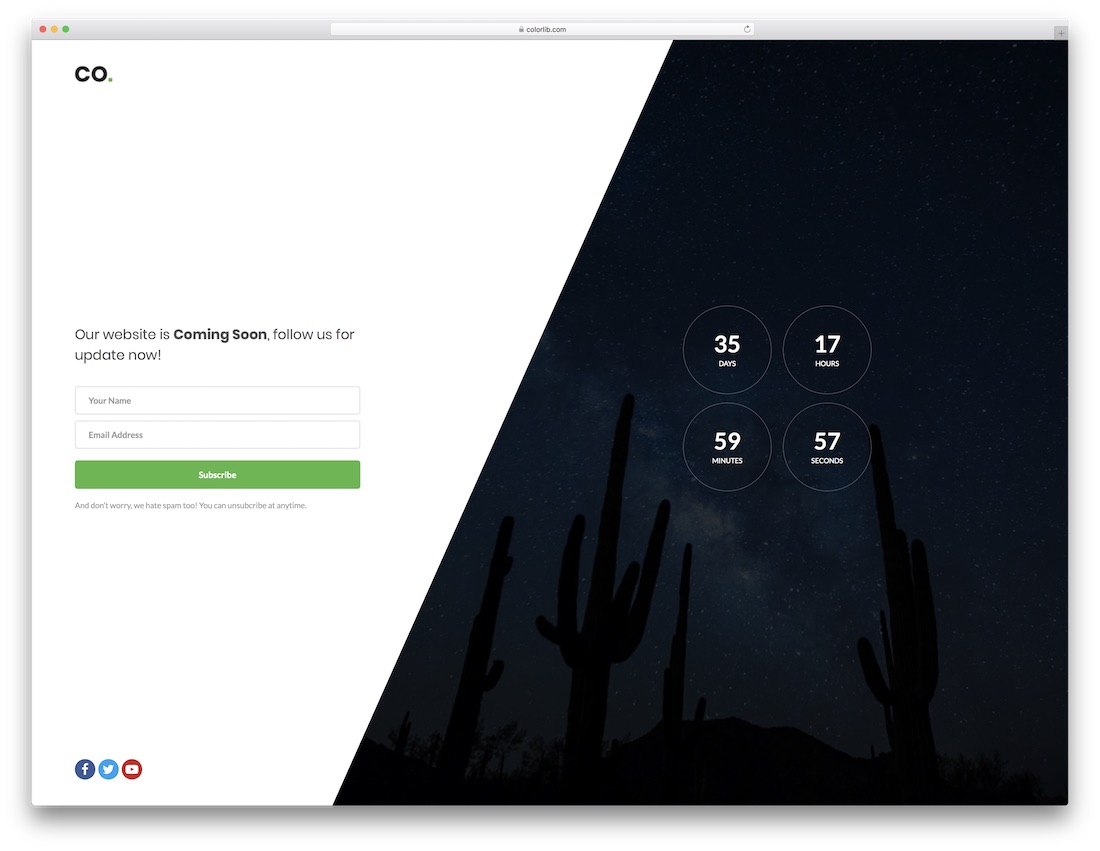
Free HTML Bootstrap-ready · Best for: consultancy and agency launches
A trapezium-shaped panel sits over a full-screen photo, which is why it pairs neatly with consultancy website templates such as Cellon. The demo runs a days/hours/minutes/seconds counter, a validated name-and-email subscribe form and Facebook, Twitter and YouTube links.
Download WordPress version Demo
Coming Soon Template by Colorlib V02
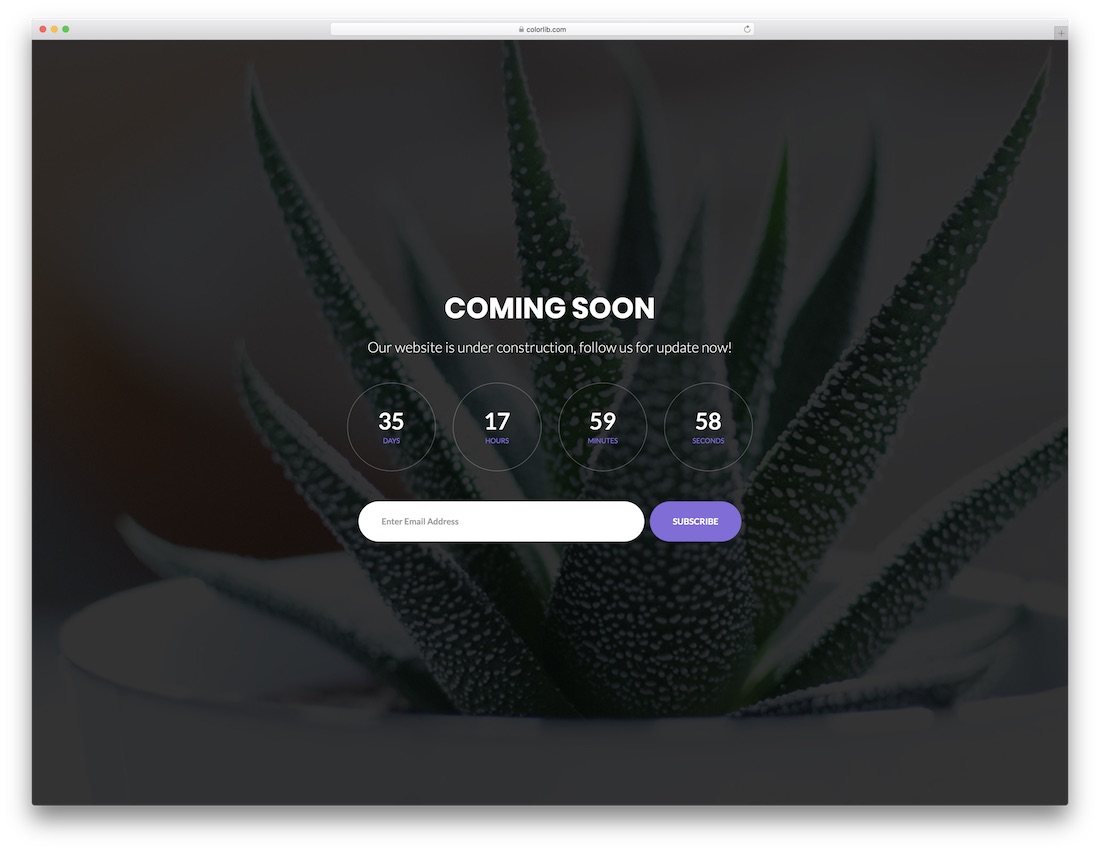
Free HTML Bootstrap-ready · Best for: launches that need rotating photography
The background is a three-image slideshow rather than one static photo, and it runs without a plugin. Countdown, headline and a single-field subscribe form sit centred on top, which works for software company, business and photography launches alike.
Download WordPress version Demo
Coming Soon Template by Colorlib V03
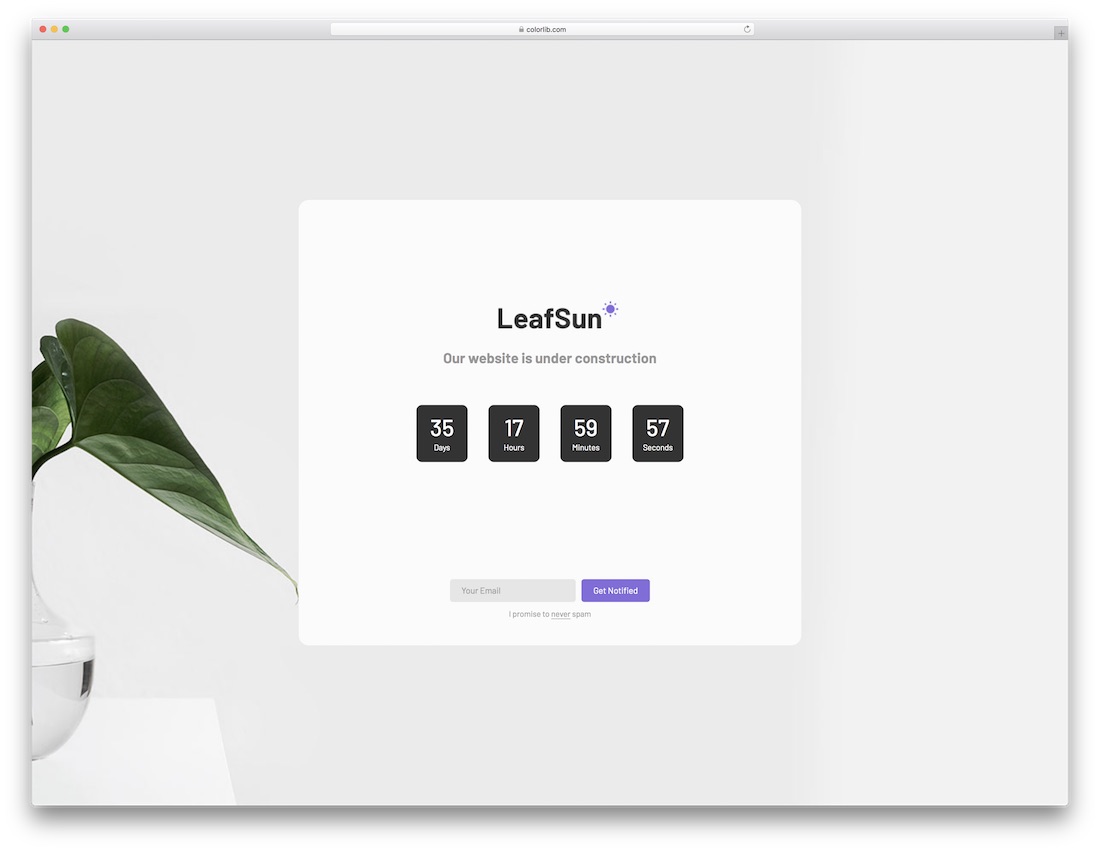
Free HTML Bootstrap-ready · Best for: brand-first minimal launches
Everything sits inside one centred white card, with a logo slot above the countdown so branding leads the page. A single email field and a Get Notified button is the whole capture flow, and the download is only 150 KB, which suits a quiet blog launch.
Download WordPress version Demo
Coming Soon Template by Colorlib V04
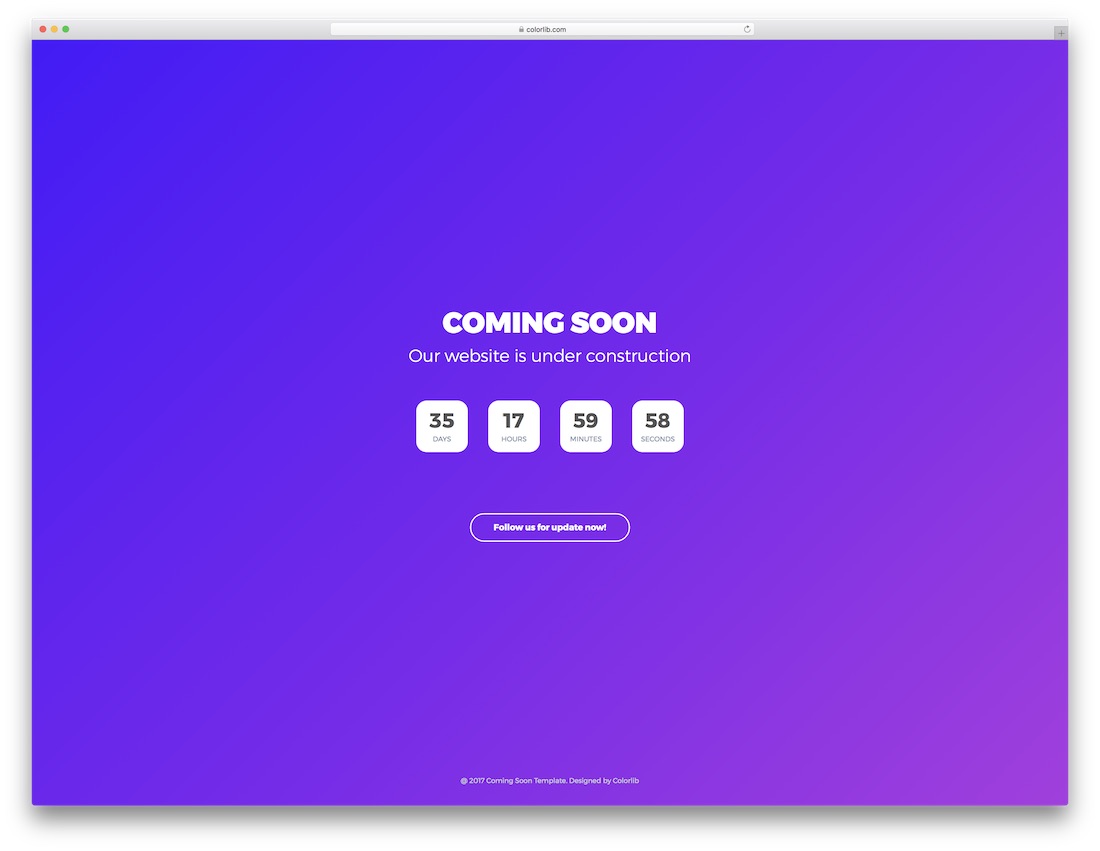
Free HTML Bootstrap-ready · Best for: colourful launches with no photography
No background photo at all: a violet-to-blue gradient carries the page, so there is no image to source or swap. The countdown holds the centre and the subscribe button opens a modal with name and email fields, keeping the first screen clear.
Download WordPress version Demo
Coming Soon Template by Colorlib V05
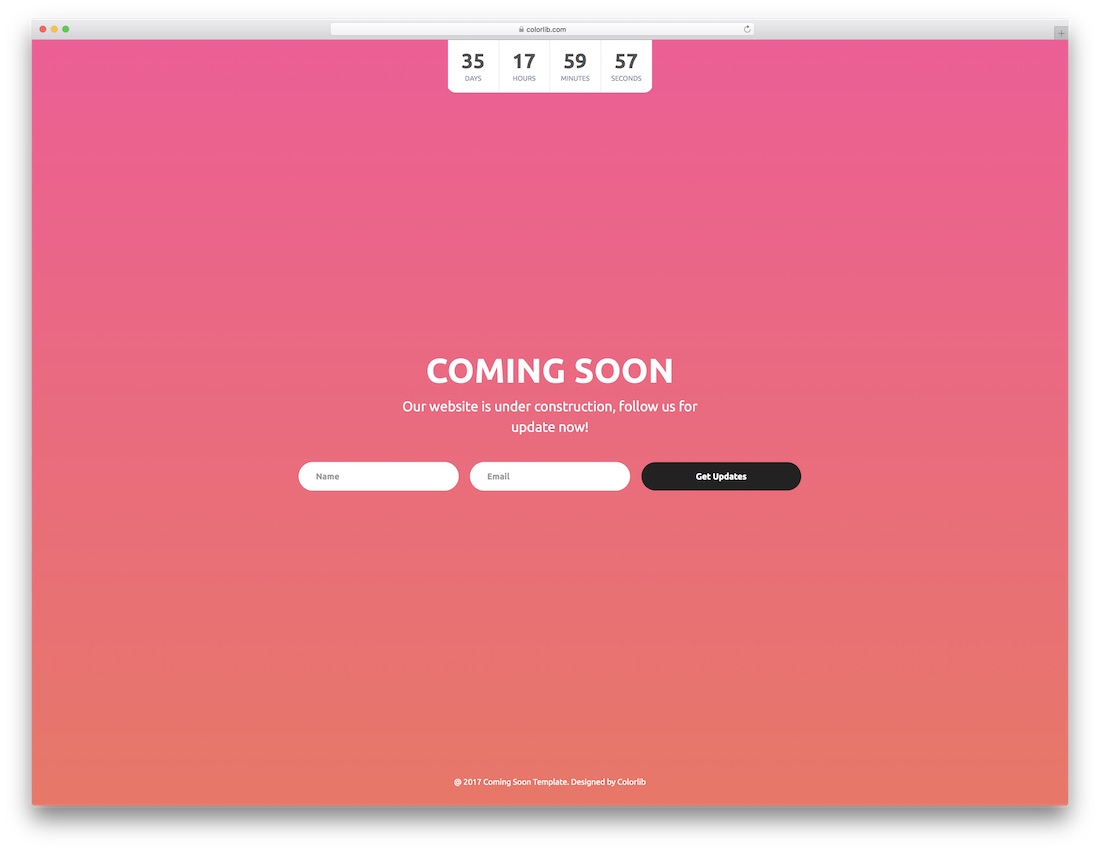
Free HTML Bootstrap-ready · Best for: flash-sale style countdowns
The countdown runs across the top of a coral-to-pink gradient, giving the page the urgency of an ecommerce flash sale. Name and email fields feed a Get Updates button below, in line with current design trends and app launch pages.
Download WordPress version Demo
Coming Soon Template by Colorlib V06
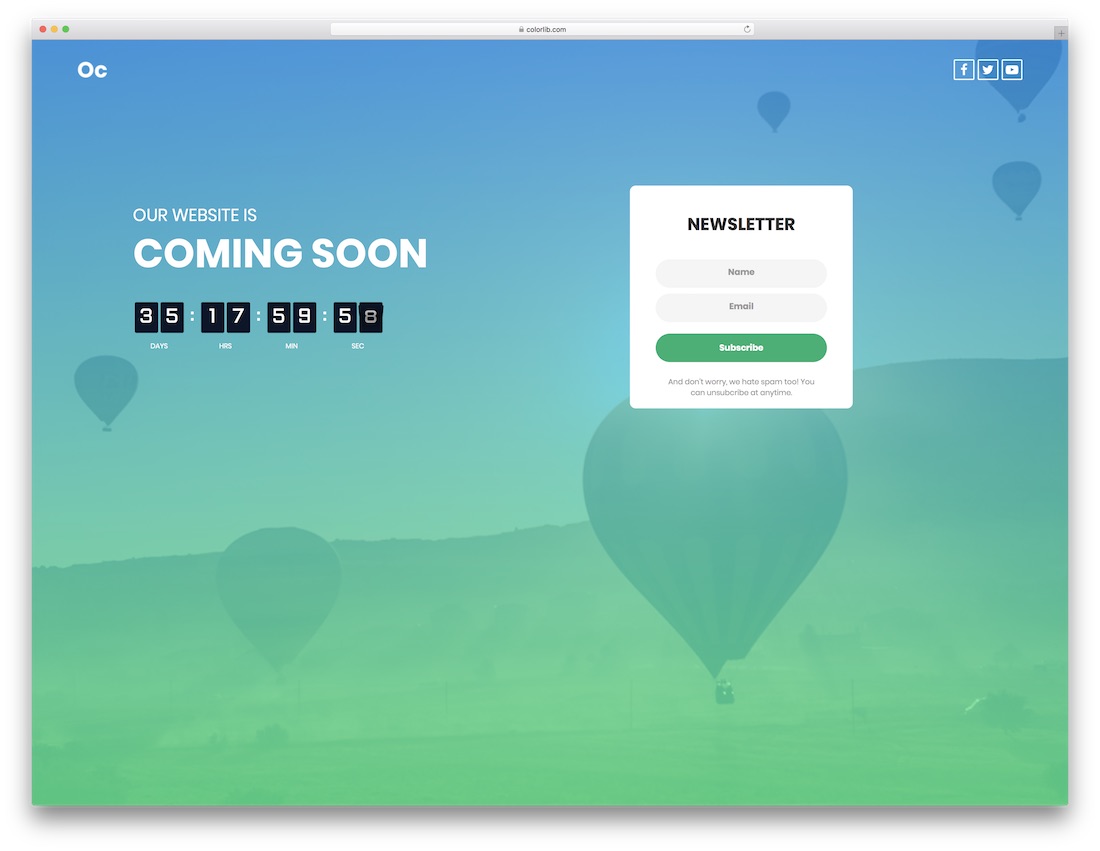
Free HTML Bootstrap-ready · Best for: travel and tourism launches
A flip-card timer turns the digits over, now in plain JavaScript rather than the old FlipClock plugin, which reads well against the full-screen photography this travel layout is built around. A name-and-email newsletter block and three social icons complete it.
Download WordPress version Demo
Coming Soon Template by Colorlib V07
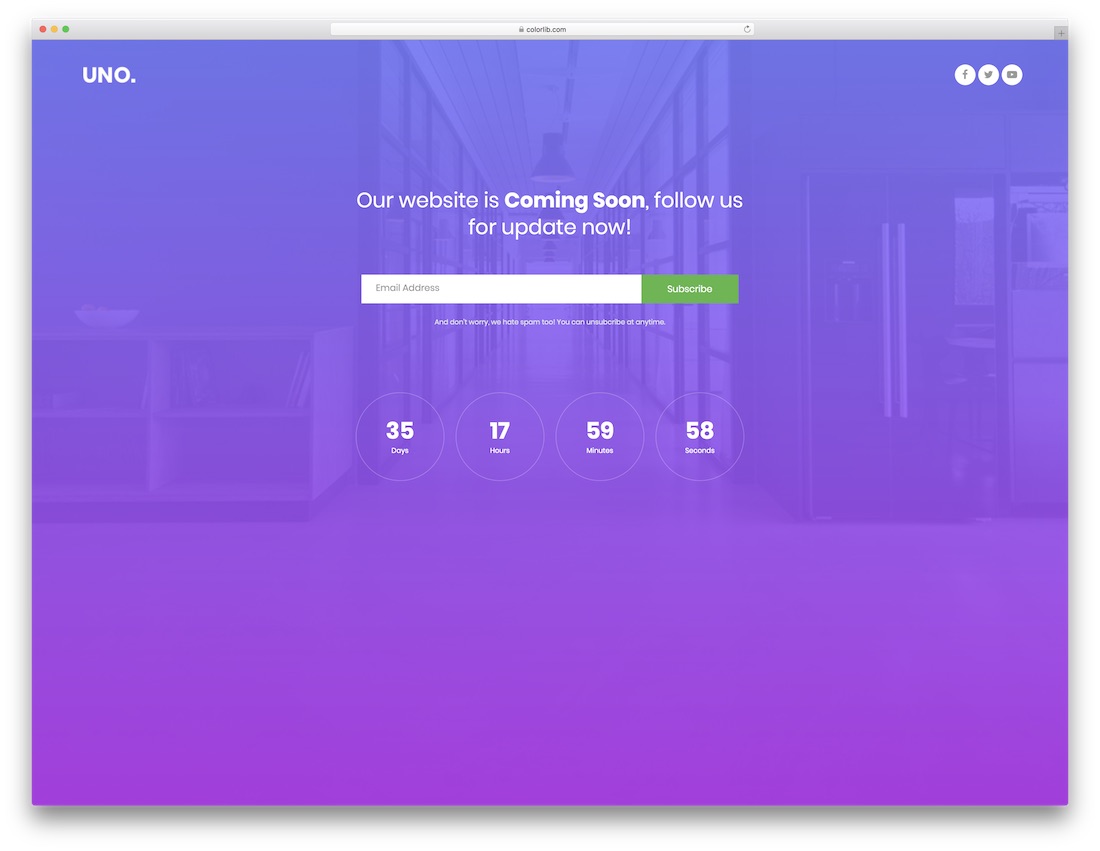
Free HTML Bootstrap-ready · Best for: maximising email signups
Signup comes first: the email field and Subscribe button sit above the countdown rather than below it. A short anti-spam line reassures visitors and the social icons move to the top of the page, leaving the form in the centre on its own.
Download WordPress version Demo
Coming Soon Template by Colorlib V08
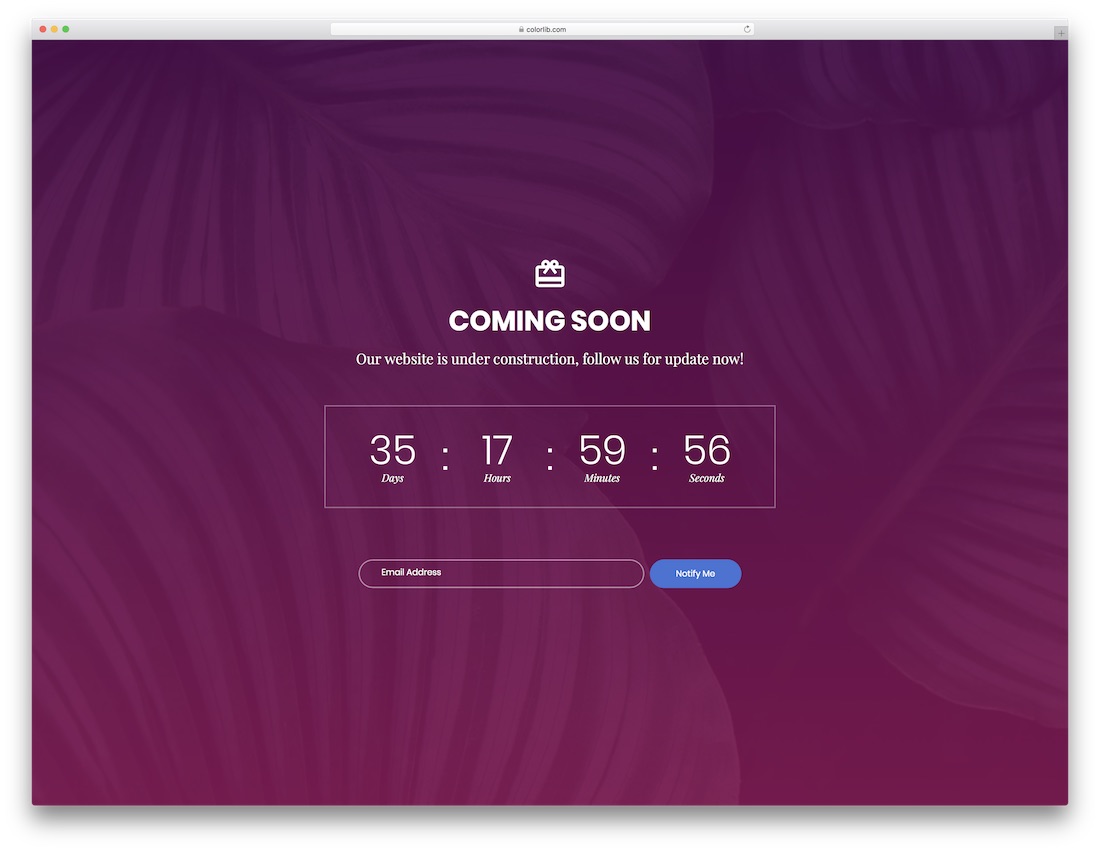
Free HTML Bootstrap-ready · Best for: short scheduled maintenance
A gift-card icon stands in for the logo and the timer uses colon separators instead of boxed units. One email field and a Notify Me button sit underneath, which is all a short maintenance window needs.
Download WordPress version Demo
Coming Soon Template by Colorlib V09
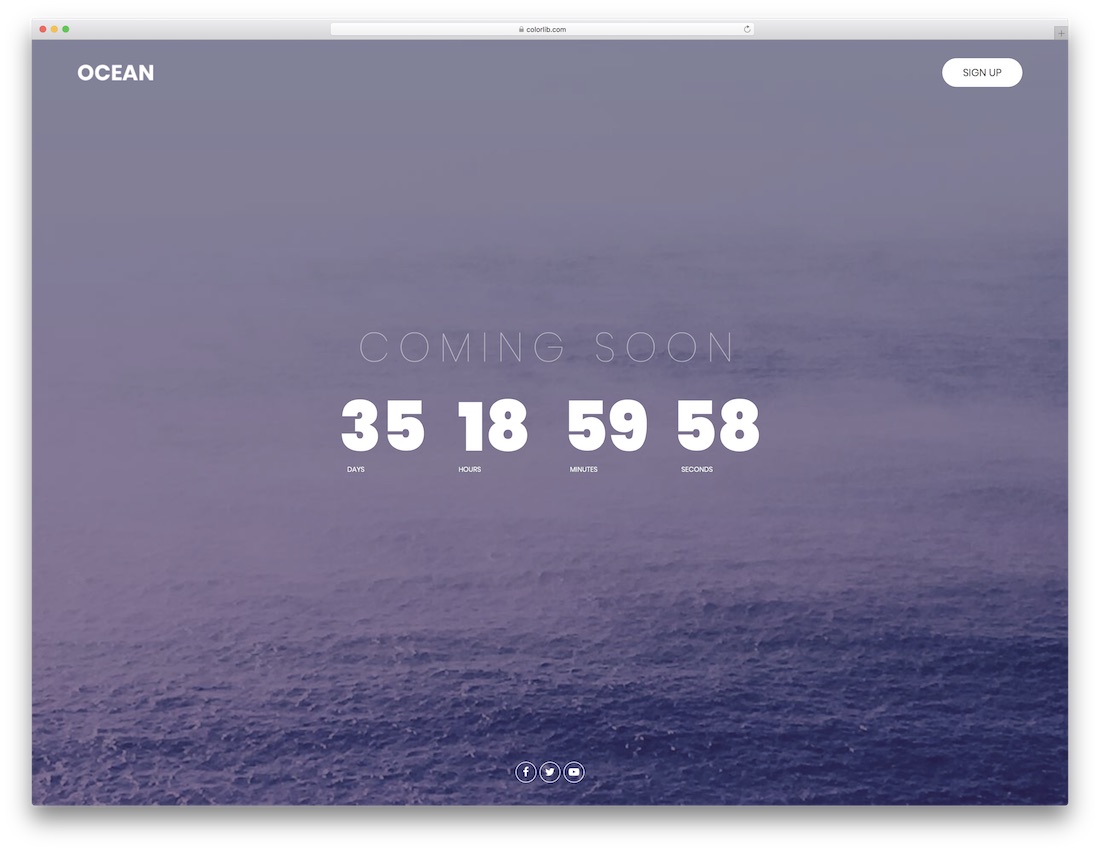
Free HTML Bootstrap-ready · Best for: purely visual coming-soon pages
There is no email field at all, so the page stays visual and a Sign Up button links out instead. Two background photographs cross-fade behind the countdown, with a small social row underneath.
Download WordPress version Demo
Coming Soon Template by Colorlib V10
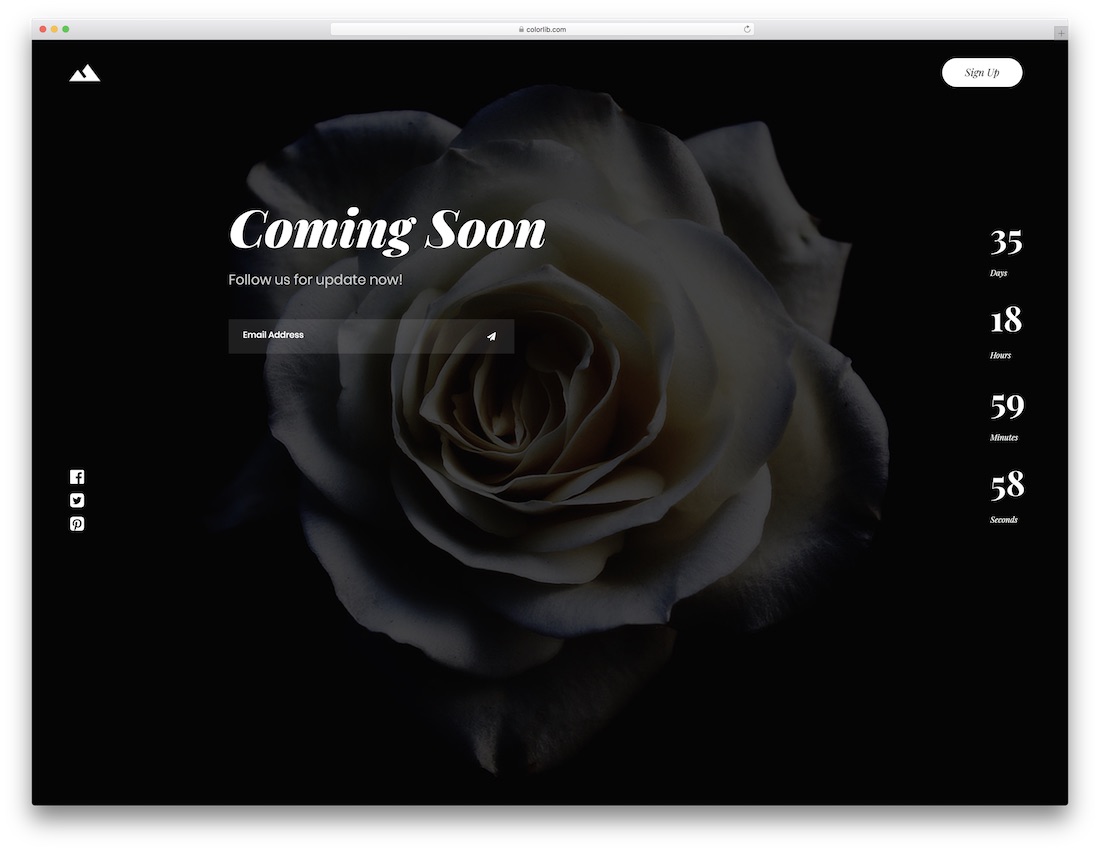
Free HTML Bootstrap-ready · Best for: creative studio launches
The email field submits through a paper-plane arrow rather than a labelled button, which keeps the layout uncluttered. This coming soon template rotates three background photos and links out to Facebook, Twitter and Pinterest.
Download WordPress version Demo
Coming Soon Template by Colorlib V11
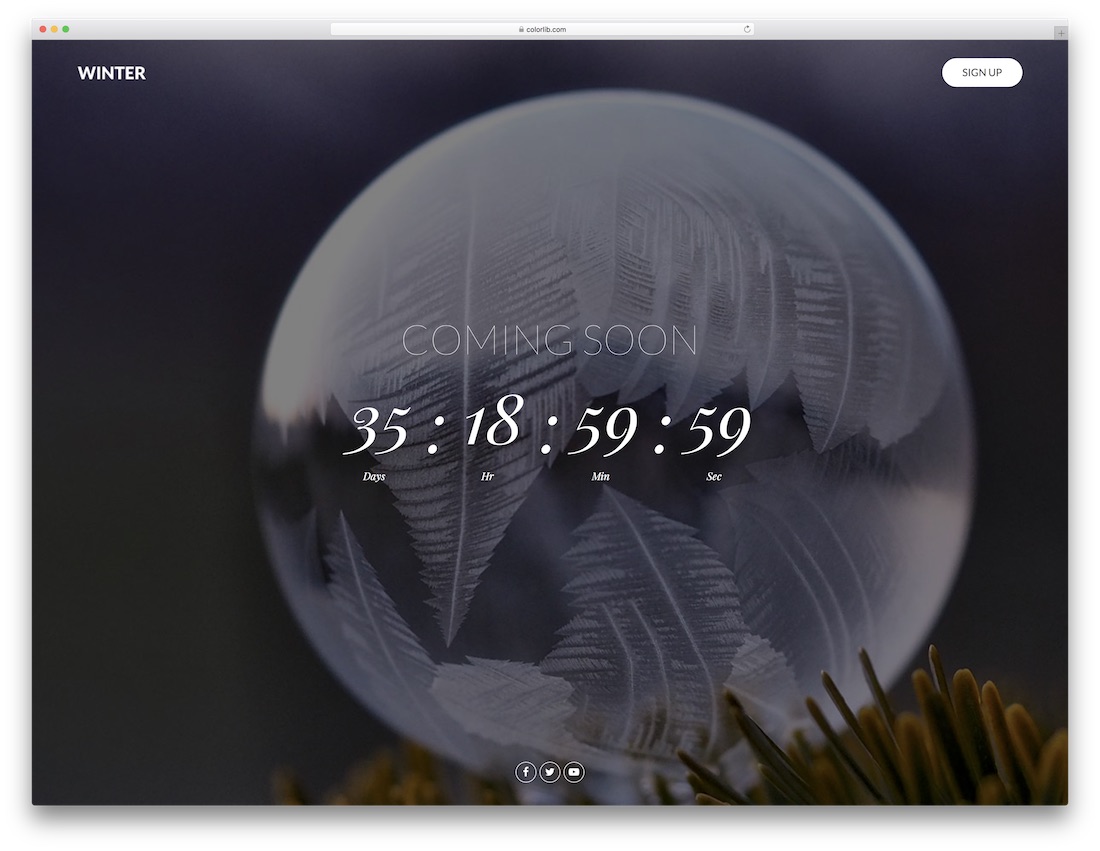
Free HTML Bootstrap-ready · Best for: seasonal and winter-themed pages
Four winter photographs rotate behind the timer, making this the one template here with a deliberate seasonal mood. No signup form is included: just the countdown, a Sign Up link and a social row, with timer units hidden on small screens.
Download WordPress version Demo
Coming Soon Template by Colorlib V12
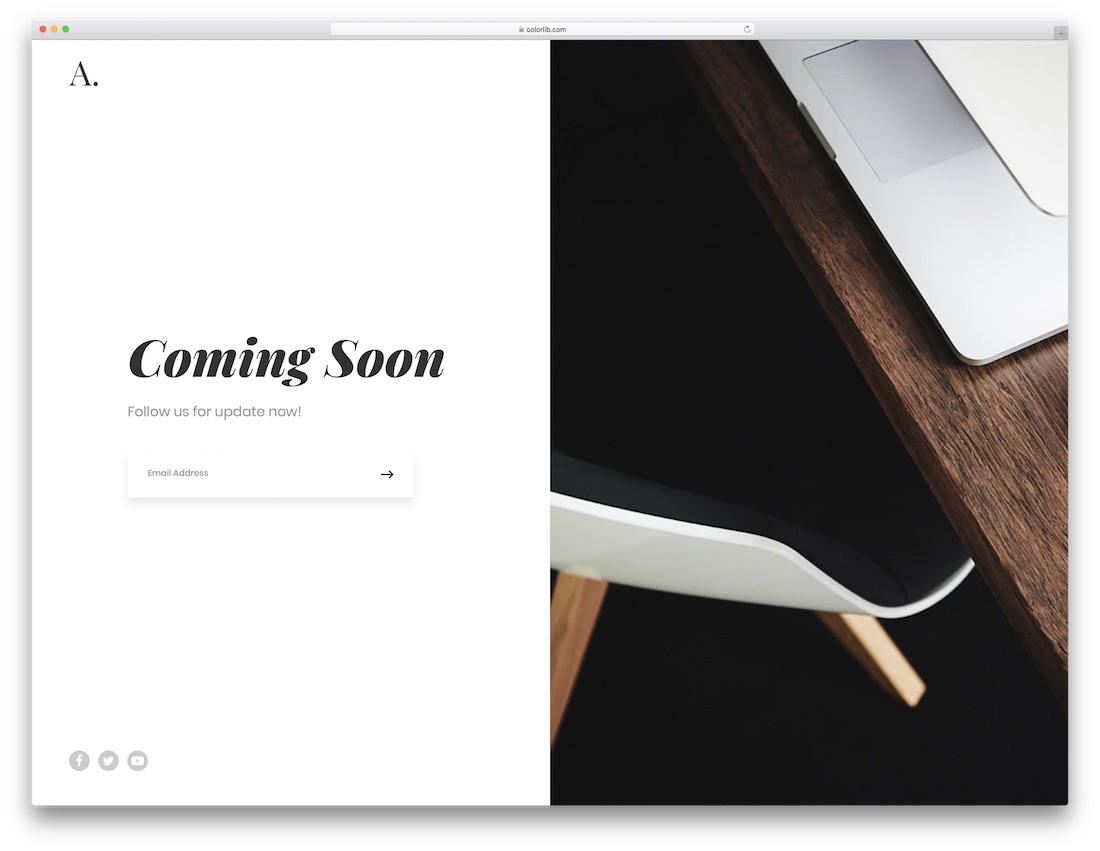
Free HTML Bootstrap-ready · Best for: launches with no fixed date
Drops the countdown entirely, so nothing commits you to a launch date. A three-photo slideshow fills one half of the split screen while the other holds the headline, an arrow-submit email field and social links.
Download WordPress version Demo
Coming Soon Template by Colorlib V13
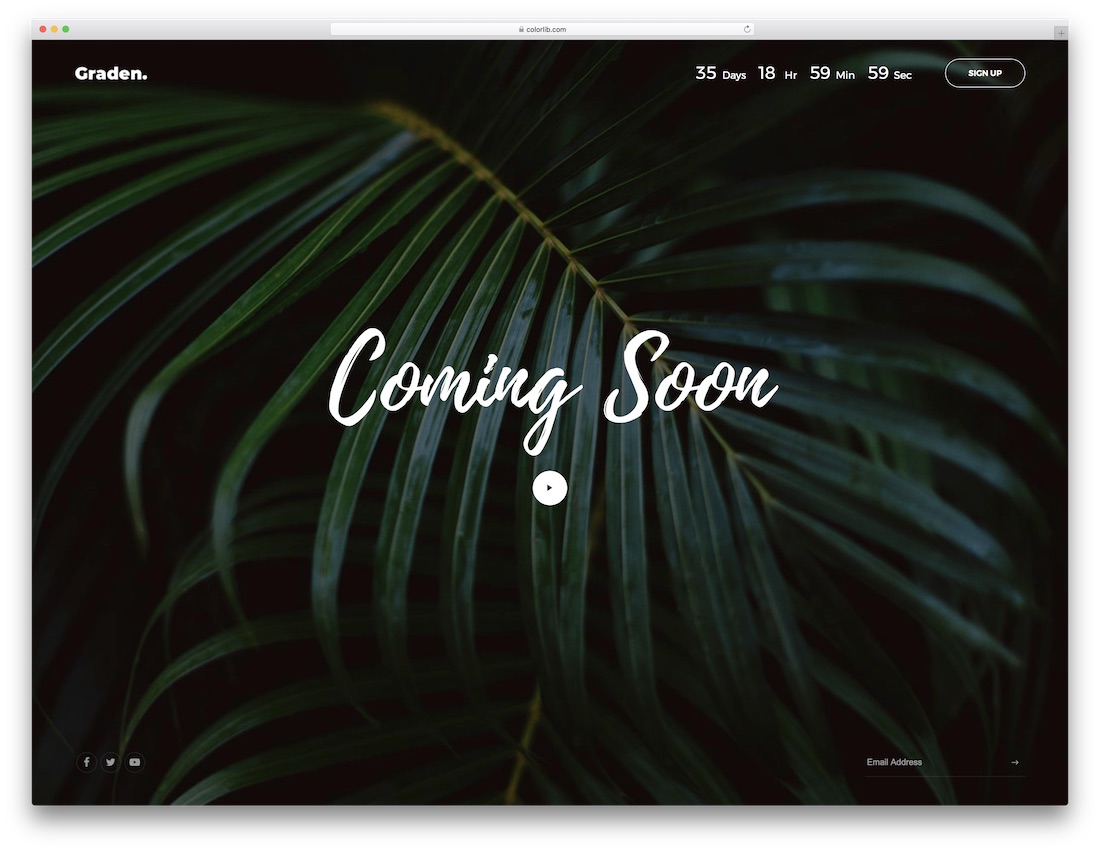
Free HTML Bootstrap-ready · Best for: photography and studio launches
A play button sits beside the countdown, so a teaser video can carry the announcement. Four rotating photographs, an arrow-submit email field and a social row round it out, built for photography and studio sites.
Download WordPress version Demo
Coming Soon Template by Colorlib V14

Free HTML Bootstrap-ready · Best for: split layouts with one hero image
A reworked version twelve that swaps the rotating slideshow for a single large photograph, so there is only one image to replace. The subscribe field is boxed off from the rest of the panel and there is no countdown.
Download WordPress version Demo
Coming Soon Template by Colorlib V15
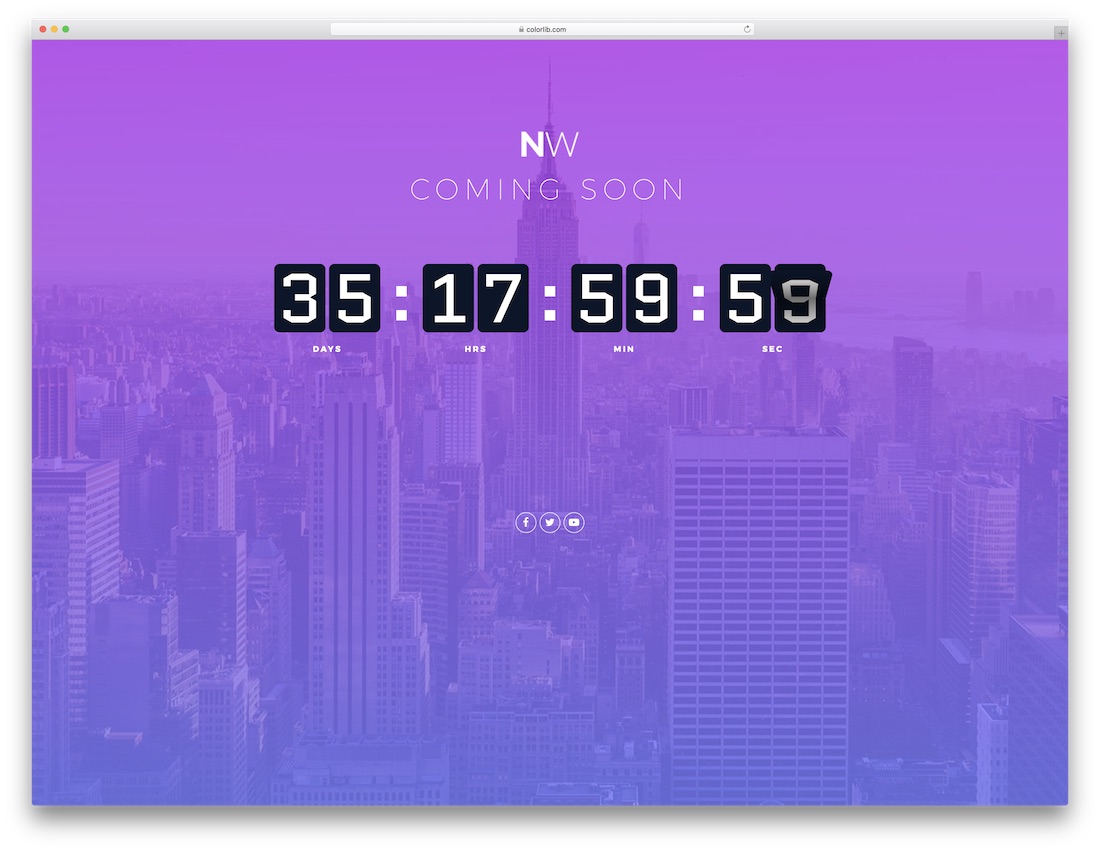
Free HTML Bootstrap-ready · Best for: retro-styled maintenance notices
Retro type and a card-flipping timer (plain JavaScript, no FlipClock plugin) give this one a period feel that fits real estate and construction sites. There is no signup form: the timer, a headline and three social icons are the whole page.
Download WordPress version Demo
Coming Soon Template by Colorlib V16

Free HTML Bootstrap-ready · Best for: text-heavy maintenance notices
The countdown is drawn as circular progress rings instead of digits, the only one in this list that does, and the rings need no plugin. A split layout puts a photo on one side and the maintenance message, an email capture field and five social icons on the other.
Download WordPress version Demo
Coming Soon Template by Colorlib V17
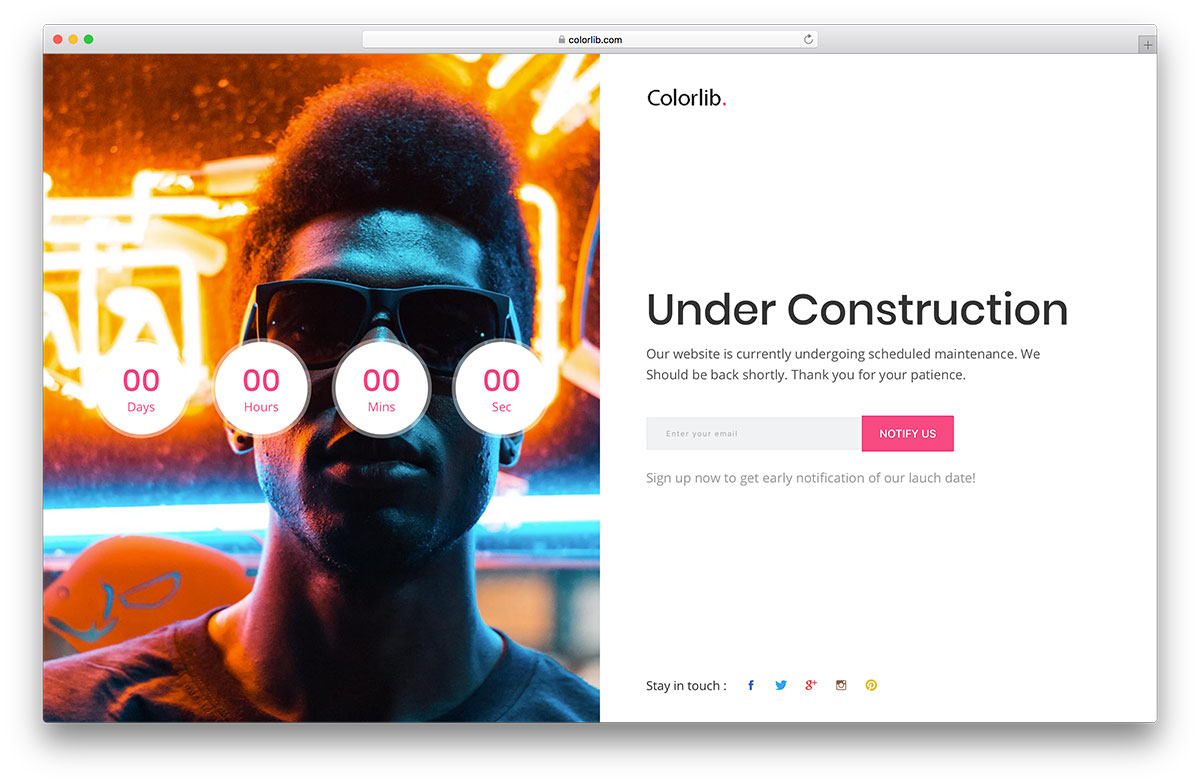
Free HTML · Best for: maintenance pages built around social follows
The same split layout as the previous coming soon template, but with a plain digit countdown in place of the circular rings. The footer row still lists Google+ alongside Facebook, Twitter, Instagram and Pinterest, so expect to edit it.
Download WordPress version Demo
Coming Soon Template by Colorlib V18
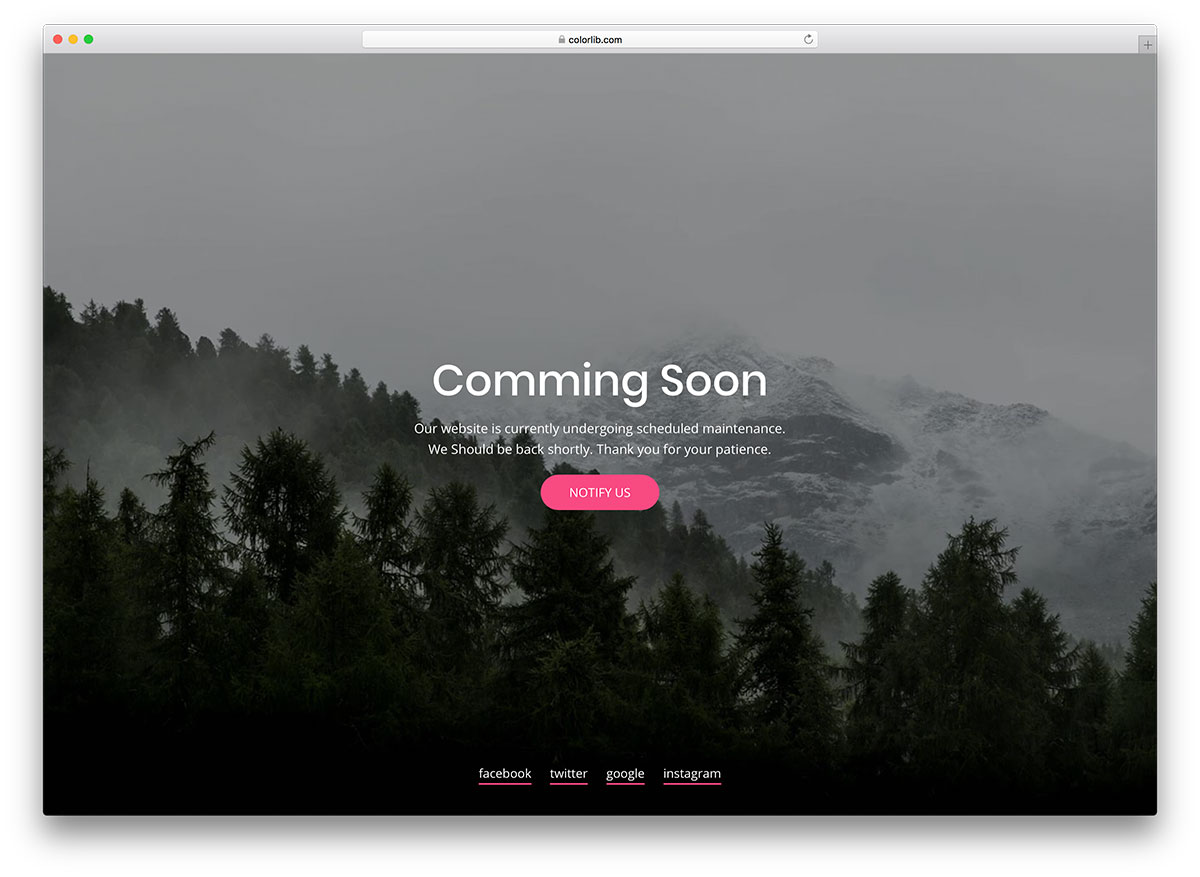
Free HTML · Best for: plain pre-launch notices
The most stripped-back page here: a headline, a maintenance sentence, a Notify Us button and text social links over one full-bleed photo. No email field, no timer and no JavaScript at all, so there is nothing to configure before uploading it.
Download WordPress version Demo
Coming Soon Template by Colorlib V19
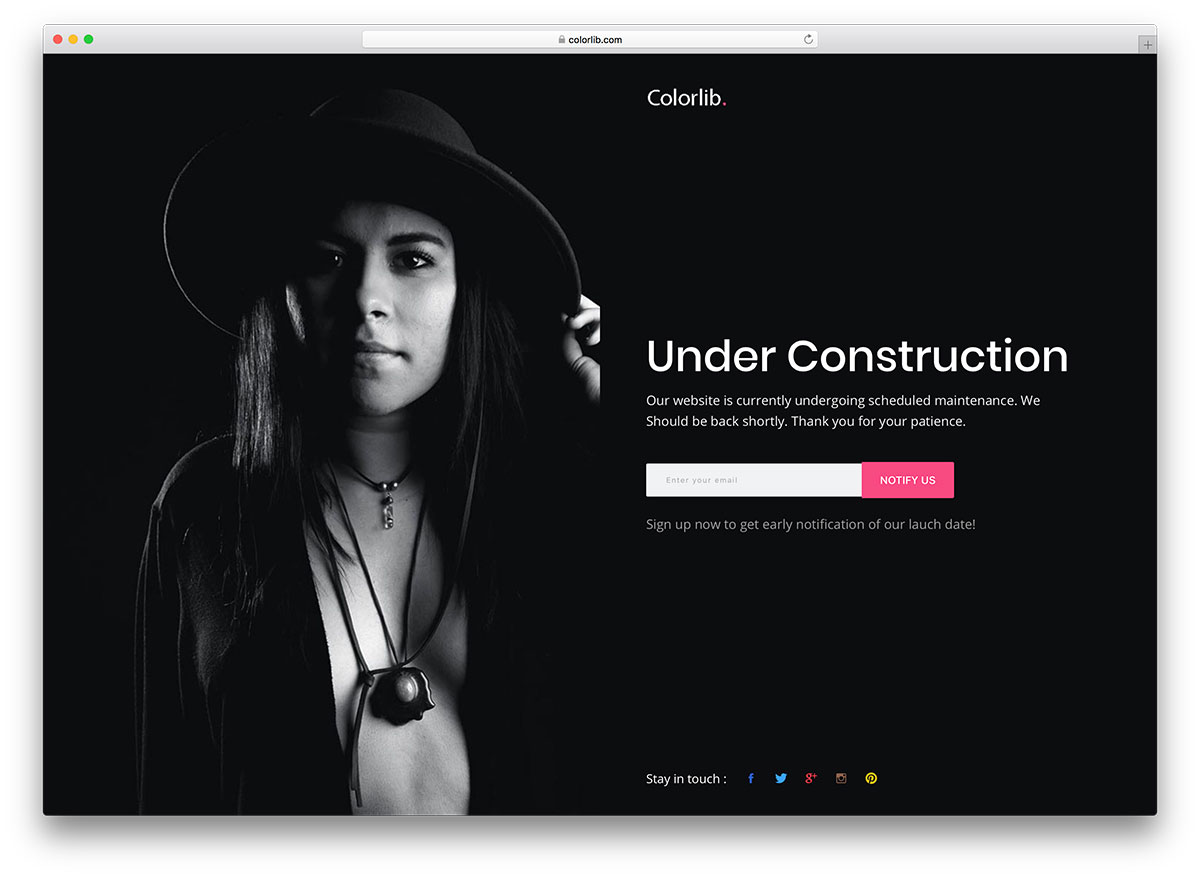
Free HTML Dark Mode · Best for: dark split-screen maintenance pages
The content half is near-black with a white logo, the one dark layout in this set. A photo fills the other half and the panel holds the notice, an email capture field and five social icons, which works well for personal sites.
Download WordPress version Demo
Coming Soon Template by Colorlib V20
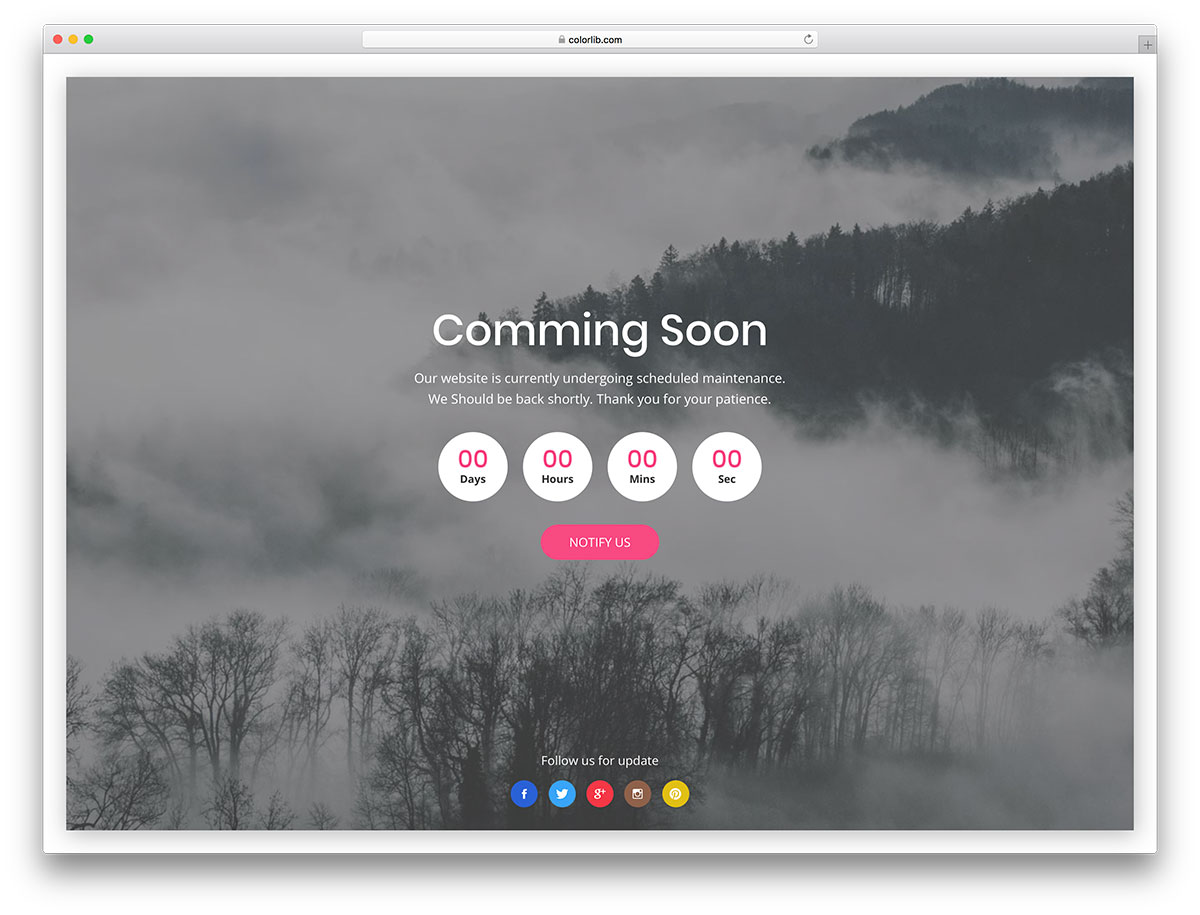
Free HTML · Best for: framed maintenance notices
A white margin and drop shadow inset the photo panel, so the background reads as a framed card rather than a full bleed. Inside sit the notice, a digit countdown, a Notify Us button and a five-icon social row, with no email field.
Download WordPress version Demo
Coming Soon Template by Colorlib V21
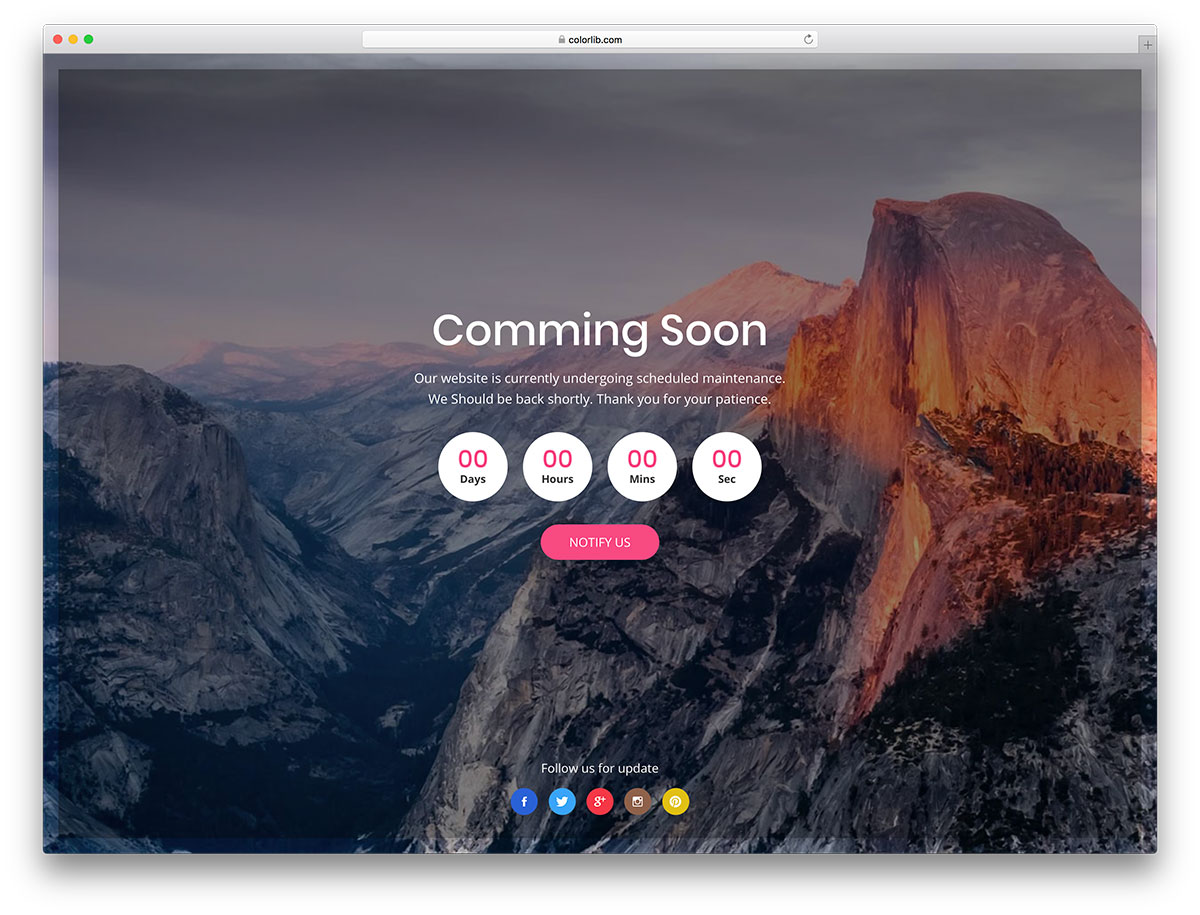
Free HTML · Best for: flat centred maintenance pages
Structurally the same as version twenty, except the photograph sits on the outer frame and the inner panel stays flat. Countdown, Notify Us button and social row are identical, so choose between the two on the image alone.
Download WordPress version Demo
Coming Soon Template by Colorlib V22

Free HTML · Best for: temporary maintenance windows
The one centred layout in this older set that puts an email capture field above the countdown. A maintenance sentence and five social icons sit over a single full-width photo, so it can be uploaded unedited for a scheduled outage.
Download WordPress version Demo
Coming Soon Template by Colorlib V23
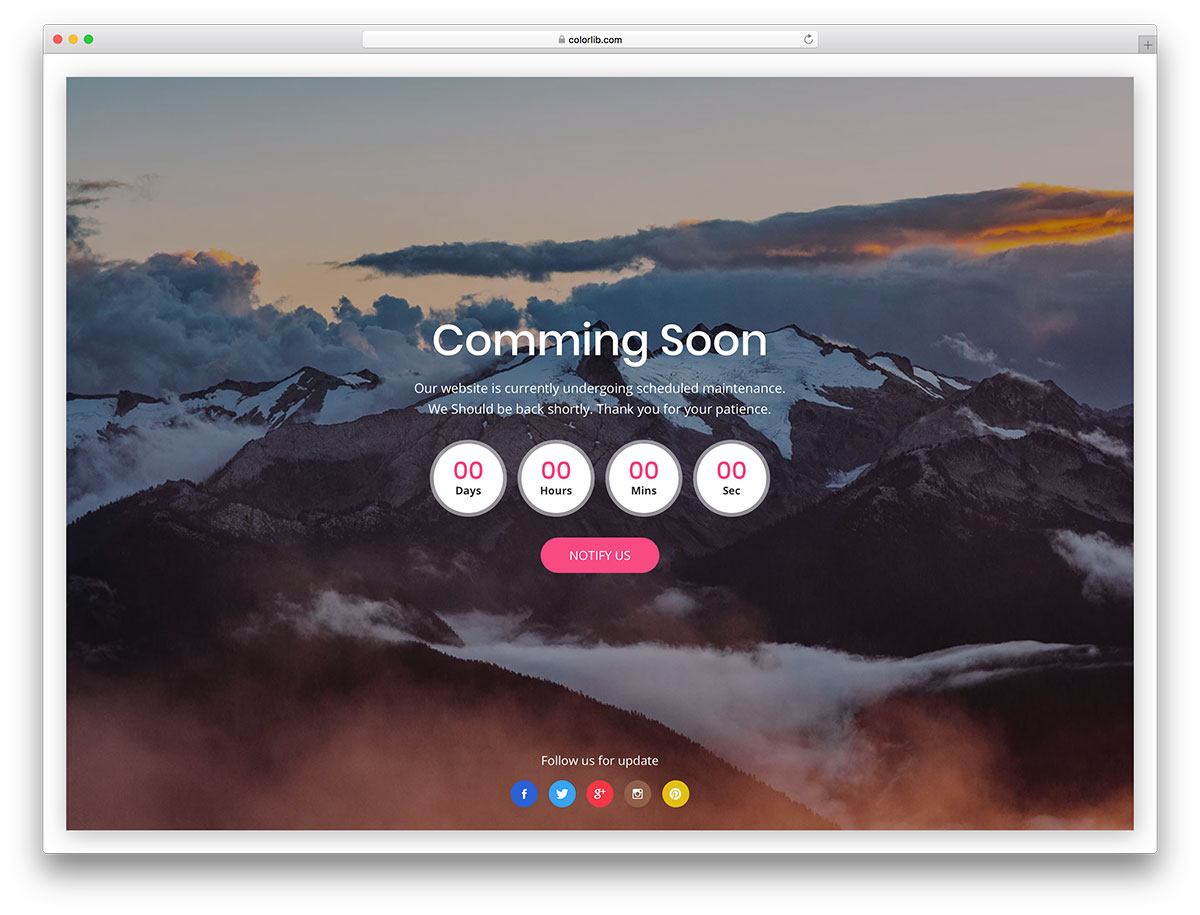
Free HTML · Best for: framed notices with a warmer image
The same inset frame and drop shadow as version twenty, paired with a different photograph. Countdown, Notify Us button and social icons stack in the centre and there is no email field, making it a notice board rather than a capture page.
Download WordPress version Demo
Under Construction WordPress Themes
Divi
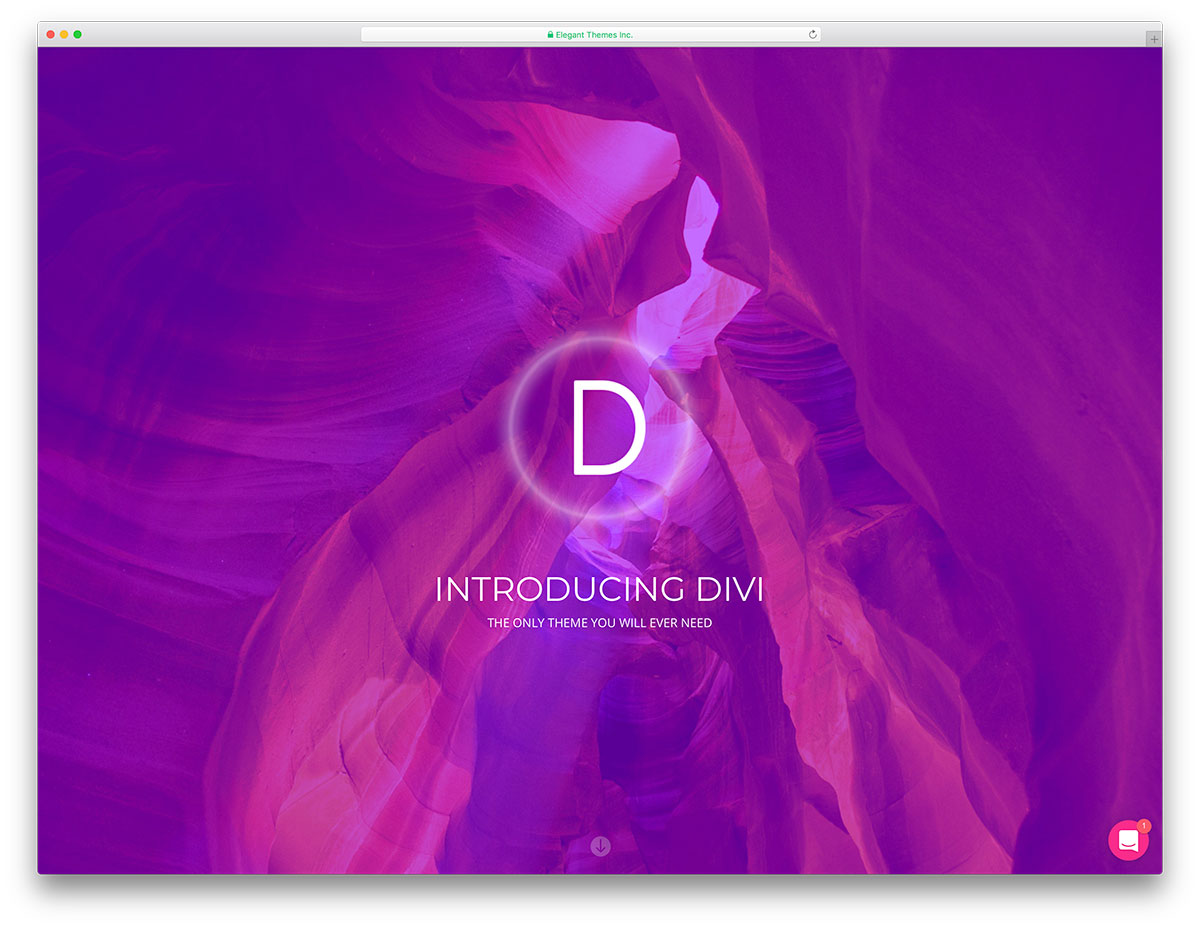
Premium WordPress · Best for: Divi users redesigning a live site
The holding page is one of the prebuilt layouts inside the Divi builder rather than a standalone file. The same drag-and-drop editor that builds the finished site builds the maintenance page, which makes it quick during a redesign.
Jevelin
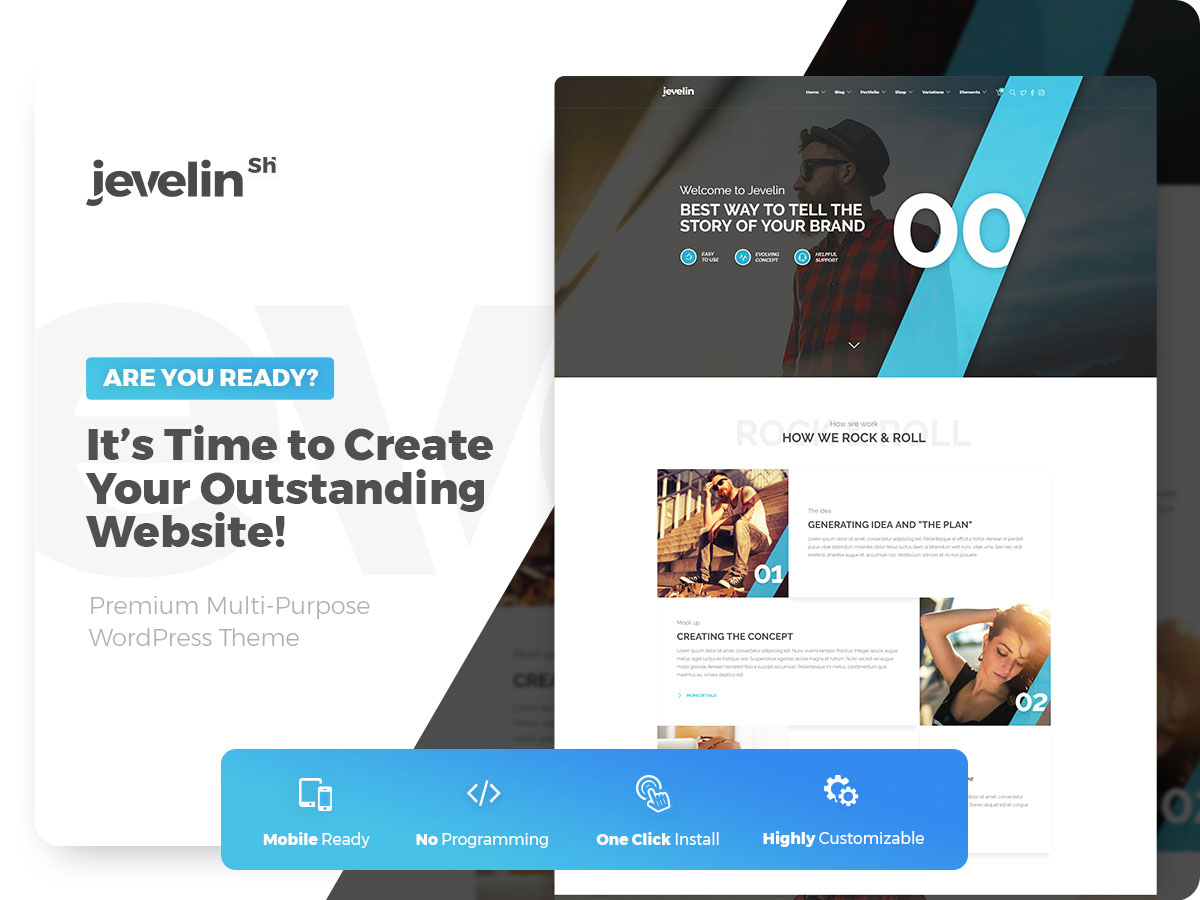
Premium WordPress · Best for: WPBakery-based business sites
Jevelin assembles the coming-soon page with the bundled WPBakery drag-and-drop builder, so no code is involved. It is a full multipurpose theme, so the same licence covers the site that replaces the holding page.
Somo
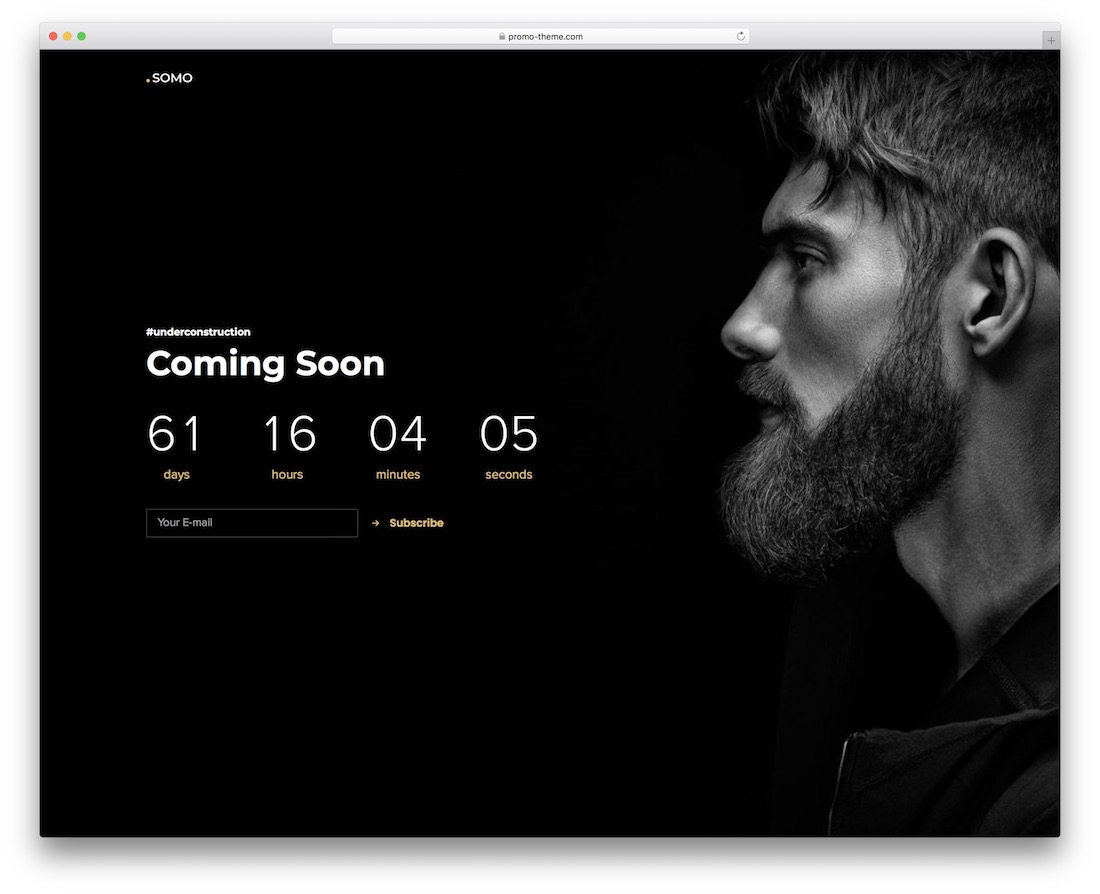
Premium WordPress Dark Mode · Best for: creative freelancers and agencies
Somo ships a dedicated coming-soon demo alongside its dark creative layouts, so the holding page already matches the portfolio behind it. One-click demo import, an ecommerce section and a set of UI elements come with the theme.
Berserk
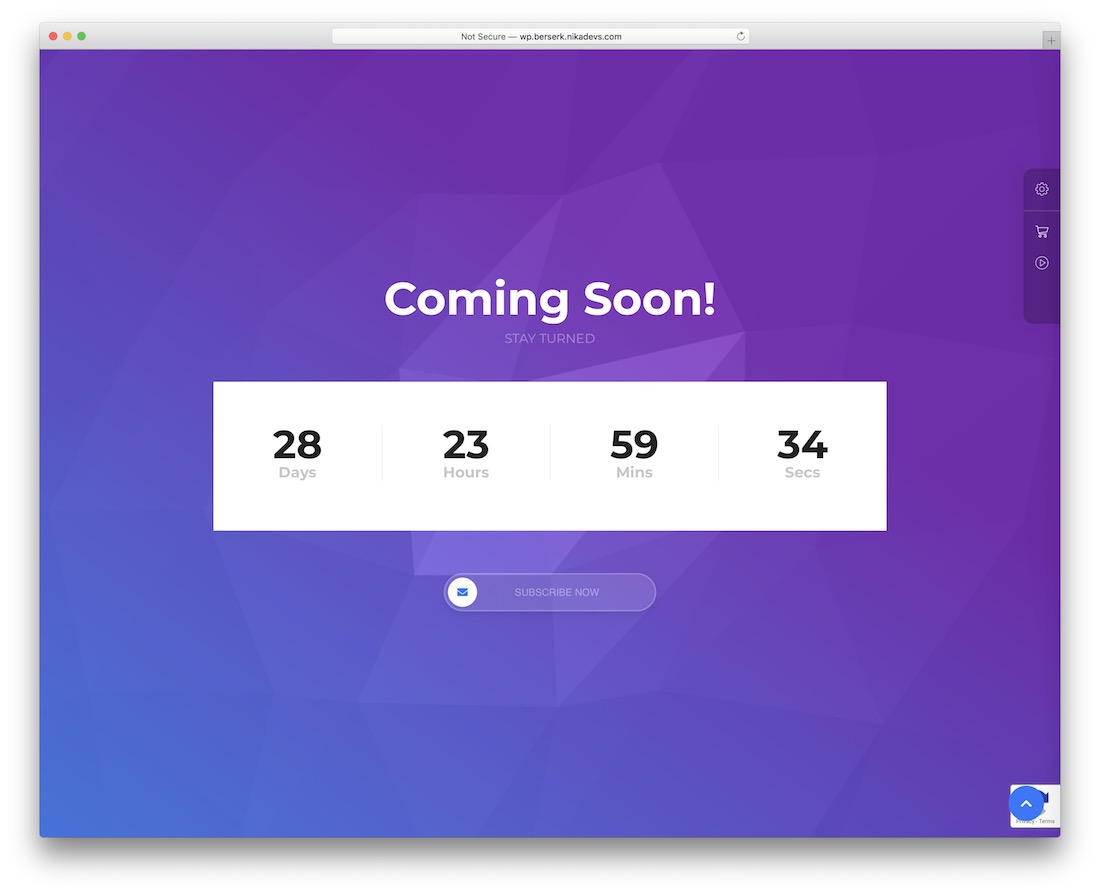
Premium WordPress · Best for: shortcode-driven multipurpose builds
Berserk leans on components rather than a single template, with 45 custom shortcodes and 14 header styles to assemble from. WPBakery, The Grid, Slider Revolution and Yellow Pencil are bundled, so the same parts build the store or portfolio later.
Holleta

Premium WordPress · Best for: hotel and accommodation openings
A hotel booking theme that includes a countdown-timer holding page, so an opening date can be teased before rooms go on sale. The same licence then covers the booking pages once the site is live.
Ottro
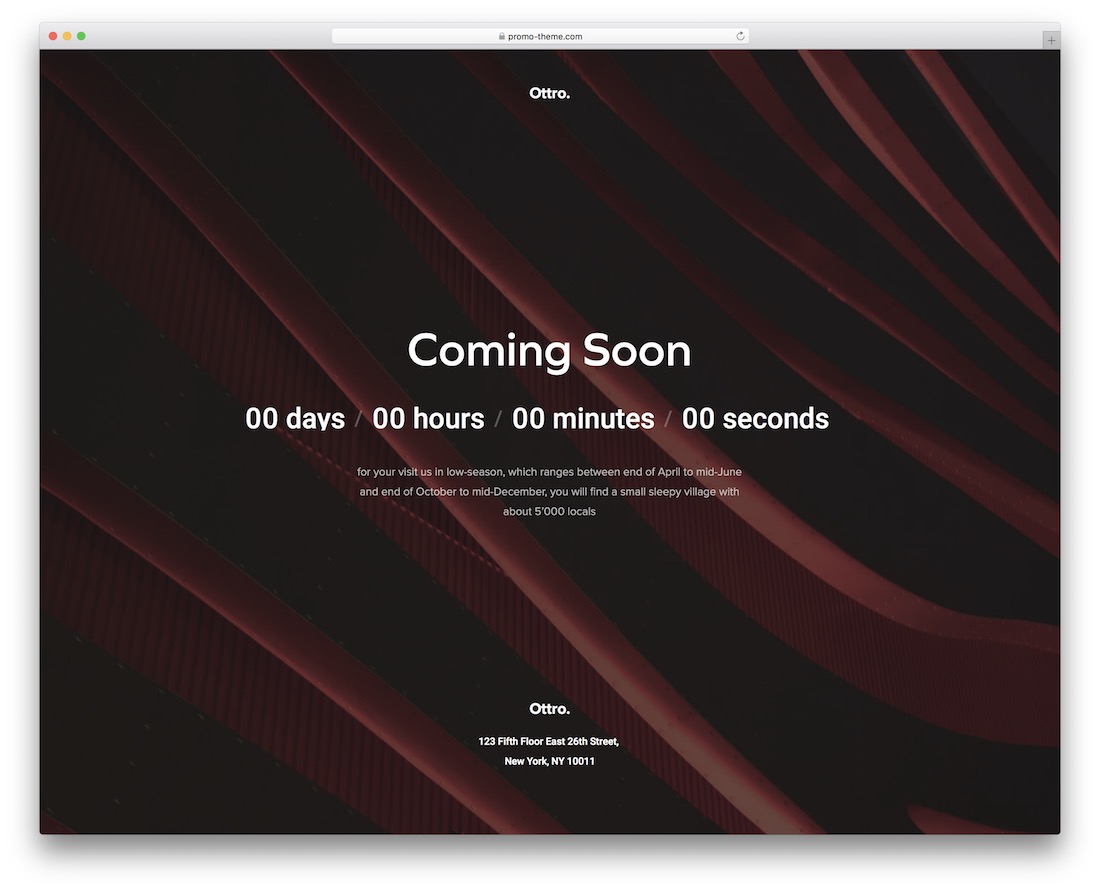
Premium WordPress · Best for: portfolio launches and redesigns
The coming-soon template is built into the theme, so a portfolio can gather interest before any work is uploaded. Settings are adjusted by drag and drop, and the page can be switched back on later for a redesign.
Facmaster
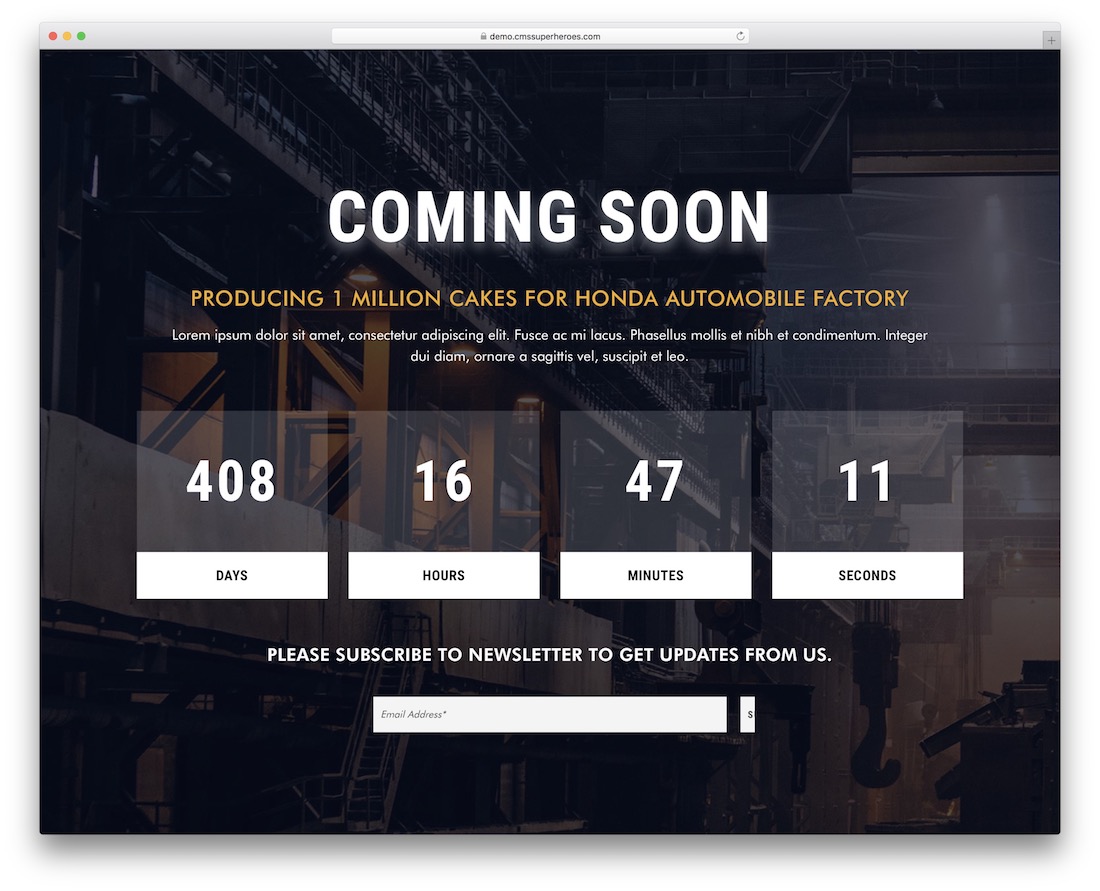
Premium WordPress · Best for: construction and industrial sites
Aimed squarely at factory, construction and industrial sites, a niche none of the free templates above target. It is a full WordPress theme, so the holding page and the site that follows it come from one install.
What makes a good coming soon page
Say when, in terms the visitor understands. A bare date is ambiguous for an international audience. Coming Soon Page V01 and V03 format the launch date for the visitor’s locale, and V07 shows a relative countdown such as “in 3 days”. Update or remove the countdown once the date passes, because a timer stuck at zero makes a site look abandoned.
Give visitors one thing to do. Collecting emails is the main job of a coming soon page, so keep the form to one field with a clear success message, as Coming Soon Page V01 and V04 do. For a bigger launch, V08 shows a waitlist position and a referral link to copy, and V09 offers an add-to-calendar download for an event date.
Keep the countdown calm for everyone. A timer that changes every second is noisy for screen reader users. Coming Soon Page V01, V02, V04 and V09 use role=”timer” with an accessible label that updates once a minute, and the animations in pages such as V05 and V10 stop when the visitor has reduced motion turned on.
Keep it light. A holding page is often the first thing visitors and search engines see. Coming Soon Page V10 needs no JavaScript and no image files, and V05 builds its phone mock in HTML and CSS instead of screenshots.
How Will You Engage Your Visitors?
These are some of the best free under construction templates (and premium themes) for your site.
All templates on this list are flexible and can be used for the maintenance mode page or the website launch page.
Our own templates here are plain HTML and CSS with a little vanilla JavaScript and no framework files to load, so you needn’t worry about their performance or installation.
For a launch with signups, start with Coming Soon Page V01 or the V08 waitlist; for a site that is down for work, Coming Soon Page V06 or the Colorlib plugin for WordPress. If you need a fuller signup form, see our newsletter form templates.
Frequently Asked Questions
What should an under-construction page include?
A one-line explanation, an estimated return or launch date if you have one, a way to reach you, and ideally an email signup so visitors can be notified. Everything else is decoration.
Should I return a 503 status during maintenance?
Yes — serve maintenance pages with HTTP 503 plus a Retry-After header so search engines know the outage is temporary and don’t index the placeholder or drop your rankings.
What is the difference between a coming-soon and a maintenance page?
Coming-soon pages preview an unlaunched site and often collect signups (serve those as normal 200 pages). Maintenance pages temporarily replace a live site and should return 503.
Can I add a countdown timer to these templates?
Several entries include one. For the rest, a dozen lines of vanilla JavaScript computing the difference to a target date is enough — no library needed.

Related Posts

where can i find the emails entered in the subscription form?
Marvi,
By default these templates don’t store anything. You need to either add your own backend or integrate the form with Mailchimp or another email service. That’s up to you.
Hi,
When I try to install these themes, I get a failed message stating that they’re missing css.stylesheet. Can you tell me what it is I’m missing?
TIA
You are getting this error because these are HTML templates, not WordPress themes. If you want a coming soon page on WordPress, use the Colorlib Coming Soon & Maintenance Mode plugin listed above instead.
This plugin is fantastic for hiding my sites while I work on them!
However, there are people (such as vendors) that I need to show the site to. Is there a backdoor I could make, such as “mysite.com/preview” or another page/place I could direct them? Also, at what level can someone whose logged in see the pages under development? A “subscriber”, “editor”, just “admin”?
Depends on the settings you use for the plugin. By default only admin will be able to see the site when logged in but you can change that.