
24 Best Free Bootstrap Modal Templates and Examples 2026
These free Bootstrap modal templates cover the pop-ups most sites need: sign-in and sign-up forms, sale and coupon offers, newsletter and eBook opt-ins, consultation requests, product reviews and a password gate for protected content.
The list now holds 24 items. We rebuilt the 20 Colorlib modals as dependency-free HTML, CSS and vanilla JavaScript, so each opens and closes without Bootstrap’s JavaScript, closes with Esc or a click on the backdrop, and keeps focus inside while it is open. Four newer snippets at the end are built on the native dialog element: a timed promo popup, a video dialog, a cart drawer and a bottom sheet.
All of them are free downloads with live demos, and each looks the same on its own or inside a Bootstrap 4, 5 or 6 project. Tips for choosing a modal and answers to common questions follow the list.
Best Bootstrap Modal Templates
Modal V01
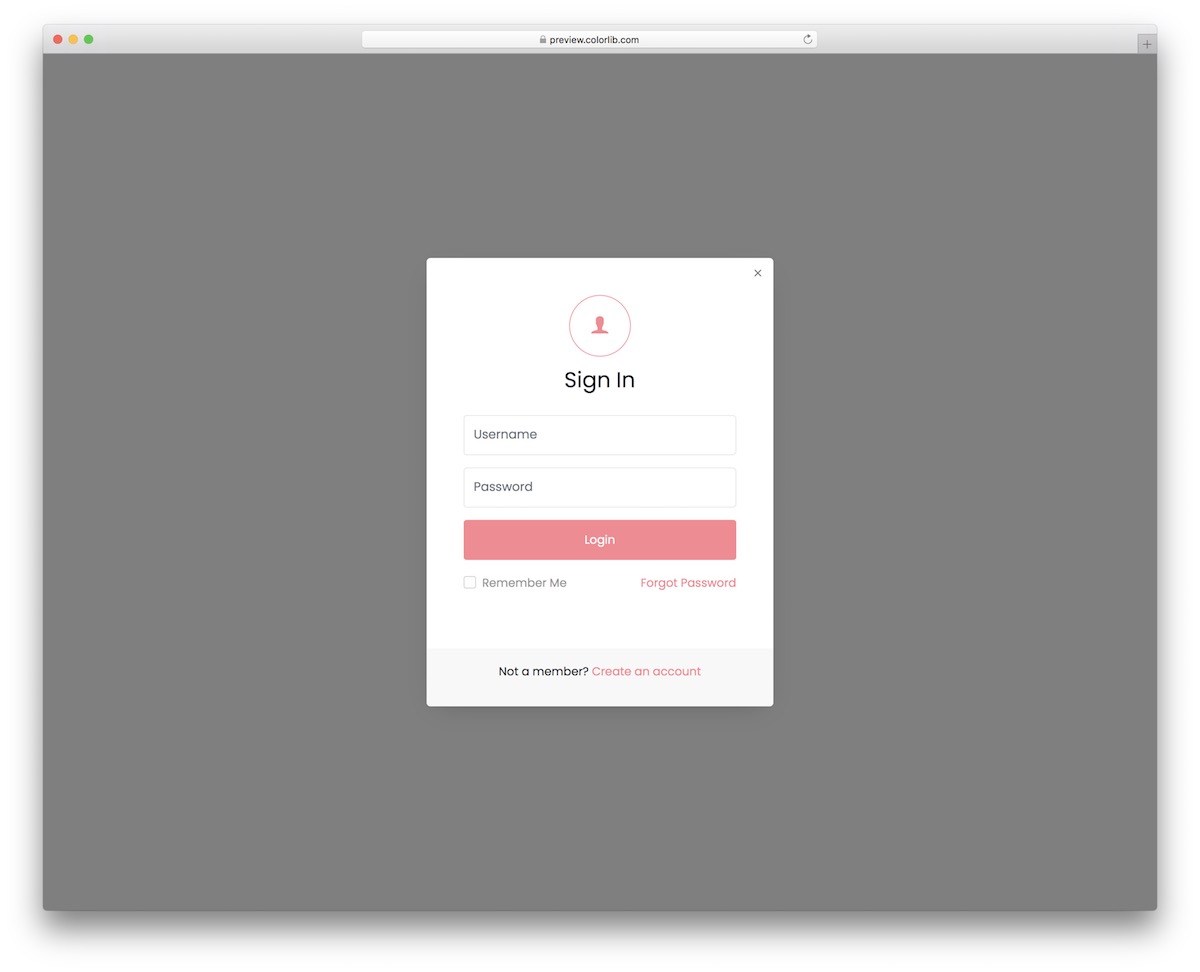
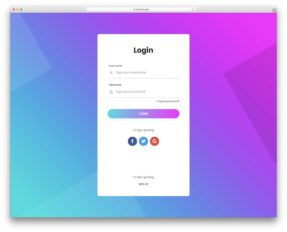
You can add a free modal for sign-up almost anywhere on your website. It appears as a simple button with a call to action, making it extra convenient. The whole download is 103 KB and loads no Bootstrap or jQuery files.
The pop-up then includes sections for username and password, along with the “remember me” checkbox and “forgot password” link.
You can even use this modal to guide your users through the account creation process (link at the bottom of the pop-up).
Modal V02
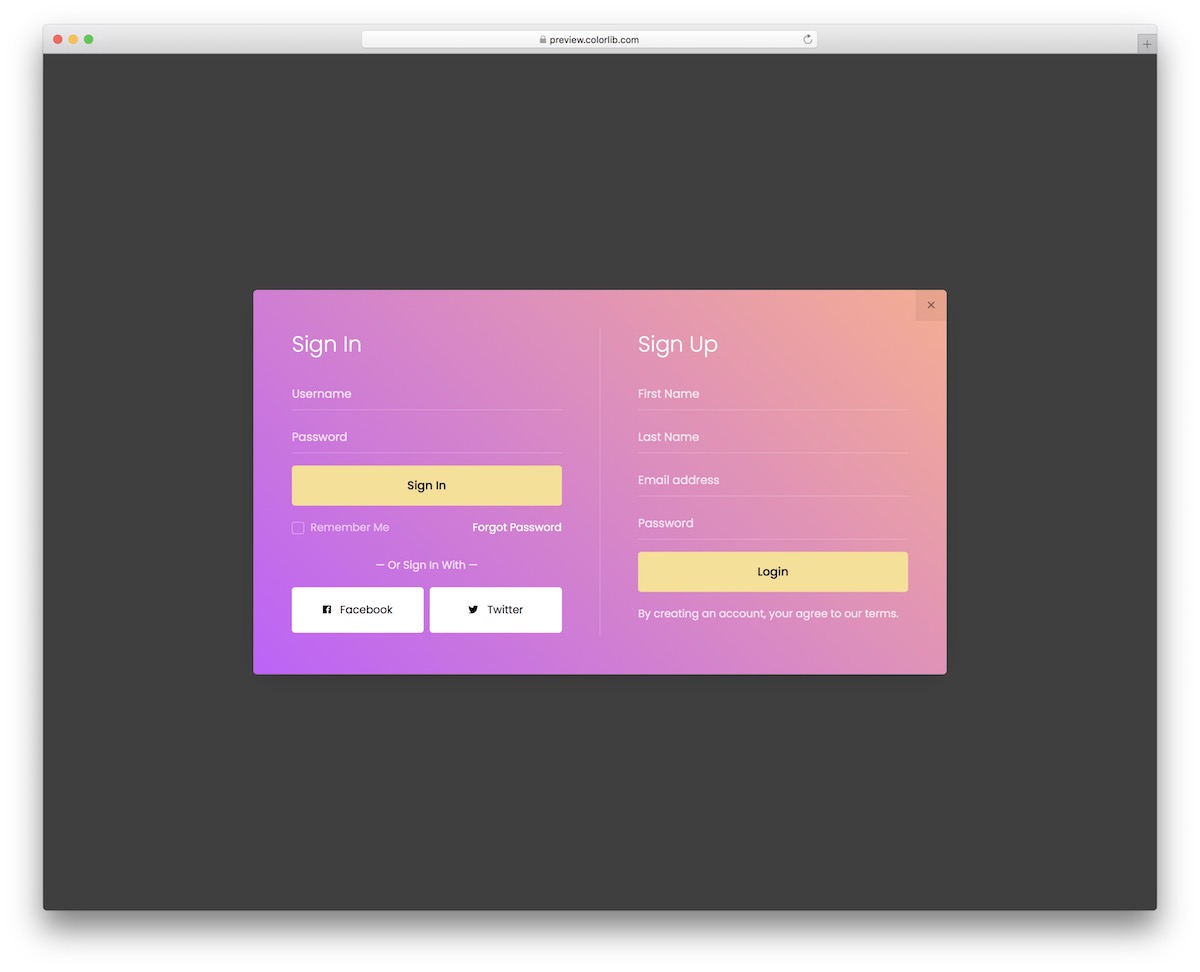
If Modal V01 was more basic, Modal V02 takes things to the NEXT LEVEL. Not only does it feature both sign-in and sign-up forms, but the gradient effect spices things up over and beyond.
It needs no Bootstrap or jQuery files, and the download shrank from 617 KB to 103 KB, so it stays light on every device and screen size.
The sign-in section of the modal also features buttons for Facebook and Twitter social logins.
Modal V03
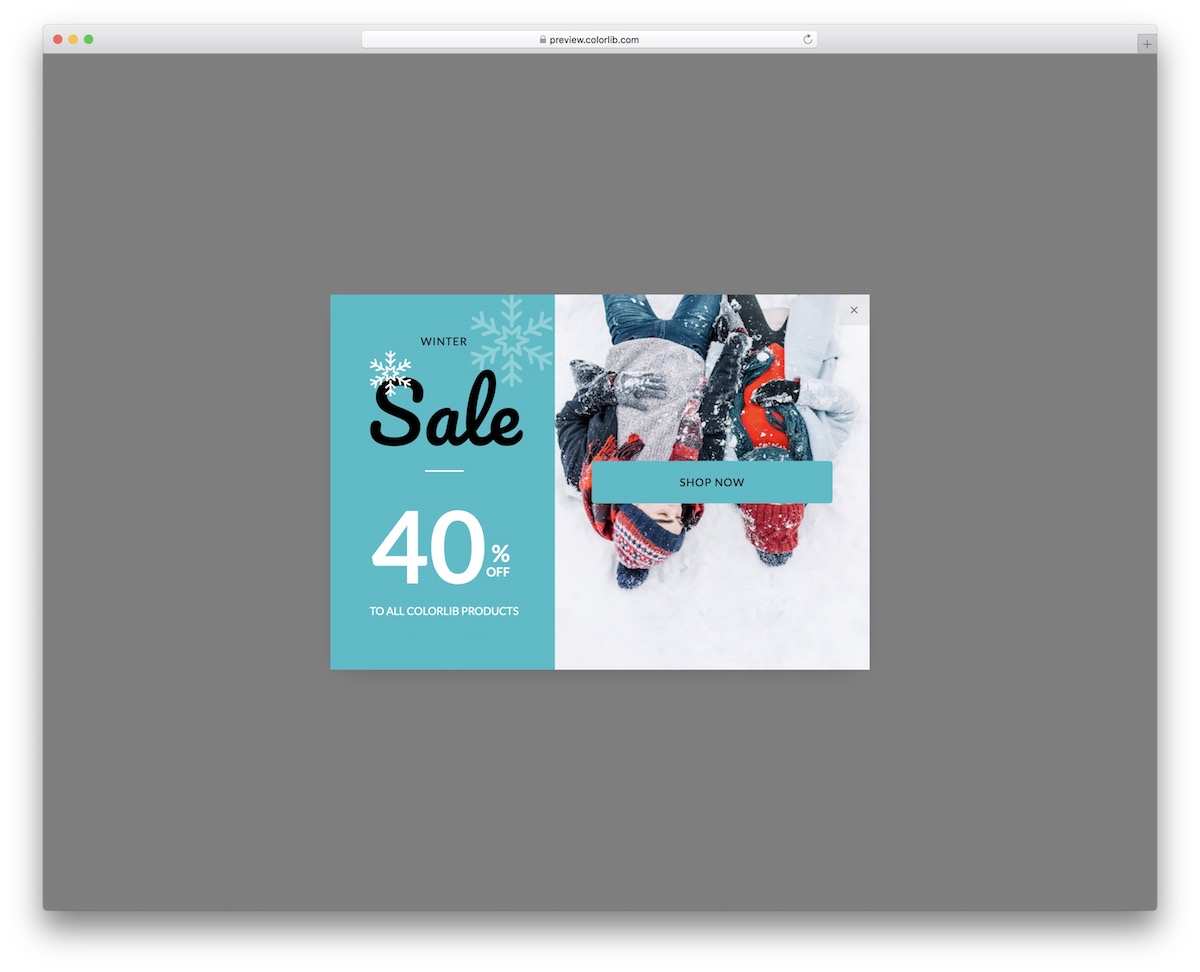
Promote your special sales and other deals with Modal V03. This free Bootstrap modal rocks a neat design that allows you to add an image on one side, sale info on the other, and a CTA button.
Never miss the opportunity to HOOK your potential customer.
With Modal V03, you can do it as soon as they land on your eCommerce website or when they would like to exit it.
Modal V04
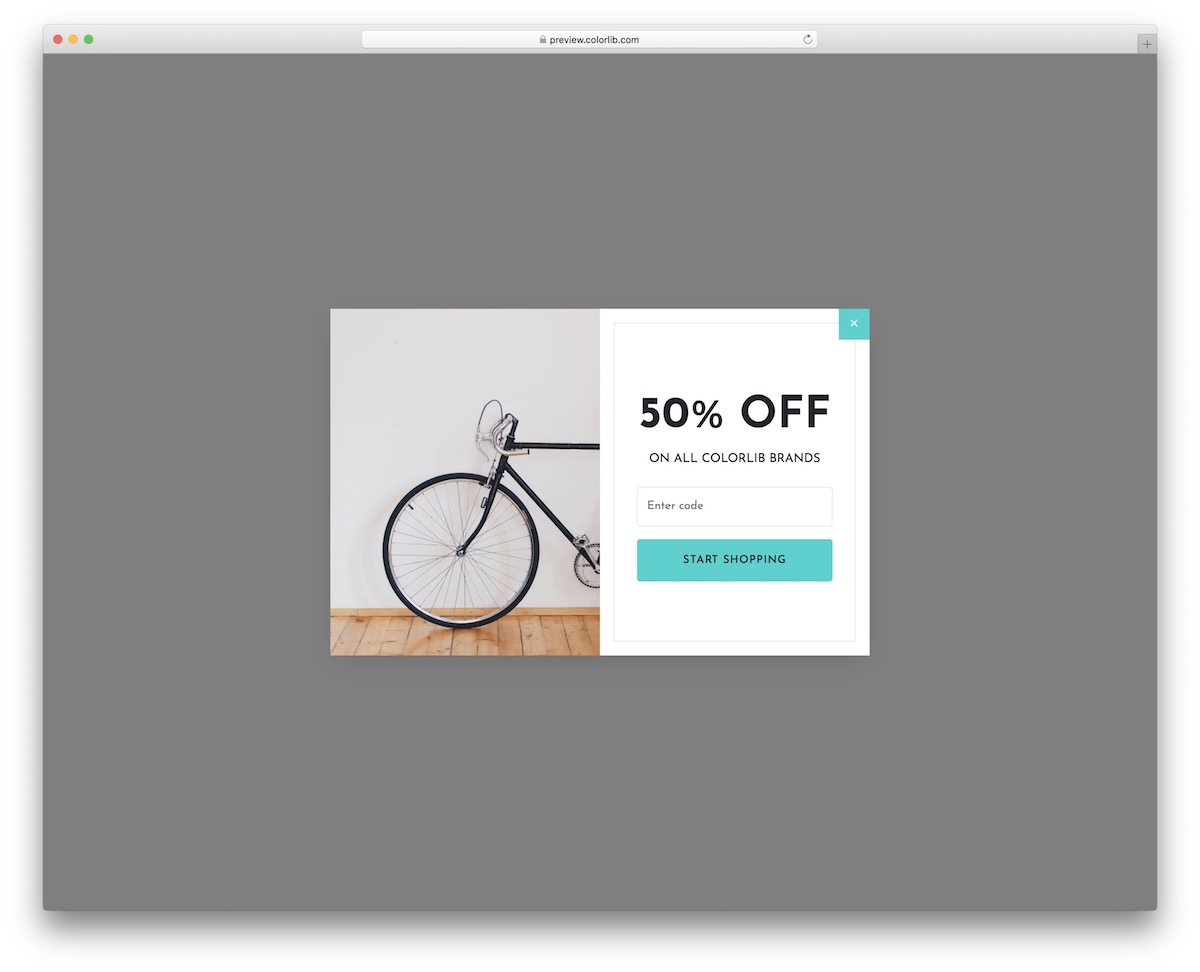
We all know how much it means to us if we get a coupon code for a discount. Excite all your site visitors and potential buyers with Modal V04.
They can enter the code (ex, they received via email) and continue enjoying the special deal.
The split design of this free Bootstrap-ready modal allows you to add an image on the left and sale information on the right. On mobile, the image comes first with the coupon opt-in below.
Modal V05
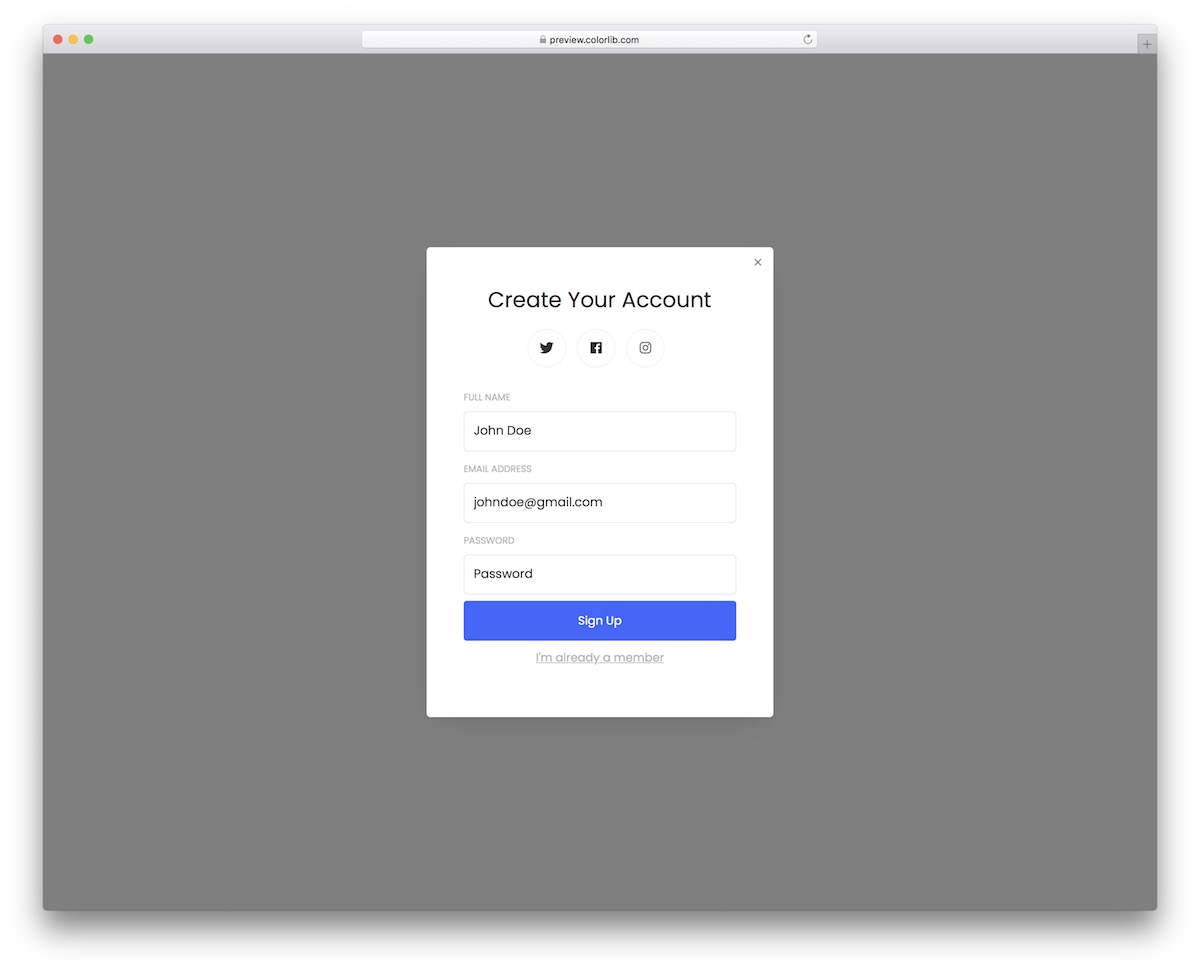
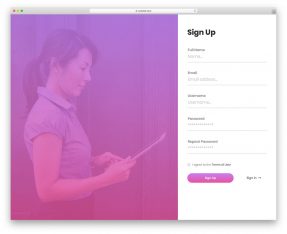
Modal V05 is a neat pop-up with a clean design for account registration. The simple design will not overwhelm the user, even if they are filling out the form on mobile.
Modal V05 also has social media buttons that react on hover and an “I’m already a member” link.
You can CONNECT the latter with a sign-in form to access their profile/account immediately.
Modal V06
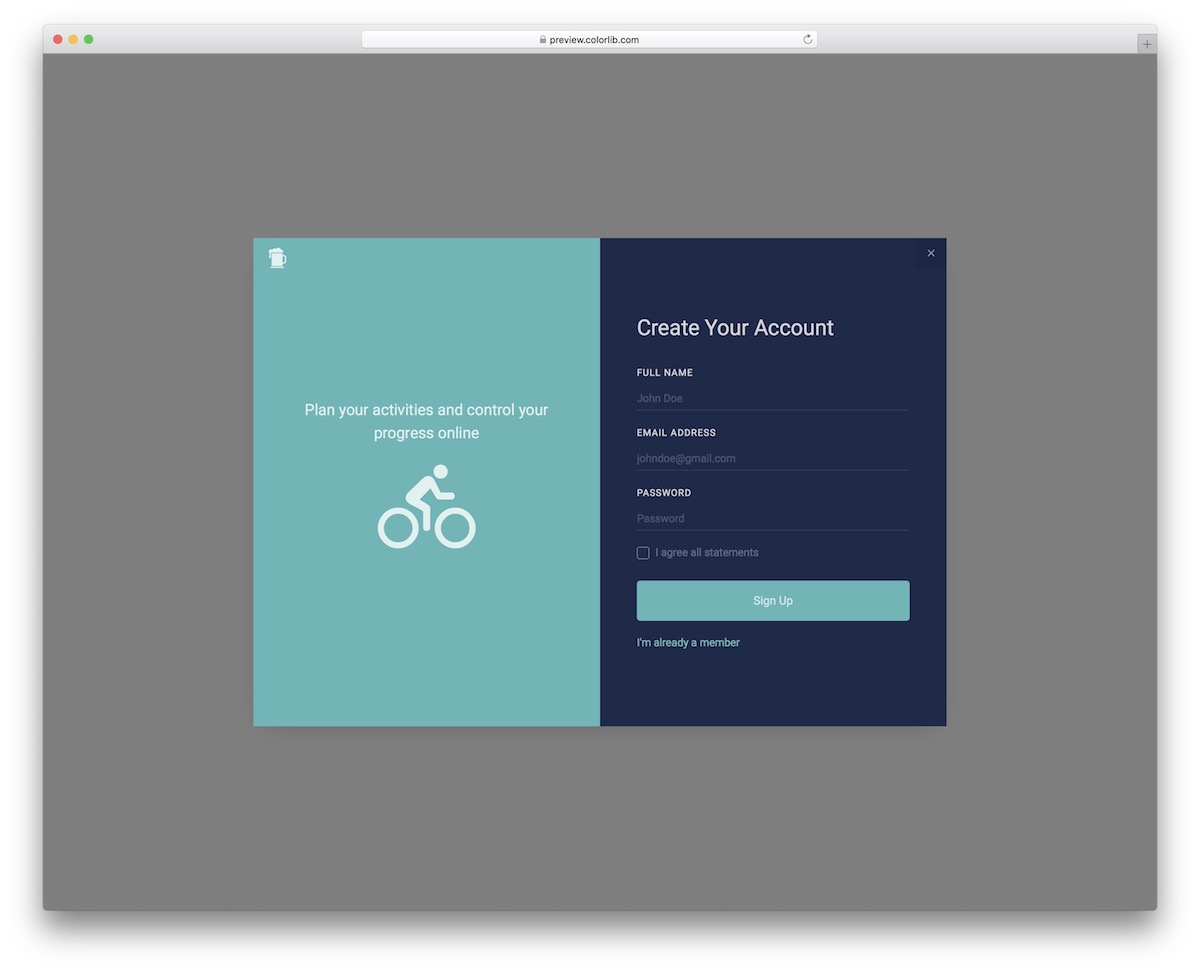
Modal V06 is a modern free snippet that creates a pop-up for account registration. While it focuses on an activities app by default, you can employ this free Bootstrap modal for something else.
The options are pretty much endless.
Moreover, the design offers you to add EXTRA information on one-half of the layout. And like that would not be enough, the form also features auto-complete.
Modal V07
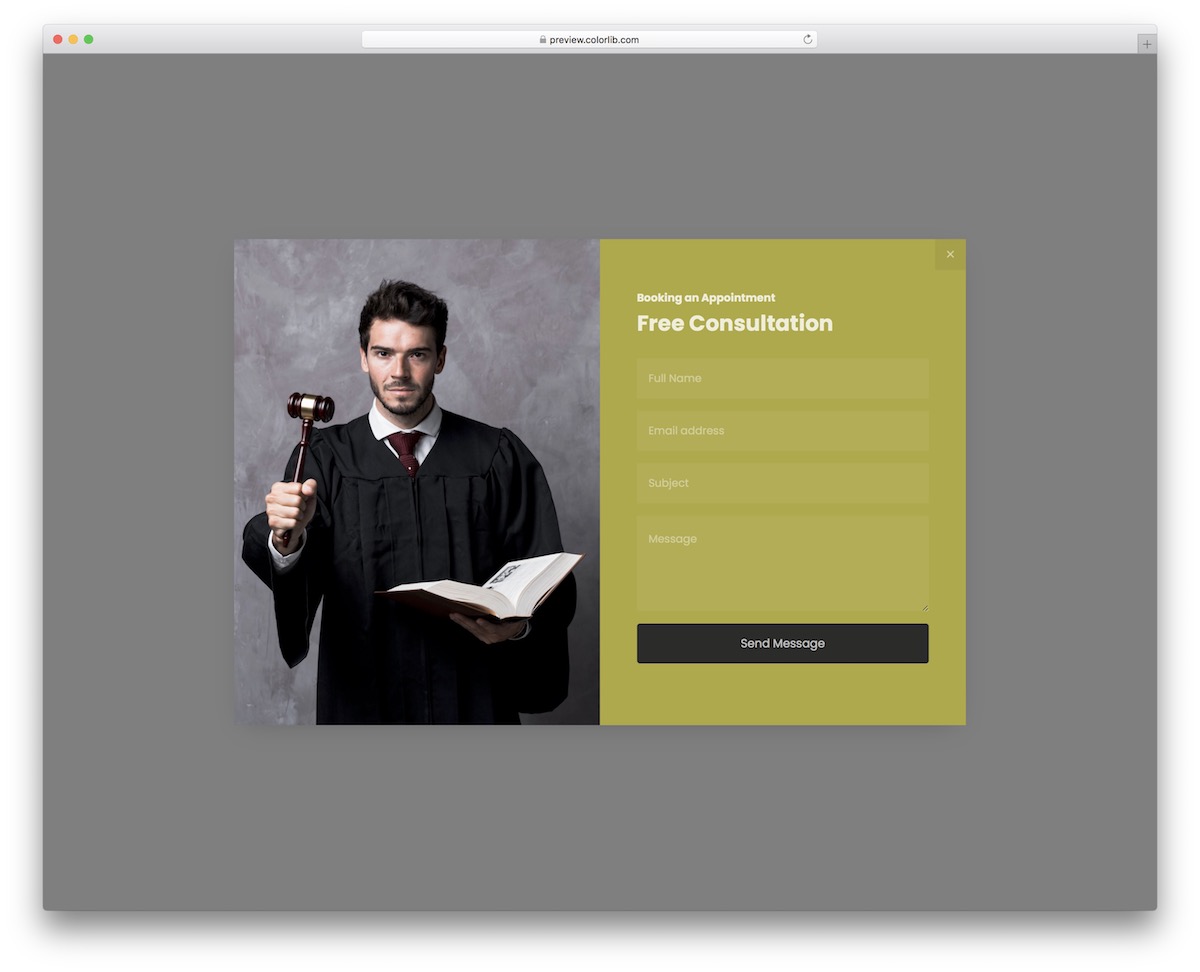
Our broad selection of free modals ensures there’s something for everyone. Even if you are in a service-based business, Modal V07 is the right option.
Regardless of the industry, it is an easy-to-use tool for consultations and appointments. And no, you are not obligated to use it only for law firms and lawyers.
Customize it, improve it, and make things your way.
Modal V08
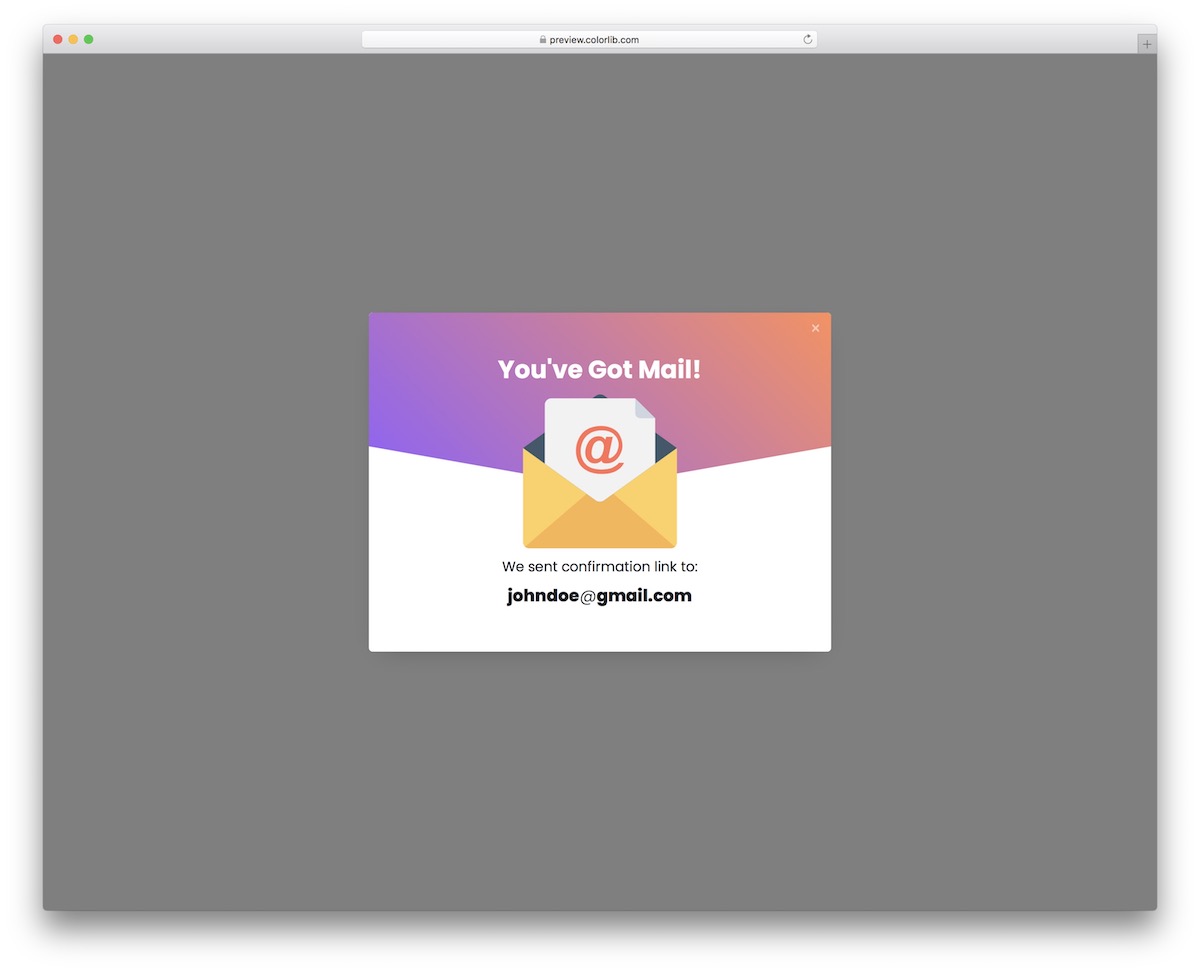
Many use confirmation emails for safety reasons to prevent spam. To notify your users that they received a confirmation link to their email, Modal V08 is the free snippet that will do the trick.
Modal V08 adapts to a fluid layout on smartphones, tablets, and desktops FLAWLESSLY. You can even test it out yourself before hitting the download button.
Modal V09
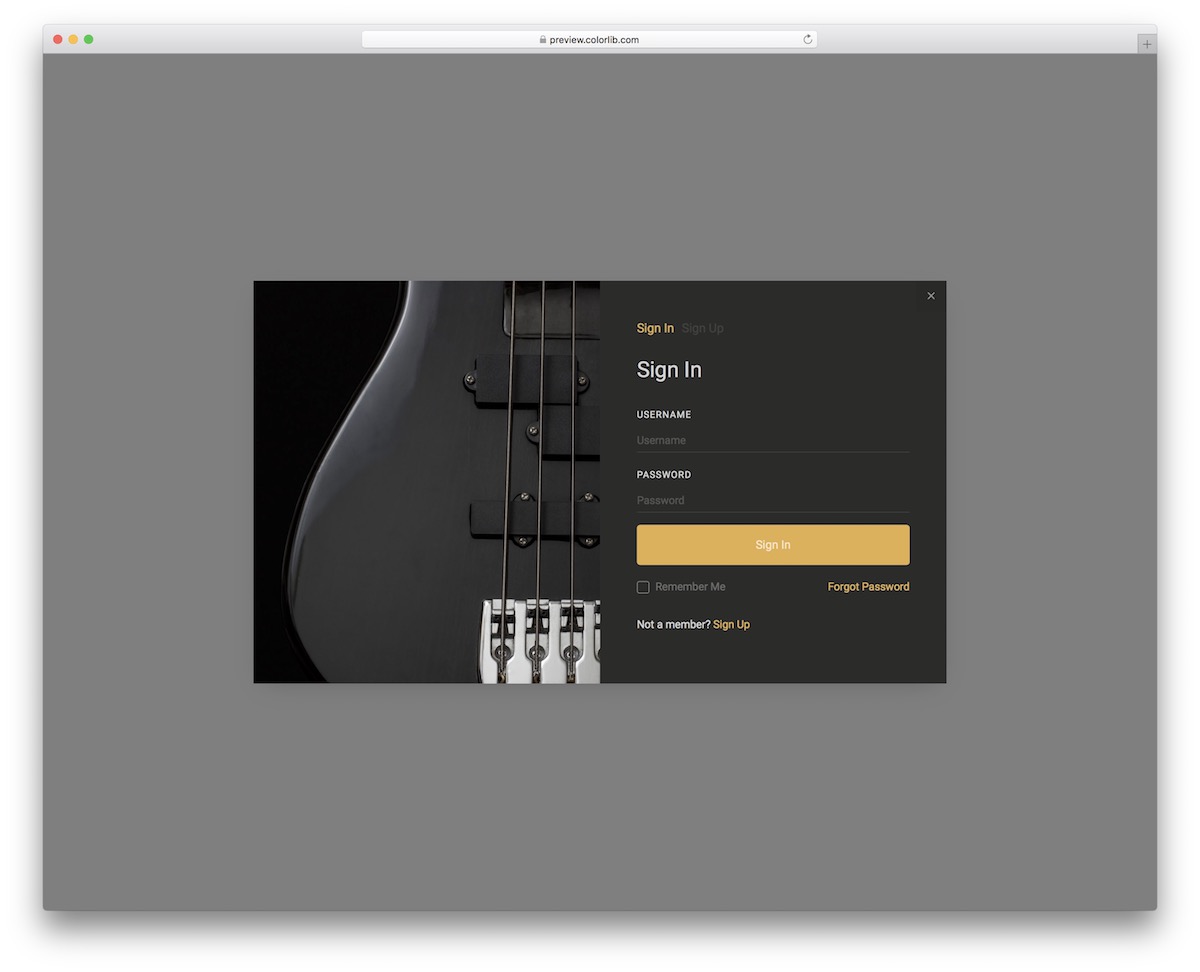
Are you looking for a free dark Bootstrap modal? You are in luck!
Modal V09 is here in all its glory, ready and set for you to put it into play.
Of course, you are welcome to work with the template out of the box and save yourself time.
Or, you can introduce YOUR creative TOUCH and configure Modal V09 to your branding regulations – no need to hold yourself back.
Modal V10
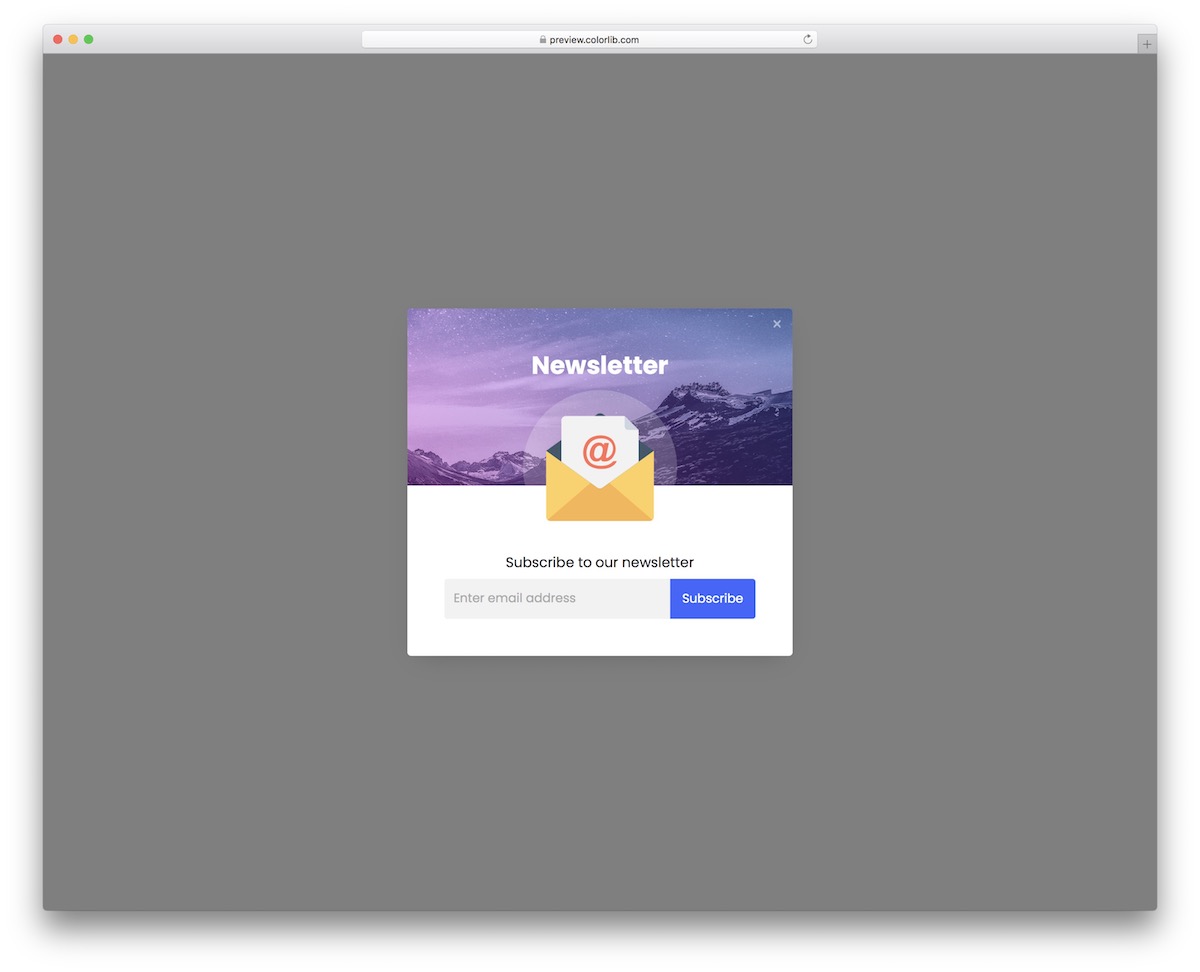
Push a newsletter subscription form on your website with Modal V10. This free modal, which drops into any Bootstrap 4, 5 or 6 project, boasts a trendy, eye-catching design that encourages your users to opt in.
There’s no need to start from the ground up anymore.
Everyone can now subscribe to your must-read newsletter via Modal V10. Make it pop to catch their attention and increase the likelihood of getting their email.
Modal V11
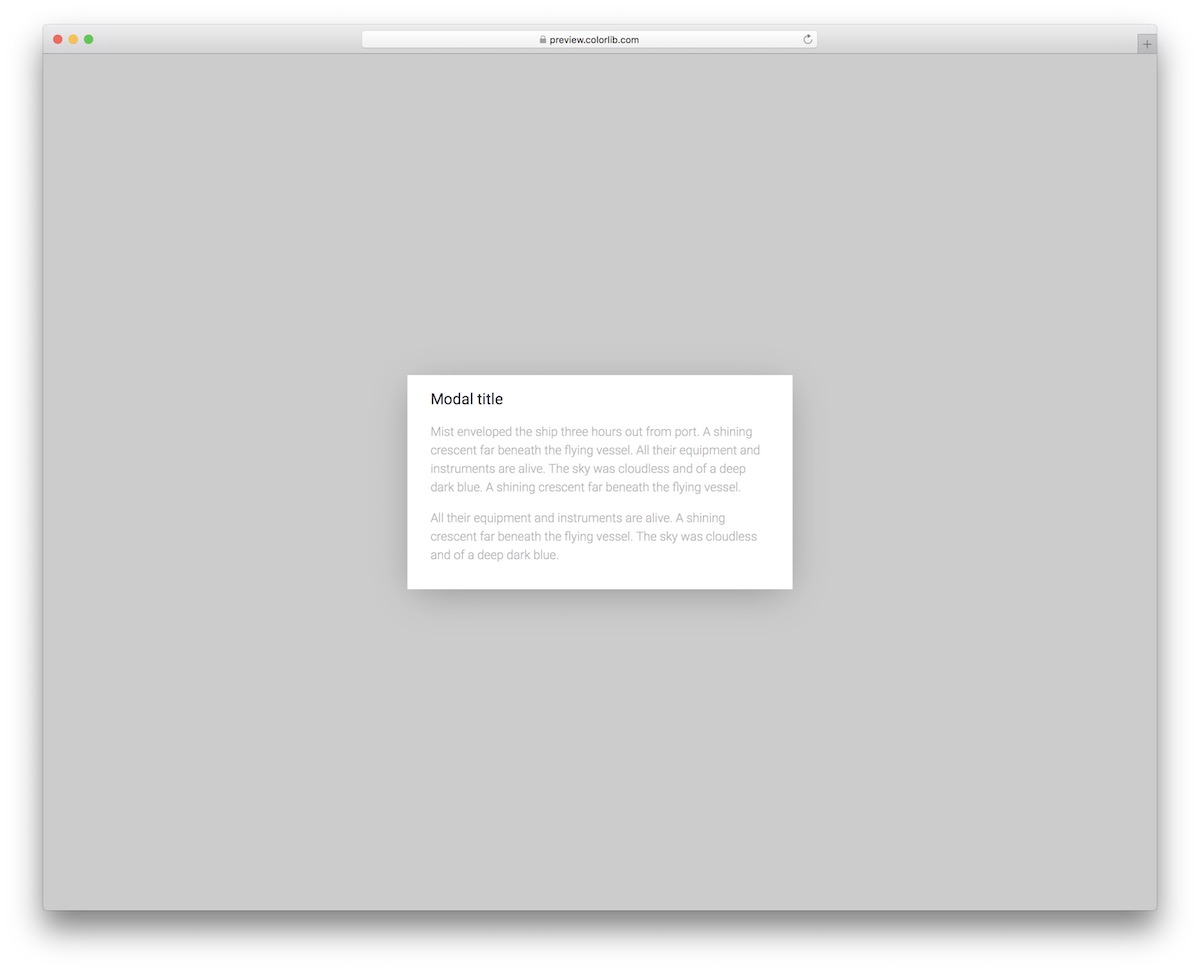
If you search for a simple free Bootstrap modal that FOCUSES on text, Modal V11 is it.
Title and text area are WHAT’S UP, coming great for sharing additional information about your business, product, service, etc.
Due to the extremely minimalist look, most of you will want to work with Modal V11. But you can still configure the font if it does not match your existing one.
Modal V12
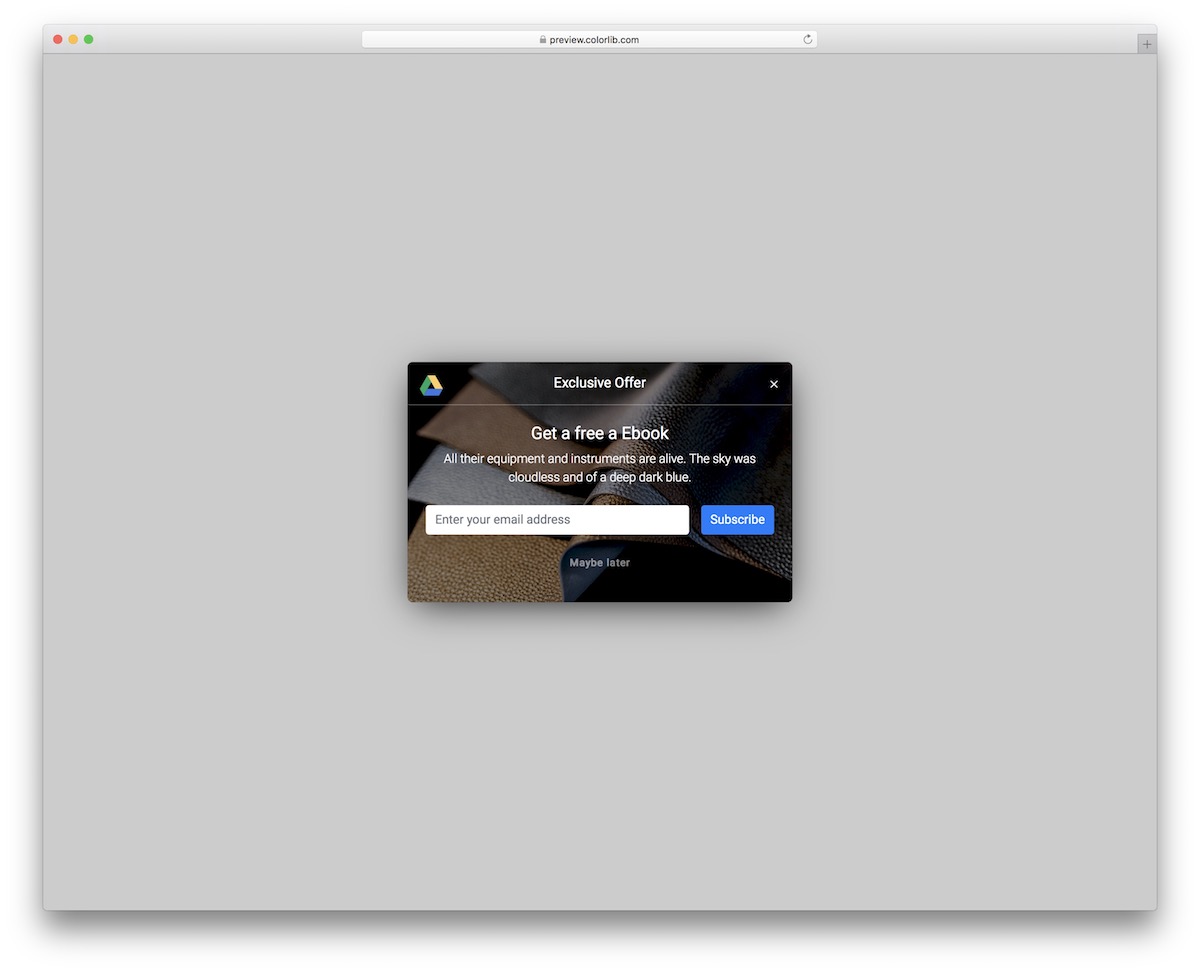
You can’t just ask your visitors for their email addresses —that won’t yield the best results. You need to offer them something in return, and a free eBook is a perfect lead capture approach.
With Modal V12, you can create a customized pop-up to promote your free eBook in exchange for an email.
BUT. There’s also a “maybe later” button because not all will be interested.
Modal V13
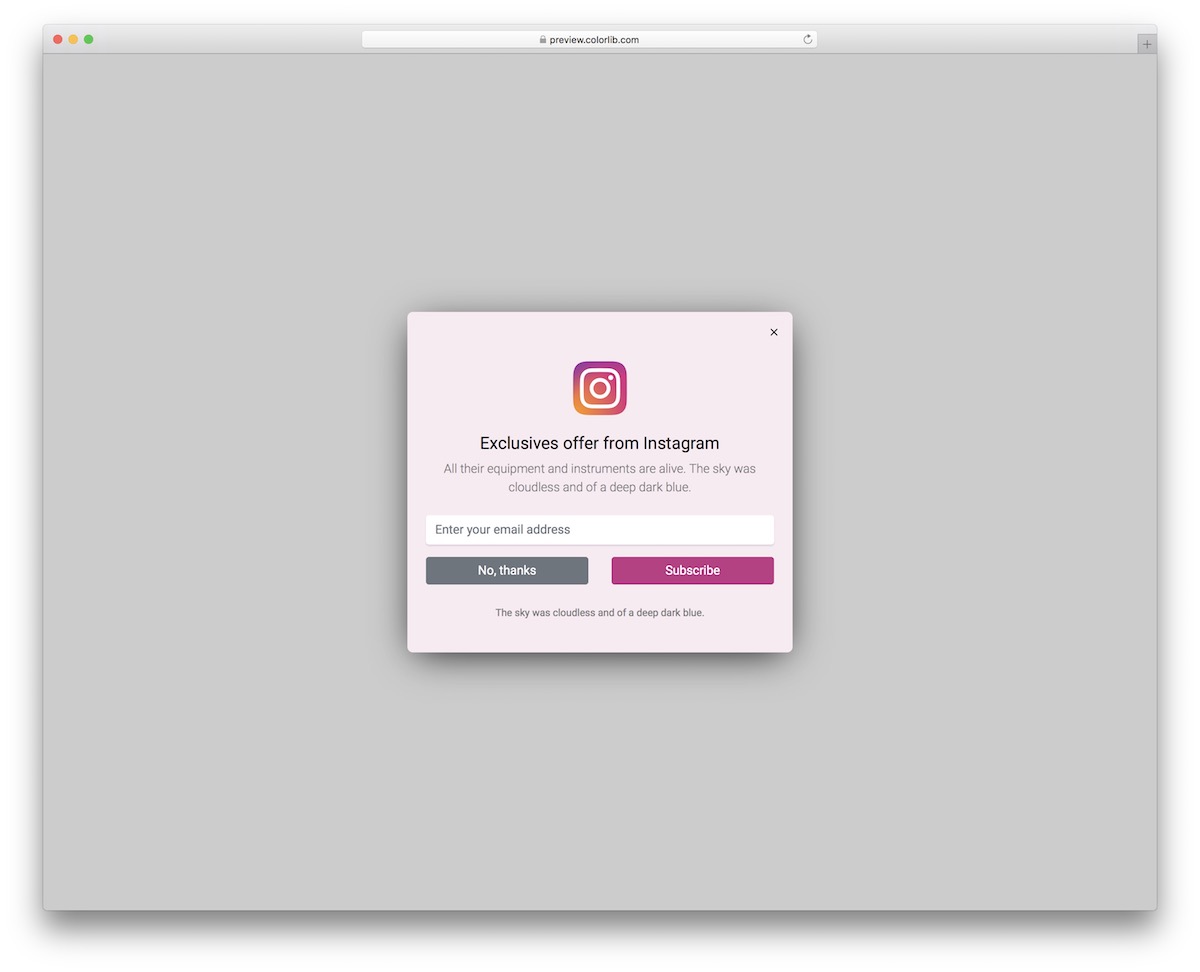
Modal V13 is another great way to offer your loyal users exclusive offers—but only if they enter their email. There’s no free stuff.
Oh, WAIT, our Bootstrap modals are!
Modal V13 features an Instagram icon, form, “no, thanks” and “subscribe” buttons, and an extra text area at the bottom.
If pink does not fit your style, that’s something you can alter, even the colors of buttons.
Modal V14
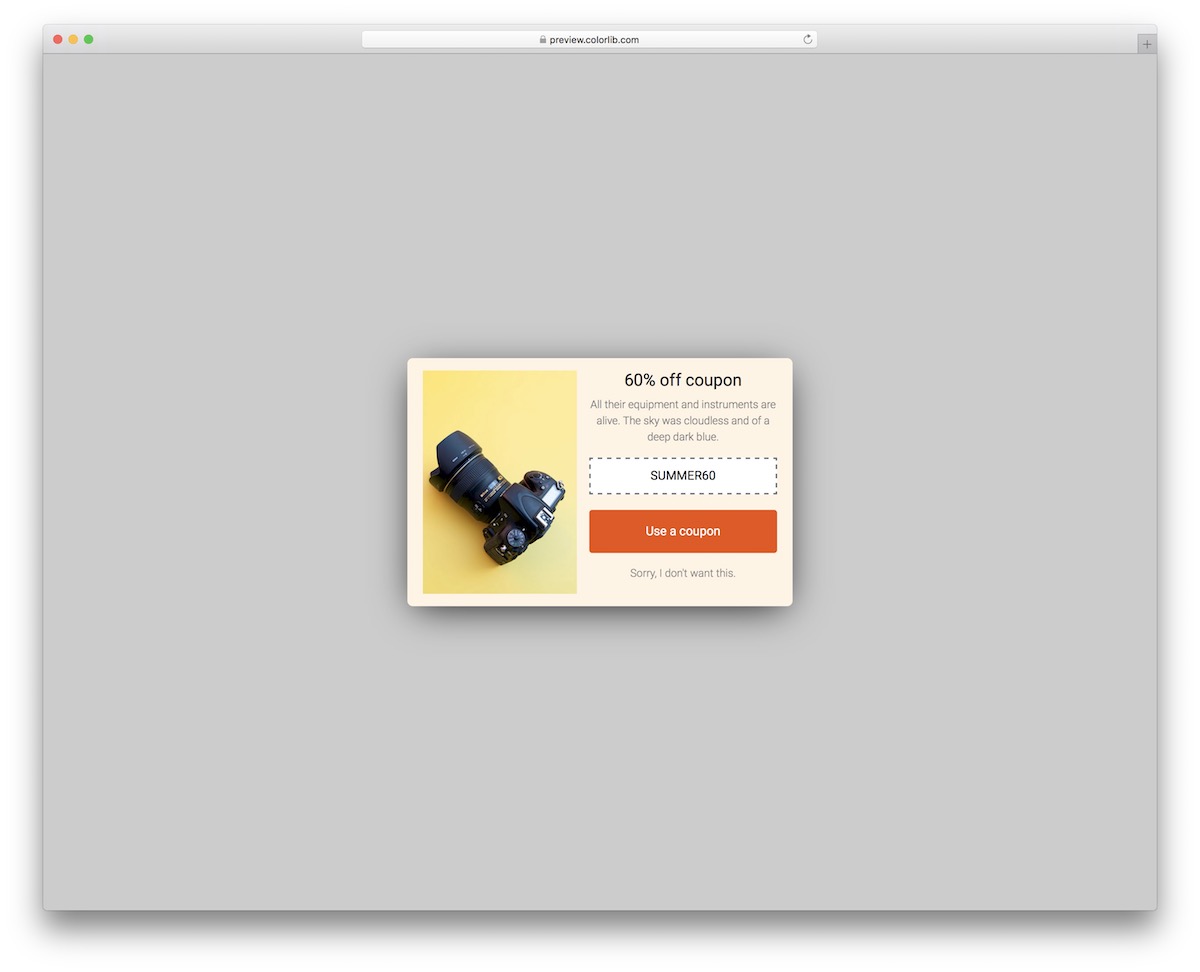
Advertise your special coupons that offer great deals with Modal V14. Like the default design, you can add an image to SPICE things up along with the title and text.
If the user does not want to take action with the special coupon code, they can always close the pop-up. They can do it by clicking anywhere outside the pop-up or on the text button below CTA.
Modal V15
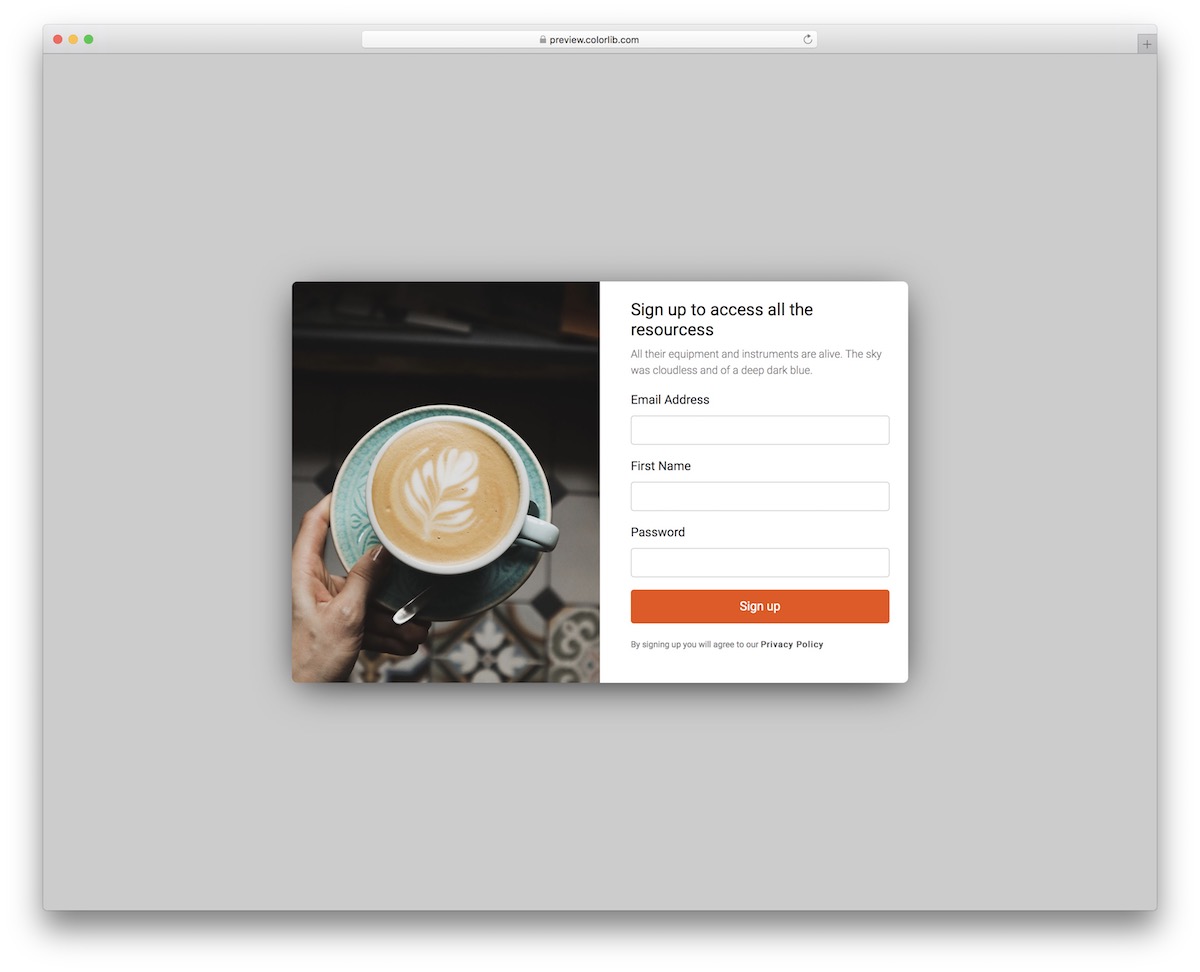
Letting your users create an account has never been EASIER.
You can opt for Modal V15, code it into your web application, add the necessary and have it all set quickly. Why complicate things if you don’t have to?
Make the pop-up prettier with an image and encourage them to take action with some words of wisdom.
There’s also a section for the privacy policy link because you always want to be compliant.
Modal V16
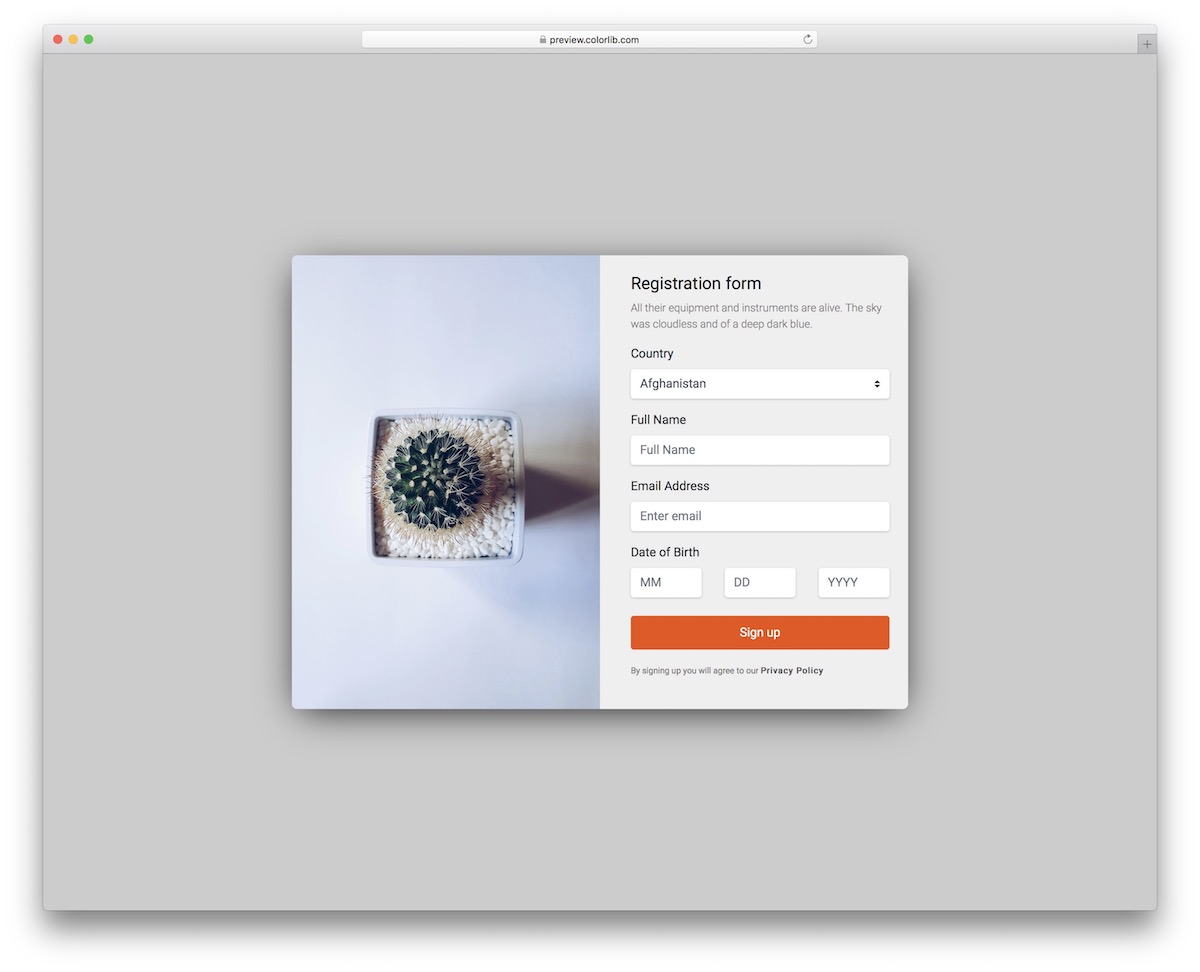
Modal V16 is a full-blown registration form pop-up with country selection and date of birth.
This is the free Bootstrap modal you should not miss when requesting more information about your users.
Along with the practical part (the form), there’s also the creative part (the image).
I find it cool that the split design stays in the same format even when viewing it on mobile—it’s just more squeezed.
Modal V17
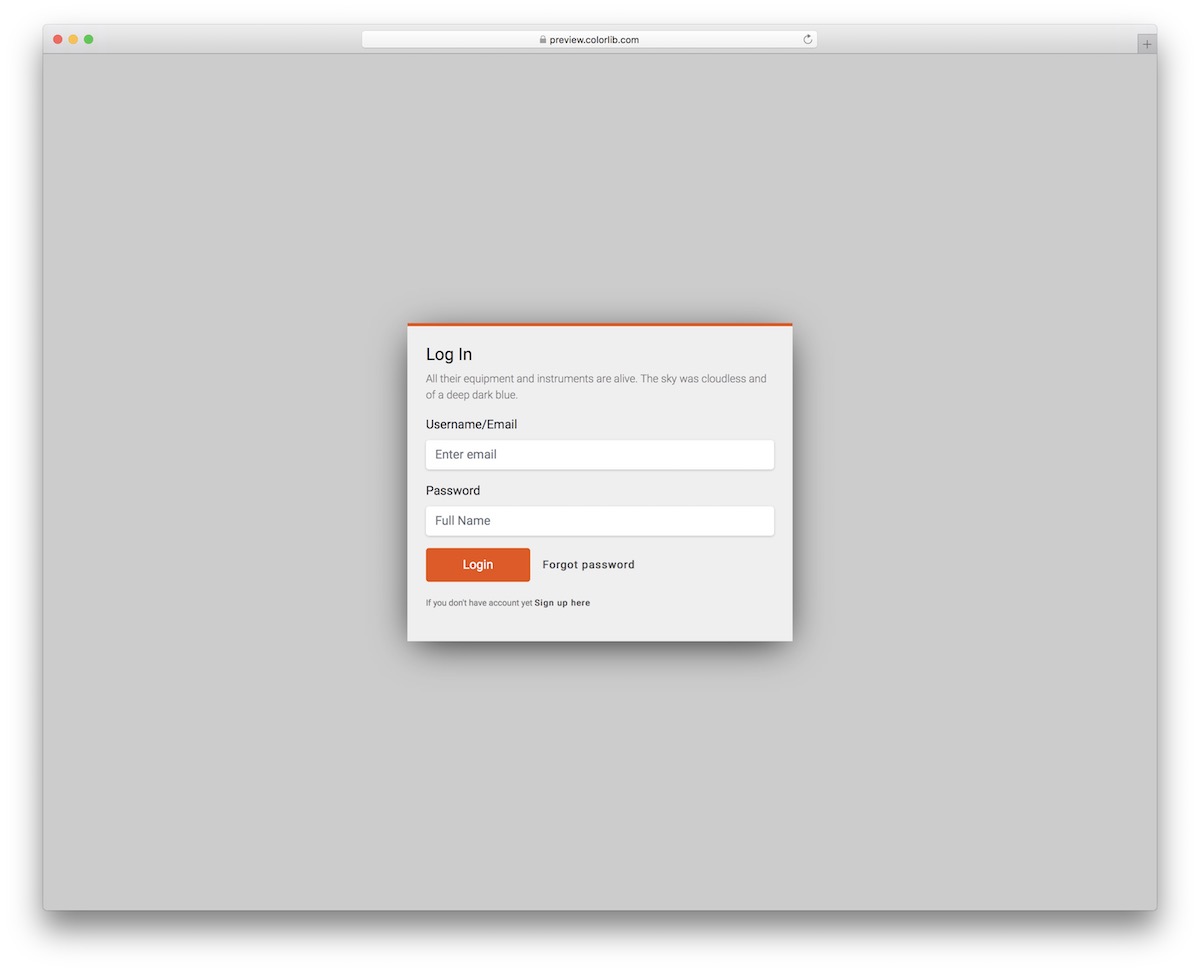
A simple registration modal with an additional text area and a “forgot password” link is what you get with Modal V17. Even though it is free, it keeps focus inside the pop-up while it is open, and Esc closes it.
It is light, too: the download is 246 KB, down from 1.5 MB before the rebuild.
You can also modify the default configurations if necessary, or use it as-is and save extra time.
Modal V18
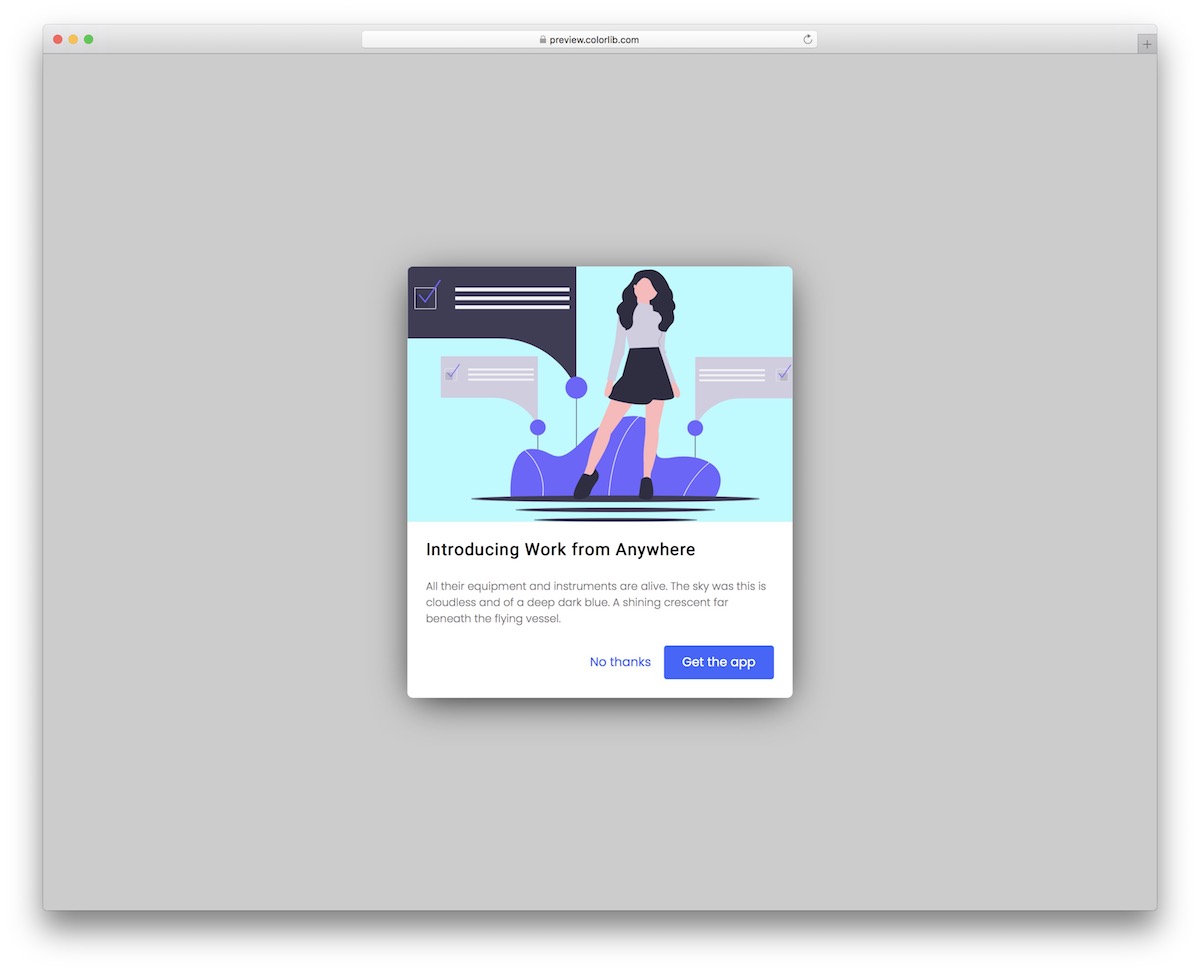
Modal V18 works very well if you are looking for creative ways of promotion your application.
But really, this free Bootstrap modal works for products, services – ANYTHING – you would like to put extra shine on.
Its creative design ensures that it triggers everyone’s attention.
However, those not interested can click on “no thanks” or anywhere outside the modal to close it. Embedding it into your project will also be quick and easy due to the simple code structure.
Modal V19
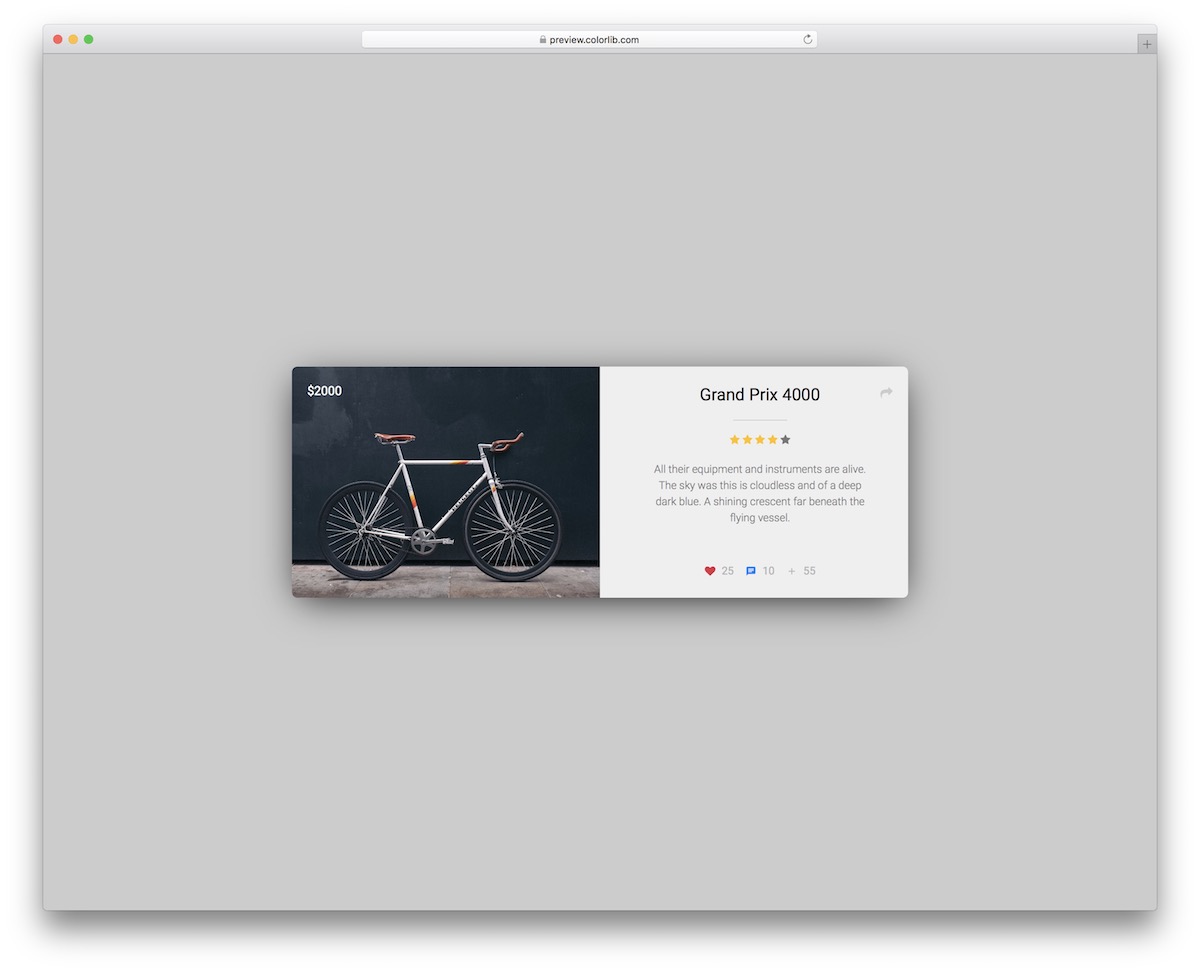
We all know how beneficial adding product reviews is. Instead of starting from scratch, you can make it happen with Modal V19.
The free modal features an image section and a review section.
The latter even comes with stars, hearts, comments, and other goodies that will do the trick. You can also add product prices in the image area.
Modal V20
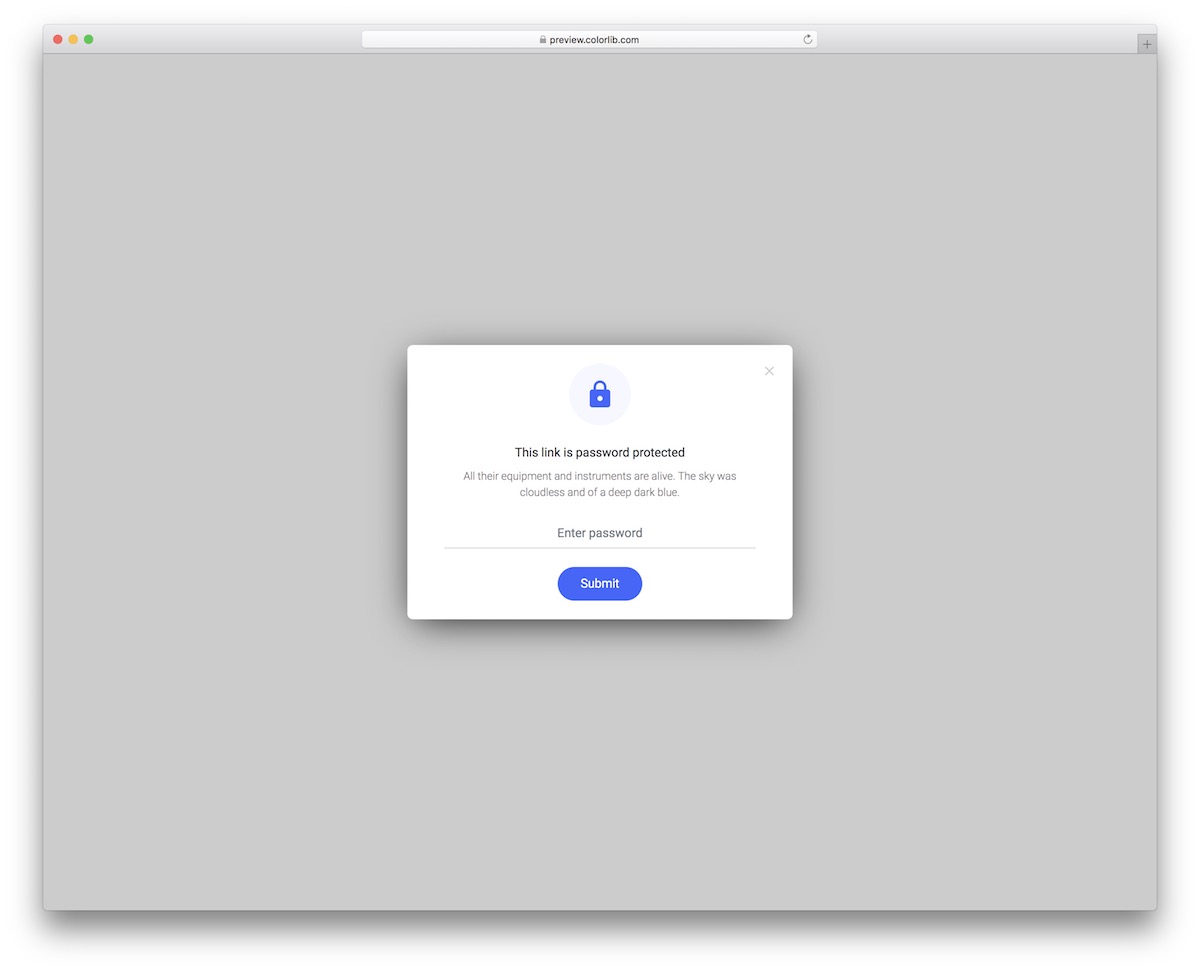
Whether you’re running a blog with PREMIUM content or a website with SENSITIVE content, use Modal V20.
This free snippet opens a pop-up with an option to unlock the content by typing in the necessary password.
You only really need basic coding knowledge to activate Modal V20. It opens and closes with a few lines of vanilla JavaScript, with no Bootstrap scripts required.
Take it to your advantage and create a neat addition to your website to protect any content you want.
More 2026 dialog and popup snippets from Colorlib
Modal patterns from our 2026 snippets, all built on the native dialog element with focus kept inside, Esc to close and focus returned to the trigger.
Newsletter Form V04: Promo subscribe popup built on the native dialog element
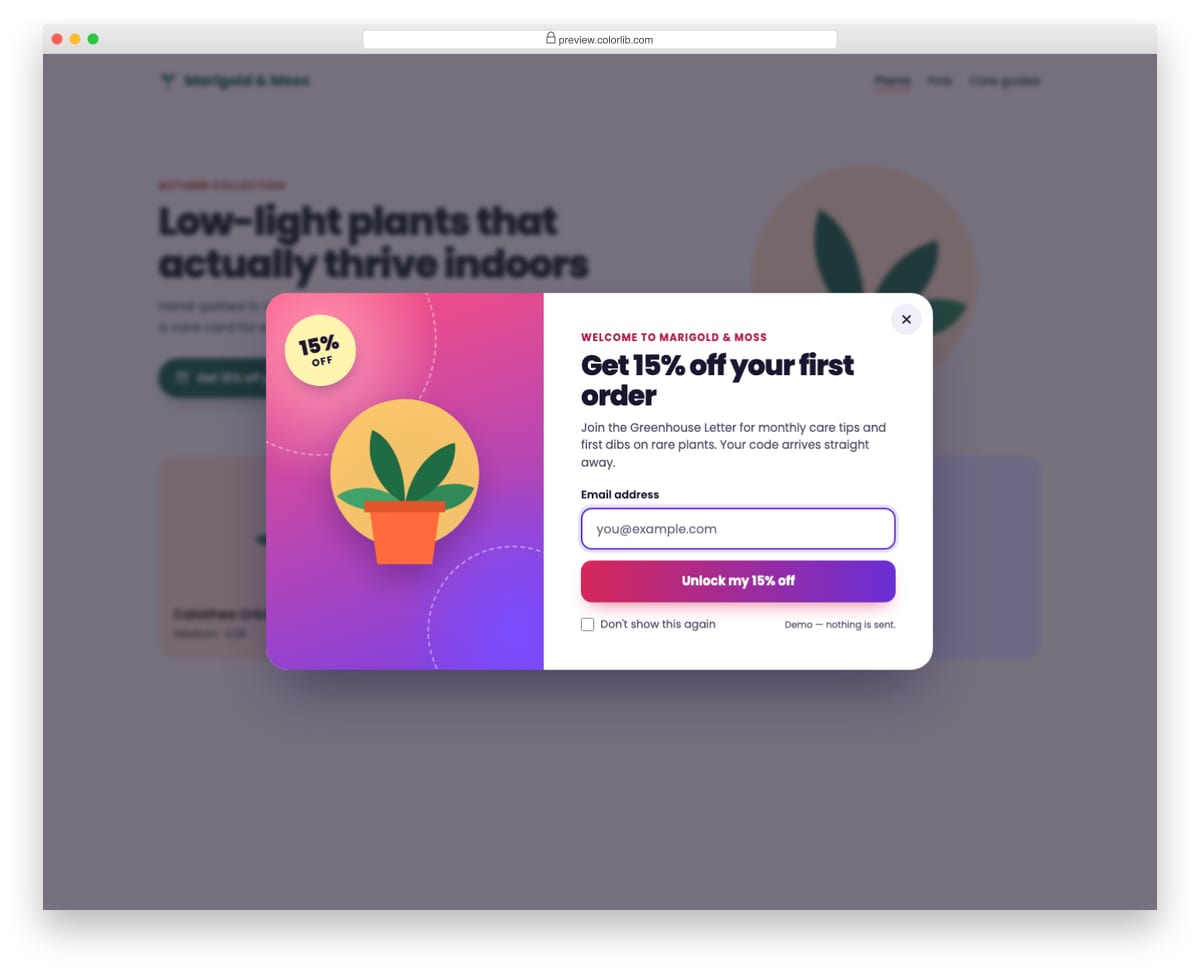
A colourful subscribe popup for a plant shop that offers 15% off the first order, built on the native dialog element with showModal(). It opens from a button and also by itself after a delay set in a data-delay attribute, and a Don't show this again checkbox stores a flag in localStorage so the automatic open is skipped on later visits. Focus moves to the email field on open and returns to the opener on close, and Esc, the close button and a backdrop click all close it.
Best for: online shops and content sites that offer a sign-up incentive. Plain HTML and CSS with a few lines of vanilla JavaScript, a 77 KB download, and it works on its own or inside a Bootstrap 4, 5 or 6 project.
Hero V11: Video-style hero with a looping CSS scene and a play button that opens a dialog
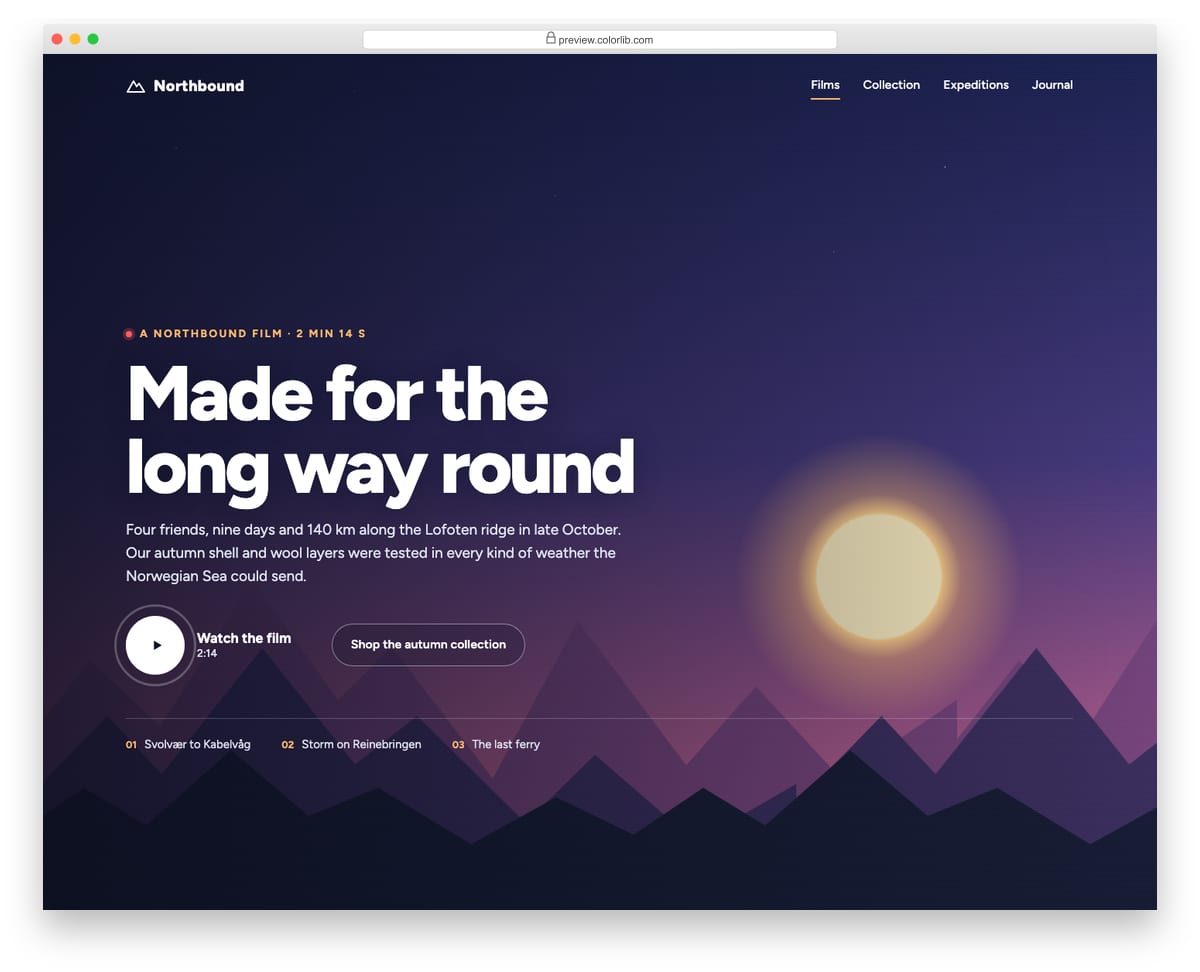
A cinematic hero for an outdoor brand film that looks like a video background but is made entirely in CSS: a shifting dusk sky, twinkling stars, a setting sun and three mountain ranges panning at different speeds. A large play button opens a native modal dialog holding a 16:9 placeholder player that you swap for a video element or embed. The dialog traps focus, closes with Esc, the close button or a backdrop click, and returns focus to the play button.
Best for: brand films, product videos and campaign landing pages. Plain HTML and CSS with a few lines of vanilla JavaScript, a 159 KB download, and it works on its own or inside a Bootstrap 4, 5 or 6 project.
Offcanvas V02: Right shopping cart drawer with quantity steppers and live totals
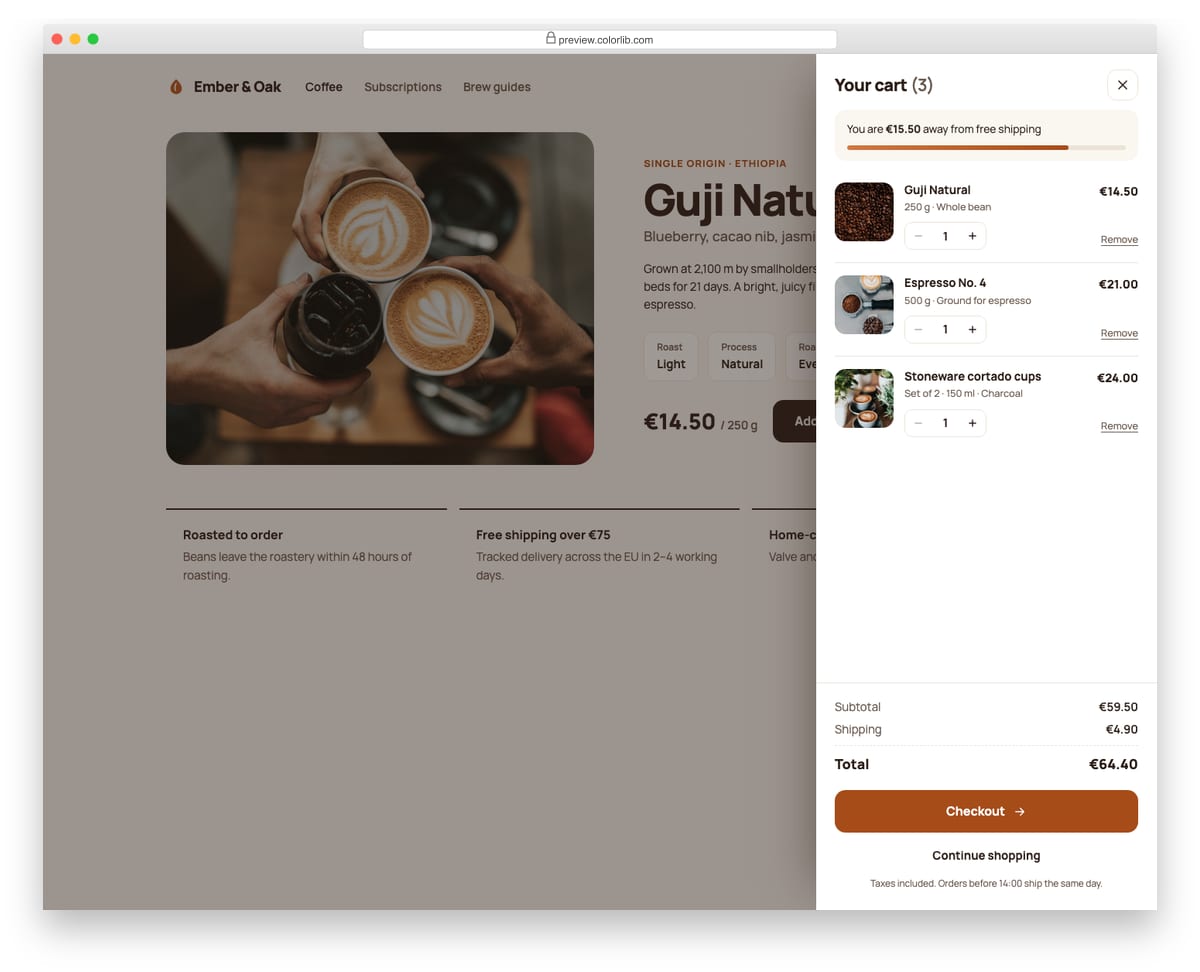
A cart drawer that slides in from the right on a coffee roaster's product page. Each line item has a photo, a quantity stepper and a remove link, and the subtotal, shipping, total and free-shipping progress bar update as quantities change. Add to cart on the page increases the matching line and opens the drawer.
Best for: online shops, product pages and mini-carts. Plain HTML and CSS with a few lines of vanilla JavaScript, a 331 KB download, and it works on its own or inside a Bootstrap 4, 5 or 6 project.
Offcanvas V03: Mobile-style bottom sheet with a drag handle
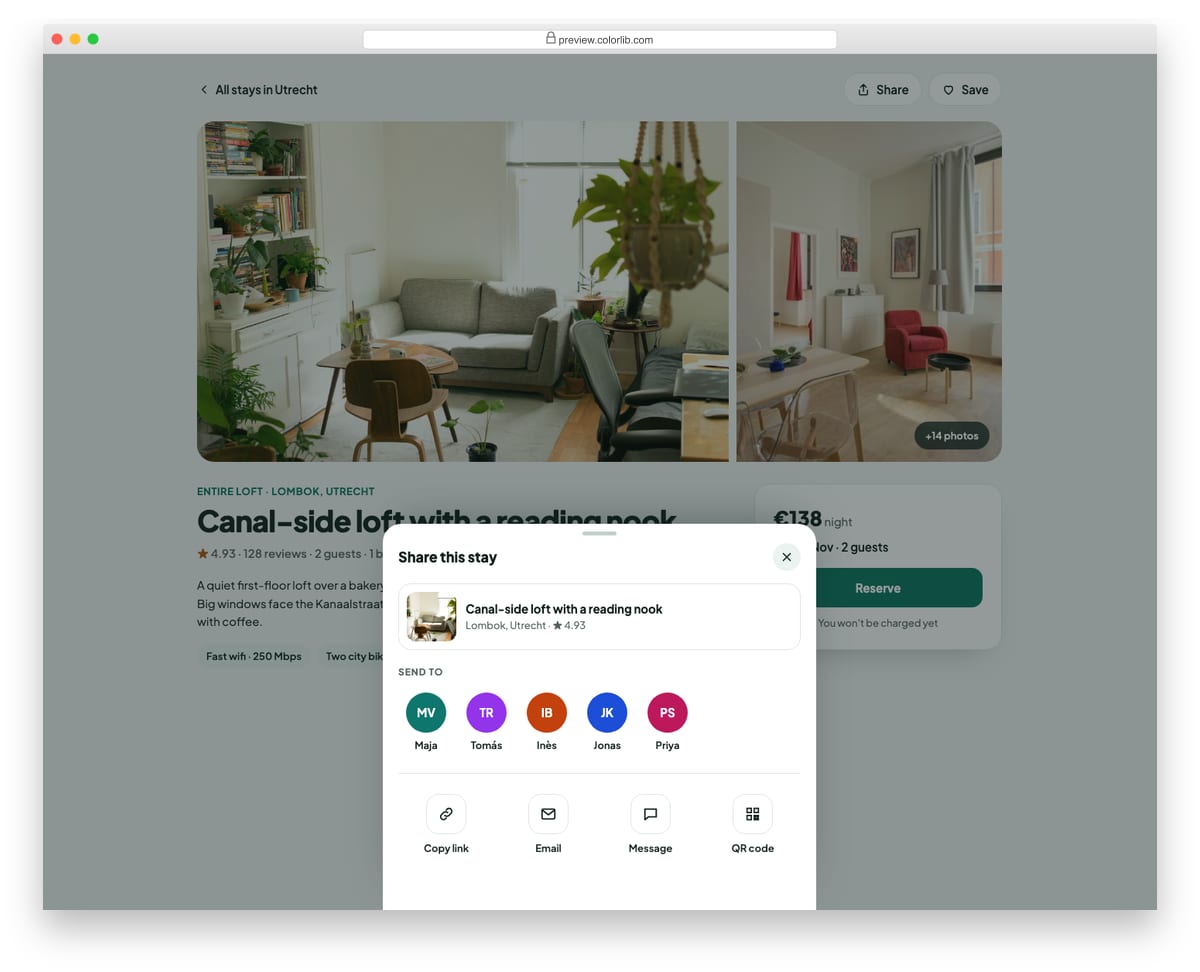
A share sheet that rises from the bottom of a holiday rental listing page. It can be dragged down by its handle to close, or closed with the button, Esc or a tap on the backdrop. Inside are a listing preview, a row of recent contacts and share options, including a working copy-link button with a live status message.
Best for: share menus, quick actions and mobile-first action sheets. Plain HTML and CSS with a few lines of vanilla JavaScript, a 416 KB download, and it works on its own or inside a Bootstrap 4, 5 or 6 project.
How to choose a Bootstrap modal
Check focus and closing first. A modal should move focus inside when it opens, keep the Tab key from reaching the page behind, close with Esc and hand focus back to the button that opened it. The Colorlib modals keep focus inside and close with Esc or a backdrop click, and the four 2026 snippets use the native dialog element and also return focus to their trigger.
Don’t open it the moment the page loads. A pop-up that covers the page before anyone has read a word is usually closed unread, and Google treats intrusive interstitials on mobile as a negative signal. If you want an automatic popup, delay it and remember the answer: Newsletter Form V04 opens after a delay set in a data-delay attribute and stores a Don’t show this again choice in localStorage.
Give people an easy way out. A promotional modal needs a visible close control, not only a backdrop click. Modal V12 adds a Maybe later button and Modal V18 a No thanks option, which feel more respectful than a tiny X.
Keep forms in modals short. A modal with many fields turns into a small scrolling box on a phone. Modal V01 asks only for a username and password; for longer forms such as Modal V16, consider a full page, or a bottom sheet like Offcanvas V03, which suits small screens better.
Frequently asked questions
Do these modals need Bootstrap or jQuery?
No. Each Colorlib modal opens and closes with a few lines of vanilla JavaScript, with no Bootstrap scripts and no jQuery, and it looks the same on its own or inside a Bootstrap 4, 5 or 6 project. Each Colorlib download is a folder with index.html, css/style.css, js/snippet.js and self-hosted fonts, with no CDN calls. Change colors, fonts and spacing in style.css. The class names are namespaced, so they won’t clash with Bootstrap; if your page sets a global box-sizing or type scale, load style.css after your framework.
How is a Bootstrap 5 modal different from the native dialog element?
A Bootstrap 5 modal needs Bootstrap’s JavaScript and is opened with data-bs-toggle="modal" and data-bs-target on the trigger (Bootstrap 4 used data-toggle and data-target). The HTML dialog element opened with showModal() is built into every current browser: it sits above the page, makes the rest of the page inert and closes with Esc without any library. You still add the close button, and backdrop-click closing if you want it.
Can I put a form inside a modal?
Yes, and most modals here are forms: sign-in (Modal V01), sign-up (V05, V15 and V16), coupon codes (V04) and newsletter opt-ins (V10 and V13). They are front-end templates, so point the form at your own backend or a form service before going live.
Can I use them in commercial projects?
Yes. Colorlib snippets are free under CC BY 3.0 for personal and commercial projects, as long as you keep the credit link.
For a quick sign-in pop-up, start with Modal V01 or V02; for promotions, Modal V04 or Newsletter Form V04. If a modal is more than the message needs, see our Bootstrap toasts, and for more sign-in designs our login forms.

Related Posts


Comments (0)