

Best HTML & CSS Frameworks for Web Development (2026 Guide)
Last updated: March 2026
10 Best HTML & CSS Frameworks in 2026
The CSS framework landscape has shifted dramatically. Tailwind CSS now dominates new projects with 37% usage in the State of CSS 2025 survey, while Bootstrap maintains its massive installed base. Behind them, a tier of lightweight and specialized frameworks serve developers who want less abstraction or smaller bundles.
This comparison focuses on the frameworks that matter in 2026 — their actual download numbers, bundle sizes, and the specific use cases where each one is the best choice. For more context on industry trends, see our web development statistics report.
Framework Comparison
| Framework | GitHub Stars | Size (gzipped) | Approach | Components | Learning Curve |
|---|---|---|---|---|---|
| Tailwind CSS | 94K+ | 6-12 KB (purged) | Utility-first | Via ecosystem (shadcn, DaisyUI) | Moderate |
| Bootstrap 5 | 174K+ | ~30 KB CSS + 23 KB JS | Component-based | Built-in (30+) | Easy |
| Bulma | 49K+ | ~26 KB | Component-based (CSS only) | Built-in (no JS) | Easy |
| Foundation | 30K+ | ~35 KB CSS + 20 KB JS | Component-based | Built-in (extensive) | Moderate |
| UIkit | 18K+ | ~35 KB CSS + 25 KB JS | Component-based | Built-in (50+) | Moderate |
| Skeleton | 19K+ | ~1.6 KB | Minimal boilerplate | Grid + typography only | Very easy |
| Milligram | 10K+ | ~2.0 KB | Minimal boilerplate | Grid + typography + buttons | Very easy |
| Pure CSS | 24K+ | ~3.5 KB | Modular CSS | Grid, forms, menus, tables | Easy |
| Materialize | 39K+ | ~29 KB CSS + 21 KB JS | Material Design | Built-in (20+) | Easy |
| Semantic UI | 51K+ | ~80 KB CSS + 60 KB JS | Natural language classes | Built-in (50+) | Easy |
1. Tailwind CSS
Tailwind CSS has become the default choice for new web projects in 2026. Version 4, released in early 2025, replaced the JavaScript-based configuration with a CSS-native engine, dropped the tailwind.config.js file in favor of CSS @theme directives, and dramatically improved build speed. The utility-first approach — applying small, single-purpose classes directly in HTML — has proven its value at scale across thousands of production applications.
The key advantage: Tailwind’s purge system only ships CSS for classes you actually use, resulting in production bundles of 6-12 KB. Compare this to Bootstrap’s 30 KB+ where you ship styles for components you never touch. The ecosystem has matured with shadcn/ui providing beautifully designed, copy-paste components, DaisyUI adding semantic class names on top of Tailwind utilities, and Headless UI providing accessible, unstyled interactive components.
If you are exploring Tailwind, browse our collection of Tailwind CSS templates to see what production sites look like with this framework.
| Pros | Cons |
|---|---|
| Smallest production bundles (6-12 KB) | HTML can look cluttered with many utility classes |
| Total design freedom — no default “look” | No built-in components (need ecosystem) |
| Excellent developer experience with IDE plugins | Team needs to agree on patterns/conventions |
| v4 is CSS-native, no JS config needed | Harder to override in third-party components |
| 37% usage in State of CSS 2025 | Learning curve for developers used to semantic CSS |
2. Bootstrap 5
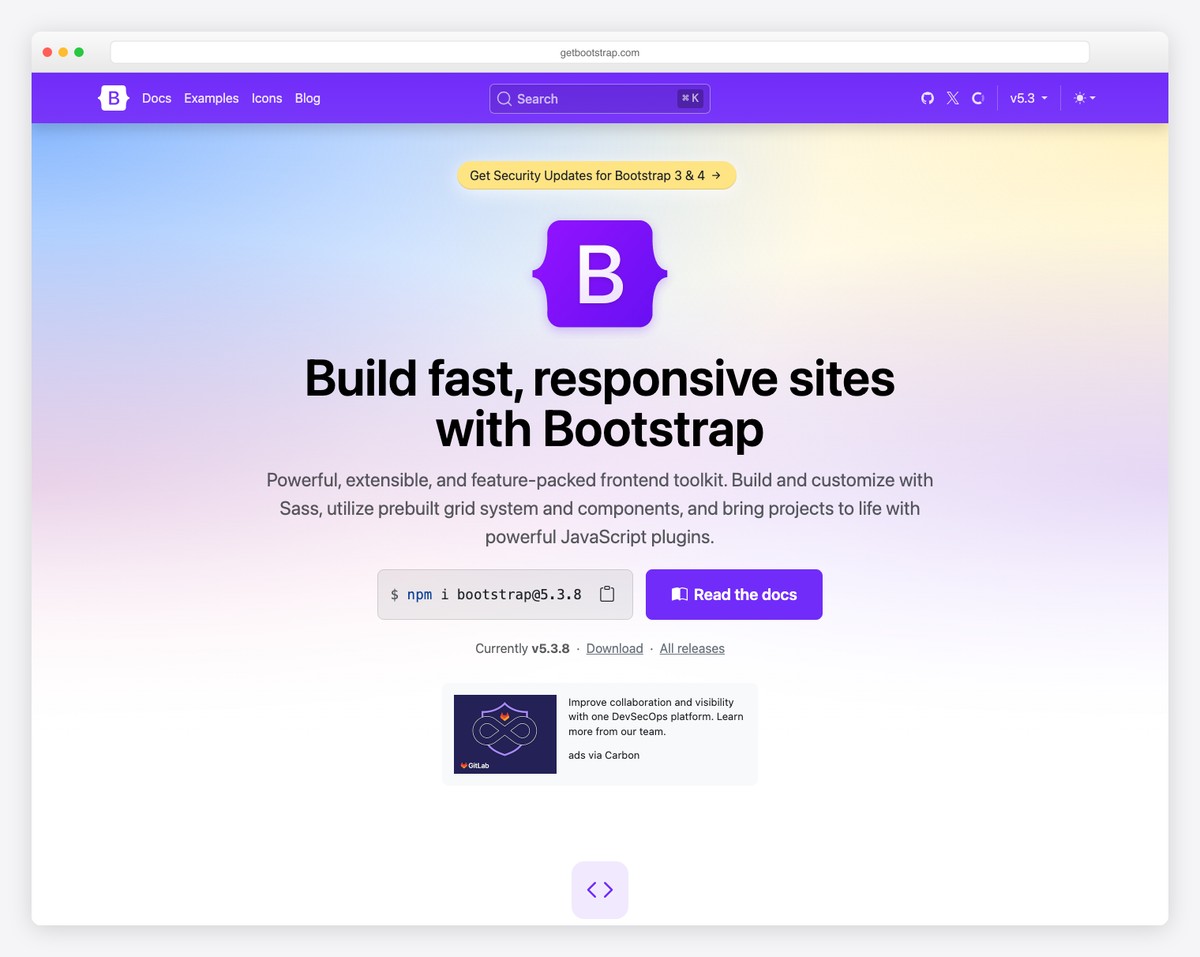
Bootstrap remains the most widely deployed CSS framework with 174K+ GitHub stars and 2.7 million weekly npm downloads. Version 5 dropped jQuery, added CSS custom properties for theming, introduced a utility API, and added RTL support. It is the safe, predictable choice — every frontend developer knows Bootstrap, every component is battle-tested, and the documentation is among the best in open source.
Bootstrap’s strength is speed-to-market. Its pre-built components (navbar, modals, carousels, accordions, tooltips, offcanvas) work out of the box with consistent styling. For admin dashboards, internal tools, and MVPs where design originality is not the priority, Bootstrap gets you from zero to deployed faster than any alternative.
The weakness: the “Bootstrap look.” Despite extensive customization options via SCSS variables, most Bootstrap sites are recognizable. Escaping the default aesthetic requires significant CSS overrides. And at 53 KB gzipped (CSS + JS), Bootstrap ships substantially more code than utility-first alternatives.
3. Bulma
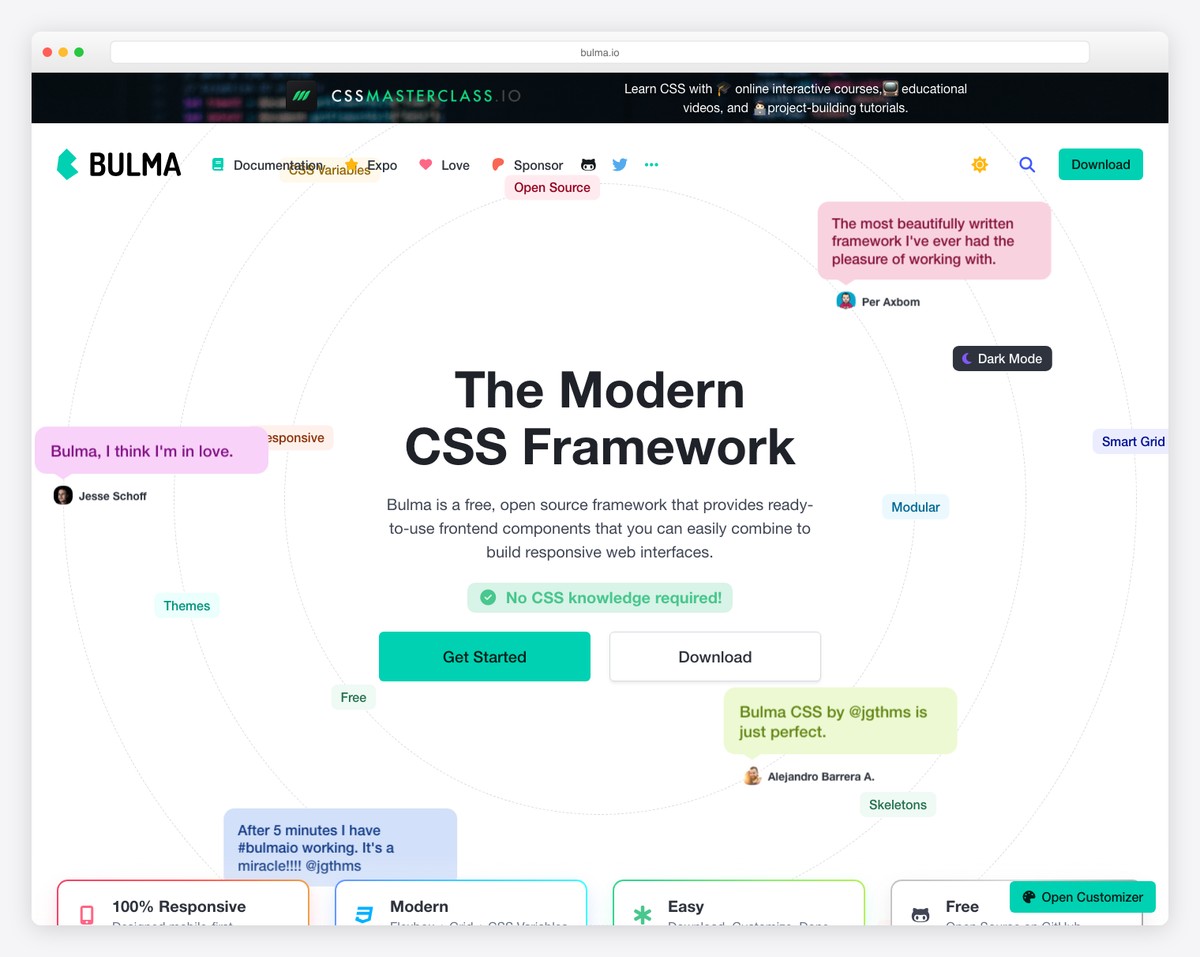
Bulma occupies a sweet spot: it provides Bootstrap-like components with modern Flexbox layouts, but ships zero JavaScript. Every interactive behavior (dropdowns, modals, tabs) is your responsibility. This makes Bulma ideal for projects using React, Vue, or Svelte where you want CSS-only styling without conflicting JavaScript.
Bulma’s class naming is more intuitive than Bootstrap’s. A centered hero section is hero is-fullheight. A notification is notification is-warning. The modifier system (is-*, has-*) reads like natural English. At 26 KB gzipped with no JS dependency, Bulma delivers a complete visual framework at a reasonable size.
4. Foundation
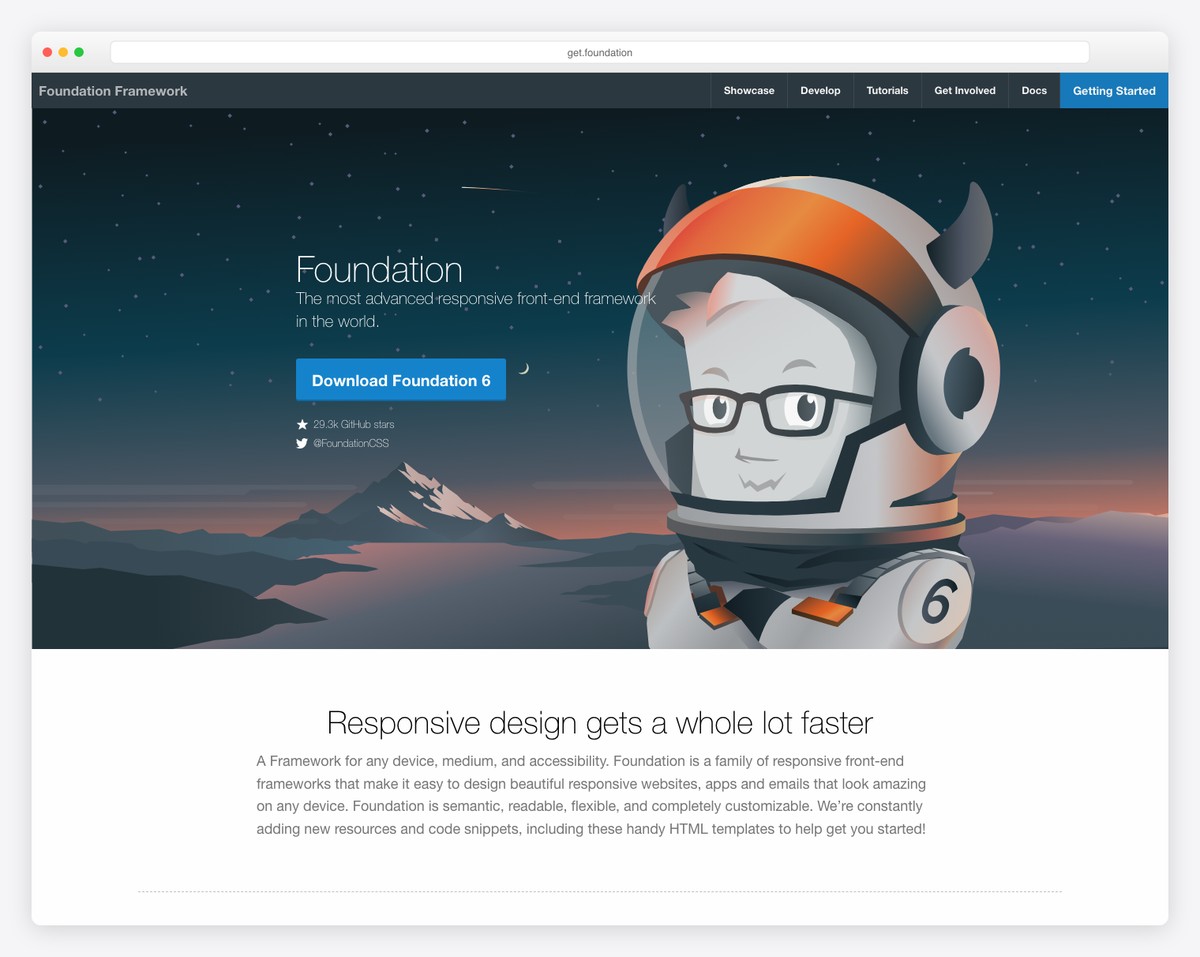
Foundation by Zurb was Bootstrap’s main competitor in the 2010s and pioneered many features (responsive design, mobile-first, off-canvas navigation) that Bootstrap later adopted. In 2026, Foundation is less popular for new projects but remains a solid choice for enterprise applications, email templates (Foundation for Emails is still actively used), and accessibility-focused builds.
Foundation’s XY Grid system is more powerful than Bootstrap’s 12-column grid, offering both Flexbox and CSS Grid implementations. Its accessibility features are baked in rather than bolted on, with ARIA attributes included in component markup by default.
5. UIkit
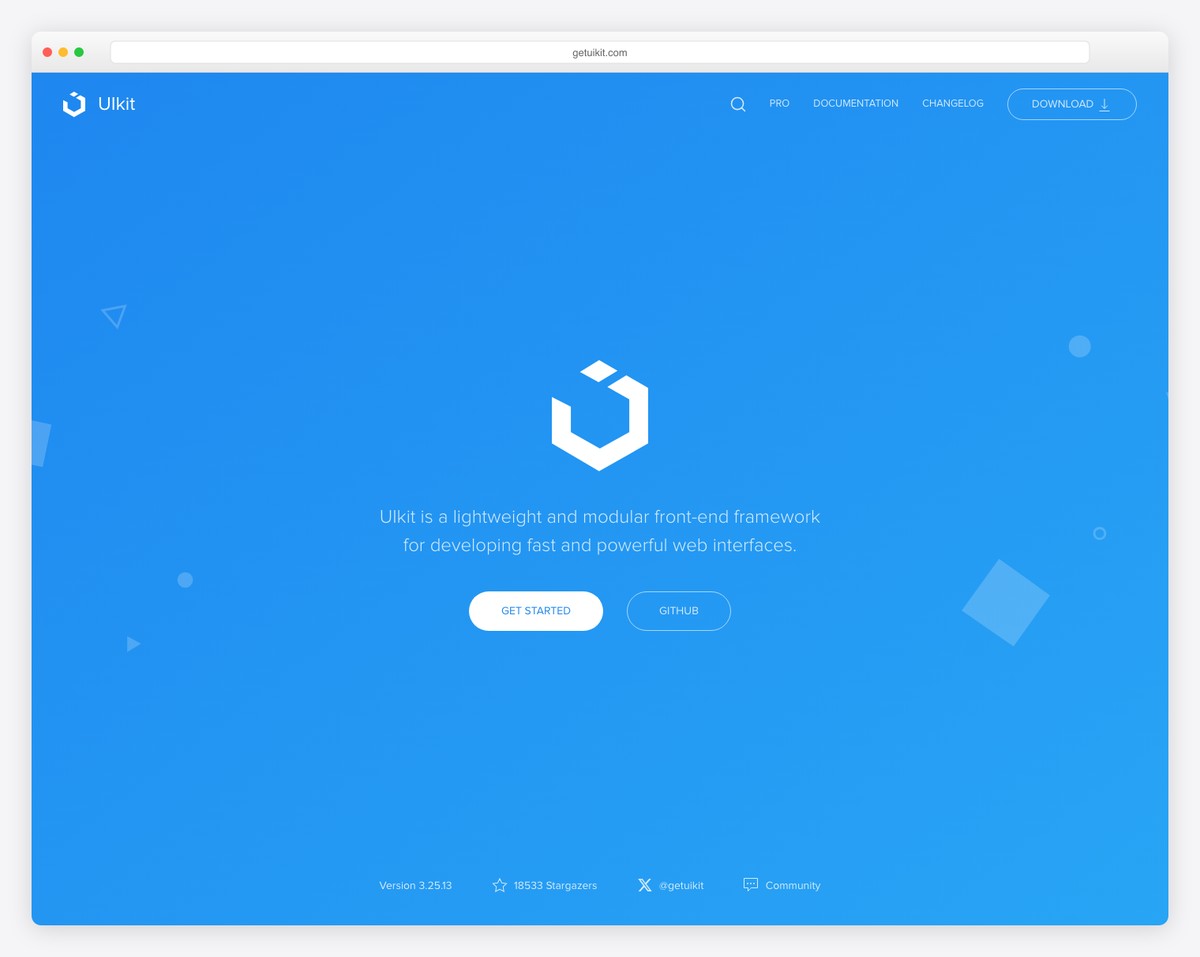
UIkit is a comprehensive framework with over 50 components, including several that Bootstrap and Tailwind lack out of the box: parallax, lightbox, slideshow, countdown timer, sortable lists, and a notification system. If you need a feature-rich UI without assembling multiple libraries, UIkit delivers more built-in components than any other CSS framework.
UIkit uses a uk- prefix for all its classes and data attributes, which avoids conflicts with other frameworks. The JavaScript API uses an observer pattern that automatically initializes components when they appear in the DOM — useful for dynamically loaded content. The trade-off is a larger bundle (60 KB+ total) and a smaller community than Bootstrap or Tailwind.
The Minimalists: Skeleton, Milligram, Pure CSS
These three frameworks share a philosophy: provide just enough CSS to start a project, then get out of the way. They are not competitors to Tailwind or Bootstrap — they serve developers who want a responsive grid, reasonable typography defaults, and basic form styling in under 4 KB.
| Feature | Skeleton | Milligram | Pure CSS |
|---|---|---|---|
| Size (gzipped) | 1.6 KB | 2.0 KB | 3.5 KB |
| Grid system | 12-column | Flexbox-based | 24-column (responsive) |
| Typography | Yes | Yes | Yes |
| Buttons | Basic | Yes | Yes |
| Forms | Basic | Yes | Yes (modular) |
| Tables | No | Yes | Yes |
| Menus / Nav | No | No | Yes |
| Last updated | 2014 (archived) | 2021 | 2023 |
| Best for | Quick prototypes | Clean starting point | Small, modular projects |
Skeleton has not been updated since 2014 and is effectively archived. It still works, but modern projects should use Milligram or Pure CSS instead.
Milligram provides slightly more than Skeleton (Flexbox grid, better form styles) at a similar size. It is a reasonable choice for single-page sites, landing pages, or documentation where you need clean defaults without framework overhead.
Pure CSS (by Yahoo) is the most feature-complete of the three and uniquely modular — you can load only the grid module (0.8 KB), only forms, or only menus. At 3.5 KB total, it offers the best value per kilobyte of any framework on this list.
Materialize & Semantic UI
Both Materialize and Semantic UI built large communities in the mid-2010s but face uncertain futures in 2026. Materialize implements Google’s Material Design in CSS/JS, offering beautiful components but with a development pace that has slowed significantly. Semantic UI’s development stalled, though the Fomantic-UI community fork remains active.
For Material Design projects, MUI (Material UI for React) has largely replaced Materialize. For semantic class naming, Tailwind’s ecosystem with DaisyUI provides a better-maintained alternative. Both frameworks still work and have loyal user bases, but starting a new project on either carries risk of diminishing community support.
How to Choose
| Your Situation | Best Framework | Why |
|---|---|---|
| Custom design, modern stack | Tailwind CSS | Total design freedom, smallest bundle |
| Rapid prototyping, familiar with Bootstrap | Bootstrap 5 | Fastest time-to-market, most resources |
| React/Vue project, CSS-only styling | Bulma | No JS conflicts, clean class names |
| Enterprise, accessibility-critical | Foundation | Best built-in ARIA support |
| Many built-in components needed | UIkit | 50+ components out of the box |
| Minimal starting point, small site | Pure CSS or Milligram | Under 4 KB, just the essentials |
| Material Design required | MUI (React) or Materialize | Follows Material spec |
The framework you choose matters less than how well you use it. A well-structured Bootstrap project will outperform a messy Tailwind project. That said, for greenfield projects in 2026, Tailwind CSS’s combination of design flexibility, performance, and ecosystem maturity makes it the strongest default choice. Bootstrap remains unbeatable for prototyping speed and team familiarity.

Related Posts



I’m now creating my new site with Extra! There are many samples here for me to use! Thanks!
Thank you for your article!
If you are looking alternatives to Sencha or Kendo you can use Webix UI library with more that 70 UI widgets and controls. They have 5 complex widgets that help to create great web and mobile apps: Pivot, Kanban, Scheduler, File Manager and SpreadSheet.
Another alternative framework similar to jquery mobile is jccui. It is markup based and uses pure HTML which is then ‘bootstrapped’. I use it for my internal telemetry projects. Claimed to work on many platforms. Works fine on my desktop, andro and ios.
Thank you thank you thank you! For listing the Foundation framework! This is what we use on all web designs now to give us a jump start 🙂
l would like to learn HTML
Hello Akampurira,
There are many great online courses on HTML. The ones I used to learn HTML was Codecademy, Udemy and Coursera. Each has their own approach but I went through all of them to make sure that I get more experience and in-depth knowledge.