
Showing 1–53 of 53 templates
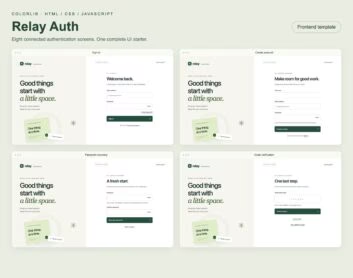
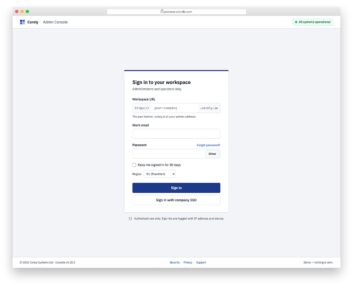
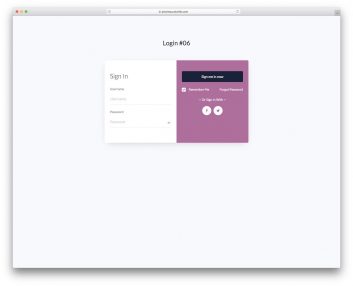
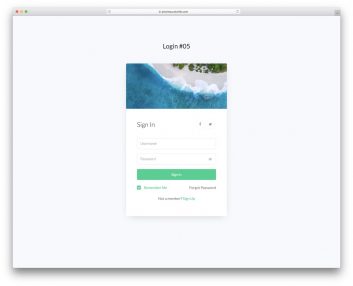
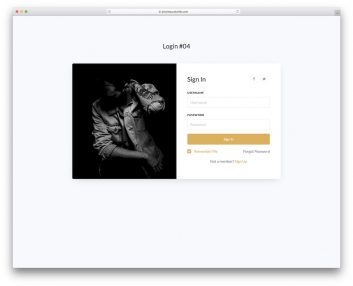
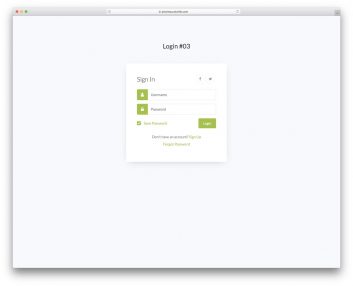
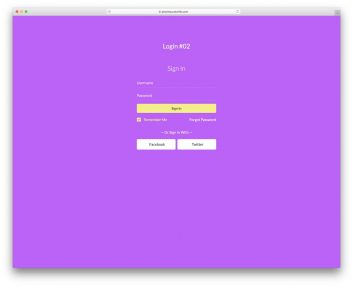
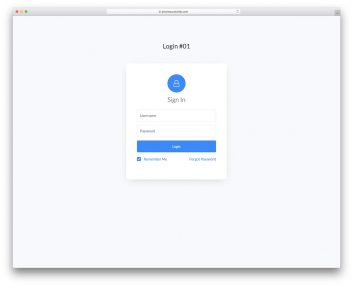
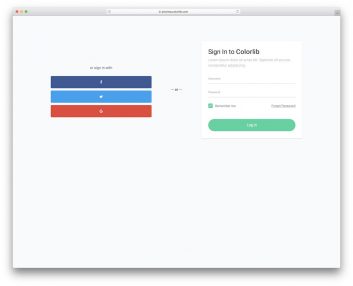
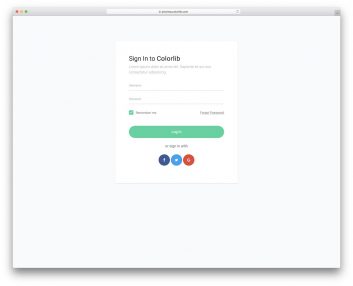
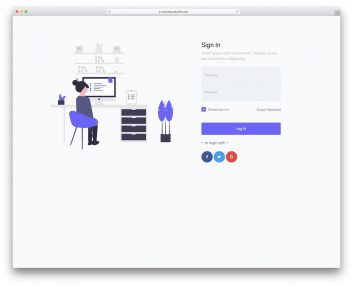
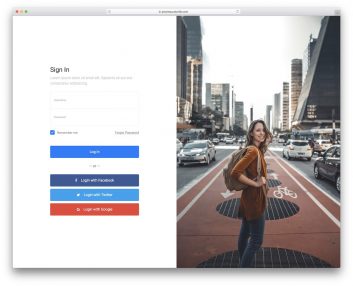
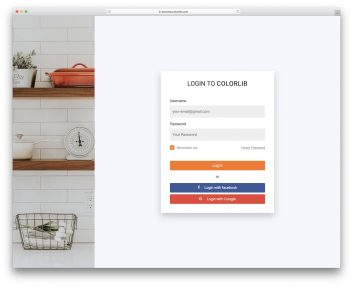
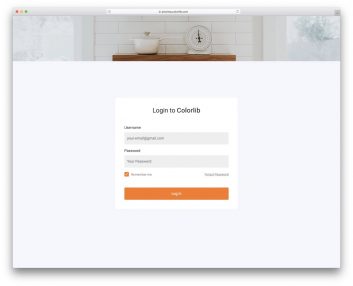
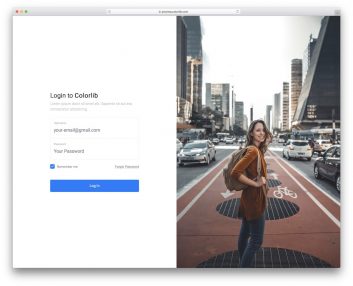


Choose a login interface for the step your users need
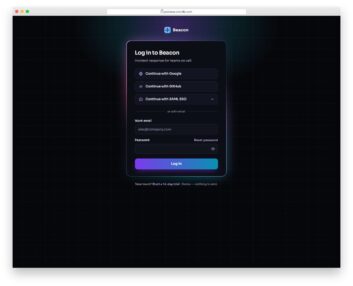
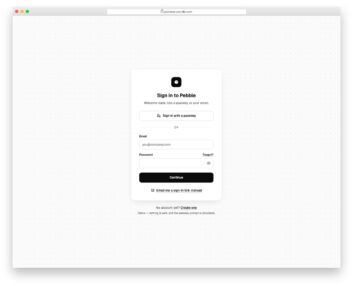
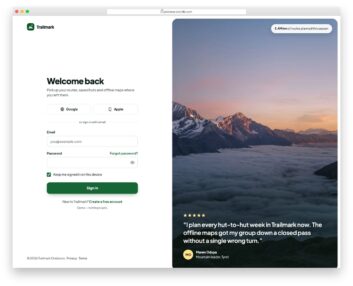
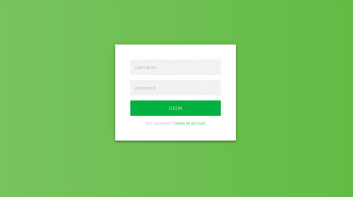
A password form, account-registration panel and verification-code screen solve different interface tasks. Compare these examples before deciding which parts of your sign-in journey to build.
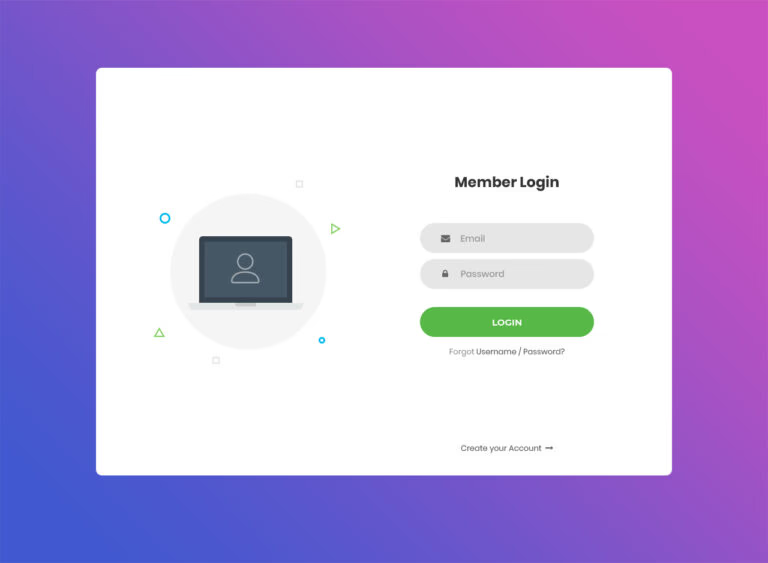
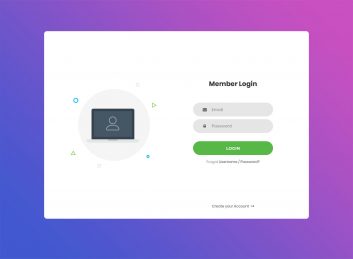
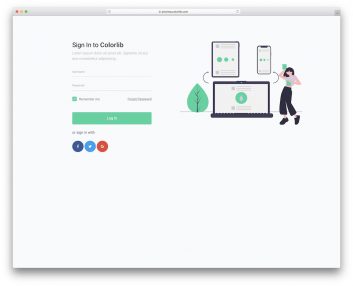
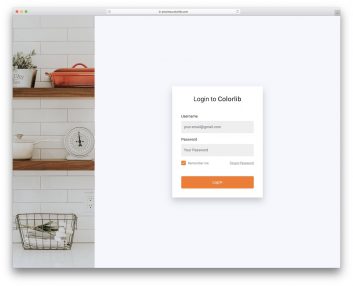
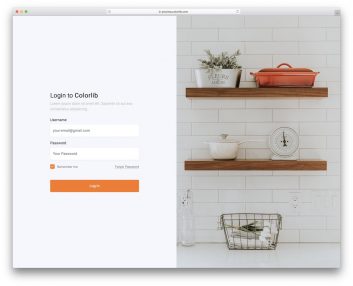
Login Form v1 by Colorlib
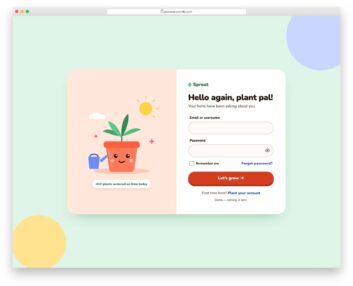
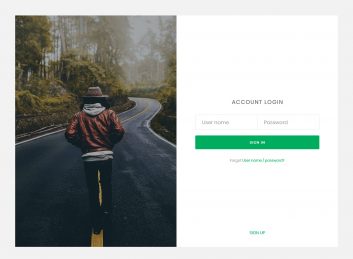
Choose it for: a conventional sign-in page with an illustration beside the form.
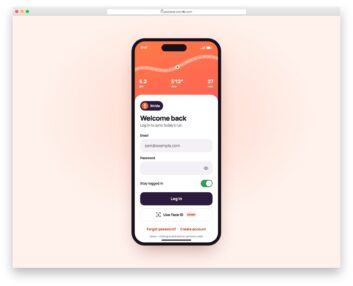
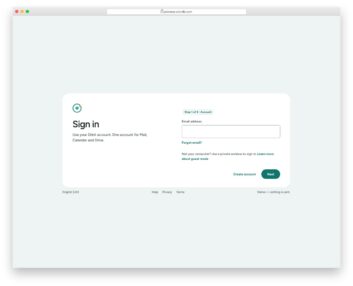
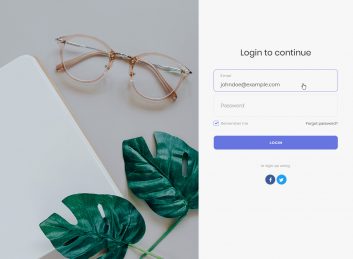
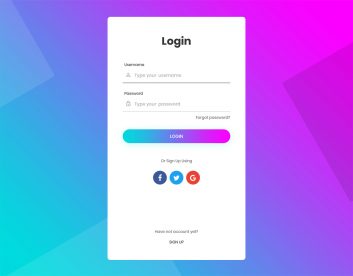
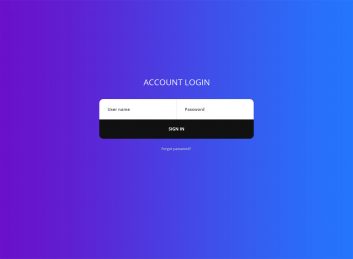
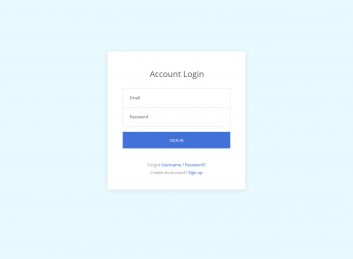
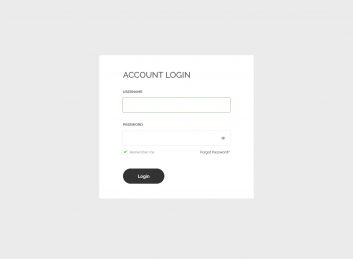
Login Form V1 presents email and password fields in a two-column card, with recovery and account-creation links. Use it to compare a familiar sign-in layout; those links still need real destinations in your application.
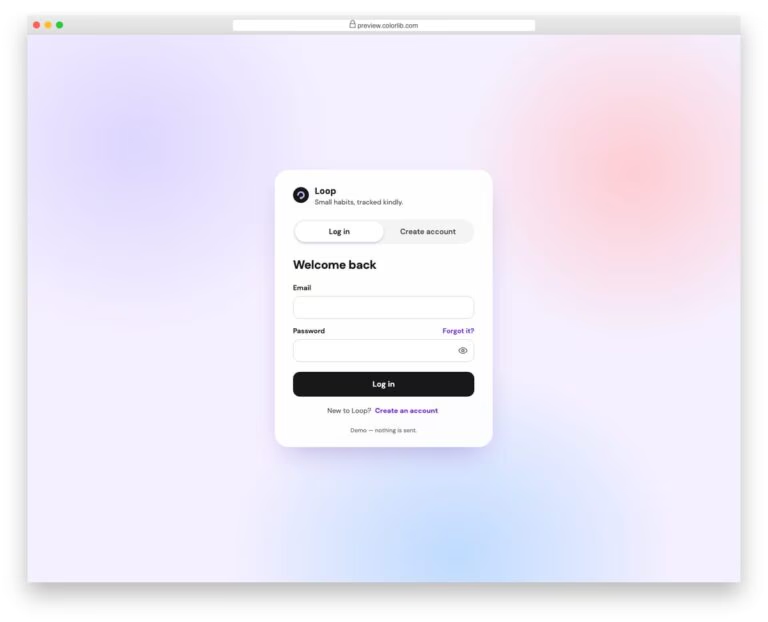
Login Page V10
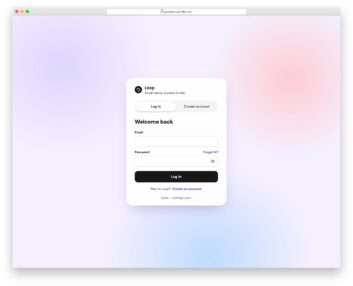
Choose it for: sign-in and account creation within the same interface.
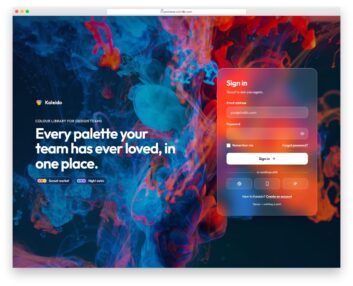
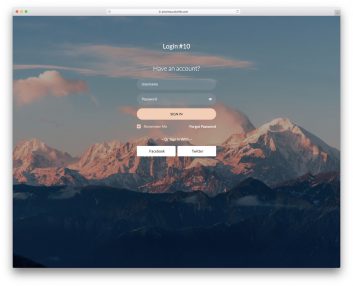
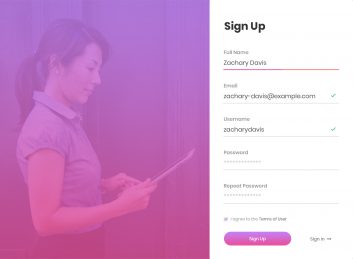
Login Page V10 switches between Log in and Create account panels. Its password controls and form states let you compare both entry paths without navigating to a separate page.
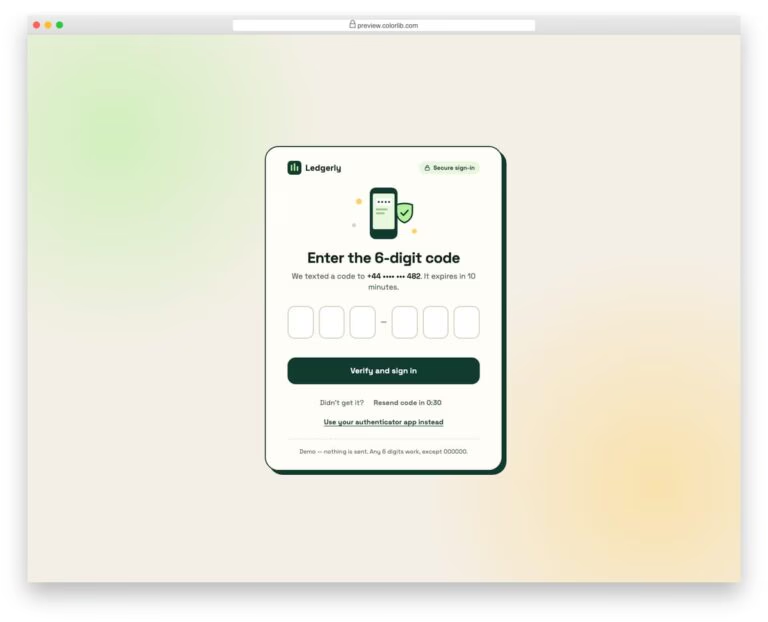
Login Page V06
Choose it for: the code-entry step in a verification journey.
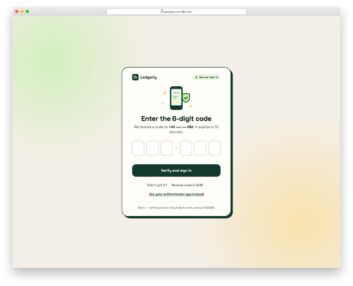
Login Page V06 presents six code fields, resend feedback and a verification state. It demonstrates the interface for entering a code; it does not send messages or verify a real user.
Using these forms in a Bootstrap project
The three reviewed demos load their own CSS and JavaScript rather than a Bootstrap stylesheet. Their stylesheets explicitly describe a standalone implementation with no framework or build step. Check the files in your chosen download and test the form inside your existing page before adding dependencies; a demo URL containing “bootstrap” is not a version guarantee.
Plan the complete account journey
Decide what users see after sign-in, during account creation and when a password or verification code is rejected. Add the recovery and confirmation screens your application needs, and connect their links to real routes. For more account-creation layouts, explore our registration form templates.
Connect and test the authentication service
Demo validation, password visibility and success messages are interface behavior. Connect your authentication provider or backend, then test the responses for invalid credentials, loading, expired codes and recovery requests. Replace placeholder provider and recovery links before launch. For a broader comparison of visual styles, see our login form examples and templates.
