

10 Easiest Website Builders for Beginners in 2026 (Tested and Compared)
Building a website used to require coding knowledge, design skills, and weeks of work. In 2026, the best website builders let complete beginners launch a professional site in under an hour — many with AI that generates pages from a single text prompt. But “easy” means different things to different people, and the simplest builder isn’t always the right one.
We tested the 10 most beginner-friendly website builders by measuring how long it takes to go from signup to a published site, how intuitive the editor feels on first use, and whether you need to read documentation to accomplish basic tasks. Here’s what we found — ranked by overall ease of use.
Quick Comparison
| Builder | Best For | Learning Curve | Free Plan | Starting Price |
|---|---|---|---|---|
| Wix | Easiest overall | Very Easy | Yes | $17/mo |
| Squarespace | Best templates | Easy | 14-day trial | $16/mo |
| Hostinger | Best value | Very Easy | No | $2.99/mo |
| Shopify | Online stores | Easy | 3-day trial | $24/mo |
| Google Sites | Simplest free option | Very Easy | Yes (free) | Free |
| Carrd | One-page sites | Very Easy | Yes | $9/yr |
| WordPress.com | Growing sites | Moderate | Yes | $4/mo |
| GoDaddy | Fastest setup | Very Easy | No | $9.99/mo |
| Strikingly | Mobile-first sites | Easy | Yes | $12/mo |
| Weebly | Free drag-and-drop | Easy | Yes | $10/mo |
10 Easiest Website Builders for Beginners
1. Wix — Easiest Overall
Best for: Complete beginners who want creative freedom without code | Free plan available • Paid from $17/mo
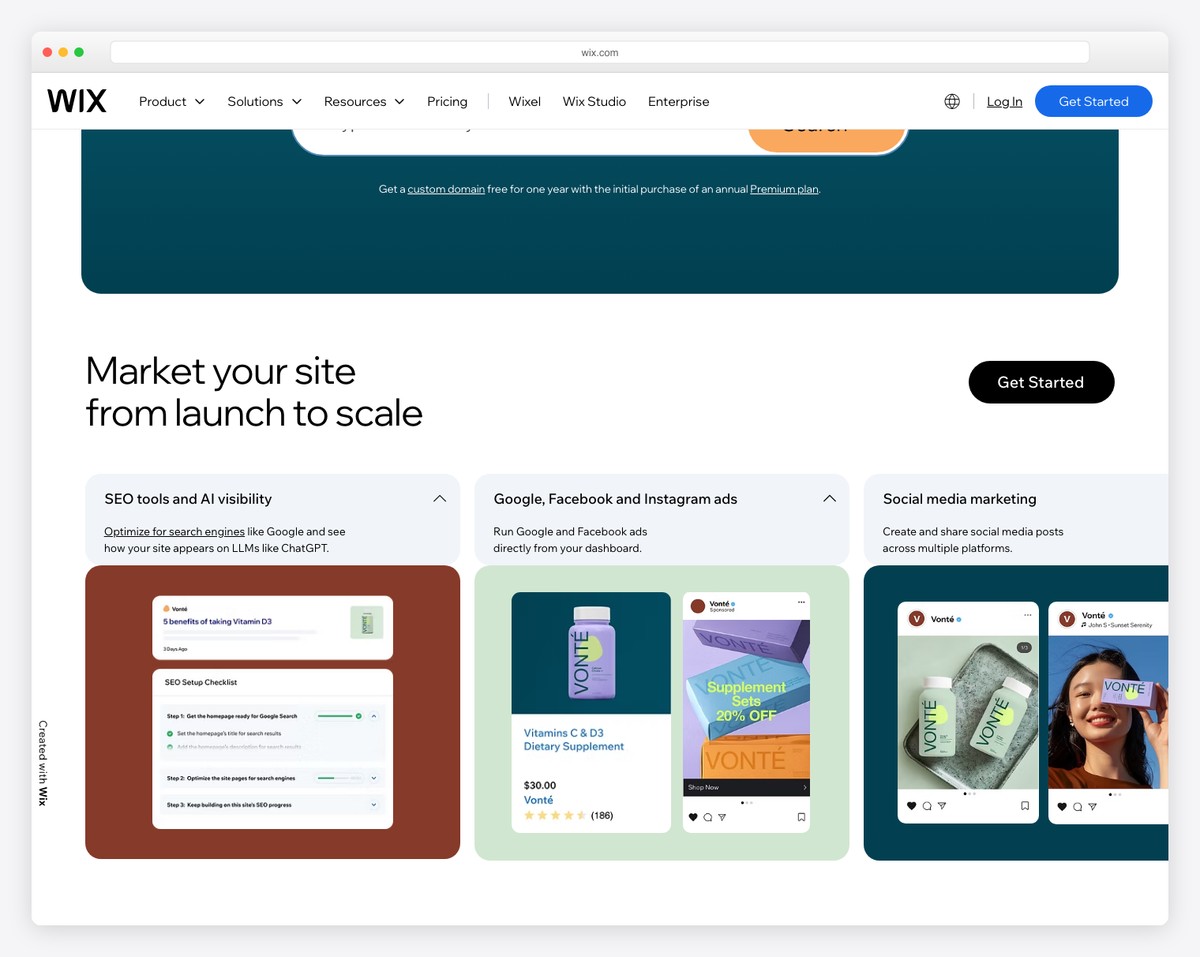
Wix is the easiest full-featured website builder available in 2026. Its drag-and-drop editor lets you place any element anywhere on the page — no grid constraints, no guesswork. If you can use a presentation tool like PowerPoint or Google Slides, you can use Wix. The editor shows changes in real time, so what you see while building is exactly what visitors get.
The Wix AI Website Builder is what sets it apart for true beginners. Answer a few questions about your business — type, style, goals — and the AI generates a complete multi-page site with relevant text, images, and layout in under a minute. You can then tweak anything you want, or leave it as-is and publish. For someone who finds even drag-and-drop intimidating, the AI builder eliminates the blank-canvas problem entirely.
With 900+ templates organized by industry, a free plan for testing, and an app market with 300+ add-ons (booking, forms, chat, email marketing), Wix handles everything from a personal blog to a small business site. The main limitation is that you cannot switch templates once you’ve started building — so spend time choosing the right one upfront. For a broader look at your options, see our comparison of the best website builder software.
Pricing: Free plan available (Wix branding, 500MB storage). Light $17/mo, Core $29/mo, Business $39/mo (billed annually). Free custom domain for one year on paid plans.
Pros
✅ AI site generator builds pages from prompts
✅ True drag-and-drop — no grid restrictions
✅ 900+ industry-specific templates
✅ Free plan for learning and testing
Cons
❌ Can’t switch templates after building
❌ Free plan shows Wix branding
❌ Site speed can lag on image-heavy pages
❌ Advanced features buried in menus
2. Squarespace — Best Templates for Beginners
Best for: Beginners who want a polished, professional look without design skills | From $16/mo • 14-day free trial
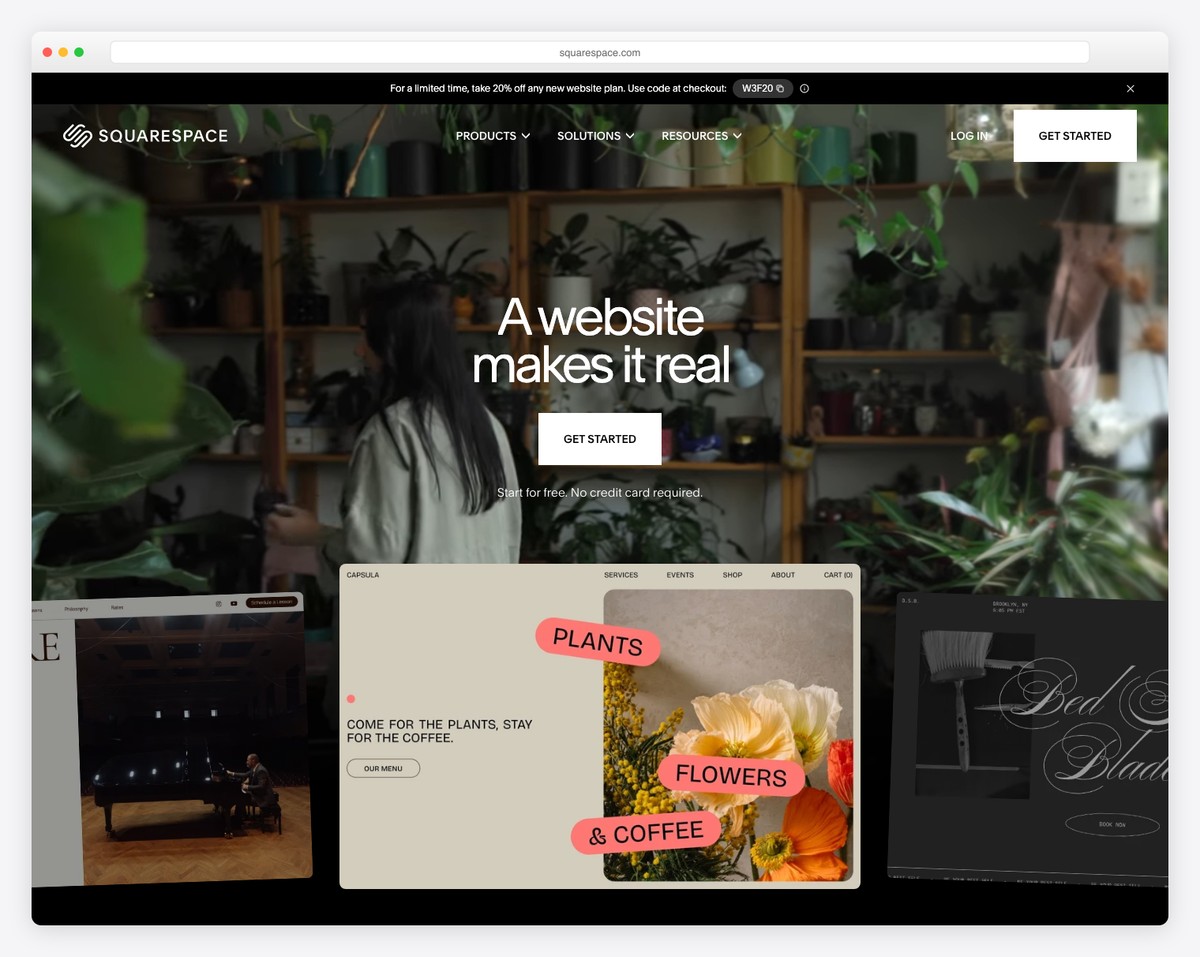
Squarespace is the best website builder for beginners who care about aesthetics. Every template looks like it was designed by a professional agency, because it was. Unlike platforms where you need design instincts to make a template look good, Squarespace templates look polished out of the box — just swap in your text and images.
The Fluid Engine editor uses a structured grid system that prevents the layout mistakes common with free-form editors. You can move sections around, but the grid keeps everything aligned and proportional. For beginners, this constraint is actually a feature — it’s harder to accidentally create something that looks bad. Squarespace also offers an AI content generator that writes draft text for your pages based on your business description.
Built-in features cover most needs without third-party apps: email campaigns, social media scheduling, basic SEO tools, appointment booking, and ecommerce on all plans. The tradeoff versus Wix is less creative freedom — you work within the template’s structure rather than placing elements freely. For most beginners, that structure is exactly what makes Squarespace easier to use well.
Pricing: Personal $16/mo, Business $23/mo, Basic Commerce $28/mo, Advanced Commerce $52/mo (billed annually). 14-day free trial. Free domain for the first year.
Pros
✅ Best-designed templates of any builder
✅ Grid system prevents design mistakes
✅ All-in-one features (email, booking, SEO)
✅ Unlimited storage on all plans
Cons
❌ No free plan — only a 14-day trial
❌ Less layout freedom than Wix
❌ Limited third-party integrations
❌ Transaction fees on Business plan (3%)
3. Hostinger Website Builder — Best Value for Beginners
Best for: Budget-conscious beginners who want AI-powered site building | From $2.99/mo • 30-day money-back guarantee
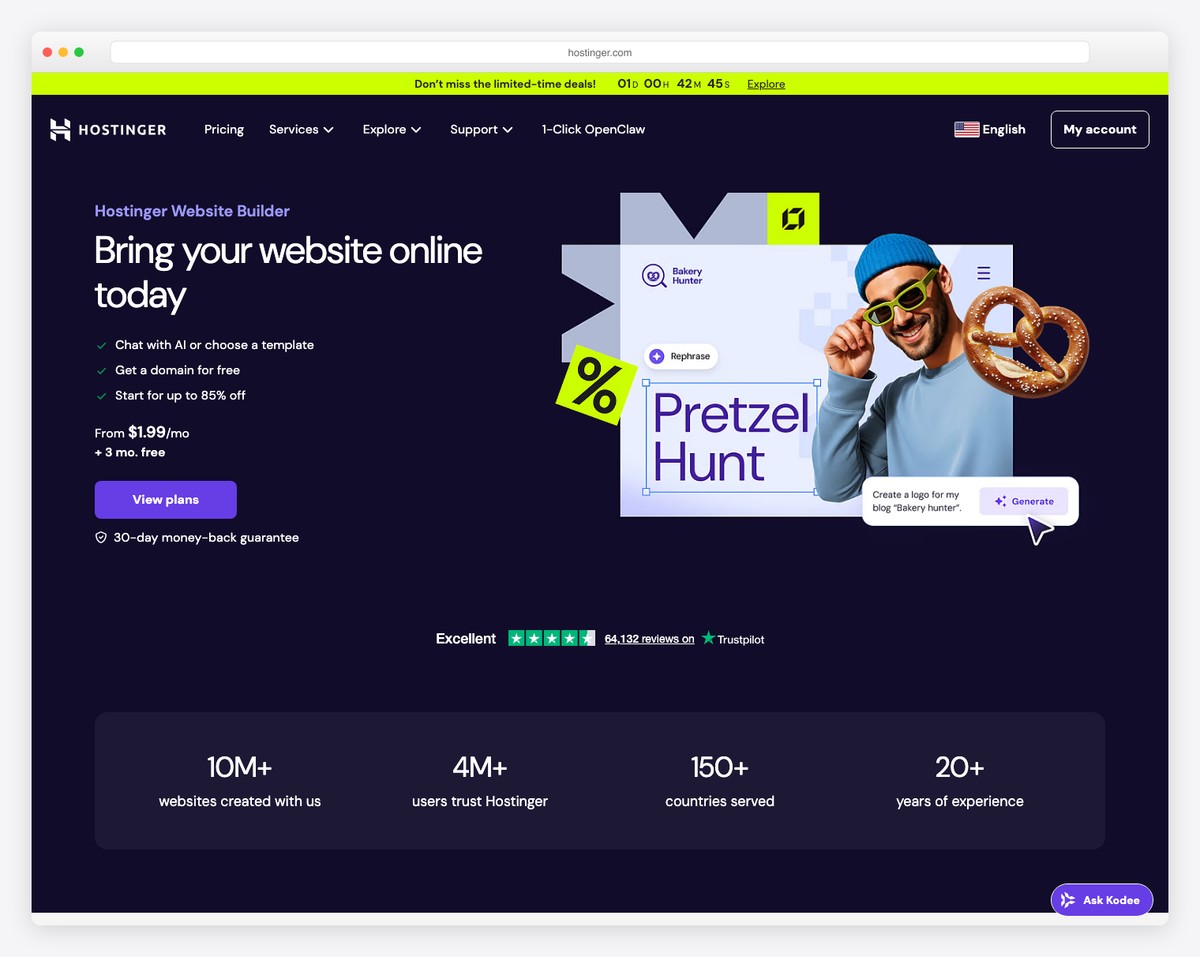
Hostinger Website Builder delivers the most beginner-friendly experience at the lowest price. At $2.99/month (on a 4-year plan), you get an AI-powered builder, free domain, hosting, email, and ecommerce — features that cost $17-39/month on Wix or Squarespace. For beginners watching their budget, this pricing gap is substantial.
The AI builder is Hostinger’s standout feature. Describe your business in a sentence, pick a style, and the AI generates a complete website with pages, copy, images, and even basic SEO meta tags. The generated sites are surprisingly coherent — not the generic placeholders you might expect. From there, the drag-and-drop editor lets you refine every element. The editor uses a grid-based system similar to Squarespace, which helps beginners maintain clean layouts.
Hostinger includes 150 templates, a built-in online store (no transaction fees), marketing integrations, and AI tools for writing copy and generating logos. The main catch is there’s no free plan — you need to commit to a multi-year billing cycle to get the lowest price. Monthly billing runs $9.99/month, which is still competitive but less dramatically cheap.
Pricing: Premium $2.99/mo (48-month plan), Business $3.99/mo, Cloud Startup $7.99/mo. Monthly billing from $9.99/mo. 30-day money-back guarantee. Free domain included.
Pros
✅ Cheapest all-in-one builder ($2.99/mo)
✅ AI generates full site from a description
✅ No transaction fees on ecommerce
✅ Free domain + hosting + email included
Cons
❌ No free plan or free trial
❌ Lowest price requires 4-year commitment
❌ Fewer templates than Wix or Squarespace
❌ No app marketplace for third-party tools
4. Shopify — Easiest for Online Stores
Best for: Beginners who want to sell products online without technical complexity | From $24/mo • $1/mo for first 3 months
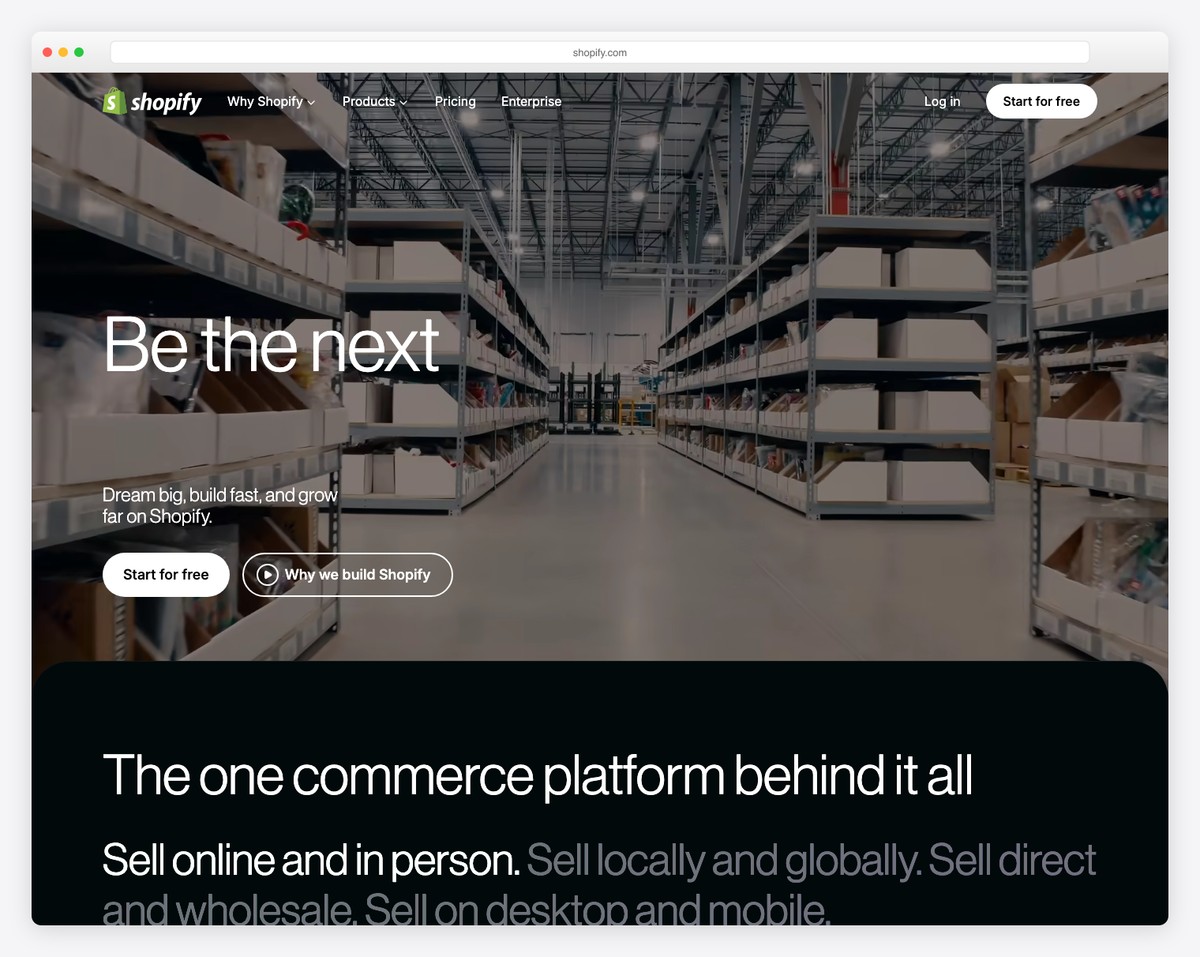
If your primary goal is selling products online, Shopify is the easiest path from “I have products” to “I’m accepting orders.” While general website builders bolt on ecommerce as an afterthought, Shopify was built for online selling from the ground up. Adding products, setting up payment processing, configuring shipping rates, and handling taxes all follow guided step-by-step workflows.
Shopify’s onboarding walks you through every step: add your first product, choose a theme, set up payments (Shopify Payments requires zero configuration — just enter your bank details), and configure shipping. Most beginners can have a functioning store live within an hour. The Shopify Magic AI tools help write product descriptions, generate email campaigns, and create social media posts from your product photos.
The app ecosystem is Shopify’s secret weapon — over 8,000 apps for dropshipping, print-on-demand, reviews, loyalty programs, and marketing. For beginners who want to start small and grow, Shopify scales from a side hustle to an enterprise business without switching platforms. The $1/month introductory offer for 3 months makes it essentially risk-free to test.
Pricing: Starter $5/mo (social selling only), Basic $24/mo ($19/mo annually), Shopify $69/mo, Advanced $299/mo. $1/mo for the first 3 months on any plan.
Pros
✅ Best guided setup for ecommerce
✅ 8,000+ apps for any selling model
✅ Shopify Payments — zero config needed
✅ $1/mo for 3 months to test risk-free
Cons
❌ Overkill if you don’t sell products
❌ Premium themes cost $150-400+
❌ Transaction fees unless using Shopify Payments
❌ Blogging and content pages feel secondary
5. Google Sites — Simplest Free Option
Best for: Students, teachers, and anyone who needs a simple site for free | Completely free with a Google account
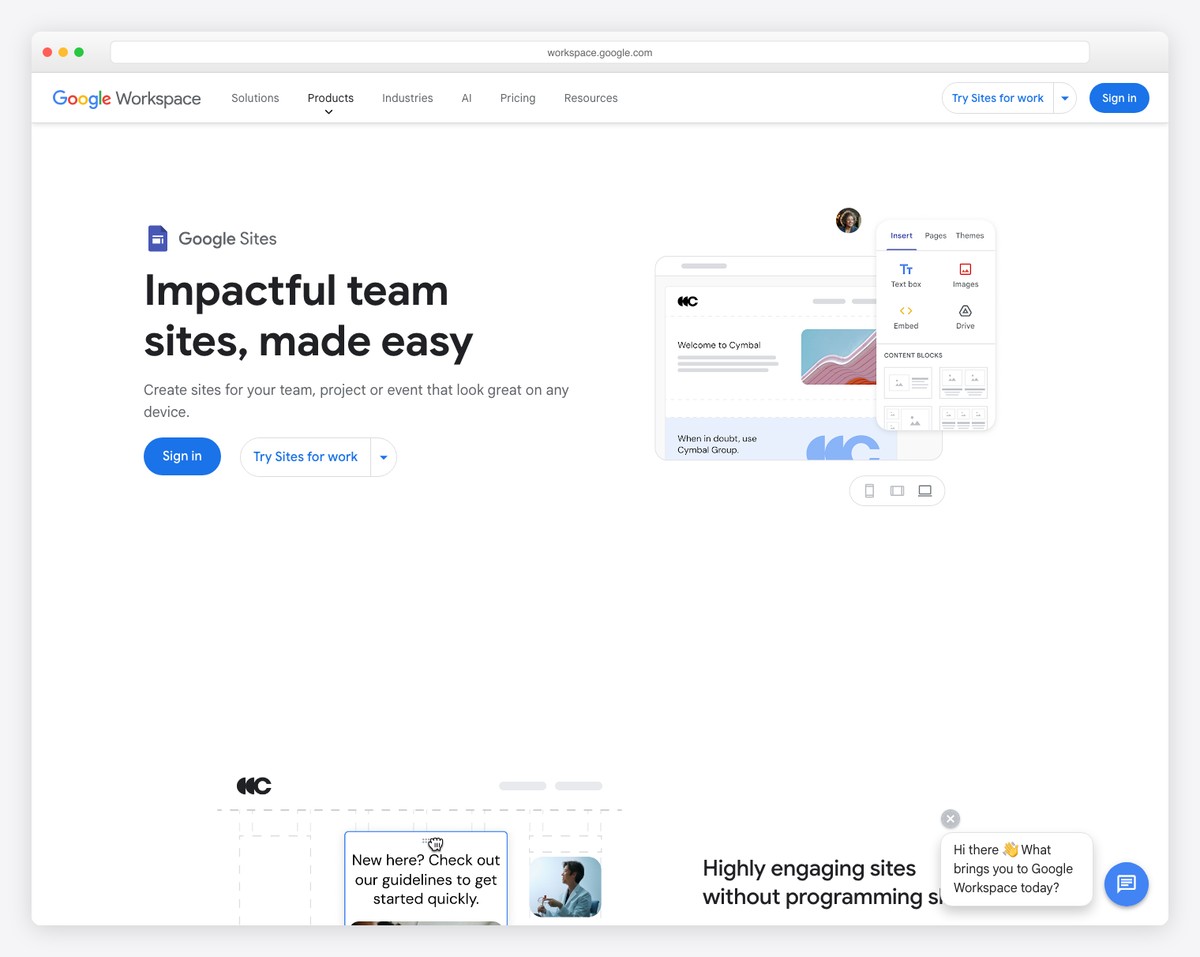
Google Sites is the most stripped-down website builder on this list — and that’s exactly what makes it the easiest for absolute beginners. There’s no signup process beyond having a Google account, no pricing tiers to compare, no templates to agonize over. You open it, start typing, and drag in images, videos, maps, or Google Drive files. If you’ve ever used Google Docs, the interface will feel immediately familiar.
The tight integration with Google Workspace is the killer feature for anyone already in that ecosystem. Embed Google Forms for contact pages, Google Calendars for events, Google Maps for locations, YouTube videos, and Google Sheets or Slides directly into your pages. For teachers sharing class resources, students building project sites, or small organizations needing an internal wiki, this integration makes Google Sites more practical than fancier alternatives.
The tradeoff is significant: Google Sites has no ecommerce, no blogging, no custom domain on the free tier (your URL is sites.google.com/your-site), minimal design customization, and no third-party integrations. It’s not a platform you’ll grow a business on. But for the narrower use case of “I need a simple website for free, right now, with zero learning curve” — nothing beats it.
Pricing: Completely free with any Google account. Custom domains available through Google Workspace ($7.20/user/mo for Business Starter).
Pros
✅ Completely free — no hidden costs
✅ Easiest learning curve of any builder
✅ Google Workspace integration (Forms, Sheets, Maps)
✅ No account creation needed (just Google login)
Cons
❌ No ecommerce, blogging, or forms (beyond Google Forms)
❌ Very limited design customization
❌ No custom domain on free tier
❌ Sites look basic compared to any paid builder
6. Carrd — Best for Simple One-Pagers
Best for: Personal sites, link-in-bio pages, and landing pages | Free plan available • Pro from $9/year
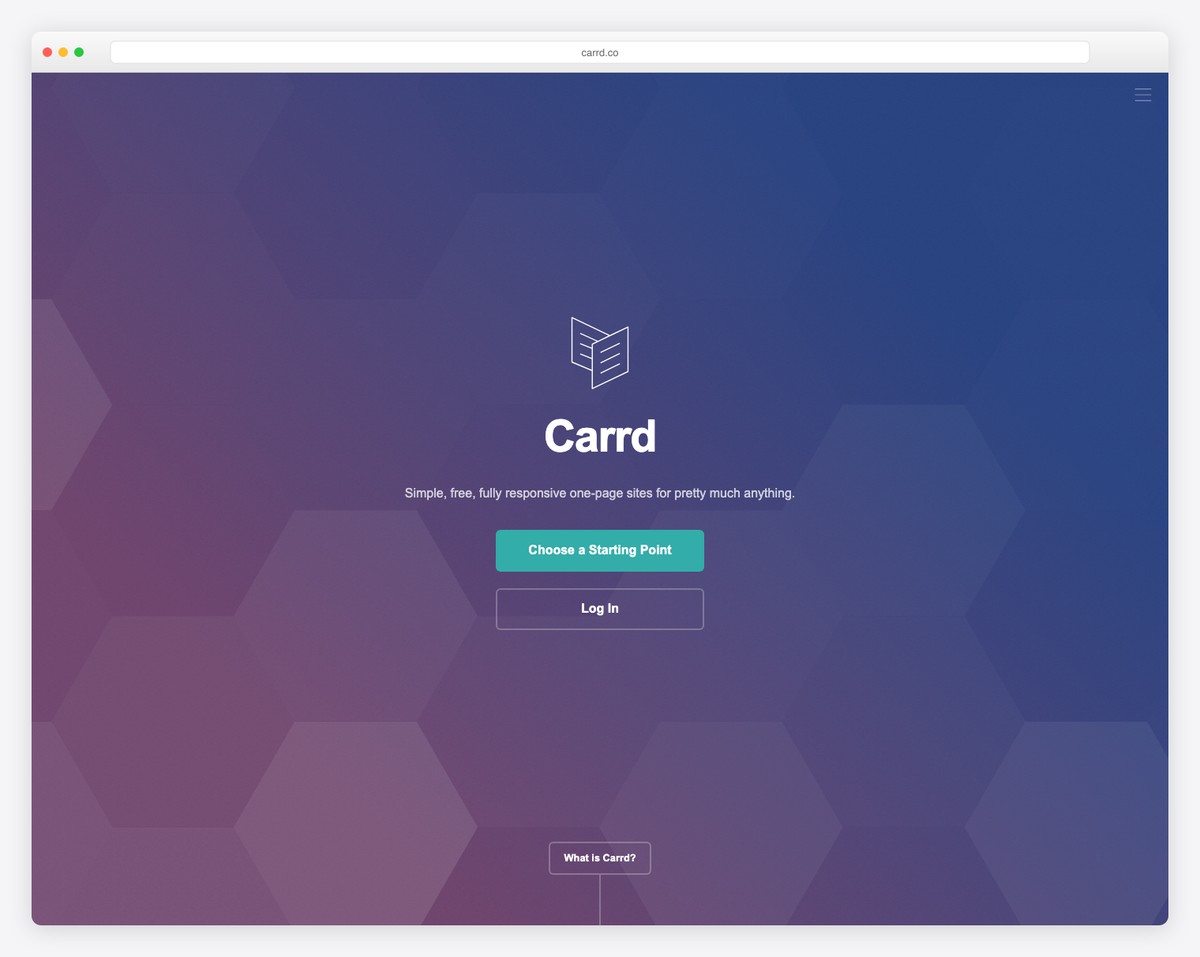
Carrd does one thing and does it better than anyone: single-page websites. If you need a personal site, link-in-bio page, portfolio landing page, or simple business page — and you don’t need multiple pages — Carrd gets you from idea to published site in under 15 minutes. The interface is intentionally minimal: pick a template, edit the text, swap in your image, publish.
The free plan lets you build up to 3 sites with a carrd.co subdomain. At $9/year for Pro Lite (not per month — per year), you unlock custom domains, forms, Google Analytics, and more sites. The Pro Standard plan ($19/year) adds widgets, embedded content, and password protection. For the cost of a single month on most builders, you get a full year on Carrd.
Carrd sites are also exceptionally fast. Because they’re single pages with minimal code, they load almost instantly — a meaningful advantage for visitors on mobile or slow connections. The limitation is clear: if you need a blog, multiple pages, ecommerce, or complex functionality, Carrd isn’t the tool. But for its intended use case — a clean, fast, professional single page — it’s unbeatable.
Pricing: Free (3 sites, carrd.co subdomain). Pro Lite $9/year, Pro Standard $19/year, Pro Plus $49/year. All plans billed annually.
Pros
✅ Fastest time from idea to published site
✅ Cheapest paid plan of any builder ($9/year)
✅ Sites load almost instantly
✅ Free plan for 3 sites — no time limit
Cons
❌ Single-page sites only — no multi-page
❌ No blogging or CMS capabilities
❌ No ecommerce or product selling
❌ Limited design flexibility vs. full builders
7. WordPress.com — Best for Growing Sites
Best for: Beginners who want to start simple but may need advanced features later | Free plan available • Paid from $4/mo
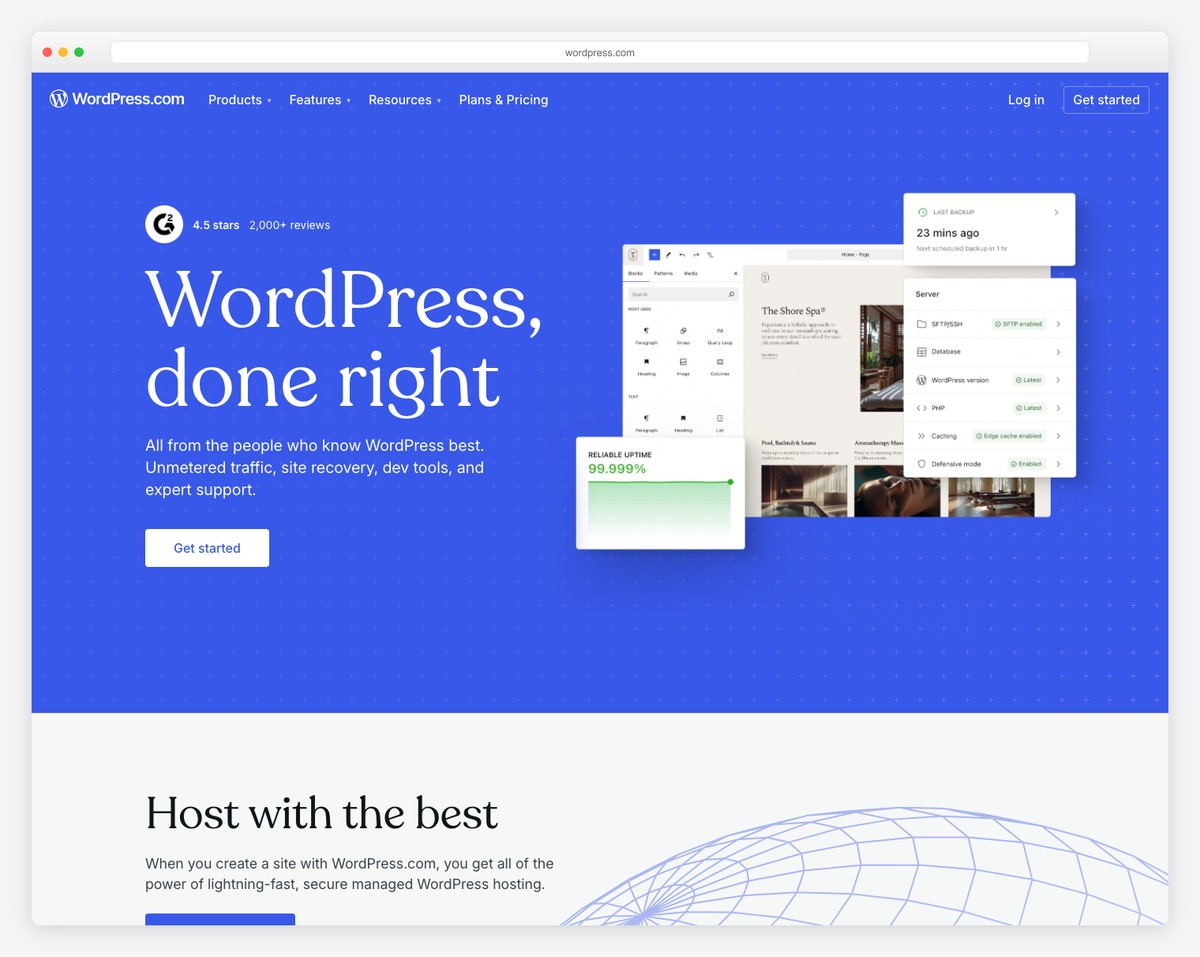
WordPress.com is the hosted version of the world’s most popular website platform. Unlike self-hosted WordPress (WordPress.org), the .com version handles hosting, security, and updates for you — making it accessible to beginners while offering a growth path no other builder matches. Start with a free blog, upgrade to a business site, then scale to a full ecommerce store — all without migrating platforms.
The block editor (Gutenberg) uses a content-first approach: you build pages by stacking blocks — paragraphs, images, galleries, buttons, columns, videos — that snap together like building blocks. It’s not as visually intuitive as Wix’s drag-and-drop, but it’s logical and consistent. With thousands of themes (many free) and the ability to install plugins on Business plans and above, WordPress.com offers more long-term flexibility than any closed-platform builder.
The learning curve is the tradeoff. WordPress.com has more settings, more options, and more terminology than Wix or Squarespace. The dashboard can feel overwhelming at first. But for beginners who plan to blog regularly, need strong SEO, or want a site that can evolve from a hobby project to a real business — WordPress.com’s growth ceiling is unmatched. For examples of what beginners build, browse our gallery of portfolio websites.
Pricing: Free plan available (WordPress.com subdomain, limited features). Personal $4/mo, Premium $8/mo, Business $25/mo, Commerce $45/mo (billed annually). Free domain for the first year on paid plans.
Pros
✅ Best growth path — scales from blog to business
✅ Thousands of themes and plugins (on Business+)
✅ Strongest built-in blogging and SEO
✅ Free plan to learn and experiment
Cons
❌ Steeper learning curve than Wix or Squarespace
❌ Plugins only on Business plan ($25/mo)
❌ Free plan has WordPress.com branding
❌ Block editor less visual than drag-and-drop
8. GoDaddy Website Builder — Fastest Setup
Best for: Small business owners who need a site live today | From $9.99/mo • Free trial available
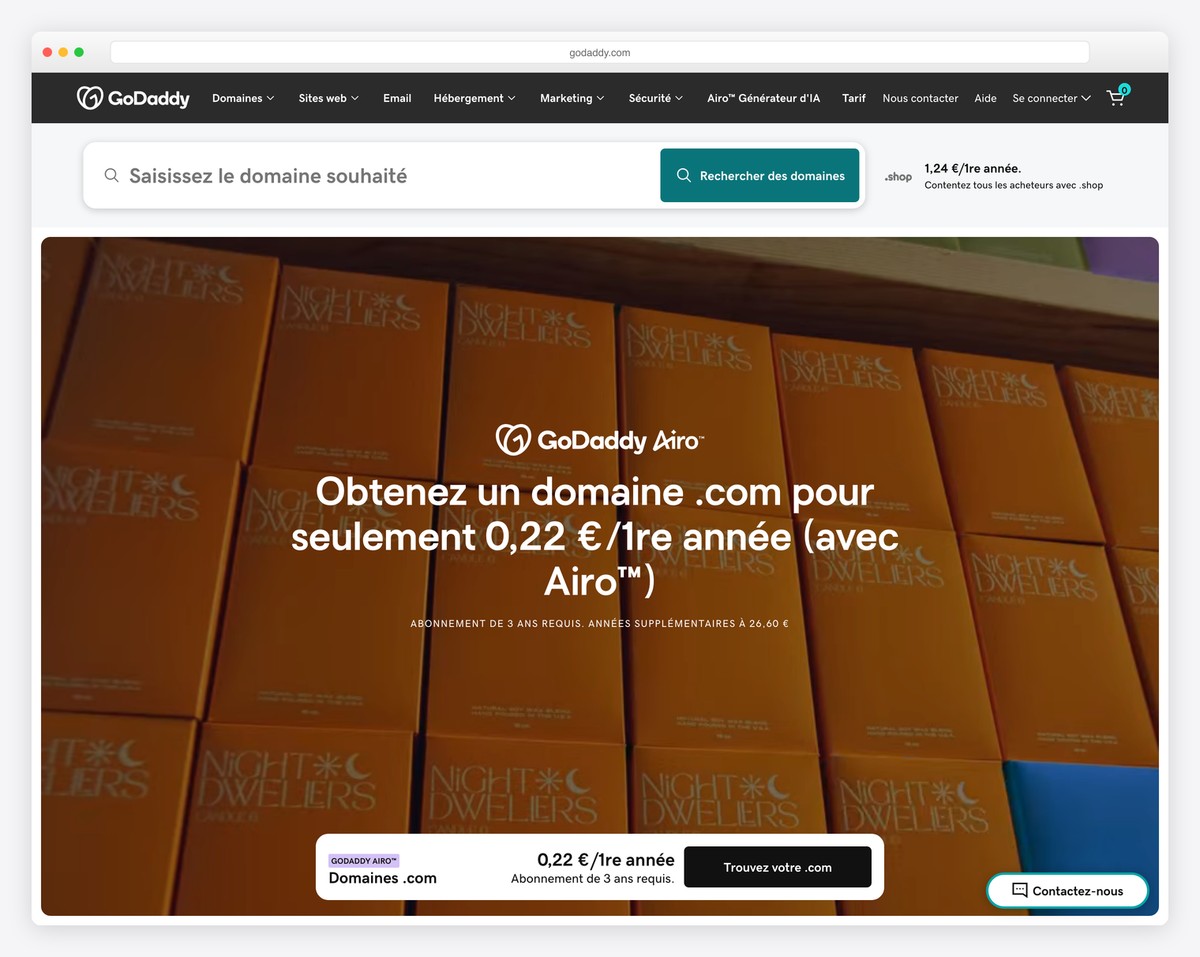
GoDaddy Website Builder is designed for speed above all else. Its AI-powered setup asks about your business category and pulls in relevant content, stock photos, and even your Google Business Profile information to generate a ready-to-publish site in minutes. For a local business owner who needs to be online today — not next week — GoDaddy has the fastest path from signup to live site.
The editor is deliberately simplified. Instead of free-form drag-and-drop, you work with pre-built sections that you customize — hero banners, about sections, service lists, contact forms, image galleries. The limited options are a feature for beginners: there are fewer ways to accidentally break your layout. GoDaddy also includes email marketing, social media posting, and appointment booking on all plans, eliminating the need for separate tools.
The GoDaddy InSight score is a unique feature that analyzes your site and gives actionable recommendations for improvement — connect your social accounts, add a Google listing, improve SEO, add more pages. For beginners who don’t know what a good website needs, this guided checklist approach removes the guesswork. The main downside is limited customization — if you want pixel-perfect control over your design, GoDaddy will frustrate you.
Pricing: Basic $9.99/mo, Standard $14.99/mo, Premium $19.99/mo, Ecommerce $24.99/mo (billed annually). Free trial available. Domain purchased separately.
Pros
✅ Fastest AI-powered site setup
✅ InSight score with actionable improvement tips
✅ Email marketing + social media included
✅ Pulls Google Business Profile data automatically
Cons
❌ Very limited design customization
❌ No free plan (only free trial)
❌ Domain not included in pricing
❌ Few third-party integrations
9. Strikingly — Best for Mobile-First Sites
Best for: Beginners who want sites that look great on mobile first | Free plan available • Paid from $12/mo
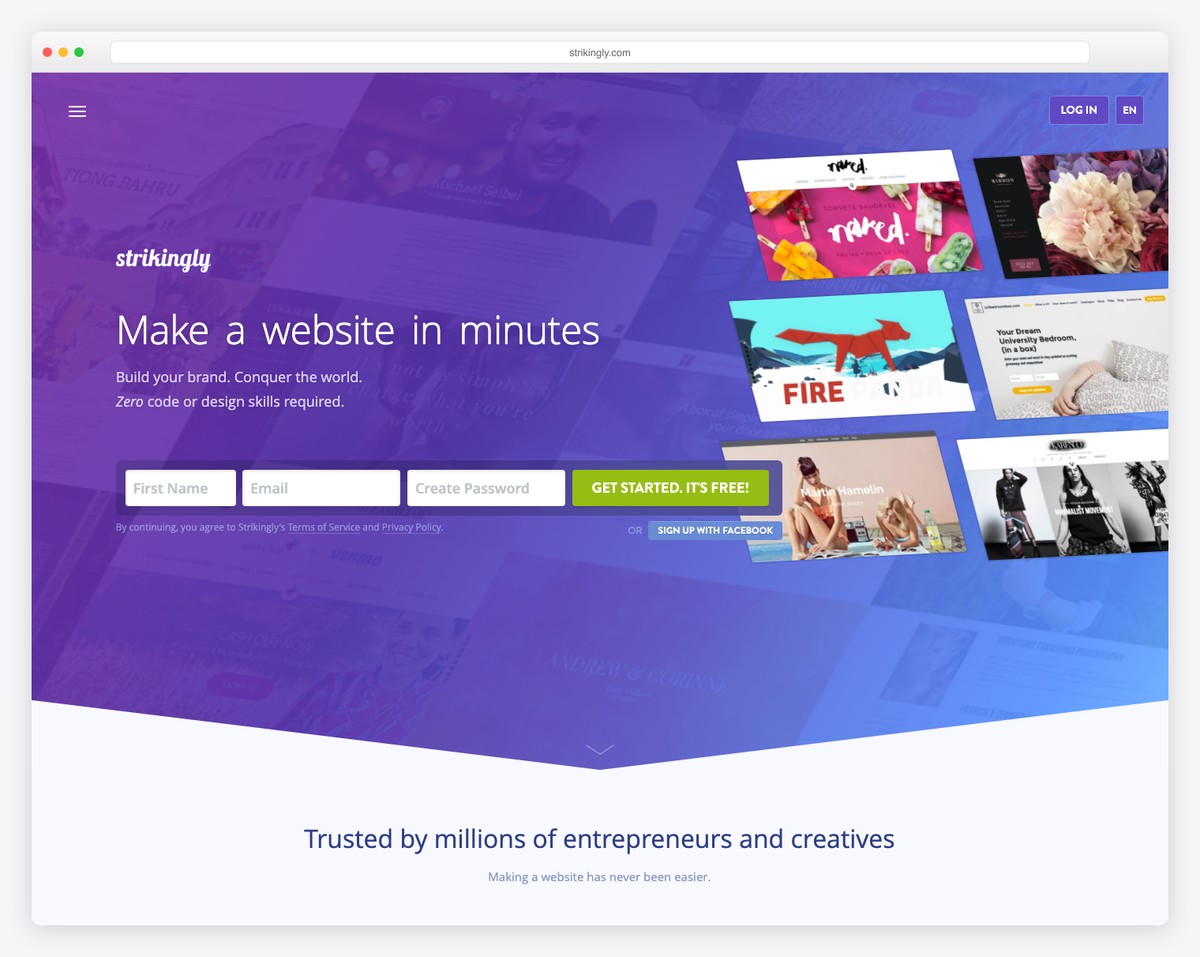
Strikingly specializes in single-page scrolling websites — the kind where visitors scroll through sections rather than clicking between pages. This format naturally works well on mobile devices, which is why Strikingly sites consistently look better on phones than sites built with more complex editors. For beginners whose audience is primarily mobile (which is most audiences in 2026), this mobile-first approach is a smart default.
The editor is section-based: you choose from pre-designed sections (hero, about, services, gallery, testimonials, contact) and stack them in order. Each section has limited but meaningful customization options — background images, text, colors, button styles. This constraint keeps the process simple. You can build and publish a complete site in 30 minutes without watching tutorials or reading documentation.
Strikingly includes a simple blog, basic ecommerce (up to 500 products on Pro), membership areas, and contact forms. The free plan lets you build one site with Strikingly branding and a strikingly.com subdomain — enough to test the platform. Multi-page sites are available on paid plans, though the single-page format remains Strikingly’s strength.
Pricing: Free plan available. Limited $12/mo, Pro $20/mo, VIP $49/mo (billed annually). Free plan includes 1 site with Strikingly branding.
Pros
✅ Best mobile-first design of any builder
✅ Section-based editor — minimal learning curve
✅ Built-in blog, ecommerce, and memberships
✅ Free plan to build and test your first site
Cons
❌ Primarily single-page (multi-page limited)
❌ Fewer templates than Wix or Squarespace
❌ Basic ecommerce — not for serious stores
❌ Free plan limited to 1 site only
10. Weebly — Best Free Drag-and-Drop Builder
Best for: Beginners who want a full drag-and-drop builder at no cost | Free plan available • Paid from $10/mo
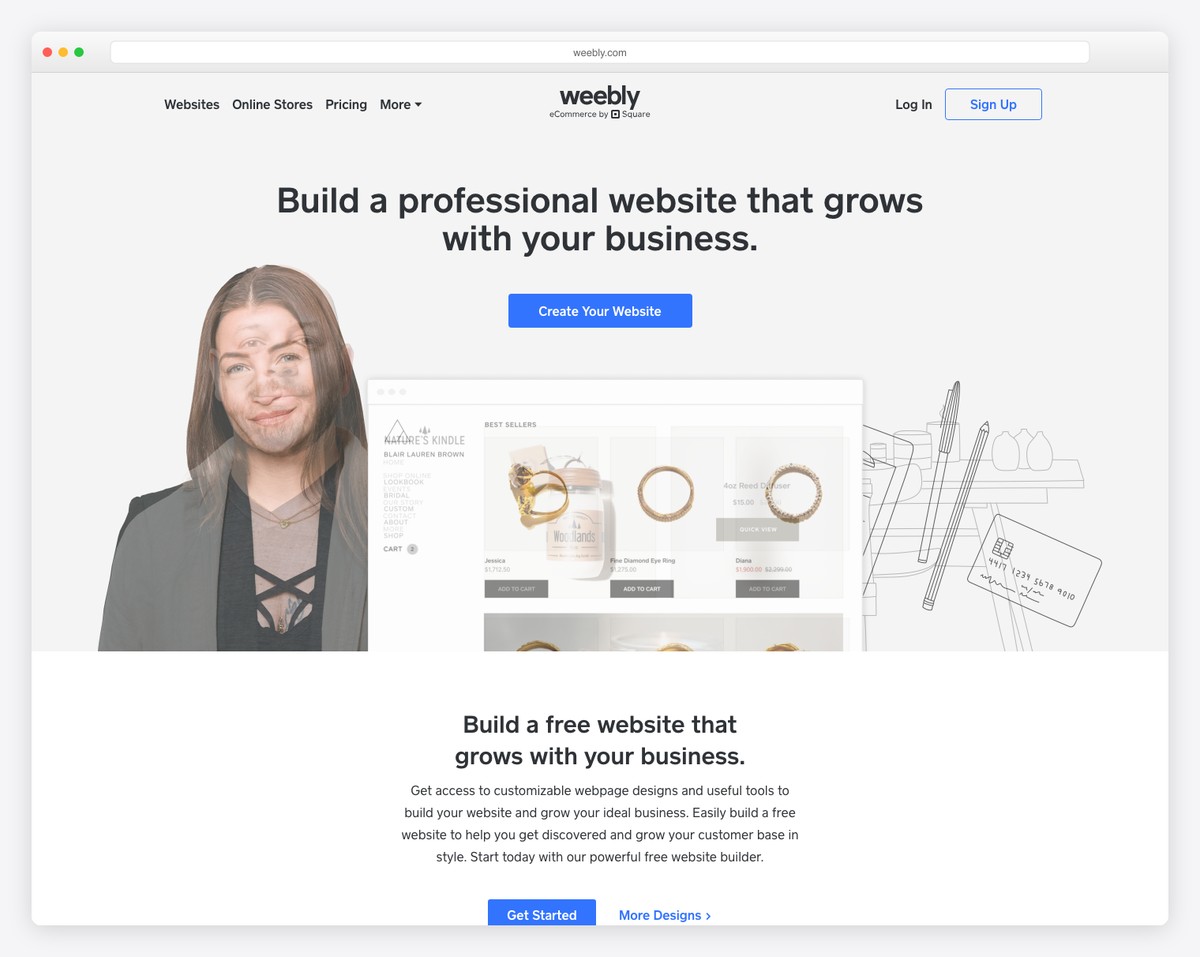
Weebly (now owned by Square) is one of the original drag-and-drop website builders, and its free plan remains one of the most generous available. Unlike Google Sites (too simple) or Wix free (branding-heavy), Weebly’s free tier gives you a multi-page website with a drag-and-drop editor, contact forms, image galleries, basic SEO tools, and even a simple online store with up to 10 products. The weebly.com subdomain and footer branding are the main limitations.
The editor follows a structured drag-and-drop approach — you drag elements (text, images, buttons, dividers, galleries, contact forms) into predefined content areas. It’s not as free-form as Wix, but the structure prevents the misalignment issues beginners often encounter with pixel-level editors. The interface is clean and intuitive, with a manageable number of options that don’t overwhelm first-time users.
Weebly’s main advantage over Google Sites is that it’s a real website builder with proper themes, blogging, SEO settings, and ecommerce capabilities — while still being free. The main disadvantage is that Weebly is in maintenance mode following the Square acquisition. It still works well, and existing features are maintained, but new features and template updates are rare. For beginners who need a free, capable builder today and plan to grow slowly, Weebly delivers solid value.
Pricing: Free plan available (500MB storage, weebly.com subdomain). Personal $10/mo, Professional $12/mo, Performance $26/mo (billed annually). Square Online integration on all paid plans.
Pros
✅ Most feature-rich free plan available
✅ Real drag-and-drop with structured layouts
✅ Free ecommerce (up to 10 products)
✅ Square payment integration built in
Cons
❌ In maintenance mode — few new features
❌ Templates feel dated vs. modern builders
❌ 500MB storage on free plan
❌ Limited third-party app integrations
How to Choose the Right Website Builder as a Beginner
The “easiest” builder depends on what you’re building and how much you’re willing to spend. Here’s a shortcut based on common scenarios:
You want the easiest full-featured builder: Wix gives you the most creative freedom with the gentlest learning curve. The AI site generator is ideal if the blank canvas intimidates you. Start with the free plan and upgrade when you’re ready for a custom domain.
You want your site to look professionally designed: Squarespace templates are the best-looking of any builder. The grid system keeps your layout clean even if you have no design experience. Worth the $16/mo if aesthetics matter to your brand.
You’re on a tight budget: Hostinger at $2.99/month gives you everything most beginners need — AI builder, hosting, domain, email, and ecommerce — at a fraction of the competition’s price. Carrd is even cheaper at $9/year if you only need a single page.
You want to sell products online: Shopify is the easiest path to a functioning online store. The guided setup and built-in payment processing mean you can start selling within an hour. The $1/month intro offer makes it risk-free to try.
You need something free — right now: Google Sites is the absolute simplest. Weebly’s free plan offers more features including basic ecommerce. Wix free gives you the most flexibility. Carrd free works for a quick one-page site.
You plan to grow your site significantly: WordPress.com has the highest ceiling. Start with the free or Personal plan, then upgrade to Business when you need plugins and advanced customization. No other builder matches its long-term flexibility.
Our top pick: For most beginners, Wix is the easiest overall website builder. Its AI site generator removes the blank-canvas problem, the drag-and-drop editor is the most intuitive available, and the free plan lets you learn without financial commitment. If you’re willing to pay from day one and want the best-looking result, Squarespace is the strongest alternative. For the best value, Hostinger at $2.99/month is hard to beat.
Frequently Asked Questions
Can I build a website with no coding knowledge?
Yes — every builder on this list is designed for people with zero coding experience. Wix, Squarespace, and Hostinger all use visual drag-and-drop editors where you never see a line of code. Several now include AI site generators that build pages from a text description of your business. The only builder on this list where coding knowledge becomes an advantage is WordPress.com — and even there, it’s optional until you need advanced customization.
What is the easiest free website builder?
Google Sites is the absolute easiest — it requires only a Google account and has the simplest interface of any builder. However, it’s very limited in features and design. For a free builder with real functionality, Wix offers the best balance of ease and capability on its free plan. Weebly’s free plan is best if you want basic ecommerce included. Carrd is best for a quick single-page site.
How long does it take to build a website as a beginner?
With AI site generators (available on Wix, Hostinger, and GoDaddy), you can have a basic website live in under 30 minutes. A more customized site — with your own text, images, and design preferences — typically takes 2-4 hours on your first attempt. With Squarespace or Wix, most beginners have a polished, multi-page site ready within a weekend. The time investment decreases significantly on subsequent sites once you understand the editor.
Do I need a custom domain for my website?
For a personal project or testing, a free subdomain (yoursite.wixsite.com or yoursite.weebly.com) works fine. For any business or professional use, a custom domain (yourname.com) is essential — it looks professional, builds brand recognition, and is better for SEO. Most paid builders include a free domain for the first year. Domains cost $10-15/year to renew. Hostinger and Squarespace include free domains on all annual plans.
Which website builder has the best AI features?
Hostinger currently has the most comprehensive AI toolset — it generates entire websites, writes copy, creates logos, and optimizes SEO settings from a text prompt. Wix AI is the best at generating complete multi-page sites from a business description. Shopify Magic excels at writing product descriptions and marketing content. Squarespace and GoDaddy offer AI content generation but less extensive than the others.
Can I switch website builders later without losing my content?
Switching builders usually means rebuilding your site from scratch on the new platform. Most builders don’t offer direct migration tools between platforms. You can export your blog content from WordPress.com, and some builders let you export product data. But your design, layout, and page structure won’t transfer. This is why choosing the right builder upfront matters — and why free plans and trials are worth using before committing. If long-term flexibility is a concern, WordPress.com gives you the most portability since your content uses standard formats.

Related Posts



Comments (0)