
44 Free Bootstrap Cards Examples 2026
This list collects 44 free Bootstrap cards examples, from team and product cards to pricing, event, job, weather and social post cards.
The first 20 are cards we designed this year. Each is a free download with a live demo, written in plain HTML and CSS, with a few lines of vanilla JavaScript only where the card does something, such as an add-to-bag button or a flip. There is no jQuery and no Bootstrap file to load, and each card looks the same on its own or inside a Bootstrap 4, 5 or 6 project.
After them come our uiCookies set of ten card layouts in one download and 23 CodePen designs built with Bootstrap. Every entry has a demo link, so you can check how the cards behave on a phone before you download.
Free Colorlib Bootstrap Card Snippets
We designed these 20 card components in 2026: team, product, blog, pricing, testimonial, KPI, travel, flip, glass, event, course, job, property, recipe, player, weather, inbox, newsletter and social cards. Each is a free download with a live demo, plain HTML and CSS with vanilla JavaScript only where the card has behaviour.
Card V01: Team member profile cards
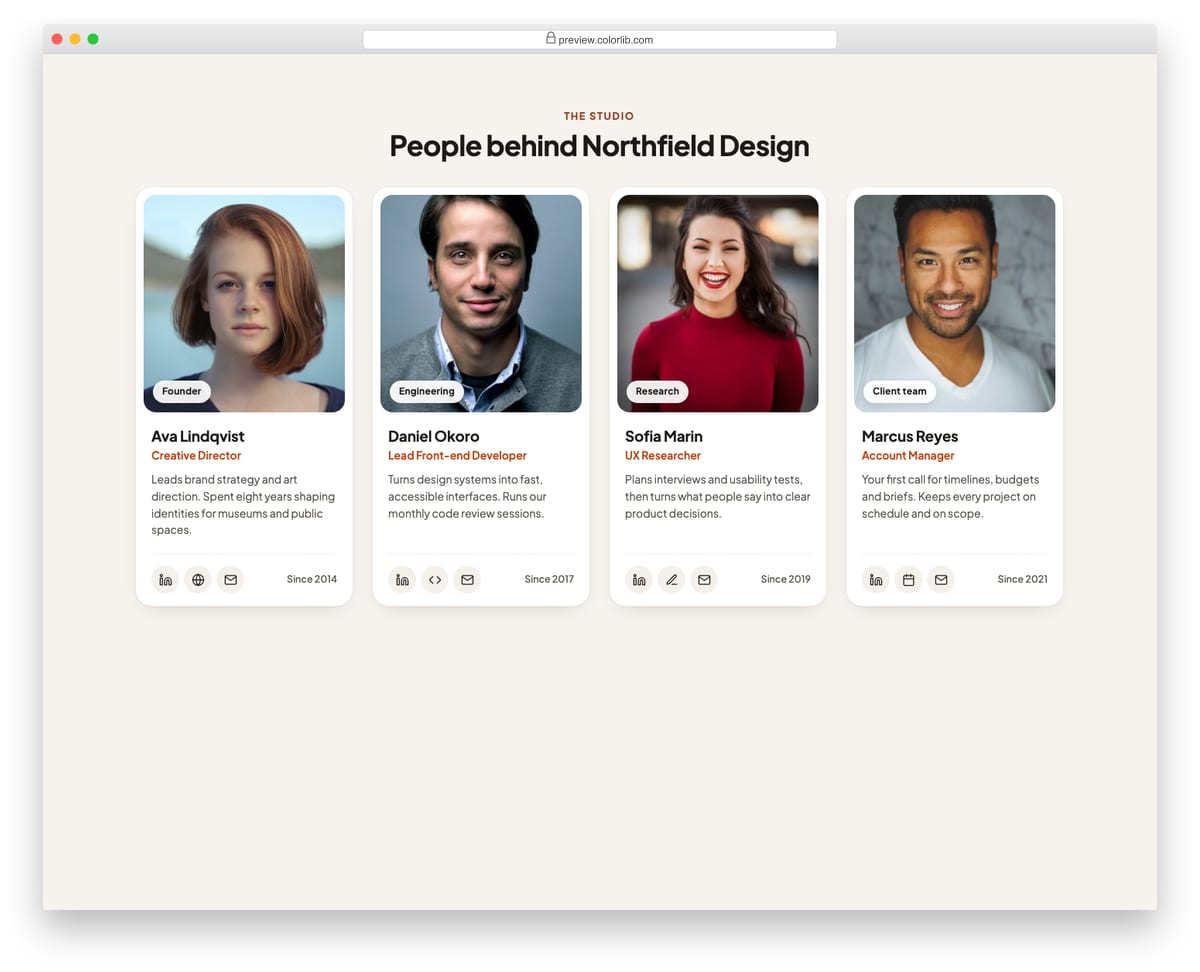
Profile cards for an about or team page. Each card has a portrait, a department tag, name, role, a short bio and a row of round social and contact links. The grid reflows from four columns down to one.
Best for: team, about and company pages. Plain HTML and CSS, no JavaScript, a 409 KB download, and it works on its own or inside a Bootstrap 4, 5 or 6 project.
Card V02: Shop product cards with add to bag
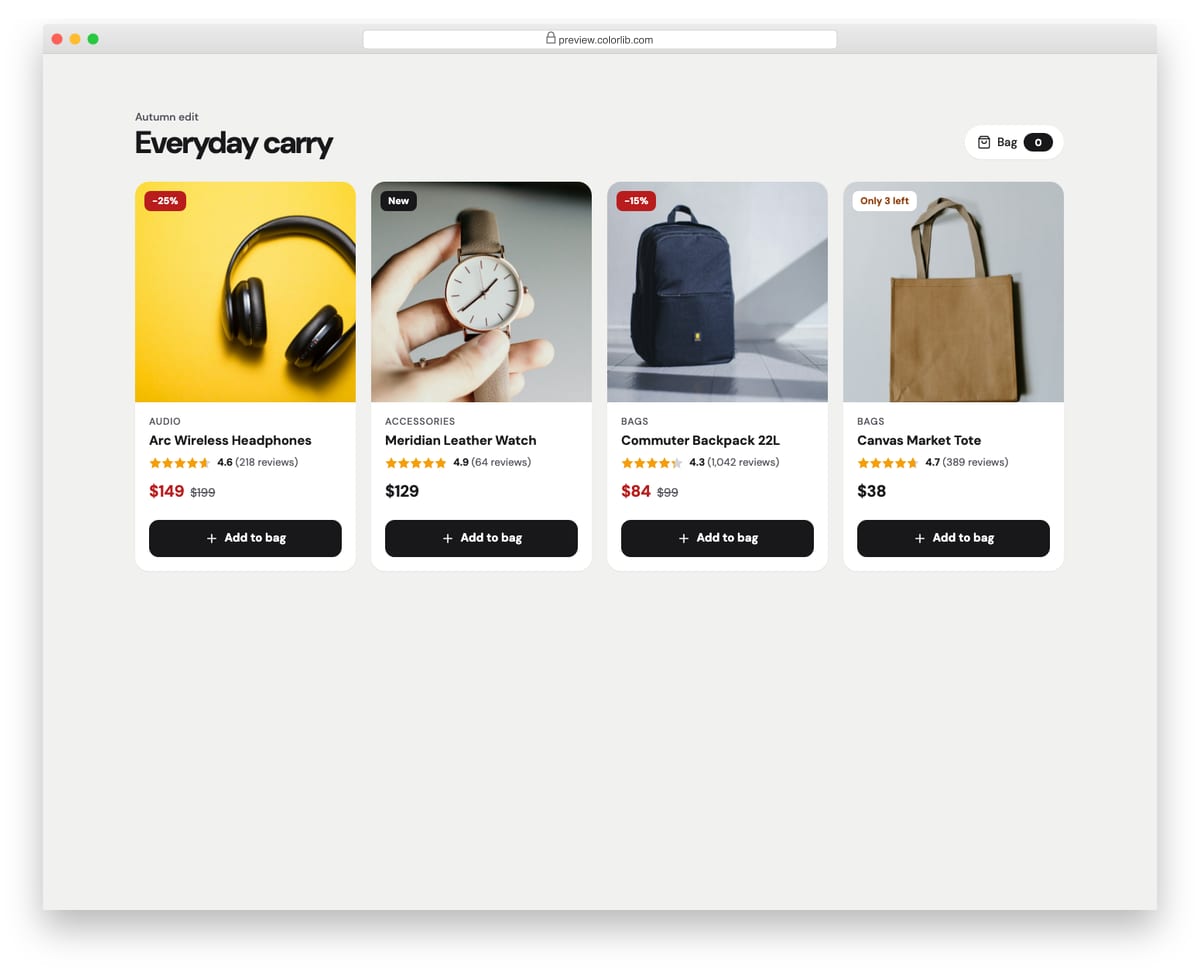
Product cards for an online shop with a square photo, sale or stock flag, star rating, sale price with the original price struck through, and an add-to-bag button. Clicking the button switches it to an added state, updates the bag counter and announces the change in a live region. Clicking again removes the item.
Best for: online shops, product grids and category pages. Plain HTML and CSS with a few lines of vanilla JavaScript, a 431 KB download, and it works on its own or inside a Bootstrap 4, 5 or 6 project.
Card V03: Blog post cards
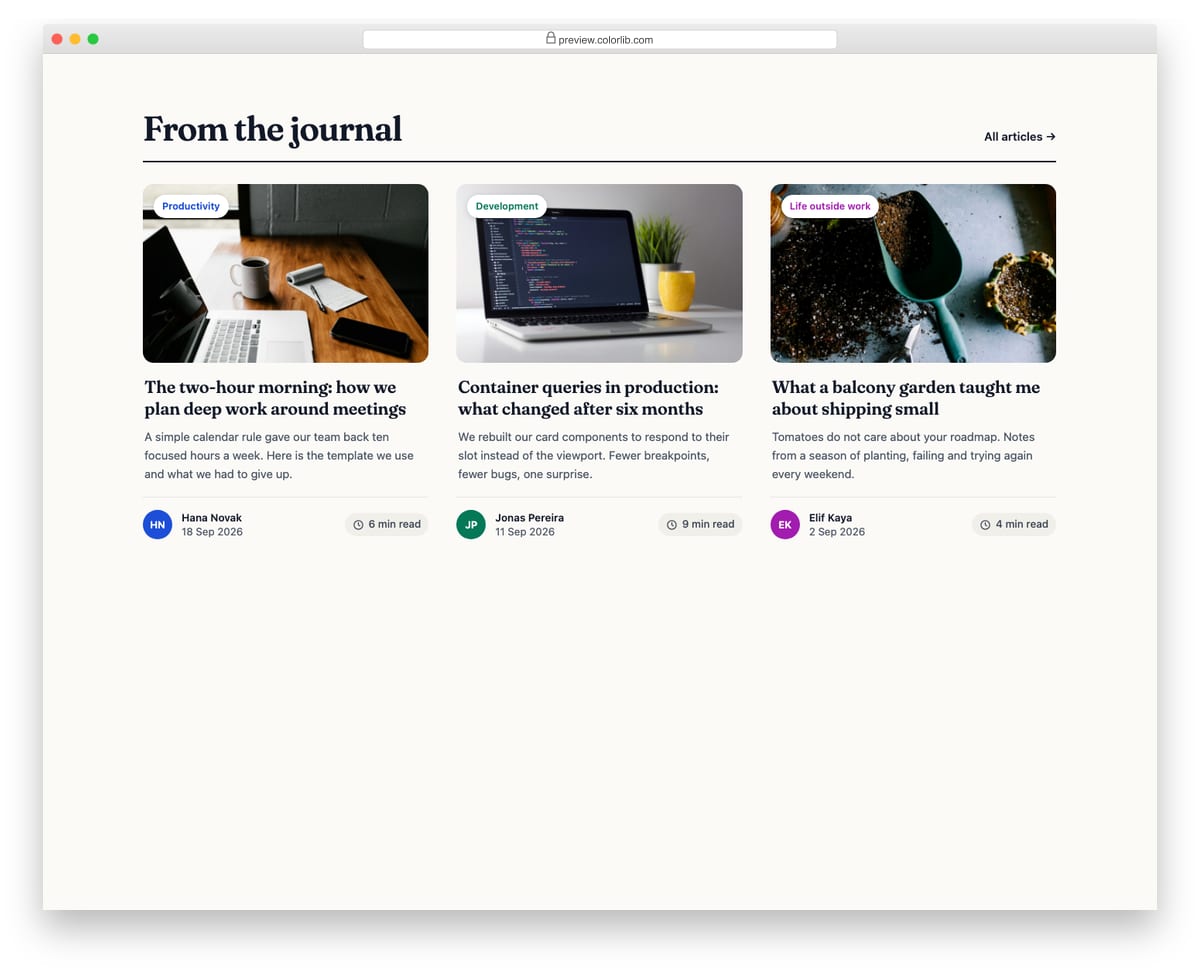
Article cards for a blog or journal with a cover image, a category chip, a serif headline, an excerpt and an author row with initials avatar, date and read time. The whole card is clickable through the headline link, so there is only one tab stop per article.
Best for: blogs, magazines and resource libraries. Plain HTML and CSS, no JavaScript, a 455 KB download, and it works on its own or inside a Bootstrap 4, 5 or 6 project.
Card V04: Pricing plan cards
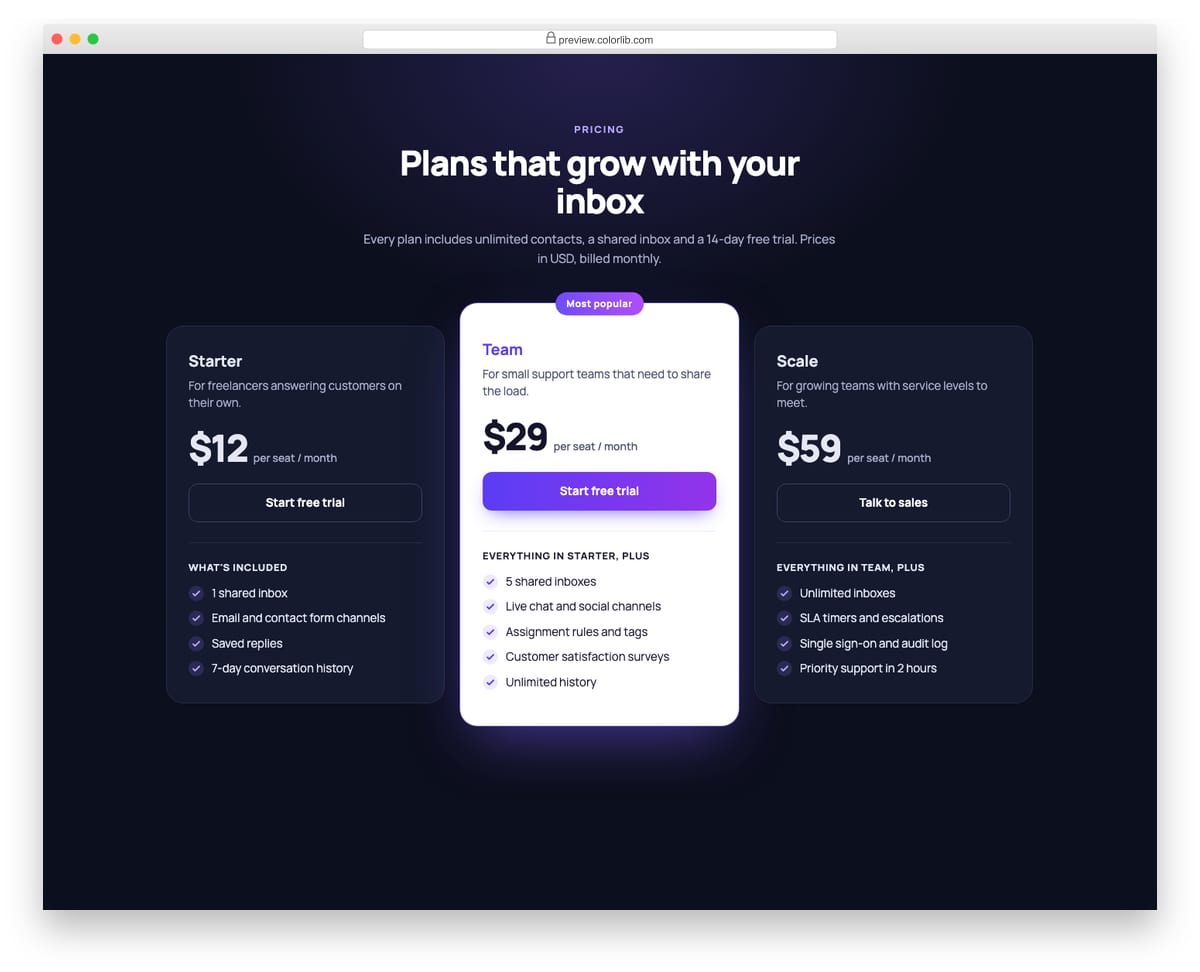
Three pricing tiers on a dark background with the middle plan raised, lit and labelled Most popular. Each card lists who it is for, the price per seat, a call to action and the included features with check icons.
Best for: SaaS pricing pages and plan comparison sections. Plain HTML and CSS, no JavaScript, a 201 KB download, and it works on its own or inside a Bootstrap 4, 5 or 6 project.
Card V05: Testimonial cards
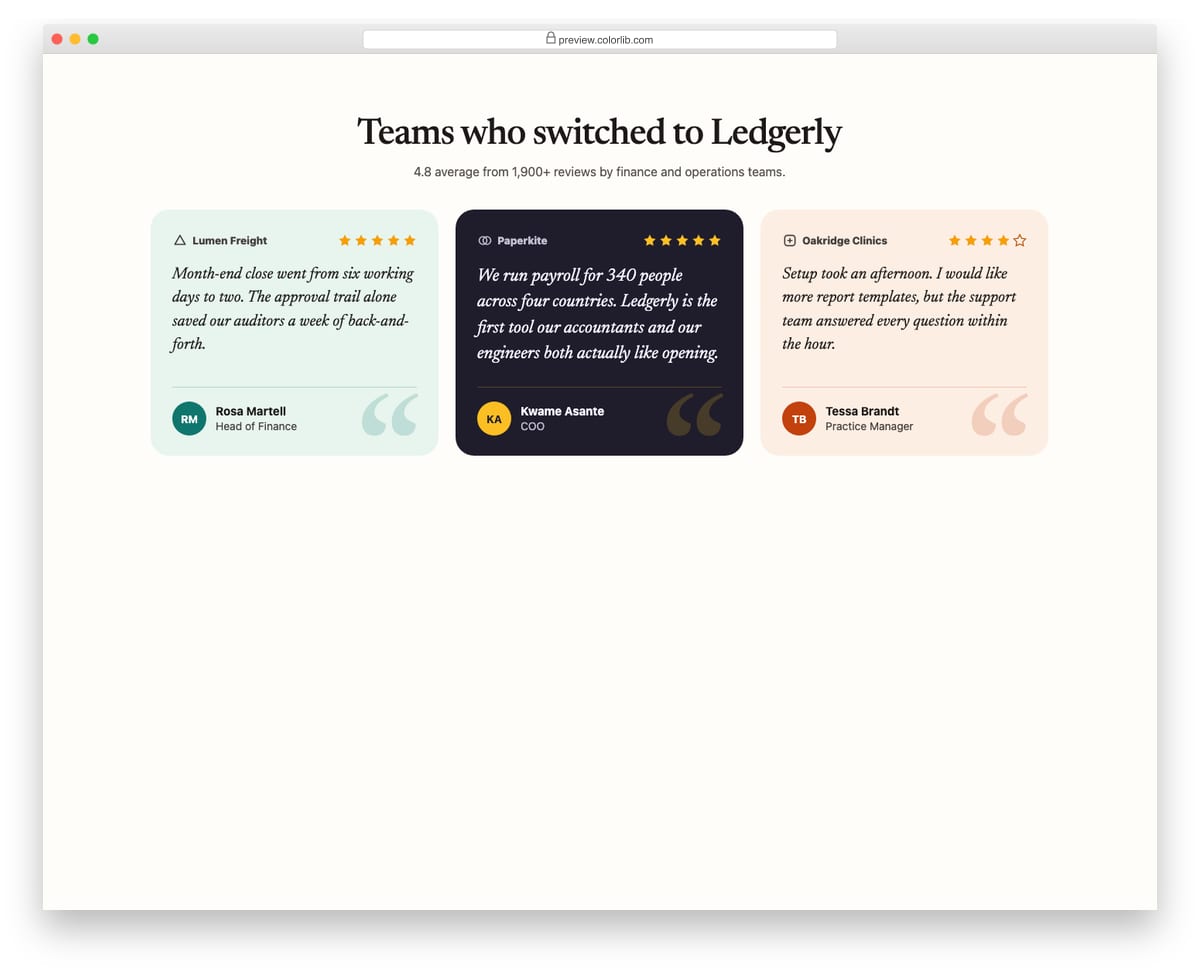
Customer quote cards in three tints, including one dark card for contrast. Each has a fictional company mark, a star rating with a text alternative, an italic serif quote and the reviewer's initials, name and role.
Best for: landing pages, product pages and case study sections. Plain HTML and CSS, no JavaScript, a 201 KB download, and it works on its own or inside a Bootstrap 4, 5 or 6 project.
Card V06: KPI stat cards with sparklines
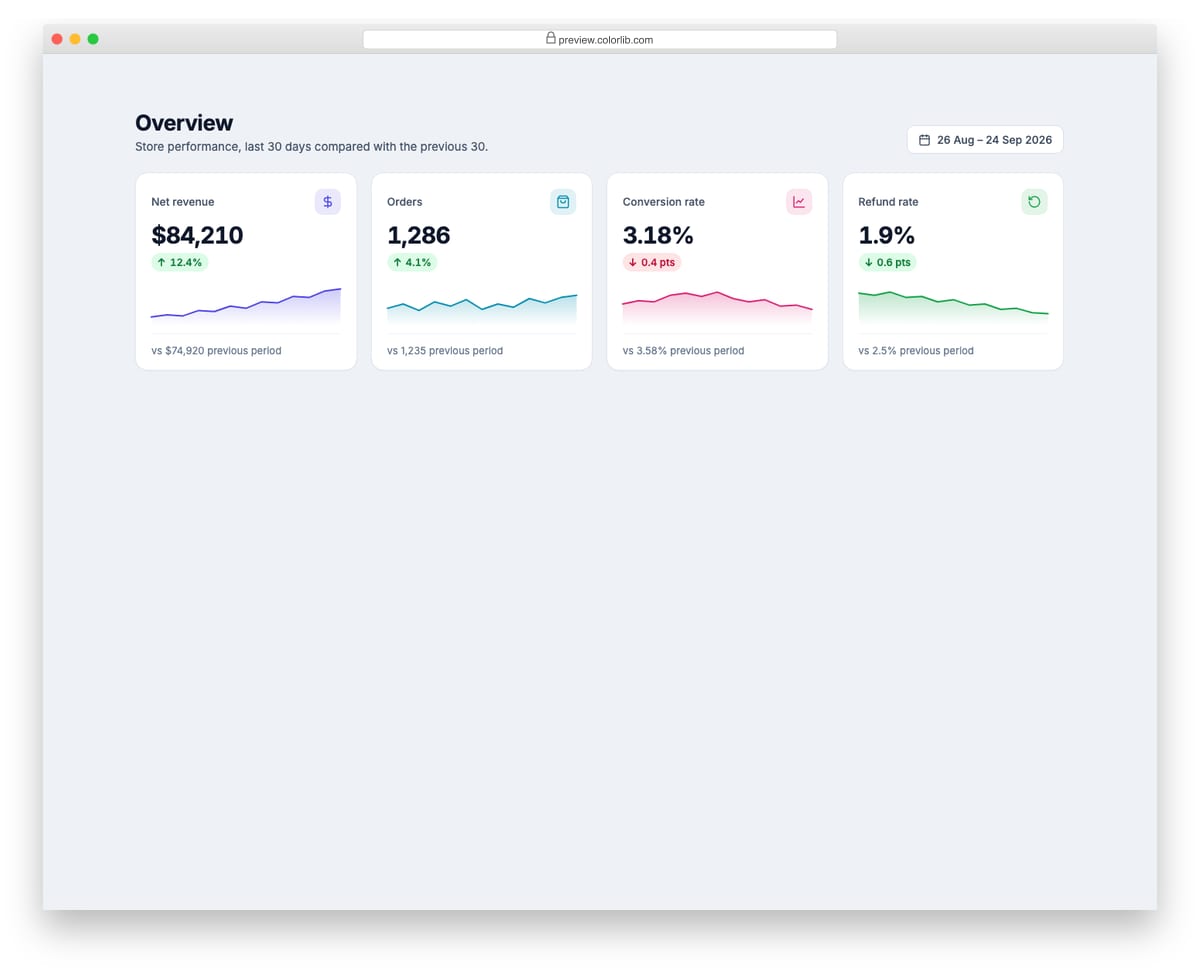
Dashboard cards for four store metrics, each with an icon, the current value, a coloured trend delta and a small SVG sparkline with area fill. Deltas are coloured by whether the change is good or bad, and each includes hidden text for screen readers.
Best for: admin dashboards, analytics and reporting pages. Plain HTML and CSS, no JavaScript, a 529 KB download, and it works on its own or inside a Bootstrap 4, 5 or 6 project.
Card V07: Horizontal media cards for travel stays
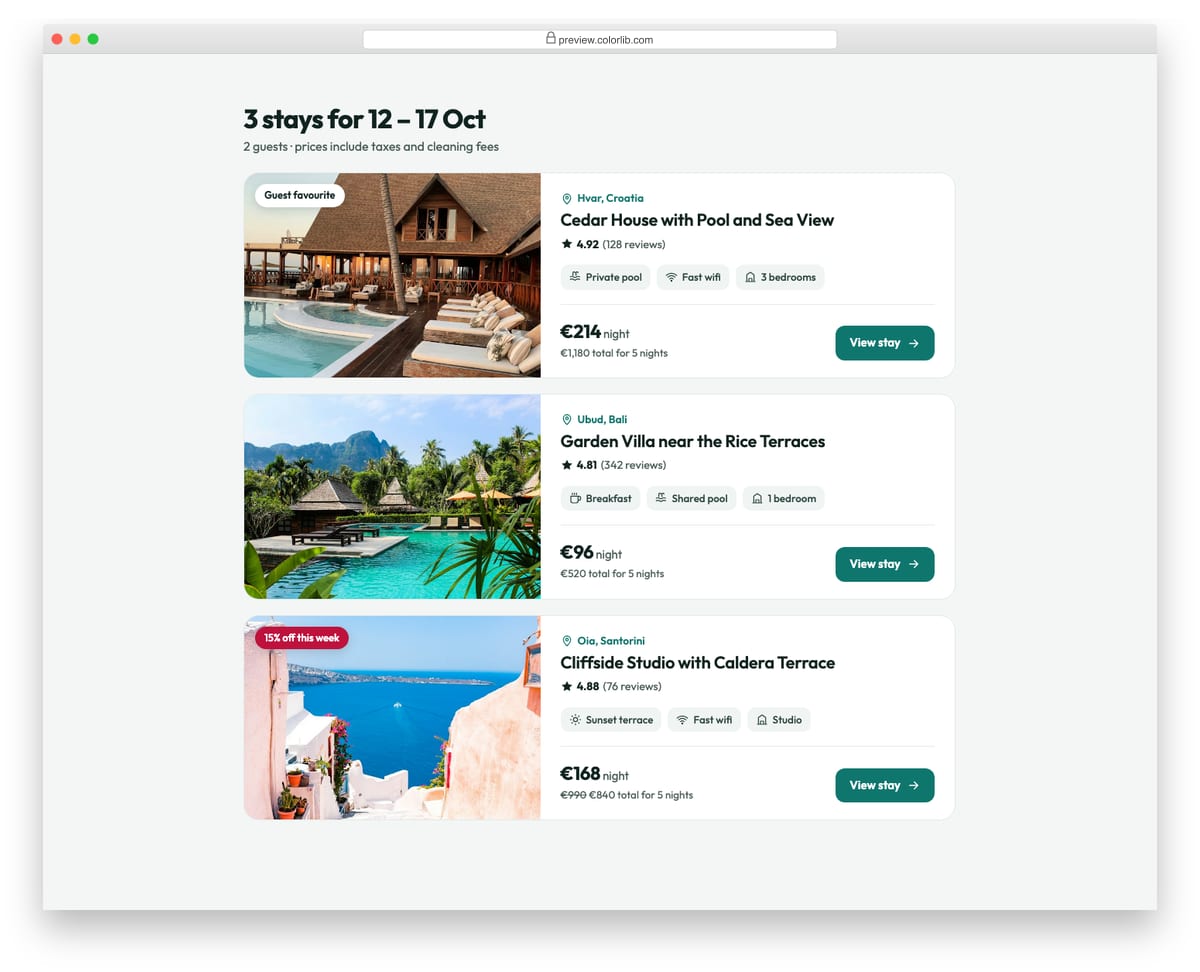
Wide cards with a photo on the left and the listing on the right: location, title, rating, amenity chips and a price block with the total for the stay. On phones the photo moves on top and the card stacks.
Best for: travel, booking and rental listing pages. Plain HTML and CSS, no JavaScript, a 486 KB download, and it works on its own or inside a Bootstrap 4, 5 or 6 project.
Card V08: Image overlay cards with hover reveal
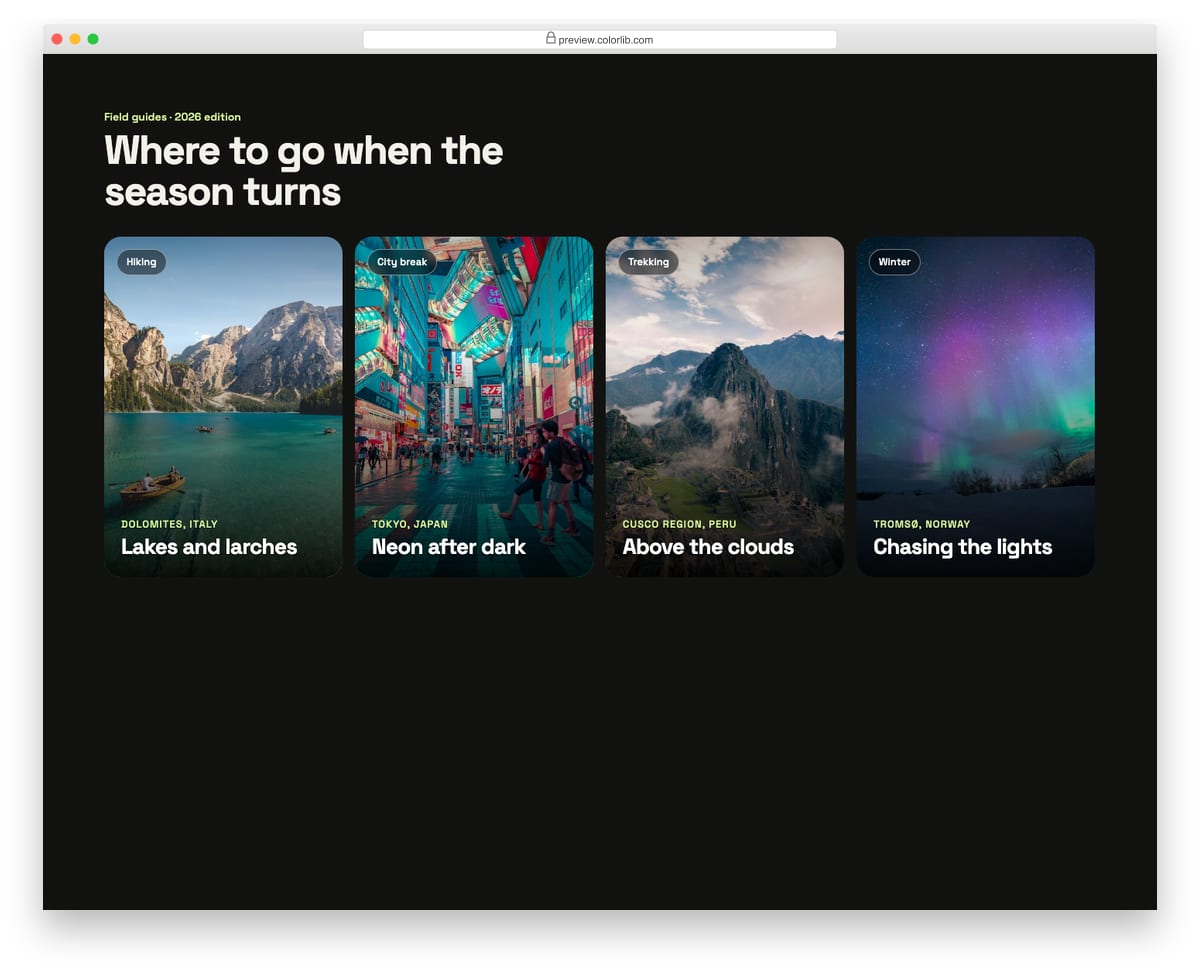
Tall photo cards with a dark gradient and the destination and title on top. On hover or keyboard focus the image zooms and a short description and two facts slide up. On touch screens the extra text is always shown.
Best for: travel guides, portfolios and editorial landing pages. Plain HTML and CSS, no JavaScript, a 479 KB download, and it works on its own or inside a Bootstrap 4, 5 or 6 project.
Card V09: Flip cards (vocabulary flashcards)
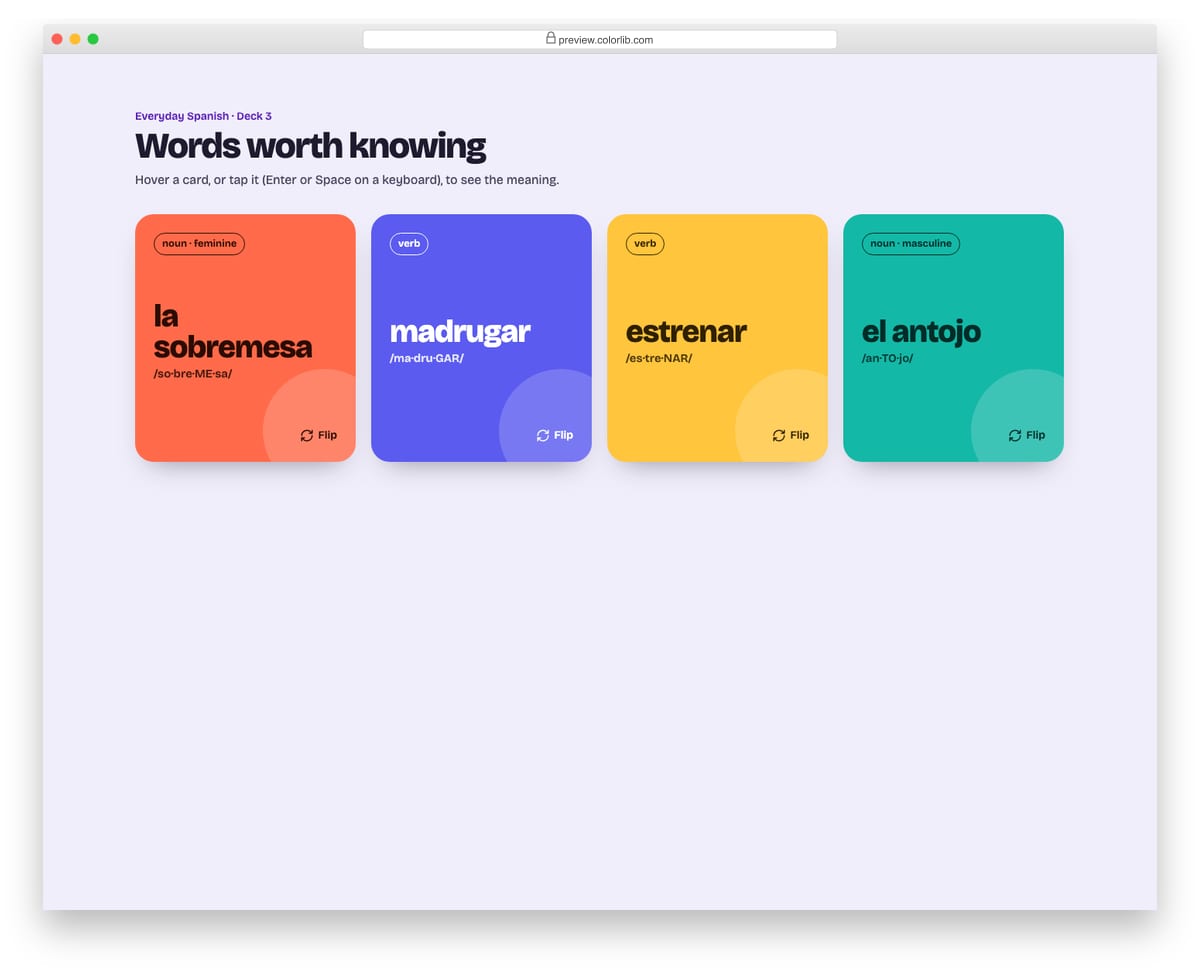
Language flashcards that turn over to show the meaning and an example sentence. Cards flip on hover with a mouse, and on click, tap, Enter or Space everywhere; Escape turns a card back. With reduced motion the faces crossfade instead of rotating.
Best for: learning apps, glossaries, FAQs and feature explainers. Plain HTML and CSS with a few lines of vanilla JavaScript, a 322 KB download, and it works on its own or inside a Bootstrap 4, 5 or 6 project.
Card V10: Glassmorphism cards on a gradient
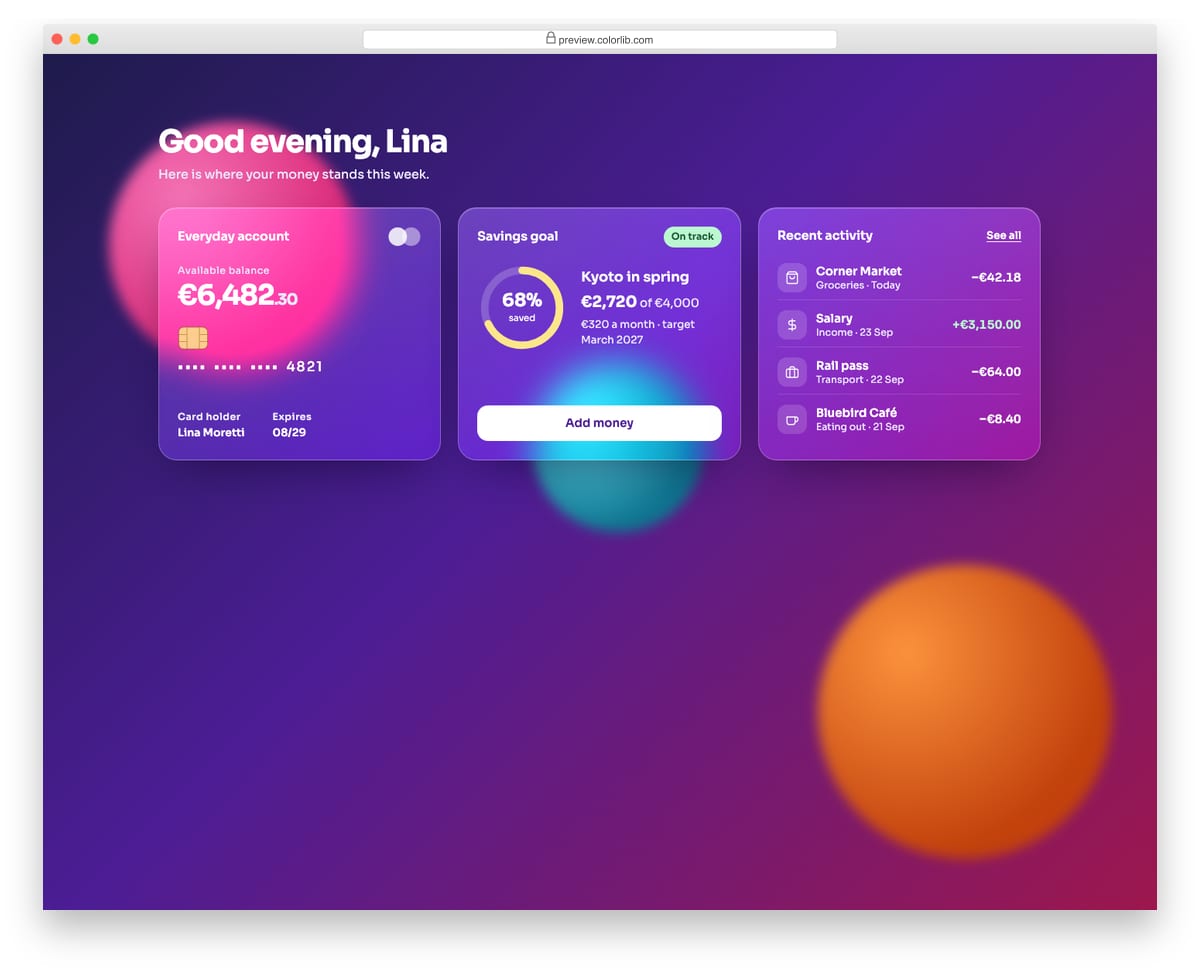
Three frosted-glass cards for a personal finance app on a vivid purple and pink gradient with blurred colour blobs: an account card, a savings goal ring and recent transactions. Browsers without backdrop-filter get a solid fallback.
Best for: fintech dashboards, app landing pages and hero sections. Plain HTML and CSS, no JavaScript, a 153 KB download, and it works on its own or inside a Bootstrap 4, 5 or 6 project.
Card V11: Event cards with add to calendar
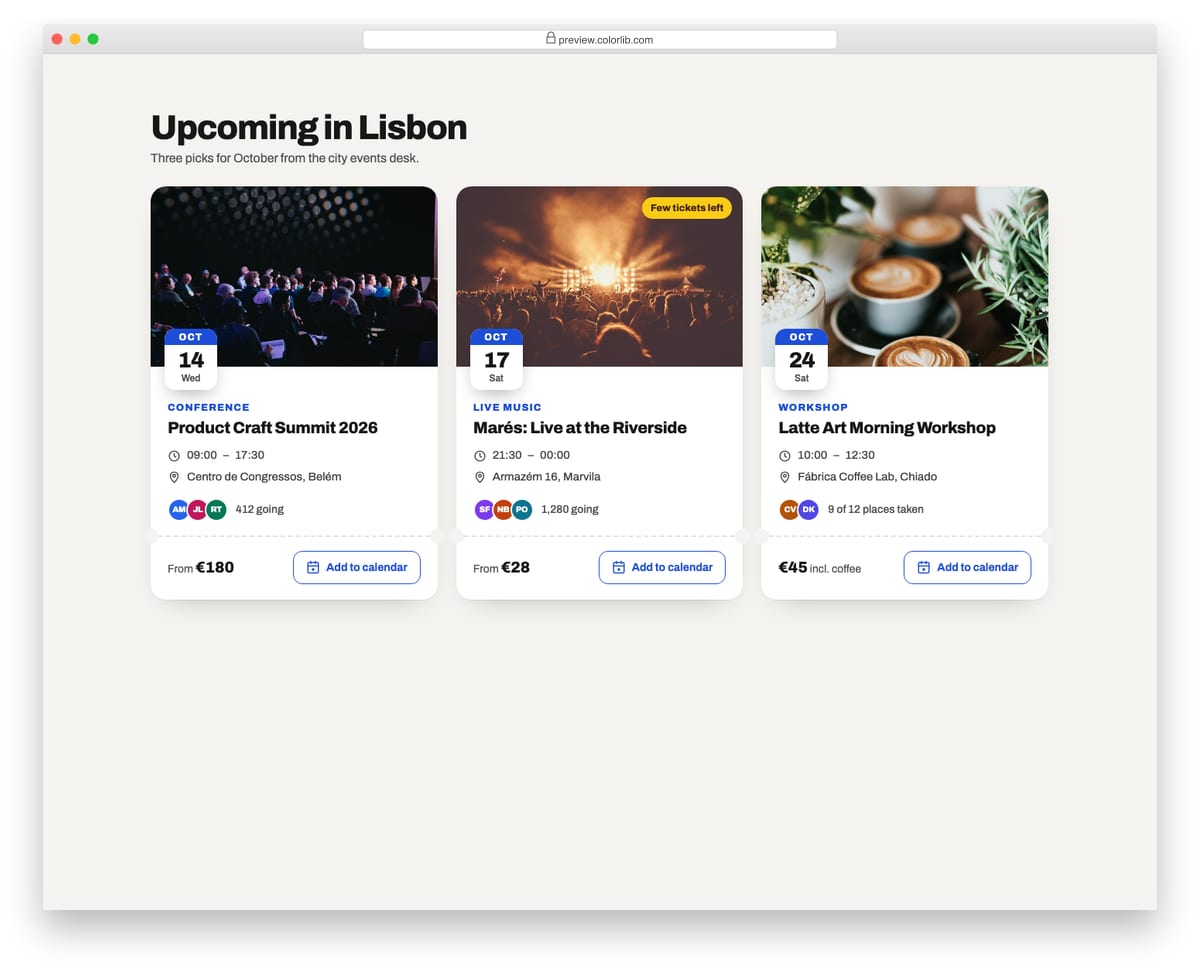
Event cards with a photo, an overlapping date badge, category, time, venue and attendee count, above a ticket-style stub with the price. The Add to calendar button generates and downloads an .ics file from the card's data attributes, then confirms in a live region.
Best for: event listings, venues, meetups and conference sites. Plain HTML and CSS with a few lines of vanilla JavaScript, a 408 KB download, and it works on its own or inside a Bootstrap 4, 5 or 6 project.
Card V12: Online course cards with progress
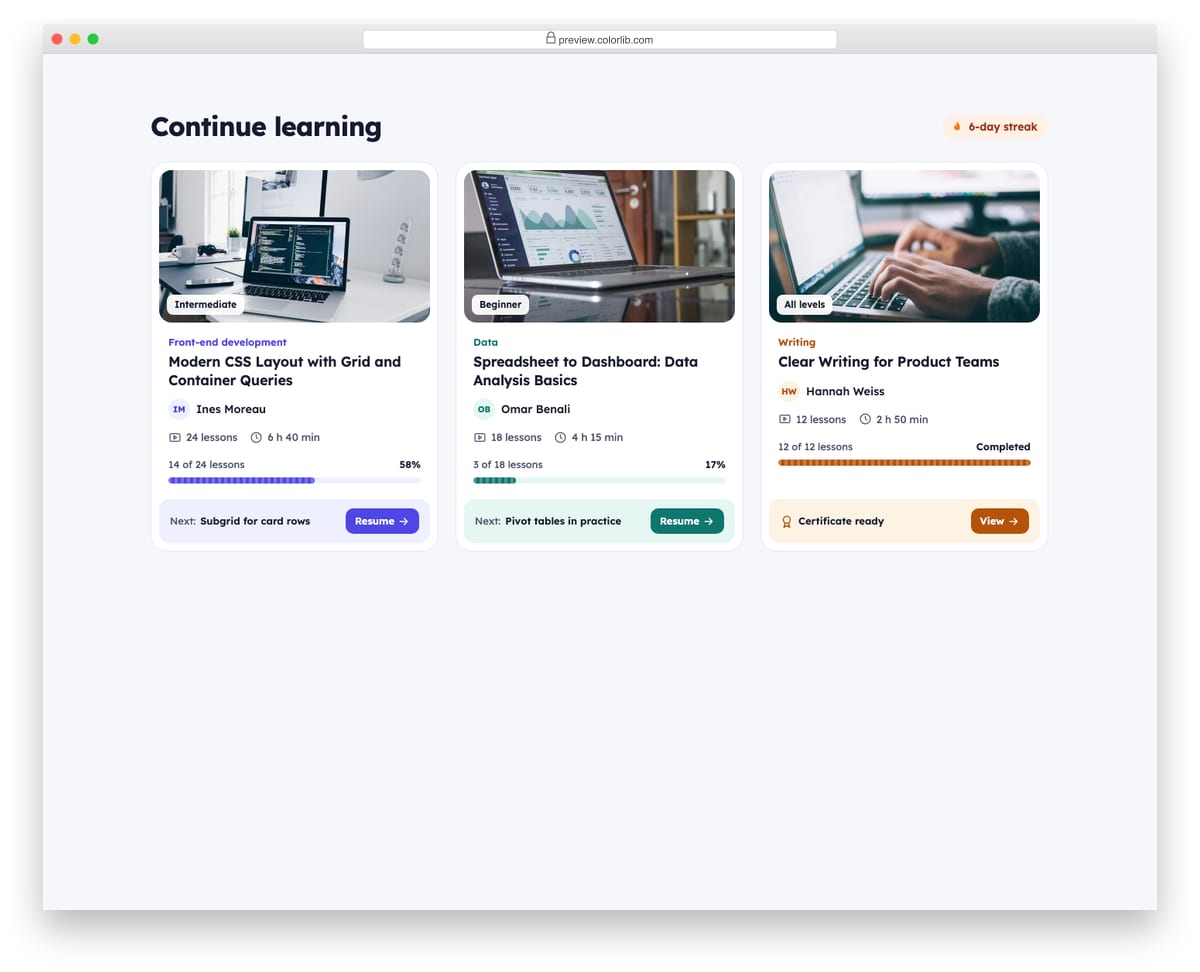
Course cards for a learning dashboard with a thumbnail, level tag, track, title, instructor, lesson count and length. Each shows progress as an accessible progress bar and a Next lesson strip; a completed course shows a certificate instead.
Best for: learning platforms, LMS dashboards and membership sites. Plain HTML and CSS, no JavaScript, a 438 KB download, and it works on its own or inside a Bootstrap 4, 5 or 6 project.
Card V13: Job listing cards with save toggle
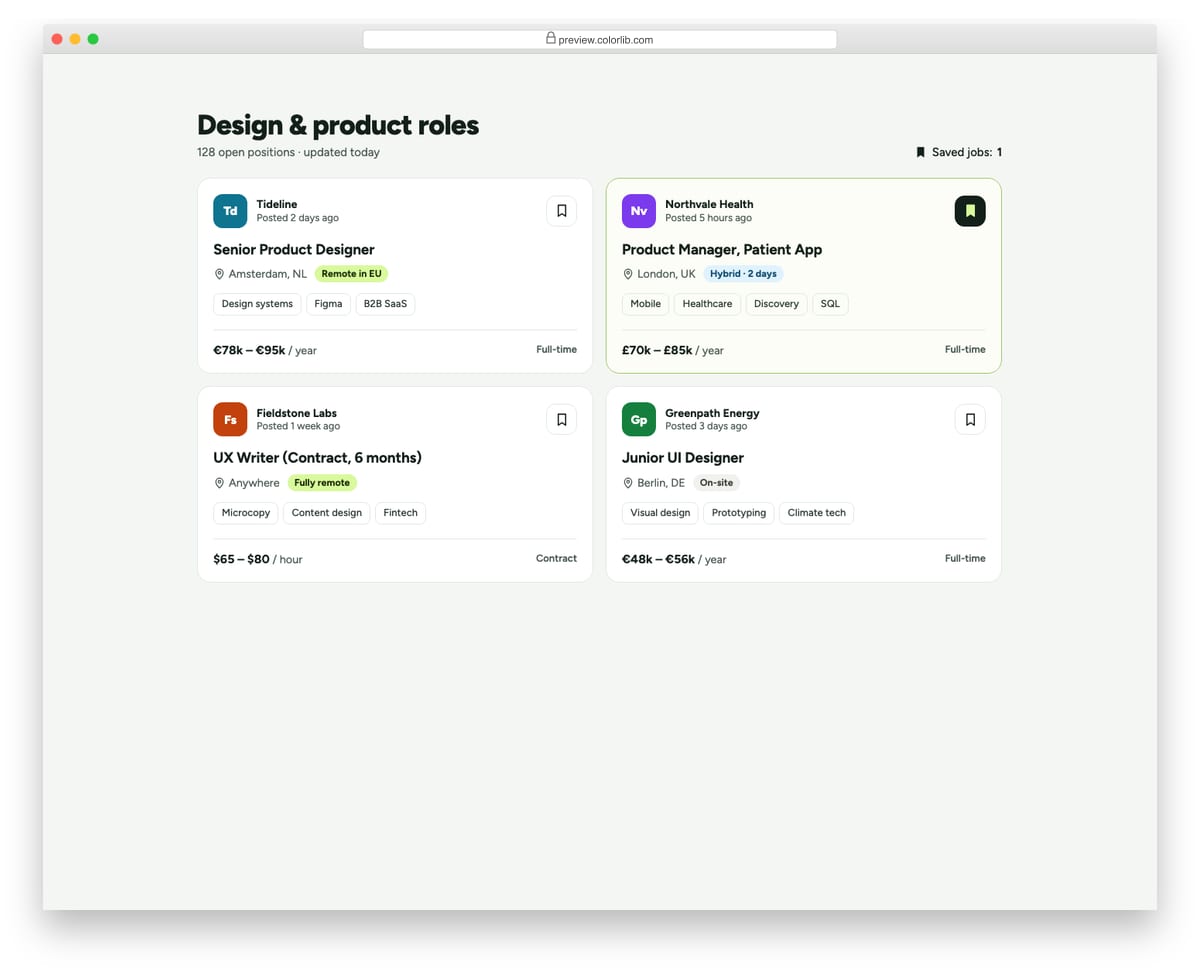
Job cards with a company initials logo, posting age, title, location, remote or hybrid badge, skill tags, salary and contract type. A bookmark button saves each job using aria-pressed, updates a saved counter and announces the change.
Best for: job boards, careers pages and recruiting sites. Plain HTML and CSS with a few lines of vanilla JavaScript, a 157 KB download, and it works on its own or inside a Bootstrap 4, 5 or 6 project.
Card V14: Real estate listing cards
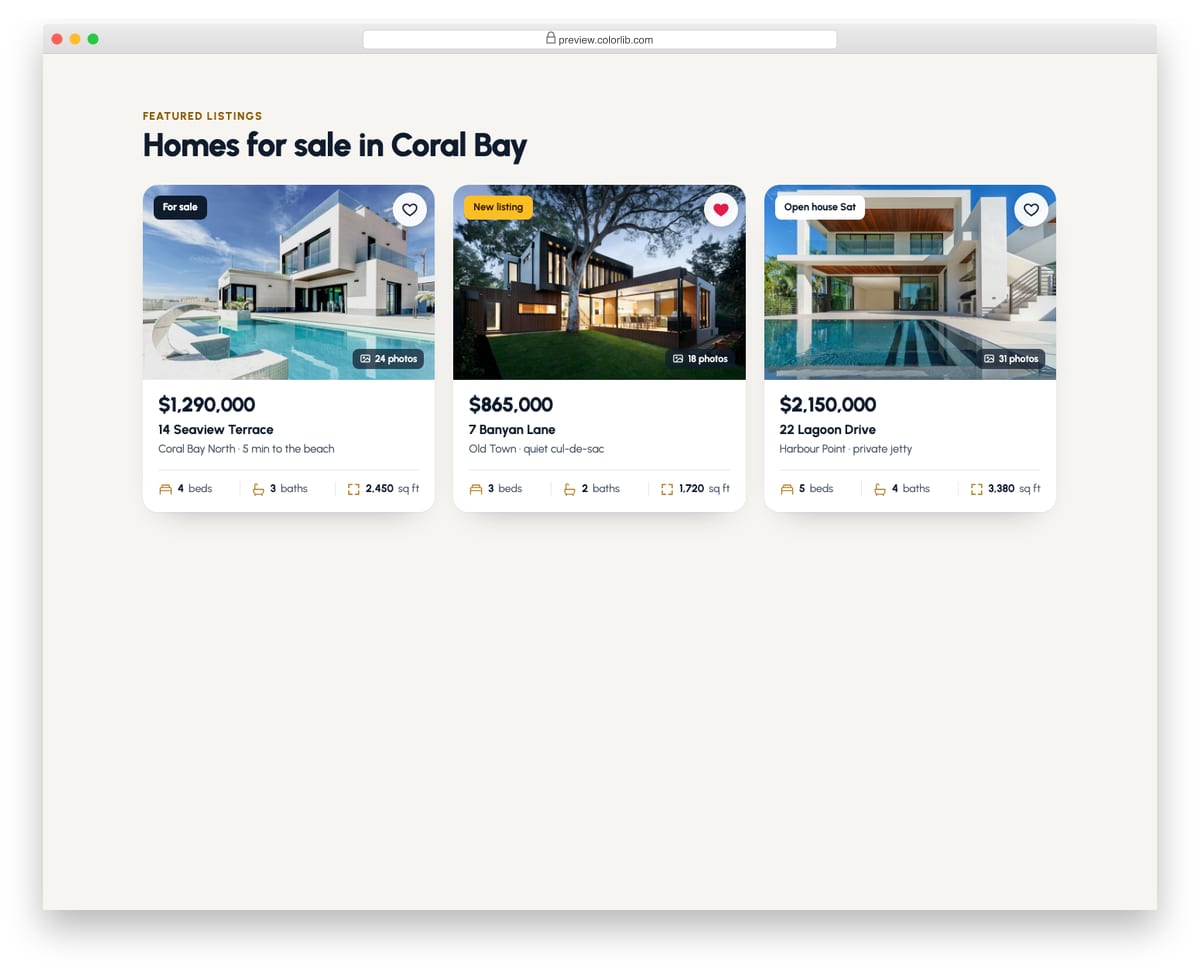
Property cards with a photo, status badge, photo count and a heart button to save the home. Below are the price, address, area and a row of beds, baths and floor-area icons. The favourite button uses aria-pressed and a short pop animation.
Best for: real estate, rentals and property marketplaces. Plain HTML and CSS with a few lines of vanilla JavaScript, a 502 KB download, and it works on its own or inside a Bootstrap 4, 5 or 6 project.
Card V15: Recipe cards with round plate photos
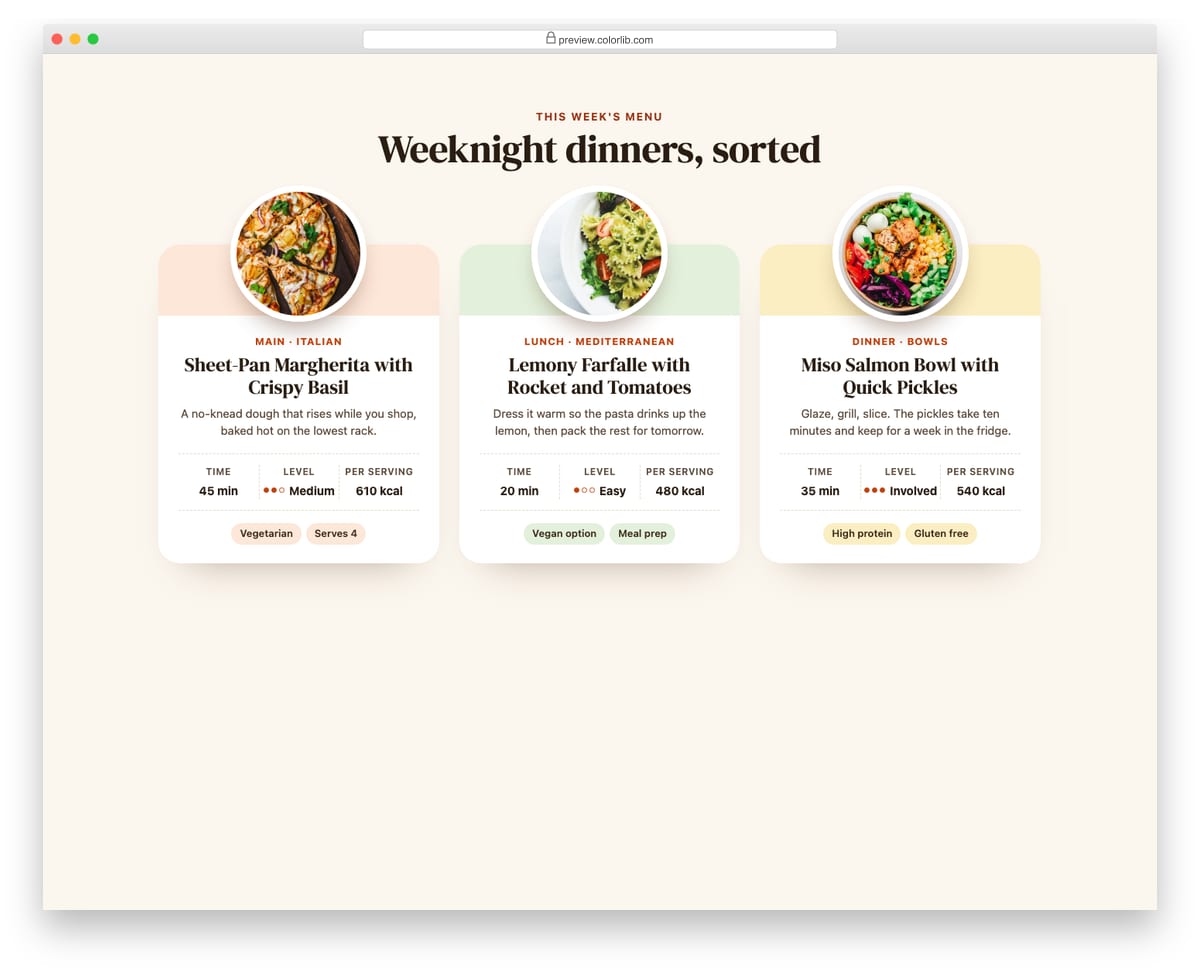
Recipe cards where the dish sits in a round plate that overlaps a tinted header band. Each card has the course, a serif title, a one-line description, time, difficulty dots and calories in a small table, and diet tags.
Best for: food blogs, recipe sites and meal-kit menus. Plain HTML and CSS, no JavaScript, a 298 KB download, and it works on its own or inside a Bootstrap 4, 5 or 6 project.
Card V16: Podcast and music player cards
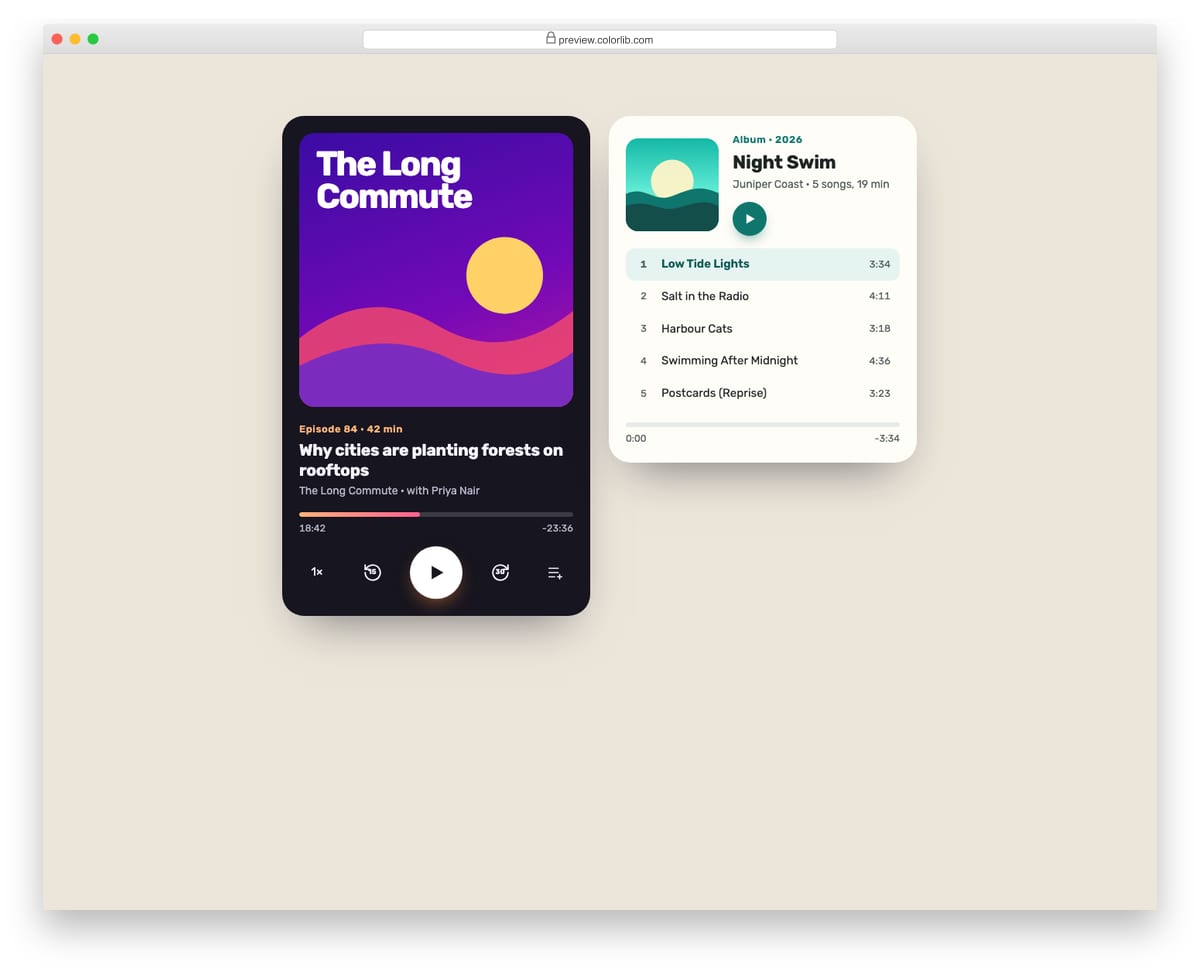
Two player cards: a dark podcast player with SVG cover art, episode progress, skip back and forward, playback speed and a play/pause toggle, and a light album card with a track list. Playback is simulated so the controls work without audio files.
Best for: podcast sites, music pages and media apps. Plain HTML and CSS with a few lines of vanilla JavaScript, a 223 KB download, and it works on its own or inside a Bootstrap 4, 5 or 6 project.
Card V17: Weather cards with 5-day forecast
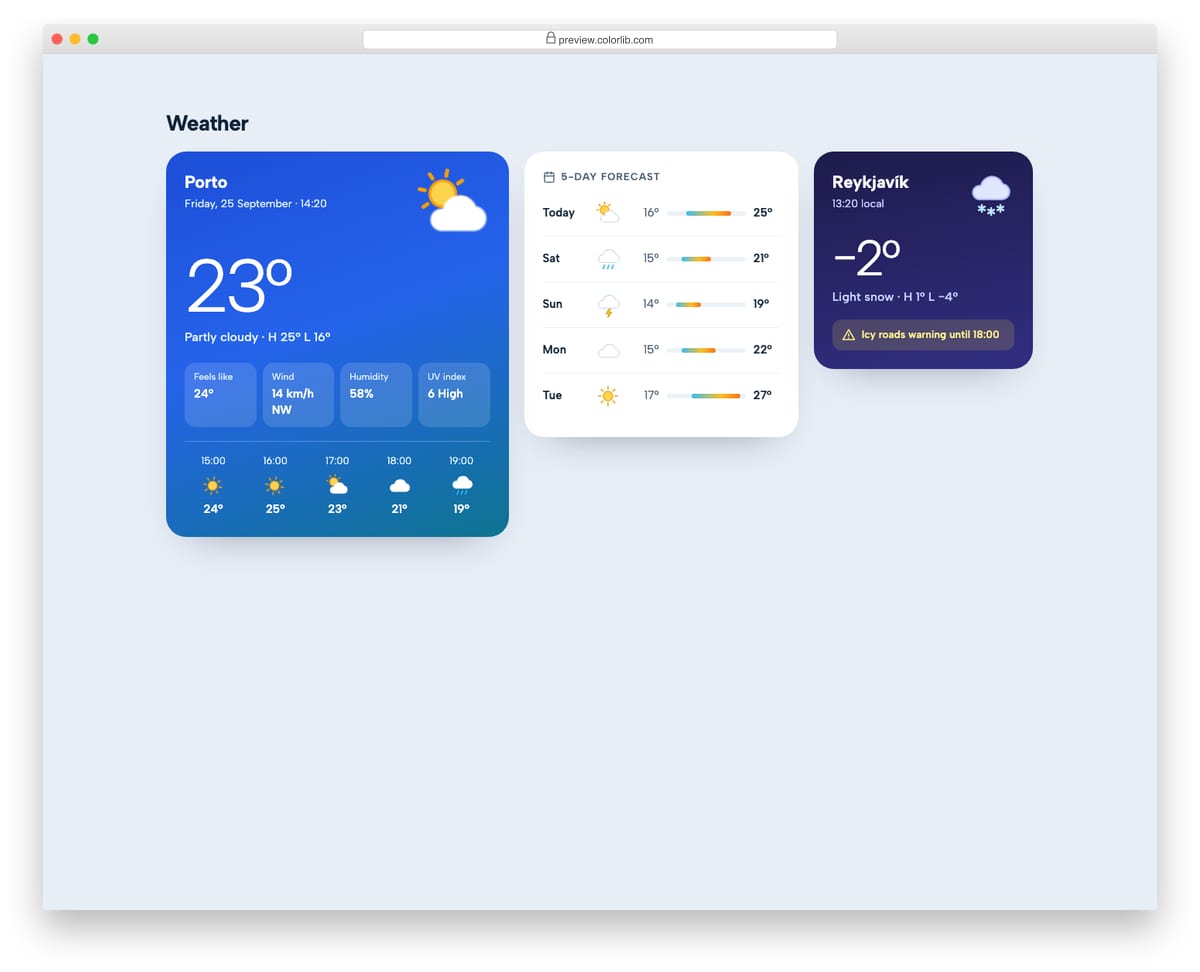
A current-conditions card with temperature, details and an hourly strip, a 5-day forecast with temperature range bars, and a compact night card with a warning. All weather icons are inline SVG with text alternatives.
Best for: weather widgets, travel apps and dashboards. Plain HTML and CSS, no JavaScript, a 278 KB download, and it works on its own or inside a Bootstrap 4, 5 or 6 project.
Card V18: Notification inbox cards
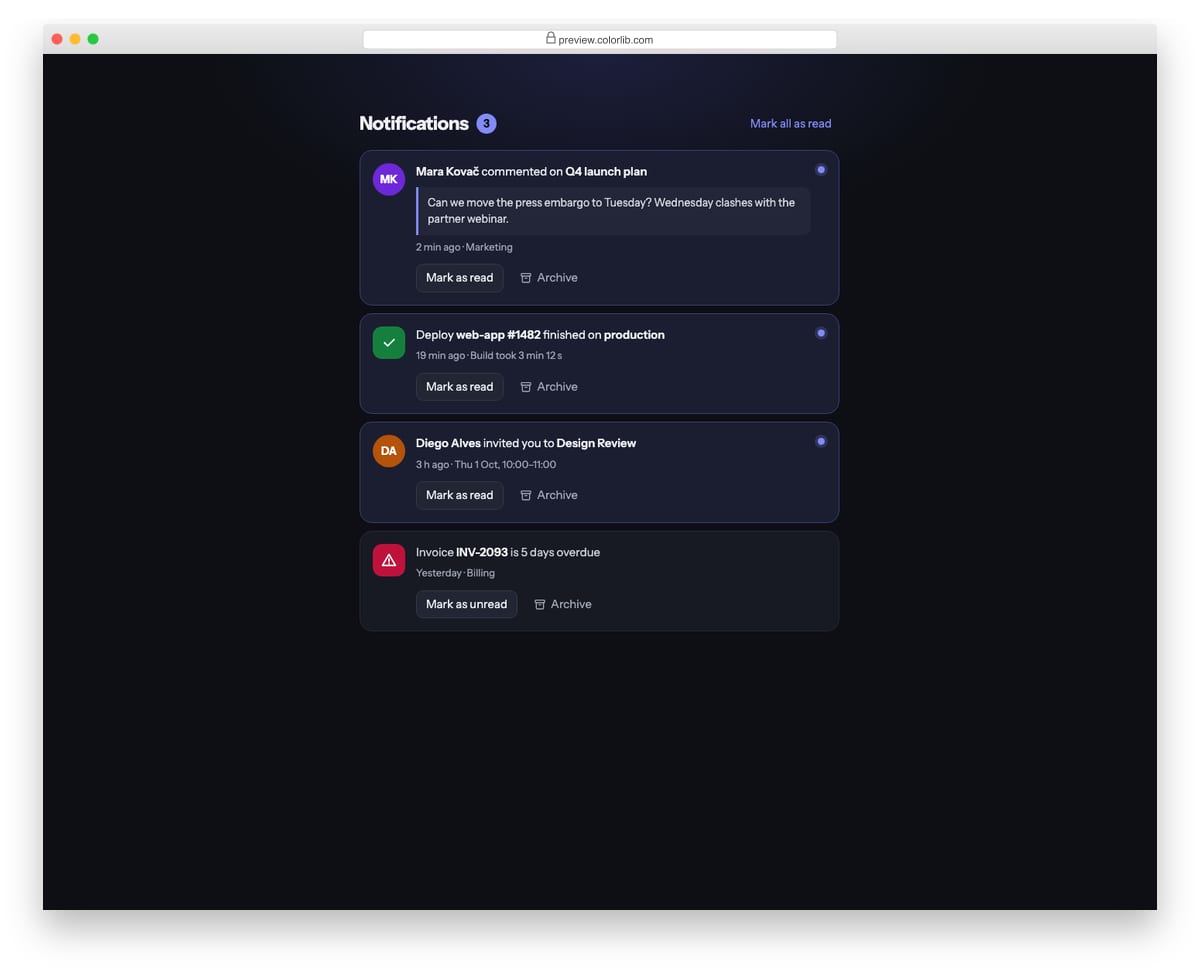
A dark notification panel with unread and read cards, each with an avatar or status icon, text, time and actions. Mark as read toggles the state, Archive removes a card with an Undo option, and the unread badge updates as you go.
Best for: app headers, dashboards and activity feeds. Plain HTML and CSS with a few lines of vanilla JavaScript, a 169 KB download, and it works on its own or inside a Bootstrap 4, 5 or 6 project.
Card V19: Newsletter signup cards
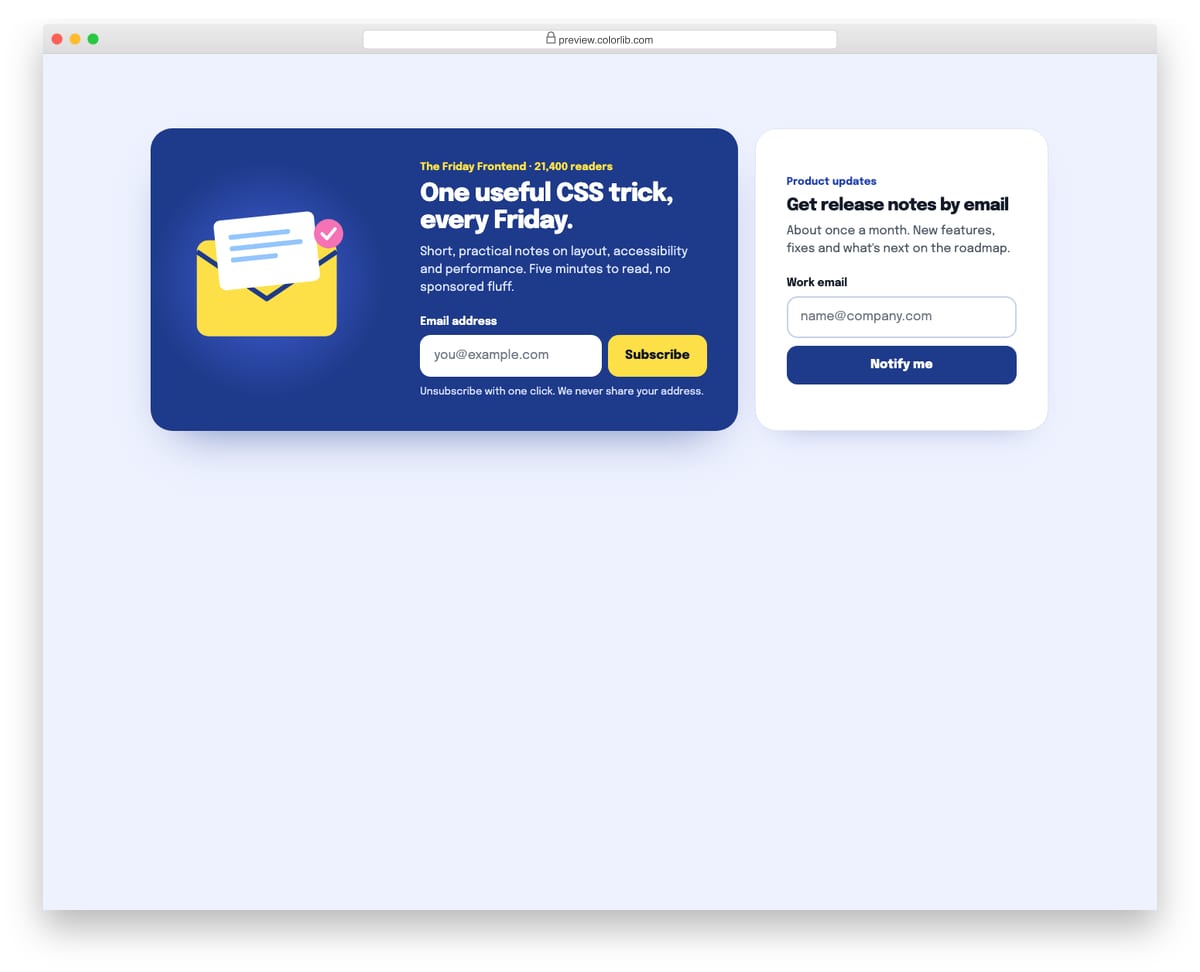
A wide newsletter card with an SVG envelope illustration and a compact product-updates card. Both forms use the browser's email validation, show a clear inline error linked to the field, and swap to a success message that receives focus.
Best for: blogs, landing pages, footers and sidebars. Plain HTML and CSS with a few lines of vanilla JavaScript, a 275 KB download, and it works on its own or inside a Bootstrap 4, 5 or 6 project.
Card V20: Social post cards
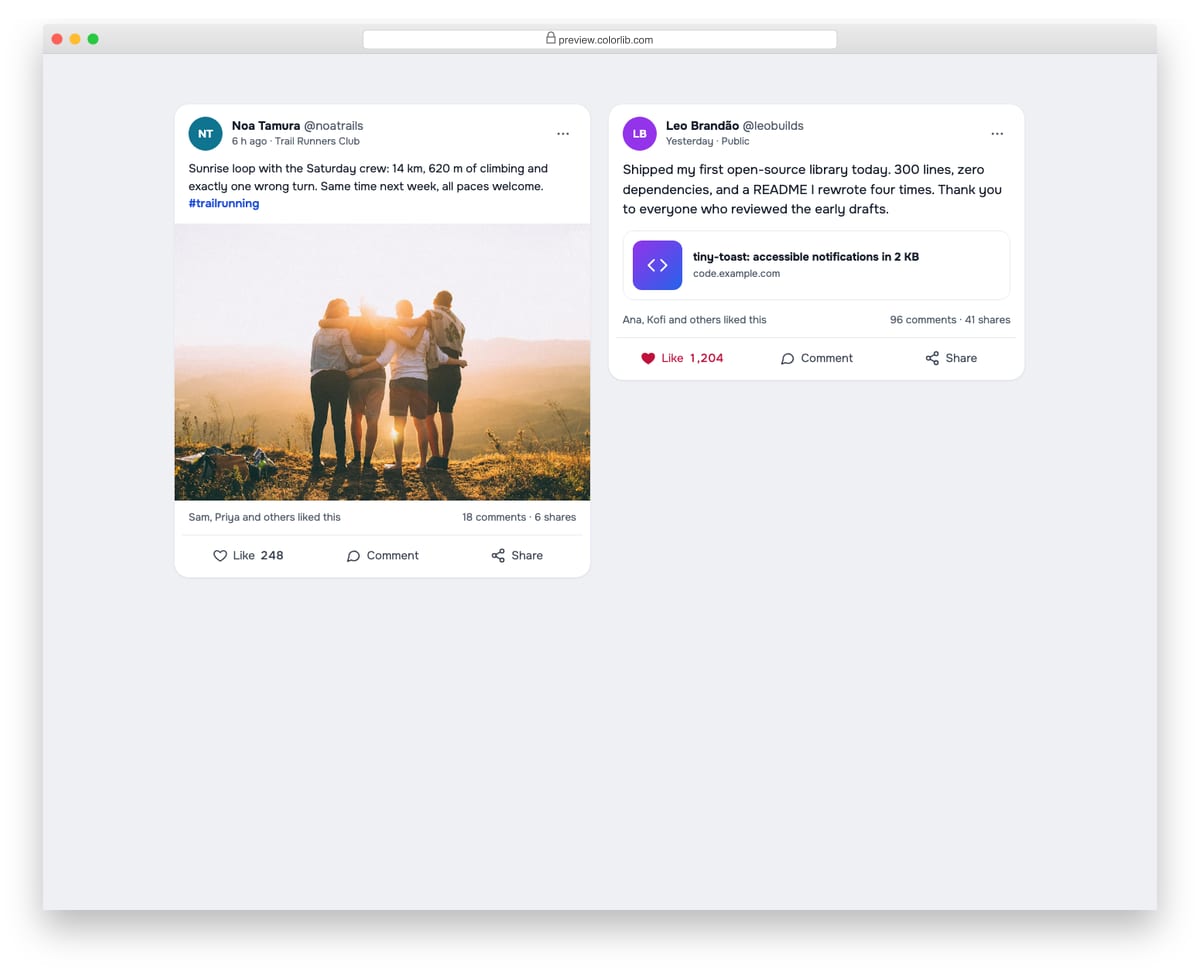
Social feed posts with an avatar, name, handle, time, text, a photo or link preview, and engagement counts. Like toggles with aria-pressed and adjusts the count, Comment opens a reply field, and Share uses the share sheet on touch devices or copies the link.
Best for: community sites, social apps and team feeds. Plain HTML and CSS with a few lines of vanilla JavaScript, a 362 KB download, and it works on its own or inside a Bootstrap 4, 5 or 6 project.
Best Bootstrap Card Templates
uiCookies Card Templates (10 templates)
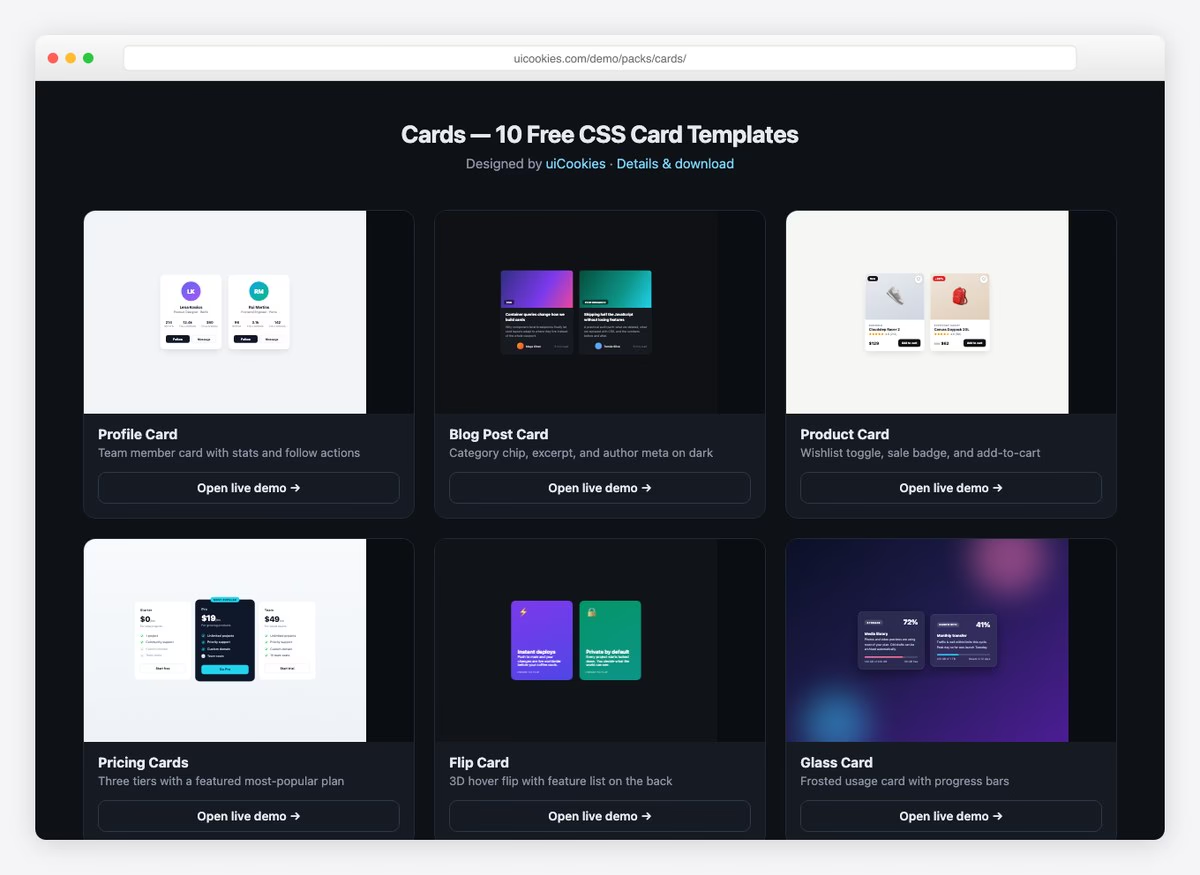
Ten card layouts covering the ones a project actually ships: profile, blog post, product and pricing cards, plus a flip card, a glass card, stat cards, a testimonial card, a hover-reveal card and a horizontal card.
Unlike a single CodePen snippet this is the whole set in one download, so the cards share spacing and radius conventions and sit together in a grid without fighting each other. From our own uiCookies library, free for commercial use.
1. Responsive Bootstrap Card-UI
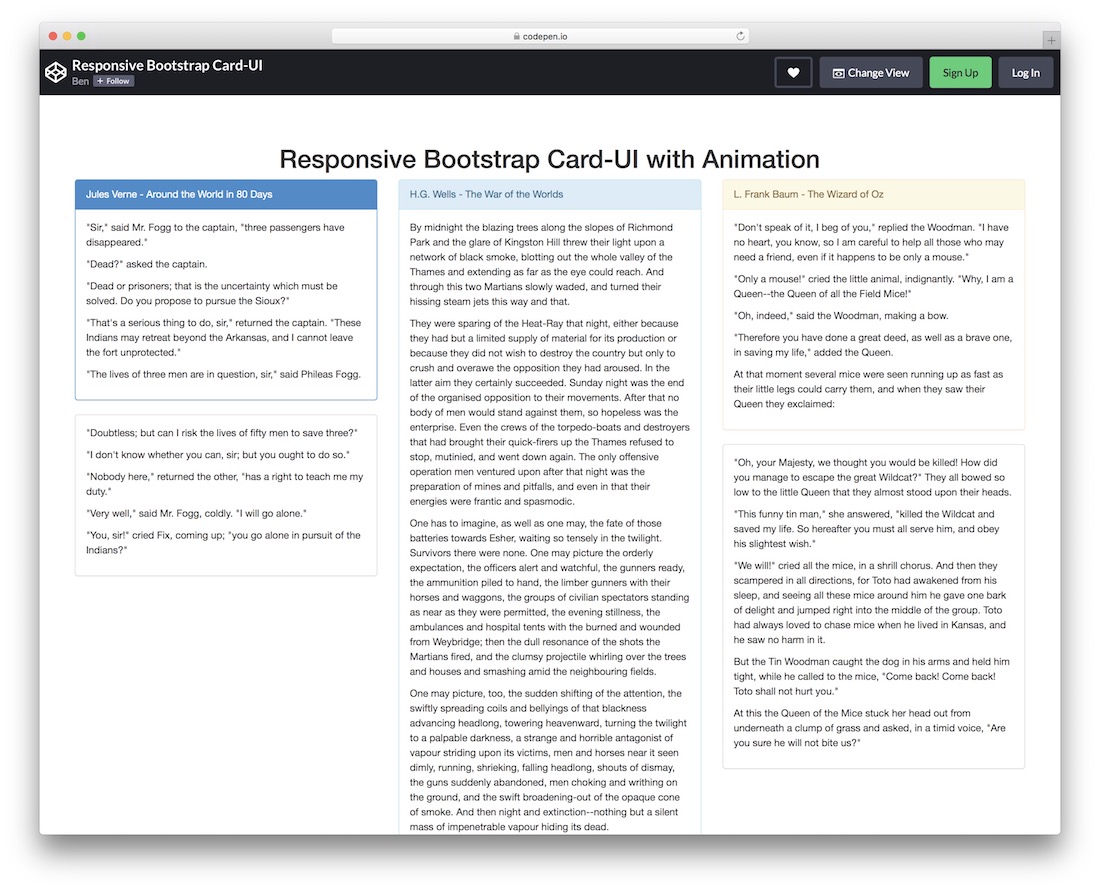
A simple Bootstrap card that can conveniently break down different text content you would like to share.
Always focus on delivering the best user experience. If you have a lot of text, this free snippet can help you achieve amazing results.
Using a different background for the top section/tab can make the title pop, but you don’t necessarily need to follow the default configurations.
Feel free to alter colors and text before integrating it into your application.
2. Bootstrap Card Grid
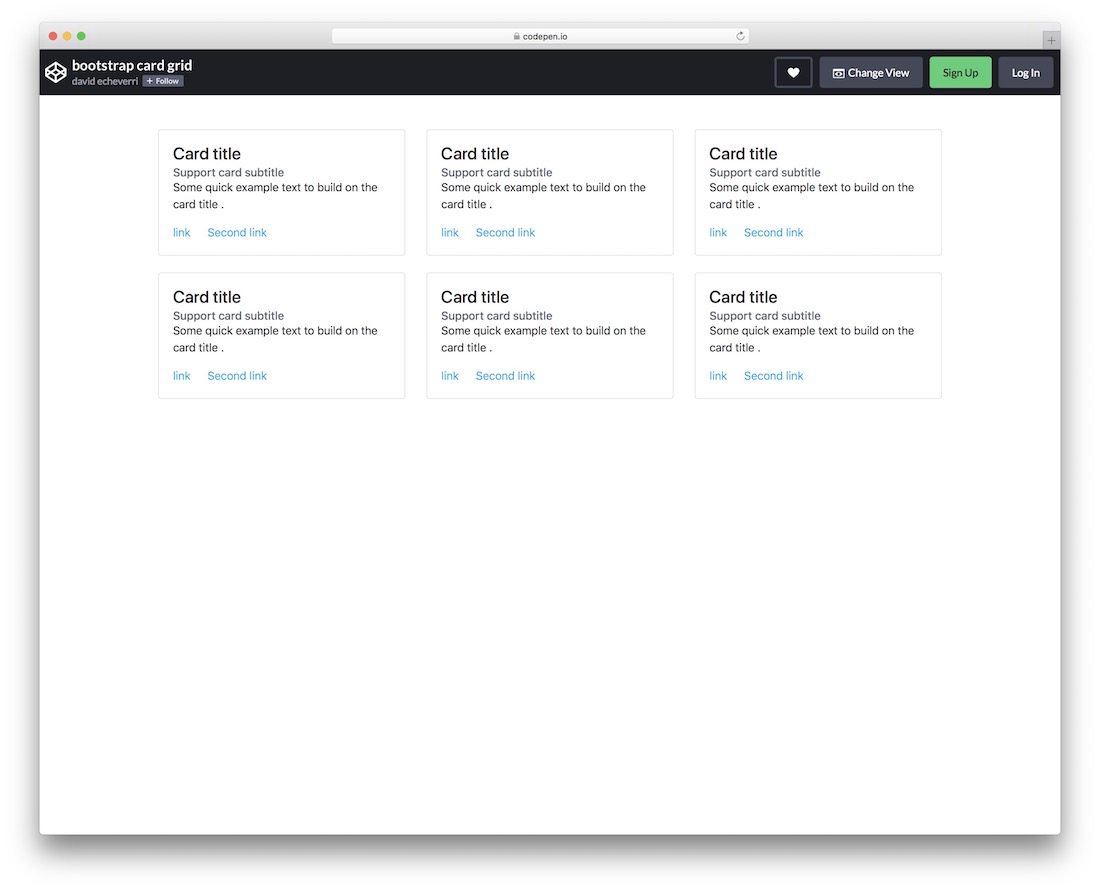
Bootstrap Card Grid is a collection of six small boxes that can present titles, subtitles, text, and two links. Its minimal design ensures a quick embed, especially when used as-is.
The cards stack neatly, one on top of the other, on mobile, ensuring the great experience your users deserve. Use them to guide your users to different sections, even products.
3. Bootstrap Card with Thumbnail
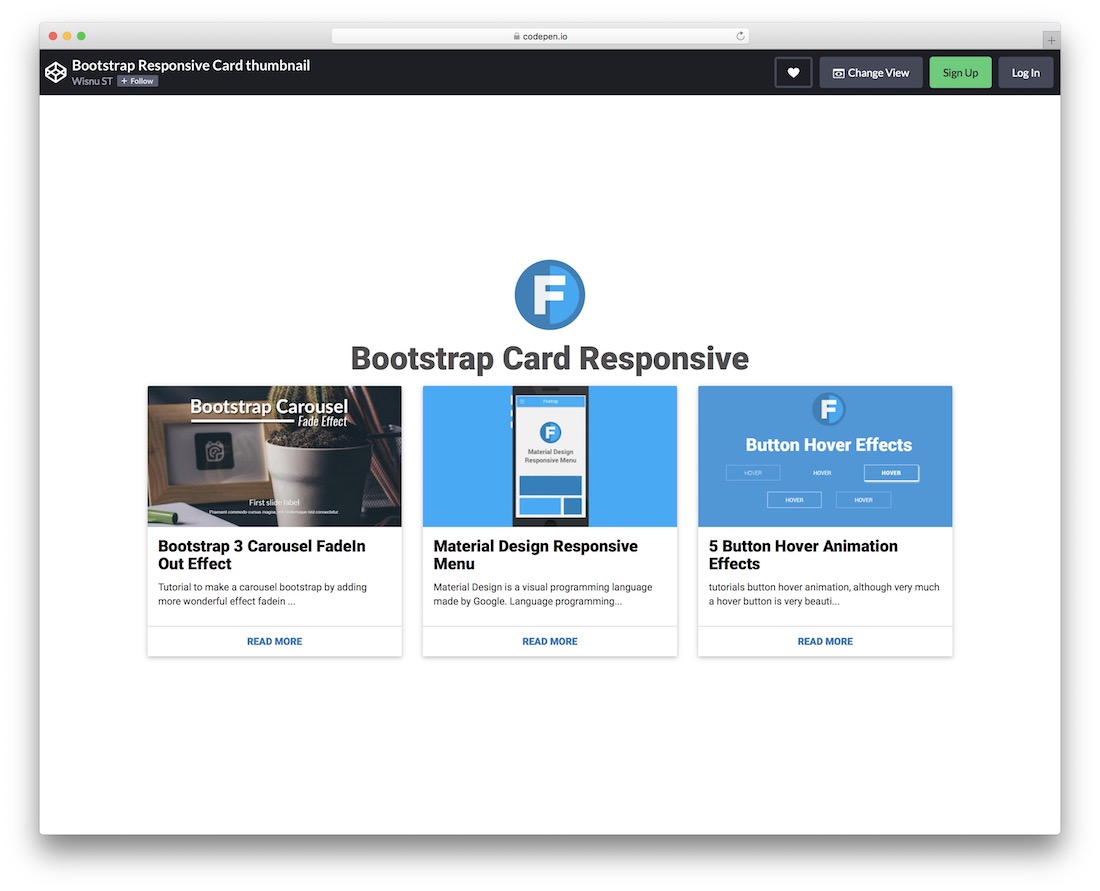
A modern Bootstrap card template with thumbnails for you to take content distribution to the next level. The BENEFIT of using this free widget is high as it will elevate your application’s design and UX.
Due to the Bootstrap base, the layout is also fully optimized for mobile devices.
And for what can you use it? You get the gist of featured posts, popular products, and services.
4. Responsive Bootstrap cards by Bahaà Addin Balashoni
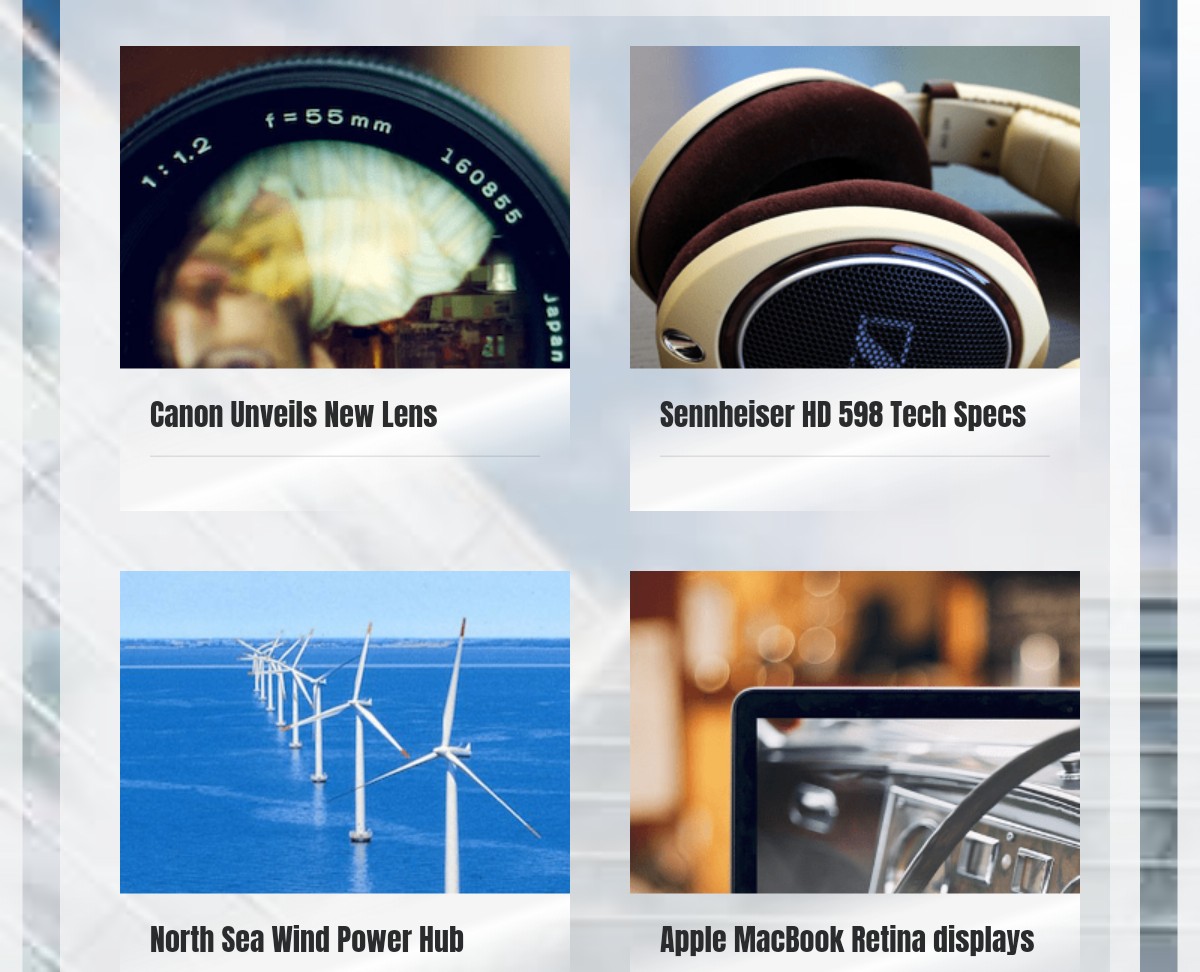
This is an amazing, free, and responsive Bootstrap card template created by a CodePen user. This example gives you 9 card components. Each card has a title, image, and card text.
When clicking a card, the card text appears. At the end of each card text, a ‘read more’ link is provided, allowing users to click and read more.
These cards are responsive and can easily be viewed on any screen size. They will adapt to all kinds of screens, whether small or big.
These kinds of Bootstrap cards are very useful for showcasing products. You can also use these templates to display portfolio items.
5. Bootstrap cards by Paolo Ocampo
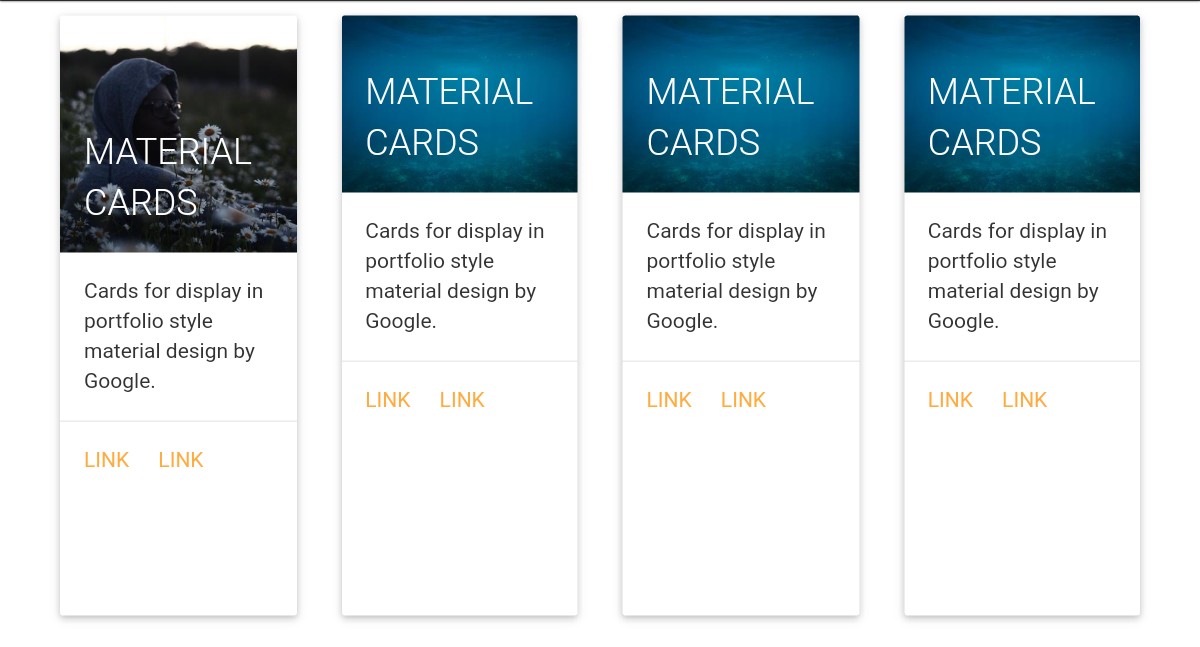
This template, made by Paolo Ocampo, gives you high-quality material cards. Each card has an image, card title, some text, and links.
These cards are great for displaying various content, such as text, image, links, etc. As material design has been used, these cards look cool. Material design by Google has made the template awesome.
Making CHANGES in this example is very easy as the code of this template is very simple.
As you can include different types of content, such as images, in these cards, your site WILL LOOK MORE interesting and appealing if you use them.
6. Bootstrap cards template by Jake Smith
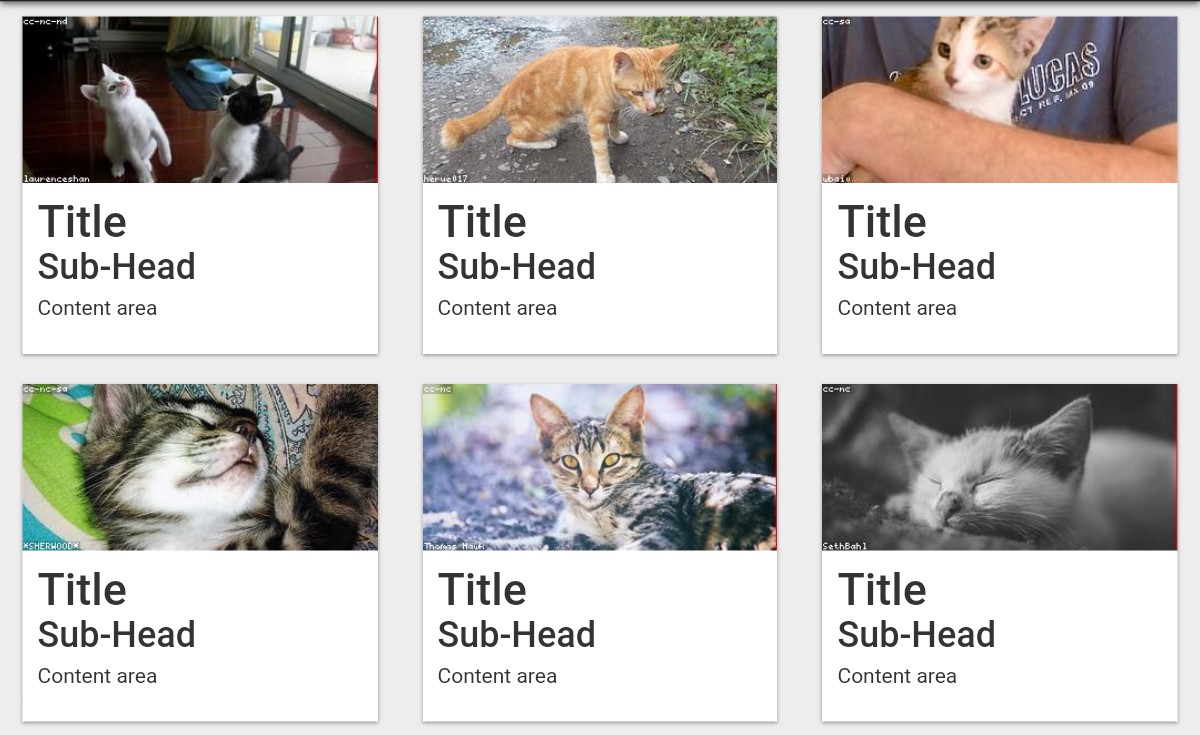
This is a high-quality, free, Bootstrap cards template developed by Jake Smith, a CodePen user. This example provides six sample Bootstrap cards, each featuring a title, subheading, text, and an image.
As you can see from the screenshot, the content area is blank, you need to add text in the content area.
The pictures used in this template are just sample images. You need to add suitable images in these cards.
7. Bootstrap cards by Nihar Bheemanathi
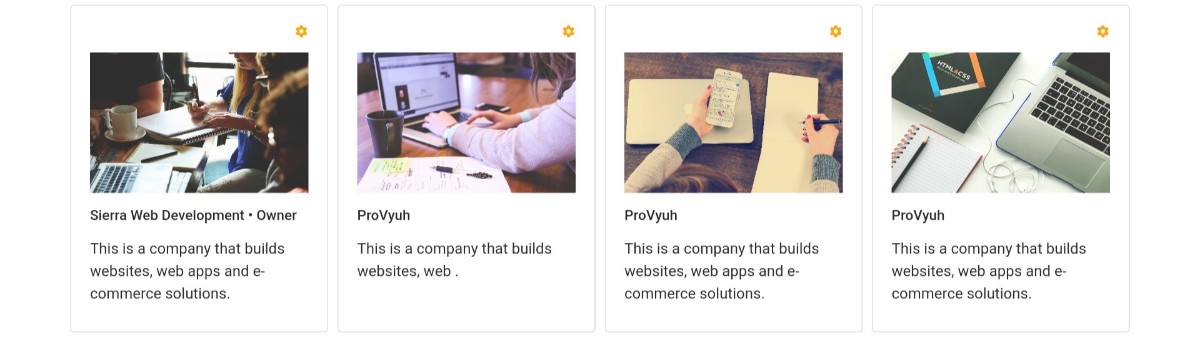
This is a GREAT Bootstrap cards template made by Nihar Bheemanathi. This example shows you four cards. Each card has an interesting photo. The cards have yellow ‘setting’ icons.
Each card has a title and some text.
These cards can be used to display portfolio items or products. Customizing these cards is very easy, allowing you to enhance them and make necessary adjustments by modifying the code.
Look at this card’s example and see if it will be appropriate for your website.
8. Bootstrap cards example by a CodePen user
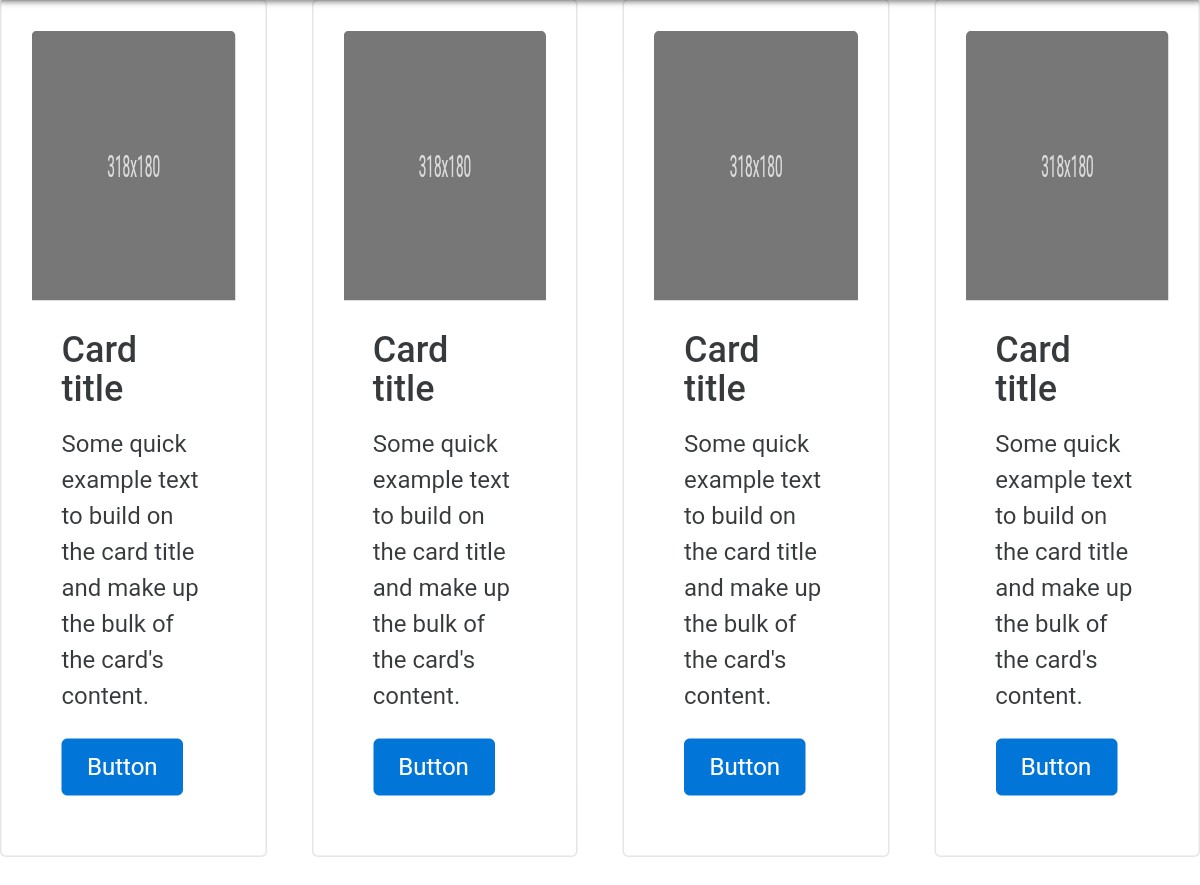
This Bootstrap card example, made by a CodePen user, has four sample Bootstrap cards. The title of all the cards is ‘Card Title’. You can easily add images to these cards.
You need to change these titles to meaningful card titles and example texts. Below the text is a button. You also need to change the button’s caption.
9. Alternating horizontal Bootstrap cards by duness
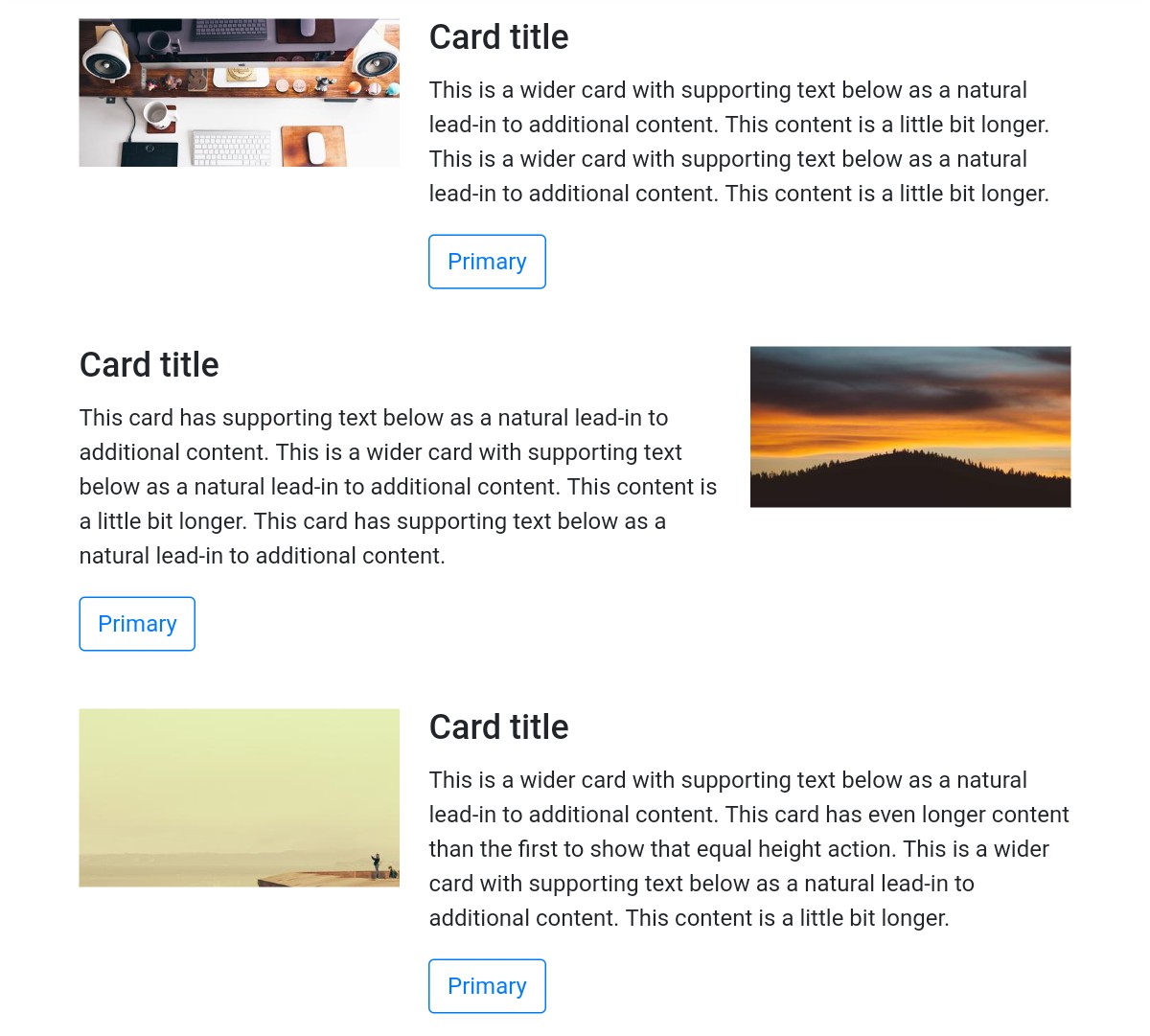
As this card’s name suggests, the cards change when you reload the web page. Whenever the webpage reloads, cards with different images appear.
This kind of alternating cards will engage your website visitors. Each card has supporting text and a button.
The cards are wide. Each card occupies the entire width of the webpage. The cards are not placed side by side; rather, they are placed horizontally.
10. Bootstrap cards with carousel by a CodePen user
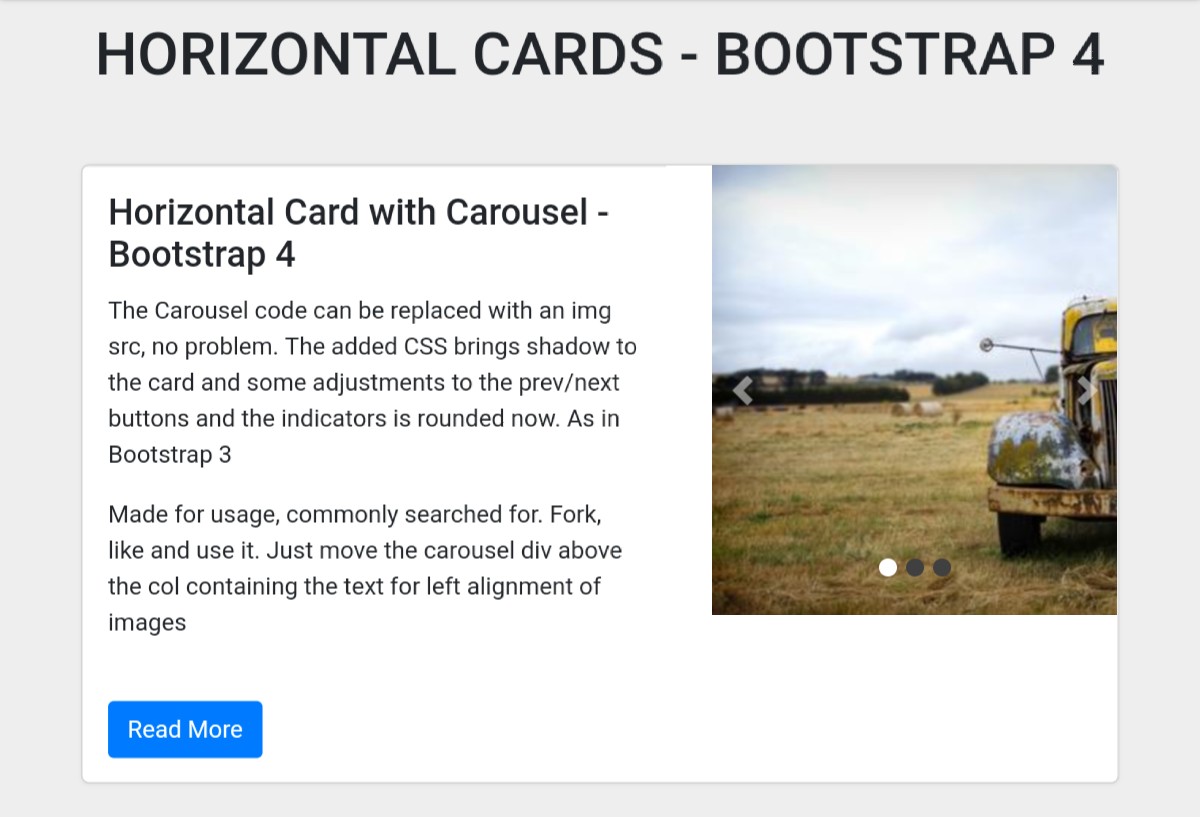
This is an impressive Bootstrap card example that includes a carousel. The carousel has made this template more interesting.
As you can see in the screenshot, it’s a very wide card featuring a title, text, a button, and a carousel with three slides. Each slide contains a nice picture. The slides change AUTOMATICALLY.
You can also change slides by clicking the arrow buttons. Although the template looks awesome, you can try to enhance the design.
You can EASILY modify the design by modifying the CSS code in this example.
11. Cards template by Bekir Bayar
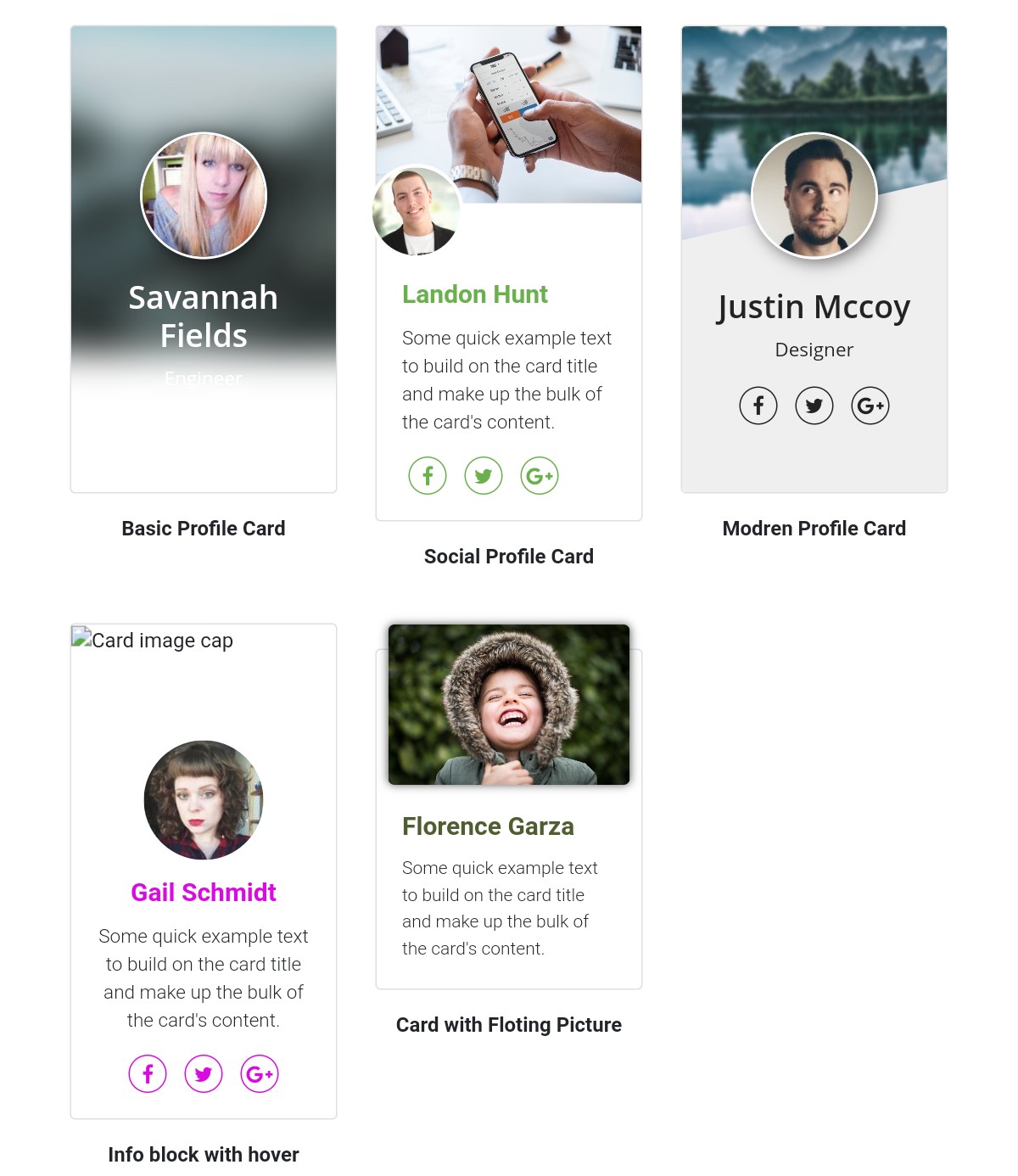
This is a high-quality Bootstrap card example created by Bekir Bayar. Professional profiles are shown these cards. There is a photo of the progressional on each card and their name.
The cards have social icons. These icons will link to the professionals’ social profiles. You can add some text describing them. Besides the profile picture, each card has a background image.
12. Bootstrap card tile layout by Matt Ruddick
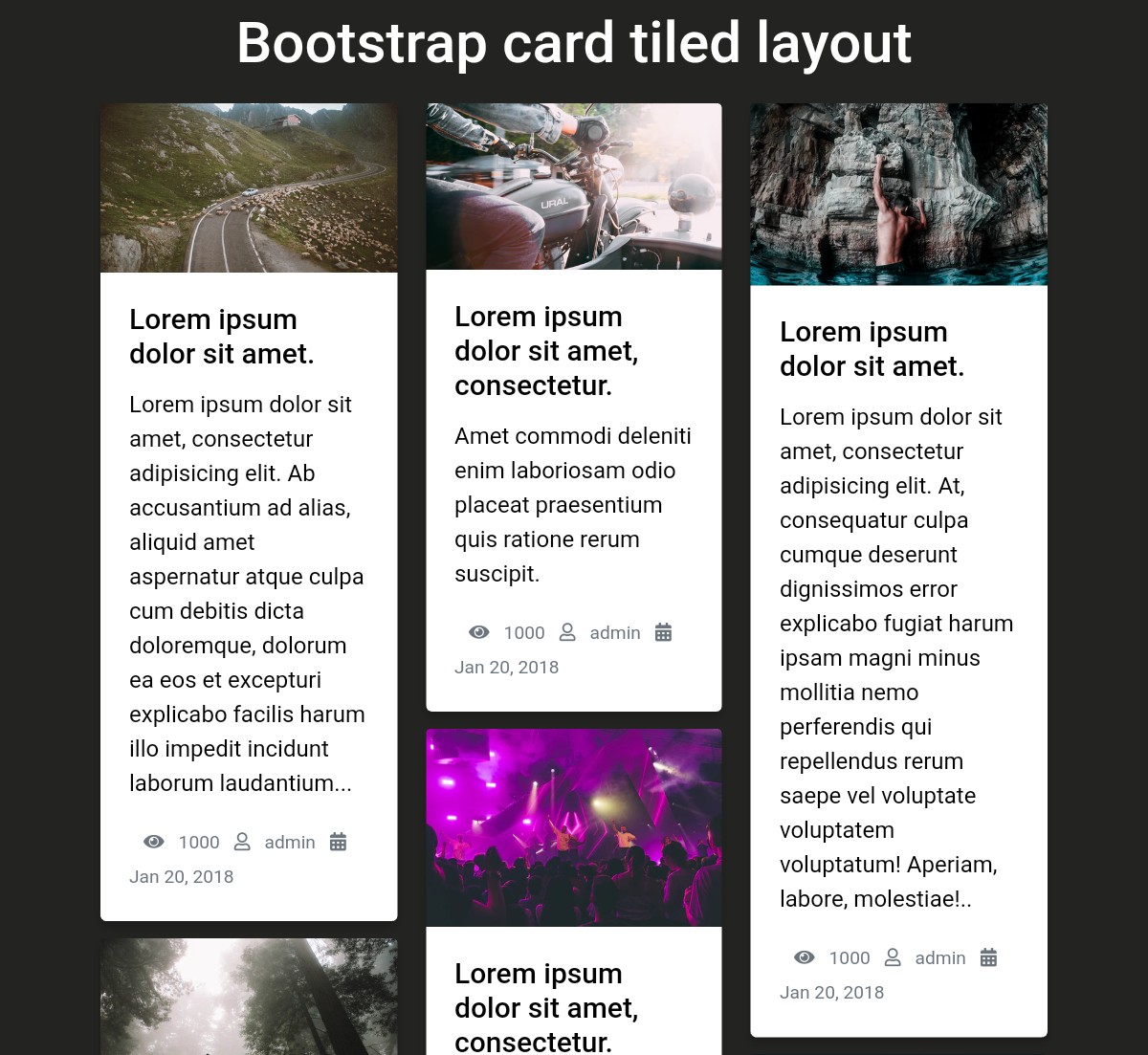
You can use Bootstrap cards to show a collection of blog posts on your website.
This example demonstrates a collection of blog posts with photos, blog post titles, descriptions, number of views, the author’s name, and the date the post was published.
By displaying your blog posts in this way, you can give your users a quick overview of your posts and help them find the one that will be most useful to them.
13. Responsive Bootstrap 4 cards by a CodePen user
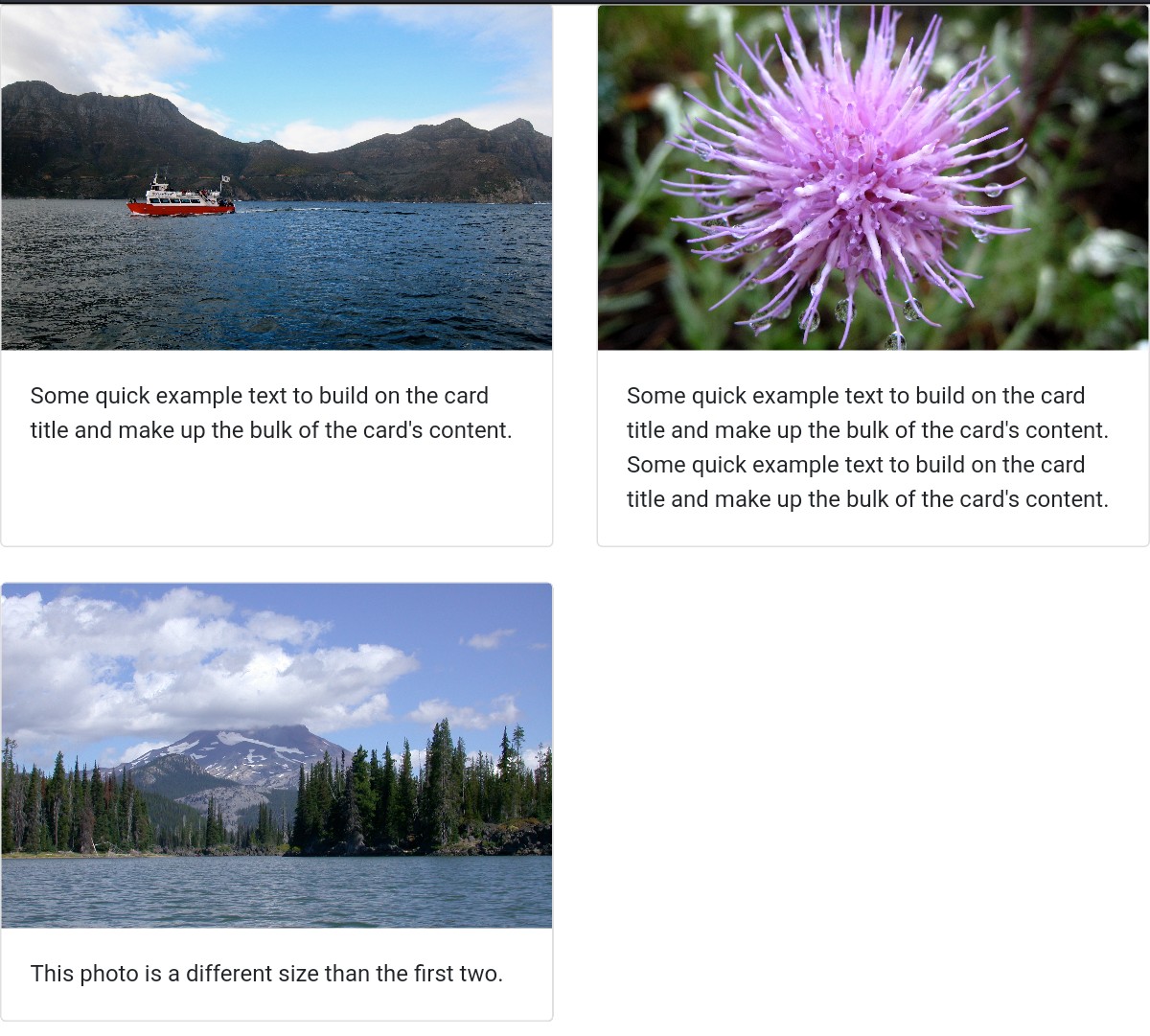
This is an amazing, free, responsive Bootstrap 4 card example created by CodePen user ‘sepuckett86’. The cards look pretty simple because they only contain images and texts.
These cards don’t have texts and other elements such as buttons and social icons. That means there are just very few elements in them. If you need them, you can add them.
Adding a new element is easy if you know how to work with Bootstrap cards.
14. Bootstrap cards by a CodePen user
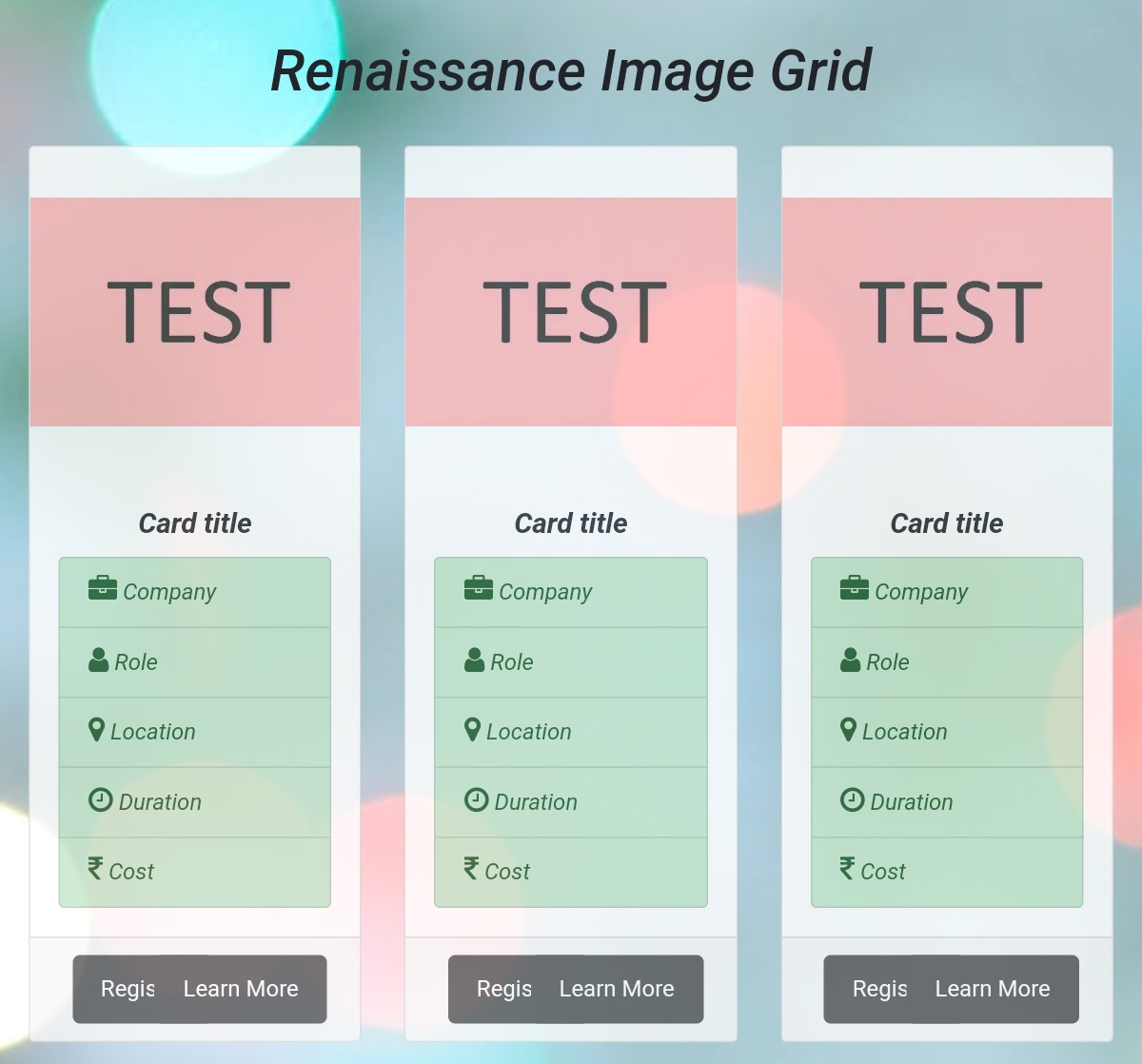
This Bootstrap template, developed by a CodePen user, provides sample Bootstrap cards. Each card has a sample title, a ‘register’ button, a ‘Learn More’ button, and labels.
The quality of this template is IMPRESSIVE. The design utilizes Bootstrap, which gives the template a standard appearance.
Although the template looks good, you always have the option to enhance the design. Modify this card template to enhance its appearance and ensure it aligns with your site’s design.
15. Bootstrap cards by Akshay Bawane
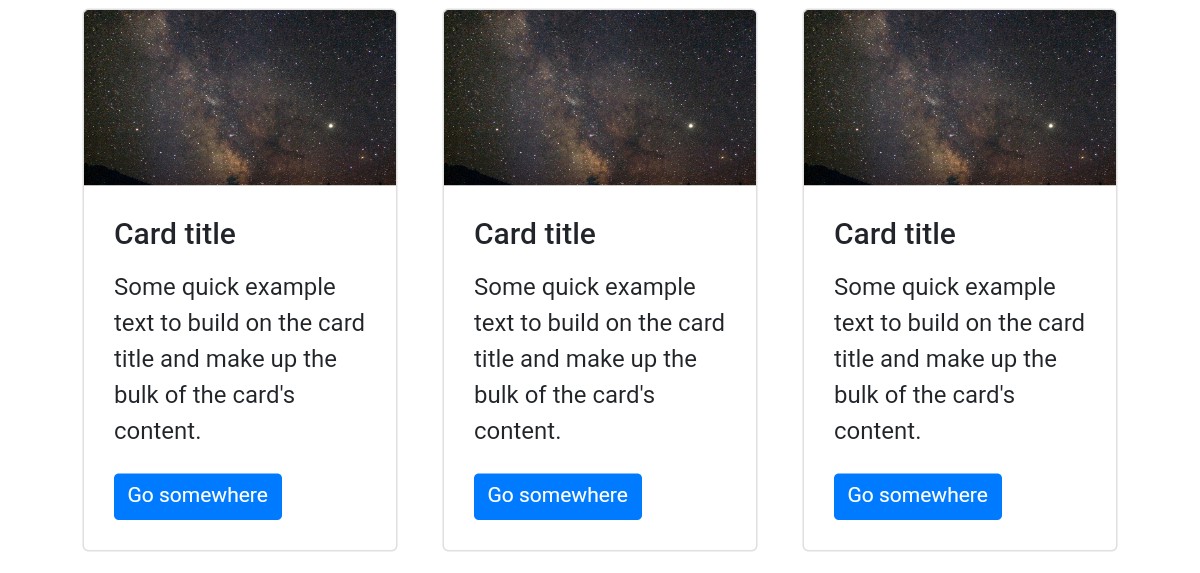
This example demonstrates interesting Bootstrap cards. A CodePen user has designed these cards with Bootstrap and CSS.
These cards are FREE of cost and CUSTOMIZABLE. You can easily integrate these cards into any website.
These cards feature images, text, card titles, and buttons.
They look interesting because the images are cool. The button’s color is blue, while the text color in the button is white.
16. Cards template by Tanner Gaucher
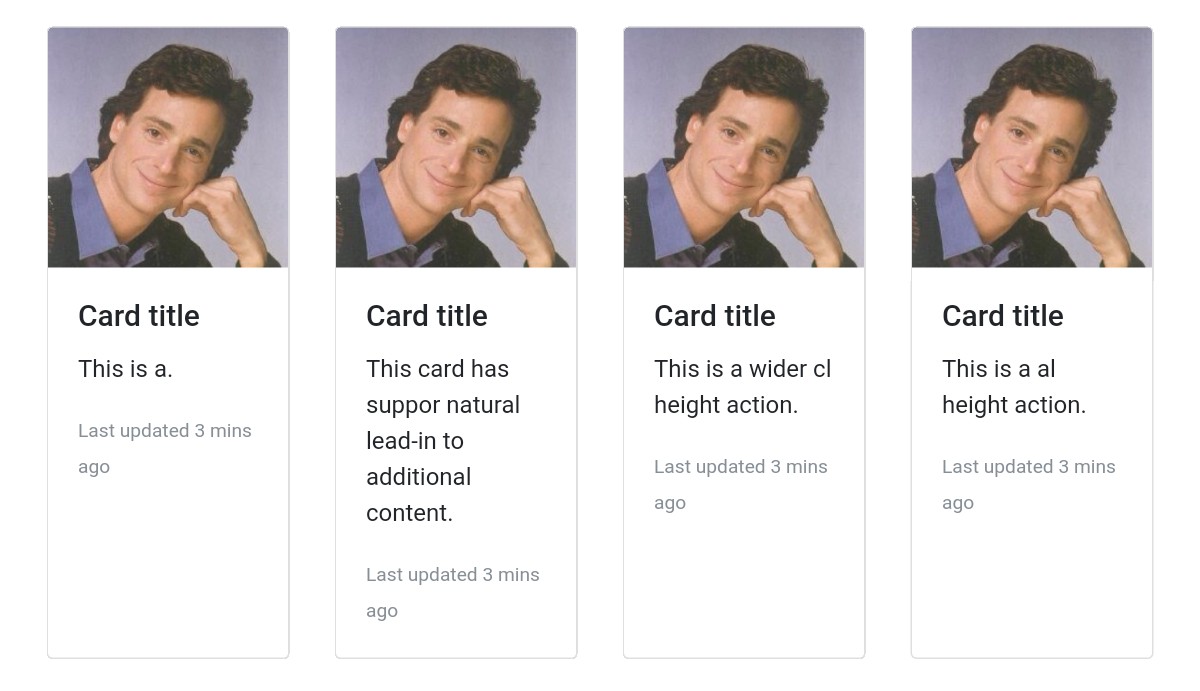
This is a cool Bootstrap template developed by a CodePen user. These cards can display profiles of professionals and be used for other purposes.
This example displays some cool Bootstrap cards. The cards will make your site more interesting as these cards have good pictures, titles, and descriptions.
These cards are FULLY customizable. You can easily customize them by adding CSS code.
17. Bootstrap cards by Aldo

This simple and awesome Bootstrap cards template shows an image gallery. Each card in this example displays just one picture. Several images are shown in cards.
There are pictures of different sizes.
If you need to DEMONSTRATE images in a picture gallery, you can easily do so using Bootstrap cards. So if you have a website that allows people to download wallpapers, you can display them using cards.
Cards are also very useful for showing the images of your employees on your site.
18. Responsive cards by Julia
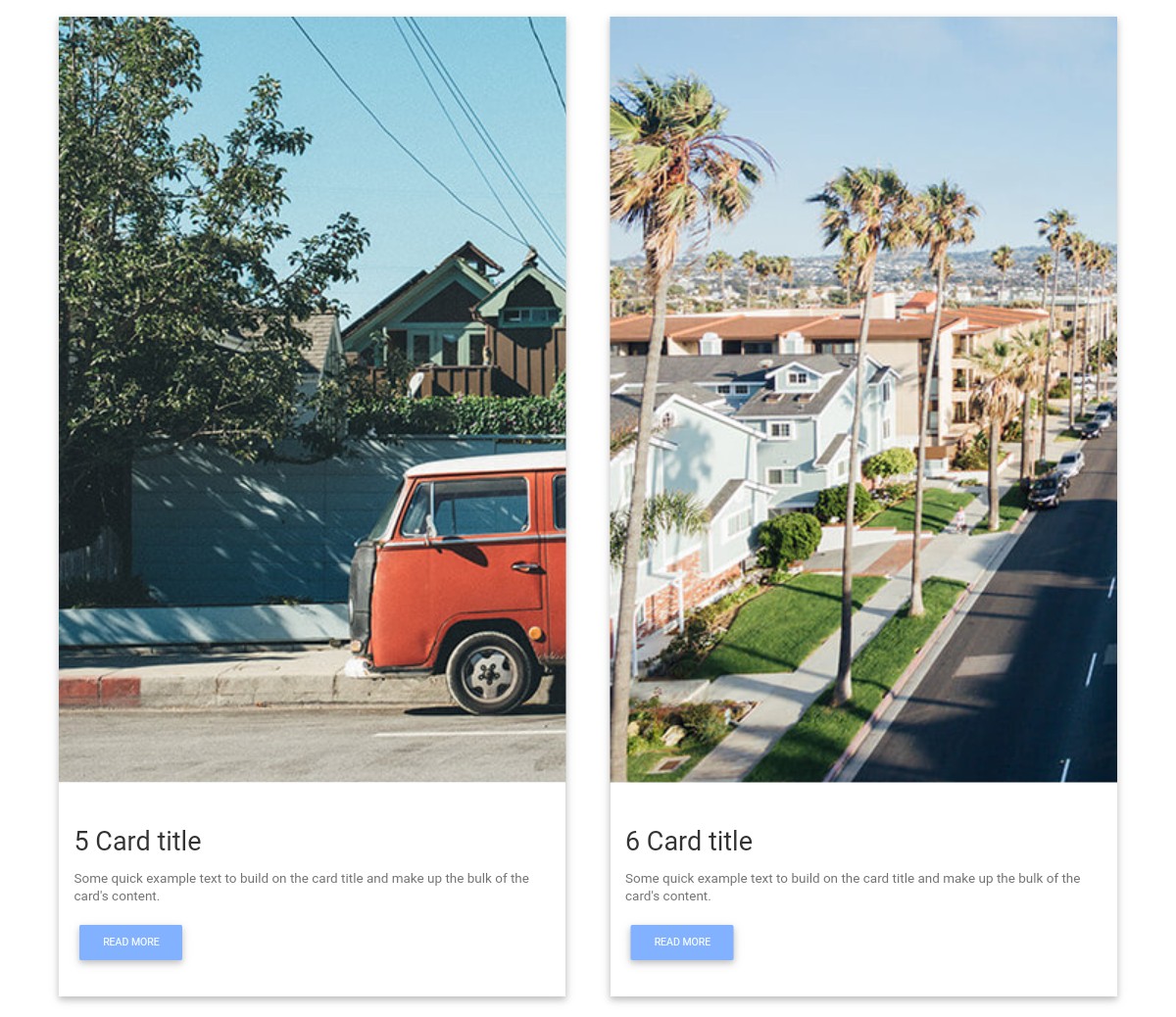
This is a responsive cards template made by Julia. This example features multiple cards that include images, titles, sample text, and ‘Read More’ buttons.
This example is RESPONSIVE. It automatically fits into any screen size so the user can view the cards easily.
You can easily enhance this open-source template by changing the code. You can tweak the design almost effortlessly by adding custom CSS.
19. Cards example by Jens Grochtdreis
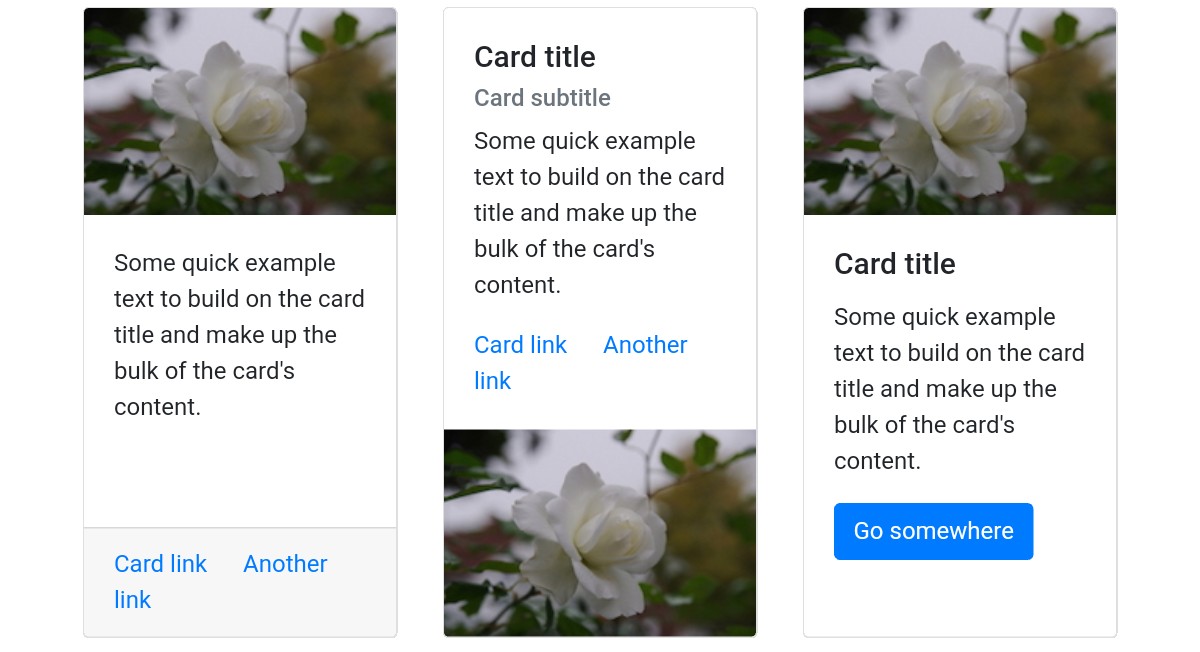
This is a free, high-quality Bootstrap cards example made by Jens Grochtdreis, a CodePen user. As we can see from the screenshot, the cards contain images, titles, sub-titles, buttons, and links.
This example shows a variety of cards that you can use on your website.
The images, texts, buttons, titles, sub-titles, and links used in this example are just samples.
If you WANT TO ADD this template to your website, you must add your texts, titles, images, and buttons.
20. Cards template by Lisa Miller
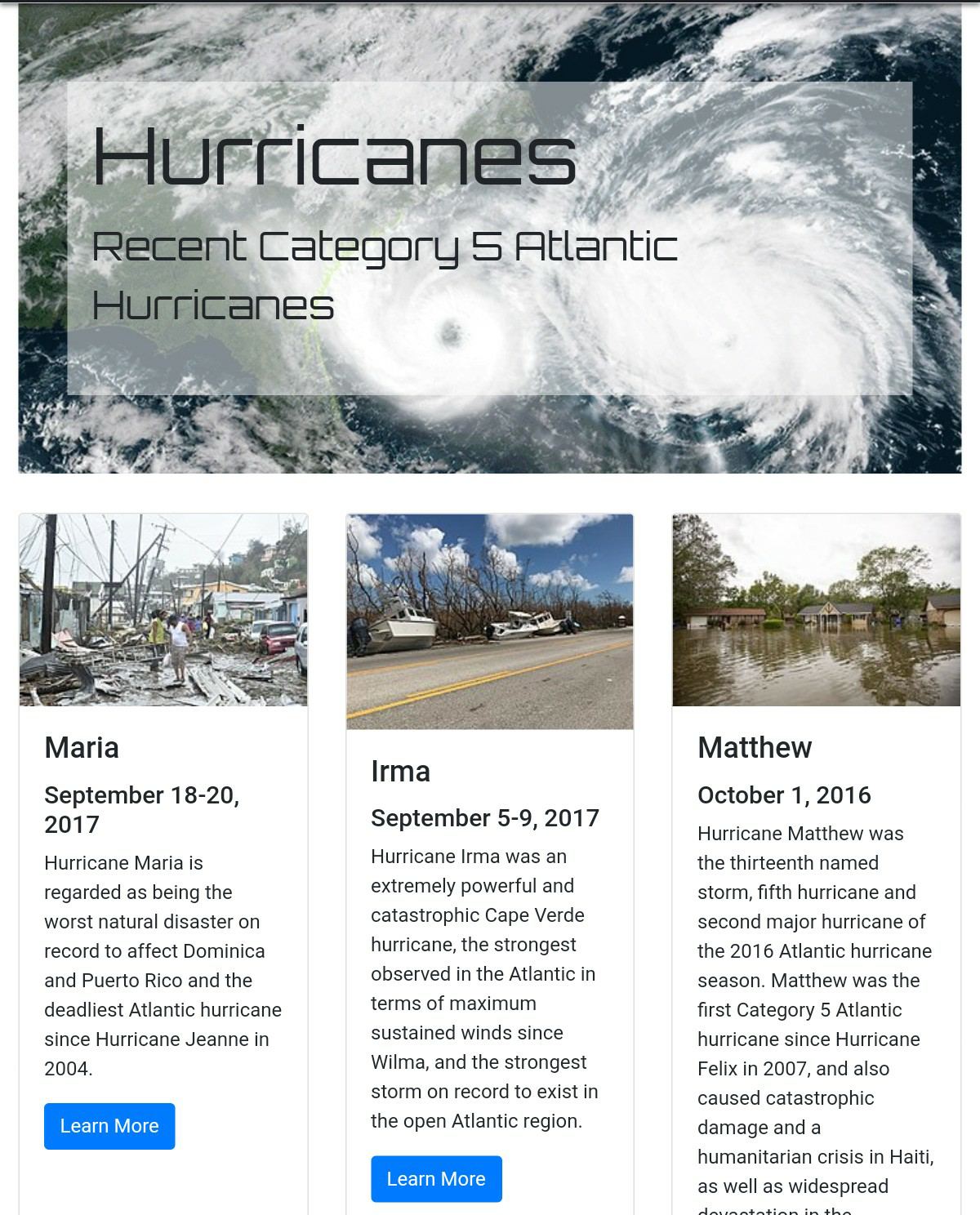
This card template, created by Lisa Miller, provides you with numerous Bootstrap cards. These cards demonstrate articles. On top of the cards, there is a high-quality picture.
Each card has a title, and just below the title is a sub-title containing a date.
Below the date is a text description of the article. Just below the description text, you can see a ‘LEARN MORE’ button, which the user can click to view and read the entire article.
21. Bootstrap cards example by Thomas Nicolosi

This Bootstrap cards template, developed by Thomas Nicolosi, provides simple Bootstrap cards that you can easily integrate into your website. You can add images to make the cards more interesting and useful.
This template includes sample card titles and texts that you need to replace with your own. You can also add other card elements, such as subheadings, buttons, card headers, and footers.
22. Bootstrap cards by Mary Czapkowska
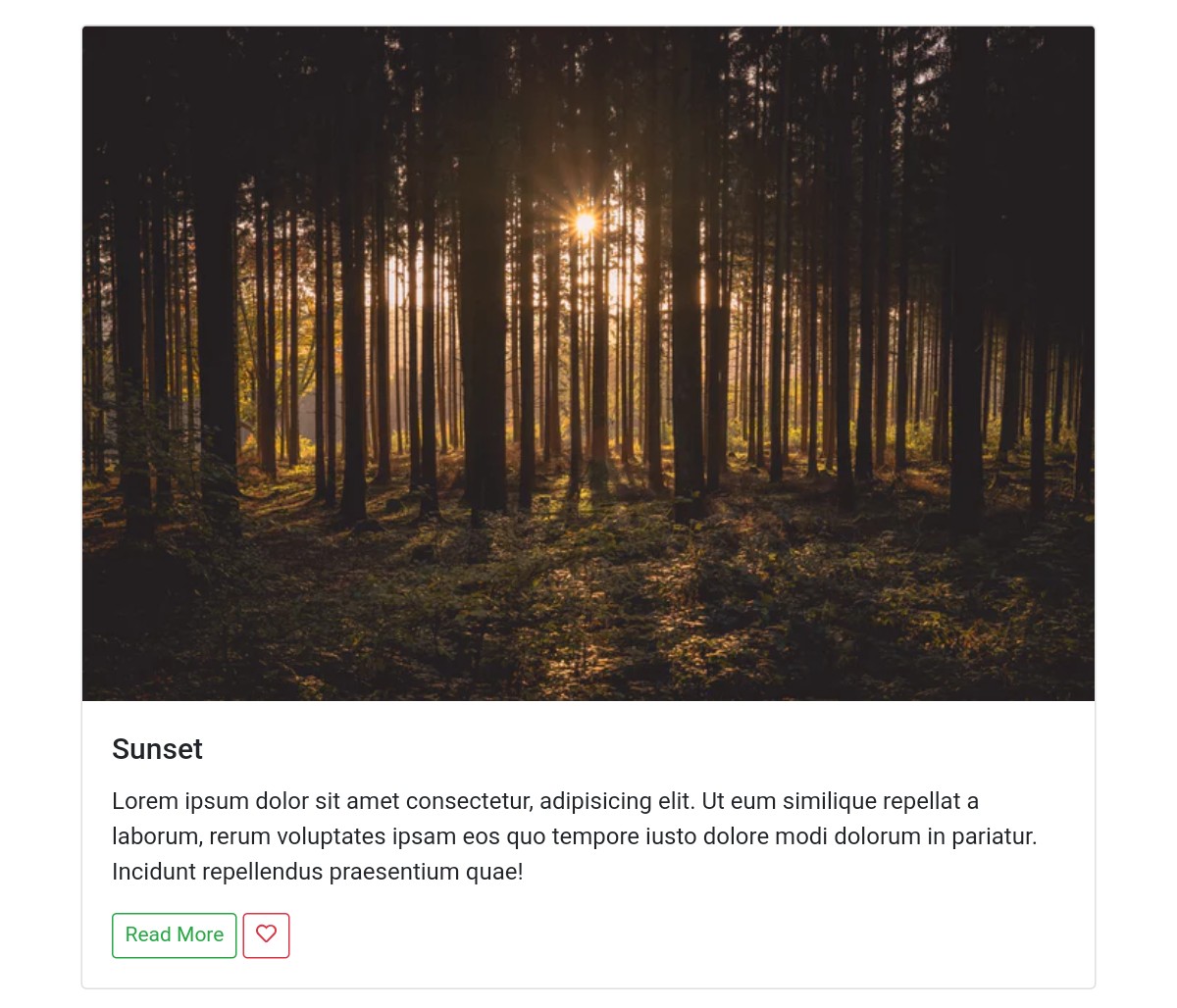
This card template, created by Mary Czapkowska, provides high-quality Bootstrap cards. These cards look great, as they have been designed using Bootstrap.
The cards contain beautiful images, card titles, description texts, and buttons. Every card has a ‘Read More’ button, allowing users to read the entire article.
If you need this kind of Bootstrap cards, use this one and save your time. You can save time because you don’t have to write code from scratch.
23. Bootstrap cards by Alex McCarthy
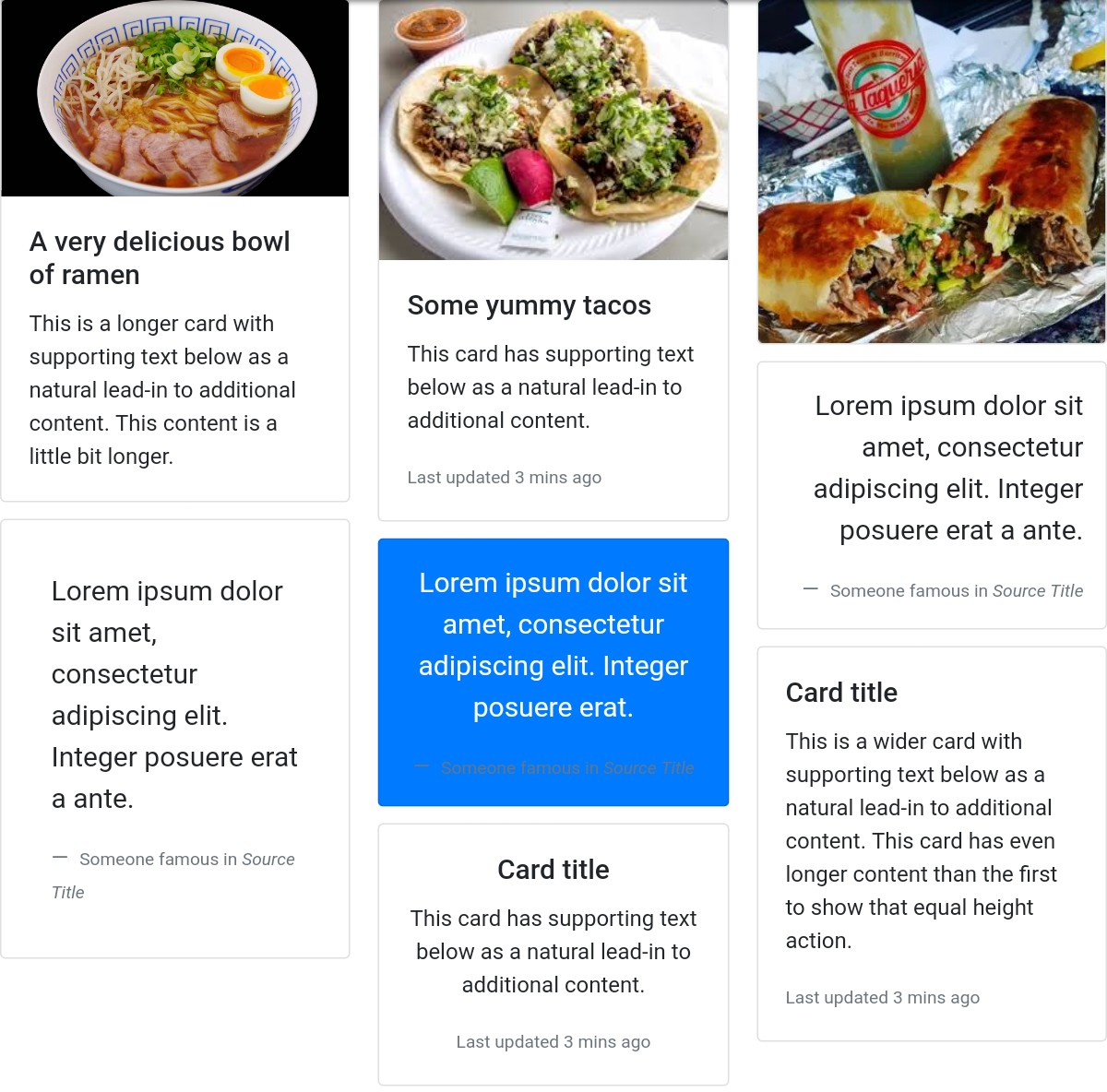
This is an amazing, free, fully customizable template developed by a CodePen user named ‘Alex McCarthy’. This CodePen user has designed this template using Bootstrap and custom CSS.
This template offers a selection of high-quality Bootstrap cards featuring images, including food-related pictures.
You can replace these card pictures with different images if you need to show different images.
Click the’ Demo’ button below to take a close look at these cards. If you LIKE this template, you can download it by clicking the ‘Download’ button.
How to choose a Bootstrap card design
Give each card one link. Wrapping a card in several links creates a string of tab stops for keyboard users. Card V03 makes the whole card clickable through the headline link alone, so each article is a single tab stop.
Let the grid handle the reflow. Cards should drop from four columns to one without per-card fixes. Card V01 reflows from four columns down to one on its own; in Bootstrap 5 the same job is done by a .row with row-cols-* classes.
Don’t hide key details behind hover. Touch screens have no hover. Card V08 reveals its extra text on hover or keyboard focus and simply shows it on touch screens, which is the pattern to copy for any overlay card.
Don’t carry meaning in colour alone. Card V06 colours its trend deltas by whether the change is good or bad, and also adds hidden text for screen readers. Card V05 gives its star rating a text alternative for the same reason.
Respect reduced motion. Flips, lifts and zooms are fine as extras. Card V09 crossfades instead of rotating when the visitor has asked for reduced motion.
Frequently asked questions
Do these cards need Bootstrap 5 or jQuery?
The 20 Colorlib cards need neither. They are plain HTML and CSS, the interactive ones add a few lines of vanilla JavaScript, and they look the same on their own or inside a Bootstrap 4, 5 or 6 project. The CodePen examples are built on Bootstrap and most were written before Bootstrap 5, so check which version a pen loads before you copy its classes.
How do I make Bootstrap cards the same height?
In Bootstrap 5, put the cards in a .row with row-cols-* classes and add .h-100 to each .card, or use .card-group when the cards should sit edge to edge. Without Bootstrap, cards placed in a CSS grid row stretch to the same height by default.
Can I use these cards in commercial projects?
Yes. The Colorlib cards are free for personal and commercial projects under CC BY 3.0, as long as you keep the credit link. The uiCookies set is also free for commercial use. The CodePen designs belong to their authors and carry their own licences, so check each pen before you ship it.
How do I change the colours to match my brand?
Many of the Colorlib cards set their accent colour with a CSS custom property, so a brand colour is a one-line change; Card V01 and Card V06 work this way. For the CodePen cards, change the Bootstrap utility classes or the pen’s own CSS.
For a quick start, Card V03 covers blog grids, Card V02 product grids and Card V04 plan comparisons. For complete pricing sections, see our Bootstrap pricing tables.

Related Posts


Comments (0)