
8 Best Free Video WordPress Themes for Vlogs & Video Portfolios 2026
The best free video WordPress theme is Inspiro Lite, which puts a real fullscreen video hero on the homepage out of the box, followed by Astra’s Video Editor starter and Blocksy’s Persona, both of which import a finished video site. This list covers 8 free themes and 4 paid ones, and every demo below was opened and checked for actual video before the theme was allowed in.
Dedicated free video themes barely exist any more. The WordPress directory has plenty with video in the name, but almost none has a working demo, and several are unrated with a few hundred users. The practical answer in 2026 is a well-maintained framework with a video starter site, which is what most of this list is.
Related roundups: themes with a video background, themes with a video slider, and music themes if you publish audio too.
Quick picks
- Best free video theme: Inspiro Lite — a genuine fullscreen video hero, no plugin and no upgrade
- Best vlog starter: Astra — the Video Editor and Vlogger starters both import finished
- Best for film freelancers: Blocksy — the Persona starter is built around a video maker’s portfolio
- Best for a channel: Neve — Channel 9 lays out shows and episodes like a broadcaster
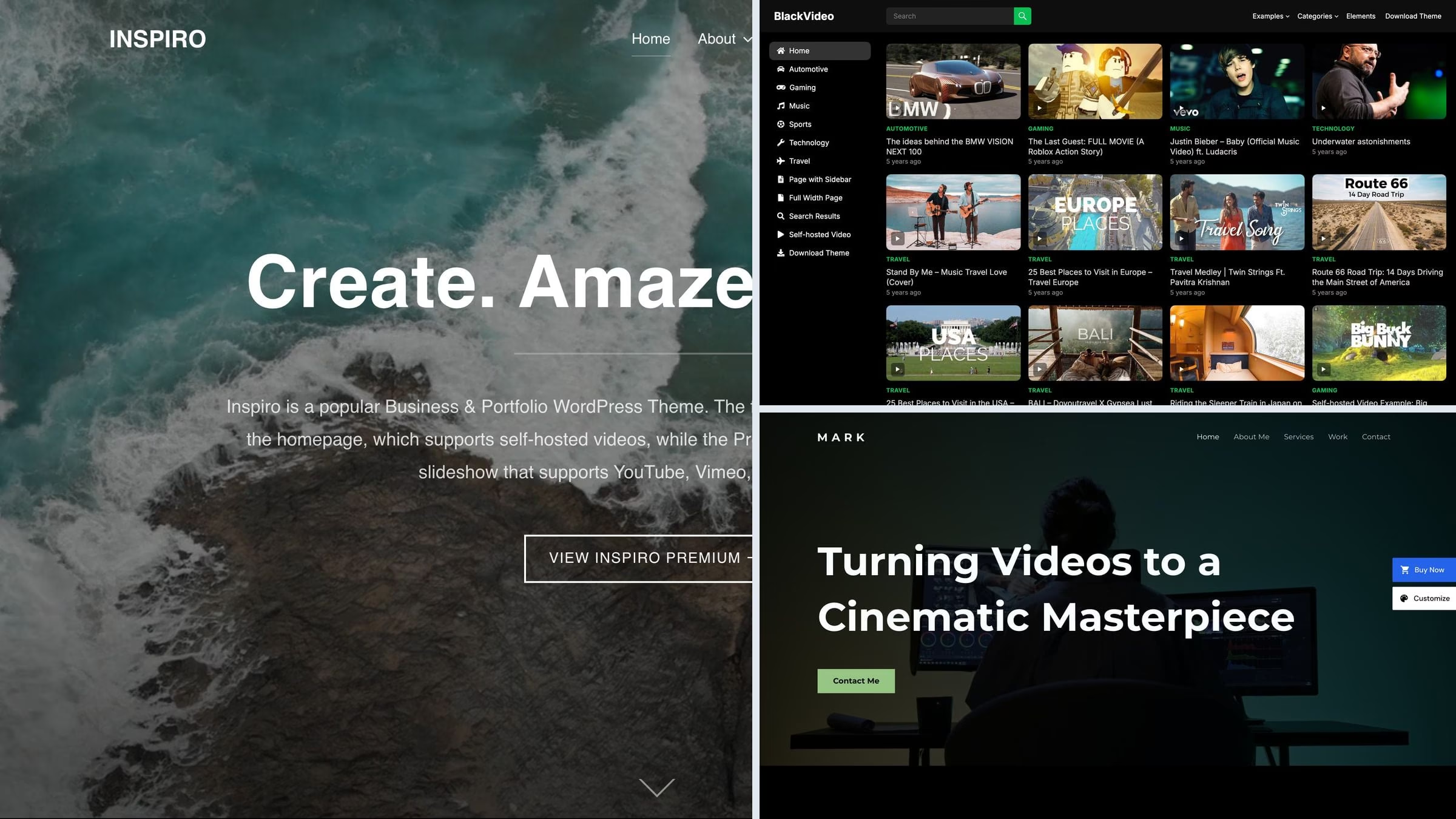
- Best dedicated free theme: BlackVideo — a dark video-first layout, and the only niche theme here with a live demo
- Best paid theme: VidoRev — imports from YouTube, Vimeo, Twitch and five more platforms
Top picks at a glance
Table of contents — all 12 themes
Quick comparison: top video picks
| Theme | Price | Best for | Standout | Updated |
|---|---|---|---|---|
| Inspiro Lite | Free / PRO | A video portfolio | Real fullscreen video hero in the free build | Aug 2026 |
| Astra | Free / Pro | A vlog or editor’s site | Two free video starters, very light | Sep 2026 |
| Blocksy | Free / Pro | A film freelancer | Persona starter with showreel and stats | Sep 2026 |
| Neve | Free / Pro | A channel with shows | Channel 9 broadcaster layout | Aug 2026 |
| BlackVideo | Free | A dark video library | Video-first design, nothing else in the way | Jan 2026 |
| VidoRev | Paid, $59 | A video site with real traffic | Channel import, ads and memberships | Dec 2025 |
We tested it: free video theme speed
How we tested: we installed each free theme on the same clean WordPress site with identical content and no extra plugins, then measured the homepage with Google Lighthouse on mobile. Because the content is the same everywhere, what you see below is the theme itself, before any video is added. That matters here more than anywhere: a fullscreen video hero is the single most expensive thing you can put above the fold, so you want to start from a light base.
| Theme | Page weight | Requests | Lighthouse | LCP |
|---|---|---|---|---|
| Hello Elementor | 223 KB | 15 | 100/100 | 1.7s |
| Neve | 299 KB | 15 | 99/100 | 2.1s |
| Kadence | 328 KB | 17 | 96/100 | 2.5s |
| Blocksy | 330 KB | 13 | 95/100 | 2.6s |
| Astra | 425 KB | 14 | 92/100 | 3.2s |
| Inspiro | 547 KB | 21 | 78/100 | 3.8s |
| BlackVideo | 714 KB | 28 | 74/100 | 4.8s |
| Phlox | 2290 KB | 27 | 57/100 | 13.6s |
Best free video WordPress themes
Every theme here is free on WordPress.org, still maintained, and has a live demo we opened and checked. Where the video features sit in a paid tier, the entry says so.
1. Inspiro Lite
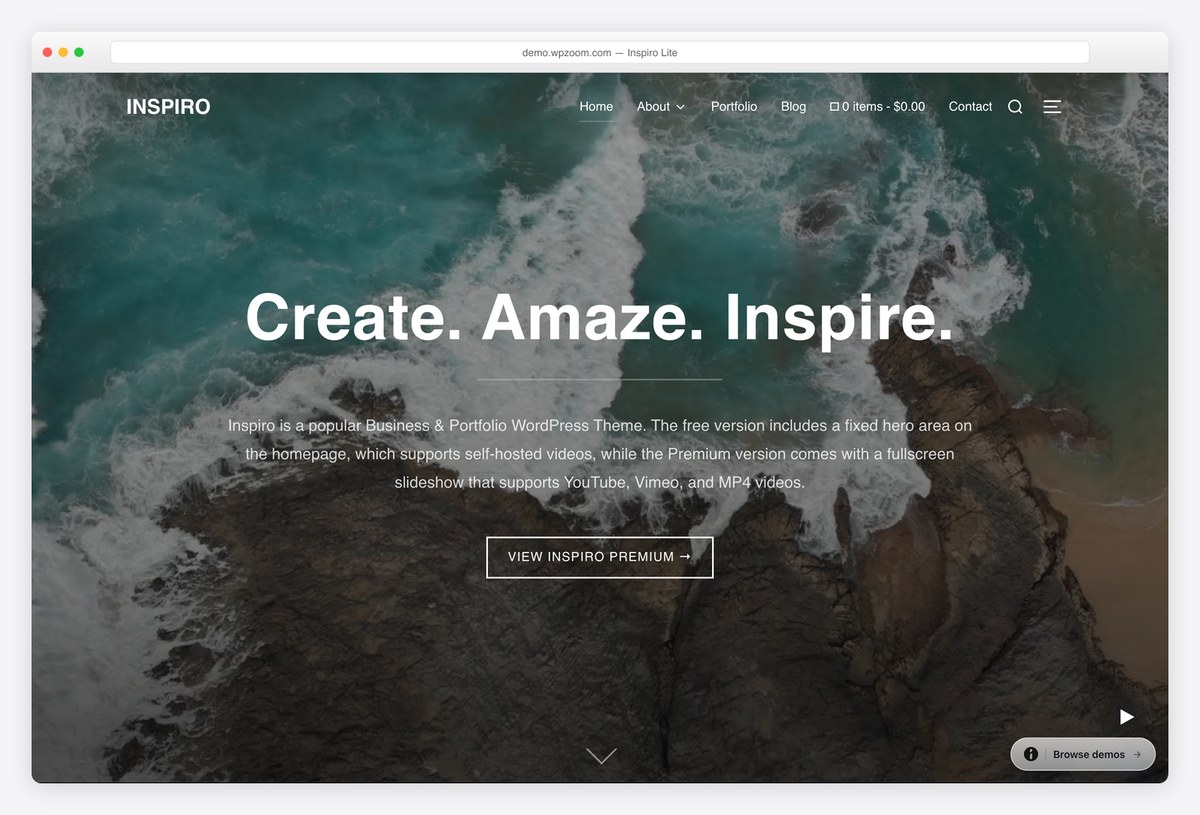
Why we like it: The only free theme here with a genuine fullscreen video hero in the free build, and we confirmed a video element is actually running on its demo.
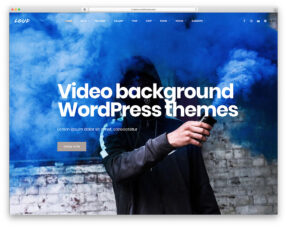
Inspiro Lite opens on a full-window video that plays behind your title, taking self-hosted files, YouTube or Vimeo. That is the feature most video themes promise and put behind an upgrade. Sixty thousand sites run it, which makes it comfortably the most proven option in this category.
✅ Pros: real video hero for free, large user base, well rated ⚠️ Cons: the video portfolio templates and hover-play effects are PRO
2. Astra

Why we like it: Two free video starters, and its Video Editor demo has real video embedded rather than stills pretending to be video.
Astra’s Video Editor starter is a dark, showreel-led site for someone who cuts film for a living, and its Vlogger starter is the lighter, personality-led alternative. Both import complete, and the theme underneath is the lightest big framework there is.
✅ Pros: two free video starters, extremely light, huge community ⚠️ Cons: no video-specific features of its own beyond the starters
3. Blocksy
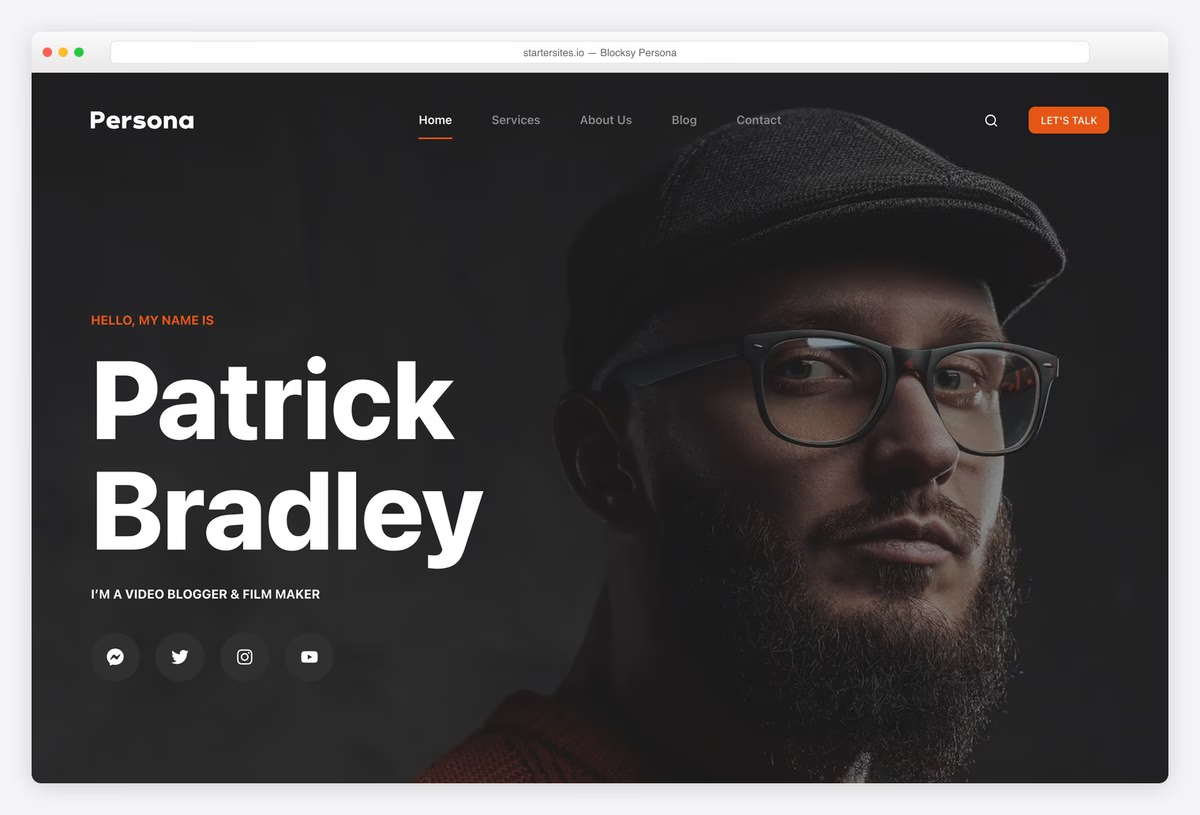
Why we like it: The Persona starter is written for a video blogger and film maker, down to the subscriber count and the showreel section.
Persona is a personal site rather than a channel: a name, a showreel, filming and visual-effects services, and the numbers that win work. Because Blocksy is block-native you edit all of it in WordPress, and it is the fastest theme in our test.
✅ Pros: free video-maker starter, fastest here, the best rated framework ⚠️ Cons: the starter is a portfolio, not a video library with playlists
4. Neve

Why we like it: Channel 9 is laid out like a broadcaster rather than a blog, with shows and schedules rather than a reverse-chronological feed.
Most video themes assume a stream of uploads. Neve’s Channel 9 starter assumes programmes: named shows, categories and an entertainment front page. If what you run is closer to a small station than a vlog, that structure saves a lot of rebuilding.
✅ Pros: free broadcaster-style starter, very light, works with any builder ⚠️ Cons: no video player features of its own, and much of the library is Pro
5. Phlox
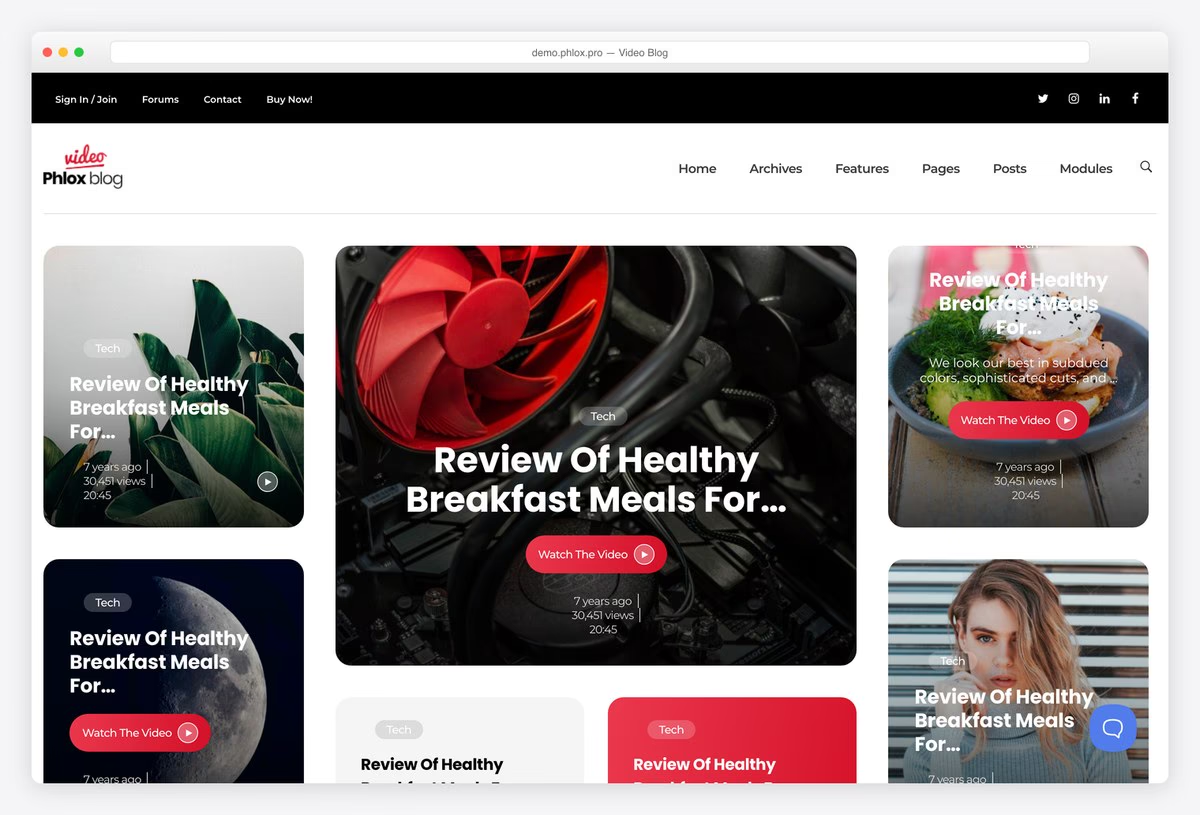
Why we like it: A finished Video Blog demo for Elementor users, from a theme built around it rather than merely compatible with it.
Phlox imports a complete video blog with episode cards, categories and a subscribe call to action, all editable in Elementor. If whoever maintains your site already works that way, this removes the blank-page problem entirely.
✅ Pros: free video blog demo, deep Elementor integration, strong review record ⚠️ Cons: tied to Elementor, and heavier for it
6. Kadence
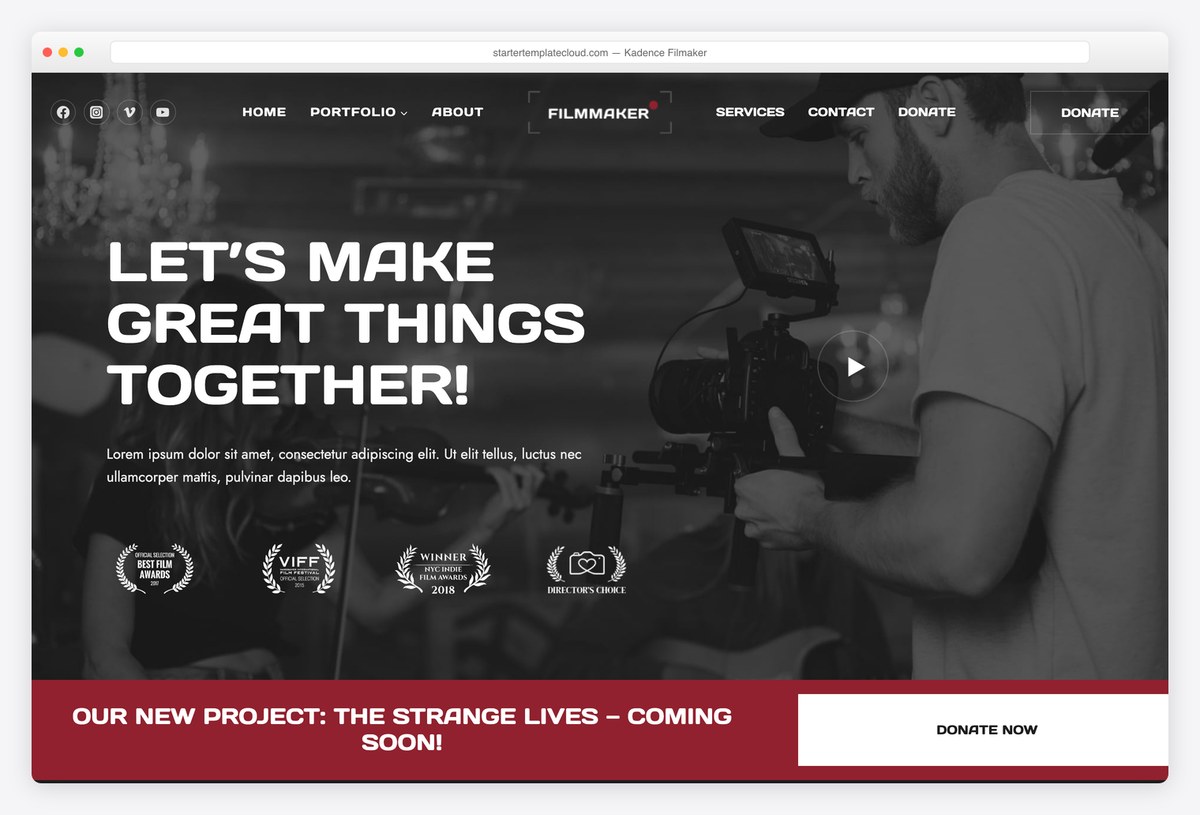
Why we like it: Free header and footer builders, which is how a video site keeps a subscribe button and a showreel link on every screen.
Kadence gives you drag-and-drop header building in the free theme, and its Filmaker starter shows a production portfolio using it. The starter’s copy is placeholder text, so treat it as a layout to fill rather than a site to edit.
✅ Pros: free header and footer builders, block-native, fast ⚠️ Cons: the Filmaker starter ships with lorem ipsum, and check which templates your plan includes
Want the video as a background rather than the content? Our video background roundup covers that, and the full free collection covers everything else.
7. BlackVideo
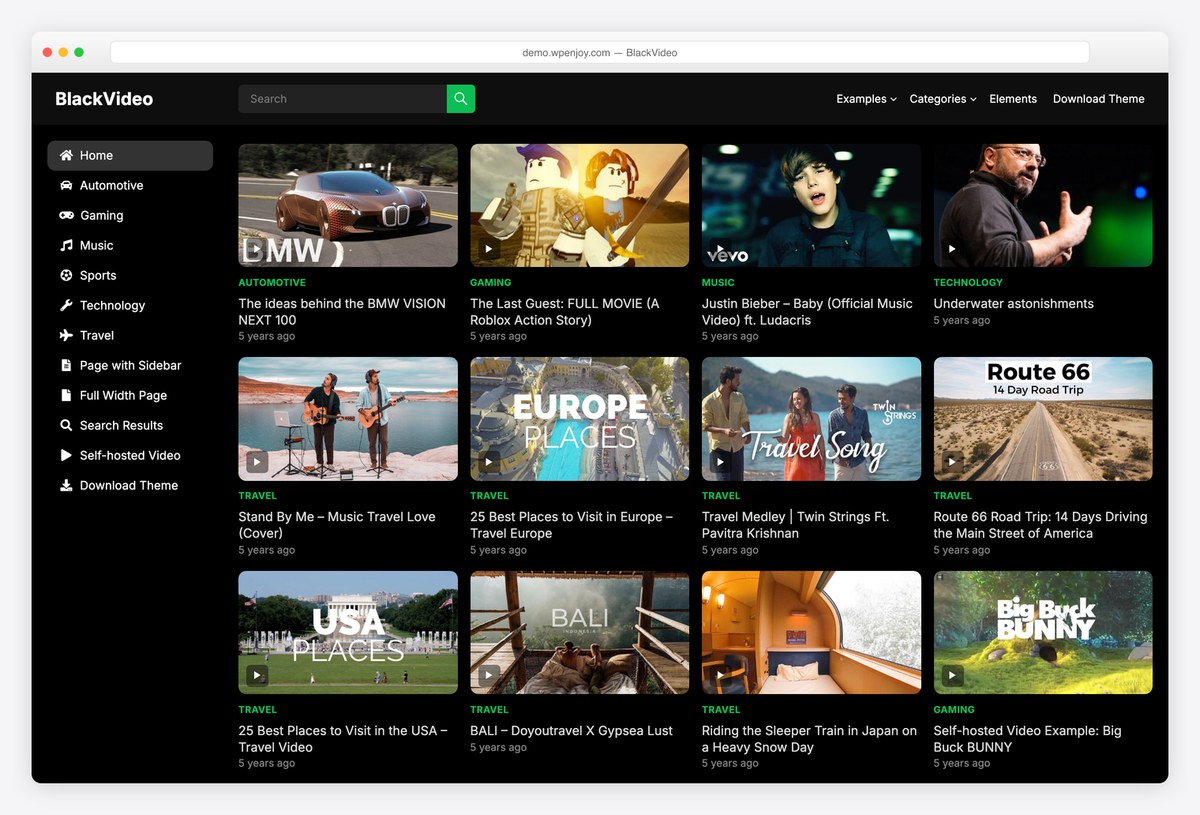
Why we like it: The only dedicated free video theme on WordPress.org we could find with a working demo, which says more about the category than about the theme.
BlackVideo is what a video theme used to look like: dark, video-first, with thumbnails and categories and nothing else competing for attention. It is small and unrated, so treat it as a starting point rather than a safe long-term bet.
✅ Pros: genuinely video-first design, dark by default, free with no upsell ⚠️ Cons: no ratings at all, few installs, and updated less often than the frameworks
8. Hello Elementor
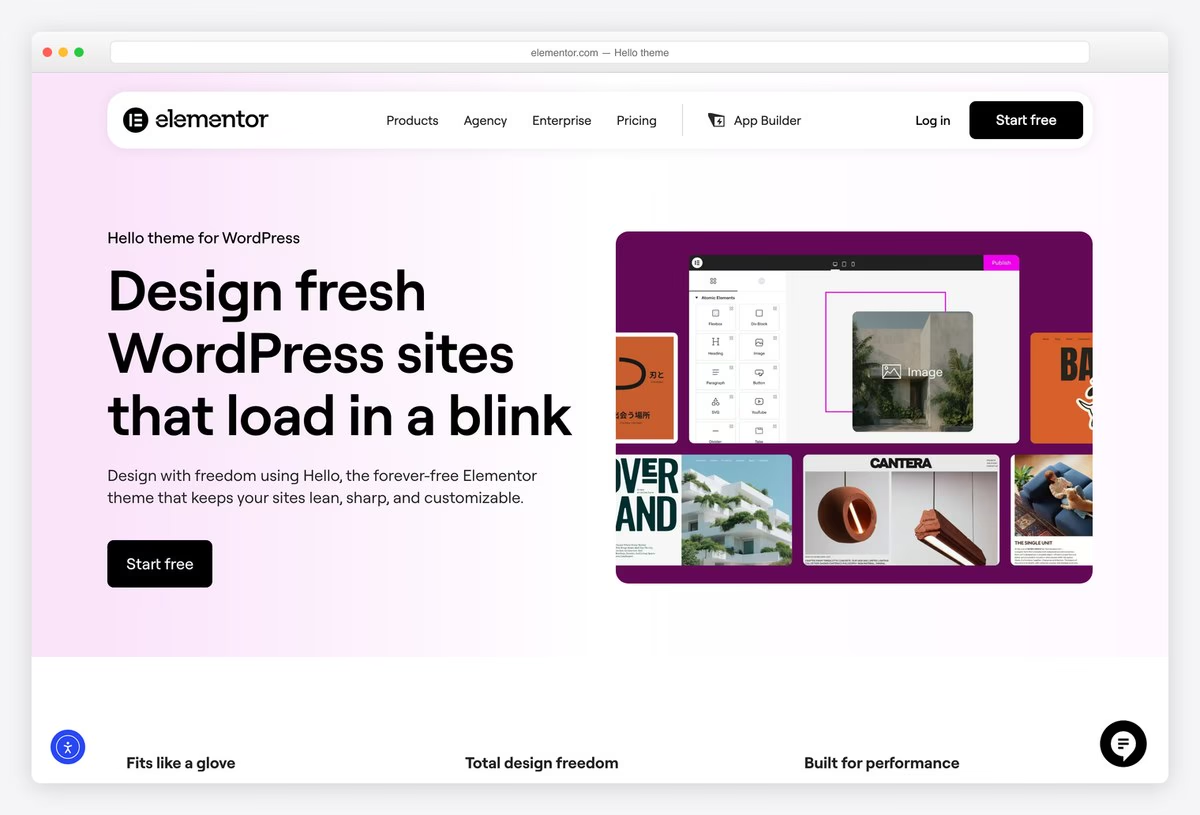
Why we like it: The lightest base available, which matters most on a page that already has to load video.
Hello Elementor contains essentially no design, so nothing competes with your video for bandwidth. Elementor’s own library carries video and vlog template kits, and its video widget handles lazy loading and privacy-mode YouTube embeds properly.
✅ Pros: the lightest base there is, no styling to override, good video widgets in Elementor ⚠️ Cons: useless without Elementor, and you design everything yourself
Paid video WordPress themes worth the money
What you buy at the paid end is plumbing rather than looks: importing a whole YouTube or Vimeo channel automatically, playlists, video ads, memberships and paywalls. If your site is the business rather than the shop window, that is where the money goes.
9. VidoRev
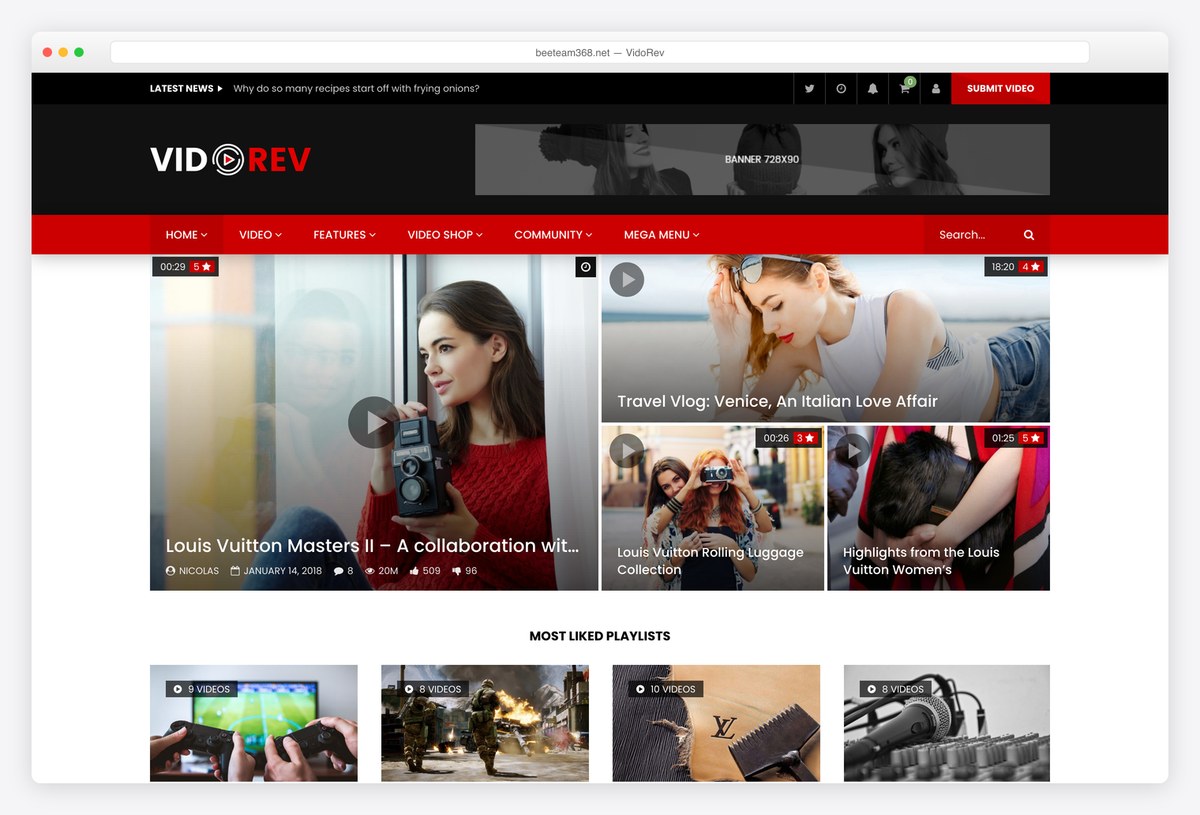
Why we like it: Pulls video in from YouTube, Vimeo, Dailymotion, Twitch, Facebook and Google Drive, then runs ads against it.
VidoRev is built for someone running a video site as a business: automatic import from eight platforms, video advertising through Google’s ad manager, memberships and downloads. It is the closest thing on this list to a ready-made video destination.
✅ Pros: multi-platform import, video ad support, memberships and WooCommerce ⚠️ Cons: a large theme to learn, and it has gone longer between releases than anything else here
10. VideoBox
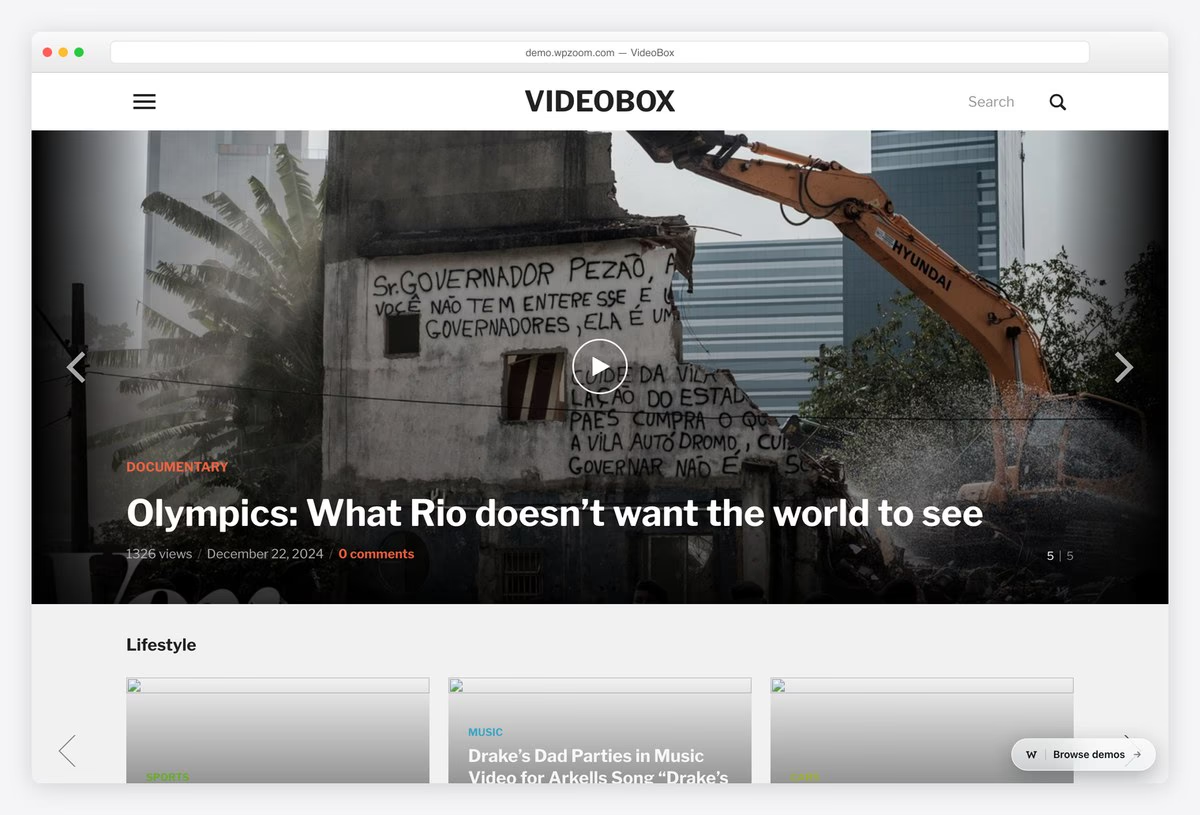
Why we like it: Handles video and podcasts in one theme, with unlimited sites on even the cheapest plan.
VideoBox is laid out like a video magazine, with view counts, categories and a latest-versus-popular switch, and it treats podcast episodes as first-class content beside the video. If you publish in both formats, that saves running two systems.
✅ Pros: video and podcast in one theme, unlimited sites, lifetime option ⚠️ Cons: sold by subscription rather than one-off, and priced in euros
11. Inspiro PRO
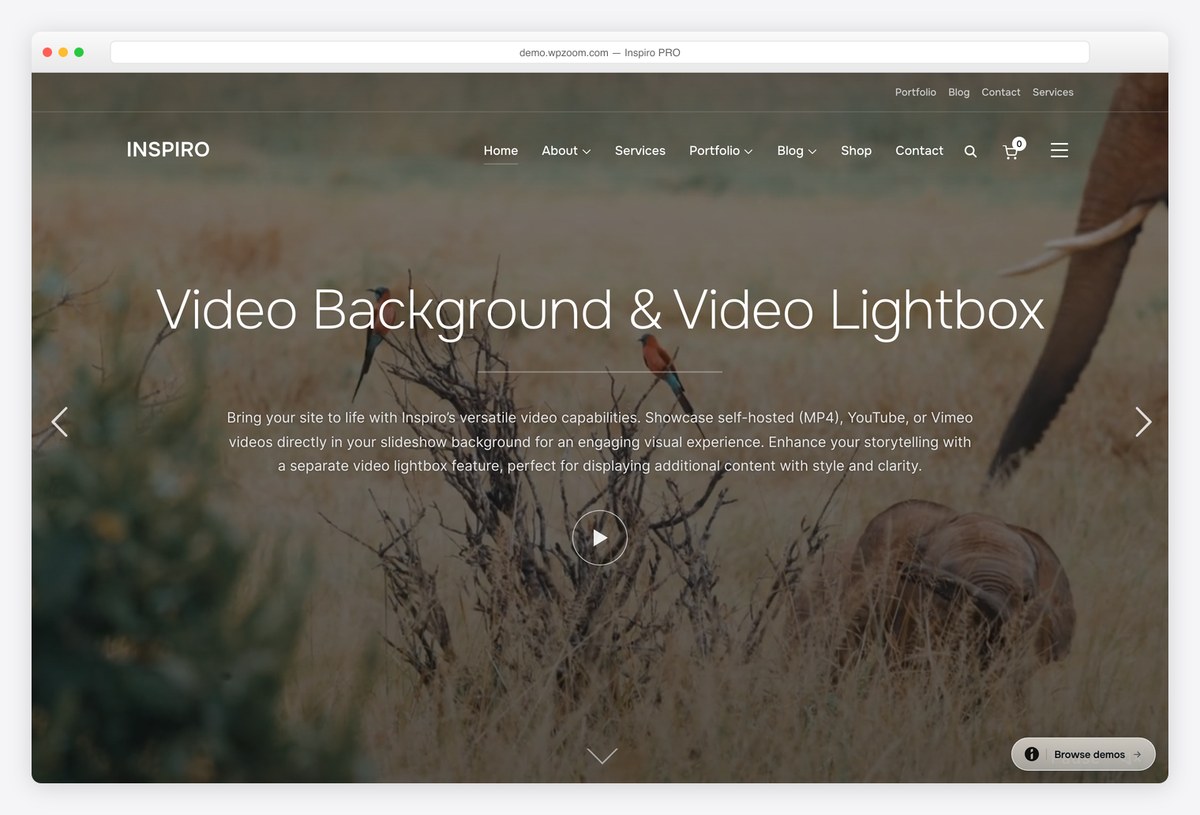
Why we like it: The paid half of the theme that tops this list, adding video portfolio templates and video-on-hover in the grid.
If Inspiro Lite already suits you, the upgrade is the cheapest sensible purchase on this page: portfolio templates built for motion work, a fullscreen slideshow with video backgrounds, and thumbnails that play on hover. Nothing to migrate, since it is the same theme.
✅ Pros: no migration from the free version, video-on-hover grids, portfolio templates ⚠️ Cons: a portfolio theme rather than a video library, so no channel import
12. Divi
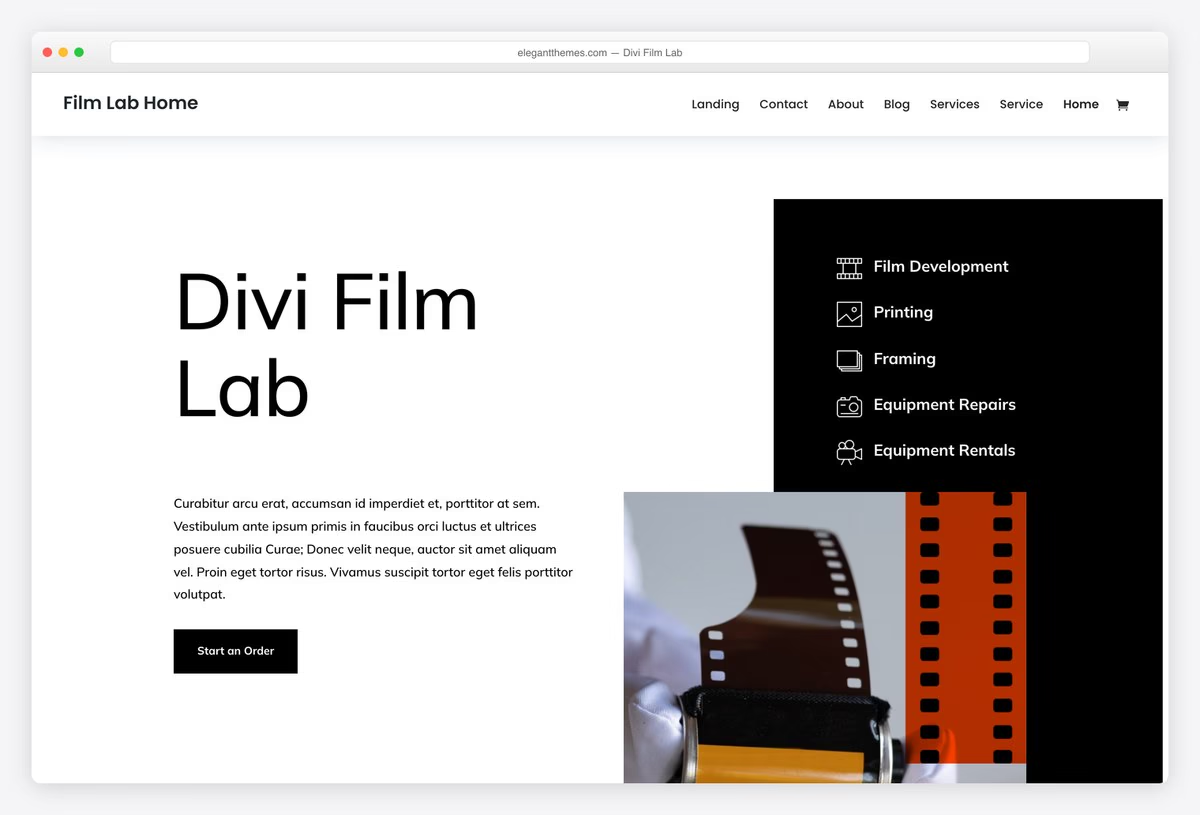
Why we like it: Video and Video Slider are builder modules, so a video can go anywhere on any page rather than only in a hero.
Divi treats video as a block you drop into a layout, with its own overlay image, play button and slider variant. For a site where different pages need video in different places, that flexibility beats a fixed video theme, and the licence covers every site you build.
✅ Pros: video modules anywhere, visual editing, unlimited sites ⚠️ Cons: adds page weight on top of the video you are already loading
What to look for in a video WordPress theme
- Decide whether you need a video theme at all. If you embed a YouTube video in a post now and then, any theme does that. A video theme earns its place when video is the content: playlists, channel pages, view counts and a player that behaves.
- A fullscreen video hero is expensive. It is usually the largest thing on the page and Google measures it. Use a short, compressed, muted, self-hosted clip with a poster image, or the score you gain from a light theme goes straight back out.
- Check embeds load lazily. A YouTube embed pulls in a large amount of script before anyone presses play. Themes and plugins that swap in a thumbnail and load the player on click make a bigger difference than any other optimisation here.
- Channel import is the paid feature that matters. If you publish to YouTube first and want the site to follow automatically, that is what you are buying. VidoRev does it across eight platforms; free themes do not do it at all.
- Dark layouts are not just a style choice. A dark surround makes video look better and reduces the brightness jump when a clip starts. Most dedicated video themes default to dark for that reason.
- Think about where the money comes from. Video advertising, memberships and paywalls are theme-and-plugin decisions you should make before you build, not after. Retrofitting a paywall is far harder than starting with one.
- Watch the mobile autoplay rules. Phones block autoplay with sound, and some block it entirely on cellular. A hero that depends on video playing automatically needs to look right when it does not.
Frequently Asked Questions
What is the best free video WordPress theme?
Inspiro Lite. It is the only free theme we found with a genuine fullscreen video hero in the free build, and with sixty thousand installs it is also the most proven. If you want a finished site rather than a hero, Astra’s Video Editor starter and Blocksy’s Persona both import complete.
Do I need a special theme to embed YouTube videos?
No. Paste a YouTube or Vimeo link on its own line in any WordPress theme and it becomes an embedded player. A video theme is for when video is the whole site: playlists, channel pages, view counts and a layout built around the player.
Why are there only eight free themes here?
Because that is how many we could verify. The WordPress directory has plenty of themes with video in the name, but most have no working demo, several are unrated with a few hundred users, and some have not been updated in years. We only list what we could open and check.
Does video slow down a WordPress site?
Yes, and more than almost anything else. A fullscreen hero video is usually your largest contentful paint, and every YouTube embed pulls in a lot of script. Use a compressed muted clip with a poster image for heroes, and a lazy-loading embed for everything else.
Can a free theme import my YouTube channel automatically?
No. Automatic channel import is the main thing the paid themes sell, and VidoRev does it across YouTube, Vimeo, Dailymotion, Twitch and more. On a free theme you publish each video as a post yourself, or use a separate feed plugin.
How do I make money from a video site?
Three routes: advertising against the video, memberships or a paywall, and selling something alongside it. VidoRev supports video ads and memberships directly; on a free theme you would add a membership plugin. Decide before you build, because retrofitting a paywall is painful.
What is the difference between a vlog theme and a video portfolio theme?
A vlog theme is a blog where each post is an episode, so it is built for volume and subscriptions. A video portfolio is built for a handful of pieces shown at their best, usually with a showreel. Astra’s Vlogger and Blocksy’s Persona are the two shapes side by side.
Can I put a video background behind my header?
Inspiro Lite does it in the free build, and Divi’s modules do it on any page. Keep the clip under about ten seconds, mute it, compress it hard and always set a poster image, because a good share of visitors will only ever see that still.
Which one should you use?
For a video portfolio, install Inspiro Lite and put your showreel in the hero. For a vlog, import Astra’s Vlogger starter; for a film freelancer’s site, Blocksy’s Persona; and for something shaped like a channel with shows, Neve’s Channel 9. Pay for VidoRev only when the site needs to import a channel automatically and run advertising against it, which is the one thing no free theme here does.

Related Posts



Looking to start a youtube take over website, but i can’t find a theme for free that does live streaming plus video hosting and not from other websites from my local server only..
Anything like this out there?
Just getting started and need a few pointers like where to find a free theme with these plus an ad program where people can get paid for their videos via ads like youtube.
Jason,
You are essentially looking for a platform instead of a theme. Themes are all about applying styling for WordPress. In your case you are looking for functionality that WordPress doesn’t have. Your option is to either hire a coder/code yourself or look for a different platform. Themes/templates will help you only with the design.