
Squarespace has dozens of templates, and the template browser shows them in its own order, not by how well they fit your kind of site. We have sorted the best ones into collections by industry and by layout. Each collection compares the templates side by side, explains who each one suits, and links to the live demo.
Squarespace’s own templates do not cost extra: you pay for the Squarespace plan, and every site starts with a 14-day free trial that needs no credit card. If you are still deciding, the website examples show what real businesses have built on these templates.
Some links to Squarespace are affiliate links, so we may earn a commission if you sign up. It does not change which templates we include. See our affiliate disclosure.
Recently updated
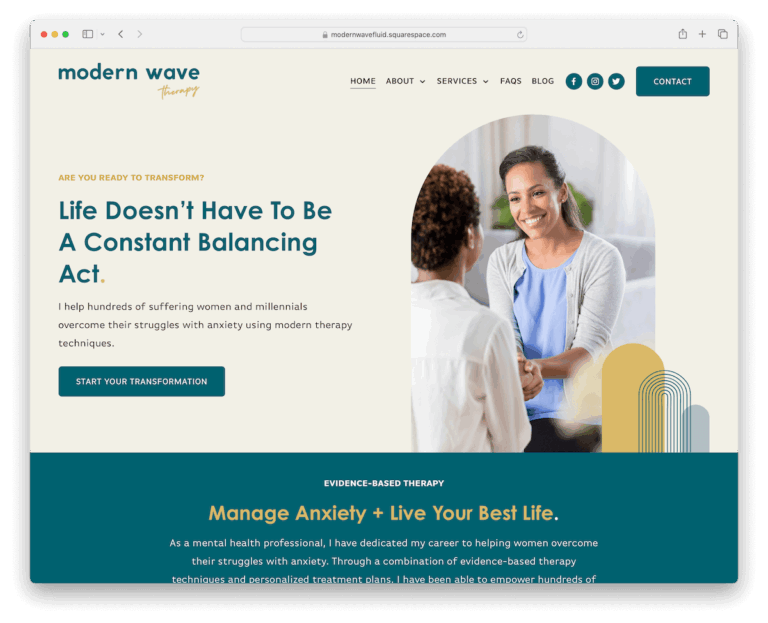
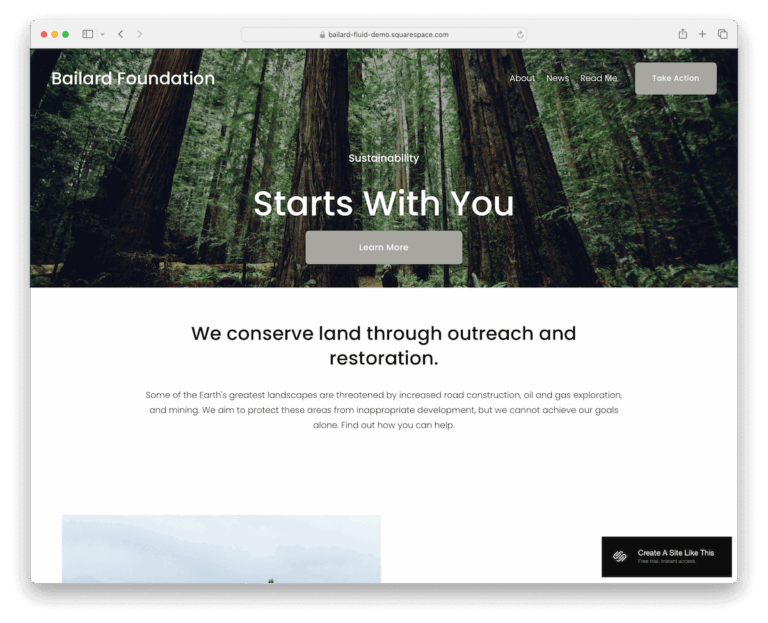
Business and services
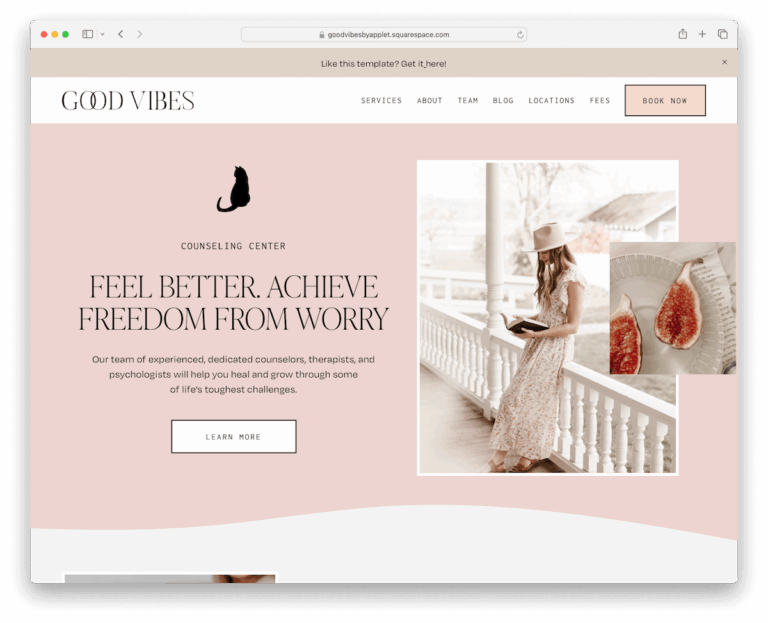
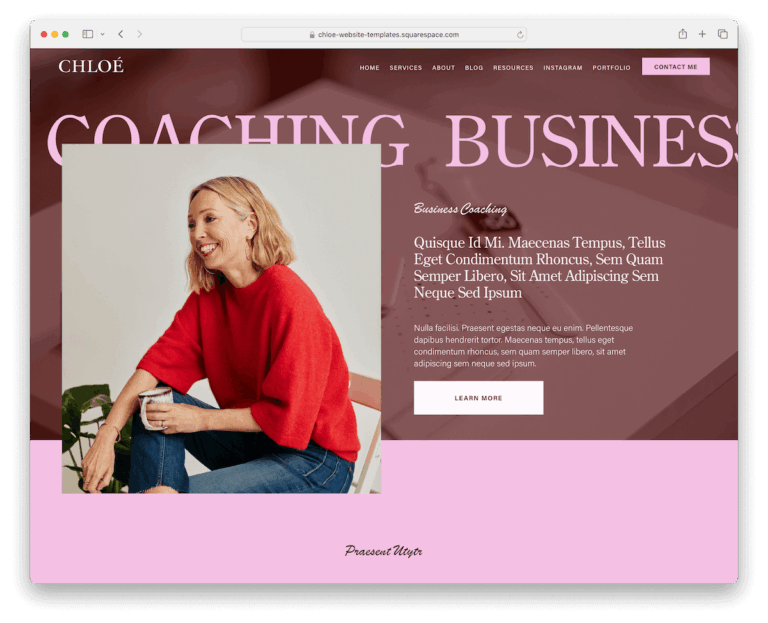
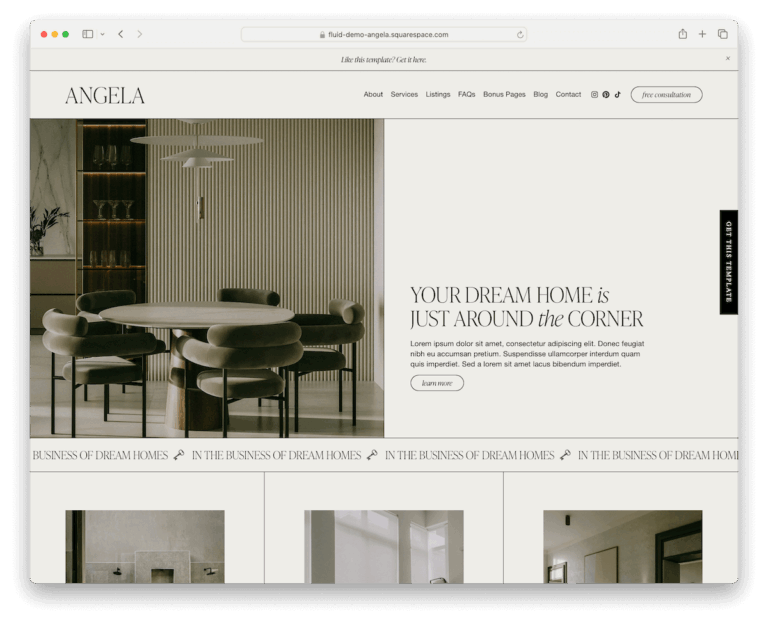
For consultants, coaches, agencies, clinics and organisations that need to look credible and get enquiries.

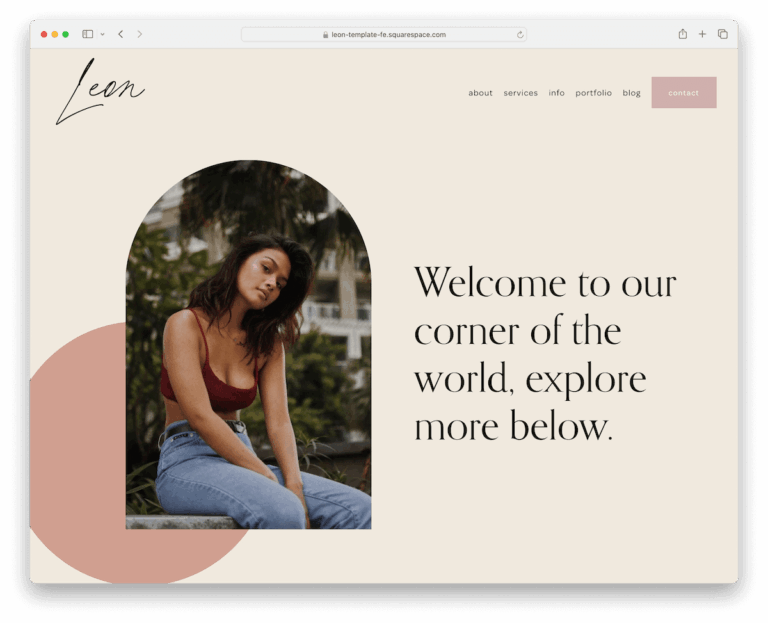
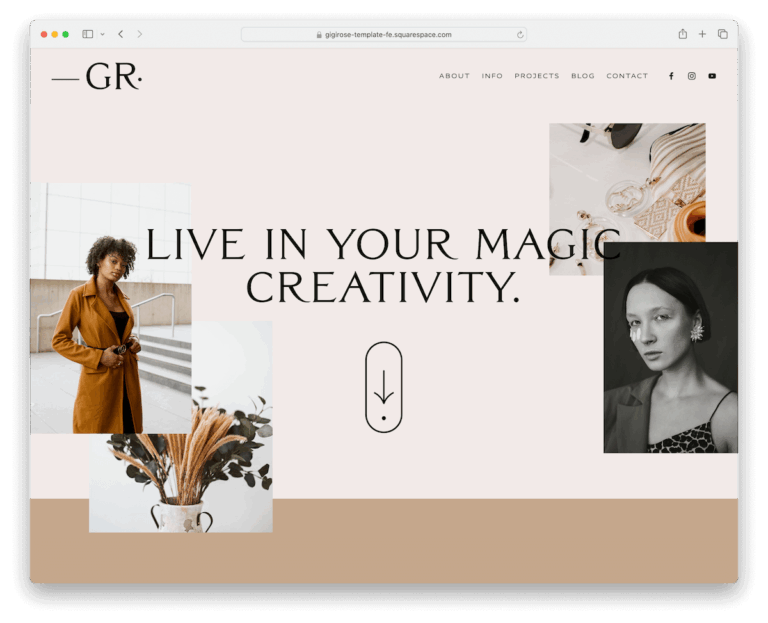
Portfolio and creative
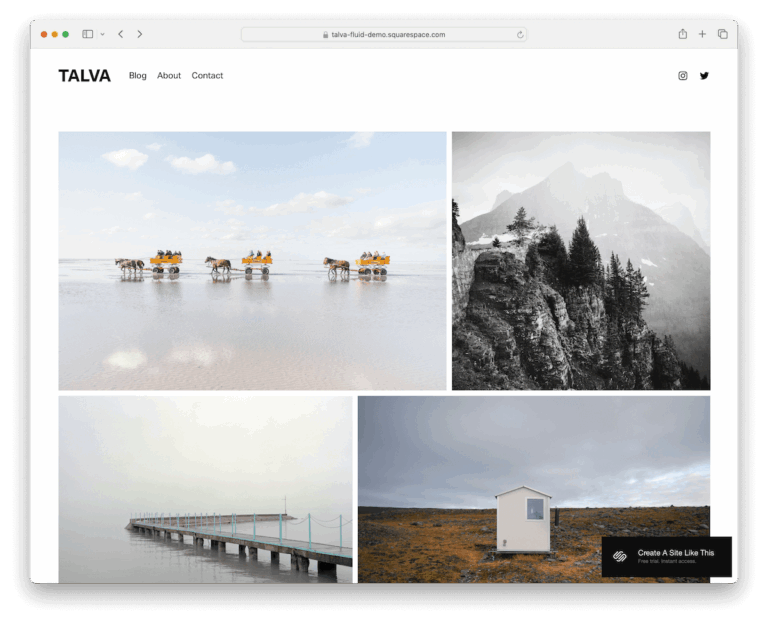
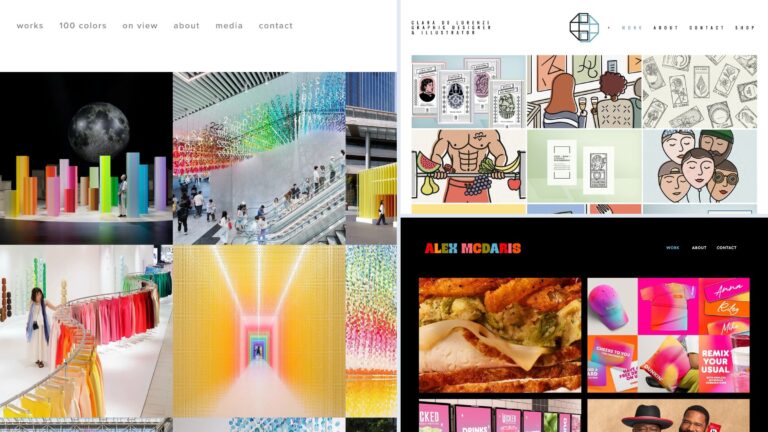
Image-led layouts for showing work: photographers, designers, artists, musicians and writers.
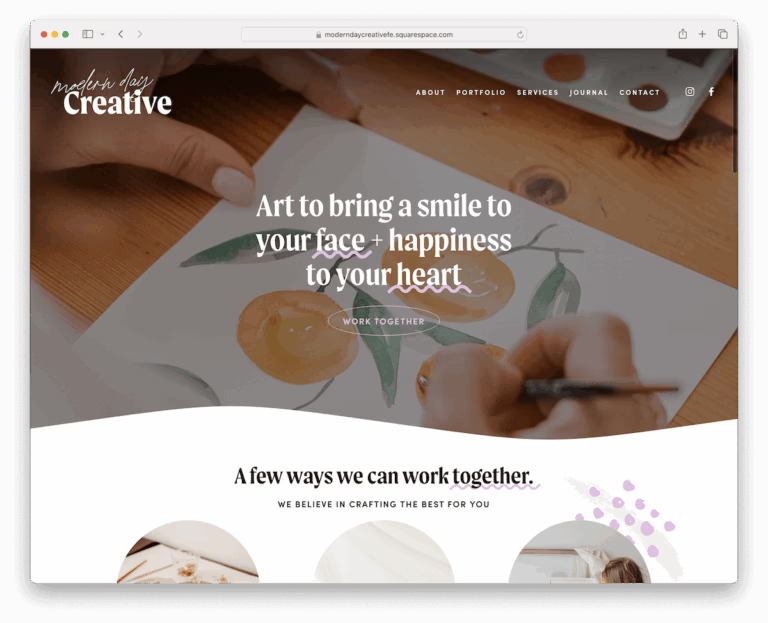
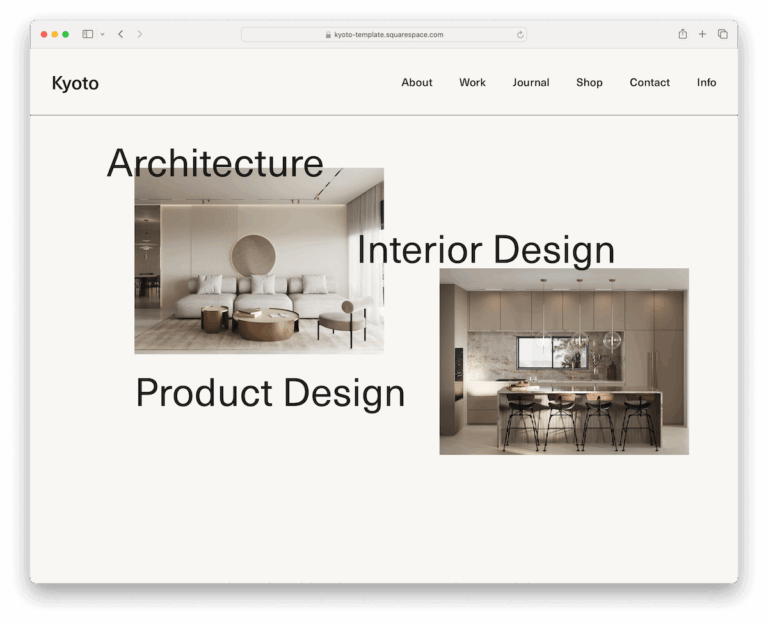
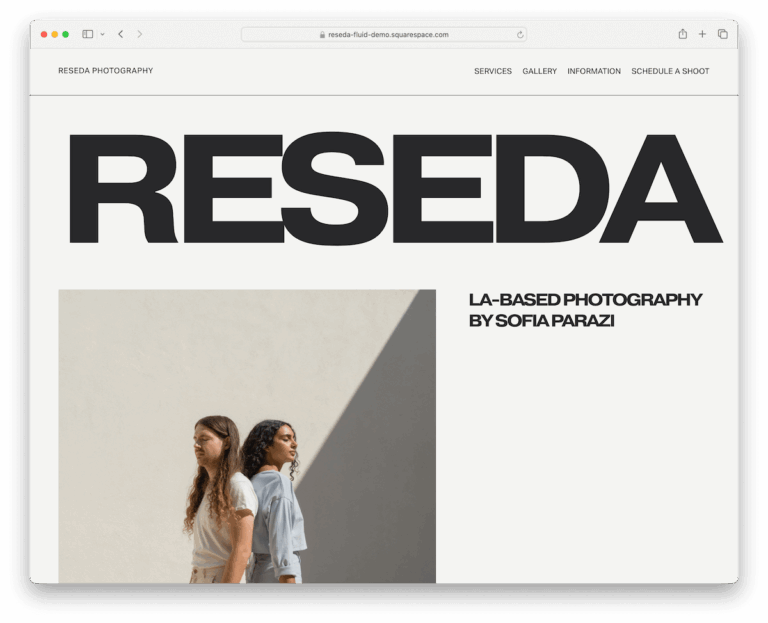
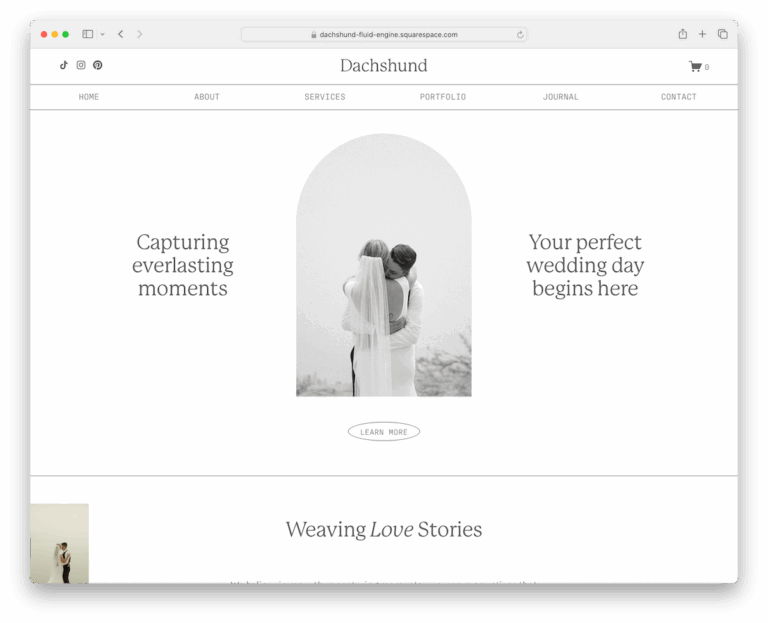
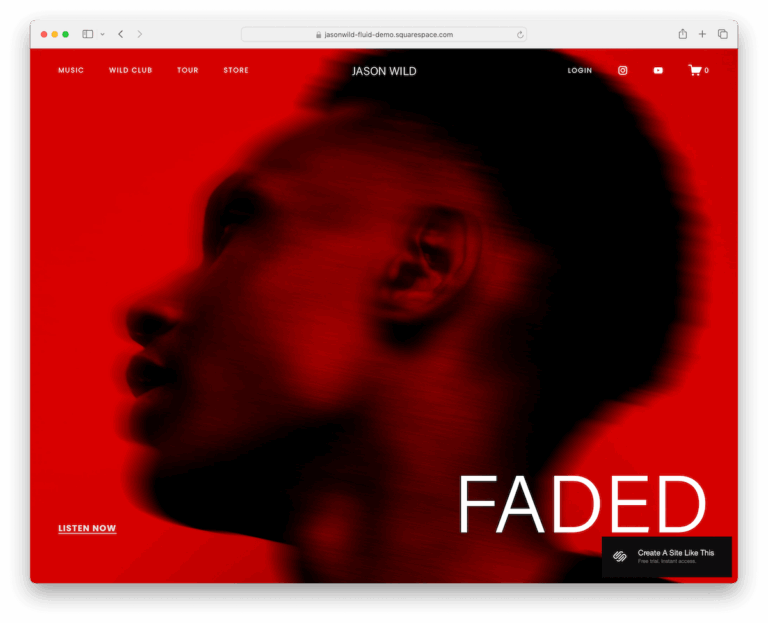
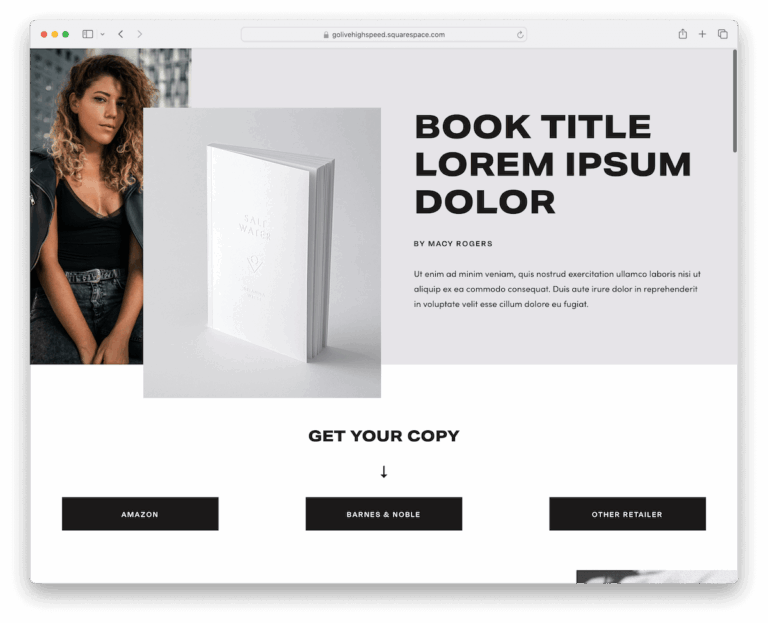
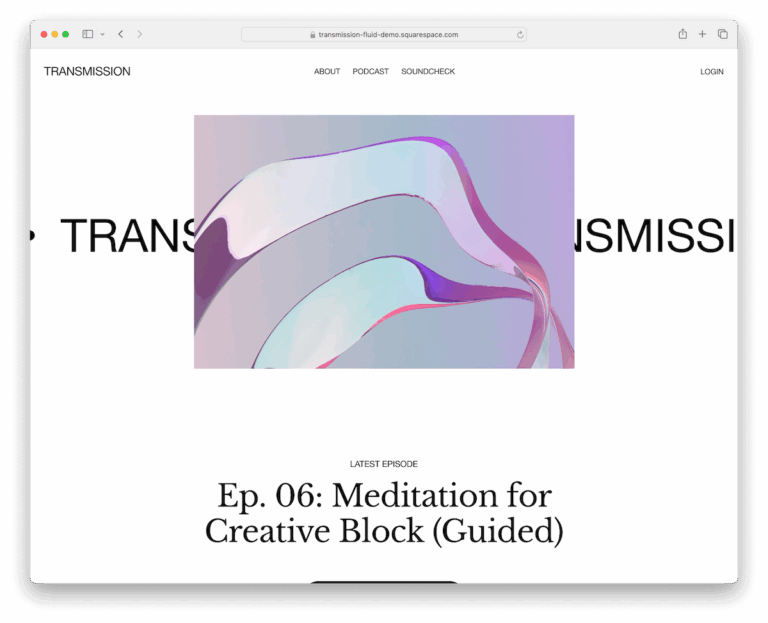
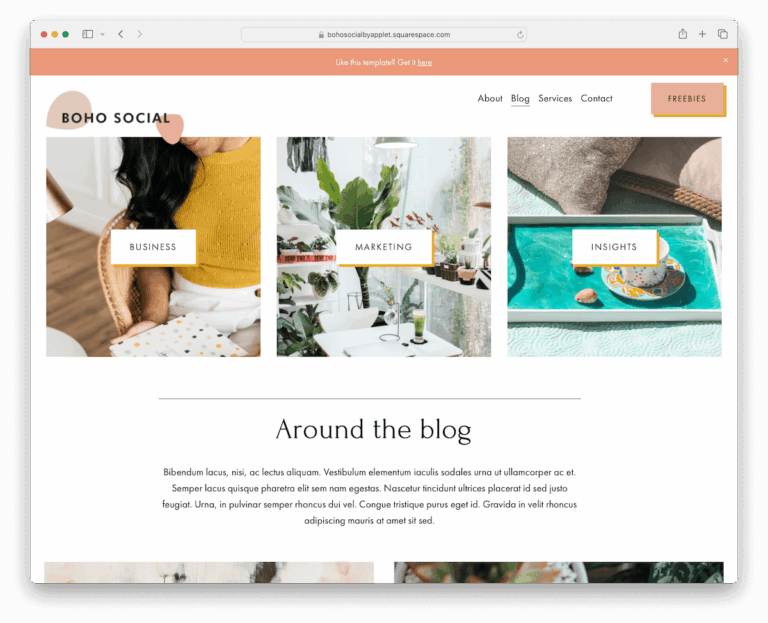
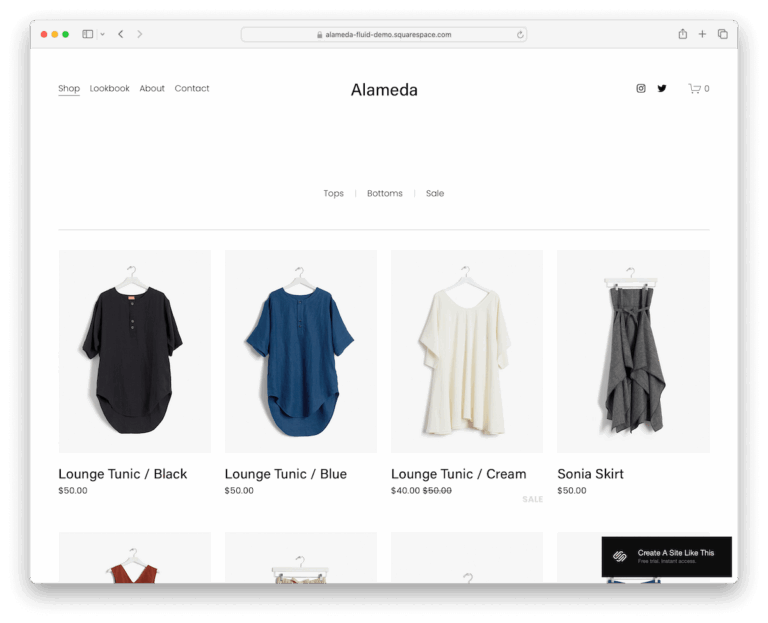
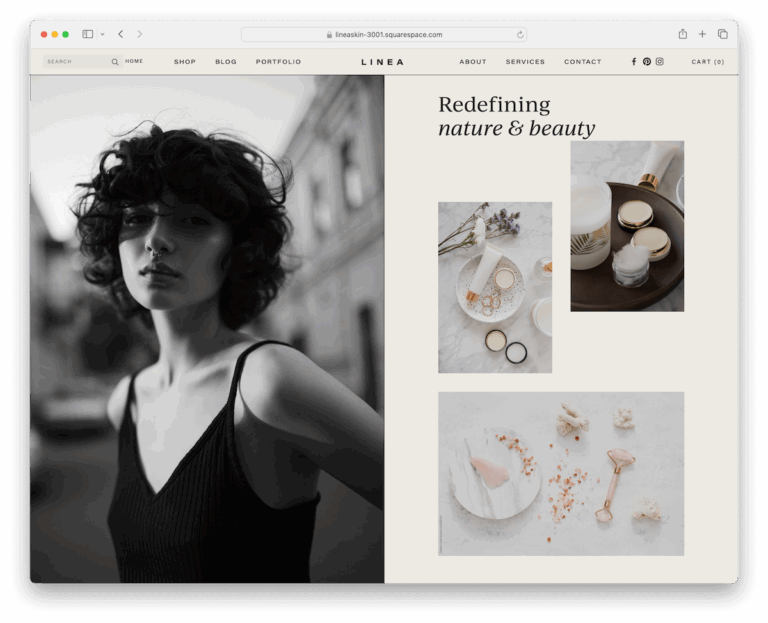
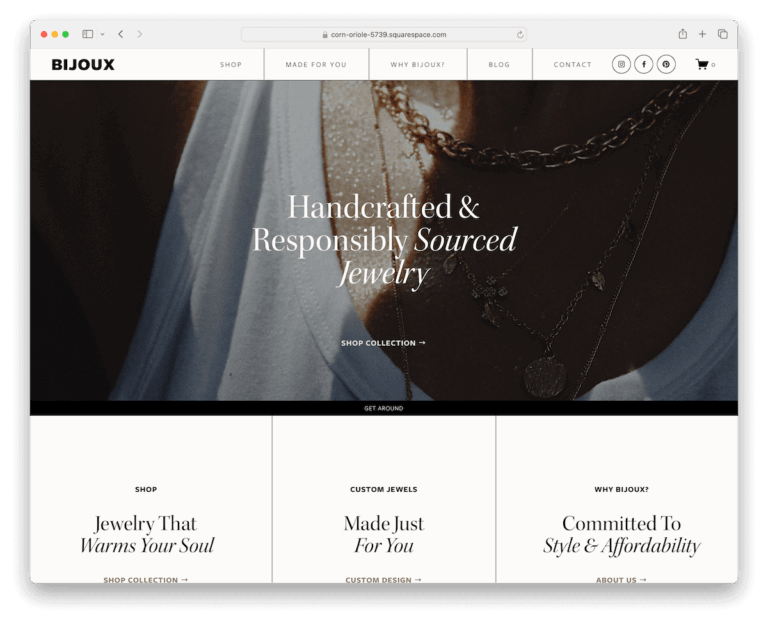
Online stores and lifestyle
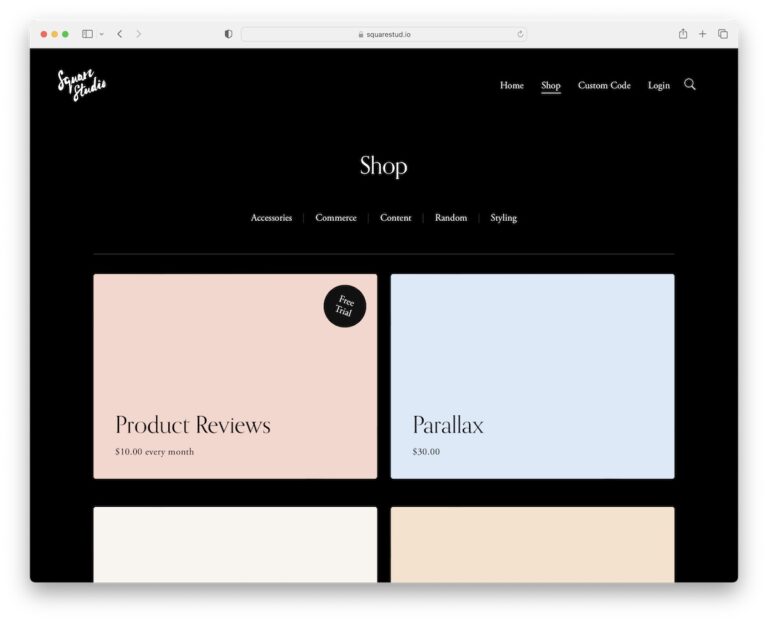
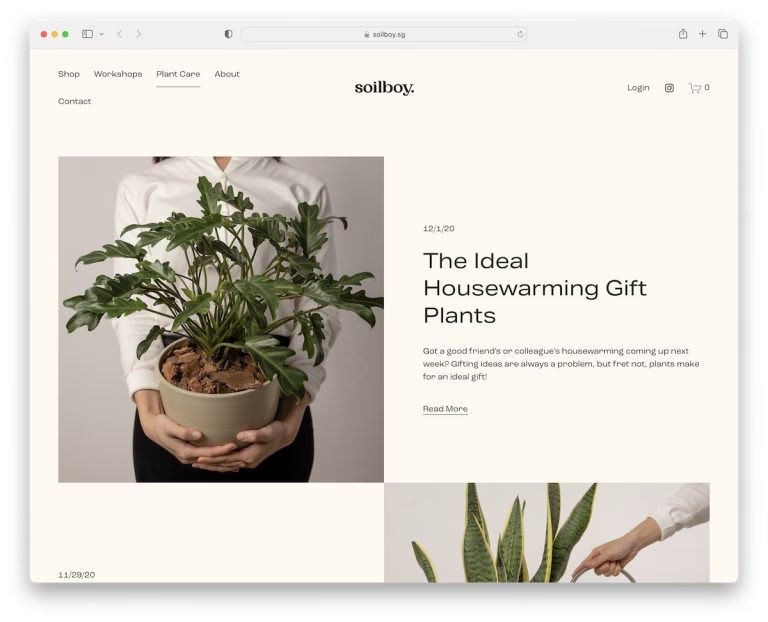
Templates with product grids and strong photography, for selling online or building a brand.
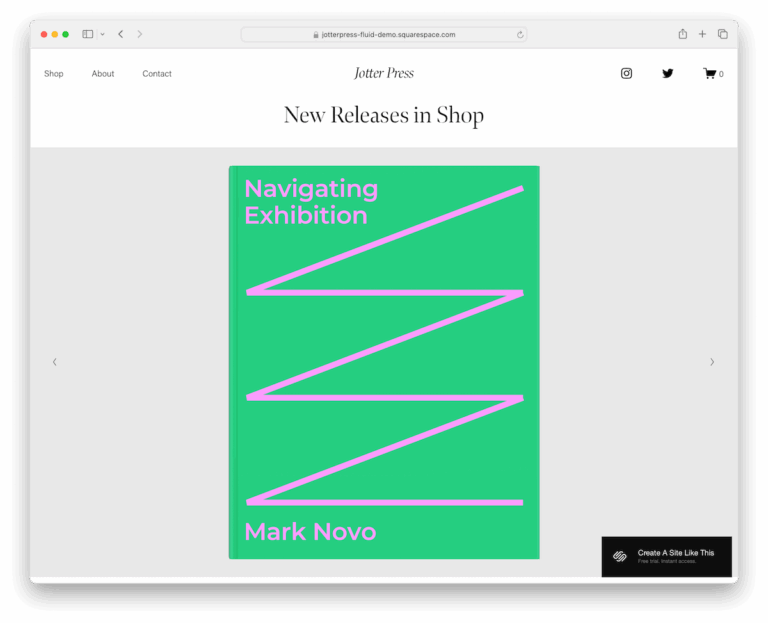
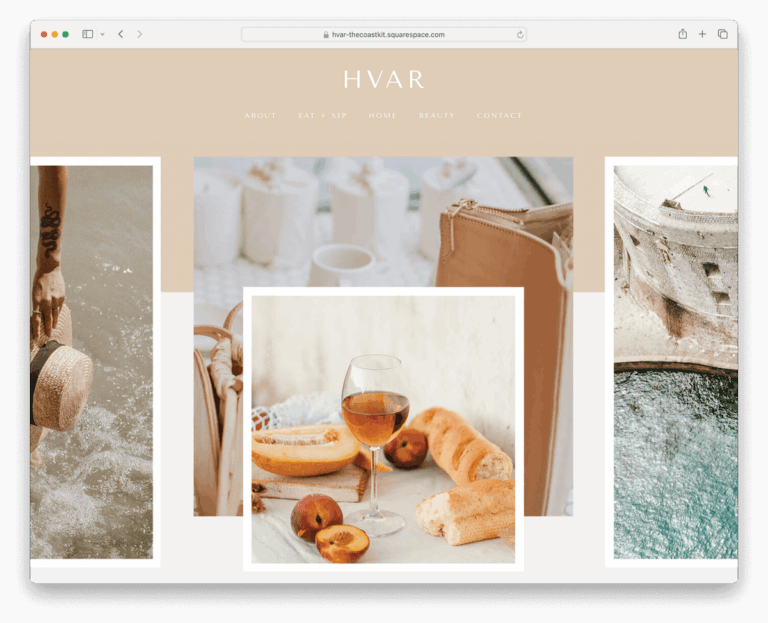
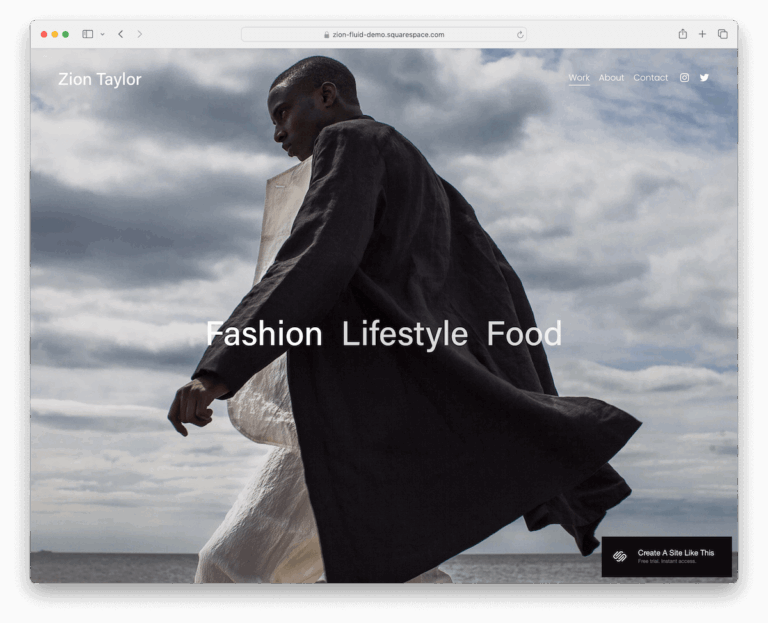
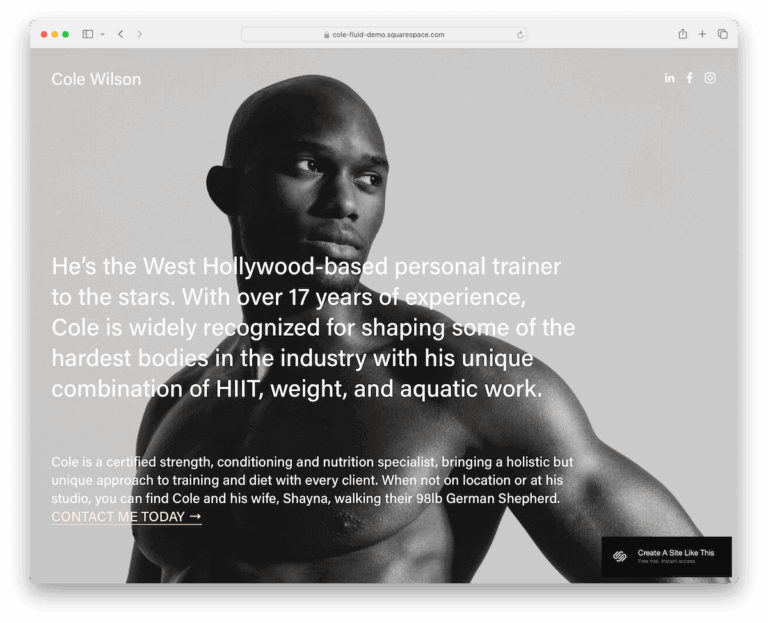
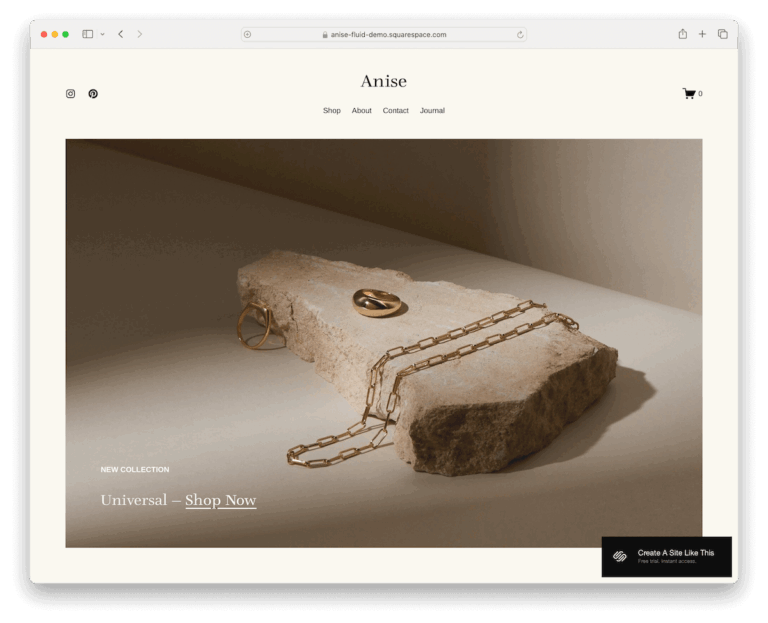
By layout and style
Pick by structure instead of industry: single-page sites, minimal designs and motion effects.
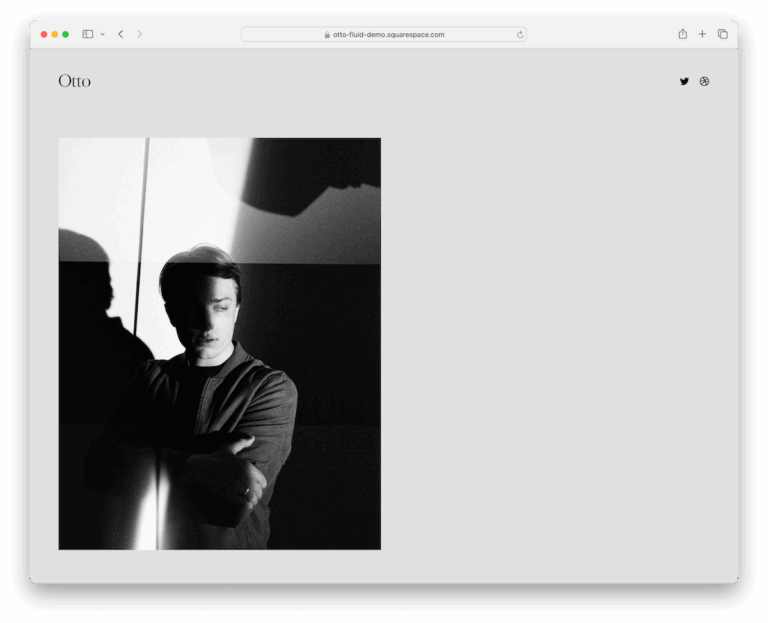
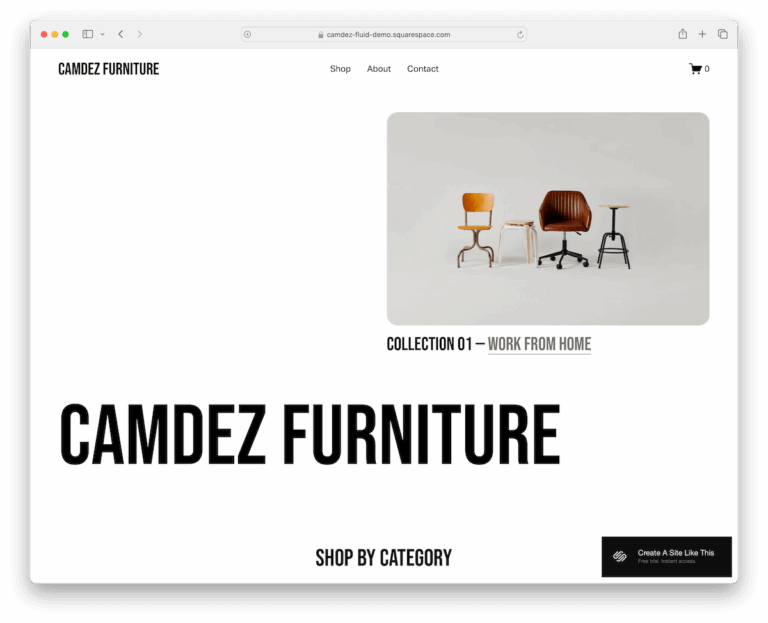
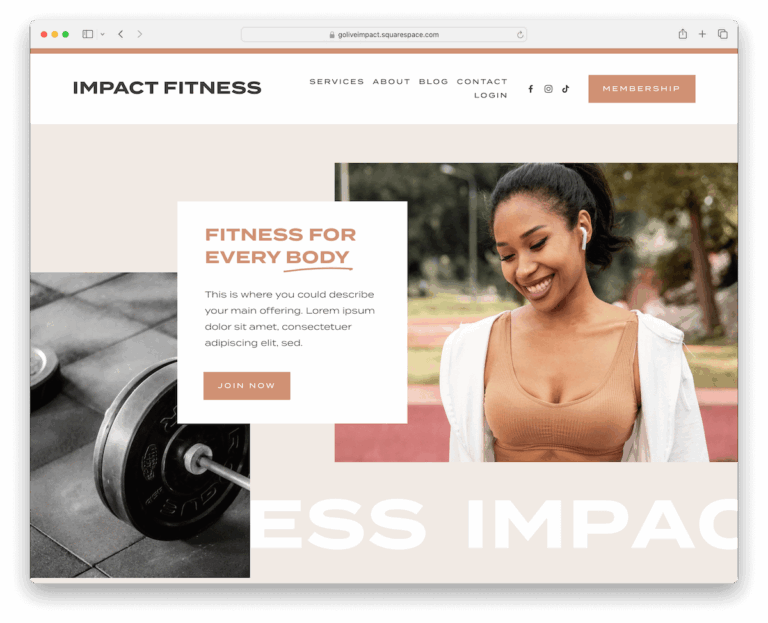

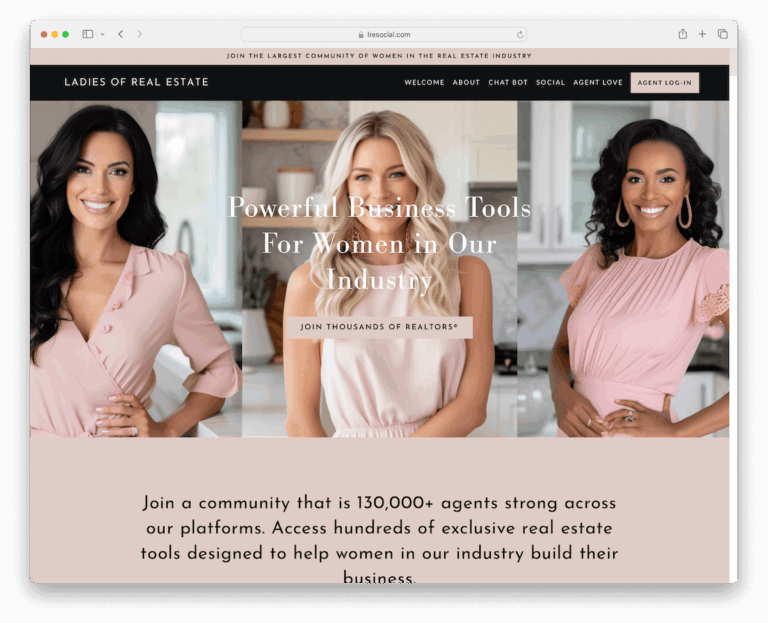
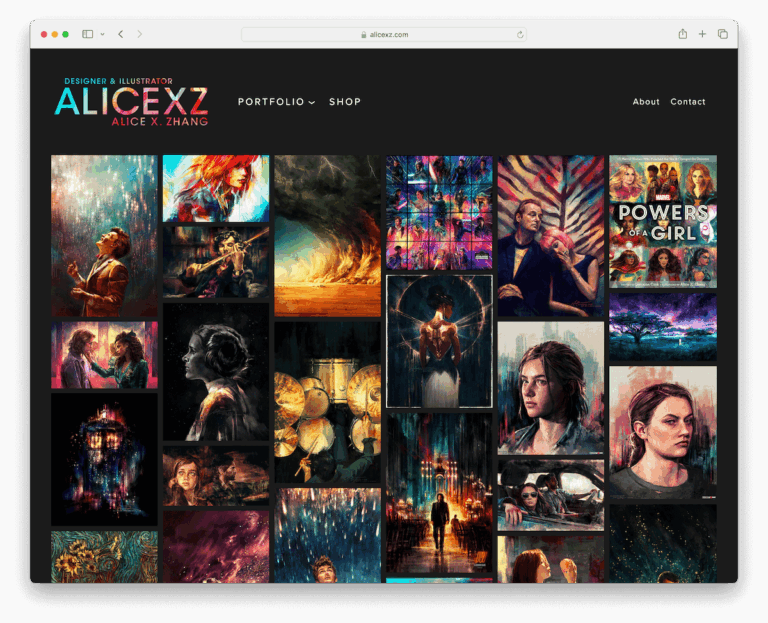
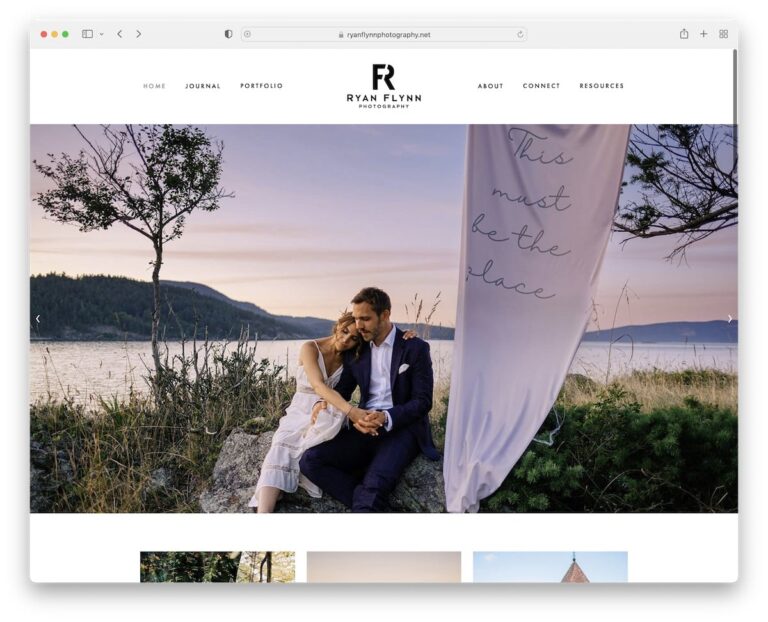
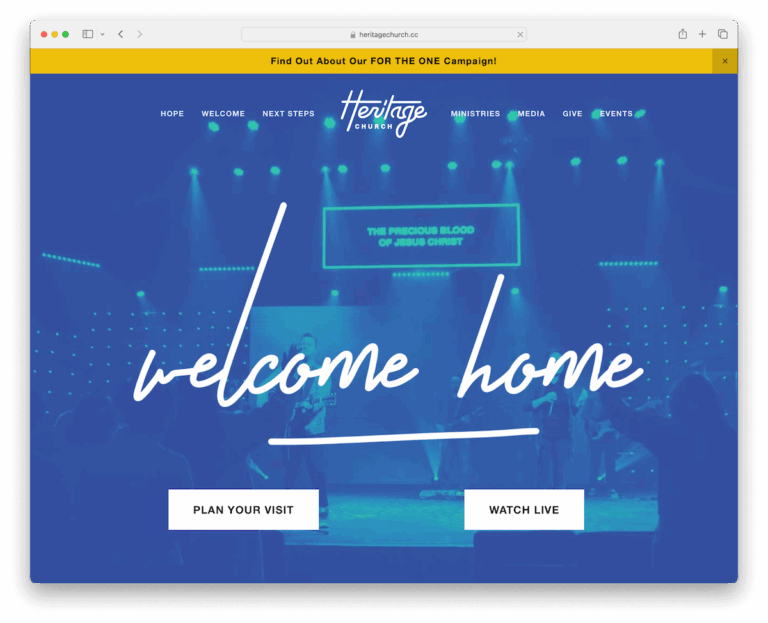
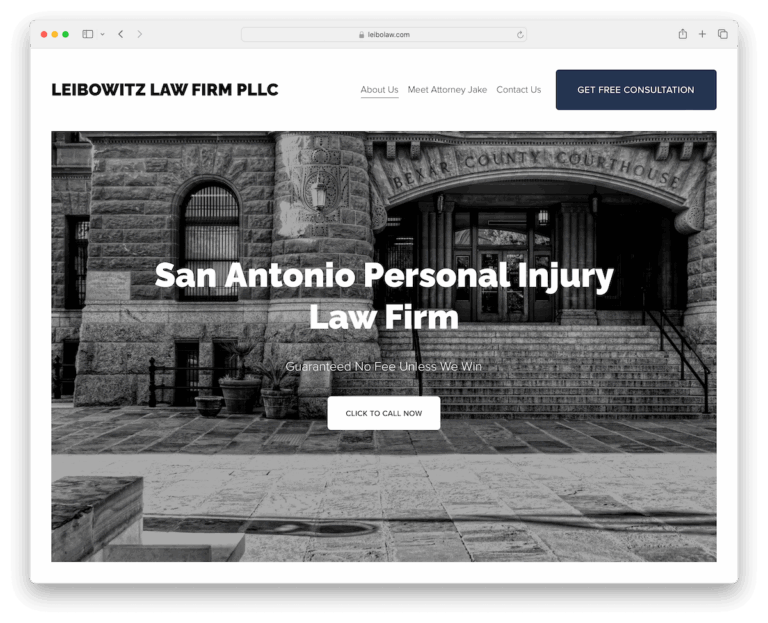
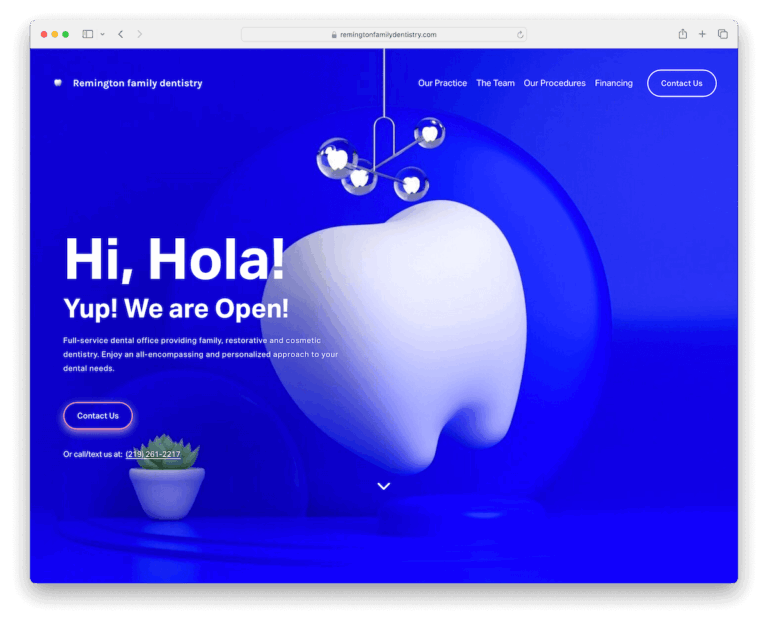
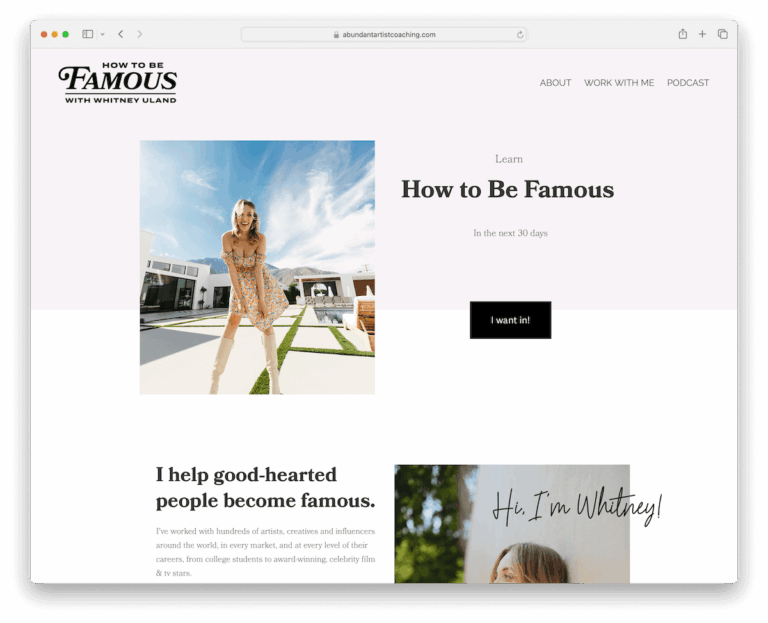
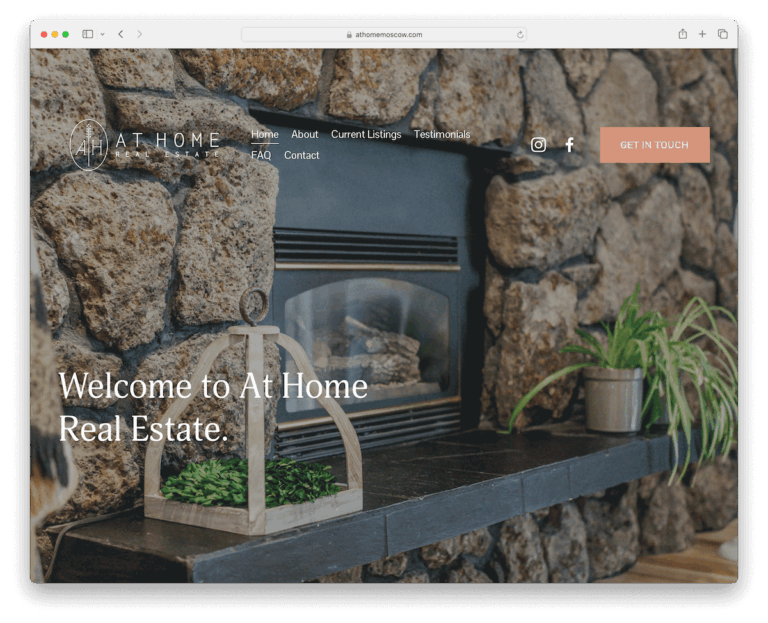
Real Squarespace website examples
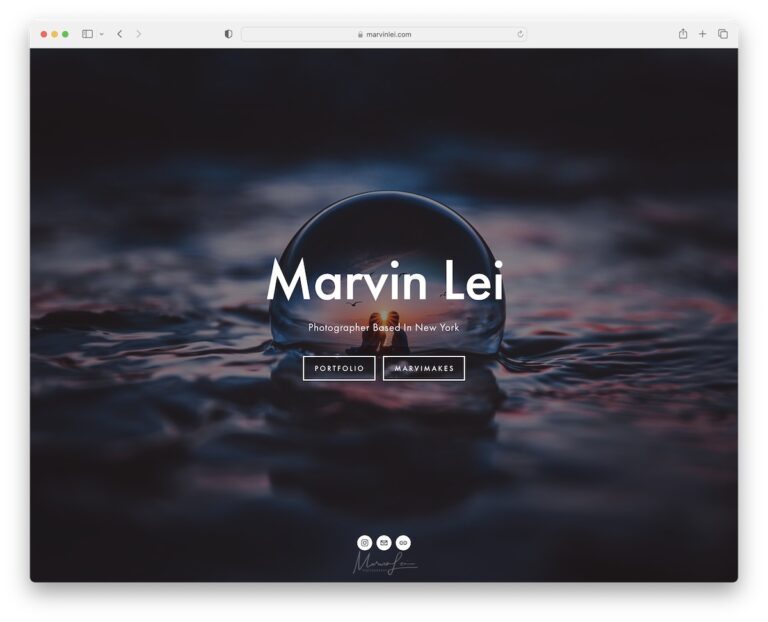
Live sites built with Squarespace, to see what a template looks like once a real business has filled it in.
Research: Squarespace statistics: market share, revenue and growth
How to choose a Squarespace template
Every current Squarespace template is built on version 7.1, and they all share the same features and the same style editor. Fonts, colours, buttons and spacing can be changed on any of them. So the template you pick matters less for how your site looks in the end and more for where you start.
- Choose by structure, not colour. Look for the template whose homepage layout and page set are closest to what you need: a big image grid for a portfolio, a product grid for a shop, a long single page for a launch. Colours and fonts are the easiest things to change.
- Choose carefully, because you cannot switch later. A 7.1 site cannot change to another template. You can restyle it as much as you like, but a completely different starting design means starting a new site.
- Look at the demo on your phone. Most visitors will see your site on mobile. Open the demo on a phone and check that the navigation, the image crops and the text sizes still work.
- Plan for your own photos. Demo sites use professional photography. If your images are a different shape or style, pick a layout that suits what you actually have.
- Check the plan if you sell online. Selling products, memberships or appointments depends on your Squarespace plan, not on the template. Compare plans before you build.
Ready to try one? Start a free 14-day Squarespace trial and preview any template with your own content before you pay.
Frequently asked questions
Are Squarespace templates free?
Squarespace’s own templates do not cost extra. You pay for a Squarespace plan, and every site starts with a 14-day free trial with no credit card required. Squarespace has no free plan, so the site stops working when the trial ends unless you upgrade. Third-party designers also sell premium templates, which are a separate purchase.
Can I change my Squarespace template later?
Not on version 7.1, which all current templates use. You can change fonts, colours, layouts and section styles at any time, but you cannot swap to a different template. To start from another design, you create a new site.
Which Squarespace template is best?
There is no single best template, because they all share the same features. The best one is the template whose layout is closest to the site you want to build. Start with the collection for your industry above, then compare the demos on desktop and mobile.
Are Squarespace templates mobile-friendly?
Yes. All current Squarespace templates are responsive and adjust to phones and tablets automatically. It is still worth checking each demo on a phone, because image crops and long headlines can look different on a small screen.
What is the difference between the template collections and the website examples?
The template collections show designs you can start from in Squarespace. The website examples show live sites that real businesses built with Squarespace, which helps you see how a template looks once it has real content.